Front End Workshops
React Native Part I
Jordi Serra
jserra@naradarobotics.com
React Native
A FRAMEWORK FOR BUILDING NATIVE APPS USING REACT
React Native enables you to build world-class application
experiences on native platforms using a consistent
developer experience based on JavaScript and React.
Focuses on developer efficiency across all platforms.
Learn once, write everywhere.
What is React Native?
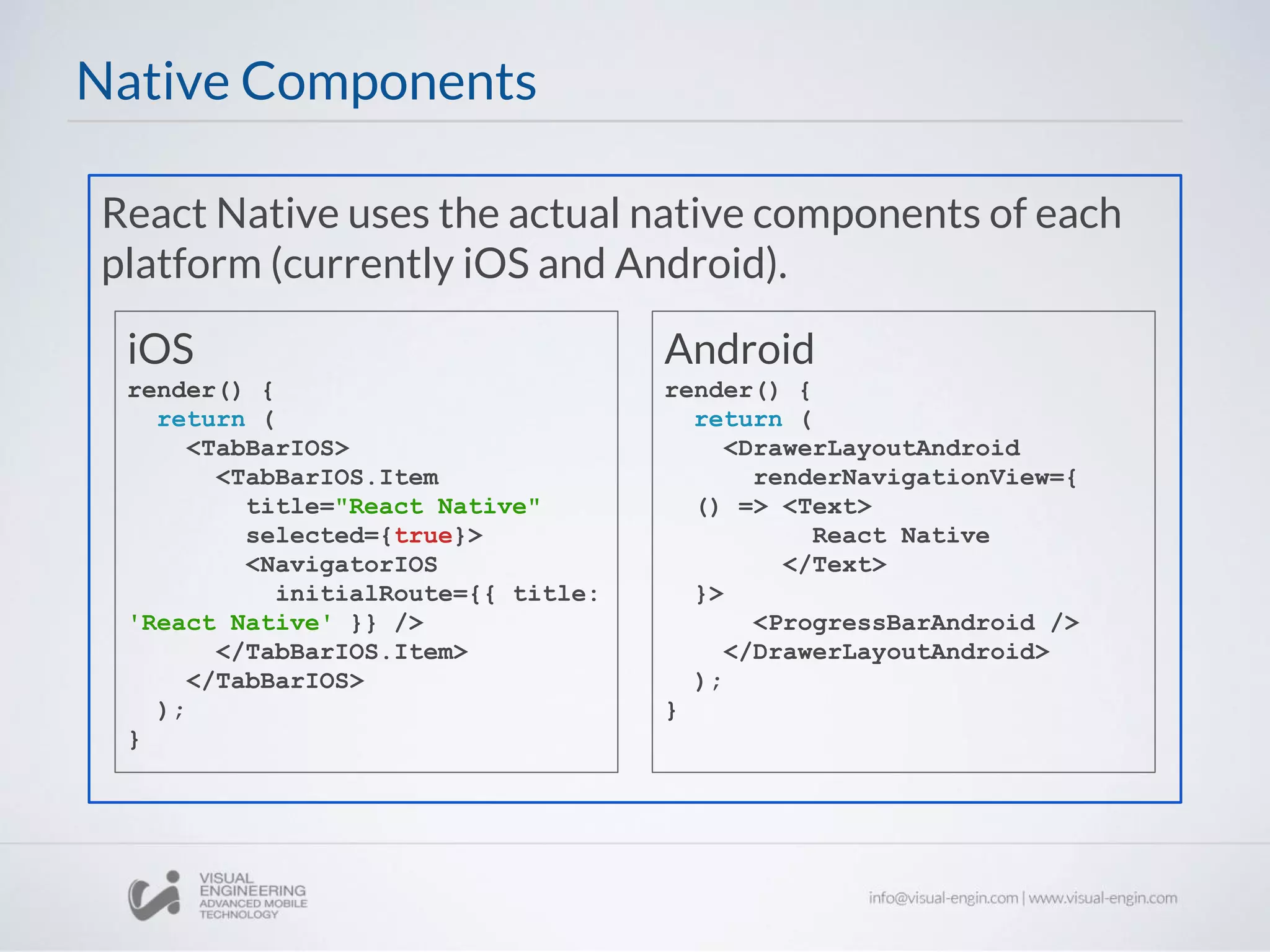
React Native uses the actual native components of each
platform (currently iOS and Android).
Native Components
Android
render() {
return (
<DrawerLayoutAndroid
renderNavigationView={
() => <Text>
React Native
</Text>
}>
<ProgressBarAndroid />
</DrawerLayoutAndroid>
);
}
iOS
render() {
return (
<TabBarIOS>
<TabBarIOS.Item
title="React Native"
selected={true}>
<NavigatorIOS
initialRoute={{ title:
'React Native' }} />
</TabBarIOS.Item>
</TabBarIOS>
);
}
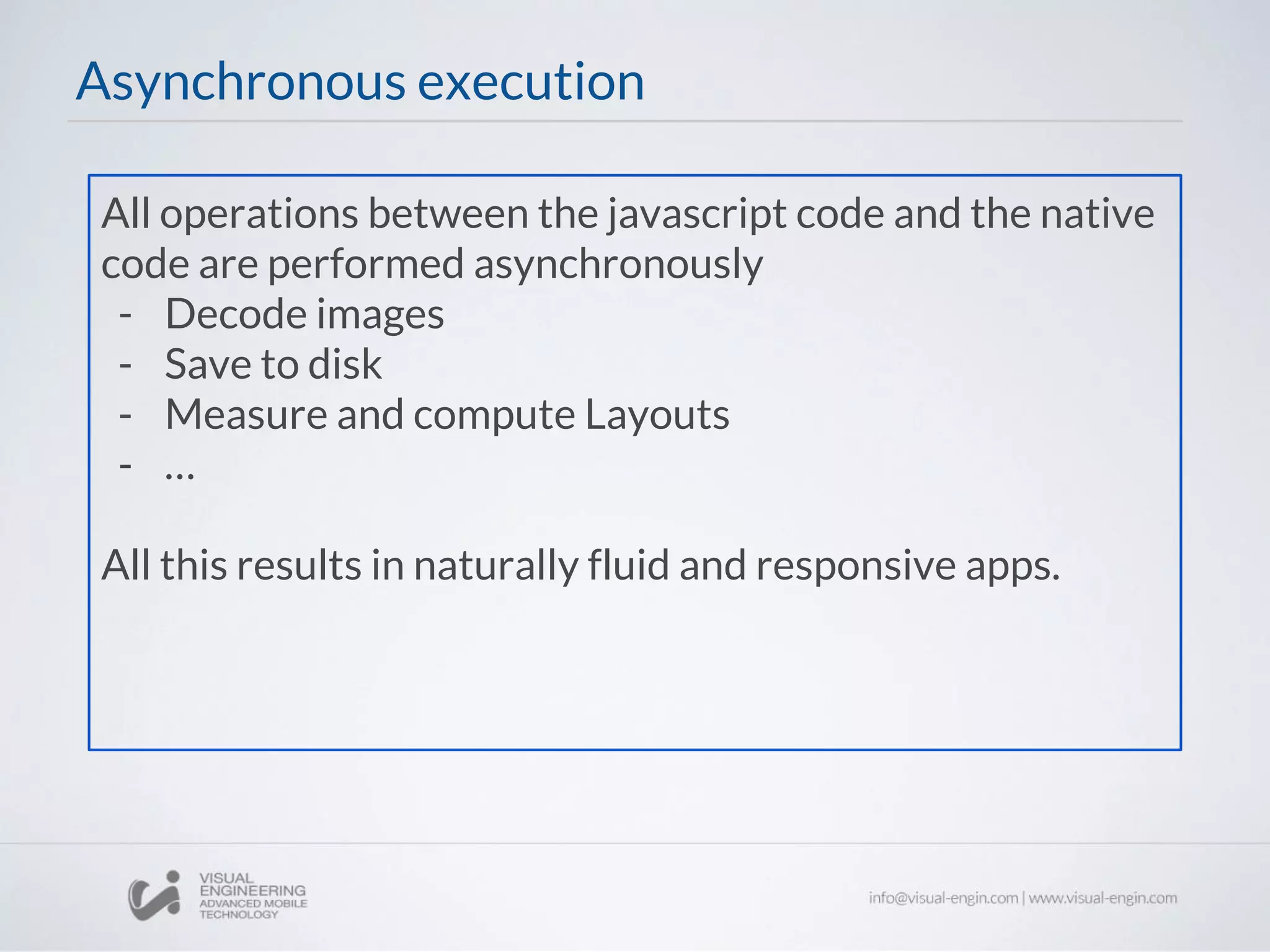
All operations between the javascript code and the native
code are performed asynchronously
- Decode images
- Save to disk
- Measure and compute Layouts
- …
All this results in naturally fluid and responsive apps.
Asynchronous execution
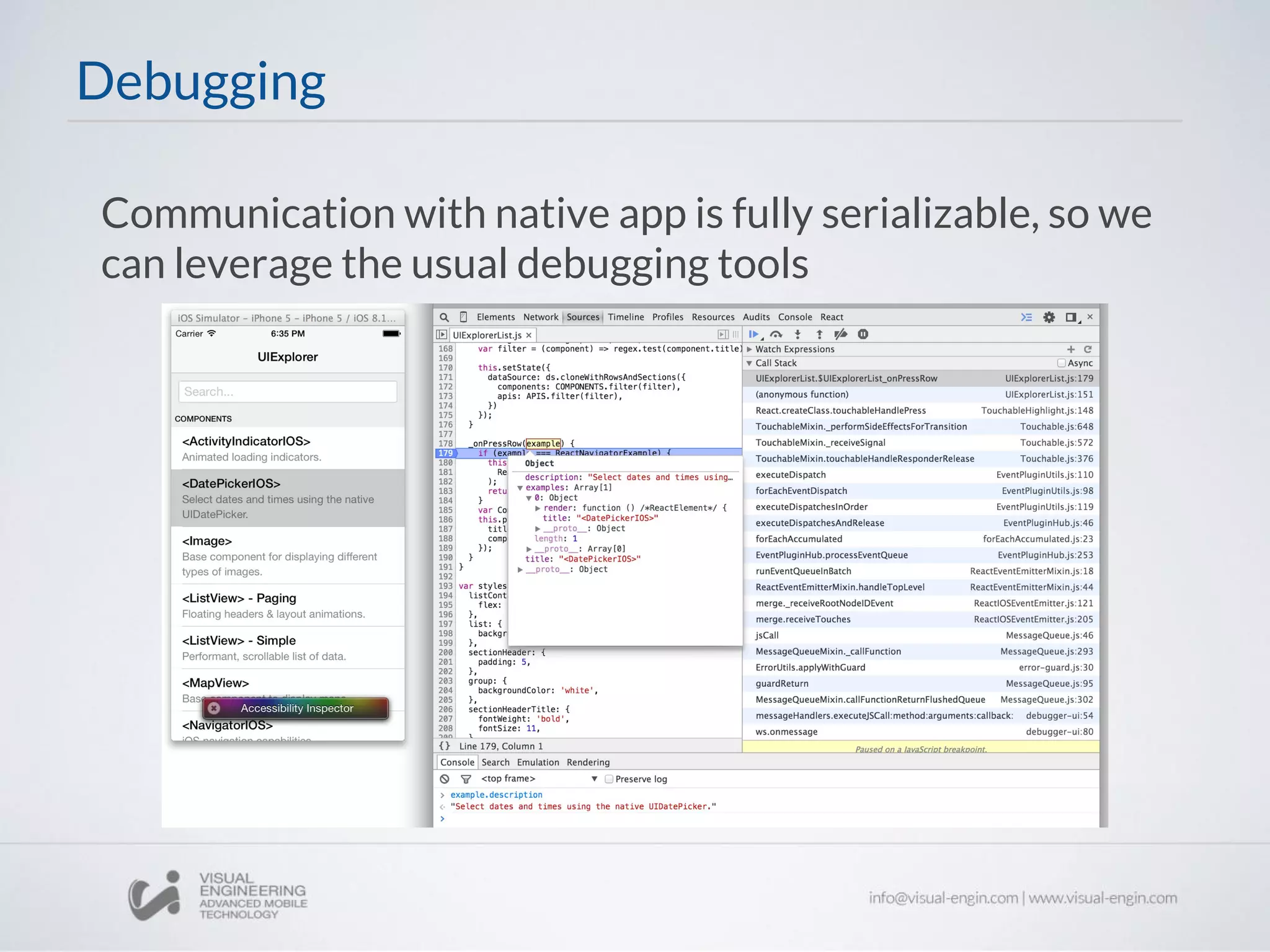
Communication with native app is fully serializable, so we
can leverage the usual debugging tools
Debugging
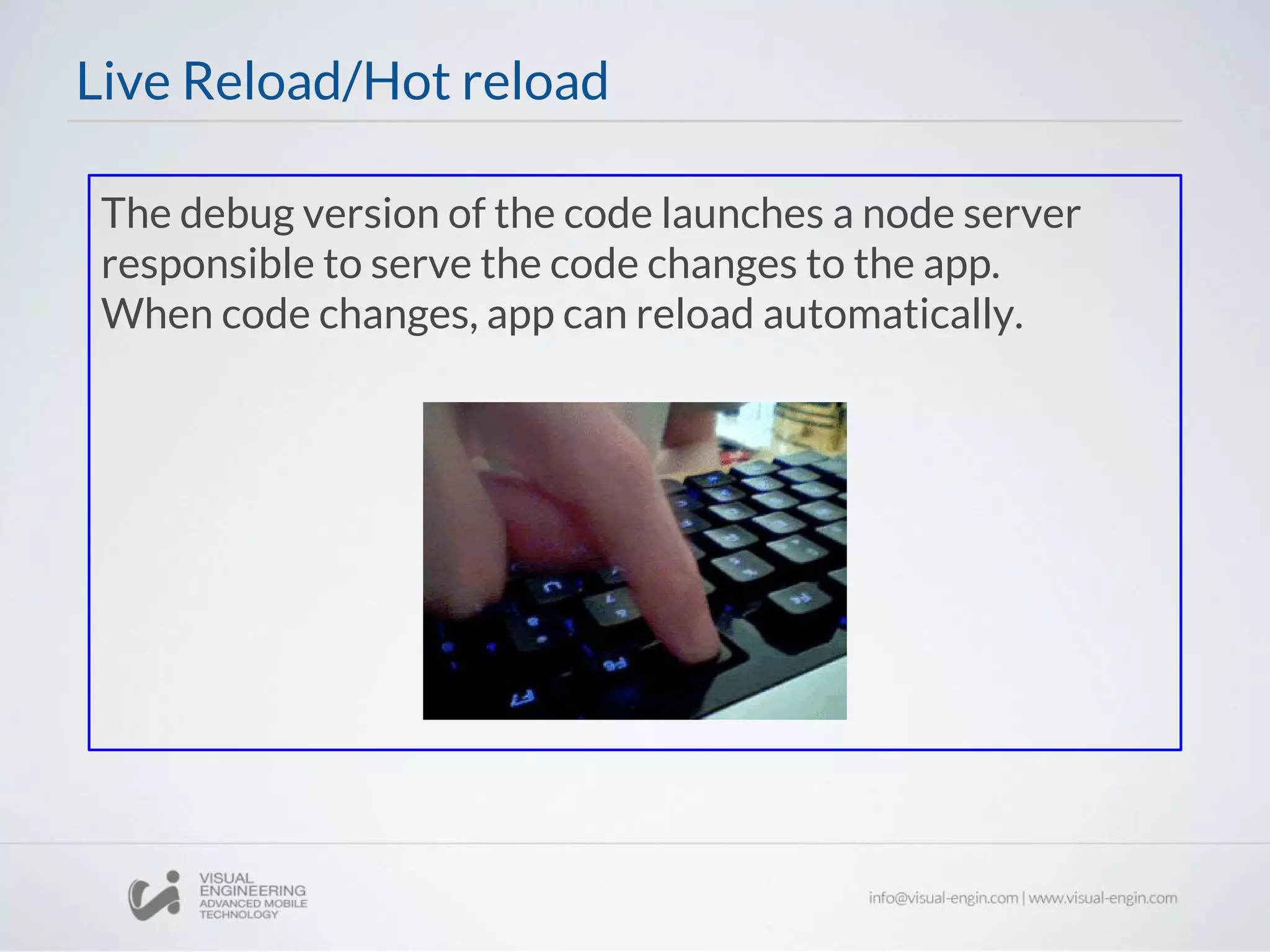
The debug version of the code launches a node server
responsible to serve the code changes to the app.
When code changes, app can reload automatically.
Live Reload/Hot reload
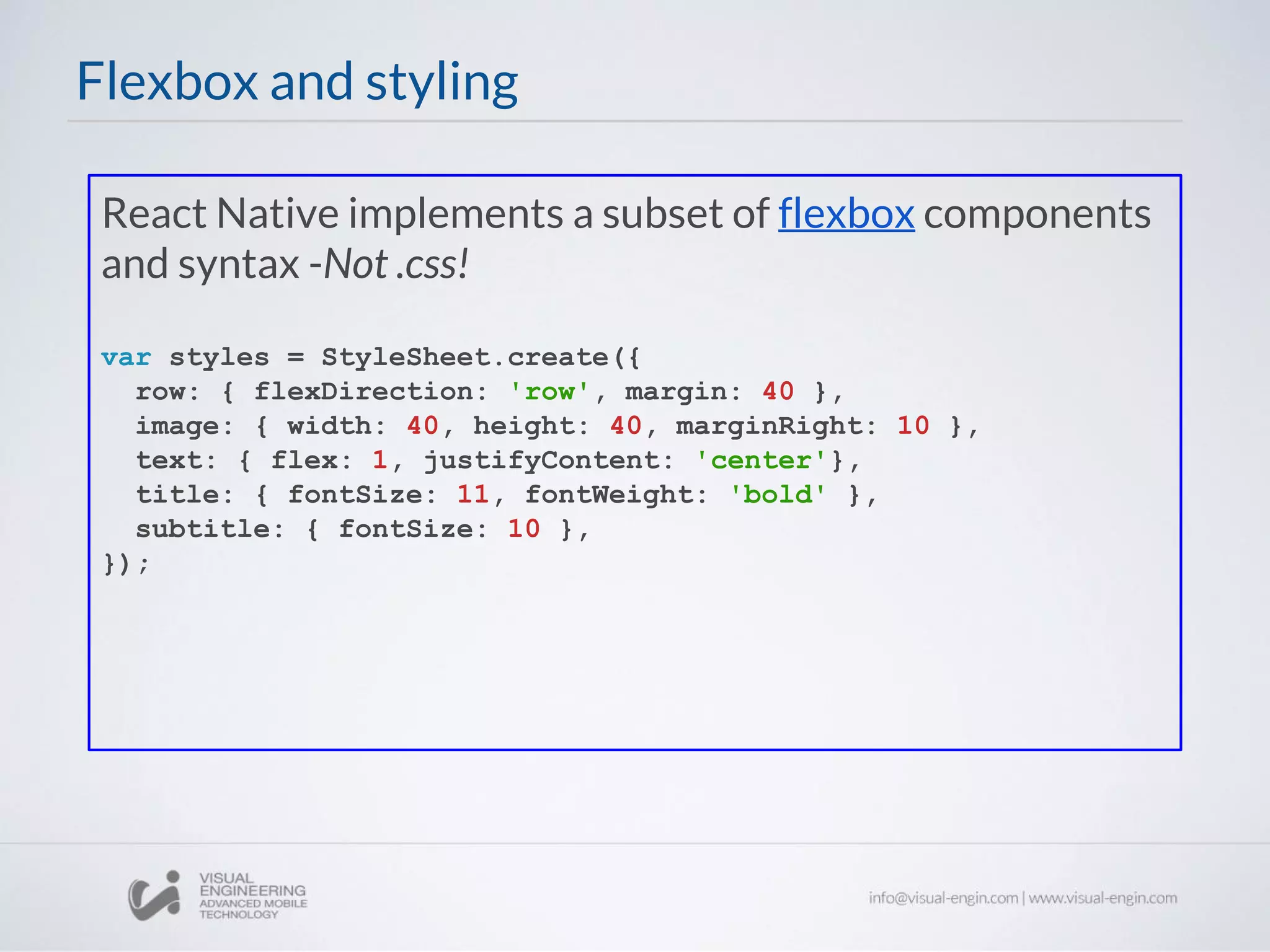
React Native implements a subset of flexbox components
and syntax -Not .css!
var styles = StyleSheet.create({
row: { flexDirection: 'row', margin: 40 },
image: { width: 40, height: 40, marginRight: 10 },
text: { flex: 1, justifyContent: 'center'},
title: { fontSize: 11, fontWeight: 'bold' },
subtitle: { fontSize: 10 },
});
Flexbox and styling
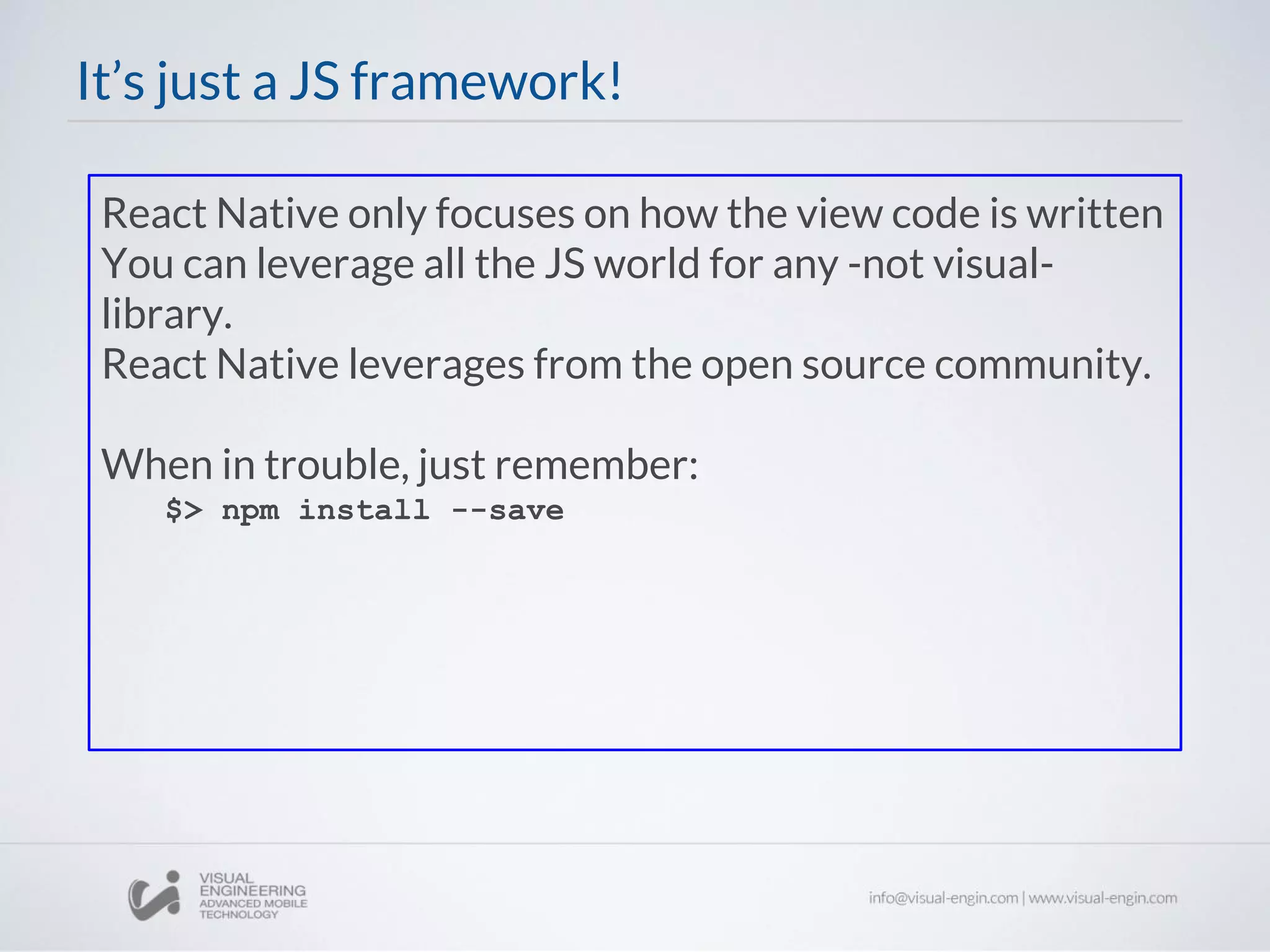
React Native only focuses on how the view code is written
You can leverage all the JS world for any -not visual-
library.
React Native leverages from the open source community.
When in trouble, just remember:
$> npm install --save
It’s just a JS framework!
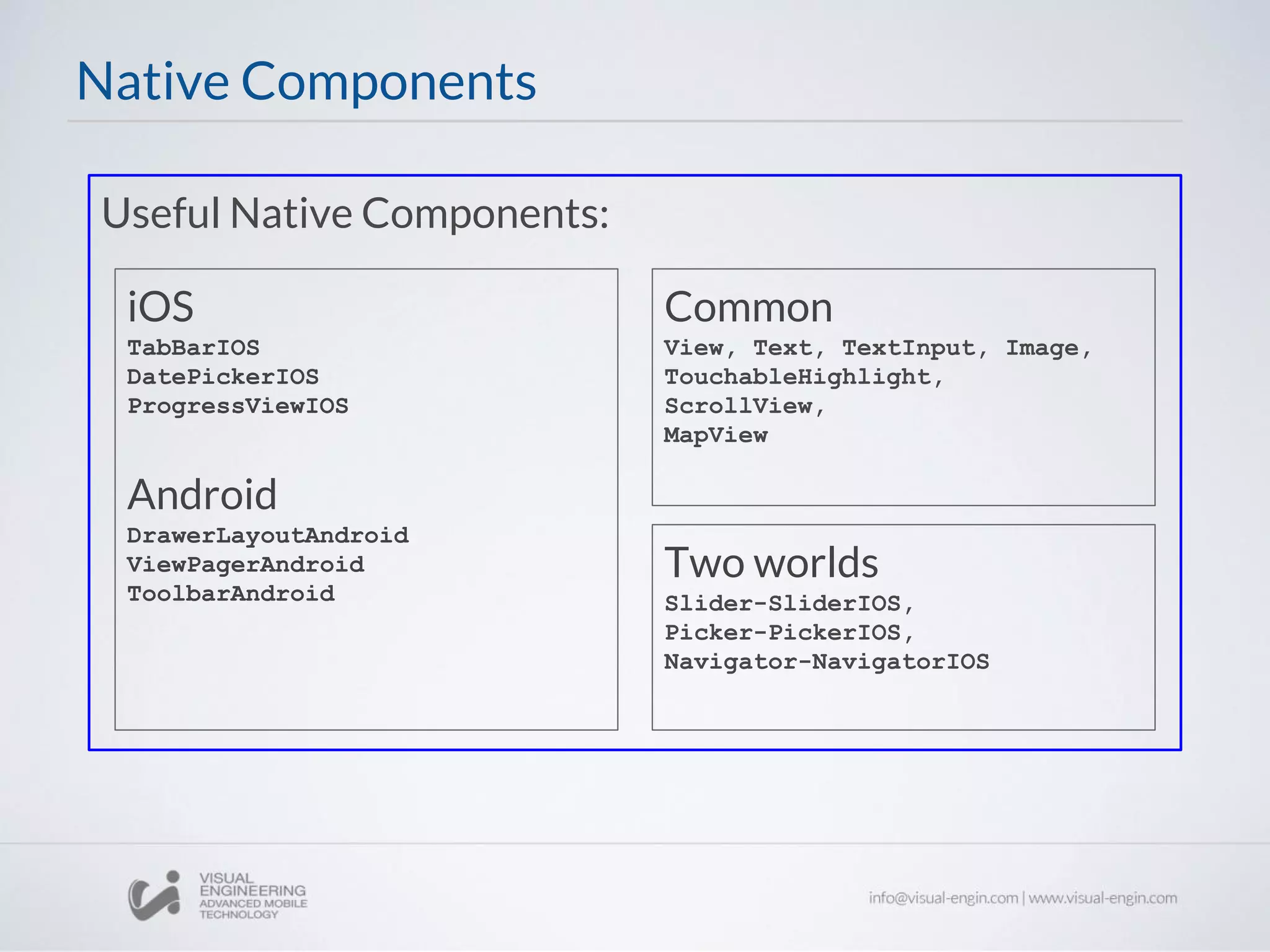
Useful Native Components:
Native Components
Common
View, Text, TextInput, Image,
TouchableHighlight,
ScrollView,
MapView
iOS
TabBarIOS
DatePickerIOS
ProgressViewIOS
Android
DrawerLayoutAndroid
ViewPagerAndroid
ToolbarAndroid
Two worlds
Slider-SliderIOS,
Picker-PickerIOS,
Navigator-NavigatorIOS
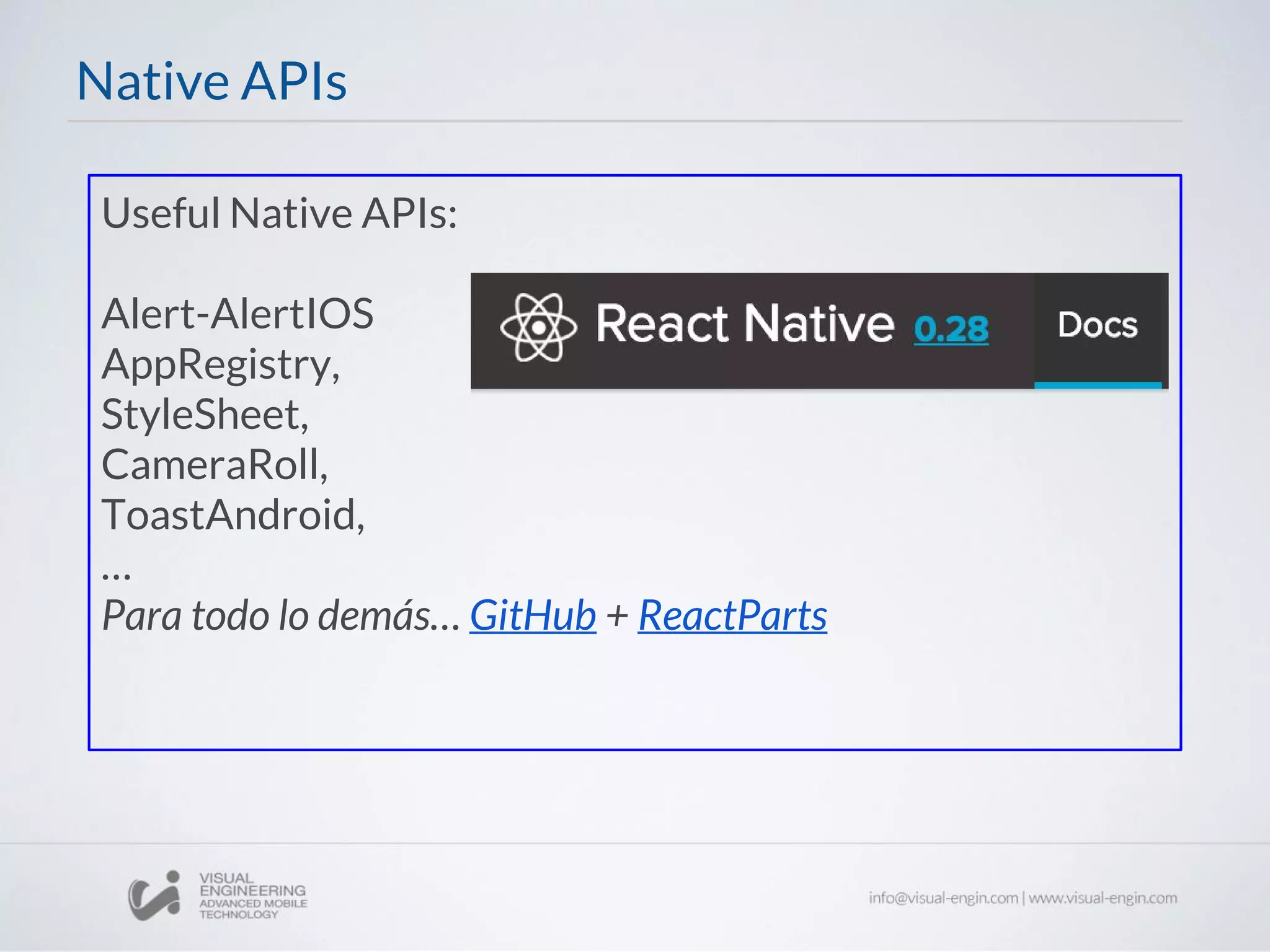
Useful Native APIs:
Alert-AlertIOS
AppRegistry,
StyleSheet,
CameraRoll,
ToastAndroid,
…
Para todo lo demás… GitHub + ReactParts
Native APIs
Not included? Make your own!
There is a lot already -use with caution!
Native modules
- Set up your environment development carefully
- Develop iOS & Android concurrently ASAP
- Android first: less components over there
- Use linter. It’ll avoid many problems
- Use Redux. No hace falta decir nada más
Some Thoughts on Poduction Development
Thanks for your time!
Give your questions on the comments section
Workshop 24: React Native Introduction

Workshop 24: React Native Introduction

  • 1.
    Front End Workshops ReactNative Part I Jordi Serra jserra@naradarobotics.com
  • 2.
    React Native A FRAMEWORKFOR BUILDING NATIVE APPS USING REACT
  • 3.
    React Native enablesyou to build world-class application experiences on native platforms using a consistent developer experience based on JavaScript and React. Focuses on developer efficiency across all platforms. Learn once, write everywhere. What is React Native?
  • 4.
    React Native usesthe actual native components of each platform (currently iOS and Android). Native Components Android render() { return ( <DrawerLayoutAndroid renderNavigationView={ () => <Text> React Native </Text> }> <ProgressBarAndroid /> </DrawerLayoutAndroid> ); } iOS render() { return ( <TabBarIOS> <TabBarIOS.Item title="React Native" selected={true}> <NavigatorIOS initialRoute={{ title: 'React Native' }} /> </TabBarIOS.Item> </TabBarIOS> ); }
  • 5.
    All operations betweenthe javascript code and the native code are performed asynchronously - Decode images - Save to disk - Measure and compute Layouts - … All this results in naturally fluid and responsive apps. Asynchronous execution
  • 6.
    Communication with nativeapp is fully serializable, so we can leverage the usual debugging tools Debugging
  • 7.
    The debug versionof the code launches a node server responsible to serve the code changes to the app. When code changes, app can reload automatically. Live Reload/Hot reload
  • 8.
    React Native implementsa subset of flexbox components and syntax -Not .css! var styles = StyleSheet.create({ row: { flexDirection: 'row', margin: 40 }, image: { width: 40, height: 40, marginRight: 10 }, text: { flex: 1, justifyContent: 'center'}, title: { fontSize: 11, fontWeight: 'bold' }, subtitle: { fontSize: 10 }, }); Flexbox and styling
  • 9.
    React Native onlyfocuses on how the view code is written You can leverage all the JS world for any -not visual- library. React Native leverages from the open source community. When in trouble, just remember: $> npm install --save It’s just a JS framework!
  • 10.
    Useful Native Components: NativeComponents Common View, Text, TextInput, Image, TouchableHighlight, ScrollView, MapView iOS TabBarIOS DatePickerIOS ProgressViewIOS Android DrawerLayoutAndroid ViewPagerAndroid ToolbarAndroid Two worlds Slider-SliderIOS, Picker-PickerIOS, Navigator-NavigatorIOS
  • 11.
  • 12.
    Not included? Makeyour own! There is a lot already -use with caution! Native modules
  • 13.
    - Set upyour environment development carefully - Develop iOS & Android concurrently ASAP - Android first: less components over there - Use linter. It’ll avoid many problems - Use Redux. No hace falta decir nada más Some Thoughts on Poduction Development
  • 14.
    Thanks for yourtime! Give your questions on the comments section