Chad McCallum
               ASP.NET/IIS MVP
              iQmetrix Software
         http://www.rtigger.com
@ChadEmm / chadm@iqmetrix.com
Windows RT API
 Windows Runtime is implemented at a low-level and
 then “projected” into C++, C#, VB, and JavaScript APIs

 Allows the APIs to present the same functionality in a
 way that’s familiar to developers of that language
Native App in HTML?
 Apps are run in an Internet Explorer 10 shell


 This means:
    Can include other JS libraries
    HTML5 and CSS3 support for user interface
    Can do (almost) anything you’d do with a web
     application
What are these apps called?
 Windows Store apps
   Acquired, installed, and updated via the Windows Store
    app
   Packaged into an “.appx” file when submitted
   Contains a manifest file that describes the app, the
    resources it uses (camera, network, etc.), and lists OS
    integrations (background tasks, file associations, etc.)
Windows Library for JavaScript
 aka WinJS
 Wrapper for Windows Runtime API
 Provides:
    Access to system-level resources
    HTML implementation of WinRT controls, complete
     with CSS styling and events
    CSS3-based animation framework
    Helpers for common coding patterns
Not Quite a Web Page
 Some DOM API calls are modified or unavailable, like
 alert or window.open

 There are some methods, properties, and CSS queries
 that are specific to a Windows Store app

 Allowed to make cross-domain requests, load
 resources from remote sources
Not Quite a Web Page
 Not allowed to reference scripts remotely


 IFrames are run in “web context” without access to
 WinRT

 Some DOM-based calls are modified or removed
 (document.write, innerHTML)
App Container
 Run within a dedicated environment that can’t access
 other applications and the system directly

 Have unrestricted read/write access to their own
 appdata folders

 Access to any other files or hardware goes through a
 broker, which can deny access
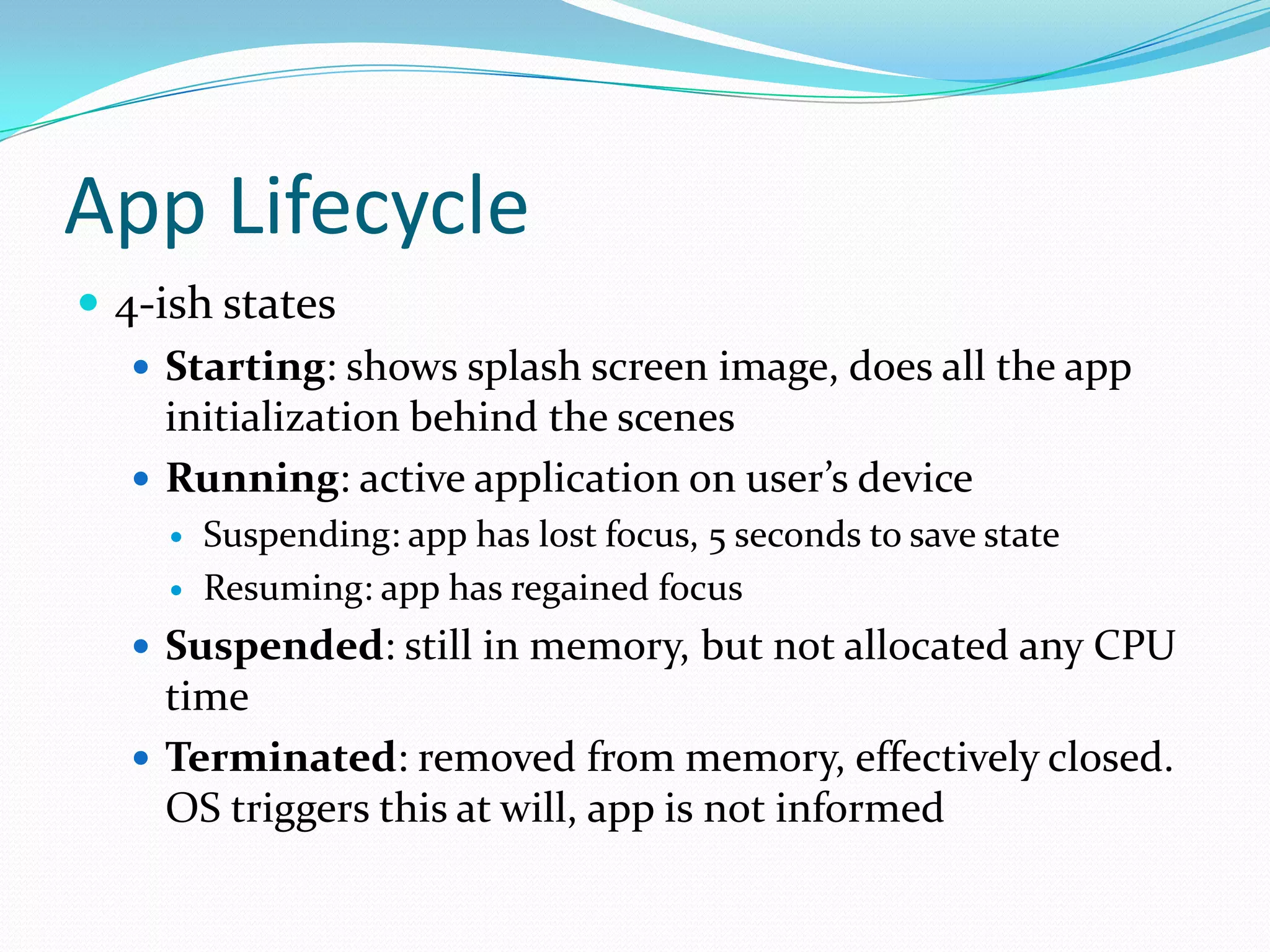
App Lifecycle
 4-ish states
    Starting: shows splash screen image, does all the app
     initialization behind the scenes
    Running: active application on user’s device
        Suspending: app has lost focus, 5 seconds to save state
        Resuming: app has regained focus
   Suspended: still in memory, but not allocated any CPU
    time
   Terminated: removed from memory, effectively closed.
    OS triggers this at will, app is not informed
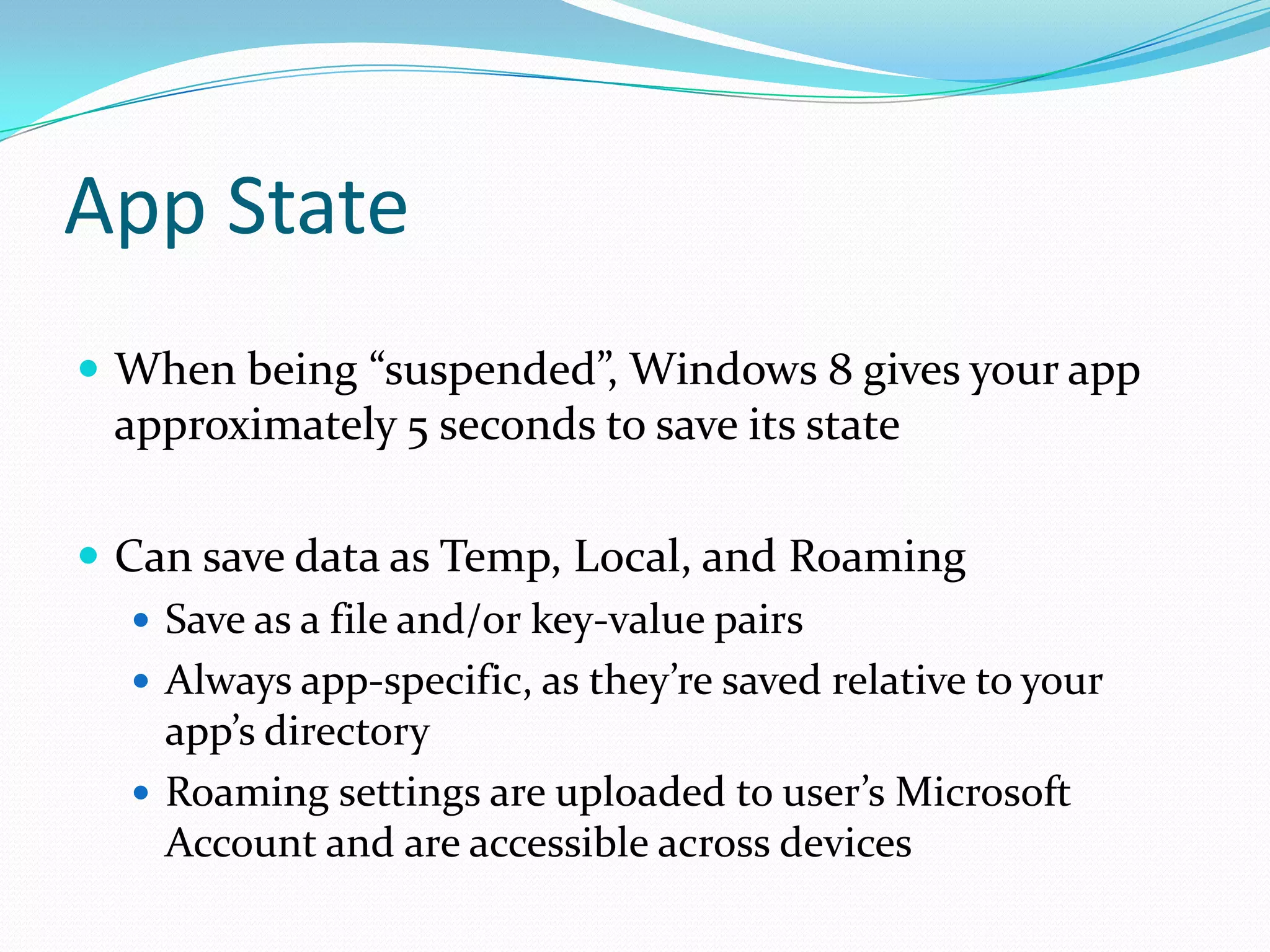
App State
 When being “suspended”, Windows 8 gives your app
  approximately 5 seconds to save its state

 Can save data as Temp, Local, and Roaming
    Save as a file and/or key-value pairs
    Always app-specific, as they’re saved relative to your
     app’s directory
    Roaming settings are uploaded to user’s Microsoft
     Account and are accessible across devices
Code Time!

Windows 8 programming with html and java script

  • 1.
    Chad McCallum ASP.NET/IIS MVP iQmetrix Software http://www.rtigger.com @ChadEmm / chadm@iqmetrix.com
  • 2.
    Windows RT API Windows Runtime is implemented at a low-level and then “projected” into C++, C#, VB, and JavaScript APIs  Allows the APIs to present the same functionality in a way that’s familiar to developers of that language
  • 3.
    Native App inHTML?  Apps are run in an Internet Explorer 10 shell  This means:  Can include other JS libraries  HTML5 and CSS3 support for user interface  Can do (almost) anything you’d do with a web application
  • 4.
    What are theseapps called?  Windows Store apps  Acquired, installed, and updated via the Windows Store app  Packaged into an “.appx” file when submitted  Contains a manifest file that describes the app, the resources it uses (camera, network, etc.), and lists OS integrations (background tasks, file associations, etc.)
  • 5.
    Windows Library forJavaScript  aka WinJS  Wrapper for Windows Runtime API  Provides:  Access to system-level resources  HTML implementation of WinRT controls, complete with CSS styling and events  CSS3-based animation framework  Helpers for common coding patterns
  • 6.
    Not Quite aWeb Page  Some DOM API calls are modified or unavailable, like alert or window.open  There are some methods, properties, and CSS queries that are specific to a Windows Store app  Allowed to make cross-domain requests, load resources from remote sources
  • 7.
    Not Quite aWeb Page  Not allowed to reference scripts remotely  IFrames are run in “web context” without access to WinRT  Some DOM-based calls are modified or removed (document.write, innerHTML)
  • 8.
    App Container  Runwithin a dedicated environment that can’t access other applications and the system directly  Have unrestricted read/write access to their own appdata folders  Access to any other files or hardware goes through a broker, which can deny access
  • 9.
    App Lifecycle  4-ishstates  Starting: shows splash screen image, does all the app initialization behind the scenes  Running: active application on user’s device  Suspending: app has lost focus, 5 seconds to save state  Resuming: app has regained focus  Suspended: still in memory, but not allocated any CPU time  Terminated: removed from memory, effectively closed. OS triggers this at will, app is not informed
  • 10.
    App State  Whenbeing “suspended”, Windows 8 gives your app approximately 5 seconds to save its state  Can save data as Temp, Local, and Roaming  Save as a file and/or key-value pairs  Always app-specific, as they’re saved relative to your app’s directory  Roaming settings are uploaded to user’s Microsoft Account and are accessible across devices
  • 11.