LESSON FOUR
    jQuery intro
Fast Review
Functions = “First Class Objects”
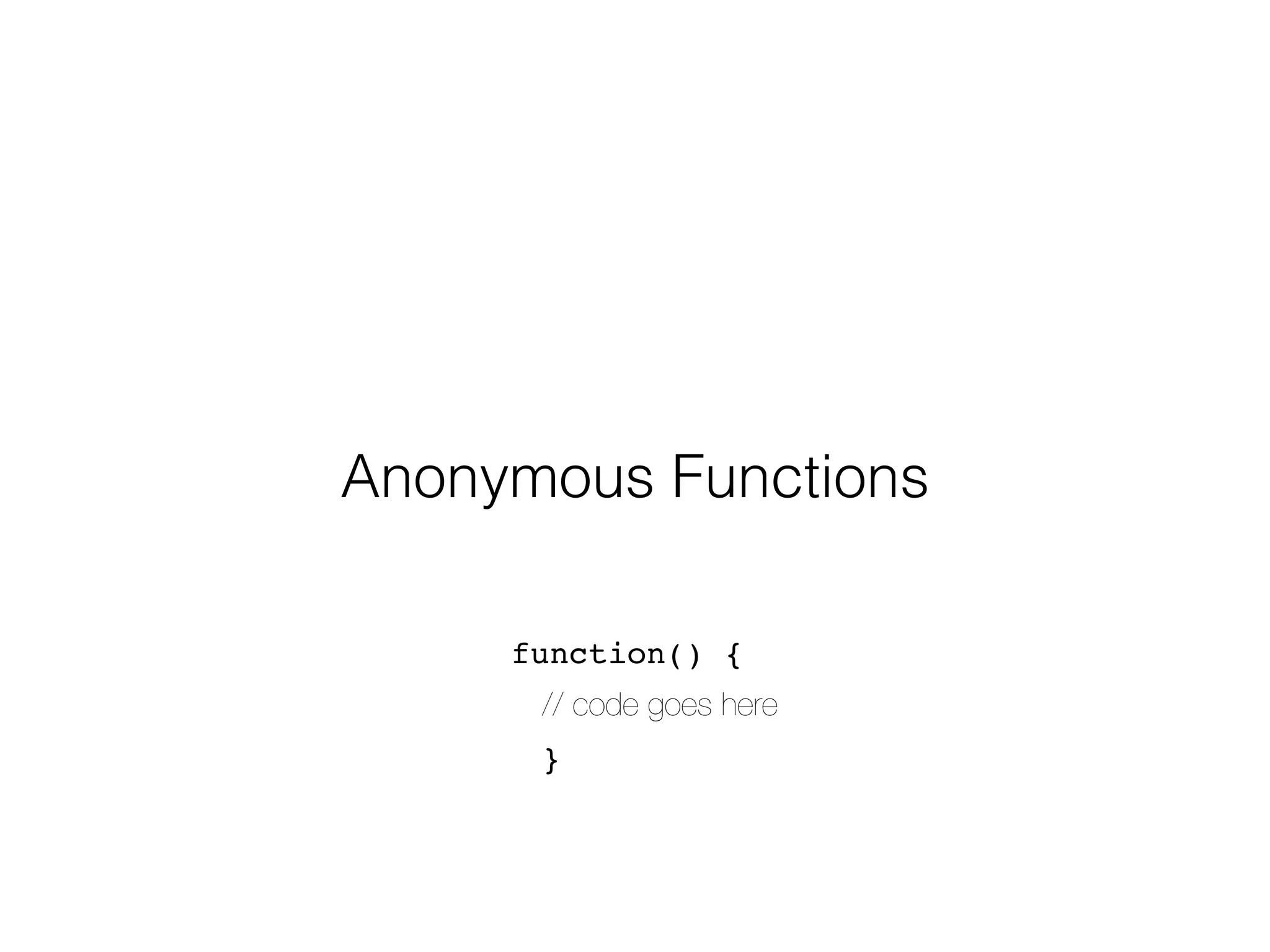
Anonymous Functions

     function() {
      // code goes here
      }
Arrays


data structure for ordered values
   var team = [‘ben’,‘jeff’,‘kam’];
   team[0] // => ‘ben’
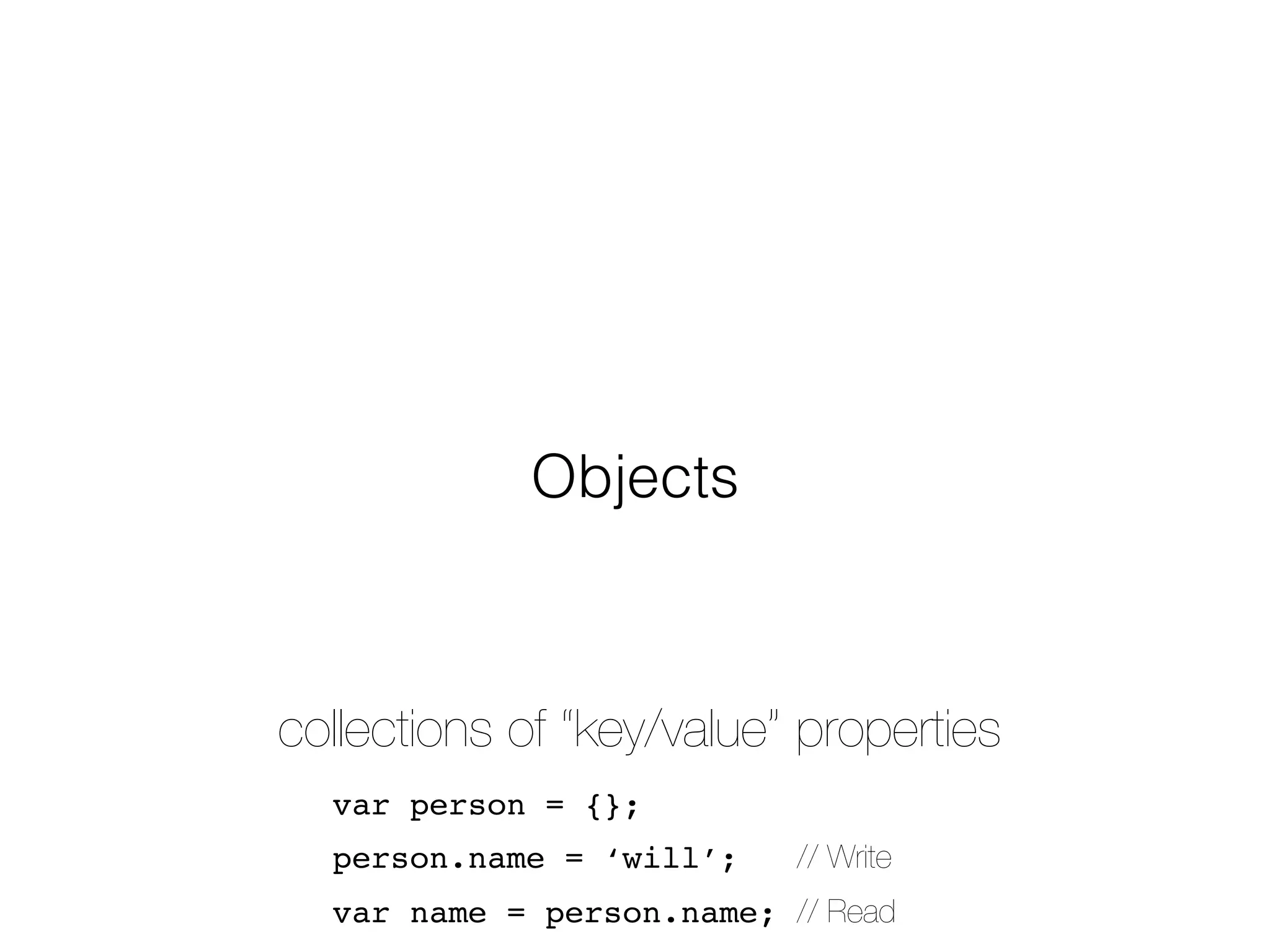
Objects


collections of “key/value” properties
  var person = {};
  person.name = ‘will’;    // Write
  var name = person.name; // Read
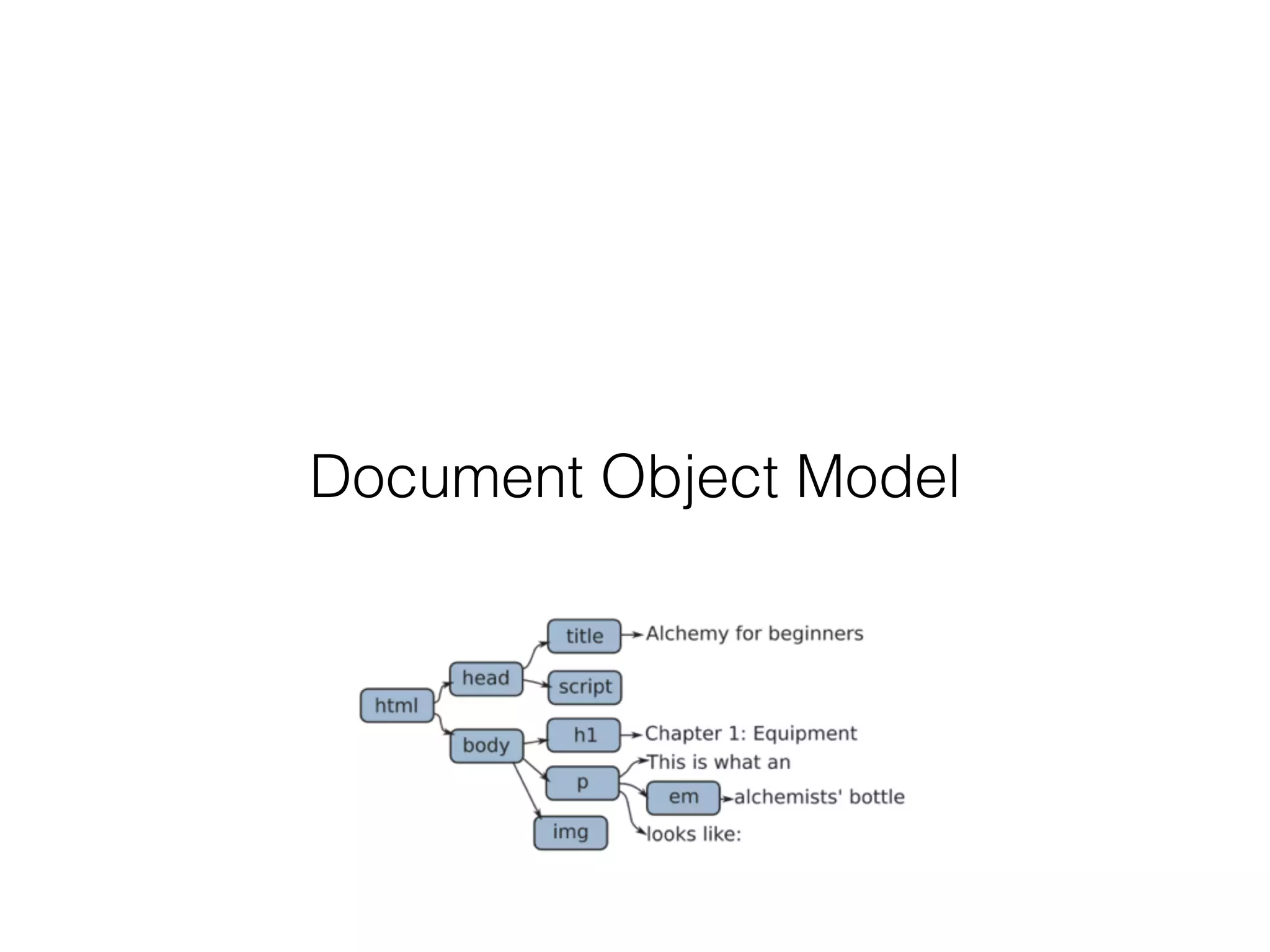
Document Object Model
Review Homework
Enter, jQuery
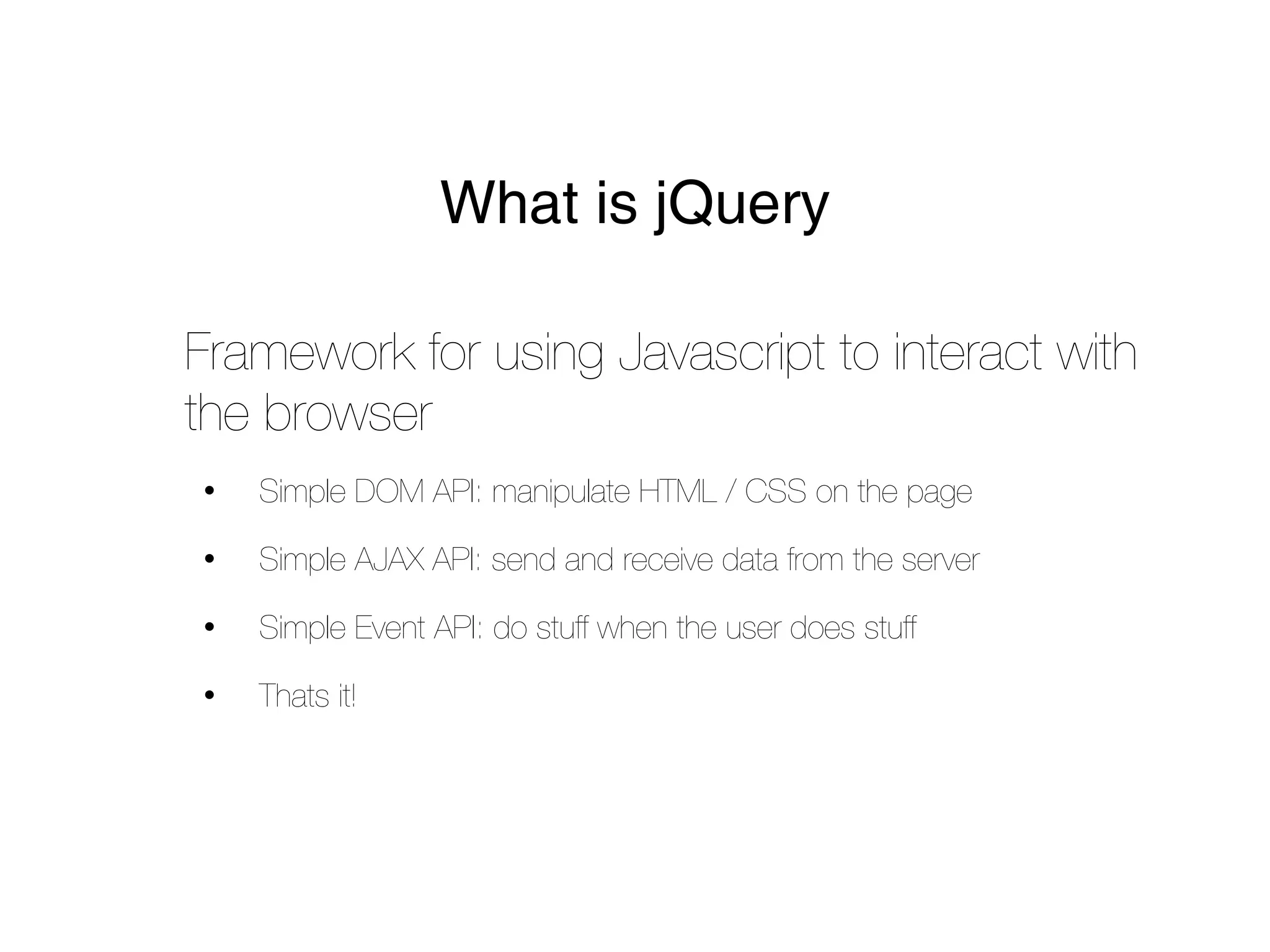
What is jQuery

Framework for using Javascript to interact with
the browser
•   Simple DOM API: manipulate HTML / CSS on the page

•   Simple AJAX API: send and receive data from the server

•   Simple Event API: do stuff when the user does stuff

•   Thats it!
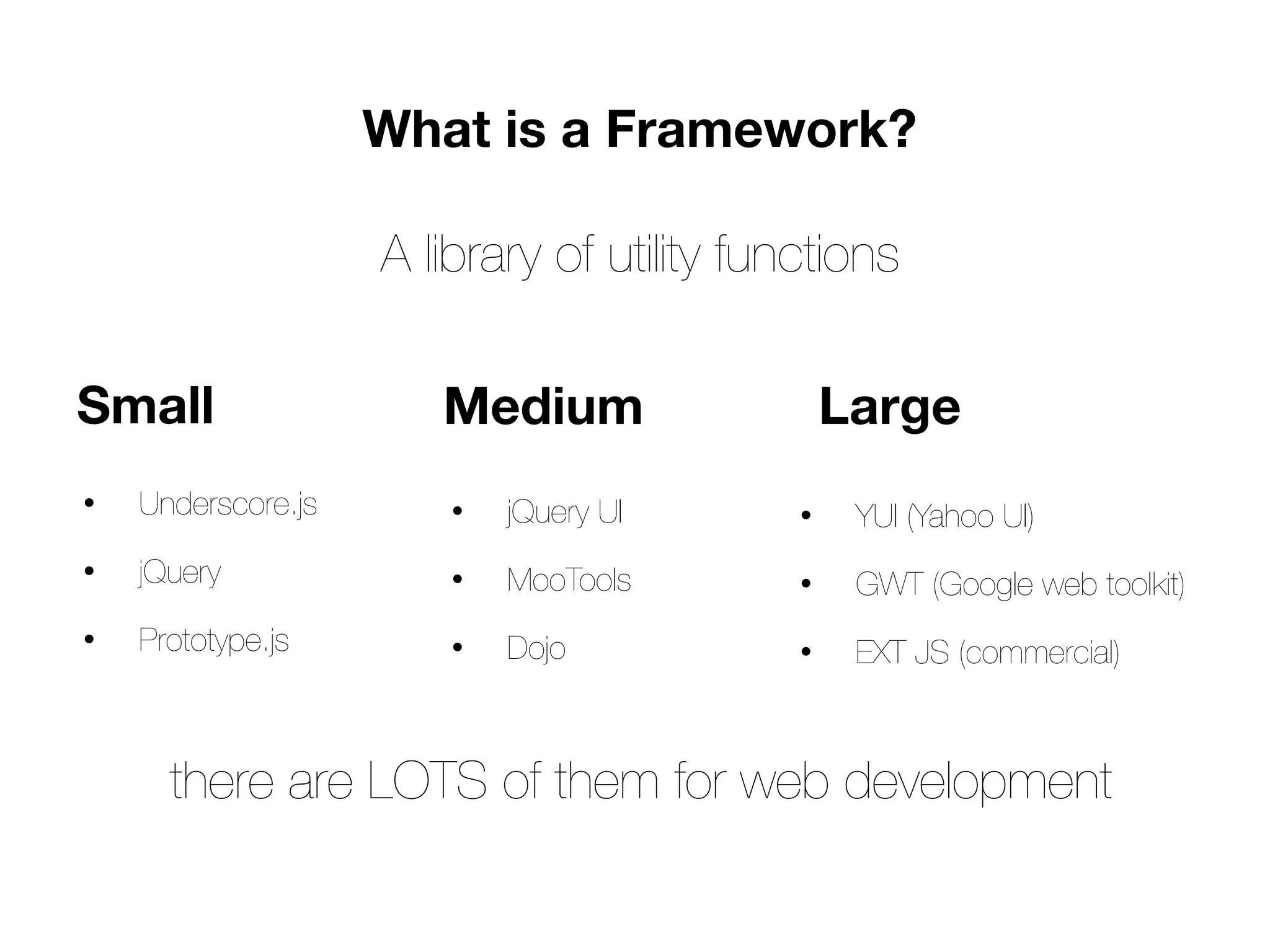
What is a Framework?

                    A library of utility functions

Small                  Medium                   Large
•   Underscore.js       •   jQuery UI       •    YUI (Yahoo UI)
•   jQuery              •   MooTools        •    GWT (Google web toolkit)
•   Prototype.js        •   Dojo            •    EXT JS (commercial)


      there are LOTS of them for web development
Why use jQuery
•   The DOM API is _nasty_!

•   Cross browser

•   Fast - Faster than raw DOM manipulation! *magic*

•   Lightweight (31kb)

•   Stable and trusted

•   Required for many other frameworks

•   EVERYBODY uses it
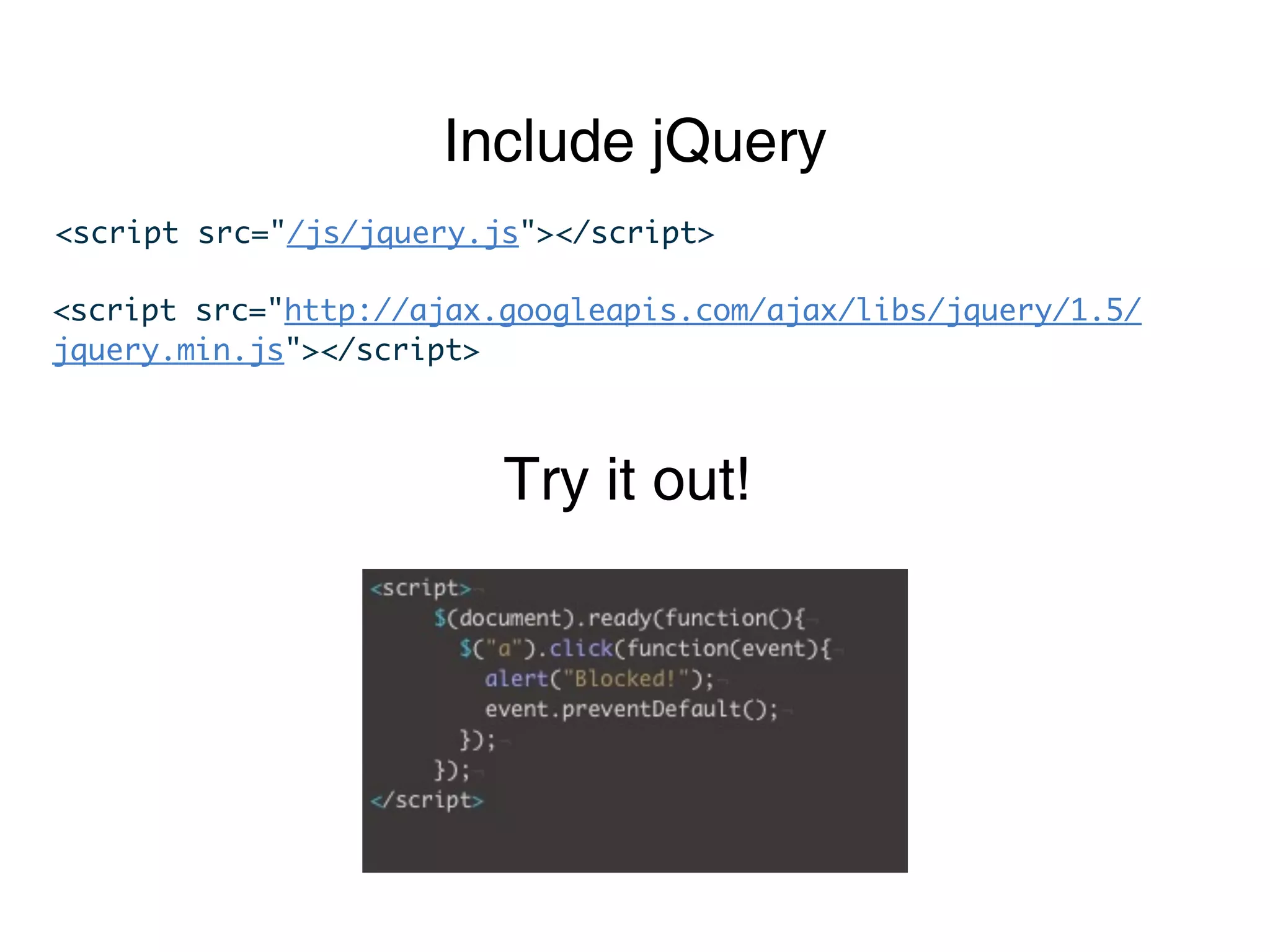
Include jQuery
<script src="/js/jquery.js"></script>

<script src="http://ajax.googleapis.com/ajax/libs/jquery/1.5/
jquery.min.js"></script>


                         Try it out!
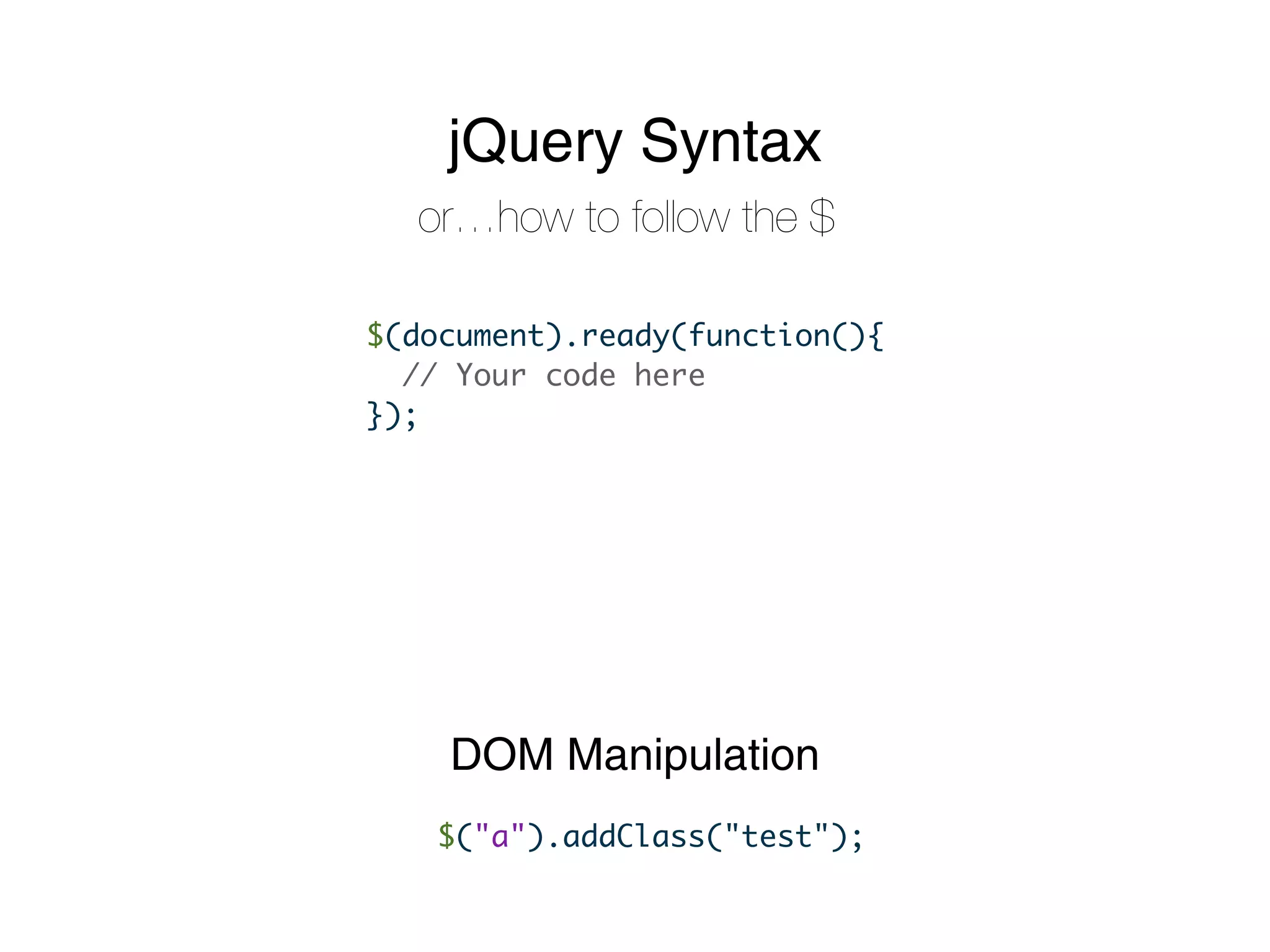
jQuery Syntax
  or…how to follow the $

$(document).ready(function(){
  // Your code here
});


    DOM Manipulation
   $("a").addClass("test");
using jQuery
Selecting Elements
                      Using CSS!


$("#foo")     // the [element] at id “foo”


$(".bloop")   // the [elements] with class “bloop”


$("a.buzz")   // the [links] with class ‘buzz’


$(".bloop:first")      // specialty! The first bloop!


=>   :hidden, :visible, :last, :checked, :empty,       :odd...
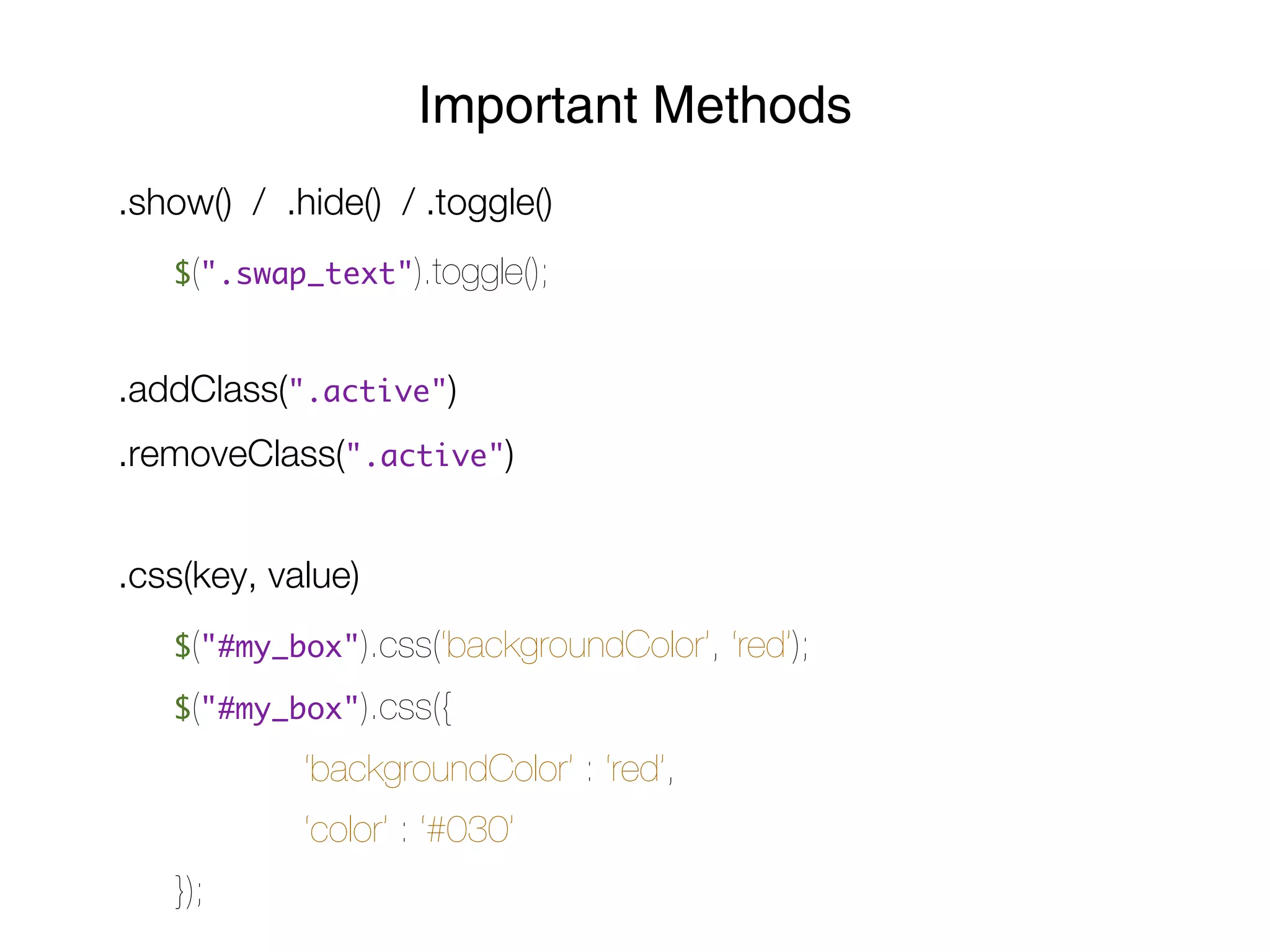
Important Methods
.show() / .hide() / .toggle()
   $(".swap_text").toggle();


.addClass(".active")
.removeClass(".active")


.css(key, value)
   $("#my_box").css(‘backgroundColor’,   ‘red’);
   $("#my_box").css({

            ‘backgroundColor’ : ‘red’,
            ‘color’ : ‘#030’
   });
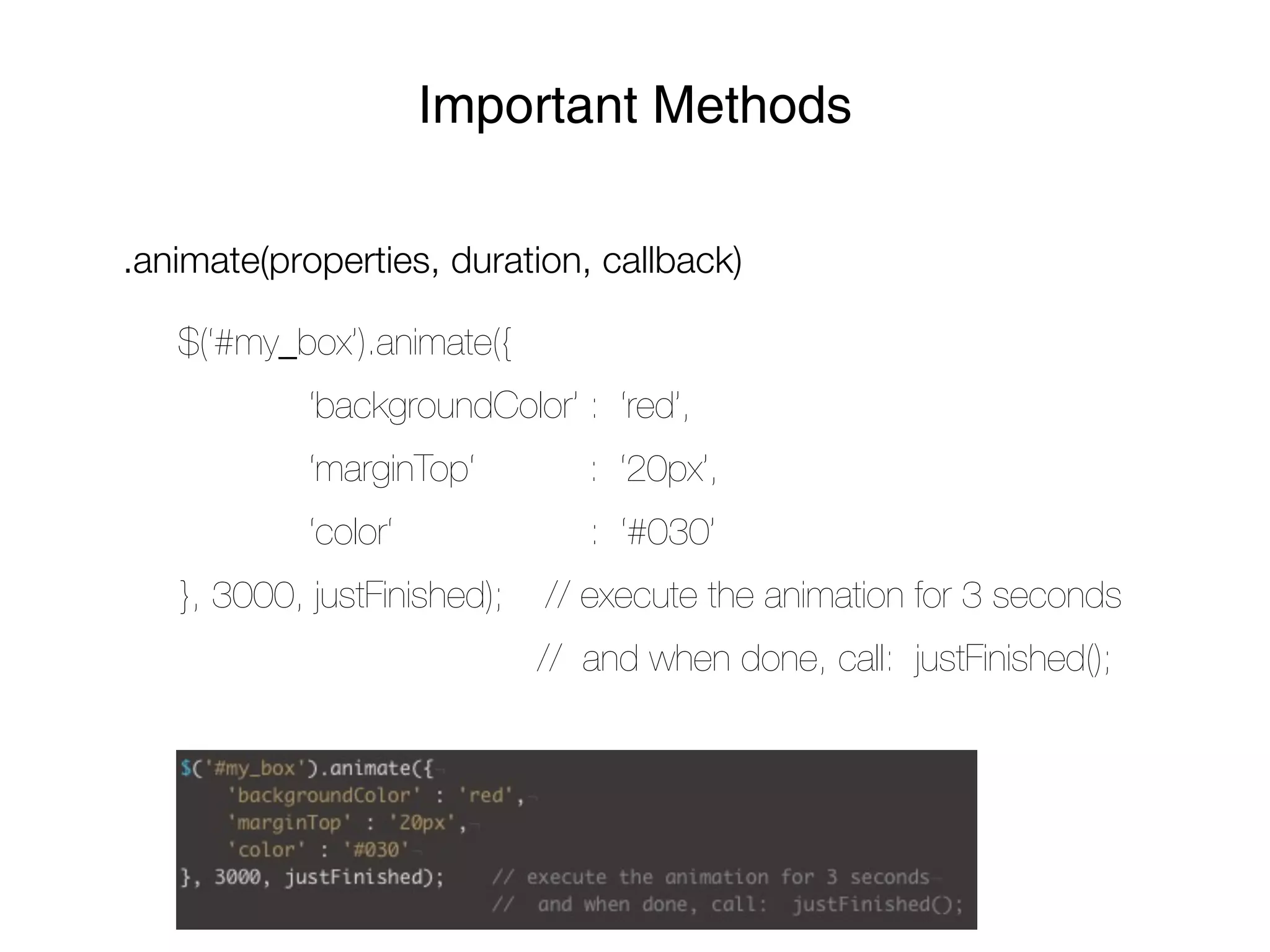
Important Methods

.animate(properties, duration, callback)

   $(‘#my_box’).animate({
            ‘backgroundColor’ : ‘red’,
            ‘marginTop‘         : ‘20px’,
            ‘color‘             : ‘#030’
   }, 3000, justFinished);   // execute the animation for 3 seconds
                             // and when done, call: justFinished();
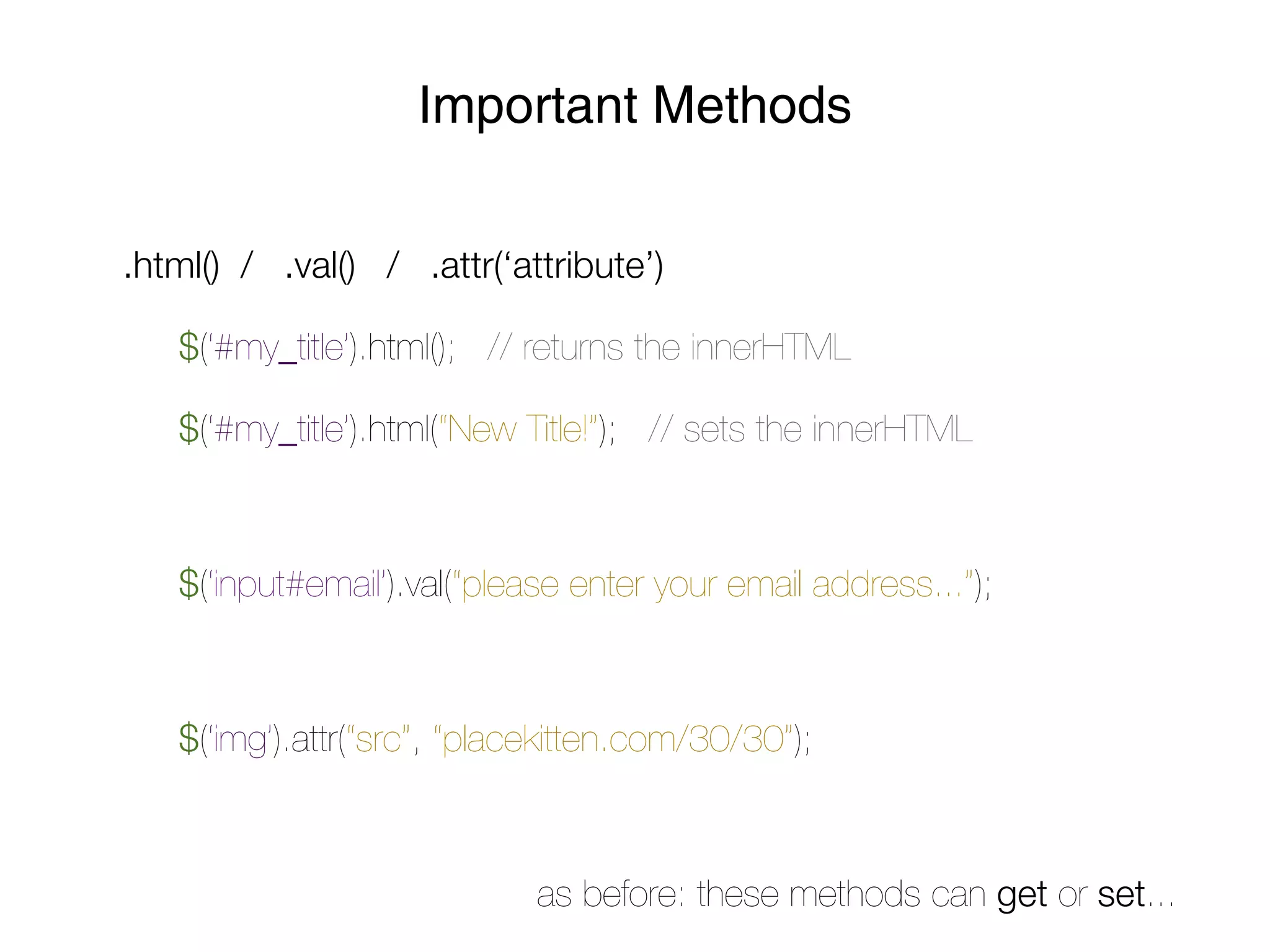
Important Methods

.html() / .val() / .attr(‘attribute’)

   $(‘#my_title’).html(); // returns the innerHTML

   $(‘#my_title’).html(“New Title!”); // sets the innerHTML


   $(‘input#email’).val(“please enter your email address...”);


   $(‘img’).attr(“src”, “placekitten.com/30/30”);


                             as before: these methods can get or set...
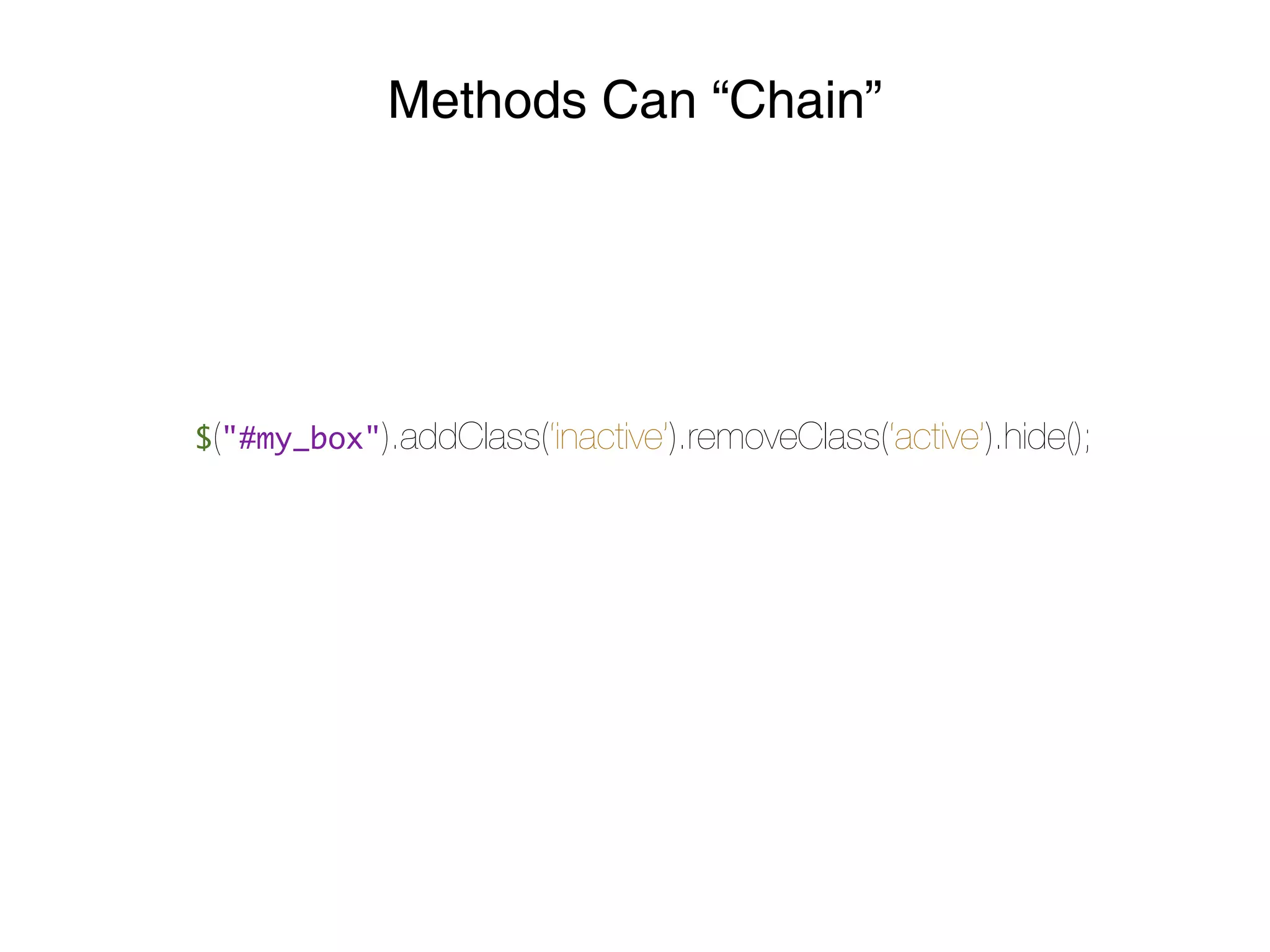
Methods Can “Chain”


$("#my_box").addClass(‘inactive’).removeClass(‘active’).hide();
jQuery Events

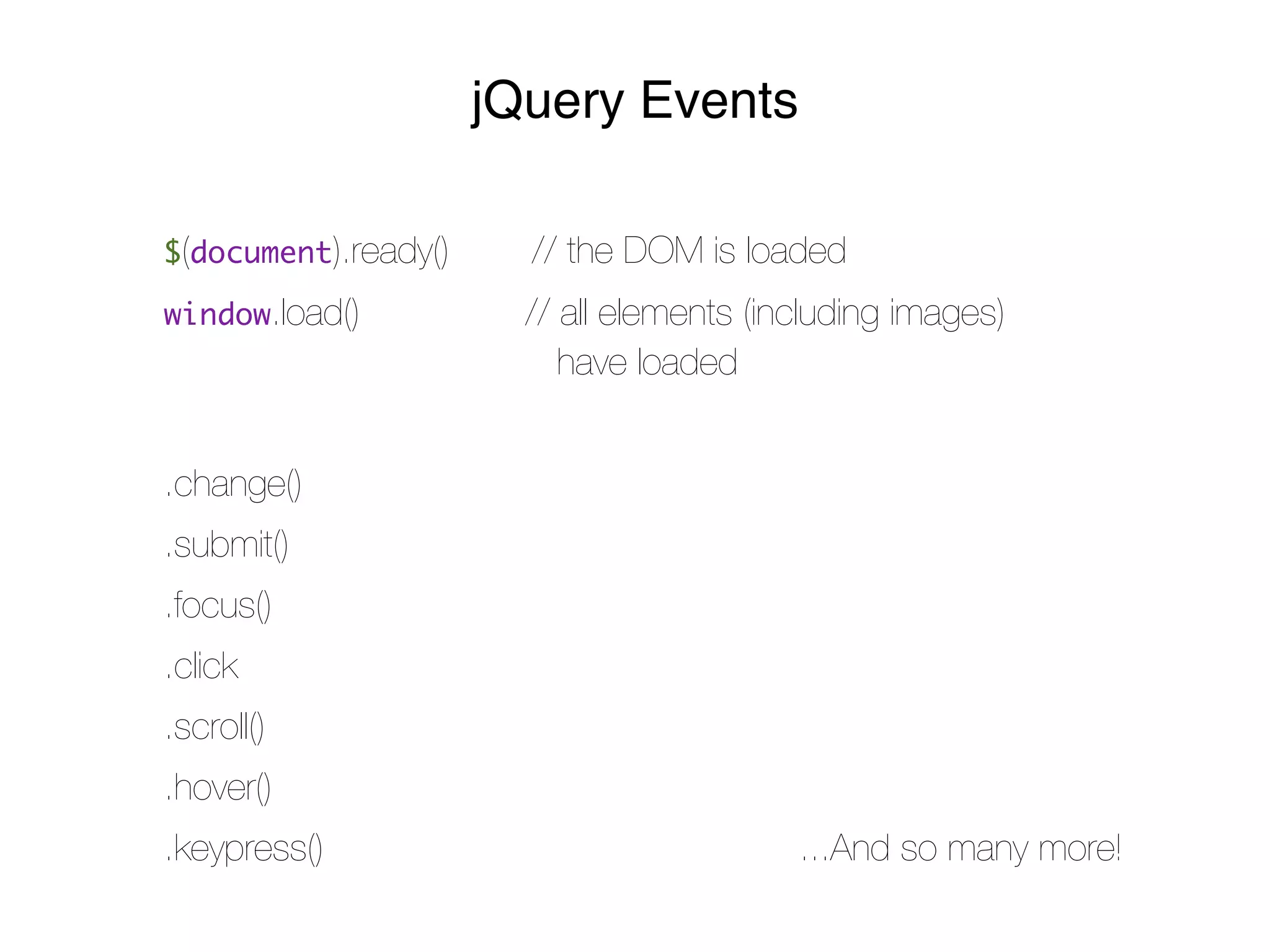
$(document).ready()     // the DOM is loaded
window.load()           // all elements (including images)
                           have loaded


.change()
.submit()
.focus()
.click
.scroll()
.hover()
.keypress()                                ...And so many more!
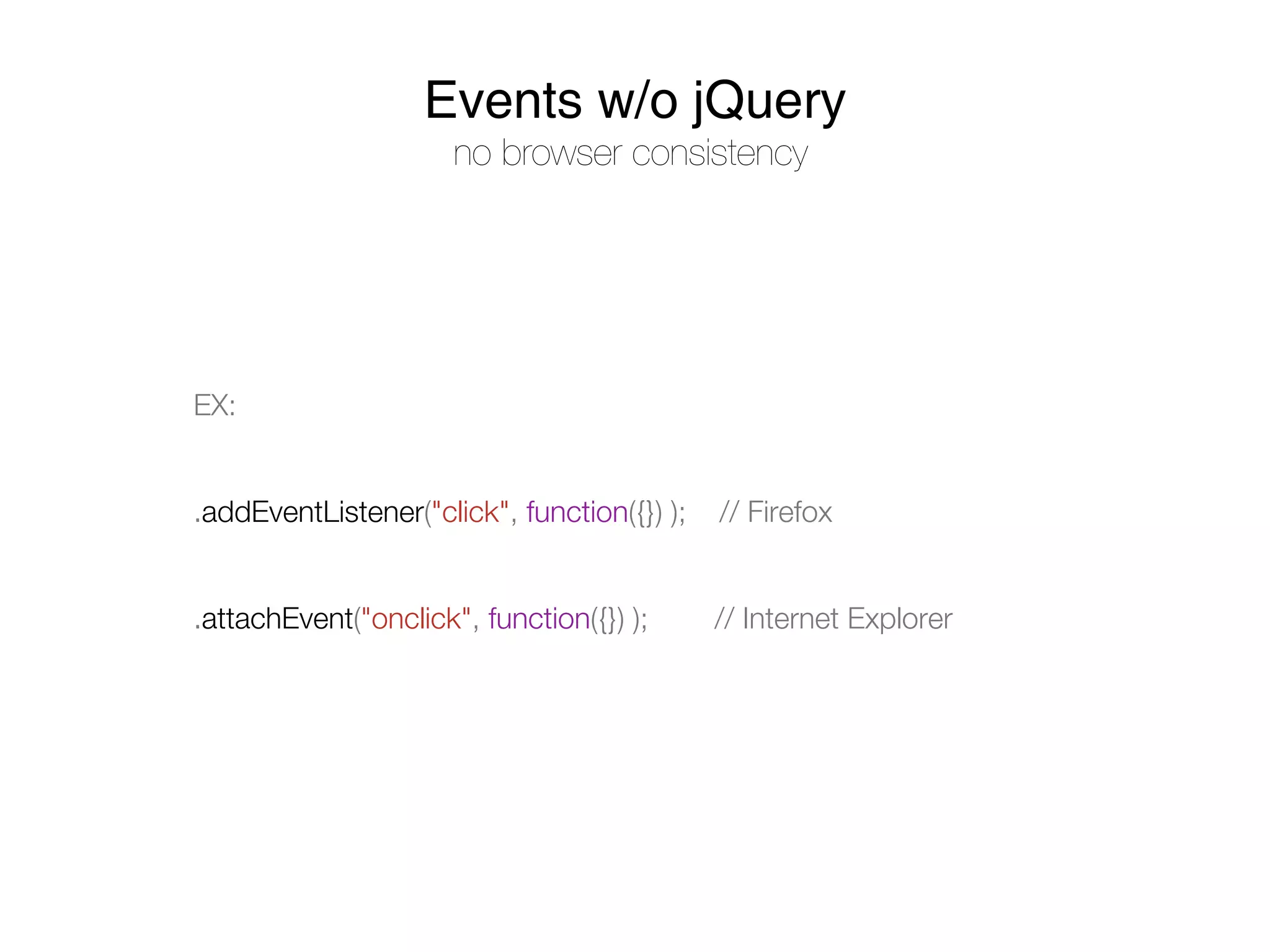
Events w/o jQuery
                      no browser consistency


EX:


.addEventListener("click", function({}) );   // Firefox


.attachEvent("onclick", function({}) );      // Internet Explorer
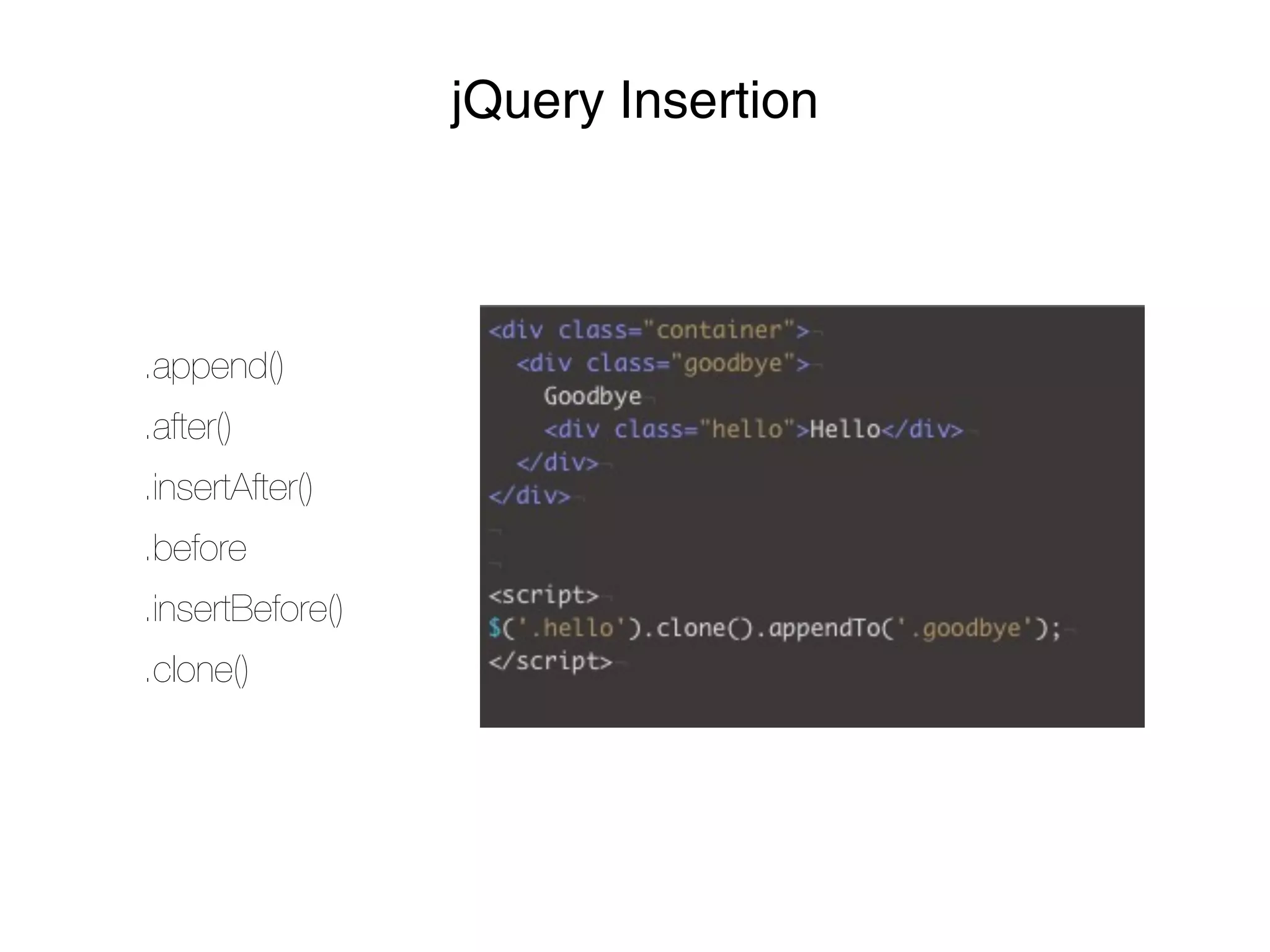
jQuery Insertion


.append()
.after()
.insertAfter()
.before
.insertBefore()
.clone()
Client Side
   Requests
[XHR and AJAX]
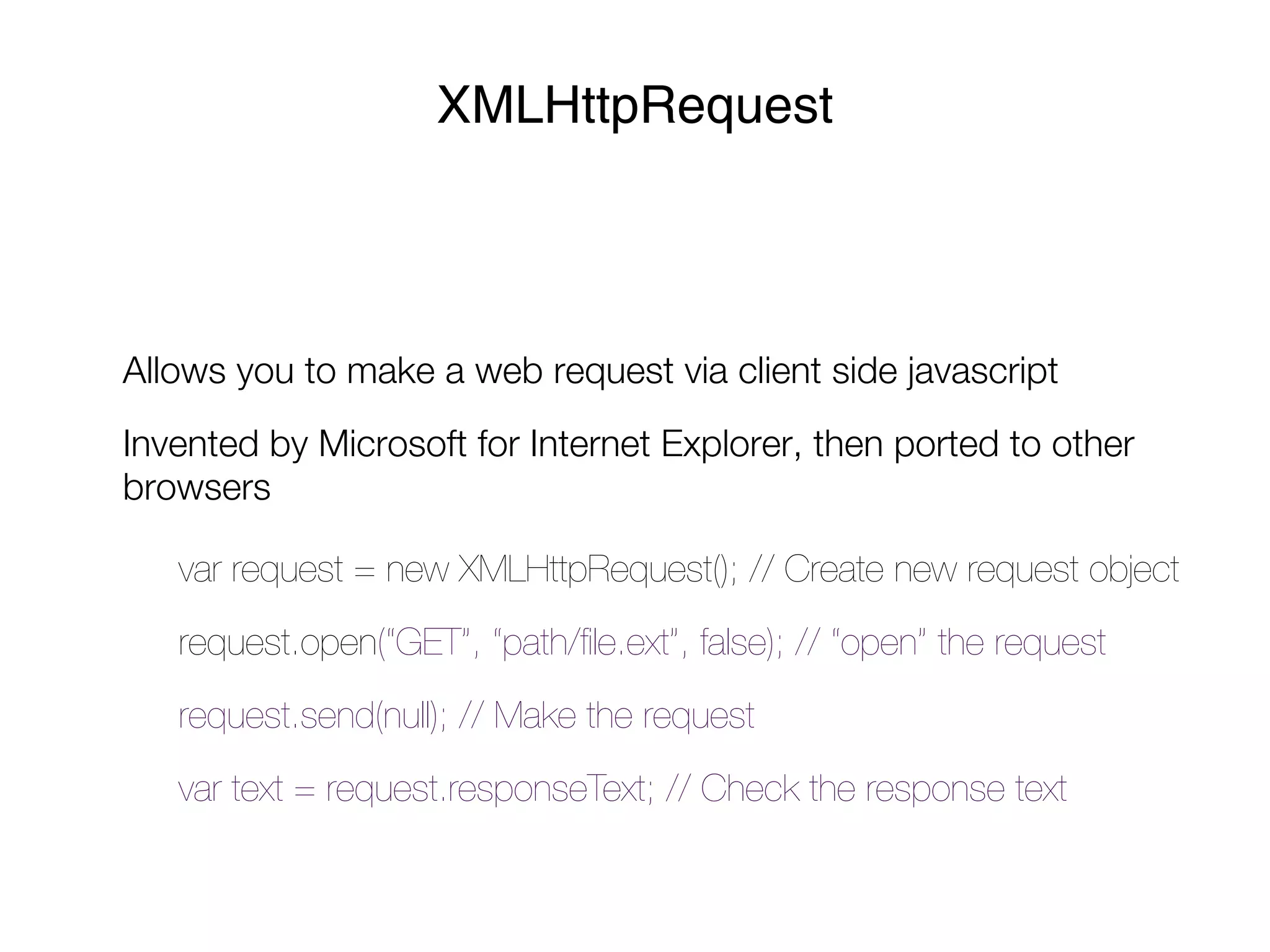
XMLHttpRequest


Allows you to make a web request via client side javascript
Invented by Microsoft for Internet Explorer, then ported to other
browsers

   var request = new XMLHttpRequest(); // Create new request object
   request.open(“GET”, “path/file.ext”, false); // “open” the request
   request.send(null); // Make the request
   var text = request.responseText; // Check the response text
BUZZZZWORD


“XHR”
•   XMLHttpRequest

•   Misnomer => Not limited to XML data

•   By default, synchronous
AJAX


By default, XHR proceeds synchronously
In other words, your code will hang until the request is complete
What if you want your code to keep executing?
   => Use AJAX
BUZZZZWORD


“AJAX”
•   “Asynchronous Javascript and XML”

•   XHR done asynchronously

•   Provide a callback to execute when the request is complete

•   Changed the face of web development => page reloads no longer
    required to add new content to a page
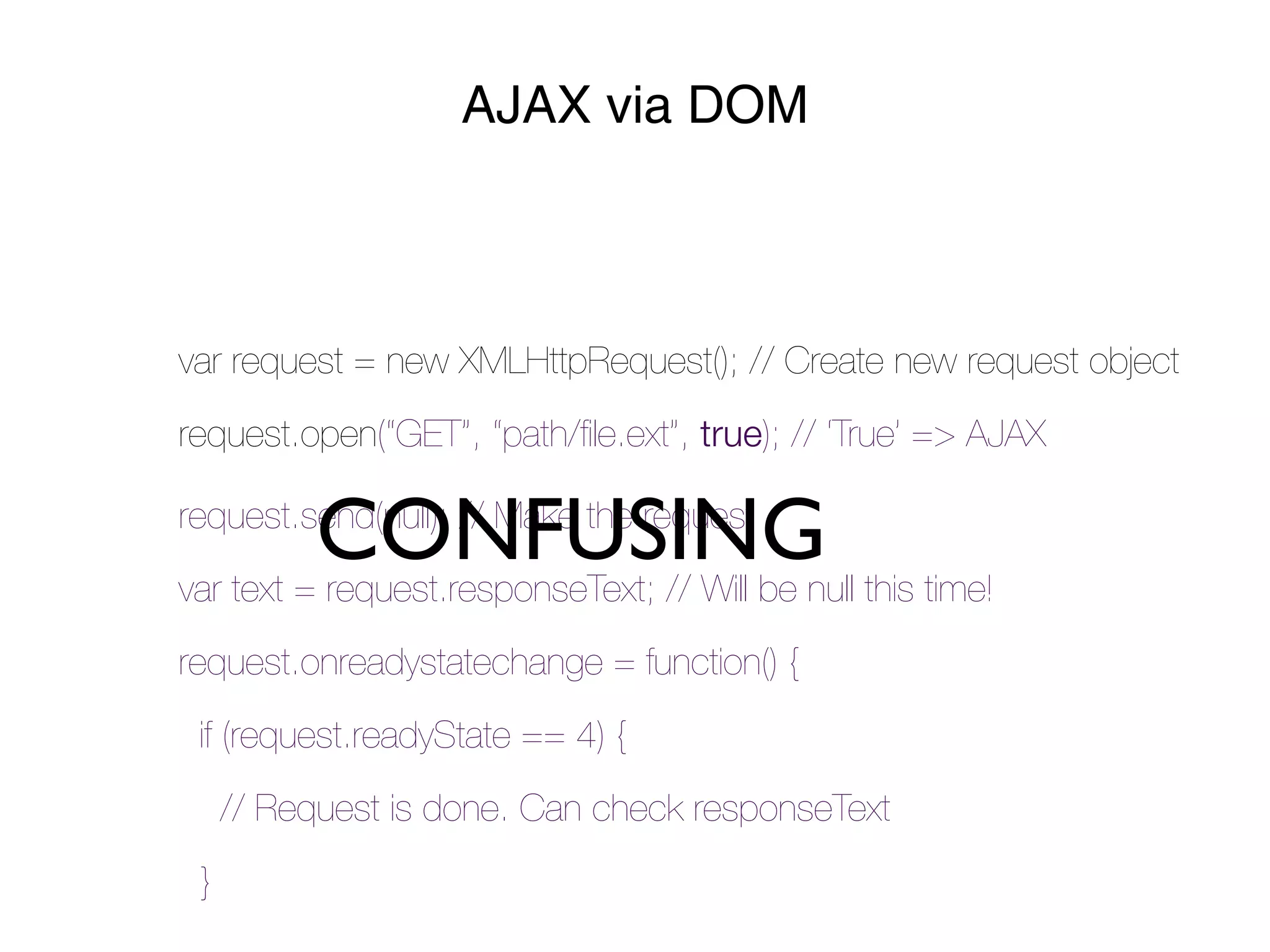
AJAX via DOM


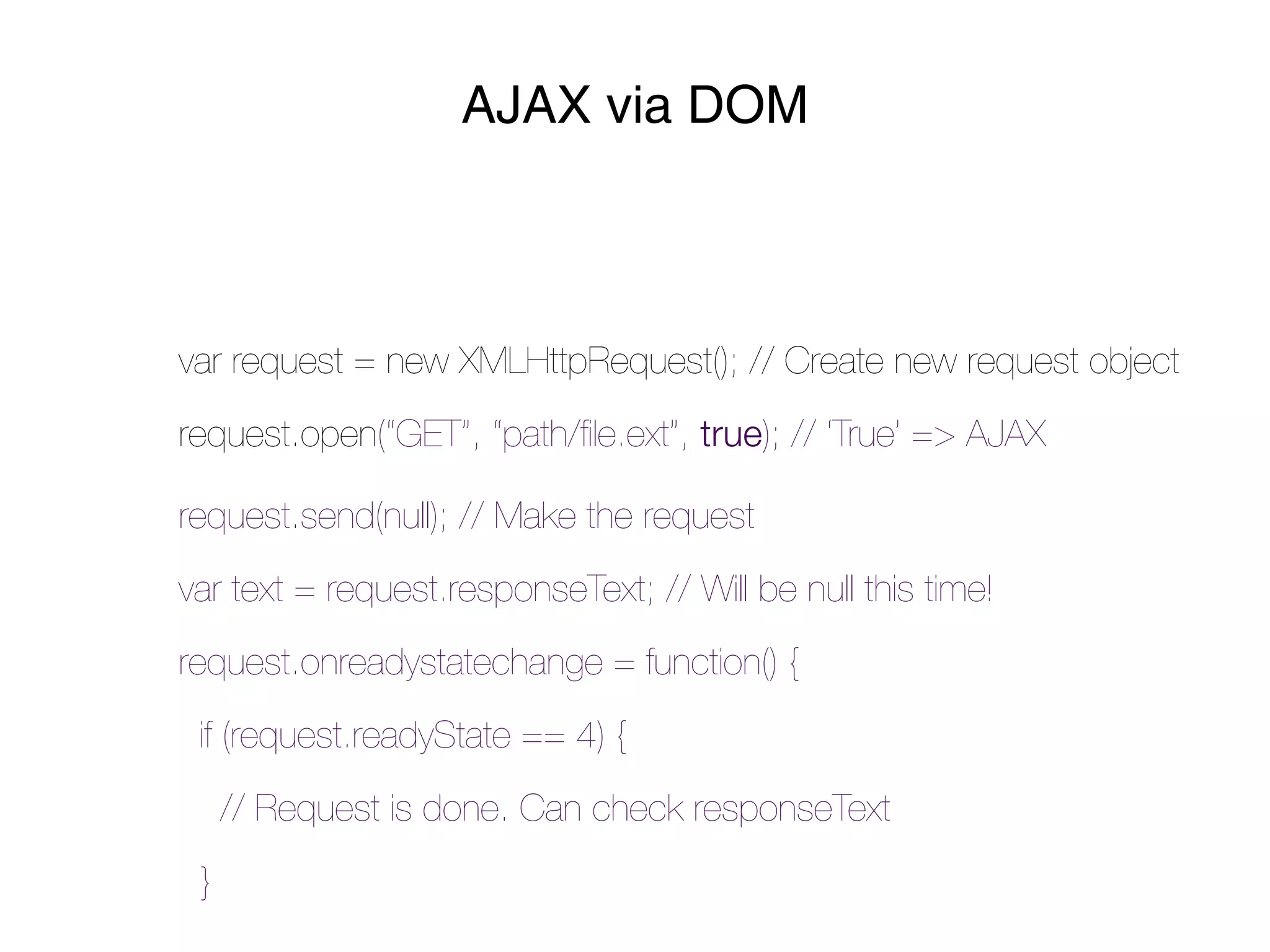
var request = new XMLHttpRequest(); // Create new request object
request.open(“GET”, “path/file.ext”, true); // ‘True’ => AJAX

request.send(null); // Make the request
var text = request.responseText; // Will be null this time!
request.onreadystatechange = function() {
 if (request.readyState == 4) {
     // Request is done. Can check responseText
 }
AJAX via DOM


var request = new XMLHttpRequest(); // Create new request object
request.open(“GET”, “path/file.ext”, true); // ‘True’ => AJAX


          CONFUSING this time!
request.send(null); // Make the request
var text = request.responseText; // Will be null
request.onreadystatechange = function() {
 if (request.readyState == 4) {
     // Request is done. Can check responseText
 }
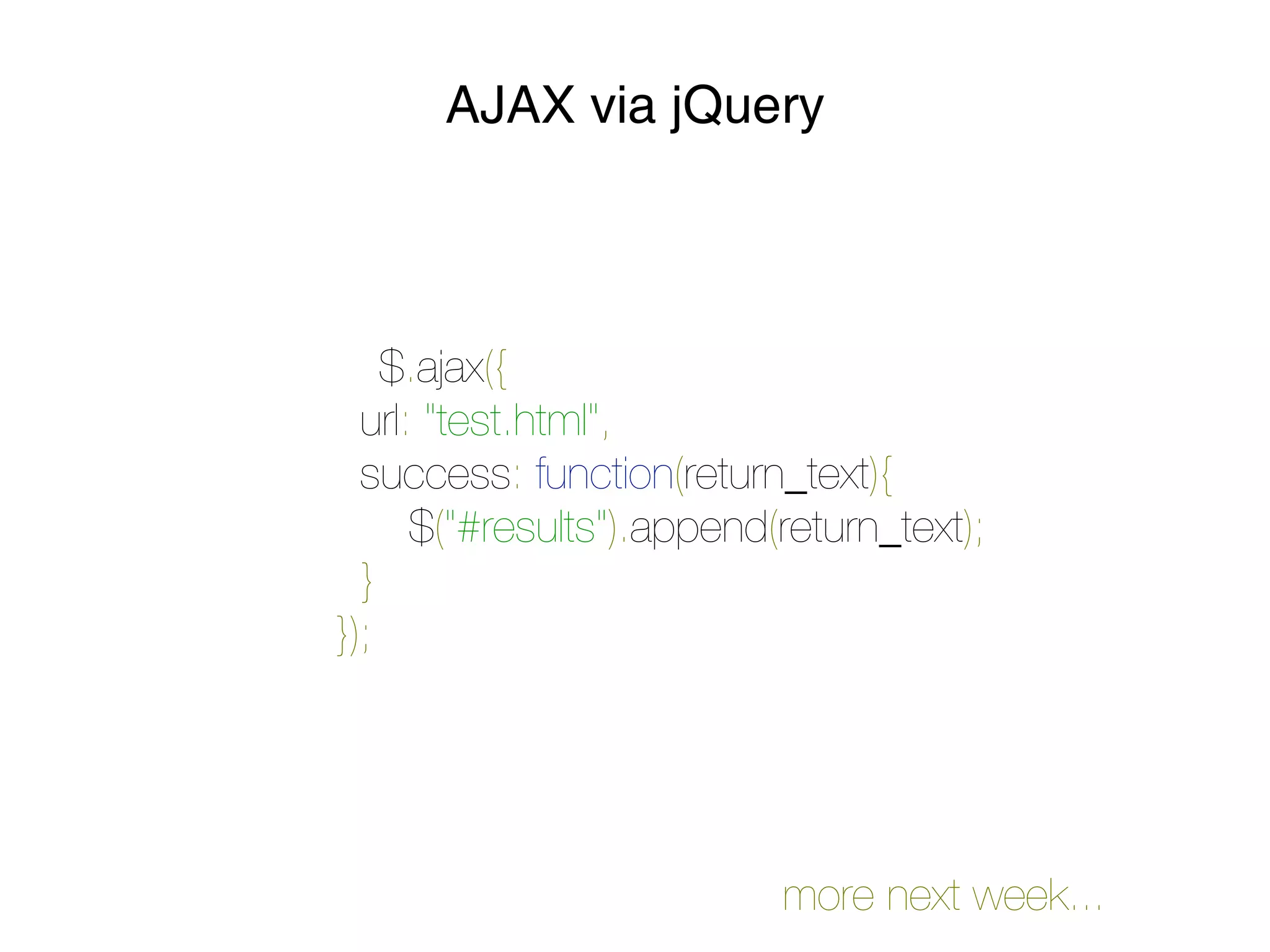
AJAX via jQuery


    $.ajax({
  url: "test.html",
  success: function(return_text){
    $("#results").append(return_text);
 }
});


                          more next week...
QUESTIONS?
contact will_and_bay@hackyale.com

Week 4 - jQuery + Ajax

  • 2.
    LESSON FOUR jQuery intro
  • 3.
  • 4.
    Functions = “FirstClass Objects”
  • 5.
    Anonymous Functions function() { // code goes here }
  • 6.
    Arrays data structure forordered values var team = [‘ben’,‘jeff’,‘kam’]; team[0] // => ‘ben’
  • 7.
    Objects collections of “key/value”properties var person = {}; person.name = ‘will’; // Write var name = person.name; // Read
  • 8.
  • 9.
  • 10.
  • 11.
    What is jQuery Frameworkfor using Javascript to interact with the browser • Simple DOM API: manipulate HTML / CSS on the page • Simple AJAX API: send and receive data from the server • Simple Event API: do stuff when the user does stuff • Thats it!
  • 12.
    What is aFramework? A library of utility functions Small Medium Large • Underscore.js • jQuery UI • YUI (Yahoo UI) • jQuery • MooTools • GWT (Google web toolkit) • Prototype.js • Dojo • EXT JS (commercial) there are LOTS of them for web development
  • 13.
    Why use jQuery • The DOM API is _nasty_! • Cross browser • Fast - Faster than raw DOM manipulation! *magic* • Lightweight (31kb) • Stable and trusted • Required for many other frameworks • EVERYBODY uses it
  • 14.
    Include jQuery <script src="/js/jquery.js"></script> <scriptsrc="http://ajax.googleapis.com/ajax/libs/jquery/1.5/ jquery.min.js"></script> Try it out!
  • 15.
    jQuery Syntax or…how to follow the $ $(document).ready(function(){ // Your code here }); DOM Manipulation $("a").addClass("test");
  • 16.
  • 17.
    Selecting Elements Using CSS! $("#foo") // the [element] at id “foo” $(".bloop") // the [elements] with class “bloop” $("a.buzz") // the [links] with class ‘buzz’ $(".bloop:first") // specialty! The first bloop! => :hidden, :visible, :last, :checked, :empty, :odd...
  • 18.
    Important Methods .show() /.hide() / .toggle() $(".swap_text").toggle(); .addClass(".active") .removeClass(".active") .css(key, value) $("#my_box").css(‘backgroundColor’, ‘red’); $("#my_box").css({ ‘backgroundColor’ : ‘red’, ‘color’ : ‘#030’ });
  • 19.
    Important Methods .animate(properties, duration,callback) $(‘#my_box’).animate({ ‘backgroundColor’ : ‘red’, ‘marginTop‘ : ‘20px’, ‘color‘ : ‘#030’ }, 3000, justFinished); // execute the animation for 3 seconds // and when done, call: justFinished();
  • 20.
    Important Methods .html() /.val() / .attr(‘attribute’) $(‘#my_title’).html(); // returns the innerHTML $(‘#my_title’).html(“New Title!”); // sets the innerHTML $(‘input#email’).val(“please enter your email address...”); $(‘img’).attr(“src”, “placekitten.com/30/30”); as before: these methods can get or set...
  • 21.
  • 22.
    jQuery Events $(document).ready() // the DOM is loaded window.load() // all elements (including images) have loaded .change() .submit() .focus() .click .scroll() .hover() .keypress() ...And so many more!
  • 23.
    Events w/o jQuery no browser consistency EX: .addEventListener("click", function({}) ); // Firefox .attachEvent("onclick", function({}) ); // Internet Explorer
  • 24.
  • 25.
    Client Side Requests [XHR and AJAX]
  • 26.
    XMLHttpRequest Allows you tomake a web request via client side javascript Invented by Microsoft for Internet Explorer, then ported to other browsers var request = new XMLHttpRequest(); // Create new request object request.open(“GET”, “path/file.ext”, false); // “open” the request request.send(null); // Make the request var text = request.responseText; // Check the response text
  • 27.
    BUZZZZWORD “XHR” • XMLHttpRequest • Misnomer => Not limited to XML data • By default, synchronous
  • 28.
    AJAX By default, XHRproceeds synchronously In other words, your code will hang until the request is complete What if you want your code to keep executing? => Use AJAX
  • 29.
    BUZZZZWORD “AJAX” • “Asynchronous Javascript and XML” • XHR done asynchronously • Provide a callback to execute when the request is complete • Changed the face of web development => page reloads no longer required to add new content to a page
  • 30.
    AJAX via DOM varrequest = new XMLHttpRequest(); // Create new request object request.open(“GET”, “path/file.ext”, true); // ‘True’ => AJAX request.send(null); // Make the request var text = request.responseText; // Will be null this time! request.onreadystatechange = function() { if (request.readyState == 4) { // Request is done. Can check responseText }
  • 31.
    AJAX via DOM varrequest = new XMLHttpRequest(); // Create new request object request.open(“GET”, “path/file.ext”, true); // ‘True’ => AJAX CONFUSING this time! request.send(null); // Make the request var text = request.responseText; // Will be null request.onreadystatechange = function() { if (request.readyState == 4) { // Request is done. Can check responseText }
  • 32.
    AJAX via jQuery $.ajax({   url: "test.html",   success: function(return_text){     $("#results").append(return_text);  } }); more next week...
  • 33.