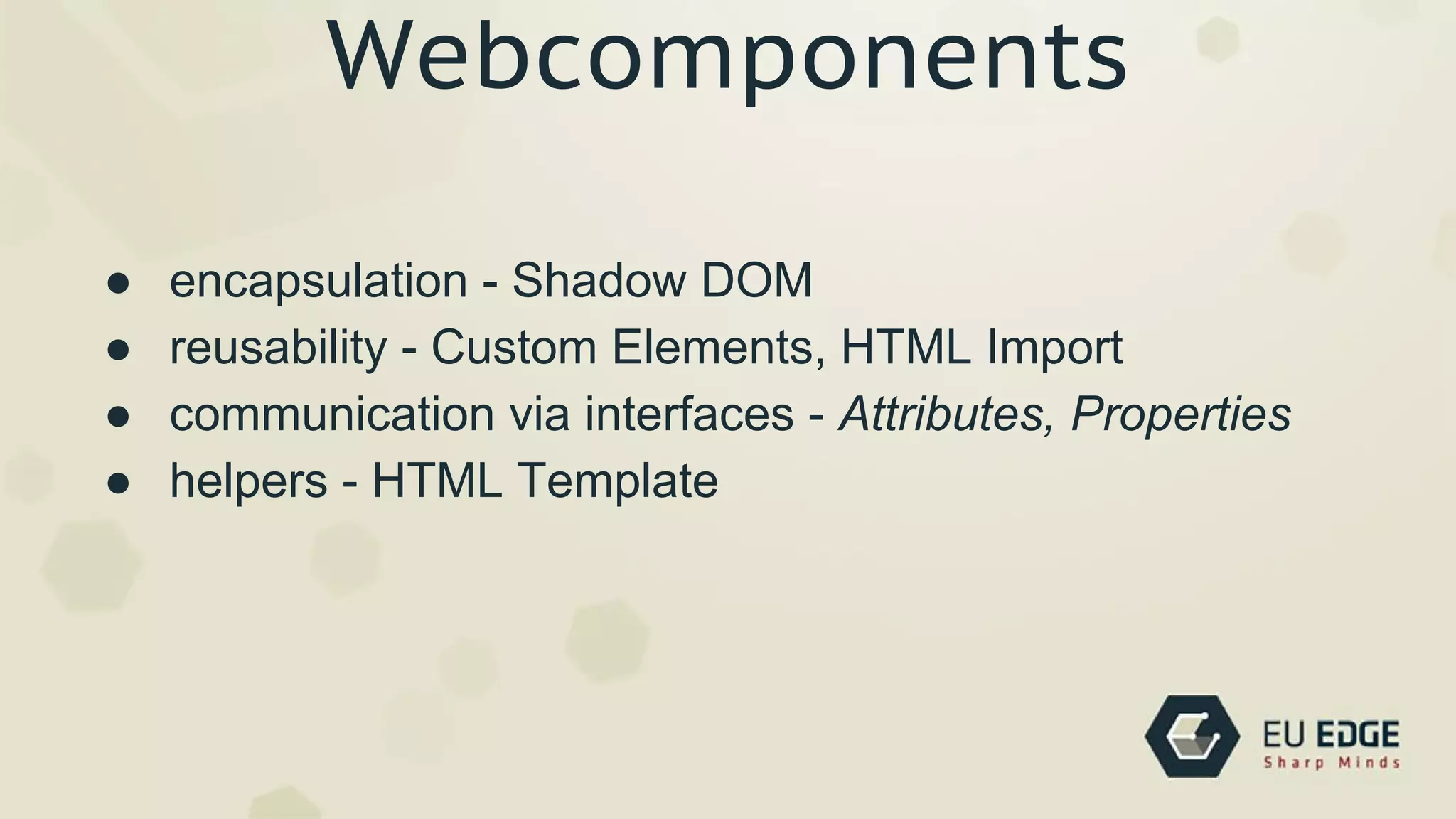

Webcomponents
Everything is AWESOME!
Components
“An individual software component is a software
package, a web service, a web resource, or a
module that encapsulates a set of related functions
(or data).”
Component-based software engineering
Wikipedia
Components
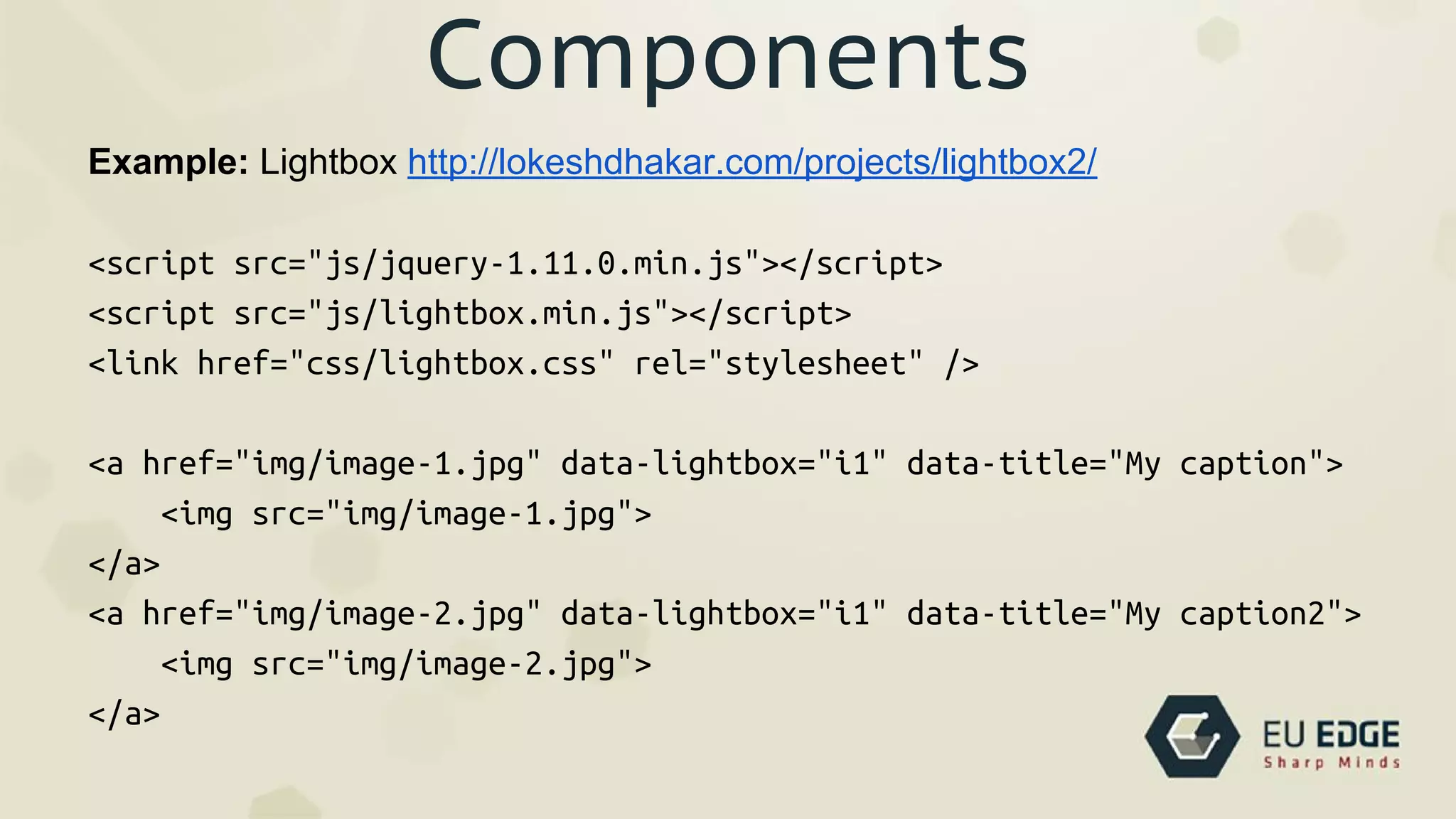
● encapsulation
● reusability
● communication via interfaces
Components
● encapsulation
● reusability
● communication via interfaces
Today: components for the web ~= jquery plugins
Components
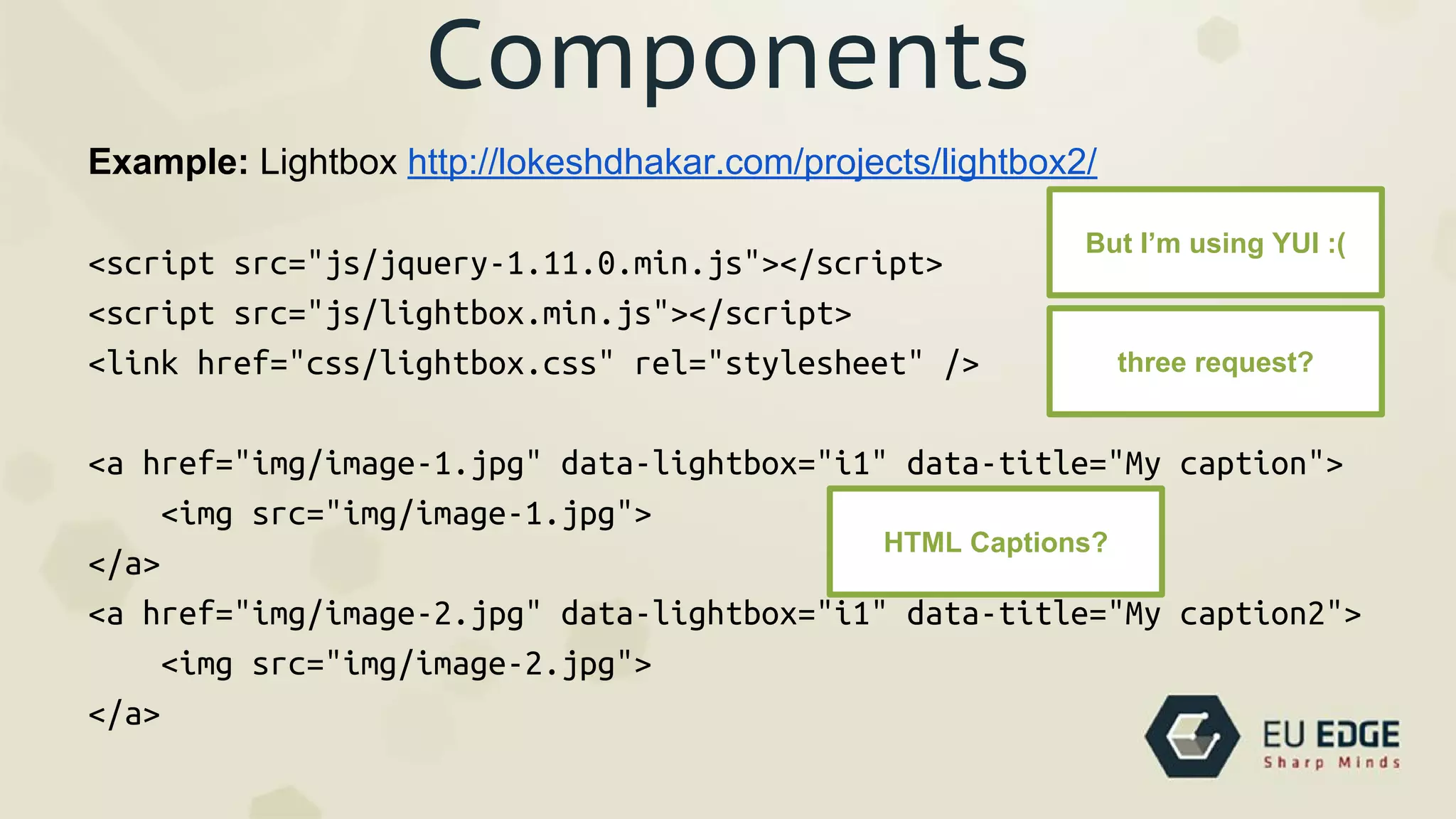
Example: Lightbox http://lokeshdhakar.com/projects/lightbox2/
<script src="js/jquery-1.11.0.min.js"></script>
<script src="js/lightbox.min.js"></script>
<link href="css/lightbox.css" rel="stylesheet" />
<a href="img/image-1.jpg" data-lightbox="i1" data-title="My caption">
<img src="img/image-1.jpg">
</a>
<a href="img/image-2.jpg" data-lightbox="i1" data-title="My caption2">
<img src="img/image-2.jpg">
</a>
Components
Example: Lightbox http://lokeshdhakar.com/projects/lightbox2/
<script src="js/jquery-1.11.0.min.js"></script>
<script src="js/lightbox.min.js"></script>
<link href="css/lightbox.css" rel="stylesheet" />
<a href="img/image-1.jpg" data-lightbox="i1" data-title="My caption">
<img src="img/image-1.jpg">
</a>
<a href="img/image-2.jpg" data-lightbox="i1" data-title="My caption2">
<img src="img/image-2.jpg">
</a>
But I’m using YUI :(
three request?
HTML Captions?
Components
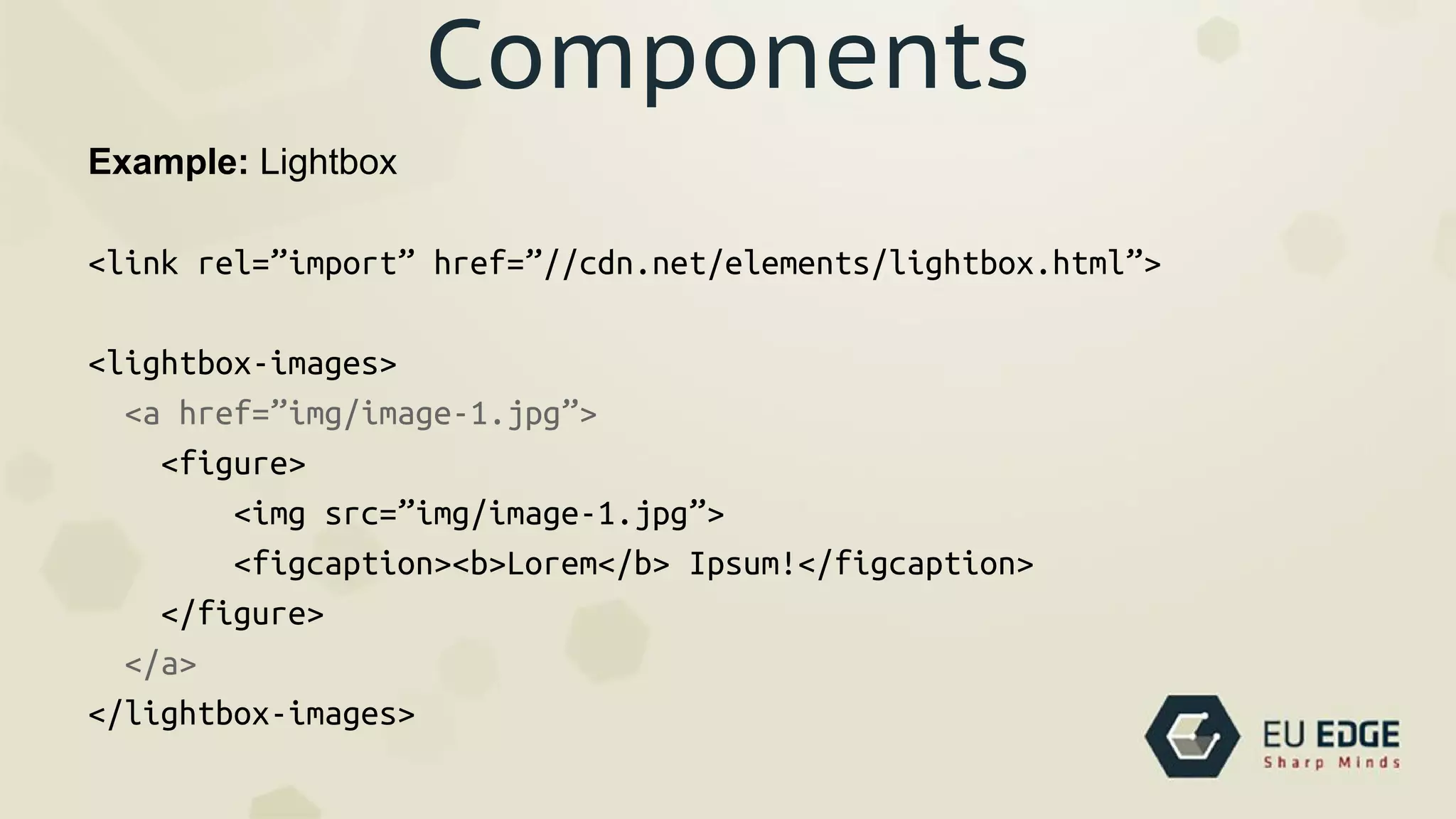
Example: Lightbox
<link rel=”import” href=”//cdn.net/elements/lightbox.html”>
<lightbox-images>
<a href=”img/image-1.jpg”>
<figure>
<img src=”img/image-1.jpg”>
<figcaption><b>Lorem</b> Ipsum!</figcaption>
</figure>
</a>
</lightbox-images>
Components
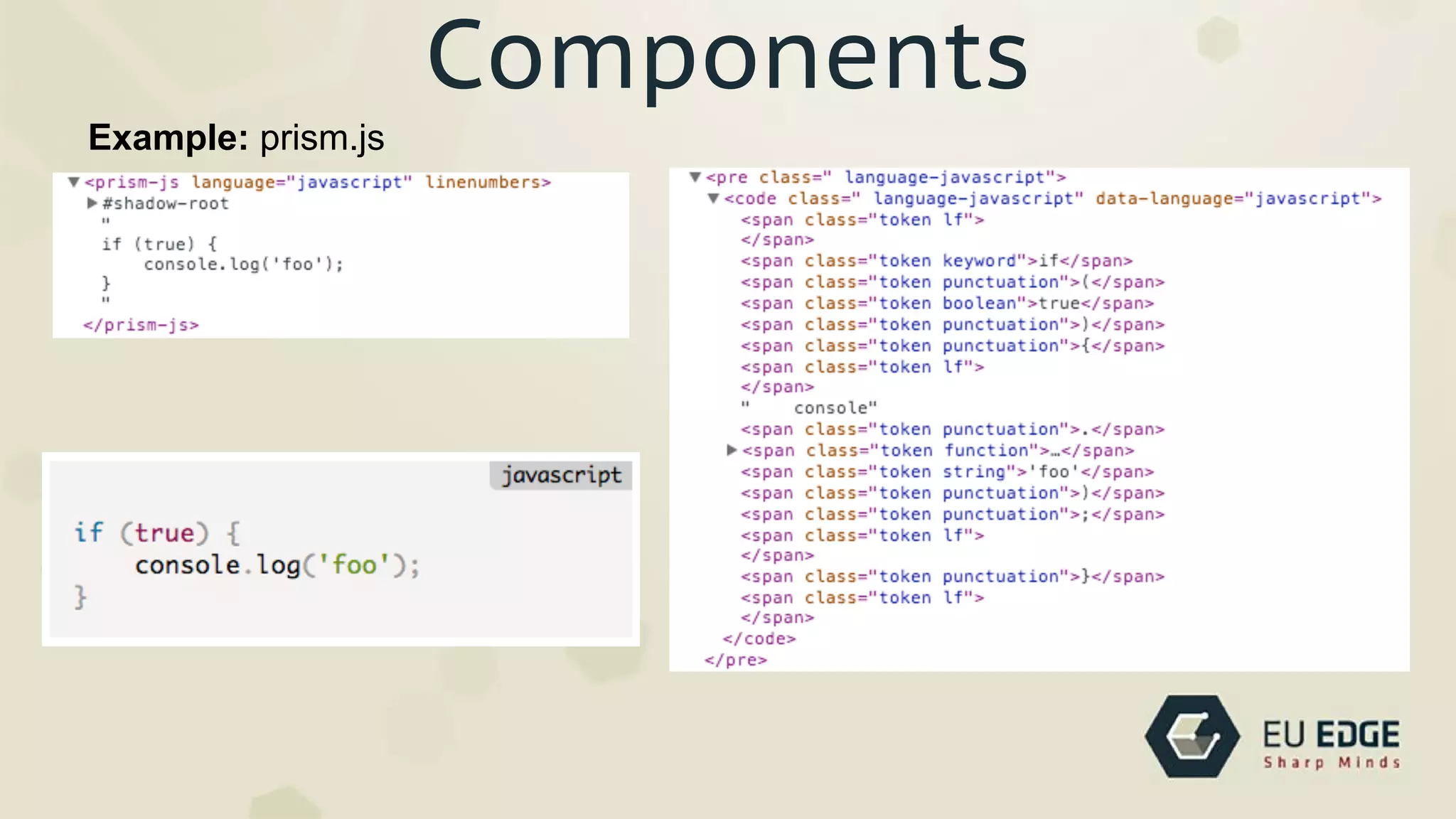
Example: prism.js
Components
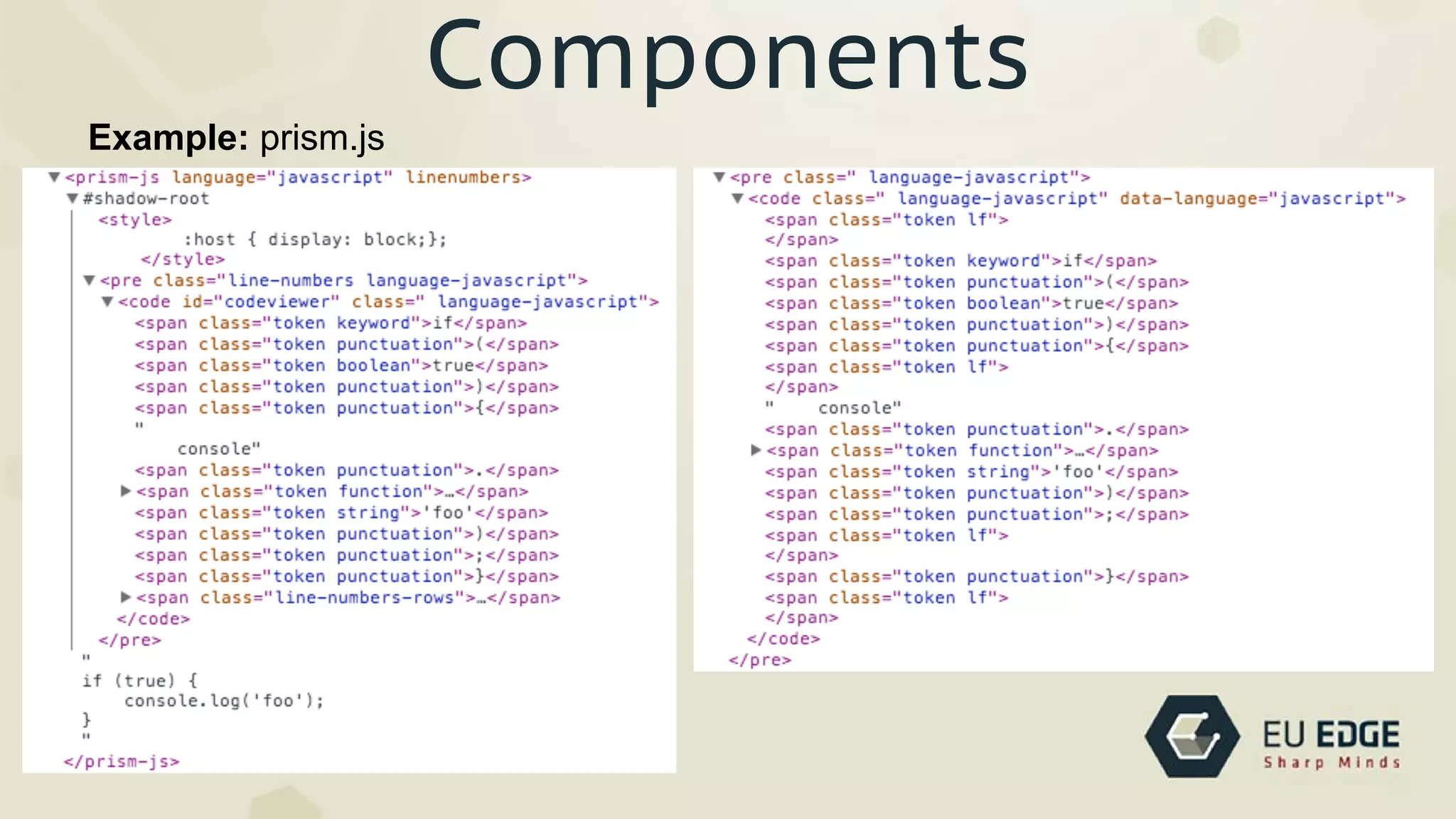
Example: prism.js
Components
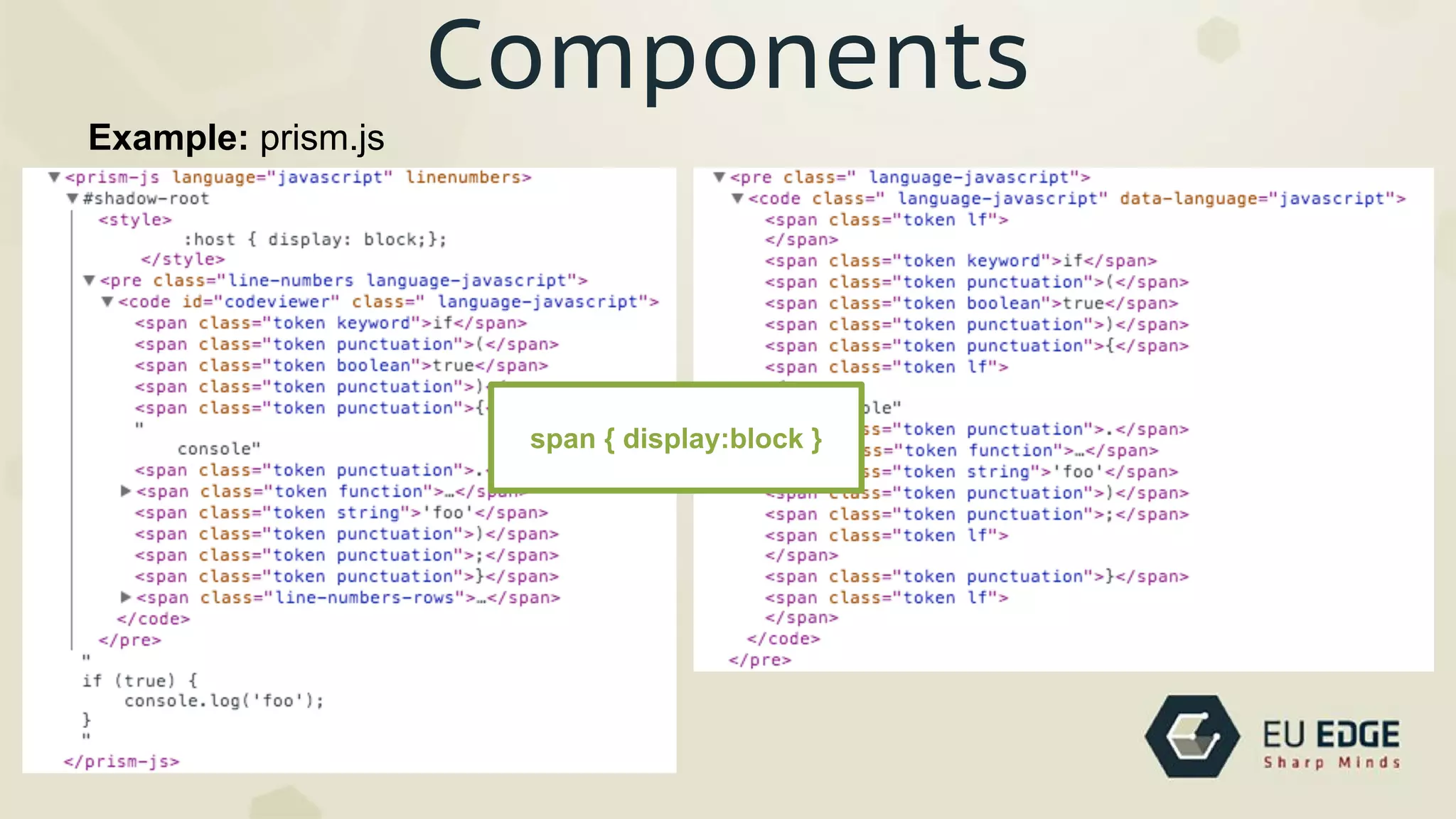
Example: prism.js
span { display:block }
ShadowDOM - encapsulation
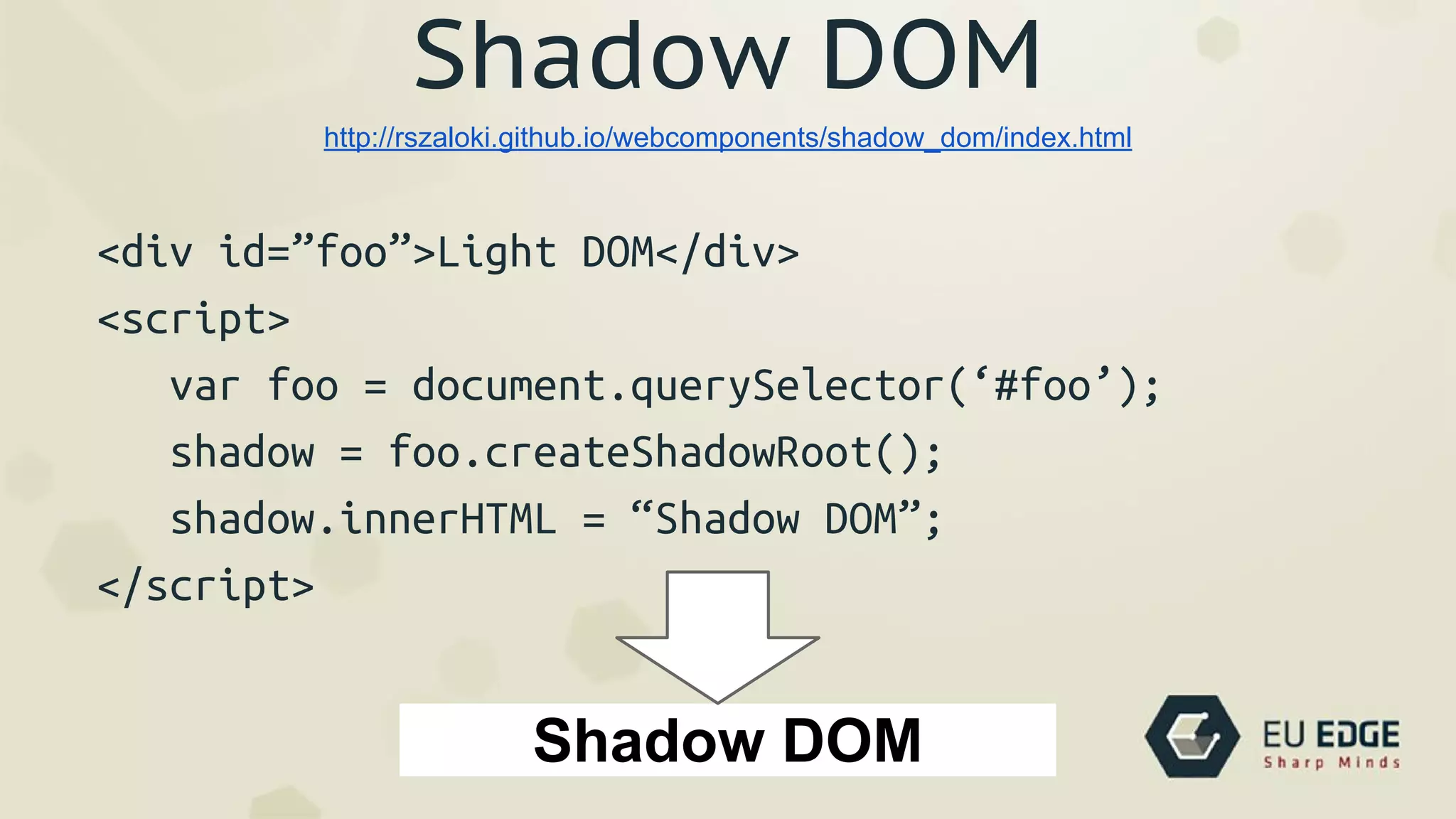
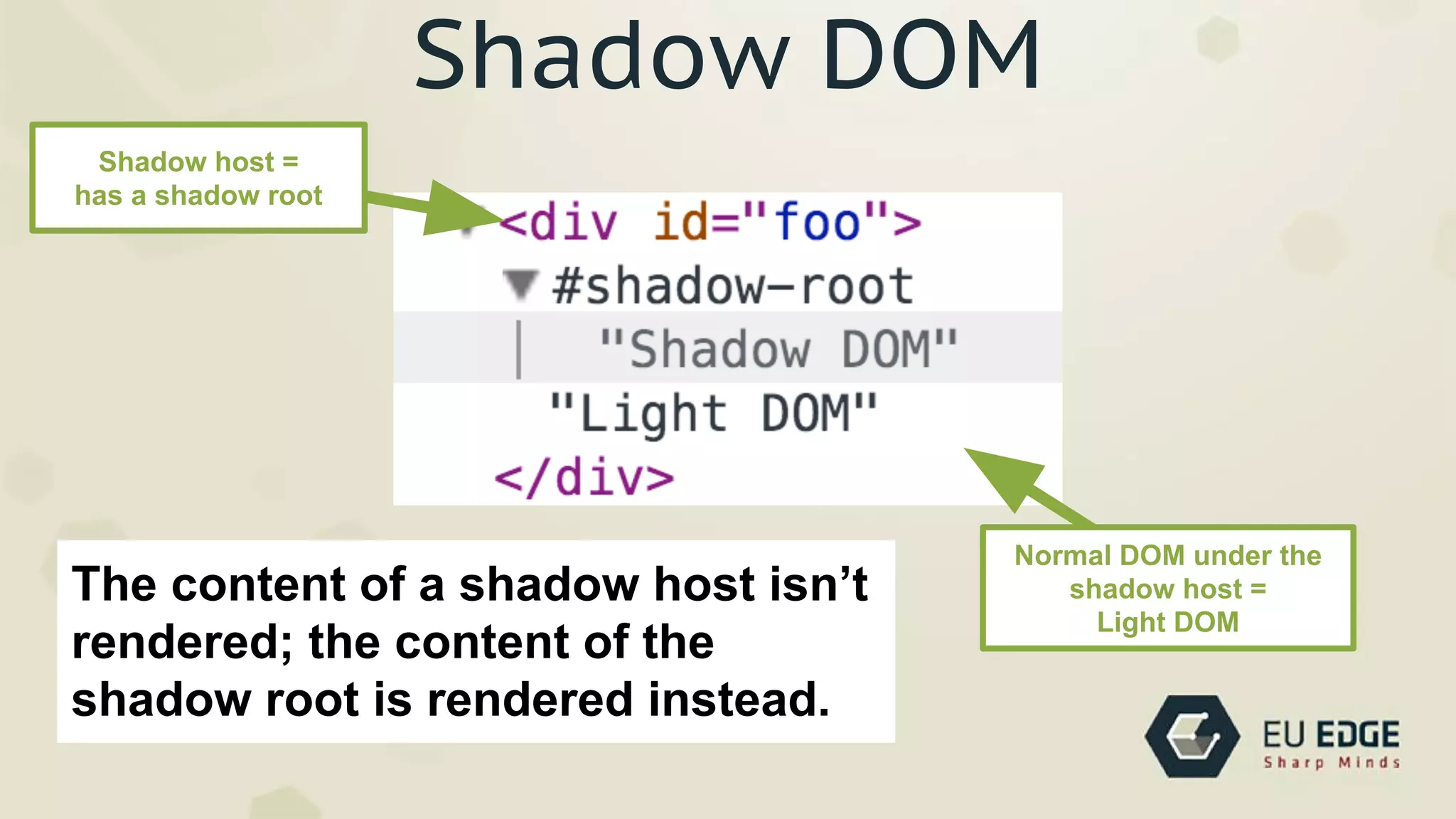
Shadow DOM
<div id=”foo”>Light DOM</div>
<script>
var foo = document.querySelector(‘#foo’);
shadow = foo.createShadowRoot();
shadow.innerHTML = “Shadow DOM”;
</script>
http://rszaloki.github.io/webcomponents/shadow_dom/index.html
Shadow DOM
Shadow DOM
Shadow host =
has a shadow root
Normal DOM under the
shadow host =
Light DOM
The content of a shadow host isn’t
rendered; the content of the
shadow root is rendered instead.
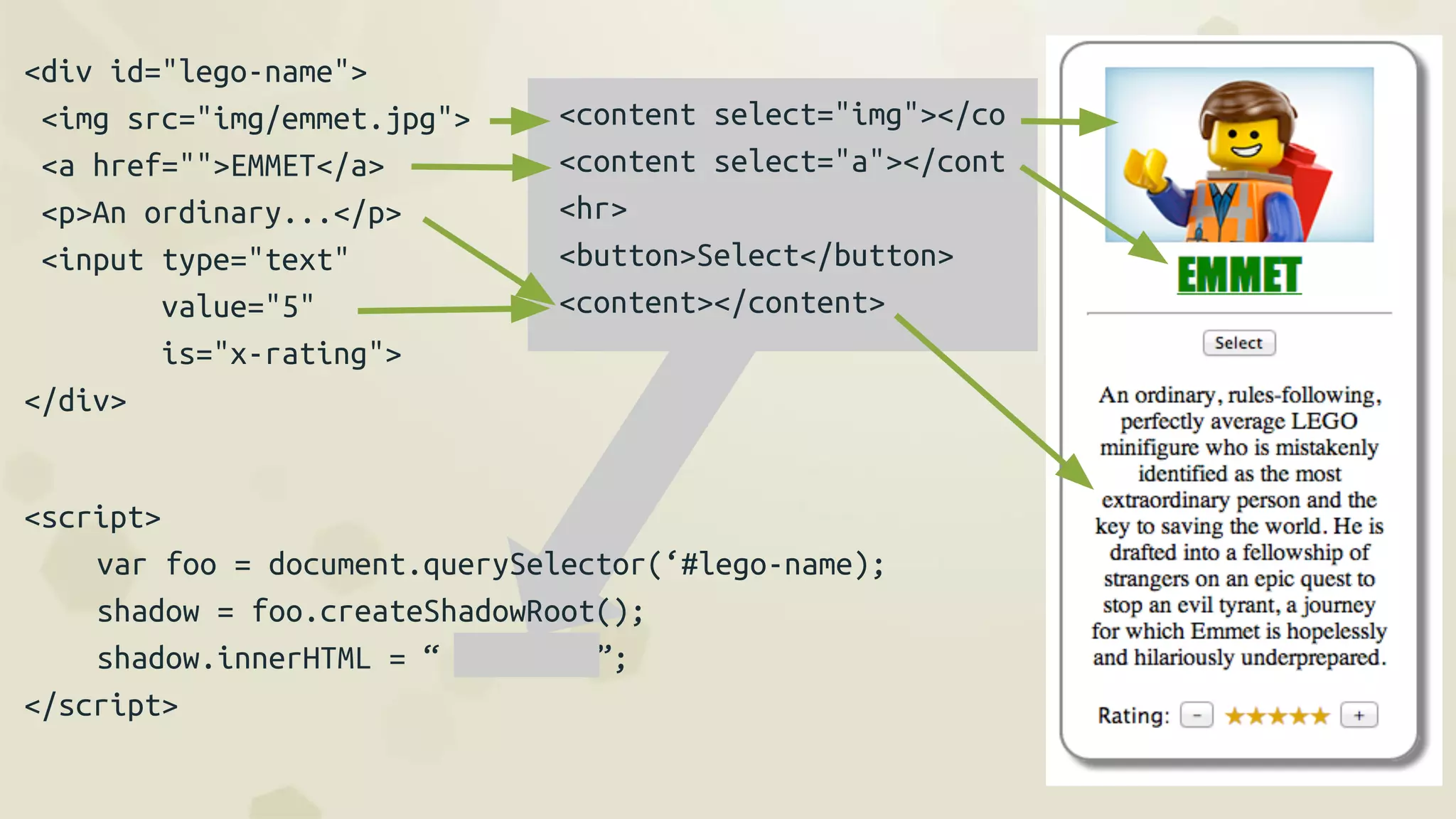
<div id="lego-name">
<img src="img/emmet.jpg">
<a href="">EMMET</a>
<p>An ordinary...</p>
<input type="text"
value="5"
is="x-rating">
</div>
<content select="img"></co
<content select="a"></cont
<hr>
<button>Select</button>
<content></content>
<script>
var foo = document.querySelector(‘#lego-name);
shadow = foo.createShadowRoot();
shadow.innerHTML = “ ”;
</script>
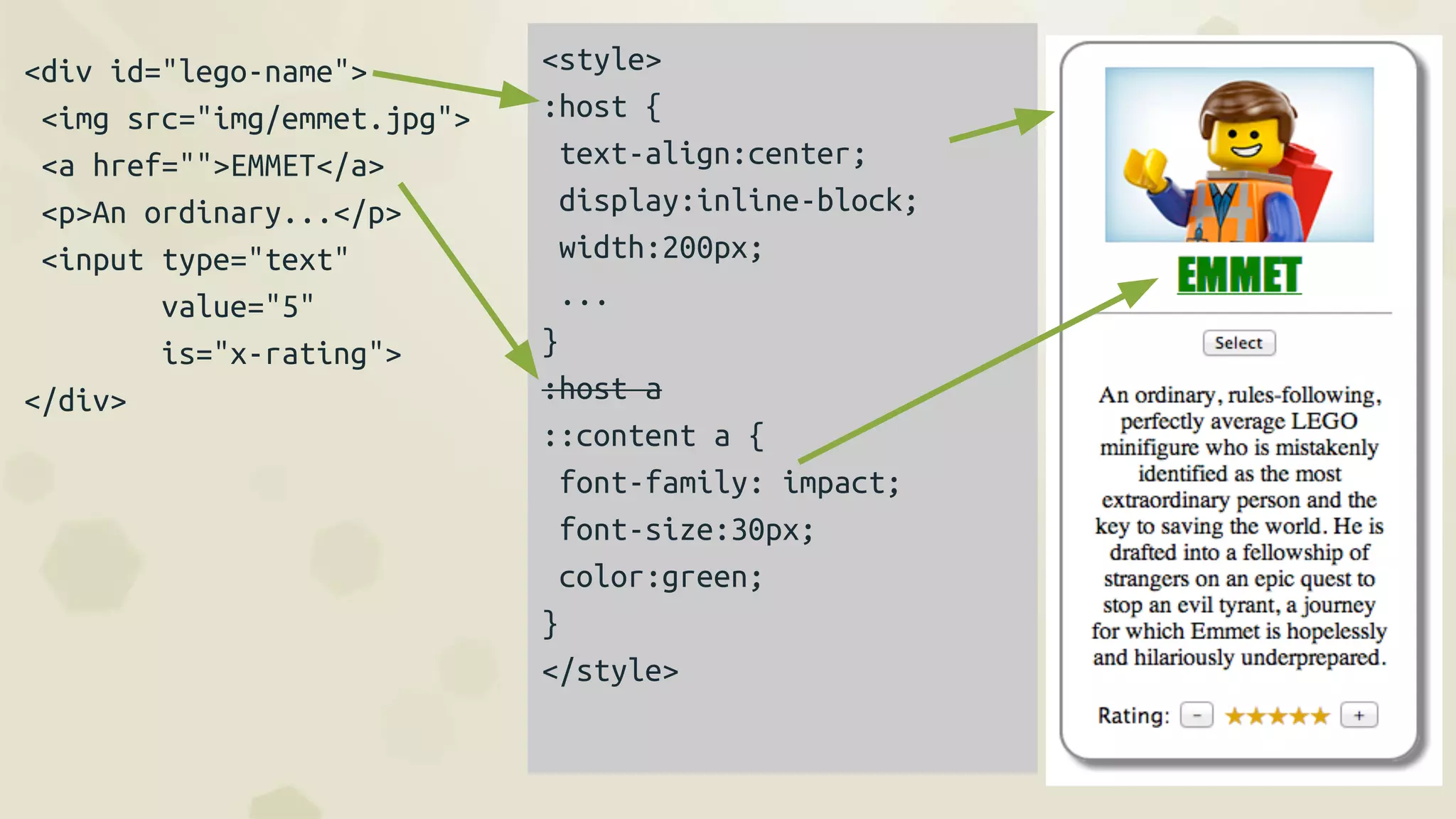
<div id="lego-name">
<img src="img/emmet.jpg">
<a href="">EMMET</a>
<p>An ordinary...</p>
<input type="text"
value="5"
is="x-rating">
</div>
<style>
:host {
text-align:center;
display:inline-block;
width:200px;
...
}
:host a
::content a {
font-family: impact;
font-size:30px;
color:green;
}
</style>
<input is=”x-rating”
value=”2”>
<input is=”x-rating”
value=”2”
readonly>
<style>
:host {
border:0;
color:black;
}
:host([readonly]) button {
display:none
}
</style>
<label>Rating: </label>
<button id="dec">-</button>
<span id="value"></span>
<button id="inc">+</button>
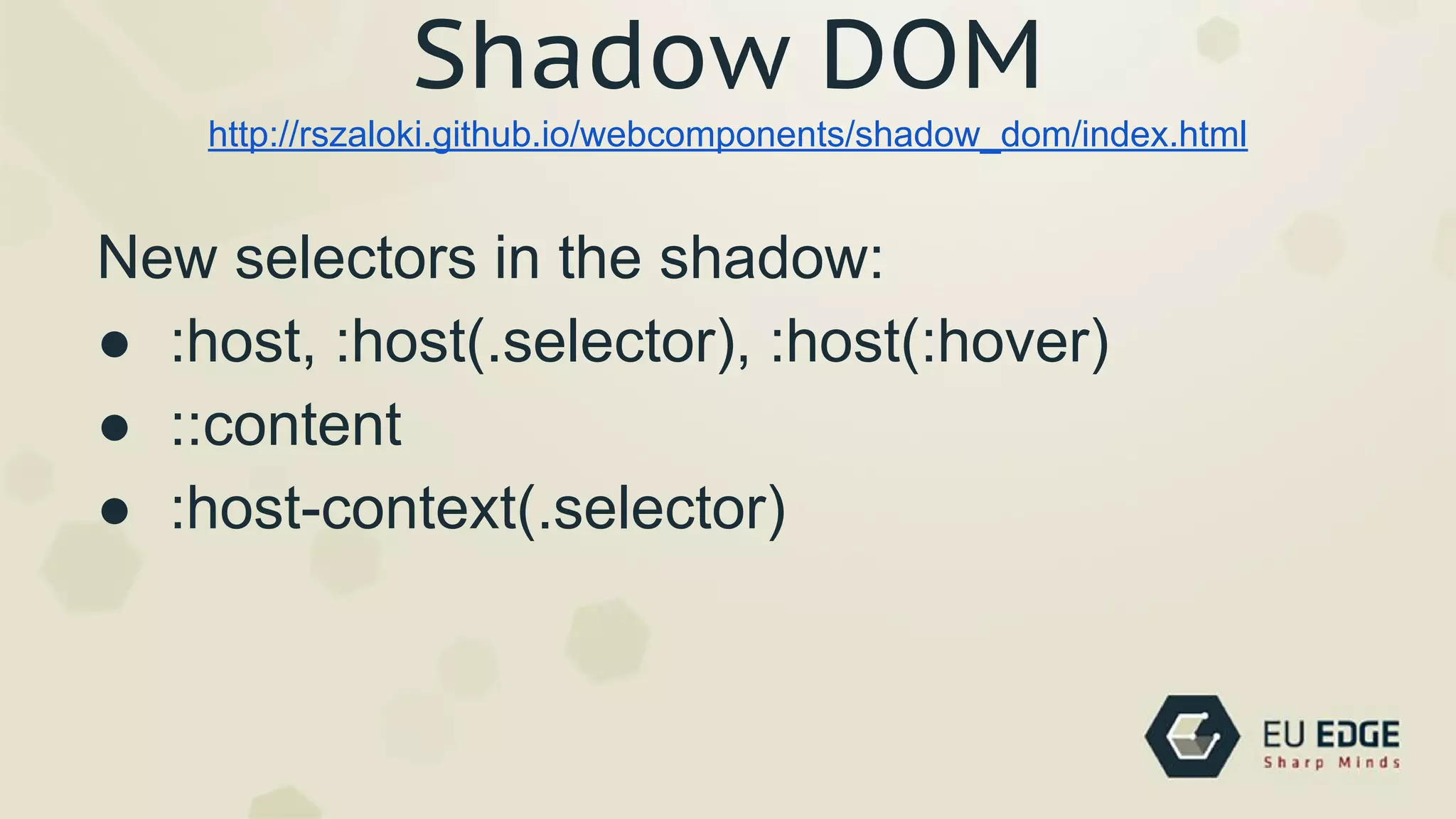
New selectors in the shadow:
● :host, :host(.selector), :host(:hover)
● ::content
● :host-context(.selector)
http://rszaloki.github.io/webcomponents/shadow_dom/index.html
Shadow DOM
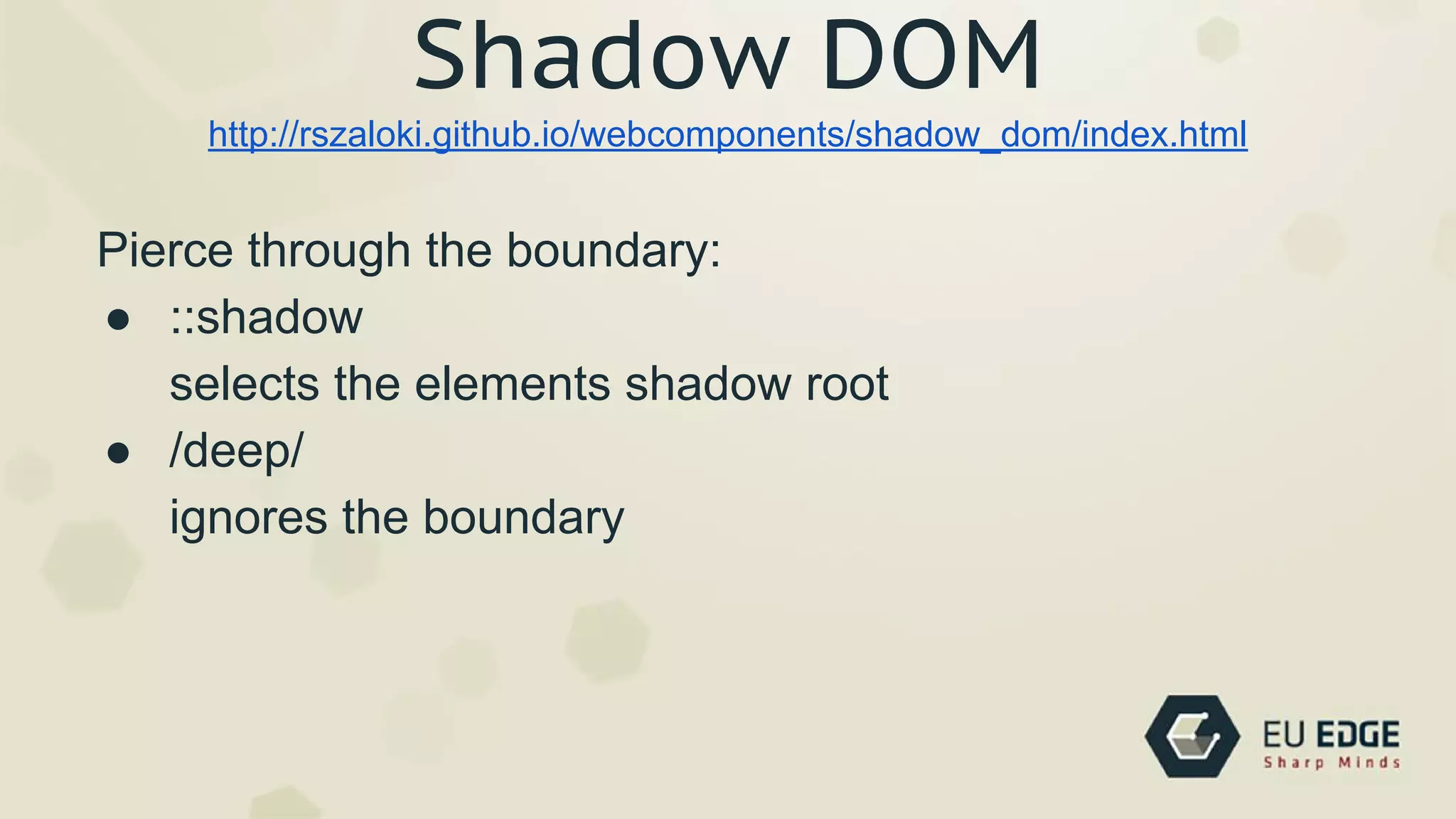
Pierce through the boundary:
● ::shadow
selects the elements shadow root
● /deep/
ignores the boundary
http://rszaloki.github.io/webcomponents/shadow_dom/index.html
Shadow DOM
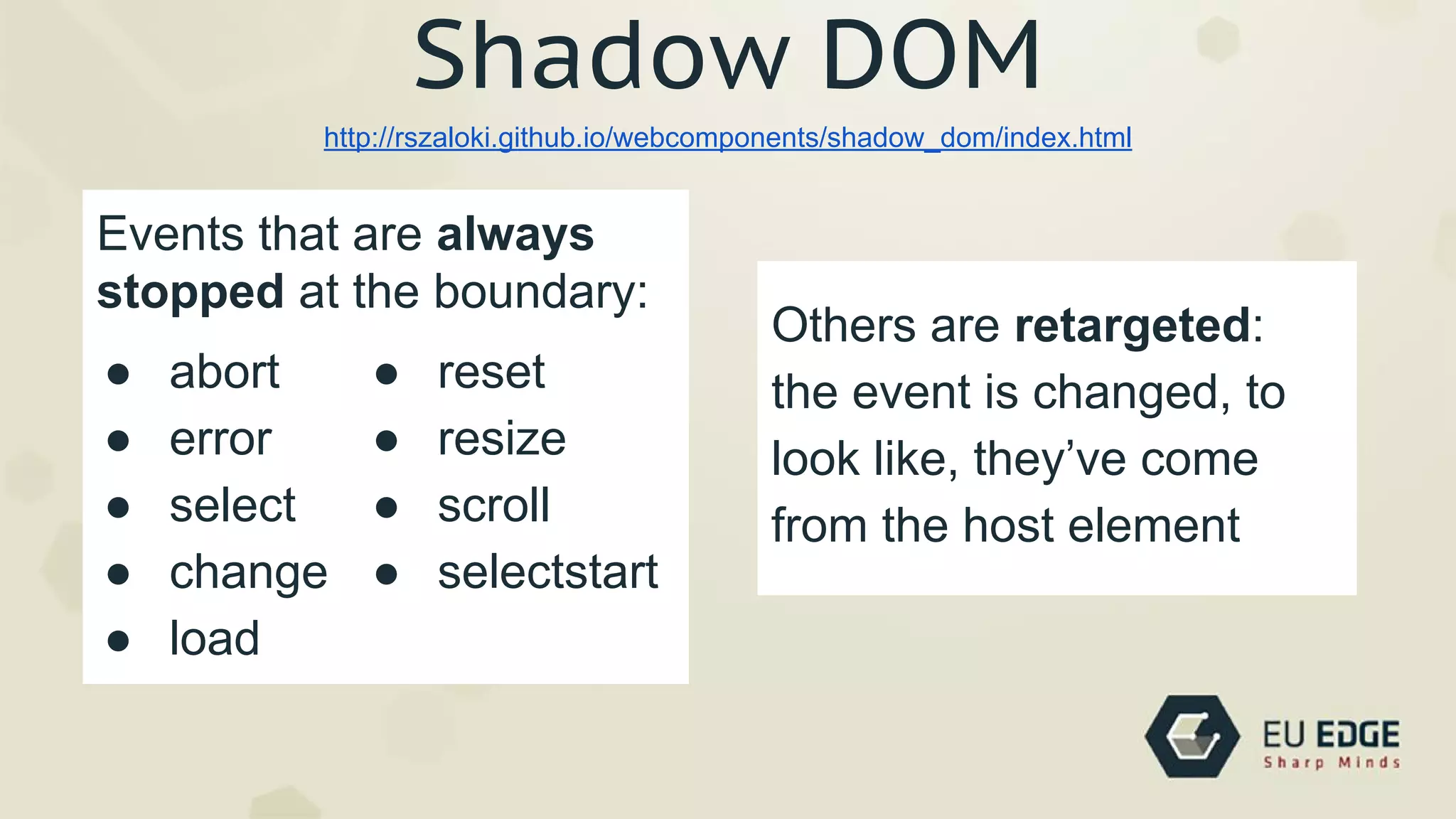
● abort
● error
● select
● change
● load
http://rszaloki.github.io/webcomponents/shadow_dom/index.html
Shadow DOM
● reset
● resize
● scroll
● selectstart
Events that are always
stopped at the boundary:
Others are retargeted:
the event is changed, to
look like, they’ve come
from the host element
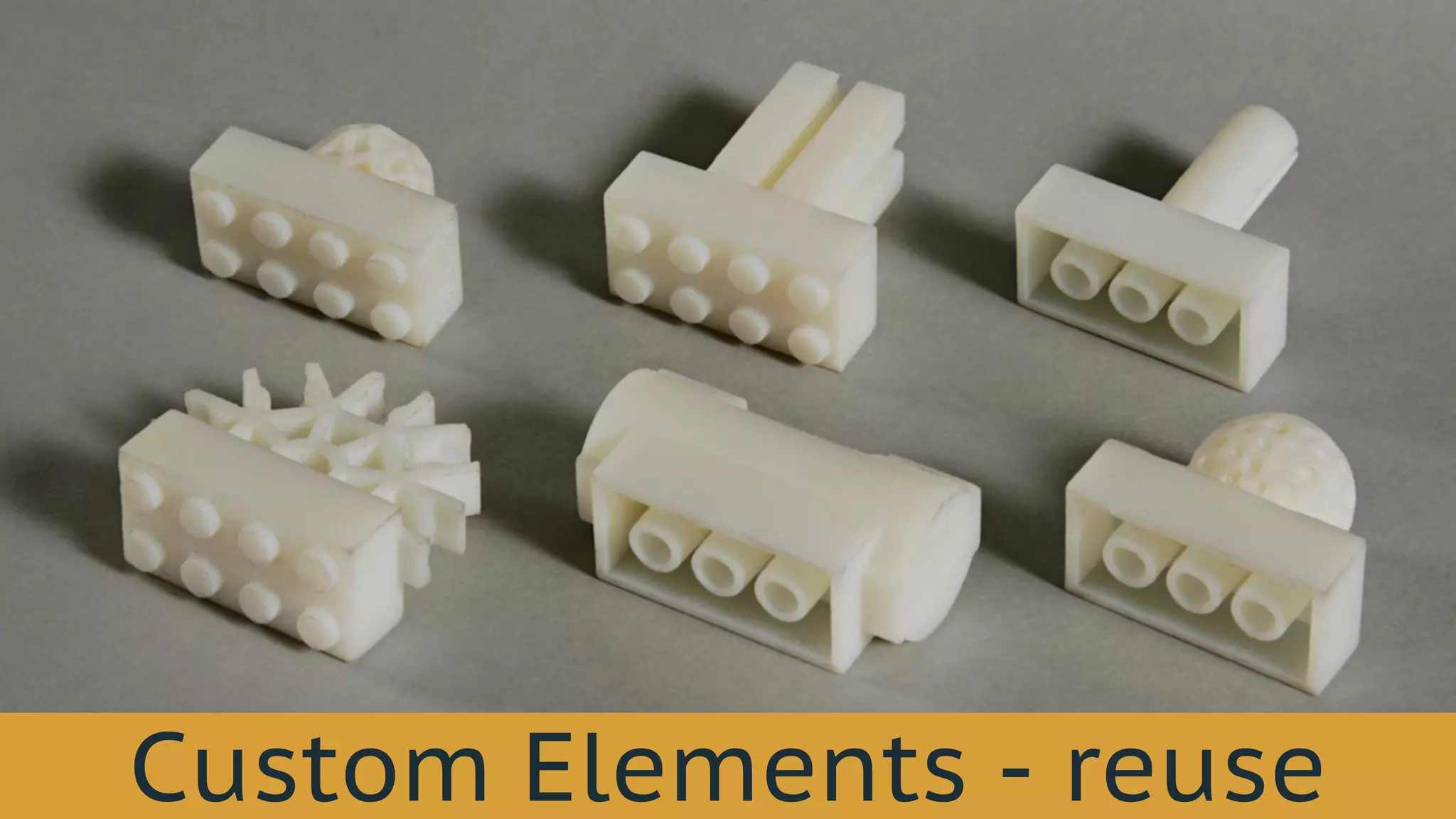
Custom Elements - reuse
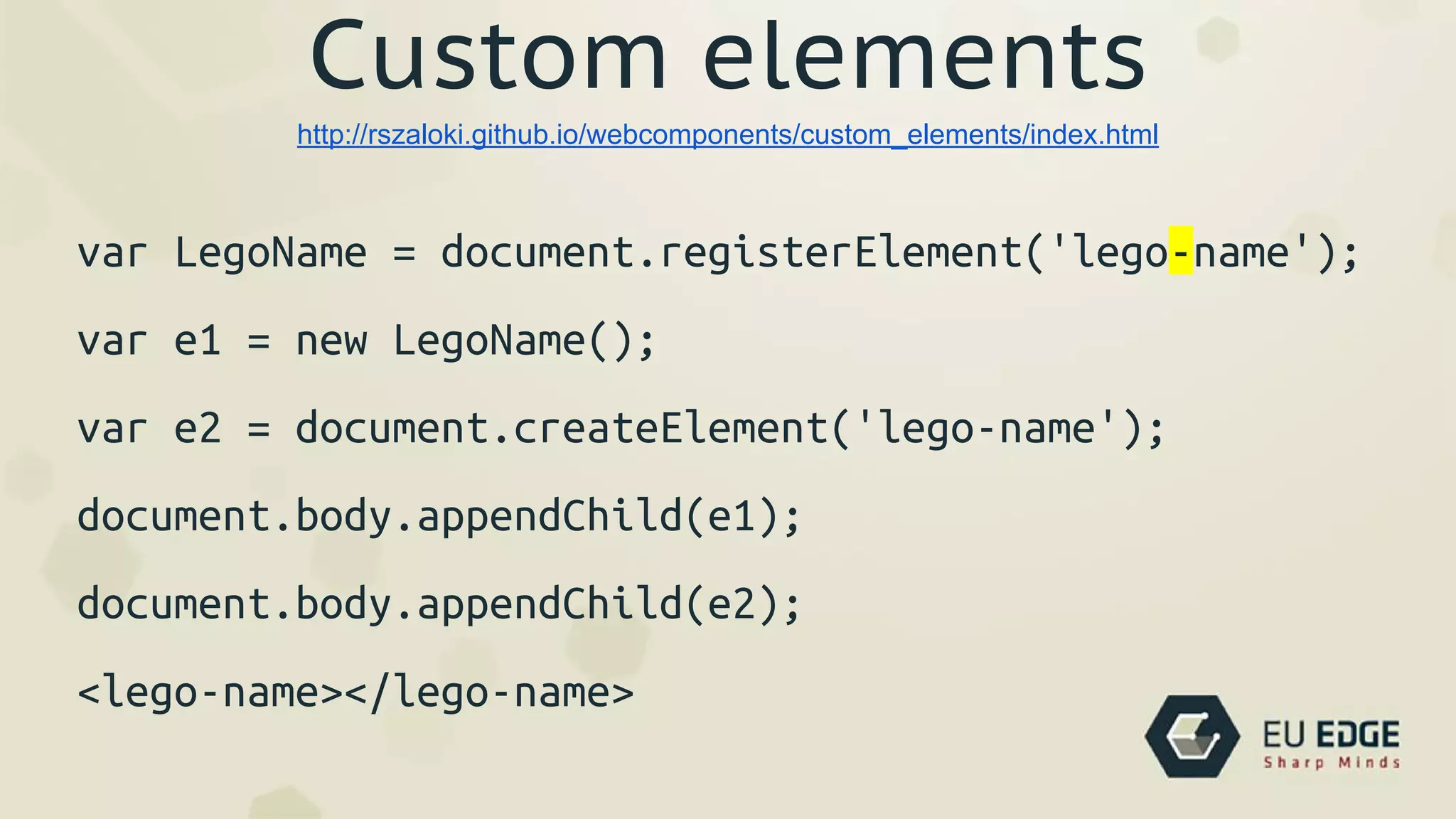
Custom elements
var LegoName = document.registerElement('lego-name');
var e1 = new LegoName();
var e2 = document.createElement('lego-name');
document.body.appendChild(e1);
document.body.appendChild(e2);
<lego-name></lego-name>
http://rszaloki.github.io/webcomponents/custom_elements/index.html
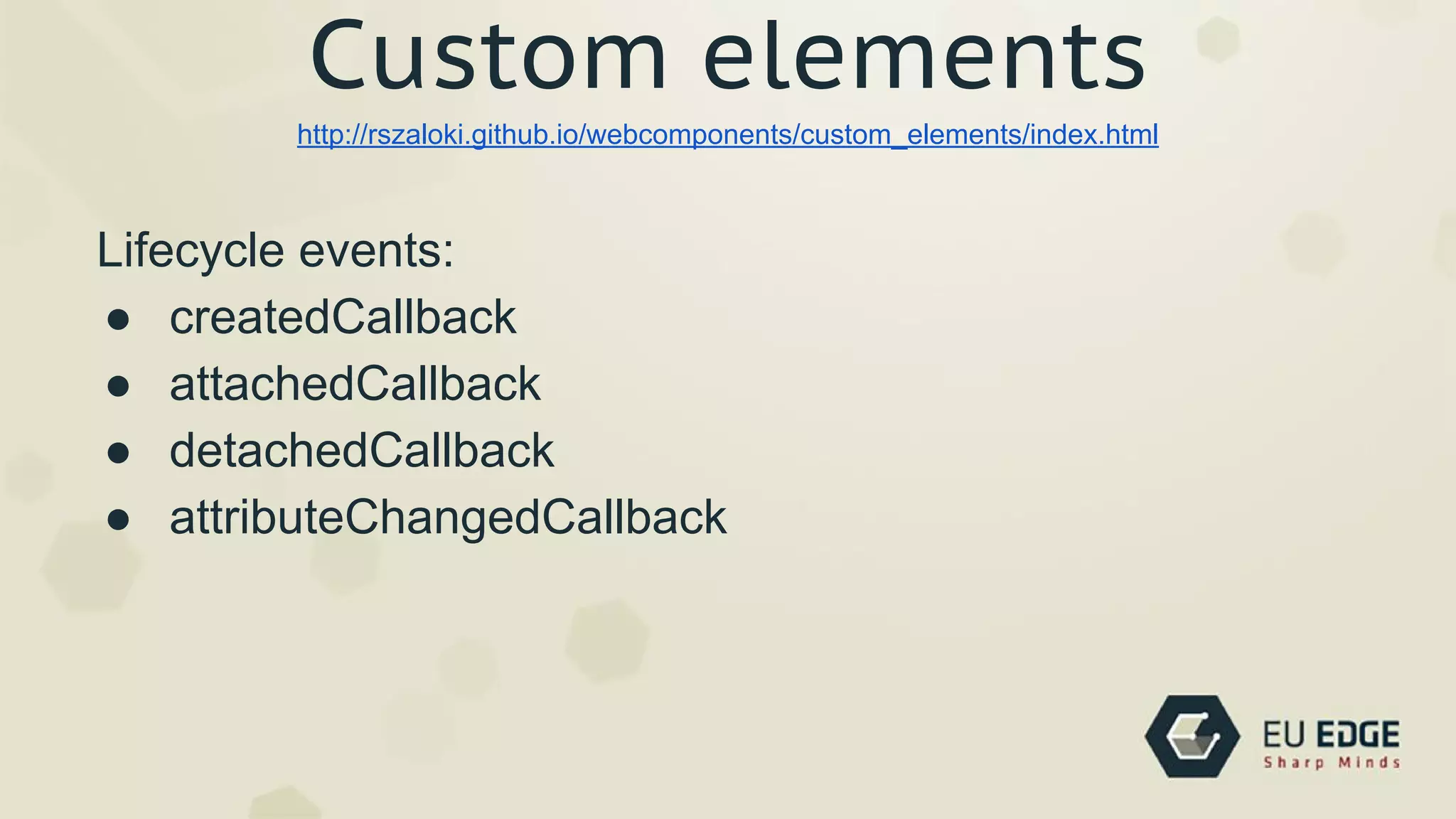
Custom elements
Lifecycle events:
● createdCallback
● attachedCallback
● detachedCallback
● attributeChangedCallback
http://rszaloki.github.io/webcomponents/custom_elements/index.html
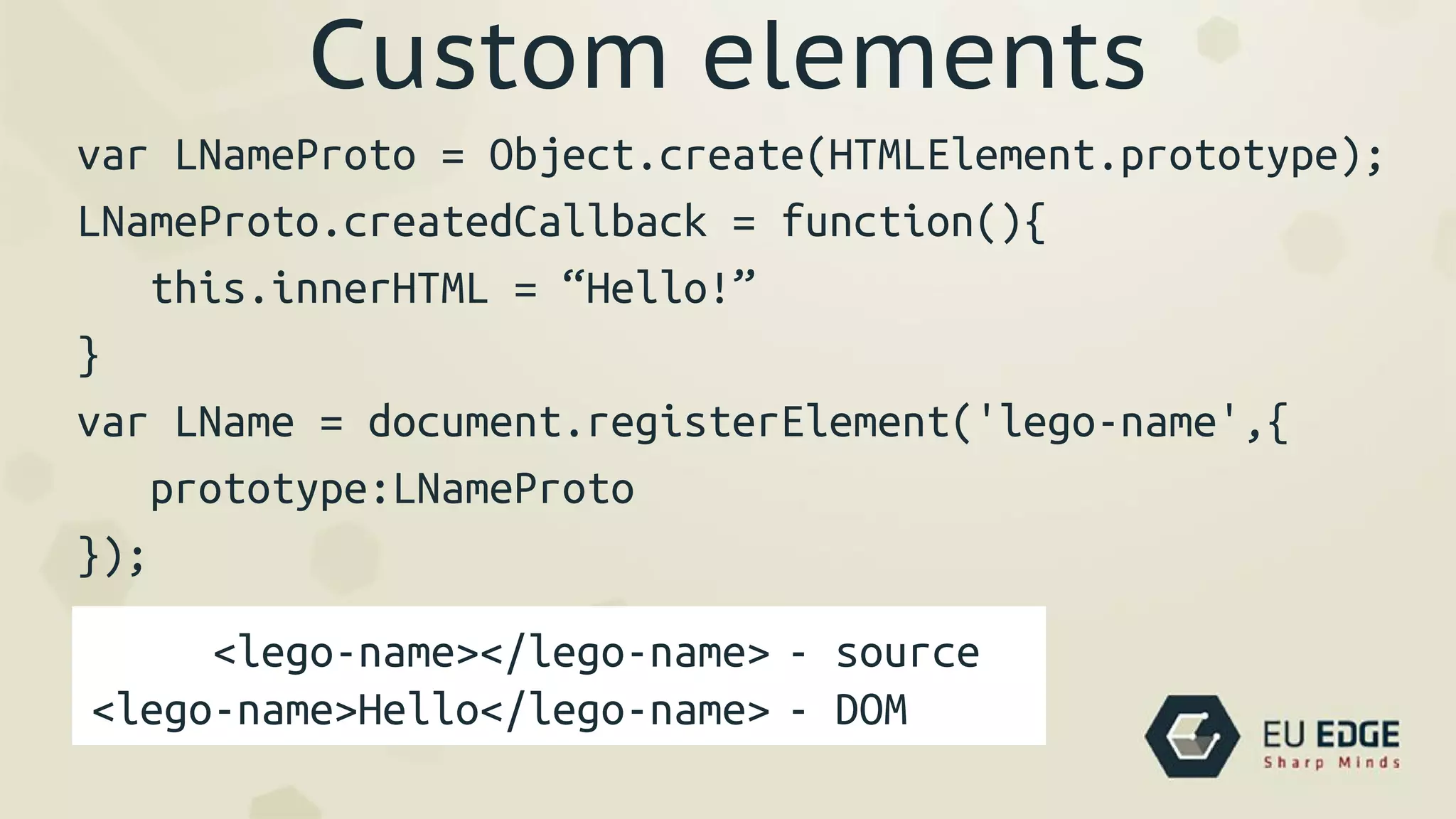
Custom elements
var LNameProto = Object.create(HTMLElement.prototype);
LNameProto.createdCallback = function(){
this.innerHTML = “Hello!”
}
var LName = document.registerElement('lego-name',{
prototype:LNameProto
});
<lego-name></lego-name>
<lego-name>Hello</lego-name>
- source
- DOM
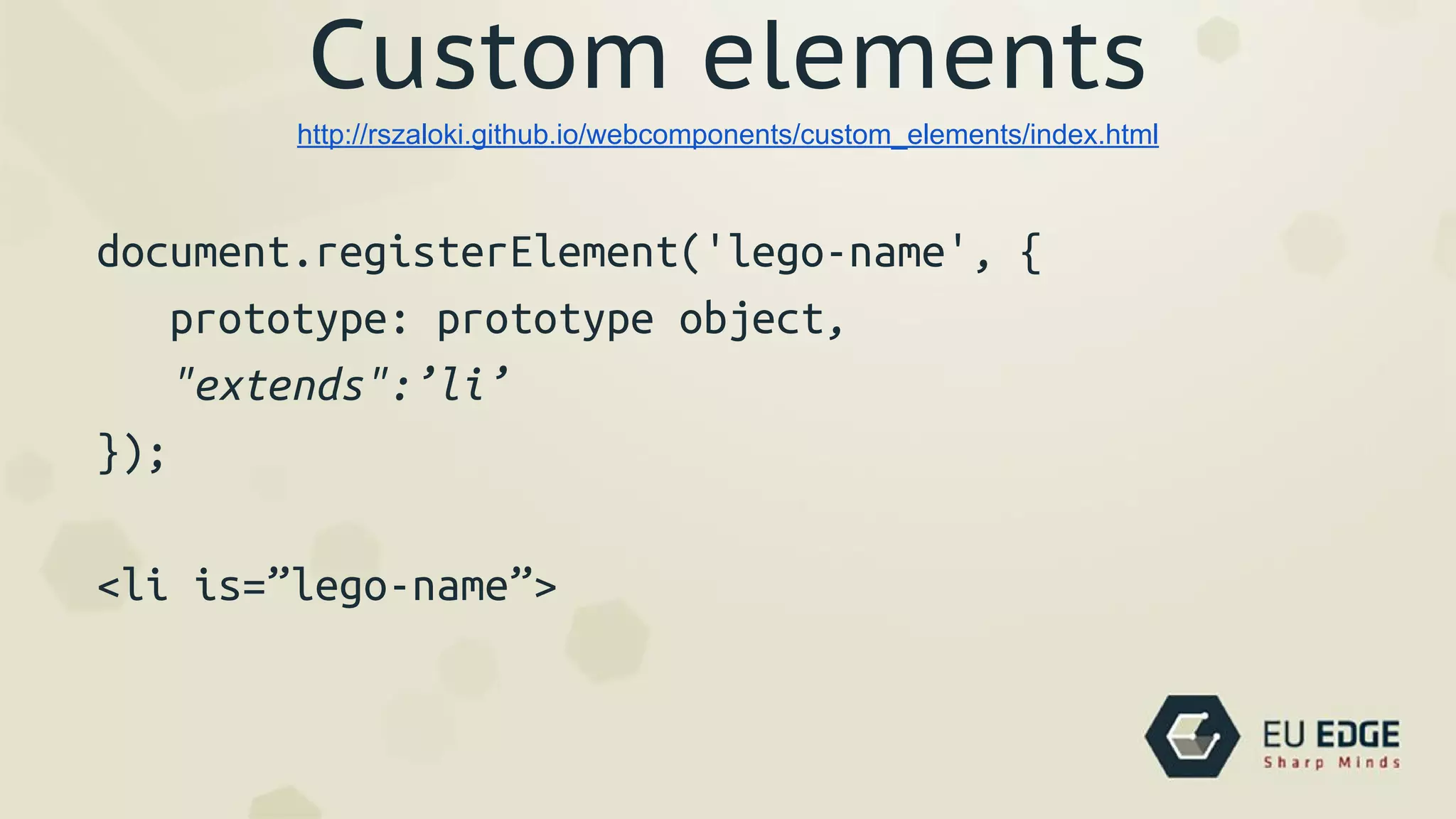
Custom elements
document.registerElement('lego-name', {
prototype: prototype object,
"extends":’li’
});
<li is=”lego-name”>
http://rszaloki.github.io/webcomponents/custom_elements/index.html
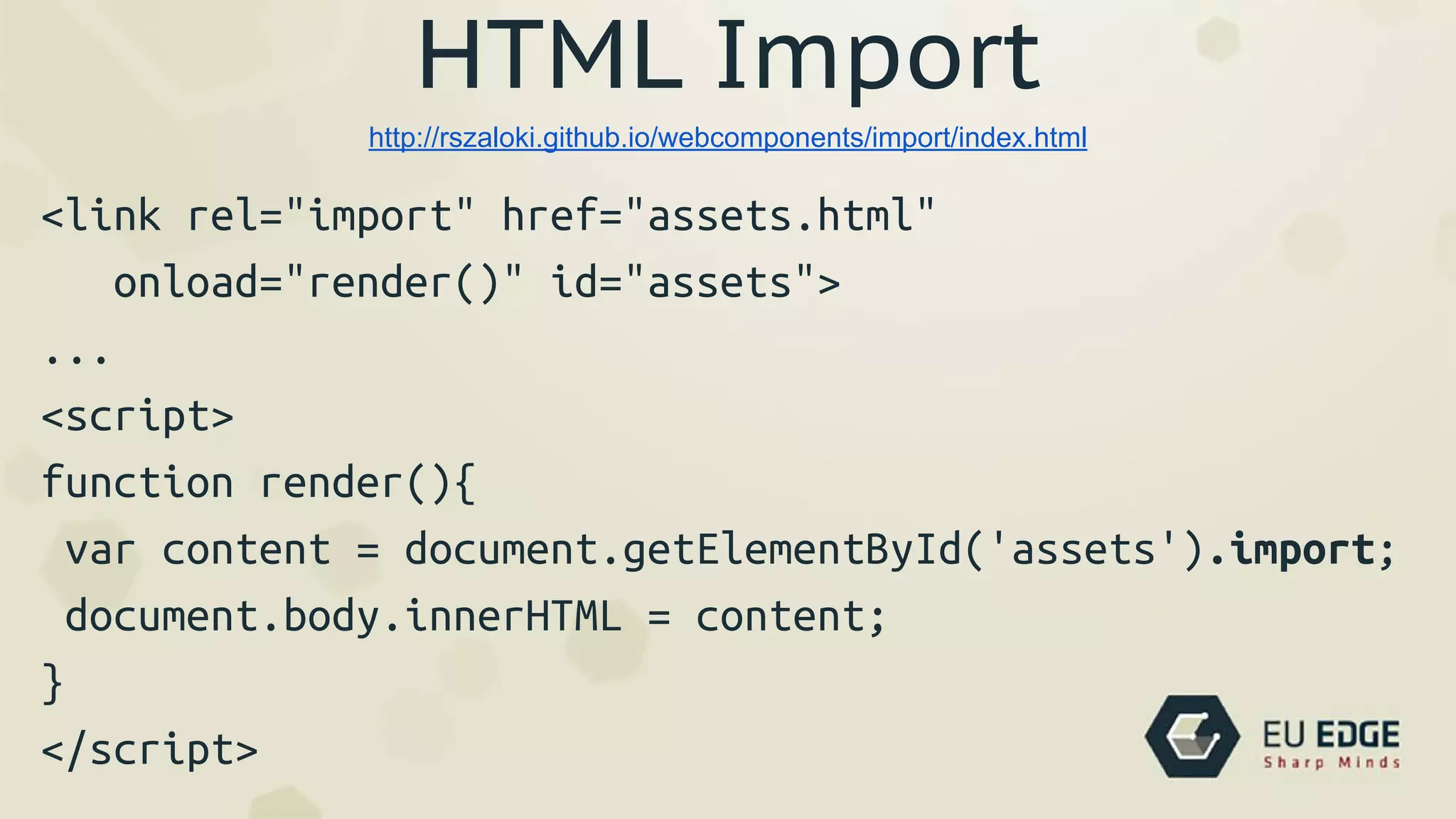
HTML Import
<link rel="import" href="assets.html"
onload="render()" id="assets">
...
<script>
function render(){
var content = document.getElementById('assets').import;
document.body.innerHTML = content;
}
</script>
http://rszaloki.github.io/webcomponents/import/index.html
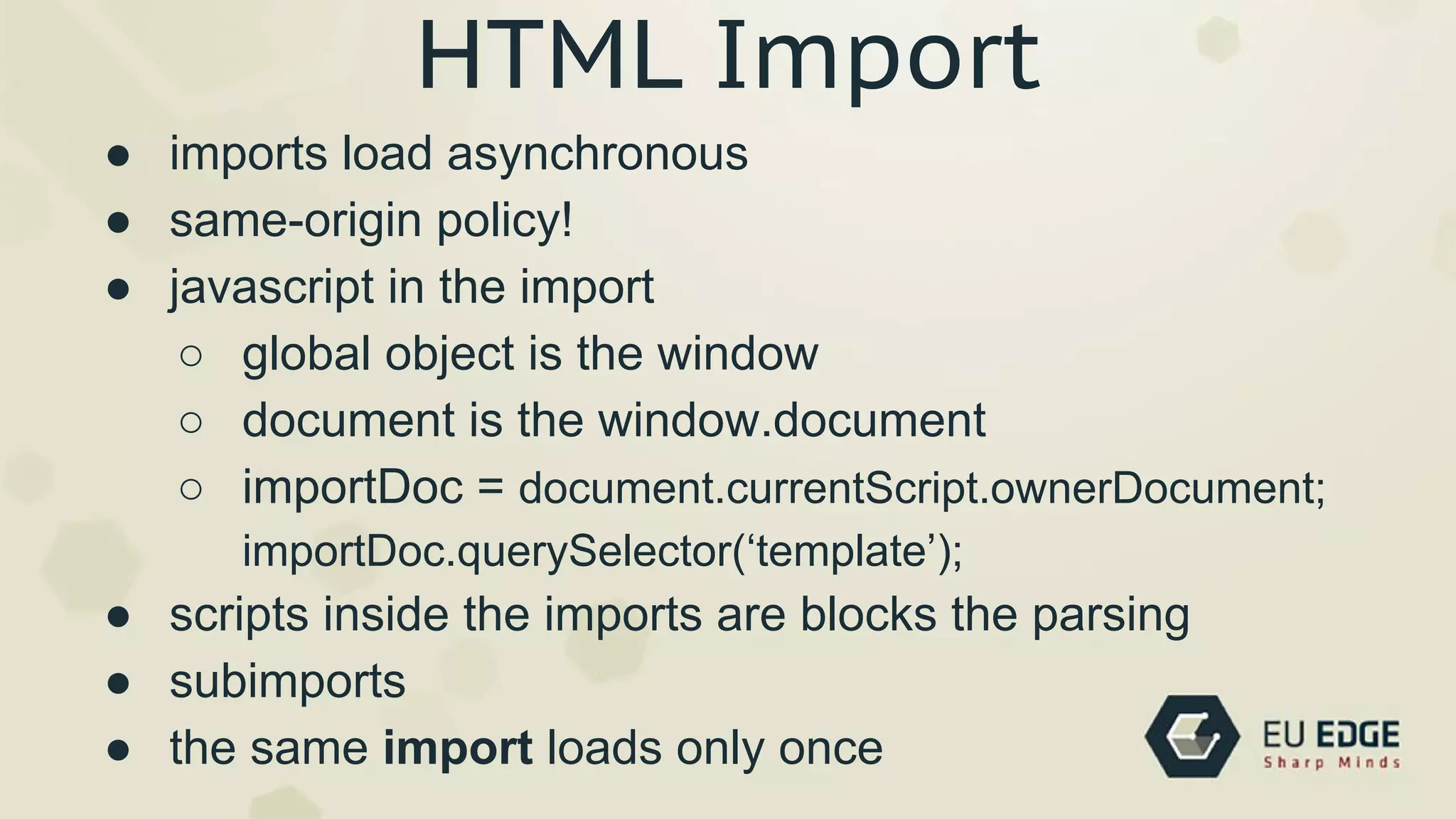
HTML Import
● imports load asynchronous
● same-origin policy!
● javascript in the import
○ global object is the window
○ document is the window.document
○ importDoc = document.currentScript.ownerDocument;
importDoc.querySelector(‘template’);
● scripts inside the imports are blocks the parsing
● subimports
● the same import loads only once
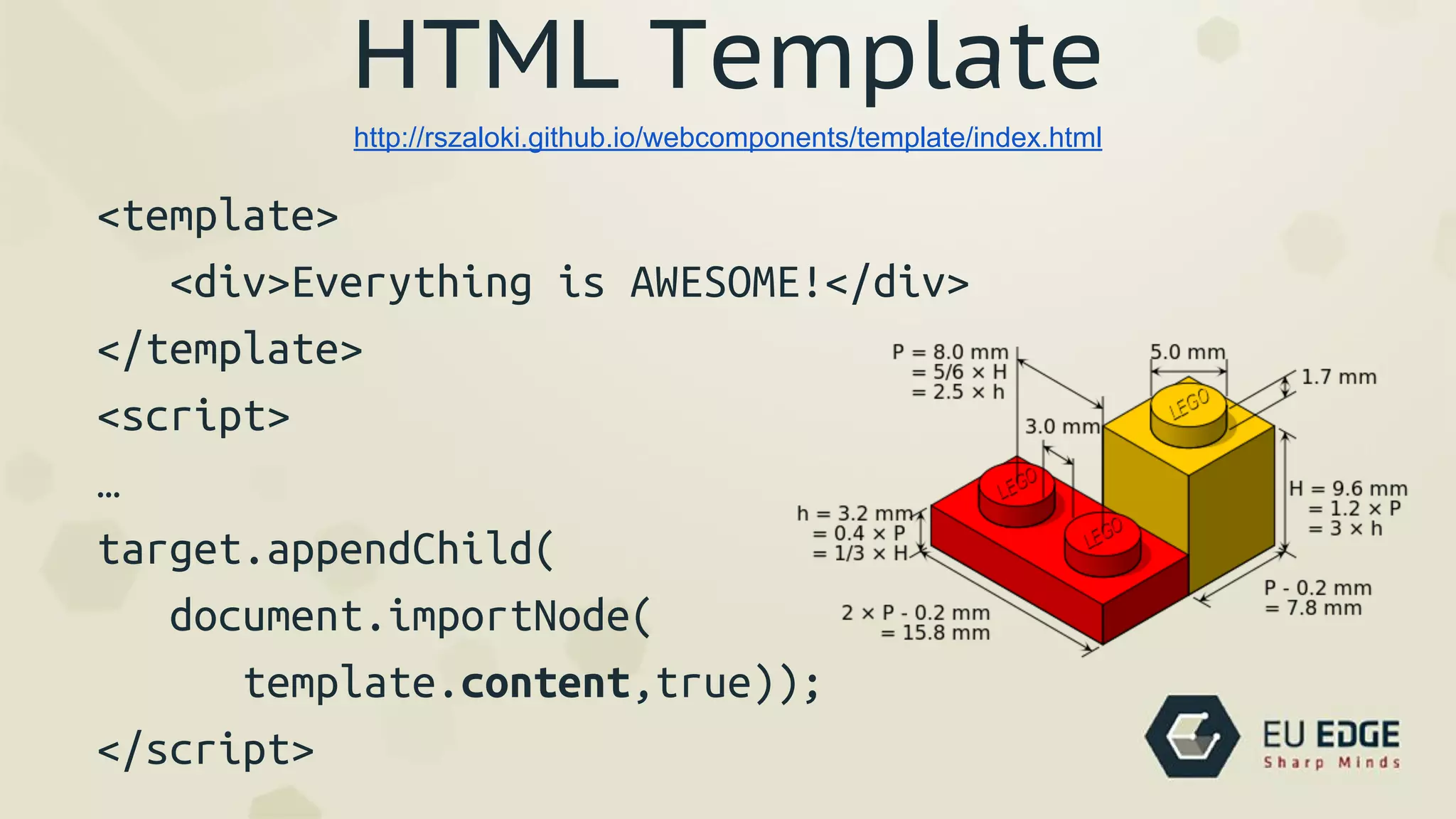
HTML Template
<template>
<div>Everything is AWESOME!</div>
</template>
<script>
…
target.appendChild(
document.importNode(
template.content,true));
</script>
http://rszaloki.github.io/webcomponents/template/index.html
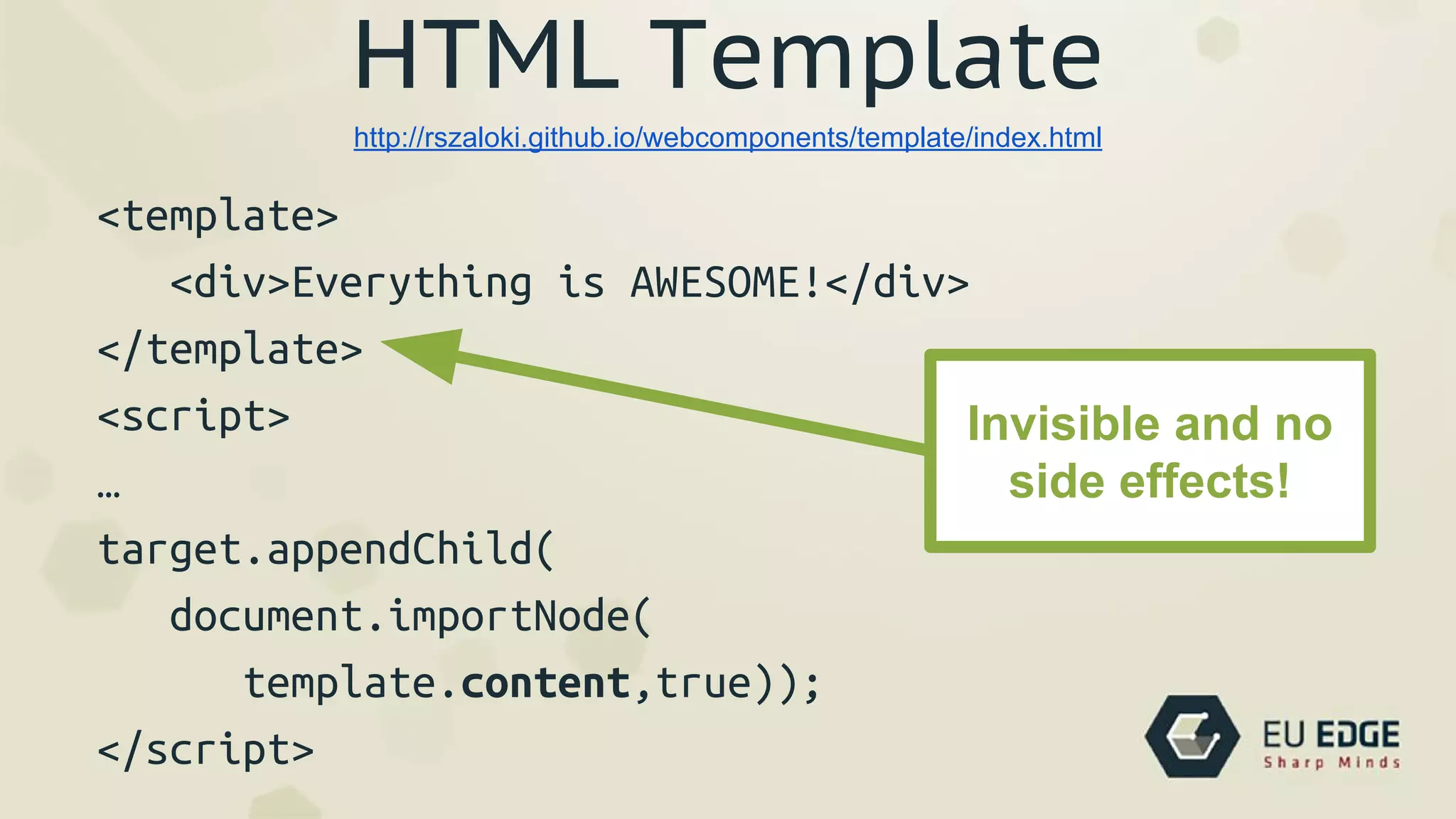
HTML Template
<template>
<div>Everything is AWESOME!</div>
</template>
<script>
…
target.appendChild(
document.importNode(
template.content,true));
</script>
http://rszaloki.github.io/webcomponents/template/index.html
Invisible and no
side effects!
Webcomponents
● encapsulation - Shadow DOM
● reusability - Custom Elements, HTML Import
● communication via interfaces - Attributes, Properties
● helpers - HTML Template
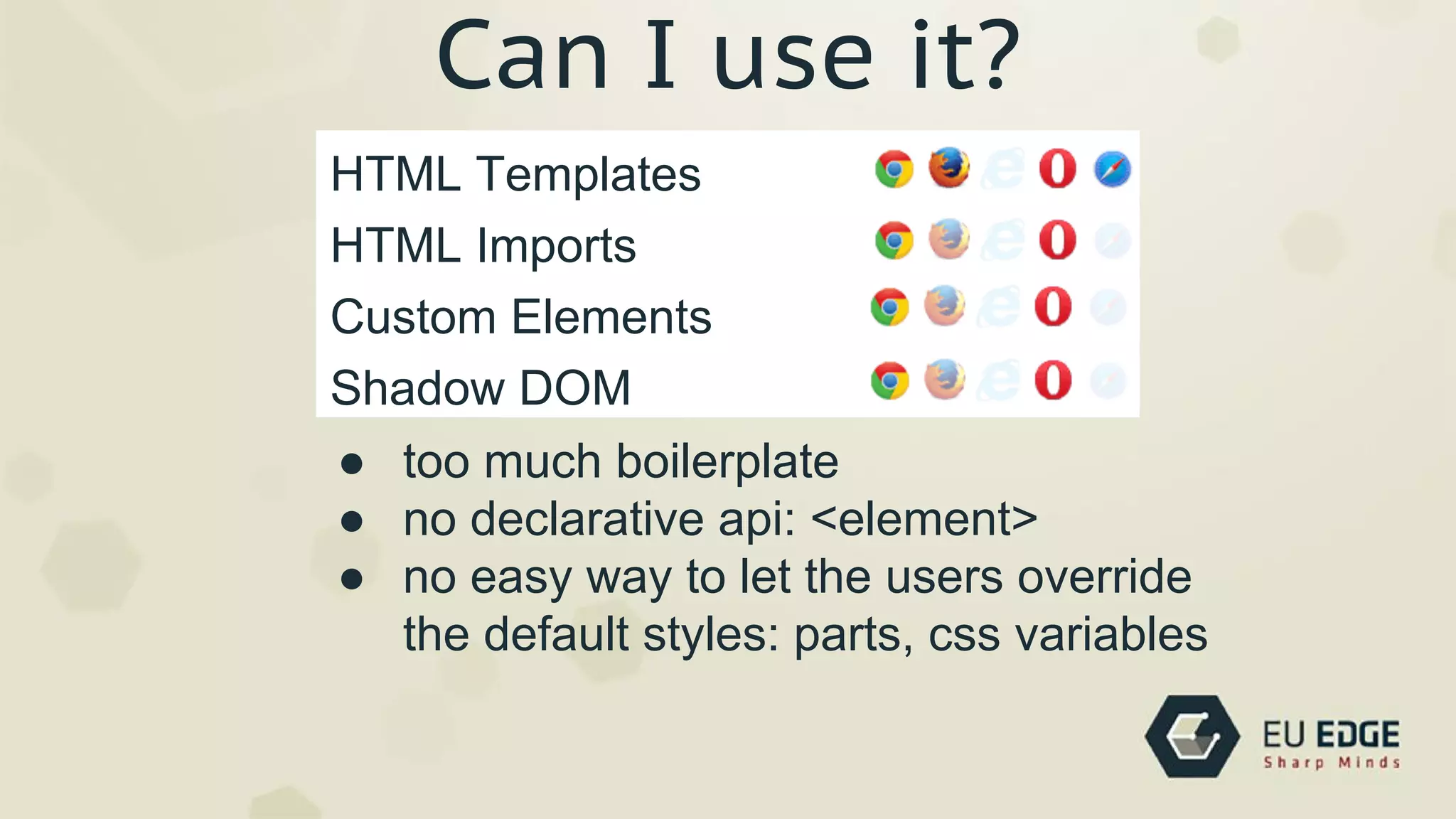
Can I use it?
Can I use it?
Custom Elements
HTML Templates
Shadow DOM
HTML Imports
● too much boilerplate
● no declarative api: <element>
● no easy way to let the users override
the default styles: parts, css variables
Polymer Project
Web Components
● Shadow DOM
● HTML Imports
● Custom Elements
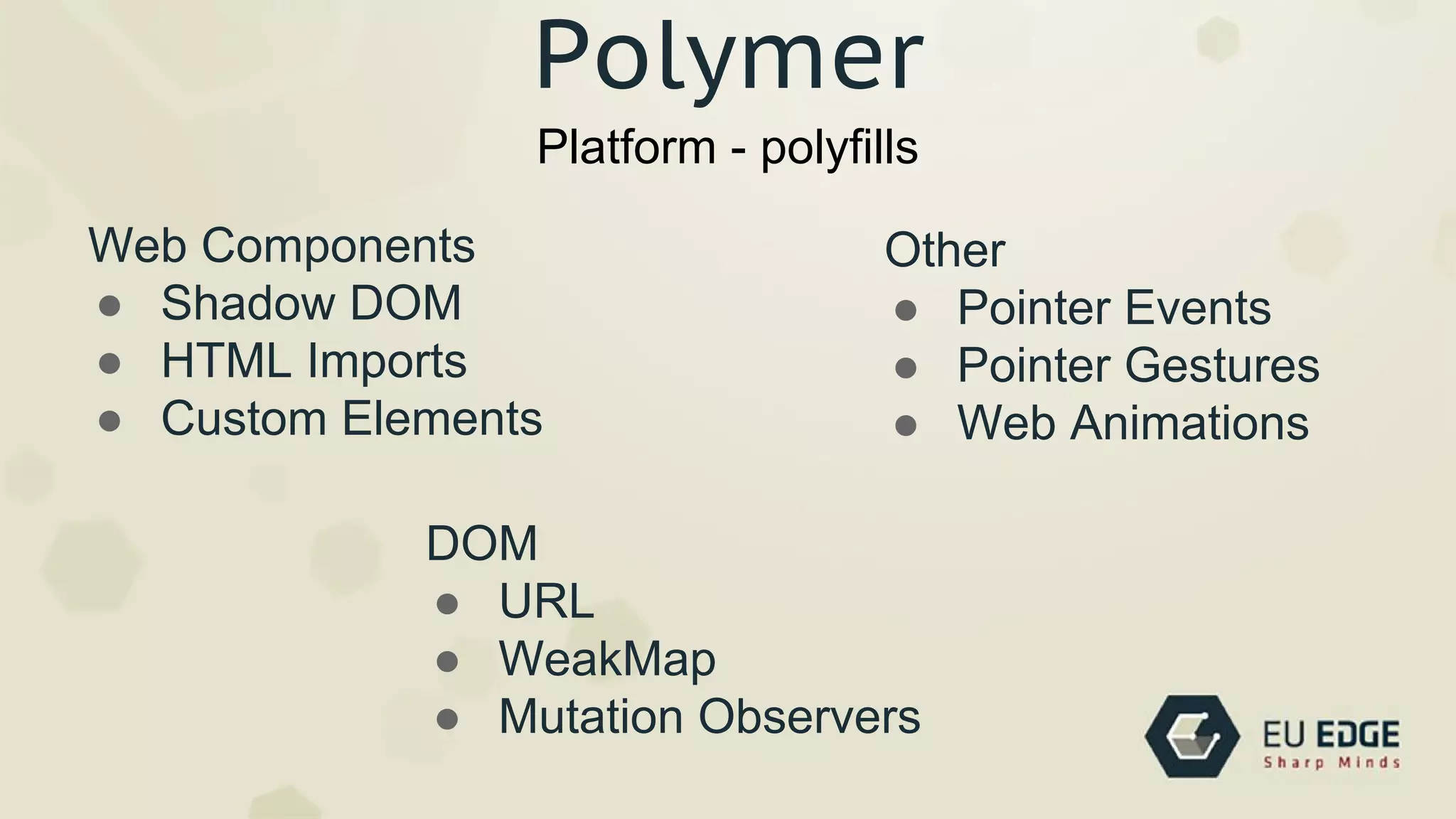
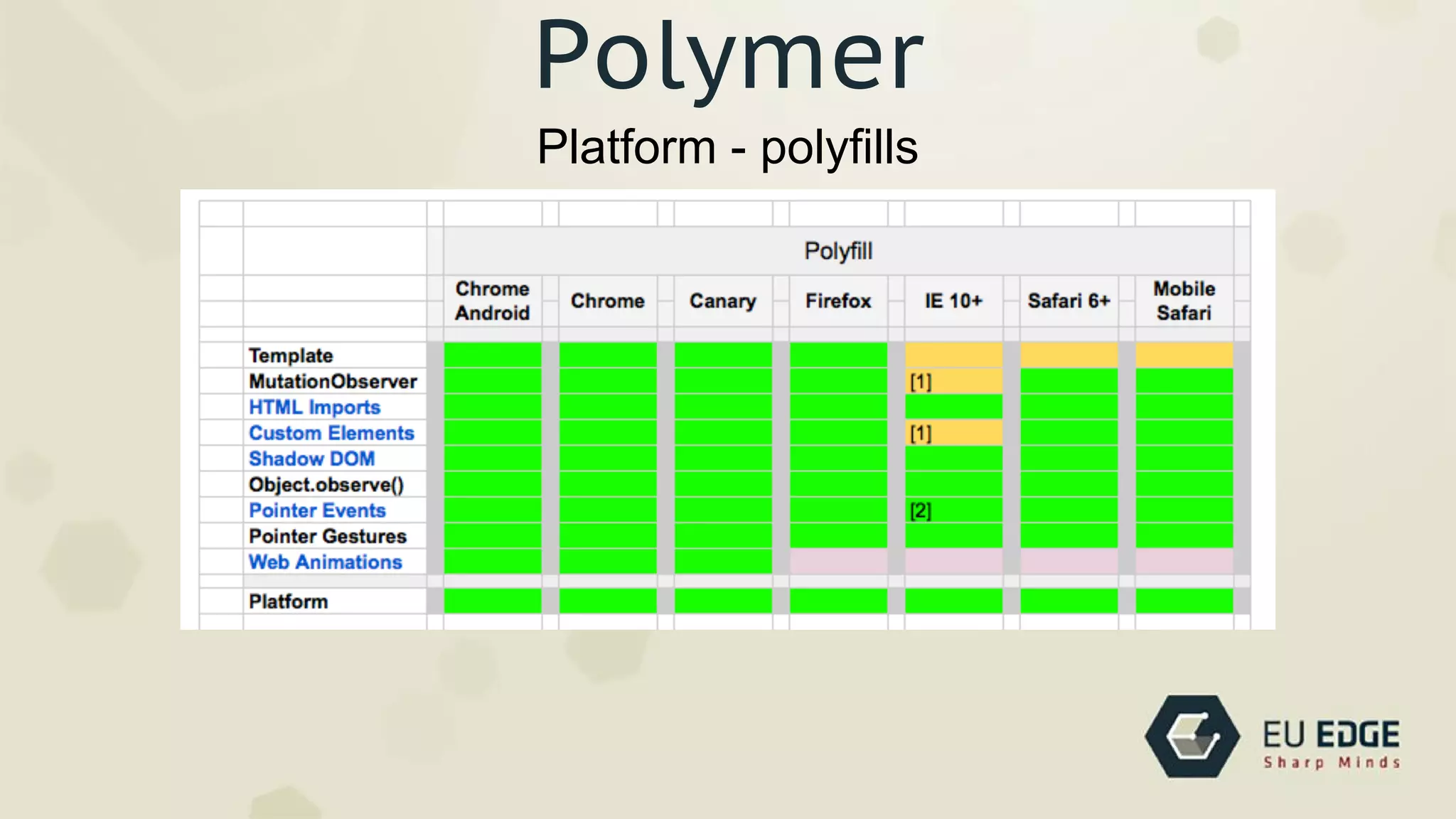
Platform - polyfills
Polymer
DOM
● URL
● WeakMap
● Mutation Observers
Other
● Pointer Events
● Pointer Gestures
● Web Animations
Platform - polyfills
Polymer
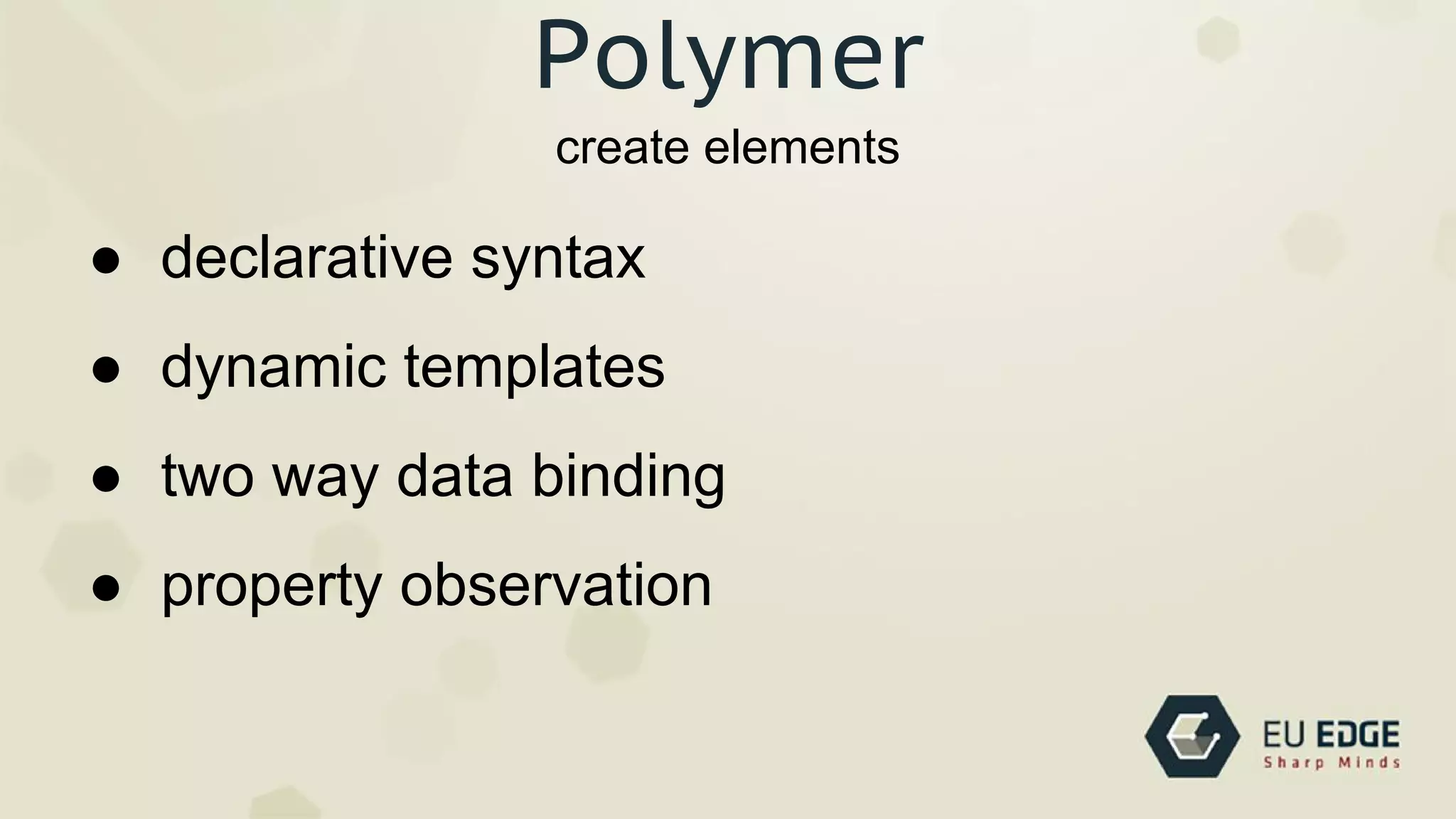
create elements
Polymer
● declarative syntax
● dynamic templates
● two way data binding
● property observation
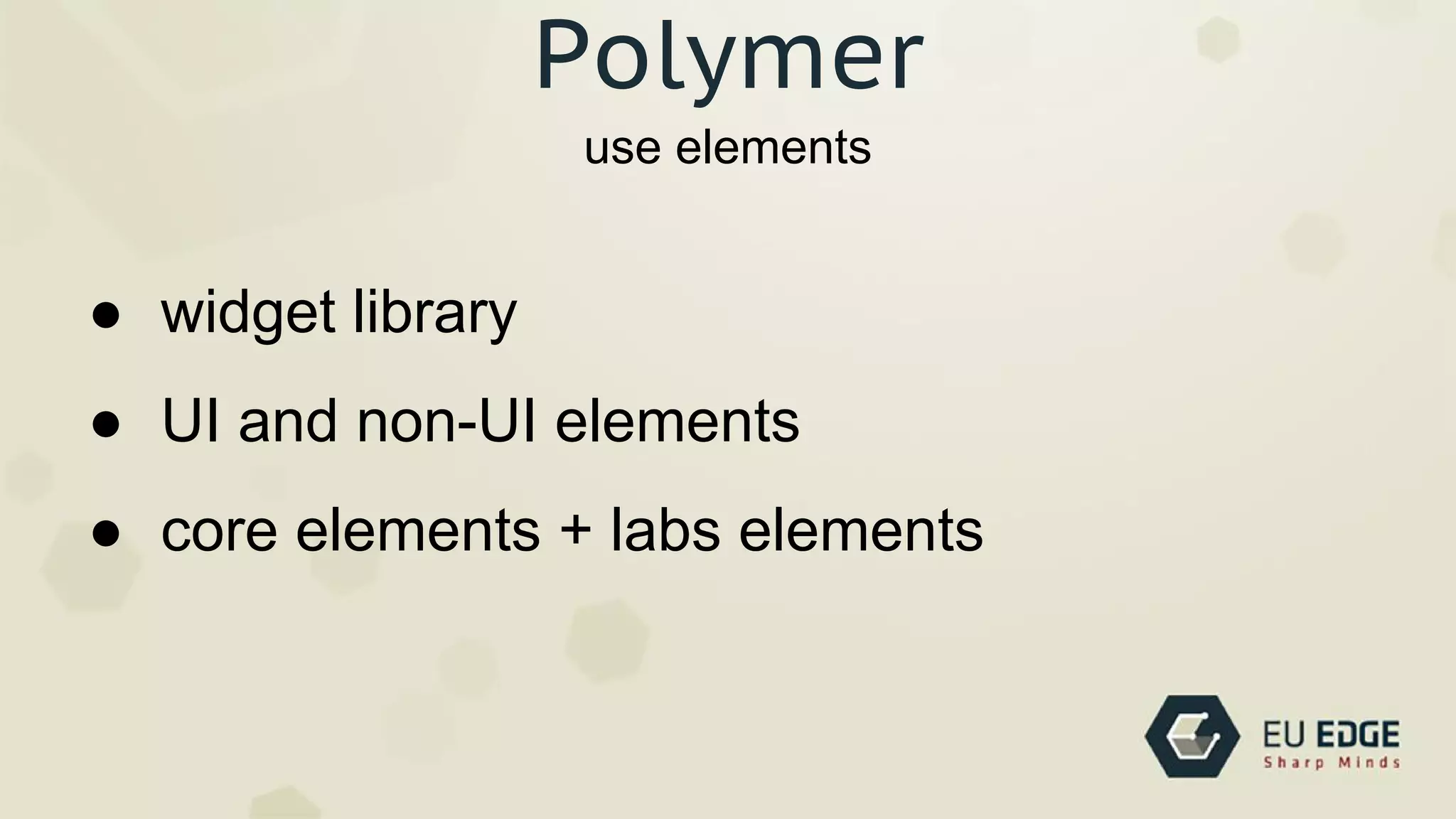
use elements
Polymer
● widget library
● UI and non-UI elements
● core elements + labs elements
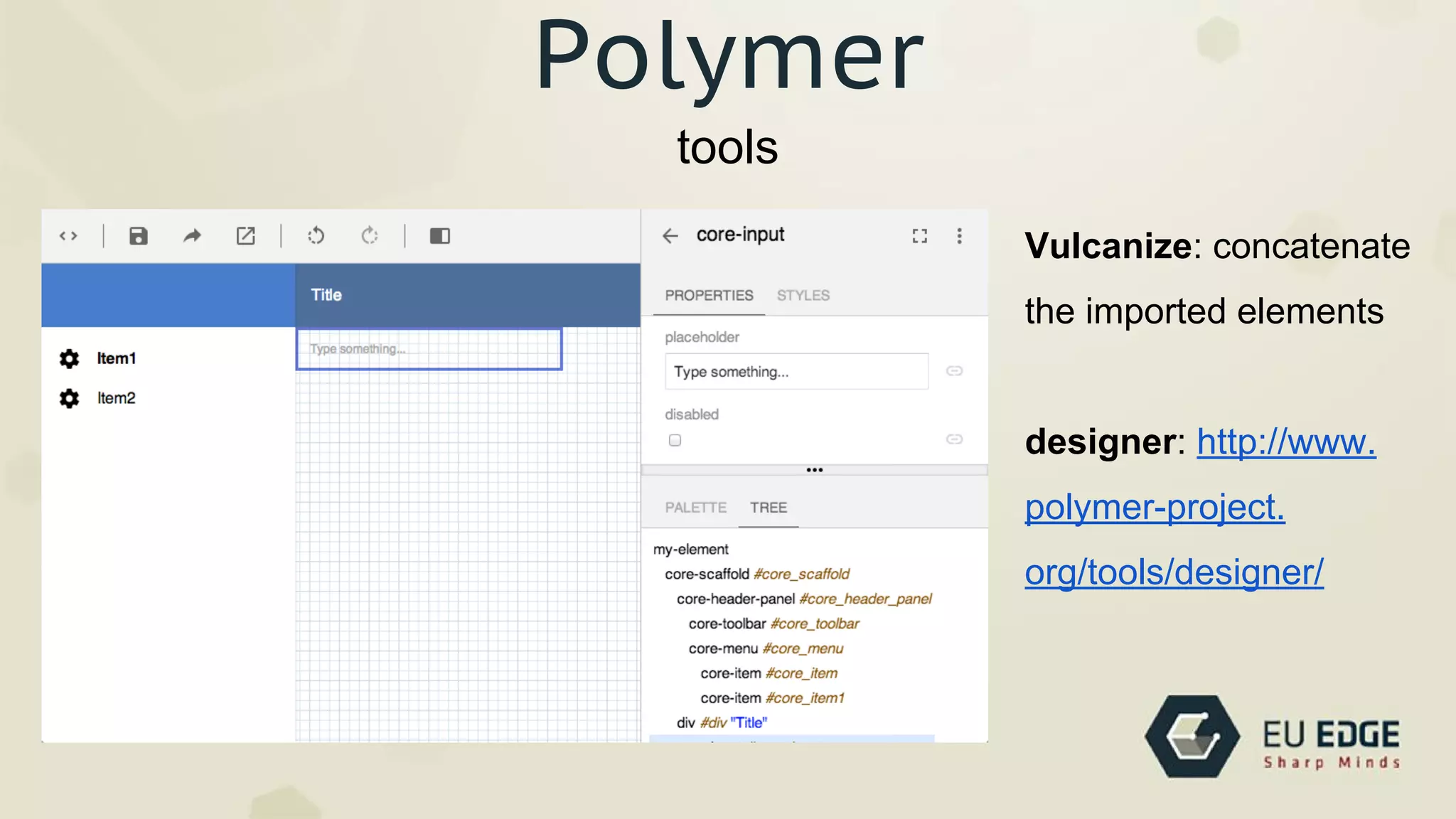
tools
Polymer
Vulcanize: concatenate
the imported elements
designer: http://www.
polymer-project.
org/tools/designer/
Polymer
http://rszaloki.github.io/webcomponents/polymer-demo/lego.html
https://github.com/rszaloki/webcomponents
https://gist.github.com/ebidel/6314025
Thanks! Questions?
robert.szaloki@euedge.com / @rszaloki

Webcomponents at Frontend meetup 2014.06.25