VUE.JS SLOTS
Non farti sommergere dalle richieste di
personalizzazione!
COMMIT UNIVERSITY
Firenze, 19 Ottobre 2023
1
WHO AM I
Denny Biasiolli
Full Stack Developer
(JavaScript, Python, Go)
Front End Developer UX/ UI
Fingerprint Compliance Services Ltd.
Italy, Savigliano (CN)
@dennybiasiolli
denny.biasiolli@gmail.com
www.dennybiasiolli.com
2
Are you a lazy person?
3
Are you a lazy person?
(the really lazy ones wouldn't have raised their hand)
3.1
Bill Gates
I choose a lazy person to do a hard job.
Because a lazy person
will find an easy way to do it.
4
CUSTOMER'S FIRST REQUEST
Can you write a function that removes
all undefined values from an input
array?
5
FUNCTION SIGNATURE
export function removeUndefined<T>(array: T[]): T[] {
// ...
}
6
TDD APPROACH
import { it, expect } from 'vitest'
import { removeUndefined } from '../filtersV1'
it('removeUndefined removes `undefined` values', () => {
expect(
removeUndefined(['foo', undefined, 'bar'])
).toEqual(
['foo', 'bar']
)
})
7
IMPLEMENTATION
8
9
CUSTOMER'S CHANGE REQUEST
The function does not remove
null values!
10
FUNCTION SIGNATURE
(breaking change!)
// export function removeUndefined<T>(array: T[]): T[] {
export function customFilter<T>(
array: T[],
removeUndefined: boolean = true,
removeNull: boolean = false
): T[] {
// ...
}
11
IMPLEMENTATION
12
CUSTOMER'S CHANGE REQUEST
The function does not remove
empty values!
13
FUNCTION SIGNATURE
export function customFilter<T>(
array: T[],
removeUndefined: boolean = true,
removeNull: boolean = false,
+ removeEmpty: boolean = false
): T[] {
// ...
}
14
CUSTOMER'S CHANGE REQUESTS
The function does not remove
false values!
...zero values!
...zero as string values!
15
FUNCTION SIGNATURE
export function customFilter<T>(
array: T[],
removeUndefined: boolean = true,
removeNull: boolean = false,
removeEmpty: boolean = false,
+ removeFalse: boolean = false,
+ removeZero: boolean = false,
+ removeZeroString: boolean = false
): T[] {
// ...
}
16
IMPLEMENTATION
17
18
A smarter choice
19
IMPLEMENTATION
export function customFilter<T>(
array: T[],
filterFn: (element: T, index: number, array: T[]) => boolean
): T[] {
const retVal: T[] = []
for (let i = 0; i < array.length; i++) {
if (filterFn(array[i], i, array)) {
retVal.push(array[i])
}
}
return retVal
}
20
TESTS
it('should call the filterFn for each array element', () => {
const mockedFn = vi.fn().mockReturnValue(true)
const baseArray = ['foo', 'bar']
customFilter(baseArray, mockedFn)
expect(mockedFn).toHaveBeenCalledTimes(2);
for (let i = 0; i < baseArray.length; i++) {
expect(mockedFn).toHaveBeenNthCalledWith(
i + 1, baseArray[i], i, baseArray)
}
})
it('should filter when filterFn return value is truthy', () =>
const mockedFn = vi.fn()
.mockReturnValueOnce(true)
.mockReturnValueOnce(false)
.mockReturnValueOnce("123")
const retVal = customFilter(['foo', 'bar', 123], mockedFn)
expect(retVal).toEqual(['foo', 123])
})
21
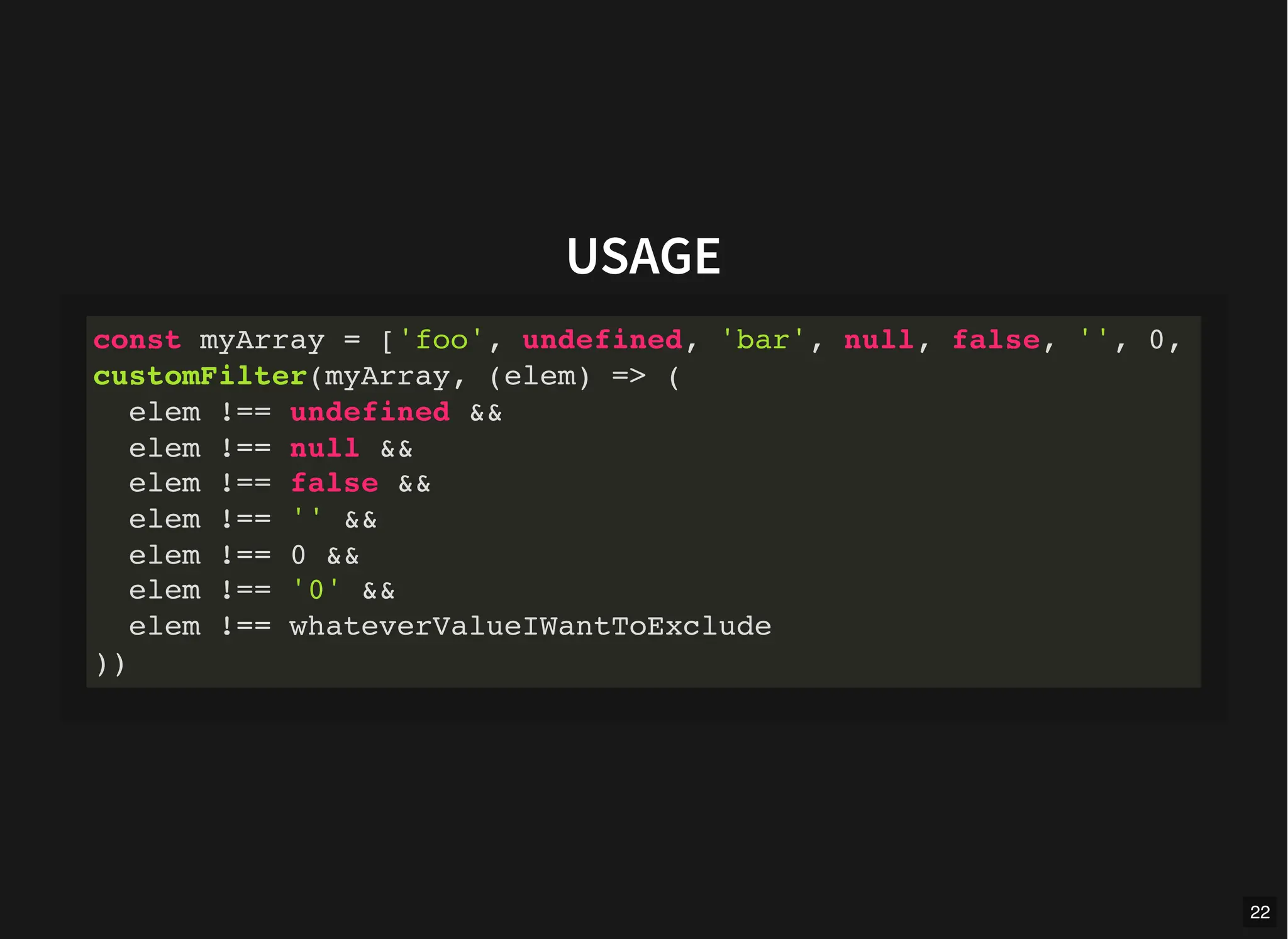
USAGE
const myArray = ['foo', undefined, 'bar', null, false, '', 0,
customFilter(myArray, (elem) => (
elem !== undefined &&
elem !== null &&
elem !== false &&
elem !== '' &&
elem !== 0 &&
elem !== '0' &&
elem !== whateverValueIWantToExclude
))
22
FYI
Array.prototype.filter()
23
COMPONENTS PERSPECTIVE
Create a message box component
24
IMPLEMENTATION
export interface Props {
title?: string
message?: string
}
defineProps<Props>()
25
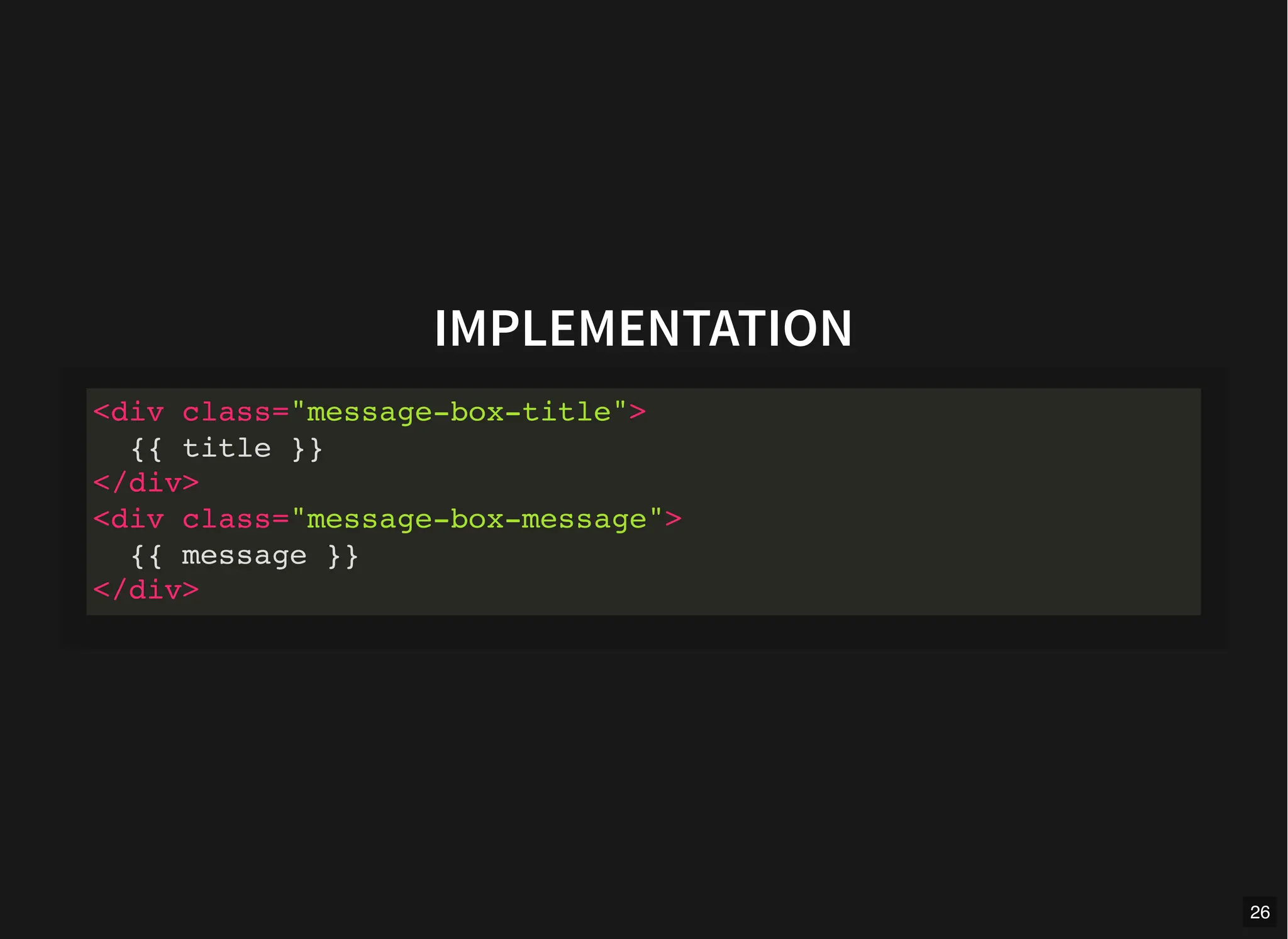
IMPLEMENTATION
<div class="message-box-title">
{{ title }}
</div>
<div class="message-box-message">
{{ message }}
</div>
26
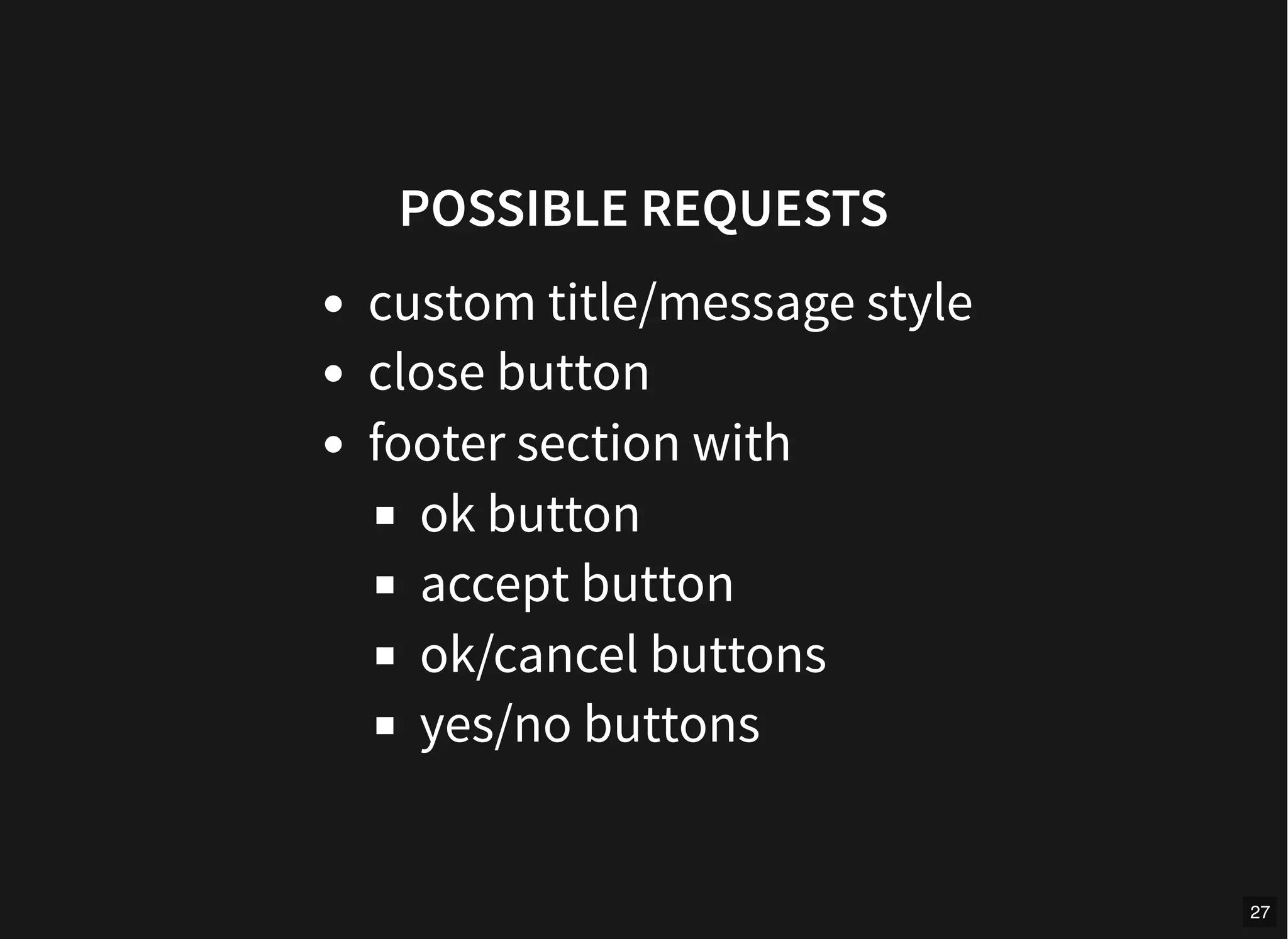
POSSIBLE REQUESTS
custom title/message style
close button
footer section with
ok button
accept button
ok/cancel buttons
yes/no buttons
27
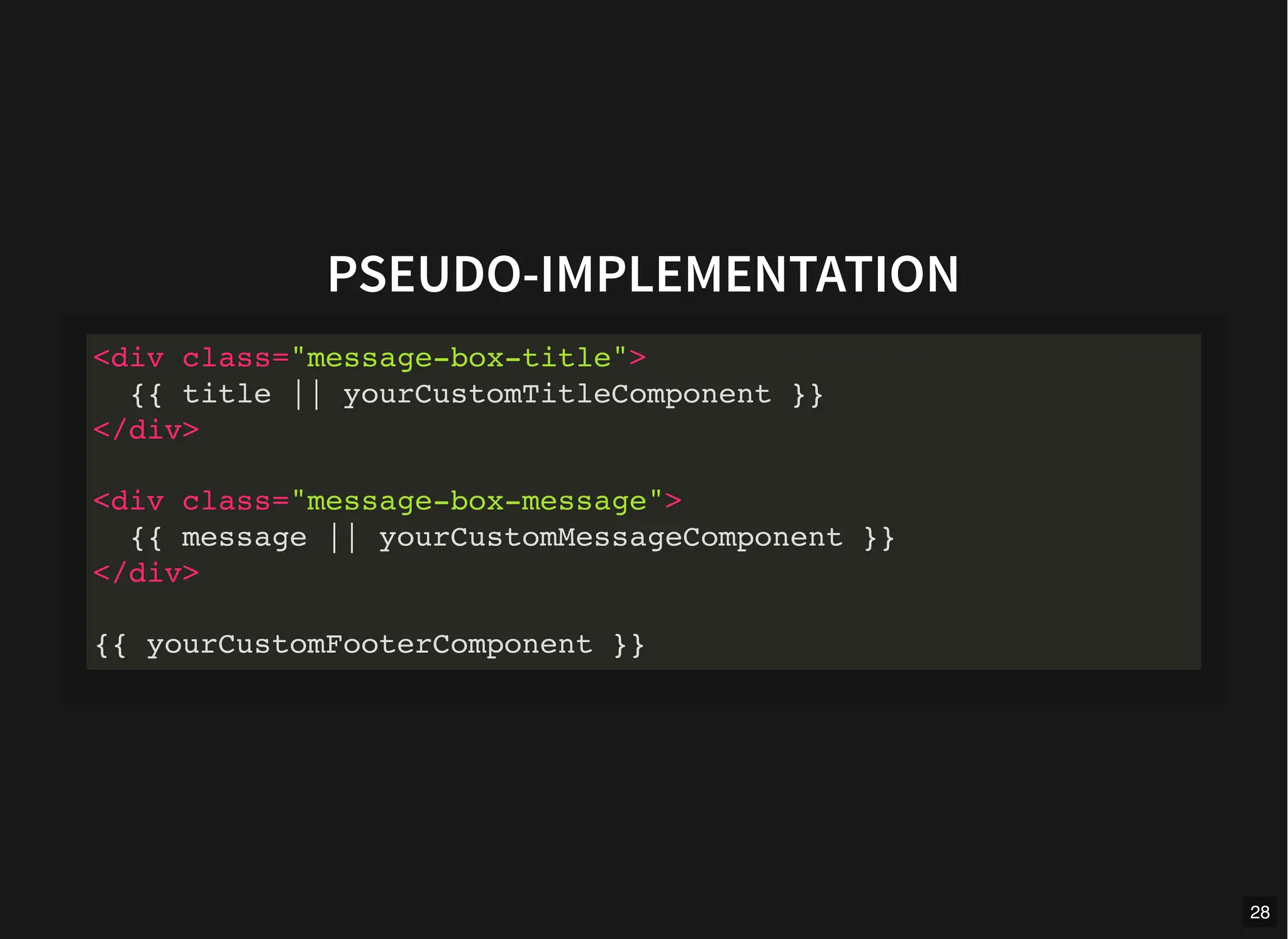
PSEUDO-IMPLEMENTATION
<div class="message-box-title">
{{ title || yourCustomTitleComponent }}
</div>
<div class="message-box-message">
{{ message || yourCustomMessageComponent }}
</div>
{{ yourCustomFooterComponent }}
28
29
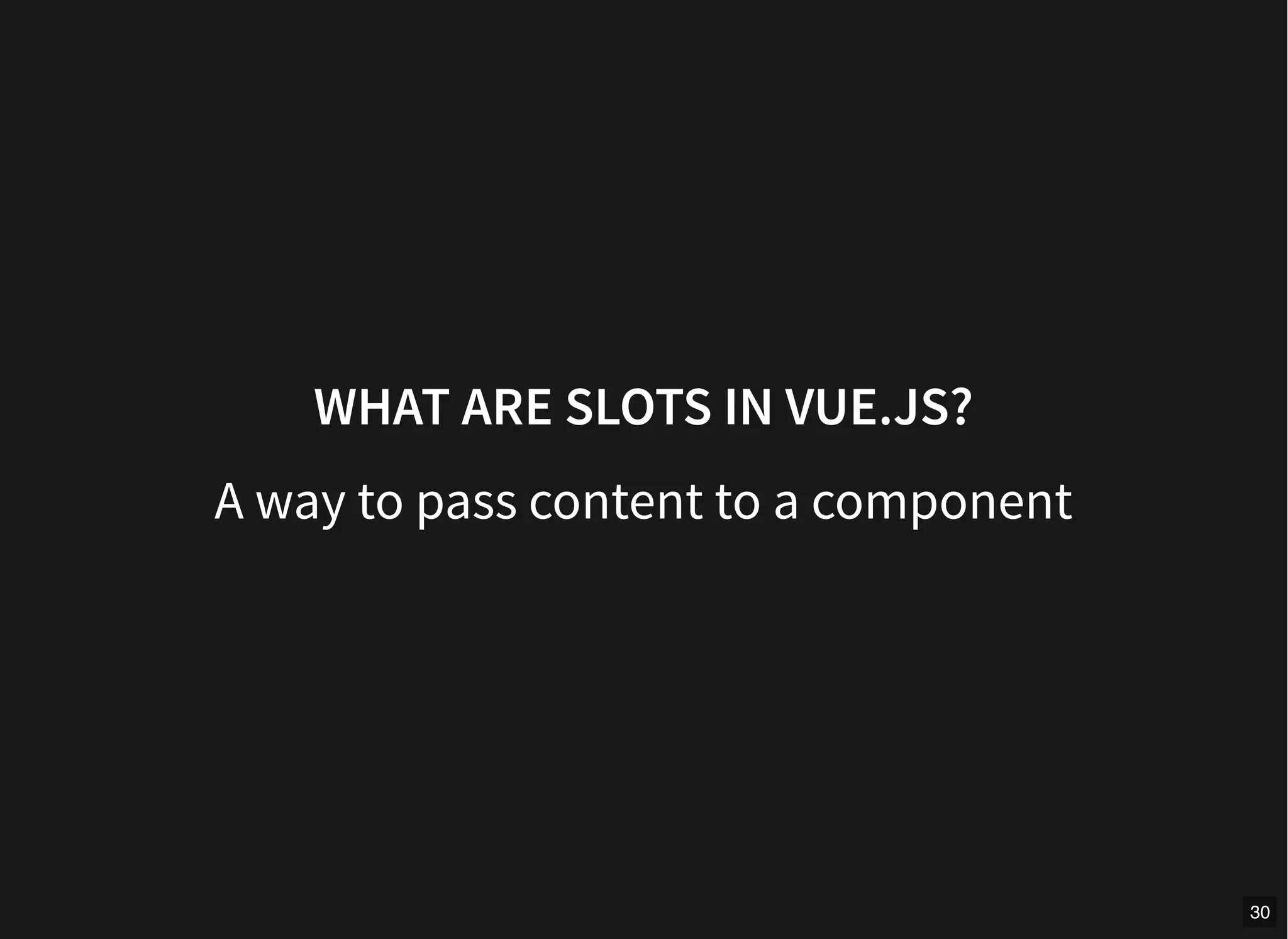
WHAT ARE SLOTS IN VUE.JS?
A way to pass content to a component
30
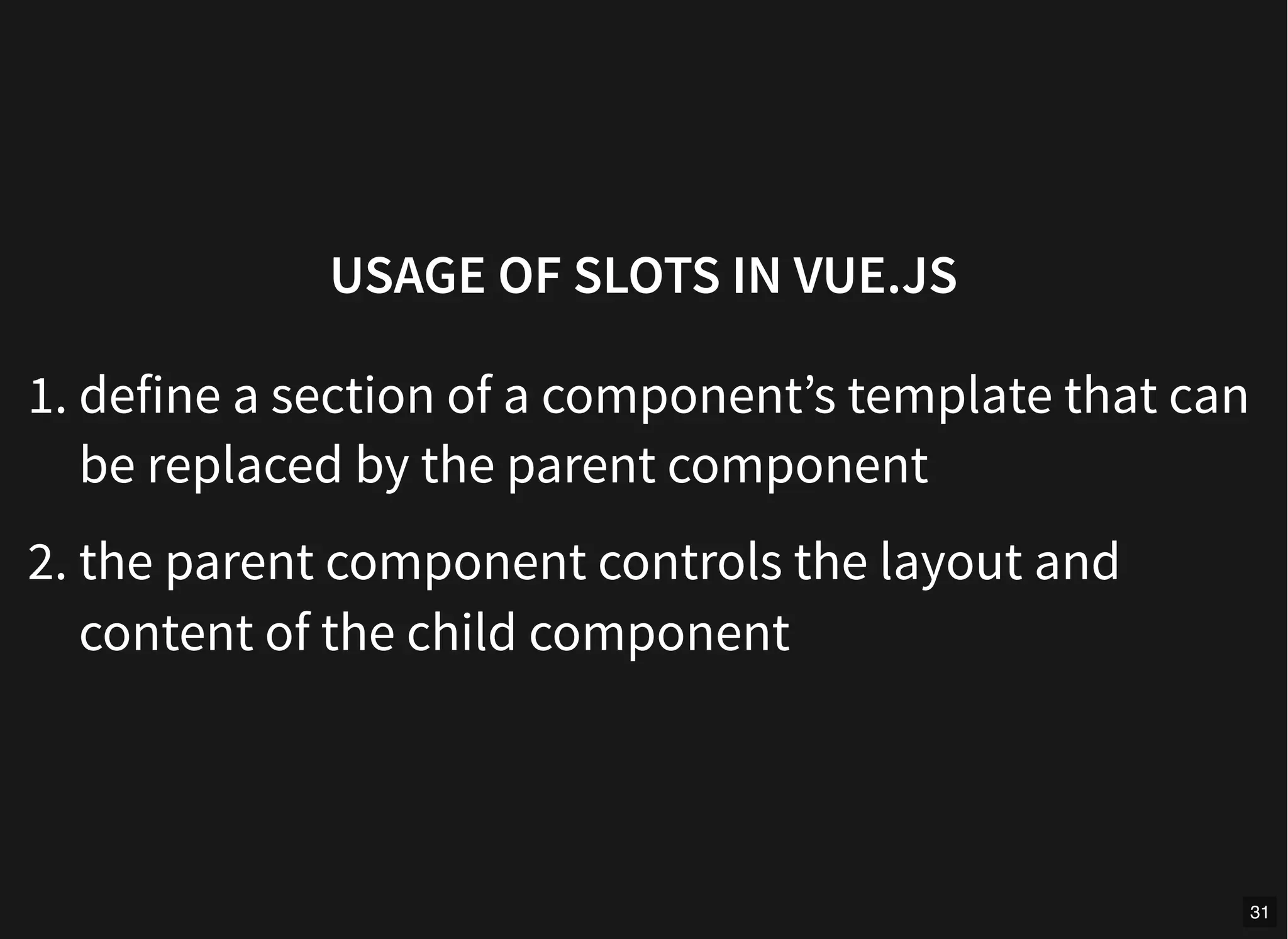
USAGE OF SLOTS IN VUE.JS
1. define a section of a component’s template that can
be replaced by the parent component
2. the parent component controls the layout and
content of the child component
31
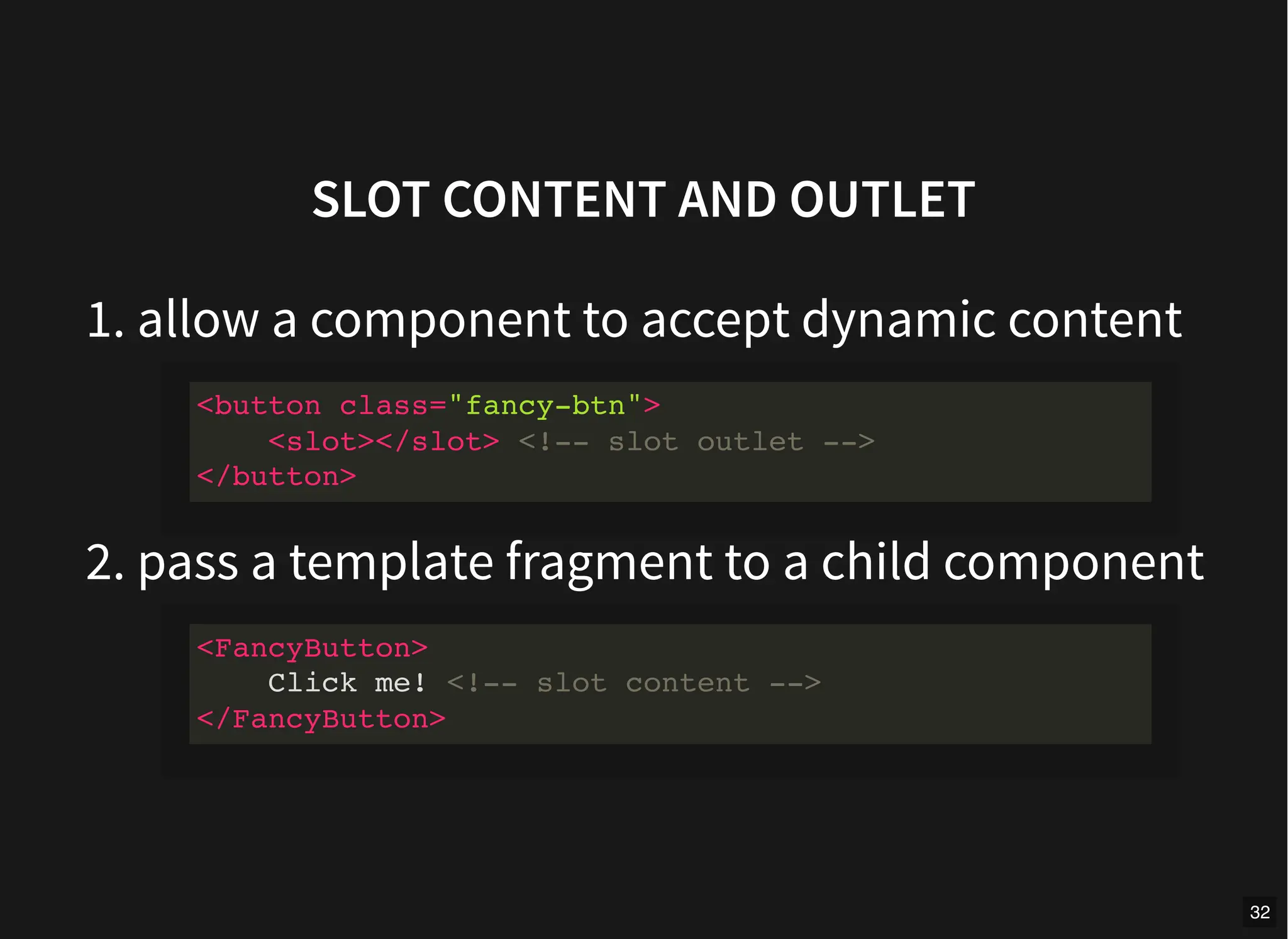
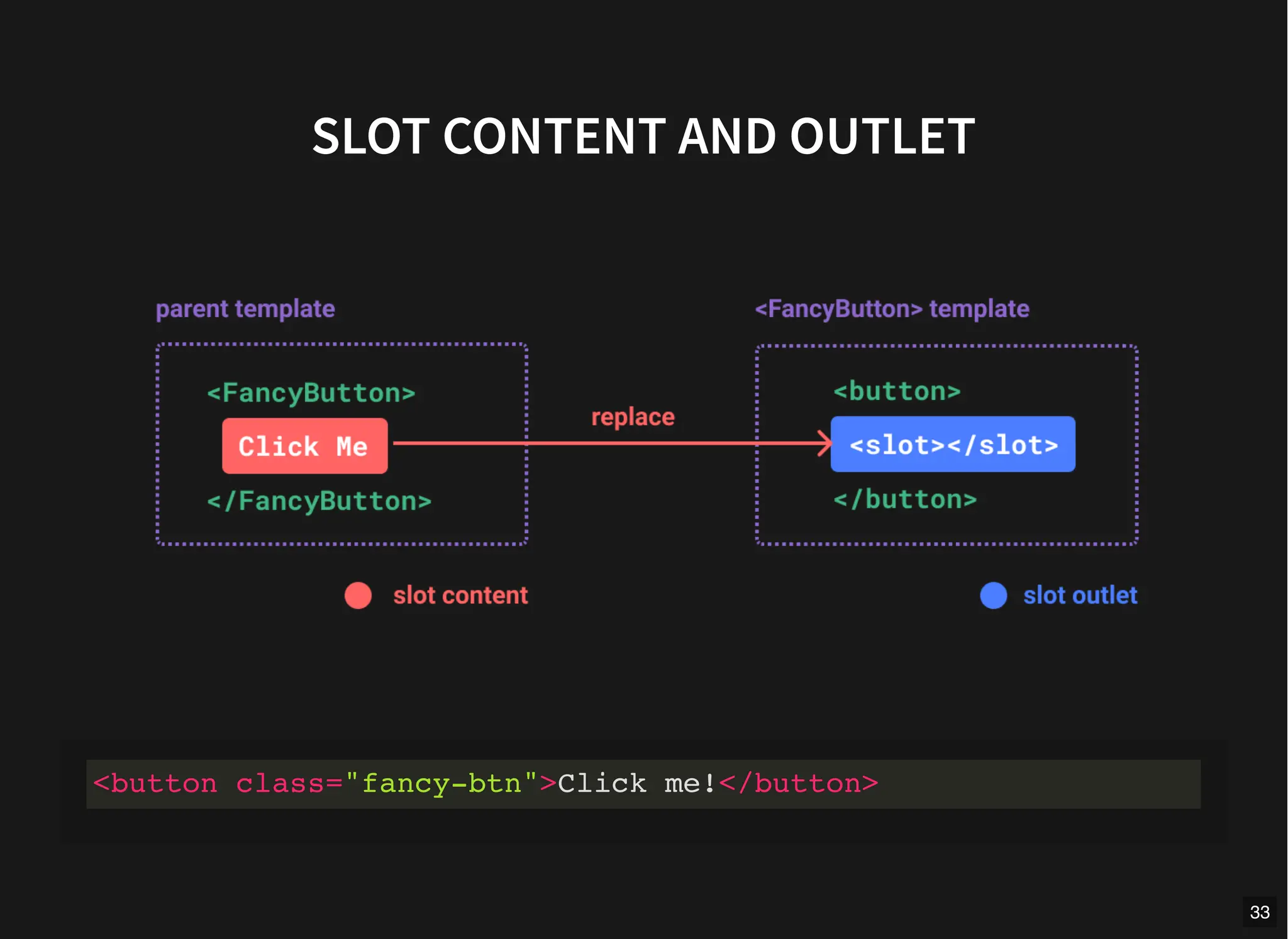
SLOT CONTENT AND OUTLET
1. allow a component to accept dynamic content
2. pass a template fragment to a child component
<button class="fancy-btn">
<slot></slot> <!-- slot outlet -->
</button>
<FancyButton>
Click me! <!-- slot content -->
</FancyButton>
32
SLOT CONTENT AND OUTLET
<button class="fancy-btn">Click me!</button>
33
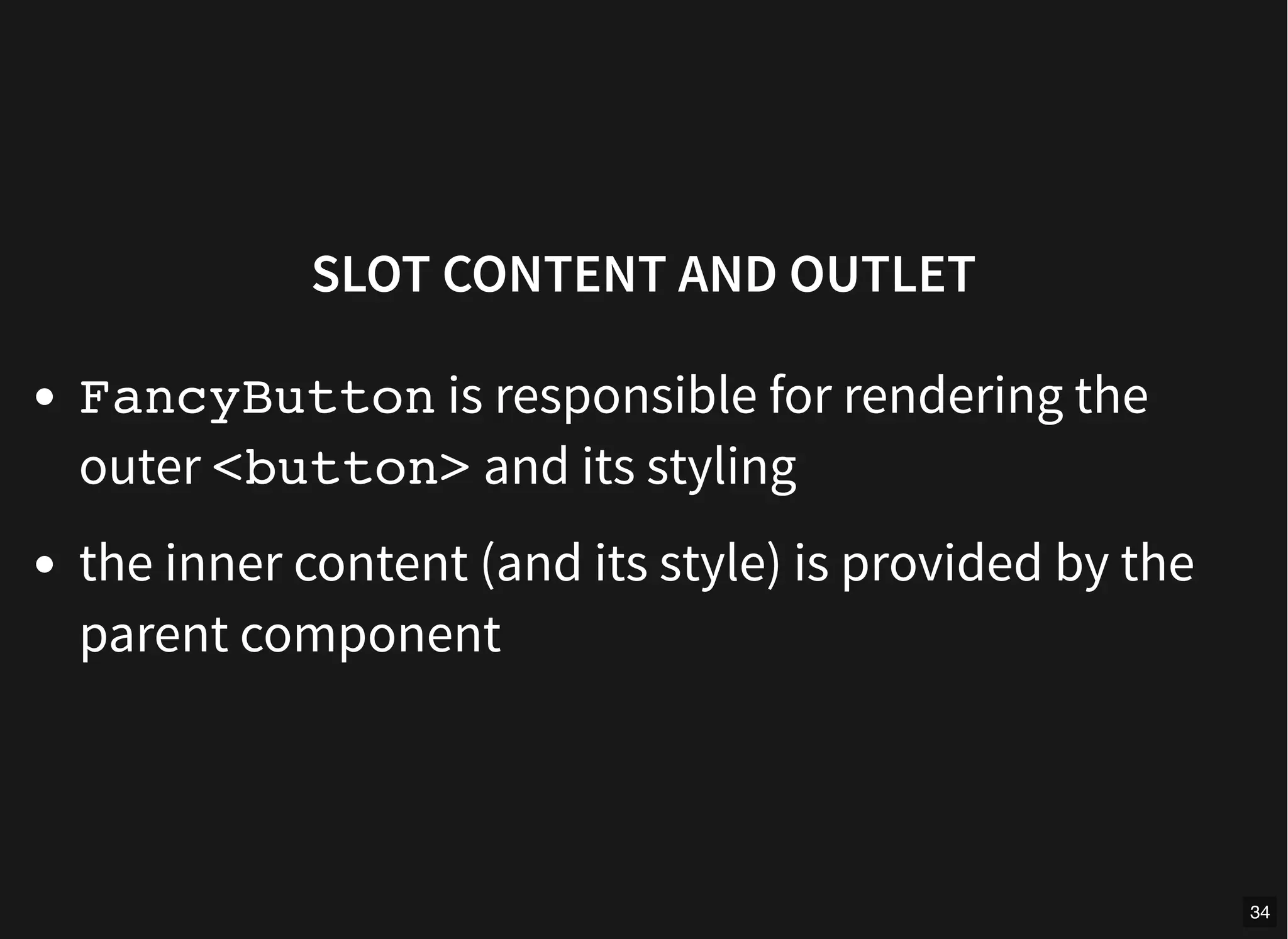
SLOT CONTENT AND OUTLET
FancyButton is responsible for rendering the
outer <button> and its styling
the inner content (and its style) is provided by the
parent component
34
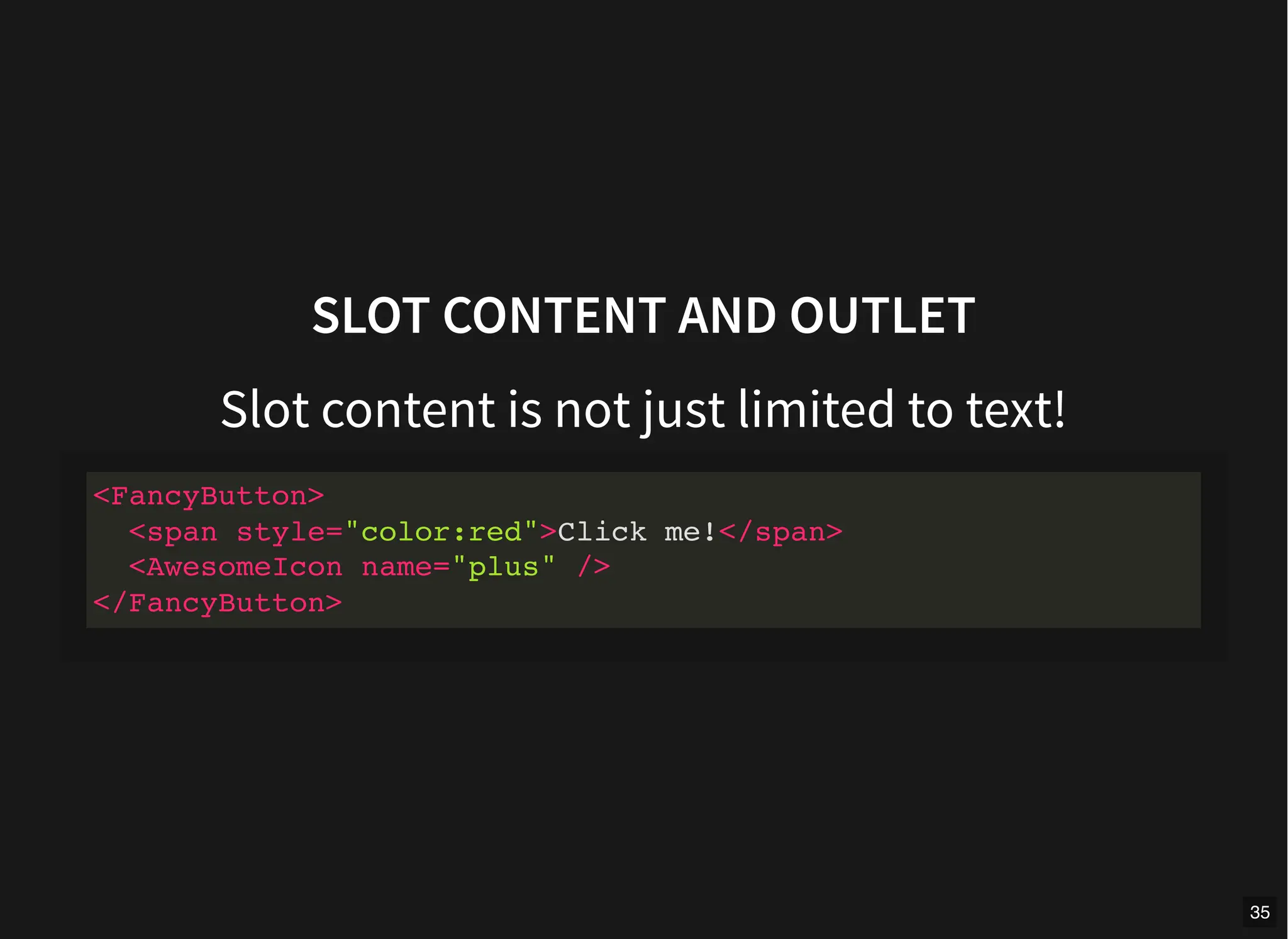
SLOT CONTENT AND OUTLET
Slot content is not just limited to text!
<FancyButton>
<span style="color:red">Click me!</span>
<AwesomeIcon name="plus" />
</FancyButton>
35
SLOT CONTENT AND OUTLET
<FancyButton> is flexible and reusable.
We can now use it in different places with different
inner content, but all with the same fancy styling.
36
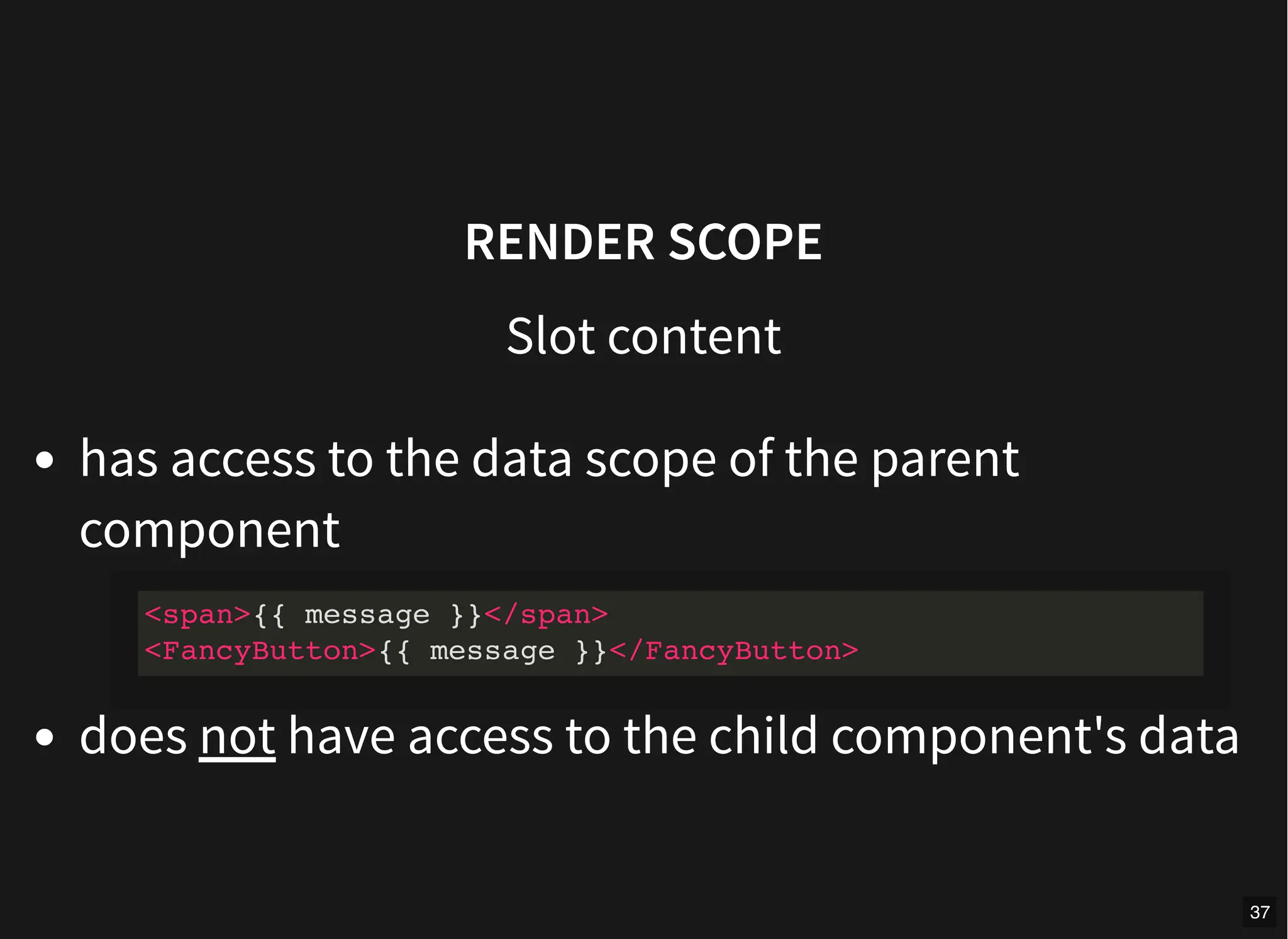
RENDER SCOPE
Slot content
has access to the data scope of the parent
component
does not have access to the child component's data
<span>{{ message }}</span>
<FancyButton>{{ message }}</FancyButton>
37
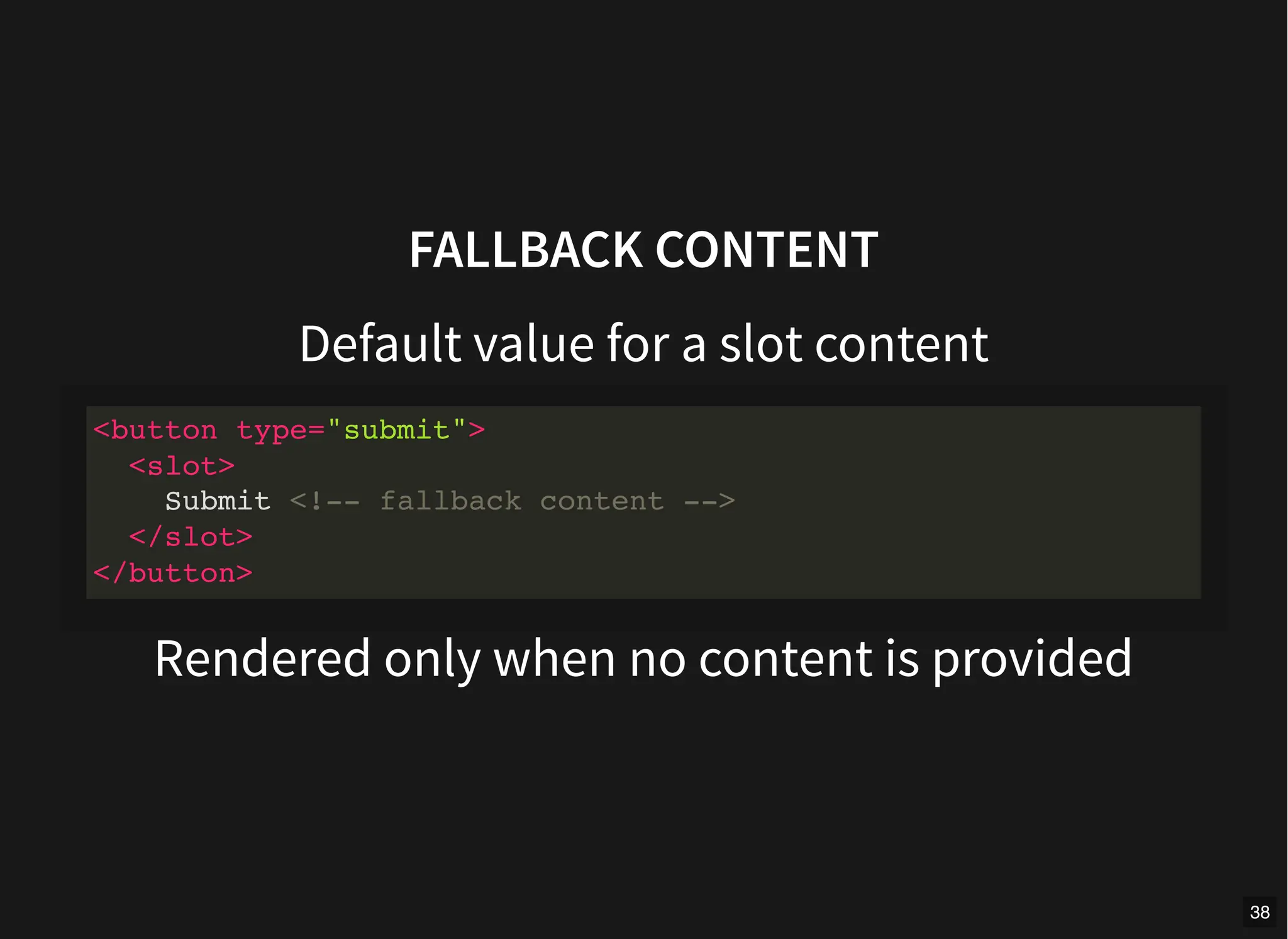
FALLBACK CONTENT
Default value for a slot content
Rendered only when no content is provided
<button type="submit">
<slot>
Submit <!-- fallback content -->
</slot>
</button>
38
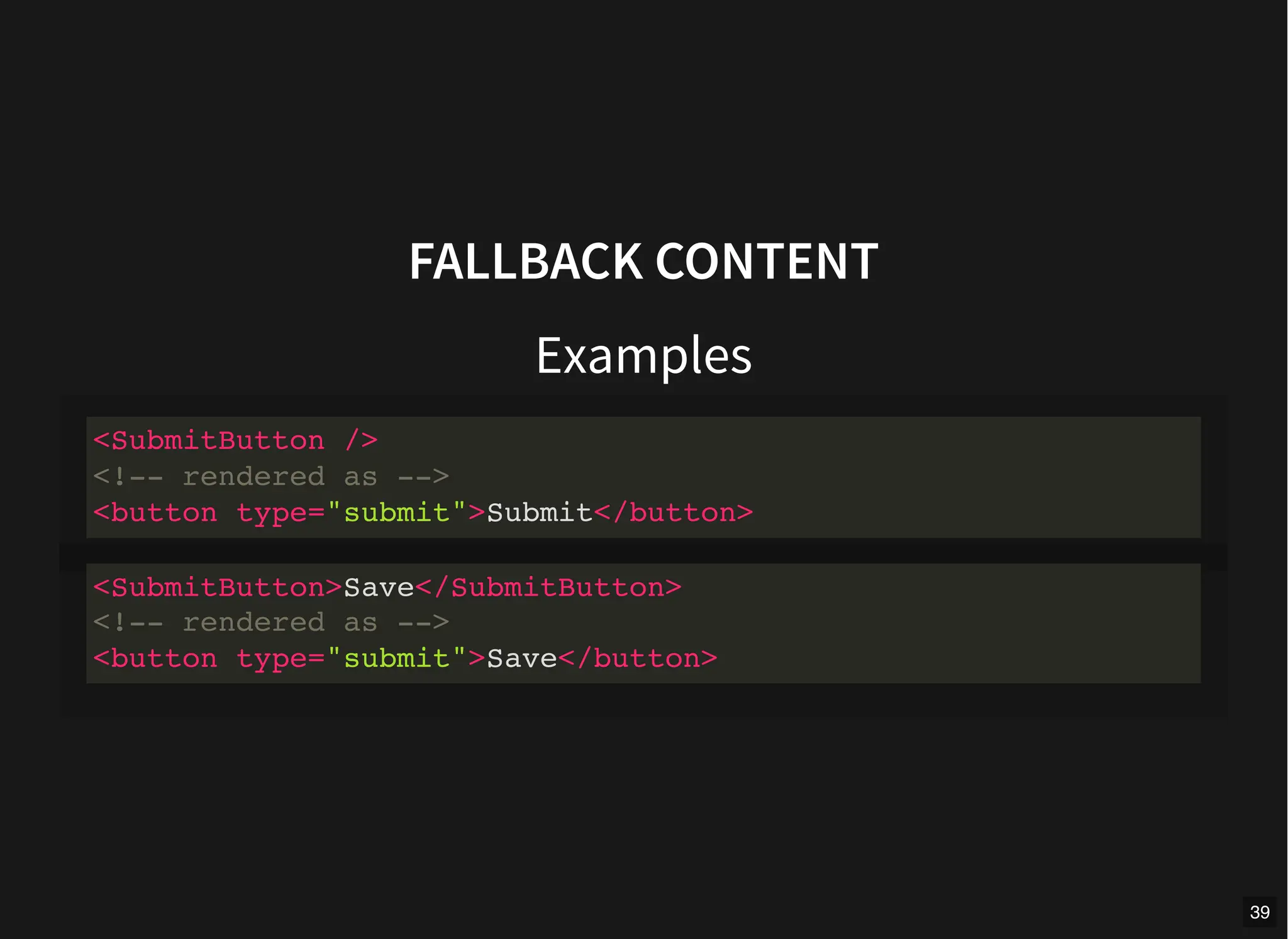
FALLBACK CONTENT
Examples
<SubmitButton />
<!-- rendered as -->
<button type="submit">Submit</button>
<SubmitButton>Save</SubmitButton>
<!-- rendered as -->
<button type="submit">Save</button>
39
NAMED SLOTS
Multiple slot outlets in the same component.
<div class="container">
<header>
<!-- We want header content here -->
</header>
<main>
<!-- We want main content here -->
</main>
<footer>
<!-- We want footer content here -->
</footer>
</div>
40
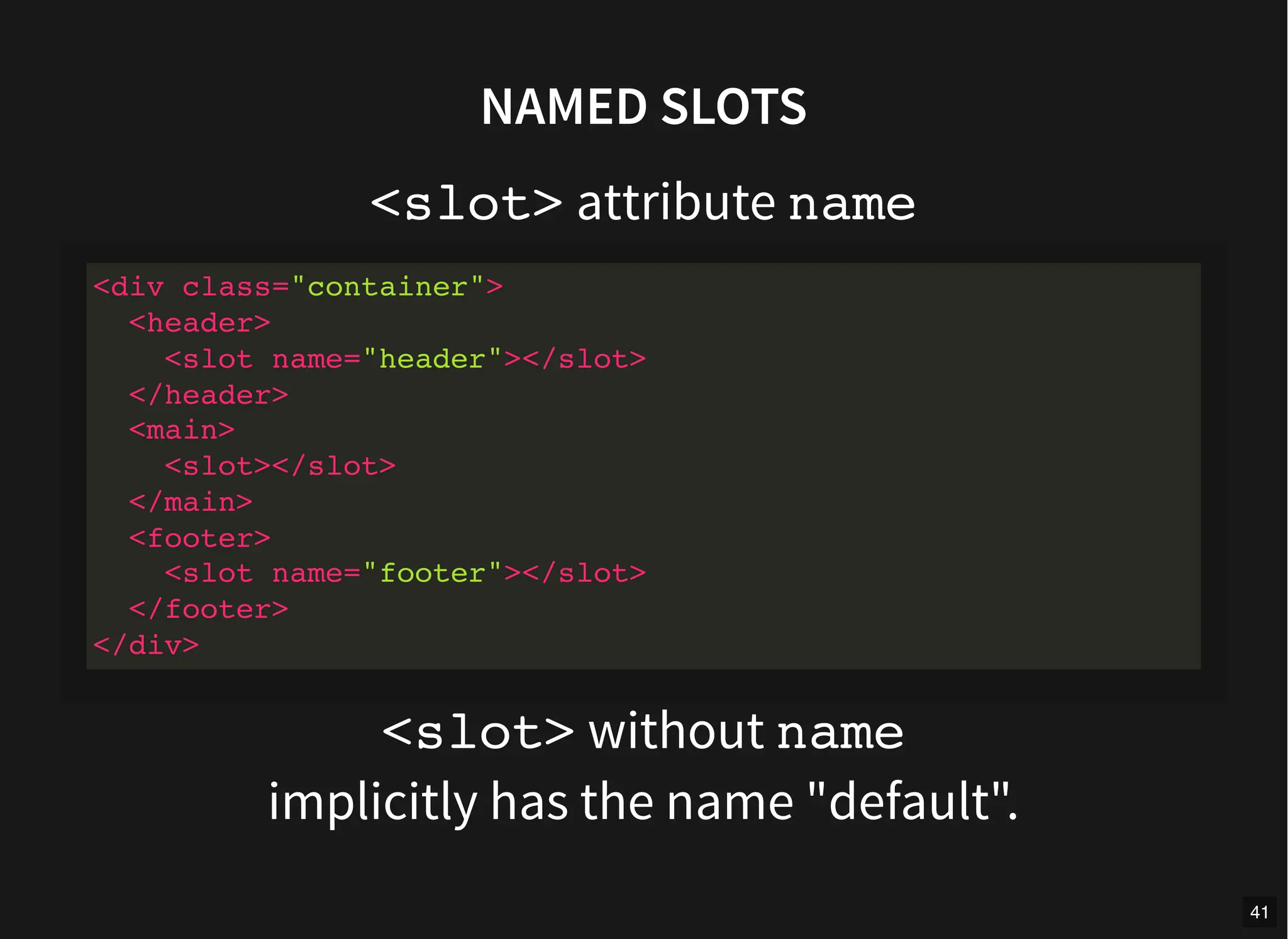
NAMED SLOTS
<slot> attribute name
<slot> without name
implicitly has the name "default".
<div class="container">
<header>
<slot name="header"></slot>
</header>
<main>
<slot></slot>
</main>
<footer>
<slot name="footer"></slot>
</footer>
</div>
41
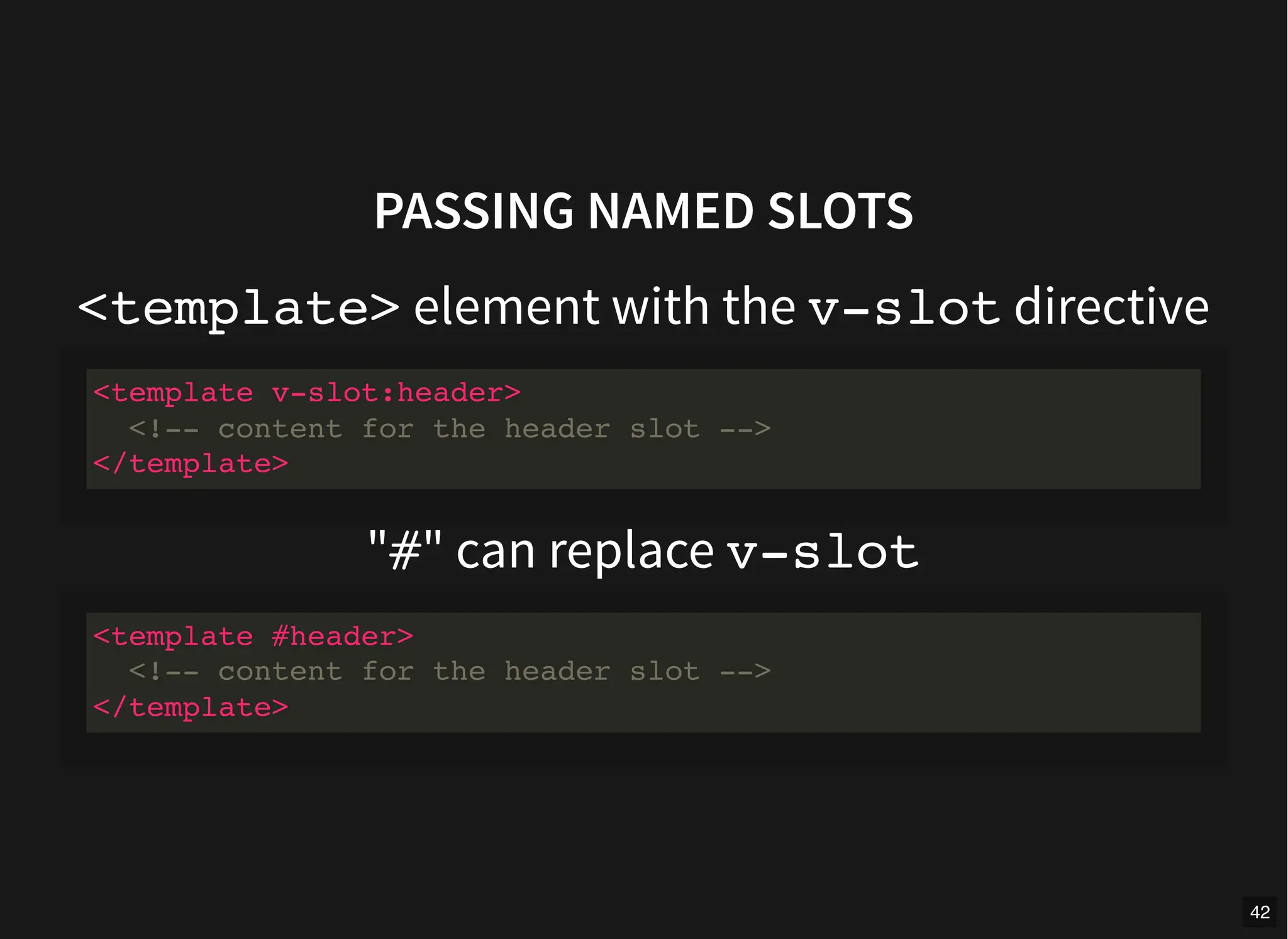
PASSING NAMED SLOTS
<template> element with the v-slot directive
"#" can replace v-slot
<template v-slot:header>
<!-- content for the header slot -->
</template>
<template #header>
<!-- content for the header slot -->
</template>
42
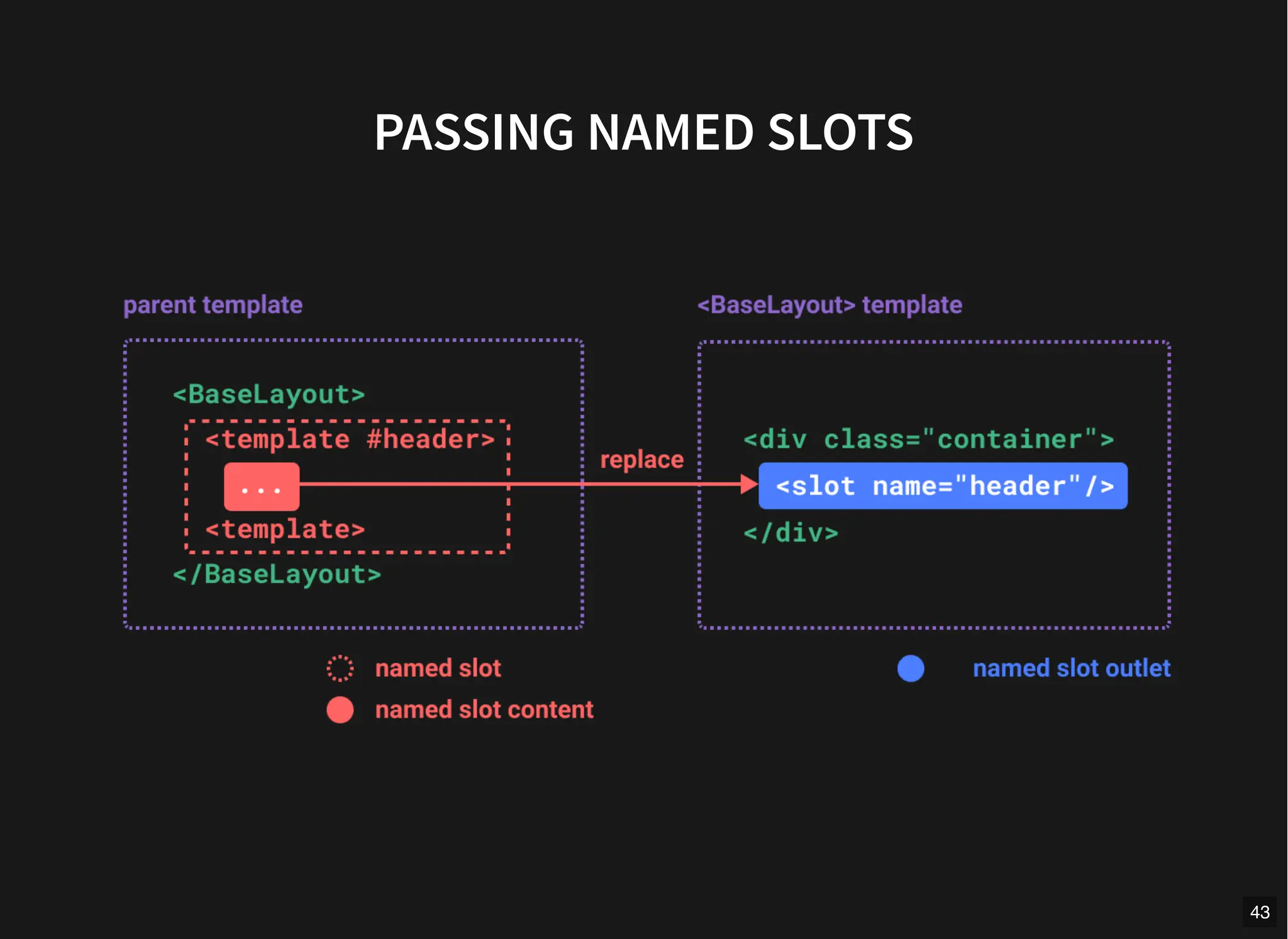
PASSING NAMED SLOTS
43
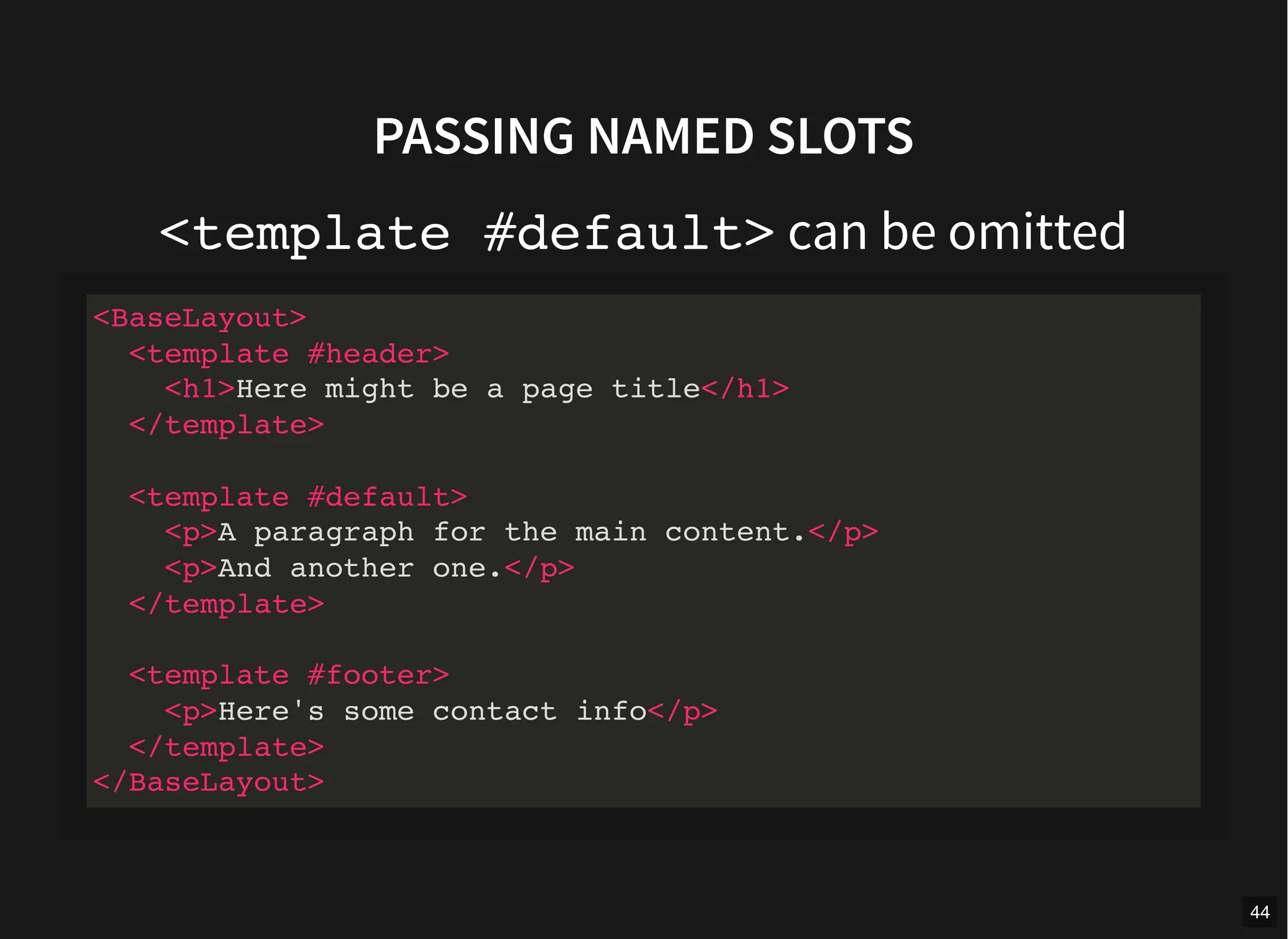
PASSING NAMED SLOTS
<template #default> can be omitted
<BaseLayout>
<template #header>
<h1>Here might be a page title</h1>
</template>
<template #default>
<p>A paragraph for the main content.</p>
<p>And another one.</p>
</template>
<template #footer>
<p>Here's some contact info</p>
</template>
</BaseLayout>
44
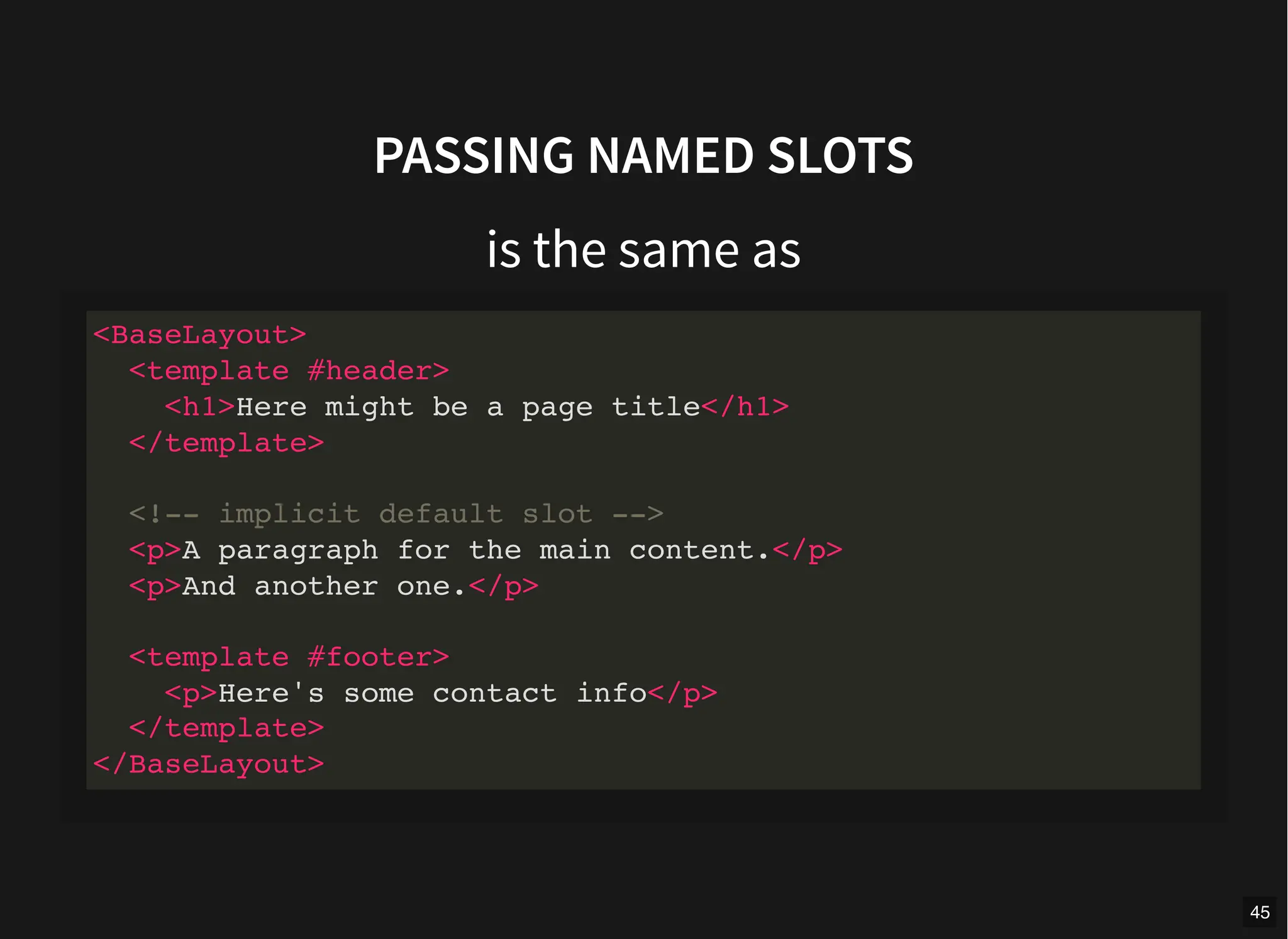
PASSING NAMED SLOTS
is the same as
<BaseLayout>
<template #header>
<h1>Here might be a page title</h1>
</template>
<!-- implicit default slot -->
<p>A paragraph for the main content.</p>
<p>And another one.</p>
<template #footer>
<p>Here's some contact info</p>
</template>
</BaseLayout>
45
SCOPED SLOTS
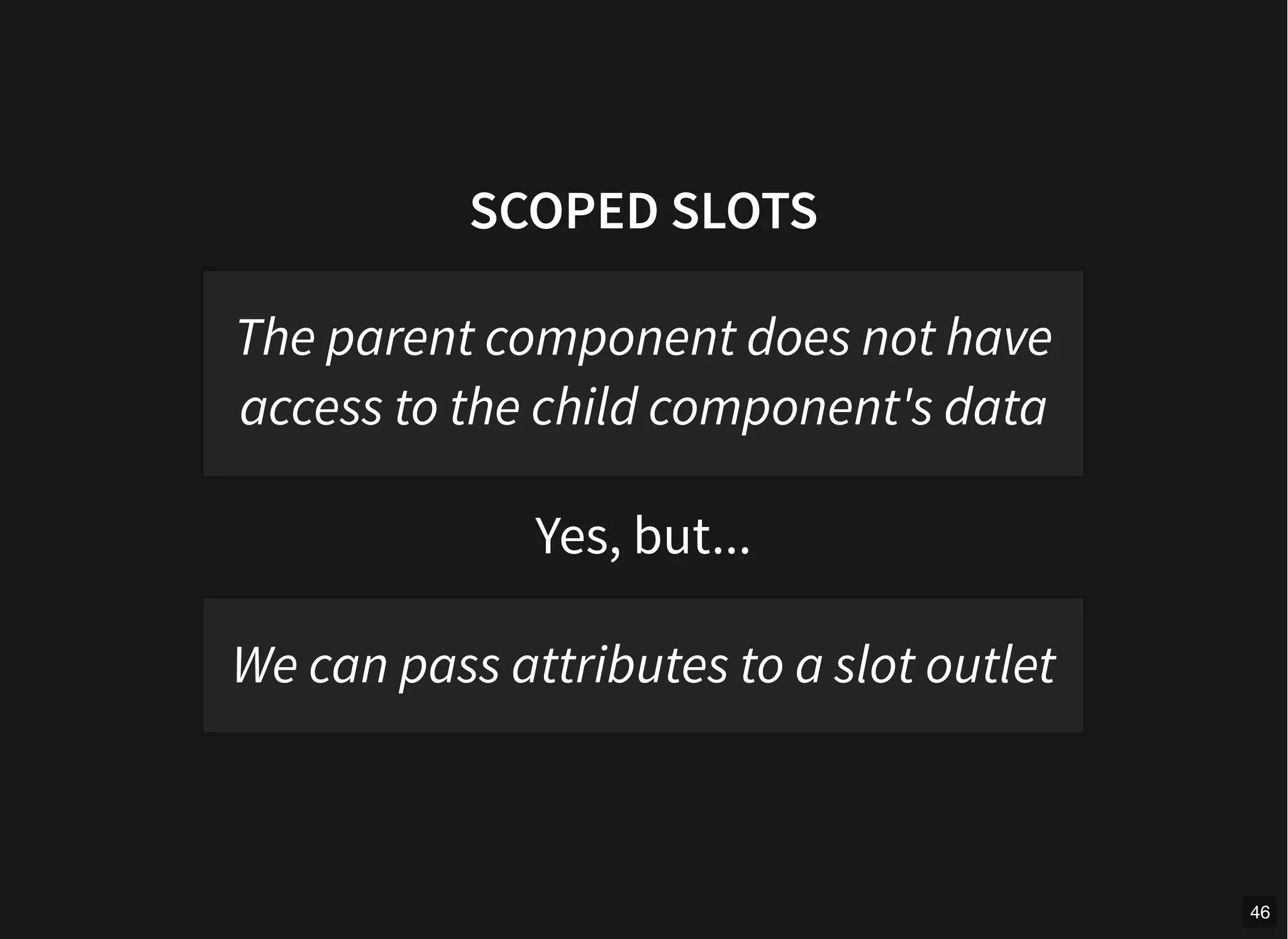
Yes, but...
The parent component does not have
access to the child component's data
We can pass attributes to a slot outlet
46
SCOPED SLOTS
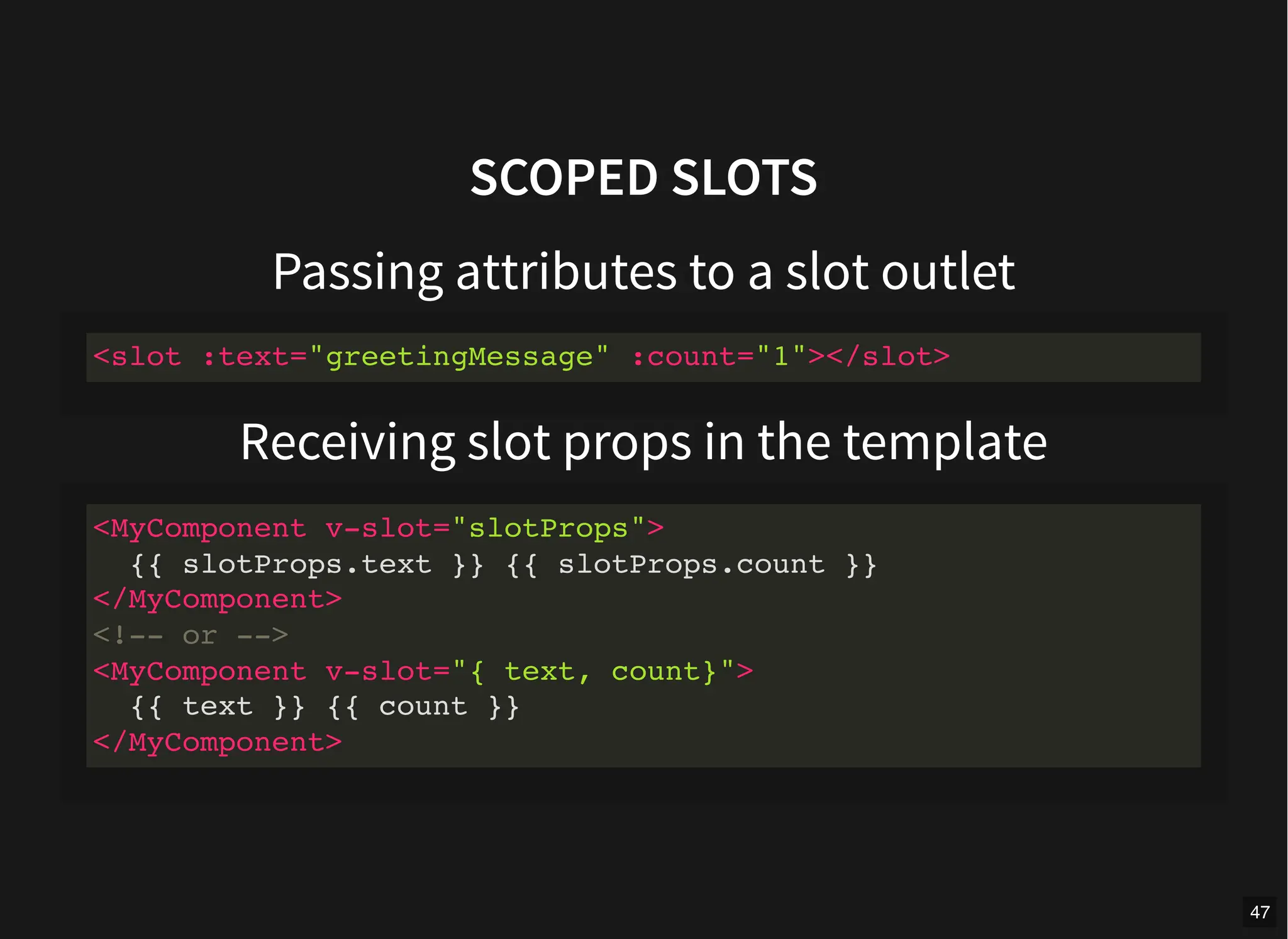
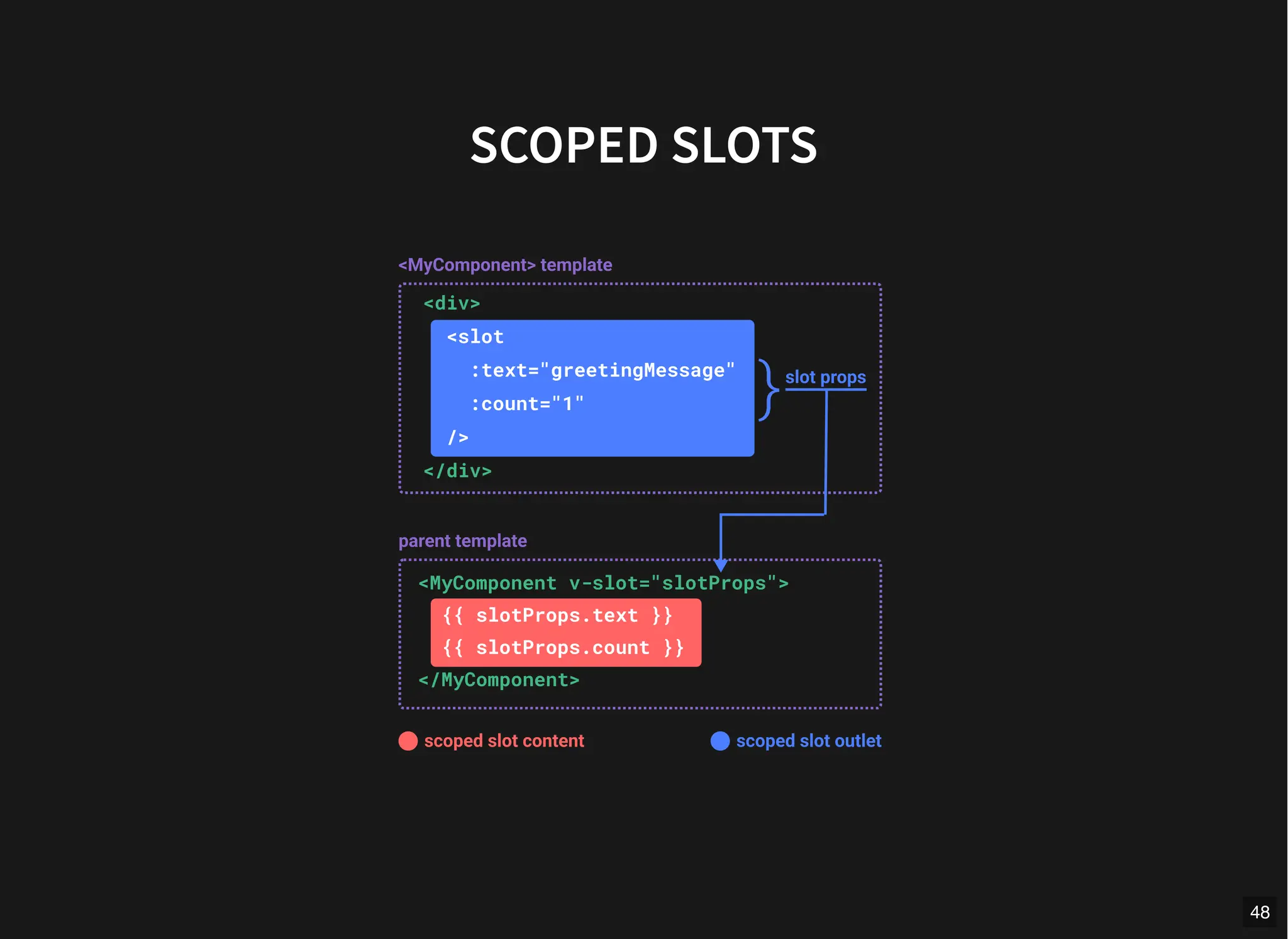
Passing attributes to a slot outlet
Receiving slot props in the template
<slot :text="greetingMessage" :count="1"></slot>
<MyComponent v-slot="slotProps">
{{ slotProps.text }} {{ slotProps.count }}
</MyComponent>
<!-- or -->
<MyComponent v-slot="{ text, count}">
{{ text }} {{ count }}
</MyComponent>
47
SCOPED SLOTS
48
SCOPED SLOTS
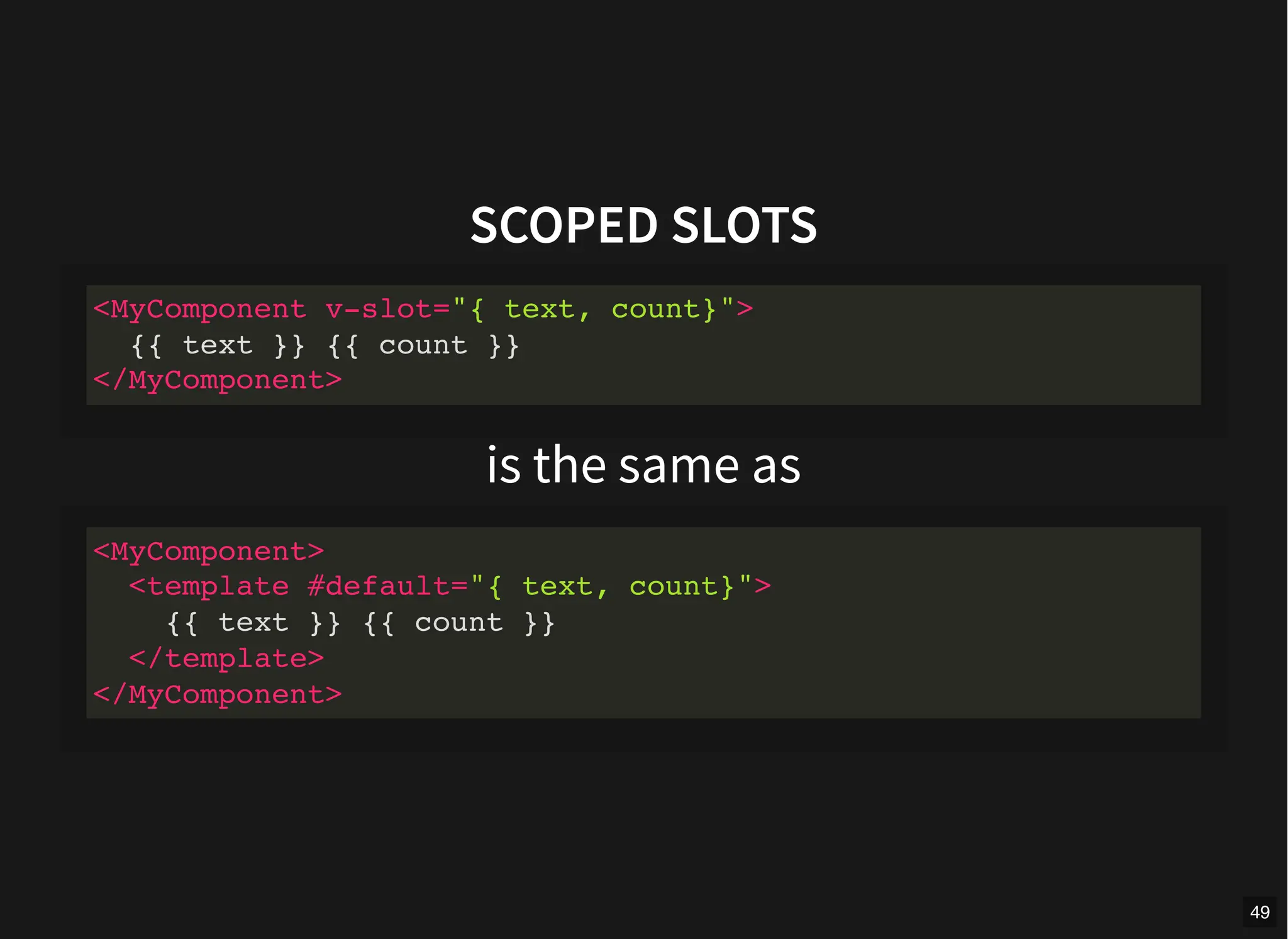
is the same as
<MyComponent v-slot="{ text, count}">
{{ text }} {{ count }}
</MyComponent>
<MyComponent>
<template #default="{ text, count}">
{{ text }} {{ count }}
</template>
</MyComponent>
49
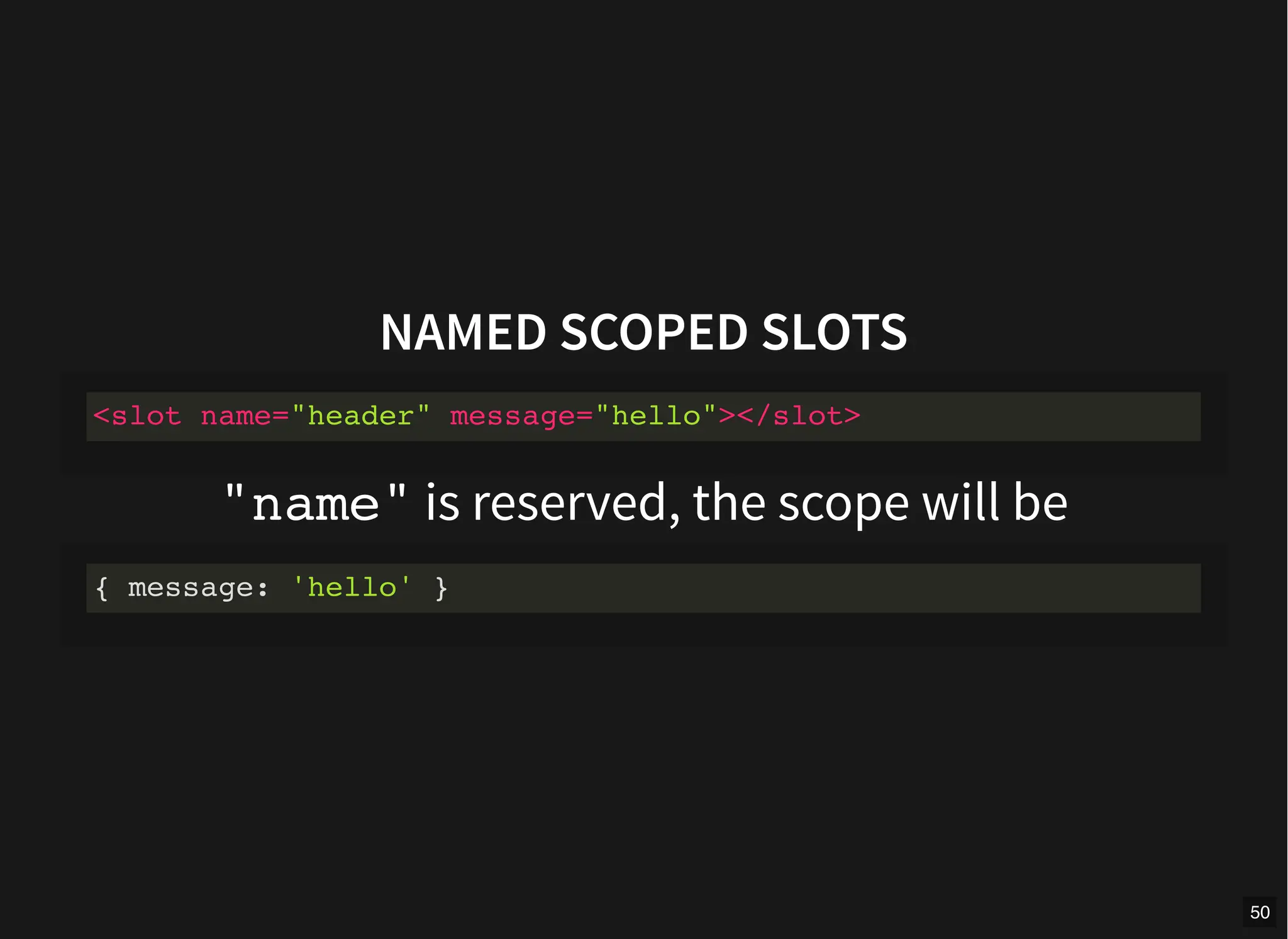
NAMED SCOPED SLOTS
"name" is reserved, the scope will be
<slot name="header" message="hello"></slot>
{ message: 'hello' }
50
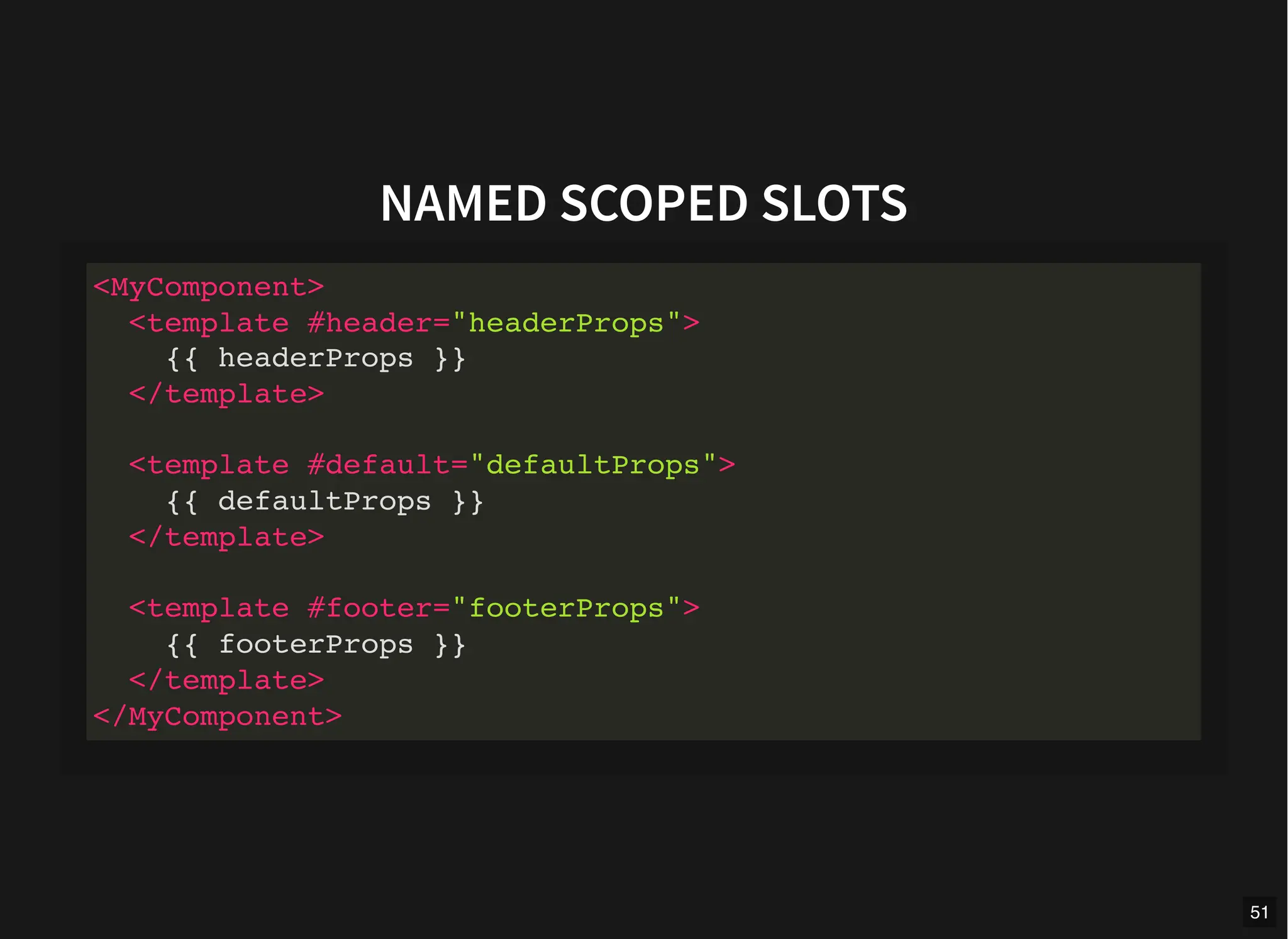
NAMED SCOPED SLOTS
<MyComponent>
<template #header="headerProps">
{{ headerProps }}
</template>
<template #default="defaultProps">
{{ defaultProps }}
</template>
<template #footer="footerProps">
{{ footerProps }}
</template>
</MyComponent>
51
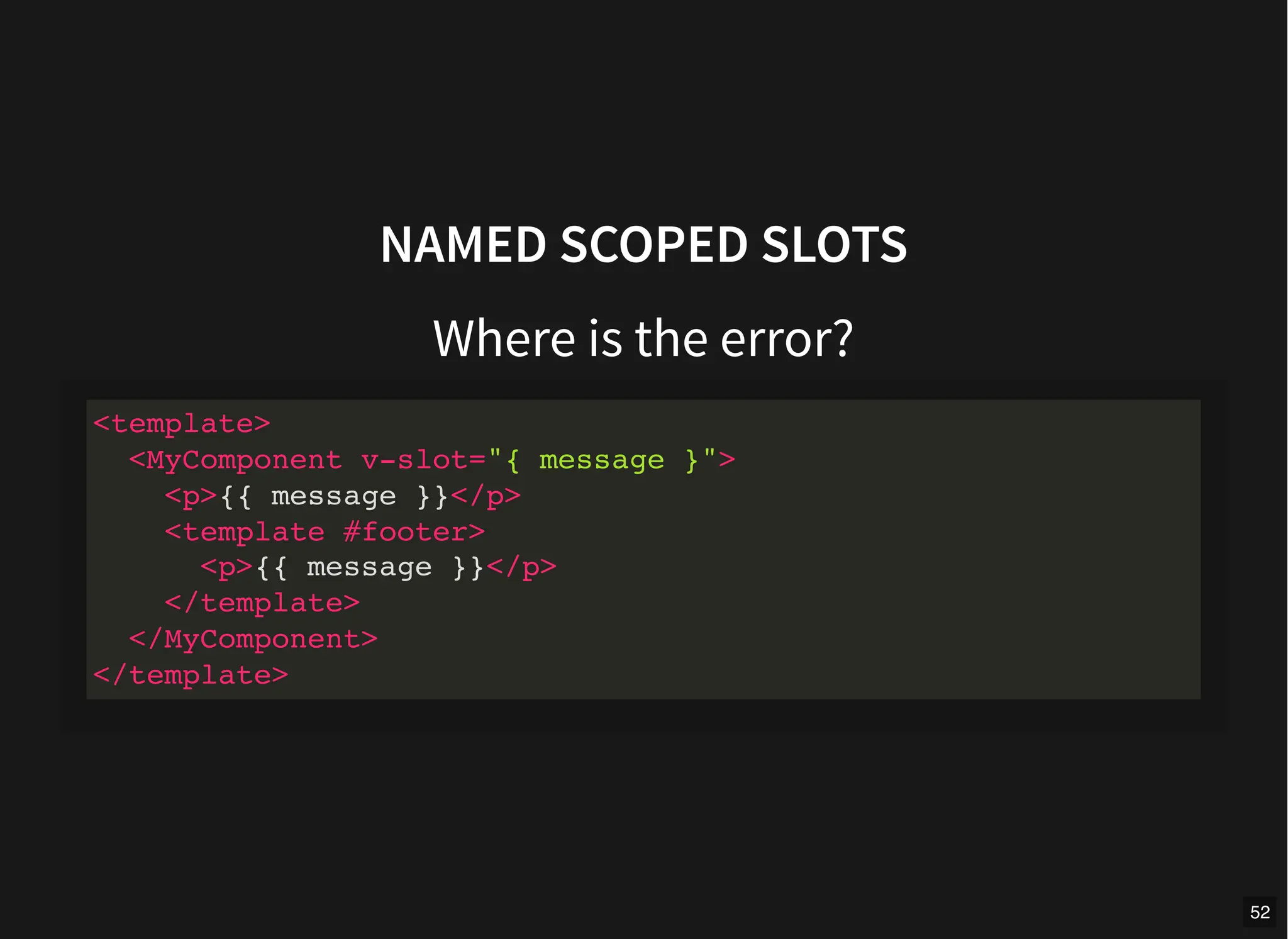
NAMED SCOPED SLOTS
Where is the error?
<template>
<MyComponent v-slot="{ message }">
<p>{{ message }}</p>
<template #footer>
<p>{{ message }}</p>
</template>
</MyComponent>
</template>
52
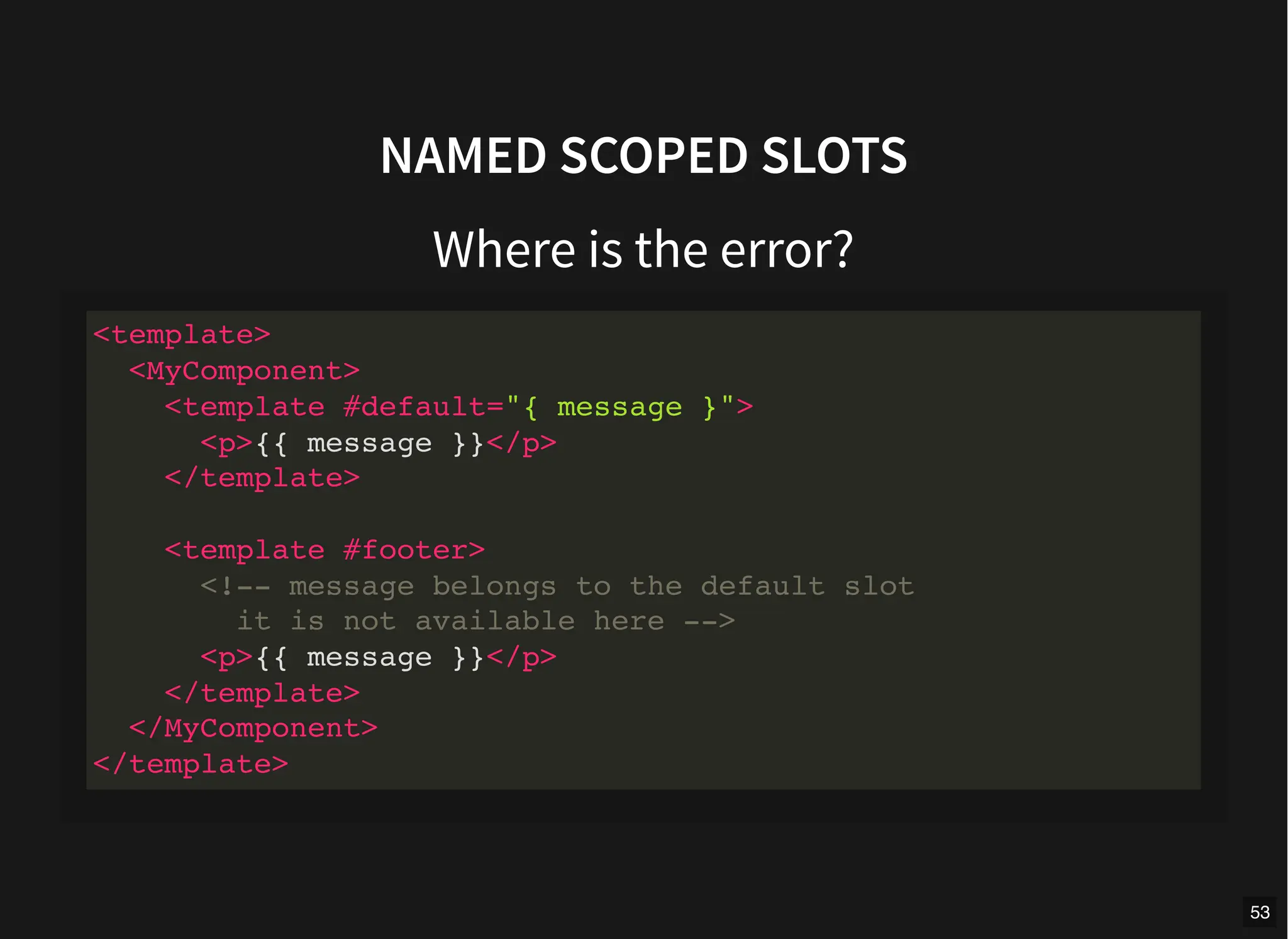
NAMED SCOPED SLOTS
Where is the error?
<template>
<MyComponent>
<template #default="{ message }">
<p>{{ message }}</p>
</template>
<template #footer>
<!-- message belongs to the default slot
it is not available here -->
<p>{{ message }}</p>
</template>
</MyComponent>
</template>
53
Wait a minute
54
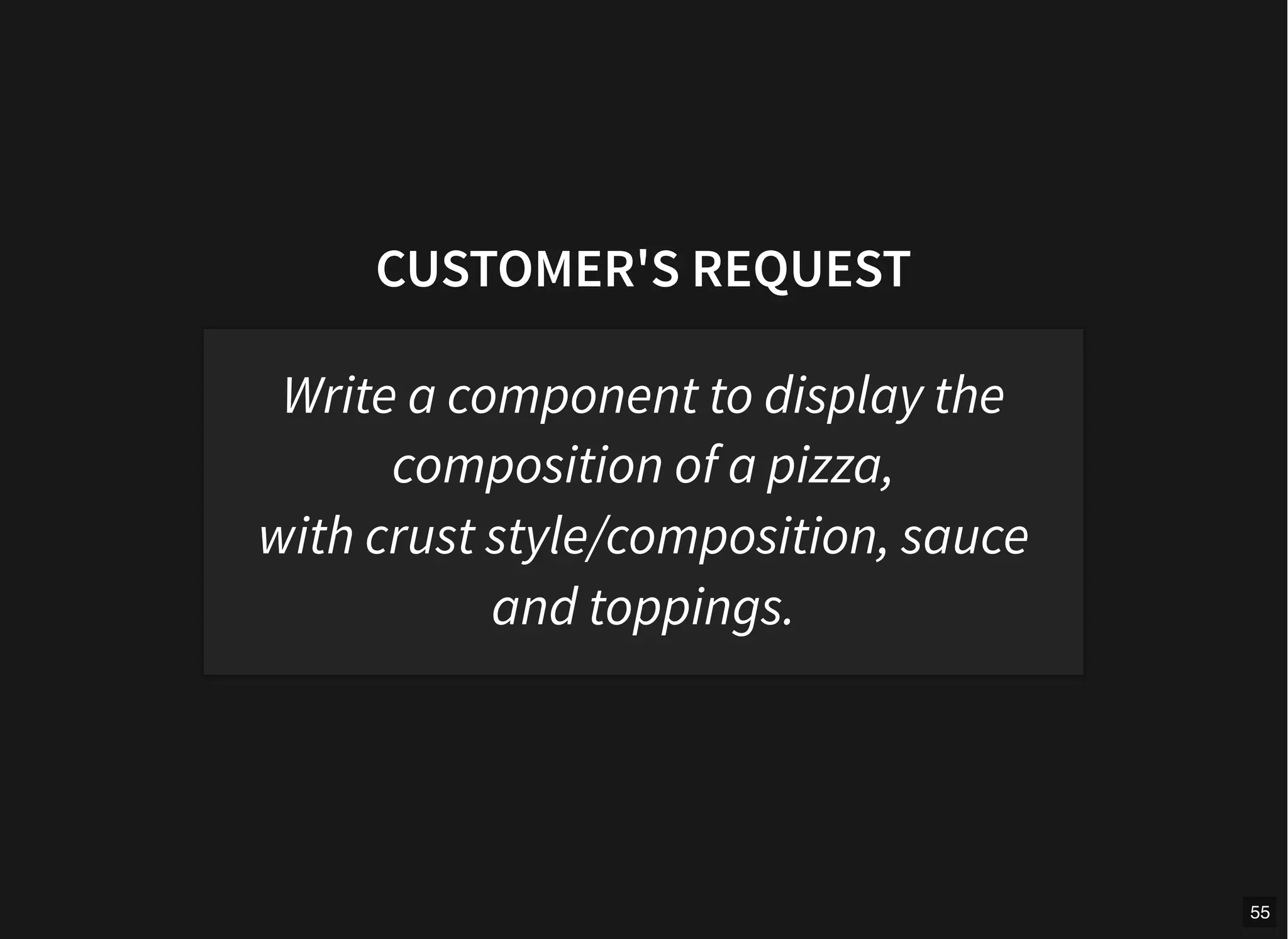
CUSTOMER'S REQUEST
Write a component to display the
composition of a pizza,
with crust style/composition, sauce
and toppings.
55
PIZZA COMPONENT
defineProps([
"name",
"crustStyle",
"crustComposition",
"sauce",
"topping",
])
56
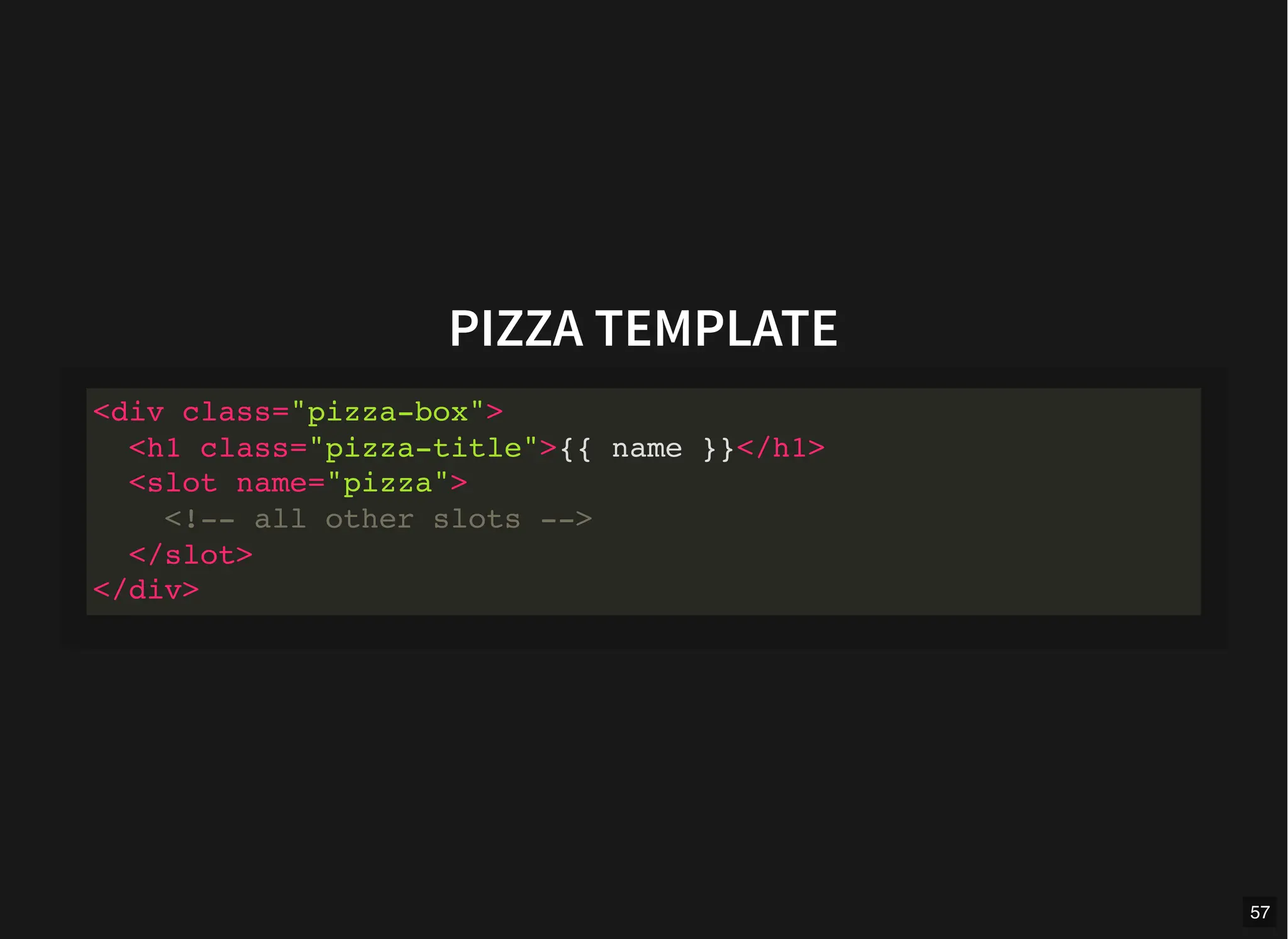
PIZZA TEMPLATE
<div class="pizza-box">
<h1 class="pizza-title">{{ name }}</h1>
<slot name="pizza">
<!-- all other slots -->
</slot>
</div>
57
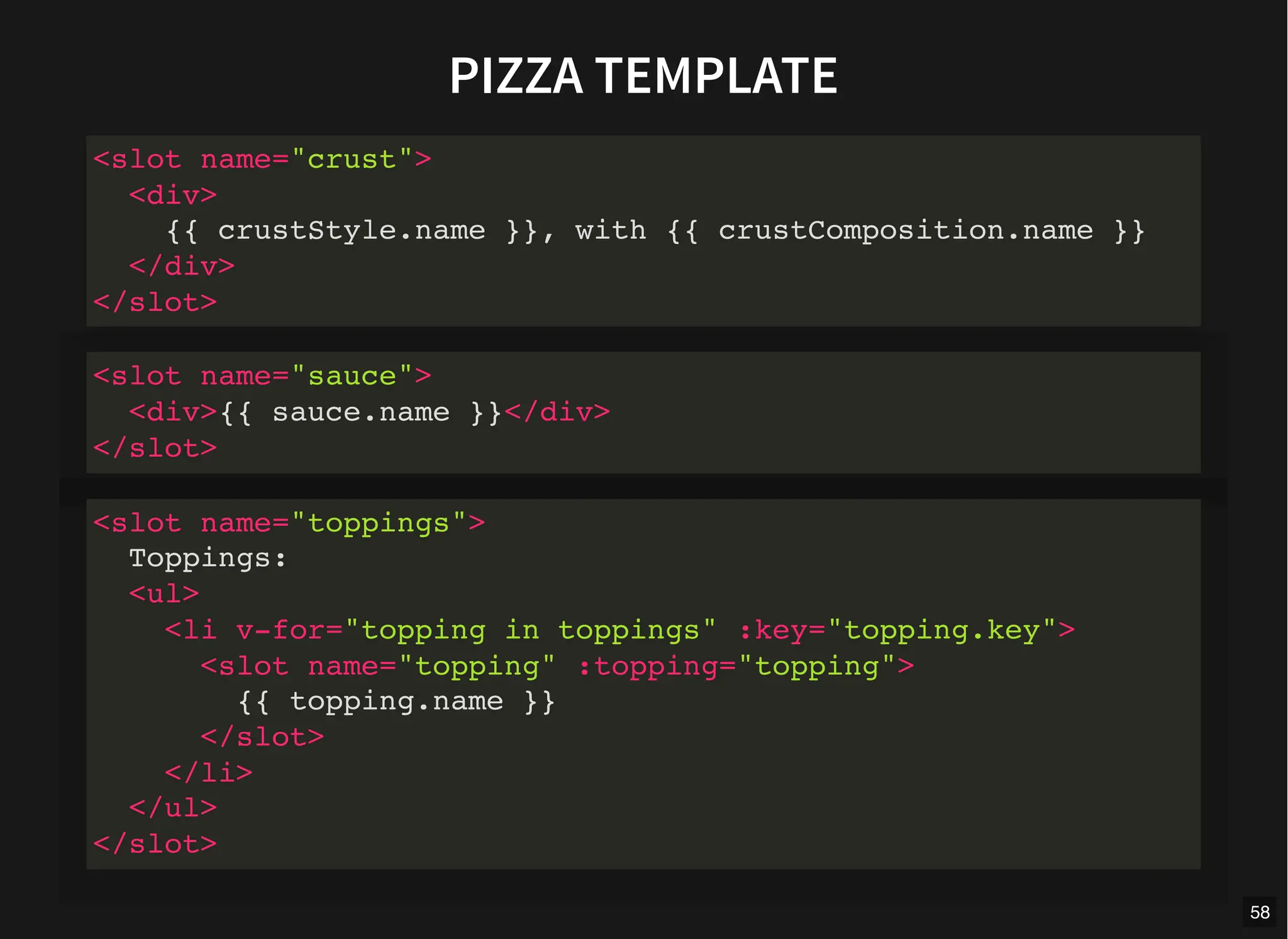
PIZZA TEMPLATE
<slot name="crust">
<div>
{{ crustStyle.name }}, with {{ crustComposition.name }}
</div>
</slot>
<slot name="sauce">
<div>{{ sauce.name }}</div>
</slot>
<slot name="toppings">
Toppings:
<ul>
<li v-for="topping in toppings" :key="topping.key">
<slot name="topping" :topping="topping">
{{ topping.name }}
</slot>
</li>
</ul>
</slot>
58
DEMO!
59
TEST TIME!
60
HOW TO TEST SLOTS?
Using @vue/test-utils
test-utils.vuejs.org/guide/advanced/slots.html
61
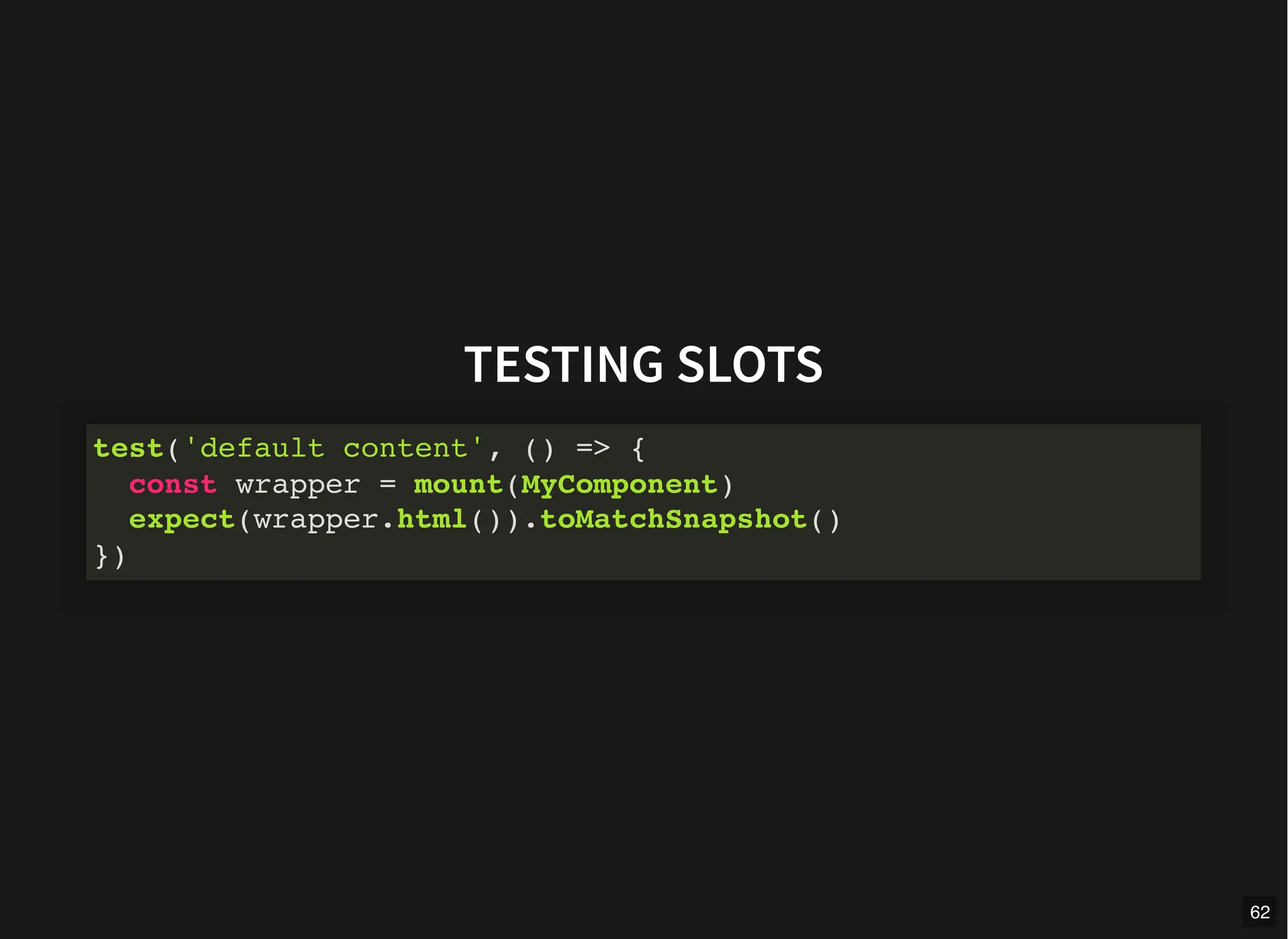
TESTING SLOTS
test('default content', () => {
const wrapper = mount(MyComponent)
expect(wrapper.html()).toMatchSnapshot()
})
62
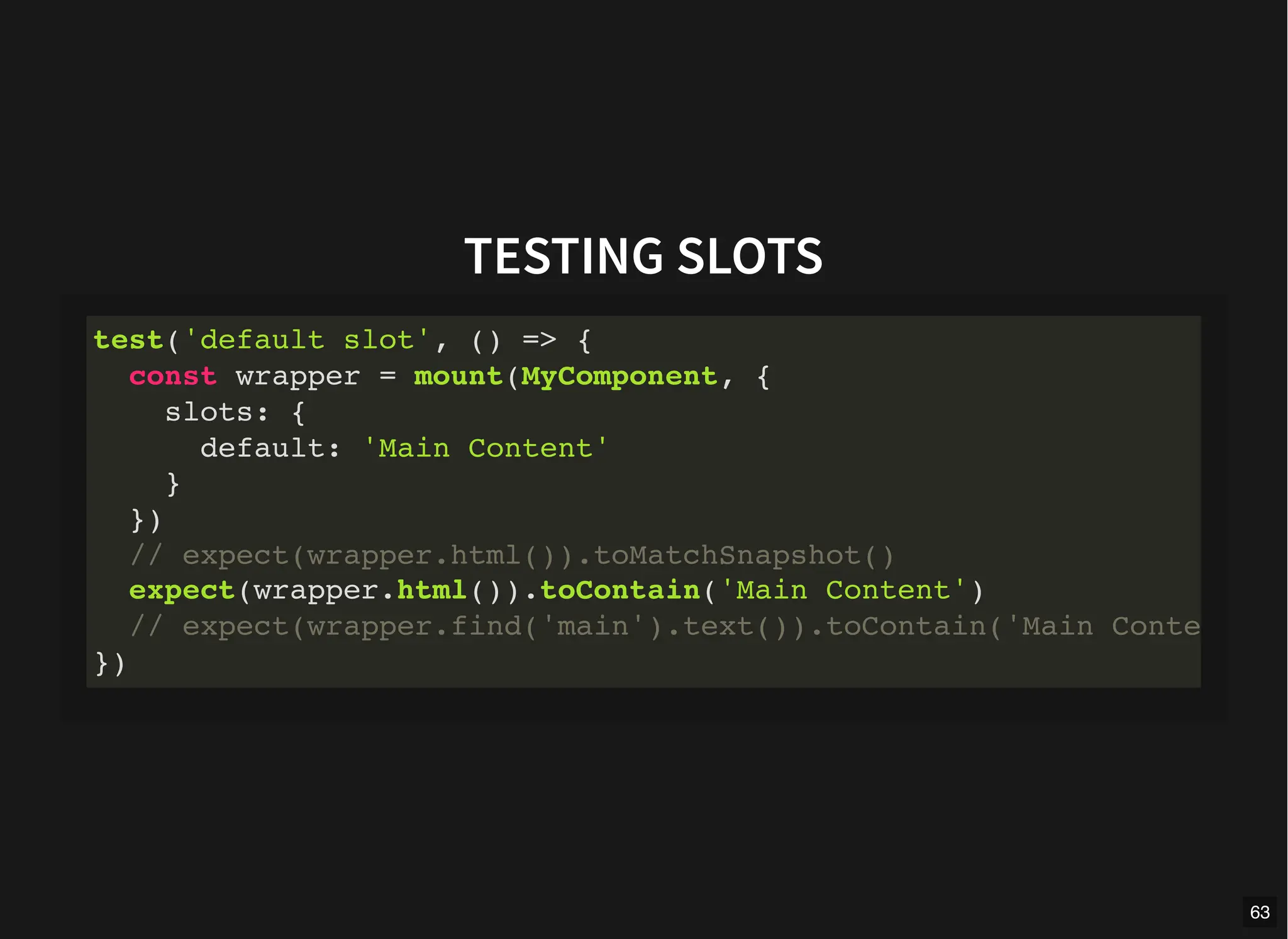
TESTING SLOTS
test('default slot', () => {
const wrapper = mount(MyComponent, {
slots: {
default: 'Main Content'
}
})
// expect(wrapper.html()).toMatchSnapshot()
expect(wrapper.html()).toContain('Main Content')
// expect(wrapper.find('main').text()).toContain('Main Conte
})
63
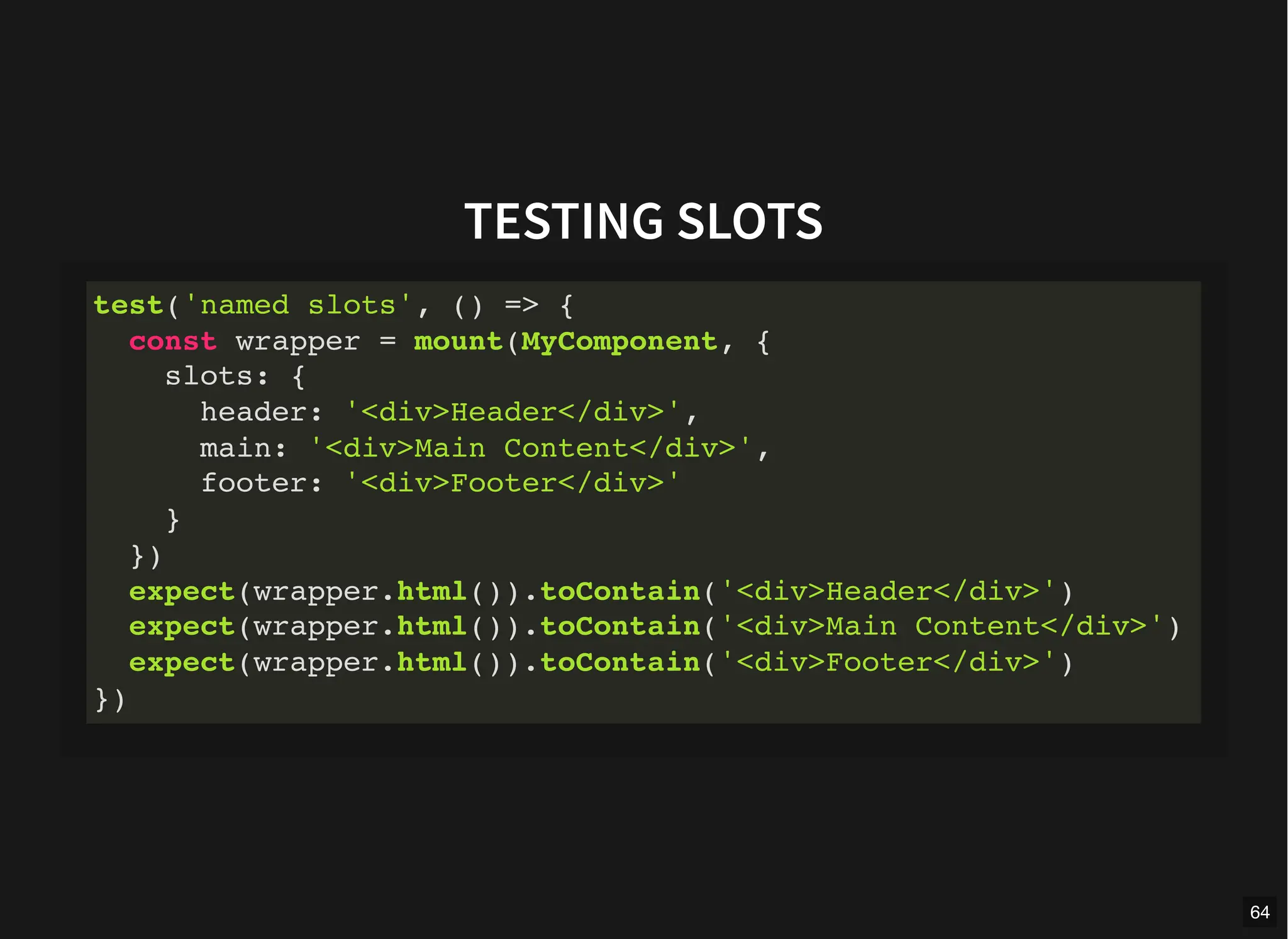
TESTING SLOTS
test('named slots', () => {
const wrapper = mount(MyComponent, {
slots: {
header: '<div>Header</div>',
main: '<div>Main Content</div>',
footer: '<div>Footer</div>'
}
})
expect(wrapper.html()).toContain('<div>Header</div>')
expect(wrapper.html()).toContain('<div>Main Content</div>')
expect(wrapper.html()).toContain('<div>Footer</div>')
})
64
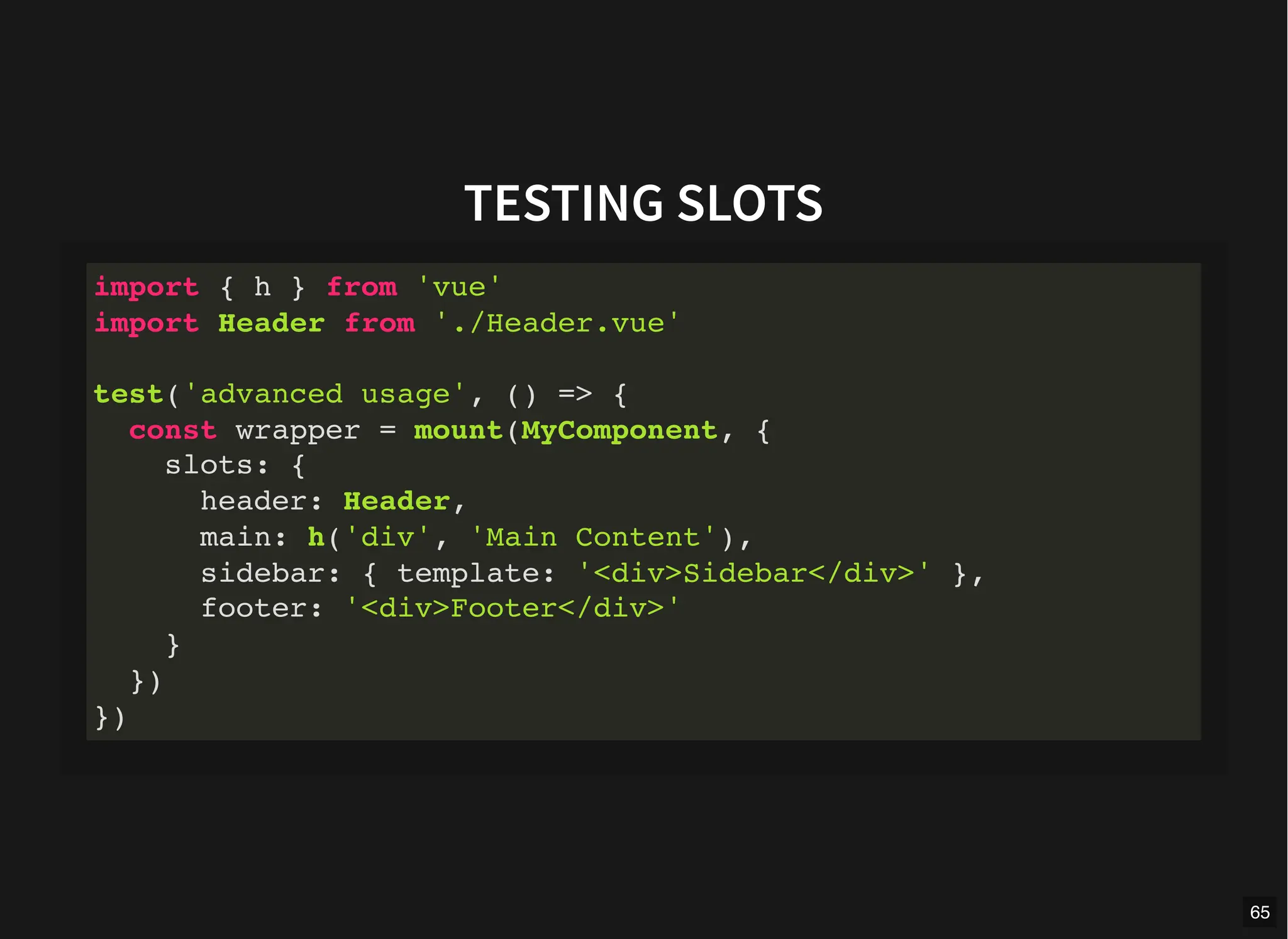
TESTING SLOTS
import { h } from 'vue'
import Header from './Header.vue'
test('advanced usage', () => {
const wrapper = mount(MyComponent, {
slots: {
header: Header,
main: h('div', 'Main Content'),
sidebar: { template: '<div>Sidebar</div>' },
footer: '<div>Footer</div>'
}
})
})
65
TESTING SLOTS
test('scoped slots', () => {
const wrapper = mount(MyComponent, {
slots: {
footer: `<template #footer="scopeObj">
{{ scopeObj.msg }}
</template>`,
// or
footer: `<template #footer="{ msg }">
{{ msg }}
</template>`,
// or
footer: '{{ params.msg }}'
}
})
})
66
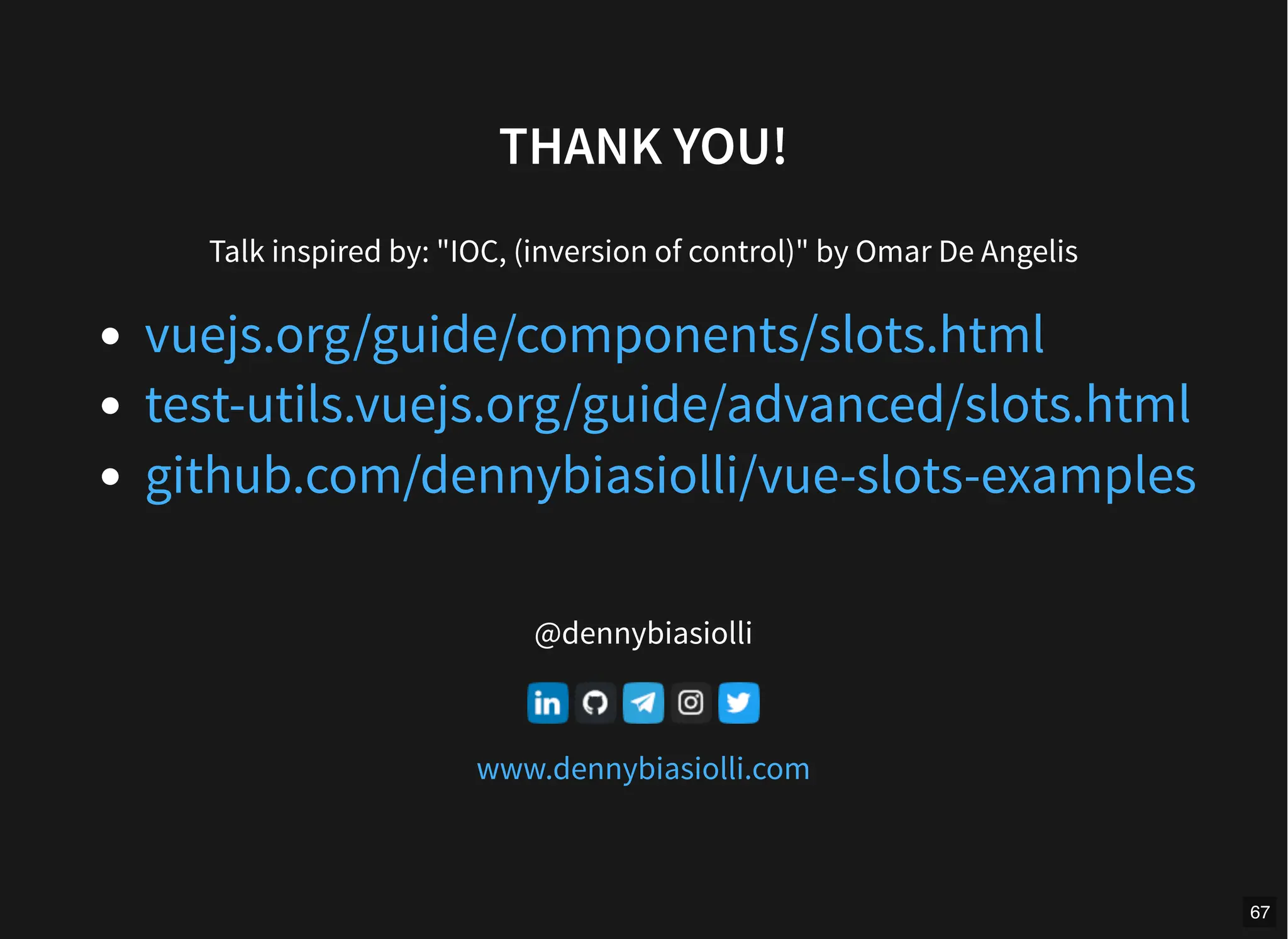
THANK YOU!
Talk inspired by: "IOC, (inversion of control)" by Omar De Angelis
@dennybiasiolli
vuejs.org/guide/components/slots.html
test-utils.vuejs.org/guide/advanced/slots.html
github.com/dennybiasiolli/vue-slots-examples
www.dennybiasiolli.com
67

Vue.js slots.pdf

  • 1.
    VUE.JS SLOTS Non fartisommergere dalle richieste di personalizzazione! COMMIT UNIVERSITY Firenze, 19 Ottobre 2023 1
  • 2.
    WHO AM I DennyBiasiolli Full Stack Developer (JavaScript, Python, Go) Front End Developer UX/ UI Fingerprint Compliance Services Ltd. Italy, Savigliano (CN) @dennybiasiolli denny.biasiolli@gmail.com www.dennybiasiolli.com 2
  • 3.
    Are you alazy person? 3
  • 4.
    Are you alazy person? (the really lazy ones wouldn't have raised their hand) 3.1
  • 5.
    Bill Gates I choosea lazy person to do a hard job. Because a lazy person will find an easy way to do it. 4
  • 6.
    CUSTOMER'S FIRST REQUEST Canyou write a function that removes all undefined values from an input array? 5
  • 7.
    FUNCTION SIGNATURE export functionremoveUndefined<T>(array: T[]): T[] { // ... } 6
  • 8.
    TDD APPROACH import {it, expect } from 'vitest' import { removeUndefined } from '../filtersV1' it('removeUndefined removes `undefined` values', () => { expect( removeUndefined(['foo', undefined, 'bar']) ).toEqual( ['foo', 'bar'] ) }) 7
  • 9.
  • 10.
  • 11.
    CUSTOMER'S CHANGE REQUEST Thefunction does not remove null values! 10
  • 12.
    FUNCTION SIGNATURE (breaking change!) //export function removeUndefined<T>(array: T[]): T[] { export function customFilter<T>( array: T[], removeUndefined: boolean = true, removeNull: boolean = false ): T[] { // ... } 11
  • 13.
  • 14.
    CUSTOMER'S CHANGE REQUEST Thefunction does not remove empty values! 13
  • 15.
    FUNCTION SIGNATURE export functioncustomFilter<T>( array: T[], removeUndefined: boolean = true, removeNull: boolean = false, + removeEmpty: boolean = false ): T[] { // ... } 14
  • 16.
    CUSTOMER'S CHANGE REQUESTS Thefunction does not remove false values! ...zero values! ...zero as string values! 15
  • 17.
    FUNCTION SIGNATURE export functioncustomFilter<T>( array: T[], removeUndefined: boolean = true, removeNull: boolean = false, removeEmpty: boolean = false, + removeFalse: boolean = false, + removeZero: boolean = false, + removeZeroString: boolean = false ): T[] { // ... } 16
  • 18.
  • 19.
  • 20.
  • 21.
    IMPLEMENTATION export function customFilter<T>( array:T[], filterFn: (element: T, index: number, array: T[]) => boolean ): T[] { const retVal: T[] = [] for (let i = 0; i < array.length; i++) { if (filterFn(array[i], i, array)) { retVal.push(array[i]) } } return retVal } 20
  • 22.
    TESTS it('should call thefilterFn for each array element', () => { const mockedFn = vi.fn().mockReturnValue(true) const baseArray = ['foo', 'bar'] customFilter(baseArray, mockedFn) expect(mockedFn).toHaveBeenCalledTimes(2); for (let i = 0; i < baseArray.length; i++) { expect(mockedFn).toHaveBeenNthCalledWith( i + 1, baseArray[i], i, baseArray) } }) it('should filter when filterFn return value is truthy', () => const mockedFn = vi.fn() .mockReturnValueOnce(true) .mockReturnValueOnce(false) .mockReturnValueOnce("123") const retVal = customFilter(['foo', 'bar', 123], mockedFn) expect(retVal).toEqual(['foo', 123]) }) 21
  • 23.
    USAGE const myArray =['foo', undefined, 'bar', null, false, '', 0, customFilter(myArray, (elem) => ( elem !== undefined && elem !== null && elem !== false && elem !== '' && elem !== 0 && elem !== '0' && elem !== whateverValueIWantToExclude )) 22
  • 24.
  • 25.
    COMPONENTS PERSPECTIVE Create amessage box component 24
  • 26.
    IMPLEMENTATION export interface Props{ title?: string message?: string } defineProps<Props>() 25
  • 27.
    IMPLEMENTATION <div class="message-box-title"> {{ title}} </div> <div class="message-box-message"> {{ message }} </div> 26
  • 28.
    POSSIBLE REQUESTS custom title/messagestyle close button footer section with ok button accept button ok/cancel buttons yes/no buttons 27
  • 29.
    PSEUDO-IMPLEMENTATION <div class="message-box-title"> {{ title|| yourCustomTitleComponent }} </div> <div class="message-box-message"> {{ message || yourCustomMessageComponent }} </div> {{ yourCustomFooterComponent }} 28
  • 30.
  • 31.
    WHAT ARE SLOTSIN VUE.JS? A way to pass content to a component 30
  • 32.
    USAGE OF SLOTSIN VUE.JS 1. define a section of a component’s template that can be replaced by the parent component 2. the parent component controls the layout and content of the child component 31
  • 33.
    SLOT CONTENT ANDOUTLET 1. allow a component to accept dynamic content 2. pass a template fragment to a child component <button class="fancy-btn"> <slot></slot> <!-- slot outlet --> </button> <FancyButton> Click me! <!-- slot content --> </FancyButton> 32
  • 34.
    SLOT CONTENT ANDOUTLET <button class="fancy-btn">Click me!</button> 33
  • 35.
    SLOT CONTENT ANDOUTLET FancyButton is responsible for rendering the outer <button> and its styling the inner content (and its style) is provided by the parent component 34
  • 36.
    SLOT CONTENT ANDOUTLET Slot content is not just limited to text! <FancyButton> <span style="color:red">Click me!</span> <AwesomeIcon name="plus" /> </FancyButton> 35
  • 37.
    SLOT CONTENT ANDOUTLET <FancyButton> is flexible and reusable. We can now use it in different places with different inner content, but all with the same fancy styling. 36
  • 38.
    RENDER SCOPE Slot content hasaccess to the data scope of the parent component does not have access to the child component's data <span>{{ message }}</span> <FancyButton>{{ message }}</FancyButton> 37
  • 39.
    FALLBACK CONTENT Default valuefor a slot content Rendered only when no content is provided <button type="submit"> <slot> Submit <!-- fallback content --> </slot> </button> 38
  • 40.
    FALLBACK CONTENT Examples <SubmitButton /> <!--rendered as --> <button type="submit">Submit</button> <SubmitButton>Save</SubmitButton> <!-- rendered as --> <button type="submit">Save</button> 39
  • 41.
    NAMED SLOTS Multiple slotoutlets in the same component. <div class="container"> <header> <!-- We want header content here --> </header> <main> <!-- We want main content here --> </main> <footer> <!-- We want footer content here --> </footer> </div> 40
  • 42.
    NAMED SLOTS <slot> attributename <slot> without name implicitly has the name "default". <div class="container"> <header> <slot name="header"></slot> </header> <main> <slot></slot> </main> <footer> <slot name="footer"></slot> </footer> </div> 41
  • 43.
    PASSING NAMED SLOTS <template>element with the v-slot directive "#" can replace v-slot <template v-slot:header> <!-- content for the header slot --> </template> <template #header> <!-- content for the header slot --> </template> 42
  • 44.
  • 45.
    PASSING NAMED SLOTS <template#default> can be omitted <BaseLayout> <template #header> <h1>Here might be a page title</h1> </template> <template #default> <p>A paragraph for the main content.</p> <p>And another one.</p> </template> <template #footer> <p>Here's some contact info</p> </template> </BaseLayout> 44
  • 46.
    PASSING NAMED SLOTS isthe same as <BaseLayout> <template #header> <h1>Here might be a page title</h1> </template> <!-- implicit default slot --> <p>A paragraph for the main content.</p> <p>And another one.</p> <template #footer> <p>Here's some contact info</p> </template> </BaseLayout> 45
  • 47.
    SCOPED SLOTS Yes, but... Theparent component does not have access to the child component's data We can pass attributes to a slot outlet 46
  • 48.
    SCOPED SLOTS Passing attributesto a slot outlet Receiving slot props in the template <slot :text="greetingMessage" :count="1"></slot> <MyComponent v-slot="slotProps"> {{ slotProps.text }} {{ slotProps.count }} </MyComponent> <!-- or --> <MyComponent v-slot="{ text, count}"> {{ text }} {{ count }} </MyComponent> 47
  • 49.
  • 50.
    SCOPED SLOTS is thesame as <MyComponent v-slot="{ text, count}"> {{ text }} {{ count }} </MyComponent> <MyComponent> <template #default="{ text, count}"> {{ text }} {{ count }} </template> </MyComponent> 49
  • 51.
    NAMED SCOPED SLOTS "name"is reserved, the scope will be <slot name="header" message="hello"></slot> { message: 'hello' } 50
  • 52.
    NAMED SCOPED SLOTS <MyComponent> <template#header="headerProps"> {{ headerProps }} </template> <template #default="defaultProps"> {{ defaultProps }} </template> <template #footer="footerProps"> {{ footerProps }} </template> </MyComponent> 51
  • 53.
    NAMED SCOPED SLOTS Whereis the error? <template> <MyComponent v-slot="{ message }"> <p>{{ message }}</p> <template #footer> <p>{{ message }}</p> </template> </MyComponent> </template> 52
  • 54.
    NAMED SCOPED SLOTS Whereis the error? <template> <MyComponent> <template #default="{ message }"> <p>{{ message }}</p> </template> <template #footer> <!-- message belongs to the default slot it is not available here --> <p>{{ message }}</p> </template> </MyComponent> </template> 53
  • 55.
  • 56.
    CUSTOMER'S REQUEST Write acomponent to display the composition of a pizza, with crust style/composition, sauce and toppings. 55
  • 57.
  • 58.
    PIZZA TEMPLATE <div class="pizza-box"> <h1class="pizza-title">{{ name }}</h1> <slot name="pizza"> <!-- all other slots --> </slot> </div> 57
  • 59.
    PIZZA TEMPLATE <slot name="crust"> <div> {{crustStyle.name }}, with {{ crustComposition.name }} </div> </slot> <slot name="sauce"> <div>{{ sauce.name }}</div> </slot> <slot name="toppings"> Toppings: <ul> <li v-for="topping in toppings" :key="topping.key"> <slot name="topping" :topping="topping"> {{ topping.name }} </slot> </li> </ul> </slot> 58
  • 60.
  • 61.
  • 62.
    HOW TO TESTSLOTS? Using @vue/test-utils test-utils.vuejs.org/guide/advanced/slots.html 61
  • 63.
    TESTING SLOTS test('default content',() => { const wrapper = mount(MyComponent) expect(wrapper.html()).toMatchSnapshot() }) 62
  • 64.
    TESTING SLOTS test('default slot',() => { const wrapper = mount(MyComponent, { slots: { default: 'Main Content' } }) // expect(wrapper.html()).toMatchSnapshot() expect(wrapper.html()).toContain('Main Content') // expect(wrapper.find('main').text()).toContain('Main Conte }) 63
  • 65.
    TESTING SLOTS test('named slots',() => { const wrapper = mount(MyComponent, { slots: { header: '<div>Header</div>', main: '<div>Main Content</div>', footer: '<div>Footer</div>' } }) expect(wrapper.html()).toContain('<div>Header</div>') expect(wrapper.html()).toContain('<div>Main Content</div>') expect(wrapper.html()).toContain('<div>Footer</div>') }) 64
  • 66.
    TESTING SLOTS import {h } from 'vue' import Header from './Header.vue' test('advanced usage', () => { const wrapper = mount(MyComponent, { slots: { header: Header, main: h('div', 'Main Content'), sidebar: { template: '<div>Sidebar</div>' }, footer: '<div>Footer</div>' } }) }) 65
  • 67.
    TESTING SLOTS test('scoped slots',() => { const wrapper = mount(MyComponent, { slots: { footer: `<template #footer="scopeObj"> {{ scopeObj.msg }} </template>`, // or footer: `<template #footer="{ msg }"> {{ msg }} </template>`, // or footer: '{{ params.msg }}' } }) }) 66
  • 68.
    THANK YOU! Talk inspiredby: "IOC, (inversion of control)" by Omar De Angelis @dennybiasiolli vuejs.org/guide/components/slots.html test-utils.vuejs.org/guide/advanced/slots.html github.com/dennybiasiolli/vue-slots-examples www.dennybiasiolli.com 67