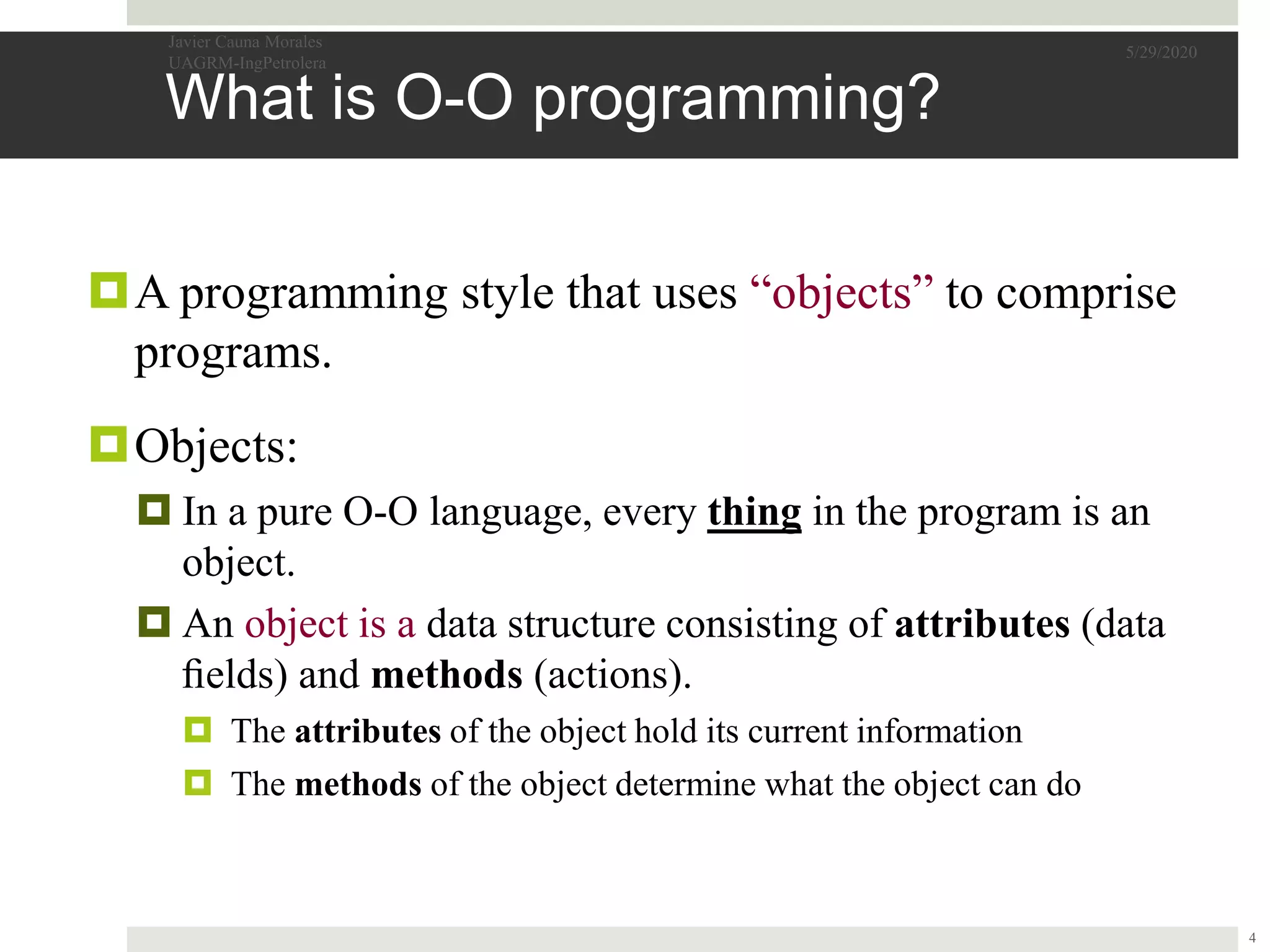
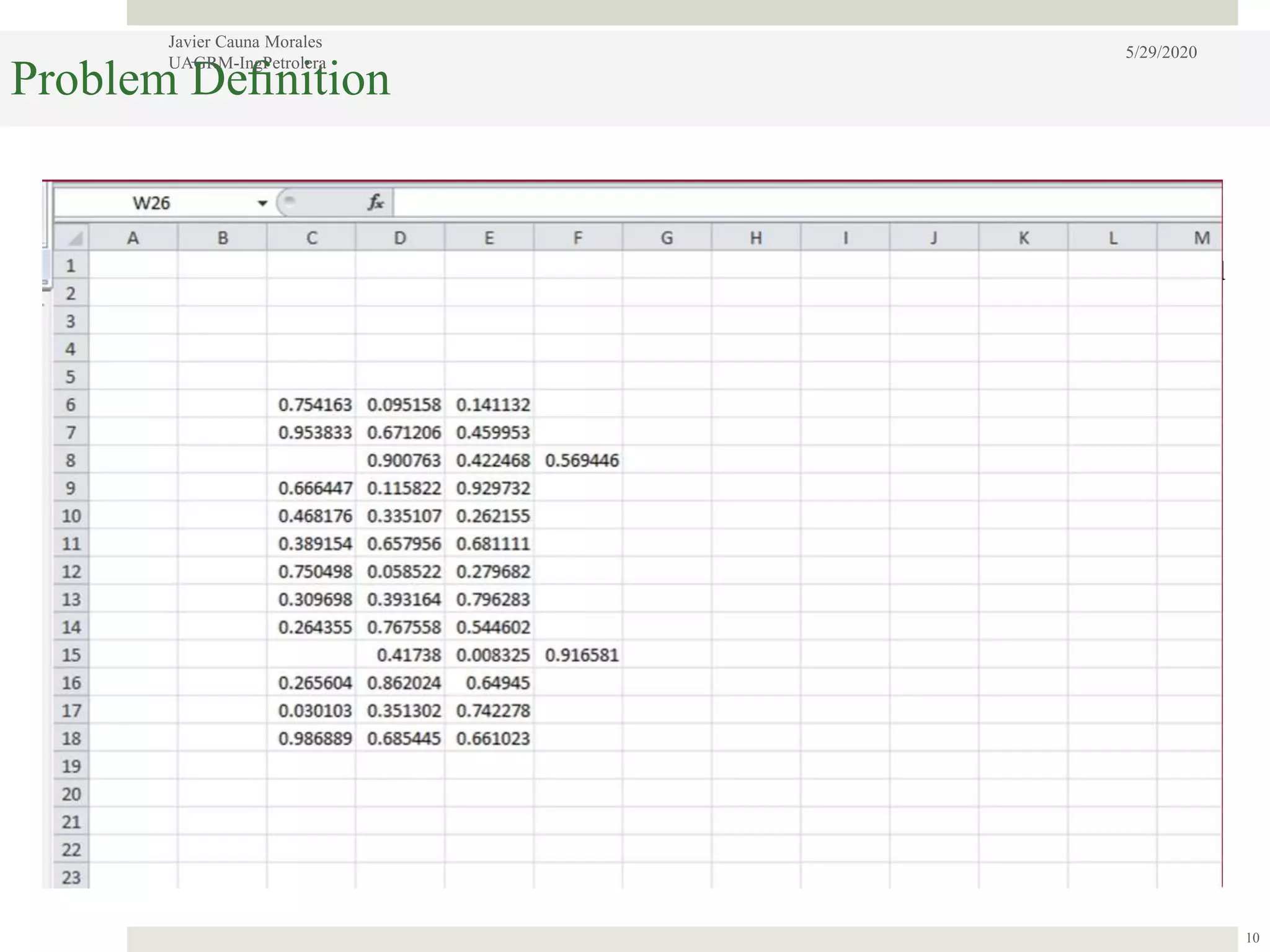
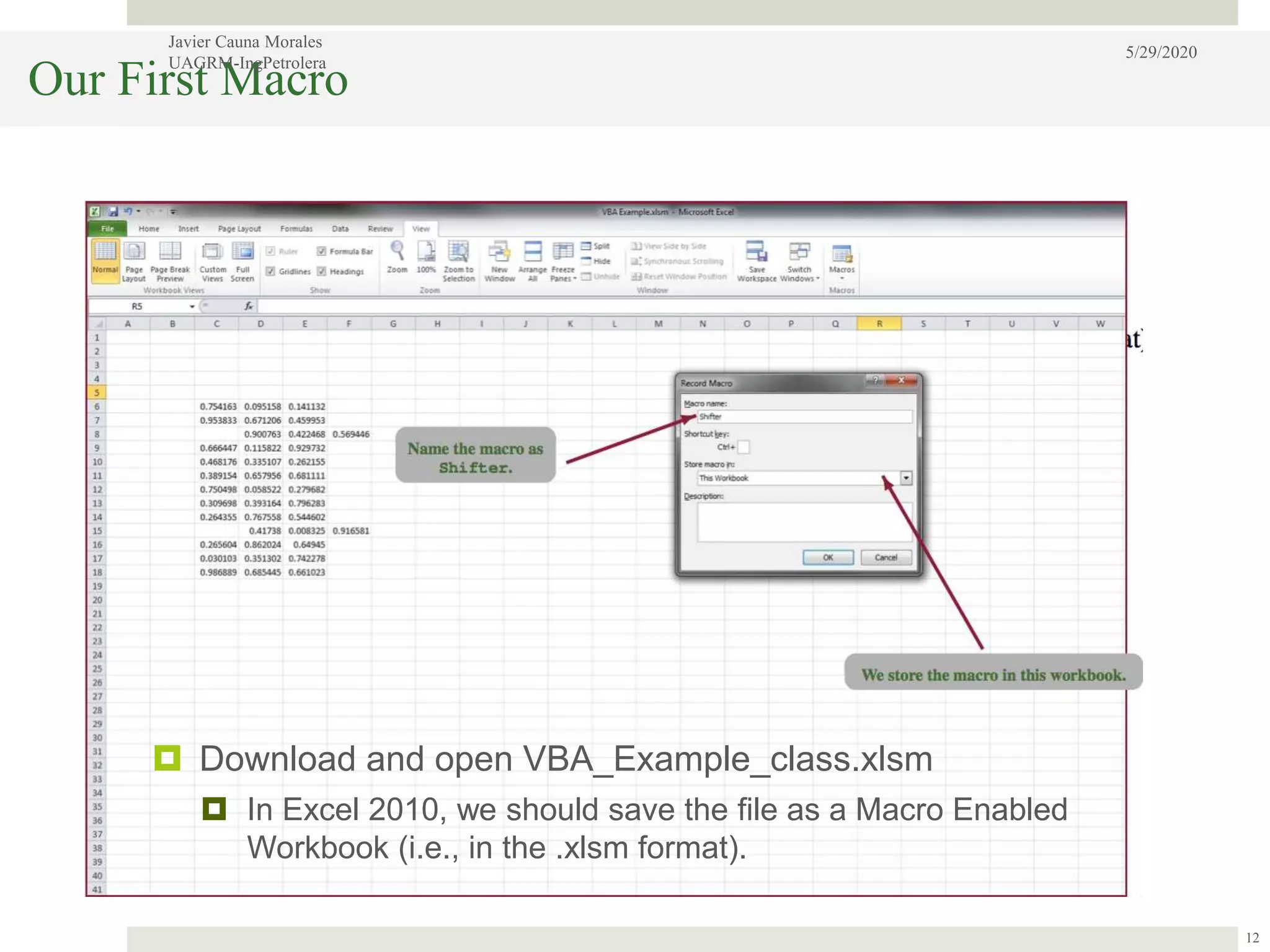
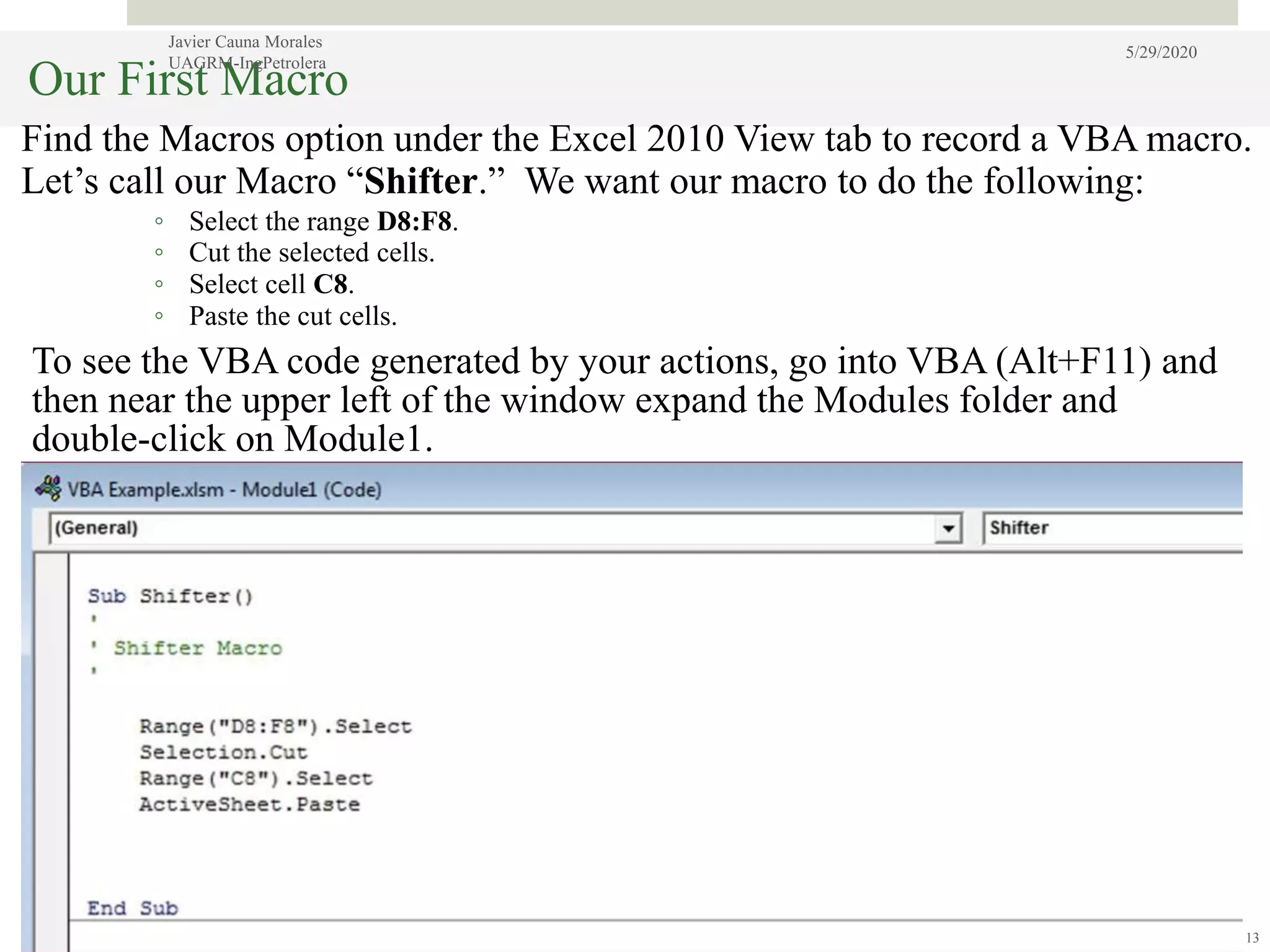
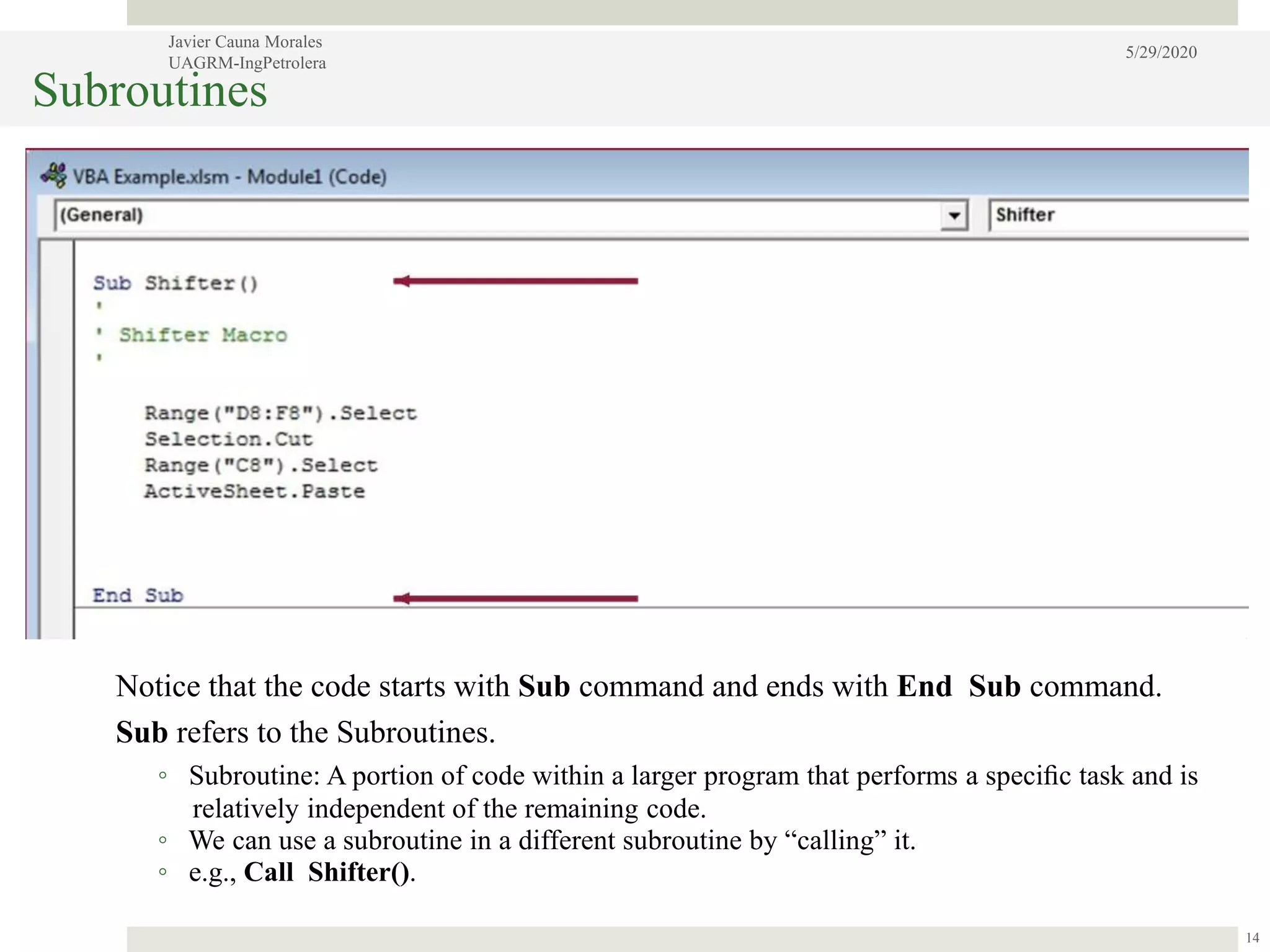
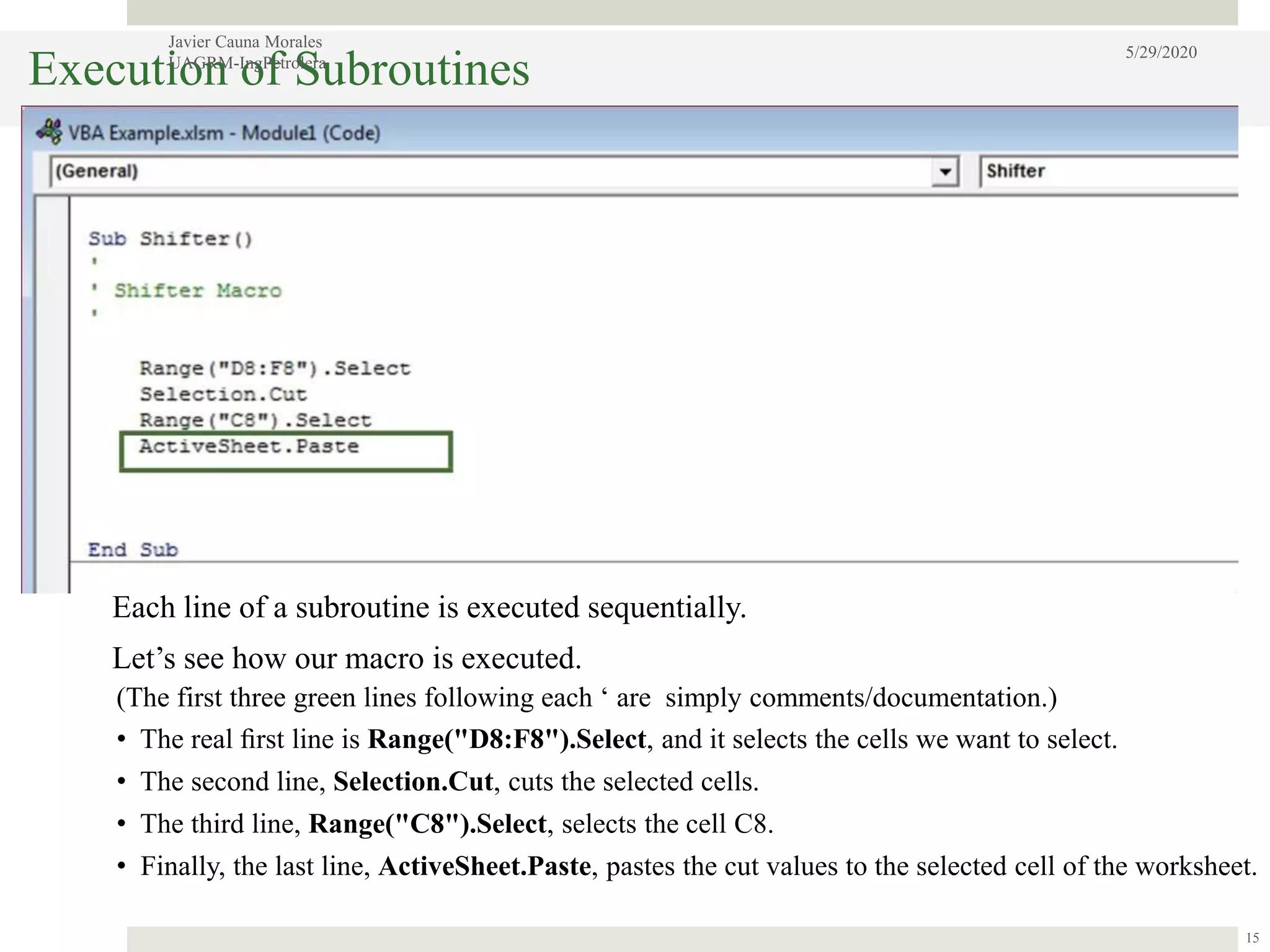
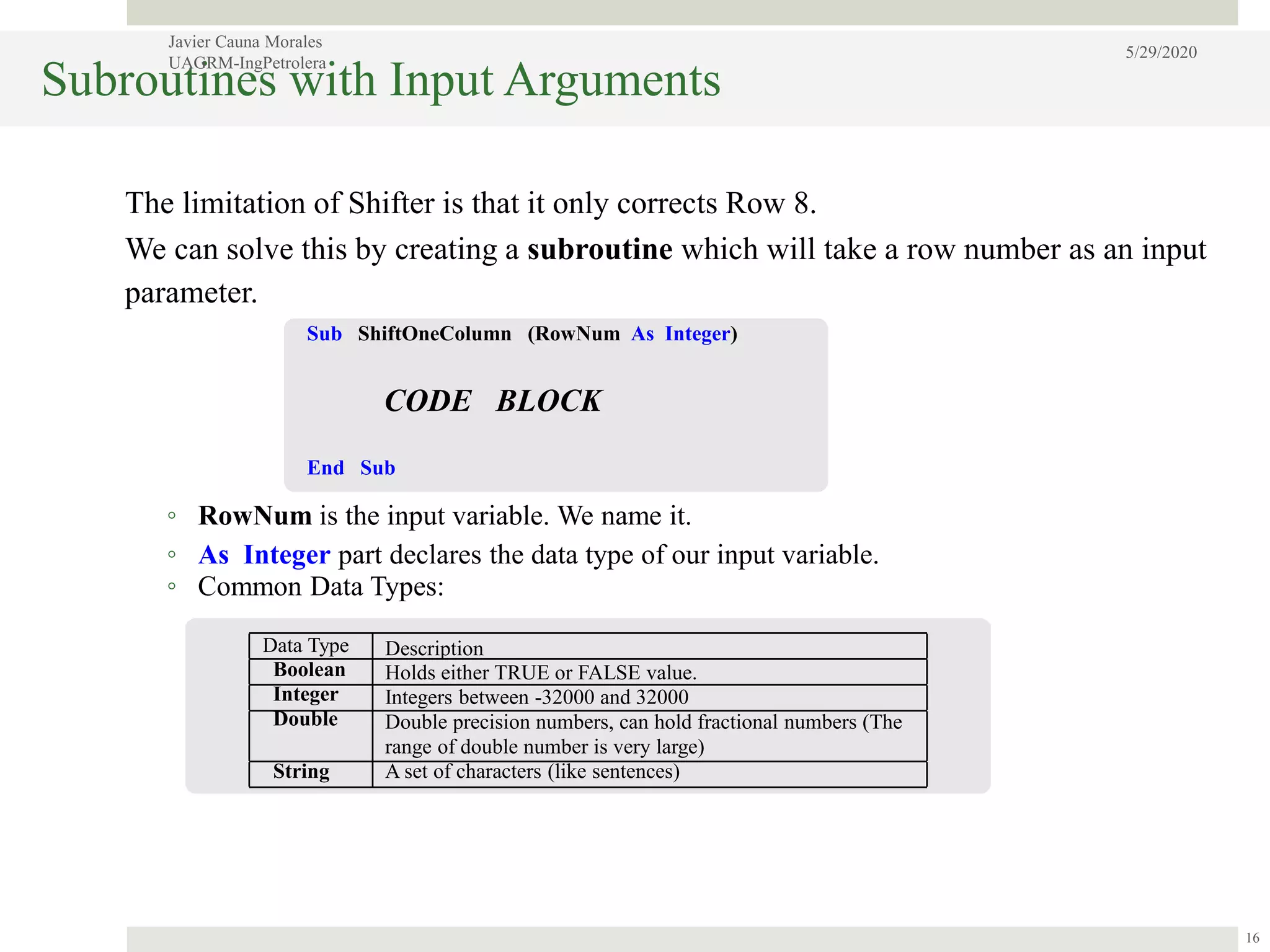
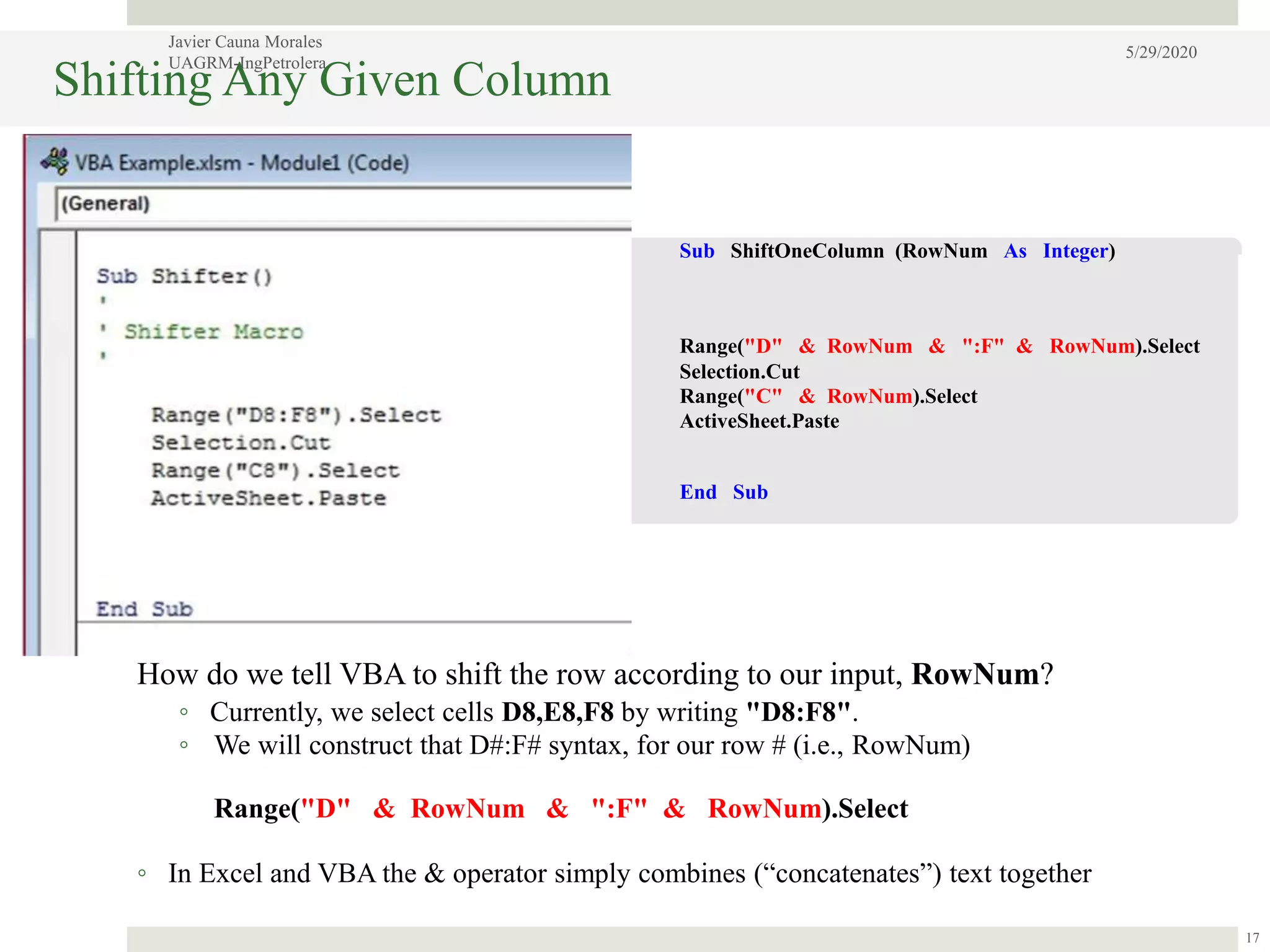
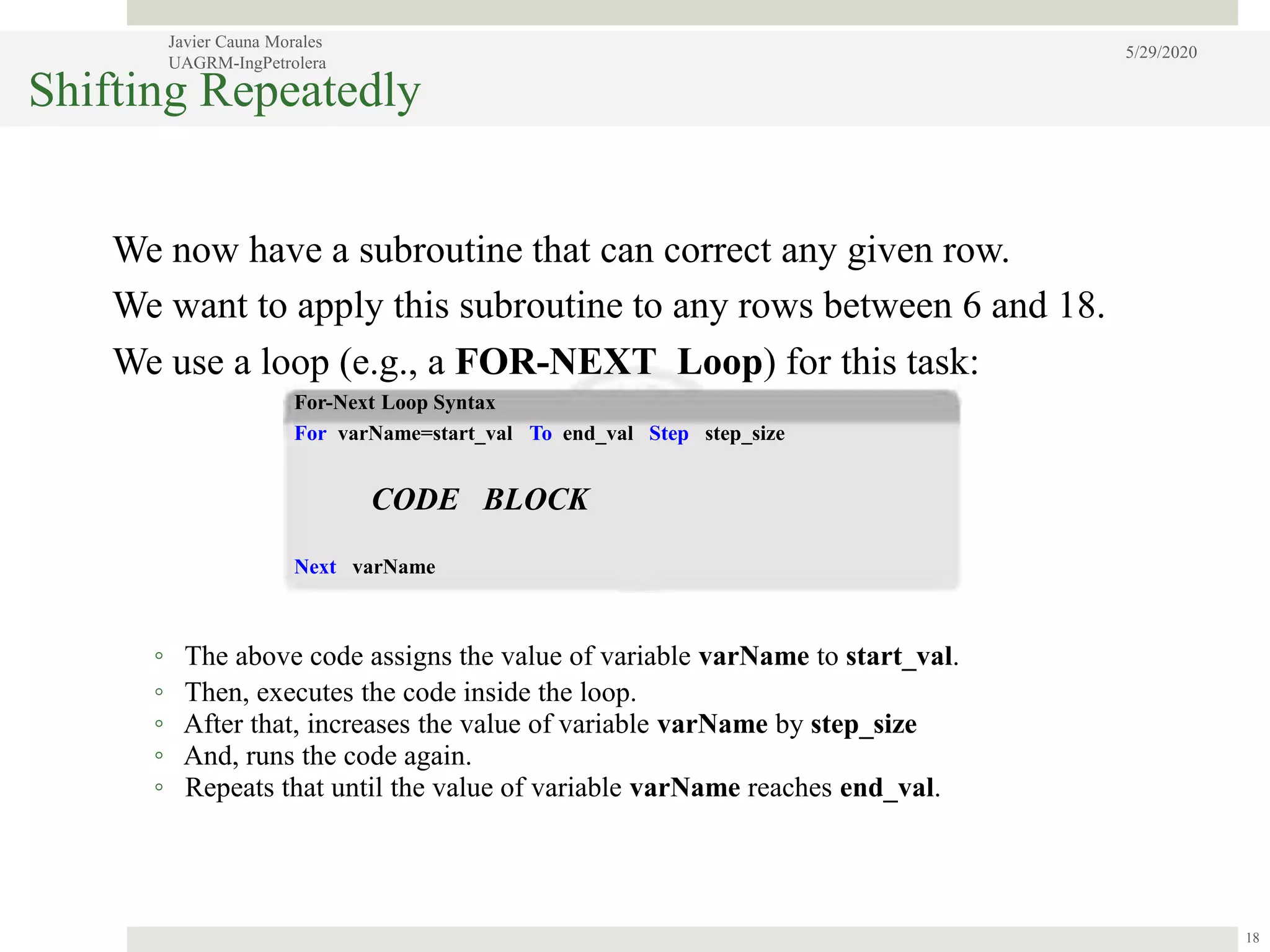
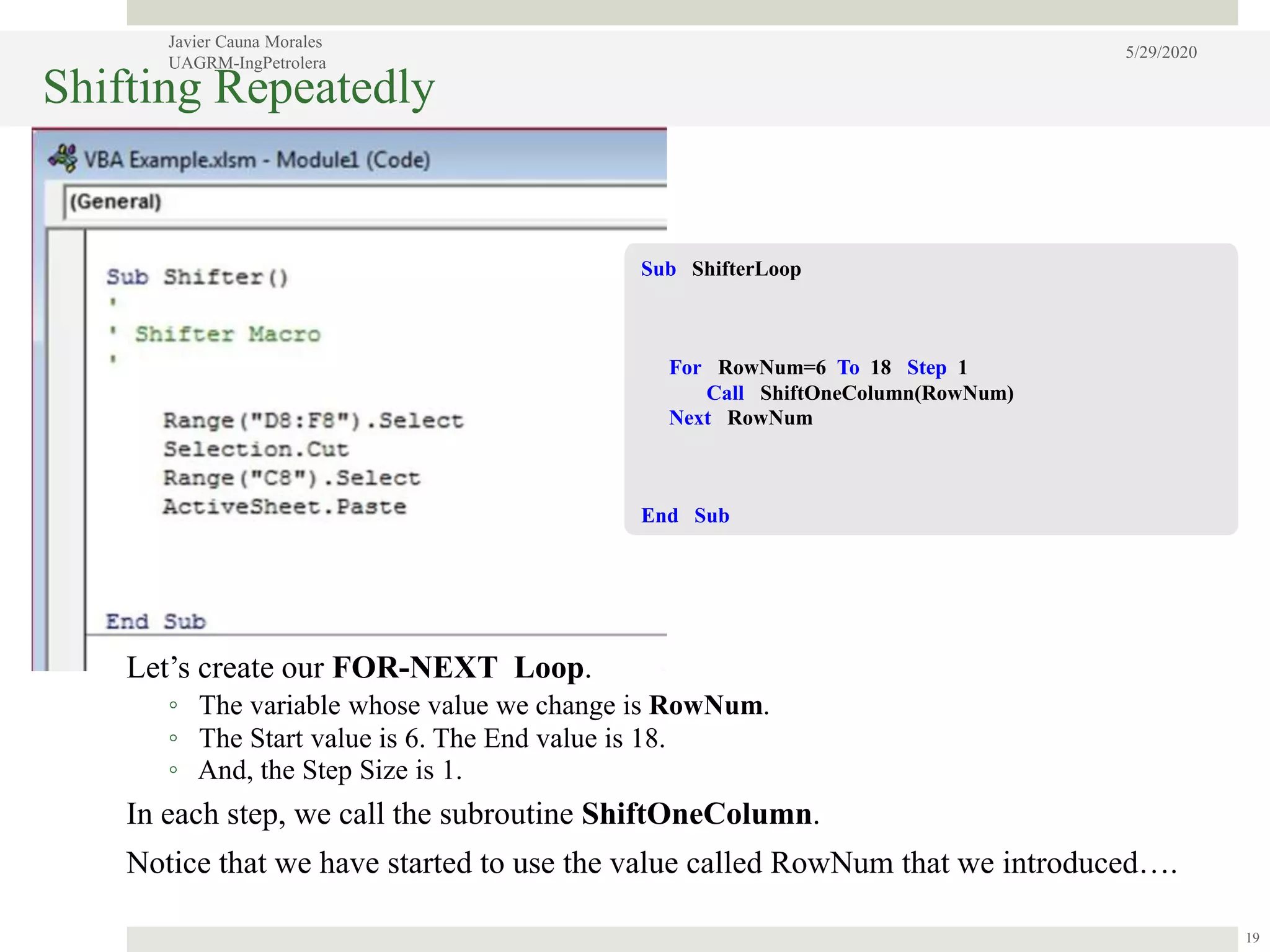
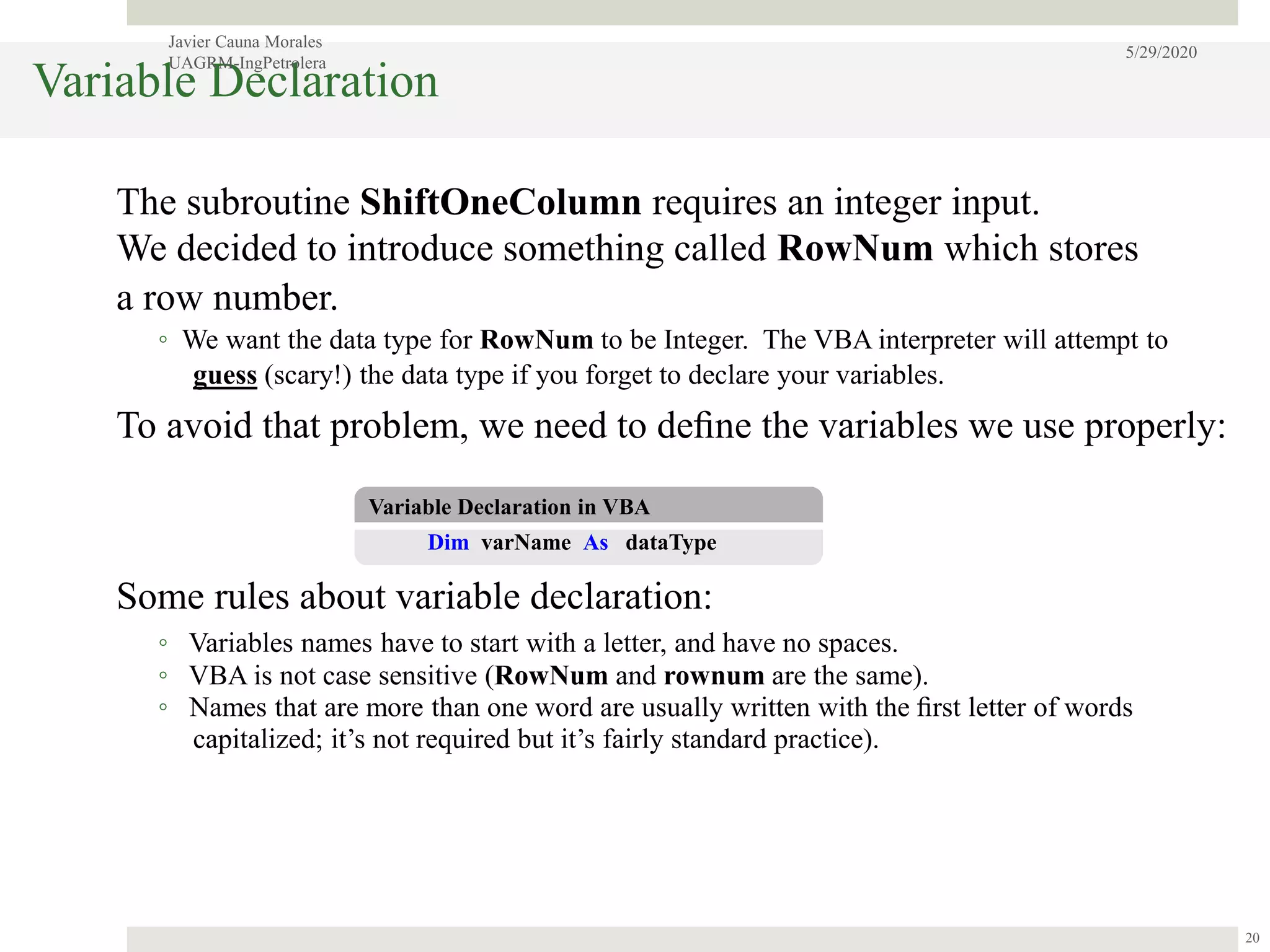
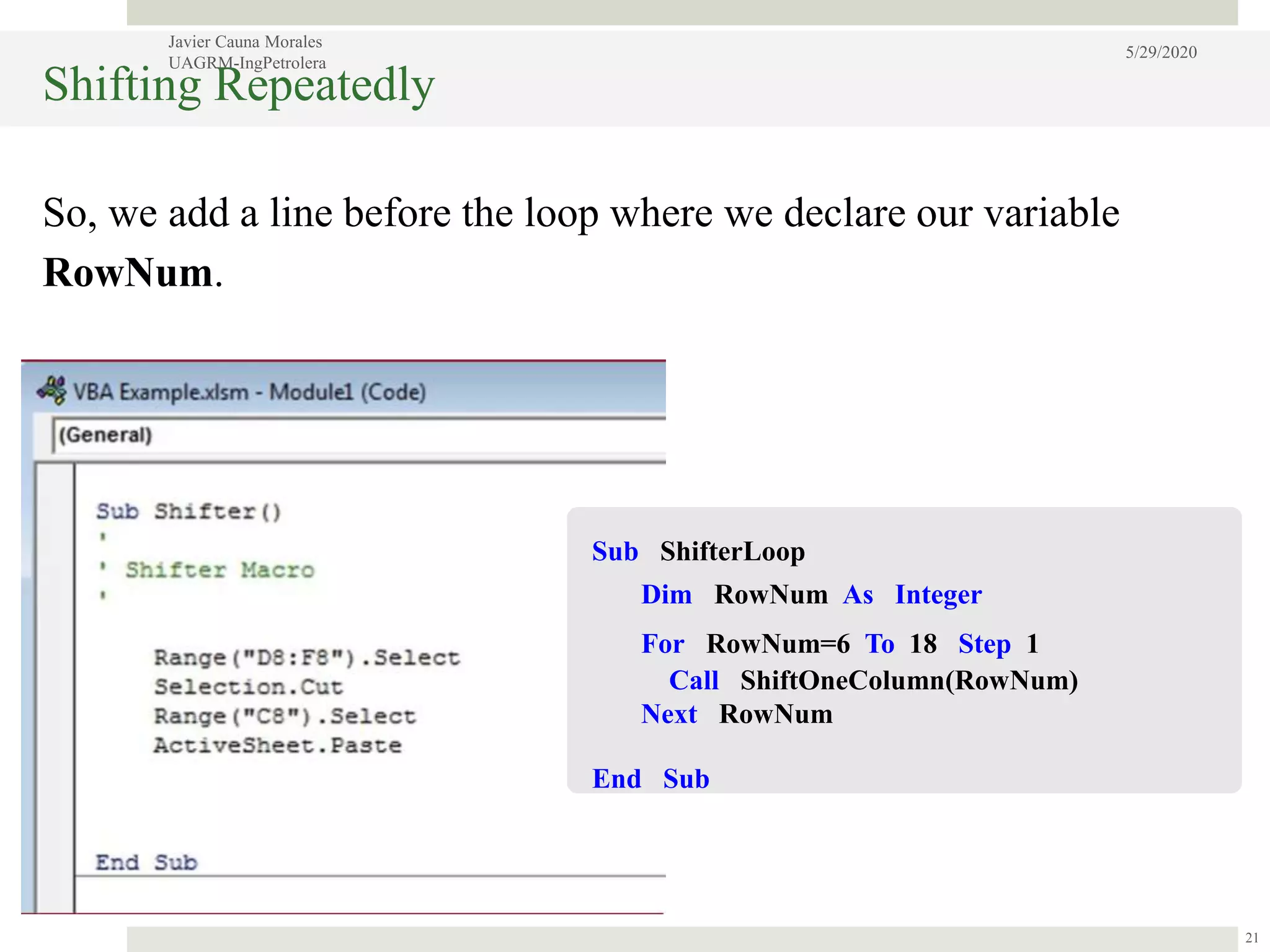
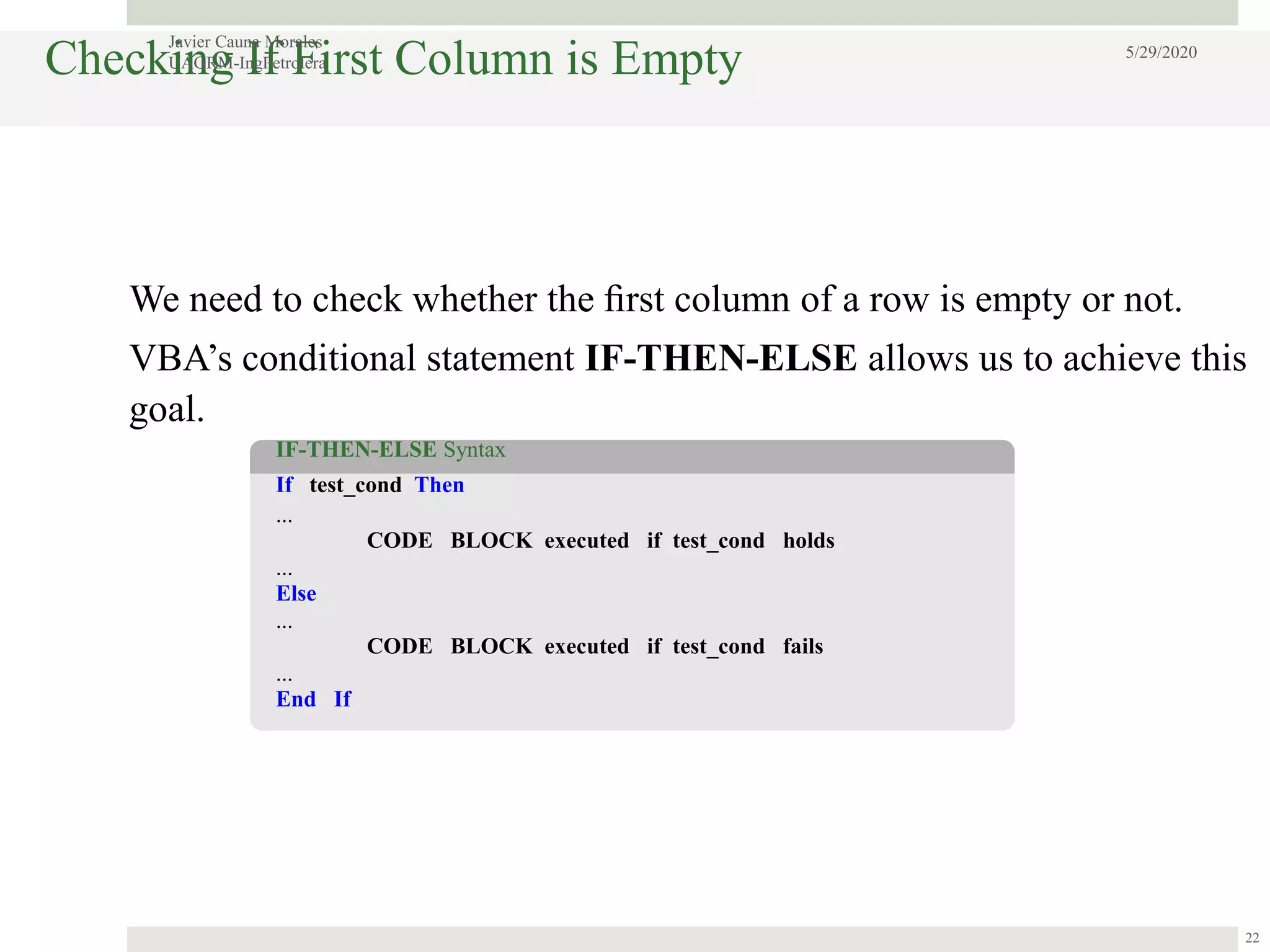
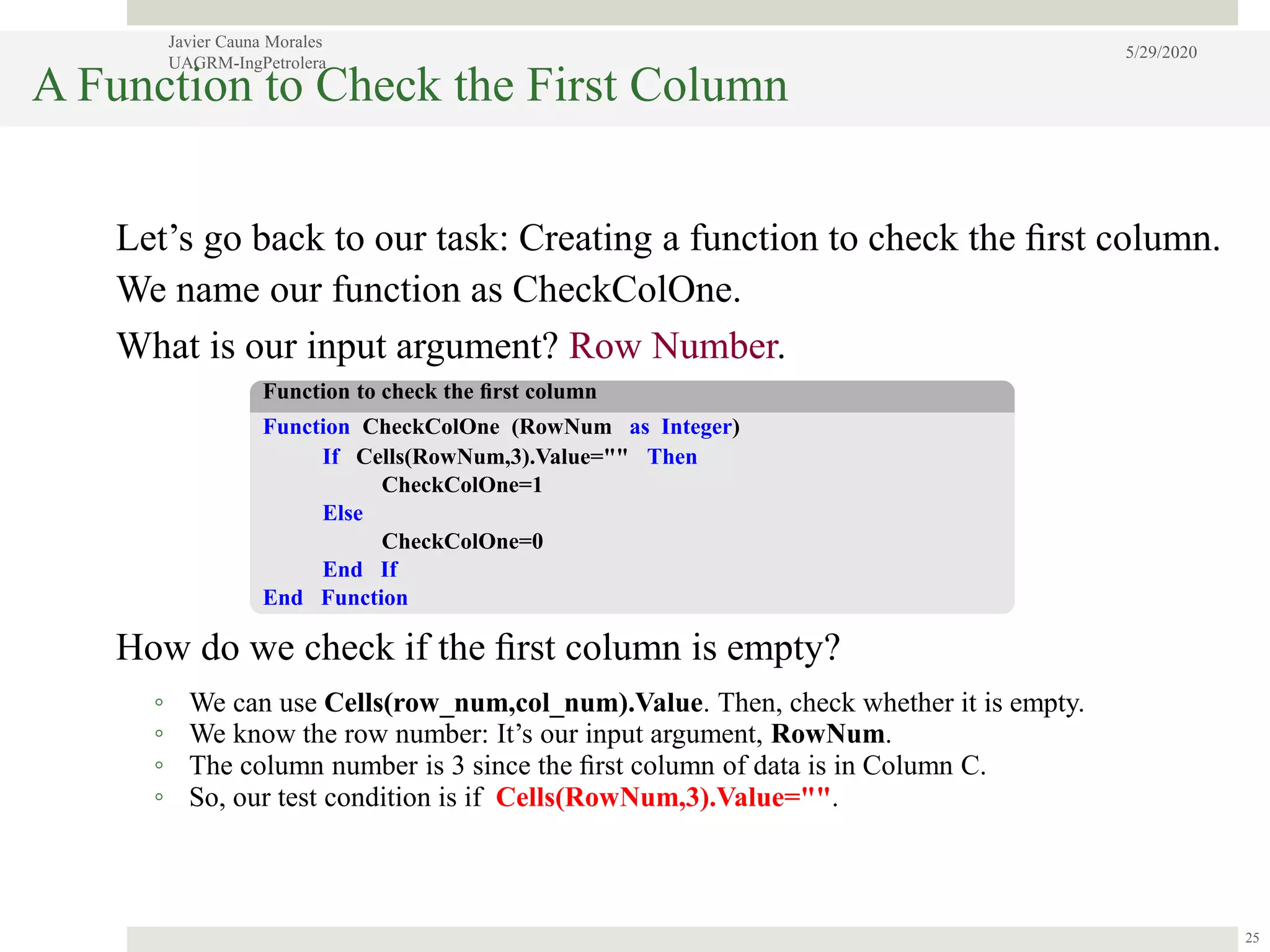
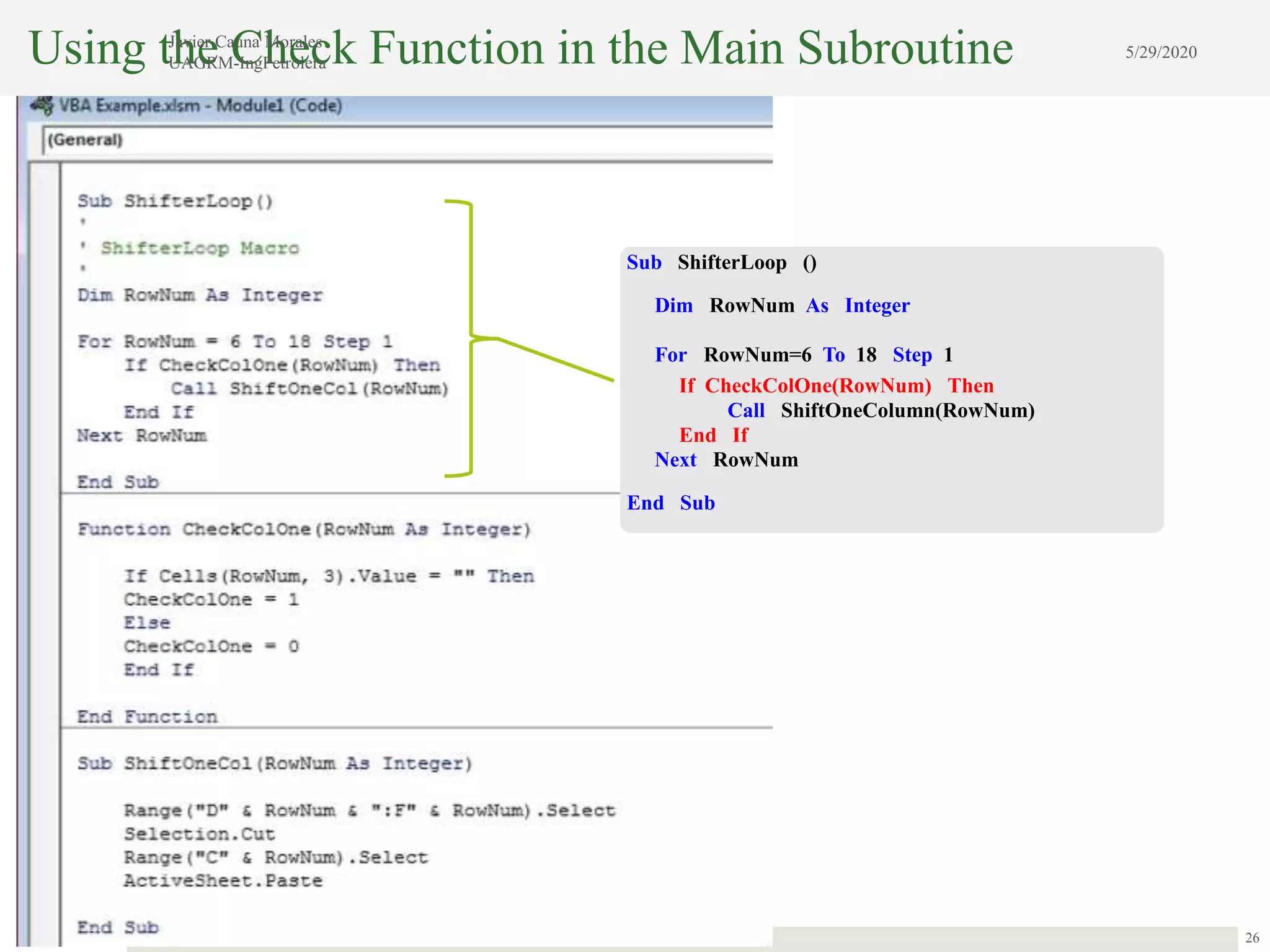
This document outlines the process of creating macros using VBA in Excel. It begins with an introduction to object-oriented programming and how VBA is an OOP language that allows manipulating Excel objects. It then demonstrates recording a simple macro to shift data in a row and modifying the macro to work on any given row by adding an input argument. Loops and functions are introduced to check each row and shift data where needed. The document provides a step-by-step explanation of coding concepts like subroutines, variables, data types, conditional statements, and functions.