Backbone in Multipage Apps
Michael Yagudaev
@yagudaev
michael@0idle.com
July 2013
Outline
 About Me
 Why Backbone?
 Pain Points with Backbone
 Design Patterns/Best Practices
 Marionette.js
About Me (@yagudaev)
 Co-founder of 0idle.com – an online marketplace for
event organizers to find the perfect venue.
 Built 0idle using Rails + Backbone.js
 Entrepreneur and Rails Developer
 Worked with Node.js
 Started Winnipeg.js User Group
 Consulting/Freelance work
Why Backbone.js?
 Simple
 Flexible – use only the parts you need
 Easy to integrate into existing code
 Provides structure to your app
 Proven
 Well Documented (for the most part )
 Good for hybrid apps
5
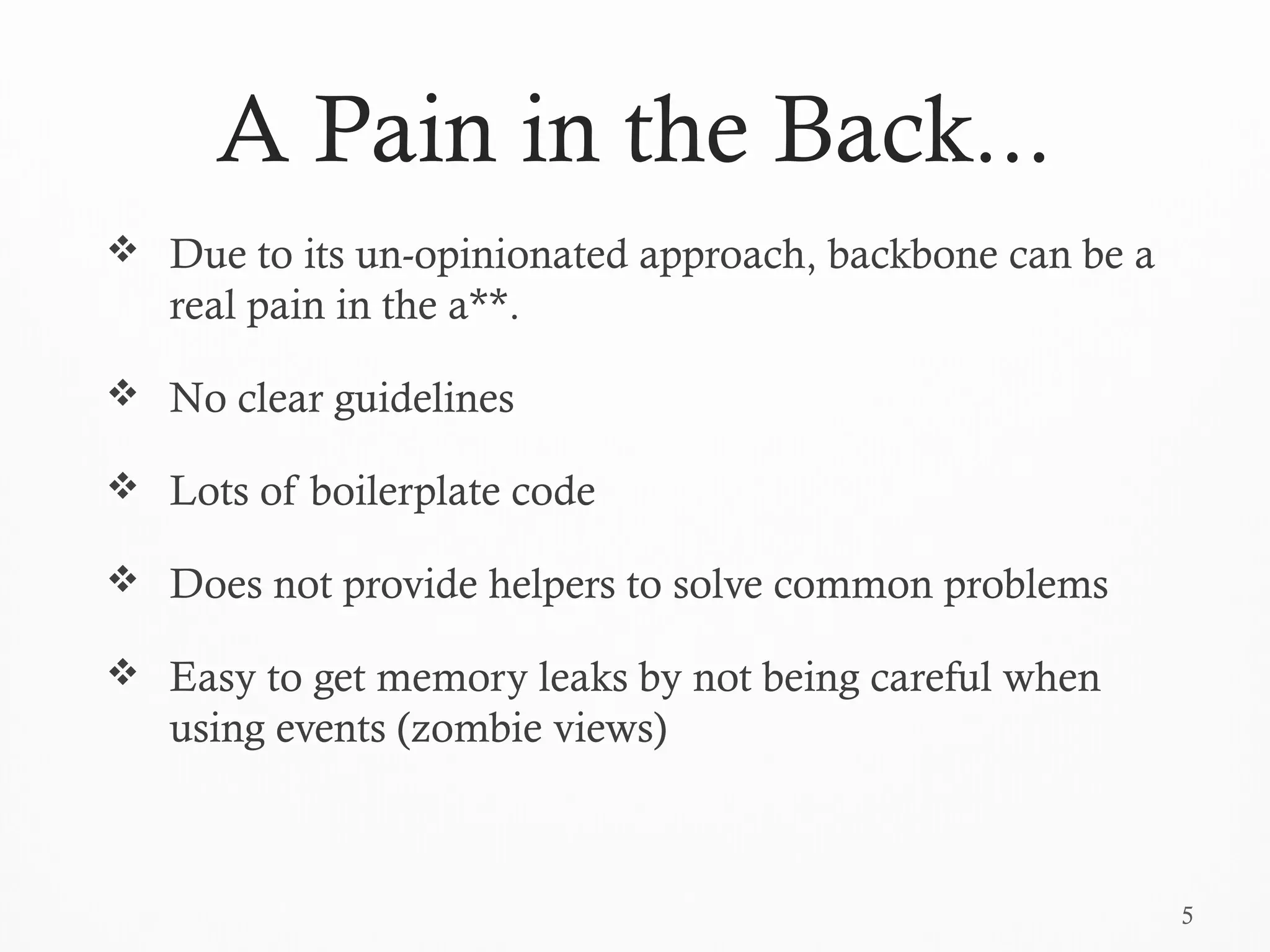
A Pain in the Back...
 Due to its un-opinionated approach, backbone can be a
real pain in the a**.
 No clear guidelines
 Lots of boilerplate code
 Does not provide helpers to solve common problems
 Easy to get memory leaks by not being careful when
using events (zombie views)
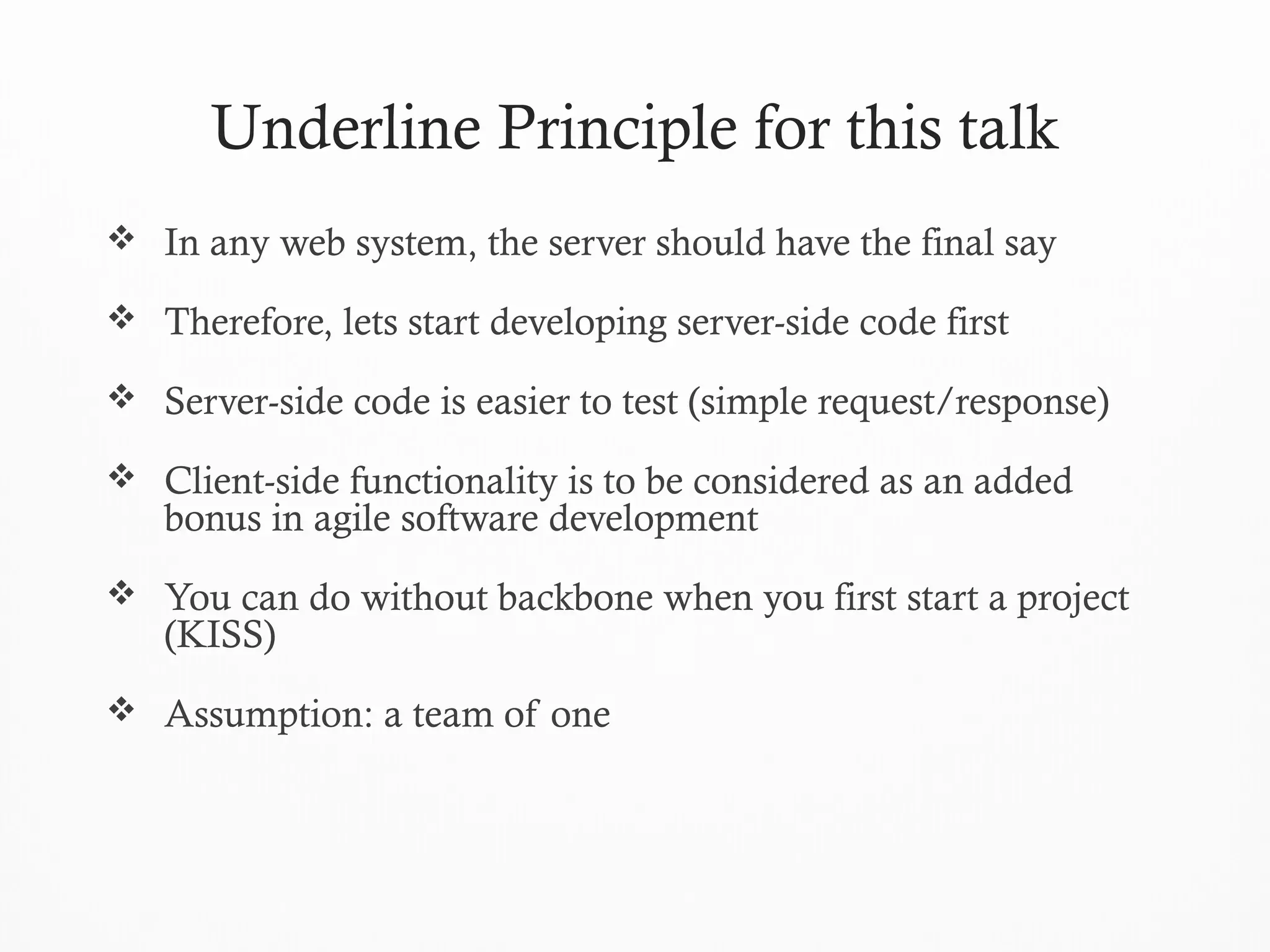
Underline Principle for this talk
 In any web system, the server should have the final say
 Therefore, lets start developing server-side code first
 Server-side code is easier to test (simple request/response)
 Client-side functionality is to be considered as an added
bonus in agile software development
 You can do without backbone when you first start a project
(KISS)
 Assumption: a team of one
7
Design Patterns
Lets start simple and work our way up...
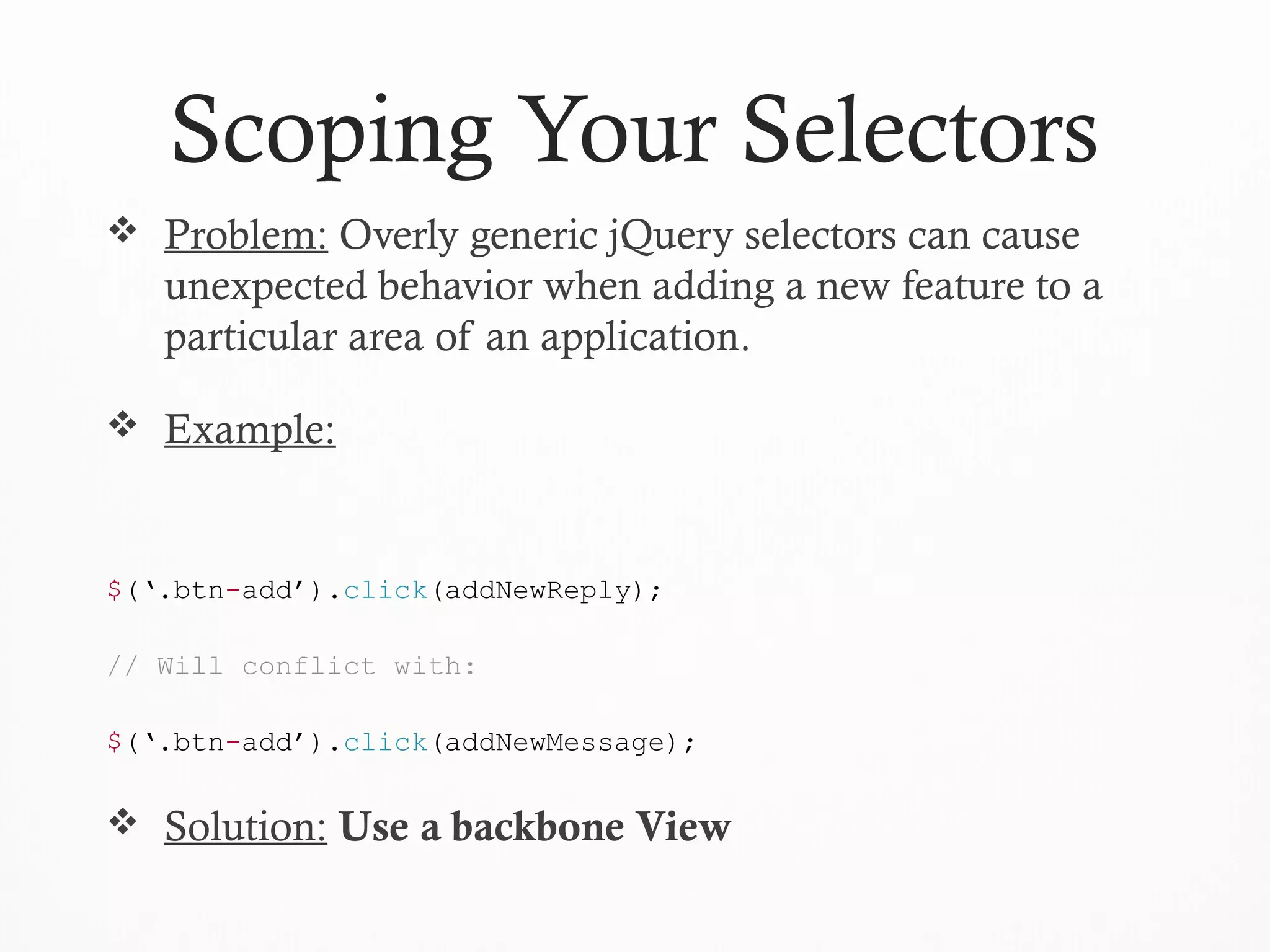
Scoping Your Selectors
 Problem: Overly generic jQuery selectors can cause
unexpected behavior when adding a new feature to a
particular area of an application.
 Example:
$(‘.btn-add’).click(addNewReply);
// Will conflict with:
$(‘.btn-add’).click(addNewMessage);
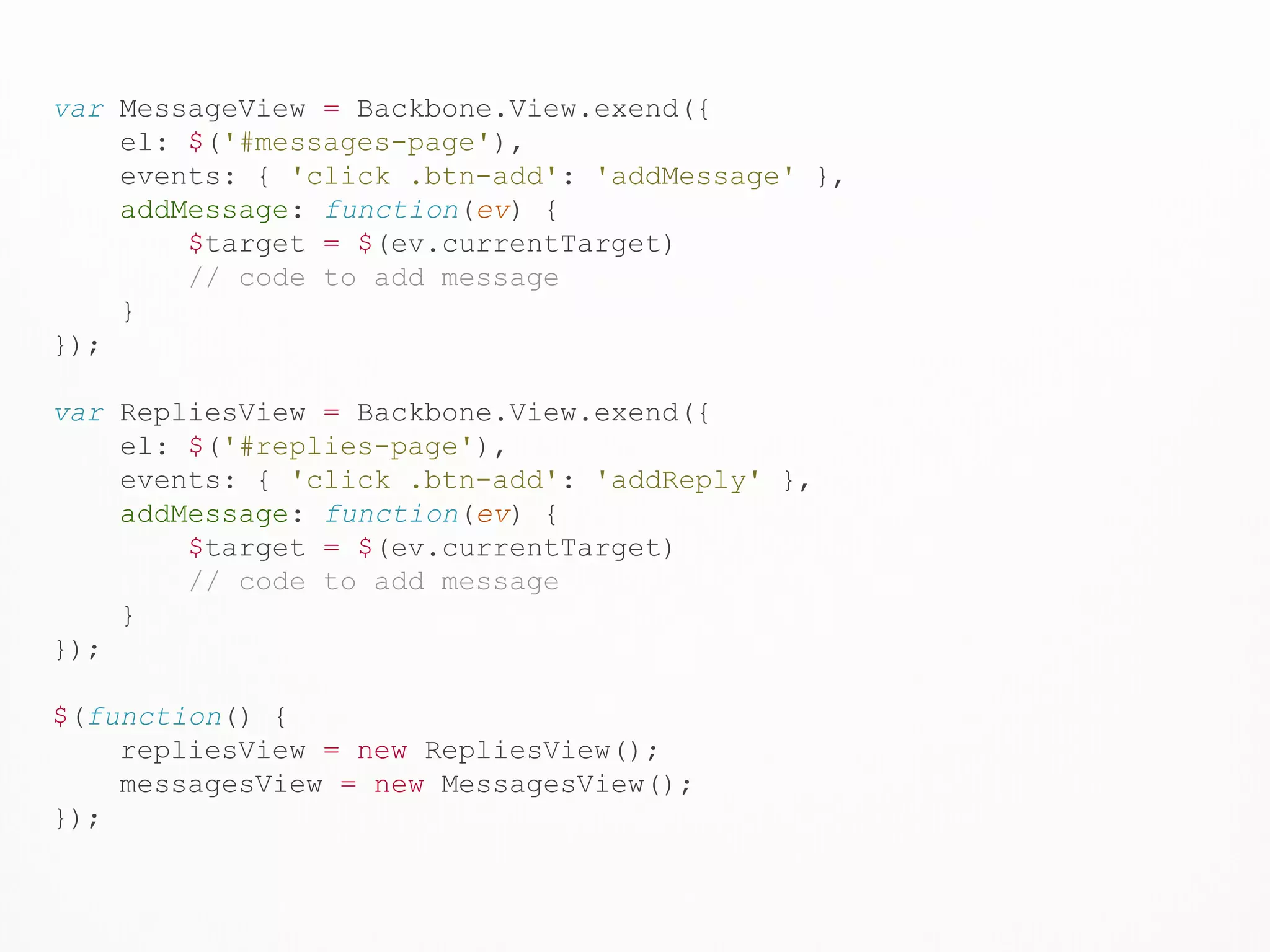
 Solution: Use a backbone View
var MessageView = Backbone.View.exend({
el: $('#messages-page'),
events: { 'click .btn-add': 'addMessage' },
addMessage: function(ev) {
$target = $(ev.currentTarget)
// code to add message
}
});
var RepliesView = Backbone.View.exend({
el: $('#replies-page'),
events: { 'click .btn-add': 'addReply' },
addMessage: function(ev) {
$target = $(ev.currentTarget)
// code to add message
}
});
$(function() {
repliesView = new RepliesView();
messagesView = new MessagesView();
});
File Structure
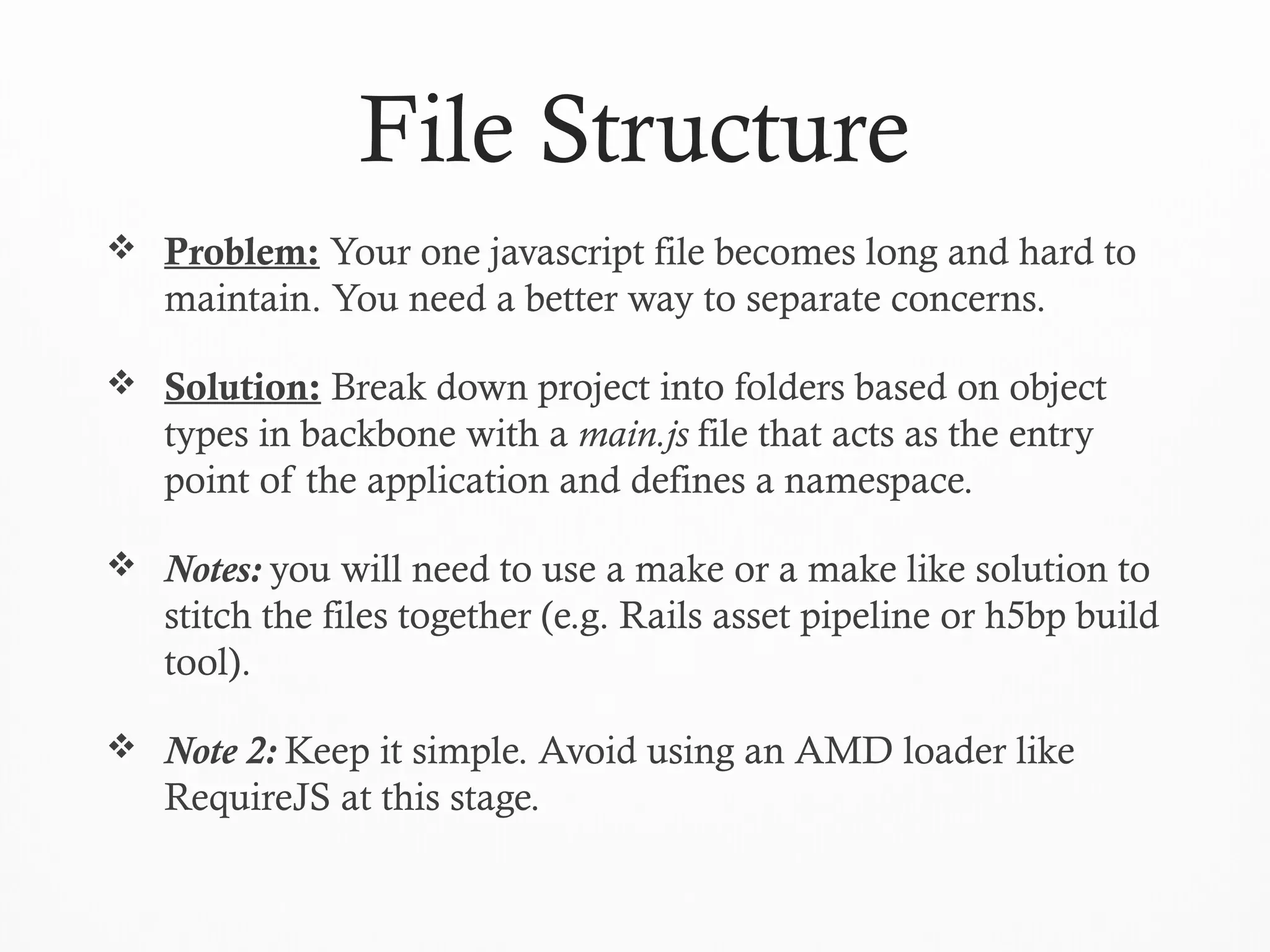
 Problem: Your one javascript file becomes long and hard to
maintain. You need a better way to separate concerns.
 Solution: Break down project into folders based on object
types in backbone with a main.js file that acts as the entry
point of the application and defines a namespace.
 Notes: you will need to use a make or a make like solution to
stitch the files together (e.g. Rails asset pipeline or h5bp build
tool).
 Note 2: Keep it simple. Avoid using an AMD loader like
RequireJS at this stage.
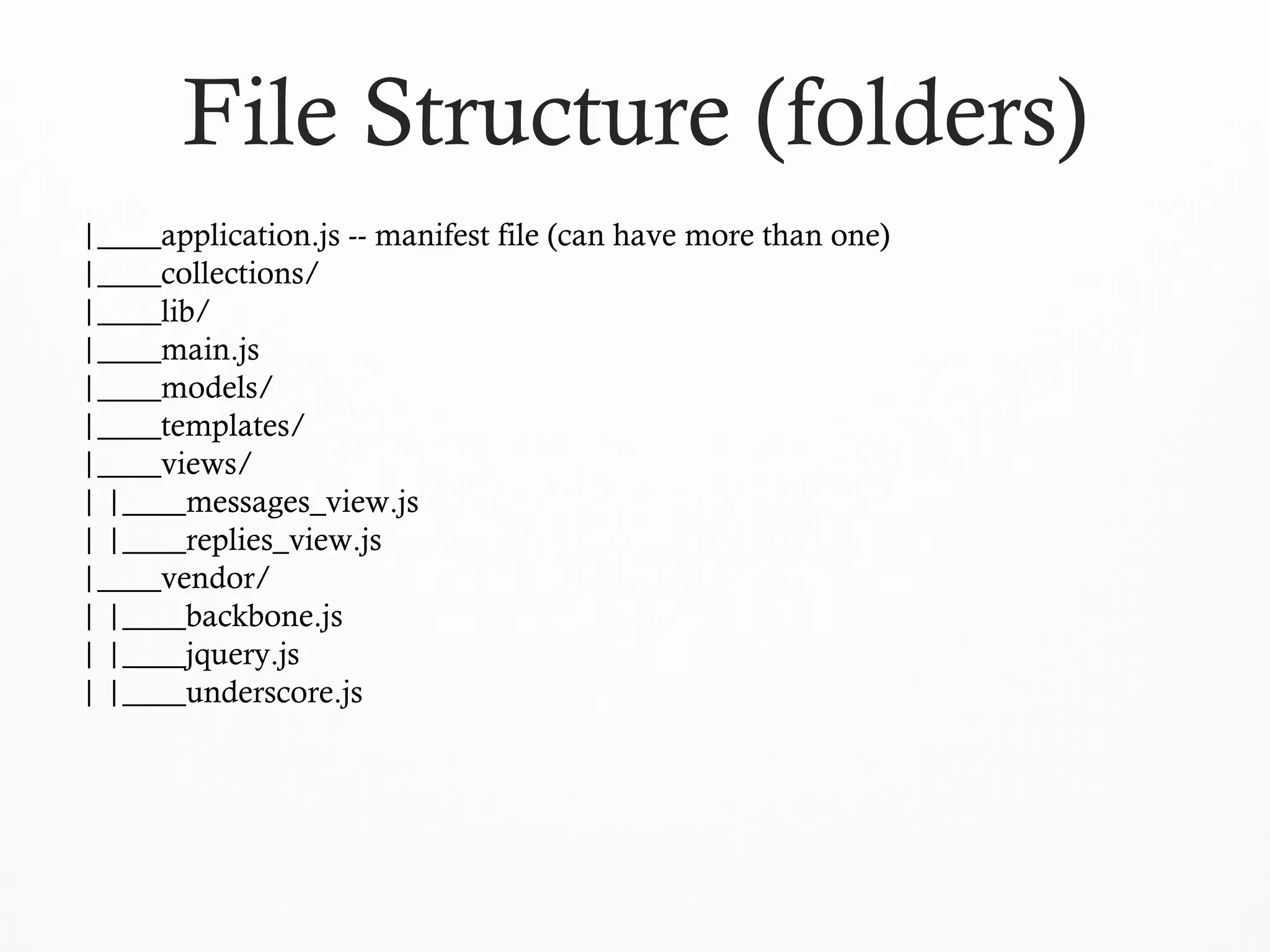
|____application.js -- manifest file (can have more than one)
|____collections/
|____lib/
|____main.js
|____models/
|____templates/
|____views/
| |____messages_view.js
| |____replies_view.js
|____vendor/
| |____backbone.js
| |____jquery.js
| |____underscore.js
File Structure (folders)
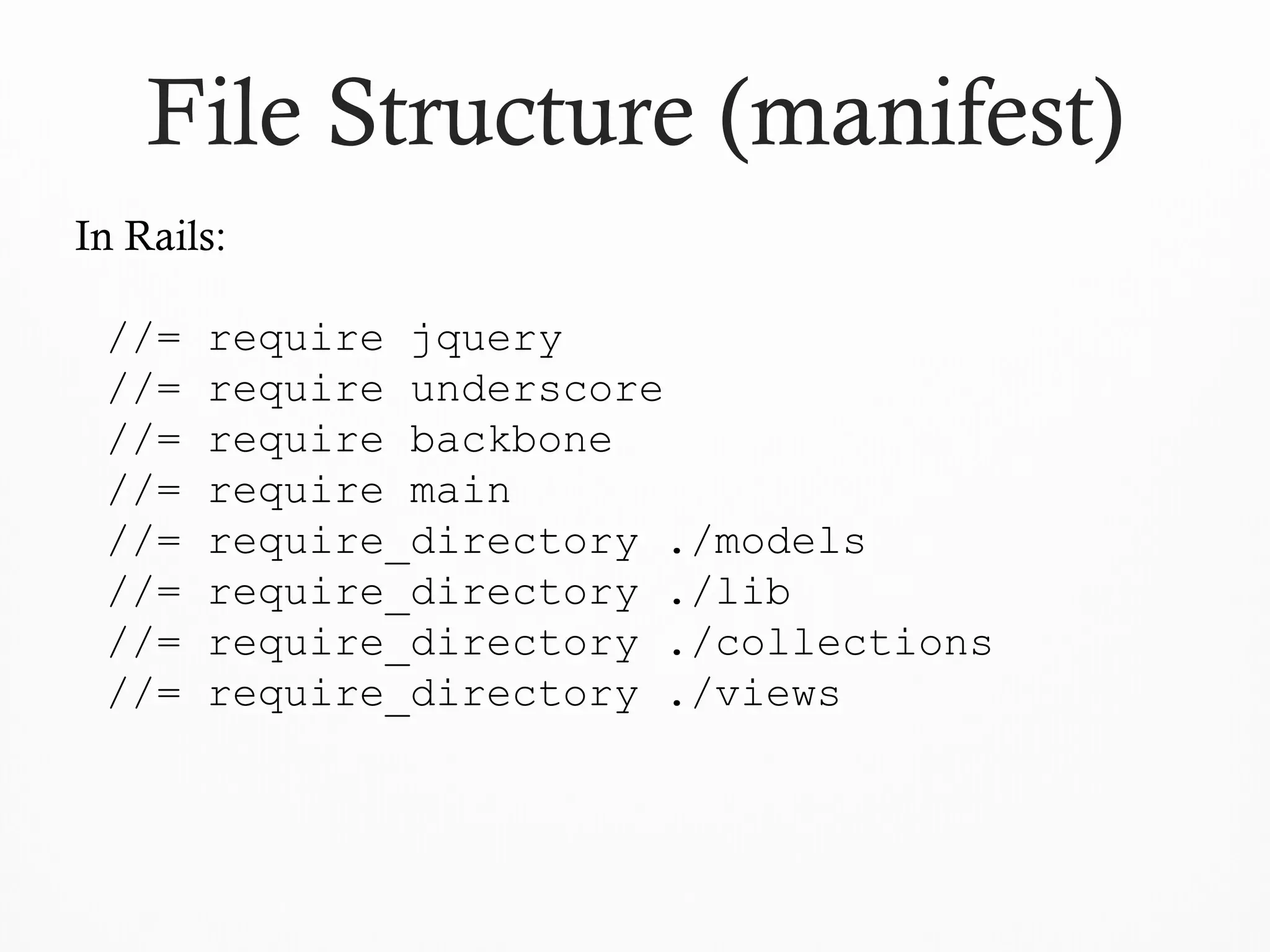
File Structure (manifest)
In Rails:
//= require jquery
//= require underscore
//= require backbone
//= require main
//= require_directory ./models
//= require_directory ./lib
//= require_directory ./collections
//= require_directory ./views
File Structure (files)
window.APP_NAME = {
Models: {},
Collections: {},
Views: {},
Lib: {}
};
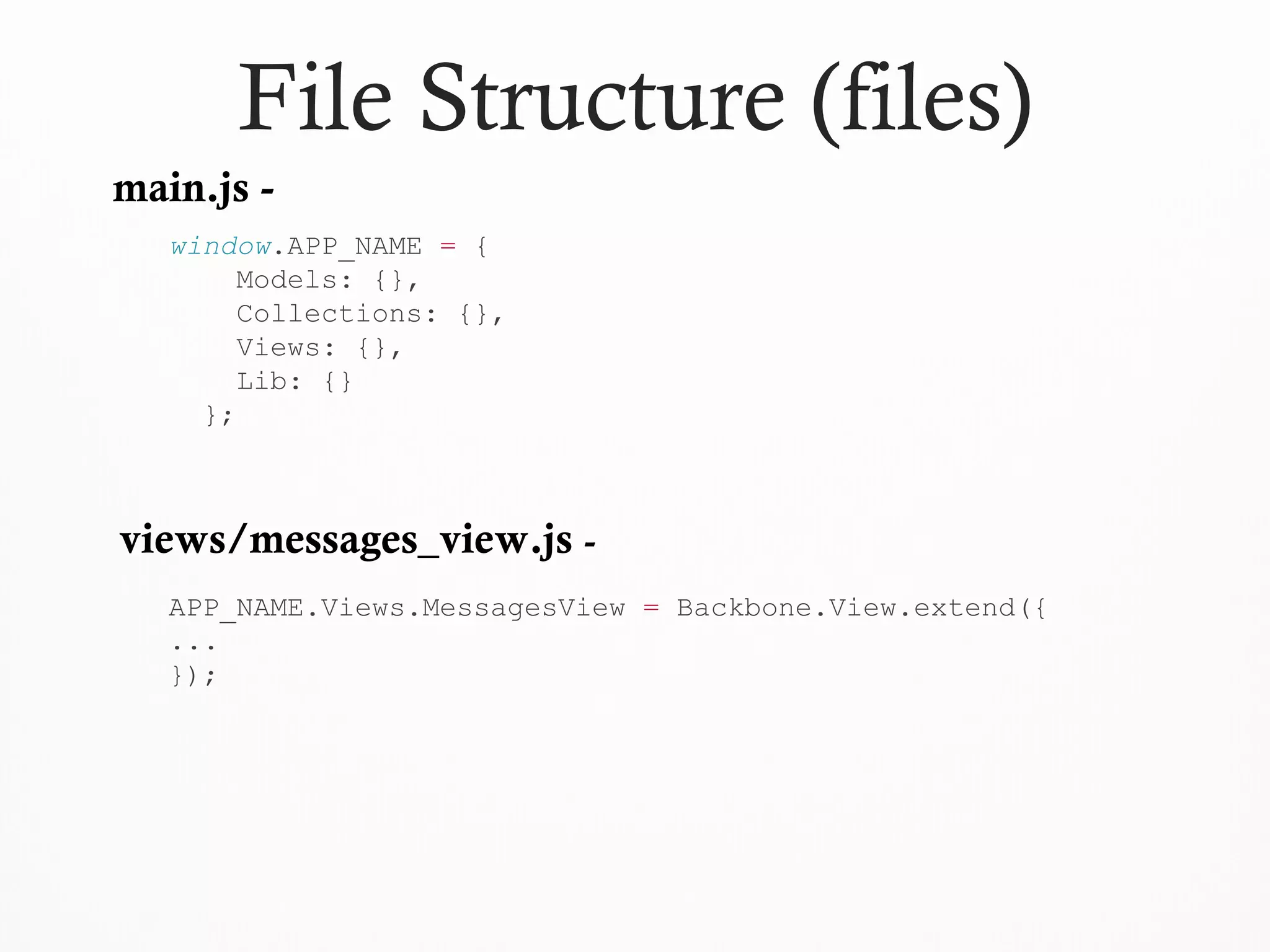
main.js -
views/messages_view.js -
APP_NAME.Views.MessagesView = Backbone.View.extend({
...
});
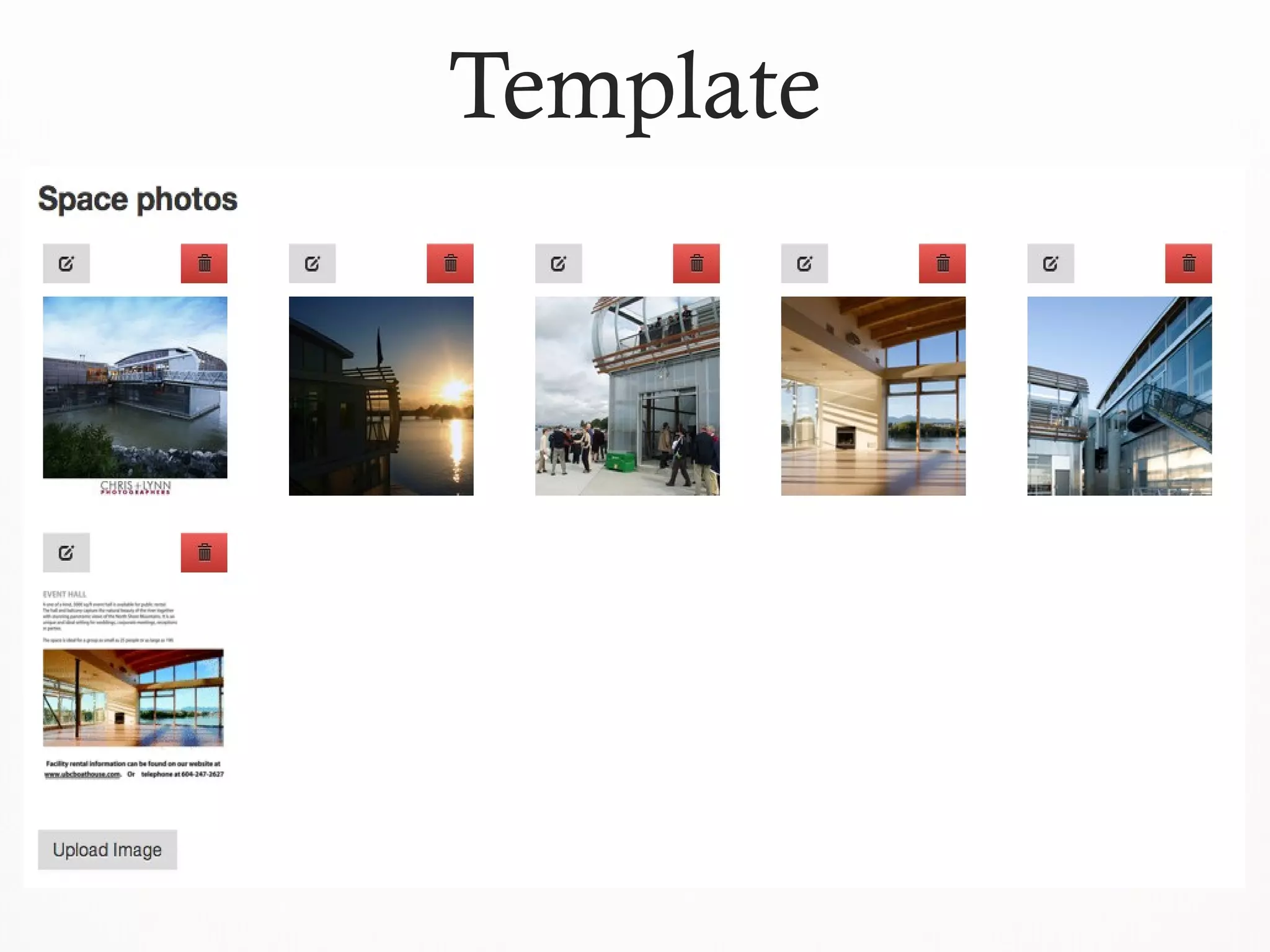
Template
Templates
 Problem: You need to dynamically generate html
content, but do not want pollute your js code with html
markup.
 Example: a dynamic file uploader allowing the user to
upload any number of files.
 Solution: place your html inside a script tag and use
jQuery to extract the content of the template and then
render it to the page. Alternatively you can use JST to
give each template a separate file.
16
Templates
<script id="photo-thumbnail-template" type="text/template">
<div class="thumbnail">
<img src="{{image_url}}" />
{{title}}
</div>
</script>
$thumbnail = $(Mustache.to_html($("#photo-thumbnail-
template").html(), photo))
$thumbnail.appendTo('.photos-preview.thumbnails')
17
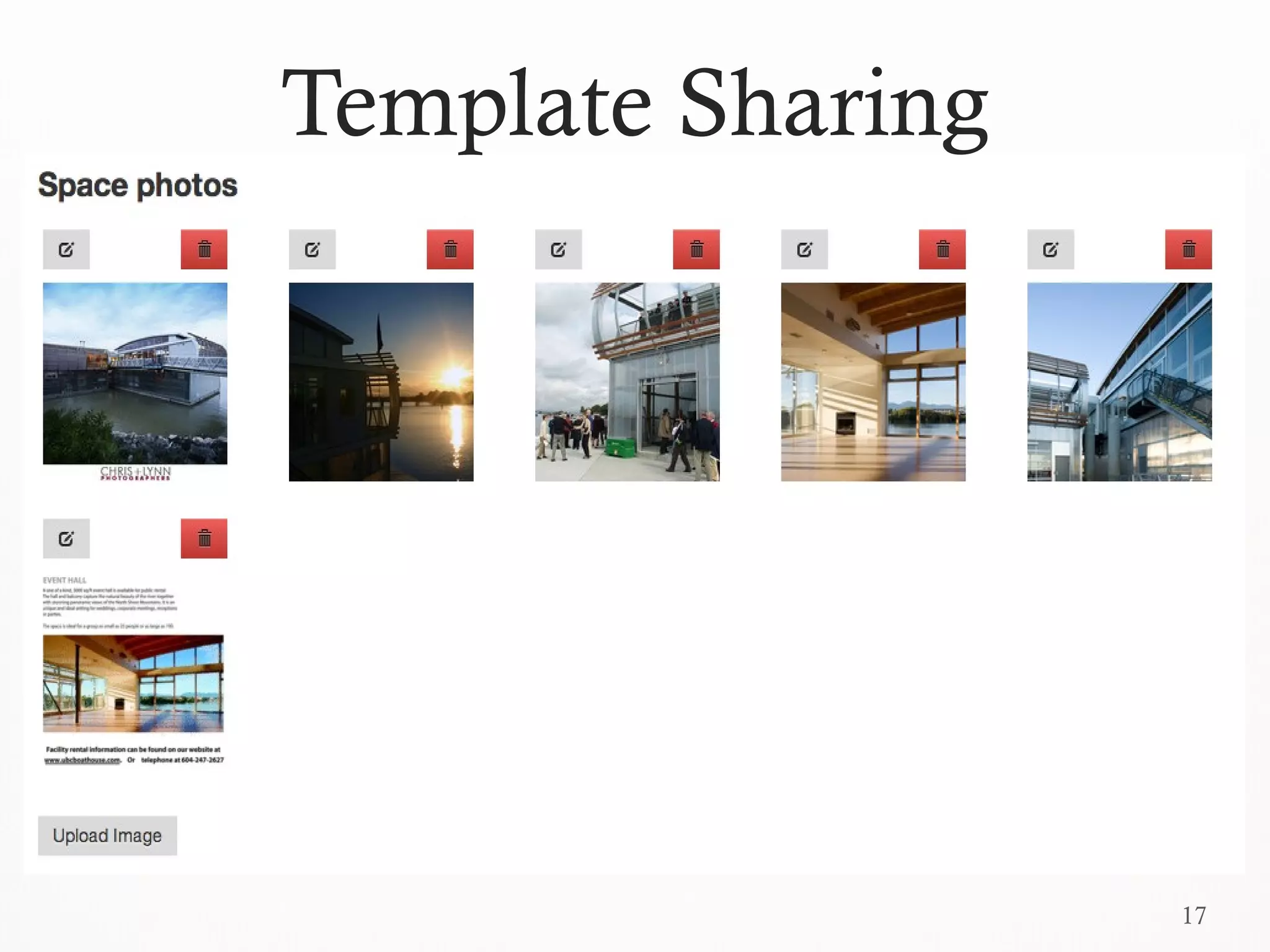
Template Sharing
Template Sharing
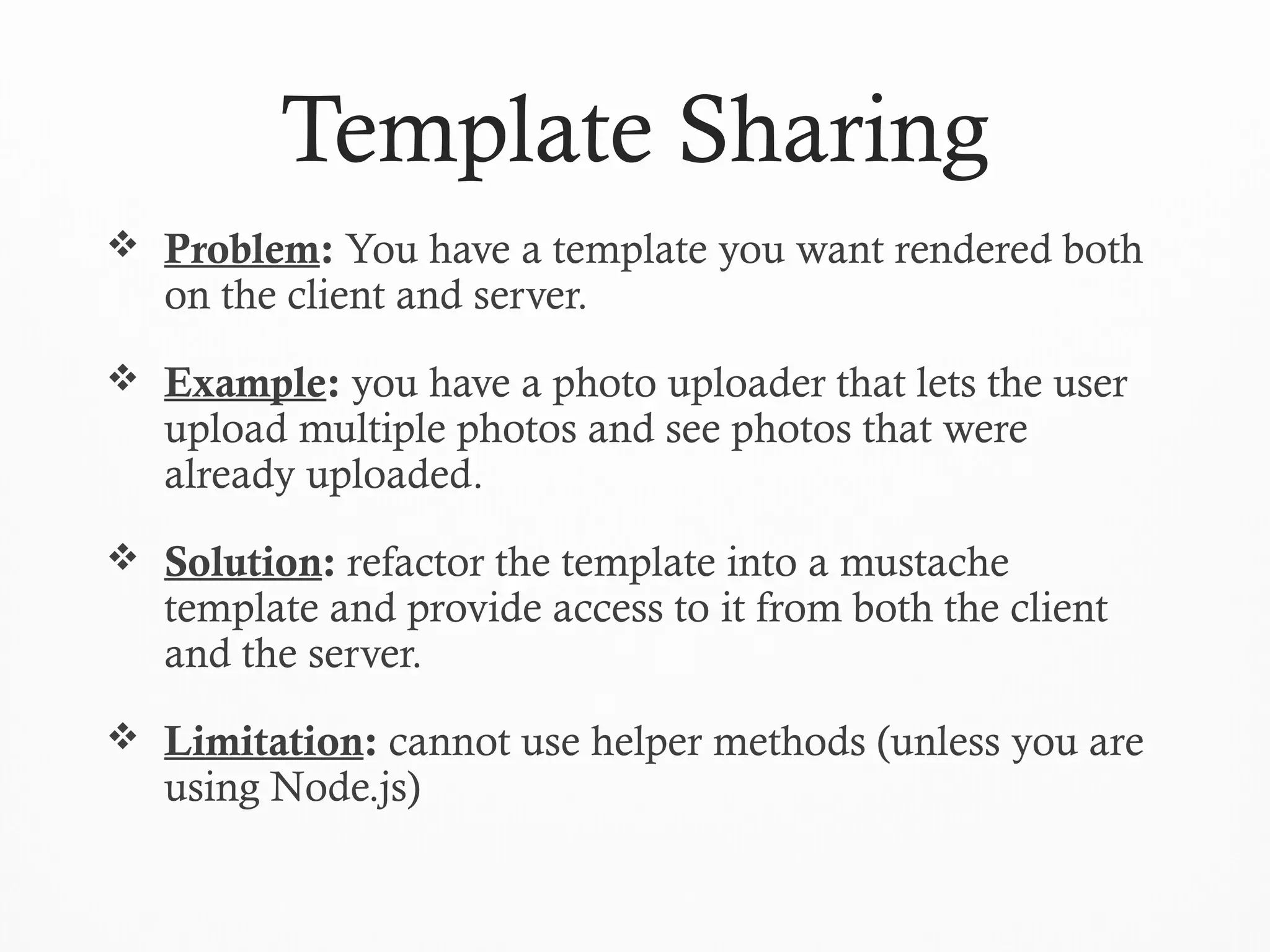
 Problem: You have a template you want rendered both
on the client and server.
 Example: you have a photo uploader that lets the user
upload multiple photos and see photos that were
already uploaded.
 Solution: refactor the template into a mustache
template and provide access to it from both the client
and the server.
 Limitation: cannot use helper methods (unless you are
using Node.js)
19
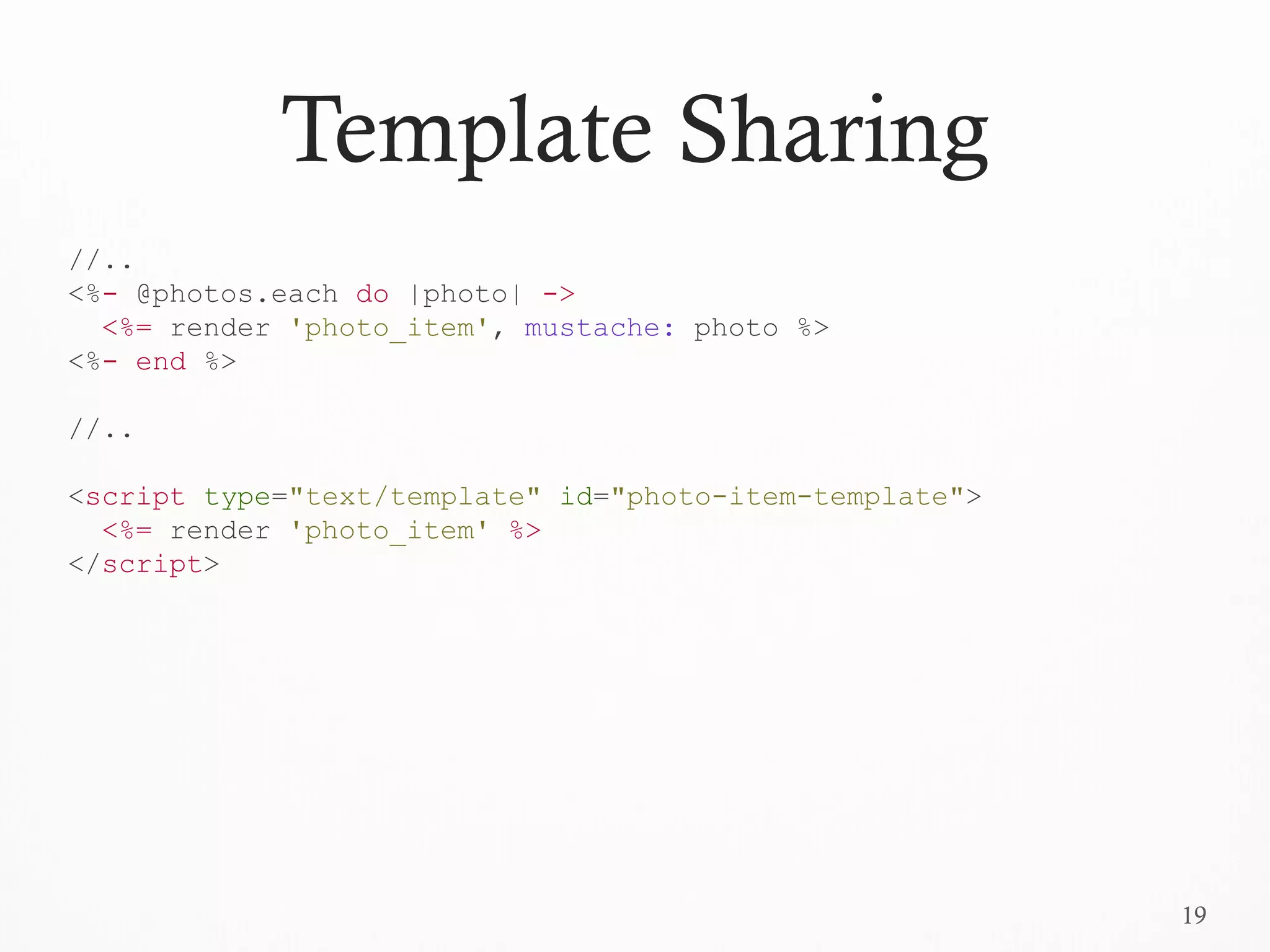
Template Sharing
//..
<%- @photos.each do |photo| ->
<%= render 'photo_item', mustache: photo %>
<%- end %>
//..
<script type="text/template" id="photo-item-template">
<%= render 'photo_item' %>
</script>
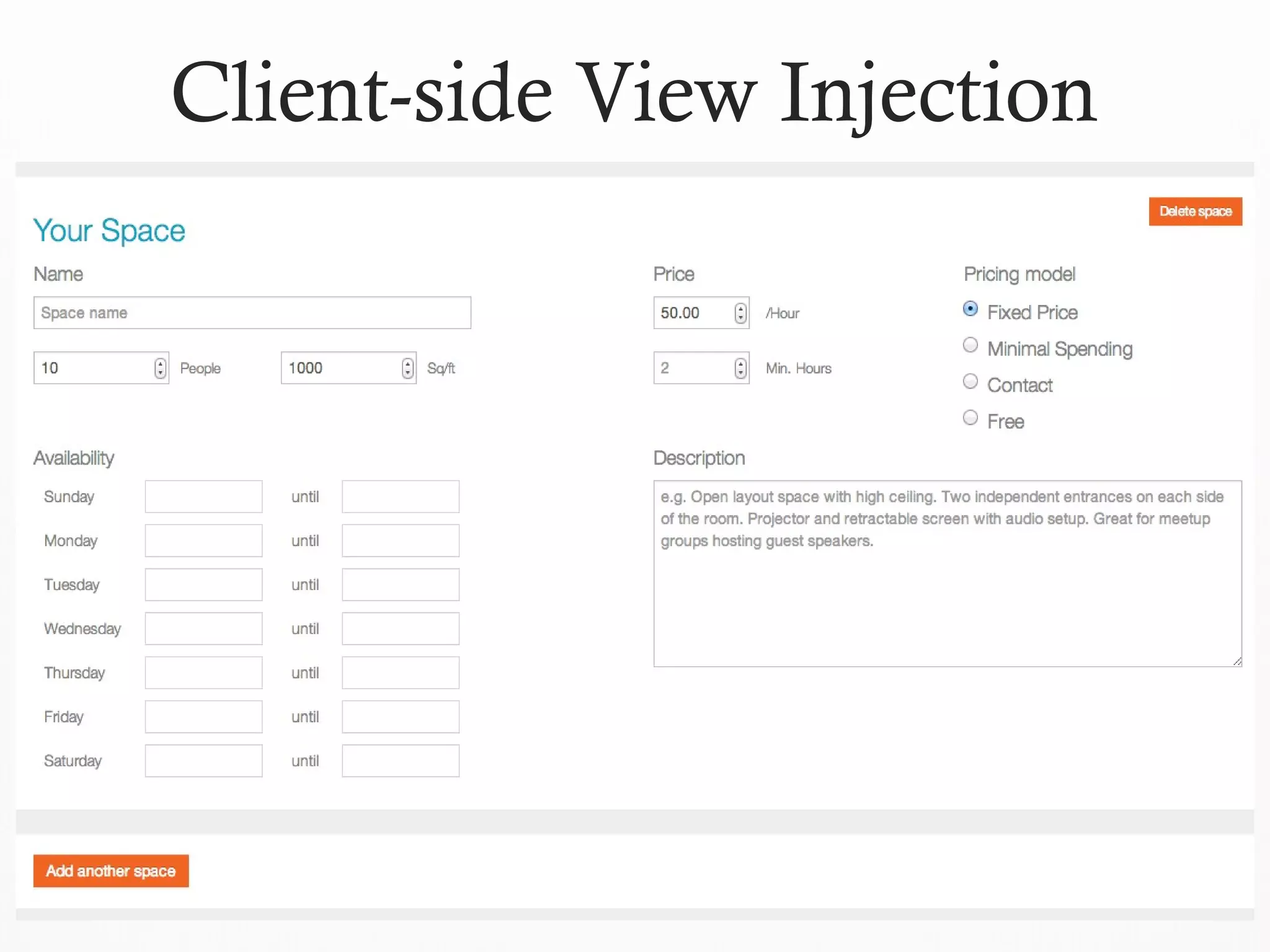
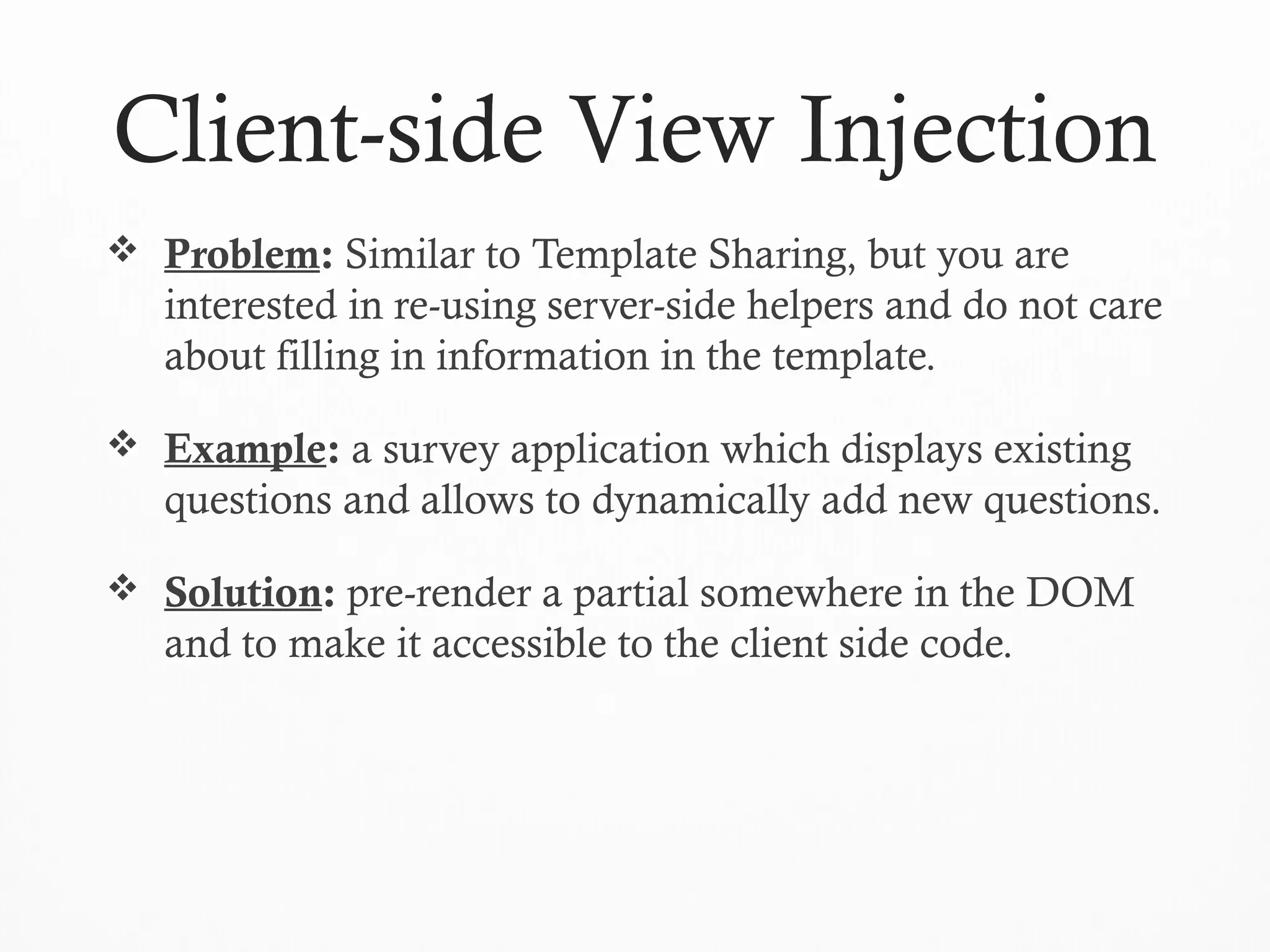
Client-side View Injection
 Problem: Similar to Template Sharing, but you are
interested in re-using server-side helpers and do not care
about filling in information in the template.
 Example: a survey application which displays existing
questions and allows to dynamically add new questions.
 Solution: pre-render a partial somewhere in the DOM
and to make it accessible to the client side code.
22
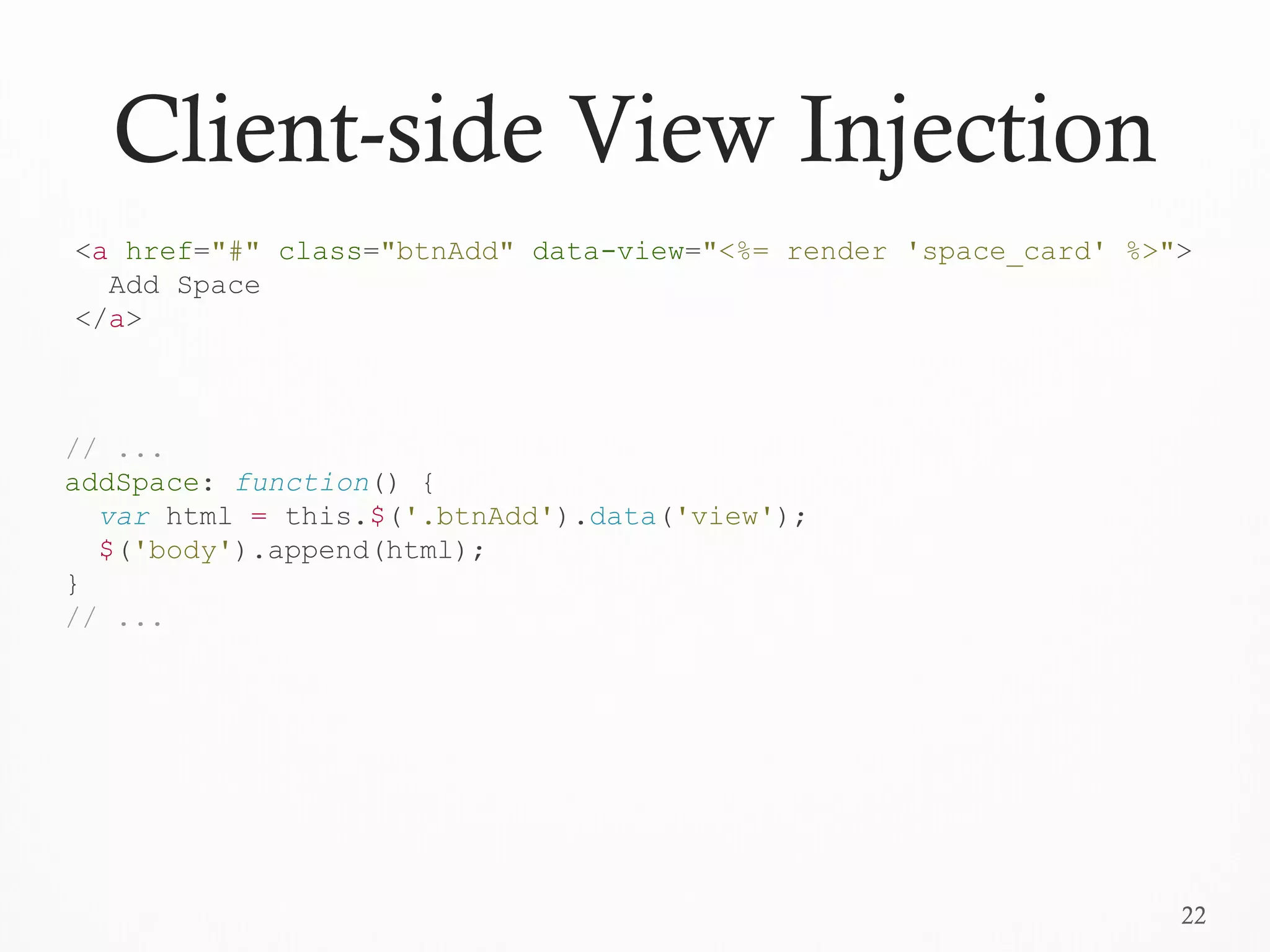
Client-side View Injection
// ...
addSpace: function() {
var html = this.$('.btnAdd').data('view');
$('body').append(html);
}
// ...
<a href="#" class="btnAdd" data-view="<%= render 'space_card' %>">
Add Space
</a>
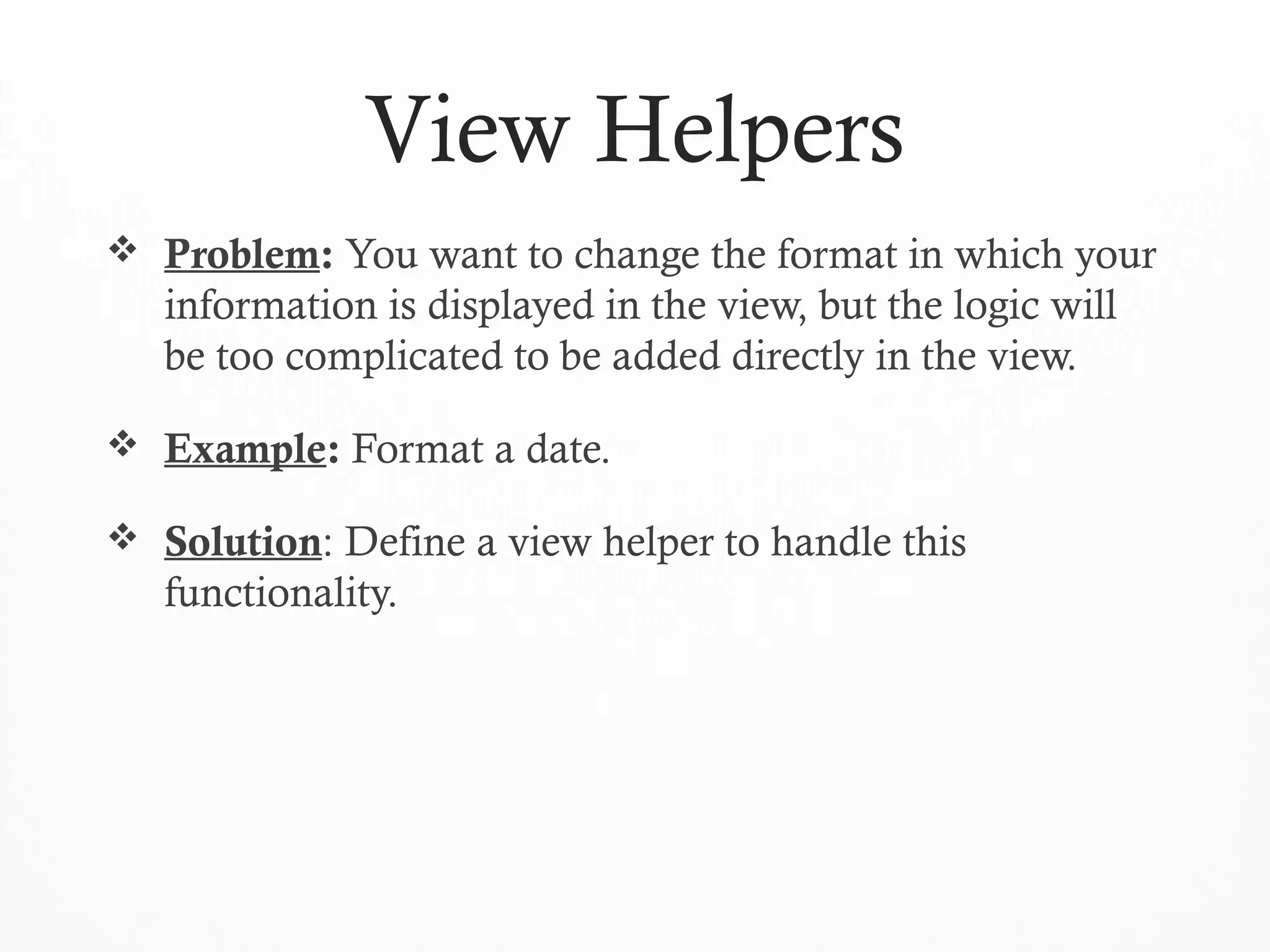
View Helpers
 Problem: You want to change the format in which your
information is displayed in the view, but the logic will
be too complicated to be added directly in the view.
 Example: Format a date.
 Solution: Define a view helper to handle this
functionality.
24
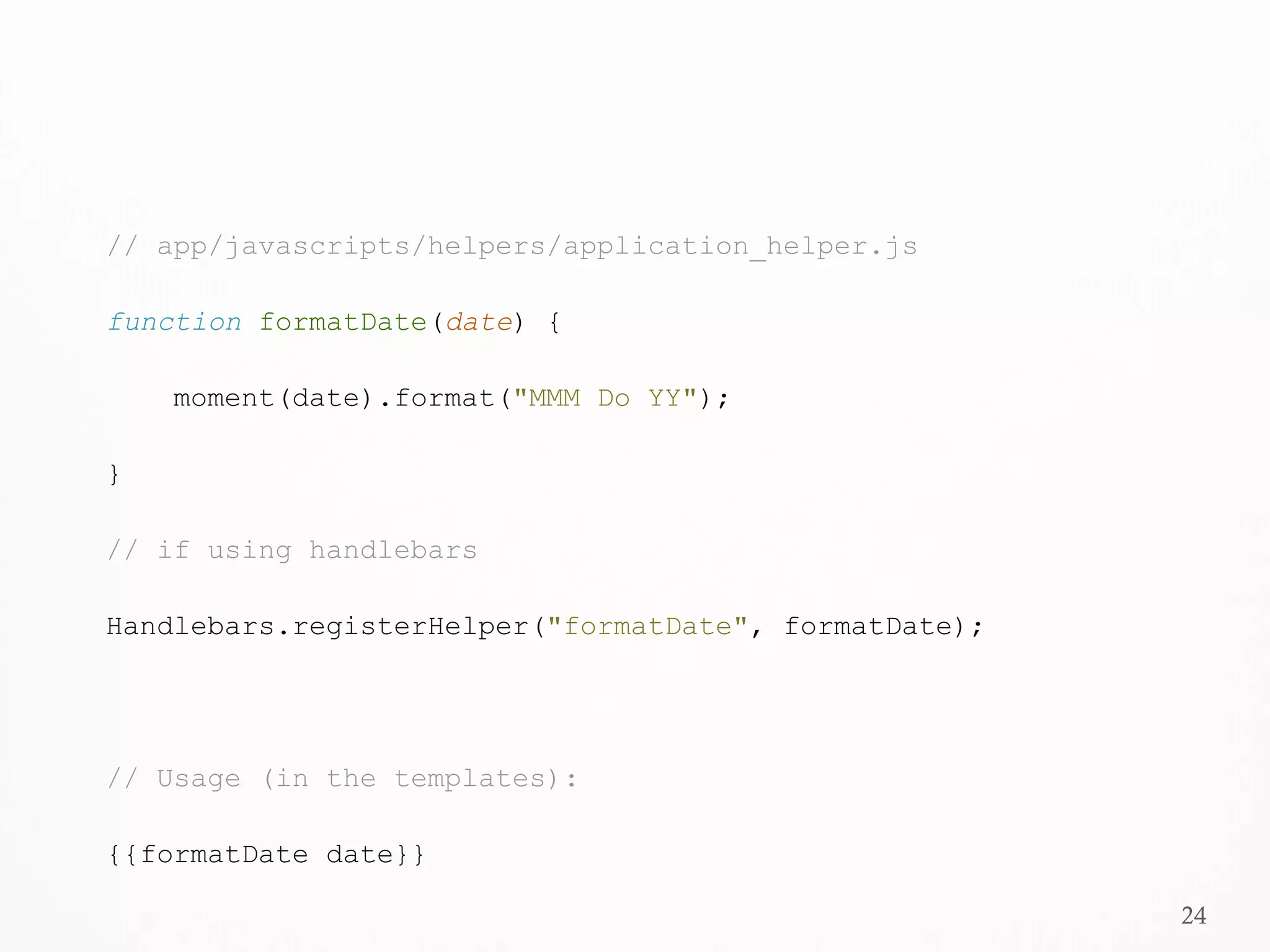
// app/javascripts/helpers/application_helper.js
function formatDate(date) {
moment(date).format("MMM Do YY");
}
// if using handlebars
Handlebars.registerHelper("formatDate", formatDate);
// Usage (in the templates):
{{formatDate date}}
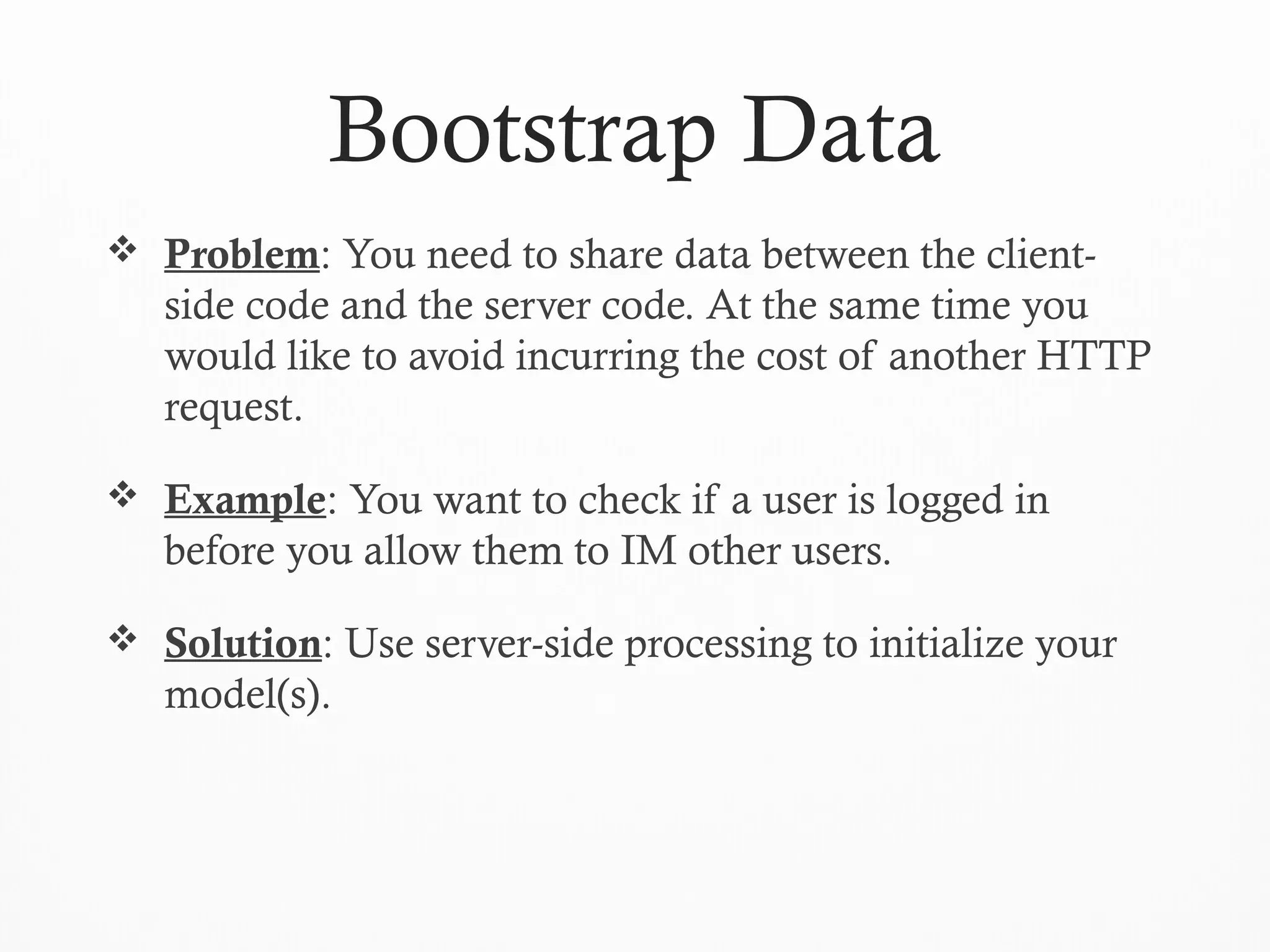
Bootstrap Data
 Problem: You need to share data between the client-
side code and the server code. At the same time you
would like to avoid incurring the cost of another HTTP
request.
 Example: You want to check if a user is logged in
before you allow them to IM other users.
 Solution: Use server-side processing to initialize your
model(s).
26
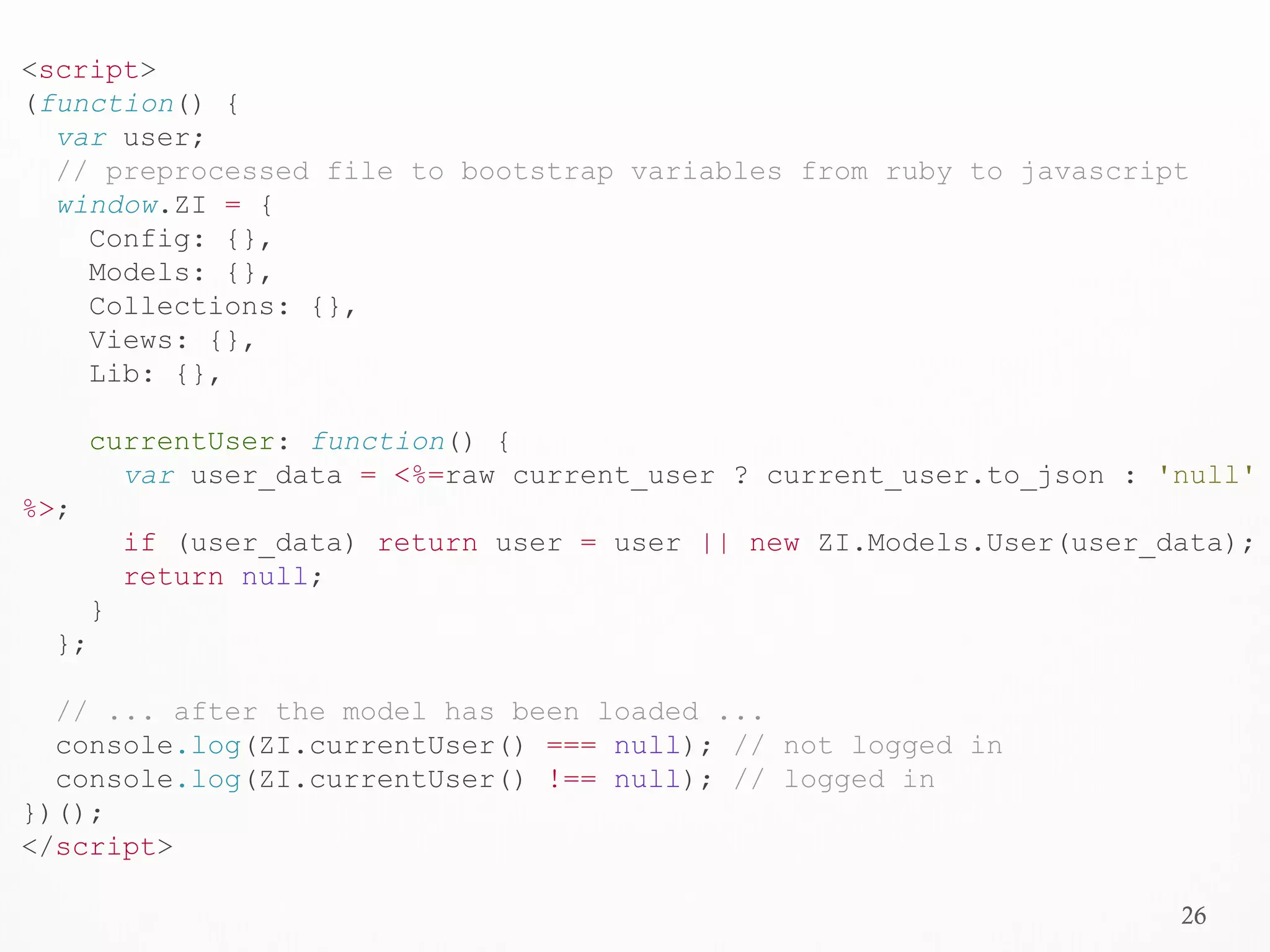
<script>
(function() {
var user;
// preprocessed file to bootstrap variables from ruby to javascript
window.ZI = {
Config: {},
Models: {},
Collections: {},
Views: {},
Lib: {},
currentUser: function() {
var user_data = <%=raw current_user ? current_user.to_json : 'null'
%>;
if (user_data) return user = user || new ZI.Models.User(user_data);
return null;
}
};
// ... after the model has been loaded ...
console.log(ZI.currentUser() === null); // not logged in
console.log(ZI.currentUser() !== null); // logged in
})();
</script>
27
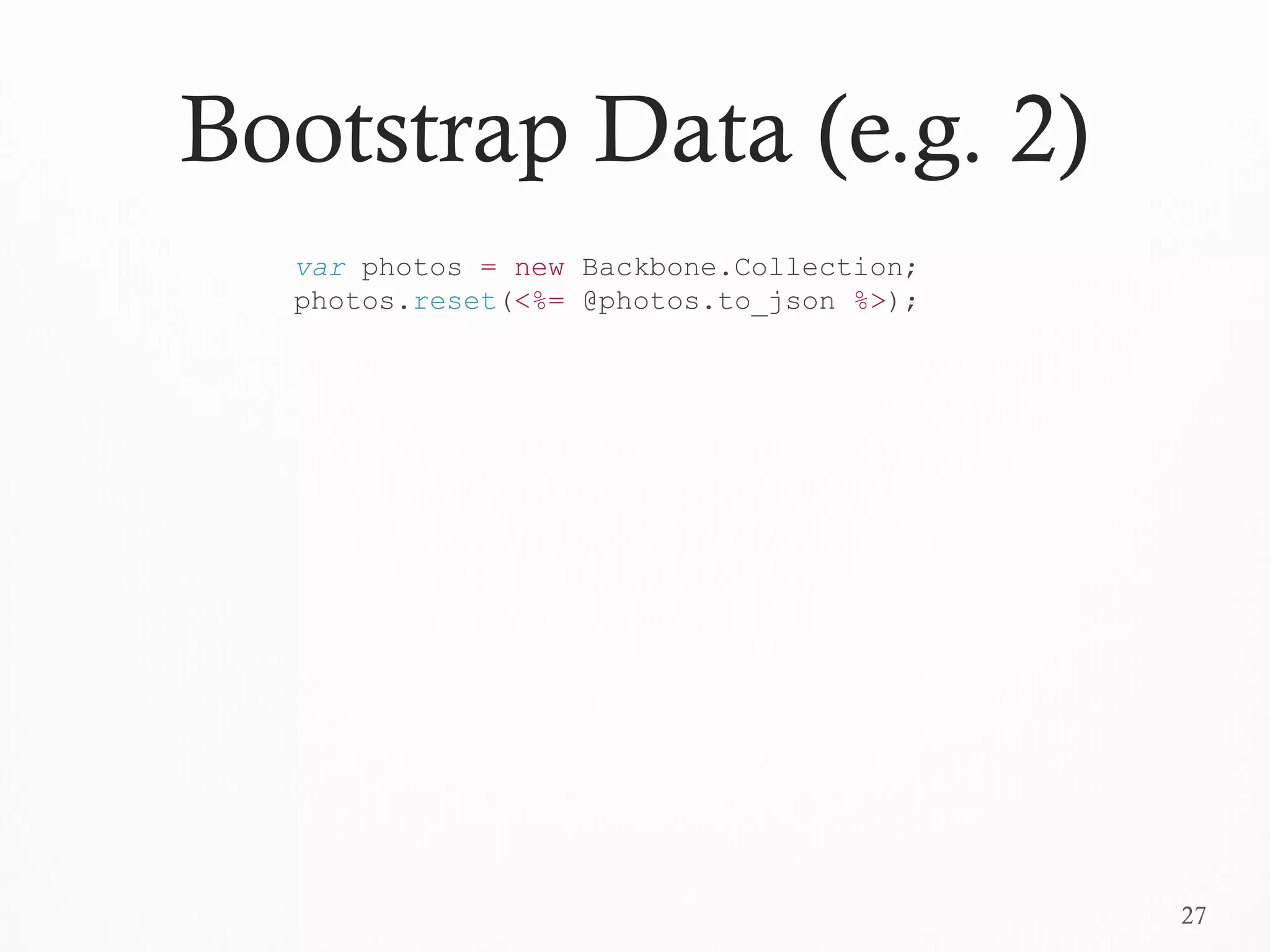
Bootstrap Data (e.g. 2)
var photos = new Backbone.Collection;
photos.reset(<%= @photos.to_json %>);
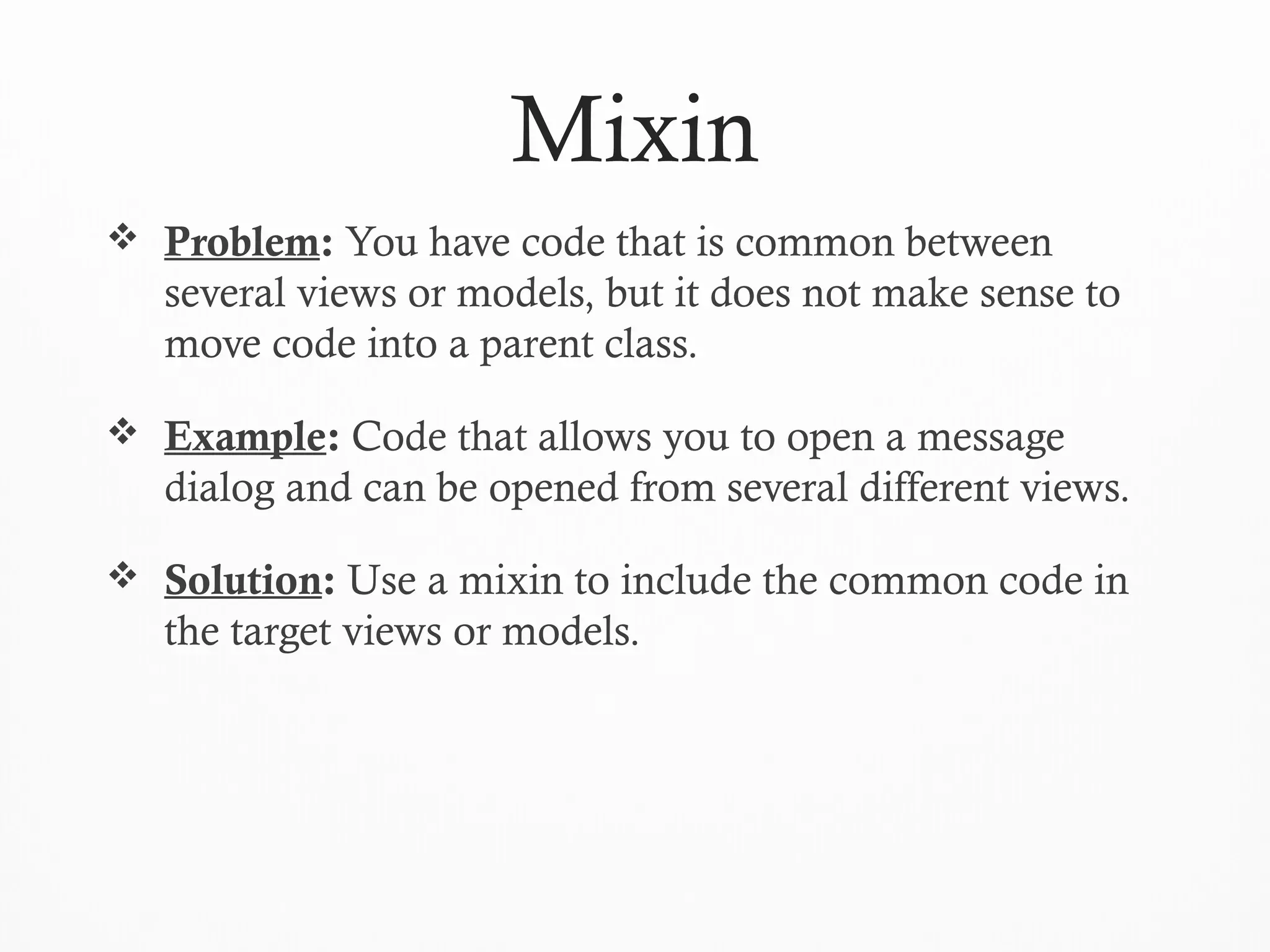
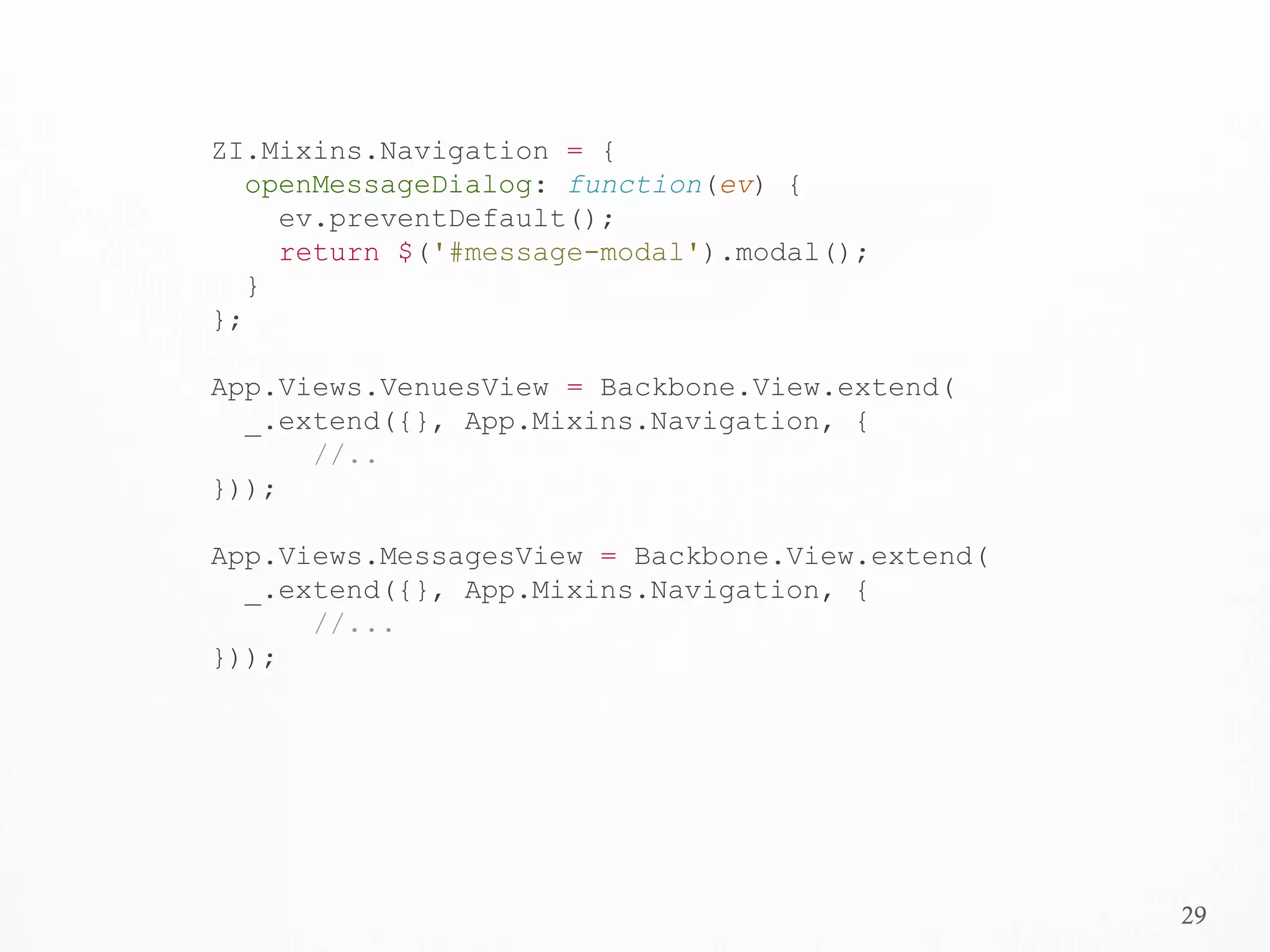
Mixin
 Problem: You have code that is common between
several views or models, but it does not make sense to
move code into a parent class.
 Example: Code that allows you to open a message
dialog and can be opened from several different views.
 Solution: Use a mixin to include the common code in
the target views or models.
29
ZI.Mixins.Navigation = {
openMessageDialog: function(ev) {
ev.preventDefault();
return $('#message-modal').modal();
}
};
App.Views.VenuesView = Backbone.View.extend(
_.extend({}, App.Mixins.Navigation, {
//..
}));
App.Views.MessagesView = Backbone.View.extend(
_.extend({}, App.Mixins.Navigation, {
//...
}));
30
Parent-Child (Sub Views)
Views
 Problem: You have a view that needs to communicate
with another view and can be thought of as logically
containing that view.
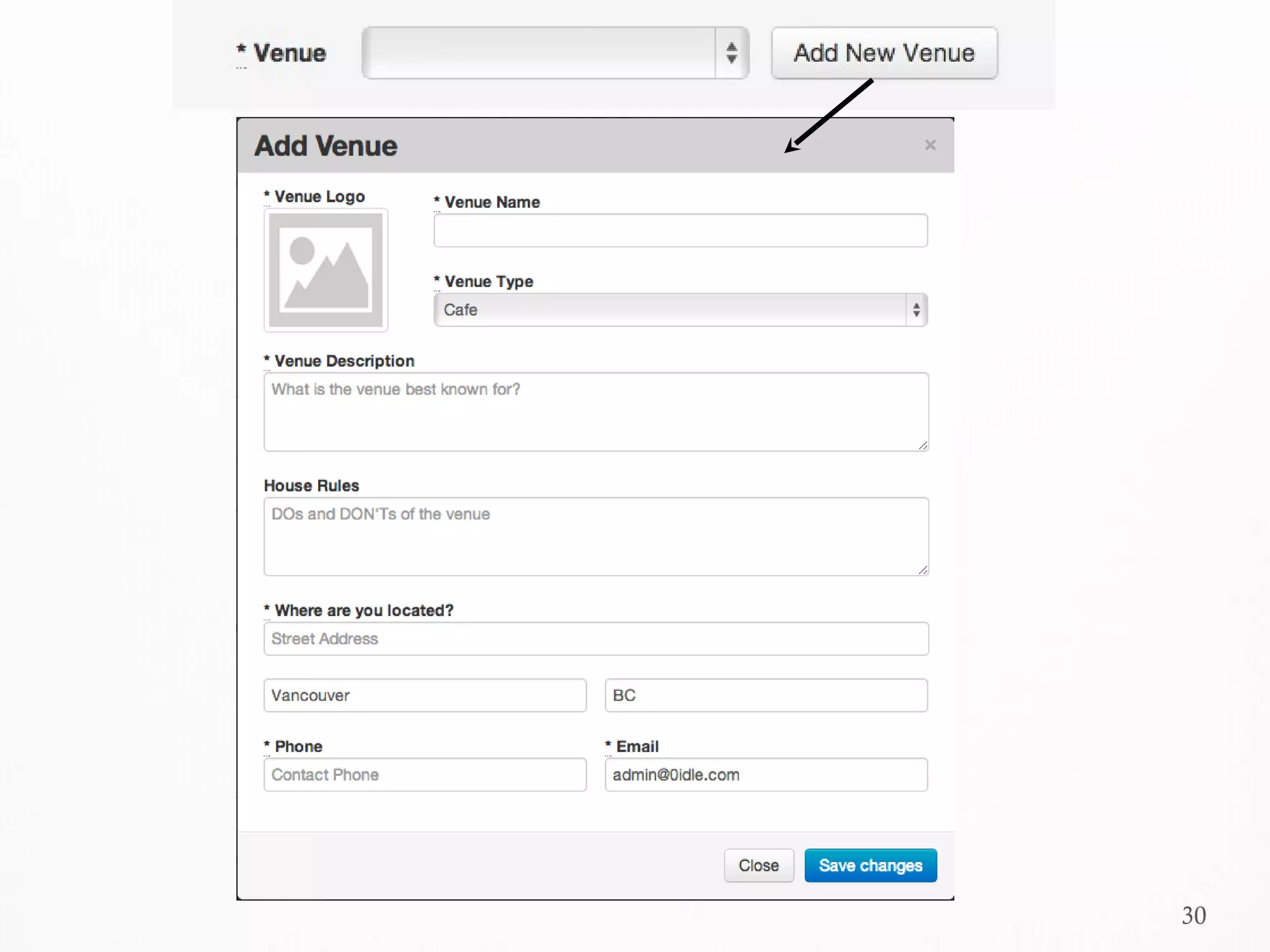
 Example: Updating a dropdown after a user creates a
new item through a modal dialog.
 Solution: Create a reference to the child view from the
parent view and listen on events fired by the child view.
32
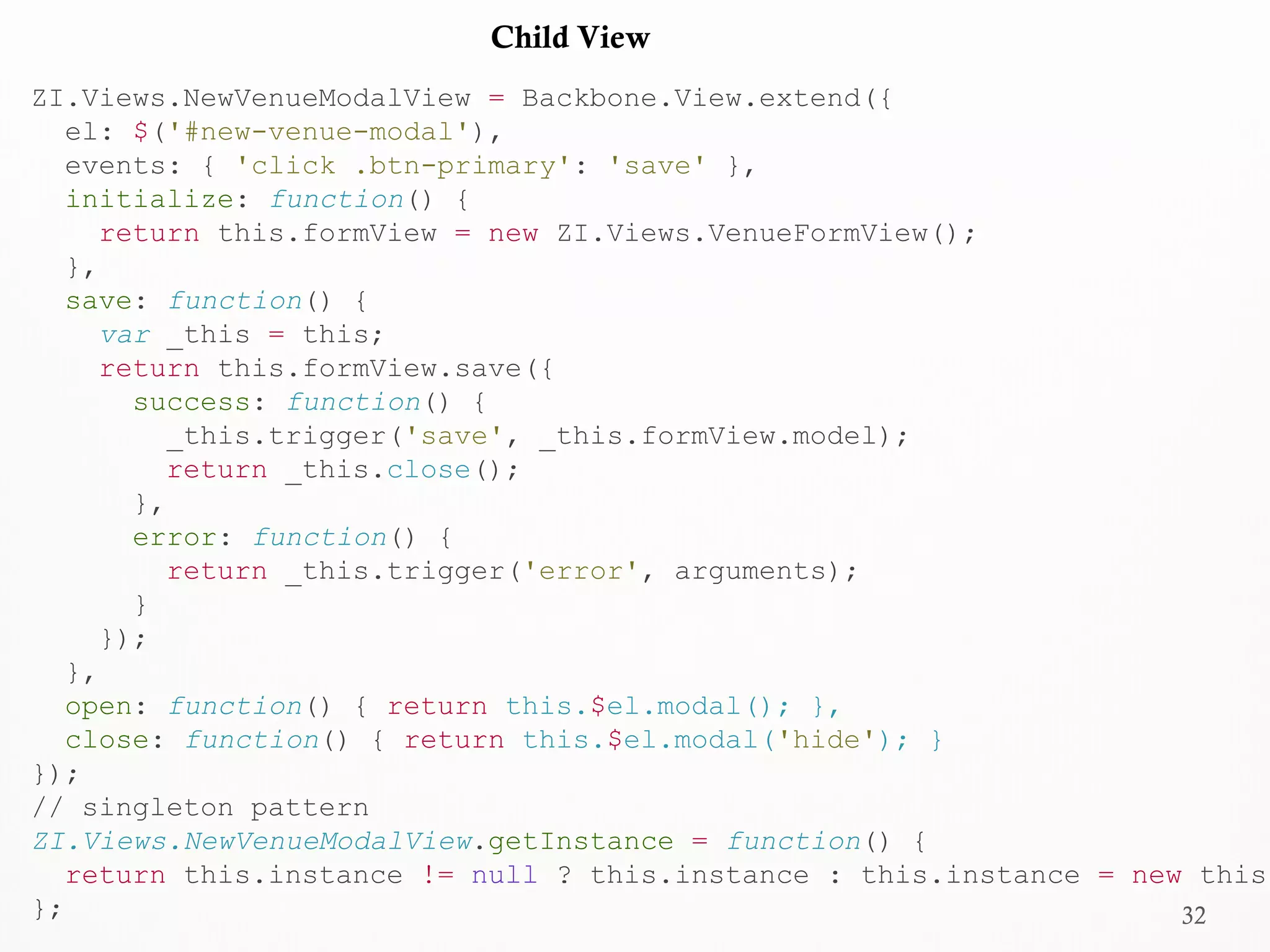
ZI.Views.NewVenueModalView = Backbone.View.extend({
el: $('#new-venue-modal'),
events: { 'click .btn-primary': 'save' },
initialize: function() {
return this.formView = new ZI.Views.VenueFormView();
},
save: function() {
var _this = this;
return this.formView.save({
success: function() {
_this.trigger('save', _this.formView.model);
return _this.close();
},
error: function() {
return _this.trigger('error', arguments);
}
});
},
open: function() { return this.$el.modal(); },
close: function() { return this.$el.modal('hide'); }
});
// singleton pattern
ZI.Views.NewVenueModalView.getInstance = function() {
return this.instance != null ? this.instance : this.instance = new this;
};
Child View
33
Parent View
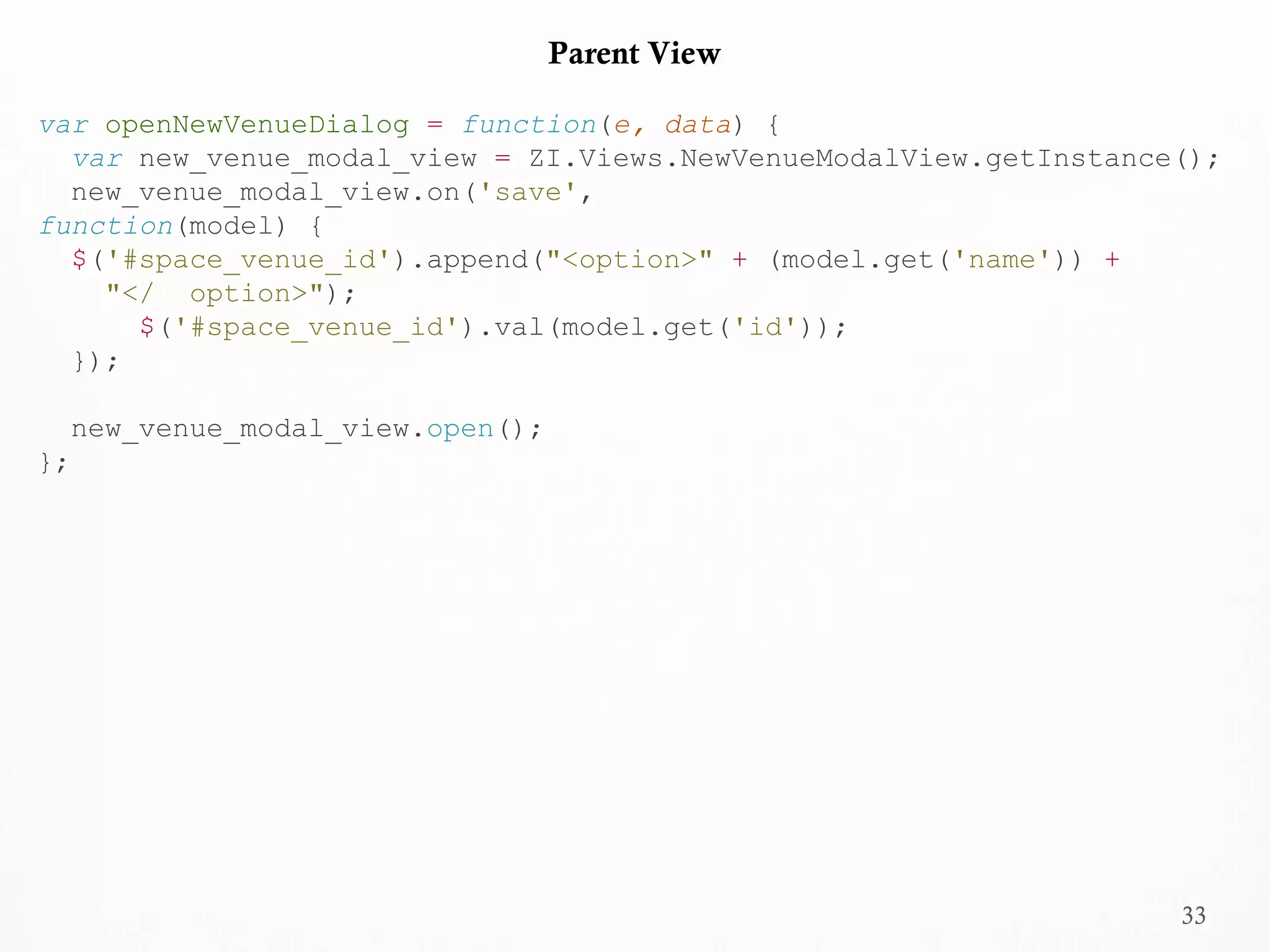
var openNewVenueDialog = function(e, data) {
var new_venue_modal_view = ZI.Views.NewVenueModalView.getInstance();
new_venue_modal_view.on('save',
function(model) {
$('#space_venue_id').append("<option>" + (model.get('name')) +
"</ option>");
$('#space_venue_id').val(model.get('id'));
});
new_venue_modal_view.open();
};
34
Two-Way Binding
Two-Way Bindings
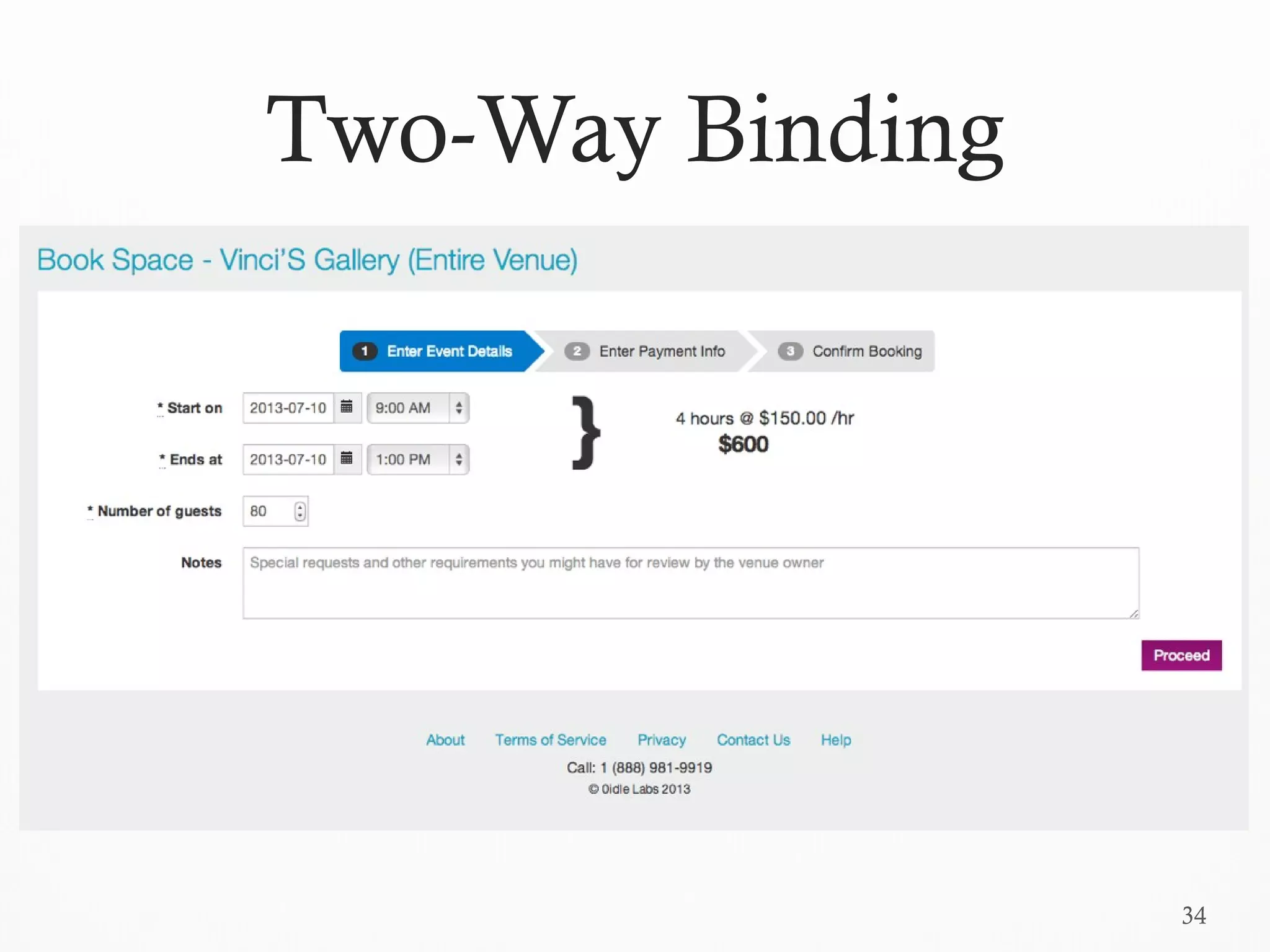
 Problem: You need to dynamically and automatically
update a UI element when the underling data changes.
 Example: Recalculate and display the total amount in a
shopping cart if the quantity of any of the items
changes.
 Solution: Use a two-way binding plugin for backbone
called backbone.stickit.
36
ZI.Views.EventDetailsBookView = Backbone.View.extend({
el: $('#event-details-booking-page'),
model: new Booking(),
bindings: {
'.total-price': {
observe: ['start_date', 'start_time', 'end_date', 'end_time'],
onGet: function(values) {
return '$' + this.calculateHoursBooked(values) *
this.hourly_price;
}
},
'#booking_start_date': 'start_date', '#booking_end_date': 'end_date',
'#booking_start_time': 'start_time', '#booking_end_time': 'end_time'
},
initialize: function() {
this.hourly_price = this.$el.data('hourly-price');
return this.stickit();
},
calculateHoursBooked: function(values) {
//...
}
});
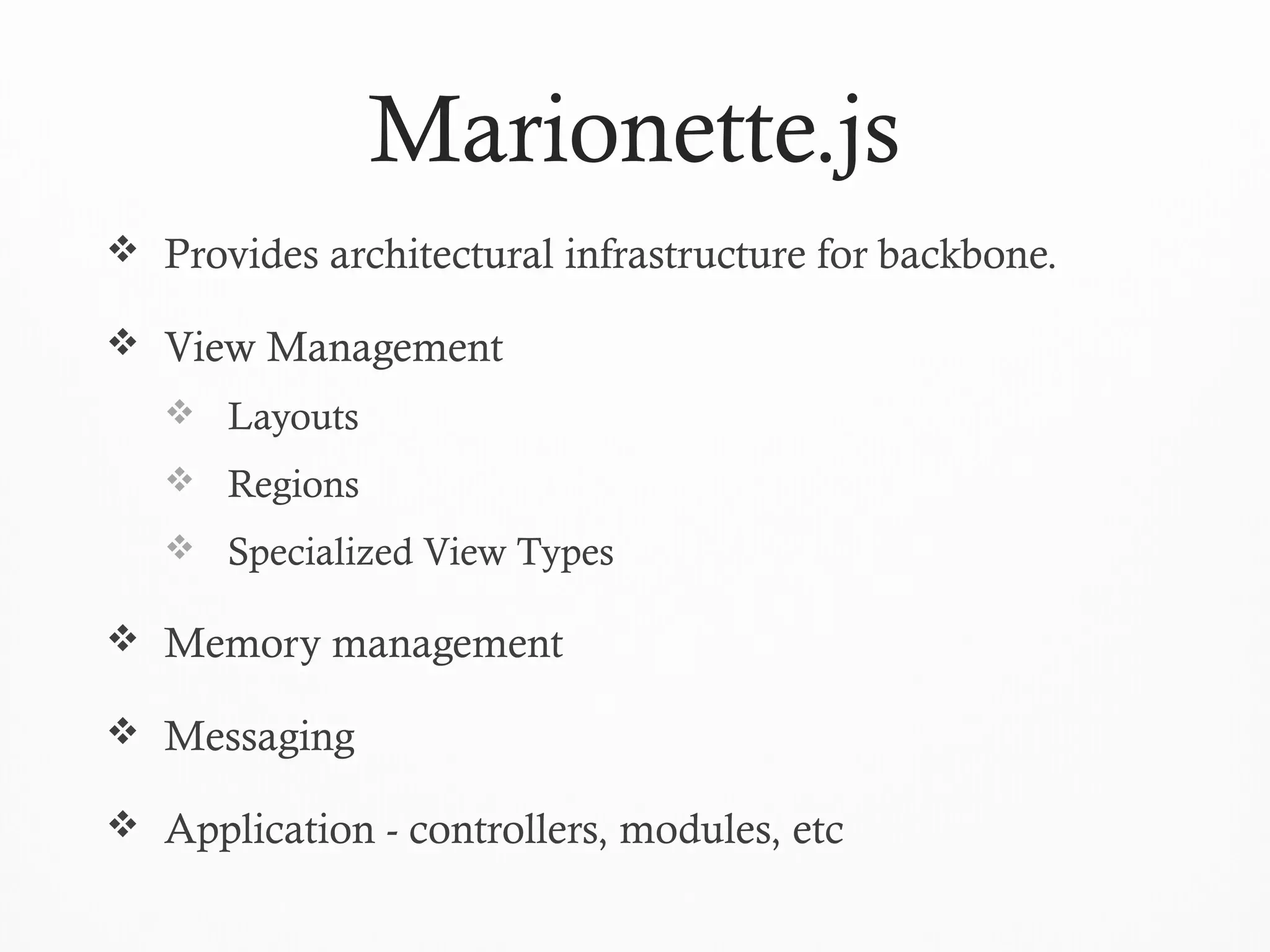
Marionette.js
 Provides architectural infrastructure for backbone.
 View Management
 Layouts
 Regions
 Specialized View Types
 Memory management
 Messaging
 Application - controllers, modules, etc
38
QUESTIONS
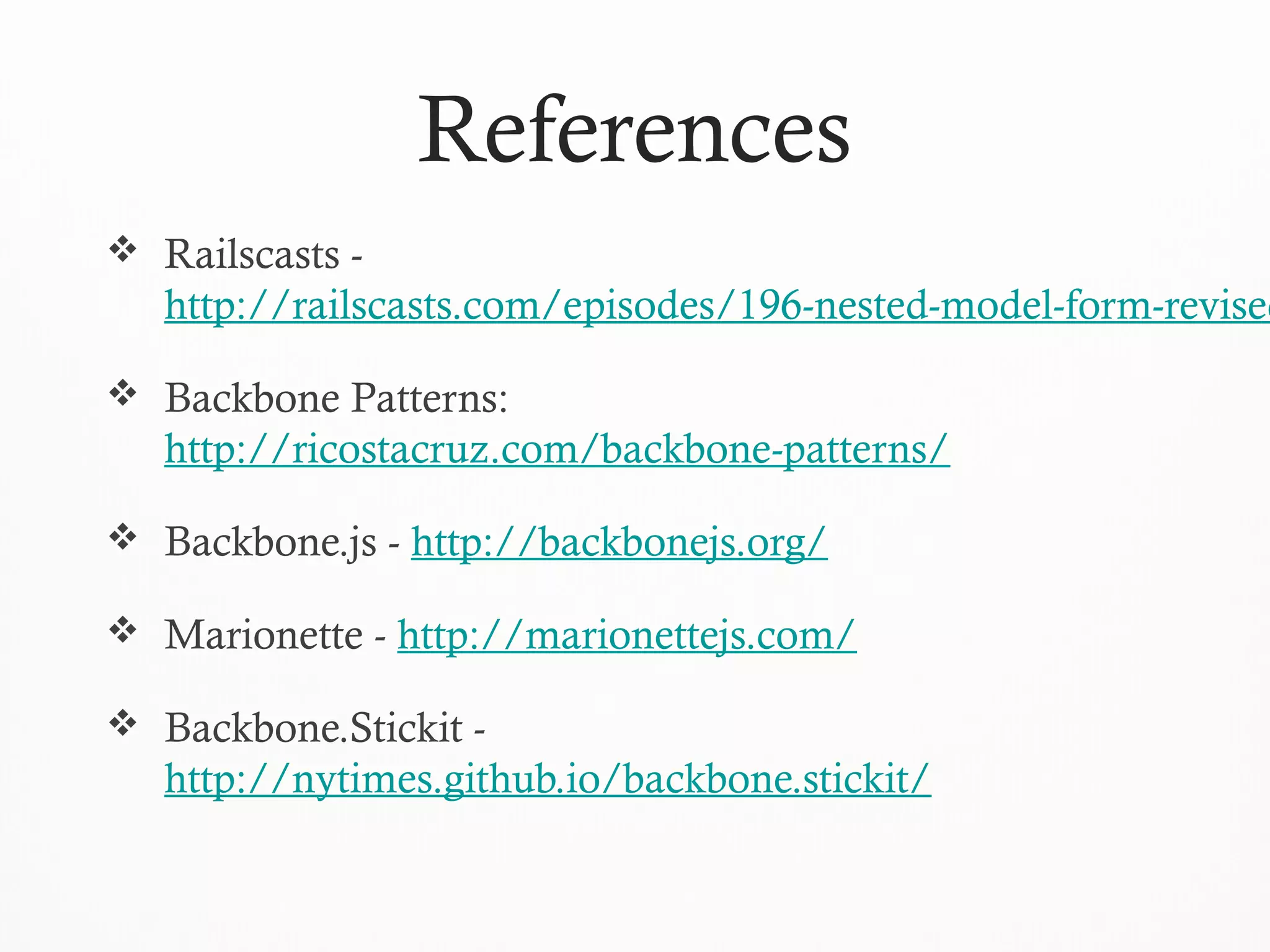
References
 Railscasts -
http://railscasts.com/episodes/196-nested-model-form-revised
 Backbone Patterns:
http://ricostacruz.com/backbone-patterns/
 Backbone.js - http://backbonejs.org/
 Marionette - http://marionettejs.com/
 Backbone.Stickit -
http://nytimes.github.io/backbone.stickit/
40
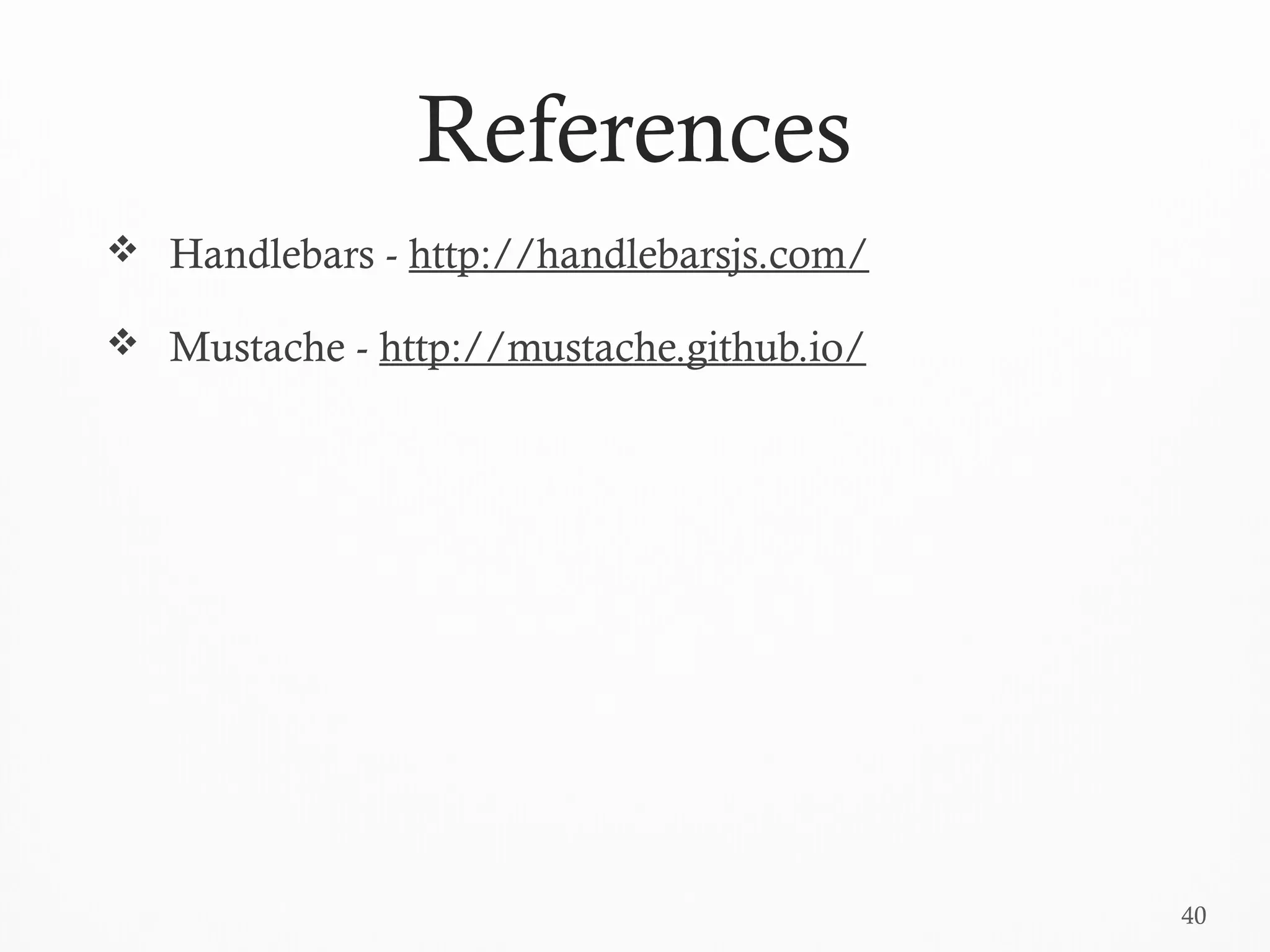
References
 Handlebars - http://handlebarsjs.com/
 Mustache - http://mustache.github.io/

Vanjs backbone-powerpoint

  • 1.
    Backbone in MultipageApps Michael Yagudaev @yagudaev michael@0idle.com July 2013
  • 2.
    Outline  About Me Why Backbone?  Pain Points with Backbone  Design Patterns/Best Practices  Marionette.js
  • 3.
    About Me (@yagudaev) Co-founder of 0idle.com – an online marketplace for event organizers to find the perfect venue.  Built 0idle using Rails + Backbone.js  Entrepreneur and Rails Developer  Worked with Node.js  Started Winnipeg.js User Group  Consulting/Freelance work
  • 4.
    Why Backbone.js?  Simple Flexible – use only the parts you need  Easy to integrate into existing code  Provides structure to your app  Proven  Well Documented (for the most part )  Good for hybrid apps
  • 5.
    5 A Pain inthe Back...  Due to its un-opinionated approach, backbone can be a real pain in the a**.  No clear guidelines  Lots of boilerplate code  Does not provide helpers to solve common problems  Easy to get memory leaks by not being careful when using events (zombie views)
  • 6.
    Underline Principle forthis talk  In any web system, the server should have the final say  Therefore, lets start developing server-side code first  Server-side code is easier to test (simple request/response)  Client-side functionality is to be considered as an added bonus in agile software development  You can do without backbone when you first start a project (KISS)  Assumption: a team of one
  • 7.
    7 Design Patterns Lets startsimple and work our way up...
  • 8.
    Scoping Your Selectors Problem: Overly generic jQuery selectors can cause unexpected behavior when adding a new feature to a particular area of an application.  Example: $(‘.btn-add’).click(addNewReply); // Will conflict with: $(‘.btn-add’).click(addNewMessage);  Solution: Use a backbone View
  • 9.
    var MessageView =Backbone.View.exend({ el: $('#messages-page'), events: { 'click .btn-add': 'addMessage' }, addMessage: function(ev) { $target = $(ev.currentTarget) // code to add message } }); var RepliesView = Backbone.View.exend({ el: $('#replies-page'), events: { 'click .btn-add': 'addReply' }, addMessage: function(ev) { $target = $(ev.currentTarget) // code to add message } }); $(function() { repliesView = new RepliesView(); messagesView = new MessagesView(); });
  • 10.
    File Structure  Problem:Your one javascript file becomes long and hard to maintain. You need a better way to separate concerns.  Solution: Break down project into folders based on object types in backbone with a main.js file that acts as the entry point of the application and defines a namespace.  Notes: you will need to use a make or a make like solution to stitch the files together (e.g. Rails asset pipeline or h5bp build tool).  Note 2: Keep it simple. Avoid using an AMD loader like RequireJS at this stage.
  • 11.
    |____application.js -- manifestfile (can have more than one) |____collections/ |____lib/ |____main.js |____models/ |____templates/ |____views/ | |____messages_view.js | |____replies_view.js |____vendor/ | |____backbone.js | |____jquery.js | |____underscore.js File Structure (folders)
  • 12.
    File Structure (manifest) InRails: //= require jquery //= require underscore //= require backbone //= require main //= require_directory ./models //= require_directory ./lib //= require_directory ./collections //= require_directory ./views
  • 13.
    File Structure (files) window.APP_NAME= { Models: {}, Collections: {}, Views: {}, Lib: {} }; main.js - views/messages_view.js - APP_NAME.Views.MessagesView = Backbone.View.extend({ ... });
  • 14.
  • 15.
    Templates  Problem: Youneed to dynamically generate html content, but do not want pollute your js code with html markup.  Example: a dynamic file uploader allowing the user to upload any number of files.  Solution: place your html inside a script tag and use jQuery to extract the content of the template and then render it to the page. Alternatively you can use JST to give each template a separate file.
  • 16.
    16 Templates <script id="photo-thumbnail-template" type="text/template"> <divclass="thumbnail"> <img src="{{image_url}}" /> {{title}} </div> </script> $thumbnail = $(Mustache.to_html($("#photo-thumbnail- template").html(), photo)) $thumbnail.appendTo('.photos-preview.thumbnails')
  • 17.
  • 18.
    Template Sharing  Problem:You have a template you want rendered both on the client and server.  Example: you have a photo uploader that lets the user upload multiple photos and see photos that were already uploaded.  Solution: refactor the template into a mustache template and provide access to it from both the client and the server.  Limitation: cannot use helper methods (unless you are using Node.js)
  • 19.
    19 Template Sharing //.. <%- @photos.eachdo |photo| -> <%= render 'photo_item', mustache: photo %> <%- end %> //.. <script type="text/template" id="photo-item-template"> <%= render 'photo_item' %> </script>
  • 20.
  • 21.
    Client-side View Injection Problem: Similar to Template Sharing, but you are interested in re-using server-side helpers and do not care about filling in information in the template.  Example: a survey application which displays existing questions and allows to dynamically add new questions.  Solution: pre-render a partial somewhere in the DOM and to make it accessible to the client side code.
  • 22.
    22 Client-side View Injection //... addSpace: function() { var html = this.$('.btnAdd').data('view'); $('body').append(html); } // ... <a href="#" class="btnAdd" data-view="<%= render 'space_card' %>"> Add Space </a>
  • 23.
    View Helpers  Problem:You want to change the format in which your information is displayed in the view, but the logic will be too complicated to be added directly in the view.  Example: Format a date.  Solution: Define a view helper to handle this functionality.
  • 24.
    24 // app/javascripts/helpers/application_helper.js function formatDate(date){ moment(date).format("MMM Do YY"); } // if using handlebars Handlebars.registerHelper("formatDate", formatDate); // Usage (in the templates): {{formatDate date}}
  • 25.
    Bootstrap Data  Problem:You need to share data between the client- side code and the server code. At the same time you would like to avoid incurring the cost of another HTTP request.  Example: You want to check if a user is logged in before you allow them to IM other users.  Solution: Use server-side processing to initialize your model(s).
  • 26.
    26 <script> (function() { var user; //preprocessed file to bootstrap variables from ruby to javascript window.ZI = { Config: {}, Models: {}, Collections: {}, Views: {}, Lib: {}, currentUser: function() { var user_data = <%=raw current_user ? current_user.to_json : 'null' %>; if (user_data) return user = user || new ZI.Models.User(user_data); return null; } }; // ... after the model has been loaded ... console.log(ZI.currentUser() === null); // not logged in console.log(ZI.currentUser() !== null); // logged in })(); </script>
  • 27.
    27 Bootstrap Data (e.g.2) var photos = new Backbone.Collection; photos.reset(<%= @photos.to_json %>);
  • 28.
    Mixin  Problem: Youhave code that is common between several views or models, but it does not make sense to move code into a parent class.  Example: Code that allows you to open a message dialog and can be opened from several different views.  Solution: Use a mixin to include the common code in the target views or models.
  • 29.
    29 ZI.Mixins.Navigation = { openMessageDialog:function(ev) { ev.preventDefault(); return $('#message-modal').modal(); } }; App.Views.VenuesView = Backbone.View.extend( _.extend({}, App.Mixins.Navigation, { //.. })); App.Views.MessagesView = Backbone.View.extend( _.extend({}, App.Mixins.Navigation, { //... }));
  • 30.
  • 31.
    Parent-Child (Sub Views) Views Problem: You have a view that needs to communicate with another view and can be thought of as logically containing that view.  Example: Updating a dropdown after a user creates a new item through a modal dialog.  Solution: Create a reference to the child view from the parent view and listen on events fired by the child view.
  • 32.
    32 ZI.Views.NewVenueModalView = Backbone.View.extend({ el:$('#new-venue-modal'), events: { 'click .btn-primary': 'save' }, initialize: function() { return this.formView = new ZI.Views.VenueFormView(); }, save: function() { var _this = this; return this.formView.save({ success: function() { _this.trigger('save', _this.formView.model); return _this.close(); }, error: function() { return _this.trigger('error', arguments); } }); }, open: function() { return this.$el.modal(); }, close: function() { return this.$el.modal('hide'); } }); // singleton pattern ZI.Views.NewVenueModalView.getInstance = function() { return this.instance != null ? this.instance : this.instance = new this; }; Child View
  • 33.
    33 Parent View var openNewVenueDialog= function(e, data) { var new_venue_modal_view = ZI.Views.NewVenueModalView.getInstance(); new_venue_modal_view.on('save', function(model) { $('#space_venue_id').append("<option>" + (model.get('name')) + "</ option>"); $('#space_venue_id').val(model.get('id')); }); new_venue_modal_view.open(); };
  • 34.
  • 35.
    Two-Way Bindings  Problem:You need to dynamically and automatically update a UI element when the underling data changes.  Example: Recalculate and display the total amount in a shopping cart if the quantity of any of the items changes.  Solution: Use a two-way binding plugin for backbone called backbone.stickit.
  • 36.
    36 ZI.Views.EventDetailsBookView = Backbone.View.extend({ el:$('#event-details-booking-page'), model: new Booking(), bindings: { '.total-price': { observe: ['start_date', 'start_time', 'end_date', 'end_time'], onGet: function(values) { return '$' + this.calculateHoursBooked(values) * this.hourly_price; } }, '#booking_start_date': 'start_date', '#booking_end_date': 'end_date', '#booking_start_time': 'start_time', '#booking_end_time': 'end_time' }, initialize: function() { this.hourly_price = this.$el.data('hourly-price'); return this.stickit(); }, calculateHoursBooked: function(values) { //... } });
  • 37.
    Marionette.js  Provides architecturalinfrastructure for backbone.  View Management  Layouts  Regions  Specialized View Types  Memory management  Messaging  Application - controllers, modules, etc
  • 38.
  • 39.
    References  Railscasts - http://railscasts.com/episodes/196-nested-model-form-revised Backbone Patterns: http://ricostacruz.com/backbone-patterns/  Backbone.js - http://backbonejs.org/  Marionette - http://marionettejs.com/  Backbone.Stickit - http://nytimes.github.io/backbone.stickit/
  • 40.
    40 References  Handlebars -http://handlebarsjs.com/  Mustache - http://mustache.github.io/

Editor's Notes

  • #4 * mention backbone videos
  • #5 * Read the Code
  • #7 busienss logic not handled on the client side
  • #10 * This is how backbone is good for multipage application * Great if you concatenate your javascript into one file and run on all your pages * Helps prevent unexpected behavior when adding functionality to the same area of your application
  • #12 * based on rails file structure * vendor contains 3rd party libraries * views, models, collections and templates contain their respective backbone object types * lib - libraries you write to help you throughout your application * application.js - simple manifest file, describes build order
  • #14 - main.js is the entry point of our application - defines a namespace we will use in all our other files to call our code
  • #17 * make sure to use a script tag and not just any dom element * otherwise, may generate invalid markup which will result in bugs * we grab content from template in script tags using the ID and add it to the dom
  • #21 remind them about what our application does
  • #28 * initialize a collection
  • #33 Remember to talk about the potential for memory leaks (and unwanted behavior) Go over slide with craig
  • #38 * Have not used before, but look at it * Flexible and can use only the pieces you need * If nothing else it provides us with formal language to talk about concepts * View Management is biggest take away * Layout -&gt; contains regions -&gt; views * Regions manage screen real-estate, views just know how to render themselves but nothing about where they are rendered. * Prevent zombie views * Adds the concepts of controllers