Unit Testing with iOS
Have you ever developed in... Ruby on Rails PHP on Symfony PHP on Zend Python on Django Java on J2EE All of these languages / frameworks make it easy to write/run: Unit tests Functional tests Integration tests
Unfortunately... "Objective-C on Cocoa Touch" didn't make the list.
Why test in the first place? You can't write a test case until you know what "good output" and "bad output" look like: writing a test case forces you to  define the problem . And, if you write test cases before you write production code, you are not  emotionally attached  to an implementation -- if you discover a mistake, you're likely to address it.
Unit testing in Objective-C Functional tests are a bit painful yet (I feel) in Objective-C / Cocoa Touch - you have to write Javascript commands Let's focus on unit testing only today (larger "units" can start to act as functional tests).
Unit testing frameworks provide... Setup/teardown helpers run before each test Assertion macros like: STAssertTrue(NO,@"I am a complete failure"); STAssertEqual(foo,bar,@"foo should = bar"); A test runner than runs all of, or a subset of, your unit test cases & reports the results.
Choosing a unit testing framework... You have 2 choices: GHUnit (on GitHub) OCUnit (built into Xcode) I spent a  long time 1  considering the pros and cons of each, but if you are: Writing a new project Won't have hundreds of test cases Are using Xcode 4      ... then I argue you should probably choose  OCUnit . 1  Approximately 10 hours on a transpacific flight
More details on OCUnit... When you tick "Use Unit Testing" on the New Project template wizard, the set up is already done ⌘ U  is all you need to press to run your tests Does not have the  -setUpClass  and  -tearDownClass  helpers Does not allow you to run unit tests individually, must run entire test suite (some MAY argue that this is a "feature")
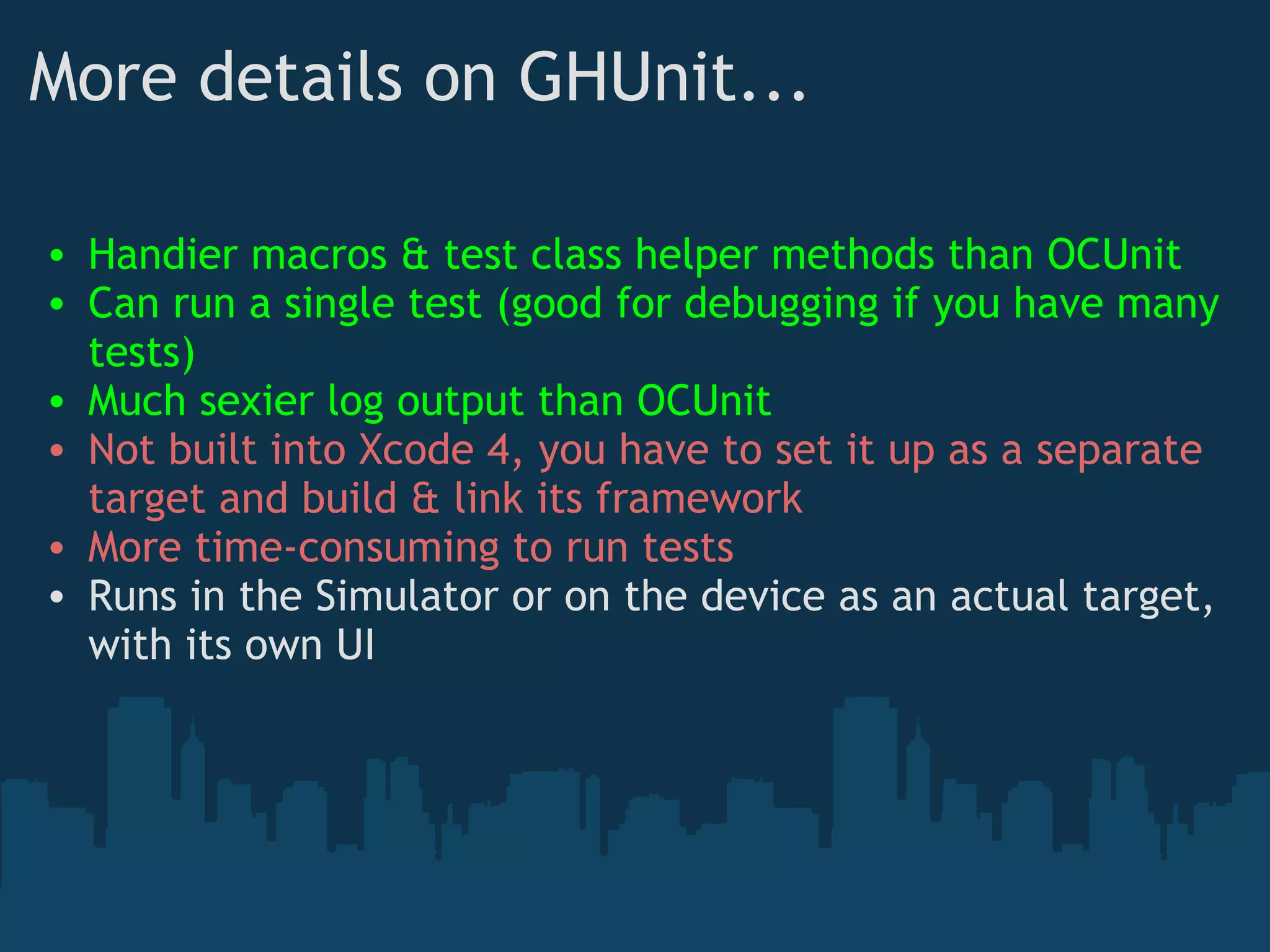
More details on GHUnit... Handier macros & test class helper methods than OCUnit Can run a single test (good for debugging if you have many tests) Much sexier log output than OCUnit Not built into Xcode 4, you have to set it up as a separate target and build & link its framework More time-consuming to run tests Runs in the Simulator or on the device as an actual target, with its own UI
Whichever you choose... They will both get the job done, and they are both   so much better  than having no unit tests at all. OK, so all set up?  If you need help on GHUnit, see my blog post on the subject: http://longweekendmobile.com/2011/02/23/tdd-best-practices-testing-in-ios4-with-ghunit-part-1/
Let's write some tests... There are 2 times to write unit tests: Before developing a new feature (wow, you TDD stud) When a section of code is: Buggy  - doesn't work how you expect Fragile  - seems to break all the time Coupled  - seems to break all the time when you change things elsewhere, and in non-obvious ways* * Usually this type of test writing is done   after  a bug by such code is found, but also can be done before a major refactor.  Or both.  Unit tests also allow you to  refactor mercilessly,  which is a good habit to be in.
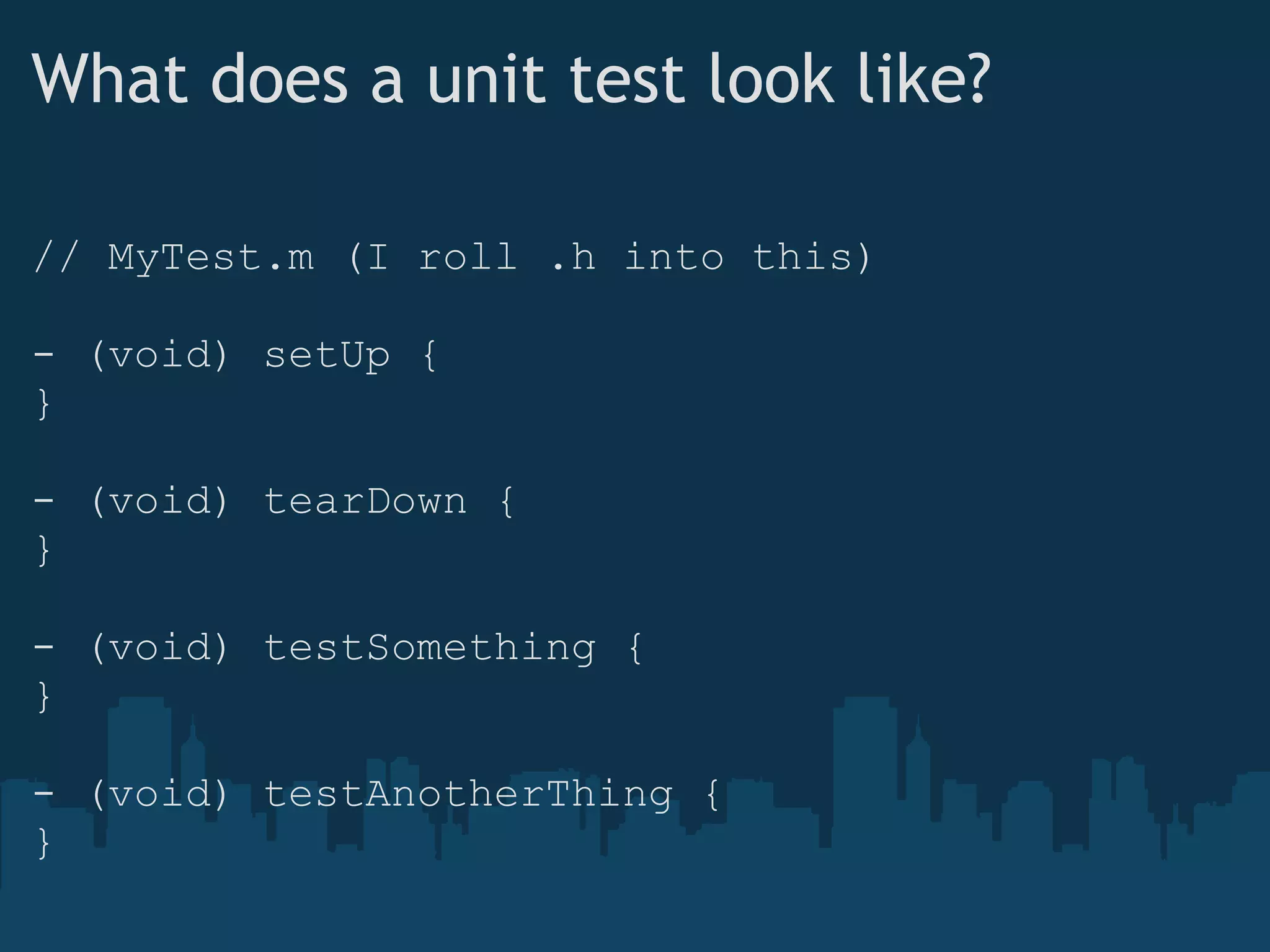
What does a unit test look like? // MyTest.m (I roll .h into this) - (void) setUp { } - (void) tearDown { } - (void) testSomething { } - (void) testAnotherThing { }
I use setUp and tearDown for this... @interface LWEFormViewTest {    LWEFormView _testObject; } - (void) setUp {    _testObject = [[LWEFormView alloc]                            initWithFrame:CGRectZero]; } - (void) tearDown {    [_testObject release];    _testObject = nil; }
...which helps me focus on tests: - (void) testTextFieldAdd {    UITextField *aField = [[UITextField alloc] init];    aField.tag = 1;    [_testObject addSubview:aField];    int numForms = [[_testObject formOrder] count];    // Assertions go here    [aField release]; }
Assertion macros finish off the test - (void) testTextFieldAdd {    UITextField *aField = [[UITextField alloc] init];    aField.tag = 1;    [_testObject addSubview:aField];    int numForms = [[_testObject formOrder] count];    GHAssertTrue((numForms == 1),              @&quot;We added an object, why wasn't it showing up?&quot;);    id<NSObject> lastObj = [[_testObject formOrder] lastObject];    GHAssertEqualObjects(lastObj,aField,              @&quot;Why did a different one come back?&quot;);    [aField release]; }
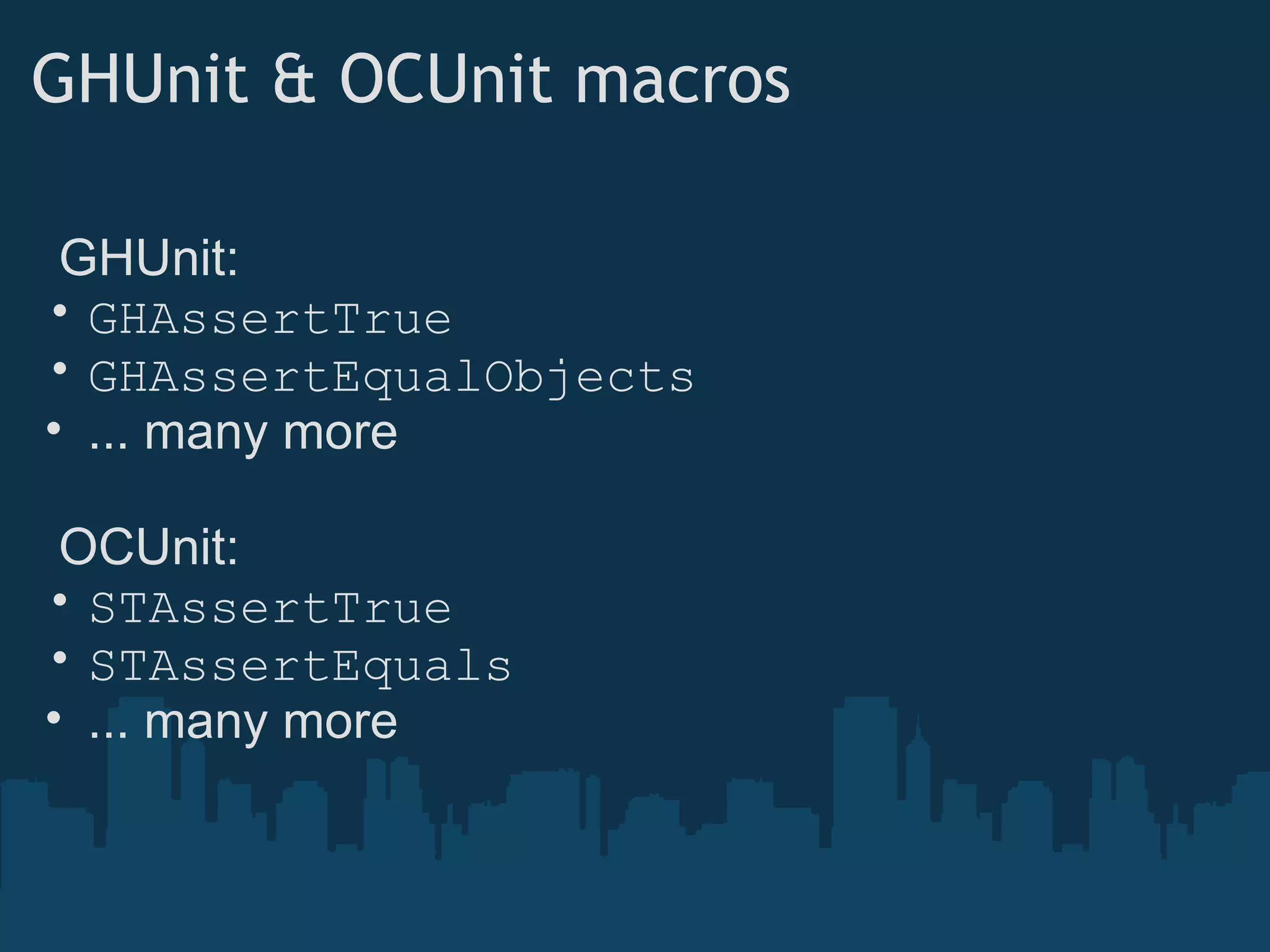
GHUnit & OCUnit macros    GHUnit:  GHAssertTrue GHAssertEqualObjects ... many more    OCUnit: STAssertTrue STAssertEquals ... many more
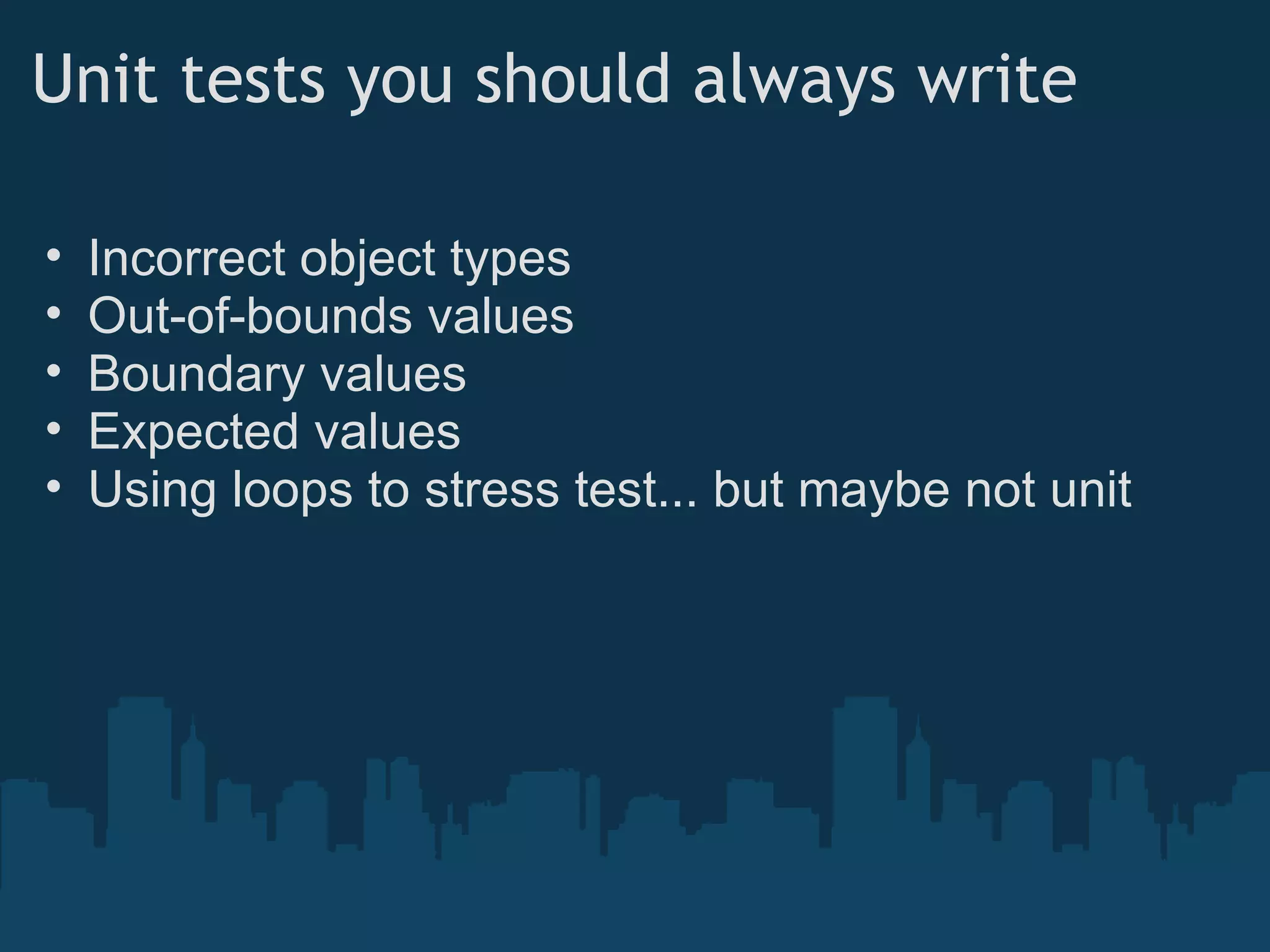
Unit tests you should always write Incorrect object types Out-of-bounds values Boundary values Expected values Using loops to stress test... but maybe not unit
Q+A Interested to hear everyone's experiences with testing on iOS

Unit Testing in iOS

  • 1.
  • 2.
    Have you everdeveloped in... Ruby on Rails PHP on Symfony PHP on Zend Python on Django Java on J2EE All of these languages / frameworks make it easy to write/run: Unit tests Functional tests Integration tests
  • 3.
    Unfortunately... &quot;Objective-C onCocoa Touch&quot; didn't make the list.
  • 4.
    Why test inthe first place? You can't write a test case until you know what &quot;good output&quot; and &quot;bad output&quot; look like: writing a test case forces you to define the problem . And, if you write test cases before you write production code, you are not emotionally attached to an implementation -- if you discover a mistake, you're likely to address it.
  • 5.
    Unit testing inObjective-C Functional tests are a bit painful yet (I feel) in Objective-C / Cocoa Touch - you have to write Javascript commands Let's focus on unit testing only today (larger &quot;units&quot; can start to act as functional tests).
  • 6.
    Unit testing frameworksprovide... Setup/teardown helpers run before each test Assertion macros like: STAssertTrue(NO,@&quot;I am a complete failure&quot;); STAssertEqual(foo,bar,@&quot;foo should = bar&quot;); A test runner than runs all of, or a subset of, your unit test cases & reports the results.
  • 7.
    Choosing a unittesting framework... You have 2 choices: GHUnit (on GitHub) OCUnit (built into Xcode) I spent a long time 1 considering the pros and cons of each, but if you are: Writing a new project Won't have hundreds of test cases Are using Xcode 4      ... then I argue you should probably choose OCUnit . 1 Approximately 10 hours on a transpacific flight
  • 8.
    More details onOCUnit... When you tick &quot;Use Unit Testing&quot; on the New Project template wizard, the set up is already done ⌘ U  is all you need to press to run your tests Does not have the -setUpClass and -tearDownClass helpers Does not allow you to run unit tests individually, must run entire test suite (some MAY argue that this is a &quot;feature&quot;)
  • 9.
    More details onGHUnit... Handier macros & test class helper methods than OCUnit Can run a single test (good for debugging if you have many tests) Much sexier log output than OCUnit Not built into Xcode 4, you have to set it up as a separate target and build & link its framework More time-consuming to run tests Runs in the Simulator or on the device as an actual target, with its own UI
  • 10.
    Whichever you choose...They will both get the job done, and they are both   so much better  than having no unit tests at all. OK, so all set up?  If you need help on GHUnit, see my blog post on the subject: http://longweekendmobile.com/2011/02/23/tdd-best-practices-testing-in-ios4-with-ghunit-part-1/
  • 11.
    Let's write sometests... There are 2 times to write unit tests: Before developing a new feature (wow, you TDD stud) When a section of code is: Buggy - doesn't work how you expect Fragile - seems to break all the time Coupled - seems to break all the time when you change things elsewhere, and in non-obvious ways* * Usually this type of test writing is done   after  a bug by such code is found, but also can be done before a major refactor.  Or both.  Unit tests also allow you to  refactor mercilessly,  which is a good habit to be in.
  • 12.
    What does aunit test look like? // MyTest.m (I roll .h into this) - (void) setUp { } - (void) tearDown { } - (void) testSomething { } - (void) testAnotherThing { }
  • 13.
    I use setUpand tearDown for this... @interface LWEFormViewTest {   LWEFormView _testObject; } - (void) setUp {    _testObject = [[LWEFormView alloc]                           initWithFrame:CGRectZero]; } - (void) tearDown {    [_testObject release];   _testObject = nil; }
  • 14.
    ...which helps mefocus on tests: - (void) testTextFieldAdd {   UITextField *aField = [[UITextField alloc] init];   aField.tag = 1;   [_testObject addSubview:aField];    int numForms = [[_testObject formOrder] count];   // Assertions go here   [aField release]; }
  • 15.
    Assertion macros finishoff the test - (void) testTextFieldAdd {   UITextField *aField = [[UITextField alloc] init];   aField.tag = 1;   [_testObject addSubview:aField];    int numForms = [[_testObject formOrder] count];   GHAssertTrue((numForms == 1),              @&quot;We added an object, why wasn't it showing up?&quot;);   id<NSObject> lastObj = [[_testObject formOrder] lastObject];   GHAssertEqualObjects(lastObj,aField,             @&quot;Why did a different one come back?&quot;);   [aField release]; }
  • 16.
    GHUnit & OCUnitmacros   GHUnit:  GHAssertTrue GHAssertEqualObjects ... many more   OCUnit: STAssertTrue STAssertEquals ... many more
  • 17.
    Unit tests youshould always write Incorrect object types Out-of-bounds values Boundary values Expected values Using loops to stress test... but maybe not unit
  • 18.
    Q+A Interested tohear everyone's experiences with testing on iOS