Web Technology
Topic:
Web Essentialsand Mark-up
language- HTML
By Prof. Bhavana A. Khivsara ( Assistant Professor, SNJB’s Late Sau K.
B. Jain COE, Chandwad)
Blog: https://bhavanakhivsara.wordpress.com/
2.
Syllabus
● The Internet,basic internet protocols, the World Wide Web, HTTP
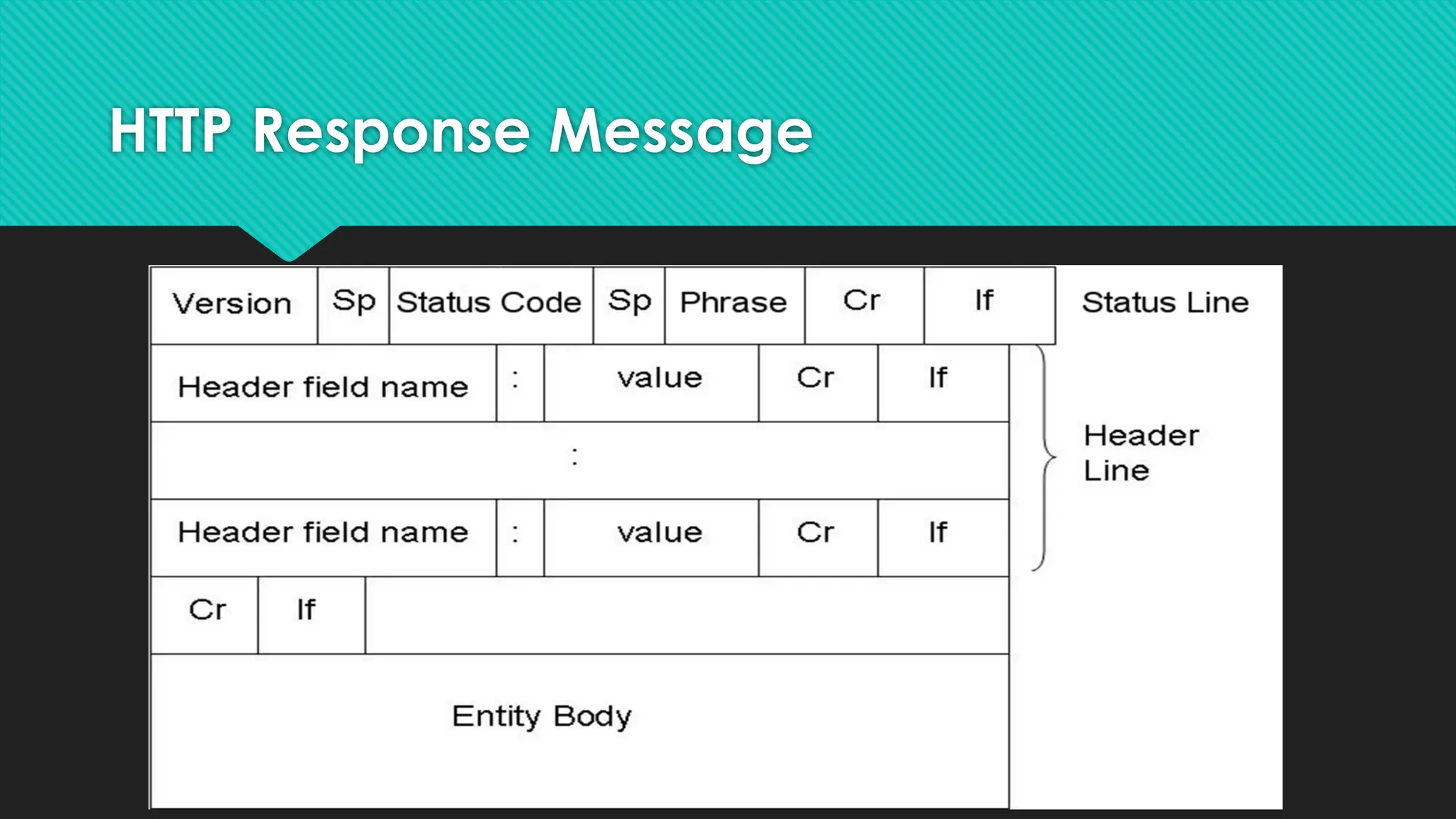
Request message, HTTP
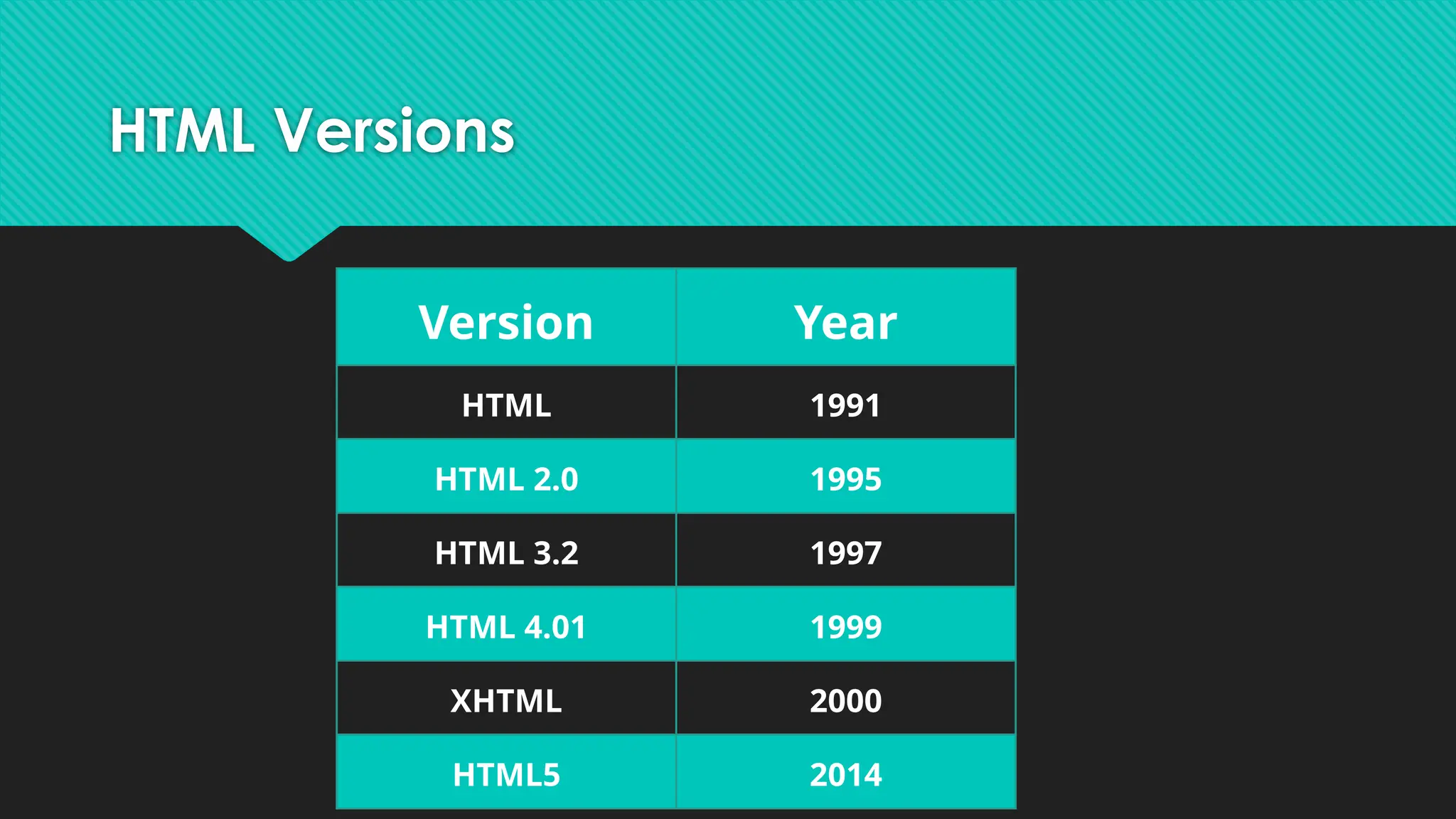
response message, web clients, web servers.HTML: Introduction,
history and versions.
● HTML elements: headings, paragraphs, line break, colors and
fonts, links, frames, lists, tables, images and forms, Difference
between HTML and HTML5. CSS: Introduction to Style Sheet,
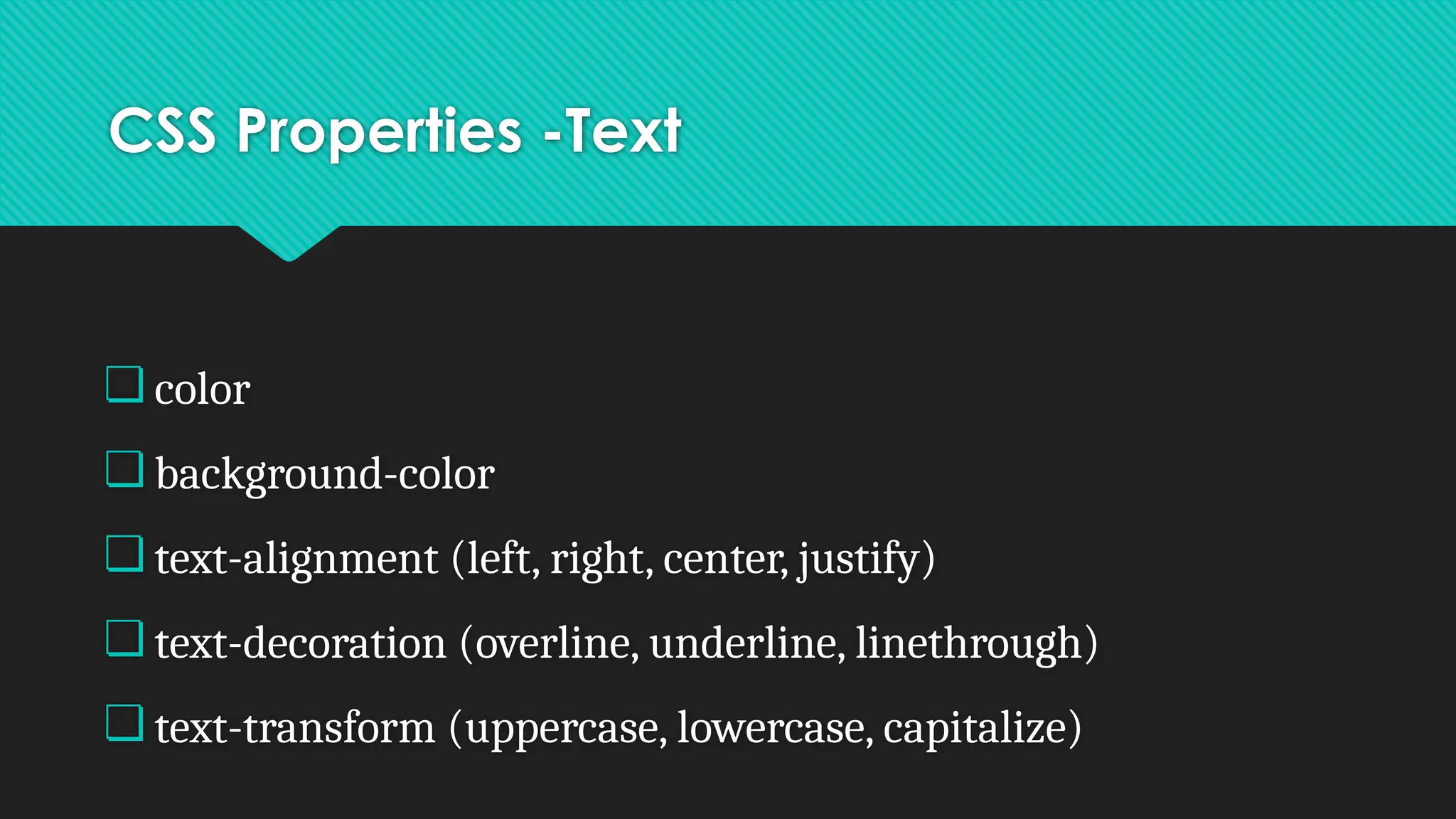
● CSS features, CSS core syntax, Style sheets and HTML, Style rule
cascading and inheritance, text properties.
● Bootstrap
3.
Internet
● The Internetis a vast network that connects
computers all over the world.
● Through the Internet, people can share
information and communicate from anywhere
with an Internet connection.
4.
Protocol
❏ Protocol setof standard rules that allows different
types of computers to communicate with each other.
❏ The IP protocol ensures that each computer that is
connected to the Internet is having a specific serial
number called the IP address
5.
Internet Protocols
● SMTP(SimpleMail Transfer Protocol)
● PPP(Point to Point Protocol)
● FTP (File Transfer Protocol)
● SFTP(Secure File Transfer Protocol)
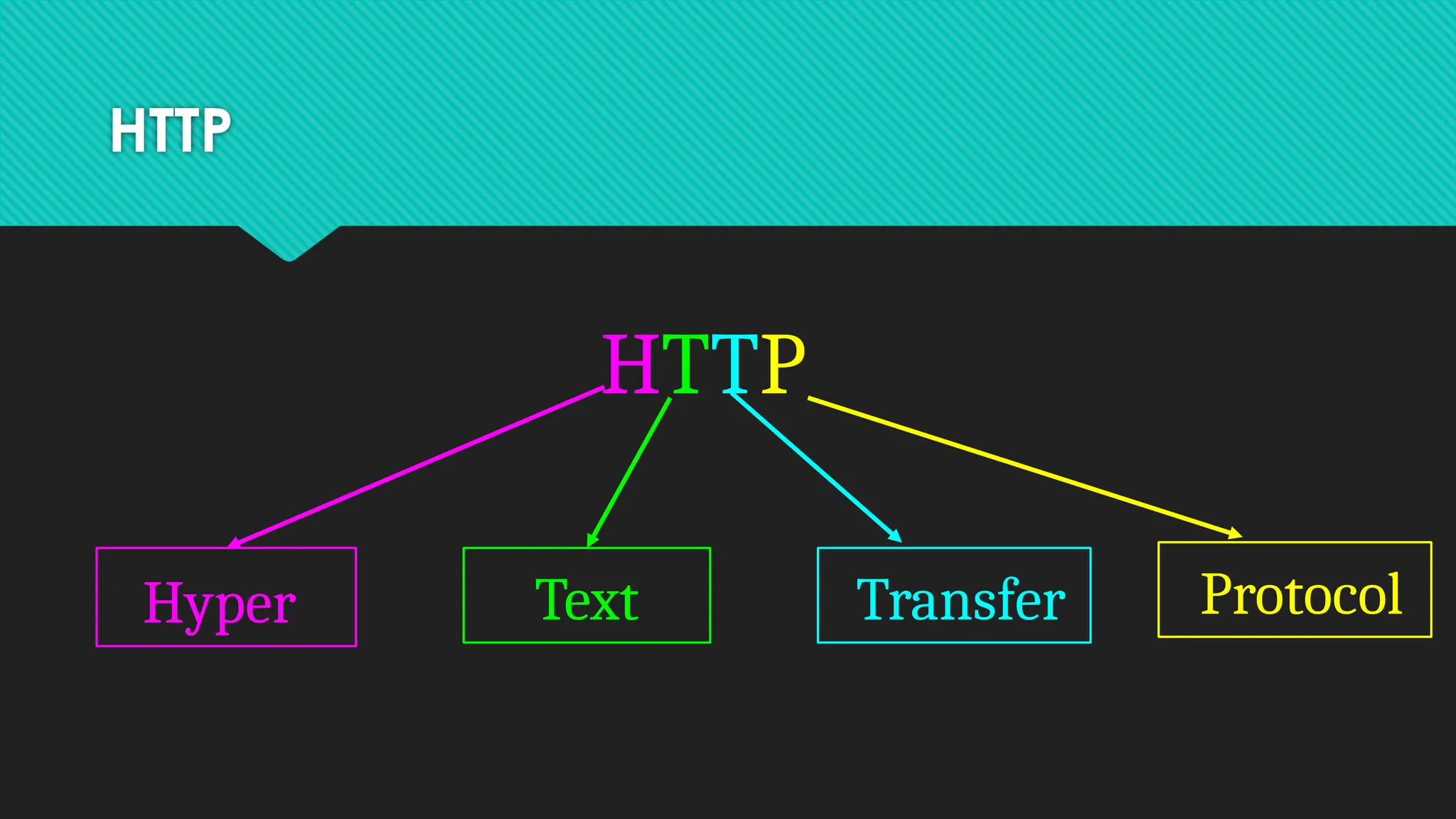
● HTTP(Hypertext Transfer Protocol)
● HTTPS(Hypertext Transfer Protocol Secure
● TELNET(Terminal Network)
● POP3(Post Office Protocol
6.
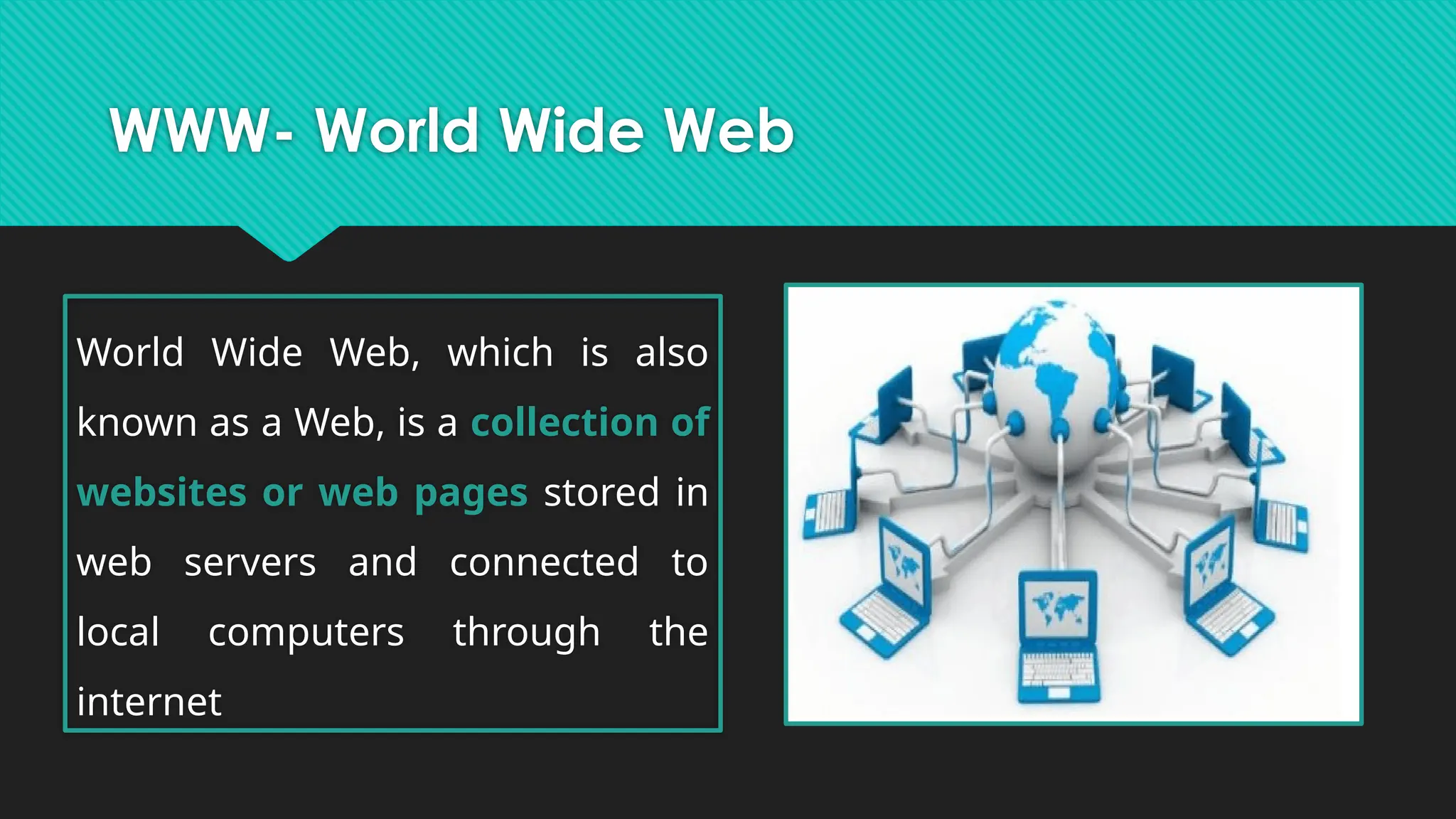
WWW- World WideWeb
World Wide Web, which is also
known as a Web, is a collection of
websites or web pages stored in
web servers and connected to
local computers through the
internet
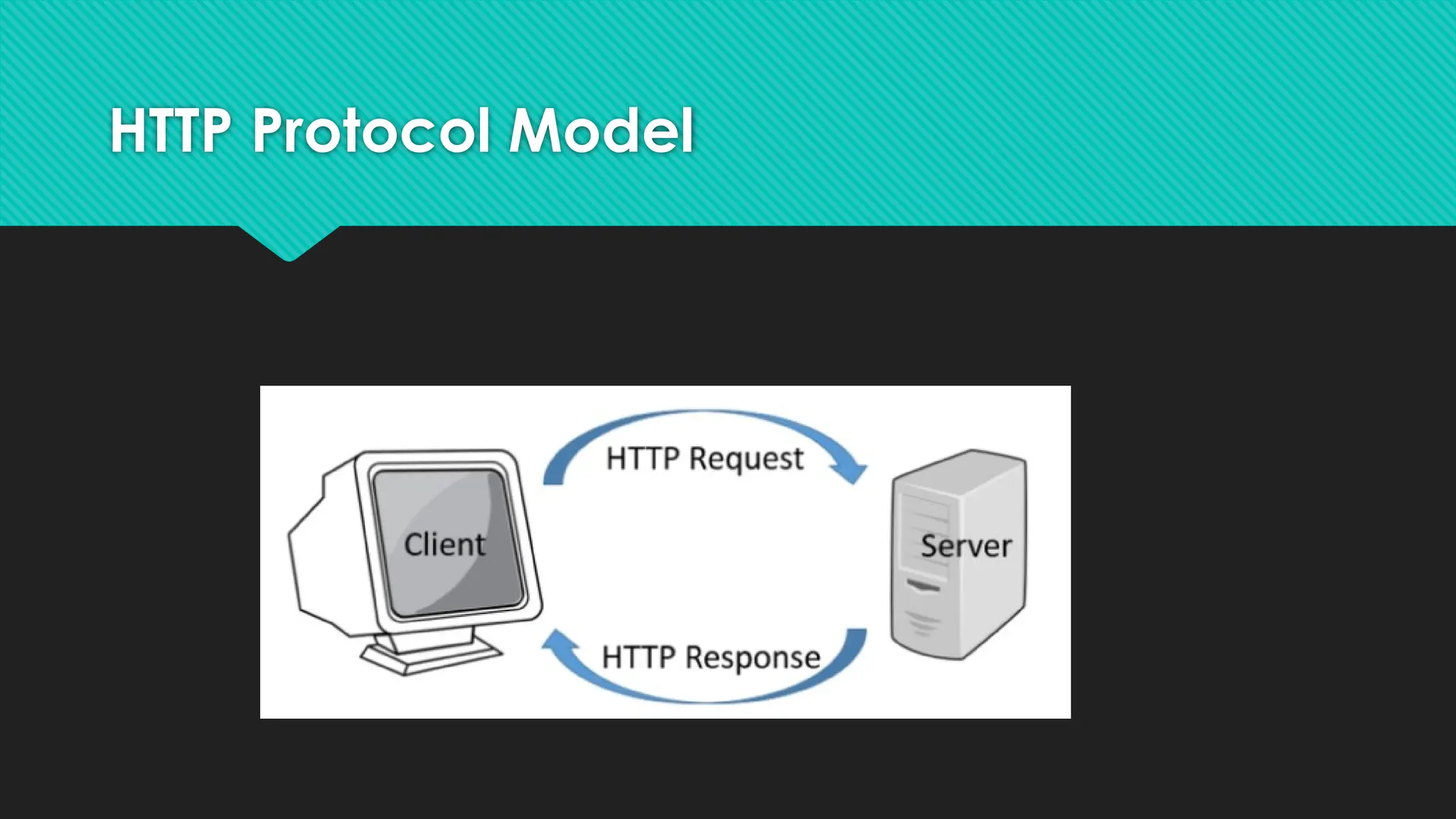
HTTP Protocol
❏ HTTPis a TCP/IP based communication protocol
❏ HTTP is used to deliver data (HTML files, image
files, query results, etc.) on the World Wide Web.
❏ This is an Application Layer protocol.
❏ The default port is TCP 80
9.
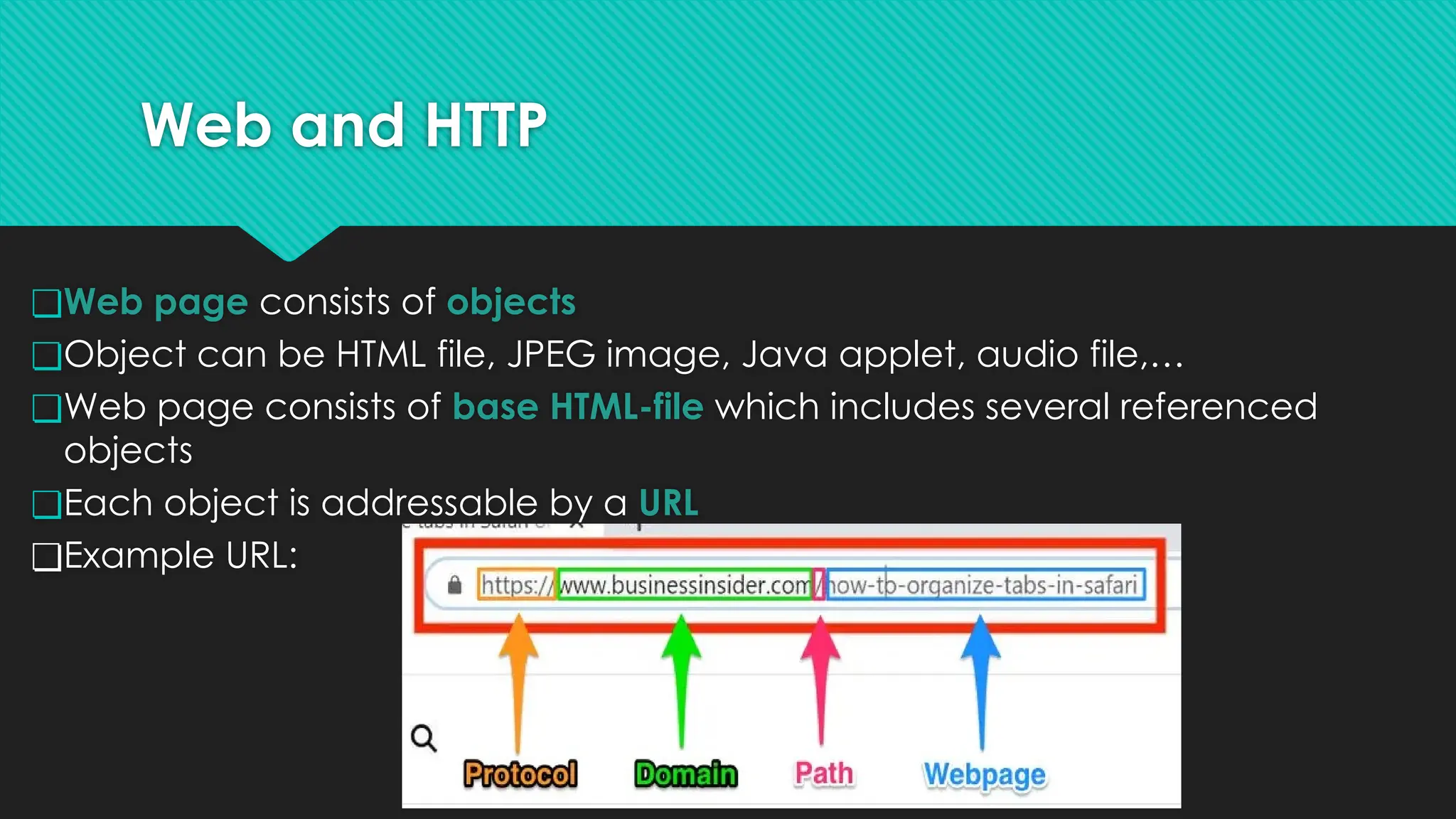
Web and HTTP
❏Webpage consists of objects
❏Object can be HTML file, JPEG image, Java applet, audio file,…
❏Web page consists of base HTML-file which includes several referenced
objects
❏Each object is addressable by a URL
❏Example URL:
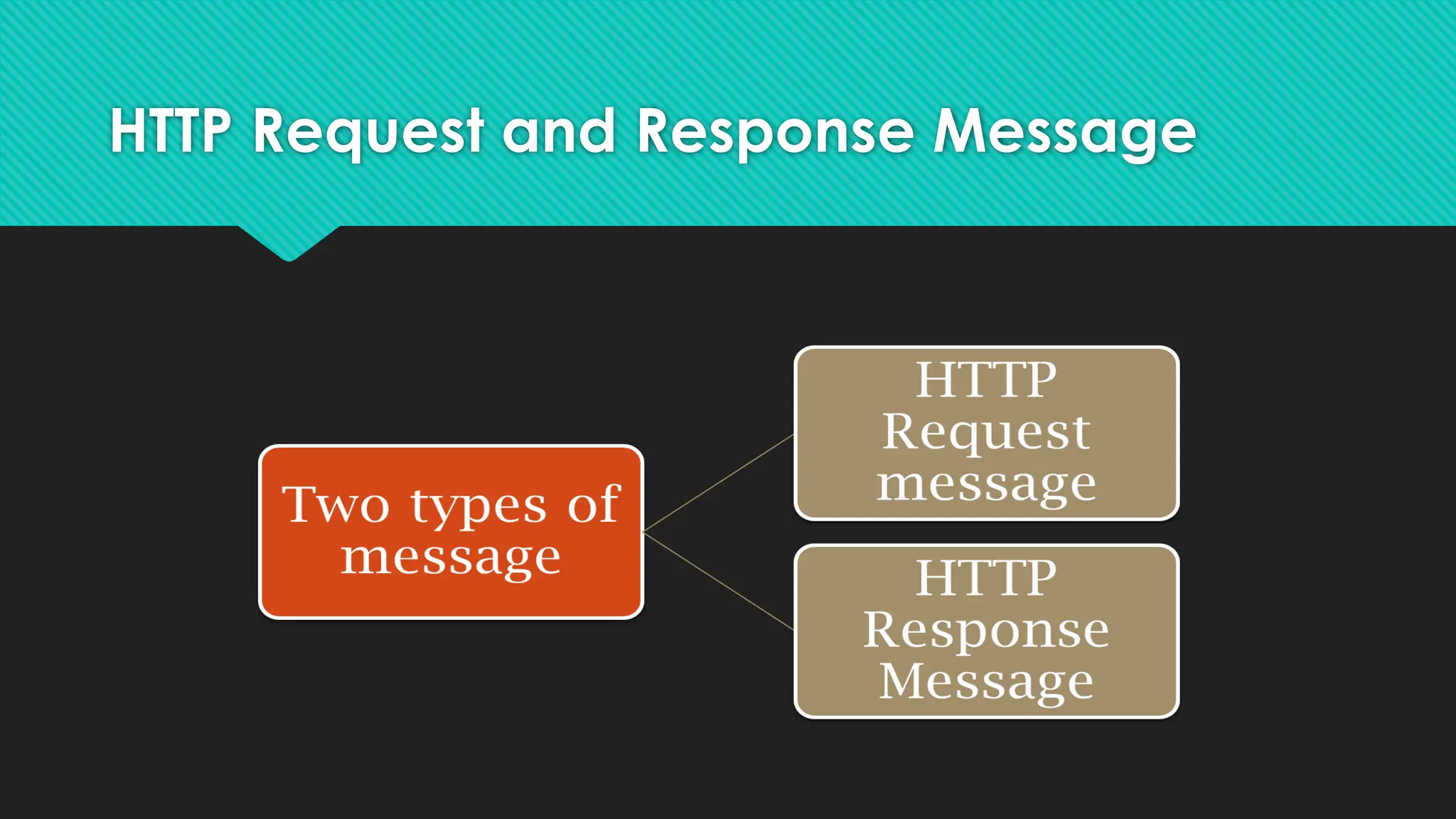
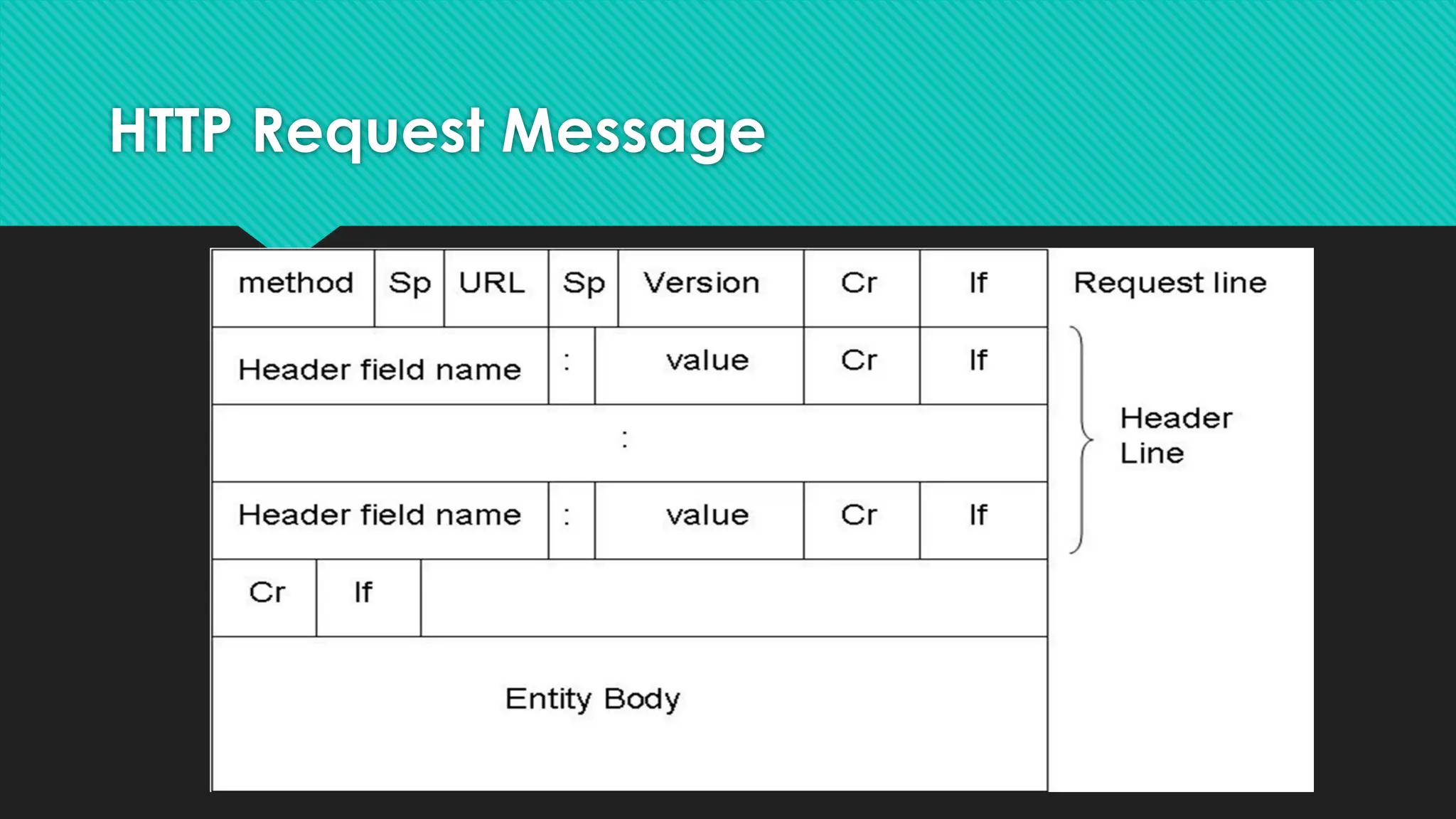
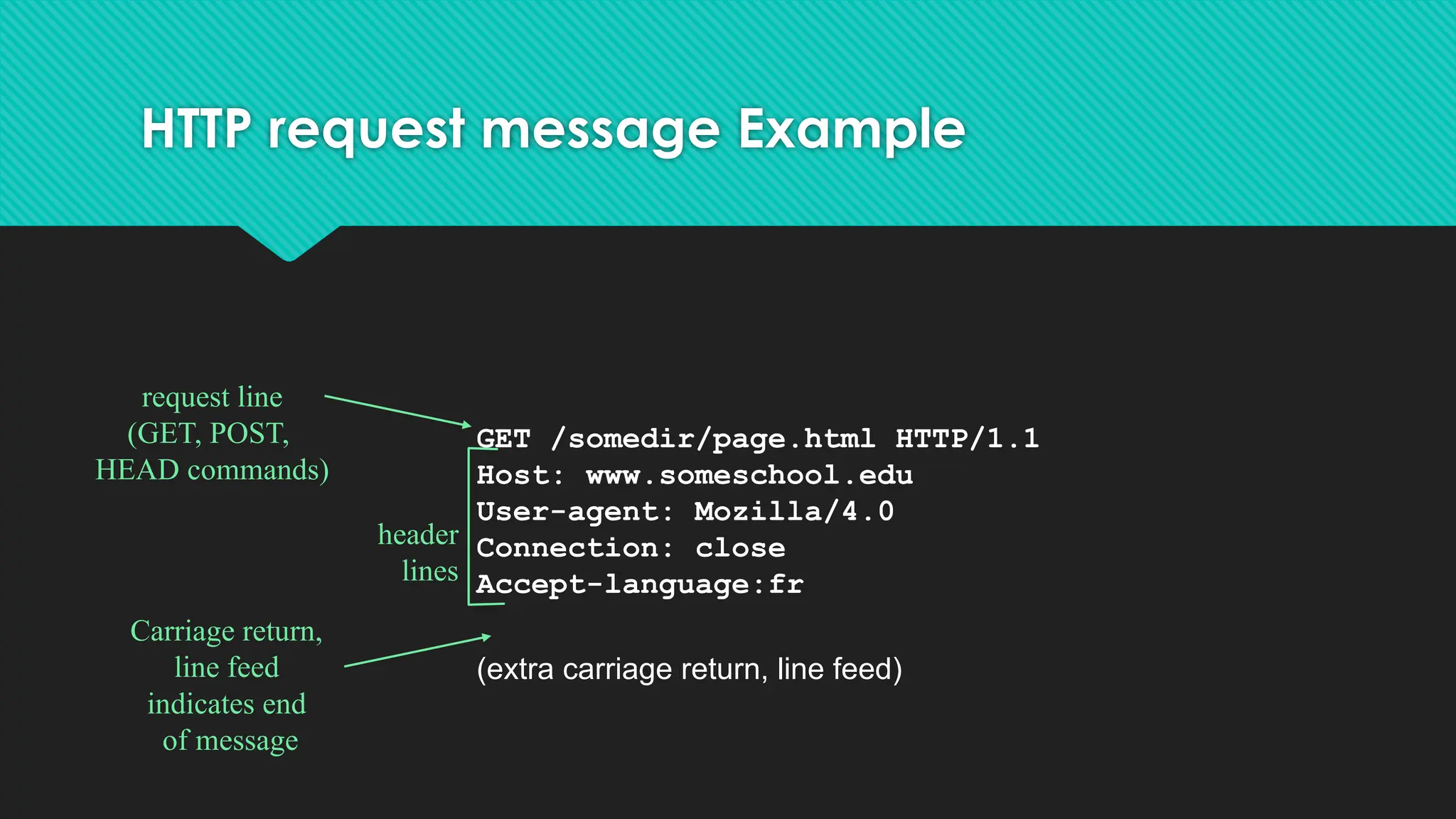
HTTP request messageExample
GET /somedir/page.html HTTP/1.1
Host: www.someschool.edu
User-agent: Mozilla/4.0
Connection: close
Accept-language:fr
(extra carriage return, line feed)
request line
(GET, POST,
HEAD commands)
header
lines
Carriage return,
line feed
indicates end
of message
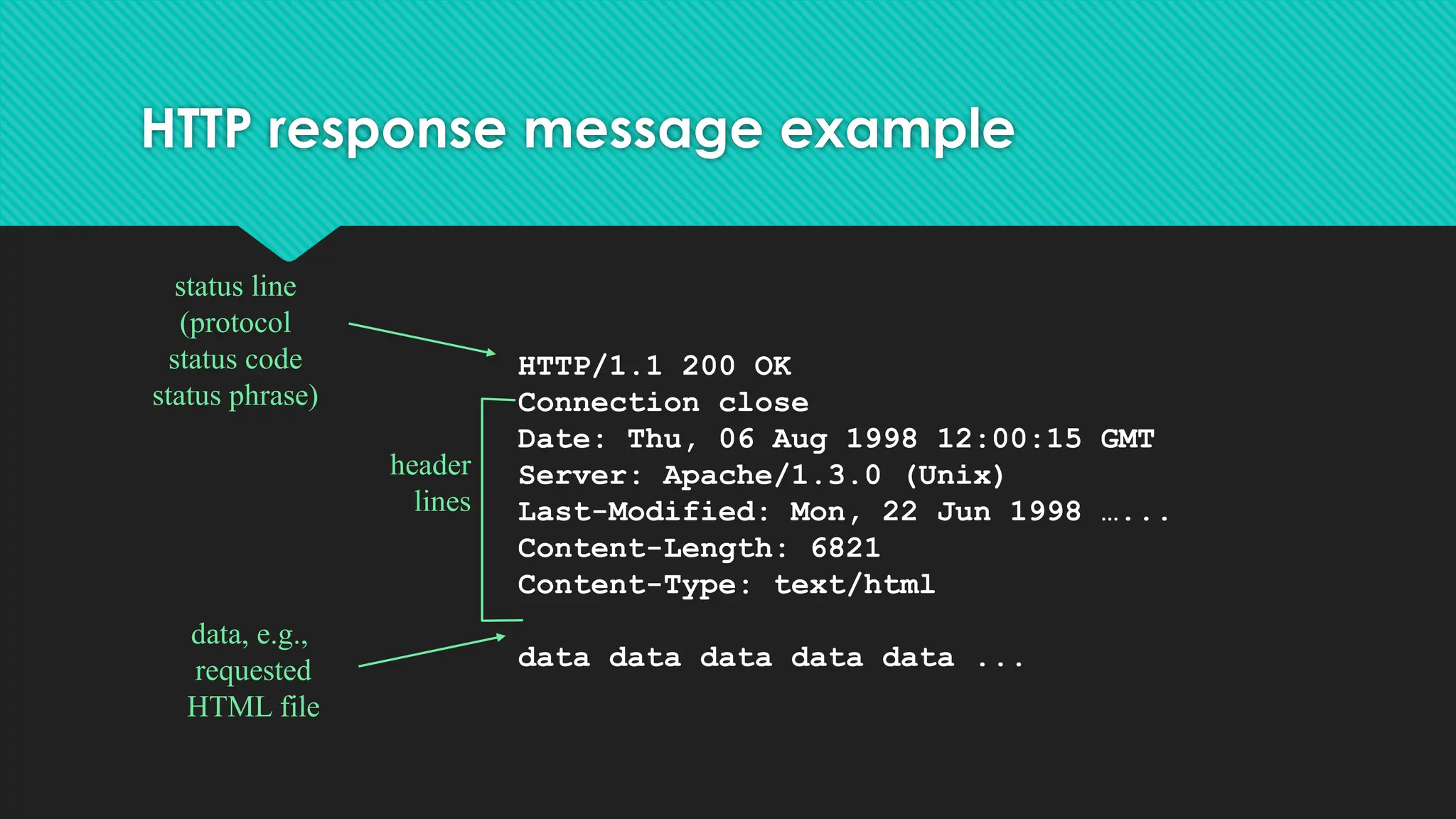
HTTP response messageexample
HTTP/1.1 200 OK
Connection close
Date: Thu, 06 Aug 1998 12:00:15 GMT
Server: Apache/1.3.0 (Unix)
Last-Modified: Mon, 22 Jun 1998 …...
Content-Length: 6821
Content-Type: text/html
data data data data data ...
status line
(protocol
status code
status phrase)
header
lines
data, e.g.,
requested
HTML file
16.
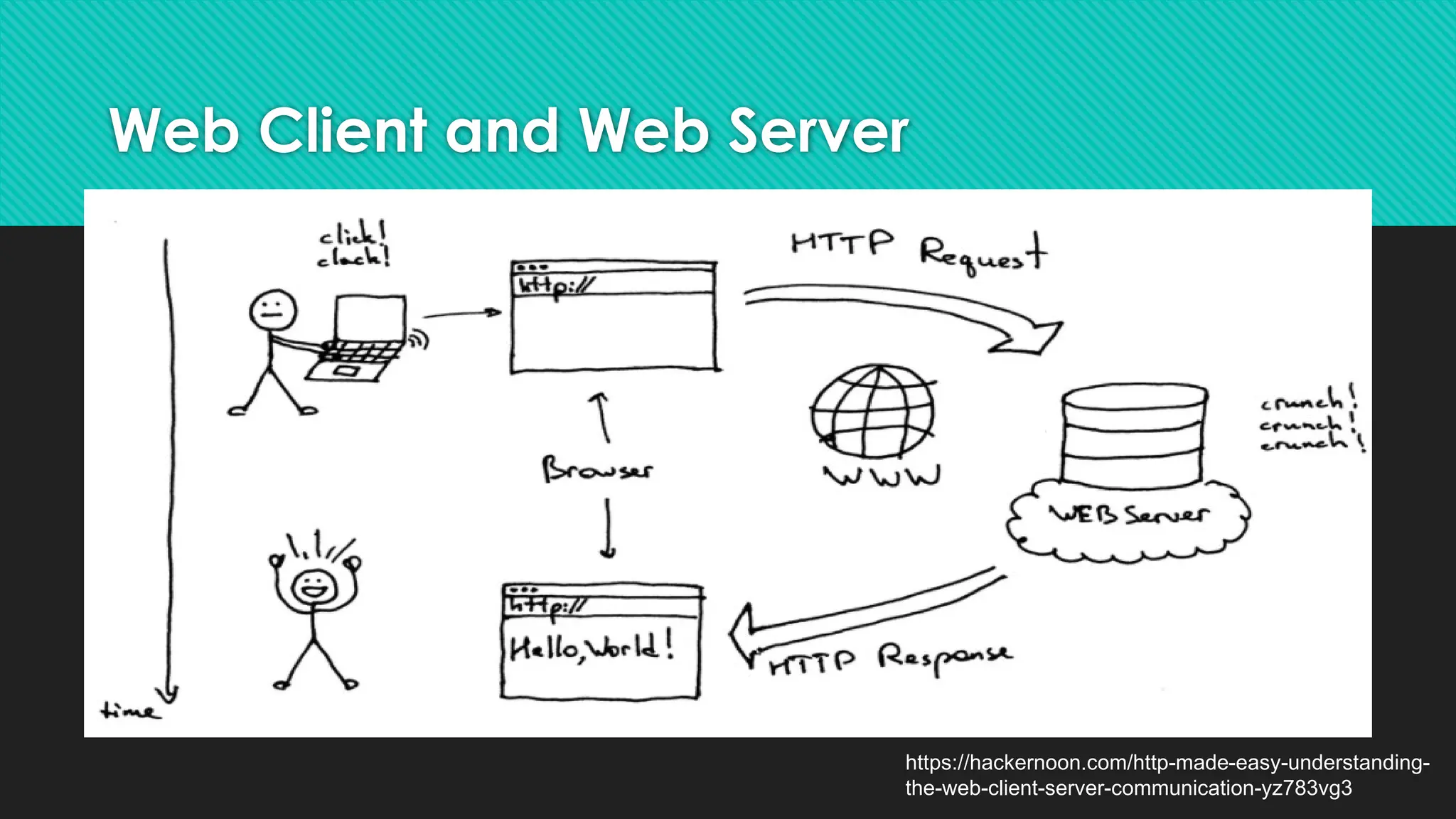
Web Client andWeb Server
https://hackernoon.com/http-made-easy-understanding-
the-web-client-server-communication-yz783vg3
17.
What is WebServer?
● A web server is a computer that runs websites
● The main job of a web server is to display website content through
storing, processing and delivering web pages to users.
Examples of Web Servers
● Apache web server – the HTTP web server
● Apache Tomcat
● Microsoft’s Internet Information Services (IIS) Windows Server
● Nginx web server
● Lighttpd
● Jigsaw
18.
What is WebBrowser?
Web Browsers are software installed on your PC. To access the Web you
need a web browsers.
Examples of Web Browsers
● Netscape Navigator,
● Google Chrome
● Microsoft Internet Explorer
● Mozilla Firefox.
19.
What is ISP?
●ISP stands for Internet Service Provider.
● They are the companies who provide you service in terms of
internet connection to connect to the internet.
● You will buy space on a Web Server from any Internet Service
Provider. This space will be used to host your Website.
● Examples of ISP Providers
○ Reliance
○ Airtel
○ BSNL
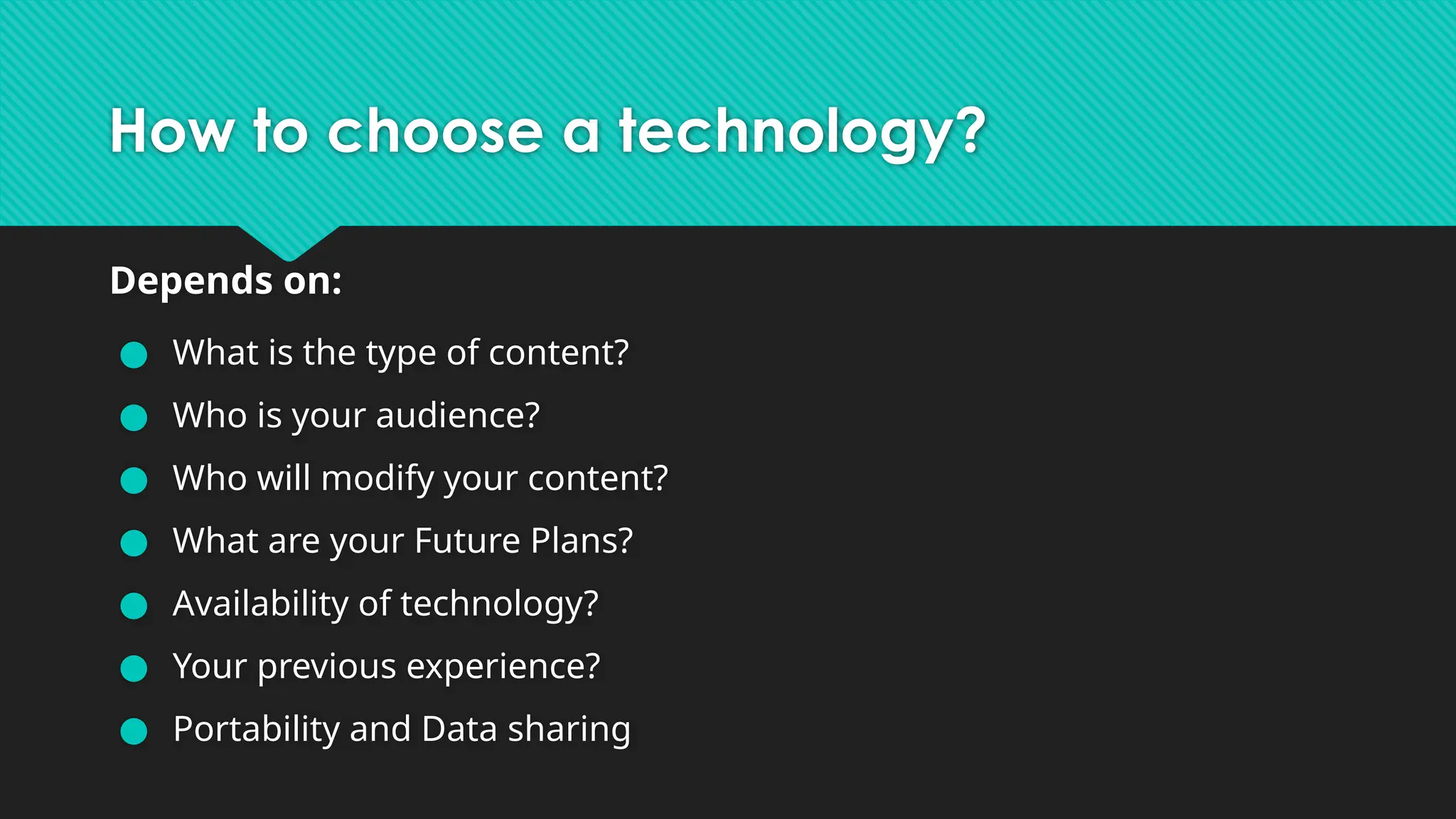
How to choosea technology?
Depends on:
● What is the type of content?
● Who is your audience?
● Who will modify your content?
● What are your Future Plans?
● Availability of technology?
● Your previous experience?
● Portability and Data sharing
24.
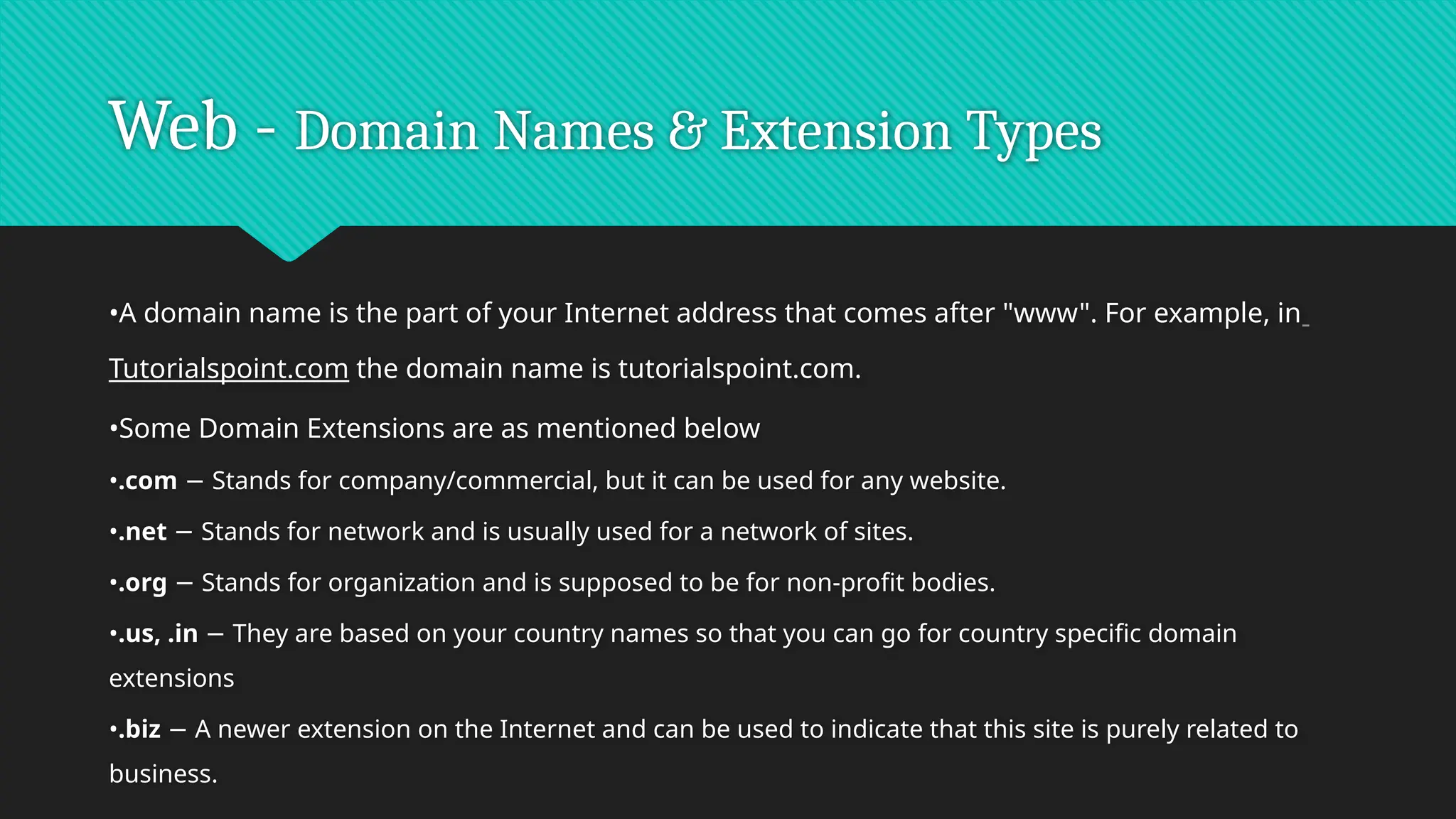
Web - DomainNames & Extension Types
•A domain name is the part of your Internet address that comes after "www". For example, in
Tutorialspoint.com the domain name is tutorialspoint.com.
•Some Domain Extensions are as mentioned below
•.com Stands for company/commercial, but it can be used for any website.
−
•.net Stands for network and is usually used for a network of sites.
−
•.org Stands for organization and is supposed to be for non-profit bodies.
−
•.us, .in They are based on your country names so that you can go for country specific domain
−
extensions
•.biz A newer extension on the Internet and can be used to indicate that this site is purely related to
−
business.
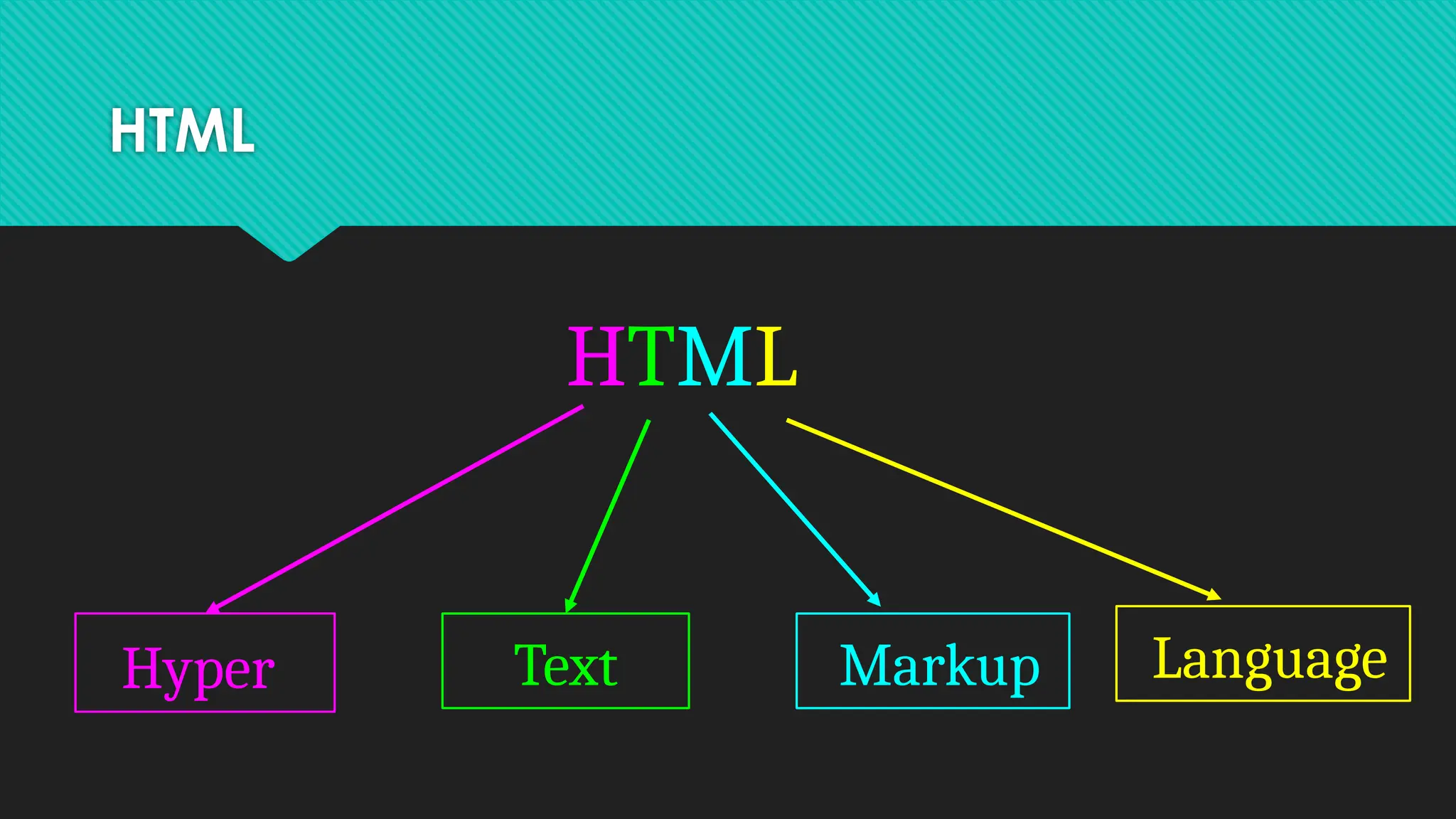
HTML Intro
•HTML standsfor Hyper Text Markup Language
•HTML is the standard markup language for creating Web
pages
•HTML describes the structure of a Web page
•HTML consists of a series of elements
•HTML elements tell the browser how to display the content
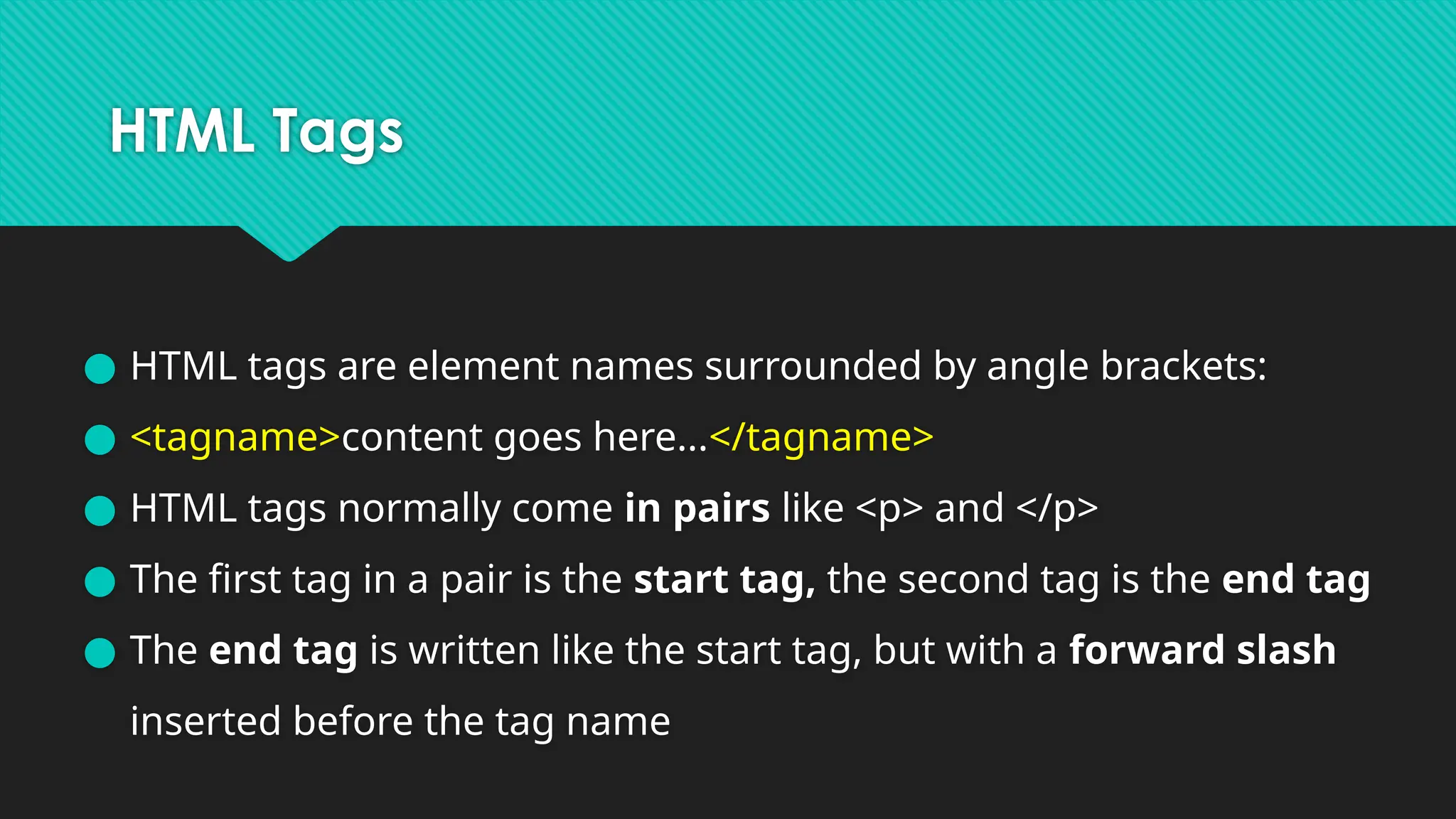
HTML Tags
● HTMLtags are element names surrounded by angle brackets:
● <tagname>content goes here...</tagname>
● HTML tags normally come in pairs like <p> and </p>
● The first tag in a pair is the start tag, the second tag is the end tag
● The end tag is written like the start tag, but with a forward slash
inserted before the tag name
HTML Elements
● Headings,
●paragraphs,
● line break,
● Text Formatting (Value Addition)
● colors and fonts,
● links,
● Hyperlink-anchor tag ( Value Addition)
● images
● lists,
● tables,
● frames and forms,
● Span and Div tag ( Value Addition)
31.
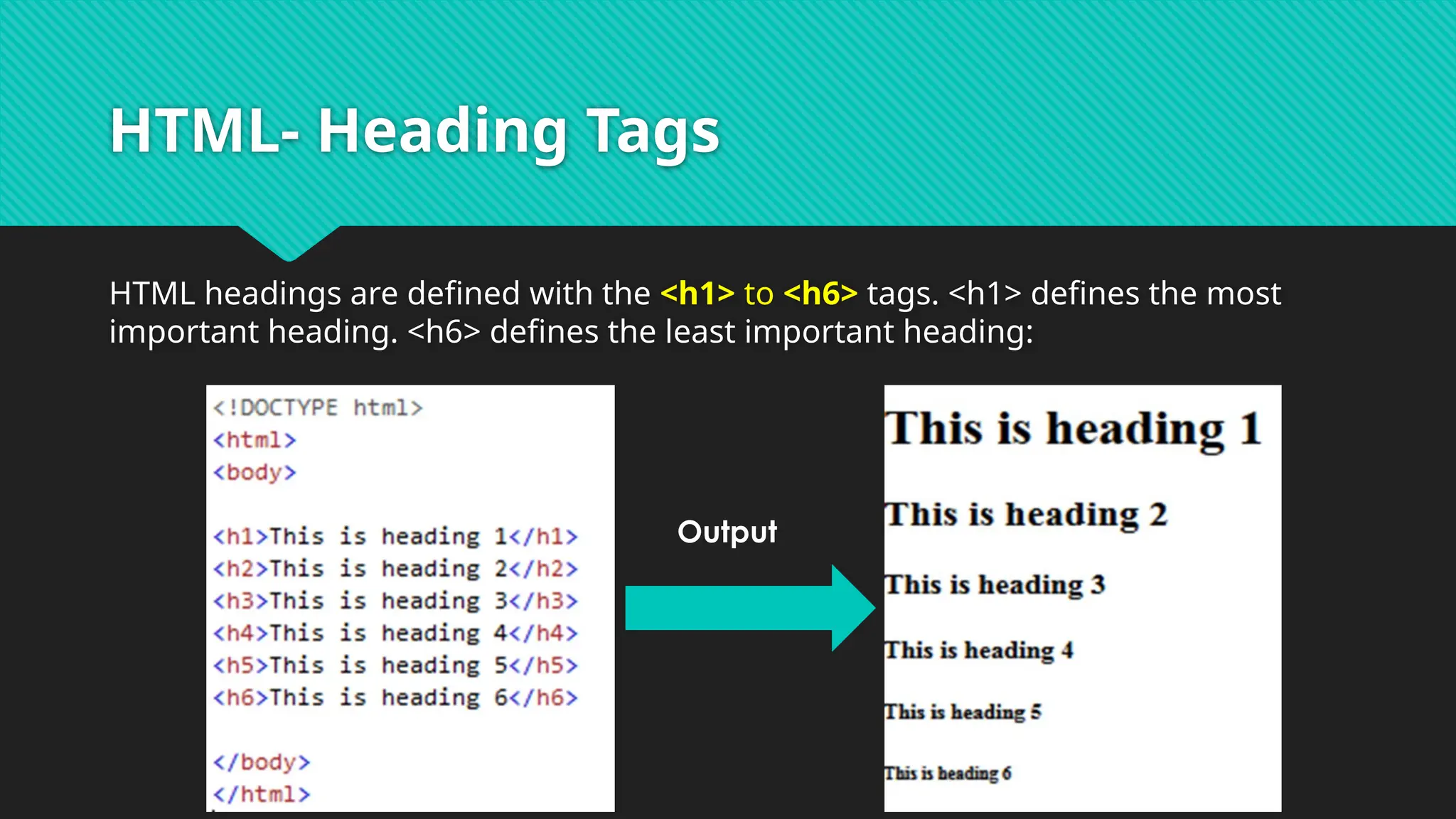
HTML- Heading Tags
HTMLheadings are defined with the <h1> to <h6> tags. <h1> defines the most
important heading. <h6> defines the least important heading:
Output
32.
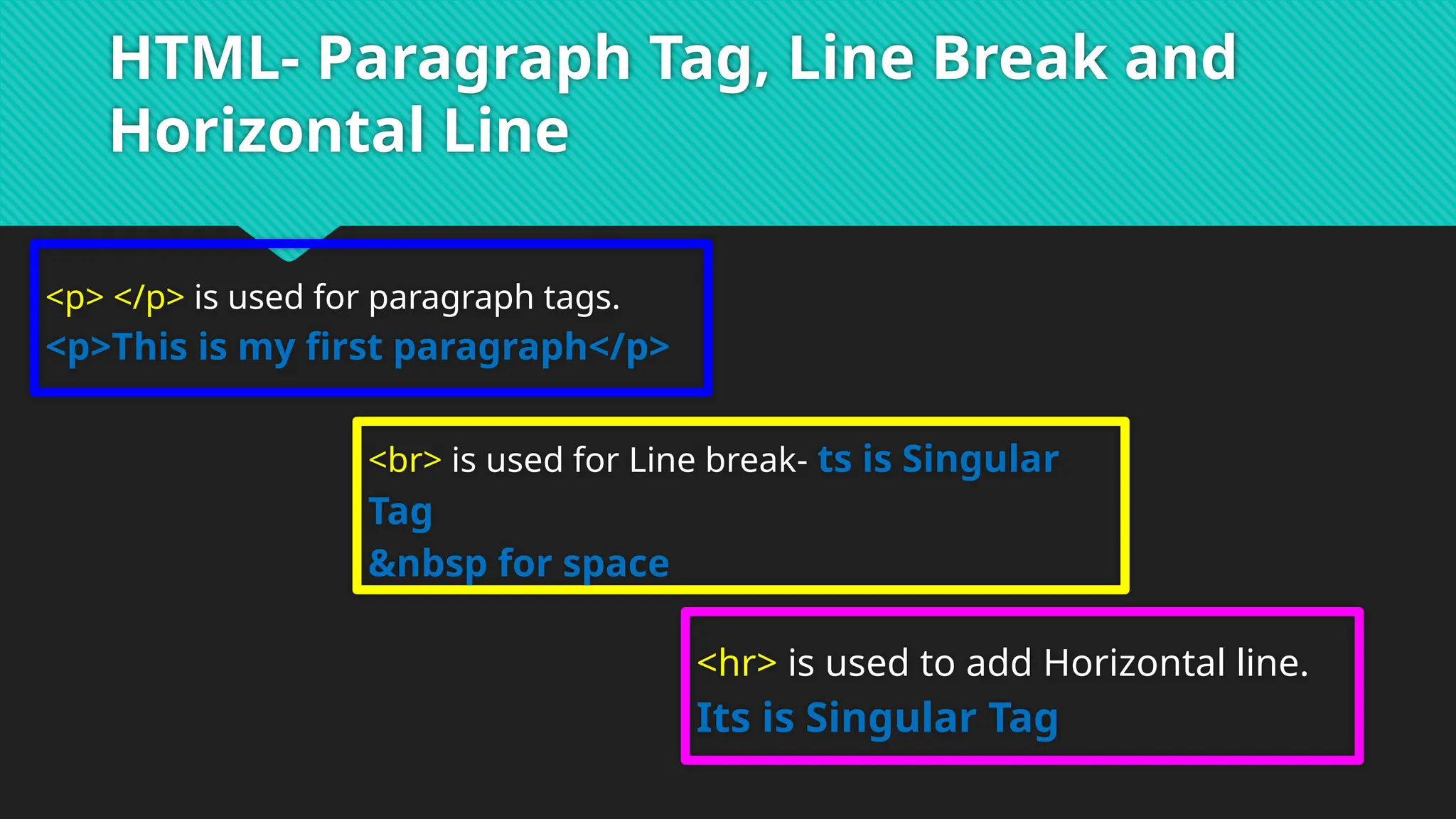
HTML- Paragraph Tag,Line Break and
Horizontal Line
<p> </p> is used for paragraph tags.
<p>This is my first paragraph</p>
<br> is used for Line break- ts is Singular
Tag
  for space
<hr> is used to add Horizontal line.
Its is Singular Tag
33.
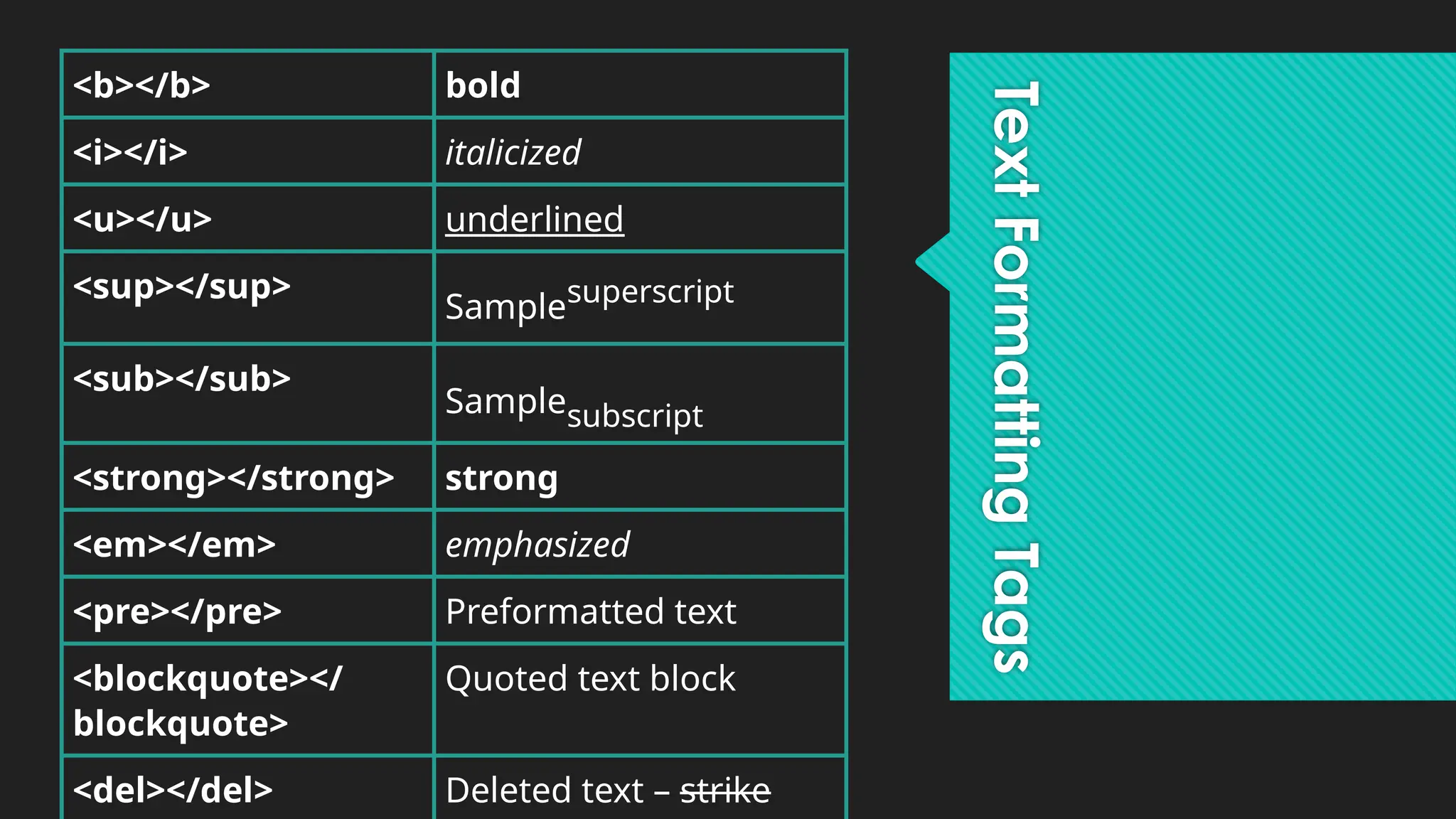
Text
Formatting
Tags
<b></b> bold
<i></i> italicized
<u></u>underlined
<sup></sup>
Samplesuperscript
<sub></sub>
Samplesubscript
<strong></strong> strong
<em></em> emphasized
<pre></pre> Preformatted text
<blockquote></
blockquote>
Quoted text block
<del></del> Deleted text – strike
34.
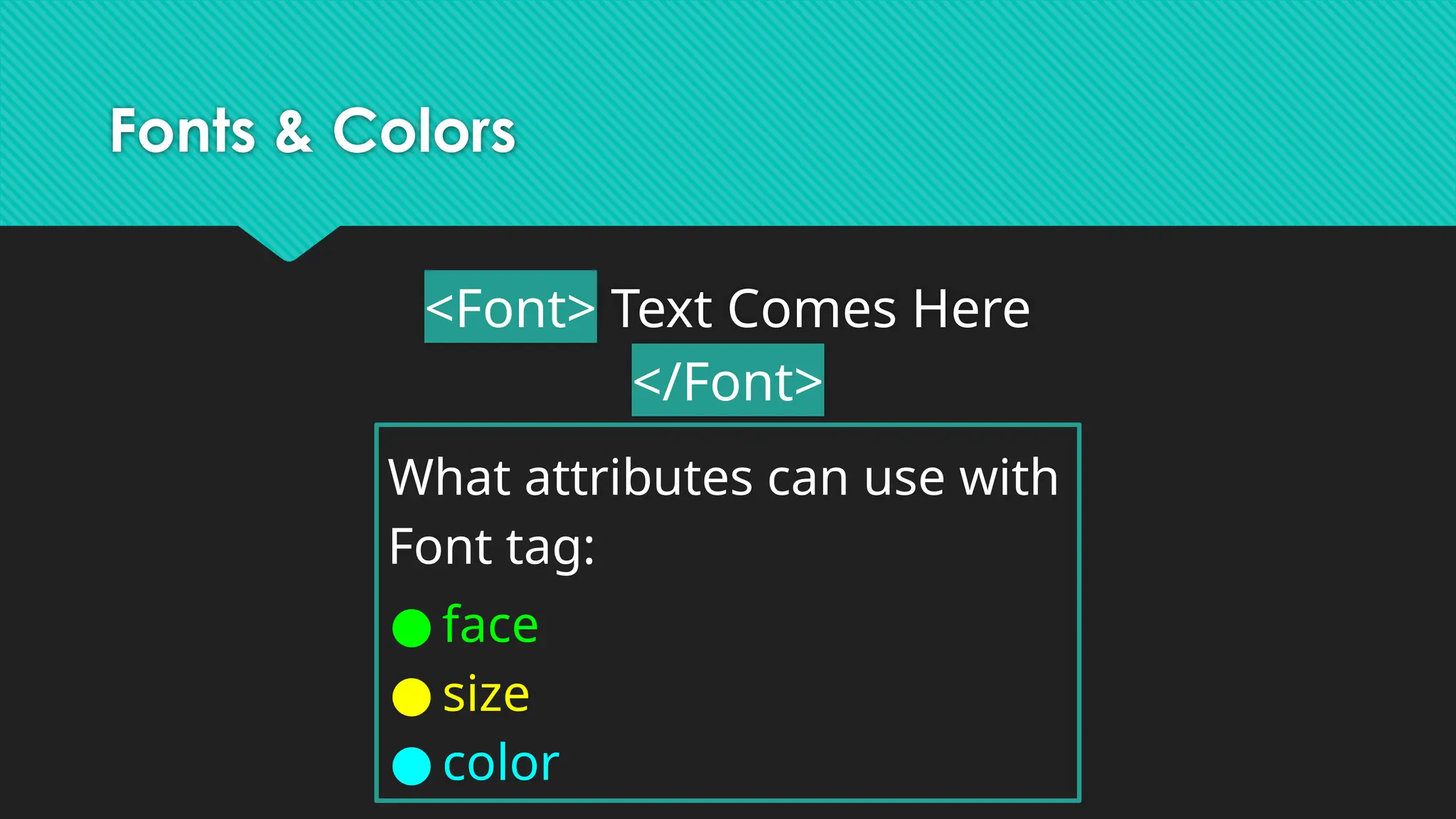
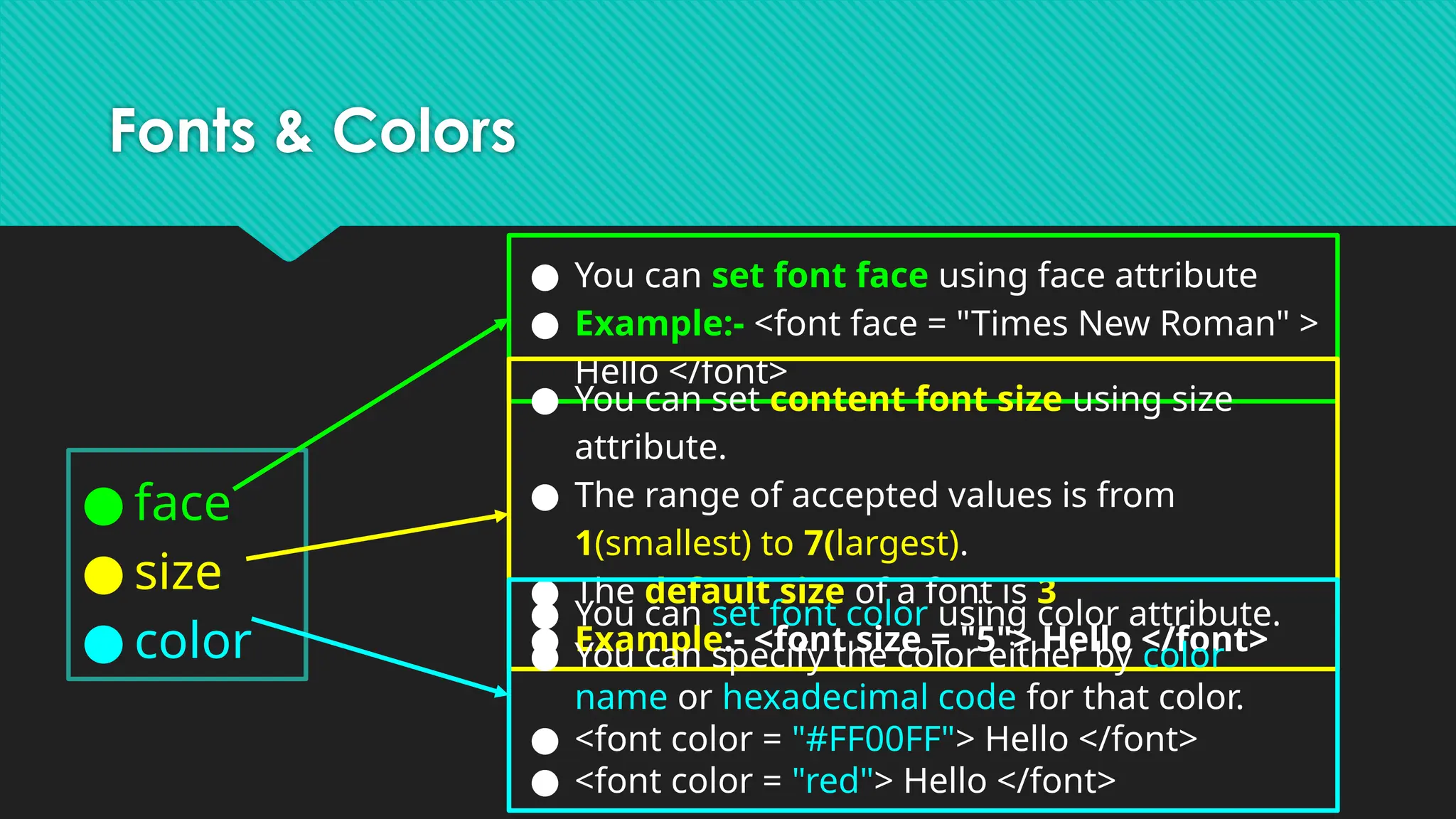
Fonts & Colors
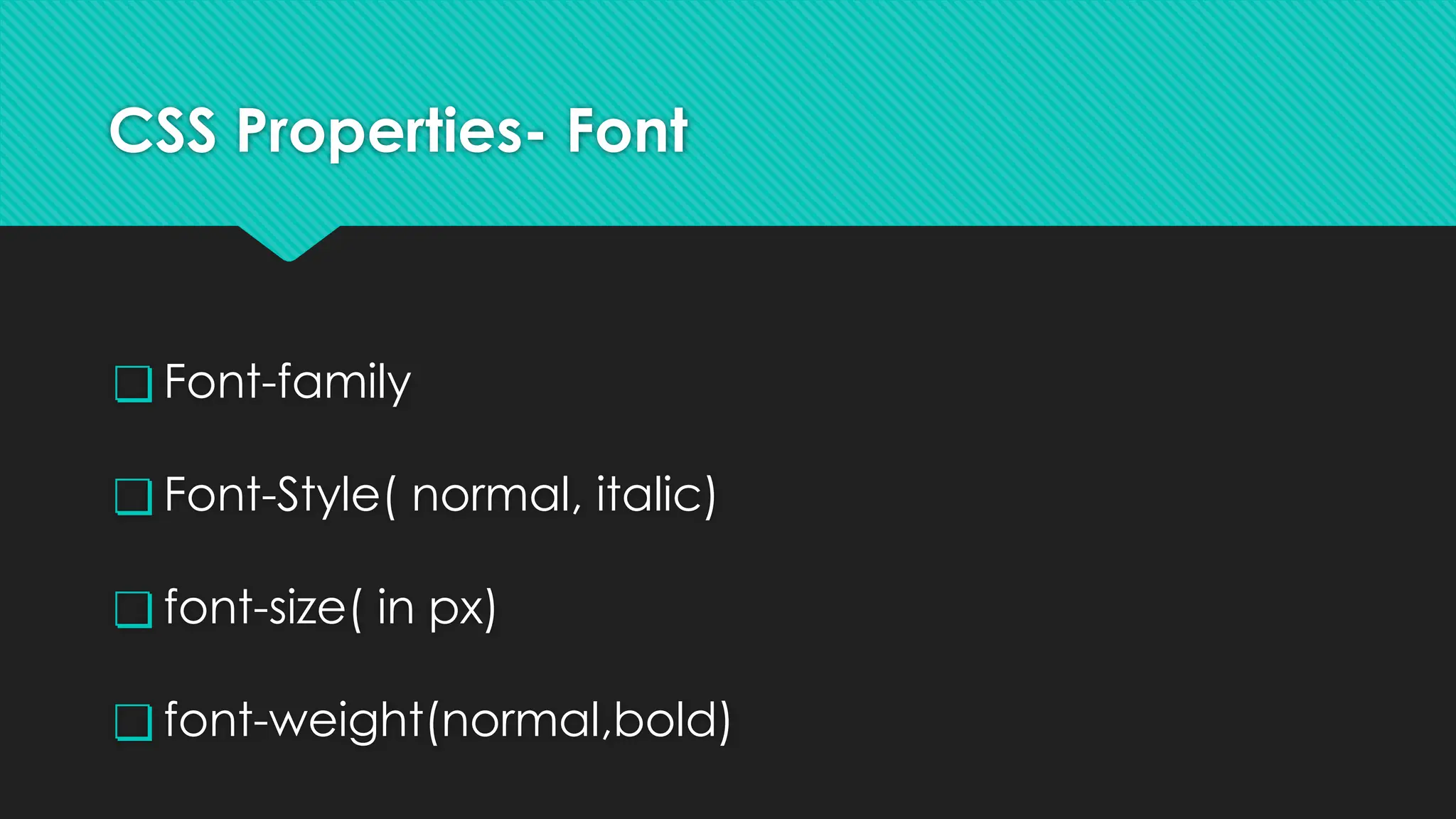
<Font>Text Comes Here
</Font>
What attributes can use with
Font tag:
● face
● size
● color
35.
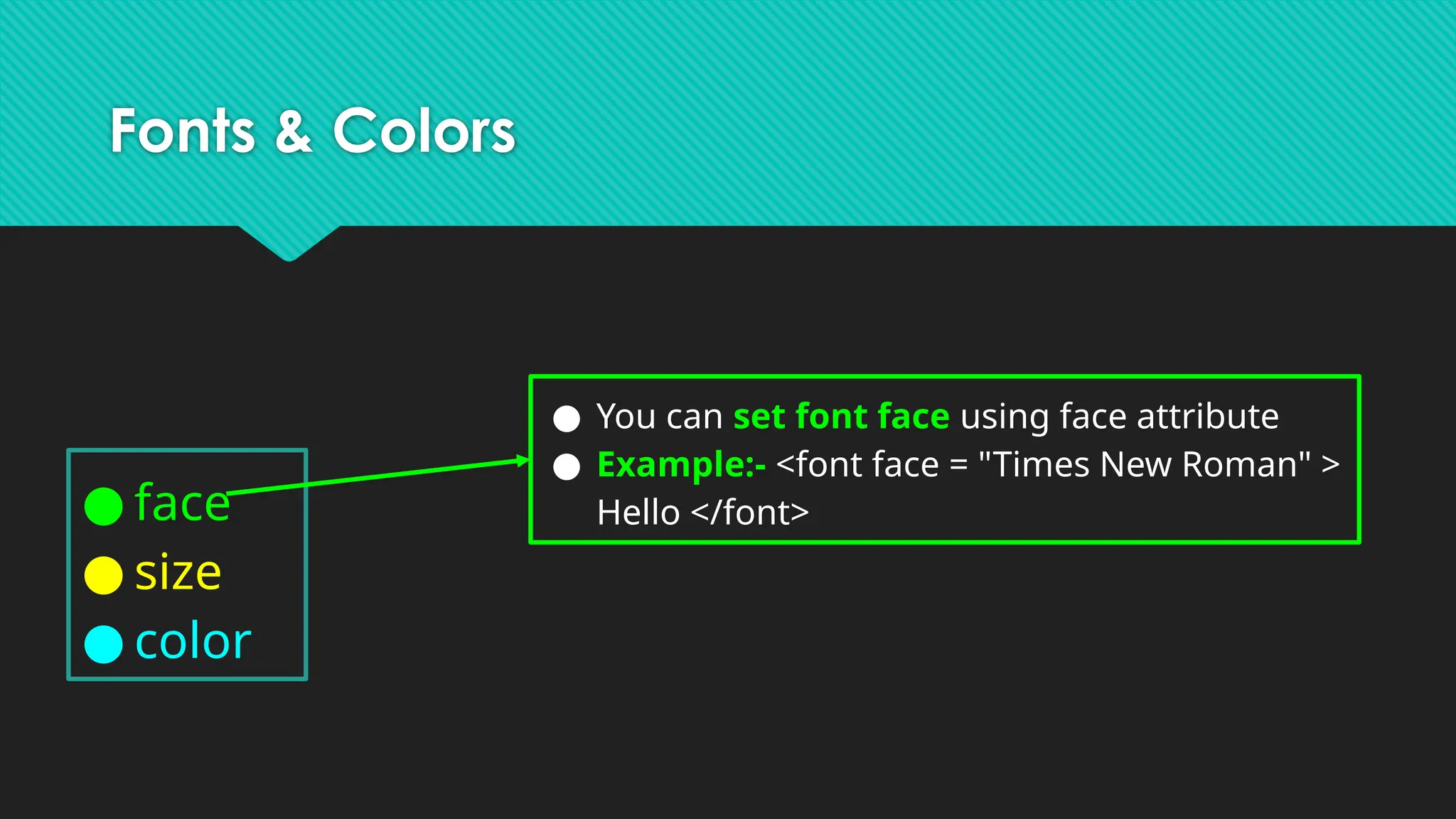
Fonts & Colors
●face
● size
● color
● You can set font face using face attribute
● Example:- <font face = "Times New Roman" >
Hello </font>
36.
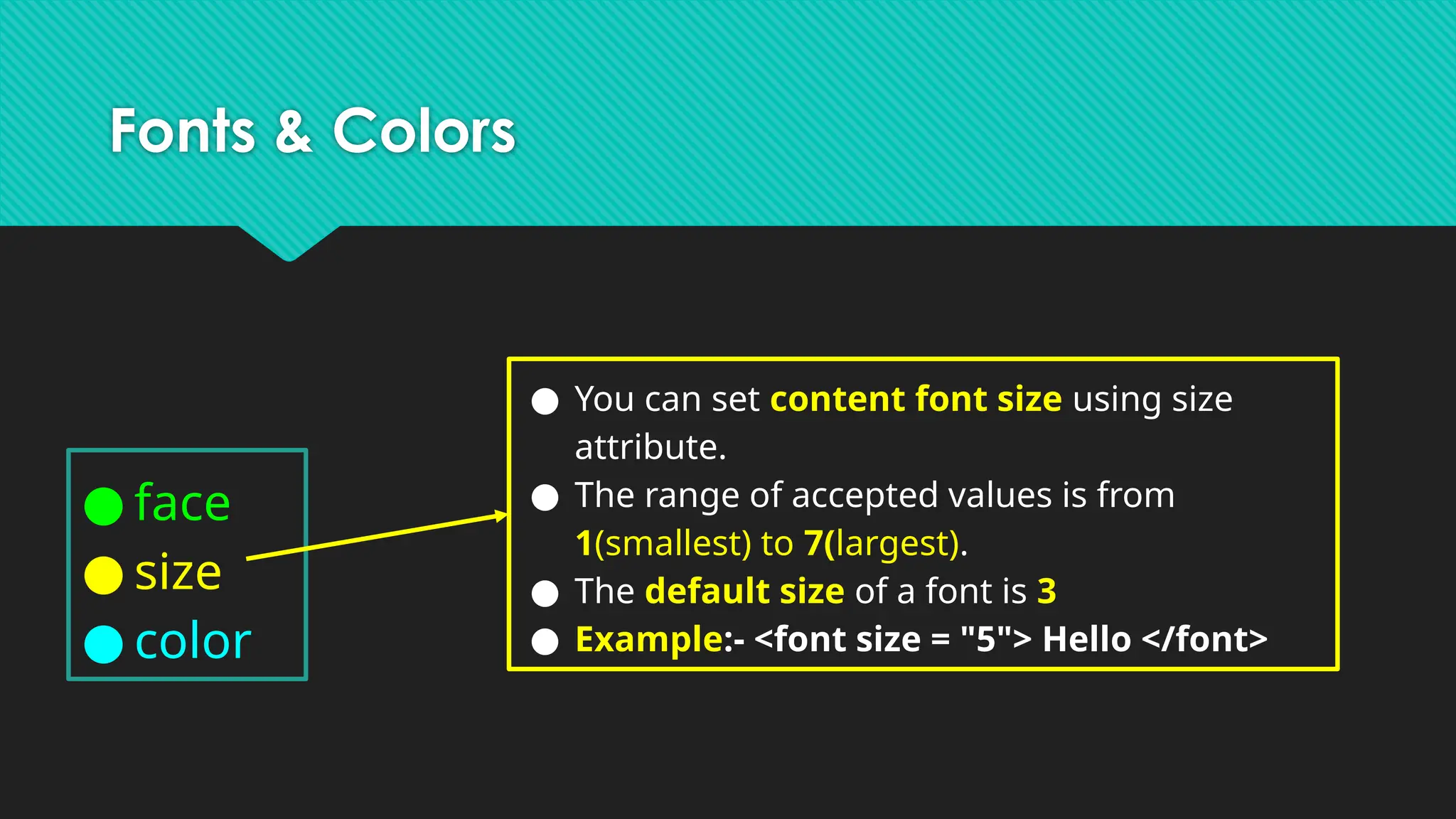
Fonts & Colors
●face
● size
● color
● You can set content font size using size
attribute.
● The range of accepted values is from
1(smallest) to 7(largest).
● The default size of a font is 3
● Example:- <font size = "5"> Hello </font>
37.
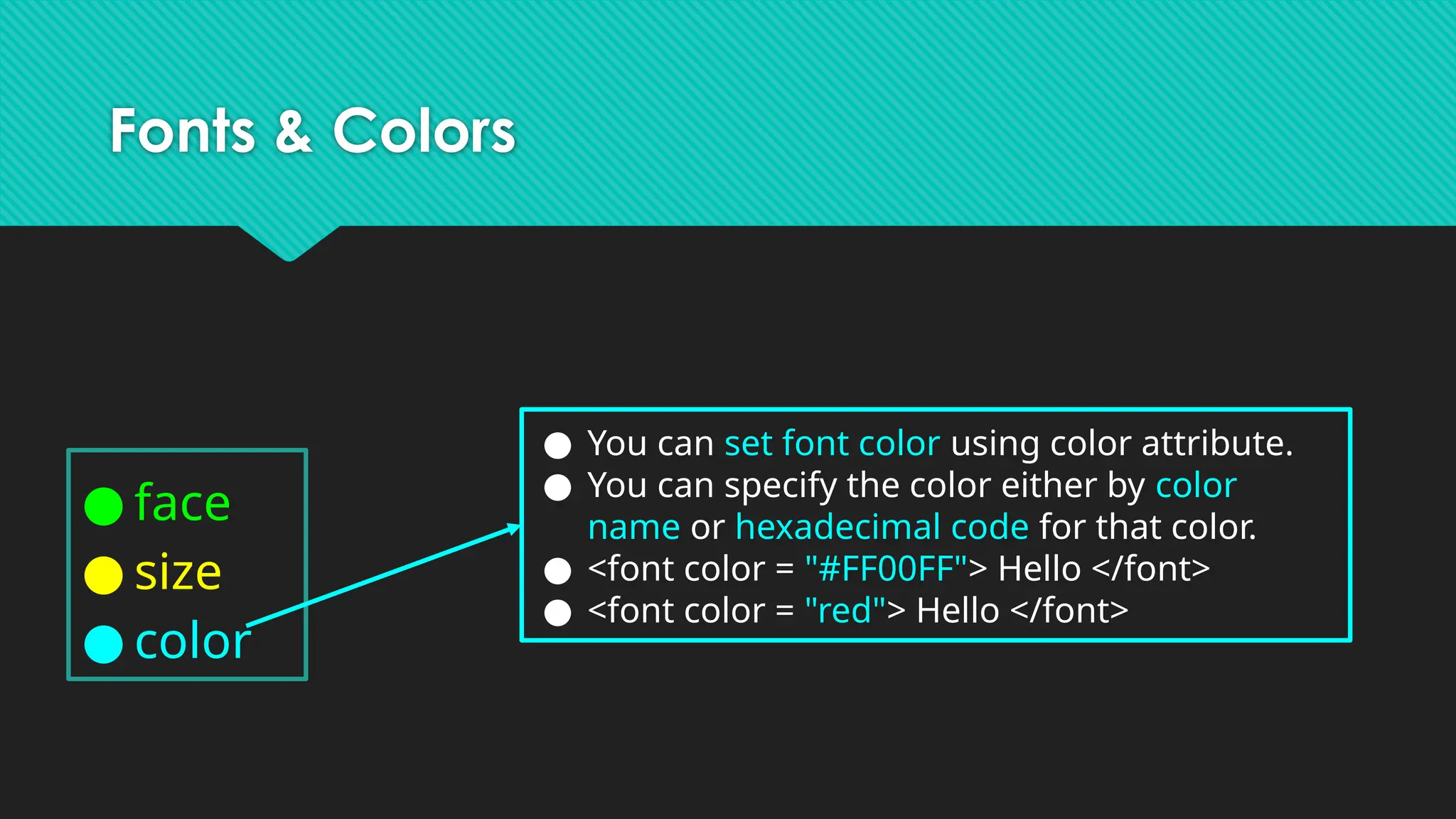
Fonts & Colors
●face
● size
● color
● You can set font color using color attribute.
● You can specify the color either by color
name or hexadecimal code for that color.
● <font color = "#FF00FF"> Hello </font>
● <font color = "red"> Hello </font>
38.
Fonts & Colors
●face
● size
● color
● You can set font face using face attribute
● Example:- <font face = "Times New Roman" >
Hello </font>
● You can set content font size using size
attribute.
● The range of accepted values is from
1(smallest) to 7(largest).
● The default size of a font is 3
● Example:- <font size = "5"> Hello </font>
● You can set font color using color attribute.
● You can specify the color either by color
name or hexadecimal code for that color.
● <font color = "#FF00FF"> Hello </font>
● <font color = "red"> Hello </font>
39.
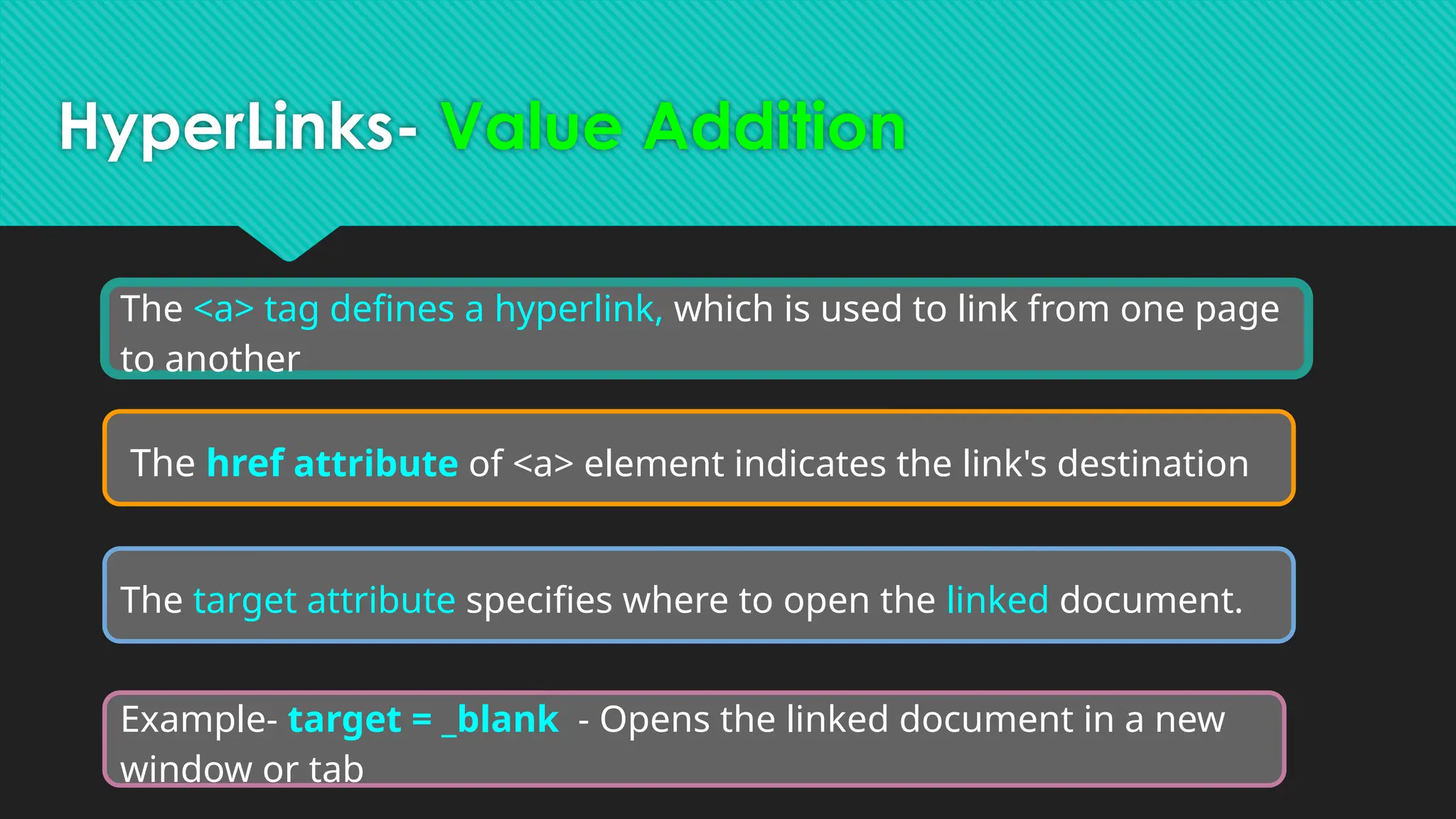
HyperLinks- Value Addition
The<a> tag defines a hyperlink, which is used to link from one page
to another
The href attribute of <a> element indicates the link's destination
The target attribute specifies where to open the linked document.
Example- target = _blank - Opens the linked document in a new
window or tab
40.
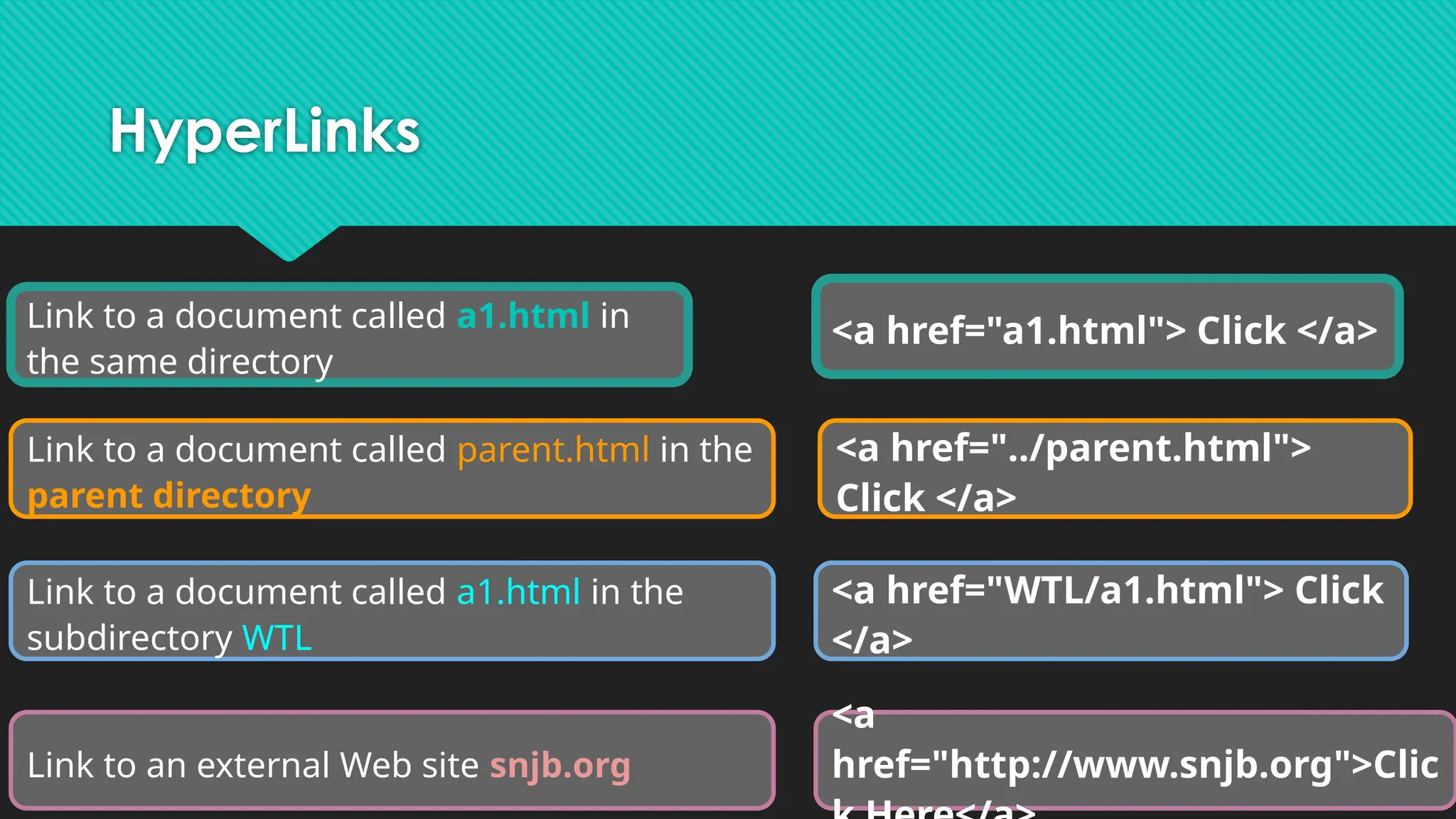
HyperLinks
<a href="a1.html"> Click</a>
<a href="../parent.html">
Click </a>
<a href="WTL/a1.html"> Click
</a>
<a
href="http://www.snjb.org">Clic
Link to a document called a1.html in
the same directory
Link to a document called parent.html in the
parent directory
Link to a document called a1.html in the
subdirectory WTL
Link to an external Web site snjb.org
41.
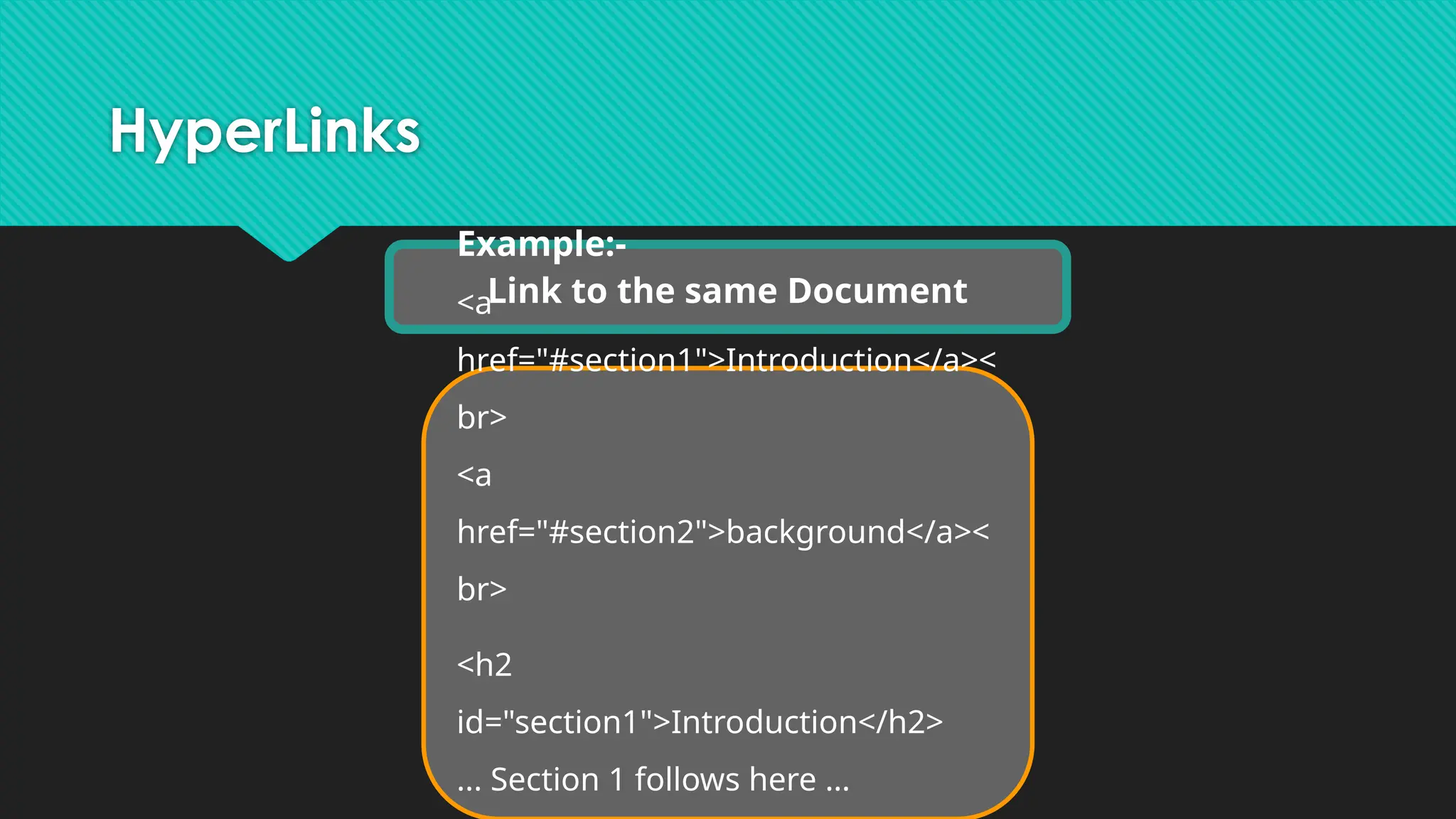
HyperLinks
Link to thesame Document
Example:-
<a
href="#section1">Introduction</a><
br>
<a
href="#section2">background</a><
br>
<h2
id="section1">Introduction</h2>
... Section 1 follows here …
42.
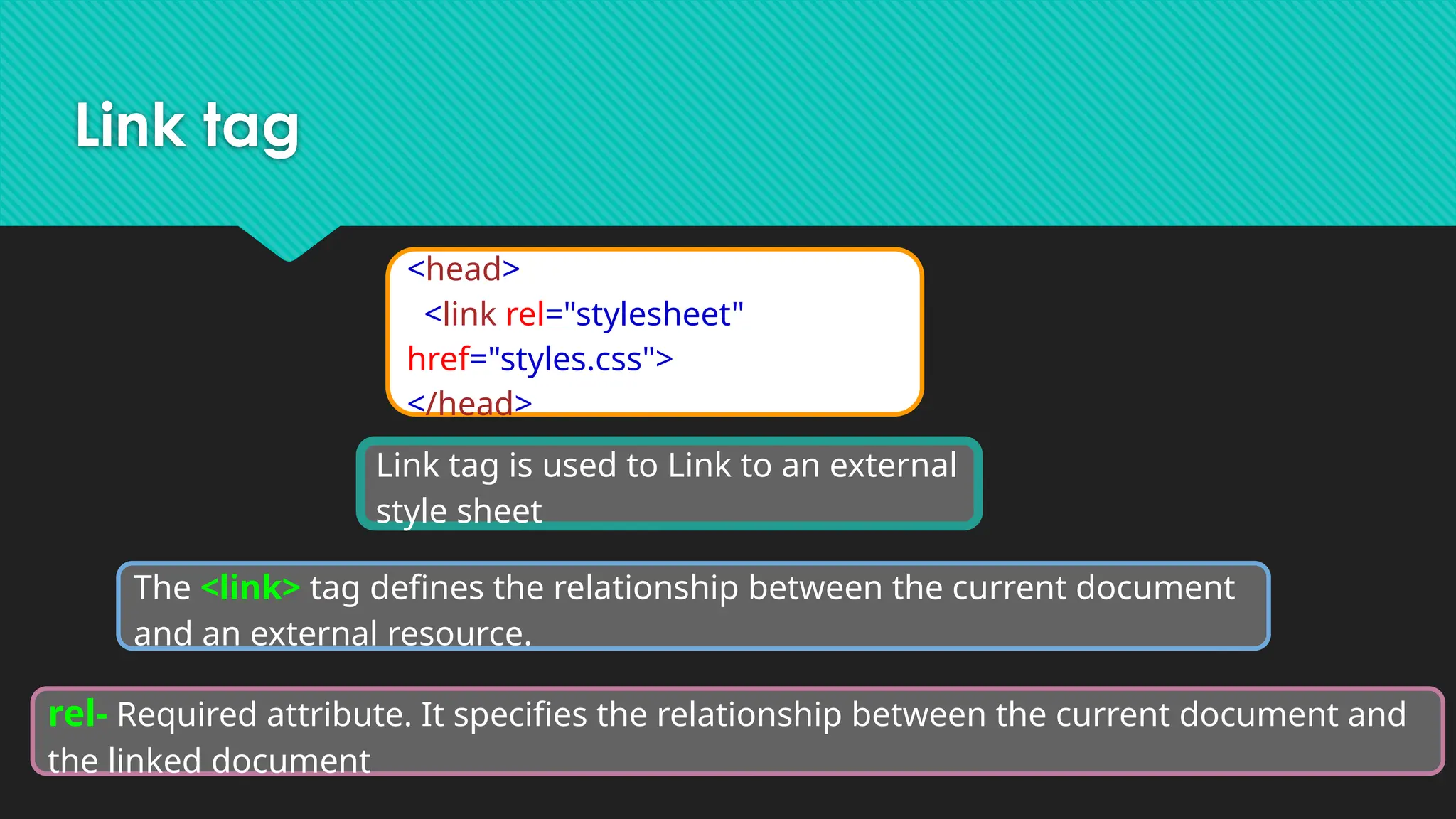
Link tag
Link tagis used to Link to an external
style sheet
<head>
<link rel="stylesheet"
href="styles.css">
</head>
The <link> tag defines the relationship between the current document
and an external resource.
rel- Required attribute. It specifies the relationship between the current document and
the linked document
43.
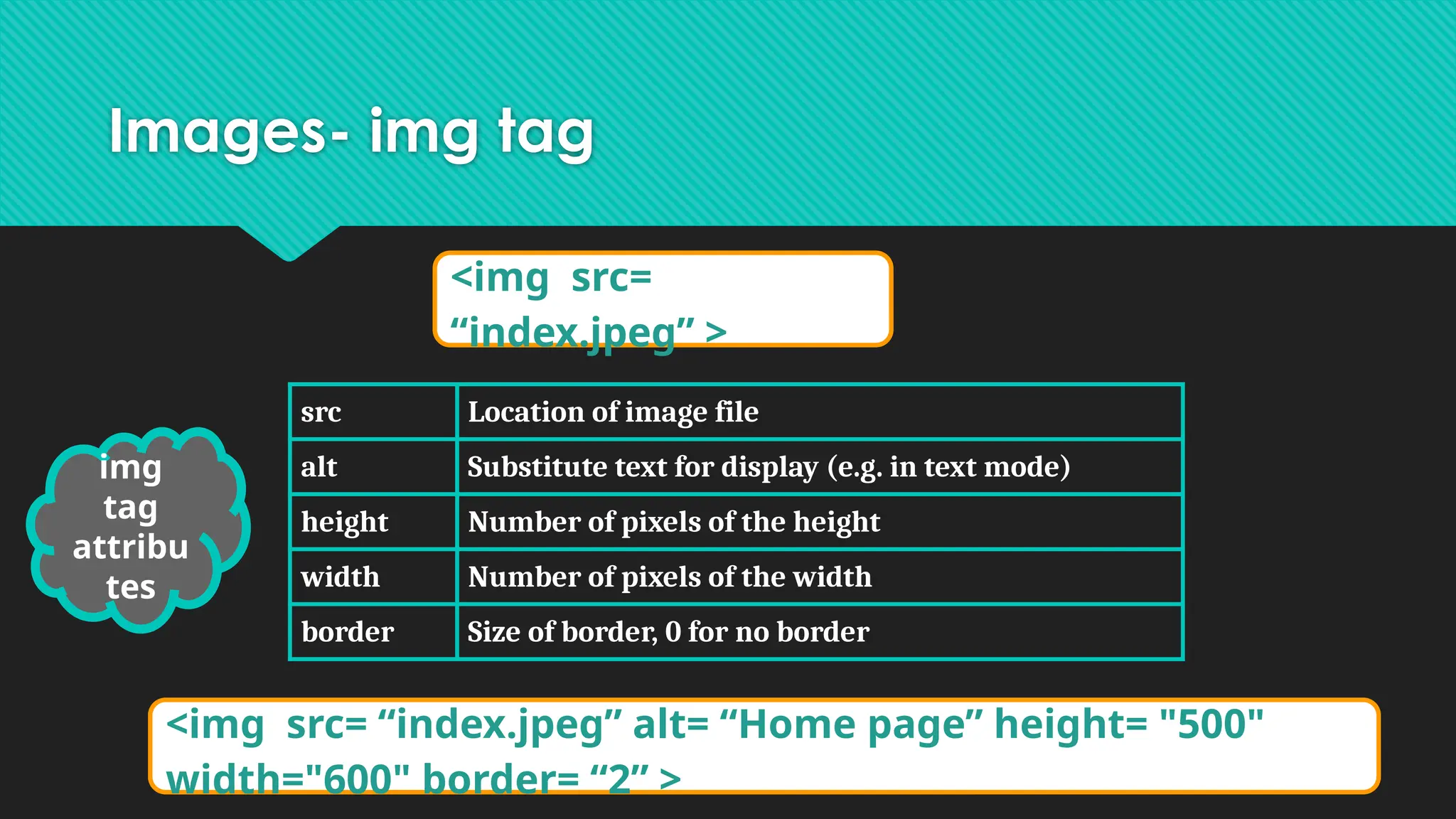
Images- img tag
<imgsrc=
“index.jpeg” >
src Location of image file
alt Substitute text for display (e.g. in text mode)
height Number of pixels of the height
width Number of pixels of the width
border Size of border, 0 for no border
img
tag
attribu
tes
<img src= “index.jpeg” alt= “Home page” height= "500"
width="600" border= “2” >
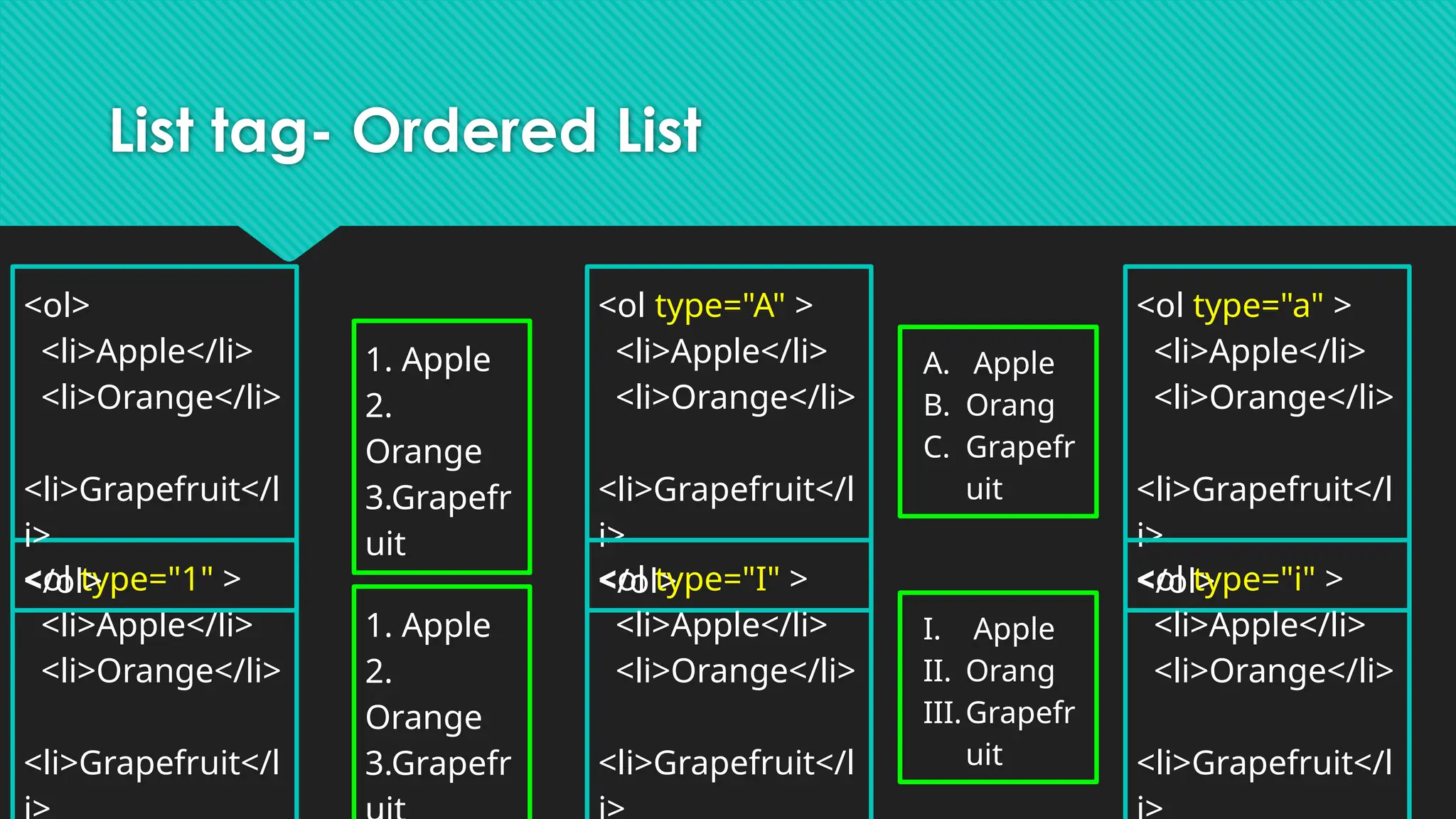
List tag- OrderedList
<ol type="1" >
<li>Apple</li>
<li>Orange</li>
<li>Grapefruit</l
<ol type="A" >
<li>Apple</li>
<li>Orange</li>
<li>Grapefruit</l
i>
</ol>
<ol type="a" >
<li>Apple</li>
<li>Orange</li>
<li>Grapefruit</l
i>
</ol>
<ol type="I" >
<li>Apple</li>
<li>Orange</li>
<li>Grapefruit</l
<ol type="i" >
<li>Apple</li>
<li>Orange</li>
<li>Grapefruit</l
<ol>
<li>Apple</li>
<li>Orange</li>
<li>Grapefruit</l
i>
</ol>
1. Apple
2.
Orange
3.Grapefr
uit
1. Apple
2.
Orange
3.Grapefr
A. Apple
B. Orang
C. Grapefr
uit
I. Apple
II. Orang
III.Grapefr
uit
46.
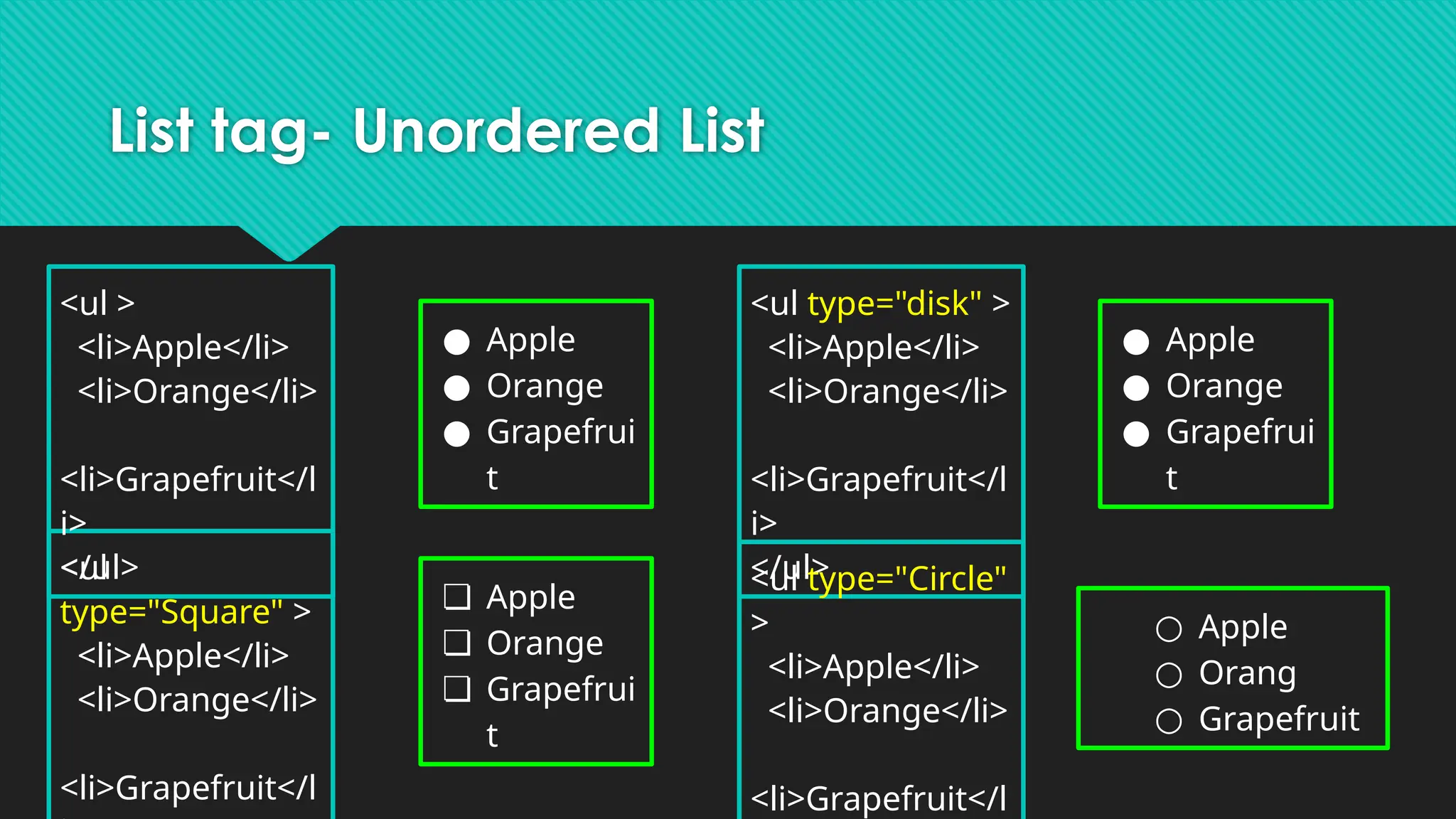
List tag- UnorderedList
<ul type="disk" >
<li>Apple</li>
<li>Orange</li>
<li>Grapefruit</l
i>
</ul>
<ul type="Circle"
>
<li>Apple</li>
<li>Orange</li>
<li>Grapefruit</l
<ul
type="Square" >
<li>Apple</li>
<li>Orange</li>
<li>Grapefruit</l
<ul >
<li>Apple</li>
<li>Orange</li>
<li>Grapefruit</l
i>
</ul>
● Apple
● Orange
● Grapefrui
t
● Apple
● Orange
● Grapefrui
t
❏ Apple
❏ Orange
❏ Grapefrui
t
○ Apple
○ Orang
○ Grapefruit
47.
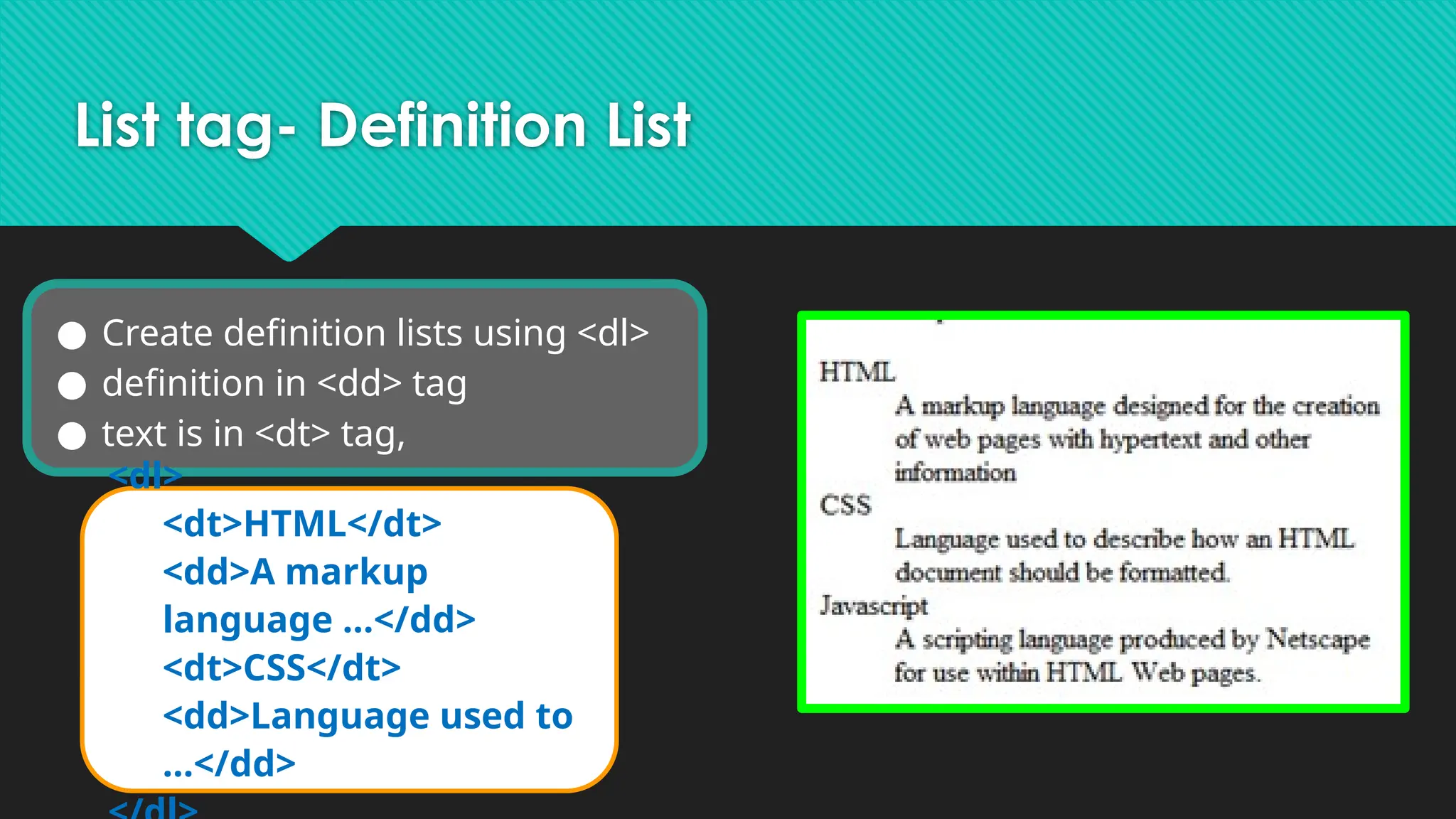
List tag- DefinitionList
● Create definition lists using <dl>
● definition in <dd> tag
● text is in <dt> tag,
<dl>
<dt>HTML</dt>
<dd>A markup
language …</dd>
<dt>CSS</dt>
<dd>Language used to
…</dd>
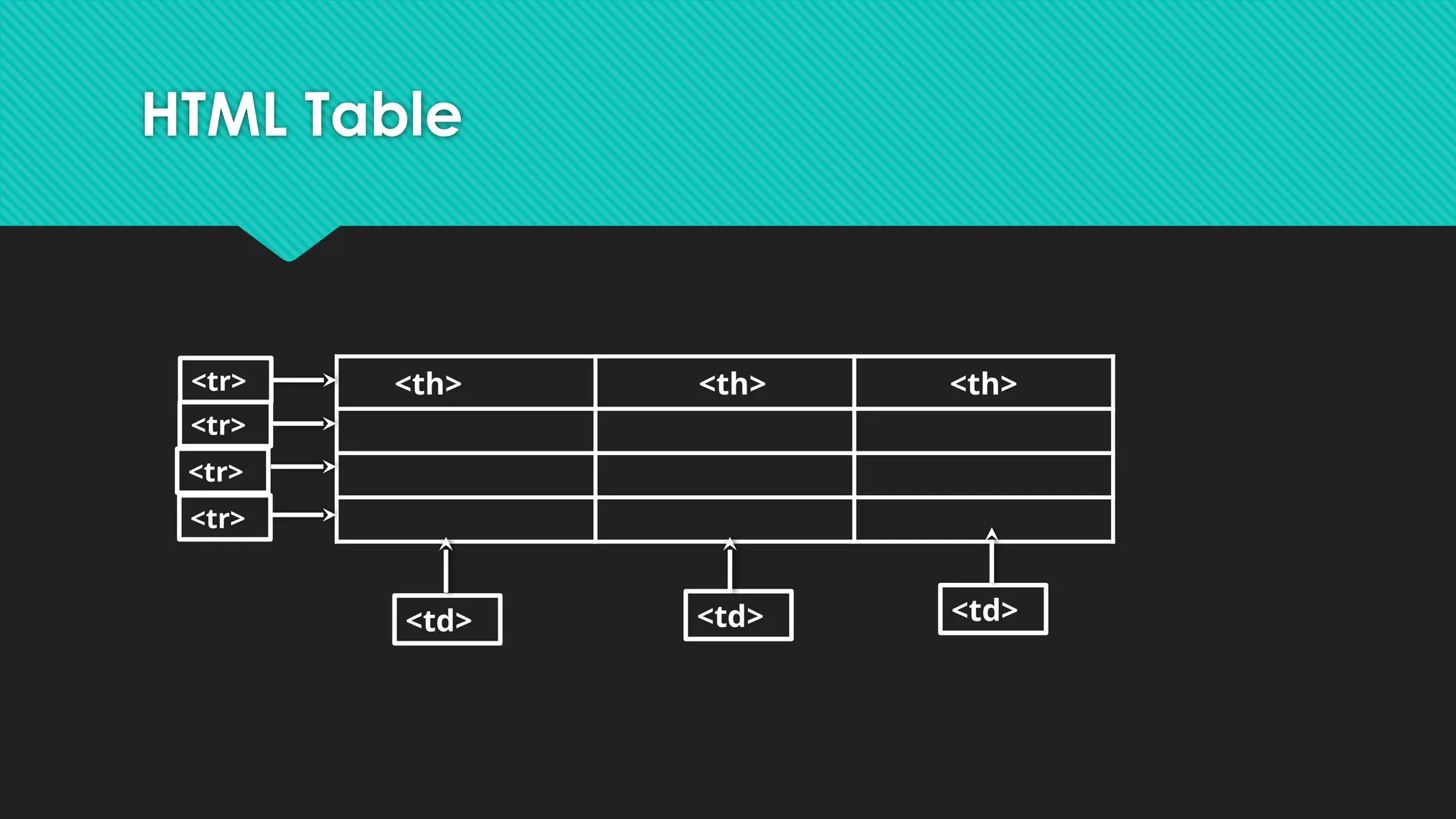
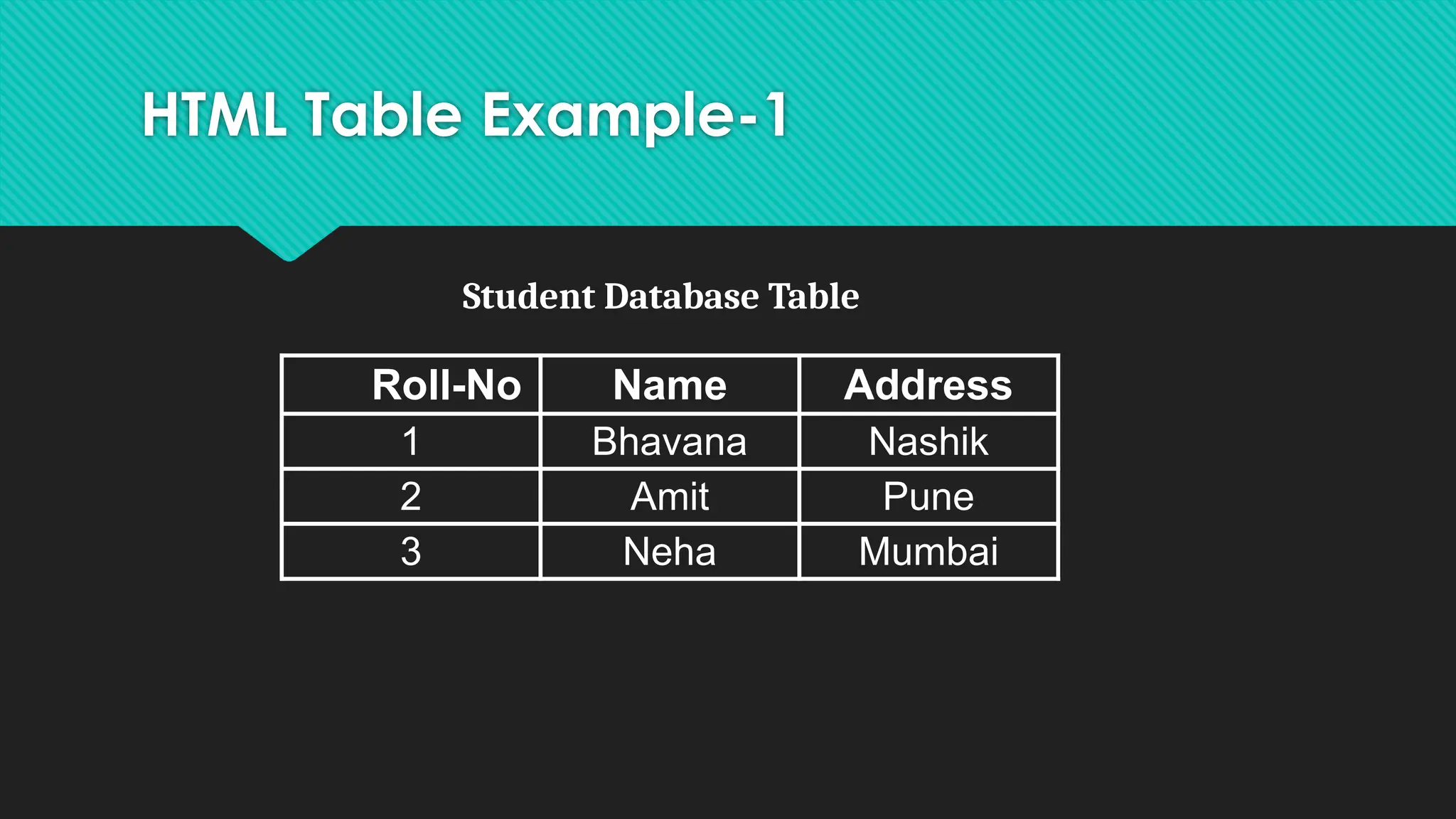
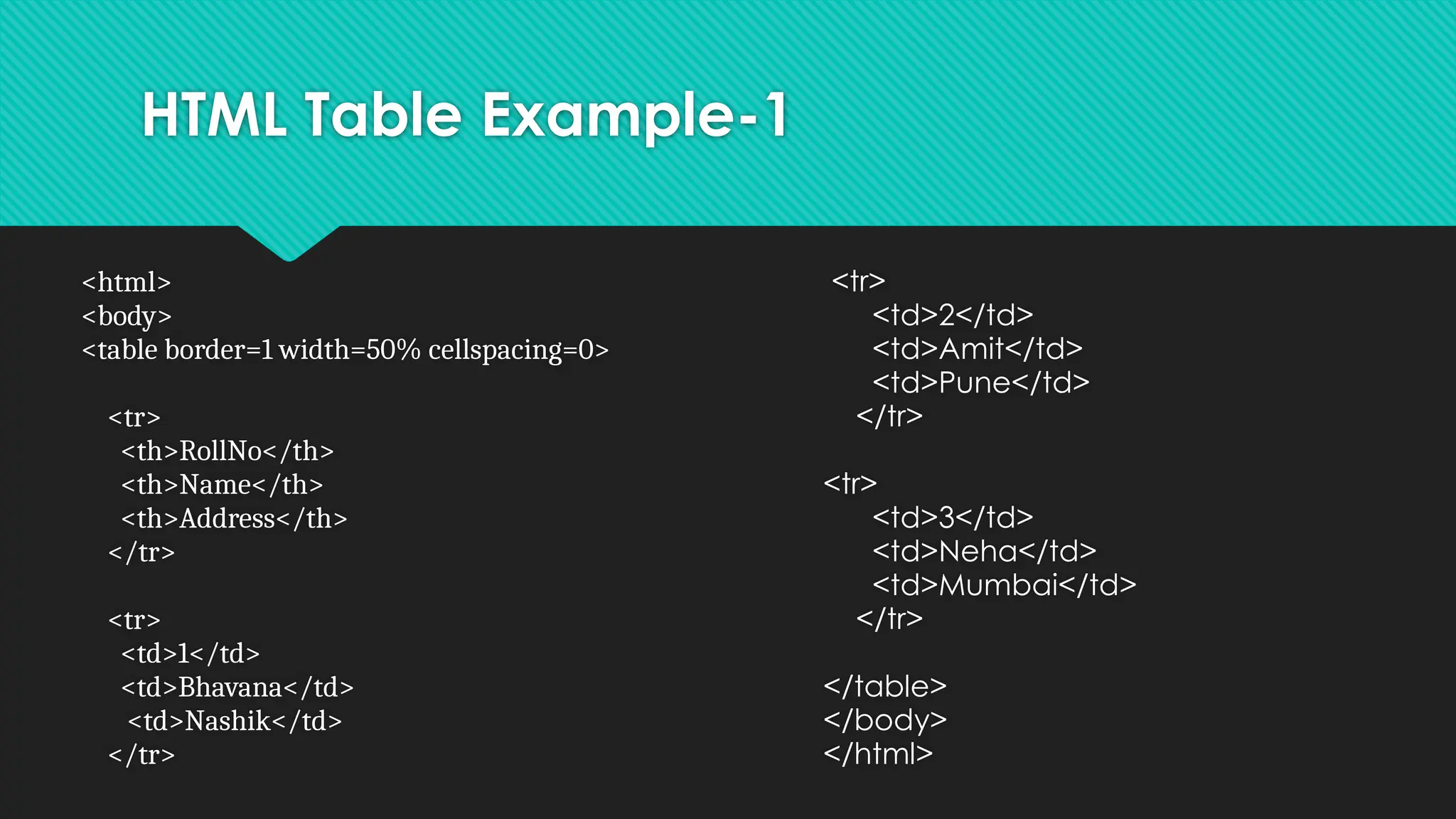
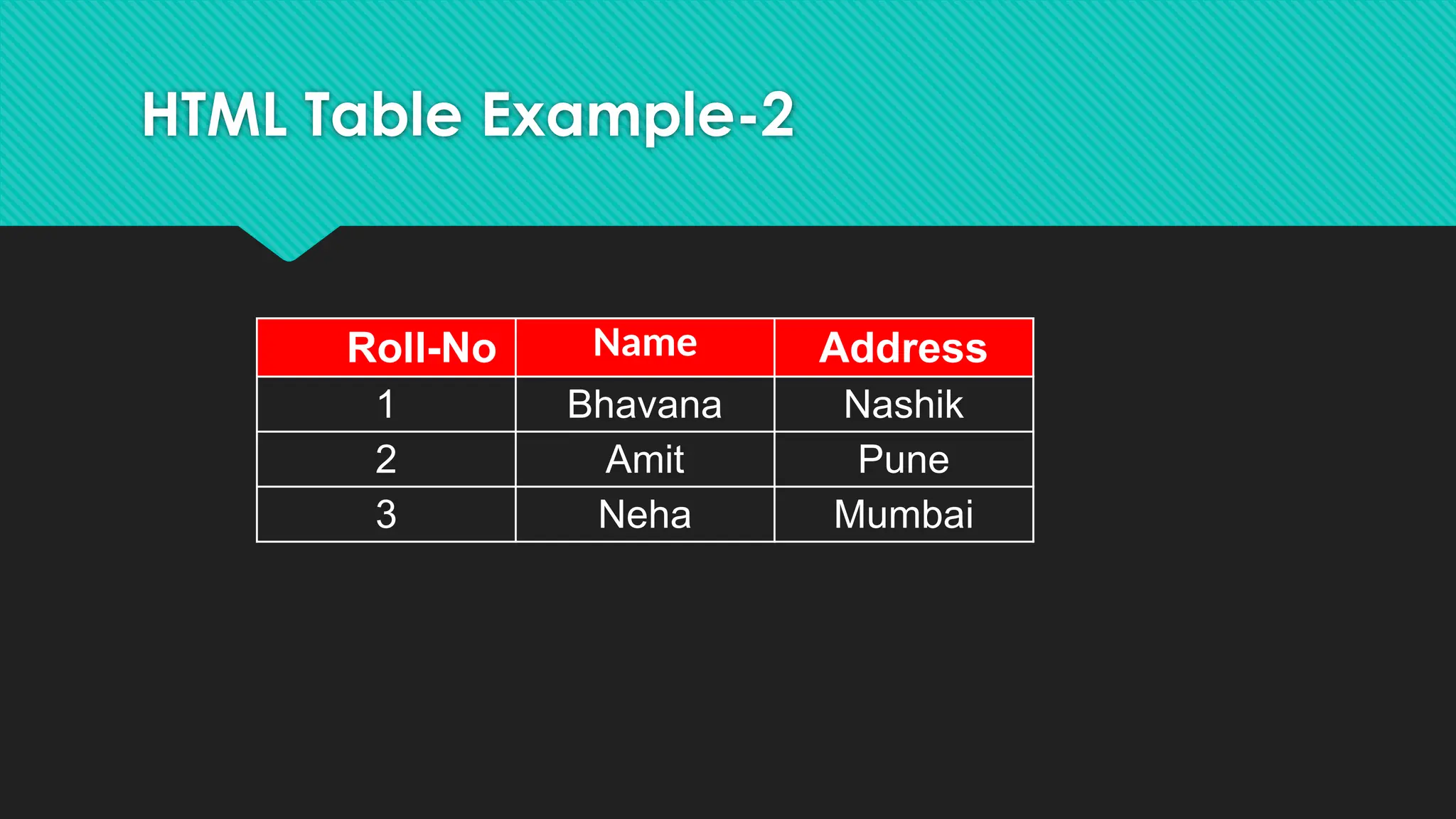
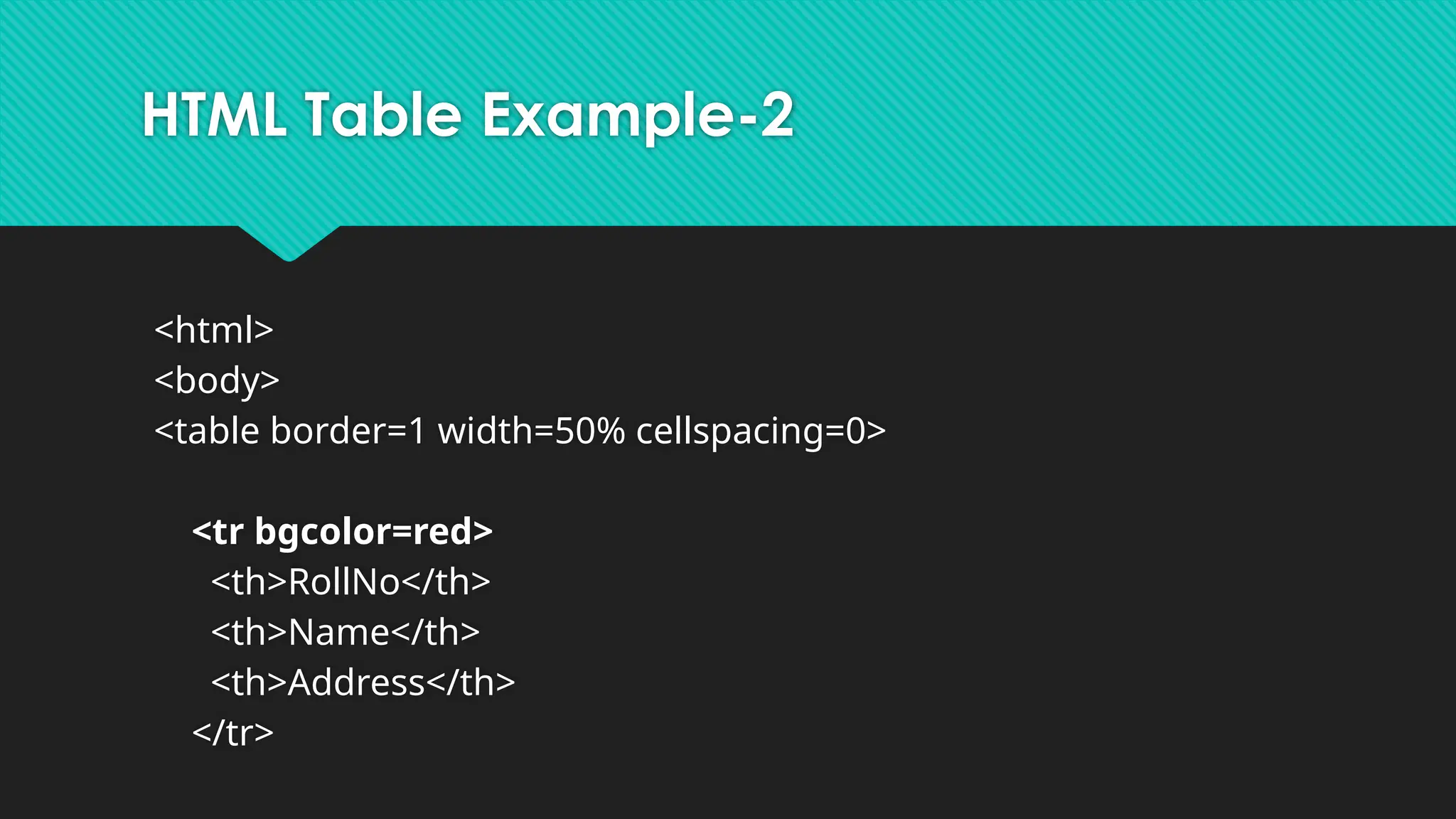
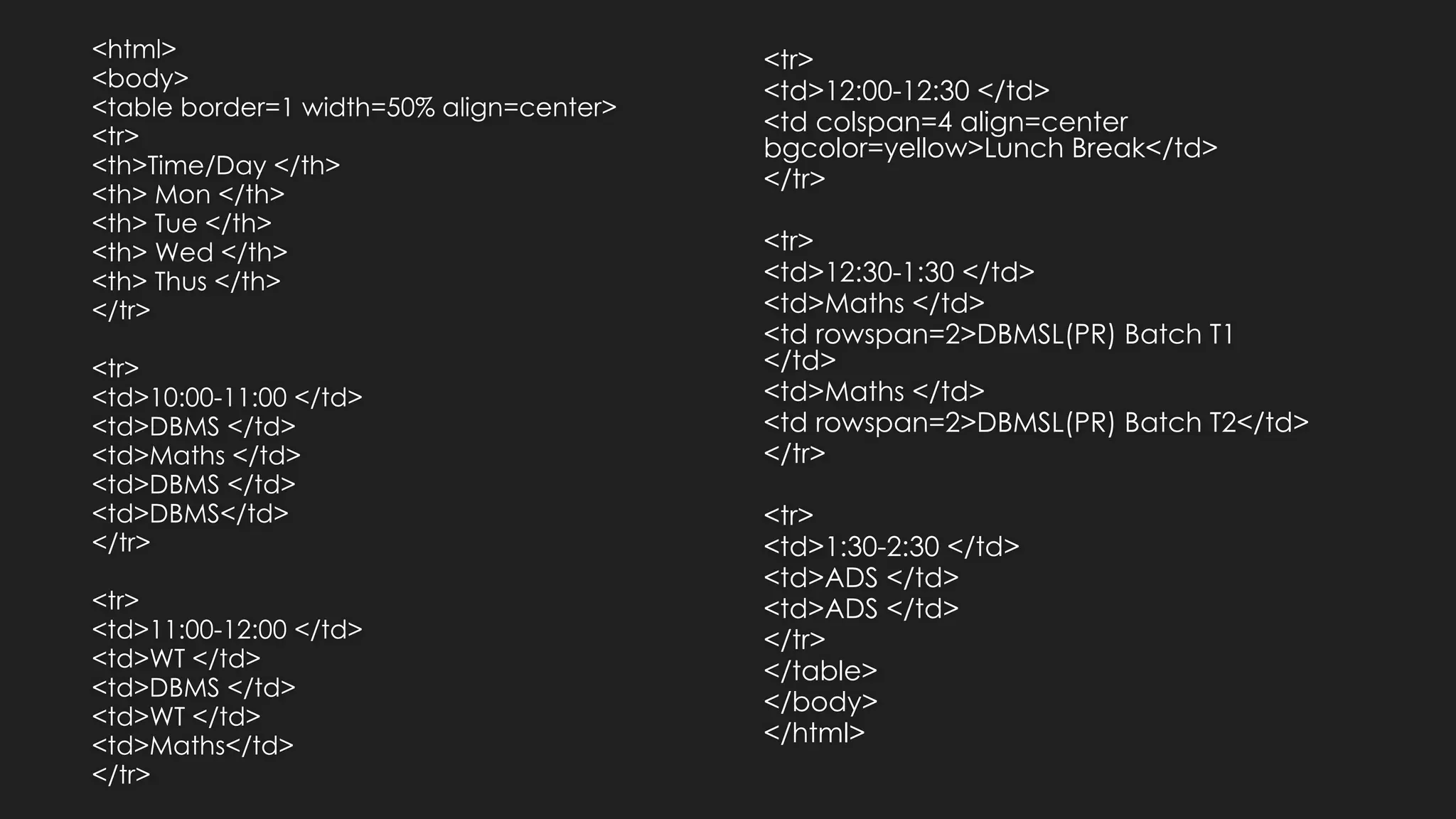
HTML Table
Tag Description
<table>Defines a table
<th> Defines a header cell in a table
<tr> Defines a row in a table
<td> Defines a cell in a table
<caption
>
Defines a table caption
<colgrou
p>
Specifies a group of one or more columns in
a table for formatting
<col> Specifies column properties for each
column within a <colgroup> element
<thead> Groups the header content in a table
<tbody> Groups the body content in a table
Web Technology
Topic:
Div andSpan tag
By Bhavana A. Khivsara
Assistant Professor
SNJB’s Late Sau k. B. Jain College of Engineering, Chandwad
60.
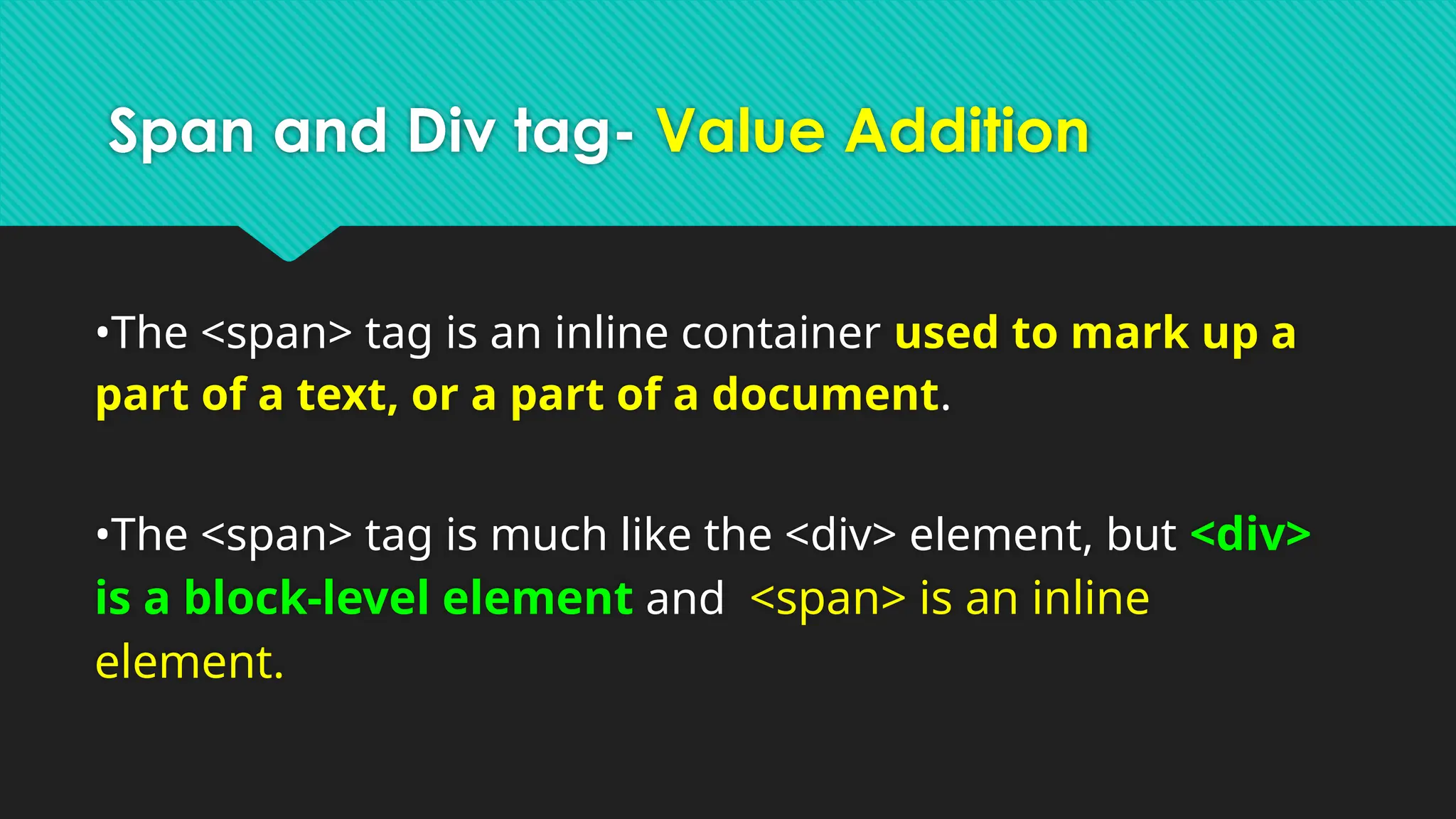
Span and Divtag- Value Addition
•The <span> tag is an inline container used to mark up a
part of a text, or a part of a document.
•The <span> tag is much like the <div> element, but <div>
is a block-level element and <span> is an inline
element.
61.
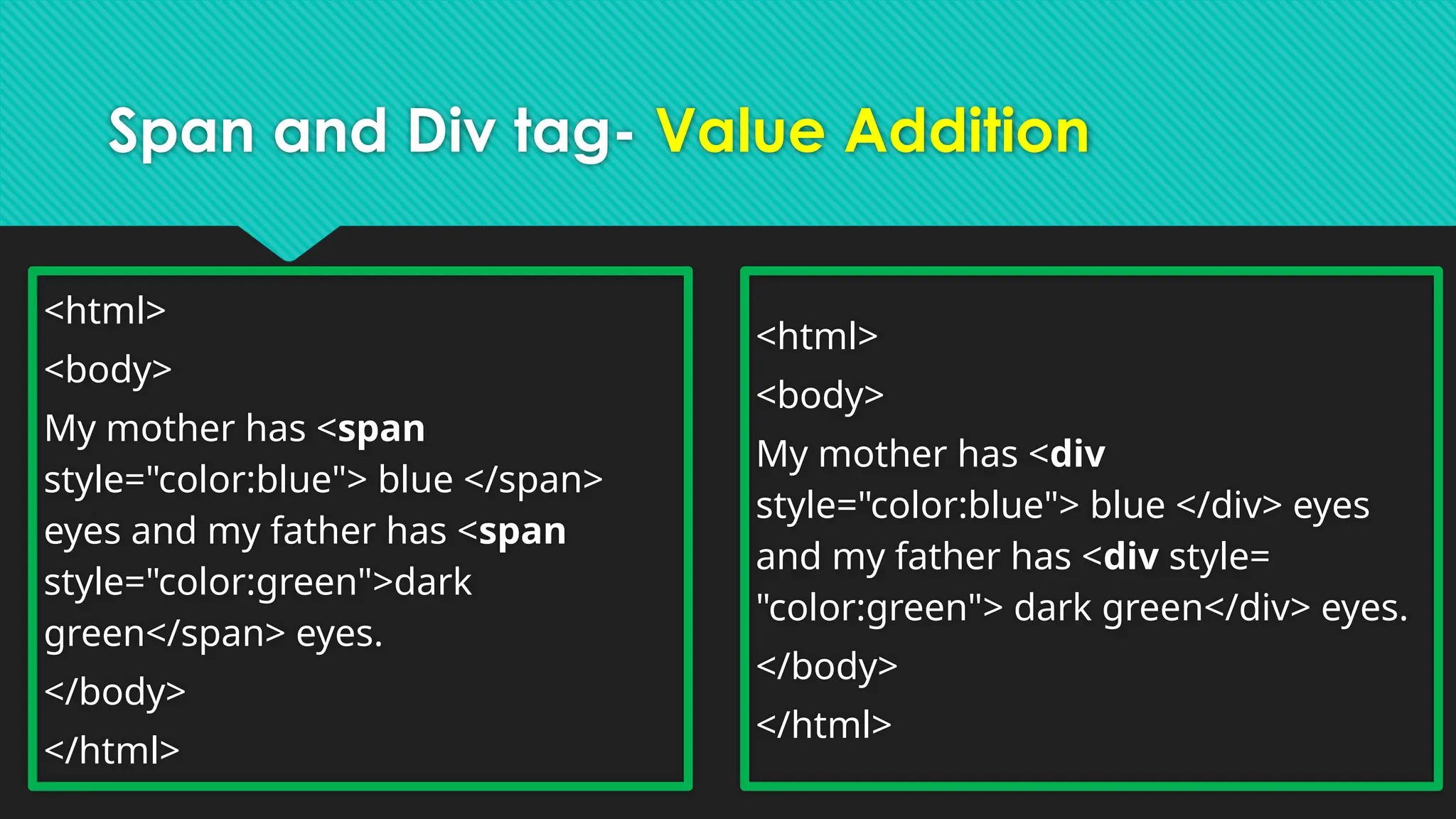
Span and Divtag- Value Addition
<html>
<body>
My mother has <span
style="color:blue"> blue </span>
eyes and my father has <span
style="color:green">dark
green</span> eyes.
</body>
</html>
<html>
<body>
My mother has <div
style="color:blue"> blue </div> eyes
and my father has <div style=
"color:green"> dark green</div> eyes.
</body>
</html>
HTML Frames
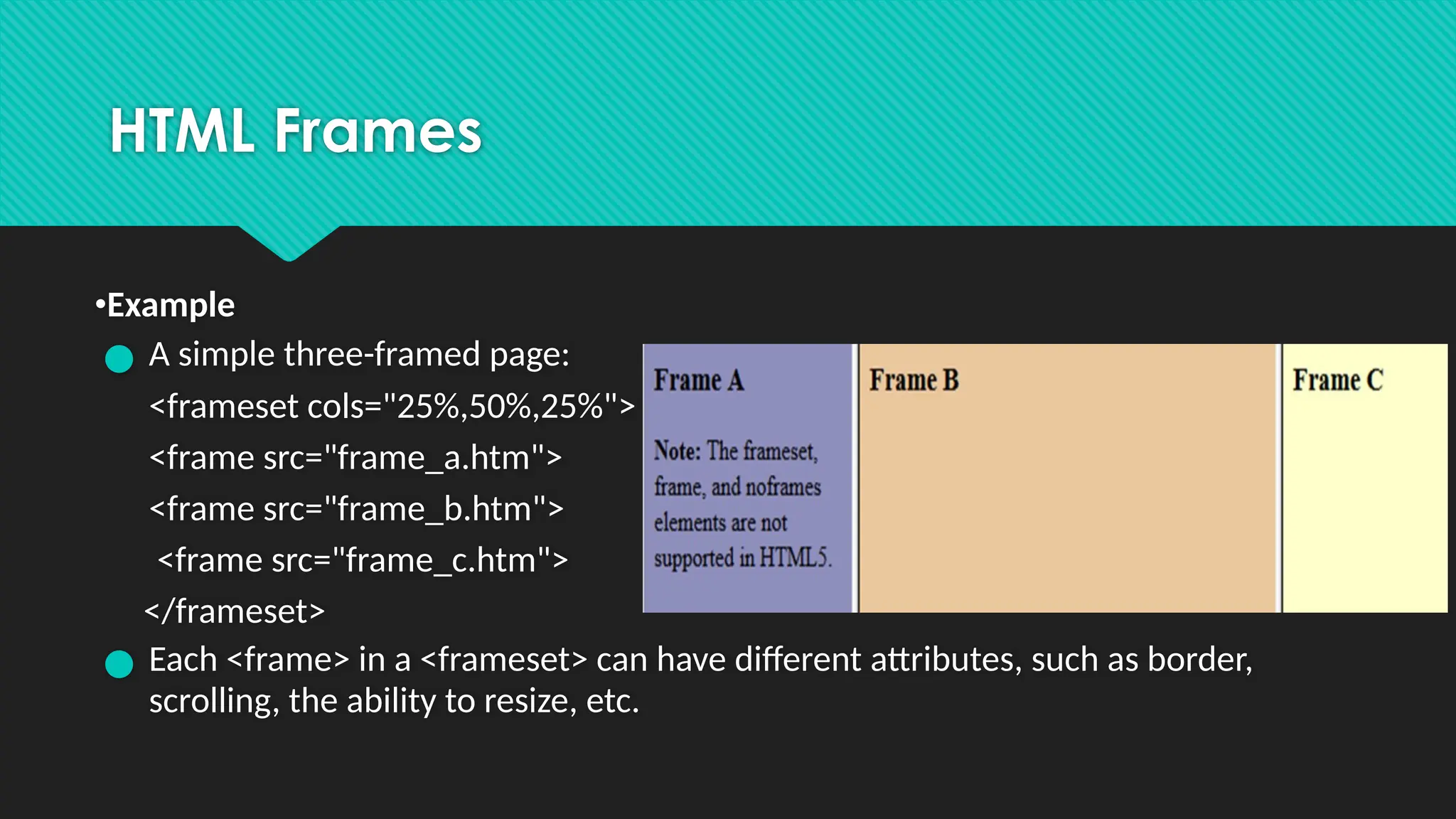
•Example
● Asimple three-framed page:
<frameset cols="25%,50%,25%">
<frame src="frame_a.htm">
<frame src="frame_b.htm">
<frame src="frame_c.htm">
</frameset>
● Each <frame> in a <frameset> can have different attributes, such as border,
scrolling, the ability to resize, etc.
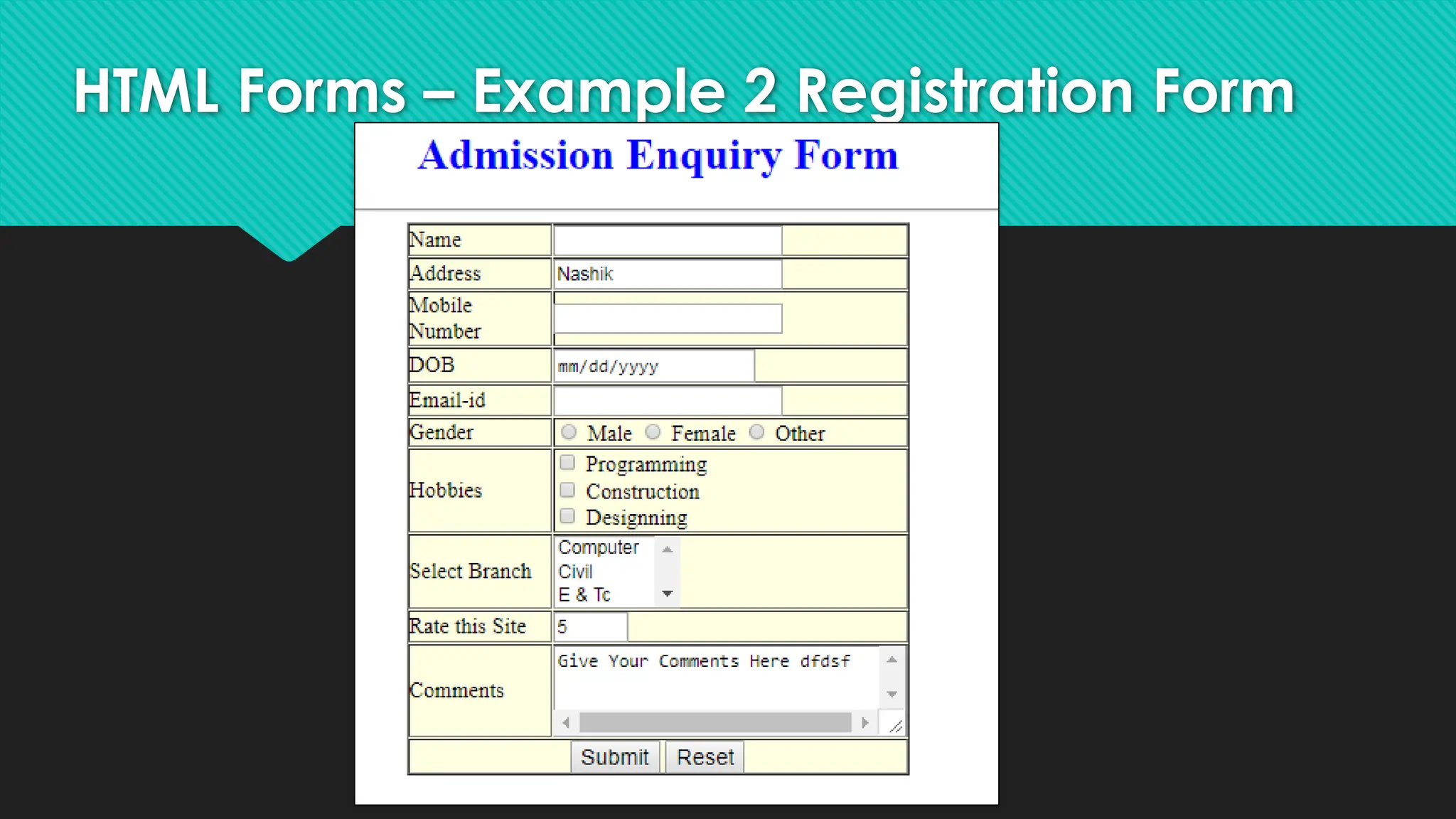
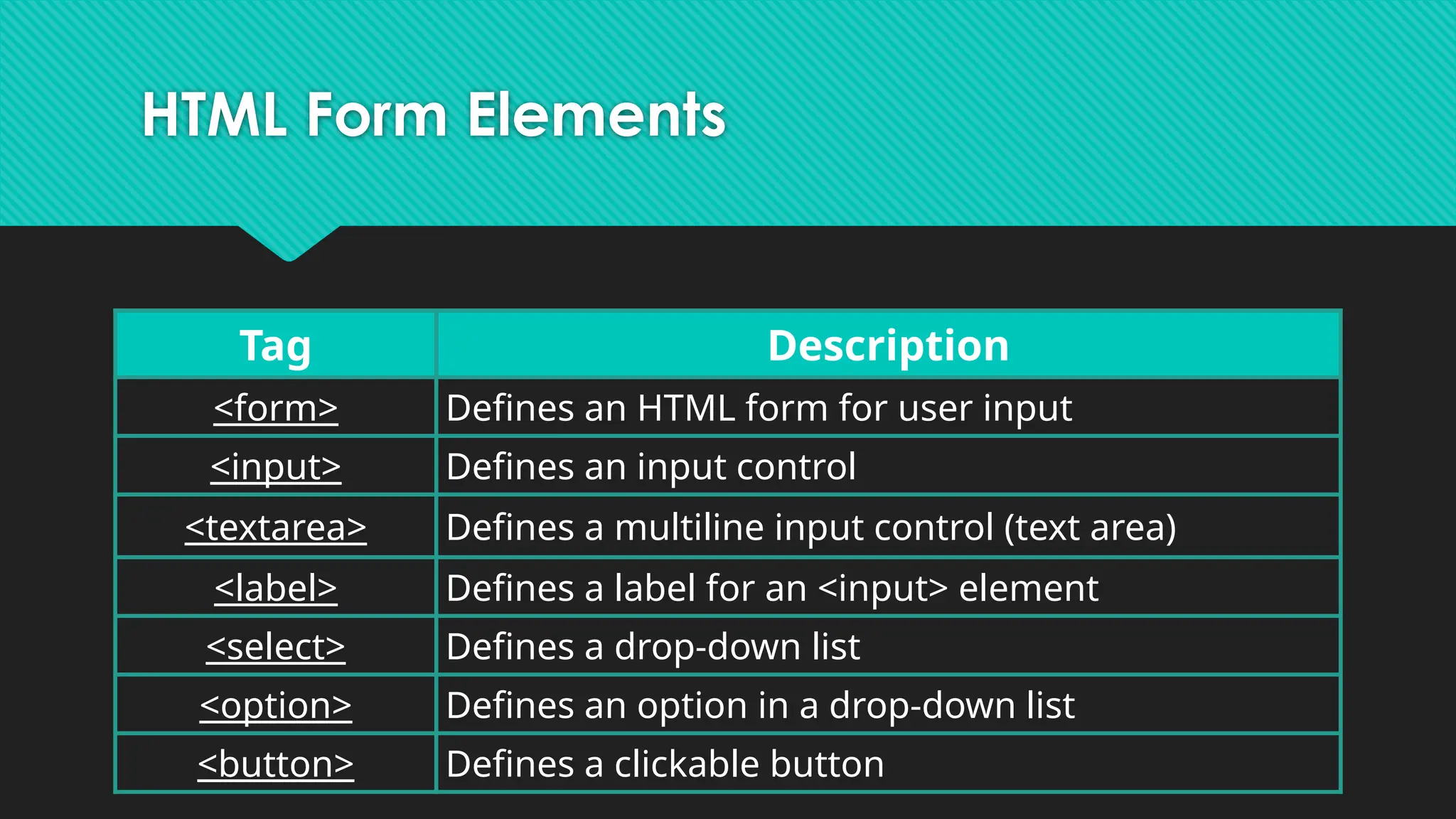
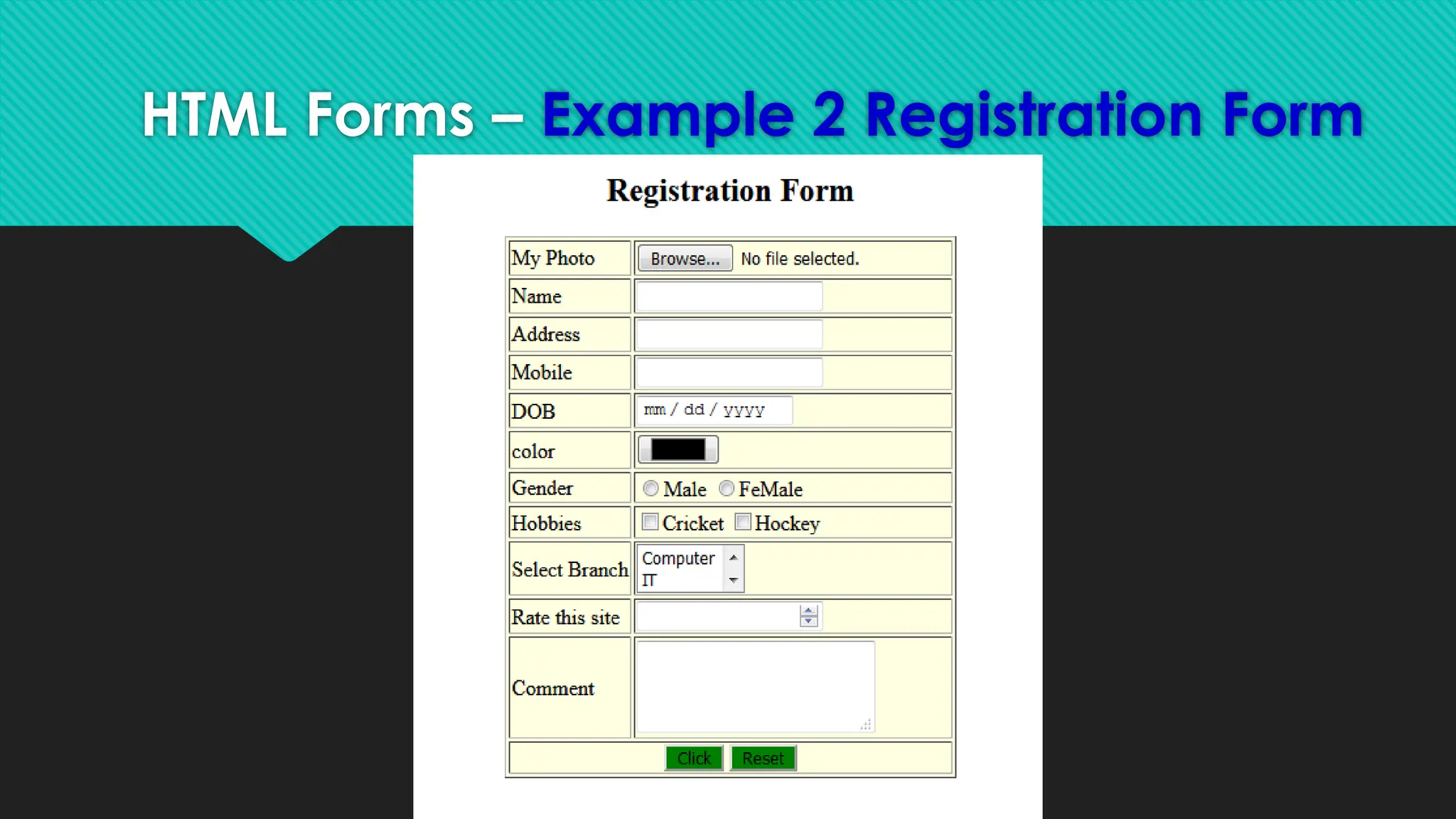
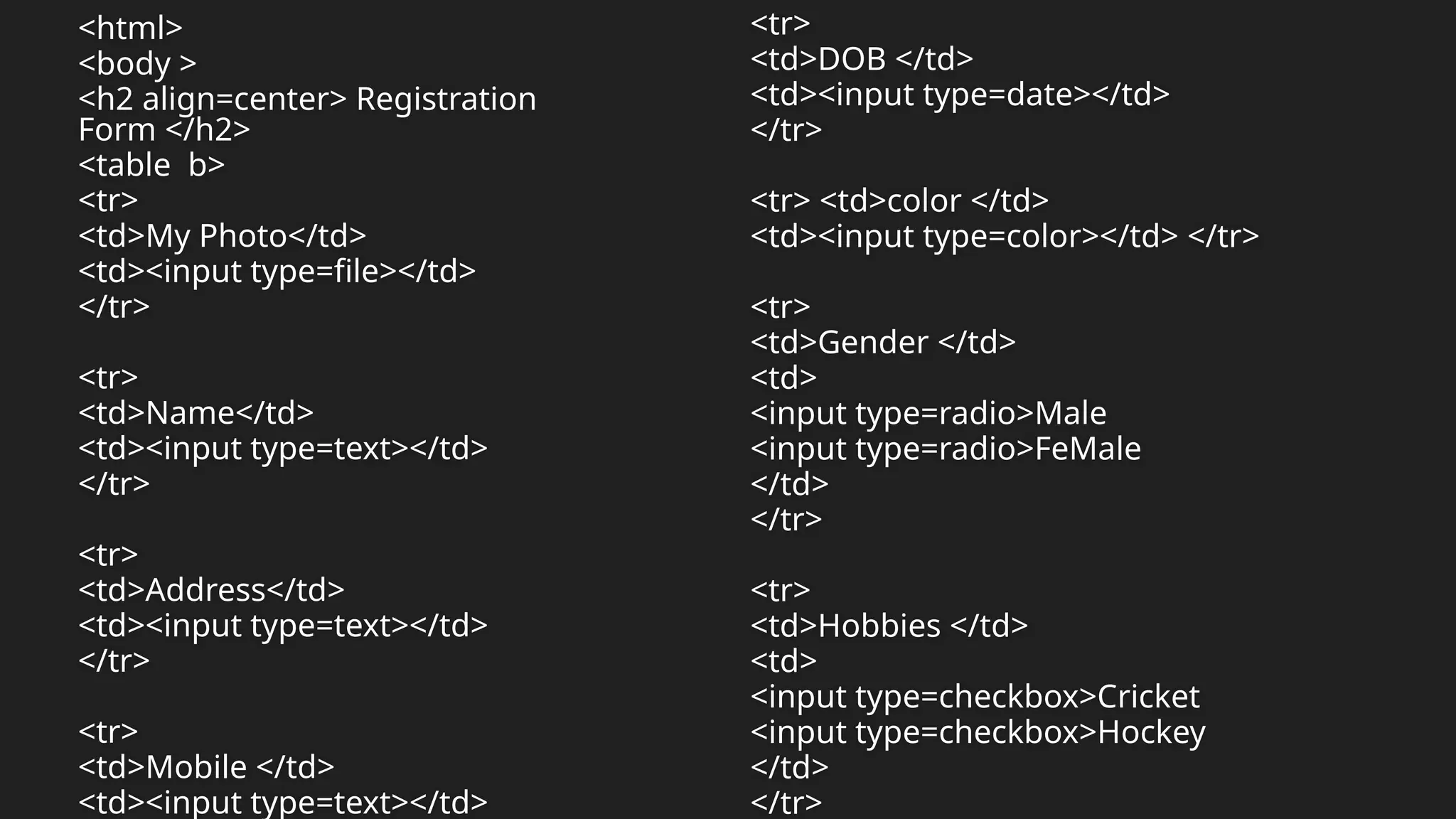
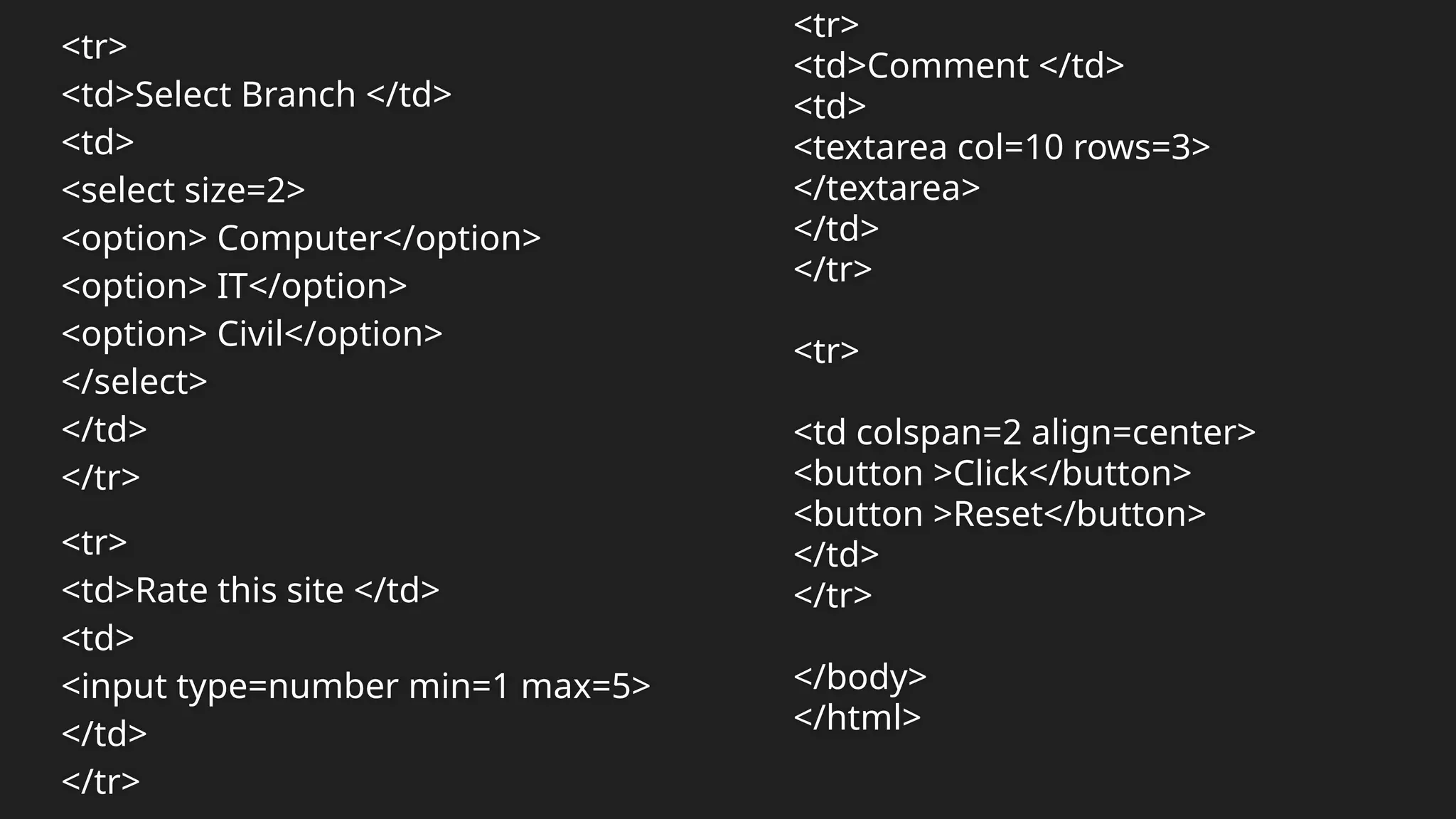
HTML Form Elements
TagDescription
<form> Defines an HTML form for user input
<input> Defines an input control
<textarea> Defines a multiline input control (text area)
<label> Defines a label for an <input> element
<select> Defines a drop-down list
<option> Defines an option in a drop-down list
<button> Defines a clickable button
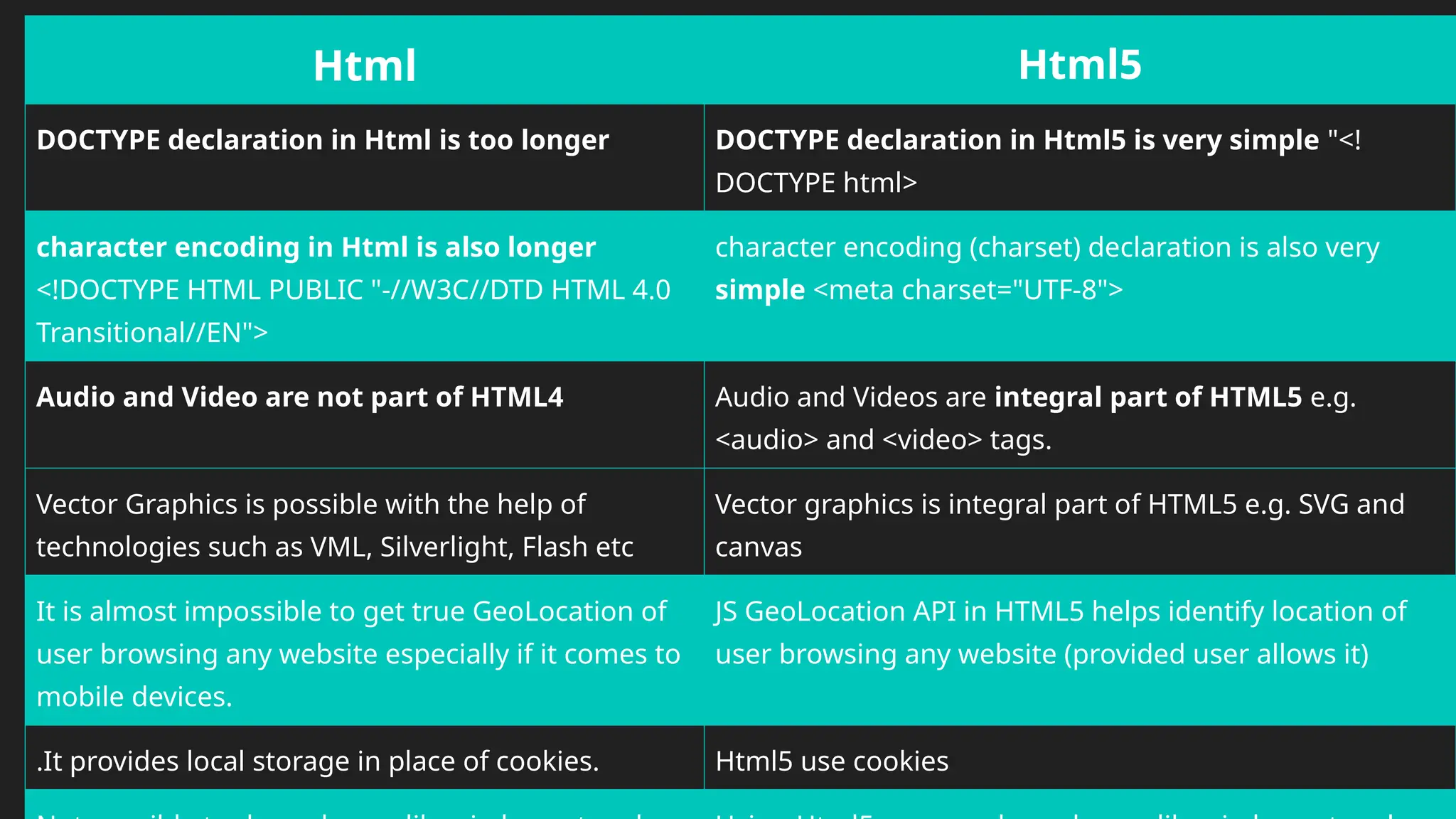
Html Html5
DOCTYPE declarationin Html is too longer DOCTYPE declaration in Html5 is very simple "<!
DOCTYPE html>
character encoding in Html is also longer
<!DOCTYPE HTML PUBLIC "-//W3C//DTD HTML 4.0
Transitional//EN">
character encoding (charset) declaration is also very
simple <meta charset="UTF-8">
Audio and Video are not part of HTML4 Audio and Videos are integral part of HTML5 e.g.
<audio> and <video> tags.
Vector Graphics is possible with the help of
technologies such as VML, Silverlight, Flash etc
Vector graphics is integral part of HTML5 e.g. SVG and
canvas
It is almost impossible to get true GeoLocation of
user browsing any website especially if it comes to
mobile devices.
JS GeoLocation API in HTML5 helps identify location of
user browsing any website (provided user allows it)
.It provides local storage in place of cookies. Html5 use cookies
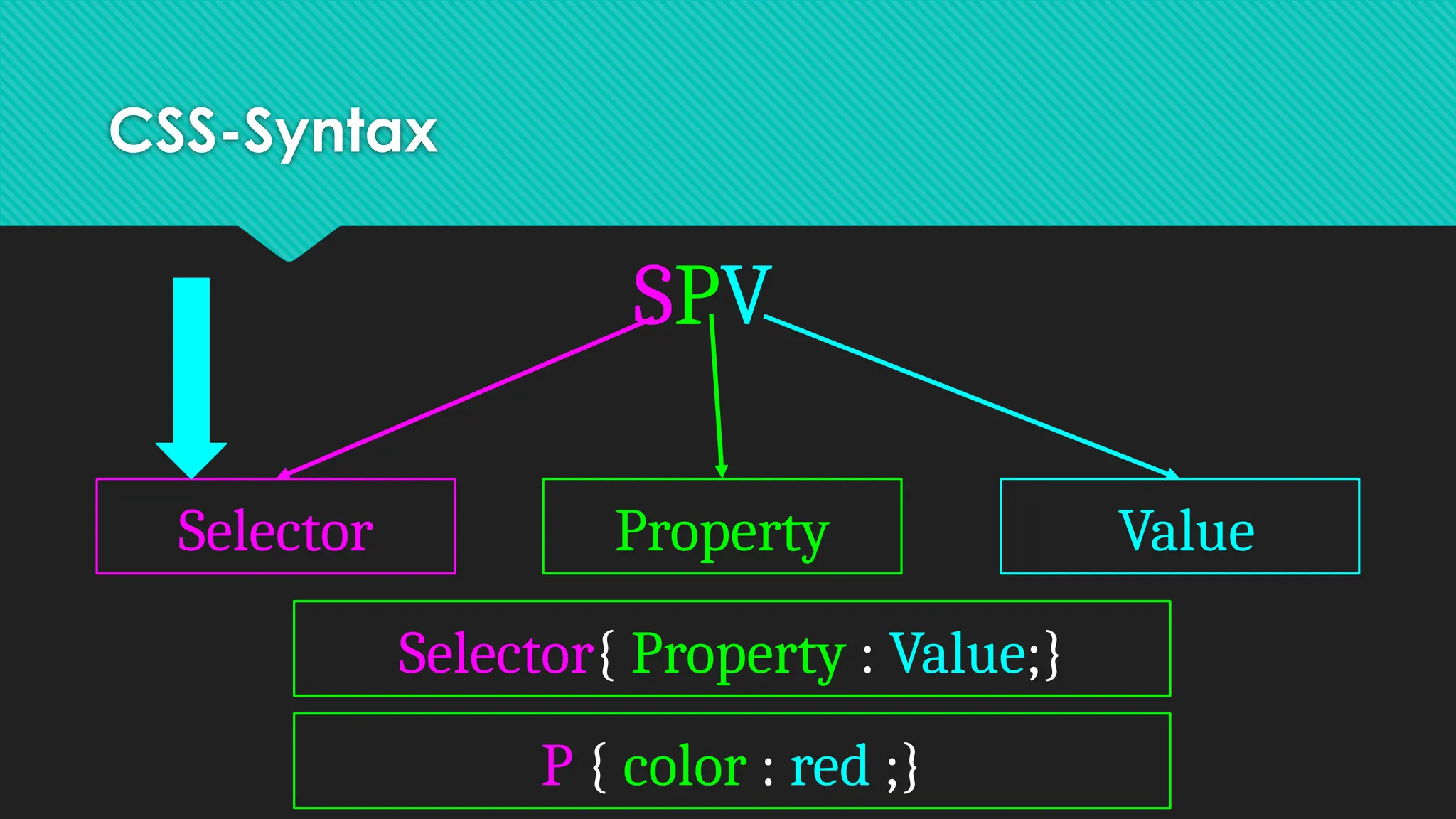
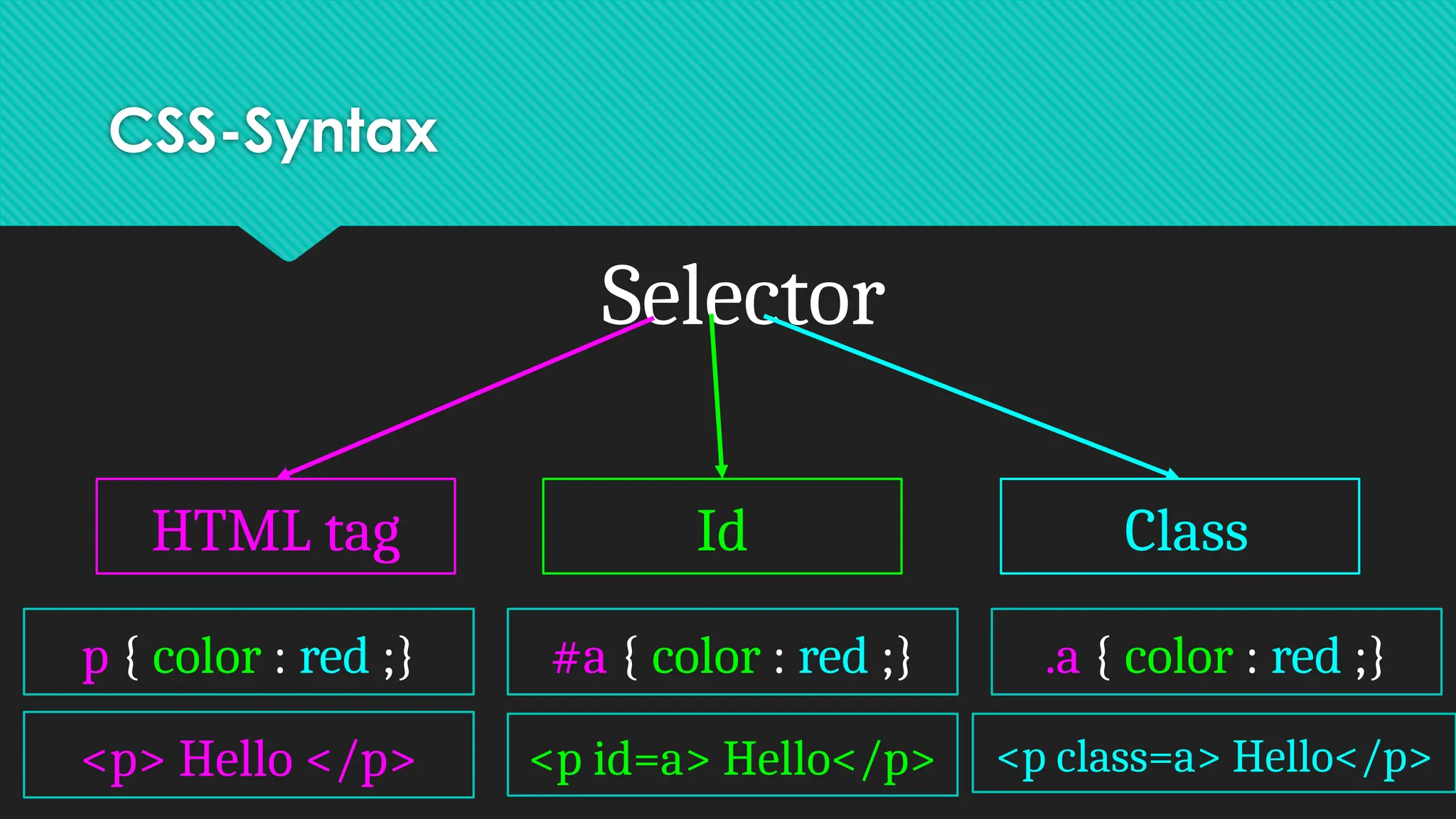
CSS-Syntax
Selector
HTML tag IdClass
p { color : red ;} #a { color : red ;} .a { color : red ;}
<p> Hello </p> <p id=a> Hello</p> <p class=a> Hello</p>
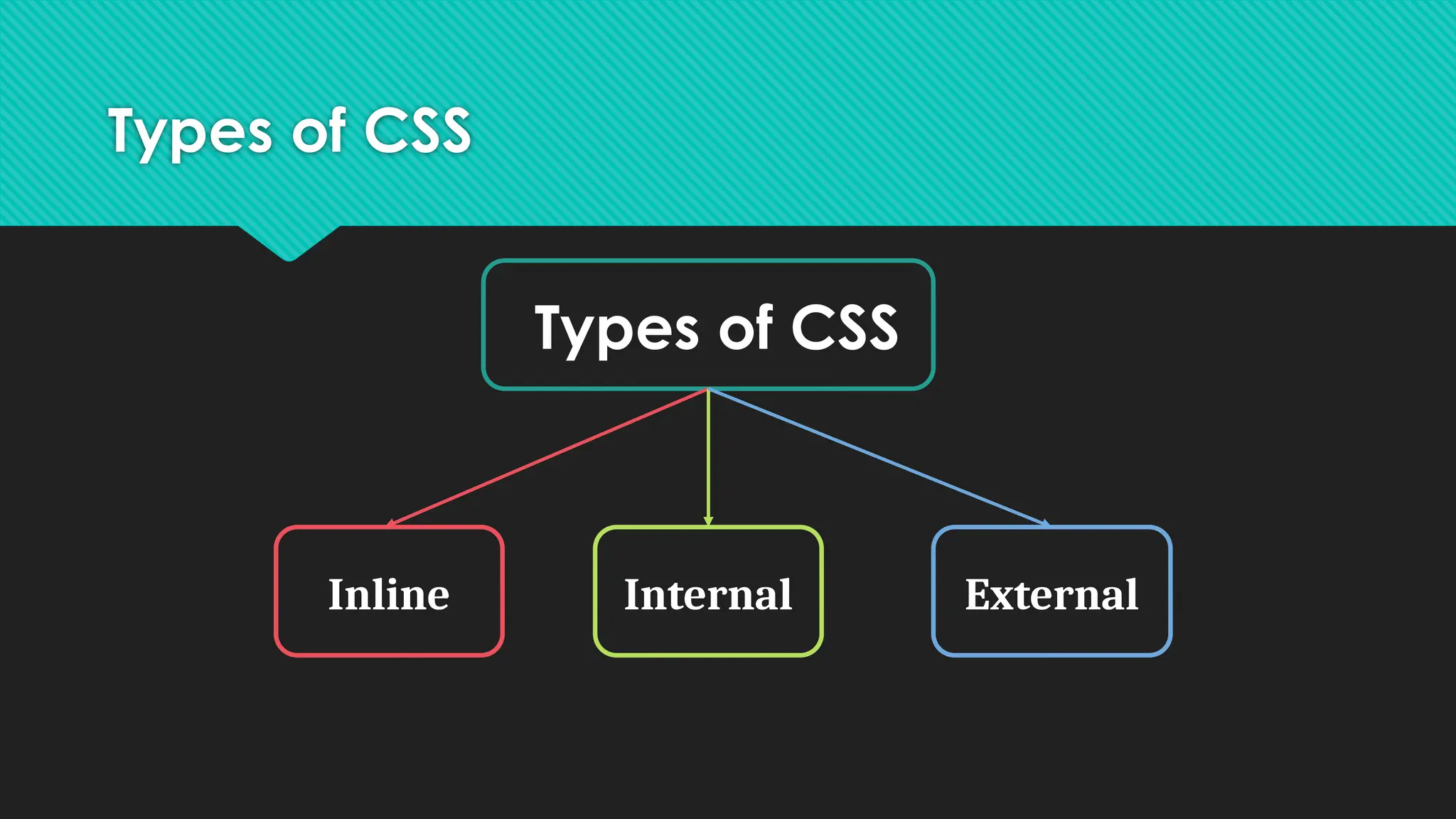
Types of CSS
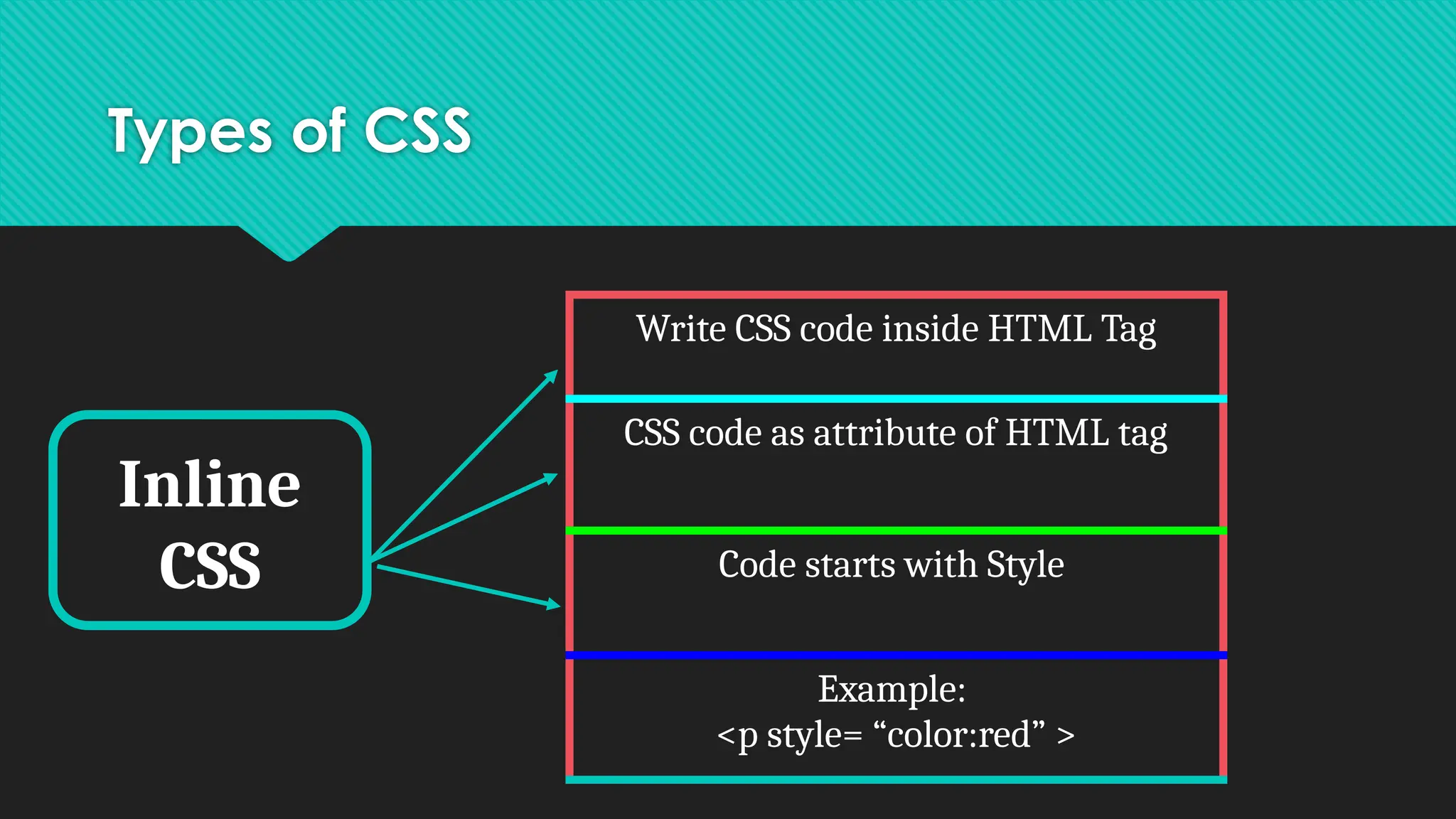
Inline
CSS
WriteCSS code inside HTML Tag
CSS code as attribute of HTML tag
Code starts with Style
Example:
<p style= “color:red” >
83.
Types of CSS
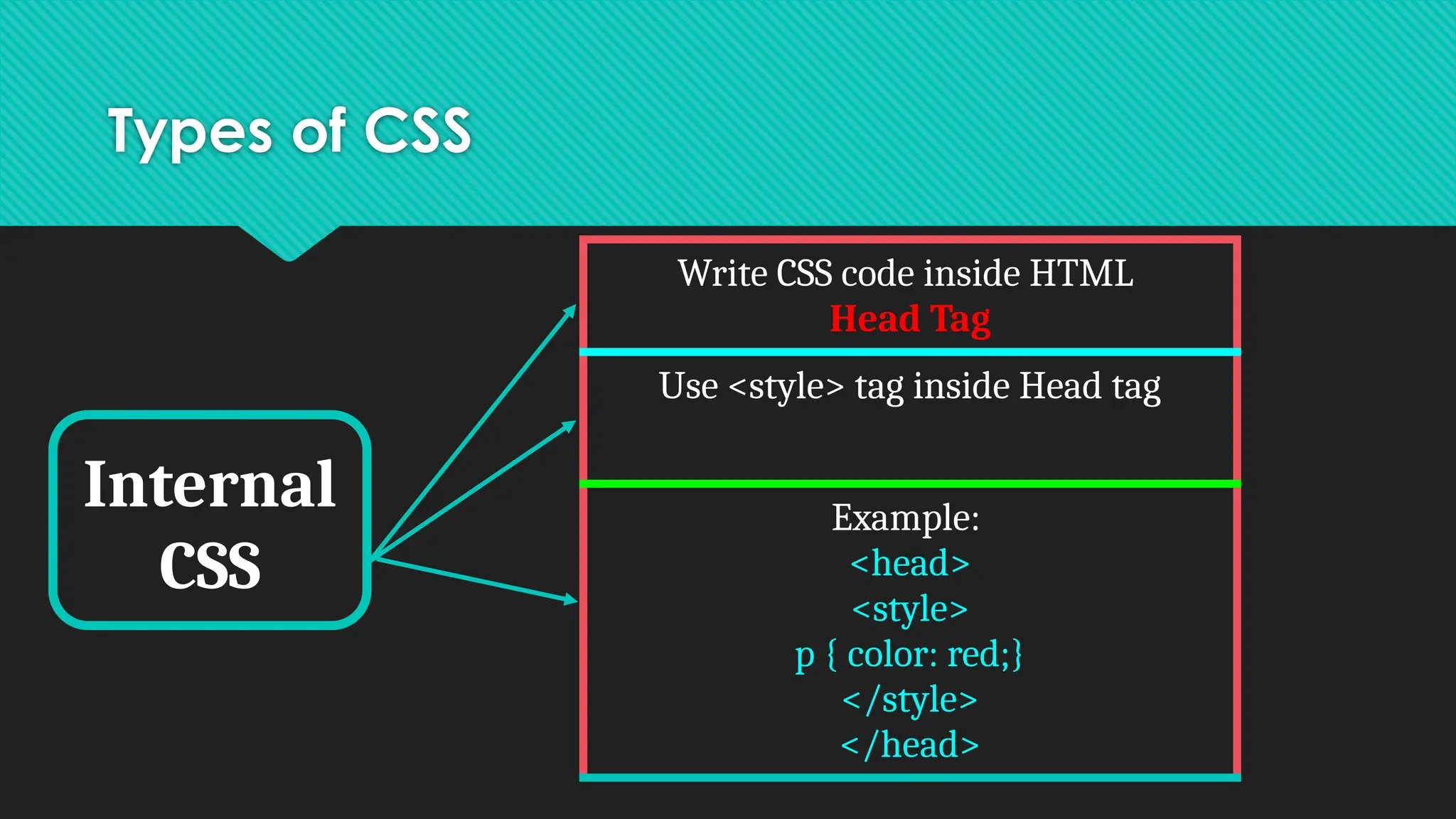
Internal
CSS
WriteCSS code inside HTML
Head Tag
Use <style> tag inside Head tag
Example:
<head>
<style>
p { color: red;}
</style>
</head>
84.
Types of CSS
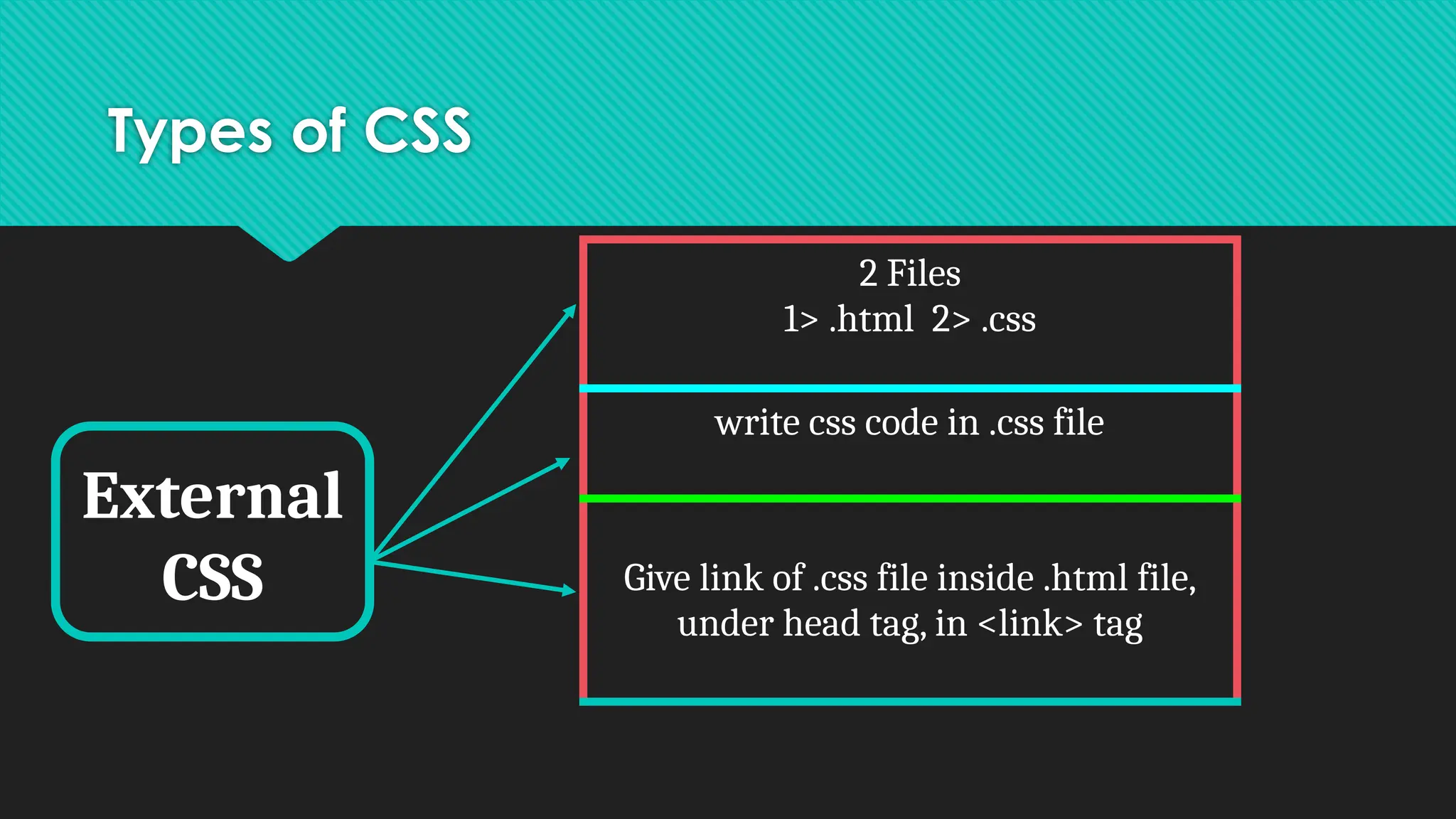
External
CSS
2Files
1> .html 2> .css
write css code in .css file
Give link of .css file inside .html file,
under head tag, in <link> tag
85.
External CSS Example
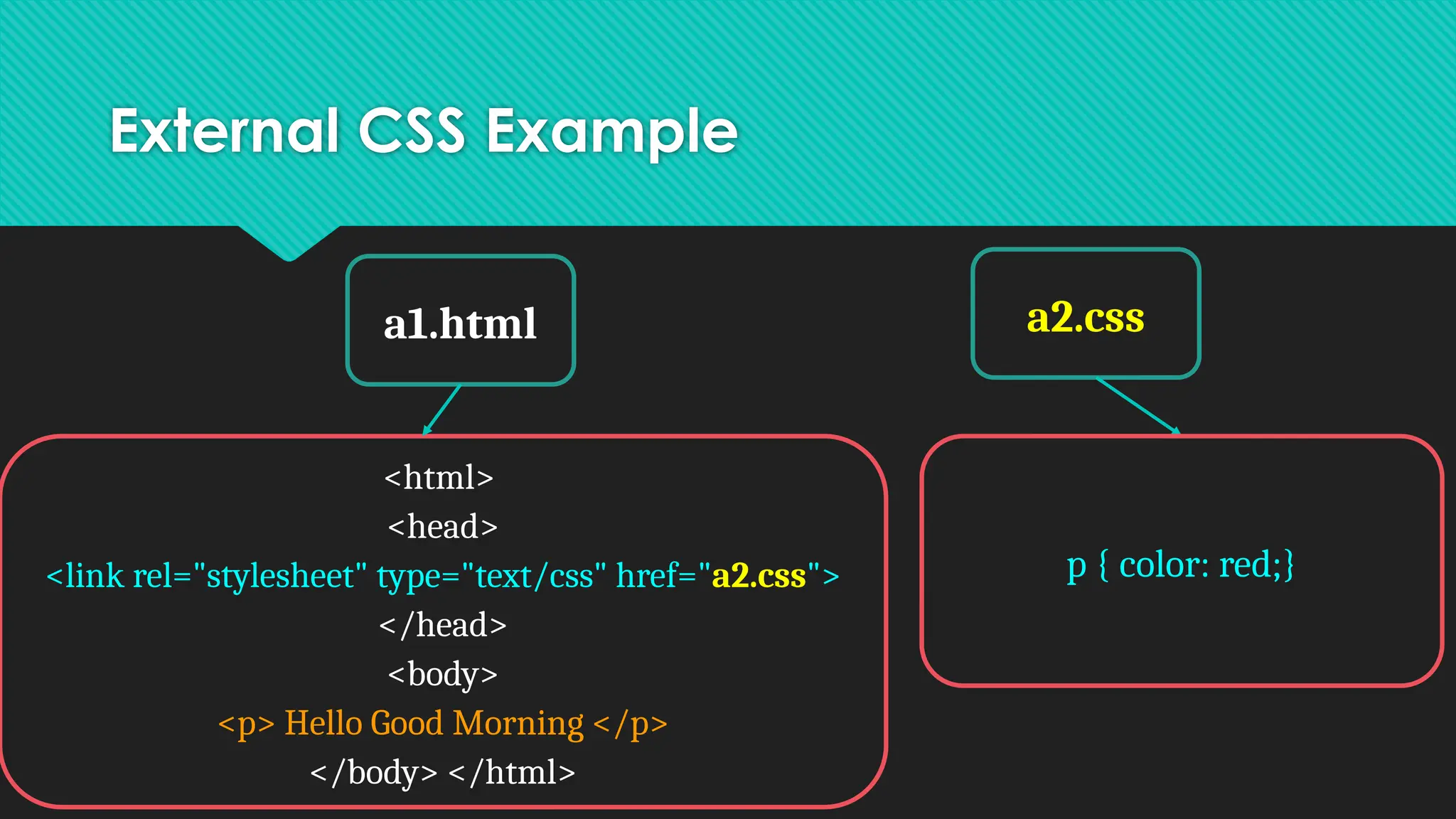
a1.htmla2.css
<html>
<head>
<link rel="stylesheet" type="text/css" href="a2.css">
</head>
<body>
<p> Hello Good Morning </p>
</body> </html>
p { color: red;}
86.
When to usewhich Types of CSS
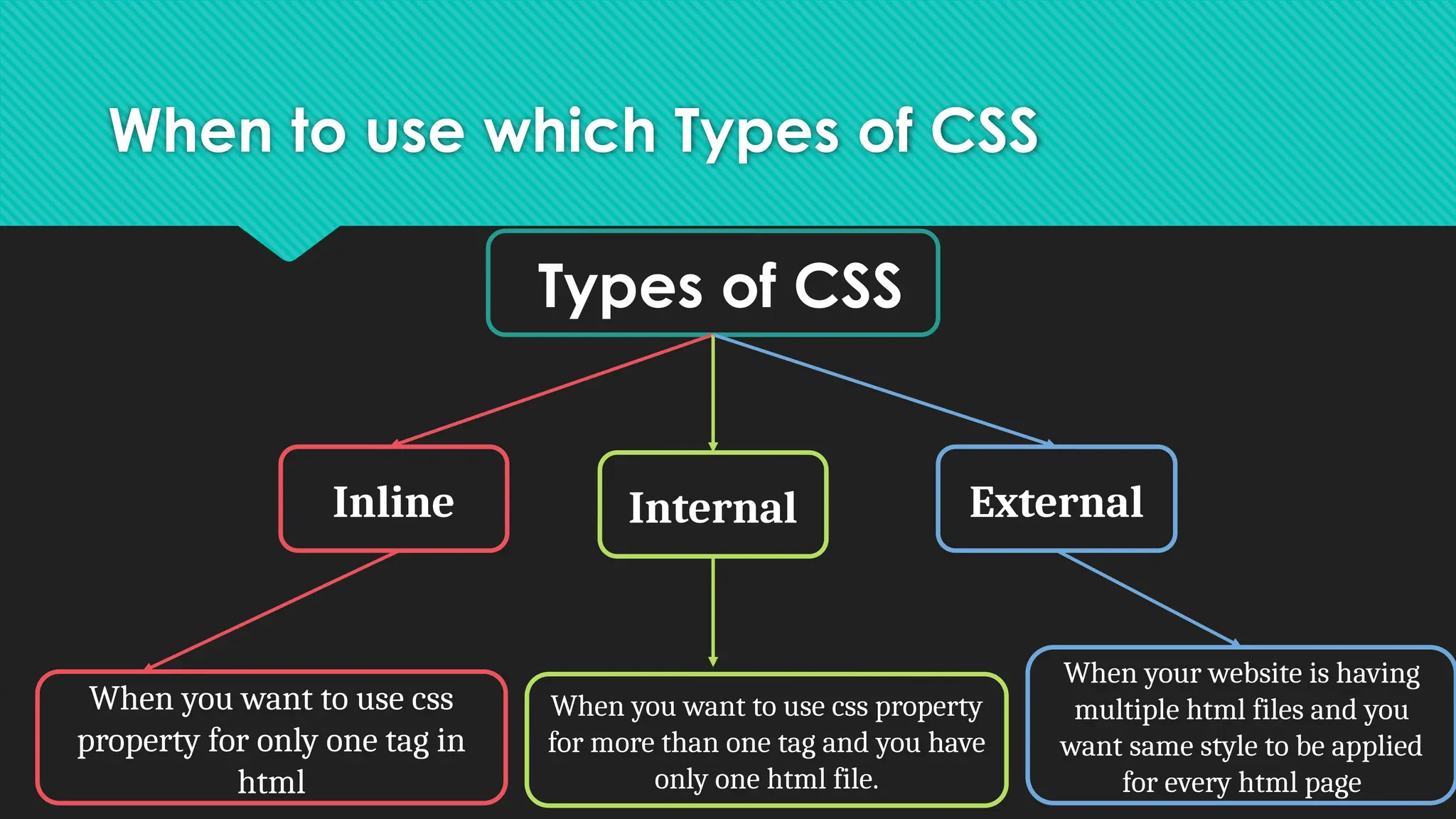
Types of CSS
Inline Internal External
When you want to use css
property for only one tag in
html
When you want to use css property
for more than one tag and you have
only one html file.
When your website is having
multiple html files and you
want same style to be applied
for every html page
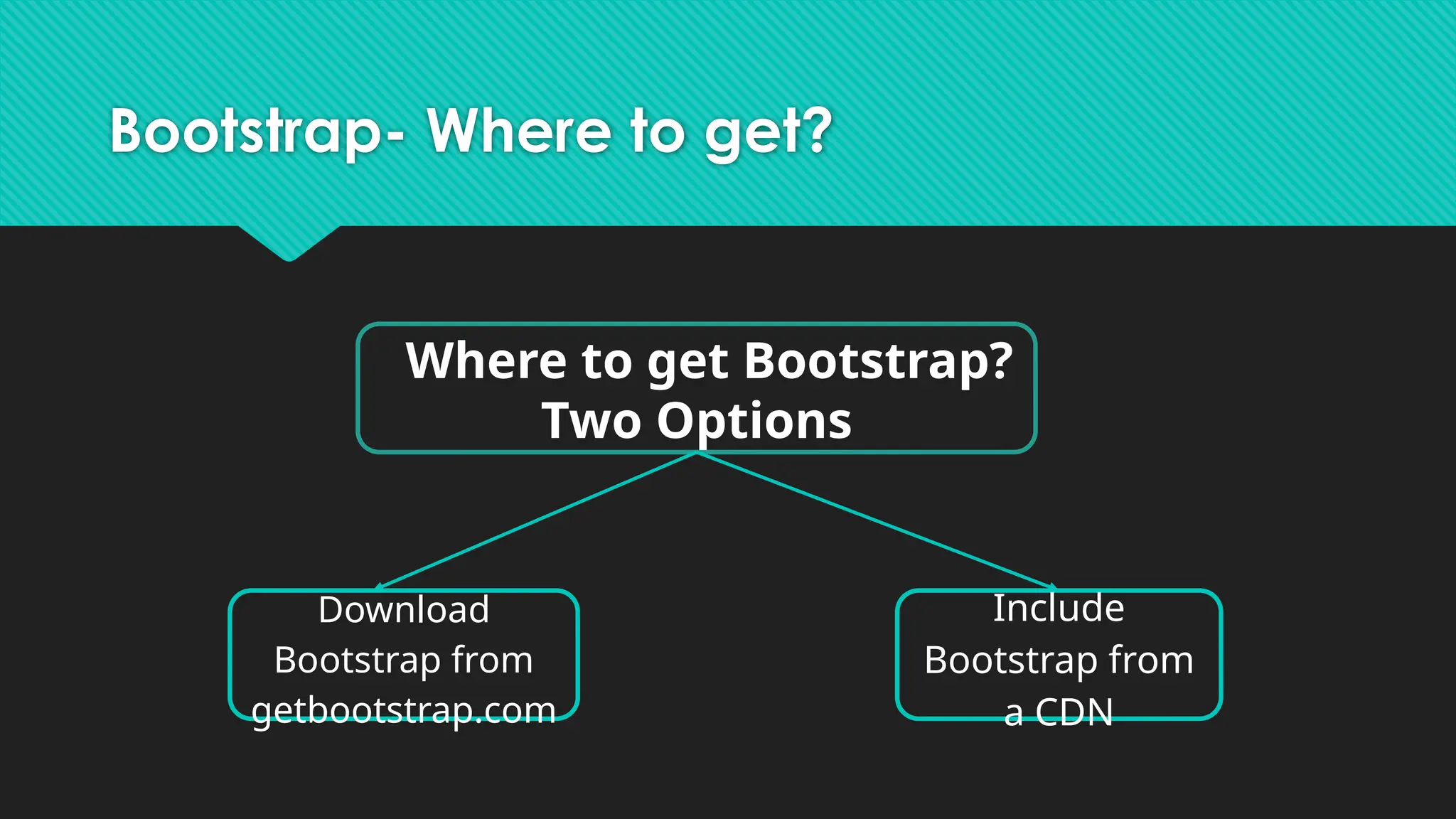
Bootstrap
Bootstrap is themost popular HTML, CSS, and
JavaScript framework for developing responsive,
mobile-first websites.
Bootstrap History
Bootstrap was developed by Mark Otto and Jacob Thornton at
Twitter, and released as an open source product in August 2011 on
GitHub.
In June 2014 Bootstrap was the No.1 project on GitHub!
99.
Bootstrap- Advantages
Easy touse: Anybody with just basic knowledge of HTML and CSS
can start using Bootstrap
Responsive features: Bootstrap's responsive CSS adjusts to phones,
tablets, and desktops
Mobile-first approach: In Bootstrap 3, mobile-first styles are part
of the core framework
Browser compatibility: Bootstrap is compatible with all modern
browsers (Chrome, Firefox, Internet Explorer, Safari, and Opera)
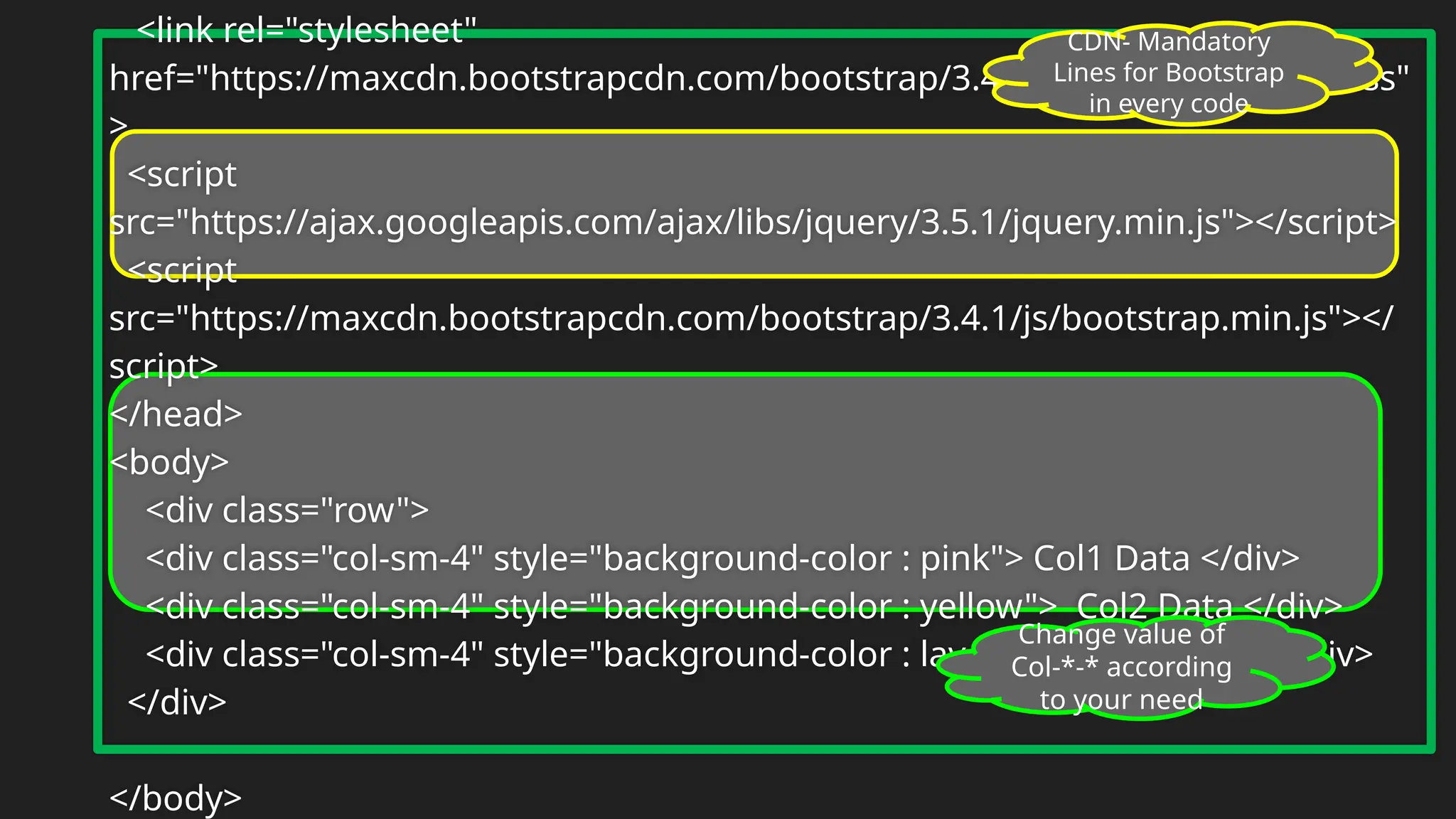
Bootstrap Grid
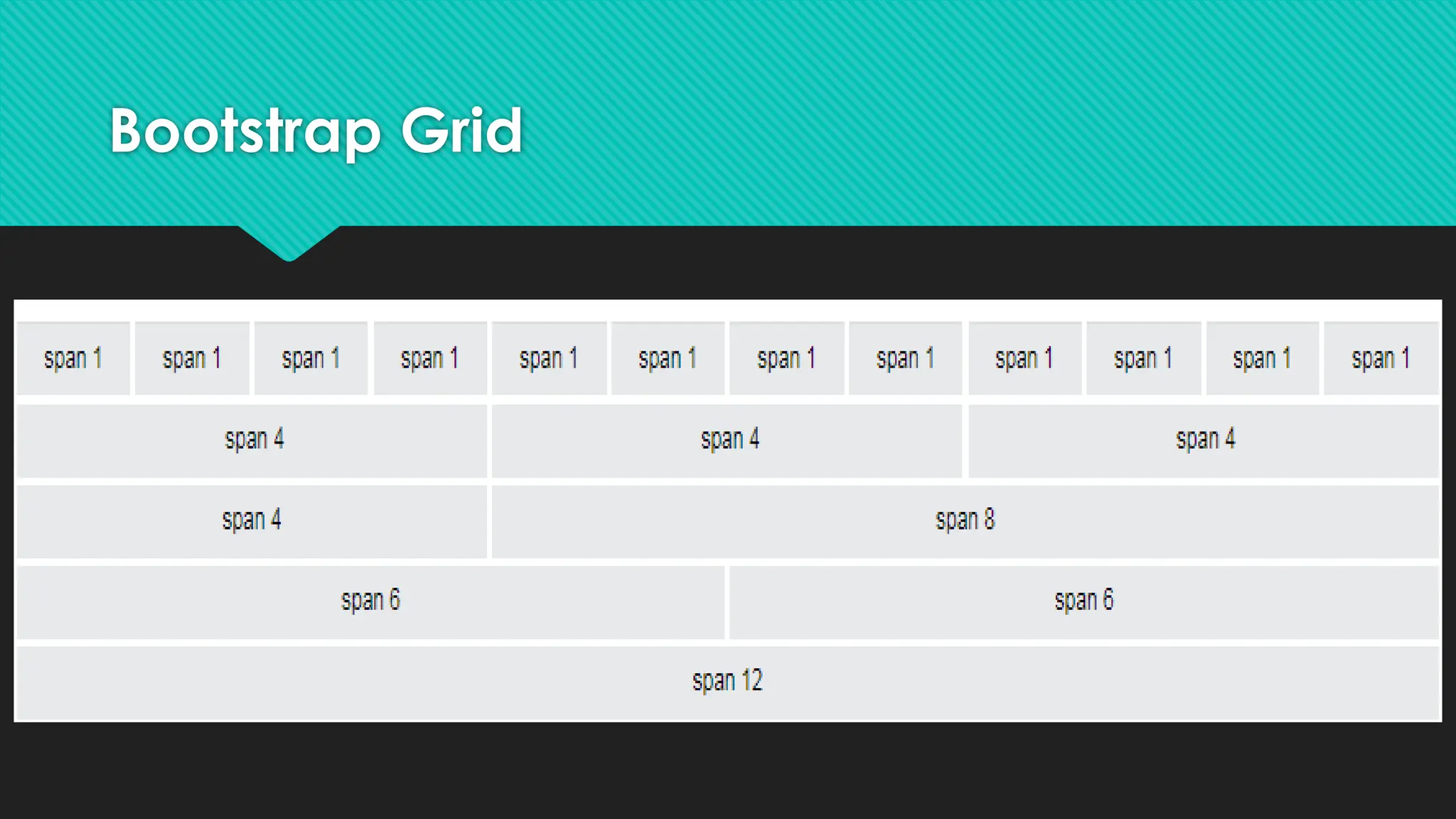
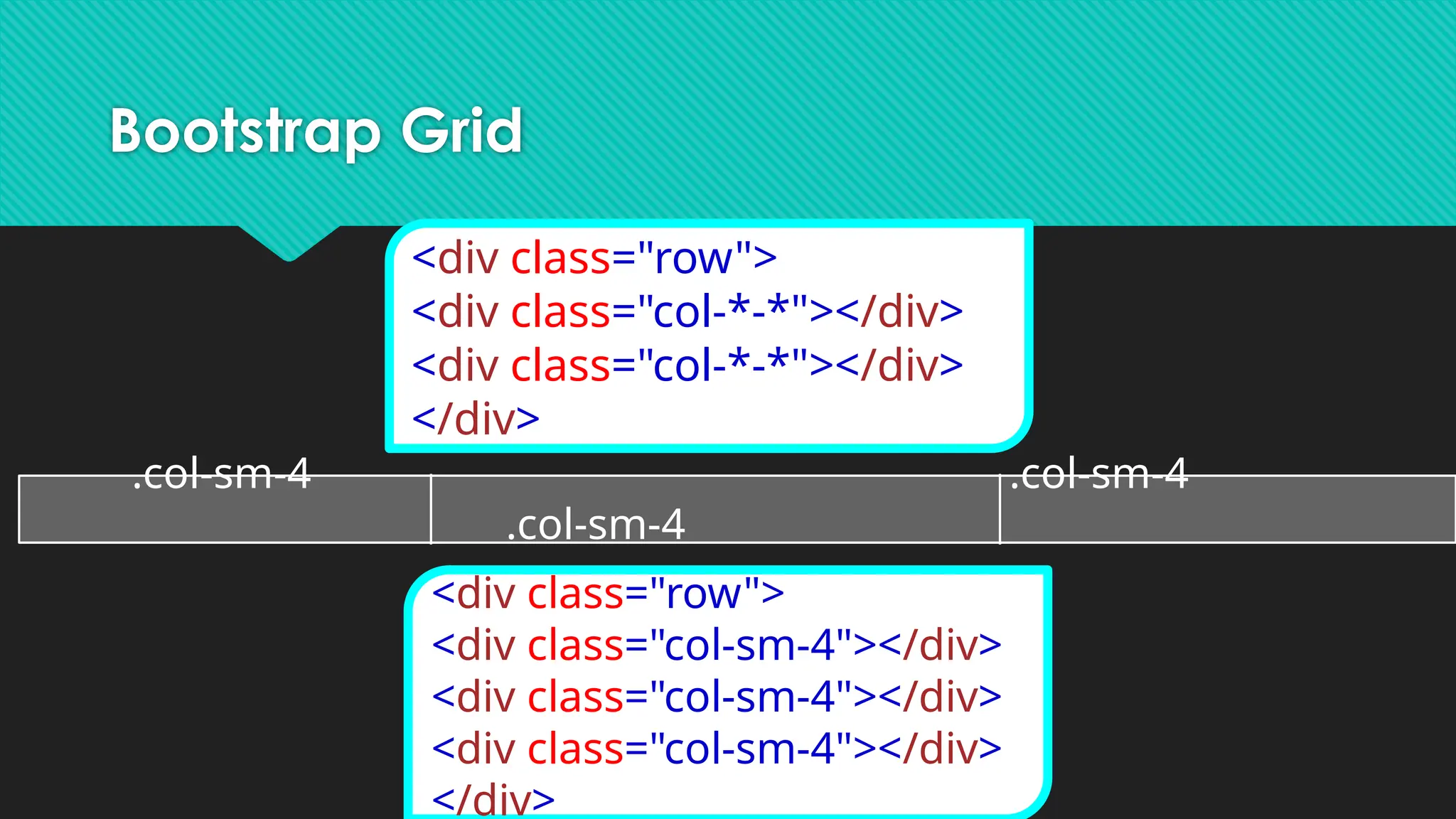
● Bootstrap'sgrid system allows up to 12 columns across the page.
● If you do not want to use all 12 columns individually, you can
group the columns together to create wider columns
● Bootstrap's grid system is responsive, and the columns will
re-arrange automatically depending on the screen size.
102.
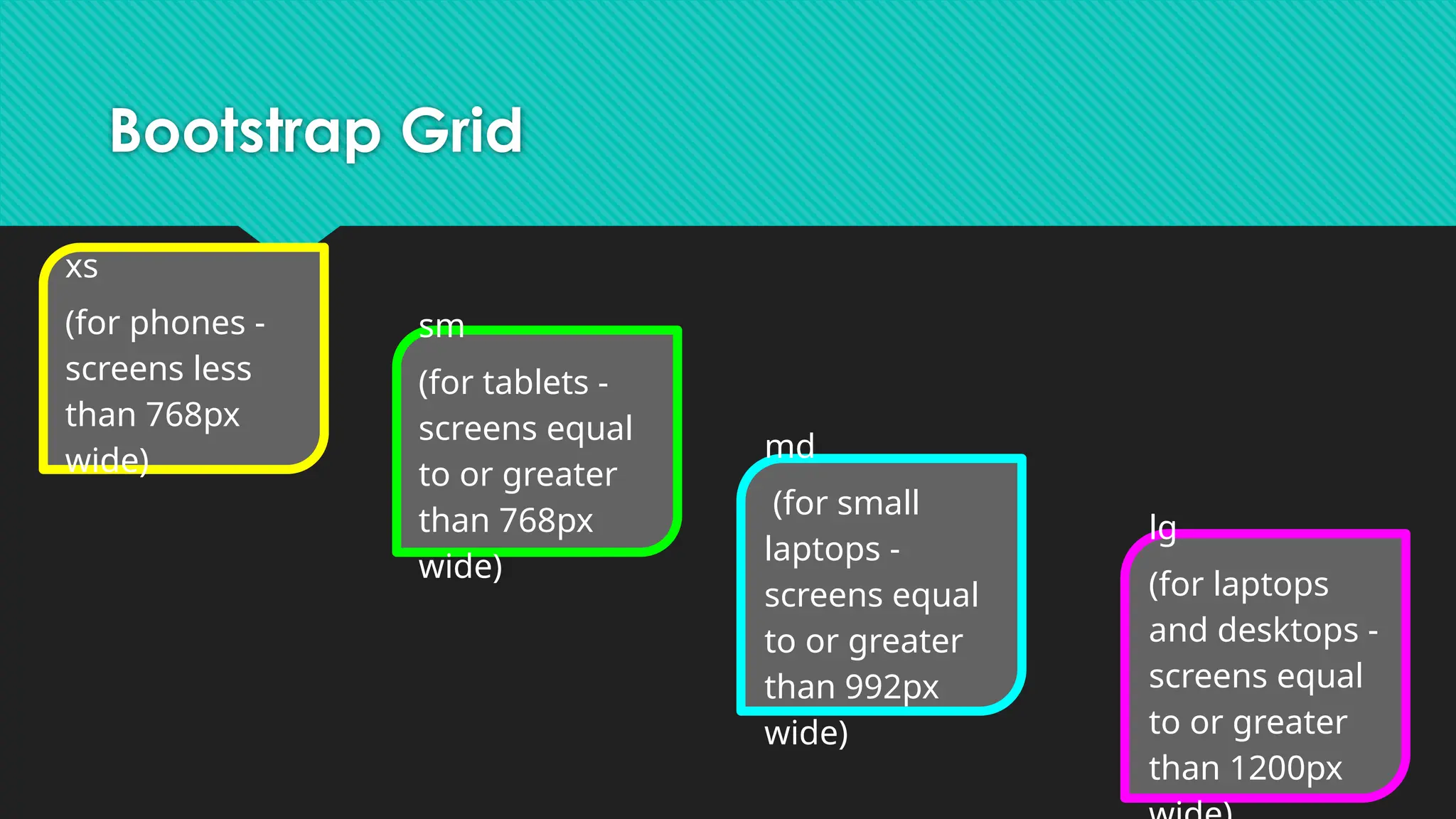
Bootstrap Grid
xs
(for phones-
screens less
than 768px
wide)
sm
(for tablets -
screens equal
to or greater
than 768px
wide)
md
(for small
laptops -
screens equal
to or greater
than 992px
wide)
lg
(for laptops
and desktops -
screens equal
to or greater
than 1200px