 jQuery is a fast, small, and feature-rich JavaScript
library
 It is used for
 HTML document traversal and manipulation
 event handling
 animation
 Ajax
 With a combination of versatility and extensibility,
jQuery has changed the way that millions of people
write JavaScript.
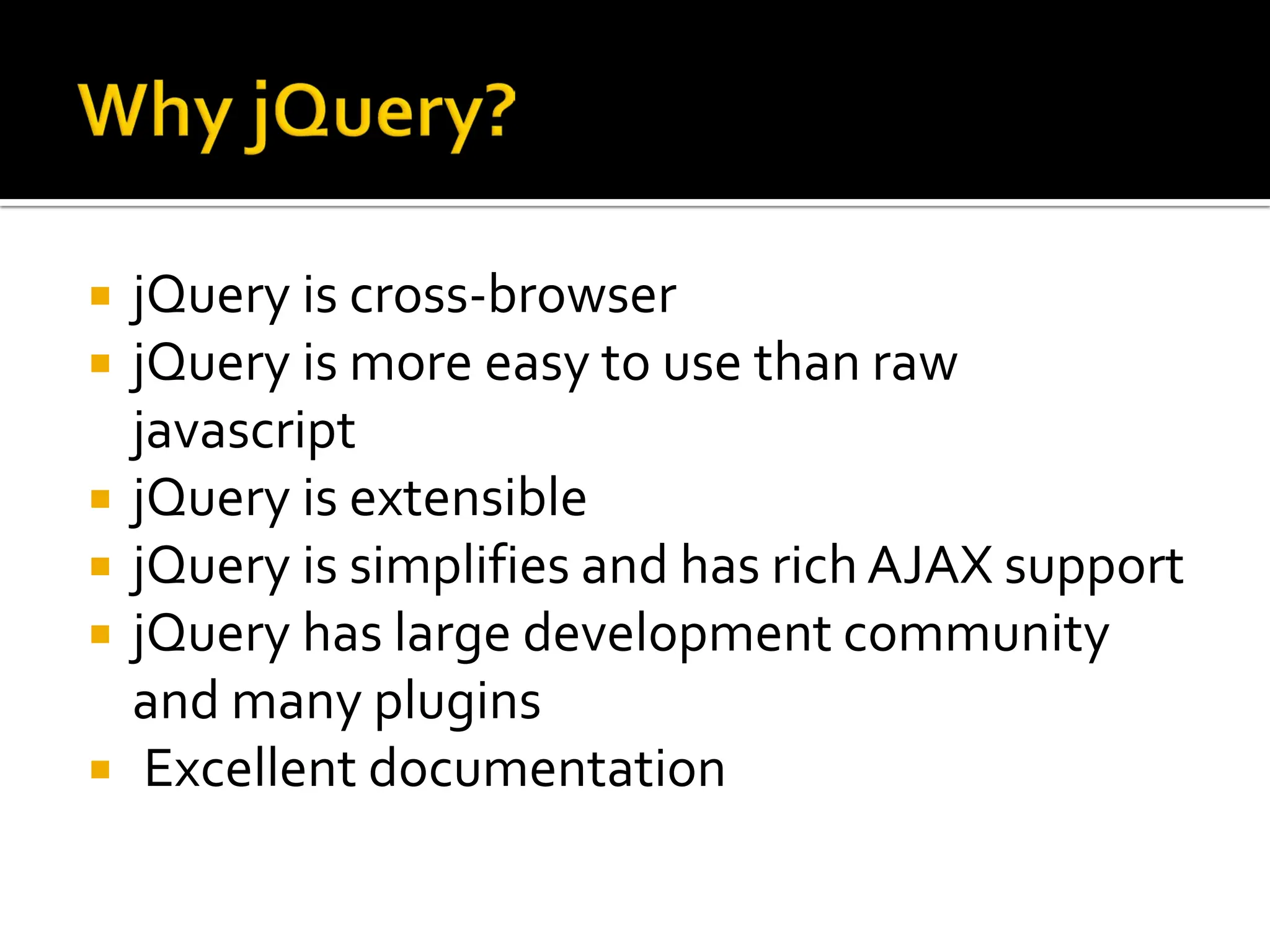
 jQuery is cross-browser
 jQuery is more easy to use than raw
javascript
 jQuery is extensible
 jQuery is simplifies and has rich AJAX support
 jQuery has large development community
and many plugins
 Excellent documentation
 Download jQuery from www.jquery.com
 Reference or link the same in your application
just like external javascript file.

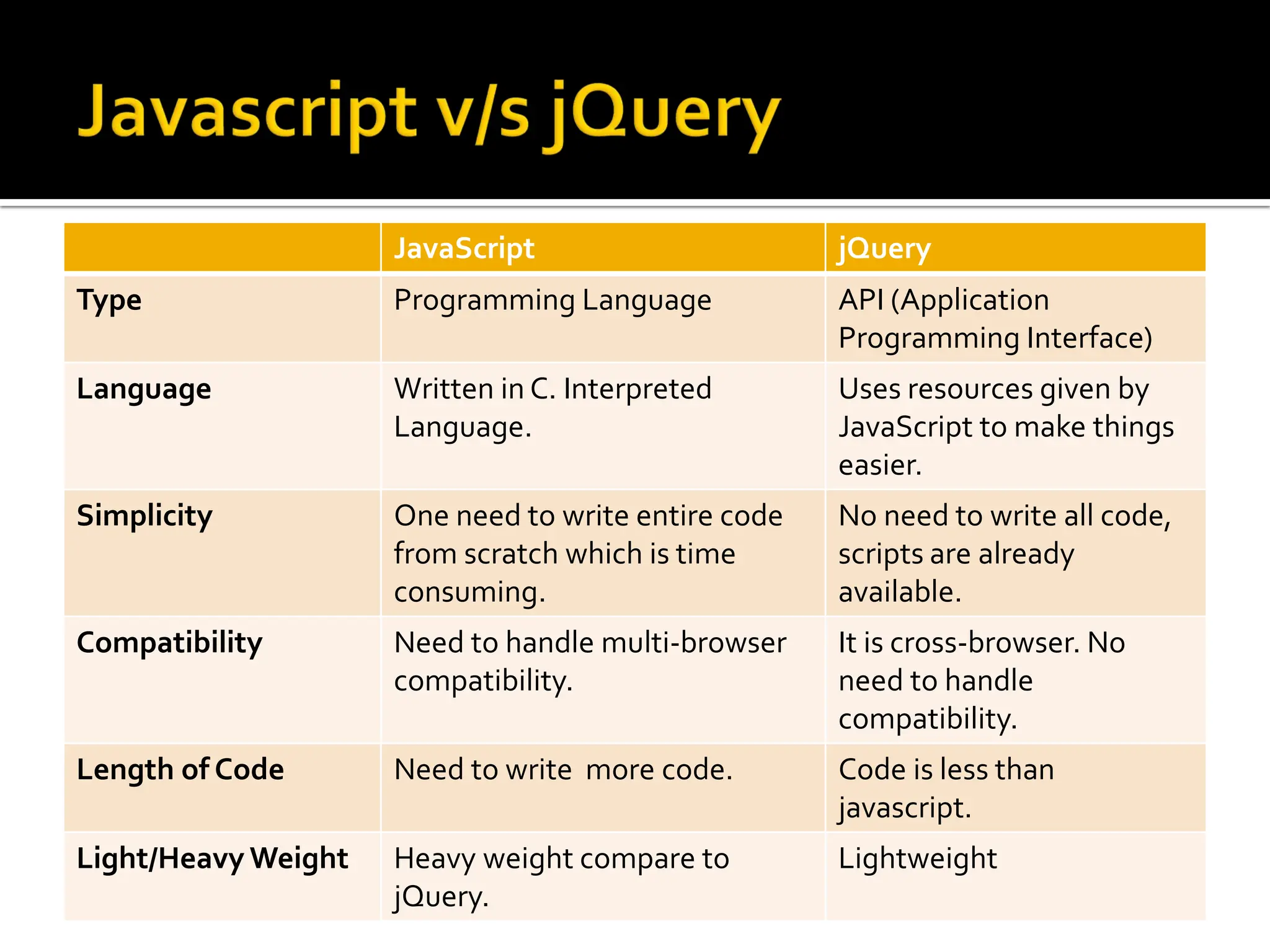
JavaScript jQuery
Type Programming Language API (Application
Programming Interface)
Language Written in C. Interpreted
Language.
Uses resources given by
JavaScript to make things
easier.
Simplicity One need to write entire code
from scratch which is time
consuming.
No need to write all code,
scripts are already
available.
Compatibility Need to handle multi-browser
compatibility.
It is cross-browser. No
need to handle
compatibility.
Length of Code Need to write more code. Code is less than
javascript.
Light/Heavy Weight Heavy weight compare to
jQuery.
Lightweight
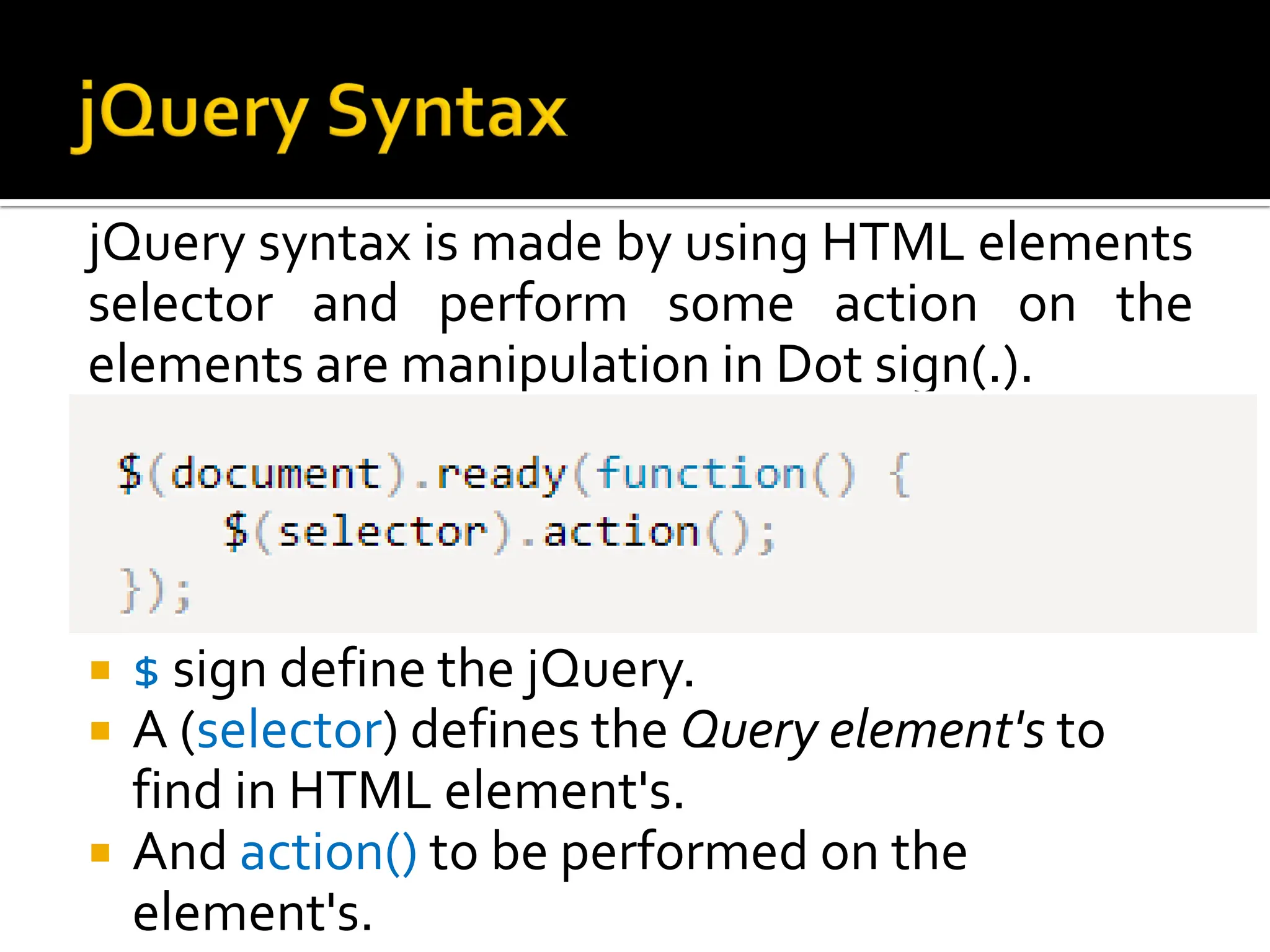
jQuery syntax is made by using HTML elements
selector and perform some action on the
elements are manipulation in Dot sign(.).
 $ sign define the jQuery.
 A (selector) defines the Query element's to
find in HTML element's.
 And action() to be performed on the
element's.
 $(document).ready is a jQuery event
 It fires when DOM is fully loaded and ready to
be manipulated by script
 Earliest process of page load process
 Script can safely access the elements of html
DOM
 This events fires before all images, css etc.
are fully loaded
 jQuery selectors is most important aspects of
the jQuery library.
 jQuery selector allow you to select and
manipulate elements
 Selectors are useful and required at every
step while using jQuery.
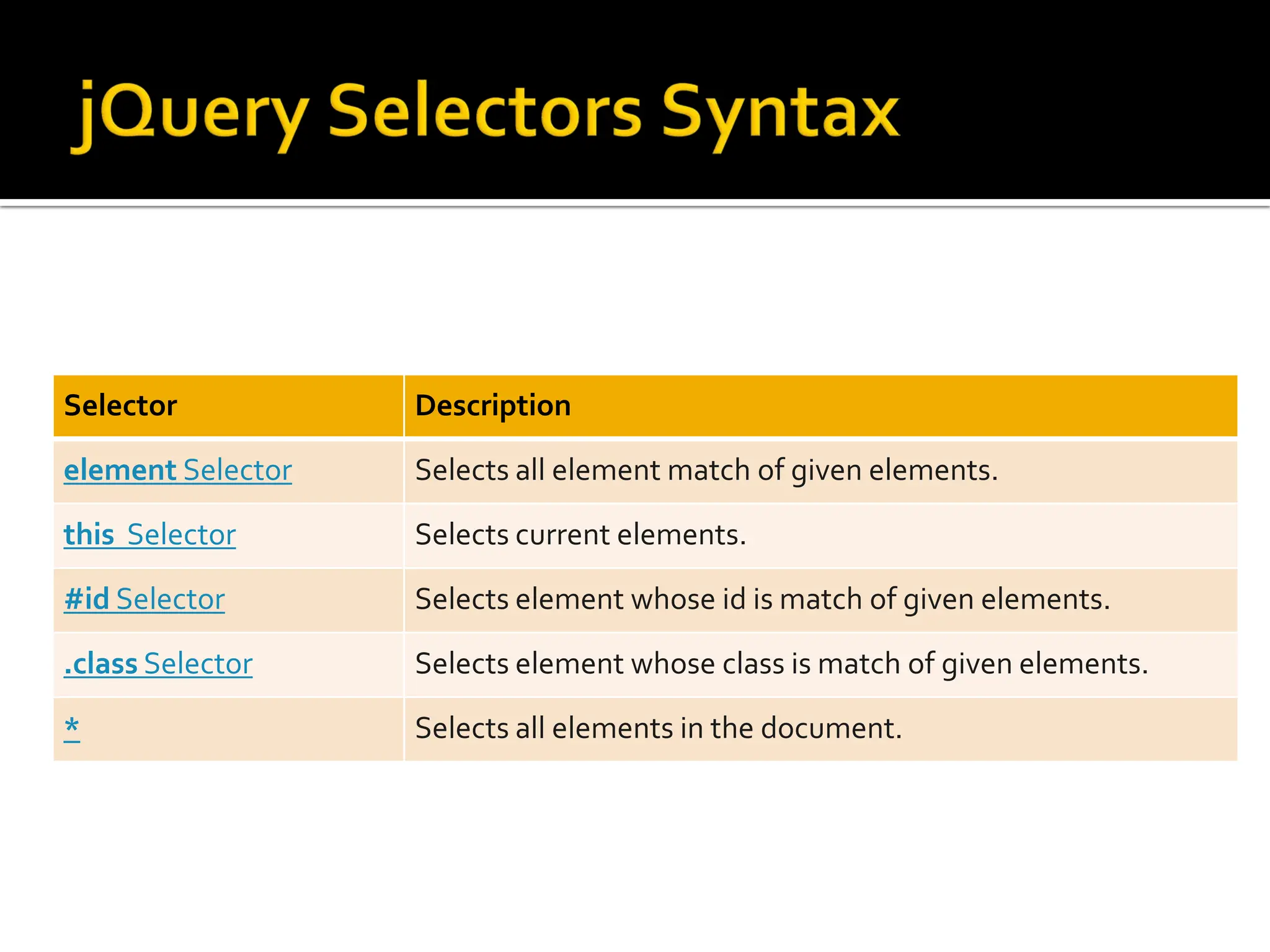
Selector Description
element Selector Selects all element match of given elements.
this Selector Selects current elements.
#id Selector Selects element whose id is match of given elements.
.class Selector Selects element whose class is match of given elements.
* Selects all elements in the document.
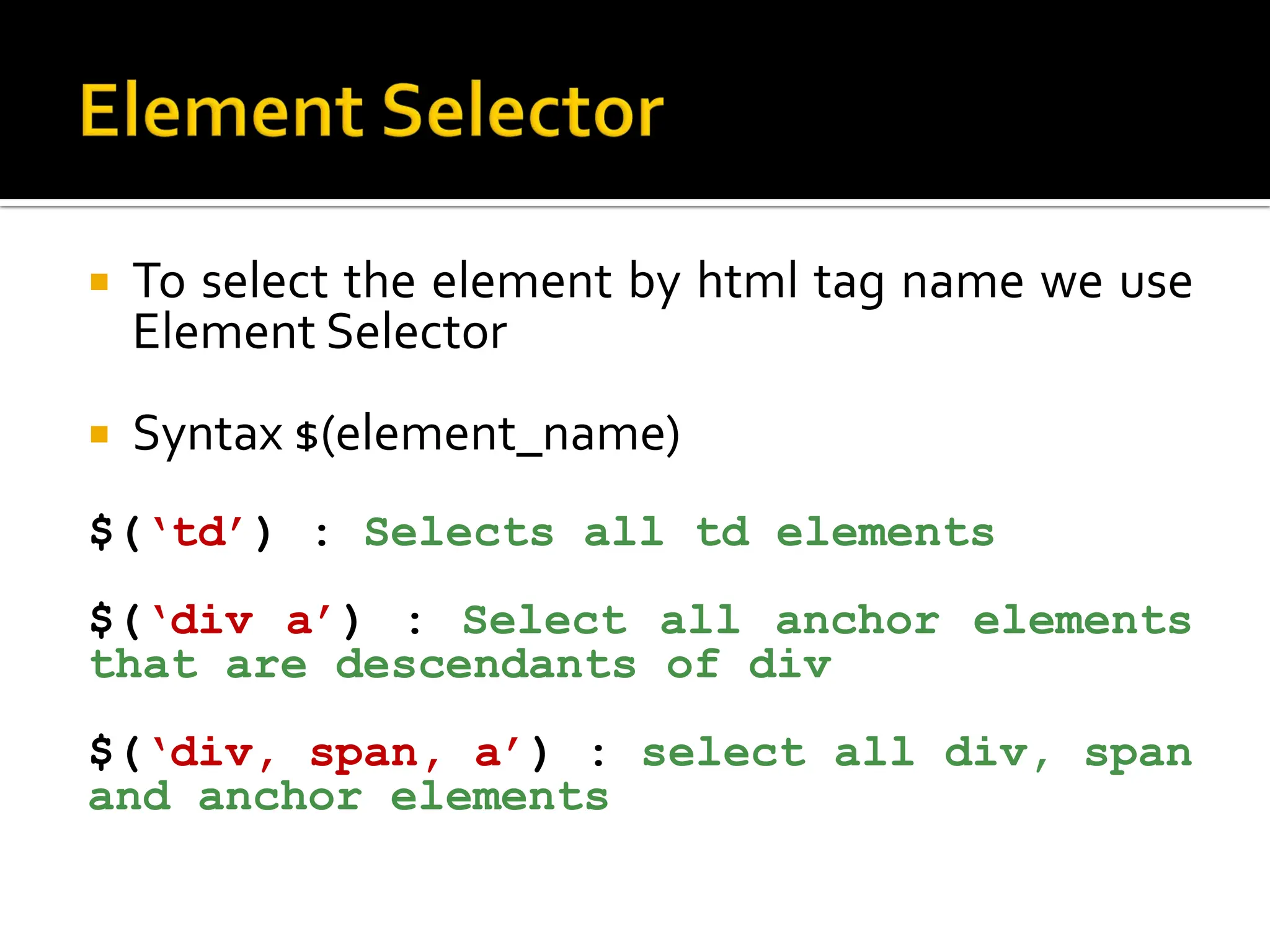
 To select the element by html tag name we use
Element Selector
 Syntax $(element_name)
$(‘td’) : Selects all td elements
$(‘div a’) : Select all anchor elements
that are descendants of div
$(‘div, span, a’) : select all div, span
and anchor elements
 To select td tag and count total number of td
tags in document
 Select all tr tag and change its back-ground
color
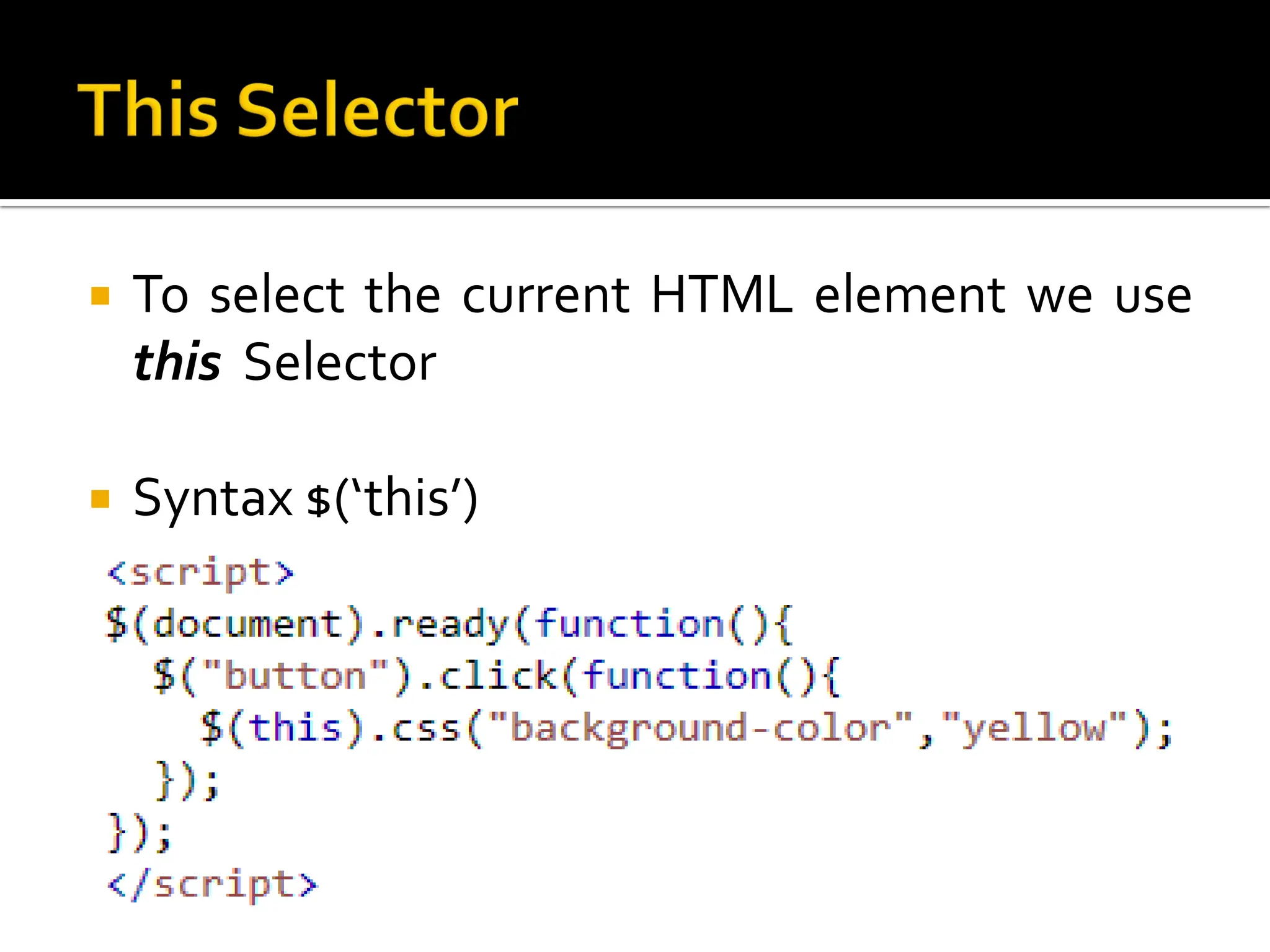
 To select the current HTML element we use
this Selector
 Syntax $(‘this’)
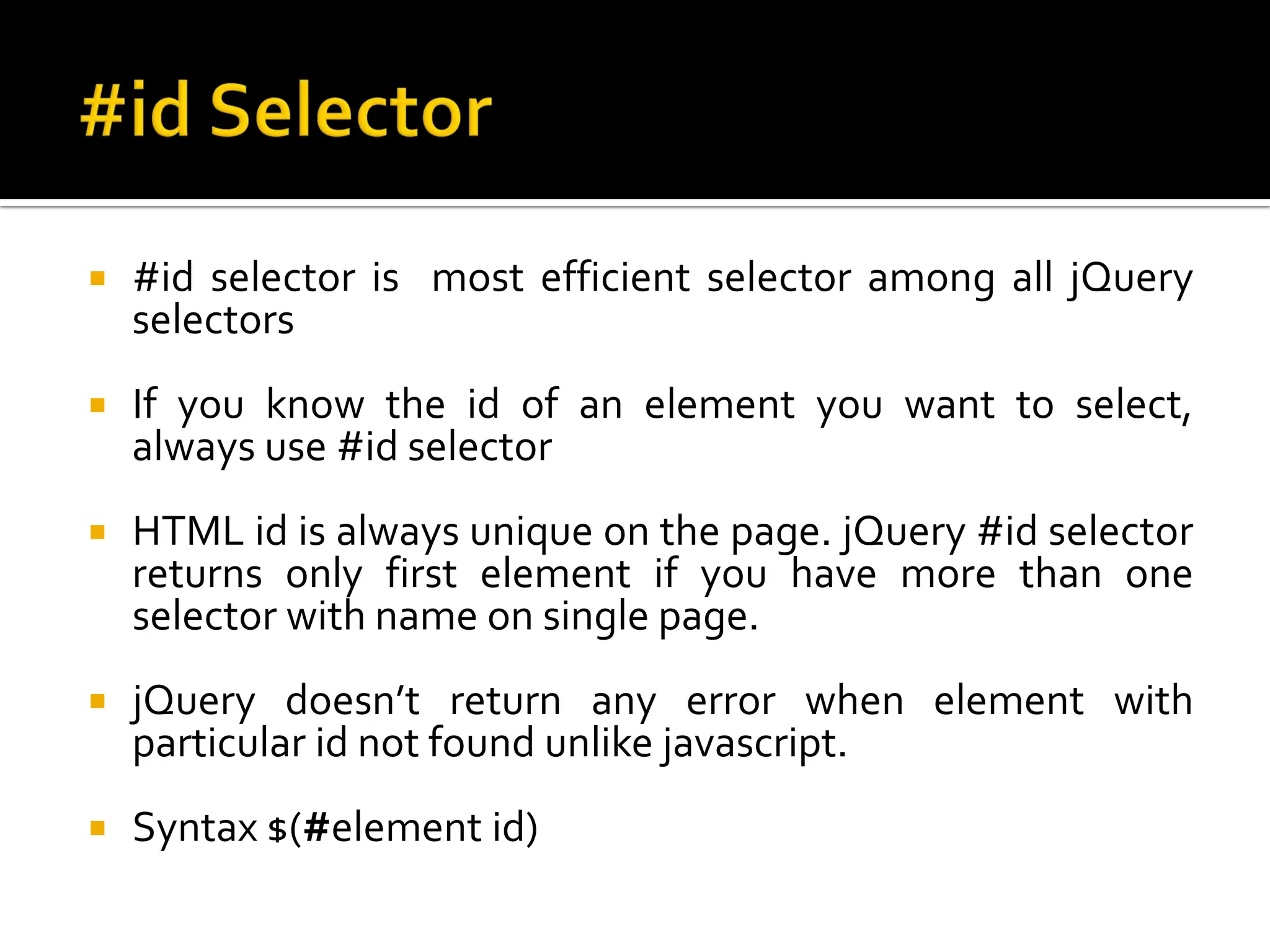
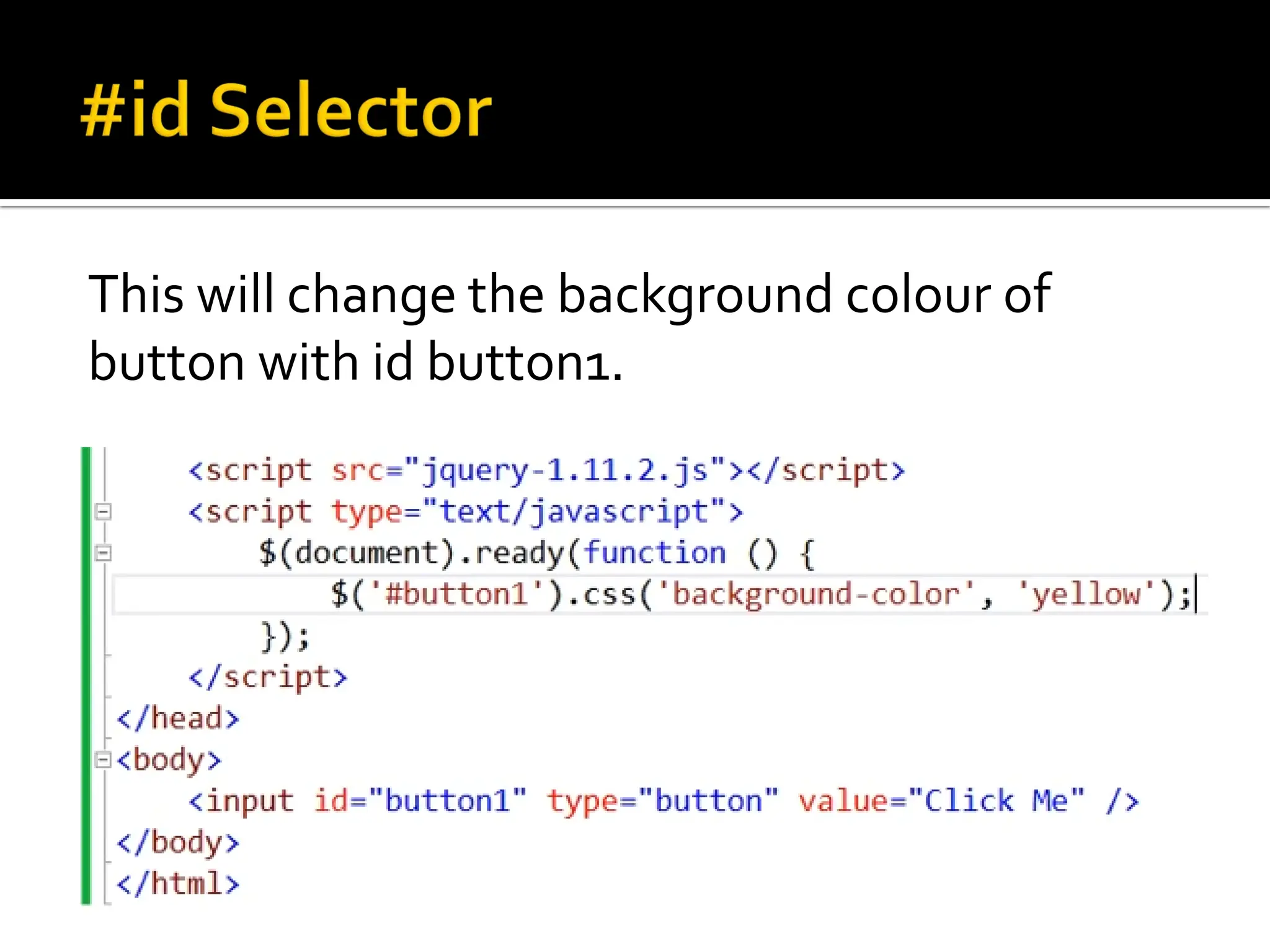
 #id selector is most efficient selector among all jQuery
selectors
 If you know the id of an element you want to select,
always use #id selector
 HTML id is always unique on the page. jQuery #id selector
returns only first element if you have more than one
selector with name on single page.
 jQuery doesn’t return any error when element with
particular id not found unlike javascript.
 Syntax $(#element id)
This will change the background colour of
button with id button1.
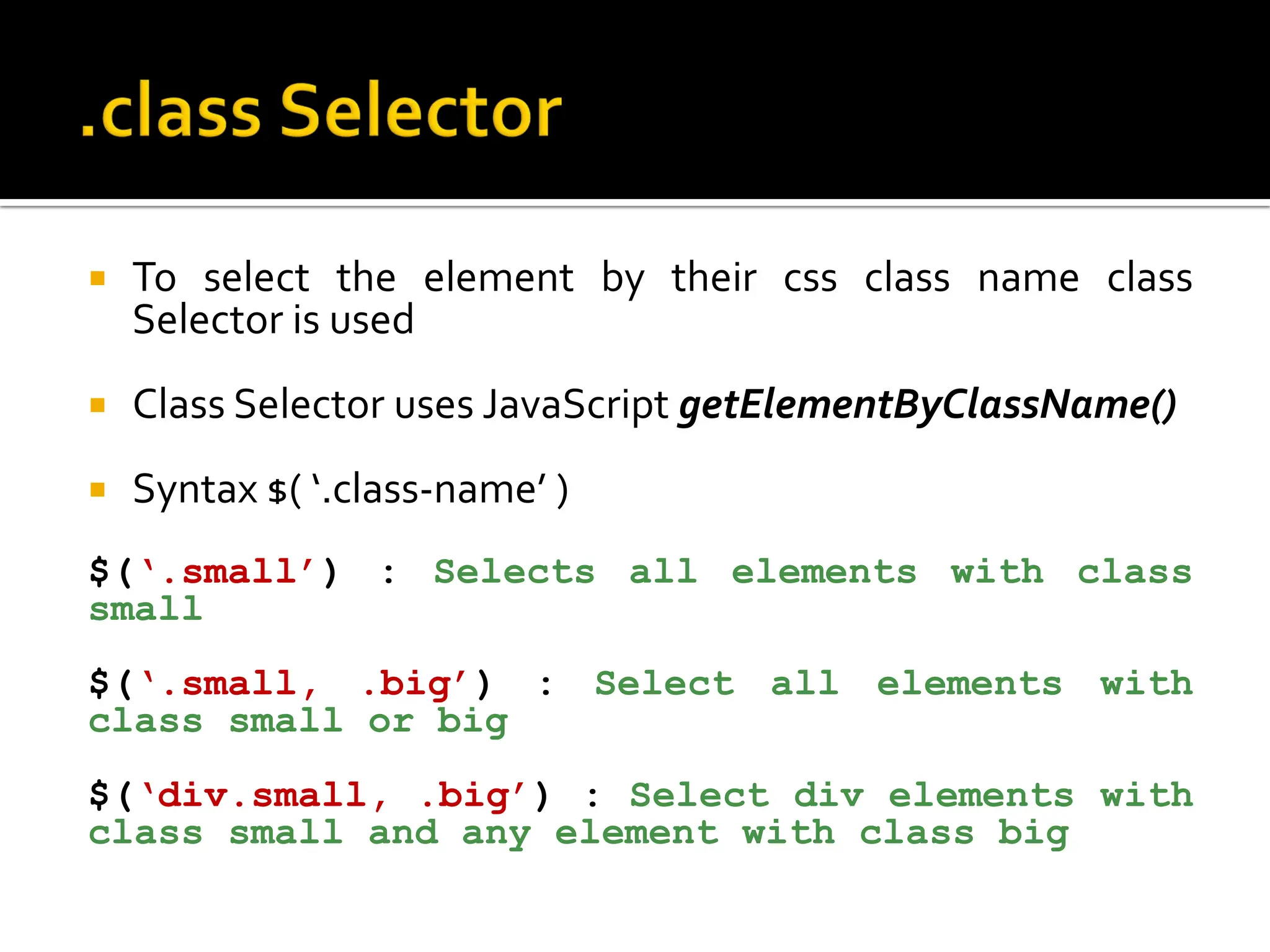
 To select the element by their css class name class
Selector is used
 Class Selector uses JavaScript getElementByClassName()
 Syntax $( ‘.class-name’ )
$(‘.small’) : Selects all elements with class
small
$(‘.small, .big’) : Select all elements with
class small or big
$(‘div.small, .big’) : Select div elements with
class small and any element with class big
 Select all elements with class small and set its
border to 5px with red colour
 To select the element by their attribute or attribute with
specific value attribute selector is used
 Syntax $( ‘[attribute]’ )
$( ‘[attribute=“value”]’ )
$(‘[title]’) : Selects all elements having
title attribute
$(‘div [title]’) : Select all elements having
title attribute
$(‘[title]=“tt1’) : Select all elements that
have title attribute value - tt1
$(‘div [title]=“tt1’) : Select all div elements
that have title attribute value - tt1
 Select all elements having title attribute and
set its border to 5px with red colour
 * selector will select all the elements of DOM
 All the user action to which a web page can
respond to are known as event
 Some common actions are
 Click
 Double click
 Hover
 Key press
 When event occurred a Event Handler is
called
 Using bind()
$(selector).bind(eventType,eventData,handlerFunct
ion)
eventType: JavaScript event like click, hover etc.
eventData: Any data that you want to pass to
event handler function when event
fired(triggered)
handlerFunction: the operation to be performed
each time event is fired
 Using event method directly()
$(selector).eventType(handlerFunction)
$(selector).click(handlerFunction)
$(selector).hover(handlerFunction)
 Removing event
$(selector).unbind(eventType, handlerFunction)
 The jQuery library provides several
techniques for adding animation to a web
page.
 These include simple, standard animations
that are frequently used, and the ability to
craft sophisticated custom effects.
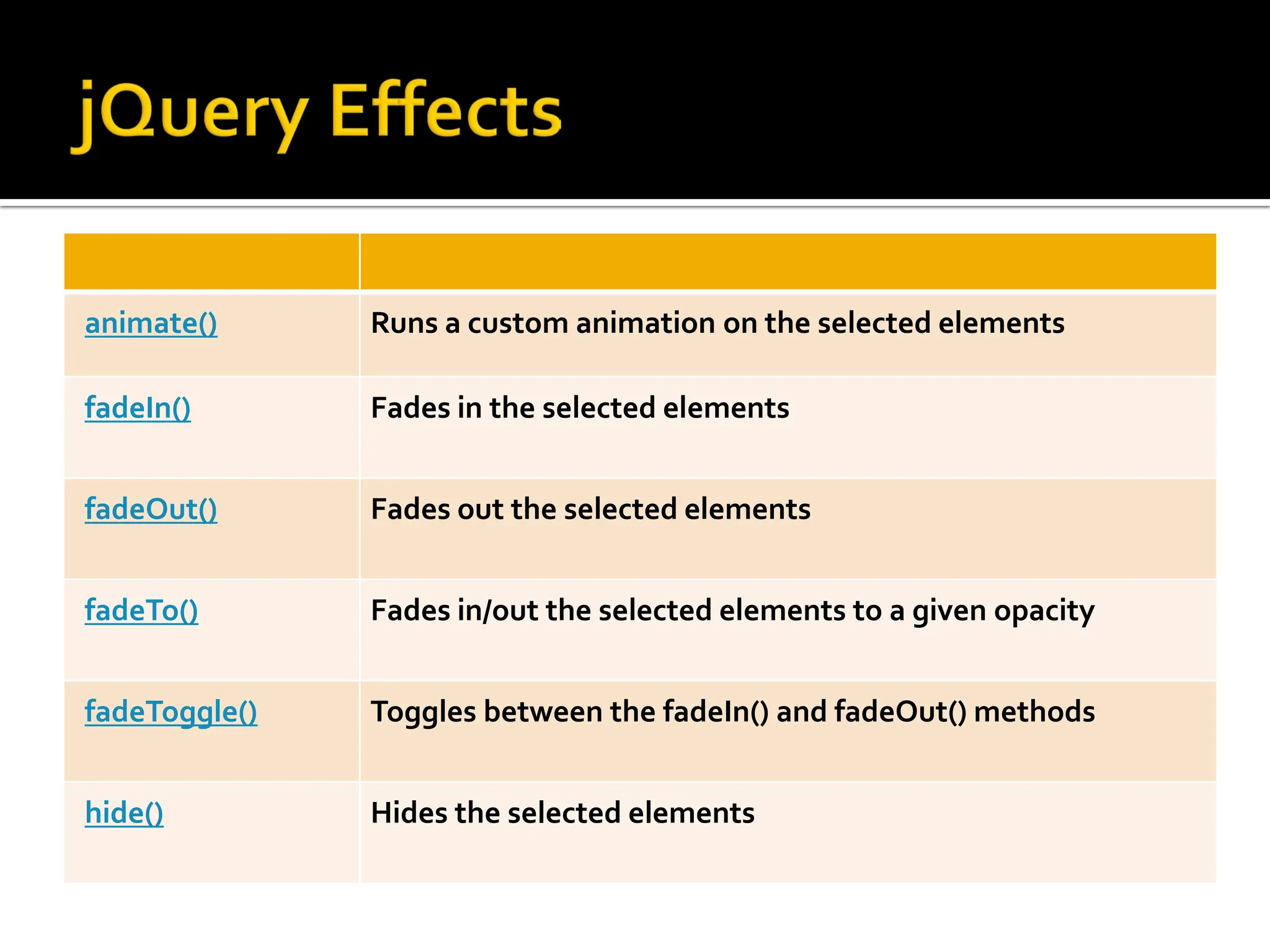
animate() Runs a custom animation on the selected elements
fadeIn() Fades in the selected elements
fadeOut() Fades out the selected elements
fadeTo() Fades in/out the selected elements to a given opacity
fadeToggle() Toggles between the fadeIn() and fadeOut() methods
hide() Hides the selected elements
show() Shows the selected elements
slideDown() Slides-down (shows) the selected elements
slideToggle() Toggles between the slideUp() and slideDown() methods
 The jQuery animate() allows us to animate CSS
properties
$(selector).animate(properties,[duration],[easing],[compl
ete])
Properties: CSS Properties
Duration: Duration of animation in milliseconds.
Default is 400.
Easing: Used for transition. Default is swing.
Complete: A function to call once animation is
complete.
 One very important part of jQuery is the
possibility to manipulate the DOM.
 jQuery has DOM related methods that is used
to to access and manipulate elements and
attributes.
 A few of these methods are text(), html(), attr(),
and val()
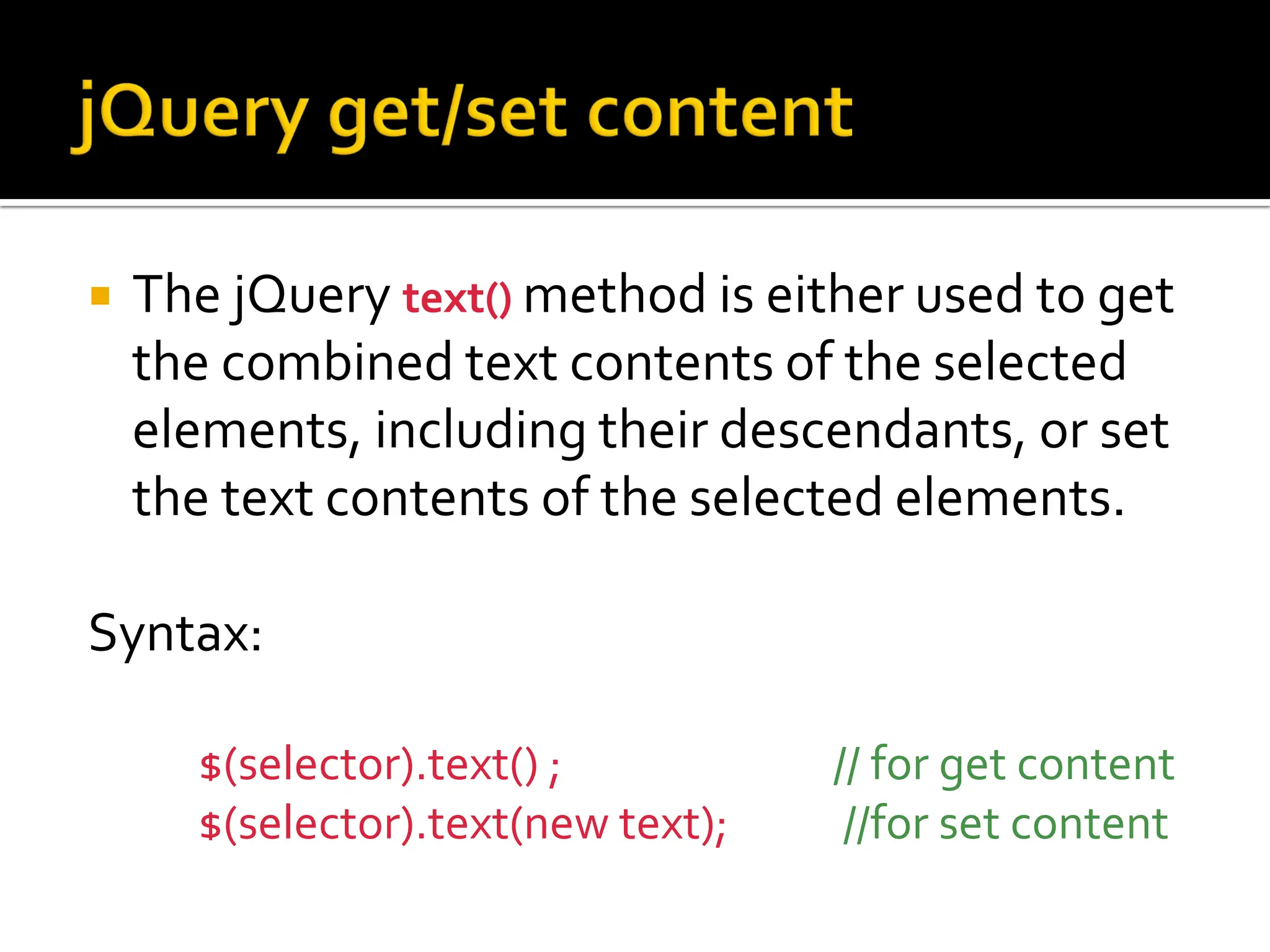
 The jQuery text() method is either used to get
the combined text contents of the selected
elements, including their descendants, or set
the text contents of the selected elements.
Syntax:
$(selector).text() ; // for get content
$(selector).text(new text); //for set content
Example
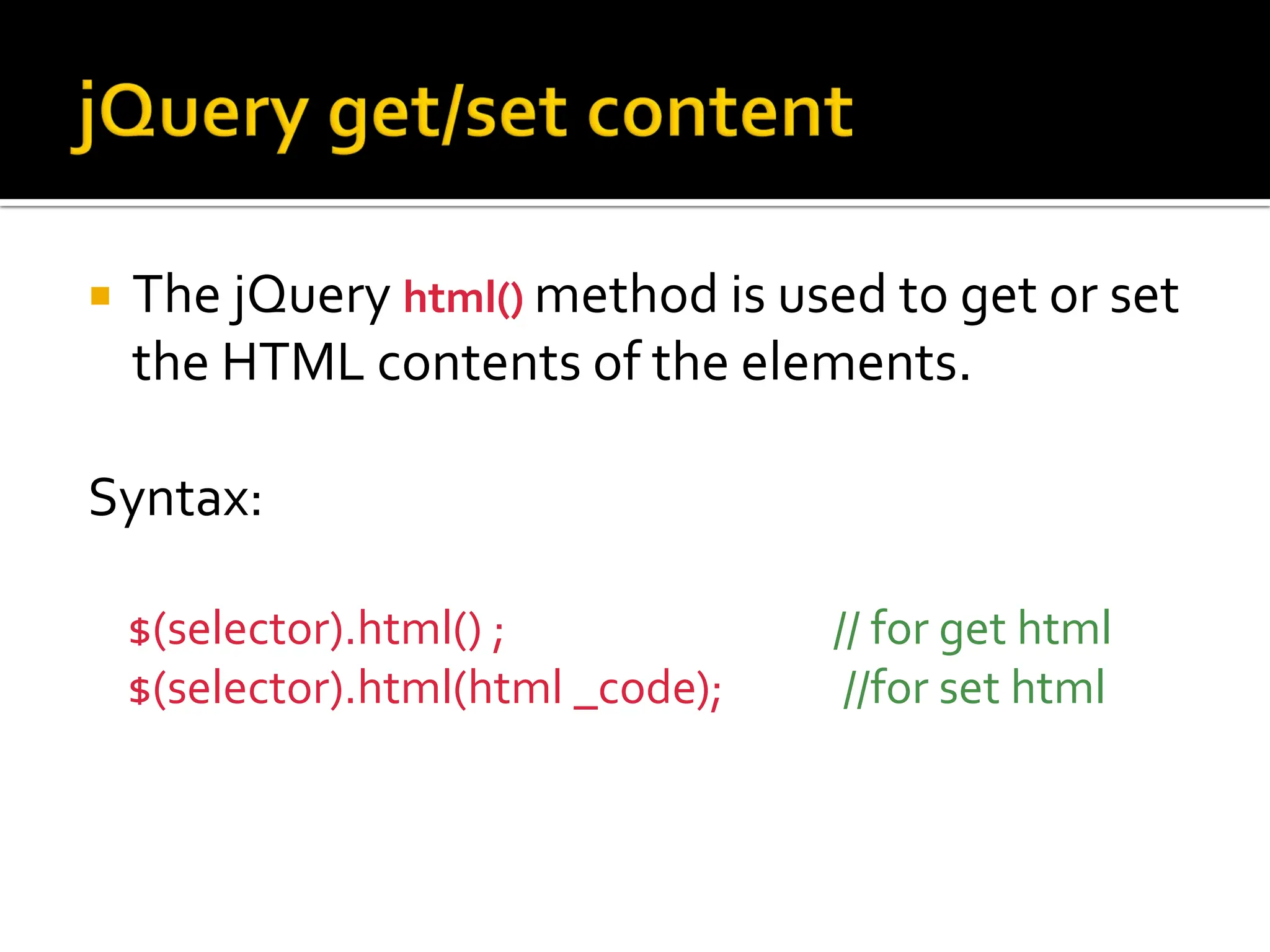
 The jQuery html() method is used to get or set
the HTML contents of the elements.
Syntax:
$(selector).html() ; // for get html
$(selector).html(html _code); //for set html
Example
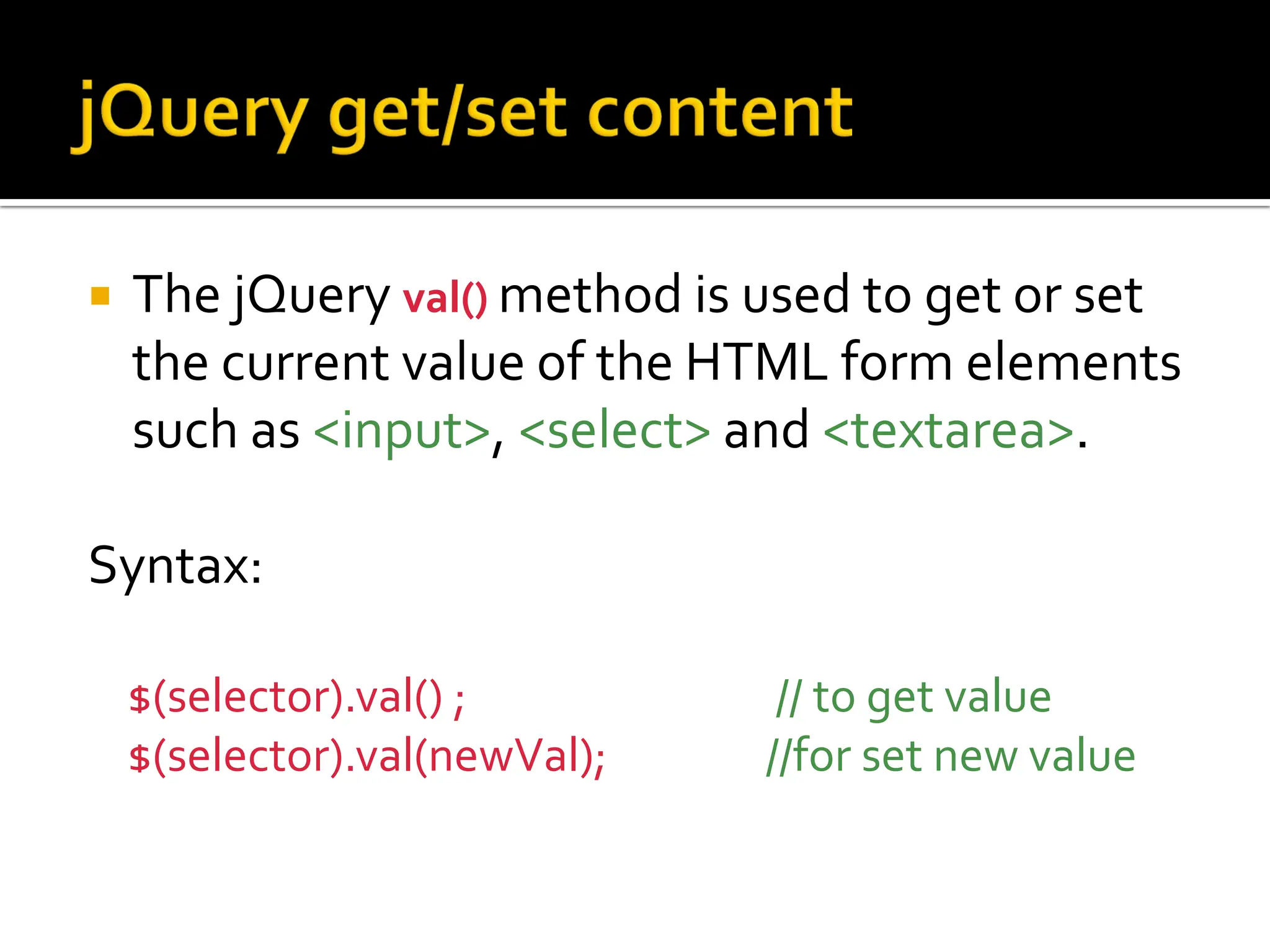
 The jQuery val() method is used to get or set
the current value of the HTML form elements
such as <input>, <select> and <textarea>.
Syntax:
$(selector).val() ; // to get value
$(selector).val(newVal); //for set new value
Example
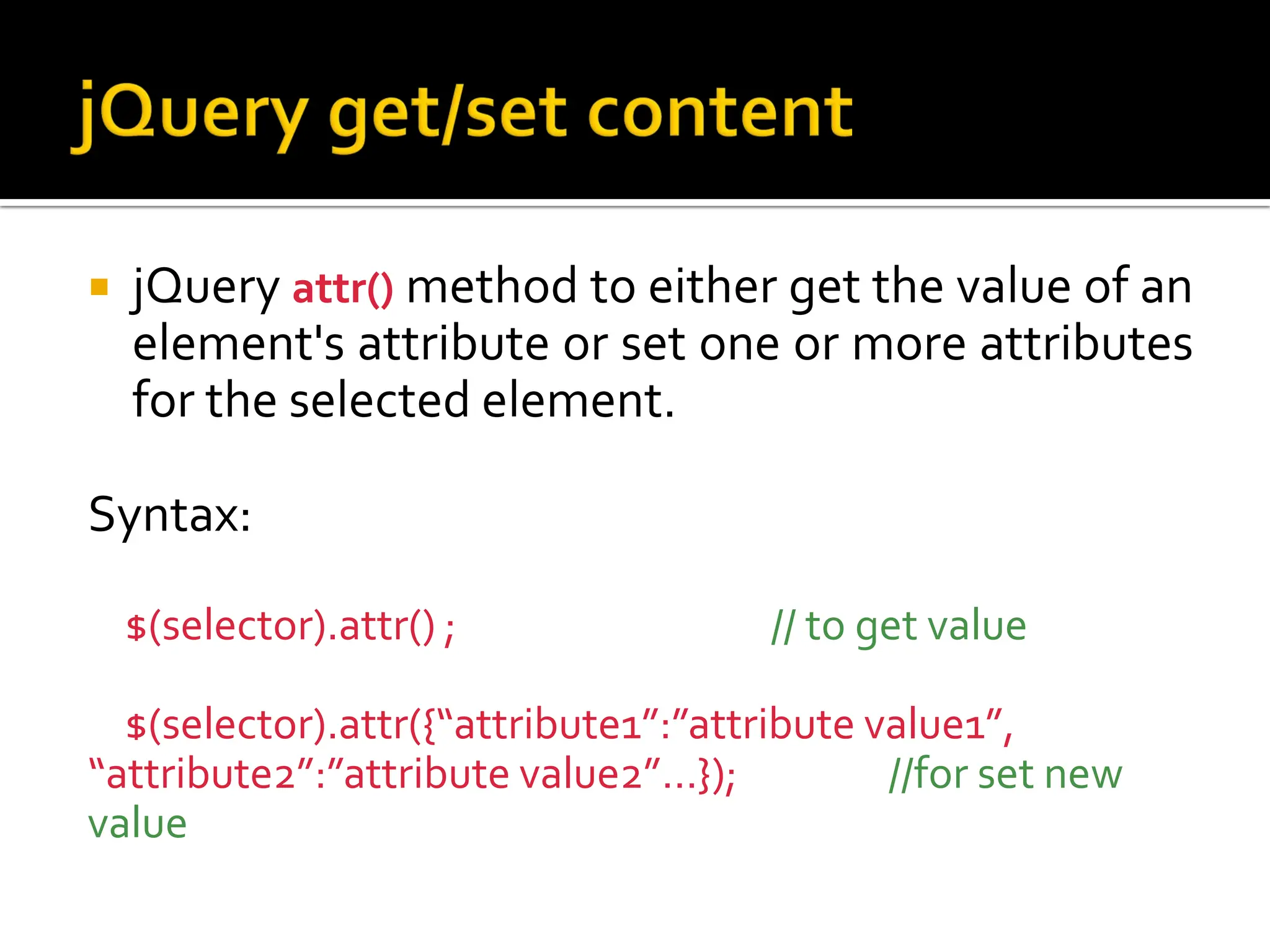
 jQuery attr() method to either get the value of an
element's attribute or set one or more attributes
for the selected element.
Syntax:
$(selector).attr() ; // to get value
$(selector).attr({“attribute1”:”attribute value1”,
“attribute2”:”attribute value2”…}); //for set new
value
 jQuery provides several methods, such as
addClass(), removeClass(), toggleClass() etc. to
manipulate the CSS classes assigned to
HTML elements.
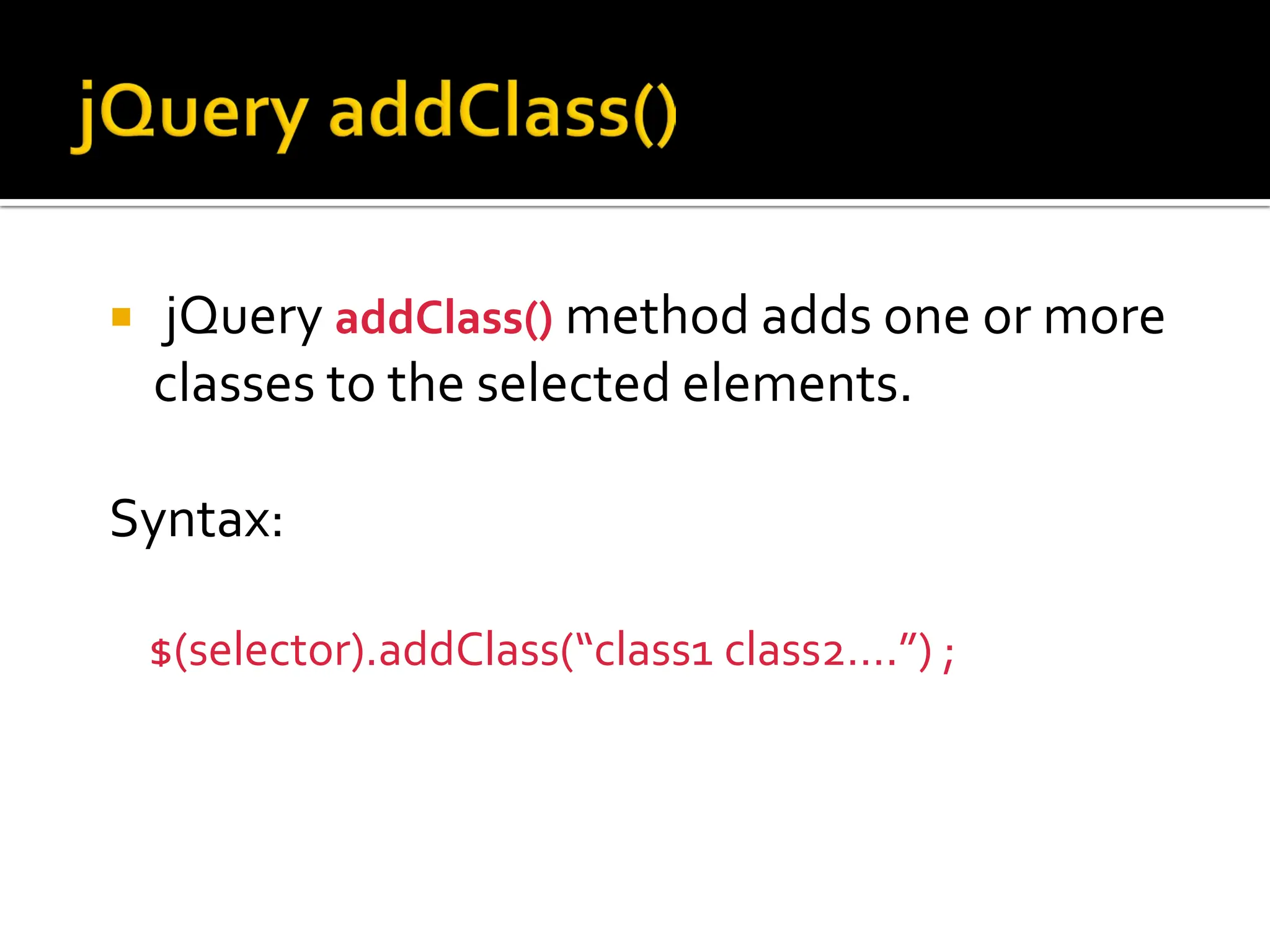
 jQuery addClass() method adds one or more
classes to the selected elements.
Syntax:
$(selector).addClass(“class1 class2….”) ;
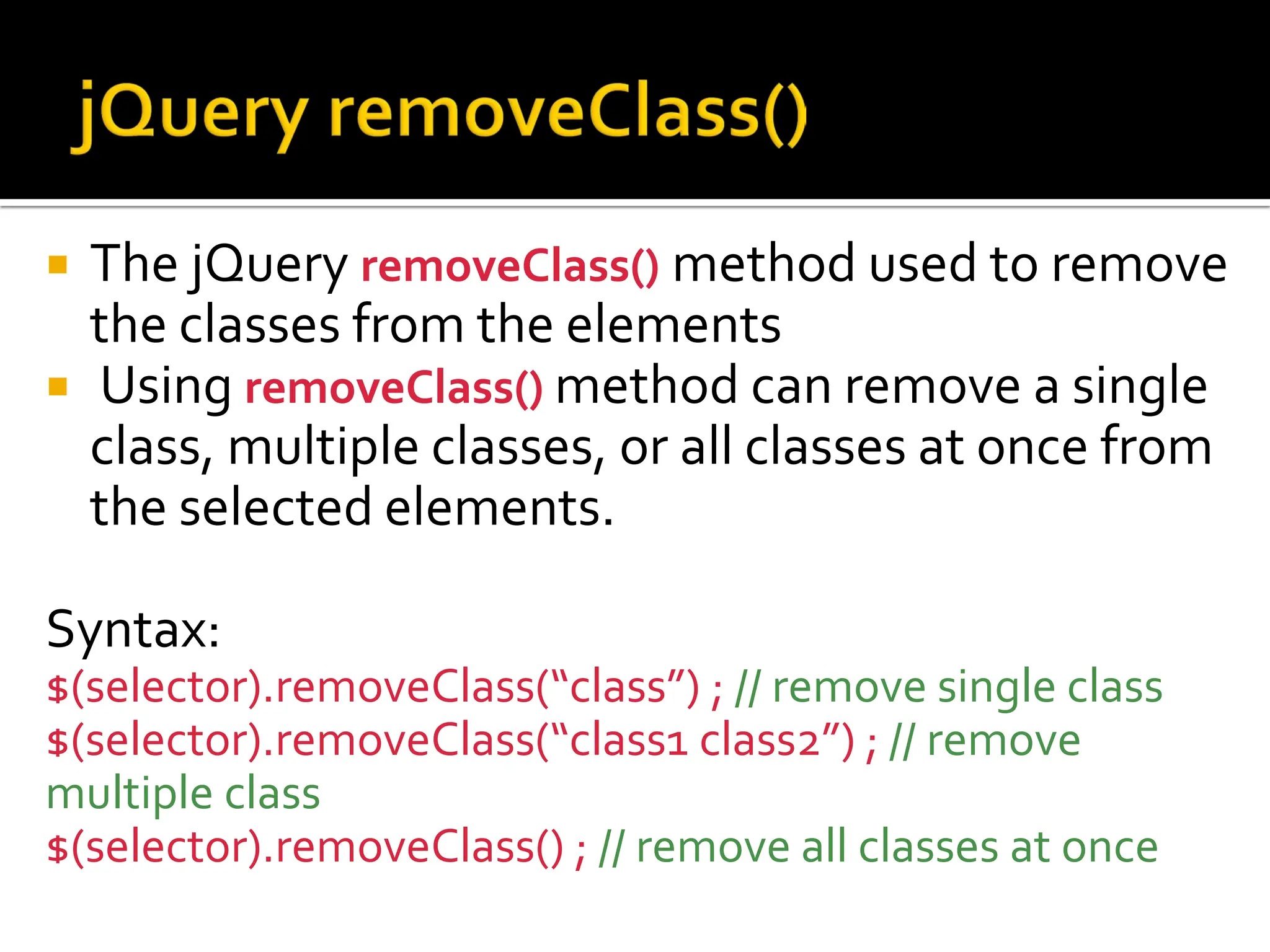
 The jQuery removeClass() method used to remove
the classes from the elements
 Using removeClass() method can remove a single
class, multiple classes, or all classes at once from
the selected elements.
Syntax:
$(selector).removeClass(“class”) ; // remove single class
$(selector).removeClass(“class1 class2”) ; // remove
multiple class
$(selector).removeClass() ; // remove all classes at once
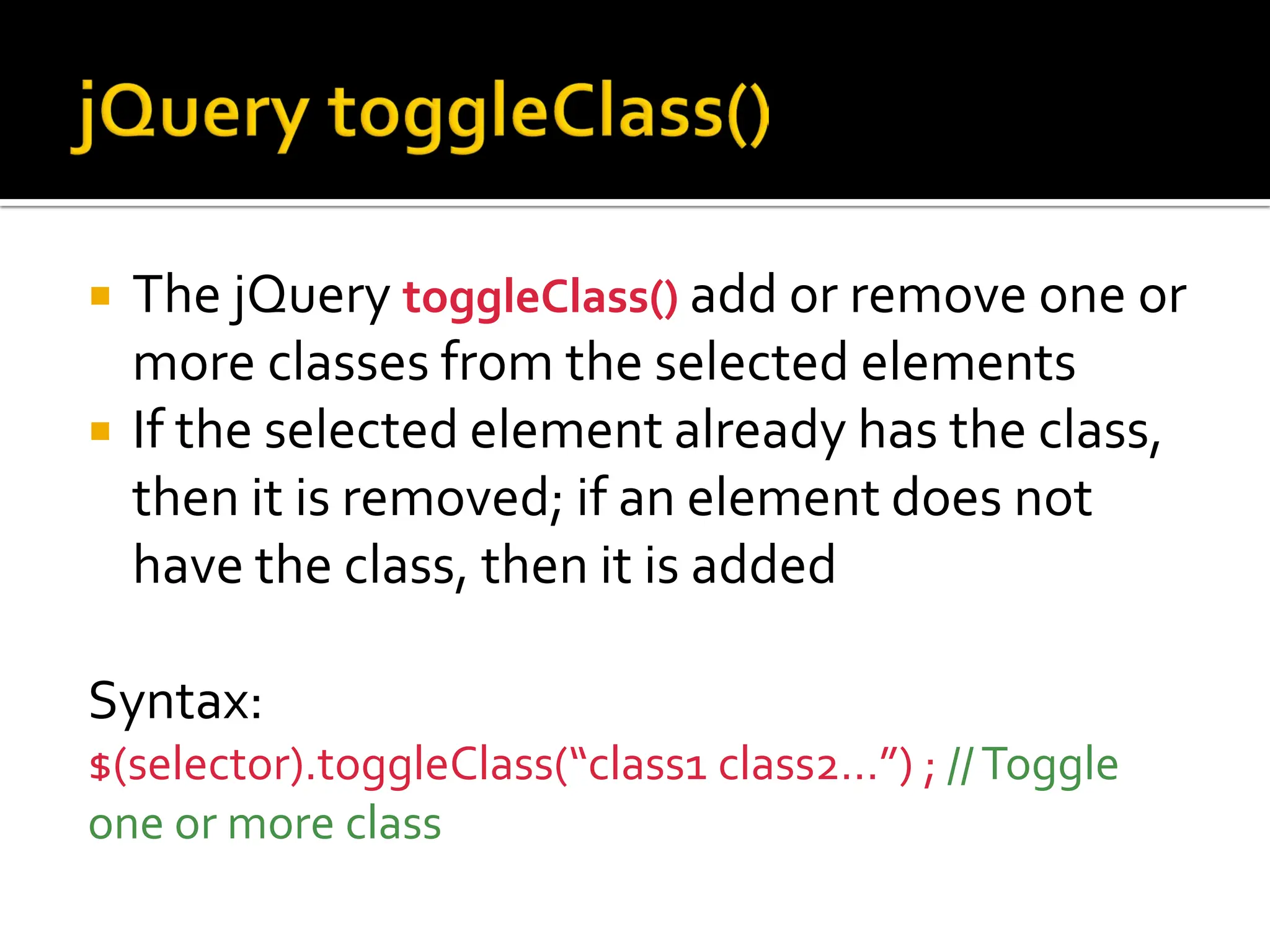
 The jQuery toggleClass() add or remove one or
more classes from the selected elements
 If the selected element already has the class,
then it is removed; if an element does not
have the class, then it is added
Syntax:
$(selector).toggleClass(“class1 class2…”) ; //Toggle
one or more class
 jQuery provides several methods, like
append(), prepend(),before(), after() etc. that
allows us to insert new content inside an
existing element.
 jQuery provides two methods, such as
empty(), remove(), to remove existing HTML
elements or contents from the document.
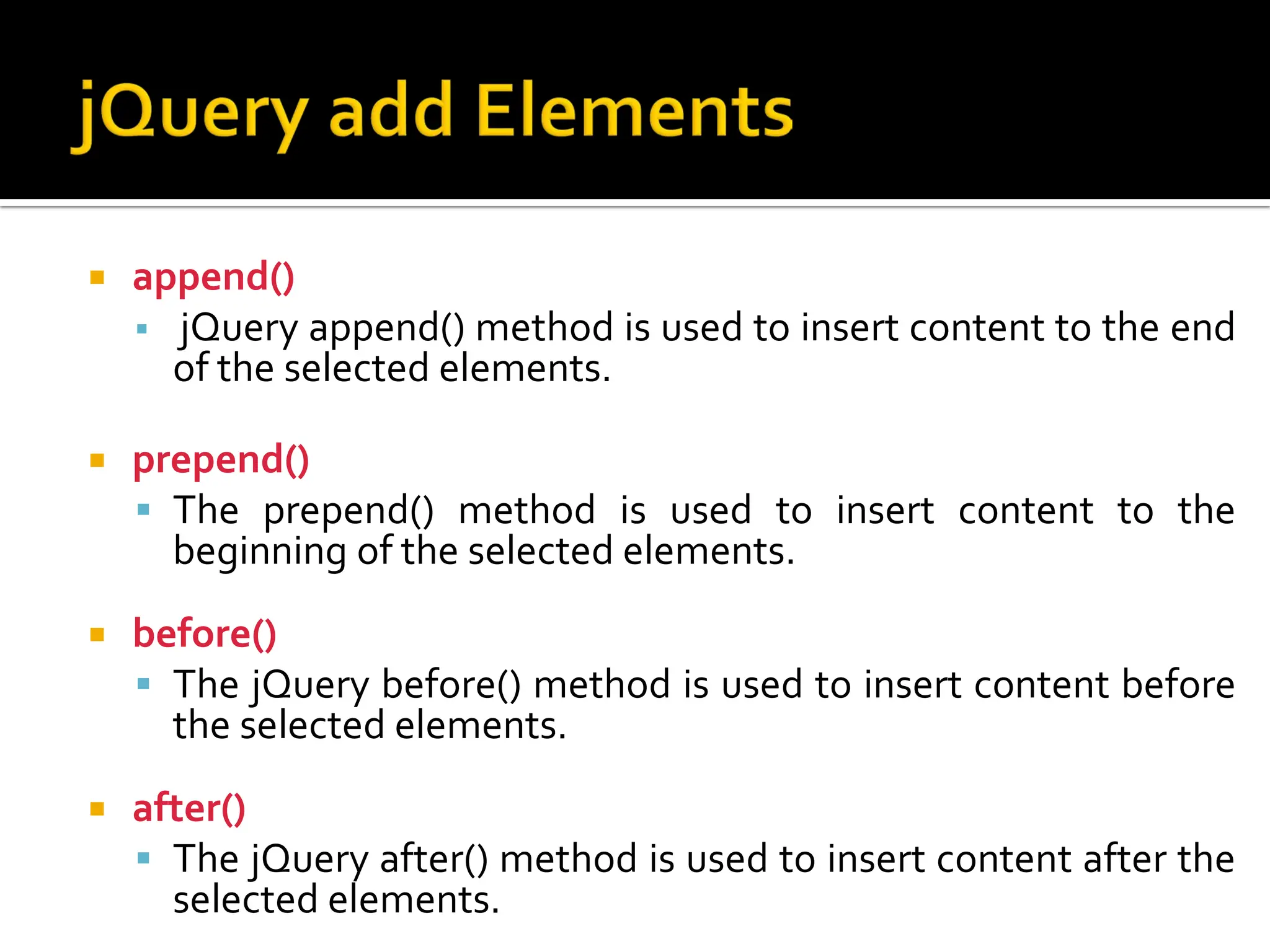
 append()
 jQuery append() method is used to insert content to the end
of the selected elements.
 prepend()
 The prepend() method is used to insert content to the
beginning of the selected elements.
 before()
 The jQuery before() method is used to insert content before
the selected elements.
 after()
 The jQuery after() method is used to insert content after the
selected elements.
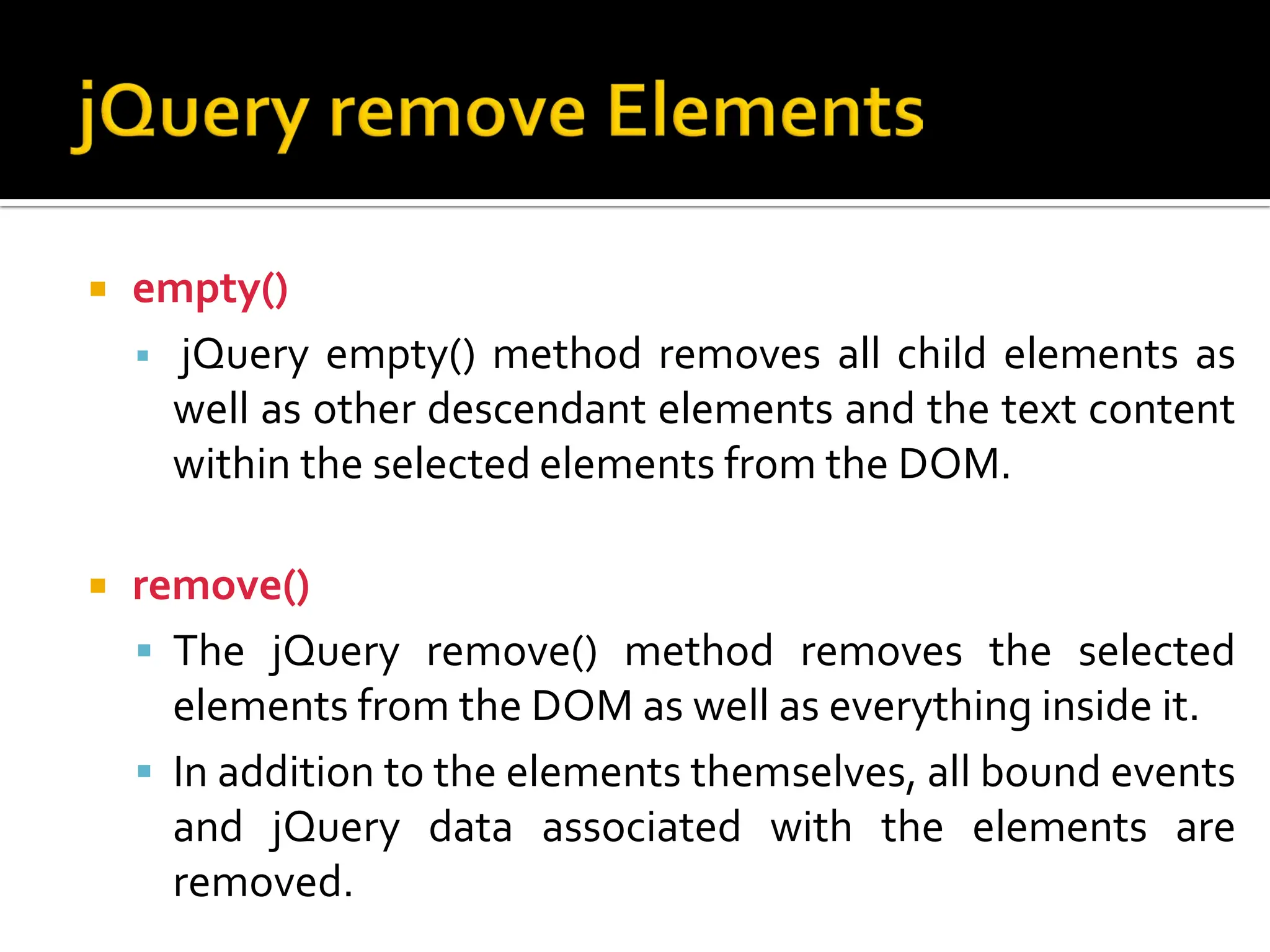
 empty()
 jQuery empty() method removes all child elements as
well as other descendant elements and the text content
within the selected elements from the DOM.
 remove()
 The jQuery remove() method removes the selected
elements from the DOM as well as everything inside it.
 In addition to the elements themselves, all bound events
and jQuery data associated with the elements are
removed.

Unit 1 - What is jQuery_Why jQuery_Syntax_Selectors.pdf

  • 2.
     jQuery isa fast, small, and feature-rich JavaScript library  It is used for  HTML document traversal and manipulation  event handling  animation  Ajax  With a combination of versatility and extensibility, jQuery has changed the way that millions of people write JavaScript.
  • 3.
     jQuery iscross-browser  jQuery is more easy to use than raw javascript  jQuery is extensible  jQuery is simplifies and has rich AJAX support  jQuery has large development community and many plugins  Excellent documentation
  • 4.
     Download jQueryfrom www.jquery.com  Reference or link the same in your application just like external javascript file. 
  • 5.
    JavaScript jQuery Type ProgrammingLanguage API (Application Programming Interface) Language Written in C. Interpreted Language. Uses resources given by JavaScript to make things easier. Simplicity One need to write entire code from scratch which is time consuming. No need to write all code, scripts are already available. Compatibility Need to handle multi-browser compatibility. It is cross-browser. No need to handle compatibility. Length of Code Need to write more code. Code is less than javascript. Light/Heavy Weight Heavy weight compare to jQuery. Lightweight
  • 6.
    jQuery syntax ismade by using HTML elements selector and perform some action on the elements are manipulation in Dot sign(.).  $ sign define the jQuery.  A (selector) defines the Query element's to find in HTML element's.  And action() to be performed on the element's.
  • 7.
     $(document).ready isa jQuery event  It fires when DOM is fully loaded and ready to be manipulated by script  Earliest process of page load process  Script can safely access the elements of html DOM  This events fires before all images, css etc. are fully loaded
  • 9.
     jQuery selectorsis most important aspects of the jQuery library.  jQuery selector allow you to select and manipulate elements  Selectors are useful and required at every step while using jQuery.
  • 10.
    Selector Description element SelectorSelects all element match of given elements. this Selector Selects current elements. #id Selector Selects element whose id is match of given elements. .class Selector Selects element whose class is match of given elements. * Selects all elements in the document.
  • 11.
     To selectthe element by html tag name we use Element Selector  Syntax $(element_name) $(‘td’) : Selects all td elements $(‘div a’) : Select all anchor elements that are descendants of div $(‘div, span, a’) : select all div, span and anchor elements
  • 12.
     To selecttd tag and count total number of td tags in document  Select all tr tag and change its back-ground color
  • 13.
     To selectthe current HTML element we use this Selector  Syntax $(‘this’)
  • 14.
     #id selectoris most efficient selector among all jQuery selectors  If you know the id of an element you want to select, always use #id selector  HTML id is always unique on the page. jQuery #id selector returns only first element if you have more than one selector with name on single page.  jQuery doesn’t return any error when element with particular id not found unlike javascript.  Syntax $(#element id)
  • 15.
    This will changethe background colour of button with id button1.
  • 16.
     To selectthe element by their css class name class Selector is used  Class Selector uses JavaScript getElementByClassName()  Syntax $( ‘.class-name’ ) $(‘.small’) : Selects all elements with class small $(‘.small, .big’) : Select all elements with class small or big $(‘div.small, .big’) : Select div elements with class small and any element with class big
  • 17.
     Select allelements with class small and set its border to 5px with red colour
  • 18.
     To selectthe element by their attribute or attribute with specific value attribute selector is used  Syntax $( ‘[attribute]’ ) $( ‘[attribute=“value”]’ ) $(‘[title]’) : Selects all elements having title attribute $(‘div [title]’) : Select all elements having title attribute $(‘[title]=“tt1’) : Select all elements that have title attribute value - tt1 $(‘div [title]=“tt1’) : Select all div elements that have title attribute value - tt1
  • 19.
     Select allelements having title attribute and set its border to 5px with red colour
  • 20.
     * selectorwill select all the elements of DOM
  • 21.
     All theuser action to which a web page can respond to are known as event  Some common actions are  Click  Double click  Hover  Key press  When event occurred a Event Handler is called
  • 22.
     Using bind() $(selector).bind(eventType,eventData,handlerFunct ion) eventType:JavaScript event like click, hover etc. eventData: Any data that you want to pass to event handler function when event fired(triggered) handlerFunction: the operation to be performed each time event is fired
  • 23.
     Using eventmethod directly() $(selector).eventType(handlerFunction) $(selector).click(handlerFunction) $(selector).hover(handlerFunction)  Removing event $(selector).unbind(eventType, handlerFunction)
  • 24.
     The jQuerylibrary provides several techniques for adding animation to a web page.  These include simple, standard animations that are frequently used, and the ability to craft sophisticated custom effects.
  • 25.
    animate() Runs acustom animation on the selected elements fadeIn() Fades in the selected elements fadeOut() Fades out the selected elements fadeTo() Fades in/out the selected elements to a given opacity fadeToggle() Toggles between the fadeIn() and fadeOut() methods hide() Hides the selected elements
  • 26.
    show() Shows theselected elements slideDown() Slides-down (shows) the selected elements slideToggle() Toggles between the slideUp() and slideDown() methods
  • 27.
     The jQueryanimate() allows us to animate CSS properties $(selector).animate(properties,[duration],[easing],[compl ete]) Properties: CSS Properties Duration: Duration of animation in milliseconds. Default is 400. Easing: Used for transition. Default is swing. Complete: A function to call once animation is complete.
  • 29.
     One veryimportant part of jQuery is the possibility to manipulate the DOM.  jQuery has DOM related methods that is used to to access and manipulate elements and attributes.  A few of these methods are text(), html(), attr(), and val()
  • 30.
     The jQuerytext() method is either used to get the combined text contents of the selected elements, including their descendants, or set the text contents of the selected elements. Syntax: $(selector).text() ; // for get content $(selector).text(new text); //for set content
  • 31.
  • 32.
     The jQueryhtml() method is used to get or set the HTML contents of the elements. Syntax: $(selector).html() ; // for get html $(selector).html(html _code); //for set html
  • 33.
  • 34.
     The jQueryval() method is used to get or set the current value of the HTML form elements such as <input>, <select> and <textarea>. Syntax: $(selector).val() ; // to get value $(selector).val(newVal); //for set new value
  • 35.
  • 36.
     jQuery attr()method to either get the value of an element's attribute or set one or more attributes for the selected element. Syntax: $(selector).attr() ; // to get value $(selector).attr({“attribute1”:”attribute value1”, “attribute2”:”attribute value2”…}); //for set new value
  • 37.
     jQuery providesseveral methods, such as addClass(), removeClass(), toggleClass() etc. to manipulate the CSS classes assigned to HTML elements.
  • 38.
     jQuery addClass()method adds one or more classes to the selected elements. Syntax: $(selector).addClass(“class1 class2….”) ;
  • 39.
     The jQueryremoveClass() method used to remove the classes from the elements  Using removeClass() method can remove a single class, multiple classes, or all classes at once from the selected elements. Syntax: $(selector).removeClass(“class”) ; // remove single class $(selector).removeClass(“class1 class2”) ; // remove multiple class $(selector).removeClass() ; // remove all classes at once
  • 40.
     The jQuerytoggleClass() add or remove one or more classes from the selected elements  If the selected element already has the class, then it is removed; if an element does not have the class, then it is added Syntax: $(selector).toggleClass(“class1 class2…”) ; //Toggle one or more class
  • 41.
     jQuery providesseveral methods, like append(), prepend(),before(), after() etc. that allows us to insert new content inside an existing element.  jQuery provides two methods, such as empty(), remove(), to remove existing HTML elements or contents from the document.
  • 42.
     append()  jQueryappend() method is used to insert content to the end of the selected elements.  prepend()  The prepend() method is used to insert content to the beginning of the selected elements.  before()  The jQuery before() method is used to insert content before the selected elements.  after()  The jQuery after() method is used to insert content after the selected elements.
  • 43.
     empty()  jQueryempty() method removes all child elements as well as other descendant elements and the text content within the selected elements from the DOM.  remove()  The jQuery remove() method removes the selected elements from the DOM as well as everything inside it.  In addition to the elements themselves, all bound events and jQuery data associated with the elements are removed.