
TUPLE IN PYTHON
COMPUTER SCIENCE(083)
XII
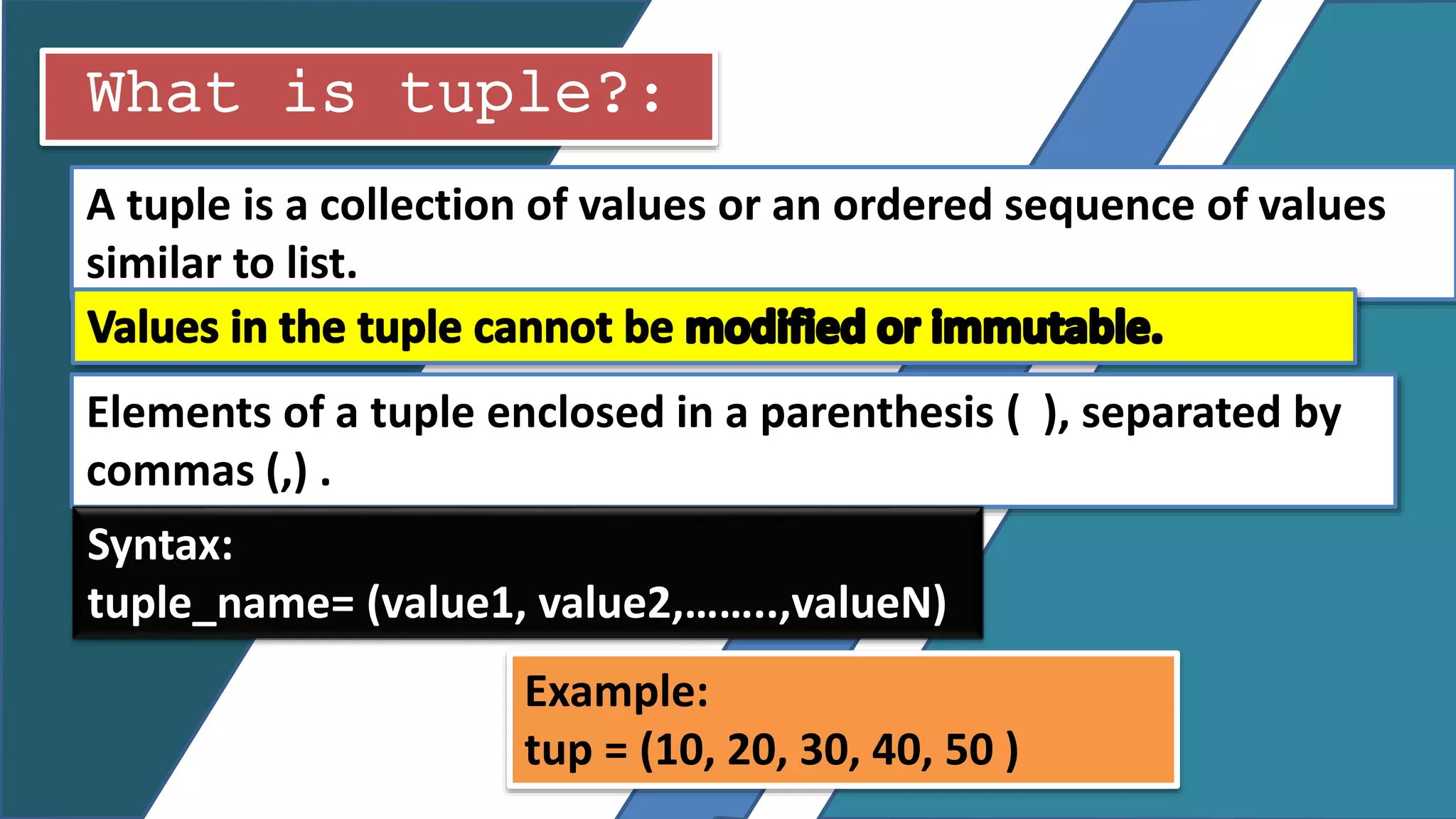
What is tuple?:
A tuple is a collection of values or an ordered sequence of values
similar to list.
Elements of a tuple enclosed in a parenthesis ( ), separated by
commas (,) .
Syntax:
tuple_name= (value1, value2,……..,valueN)
Example:
tup = (10, 20, 30, 40, 50 )
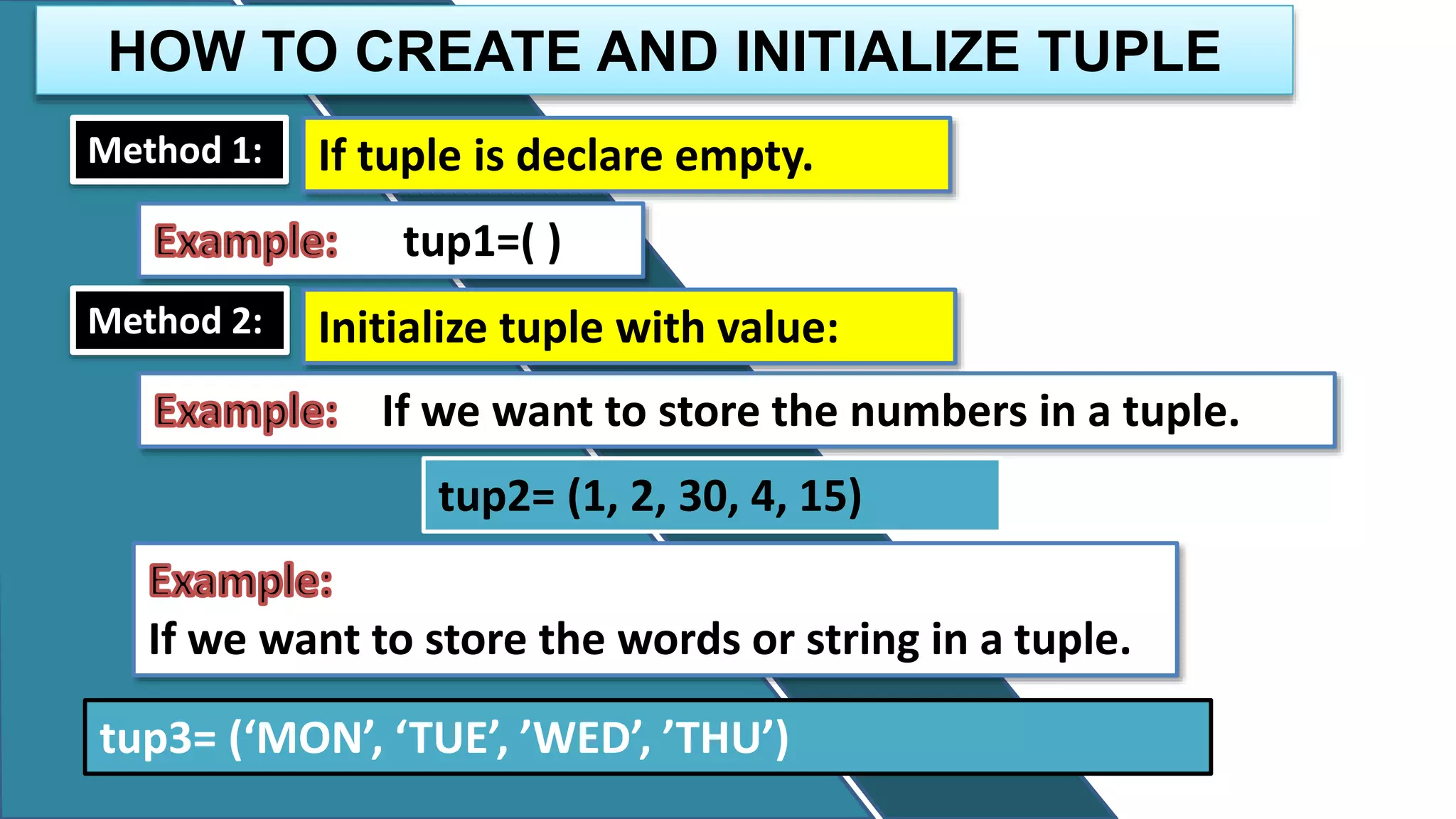
HOW TO CREATE AND INITIALIZE TUPLE
Method 1: If tuple is declare empty.
tup1=( )
Method 2: Initialize tuple with value:
If we want to store the numbers in a tuple.
tup2= (1, 2, 30, 4, 15)
If we want to store the words or string in a tuple.
tup3= (‘MON’, ‘TUE’, ’WED’, ’THU’)
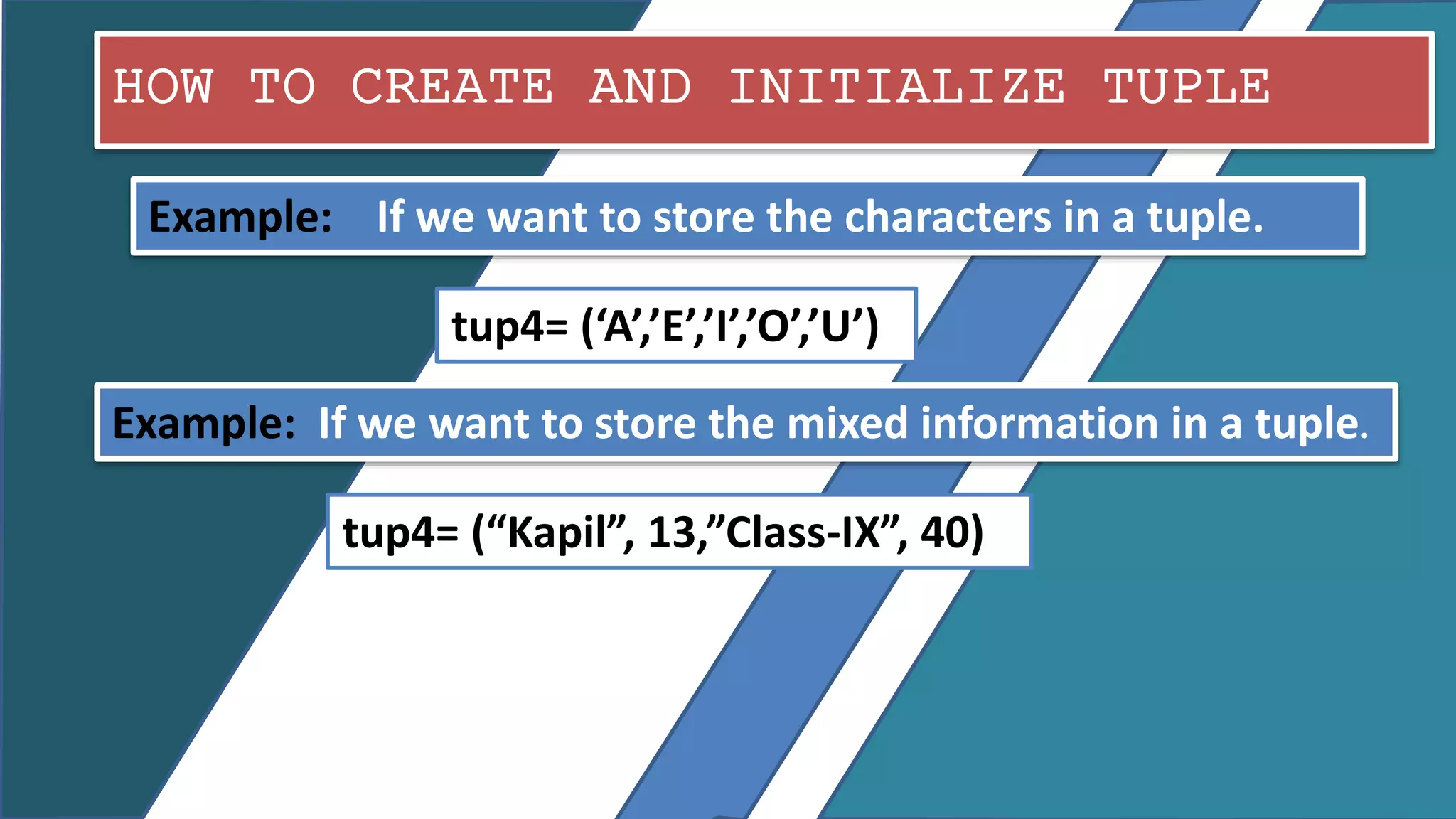
HOW TO CREATE AND INITIALIZE TUPLE
Example: If we want to store the characters in a tuple.
tup4= (‘A’,’E’,’I’,’O’,’U’)
Example: If we want to store the mixed information in a tuple.
tup4= (“Kapil”, 13,”Class-IX”, 40)
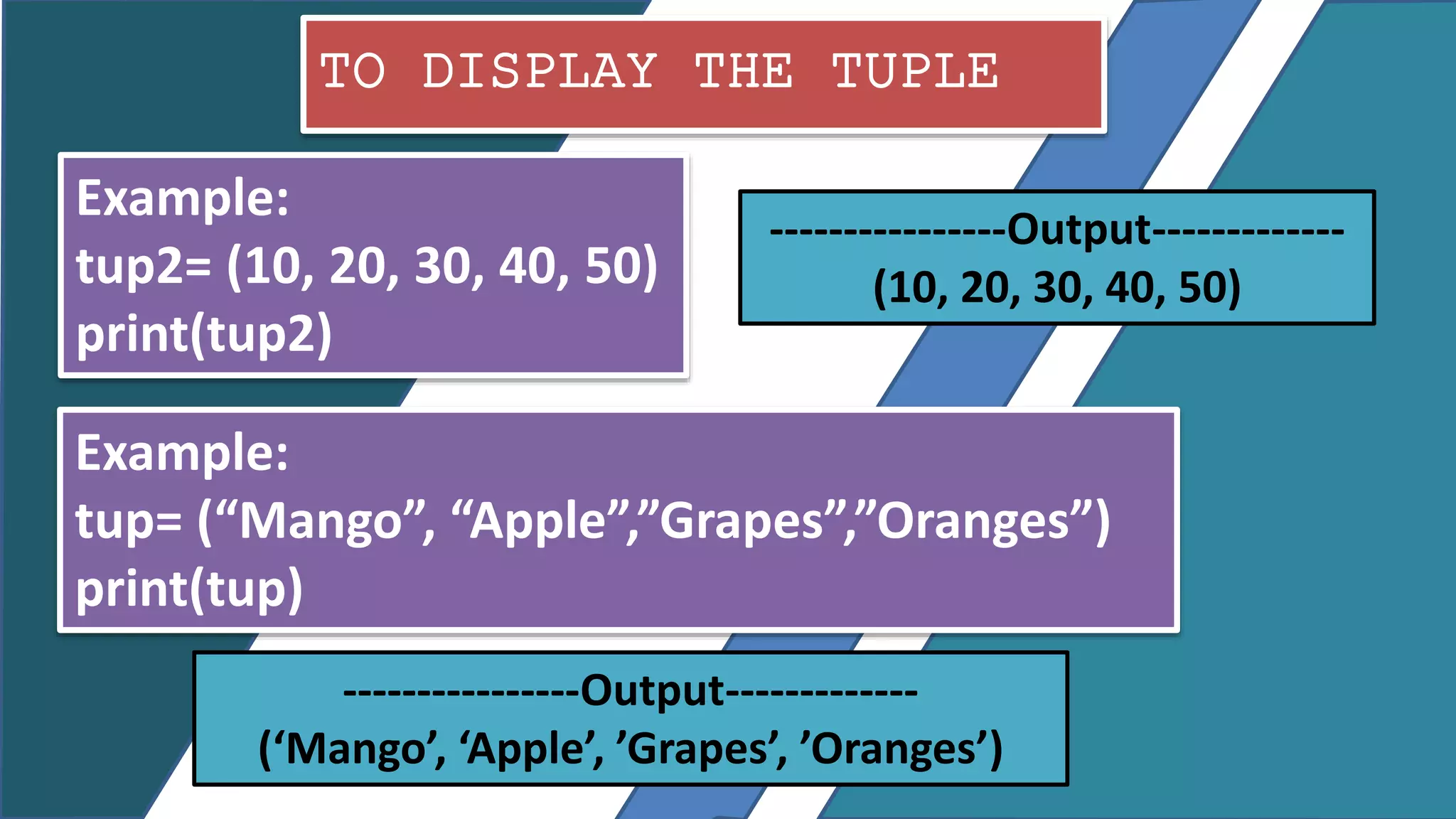
TO DISPLAY THE TUPLE
Example:
tup2= (10, 20, 30, 40, 50)
print(tup2)
----------------Output-------------
(10, 20, 30, 40, 50)
Example:
tup= (“Mango”, “Apple”,”Grapes”,”Oranges”)
print(tup)
----------------Output-------------
(‘Mango’, ‘Apple’, ’Grapes’, ’Oranges’)
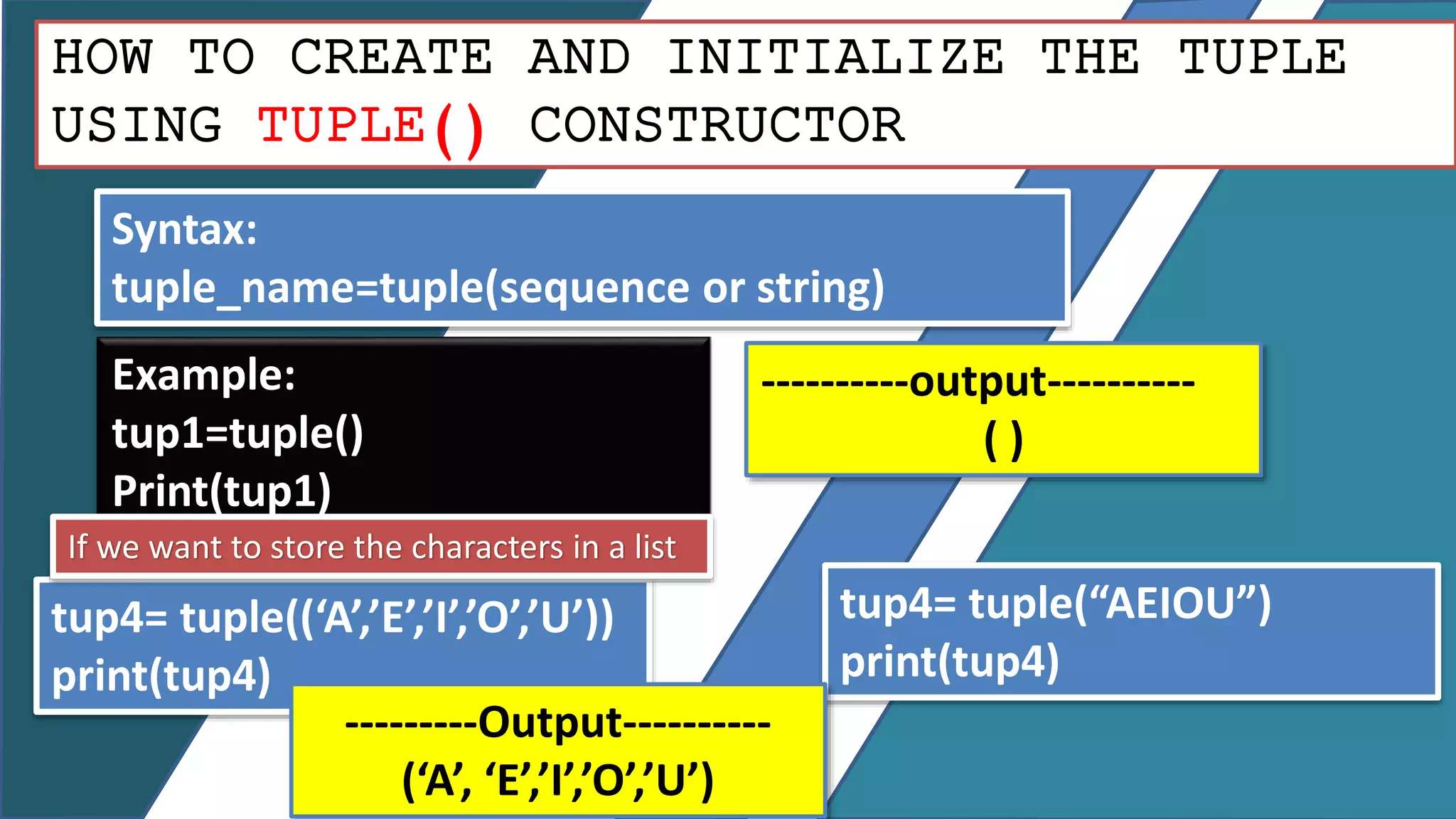
HOW TO CREATE AND INITIALIZE THE TUPLE
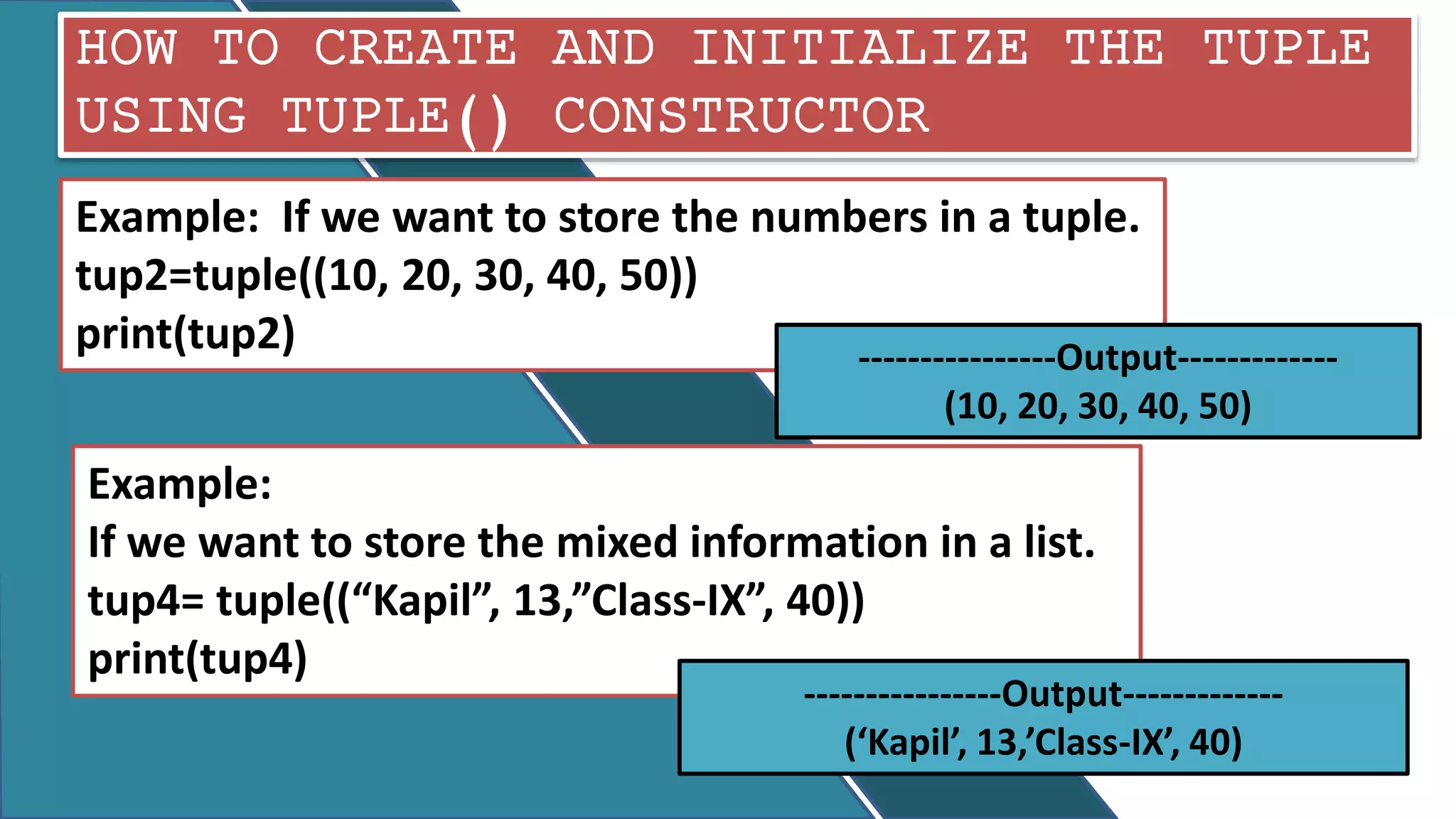
USING TUPLE() CONSTRUCTOR
Syntax:
tuple_name=tuple(sequence or string)
Example:
tup1=tuple()
Print(tup1)
----------output----------
( )
tup4= tuple((‘A’,’E’,’I’,’O’,’U’))
print(tup4)
If we want to store the characters in a list
tup4= tuple(“AEIOU”)
print(tup4)
---------Output----------
(‘A’, ‘E’,’I’,’O’,’U’)
HOW TO CREATE AND INITIALIZE THE TUPLE
USING TUPLE() CONSTRUCTOR
Example:
If we want to store the mixed information in a list.
tup4= tuple((“Kapil”, 13,”Class-IX”, 40))
print(tup4)
----------------Output-------------
(‘Kapil’, 13,’Class-IX’, 40)
Example: If we want to store the numbers in a tuple.
tup2=tuple((10, 20, 30, 40, 50))
print(tup2) ----------------Output-------------
(10, 20, 30, 40, 50)
HOW USER ENTER THE VALUES IN A TUPLE
AT RUN TIME.
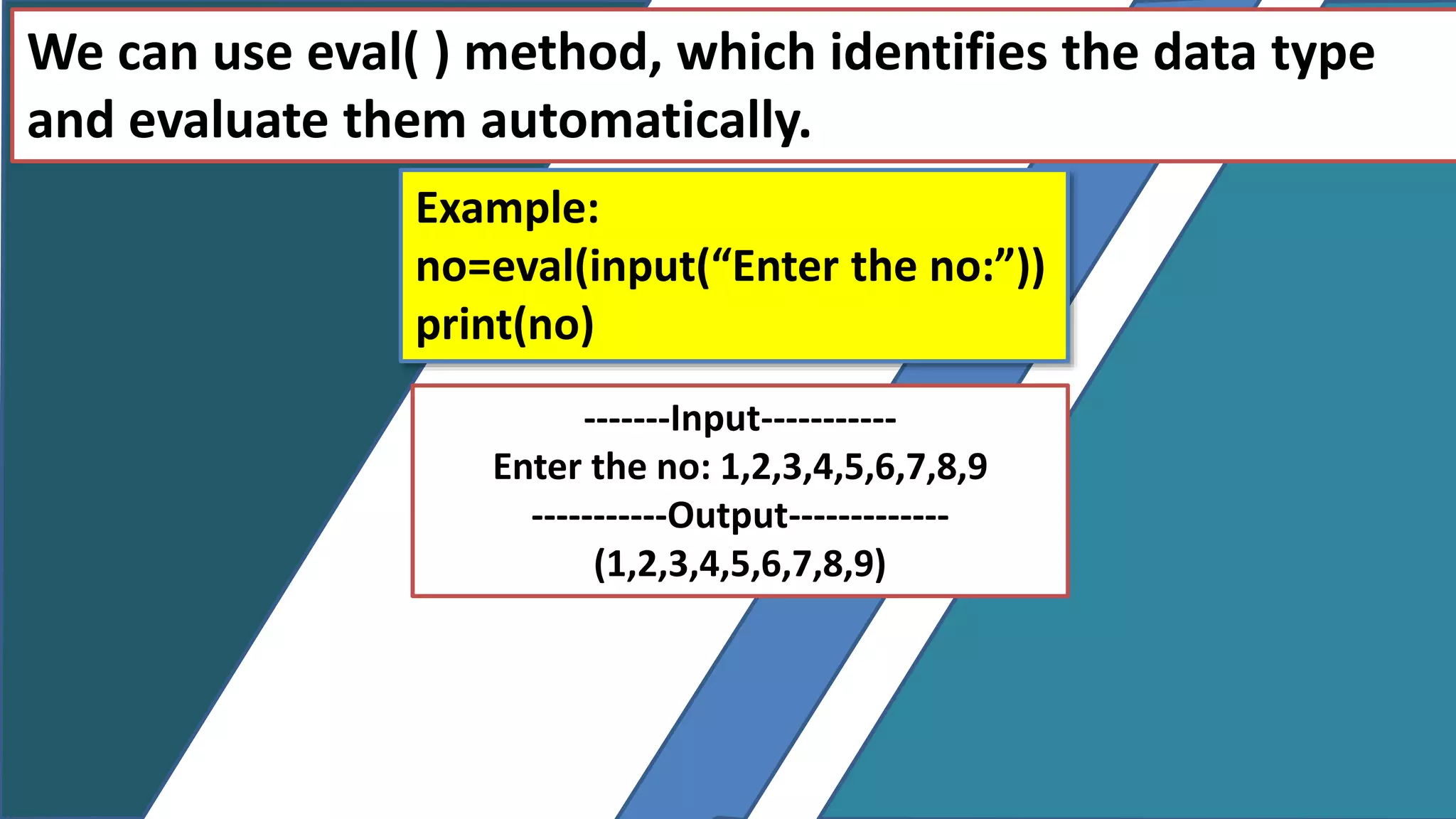
We can use eval( ) method, which identifies the data type
and evaluate them automatically.
Example:
no=eval(input(“Enter the no:”))
print(no)
-------Input-----------
Enter the no: 1,2,3,4,5,6,7,8,9
-----------Output-------------
(1,2,3,4,5,6,7,8,9)
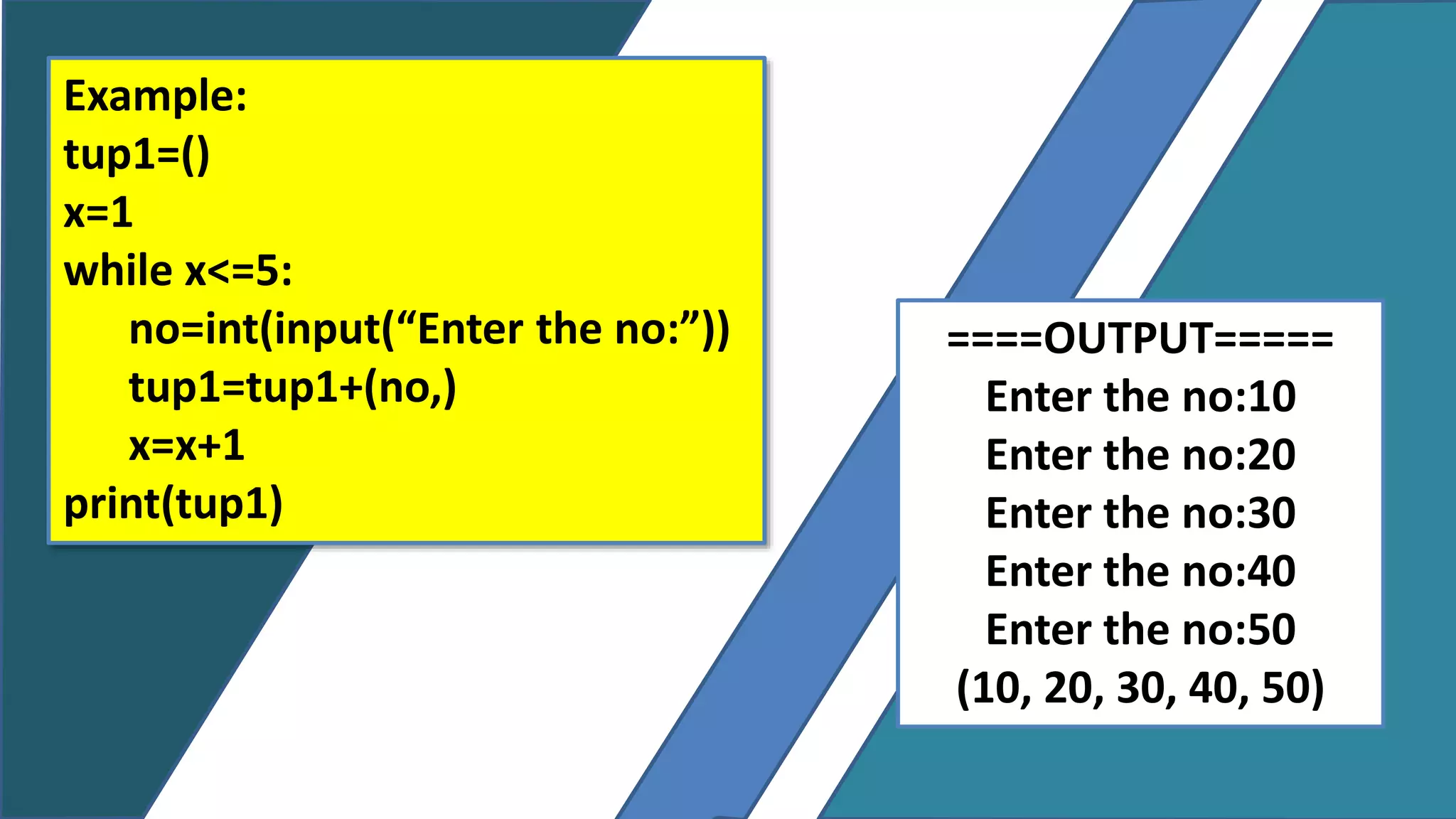
Example:
tup1=()
x=1
while x<=5:
no=int(input(“Enter the no:”))
tup1=tup1+(no,)
x=x+1
print(tup1)
====OUTPUT=====
Enter the no:10
Enter the no:20
Enter the no:30
Enter the no:40
Enter the no:50
(10, 20, 30, 40, 50)
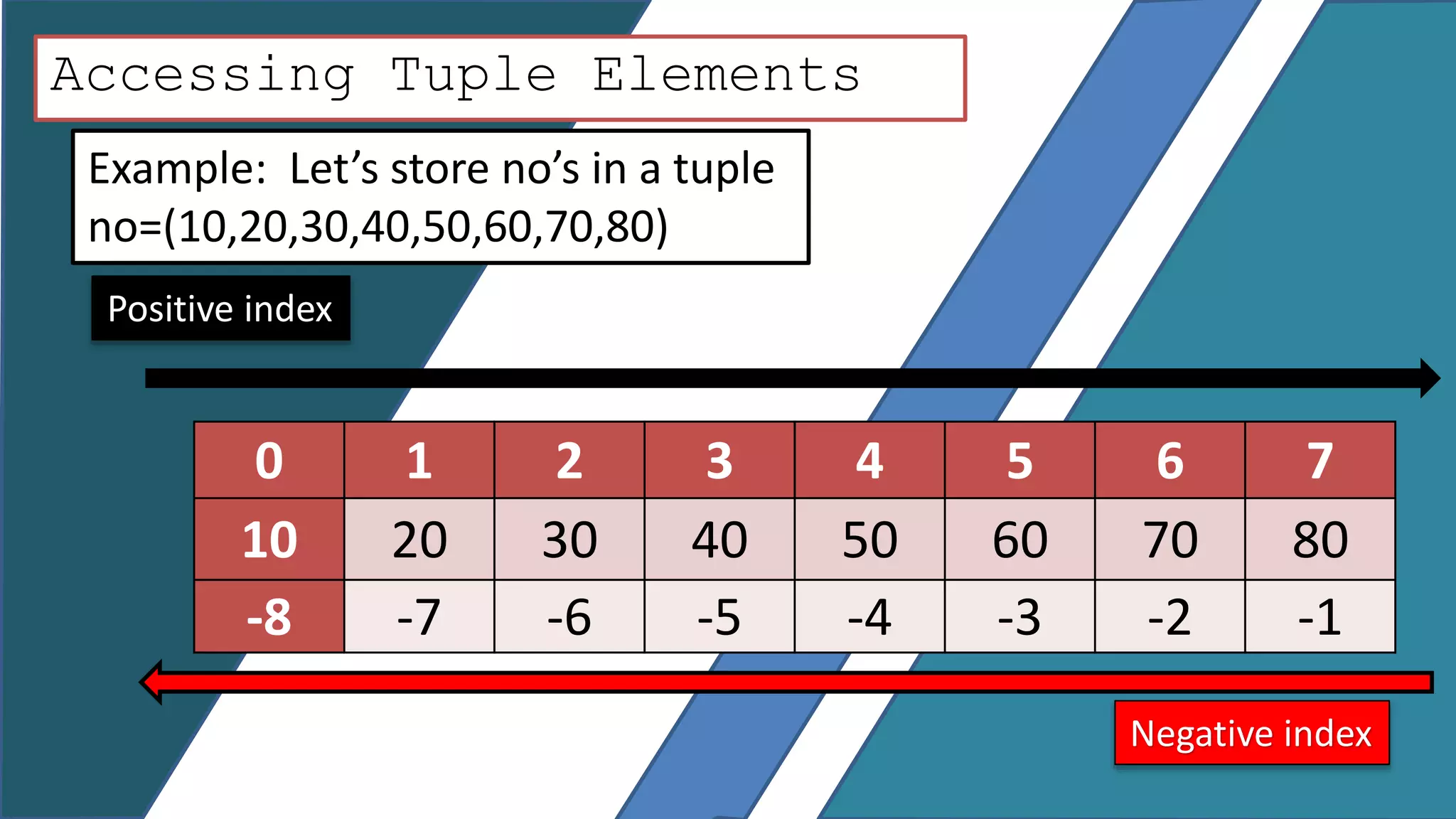
Accessing Tuple Elements
Example: Let’s store no’s in a tuple
no=(10,20,30,40,50,60,70,80)
0 1 2 3 4 5 6 7
10 20 30 40 50 60 70 80
-8 -7 -6 -5 -4 -3 -2 -1
Positive index
Negative index
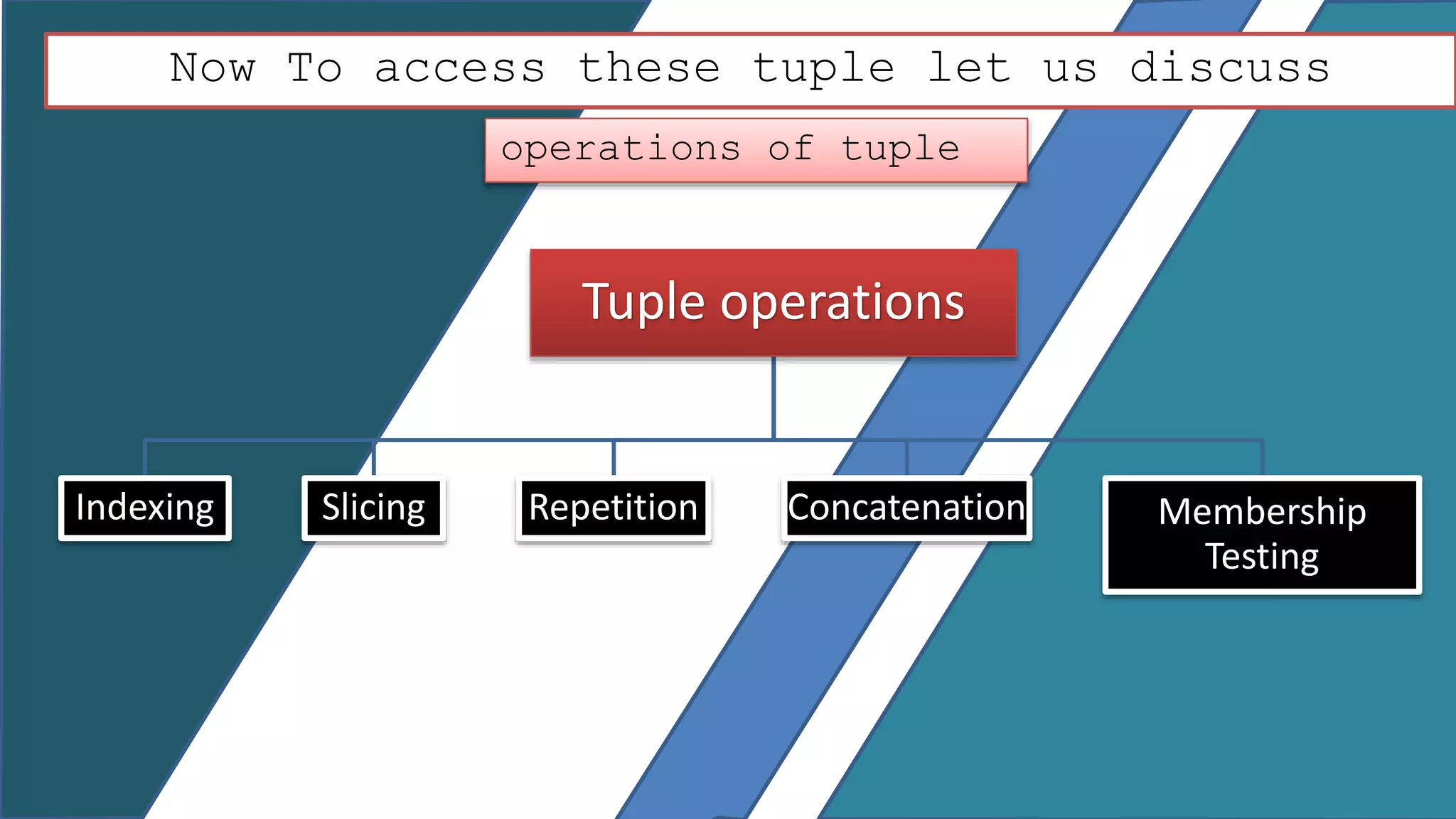
Now To access these tuple let us discuss
operations of tuple
Tuple operations
Indexing Slicing Repetition Concatenation Membership
Testing
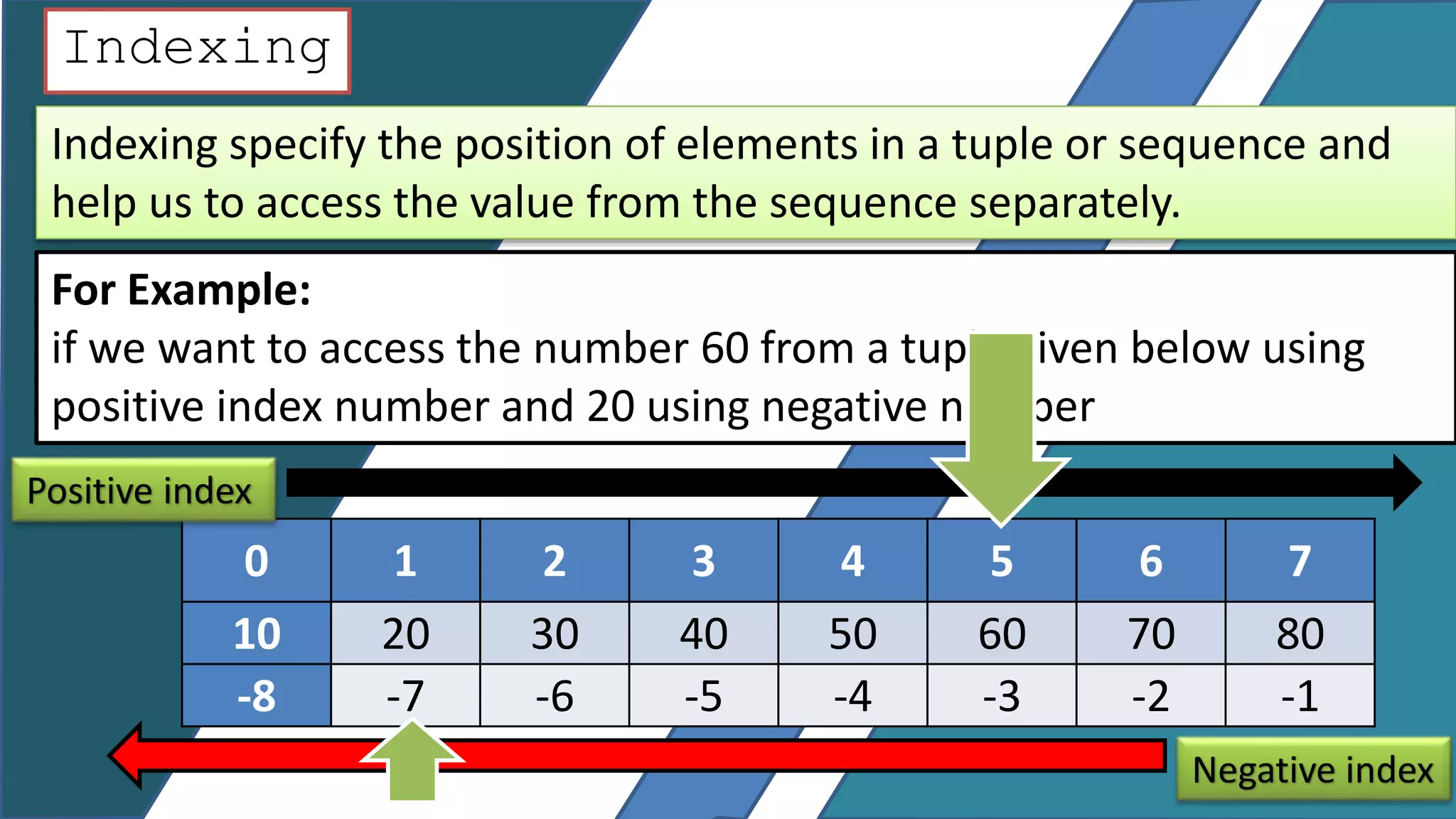
Indexing
Indexing specify the position of elements in a tuple or sequence and
help us to access the value from the sequence separately.
For Example:
if we want to access the number 60 from a tuple given below using
positive index number and 20 using negative number
0 1 2 3 4 5 6 7
10 20 30 40 50 60 70 80
-8 -7 -6 -5 -4 -3 -2 -1
Positive index
Negative index
Indexing 0 1 2 3 4 5 6 7
10 20 30 40 50 60 70 80
-8 -7 -6 -5 -4 -3 -2 -1
no=(10,20,30,40,50,60,70,80)
print(no[4])
--------output--------
50
No=(10,20,30,40,50,60,70,80)
print(no[-6])
--------output-------------
30
Slicing
Slicing is an operation in which you can slice a particular range
from a sequence.
Syntax: tupname [start : stop : step]
Where, start is the starting point
Stop is the stopping point
Step is the step size—also known as stride, and is
optional. Its default value is 1
Slicing Now let Us take one Example:
print ( no [-3 : ] ) 60, 70, 80
print ( no [ 1 : 4 ] ) 20,30,40
Items from 1 to 3
0 1 2 3 4 5 6 7
10 20 30 40 50 60 70 80
-8 -7 -6 -5 -4 -3 -2 -1
no=(10,20,30,40,50,60,70,80)
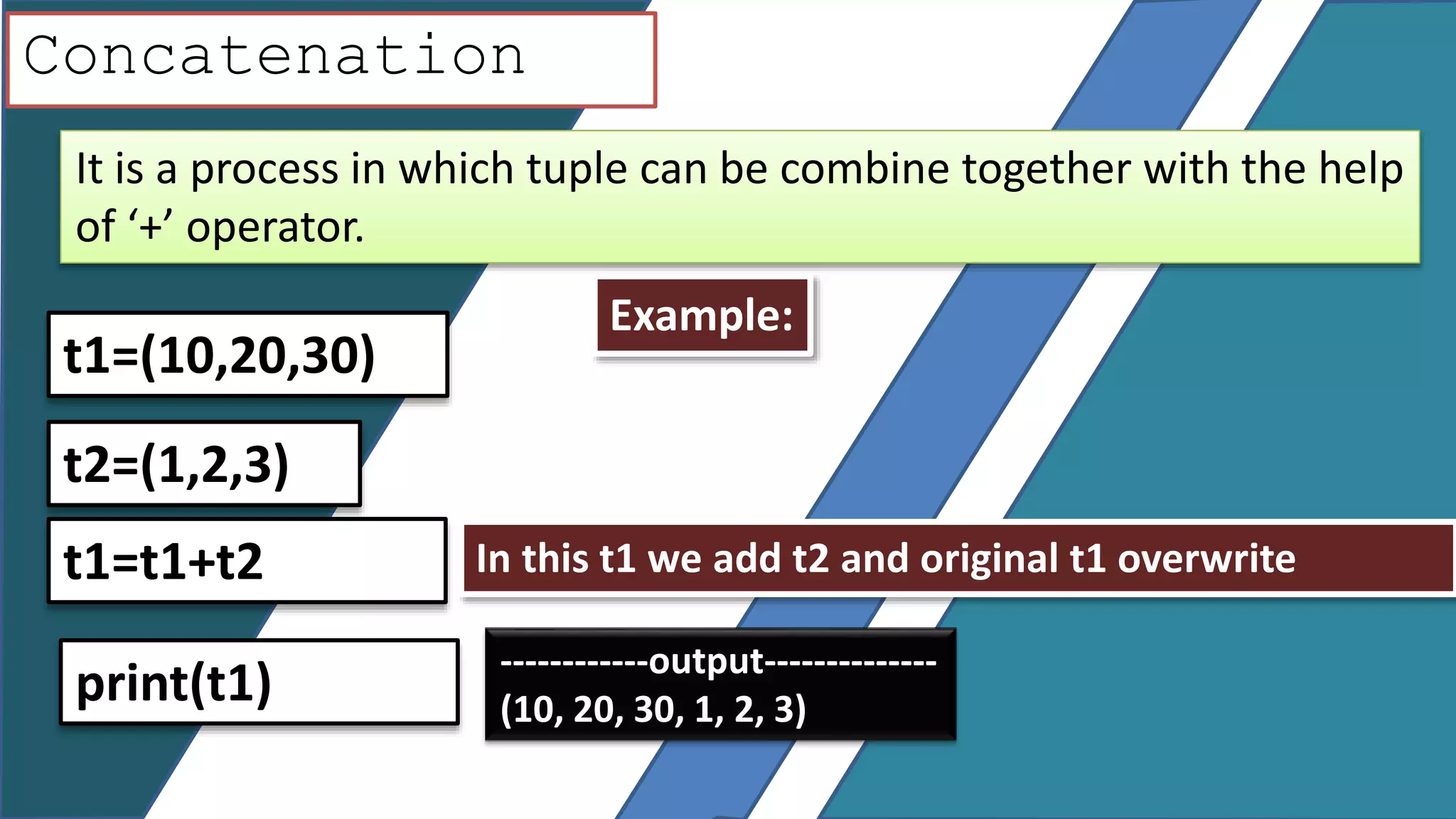
Concatenation
It is a process in which tuple can be combine together with the help
of ‘+’ operator.
Example:
t1=(10,20,30)
t2=(1,2,3)
In this t1 we add t2 and original t1 overwritet1=t1+t2
------------output--------------
(10, 20, 30, 1, 2, 3)
print(t1)
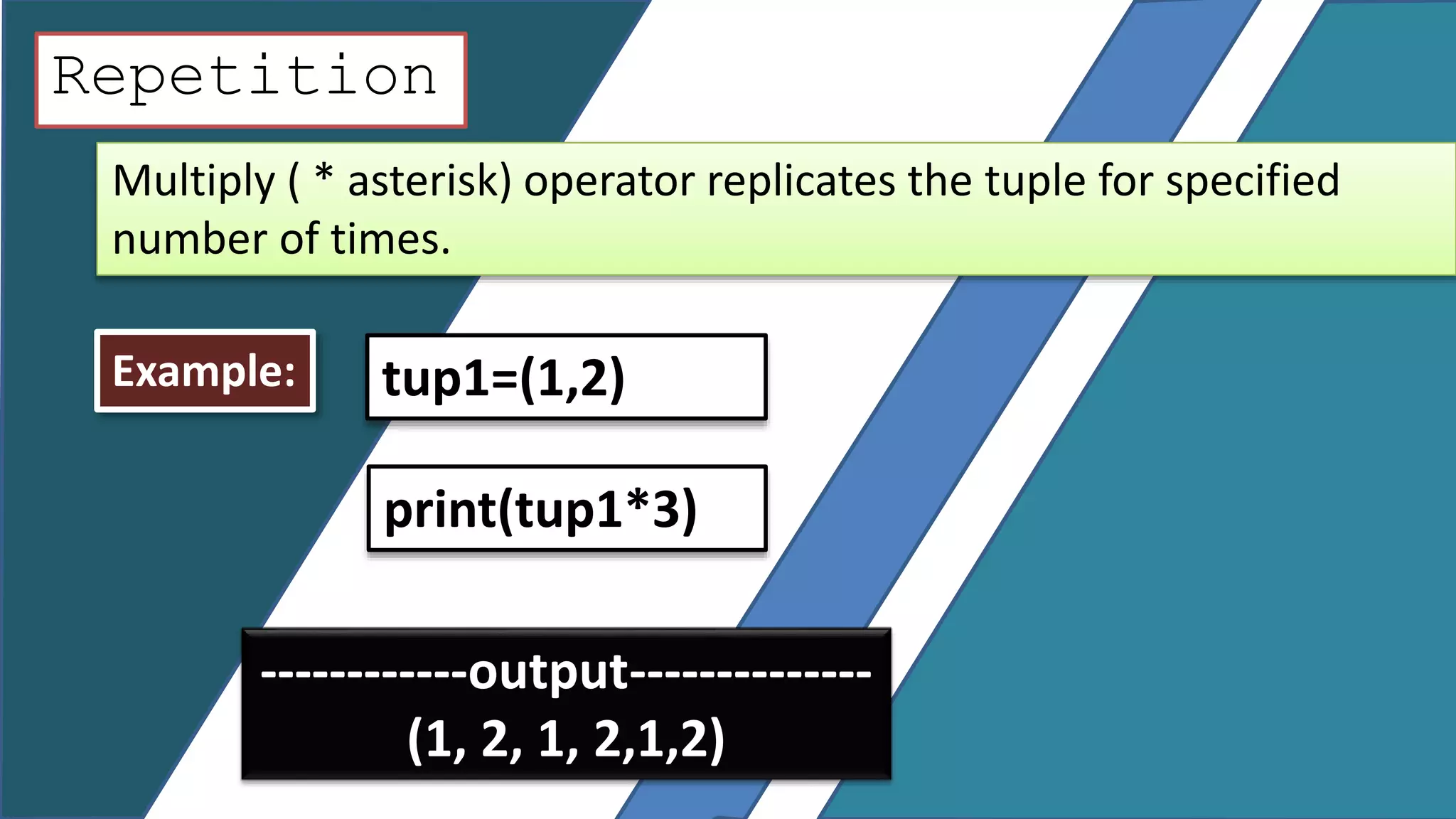
Repetition
Multiply ( * asterisk) operator replicates the tuple for specified
number of times.
Example: tup1=(1,2)
print(tup1*3)
------------output--------------
(1, 2, 1, 2,1,2)
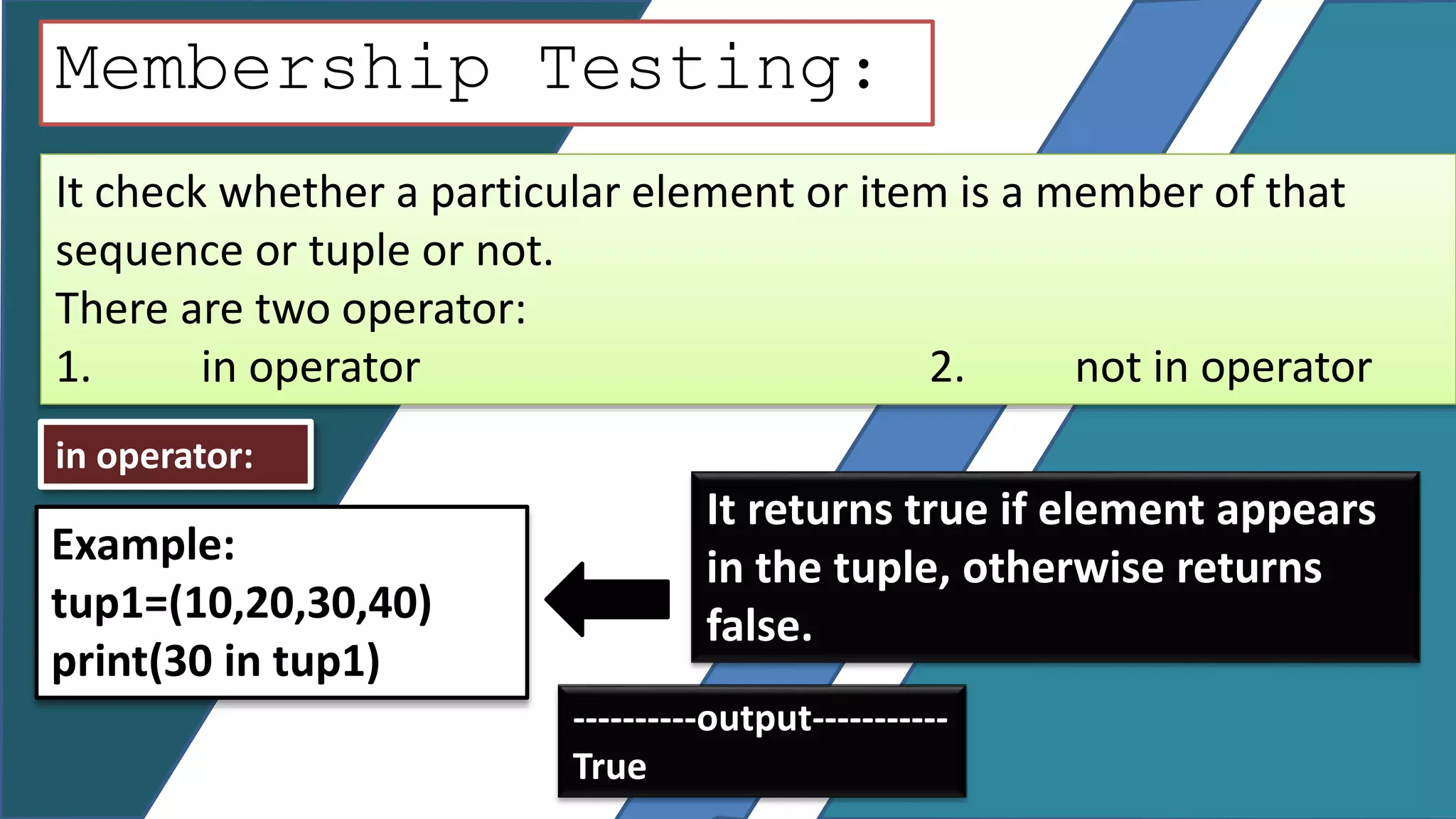
It check whether a particular element or item is a member of that
sequence or tuple or not.
There are two operator:
1. in operator 2. not in operator
Membership Testing:
in operator:
It returns true if element appears
in the tuple, otherwise returns
false.
Example:
tup1=(10,20,30,40)
print(30 in tup1)
----------output-----------
True
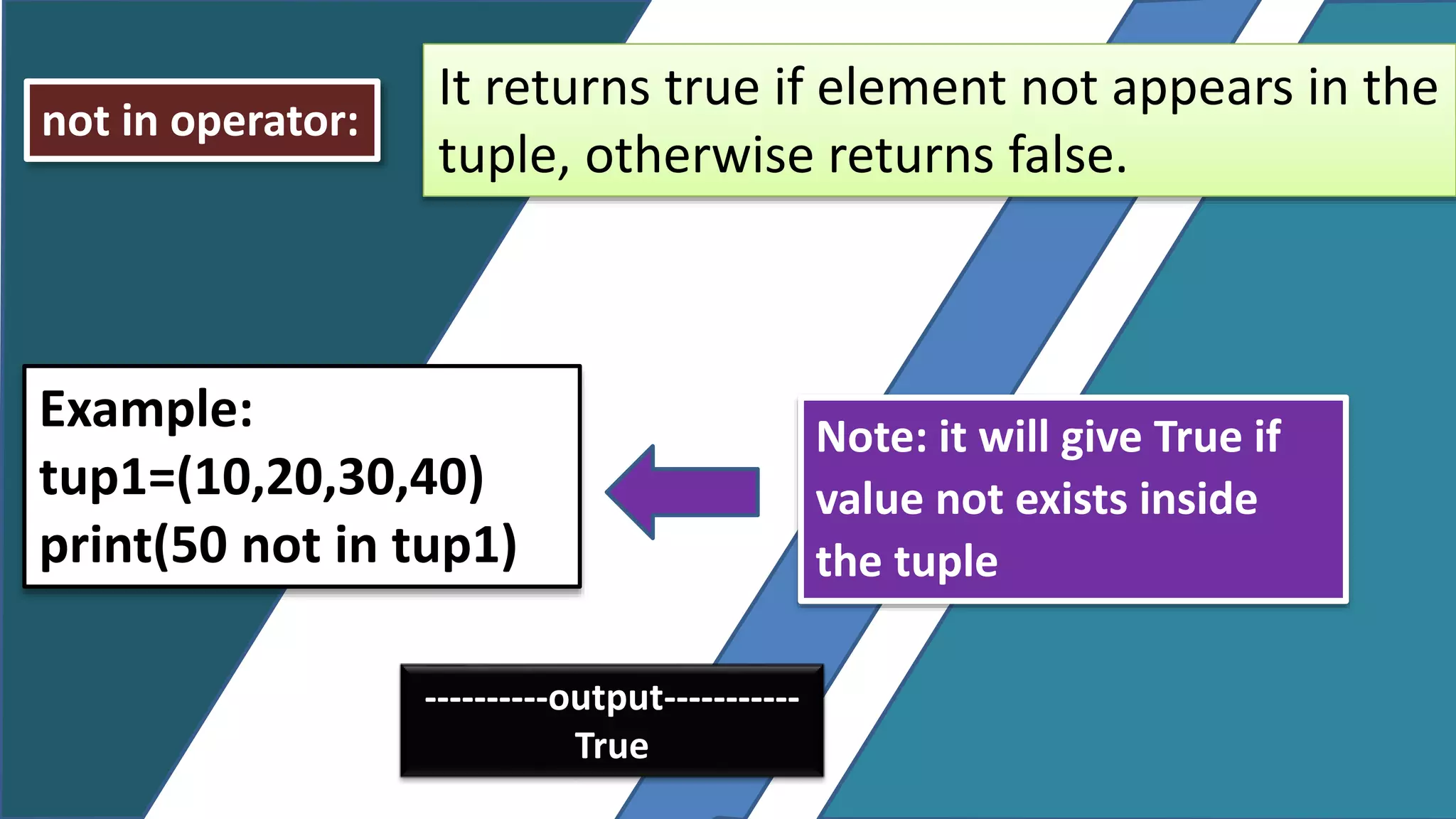
Note: it will give True if
value not exists inside
the tuple
not in operator:
It returns true if element not appears in the
tuple, otherwise returns false.
Example:
tup1=(10,20,30,40)
print(50 not in tup1)
----------output-----------
True
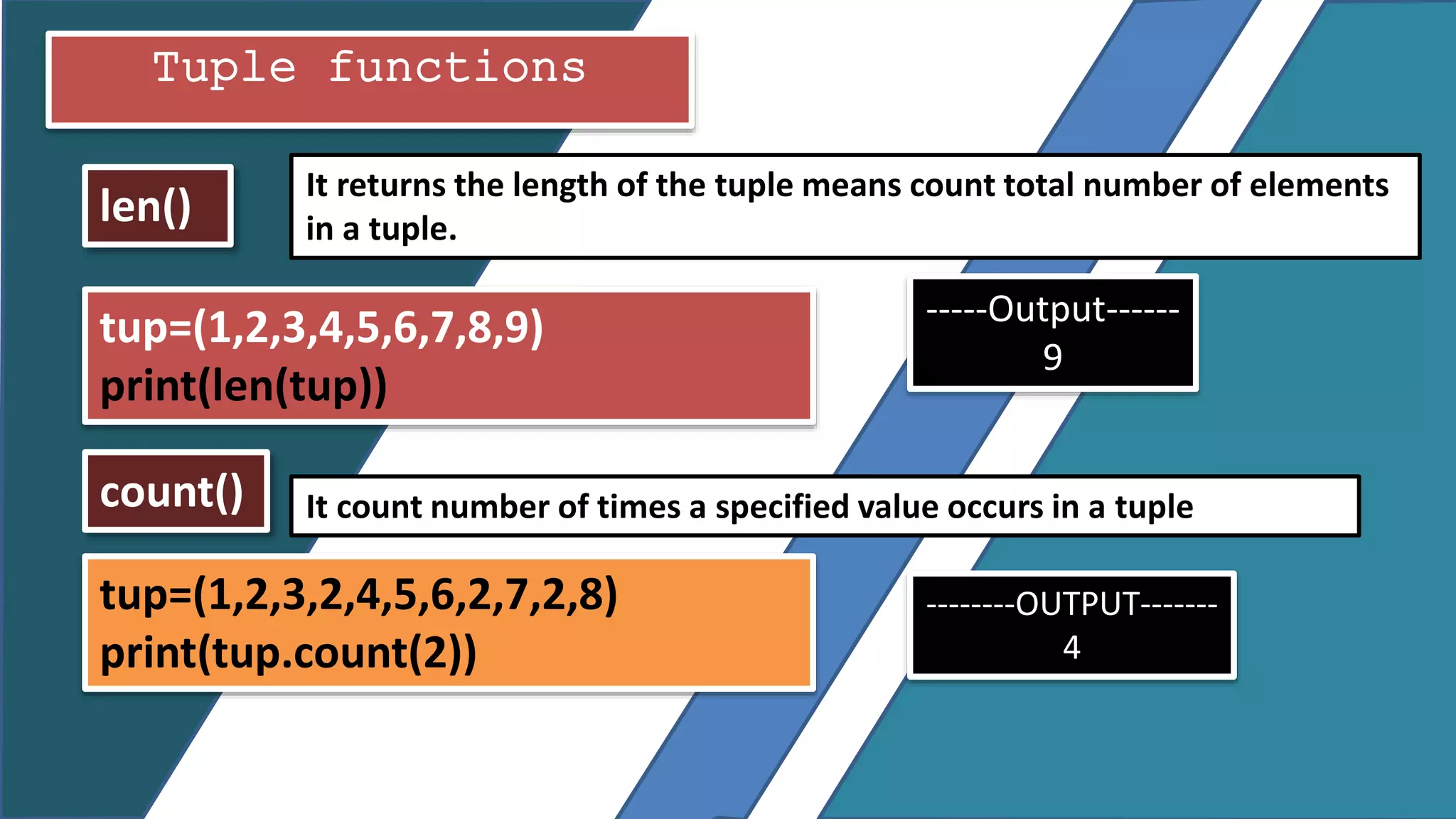
Tuple functions
len()
count() It count number of times a specified value occurs in a tuple
It returns the length of the tuple means count total number of elements
in a tuple.
tup=(1,2,3,4,5,6,7,8,9)
print(len(tup))
-----Output------
9
tup=(1,2,3,2,4,5,6,2,7,2,8)
print(tup.count(2))
--------OUTPUT-------
4
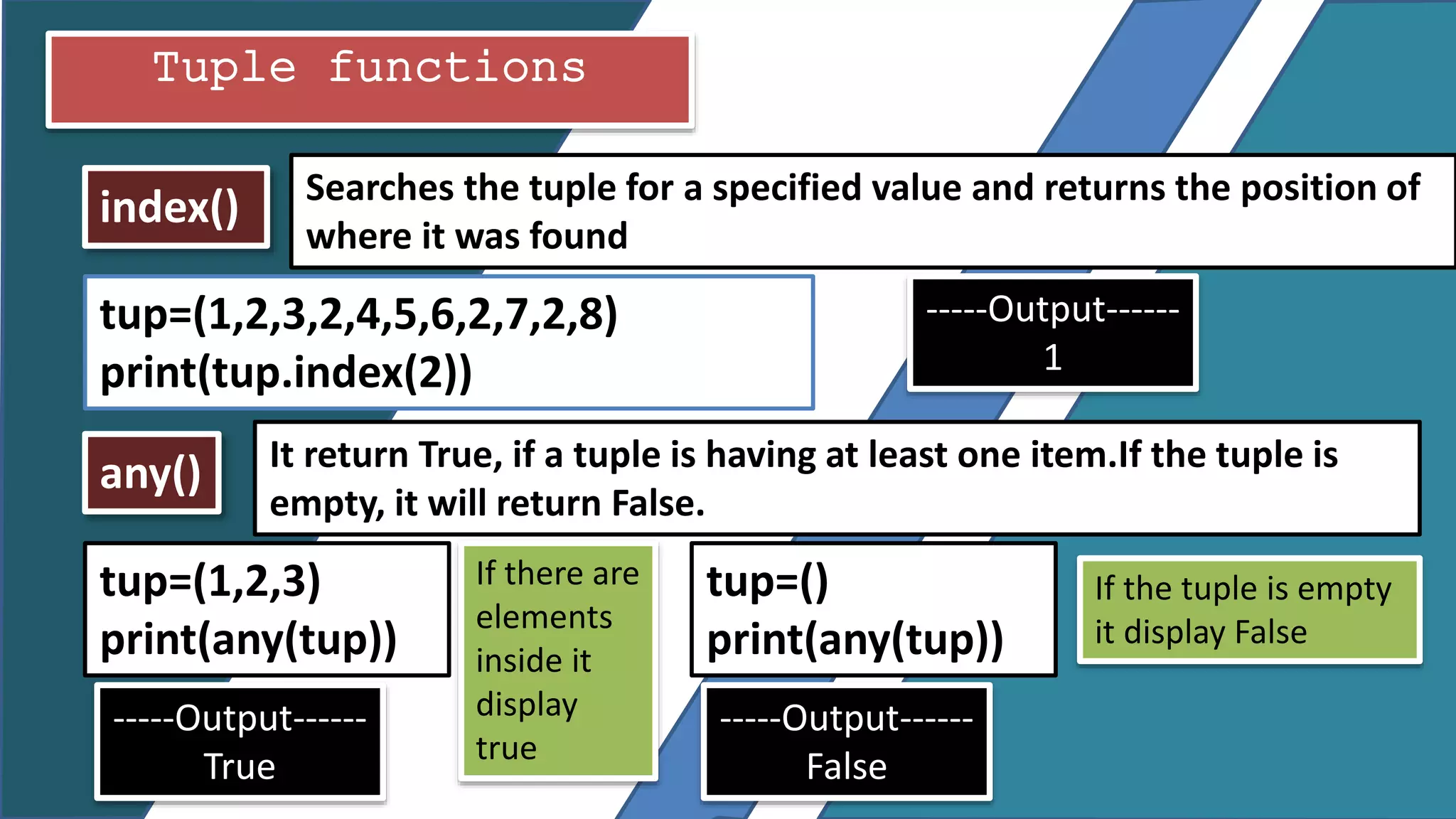
any()
index() Searches the tuple for a specified value and returns the position of
where it was found
It return True, if a tuple is having at least one item.If the tuple is
empty, it will return False.
Tuple functions
tup=(1,2,3,2,4,5,6,2,7,2,8)
print(tup.index(2))
-----Output------
1
tup=(1,2,3)
print(any(tup))
-----Output------
True
tup=()
print(any(tup))
-----Output------
False
If there are
elements
inside it
display
true
If the tuple is empty
it display False
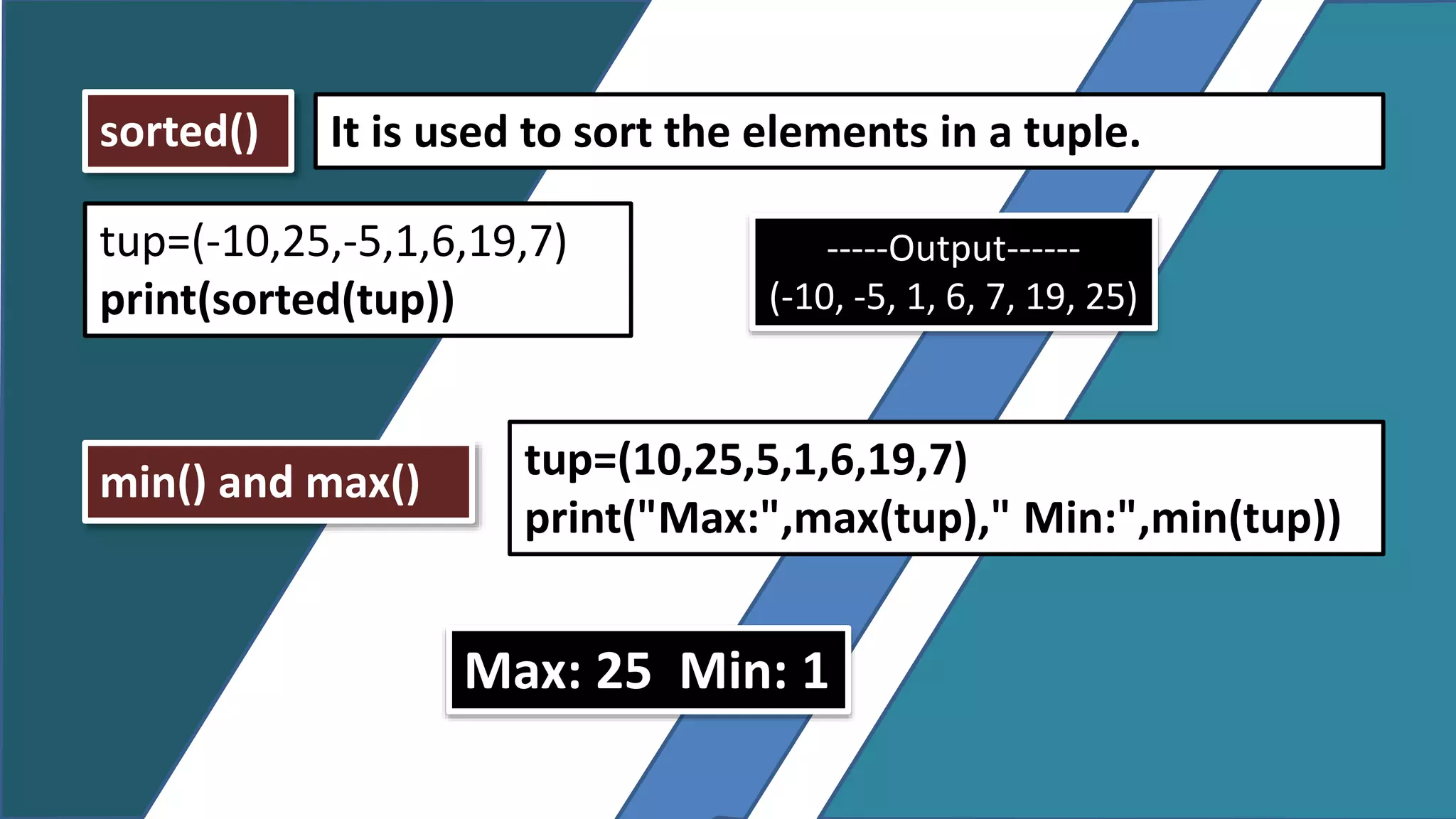
min() and max()
sorted() It is used to sort the elements in a tuple.
tup=(-10,25,-5,1,6,19,7)
print(sorted(tup))
-----Output------
(-10, -5, 1, 6, 7, 19, 25)
tup=(10,25,5,1,6,19,7)
print("Max:",max(tup)," Min:",min(tup))
Max: 25 Min: 1
Traversing Tuple or how to display the tuple
elements using loops
tup=(1,2,3,4,5,6,7,8,9)
for x in range(0,len(tup)):
print(tup[x])
-----Output------
1
2
3
4
5
6
7
8
9
tup=(1,2,3,4,5,6,7,8,9)
x=0
while x<len(tup):
print(tup[x])
x=x+1

Tuple in python

  • 1.
    TUPLE IN PYTHON COMPUTERSCIENCE(083) XII
  • 2.
    What is tuple?: Atuple is a collection of values or an ordered sequence of values similar to list. Elements of a tuple enclosed in a parenthesis ( ), separated by commas (,) . Syntax: tuple_name= (value1, value2,……..,valueN) Example: tup = (10, 20, 30, 40, 50 )
  • 3.
    HOW TO CREATEAND INITIALIZE TUPLE Method 1: If tuple is declare empty. tup1=( ) Method 2: Initialize tuple with value: If we want to store the numbers in a tuple. tup2= (1, 2, 30, 4, 15) If we want to store the words or string in a tuple. tup3= (‘MON’, ‘TUE’, ’WED’, ’THU’)
  • 4.
    HOW TO CREATEAND INITIALIZE TUPLE Example: If we want to store the characters in a tuple. tup4= (‘A’,’E’,’I’,’O’,’U’) Example: If we want to store the mixed information in a tuple. tup4= (“Kapil”, 13,”Class-IX”, 40)
  • 5.
    TO DISPLAY THETUPLE Example: tup2= (10, 20, 30, 40, 50) print(tup2) ----------------Output------------- (10, 20, 30, 40, 50) Example: tup= (“Mango”, “Apple”,”Grapes”,”Oranges”) print(tup) ----------------Output------------- (‘Mango’, ‘Apple’, ’Grapes’, ’Oranges’)
  • 6.
    HOW TO CREATEAND INITIALIZE THE TUPLE USING TUPLE() CONSTRUCTOR Syntax: tuple_name=tuple(sequence or string) Example: tup1=tuple() Print(tup1) ----------output---------- ( ) tup4= tuple((‘A’,’E’,’I’,’O’,’U’)) print(tup4) If we want to store the characters in a list tup4= tuple(“AEIOU”) print(tup4) ---------Output---------- (‘A’, ‘E’,’I’,’O’,’U’)
  • 7.
    HOW TO CREATEAND INITIALIZE THE TUPLE USING TUPLE() CONSTRUCTOR Example: If we want to store the mixed information in a list. tup4= tuple((“Kapil”, 13,”Class-IX”, 40)) print(tup4) ----------------Output------------- (‘Kapil’, 13,’Class-IX’, 40) Example: If we want to store the numbers in a tuple. tup2=tuple((10, 20, 30, 40, 50)) print(tup2) ----------------Output------------- (10, 20, 30, 40, 50)
  • 8.
    HOW USER ENTERTHE VALUES IN A TUPLE AT RUN TIME.
  • 9.
    We can useeval( ) method, which identifies the data type and evaluate them automatically. Example: no=eval(input(“Enter the no:”)) print(no) -------Input----------- Enter the no: 1,2,3,4,5,6,7,8,9 -----------Output------------- (1,2,3,4,5,6,7,8,9)
  • 10.
    Example: tup1=() x=1 while x<=5: no=int(input(“Enter theno:”)) tup1=tup1+(no,) x=x+1 print(tup1) ====OUTPUT===== Enter the no:10 Enter the no:20 Enter the no:30 Enter the no:40 Enter the no:50 (10, 20, 30, 40, 50)
  • 11.
    Accessing Tuple Elements Example:Let’s store no’s in a tuple no=(10,20,30,40,50,60,70,80) 0 1 2 3 4 5 6 7 10 20 30 40 50 60 70 80 -8 -7 -6 -5 -4 -3 -2 -1 Positive index Negative index
  • 12.
    Now To accessthese tuple let us discuss operations of tuple Tuple operations Indexing Slicing Repetition Concatenation Membership Testing
  • 13.
    Indexing Indexing specify theposition of elements in a tuple or sequence and help us to access the value from the sequence separately. For Example: if we want to access the number 60 from a tuple given below using positive index number and 20 using negative number 0 1 2 3 4 5 6 7 10 20 30 40 50 60 70 80 -8 -7 -6 -5 -4 -3 -2 -1 Positive index Negative index
  • 14.
    Indexing 0 12 3 4 5 6 7 10 20 30 40 50 60 70 80 -8 -7 -6 -5 -4 -3 -2 -1 no=(10,20,30,40,50,60,70,80) print(no[4]) --------output-------- 50 No=(10,20,30,40,50,60,70,80) print(no[-6]) --------output------------- 30
  • 15.
    Slicing Slicing is anoperation in which you can slice a particular range from a sequence. Syntax: tupname [start : stop : step] Where, start is the starting point Stop is the stopping point Step is the step size—also known as stride, and is optional. Its default value is 1
  • 16.
    Slicing Now letUs take one Example: print ( no [-3 : ] ) 60, 70, 80 print ( no [ 1 : 4 ] ) 20,30,40 Items from 1 to 3 0 1 2 3 4 5 6 7 10 20 30 40 50 60 70 80 -8 -7 -6 -5 -4 -3 -2 -1 no=(10,20,30,40,50,60,70,80)
  • 17.
    Concatenation It is aprocess in which tuple can be combine together with the help of ‘+’ operator. Example: t1=(10,20,30) t2=(1,2,3) In this t1 we add t2 and original t1 overwritet1=t1+t2 ------------output-------------- (10, 20, 30, 1, 2, 3) print(t1)
  • 18.
    Repetition Multiply ( *asterisk) operator replicates the tuple for specified number of times. Example: tup1=(1,2) print(tup1*3) ------------output-------------- (1, 2, 1, 2,1,2)
  • 19.
    It check whethera particular element or item is a member of that sequence or tuple or not. There are two operator: 1. in operator 2. not in operator Membership Testing: in operator: It returns true if element appears in the tuple, otherwise returns false. Example: tup1=(10,20,30,40) print(30 in tup1) ----------output----------- True
  • 20.
    Note: it willgive True if value not exists inside the tuple not in operator: It returns true if element not appears in the tuple, otherwise returns false. Example: tup1=(10,20,30,40) print(50 not in tup1) ----------output----------- True
  • 21.
    Tuple functions len() count() Itcount number of times a specified value occurs in a tuple It returns the length of the tuple means count total number of elements in a tuple. tup=(1,2,3,4,5,6,7,8,9) print(len(tup)) -----Output------ 9 tup=(1,2,3,2,4,5,6,2,7,2,8) print(tup.count(2)) --------OUTPUT------- 4
  • 22.
    any() index() Searches thetuple for a specified value and returns the position of where it was found It return True, if a tuple is having at least one item.If the tuple is empty, it will return False. Tuple functions tup=(1,2,3,2,4,5,6,2,7,2,8) print(tup.index(2)) -----Output------ 1 tup=(1,2,3) print(any(tup)) -----Output------ True tup=() print(any(tup)) -----Output------ False If there are elements inside it display true If the tuple is empty it display False
  • 23.
    min() and max() sorted()It is used to sort the elements in a tuple. tup=(-10,25,-5,1,6,19,7) print(sorted(tup)) -----Output------ (-10, -5, 1, 6, 7, 19, 25) tup=(10,25,5,1,6,19,7) print("Max:",max(tup)," Min:",min(tup)) Max: 25 Min: 1
  • 24.
    Traversing Tuple orhow to display the tuple elements using loops tup=(1,2,3,4,5,6,7,8,9) for x in range(0,len(tup)): print(tup[x]) -----Output------ 1 2 3 4 5 6 7 8 9 tup=(1,2,3,4,5,6,7,8,9) x=0 while x<len(tup): print(tup[x]) x=x+1