Troubleshooting Email
Like a Pro
#LitmusLive
Get the Resources
You can find the slides, examples, and more at:
pages.litmus.com/troubleshooting-san-francisco
#LitmusLive
Wifi: litmuslive Password: weloveemail
Jaina Mistry
Email Marketing Specialist, Litmus
@jainamistry
Jason Rodriguez
Product Manager, Litmus
@rodriguezcommaj
Here's the Plan
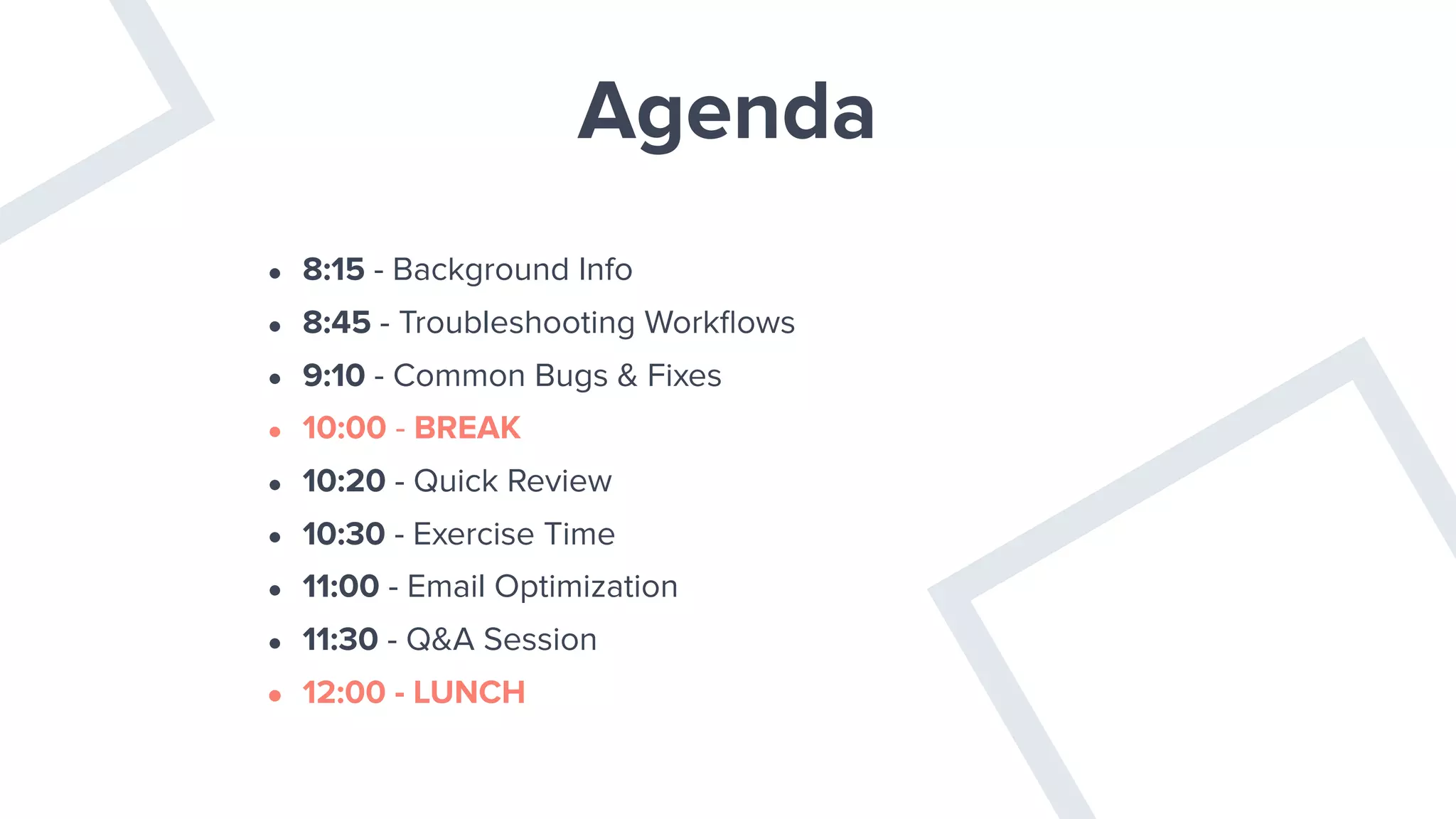
Agenda
• 8:15 - Background Info
• 8:45 - Troubleshooting Workflows
• 9:10 - Common Bugs & Fixes
• 10:00 - BREAK
• 10:20 - Quick Review
• 10:30 - Exercise Time
• 11:00 - Email Optimization
• 11:30 - Q&A Session
• 12:00 - LUNCH
Why Problems Happen
or The Crazy State of Email Rendering
— Me, now
“Email is unique.”
✔ Iterative
✔ Testable
✔ Personal
✔ Forgettable
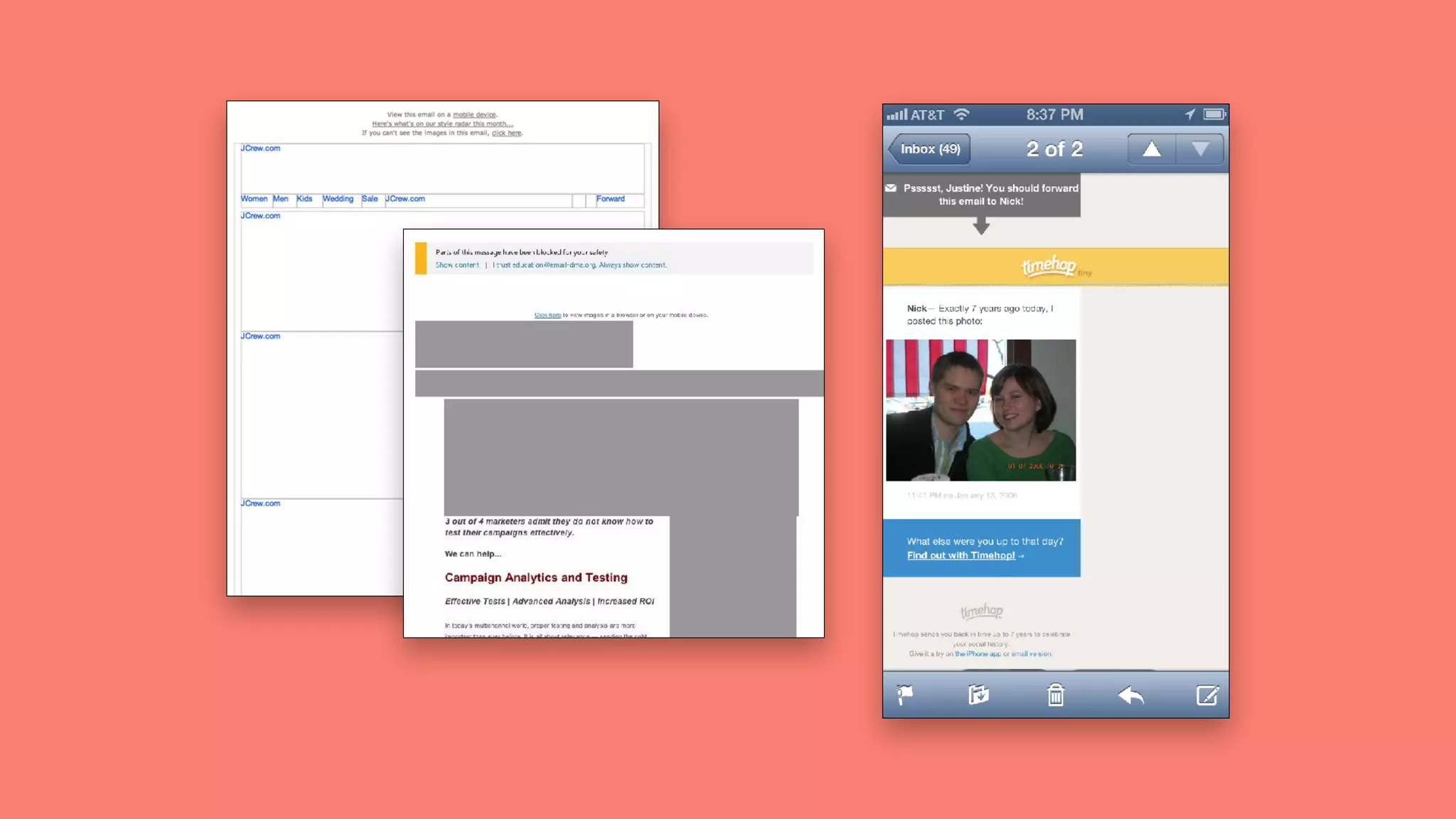
The problem with email
client icons background
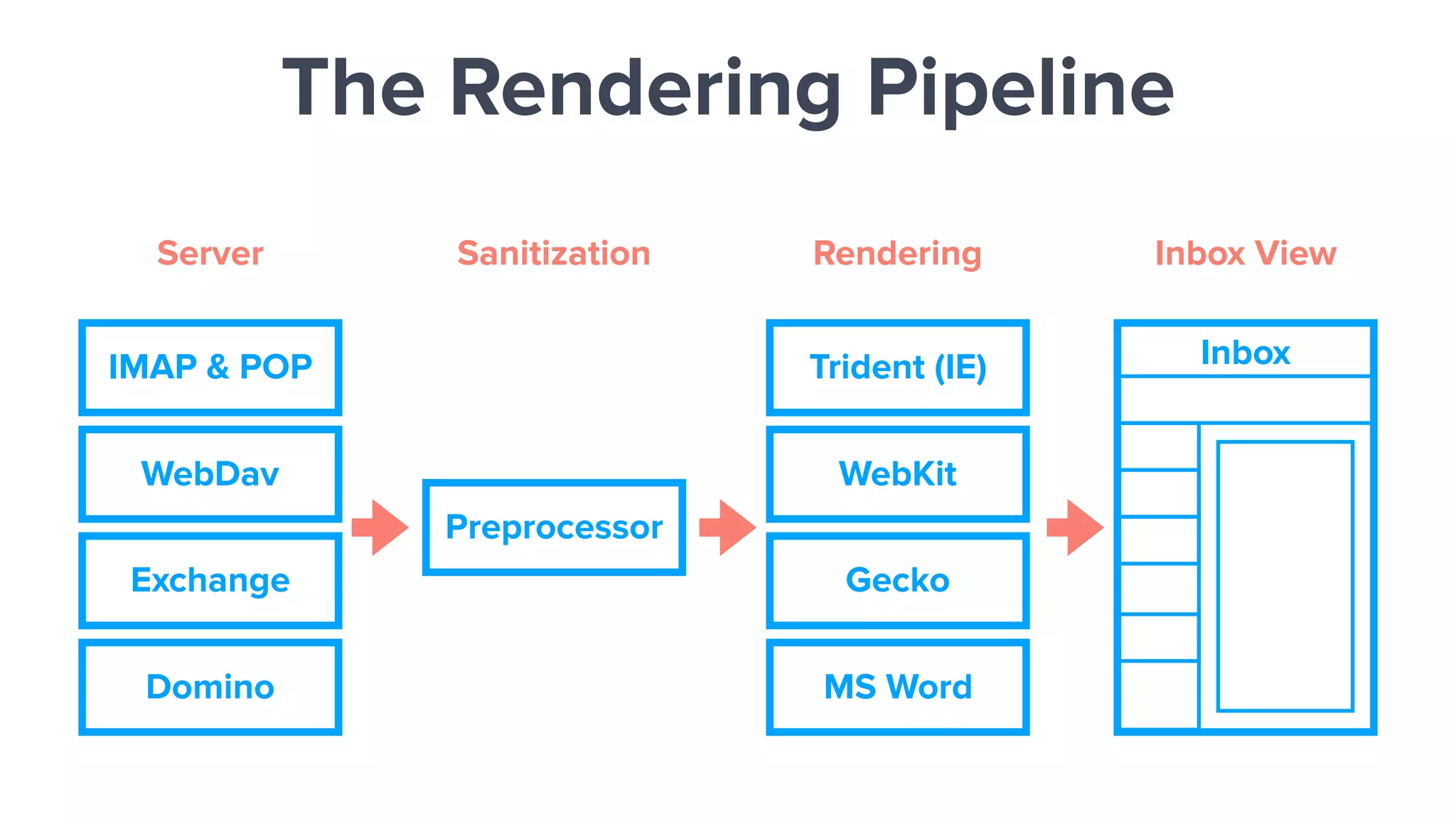
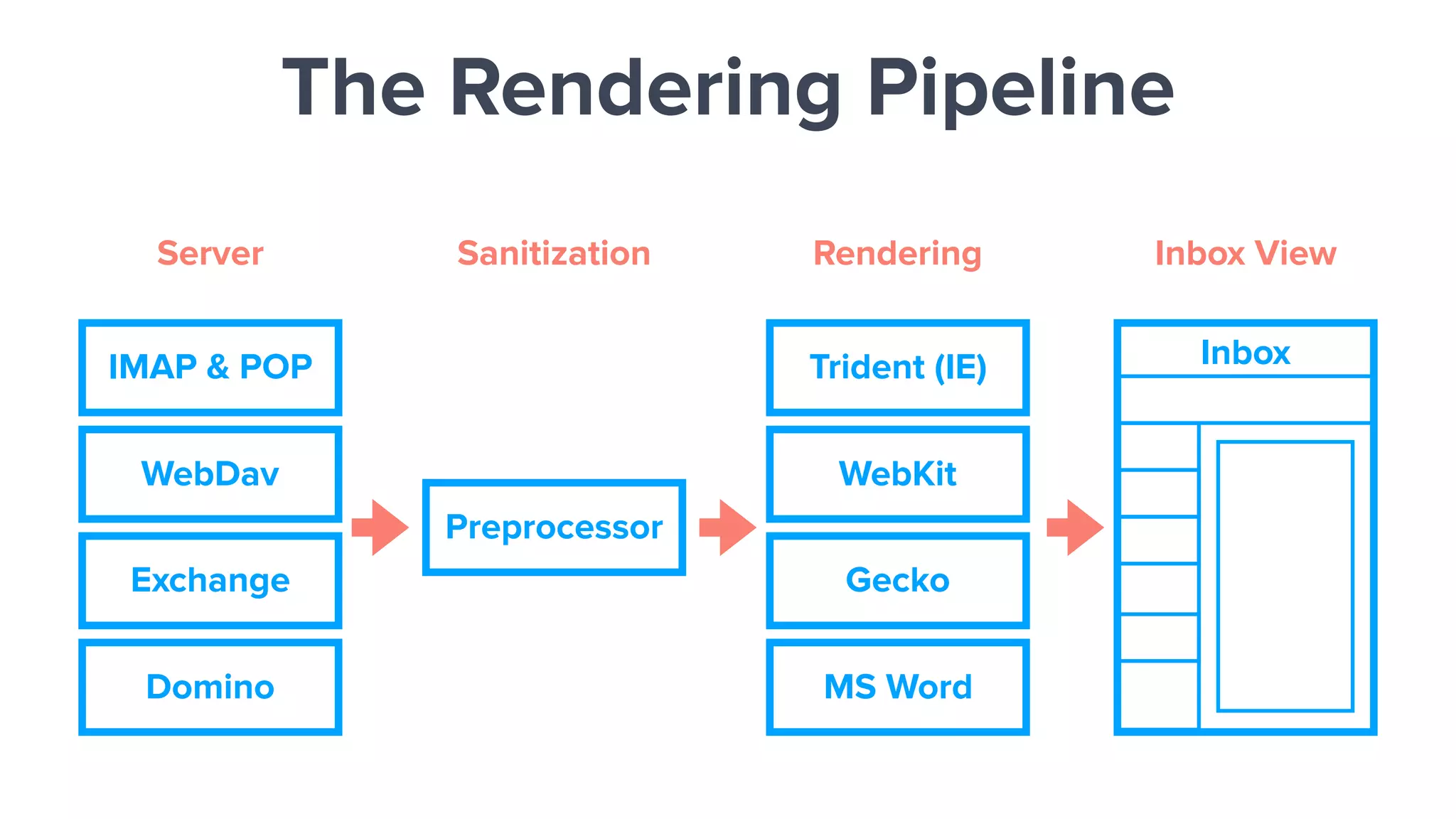
IMAP & POP
WebDav
Exchange
Domino
Preprocessor
Trident (IE)
WebKit
Gecko
MS Word
Inbox
Server Sanitization Rendering Inbox View
The Rendering Pipeline
THERE ARE
NO STANDARDS
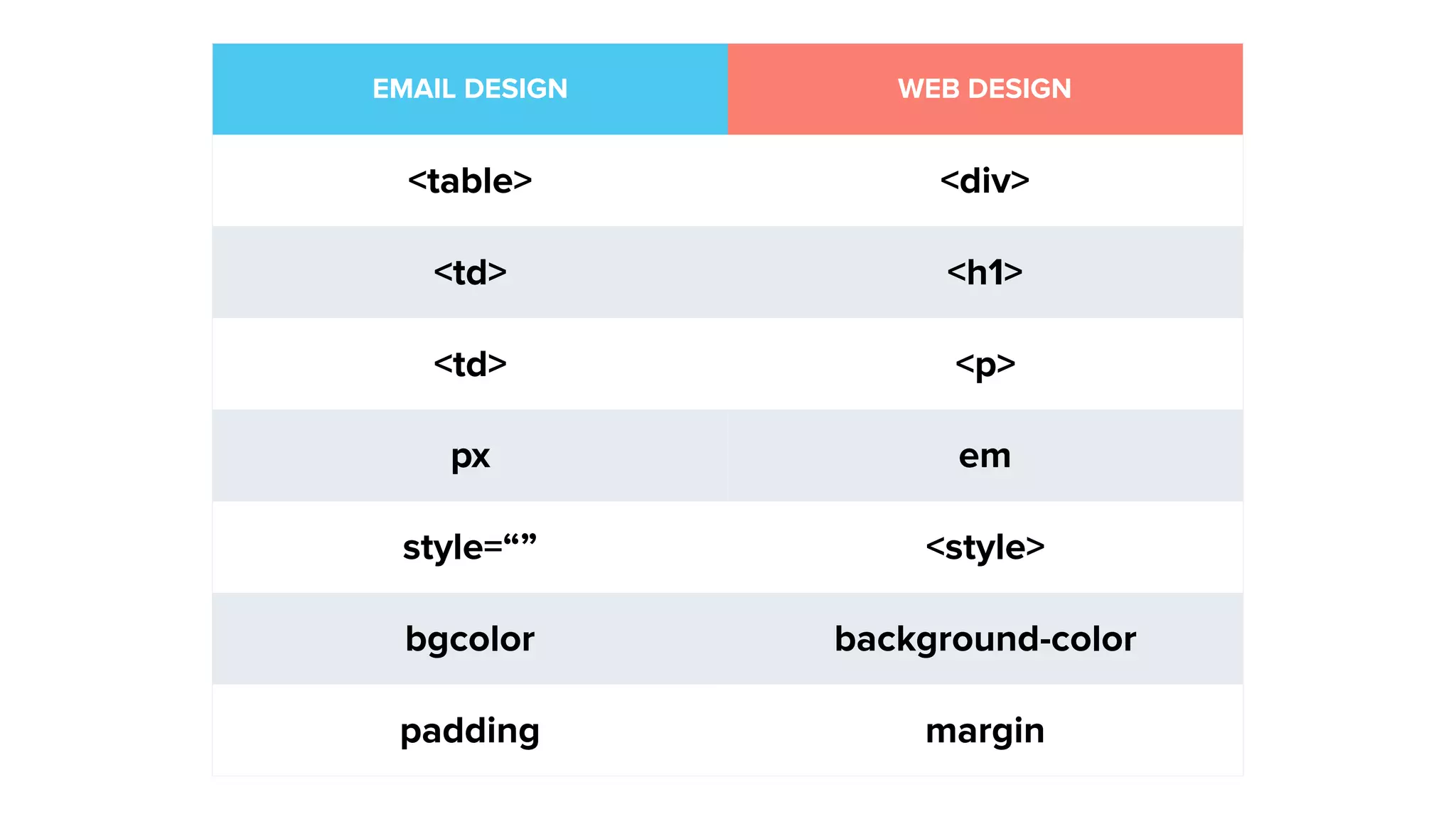
WEB ≠ EMAIL
EMAIL DESIGN WEB DESIGN
<table> <div>
<td> <h1>
<td> <p>
px em
style=“” <style>
bgcolor background-color
padding margin
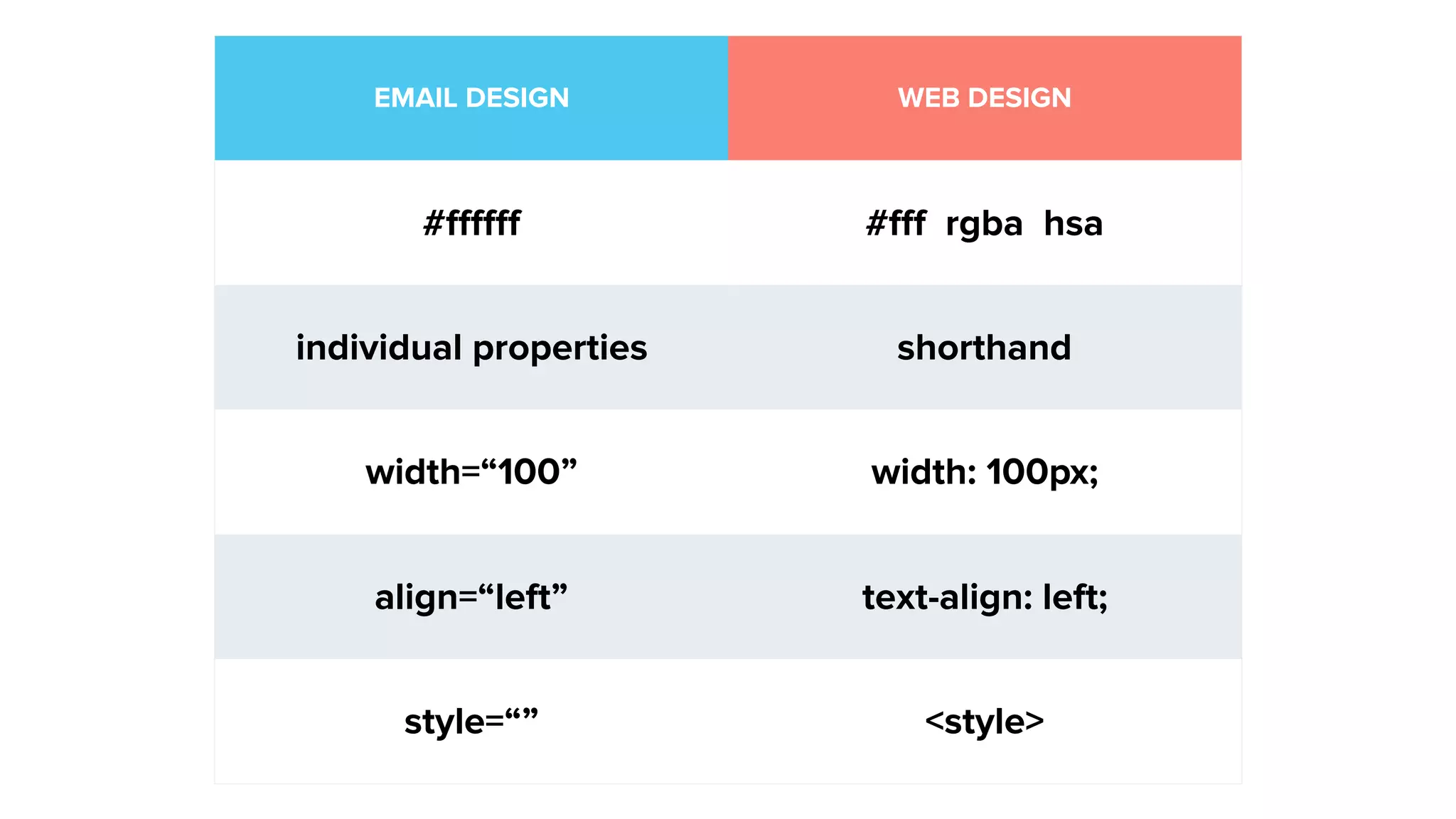
EMAIL DESIGN WEB DESIGN
#ffffff #fff rgba hsa
individual properties shorthand
width=“100” width: 100px;
align=“left” text-align: left;
style=“” <style>
HTML & CSS
Refresher
All emails consist of:
HTML and CSS
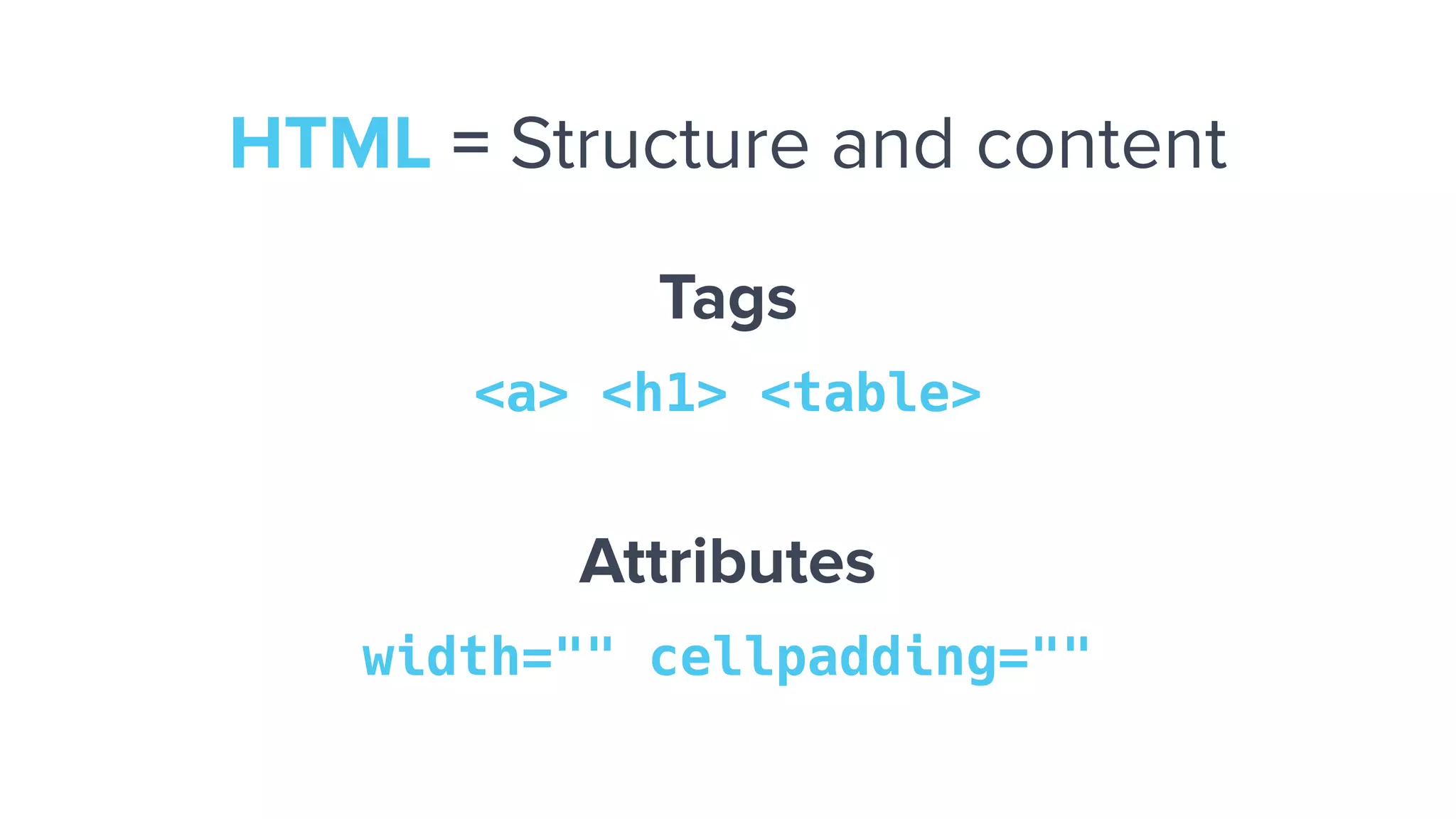
Tags
<a> <h1> <table>
Attributes
width="" cellpadding=""
HTML = Structure and content
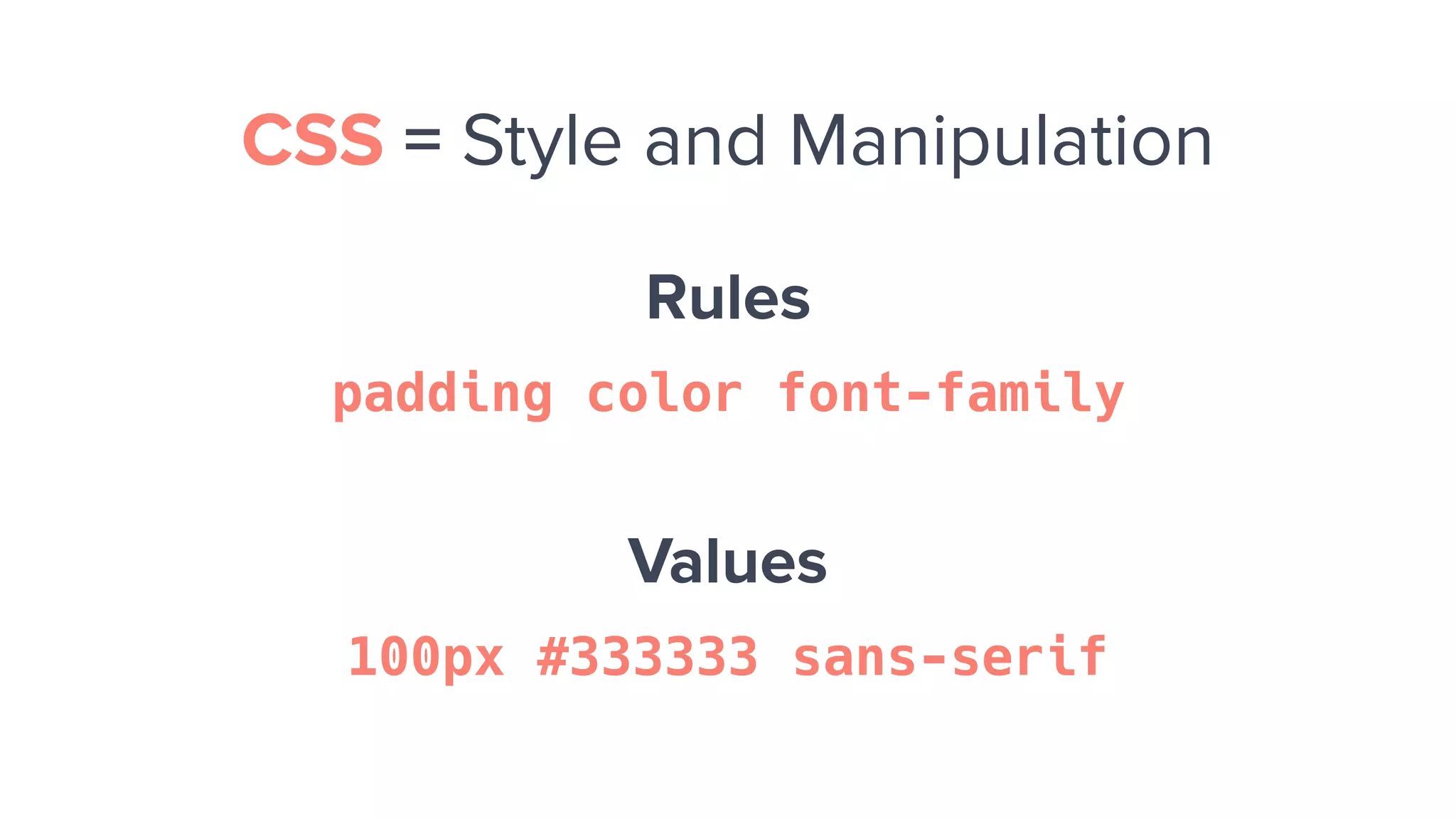
Rules
padding color font-family
Values
100px #333333 sans-serif
CSS = Style and Manipulation
Most of your problems will come
from issues with your code.
At least the ones you can fix.
A Guide to
Troubleshooting
Determining What's Going On
Email Troubleshooting 101
1. Test your email
2. Check your images
3. Check your HTML
4. Ask for help
Test Your Email
Step 1
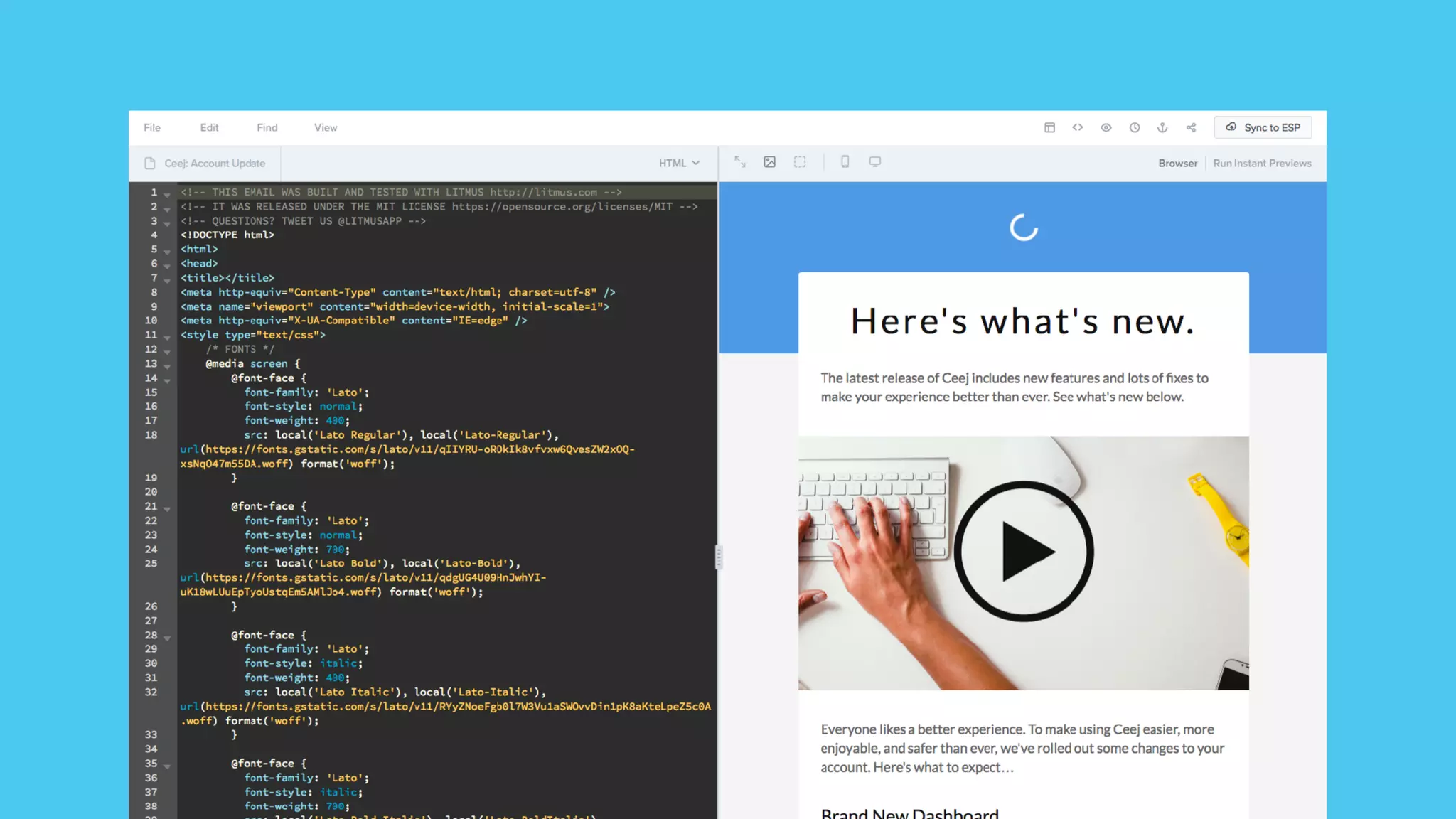
During Development
(in browser, in Builder, do
test sends (PutsMail))
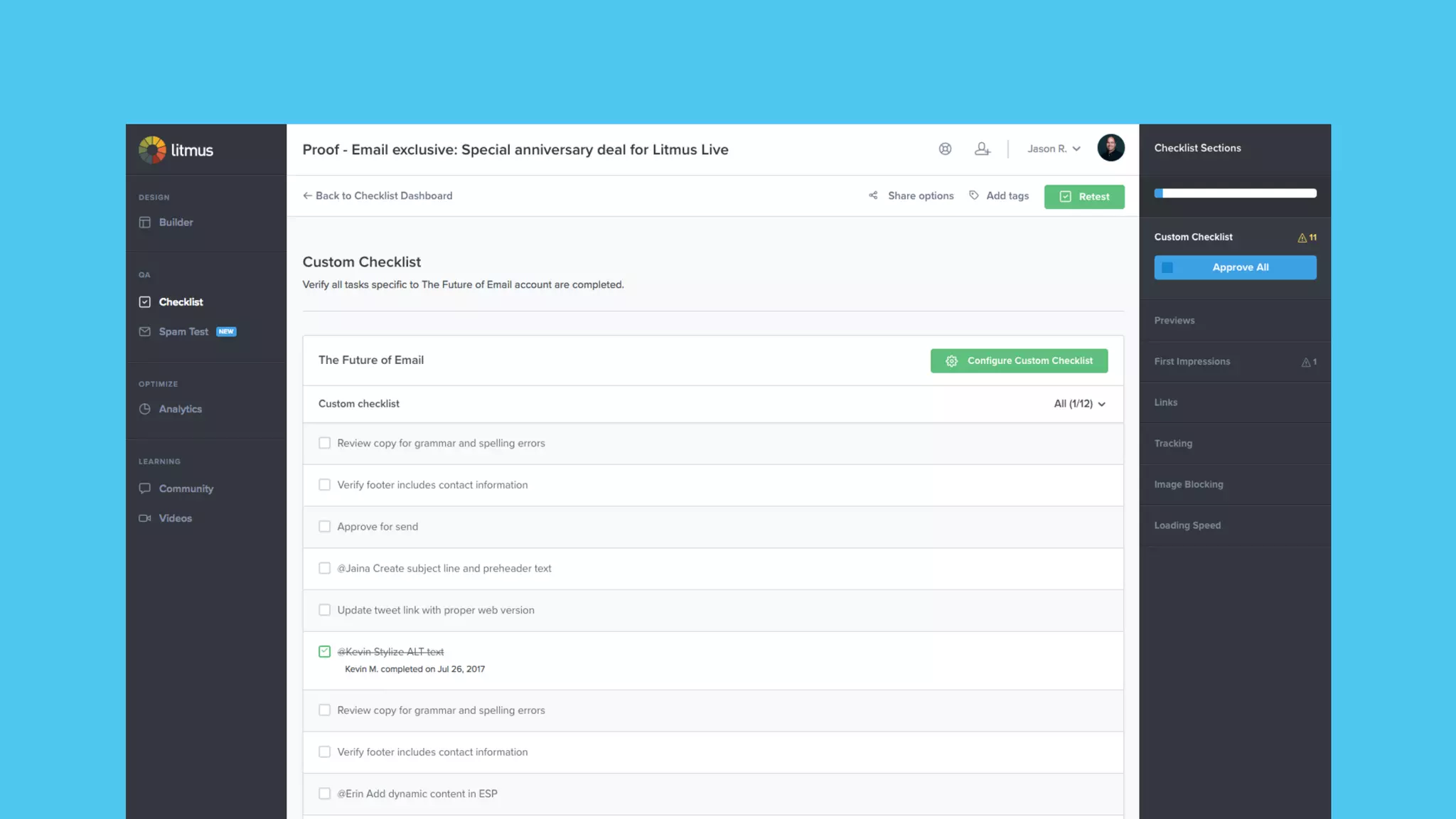
During Development
(in browser, in Builder, do
test sends (PutsMail))
Step 2
Check Your Images
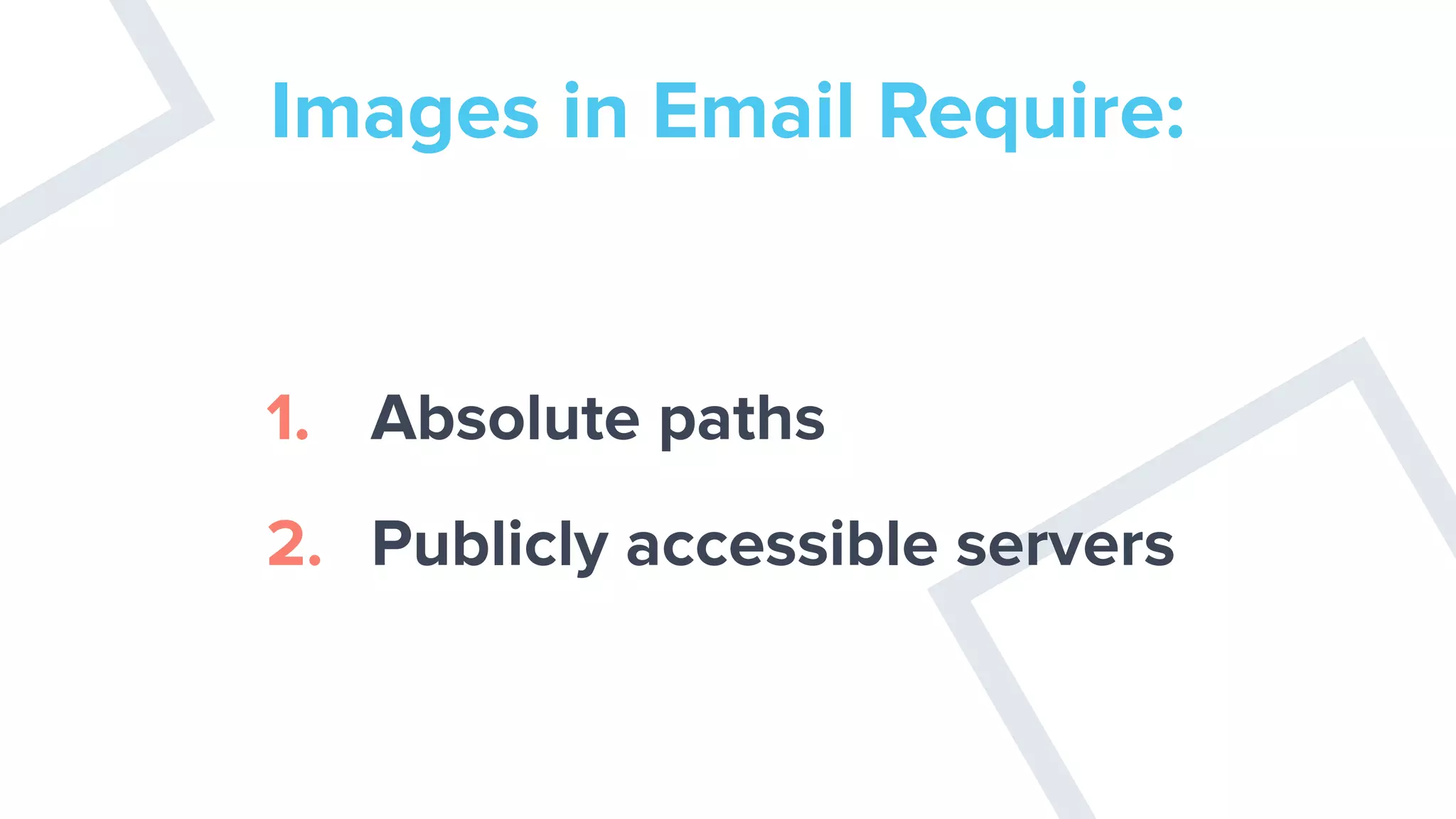
Images in Email Require:
1. Absolute paths
2. Publicly accessible servers
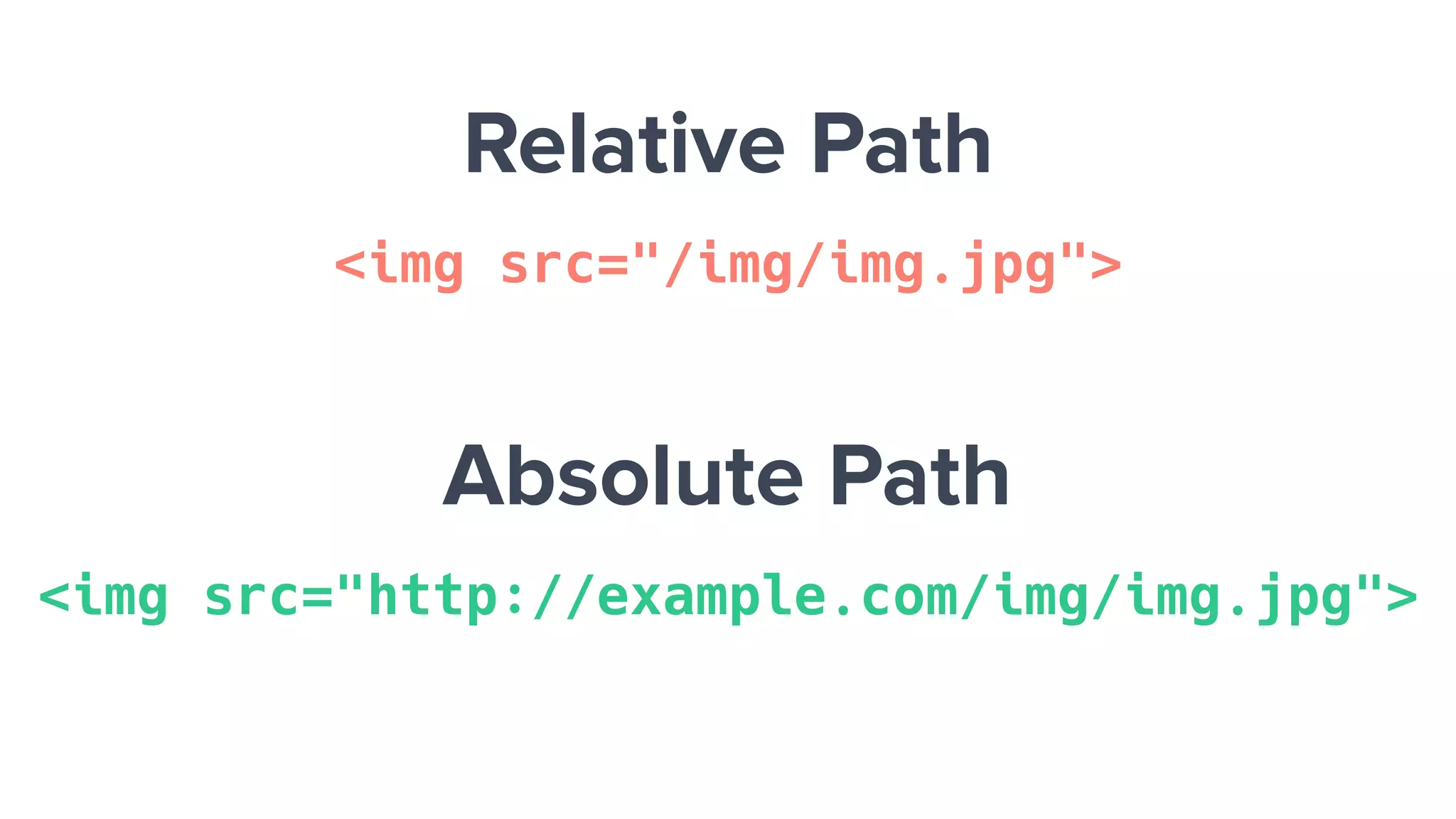
Relative Path
<img src="/img/img.jpg">
Absolute Path
<img src="http://example.com/img/img.jpg">
Check the File Name
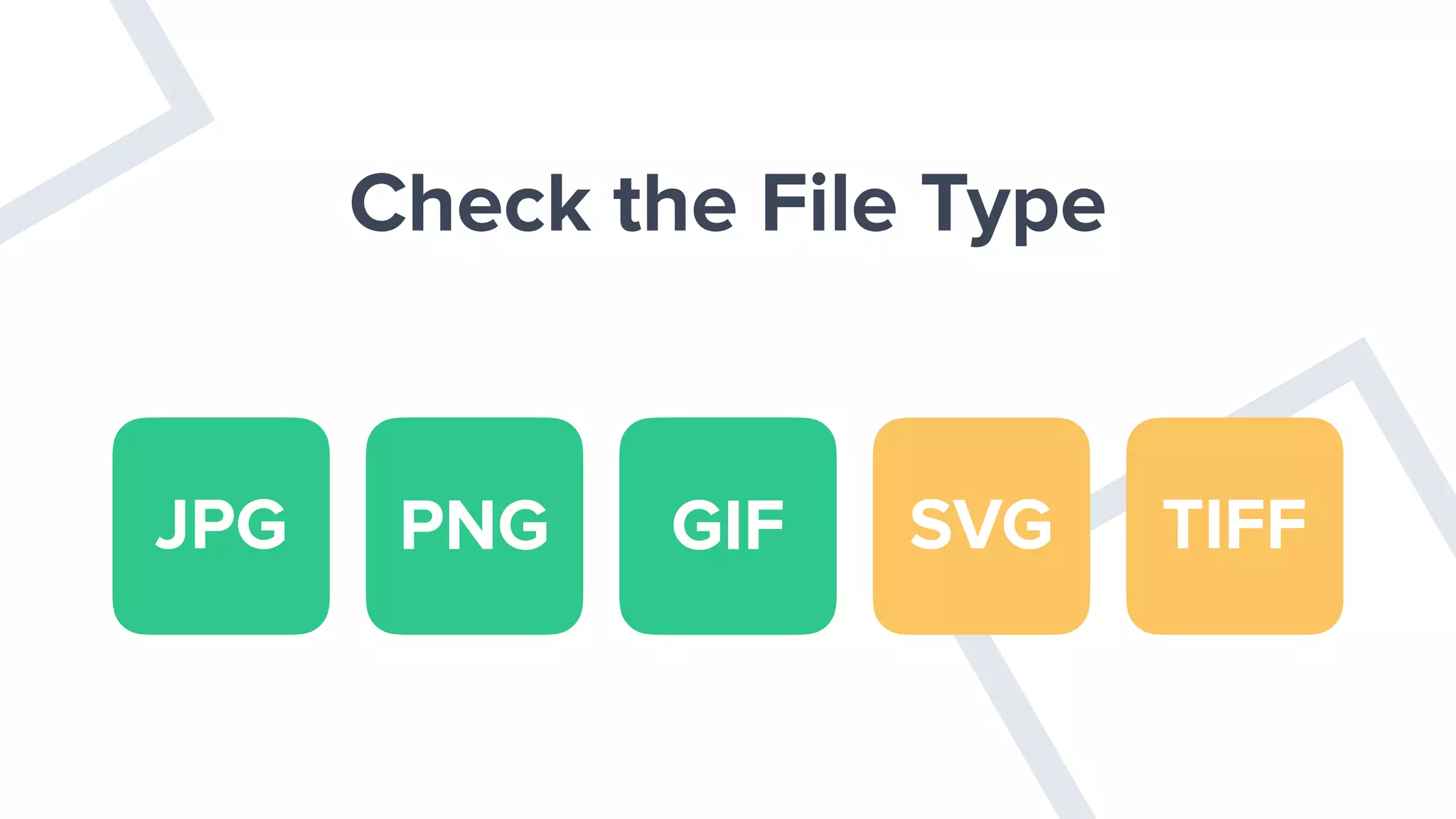
Check the File Type
JPG PNG GIF SVG TIFF
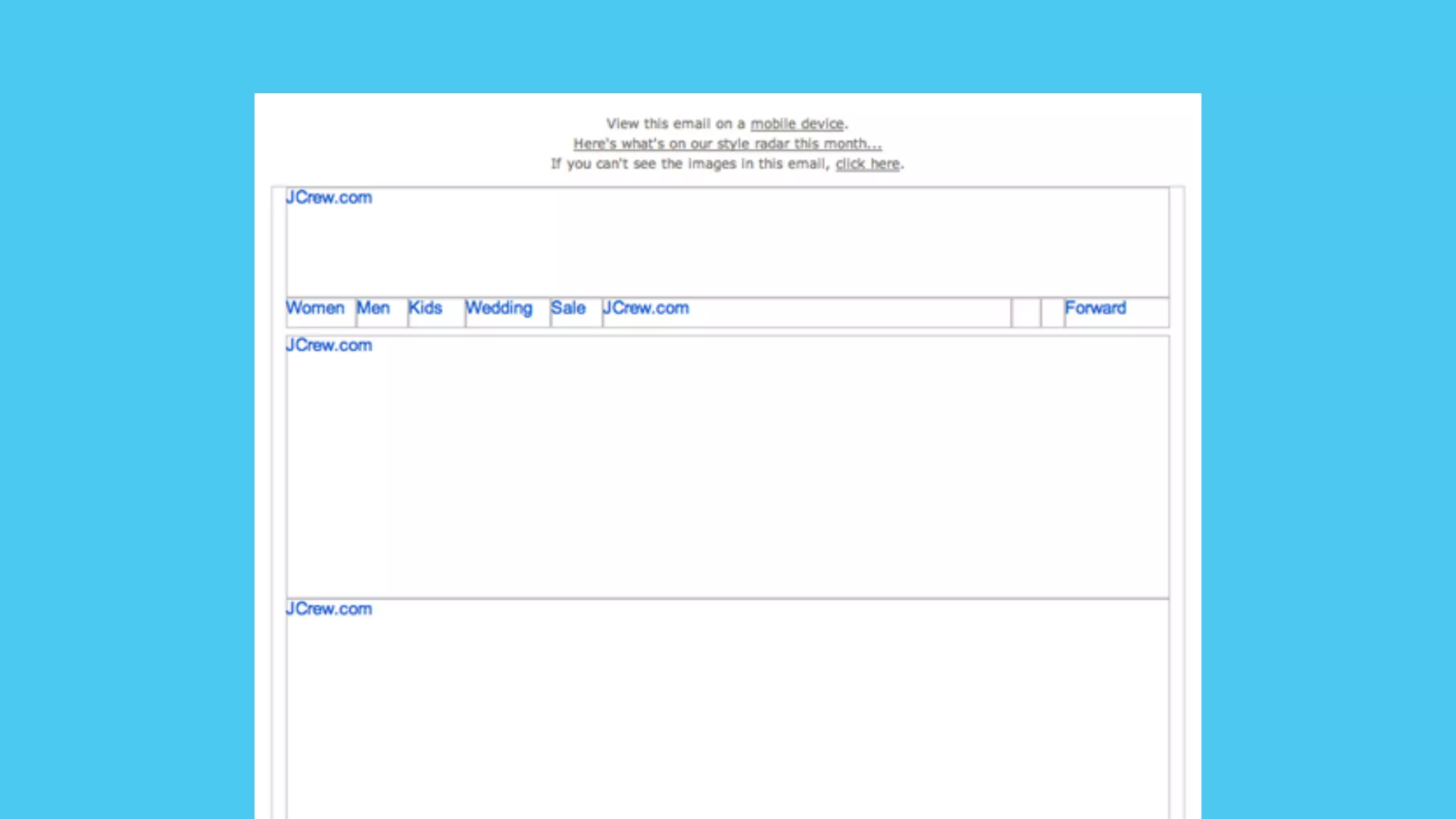
Image not displayed.
Check Your HTML
Step 3
Isolate the Problem
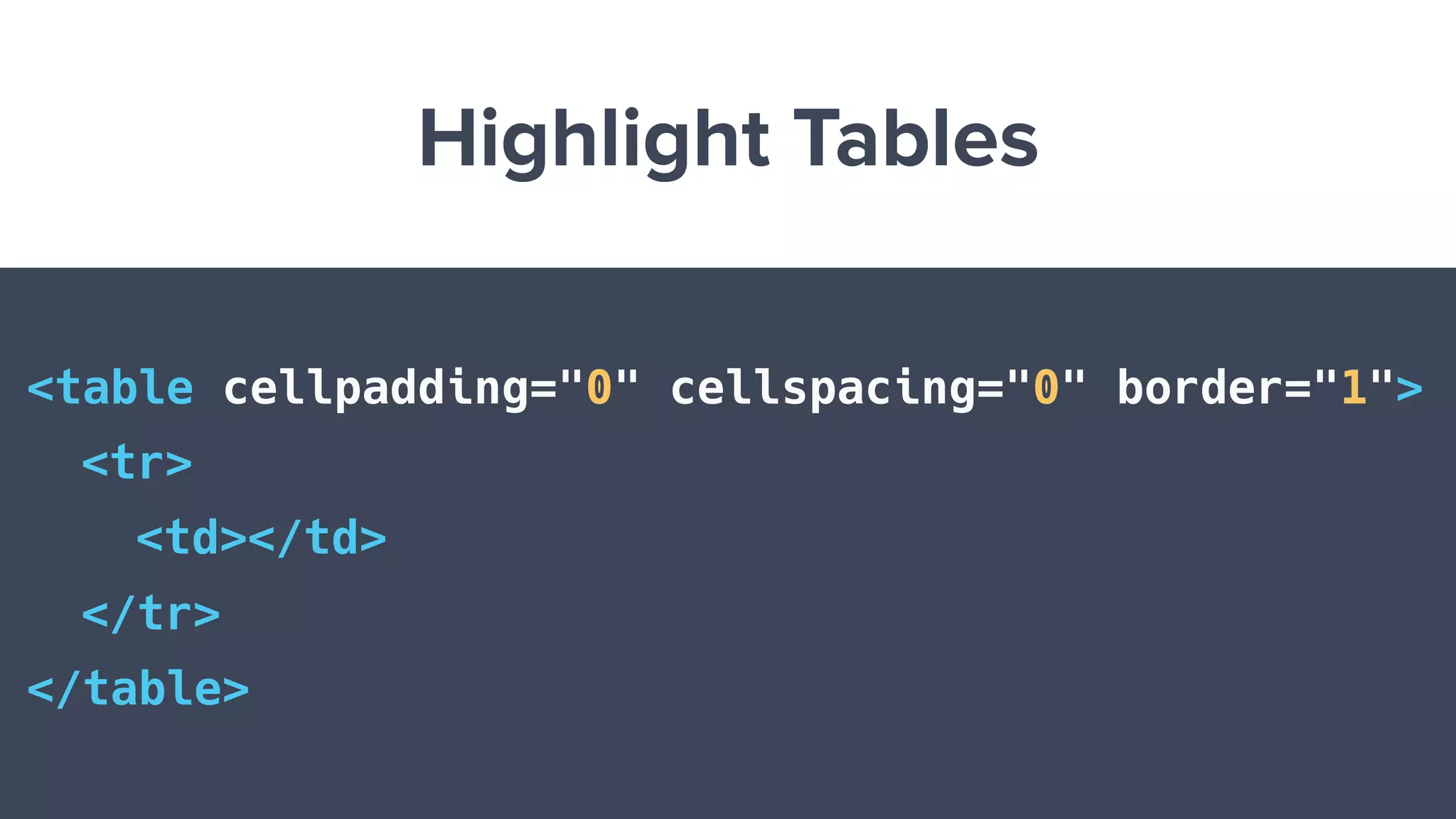
Highlight Tables
<table cellpadding="0" cellspacing="0" border="1">
<tr>
<td></td>
</tr>
</table>
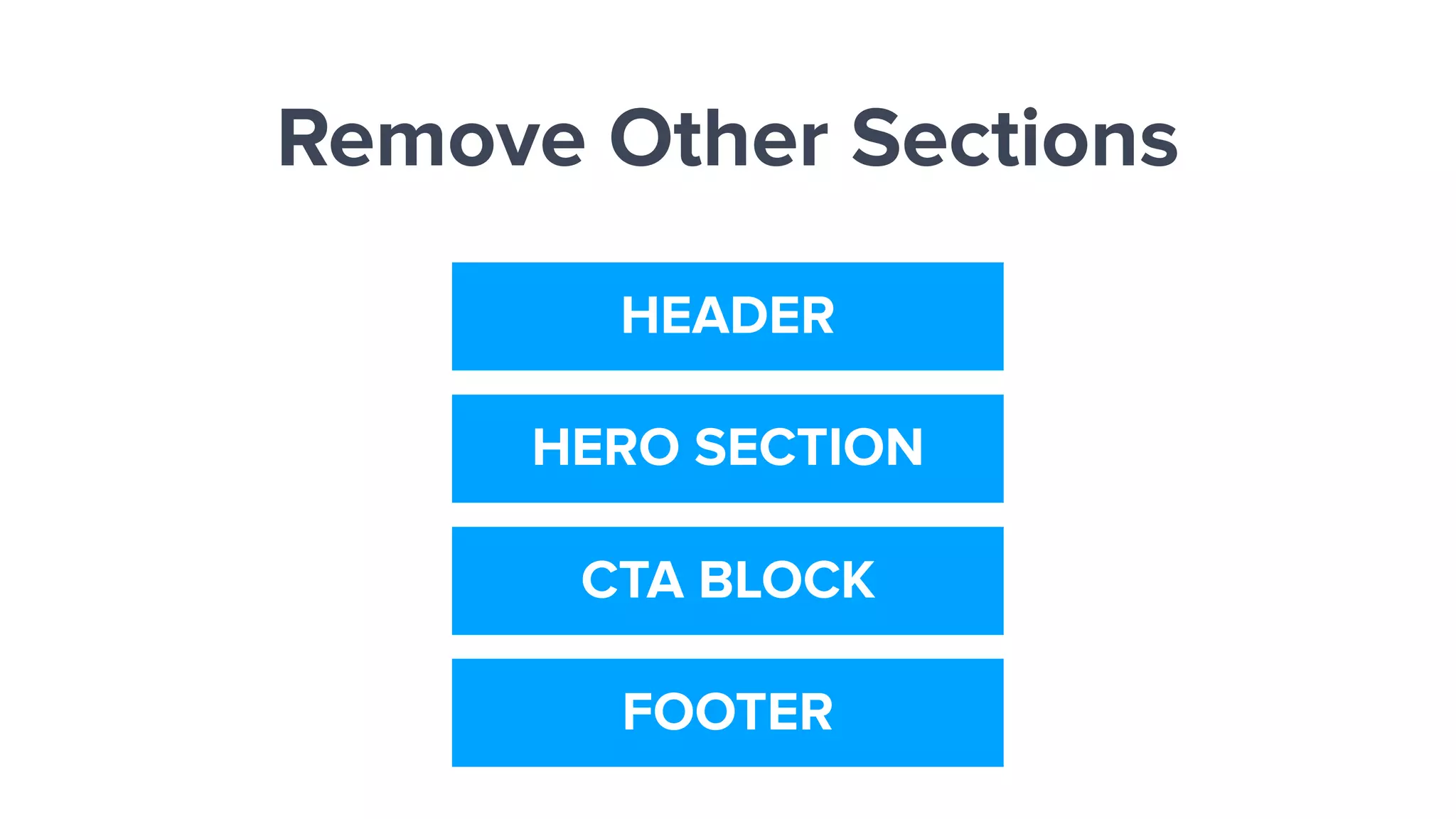
Remove Other Sections
HEADER
HERO SECTION
CTA BLOCK
FOOTER
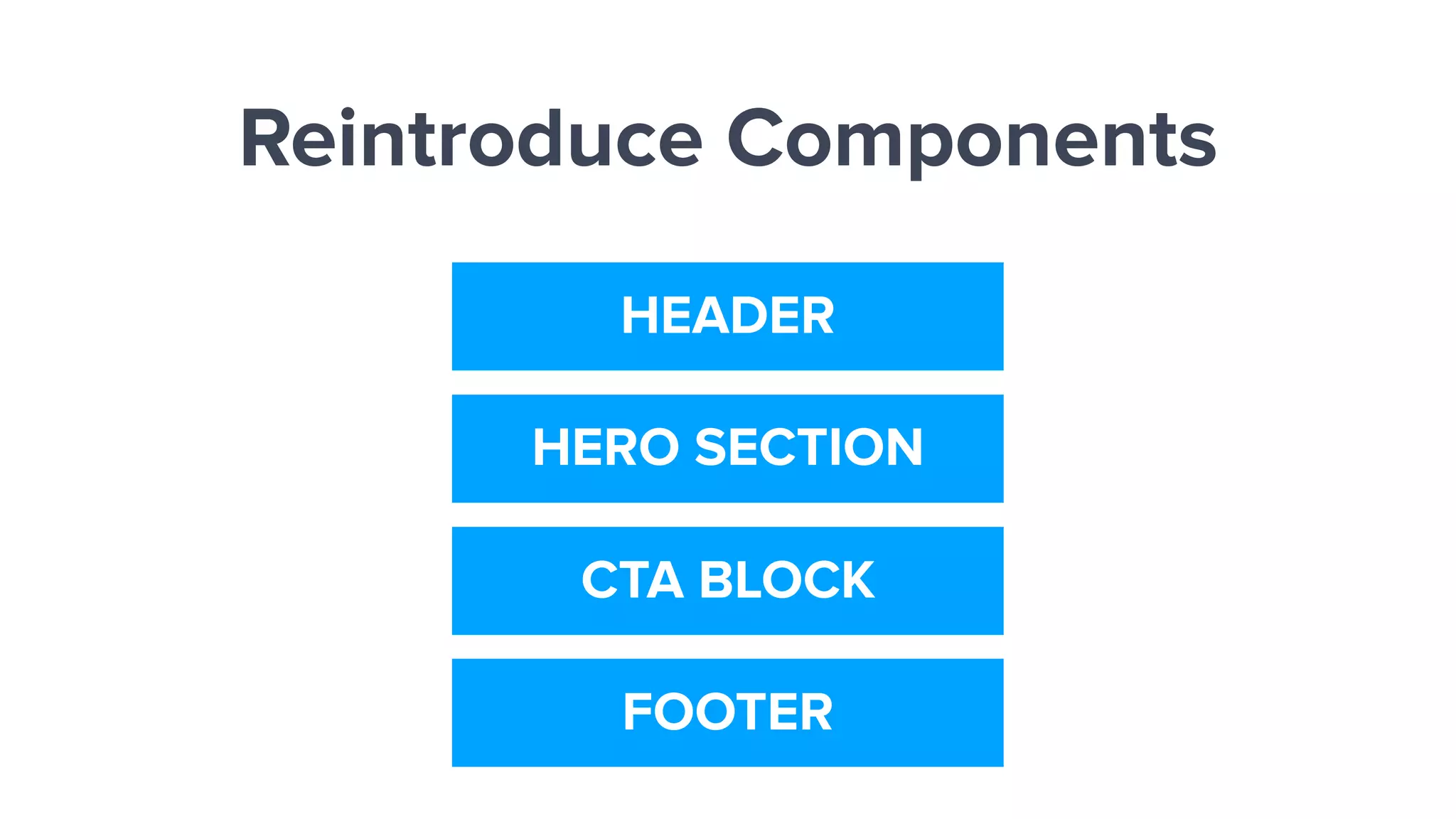
Reintroduce Components
HEADER
HERO SECTION
CTA BLOCK
FOOTER
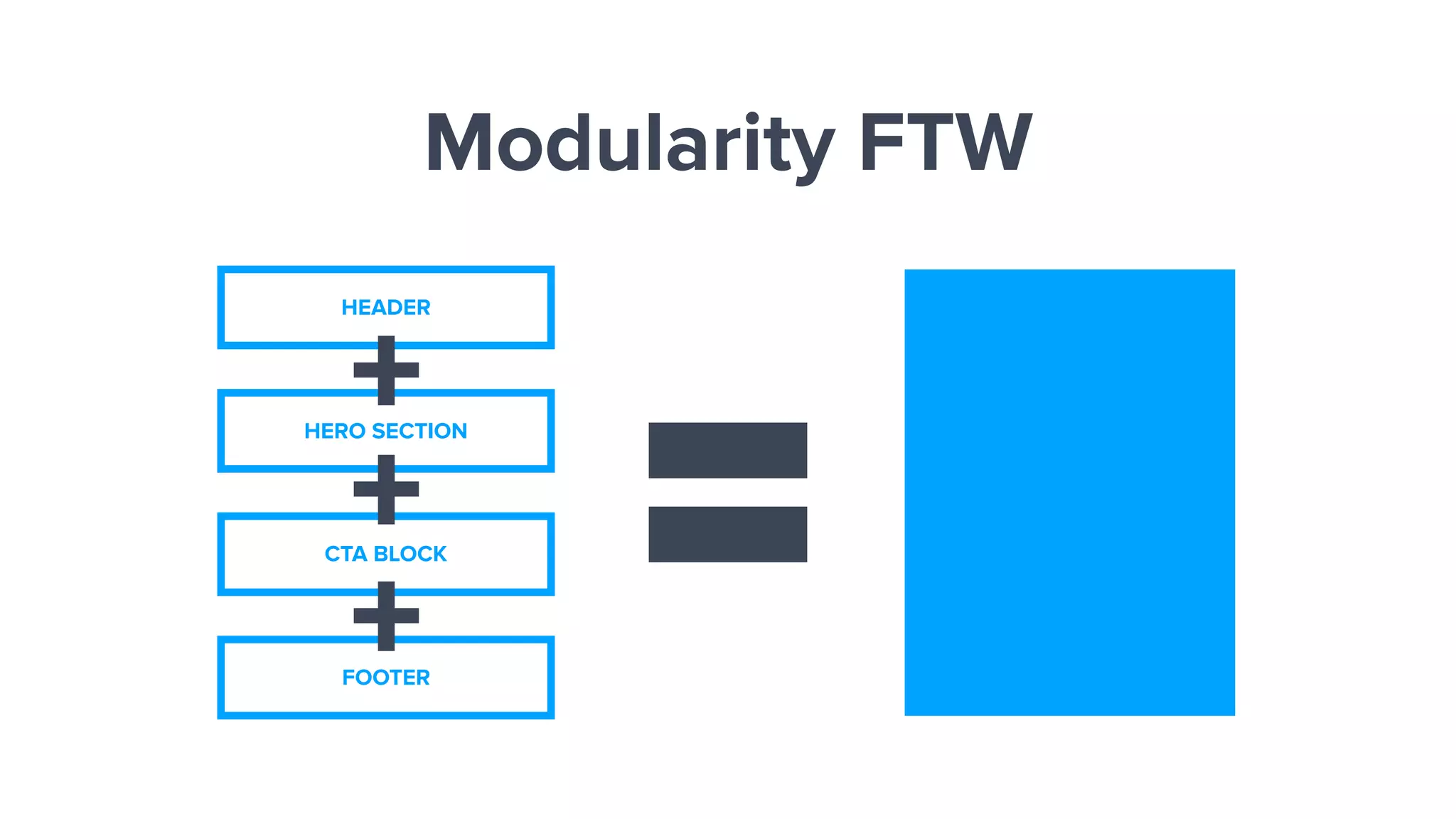
Modularity FTW
HEADER
HERO SECTION
CTA BLOCK
FOOTER
+
+
+
Check Syntax Issues
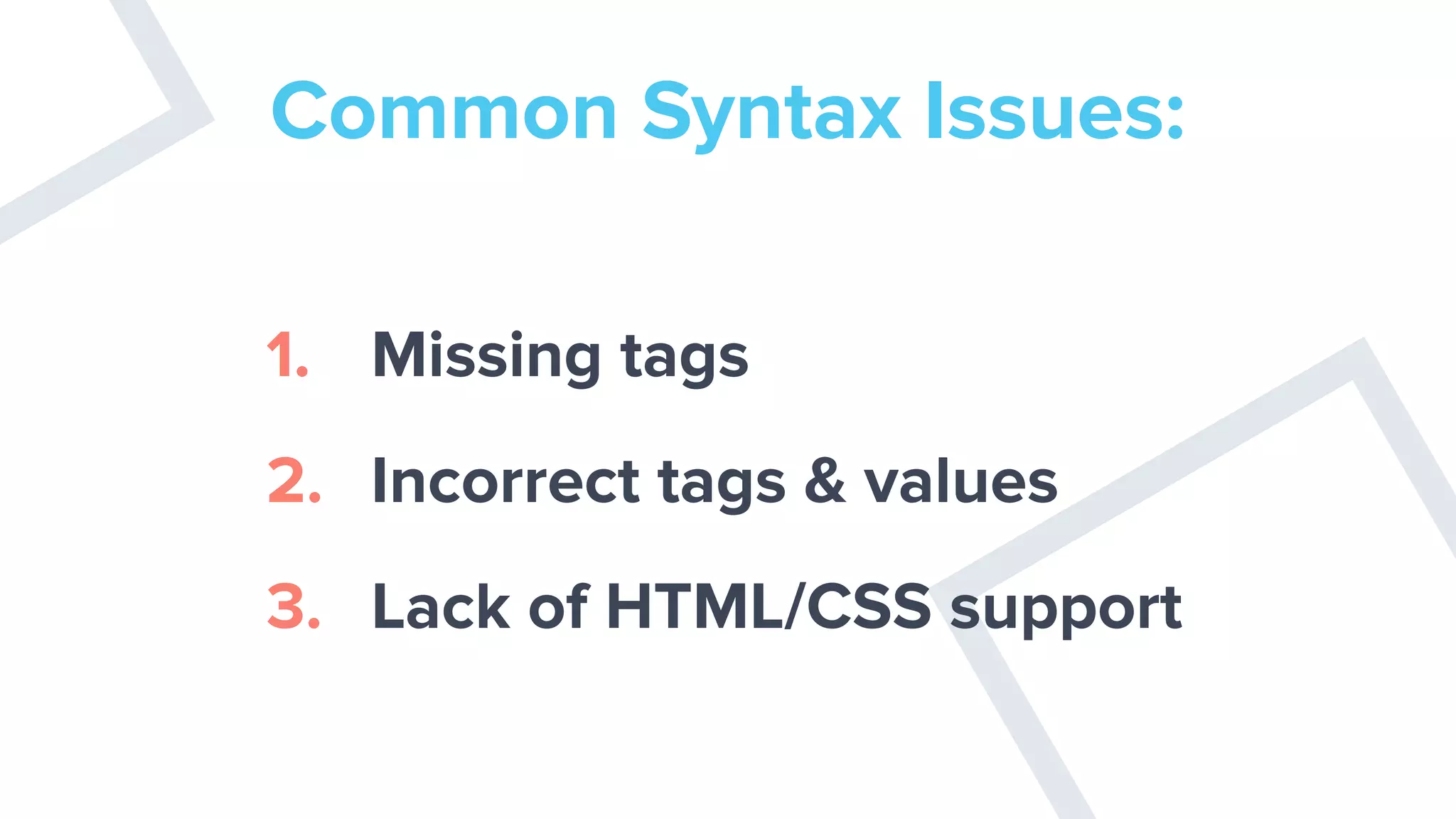
Common Syntax Issues:
1. Missing tags
2. Incorrect tags & values
3. Lack of HTML/CSS support
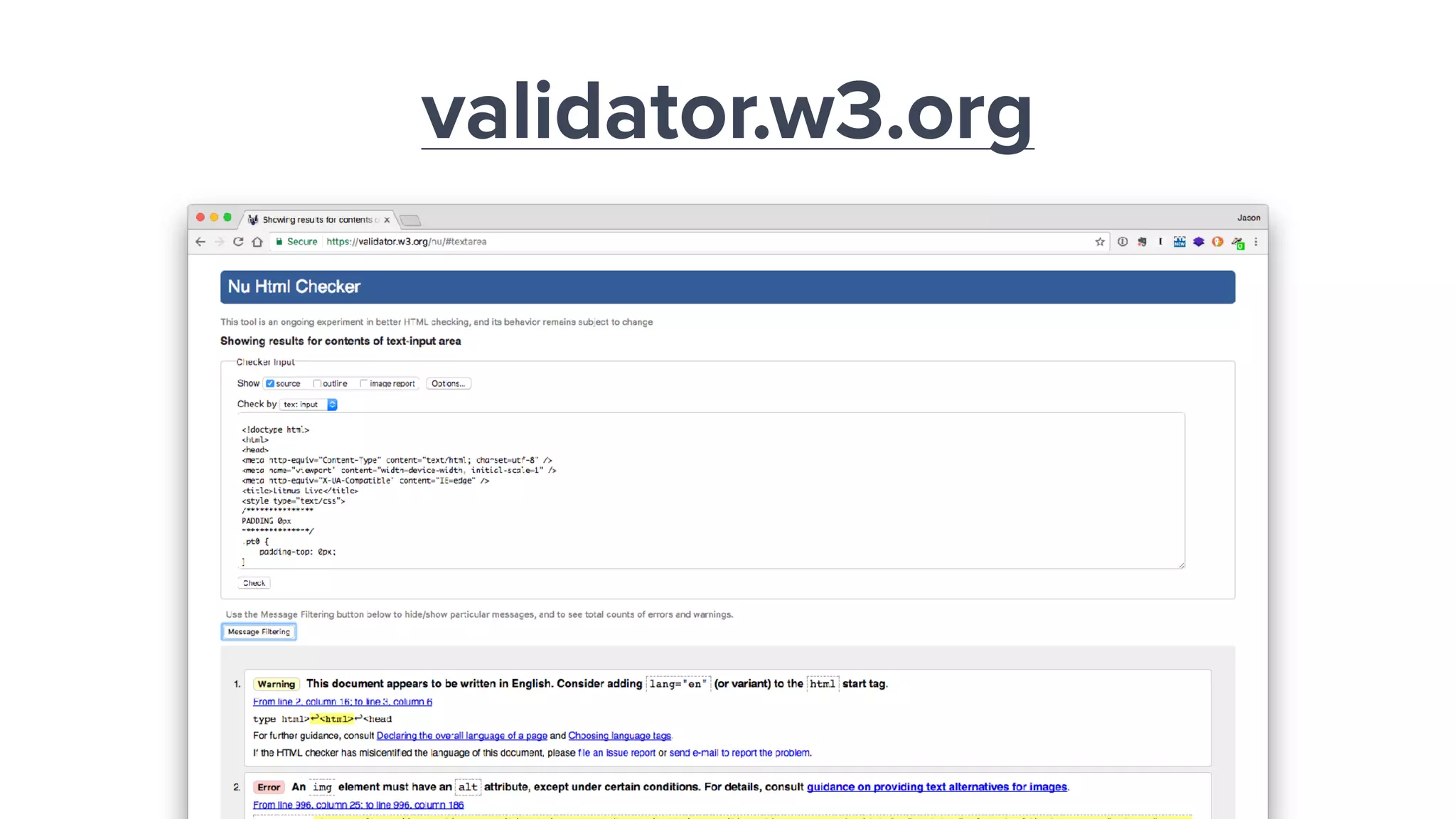
validator.w3.org
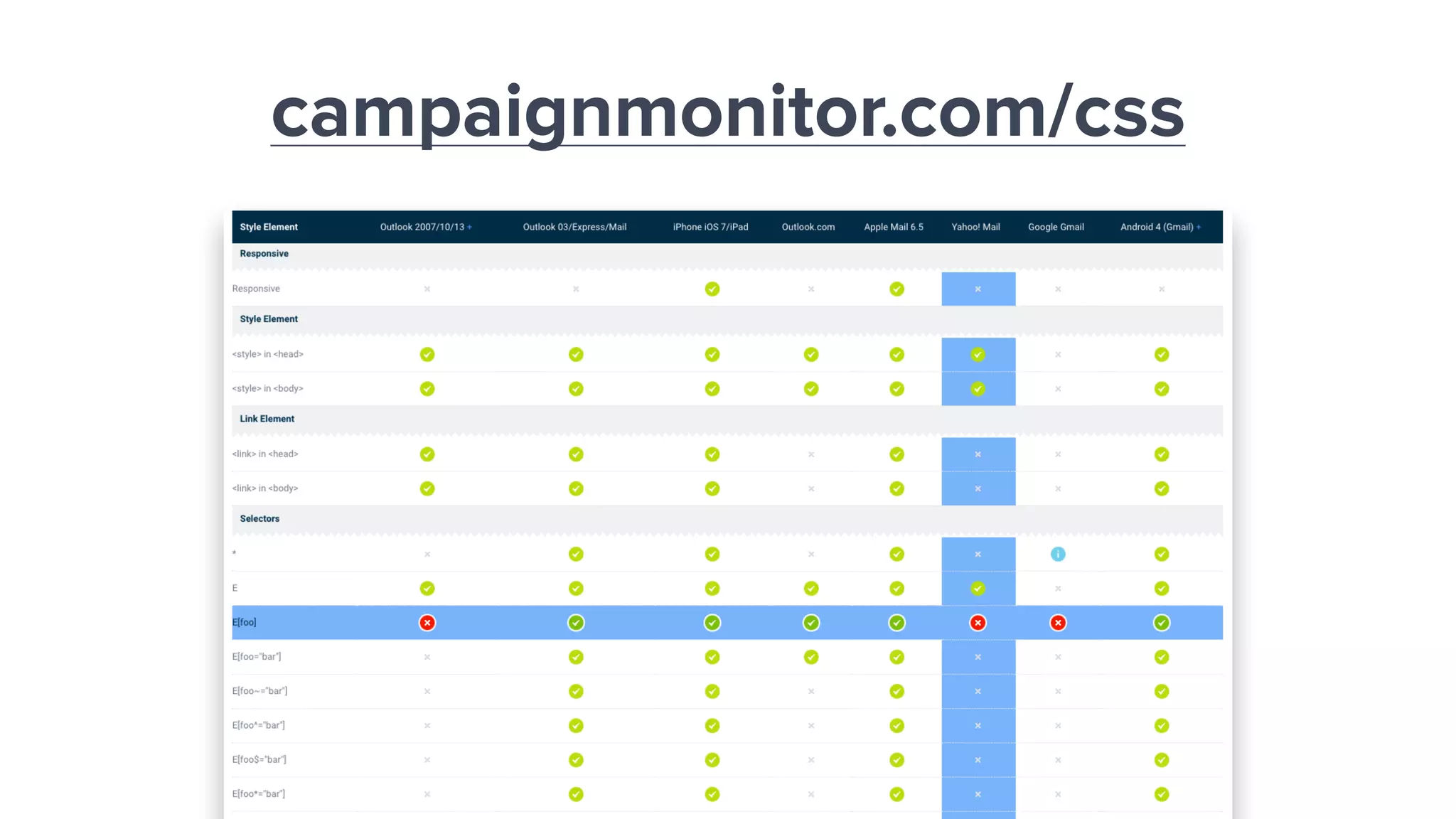
campaignmonitor.com/css
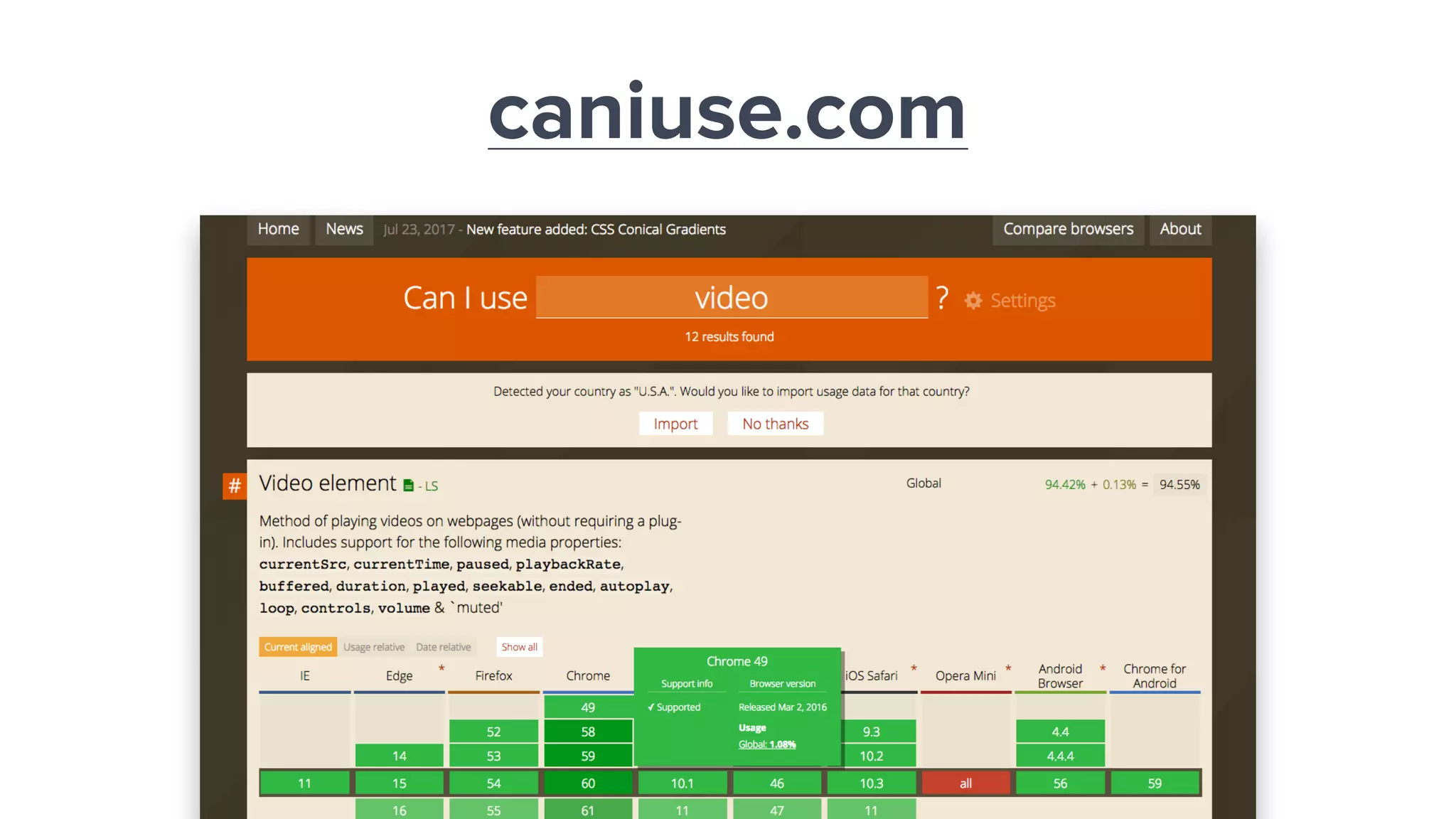
caniuse.com
Check Default
Behavior
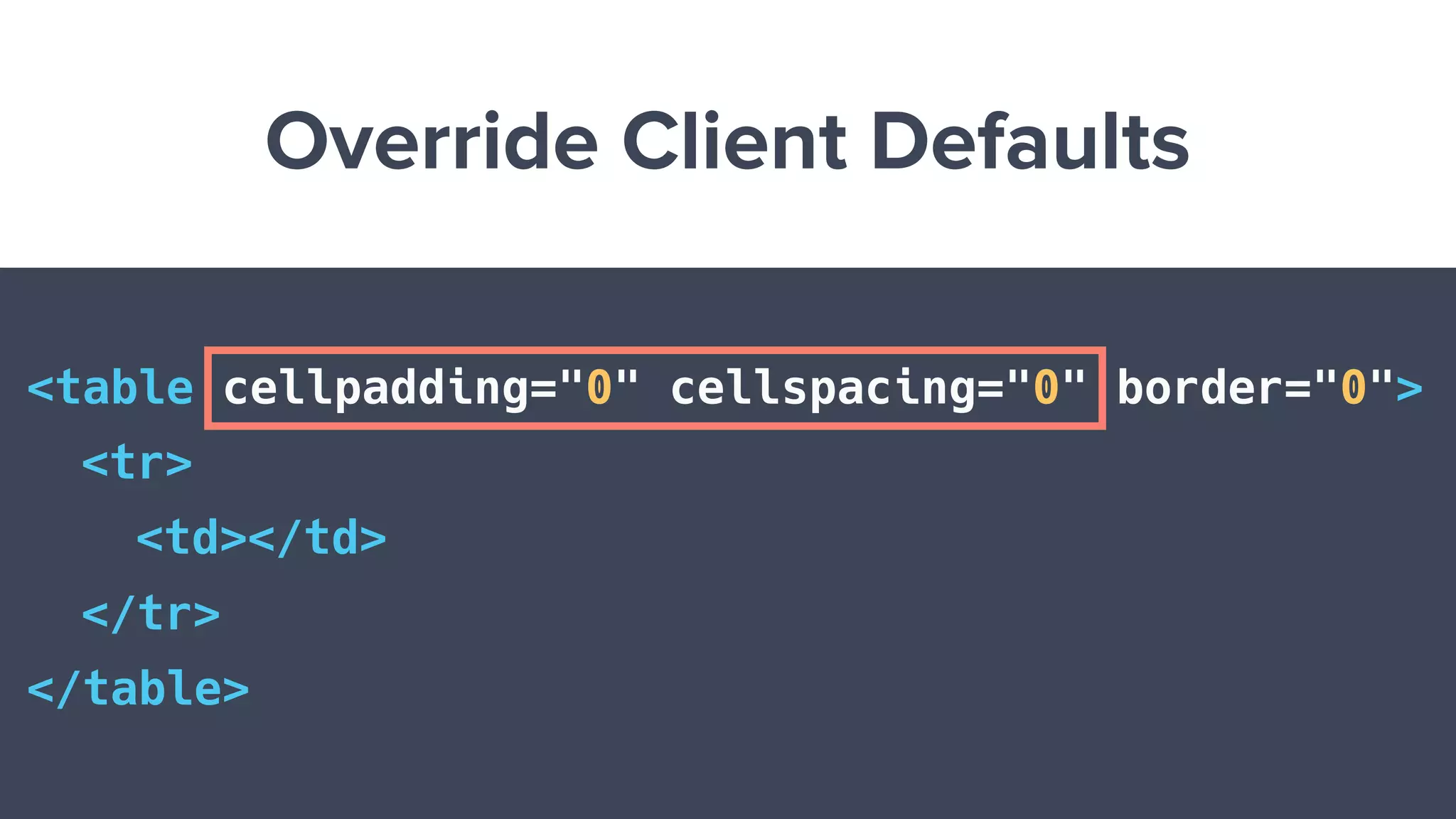
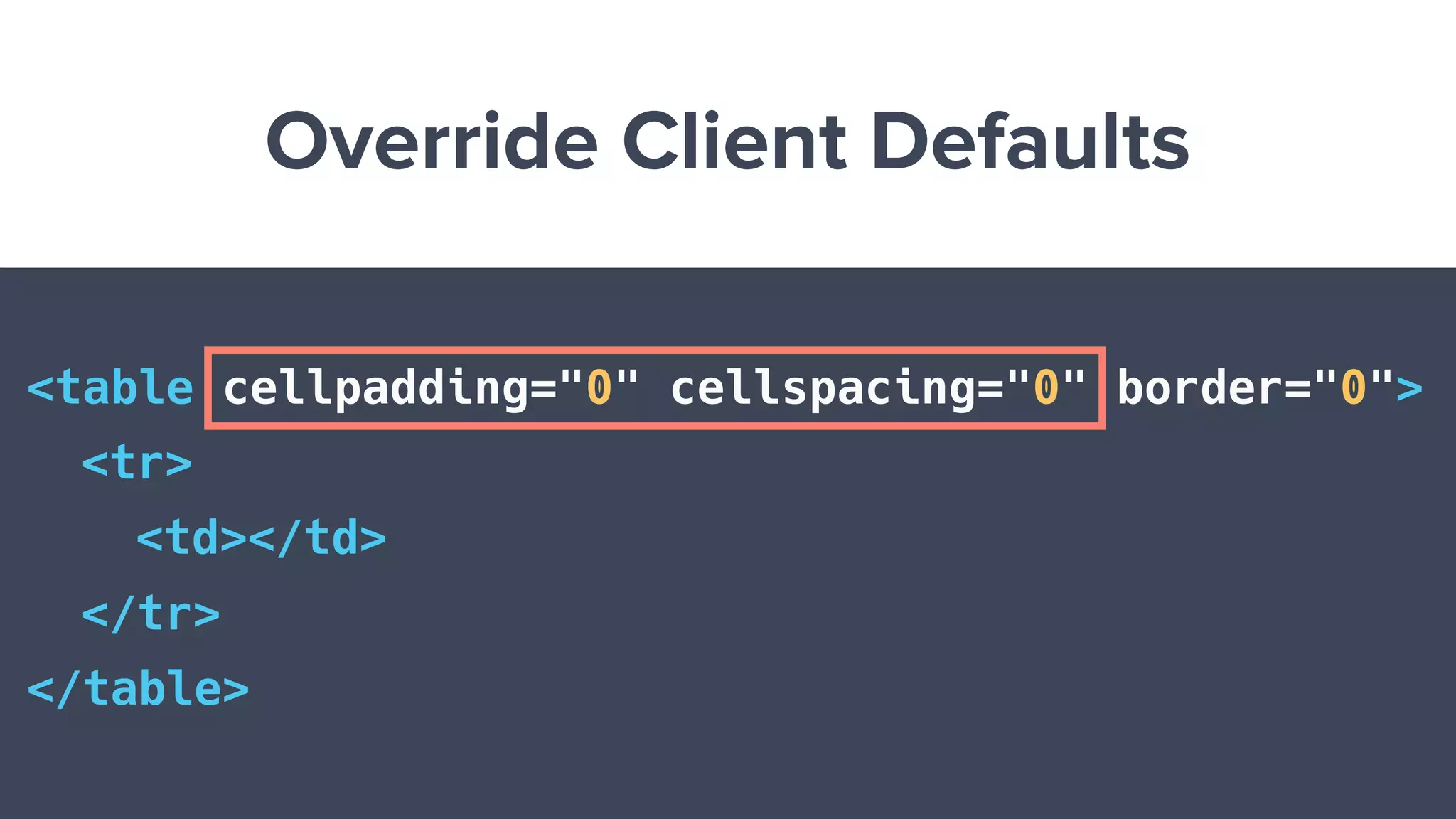
Override Client Defaults
<table cellpadding="0" cellspacing="0" border="0">
<tr>
<td></td>
</tr>
</table>
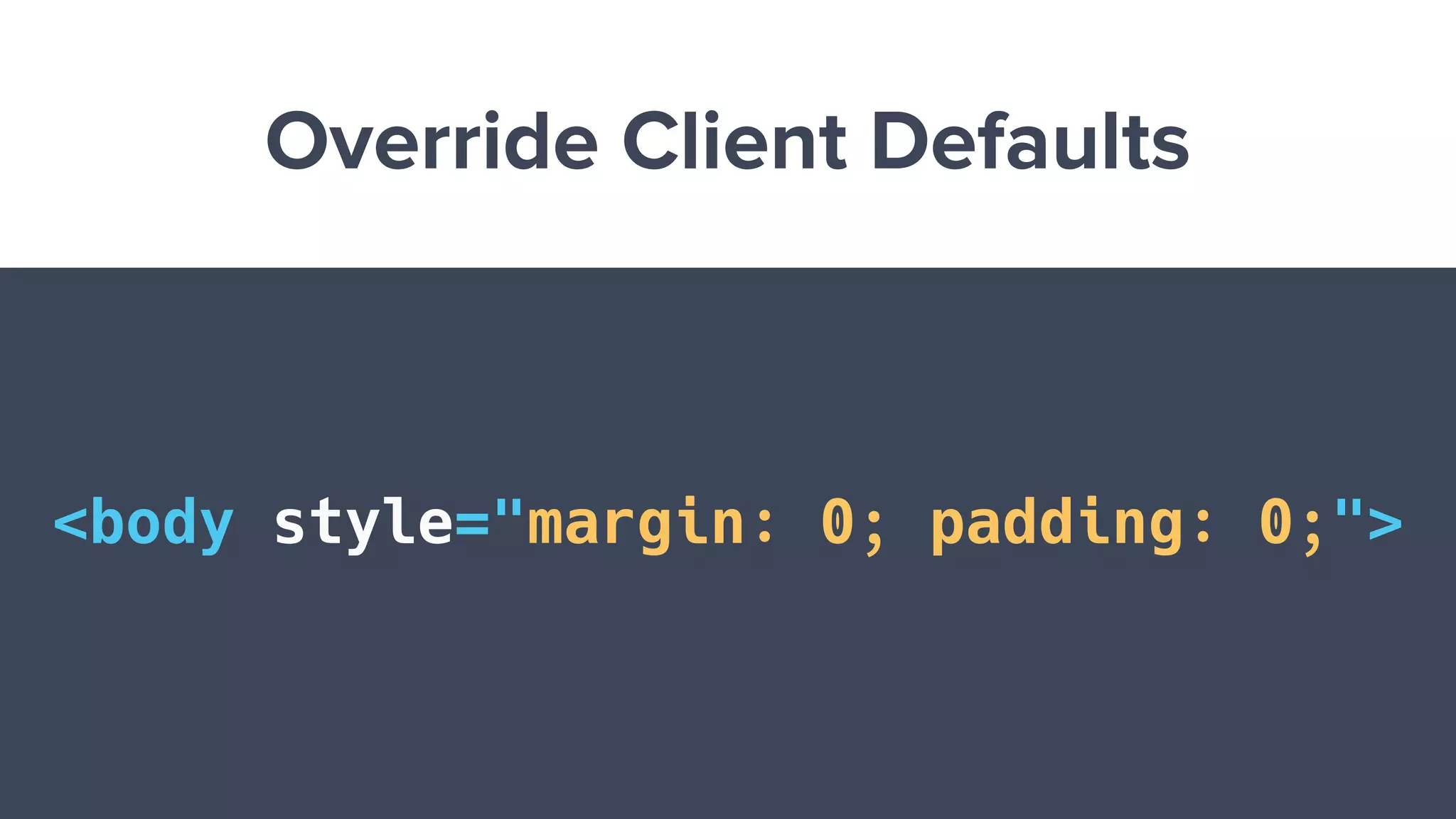
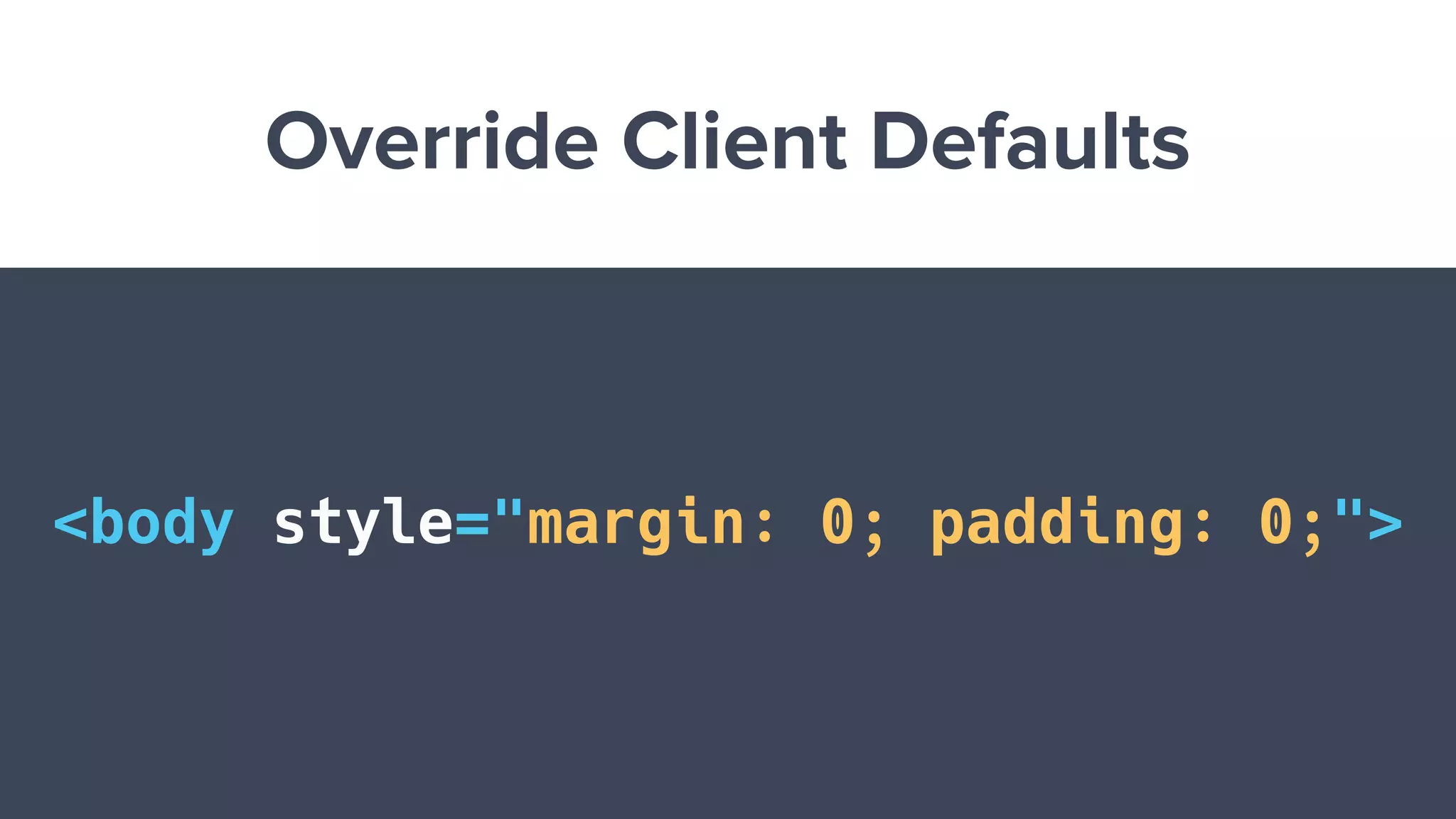
Override Client Defaults
<body style="margin: 0; padding: 0;">
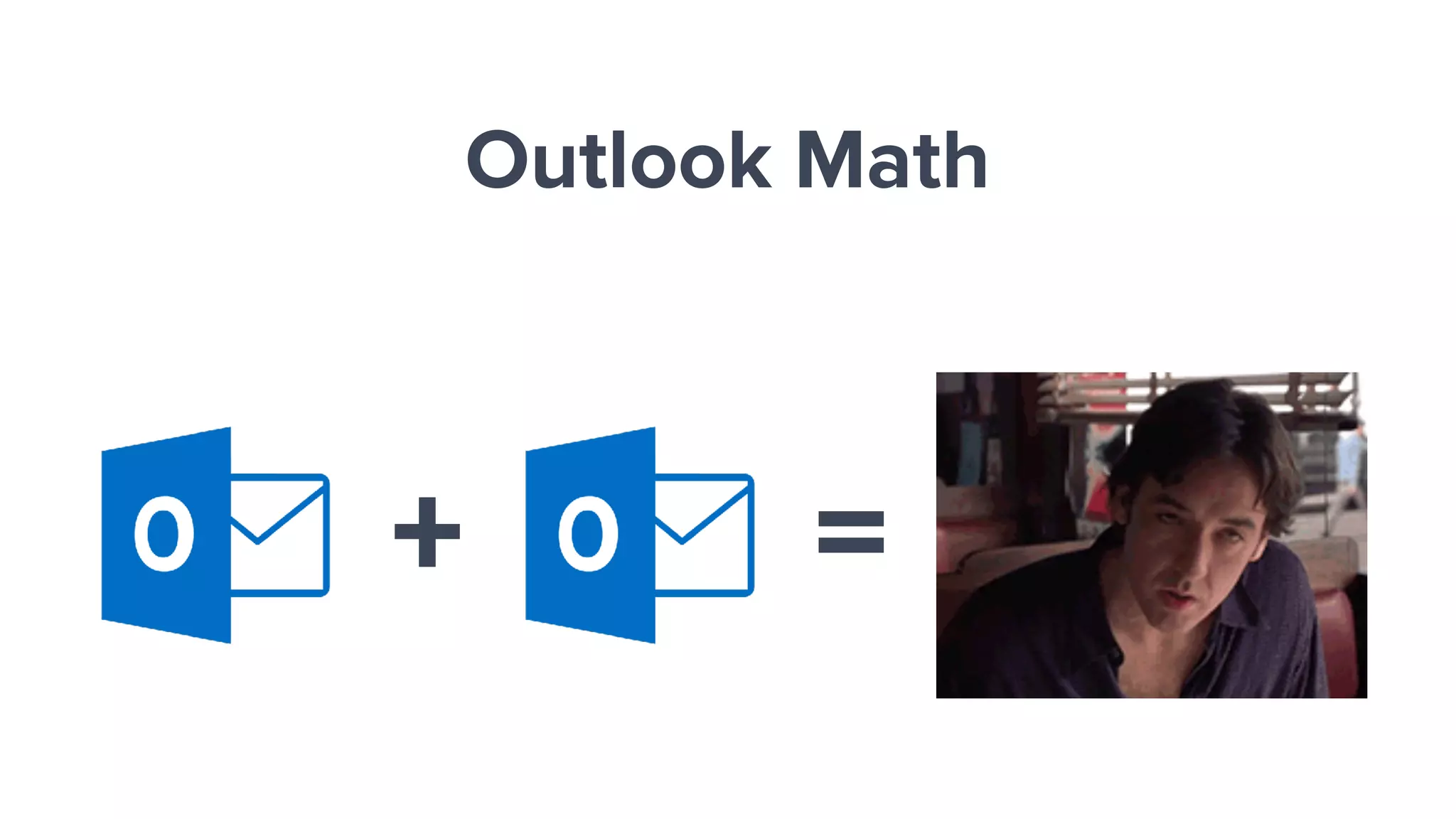
Check the Math
+ =
Outlook Math
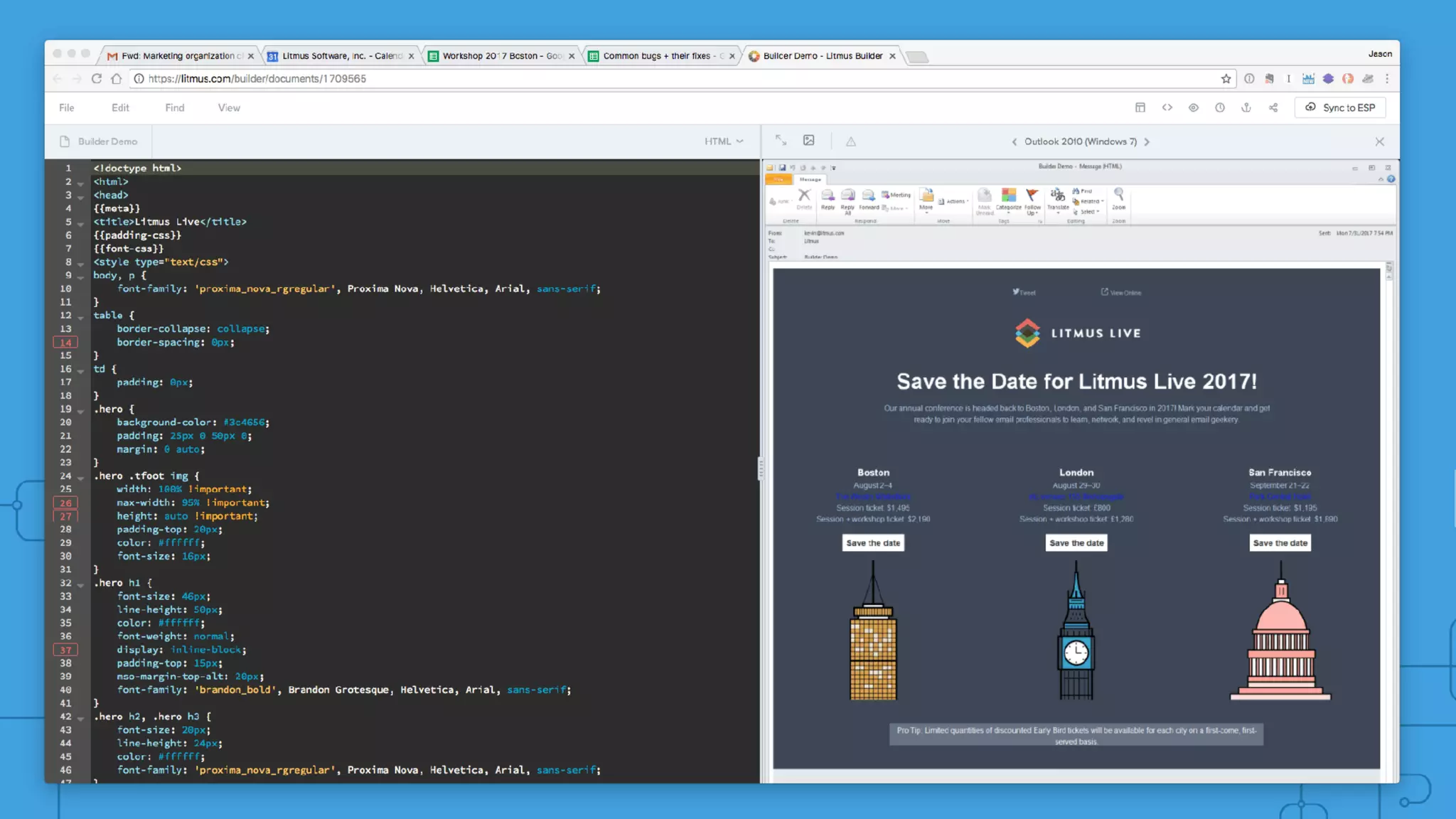
See What Clients are
Doing to Your HTML
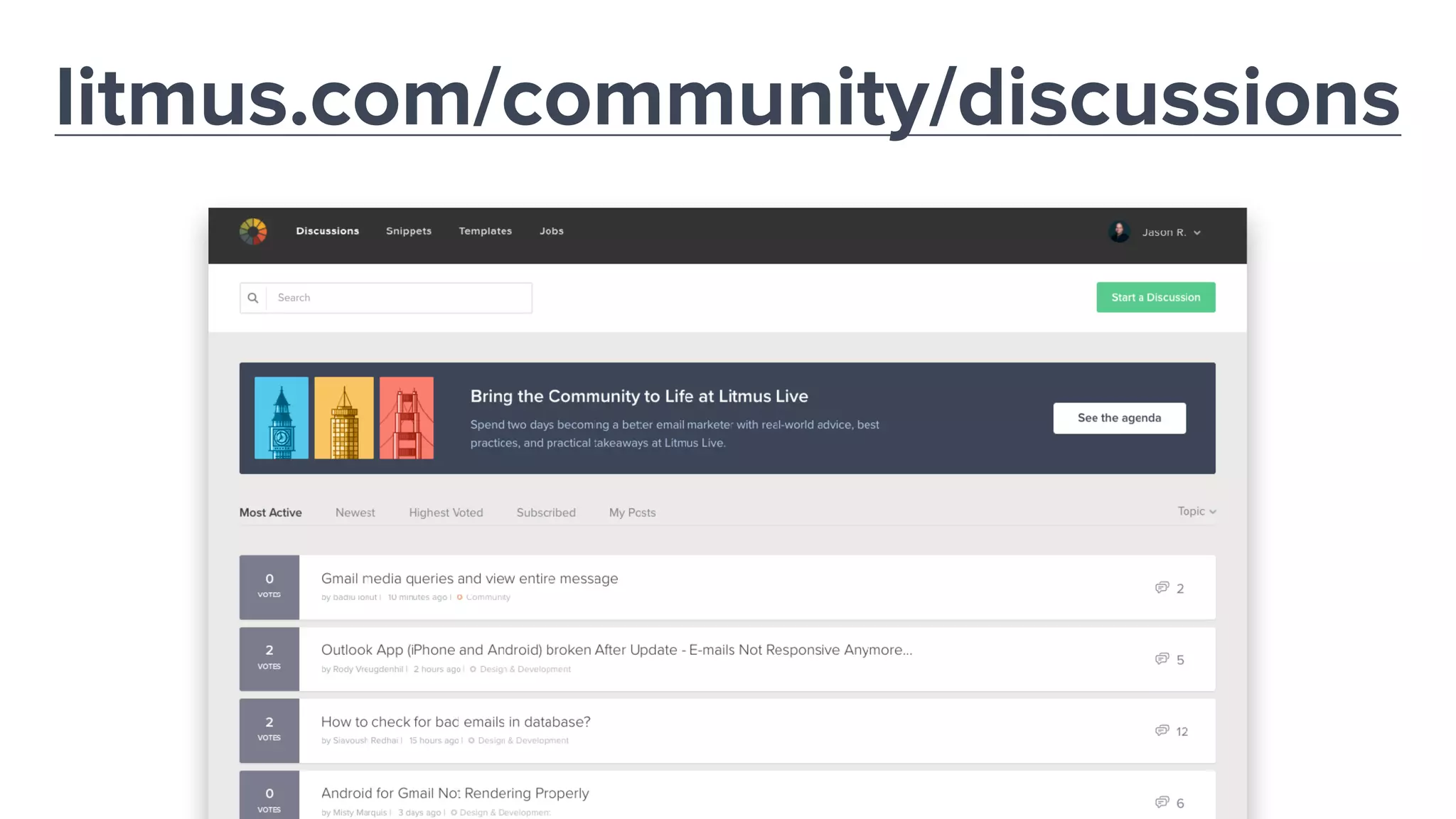
Ask for Help
Step 4
litmus.com/community/discussions
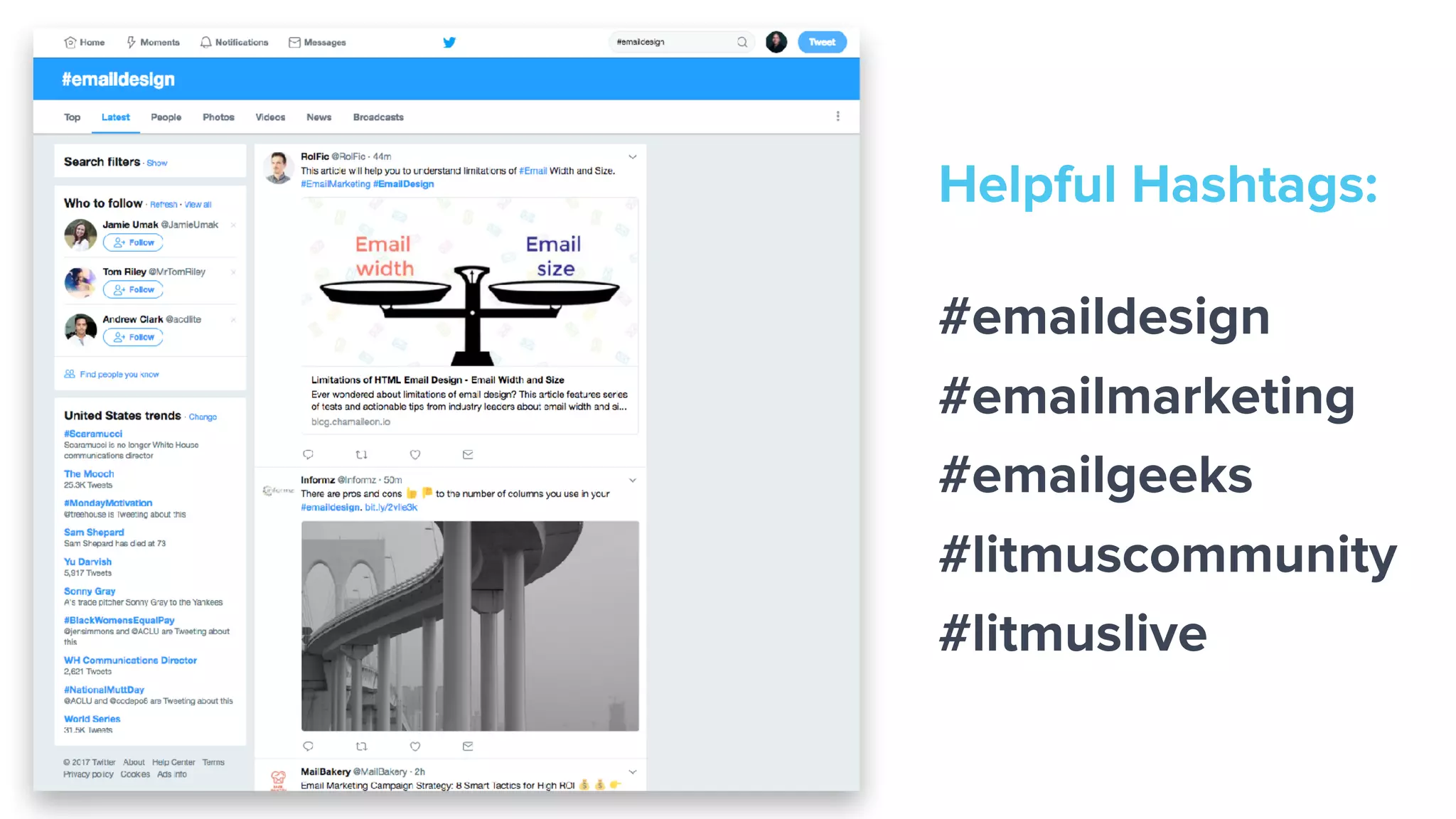
Helpful Hashtags:
#emaildesign
#emailmarketing
#emailgeeks
#litmuscommunity
#litmuslive
email.geeks.chat
Common Bugs
and How to Fix Them
Issues with Images
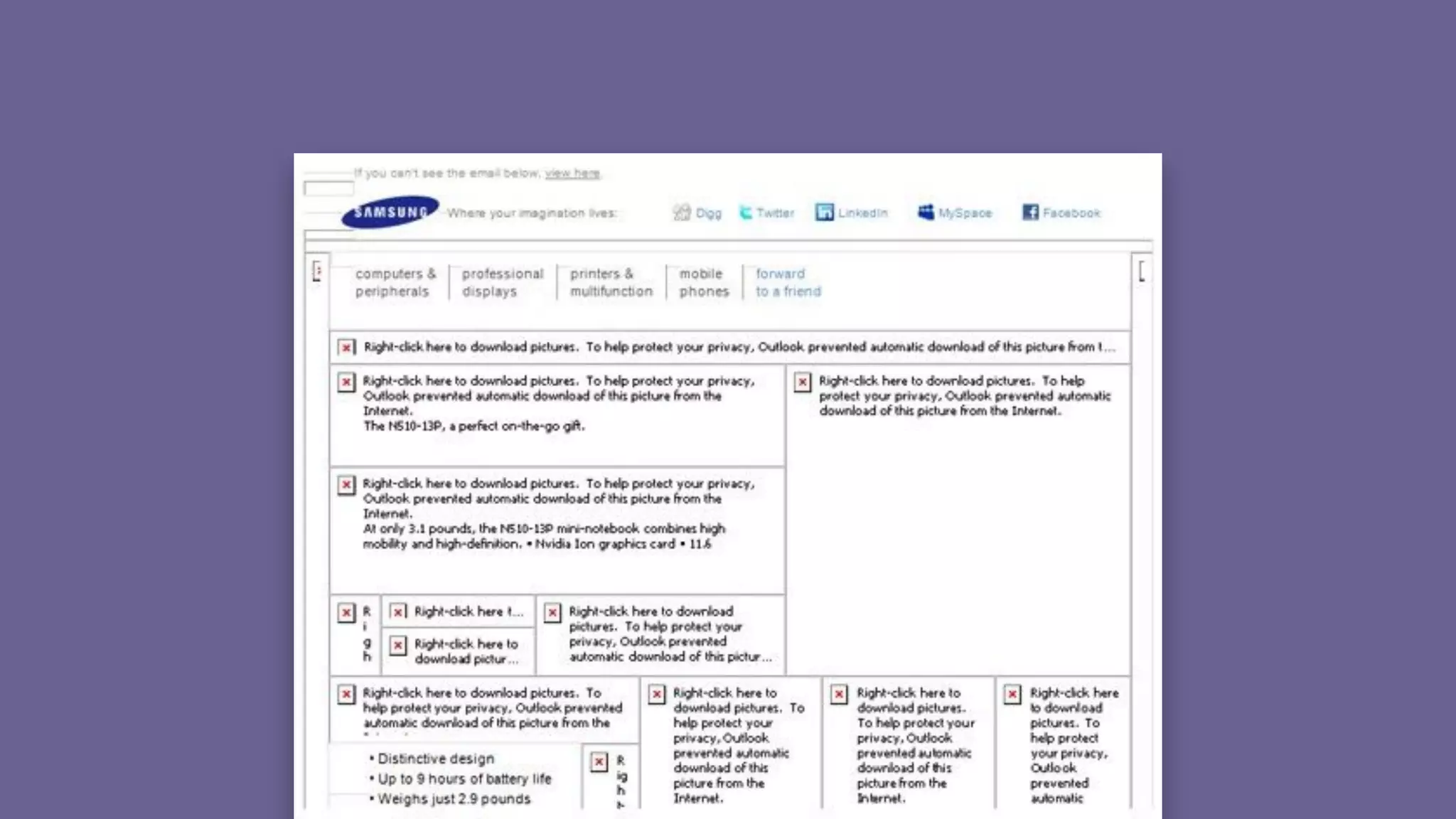
Missing ImagesImage not displayed.
Blocked Images
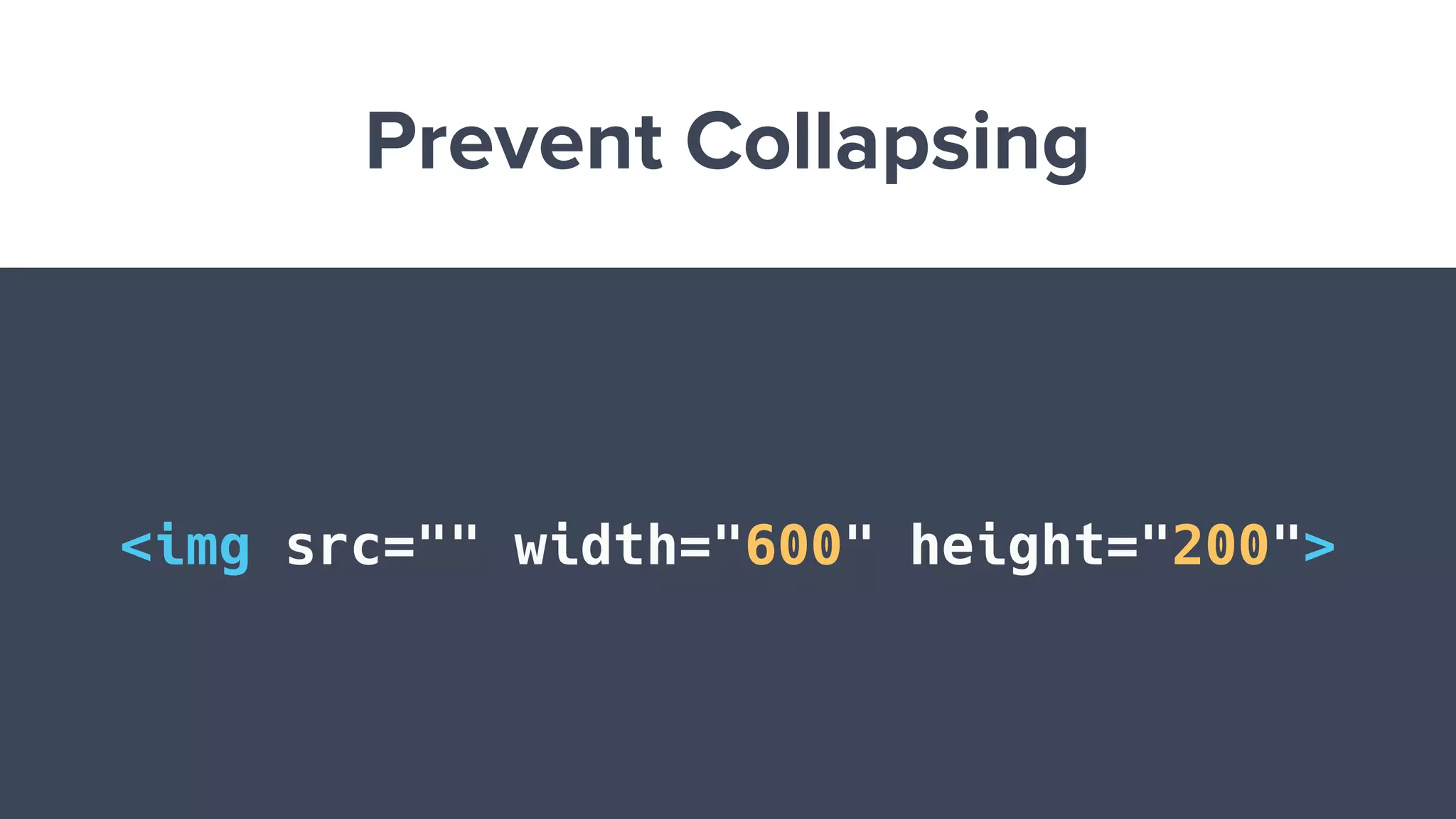
Prevent Collapsing
<img src="" width="600" height="200">
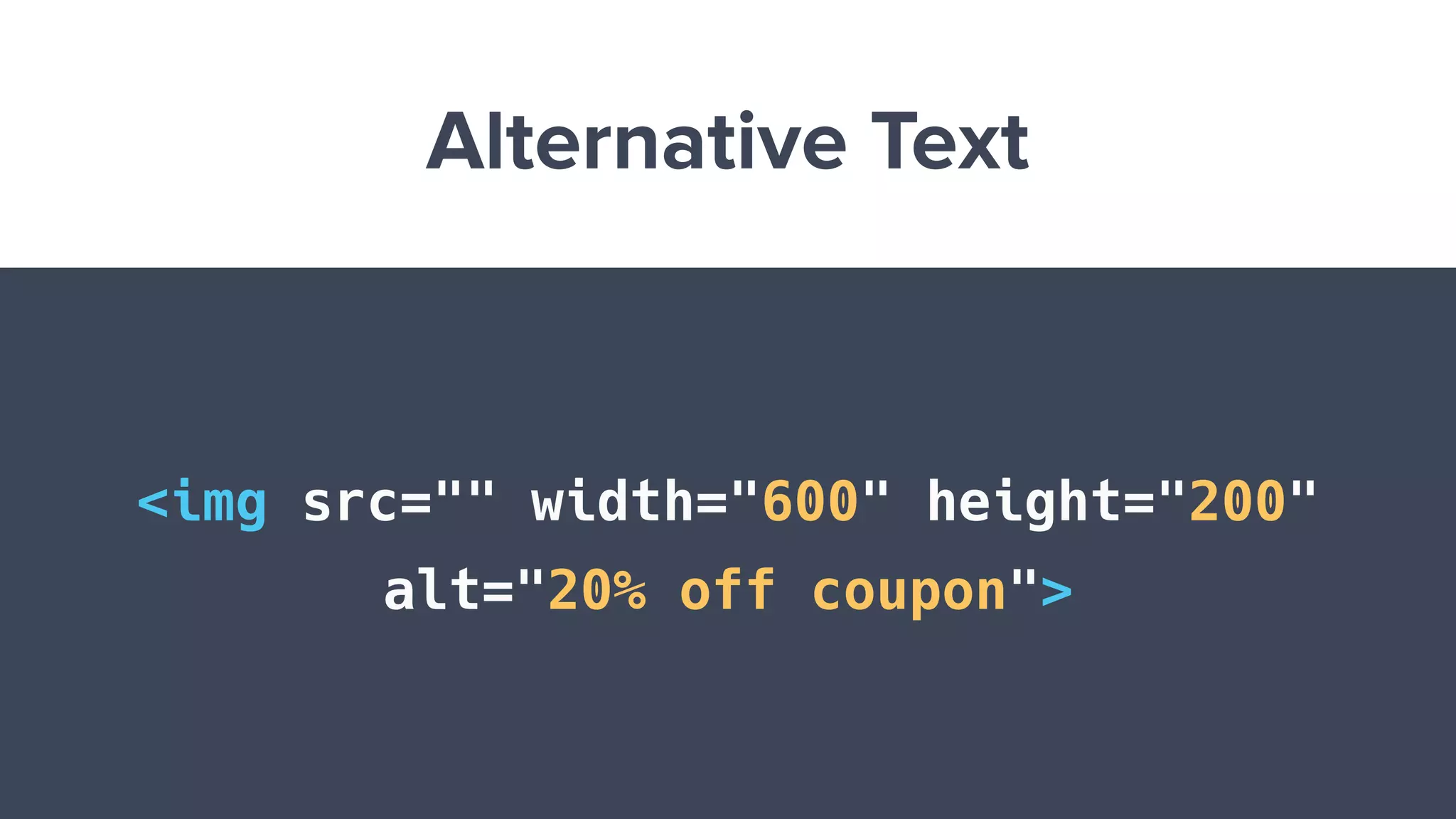
Alternative Text
<img src="" width="600" height="200"
alt="20% off coupon">
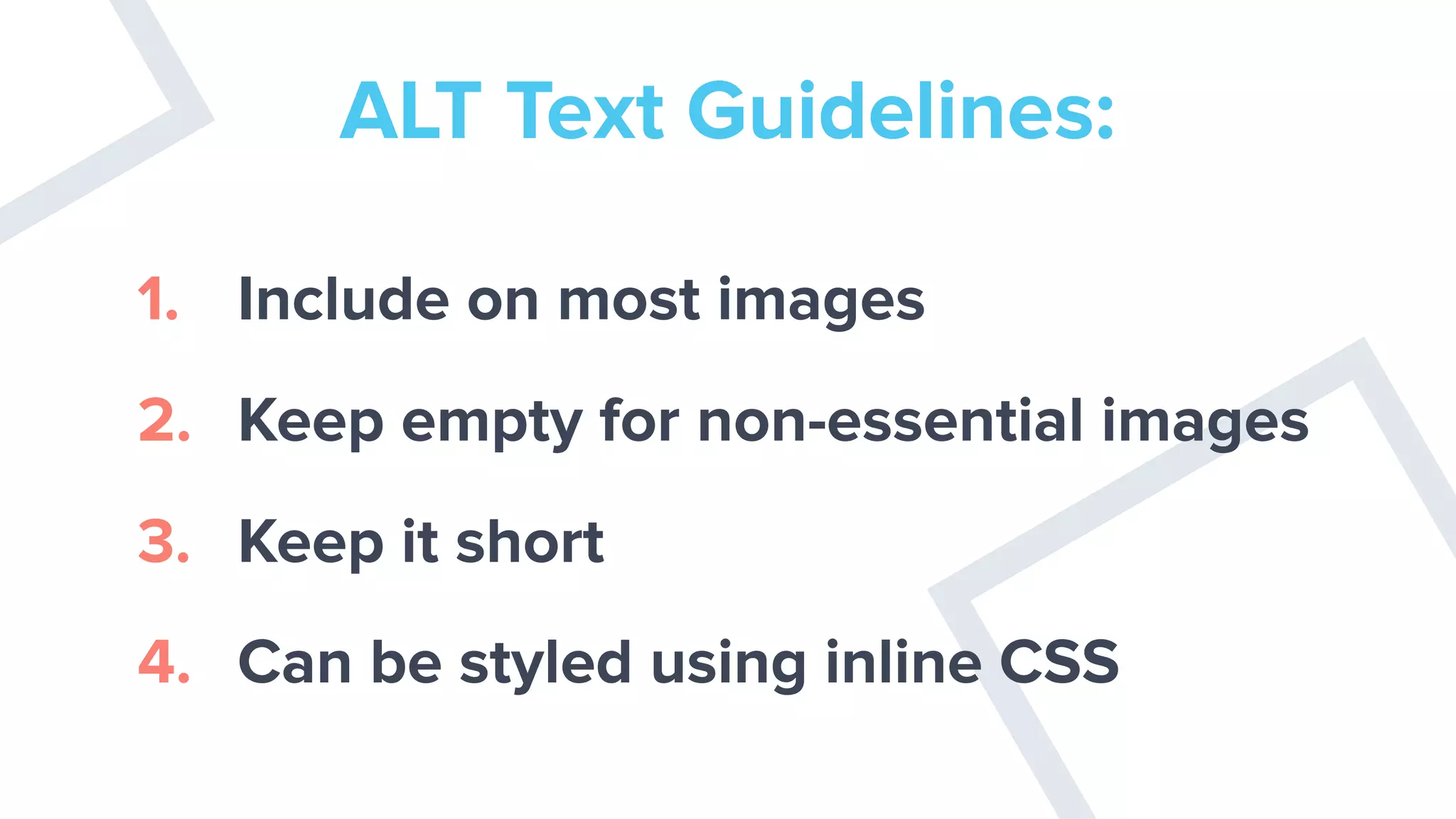
ALT Text Guidelines:
1. Include on most images
2. Keep empty for non-essential images
3. Keep it short
4. Can be styled using inline CSS
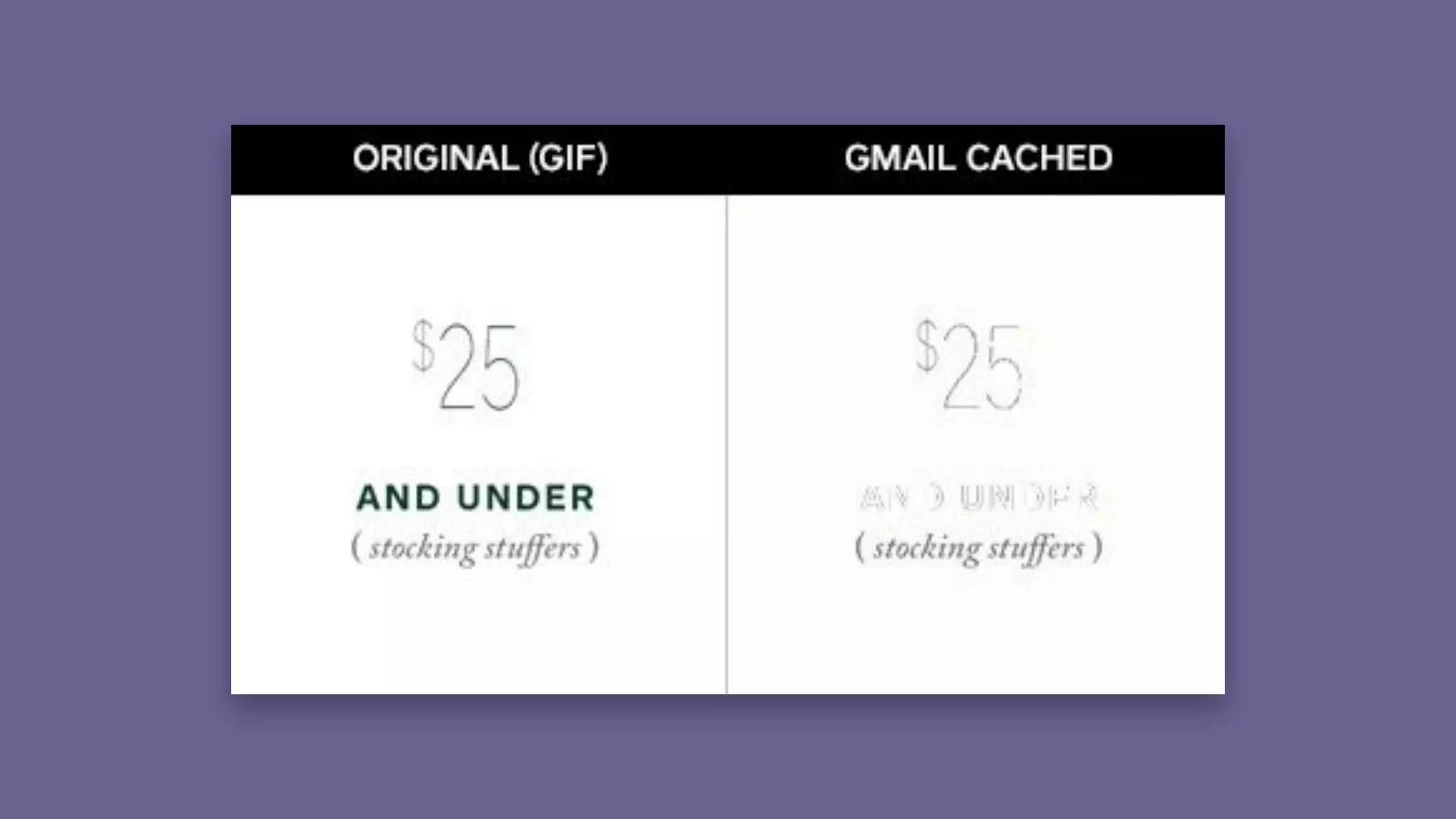
Cached Images
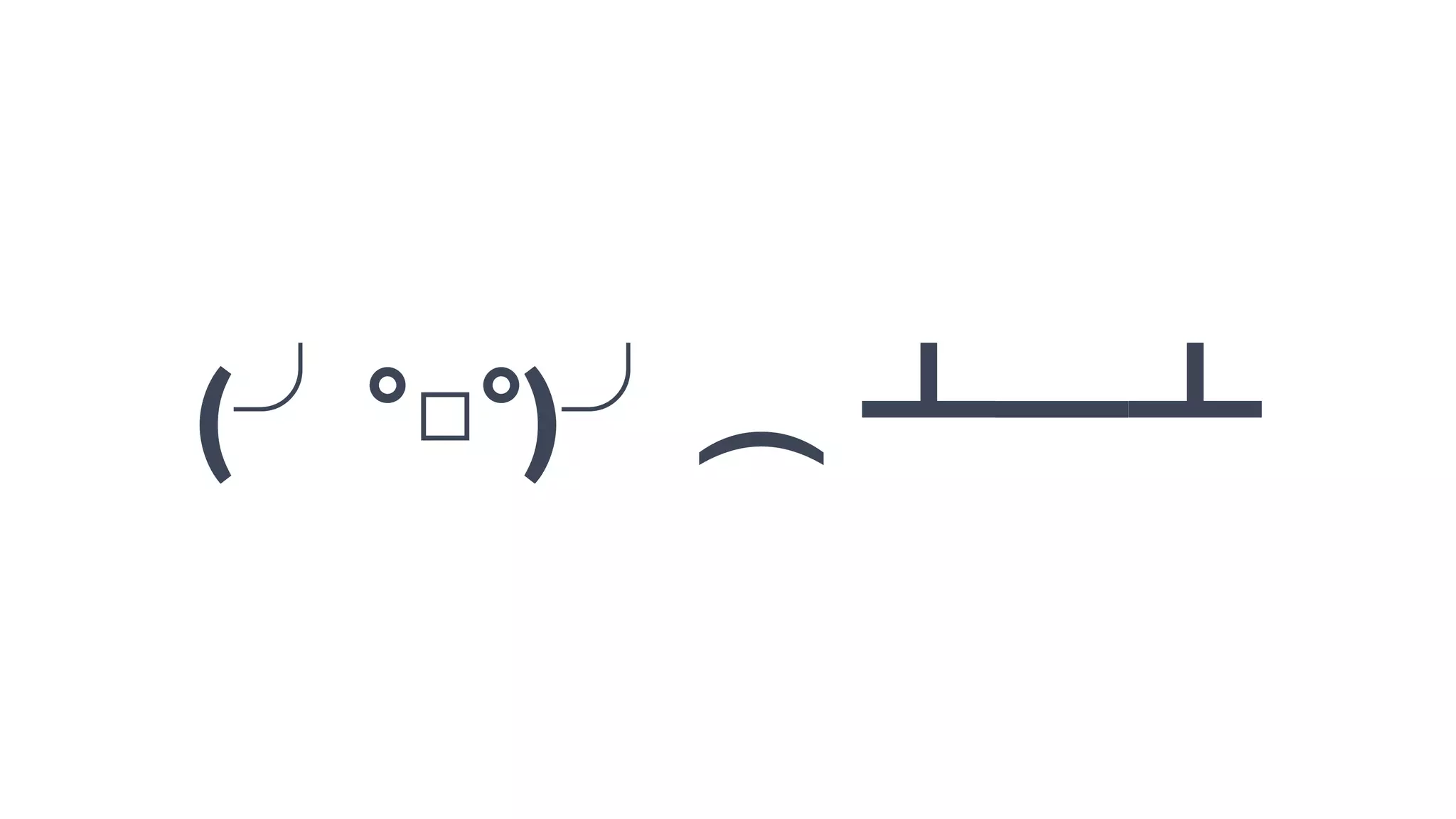
table flip, what can you
do?
(╯°□°)╯︵ ┻━┻
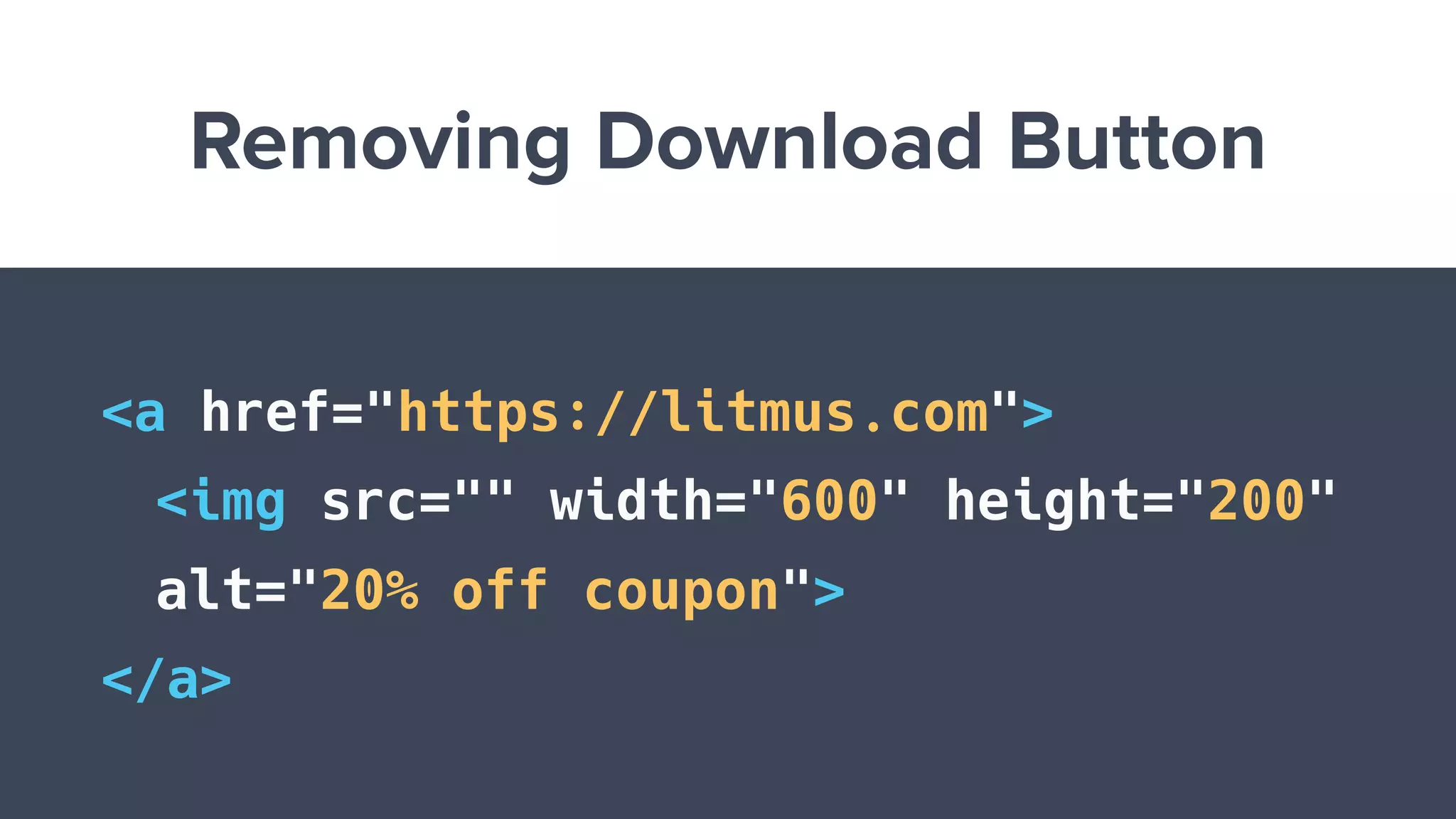
Removing Download Button
<a href="https://litmus.com">
<img src="" width="600" height="200"
alt="20% off coupon">
</a>
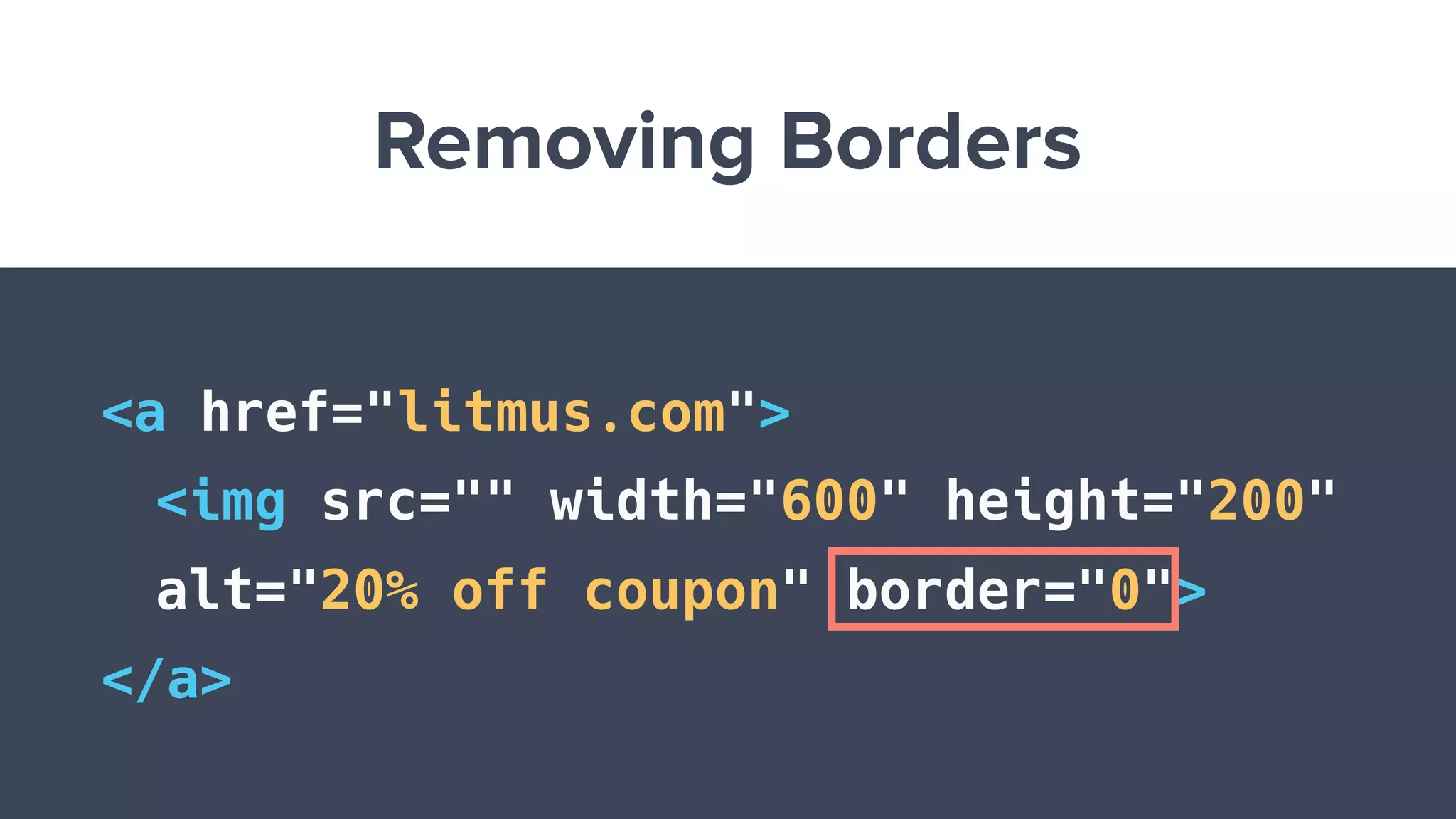
Removing Borders
<a href="litmus.com">
<img src="" width="600" height="200"
alt="20% off coupon" border="0">
</a>
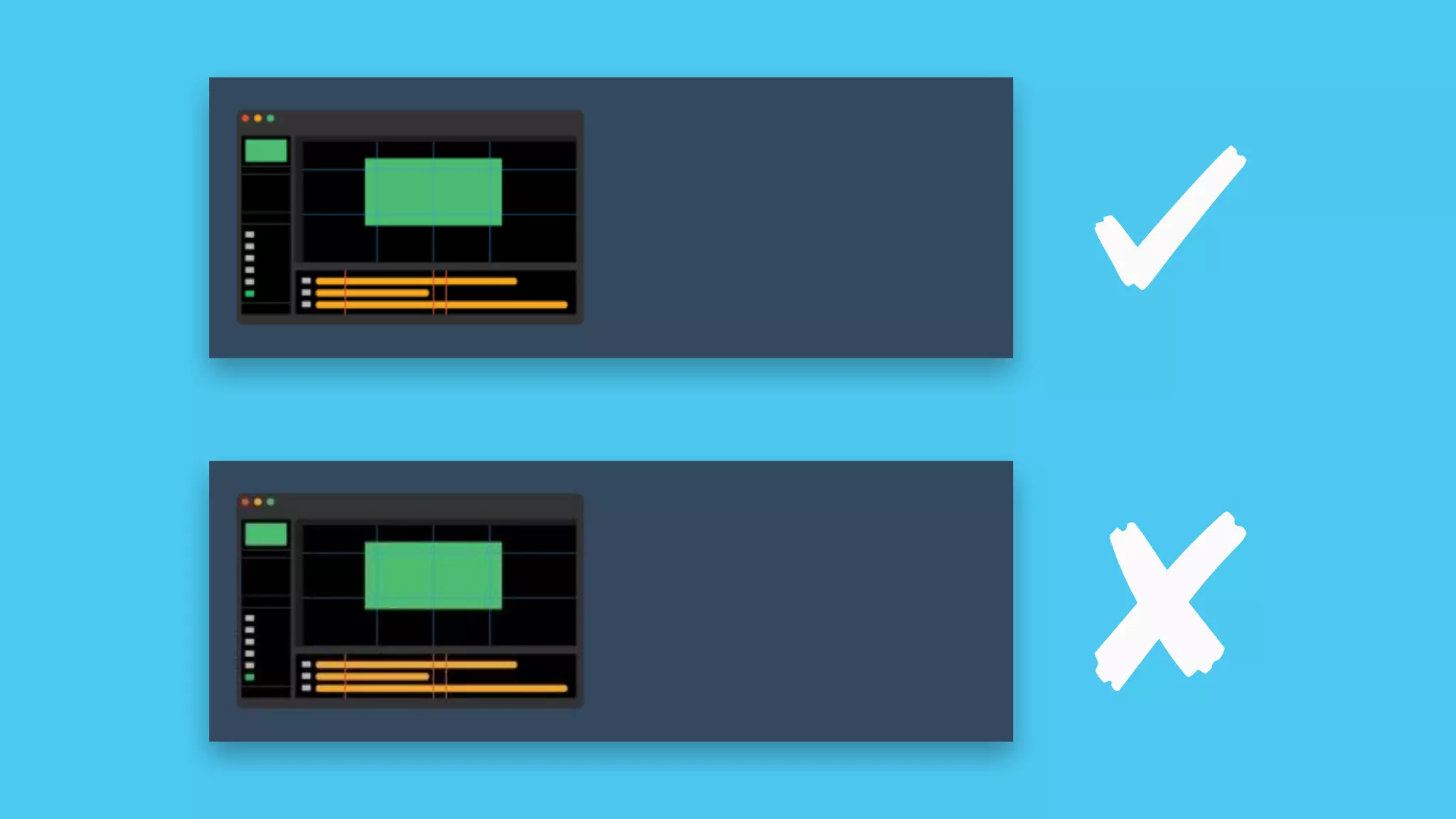
Gaps around Images
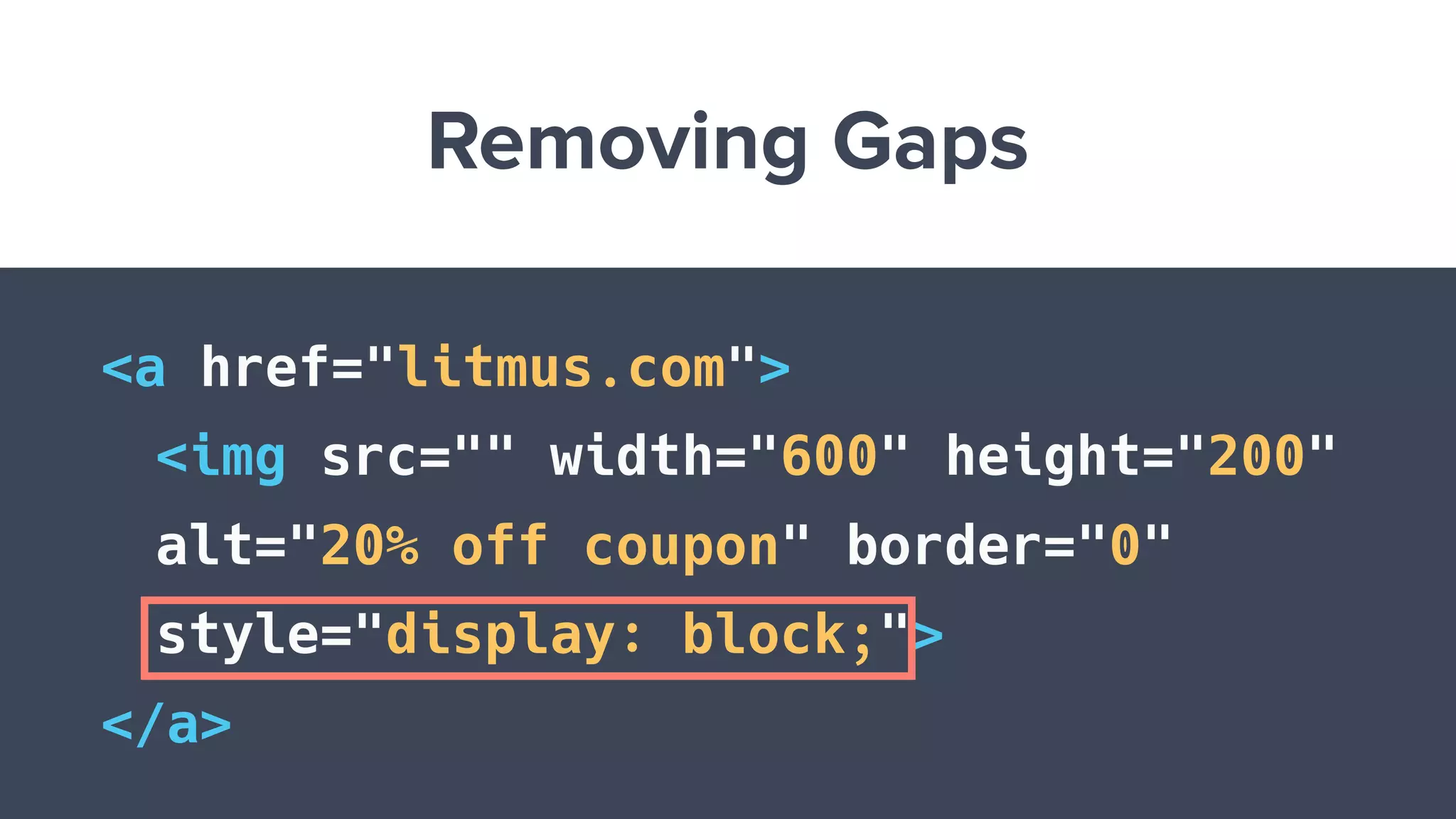
Removing Gaps
<a href="litmus.com">
<img src="" width="600" height="200"
alt="20% off coupon" border="0"
style="display: block;">
</a>
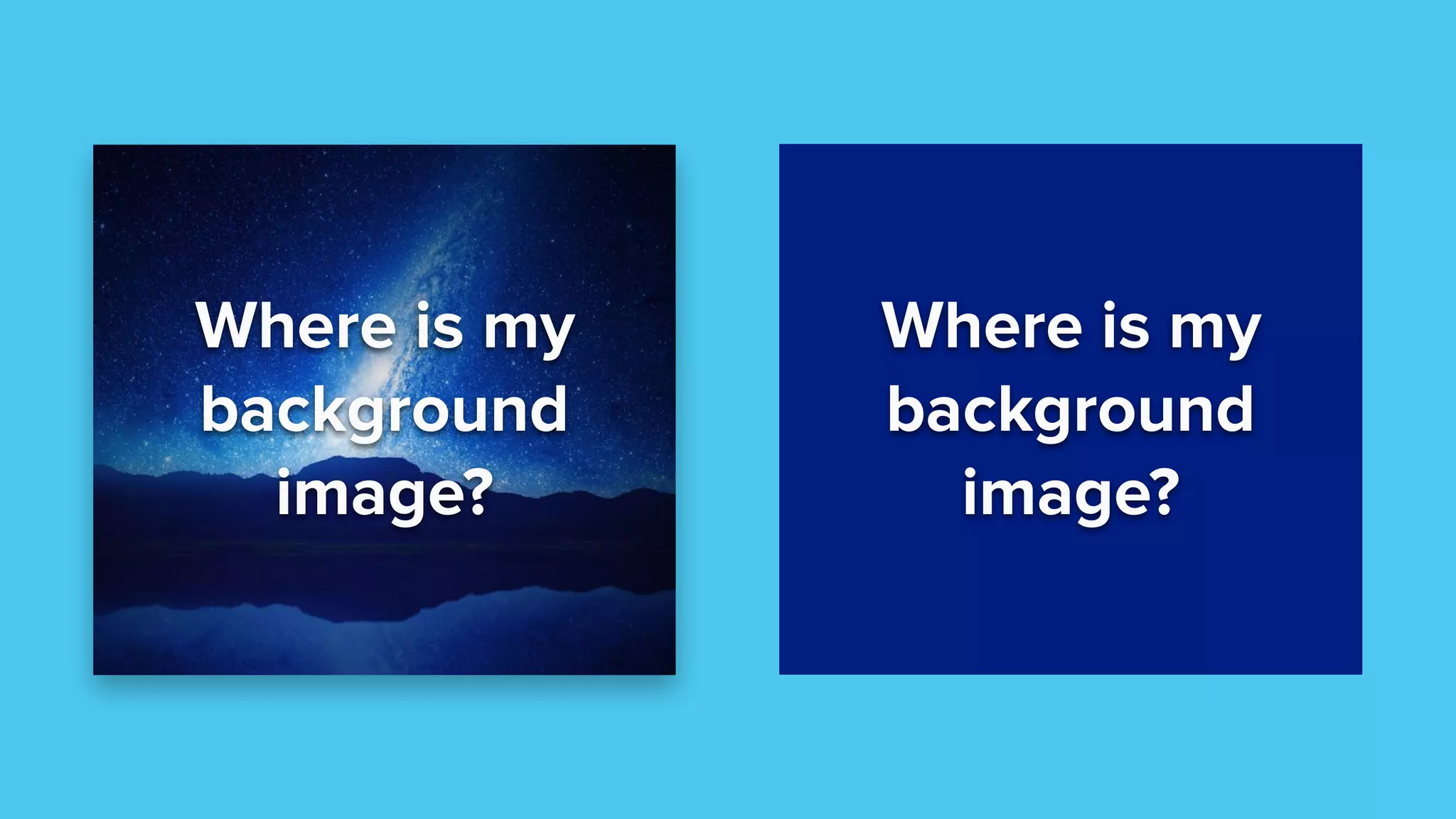
Where is my
background
image?
Where is my
background
image?
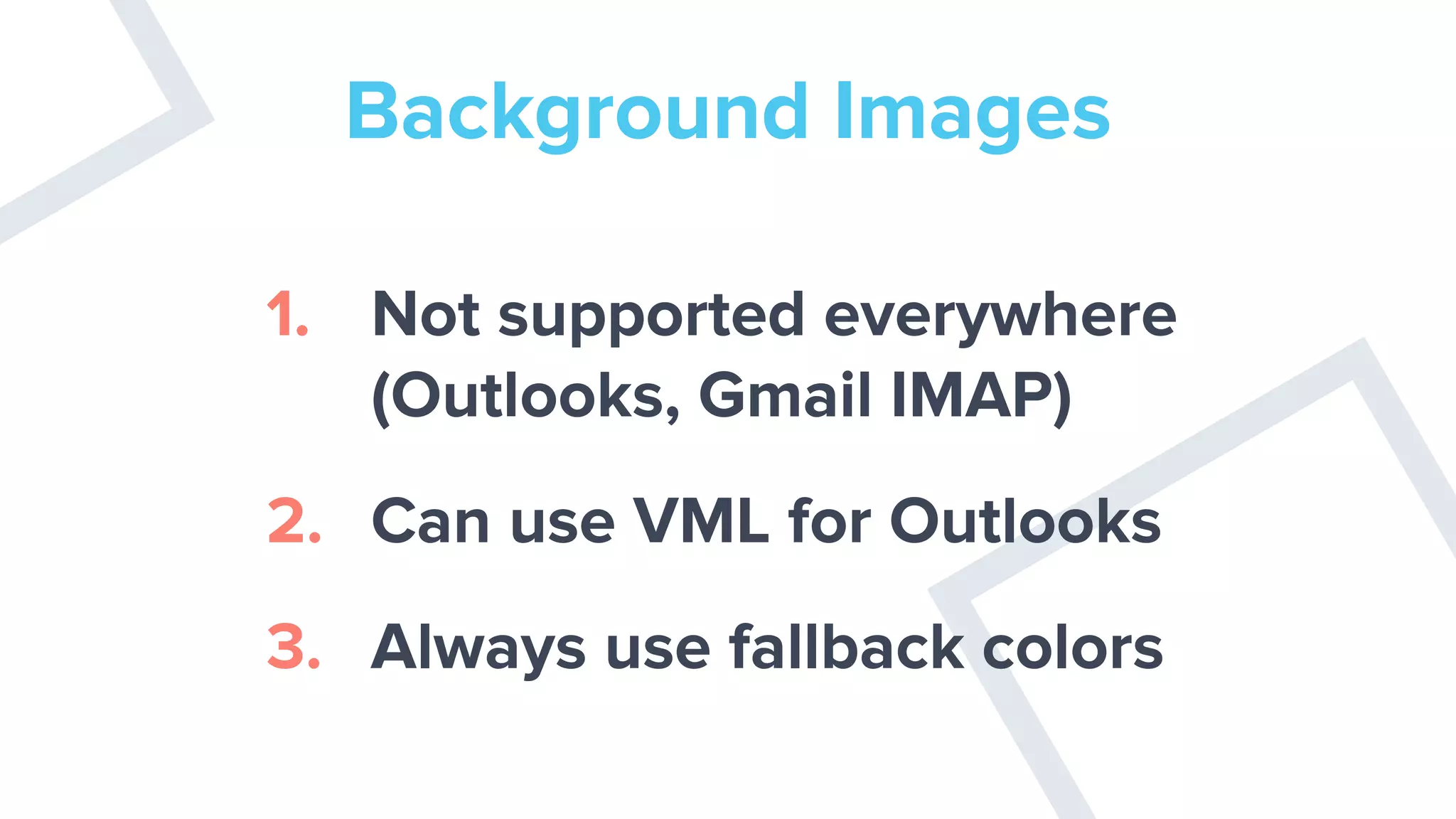
Background Images
1. Not supported everywhere
(Outlooks, Gmail IMAP)
2. Can use VML for Outlooks
3. Always use fallback colors
Animated GIF Isn’t
Animating
Issues with Text and Links
Text Not Aligning
Properly
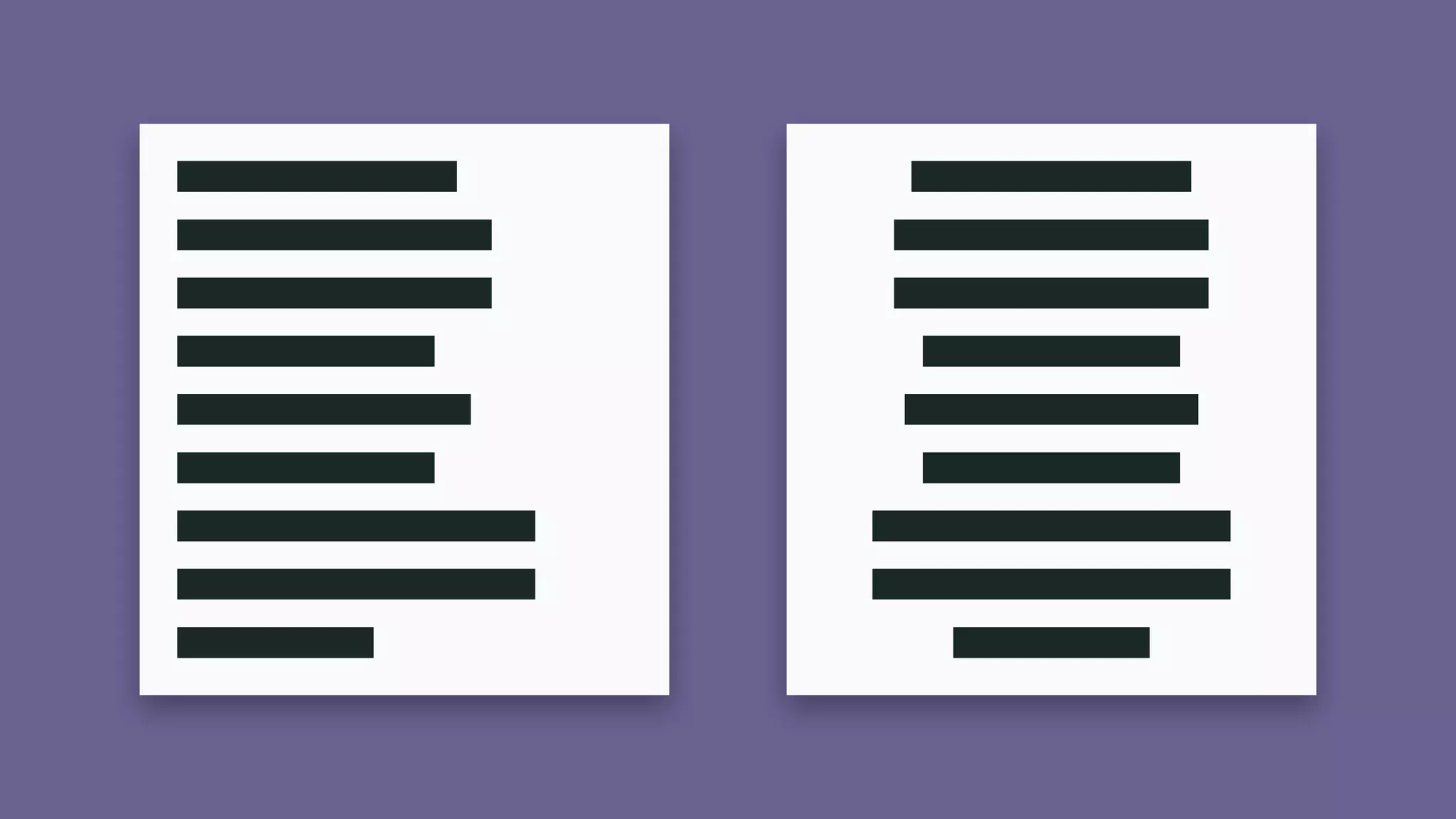
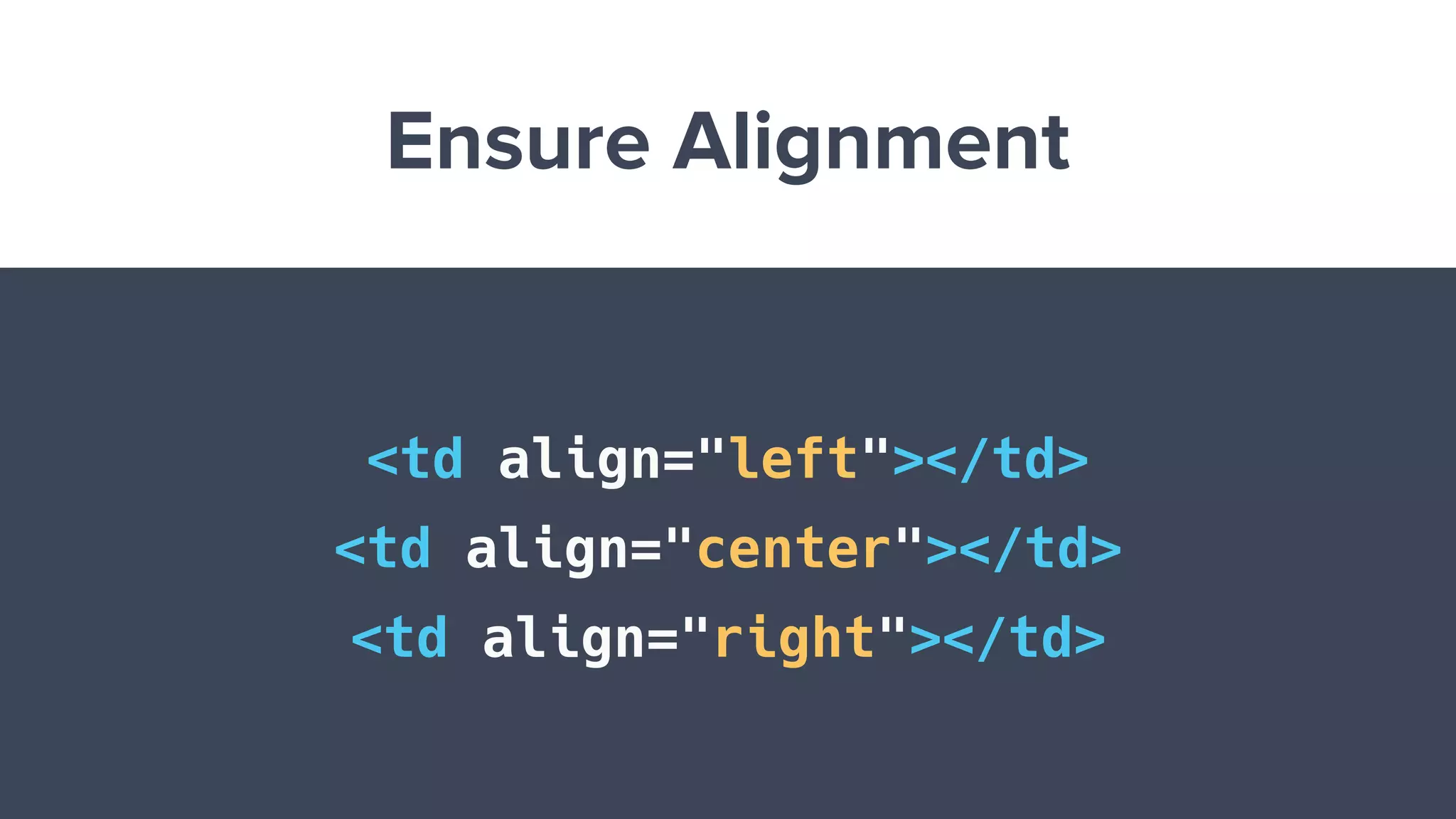
Ensure Alignment
<td align="left"></td>
<td align="center"></td>
<td align="right"></td>
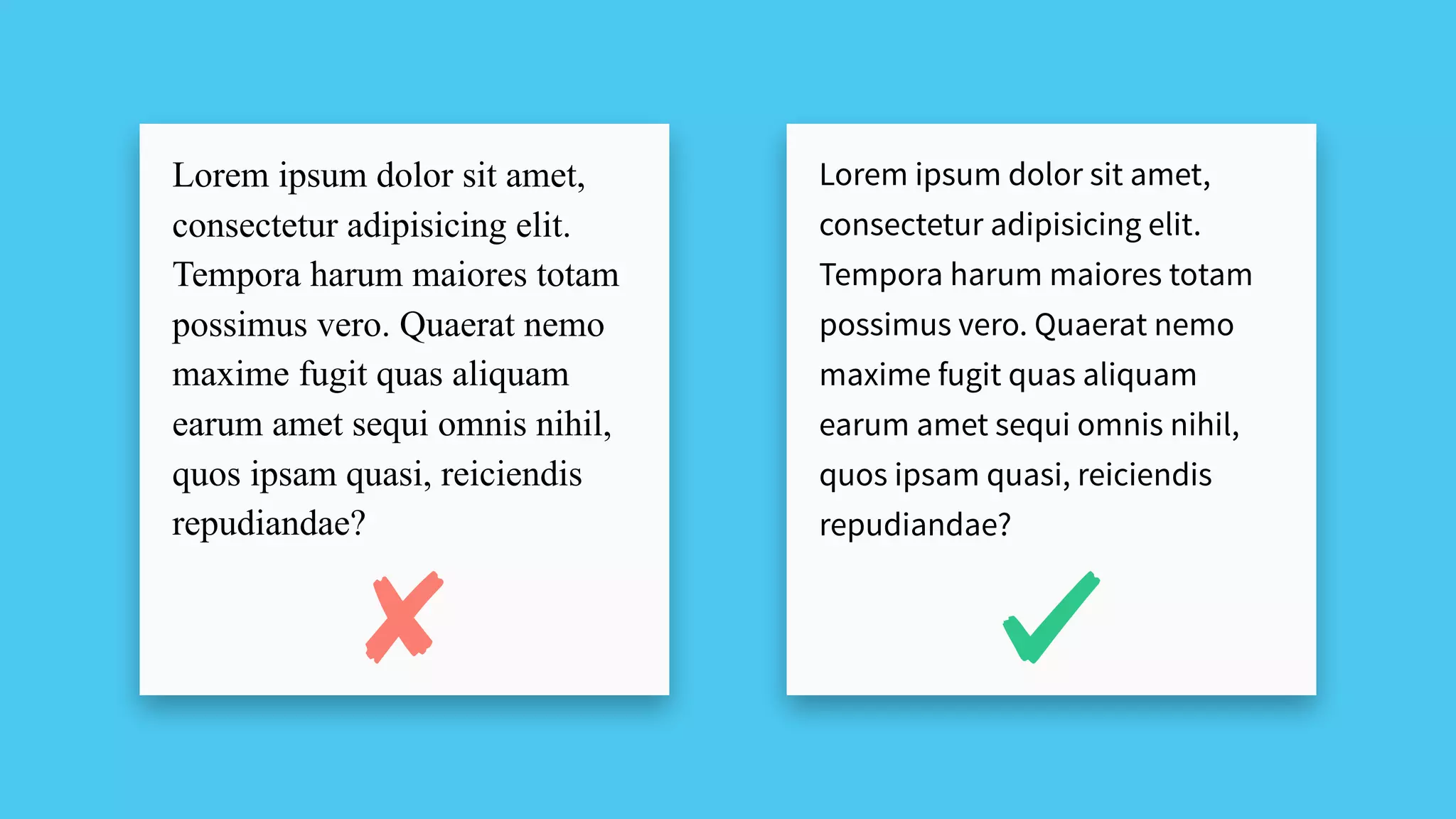
Lorem ipsum dolor sit amet,
consectetur adipisicing elit.
Tempora harum maiores totam
possimus vero. Quaerat nemo
maxime fugit quas aliquam
earum amet sequi omnis nihil,
quos ipsam quasi, reiciendis
repudiandae?
Lorem ipsum dolor sit amet,
consectetur adipisicing elit.
Tempora harum maiores totam
possimus vero. Quaerat nemo
maxime fugit quas aliquam
earum amet sequi omnis nihil,
quos ipsam quasi, reiciendis
repudiandae?
Use MSO Conditional CSS
<!--[if mso]>
<style type="text/css">
body, table, td {font-family: Arial,
Helvetica, sans-serif !important;}
</style>
<![endif]-->
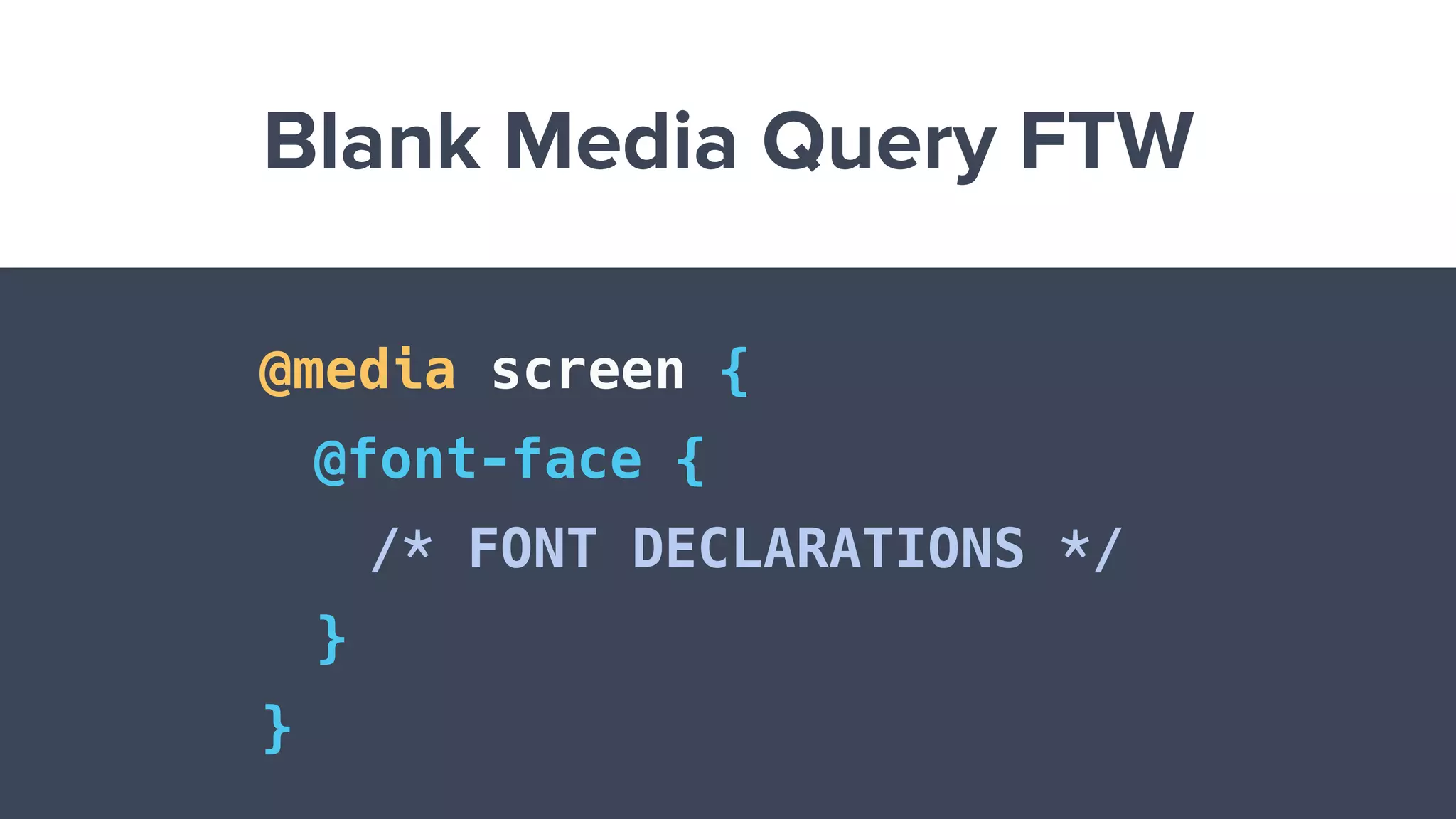
Blank Media Query FTW
@media screen {
@font-face {
/* FONT DECLARATIONS */
}
}
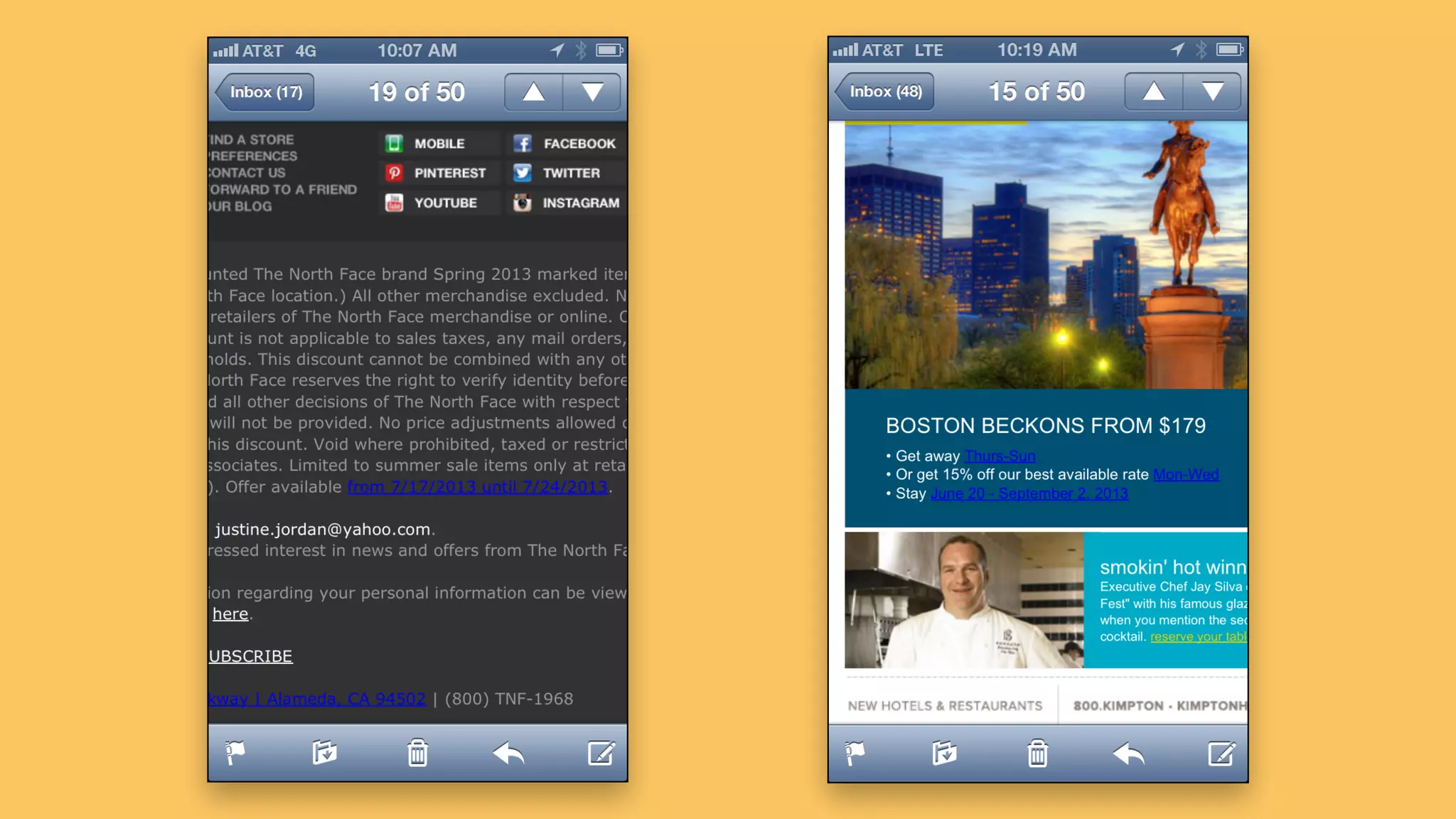
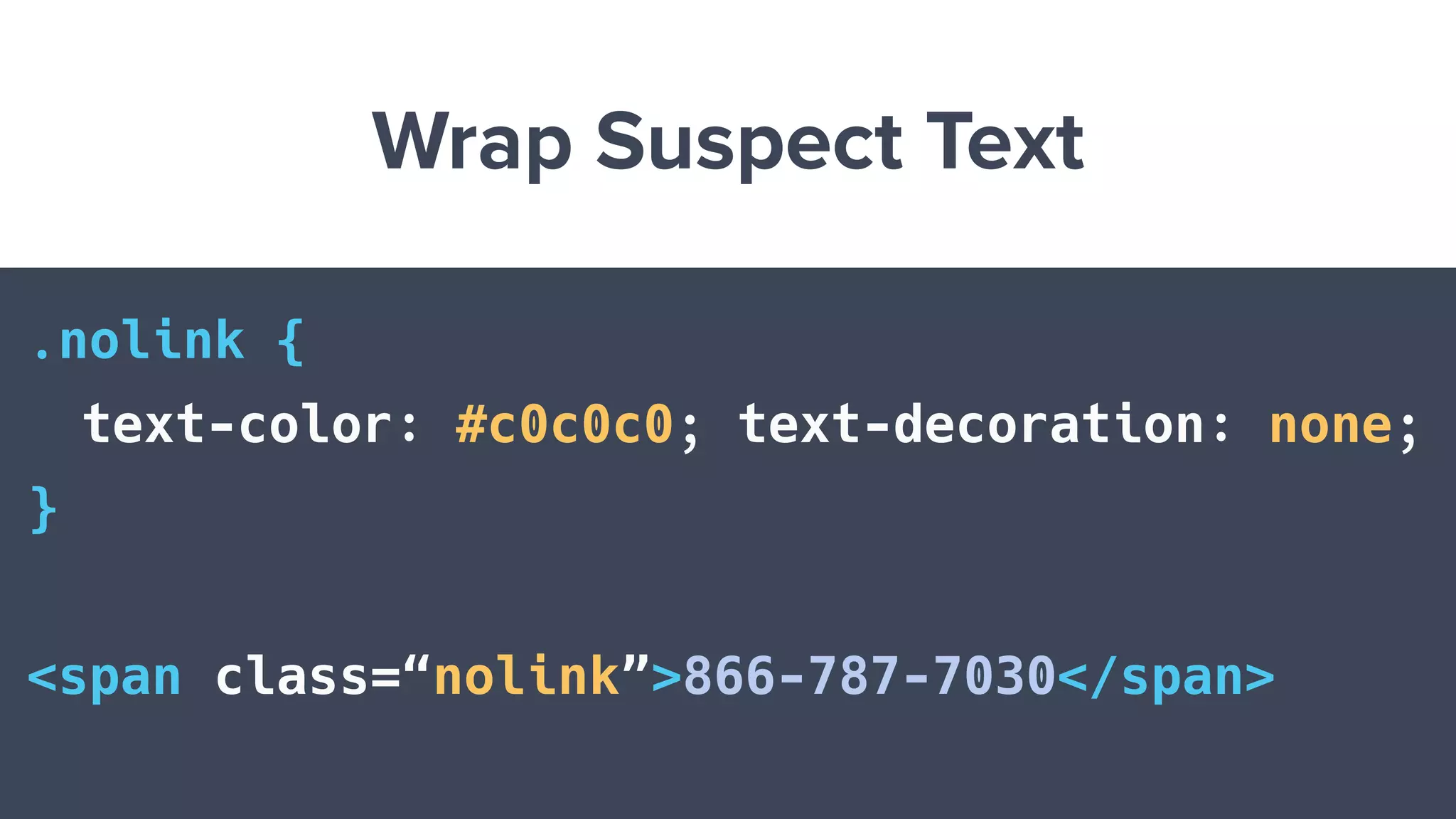
Wrap Suspect Text
.nolink {
text-color: #c0c0c0; text-decoration: none;
}
<span class=“nolink”>866-787-7030</span>
Use a CSS Reset
<style>
a[x-apple-data-detectors] {
color: inherit !important;
text-decoration: none !important;
font-size: inherit !important;
font-family: inherit !important;
font-weight: inherit !important;
line-height: inherit !important;
}
</style>
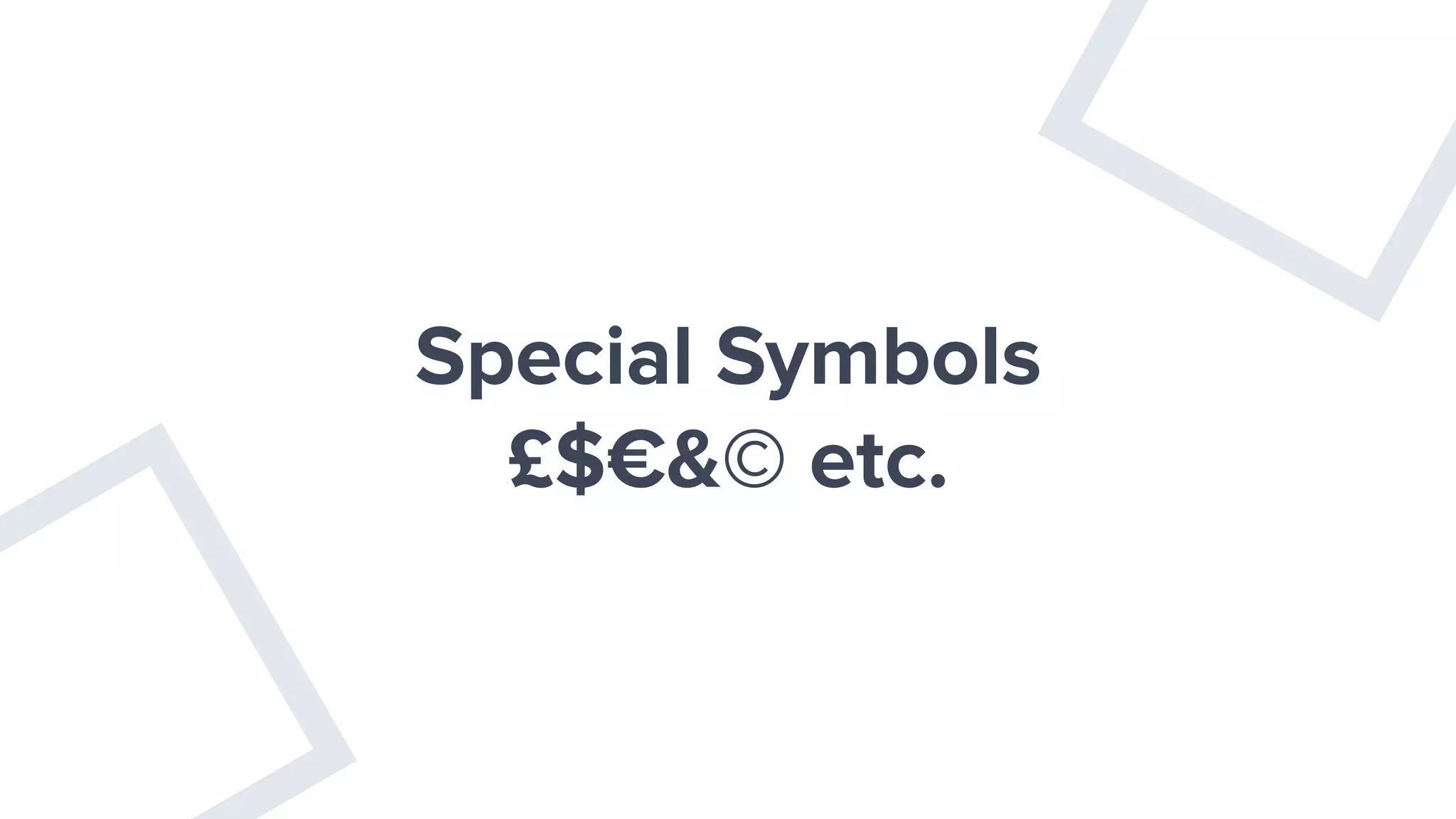
Special Symbols
£$€&© etc.
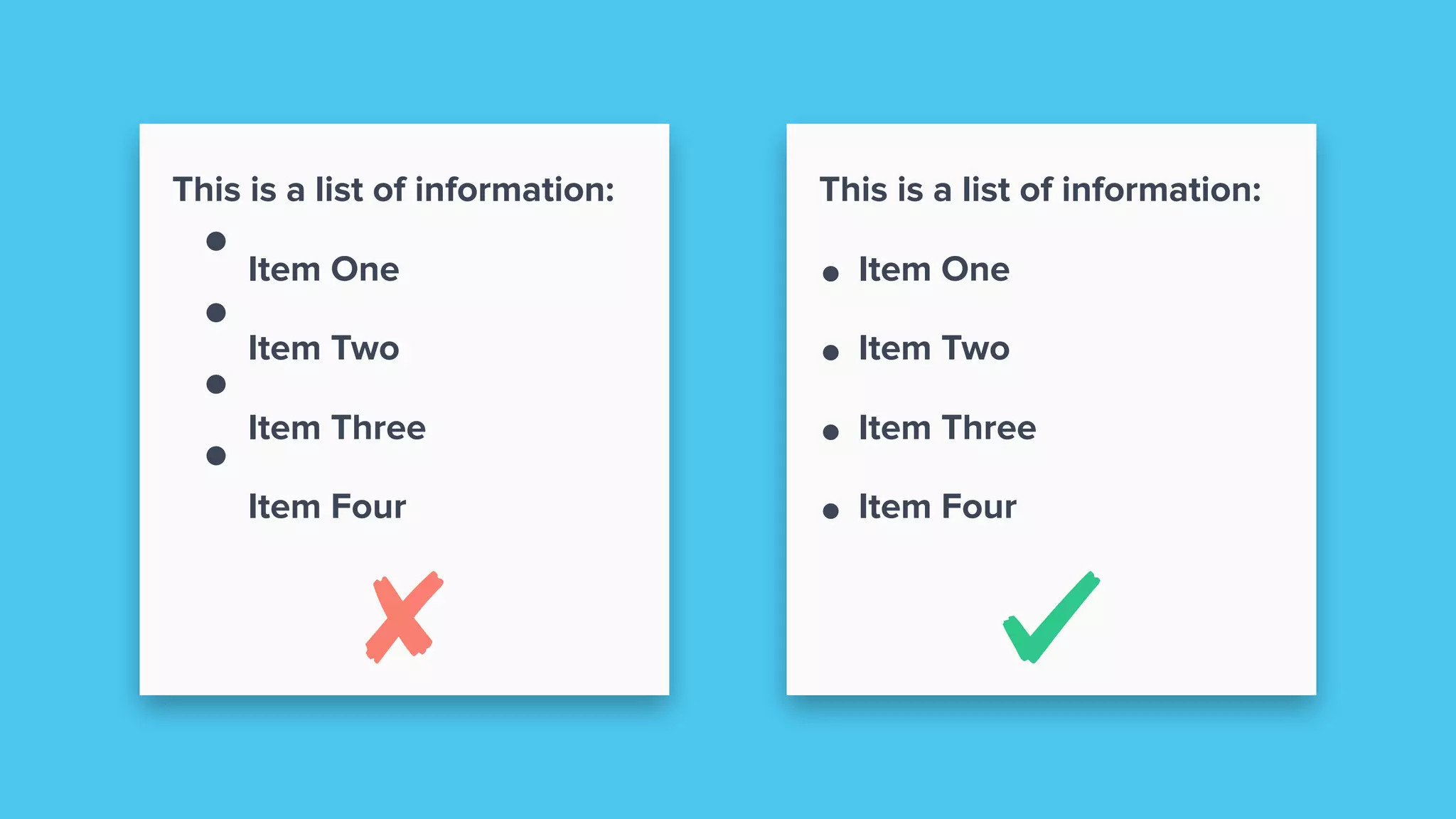
HTML Lists Don’t Look
Right
This is a list of information:
Item One
Item Two
Item Three
Item Four
This is a list of information:
• Item One
• Item Two
• Item Three
• Item Four
More Random Stuff
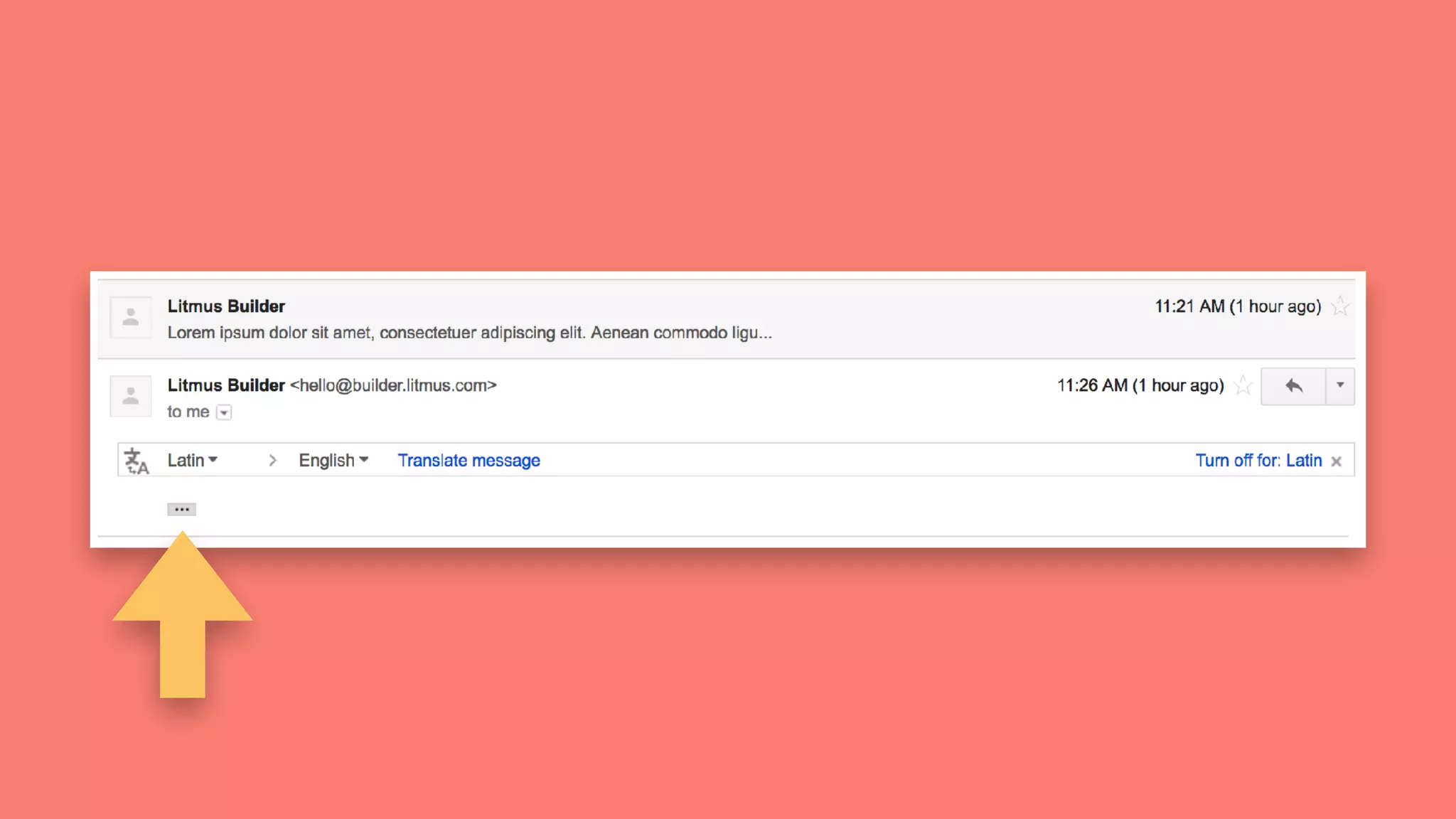
Full Email Not Shown
in Gmail
Full Email Not Shown
in Gmail102kb
Clipping in Gmail
What if tables look
bigger than expected?
Check Default
Behavior
Override Client Defaults
<table cellpadding="0" cellspacing="0" border="0">
<tr>
<td></td>
</tr>
</table>
Override Client Defaults
<body style="margin: 0; padding: 0;">
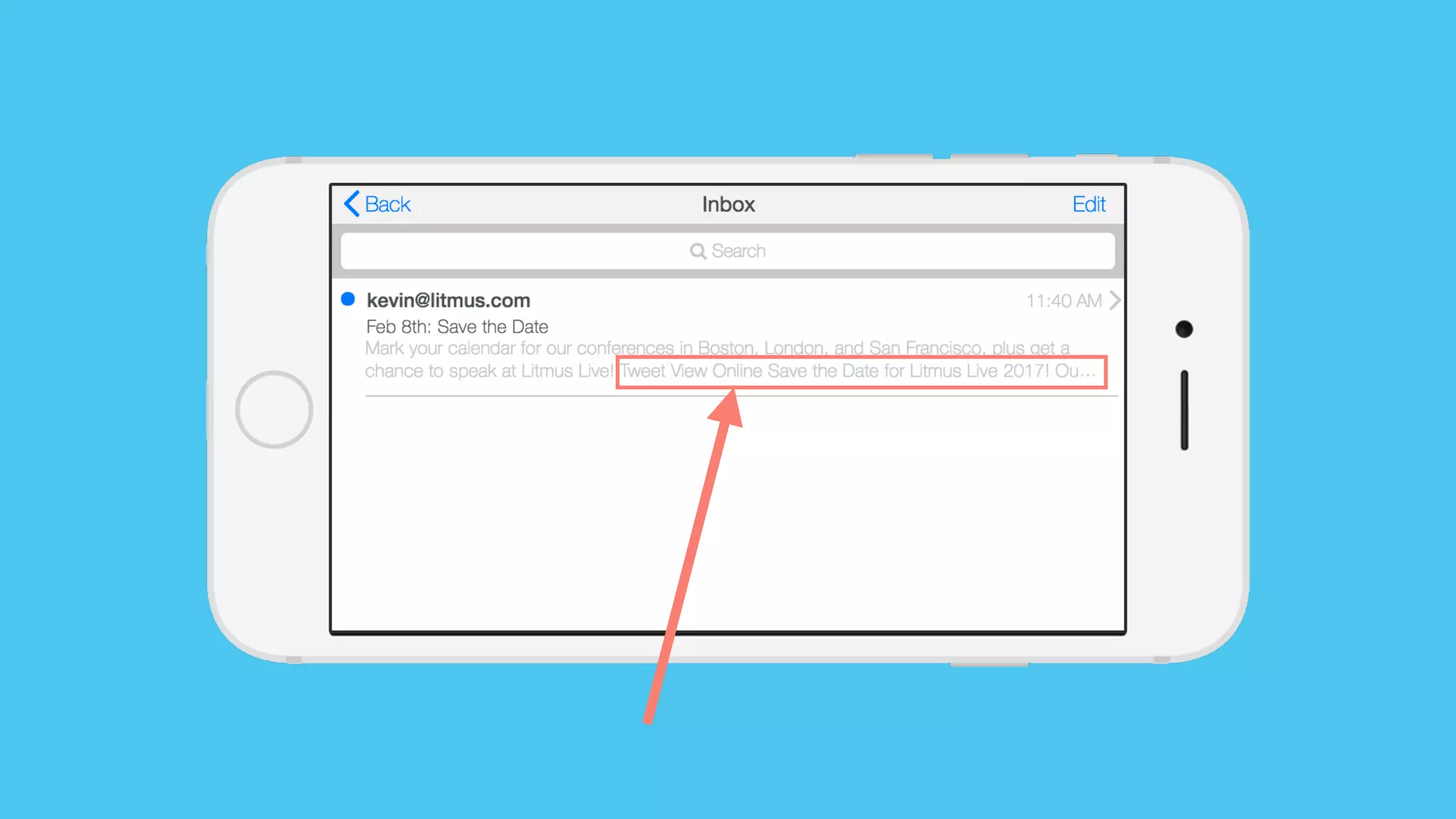
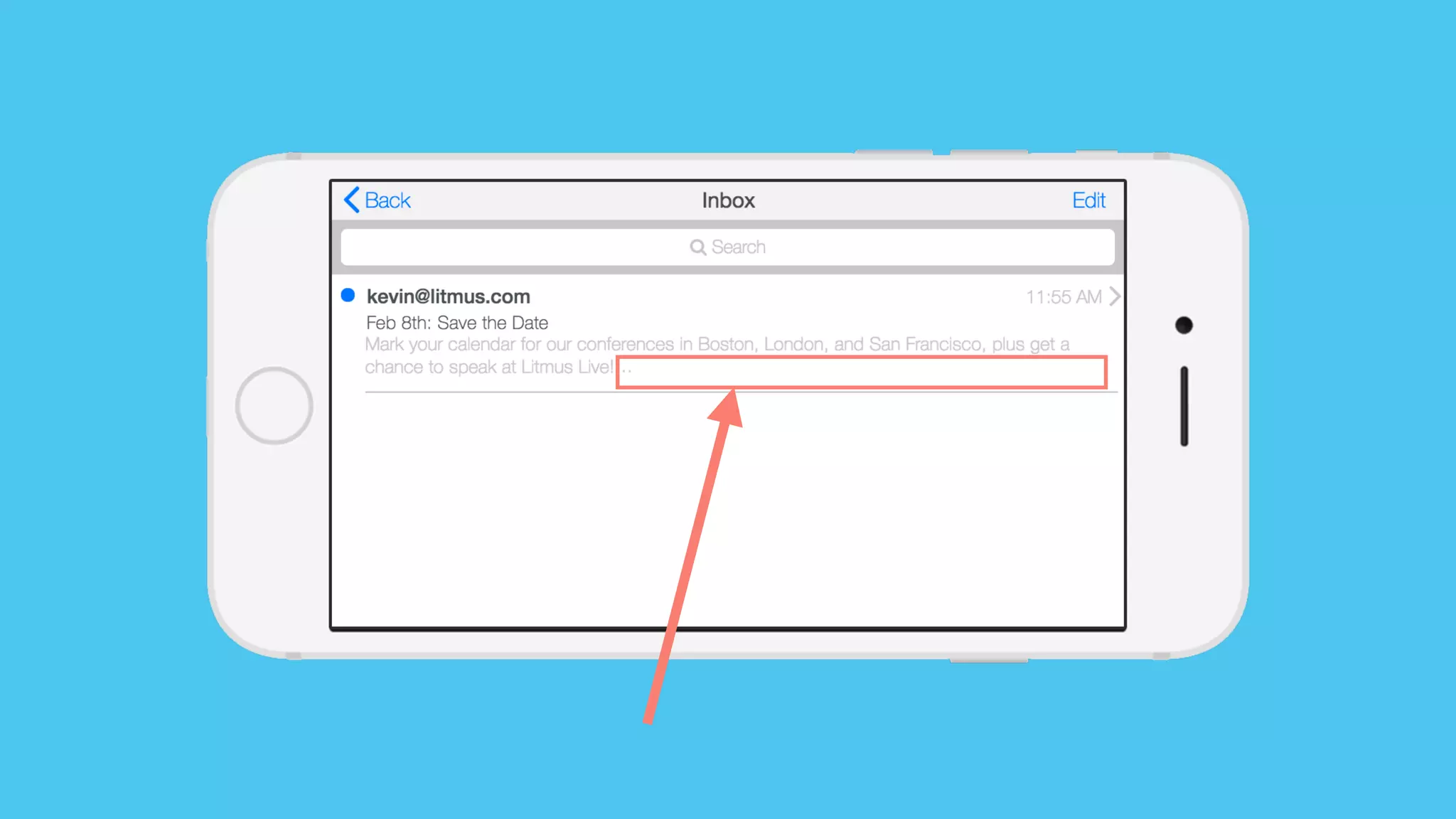
Unwanted Preview
Text
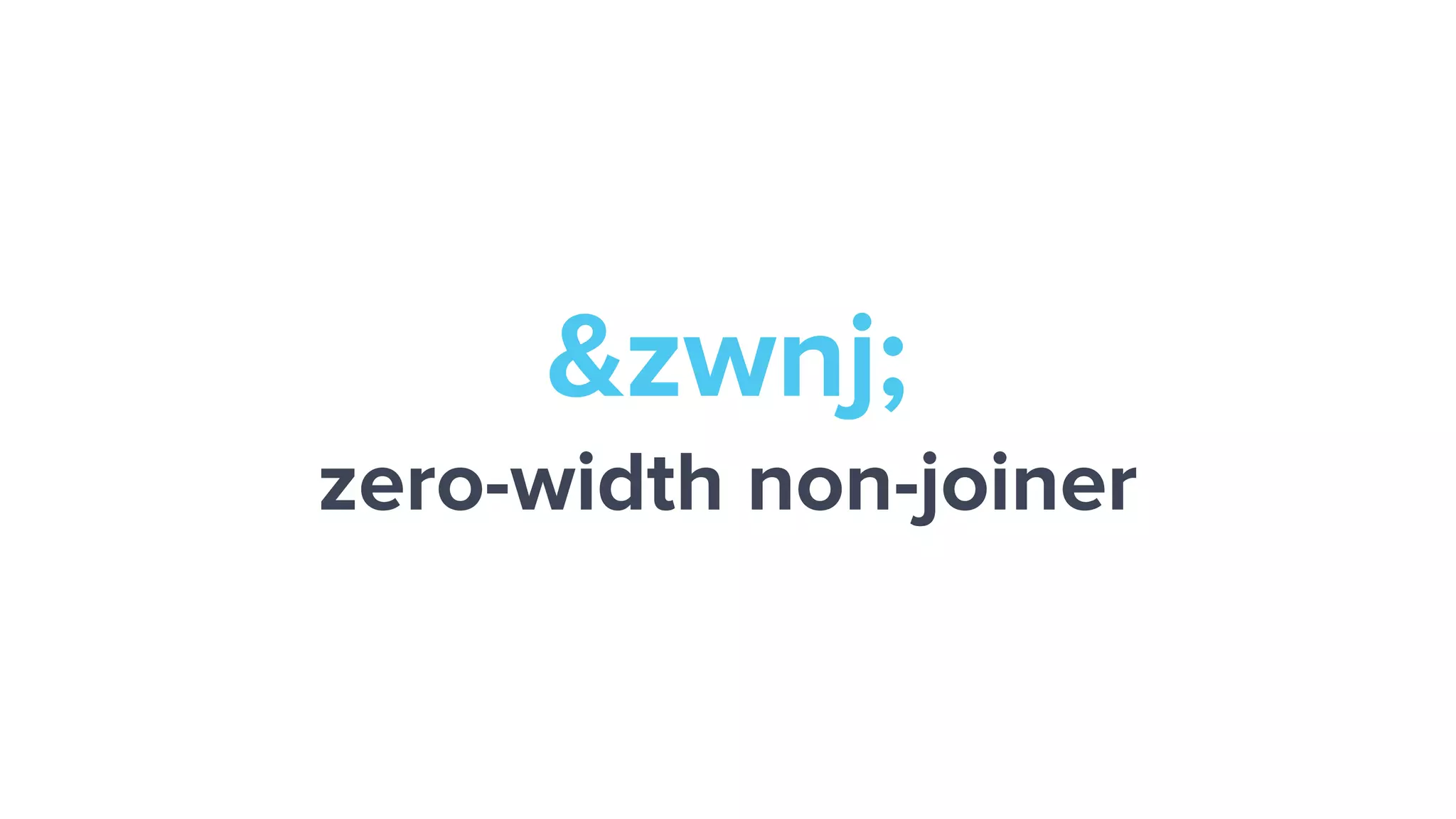
&zwnj;
zero-width non-joiner
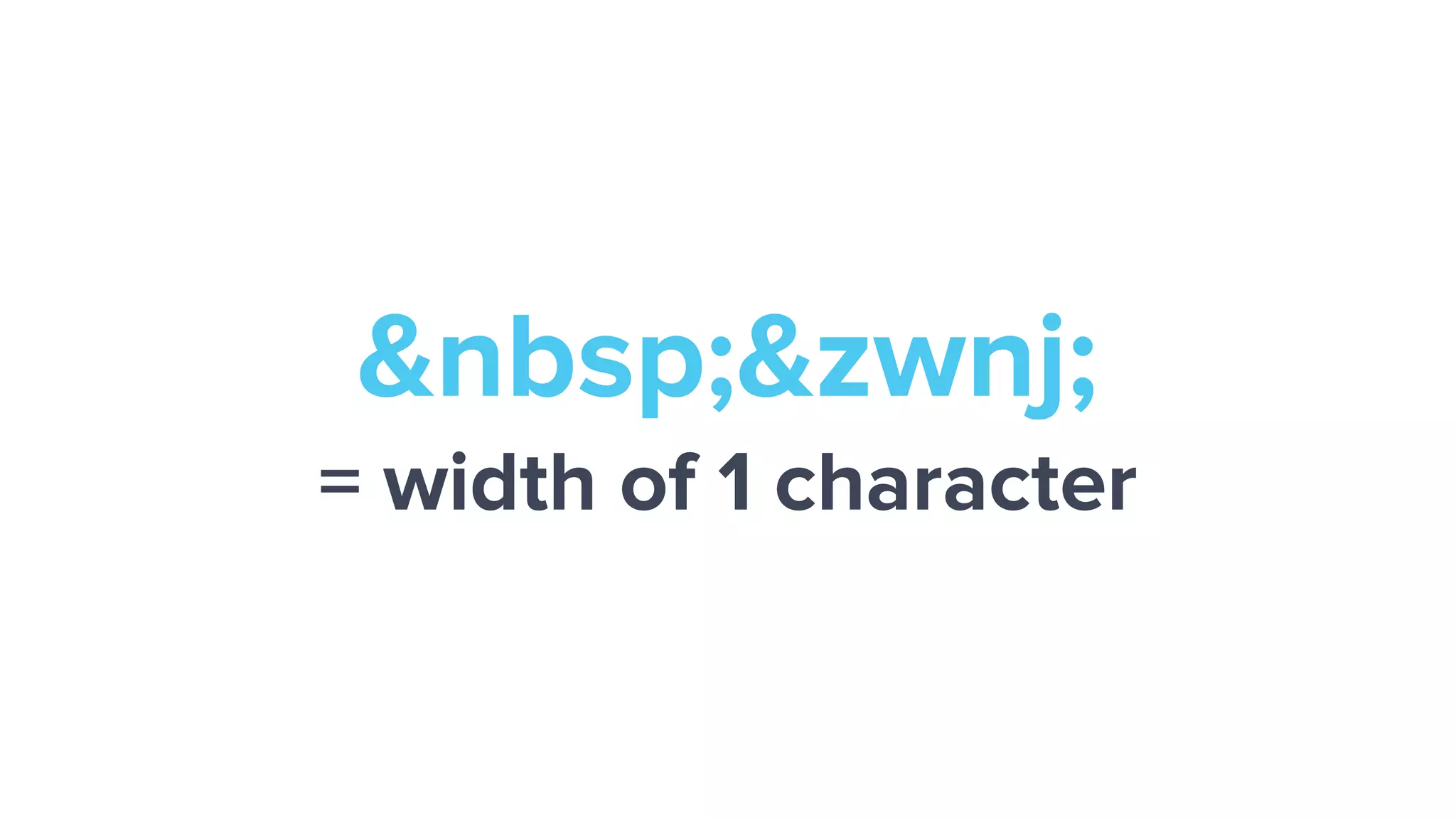
&nbsp;&zwnj;
= width of 1 character
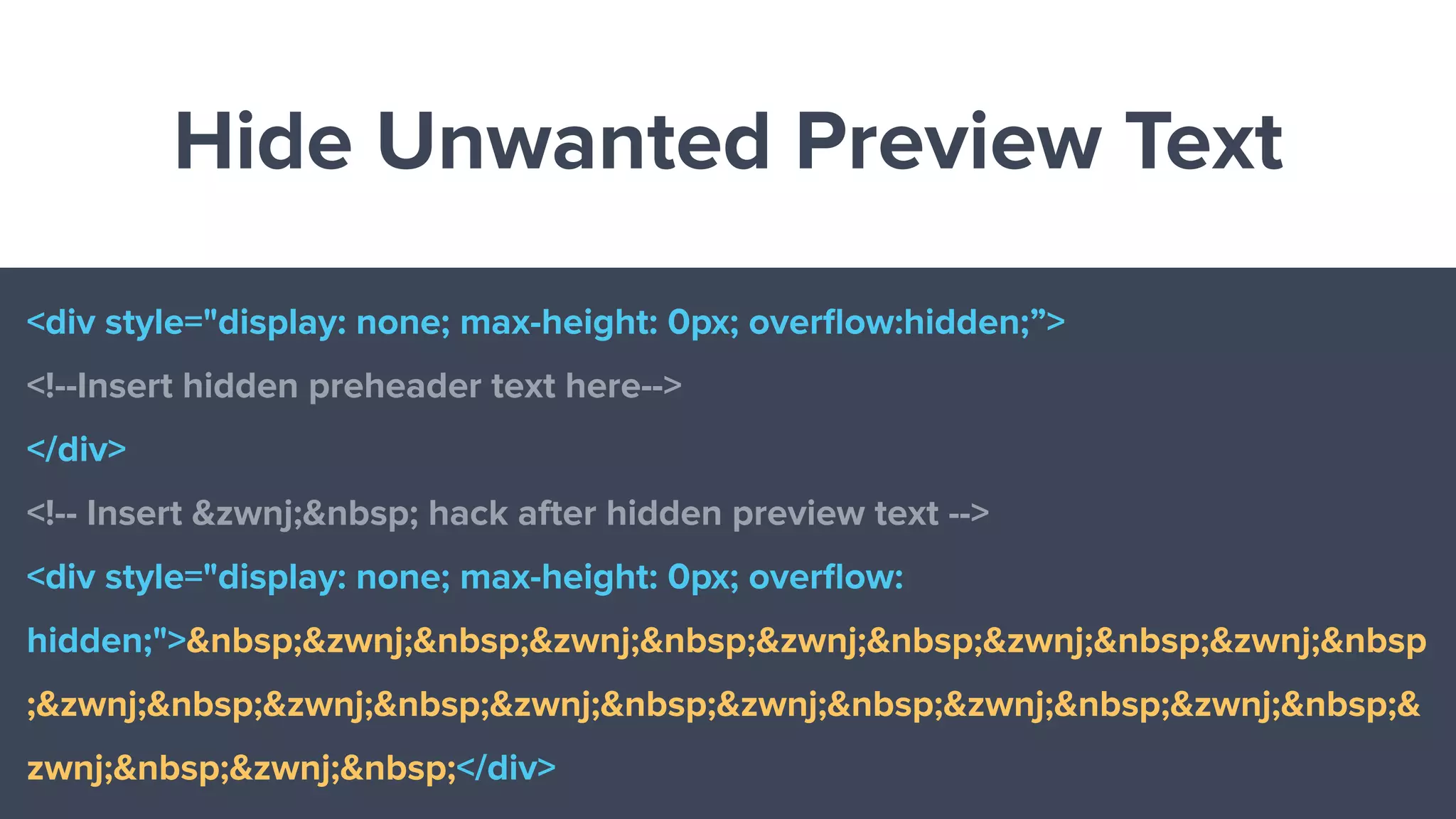
Hide Unwanted Preview Text
<div style="display: none; max-height: 0px; overflow:hidden;”>
<!--Insert hidden preheader text here-->
</div>
<!-- Insert &zwnj;&nbsp; hack after hidden preview text -->
<div style="display: none; max-height: 0px; overflow:
hidden;">&nbsp;&zwnj;&nbsp;&zwnj;&nbsp;&zwnj;&nbsp;&zwnj;&nbsp;&zwnj;&nbsp
;&zwnj;&nbsp;&zwnj;&nbsp;&zwnj;&nbsp;&zwnj;&nbsp;&zwnj;&nbsp;&zwnj;&nbsp;&
zwnj;&nbsp;&zwnj;&nbsp;</div>
Break
Anyone else thirsty?
Quick Refresh
What have we learned so far?
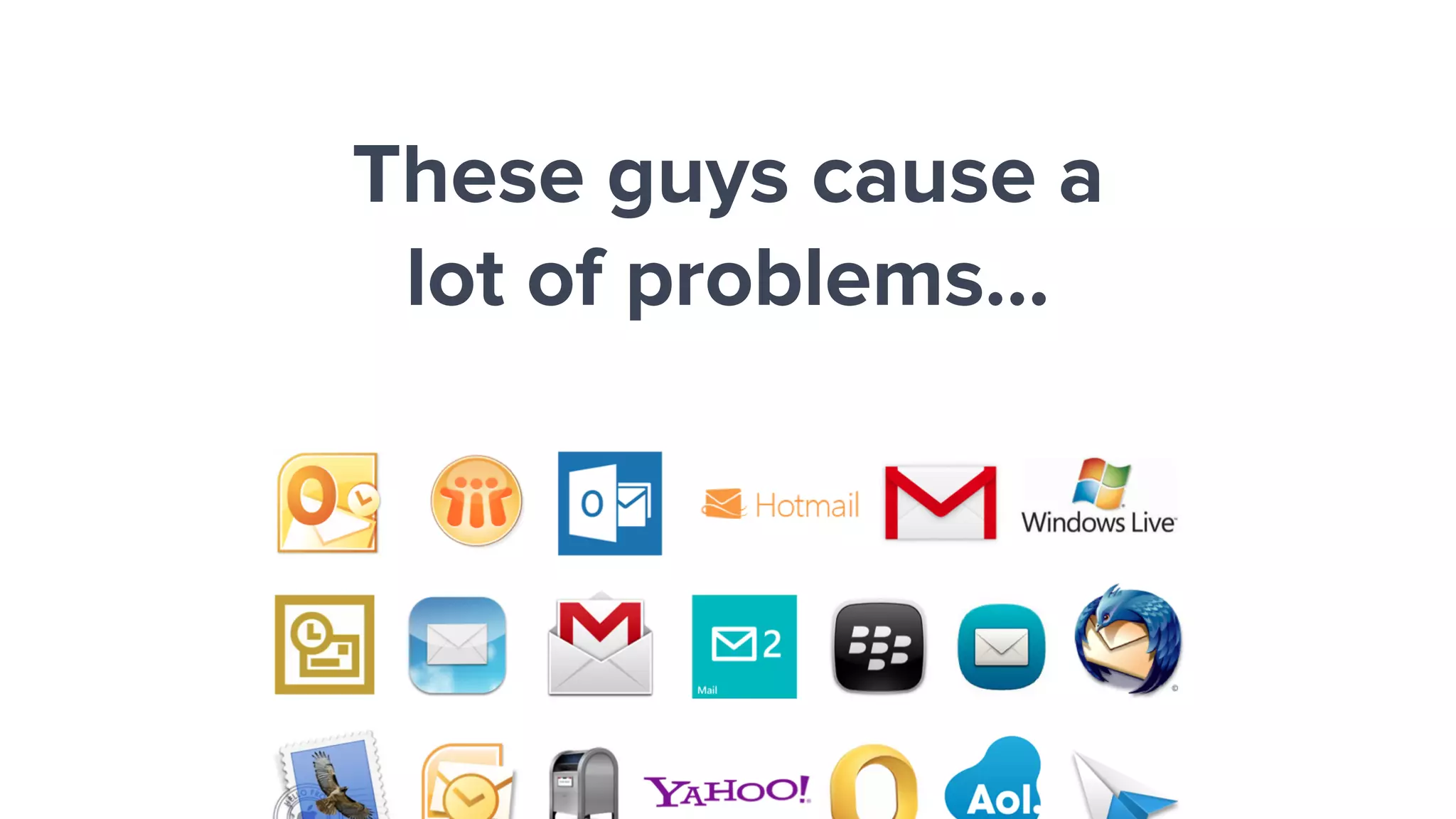
These guys cause a
lot of problems…
IMAP & POP
WebDav
Exchange
Domino
Preprocessor
Trident (IE)
WebKit
Gecko
MS Word
Inbox
Server Sanitization Rendering Inbox View
The Rendering Pipeline
THERE ARE
NO STANDARDS
Understanding
what's supported where
is your first line of defense.
Email Troubleshooting 101
1. Test your email
2. Check your images
3. Check your HTML
4. Ask for help
Exercises
Let's look at some code…
The Plan:
1. Quick assignment
2. A few clues
3. 3 minutes of troubleshooting
4. Review
Exercise #1
Fix the Missing Images
Hints:
https://img.litmuscdn.com/images/next/illustrations
File Formats
Exercise #2
Fix the Layout
Hint:
Exercise #3
Fix the Blue Links
Hints:
HTML Classes
Style Resets
Exercise #4
Fix the Responsive Layout 1
Hints:
See if something's missing…
Exercise #5
Fix the Responsive Layout 2
Hints:
See if something's wrong…
Exercise #6
Fix the Styles in Gmail
Hints:
[ hey="wtf" ]
Your Own Emails
Who's brave?
Q&A Time
Anything we missed?
Lunch Time
Let's eat!

Troubleshooting Email Like a Pro