Introduction to HTML5
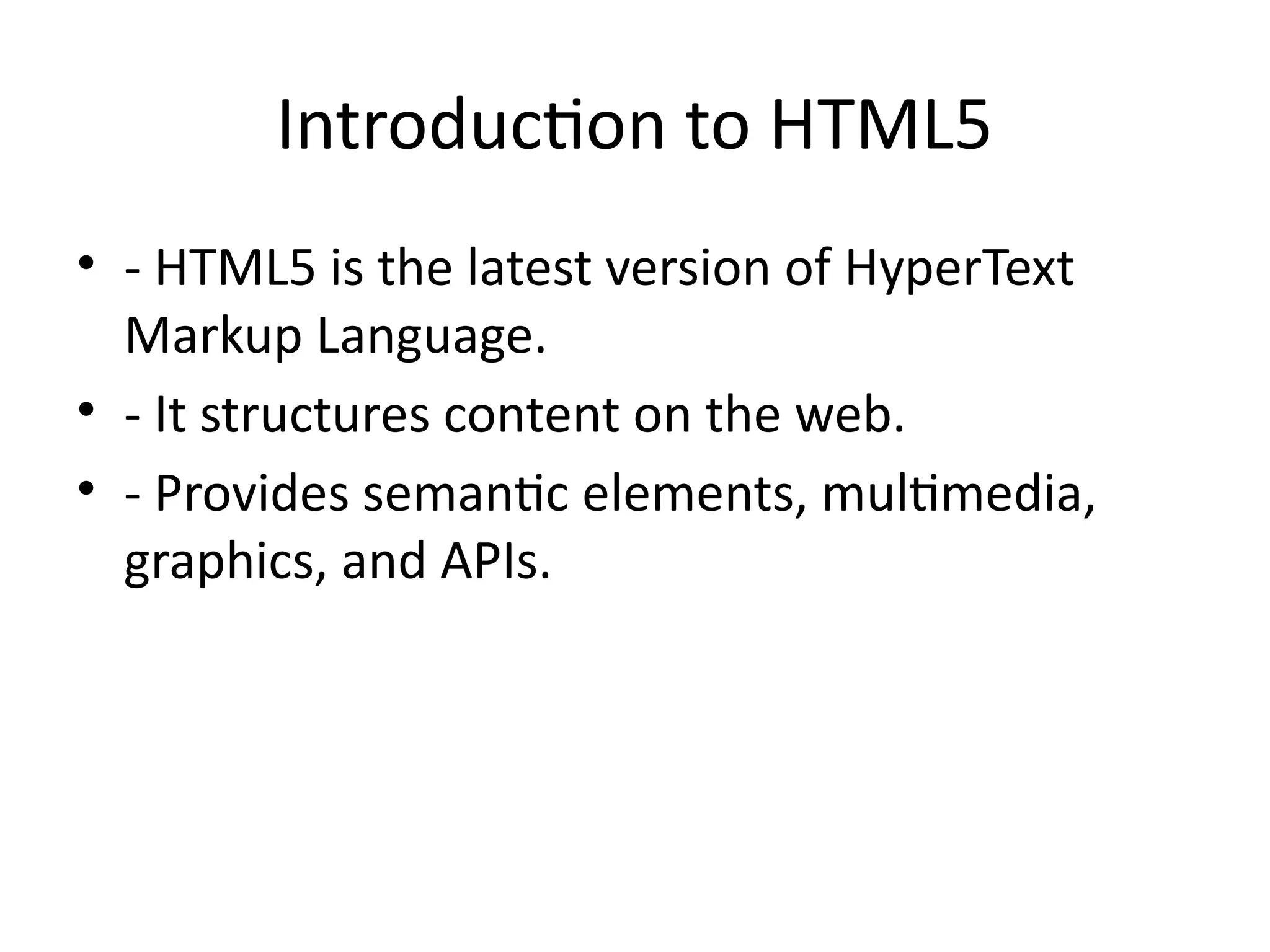
•- HTML5 is the latest version of HyperText
Markup Language.
• - It structures content on the web.
• - Provides semantic elements, multimedia,
graphics, and APIs.
3.
Key Features ofHTML5
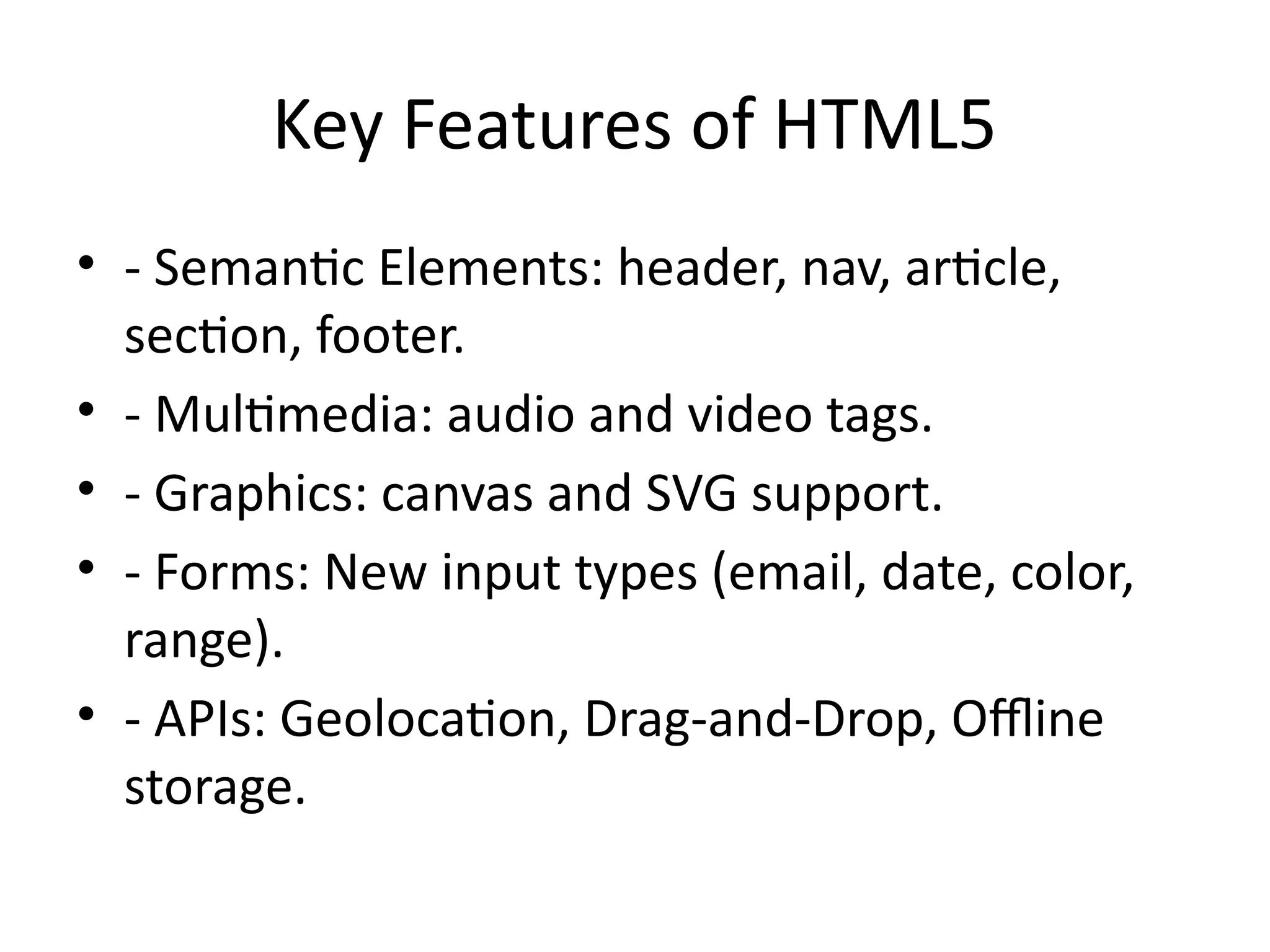
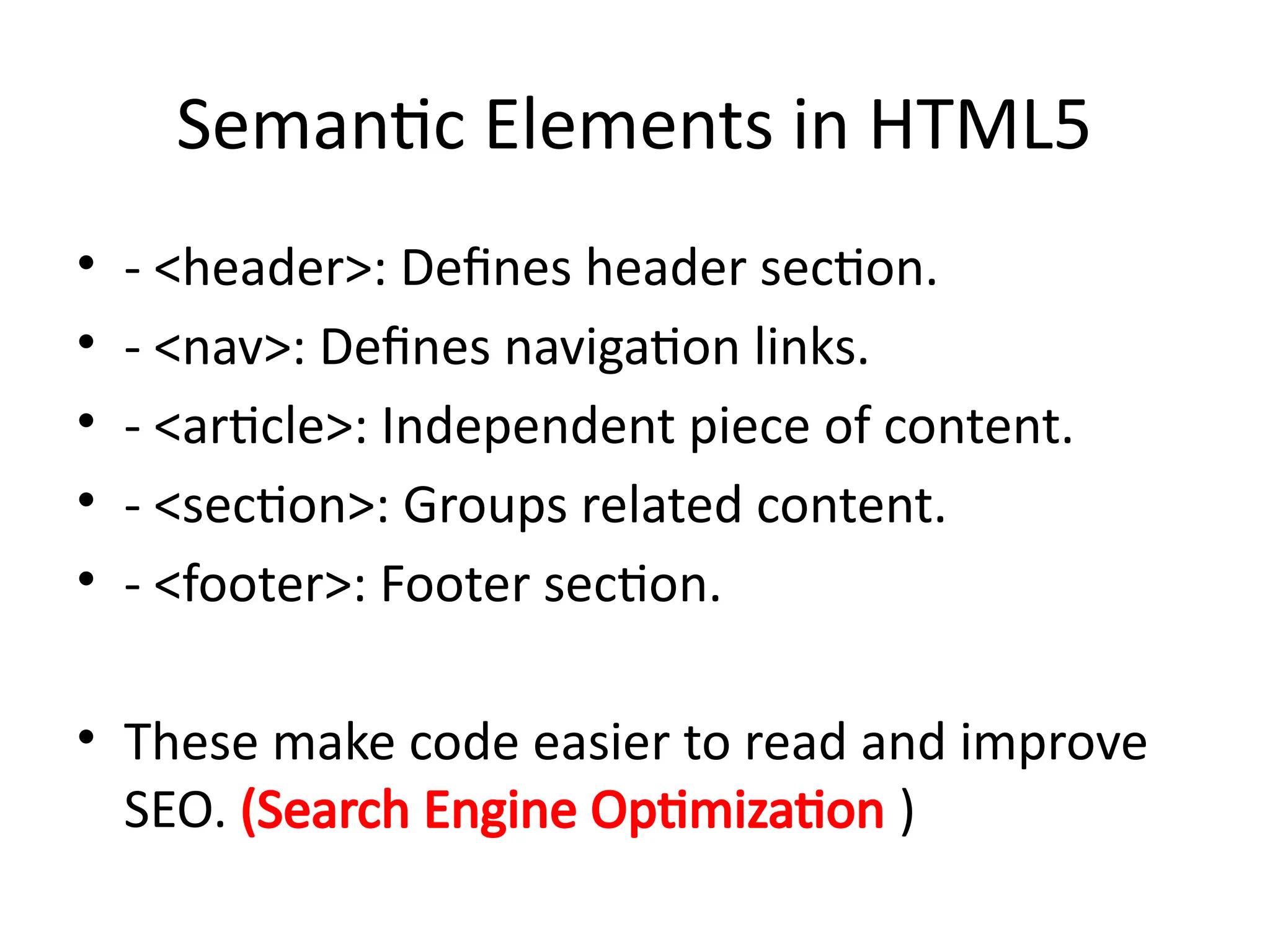
• - Semantic Elements: header, nav, article,
section, footer.
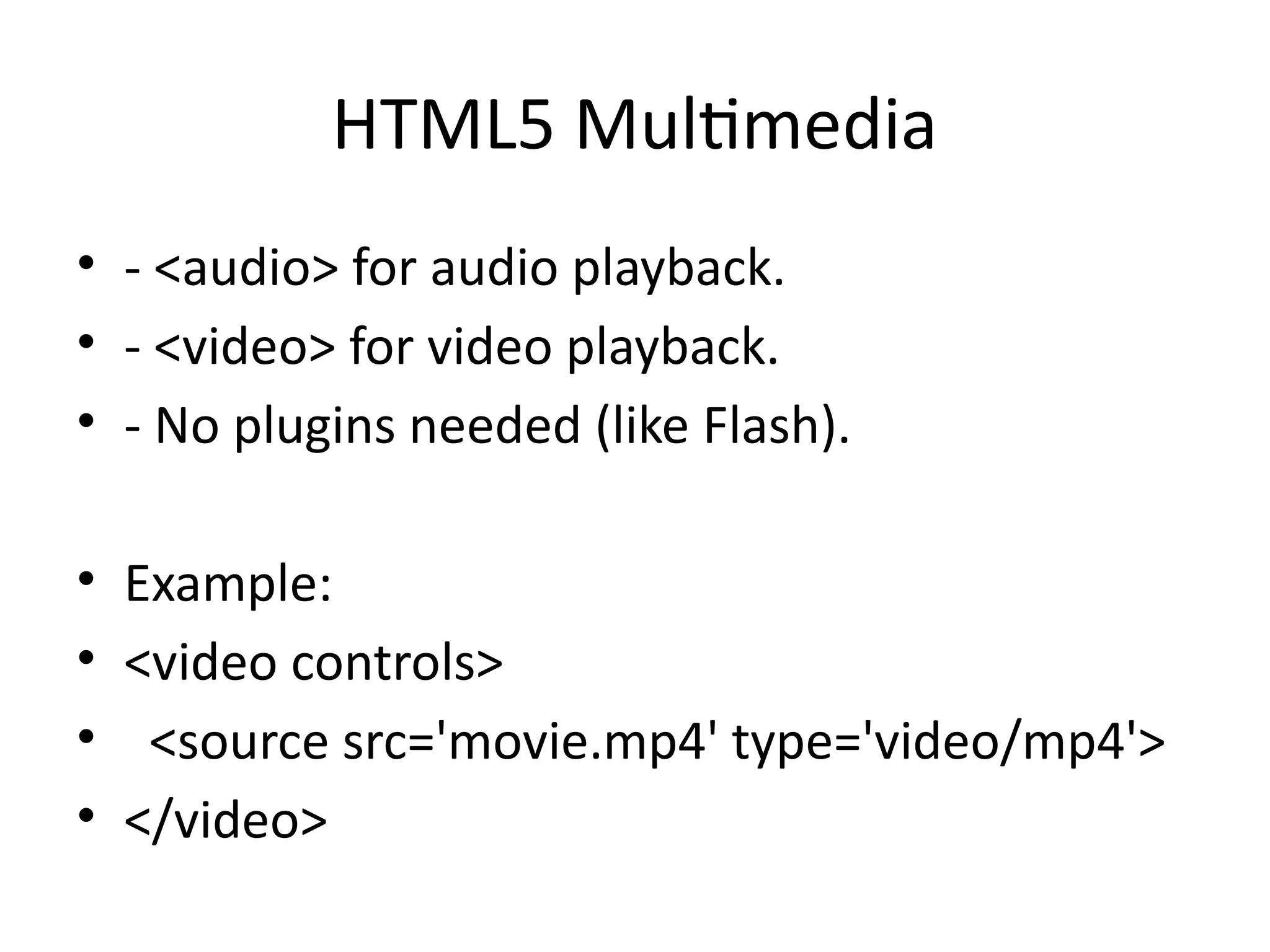
• - Multimedia: audio and video tags.
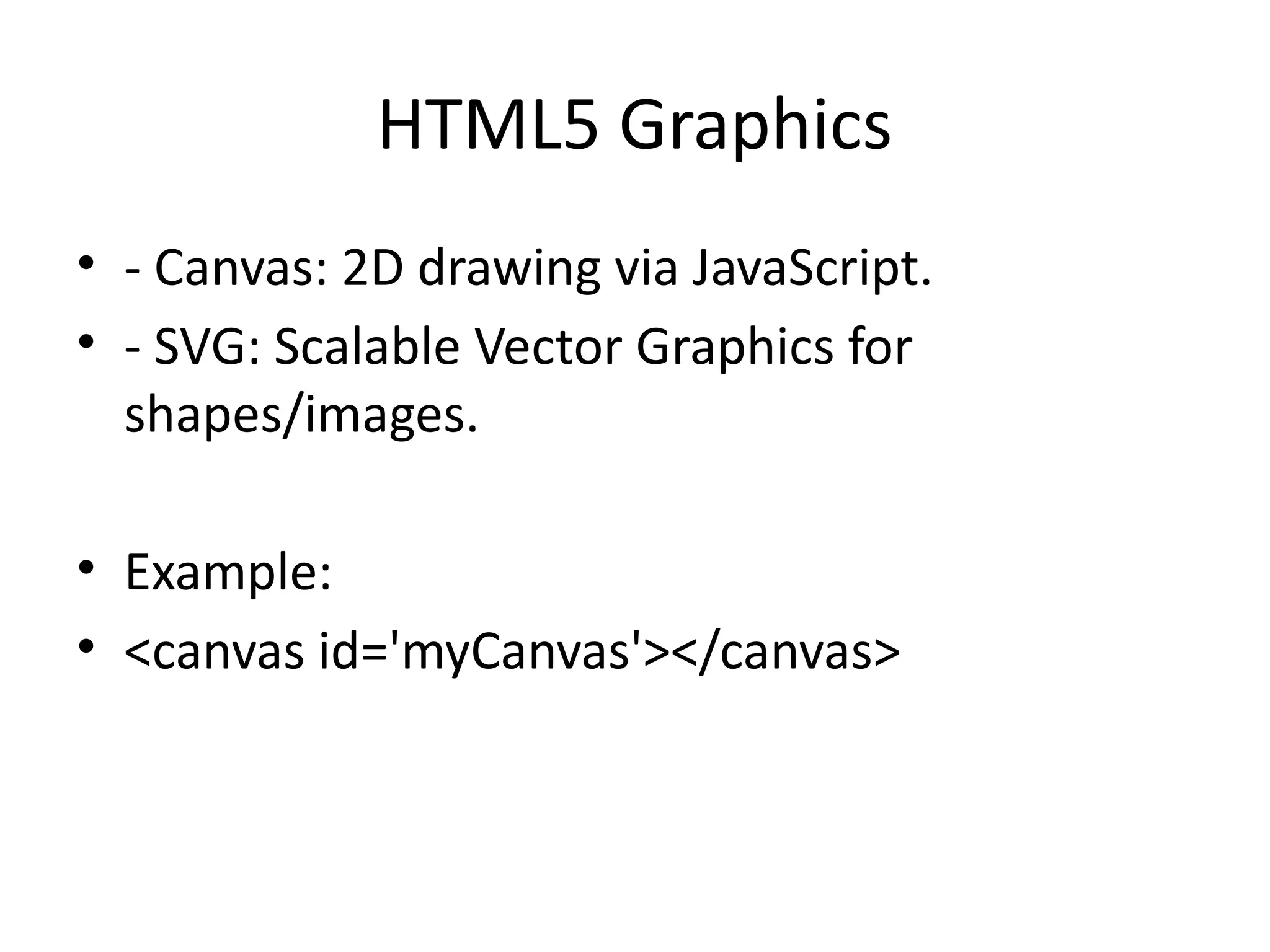
• - Graphics: canvas and SVG support.
• - Forms: New input types (email, date, color,
range).
• - APIs: Geolocation, Drag-and-Drop, Offline
storage.
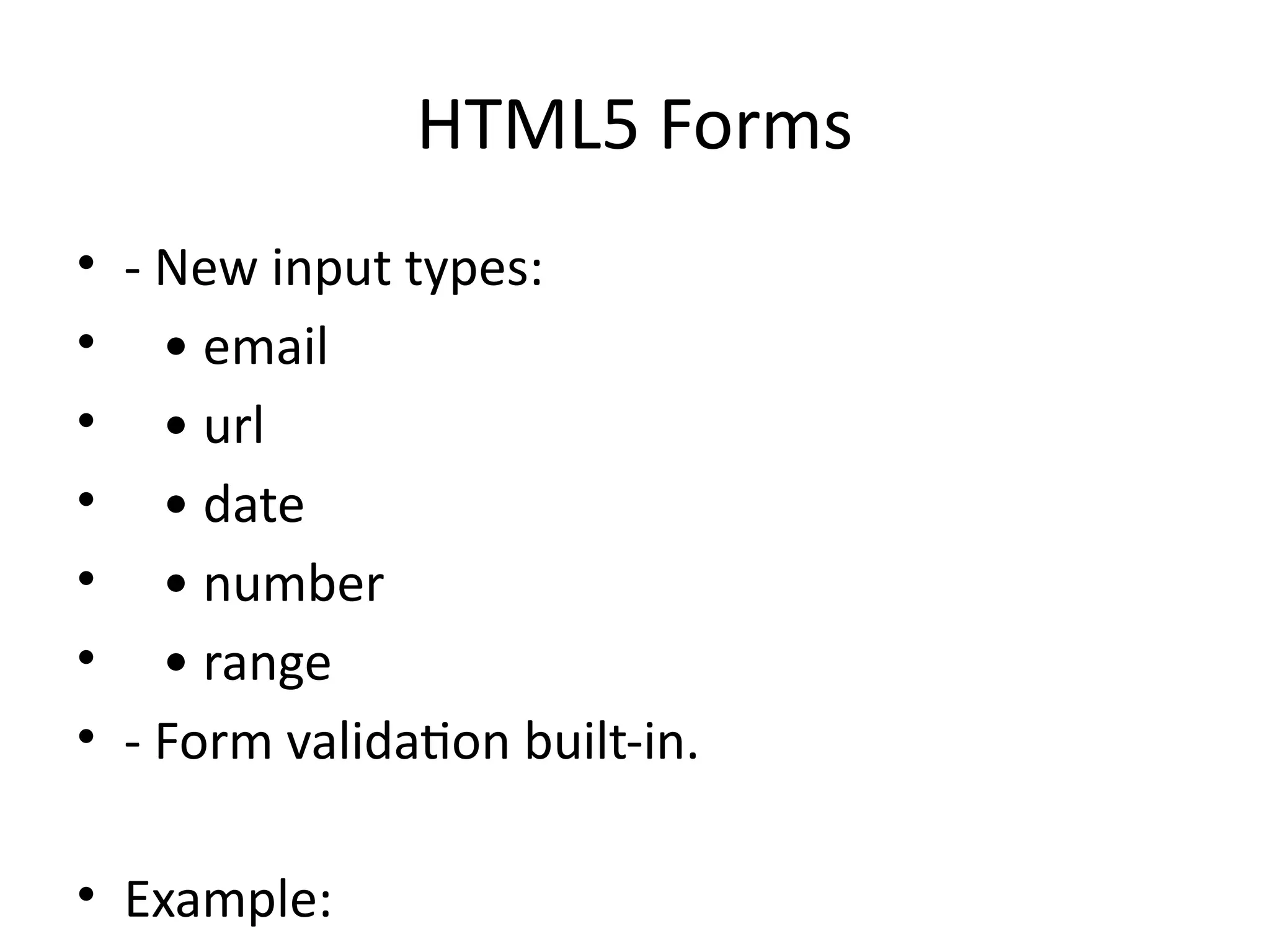
HTML5 Forms
• -New input types:
• • email
• • url
• • date
• • number
• • range
• - Form validation built-in.
• Example:
9.
HTML5 APIs
• -Geolocation API: Track user location.
• - Web Storage: localStorage, sessionStorage.
• - Offline Applications with AppCache.
• - Drag and Drop API.
• - Web Workers for background tasks.
10.
Introduction to CSS3
•- CSS3 is the latest version of Cascading Style
Sheets.
• - Used to style and format HTML elements.
• - Provides advanced layouts, animations, and
responsive design.
11.
Key Features ofCSS3
• - Selectors: Advanced attribute and pseudo-
classes.
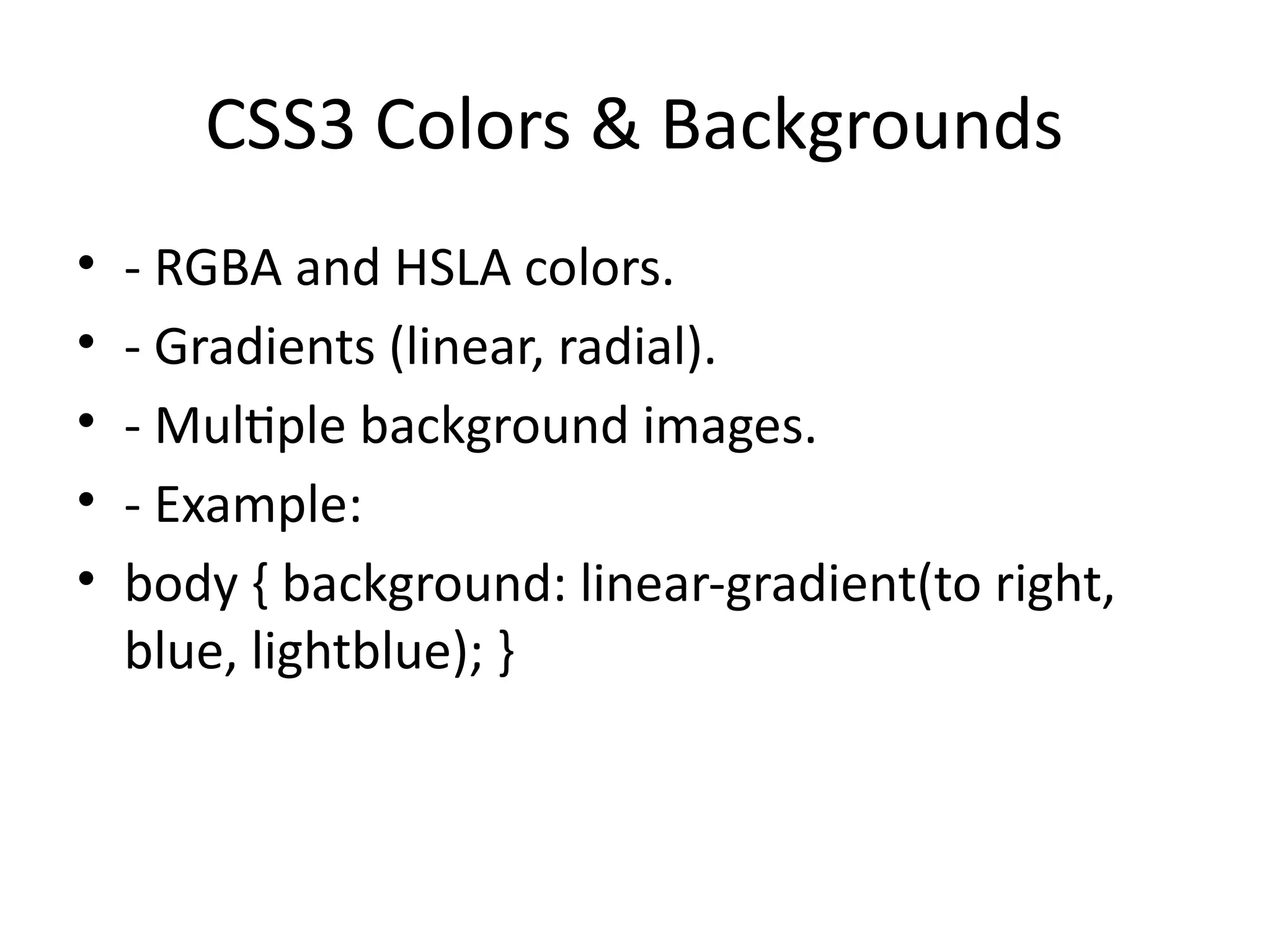
• - Colors: RGBA, HSLA, gradients.
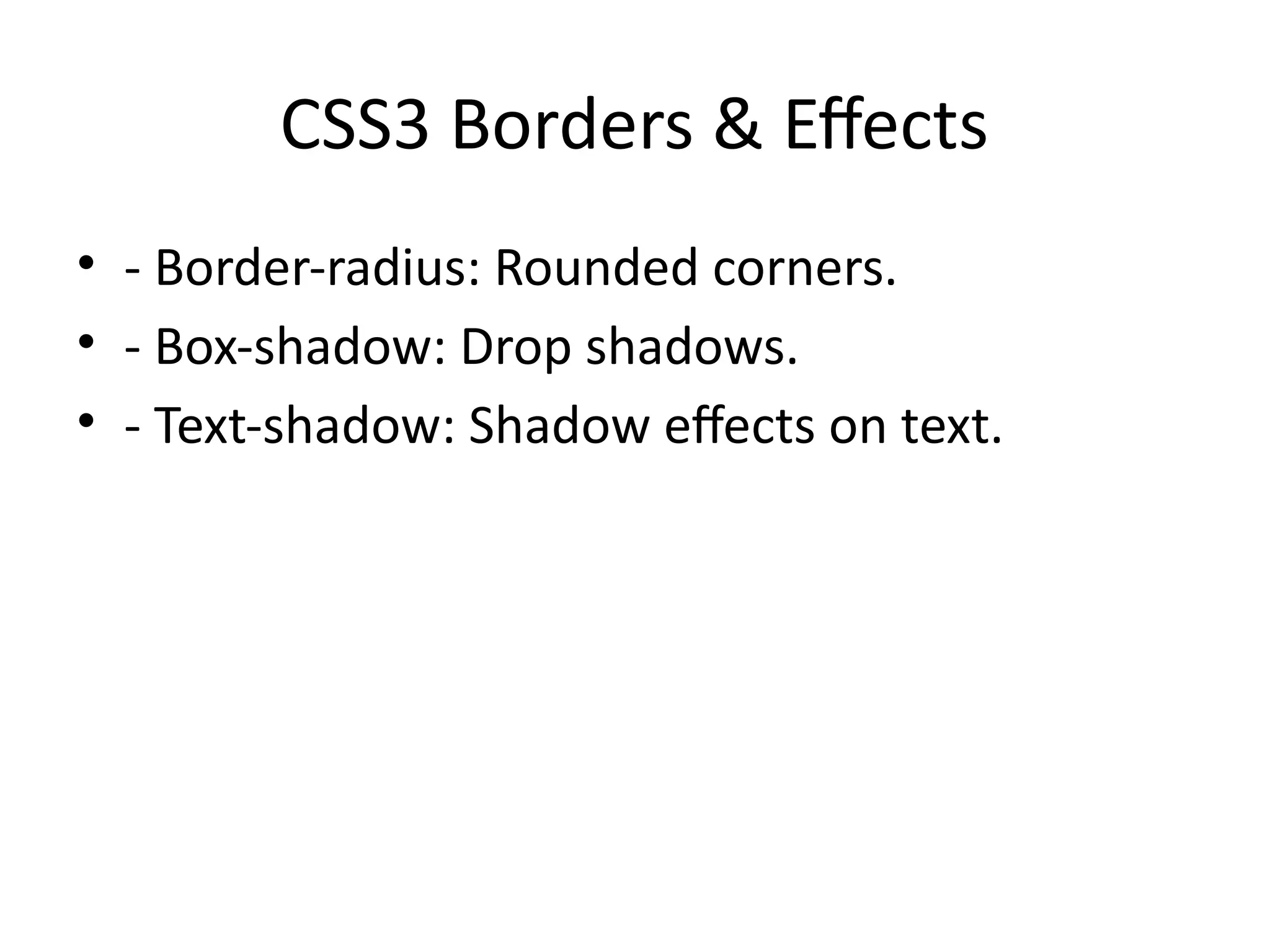
• - Borders: Rounded corners, shadows.
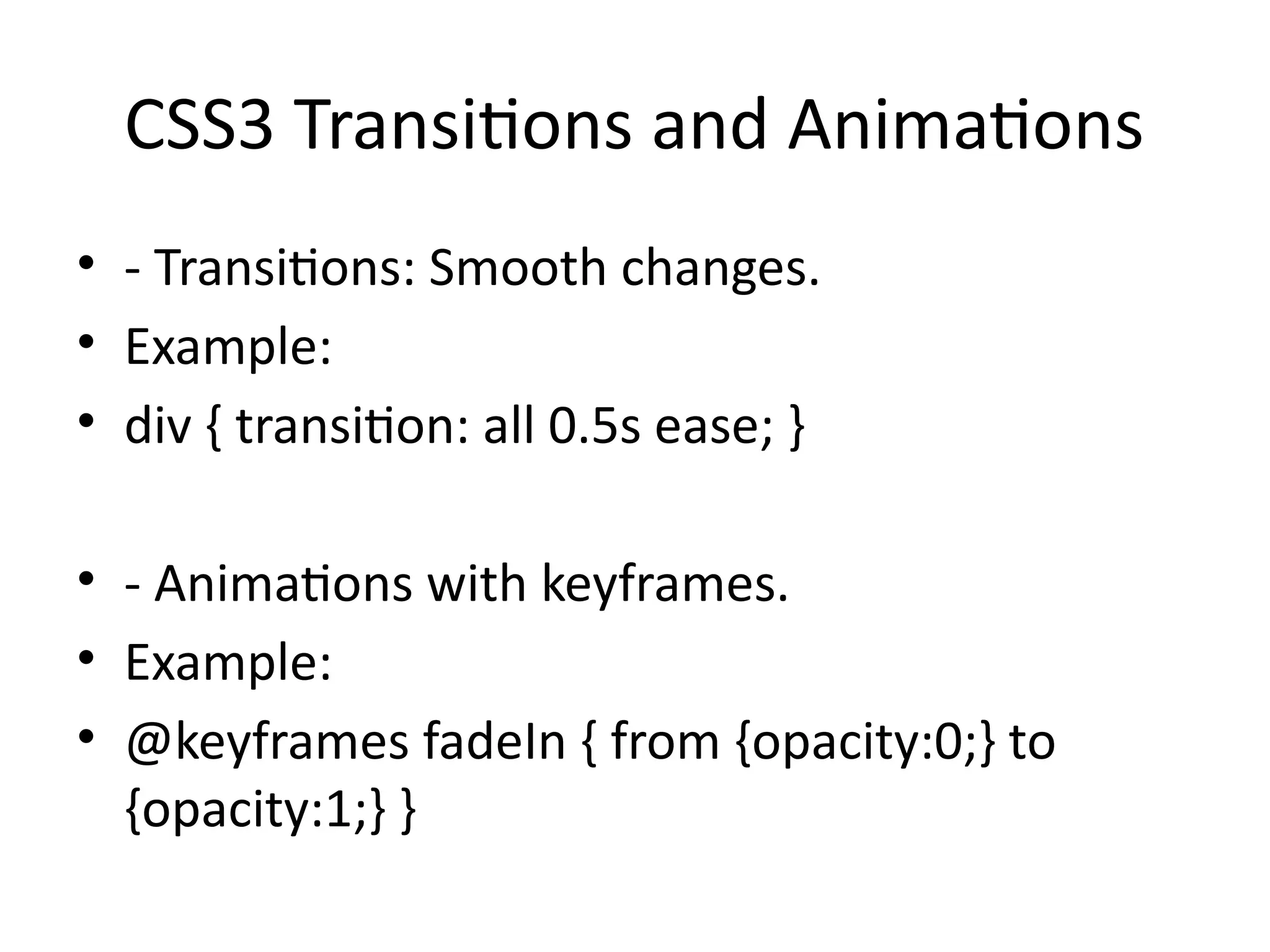
• - Transitions & Animations.
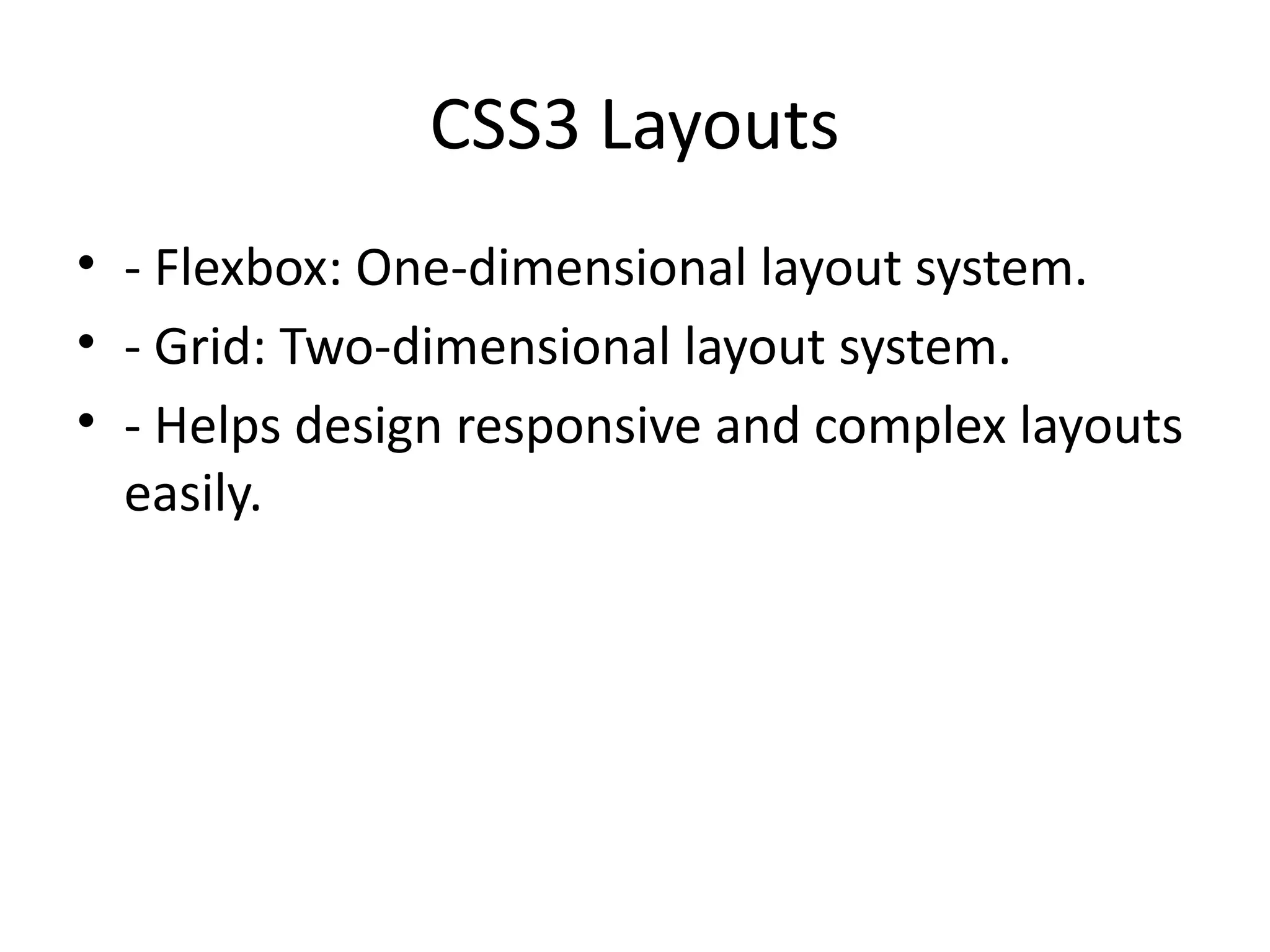
• - Flexbox and Grid.
• - Media Queries for responsive design.
12.
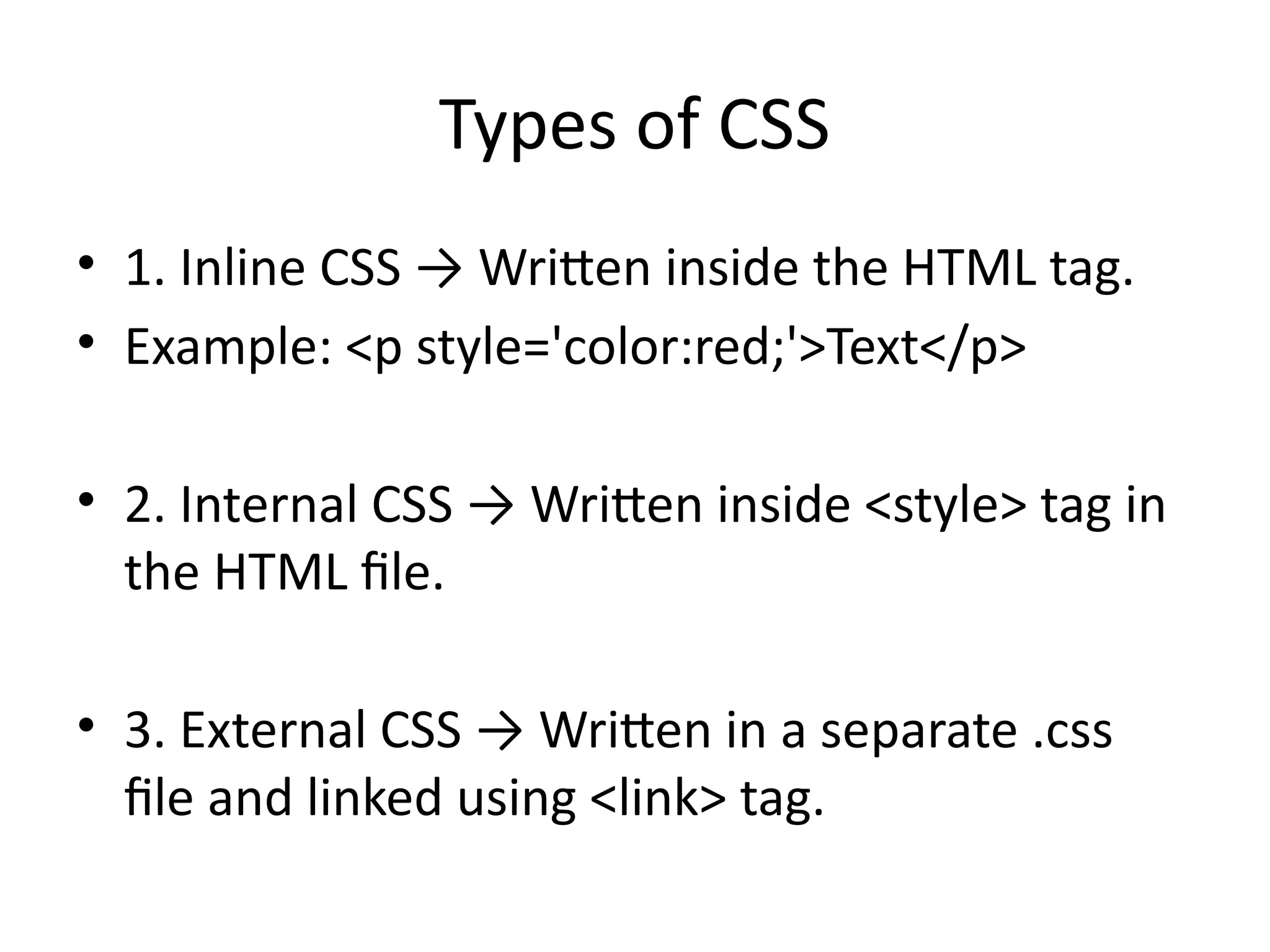
Types of CSS
•1. Inline CSS → Written inside the HTML tag.
• Example: <p style='color:red;'>Text</p>
• 2. Internal CSS → Written inside <style> tag in
the HTML file.
• 3. External CSS → Written in a separate .css
file and linked using <link> tag.
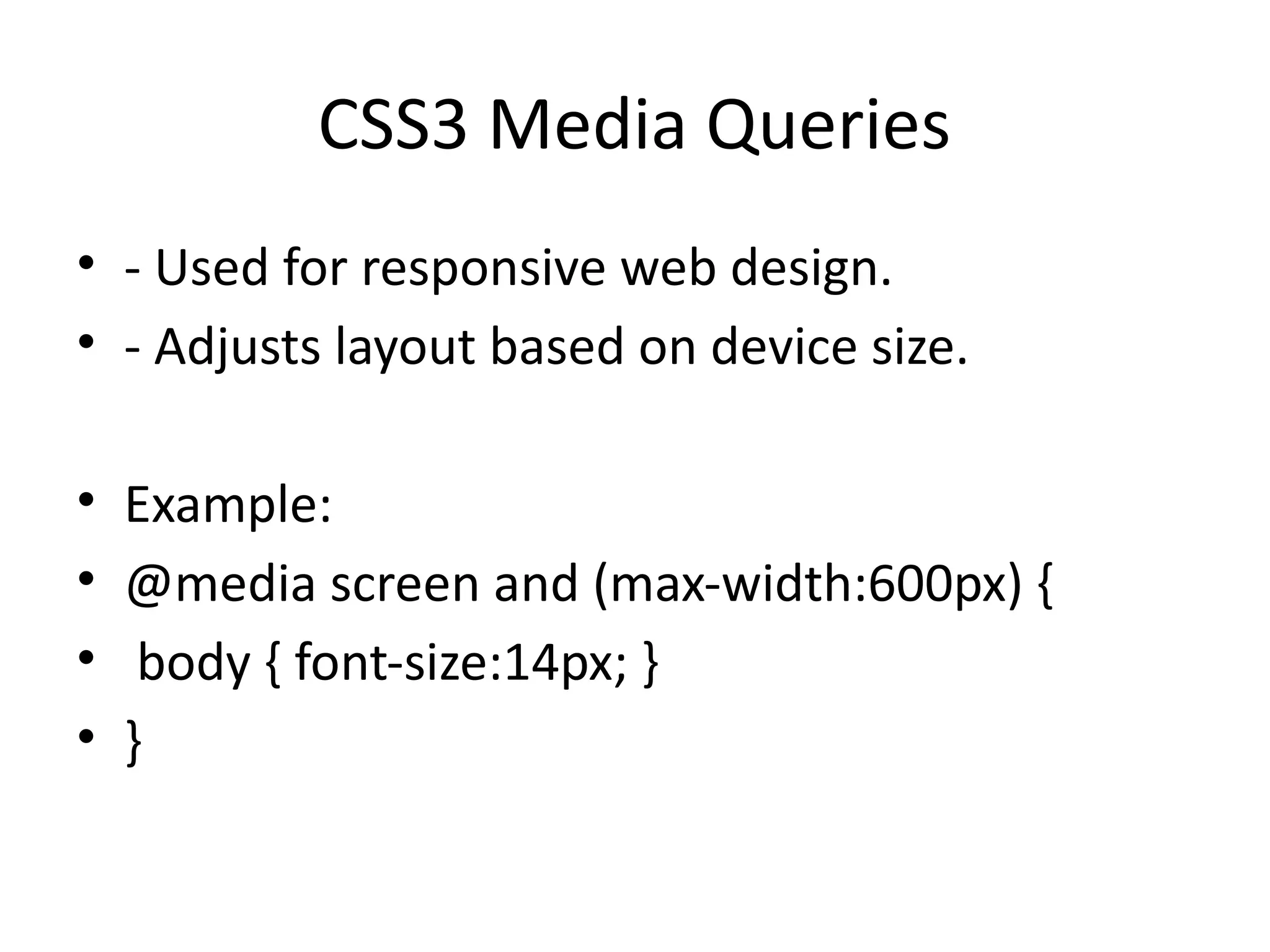
CSS3 Media Queries
•- Used for responsive web design.
• - Adjusts layout based on device size.
• Example:
• @media screen and (max-width:600px) {
• body { font-size:14px; }
• }
19.
HTML5 + CSS3Together
• - HTML5 defines content structure.
• - CSS3 styles and layouts the content.
• - Together, they build modern, interactive, and
responsive websites.
20.
Advantages of HTML5& CSS3
• - Cross-browser and cross-platform support.
• - Rich multimedia without plugins.
• - Faster page load and better performance.
• - Improved SEO and accessibility.
• - Enhanced user experience.
21.
Summary
• - HTML5:Semantic tags, multimedia, forms,
APIs.
• - CSS3: Advanced styles, effects, layouts,
responsive design.
• - Both together create modern websites.
![CSS3 Selectors
• - Attribute selectors: input[type='text']
• - Pseudo-classes: :hover, :first-child
• - Pseudo-elements: ::before, ::after
• These allow precise targeting of elements.](https://image.slidesharecdn.com/html5css3detailed-251210110914-bb2695b5/75/TOPIC-HTML5_CSS3_Detailed-web-technology-pptx-13-2048.jpg)


![Coded Agents – with UiPath SDK + LangGraph [Virtual Hands-on Workshop]](https://cdn.slidesharecdn.com/ss_thumbnails/codedagentsdeck-251215155422-5497c599-thumbnail.jpg?width=640&height=640&fit=bounds)


