Tool Development
Chapter 10: MVVM, Tool Chains
Nick Prühs
Assignment Solution #9
DEMO
2 / 58
Objectives
• To understand the implications of the MVVM
pattern
• To get an overview of approaches for tool chains
3 / 58
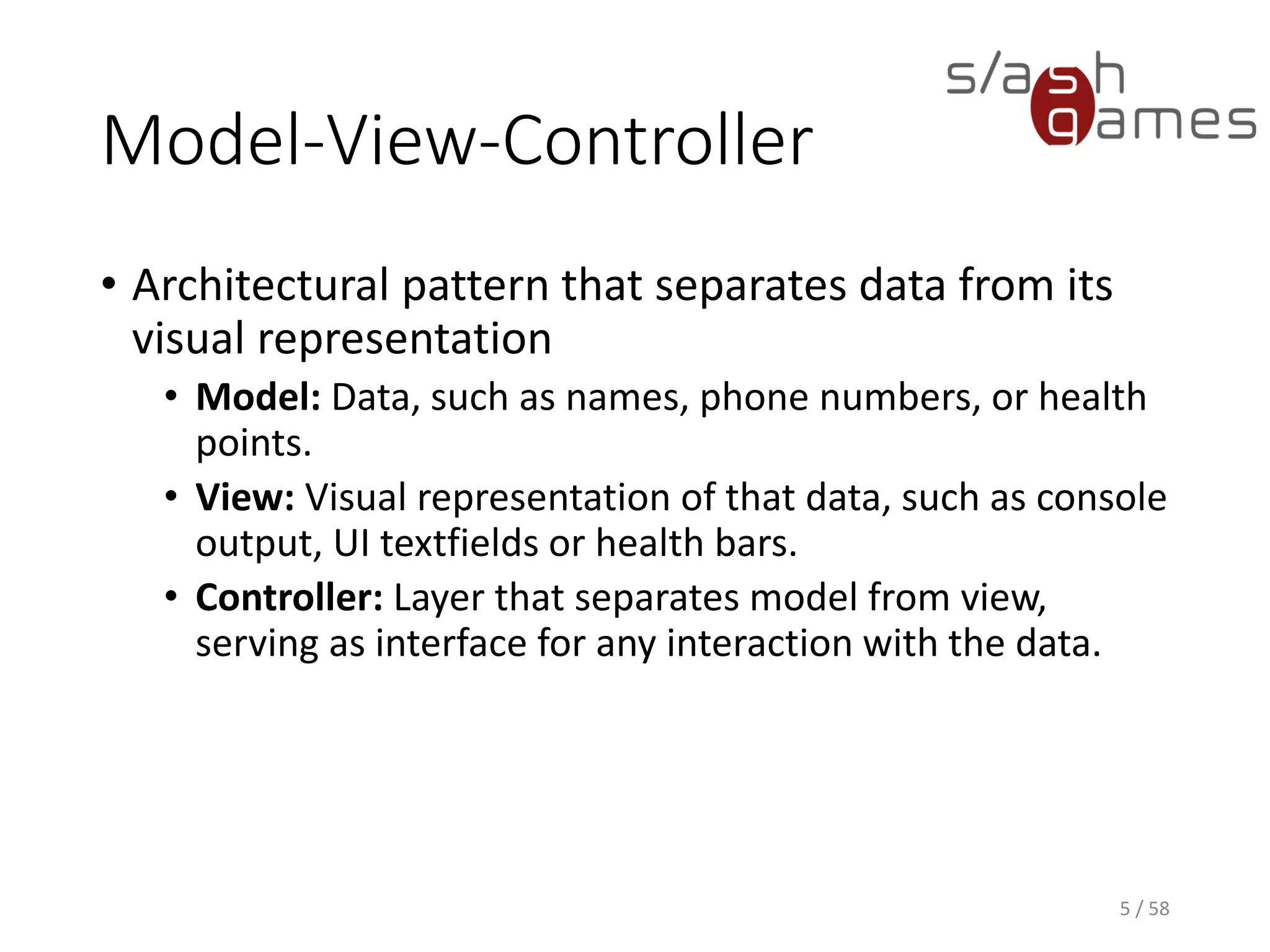
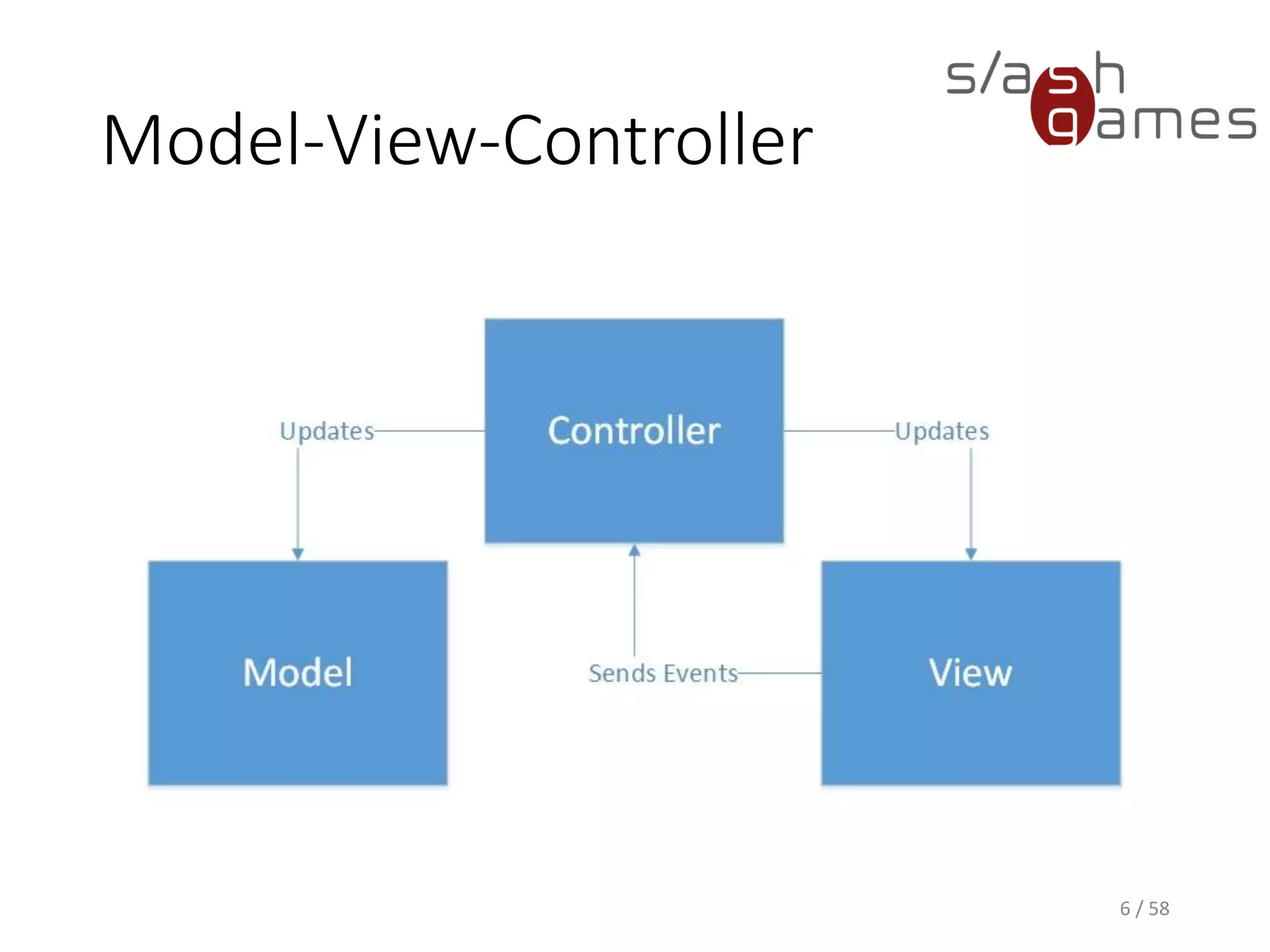
Model-View-Controller
• Architectural pattern that separates data from its
visual representation
• Model: Data, such as names, phone numbers, or health
points.
• View: Visual representation of that data, such as console
output, UI textfields or health bars.
• Controller: Layer that separates model from view,
serving as interface for any interaction with the data.
4 / 58
Model-View-Controller
5 / 58
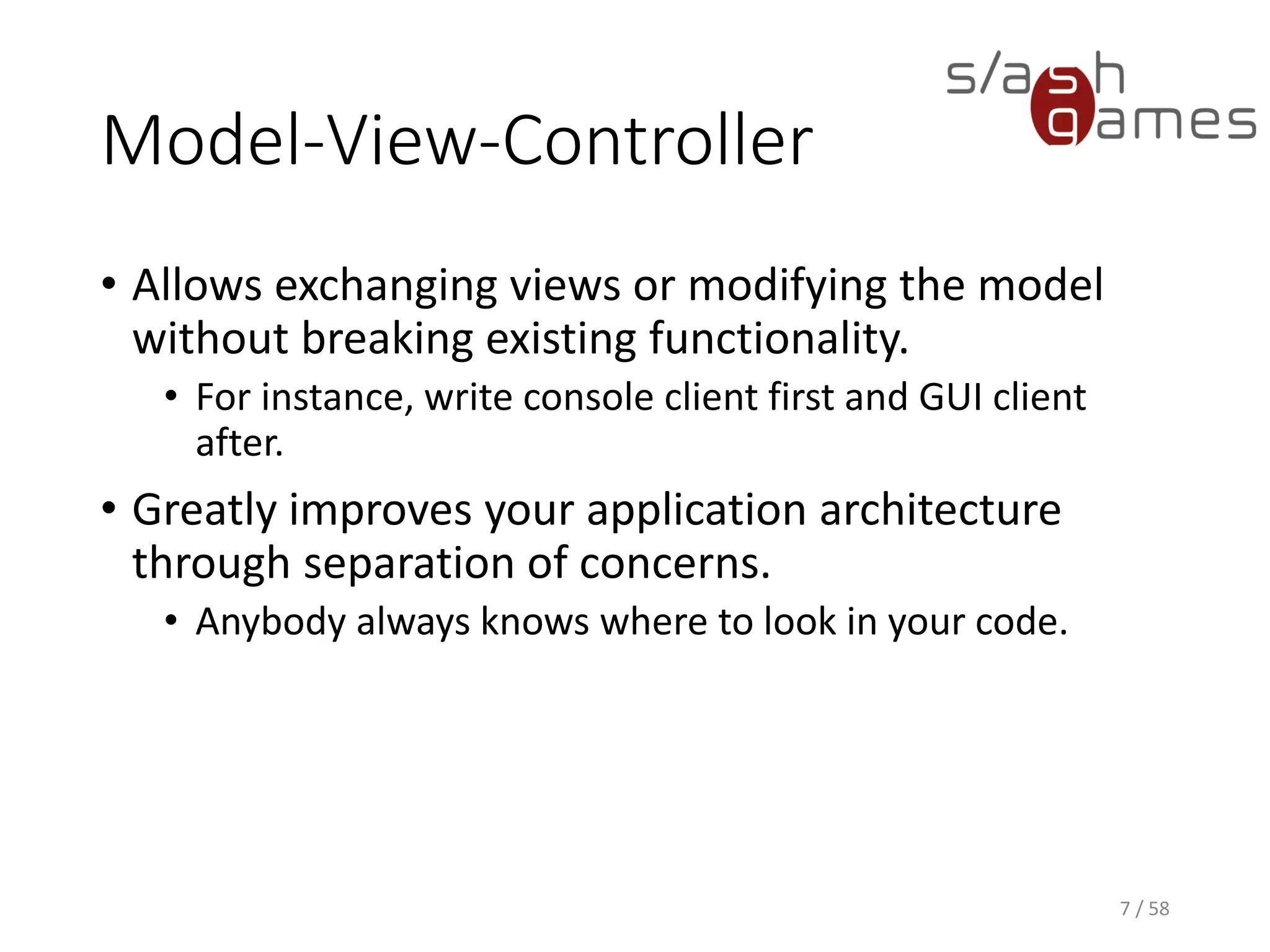
Model-View-Controller
• Allows exchanging views or modifying the model
without breaking existing functionality.
• For instance, write console client first and GUI client
after.
• Greatly improves your application architecture
through separation of concerns.
• Anybody always knows where to look in your code.
6 / 58
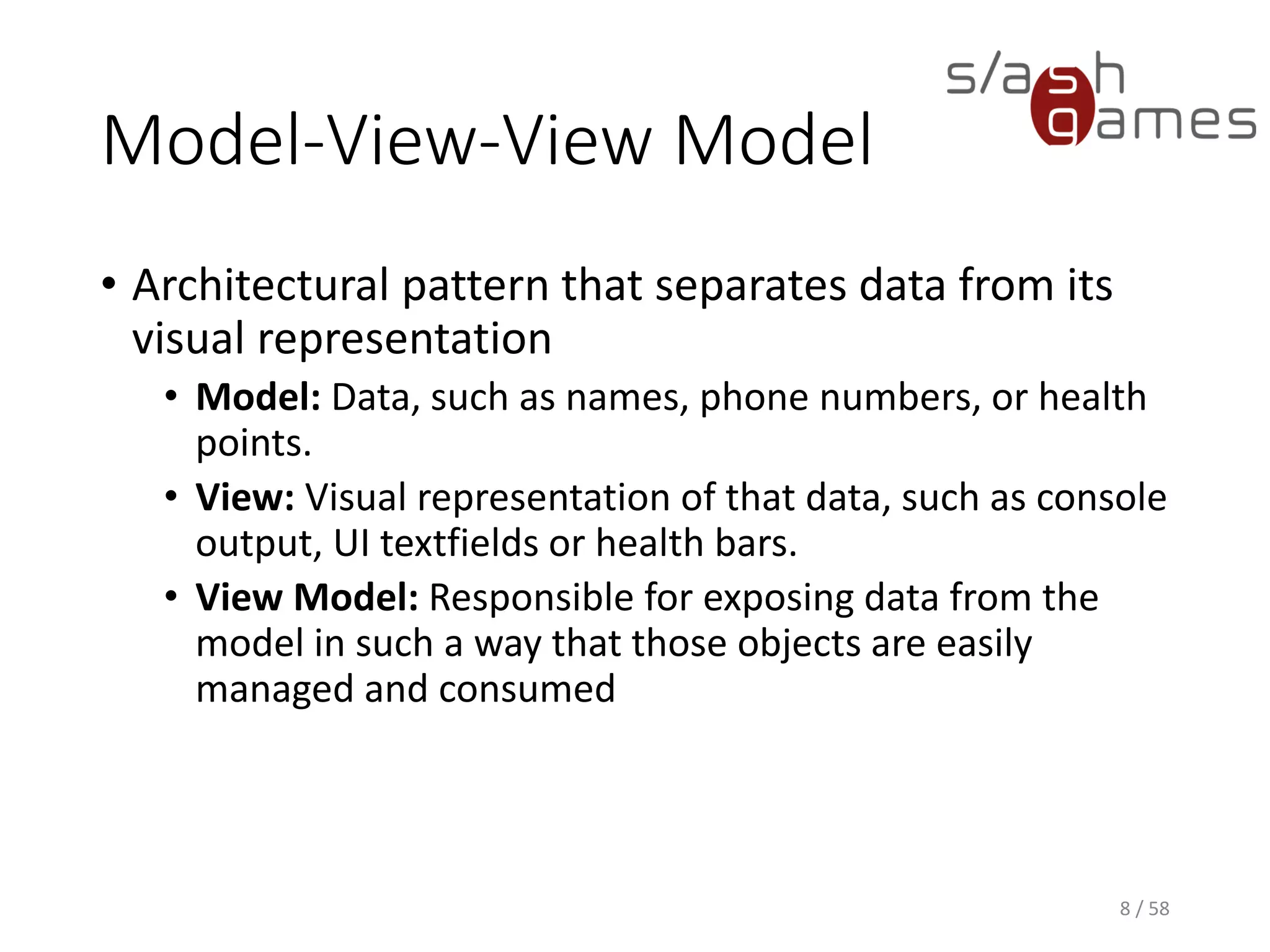
Model-View-View Model
• Architectural pattern that separates data from its
visual representation
• Model: Data, such as names, phone numbers, or health
points.
• View: Visual representation of that data, such as console
output, UI textfields or health bars.
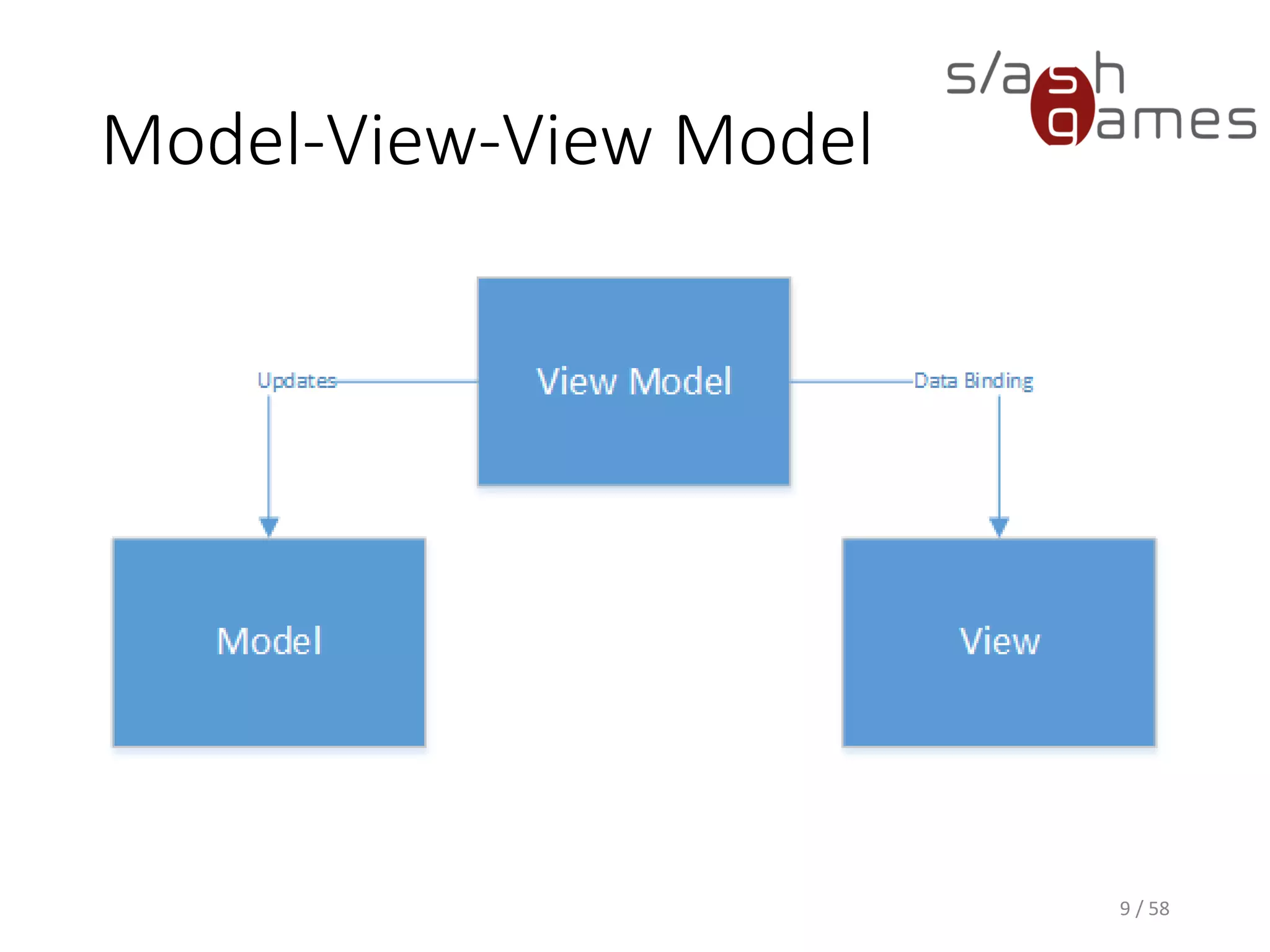
• View Model: Responsible for exposing data from the
model in such a way that those objects are easily
managed and consumed
7 / 58
Model-View-View Model
8 / 58
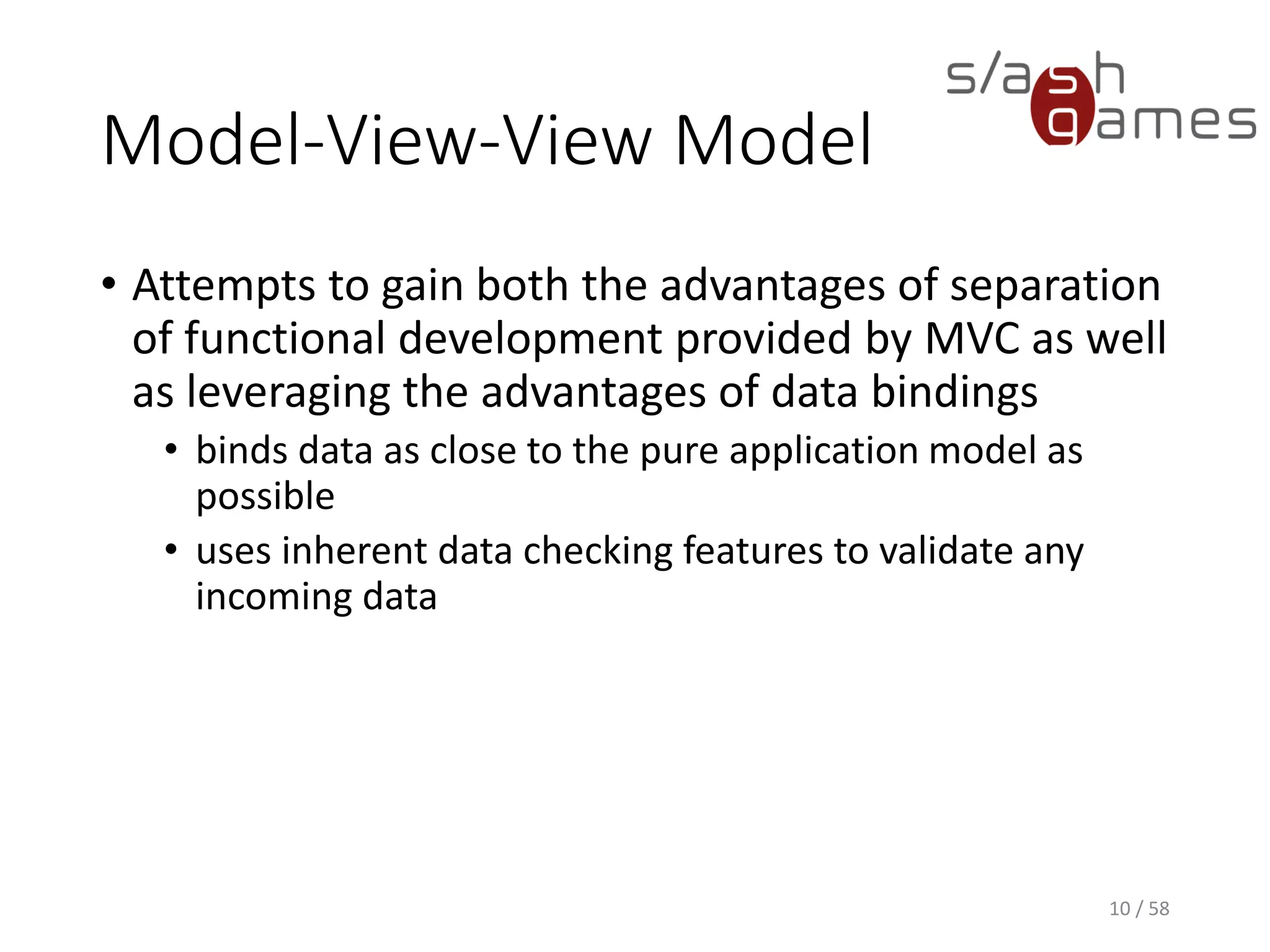
Model-View-View Model
• Attempts to gain both the advantages of separation
of functional development provided by MVC as well
as leveraging the advantages of data bindings
• binds data as close to the pure application model as
possible
• uses inherent data checking features to validate any
incoming data
9 / 58
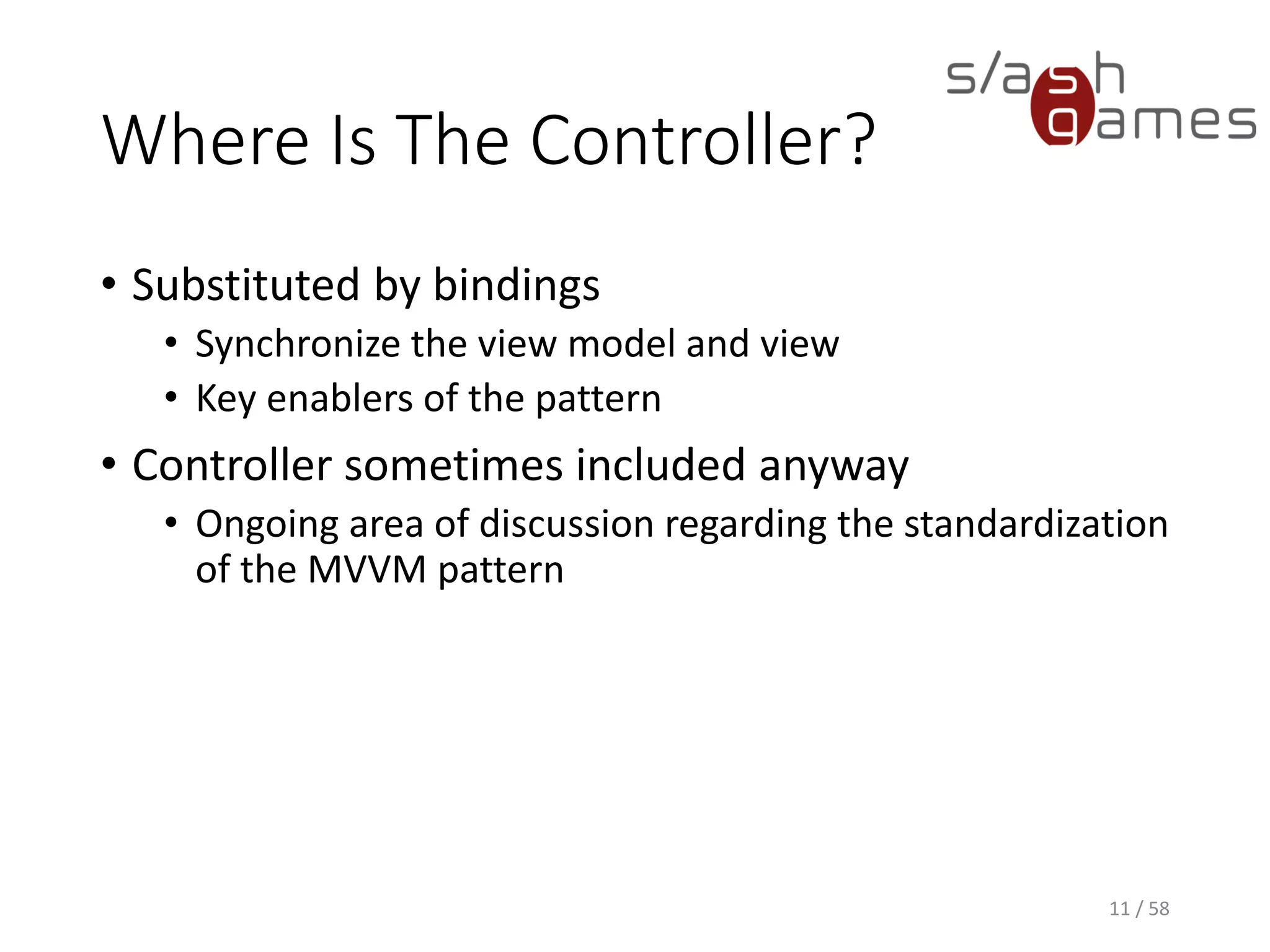
Where Is The Controller?
• Substituted by bindings
• Synchronize the view model and view
• Key enablers of the pattern
• Controller sometimes included anyway
• Ongoing area of discussion regarding the standardization
of the MVVM pattern
10 / 58
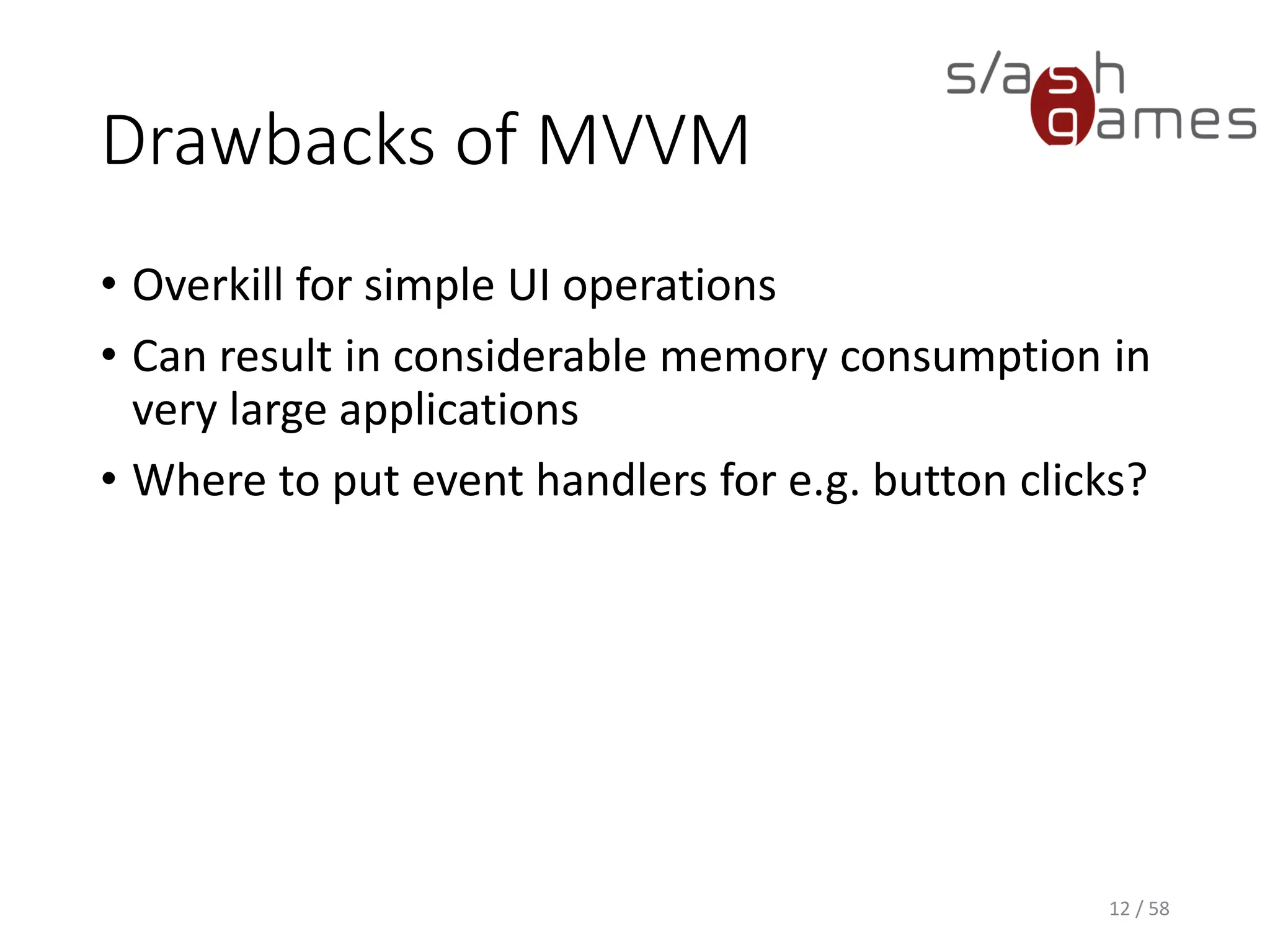
Drawbacks of MVVM
• Overkill for simple UI operations
• Can result in considerable memory consumption in
very large applications
• Where to put event handlers for e.g. button clicks?
11 / 58
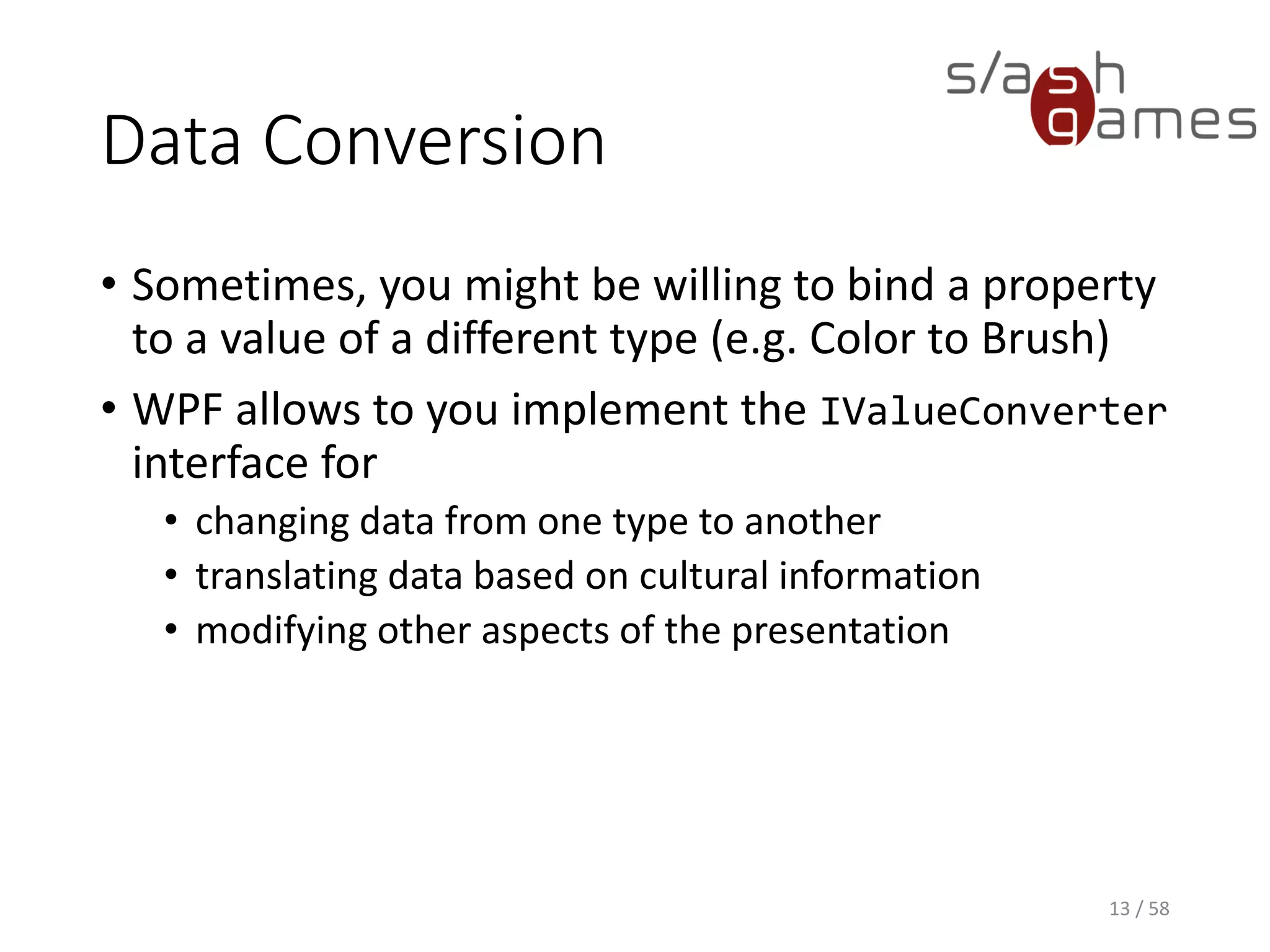
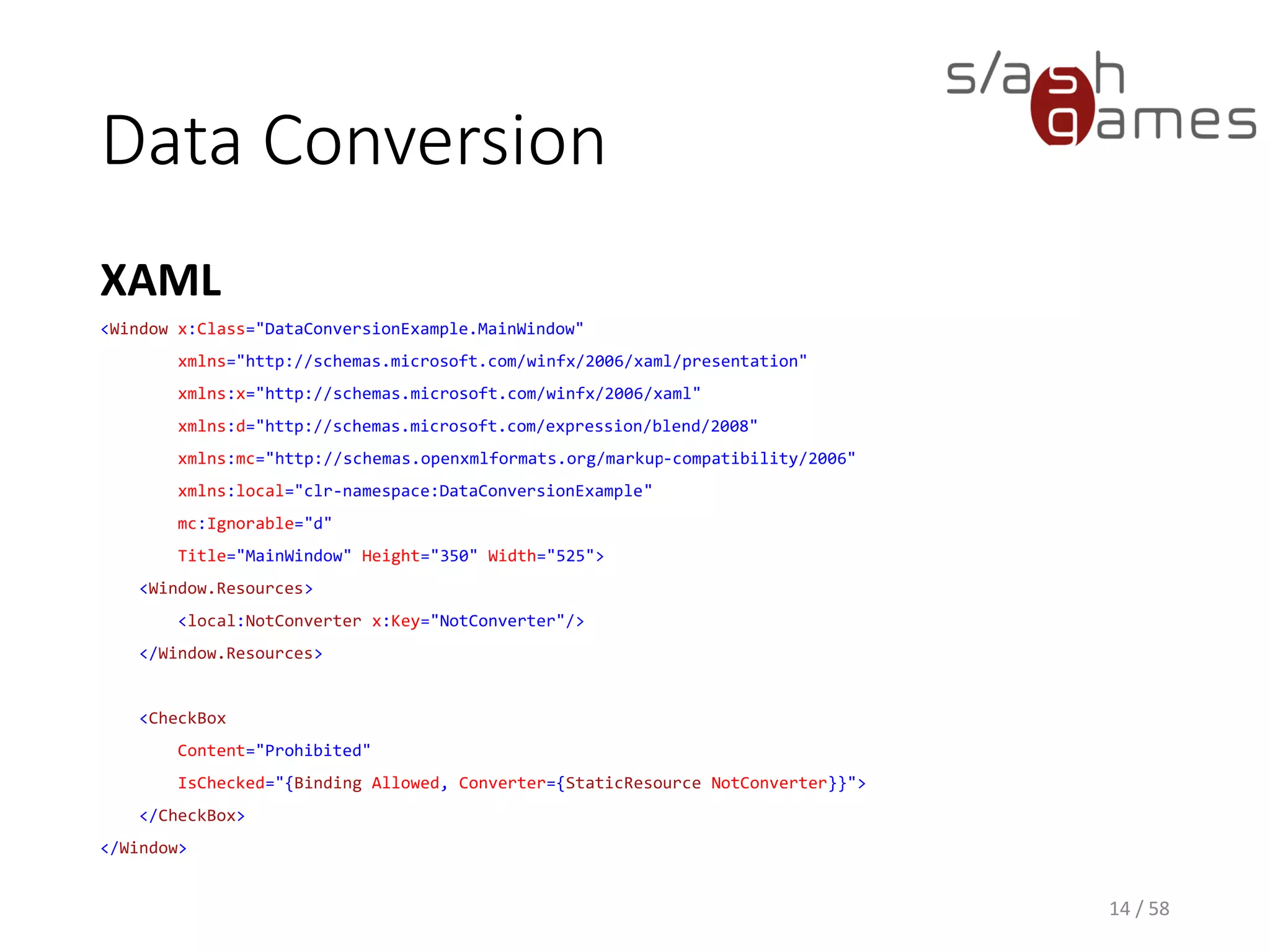
Data Conversion
• Sometimes, you might be willing to bind a property
to a value of a different type (e.g. Color to Brush)
• WPF allows to you implement the IValueConverter
interface for
• changing data from one type to another
• translating data based on cultural information
• modifying other aspects of the presentation
12 / 58
Data Conversion
XAML
13 / 58
<Window x:Class="DataConversionExample.MainWindow"
xmlns="http://schemas.microsoft.com/winfx/2006/xaml/presentation"
xmlns:x="http://schemas.microsoft.com/winfx/2006/xaml"
xmlns:d="http://schemas.microsoft.com/expression/blend/2008"
xmlns:mc="http://schemas.openxmlformats.org/markup-compatibility/2006"
xmlns:local="clr-namespace:DataConversionExample"
mc:Ignorable="d"
Title="MainWindow" Height="350" Width="525">
<Window.Resources>
<local:NotConverter x:Key="NotConverter"/>
</Window.Resources>
<CheckBox
Content="Prohibited"
IsChecked="{Binding Allowed, Converter={StaticResource NotConverter}}">
</CheckBox>
</Window>
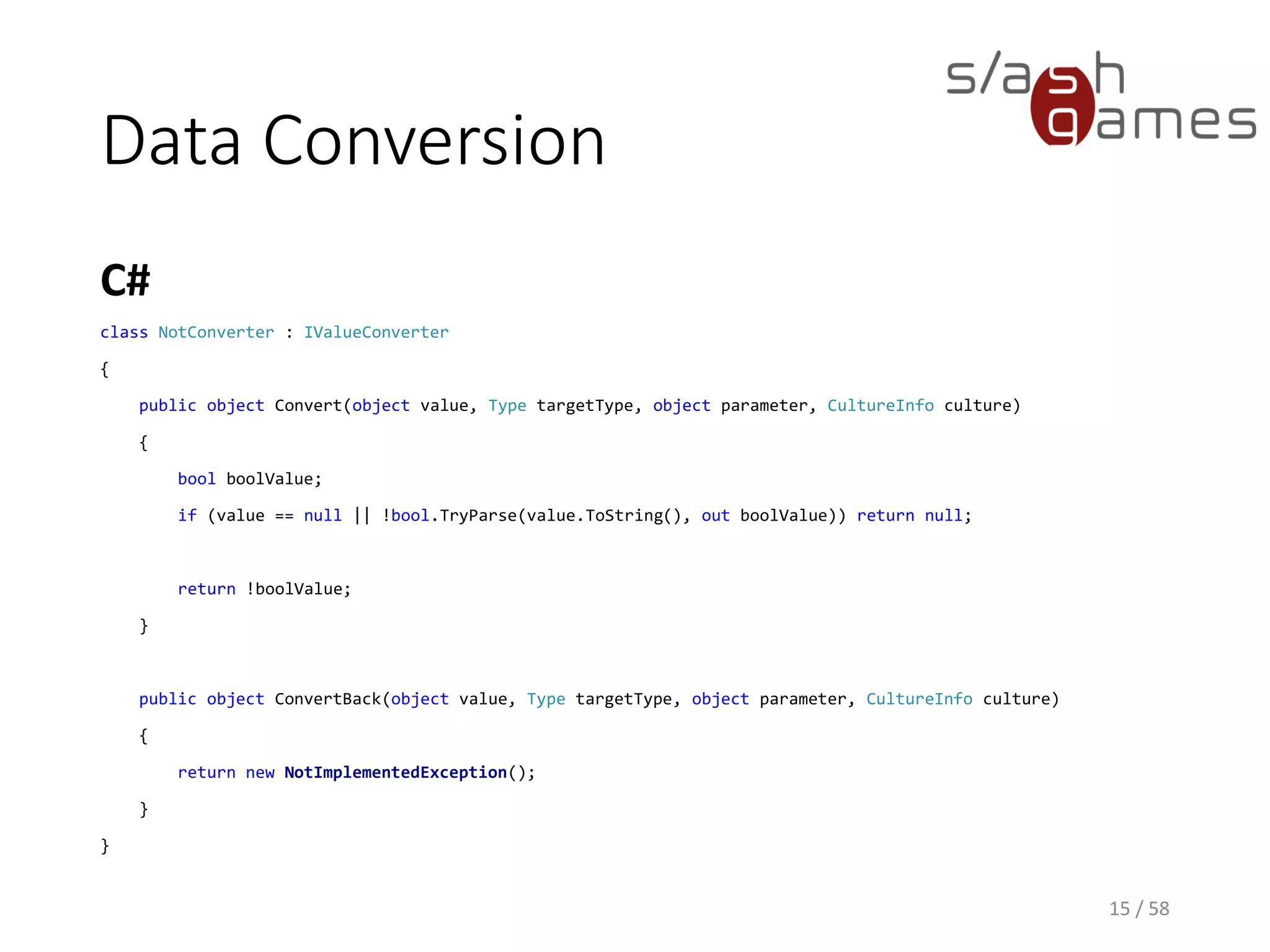
Data Conversion
C#
14 / 58
class NotConverter : IValueConverter
{
public object Convert(object value, Type targetType, object parameter, CultureInfo culture)
{
bool boolValue;
if (value == null || !bool.TryParse(value.ToString(), out boolValue)) return null;
return !boolValue;
}
public object ConvertBack(object value, Type targetType, object parameter, CultureInfo culture)
{
return new NotImplementedException();
}
}
Data Validation
• Most of the time, you need to validate that the
user has entered the expected information in the
correct format.
• Validation checks can be based on type, range,
format, or other application-specific requirements.
• WPF data binding allows you to associate
ValidationRules with your bindings.
15 / 58
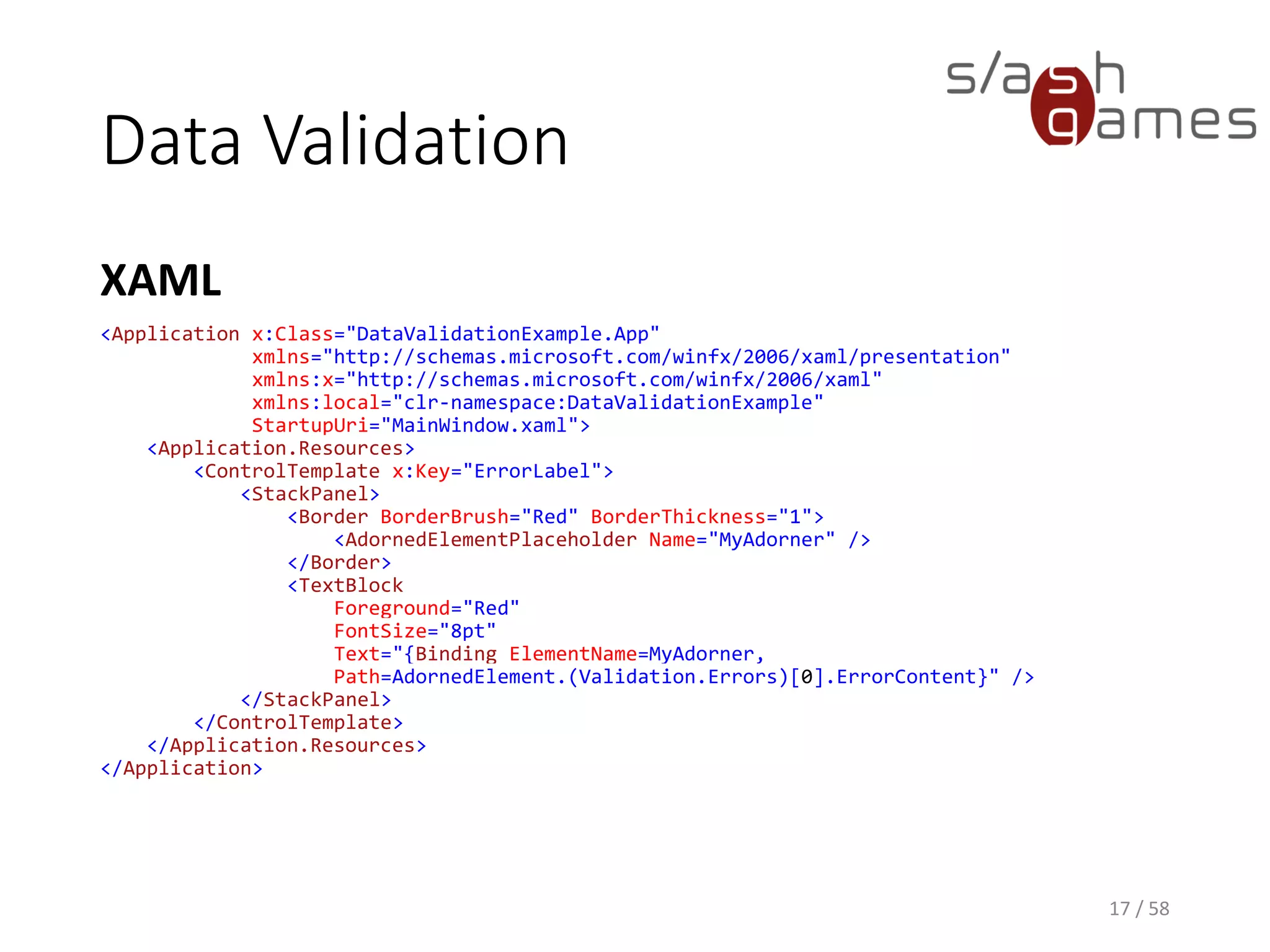
Data Validation
XAML
16 / 58
<Application x:Class="DataValidationExample.App"
xmlns="http://schemas.microsoft.com/winfx/2006/xaml/presentation"
xmlns:x="http://schemas.microsoft.com/winfx/2006/xaml"
xmlns:local="clr-namespace:DataValidationExample"
StartupUri="MainWindow.xaml">
<Application.Resources>
<ControlTemplate x:Key="ErrorLabel">
<StackPanel>
<Border BorderBrush="Red" BorderThickness="1">
<AdornedElementPlaceholder Name="MyAdorner" />
</Border>
<TextBlock
Foreground="Red"
FontSize="8pt"
Text="{Binding ElementName=MyAdorner,
Path=AdornedElement.(Validation.Errors)[0].ErrorContent}" />
</StackPanel>
</ControlTemplate>
</Application.Resources>
</Application>
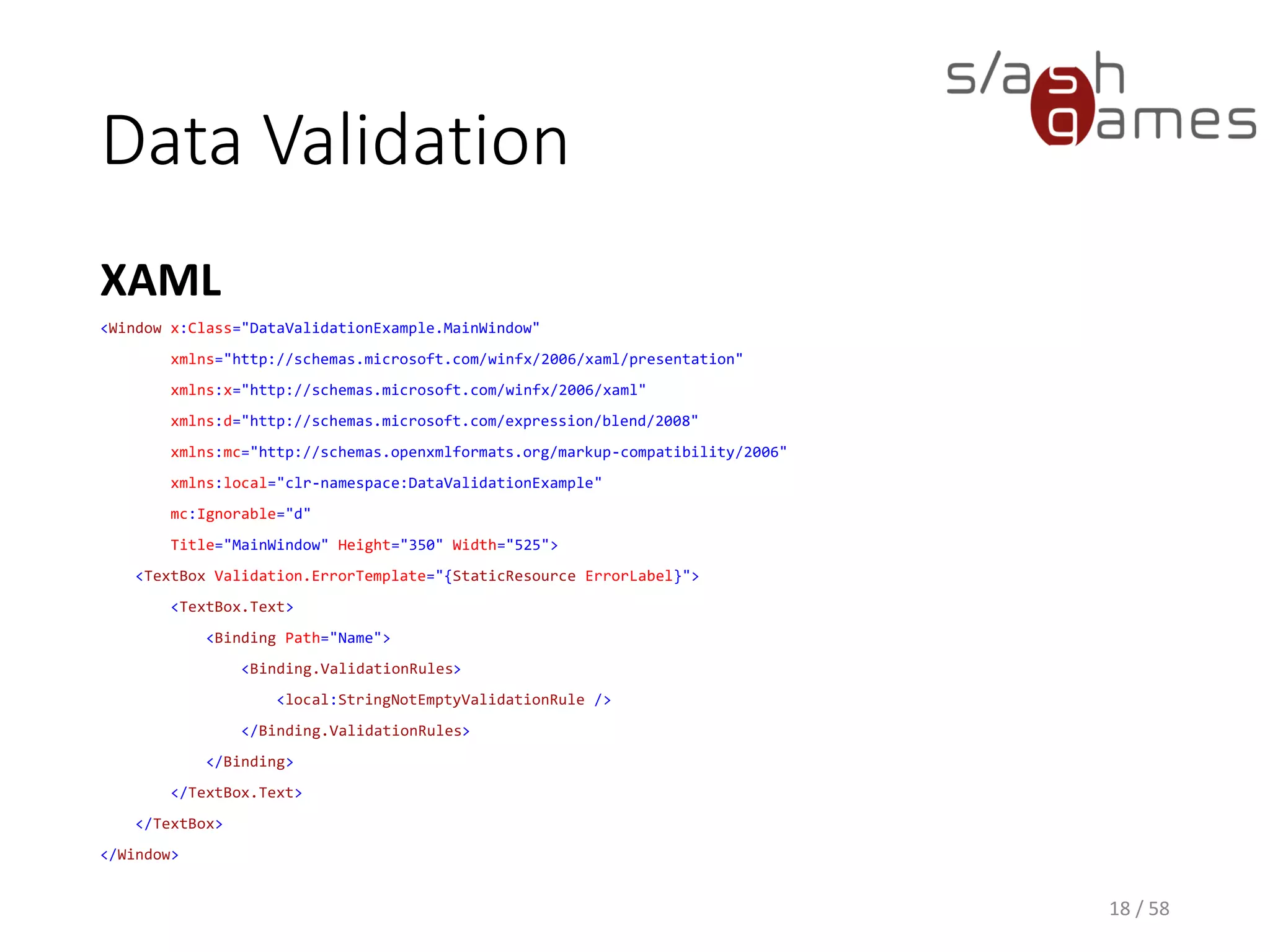
Data Validation
XAML
17 / 58
<Window x:Class="DataValidationExample.MainWindow"
xmlns="http://schemas.microsoft.com/winfx/2006/xaml/presentation"
xmlns:x="http://schemas.microsoft.com/winfx/2006/xaml"
xmlns:d="http://schemas.microsoft.com/expression/blend/2008"
xmlns:mc="http://schemas.openxmlformats.org/markup-compatibility/2006"
xmlns:local="clr-namespace:DataValidationExample"
mc:Ignorable="d"
Title="MainWindow" Height="350" Width="525">
<TextBox Validation.ErrorTemplate="{StaticResource ErrorLabel}">
<TextBox.Text>
<Binding Path="Name">
<Binding.ValidationRules>
<local:StringNotEmptyValidationRule />
</Binding.ValidationRules>
</Binding>
</TextBox.Text>
</TextBox>
</Window>
Data Validation
C#
18 / 58
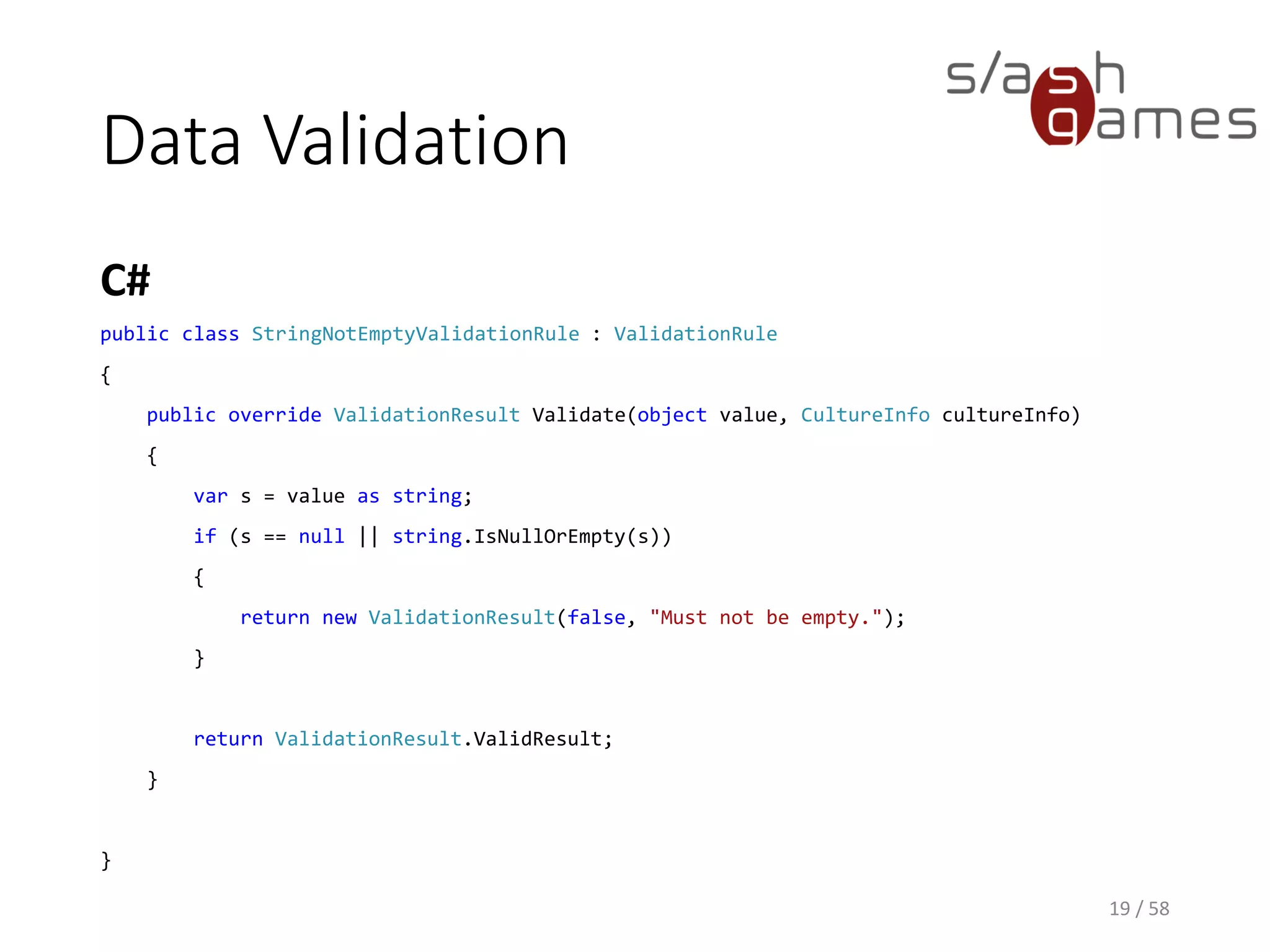
public class StringNotEmptyValidationRule : ValidationRule
{
public override ValidationResult Validate(object value, CultureInfo cultureInfo)
{
var s = value as string;
if (s == null || string.IsNullOrEmpty(s))
{
return new ValidationResult(false, "Must not be empty.");
}
return ValidationResult.ValidResult;
}
}
Data Bind for Unity
DEMO
19 / 58
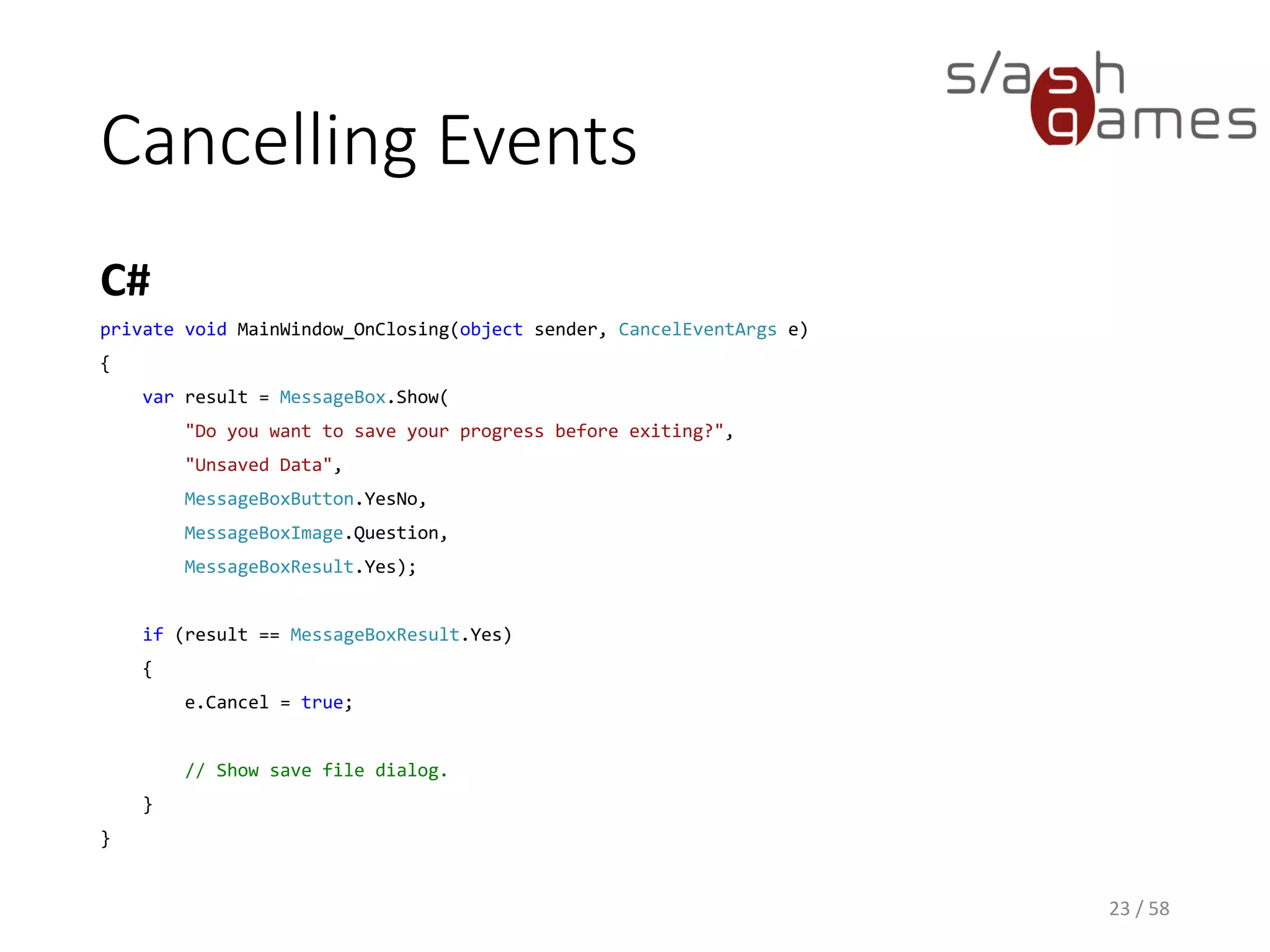
Cancelling Events
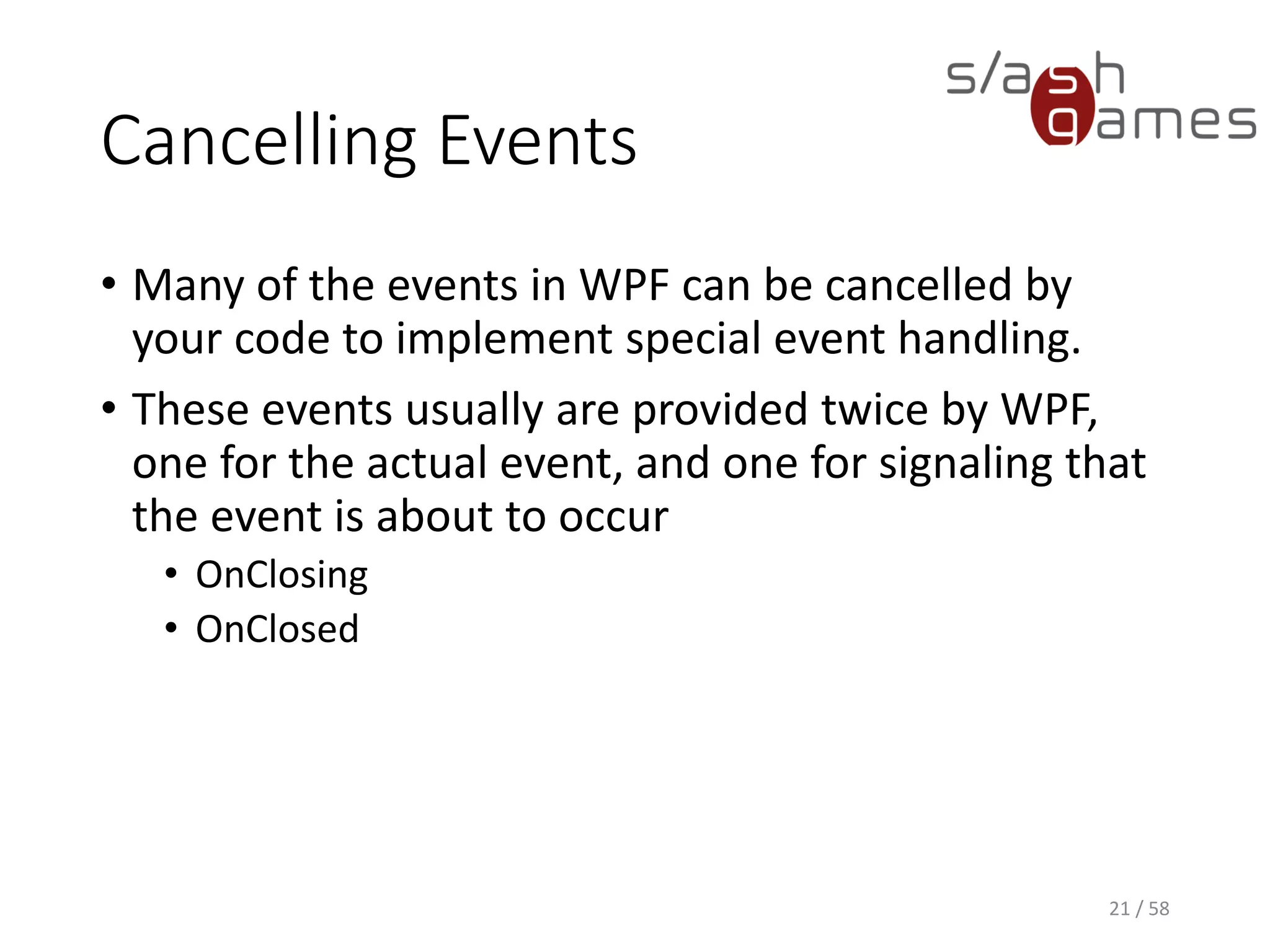
• Many of the events in WPF can be cancelled by
your code to implement special event handling.
• These events usually are provided twice by WPF,
one for the actual event, and one for signaling that
the event is about to occur
• OnClosing
• OnClosed
20 / 58
Cancelling Events
WPF
21 / 58
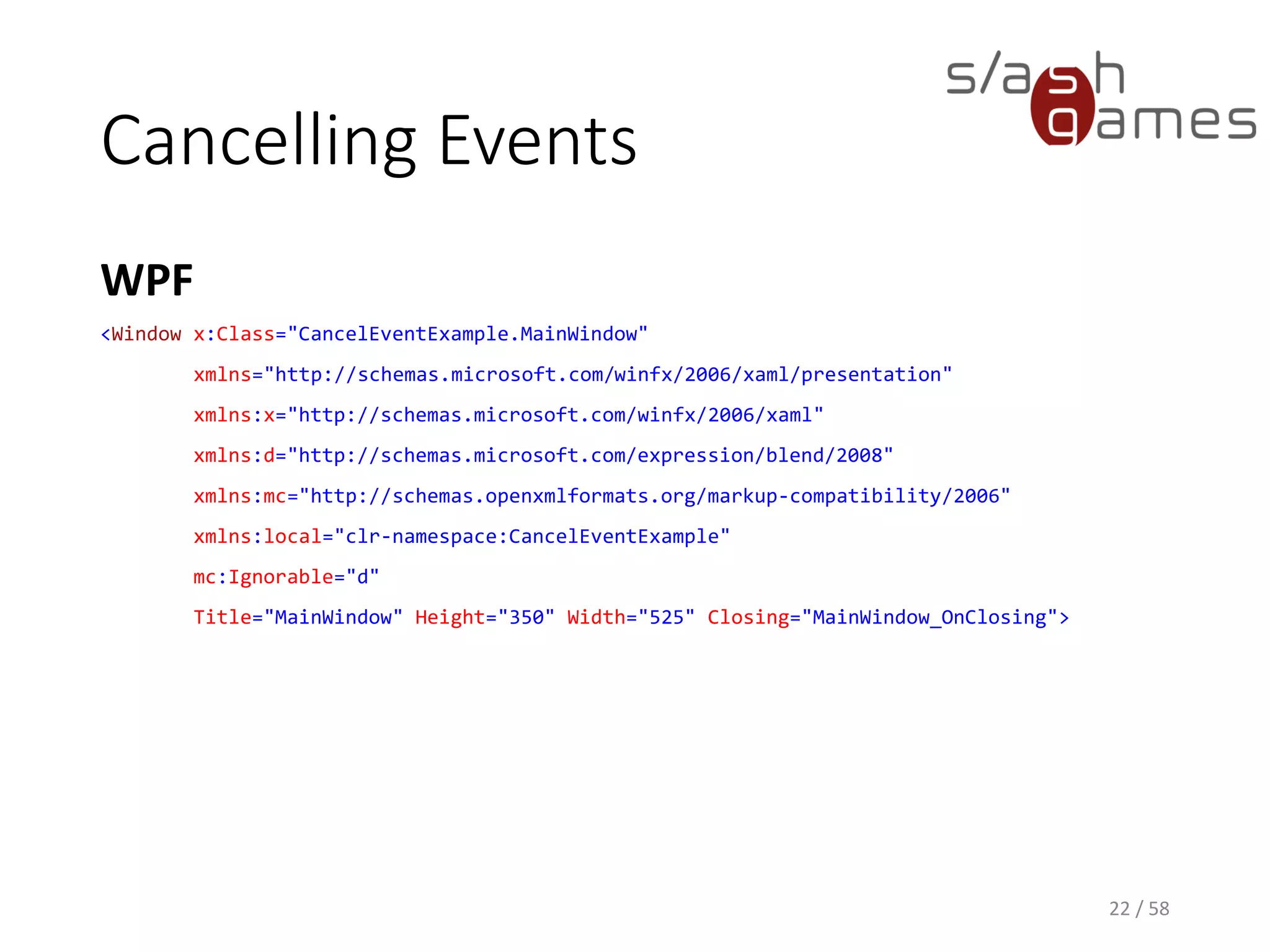
<Window x:Class="CancelEventExample.MainWindow"
xmlns="http://schemas.microsoft.com/winfx/2006/xaml/presentation"
xmlns:x="http://schemas.microsoft.com/winfx/2006/xaml"
xmlns:d="http://schemas.microsoft.com/expression/blend/2008"
xmlns:mc="http://schemas.openxmlformats.org/markup-compatibility/2006"
xmlns:local="clr-namespace:CancelEventExample"
mc:Ignorable="d"
Title="MainWindow" Height="350" Width="525" Closing="MainWindow_OnClosing">
Cancelling Events
C#
22 / 58
private void MainWindow_OnClosing(object sender, CancelEventArgs e)
{
var result = MessageBox.Show(
"Do you want to save your progress before exiting?",
"Unsaved Data",
MessageBoxButton.YesNo,
MessageBoxImage.Question,
MessageBoxResult.Yes);
if (result == MessageBoxResult.Yes)
{
e.Cancel = true;
// Show save file dialog.
}
}
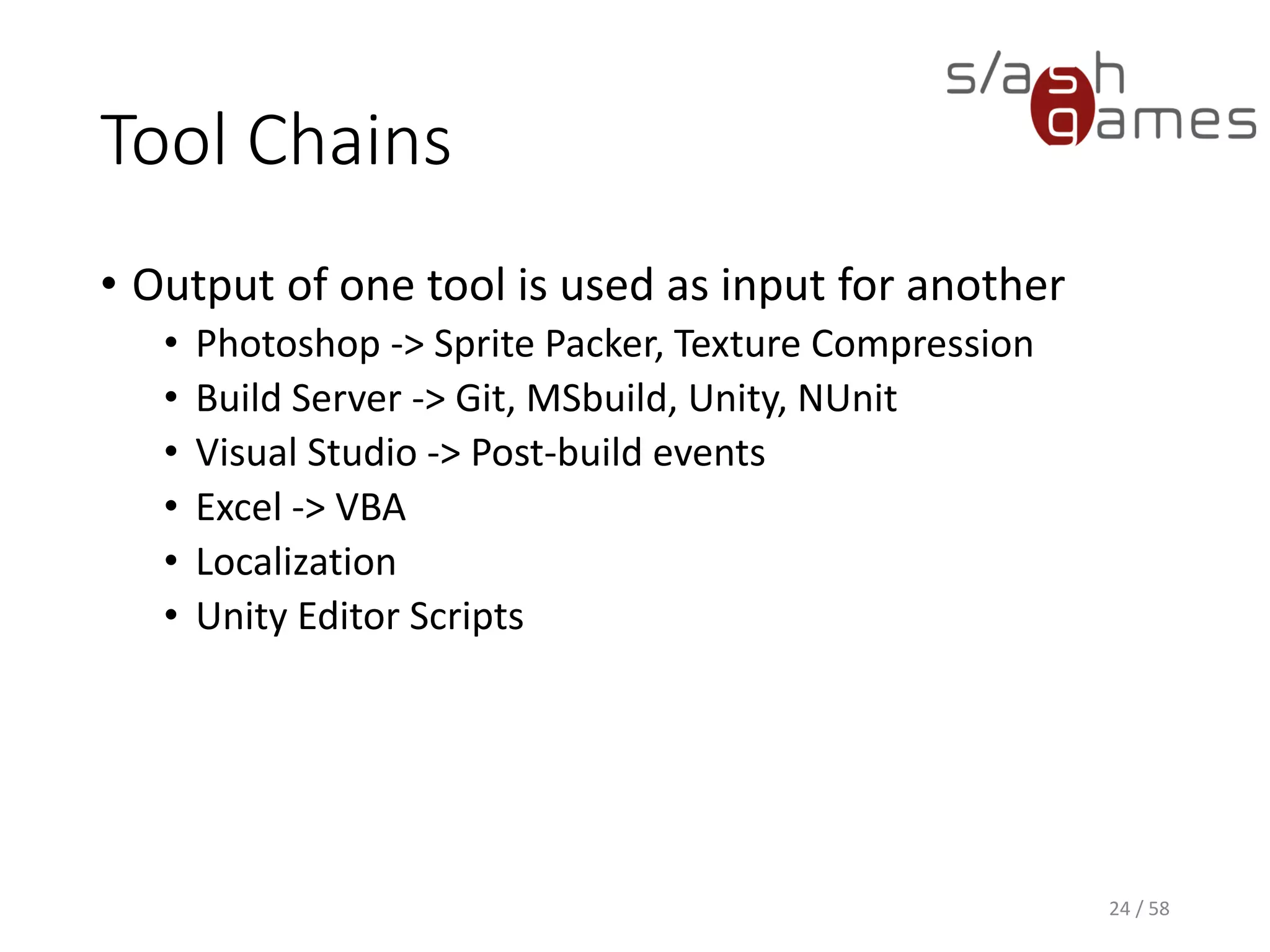
Tool Chains
• Output of one tool is used as input for another
• Photoshop -> Sprite Packer, Texture Compression
• Build Server -> Git, MSbuild, Unity, NUnit
• Visual Studio -> Post-build events
• Excel -> VBA
• Localization
• Unity Editor Scripts
23 / 58
Tool Chains
DEMO
24 / 58
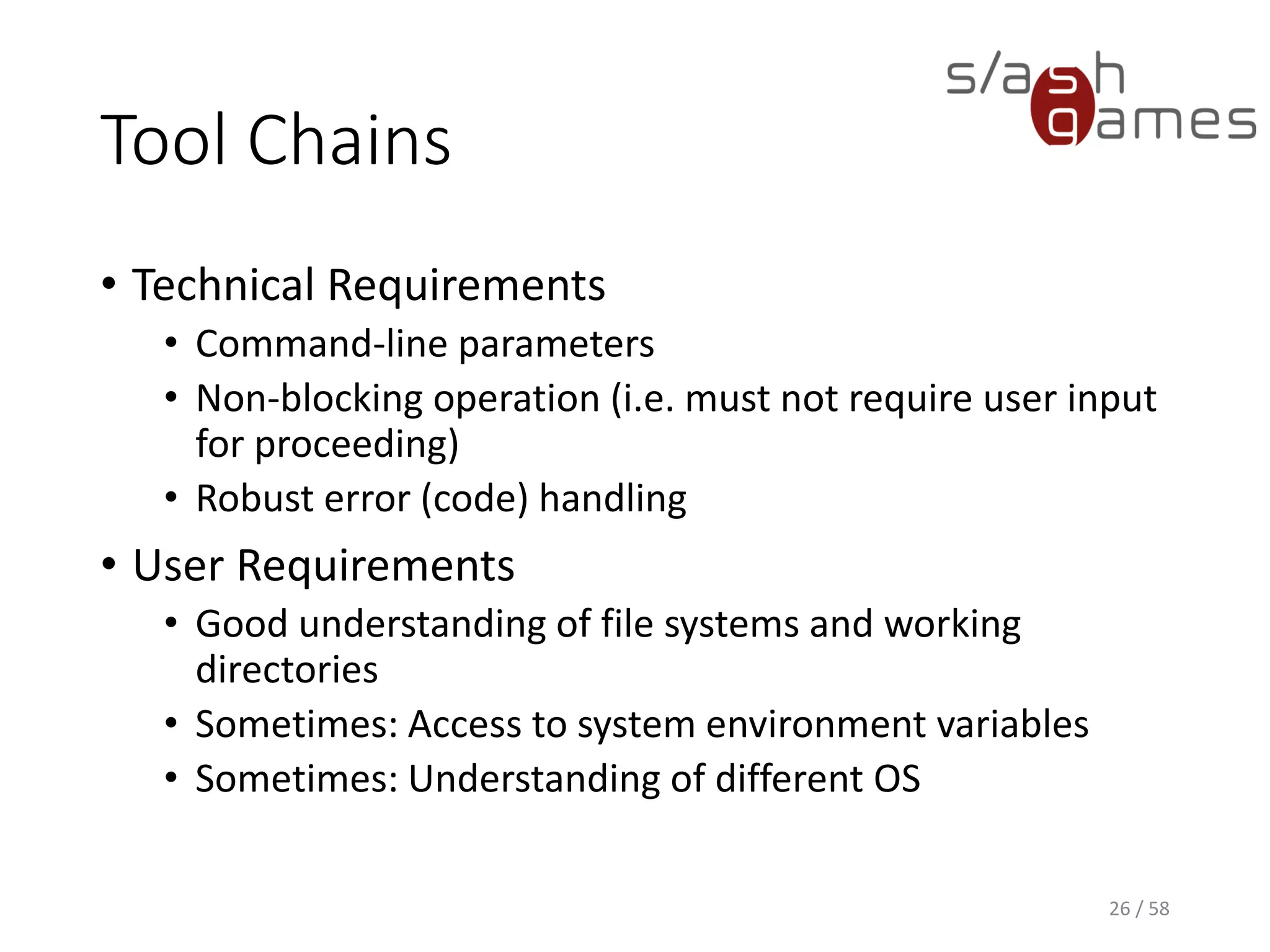
Tool Chains
• Technical Requirements
• Command-line parameters
• Non-blocking operation (i.e. must not require user input
for proceeding)
• Robust error (code) handling
• User Requirements
• Good understanding of file systems and working
directories
• Sometimes: Access to system environment variables
• Sometimes: Understanding of different OS
25 / 58
WPF Designer
DEMO
26 / 58
Review Session
27 / 58
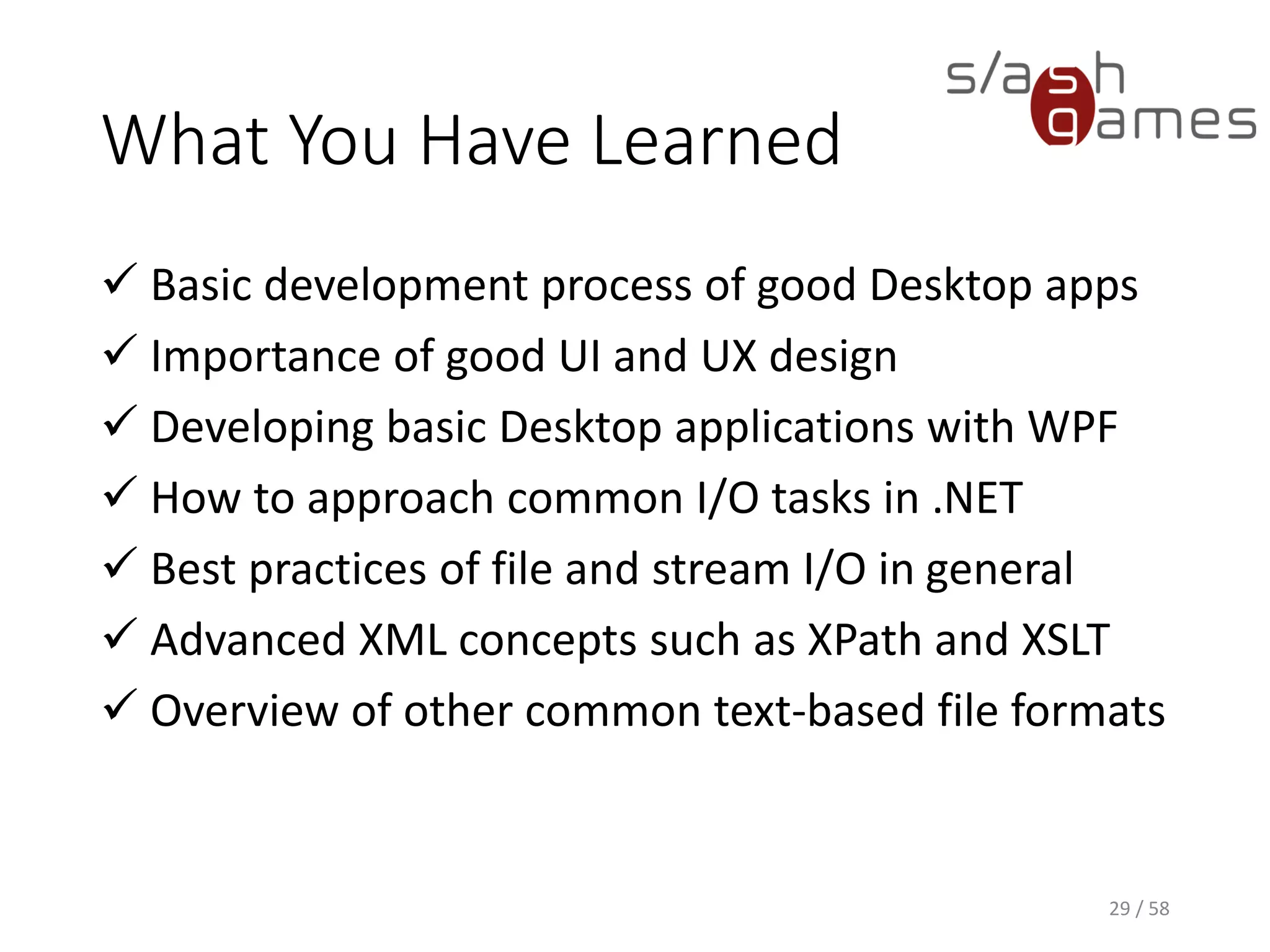
What You Have Learned
 Basic development process of good Desktop apps
 Importance of good UI and UX design
 Developing basic Desktop applications with WPF
 How to approach common I/O tasks in .NET
 Best practices of file and stream I/O in general
 Advanced XML concepts such as XPath and XSLT
 Overview of other common text-based file formats
28 / 58
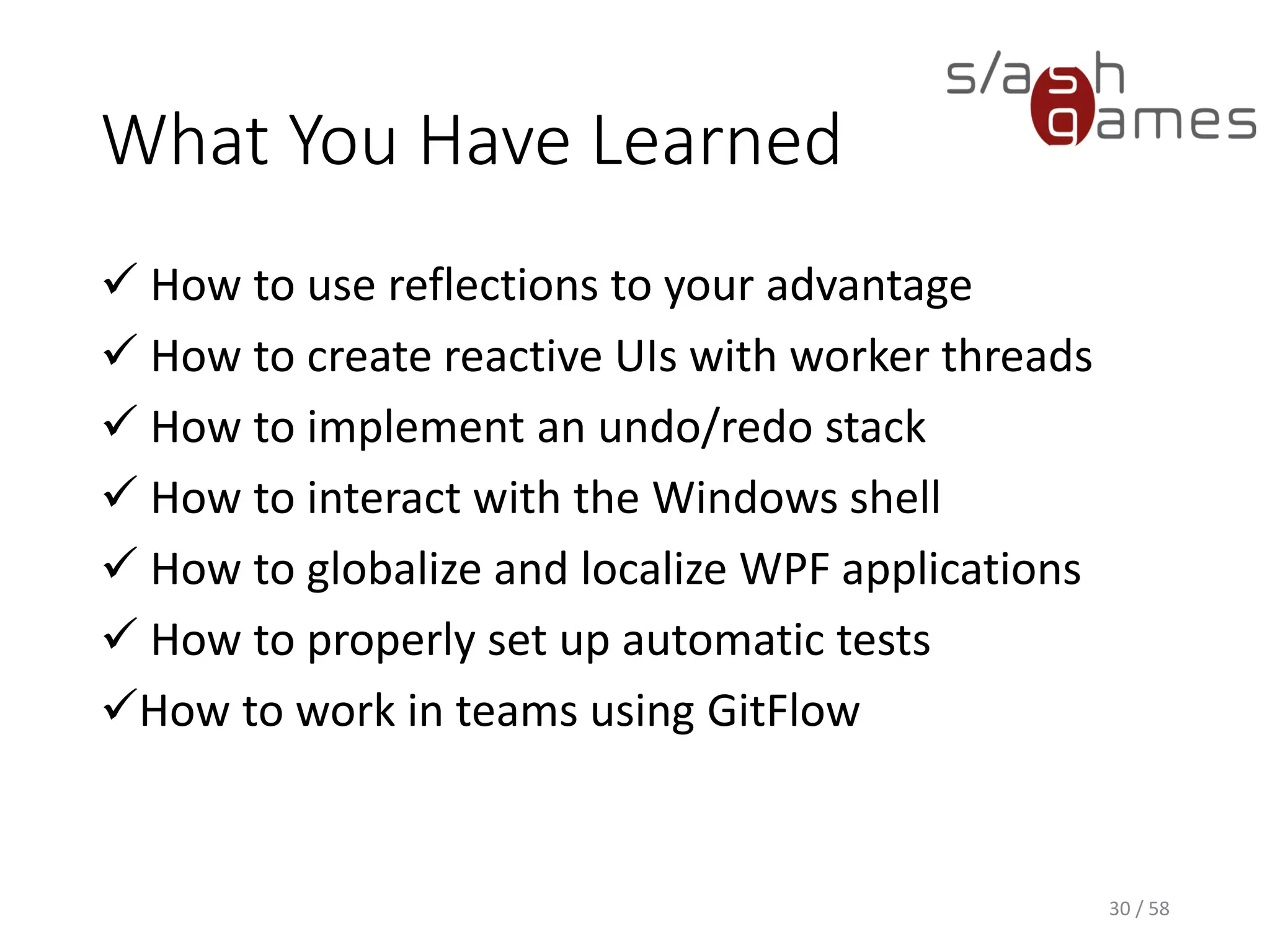
What You Have Learned
 How to use reflections to your advantage
 How to create reactive UIs with worker threads
 How to implement an undo/redo stack
 How to interact with the Windows shell
 How to globalize and localize WPF applications
 How to properly set up automatic tests
How to work in teams using GitFlow
29 / 58
And now…
Go out and make
some tools!
30 / 58
References
• Wikipedia. Model View ViewModel.
http://en.wikipedia.org/wiki/Model_View_ViewMo
del, June 23, 2014.
• MSDN. Data Binding Overview.
https://msdn.microsoft.com/en-
us/library/ms752347(v=vs.110).aspx, May 2016.
• MSDN. IValueConverter interface.
https://msdn.microsoft.com/en-
us/library/system.windows.data.ivalueconverter(v=
vs.110).aspx, May 2016.
31 / 58
Thank you!
http://www.npruehs.de
https://github.com/npruehs
@npruehs
dev@npruehs.de
Thank you for your attention!
Contact
Mail
dev@npruehs.de
Blog
http://www.npruehs.de
Twitter
@npruehs
Github
https://github.com/npruehs
33 / 58

Tool Development 10 - MVVM, Tool Chains

  • 1.
    Tool Development Chapter 10:MVVM, Tool Chains Nick Prühs
  • 2.
  • 3.
    Objectives • To understandthe implications of the MVVM pattern • To get an overview of approaches for tool chains 3 / 58
  • 4.
    Model-View-Controller • Architectural patternthat separates data from its visual representation • Model: Data, such as names, phone numbers, or health points. • View: Visual representation of that data, such as console output, UI textfields or health bars. • Controller: Layer that separates model from view, serving as interface for any interaction with the data. 4 / 58
  • 5.
  • 6.
    Model-View-Controller • Allows exchangingviews or modifying the model without breaking existing functionality. • For instance, write console client first and GUI client after. • Greatly improves your application architecture through separation of concerns. • Anybody always knows where to look in your code. 6 / 58
  • 7.
    Model-View-View Model • Architecturalpattern that separates data from its visual representation • Model: Data, such as names, phone numbers, or health points. • View: Visual representation of that data, such as console output, UI textfields or health bars. • View Model: Responsible for exposing data from the model in such a way that those objects are easily managed and consumed 7 / 58
  • 8.
  • 9.
    Model-View-View Model • Attemptsto gain both the advantages of separation of functional development provided by MVC as well as leveraging the advantages of data bindings • binds data as close to the pure application model as possible • uses inherent data checking features to validate any incoming data 9 / 58
  • 10.
    Where Is TheController? • Substituted by bindings • Synchronize the view model and view • Key enablers of the pattern • Controller sometimes included anyway • Ongoing area of discussion regarding the standardization of the MVVM pattern 10 / 58
  • 11.
    Drawbacks of MVVM •Overkill for simple UI operations • Can result in considerable memory consumption in very large applications • Where to put event handlers for e.g. button clicks? 11 / 58
  • 12.
    Data Conversion • Sometimes,you might be willing to bind a property to a value of a different type (e.g. Color to Brush) • WPF allows to you implement the IValueConverter interface for • changing data from one type to another • translating data based on cultural information • modifying other aspects of the presentation 12 / 58
  • 13.
    Data Conversion XAML 13 /58 <Window x:Class="DataConversionExample.MainWindow" xmlns="http://schemas.microsoft.com/winfx/2006/xaml/presentation" xmlns:x="http://schemas.microsoft.com/winfx/2006/xaml" xmlns:d="http://schemas.microsoft.com/expression/blend/2008" xmlns:mc="http://schemas.openxmlformats.org/markup-compatibility/2006" xmlns:local="clr-namespace:DataConversionExample" mc:Ignorable="d" Title="MainWindow" Height="350" Width="525"> <Window.Resources> <local:NotConverter x:Key="NotConverter"/> </Window.Resources> <CheckBox Content="Prohibited" IsChecked="{Binding Allowed, Converter={StaticResource NotConverter}}"> </CheckBox> </Window>
  • 14.
    Data Conversion C# 14 /58 class NotConverter : IValueConverter { public object Convert(object value, Type targetType, object parameter, CultureInfo culture) { bool boolValue; if (value == null || !bool.TryParse(value.ToString(), out boolValue)) return null; return !boolValue; } public object ConvertBack(object value, Type targetType, object parameter, CultureInfo culture) { return new NotImplementedException(); } }
  • 15.
    Data Validation • Mostof the time, you need to validate that the user has entered the expected information in the correct format. • Validation checks can be based on type, range, format, or other application-specific requirements. • WPF data binding allows you to associate ValidationRules with your bindings. 15 / 58
  • 16.
    Data Validation XAML 16 /58 <Application x:Class="DataValidationExample.App" xmlns="http://schemas.microsoft.com/winfx/2006/xaml/presentation" xmlns:x="http://schemas.microsoft.com/winfx/2006/xaml" xmlns:local="clr-namespace:DataValidationExample" StartupUri="MainWindow.xaml"> <Application.Resources> <ControlTemplate x:Key="ErrorLabel"> <StackPanel> <Border BorderBrush="Red" BorderThickness="1"> <AdornedElementPlaceholder Name="MyAdorner" /> </Border> <TextBlock Foreground="Red" FontSize="8pt" Text="{Binding ElementName=MyAdorner, Path=AdornedElement.(Validation.Errors)[0].ErrorContent}" /> </StackPanel> </ControlTemplate> </Application.Resources> </Application>
  • 17.
    Data Validation XAML 17 /58 <Window x:Class="DataValidationExample.MainWindow" xmlns="http://schemas.microsoft.com/winfx/2006/xaml/presentation" xmlns:x="http://schemas.microsoft.com/winfx/2006/xaml" xmlns:d="http://schemas.microsoft.com/expression/blend/2008" xmlns:mc="http://schemas.openxmlformats.org/markup-compatibility/2006" xmlns:local="clr-namespace:DataValidationExample" mc:Ignorable="d" Title="MainWindow" Height="350" Width="525"> <TextBox Validation.ErrorTemplate="{StaticResource ErrorLabel}"> <TextBox.Text> <Binding Path="Name"> <Binding.ValidationRules> <local:StringNotEmptyValidationRule /> </Binding.ValidationRules> </Binding> </TextBox.Text> </TextBox> </Window>
  • 18.
    Data Validation C# 18 /58 public class StringNotEmptyValidationRule : ValidationRule { public override ValidationResult Validate(object value, CultureInfo cultureInfo) { var s = value as string; if (s == null || string.IsNullOrEmpty(s)) { return new ValidationResult(false, "Must not be empty."); } return ValidationResult.ValidResult; } }
  • 19.
    Data Bind forUnity DEMO 19 / 58
  • 20.
    Cancelling Events • Manyof the events in WPF can be cancelled by your code to implement special event handling. • These events usually are provided twice by WPF, one for the actual event, and one for signaling that the event is about to occur • OnClosing • OnClosed 20 / 58
  • 21.
    Cancelling Events WPF 21 /58 <Window x:Class="CancelEventExample.MainWindow" xmlns="http://schemas.microsoft.com/winfx/2006/xaml/presentation" xmlns:x="http://schemas.microsoft.com/winfx/2006/xaml" xmlns:d="http://schemas.microsoft.com/expression/blend/2008" xmlns:mc="http://schemas.openxmlformats.org/markup-compatibility/2006" xmlns:local="clr-namespace:CancelEventExample" mc:Ignorable="d" Title="MainWindow" Height="350" Width="525" Closing="MainWindow_OnClosing">
  • 22.
    Cancelling Events C# 22 /58 private void MainWindow_OnClosing(object sender, CancelEventArgs e) { var result = MessageBox.Show( "Do you want to save your progress before exiting?", "Unsaved Data", MessageBoxButton.YesNo, MessageBoxImage.Question, MessageBoxResult.Yes); if (result == MessageBoxResult.Yes) { e.Cancel = true; // Show save file dialog. } }
  • 23.
    Tool Chains • Outputof one tool is used as input for another • Photoshop -> Sprite Packer, Texture Compression • Build Server -> Git, MSbuild, Unity, NUnit • Visual Studio -> Post-build events • Excel -> VBA • Localization • Unity Editor Scripts 23 / 58
  • 24.
  • 25.
    Tool Chains • TechnicalRequirements • Command-line parameters • Non-blocking operation (i.e. must not require user input for proceeding) • Robust error (code) handling • User Requirements • Good understanding of file systems and working directories • Sometimes: Access to system environment variables • Sometimes: Understanding of different OS 25 / 58
  • 26.
  • 27.
  • 28.
    What You HaveLearned  Basic development process of good Desktop apps  Importance of good UI and UX design  Developing basic Desktop applications with WPF  How to approach common I/O tasks in .NET  Best practices of file and stream I/O in general  Advanced XML concepts such as XPath and XSLT  Overview of other common text-based file formats 28 / 58
  • 29.
    What You HaveLearned  How to use reflections to your advantage  How to create reactive UIs with worker threads  How to implement an undo/redo stack  How to interact with the Windows shell  How to globalize and localize WPF applications  How to properly set up automatic tests How to work in teams using GitFlow 29 / 58
  • 30.
    And now… Go outand make some tools! 30 / 58
  • 31.
    References • Wikipedia. ModelView ViewModel. http://en.wikipedia.org/wiki/Model_View_ViewMo del, June 23, 2014. • MSDN. Data Binding Overview. https://msdn.microsoft.com/en- us/library/ms752347(v=vs.110).aspx, May 2016. • MSDN. IValueConverter interface. https://msdn.microsoft.com/en- us/library/system.windows.data.ivalueconverter(v= vs.110).aspx, May 2016. 31 / 58
  • 32.
  • 33.
    Thank you foryour attention! Contact Mail dev@npruehs.de Blog http://www.npruehs.de Twitter @npruehs Github https://github.com/npruehs 33 / 58