THE SHAREPOINT AND
JQUERY GUIDE
SPTechCon San Francisco
March 4th, 2013
Mark Rackley
mark.rackley@summit7systems.com
Summit 7 systems is a premier provider of consulting and implementation services specializing on the
Microsoft SharePoint Platform and FAST Enterprise Search.


  »    Summit 7 Systems was chosen by KMWorld Magazine as one of the top 100 Companies that Matter in Knowledge Management along with
       companies such as Microsoft, Oracle and IBM.
  »    Summit 7 Systems was named to the 2011 and 2012 CRN Next-Gen 250 List as a company bringing innovative processes, methodologies and
       models to the solution provider industry.
  »    Top 1% of Microsoft Partners Worldwide
  »    Summit 7 Systems was named #6 on the 2012 CRN Fast Growth 100 based on our 2009 – 2011 growth of over 930% per year.
  »    ~ 50% of Technical Staff hold US Government SECRET Clearances.
  »    Service Disabled Veteran Owned Small Business (SDVOSB).
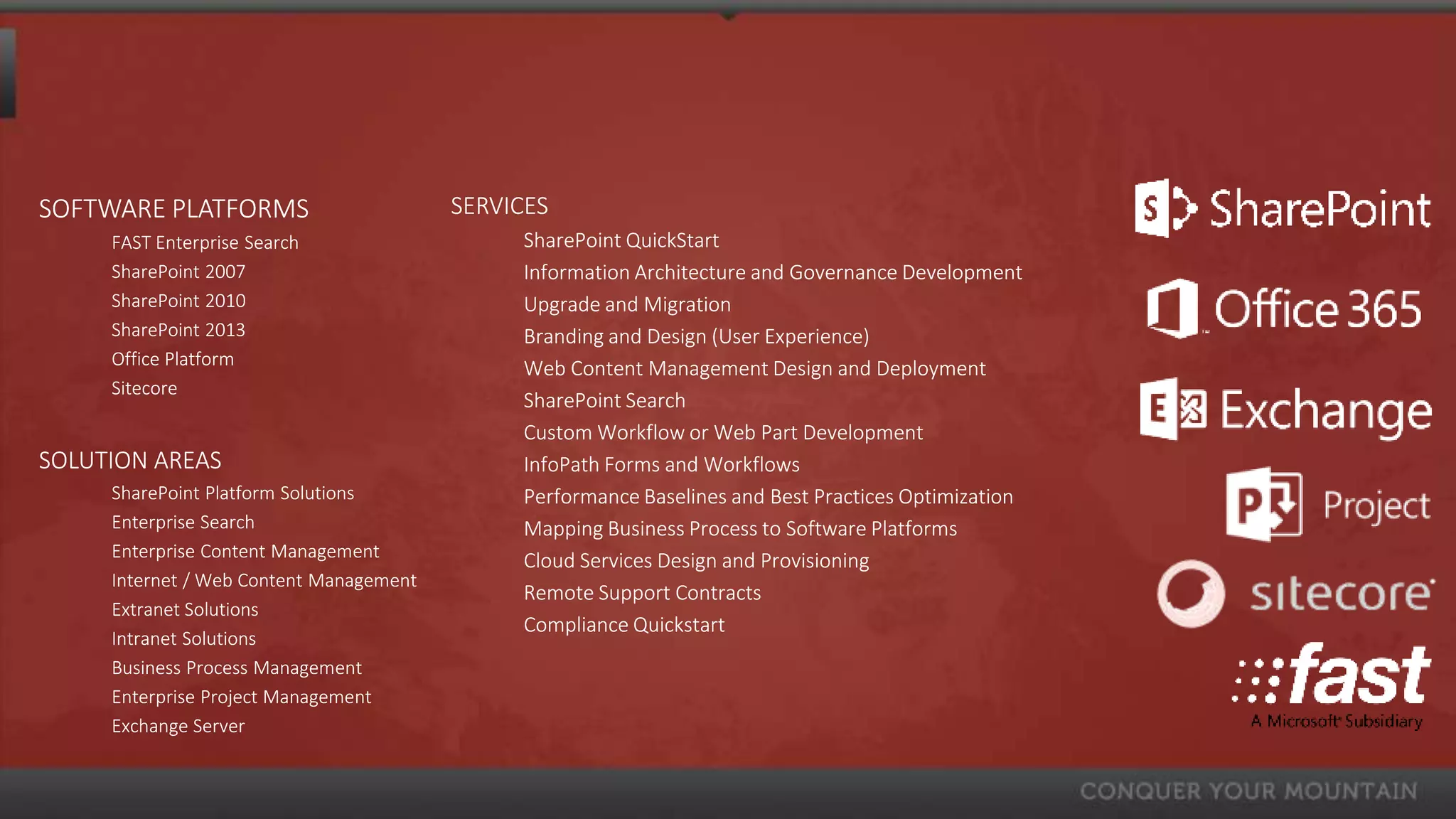
SOFTWARE PLATFORMS                       SERVICES
     FAST Enterprise Search                   SharePoint QuickStart
     SharePoint 2007                          Information Architecture and Governance Development
     SharePoint 2010                          Upgrade and Migration
     SharePoint 2013                          Branding and Design (User Experience)
     Office Platform                          Web Content Management Design and Deployment
     Sitecore
                                              SharePoint Search
                                              Custom Workflow or Web Part Development
SOLUTION AREAS                                InfoPath Forms and Workflows
     SharePoint Platform Solutions            Performance Baselines and Best Practices Optimization
     Enterprise Search                        Mapping Business Process to Software Platforms
     Enterprise Content Management            Cloud Services Design and Provisioning
     Internet / Web Content Management
                                              Remote Support Contracts
     Extranet Solutions
                                              Compliance Quickstart
     Intranet Solutions
     Business Process Management
     Enterprise Project Management
     Exchange Server
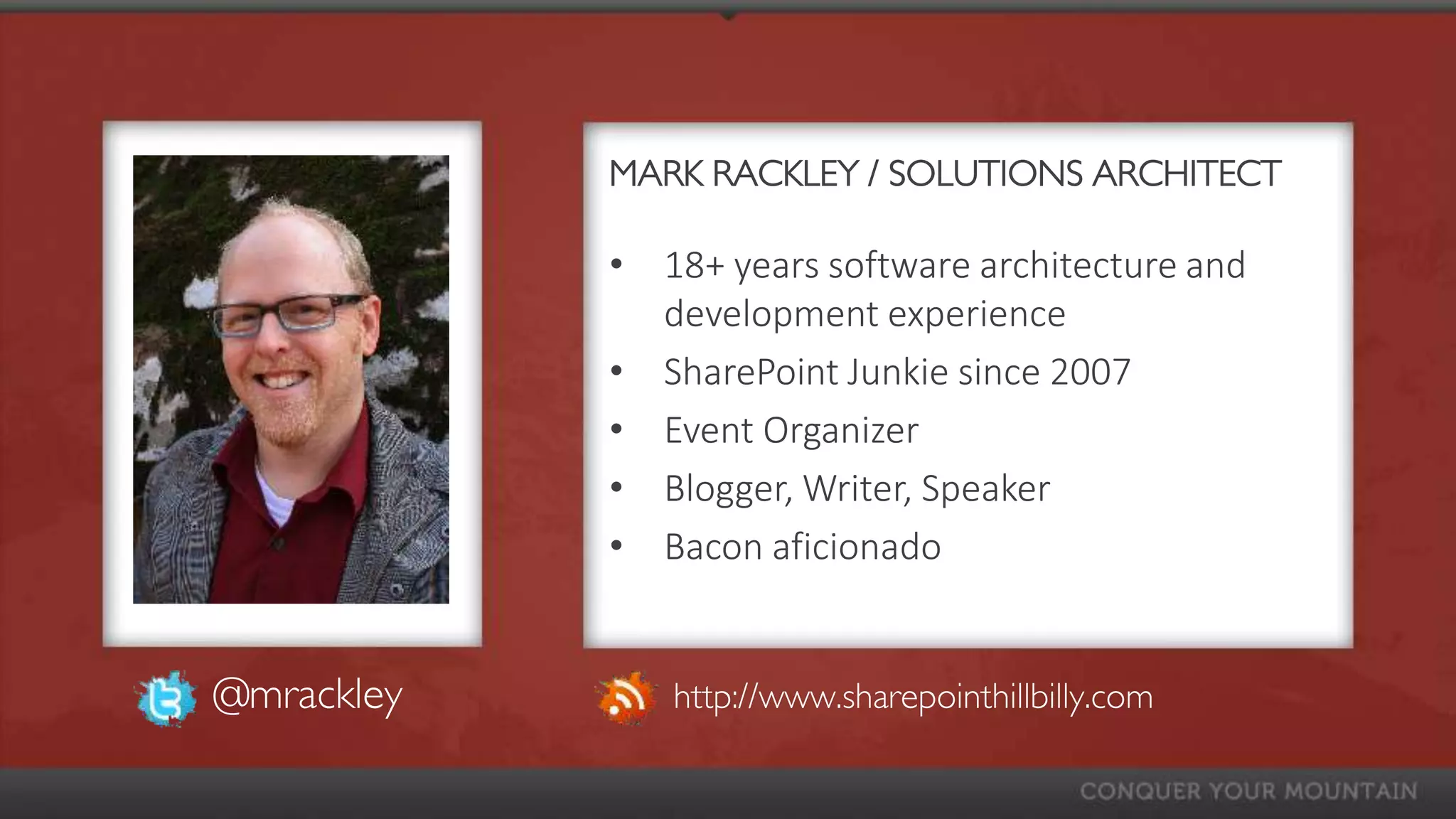
MARK RACKLEY / SOLUTIONS ARCHITECT

            • 18+ years software architecture and
              development experience
            • SharePoint Junkie since 2007
            • Event Organizer
            • Blogger, Writer, Speaker
            • Bacon aficionado


@mrackley      http://www.sharepointhillbilly.com
AGENDA
•   What is jQuery? Why SharePoint & jQuery?
•   SharePoint and jQuery Basics
•   Deploying / Maintaining
•   Development Basics
•   Third Party Libraries
•   Examples & Demos
                  The SharePoint & jQuery Guide
                    http://bit.ly/jQueryAndSP
WHAT IS JQUERY?
• JavaScript Utility Library
     •   jQuery() or $()
• Allows interaction and manipulation of the DOM after
  page is rendered
• Can interact with other systems using Web Services
• Supported by Microsoft
• Part of “Client Side” Development
WHY SHAREPOINT & JQUERY?

•   Fewer upgrade/deployment issues
•   Rapid deployment and modifications
•   Less “customization”
•   Improved visuals
•   Improved usability
WHY SHAREPOINT & JQUERY?


•   Can replace the need for Visual Studio
•   Can replace the need for basic workflows
•   No points (shhhh… don’t tell the admins)
•   Can get around list view threshold
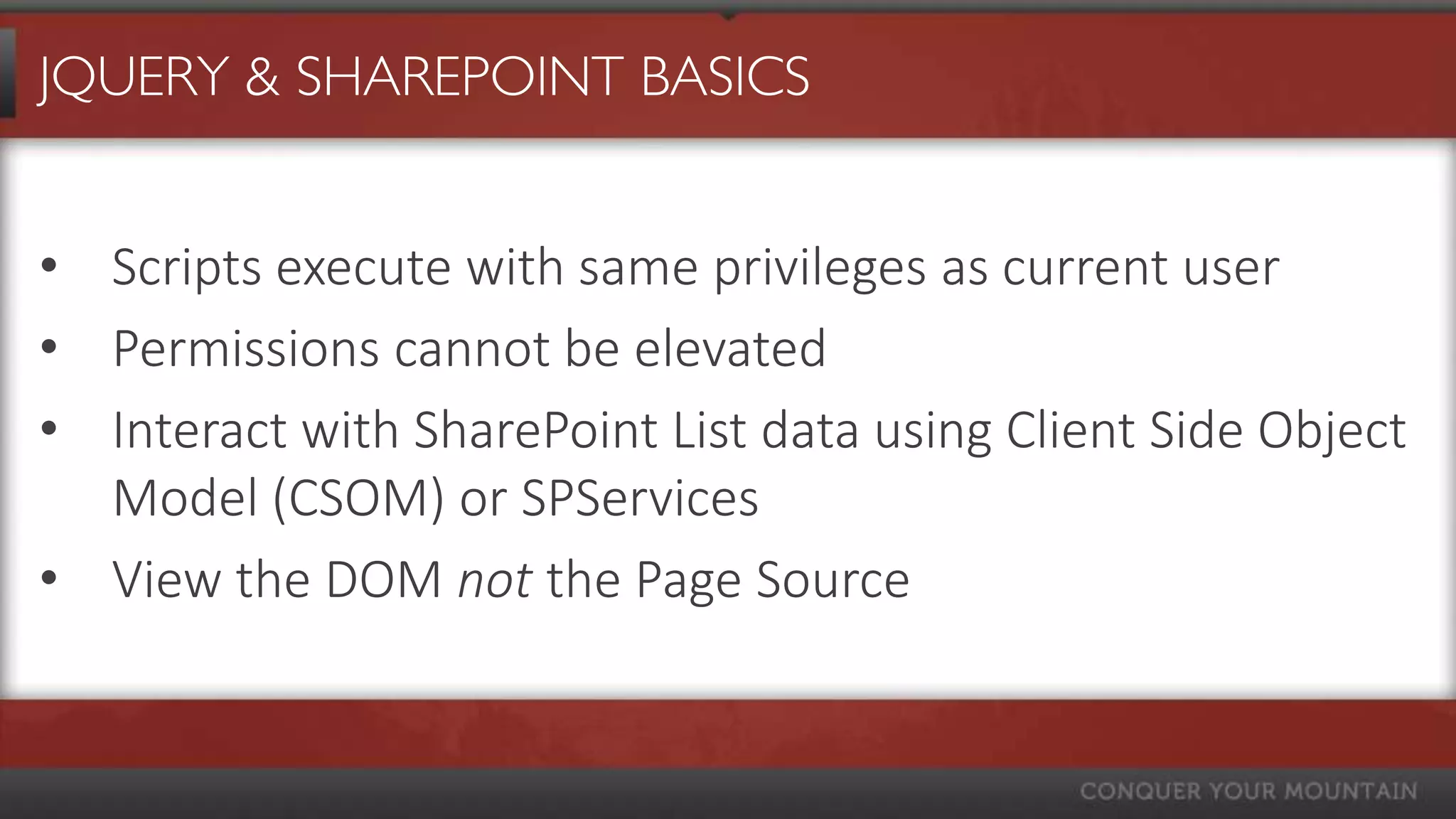
JQUERY & SHAREPOINT BASICS


• Scripts execute with same privileges as current user
• Permissions cannot be elevated
• Interact with SharePoint List data using Client Side Object
  Model (CSOM) or SPServices
• View the DOM not the Page Source
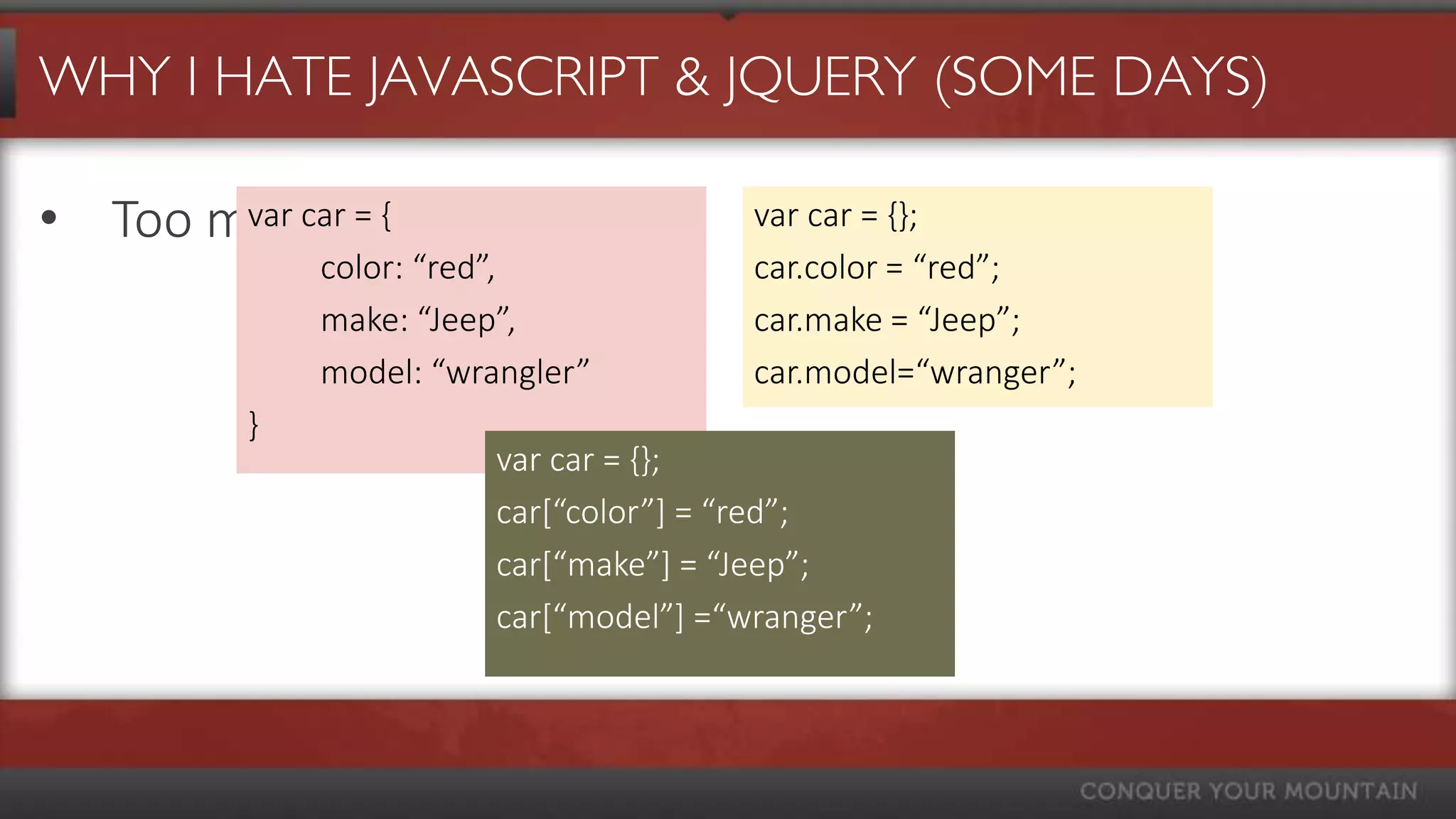
WHY I HATE JAVASCRIPT & JQUERY (SOME DAYS)

• Too many options
       var car = {                    var car = {};
           color: “red”,              car.color = “red”;
           make: “Jeep”,              car.make = “Jeep”;
           model: “wrangler”          car.model=“wranger”;
       }
                      var car = {};
                      car*“color”+ = “red”;
                      car*“make”+ = “Jeep”;
                      car*“model”+ =“wranger”;
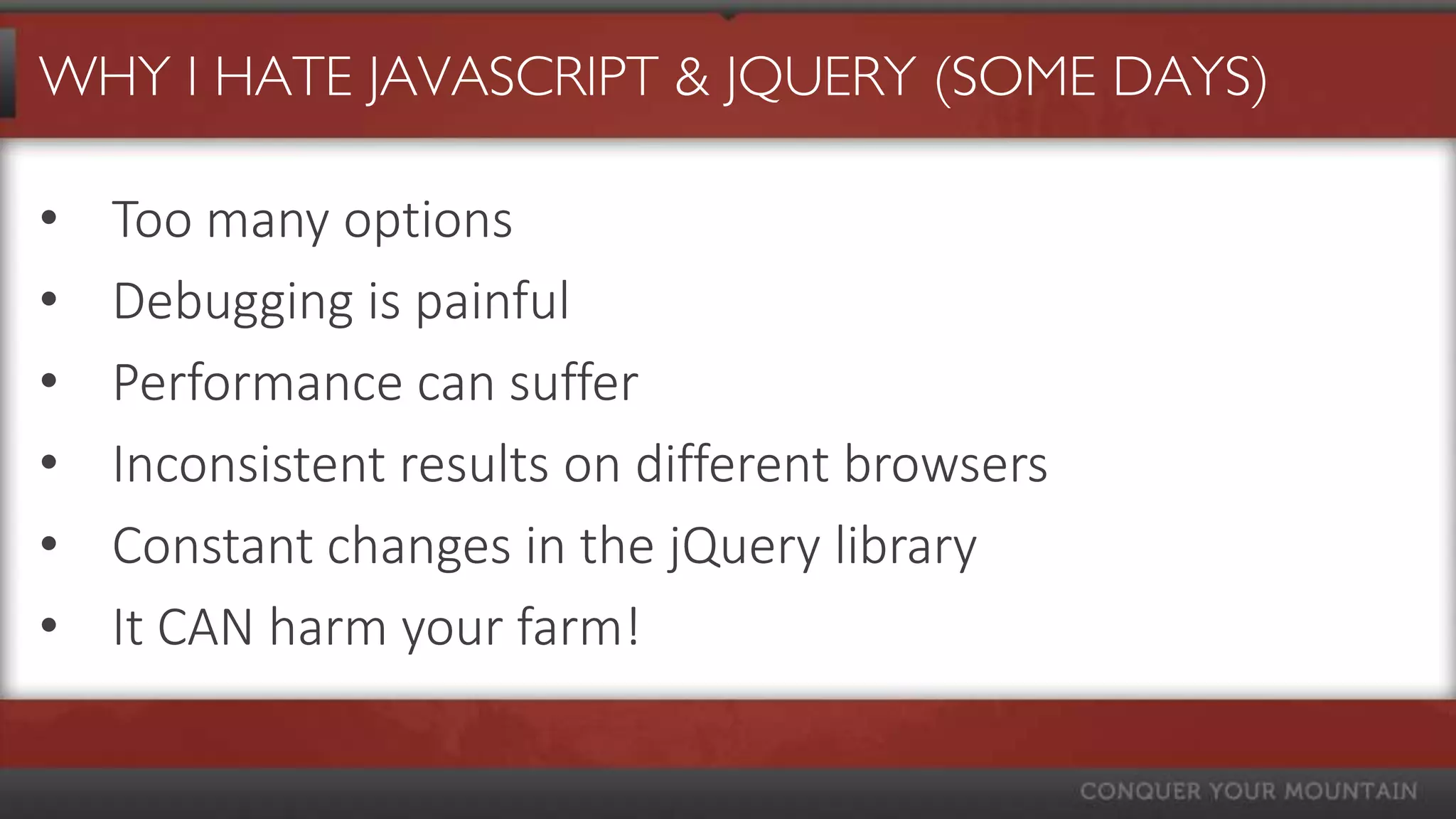
WHY I HATE JAVASCRIPT & JQUERY (SOME DAYS)

•   Too many options
•   Debugging is painful
•   Performance can suffer
•   Inconsistent results on different browsers
•   Constant changes in the jQuery library
•   It CAN harm your farm!
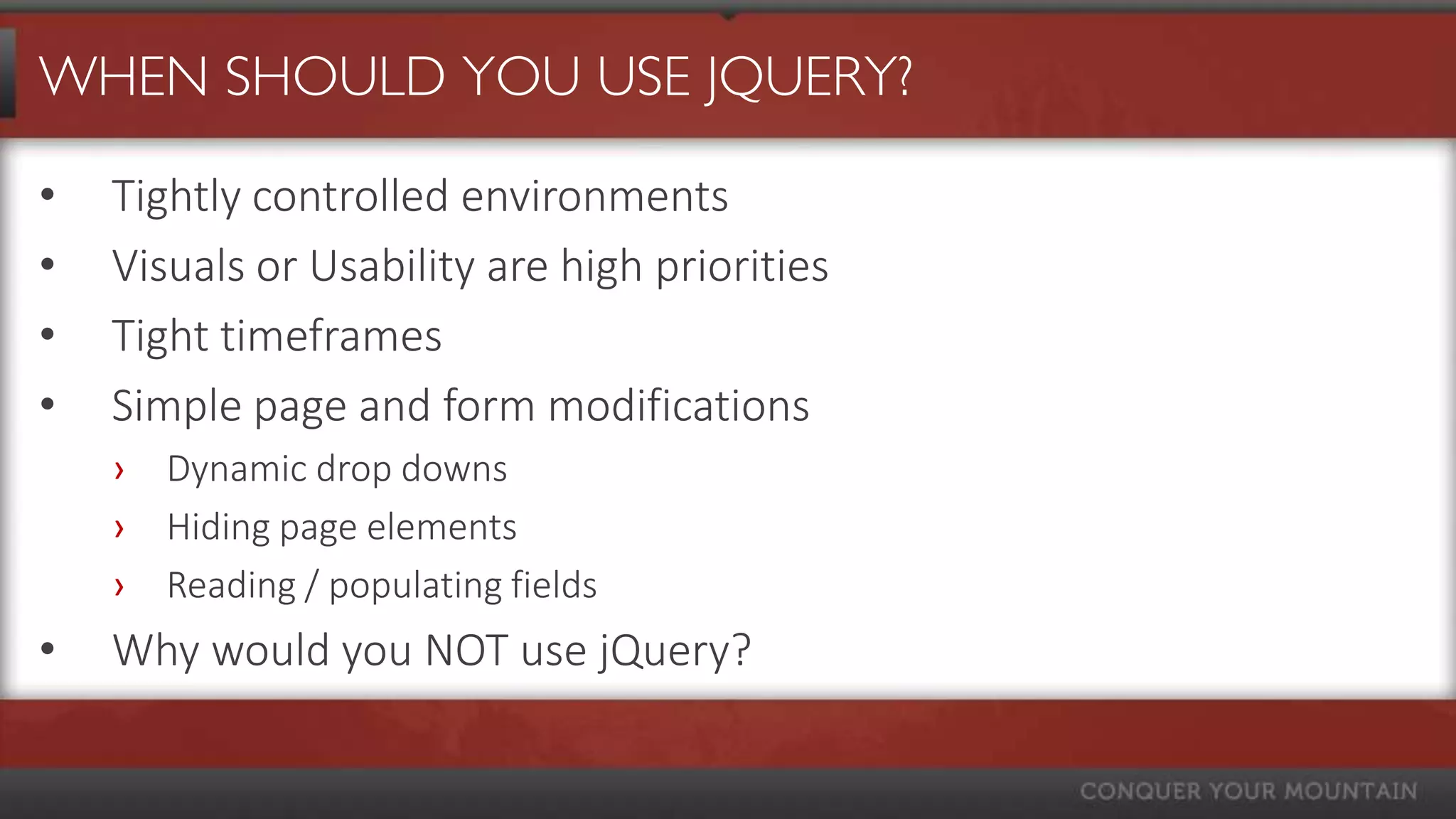
WHEN SHOULD YOU USE JQUERY?

•   Tightly controlled environments
•   Visuals or Usability are high priorities
•   Tight timeframes
•   Simple page and form modifications
    ›   Dynamic drop downs
    ›   Hiding page elements
    ›   Reading / populating fields
•   Why would you NOT use jQuery?
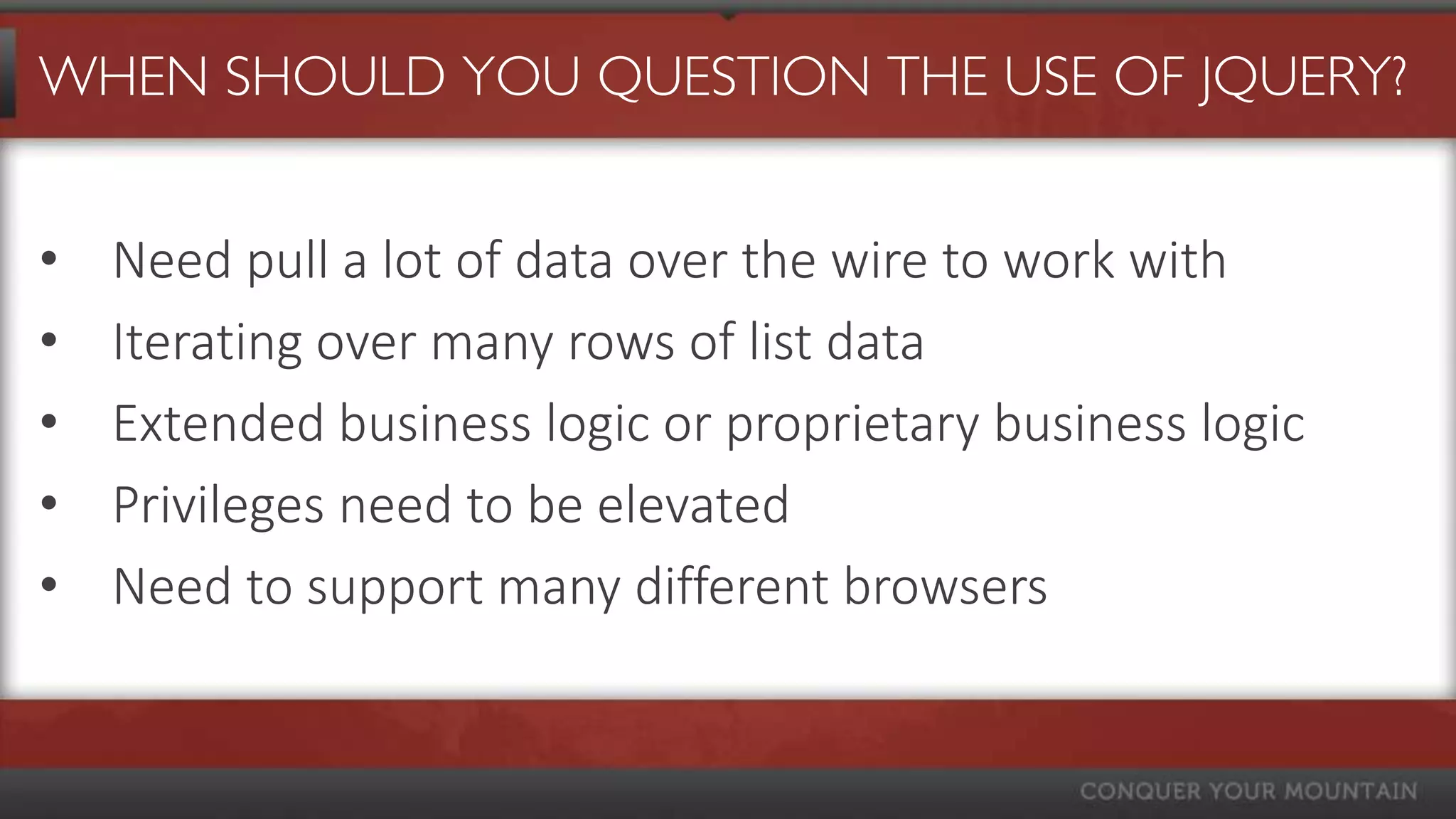
WHEN SHOULD YOU QUESTION THE USE OF JQUERY?


•   Need pull a lot of data over the wire to work with
•   Iterating over many rows of list data
•   Extended business logic or proprietary business logic
•   Privileges need to be elevated
•   Need to support many different browsers
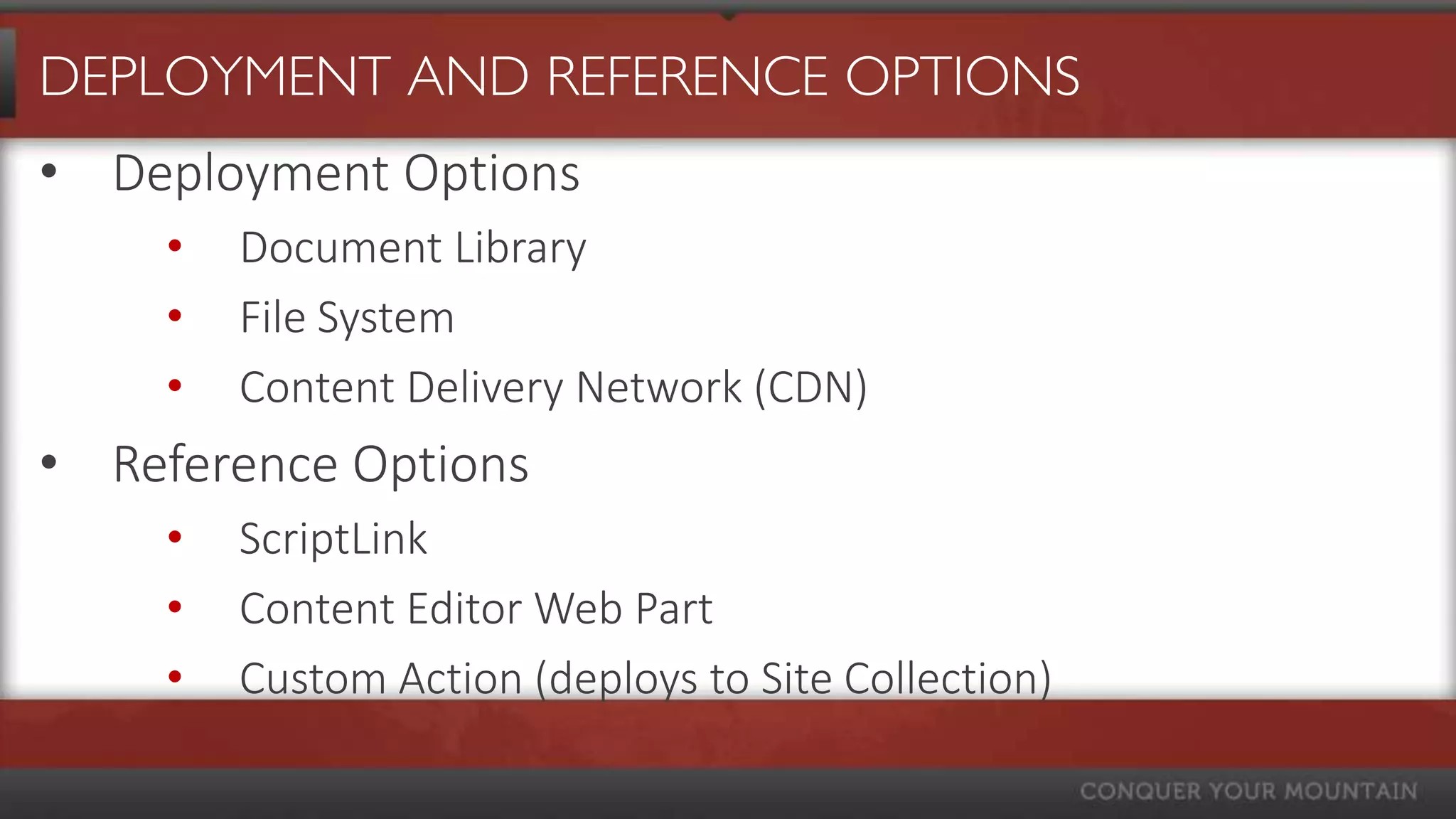
DEPLOYMENT AND REFERENCE OPTIONS
• Deployment Options
    •   Document Library
    •   File System
    •   Content Delivery Network (CDN)
• Reference Options
    •   ScriptLink
    •   Content Editor Web Part
    •   Custom Action (deploys to Site Collection)
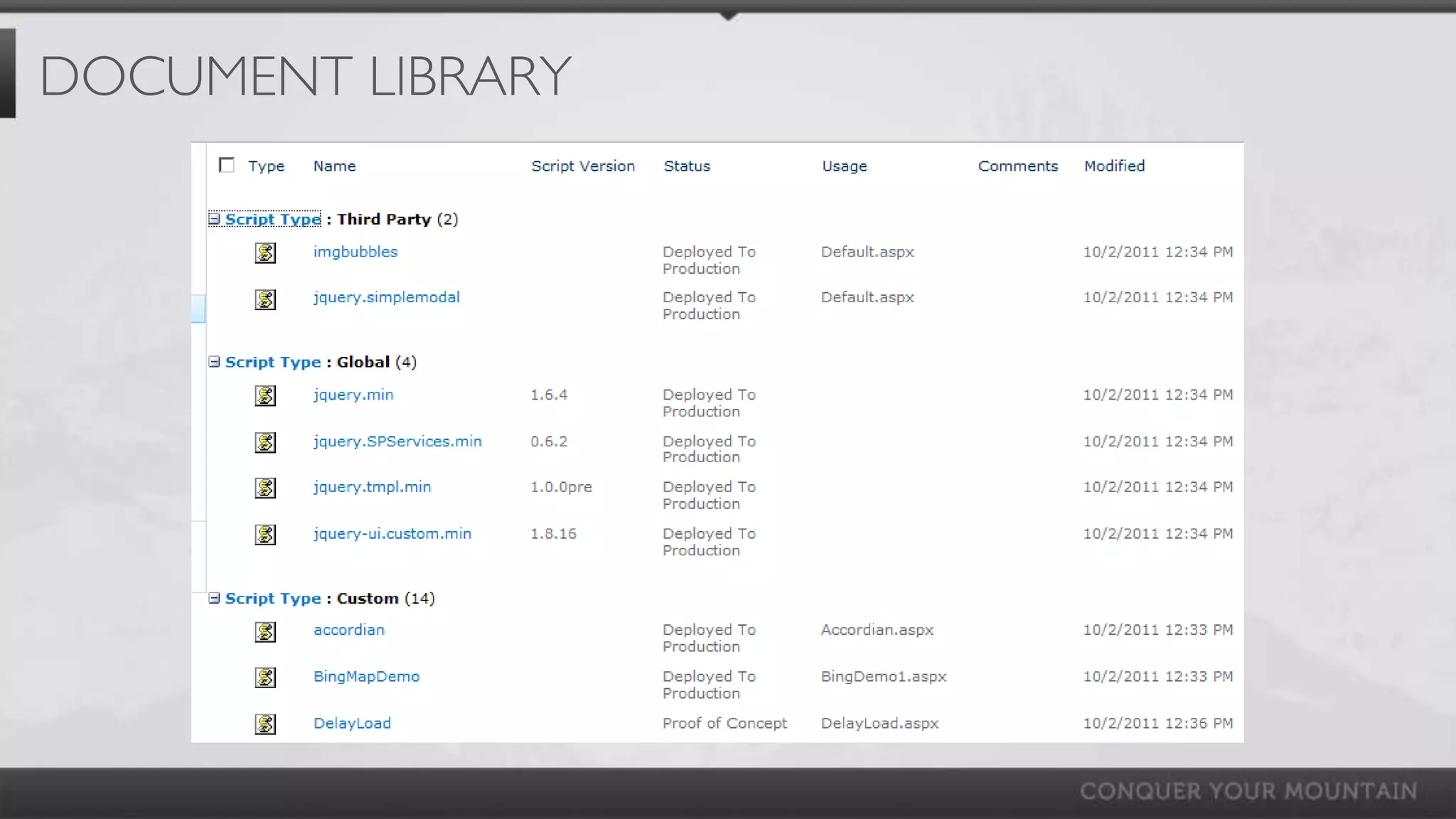
DOCUMENT LIBRARY
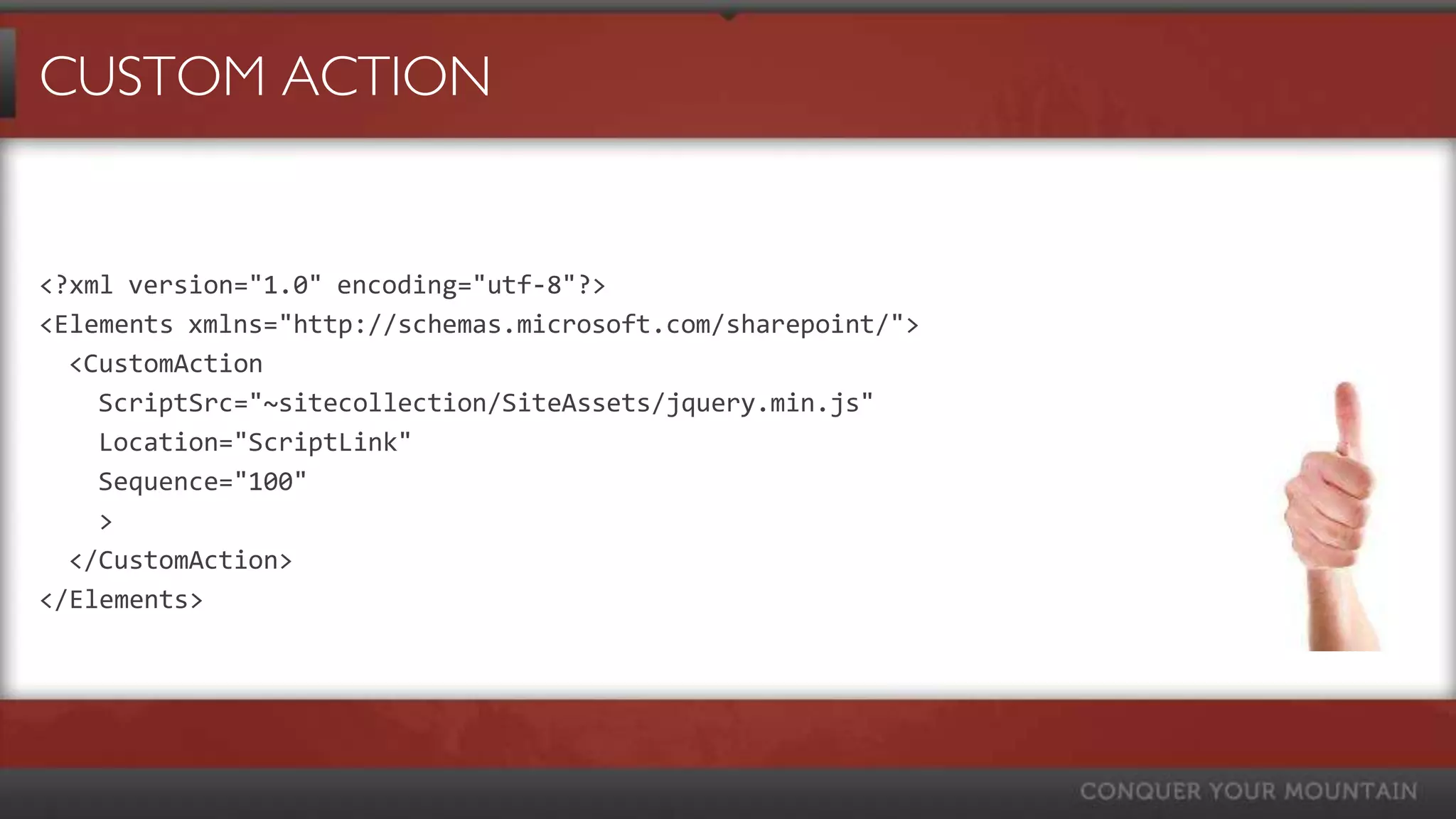
CUSTOM ACTION


<?xml version="1.0" encoding="utf-8"?>
<Elements xmlns="http://schemas.microsoft.com/sharepoint/">
  <CustomAction
    ScriptSrc="~sitecollection/SiteAssets/jquery.min.js"
    Location="ScriptLink"
    Sequence="100"
    >
  </CustomAction>
</Elements>
DEVELOPMENT & DEBUGGING
•   Development
      •   Visual Studio
          •     Web Essentials
      •   SharePoint Designer
      •   Notepad++
•   Debugging
      •   IE Developer Tools / Firebug
      •   Fiddler
      •   Alerts… alerts… alerts…
      •   Avoid Console.log
      •   Write scripts in small manageable chunks
HOW ABOUT SOME BEST PRACTICES?

•   Use the Element’s ID when possible
•   Reduce DOM searches
•   Re-use code / Good coding practices
•   Minimize files
•   Use animations to hide slow performance
•   Delay loading of Selects until you need the data
USING THIRD PARTY LIBRARIES

Tips for selection and integration
• Look for supported / documented libraries
• Test in target browsers before implementing
• Duplicate file structure
• Test “vanilla” in SharePoint first
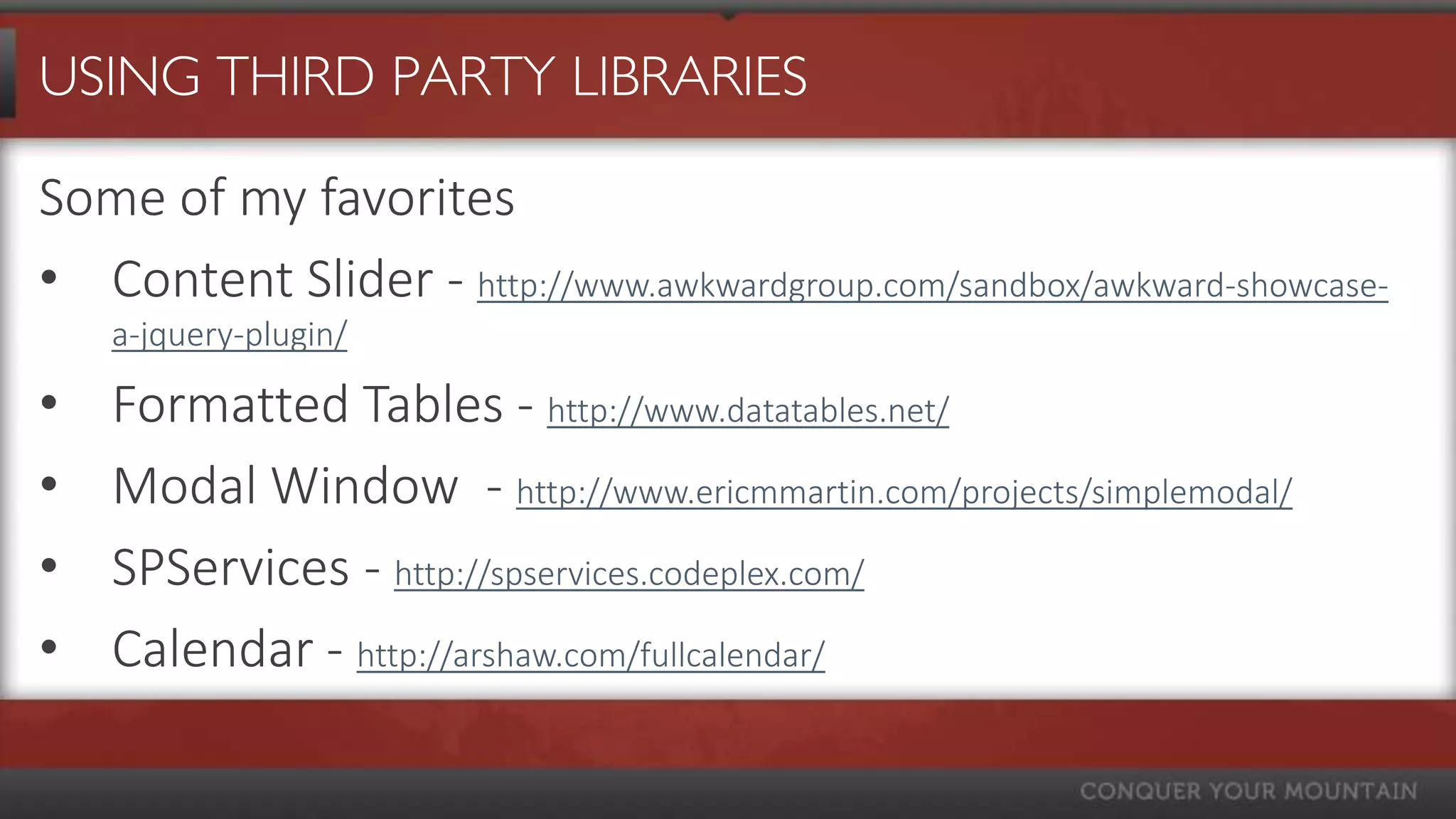
USING THIRD PARTY LIBRARIES

Some of my favorites
• Content Slider - http://www.awkwardgroup.com/sandbox/awkward-showcase-
    a-jquery-plugin/

•   Formatted Tables - http://www.datatables.net/
•   Modal Window - http://www.ericmmartin.com/projects/simplemodal/
•   SPServices - http://spservices.codeplex.com/
•   Calendar - http://arshaw.com/fullcalendar/
DEMO 1: BASICS / INTERACTING
WITH FORMS
BASICS

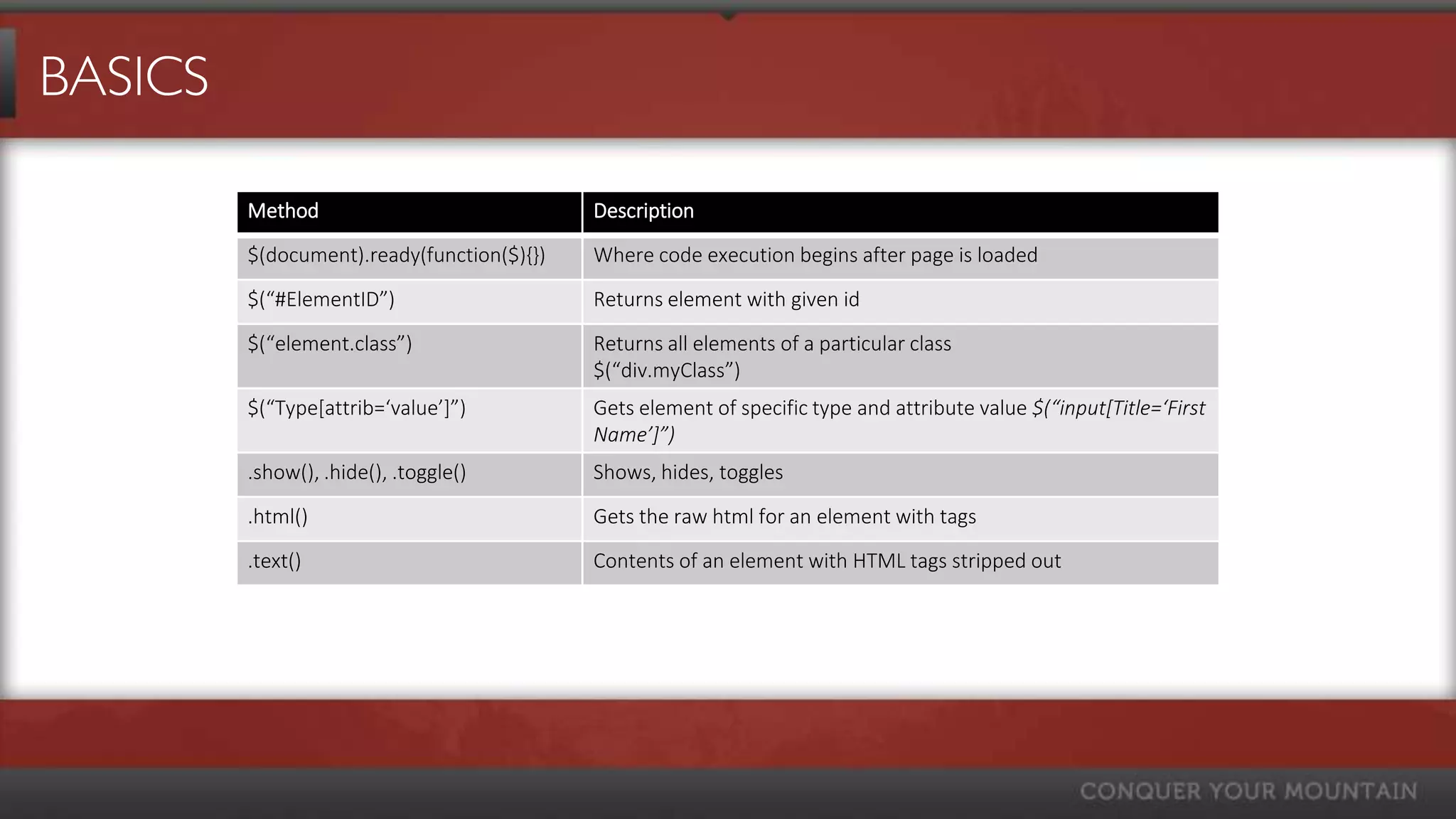
         Method                             Description
         $(document).ready(function($){})   Where code execution begins after page is loaded
         $(“#ElementID”)                    Returns element with given id
         $(“element.class”)                 Returns all elements of a particular class
                                            $(“div.myClass”)
         $(“Type*attrib=‘value’+”)          Gets element of specific type and attribute value $(“input*Title=‘First
                                            Name’+”)
         .show(), .hide(), .toggle()        Shows, hides, toggles
         .html()                            Gets the raw html for an element with tags
         .text()                            Contents of an element with HTML tags stripped out
INTERACTING WITH SHAREPOINT FORMS

Getting/Setting SharePoint Form Fields
     <input
Text Boxes
       name="ctl00$m$g_a12c0b73_06fa_4552_a5af_b5d5fce55384$ctl00$ctl05$ctl03$ctl00$ctl00
           $ctl04$ctl00$ctl00$TextField" type="text" maxlength="255"
      ›    $(“input*title=’My Text Field’+”).val();
           id="ctl00_m_g_a12c0b73_06fa_4552_a5af_b5d5fce55384_ctl00_ctl05_ctl03_ctl00_ctl00_ctl
           04_ctl00_ctl00_TextField" title="E-mail Address" class=“ms-long ms-spellcheck-true" />
Selects
      $(“input[title=‘E-mail Address’+”); //returns element
      ›
      $(“select*title=’My Choice’+”).val(mySelectValue);
      $(“input”).each(function(),
Checkboxes          $(this).attr(“title”); // gets the value of the title attribute for all inputs
      });
      ›     $("input[title='My Check box']").removeAttr('checked');
      ›     $("input[title='My Check box']").attr('checked','checked');
DEMO 2: READ LIST ITEMS WITH
SPSERVICES
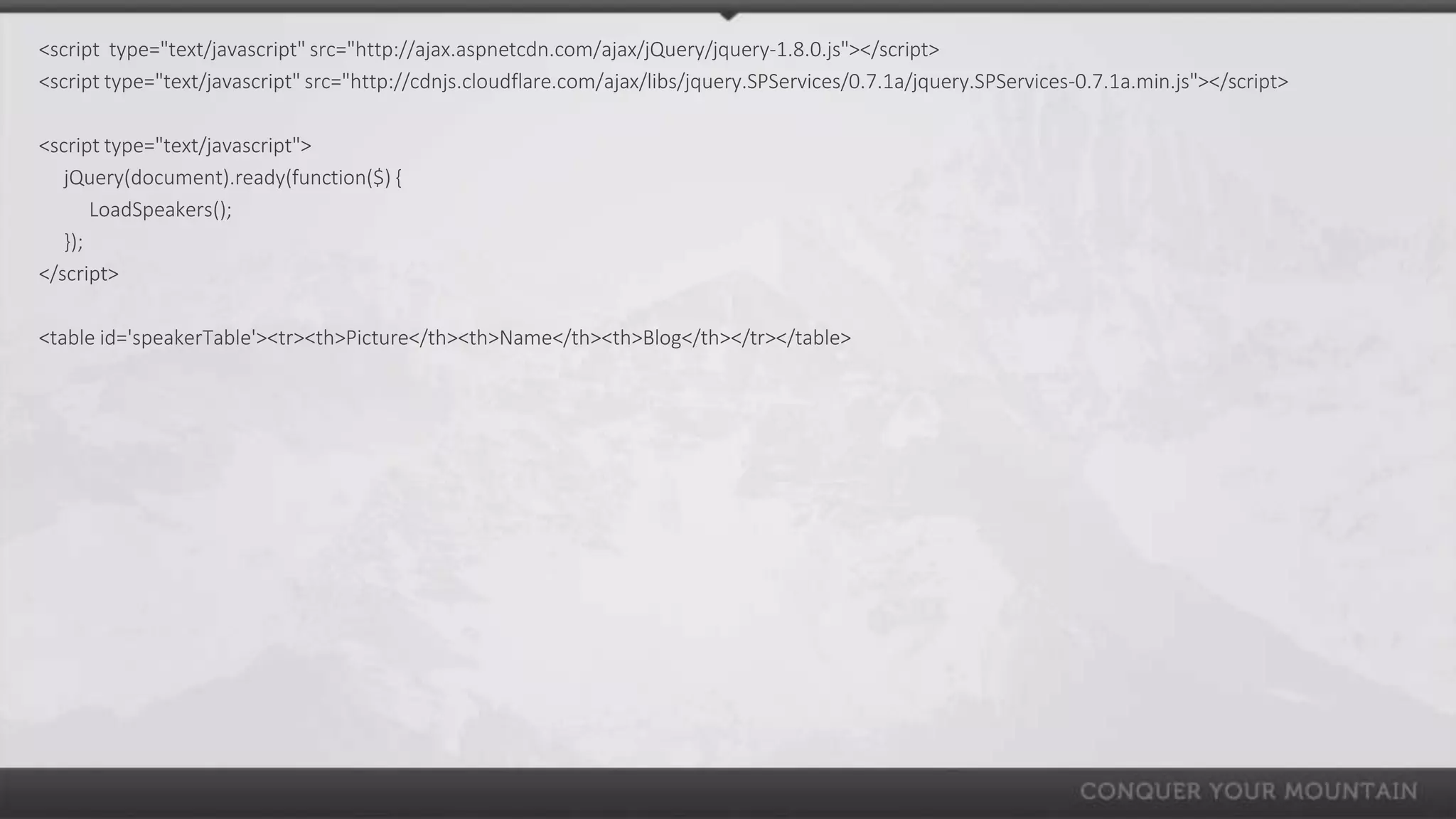
<script type="text/javascript" src="http://ajax.aspnetcdn.com/ajax/jQuery/jquery-1.8.0.js"></script>
<script type="text/javascript" src="http://cdnjs.cloudflare.com/ajax/libs/jquery.SPServices/0.7.1a/jquery.SPServices-0.7.1a.min.js"></script>

<script type="text/javascript">
   jQuery(document).ready(function($) {
       LoadSpeakers();
   });
</script>

<table id='speakerTable'><tr><th>Picture</th><th>Name</th><th>Blog</th></tr></table>
<script type="text/javascript">
function LoadSpeakers(){                                                                         SPSERVICES READ LIST ITEMS
   var listTitle = "Speakers";

  var query = "<Query><Where><Neq><FieldRef Name='ID' /><Value Type='Number'>0</Value></Neq></Where></Query>";

  var camlViewFields = "<ViewFields><FieldRef Name='Title' /><FieldRef Name='Blog' /><FieldRef Name='Picture' /></ViewFields>";

  $().SPServices({
         operation: "GetListItems",
         async: true,
         listName: listTitle,
         CAMLViewFields: camlViewFields,
         CAMLQuery: query,
         completefunc: function(xData, Status) {
             $(xData.responseXML).SPFilterNode("z:row").each(function() {
             var speakerName = ($(this).attr("ows_Title"));
             var picture = $(this).attr("ows_Picture").split(",")[0];
             var blog = $(this).attr("ows_Blog").split(",")[0];
             $("#speakerTable").append("<tr><td><img width='50' src='"+ picture +"'></td><td>"+speakerName +"</td><td>"+blog +"</td></tr>");
         }); // end completefunc
       }
  }); // end SPS
}
</script>
DEMO 3: READ LIST ITEMS WITH
CLIENT SIDE OBJECT MODEL
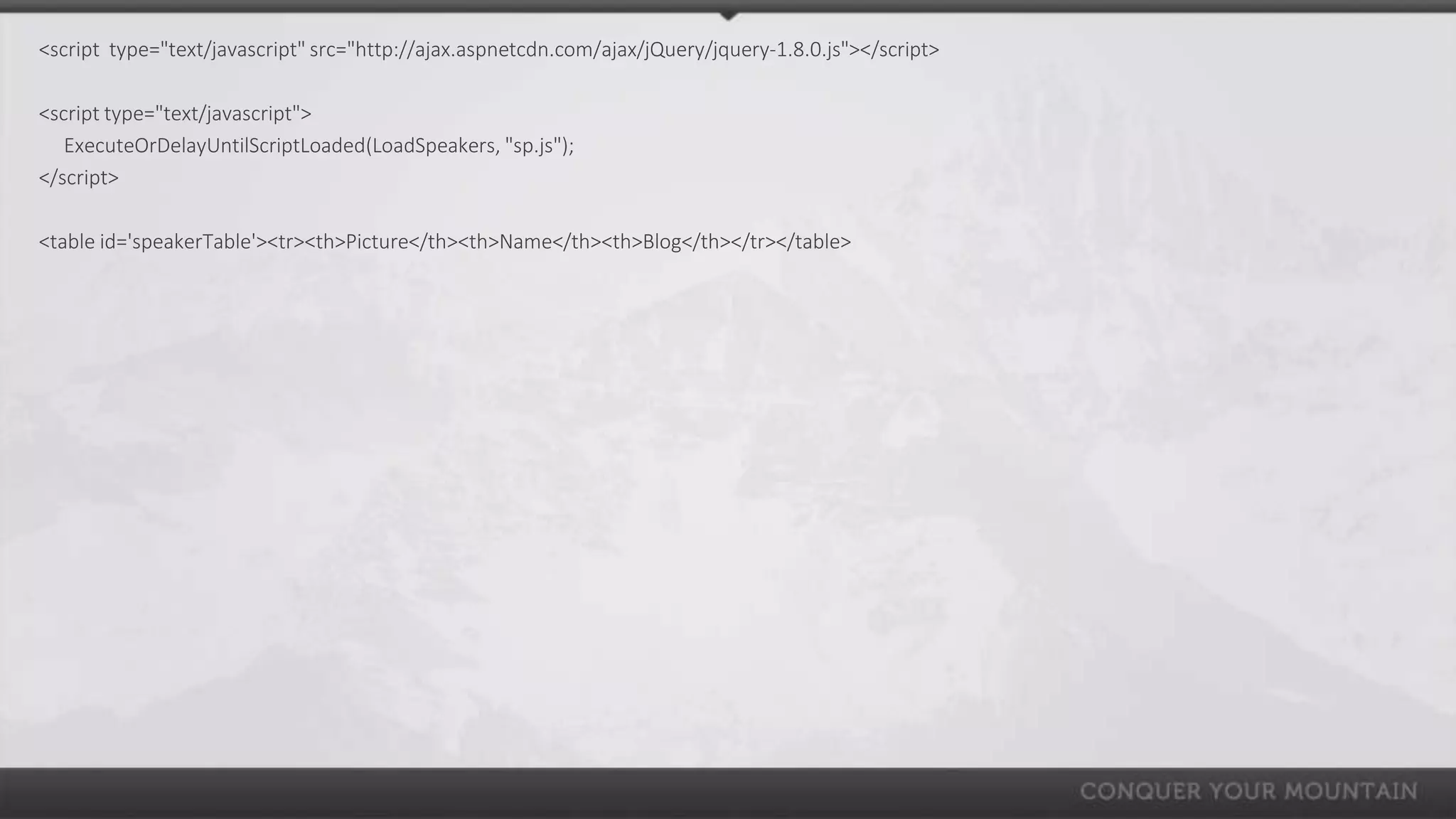
<script type="text/javascript" src="http://ajax.aspnetcdn.com/ajax/jQuery/jquery-1.8.0.js"></script>

<script type="text/javascript">
   ExecuteOrDelayUntilScriptLoaded(LoadSpeakers, "sp.js");
</script>

<table id='speakerTable'><tr><th>Picture</th><th>Name</th><th>Blog</th></tr></table>
<script type="text/javascript">
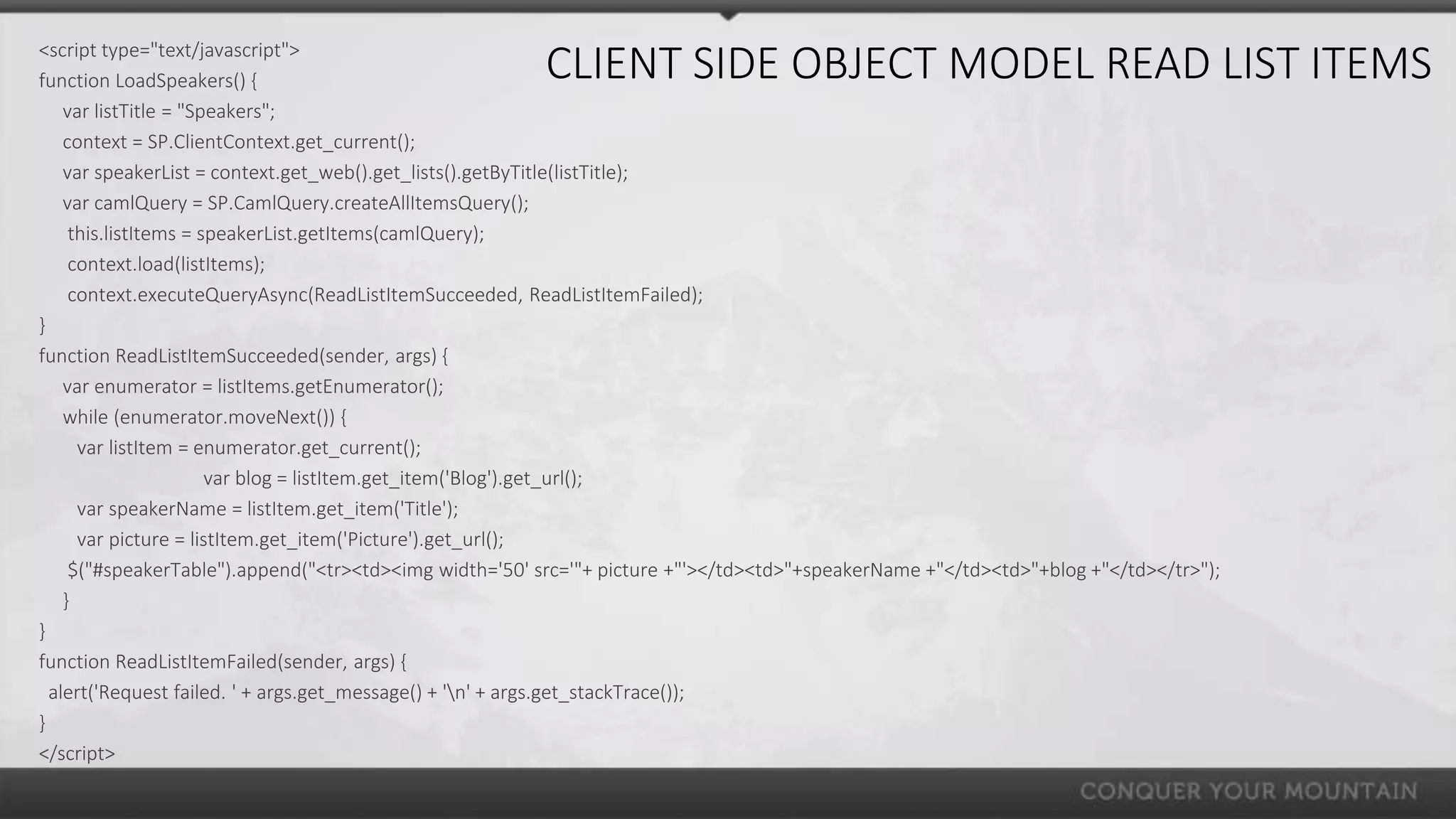
function LoadSpeakers() {                               CLIENT SIDE OBJECT MODEL READ LIST ITEMS
    var listTitle = "Speakers";
    context = SP.ClientContext.get_current();
    var speakerList = context.get_web().get_lists().getByTitle(listTitle);
    var camlQuery = SP.CamlQuery.createAllItemsQuery();
     this.listItems = speakerList.getItems(camlQuery);
     context.load(listItems);
     context.executeQueryAsync(ReadListItemSucceeded, ReadListItemFailed);
}
function ReadListItemSucceeded(sender, args) {
    var enumerator = listItems.getEnumerator();
    while (enumerator.moveNext()) {
      var listItem = enumerator.get_current();
                       var blog = listItem.get_item('Blog').get_url();
      var speakerName = listItem.get_item('Title');
      var picture = listItem.get_item('Picture').get_url();
     $("#speakerTable").append("<tr><td><img width='50' src='"+ picture +"'></td><td>"+speakerName +"</td><td>"+blog +"</td></tr>");
    }
}
function ReadListItemFailed(sender, args) {
  alert('Request failed. ' + args.get_message() + 'n' + args.get_stackTrace());
}
</script>
DEMO 4: SEARCHING THE
DOCUMENT OBJECT MODEL
SEARCHING DOM

      Method                                     Description

      .split()                                   lookUpFieldValue = “1;#Mark Rackley”;
                                                 Var myArray = numbers.split(“;#”);
                                                 myArray*1+ == “Mark Rackley”

      .replace()                                 var myString = “This string has spaces”;
                                                 var newString = myString.replace(/ /g,””);
                                                 newString == “Thisstringhasspaces”;

      .contains()                                Check to see if a DOM element is within another DOM element
      .find()                                    Get the child elements of current element, filtered by a selector


      Chaining:
      $("nobr b:contains('Sum= ')").html().split("= ")[1].replace(",","")
DEMO 5: BING MAP DEMO


      Integrating SharePoint and Bing Maps
http://www.sharepointhillbilly.com/Lists/Posts/Post.aspx?ID=19
MORE DEMOS!
(IF WE HAVE ENOUGH TIME)
FOR MORE FROM SUMMIT 7 SYSTEMS…

     facebook.com/summit7systems

     @summit7systems

     summit 7 systems

     summit7systems

     summit7systems.com/blogs

The SharePoint & jQuery Guide

  • 1.
    THE SHAREPOINT AND JQUERYGUIDE SPTechCon San Francisco March 4th, 2013 Mark Rackley mark.rackley@summit7systems.com
  • 2.
    Summit 7 systemsis a premier provider of consulting and implementation services specializing on the Microsoft SharePoint Platform and FAST Enterprise Search. » Summit 7 Systems was chosen by KMWorld Magazine as one of the top 100 Companies that Matter in Knowledge Management along with companies such as Microsoft, Oracle and IBM. » Summit 7 Systems was named to the 2011 and 2012 CRN Next-Gen 250 List as a company bringing innovative processes, methodologies and models to the solution provider industry. » Top 1% of Microsoft Partners Worldwide » Summit 7 Systems was named #6 on the 2012 CRN Fast Growth 100 based on our 2009 – 2011 growth of over 930% per year. » ~ 50% of Technical Staff hold US Government SECRET Clearances. » Service Disabled Veteran Owned Small Business (SDVOSB).
  • 3.
    SOFTWARE PLATFORMS SERVICES FAST Enterprise Search SharePoint QuickStart SharePoint 2007 Information Architecture and Governance Development SharePoint 2010 Upgrade and Migration SharePoint 2013 Branding and Design (User Experience) Office Platform Web Content Management Design and Deployment Sitecore SharePoint Search Custom Workflow or Web Part Development SOLUTION AREAS InfoPath Forms and Workflows SharePoint Platform Solutions Performance Baselines and Best Practices Optimization Enterprise Search Mapping Business Process to Software Platforms Enterprise Content Management Cloud Services Design and Provisioning Internet / Web Content Management Remote Support Contracts Extranet Solutions Compliance Quickstart Intranet Solutions Business Process Management Enterprise Project Management Exchange Server
  • 4.
    MARK RACKLEY /SOLUTIONS ARCHITECT • 18+ years software architecture and development experience • SharePoint Junkie since 2007 • Event Organizer • Blogger, Writer, Speaker • Bacon aficionado @mrackley http://www.sharepointhillbilly.com
  • 5.
    AGENDA • What is jQuery? Why SharePoint & jQuery? • SharePoint and jQuery Basics • Deploying / Maintaining • Development Basics • Third Party Libraries • Examples & Demos The SharePoint & jQuery Guide http://bit.ly/jQueryAndSP
  • 6.
    WHAT IS JQUERY? •JavaScript Utility Library • jQuery() or $() • Allows interaction and manipulation of the DOM after page is rendered • Can interact with other systems using Web Services • Supported by Microsoft • Part of “Client Side” Development
  • 7.
    WHY SHAREPOINT &JQUERY? • Fewer upgrade/deployment issues • Rapid deployment and modifications • Less “customization” • Improved visuals • Improved usability
  • 8.
    WHY SHAREPOINT &JQUERY? • Can replace the need for Visual Studio • Can replace the need for basic workflows • No points (shhhh… don’t tell the admins) • Can get around list view threshold
  • 9.
    JQUERY & SHAREPOINTBASICS • Scripts execute with same privileges as current user • Permissions cannot be elevated • Interact with SharePoint List data using Client Side Object Model (CSOM) or SPServices • View the DOM not the Page Source
  • 10.
    WHY I HATEJAVASCRIPT & JQUERY (SOME DAYS) • Too many options var car = { var car = {}; color: “red”, car.color = “red”; make: “Jeep”, car.make = “Jeep”; model: “wrangler” car.model=“wranger”; } var car = {}; car*“color”+ = “red”; car*“make”+ = “Jeep”; car*“model”+ =“wranger”;
  • 11.
    WHY I HATEJAVASCRIPT & JQUERY (SOME DAYS) • Too many options • Debugging is painful • Performance can suffer • Inconsistent results on different browsers • Constant changes in the jQuery library • It CAN harm your farm!
  • 12.
    WHEN SHOULD YOUUSE JQUERY? • Tightly controlled environments • Visuals or Usability are high priorities • Tight timeframes • Simple page and form modifications › Dynamic drop downs › Hiding page elements › Reading / populating fields • Why would you NOT use jQuery?
  • 13.
    WHEN SHOULD YOUQUESTION THE USE OF JQUERY? • Need pull a lot of data over the wire to work with • Iterating over many rows of list data • Extended business logic or proprietary business logic • Privileges need to be elevated • Need to support many different browsers
  • 14.
    DEPLOYMENT AND REFERENCEOPTIONS • Deployment Options • Document Library • File System • Content Delivery Network (CDN) • Reference Options • ScriptLink • Content Editor Web Part • Custom Action (deploys to Site Collection)
  • 15.
  • 16.
    CUSTOM ACTION <?xml version="1.0"encoding="utf-8"?> <Elements xmlns="http://schemas.microsoft.com/sharepoint/"> <CustomAction ScriptSrc="~sitecollection/SiteAssets/jquery.min.js" Location="ScriptLink" Sequence="100" > </CustomAction> </Elements>
  • 17.
    DEVELOPMENT & DEBUGGING • Development • Visual Studio • Web Essentials • SharePoint Designer • Notepad++ • Debugging • IE Developer Tools / Firebug • Fiddler • Alerts… alerts… alerts… • Avoid Console.log • Write scripts in small manageable chunks
  • 18.
    HOW ABOUT SOMEBEST PRACTICES? • Use the Element’s ID when possible • Reduce DOM searches • Re-use code / Good coding practices • Minimize files • Use animations to hide slow performance • Delay loading of Selects until you need the data
  • 19.
    USING THIRD PARTYLIBRARIES Tips for selection and integration • Look for supported / documented libraries • Test in target browsers before implementing • Duplicate file structure • Test “vanilla” in SharePoint first
  • 20.
    USING THIRD PARTYLIBRARIES Some of my favorites • Content Slider - http://www.awkwardgroup.com/sandbox/awkward-showcase- a-jquery-plugin/ • Formatted Tables - http://www.datatables.net/ • Modal Window - http://www.ericmmartin.com/projects/simplemodal/ • SPServices - http://spservices.codeplex.com/ • Calendar - http://arshaw.com/fullcalendar/
  • 21.
    DEMO 1: BASICS/ INTERACTING WITH FORMS
  • 22.
    BASICS Method Description $(document).ready(function($){}) Where code execution begins after page is loaded $(“#ElementID”) Returns element with given id $(“element.class”) Returns all elements of a particular class $(“div.myClass”) $(“Type*attrib=‘value’+”) Gets element of specific type and attribute value $(“input*Title=‘First Name’+”) .show(), .hide(), .toggle() Shows, hides, toggles .html() Gets the raw html for an element with tags .text() Contents of an element with HTML tags stripped out
  • 23.
    INTERACTING WITH SHAREPOINTFORMS Getting/Setting SharePoint Form Fields <input Text Boxes name="ctl00$m$g_a12c0b73_06fa_4552_a5af_b5d5fce55384$ctl00$ctl05$ctl03$ctl00$ctl00 $ctl04$ctl00$ctl00$TextField" type="text" maxlength="255" › $(“input*title=’My Text Field’+”).val(); id="ctl00_m_g_a12c0b73_06fa_4552_a5af_b5d5fce55384_ctl00_ctl05_ctl03_ctl00_ctl00_ctl 04_ctl00_ctl00_TextField" title="E-mail Address" class=“ms-long ms-spellcheck-true" /> Selects $(“input[title=‘E-mail Address’+”); //returns element › $(“select*title=’My Choice’+”).val(mySelectValue); $(“input”).each(function(), Checkboxes $(this).attr(“title”); // gets the value of the title attribute for all inputs }); › $("input[title='My Check box']").removeAttr('checked'); › $("input[title='My Check box']").attr('checked','checked');
  • 24.
    DEMO 2: READLIST ITEMS WITH SPSERVICES
  • 25.
    <script type="text/javascript" src="http://ajax.aspnetcdn.com/ajax/jQuery/jquery-1.8.0.js"></script> <scripttype="text/javascript" src="http://cdnjs.cloudflare.com/ajax/libs/jquery.SPServices/0.7.1a/jquery.SPServices-0.7.1a.min.js"></script> <script type="text/javascript"> jQuery(document).ready(function($) { LoadSpeakers(); }); </script> <table id='speakerTable'><tr><th>Picture</th><th>Name</th><th>Blog</th></tr></table>
  • 26.
    <script type="text/javascript"> function LoadSpeakers(){ SPSERVICES READ LIST ITEMS var listTitle = "Speakers"; var query = "<Query><Where><Neq><FieldRef Name='ID' /><Value Type='Number'>0</Value></Neq></Where></Query>"; var camlViewFields = "<ViewFields><FieldRef Name='Title' /><FieldRef Name='Blog' /><FieldRef Name='Picture' /></ViewFields>"; $().SPServices({ operation: "GetListItems", async: true, listName: listTitle, CAMLViewFields: camlViewFields, CAMLQuery: query, completefunc: function(xData, Status) { $(xData.responseXML).SPFilterNode("z:row").each(function() { var speakerName = ($(this).attr("ows_Title")); var picture = $(this).attr("ows_Picture").split(",")[0]; var blog = $(this).attr("ows_Blog").split(",")[0]; $("#speakerTable").append("<tr><td><img width='50' src='"+ picture +"'></td><td>"+speakerName +"</td><td>"+blog +"</td></tr>"); }); // end completefunc } }); // end SPS } </script>
  • 27.
    DEMO 3: READLIST ITEMS WITH CLIENT SIDE OBJECT MODEL
  • 28.
    <script type="text/javascript" src="http://ajax.aspnetcdn.com/ajax/jQuery/jquery-1.8.0.js"></script> <scripttype="text/javascript"> ExecuteOrDelayUntilScriptLoaded(LoadSpeakers, "sp.js"); </script> <table id='speakerTable'><tr><th>Picture</th><th>Name</th><th>Blog</th></tr></table>
  • 29.
    <script type="text/javascript"> function LoadSpeakers(){ CLIENT SIDE OBJECT MODEL READ LIST ITEMS var listTitle = "Speakers"; context = SP.ClientContext.get_current(); var speakerList = context.get_web().get_lists().getByTitle(listTitle); var camlQuery = SP.CamlQuery.createAllItemsQuery(); this.listItems = speakerList.getItems(camlQuery); context.load(listItems); context.executeQueryAsync(ReadListItemSucceeded, ReadListItemFailed); } function ReadListItemSucceeded(sender, args) { var enumerator = listItems.getEnumerator(); while (enumerator.moveNext()) { var listItem = enumerator.get_current(); var blog = listItem.get_item('Blog').get_url(); var speakerName = listItem.get_item('Title'); var picture = listItem.get_item('Picture').get_url(); $("#speakerTable").append("<tr><td><img width='50' src='"+ picture +"'></td><td>"+speakerName +"</td><td>"+blog +"</td></tr>"); } } function ReadListItemFailed(sender, args) { alert('Request failed. ' + args.get_message() + 'n' + args.get_stackTrace()); } </script>
  • 30.
    DEMO 4: SEARCHINGTHE DOCUMENT OBJECT MODEL
  • 31.
    SEARCHING DOM Method Description .split() lookUpFieldValue = “1;#Mark Rackley”; Var myArray = numbers.split(“;#”); myArray*1+ == “Mark Rackley” .replace() var myString = “This string has spaces”; var newString = myString.replace(/ /g,””); newString == “Thisstringhasspaces”; .contains() Check to see if a DOM element is within another DOM element .find() Get the child elements of current element, filtered by a selector Chaining: $("nobr b:contains('Sum= ')").html().split("= ")[1].replace(",","")
  • 32.
    DEMO 5: BINGMAP DEMO Integrating SharePoint and Bing Maps http://www.sharepointhillbilly.com/Lists/Posts/Post.aspx?ID=19
  • 33.
    MORE DEMOS! (IF WEHAVE ENOUGH TIME)
  • 34.
    FOR MORE FROMSUMMIT 7 SYSTEMS… facebook.com/summit7systems @summit7systems summit 7 systems summit7systems summit7systems.com/blogs