The New CSS Layout
Rachel Andrew, dotCSS 2015
https://www.flickr.com/photos/jbushnell/2065201895
A new system for layout
• CSS Grid Layout
• Flexbox
• Box Alignment Level 3
The new CSS for Layout
• Items in our layouts understand themselves as
part of an overall layout.
• True separation of document source order and
visual display.
• Precise control of alignment - horizontally and
vertically.
• Responsive and flexible by default.
Items in our layouts understand
themselves as part of a complete
layout.
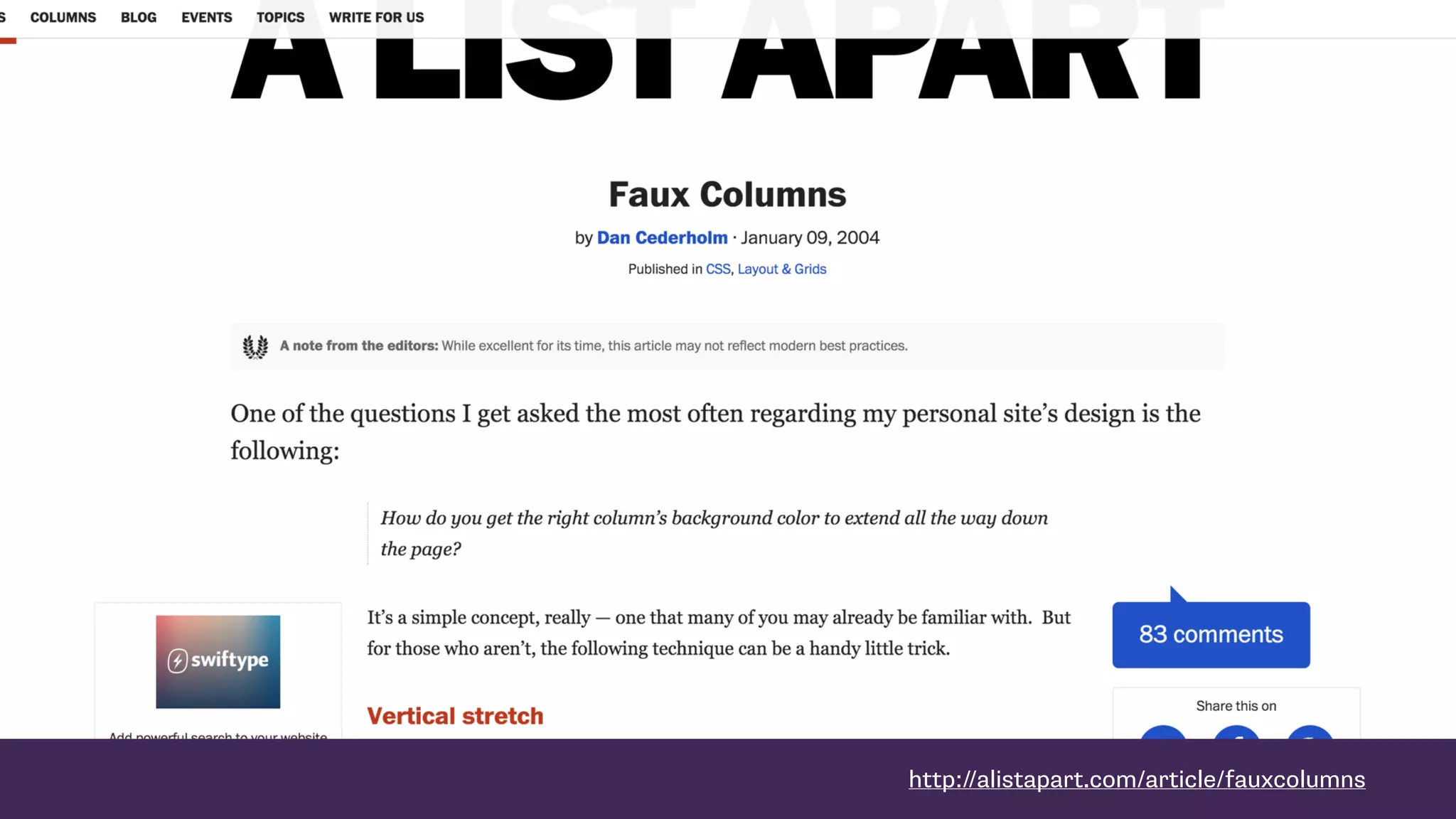
http://alistapart.com/article/fauxcolumns
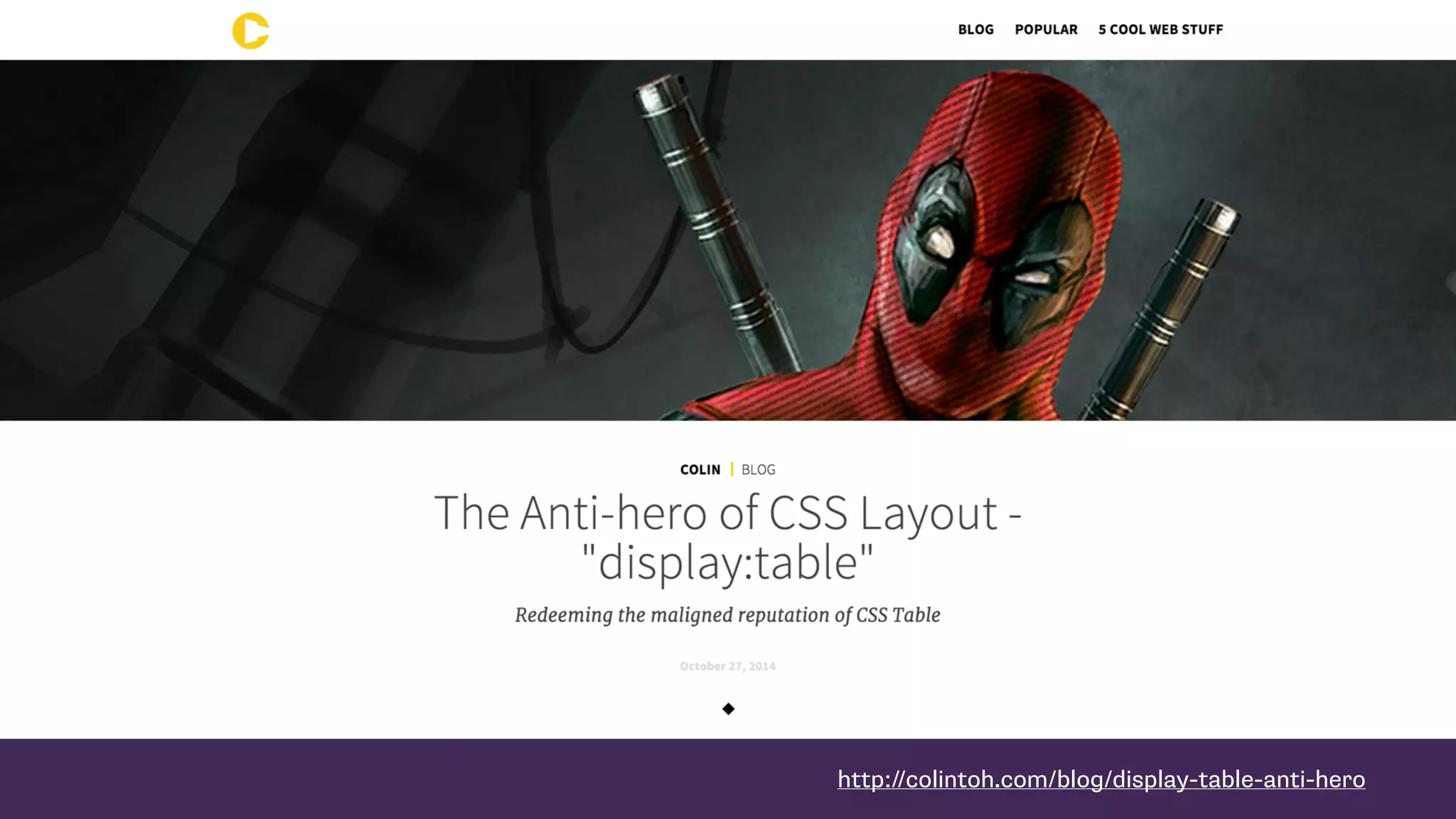
http://colintoh.com/blog/display-table-anti-hero
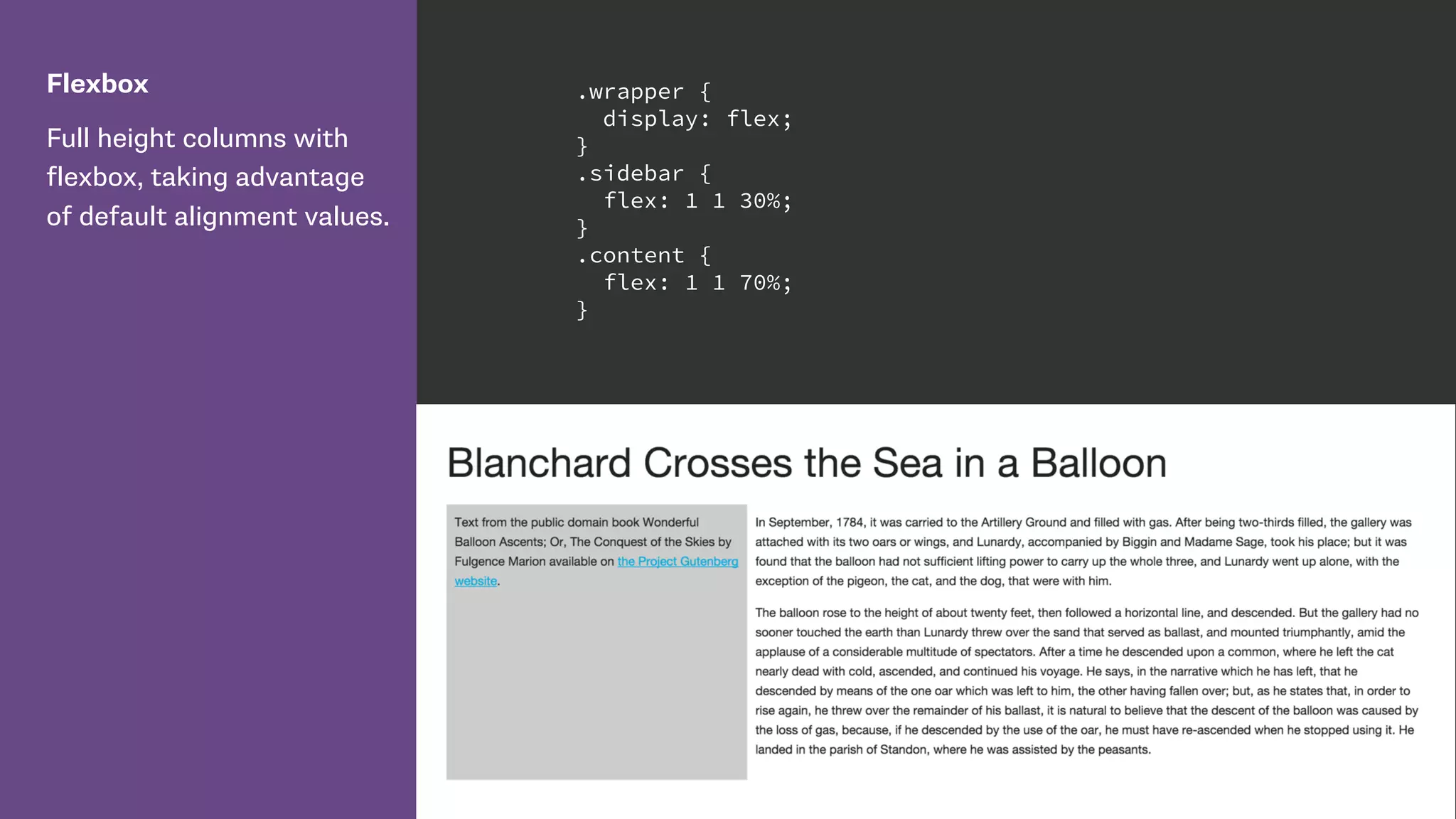
Flexbox
Full height columns with
flexbox, taking advantage
of default alignment values.
.wrapper {
display: flex;
}
.sidebar {
flex: 1 1 30%;
}
.content {
flex: 1 1 70%;
}
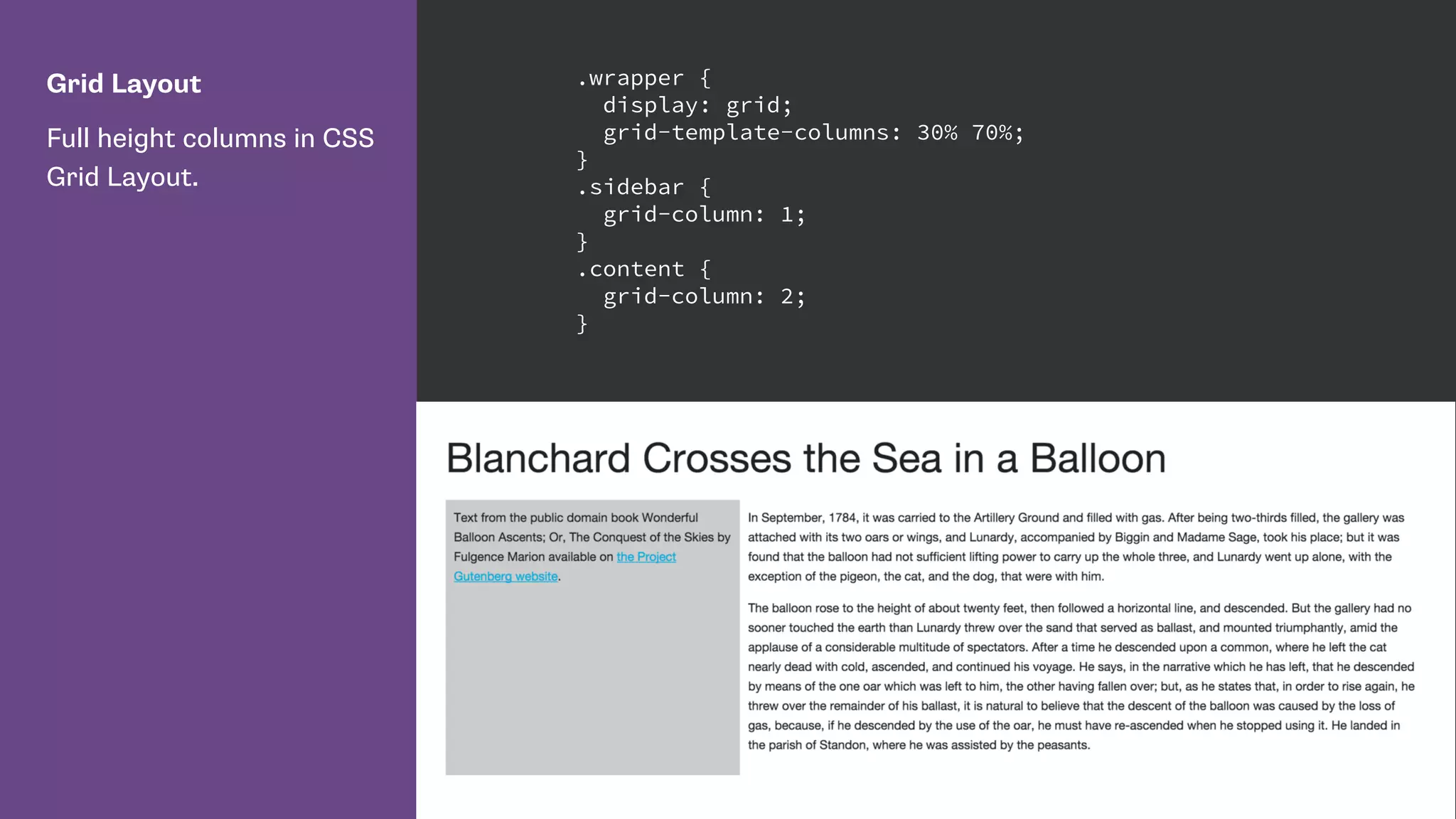
Grid Layout
Full height columns in CSS
Grid Layout.
.wrapper {
display: grid;
grid-template-columns: 30% 70%;
}
.sidebar {
grid-column: 1;
}
.content {
grid-column: 2;
}
Separation of concerns
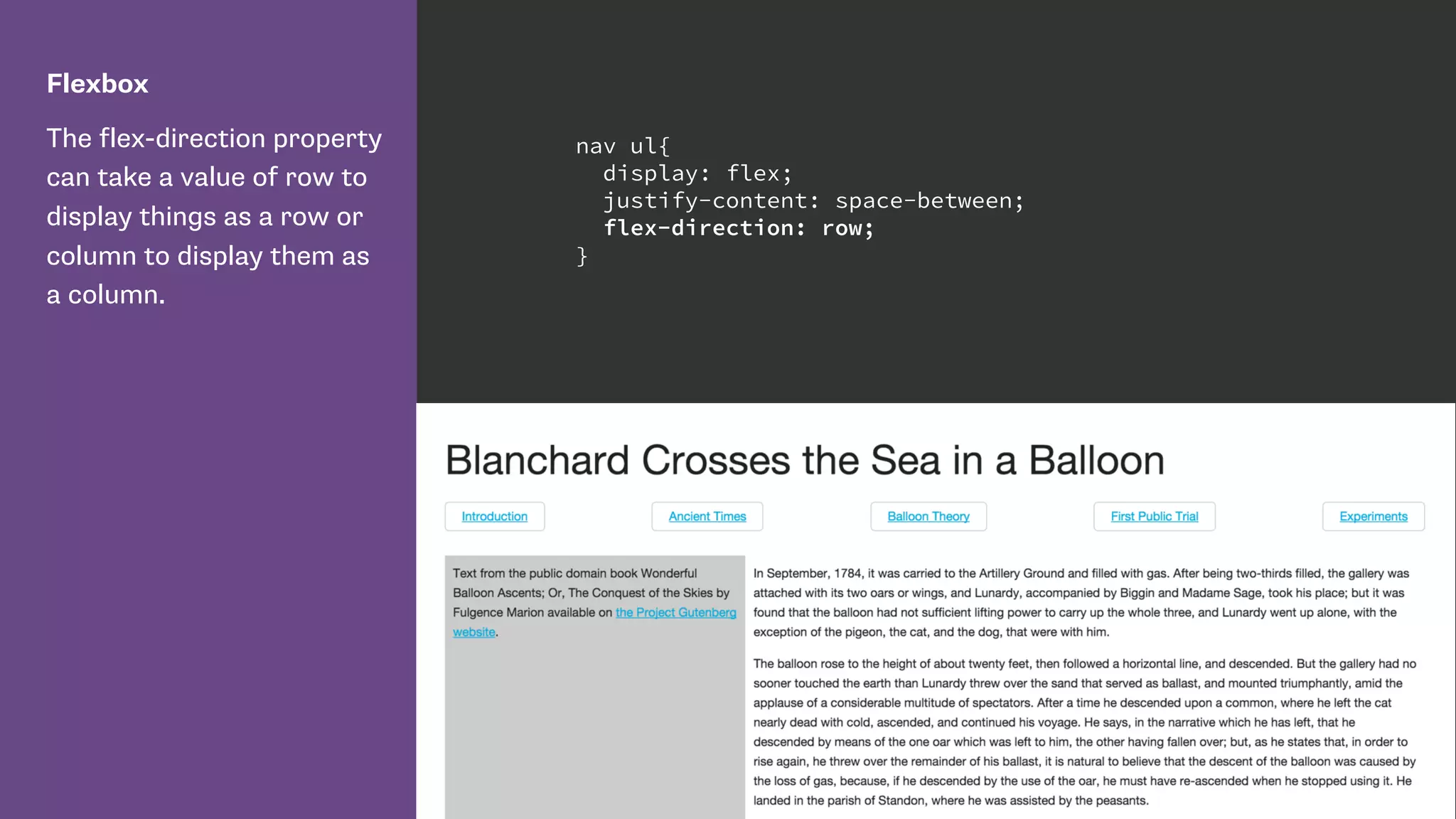
Flexbox
The flex-direction property
can take a value of row to
display things as a row or
column to display them as
a column.
nav ul{
display: flex;
justify-content: space-between;
flex-direction: row;
}
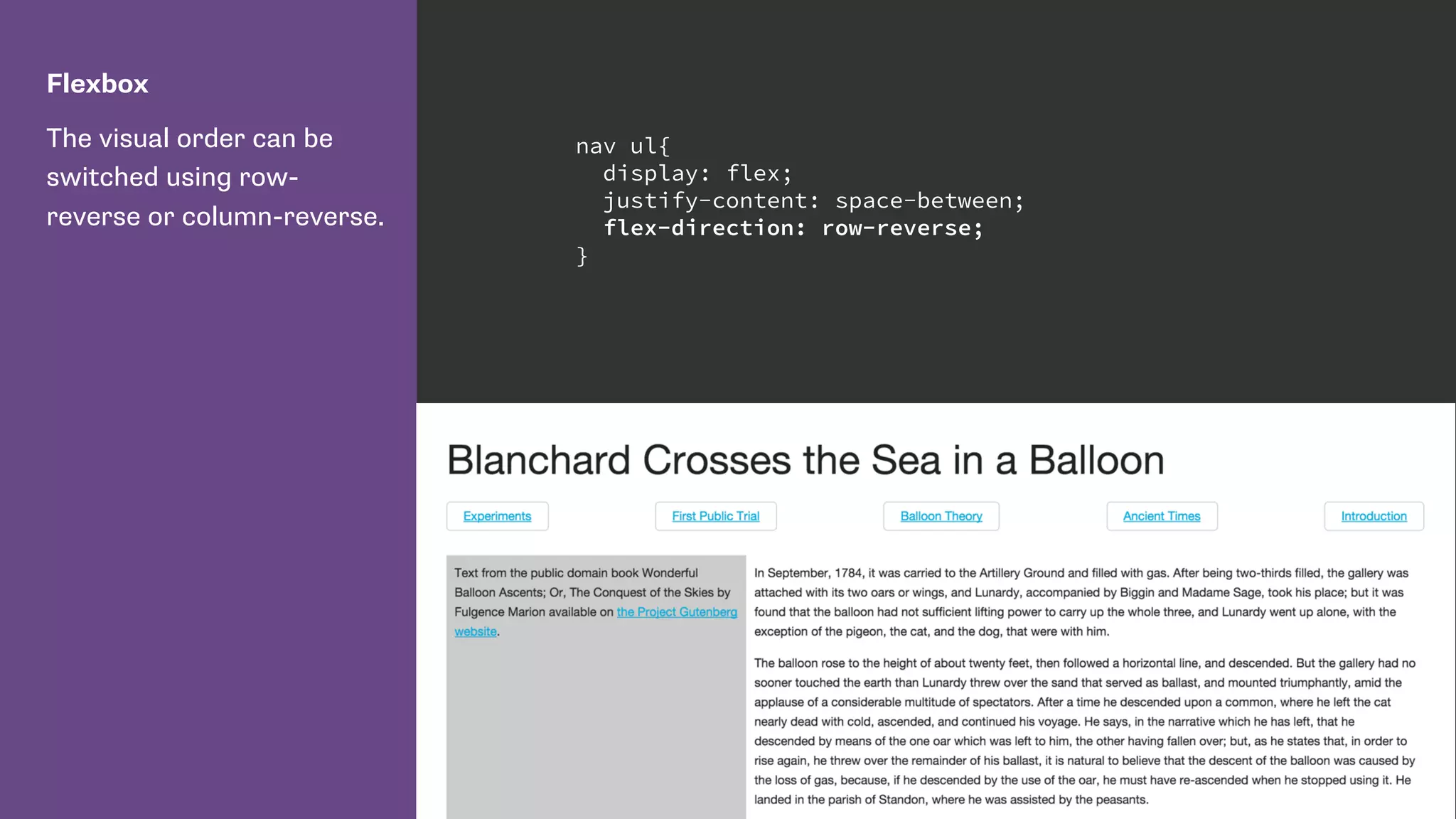
Flexbox
The visual order can be
switched using row-
reverse or column-reverse.
nav ul{
display: flex;
justify-content: space-between;
flex-direction: row-reverse;
}
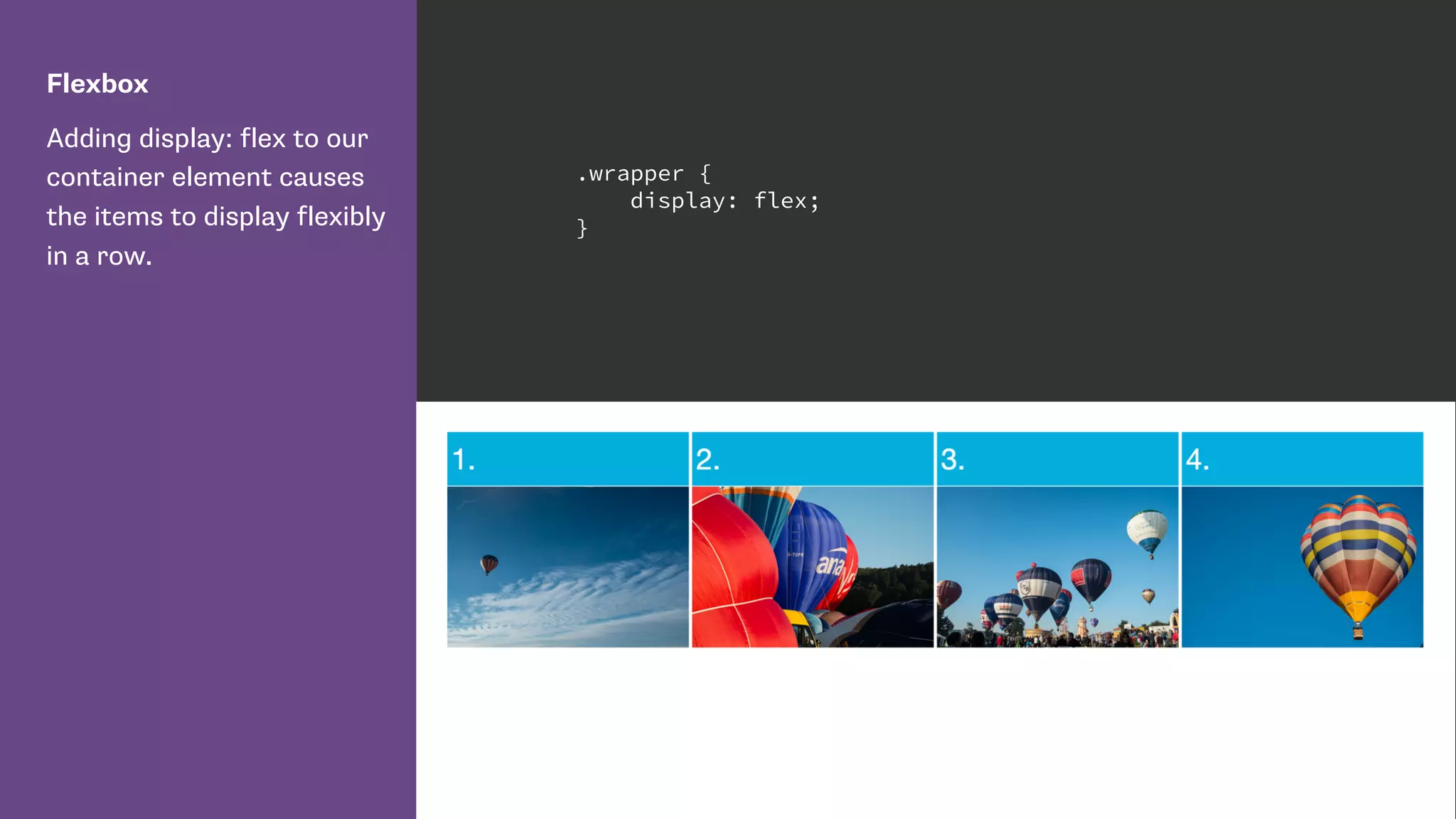
Flexbox
Adding display: flex to our
container element causes
the items to display flexibly
in a row.
.wrapper {
display: flex;
}
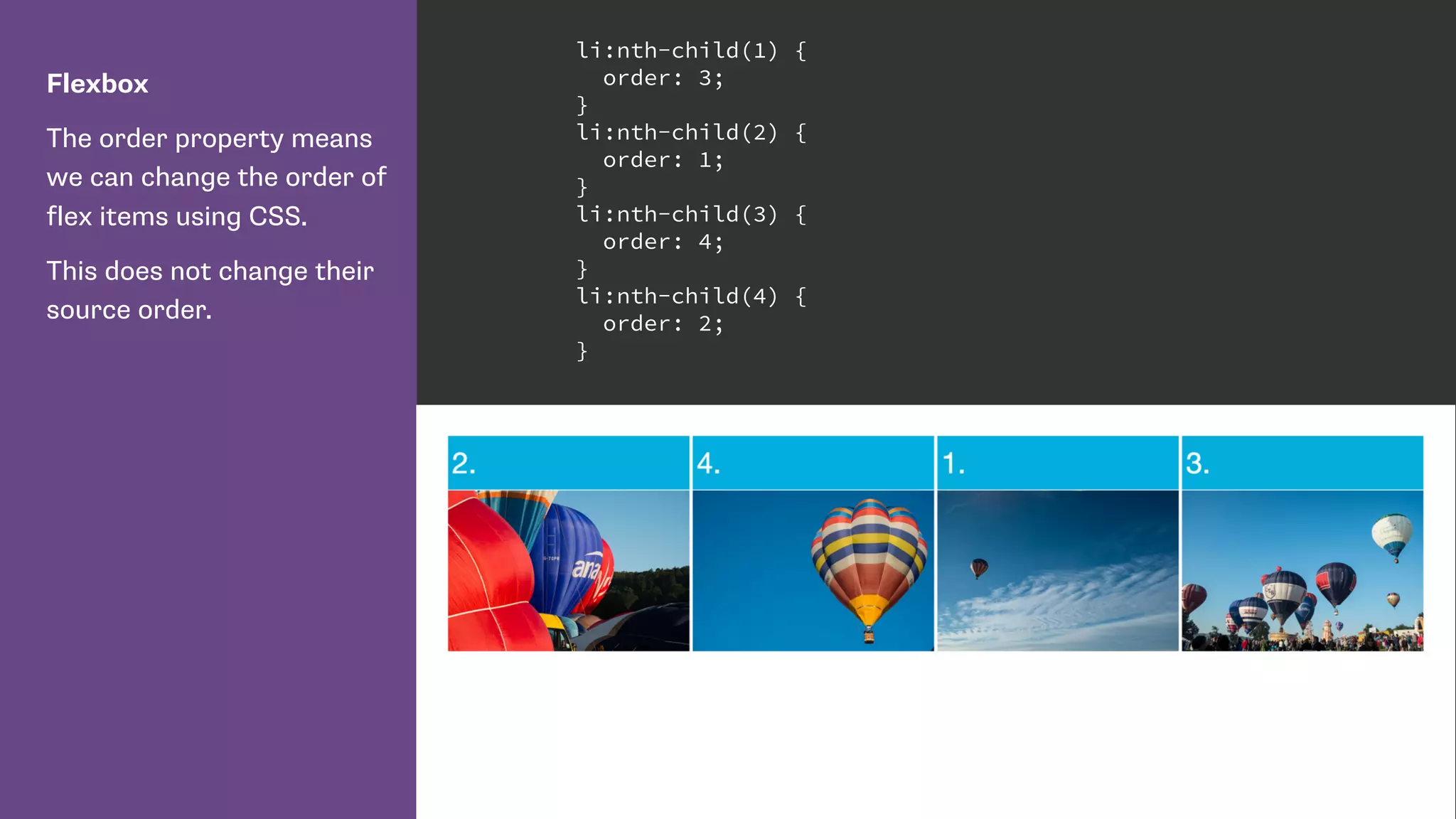
Flexbox
The order property means
we can change the order of
flex items using CSS.
This does not change their
source order.
li:nth-child(1) {
order: 3;
}
li:nth-child(2) {
order: 1;
}
li:nth-child(3) {
order: 4;
}
li:nth-child(4) {
order: 2;
}
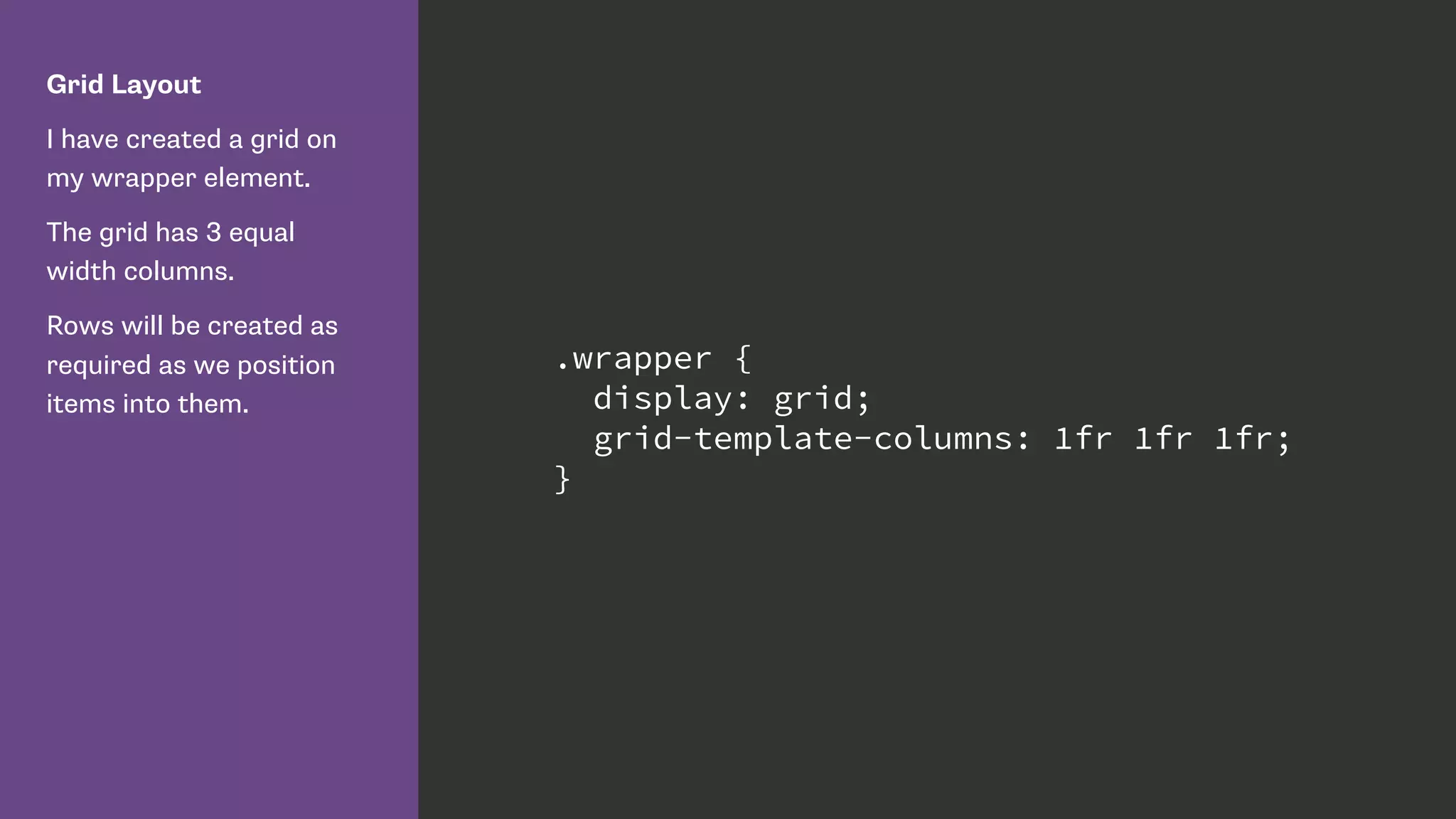
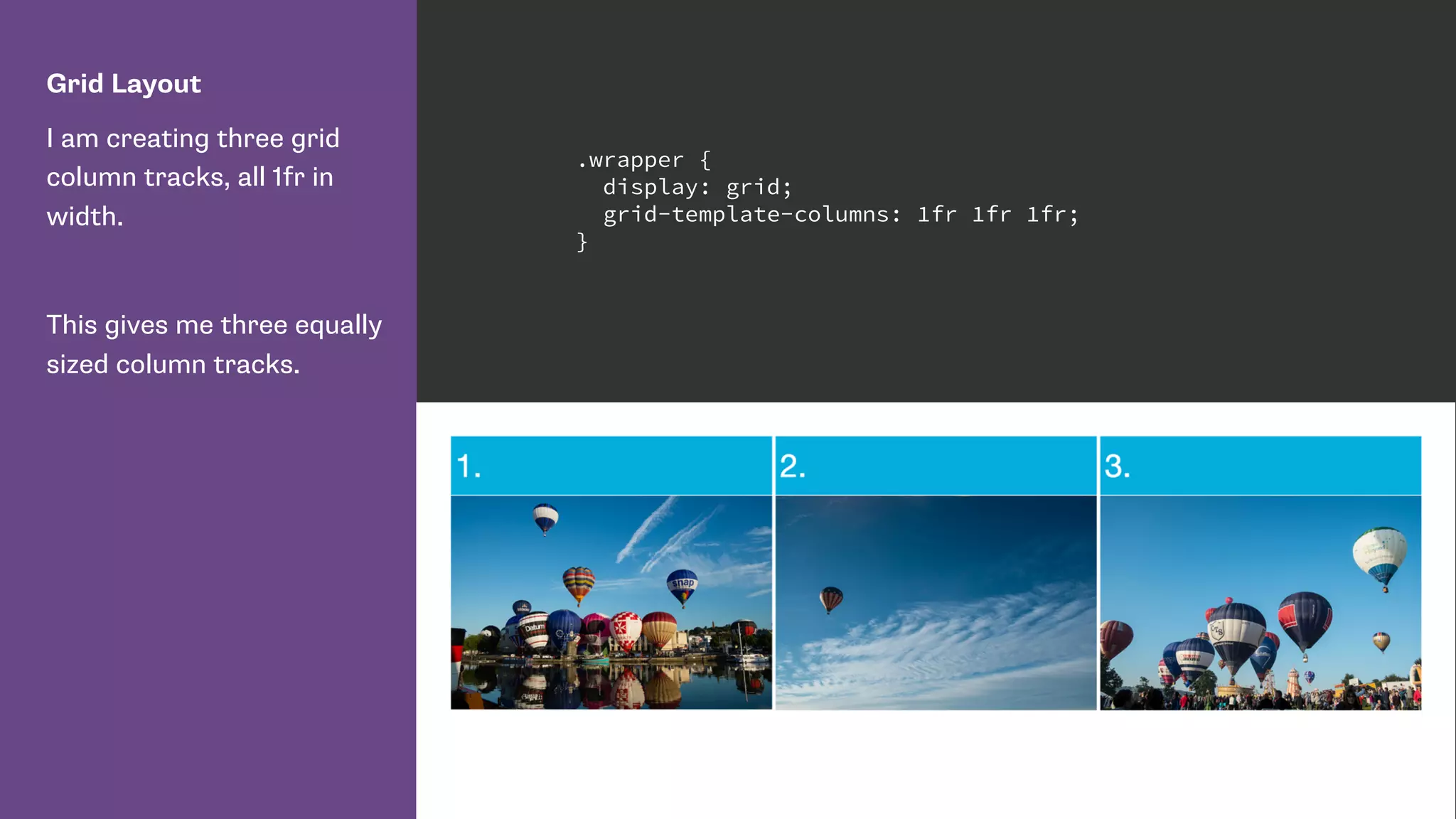
Grid Layout
I have created a grid on
my wrapper element.
The grid has 3 equal
width columns.
Rows will be created as
required as we position
items into them.
.wrapper {
display: grid;
grid-template-columns: 1fr 1fr 1fr;
}
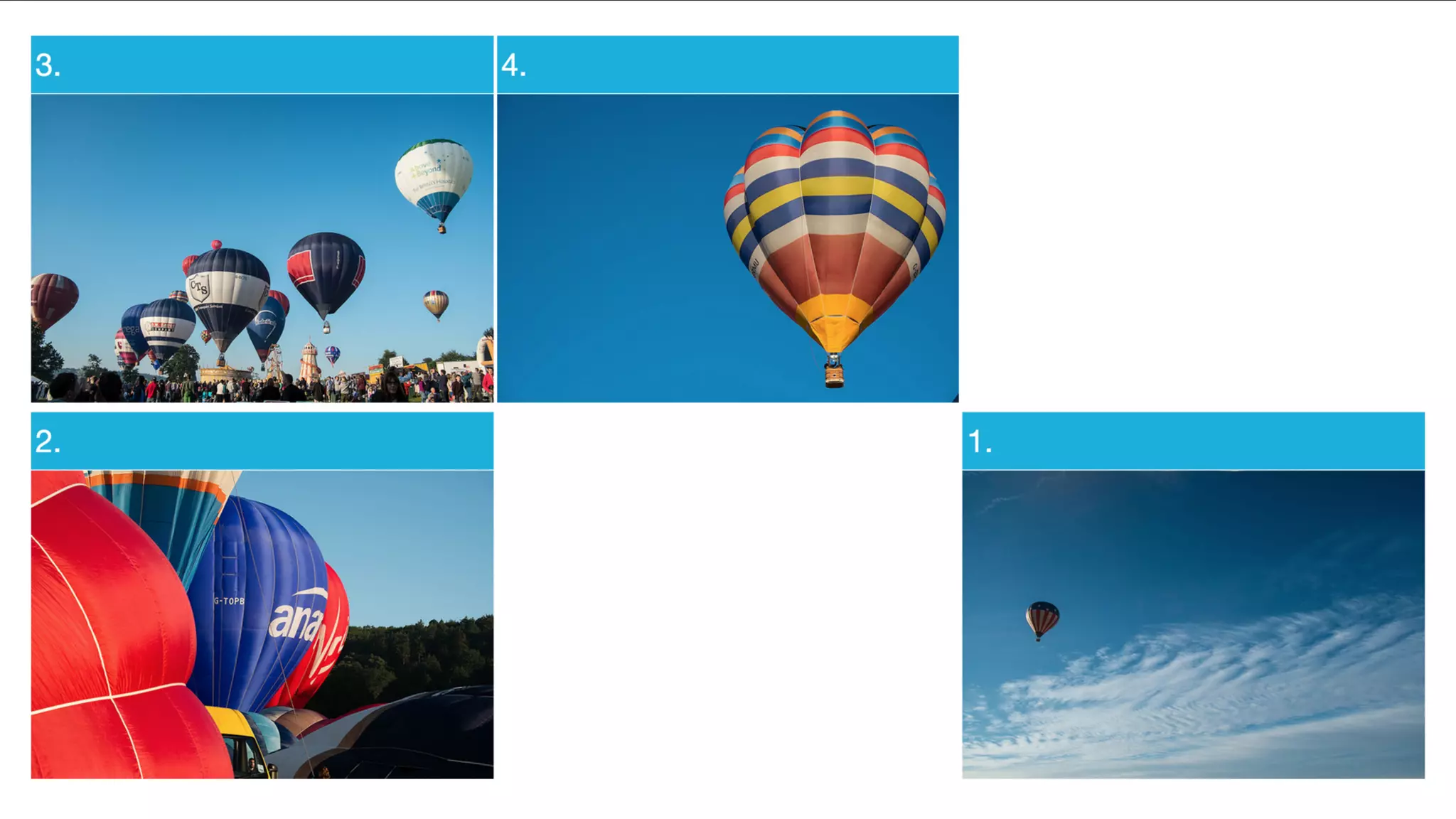
Grid Layout
I am positioning my
elements using CSS Grid
Layout line-based
positioning.
Setting a column and a
row line using the grid-
column and grid-row
properties.
li:nth-child(1) {
grid-column: 3 / 4 ;
grid-row: 2 / 3;
}
li:nth-child(2) {
grid-column: 1 / 2;
grid-row: 2 / 3;
}
li:nth-child(3) {
grid-column: 1 / 2;
grid-row: 1 / 2;
}
li:nth-child(4) {
grid-column: 2 / 3;
grid-row: 1 / 2;
}
CSS Grid automatic placement
http://www.w3.org/TR/2015/WD-css-grid-1-20150917/#grid-auto-
flow-property
https://rachelandrew.co.uk/archives/2015/04/14/grid-layout-
automatic-placement-and-packing-modes/
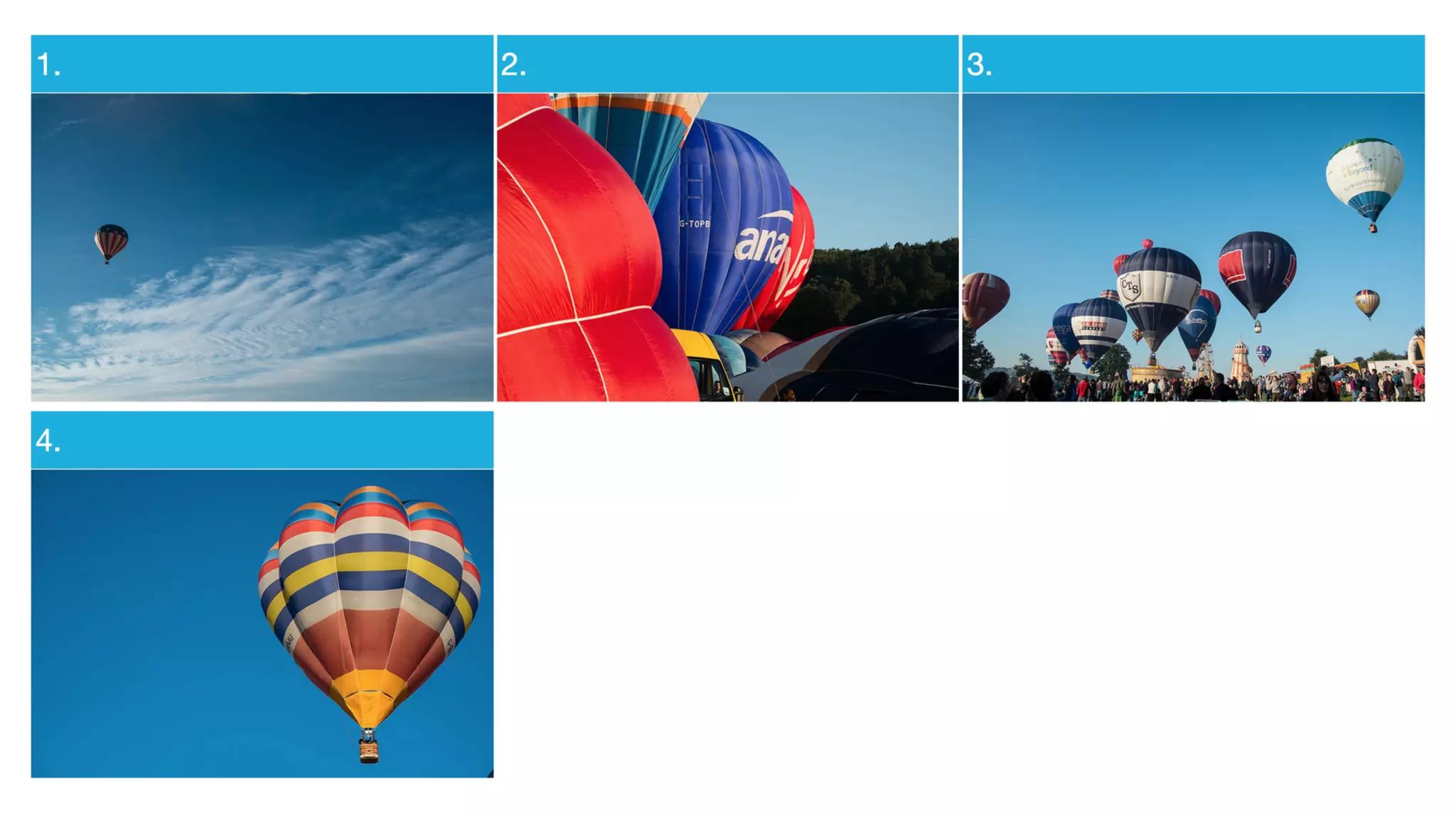
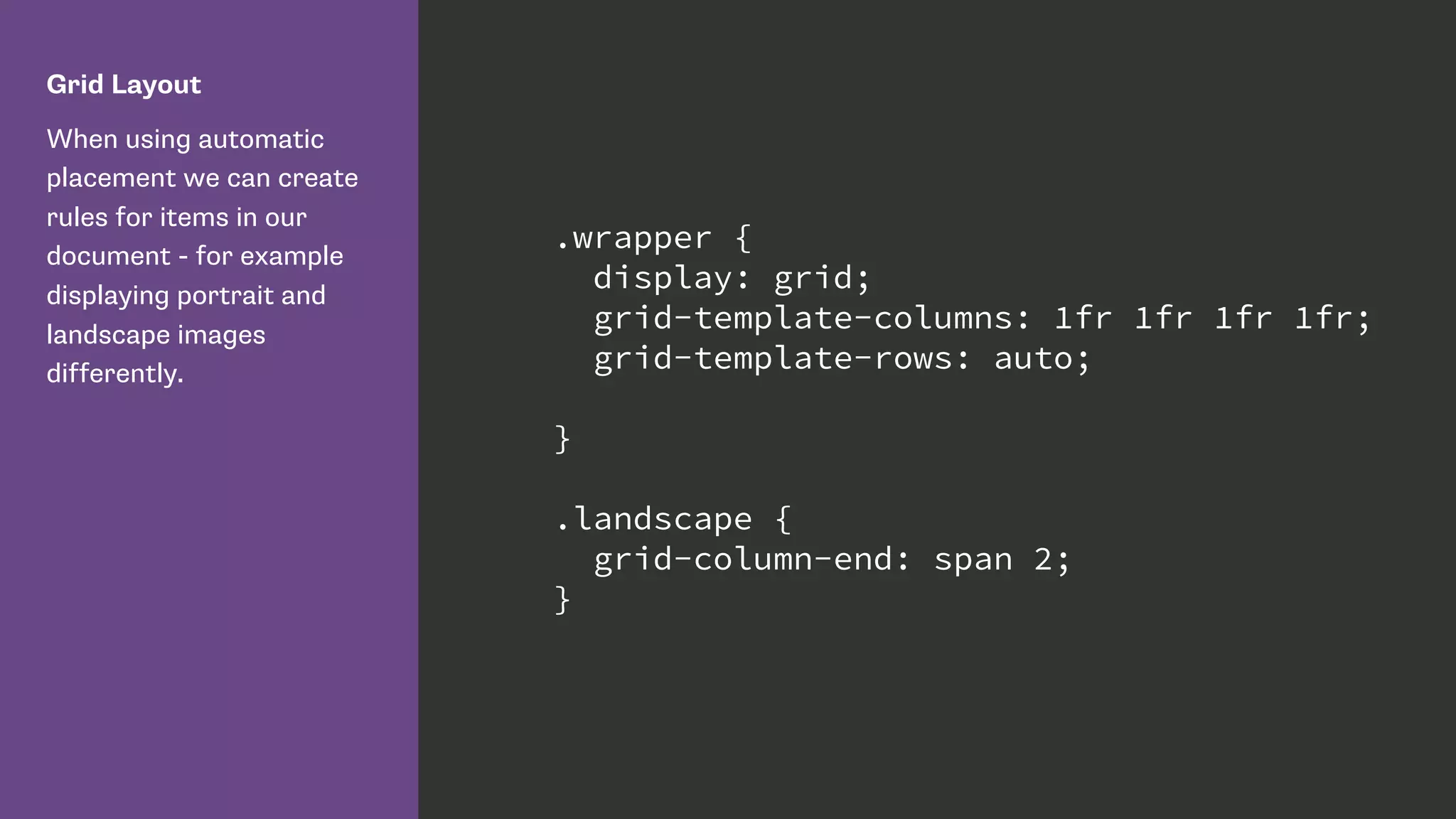
Grid Layout
When using automatic
placement we can create
rules for items in our
document - for example
displaying portrait and
landscape images
differently.
.wrapper {
display: grid;
grid-template-columns: 1fr 1fr 1fr 1fr;
grid-template-rows: auto;
}
.landscape {
grid-column-end: span 2;
}
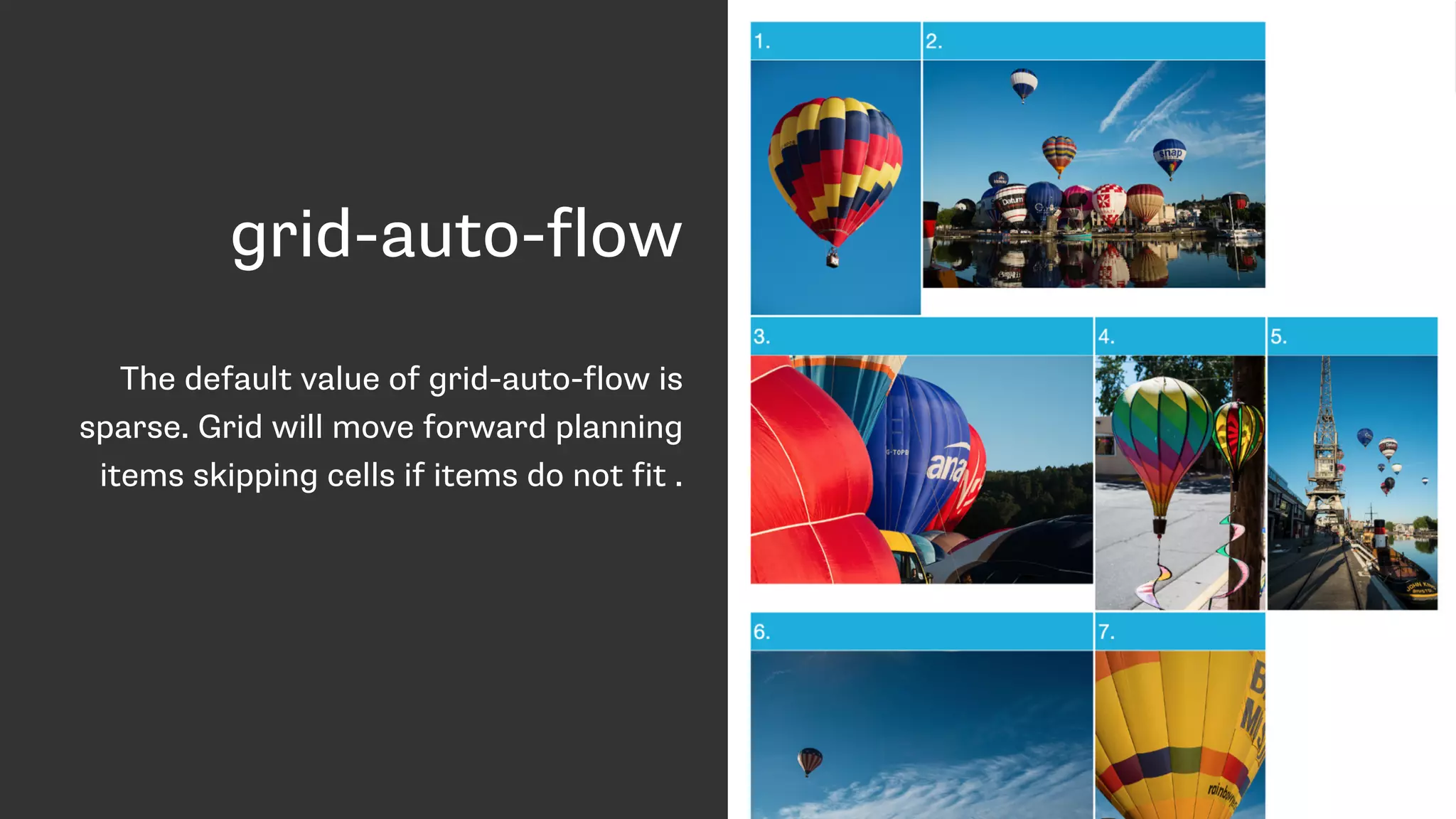
grid-auto-flow
The default value of grid-auto-flow is
sparse. Grid will move forward planning
items skipping cells if items do not fit .
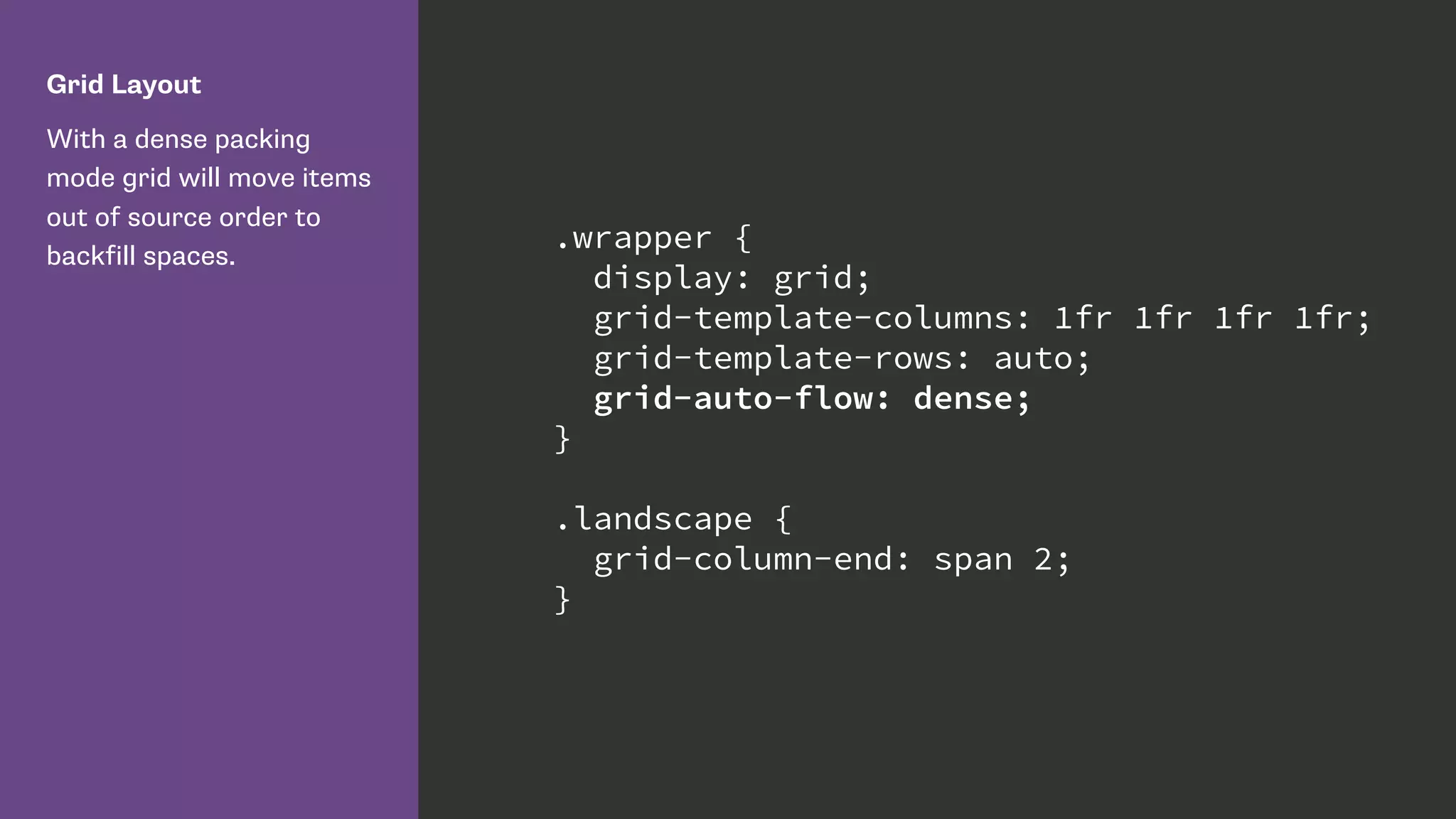
Grid Layout
With a dense packing
mode grid will move items
out of source order to
backfill spaces.
.wrapper {
display: grid;
grid-template-columns: 1fr 1fr 1fr 1fr;
grid-template-rows: auto;
grid-auto-flow: dense;
}
.landscape {
grid-column-end: span 2;
}
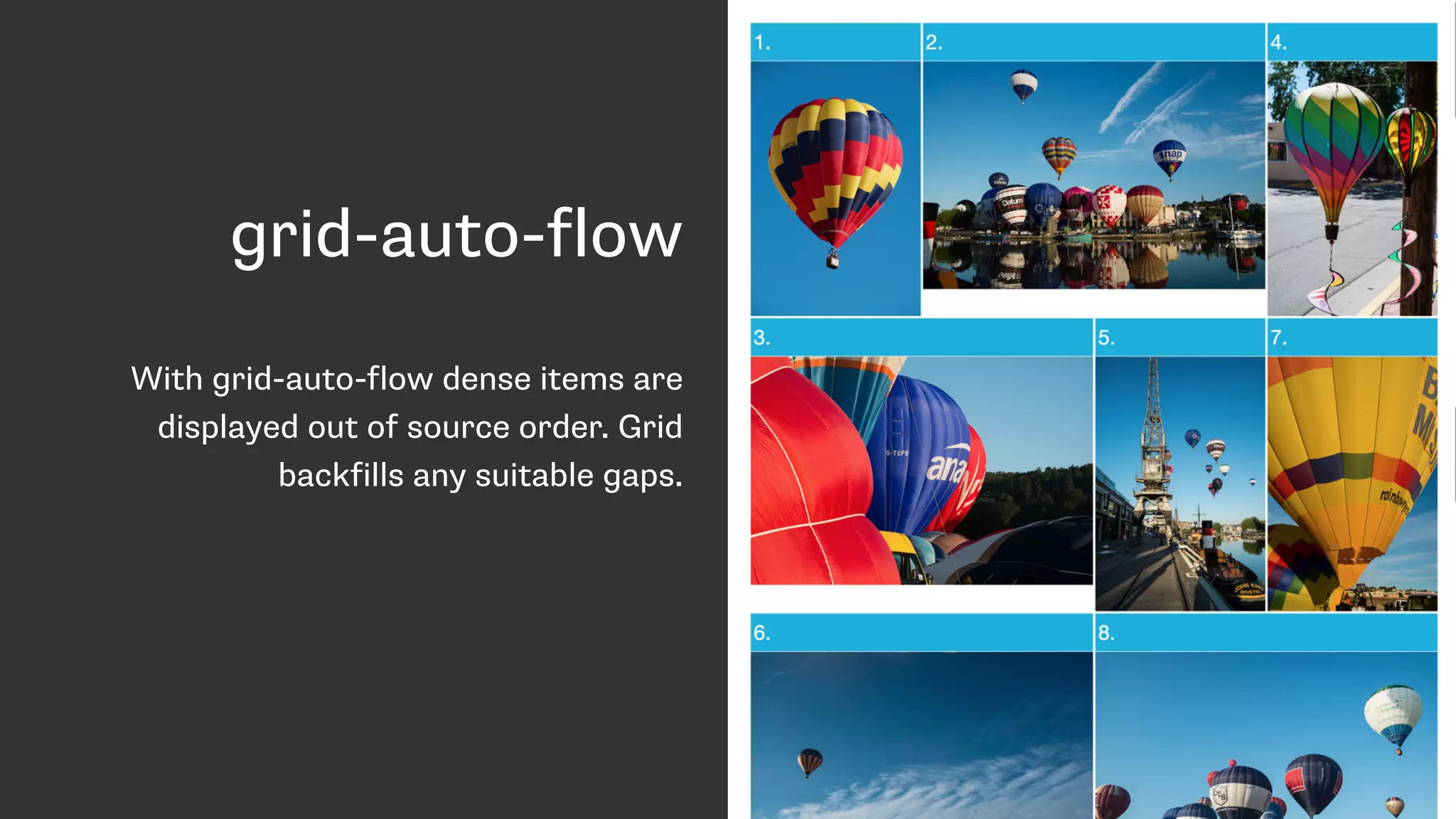
grid-auto-flow
With grid-auto-flow dense items are
displayed out of source order. Grid
backfills any suitable gaps.
Power and responsibility
• Good = creating the most accessible source
order and using Grid or Flexbox to get the
optimal display for each device.
• Bad = using Grid or Flexbox as an excuse to
forget about the source.
• Terrible - stripping out semantic elements to
make everything a grid or flex item.
https://drafts.csswg.org/css-flexbox/#order-accessibility
Authors must use order only for visual,
not logical, reordering of content. Style
sheets that use order to perform
logical reordering are non-conforming.
Control of alignment
CSS Box Alignment Module Level 3
“This module contains the features of CSS relating to the
alignment of boxes within their containers in the various CSS box
layout models: block layout, table layout, flex layout, and grid
layout.” - https://drafts.csswg.org/css-align/
Vertically centre ALL THE THINGS!
Default alignment
Used by the justify-items and align-items properties.
The align-items and justify-items properties set the default align-
self and justify-self behavior of the items contained by the
element.
Flexbox
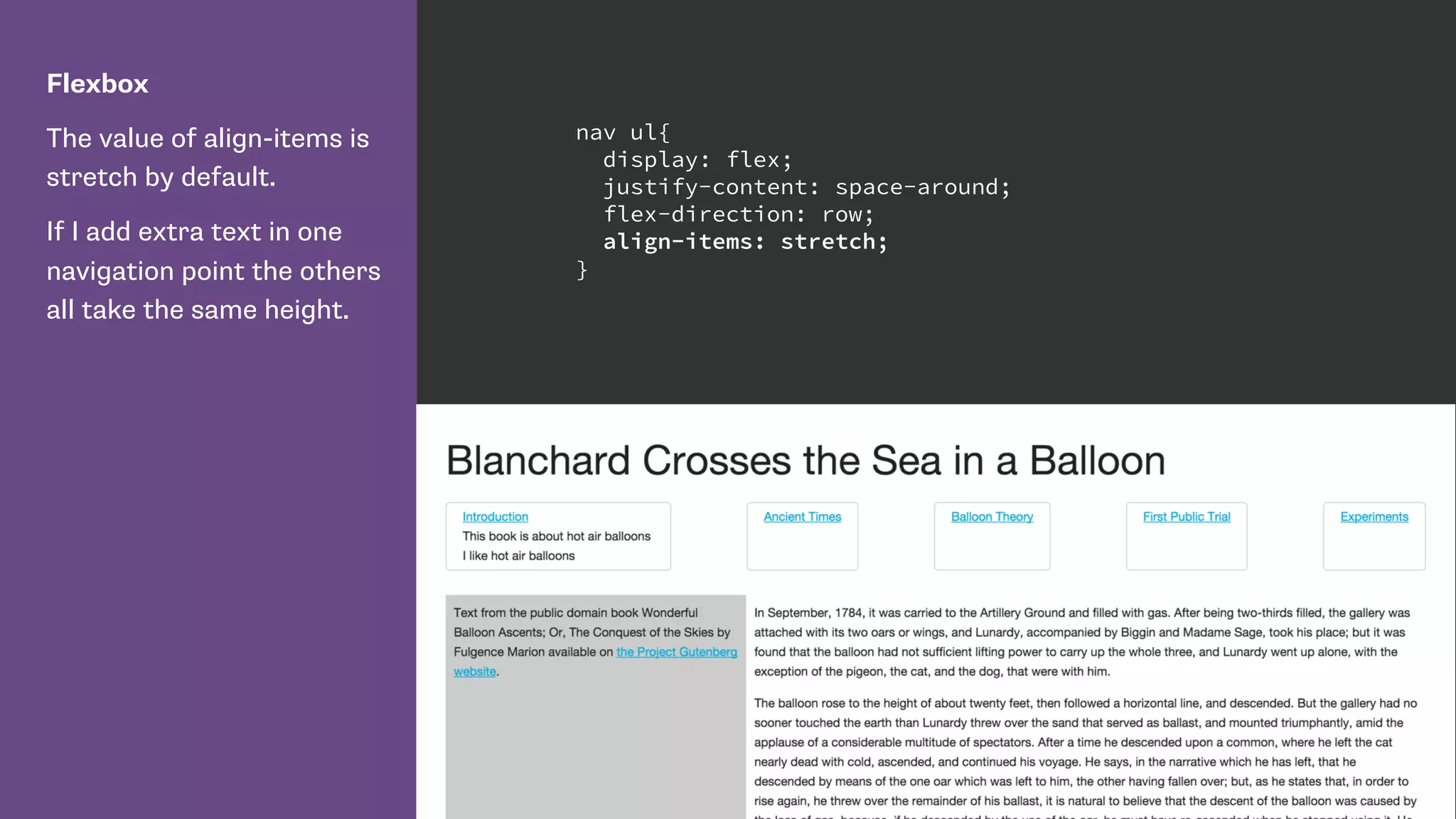
The value of align-items is
stretch by default.
If I add extra text in one
navigation point the others
all take the same height.
nav ul{
display: flex;
justify-content: space-around;
flex-direction: row;
align-items: stretch;
}
Flexbox
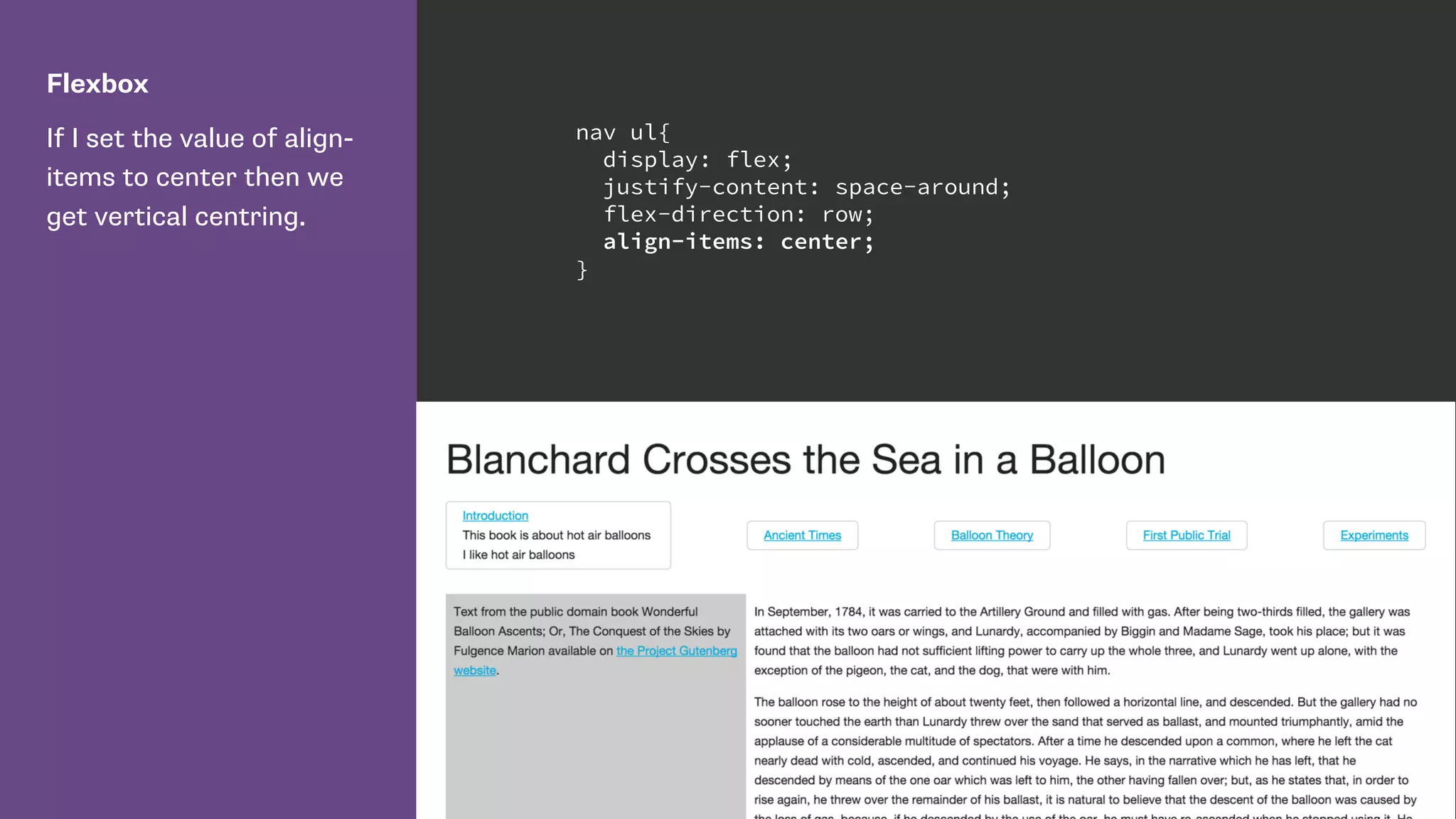
If I set the value of align-
items to center then we
get vertical centring.
nav ul{
display: flex;
justify-content: space-around;
flex-direction: row;
align-items: center;
}
Self alignment
justify-self and align-self properties.
The justify-self and align-self properties control alignment of the
box within its containing block.
Flexbox
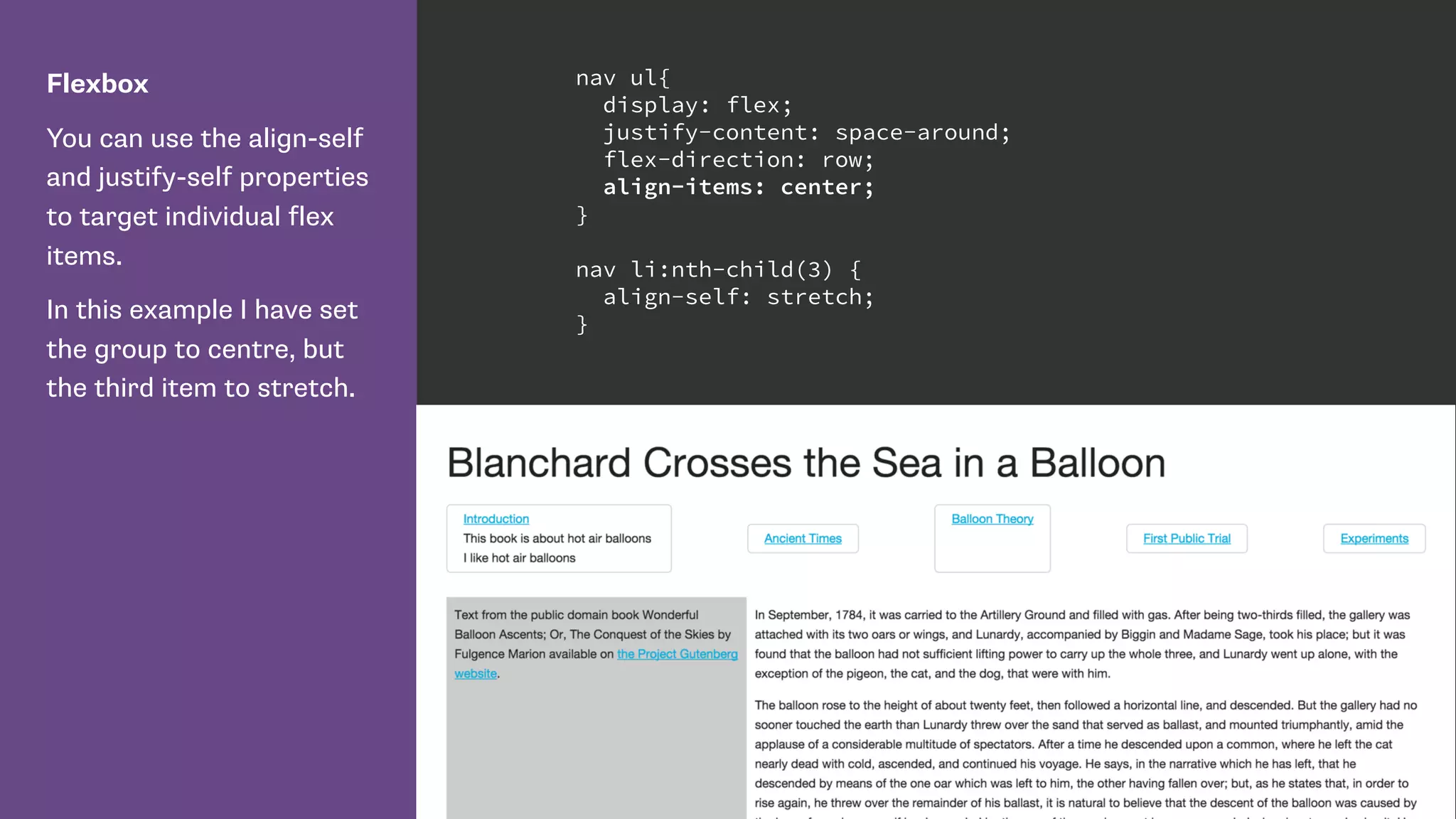
You can use the align-self
and justify-self properties
to target individual flex
items.
In this example I have set
the group to centre, but
the third item to stretch.
nav ul{
display: flex;
justify-content: space-around;
flex-direction: row;
align-items: center;
}
nav li:nth-child(3) {
align-self: stretch;
}
Box alignment in CSS Grid Layout
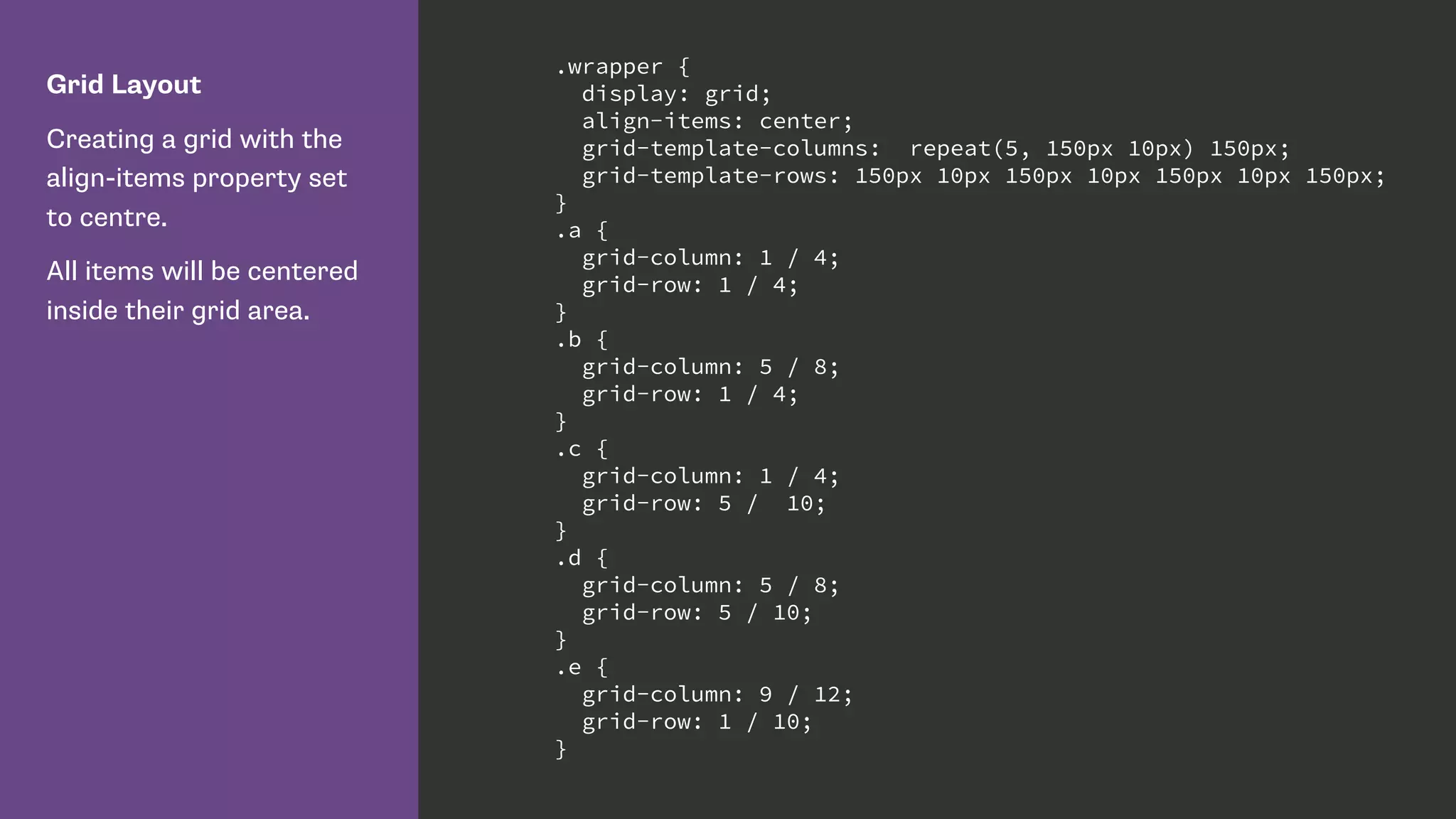
Grid Layout
Creating a grid with the
align-items property set
to centre.
All items will be centered
inside their grid area.
.wrapper {
display: grid;
align-items: center;
grid-template-columns: repeat(5, 150px 10px) 150px;
grid-template-rows: 150px 10px 150px 10px 150px 10px 150px;
}
.a {
grid-column: 1 / 4;
grid-row: 1 / 4;
}
.b {
grid-column: 5 / 8;
grid-row: 1 / 4;
}
.c {
grid-column: 1 / 4;
grid-row: 5 / 10;
}
.d {
grid-column: 5 / 8;
grid-row: 5 / 10;
}
.e {
grid-column: 9 / 12;
grid-row: 1 / 10;
}
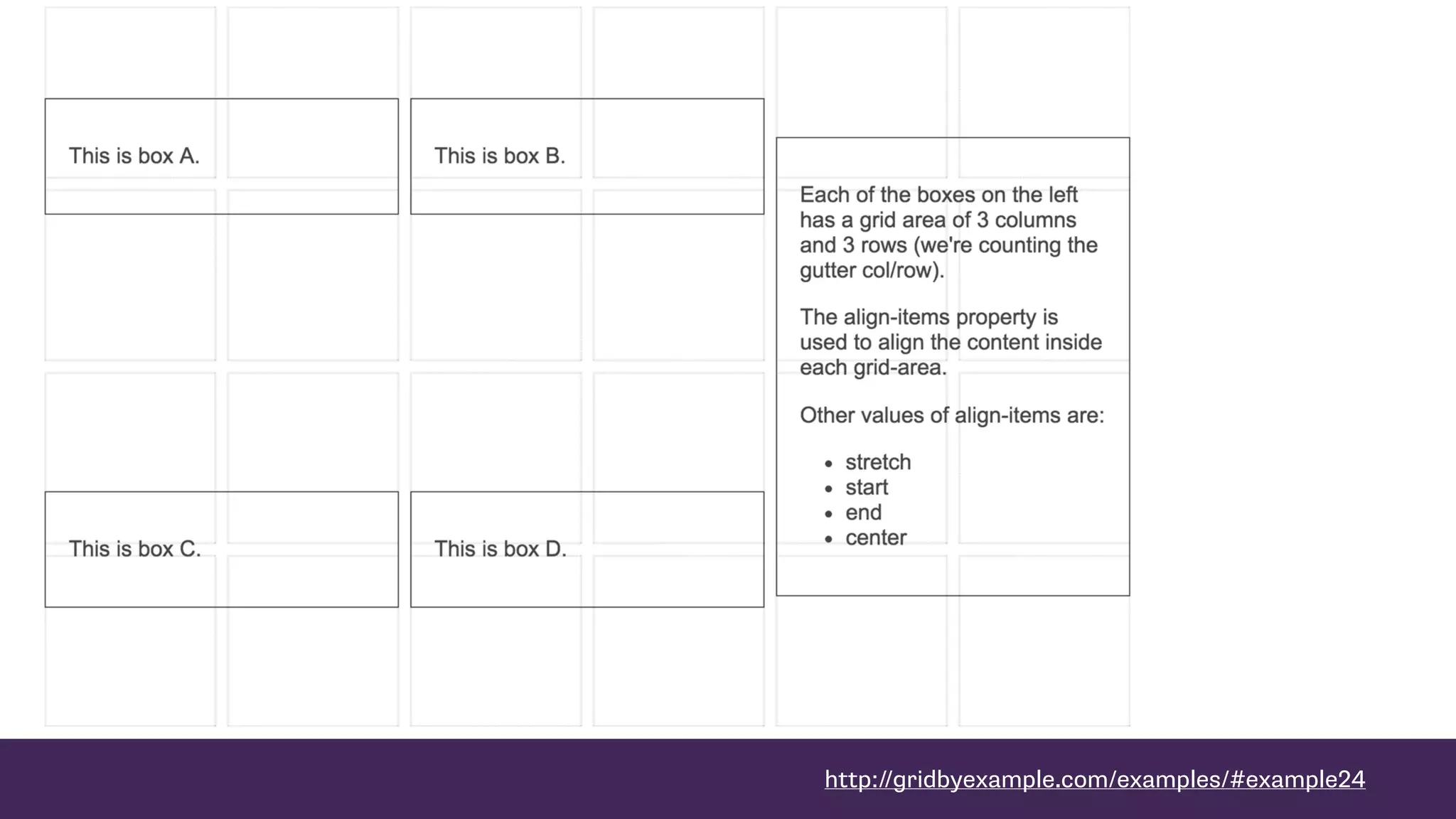
http://gridbyexample.com/examples/#example24
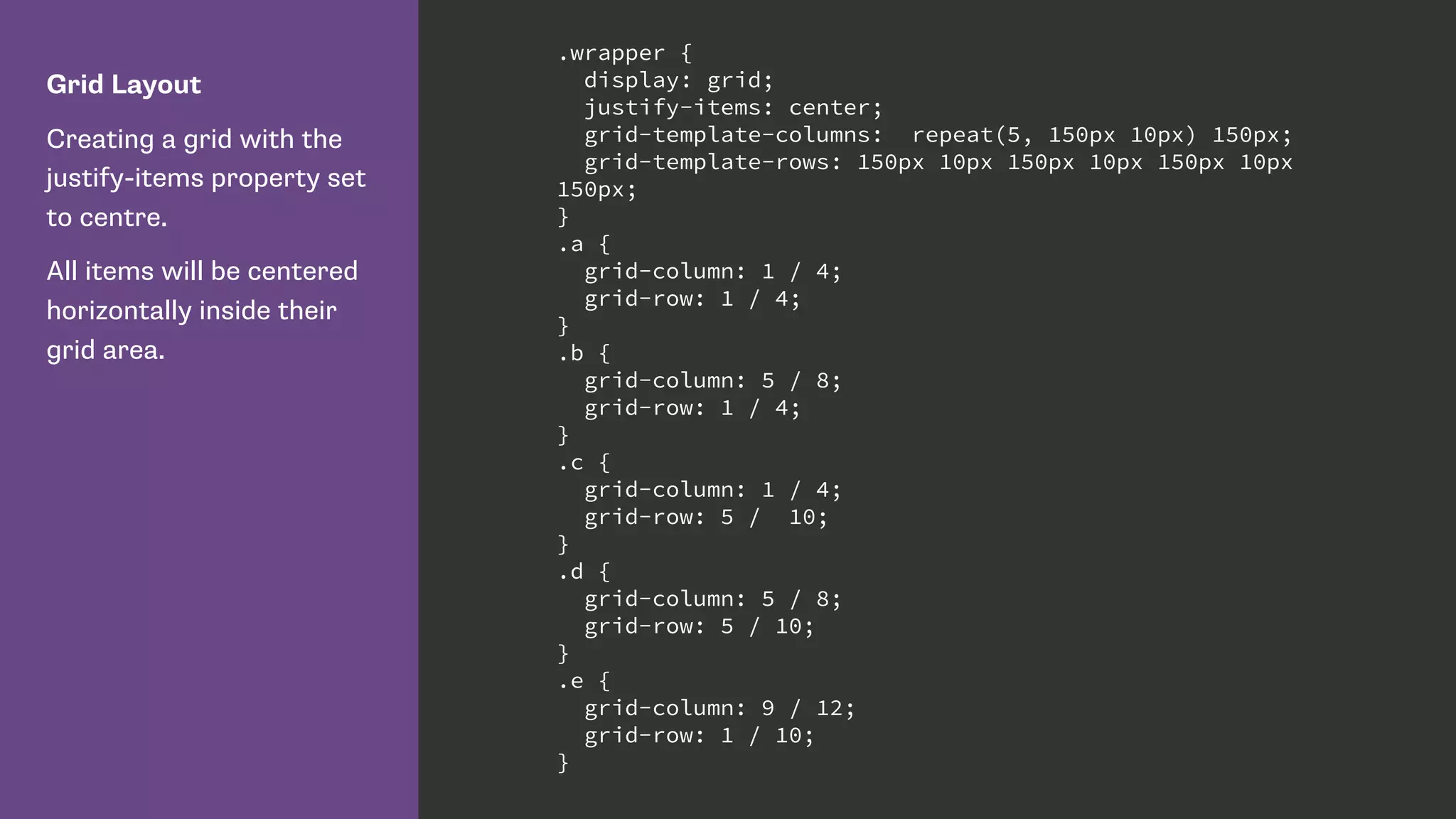
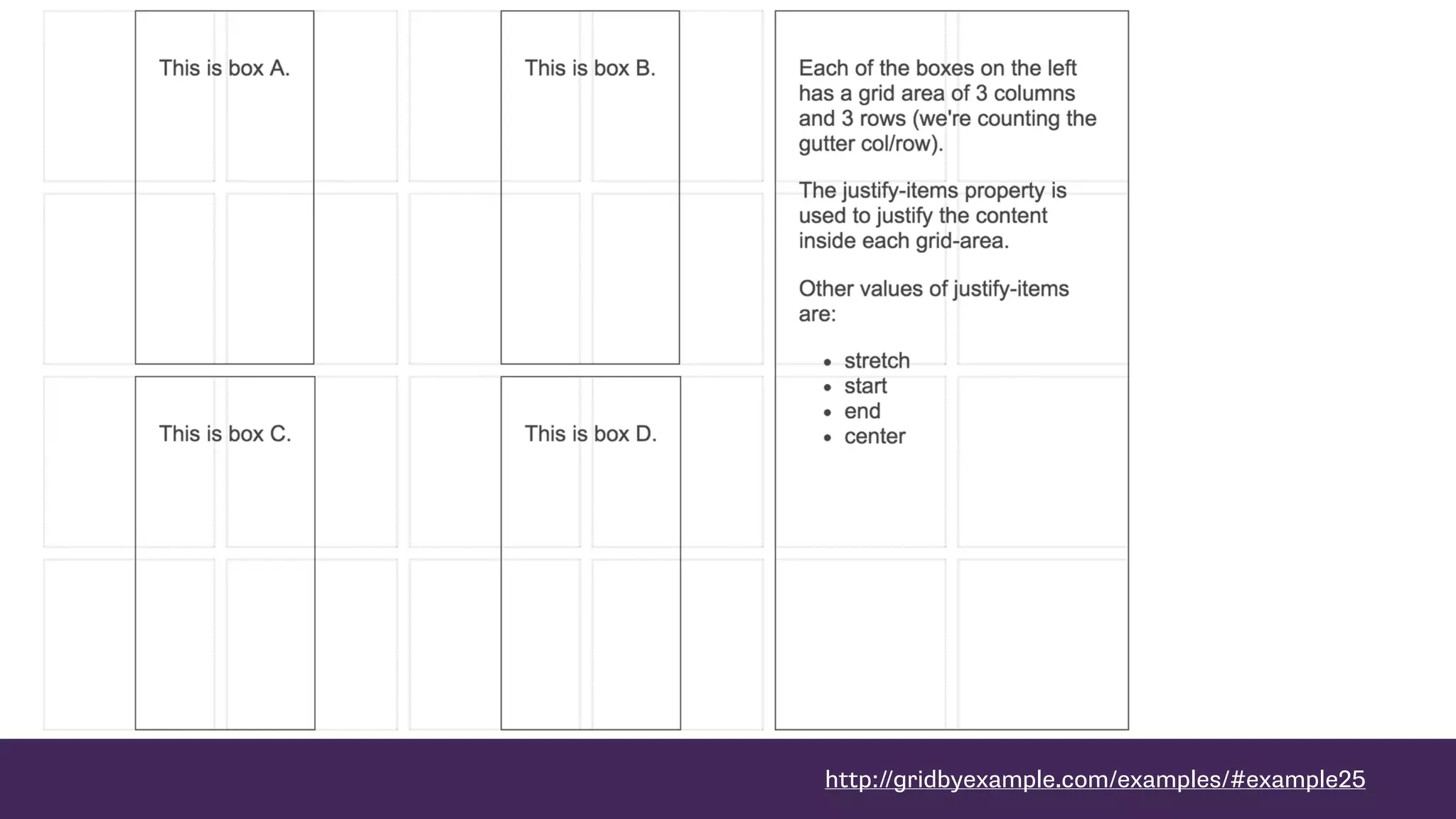
Grid Layout
Creating a grid with the
justify-items property set
to centre.
All items will be centered
horizontally inside their
grid area.
.wrapper {
display: grid;
justify-items: center;
grid-template-columns: repeat(5, 150px 10px) 150px;
grid-template-rows: 150px 10px 150px 10px 150px 10px
150px;
}
.a {
grid-column: 1 / 4;
grid-row: 1 / 4;
}
.b {
grid-column: 5 / 8;
grid-row: 1 / 4;
}
.c {
grid-column: 1 / 4;
grid-row: 5 / 10;
}
.d {
grid-column: 5 / 8;
grid-row: 5 / 10;
}
.e {
grid-column: 9 / 12;
grid-row: 1 / 10;
}
http://gridbyexample.com/examples/#example25
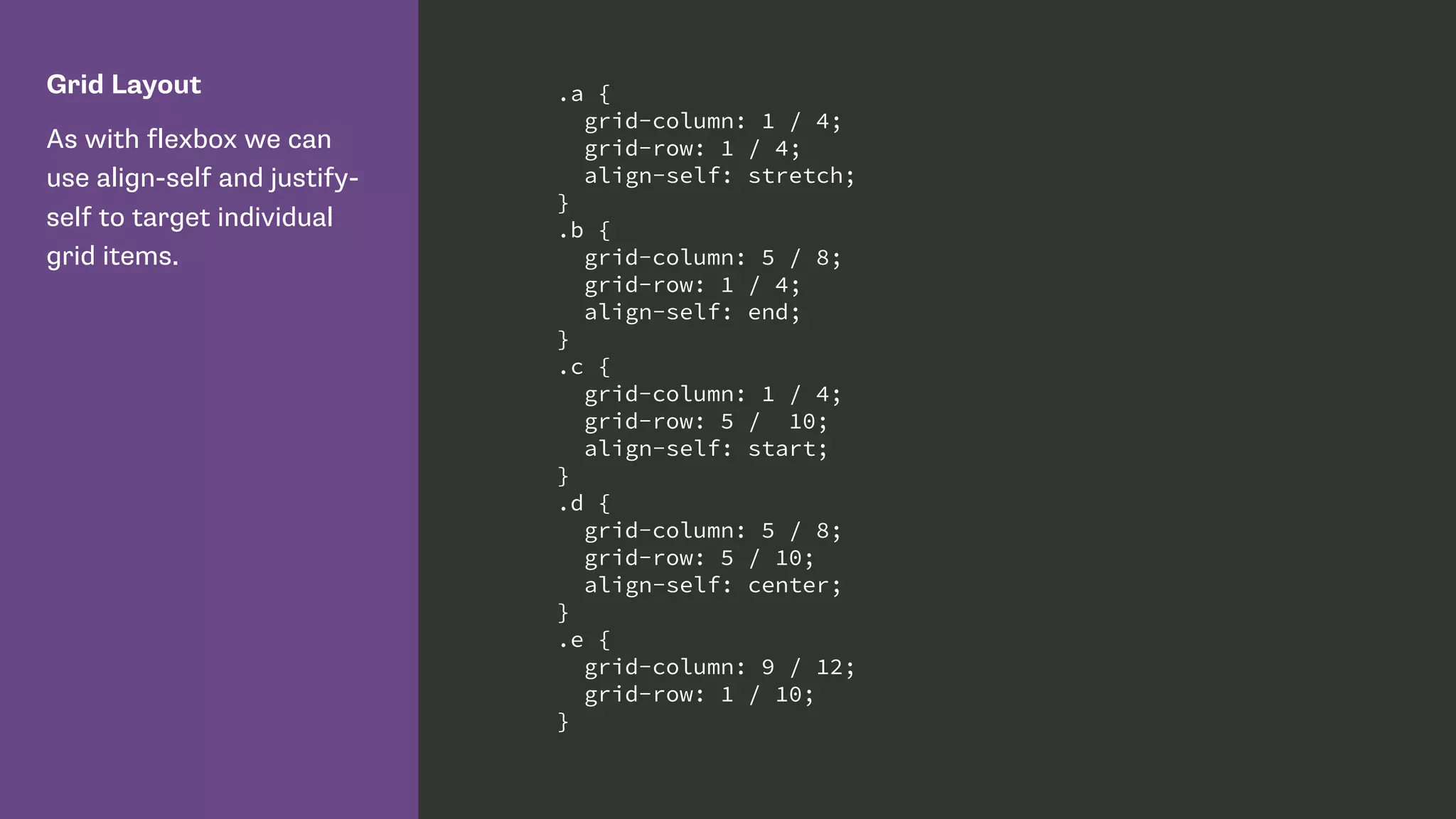
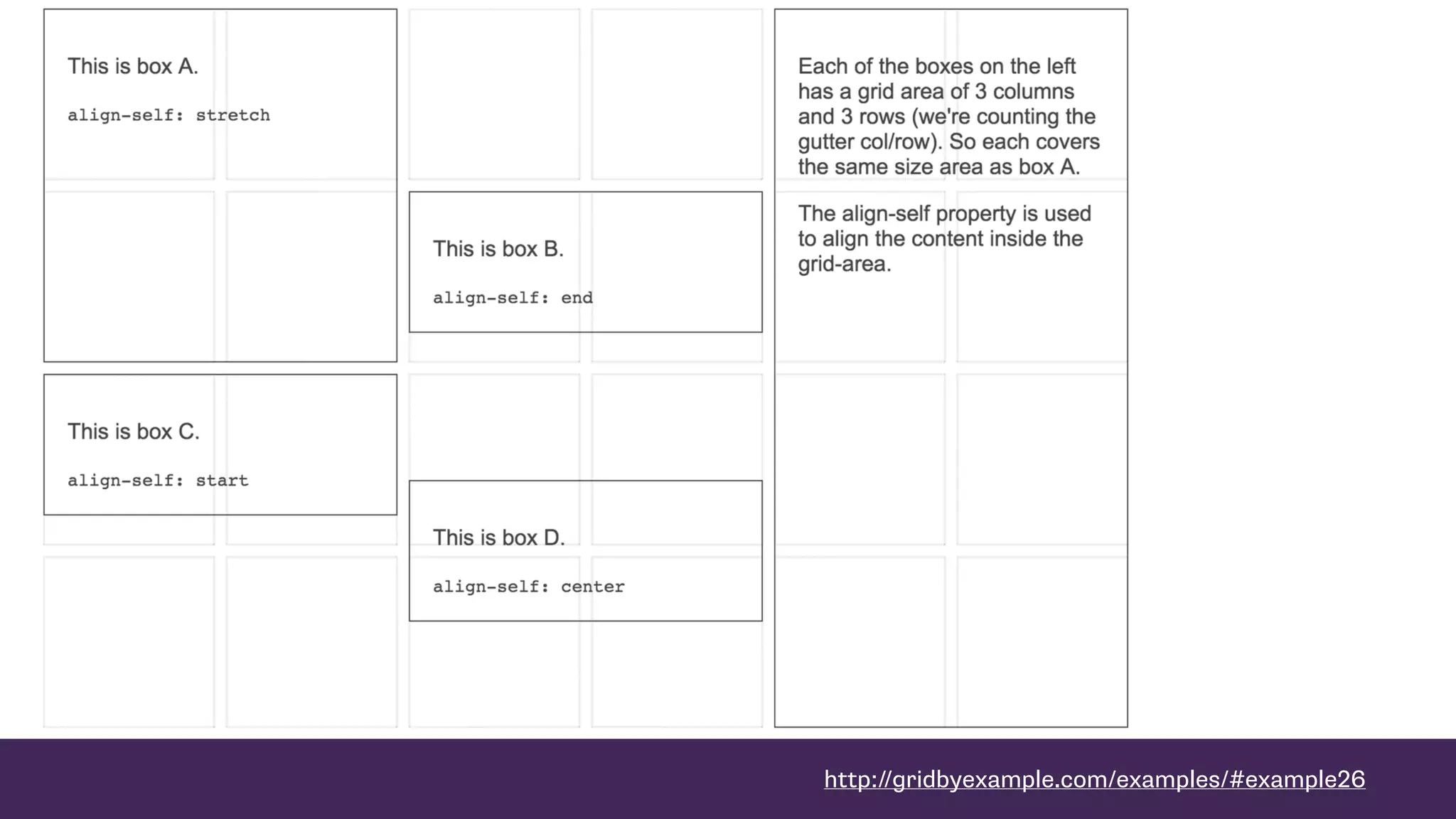
Grid Layout
As with flexbox we can
use align-self and justify-
self to target individual
grid items.
.a {
grid-column: 1 / 4;
grid-row: 1 / 4;
align-self: stretch;
}
.b {
grid-column: 5 / 8;
grid-row: 1 / 4;
align-self: end;
}
.c {
grid-column: 1 / 4;
grid-row: 5 / 10;
align-self: start;
}
.d {
grid-column: 5 / 8;
grid-row: 5 / 10;
align-self: center;
}
.e {
grid-column: 9 / 12;
grid-row: 1 / 10;
}
http://gridbyexample.com/examples/#example26
Responsive by default
Ethan Marcotte, Fluid Grids
“… every aspect of the grid—and the
elements laid upon it—can be
expressed as a proportion relative to
its container.”
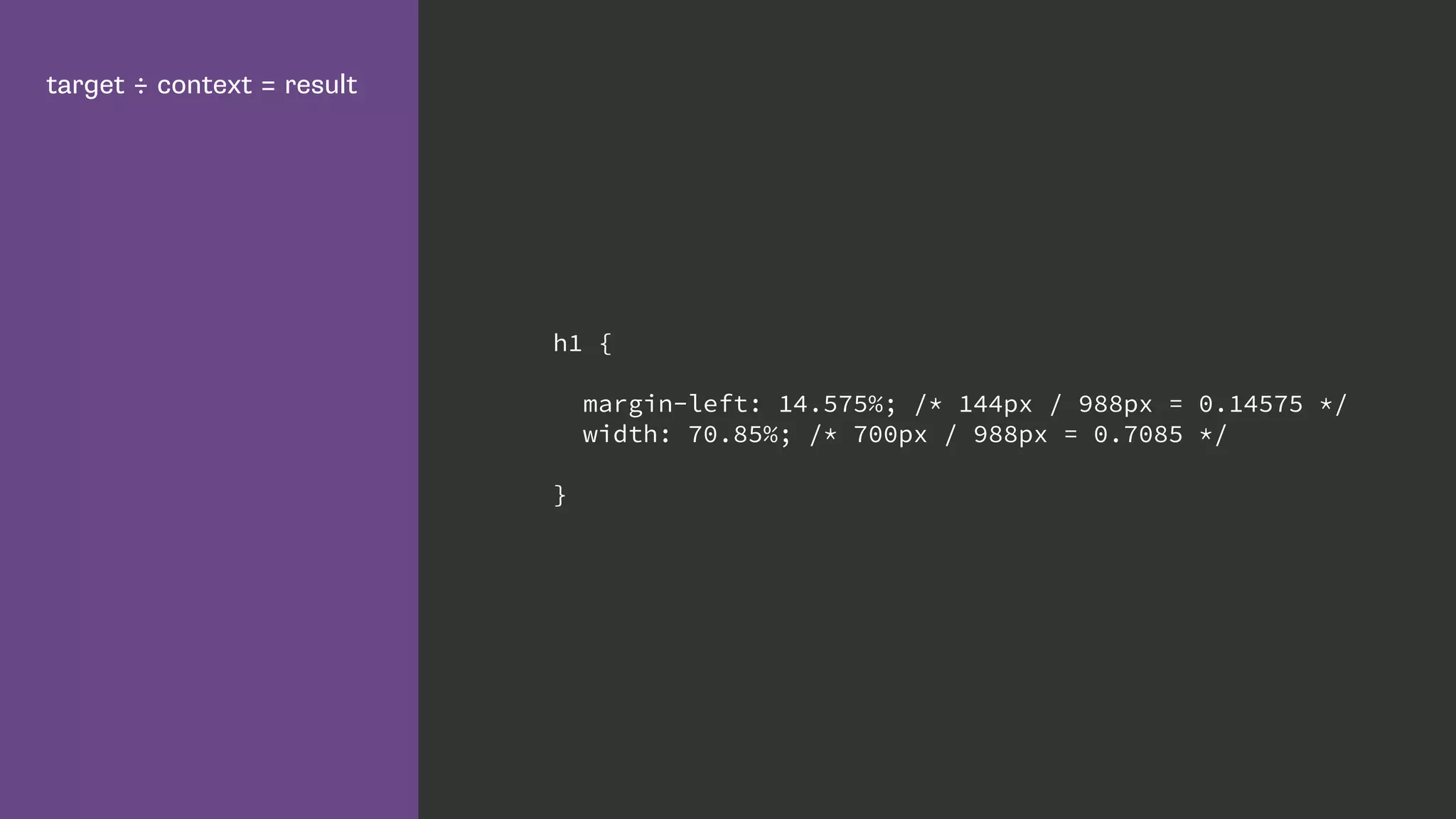
target ÷ context = result
h1 {
margin-left: 14.575%; /* 144px / 988px = 0.14575 */
width: 70.85%; /* 700px / 988px = 0.7085 */
}
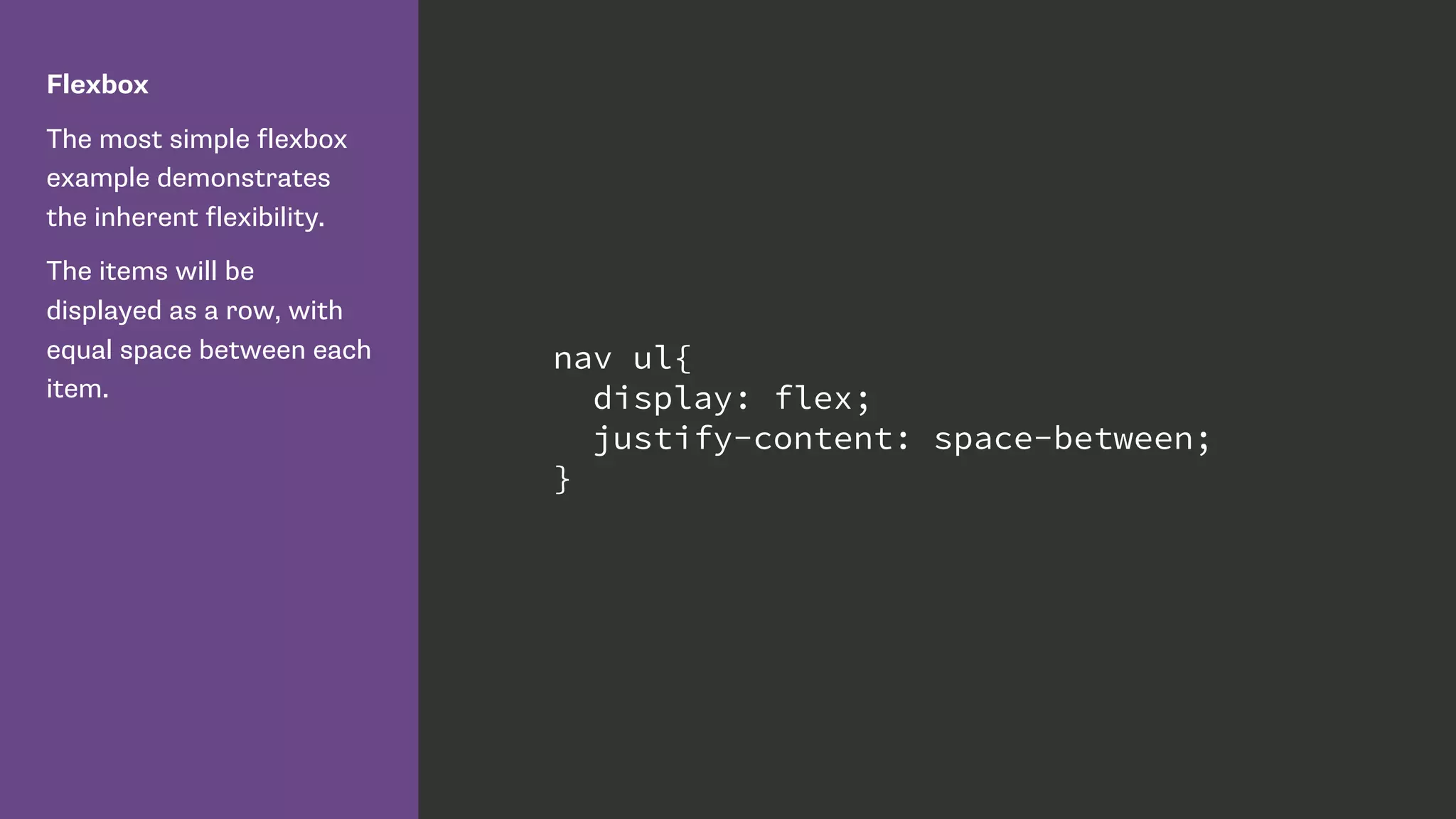
Flexbox
The most simple flexbox
example demonstrates
the inherent flexibility.
The items will be
displayed as a row, with
equal space between each
item.
nav ul{
display: flex;
justify-content: space-between;
}
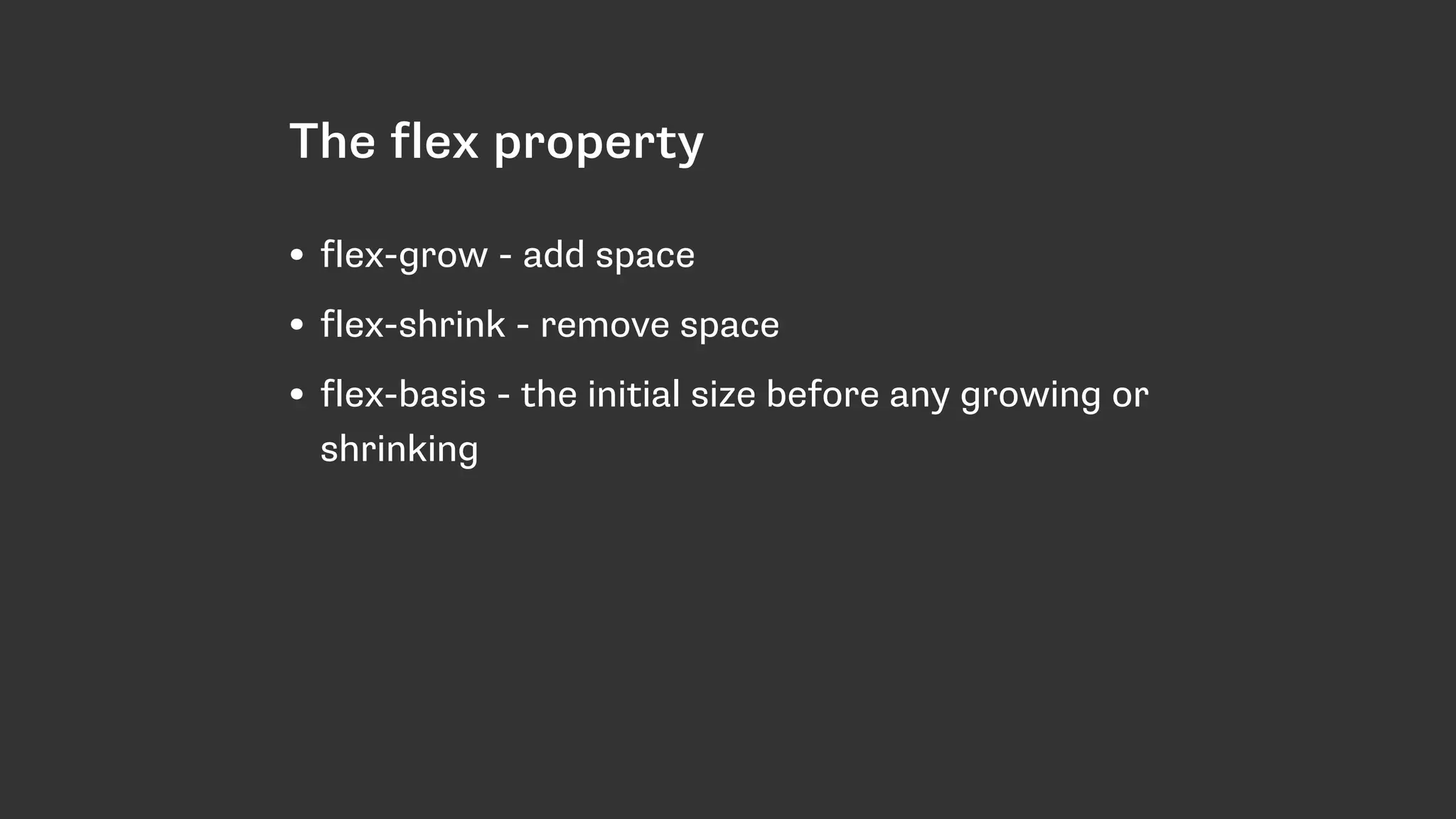
The flex property
• flex-grow - add space
• flex-shrink - remove space
• flex-basis - the initial size before any growing or
shrinking
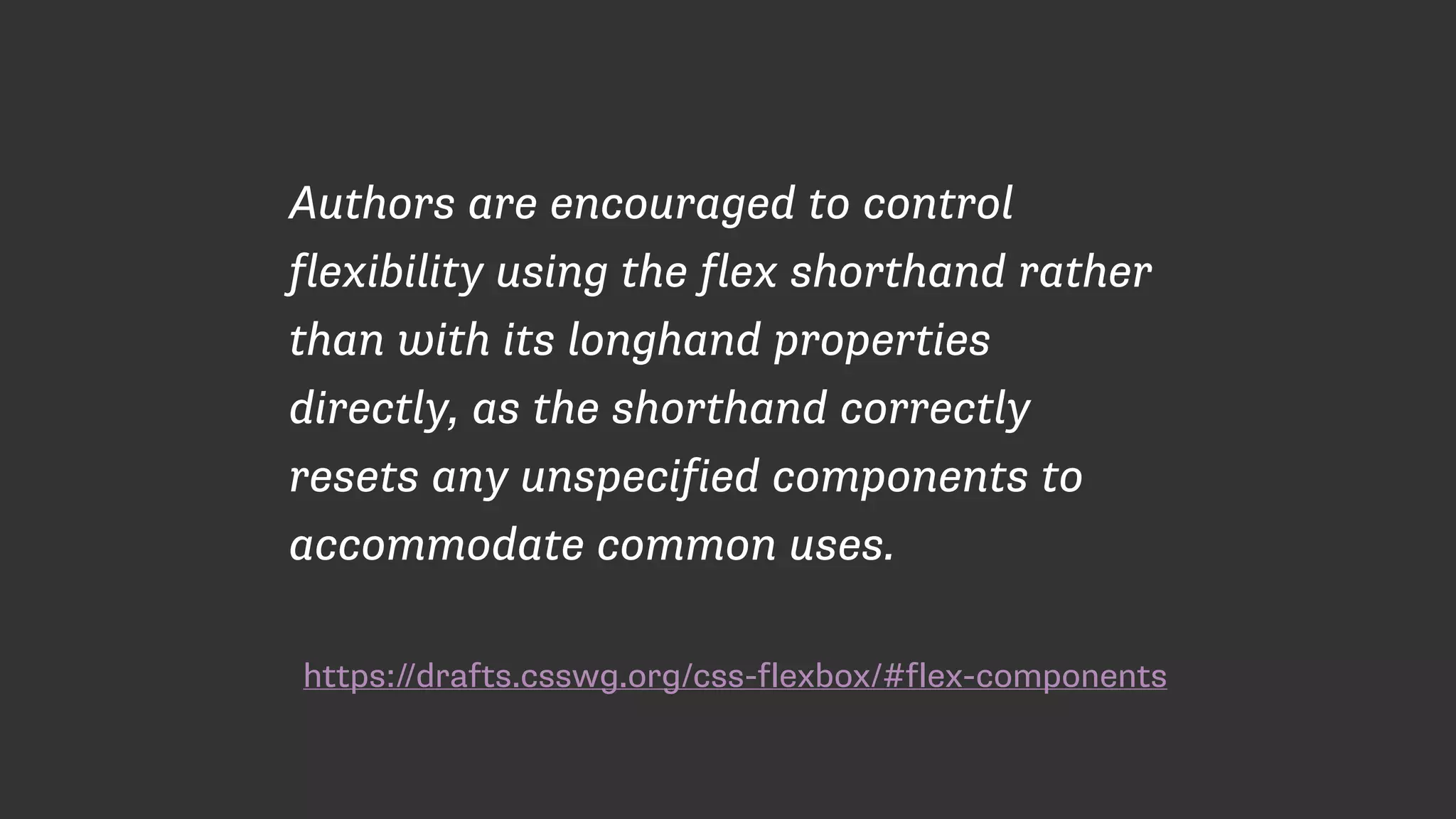
https://drafts.csswg.org/css-flexbox/#flex-components
Authors are encouraged to control
flexibility using the flex shorthand rather
than with its longhand properties
directly, as the shorthand correctly
resets any unspecified components to
accommodate common uses.
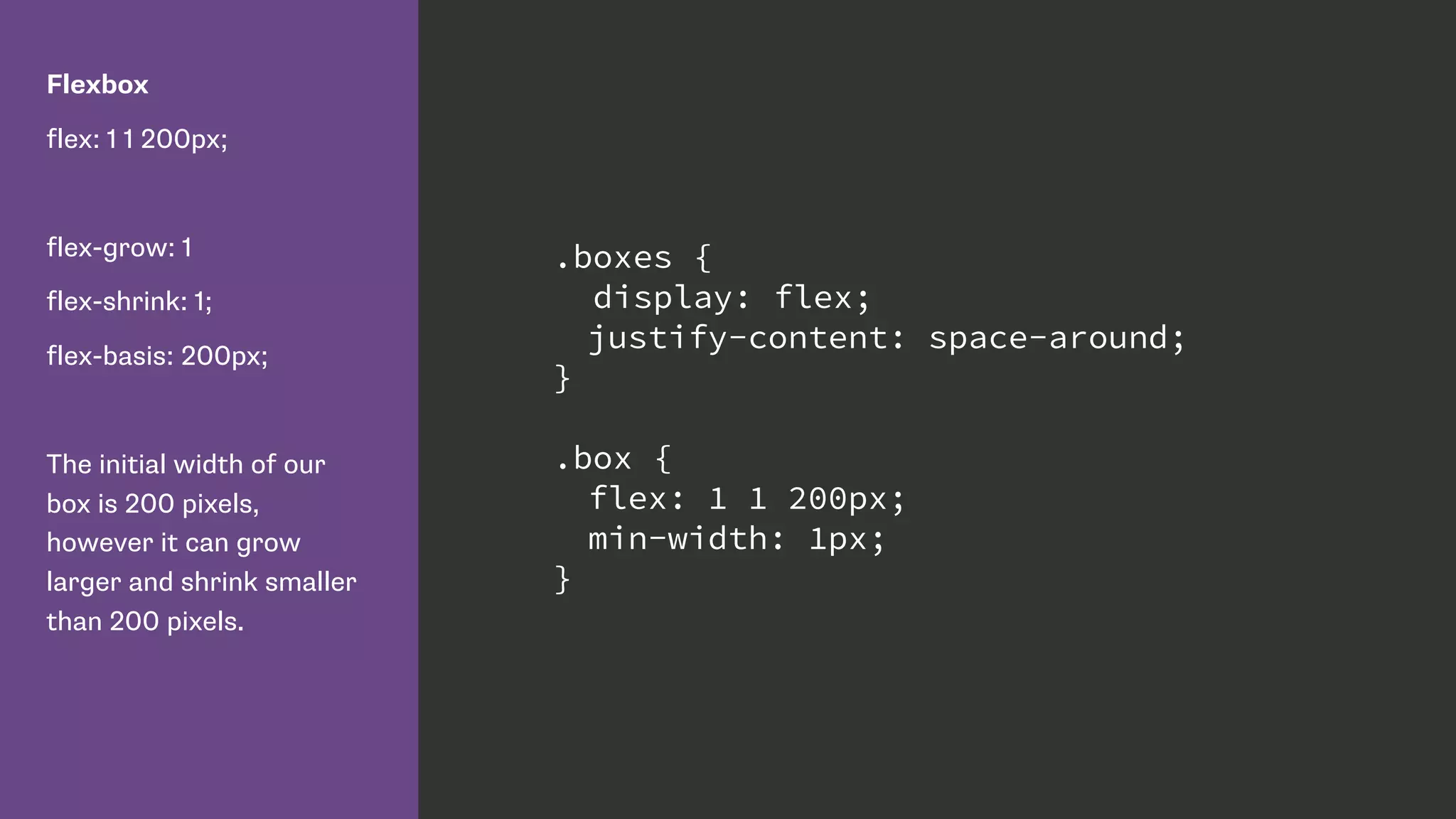
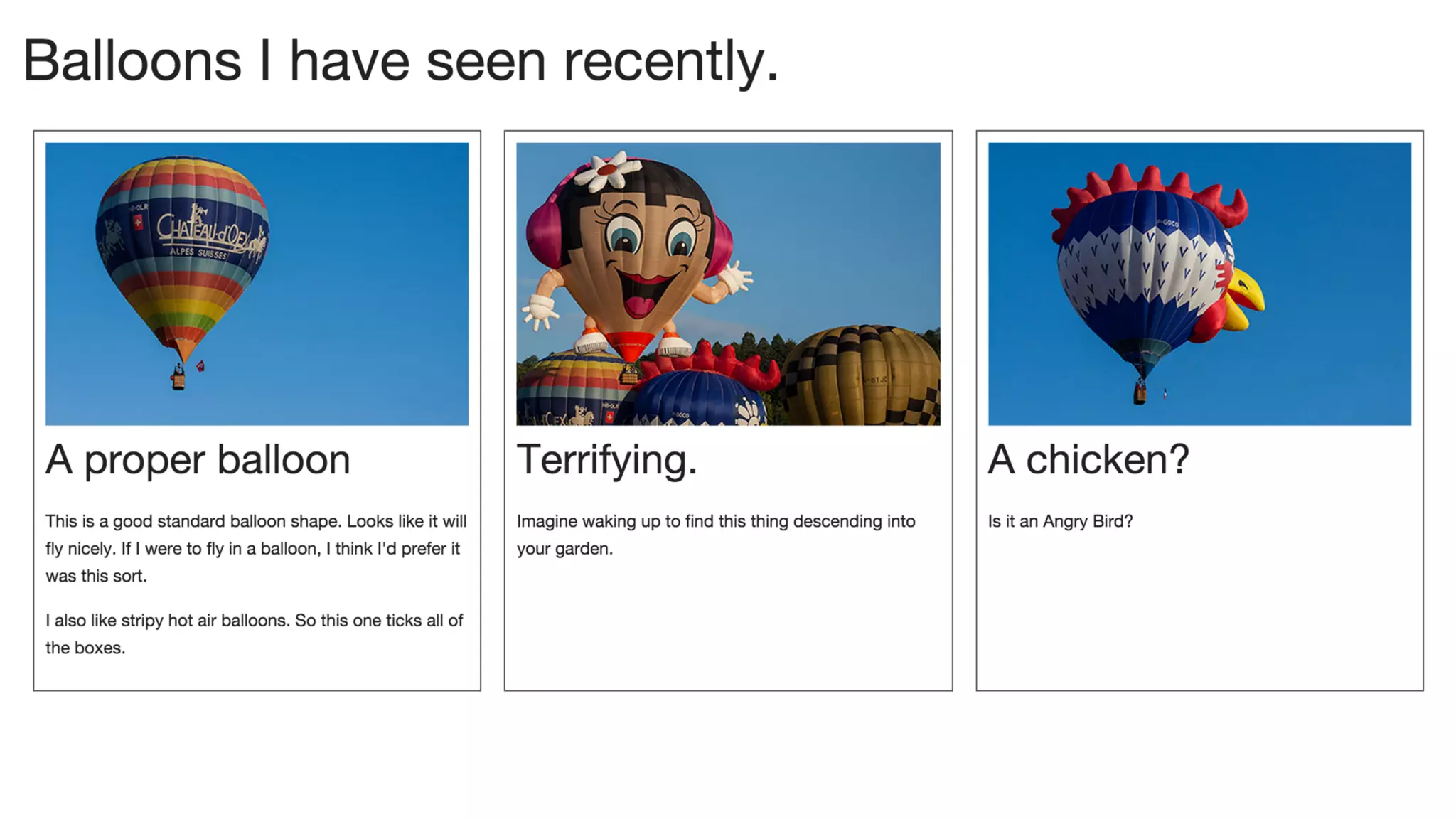
Flexbox
flex: 1 1 200px;
flex-grow: 1
flex-shrink: 1;
flex-basis: 200px;
The initial width of our
box is 200 pixels,
however it can grow
larger and shrink smaller
than 200 pixels.
.boxes {
display: flex;
justify-content: space-around;
}
.box {
flex: 1 1 200px;
min-width: 1px;
}
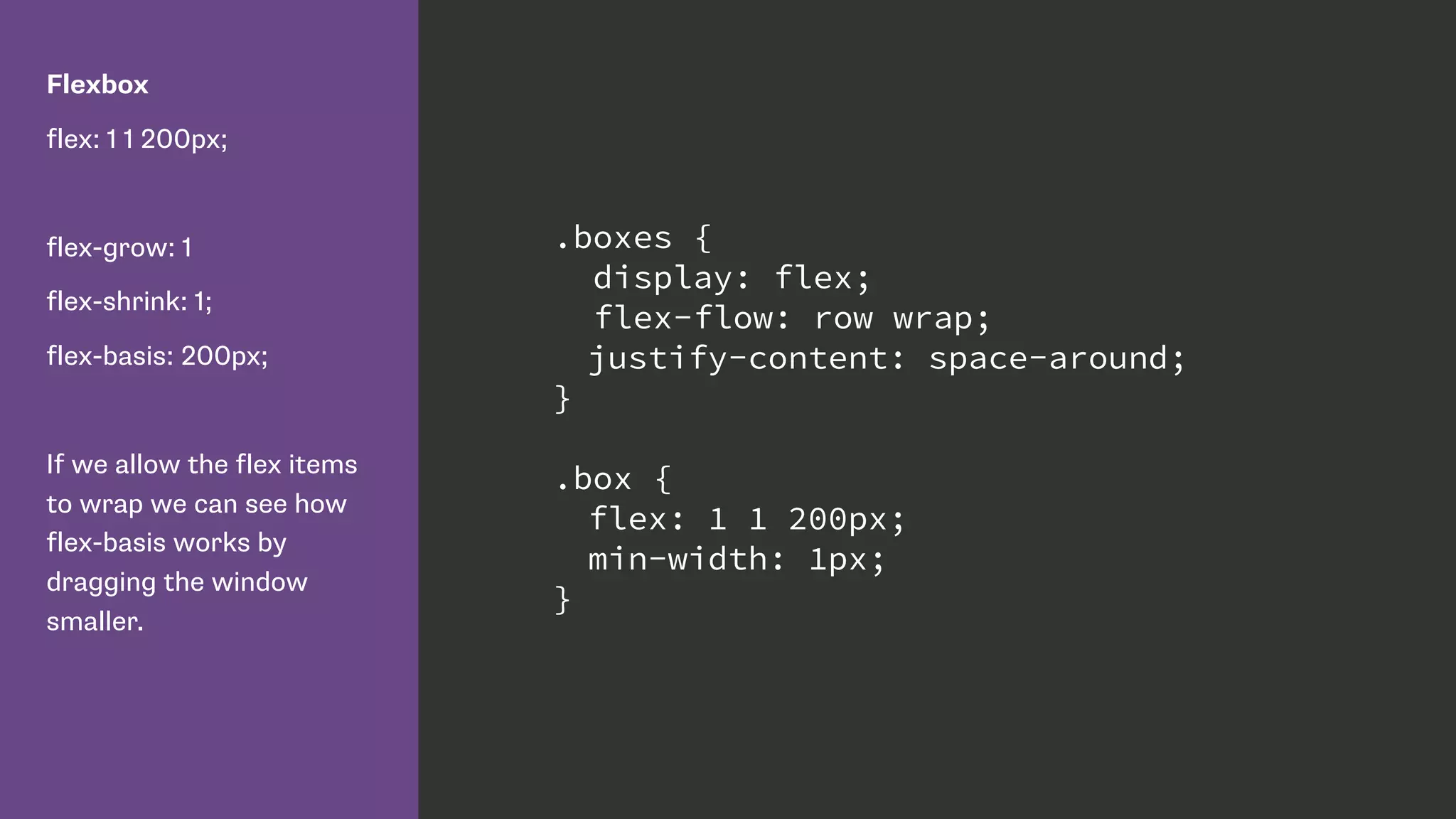
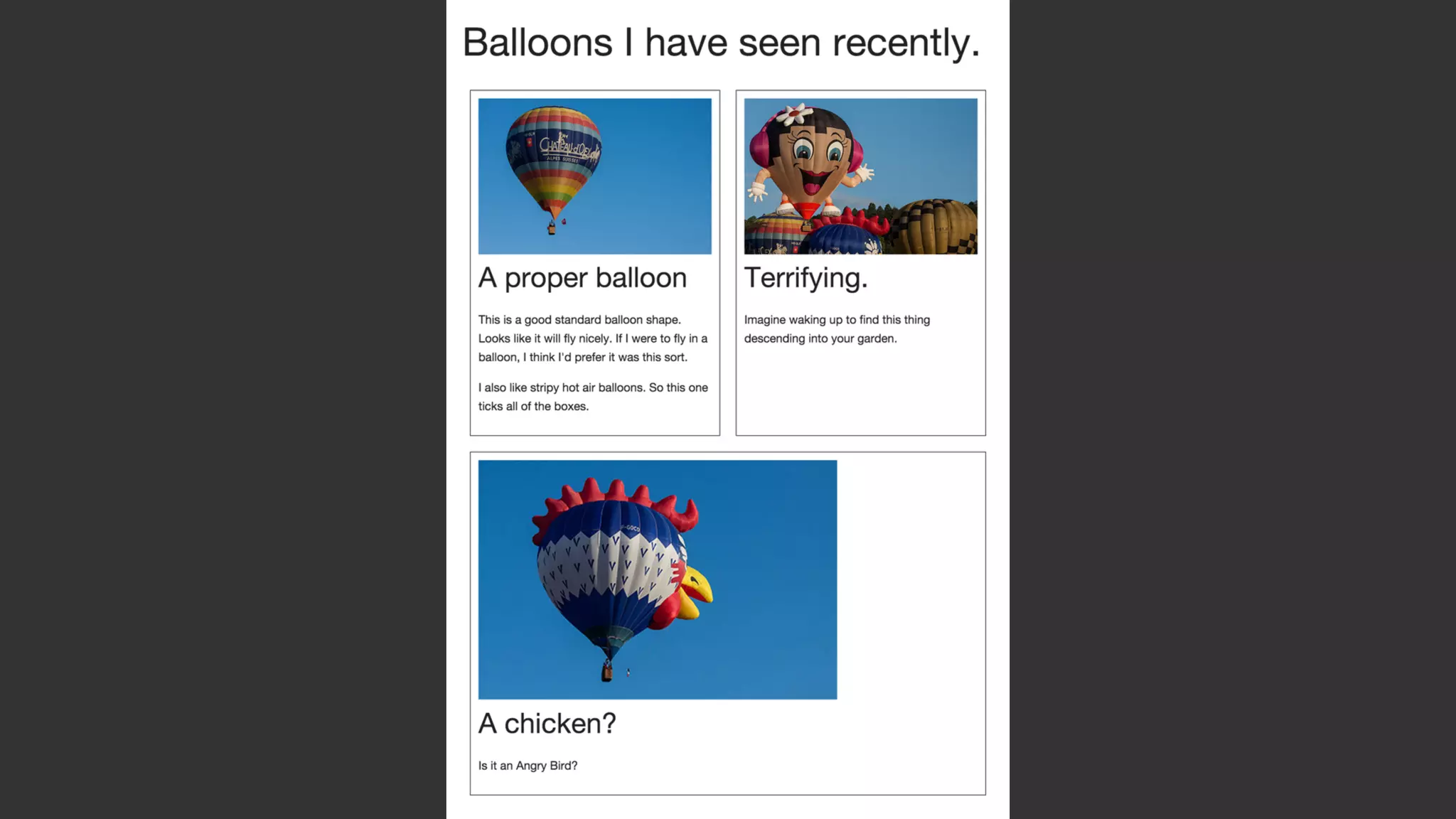
Flexbox
flex: 1 1 200px;
flex-grow: 1
flex-shrink: 1;
flex-basis: 200px;
If we allow the flex items
to wrap we can see how
flex-basis works by
dragging the window
smaller.
.boxes {
display: flex;
flex-flow: row wrap;
justify-content: space-around;
}
.box {
flex: 1 1 200px;
min-width: 1px;
}
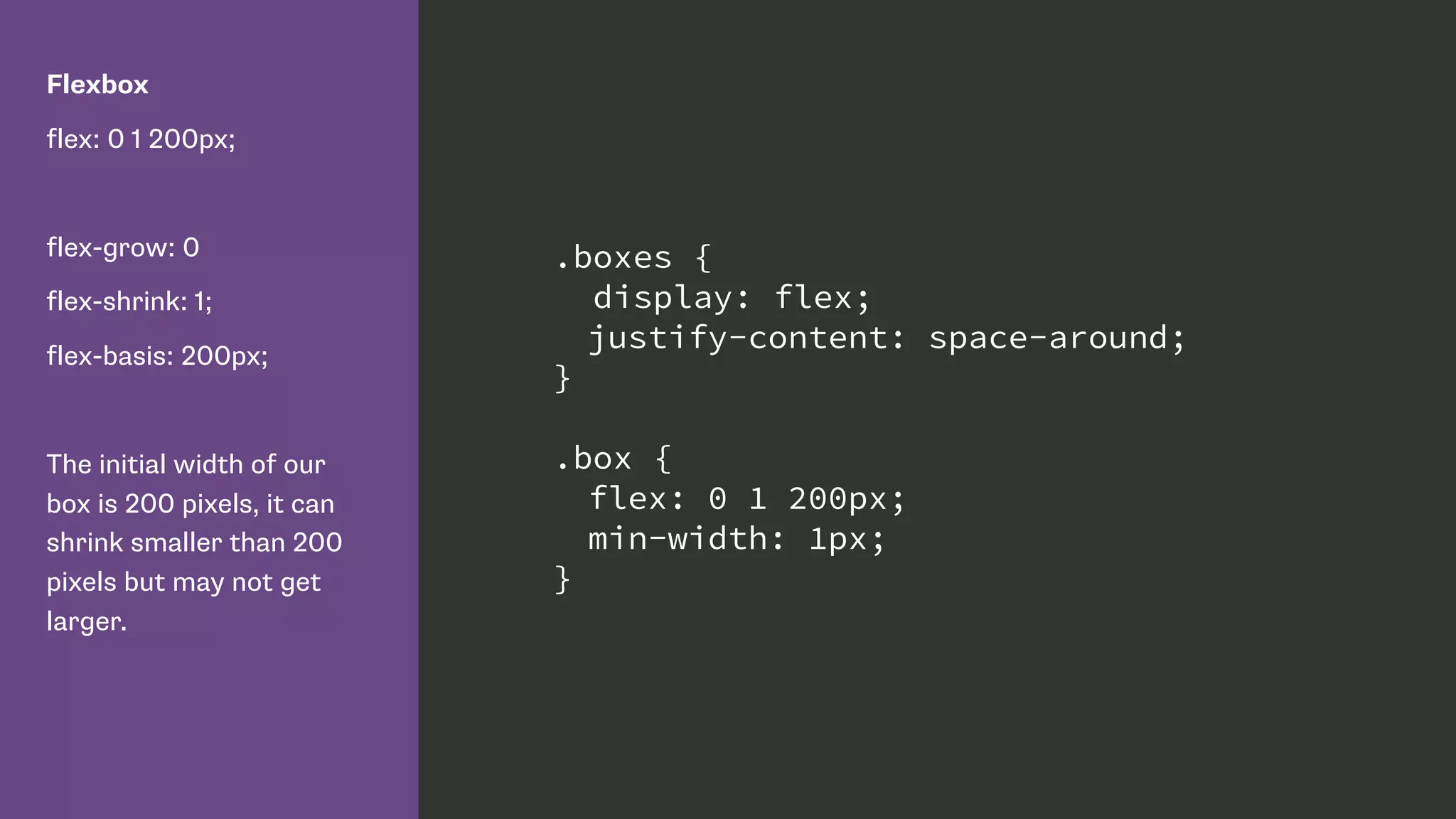
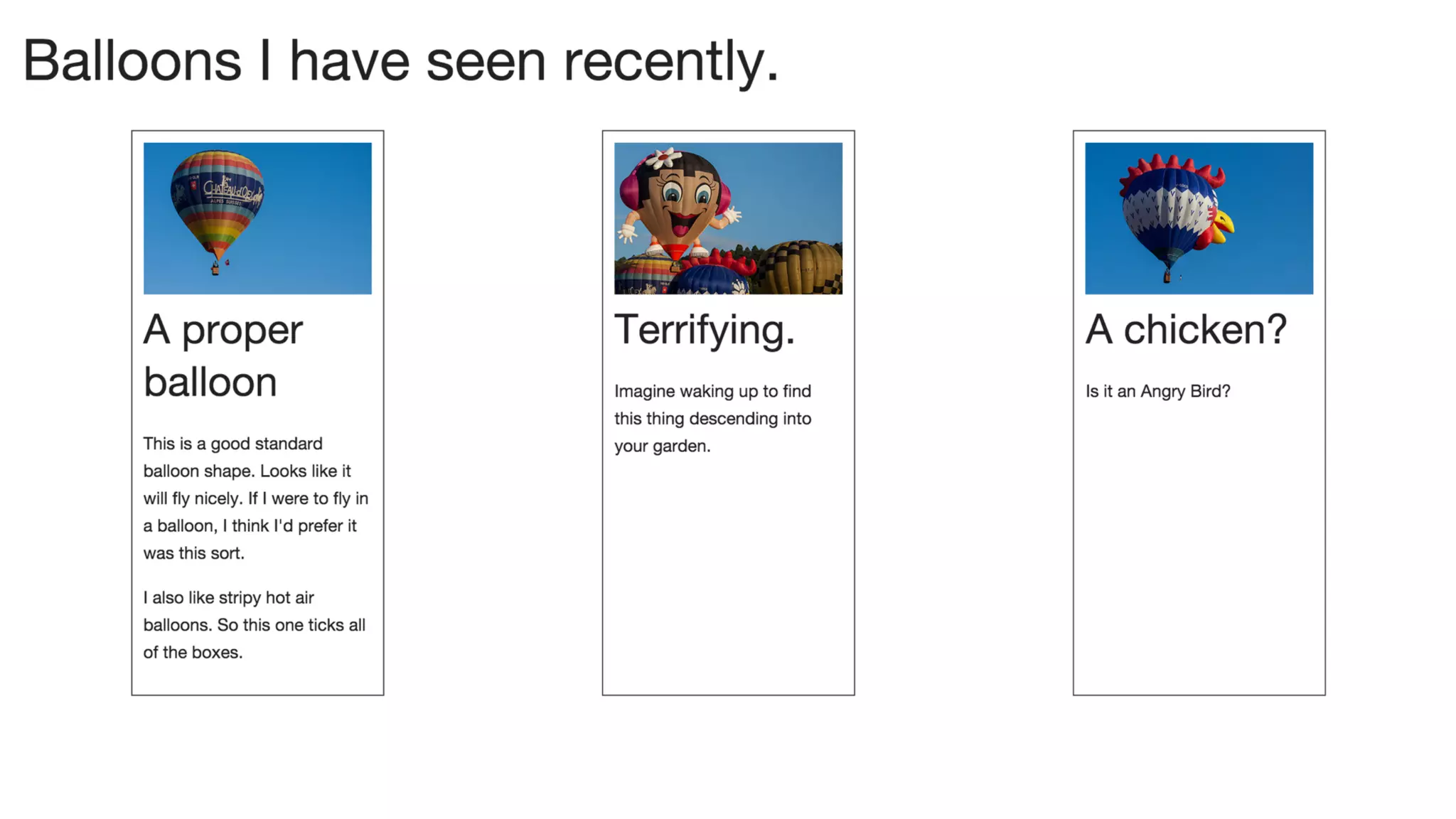
Flexbox
flex: 0 1 200px;
flex-grow: 0
flex-shrink: 1;
flex-basis: 200px;
The initial width of our
box is 200 pixels, it can
shrink smaller than 200
pixels but may not get
larger.
.boxes {
display: flex;
justify-content: space-around;
}
.box {
flex: 0 1 200px;
min-width: 1px;
}
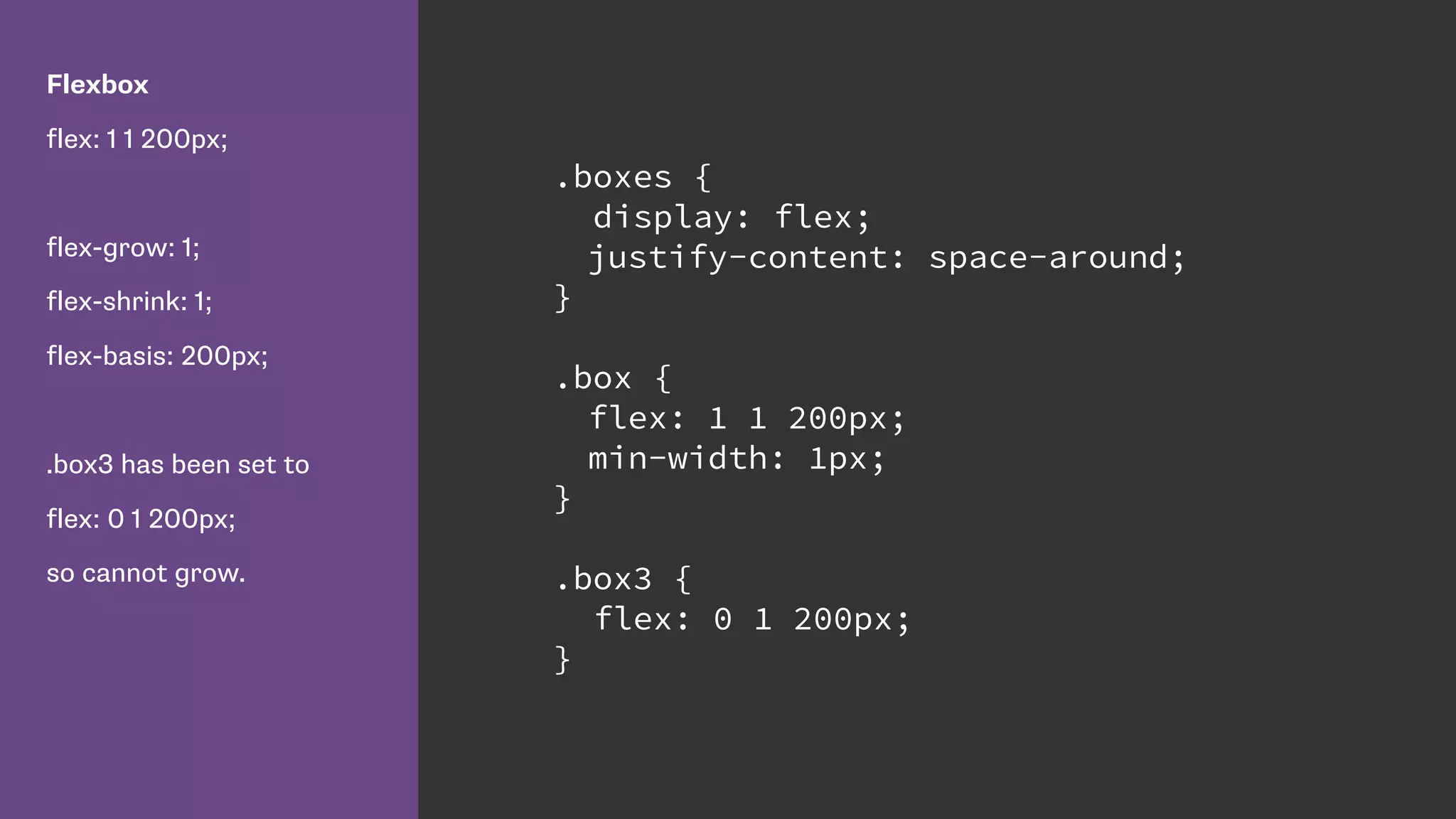
Flexbox
flex: 1 1 200px;
flex-grow: 1;
flex-shrink: 1;
flex-basis: 200px;
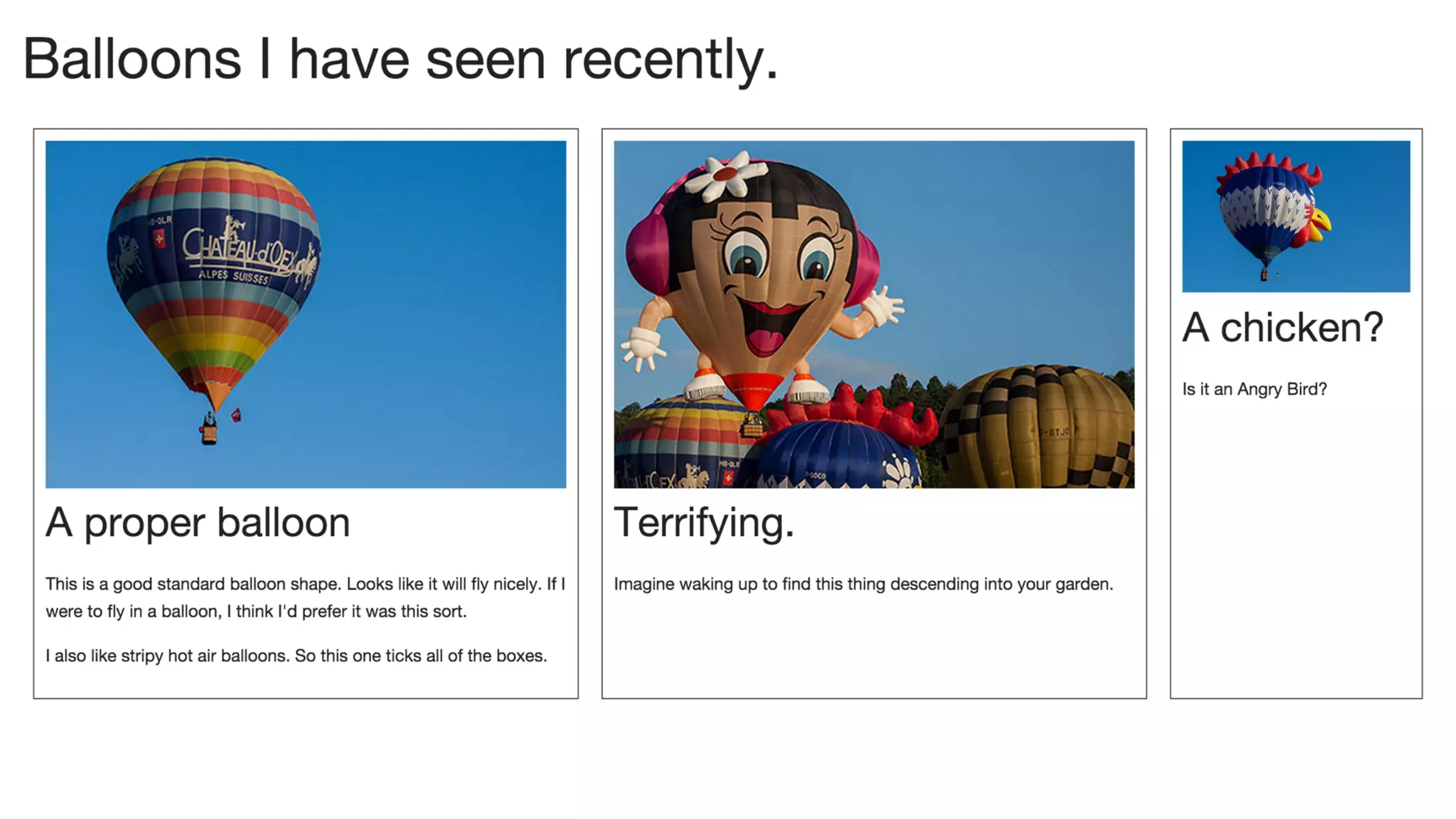
.box3 has been set to
flex: 0 1 200px;
so cannot grow.
.boxes {
display: flex;
justify-content: space-around;
}
.box {
flex: 1 1 200px;
min-width: 1px;
}
.box3 {
flex: 0 1 200px;
}
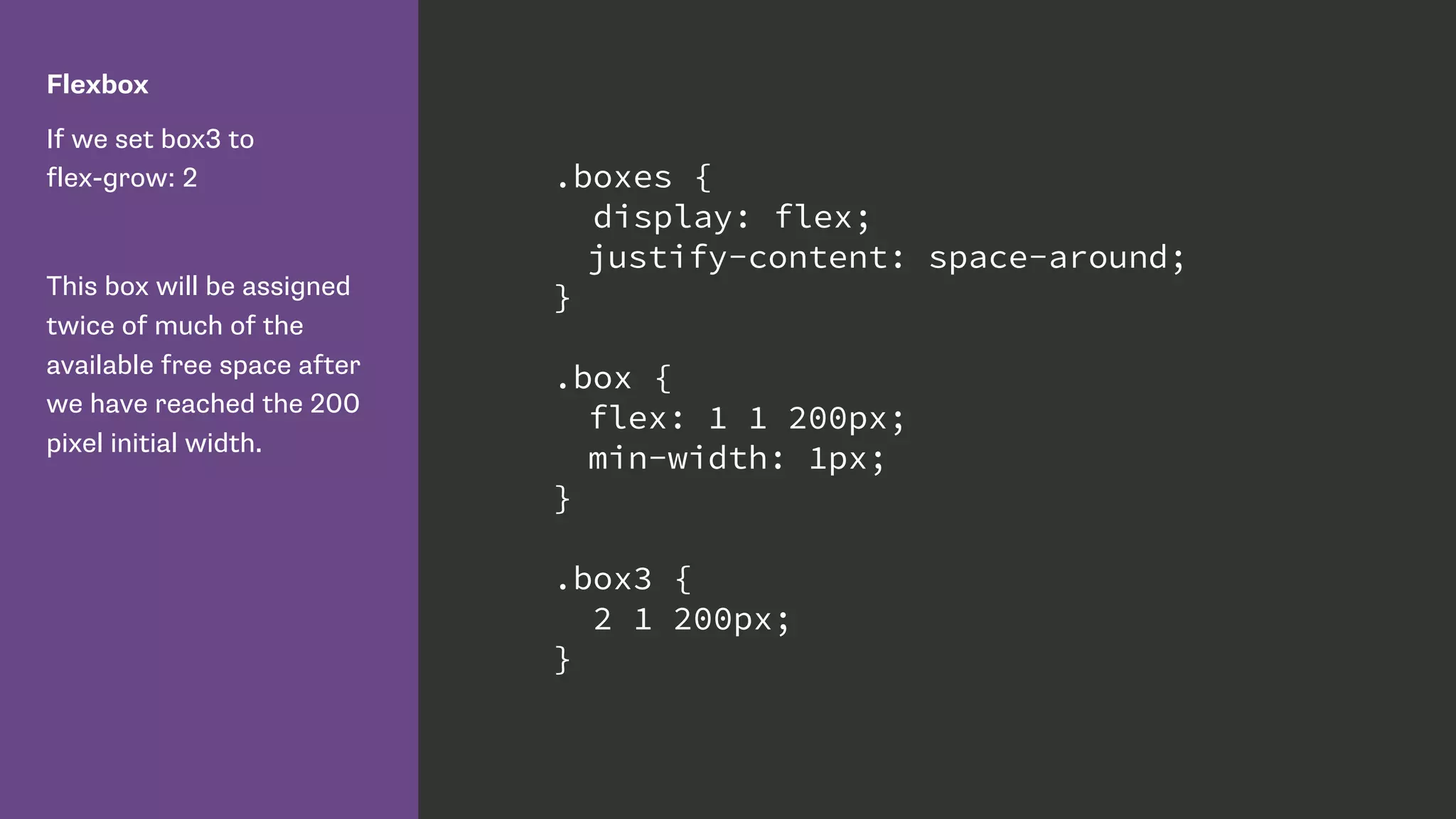
Flexbox
If we set box3 to

flex-grow: 2
This box will be assigned
twice of much of the
available free space after
we have reached the 200
pixel initial width.
.boxes {
display: flex;
justify-content: space-around;
}
.box {
flex: 1 1 200px;
min-width: 1px;
}
.box3 {
2 1 200px;
}
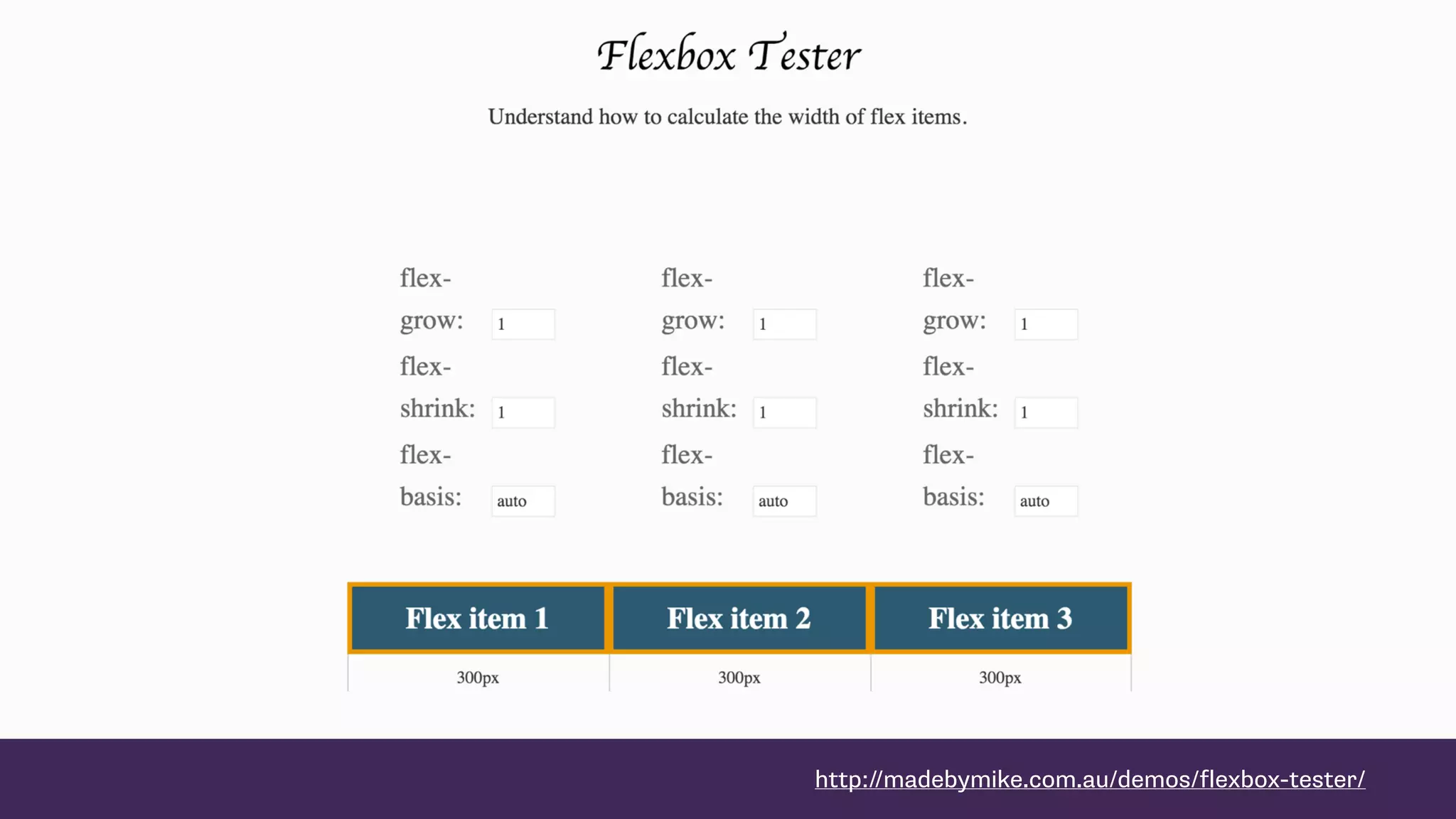
http://madebymike.com.au/demos/flexbox-tester/
The CSS Grid Layout fr unit
Grid Layout
I am creating three grid
column tracks, all 1fr in
width.
This gives me three equally
sized column tracks.
.wrapper {
display: grid;
grid-template-columns: 1fr 1fr 1fr;
}
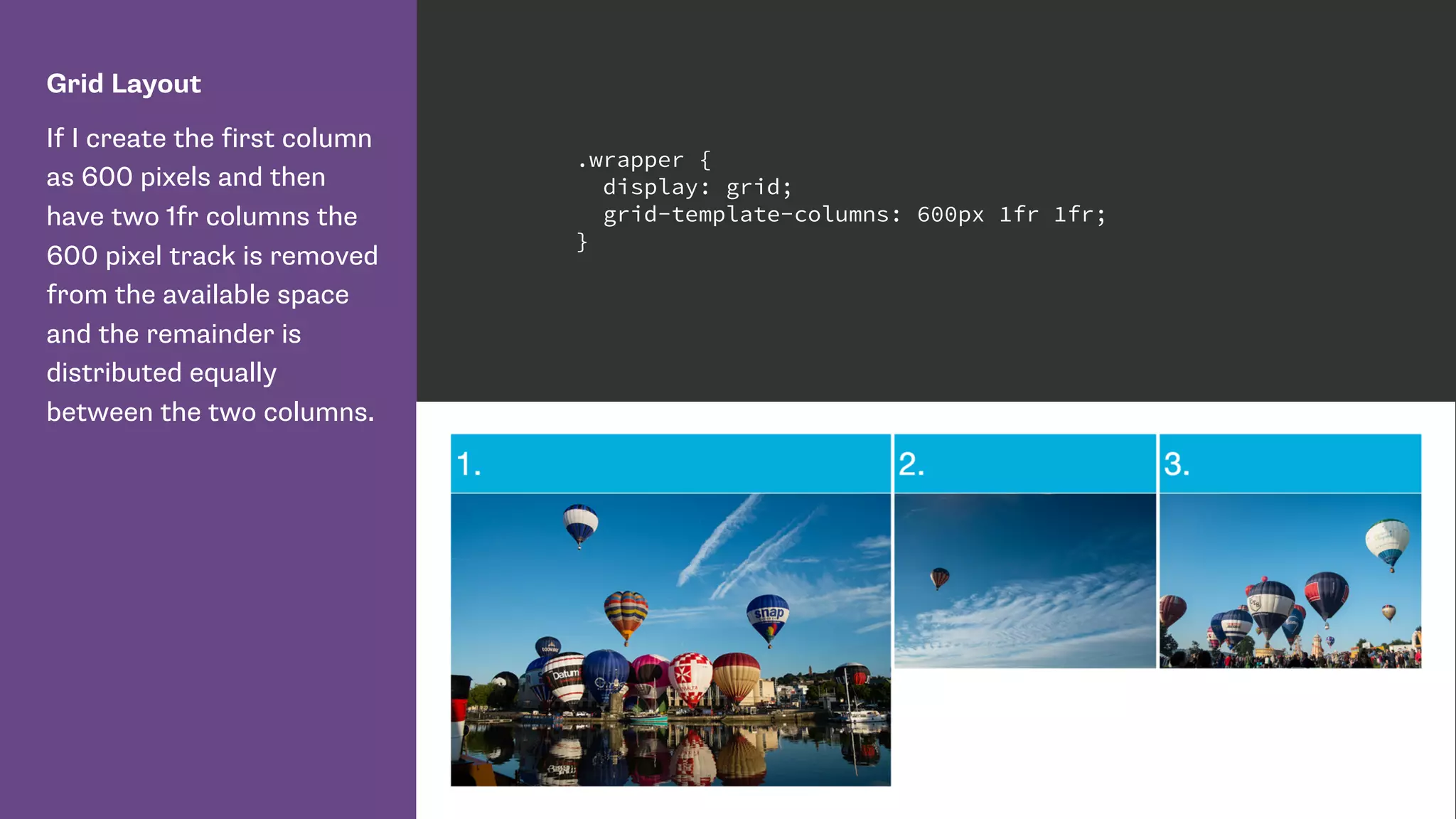
Grid Layout
If I create the first column
as 600 pixels and then
have two 1fr columns the
600 pixel track is removed
from the available space
and the remainder is
distributed equally
between the two columns.
.wrapper {
display: grid;
grid-template-columns: 600px 1fr 1fr;
}
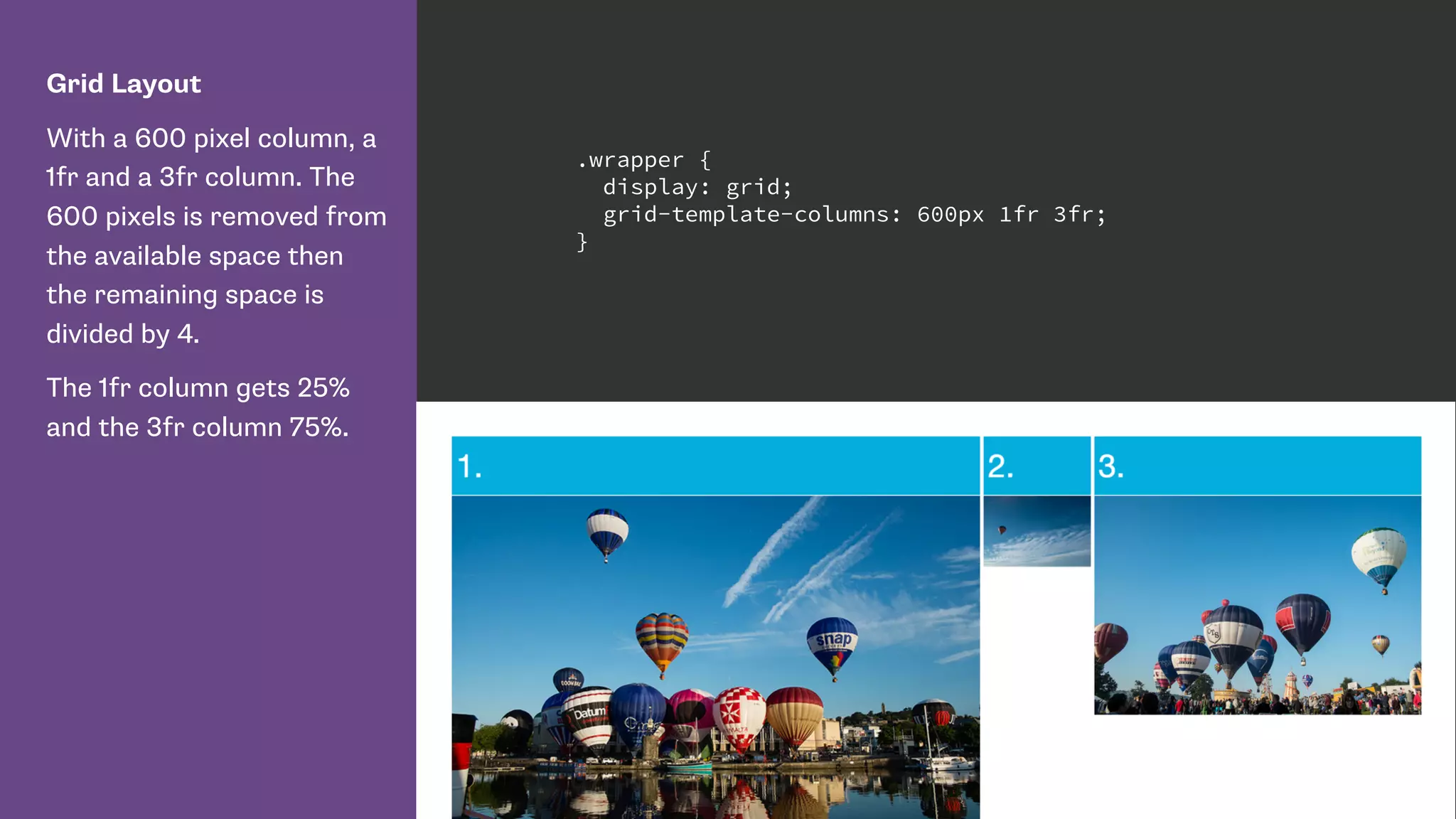
Grid Layout
With a 600 pixel column, a
1fr and a 3fr column. The
600 pixels is removed from
the available space then
the remaining space is
divided by 4.
The 1fr column gets 25%
and the 3fr column 75%.
.wrapper {
display: grid;
grid-template-columns: 600px 1fr 3fr;
}
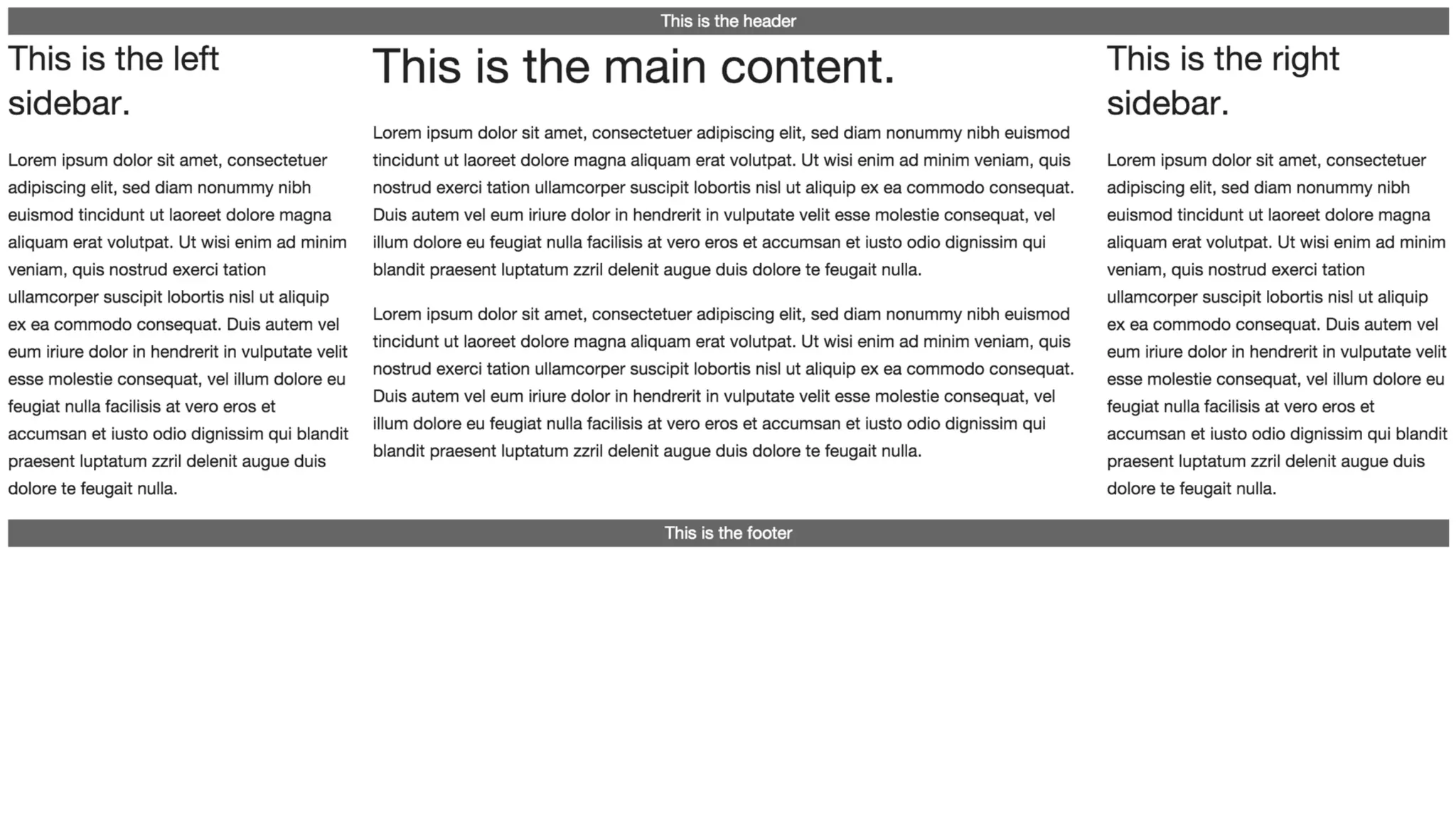
http://alistapart.com/article/holygrail
Three columns. One fixed-width
sidebar for your navigation, another
for, say, your Google Ads or your Flickr
photos—and, as in a fancy truffle, a
liquid center for the real substance.
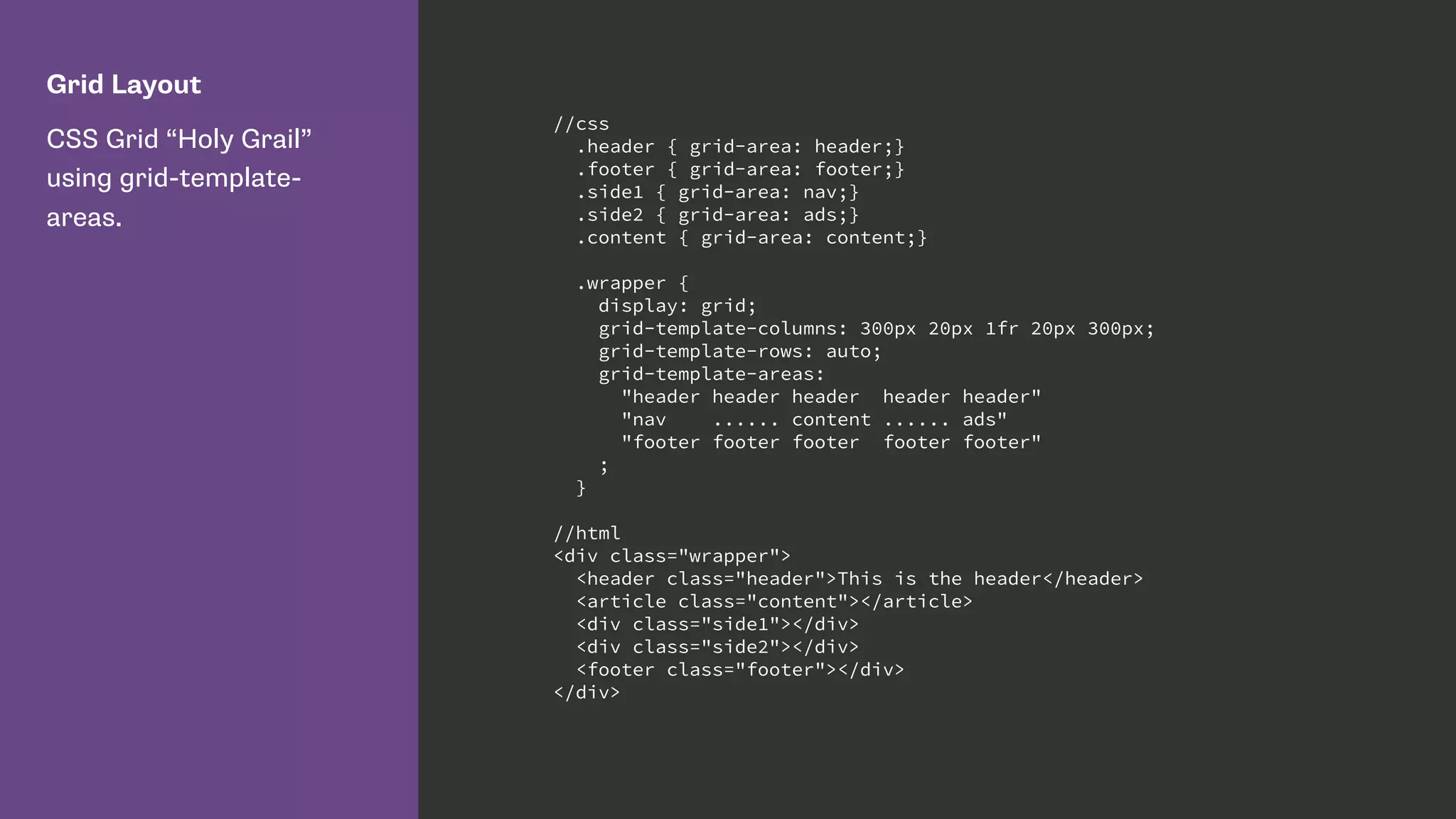
Grid Layout
CSS Grid “Holy Grail”
using grid-template-
areas.
//css
.header { grid-area: header;}
.footer { grid-area: footer;}
.side1 { grid-area: nav;}
.side2 { grid-area: ads;}
.content { grid-area: content;}
.wrapper {
display: grid;
grid-template-columns: 300px 20px 1fr 20px 300px;
grid-template-rows: auto;
grid-template-areas:
"header header header header header"
"nav ...... content ...... ads"
"footer footer footer footer footer"
;
}
//html
<div class="wrapper">
<header class="header">This is the header</header>
<article class="content"></article>
<div class="side1"></div>
<div class="side2"></div>
<footer class="footer"></div>
</div>
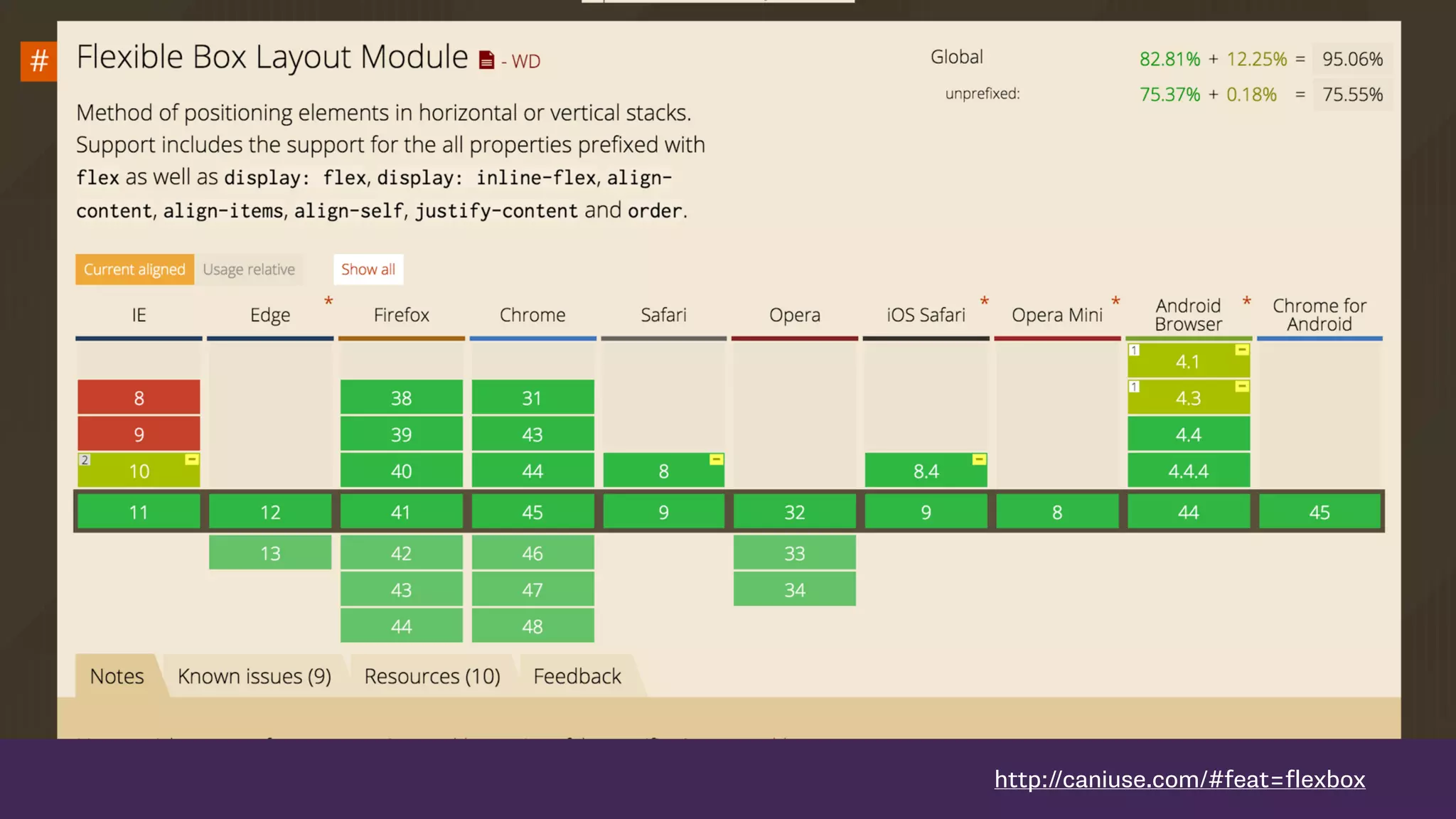
http://caniuse.com/#feat=flexbox
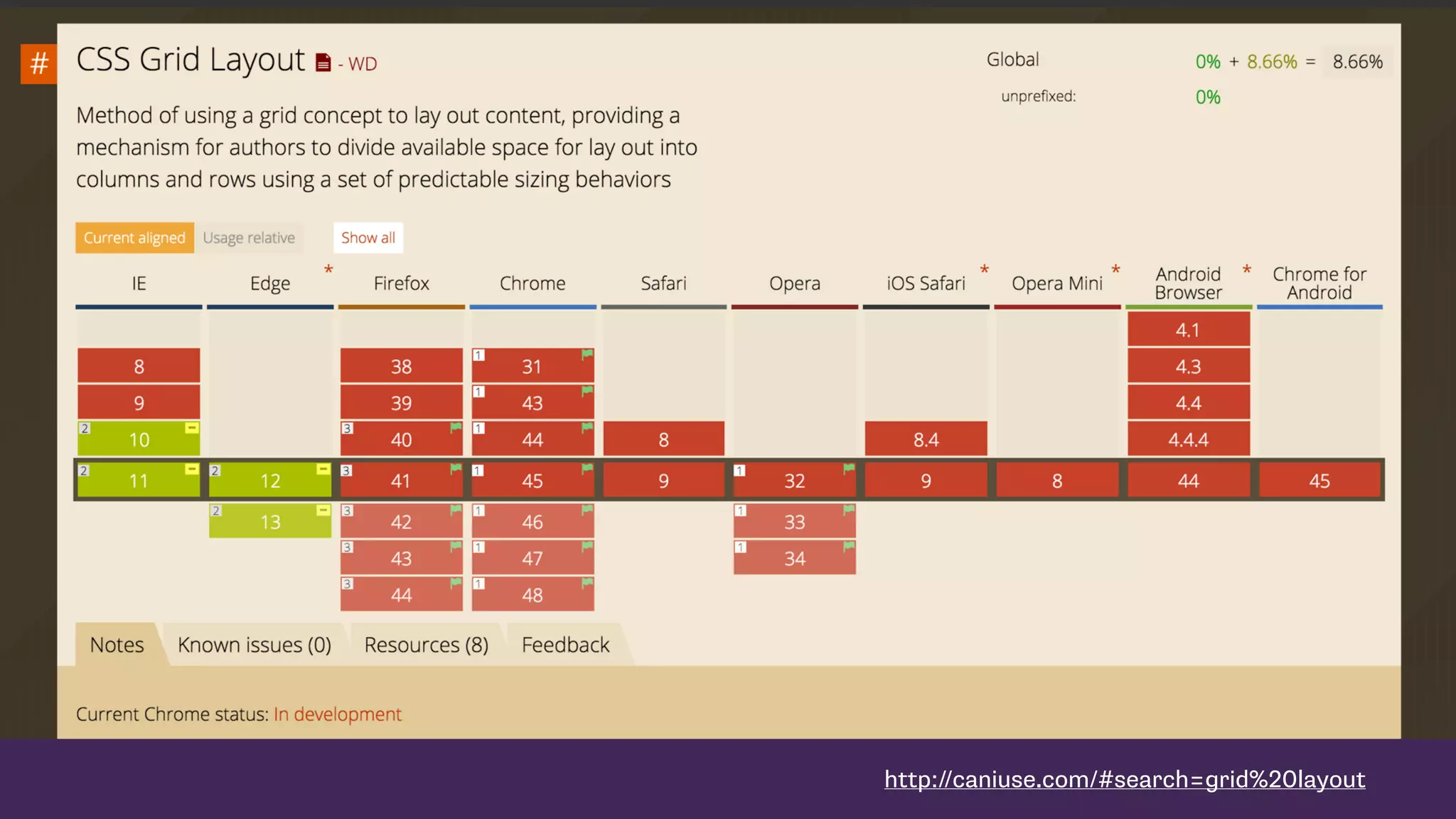
http://caniuse.com/#search=grid%20layout
CSS Grid Layout
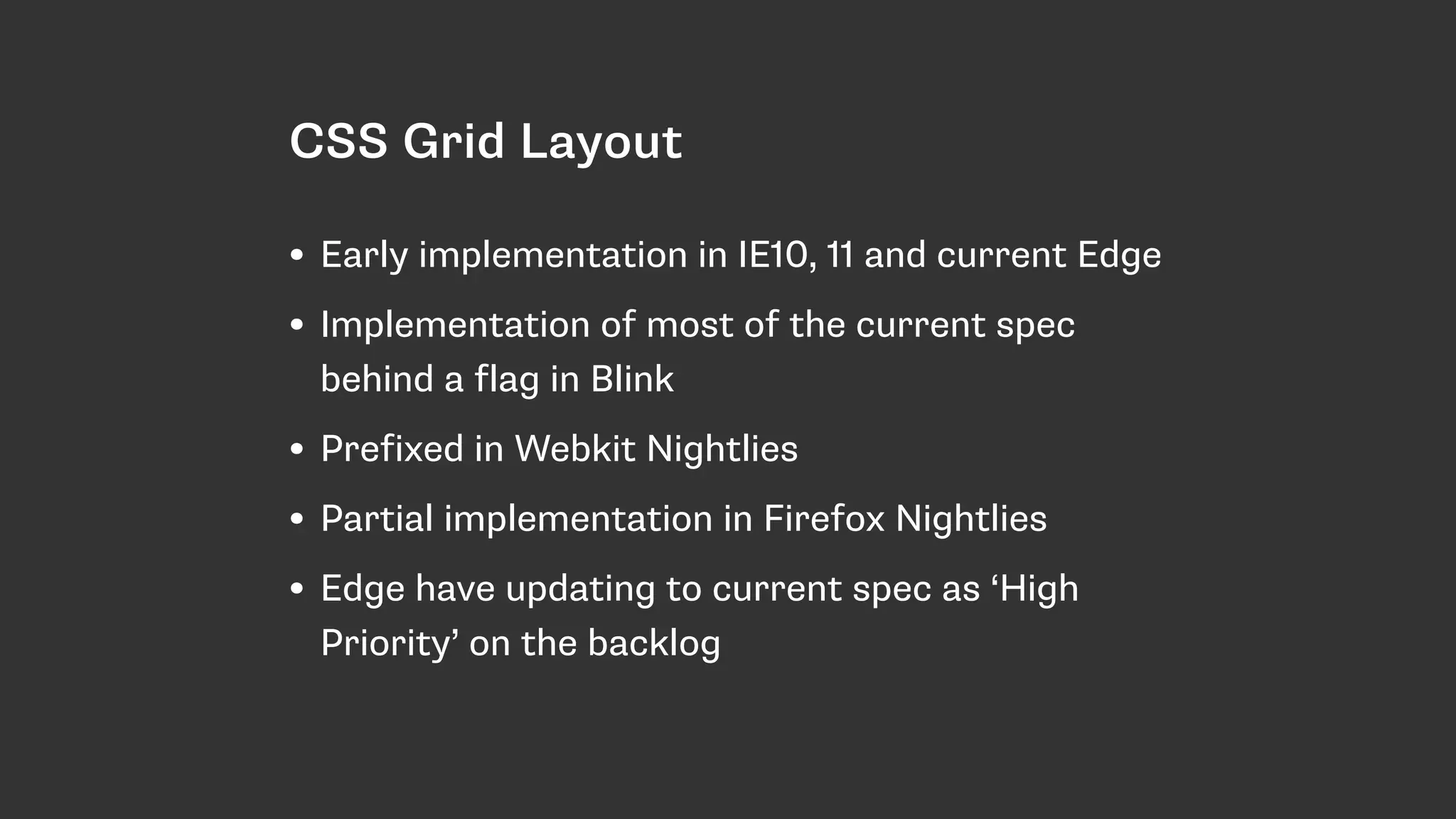
• Early implementation in IE10, 11 and current Edge
• Implementation of most of the current spec
behind a flag in Blink
• Prefixed in Webkit Nightlies
• Partial implementation in Firefox Nightlies
• Edge have updating to current spec as ‘High
Priority’ on the backlog
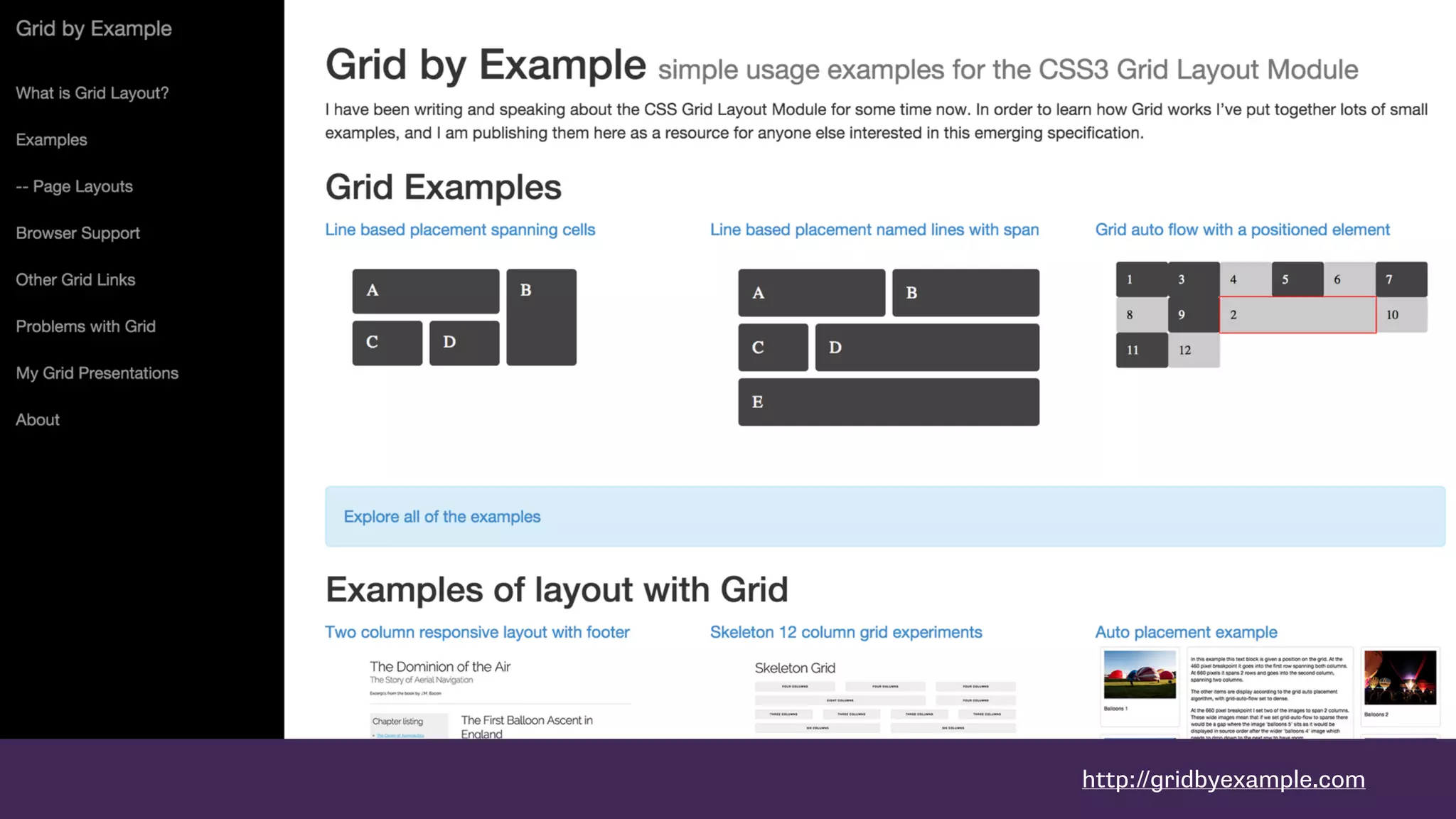
http://gridbyexample.com
Thank you
Slides & Code: 

https://rachelandrew.co.uk/presentations/modern-css-layout
—
@rachelandrew
me@rachelandrew.co.uk
https://rachelandrew.co.uk
http://csslayout.news - sign up for my weekly CSS Layout email

The New CSS Layout - dotCSS

  • 1.
    The New CSSLayout Rachel Andrew, dotCSS 2015 https://www.flickr.com/photos/jbushnell/2065201895
  • 2.
    A new systemfor layout • CSS Grid Layout • Flexbox • Box Alignment Level 3
  • 3.
    The new CSSfor Layout • Items in our layouts understand themselves as part of an overall layout. • True separation of document source order and visual display. • Precise control of alignment - horizontally and vertically. • Responsive and flexible by default.
  • 4.
    Items in ourlayouts understand themselves as part of a complete layout.
  • 5.
  • 6.
  • 7.
    Flexbox Full height columnswith flexbox, taking advantage of default alignment values. .wrapper { display: flex; } .sidebar { flex: 1 1 30%; } .content { flex: 1 1 70%; }
  • 8.
    Grid Layout Full heightcolumns in CSS Grid Layout. .wrapper { display: grid; grid-template-columns: 30% 70%; } .sidebar { grid-column: 1; } .content { grid-column: 2; }
  • 9.
  • 10.
    Flexbox The flex-direction property cantake a value of row to display things as a row or column to display them as a column. nav ul{ display: flex; justify-content: space-between; flex-direction: row; }
  • 11.
    Flexbox The visual ordercan be switched using row- reverse or column-reverse. nav ul{ display: flex; justify-content: space-between; flex-direction: row-reverse; }
  • 12.
    Flexbox Adding display: flexto our container element causes the items to display flexibly in a row. .wrapper { display: flex; }
  • 13.
    Flexbox The order propertymeans we can change the order of flex items using CSS. This does not change their source order. li:nth-child(1) { order: 3; } li:nth-child(2) { order: 1; } li:nth-child(3) { order: 4; } li:nth-child(4) { order: 2; }
  • 14.
    Grid Layout I havecreated a grid on my wrapper element. The grid has 3 equal width columns. Rows will be created as required as we position items into them. .wrapper { display: grid; grid-template-columns: 1fr 1fr 1fr; }
  • 15.
    Grid Layout I ampositioning my elements using CSS Grid Layout line-based positioning. Setting a column and a row line using the grid- column and grid-row properties. li:nth-child(1) { grid-column: 3 / 4 ; grid-row: 2 / 3; } li:nth-child(2) { grid-column: 1 / 2; grid-row: 2 / 3; } li:nth-child(3) { grid-column: 1 / 2; grid-row: 1 / 2; } li:nth-child(4) { grid-column: 2 / 3; grid-row: 1 / 2; }
  • 17.
    CSS Grid automaticplacement http://www.w3.org/TR/2015/WD-css-grid-1-20150917/#grid-auto- flow-property https://rachelandrew.co.uk/archives/2015/04/14/grid-layout- automatic-placement-and-packing-modes/
  • 19.
    Grid Layout When usingautomatic placement we can create rules for items in our document - for example displaying portrait and landscape images differently. .wrapper { display: grid; grid-template-columns: 1fr 1fr 1fr 1fr; grid-template-rows: auto; } .landscape { grid-column-end: span 2; }
  • 20.
    grid-auto-flow The default valueof grid-auto-flow is sparse. Grid will move forward planning items skipping cells if items do not fit .
  • 21.
    Grid Layout With adense packing mode grid will move items out of source order to backfill spaces. .wrapper { display: grid; grid-template-columns: 1fr 1fr 1fr 1fr; grid-template-rows: auto; grid-auto-flow: dense; } .landscape { grid-column-end: span 2; }
  • 22.
    grid-auto-flow With grid-auto-flow denseitems are displayed out of source order. Grid backfills any suitable gaps.
  • 23.
    Power and responsibility •Good = creating the most accessible source order and using Grid or Flexbox to get the optimal display for each device. • Bad = using Grid or Flexbox as an excuse to forget about the source. • Terrible - stripping out semantic elements to make everything a grid or flex item.
  • 24.
    https://drafts.csswg.org/css-flexbox/#order-accessibility Authors must useorder only for visual, not logical, reordering of content. Style sheets that use order to perform logical reordering are non-conforming.
  • 25.
  • 26.
    CSS Box AlignmentModule Level 3 “This module contains the features of CSS relating to the alignment of boxes within their containers in the various CSS box layout models: block layout, table layout, flex layout, and grid layout.” - https://drafts.csswg.org/css-align/
  • 27.
  • 28.
    Default alignment Used bythe justify-items and align-items properties. The align-items and justify-items properties set the default align- self and justify-self behavior of the items contained by the element.
  • 29.
    Flexbox The value ofalign-items is stretch by default. If I add extra text in one navigation point the others all take the same height. nav ul{ display: flex; justify-content: space-around; flex-direction: row; align-items: stretch; }
  • 30.
    Flexbox If I setthe value of align- items to center then we get vertical centring. nav ul{ display: flex; justify-content: space-around; flex-direction: row; align-items: center; }
  • 31.
    Self alignment justify-self andalign-self properties. The justify-self and align-self properties control alignment of the box within its containing block.
  • 32.
    Flexbox You can usethe align-self and justify-self properties to target individual flex items. In this example I have set the group to centre, but the third item to stretch. nav ul{ display: flex; justify-content: space-around; flex-direction: row; align-items: center; } nav li:nth-child(3) { align-self: stretch; }
  • 33.
    Box alignment inCSS Grid Layout
  • 34.
    Grid Layout Creating agrid with the align-items property set to centre. All items will be centered inside their grid area. .wrapper { display: grid; align-items: center; grid-template-columns: repeat(5, 150px 10px) 150px; grid-template-rows: 150px 10px 150px 10px 150px 10px 150px; } .a { grid-column: 1 / 4; grid-row: 1 / 4; } .b { grid-column: 5 / 8; grid-row: 1 / 4; } .c { grid-column: 1 / 4; grid-row: 5 / 10; } .d { grid-column: 5 / 8; grid-row: 5 / 10; } .e { grid-column: 9 / 12; grid-row: 1 / 10; }
  • 35.
  • 36.
    Grid Layout Creating agrid with the justify-items property set to centre. All items will be centered horizontally inside their grid area. .wrapper { display: grid; justify-items: center; grid-template-columns: repeat(5, 150px 10px) 150px; grid-template-rows: 150px 10px 150px 10px 150px 10px 150px; } .a { grid-column: 1 / 4; grid-row: 1 / 4; } .b { grid-column: 5 / 8; grid-row: 1 / 4; } .c { grid-column: 1 / 4; grid-row: 5 / 10; } .d { grid-column: 5 / 8; grid-row: 5 / 10; } .e { grid-column: 9 / 12; grid-row: 1 / 10; }
  • 37.
  • 38.
    Grid Layout As withflexbox we can use align-self and justify- self to target individual grid items. .a { grid-column: 1 / 4; grid-row: 1 / 4; align-self: stretch; } .b { grid-column: 5 / 8; grid-row: 1 / 4; align-self: end; } .c { grid-column: 1 / 4; grid-row: 5 / 10; align-self: start; } .d { grid-column: 5 / 8; grid-row: 5 / 10; align-self: center; } .e { grid-column: 9 / 12; grid-row: 1 / 10; }
  • 39.
  • 40.
  • 41.
    Ethan Marcotte, FluidGrids “… every aspect of the grid—and the elements laid upon it—can be expressed as a proportion relative to its container.”
  • 42.
    target ÷ context= result h1 { margin-left: 14.575%; /* 144px / 988px = 0.14575 */ width: 70.85%; /* 700px / 988px = 0.7085 */ }
  • 43.
    Flexbox The most simpleflexbox example demonstrates the inherent flexibility. The items will be displayed as a row, with equal space between each item. nav ul{ display: flex; justify-content: space-between; }
  • 44.
    The flex property •flex-grow - add space • flex-shrink - remove space • flex-basis - the initial size before any growing or shrinking
  • 45.
    https://drafts.csswg.org/css-flexbox/#flex-components Authors are encouragedto control flexibility using the flex shorthand rather than with its longhand properties directly, as the shorthand correctly resets any unspecified components to accommodate common uses.
  • 46.
    Flexbox flex: 1 1200px; flex-grow: 1 flex-shrink: 1; flex-basis: 200px; The initial width of our box is 200 pixels, however it can grow larger and shrink smaller than 200 pixels. .boxes { display: flex; justify-content: space-around; } .box { flex: 1 1 200px; min-width: 1px; }
  • 48.
    Flexbox flex: 1 1200px; flex-grow: 1 flex-shrink: 1; flex-basis: 200px; If we allow the flex items to wrap we can see how flex-basis works by dragging the window smaller. .boxes { display: flex; flex-flow: row wrap; justify-content: space-around; } .box { flex: 1 1 200px; min-width: 1px; }
  • 50.
    Flexbox flex: 0 1200px; flex-grow: 0 flex-shrink: 1; flex-basis: 200px; The initial width of our box is 200 pixels, it can shrink smaller than 200 pixels but may not get larger. .boxes { display: flex; justify-content: space-around; } .box { flex: 0 1 200px; min-width: 1px; }
  • 52.
    Flexbox flex: 1 1200px; flex-grow: 1; flex-shrink: 1; flex-basis: 200px; .box3 has been set to flex: 0 1 200px; so cannot grow. .boxes { display: flex; justify-content: space-around; } .box { flex: 1 1 200px; min-width: 1px; } .box3 { flex: 0 1 200px; }
  • 54.
    Flexbox If we setbox3 to
 flex-grow: 2 This box will be assigned twice of much of the available free space after we have reached the 200 pixel initial width. .boxes { display: flex; justify-content: space-around; } .box { flex: 1 1 200px; min-width: 1px; } .box3 { 2 1 200px; }
  • 56.
  • 57.
    The CSS GridLayout fr unit
  • 58.
    Grid Layout I amcreating three grid column tracks, all 1fr in width. This gives me three equally sized column tracks. .wrapper { display: grid; grid-template-columns: 1fr 1fr 1fr; }
  • 59.
    Grid Layout If Icreate the first column as 600 pixels and then have two 1fr columns the 600 pixel track is removed from the available space and the remainder is distributed equally between the two columns. .wrapper { display: grid; grid-template-columns: 600px 1fr 1fr; }
  • 60.
    Grid Layout With a600 pixel column, a 1fr and a 3fr column. The 600 pixels is removed from the available space then the remaining space is divided by 4. The 1fr column gets 25% and the 3fr column 75%. .wrapper { display: grid; grid-template-columns: 600px 1fr 3fr; }
  • 61.
    http://alistapart.com/article/holygrail Three columns. Onefixed-width sidebar for your navigation, another for, say, your Google Ads or your Flickr photos—and, as in a fancy truffle, a liquid center for the real substance.
  • 62.
    Grid Layout CSS Grid“Holy Grail” using grid-template- areas. //css .header { grid-area: header;} .footer { grid-area: footer;} .side1 { grid-area: nav;} .side2 { grid-area: ads;} .content { grid-area: content;} .wrapper { display: grid; grid-template-columns: 300px 20px 1fr 20px 300px; grid-template-rows: auto; grid-template-areas: "header header header header header" "nav ...... content ...... ads" "footer footer footer footer footer" ; } //html <div class="wrapper"> <header class="header">This is the header</header> <article class="content"></article> <div class="side1"></div> <div class="side2"></div> <footer class="footer"></div> </div>
  • 64.
  • 65.
  • 66.
    CSS Grid Layout •Early implementation in IE10, 11 and current Edge • Implementation of most of the current spec behind a flag in Blink • Prefixed in Webkit Nightlies • Partial implementation in Firefox Nightlies • Edge have updating to current spec as ‘High Priority’ on the backlog
  • 67.
  • 68.
    Thank you Slides &Code: 
 https://rachelandrew.co.uk/presentations/modern-css-layout — @rachelandrew me@rachelandrew.co.uk https://rachelandrew.co.uk http://csslayout.news - sign up for my weekly CSS Layout email