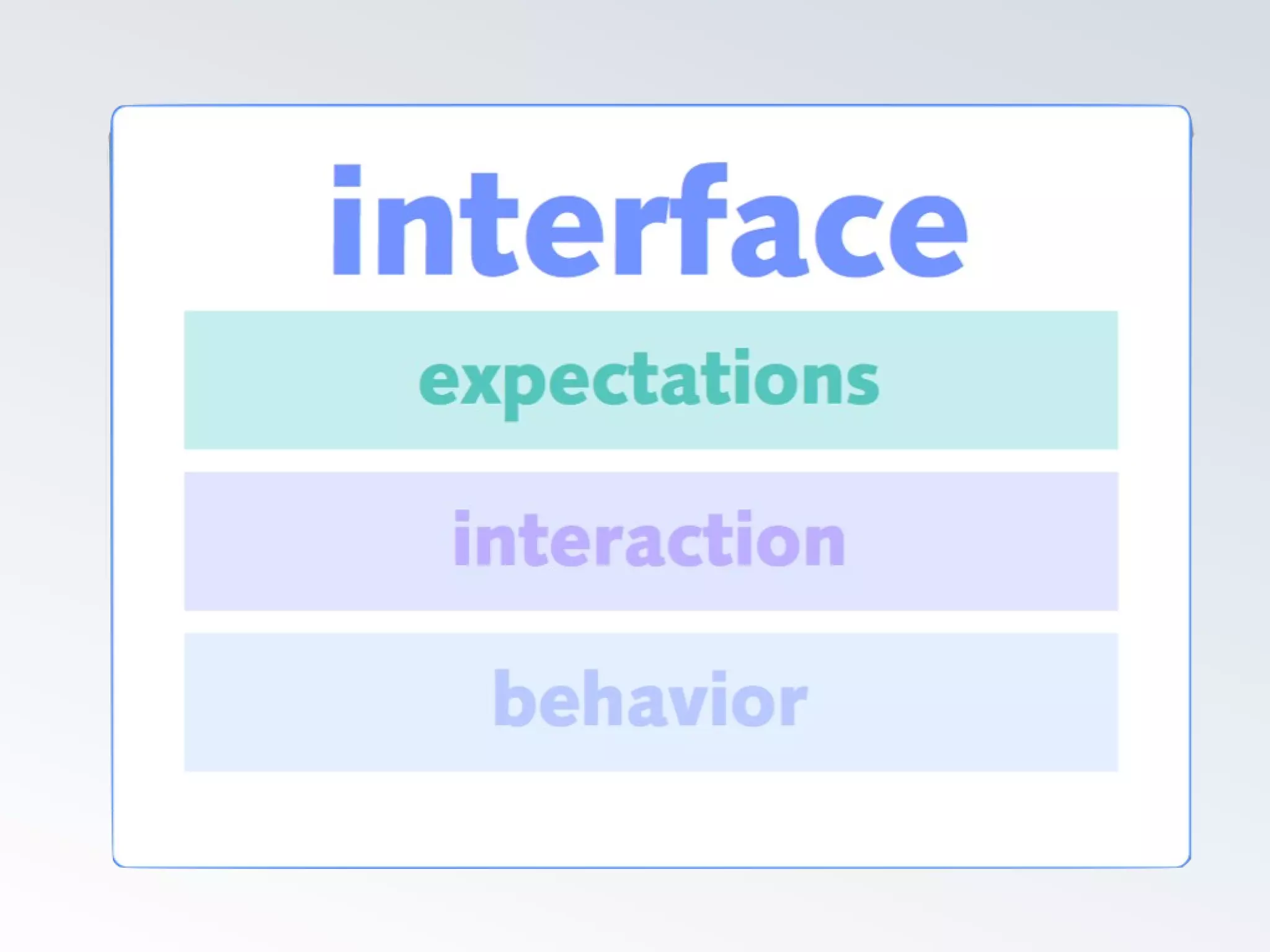
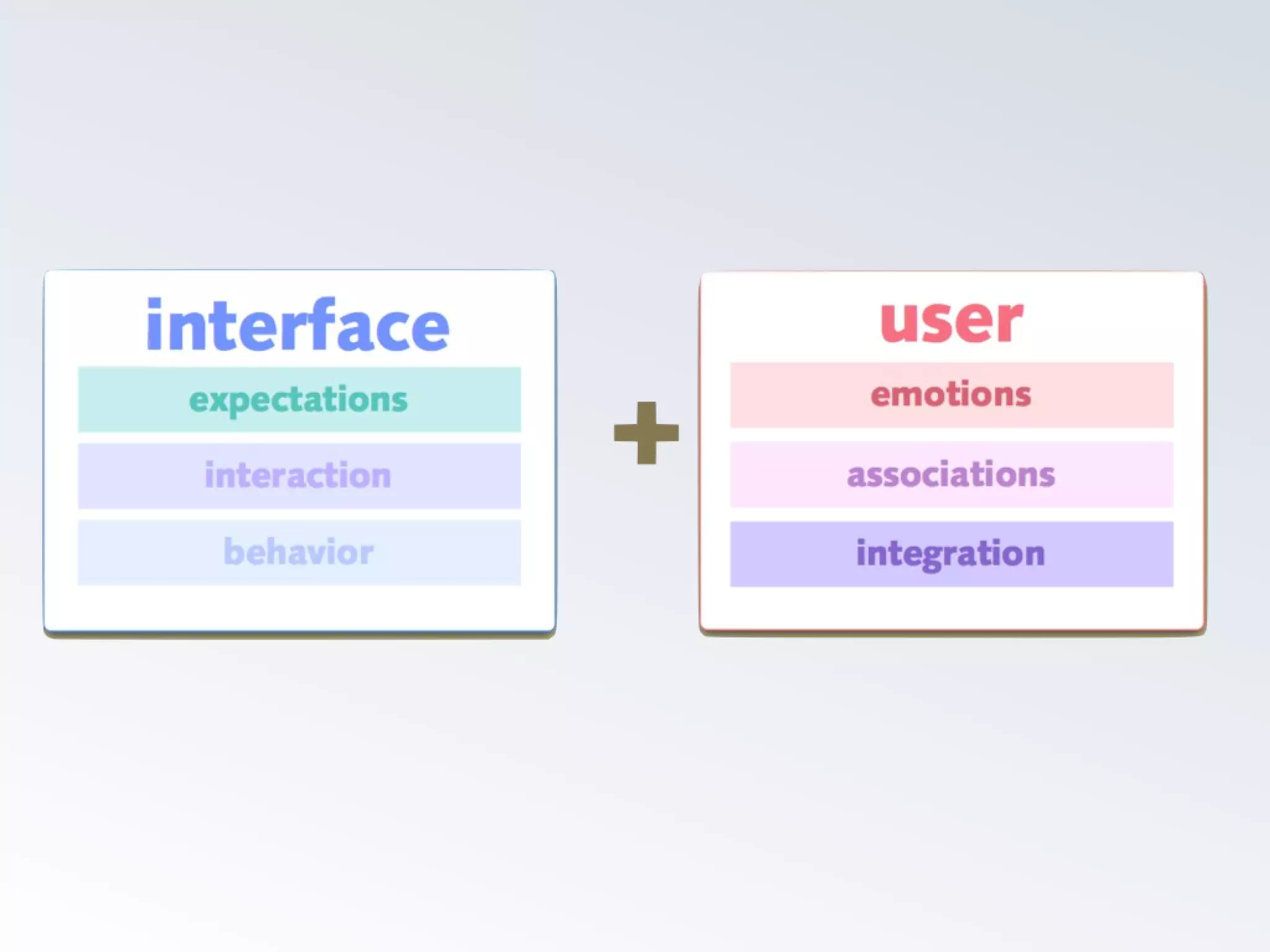
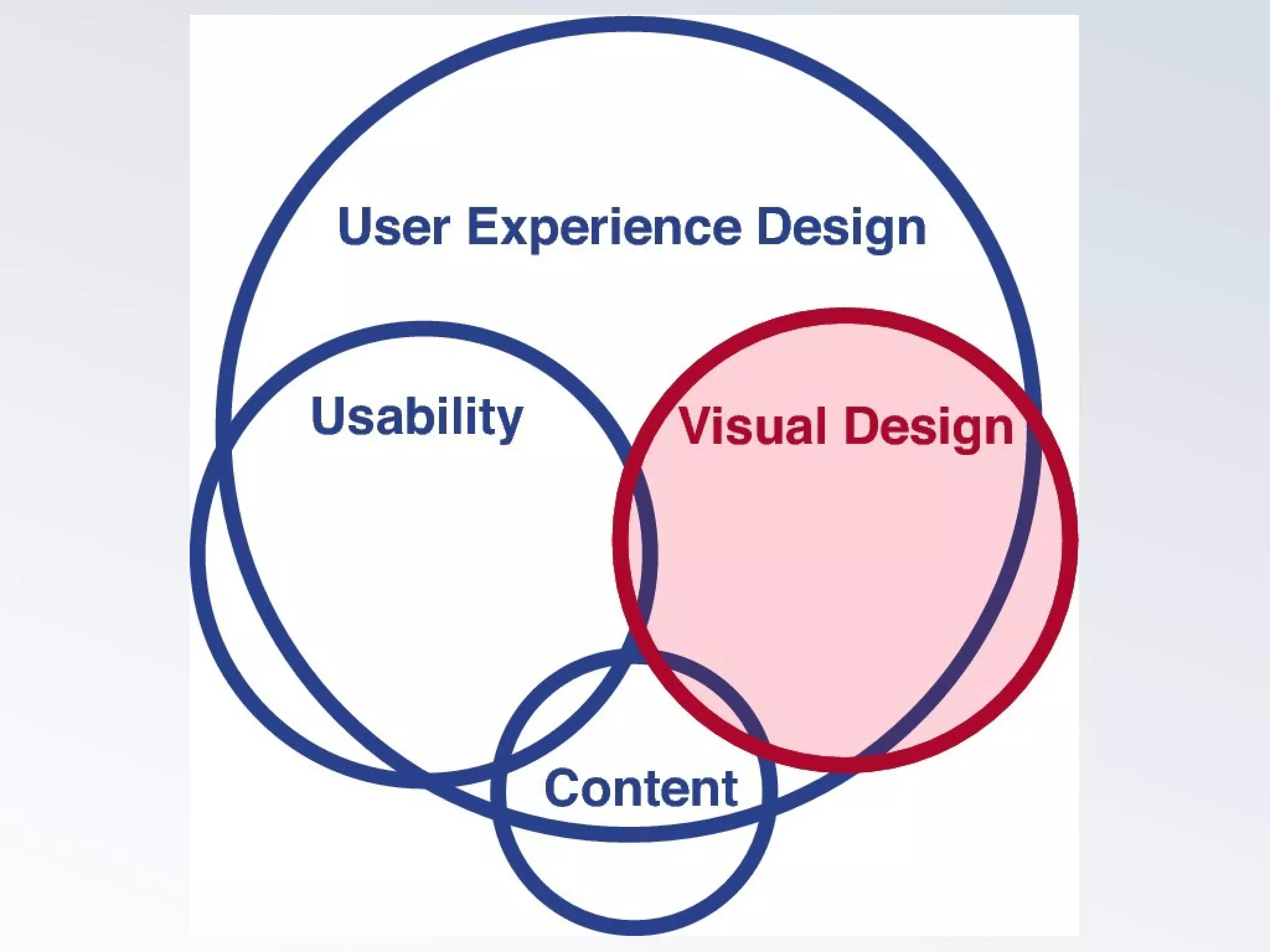
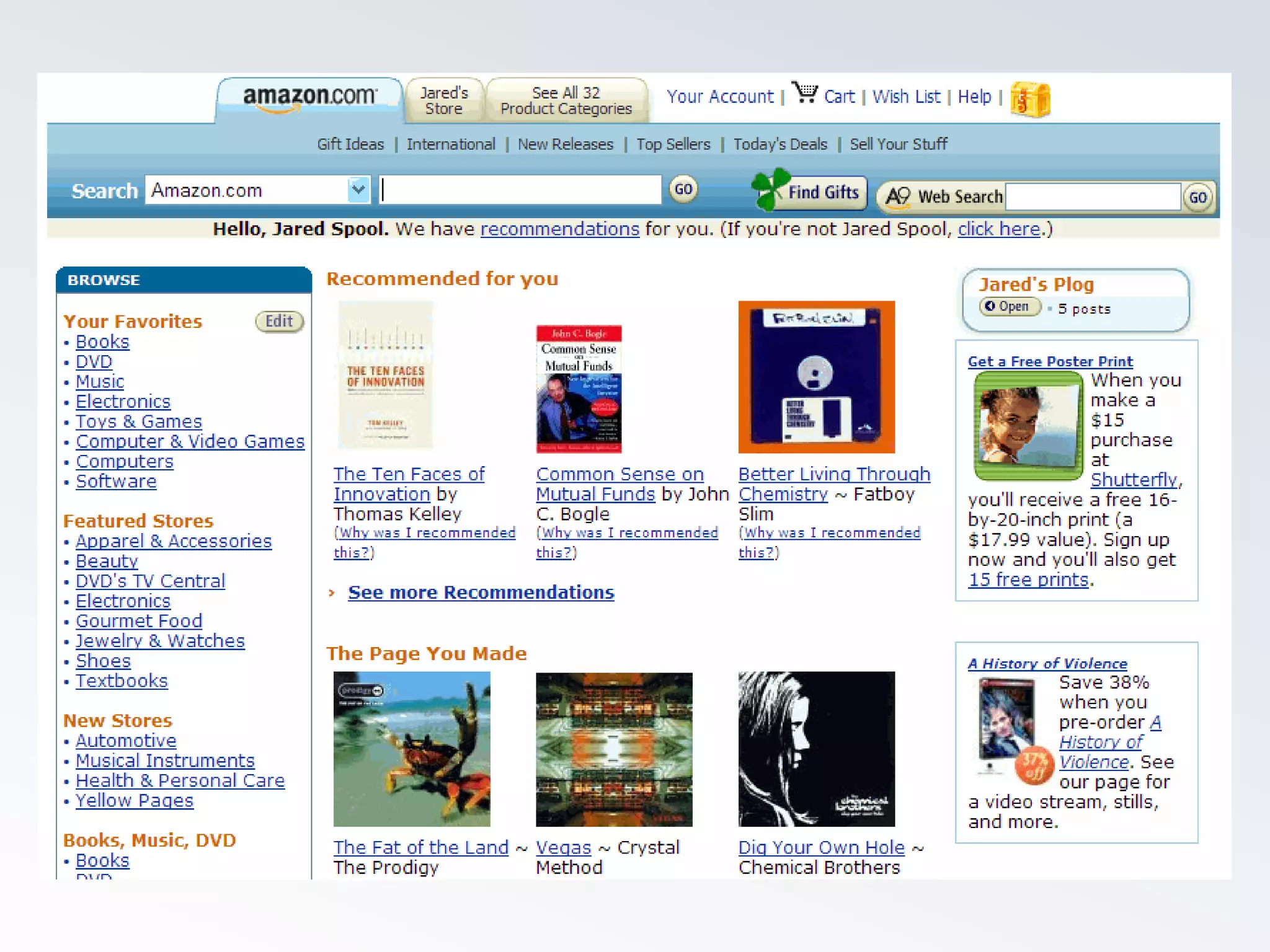
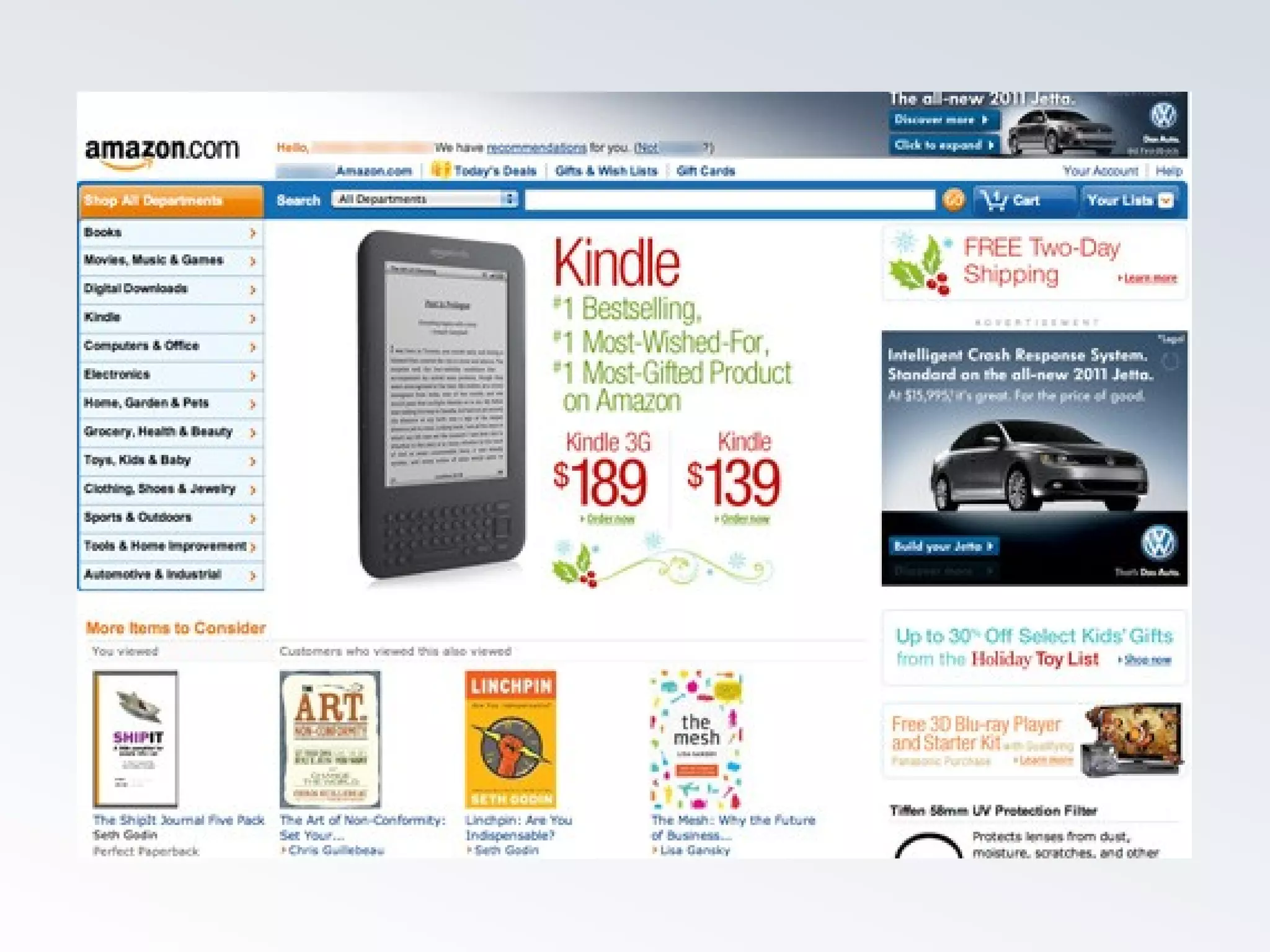
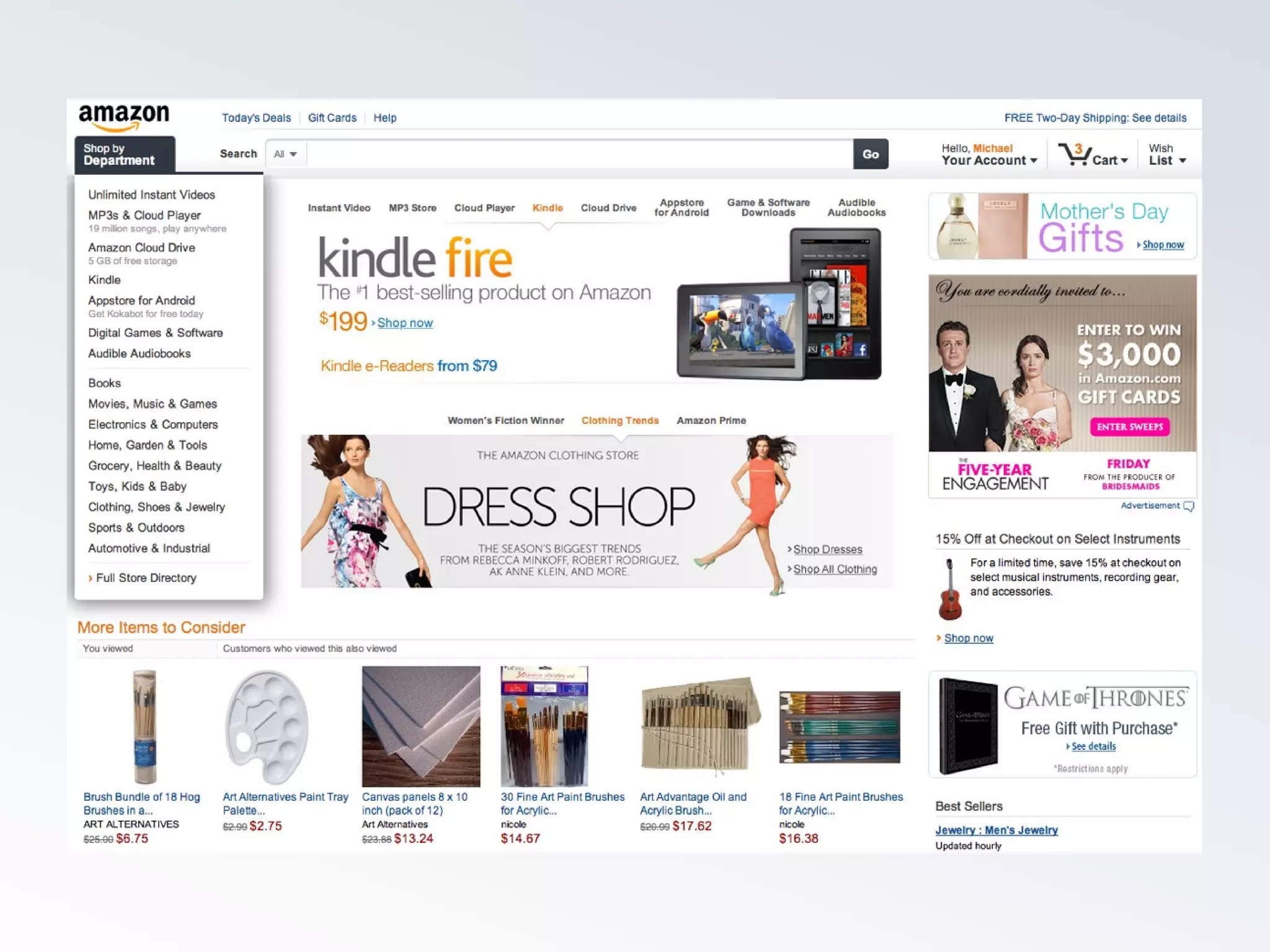
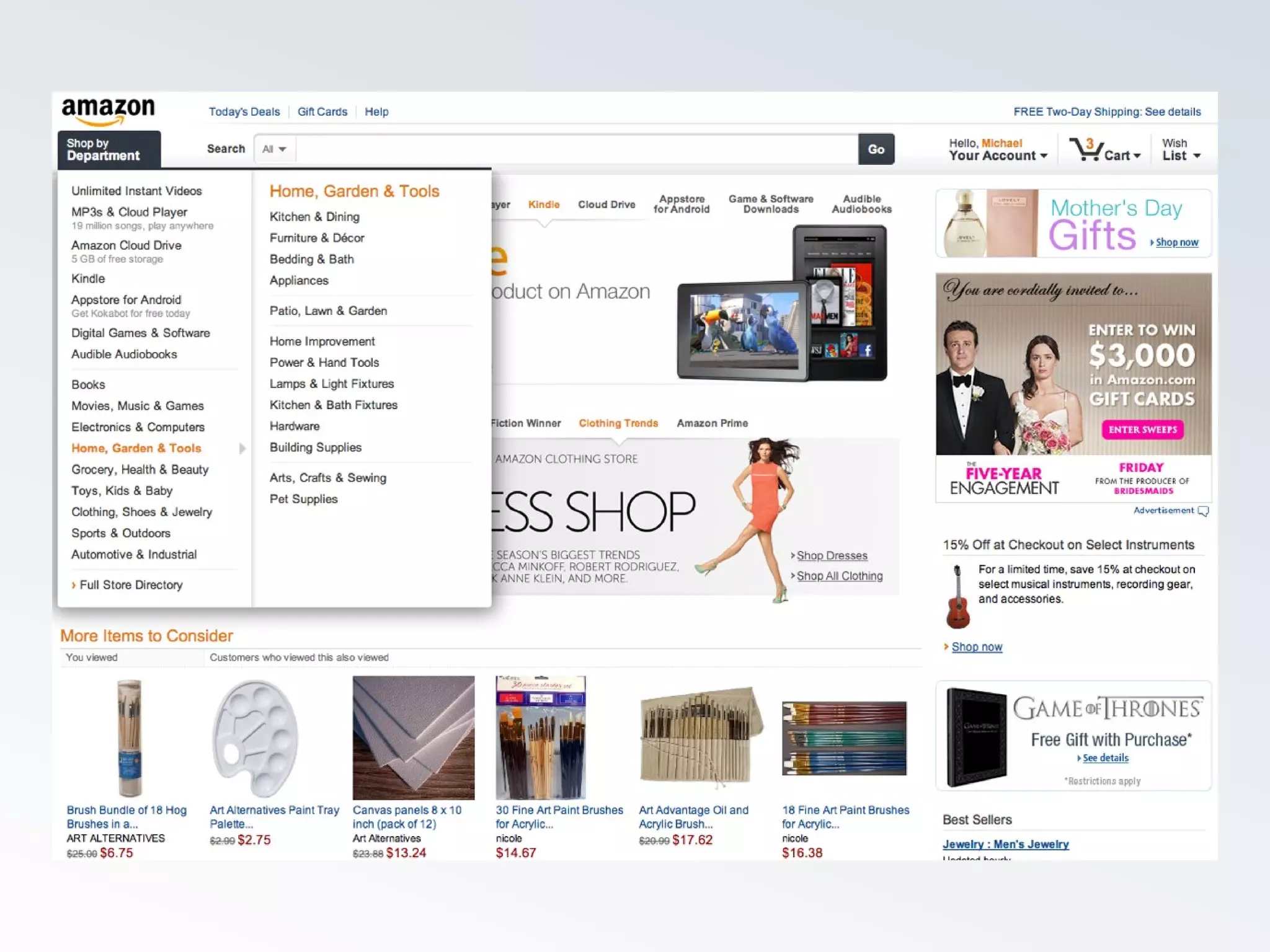
INTERFACE
DESIGN
DESIGN
DESIGN
DESIGN
Interaction
Design
Not one way
Not one way
Not one way
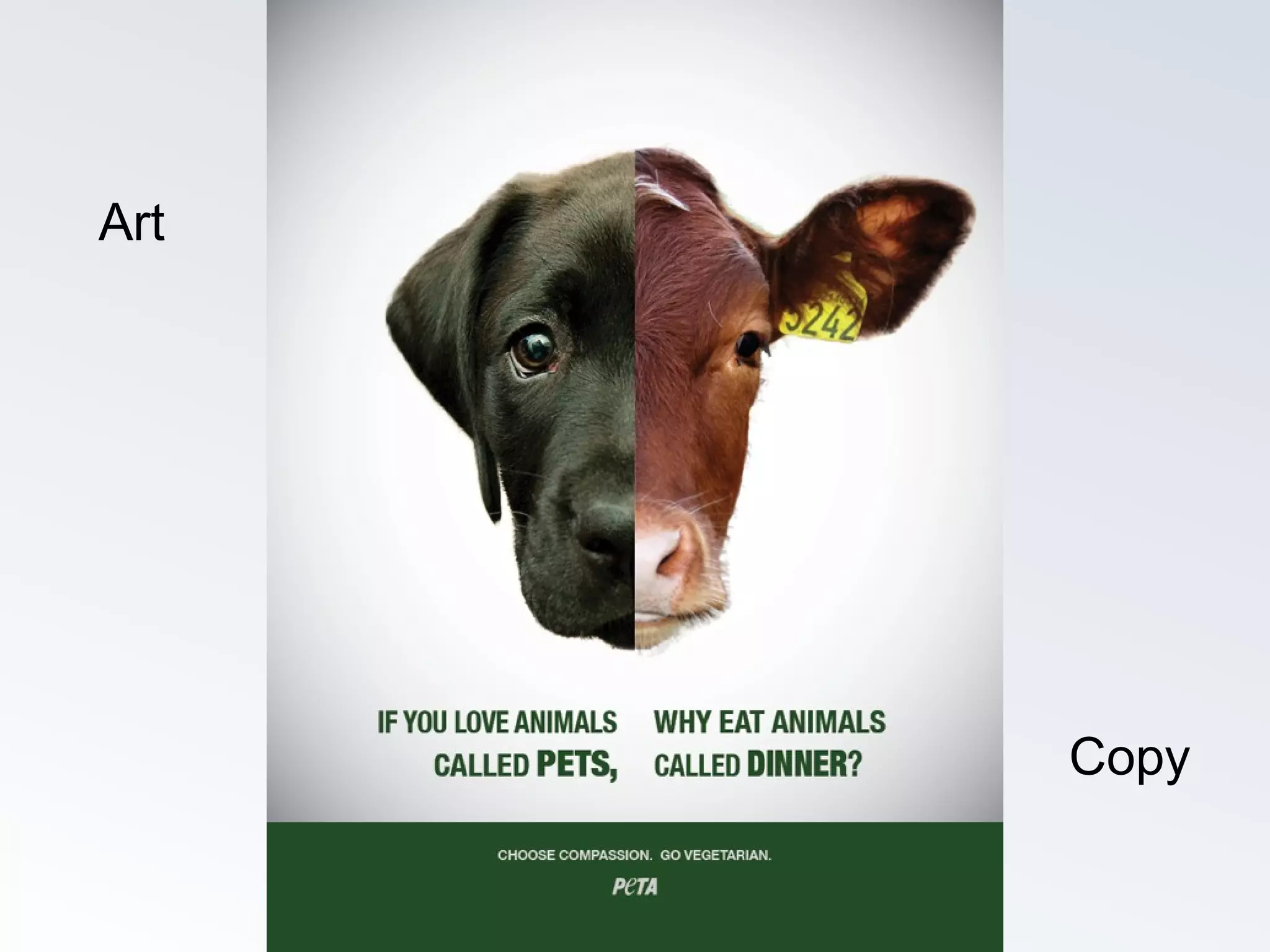
Art
Copy
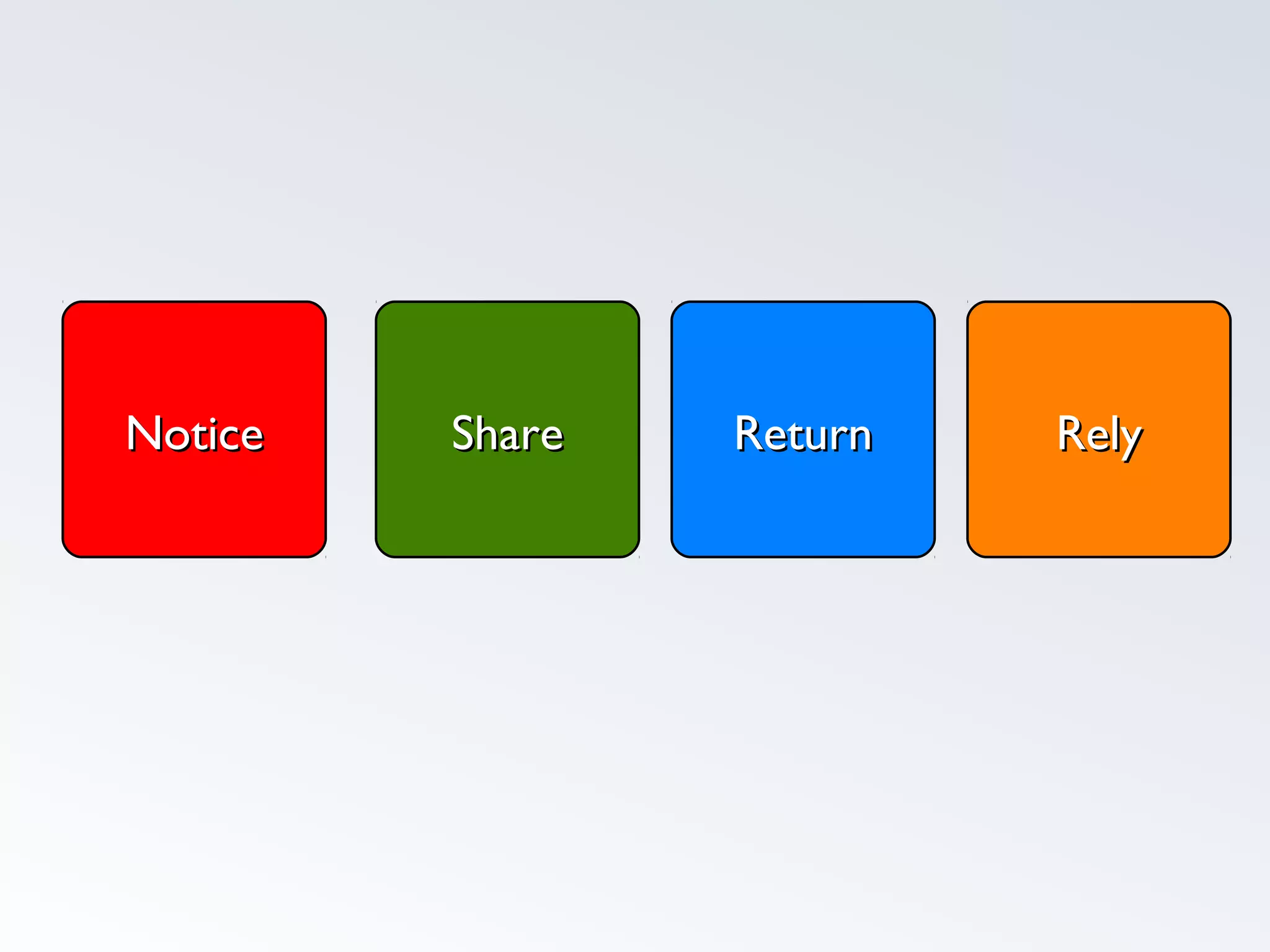
ReturnReturn RelyRelyShareShareNoticeNotice
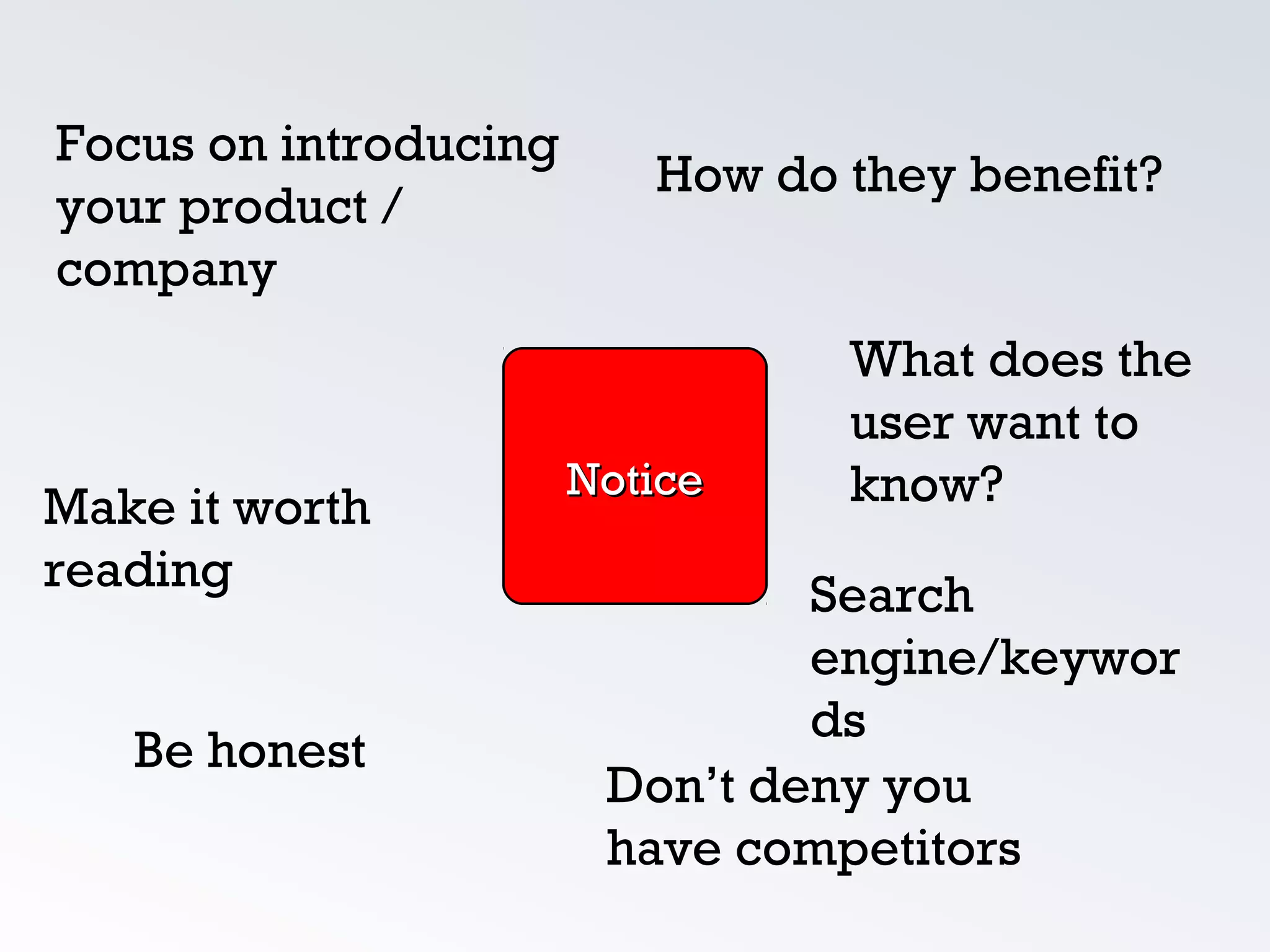
How do they benefit?
Make it worth
reading
What does the
user want to
know?
Focus on introducing
your product /
company
NoticeNotice
Don’t deny you
have competitors
Be honest
Search
engine/keywor
ds
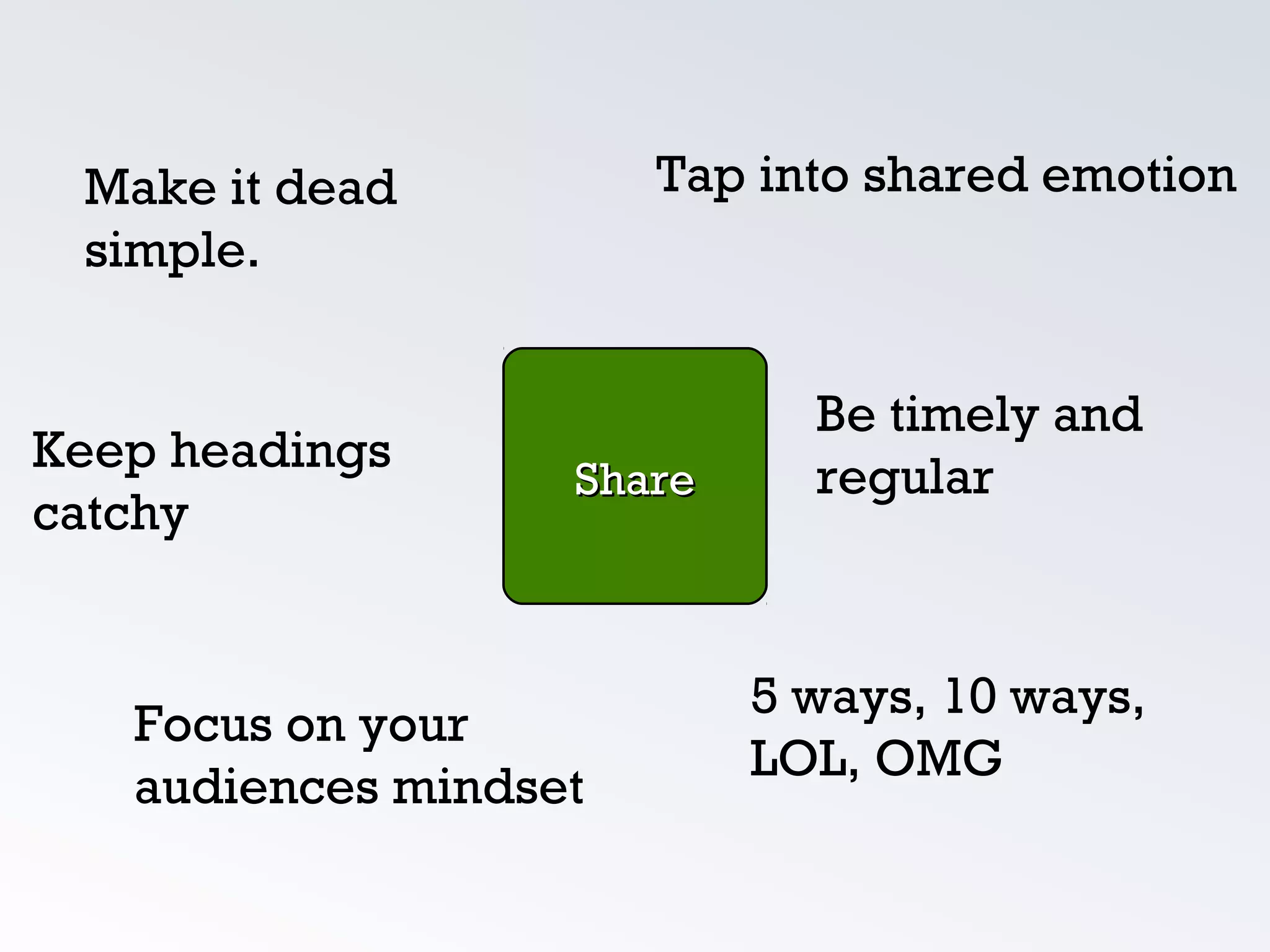
Tap into shared emotion
Focus on your
audiences mindset
Keep headings
catchy
Be timely and
regular
Make it dead
simple.
ShareShare
5 ways, 10 ways,
LOL, OMG
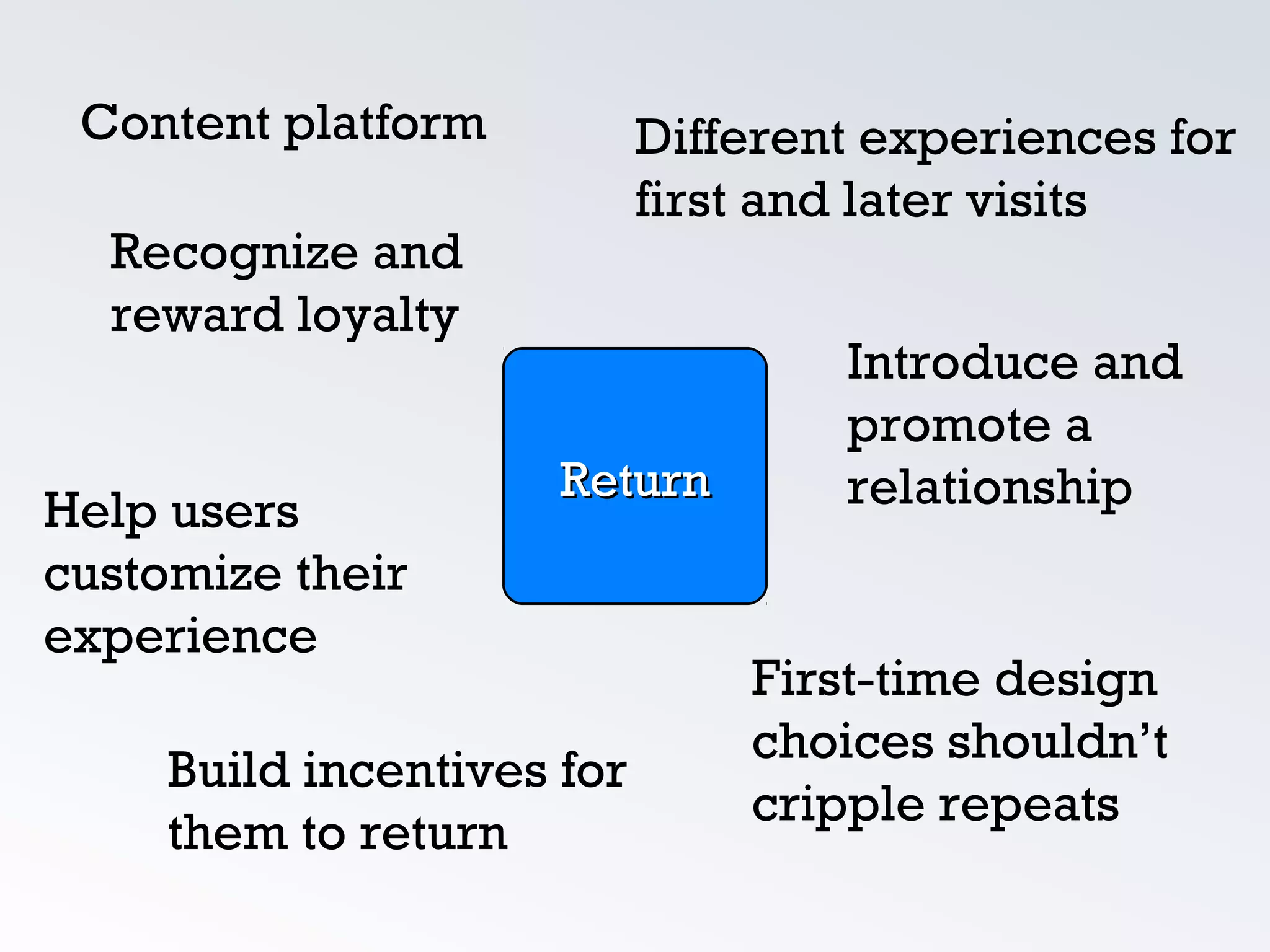
ReturnReturn
Content platform Different experiences for
first and later visits
Build incentives for
them to return
Help users
customize their
experience
Introduce and
promote a
relationship
Recognize and
reward loyalty
First-time design
choices shouldn’t
cripple repeats
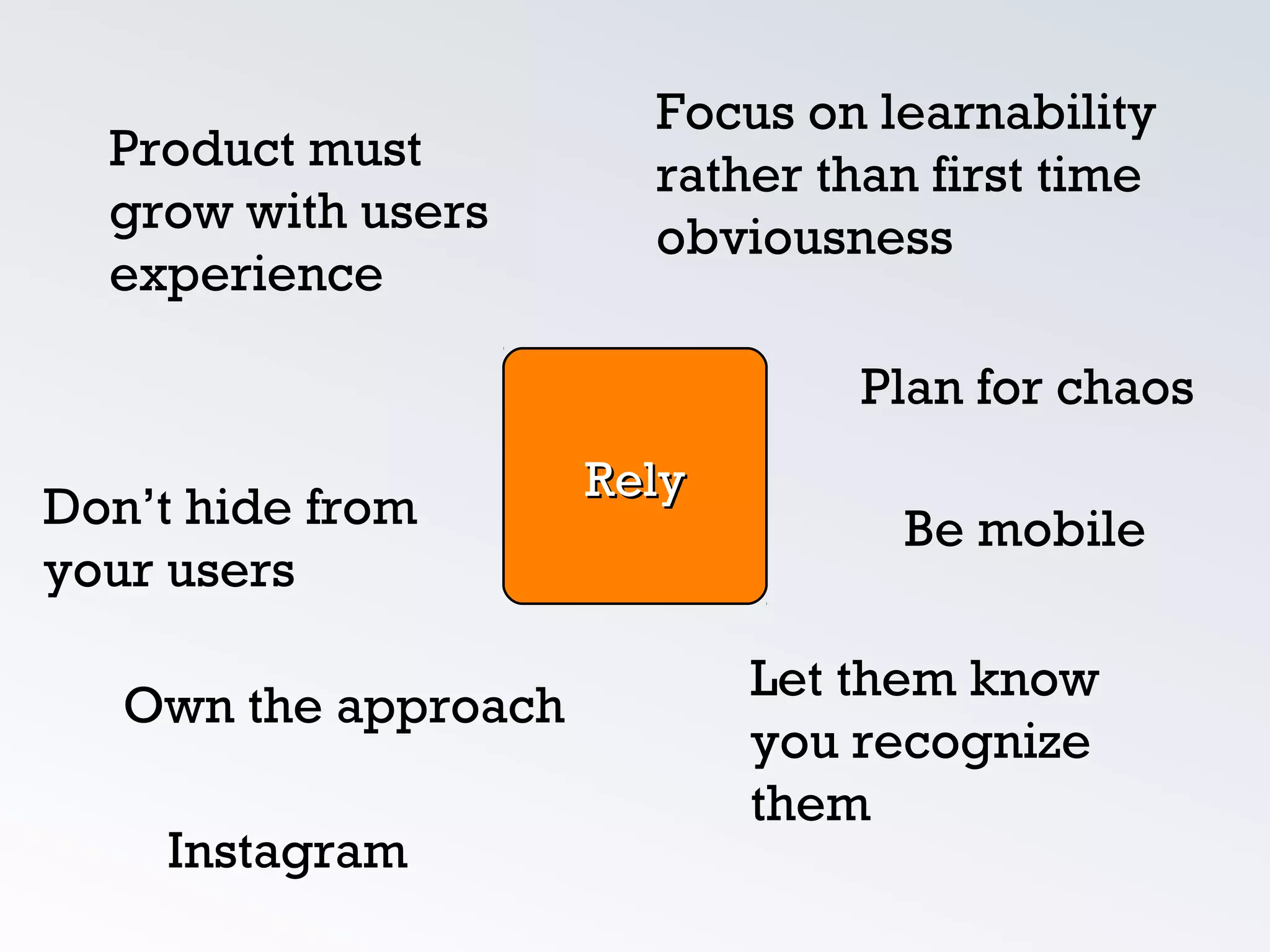
Focus on learnability
rather than first time
obviousness
Own the approach
Don’t hide from
your users
Plan for chaos
Product must
grow with users
experience
Let them know
you recognize
them
RelyRely
Be mobile
Instagram
Re-
Design
Design
Emphasis
Color
Screen
Alignment
Font
Font
Font
Font
Color
Avoid it, or use sparingly.
Make body text off black and page background slightly off white.
Links should be blue only if they are in a paragraph.
Use colors or underlines in hover states, turn off default
underlining.
Headers and sidebar navigation, though clickable, need not be
blue.
Use gray whenever possible to change emphasis rather than
color.
QuickTime™ and a
JVT/AVC Coding decompressor
are needed to see this picture.
Screen
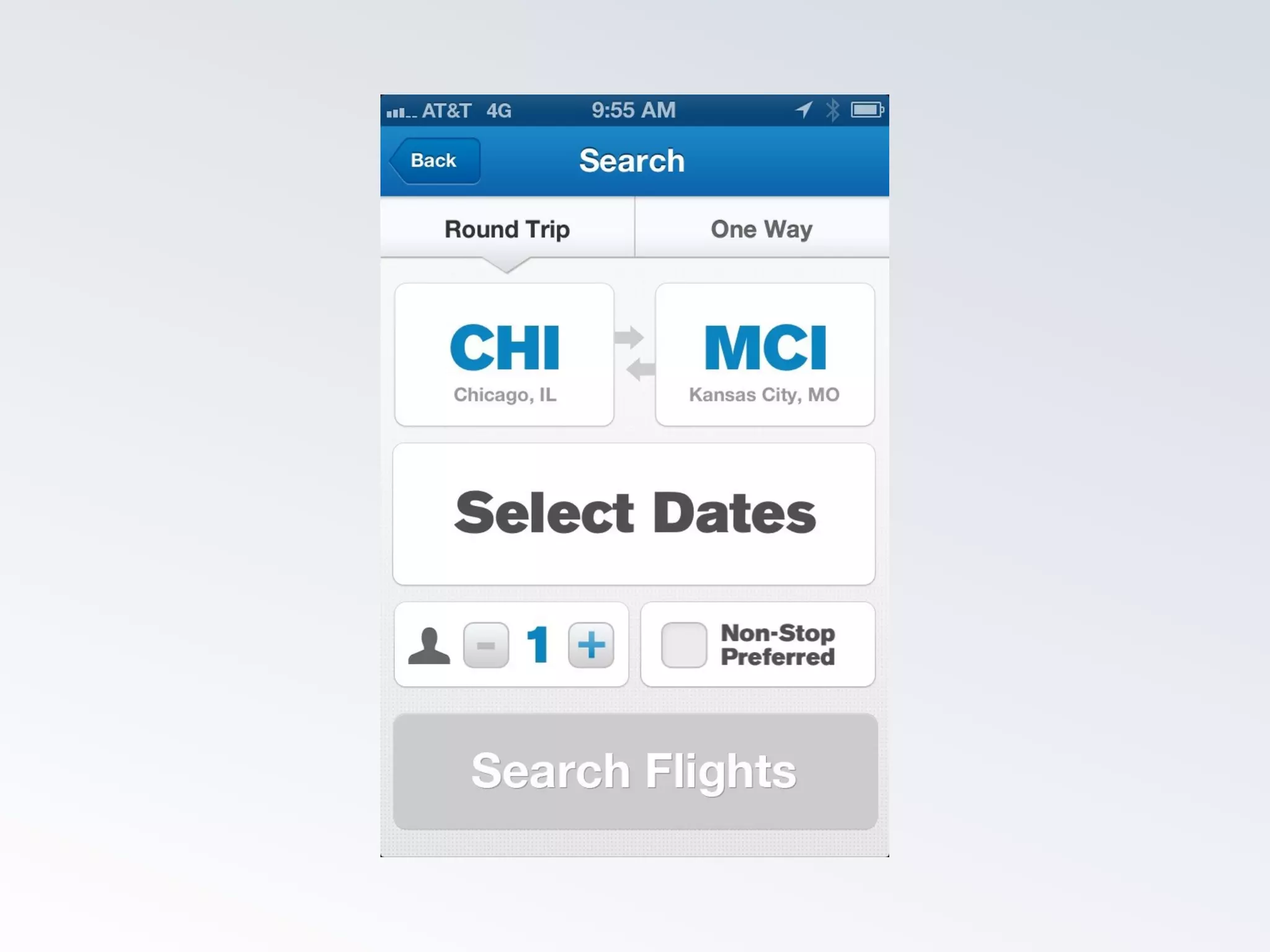
Screen widths and heights vary from device to
device.
Consider modular content for responsive design.
Try to avoid ‘filling the screen’ but put as much
value as you can on one screen
Avoid scrolling to different types of content, scroll
should be ‘more of the same’
Beware of 'Below the fold'
QuickTime™ and a
JVT/AVC Coding decompressor
are needed to see this picture.
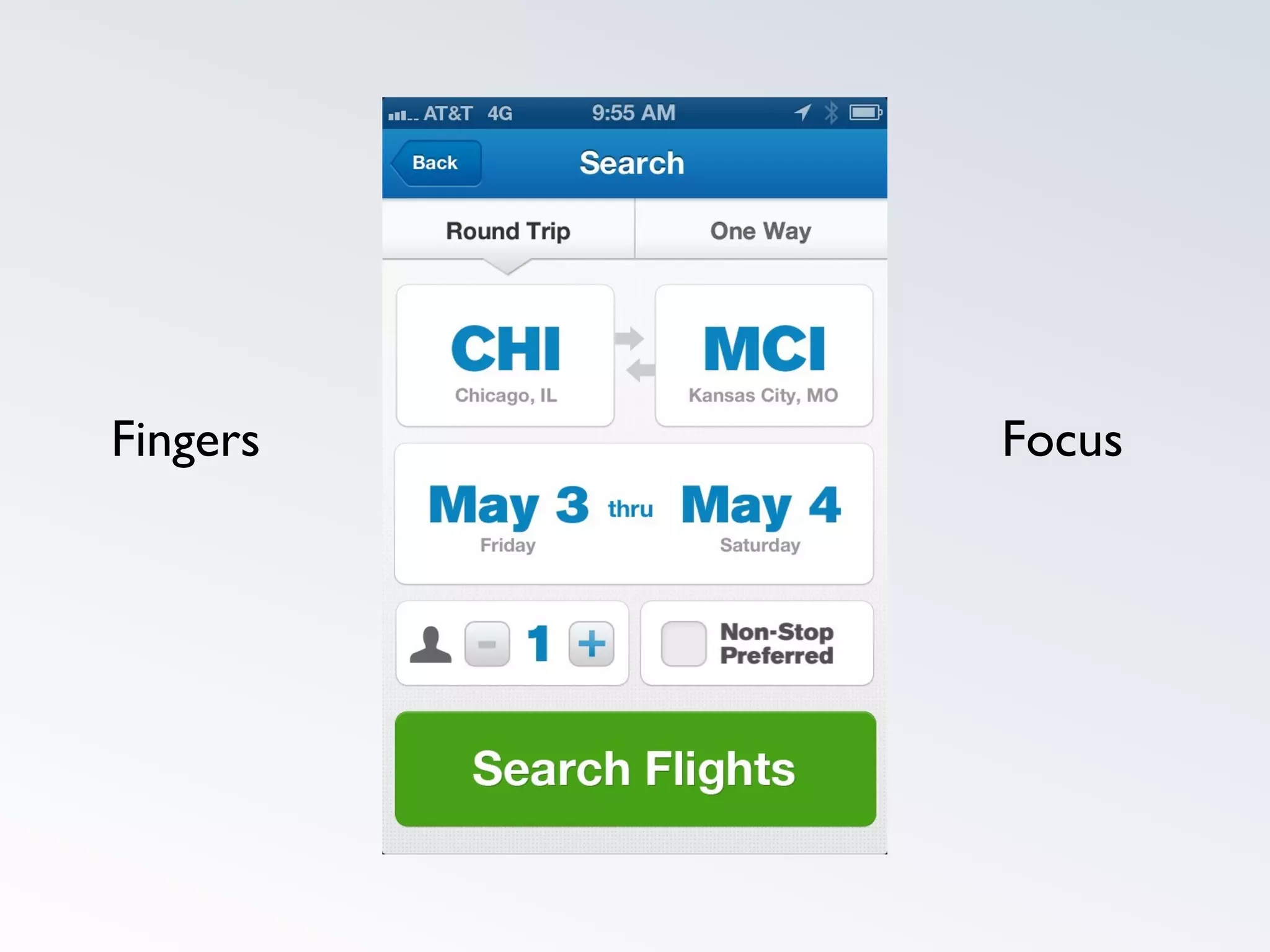
Fingers Focus
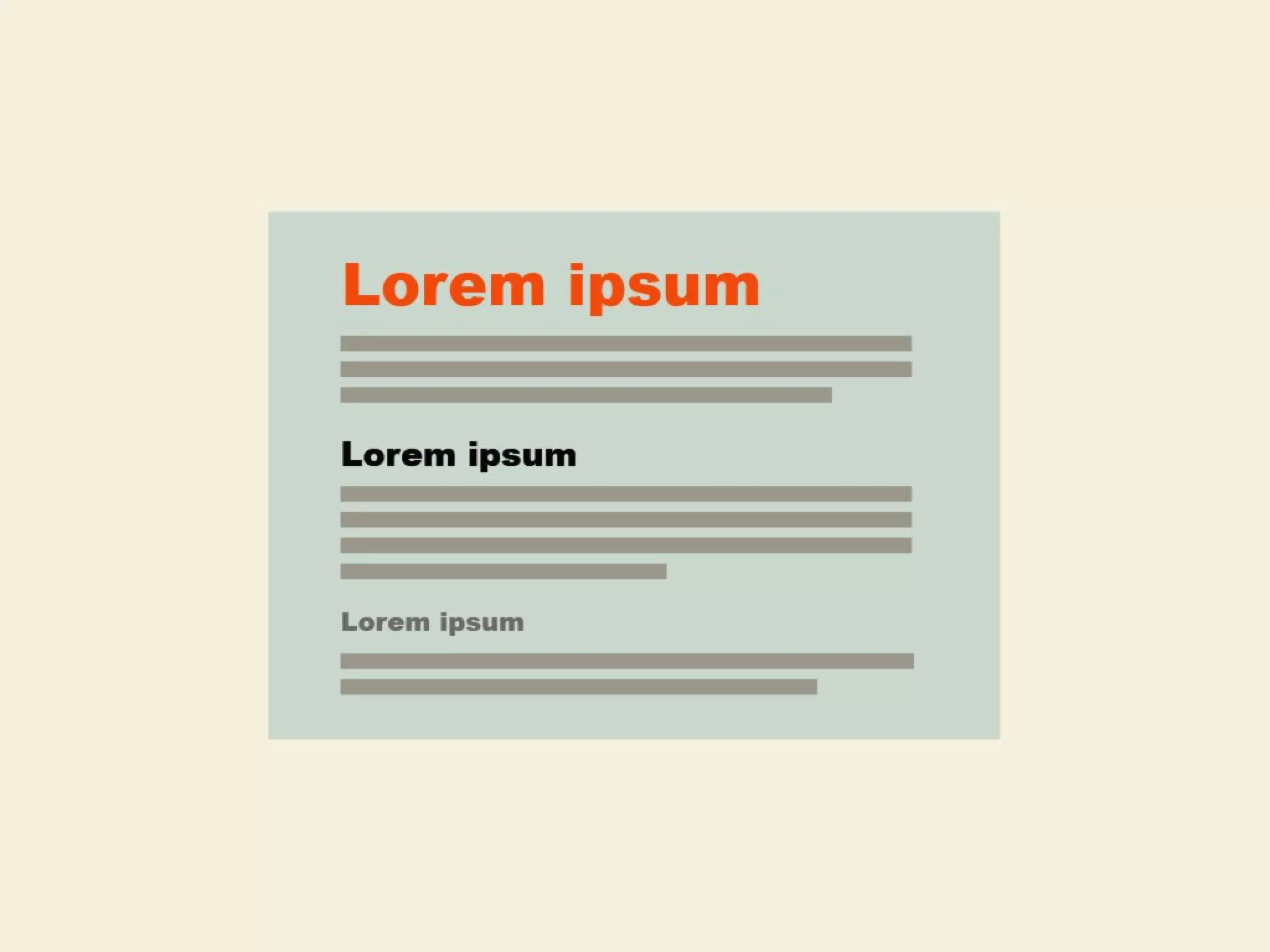
Type
Emphasis doesn’t scale well, white space is better.
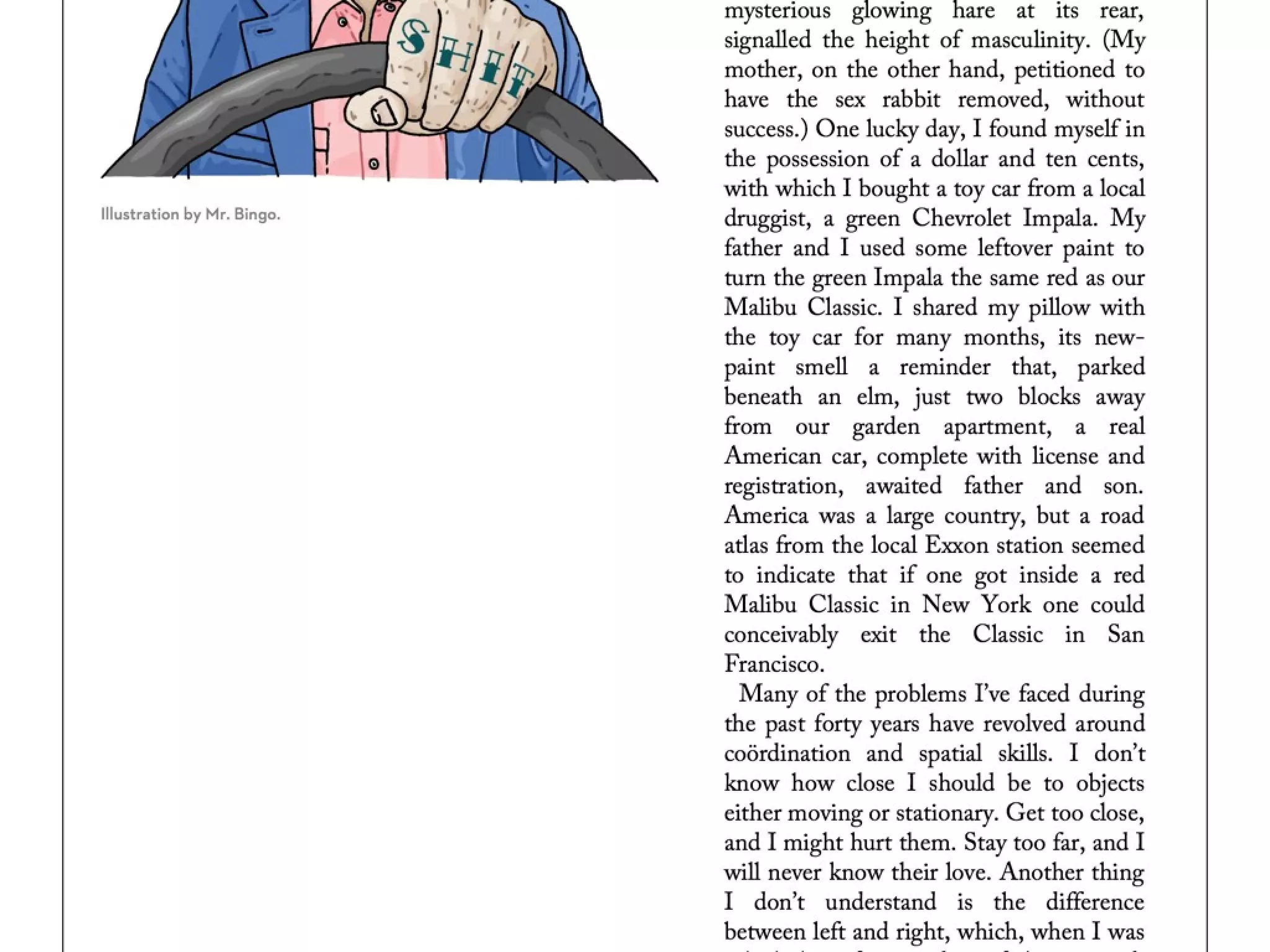
Readability is enhanced by narrow columns of text.
Try gray over color
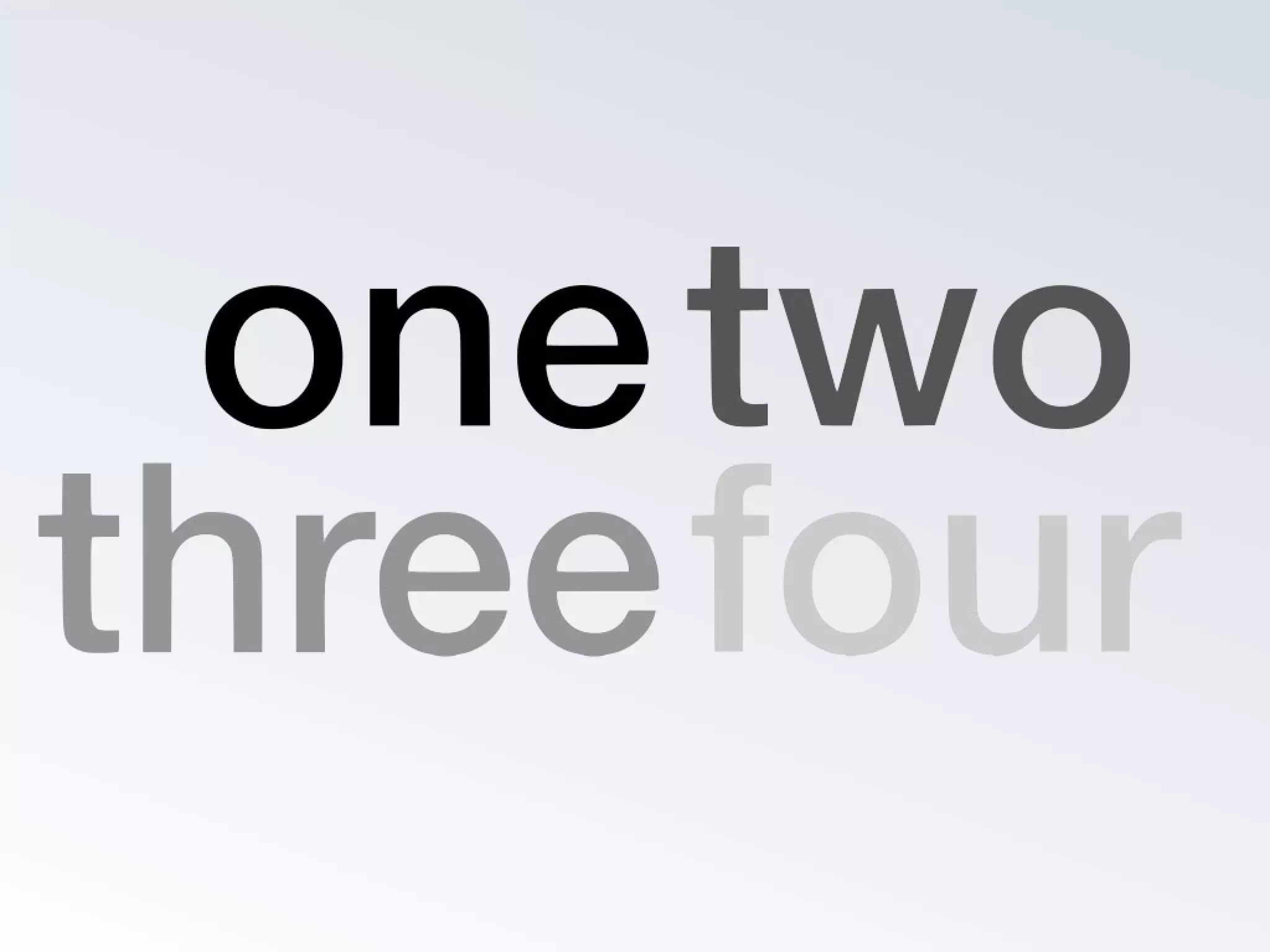
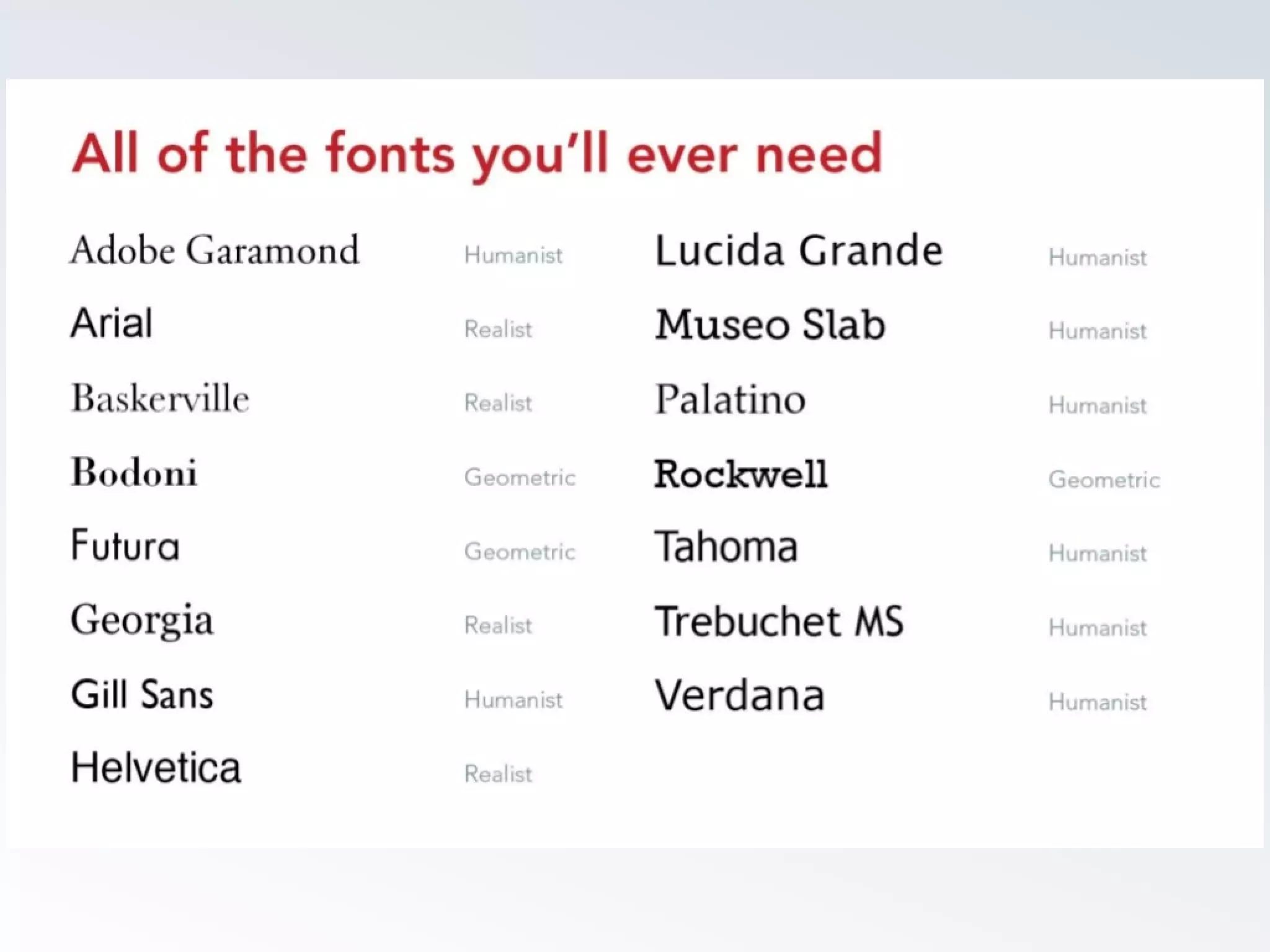
Avoid using more than one font. Use variations instead
(size, color).
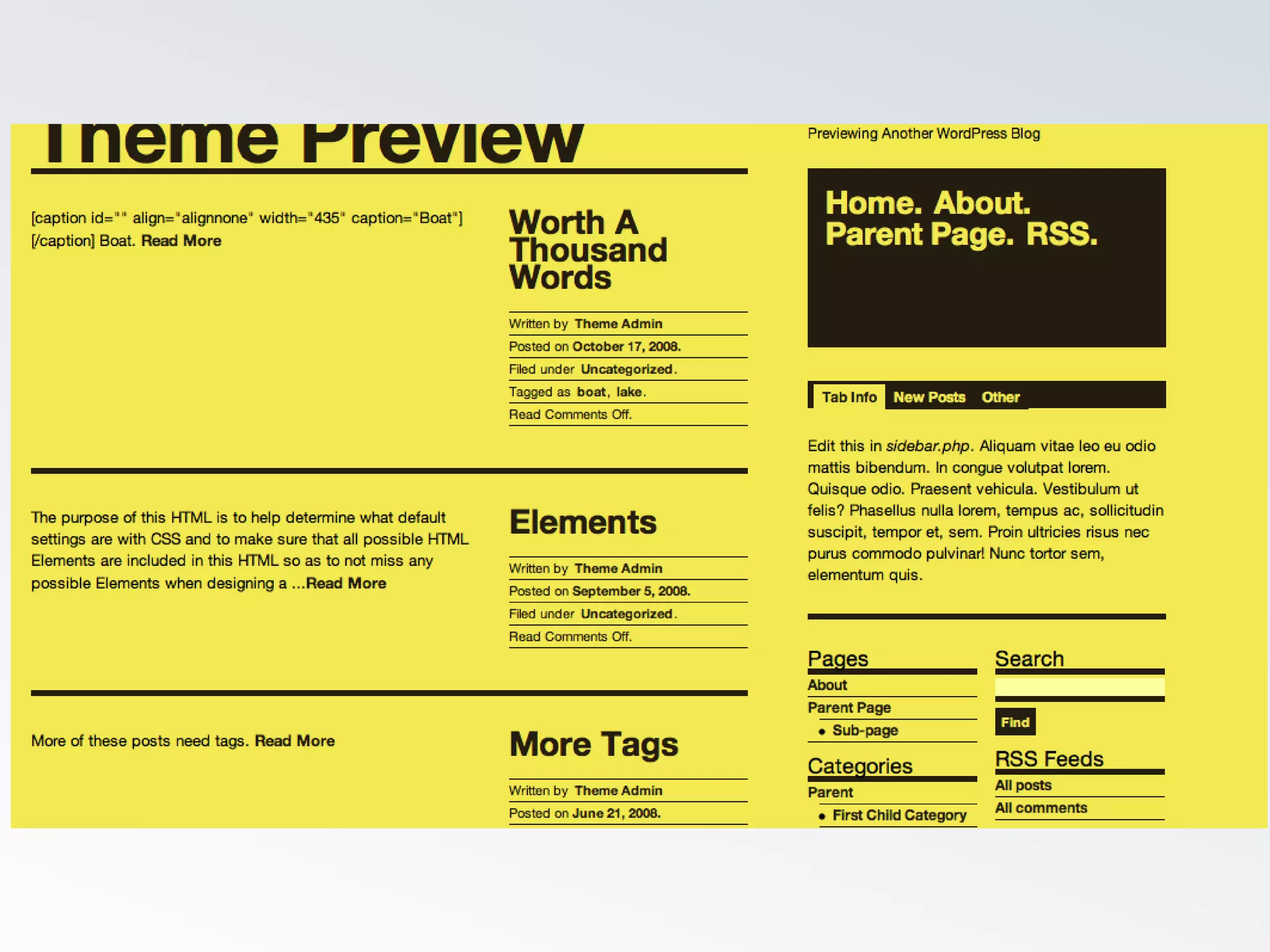
Avoid bolding text, especially headers at large font
sizes.
Give text more space (line-height) and padding.
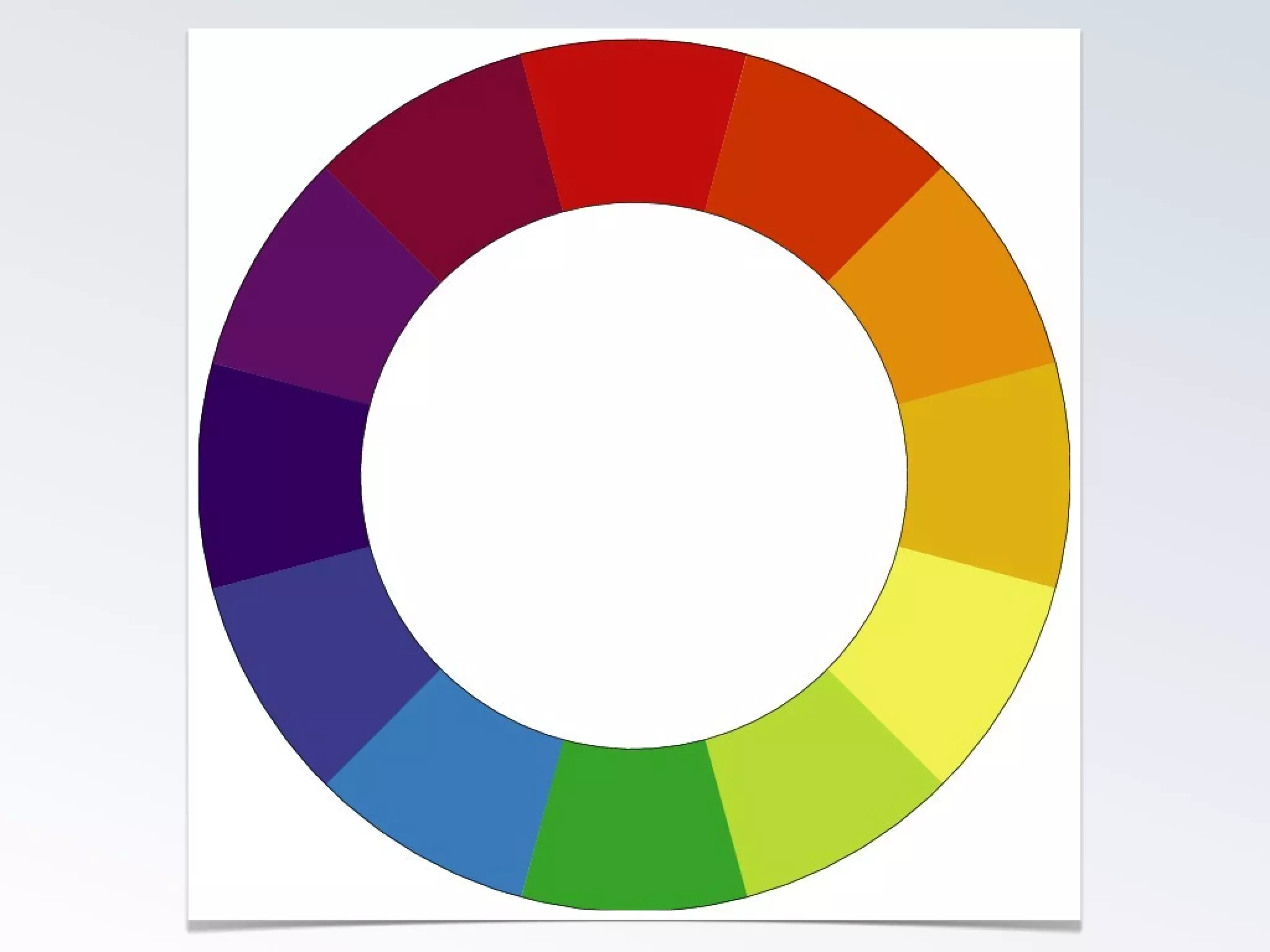
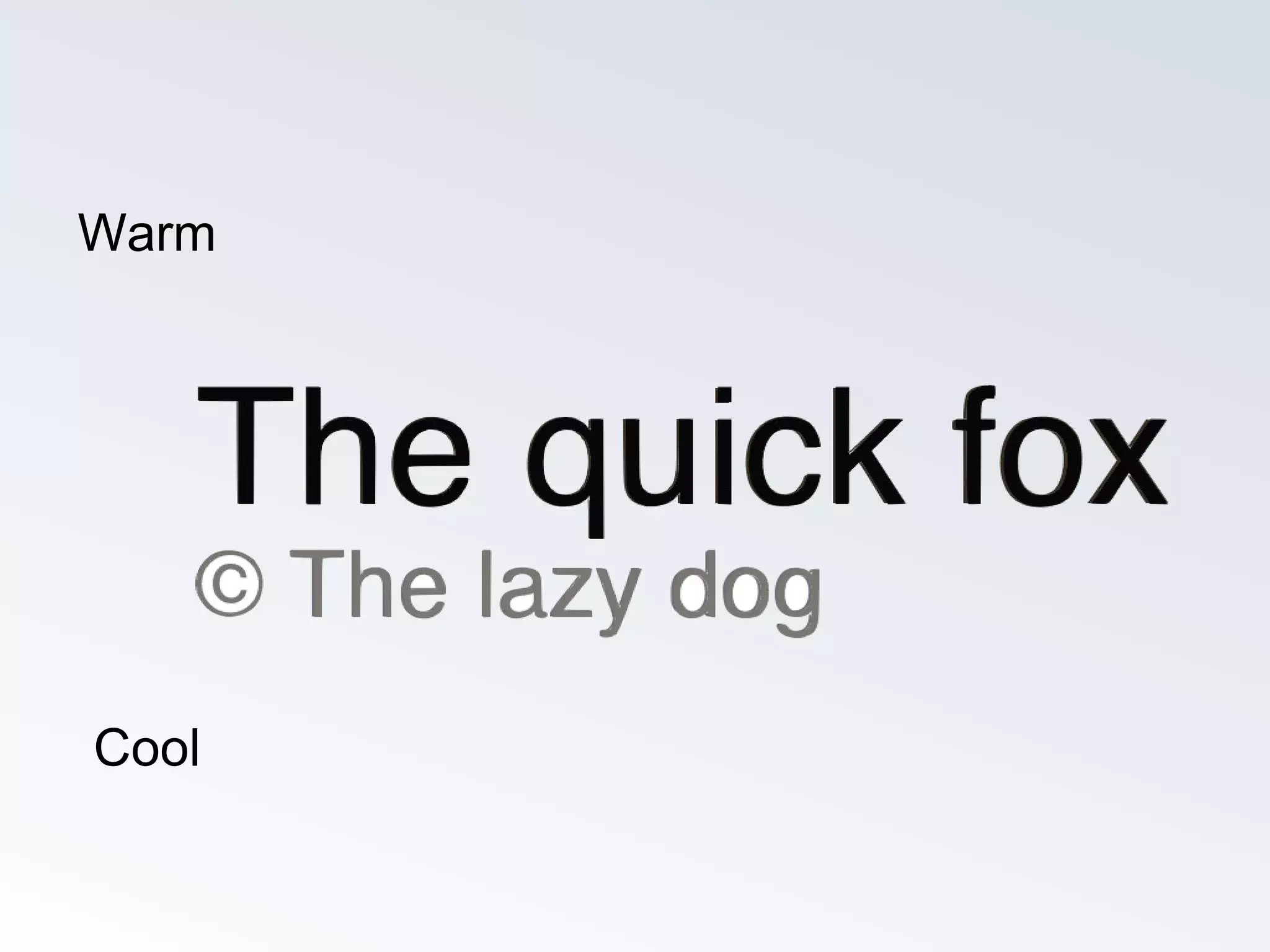
Warm
Cool
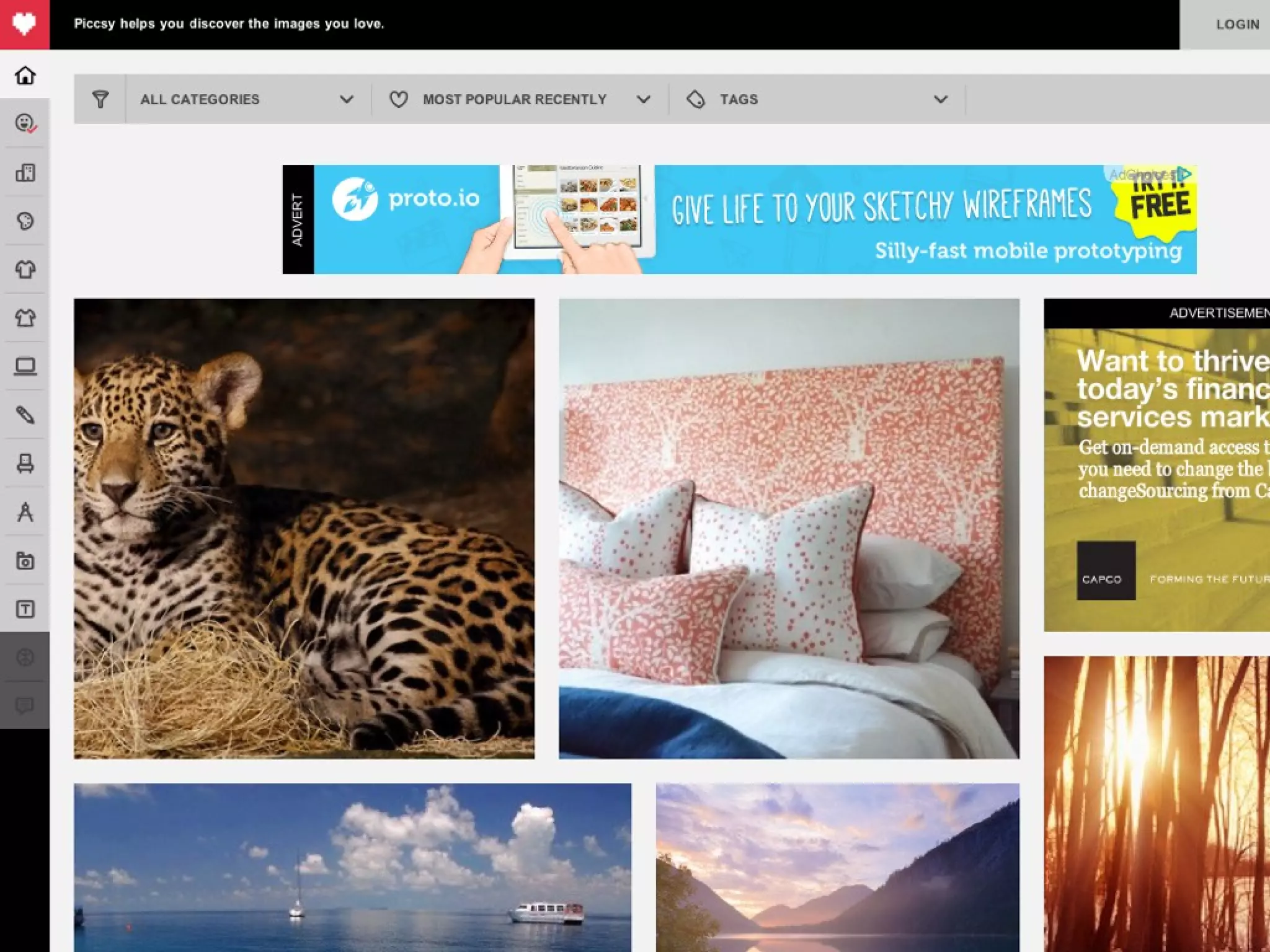
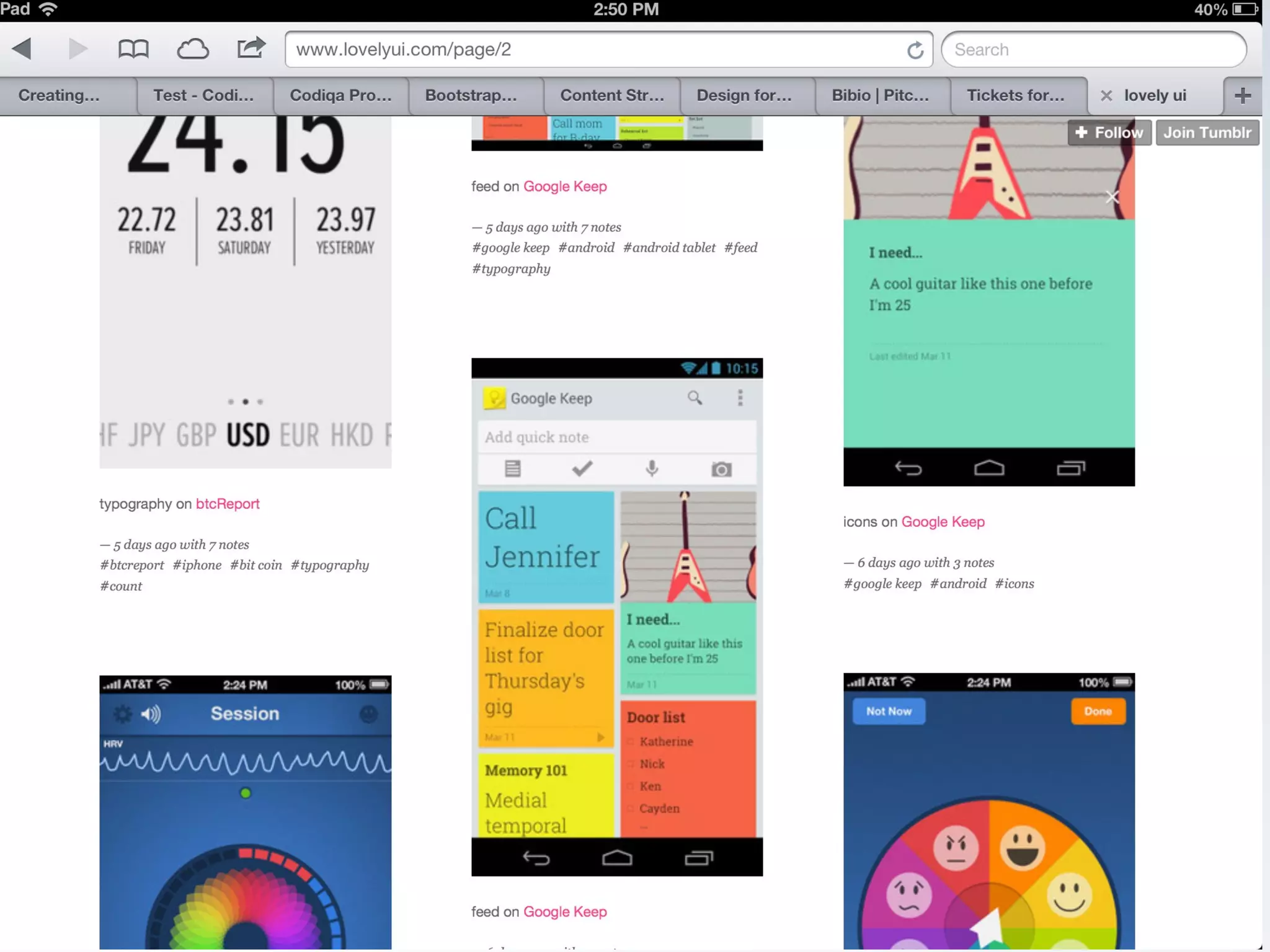
Images
Make them clickable, or make them really big.
If an image is not clickable or big, rethink why it is
part of the design taking attention away from
something actionable.
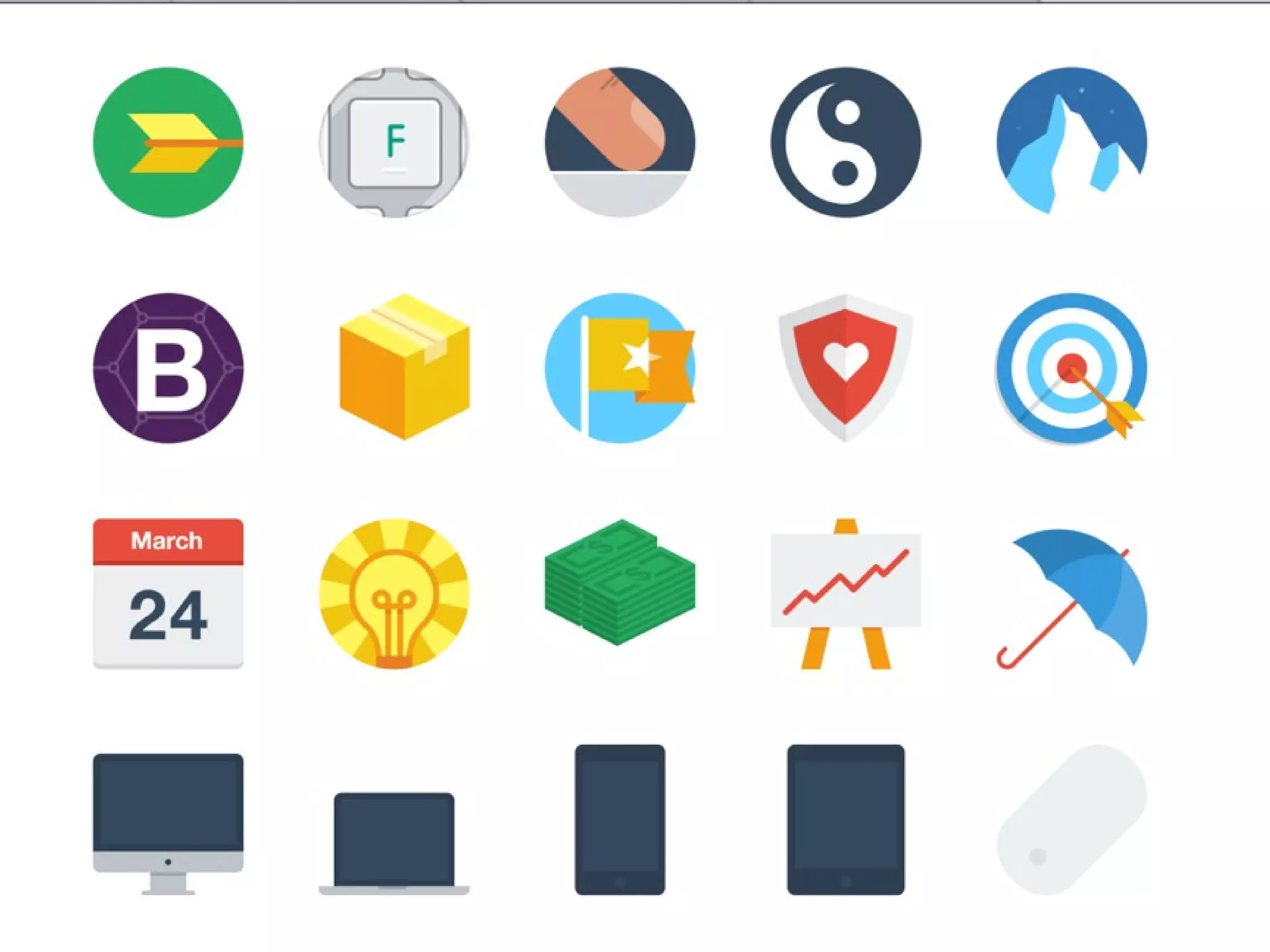
Icons should only be used to differentiate one text
line from another. Try not to use icons for
navigation (mystery meat rule)
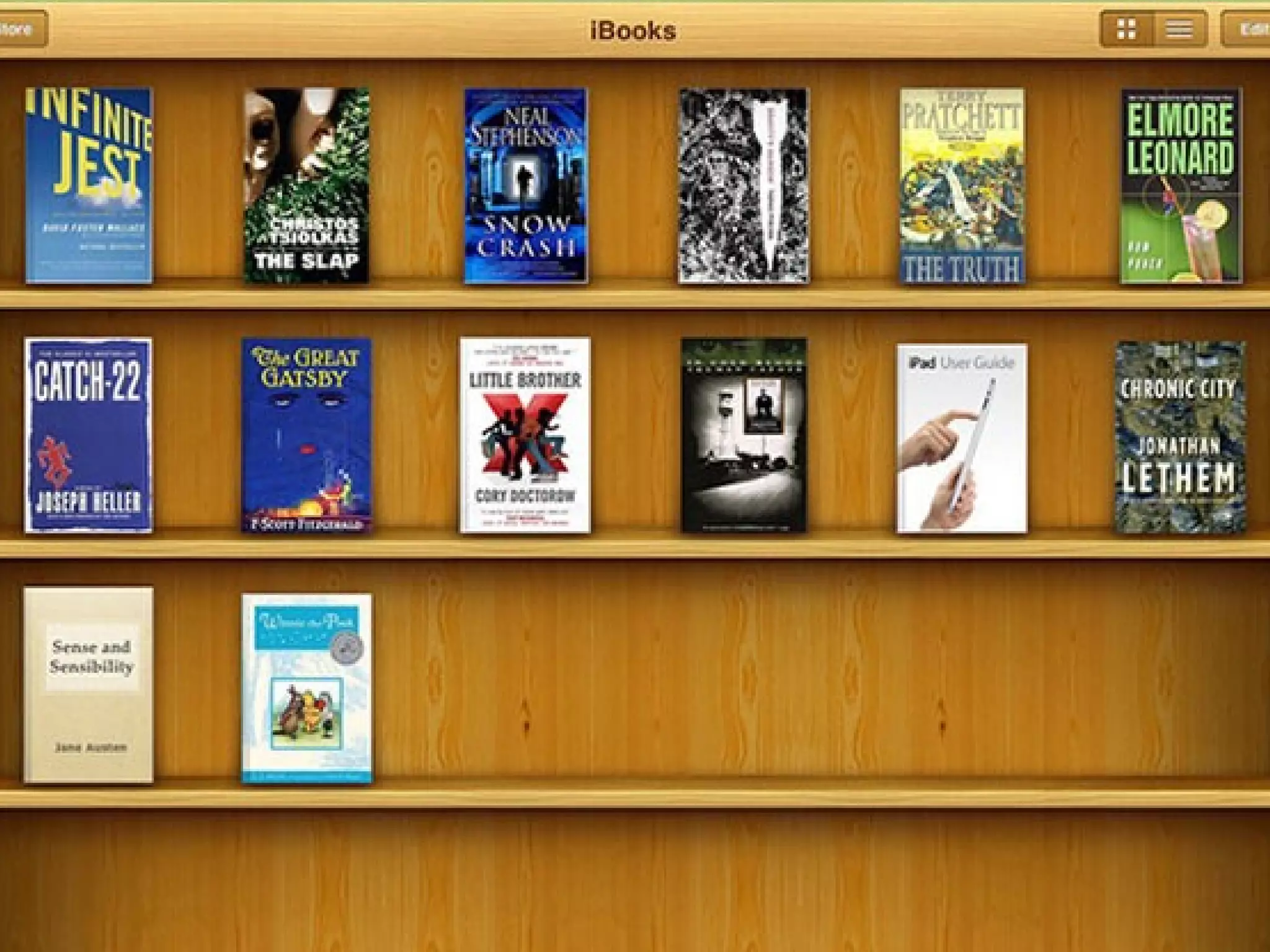
Skeumorphic
QuickTime™ and a
JVT/AVC Coding decompressor
are needed to see this picture.
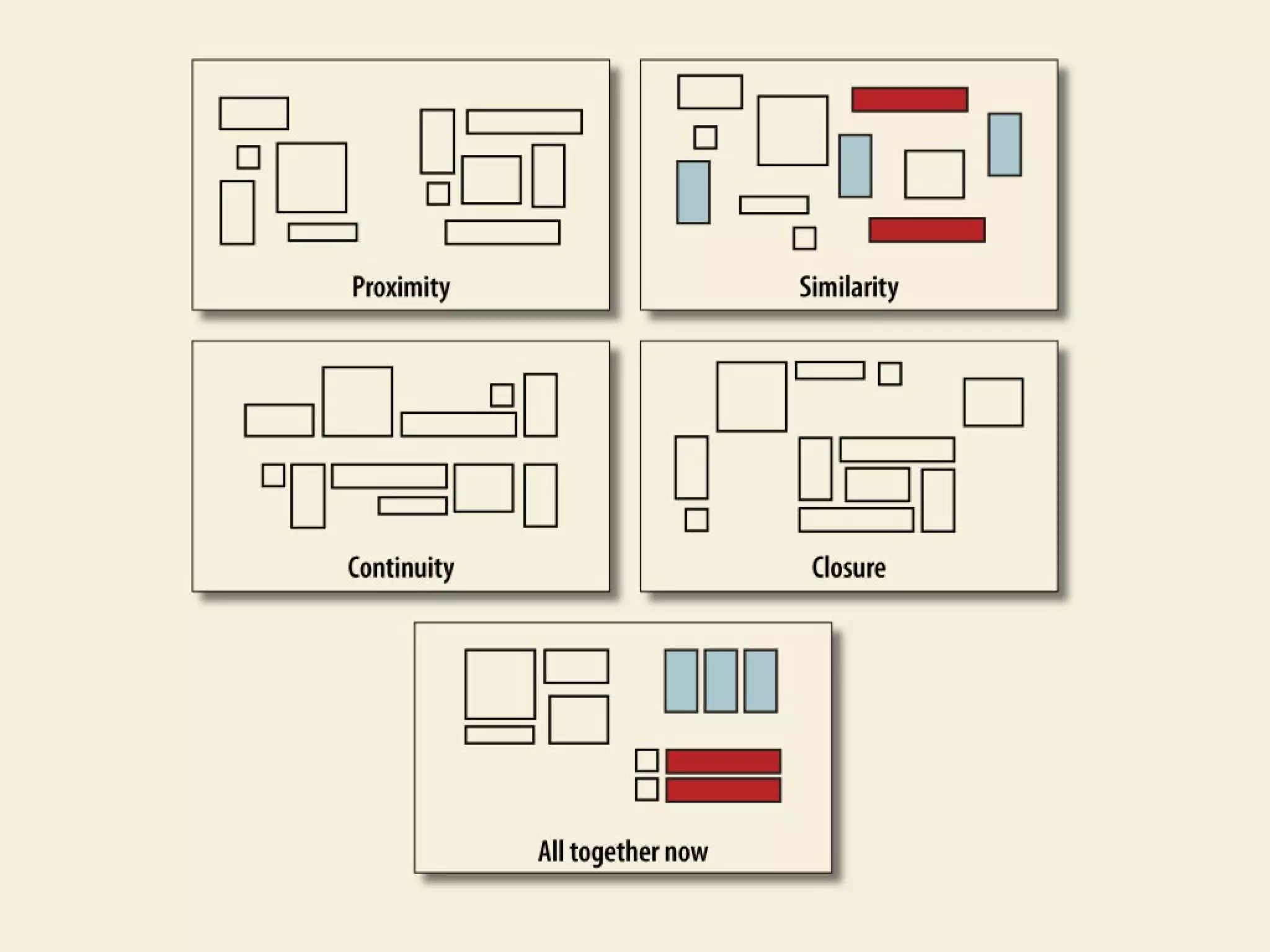
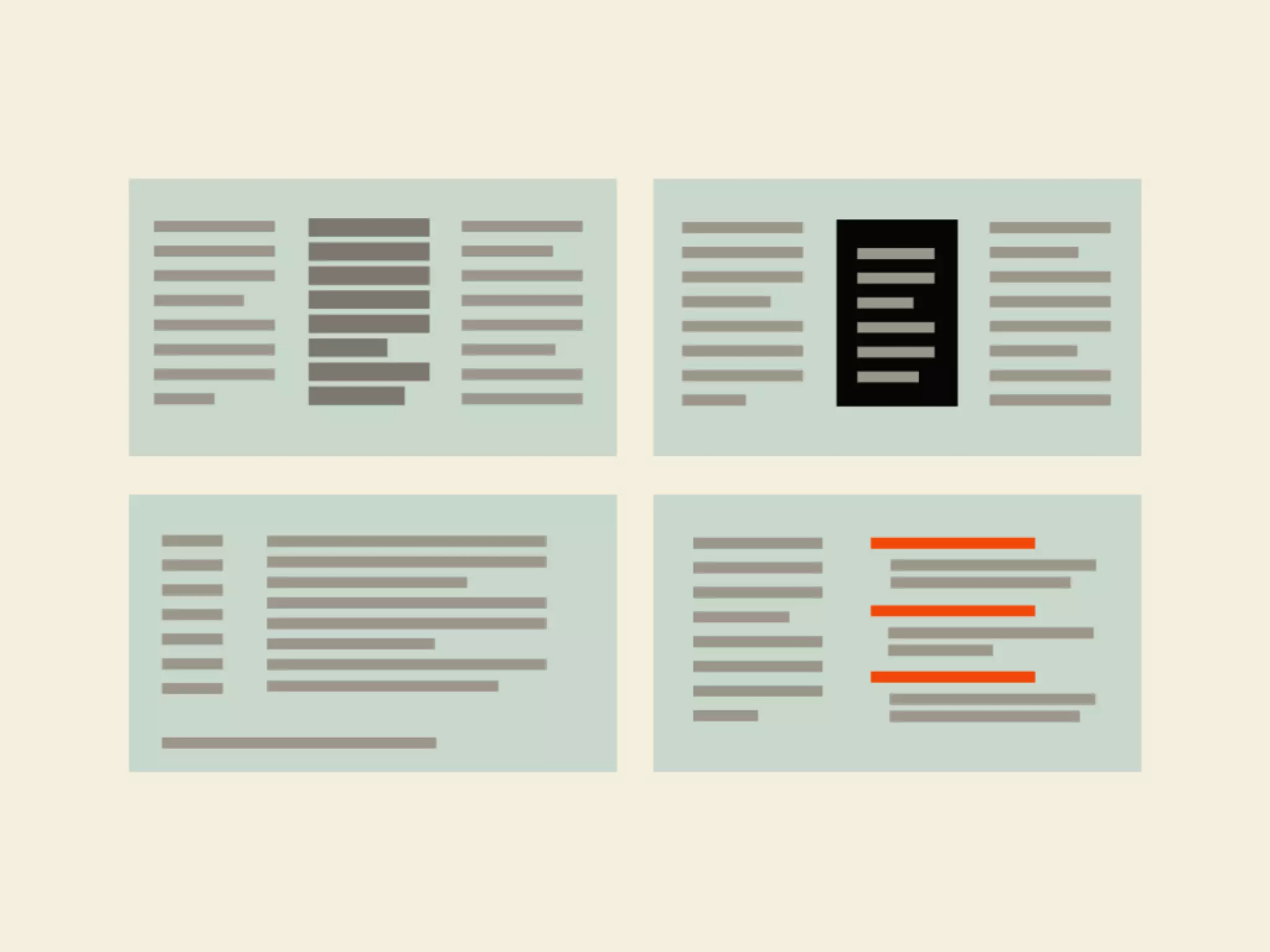
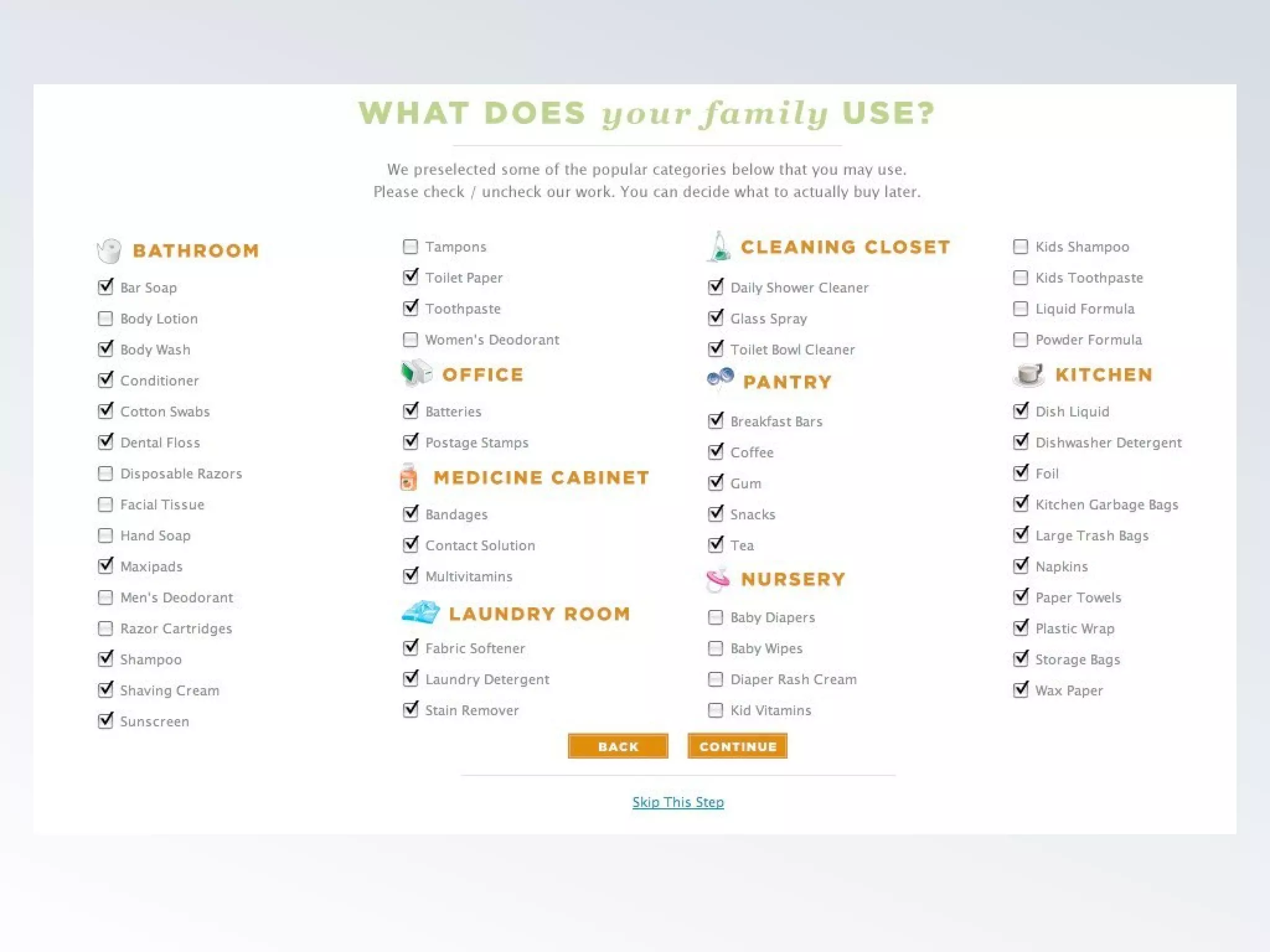
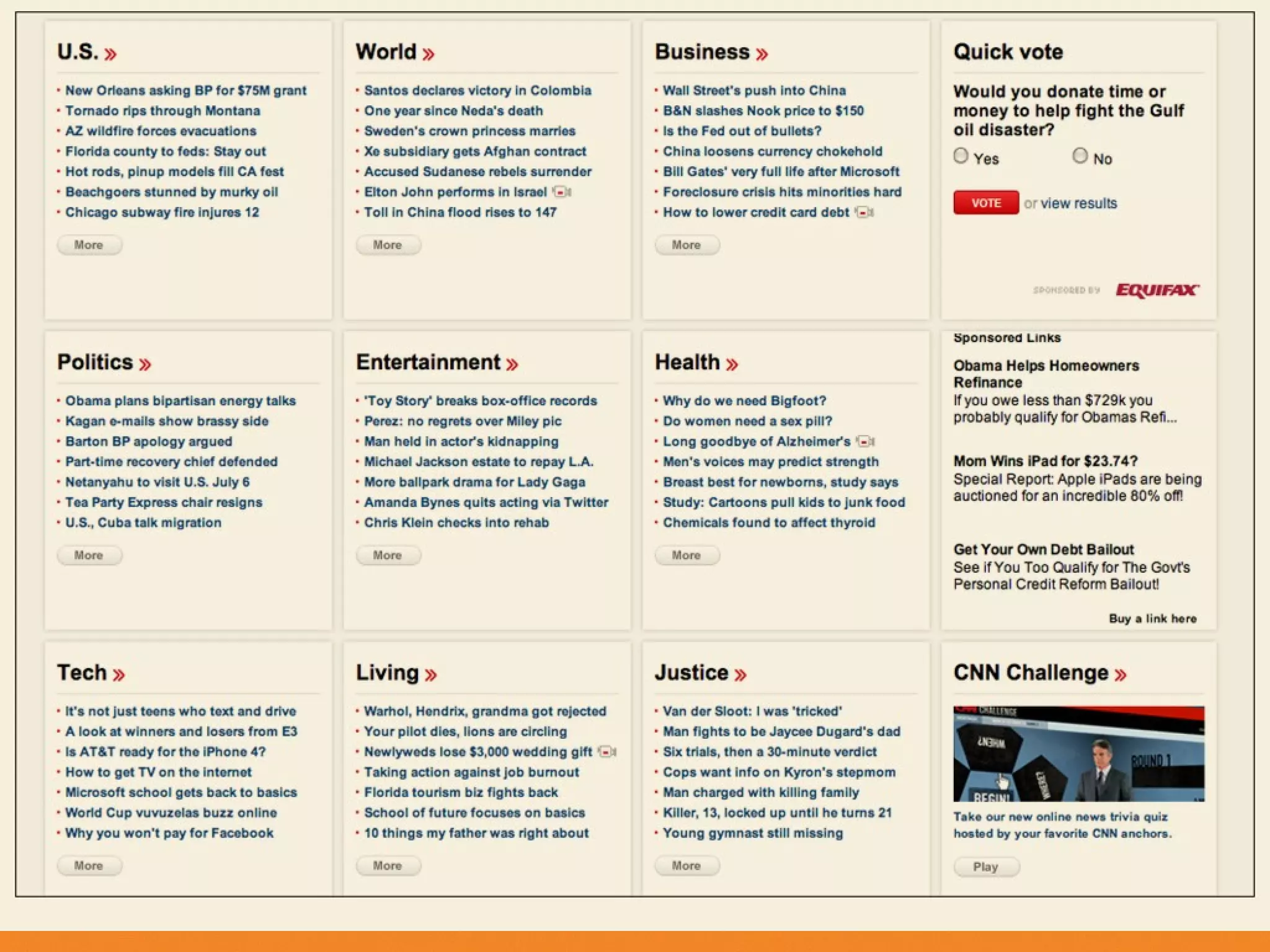
Grouping
Use alignment to indicate similarity. Avoid lines, bullets,
backgrounds or colors to reiterate similarity.
Repetition of elements from one page view to another is
vital to reinforcing importance of elements and
introducing new ones.
HTML is great at enforcing semantic similarity, as well as
visual. Avoid exceptions that break a rule or classes that
change visual display on the same tag
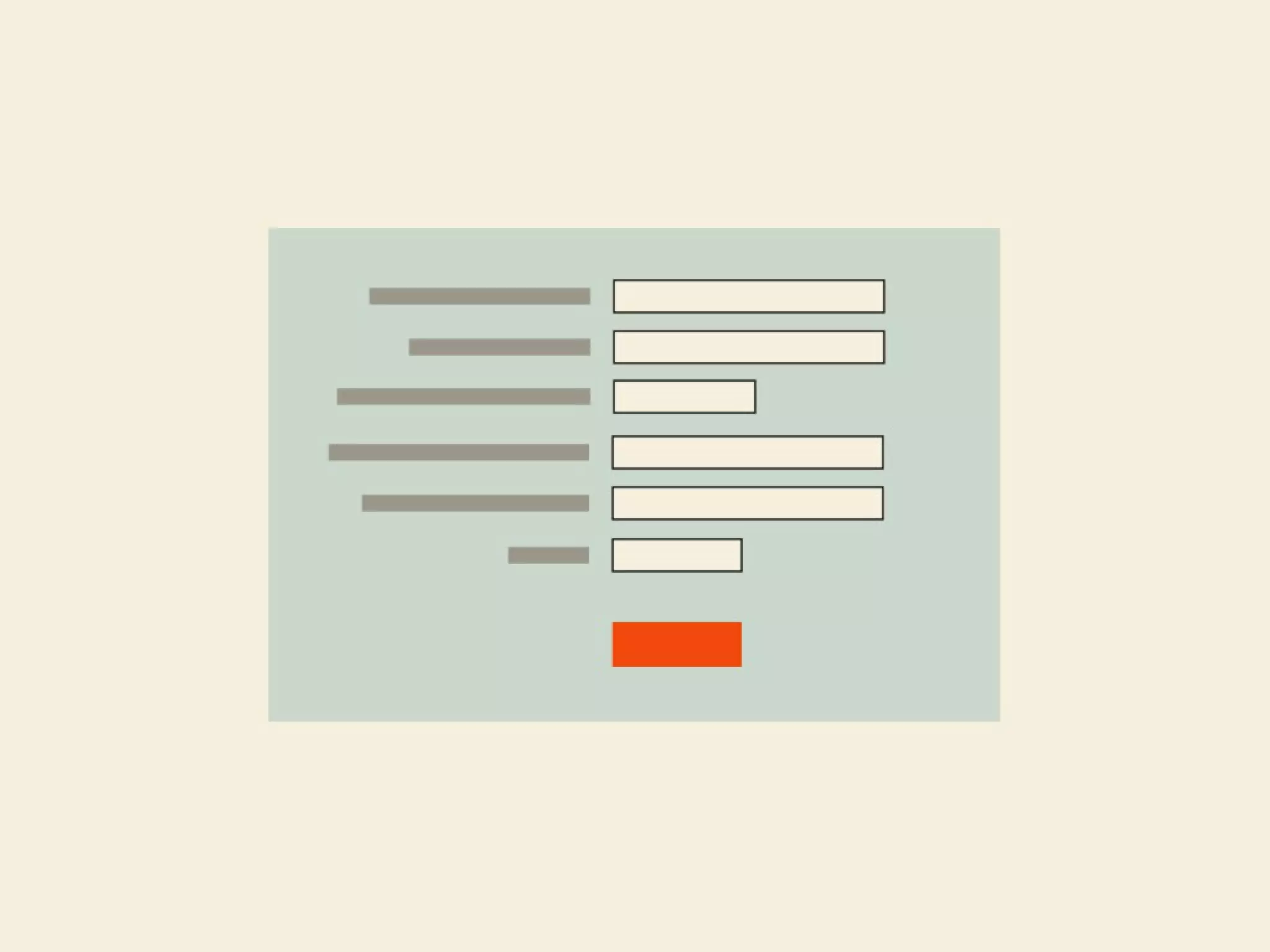
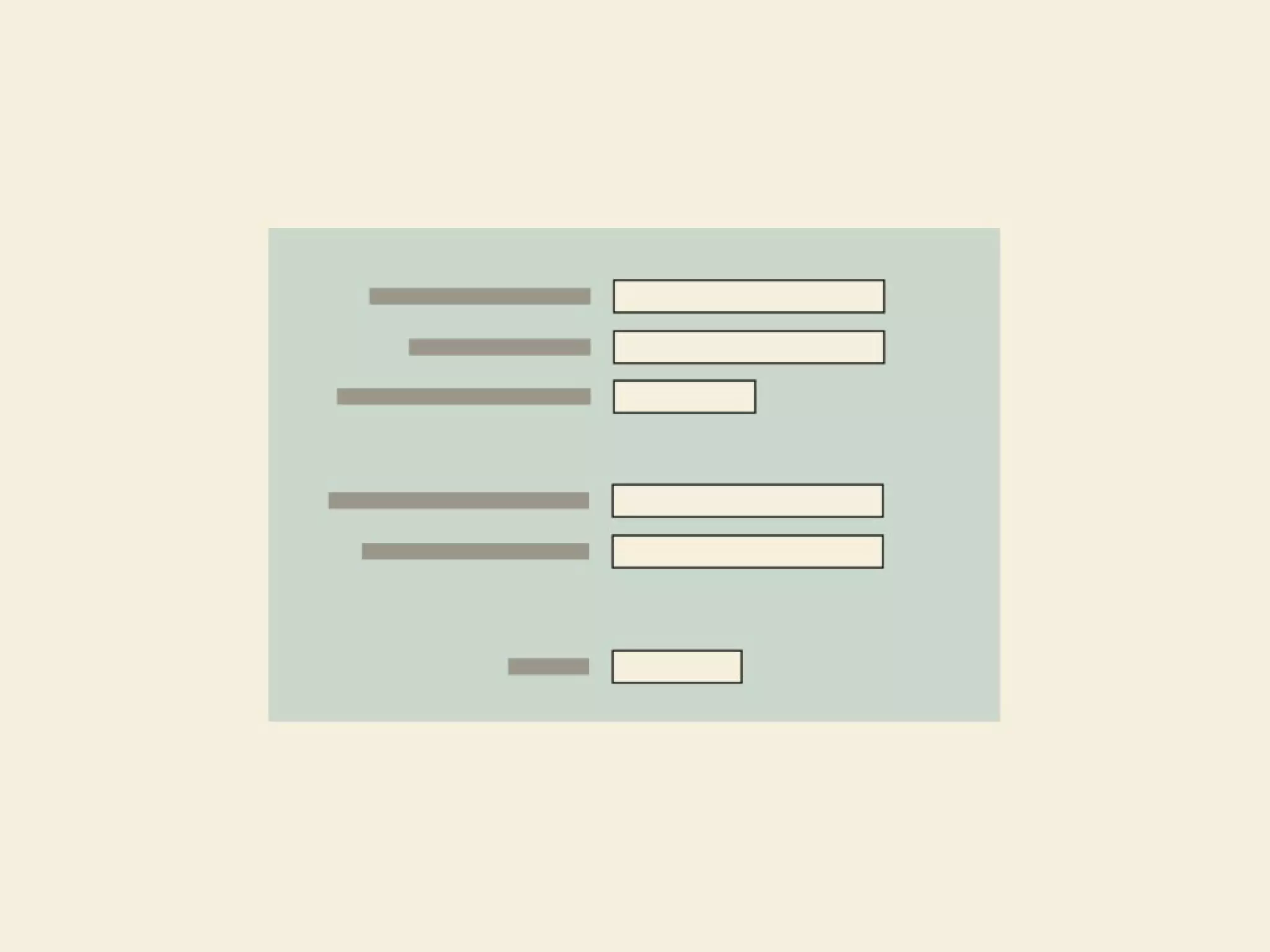
Input
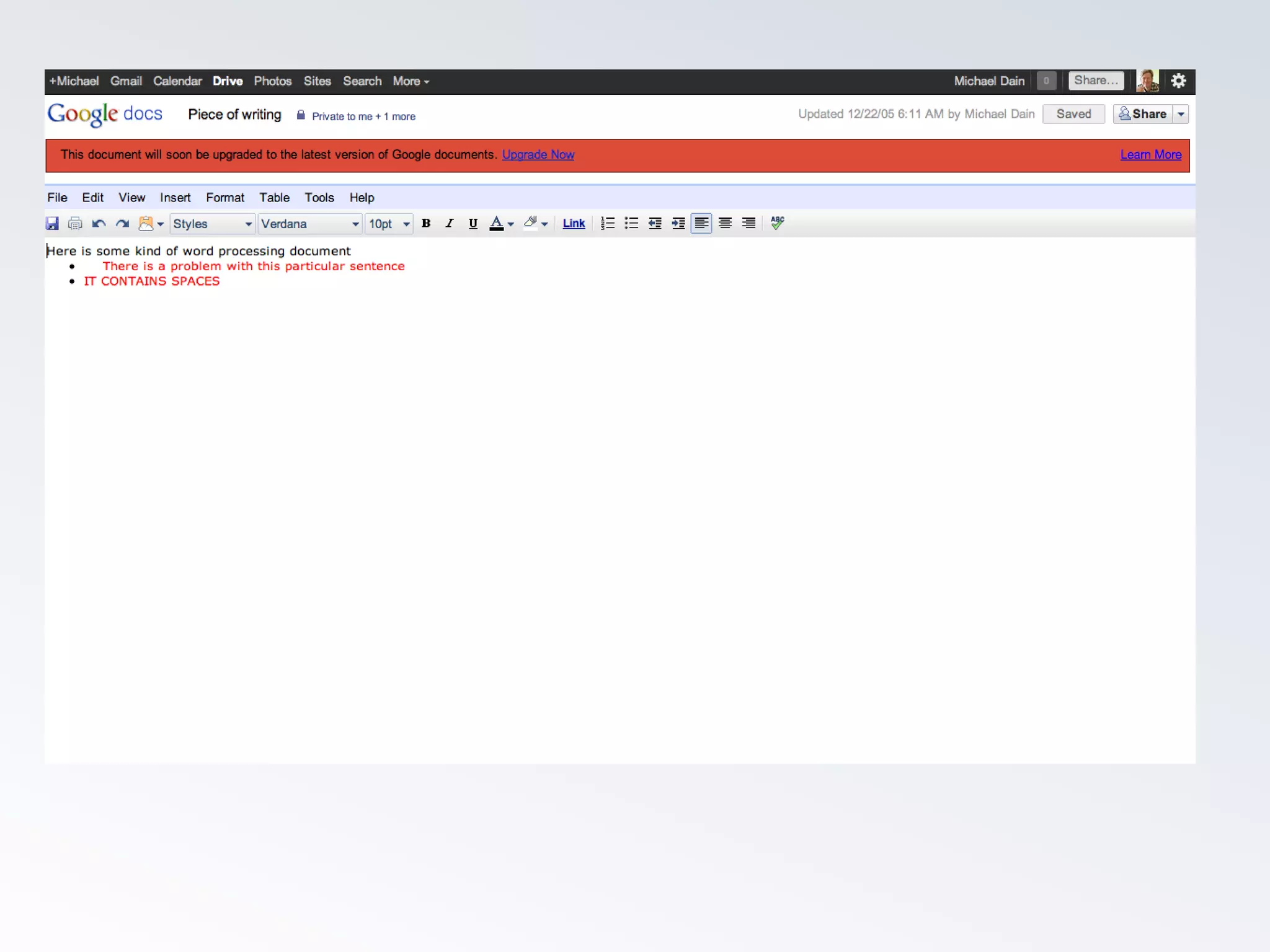
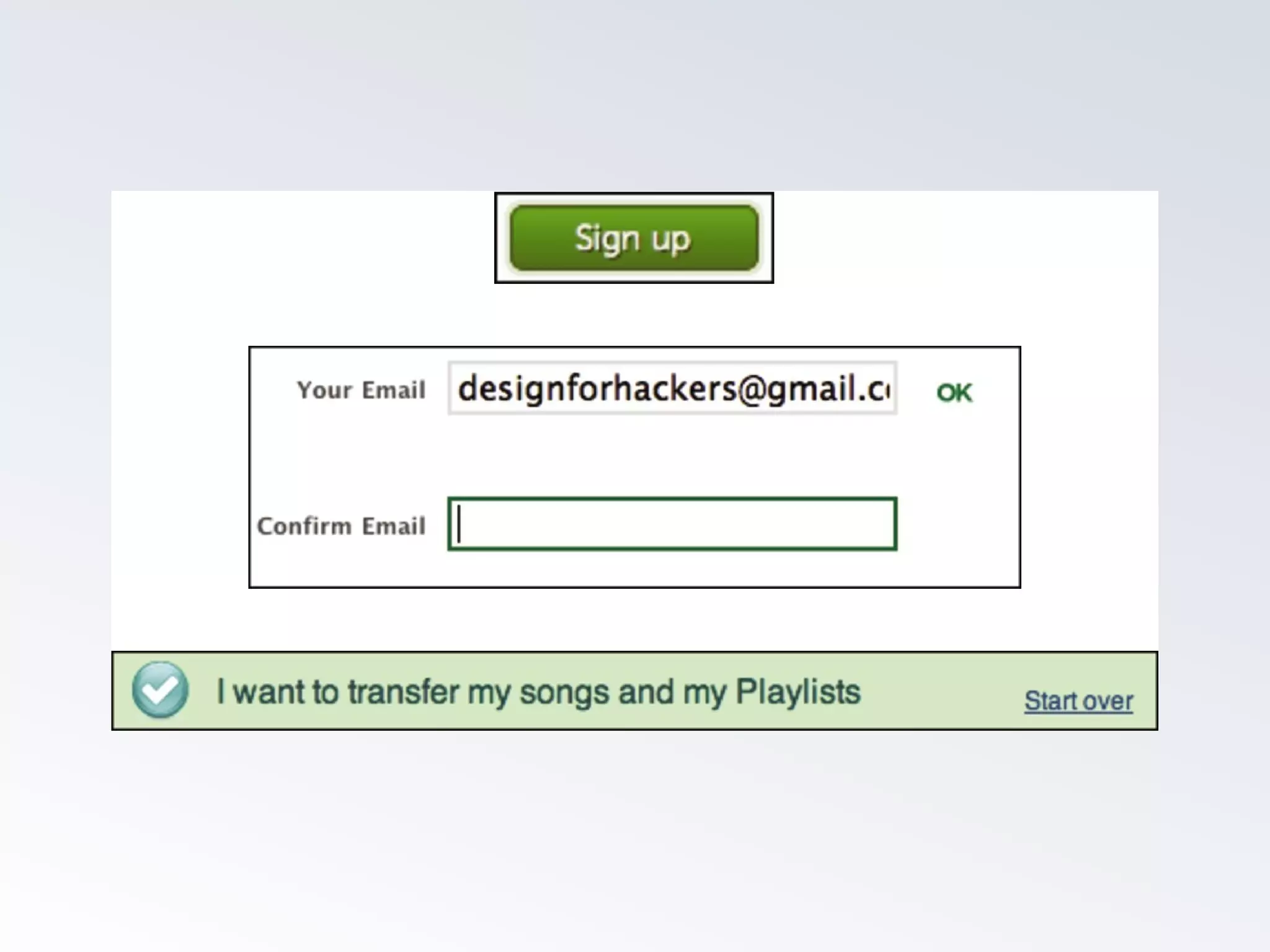
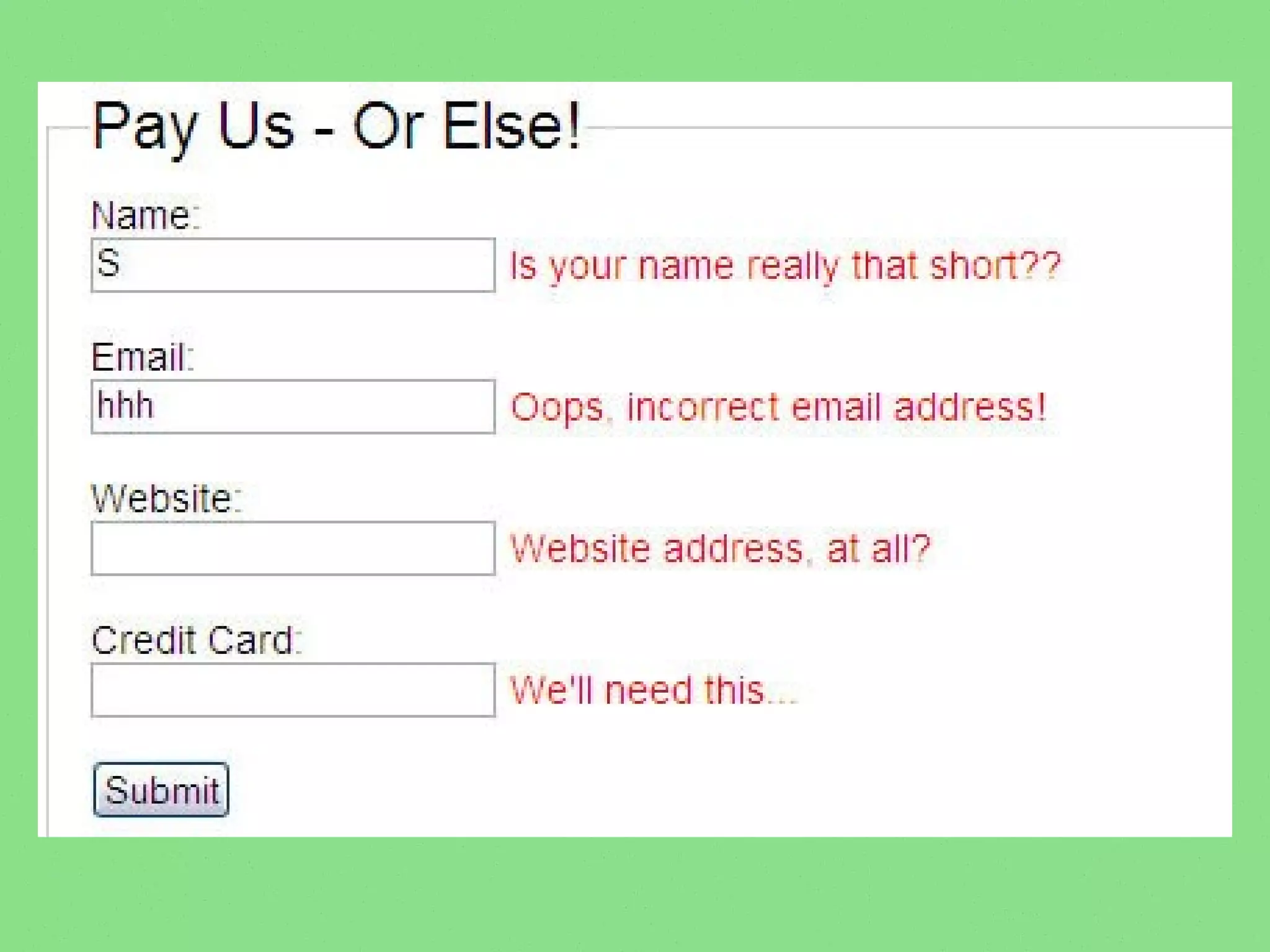
Avoid correcting or pointing out error using red or other scolding color.
Use online help or tooltips to check each entry one by one.
Don't assume in a dropdown list that alphabetical is the ideal sort.
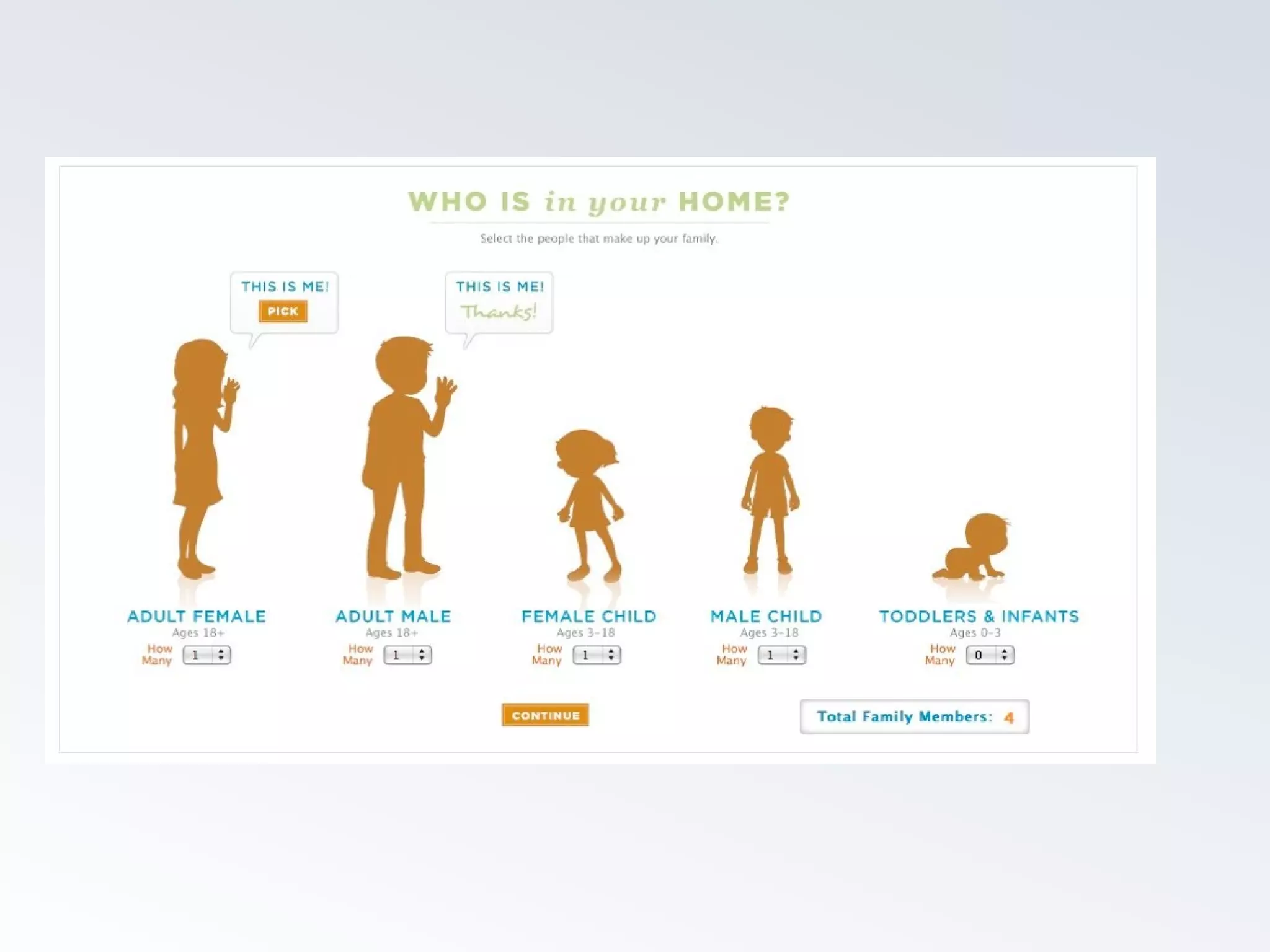
Assume that questions that are meaningful to the business problem
may require an example.
Indicate what the information will be used for.
Never use a cancel button.
Align right all submit buttons.
QuickTime™ and a
JVT/AVC Coding decompressor
are needed to see this picture.
Task Analysis
Group 1 observers
Set up prototype, get ready to write notes
Group 2 participants will use prototype
Accomplish task one, take your time
If successful, then task two
Switch afterwards
Participants
Describe aloud what you are doing and why.
Encourage to talk aloud
If you can accomplish the task, good, if not,
describe it.
Describe typing, describe what you would do
afterwards.
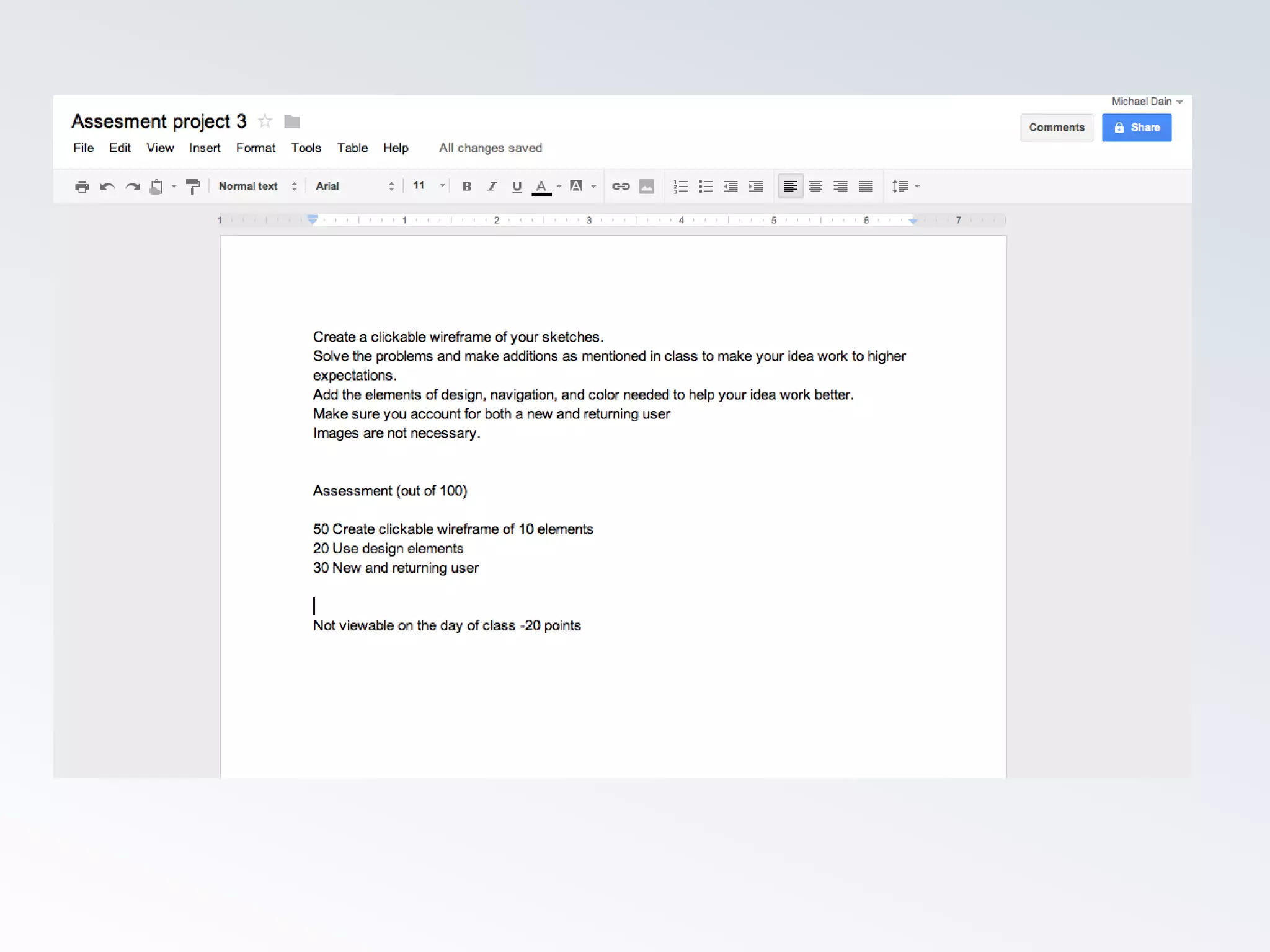
P3 20 POINTS
10 Preparing your prototype for real testing and posting
your tasks to the Lore site before class.
5 Testing your prototype in class.
5 Written assessment of your prototype. Include quotes
and observations from testing. Assess where did people
have difficulty, what is needed to make the interface work
better for the intended use. Name a heuristic or two that
would help your interface to improve. To be completed by
Saturday night.
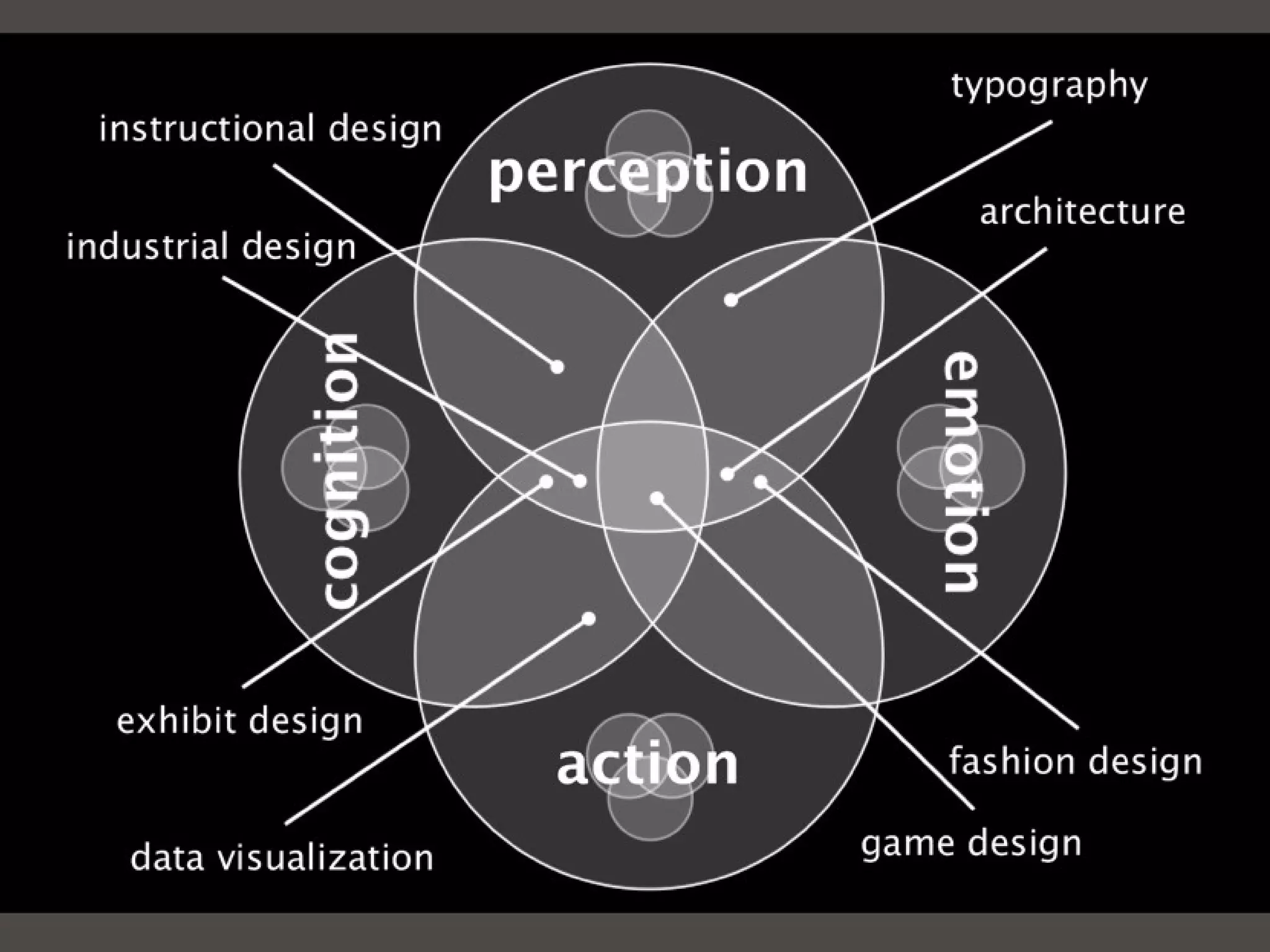
The design part of interaction design

The design part of interaction design

  • 1.
  • 7.
  • 8.
  • 21.
  • 22.
    How do theybenefit? Make it worth reading What does the user want to know? Focus on introducing your product / company NoticeNotice Don’t deny you have competitors Be honest Search engine/keywor ds
  • 23.
    Tap into sharedemotion Focus on your audiences mindset Keep headings catchy Be timely and regular Make it dead simple. ShareShare 5 ways, 10 ways, LOL, OMG
  • 24.
    ReturnReturn Content platform Differentexperiences for first and later visits Build incentives for them to return Help users customize their experience Introduce and promote a relationship Recognize and reward loyalty First-time design choices shouldn’t cripple repeats
  • 25.
    Focus on learnability ratherthan first time obviousness Own the approach Don’t hide from your users Plan for chaos Product must grow with users experience Let them know you recognize them RelyRely Be mobile Instagram
  • 27.
  • 44.
  • 70.
  • 71.
    Color Avoid it, oruse sparingly. Make body text off black and page background slightly off white. Links should be blue only if they are in a paragraph. Use colors or underlines in hover states, turn off default underlining. Headers and sidebar navigation, though clickable, need not be blue. Use gray whenever possible to change emphasis rather than color.
  • 77.
    QuickTime™ and a JVT/AVCCoding decompressor are needed to see this picture.
  • 78.
    Screen Screen widths andheights vary from device to device. Consider modular content for responsive design. Try to avoid ‘filling the screen’ but put as much value as you can on one screen Avoid scrolling to different types of content, scroll should be ‘more of the same’ Beware of 'Below the fold'
  • 79.
    QuickTime™ and a JVT/AVCCoding decompressor are needed to see this picture.
  • 81.
  • 82.
    Type Emphasis doesn’t scalewell, white space is better. Readability is enhanced by narrow columns of text. Try gray over color Avoid using more than one font. Use variations instead (size, color). Avoid bolding text, especially headers at large font sizes. Give text more space (line-height) and padding.
  • 84.
  • 90.
    Images Make them clickable,or make them really big. If an image is not clickable or big, rethink why it is part of the design taking attention away from something actionable. Icons should only be used to differentiate one text line from another. Try not to use icons for navigation (mystery meat rule)
  • 92.
  • 95.
    QuickTime™ and a JVT/AVCCoding decompressor are needed to see this picture.
  • 97.
    Grouping Use alignment toindicate similarity. Avoid lines, bullets, backgrounds or colors to reiterate similarity. Repetition of elements from one page view to another is vital to reinforcing importance of elements and introducing new ones. HTML is great at enforcing semantic similarity, as well as visual. Avoid exceptions that break a rule or classes that change visual display on the same tag
  • 100.
    Input Avoid correcting orpointing out error using red or other scolding color. Use online help or tooltips to check each entry one by one. Don't assume in a dropdown list that alphabetical is the ideal sort. Assume that questions that are meaningful to the business problem may require an example. Indicate what the information will be used for. Never use a cancel button. Align right all submit buttons.
  • 103.
    QuickTime™ and a JVT/AVCCoding decompressor are needed to see this picture.
  • 104.
    Task Analysis Group 1observers Set up prototype, get ready to write notes Group 2 participants will use prototype Accomplish task one, take your time If successful, then task two Switch afterwards
  • 105.
    Participants Describe aloud whatyou are doing and why. Encourage to talk aloud If you can accomplish the task, good, if not, describe it. Describe typing, describe what you would do afterwards.
  • 106.
    P3 20 POINTS 10Preparing your prototype for real testing and posting your tasks to the Lore site before class. 5 Testing your prototype in class. 5 Written assessment of your prototype. Include quotes and observations from testing. Assess where did people have difficulty, what is needed to make the interface work better for the intended use. Name a heuristic or two that would help your interface to improve. To be completed by Saturday night.

Editor's Notes

  • #14 Utility can come first
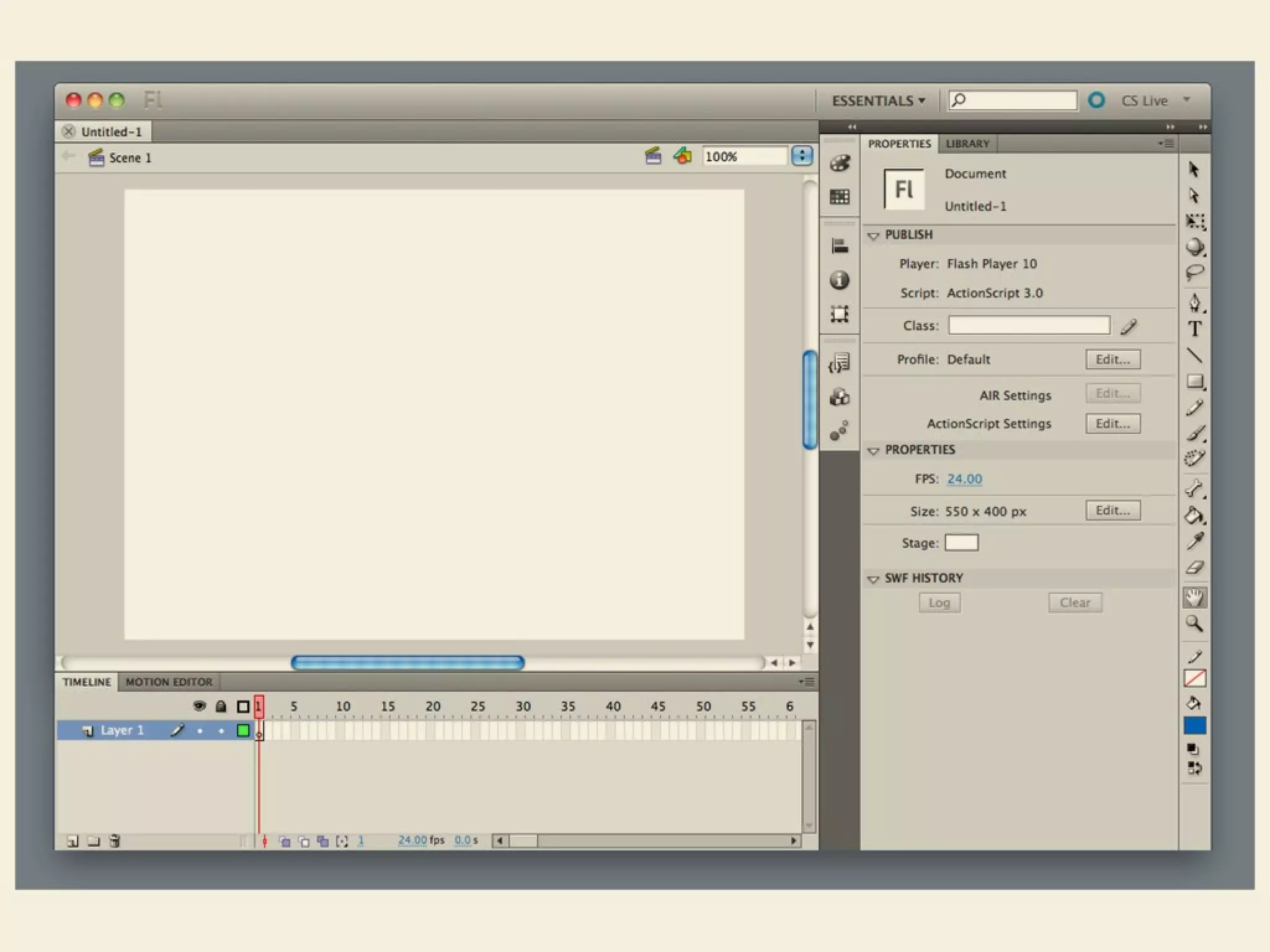
  • #15 Design is dependent on technologies and sometimes leads
  • #95 Icons, mystery meat?
  • #96 Images used but not just clickable