Teaching Methods
Your thesis starts here
Here’s what you’ll find in this Slidesgo template:
1. A slide structure based on a thesis defense, which you can easily adapt to your needs. For

more info on how to edit the template, please visit Slidesgo School or read our FAQs.
2. An assortment of pictures that are suitable for use in the presentation can be found in the
alternative resources slide.
3. A thanks slide, which you must keep so that proper credits for our design are given.
4. A resources slide, where you’ll find links to all the elements used in the template.
5. Instructions for use.
6. Final slides with:
● The fonts and colors used in the template.
● More infographic resources, whose size and color can be edited.
● Sets of customizable icons of the following themes: general, business, avatar, creative
process, education, help & support, medical, nature, performing arts, SEO & marketing,
and teamwork.
Contents of This Template
You can delete this slide when you’re done editing the presentation.
01
Objectives
Here you could describe
the topic of the section
Results Analysis
Here you could describe
the topic of the section
03
Methodology
Here you could describe
the topic of the section
02
Conclusions
Here you could describe
the topic of the section
04
Introduction
Venus has a beautiful name
and is the second planet
from the Sun. It’s terribly
hot, even hotter than
Mercury
—Someone Famous
“This is a quote. Words full of wisdom
that someone important said and can
make the reader get inspired.”
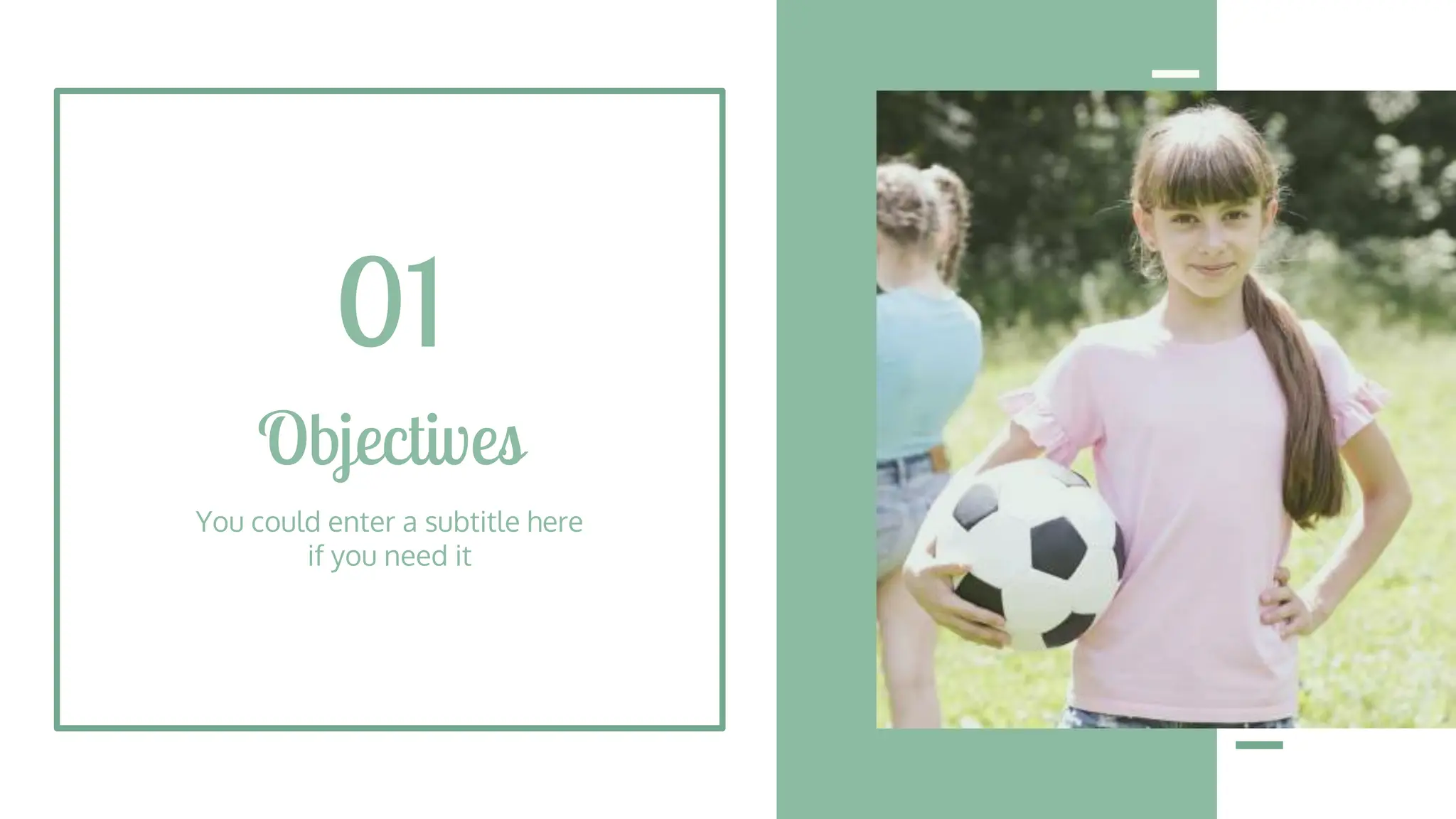
Objectives
You could enter a subtitle here
if you need it
01
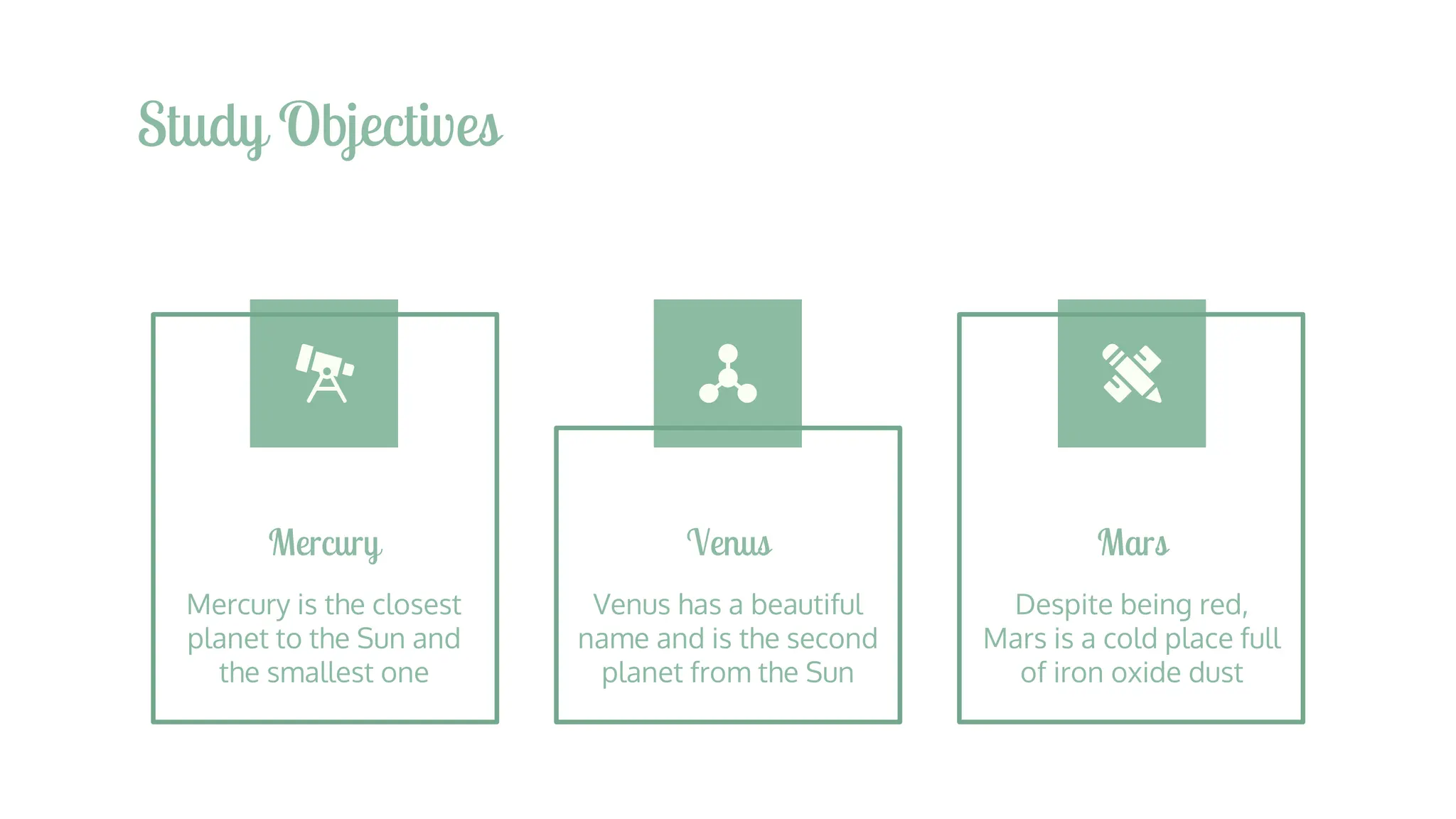
Study Objectives
Mercury
Mercury is the closest
planet to the Sun and
the smallest one
Venus
Venus has a beautiful
name and is the second
planet from the Sun
Mars
Despite being red,
Mars is a cold place full
of iron oxide dust
Literature Review
Theory 2
Venus has a beautiful
name and is the second
planet from the Sun.
It’s terribly hot
Theory 1
Mercury is the closest
planet to the Sun and
the smallest one in the
Solar System
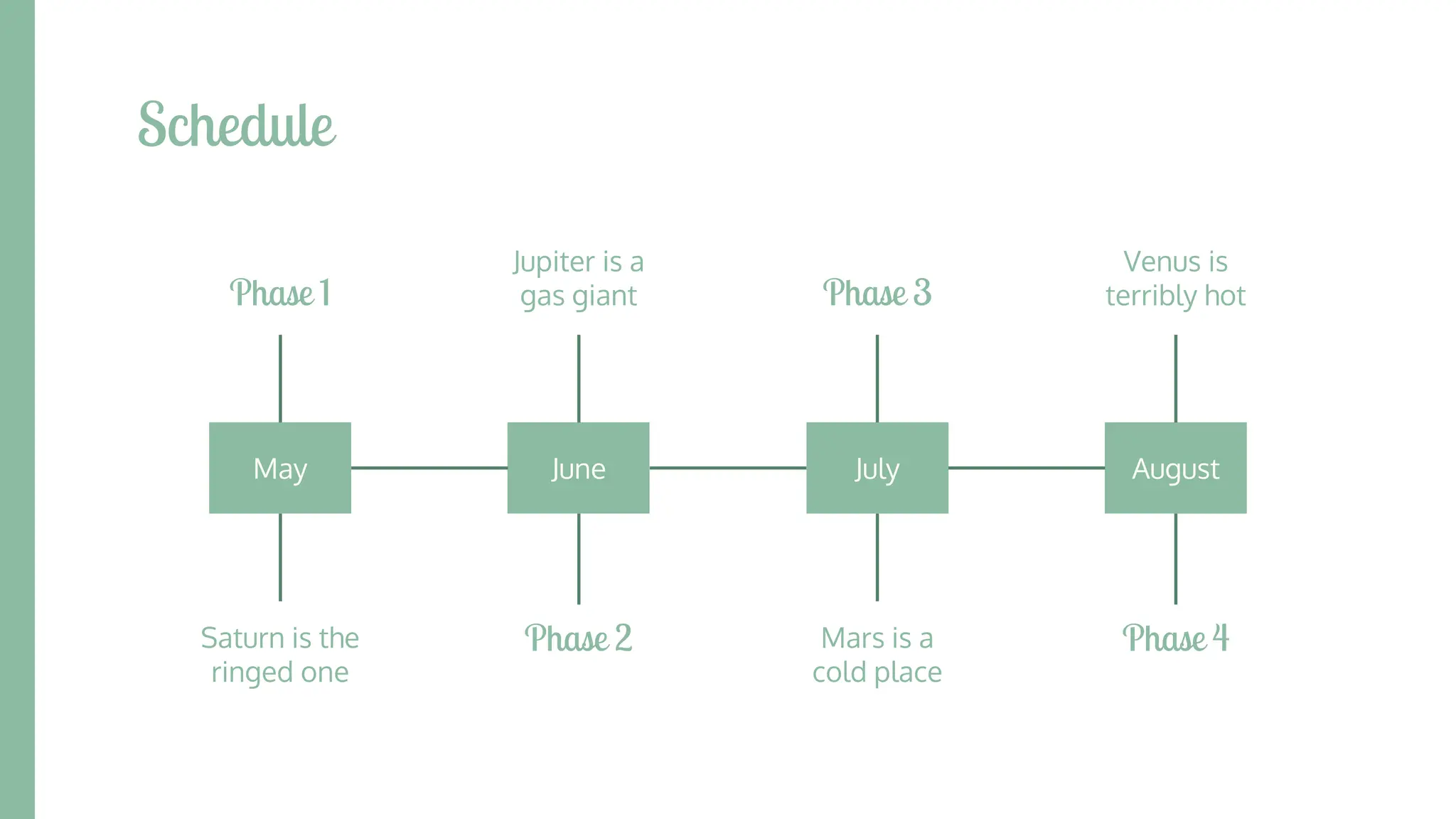
Schedule
May June July August
Saturn is the
ringed one
Mars is a
cold place
Venus is
terribly hot
Jupiter is a
gas giant
Phase 1 Phase 3
Phase 2 Phase 4
A Picture Is Worth a
Thousand Words
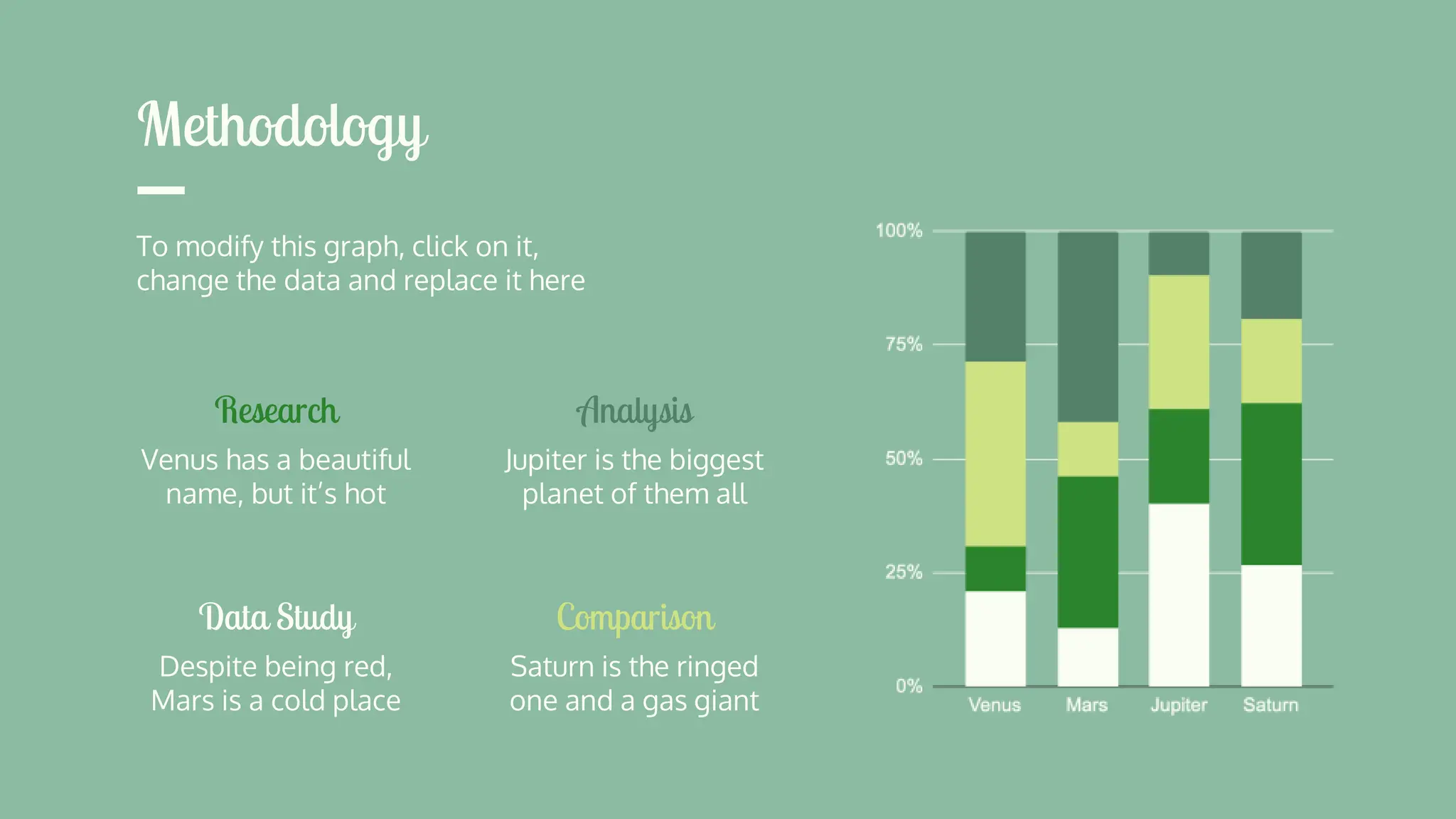
Methodology
Research
Venus has a beautiful
name, but it’s hot
Data Study
Despite being red,
Mars is a cold place
Analysis
Jupiter is the biggest
planet of them all
Comparison
Saturn is the ringed
one and a gas giant
To modify this graph, click on it,
change the data and replace it here
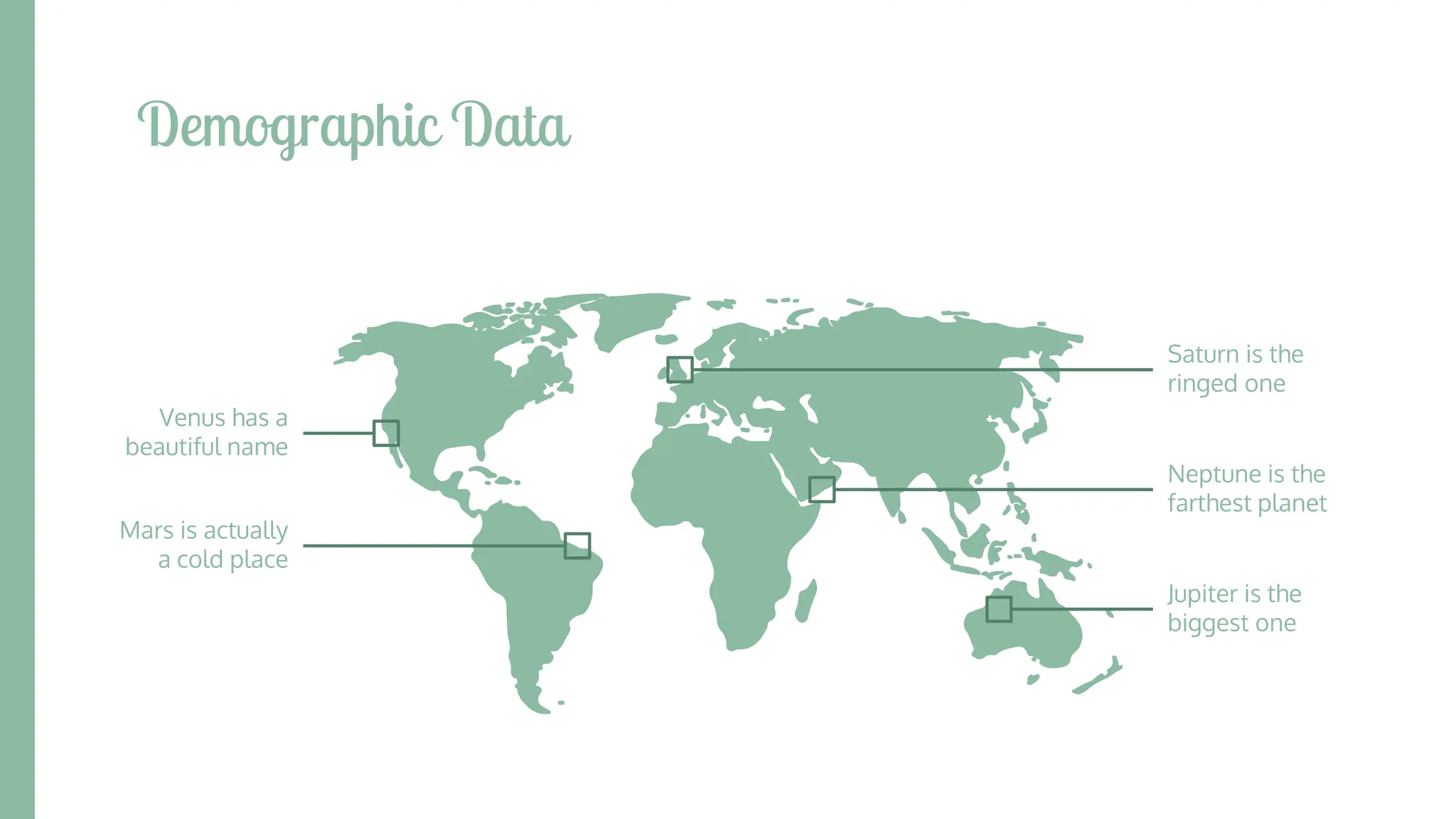
Demographic Data
Venus has a
beautiful name
Mars is actually
a cold place
Neptune is the
farthest planet
Jupiter is the
biggest one
Saturn is the
ringed one
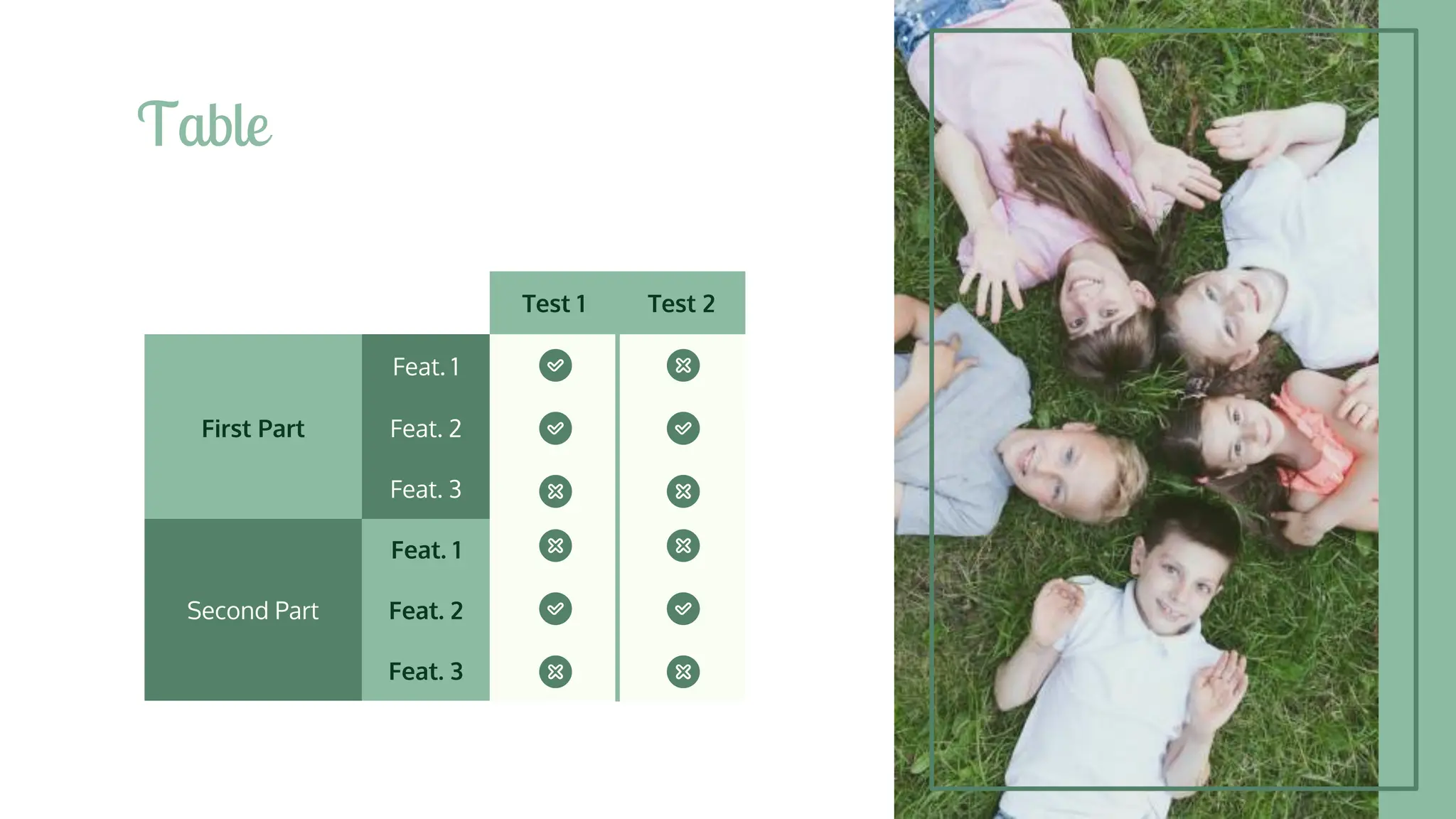
Table
Test 1 Test 2
Feat. 1
First Part Feat. 2
Feat. 3
Feat. 1
Second Part Feat. 2
Feat. 3
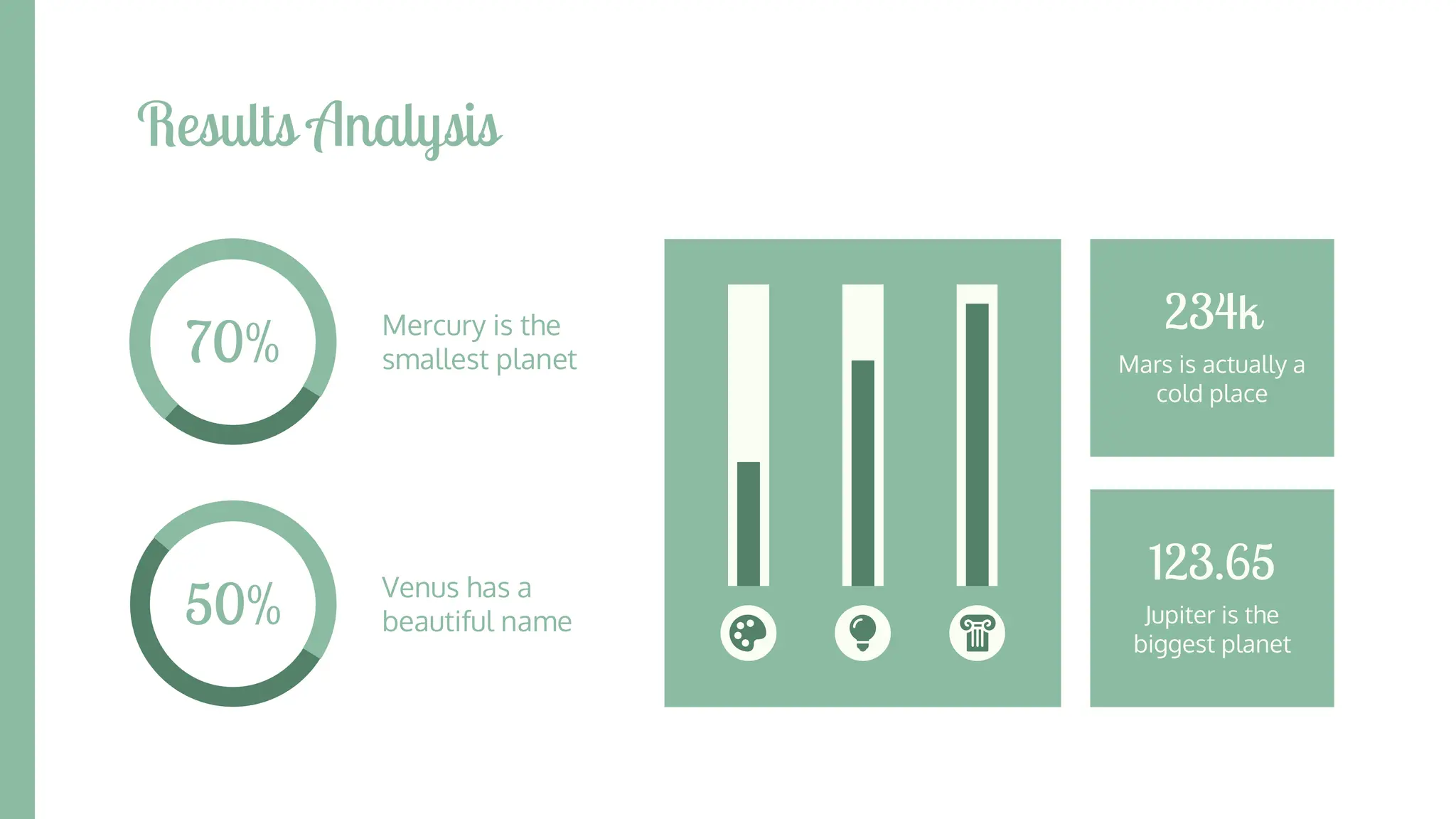
Results Analysis
Mercury is the
smallest planet
70%
50% Venus has a
beautiful name
Mars is actually a
cold place
234k
Jupiter is the
biggest planet
123.65
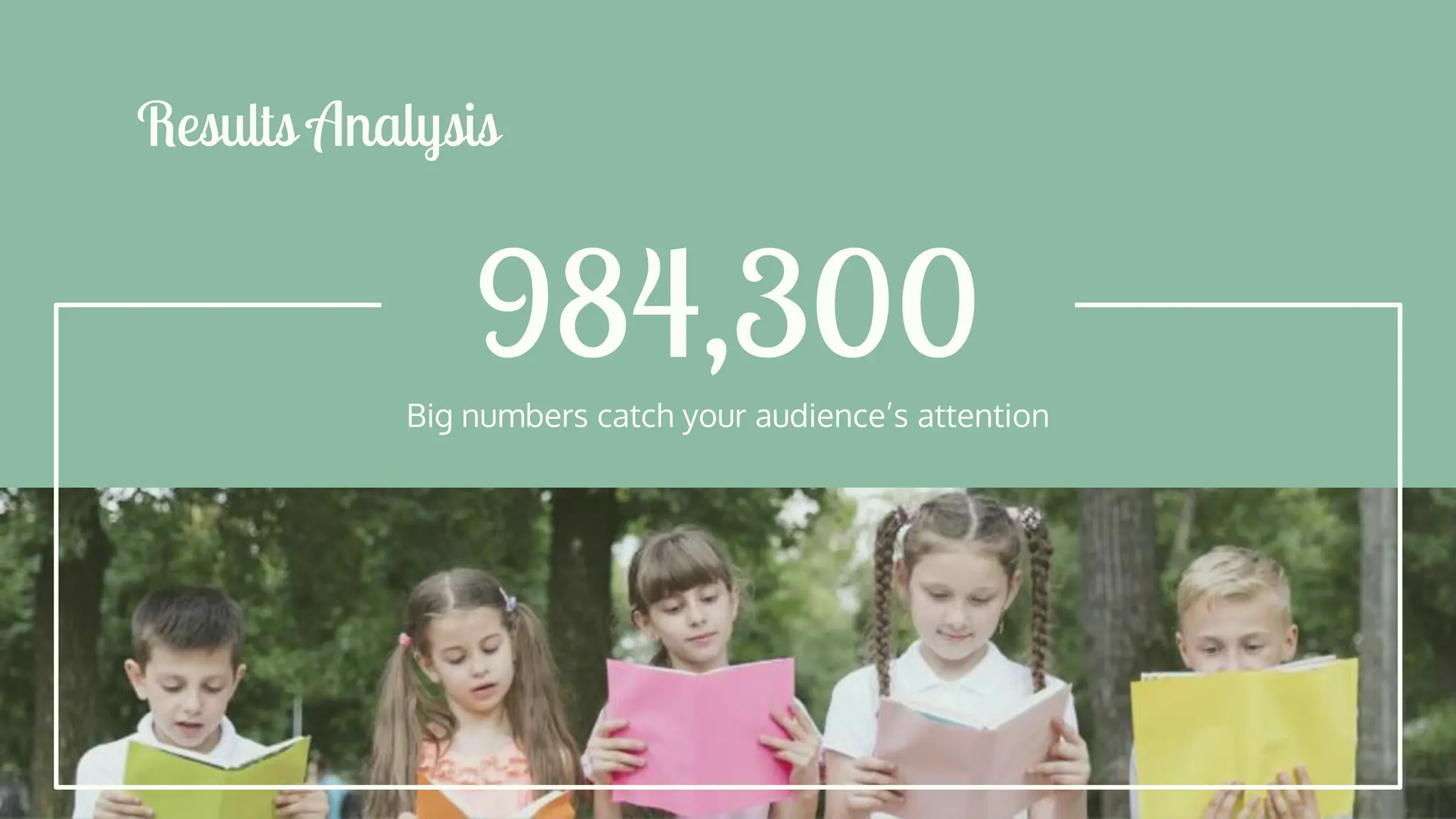
984,300
Results Analysis
Big numbers catch your audience’s attention
Review of Contents
Jupiter
It’s the biggest planet
in the Solar System
Saturn
Saturn is the ringed
one and a gas giant
Neptune
Neptune is the farthest
planet from the Sun
Mercury
Mercury is the closest
planet to the Sun
Venus
Venus has a beautiful
name, but it’s hot
Mars
Despite being red,
Mars is a cold place
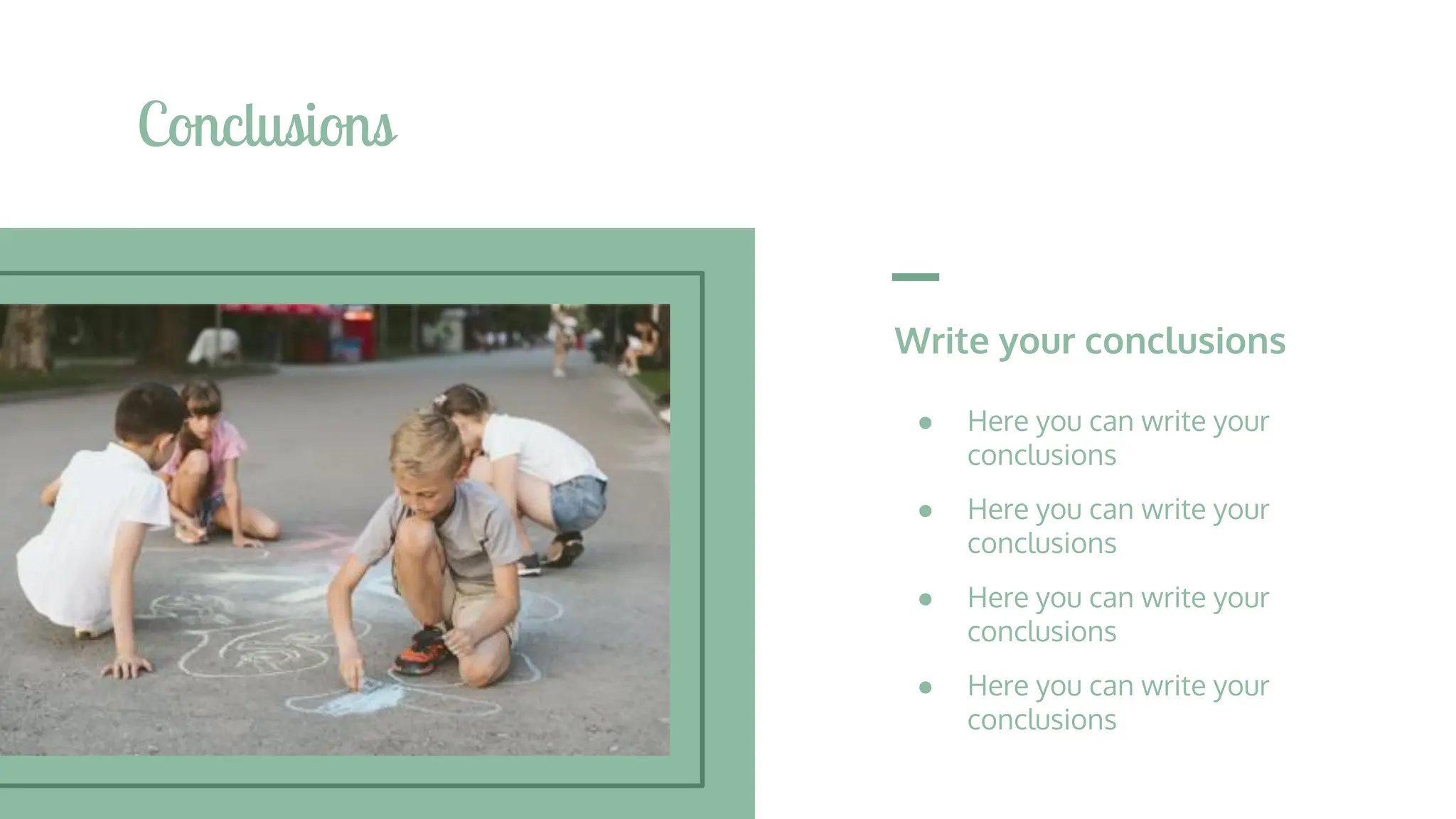
Write your conclusions
● Here you can write your
conclusions
● Here you can write your
conclusions
● Here you can write your
conclusions
● Here you can write your
conclusions
Conclusions
● AUTHOR (YEAR). Title of the
publication. Publisher
● AUTHOR (YEAR). Title of the
publication. Publisher
● AUTHOR (YEAR). Title of the
publication. Publisher
● AUTHOR (YEAR). Title of the
publication. Publisher
● AUTHOR (YEAR). Title of the
publication. Publisher
● AUTHOR (YEAR). Title of the
publication. Publisher
● AUTHOR (YEAR). Title of the
publication. Publisher
● AUTHOR (YEAR). Title of the
publication. Publisher
Bibliographical References
Theory Resources Practical Resources
In all platforms!
You can replace the
images on the screen of
each device with your
own work. Just delete
these ones, add yours
and place them in the
center of each device
Online Version
CREDITS: This presentation template was created
by Slidesgo, including icons by Flaticon, and
infographics & images by Freepik.
Thanks!
Do you have any questions?
addyouremail@freepik.com
+91 620 421 838
yourcompany.com
Please keep this slide for attribution.
● Kids playing football on grass
● Medium shot kids high fiving
before a match
● Low angle kids high fiving
● Boy holding a football ball
● Children playing rock scissors
paper
● Long shot kids plating a tree
● Long shot kids eating a slice of
pizza
● Children posing on blanket
outside
Alternative Resources
● Medium shot kids playing with
hula hoop
● Front view kids playing with
potato bags
● Kids drawing a sun with chalk
● High angle kids getting ready to
plant a clover
Did you like the resources on this
template? Get them for free at our
other websites:
PHOTOS:
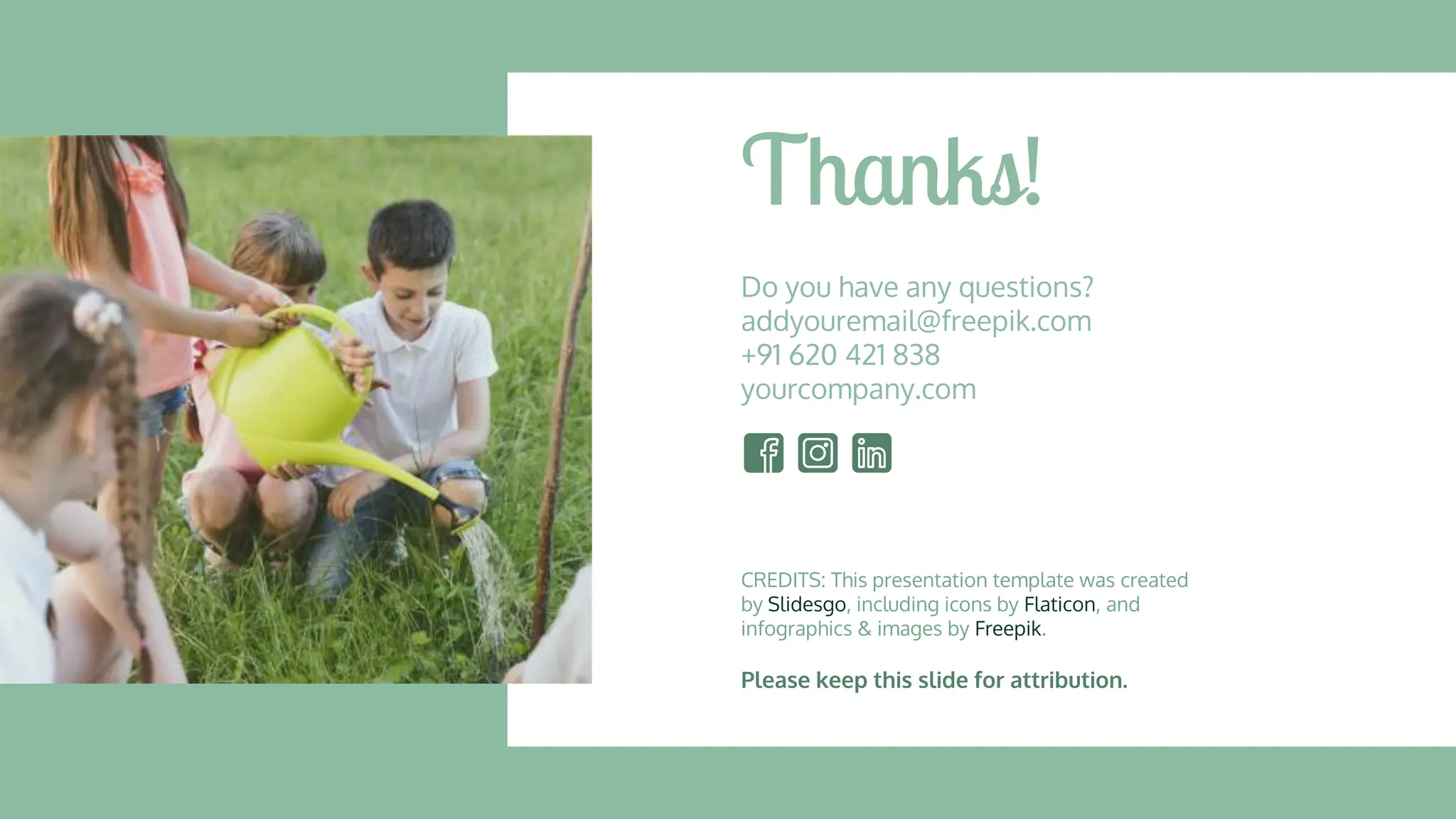
● Kids planting and watering tree
● Bottom view kids looking at the
camera
● Children sitting on bench and
reading
● Long shot friends drawing with
chalk
Resources
● Top view happy kids smiling at
the camera
● Little girl posing with football ball
● Long shot kids jumping together
● Kids having fun in tug of war
● Kids with their hands up with
copy space
Instructions for use
In order to use this template, you must credit Slidesgo by keeping the Thanks slide.
You are allowed to:
- Modify this template.
- Use it for both personal and commercial projects.
You are not allowed to:
- Sublicense, sell or rent any of Slidesgo Content (or a modified version of Slidesgo Content).
- Distribute Slidesgo Content unless it has been expressly authorized by Slidesgo.
- Include Slidesgo Content in an online or offline database or file.
- Offer Slidesgo templates (or modified versions of Slidesgo templates) for download.
- Acquire the copyright of Slidesgo Content.
For more information about editing slides, please read our FAQs or visit Slidesgo School:
https://slidesgo.com/faqs and https://slidesgo.com/slidesgo-school
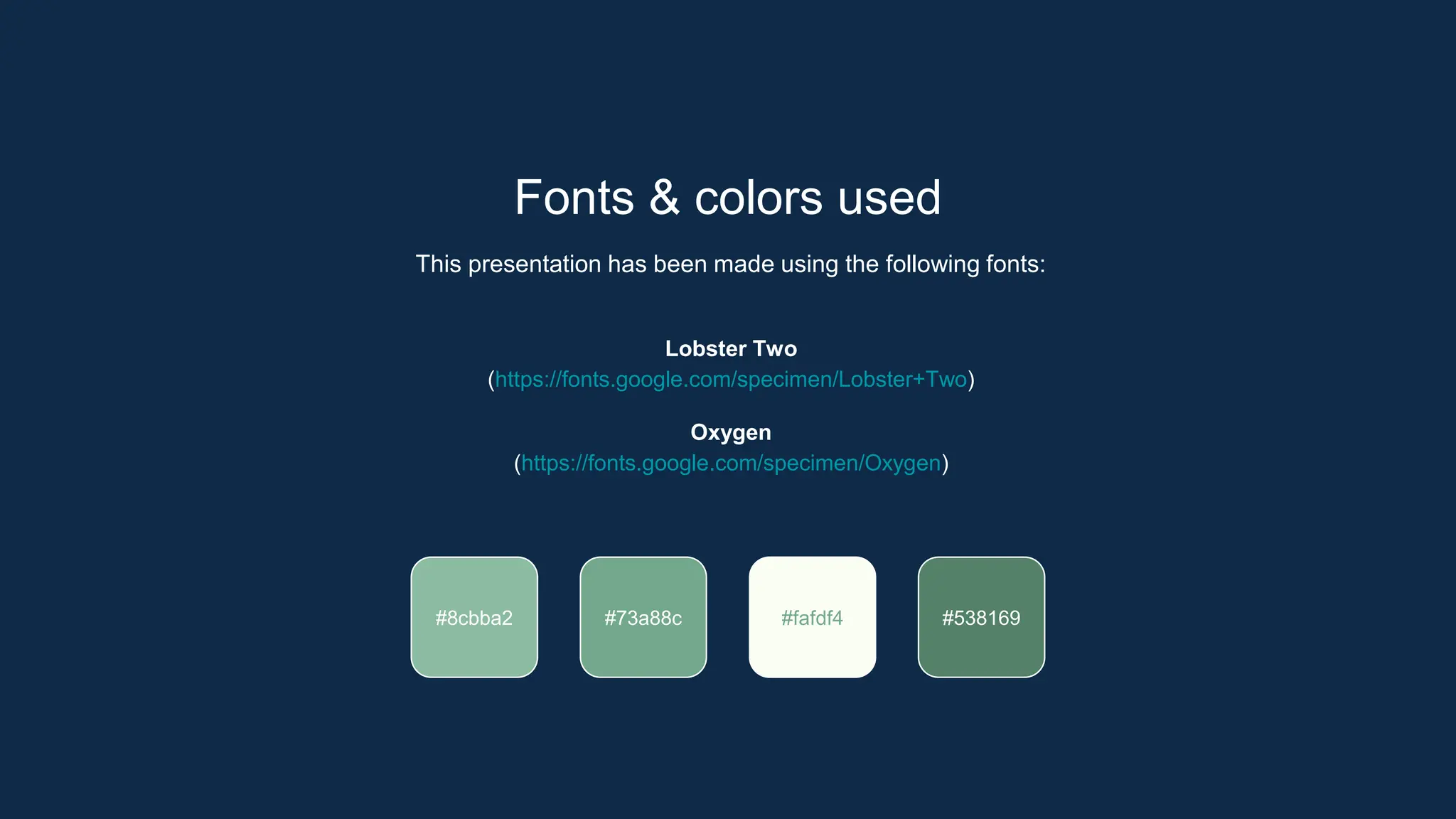
Fonts & colors used
This presentation has been made using the following fonts:
Lobster Two
(https://fonts.google.com/specimen/Lobster+Two)
Oxygen
(https://fonts.google.com/specimen/Oxygen)
#73a88c #fafdf4 #538169
#8cbba2
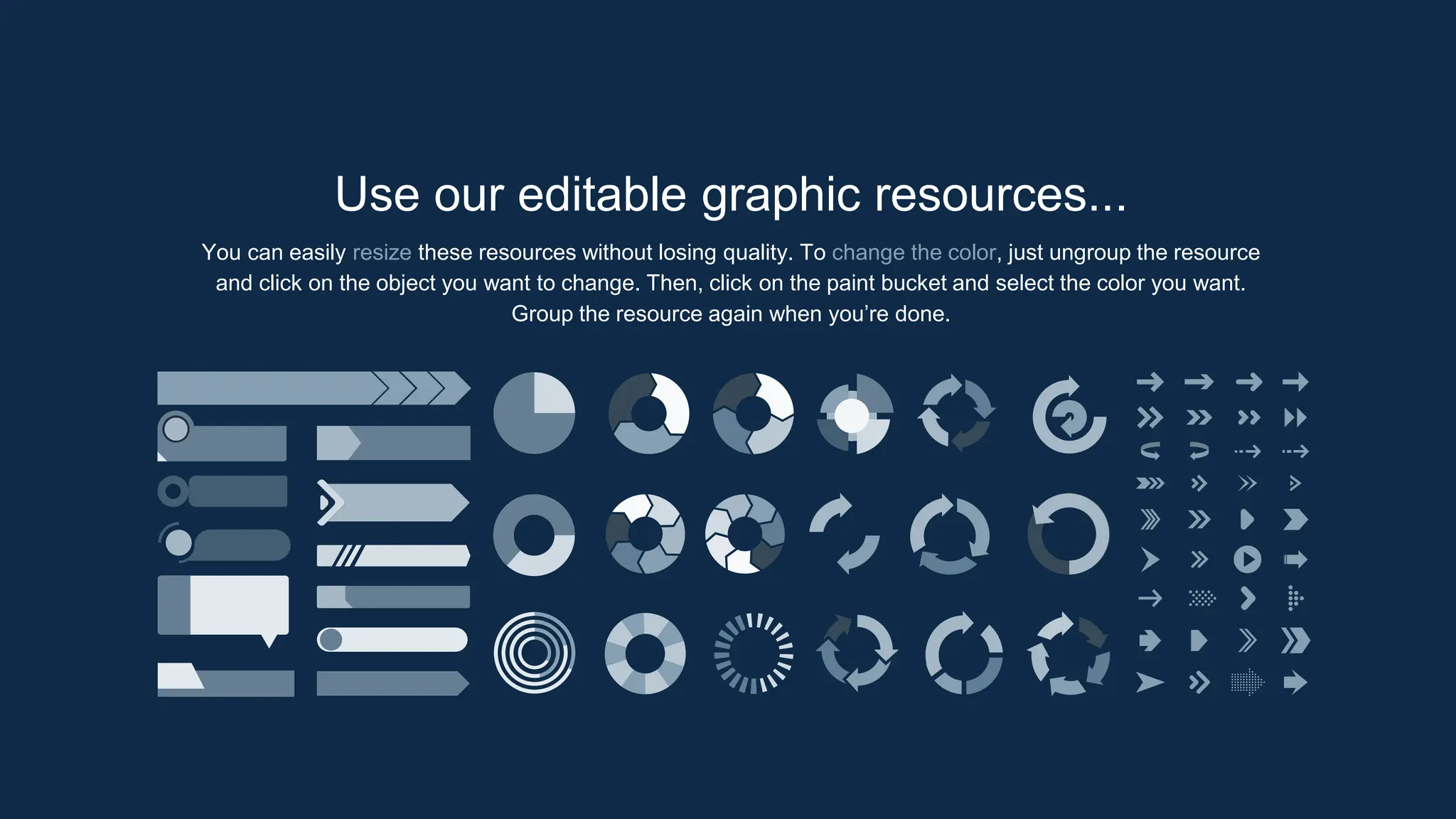
Use our editable graphic resources...
You can easily resize these resources without losing quality. To change the color, just ungroup the resource
and click on the object you want to change. Then, click on the paint bucket and select the color you want.
Group the resource again when you’re done.
JANUARY FEBRUARY MARCH APRIL MAY JUNE
PHASE 1
PHASE 2
Task 1
Task 2
Task 1
Task 2
JANUARY FEBRUARY MARCH APRIL
PHASE 1
Task 1
Task 2
...and our sets of editable icons
You can resize these icons without losing quality.
You can change the stroke and fill color; just select the icon and click on the paint bucket/pen.
In Google Slides, you can also use Flaticon’s extension, allowing you to customize and add even more icons.
Educational Icons Medical Icons
Business Icons Teamwork Icons
Help & Support Icons Avatar Icons
Creative Process Icons Performing Arts Icons
Nature Icons
SEO & Marketing Icons
Teaching Methods Thesis by Slidesgo.pptx

Teaching Methods Thesis by Slidesgo.pptx

  • 1.
  • 2.
    Here’s what you’llfind in this Slidesgo template: 1. A slide structure based on a thesis defense, which you can easily adapt to your needs. For more info on how to edit the template, please visit Slidesgo School or read our FAQs. 2. An assortment of pictures that are suitable for use in the presentation can be found in the alternative resources slide. 3. A thanks slide, which you must keep so that proper credits for our design are given. 4. A resources slide, where you’ll find links to all the elements used in the template. 5. Instructions for use. 6. Final slides with: ● The fonts and colors used in the template. ● More infographic resources, whose size and color can be edited. ● Sets of customizable icons of the following themes: general, business, avatar, creative process, education, help & support, medical, nature, performing arts, SEO & marketing, and teamwork. Contents of This Template You can delete this slide when you’re done editing the presentation.
  • 3.
    01 Objectives Here you coulddescribe the topic of the section Results Analysis Here you could describe the topic of the section 03 Methodology Here you could describe the topic of the section 02 Conclusions Here you could describe the topic of the section 04
  • 4.
    Introduction Venus has abeautiful name and is the second planet from the Sun. It’s terribly hot, even hotter than Mercury
  • 5.
    —Someone Famous “This isa quote. Words full of wisdom that someone important said and can make the reader get inspired.”
  • 6.
    Objectives You could entera subtitle here if you need it 01
  • 7.
    Study Objectives Mercury Mercury isthe closest planet to the Sun and the smallest one Venus Venus has a beautiful name and is the second planet from the Sun Mars Despite being red, Mars is a cold place full of iron oxide dust
  • 8.
    Literature Review Theory 2 Venushas a beautiful name and is the second planet from the Sun. It’s terribly hot Theory 1 Mercury is the closest planet to the Sun and the smallest one in the Solar System
  • 9.
    Schedule May June JulyAugust Saturn is the ringed one Mars is a cold place Venus is terribly hot Jupiter is a gas giant Phase 1 Phase 3 Phase 2 Phase 4
  • 10.
    A Picture IsWorth a Thousand Words
  • 11.
    Methodology Research Venus has abeautiful name, but it’s hot Data Study Despite being red, Mars is a cold place Analysis Jupiter is the biggest planet of them all Comparison Saturn is the ringed one and a gas giant To modify this graph, click on it, change the data and replace it here
  • 12.
    Demographic Data Venus hasa beautiful name Mars is actually a cold place Neptune is the farthest planet Jupiter is the biggest one Saturn is the ringed one
  • 13.
    Table Test 1 Test2 Feat. 1 First Part Feat. 2 Feat. 3 Feat. 1 Second Part Feat. 2 Feat. 3
  • 14.
    Results Analysis Mercury isthe smallest planet 70% 50% Venus has a beautiful name Mars is actually a cold place 234k Jupiter is the biggest planet 123.65
  • 15.
    984,300 Results Analysis Big numberscatch your audience’s attention
  • 16.
    Review of Contents Jupiter It’sthe biggest planet in the Solar System Saturn Saturn is the ringed one and a gas giant Neptune Neptune is the farthest planet from the Sun Mercury Mercury is the closest planet to the Sun Venus Venus has a beautiful name, but it’s hot Mars Despite being red, Mars is a cold place
  • 17.
    Write your conclusions ●Here you can write your conclusions ● Here you can write your conclusions ● Here you can write your conclusions ● Here you can write your conclusions Conclusions
  • 18.
    ● AUTHOR (YEAR).Title of the publication. Publisher ● AUTHOR (YEAR). Title of the publication. Publisher ● AUTHOR (YEAR). Title of the publication. Publisher ● AUTHOR (YEAR). Title of the publication. Publisher ● AUTHOR (YEAR). Title of the publication. Publisher ● AUTHOR (YEAR). Title of the publication. Publisher ● AUTHOR (YEAR). Title of the publication. Publisher ● AUTHOR (YEAR). Title of the publication. Publisher Bibliographical References Theory Resources Practical Resources
  • 19.
    In all platforms! Youcan replace the images on the screen of each device with your own work. Just delete these ones, add yours and place them in the center of each device Online Version
  • 20.
    CREDITS: This presentationtemplate was created by Slidesgo, including icons by Flaticon, and infographics & images by Freepik. Thanks! Do you have any questions? addyouremail@freepik.com +91 620 421 838 yourcompany.com Please keep this slide for attribution.
  • 21.
    ● Kids playingfootball on grass ● Medium shot kids high fiving before a match ● Low angle kids high fiving ● Boy holding a football ball ● Children playing rock scissors paper ● Long shot kids plating a tree ● Long shot kids eating a slice of pizza ● Children posing on blanket outside Alternative Resources ● Medium shot kids playing with hula hoop ● Front view kids playing with potato bags ● Kids drawing a sun with chalk ● High angle kids getting ready to plant a clover
  • 22.
    Did you likethe resources on this template? Get them for free at our other websites: PHOTOS: ● Kids planting and watering tree ● Bottom view kids looking at the camera ● Children sitting on bench and reading ● Long shot friends drawing with chalk Resources ● Top view happy kids smiling at the camera ● Little girl posing with football ball ● Long shot kids jumping together ● Kids having fun in tug of war ● Kids with their hands up with copy space
  • 23.
    Instructions for use Inorder to use this template, you must credit Slidesgo by keeping the Thanks slide. You are allowed to: - Modify this template. - Use it for both personal and commercial projects. You are not allowed to: - Sublicense, sell or rent any of Slidesgo Content (or a modified version of Slidesgo Content). - Distribute Slidesgo Content unless it has been expressly authorized by Slidesgo. - Include Slidesgo Content in an online or offline database or file. - Offer Slidesgo templates (or modified versions of Slidesgo templates) for download. - Acquire the copyright of Slidesgo Content. For more information about editing slides, please read our FAQs or visit Slidesgo School: https://slidesgo.com/faqs and https://slidesgo.com/slidesgo-school
  • 24.
    Fonts & colorsused This presentation has been made using the following fonts: Lobster Two (https://fonts.google.com/specimen/Lobster+Two) Oxygen (https://fonts.google.com/specimen/Oxygen) #73a88c #fafdf4 #538169 #8cbba2
  • 25.
    Use our editablegraphic resources... You can easily resize these resources without losing quality. To change the color, just ungroup the resource and click on the object you want to change. Then, click on the paint bucket and select the color you want. Group the resource again when you’re done.
  • 28.
    JANUARY FEBRUARY MARCHAPRIL MAY JUNE PHASE 1 PHASE 2 Task 1 Task 2 Task 1 Task 2 JANUARY FEBRUARY MARCH APRIL PHASE 1 Task 1 Task 2
  • 31.
    ...and our setsof editable icons You can resize these icons without losing quality. You can change the stroke and fill color; just select the icon and click on the paint bucket/pen. In Google Slides, you can also use Flaticon’s extension, allowing you to customize and add even more icons.
  • 32.
  • 33.
  • 34.
    Help & SupportIcons Avatar Icons
  • 35.
    Creative Process IconsPerforming Arts Icons
  • 36.
  • 37.