Code, Data and Stack Segments
CSC 334
Systems Programming
2020/ 2021 Session
Lecture - 3
Code, Data and Stack Segments
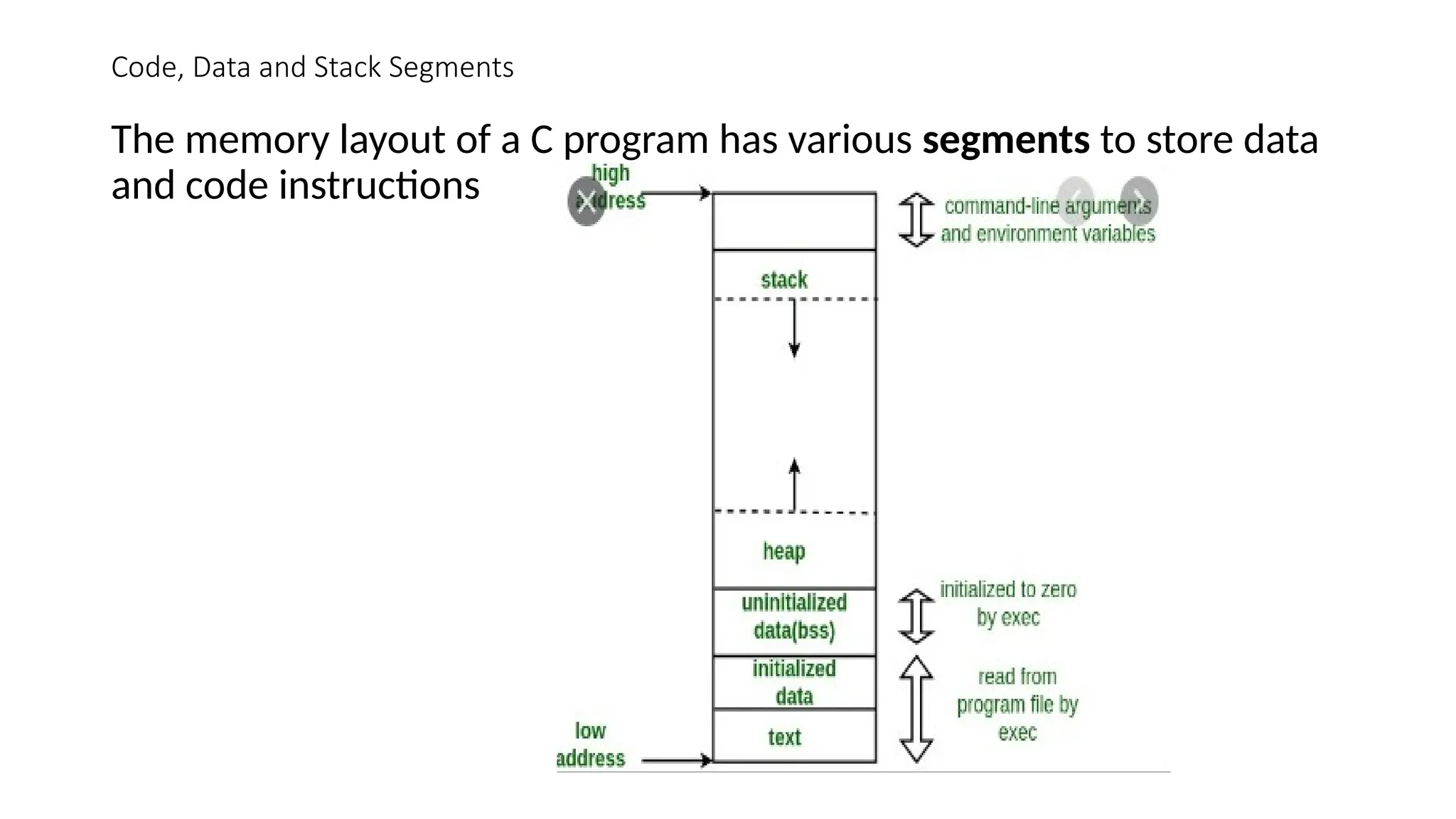
The memory layout of a C program has various segments to store data
and code instructions
Code, Data and Stack Segments …
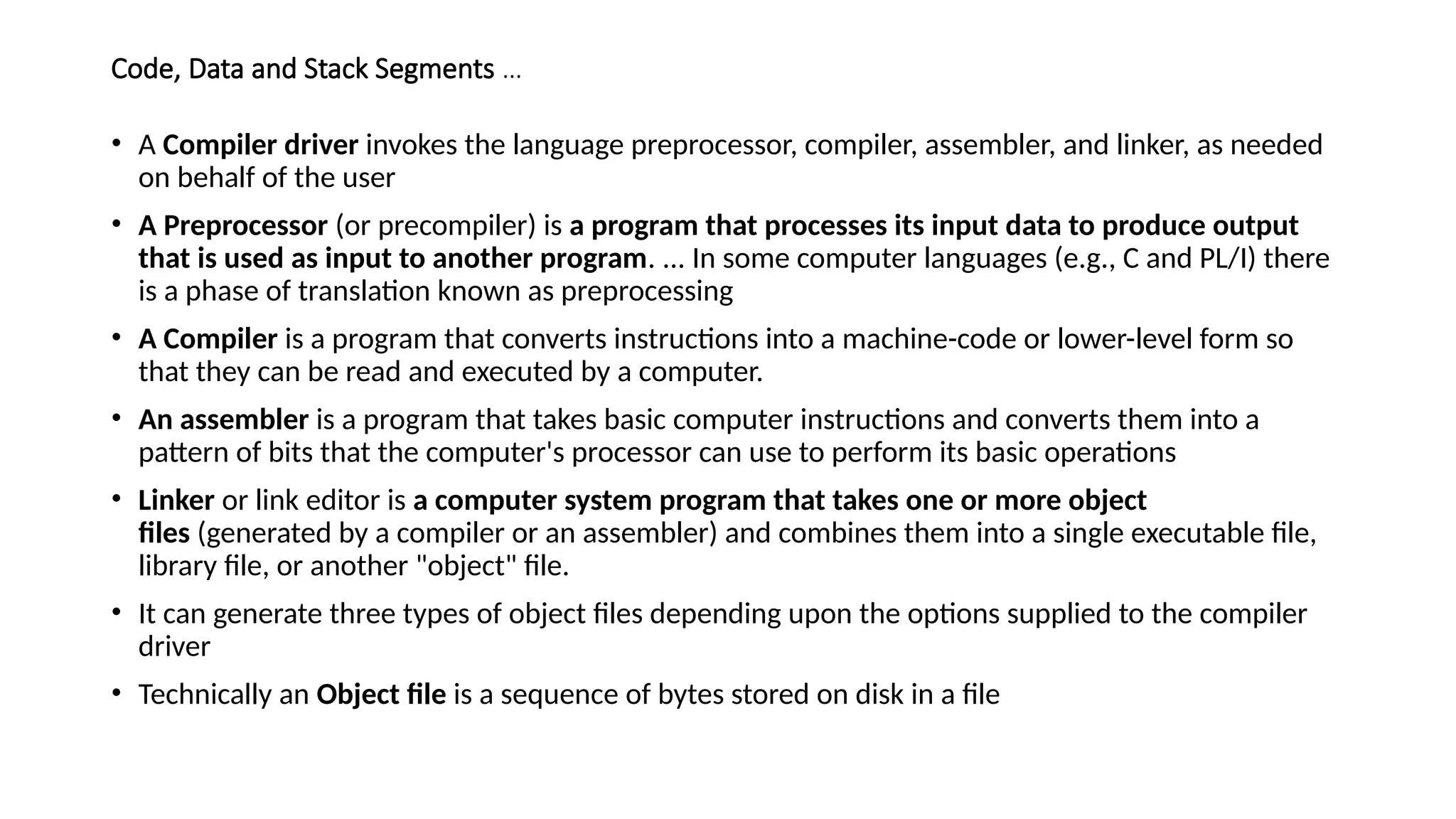
• A Compiler driver invokes the language preprocessor, compiler, assembler, and linker, as needed
on behalf of the user
• A Preprocessor (or precompiler) is a program that processes its input data to produce output
that is used as input to another program. ... In some computer languages (e.g., C and PL/I) there
is a phase of translation known as preprocessing
• A Compiler is a program that converts instructions into a machine-code or lower-level form so
that they can be read and executed by a computer.
• An assembler is a program that takes basic computer instructions and converts them into a
pattern of bits that the computer's processor can use to perform its basic operations
• Linker or link editor is a computer system program that takes one or more object
files (generated by a compiler or an assembler) and combines them into a single executable file,
library file, or another "object" file.
• It can generate three types of object files depending upon the options supplied to the compiler
driver
• Technically an Object file is a sequence of bytes stored on disk in a file
Code, Data and Stack Segments …
Object Files
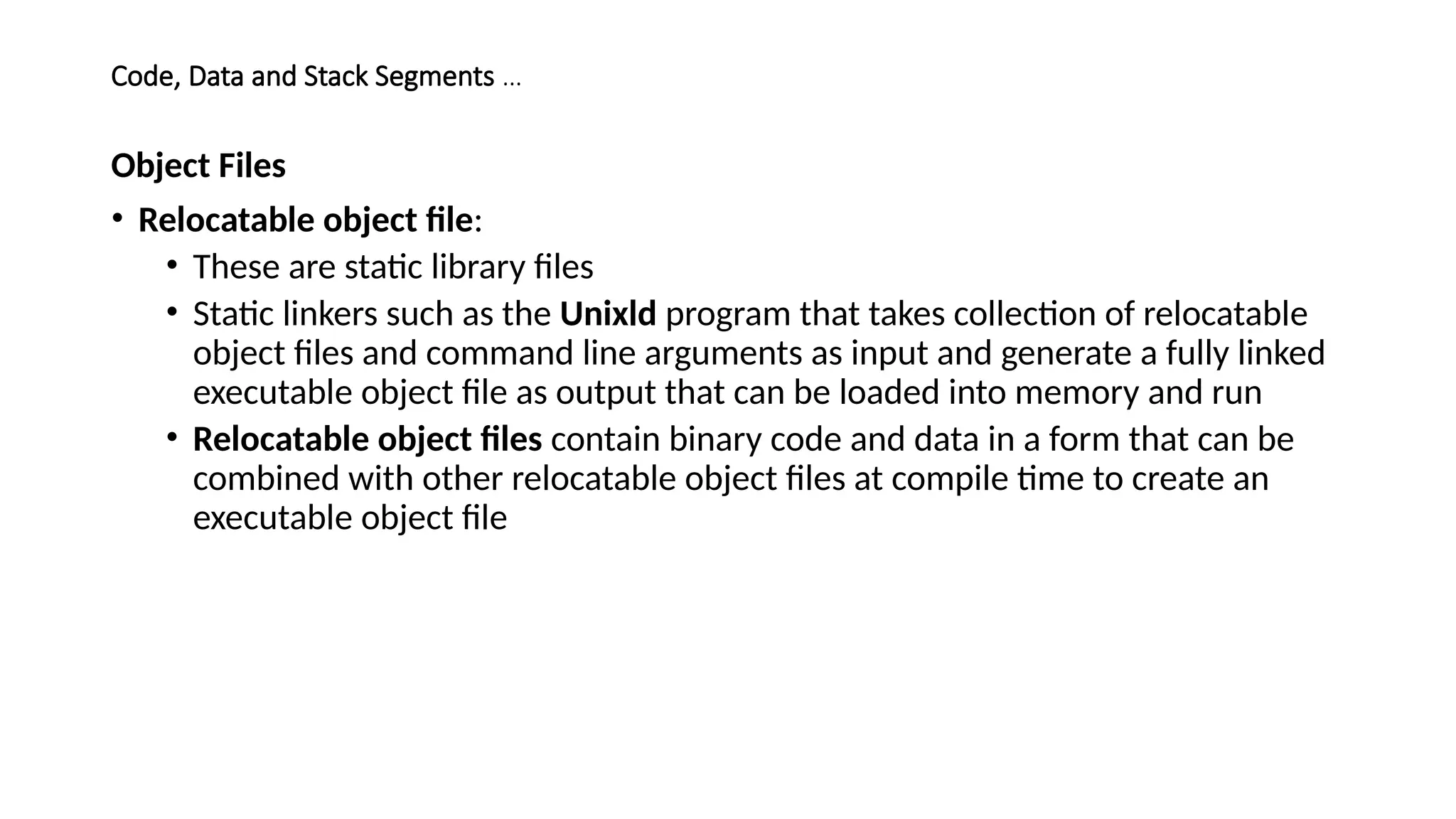
• Relocatable object file:
• These are static library files
• Static linkers such as the Unixld program that takes collection of relocatable
object files and command line arguments as input and generate a fully linked
executable object file as output that can be loaded into memory and run
• Relocatable object files contain binary code and data in a form that can be
combined with other relocatable object files at compile time to create an
executable object file
Code & Data Segment- Object Files …
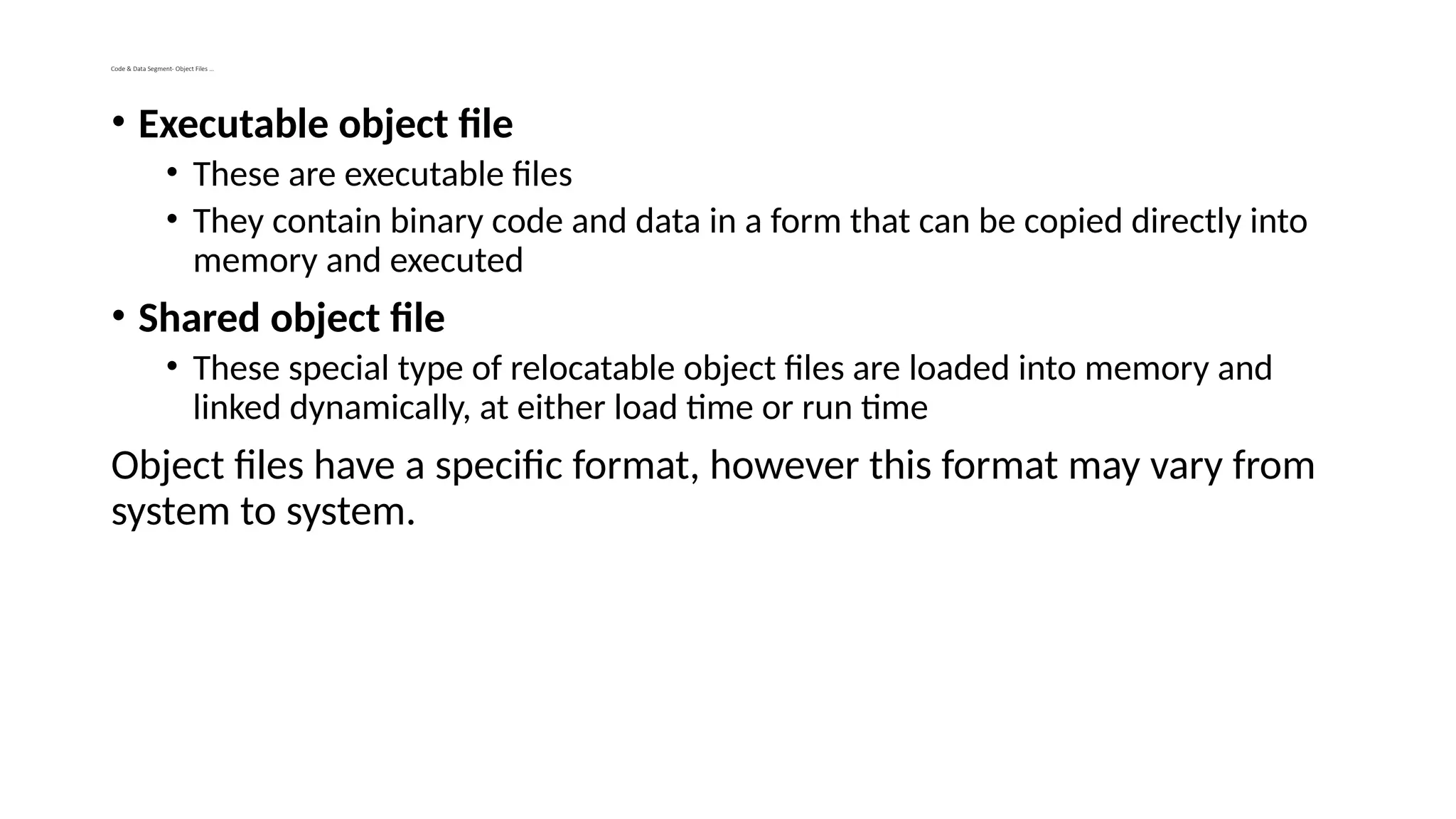
• Executable object file
• These are executable files
• They contain binary code and data in a form that can be copied directly into
memory and executed
• Shared object file
• These special type of relocatable object files are loaded into memory and
linked dynamically, at either load time or run time
Object files have a specific format, however this format may vary from
system to system.
Codes, Data Segments- Object Files
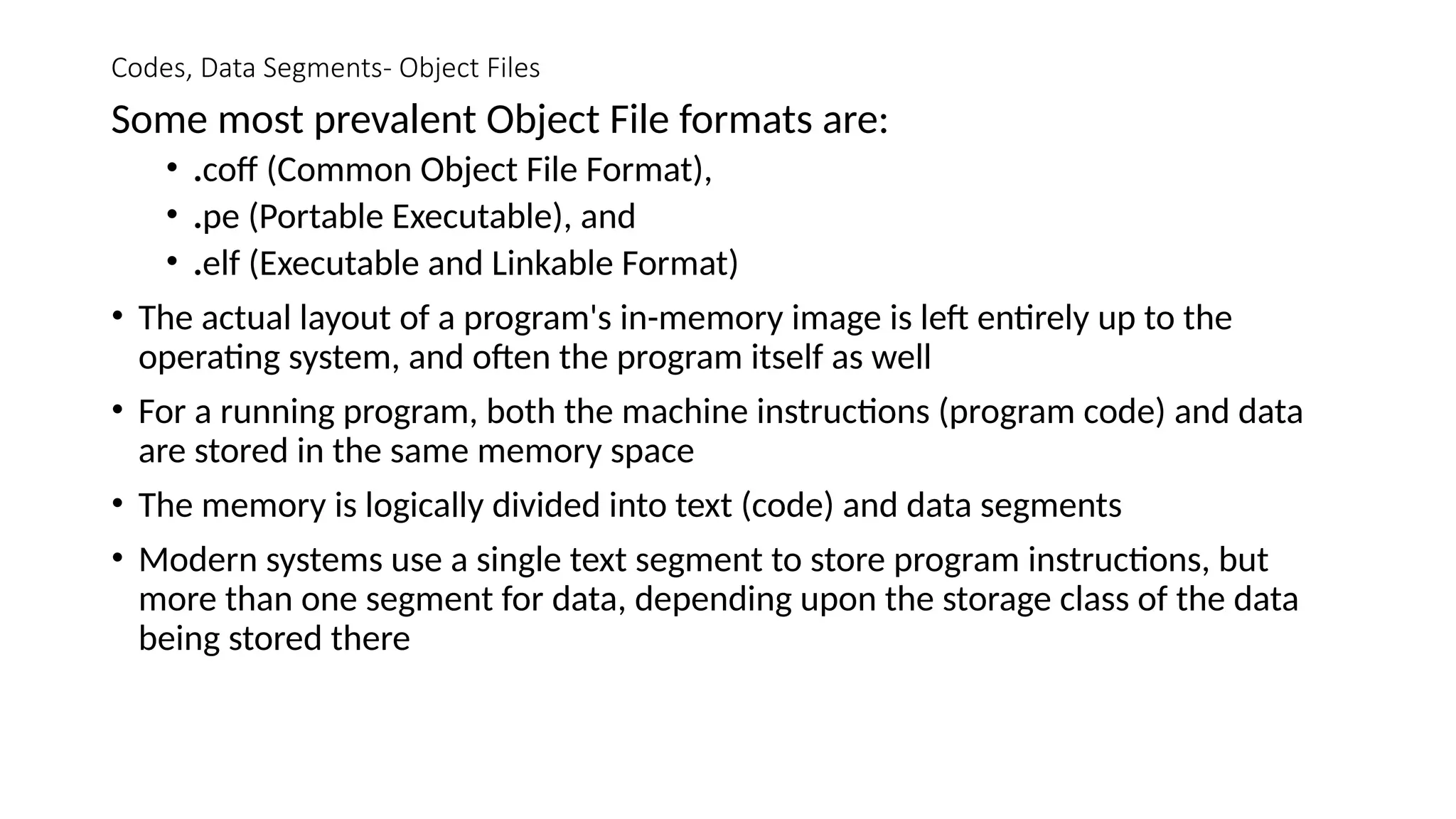
Some most prevalent Object File formats are:
• .coff (Common Object File Format),
• .pe (Portable Executable), and
• .elf (Executable and Linkable Format)
• The actual layout of a program's in-memory image is left entirely up to the
operating system, and often the program itself as well
• For a running program, both the machine instructions (program code) and data
are stored in the same memory space
• The memory is logically divided into text (code) and data segments
• Modern systems use a single text segment to store program instructions, but
more than one segment for data, depending upon the storage class of the data
being stored there
Codes, Data Segments
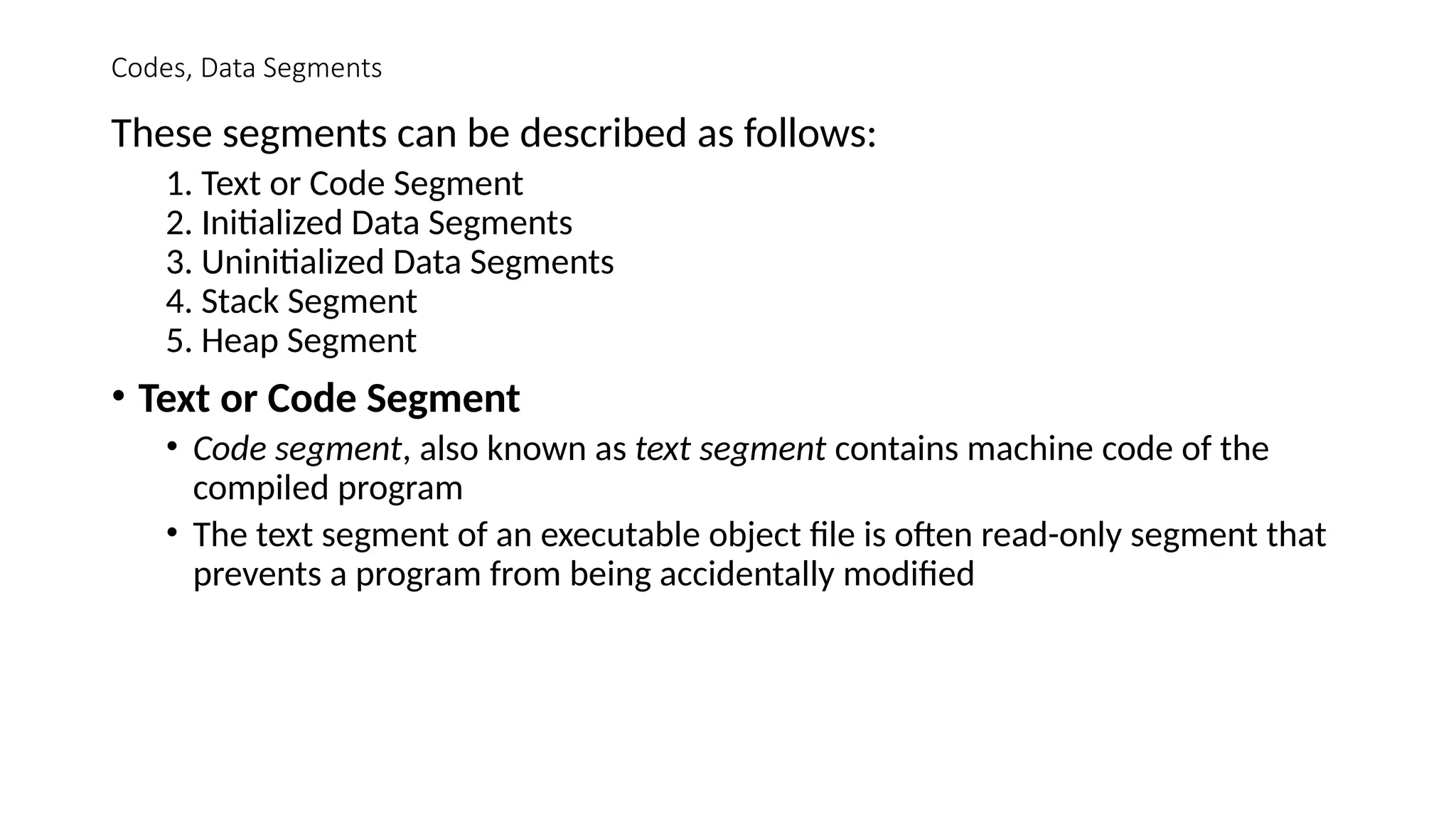
These segments can be described as follows:
1. Text or Code Segment
2. Initialized Data Segments
3. Uninitialized Data Segments
4. Stack Segment
5. Heap Segment
• Text or Code Segment
• Code segment, also known as text segment contains machine code of the
compiled program
• The text segment of an executable object file is often read-only segment that
prevents a program from being accidentally modified
Codes, Data Segments …
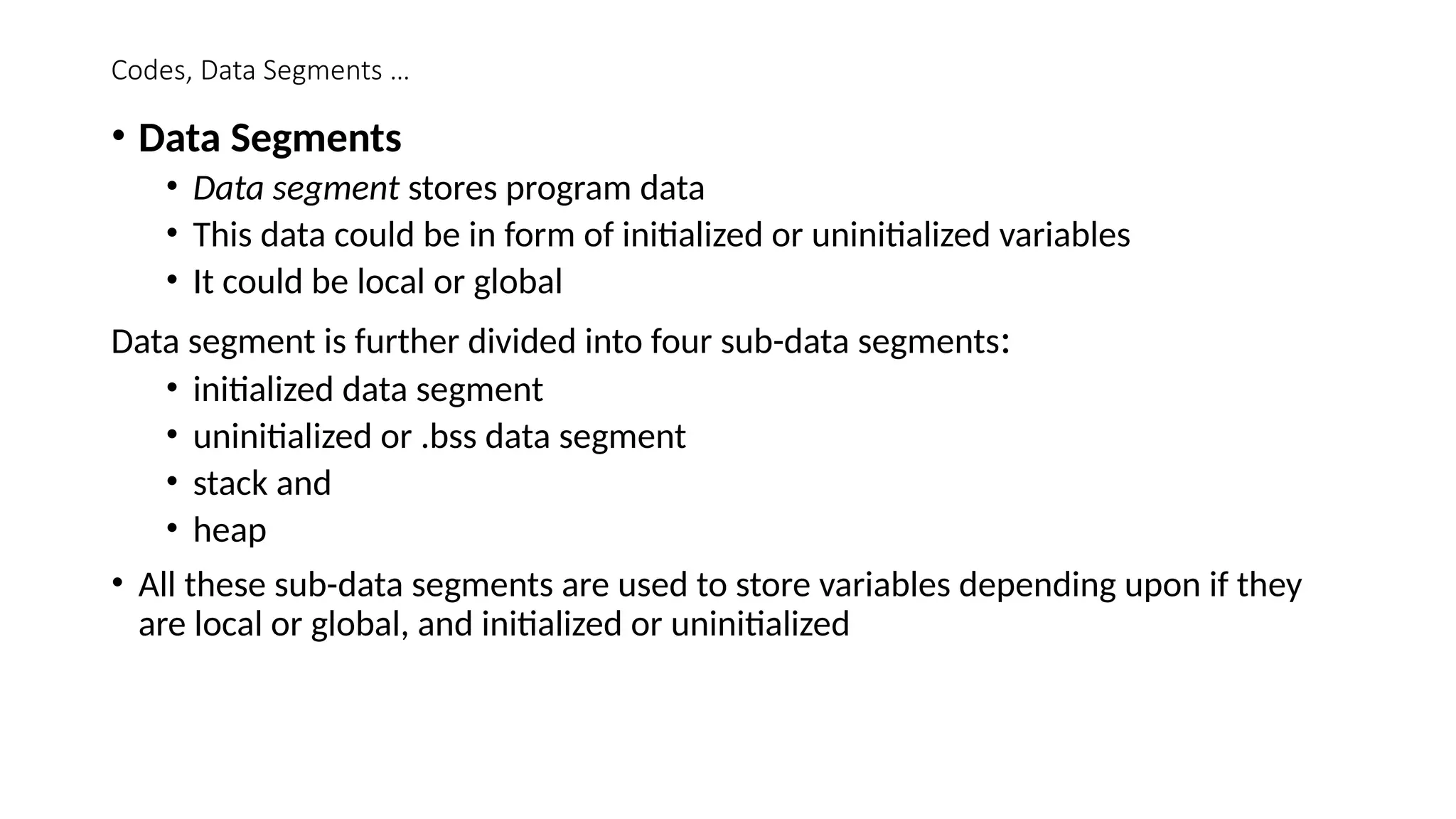
• Data Segments
• Data segment stores program data
• This data could be in form of initialized or uninitialized variables
• It could be local or global
Data segment is further divided into four sub-data segments:
• initialized data segment
• uninitialized or .bss data segment
• stack and
• heap
• All these sub-data segments are used to store variables depending upon if they
are local or global, and initialized or uninitialized
Codes & Data Segments …
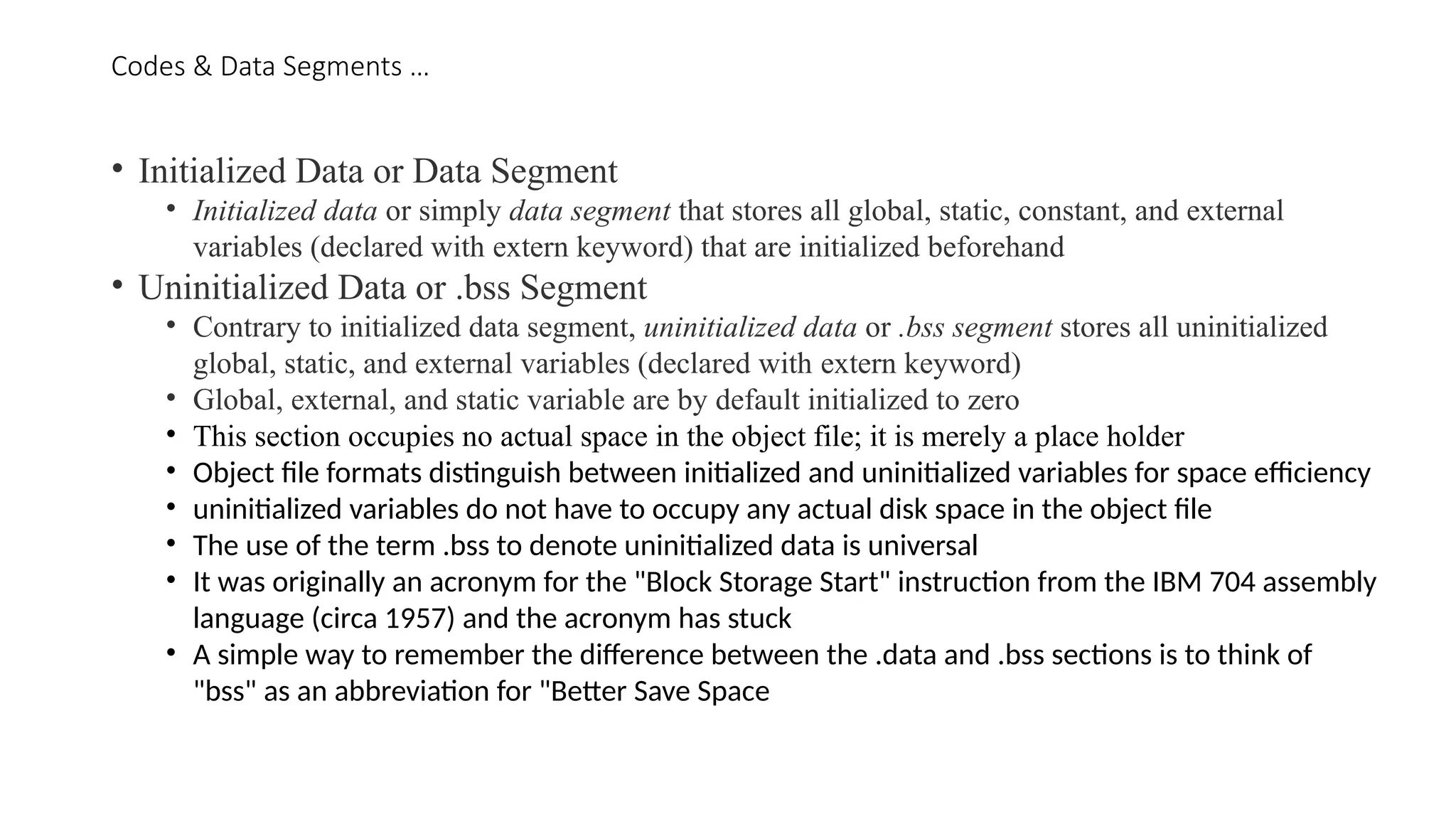
• Initialized Data or Data Segment
• Initialized data or simply data segment that stores all global, static, constant, and external
variables (declared with extern keyword) that are initialized beforehand
• Uninitialized Data or .bss Segment
• Contrary to initialized data segment, uninitialized data or .bss segment stores all uninitialized
global, static, and external variables (declared with extern keyword)
• Global, external, and static variable are by default initialized to zero
• This section occupies no actual space in the object file; it is merely a place holder
• Object file formats distinguish between initialized and uninitialized variables for space efficiency
• uninitialized variables do not have to occupy any actual disk space in the object file
• The use of the term .bss to denote uninitialized data is universal
• It was originally an acronym for the "Block Storage Start" instruction from the IBM 704 assembly
language (circa 1957) and the acronym has stuck
• A simple way to remember the difference between the .data and .bss sections is to think of
"bss" as an abbreviation for "Better Save Space
Codes & Data Segments…
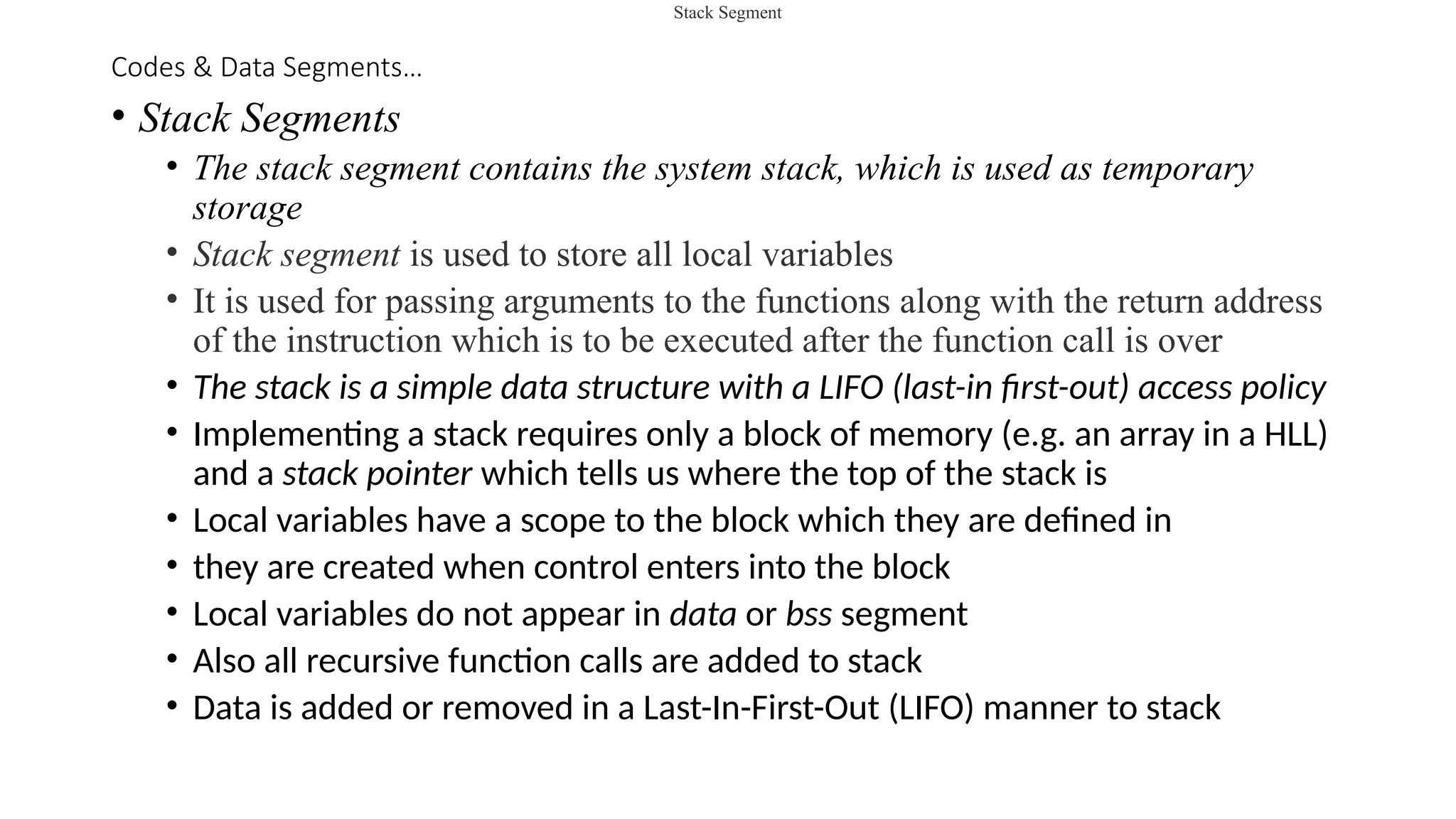
• Stack Segments
• The stack segment contains the system stack, which is used as temporary
storage
• Stack segment is used to store all local variables
• It is used for passing arguments to the functions along with the return address
of the instruction which is to be executed after the function call is over
• The stack is a simple data structure with a LIFO (last-in first-out) access policy
• Implementing a stack requires only a block of memory (e.g. an array in a HLL)
and a stack pointer which tells us where the top of the stack is
• Local variables have a scope to the block which they are defined in
• they are created when control enters into the block
• Local variables do not appear in data or bss segment
• Also all recursive function calls are added to stack
• Data is added or removed in a Last-In-First-Out (LIFO) manner to stack
Stack Segment
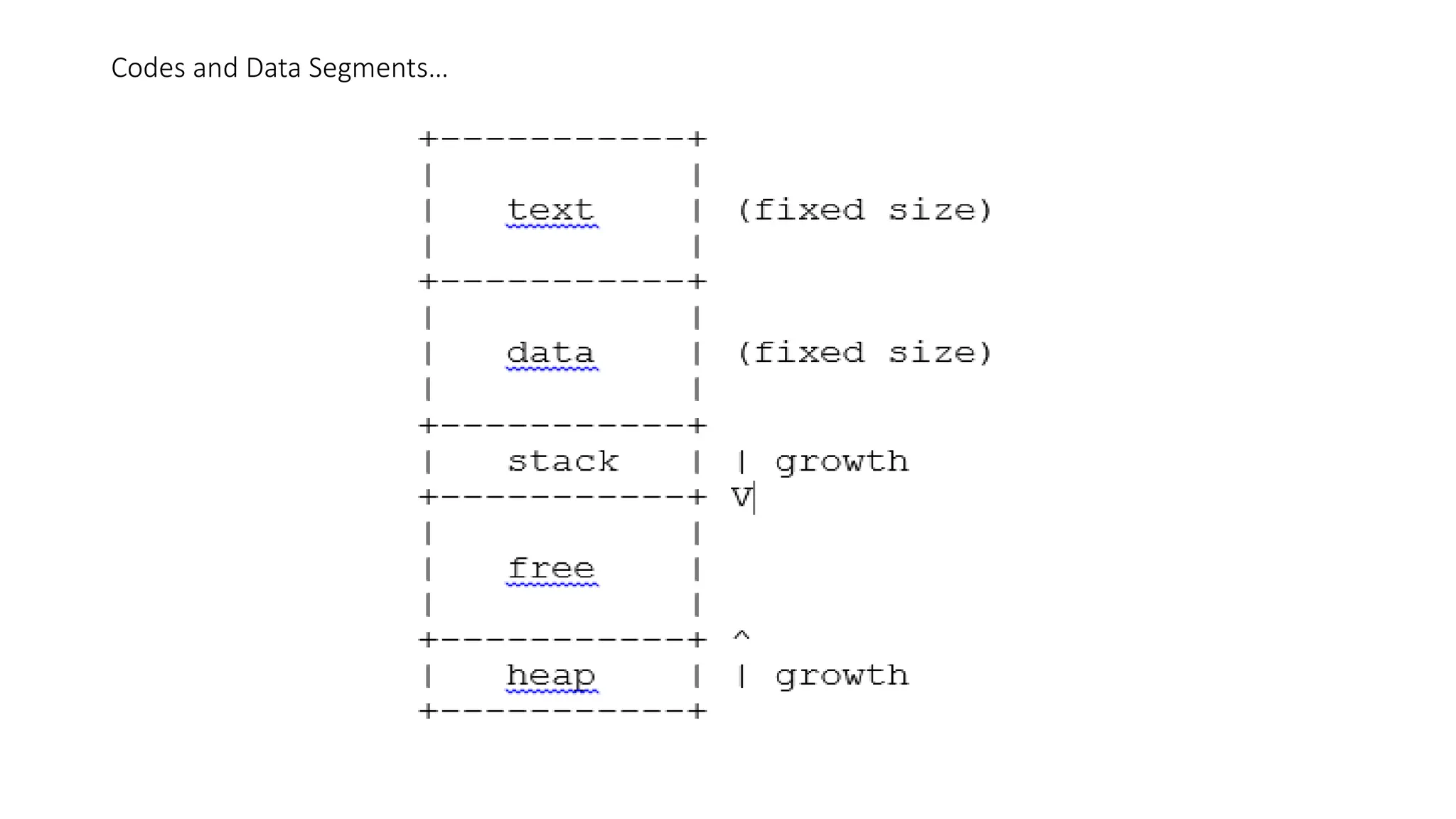
Codes and Data Segments …
• When a new stack frame needs to be added (as a result of a newly called
function), the stack grows downward
• In the MIPS architecture, the $sp register is designated as the stack pointer
• MIPS (Microprocessor without Interlocked Pipelined Stages) is a Reduced
Instruction Set Computer (RISC) Instruction Set Architecture (ISA) developed by
MIPS Computer Systems, now MIPS Technologies, based in the United States.
• Adding an element to the top of the stack is known as a push, and retrieving an
item from the top is known as a pop
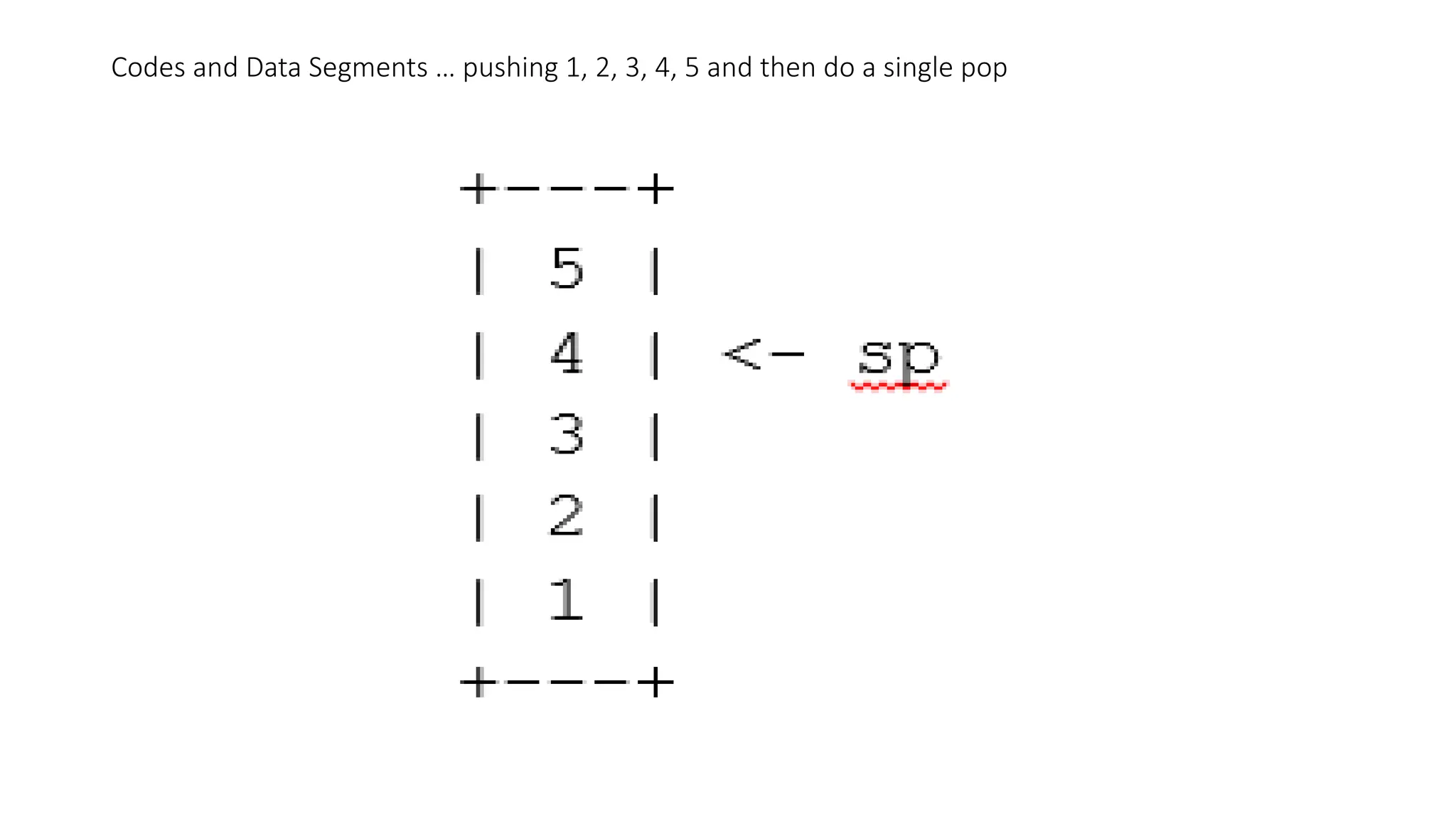
• If we were to push the values 1, 2, 3, 4, and 5, and then do a single pop, the stack
would appear as follows:
Codes and Data Segments … pushing 1, 2, 3, 4, 5 and then do a single pop
Codes, Data Segments …
• Heap Segment
• Heap segment is also part of RAM where dynamically allocated variables are
stored
• In C language, dynamic memory allocation is done by using malloc() and calloc()
functions
• When some more memory need to be allocated using malloc() and calloc() function,
heap grows upward
• The stack and heap are traditionally located at opposite ends of the process's
virtual address space
Codes, Data Segments…
• Size of Code, Data, and .BSS Segments
• The size of the text and data segments are known as soon as compilation or
assembly is completed
• The stack and heap segments, on the other hand, grow and shrink during
program execution
• For this reason, they tend to be configured such that they grow toward each
other
• This way, they each have a fixed starting point (one adjacent to the text and
data segments, and the other at one end of the entire memory space), and
the boundary between them is flexible
• Both can grow until all available memory is used.
Codes and Data Segments…
Assembly Language Programming - I
• Each personal computer has a microprocessor that manages the computer's
arithmetical, logical, and control activities.
• Each family of processors has its own set of instructions for handling various
operations such as getting input from keyboard, displaying information on screen and
performing various other jobs
• These set of instructions are called 'machine language instructions'.
• A processor understands only machine language instructions, which are strings of 1's
and 0's.
• However, machine language is too obscure and complex for use in software
development
• So, the low-level assembly language is designed for a specific family of processors that
represents various instructions in symbolic code and a more understandable form
Assembly Languages…
• Advantages of Assembly Language
• Having an understanding of assembly language makes one aware of how
programs interface with OS, processor, and BIOS;
• How data is represented in memory and other external devices
• How the processor accesses and executes instruction
• How instructions access and process data
• How a program accesses external devices
Other advantages of using assembly language are −
• It requires less memory and execution time
• It allows hardware-specific complex jobs in an easier way
• It is suitable for time-critical jobs
• It is most suitable for writing interrupt service routines and other memory
resident programs
Assembly Language …
• Basic Features of PC Hardware
• The main internal hardware of a PC consists of processor, memory, and
registers
• Registers are processor components that hold data and address
• To execute a program, the system copies it from the external device into the
internal memory
• The processor executes the program instructions.
• The fundamental unit of computer storage is a bit; it could be ON (1) or OFF
(0) and a group of 8 related bits makes a byte on most of the modern
computers.
• So, the parity bit is used to make the number of bits in a byte odd. If the
parity is even, the system assumes that there had been a parity error (though
rare), which might have been caused due to hardware fault or electrical
disturbance
Assembly Languages …
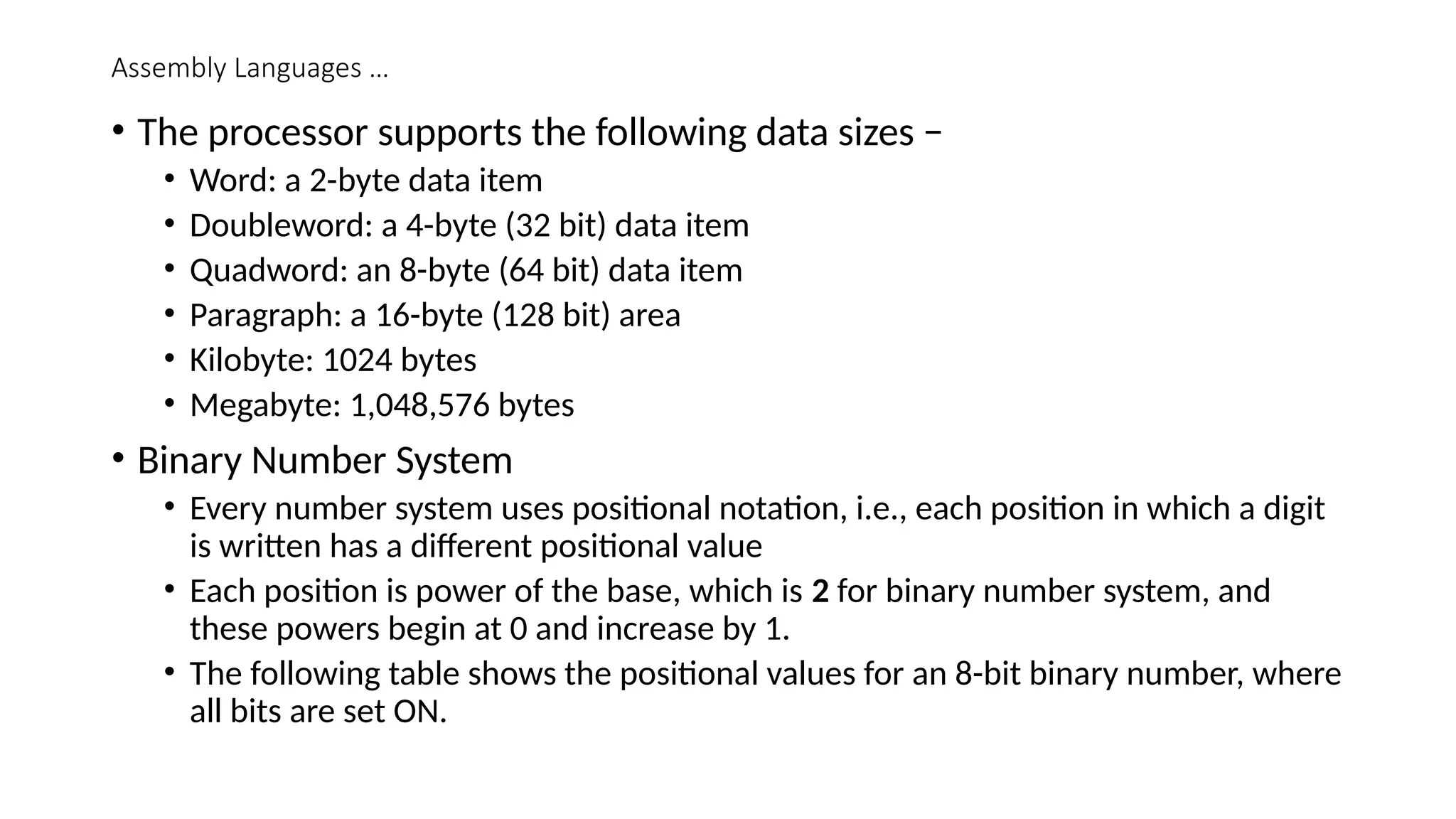
• The processor supports the following data sizes −
• Word: a 2-byte data item
• Doubleword: a 4-byte (32 bit) data item
• Quadword: an 8-byte (64 bit) data item
• Paragraph: a 16-byte (128 bit) area
• Kilobyte: 1024 bytes
• Megabyte: 1,048,576 bytes
• Binary Number System
• Every number system uses positional notation, i.e., each position in which a digit
is written has a different positional value
• Each position is power of the base, which is 2 for binary number system, and
these powers begin at 0 and increase by 1.
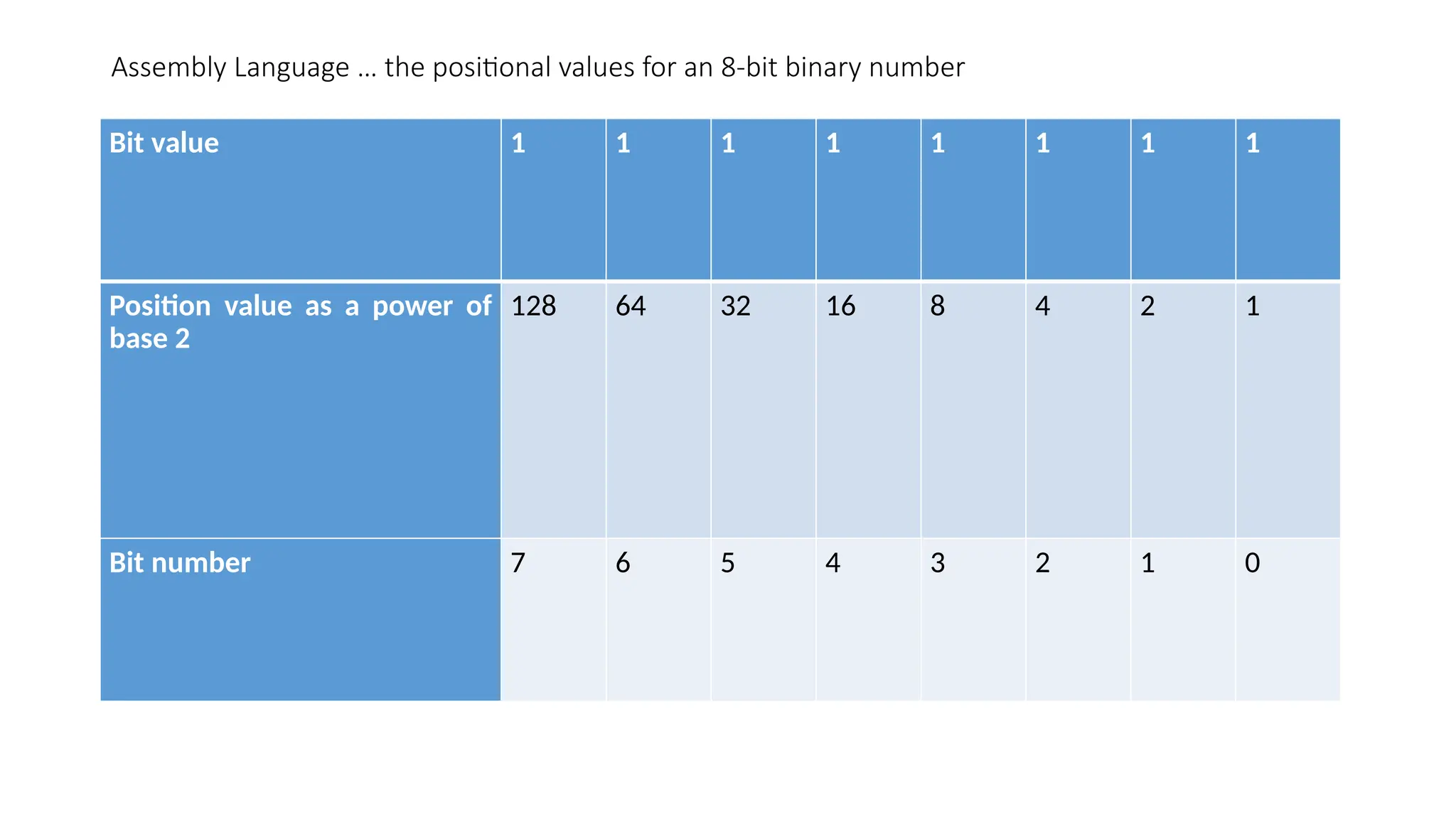
• The following table shows the positional values for an 8-bit binary number, where
all bits are set ON.
Assembly Language … the positional values for an 8-bit binary number
Bit value 1 1 1 1 1 1 1 1
Position value as a power of
base 2
128 64 32 16 8 4 2 1
Bit number 7 6 5 4 3 2 1 0
Assembly Language …
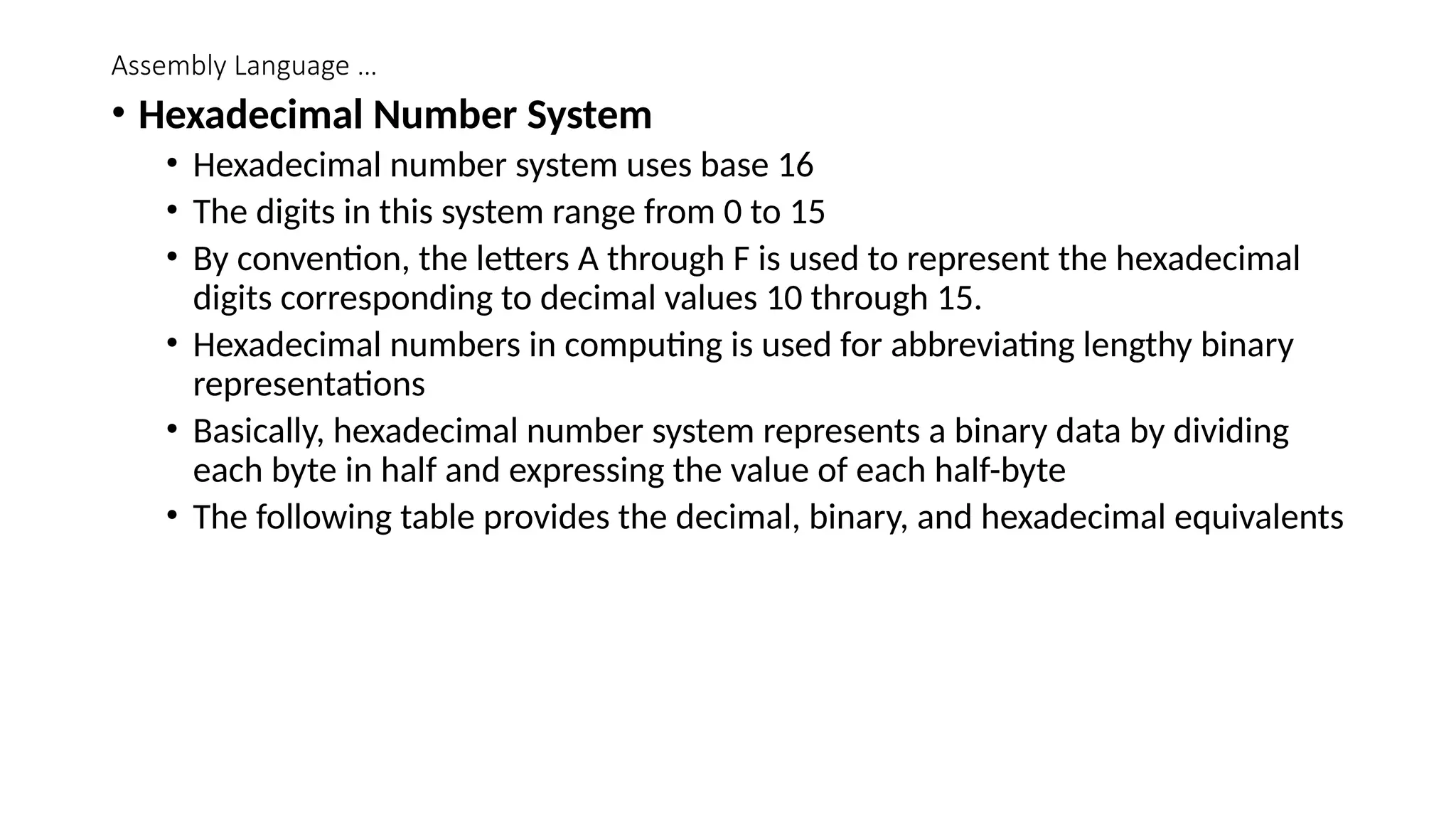
• Hexadecimal Number System
• Hexadecimal number system uses base 16
• The digits in this system range from 0 to 15
• By convention, the letters A through F is used to represent the hexadecimal
digits corresponding to decimal values 10 through 15.
• Hexadecimal numbers in computing is used for abbreviating lengthy binary
representations
• Basically, hexadecimal number system represents a binary data by dividing
each byte in half and expressing the value of each half-byte
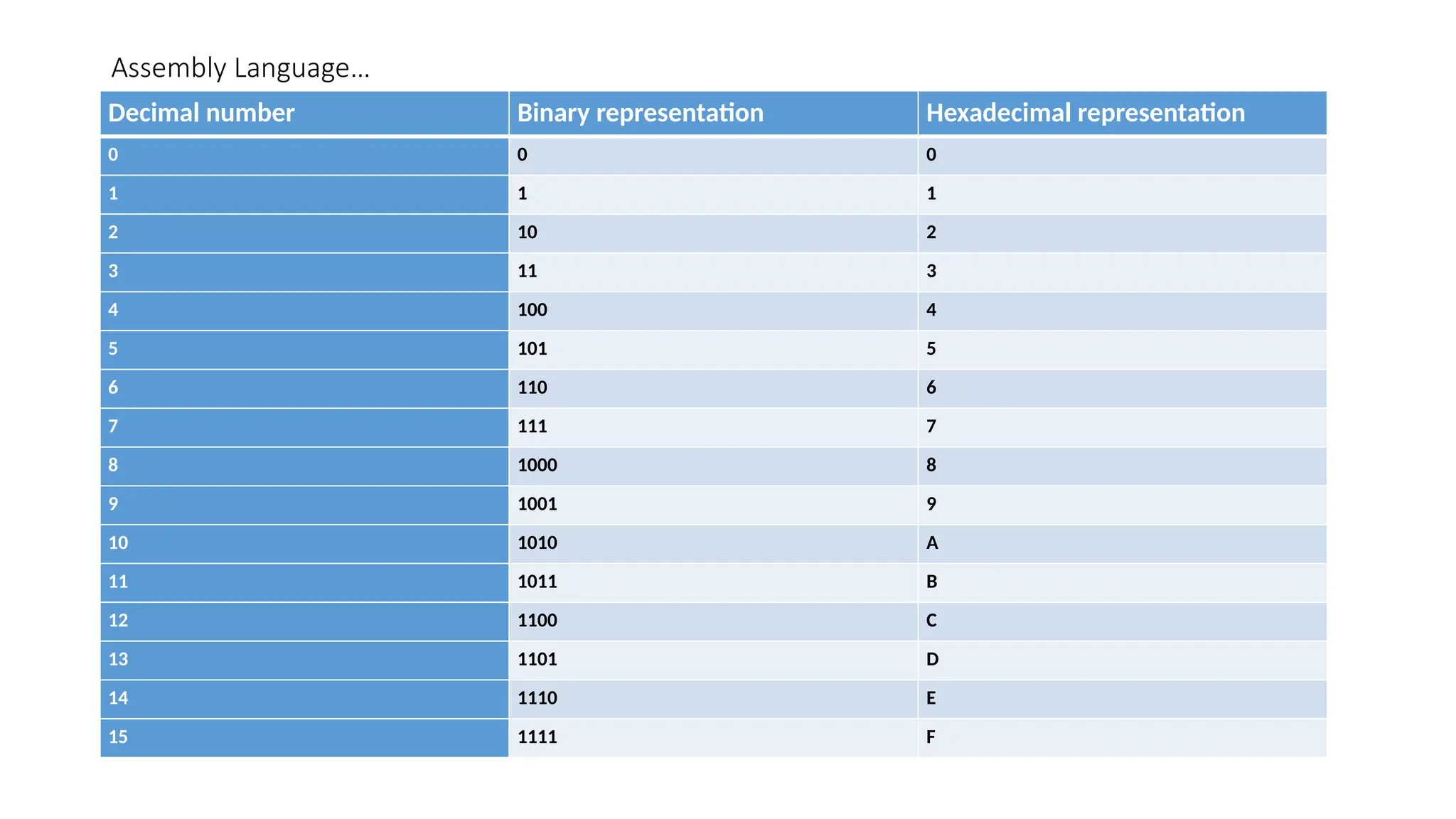
• The following table provides the decimal, binary, and hexadecimal equivalents
Assembly Language…
Decimal number Binary representation Hexadecimal representation
0 0 0
1 1 1
2 10 2
3 11 3
4 100 4
5 101 5
6 110 6
7 111 7
8 1000 8
9 1001 9
10 1010 A
11 1011 B
12 1100 C
13 1101 D
14 1110 E
15 1111 F
Assembly Language …
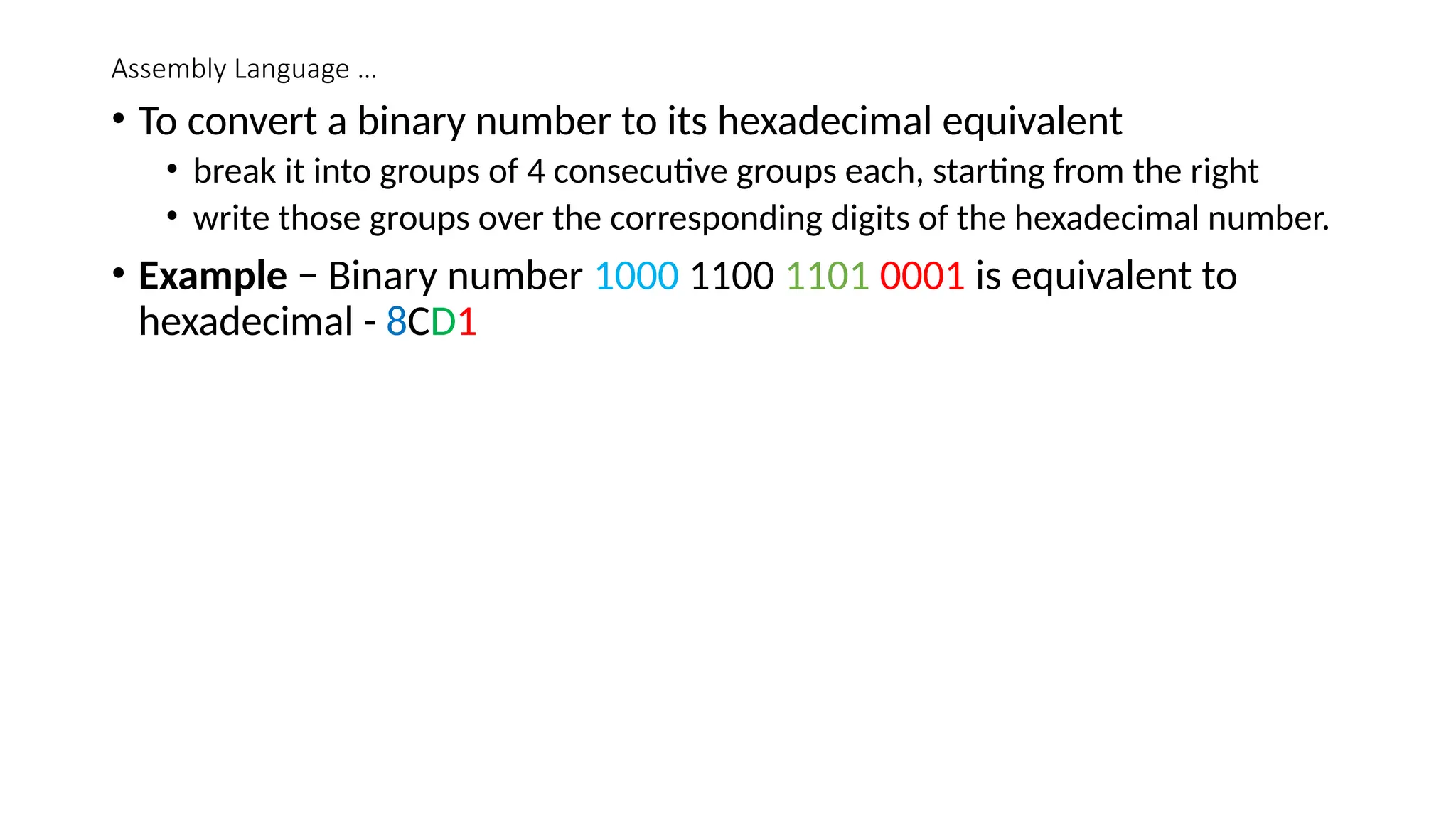
• To convert a binary number to its hexadecimal equivalent
• break it into groups of 4 consecutive groups each, starting from the right
• write those groups over the corresponding digits of the hexadecimal number.
• Example − Binary number 1000 1100 1101 0001 is equivalent to
hexadecimal - 8CD1
Addressing Data in Memory
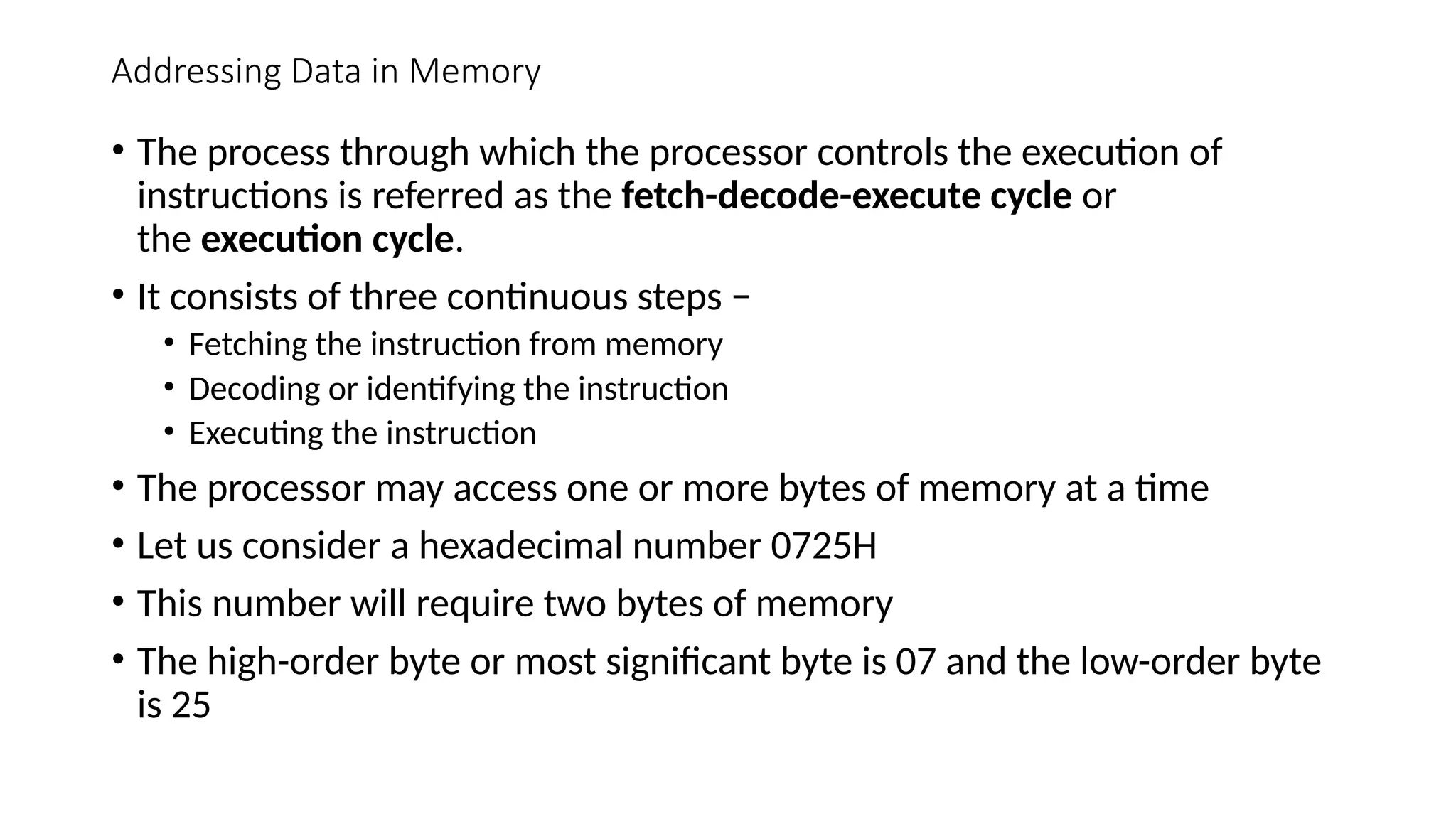
• The process through which the processor controls the execution of
instructions is referred as the fetch-decode-execute cycle or
the execution cycle.
• It consists of three continuous steps −
• Fetching the instruction from memory
• Decoding or identifying the instruction
• Executing the instruction
• The processor may access one or more bytes of memory at a time
• Let us consider a hexadecimal number 0725H
• This number will require two bytes of memory
• The high-order byte or most significant byte is 07 and the low-order byte
is 25
Addressing Data in Memory …
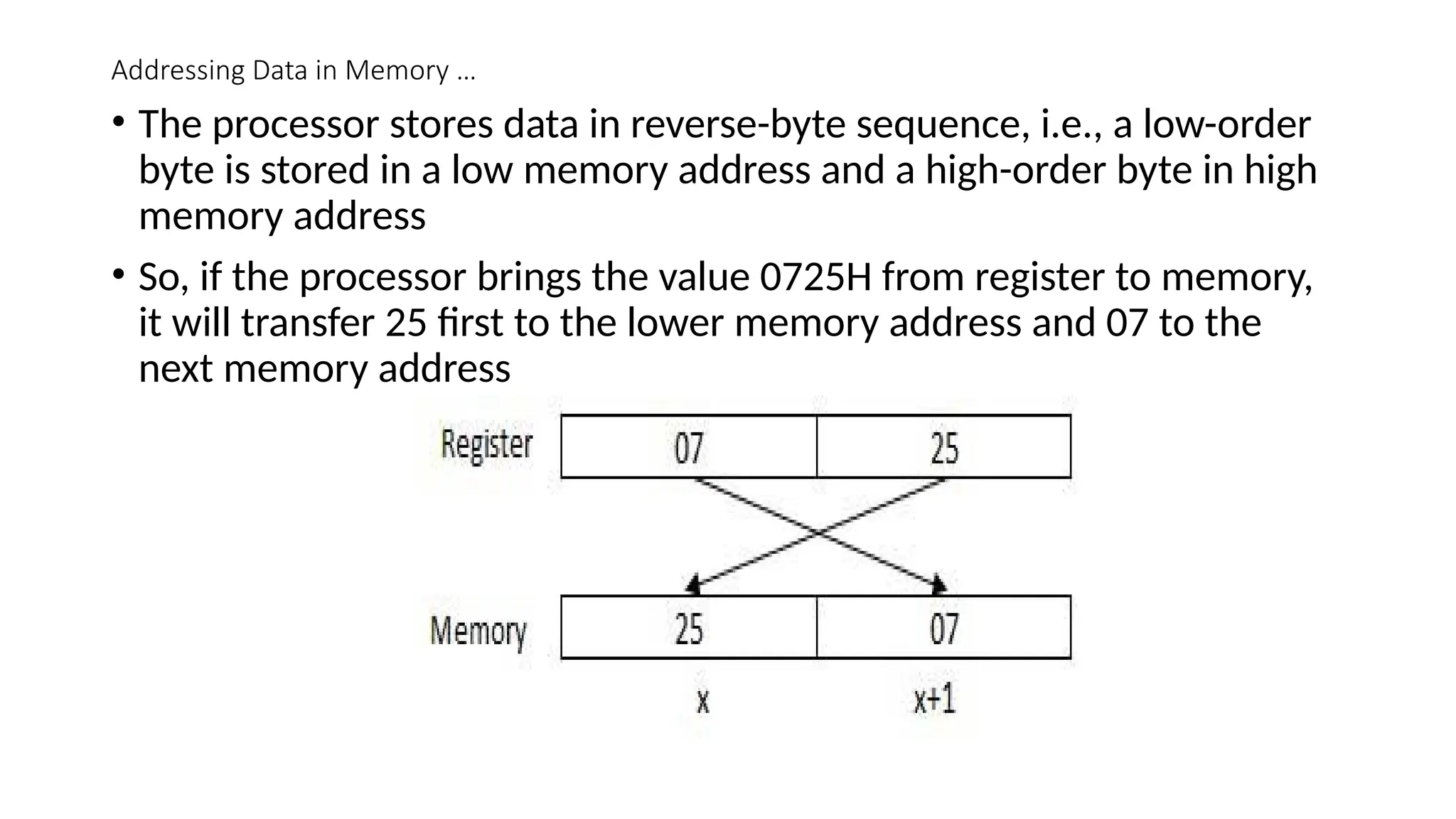
• The processor stores data in reverse-byte sequence, i.e., a low-order
byte is stored in a low memory address and a high-order byte in high
memory address
• So, if the processor brings the value 0725H from register to memory,
it will transfer 25 first to the lower memory address and 07 to the
next memory address
Addressing Data in Memory …
• When the processor gets the numeric data from memory to register,
it again reverses the bytes.
• There are two kinds of memory addresses −
• Absolute address - a direct reference of specific location.
• Segment address (or offset) - starting address of a memory segment with the
offset value
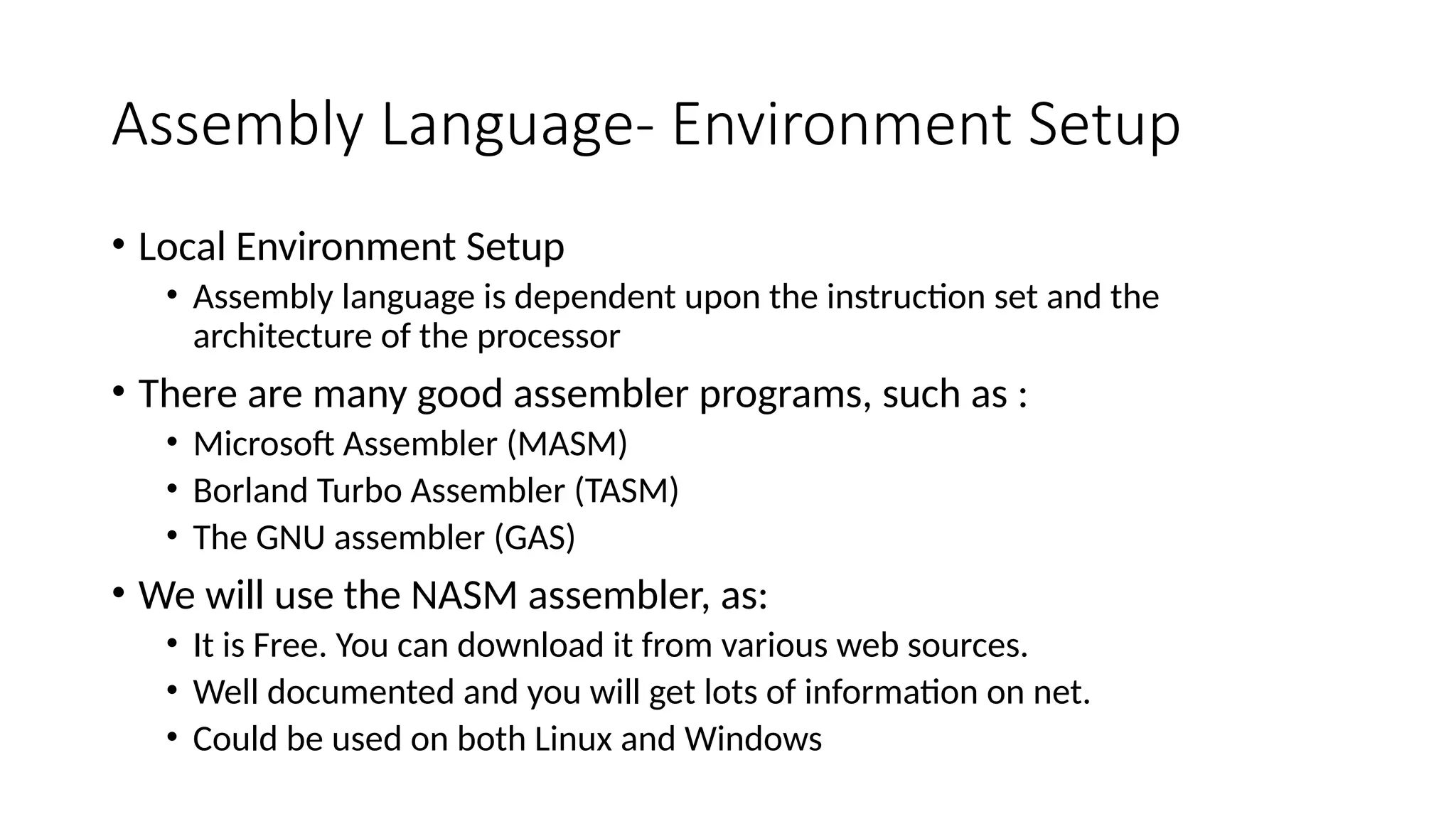
Assembly Language- Environment Setup
• Local Environment Setup
• Assembly language is dependent upon the instruction set and the
architecture of the processor
• There are many good assembler programs, such as :
• Microsoft Assembler (MASM)
• Borland Turbo Assembler (TASM)
• The GNU assembler (GAS)
• We will use the NASM assembler, as:
• It is Free. You can download it from various web sources.
• Well documented and you will get lots of information on net.
• Could be used on both Linux and Windows
Assembly Language Environment Setup …
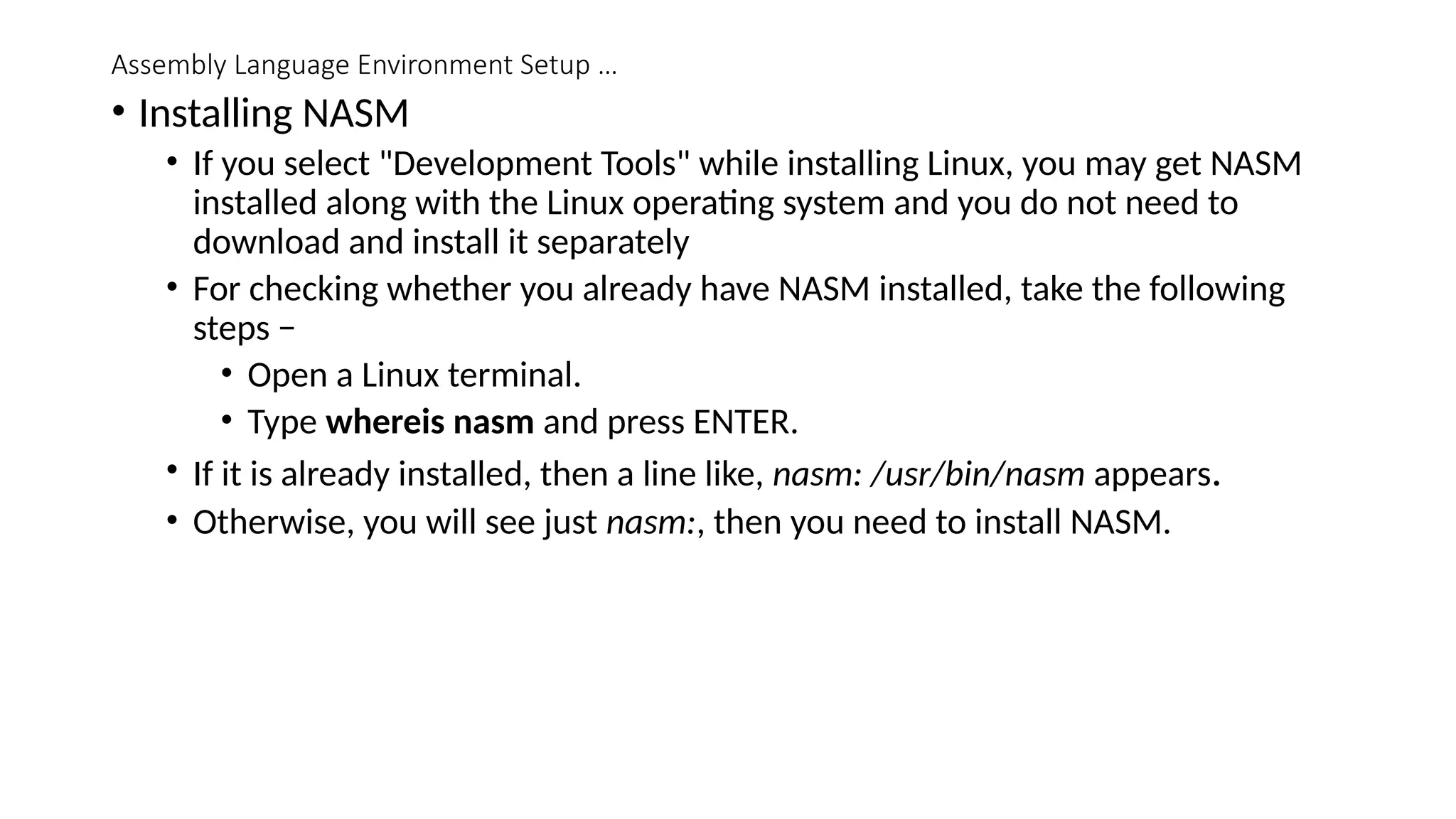
• Installing NASM
• If you select "Development Tools" while installing Linux, you may get NASM
installed along with the Linux operating system and you do not need to
download and install it separately
• For checking whether you already have NASM installed, take the following
steps −
• Open a Linux terminal.
• Type whereis nasm and press ENTER.
• If it is already installed, then a line like, nasm: /usr/bin/nasm appears.
• Otherwise, you will see just nasm:, then you need to install NASM.
Assembly Language Environment Setup- Installing NASM …
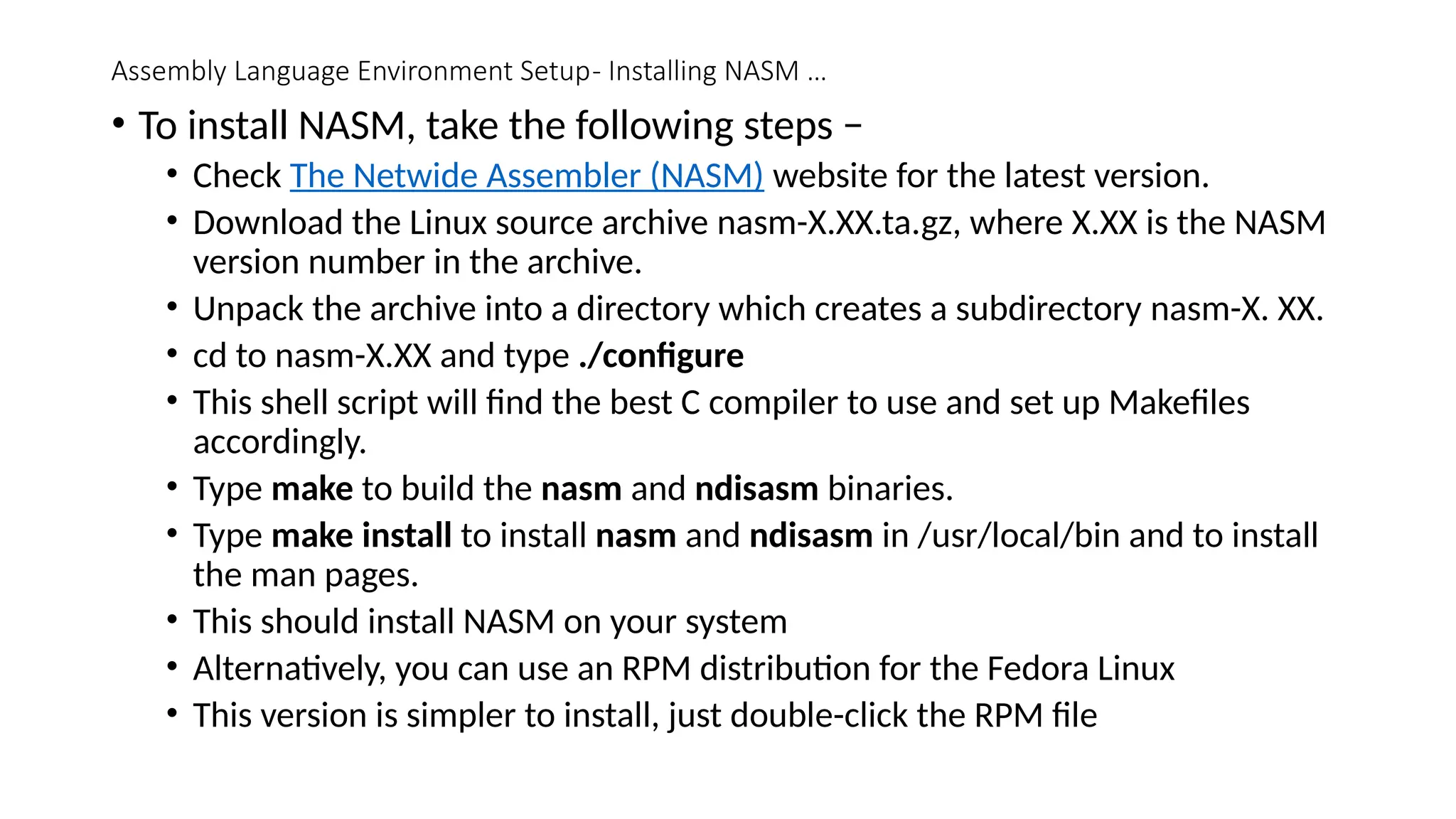
• To install NASM, take the following steps −
• Check The Netwide Assembler (NASM) website for the latest version.
• Download the Linux source archive nasm-X.XX.ta.gz, where X.XX is the NASM
version number in the archive.
• Unpack the archive into a directory which creates a subdirectory nasm-X. XX.
• cd to nasm-X.XX and type ./configure
• This shell script will find the best C compiler to use and set up Makefiles
accordingly.
• Type make to build the nasm and ndisasm binaries.
• Type make install to install nasm and ndisasm in /usr/local/bin and to install
the man pages.
• This should install NASM on your system
• Alternatively, you can use an RPM distribution for the Fedora Linux
• This version is simpler to install, just double-click the RPM file
Systems Programming Lecture-3 stack.pptx

  • 1.
    Code, Data andStack Segments CSC 334 Systems Programming 2020/ 2021 Session Lecture - 3
  • 2.
    Code, Data andStack Segments The memory layout of a C program has various segments to store data and code instructions
  • 3.
    Code, Data andStack Segments … • A Compiler driver invokes the language preprocessor, compiler, assembler, and linker, as needed on behalf of the user • A Preprocessor (or precompiler) is a program that processes its input data to produce output that is used as input to another program. ... In some computer languages (e.g., C and PL/I) there is a phase of translation known as preprocessing • A Compiler is a program that converts instructions into a machine-code or lower-level form so that they can be read and executed by a computer. • An assembler is a program that takes basic computer instructions and converts them into a pattern of bits that the computer's processor can use to perform its basic operations • Linker or link editor is a computer system program that takes one or more object files (generated by a compiler or an assembler) and combines them into a single executable file, library file, or another "object" file. • It can generate three types of object files depending upon the options supplied to the compiler driver • Technically an Object file is a sequence of bytes stored on disk in a file
  • 4.
    Code, Data andStack Segments … Object Files • Relocatable object file: • These are static library files • Static linkers such as the Unixld program that takes collection of relocatable object files and command line arguments as input and generate a fully linked executable object file as output that can be loaded into memory and run • Relocatable object files contain binary code and data in a form that can be combined with other relocatable object files at compile time to create an executable object file
  • 5.
    Code & DataSegment- Object Files … • Executable object file • These are executable files • They contain binary code and data in a form that can be copied directly into memory and executed • Shared object file • These special type of relocatable object files are loaded into memory and linked dynamically, at either load time or run time Object files have a specific format, however this format may vary from system to system.
  • 6.
    Codes, Data Segments-Object Files Some most prevalent Object File formats are: • .coff (Common Object File Format), • .pe (Portable Executable), and • .elf (Executable and Linkable Format) • The actual layout of a program's in-memory image is left entirely up to the operating system, and often the program itself as well • For a running program, both the machine instructions (program code) and data are stored in the same memory space • The memory is logically divided into text (code) and data segments • Modern systems use a single text segment to store program instructions, but more than one segment for data, depending upon the storage class of the data being stored there
  • 7.
    Codes, Data Segments Thesesegments can be described as follows: 1. Text or Code Segment 2. Initialized Data Segments 3. Uninitialized Data Segments 4. Stack Segment 5. Heap Segment • Text or Code Segment • Code segment, also known as text segment contains machine code of the compiled program • The text segment of an executable object file is often read-only segment that prevents a program from being accidentally modified
  • 8.
    Codes, Data Segments… • Data Segments • Data segment stores program data • This data could be in form of initialized or uninitialized variables • It could be local or global Data segment is further divided into four sub-data segments: • initialized data segment • uninitialized or .bss data segment • stack and • heap • All these sub-data segments are used to store variables depending upon if they are local or global, and initialized or uninitialized
  • 9.
    Codes & DataSegments … • Initialized Data or Data Segment • Initialized data or simply data segment that stores all global, static, constant, and external variables (declared with extern keyword) that are initialized beforehand • Uninitialized Data or .bss Segment • Contrary to initialized data segment, uninitialized data or .bss segment stores all uninitialized global, static, and external variables (declared with extern keyword) • Global, external, and static variable are by default initialized to zero • This section occupies no actual space in the object file; it is merely a place holder • Object file formats distinguish between initialized and uninitialized variables for space efficiency • uninitialized variables do not have to occupy any actual disk space in the object file • The use of the term .bss to denote uninitialized data is universal • It was originally an acronym for the "Block Storage Start" instruction from the IBM 704 assembly language (circa 1957) and the acronym has stuck • A simple way to remember the difference between the .data and .bss sections is to think of "bss" as an abbreviation for "Better Save Space
  • 10.
    Codes & DataSegments… • Stack Segments • The stack segment contains the system stack, which is used as temporary storage • Stack segment is used to store all local variables • It is used for passing arguments to the functions along with the return address of the instruction which is to be executed after the function call is over • The stack is a simple data structure with a LIFO (last-in first-out) access policy • Implementing a stack requires only a block of memory (e.g. an array in a HLL) and a stack pointer which tells us where the top of the stack is • Local variables have a scope to the block which they are defined in • they are created when control enters into the block • Local variables do not appear in data or bss segment • Also all recursive function calls are added to stack • Data is added or removed in a Last-In-First-Out (LIFO) manner to stack Stack Segment
  • 11.
    Codes and DataSegments … • When a new stack frame needs to be added (as a result of a newly called function), the stack grows downward • In the MIPS architecture, the $sp register is designated as the stack pointer • MIPS (Microprocessor without Interlocked Pipelined Stages) is a Reduced Instruction Set Computer (RISC) Instruction Set Architecture (ISA) developed by MIPS Computer Systems, now MIPS Technologies, based in the United States. • Adding an element to the top of the stack is known as a push, and retrieving an item from the top is known as a pop • If we were to push the values 1, 2, 3, 4, and 5, and then do a single pop, the stack would appear as follows:
  • 12.
    Codes and DataSegments … pushing 1, 2, 3, 4, 5 and then do a single pop
  • 13.
    Codes, Data Segments… • Heap Segment • Heap segment is also part of RAM where dynamically allocated variables are stored • In C language, dynamic memory allocation is done by using malloc() and calloc() functions • When some more memory need to be allocated using malloc() and calloc() function, heap grows upward • The stack and heap are traditionally located at opposite ends of the process's virtual address space
  • 14.
    Codes, Data Segments… •Size of Code, Data, and .BSS Segments • The size of the text and data segments are known as soon as compilation or assembly is completed • The stack and heap segments, on the other hand, grow and shrink during program execution • For this reason, they tend to be configured such that they grow toward each other • This way, they each have a fixed starting point (one adjacent to the text and data segments, and the other at one end of the entire memory space), and the boundary between them is flexible • Both can grow until all available memory is used.
  • 15.
    Codes and DataSegments…
  • 16.
    Assembly Language Programming- I • Each personal computer has a microprocessor that manages the computer's arithmetical, logical, and control activities. • Each family of processors has its own set of instructions for handling various operations such as getting input from keyboard, displaying information on screen and performing various other jobs • These set of instructions are called 'machine language instructions'. • A processor understands only machine language instructions, which are strings of 1's and 0's. • However, machine language is too obscure and complex for use in software development • So, the low-level assembly language is designed for a specific family of processors that represents various instructions in symbolic code and a more understandable form
  • 17.
    Assembly Languages… • Advantagesof Assembly Language • Having an understanding of assembly language makes one aware of how programs interface with OS, processor, and BIOS; • How data is represented in memory and other external devices • How the processor accesses and executes instruction • How instructions access and process data • How a program accesses external devices Other advantages of using assembly language are − • It requires less memory and execution time • It allows hardware-specific complex jobs in an easier way • It is suitable for time-critical jobs • It is most suitable for writing interrupt service routines and other memory resident programs
  • 18.
    Assembly Language … •Basic Features of PC Hardware • The main internal hardware of a PC consists of processor, memory, and registers • Registers are processor components that hold data and address • To execute a program, the system copies it from the external device into the internal memory • The processor executes the program instructions. • The fundamental unit of computer storage is a bit; it could be ON (1) or OFF (0) and a group of 8 related bits makes a byte on most of the modern computers. • So, the parity bit is used to make the number of bits in a byte odd. If the parity is even, the system assumes that there had been a parity error (though rare), which might have been caused due to hardware fault or electrical disturbance
  • 19.
    Assembly Languages … •The processor supports the following data sizes − • Word: a 2-byte data item • Doubleword: a 4-byte (32 bit) data item • Quadword: an 8-byte (64 bit) data item • Paragraph: a 16-byte (128 bit) area • Kilobyte: 1024 bytes • Megabyte: 1,048,576 bytes • Binary Number System • Every number system uses positional notation, i.e., each position in which a digit is written has a different positional value • Each position is power of the base, which is 2 for binary number system, and these powers begin at 0 and increase by 1. • The following table shows the positional values for an 8-bit binary number, where all bits are set ON.
  • 20.
    Assembly Language …the positional values for an 8-bit binary number Bit value 1 1 1 1 1 1 1 1 Position value as a power of base 2 128 64 32 16 8 4 2 1 Bit number 7 6 5 4 3 2 1 0
  • 21.
    Assembly Language … •Hexadecimal Number System • Hexadecimal number system uses base 16 • The digits in this system range from 0 to 15 • By convention, the letters A through F is used to represent the hexadecimal digits corresponding to decimal values 10 through 15. • Hexadecimal numbers in computing is used for abbreviating lengthy binary representations • Basically, hexadecimal number system represents a binary data by dividing each byte in half and expressing the value of each half-byte • The following table provides the decimal, binary, and hexadecimal equivalents
  • 22.
    Assembly Language… Decimal numberBinary representation Hexadecimal representation 0 0 0 1 1 1 2 10 2 3 11 3 4 100 4 5 101 5 6 110 6 7 111 7 8 1000 8 9 1001 9 10 1010 A 11 1011 B 12 1100 C 13 1101 D 14 1110 E 15 1111 F
  • 23.
    Assembly Language … •To convert a binary number to its hexadecimal equivalent • break it into groups of 4 consecutive groups each, starting from the right • write those groups over the corresponding digits of the hexadecimal number. • Example − Binary number 1000 1100 1101 0001 is equivalent to hexadecimal - 8CD1
  • 24.
    Addressing Data inMemory • The process through which the processor controls the execution of instructions is referred as the fetch-decode-execute cycle or the execution cycle. • It consists of three continuous steps − • Fetching the instruction from memory • Decoding or identifying the instruction • Executing the instruction • The processor may access one or more bytes of memory at a time • Let us consider a hexadecimal number 0725H • This number will require two bytes of memory • The high-order byte or most significant byte is 07 and the low-order byte is 25
  • 25.
    Addressing Data inMemory … • The processor stores data in reverse-byte sequence, i.e., a low-order byte is stored in a low memory address and a high-order byte in high memory address • So, if the processor brings the value 0725H from register to memory, it will transfer 25 first to the lower memory address and 07 to the next memory address
  • 26.
    Addressing Data inMemory … • When the processor gets the numeric data from memory to register, it again reverses the bytes. • There are two kinds of memory addresses − • Absolute address - a direct reference of specific location. • Segment address (or offset) - starting address of a memory segment with the offset value
  • 27.
    Assembly Language- EnvironmentSetup • Local Environment Setup • Assembly language is dependent upon the instruction set and the architecture of the processor • There are many good assembler programs, such as : • Microsoft Assembler (MASM) • Borland Turbo Assembler (TASM) • The GNU assembler (GAS) • We will use the NASM assembler, as: • It is Free. You can download it from various web sources. • Well documented and you will get lots of information on net. • Could be used on both Linux and Windows
  • 28.
    Assembly Language EnvironmentSetup … • Installing NASM • If you select "Development Tools" while installing Linux, you may get NASM installed along with the Linux operating system and you do not need to download and install it separately • For checking whether you already have NASM installed, take the following steps − • Open a Linux terminal. • Type whereis nasm and press ENTER. • If it is already installed, then a line like, nasm: /usr/bin/nasm appears. • Otherwise, you will see just nasm:, then you need to install NASM.
  • 29.
    Assembly Language EnvironmentSetup- Installing NASM … • To install NASM, take the following steps − • Check The Netwide Assembler (NASM) website for the latest version. • Download the Linux source archive nasm-X.XX.ta.gz, where X.XX is the NASM version number in the archive. • Unpack the archive into a directory which creates a subdirectory nasm-X. XX. • cd to nasm-X.XX and type ./configure • This shell script will find the best C compiler to use and set up Makefiles accordingly. • Type make to build the nasm and ndisasm binaries. • Type make install to install nasm and ndisasm in /usr/local/bin and to install the man pages. • This should install NASM on your system • Alternatively, you can use an RPM distribution for the Fedora Linux • This version is simpler to install, just double-click the RPM file