@mostgood
Swift on Raspberry Pi
@mostgood
👋 Sally
Student: MSc Internet of Things
Also: iOS developer and Technical Writer
@mostgood
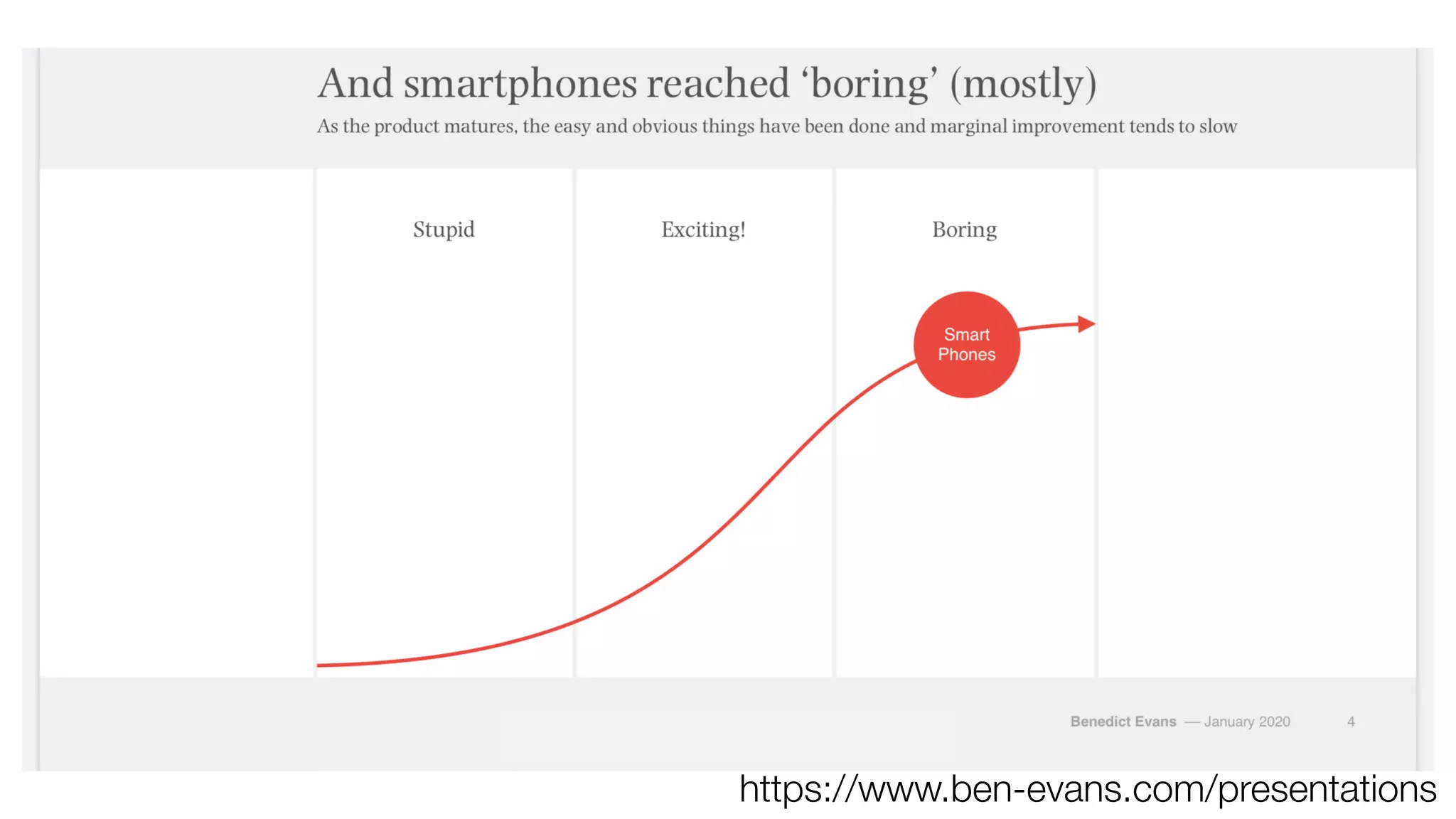
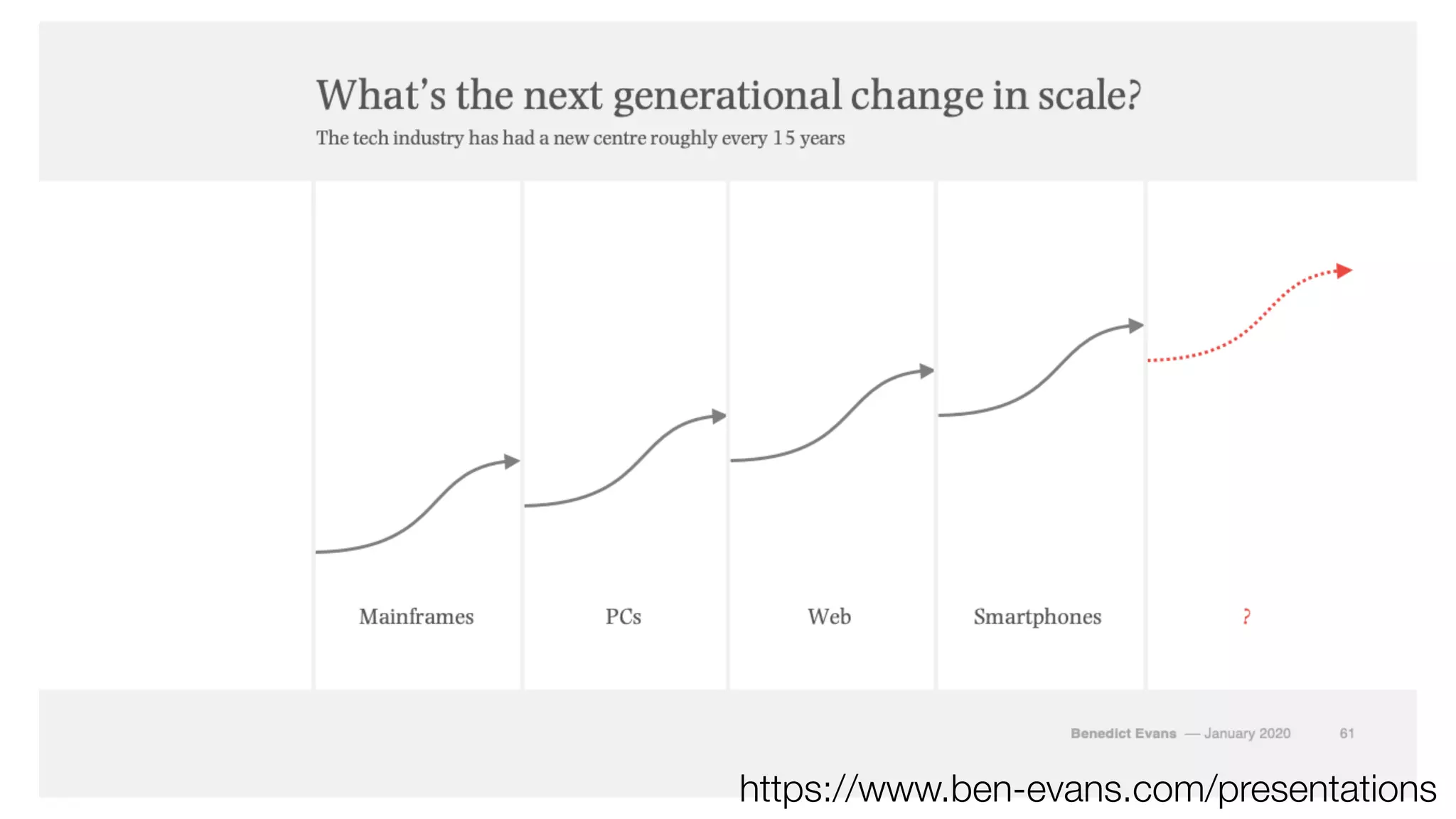
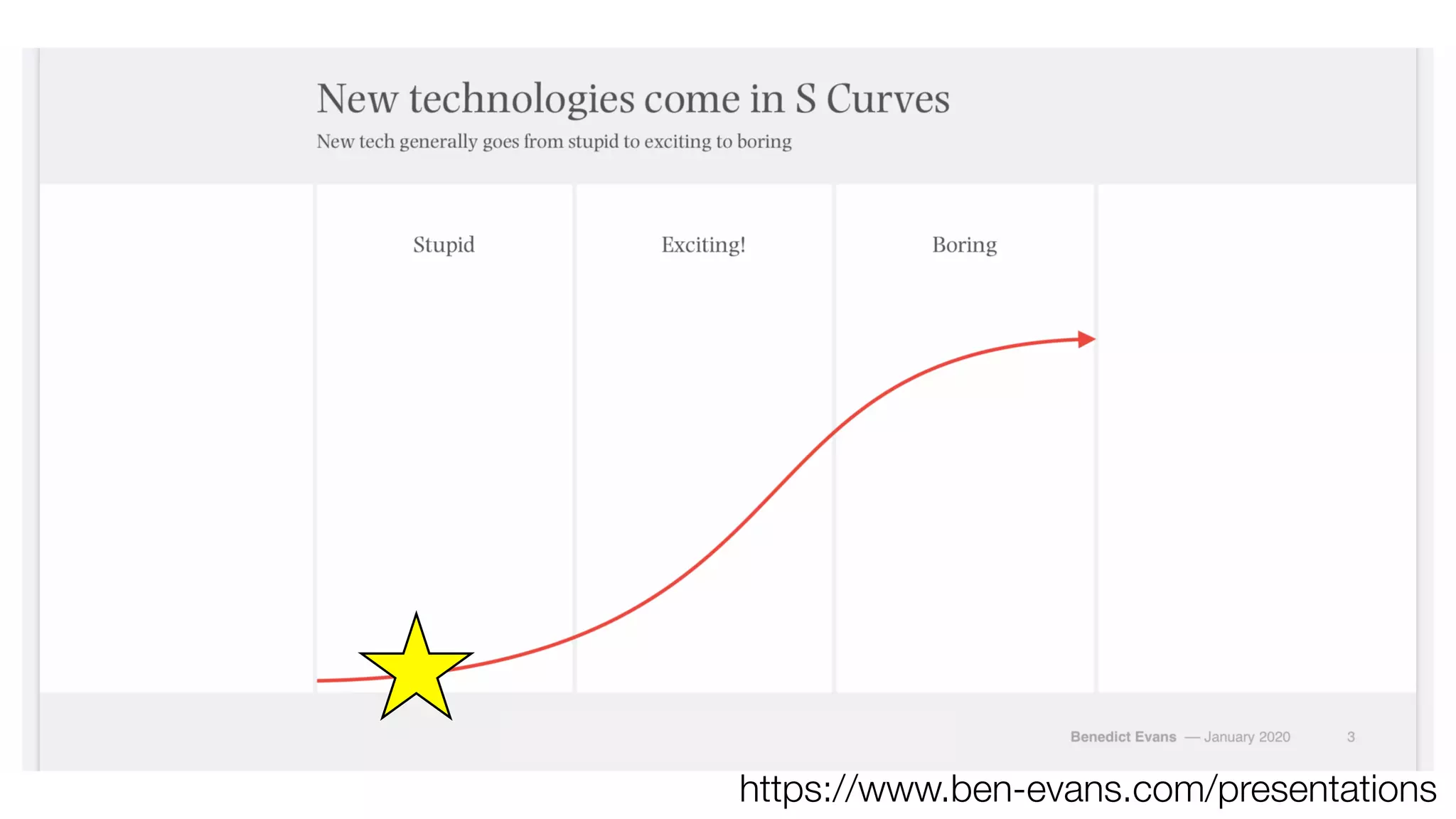
https://www.ben-evans.com/presentations
What is Swift?
🍎
📱⌚🖥
Open source programming langage
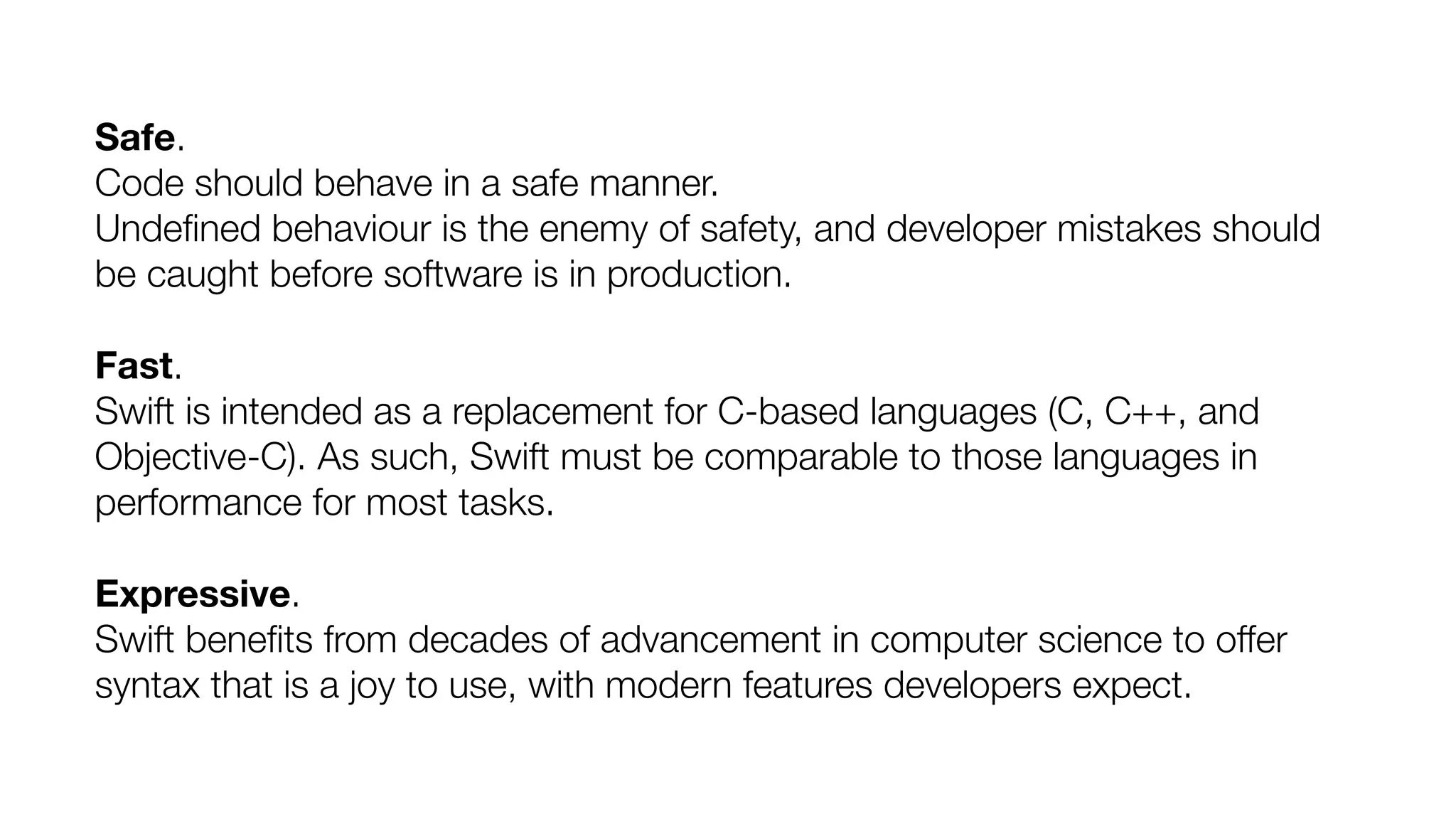
Safe.
Code should behave in a safe manner.
Undefined behaviour is the enemy of safety, and developer mistakes should
be caught before software is in production.
Fast.
Swift is intended as a replacement for C-based languages (C, C++, and
Objective-C). As such, Swift must be comparable to those languages in
performance for most tasks.
Expressive.
Swift benefits from decades of advancement in computer science to offer
syntax that is a joy to use, with modern features developers expect.
Together we are working to build a
programming language to empower everyone
to turn their ideas into apps on any platform.
https://swift.org/
First Local Cat Savings Bank!
@mostgood
Introducing…
Video of coin bank
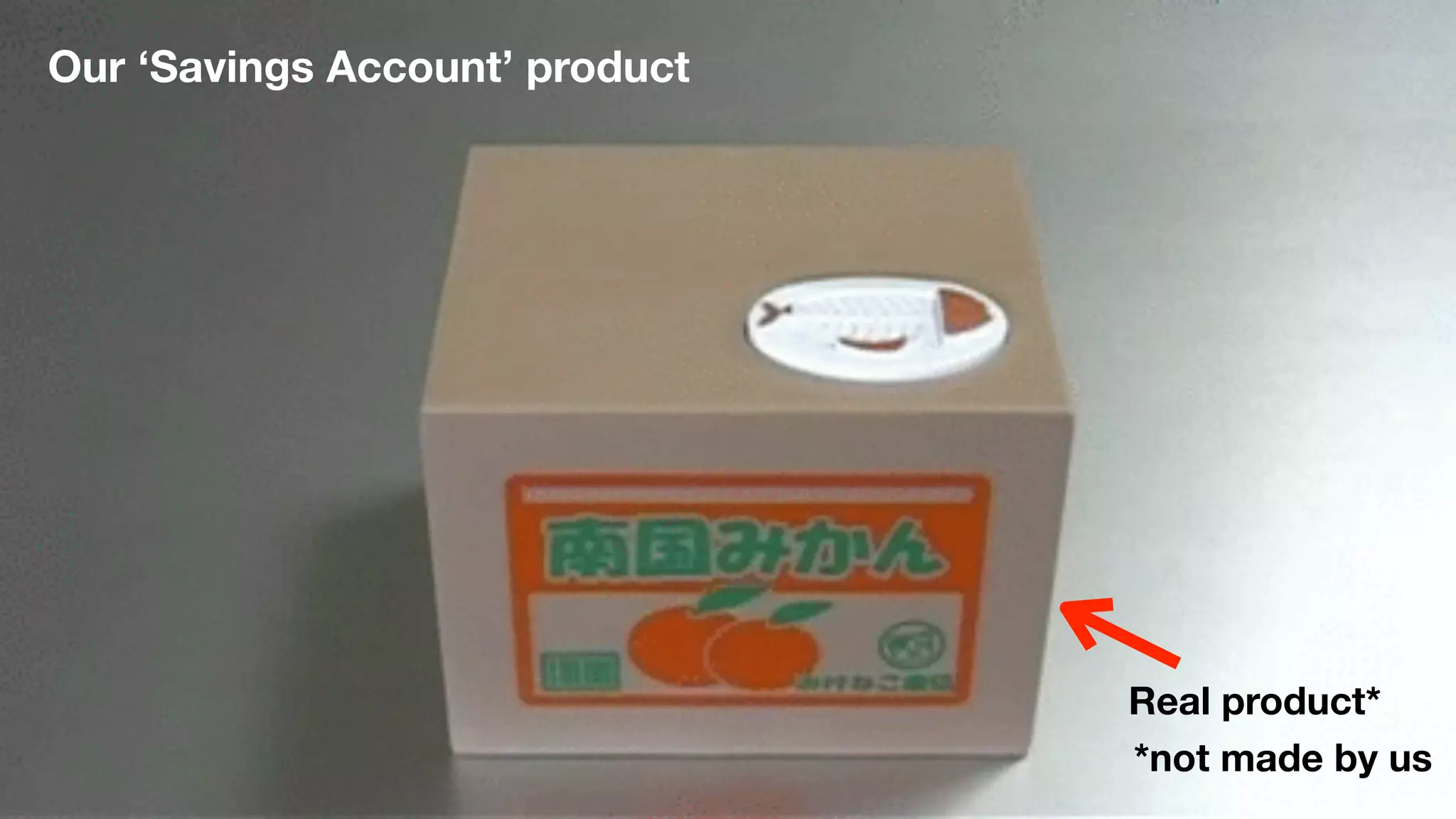
Our ‘Savings Account’ product
Real product*
*not made by us
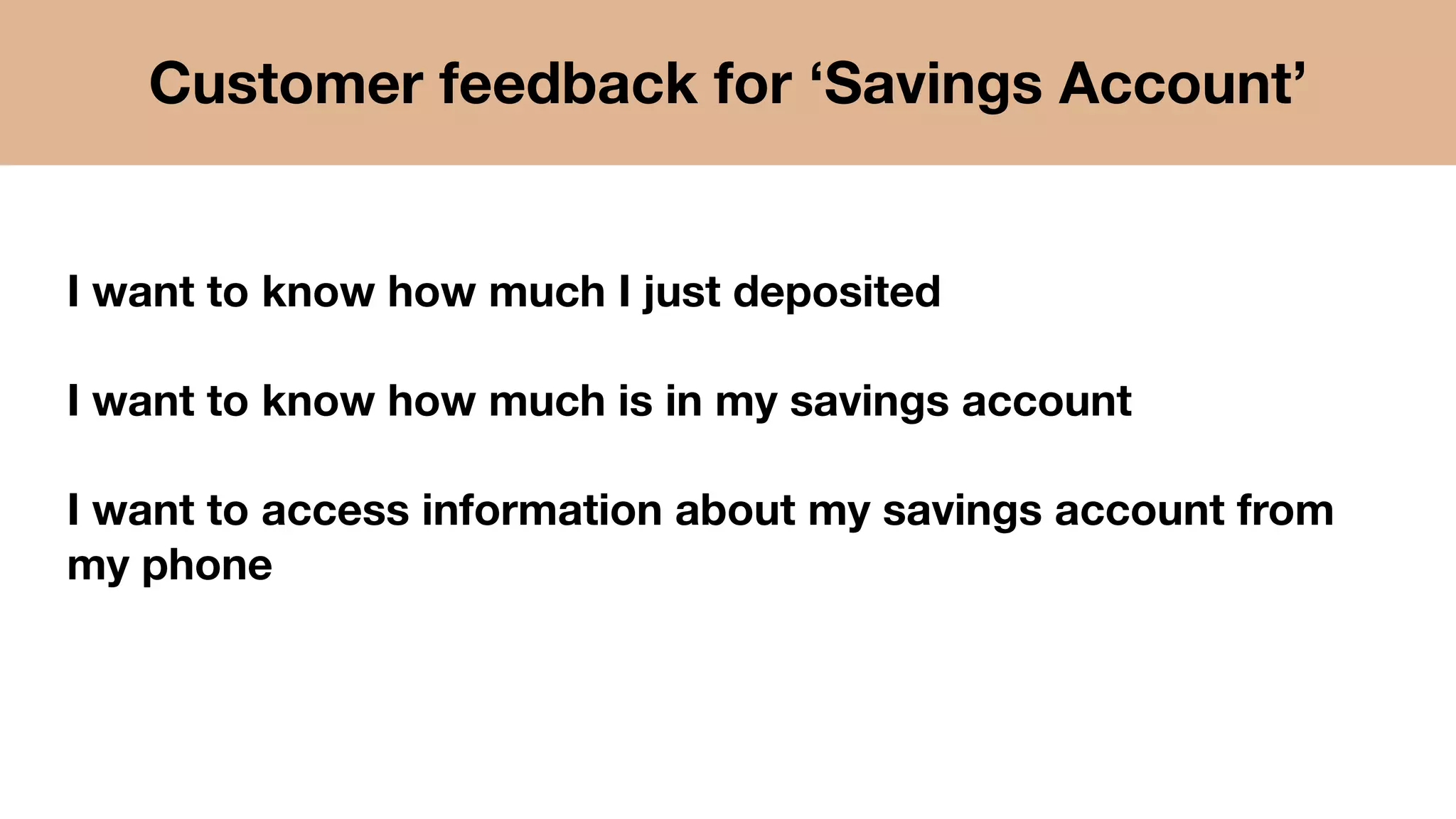
I want to know how much I just deposited
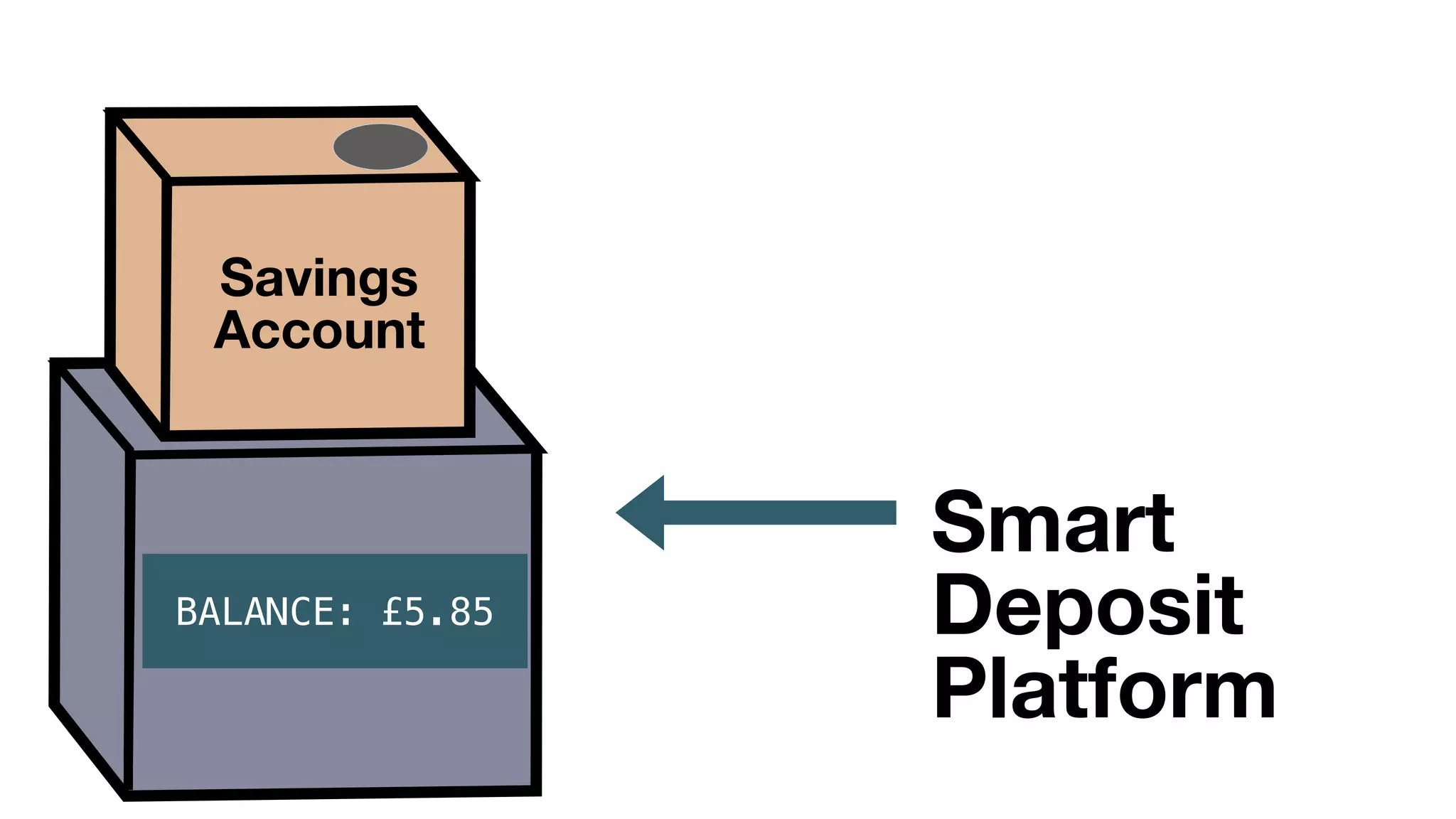
I want to know how much is in my savings account
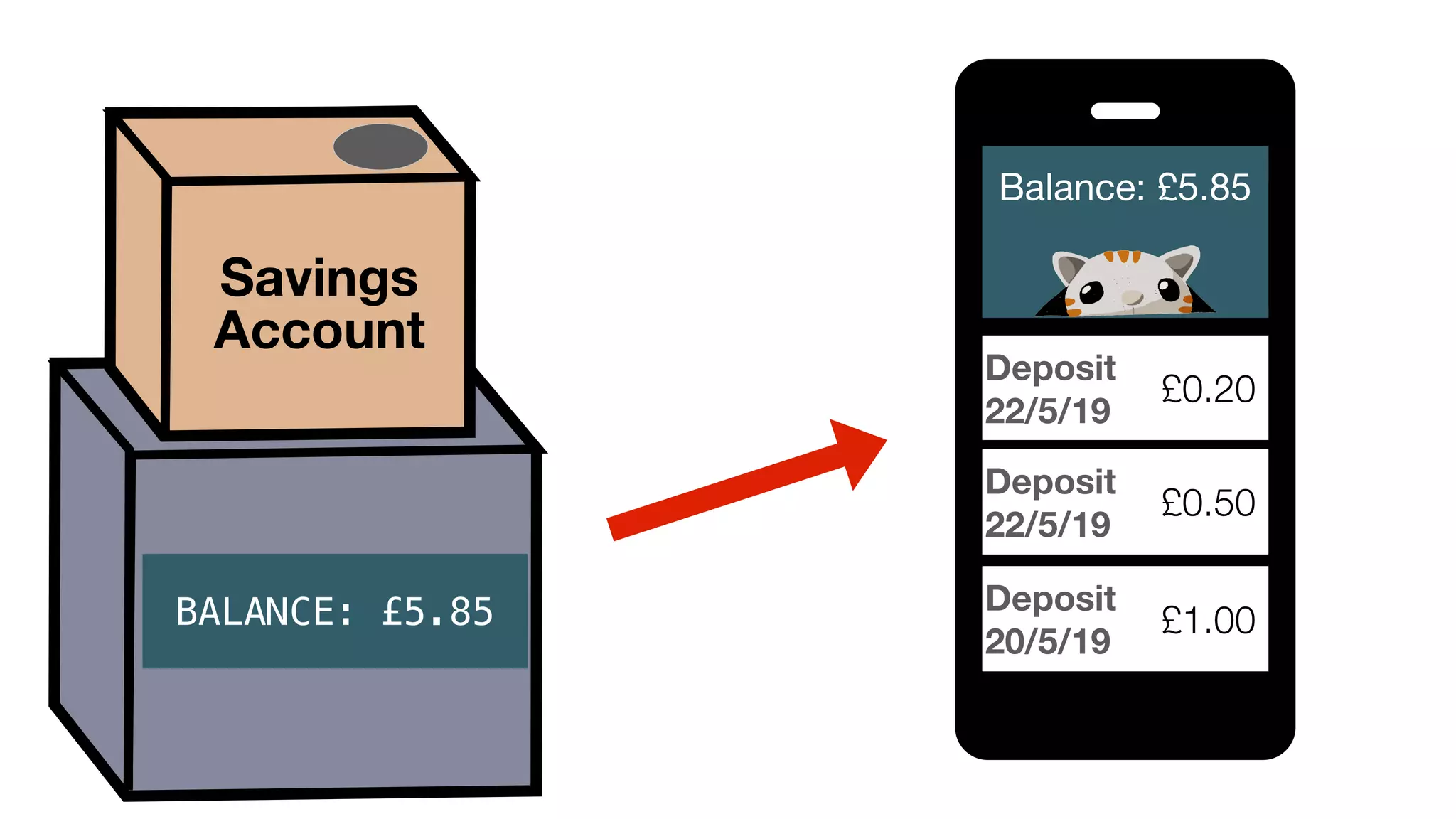
I want to access information about my savings account from
my phone
Customer feedback for ‘Savings Account’
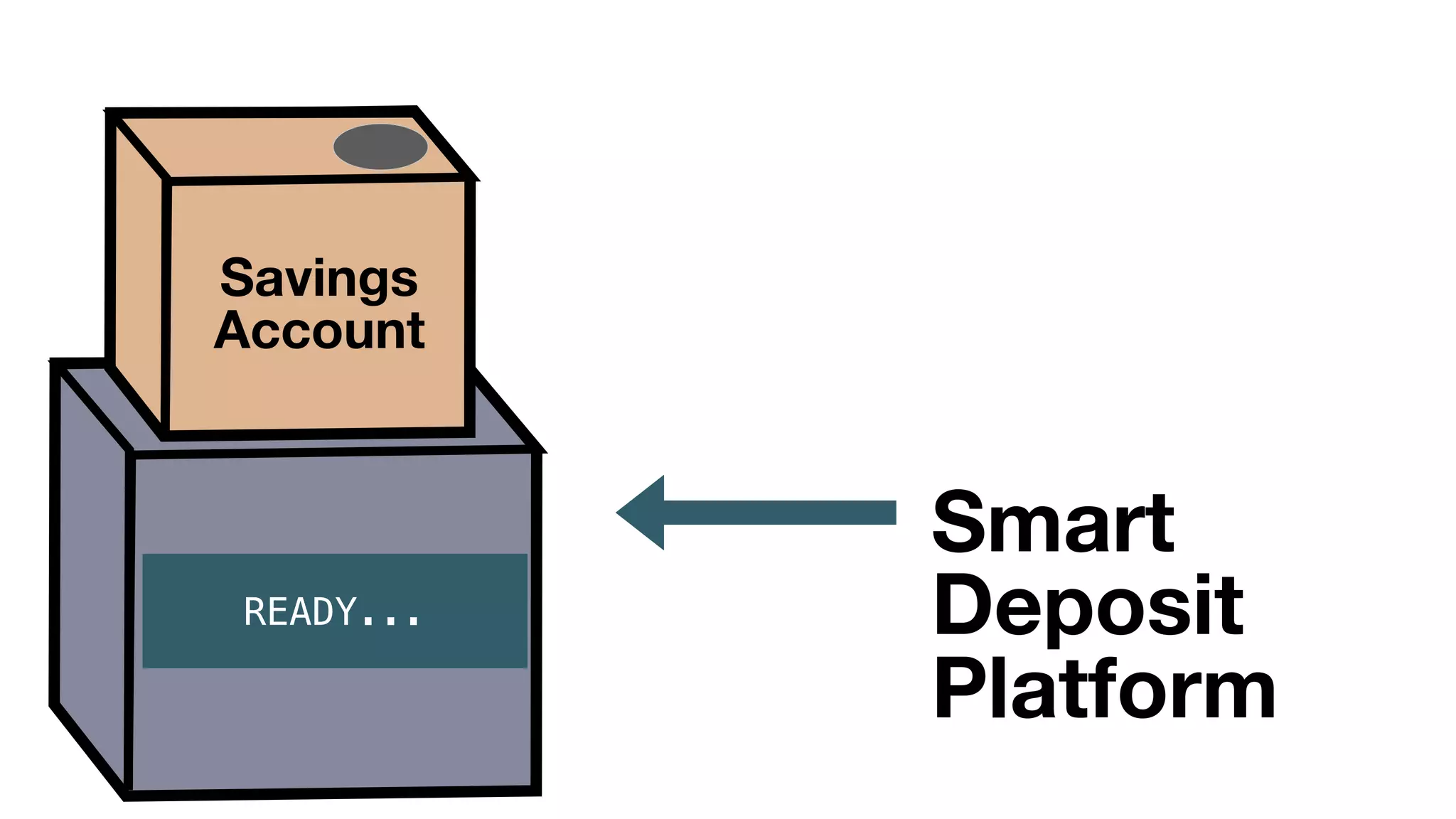
Introducing our new product:
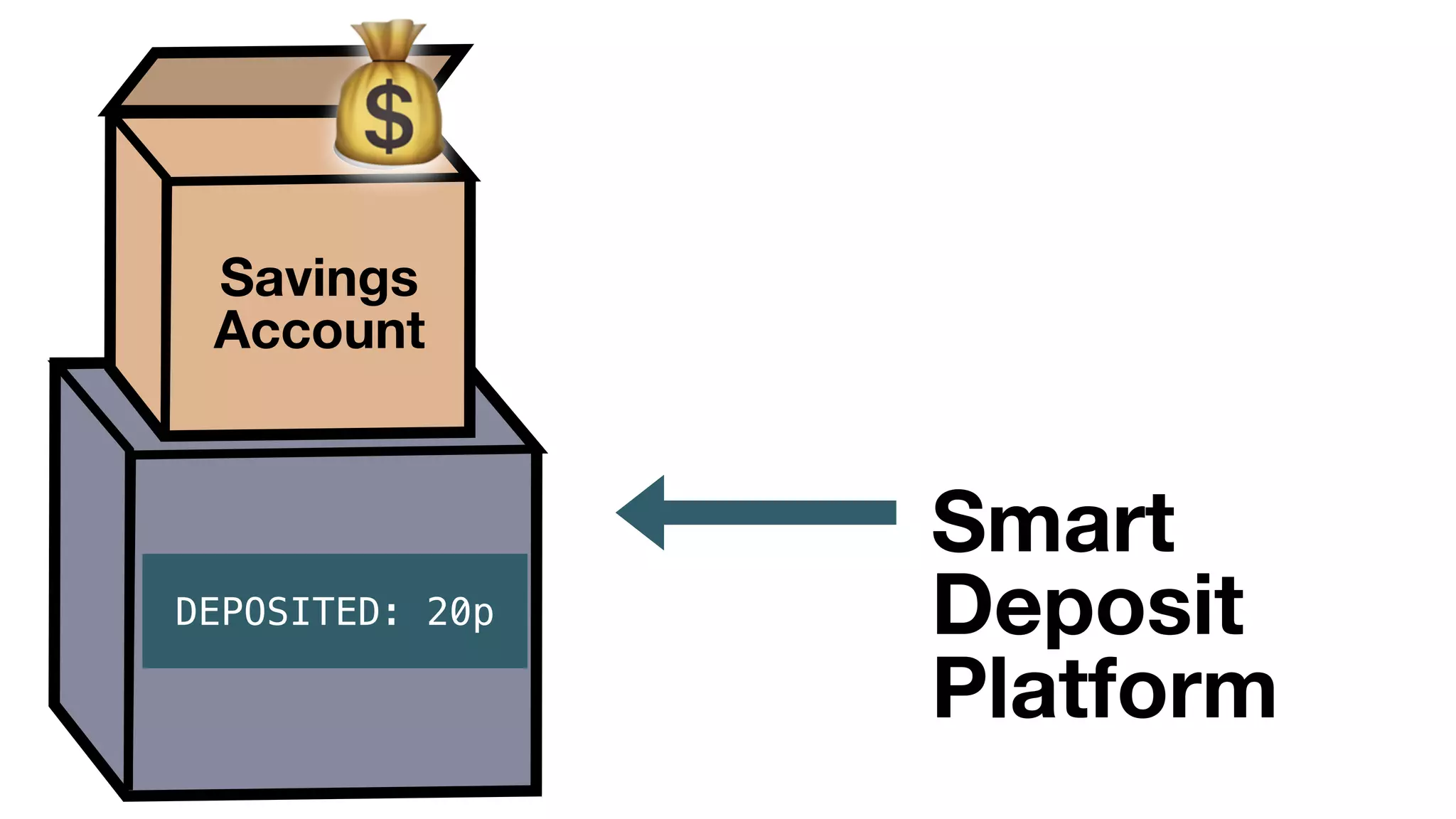
Smart Deposit Platform
Savings
Account
READY...
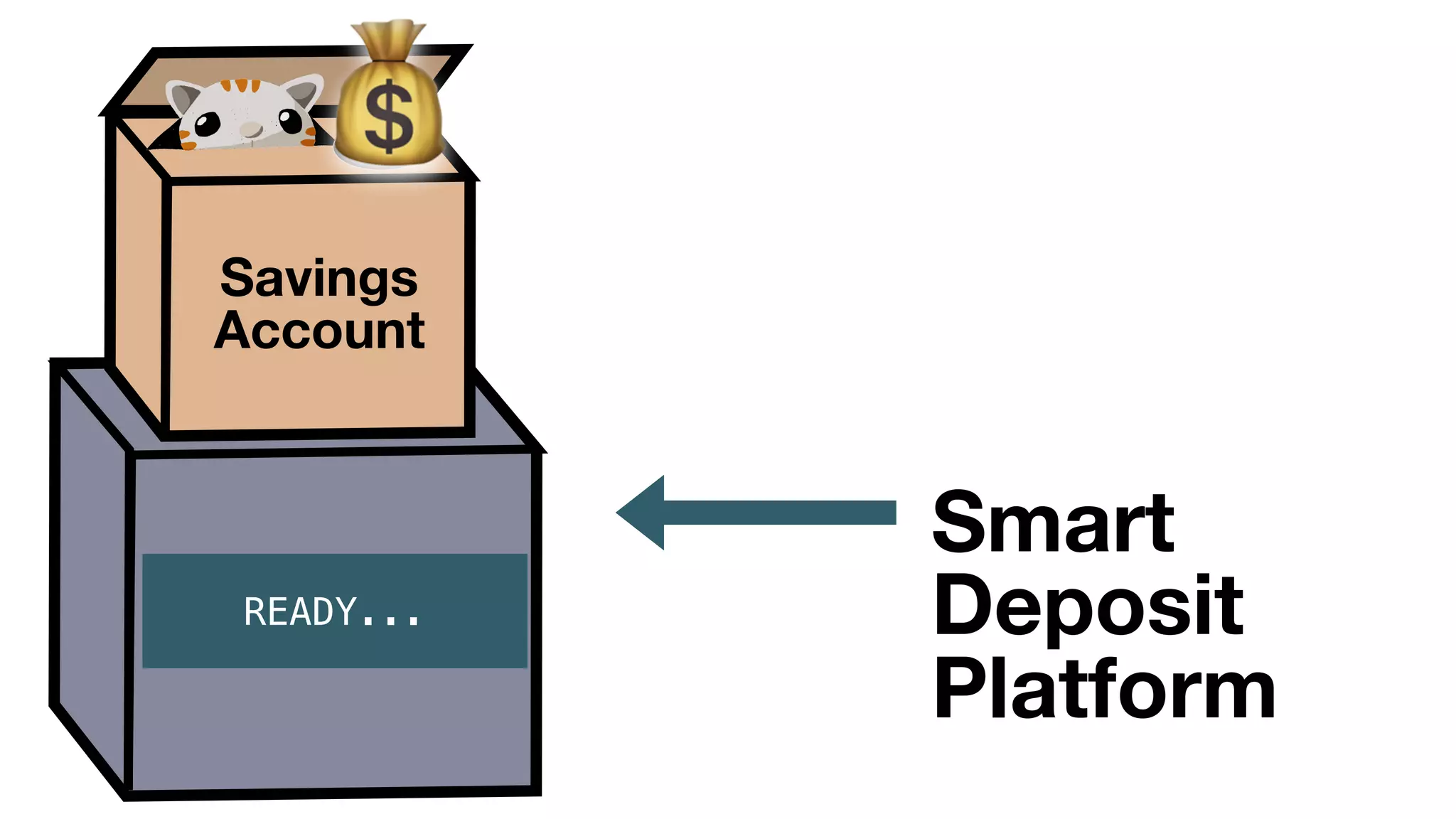
Smart
Deposit
Platform
Savings
Account
💰
READY...
Smart
Deposit
Platform
Savings
Account
💰
Smart
Deposit
Platform
DEPOSIT IN
PROGRESS
DEPOSITED: 20p
Savings
Account
Smart
Deposit
Platform
BALANCE: £5.85
Savings
Account
BALANCE: £5.85
Balance: £5.85

Deposit
22/5/19
£0.20
Deposit
22/5/19
£0.50
Deposit
20/5/19
£1.00
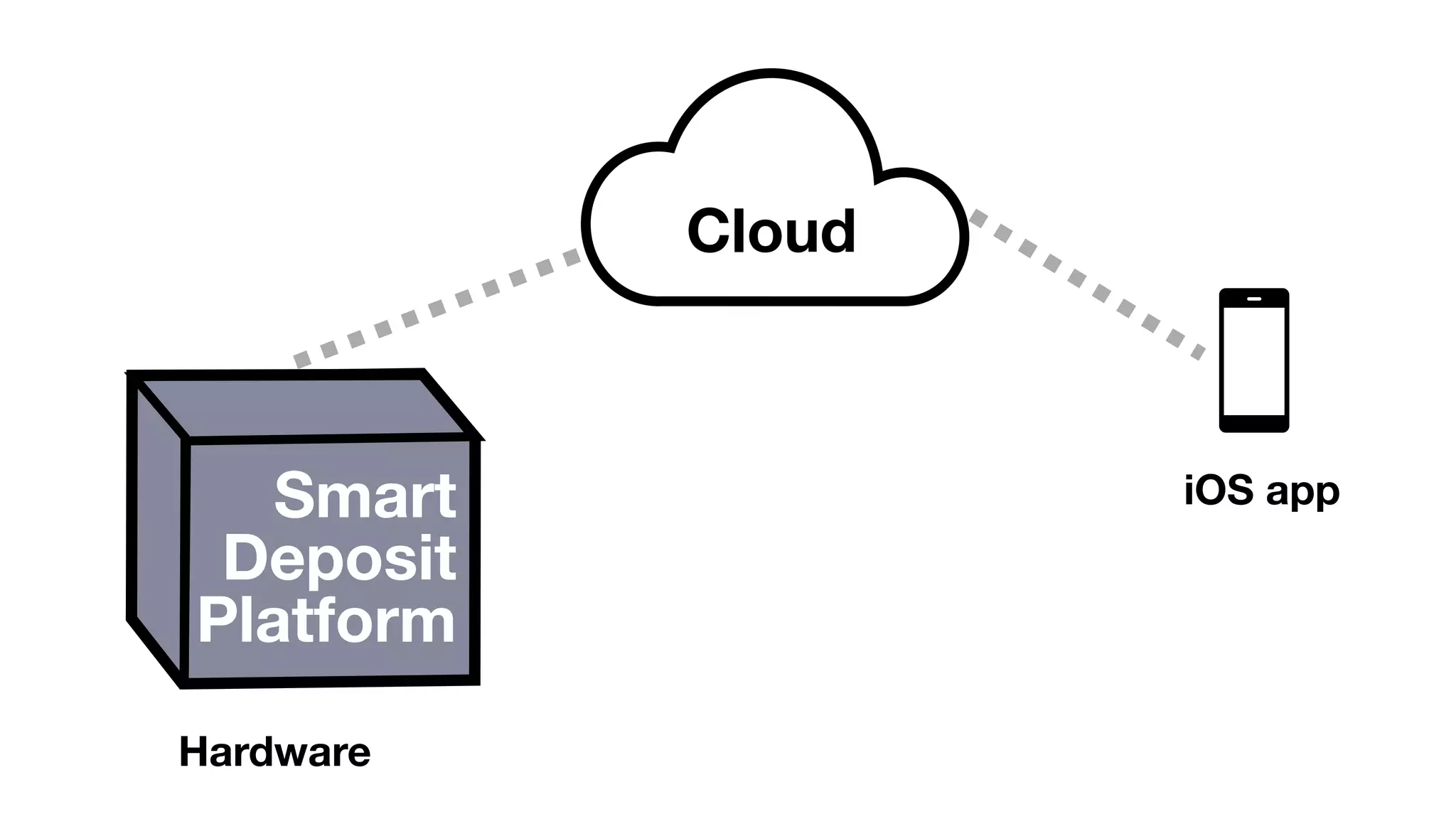
What’s under the hood?
@mostgood
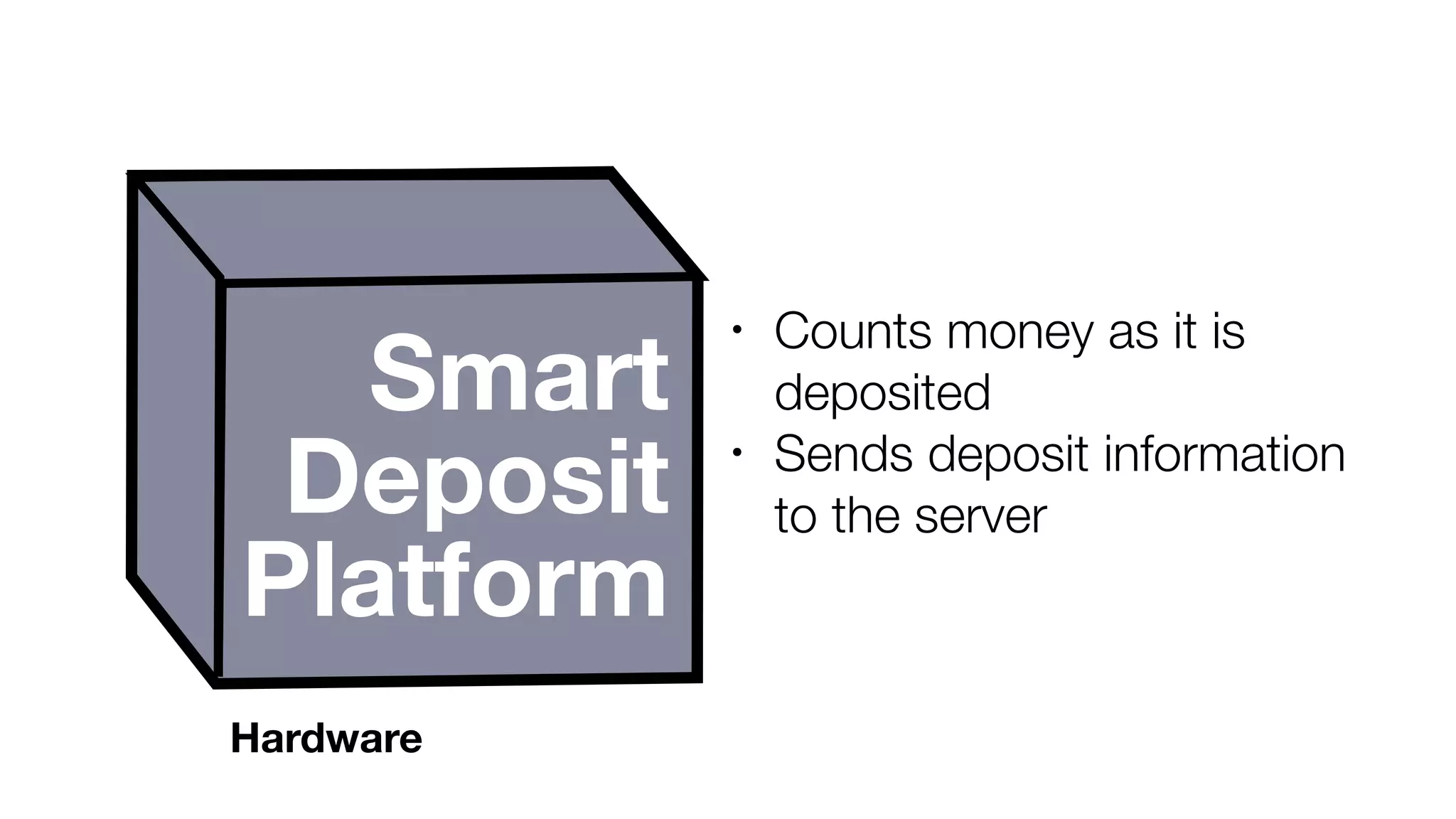
Cloud
Smart
Deposit
Platform
Hardware
iOS app
Smart
Deposit
Platform
• Counts money as it is
deposited
• Sends deposit information
to the server
Hardware
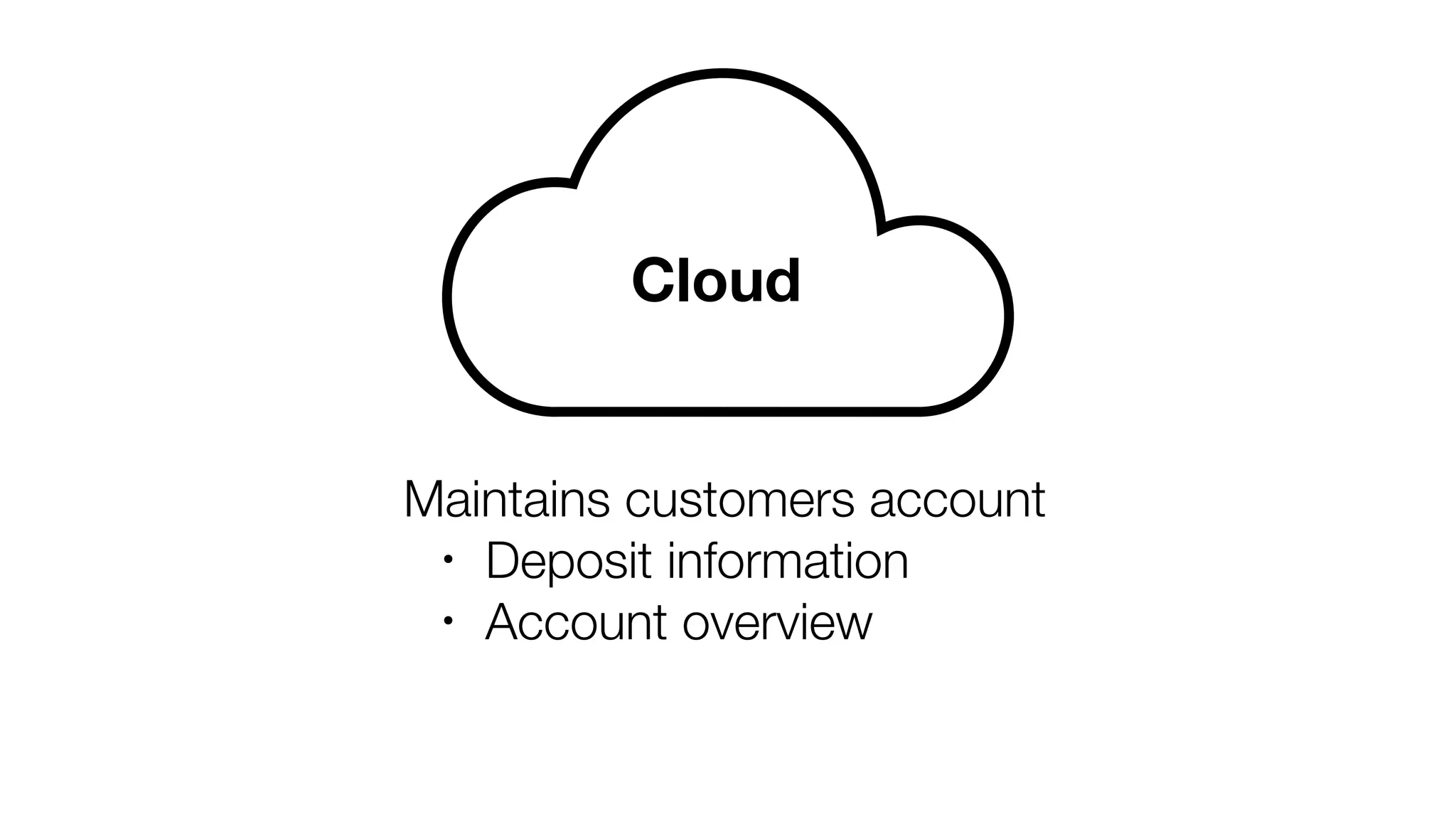
Cloud
Maintains customers account
• Deposit information
• Account overview
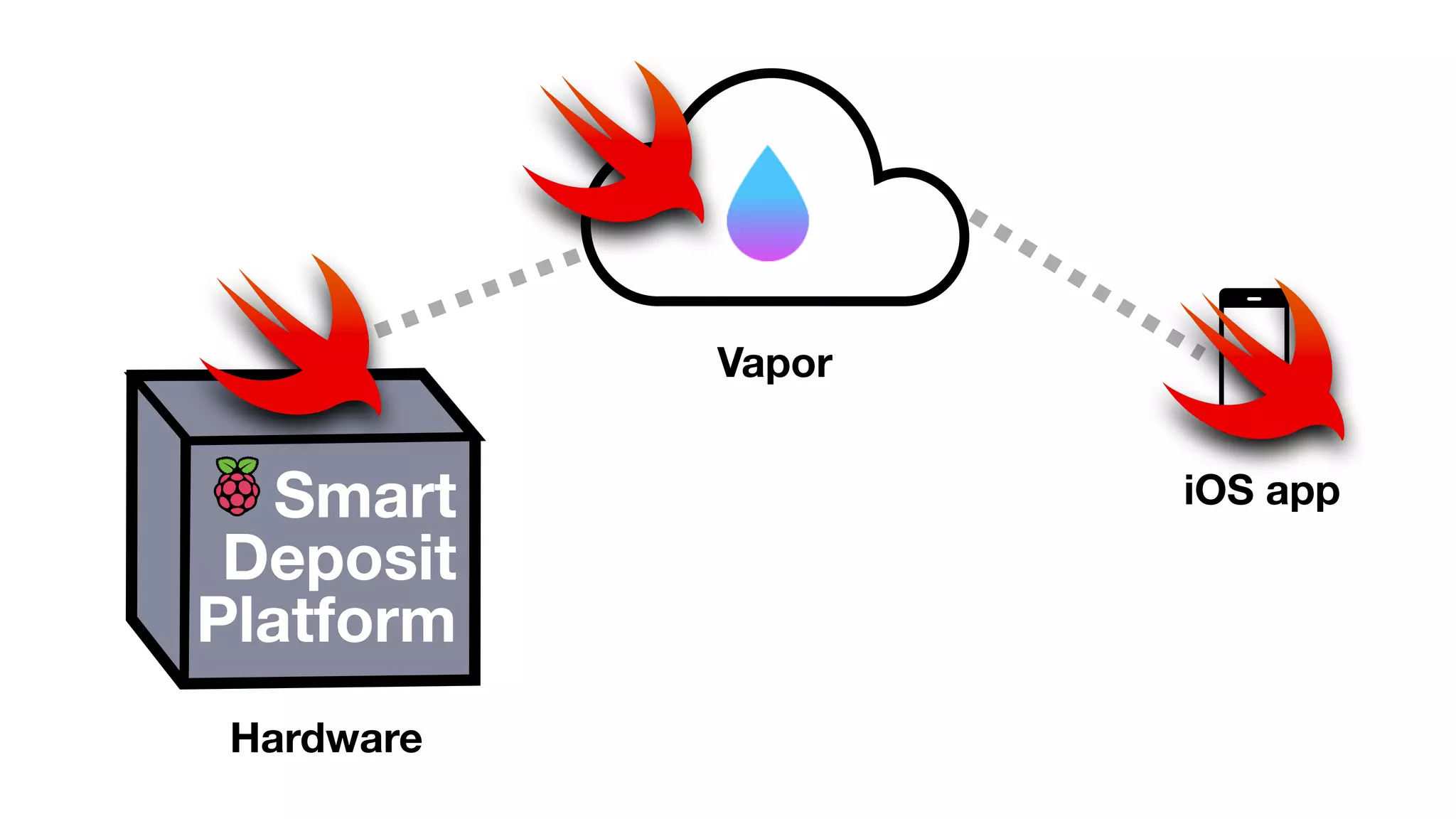
Smart
Deposit
Platform
Hardware
Vapor
iOS app
Building the SmartDepositPlatform
@mostgood
Setup development environment
@mostgood
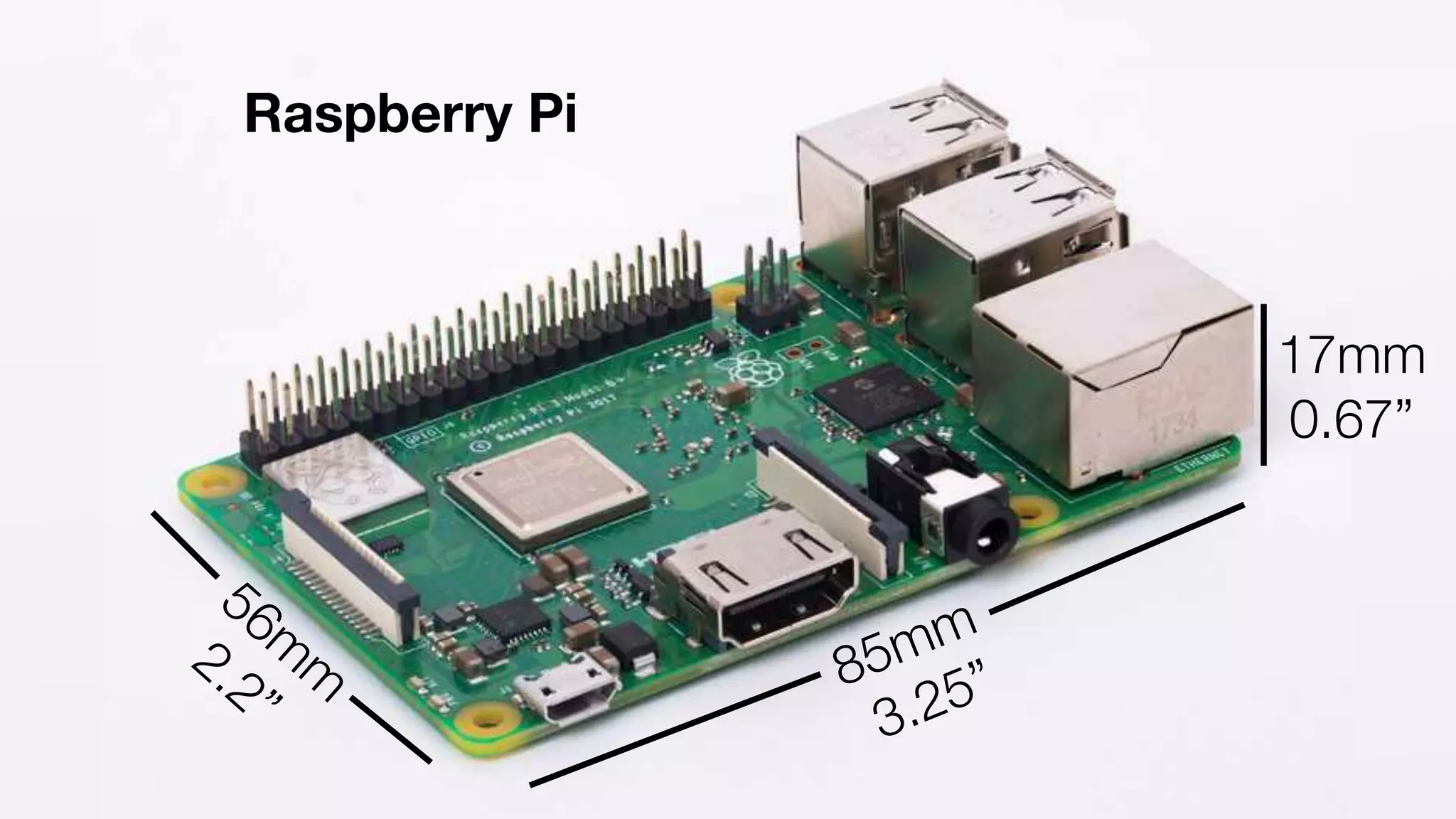
Raspberry Pi
85mm
56m
m
17mm
3.25”
2.2”
0.67”
@mostgood
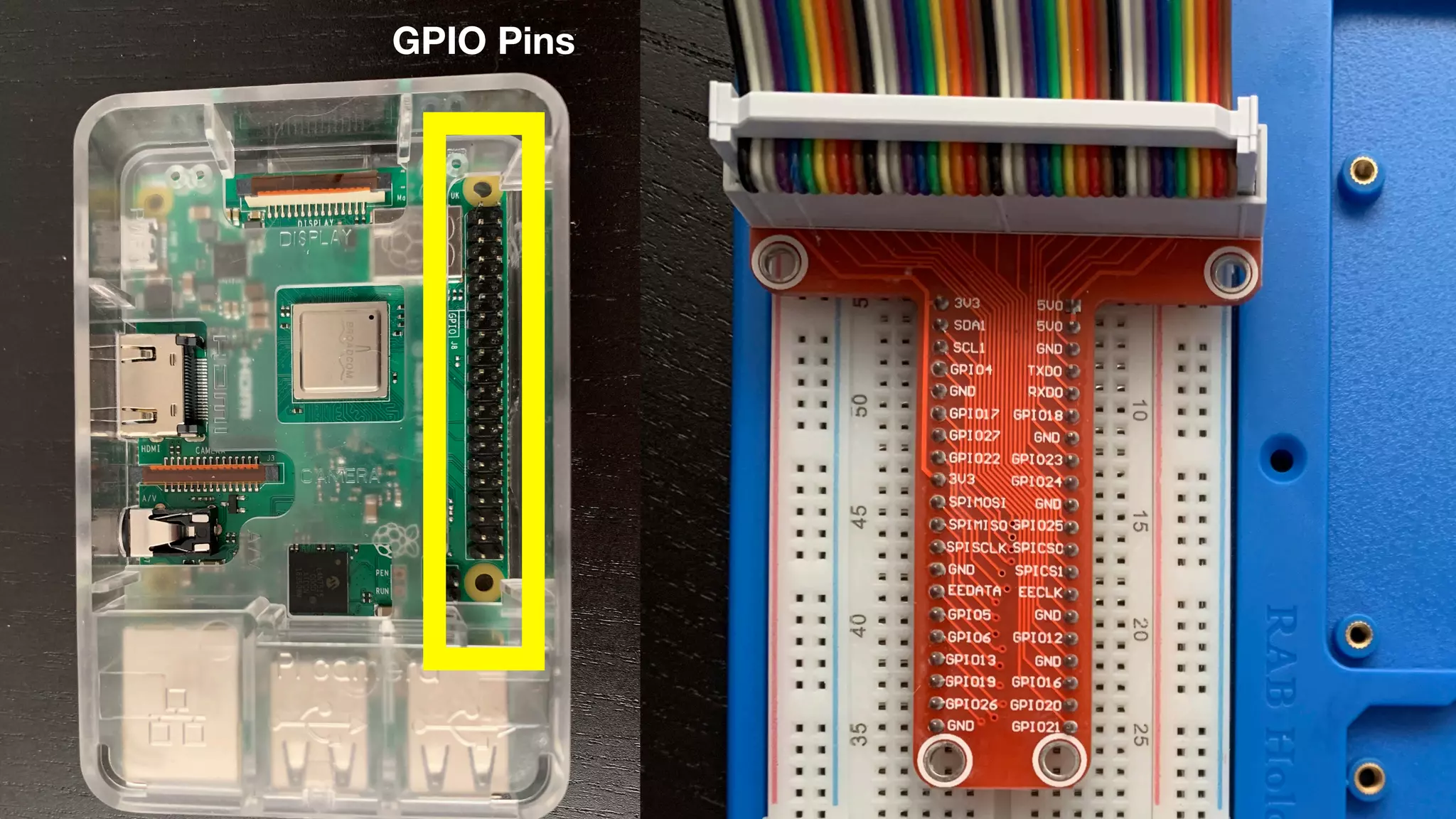
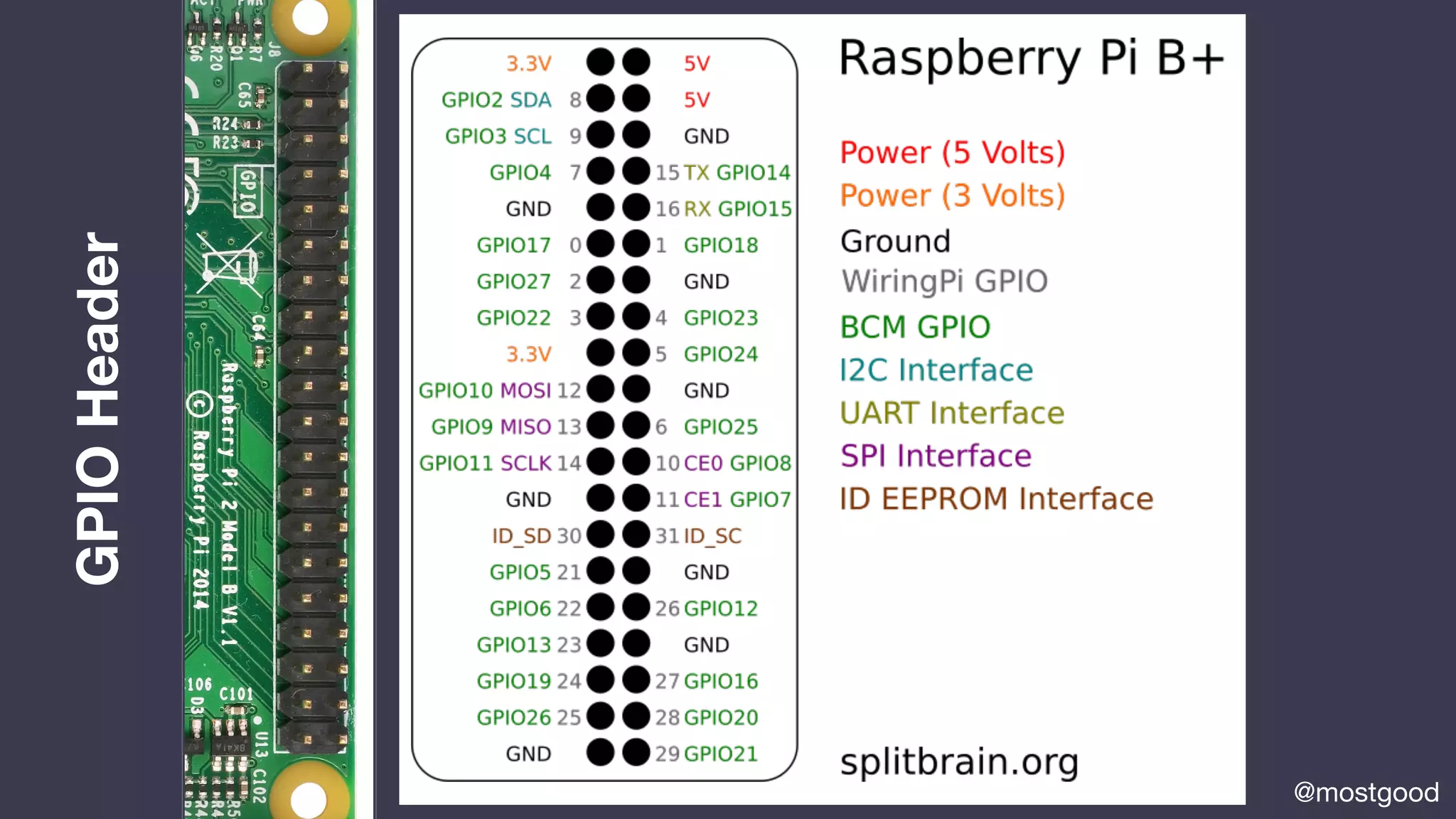
GPIO Pins
GPIOHeader
@mostgood
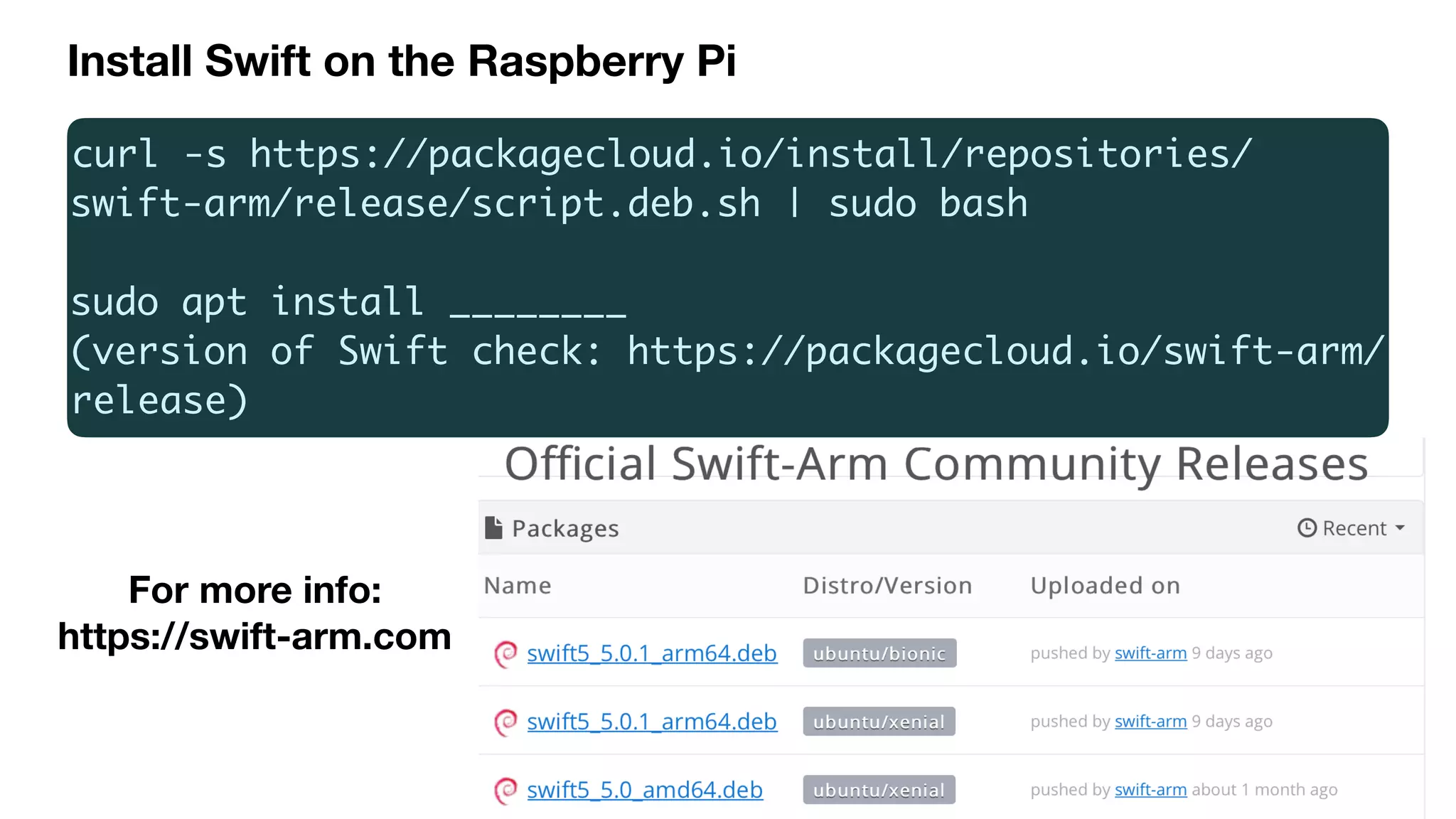
curl -s https://packagecloud.io/install/repositories/
swift-arm/release/script.deb.sh | sudo bash
sudo apt install ________
(version of Swift check: https://packagecloud.io/swift-arm/
release)
For more info:
https://swift-arm.com
Install Swift on the Raspberry Pi
@mostgood
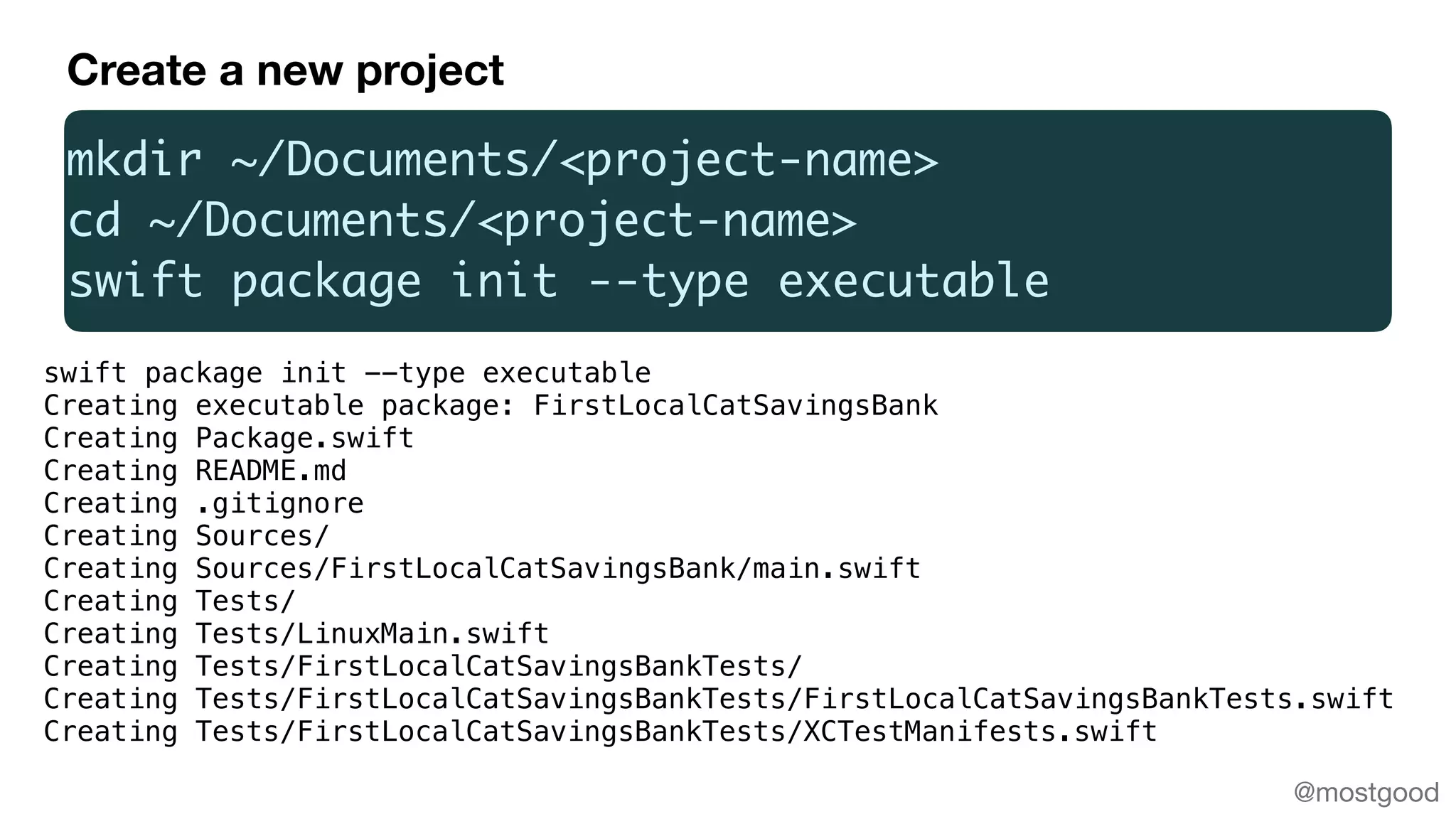
mkdir ~/Documents/<project-name>
cd ~/Documents/<project-name>
swift package init --type executable
Creating executable package: FirstLocalCatSavingsBank
Creating Package.swift
Creating README.md
Creating .gitignore
Creating Sources/
Creating Sources/FirstLocalCatSavingsBank/main.swift
Creating Tests/
Creating Tests/LinuxMain.swift
Creating Tests/FirstLocalCatSavingsBankTests/
Creating Tests/FirstLocalCatSavingsBankTests/FirstLocalCatSavingsBankTests.swift
Creating Tests/FirstLocalCatSavingsBankTests/XCTestManifests.swift
Create a new project
Dependencies ->
dependencies: [
// Dependencies declare other packages that this package depends on.
.package(url: "https://github.com/uraimo/SwiftyGPIO.git", from: "1.0.0")]
.target( name: "FirstLocalCatSavingsBank",
dependencies: ["SwiftyGPIO"])
Reference: https://github.com/uraimo/SwiftyGPIO
@mostgood
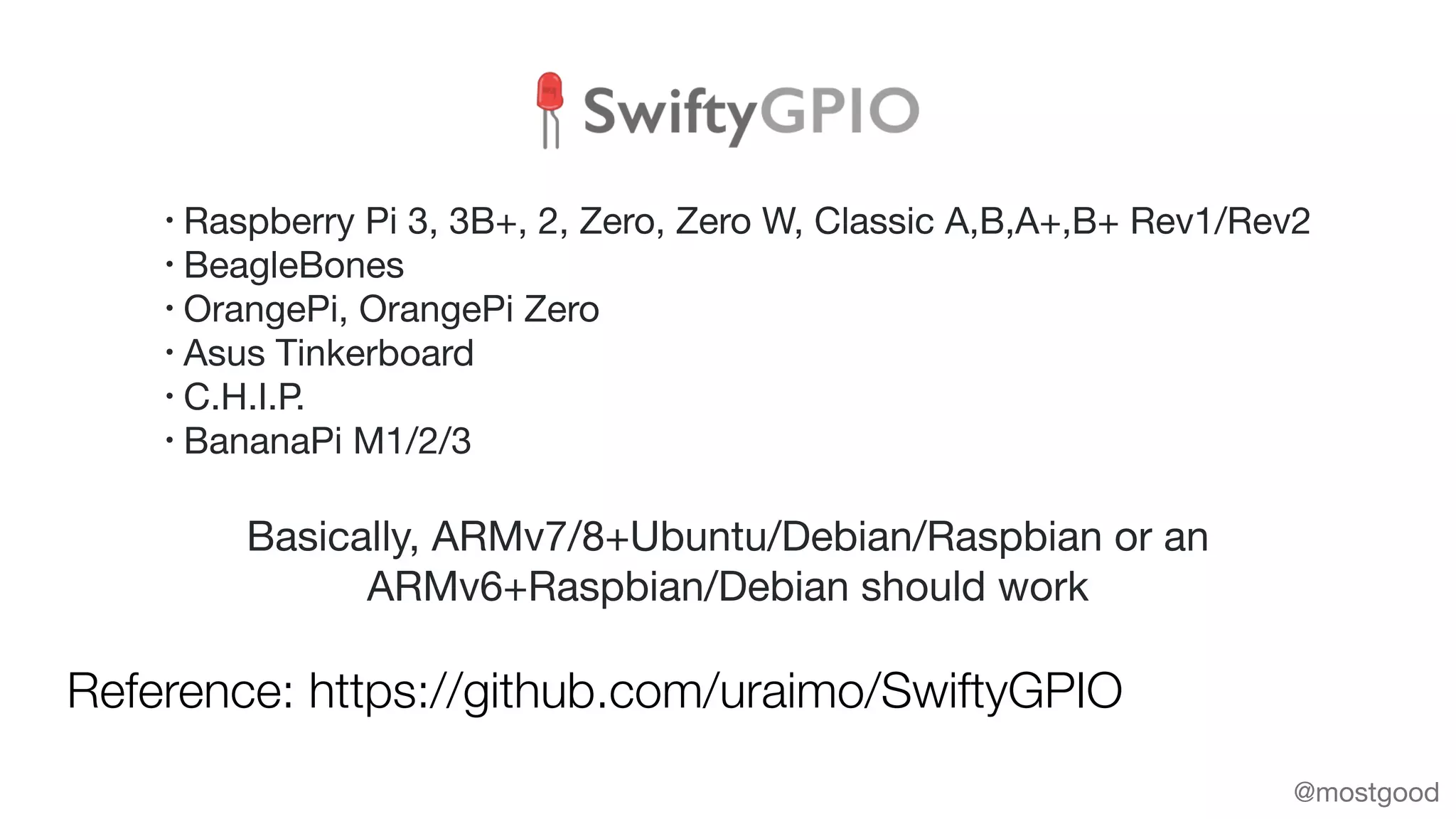
Reference: https://github.com/uraimo/SwiftyGPIO
@mostgood
Basically, ARMv7/8+Ubuntu/Debian/Raspbian or an
ARMv6+Raspbian/Debian should work
• Raspberry Pi 3, 3B+, 2, Zero, Zero W, Classic A,B,A+,B+ Rev1/Rev2

• BeagleBones

• OrangePi, OrangePi Zero

• Asus Tinkerboard 

• C.H.I.P.

• BananaPi M1/2/3
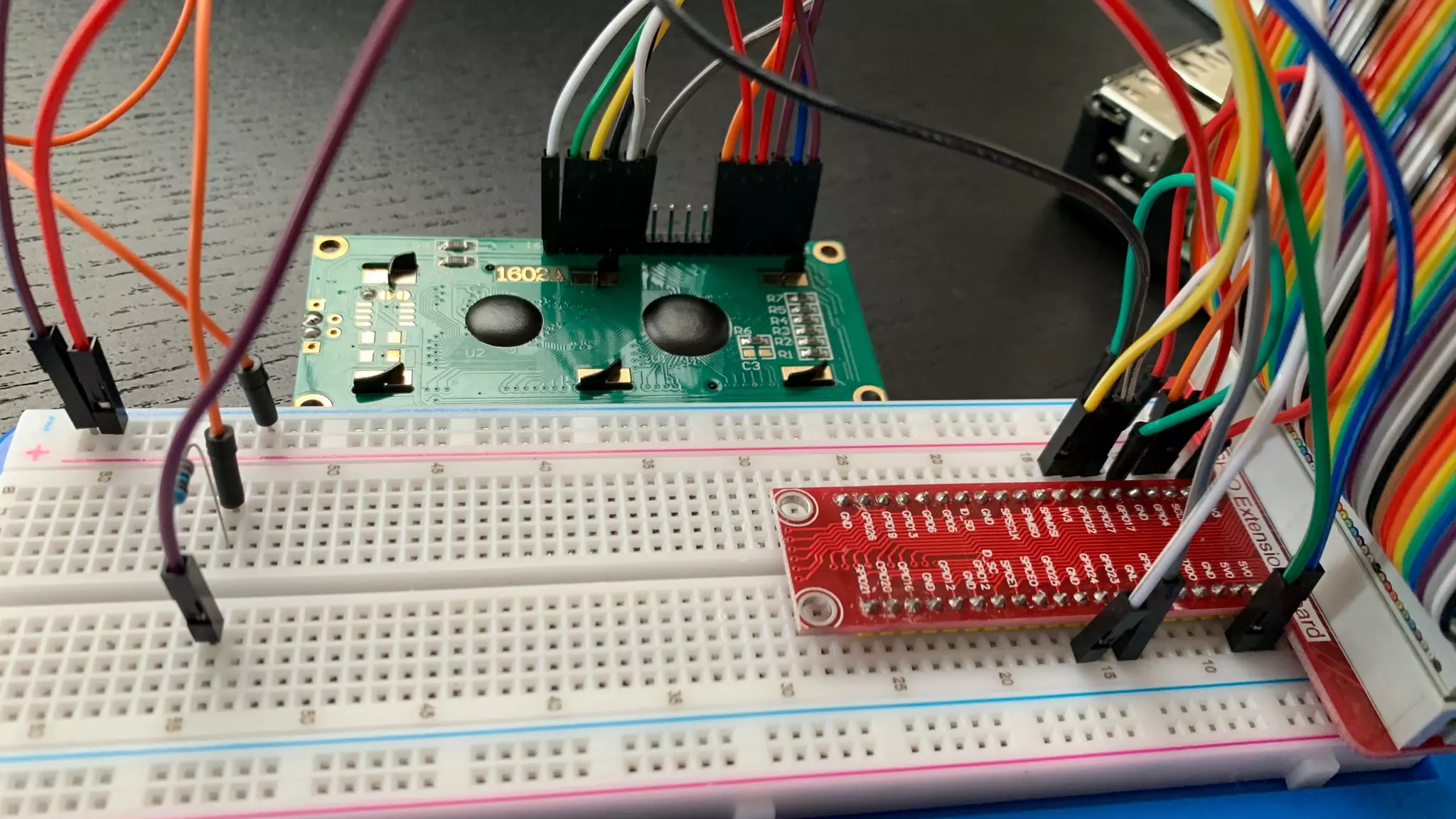
Showing the deposit status
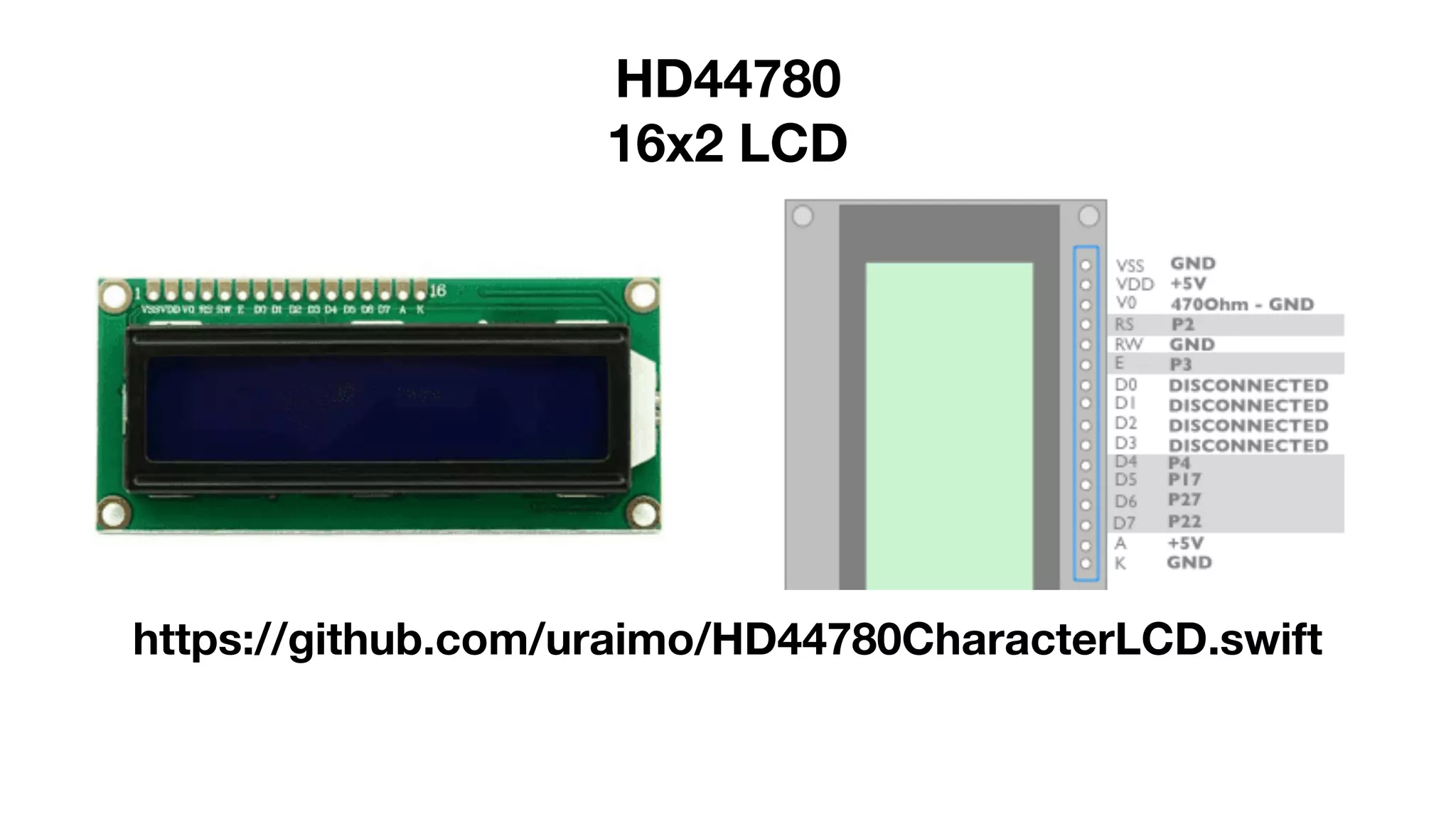
HD44780
16x2 LCD
https://github.com/uraimo/HD44780CharacterLCD.swift
import SwiftyGPIO
import HD44780LCD
let gpios = SwiftyGPIO.GPIOs(for:.RaspberryPiPlusZero)
var rs = gpios[.P2]!
var e = gpios[.P3]!
var d4 = gpios[.P4]!
var d5 = gpios[.P17]!
var d6 = gpios[.P27]!
var d7 = gpios[.P22]!
let lcd = HD44780LCD(rs:rs, e:e, d7:d7, d6:d6, d5:d5, d4:d4, width:16, height:2)
lcd.clearScreen()
lcd.cursorHome()
lcd.printString(x:0, y:0, what:"Deposited: (depositValue)”, usCharSet:true)
What coin is the customer depositing?
@mostgood
@mostgood
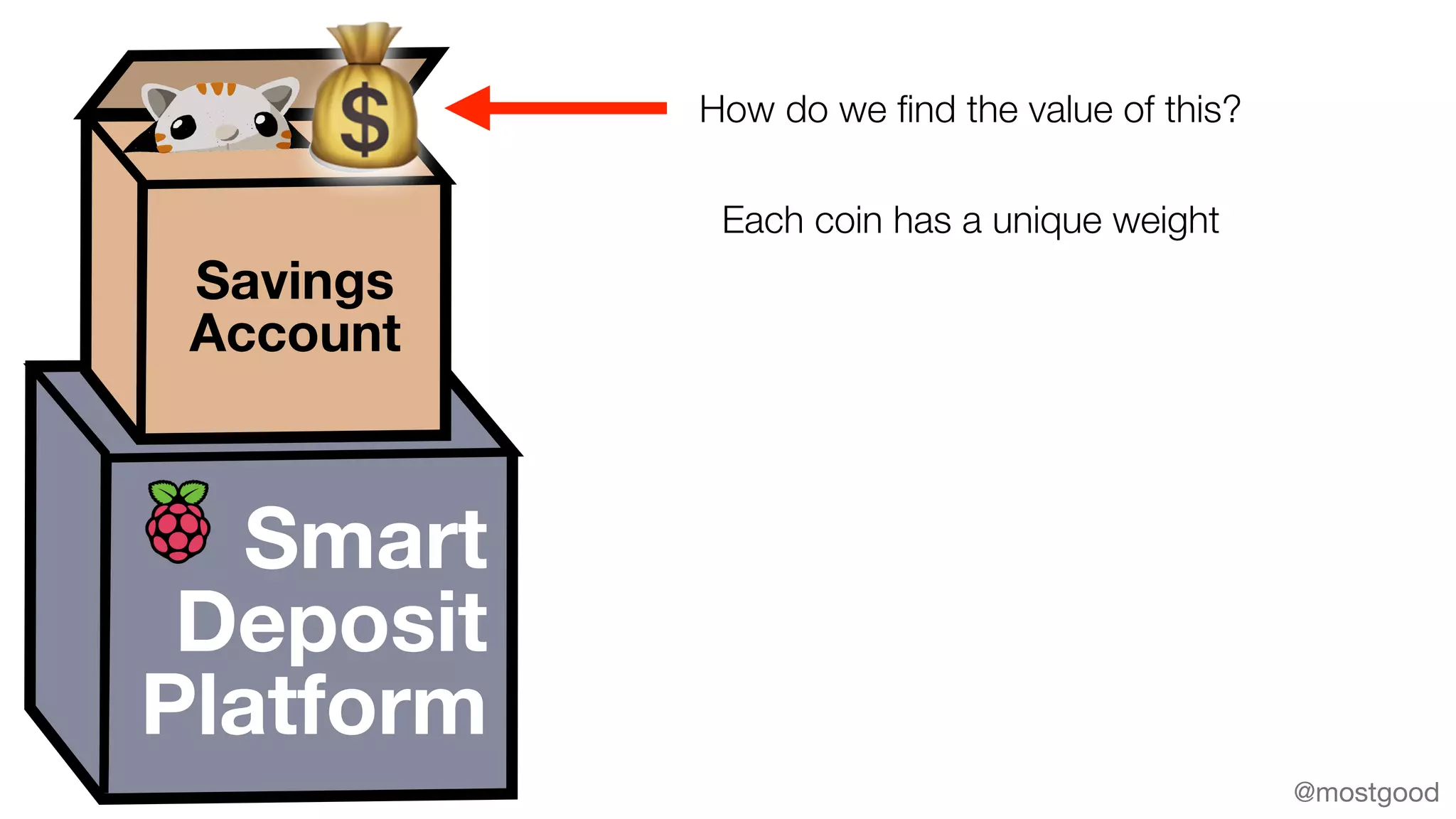
Smart
Deposit
Platform
Savings
Account
💰 How do we find the value of this?
Each coin has a unique weight
@mostgood
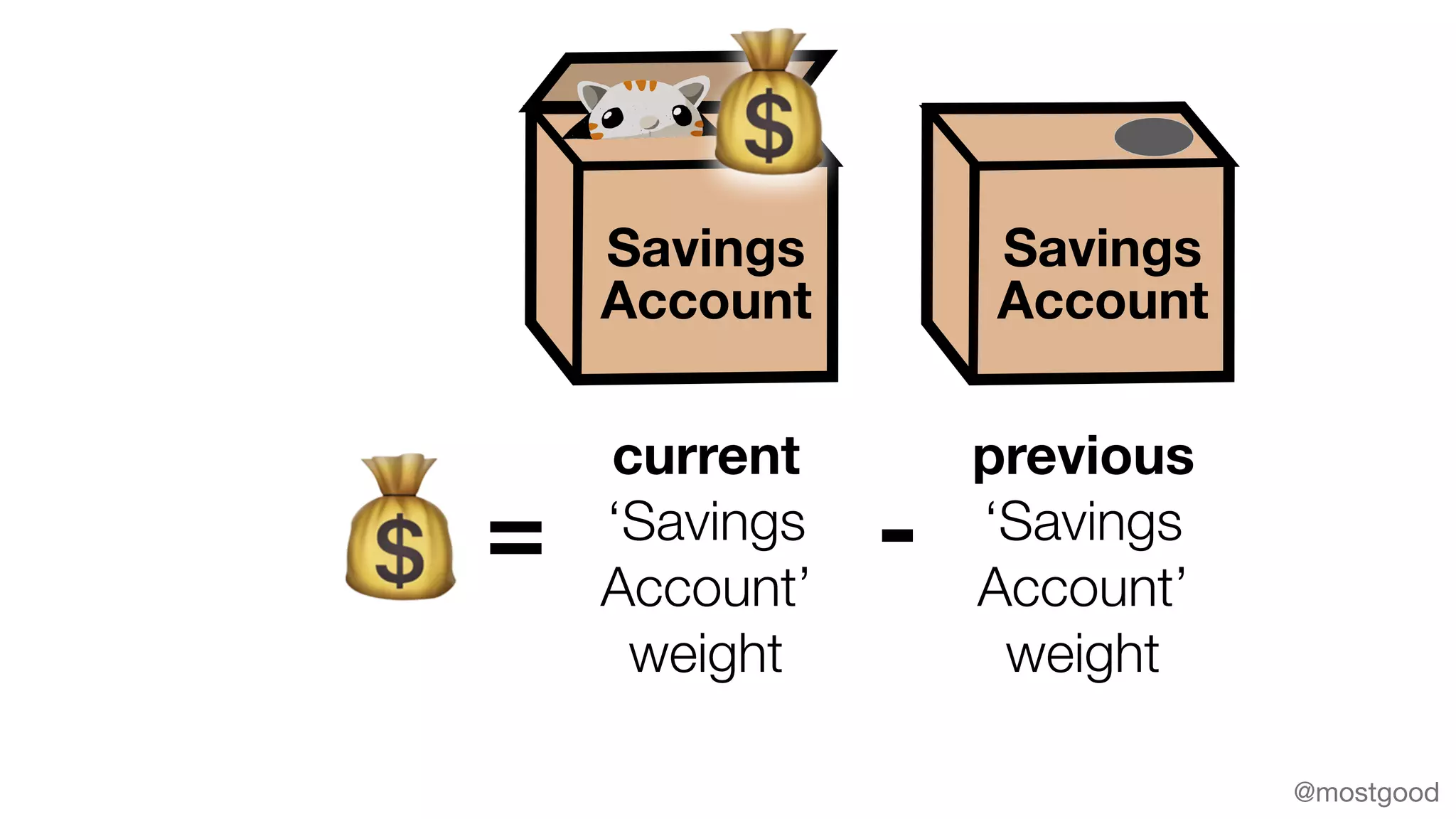
💰
current
‘Savings
Account’
weight
previous
‘Savings
Account’
weight
= -
Savings
Account
💰
Savings
Account
@mostgood
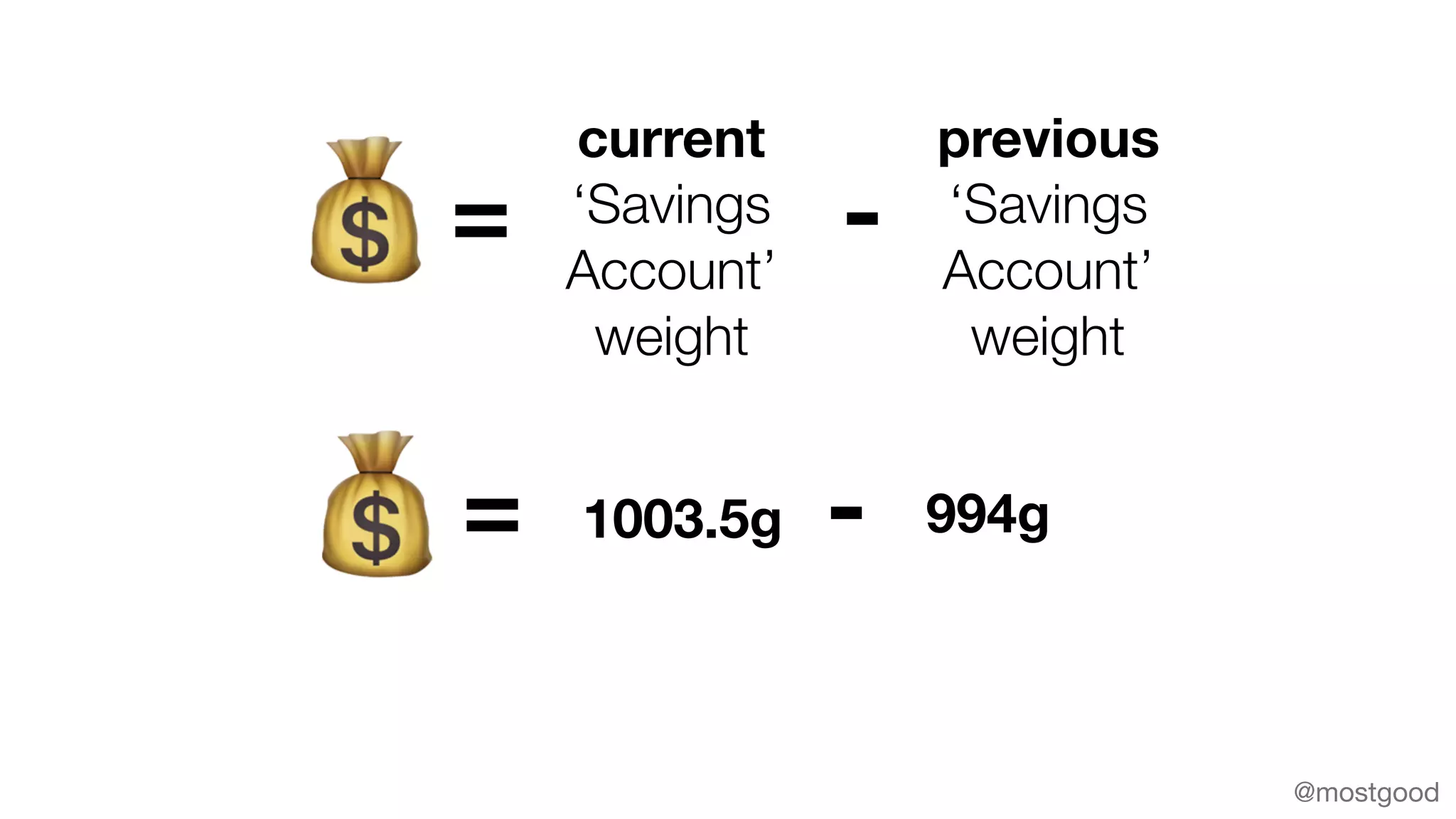
💰
current
‘Savings
Account’
weight
previous
‘Savings
Account’
weight
= -
💰 1003.5g 994g= -
@mostgood
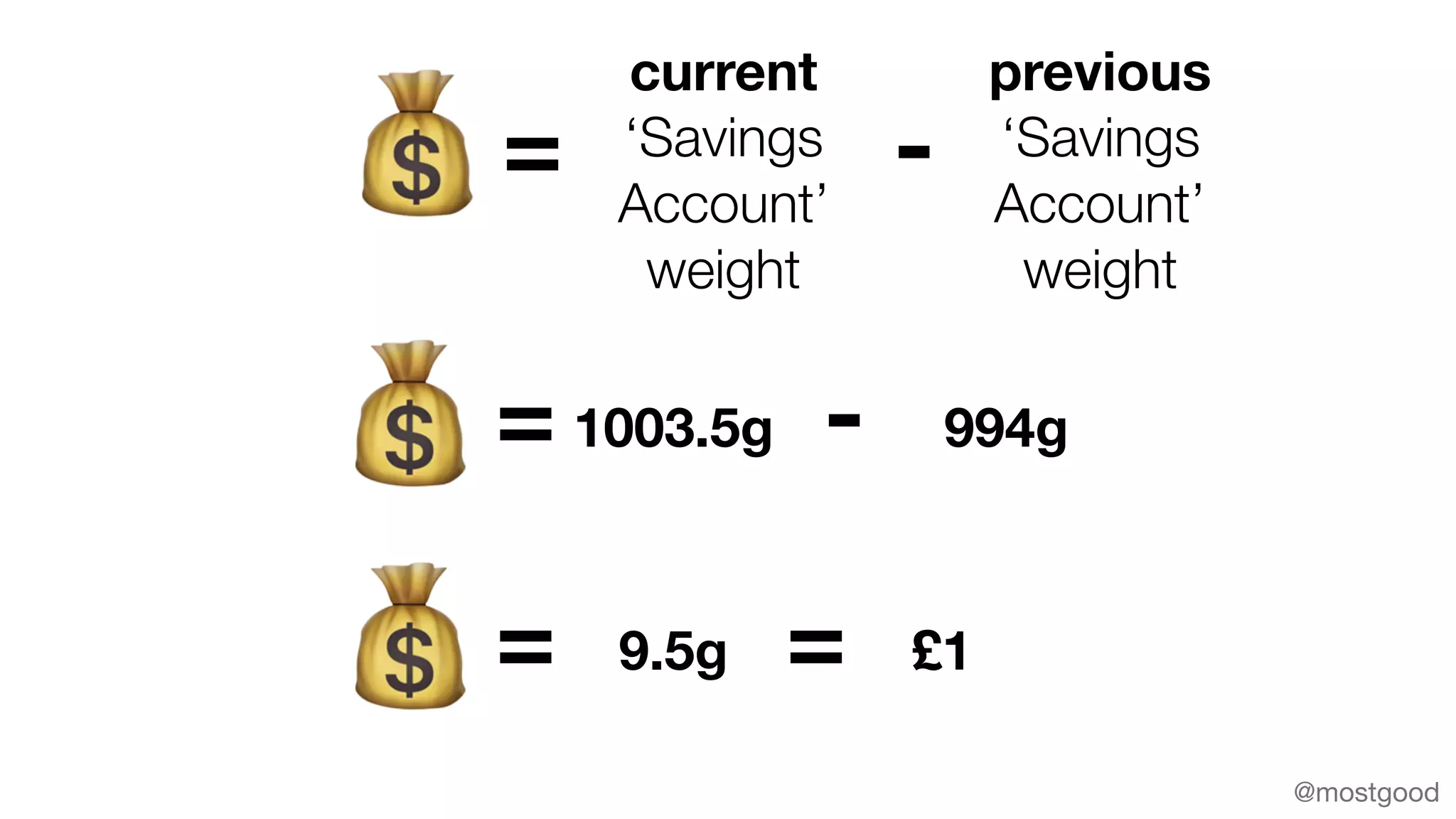
💰
current
‘Savings
Account’
weight
previous
‘Savings
Account’
weight
= -
💰 1003.5g 994g= -
💰 9.5g= = £1
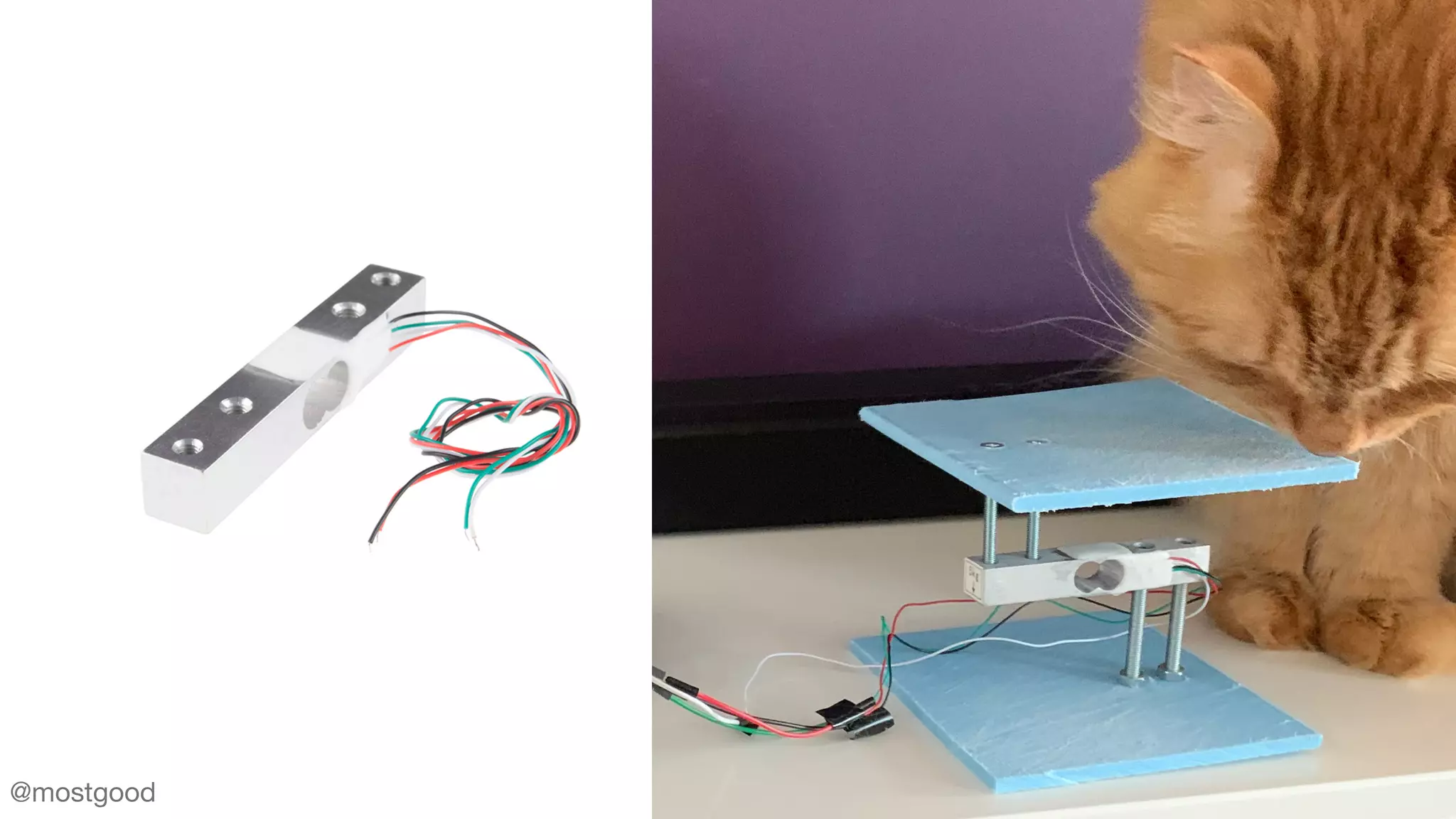
How do we weigh something?
@mostgood
Load Cell
@mostgood
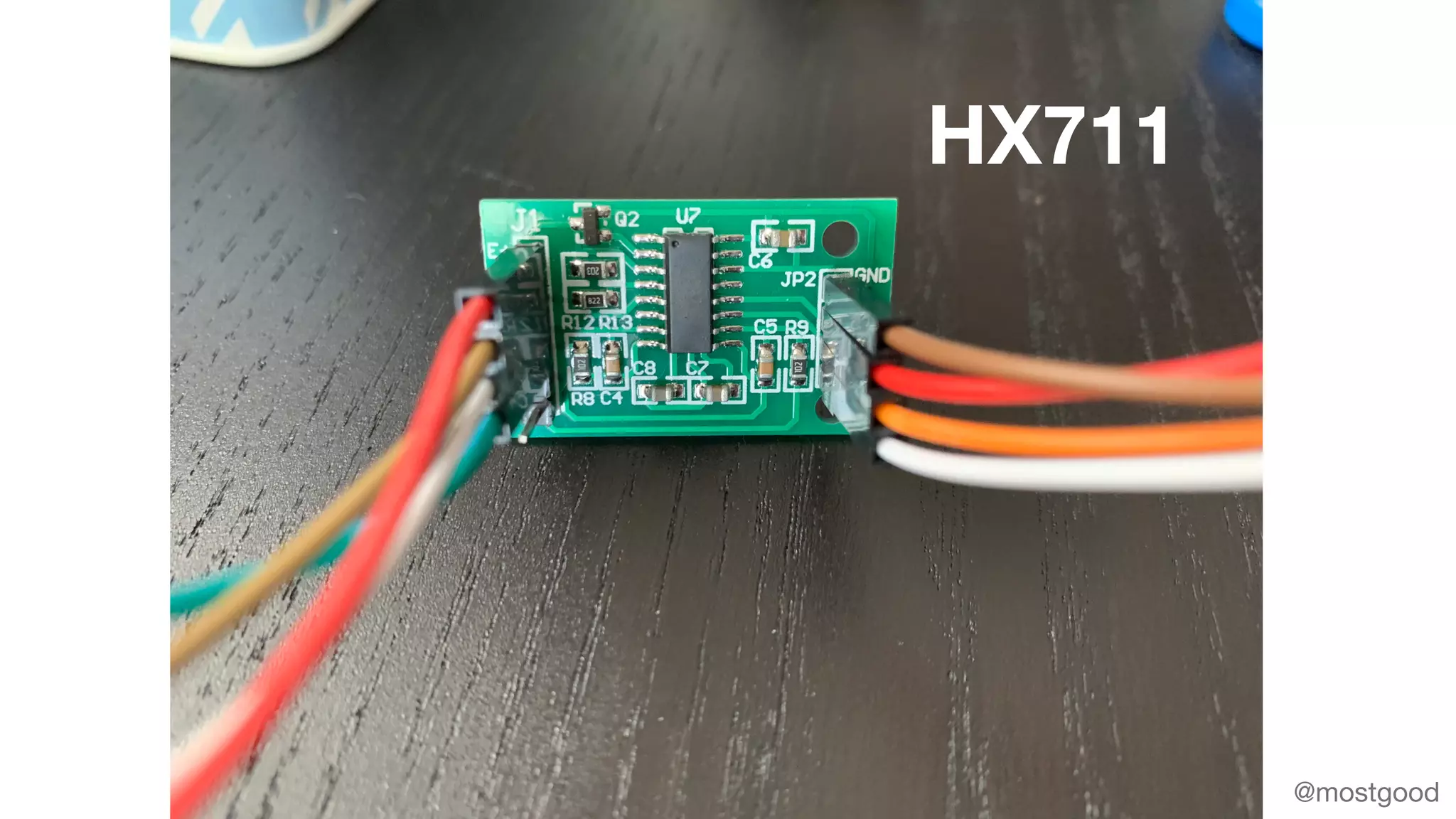
HX711
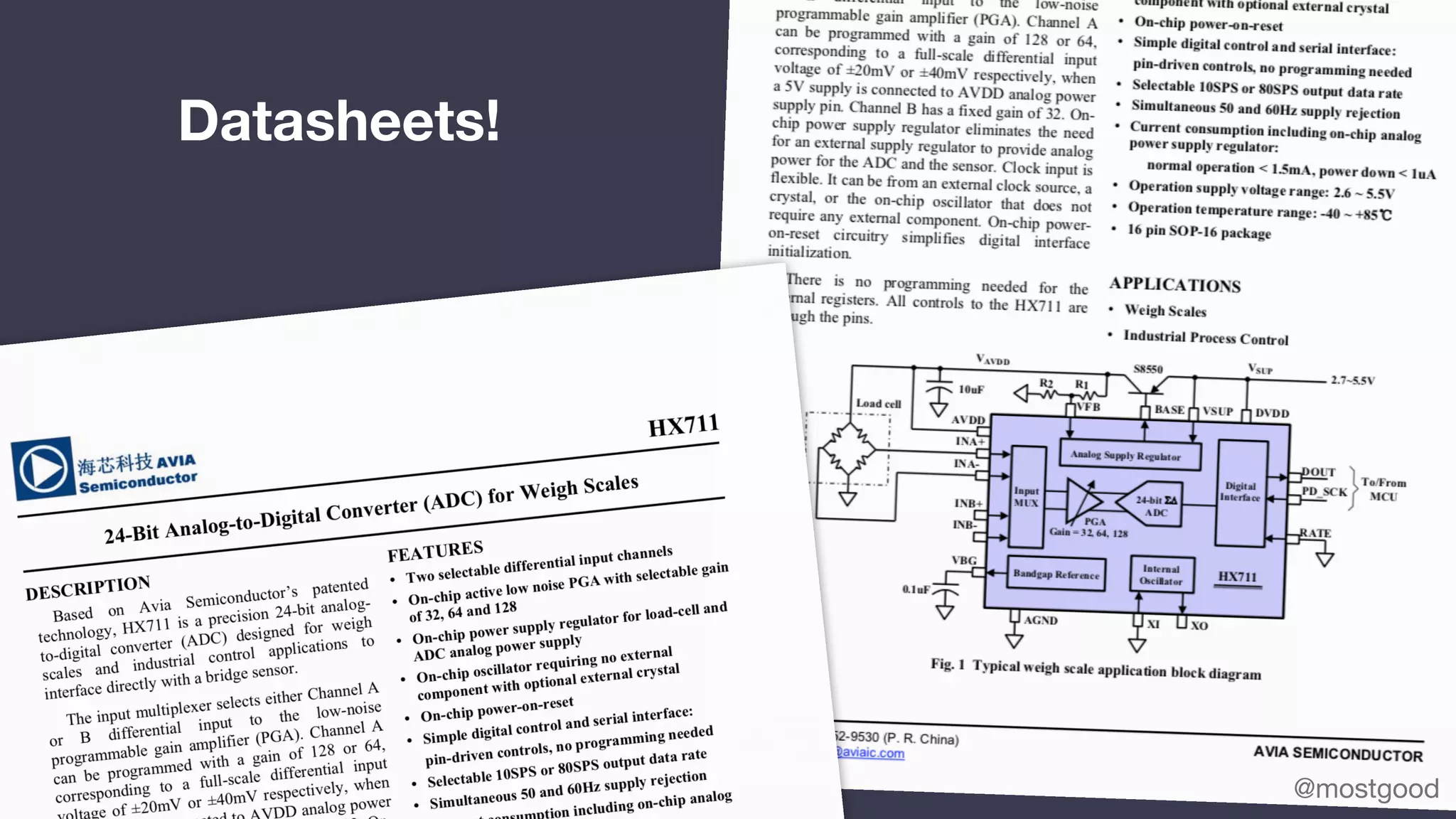
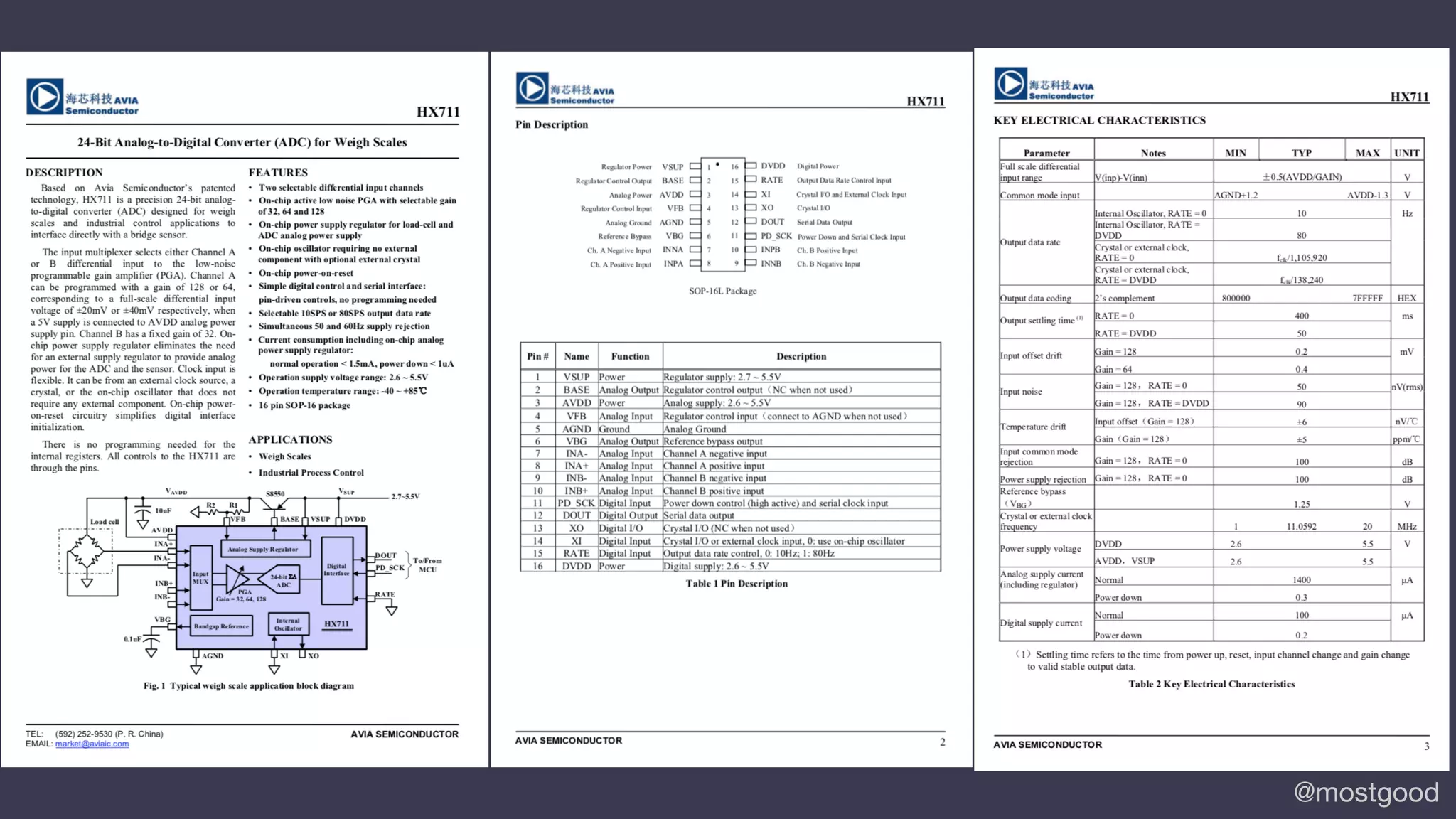
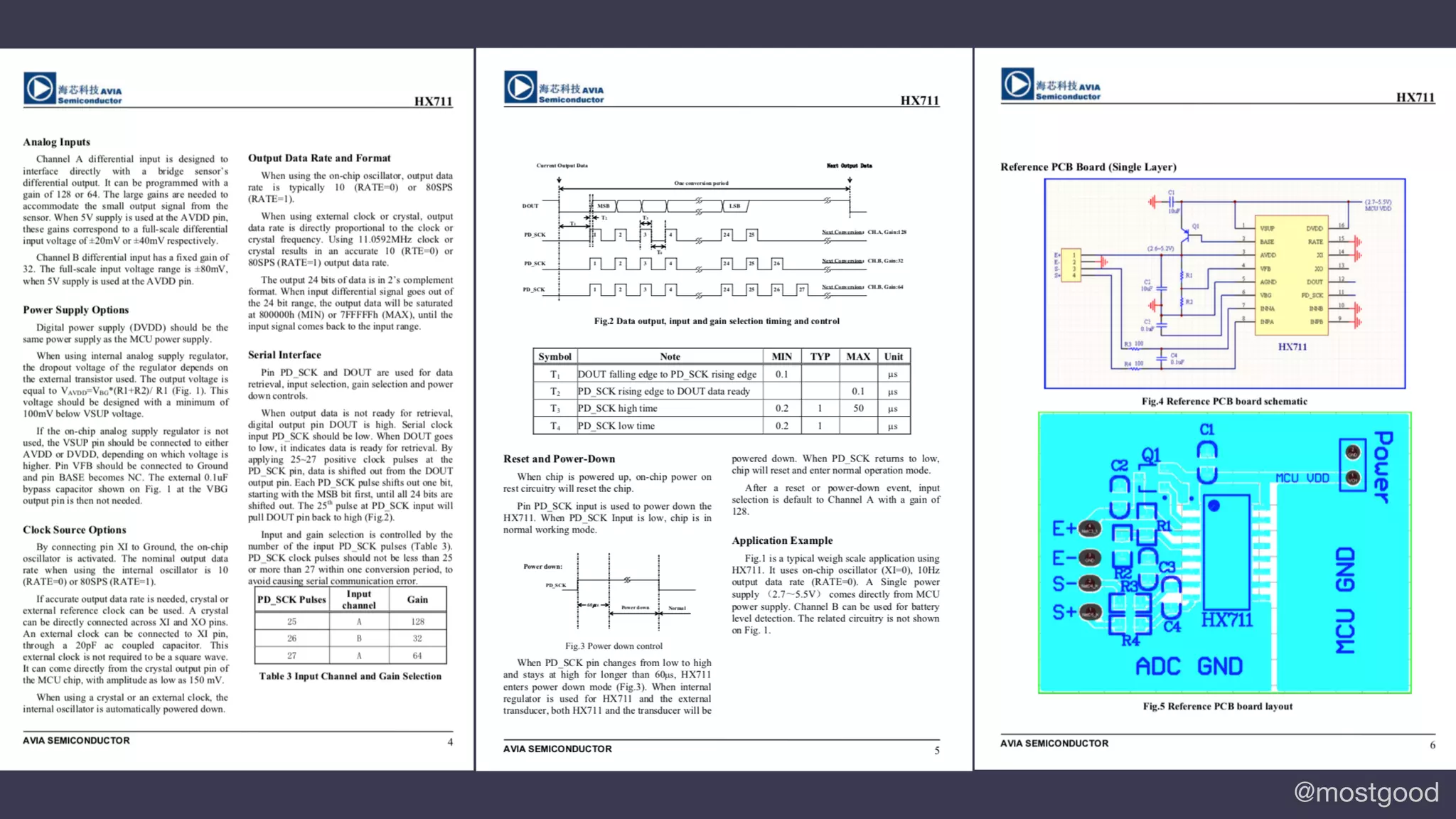
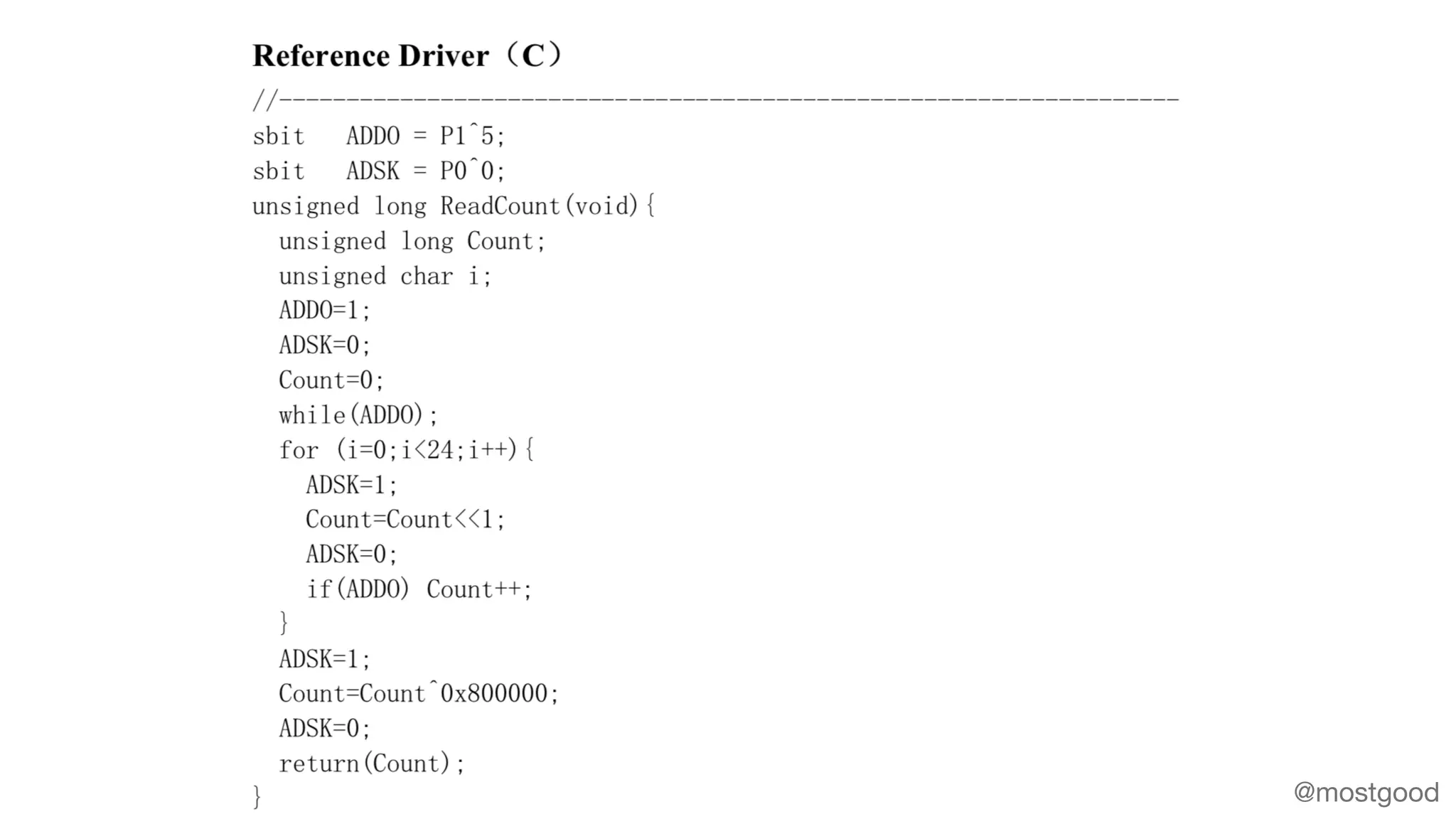
Datasheets!
@mostgood
@mostgood
@mostgood
@mostgood
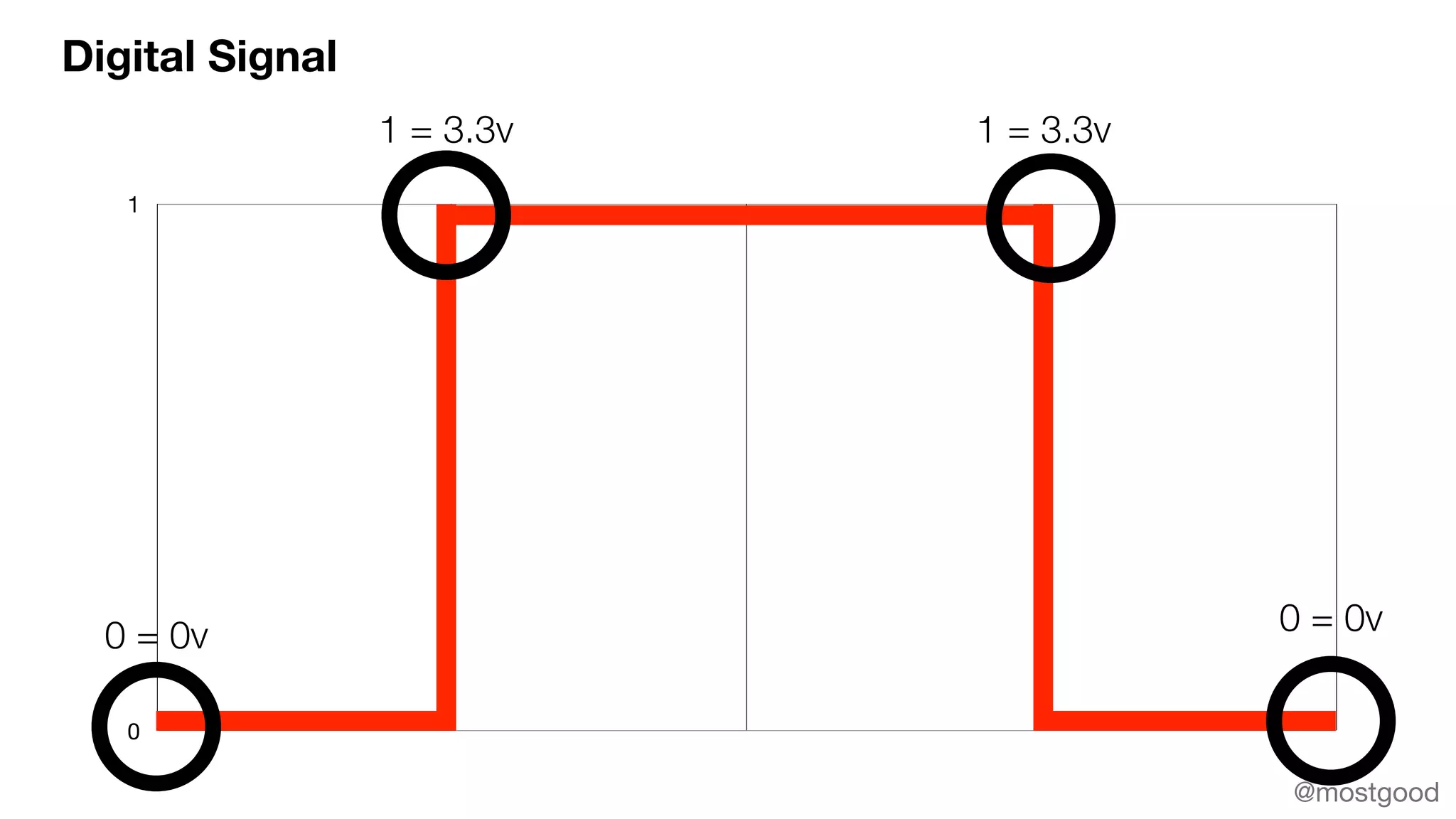
Digital Signal
0
1
1 = 3.3v 1 = 3.3v
0 = 0v 0 = 0v
@mostgood
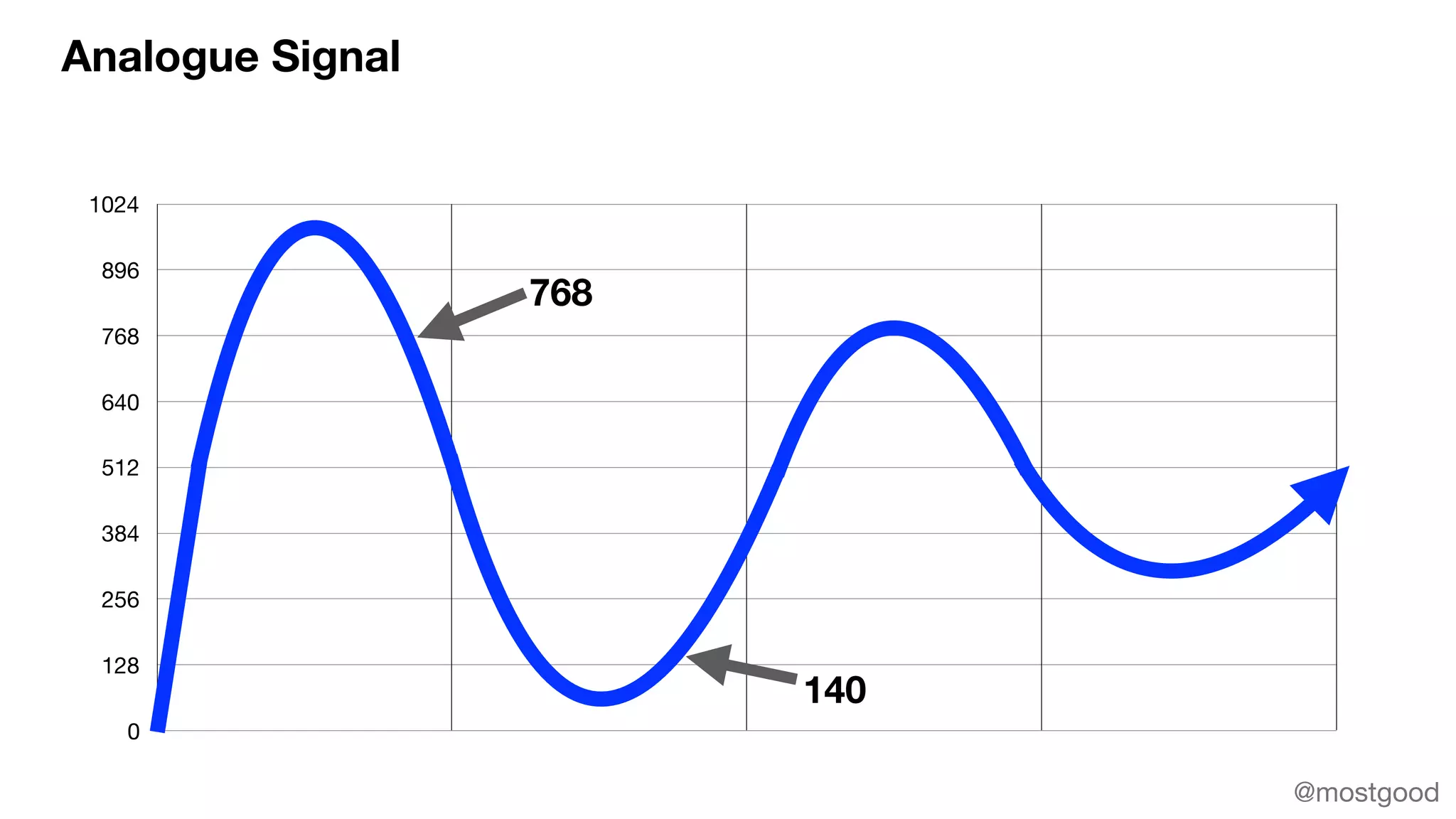
Analogue Signal
0
128
256
384
512
640
768
896
1024
768
140
@mostgood
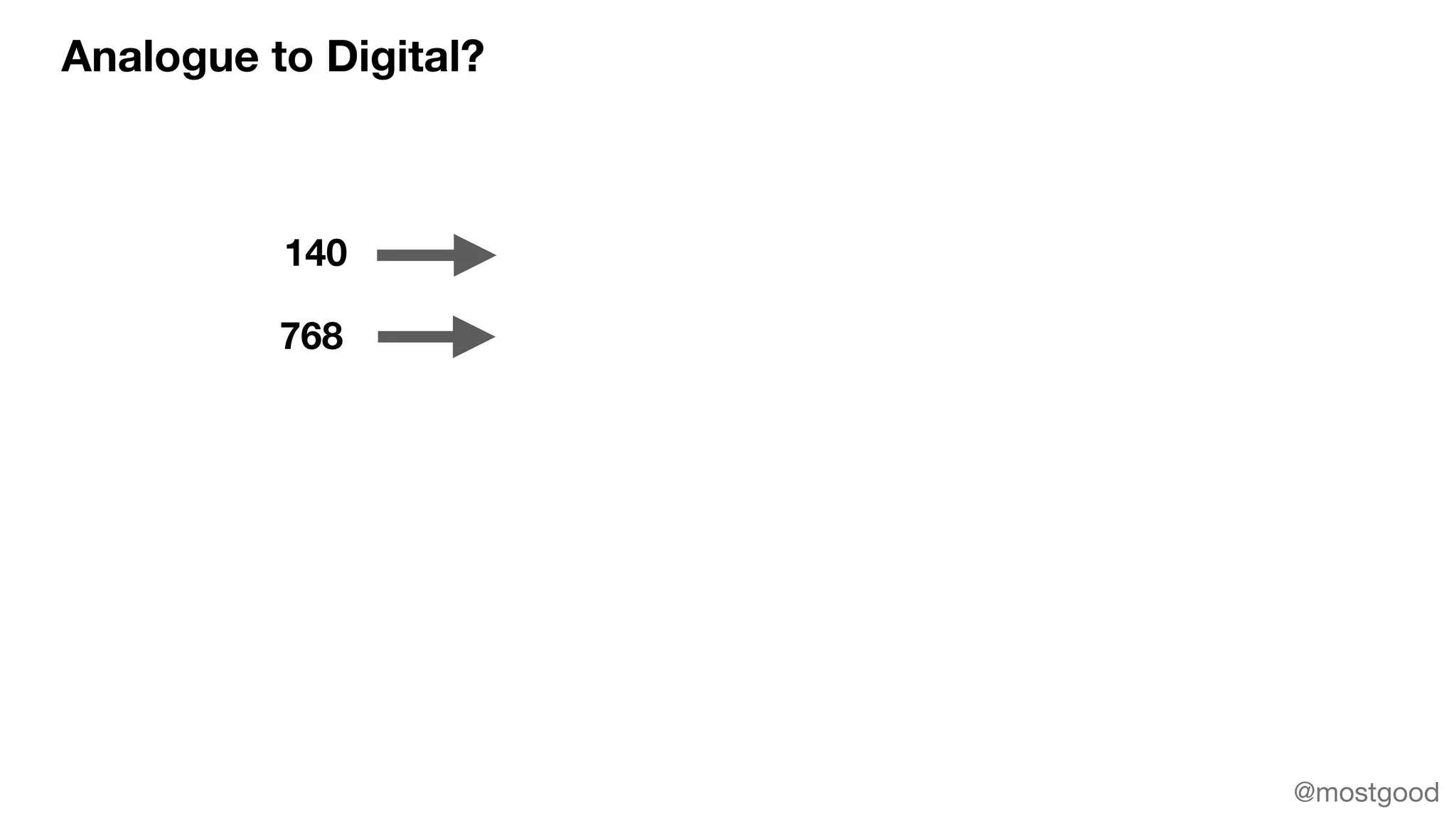
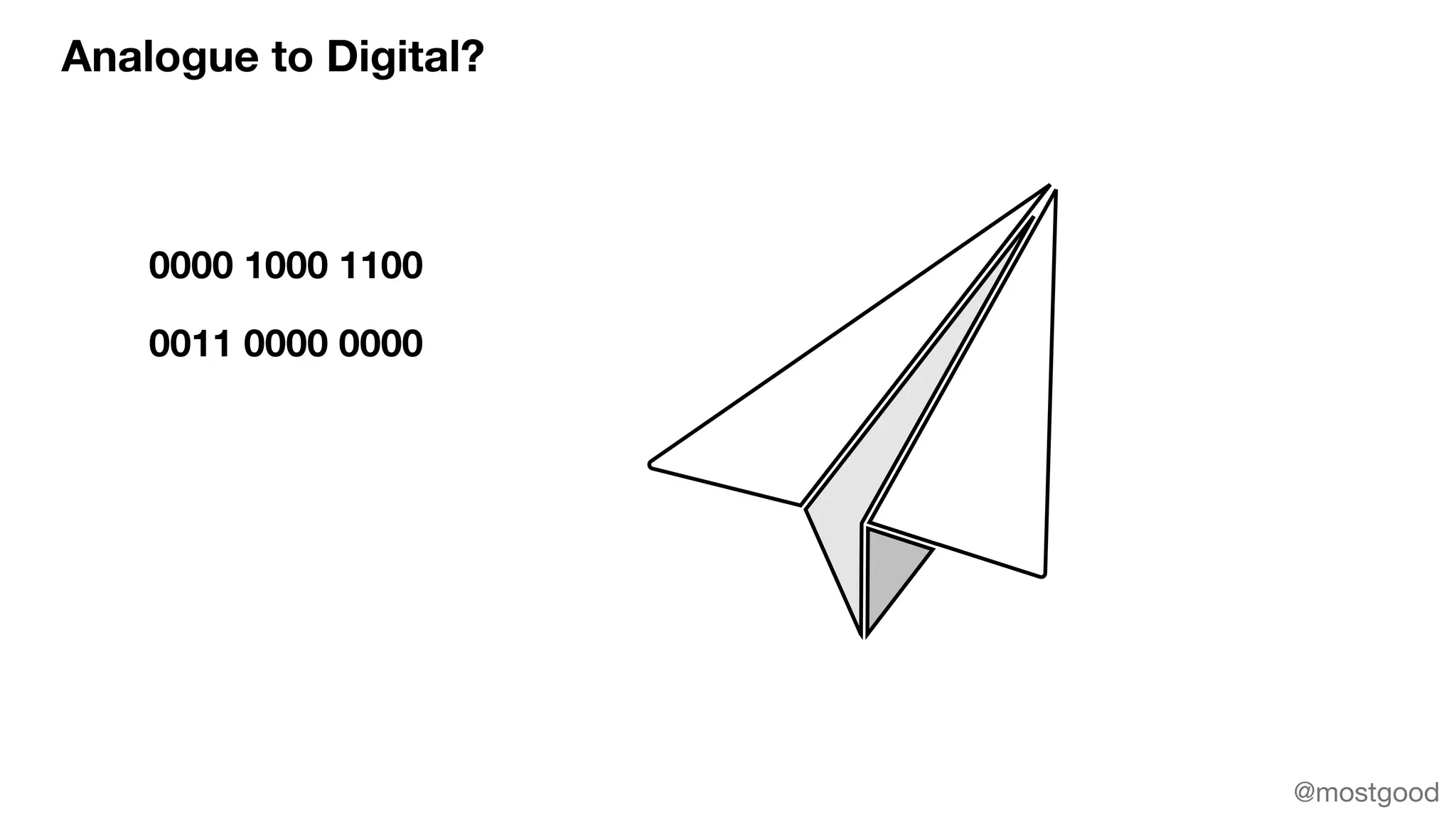
Analogue to Digital?
140
768
@mostgood
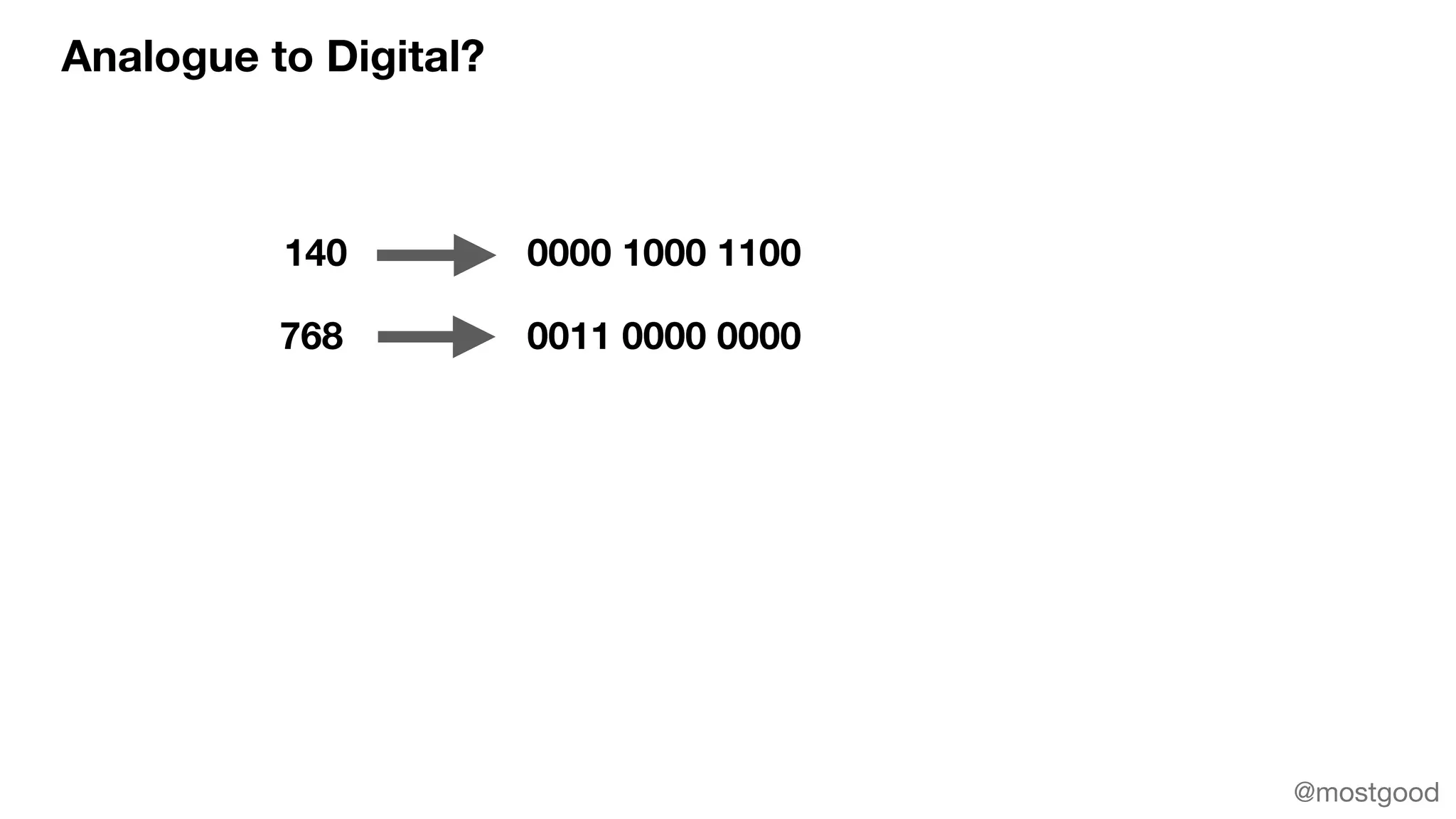
Analogue to Digital?
140
768
0000 1000 1100
0011 0000 0000
@mostgood
Analogue to Digital?
0000 1000 1100
0011 0000 0000
@mostgood
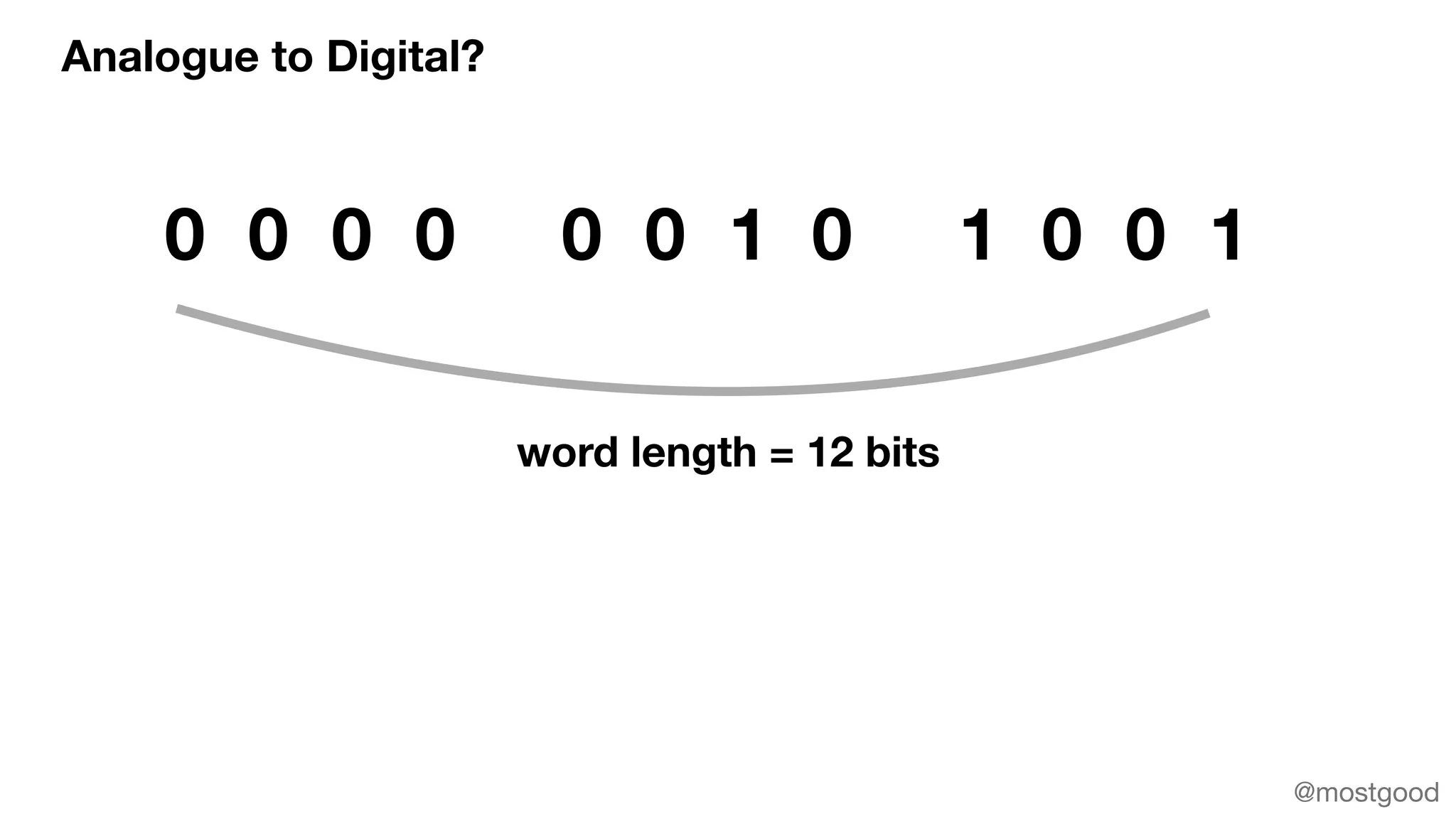
Analogue to Digital?
0 0 0 0 0 0 1 0 1 0 0 1
word length = 12 bits
@mostgood
@mostgood
@mostgood
@mostgood
@mostgood
@mostgood
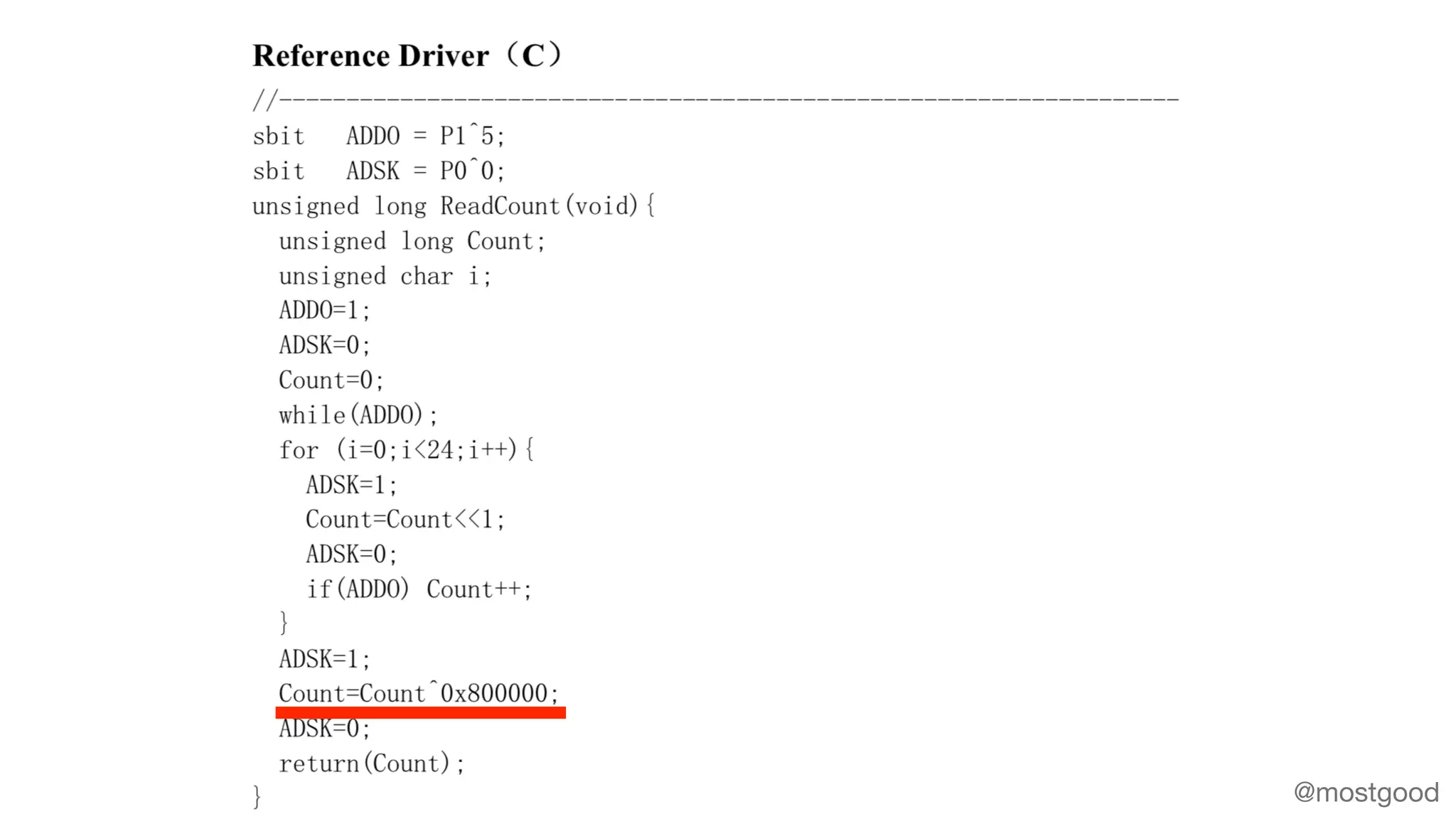
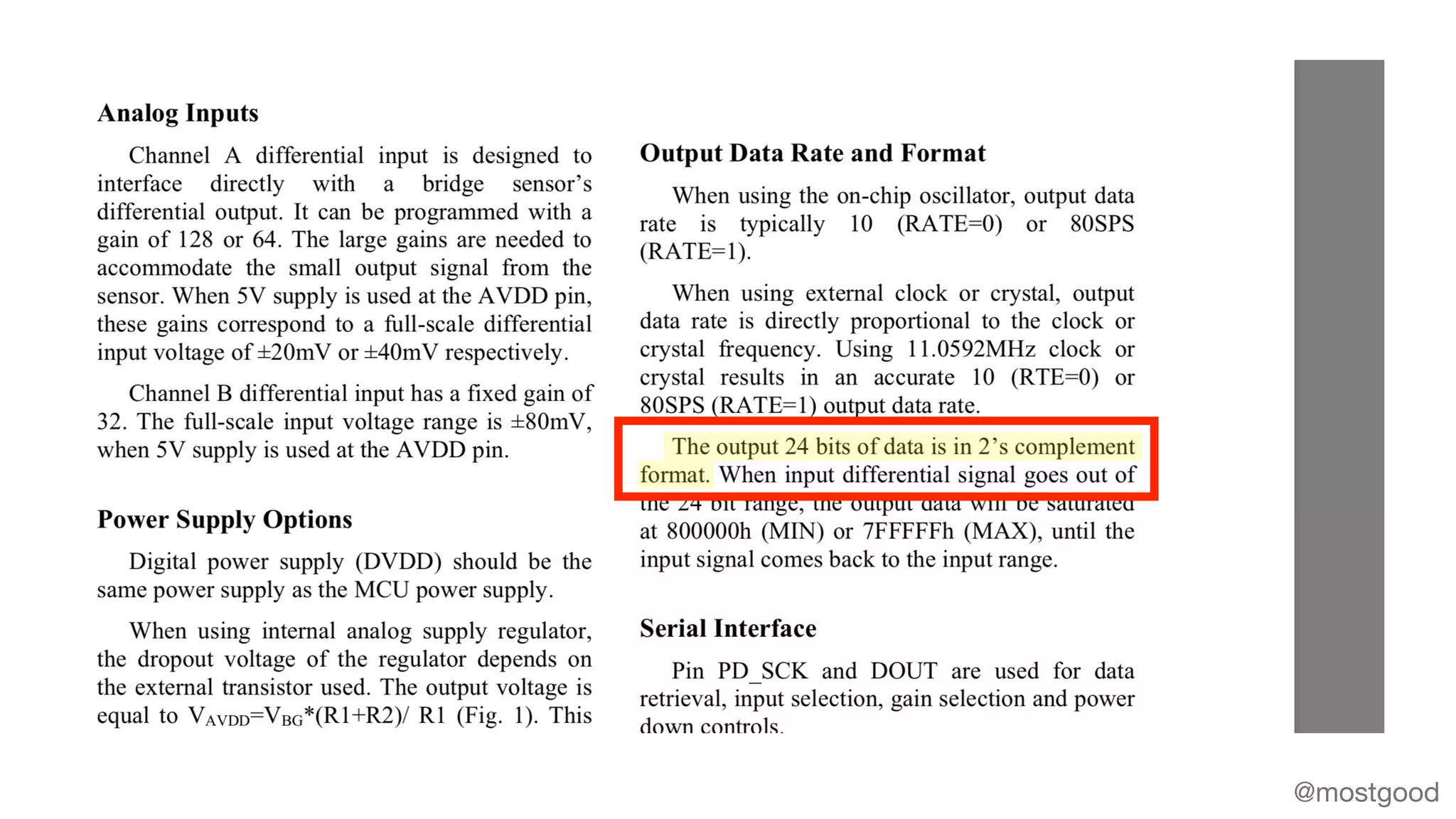
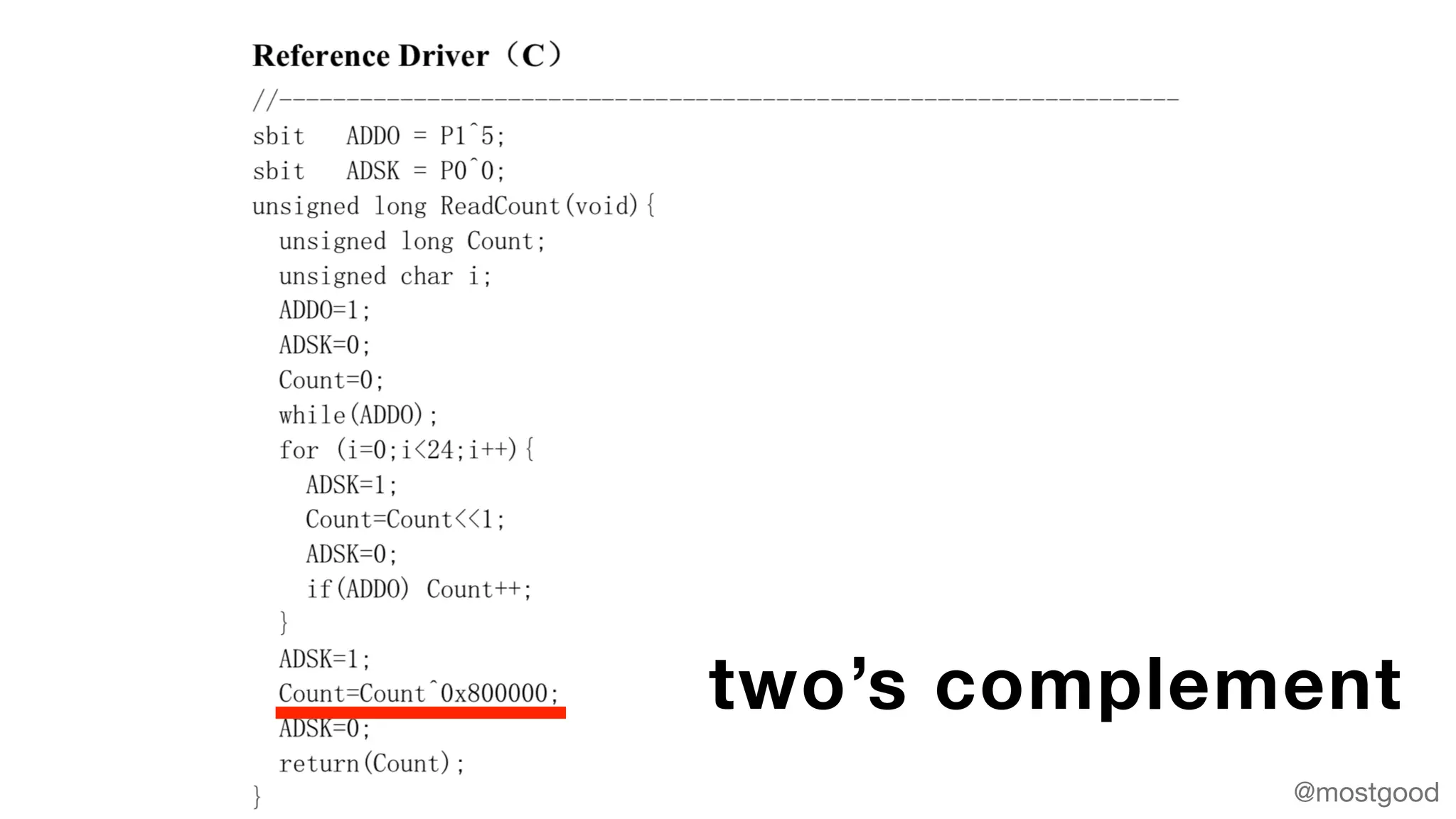
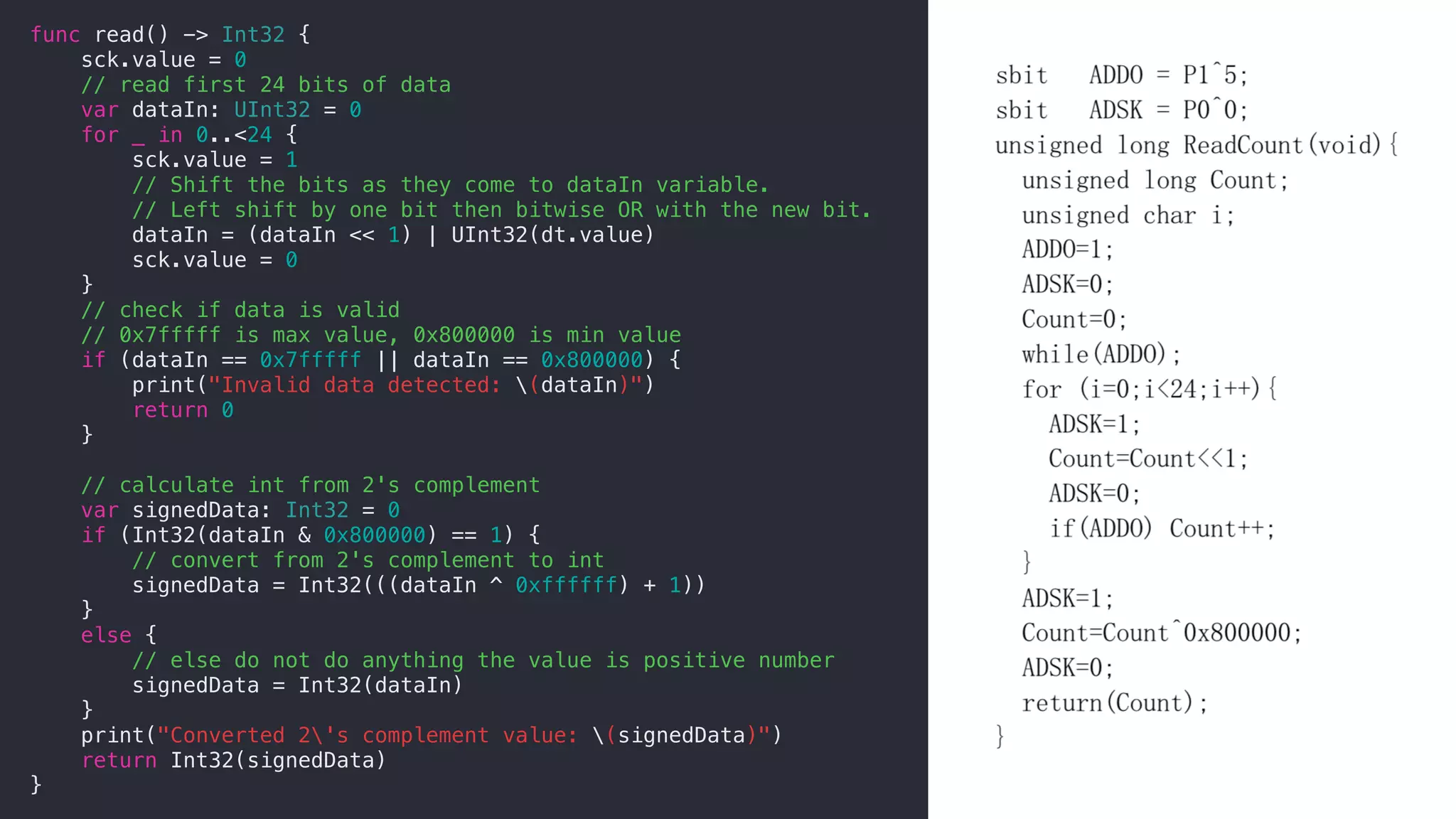
two’s complement
// Setup individual pins for 'dt' (data) and 'sck' (serial clock)
var dt = gpios[.P5]!
var sck = gpios[.P6]!
dt.direction = .IN
sck.direction = .OUT
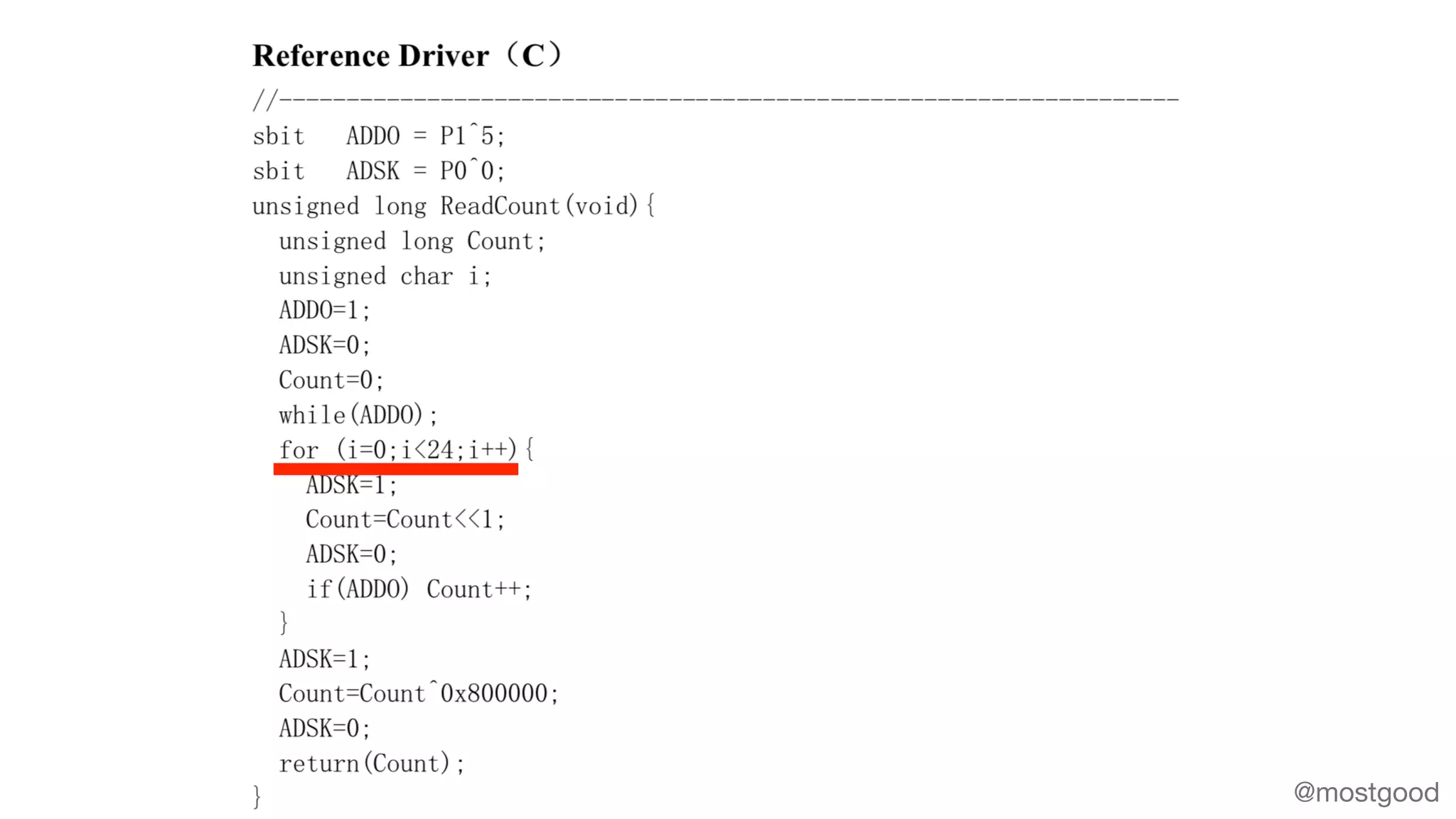
func read() -> Int32 {
sck.value = 0
// read first 24 bits of data
var dataIn: UInt32 = 0
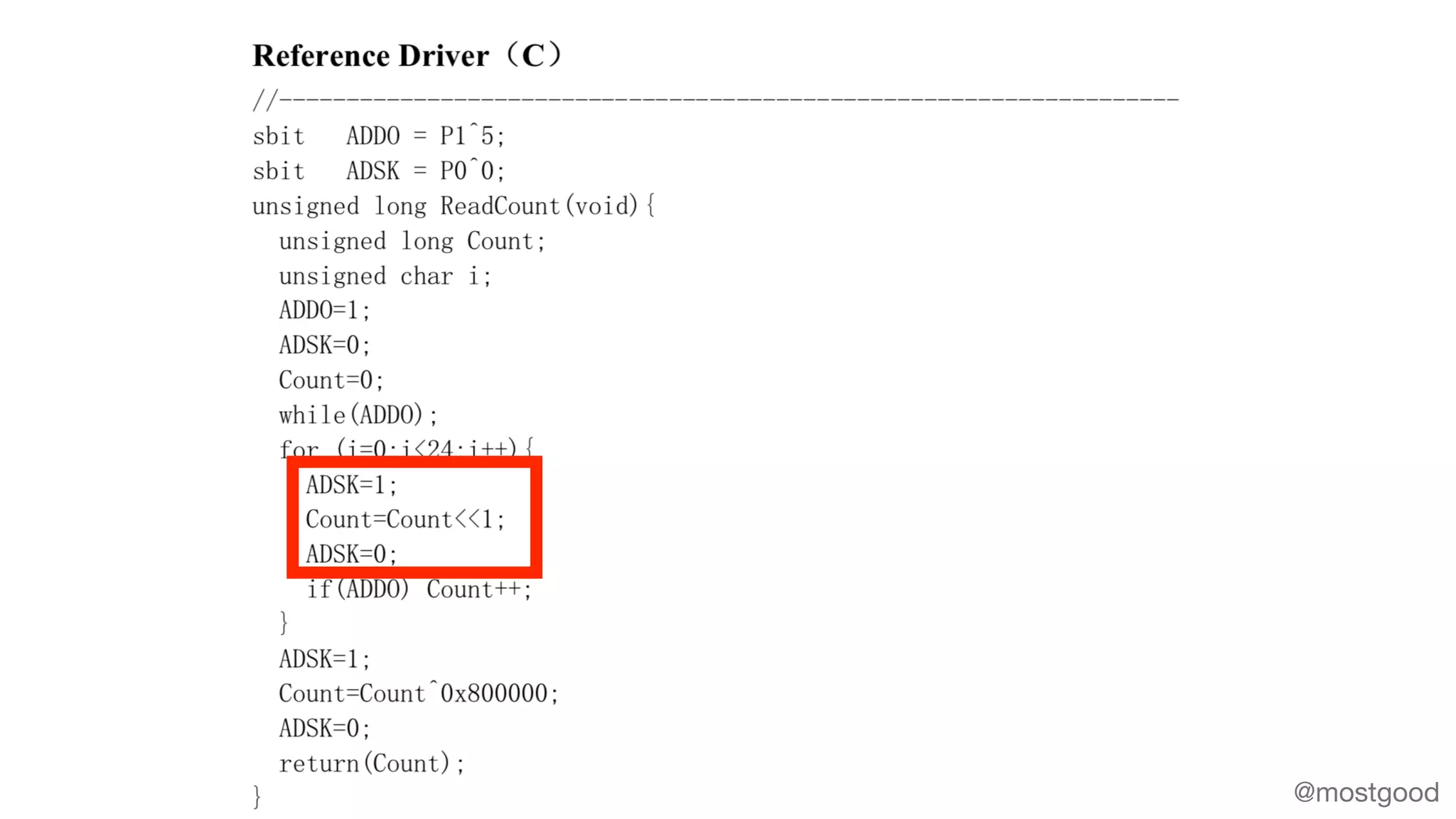
for _ in 0..<24 {
sck.value = 1
// Shift the bits as they come to dataIn variable.
// Left shift by one bit then bitwise OR with the new bit.
dataIn = (dataIn << 1) | UInt32(dt.value)
sck.value = 0
}
// check if data is valid
// 0x7fffff is max value, 0x800000 is min value
if (dataIn == 0x7fffff || dataIn == 0x800000) {
print("Invalid data detected: (dataIn)")
return 0
}
// calculate int from 2's complement
var signedData: Int32 = 0
if (Int32(dataIn & 0x800000) == 1) {
// convert from 2's complement to int
signedData = Int32(((dataIn ^ 0xffffff) + 1))
}
else {
// else do not do anything the value is positive number
signedData = Int32(dataIn)
}
print("Converted 2's complement value: (signedData)")
return Int32(signedData)
}
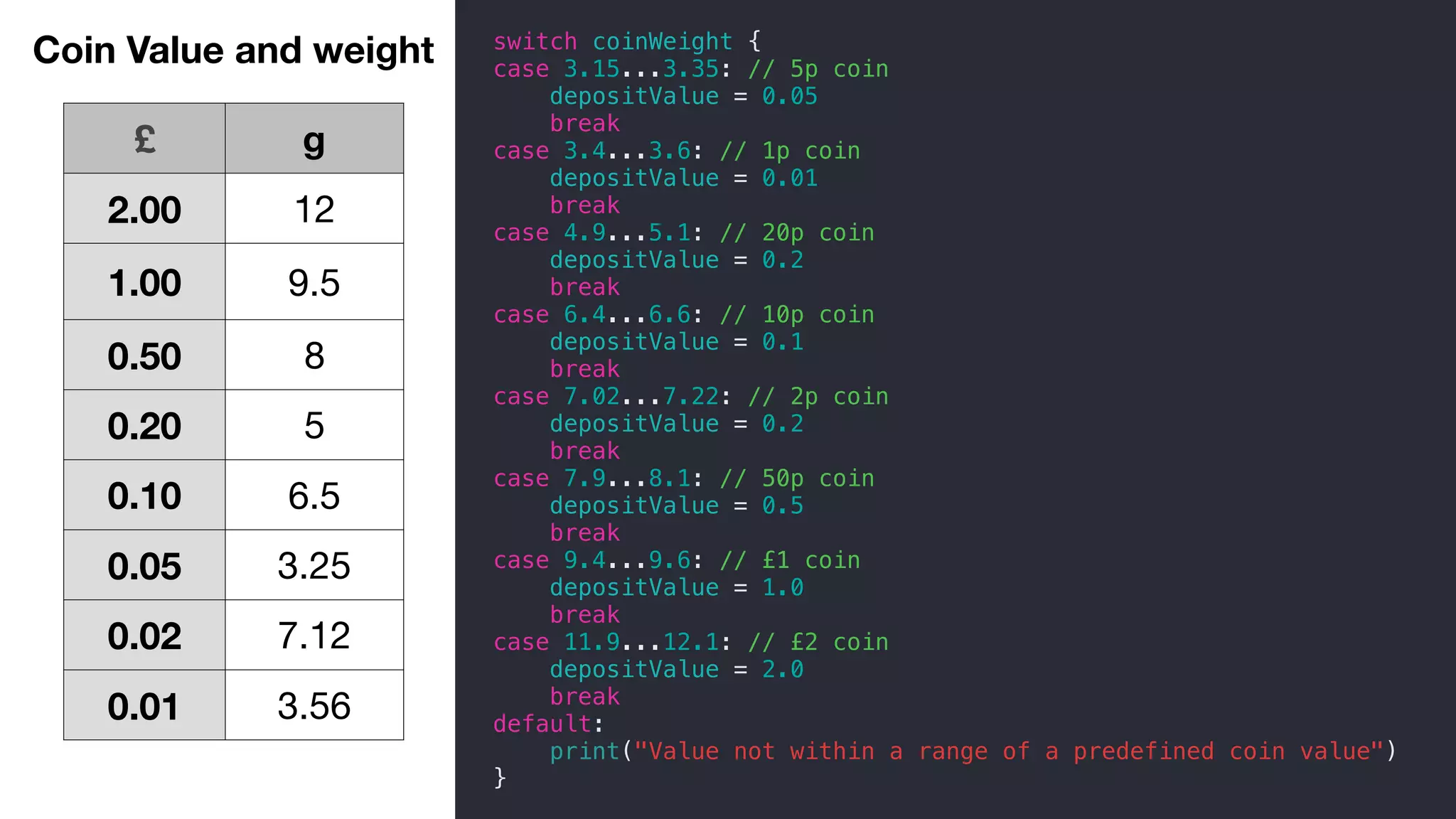
£ g
2.00 12
1.00 9.5
0.50 8
0.20 5
0.10 6.5
0.05 3.25
0.02 7.12
0.01 3.56
switch coinWeight {
case 3.15...3.35: // 5p coin
depositValue = 0.05
break
case 3.4...3.6: // 1p coin
depositValue = 0.01
break
case 4.9...5.1: // 20p coin
depositValue = 0.2
break
case 6.4...6.6: // 10p coin
depositValue = 0.1
break
case 7.02...7.22: // 2p coin
depositValue = 0.2
break
case 7.9...8.1: // 50p coin
depositValue = 0.5
break
case 9.4...9.6: // £1 coin
depositValue = 1.0
break
case 11.9...12.1: // £2 coin
depositValue = 2.0
break
default:
print("Value not within a range of a predefined coin value")
}
Coin Value and weight
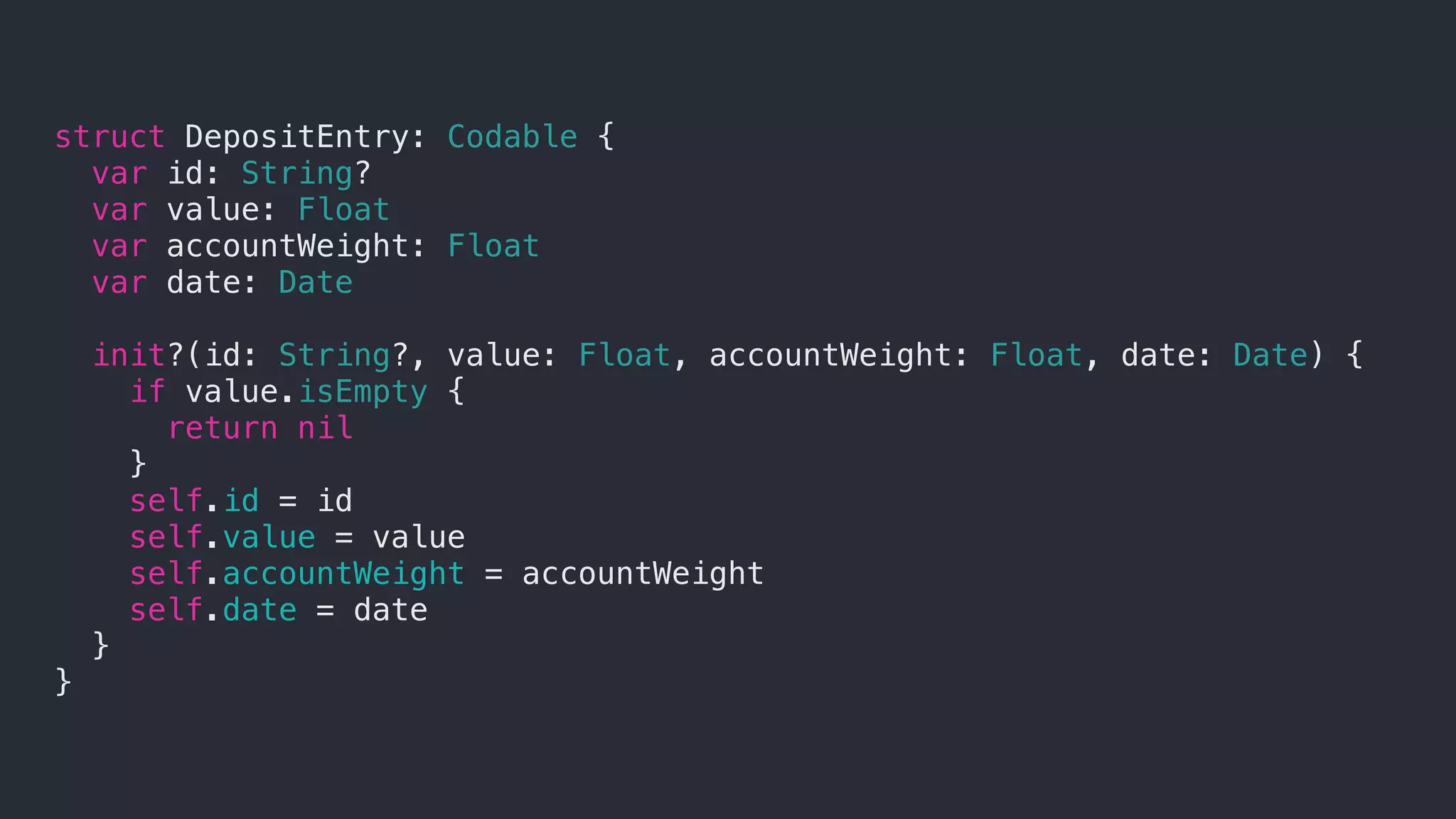
struct DepositEntry: Codable {
var id: String?
var value: Float
var accountWeight: Float
var date: Date
init?(id: String?, value: Float, accountWeight: Float, date: Date) {
if value.isEmpty {
return nil
}
self.id = id
self.value = value
self.accountWeight = accountWeight
self.date = date
}
}
Try Swift out :)
https://www.hackingwithswift.com
https://swift.org
https://swift-arm.com
https://github.com/apple/HomeKitADK
Sally Shepard

@mostgood
Thanks!

Swift on Raspberry Pi