




ROCKIN'
 HTML5
         with

  DRUPAL
Southwest Drupal Summit
     January 2011
JEN SIMMONS
 designer, front end developer & drupal architect
drupaling since 2007, building websites since 1996
 creator of Bartik, the default theme in Drupal 7
         Senior Developer at Palantir.net


            jensimmons.com
           twitter: jensimmons
SLIDES AT:


jen.cm/h3
SO CAN WE USE
 HTML5 TODAY?
YES.
It was made with backwards and
forwards compatibility in mind.
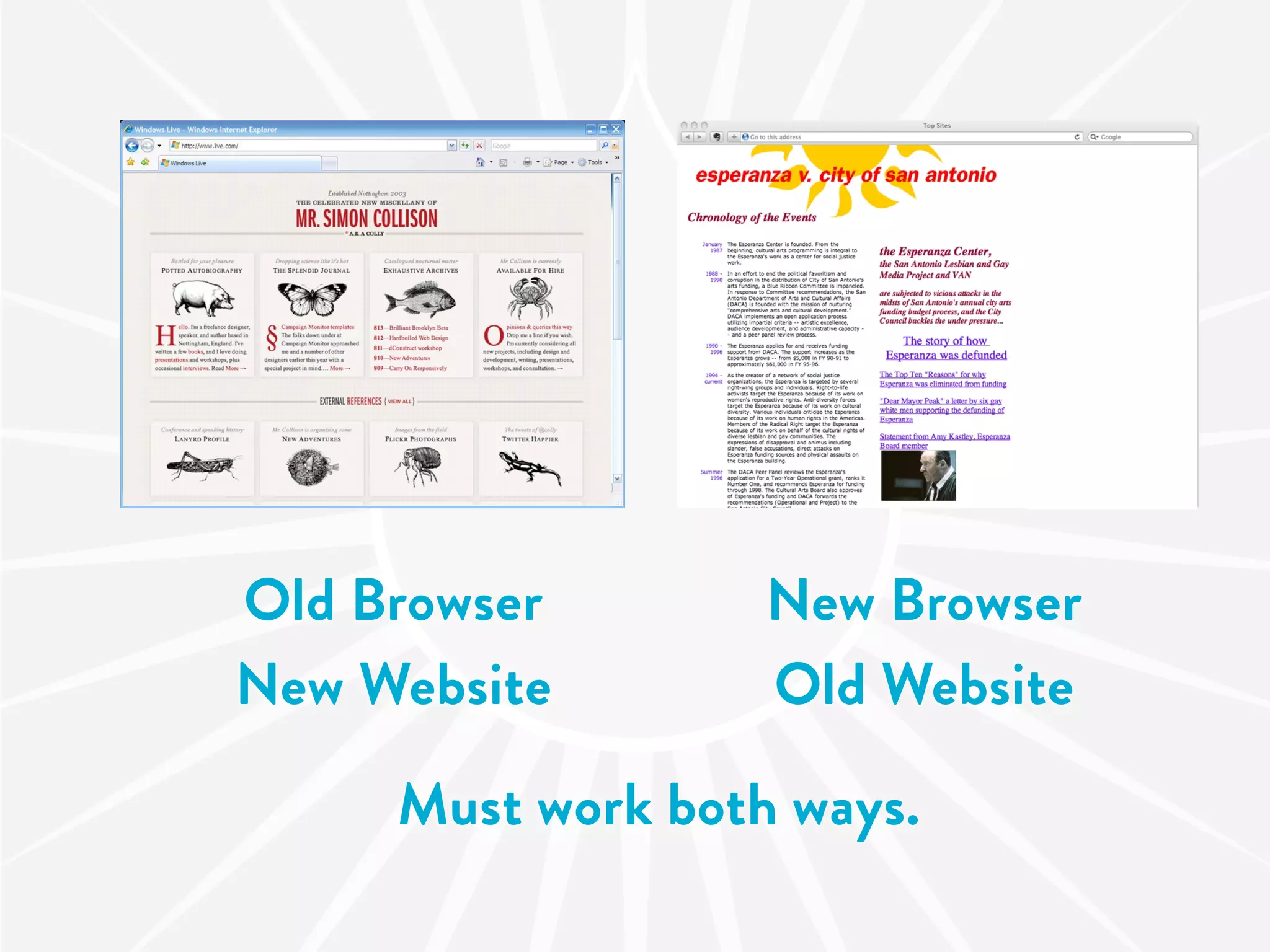
Old Browser        New Browser
New Website        Old Website

     Must work both ways.
A SUPER-FAST
   HISTORY
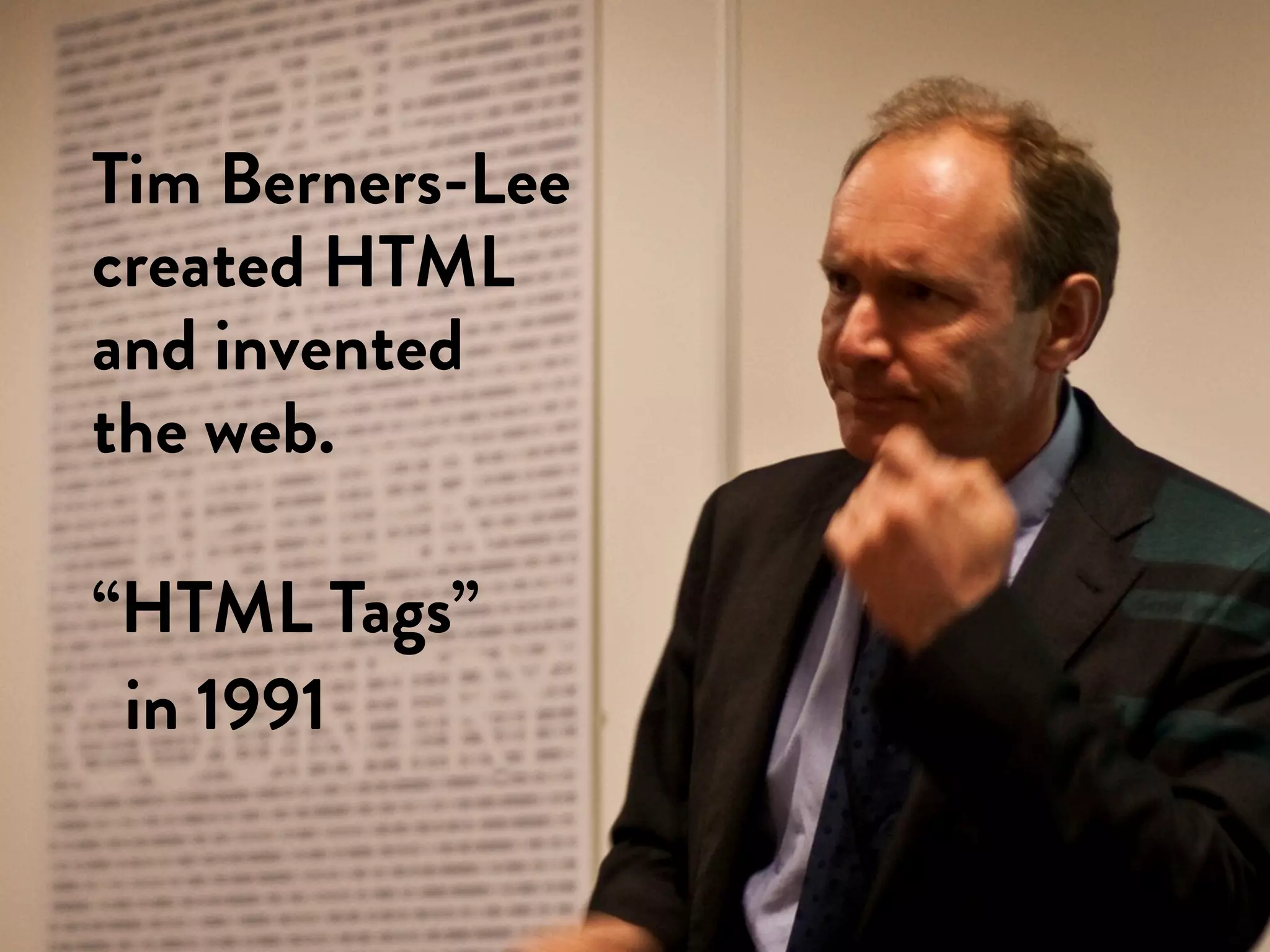
Tim Berners-Lee
created HTML
and invented
the web.

“HTML Tags”
 in 1991
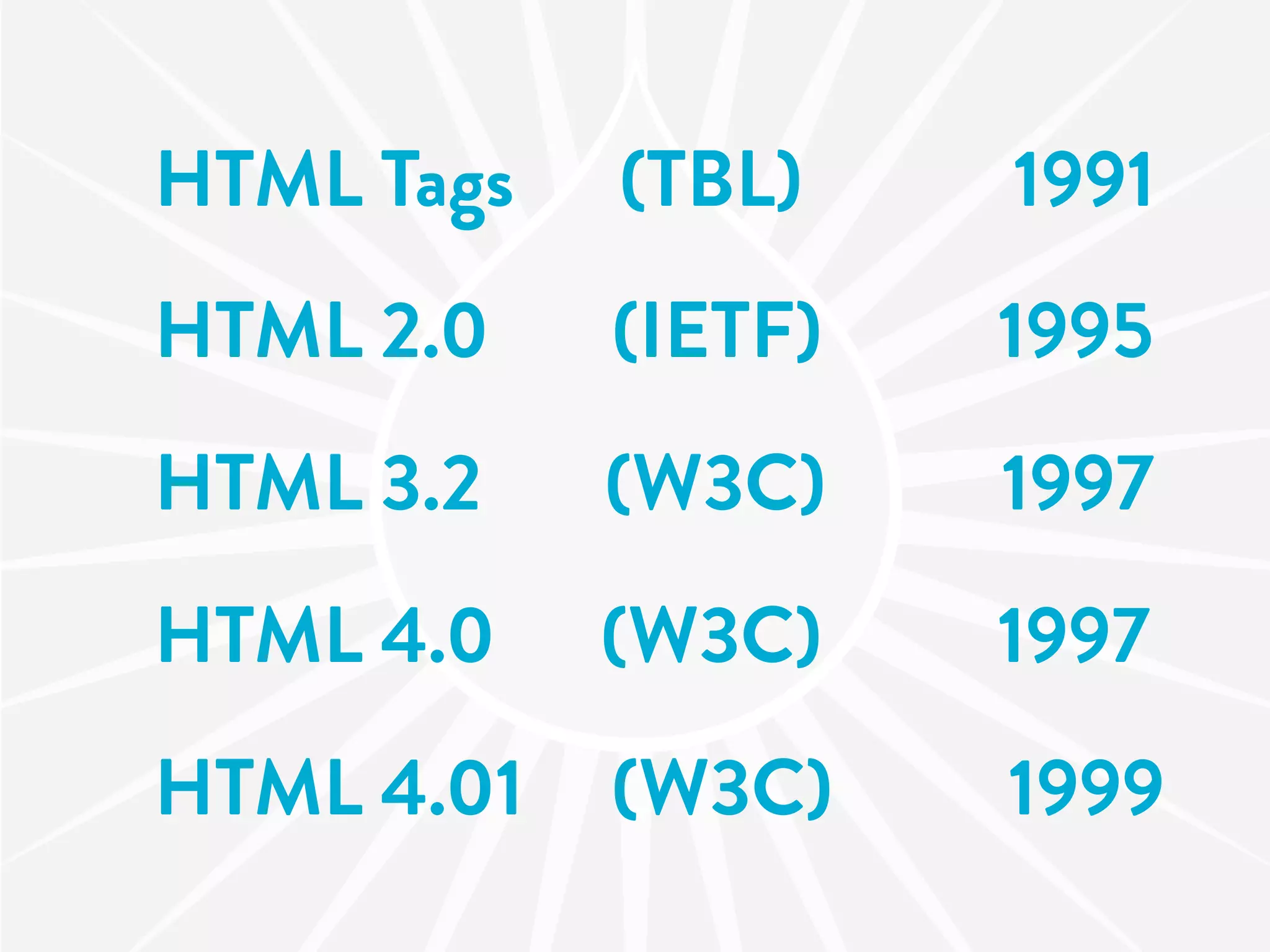
HTML Tags   (TBL)    1991
HTML 2.0    (IETF)   1995
HTML 3.2    (W3C)    1997
HTML 4.0    (W3C)    1997
HTML 4.01   (W3C)    1999
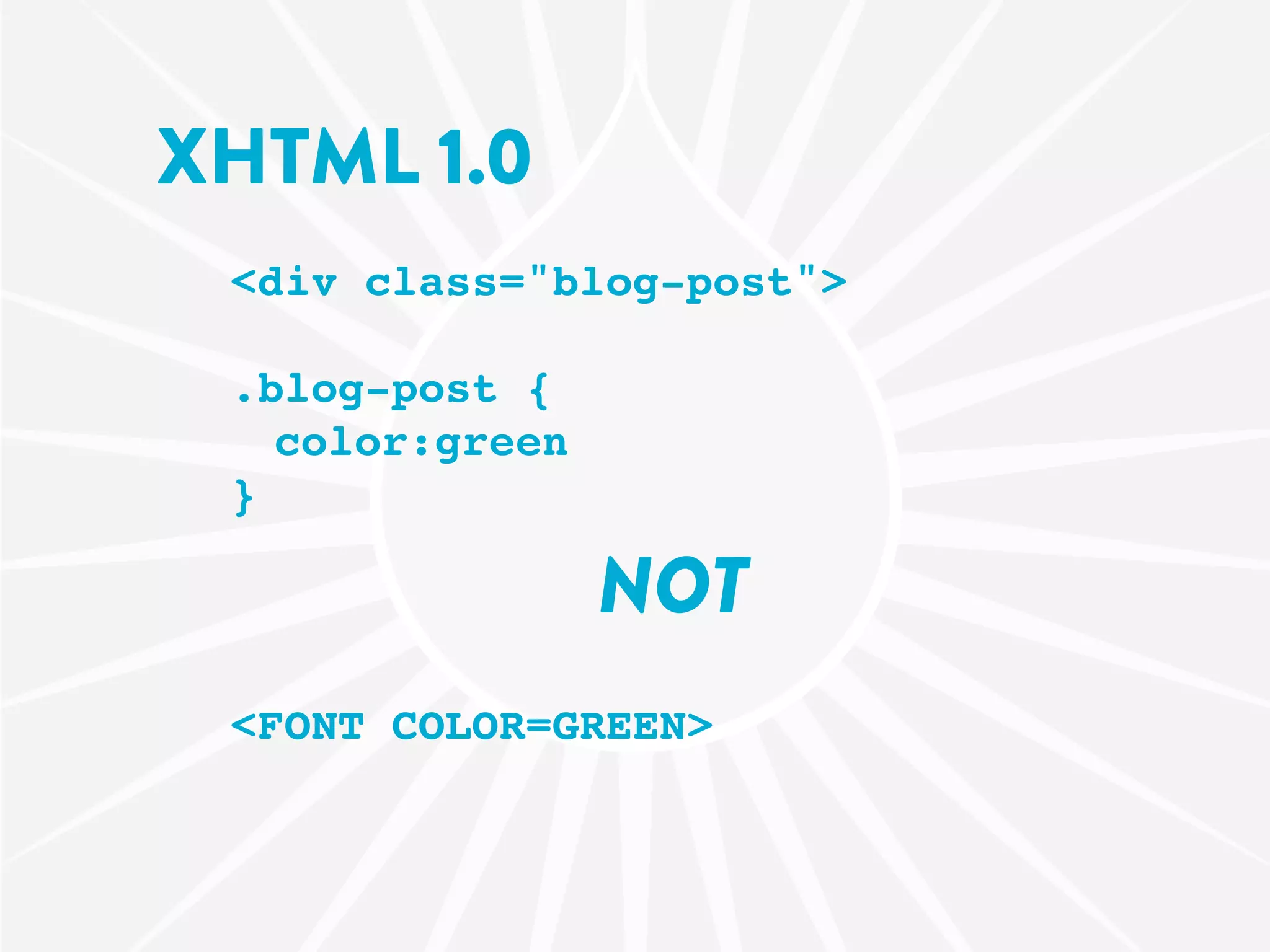
XHTML 1.0
 <div class="blog-post">

 .blog-post {
   color:green
 }

                 NOT
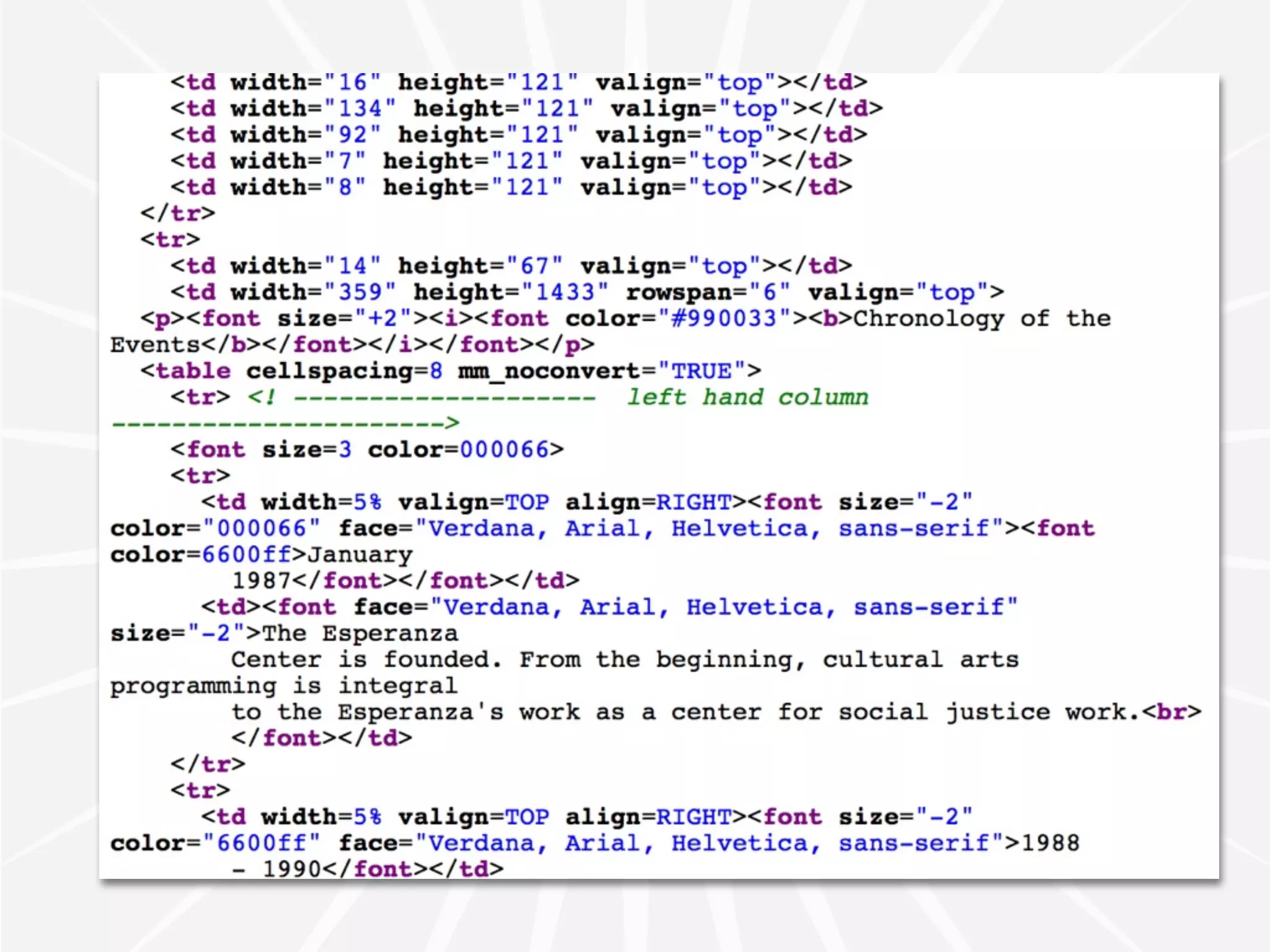
 <FONT COLOR=GREEN>
XHTML 1.1
“text/html” mime-type not allowed
but IE can’t read the xml mime-type…
XHTML 2
if we knew then what we know now…
Then some stu happened.
there was a meeting and this vote…
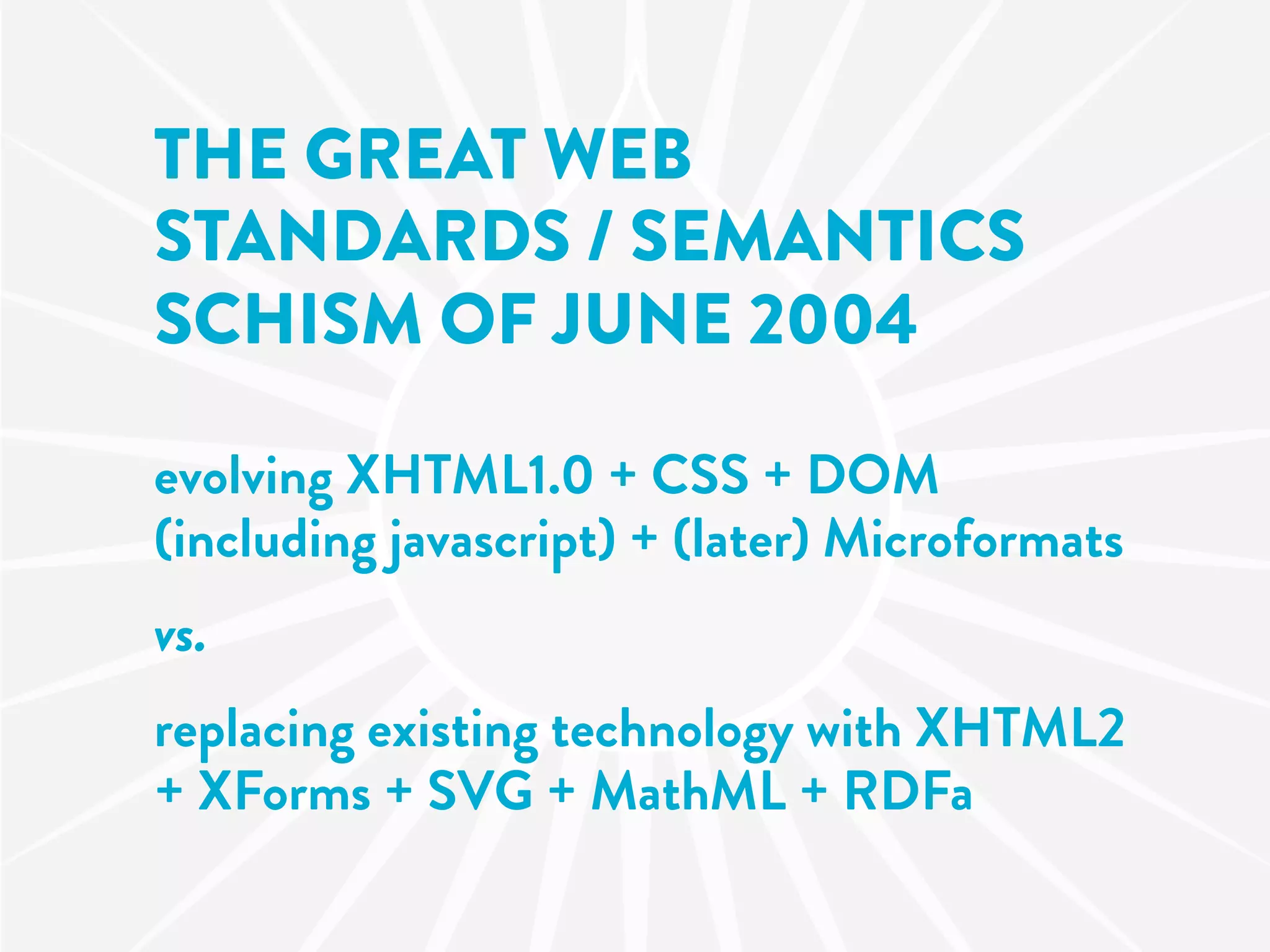
THE GREAT WEB
STANDARDS / SEMANTICS
SCHISM OF JUNE 2004

evolving XHTML1.0 + CSS + DOM
(including javascript) + (later) Microformats
vs.
replacing existing technology with XHTML2
+ XForms + SVG + MathML + RDFa
W3C
XHTML 2
WHATWG
HTML5
HTML 5
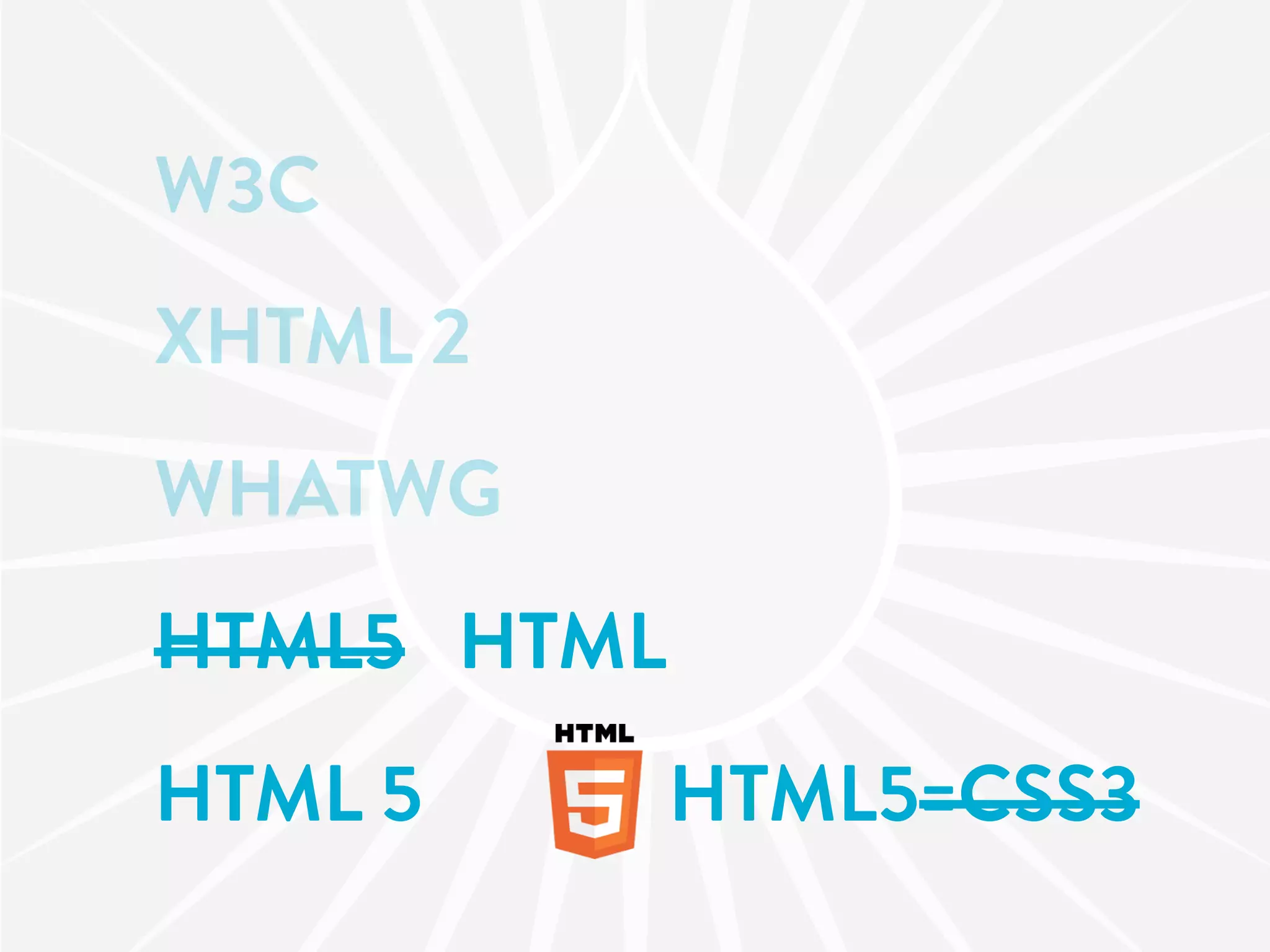
W3C
XHTML 2
WHATWG
HTML5 HTML
HTML 5       HTML5=CSS3
Jeremy Keith's
                              Keynote
                               AT DRUPALCON
                               COPENHAGEN


drupalradar.com/video-jeremy-keith-keynote-session
SO CAN WE USE
 HTML5 TODAY?
YES.
It was made with backwards and
forwards compatibility in mind.
<!DOCTYPE html>
HTML5
SEMANTICS
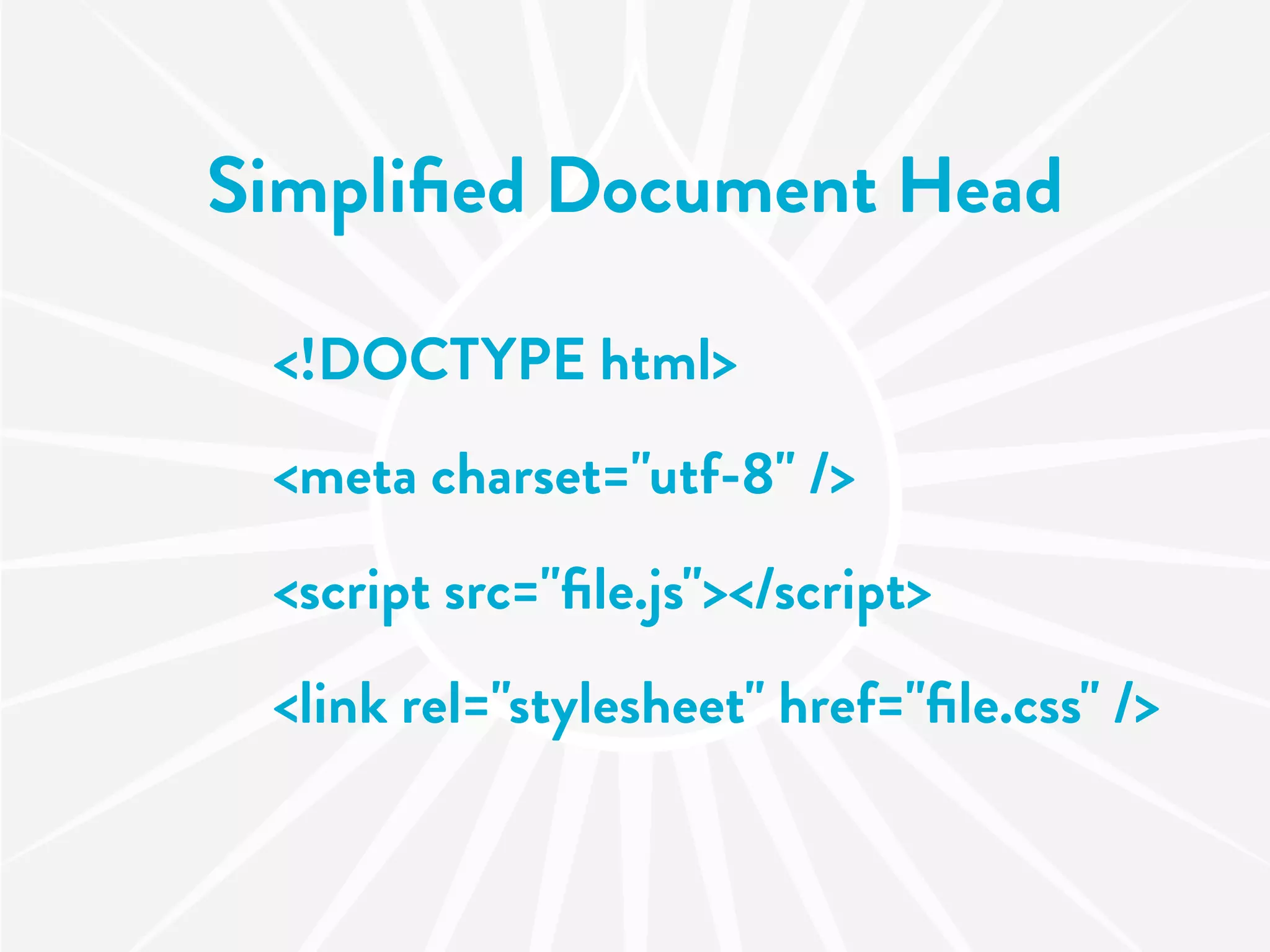
Simplified Document Head

 <!DOCTYPE html>
 <meta charset="utf-8" />
 <script src="file.js"></script>
 <link rel="stylesheet" href="file.css" />
Drupal Document Head

        $head
       $styles
       $scripts
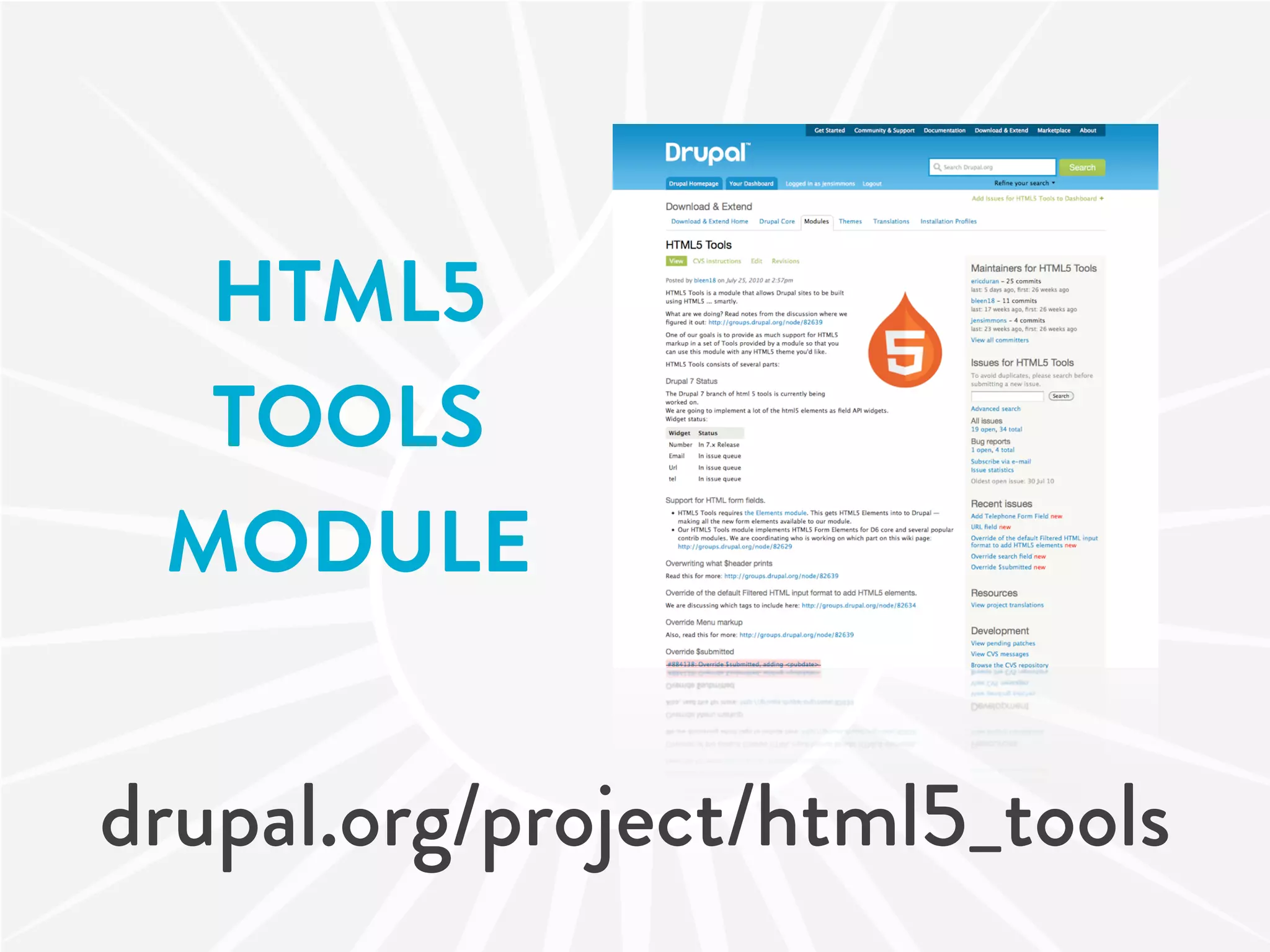
HTML5
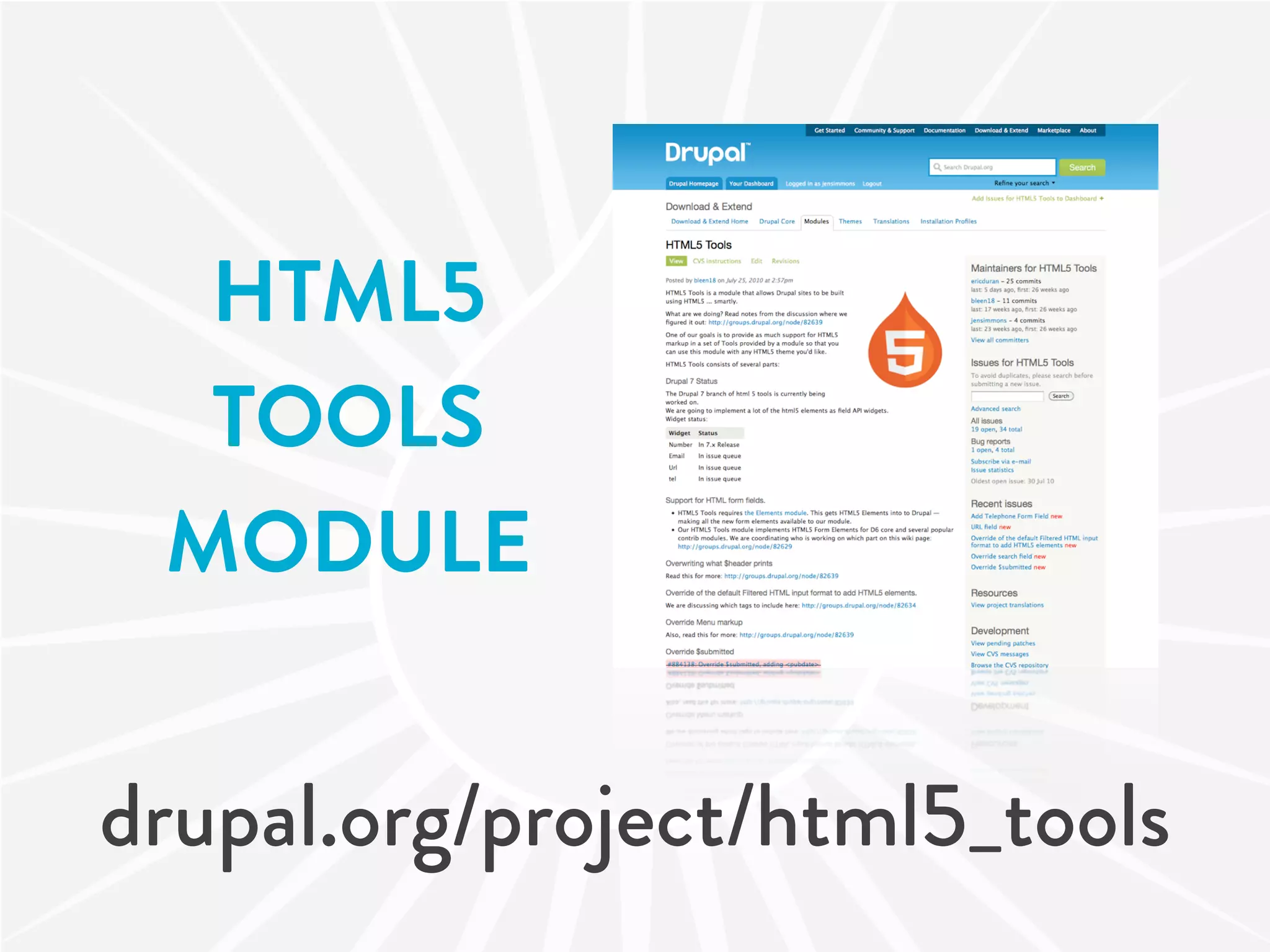
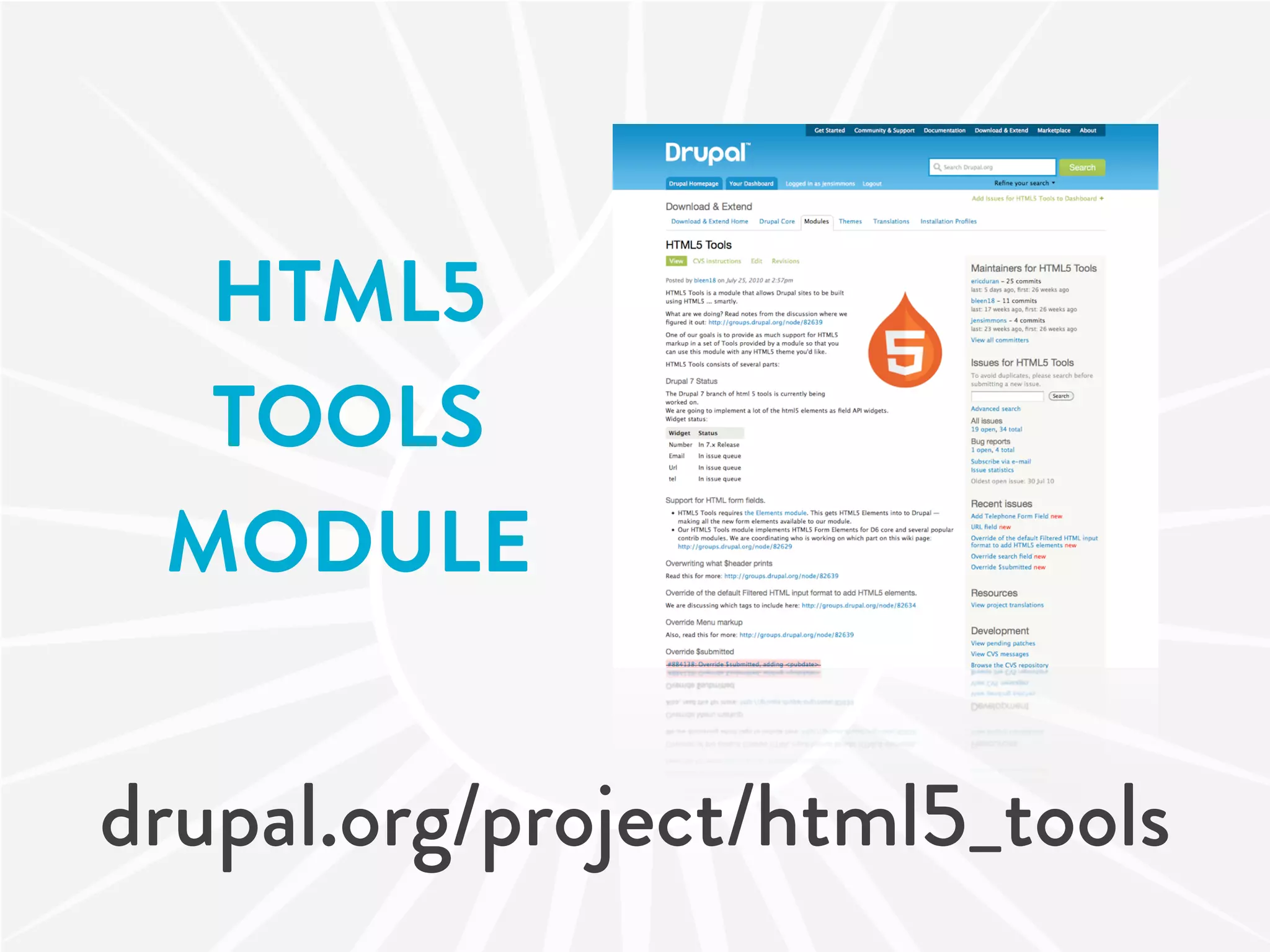
  TOOLS
 MODULE


drupal.org/project/html5_tools
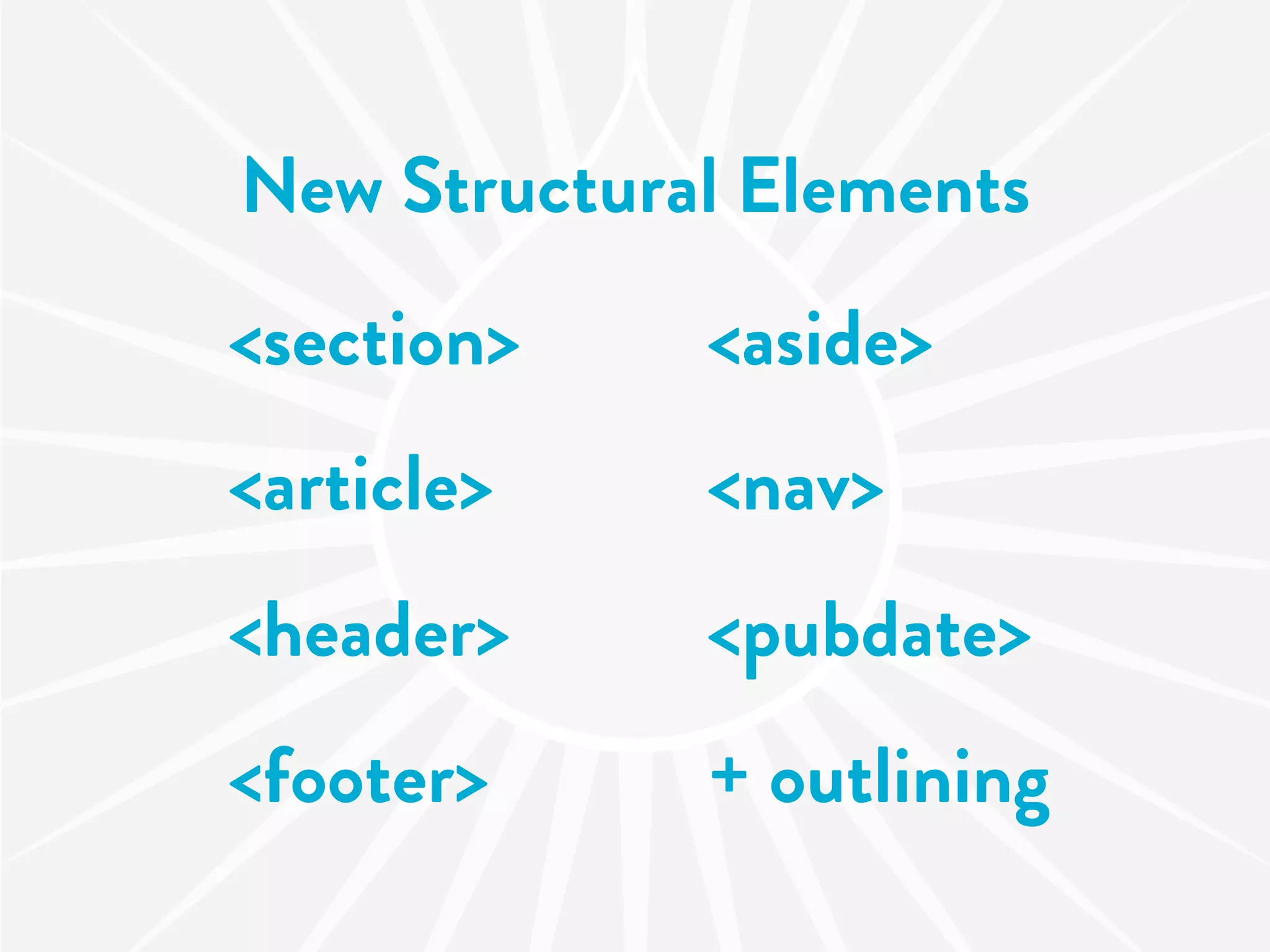
New Structural Elements
<section>    <aside>
<article>    <nav>
<header>     <pubdate>
<footer>     + outlining
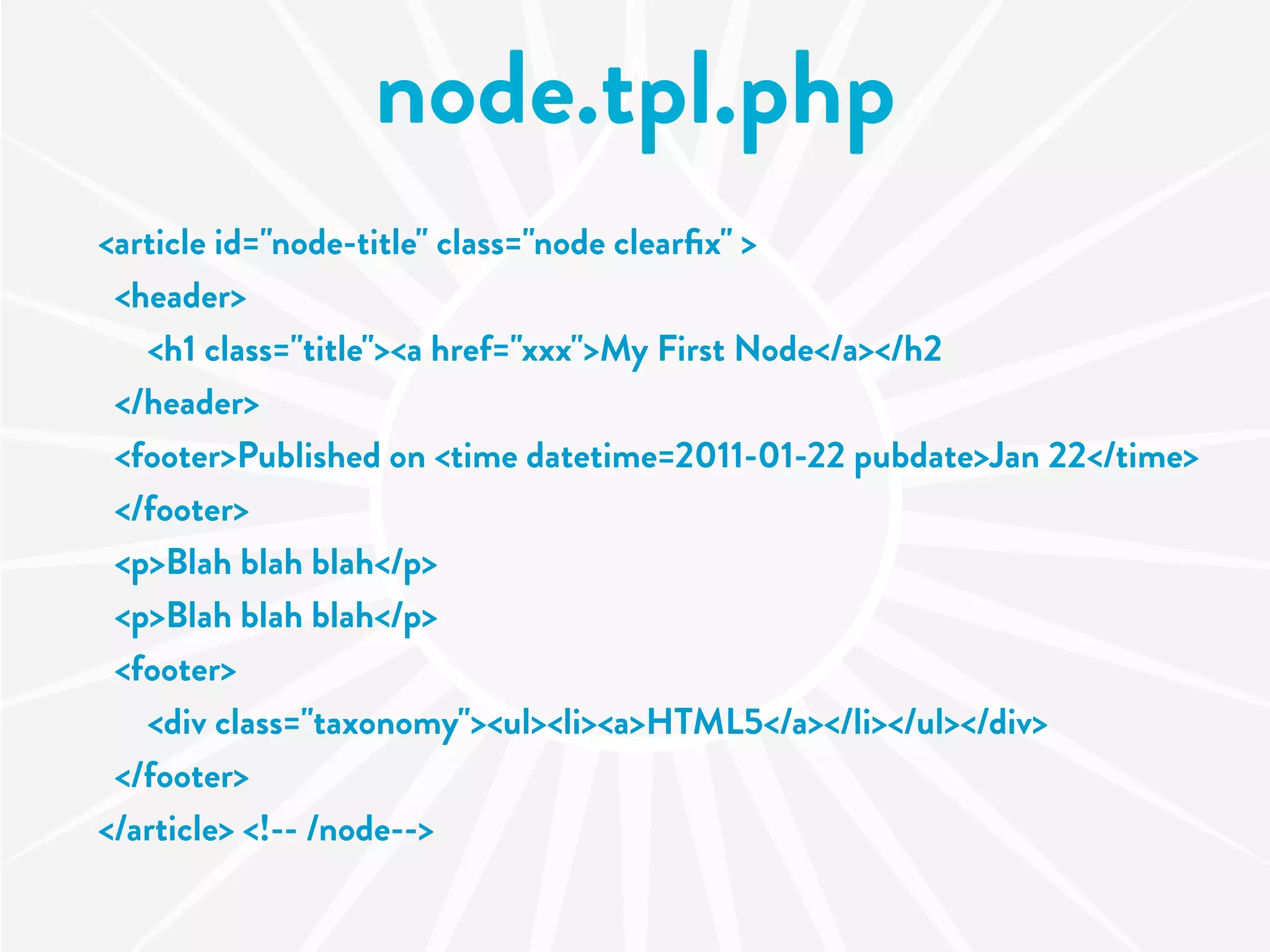
node.tpl.php
<article id="node-title" class="node clearfix" >
 <header>
   <h1 class="title"><a href="xxx">My First Node</a></h2
 </header>
 <footer>Published on <time datetime=2011-01-22 pubdate>Jan 22</time>
 </footer>
 <p>Blah blah blah</p>
 <p>Blah blah blah</p>
 <footer>
   <div class="taxonomy"><ul><li><a>HTML5</a></li></ul></div>
 </footer>
</article> <!-- /node-->
Supporting New Elements

         $submitted
        Menu system
  Filtered HTML input format
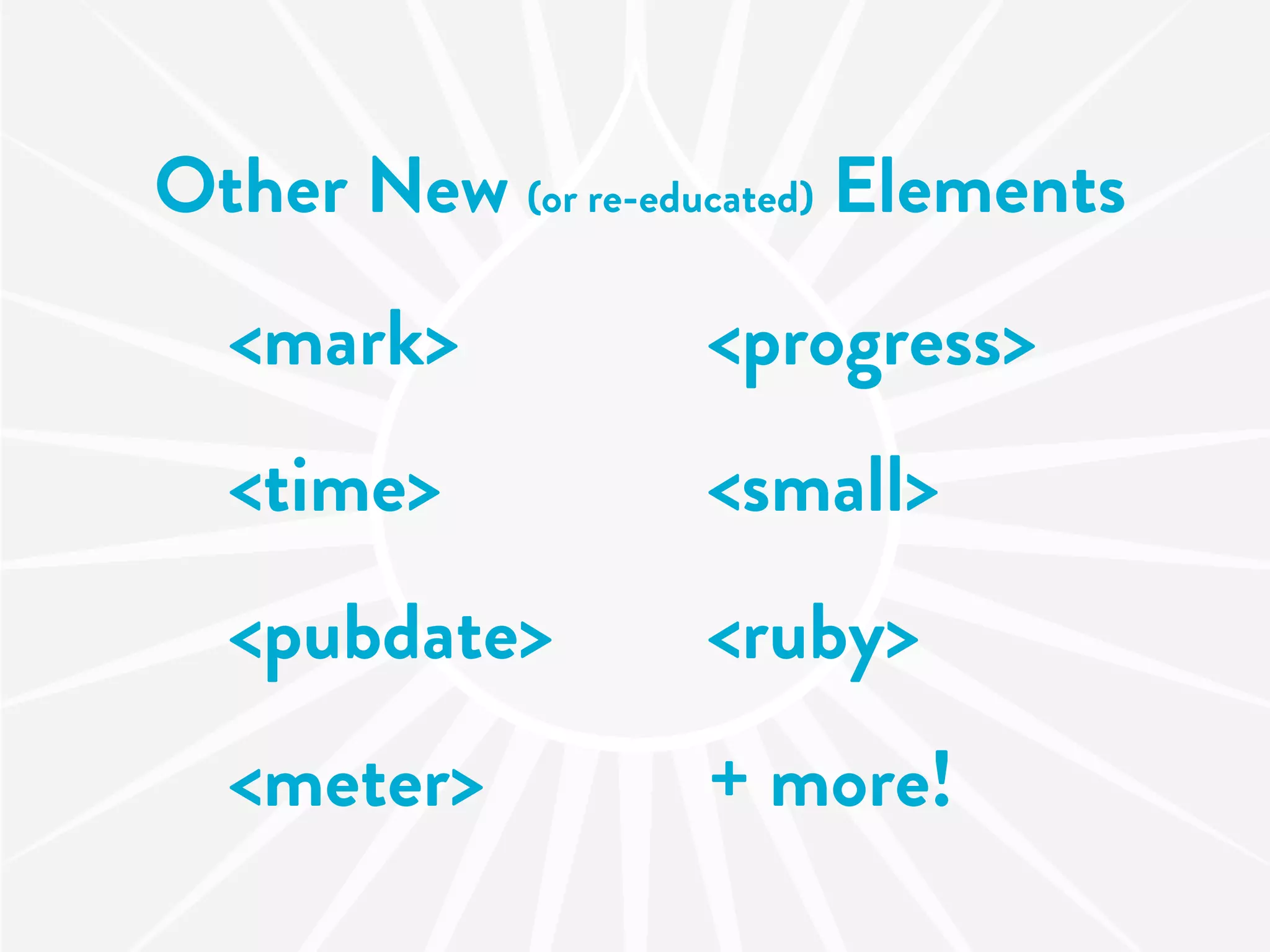
Other New (or re-educated) Elements
  <mark>           <progress>
  <time>           <small>
  <pubdate>        <ruby>
  <meter>          + more!
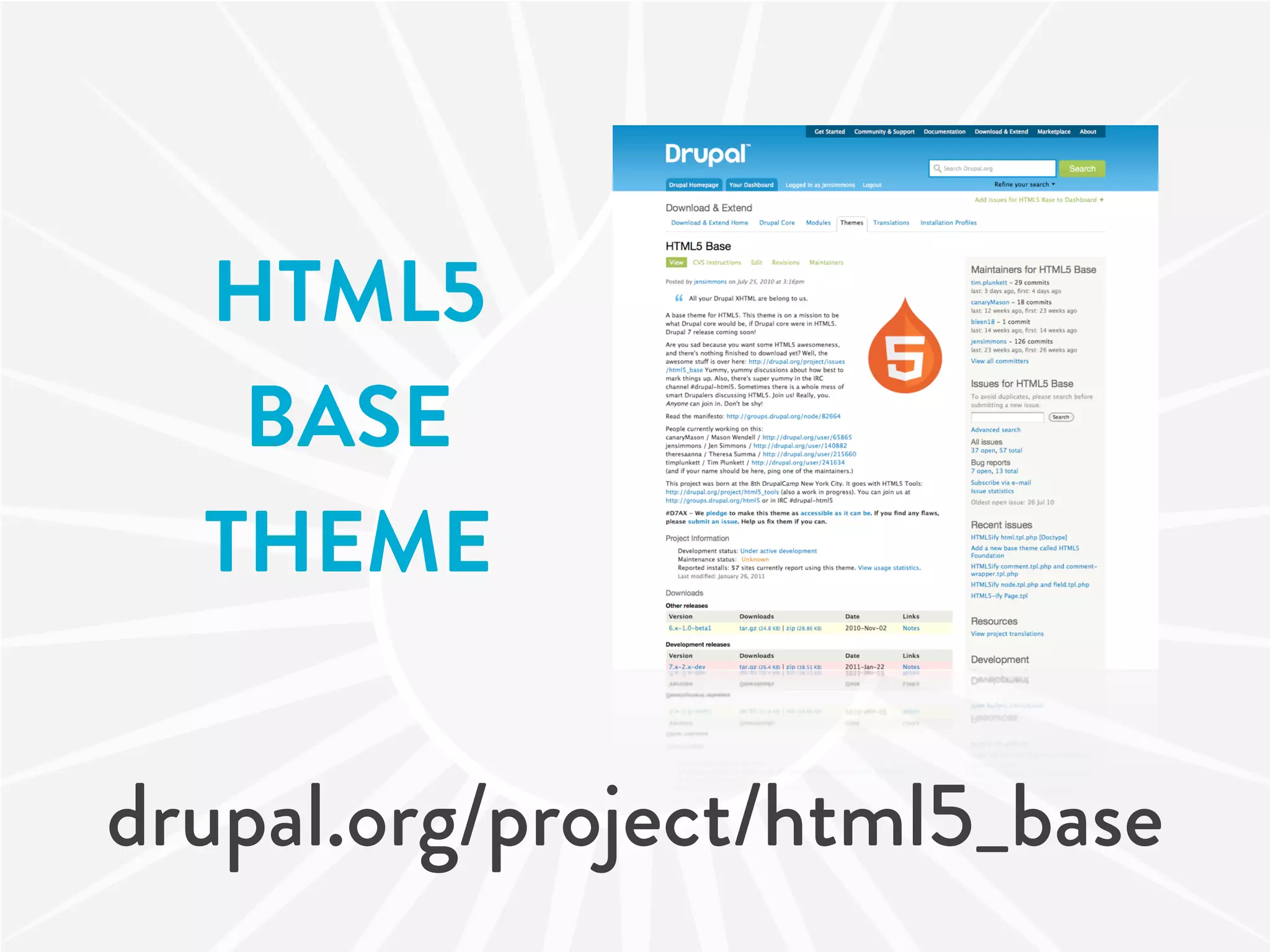
HTML5
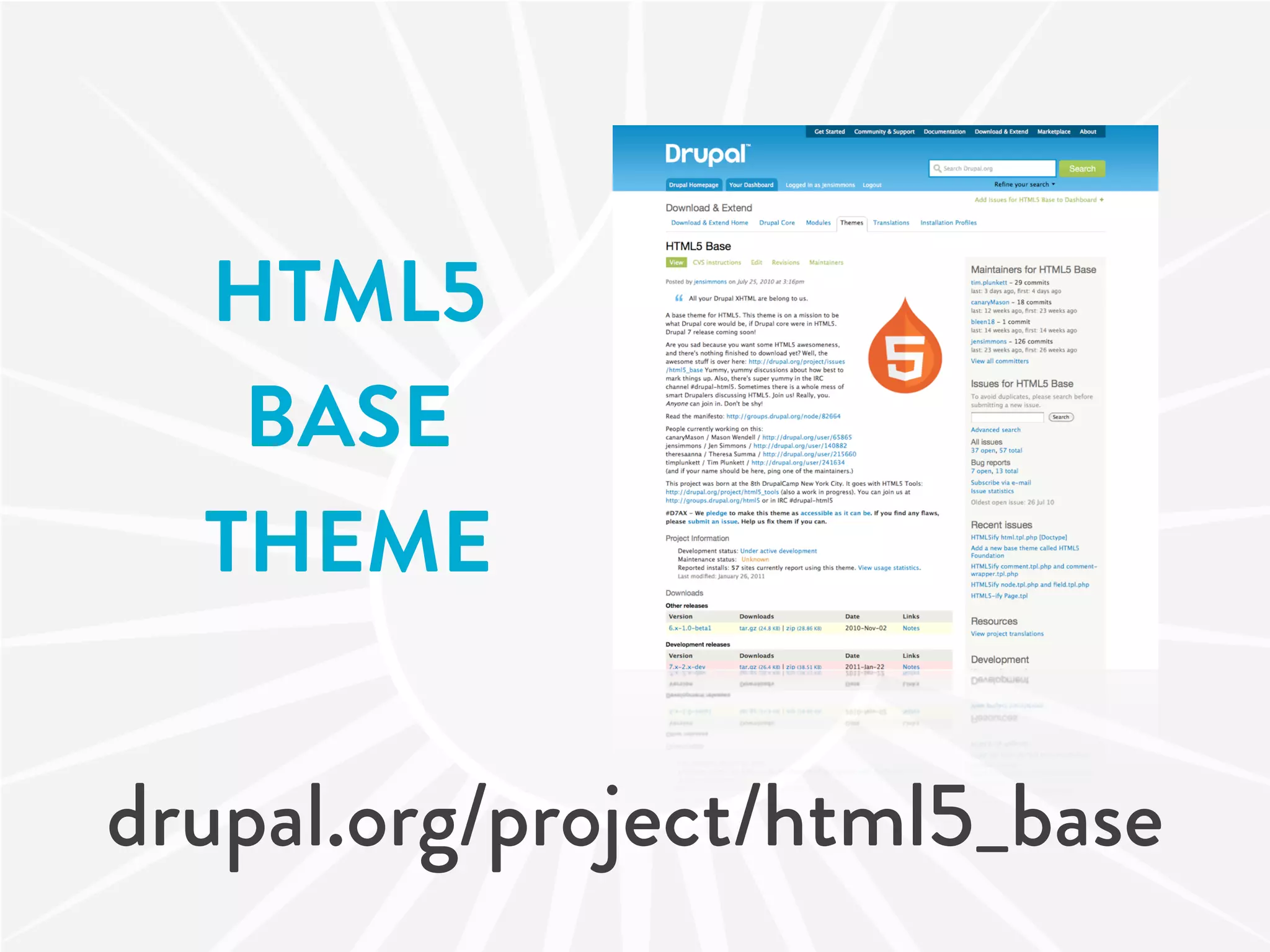
   BASE
  THEME


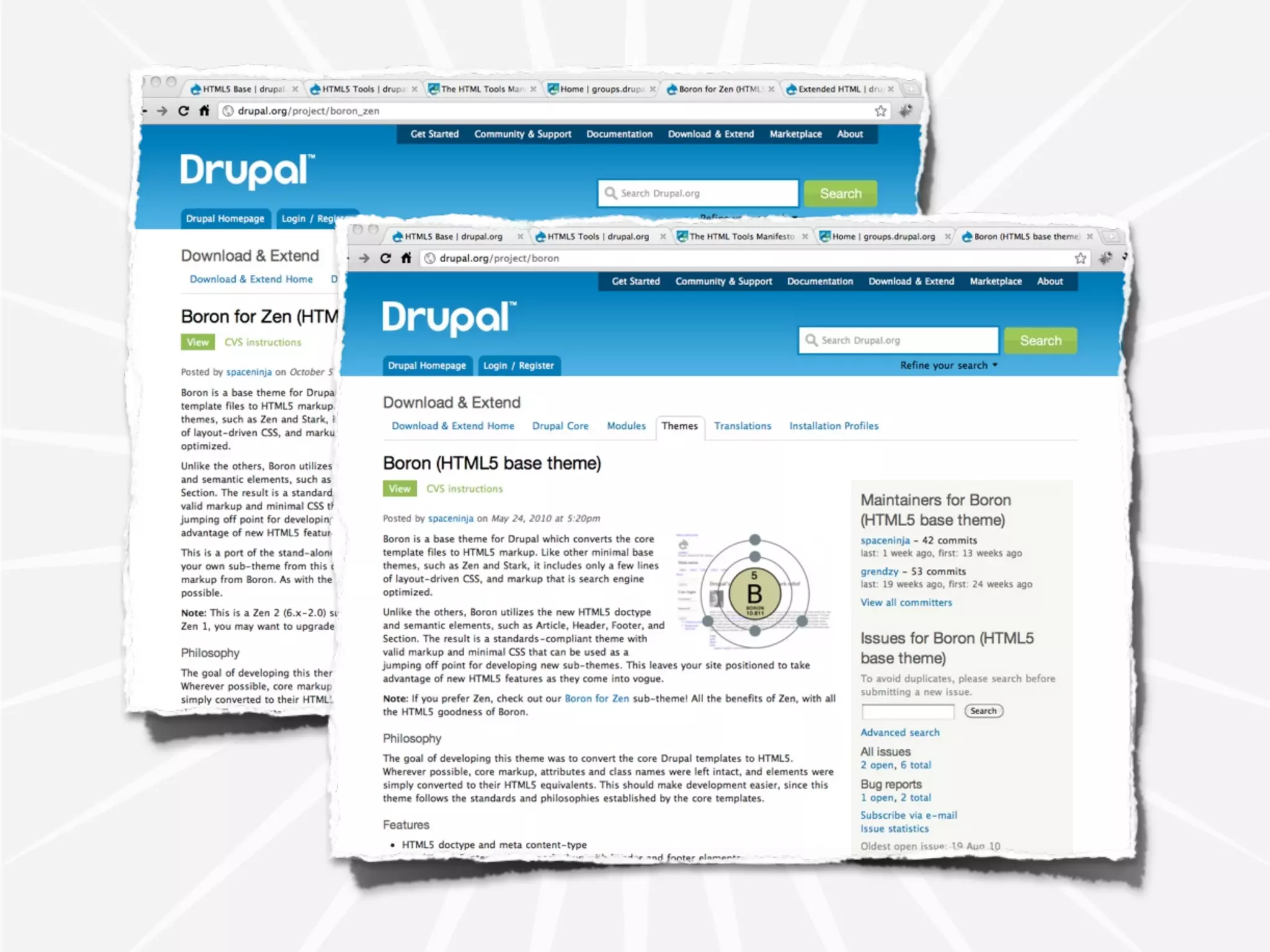
drupal.org/project/html5_base
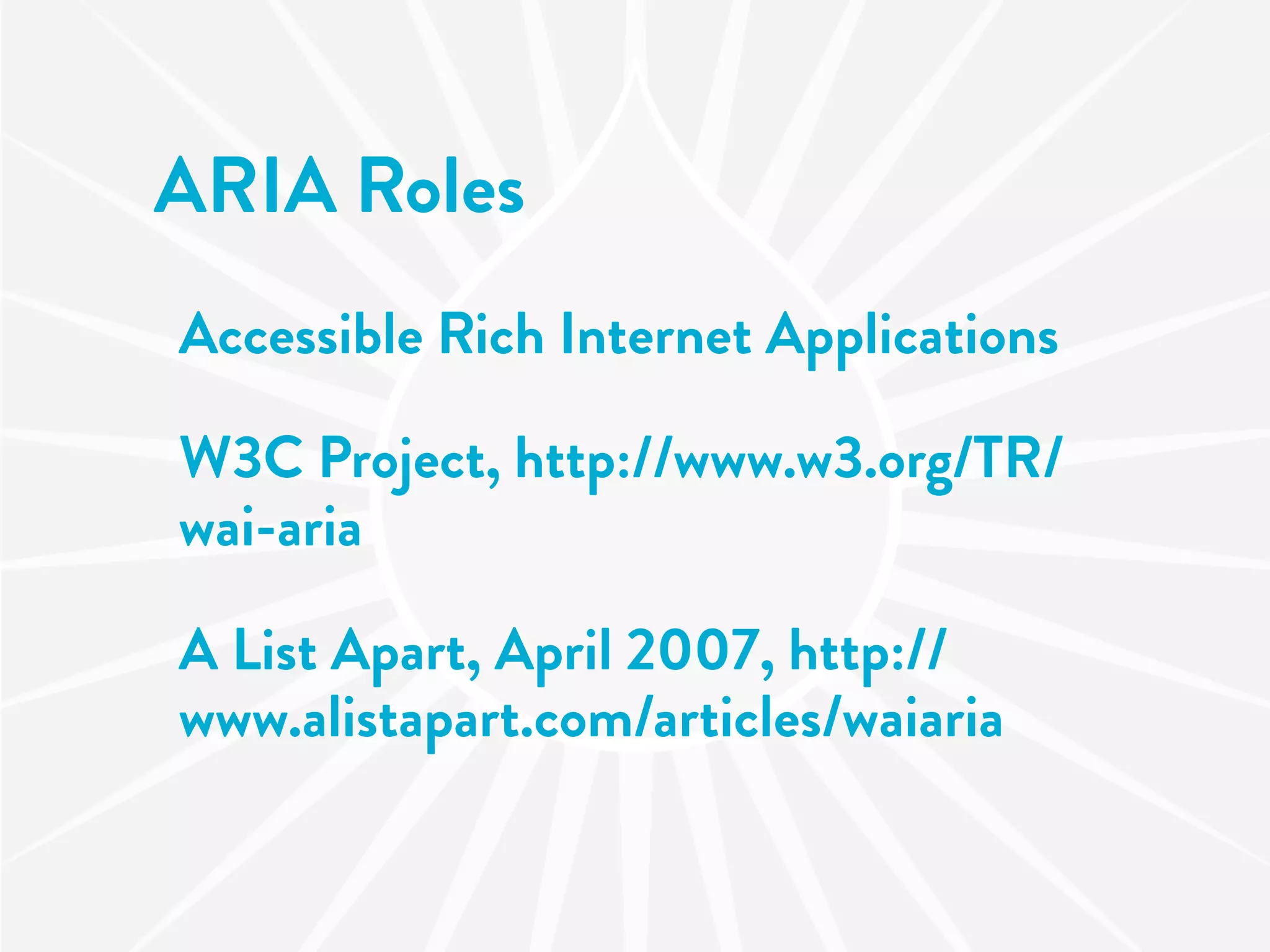
ARIA
Accessible Rich Internet Applications
       roles, states and properties
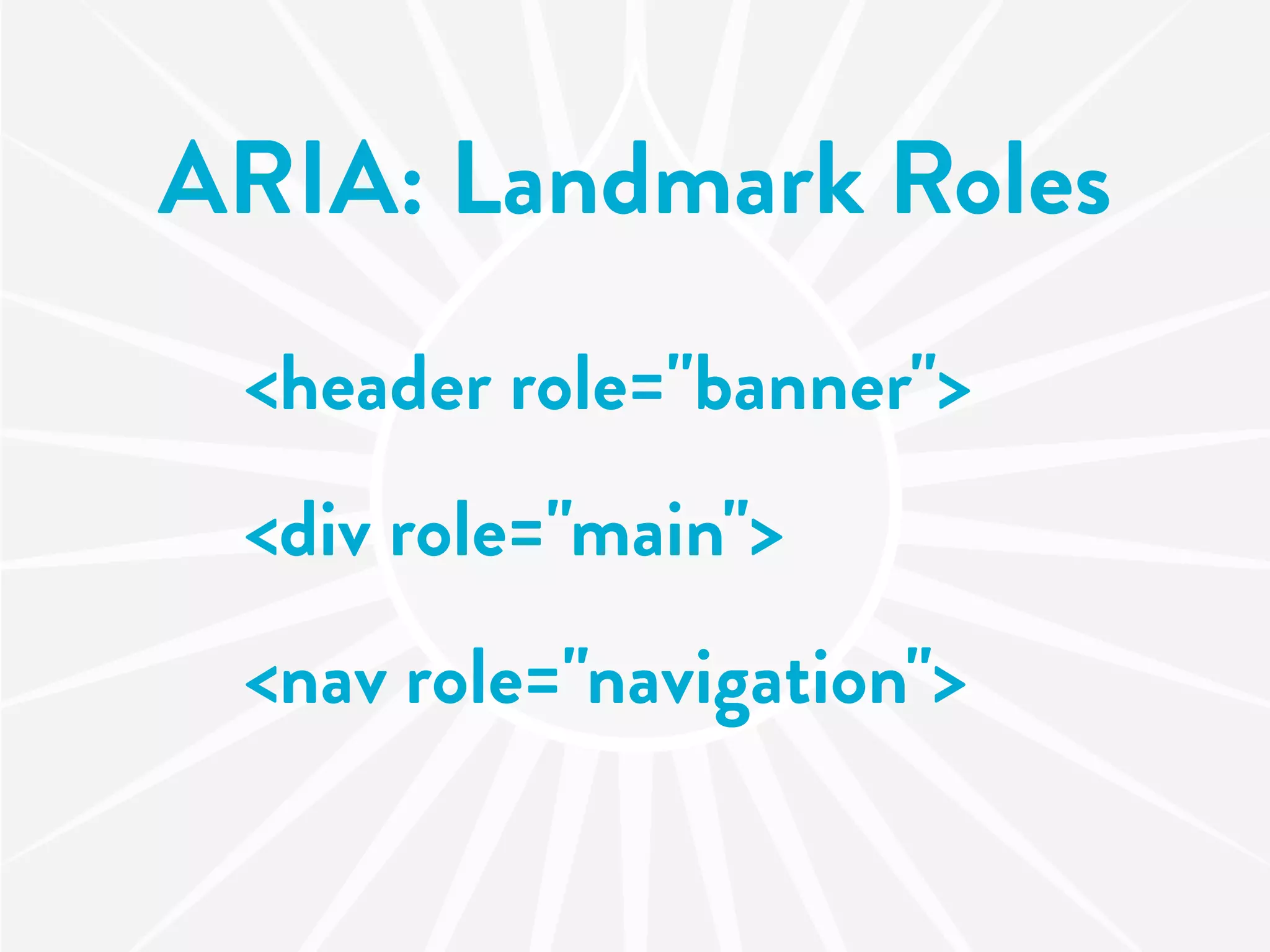
ARIA: Landmark Roles
 <header role="banner">
 <div role="main">
 <nav role="navigation">
ARIA: Landmarks
HTML <div role="main">…</div>

CSS     div[role=main] {
             color:#999;
         }
ARIA Roles
Accessible Rich Internet Applications

W3C Project, http://www.w3.org/TR/
wai-aria

A List Apart, April 2007, http://
www.alistapart.com/articles/waiaria
HTML5
FORMS
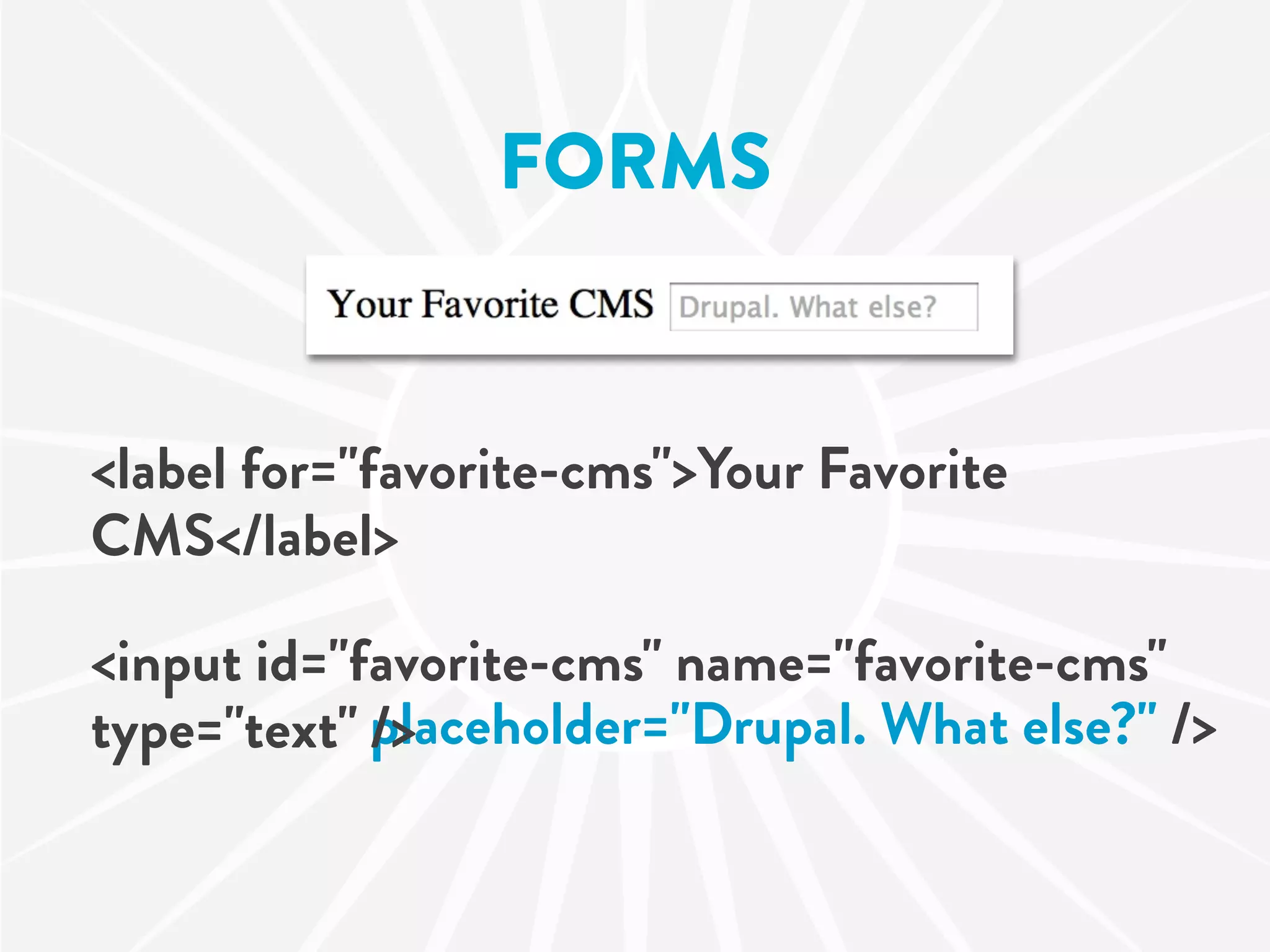
FORMS


<label for="favorite-cms">Your Favorite
CMS</label>

<input id="favorite-cms" name="favorite-cms"
type="text" placeholder="Drupal. What else?" />
            />
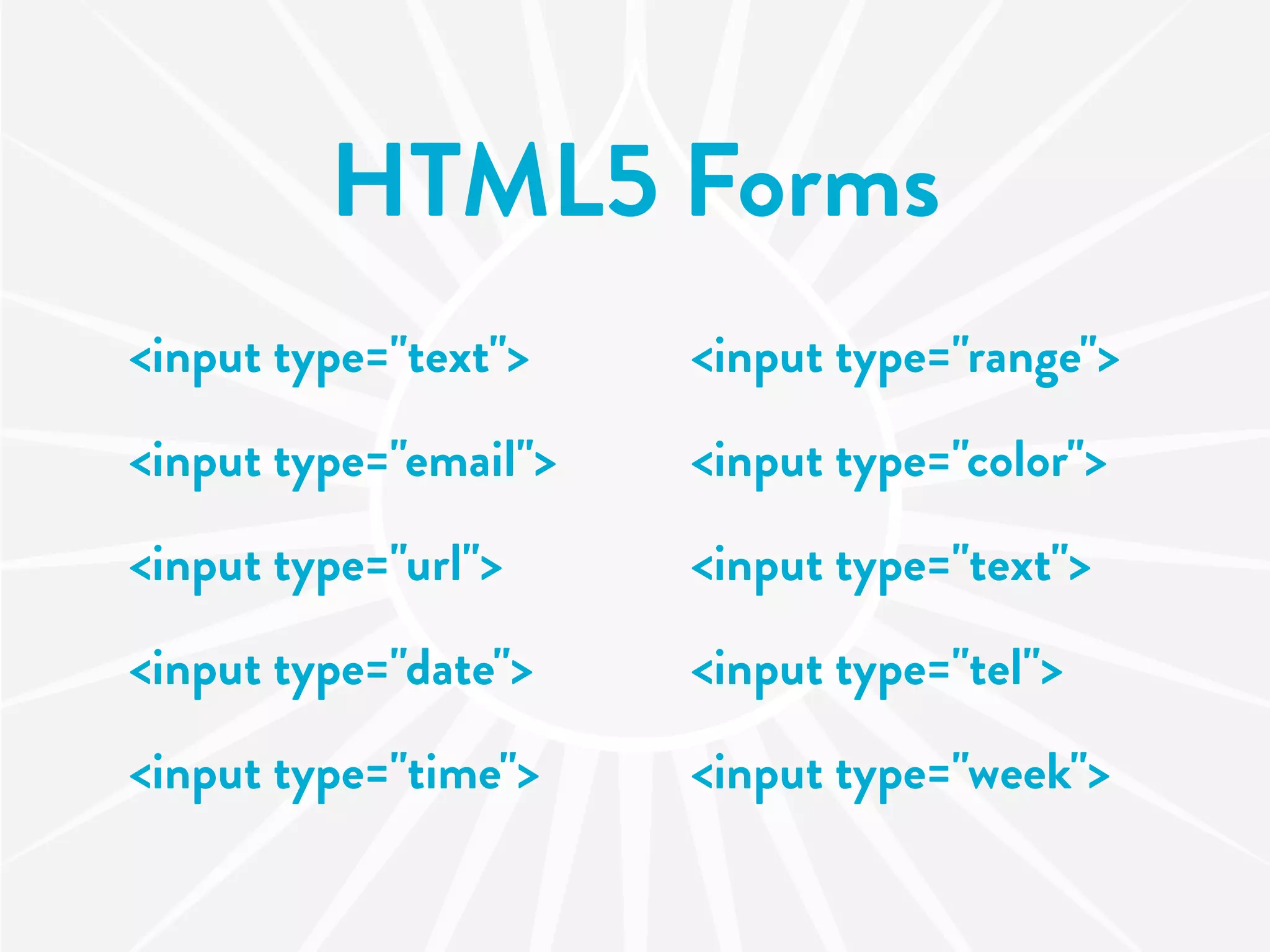
HTML5 Forms
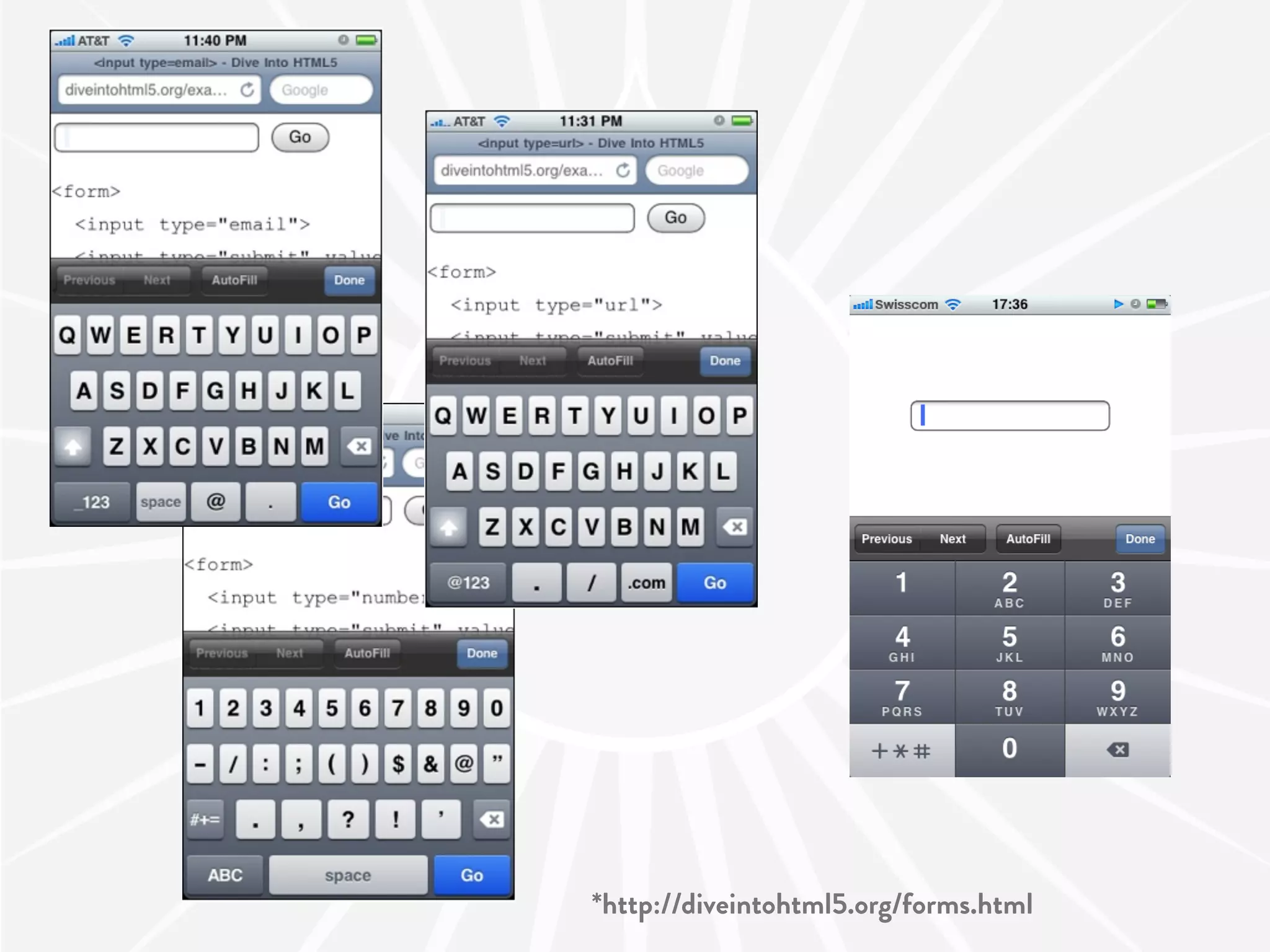
<input type="text">    <input type="range">

<input type="email">   <input type="color">

<input type="url">     <input type="text">

<input type="date">    <input type="tel">

<input type="time">    <input type="week">
*http://diveintohtml5.org/forms.html
HTML5 Forms
date picker
search box
number as a slider with a range
color picker
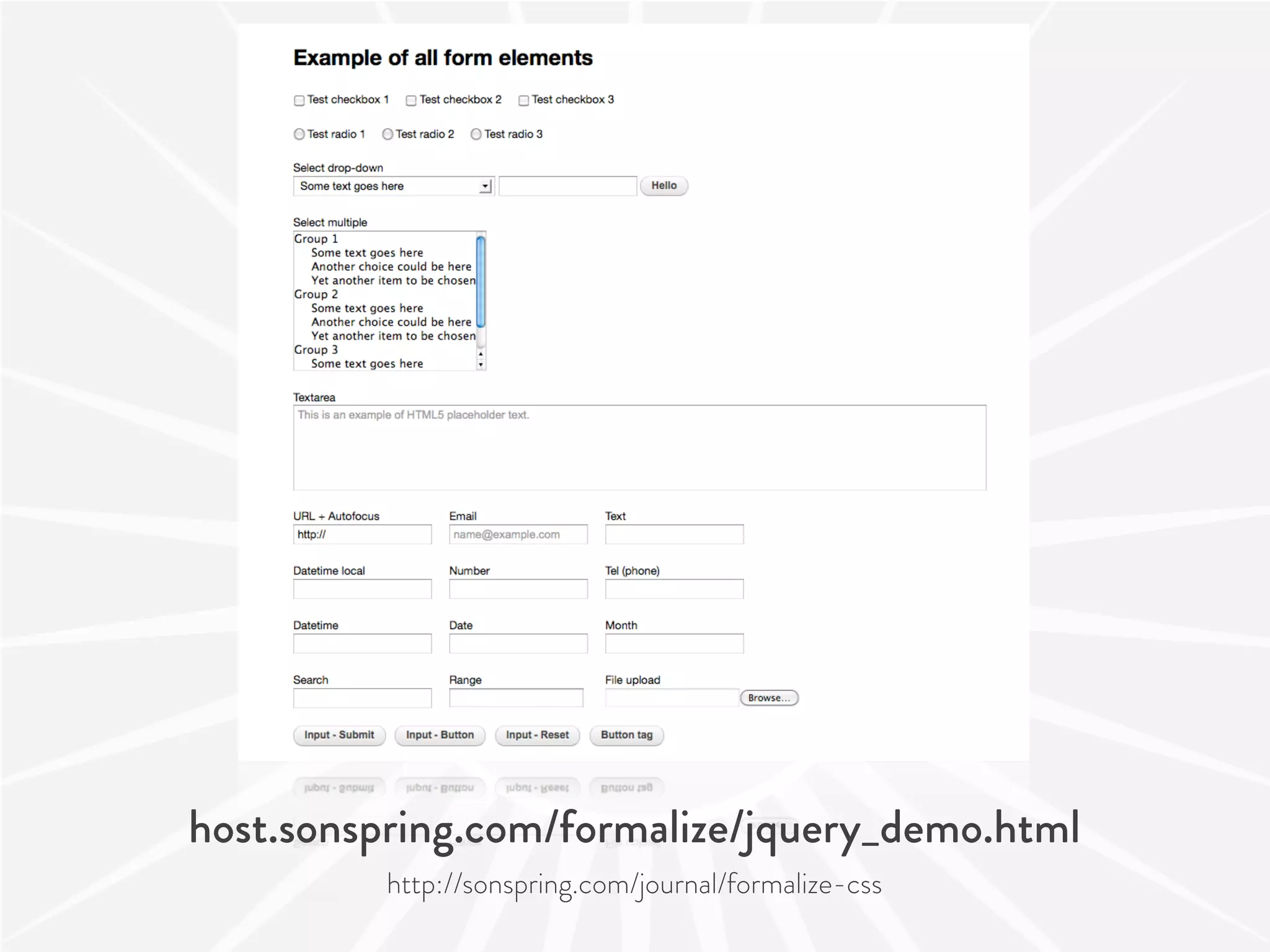
host.sonspring.com/formalize/jquery_demo.html
          http://sonspring.com/journal/formalize-css
HTML5 Form
         Attributes
autocomplete, min, max, multiple, pattern,
step, required, placeholder

<input type="email" required>

<input type="range" min=1 max=11 name=tap>
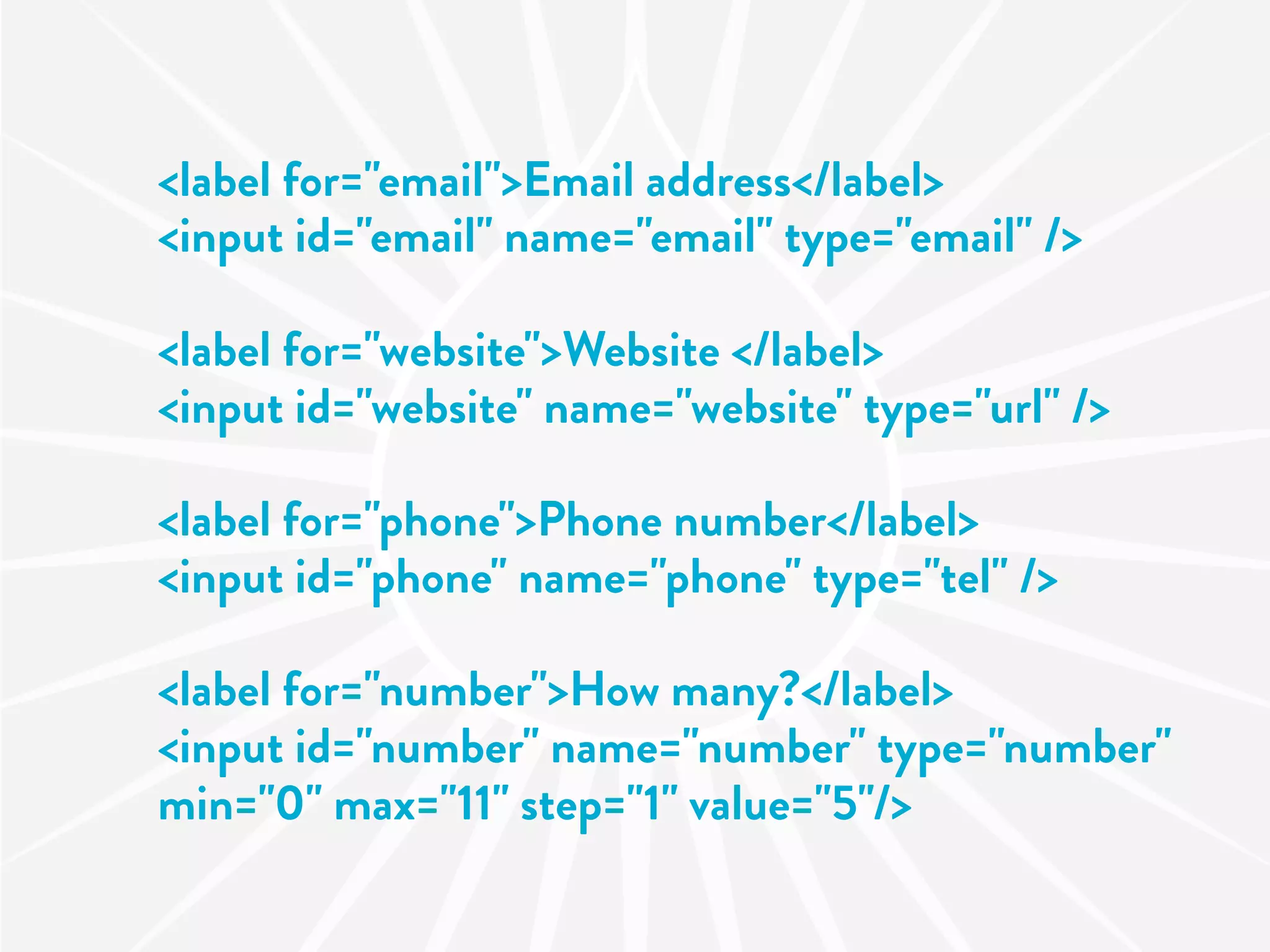
<label for="email">Email address</label>
<input id="email" name="email" type="email" />

<label for="website">Website </label>
<input id="website" name="website" type="url" />

<label for="phone">Phone number</label>
<input id="phone" name="phone" type="tel" />

<label for="number">How many?</label>
<input id="number" name="number" type="number"
min="0" max="11" step="1" value="5"/>
HTML5
  TOOLS
 MODULE


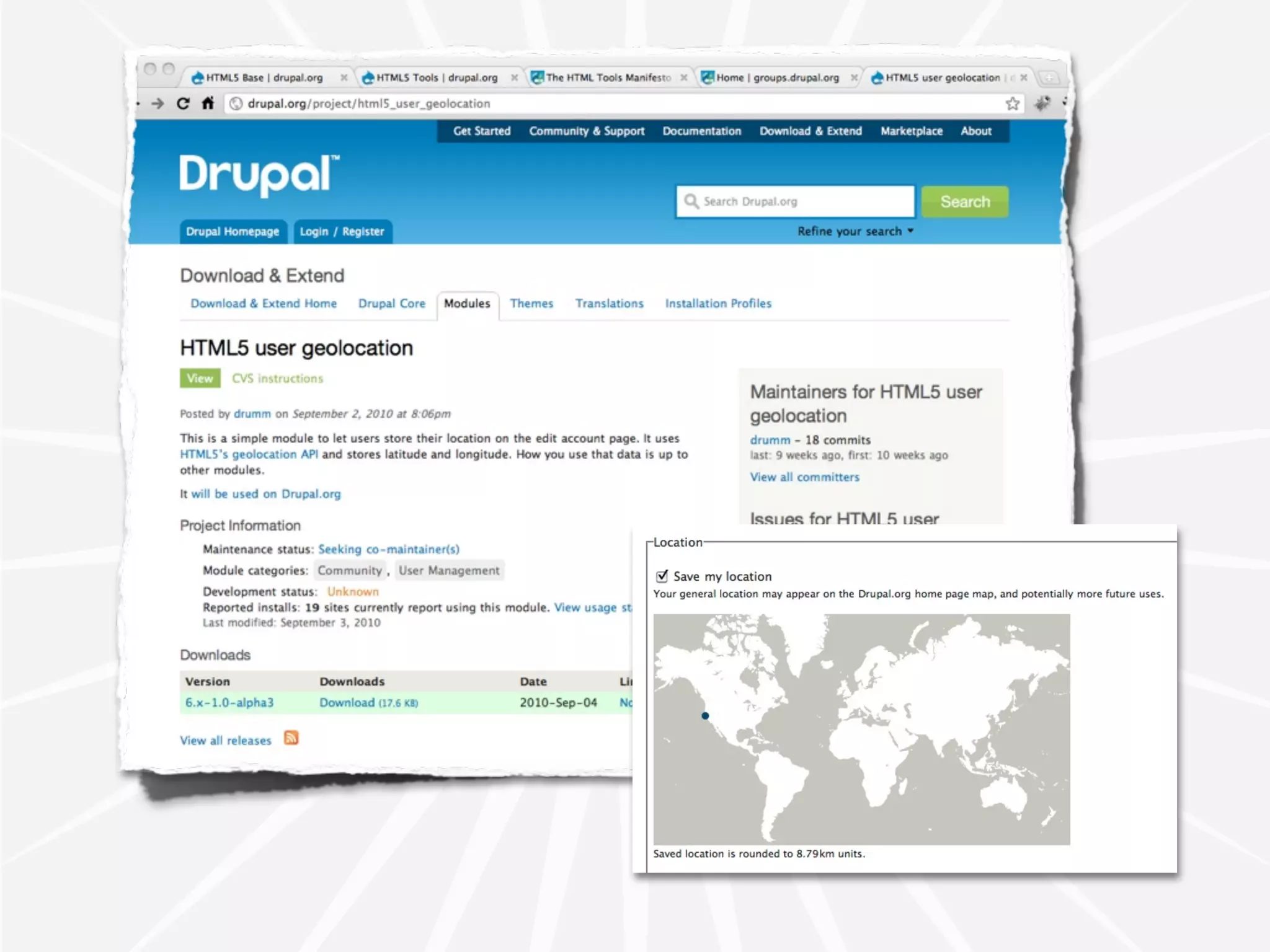
drupal.org/project/html5_tools
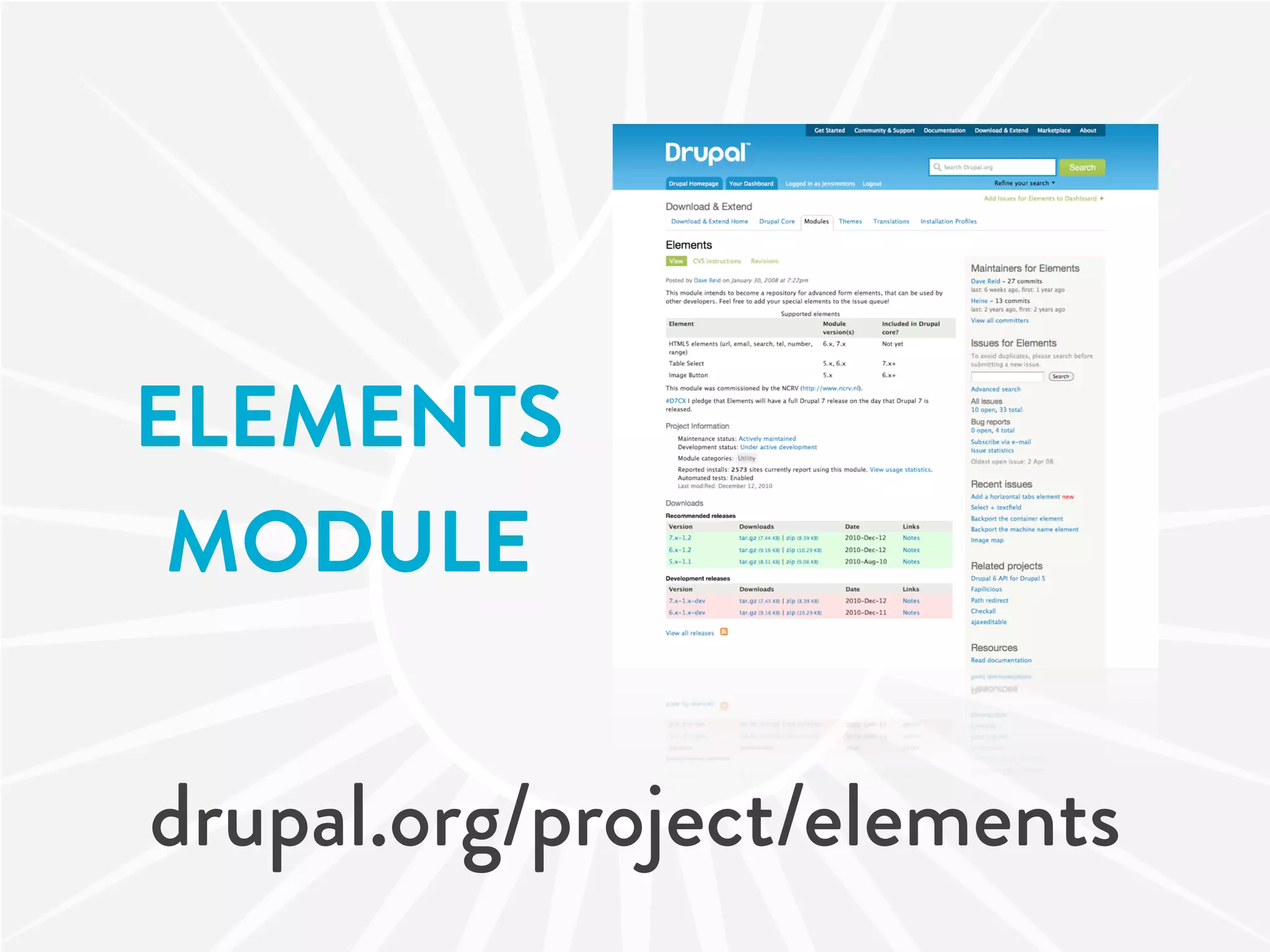
ELEMENTS
 MODULE


drupal.org/project/elements
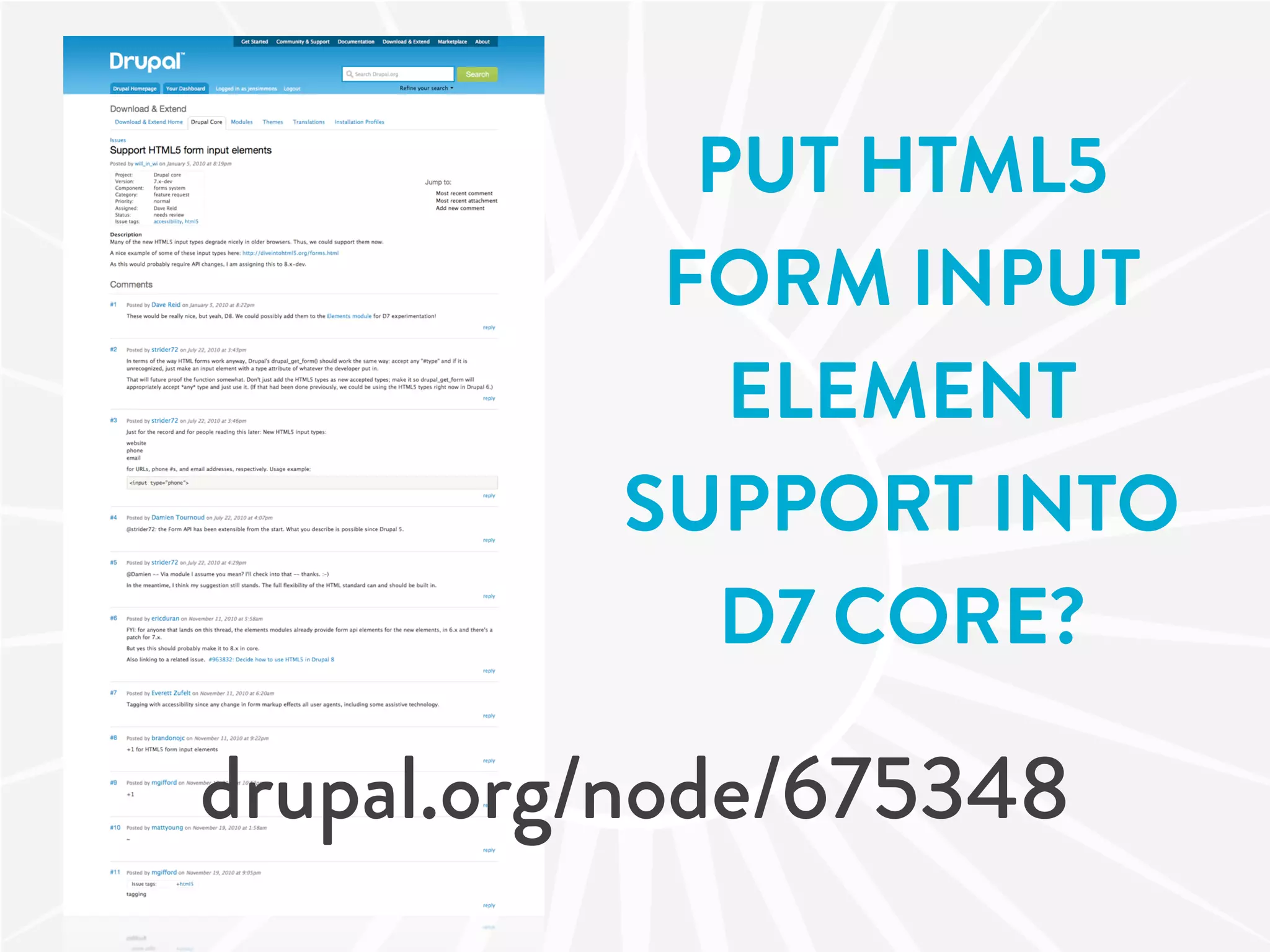
PUT HTML5
           FORM INPUT
             ELEMENT
          SUPPORT INTO
            D7 CORE?

drupal.org/node/675348
MORE HTML5
AWESOMENESS
HTML5
VIDEO
AUDIO
GAMES
REALLY COOL.
<video>
 <audio>
<canvas>
HTML5
OTHER
 APIs
HTML5 OTHER APIs
Geolocation    Web Workers
Communication Web Storage
APIs
              O ine
Websockets    Applications
LEARN
MORE
Jeremy Keith's
                              Keynote
                               AT DRUPALCON
                               COPENHAGEN


drupalradar.com/video-jeremy-keith-keynote-session
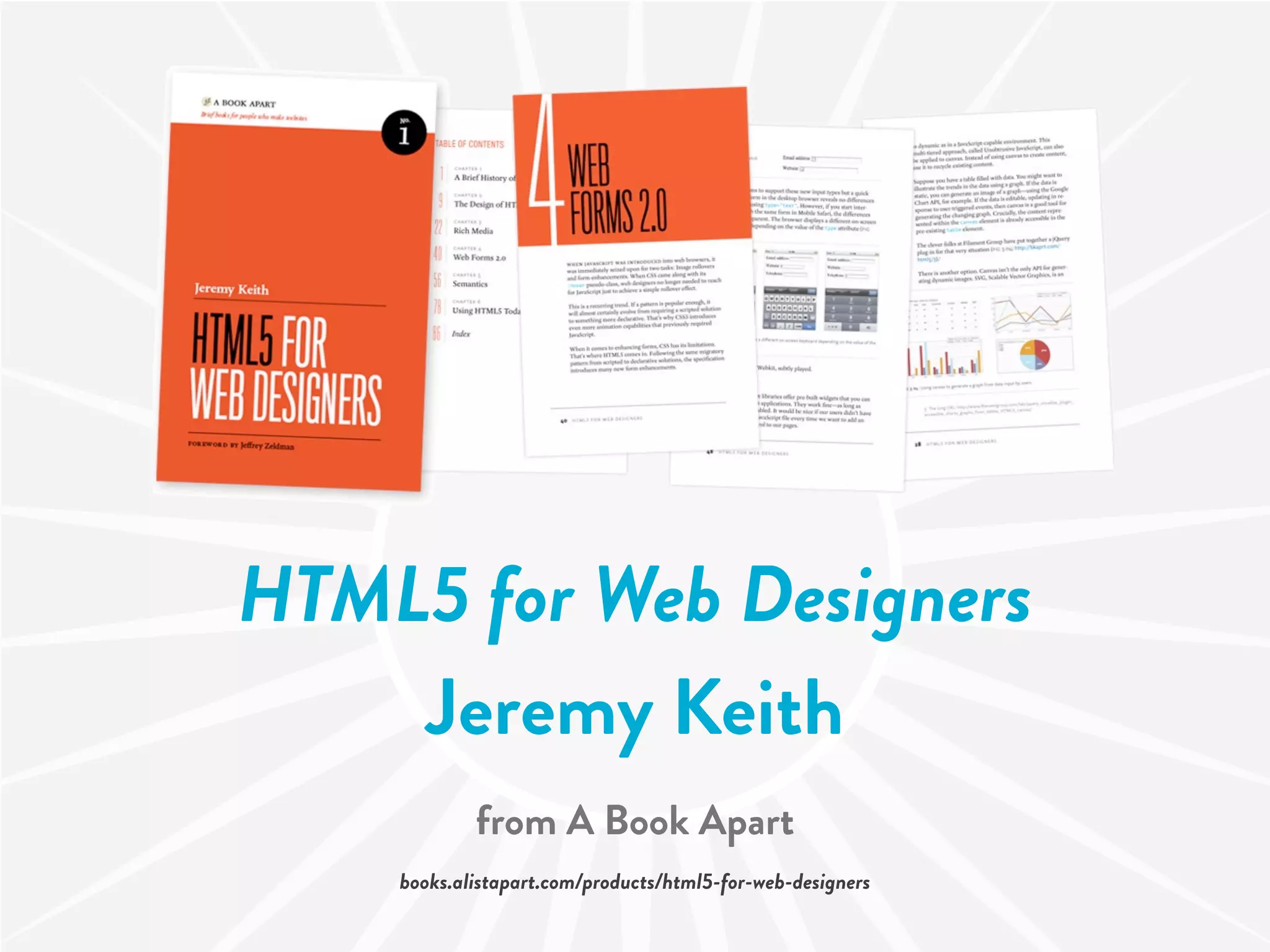
HTML5 for Web Designers
    Jeremy Keith
            from A Book Apart
    books.alistapart.com/products/html5-for-web-designers
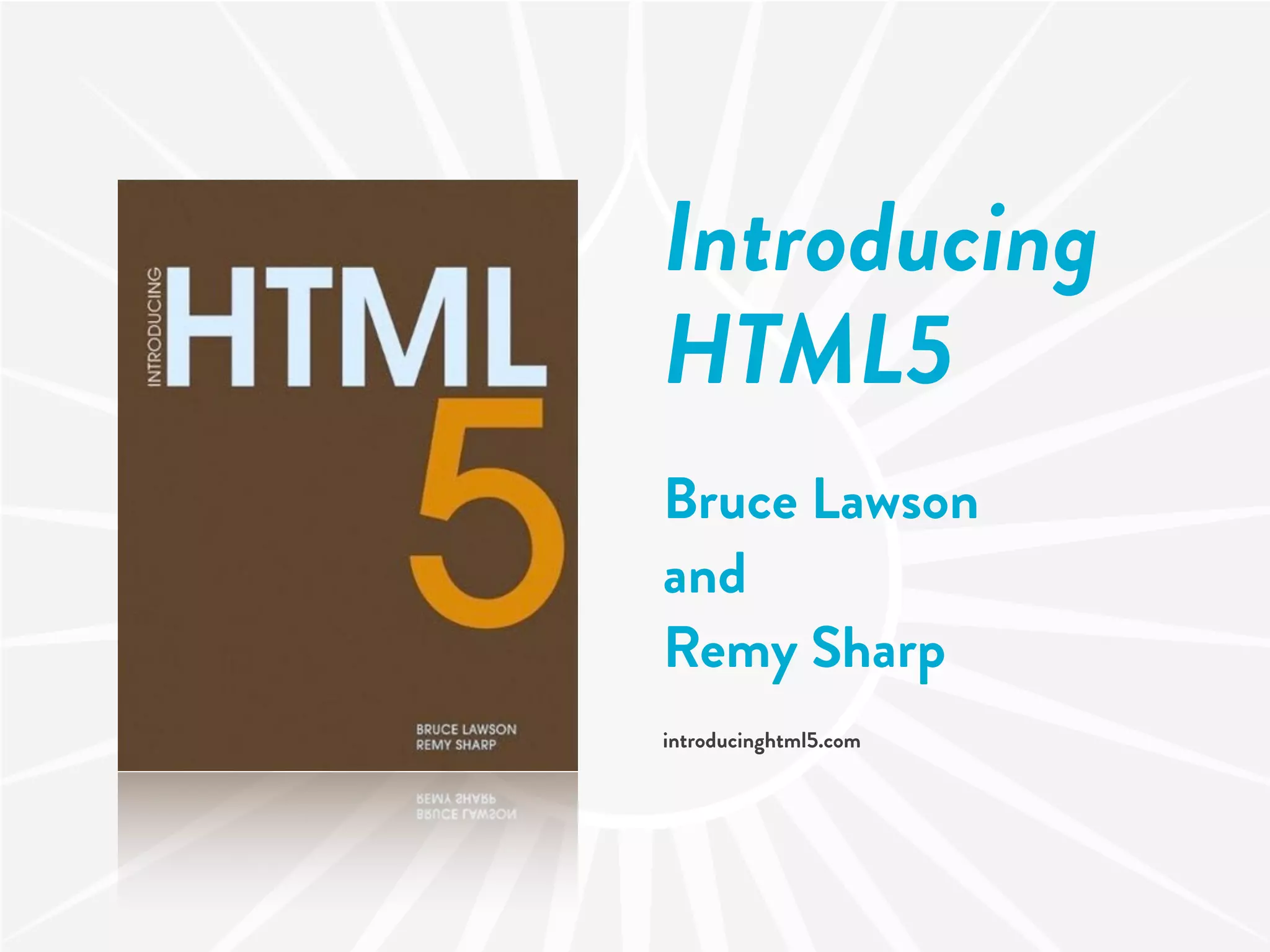
Introducing
HTML5
Bruce Lawson
and
Remy Sharp
introducinghtml5.com
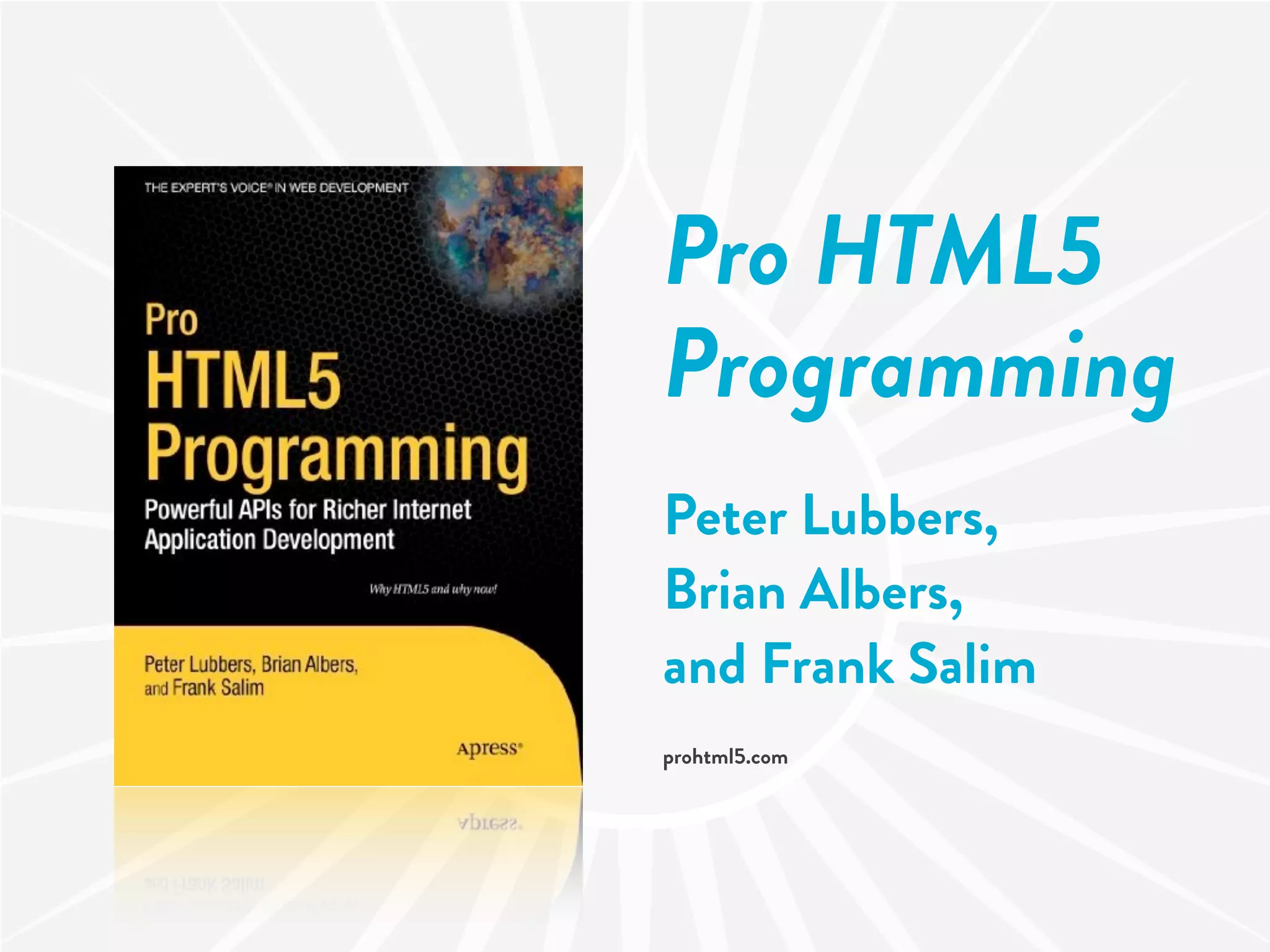
Pro HTML5
Programming
Peter Lubbers,
Brian Albers,
and Frank Salim
prohtml5.com
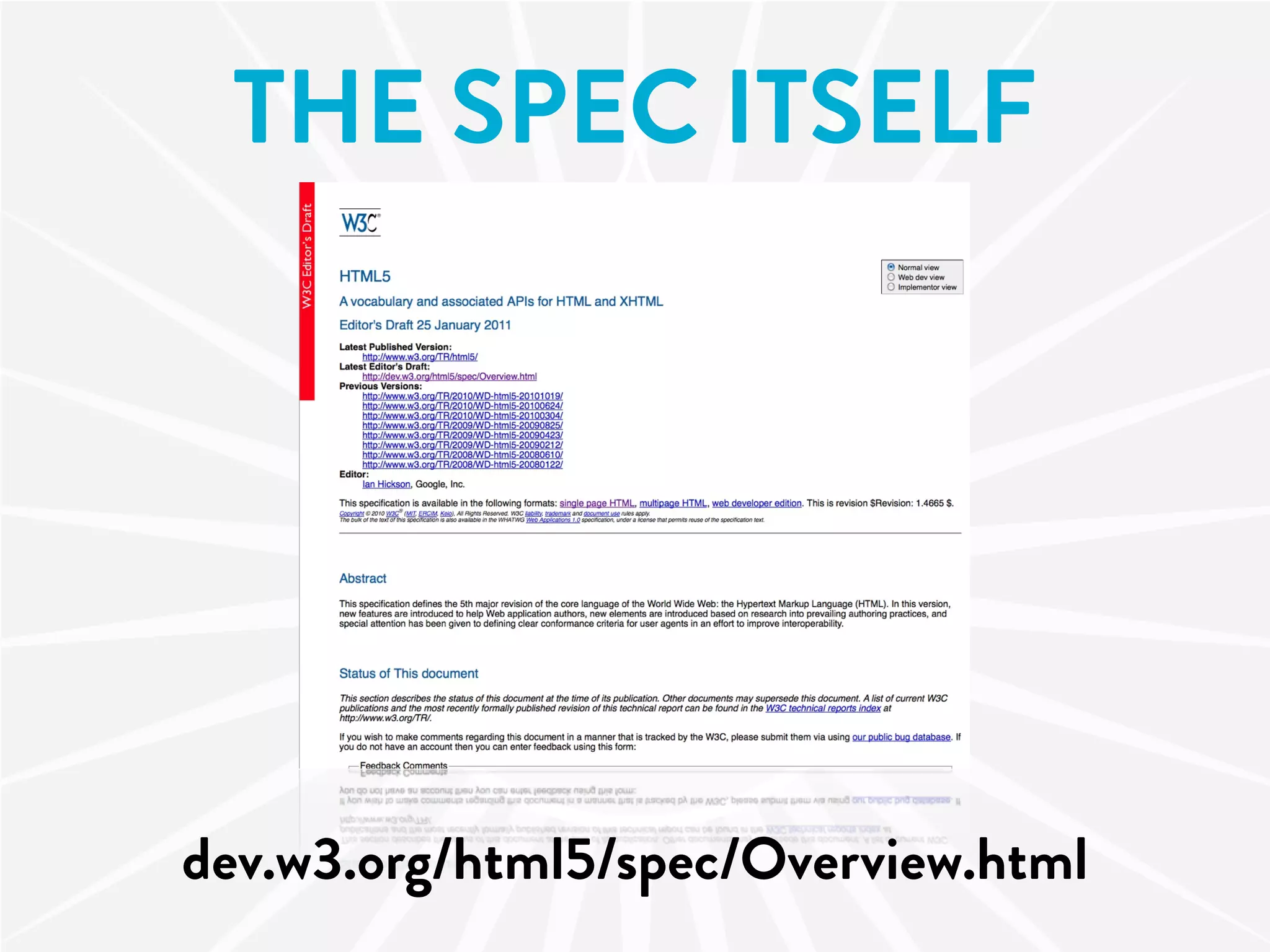
THE SPEC ITSELF


dev.w3.org/html5/spec/Overview.html
DRUPALLY
 HTML5
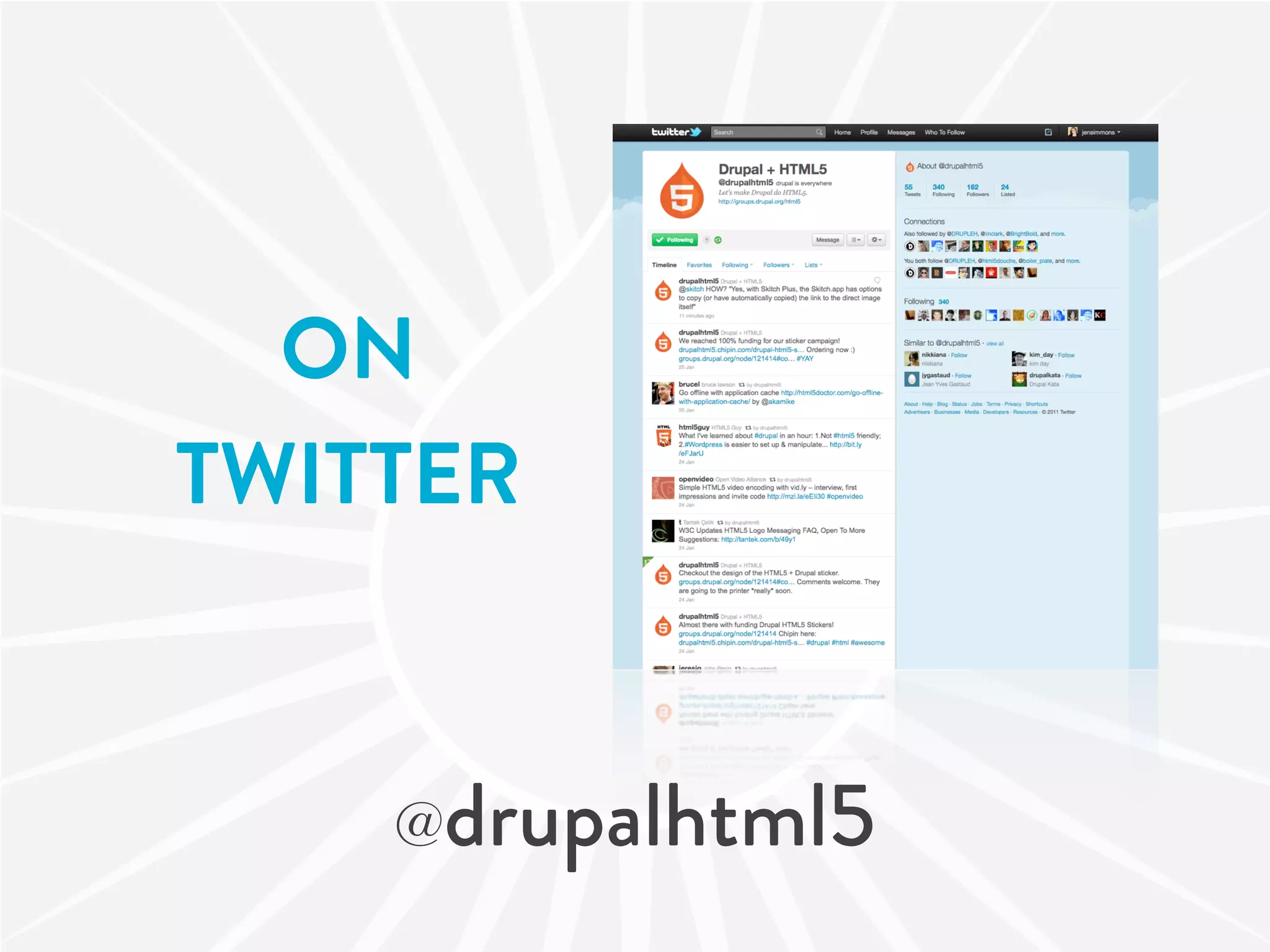
ON
TWITTER


    @drupalhtml5
HTML5
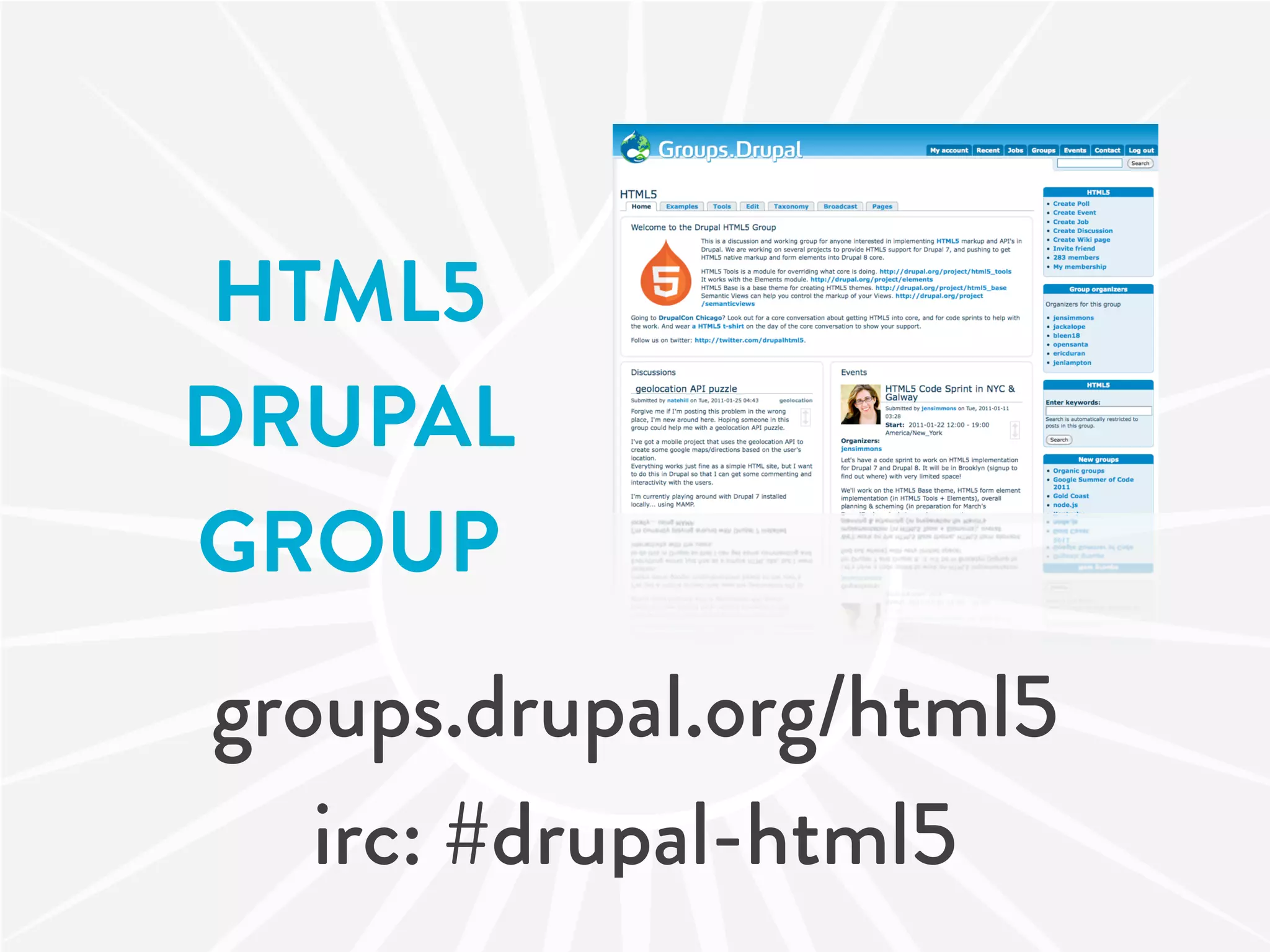
DRUPAL
GROUP
groups.drupal.org/html5
   irc: #drupal-html5
HTML5
  TOOLS
 MODULE


drupal.org/project/html5_tools
HTML5
   BASE
  THEME


drupal.org/project/html5_base
ME
 jensimmons.com
twitter: jensimmons
PLEASE COMMENT
  AND SHARE AT

jen.cm/h3

SW Drupal Summit: HTML5+Drupal