SQLite Database in
Android
Topics
• What is SQLite?
• How to install SQLite forAndroidStudio?
• How to implement SQLite in Android App?
• How to store data in SQLite database?
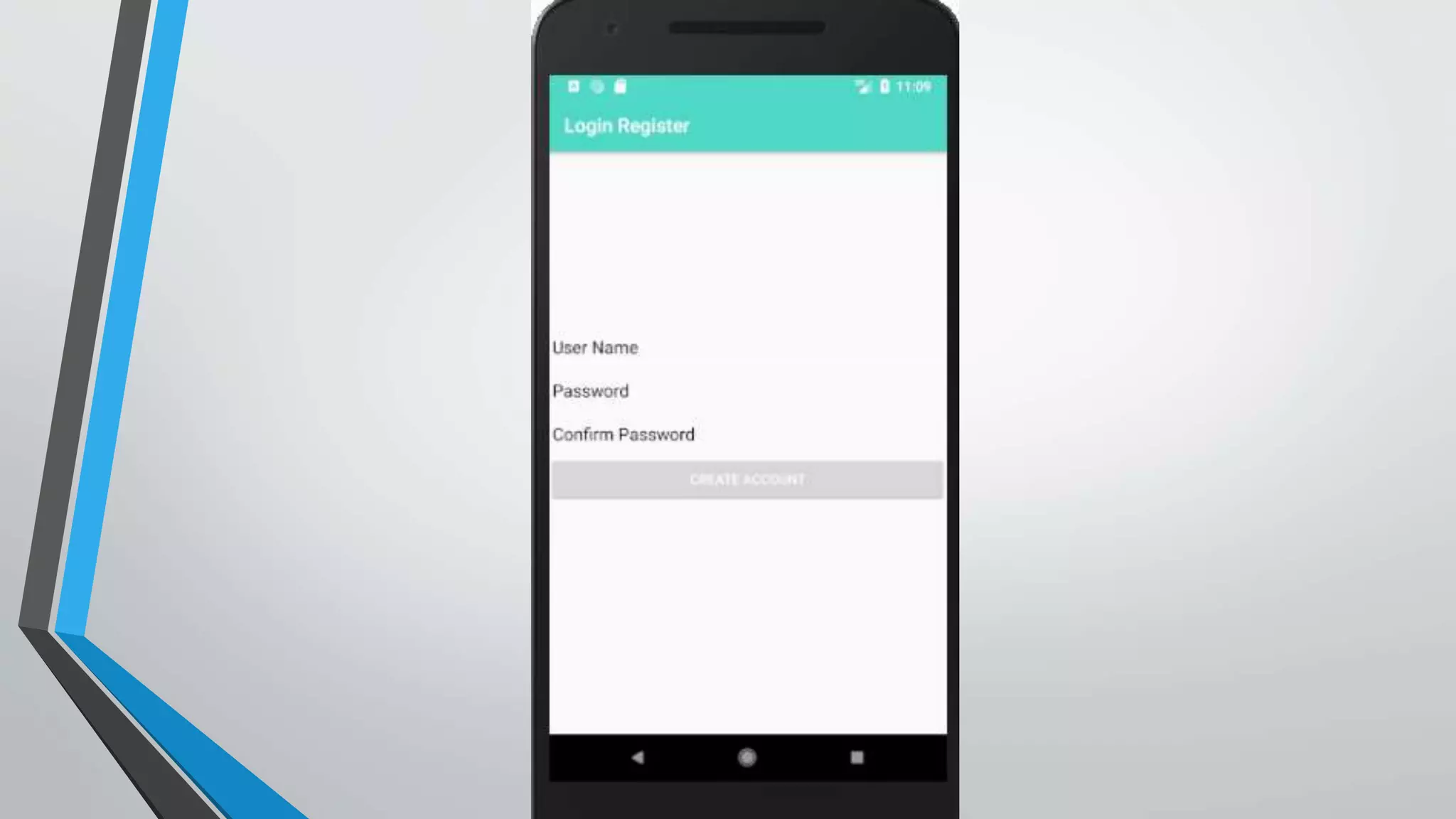
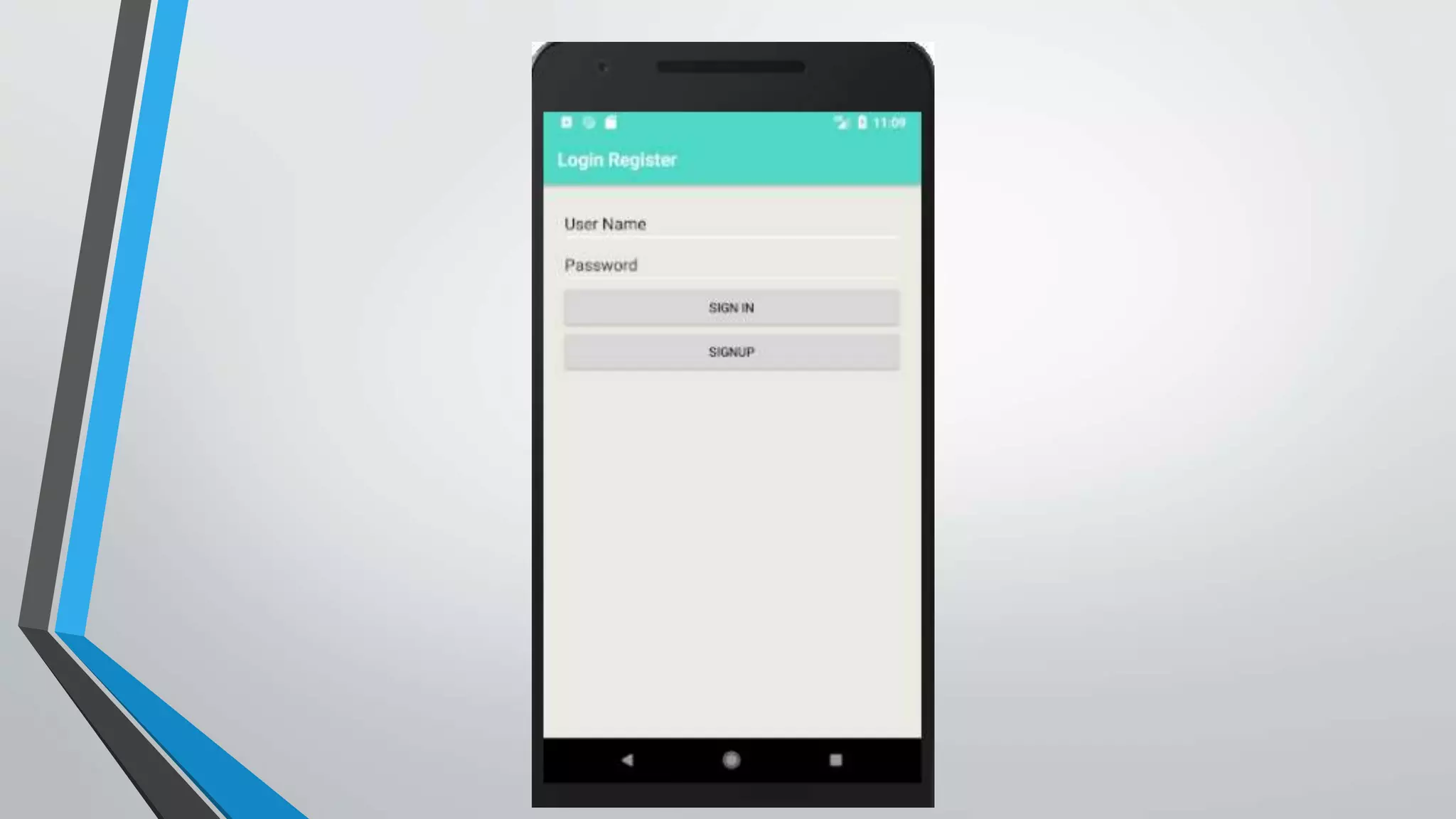
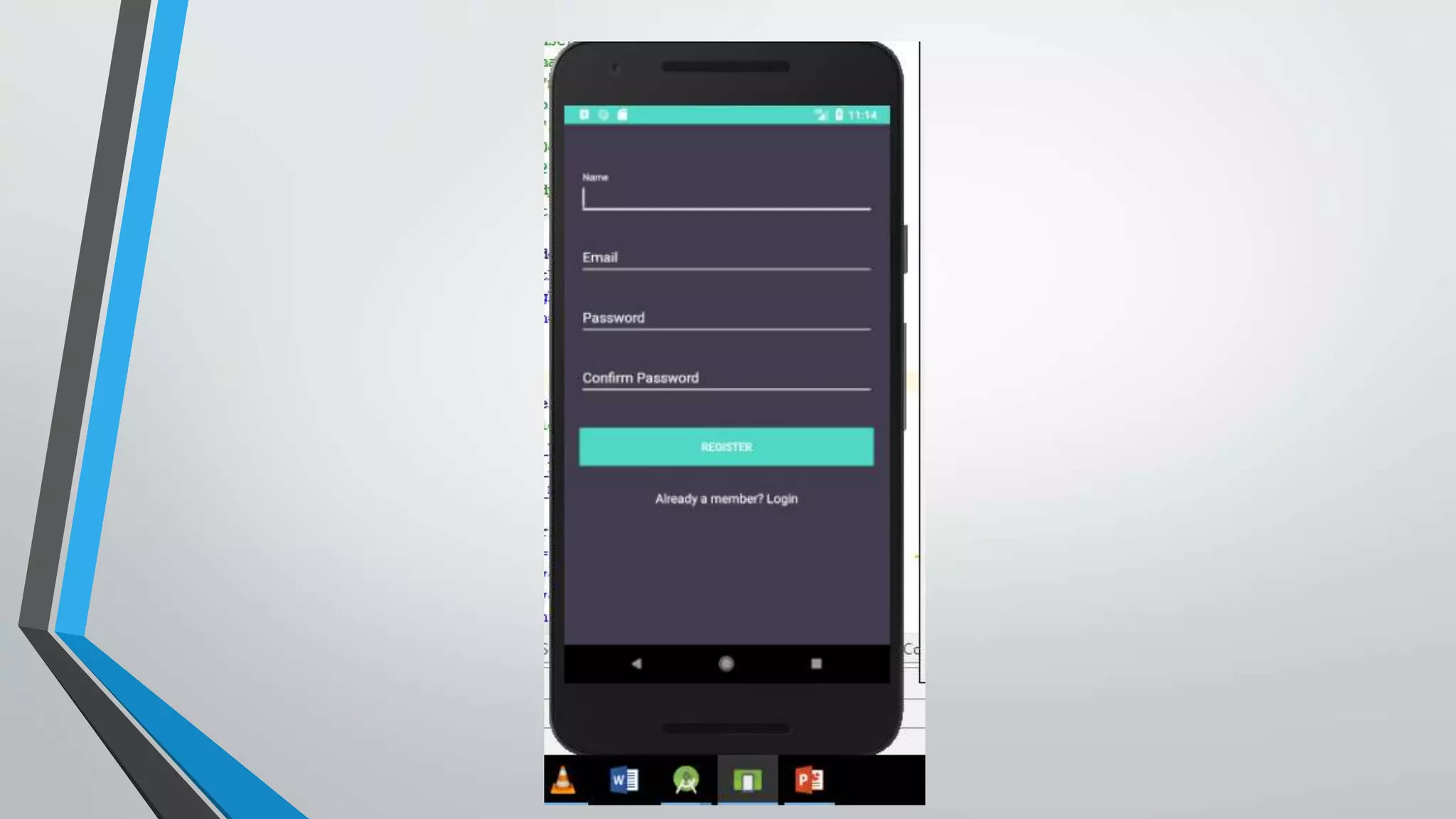
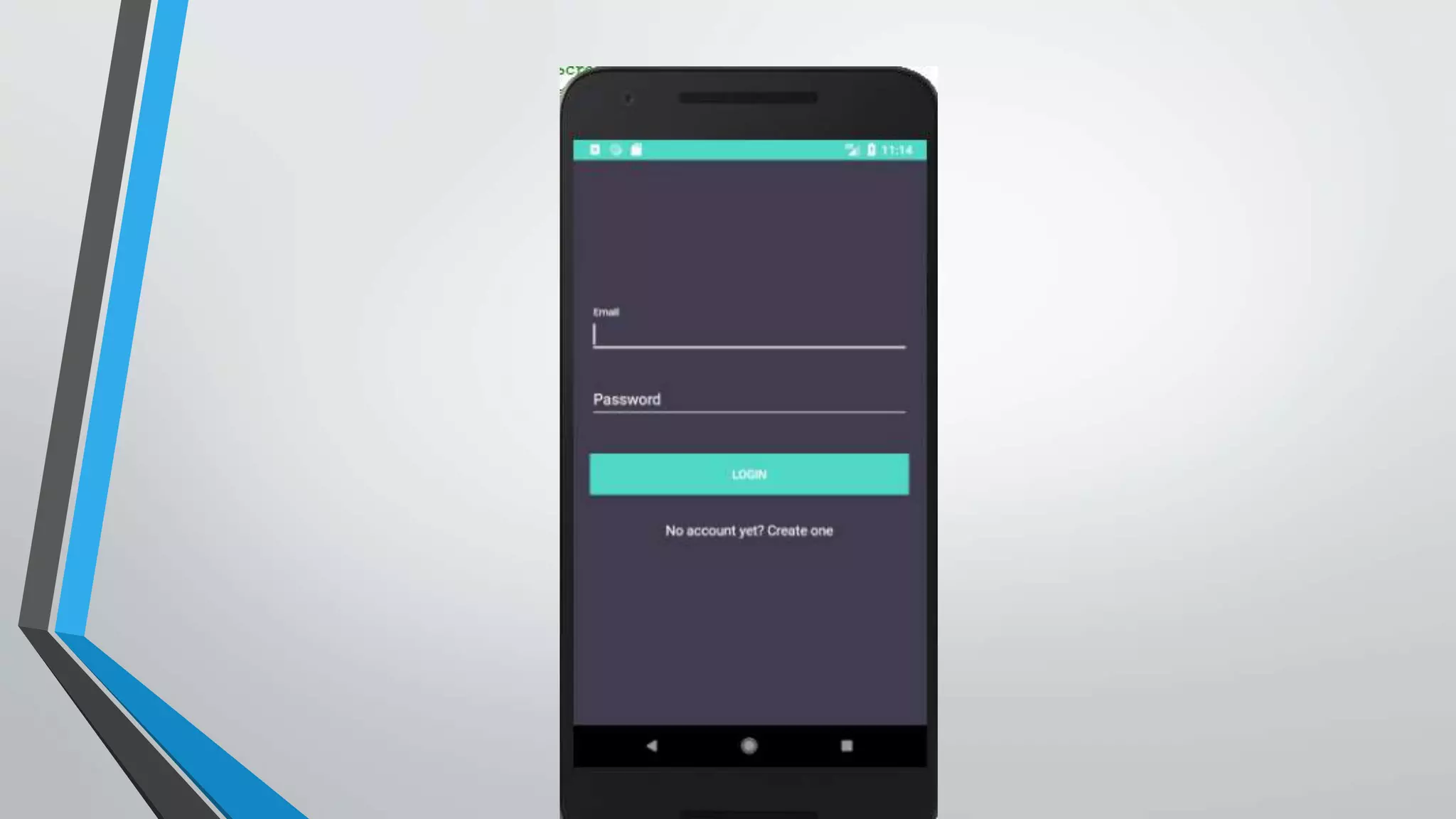
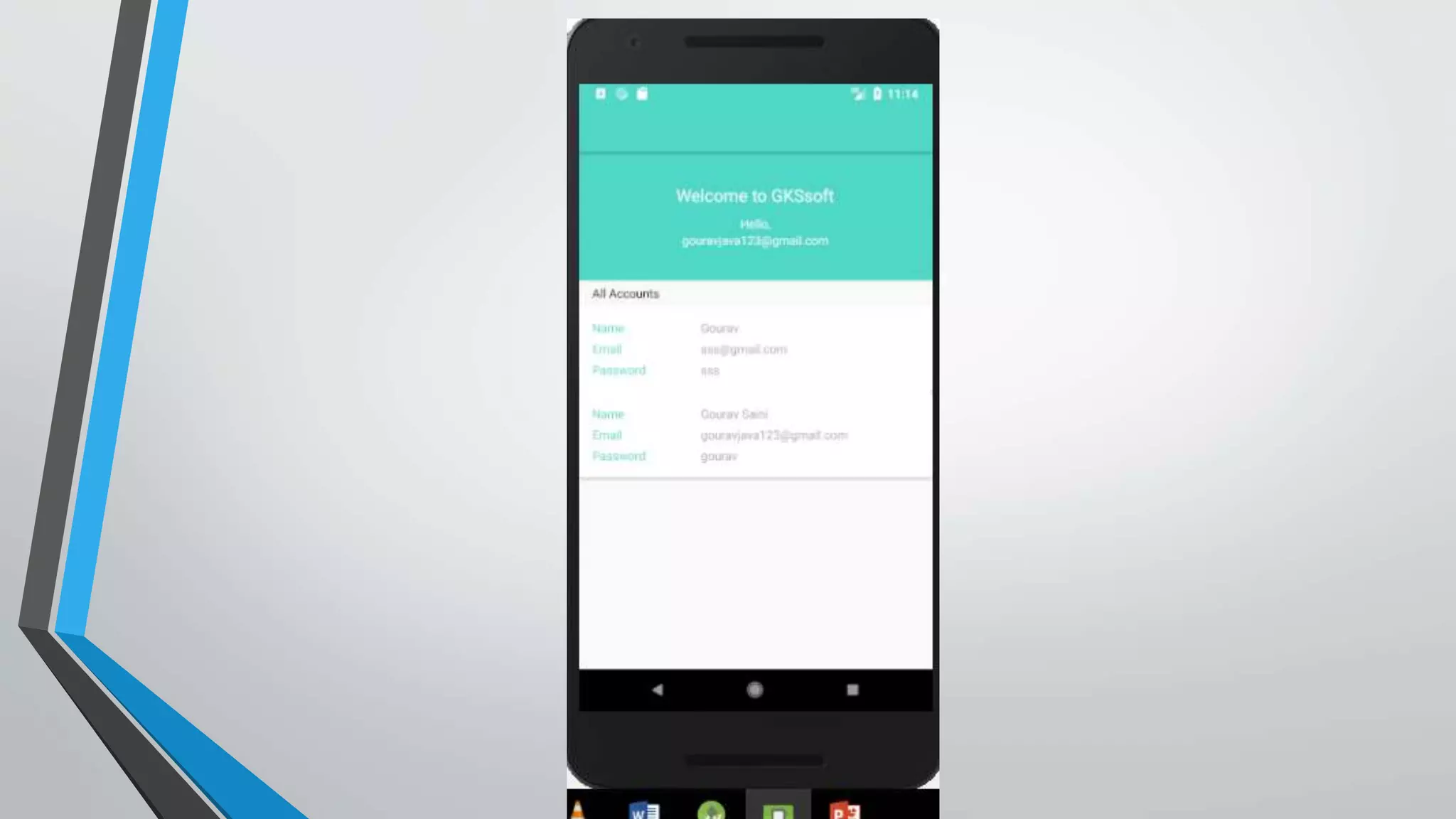
• Login and Registration App using SQLite Database.
What is SQLite?
•SQLite is a Open Source Database.
•SQLite supports standard relation database feature.
•It is a Serverless and Zero-configuration database
engine.
How to install SQLite for AndroidStudio?
• NO need to install SQLite externally .Android Studio has in built SQLite
database.
How to use SQLite in Android App?
• We can use SQLite database in yourAndroid App using some Pre-Define
classes.
• SQLiteOpenHelper is most commonly use class to connect your
Application with database.
• We have to extends this class in our Database class.
• This class is help to CRUD (Create Retrieve Update Delete).
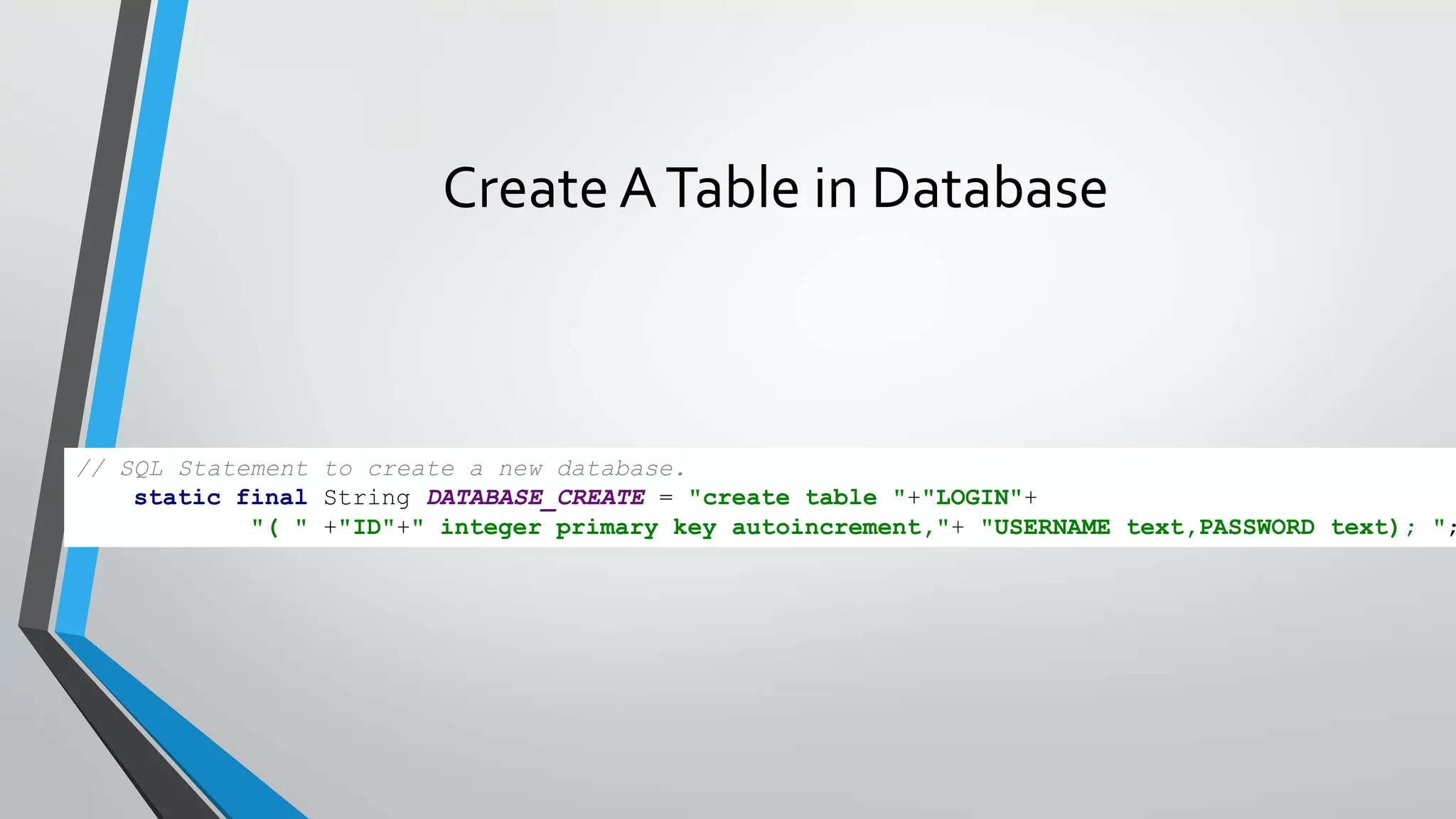
Create ATable in Database
// SQL Statement to create a new database.
static final String DATABASE_CREATE = "create table "+"LOGIN"+
"( " +"ID"+" integer primary key autoincrement,"+ "USERNAME text,PASSWORD text); ";
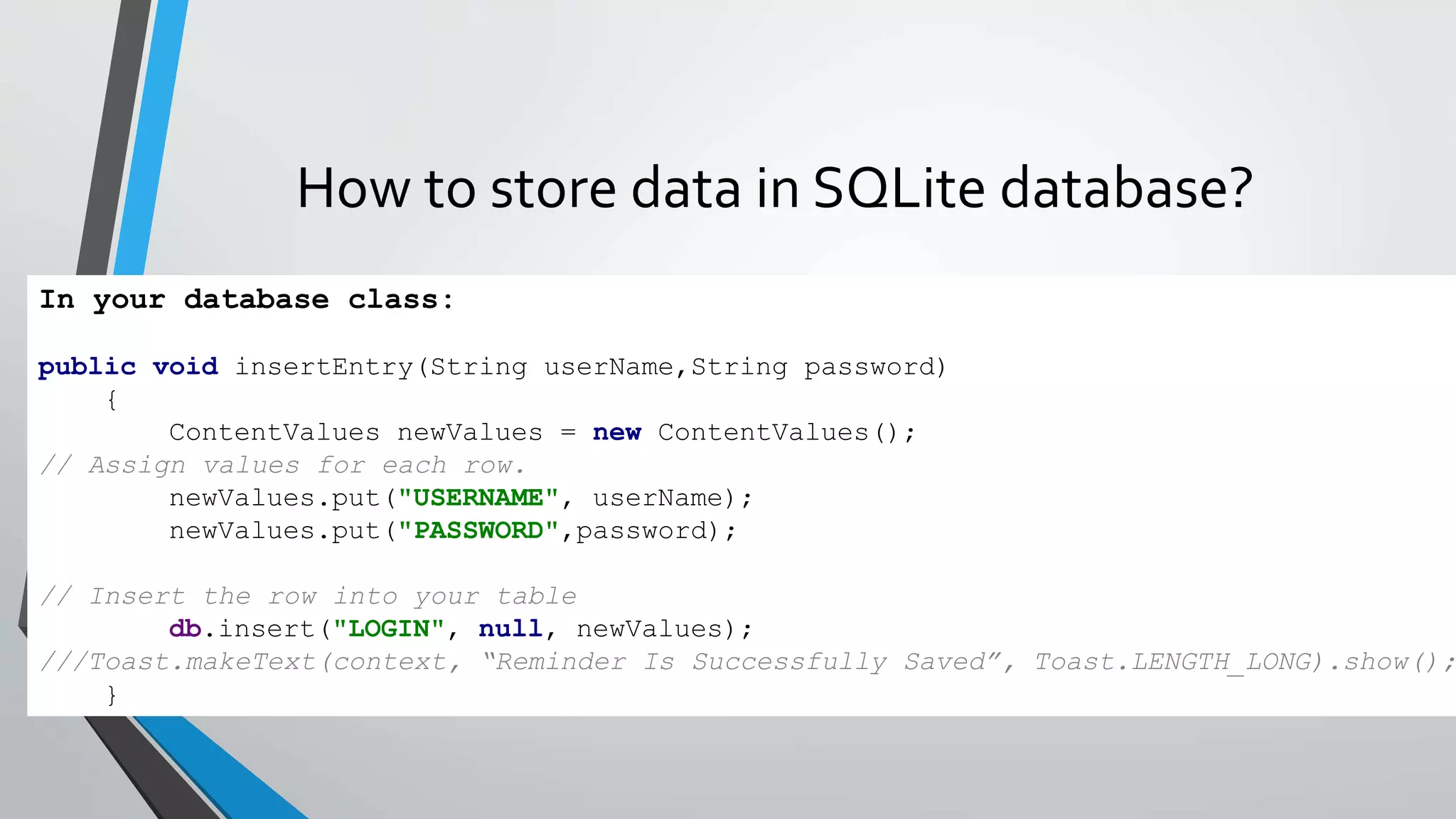
How to store data in SQLite database?
In your database class:
public void insertEntry(String userName,String password)
{
ContentValues newValues = new ContentValues();
// Assign values for each row.
newValues.put("USERNAME", userName);
newValues.put("PASSWORD",password);
// Insert the row into your table
db.insert("LOGIN", null, newValues);
///Toast.makeText(context, “Reminder Is Successfully Saved”, Toast.LENGTH_LONG).show();
}
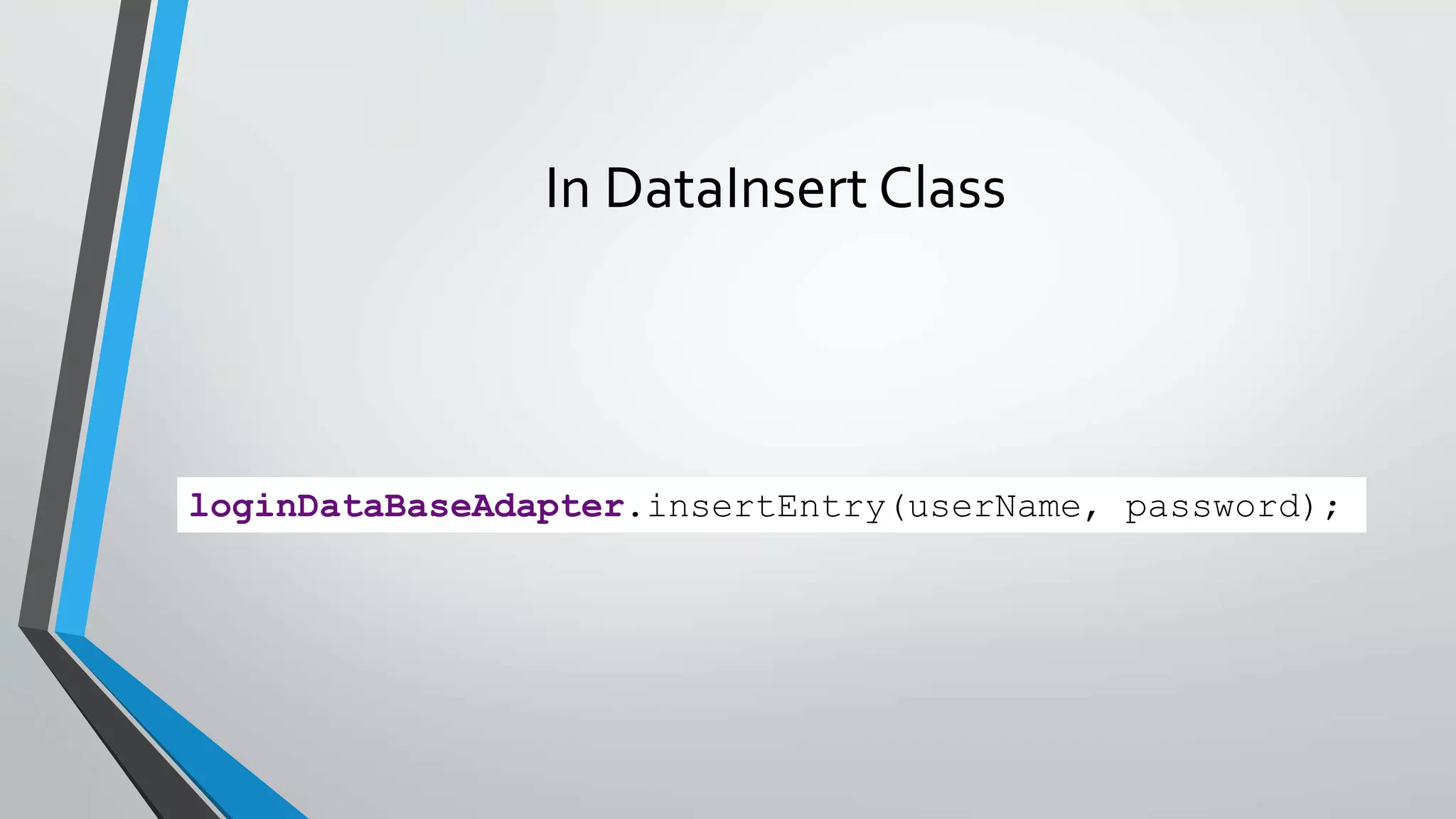
In DataInsert Class
loginDataBaseAdapter.insertEntry(userName, password);
How to check store data in SQLite?
• TO check store data you need to download SQL Browser .
THANKYOU

SQLite database in android

  • 1.
  • 2.
    Topics • What isSQLite? • How to install SQLite forAndroidStudio? • How to implement SQLite in Android App? • How to store data in SQLite database? • Login and Registration App using SQLite Database.
  • 3.
    What is SQLite? •SQLiteis a Open Source Database. •SQLite supports standard relation database feature. •It is a Serverless and Zero-configuration database engine.
  • 4.
    How to installSQLite for AndroidStudio? • NO need to install SQLite externally .Android Studio has in built SQLite database.
  • 5.
    How to useSQLite in Android App? • We can use SQLite database in yourAndroid App using some Pre-Define classes. • SQLiteOpenHelper is most commonly use class to connect your Application with database. • We have to extends this class in our Database class. • This class is help to CRUD (Create Retrieve Update Delete).
  • 6.
    Create ATable inDatabase // SQL Statement to create a new database. static final String DATABASE_CREATE = "create table "+"LOGIN"+ "( " +"ID"+" integer primary key autoincrement,"+ "USERNAME text,PASSWORD text); ";
  • 7.
    How to storedata in SQLite database? In your database class: public void insertEntry(String userName,String password) { ContentValues newValues = new ContentValues(); // Assign values for each row. newValues.put("USERNAME", userName); newValues.put("PASSWORD",password); // Insert the row into your table db.insert("LOGIN", null, newValues); ///Toast.makeText(context, “Reminder Is Successfully Saved”, Toast.LENGTH_LONG).show(); }
  • 8.
  • 9.
    How to checkstore data in SQLite? • TO check store data you need to download SQL Browser .
  • 15.