

















Introduction To MS SQL
Server
Introduction
• MS SQL Server is a database server
• Product of Microsoft
• Enables user to write queries and other SQL statements and execute them
• Consists of several features. A few are:
– Query Analyzer
– Profiler
– Service Manager
– Bulk Copy Program (BCP)
Profiler
• Monitoring tool
• Used for performance tuning
• Uses traces – an event monitoring protocol
• Event may be a query or a transaction like logins etc
Service Manager
• Helps us to manage services
• More than one instance of SQL server can be installed in a machine
• First Instance is called as default instance
• Rest of the instances (16 max) are called as named instances
• Service manager helps in starting or stopping the instances individually
Instances
• Each instance is hidden from another instance
• Enhances security
• Every instance has its own set of Users, Admins, Databases, Collations
• Advantage of having multiple instance is
– Multi company support (Each company can have its own instance and
create databases on the same server, independent on each other)
– Server consolidation (Can host up to 10 server applications on a single
machine)
BCP
• Bulk Copy Program
• A powerful command line utility that enables us to transfer large number
of records from a file to database
• Time taken for copying to and from database is very less
• Helps in back up and restoration
Query Analyzer
• Allows us to write queries and SQL statements
• Checks syntax of the SQL statement written
• Executes the statements
• Store and reload statements
• Save the results in file
• View reports (either as grid or as a text)
SQL Database Objects
• A SQL Server database has lot of objects like
– Tables
– Views
– Stored Procedures
– Functions
– Rules
– Defaults
– Cursors
– Triggers
System Databases
• By default SQL server has 4 databases
– Master : System defined stored procedures, login details,
configuration settings etc
– Model : Template for creating a database
– Tempdb : Stores temporary tables. This db is created when the server
starts and dropped when the server shuts down
– Msdb : Has tables that have details with respect to alerts, jobs. Deals
with SQL Server Agent Service
Creating a database
• We need to use Master database for creating a database
• By default the size of a database is 1 MB
• A database consists of
– Master Data File (.mdf)
– Primary Log File (.ldf)
Database operations
• Changing a database
Use <dbname>
• Creating a database
Create database <dbname>
• Dropping a database
Drop database <dbname>
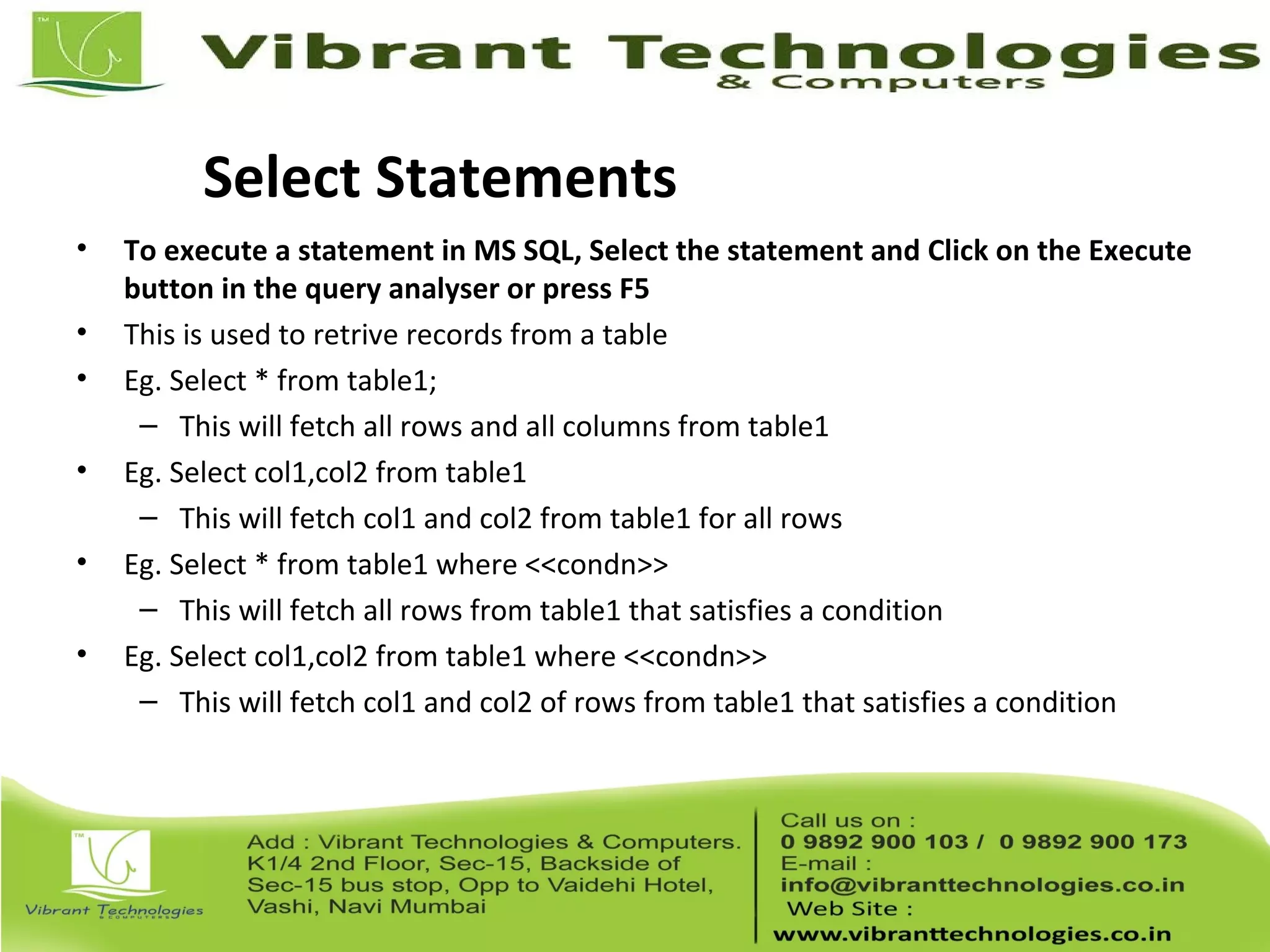
SQL Server Data types
• Integer : Stores whole number
• Float : Stores real numbers
• Text : Stores characters
• Decimal: Stores real numbers
• Money : Stores monetary data. Supports 4 places after decimal
• Date : Stores date and time
• Binary : Stores images and other large objects
• Miscellaneous : Different types special to SQL Server.
(Refer to notes for more info)
Operators
• Arithmetic
• Assignment
• Comparison
• Logical
• String
• Unary
• Bitwise
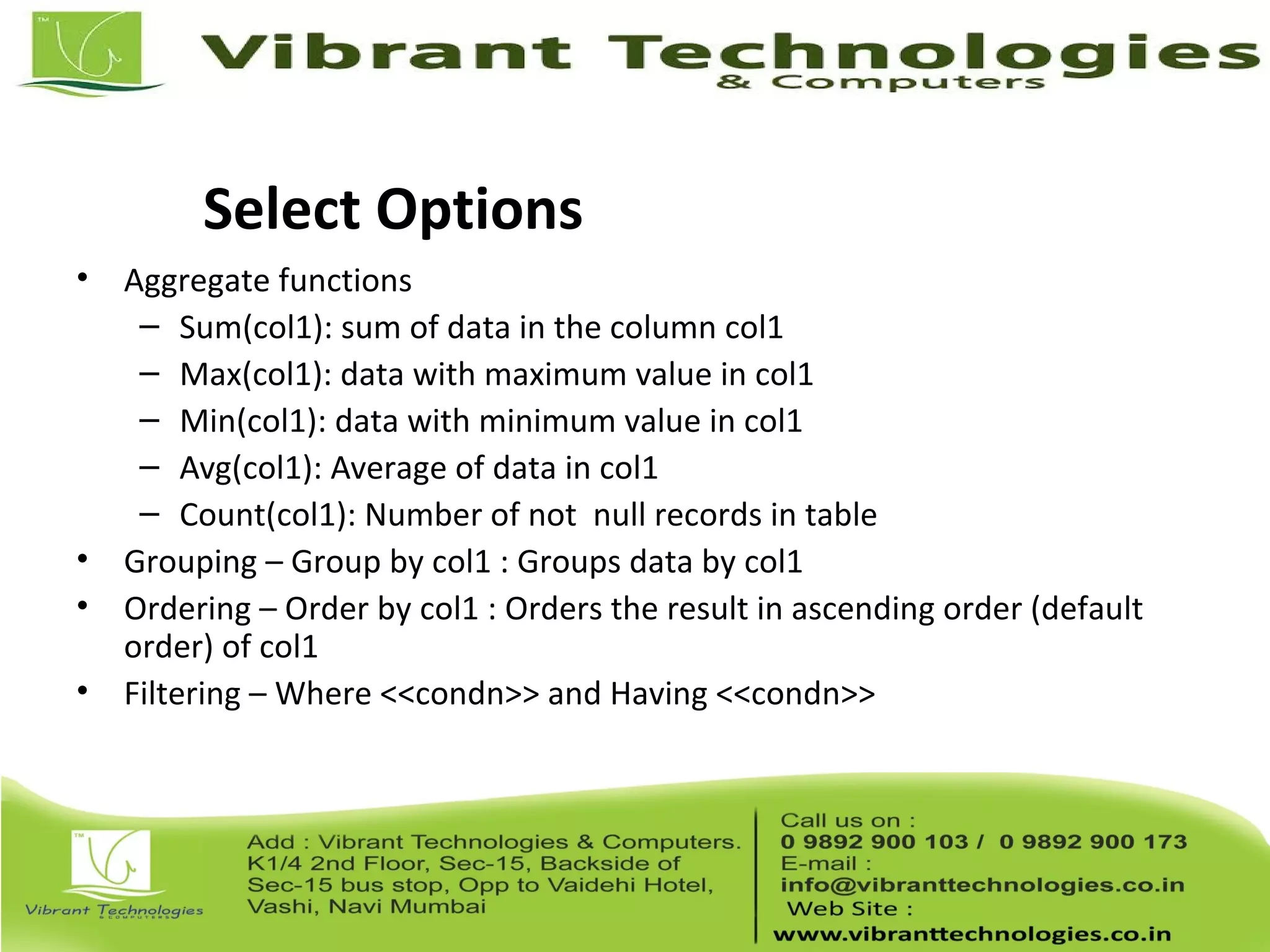
Select Statements
• To execute a statement in MS SQL, Select the statement and Click on the Execute
button in the query analyser or press F5
• This is used to retrive records from a table
• Eg. Select * from table1;
– This will fetch all rows and all columns from table1
• Eg. Select col1,col2 from table1
– This will fetch col1 and col2 from table1 for all rows
• Eg. Select * from table1 where <<condn>>
– This will fetch all rows from table1 that satisfies a condition
• Eg. Select col1,col2 from table1 where <<condn>>
– This will fetch col1 and col2 of rows from table1 that satisfies a condition
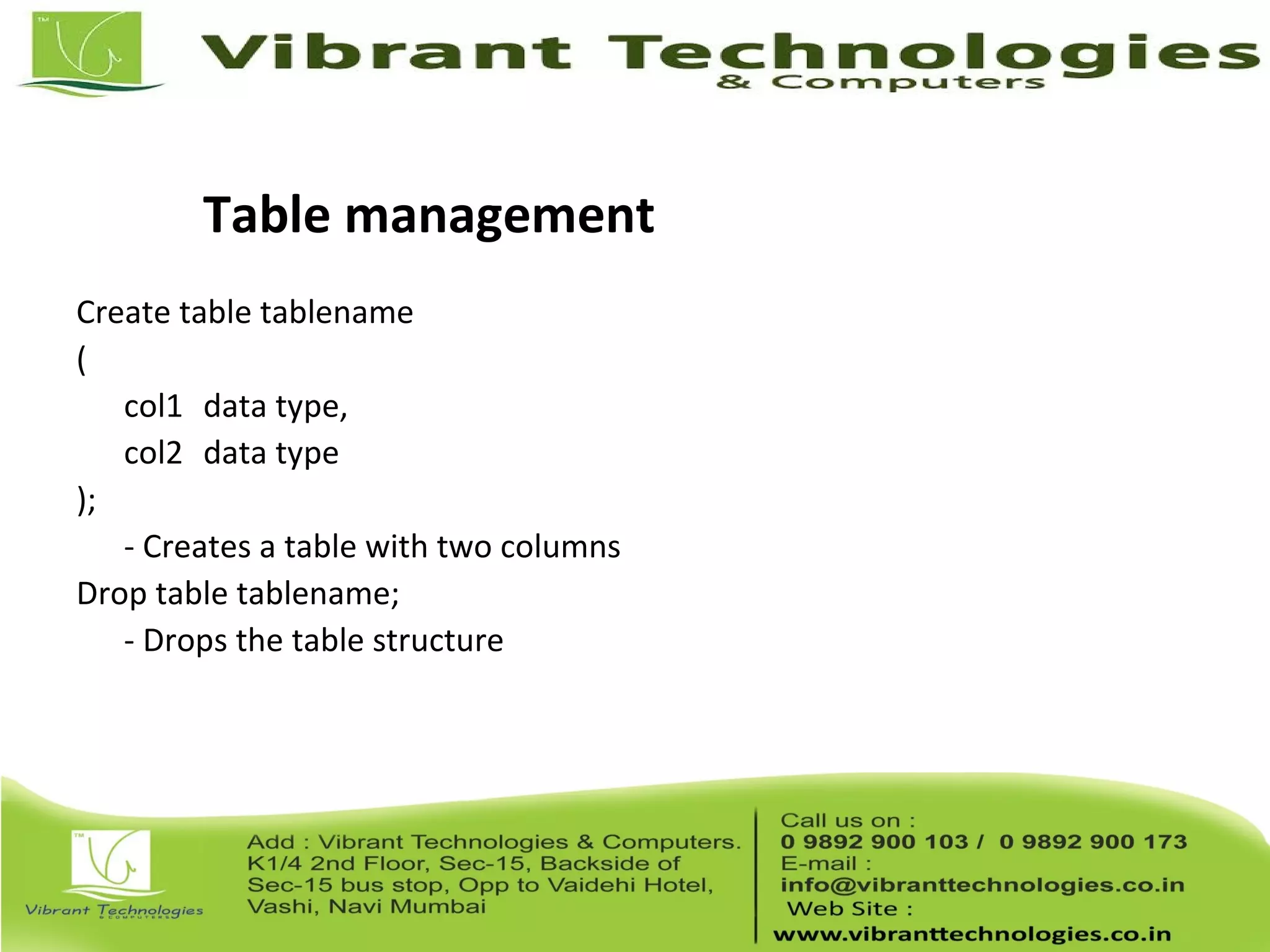
Select Options
• Aggregate functions
– Sum(col1): sum of data in the column col1
– Max(col1): data with maximum value in col1
– Min(col1): data with minimum value in col1
– Avg(col1): Average of data in col1
– Count(col1): Number of not null records in table
• Grouping – Group by col1 : Groups data by col1
• Ordering – Order by col1 : Orders the result in ascending order (default
order) of col1
• Filtering – Where <<condn>> and Having <<condn>>
Table management
Create table tablename
(
col1 data type,
col2 data type
);
- Creates a table with two columns
Drop table tablename;
- Drops the table structure
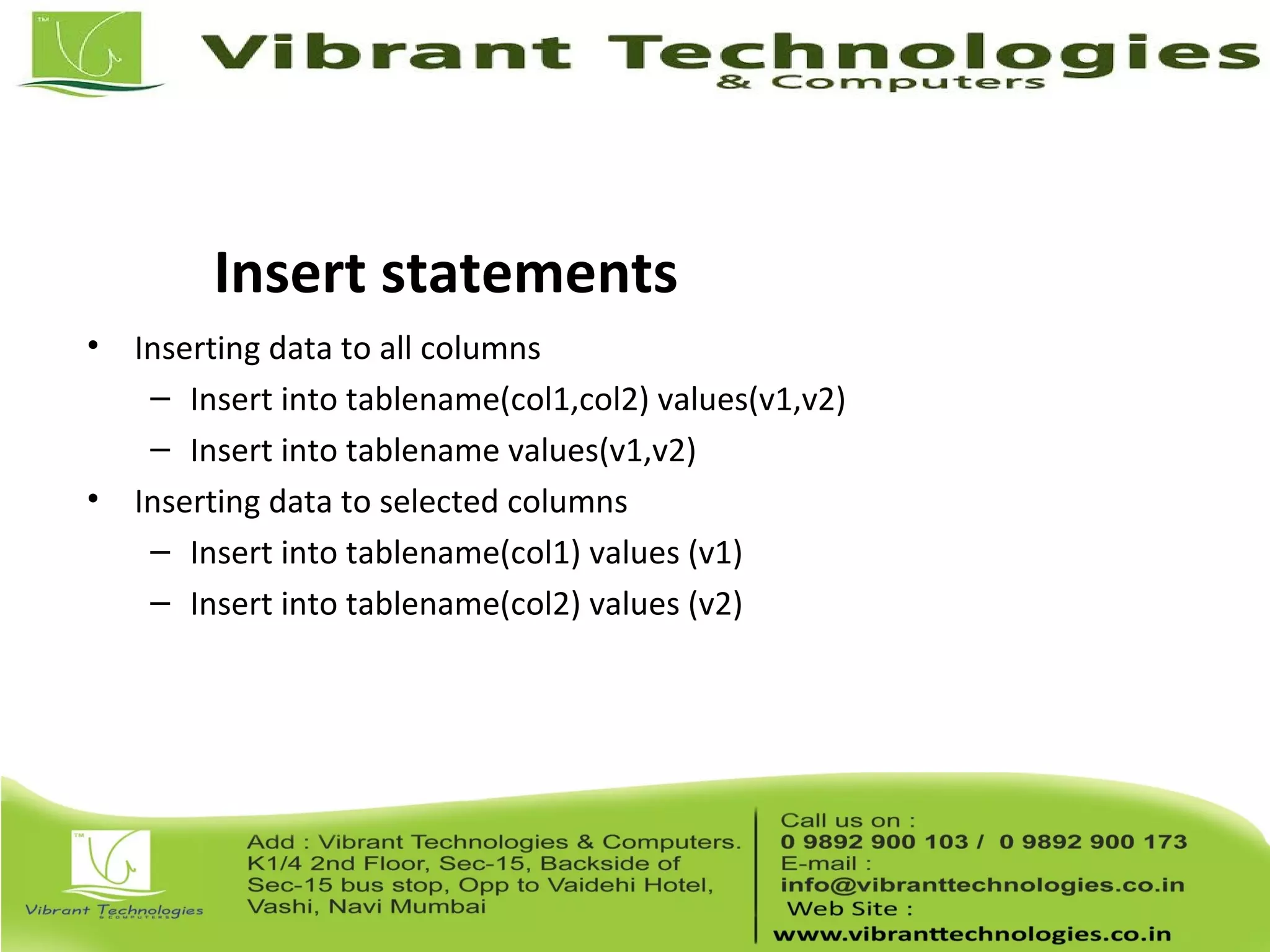
Insert statements
• Inserting data to all columns
– Insert into tablename(col1,col2) values(v1,v2)
– Insert into tablename values(v1,v2)
• Inserting data to selected columns
– Insert into tablename(col1) values (v1)
– Insert into tablename(col2) values (v2)
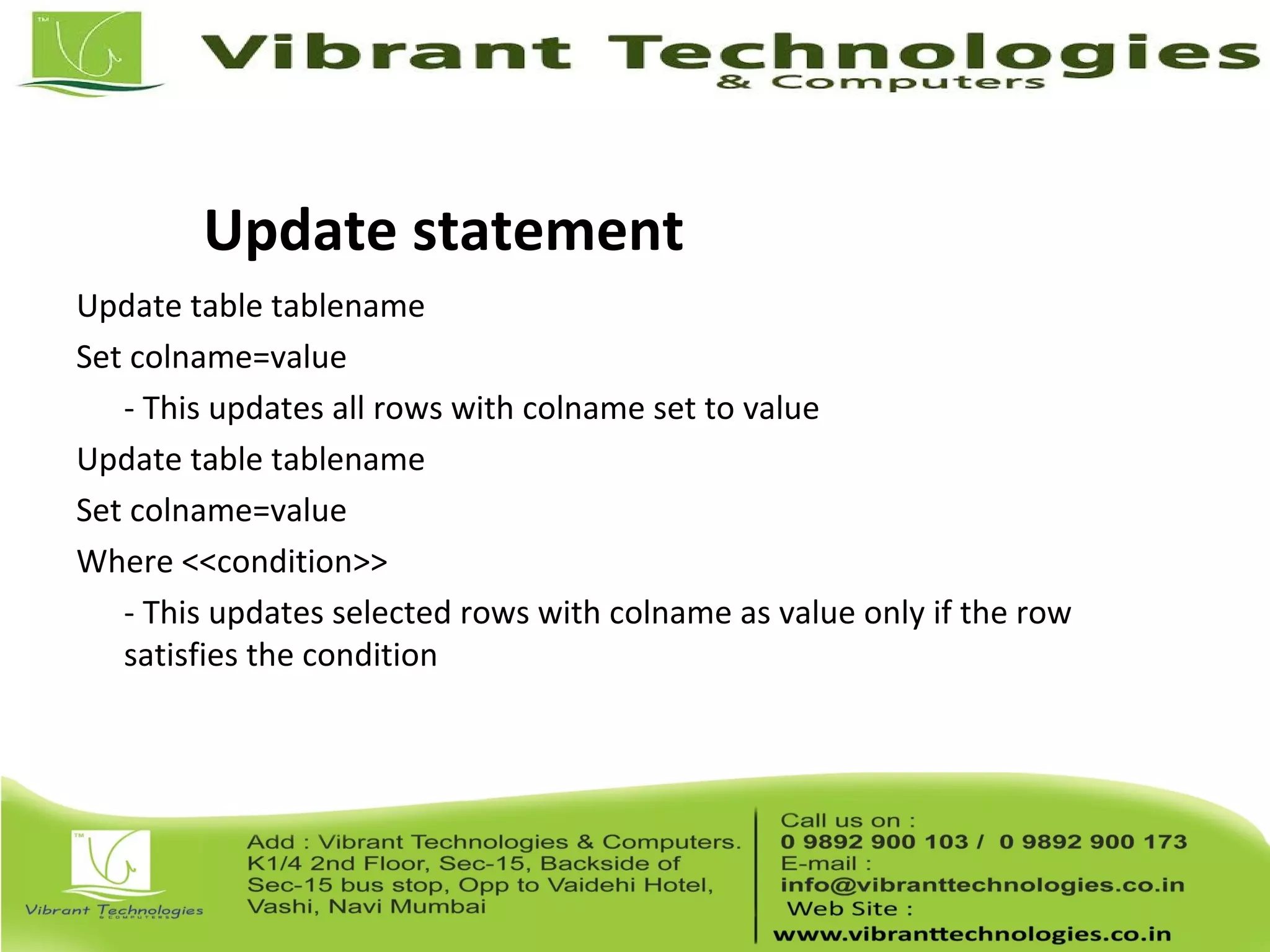
Update statement
Update table tablename
Set colname=value
- This updates all rows with colname set to value
Update table tablename
Set colname=value
Where <<condition>>
- This updates selected rows with colname as value only if the row
satisfies the condition
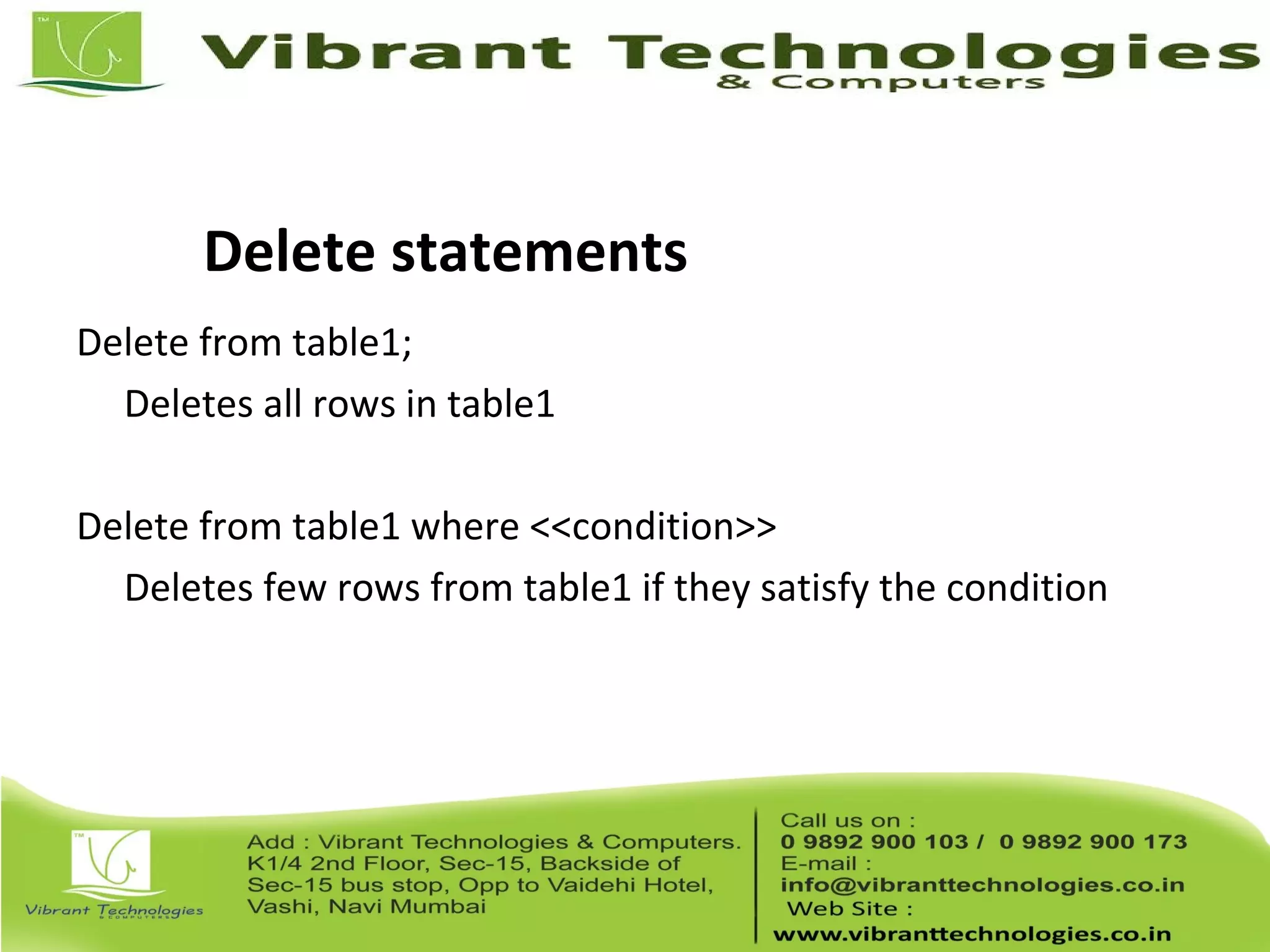
Delete statements
Delete from table1;
Deletes all rows in table1
Delete from table1 where <<condition>>
Deletes few rows from table1 if they satisfy the condition
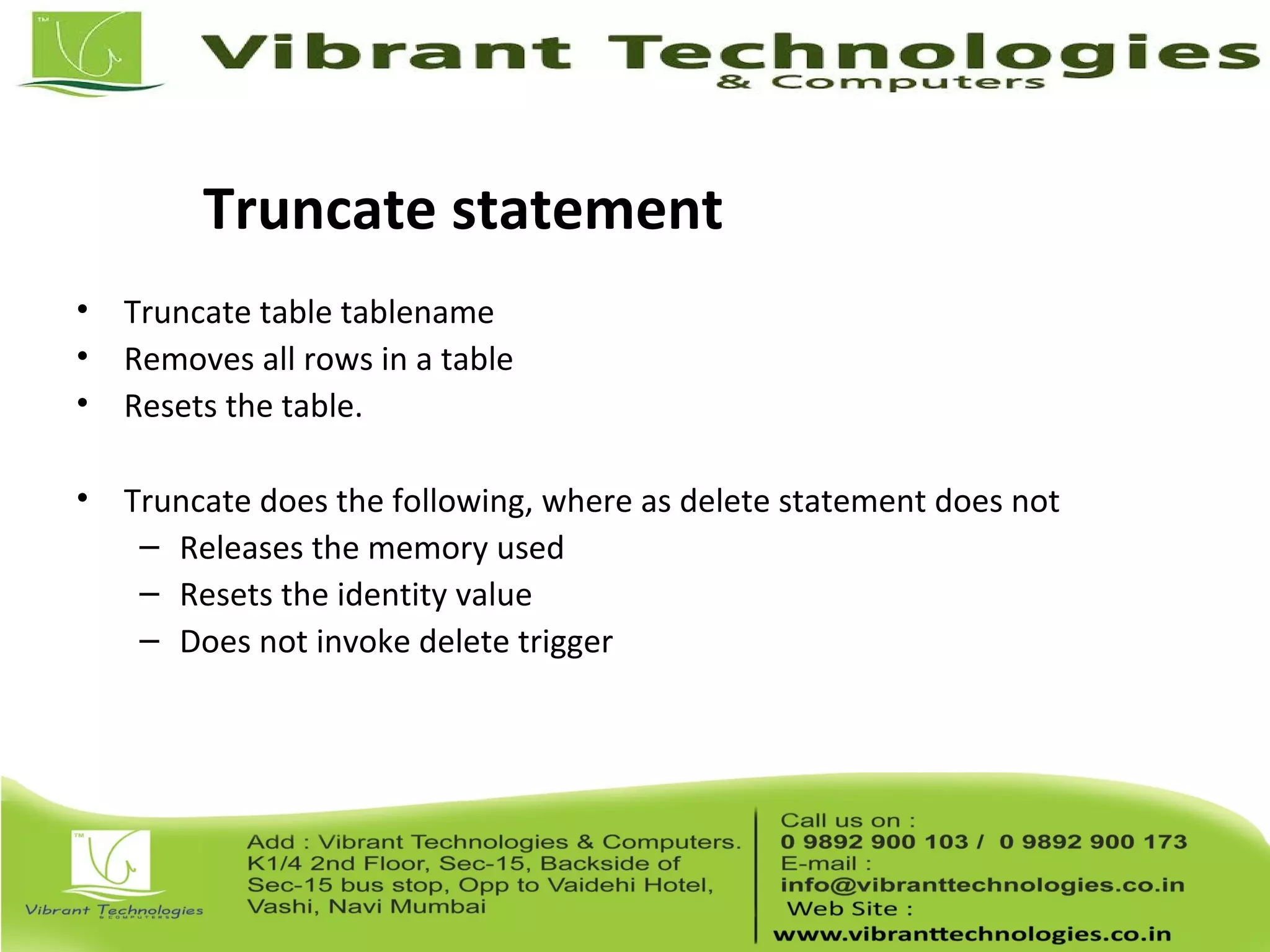
Truncate statement
• Truncate table tablename
• Removes all rows in a table
• Resets the table.
• Truncate does the following, where as delete statement does not
– Releases the memory used
– Resets the identity value
– Does not invoke delete trigger
Alter statements
• Used to modify table structure
– Add new column
– Change data type of existing column
– Delete a column
– Add or remove constraints like foreign key, primary key
More table commands
• Viewing tables in a data base:
– Exec sp_tables “a%”
– This gives all tables in the current database that starts with “a”
• Viewing table strucure:
– Exec sp_columns <<tablename>>
– Exec sp_columns student;
Joins
• Cross Join
– Cartesian product. Simply merges two tables.
• Inner Join
– Cross join with a condition. Used to find matching records in the two
tables
• Outer Join
– Used to find un matched rows in the two tables
• Self Join
– Joining a table with itself
Cross Join
There are two tables A and B
A has a column Id and data (1,2,3)
B has a column Id and data (A,B)
If I put
Select A.Id, B.Id from A,B
This generates output as
A 1
B 1
C 1
A 2
B 2
C 2
Self Join
There is a table called Emp with the following structure:
empid ename mgrid
1 A null
2 B 1
3 C 1
4 D 2
If I want to print all managers using self join, I should write quey as:
select e1.ename from
emp e1,emp e2
where e1.mgrid = e2.empid
Inner Join
I have 2 tables Student(sid,Name) and Marks(Sid,Subject,Score)
If I want to print the marks of all students in the following format,
Name Subject Score
Select Name,Subject,Score from
Student s join Marks m
On s.sid = m.sid
Outer Join
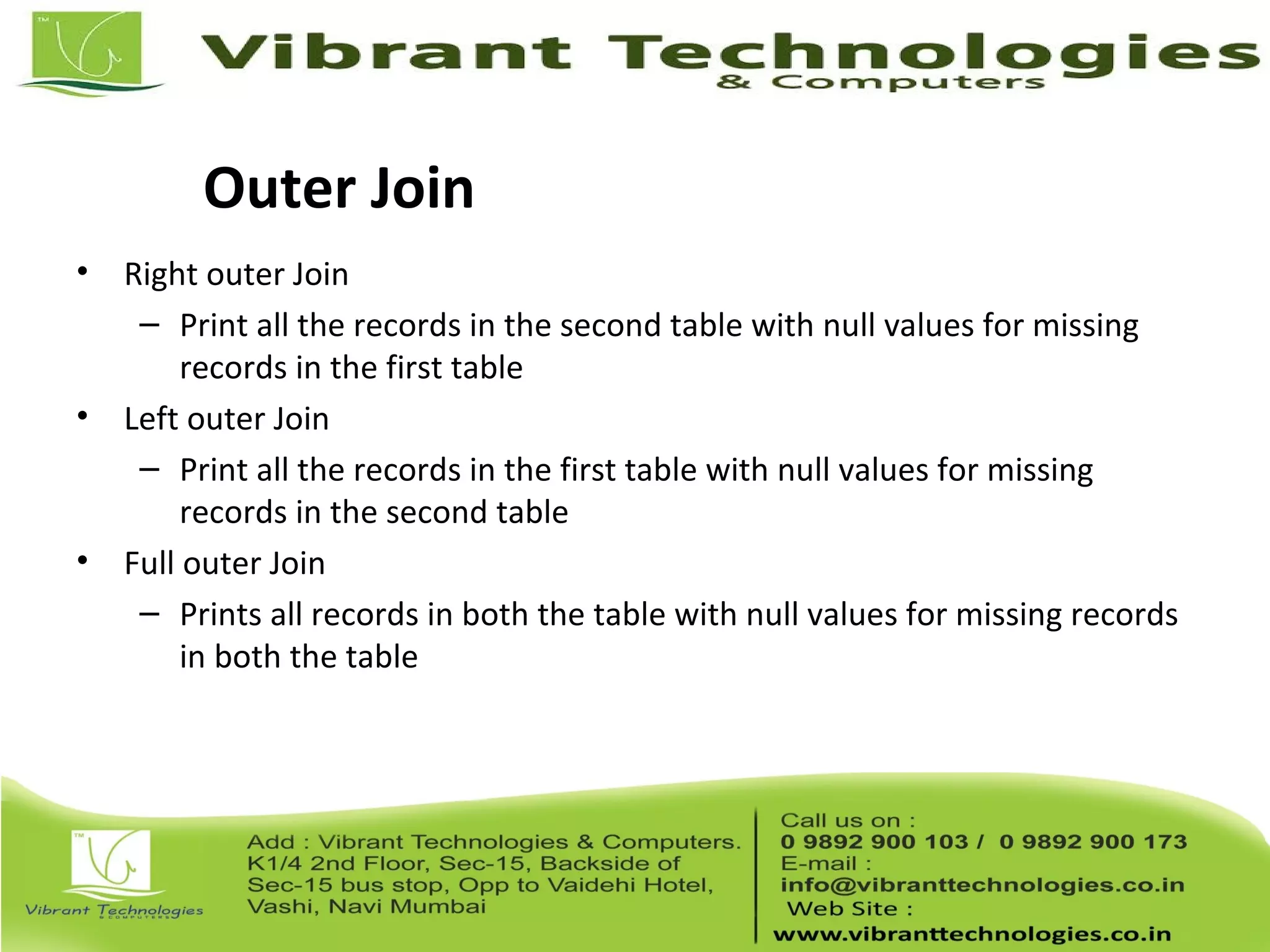
• Right outer Join
– Print all the records in the second table with null values for missing
records in the first table
• Left outer Join
– Print all the records in the first table with null values for missing
records in the second table
• Full outer Join
– Prints all records in both the table with null values for missing records
in both the table
Left Outer Join
I have a table Employee (Eid, Ename, Mid) and
a table Machine (Mid,ManufacturerName)
Employee
Eid EName Mid
1 ABC 1
2 DEF 3
Machine
Mid ManufacturerName
1 Zenith
2 HP
Left Outer Join
I want to print the employee name and machine name.
If I write a query using inner join, then the second employee will
not be displayed as the mid in his record is not avilable with the second
table.
So I go for left outer join. The query is as shown below:
Select Ename, ManufacturerName from Employee e left outer join
Machine m on e.Mid = m.Mid
Right outer Join
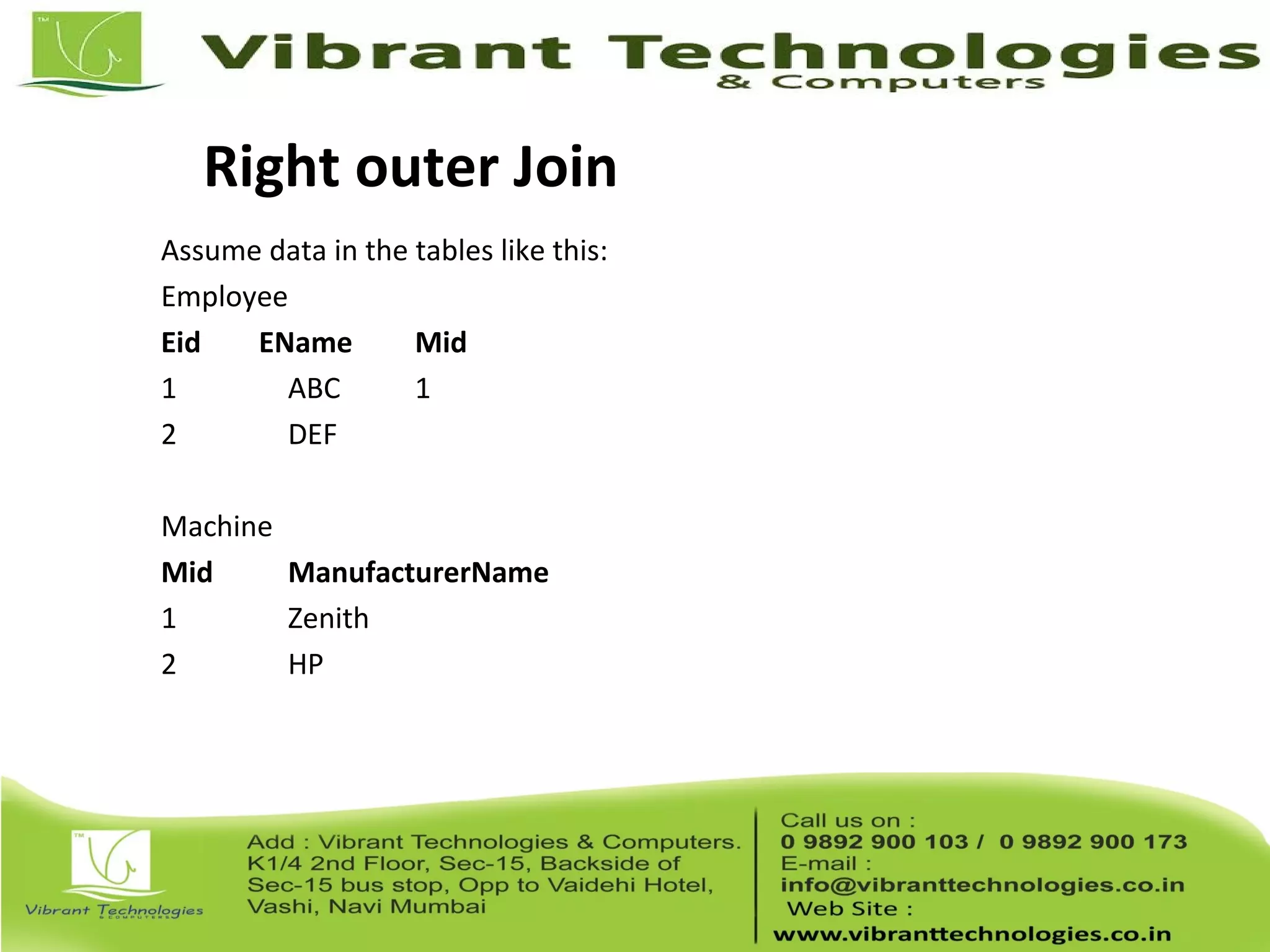
Assume data in the tables like this:
Employee
Eid EName Mid
1 ABC 1
2 DEF
Machine
Mid ManufacturerName
1 Zenith
2 HP
Right Outer Join
If I want to find which machine is unallocated, I can use right outer join.
The query is as follows:
Select Ename, ManufacturerName from Employee e right outer join
Machine m on e.Mid = m.Mid
This yields a result
ABC Zenith
HP
Full Outer Join
Assume data in the tables like this:
Employee
Eid EName Mid
1 ABC 1
2 DEF
3 GHI 2
Machine
Mid ManufacturerName
1 Zenith
2 HP
3 Compaq
Full Outer Join
If I want to find people who have been un allocated with a system and
machines that are been un allocated, I can go for full outer join.
Query is like this:
Select Ename, ManufacturerName from Employee e full outer join
Machine m on e.Mid = m.Mid
This yields a result
ABC Zenith
DEF
GHI HP
Compaq
Views
• Views are logical tables
• They are pre compiled objects
• We can select few columns or rows from a table and put the data set in a
view and can use view in the same way as we use tables
Views
• Create views:
Create view viewname as select stmt
Create view view_emp as select empid,
empname from employee;
• Select from views:
Select * from viewname
Select empid,empname view_emp;
• Drop views:
Drop view viewname
Drop view view_emp;
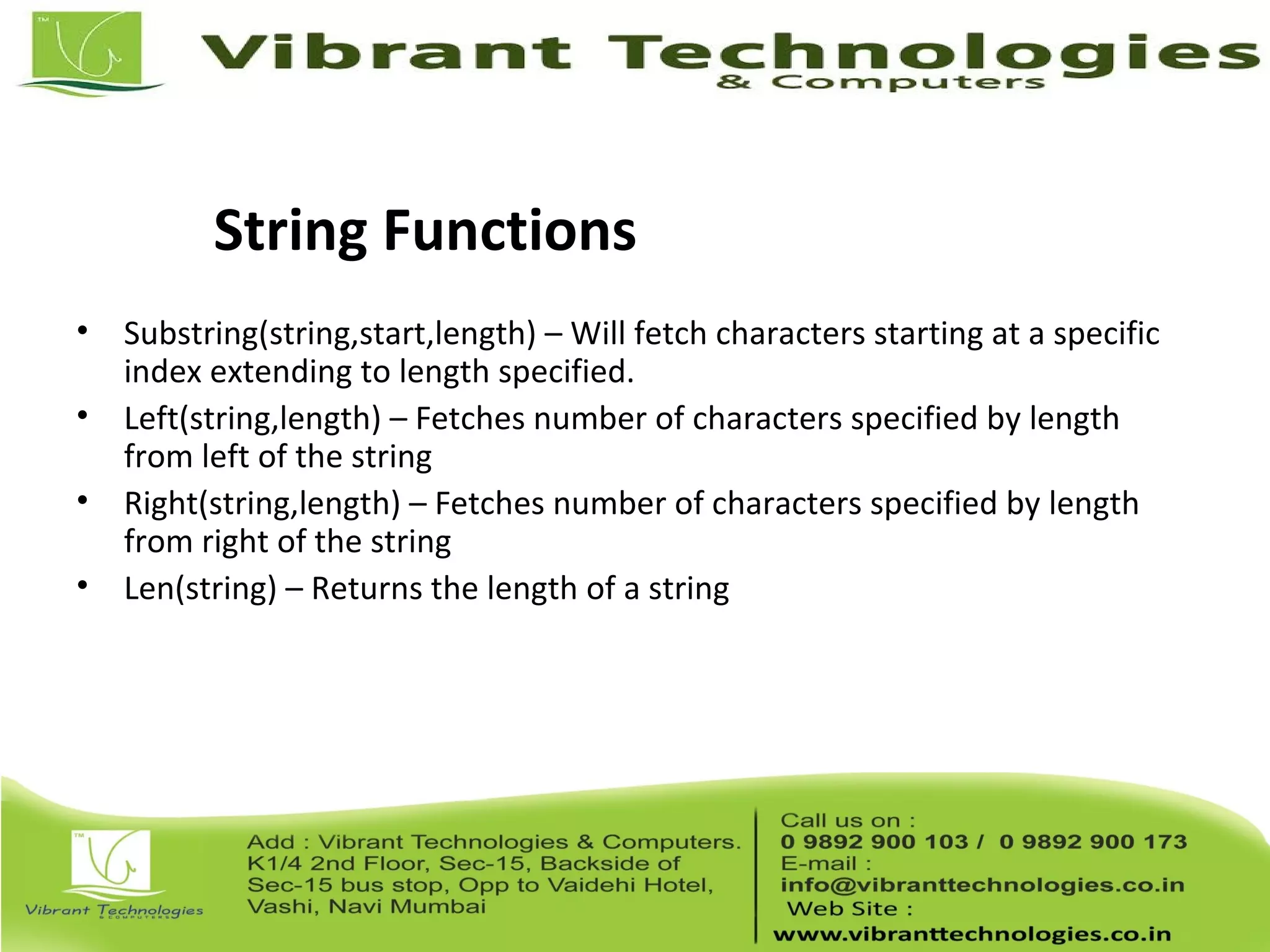
String Functions
• Substring(string,start,length) – Will fetch characters starting at a specific
index extending to length specified.
• Left(string,length) – Fetches number of characters specified by length
from left of the string
• Right(string,length) – Fetches number of characters specified by length
from right of the string
• Len(string) – Returns the length of a string
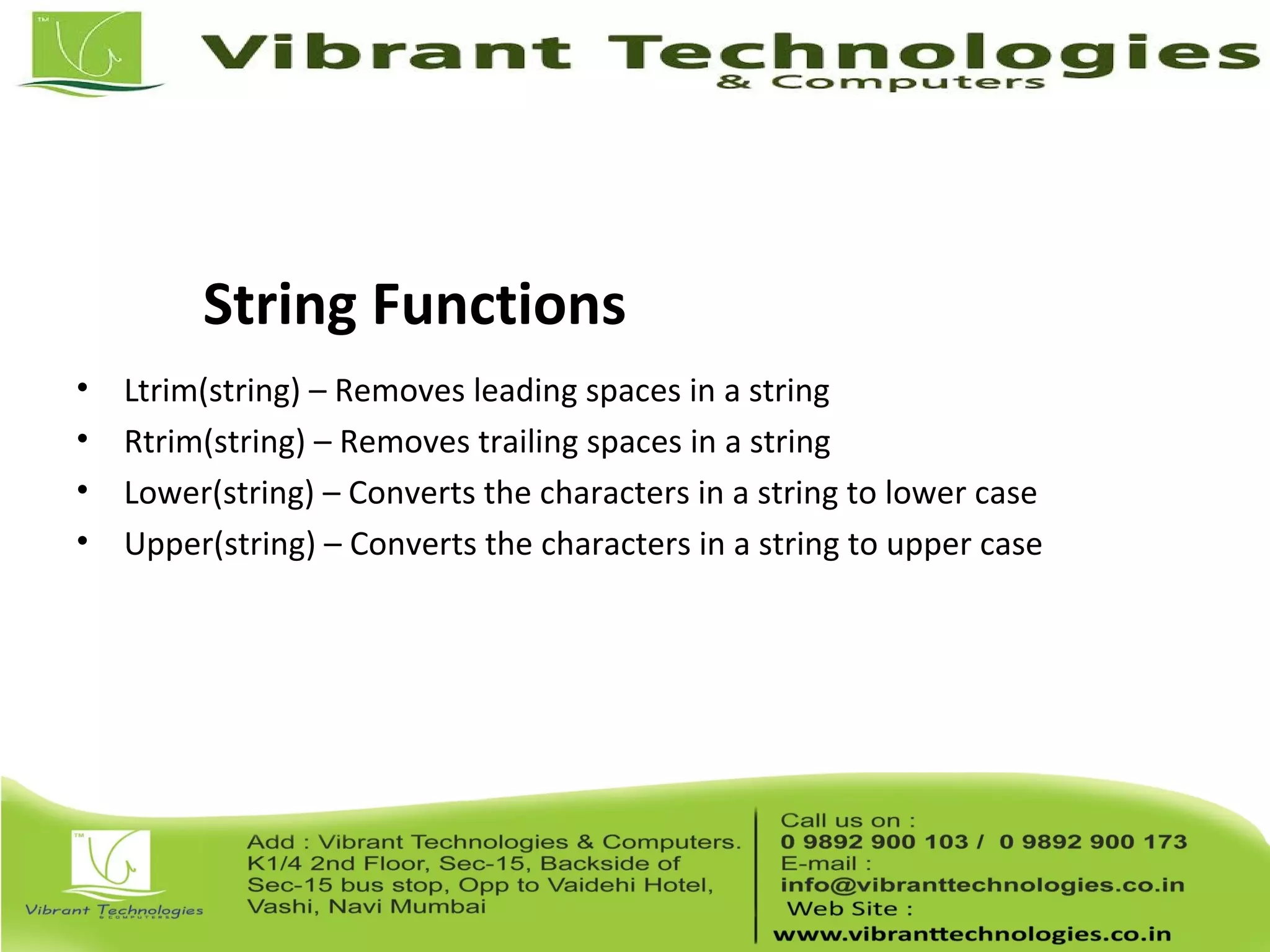
String Functions
• Ltrim(string) – Removes leading spaces in a string
• Rtrim(string) – Removes trailing spaces in a string
• Lower(string) – Converts the characters in a string to lower case
• Upper(string) – Converts the characters in a string to upper case
Numeric Functions
• ABS(Number) – Fetches the modulo value (Positive value) of a number
• CEILING(Number) – Fetches the closest integer greater than the number
• FLOOR(Number) – Fetches the closest integer smaller than the number
• EXP(Number) – Fetches the exponent of a number
Numeric Functions
• POWER(x,y) – Fetches x raised to the power of y
• LOG(Number) – Fetches the natural logarithmic value of the number
• LOG10(Number) – Fetches log to the base 10 of a number
• SQRT(Number) – Fetches the square root of a number
Indexes
• Indexes make search and retrieve fast in a database
• This is for optimizing the select statement
• Types of index
– Unique
– Non unique
– Clustered
– Non clustered
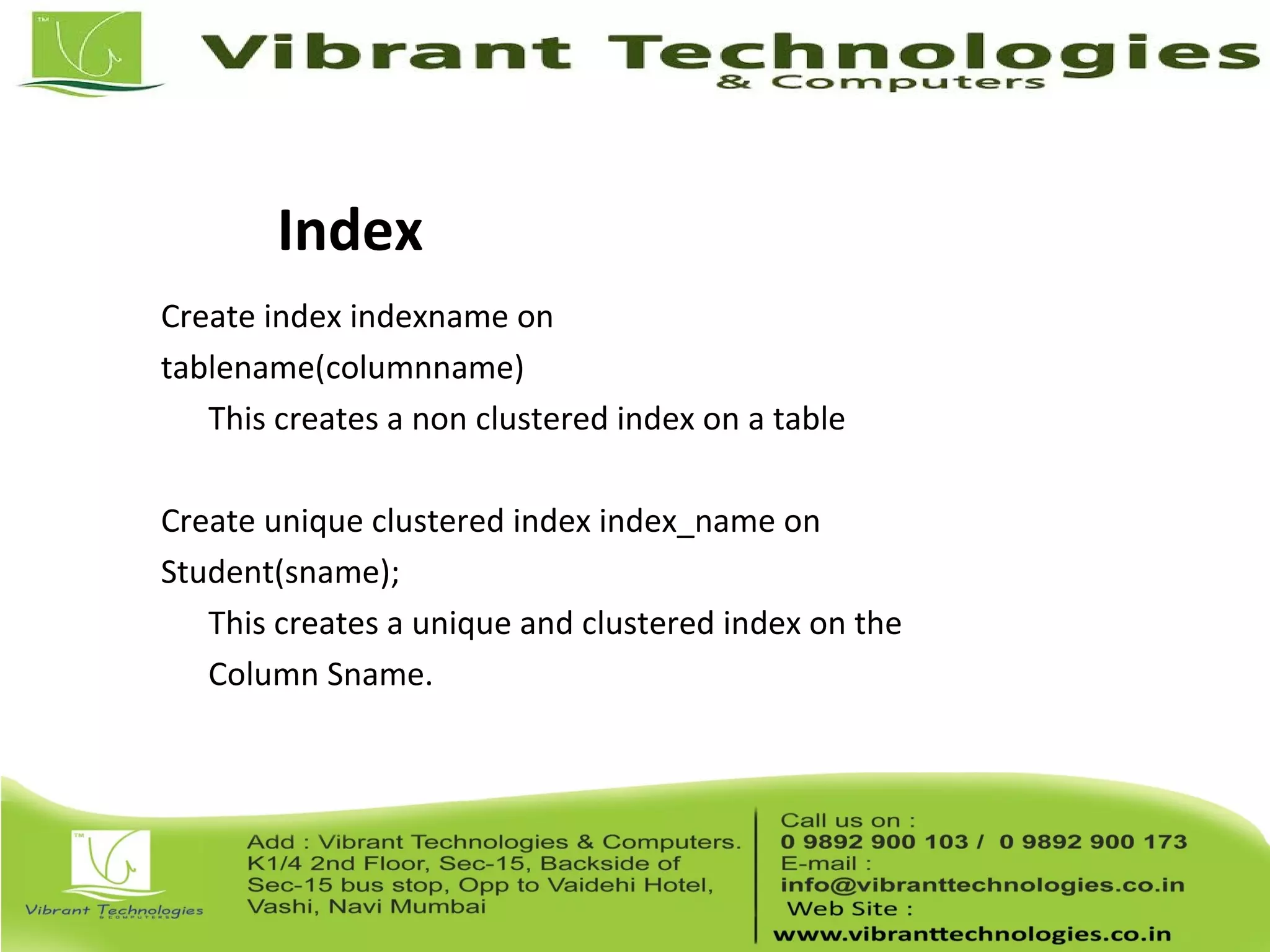
Index
Create index indexname on
tablename(columnname)
This creates a non clustered index on a table
Create unique clustered index index_name on
Student(sname);
This creates a unique and clustered index on the
Column Sname.
Sequences
• This creates an auto increment for a column
• If a table has a column with sequence or auto increment, the user need
not insert data explicitly for the column
• Sequence is implemented using the concept of Identity
Identity
• Identity has
– A seed
– An increment
• Seed is the initial value
• Increment is the value by which we need to skip to fetch the nextvalue
• Identity(1,2) will generate sequence numbers 1,3,5,7…
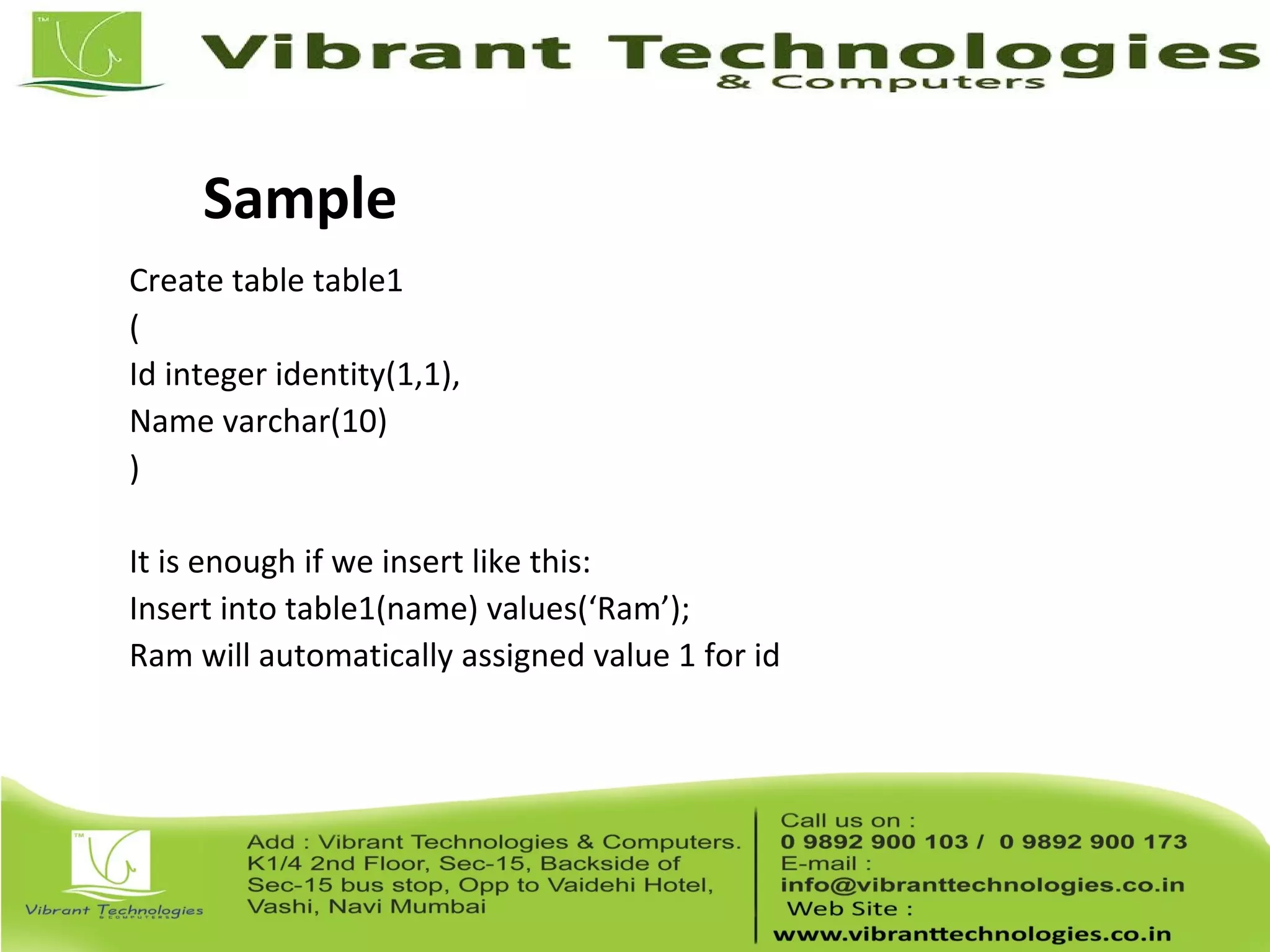
Sample
Create table table1
(
Id integer identity(1,1),
Name varchar(10)
)
It is enough if we insert like this:
Insert into table1(name) values(‘Ram’);
Ram will automatically assigned value 1 for id
Thank You !!!
For More Information click below link:
Follow Us on:
http://vibranttechnologies.co.in/sql-server-classes-in-mumbai.html

Sql server introduction to sql server

  • 2.
  • 3.
    Introduction • MS SQLServer is a database server • Product of Microsoft • Enables user to write queries and other SQL statements and execute them • Consists of several features. A few are: – Query Analyzer – Profiler – Service Manager – Bulk Copy Program (BCP)
  • 4.
    Profiler • Monitoring tool •Used for performance tuning • Uses traces – an event monitoring protocol • Event may be a query or a transaction like logins etc
  • 5.
    Service Manager • Helpsus to manage services • More than one instance of SQL server can be installed in a machine • First Instance is called as default instance • Rest of the instances (16 max) are called as named instances • Service manager helps in starting or stopping the instances individually
  • 6.
    Instances • Each instanceis hidden from another instance • Enhances security • Every instance has its own set of Users, Admins, Databases, Collations • Advantage of having multiple instance is – Multi company support (Each company can have its own instance and create databases on the same server, independent on each other) – Server consolidation (Can host up to 10 server applications on a single machine)
  • 7.
    BCP • Bulk CopyProgram • A powerful command line utility that enables us to transfer large number of records from a file to database • Time taken for copying to and from database is very less • Helps in back up and restoration
  • 8.
    Query Analyzer • Allowsus to write queries and SQL statements • Checks syntax of the SQL statement written • Executes the statements • Store and reload statements • Save the results in file • View reports (either as grid or as a text)
  • 9.
    SQL Database Objects •A SQL Server database has lot of objects like – Tables – Views – Stored Procedures – Functions – Rules – Defaults – Cursors – Triggers
  • 10.
    System Databases • Bydefault SQL server has 4 databases – Master : System defined stored procedures, login details, configuration settings etc – Model : Template for creating a database – Tempdb : Stores temporary tables. This db is created when the server starts and dropped when the server shuts down – Msdb : Has tables that have details with respect to alerts, jobs. Deals with SQL Server Agent Service
  • 11.
    Creating a database •We need to use Master database for creating a database • By default the size of a database is 1 MB • A database consists of – Master Data File (.mdf) – Primary Log File (.ldf)
  • 12.
    Database operations • Changinga database Use <dbname> • Creating a database Create database <dbname> • Dropping a database Drop database <dbname>
  • 13.
    SQL Server Datatypes • Integer : Stores whole number • Float : Stores real numbers • Text : Stores characters • Decimal: Stores real numbers • Money : Stores monetary data. Supports 4 places after decimal • Date : Stores date and time • Binary : Stores images and other large objects • Miscellaneous : Different types special to SQL Server. (Refer to notes for more info)
  • 14.
    Operators • Arithmetic • Assignment •Comparison • Logical • String • Unary • Bitwise
  • 15.
    Select Statements • Toexecute a statement in MS SQL, Select the statement and Click on the Execute button in the query analyser or press F5 • This is used to retrive records from a table • Eg. Select * from table1; – This will fetch all rows and all columns from table1 • Eg. Select col1,col2 from table1 – This will fetch col1 and col2 from table1 for all rows • Eg. Select * from table1 where <<condn>> – This will fetch all rows from table1 that satisfies a condition • Eg. Select col1,col2 from table1 where <<condn>> – This will fetch col1 and col2 of rows from table1 that satisfies a condition
  • 16.
    Select Options • Aggregatefunctions – Sum(col1): sum of data in the column col1 – Max(col1): data with maximum value in col1 – Min(col1): data with minimum value in col1 – Avg(col1): Average of data in col1 – Count(col1): Number of not null records in table • Grouping – Group by col1 : Groups data by col1 • Ordering – Order by col1 : Orders the result in ascending order (default order) of col1 • Filtering – Where <<condn>> and Having <<condn>>
  • 17.
    Table management Create tabletablename ( col1 data type, col2 data type ); - Creates a table with two columns Drop table tablename; - Drops the table structure
  • 18.
    Insert statements • Insertingdata to all columns – Insert into tablename(col1,col2) values(v1,v2) – Insert into tablename values(v1,v2) • Inserting data to selected columns – Insert into tablename(col1) values (v1) – Insert into tablename(col2) values (v2)
  • 19.
    Update statement Update tabletablename Set colname=value - This updates all rows with colname set to value Update table tablename Set colname=value Where <<condition>> - This updates selected rows with colname as value only if the row satisfies the condition
  • 20.
    Delete statements Delete fromtable1; Deletes all rows in table1 Delete from table1 where <<condition>> Deletes few rows from table1 if they satisfy the condition
  • 21.
    Truncate statement • Truncatetable tablename • Removes all rows in a table • Resets the table. • Truncate does the following, where as delete statement does not – Releases the memory used – Resets the identity value – Does not invoke delete trigger
  • 22.
    Alter statements • Usedto modify table structure – Add new column – Change data type of existing column – Delete a column – Add or remove constraints like foreign key, primary key
  • 23.
    More table commands •Viewing tables in a data base: – Exec sp_tables “a%” – This gives all tables in the current database that starts with “a” • Viewing table strucure: – Exec sp_columns <<tablename>> – Exec sp_columns student;
  • 24.
    Joins • Cross Join –Cartesian product. Simply merges two tables. • Inner Join – Cross join with a condition. Used to find matching records in the two tables • Outer Join – Used to find un matched rows in the two tables • Self Join – Joining a table with itself
  • 25.
    Cross Join There aretwo tables A and B A has a column Id and data (1,2,3) B has a column Id and data (A,B) If I put Select A.Id, B.Id from A,B This generates output as A 1 B 1 C 1 A 2 B 2 C 2
  • 26.
    Self Join There isa table called Emp with the following structure: empid ename mgrid 1 A null 2 B 1 3 C 1 4 D 2 If I want to print all managers using self join, I should write quey as: select e1.ename from emp e1,emp e2 where e1.mgrid = e2.empid
  • 27.
    Inner Join I have2 tables Student(sid,Name) and Marks(Sid,Subject,Score) If I want to print the marks of all students in the following format, Name Subject Score Select Name,Subject,Score from Student s join Marks m On s.sid = m.sid
  • 28.
    Outer Join • Rightouter Join – Print all the records in the second table with null values for missing records in the first table • Left outer Join – Print all the records in the first table with null values for missing records in the second table • Full outer Join – Prints all records in both the table with null values for missing records in both the table
  • 29.
    Left Outer Join Ihave a table Employee (Eid, Ename, Mid) and a table Machine (Mid,ManufacturerName) Employee Eid EName Mid 1 ABC 1 2 DEF 3 Machine Mid ManufacturerName 1 Zenith 2 HP
  • 30.
    Left Outer Join Iwant to print the employee name and machine name. If I write a query using inner join, then the second employee will not be displayed as the mid in his record is not avilable with the second table. So I go for left outer join. The query is as shown below: Select Ename, ManufacturerName from Employee e left outer join Machine m on e.Mid = m.Mid
  • 31.
    Right outer Join Assumedata in the tables like this: Employee Eid EName Mid 1 ABC 1 2 DEF Machine Mid ManufacturerName 1 Zenith 2 HP
  • 32.
    Right Outer Join IfI want to find which machine is unallocated, I can use right outer join. The query is as follows: Select Ename, ManufacturerName from Employee e right outer join Machine m on e.Mid = m.Mid This yields a result ABC Zenith HP
  • 33.
    Full Outer Join Assumedata in the tables like this: Employee Eid EName Mid 1 ABC 1 2 DEF 3 GHI 2 Machine Mid ManufacturerName 1 Zenith 2 HP 3 Compaq
  • 34.
    Full Outer Join IfI want to find people who have been un allocated with a system and machines that are been un allocated, I can go for full outer join. Query is like this: Select Ename, ManufacturerName from Employee e full outer join Machine m on e.Mid = m.Mid This yields a result ABC Zenith DEF GHI HP Compaq
  • 35.
    Views • Views arelogical tables • They are pre compiled objects • We can select few columns or rows from a table and put the data set in a view and can use view in the same way as we use tables
  • 36.
    Views • Create views: Createview viewname as select stmt Create view view_emp as select empid, empname from employee; • Select from views: Select * from viewname Select empid,empname view_emp; • Drop views: Drop view viewname Drop view view_emp;
  • 37.
    String Functions • Substring(string,start,length)– Will fetch characters starting at a specific index extending to length specified. • Left(string,length) – Fetches number of characters specified by length from left of the string • Right(string,length) – Fetches number of characters specified by length from right of the string • Len(string) – Returns the length of a string
  • 38.
    String Functions • Ltrim(string)– Removes leading spaces in a string • Rtrim(string) – Removes trailing spaces in a string • Lower(string) – Converts the characters in a string to lower case • Upper(string) – Converts the characters in a string to upper case
  • 39.
    Numeric Functions • ABS(Number)– Fetches the modulo value (Positive value) of a number • CEILING(Number) – Fetches the closest integer greater than the number • FLOOR(Number) – Fetches the closest integer smaller than the number • EXP(Number) – Fetches the exponent of a number
  • 40.
    Numeric Functions • POWER(x,y)– Fetches x raised to the power of y • LOG(Number) – Fetches the natural logarithmic value of the number • LOG10(Number) – Fetches log to the base 10 of a number • SQRT(Number) – Fetches the square root of a number
  • 41.
    Indexes • Indexes makesearch and retrieve fast in a database • This is for optimizing the select statement • Types of index – Unique – Non unique – Clustered – Non clustered
  • 42.
    Index Create index indexnameon tablename(columnname) This creates a non clustered index on a table Create unique clustered index index_name on Student(sname); This creates a unique and clustered index on the Column Sname.
  • 43.
    Sequences • This createsan auto increment for a column • If a table has a column with sequence or auto increment, the user need not insert data explicitly for the column • Sequence is implemented using the concept of Identity
  • 44.
    Identity • Identity has –A seed – An increment • Seed is the initial value • Increment is the value by which we need to skip to fetch the nextvalue • Identity(1,2) will generate sequence numbers 1,3,5,7…
  • 45.
    Sample Create table table1 ( Idinteger identity(1,1), Name varchar(10) ) It is enough if we insert like this: Insert into table1(name) values(‘Ram’); Ram will automatically assigned value 1 for id
  • 46.
    Thank You !!! ForMore Information click below link: Follow Us on: http://vibranttechnologies.co.in/sql-server-classes-in-mumbai.html

Editor's Notes

  • #13 Use master; Create database dbtest On primary ( name = softsmith, filename = ‘c:\test\softsmith.mdf’, size = 10 MB, maxsize = 20, filegrowth = 2 ) Log on ( name = softsmithlog, filename = ‘c:\test\softsmith.ldf’, size = 10 MB, maxsize = 20, filegrowth = 2 ) This creates a database with the name softsmith. The datafile softsmith.mdf and log file softsmith.ldf will be created in the path c:\test. The size of database is 10 MB.
  • #14 Integer: Bit- 1 bit Tinyint- 1 byte Smallint- 2 bytes Int- 4 bytes Bigint- 8 bytes Float: Float Real Text: Non unicode string: A character occupies 1 byte Char Varchar Text Unicode string: A character occupies 2 bytes Nchar Nvarchar Ntext Decimal:has precision and scale Decimal(p,s) Numeric(p,s) P = total digits in a number S = number of digits after decimal point Eg. Numeric(4,2) can store 22.56 and so on Money: Data like 23.2234 Money Smallmoney Date: Smalldatetime – Range – 1-1-1900 to 6-6-2079 Datetime - Range – 1-1-1753 to 31-12-9999 Binary: Binary Varbinary Image Misc: Uniqueidentifier – Unique id – can be accessed and modified through function getUid() and setUid() Cursor – Special data type meant for row by row operation Sql_variant – Generic data types Table – table data type – stores table data Timestamp – Uniqe value in a database
  • #15 Arithmetic : +, -, *, /, % Assignment : = Comparison : &amp;lt;, &amp;gt;, &amp;lt;=, &amp;gt;= &amp;lt;&amp;gt;, =, !=, !&amp;lt;, !&amp;gt; Logical : AND, OR, NOT, IN, LIKE, BETWEEN, ANY, ALL, EXISTS, SOME String : Concatenation (+) Unary : -, +, ~ Bitwise: &amp;, |, ^
  • #16 To execute a statement in MS SQL, Select the statement and Click on the Execute button in the query analyser or press F5
  • #17 To select distinct rows, we need to use the distinct key word Select distinct name from orders; Orders -------- IdName --------- 1Ram 2Krish 3Ram 4Raj Will fetch Ram Krish Raj Select count(name) from orders;will yield the result as 4 Sum, max, min, avg can be applied only on numbers. Select sum(id) from orders will yield the result as 10 Select max(id) from orders will yield the result as 4 Select min(id) from orders will yield the result as 1 Select avg(id) from orders will yield the result as 2.5 Order by Select * from Orders order by name; 2Krish 4Raj 1Ram 3Ram Select * from Orders order by name desc; 3Ram 1Ram 4Raj 2Krish Where: Select * from orders where name = ‘Raj’; will result in IdName --------- 4 Raj Having: Select Name, count(id) from Orders Group by name Having count(id) &amp;gt; 1 This will display names and number of occurances of name from orders table if the number of occurances Is &amp;gt; 1 Namecount(id) Ram 2 If we miss the having, it simply displays Name and occurance of name in the table. Select Name, count(id) from Orders Group by name Namecount(id) Krish1 Raj1 Ram2
  • #18 create table Student ( sid int, sname varchar(20) ) Drop table student;
  • #19 insert into Student values(1,&amp;apos;Ramu&amp;apos;) insert into Student(sid,sname) values(6,&amp;apos;Raj&amp;apos;) insert into Student(sid) values(2) insert into Student(sname) values(&amp;apos;Seetha&amp;apos;)
  • #20 update student set sid=3 This will set sid =3 for all students update student set sid=1 where sname=&amp;apos;Ramu‘ This will set sid as 1 only for Ramu
  • #21 delete from student where sid between 1 and 3 This will delete students with sid 1,2,3
  • #23 Add new column: Alter table test add grade char(1); Modify a column data type: Alter table test alter column grade varchar(10); Delete a column: Alter table test drop column grade;
  • #42 A table can have only one clustered index and any number of non clustered index (upto 249) Unique index – When a unique index exists, the Database Engine checks for duplicate values each time data is added by a insert operations. Insert operations that would generate duplicate key values are rolled back, and the Database Engine displays an error message. Clustered index - clustered index can be rebuilt or reorganized on demand to control table fragmentation. A clustered index can also be created on a view. This improves the performance. Non clustered index - Creates an index that specifies the logical ordering of a table. With a nonclustered index, the physical order of the data rows is independent of their indexed order.