CAP6135: Malware and Software
Vulnerability Analysis
Software Security Introduction
Cliff Zou
Spring 2016
2
Acknowledgement
 This lecture is extended and modified
from lecture notes by Dr. Erik Poll
 software security
3
Overview
 What is software security ?
 Understanding the role that software plays
 in providing security
 as source of insecurity
 Principles, methods & technologies to
make software more secure
 Practical experience with some of these
 Typical threats & vulnerabilities in
software, and how to avoid them
4
Overview
 Software plays a major role in providing
security, and is a major source of security
problems
 Software security does not get much
attention
 In programming courses
 Many future programmers have little training on
software security and secure programming
 In software company’s goal
5
Overview
 We focus on software security, but don’t forget
that security is about many things:
 people
 human computer interaction, HCI
 Attackers, users, employees, sys-admins, programmers
 access control, passwords, biometrics
 cryptology, protocols
 Monitoring, auditing, risk management
 Policy, legislation
 public relations, public perception
 ….
6
 Security Concepts and Goals
7
Software and Security

Security is about regulating access to assets
 E.g., information or functionality

Software provides functionality
 E.g., on-line exam results

This functionality comes with certain risks
 E.g., what are risks of on-line exam results?

Privacy (score leakage); Modification

Software security is about managing these
risks
8
Software and Security

Security is always a secondary concern
 Primary goal of software is to provide
functionalities or services
 Managing associated risks is a
derived/secondary concern

There is often a trade-off/conflict between
 security
 functionality & convenience

Security achievement is hard to evaluate
when nothing bad happens
9
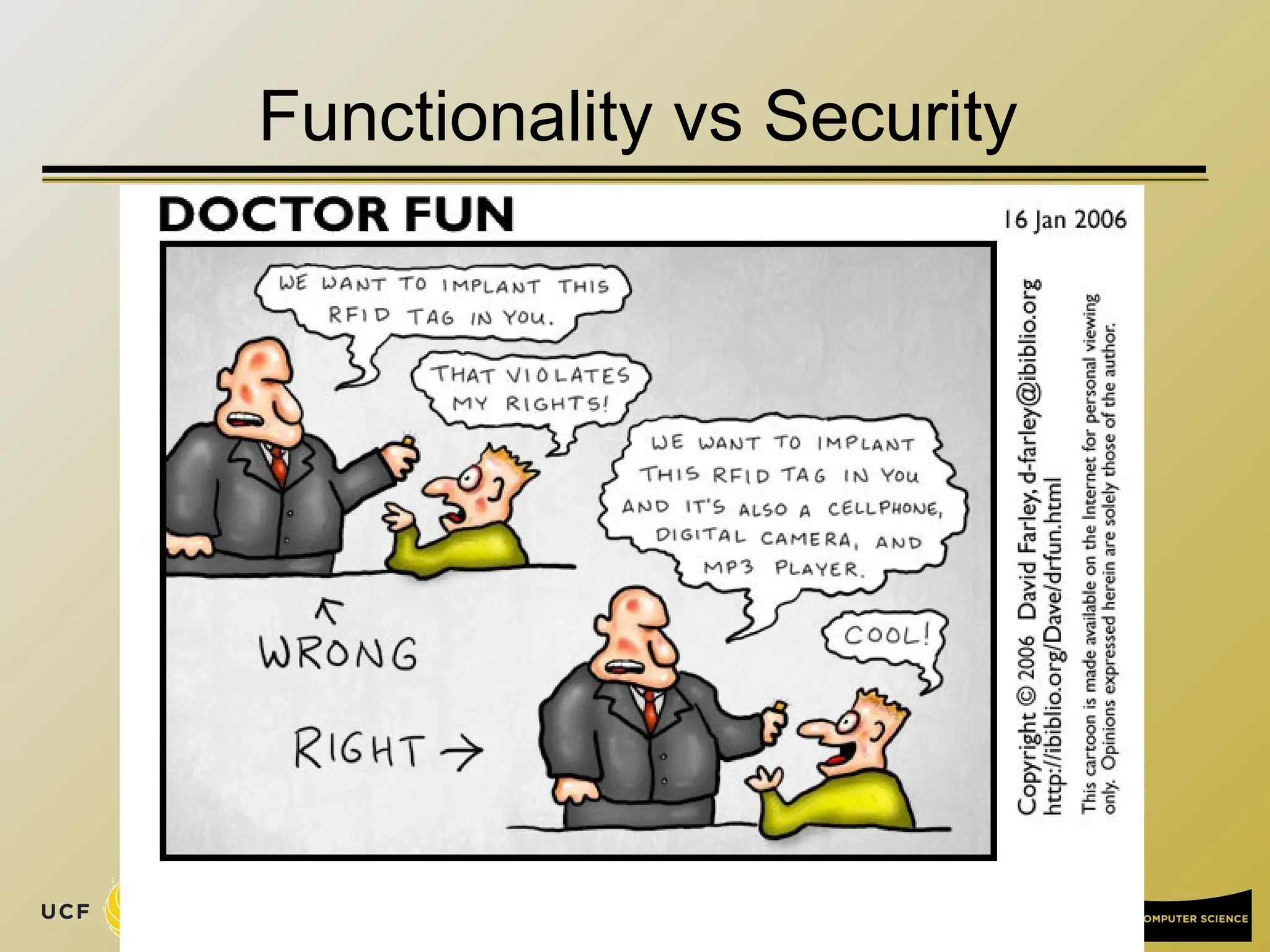
Functionality vs Security
10
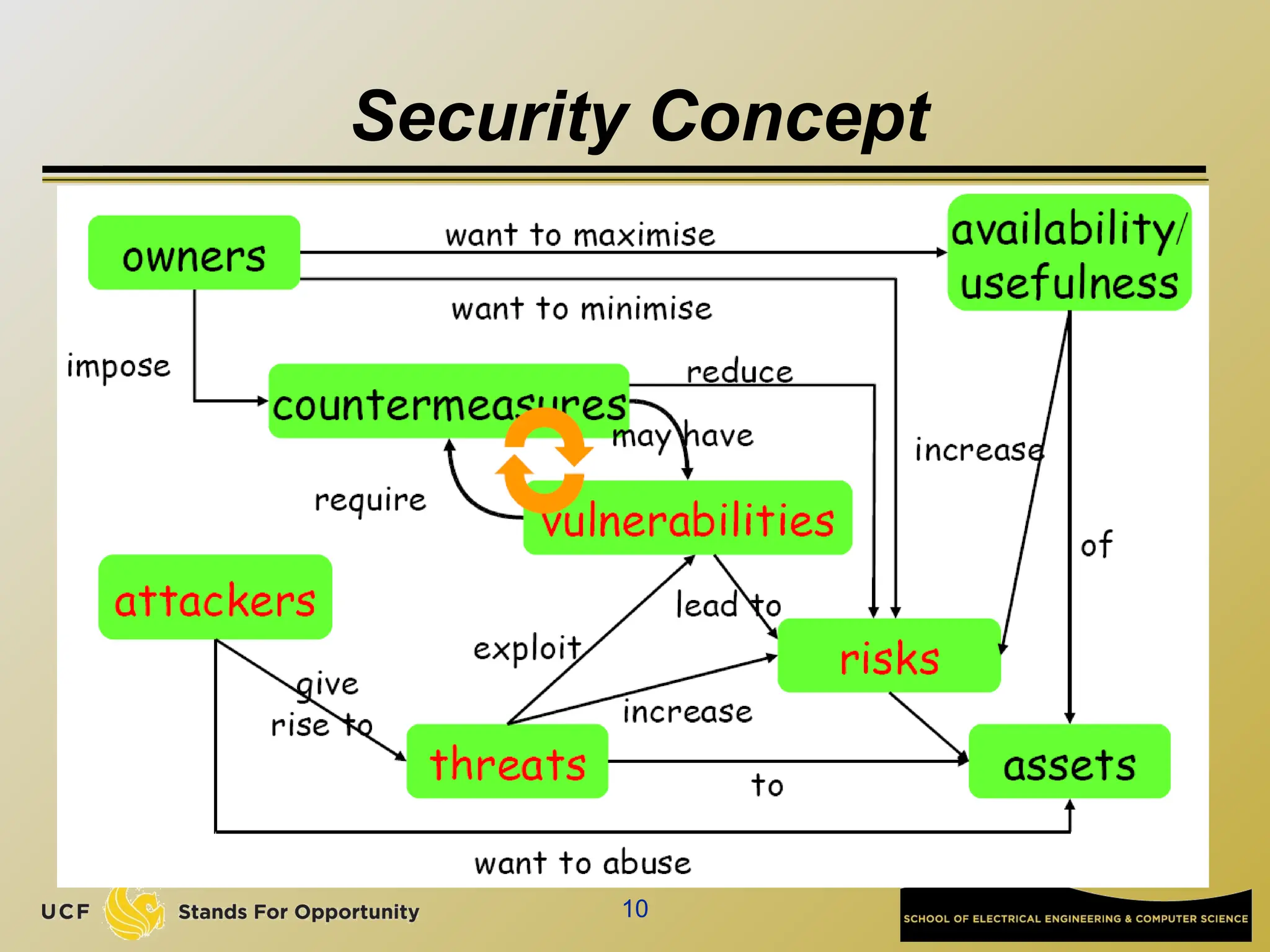
Security Concept
11
Starting Point for Ensuring Security
 Any discussion of security should start
with an inventory of
 the stakeholders (owners, companies…)
 their assets (data, service, customer info…)
 the threats to these assets (erase, steal…)
 Attackers
 employees, clients, script kiddies, criminals
 Any discussion of security without
understanding these issues is
meaningless
12
Security Concepts
 Security is about imposing countermeasures to
reduce risks to assets to acceptable levels
 “Perfect security” is not necessary and costly
 A security policy is a specification of what
security requirements/goals the
countermeasures are intended to achieve
 secure against what and from whom ?
 Security mechanisms to enforce the policy
 What actions we should take under an attack?
13
Security Objectives: CIA
 Confidentiality (or secrecy)
 unauthorized users cannot read information
 Integrity
 unauthorized users cannot alter information
 Availability
 authorized users can always access information
 Non-repudiation for accountability
 authorized users cannot deny actions
 Others
 Privacy, anonymity…
14
Security Goals
 The well-known trio
 confidentiality, integrity, avaliability (CIA)
 There are more “concrete” goals
 traceability and auditing (forensics)
 monitoring (real-time auditing)
 multi-level security
 privacy & anonymity
 ...
 and meta-property
 assurance – that the goals are met
 “information assurance”
15
How to Realize Security Objectives? AAAA
 Authentication
 who are you?
 Access control/Authorization
 control who is allowed to do what
 this requires a specification of who is allowed
to do what
 Auditing
 check if anything went wrong
 Action
 if so, take action
16
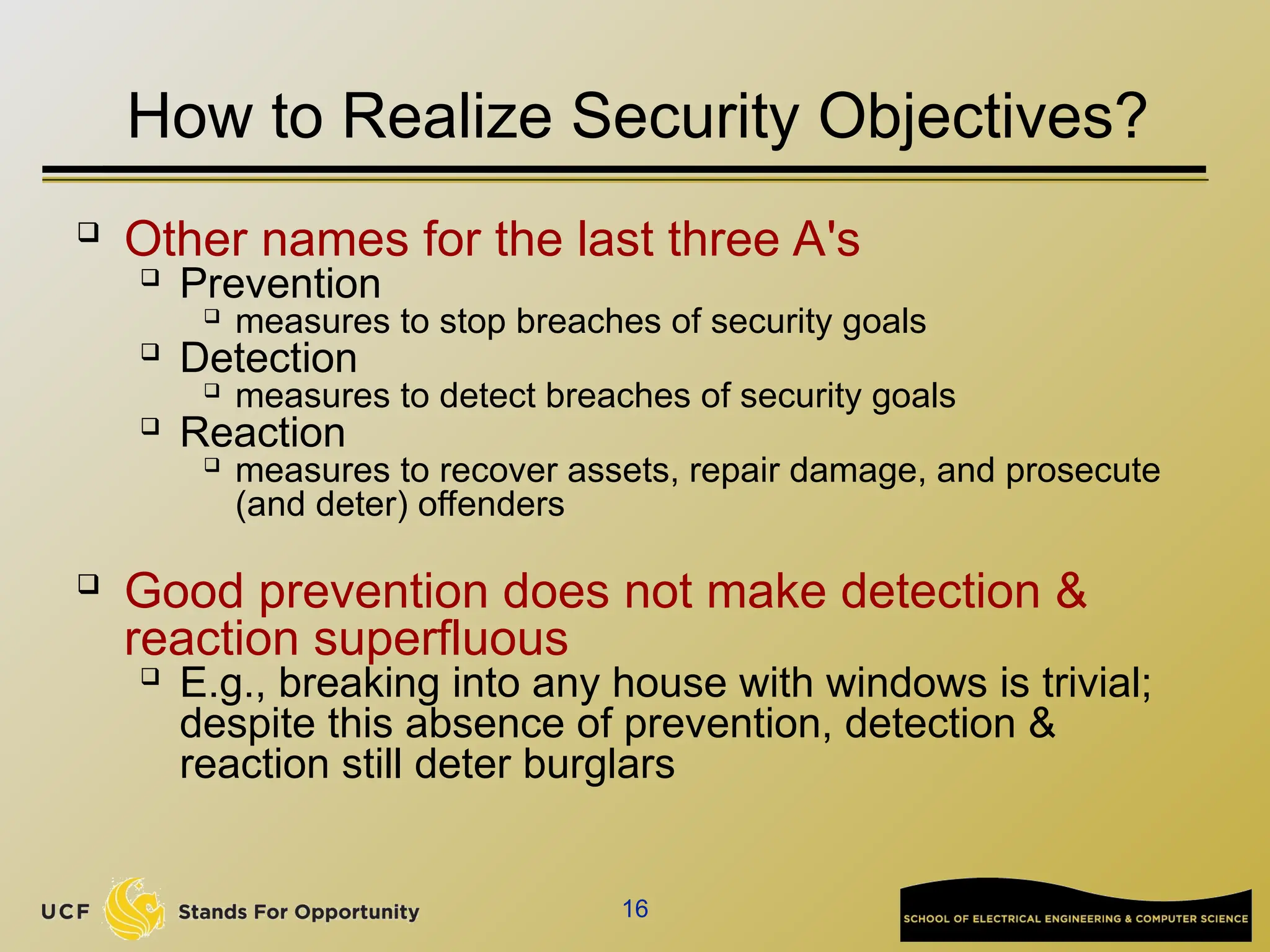
How to Realize Security Objectives?
 Other names for the last three A's

Prevention

measures to stop breaches of security goals

Detection

measures to detect breaches of security goals

Reaction

measures to recover assets, repair damage, and prosecute
(and deter) offenders

Good prevention does not make detection &
reaction superfluous

E.g., breaking into any house with windows is trivial;
despite this absence of prevention, detection &
reaction still deter burglars
17
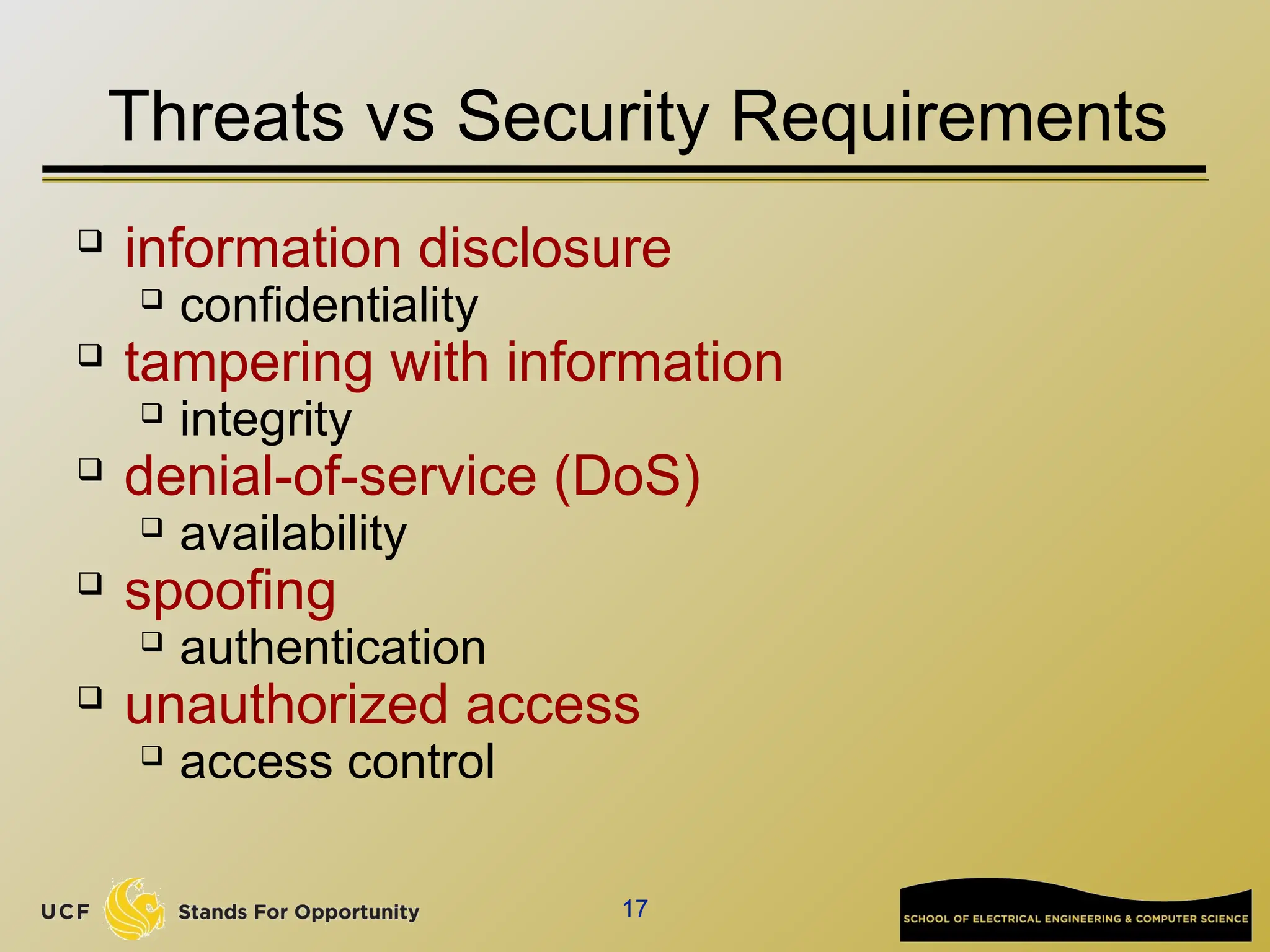
Threats vs Security Requirements
 information disclosure
 confidentiality
 tampering with information
 integrity
 denial-of-service (DoS)
 availability
 spoofing
 authentication
 unauthorized access
 access control
18
Countermeasures
 Countermeasures can be non-IT related
 physical security of building
 screening of personnel
 legal framework to deter criminals
 training employee
 but we won’t consider these (although
they are also very important)
19
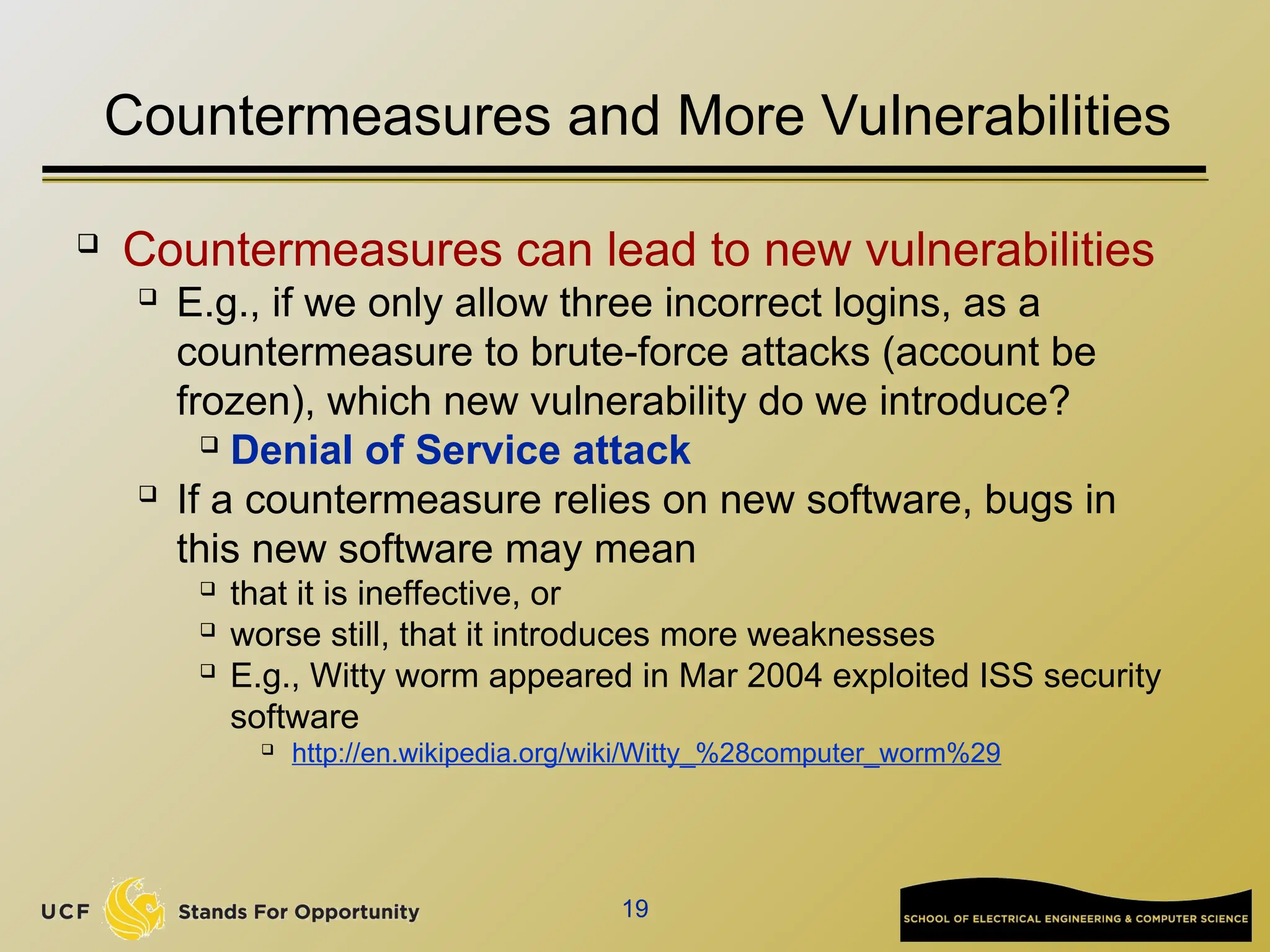
Countermeasures and More Vulnerabilities
 Countermeasures can lead to new vulnerabilities

E.g., if we only allow three incorrect logins, as a
countermeasure to brute-force attacks (account be
frozen), which new vulnerability do we introduce?
 Denial of Service attack

If a countermeasure relies on new software, bugs in
this new software may mean
 that it is ineffective, or
 worse still, that it introduces more weaknesses
 E.g., Witty worm appeared in Mar 2004 exploited ISS security
software

http://en.wikipedia.org/wiki/Witty_%28computer_worm%29
20
Example: insecurities in SSH
 From www.cert.org/advisories for (Open)SSH

CA-2001-35 Recent Activity Against Secure Shell Daemon (Dec
13)

Multiple vulnerabilities in several implementations of SSH. ...

CA-2002-18 OpenSSH Vulnerability in challenge-response
handling (Jun 26)

Vulnerabilities in challenge response handling code ...

CA-2002-23 Multiple Vulnerabilities in OpenSSH (July 30)

Four remotely exploitable buffer overflows in ...

CA-2002-24 Trojan Horse OpenSSH Distribution (Aug 1)

Some copies of the source code of OpenSSH package contain a
Trojan horse.

CA-2002-36 Multiple Vulnerabilities in SSH Implementations
(Dec 16)

Multiple vendors' implementations of SSH contain vulnerabilities...
 CA-2003-24: Buffer Management Vulnerability in OpenSSH
(Sept 16)

There is a remotely exploitable buffer overflow in versions of
OpenSSH prior to 3.7. ...
21
Example: insecurities in SSH
 SSH was meant to provide security, namely as
countermeasure against eavesdropping on network, but
is a source of new vulnerabilities
 Crypto is not the cause of these vulnerabilities, and
could not solve/prevent these vulnerabilities
 Protocol, implementation errors (e.g., WEP in WiFi)
 Programming errors (buffer overflow)
 Distribution errors (trojan)
 Bruce Schneier: “Currently encryption is the strongest link we have.
Everything else is worse: software, networks, people. There's
absolutely no value in taking the strongest link and making it even
stronger”
22
Software Security
23
Two Sides to Software Security
 What are the methods and technologies,
available to us if we want to provide security?
 security in the software development lifecycle
 engineering & design principles
 security technologies
 What are the methods and technologies
available to the enemy who wants to break
security ?
 What are the threats and vulnerabilities we’re up
against?
 What are the resources and tools available to
attackers?
24
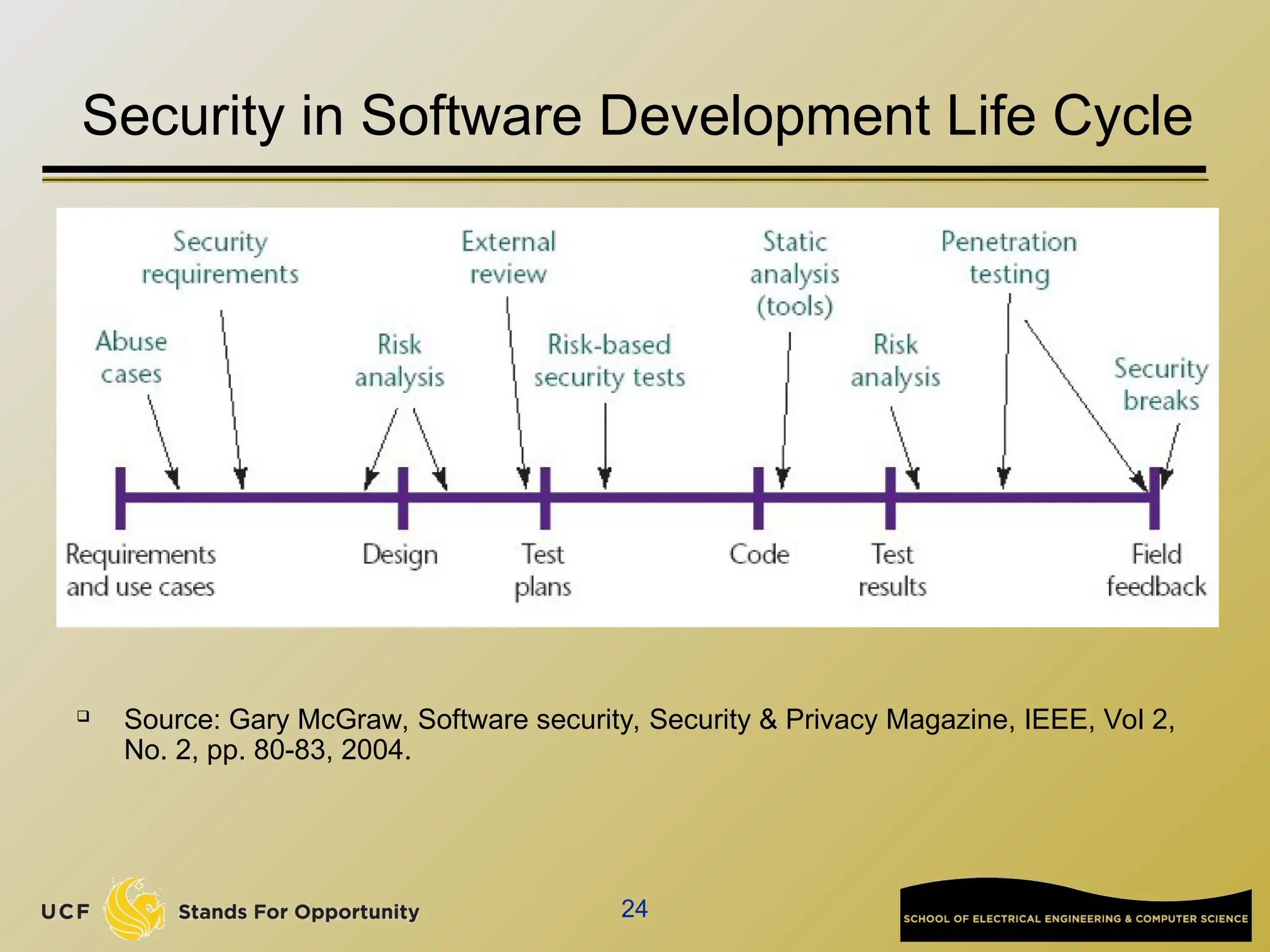
Security in Software Development Life Cycle
 Source: Gary McGraw, Software security, Security & Privacy Magazine, IEEE, Vol 2,
No. 2, pp. 80-83, 2004.
25
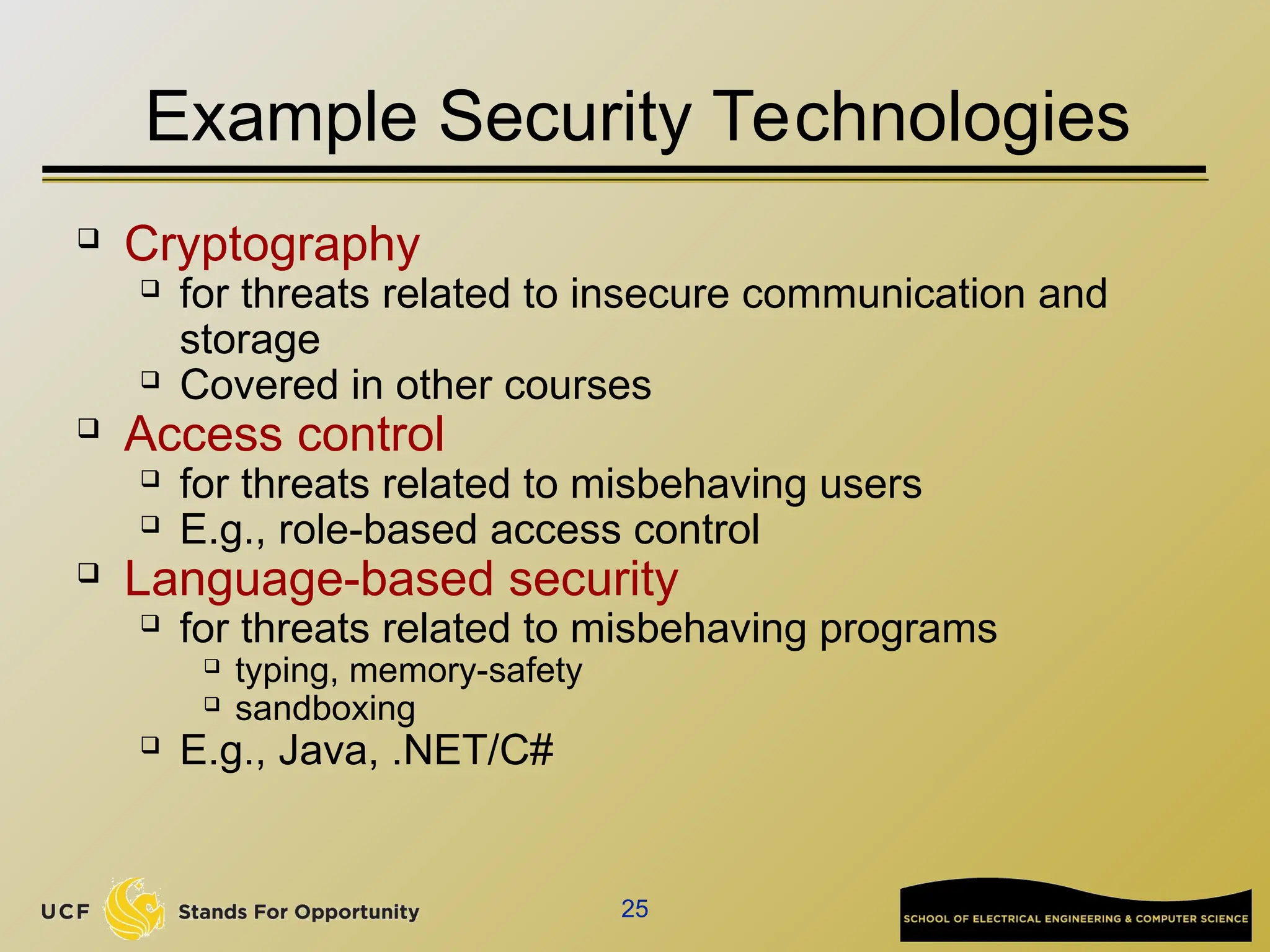
Example Security Technologies
 Cryptography
 for threats related to insecure communication and
storage
 Covered in other courses
 Access control
 for threats related to misbehaving users
 E.g., role-based access control
 Language-based security
 for threats related to misbehaving programs
 typing, memory-safety
 sandboxing
 E.g., Java, .NET/C#
26
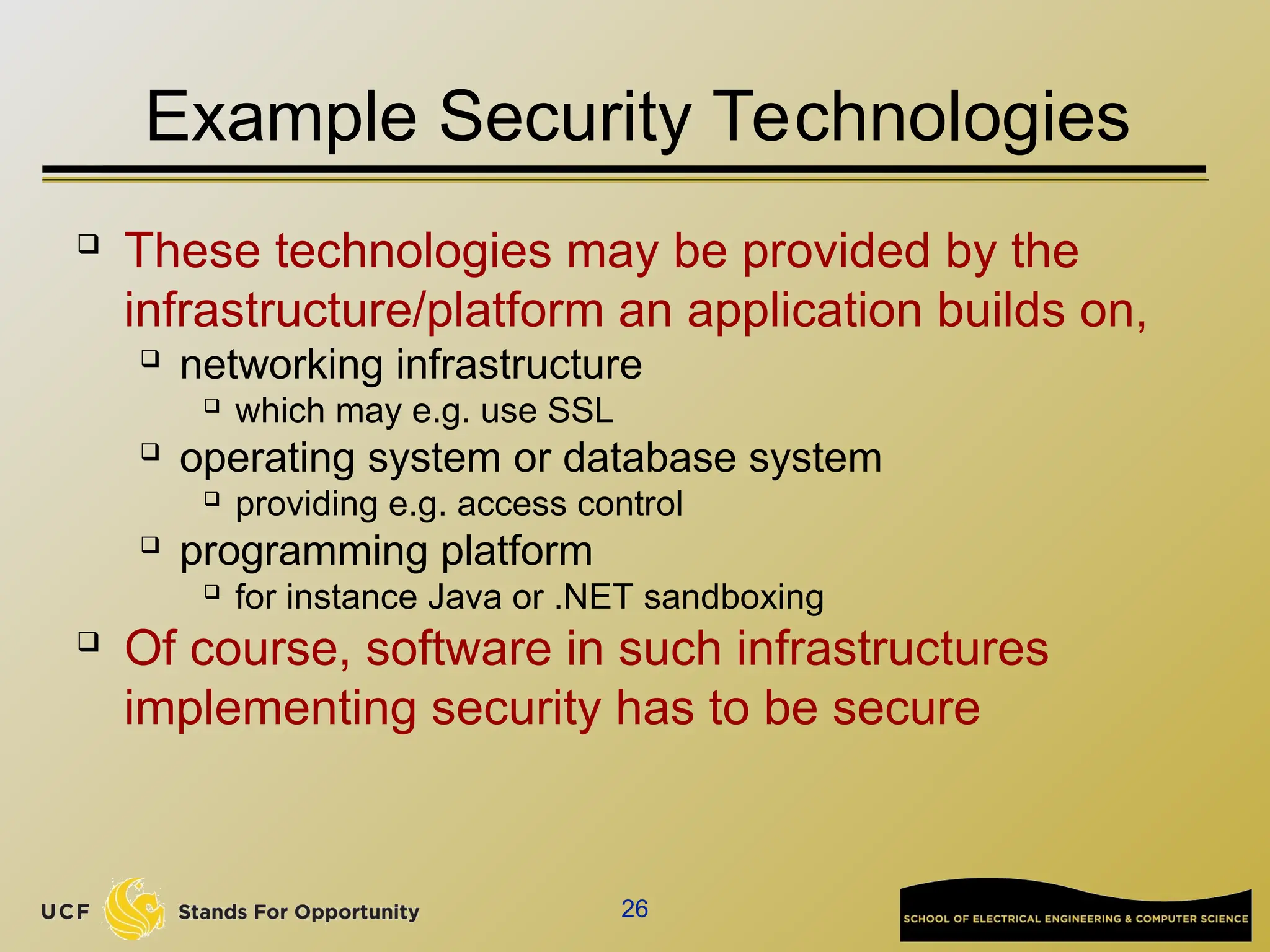
Example Security Technologies
 These technologies may be provided by the
infrastructure/platform an application builds on,
 networking infrastructure
 which may e.g. use SSL
 operating system or database system
 providing e.g. access control
 programming platform
 for instance Java or .NET sandboxing
 Of course, software in such infrastructures
implementing security has to be secure
27
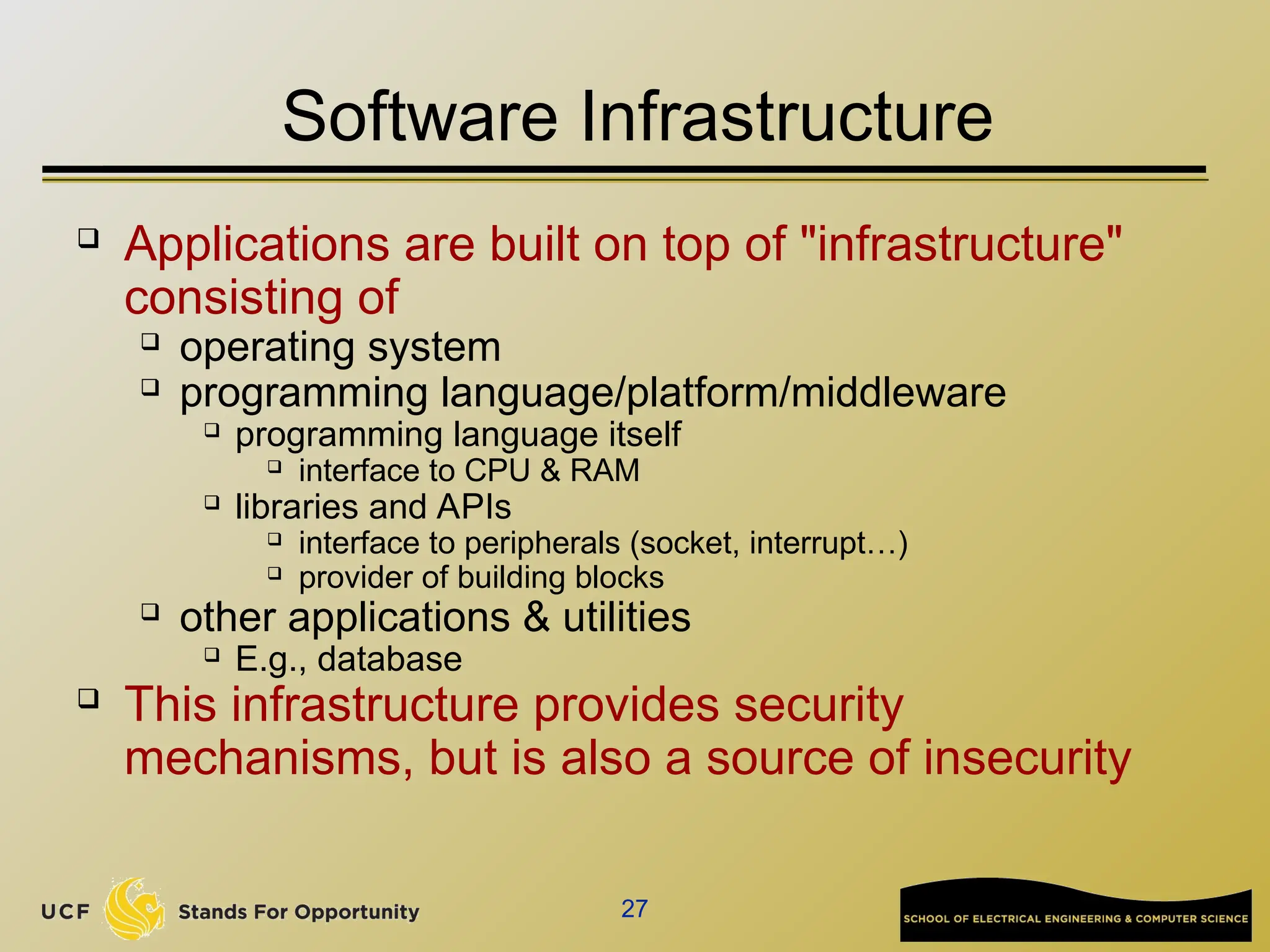
Software Infrastructure
 Applications are built on top of "infrastructure"
consisting of
 operating system
 programming language/platform/middleware
 programming language itself
 interface to CPU & RAM
 libraries and APIs
 interface to peripherals (socket, interrupt…)
 provider of building blocks
 other applications & utilities
 E.g., database
 This infrastructure provides security
mechanisms, but is also a source of insecurity
28
Sources of Software Vulnerabilities
 Bugs in the application or its infrastructure

i.e. doesn't do what it should do

E.g., access flag can be modified by user input

Inappropriate features in the infrastructure

i.e. does something that it shouldn't do
 functionality winning over security

E.g., a search function that can display other users info
 Inappropriate use of features provided by the
infrastructure
 Main causes:

complexity of these features

functionality winning over security, again
 ignorance of developers
29
Functionality vs Security
Lost battles?
 operating systems
 huge OS, with huge attack surface (API),
 programming languages
 buffer overflows, format strings, ... in C
 public fields in Java
 lots of things in PHP
 webbrowsers
 plug-ins for various formats, javascript, VBscript, ...
 email clients
30
Threat Modeling
31
Threat Modeling
 Aka security/risk/requirements analysis
 A first step, not just for software
 Identify assets & stakeholders
 Consider architecture of application & its environment
 Brainstorm about known threats
 Define security assumptions
 Rank threats by risk
 ≈ impact x likelihood
 Decide which threats to respond to
 Decide how to mitigate these threats
 which techniques & technologies
32
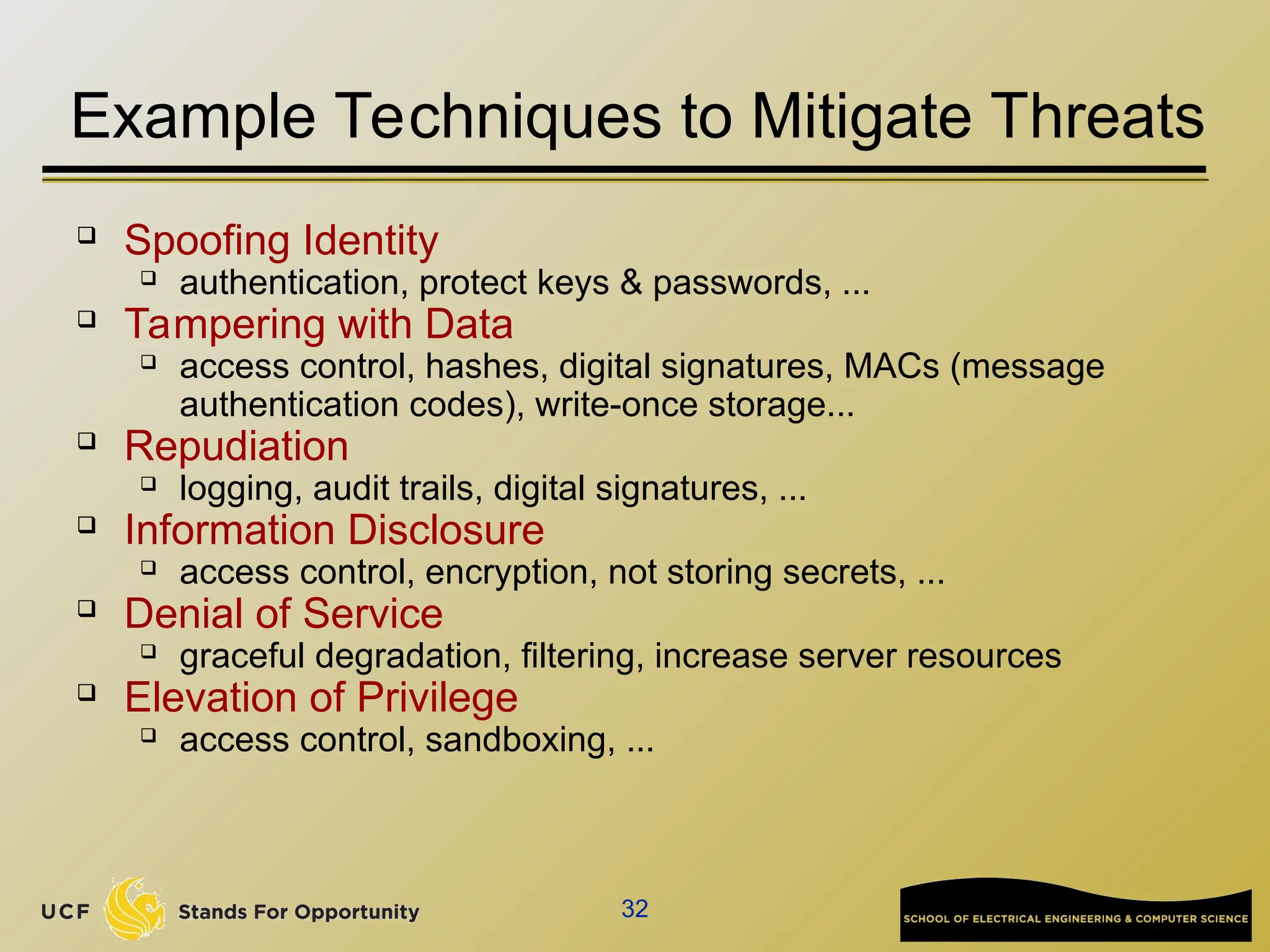
Example Techniques to Mitigate Threats
 Spoofing Identity
 authentication, protect keys & passwords, ...
 Tampering with Data
 access control, hashes, digital signatures, MACs (message
authentication codes), write-once storage...
 Repudiation
 logging, audit trails, digital signatures, ...
 Information Disclosure
 access control, encryption, not storing secrets, ...
 Denial of Service
 graceful degradation, filtering, increase server resources
 Elevation of Privilege
 access control, sandboxing, ...
33
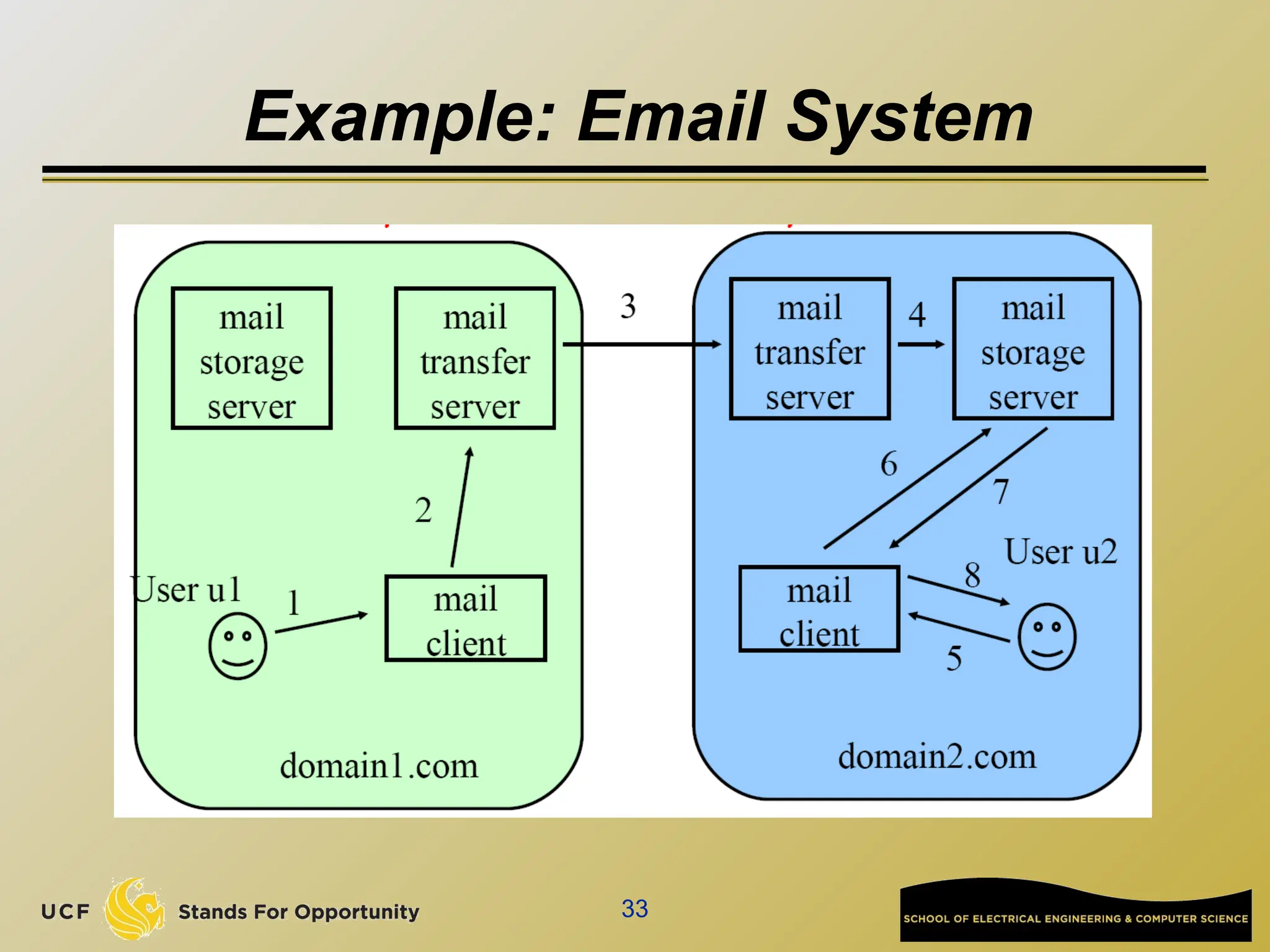
Example: Email System
34
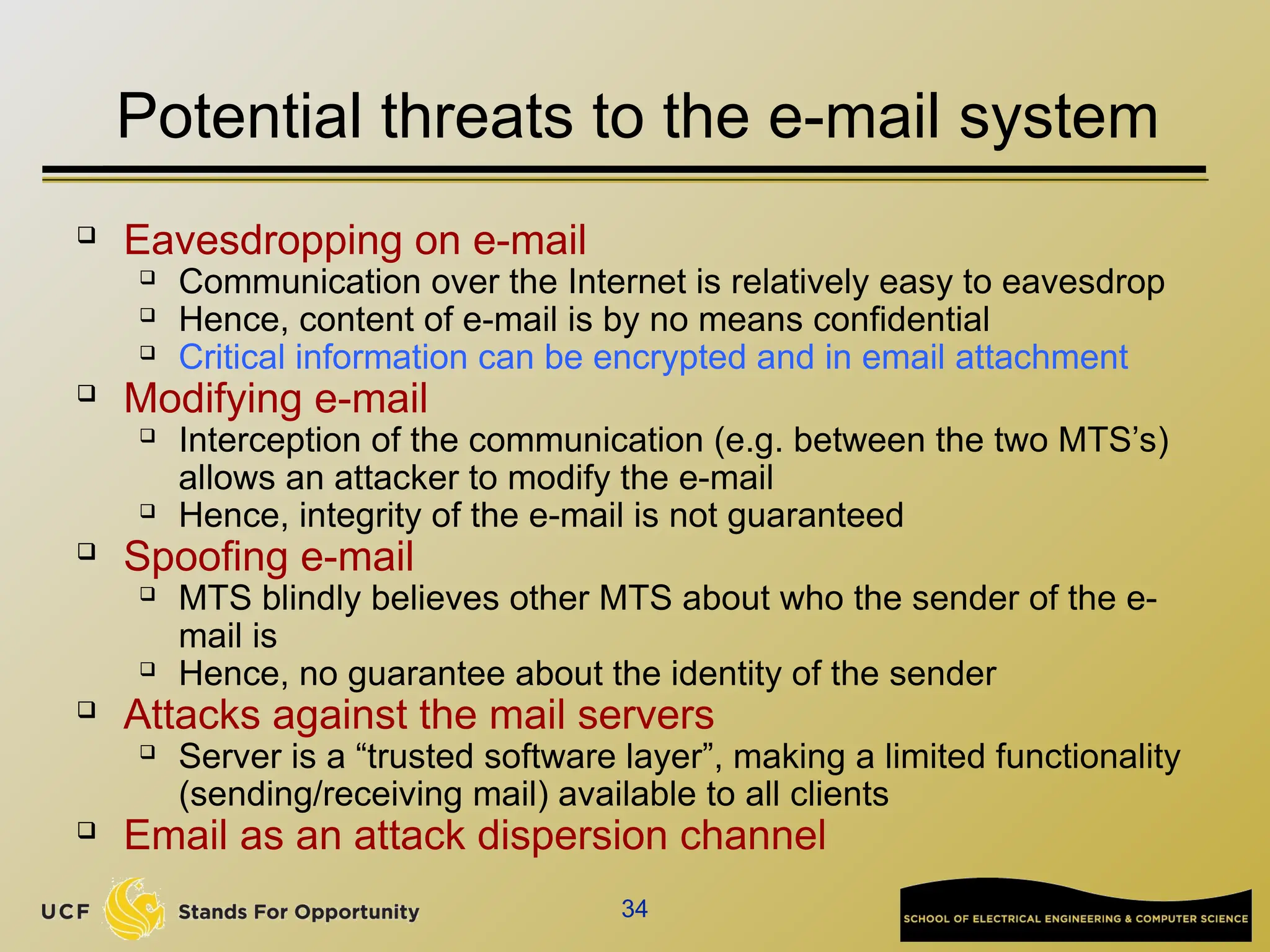
Potential threats to the e-mail system
 Eavesdropping on e-mail
 Communication over the Internet is relatively easy to eavesdrop
 Hence, content of e-mail is by no means confidential
 Critical information can be encrypted and in email attachment
 Modifying e-mail
 Interception of the communication (e.g. between the two MTS’s)
allows an attacker to modify the e-mail
 Hence, integrity of the e-mail is not guaranteed
 Spoofing e-mail
 MTS blindly believes other MTS about who the sender of the e-
mail is
 Hence, no guarantee about the identity of the sender
 Attacks against the mail servers
 Server is a “trusted software layer”, making a limited functionality
(sending/receiving mail) available to all clients
 Email as an attack dispersion channel
35
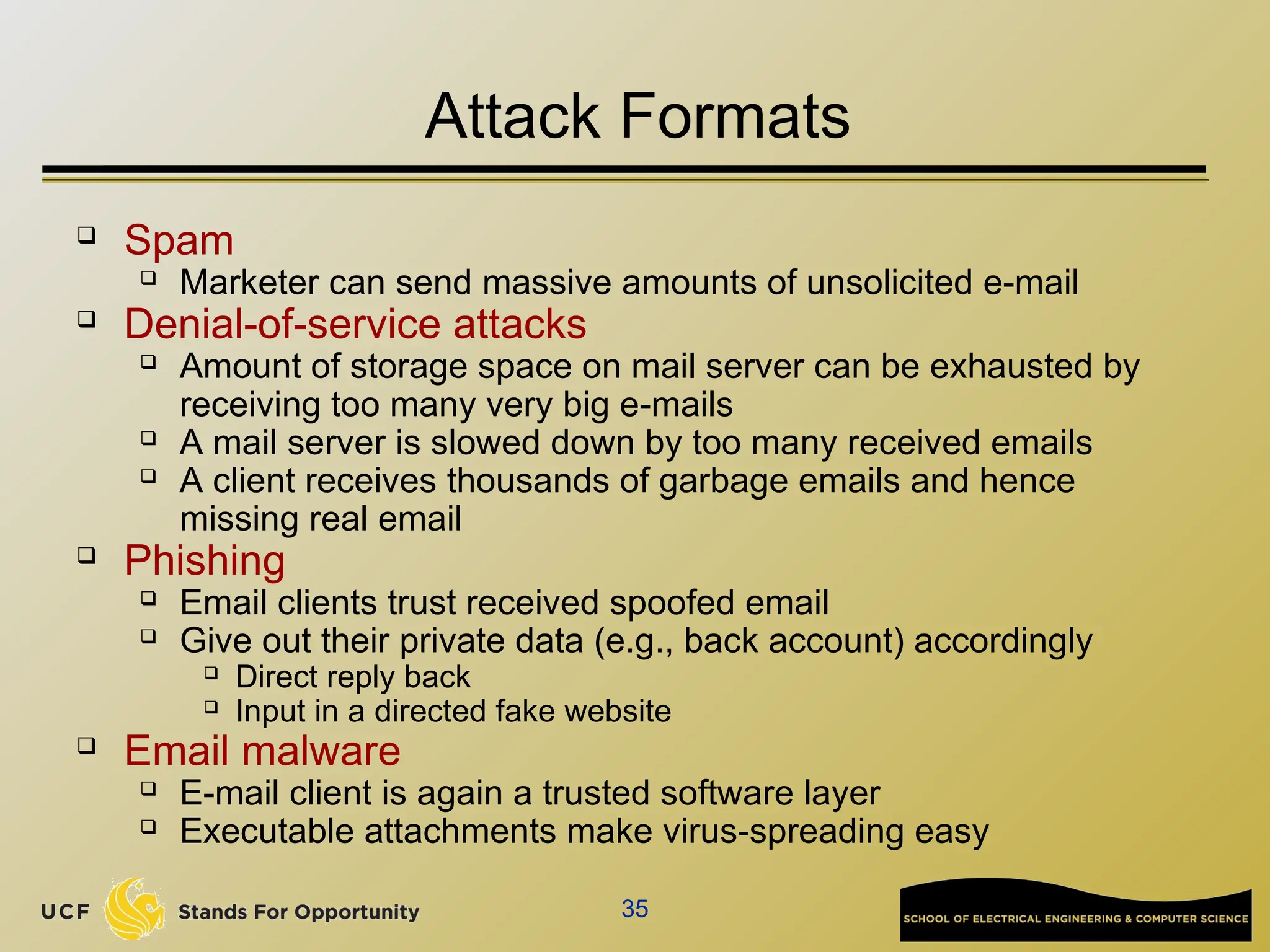
Attack Formats
 Spam
 Marketer can send massive amounts of unsolicited e-mail
 Denial-of-service attacks
 Amount of storage space on mail server can be exhausted by
receiving too many very big e-mails
 A mail server is slowed down by too many received emails
 A client receives thousands of garbage emails and hence
missing real email
 Phishing
 Email clients trust received spoofed email
 Give out their private data (e.g., back account) accordingly
 Direct reply back
 Input in a directed fake website
 Email malware
 E-mail client is again a trusted software layer
 Executable attachments make virus-spreading easy
36
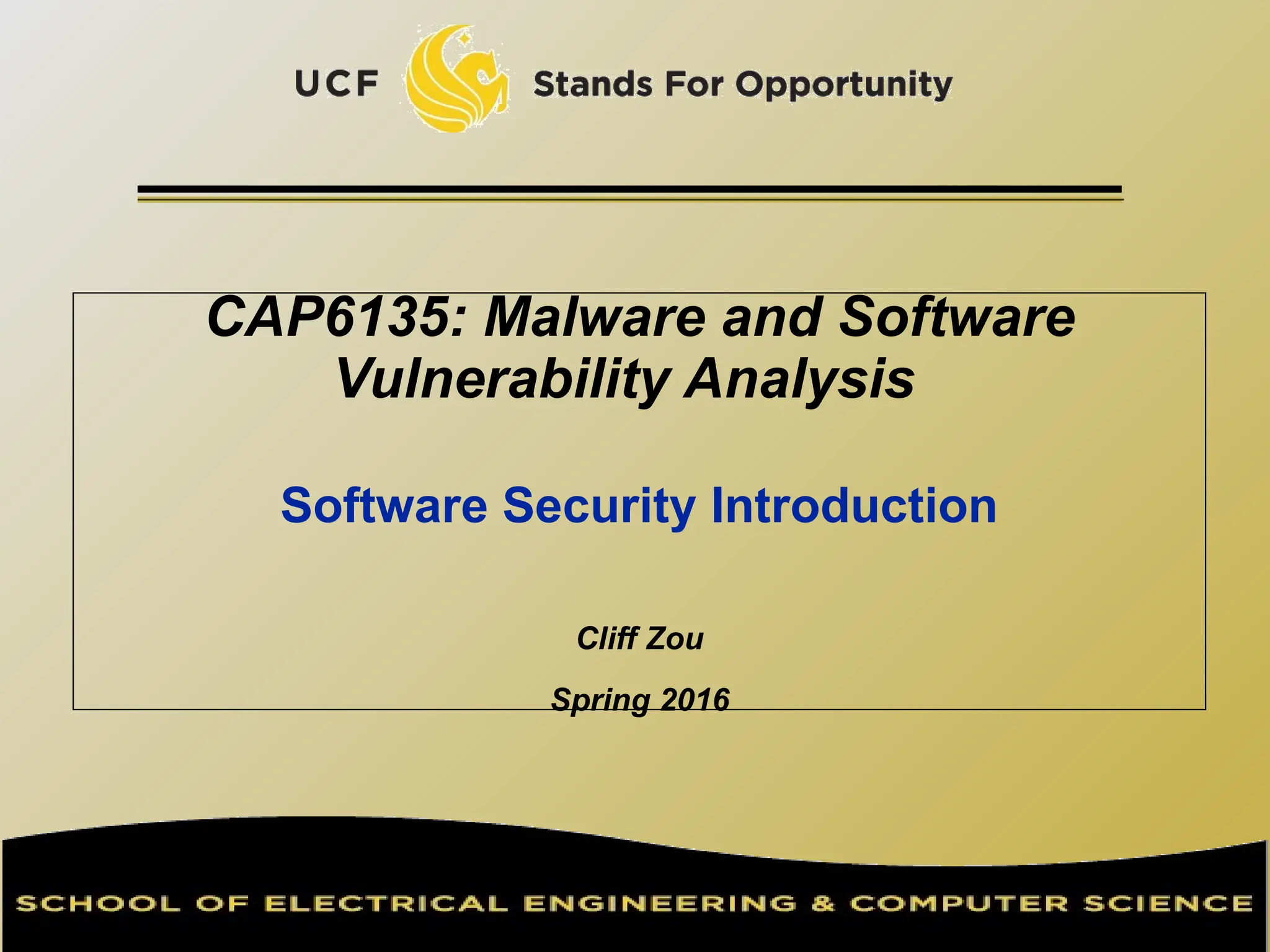
Possible Defenses
 Many other threats

Privacy threat: detecting when an e-mail is read

Repudiation of sending: sender can deny having sent a
message

Repudiation of receiving: receiver can deny having ever
received a particular message
 Eavesdropping and modification

Can be countered by cryptographic techniques

Spoofing

Can be countered by strong authentication protocols
 Attacks against servers

Can be countered by

Careful software coding

Clear access control model

Strong authentication

However, email spam, phishing are hard to defend

Phishing: there are always users without security knowledge!
37
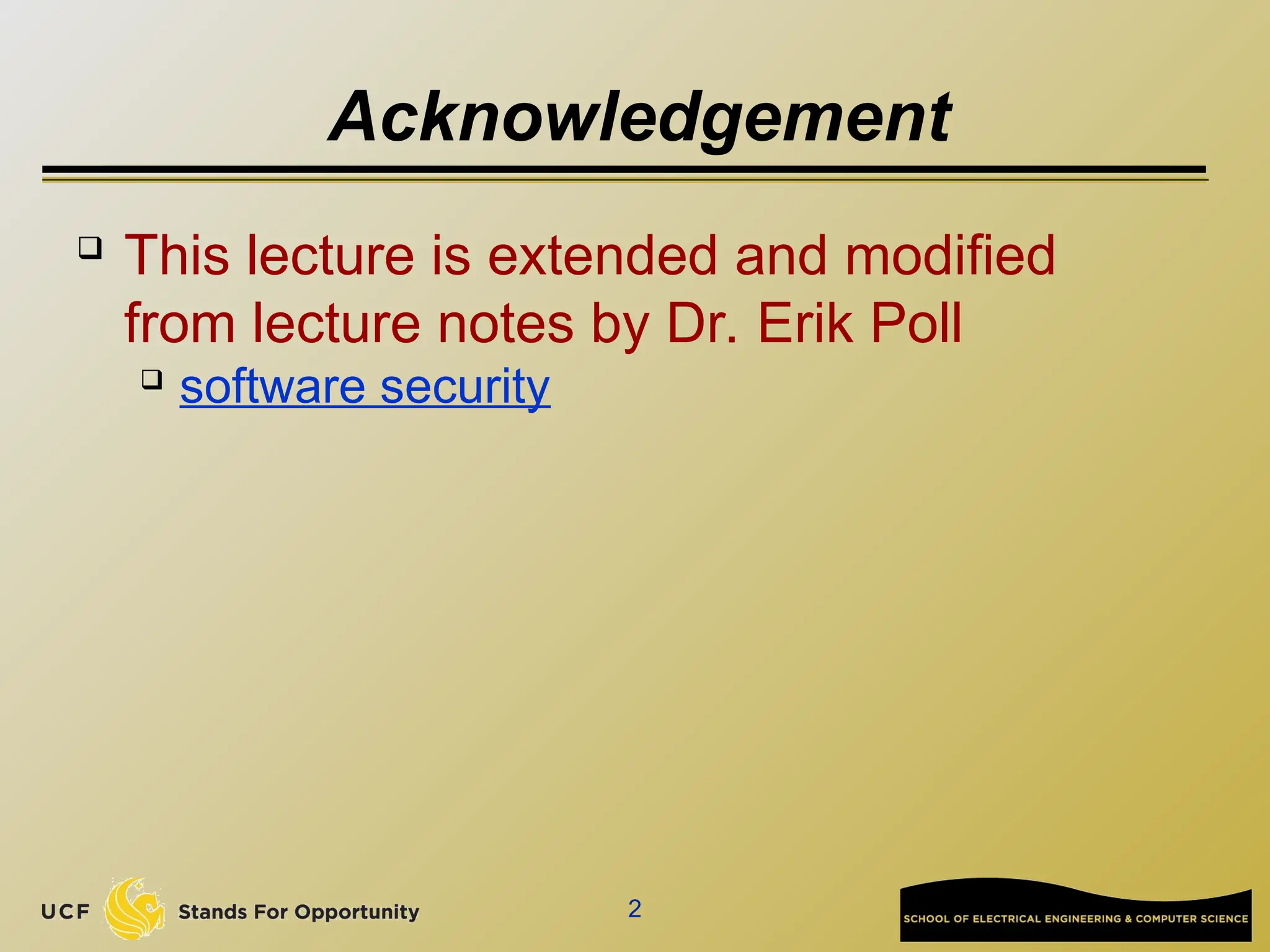
Vulnerabilities in Countermeasures
 Each of the discussed countermeasures can
again have vulnerabilities:
 Bad choice of cryptographic algorithm
 Protocol design weakness
 Implementation bug
 …
 Example: Witty worm in 2004
 Compromise a class of security software from
Internet Security Systems (ISS) now IBM Internet
Security Systems installed on user computers
 http://en.wikipedia.org/wiki/Witty_%28computer_worm%29
software-security-intro in information security.ppt

  • 1.
    CAP6135: Malware andSoftware Vulnerability Analysis Software Security Introduction Cliff Zou Spring 2016
  • 2.
    2 Acknowledgement  This lectureis extended and modified from lecture notes by Dr. Erik Poll  software security
  • 3.
    3 Overview  What issoftware security ?  Understanding the role that software plays  in providing security  as source of insecurity  Principles, methods & technologies to make software more secure  Practical experience with some of these  Typical threats & vulnerabilities in software, and how to avoid them
  • 4.
    4 Overview  Software playsa major role in providing security, and is a major source of security problems  Software security does not get much attention  In programming courses  Many future programmers have little training on software security and secure programming  In software company’s goal
  • 5.
    5 Overview  We focuson software security, but don’t forget that security is about many things:  people  human computer interaction, HCI  Attackers, users, employees, sys-admins, programmers  access control, passwords, biometrics  cryptology, protocols  Monitoring, auditing, risk management  Policy, legislation  public relations, public perception  ….
  • 6.
  • 7.
    7 Software and Security  Securityis about regulating access to assets  E.g., information or functionality  Software provides functionality  E.g., on-line exam results  This functionality comes with certain risks  E.g., what are risks of on-line exam results?  Privacy (score leakage); Modification  Software security is about managing these risks
  • 8.
    8 Software and Security  Securityis always a secondary concern  Primary goal of software is to provide functionalities or services  Managing associated risks is a derived/secondary concern  There is often a trade-off/conflict between  security  functionality & convenience  Security achievement is hard to evaluate when nothing bad happens
  • 9.
  • 10.
  • 11.
    11 Starting Point forEnsuring Security  Any discussion of security should start with an inventory of  the stakeholders (owners, companies…)  their assets (data, service, customer info…)  the threats to these assets (erase, steal…)  Attackers  employees, clients, script kiddies, criminals  Any discussion of security without understanding these issues is meaningless
  • 12.
    12 Security Concepts  Securityis about imposing countermeasures to reduce risks to assets to acceptable levels  “Perfect security” is not necessary and costly  A security policy is a specification of what security requirements/goals the countermeasures are intended to achieve  secure against what and from whom ?  Security mechanisms to enforce the policy  What actions we should take under an attack?
  • 13.
    13 Security Objectives: CIA Confidentiality (or secrecy)  unauthorized users cannot read information  Integrity  unauthorized users cannot alter information  Availability  authorized users can always access information  Non-repudiation for accountability  authorized users cannot deny actions  Others  Privacy, anonymity…
  • 14.
    14 Security Goals  Thewell-known trio  confidentiality, integrity, avaliability (CIA)  There are more “concrete” goals  traceability and auditing (forensics)  monitoring (real-time auditing)  multi-level security  privacy & anonymity  ...  and meta-property  assurance – that the goals are met  “information assurance”
  • 15.
    15 How to RealizeSecurity Objectives? AAAA  Authentication  who are you?  Access control/Authorization  control who is allowed to do what  this requires a specification of who is allowed to do what  Auditing  check if anything went wrong  Action  if so, take action
  • 16.
    16 How to RealizeSecurity Objectives?  Other names for the last three A's  Prevention  measures to stop breaches of security goals  Detection  measures to detect breaches of security goals  Reaction  measures to recover assets, repair damage, and prosecute (and deter) offenders  Good prevention does not make detection & reaction superfluous  E.g., breaking into any house with windows is trivial; despite this absence of prevention, detection & reaction still deter burglars
  • 17.
    17 Threats vs SecurityRequirements  information disclosure  confidentiality  tampering with information  integrity  denial-of-service (DoS)  availability  spoofing  authentication  unauthorized access  access control
  • 18.
    18 Countermeasures  Countermeasures canbe non-IT related  physical security of building  screening of personnel  legal framework to deter criminals  training employee  but we won’t consider these (although they are also very important)
  • 19.
    19 Countermeasures and MoreVulnerabilities  Countermeasures can lead to new vulnerabilities  E.g., if we only allow three incorrect logins, as a countermeasure to brute-force attacks (account be frozen), which new vulnerability do we introduce?  Denial of Service attack  If a countermeasure relies on new software, bugs in this new software may mean  that it is ineffective, or  worse still, that it introduces more weaknesses  E.g., Witty worm appeared in Mar 2004 exploited ISS security software  http://en.wikipedia.org/wiki/Witty_%28computer_worm%29
  • 20.
    20 Example: insecurities inSSH  From www.cert.org/advisories for (Open)SSH  CA-2001-35 Recent Activity Against Secure Shell Daemon (Dec 13)  Multiple vulnerabilities in several implementations of SSH. ...  CA-2002-18 OpenSSH Vulnerability in challenge-response handling (Jun 26)  Vulnerabilities in challenge response handling code ...  CA-2002-23 Multiple Vulnerabilities in OpenSSH (July 30)  Four remotely exploitable buffer overflows in ...  CA-2002-24 Trojan Horse OpenSSH Distribution (Aug 1)  Some copies of the source code of OpenSSH package contain a Trojan horse.  CA-2002-36 Multiple Vulnerabilities in SSH Implementations (Dec 16)  Multiple vendors' implementations of SSH contain vulnerabilities...  CA-2003-24: Buffer Management Vulnerability in OpenSSH (Sept 16)  There is a remotely exploitable buffer overflow in versions of OpenSSH prior to 3.7. ...
  • 21.
    21 Example: insecurities inSSH  SSH was meant to provide security, namely as countermeasure against eavesdropping on network, but is a source of new vulnerabilities  Crypto is not the cause of these vulnerabilities, and could not solve/prevent these vulnerabilities  Protocol, implementation errors (e.g., WEP in WiFi)  Programming errors (buffer overflow)  Distribution errors (trojan)  Bruce Schneier: “Currently encryption is the strongest link we have. Everything else is worse: software, networks, people. There's absolutely no value in taking the strongest link and making it even stronger”
  • 22.
  • 23.
    23 Two Sides toSoftware Security  What are the methods and technologies, available to us if we want to provide security?  security in the software development lifecycle  engineering & design principles  security technologies  What are the methods and technologies available to the enemy who wants to break security ?  What are the threats and vulnerabilities we’re up against?  What are the resources and tools available to attackers?
  • 24.
    24 Security in SoftwareDevelopment Life Cycle  Source: Gary McGraw, Software security, Security & Privacy Magazine, IEEE, Vol 2, No. 2, pp. 80-83, 2004.
  • 25.
    25 Example Security Technologies Cryptography  for threats related to insecure communication and storage  Covered in other courses  Access control  for threats related to misbehaving users  E.g., role-based access control  Language-based security  for threats related to misbehaving programs  typing, memory-safety  sandboxing  E.g., Java, .NET/C#
  • 26.
    26 Example Security Technologies These technologies may be provided by the infrastructure/platform an application builds on,  networking infrastructure  which may e.g. use SSL  operating system or database system  providing e.g. access control  programming platform  for instance Java or .NET sandboxing  Of course, software in such infrastructures implementing security has to be secure
  • 27.
    27 Software Infrastructure  Applicationsare built on top of "infrastructure" consisting of  operating system  programming language/platform/middleware  programming language itself  interface to CPU & RAM  libraries and APIs  interface to peripherals (socket, interrupt…)  provider of building blocks  other applications & utilities  E.g., database  This infrastructure provides security mechanisms, but is also a source of insecurity
  • 28.
    28 Sources of SoftwareVulnerabilities  Bugs in the application or its infrastructure  i.e. doesn't do what it should do  E.g., access flag can be modified by user input  Inappropriate features in the infrastructure  i.e. does something that it shouldn't do  functionality winning over security  E.g., a search function that can display other users info  Inappropriate use of features provided by the infrastructure  Main causes:  complexity of these features  functionality winning over security, again  ignorance of developers
  • 29.
    29 Functionality vs Security Lostbattles?  operating systems  huge OS, with huge attack surface (API),  programming languages  buffer overflows, format strings, ... in C  public fields in Java  lots of things in PHP  webbrowsers  plug-ins for various formats, javascript, VBscript, ...  email clients
  • 30.
  • 31.
    31 Threat Modeling  Akasecurity/risk/requirements analysis  A first step, not just for software  Identify assets & stakeholders  Consider architecture of application & its environment  Brainstorm about known threats  Define security assumptions  Rank threats by risk  ≈ impact x likelihood  Decide which threats to respond to  Decide how to mitigate these threats  which techniques & technologies
  • 32.
    32 Example Techniques toMitigate Threats  Spoofing Identity  authentication, protect keys & passwords, ...  Tampering with Data  access control, hashes, digital signatures, MACs (message authentication codes), write-once storage...  Repudiation  logging, audit trails, digital signatures, ...  Information Disclosure  access control, encryption, not storing secrets, ...  Denial of Service  graceful degradation, filtering, increase server resources  Elevation of Privilege  access control, sandboxing, ...
  • 33.
  • 34.
    34 Potential threats tothe e-mail system  Eavesdropping on e-mail  Communication over the Internet is relatively easy to eavesdrop  Hence, content of e-mail is by no means confidential  Critical information can be encrypted and in email attachment  Modifying e-mail  Interception of the communication (e.g. between the two MTS’s) allows an attacker to modify the e-mail  Hence, integrity of the e-mail is not guaranteed  Spoofing e-mail  MTS blindly believes other MTS about who the sender of the e- mail is  Hence, no guarantee about the identity of the sender  Attacks against the mail servers  Server is a “trusted software layer”, making a limited functionality (sending/receiving mail) available to all clients  Email as an attack dispersion channel
  • 35.
    35 Attack Formats  Spam Marketer can send massive amounts of unsolicited e-mail  Denial-of-service attacks  Amount of storage space on mail server can be exhausted by receiving too many very big e-mails  A mail server is slowed down by too many received emails  A client receives thousands of garbage emails and hence missing real email  Phishing  Email clients trust received spoofed email  Give out their private data (e.g., back account) accordingly  Direct reply back  Input in a directed fake website  Email malware  E-mail client is again a trusted software layer  Executable attachments make virus-spreading easy
  • 36.
    36 Possible Defenses  Manyother threats  Privacy threat: detecting when an e-mail is read  Repudiation of sending: sender can deny having sent a message  Repudiation of receiving: receiver can deny having ever received a particular message  Eavesdropping and modification  Can be countered by cryptographic techniques  Spoofing  Can be countered by strong authentication protocols  Attacks against servers  Can be countered by  Careful software coding  Clear access control model  Strong authentication  However, email spam, phishing are hard to defend  Phishing: there are always users without security knowledge!
  • 37.
    37 Vulnerabilities in Countermeasures Each of the discussed countermeasures can again have vulnerabilities:  Bad choice of cryptographic algorithm  Protocol design weakness  Implementation bug  …  Example: Witty worm in 2004  Compromise a class of security software from Internet Security Systems (ISS) now IBM Internet Security Systems installed on user computers  http://en.wikipedia.org/wiki/Witty_%28computer_worm%29