1.SIEM
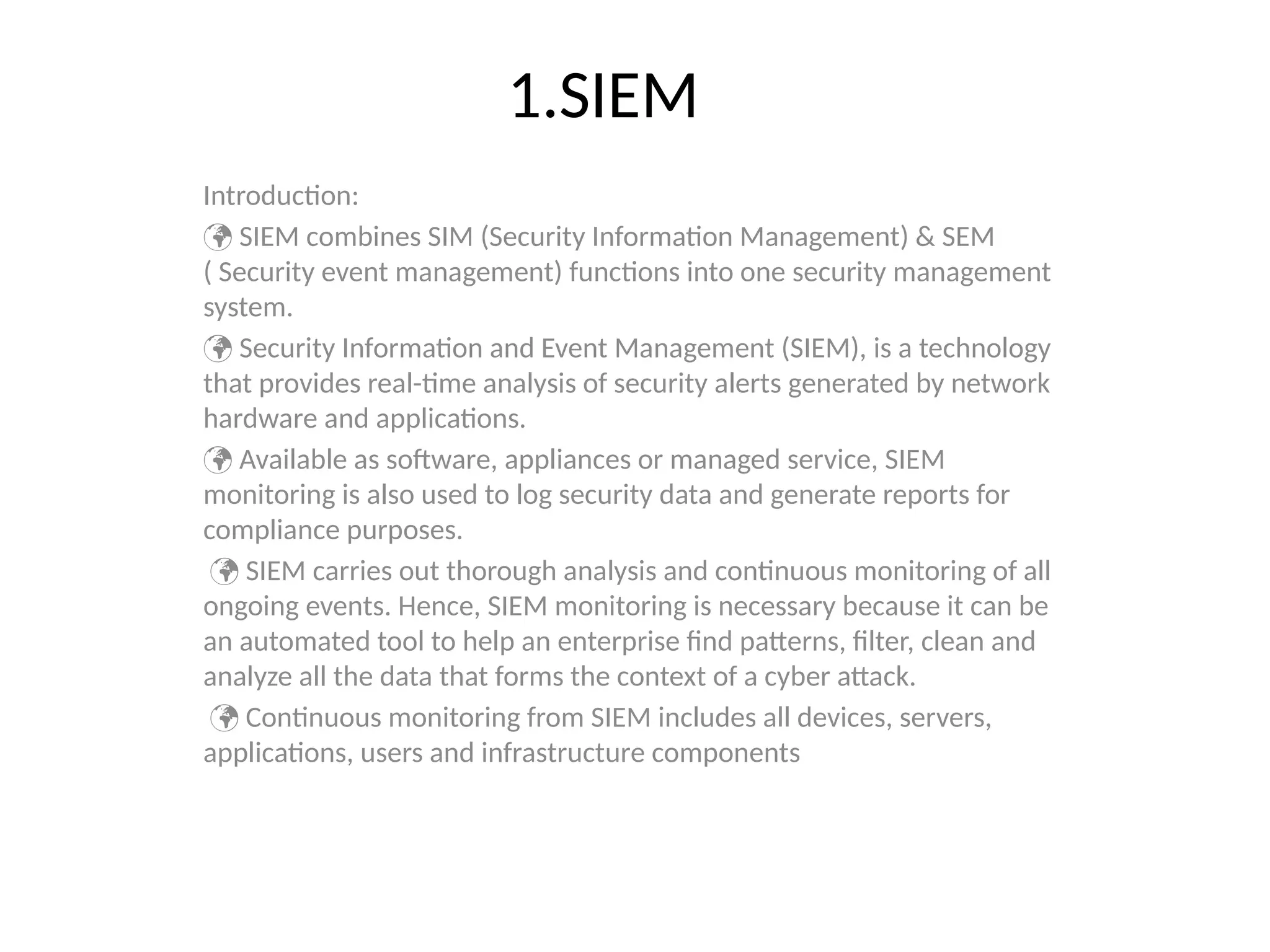
Introduction:
SIEM combinesSIM (Security Information Management) & SEM
( Security event management) functions into one security management
system.
Security Information and Event Management (SIEM), is a technology
that provides real-time analysis of security alerts generated by network
hardware and applications.
Available as software, appliances or managed service, SIEM
monitoring is also used to log security data and generate reports for
compliance purposes.
SIEM carries out thorough analysis and continuous monitoring of all
ongoing events. Hence, SIEM monitoring is necessary because it can be
an automated tool to help an enterprise find patterns, filter, clean and
analyze all the data that forms the context of a cyber attack.
Continuous monitoring from SIEM includes all devices, servers,
applications, users and infrastructure components
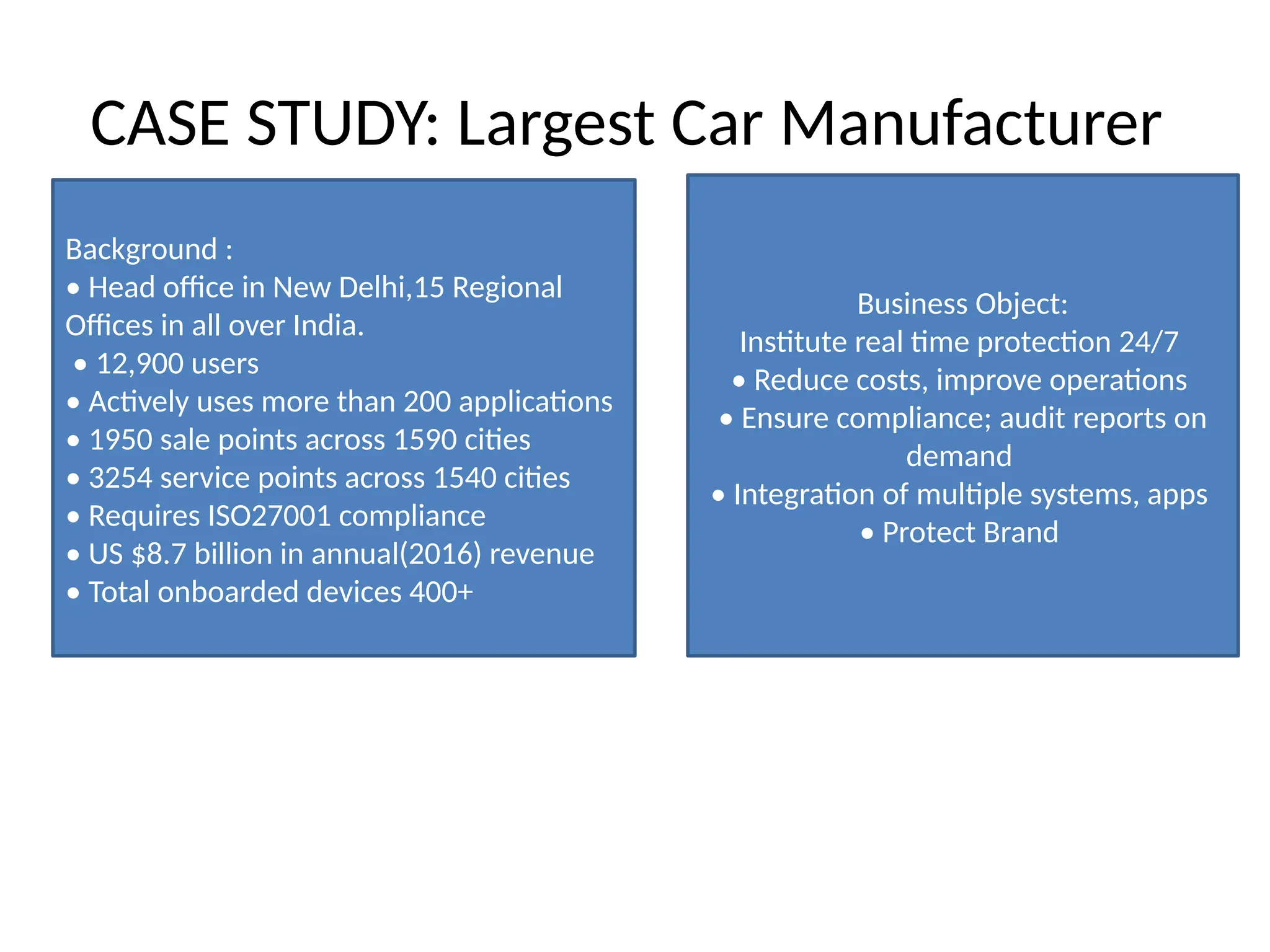
CASE STUDY: LargestCar Manufacturer
Background :
• Head office in New Delhi,15 Regional
Offices in all over India.
• 12,900 users
• Actively uses more than 200 applications
• 1950 sale points across 1590 cities
• 3254 service points across 1540 cities
• Requires ISO27001 compliance
• US $8.7 billion in annual(2016) revenue
• Total onboarded devices 400+
Business Object:
Institute real time protection 24/7
• Reduce costs, improve operations
• Ensure compliance; audit reports on
demand
• Integration of multiple systems, apps
• Protect Brand
9.
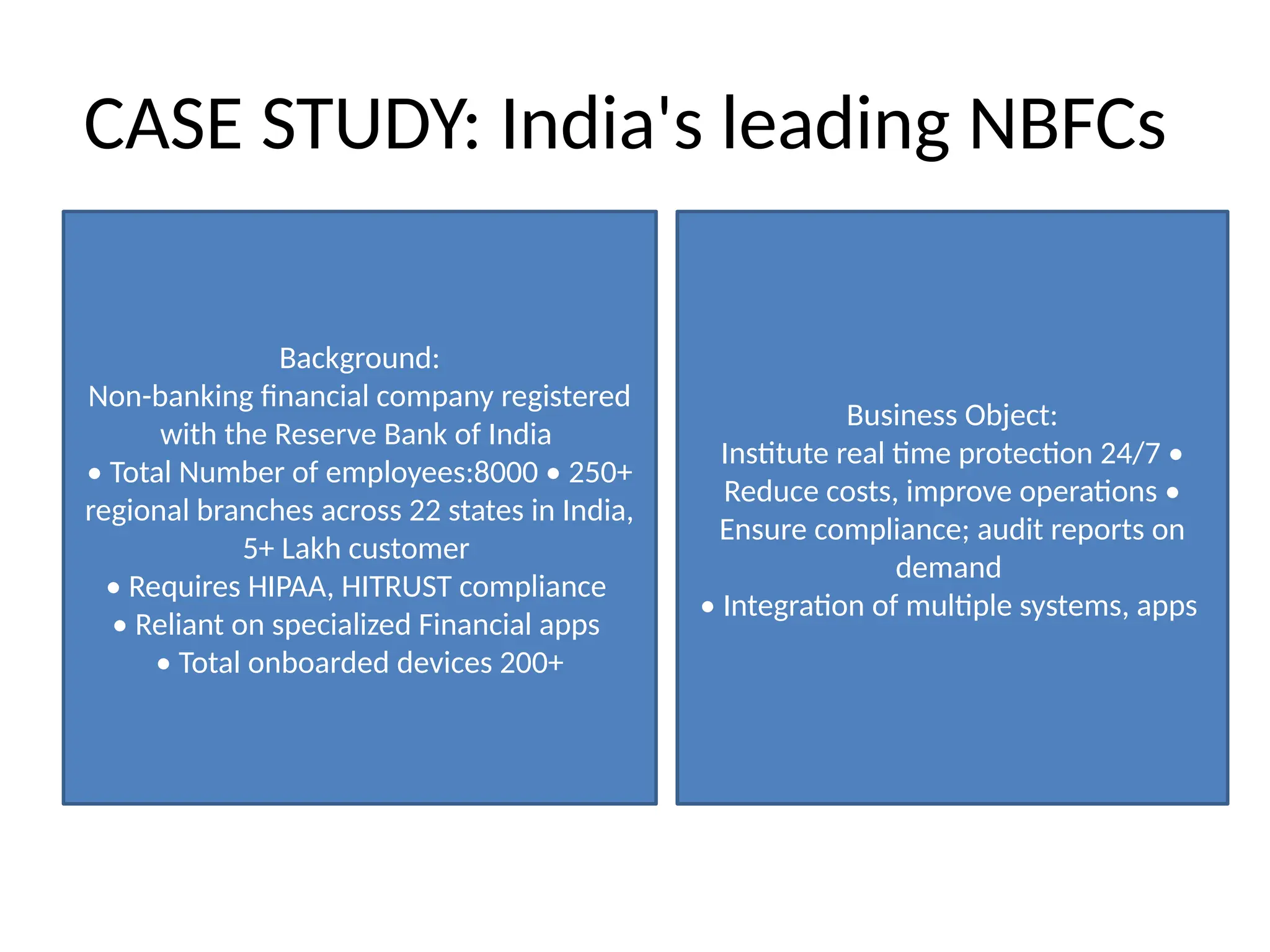
CASE STUDY: India'sleading NBFCs
Background:
Non-banking financial company registered
with the Reserve Bank of India
• Total Number of employees:8000 • 250+
regional branches across 22 states in India,
5+ Lakh customer
• Requires HIPAA, HITRUST compliance
• Reliant on specialized Financial apps
• Total onboarded devices 200+
Business Object:
Institute real time protection 24/7 •
Reduce costs, improve operations •
Ensure compliance; audit reports on
demand
• Integration of multiple systems, apps
11.
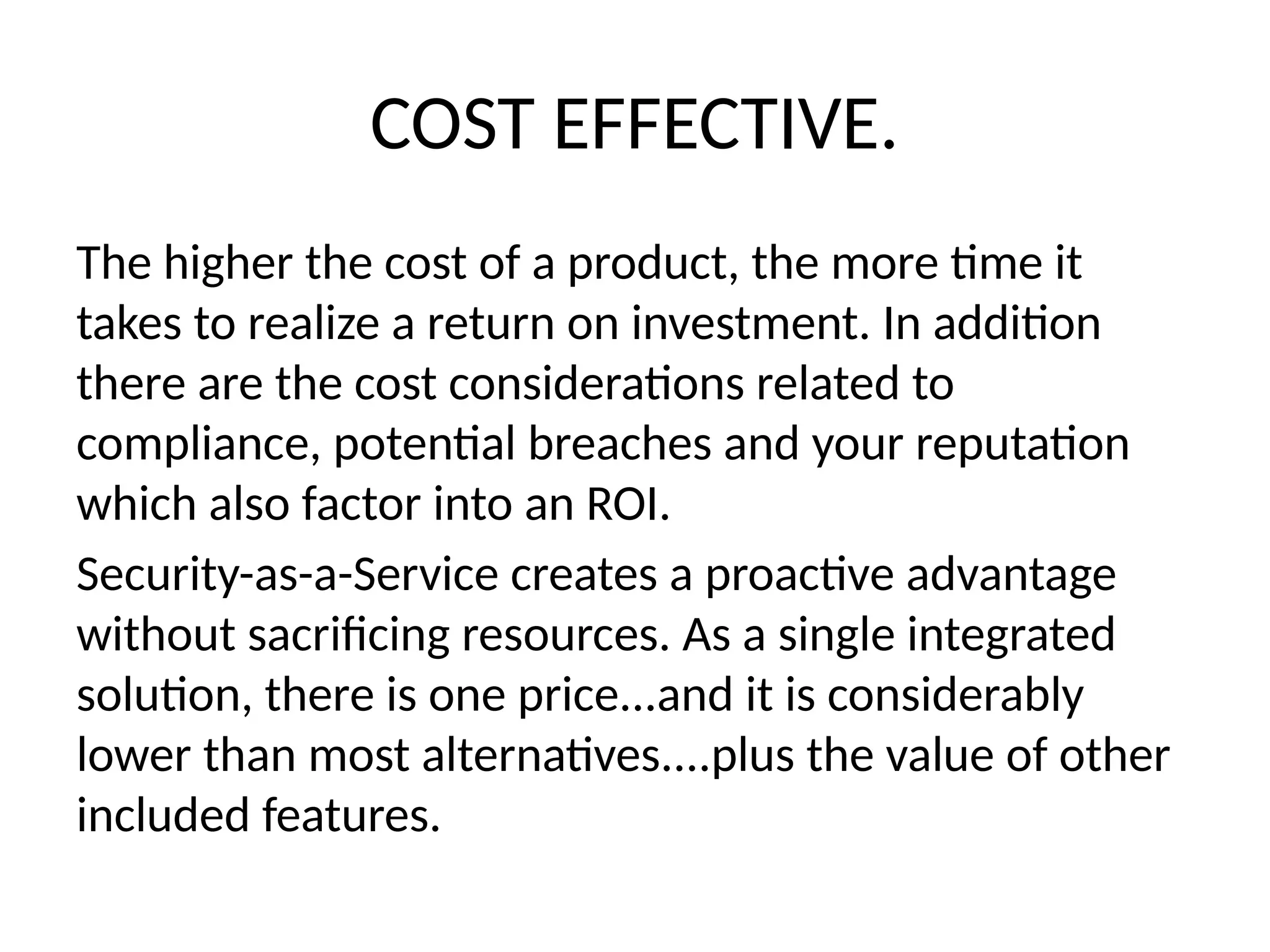
COST EFFECTIVE.
The higherthe cost of a product, the more time it
takes to realize a return on investment. In addition
there are the cost considerations related to
compliance, potential breaches and your reputation
which also factor into an ROI.
Security-as-a-Service creates a proactive advantage
without sacrificing resources. As a single integrated
solution, there is one price...and it is considerably
lower than most alternatives....plus the value of other
included features.
12.
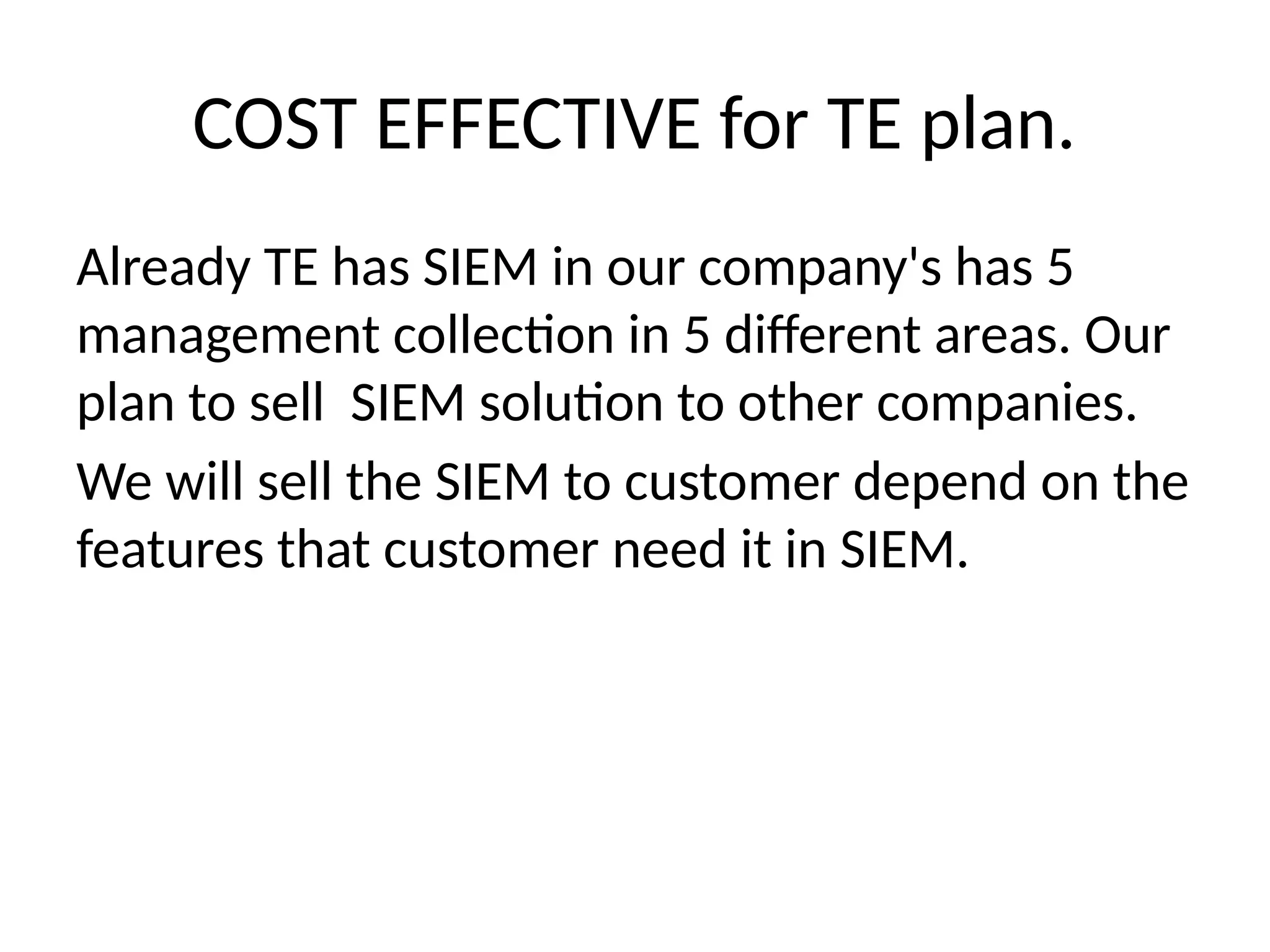
COST EFFECTIVE forTE plan.
Already TE has SIEM in our company's has 5
management collection in 5 different areas. Our
plan to sell SIEM solution to other companies.
We will sell the SIEM to customer depend on the
features that customer need it in SIEM.
13.
Using SDN WithCloud
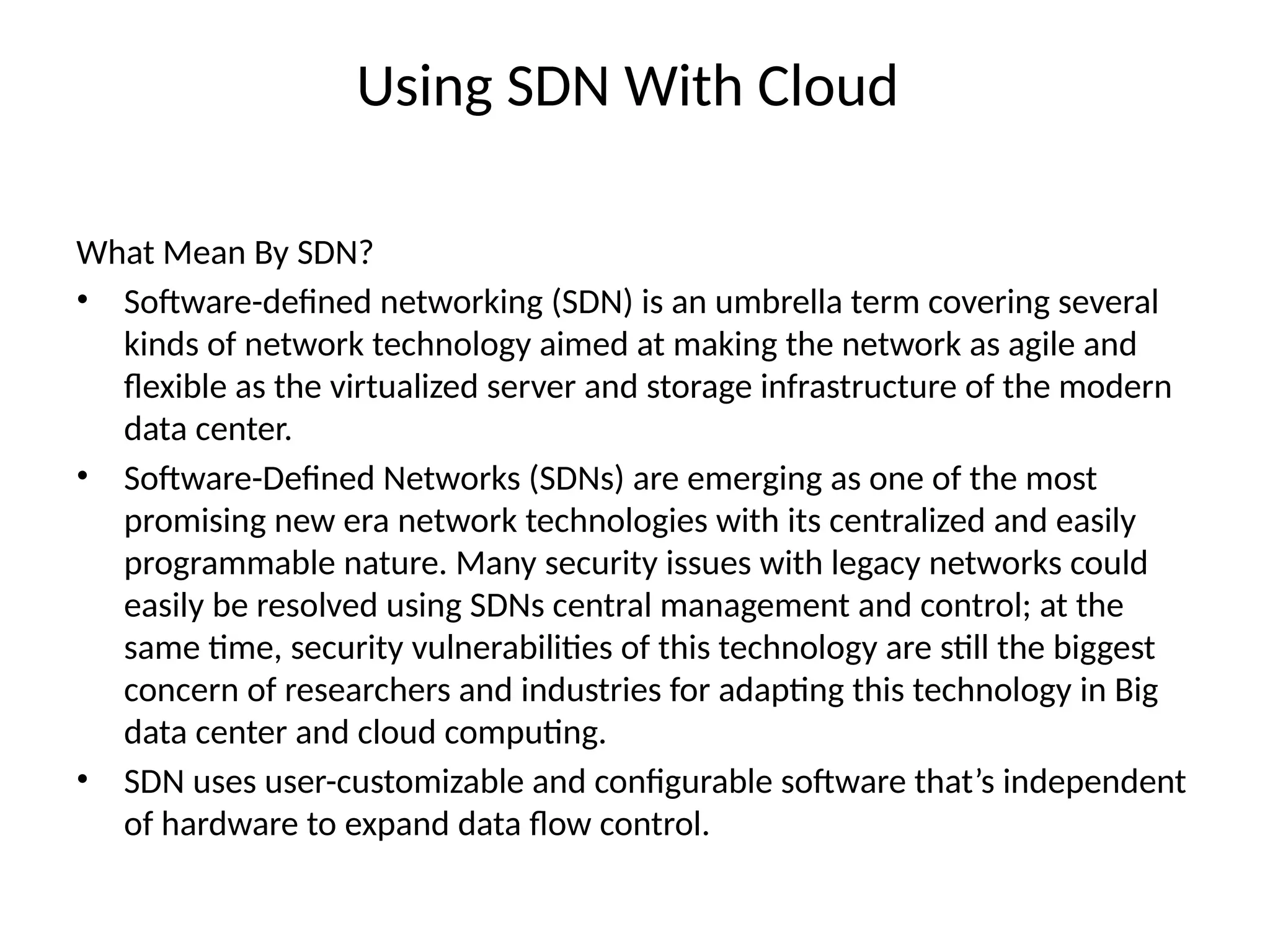
What Mean By SDN?
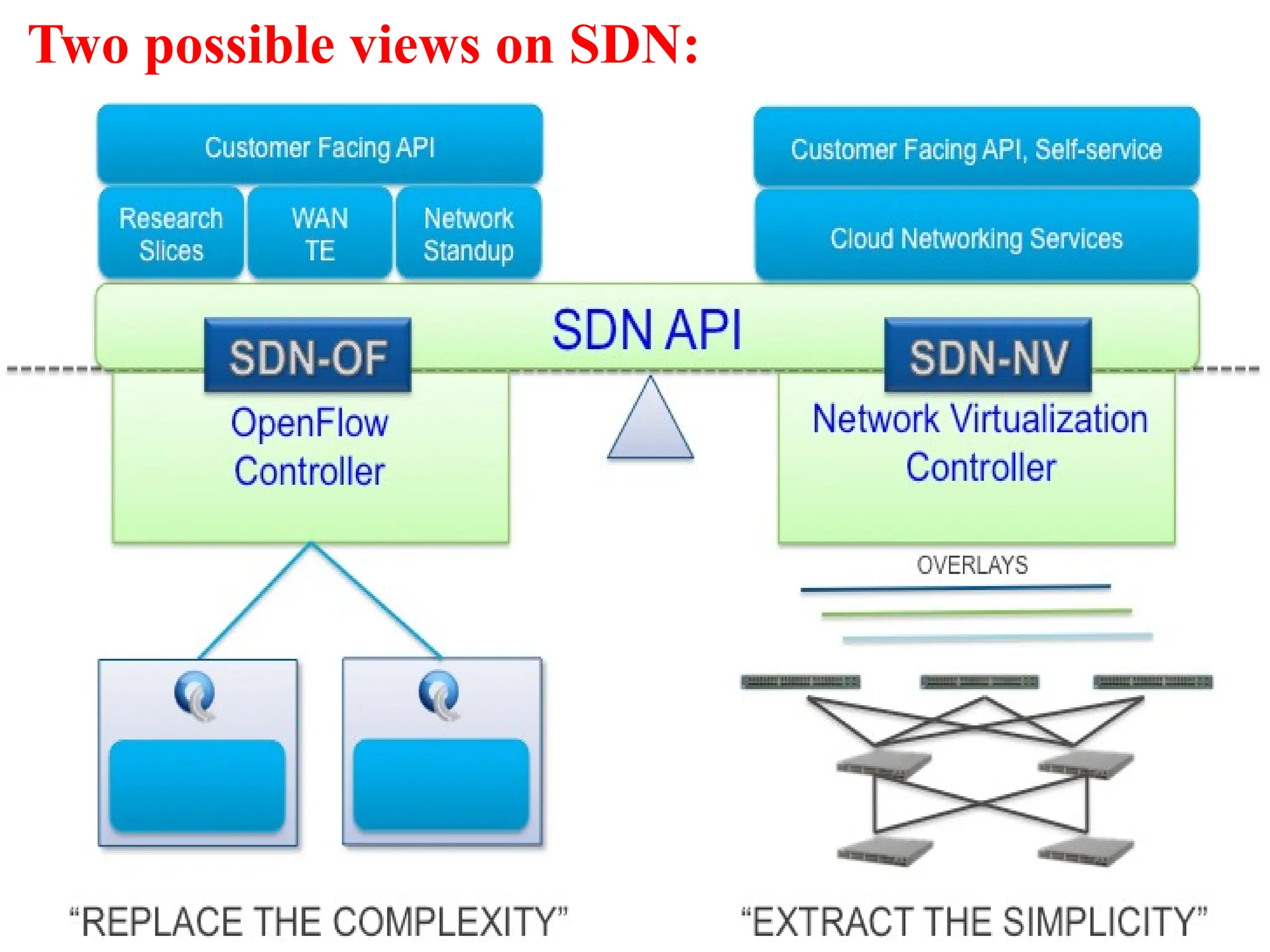
• Software-defined networking (SDN) is an umbrella term covering several
kinds of network technology aimed at making the network as agile and
flexible as the virtualized server and storage infrastructure of the modern
data center.
• Software-Defined Networks (SDNs) are emerging as one of the most
promising new era network technologies with its centralized and easily
programmable nature. Many security issues with legacy networks could
easily be resolved using SDNs central management and control; at the
same time, security vulnerabilities of this technology are still the biggest
concern of researchers and industries for adapting this technology in Big
data center and cloud computing.
• SDN uses user-customizable and configurable software that’s independent
of hardware to expand data flow control.
15
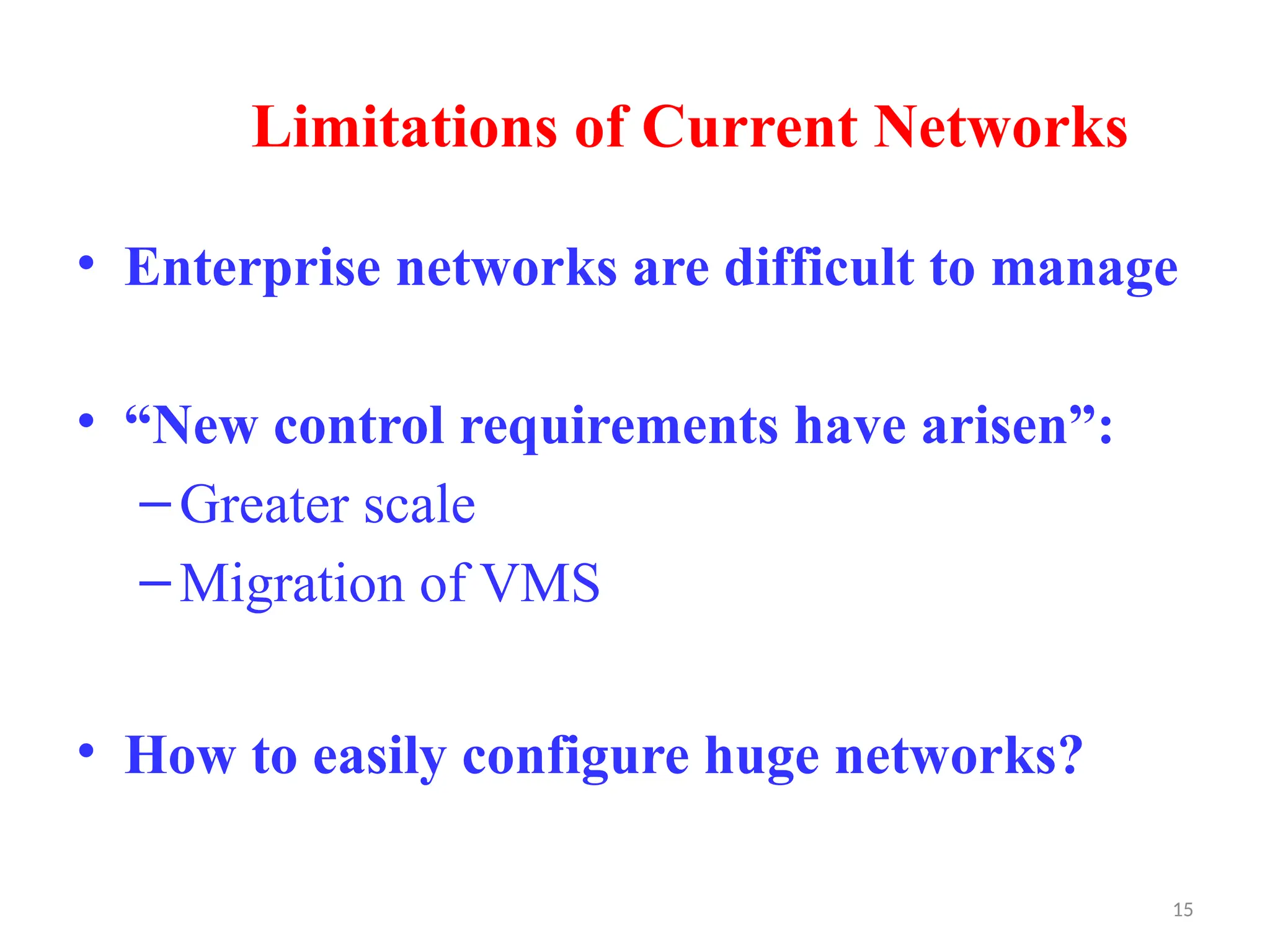
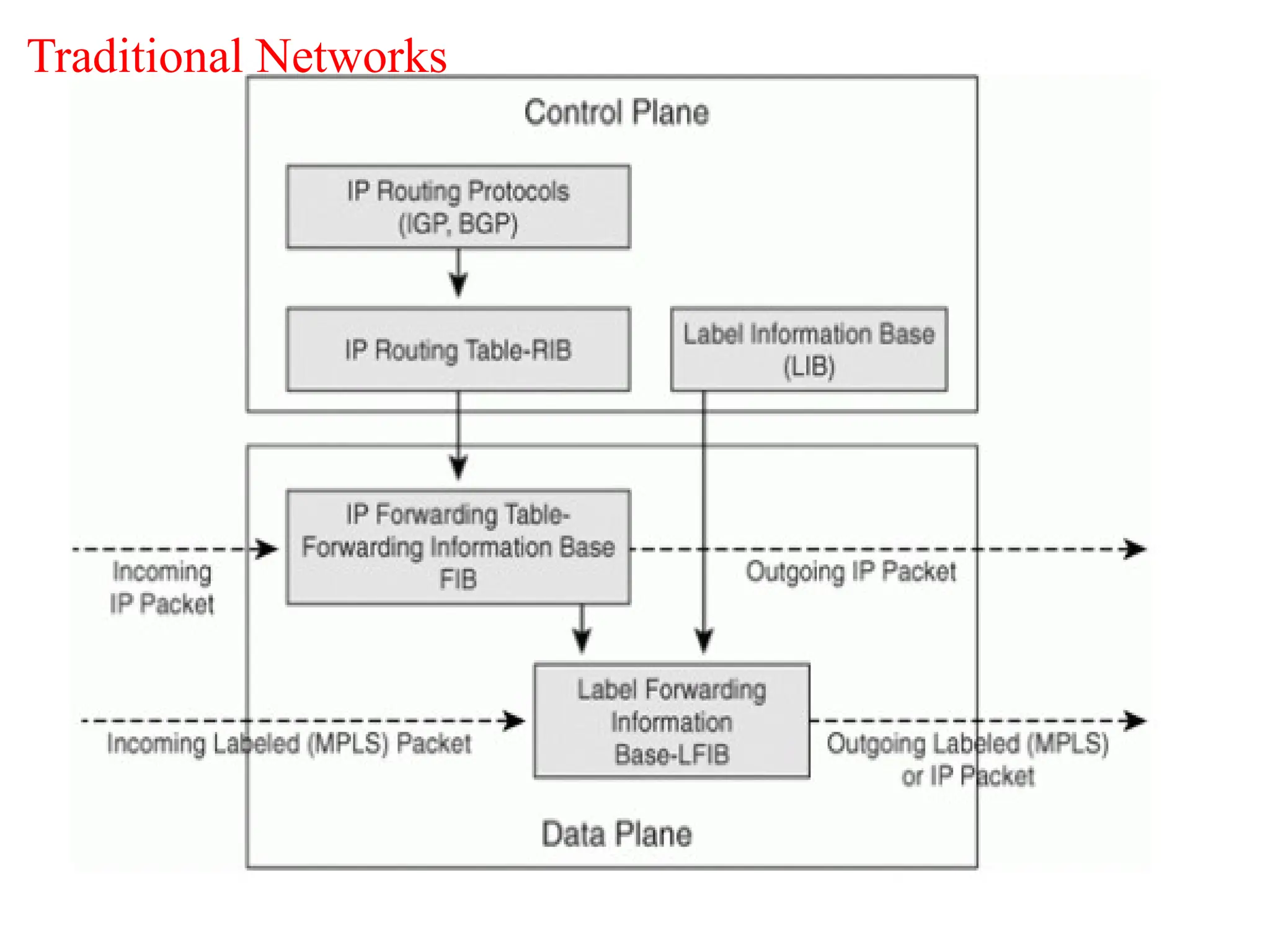
Limitations of CurrentNetworks
• Enterprise networks are difficult to manage
• “New control requirements have arisen”:
–Greater scale
–Migration of VMS
• How to easily configure huge networks?
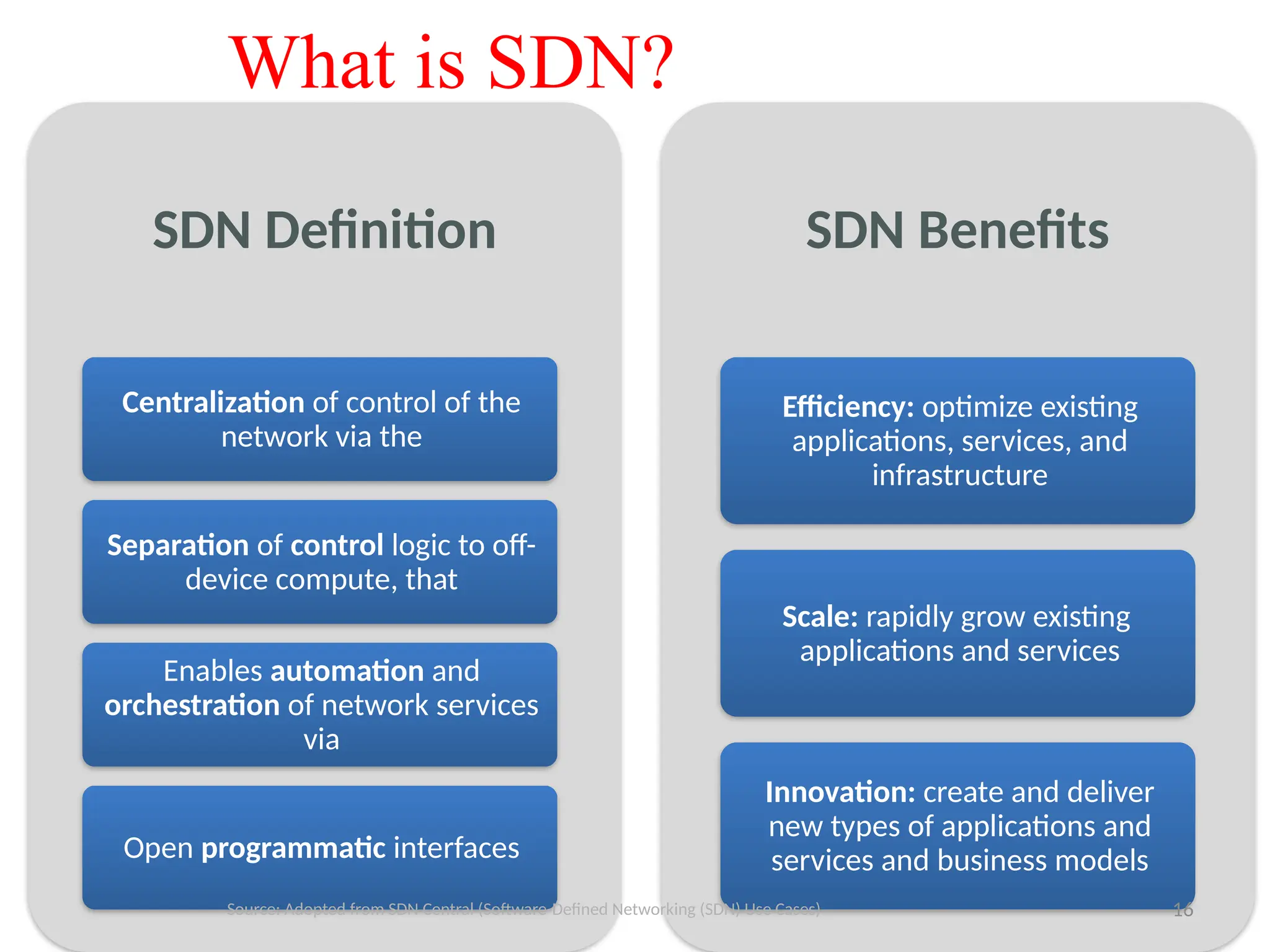
16.
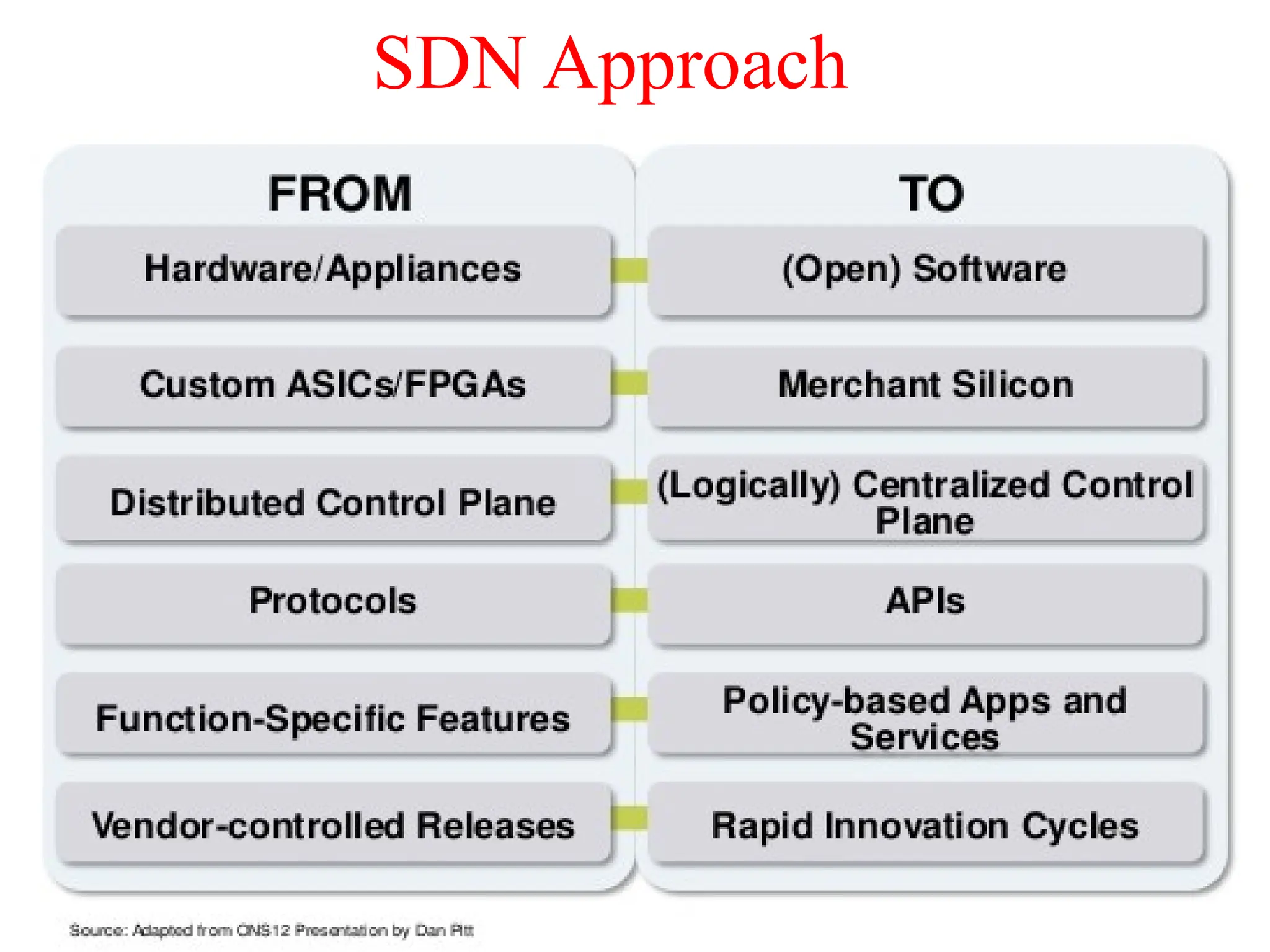
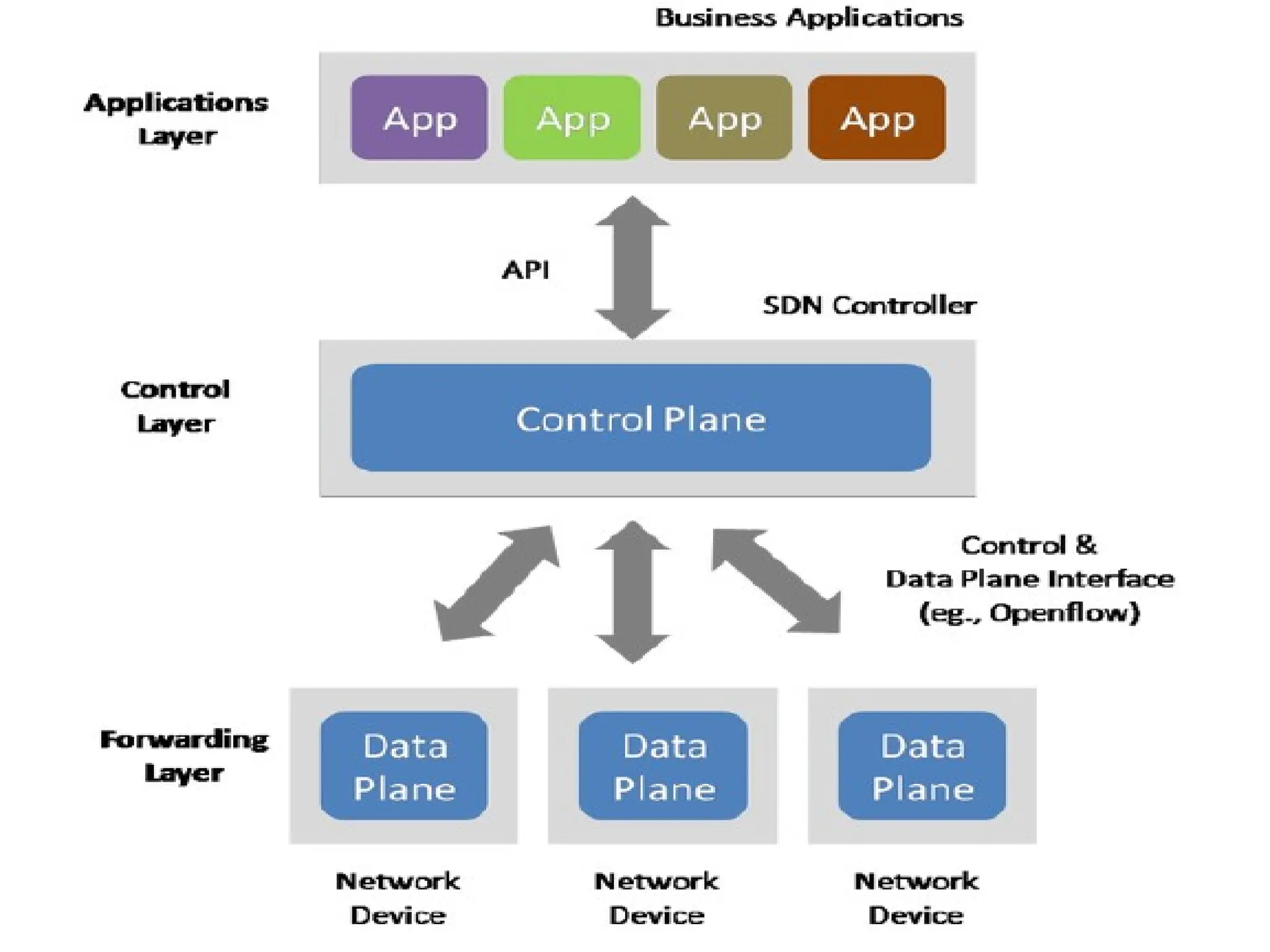
SDN Definition
Centralization ofcontrol of the
network via the
Separation of control logic to off-
device compute, that
Enables automation and
orchestration of network services
via
Open programmatic interfaces
SDN Benefits
Efficiency: optimize existing
applications, services, and
infrastructure
Scale: rapidly grow existing
applications and services
Innovation: create and deliver
new types of applications and
services and business models
What is SDN?
16
Source: Adopted from SDN Central (Software-Defined Networking (SDN) Use Cases)
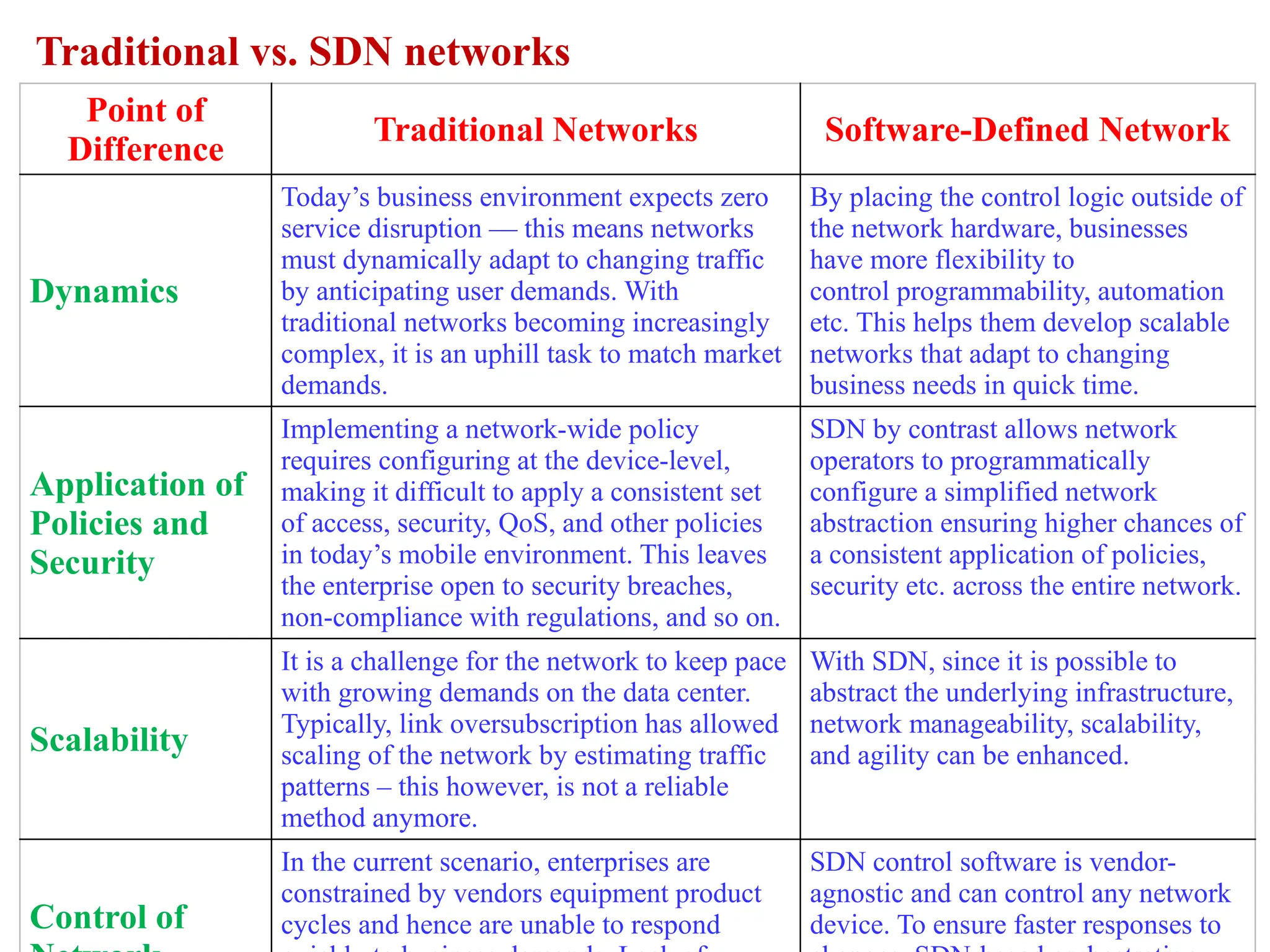
Point of
Difference
Traditional NetworksSoftware-Defined Network
Dynamics
Today’s business environment expects zero
service disruption — this means networks
must dynamically adapt to changing traffic
by anticipating user demands. With
traditional networks becoming increasingly
complex, it is an uphill task to match market
demands.
By placing the control logic outside of
the network hardware, businesses
have more flexibility to
control programmability, automation
etc. This helps them develop scalable
networks that adapt to changing
business needs in quick time.
Application of
Policies and
Security
Implementing a network-wide policy
requires configuring at the device-level,
making it difficult to apply a consistent set
of access, security, QoS, and other policies
in today’s mobile environment. This leaves
the enterprise open to security breaches,
non-compliance with regulations, and so on.
SDN by contrast allows network
operators to programmatically
configure a simplified network
abstraction ensuring higher chances of
a consistent application of policies,
security etc. across the entire network.
Scalability
It is a challenge for the network to keep pace
with growing demands on the data center.
Typically, link oversubscription has allowed
scaling of the network by estimating traffic
patterns – this however, is not a reliable
method anymore.
With SDN, since it is possible to
abstract the underlying infrastructure,
network manageability, scalability,
and agility can be enhanced.
Control of
In the current scenario, enterprises are
constrained by vendors equipment product
cycles and hence are unable to respond
SDN control software is vendor-
agnostic and can control any network
device. To ensure faster responses to
Traditional vs. SDN networks
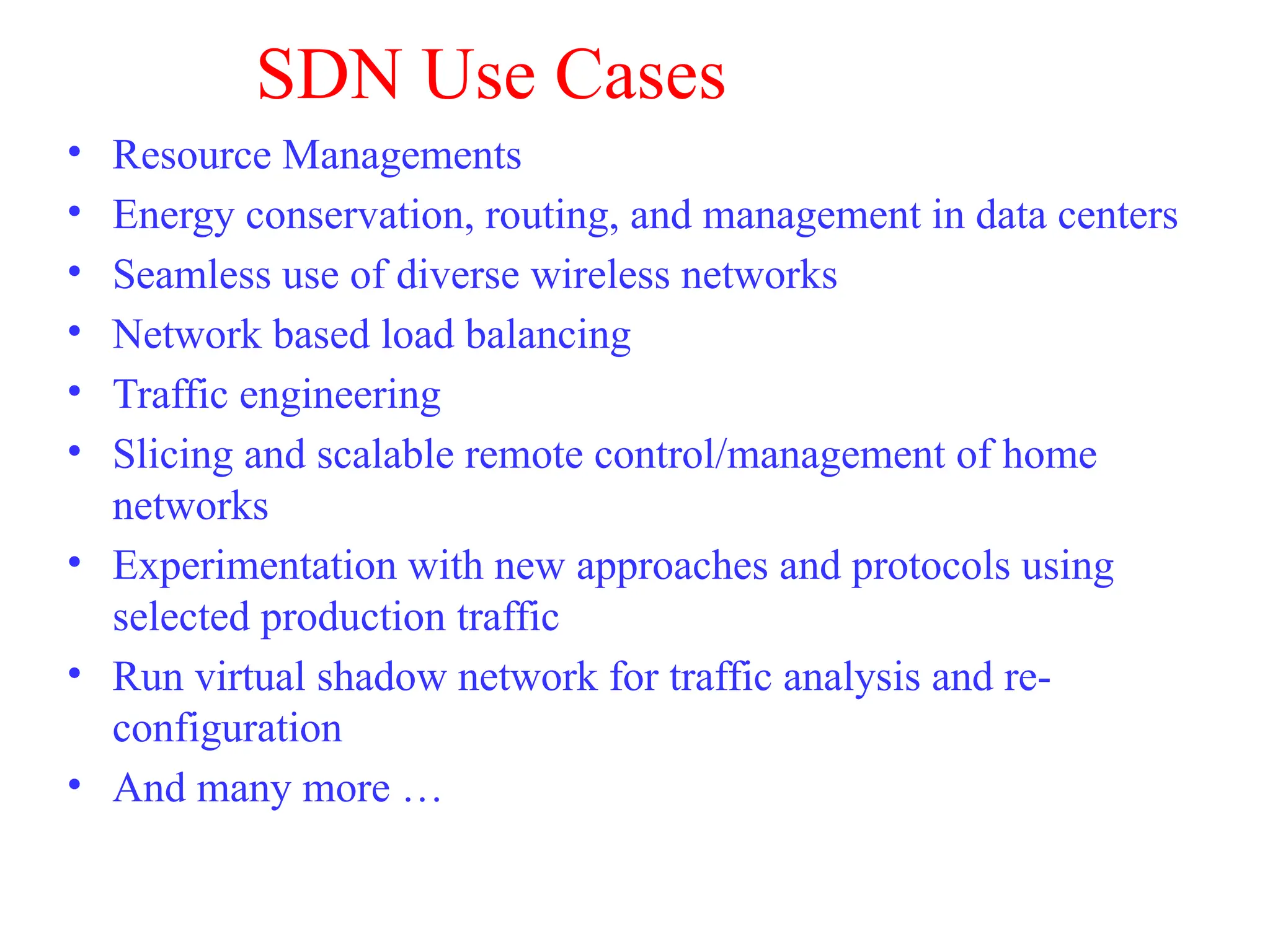
SDN Use Cases
•Resource Managements
• Energy conservation, routing, and management in data centers
• Seamless use of diverse wireless networks
• Network based load balancing
• Traffic engineering
• Slicing and scalable remote control/management of home
networks
• Experimentation with new approaches and protocols using
selected production traffic
• Run virtual shadow network for traffic analysis and re-
configuration
• And many more …
23.
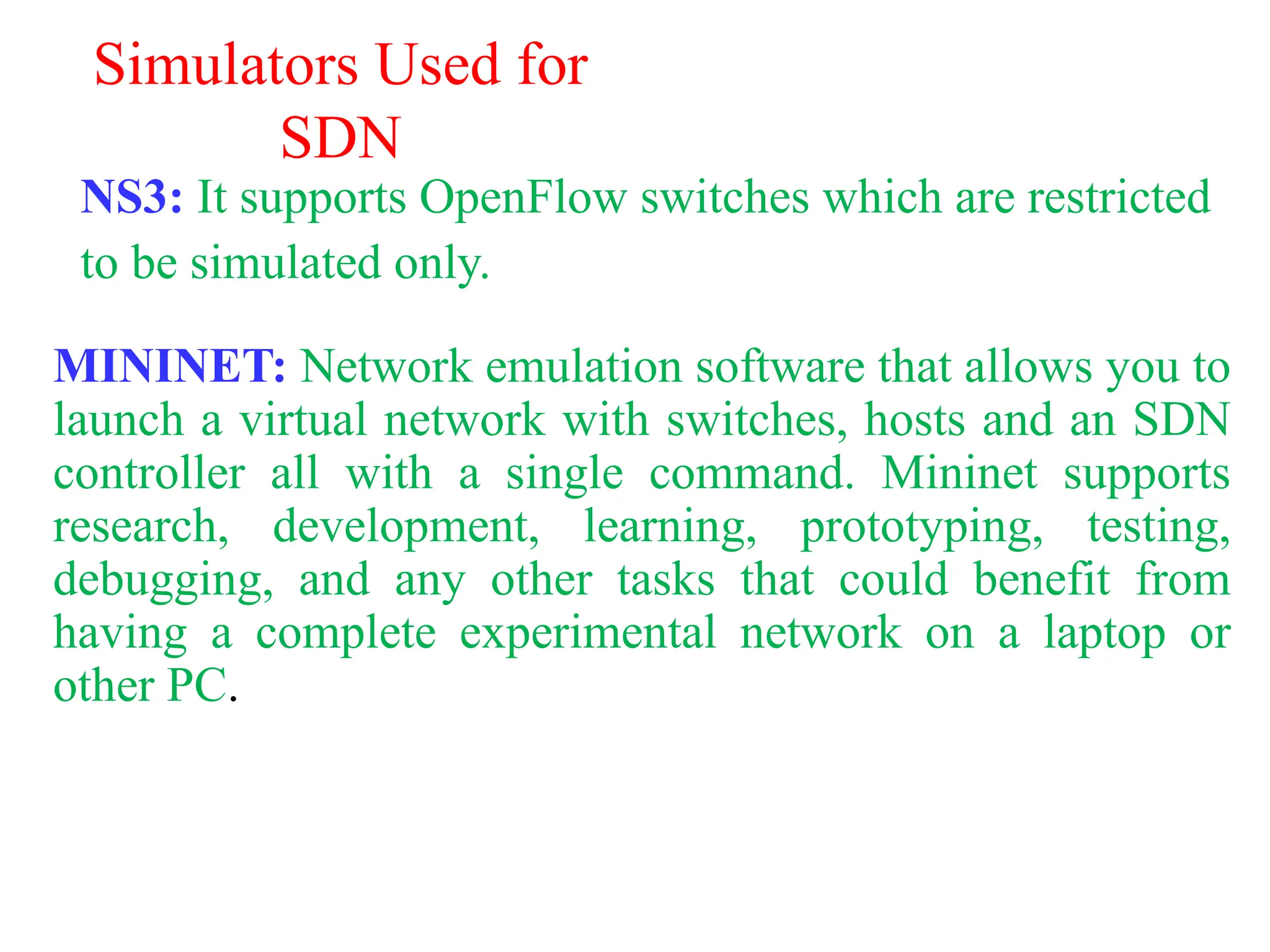
Simulators Used for
SDN
NS3:It supports OpenFlow switches which are restricted
to be simulated only.
MININET: Network emulation software that allows you to
launch a virtual network with switches, hosts and an SDN
controller all with a single command. Mininet supports
research, development, learning, prototyping, testing,
debugging, and any other tasks that could benefit from
having a complete experimental network on a laptop or
other PC.
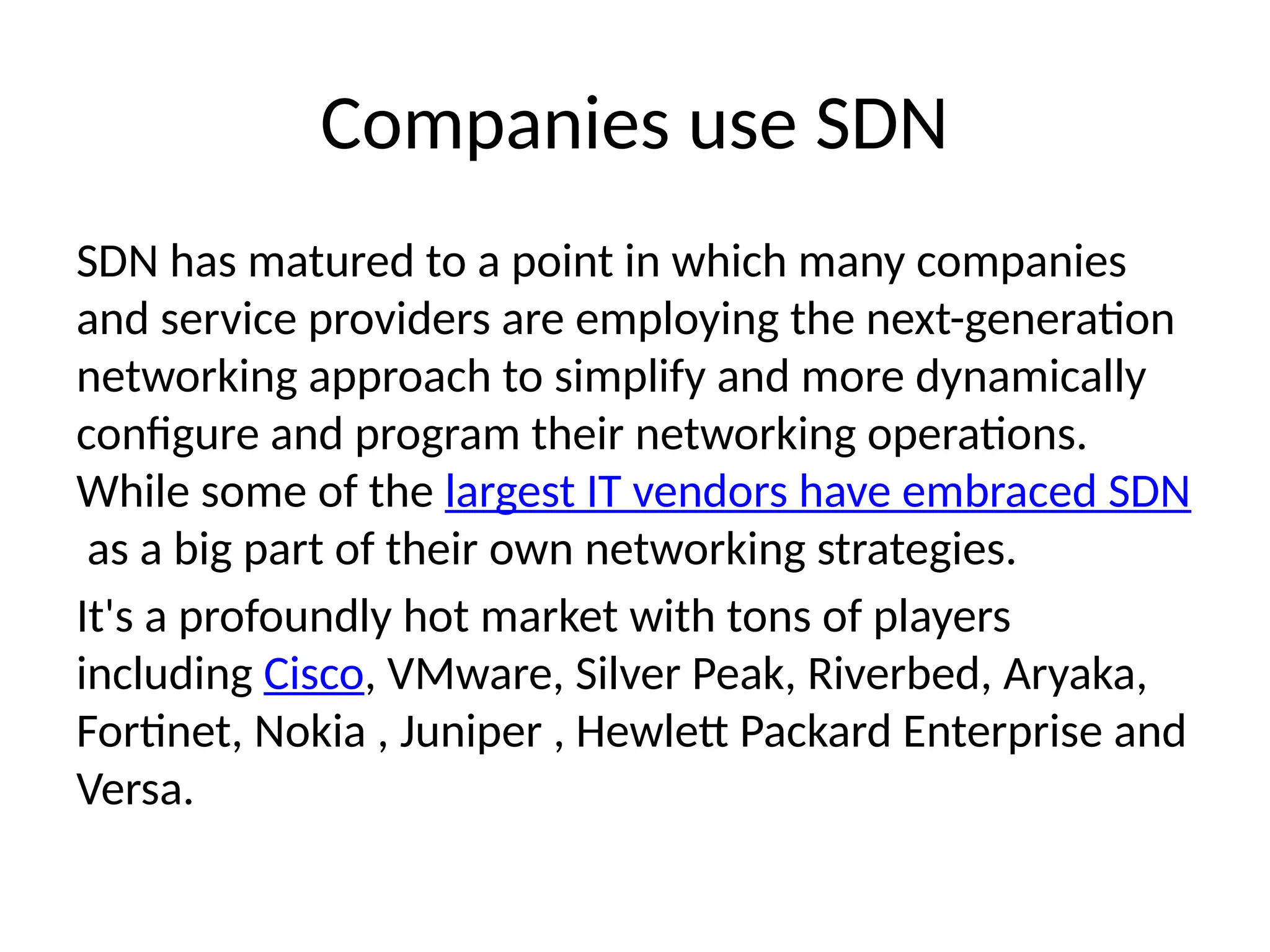
Companies use SDN
SDNhas matured to a point in which many companies
and service providers are employing the next-generation
networking approach to simplify and more dynamically
configure and program their networking operations.
While some of the largest IT vendors have embraced SDN
as a big part of their own networking strategies.
It's a profoundly hot market with tons of players
including Cisco, VMware, Silver Peak, Riverbed, Aryaka,
Fortinet, Nokia , Juniper , Hewlett Packard Enterprise and
Versa.
26.
TE deal withthe companies already use SDN like
cisco and Juniper so we can deal with these
companies to buy SDN.
For the Customer TE can provide plan which
features customer need in SDN and TE sell it as
bundle.
COST EFFECTIVE for TE plan.
27.
3.Tool for ransomwareVirus
• The idea behind ransomware, a form of
malicious software, is simple: Lock and encrypt a
victim’s computer or device data, then demand a
ransom to restore access.
• In many cases, the victim must pay the
cybercriminal within a set amount of time or risk
losing access forever. And since malware attacks
are often deployed by cyberthieves, paying the
ransom doesn’t ensure access will be restored.
28.
• Ransomware holdsyour personal files hostage,
keeping you from your documents, photos, and
financial information. Those files are still on your
computer, but the malware has encrypted your
device, making the data stored on your computer or
mobile device inaccessible.
• While the idea behind ransomware may be simple,
fighting back when you’re the victim of a malicious
ransomware attack can be more complex. And if the
attackers don’t give you the decryption key, you may
be unable to regain access to your data or device.
29.
Types of ransomware
•Ransomware attacks can be deployed in different forms. Some variants may be more
harmful than others, but they all have one thing in common: a ransom. Here are seven
common types of ransomware.
• Crypto malware. This form of ransomware can cause a lot of damage because it
encrypts things like your files, folders, and hard-drives. One of the most familiar
examples is the destructive 2017 WannaCry ransomware attack. It targeted thousands
of computer systems around the world that were running Windows OS and spread
itself within corporate networks globally. Victims were asked to pay ransom in Bitcoin
to retrieve their data.
• Lockers. Locker-ransomware is known for infecting your operating system to
completely lock you out of your computer or devices, making it impossible to access
any of your files or applications. This type of ransomware is most often Android-based.
• Scareware. Scareware is fake software that acts like an antivirus or a cleaning tool.
Scareware often claims to have found issues on your computer, demanding money to
resolve the problems. Some types of scareware lock your computer. Others flood your
screen with annoying alerts and pop-up messages.
30.
• Doxware. Commonlyreferred to as leakware or extortionware, doxware
threatens to publish your stolen information online if you don’t pay the
ransom. As more people store sensitive files and personal photos on their
computers, it’s understandable that some people panic and pay the ransom
when their files have been hijacked.
• RaaS. Otherwise known as “Ransomware as a service,” RaaS is a type of
malware hosted anonymously by a hacker. These cybercriminals handle
everything from distributing the ransomware and collecting payments to
managing decryptors — software that restores data access — in exchange for
their cut of the ransom.
• Mac ransomware. Mac operating systems were infiltrated by their first
ransomware in 2016. Known as KeRanger, this malicious software infected
Apple user systems through an app called Transmission, which was able to
encrypt its victims’ files after being launched.
• Ransomware on mobile devices. Ransomware began infiltrating mobile
devices on a larger scale in 2014. What happens? Mobile ransomware often is
delivered via a malicious app, which leaves a message on your device that
says it has been locked due to illegal activity.
31.
Who are thetargets of ransomware attacks?
• Ransomware can spread across the Internet without specific targets. But the nature of this
file-encrypting malware means that cybercriminals also are able to choose their targets.
This targeting ability enables cybercriminals to go after those who can — and are more
likely to — pay larger ransoms.
• Here are four target groups and how each may be impacted.
• Groups that are perceived as having smaller security teams. Universities fall into this
category because they often have less security along with a high level of file-sharing.
• Organizations that can and will pay quickly. Government agencies, banks, medical facilities,
and similar groups constitute this group, because they need immediate access to their files
— and may be willing to pay quickly to get them.
• Firms that hold sensitive data. Law firms and similar organizations may be targeted,
because cybercriminals bank on the legal controversies that could ensue if the data being
held for ransom is leaked.
• Businesses in the Western markets. Cybercriminals go for the bigger payouts, which means
targeting corporate entities. Part of this involves focusing on the United Kingdom, the
United States, and Canada due to greater wealth and personal-computer use.
32.
Dos and don’tsof ransomware
• Ransomware is a profitable market for cybercriminals and can be difficult to stop. Prevention is the
most important aspect of protecting your personal data. To deter cybercriminals and help protect
yourself from a ransomware attack, keep in mind these eight dos and don’ts.
• 1. Do use security software. To help protect your data, install and use a trusted security suite that
offers more than just antivirus features. For instance, Norton 360 With LifeLock Select can help
detect and protect against threats to your identity and your devices, including your mobile phones.
• 2. Do keep your security software up to date. New ransomware variants continue to appear, so
having up-to-date internet security software will help protect you against cyberattacks.
• 3. Do update your operating system and other software. Software updates frequently include
patches for newly discovered security vulnerabilities that could be exploited by ransomware
attackers.
• 4. Don’t automatically open email attachments. Email is one of the main methods for delivering
ransomware. Avoid opening emails and attachments from unfamiliar or untrusted sources. Phishing
spam in particular can fool you into clicking on a legitimate-looking link in an email that actually
contains malicious code. The malware then prevents you from accessing your data, holds that data
hostage, and demands ransom.
33.
• Do bewary of any email attachment that advises you to enable macros to view its content.
Once enabled, macro malware can infect multiple files. Unless you are absolutely sure the
email is genuine and from a trusted source, delete the email.
• 6. Do back up important data to an external hard drive. Attackers can gain leverage over their
victims by encrypting valuable files and making them inaccessible. If the victim has backup
copies, the cybercriminal loses some advantage. Backup files allow victims to restore their files
once the infection has been cleaned up. Ensure that backups are protected or stored offline so
that attackers can’t access them.
• 7. Do use cloud services. This can help mitigate a ransomware infection, since many cloud
services retain previous versions of files, allowing you to “roll back” to the unencrypted form.
• 8. Don’t pay the ransom. Keep in mind, you may not get your files back even if you pay a
ransom. A cybercriminal could ask you to pay again and again, extorting money from you but
never releasing your data.
• With new ransomware variants appearing, it’s a good idea to do what you can to minimize your
exposure. By knowing what ransomware is and following these dos and don’ts, you can help
protect your computer data and personal information from being ransomware’s next target.
34.
COST EFFECTIVE forTE plan.
The best companies TE can deal with them in decrypt ransomware files are Kaspersky, Norton.
For TE can deal with customer according to customer needs like.
• There are a few key features that you should look out for when looking for antivirus software,
and it will vary depending on your needs.
• Online Protection - If you’re online, then you probably want an internet security software with
a built-in firewall.
• Email Protection - If you’re a heavy email user then you’ll want be on the lookout for anti-
spam, spyware and phishing.
• Parental Controls - Parents need to look for software with easy-to-use parental controls and
restrictions.
• Gaming Protection - Gamers can look forward to a "gaming mode," which prompts the internet
security software to use less resources.
• Compatibility - You will want to check the compatibility of your chosen software with your
operating system, whether that be Windows protection, Mac OS antivirus and everything in
between.
Editor's Notes
#15 validate responsiveness as demand varies according to user needs
firewalls and load balancers
eliminate vulnerability and exposure between users and applications
#22
On top of this national OPEN infrastructure, we and others demonstrated a number of new network capabilities at GENI Engineering Conference in Washington DC.
The new network capabilities include these …
You will see some of them later.


![[DSC Europe 25] Jon Dajci - Bridging TradFi and DeFi: Building the Future of ...](https://cdn.slidesharecdn.com/ss_thumbnails/fqmhfvlbqhkihjvqvhmu-7-251211083849-6af7e325-thumbnail.jpg?width=640&height=640&fit=bounds)


![[DSC Europe 25] Hans Kleinsman - The Compliance Gearbox: How Tax Tech Mediate...](https://cdn.slidesharecdn.com/ss_thumbnails/dxdytie1toel0hr90bjs-2-251212103250-174fdbe7-thumbnail.jpg?width=640&height=640&fit=bounds)
![[DSC Europe 25] Ivan Peric - Intelligence Swarm Logic and Techno-Functional M...](https://cdn.slidesharecdn.com/ss_thumbnails/7my7c97fsduiccadgavw-2-251212103249-5a03f7c6-thumbnail.jpg?width=640&height=640&fit=bounds)


![[DSC Europe 25] Bassam Maharmeh - Artificial Intelligence: Opportunities and ...](https://cdn.slidesharecdn.com/ss_thumbnails/thhfmr2fqpawzj7hsjpg-5-251211083048-2c23204f-thumbnail.jpg?width=640&height=640&fit=bounds)
![[DSC Europe 25] Milan Sekuloski - Data, Defence, and Development: Cybersecuri...](https://cdn.slidesharecdn.com/ss_thumbnails/dfrkwwx4qly6atqpbl4z-4-251209104645-c3d4b0ca-thumbnail.jpg?width=640&height=640&fit=bounds)


![[DSC Europe 25] Kaja Kandare - LLM as a judge.pptx](https://cdn.slidesharecdn.com/ss_thumbnails/arxyccaxsdsd1ba99wjw-7-251212104007-2b4e3f64-thumbnail.jpg?width=640&height=640&fit=bounds)
![[DSC Europe 25] Miodrag Pesovic & Vladislav Radonjic - Federated Data Archite...](https://cdn.slidesharecdn.com/ss_thumbnails/gsbe3y5it5uhndi4e08e-1-251212103249-f1008e0c-thumbnail.jpg?width=640&height=640&fit=bounds)

![[DSC Europe 25] Debmalya Biswas - Agentification: the art of transforming man...](https://cdn.slidesharecdn.com/ss_thumbnails/r5azlggvtqiaiiusrqdr-4-251212103249-5a12c89b-thumbnail.jpg?width=640&height=640&fit=bounds)
![[DSC Europe 25] Vladimir Jelic - The AI-Driven Security Shift From Reactive D...](https://cdn.slidesharecdn.com/ss_thumbnails/6g5gj25mtjwayniqem1t-6-251209104645-7a5a5fc6-thumbnail.jpg?width=640&height=640&fit=bounds)