







30th September 2017
Milan
30th September 2017
Milan
SharePoint Framework tips & tricks
Giuseppe Marchi, Dev4Side S.r.l.
www.peppedotnet.it
www.office365italia.com
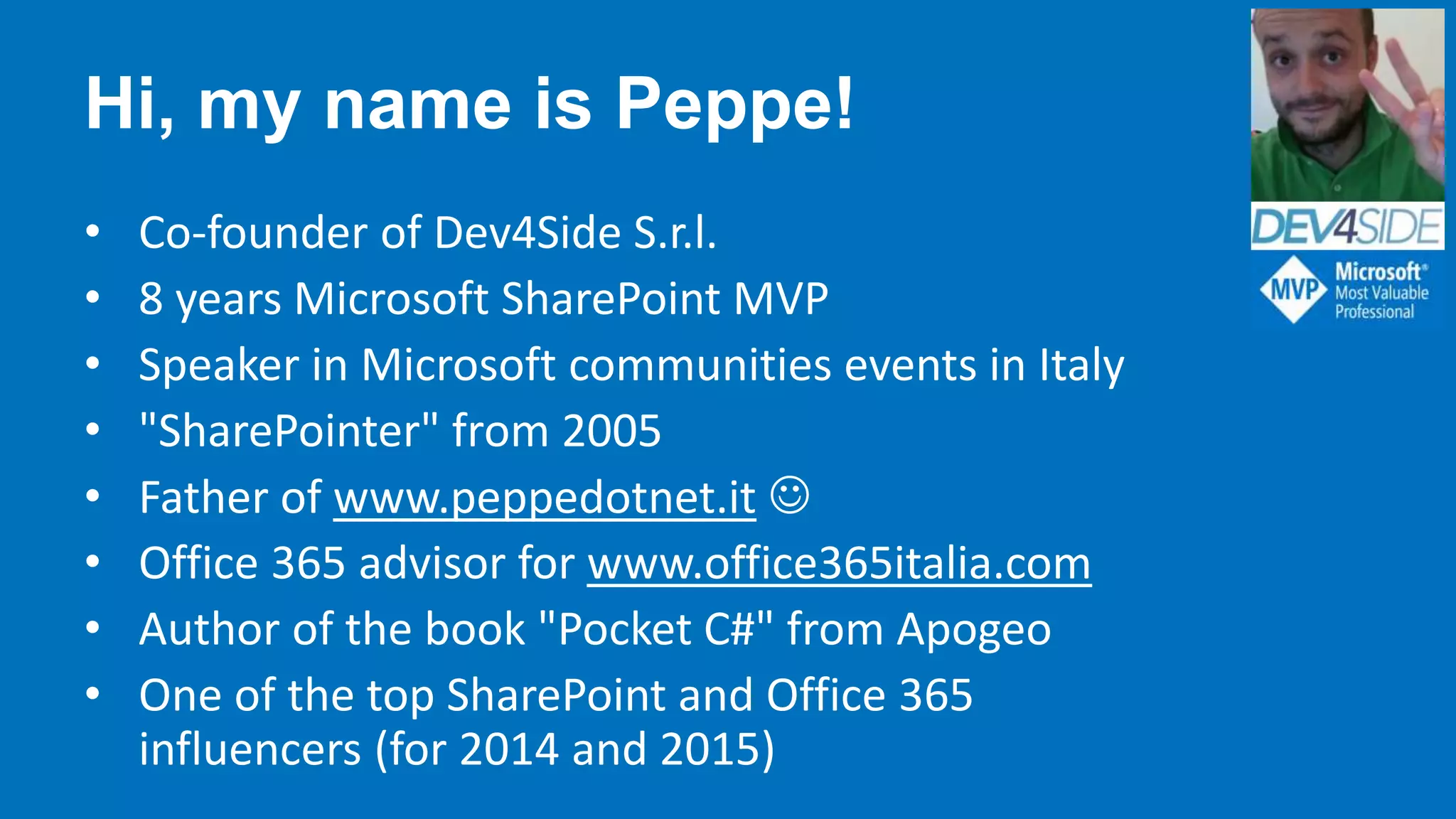
Hi, my name is Peppe!
• Co-founder of Dev4Side S.r.l.
• 8 years Microsoft SharePoint MVP
• Speaker in Microsoft communities events in Italy
• "SharePointer" from 2005
• Father of www.peppedotnet.it 
• Office 365 advisor for www.office365italia.com
• Author of the book "Pocket C#" from Apogeo
• One of the top SharePoint and Office 365
influencers (for 2014 and 2015)
#SPSMilan
A Huge “Thank You!” To Our Sponsors …
In cooperation with
A Huge “Thank You!” To Our Sponsors …
In cooperation with
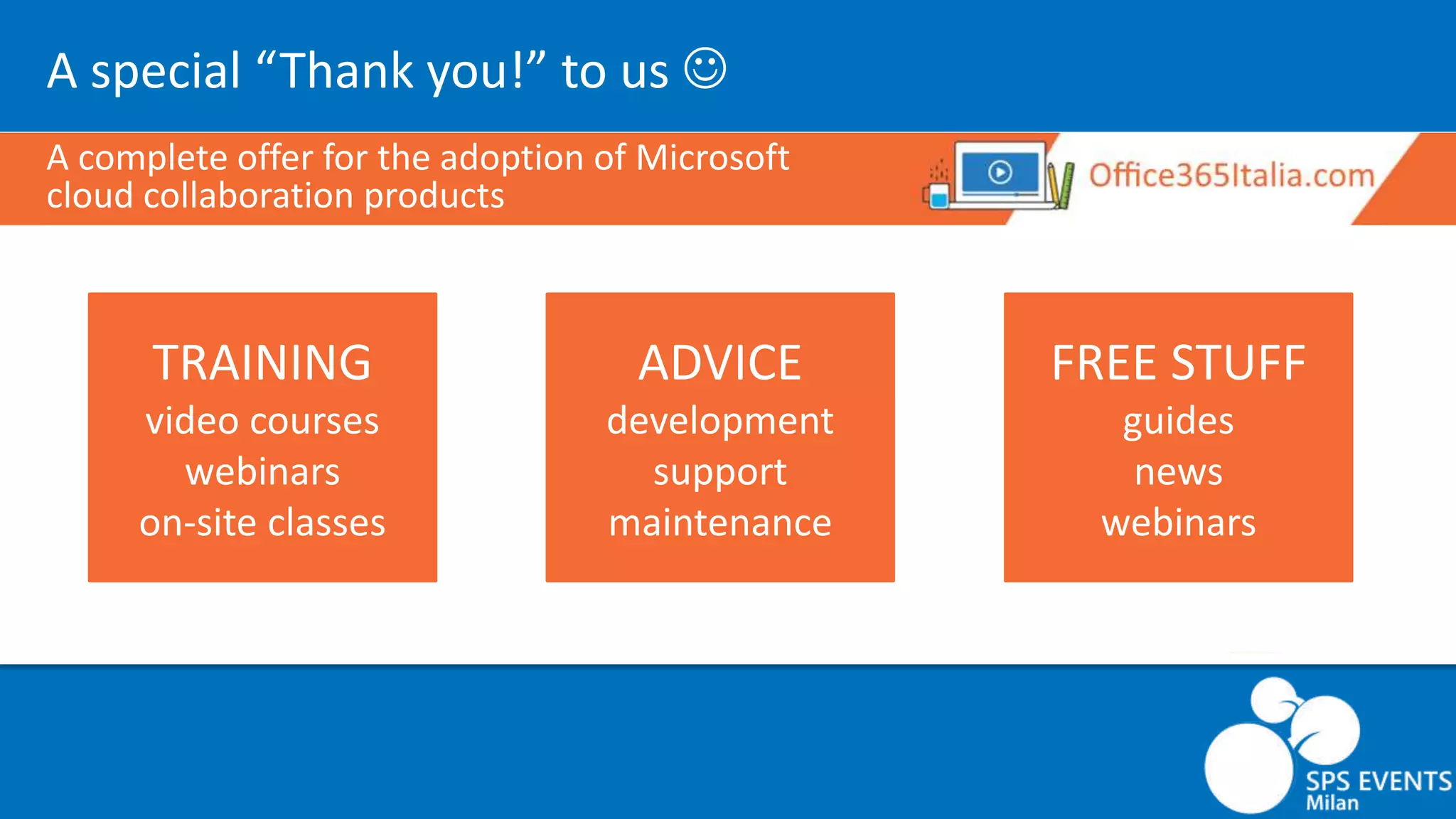
A special “Thank you!” to us 
A complete offer for the adoption of Microsoft
cloud collaboration products
TRAINING
video courses
webinars
on-site classes
ADVICE
development
support
maintenance
FREE STUFF
guides
news
webinars
A Huge “Thank You!” To Our Sponsors …
In cooperation with
A special “Thank you!” to us 
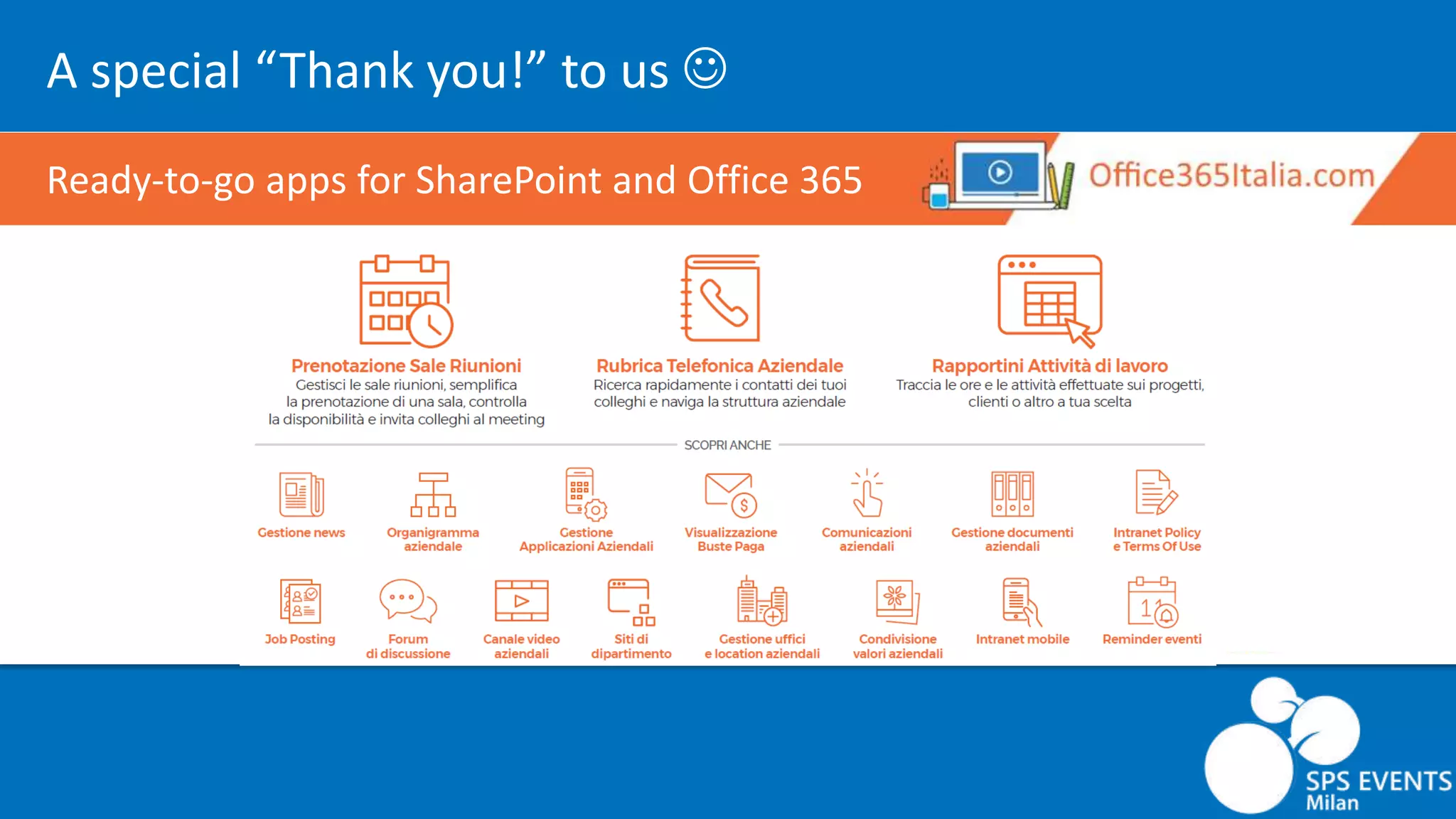
Ready-to-go apps for SharePoint and Office 365
A Huge “Thank You!” To Our Sponsors …
In cooperation with
A special “Thank you!” to us 
SharePoint Framework training
We are planning some SharePoint Framework trainings.
Are you interested?
If so, please fill this form: http://bit.ly/corso-spfx
Agenda
• Tips and tricks for …
• Working with Web Part properties
• Manage dependencies
• Make the right choices for your solution
• Choose the right options for your dev environment
• Upgrades and automation
Before starting…
A true story from a SharePoint developer
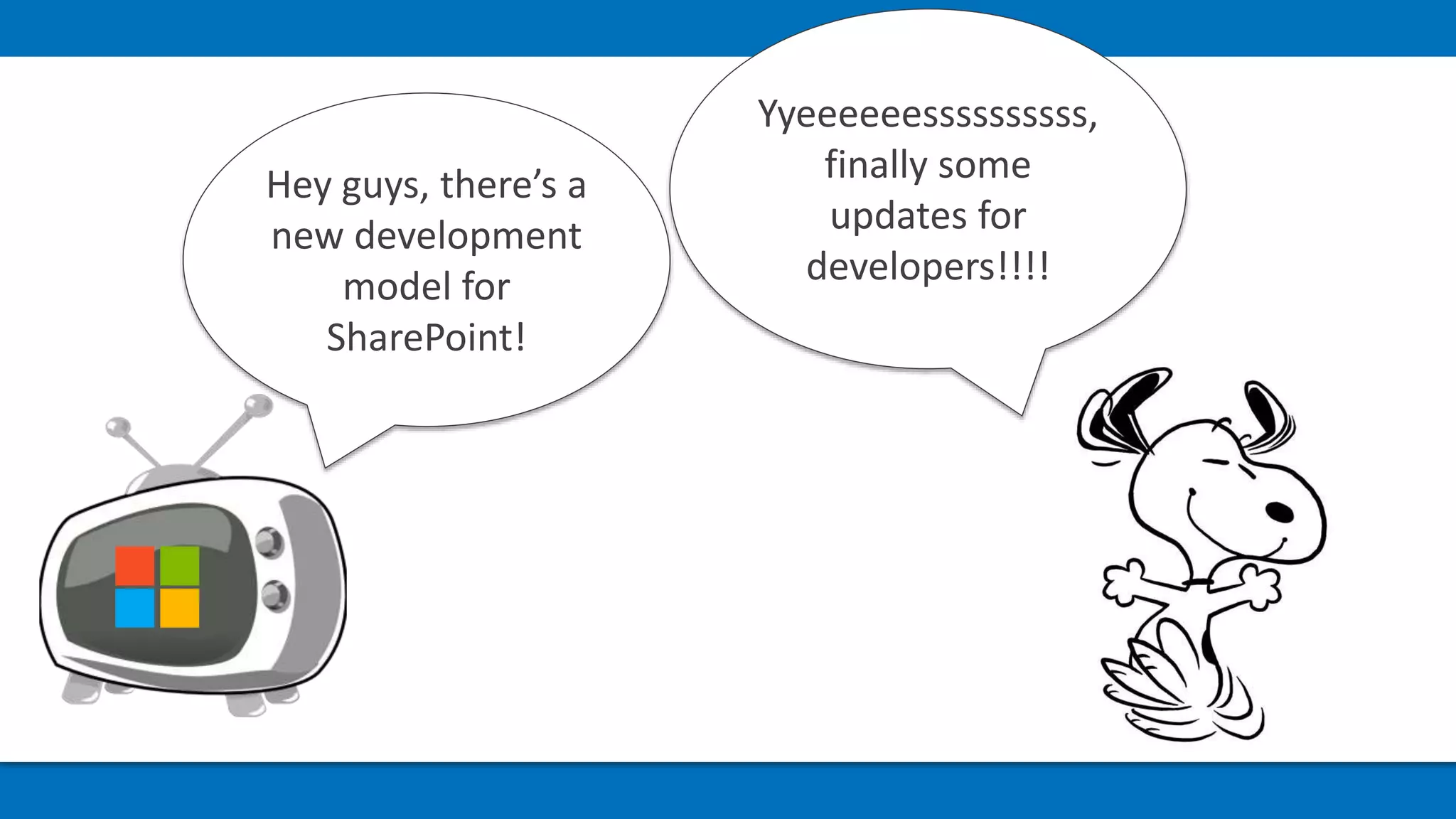
Yyeeeeeessssssssss,
finally some
updates for
developers!!!!
Hey guys, there’s a
new development
model for
SharePoint!
No problem, I
became a
Javascript ninja
during these years!
It’s all about
client-side
development
Ah..Ehmm.. You’ll
have to use
Typescript, not
Javascript
Uhm.. But I can
reuse my skills as a
SharePoint
developer, correct?
And also NodeJs,
npm, Yeoman,
Webpack, Gulp,
React, Redux,
Code, and others
…
Ah..Yes.. REST APIs,
some provisioning
and … ehmm..
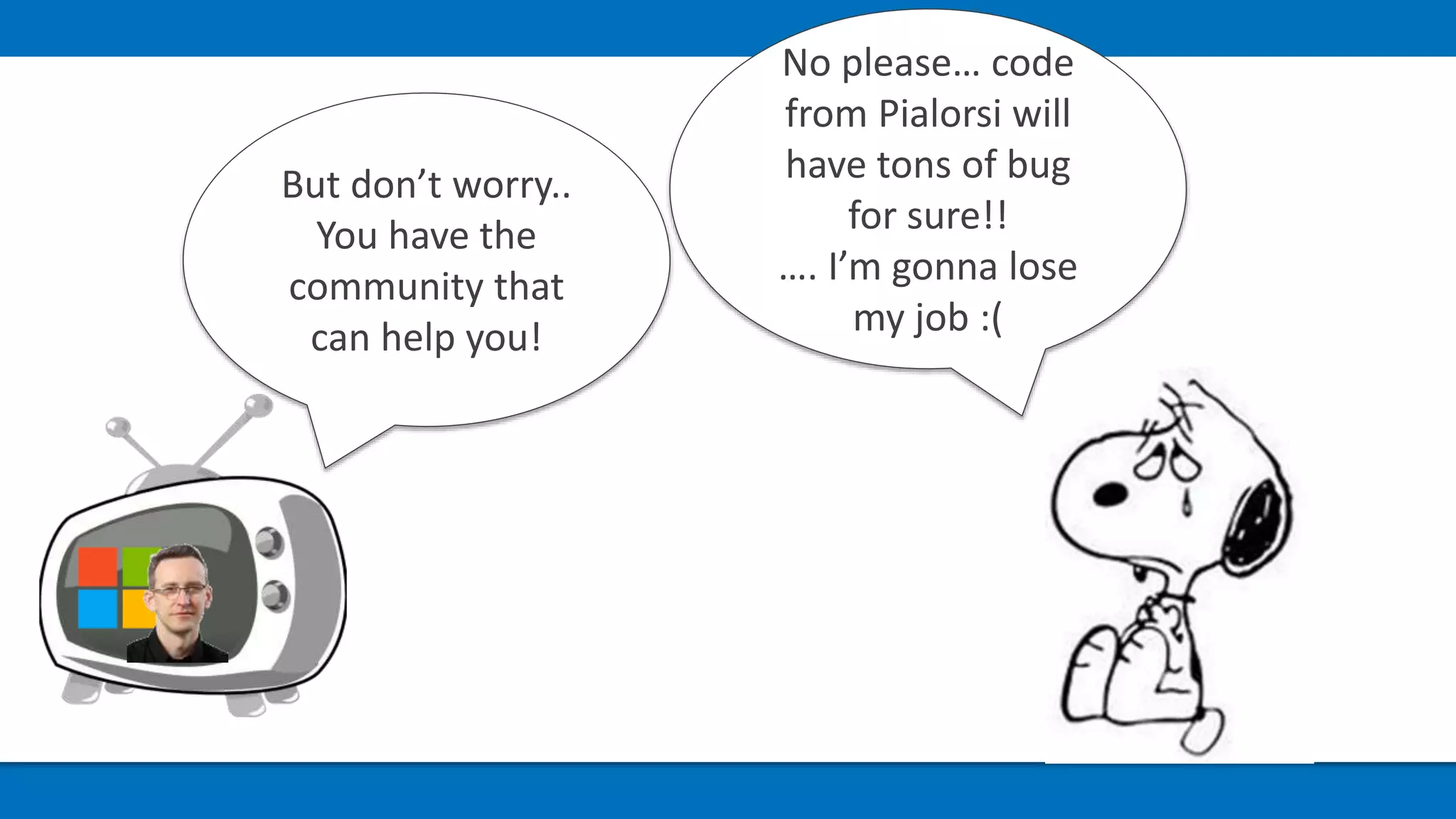
No please… code
from Pialorsi will
have tons of bug
for sure!!
…. I’m gonna lose
my job :(
But don’t worry..
You have the
community that
can help you!
Don’t panic! Because I’ve …
15 tips to survive during
your SharePoint Framework
adoption!
Translation: some useful information to speed up your SharePoint Framework
projects…
Manage updates to
properties values
Reactive properties within SPFx
Reactive properties withing React components
#01
Don’t use text field for
numeric properties!
Remember: you’re using Javascript and in Javascript, with strings, the following
sentence is true 1 + 1 = 11 (thx to Waldek Mastykarz)
Use SliderPropertyField or https://oliviercc.github.io/sp-client-custom-fields/
#02
Add metadata to your Web
Part properties.
Define additional metadata to integrate properties with SharePoint
Enable search indexing, link fixing and removing unsafe HTML
Note: only works with SharePoint Online modern UI pages
#03
Are you using Angular?
Remember to bootstrap it
only once!
render() method is called many times in a Client Side Web Part
This is the same also for external scripts/styles
#04
How to reference images
Even simple tasks could be a nightmare somethimes…
#05
Use dummy data and mocks
during UI implementation
The local workbench is awesome for UI development, but you need data …
#06
Remember to download
references when you git pull a
SPFx project from repo, for the
first time
Working in team on a SPFx solution: use npm install to download references
Dependencies are not inside the repository
#07
Always use --save when
you’re adding dependency
to SPFx solution
"In my environment it works…«
The same is for uninstall a package
#08
Reference external
frameworks from CDN!
Don’t bundle external frameworks
Keep your eyes on package size
#09
Lock your dependencies
when you release!
Use the npm shrinkwrap command to froze the dependencies tree of your solution
In this way you can recreate the exact build you’re shipping
#10
Use external custom APIs
for privileges evelevation
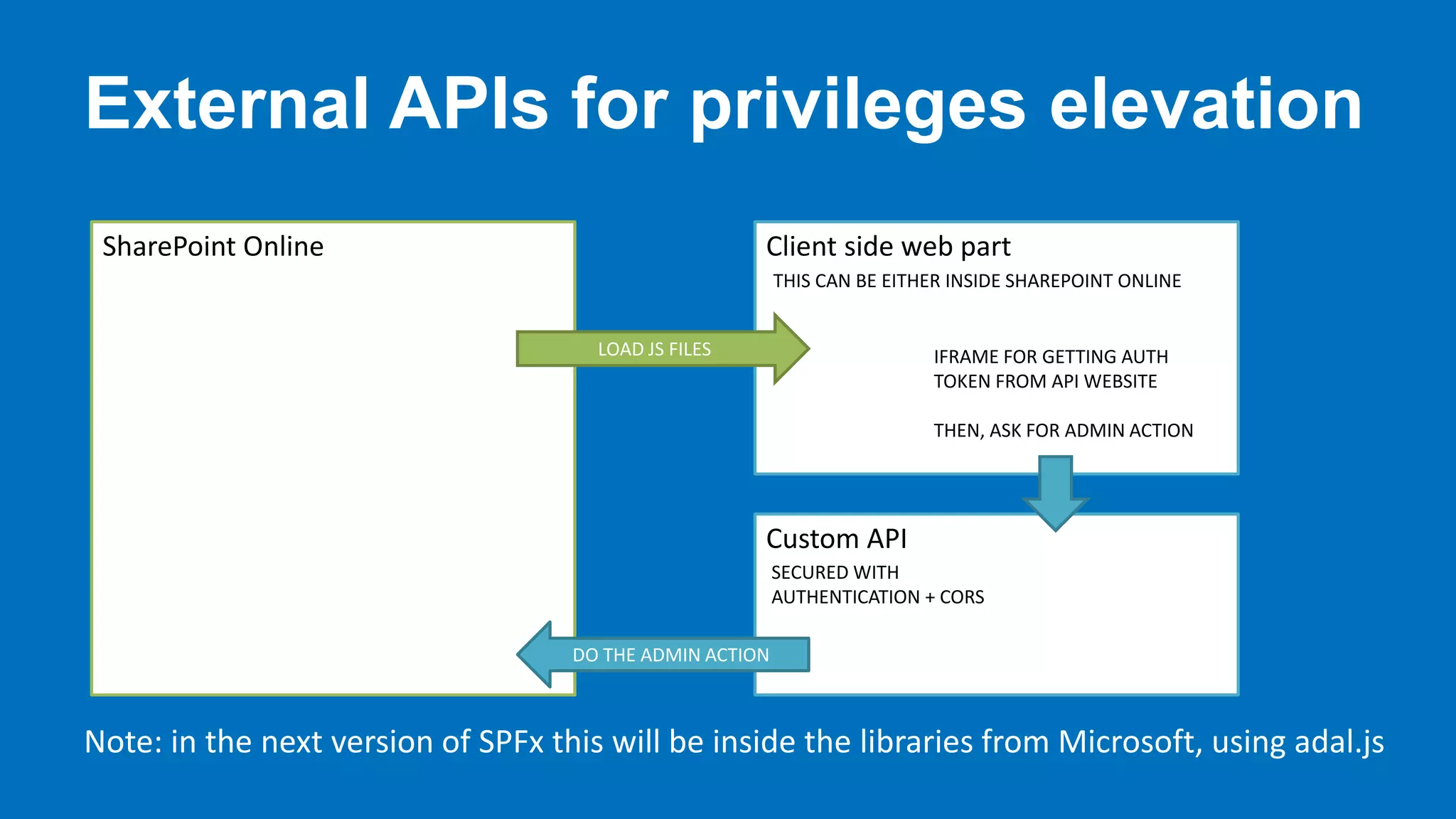
Azure web apps are your friends as SPUtility.RunWithElevatedPrivileges in a farm
solution
#11
External APIs for privileges elevation
SharePoint Online Client side web part
Custom API
LOAD JS FILES IFRAME FOR GETTING AUTH
TOKEN FROM API WEBSITE
THEN, ASK FOR ADMIN ACTION
DO THE ADMIN ACTION
THIS CAN BE EITHER INSIDE SHAREPOINT ONLINE
SECURED WITH
AUTHENTICATION + CORS
Note: in the next version of SPFx this will be inside the libraries from Microsoft, using adal.js
Use a CDN for your
solution, only if you need it!
Is a CDN always the best solution for an SPFx web part?
#12
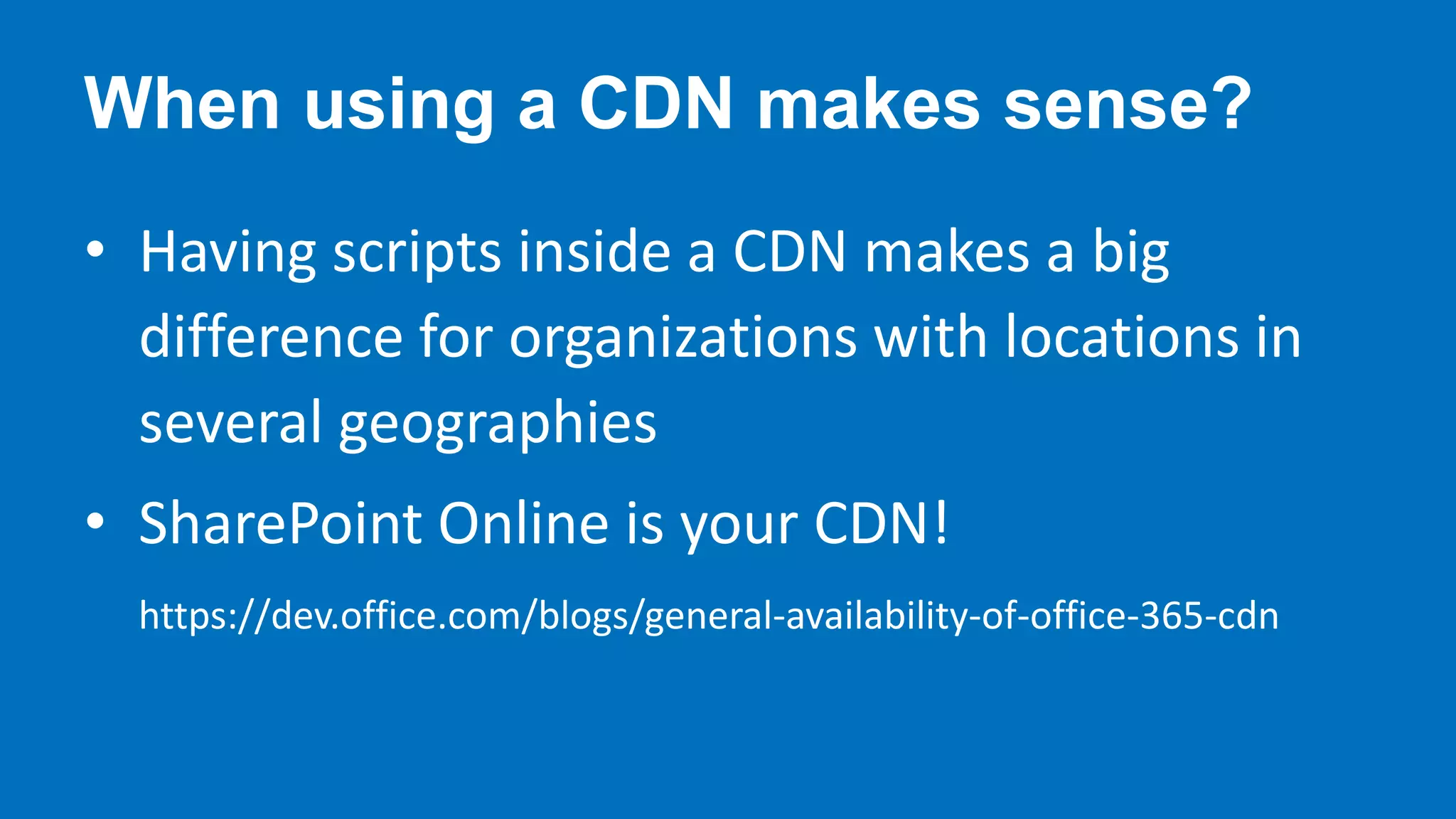
When using a CDN makes sense?
• Having scripts inside a CDN makes a big
difference for organizations with locations in
several geographies
• SharePoint Online is your CDN!
https://dev.office.com/blogs/general-availability-of-office-365-cdn
Increase solution version
for upgrading a SPFx
solution in prod
The same as you’re doing with SharePoint Addins
#13
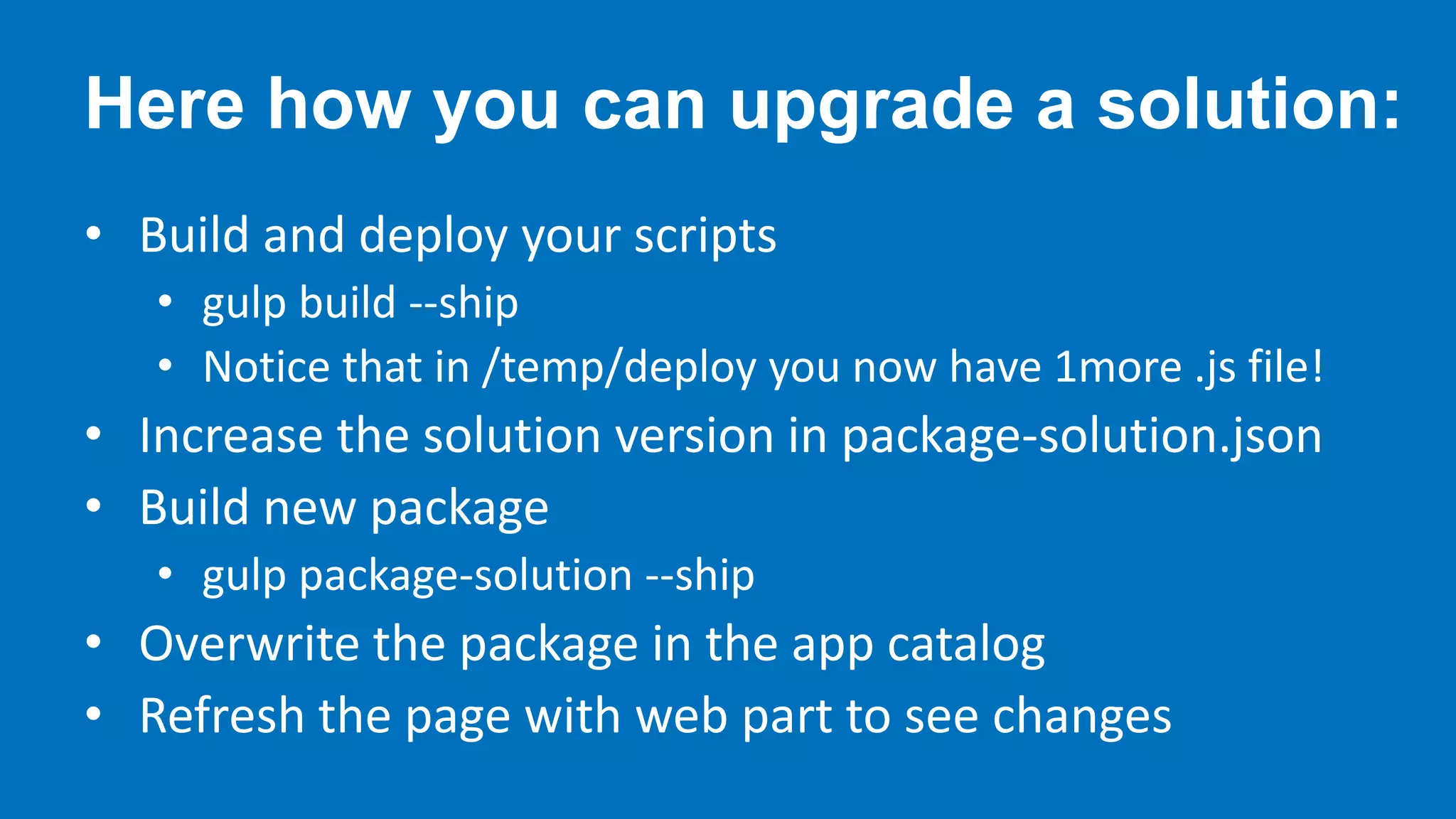
Here how you can upgrade a solution:
• Build and deploy your scripts
• gulp build --ship
• Notice that in /temp/deploy you now have 1more .js file!
• Increase the solution version in package-solution.json
• Build new package
• gulp package-solution --ship
• Overwrite the package in the app catalog
• Refresh the page with web part to see changes
Automate tasks for scripts
and package deployment
npm install gulp-spsync-creds node-sppkg-deploy –save (super thanks to Elio Struyf)
Then update your gulpfile.js
#14
Use a specific version of the
SPFx Yeoman generator for
each project!
Avoid problems for adding new artifacts inside an old SPFx solution
Try new SPFx versions without affecting your actual projects
Build Web Parts for both SharePoint Online and on-premises
#15
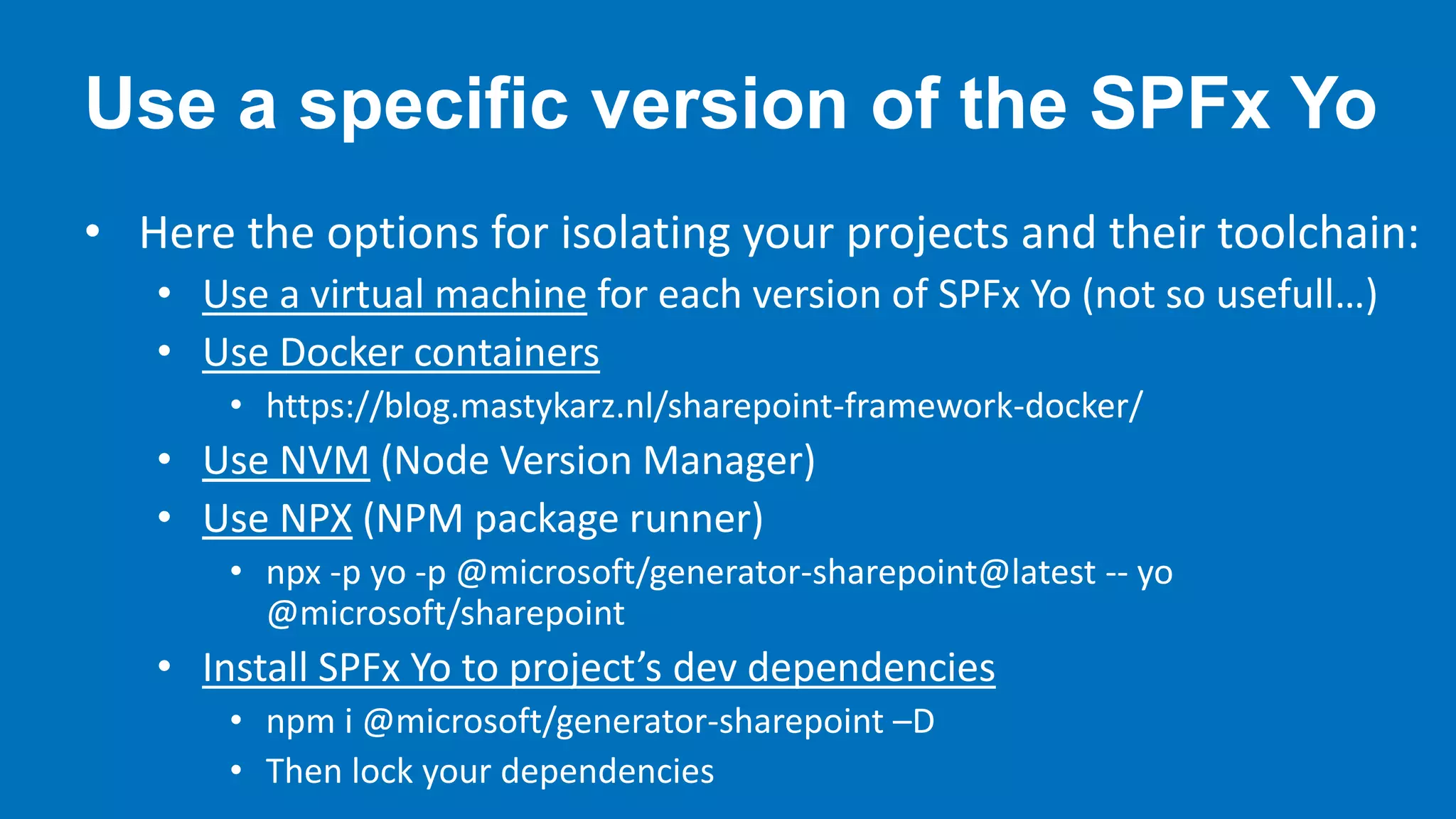
Use a specific version of the SPFx Yo
• Here the options for isolating your projects and their toolchain:
• Use a virtual machine for each version of SPFx Yo (not so usefull…)
• Use Docker containers
• https://blog.mastykarz.nl/sharepoint-framework-docker/
• Use NVM (Node Version Manager)
• Use NPX (NPM package runner)
• npx -p yo -p @microsoft/generator-sharepoint@latest -- yo
@microsoft/sharepoint
• Install SPFx Yo to project’s dev dependencies
• npm i @microsoft/generator-sharepoint –D
• Then lock your dependencies
QUESTIONS&
ANSWERS
Thank You!
Please fill the feedback form!
PEPPEDOTNET.IT
SOURCE CODE ON HTTPS://GITHUB.COM/PEPPEDOTNET
30th September 2017
Milan
30th September 2017
Milan

SharePoint Framework tips and tricks

  • 1.
    30th September 2017 Milan 30thSeptember 2017 Milan
  • 2.
    SharePoint Framework tips& tricks Giuseppe Marchi, Dev4Side S.r.l. www.peppedotnet.it www.office365italia.com
  • 3.
    Hi, my nameis Peppe! • Co-founder of Dev4Side S.r.l. • 8 years Microsoft SharePoint MVP • Speaker in Microsoft communities events in Italy • "SharePointer" from 2005 • Father of www.peppedotnet.it  • Office 365 advisor for www.office365italia.com • Author of the book "Pocket C#" from Apogeo • One of the top SharePoint and Office 365 influencers (for 2014 and 2015)
  • 4.
  • 5.
    A Huge “ThankYou!” To Our Sponsors … In cooperation with
  • 6.
    A Huge “ThankYou!” To Our Sponsors … In cooperation with A special “Thank you!” to us  A complete offer for the adoption of Microsoft cloud collaboration products TRAINING video courses webinars on-site classes ADVICE development support maintenance FREE STUFF guides news webinars
  • 7.
    A Huge “ThankYou!” To Our Sponsors … In cooperation with A special “Thank you!” to us  Ready-to-go apps for SharePoint and Office 365
  • 8.
    A Huge “ThankYou!” To Our Sponsors … In cooperation with A special “Thank you!” to us  SharePoint Framework training We are planning some SharePoint Framework trainings. Are you interested? If so, please fill this form: http://bit.ly/corso-spfx
  • 9.
    Agenda • Tips andtricks for … • Working with Web Part properties • Manage dependencies • Make the right choices for your solution • Choose the right options for your dev environment • Upgrades and automation
  • 10.
  • 11.
    A true storyfrom a SharePoint developer
  • 12.
    Yyeeeeeessssssssss, finally some updates for developers!!!! Heyguys, there’s a new development model for SharePoint!
  • 13.
    No problem, I becamea Javascript ninja during these years! It’s all about client-side development
  • 14.
    Ah..Ehmm.. You’ll have touse Typescript, not Javascript
  • 15.
    Uhm.. But Ican reuse my skills as a SharePoint developer, correct? And also NodeJs, npm, Yeoman, Webpack, Gulp, React, Redux, Code, and others …
  • 16.
    Ah..Yes.. REST APIs, someprovisioning and … ehmm..
  • 17.
    No please… code fromPialorsi will have tons of bug for sure!! …. I’m gonna lose my job :( But don’t worry.. You have the community that can help you!
  • 18.
  • 19.
    15 tips tosurvive during your SharePoint Framework adoption! Translation: some useful information to speed up your SharePoint Framework projects…
  • 20.
    Manage updates to propertiesvalues Reactive properties within SPFx Reactive properties withing React components #01
  • 21.
    Don’t use textfield for numeric properties! Remember: you’re using Javascript and in Javascript, with strings, the following sentence is true 1 + 1 = 11 (thx to Waldek Mastykarz) Use SliderPropertyField or https://oliviercc.github.io/sp-client-custom-fields/ #02
  • 22.
    Add metadata toyour Web Part properties. Define additional metadata to integrate properties with SharePoint Enable search indexing, link fixing and removing unsafe HTML Note: only works with SharePoint Online modern UI pages #03
  • 23.
    Are you usingAngular? Remember to bootstrap it only once! render() method is called many times in a Client Side Web Part This is the same also for external scripts/styles #04
  • 24.
    How to referenceimages Even simple tasks could be a nightmare somethimes… #05
  • 25.
    Use dummy dataand mocks during UI implementation The local workbench is awesome for UI development, but you need data … #06
  • 26.
    Remember to download referenceswhen you git pull a SPFx project from repo, for the first time Working in team on a SPFx solution: use npm install to download references Dependencies are not inside the repository #07
  • 27.
    Always use --savewhen you’re adding dependency to SPFx solution "In my environment it works…« The same is for uninstall a package #08
  • 28.
    Reference external frameworks fromCDN! Don’t bundle external frameworks Keep your eyes on package size #09
  • 29.
    Lock your dependencies whenyou release! Use the npm shrinkwrap command to froze the dependencies tree of your solution In this way you can recreate the exact build you’re shipping #10
  • 30.
    Use external customAPIs for privileges evelevation Azure web apps are your friends as SPUtility.RunWithElevatedPrivileges in a farm solution #11
  • 31.
    External APIs forprivileges elevation SharePoint Online Client side web part Custom API LOAD JS FILES IFRAME FOR GETTING AUTH TOKEN FROM API WEBSITE THEN, ASK FOR ADMIN ACTION DO THE ADMIN ACTION THIS CAN BE EITHER INSIDE SHAREPOINT ONLINE SECURED WITH AUTHENTICATION + CORS Note: in the next version of SPFx this will be inside the libraries from Microsoft, using adal.js
  • 32.
    Use a CDNfor your solution, only if you need it! Is a CDN always the best solution for an SPFx web part? #12
  • 33.
    When using aCDN makes sense? • Having scripts inside a CDN makes a big difference for organizations with locations in several geographies • SharePoint Online is your CDN! https://dev.office.com/blogs/general-availability-of-office-365-cdn
  • 34.
    Increase solution version forupgrading a SPFx solution in prod The same as you’re doing with SharePoint Addins #13
  • 35.
    Here how youcan upgrade a solution: • Build and deploy your scripts • gulp build --ship • Notice that in /temp/deploy you now have 1more .js file! • Increase the solution version in package-solution.json • Build new package • gulp package-solution --ship • Overwrite the package in the app catalog • Refresh the page with web part to see changes
  • 36.
    Automate tasks forscripts and package deployment npm install gulp-spsync-creds node-sppkg-deploy –save (super thanks to Elio Struyf) Then update your gulpfile.js #14
  • 37.
    Use a specificversion of the SPFx Yeoman generator for each project! Avoid problems for adding new artifacts inside an old SPFx solution Try new SPFx versions without affecting your actual projects Build Web Parts for both SharePoint Online and on-premises #15
  • 38.
    Use a specificversion of the SPFx Yo • Here the options for isolating your projects and their toolchain: • Use a virtual machine for each version of SPFx Yo (not so usefull…) • Use Docker containers • https://blog.mastykarz.nl/sharepoint-framework-docker/ • Use NVM (Node Version Manager) • Use NPX (NPM package runner) • npx -p yo -p @microsoft/generator-sharepoint@latest -- yo @microsoft/sharepoint • Install SPFx Yo to project’s dev dependencies • npm i @microsoft/generator-sharepoint –D • Then lock your dependencies
  • 39.
  • 40.
    Thank You! Please fillthe feedback form! PEPPEDOTNET.IT SOURCE CODE ON HTTPS://GITHUB.COM/PEPPEDOTNET
  • 41.
    30th September 2017 Milan 30thSeptember 2017 Milan

Editor's Notes

  • #25 https://blog.mastykarz.nl/correctly-reference-images-sharepoint-framework-solutions/
  • #31 https://github.com/SharePoint/sp-dev-fx-webparts/tree/master/samples/react-sp-elevatedprivileges