Downloaded 31 times
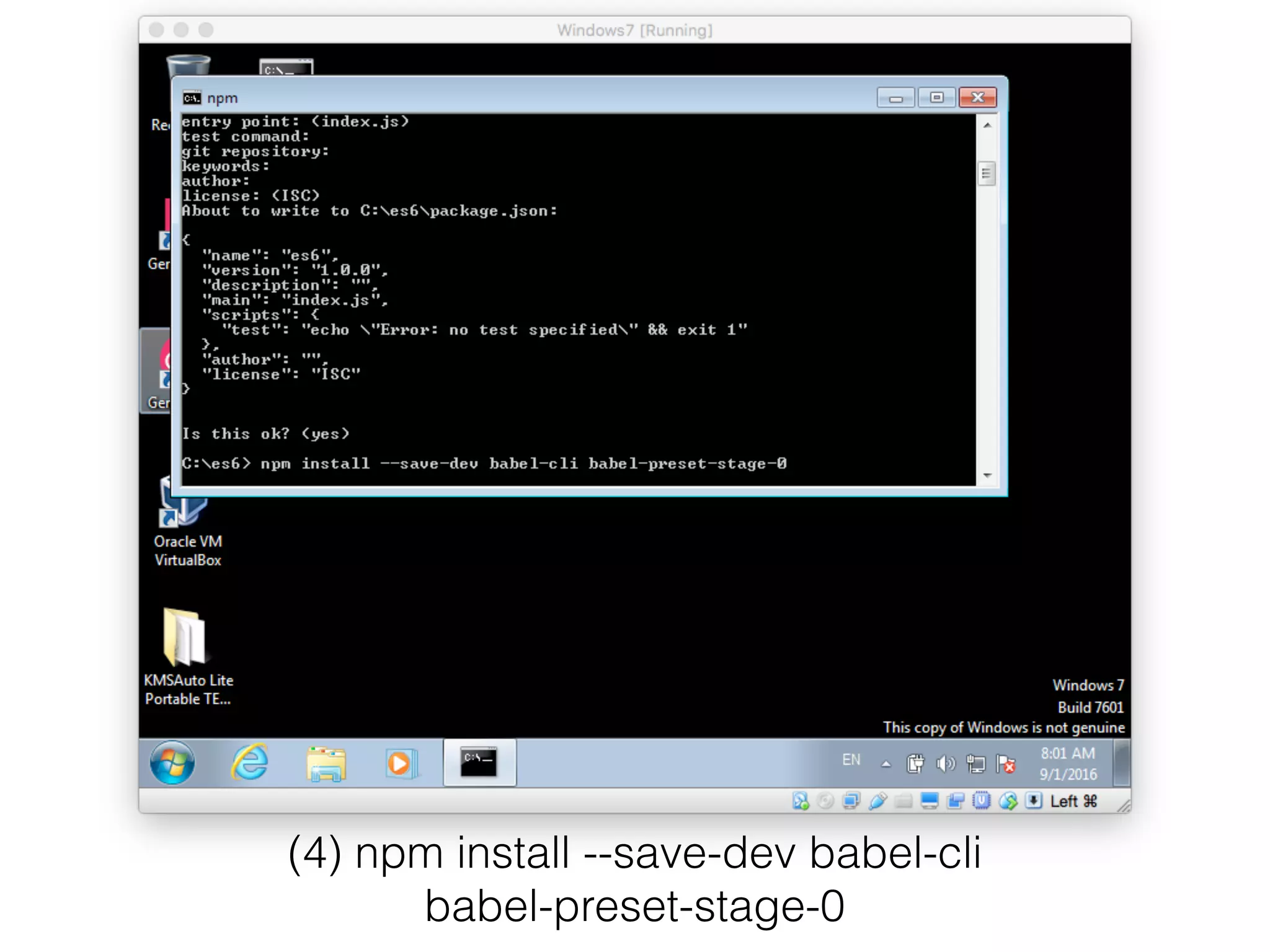
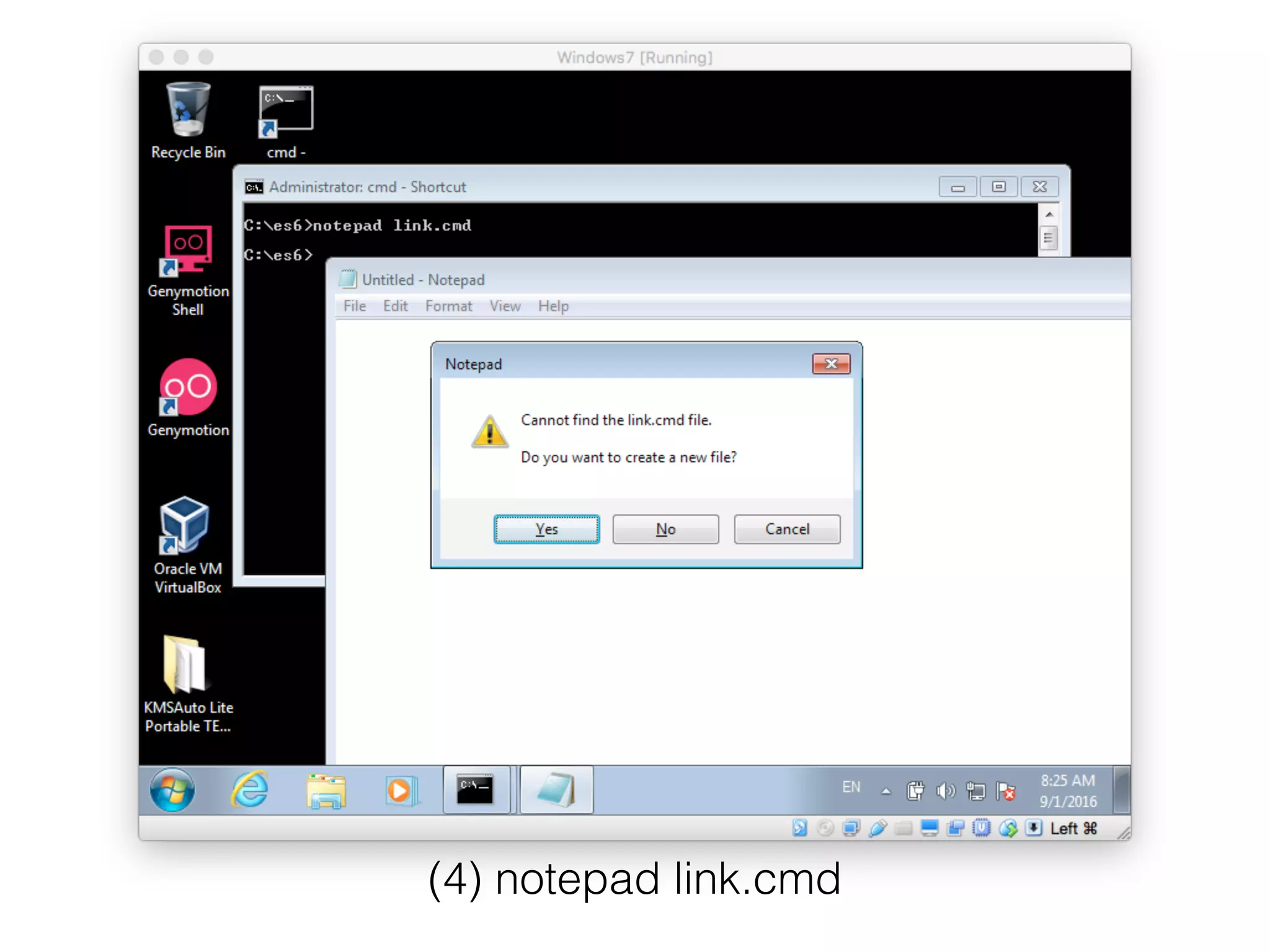
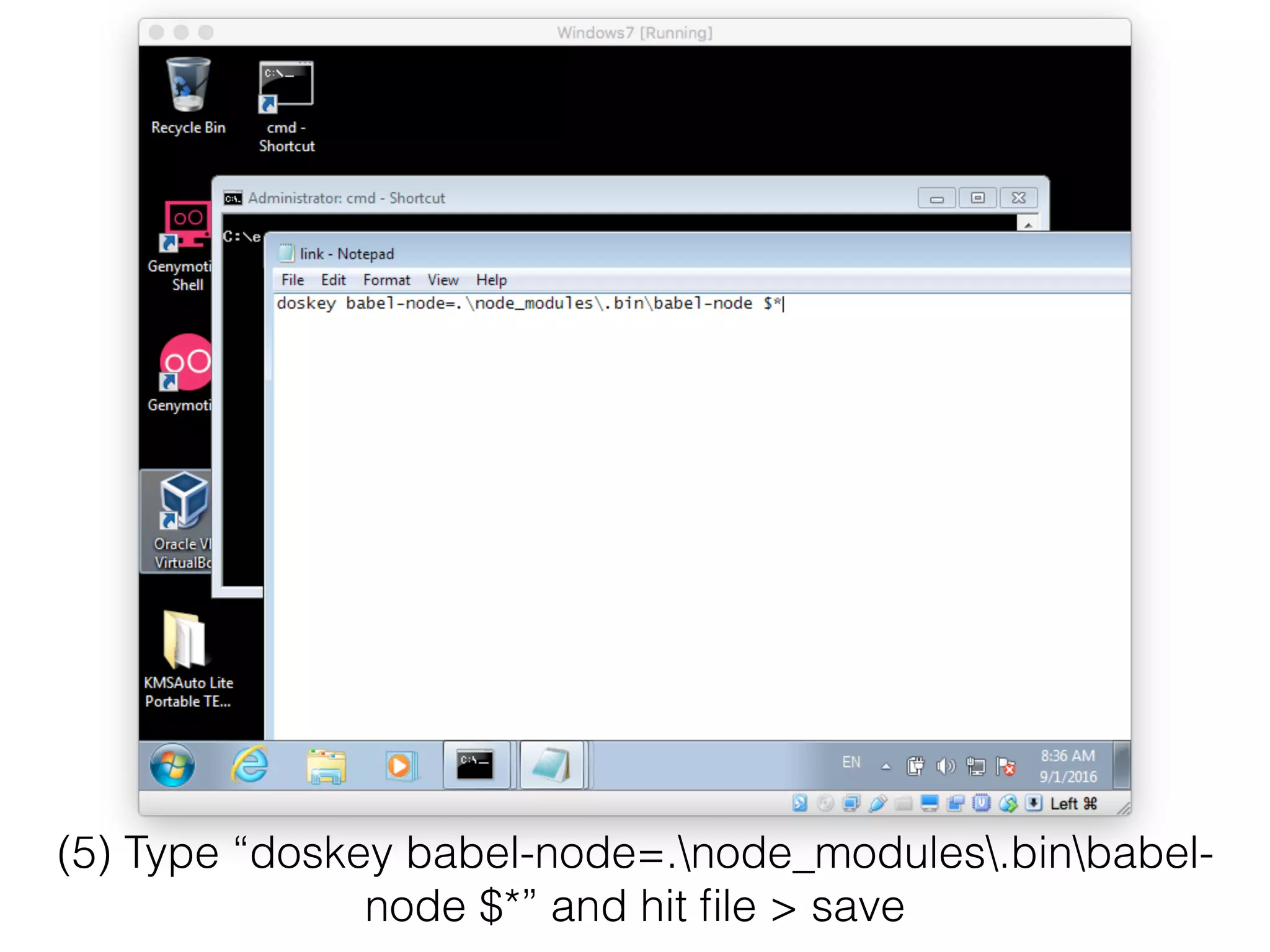
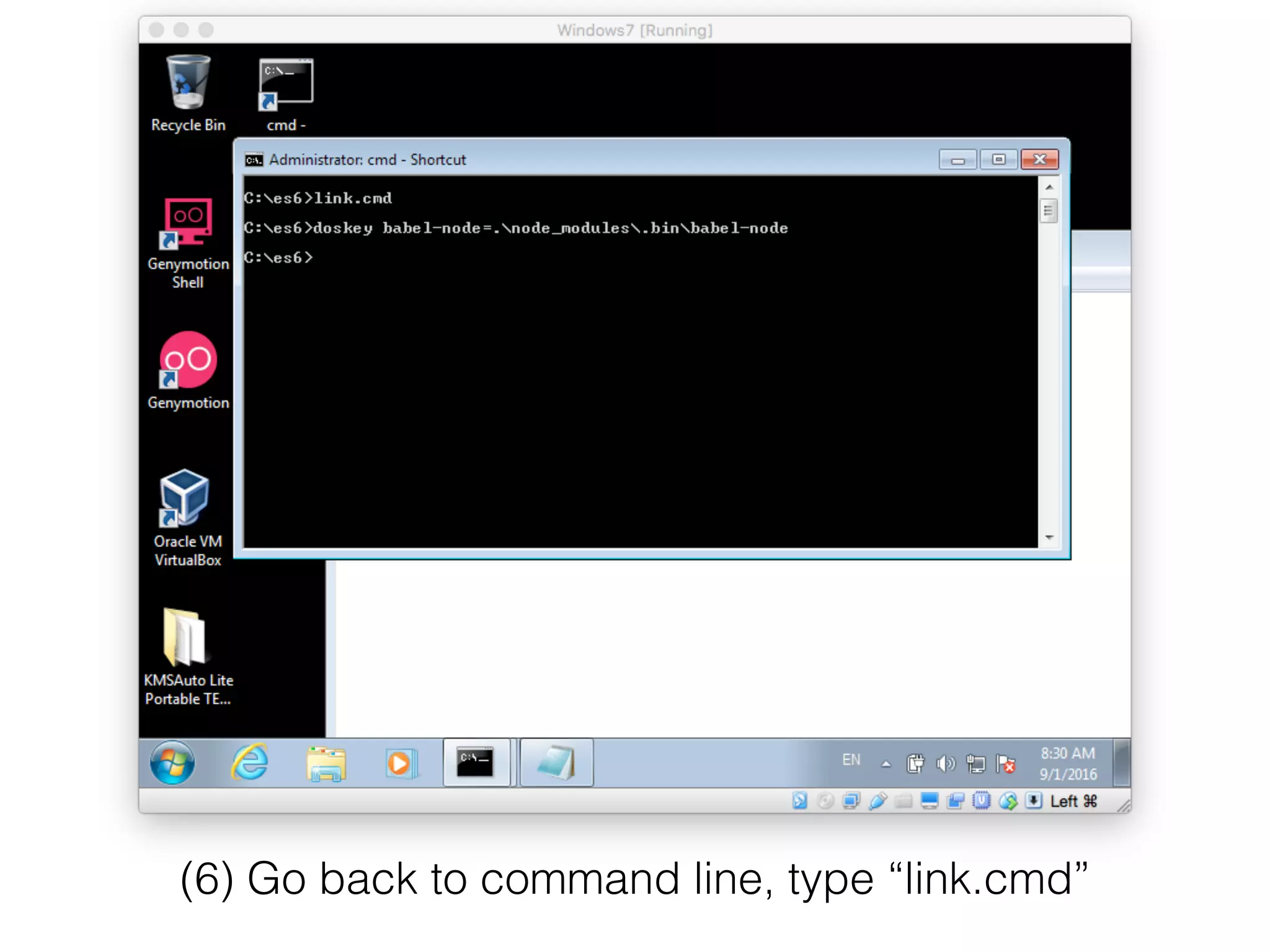
![(7) echo {"presets":["stage-0"]} > .babelrc](https://image.slidesharecdn.com/l2-es6-babel-windows-160901154506/75/Running-BabelJS-on-Windows-Try-ES6-on-Windows-9-2048.jpg)
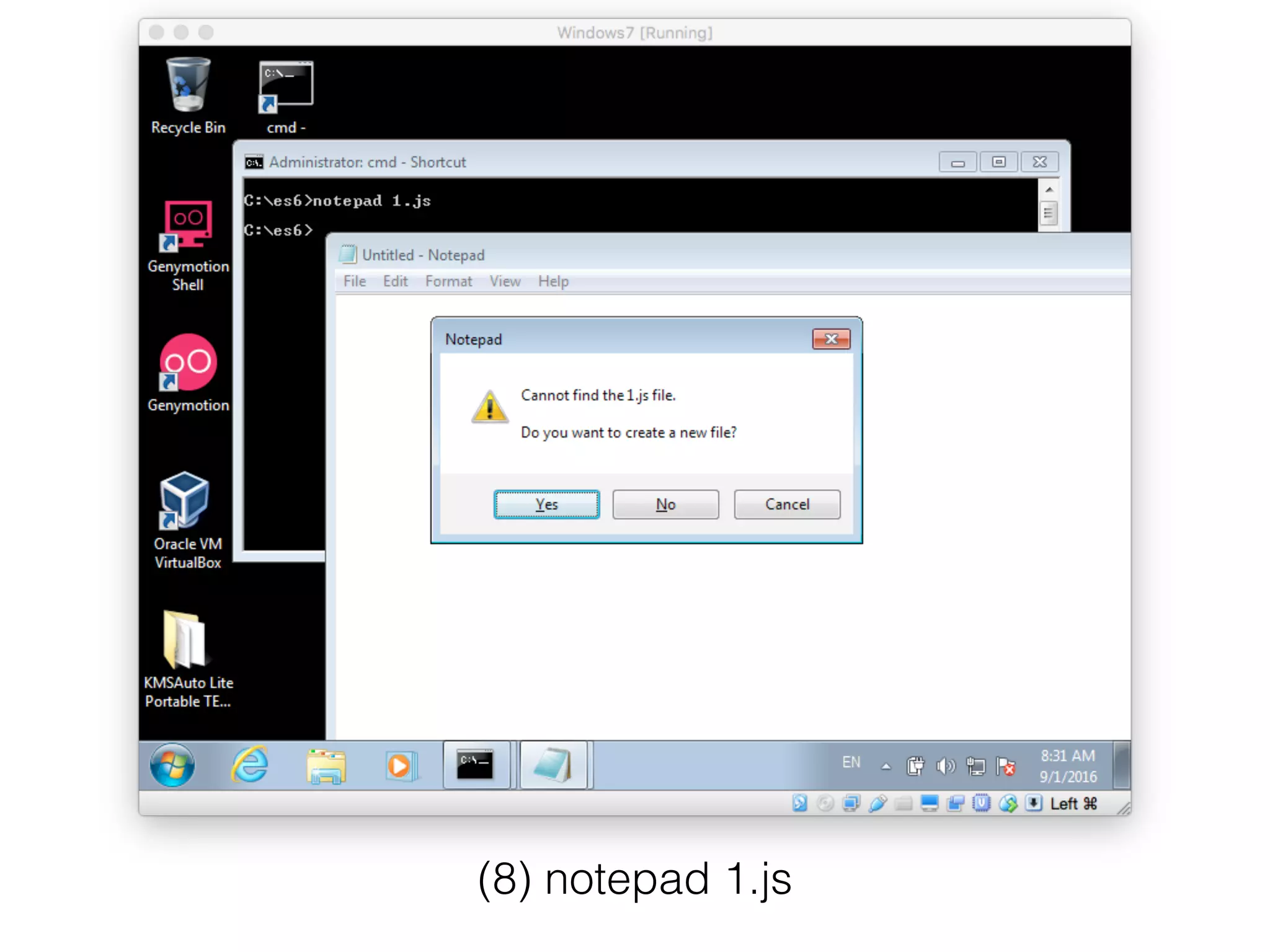
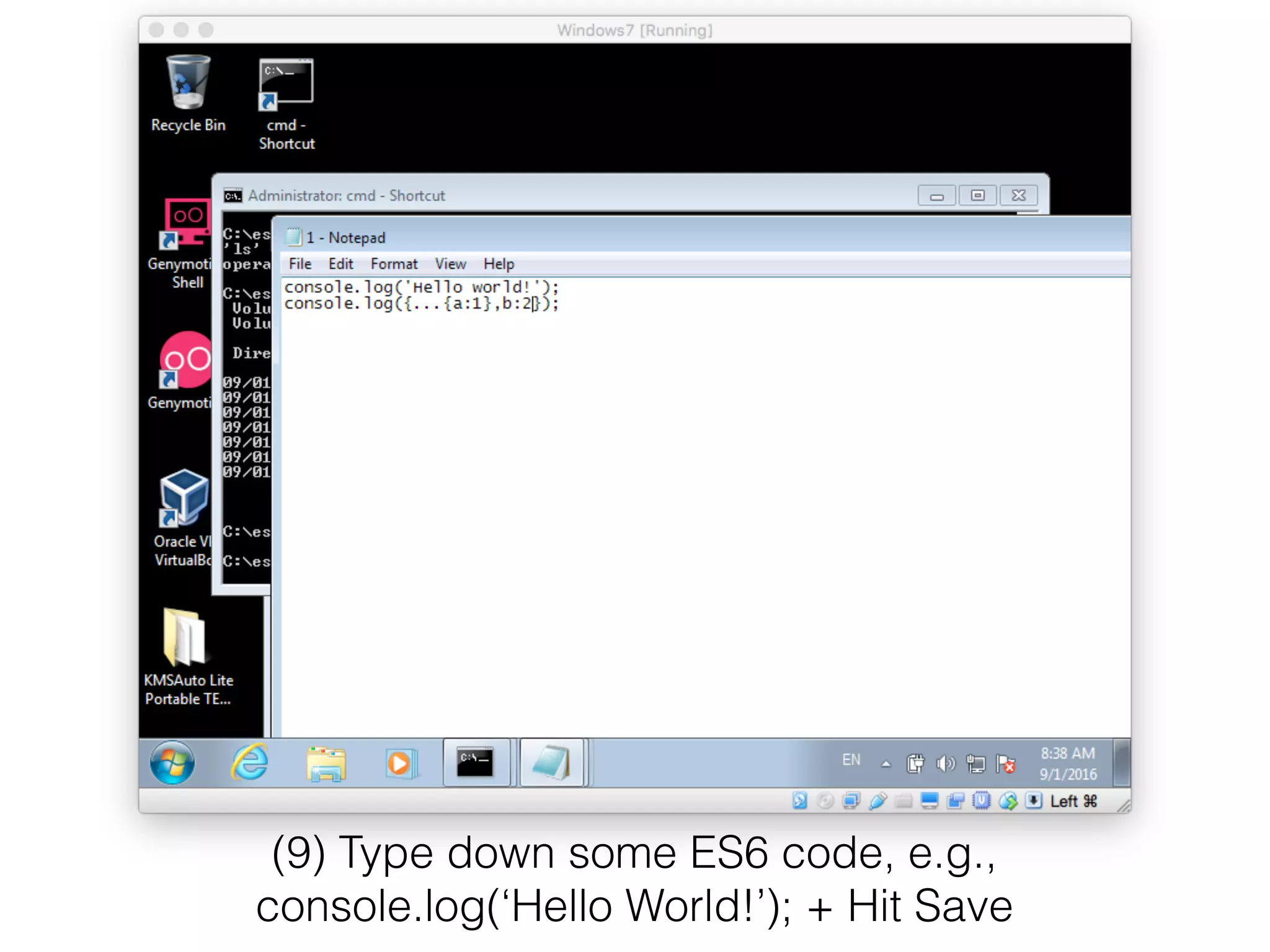
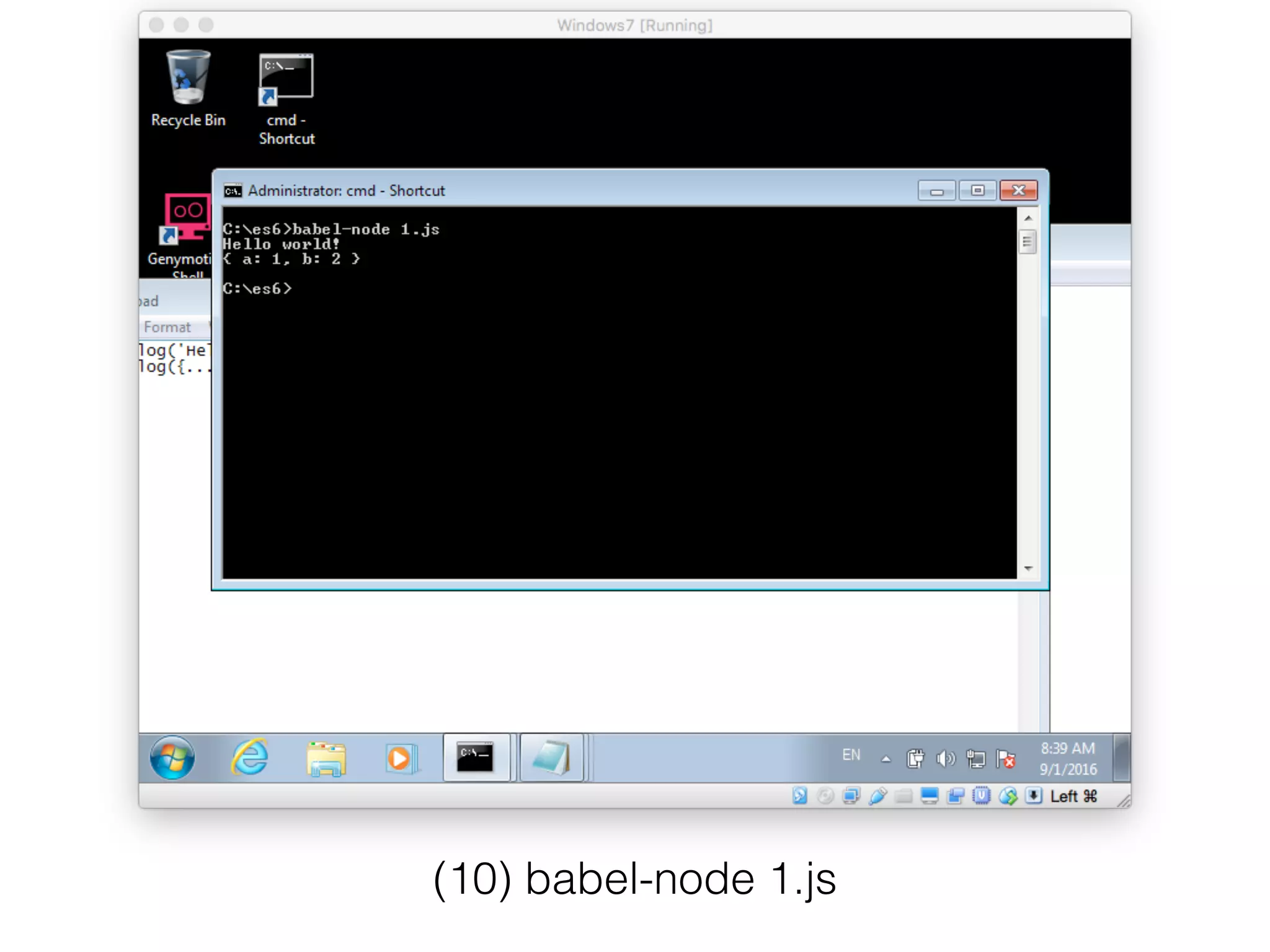
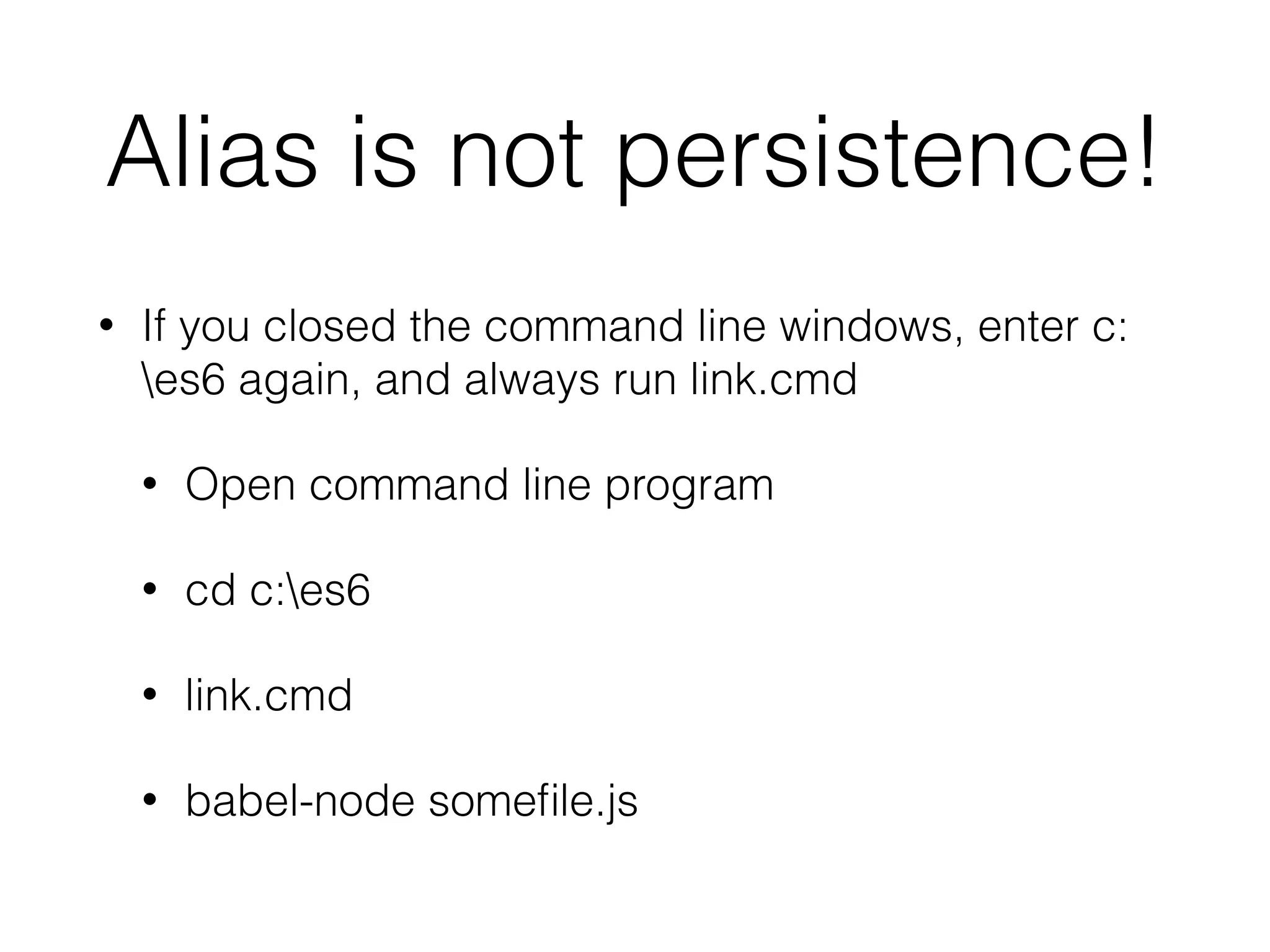

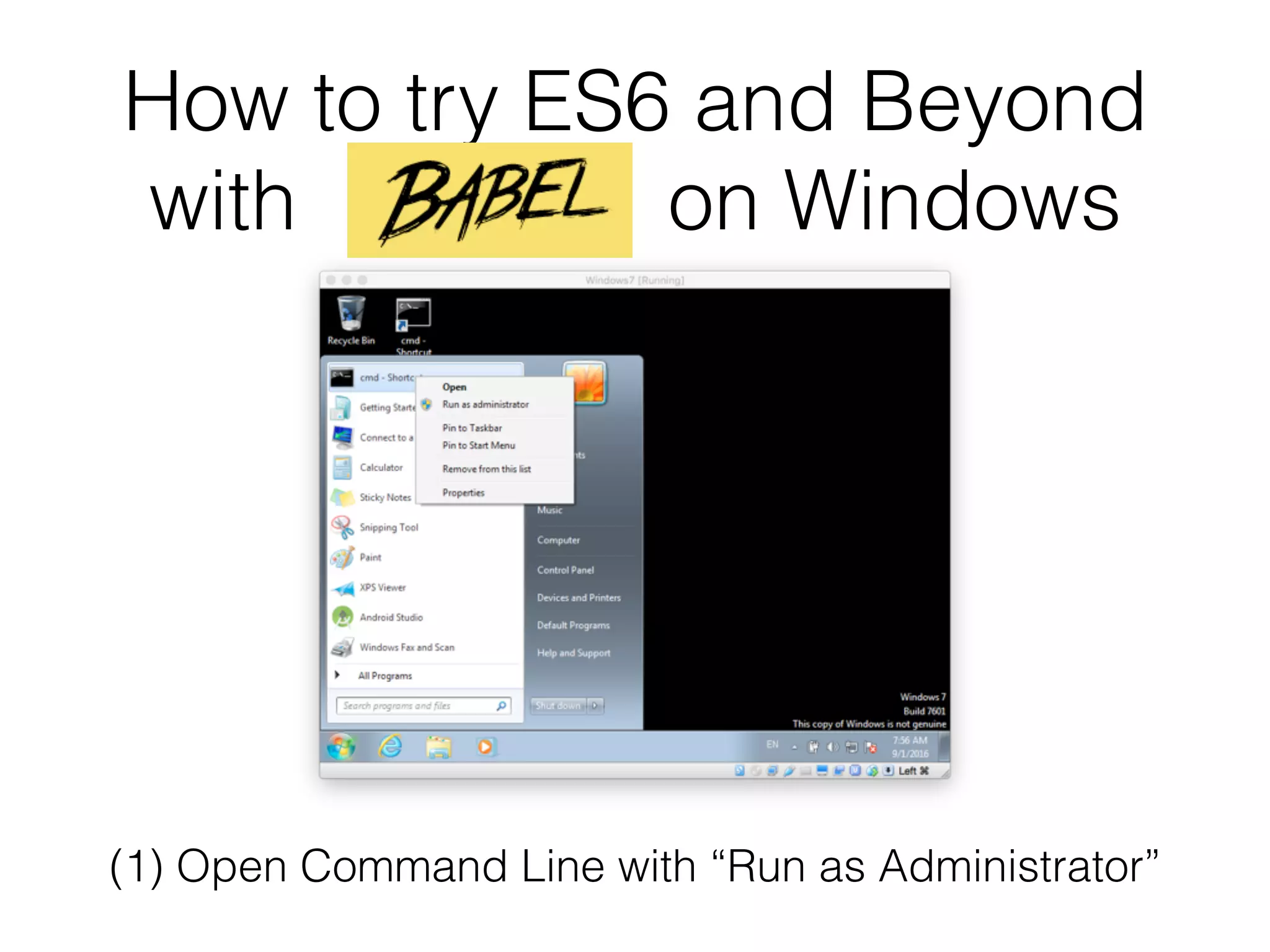
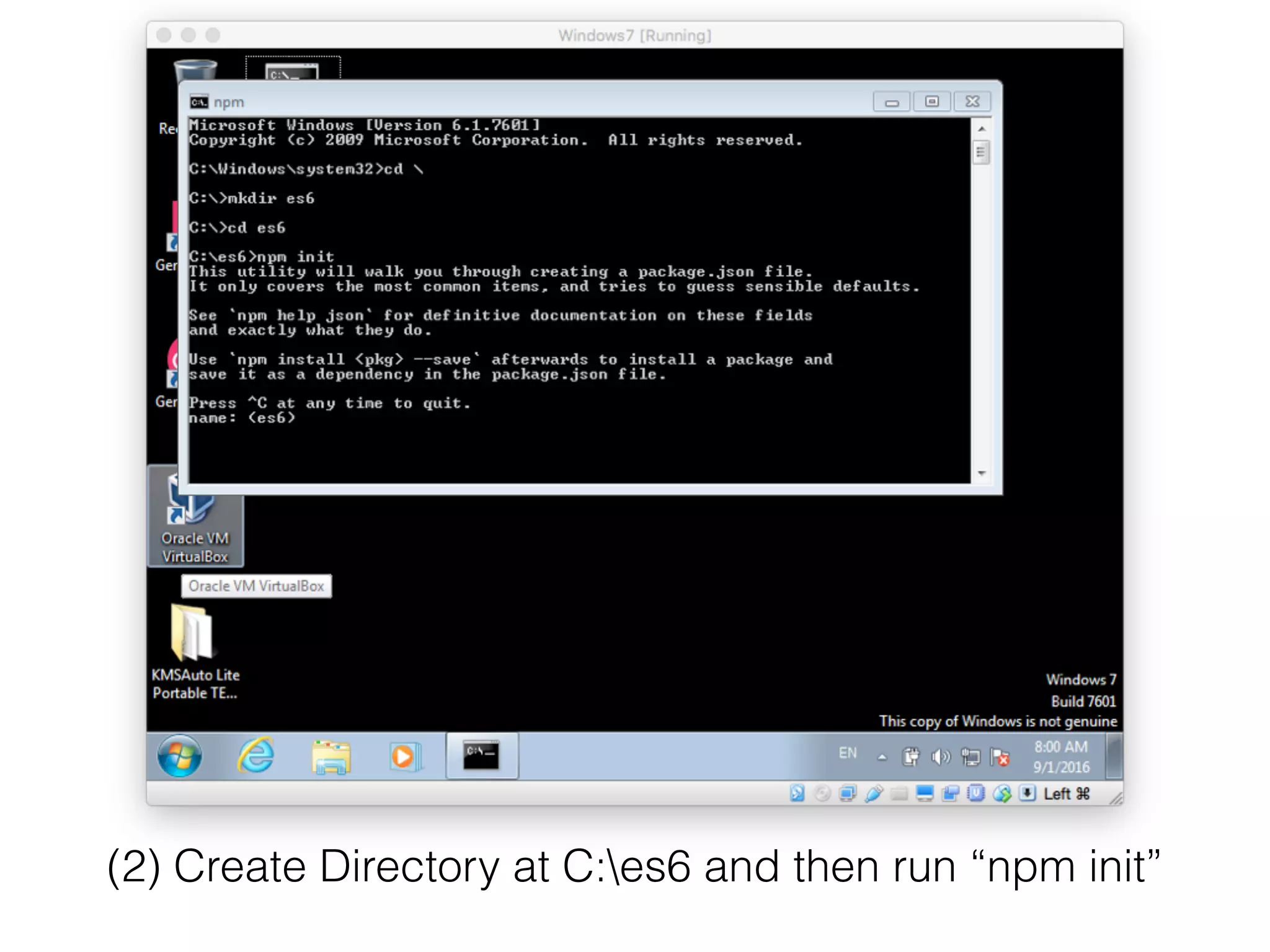
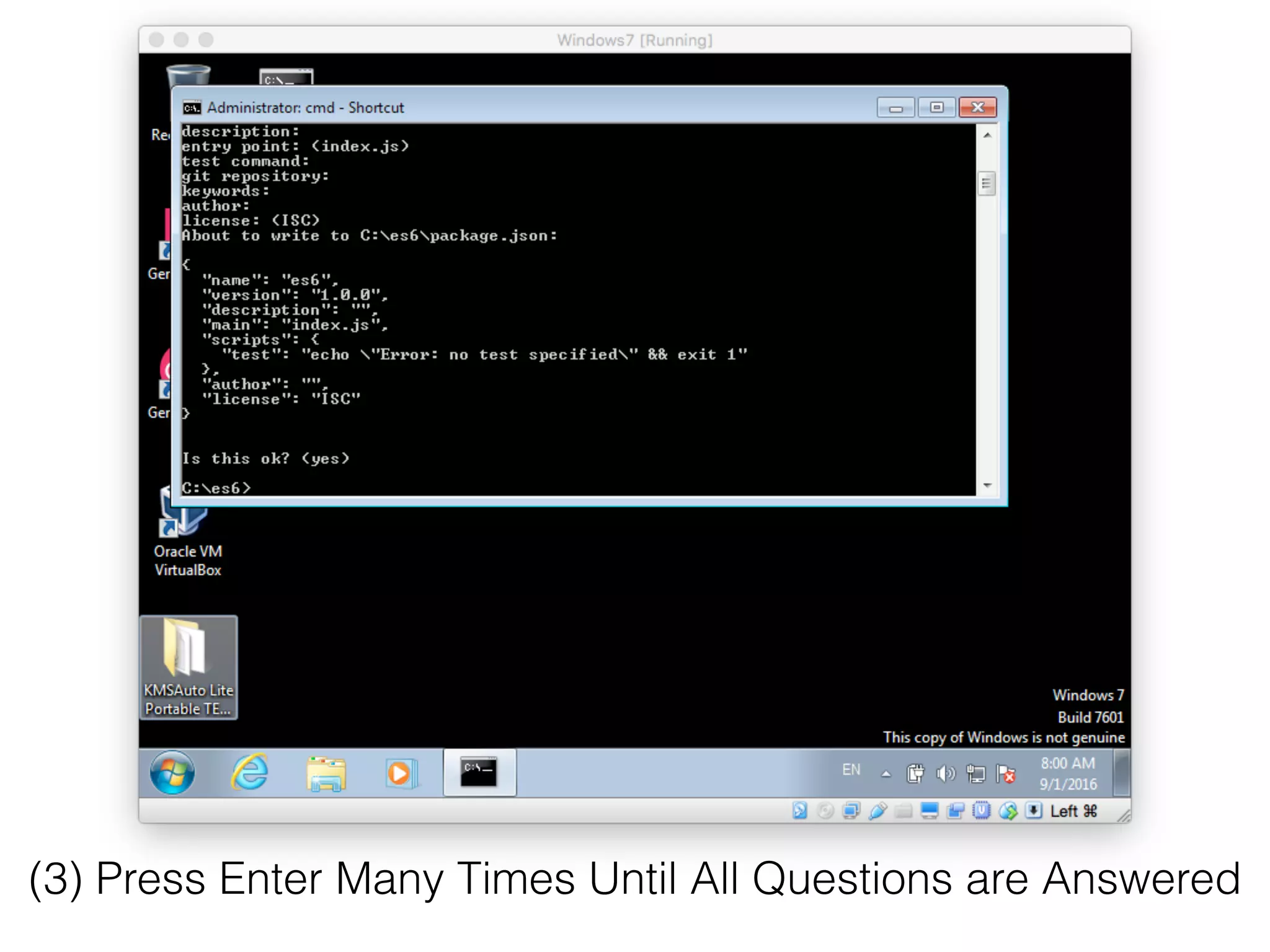
The document provides a step-by-step guide for running BabelJS on Windows, including creating a project directory, initializing npm, and configuring Babel. It outlines commands to set up and run ES6 code using Babel, as well as instructions for making an alias persistent. Key instructions include creating a command link file and using 'babel-node' to execute JavaScript files.
![[React Native Tutorial] Lecture 3: More on ES6/ES2015](https://cdn.slidesharecdn.com/ss_thumbnails/l3-es6-babel-windows-160905073702-thumbnail.jpg?width=640&height=640&fit=bounds)


![[React-Native Tutorial] Lecture 8: Midterm Exam Discussion, Feedback, and Ter...](https://cdn.slidesharecdn.com/ss_thumbnails/l8-midtermexam-groupproject-161018100946-thumbnail.jpg?width=640&height=640&fit=bounds)


![[React-Native Tutorial 10] Camera Roll / Gallery / Camera / Native Modules by...](https://cdn.slidesharecdn.com/ss_thumbnails/l10-cameraroll-selfiescoreboard-161101033101-thumbnail.jpg?width=640&height=640&fit=bounds)
![[React Native] Lecture 4: Basic Elements and UI Layout by using FlexBox](https://cdn.slidesharecdn.com/ss_thumbnails/l4-react-native-layout-160911060742-thumbnail.jpg?width=640&height=640&fit=bounds)


![[Lecture 3] AI and Deep Learning: Logistic Regression (Coding)](https://cdn.slidesharecdn.com/ss_thumbnails/lecture3empty-180216132805-thumbnail.jpg?width=640&height=640&fit=bounds)
![[Lecture 4] AI and Deep Learning: Neural Network (Theory)](https://cdn.slidesharecdn.com/ss_thumbnails/lecture4ink-180216131712-thumbnail.jpg?width=640&height=640&fit=bounds)
![[Lecture 2] AI and Deep Learning: Logistic Regression (Theory)](https://cdn.slidesharecdn.com/ss_thumbnails/lecture2-ink-180216131533-thumbnail.jpg?width=640&height=640&fit=bounds)


