RocksDB Storage Engine
Igor Canadi | Facebook
Overview
•  Story of RocksDB
•  Architecture
•  Performance tuning
•  Next steps
1
Story of RocksDB
Pre-2011
•  FB infrastructure – many custom-built key-value stores
•  LevelDB released
2
Experimentation (2011 – 2013)
•  First use-cases
•  Not designed for server – many bottlenecks, stalls
•  Optimization
•  New features
3
Explosion (2013 – 2015)
•  Open sourced RocksDB
•  Big success within Facebook
•  External traction – Linkedin, Yahoo, CockroachDB, …
4
New Challenges (2015 - )
•  Bring RocksDB to databases
5
MongoRocks
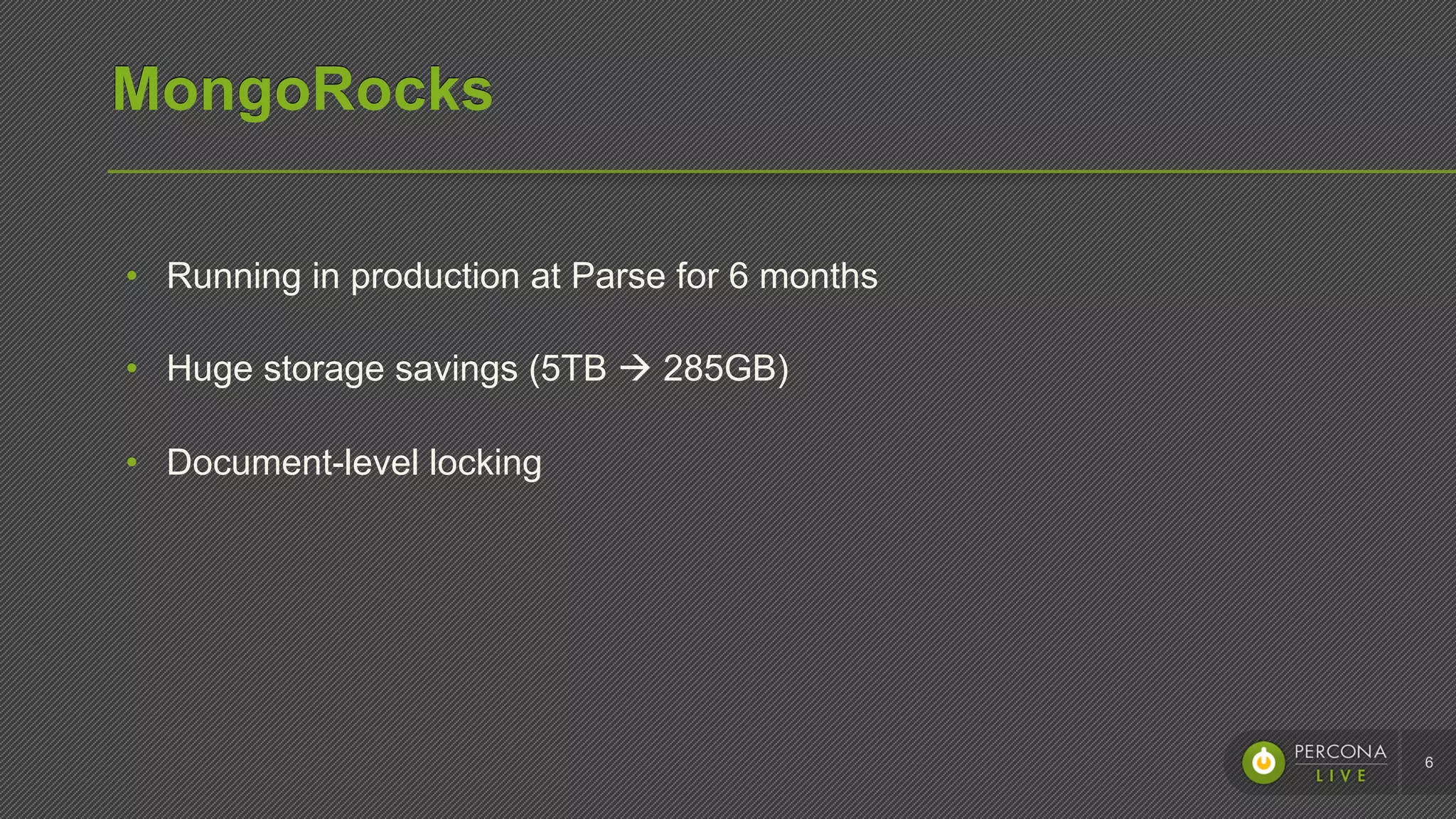
•  Running in production at Parse for 6 months
•  Huge storage savings (5TB à 285GB)
•  Document-level locking
6
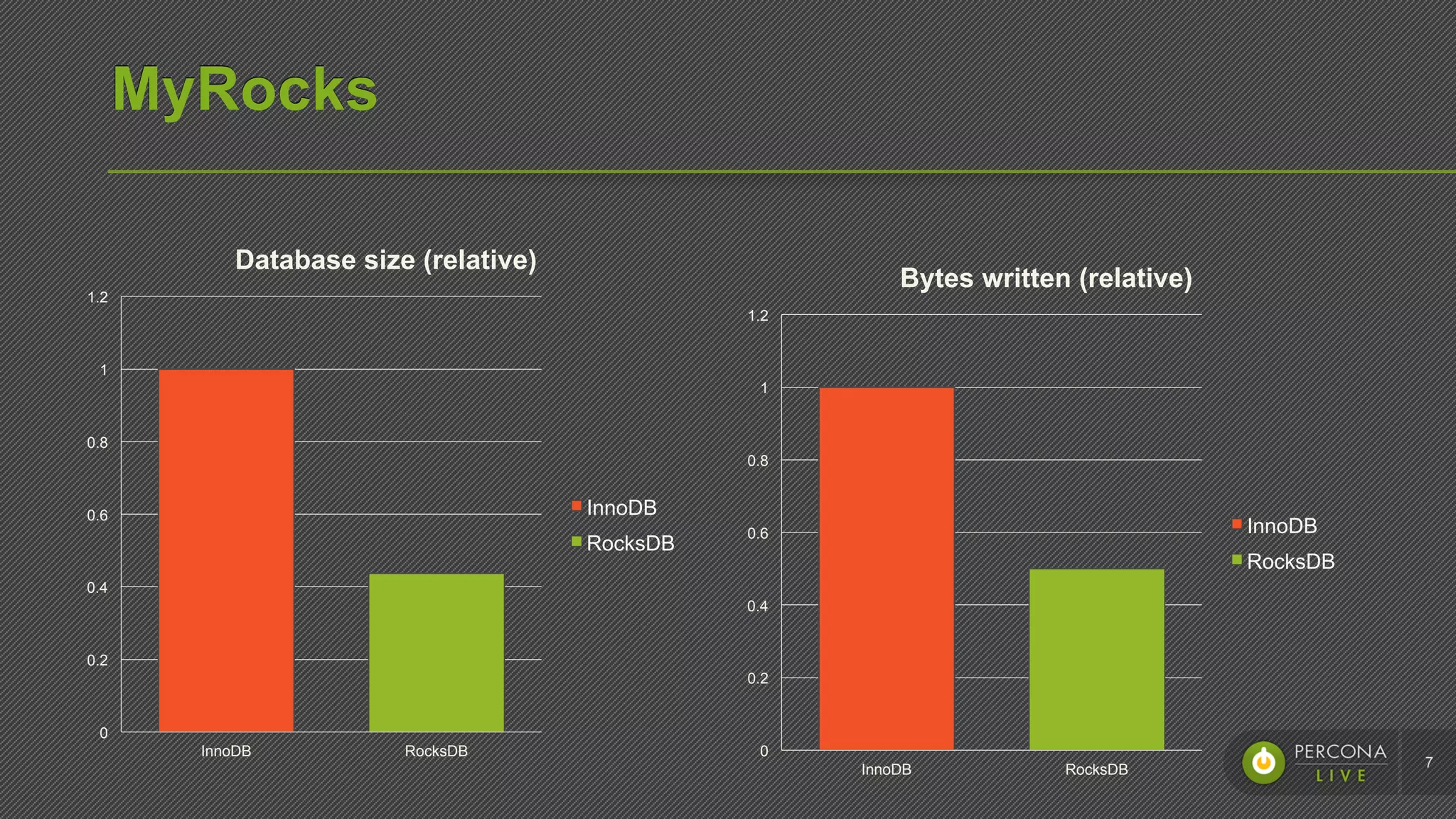
MyRocks
7
InnoDB RocksDB
0
0.2
0.4
0.6
0.8
1
1.2
Database size (relative)
InnoDB
RocksDB
InnoDB RocksDB
0
0.2
0.4
0.6
0.8
1
1.2
Bytes written (relative)
InnoDB
RocksDB
Architecture
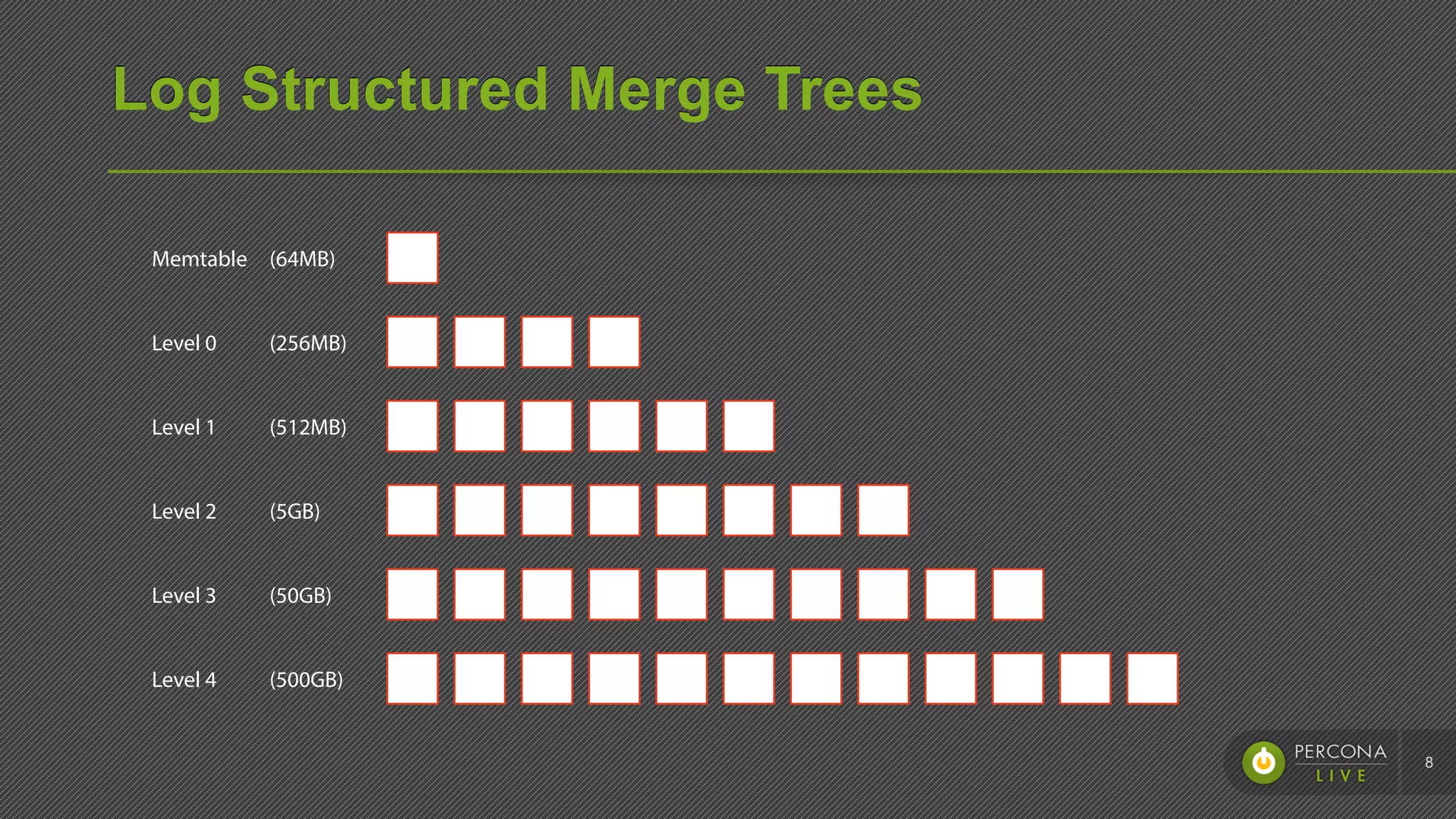
Log Structured Merge Trees
8
(64MB)
(256MB)
(512MB)
(5GB)
(50GB)
(500GB)
Memtable
Level 0
Level 1
Level 2
Level 3
Level 4
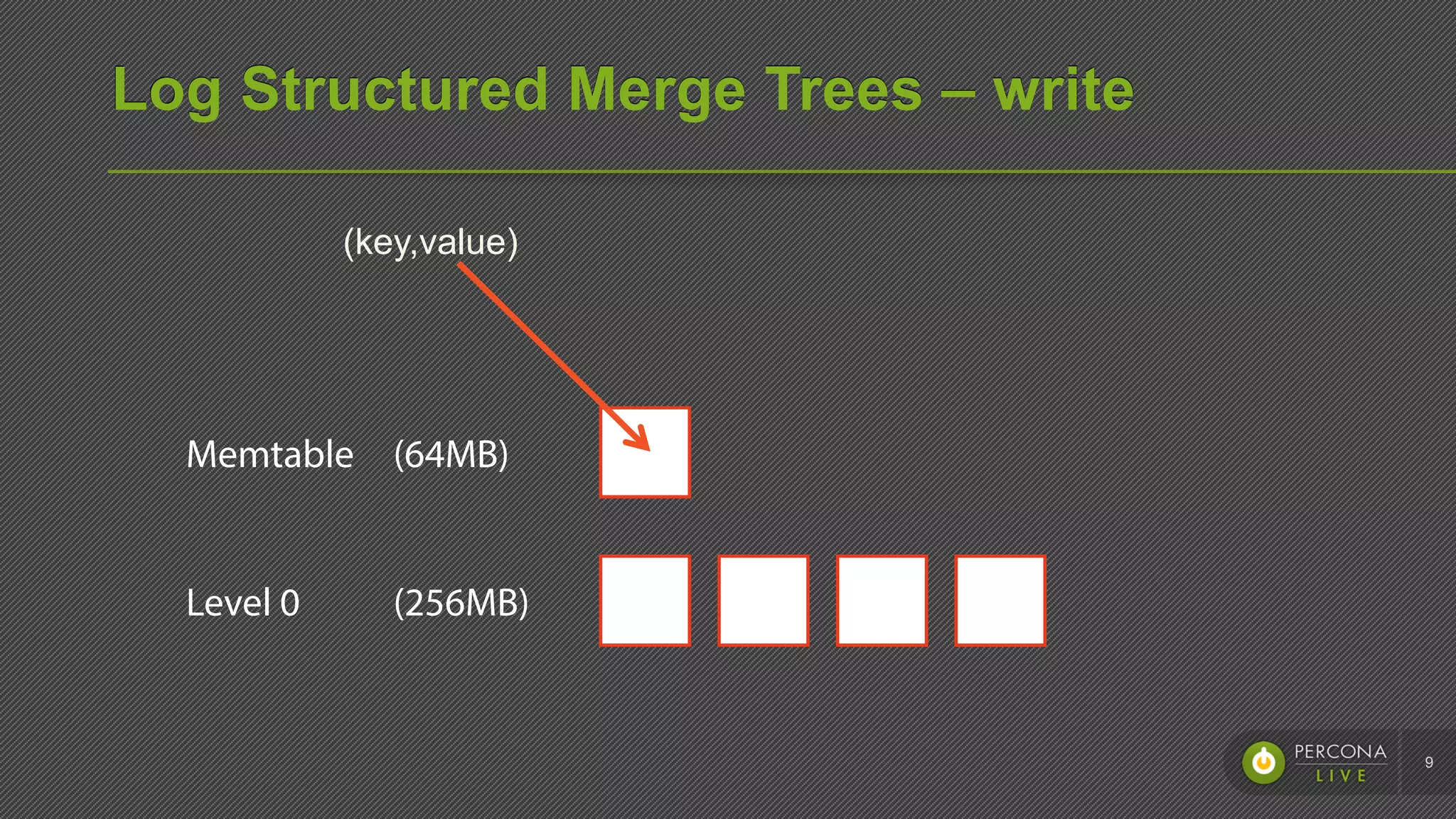
Log Structured Merge Trees – write
9
(64MB)
(256MB)
Memtable
Level 0
(key,value)
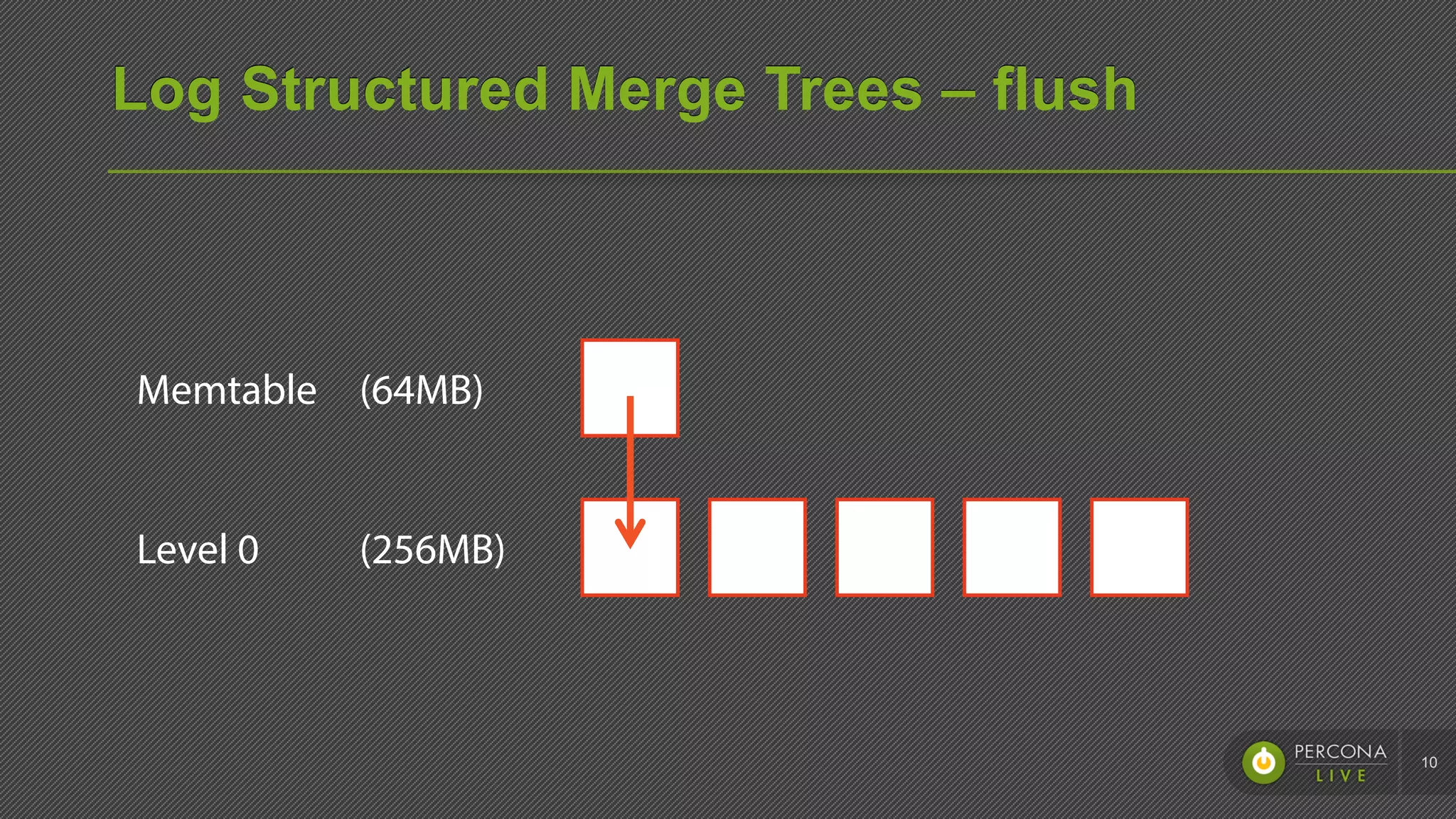
Log Structured Merge Trees – flush
10
(64MB)
(256MB)
Memtable
Level 0
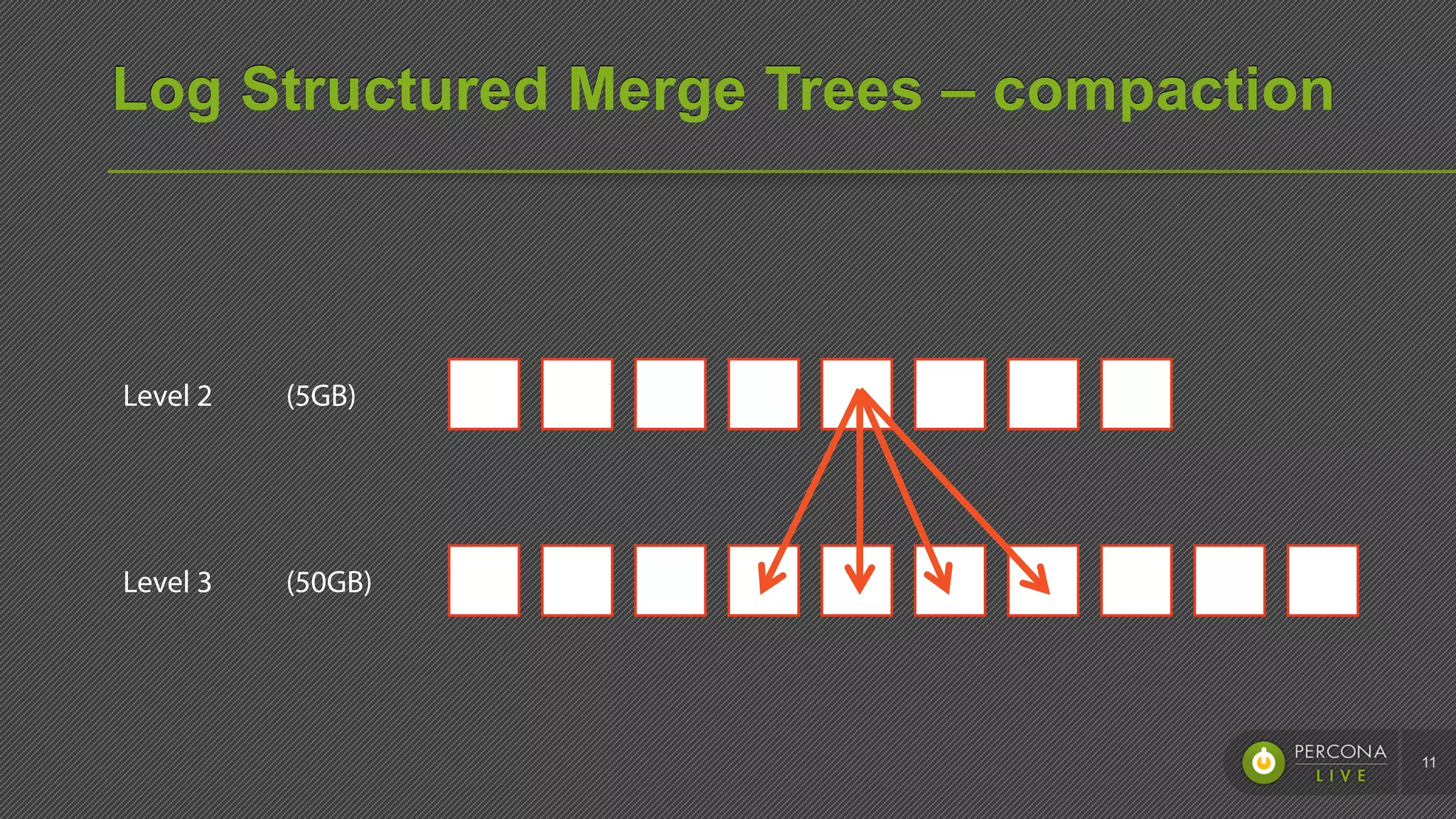
Log Structured Merge Trees – compaction
11
(5GB)
(50GB)
Level 2
Level 3
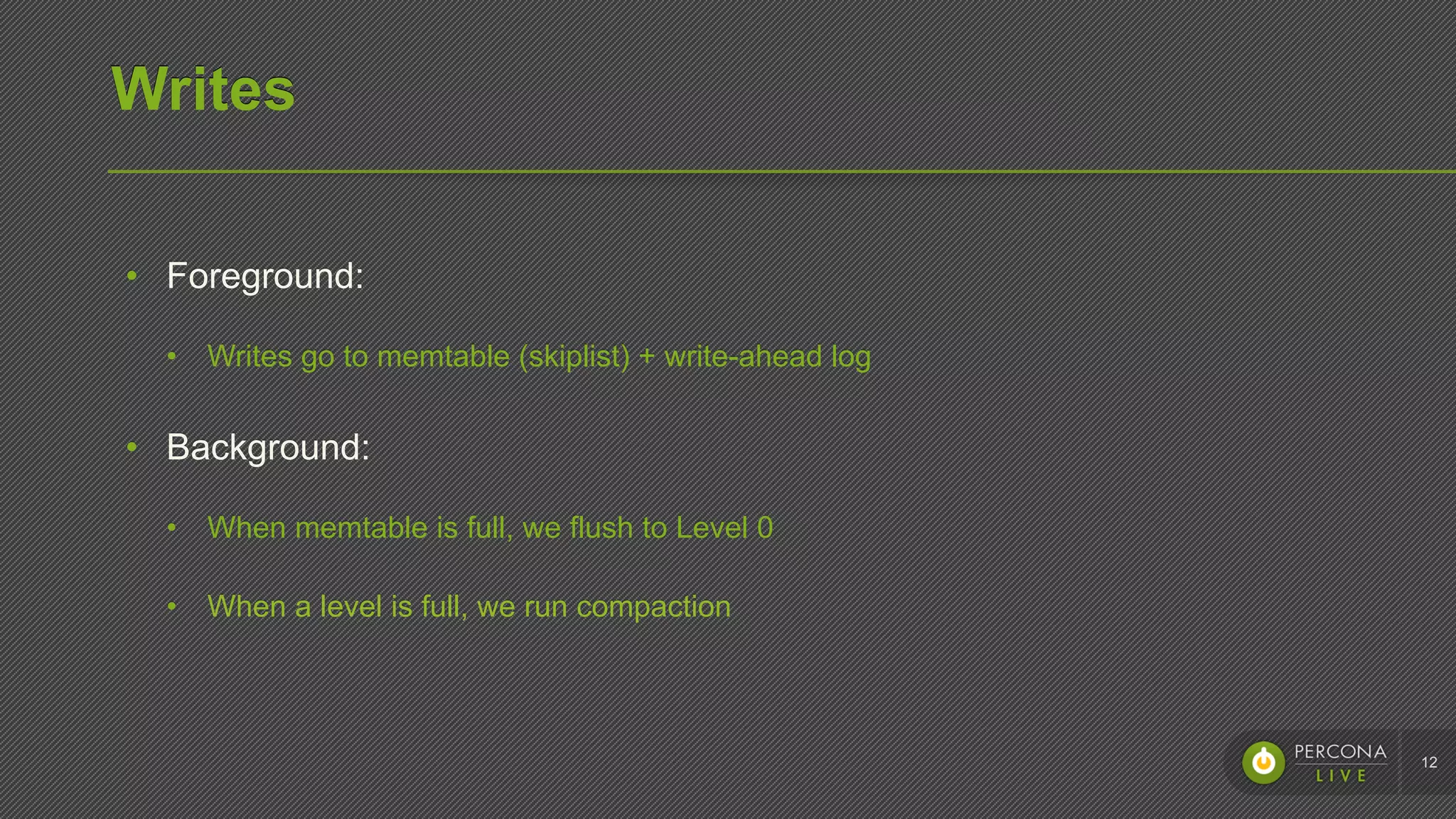
Writes
•  Foreground:
•  Writes go to memtable (skiplist) + write-ahead log
•  Background:
•  When memtable is full, we flush to Level 0
•  When a level is full, we run compaction
12
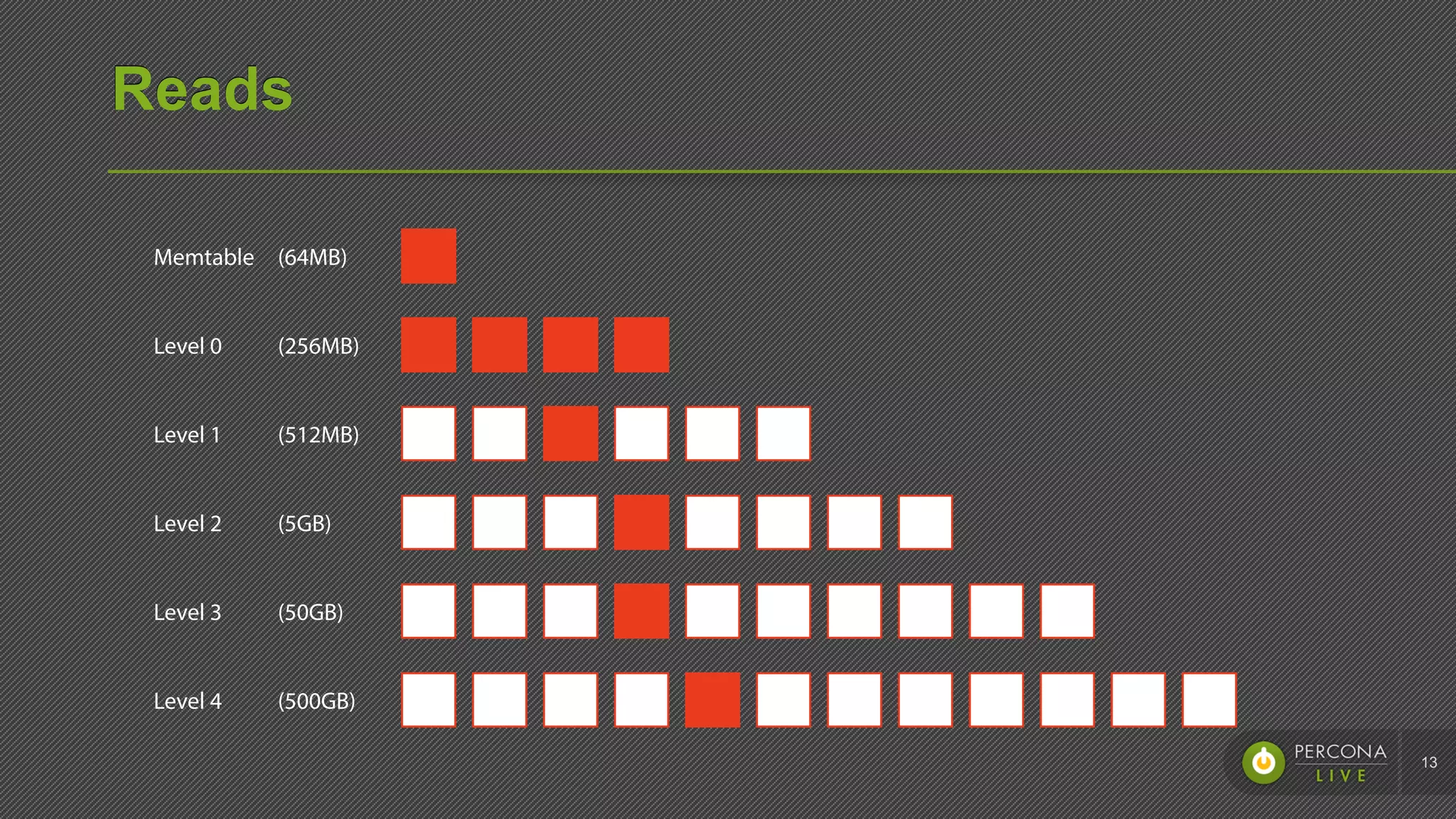
Reads
13
(64MB)
(256MB)
(512MB)
(5GB)
(50GB)
(500GB)
Memtable
Level 0
Level 1
Level 2
Level 3
Level 4
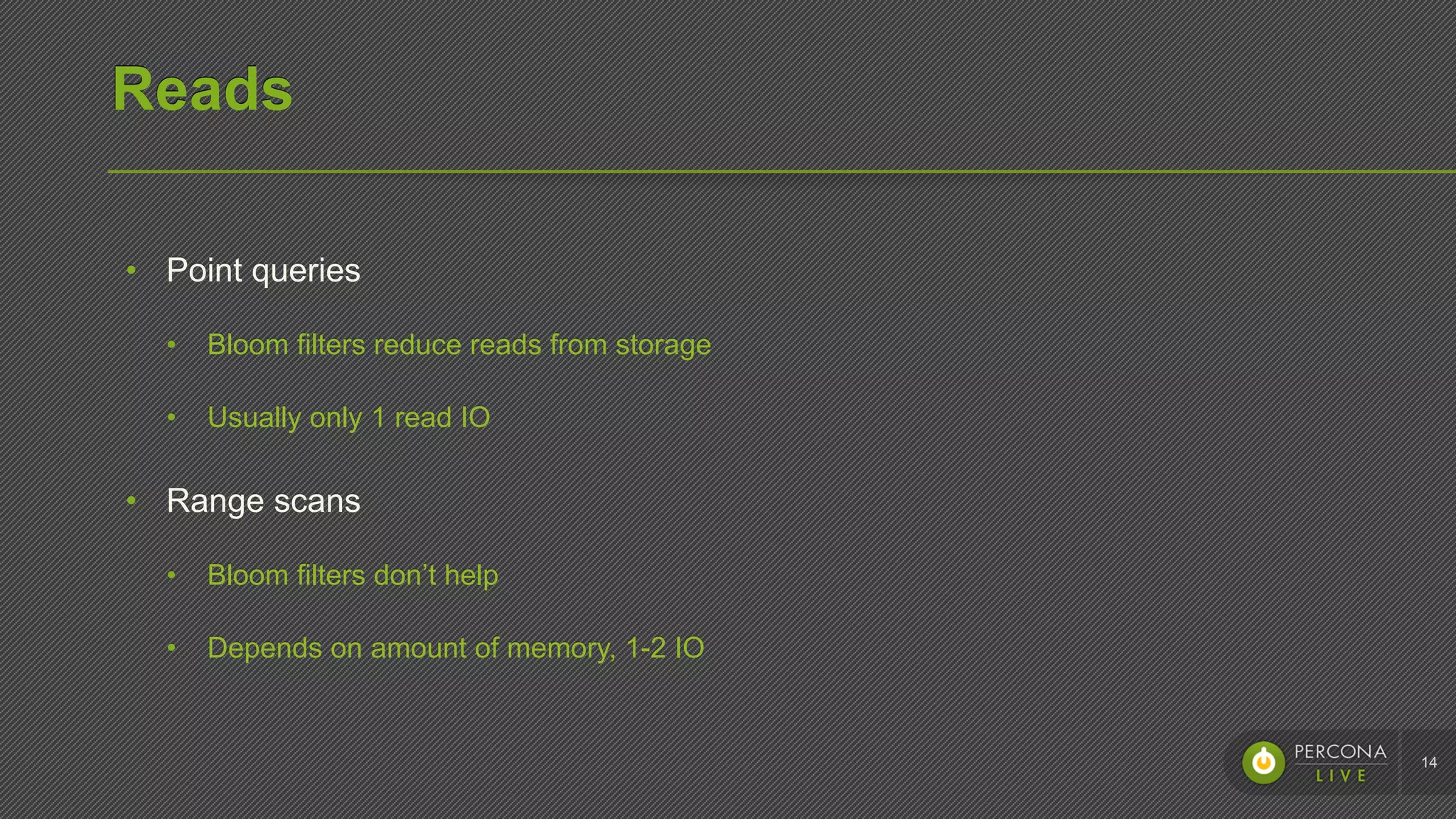
Reads
•  Point queries
•  Bloom filters reduce reads from storage
•  Usually only 1 read IO
•  Range scans
•  Bloom filters don’t help
•  Depends on amount of memory, 1-2 IO
14
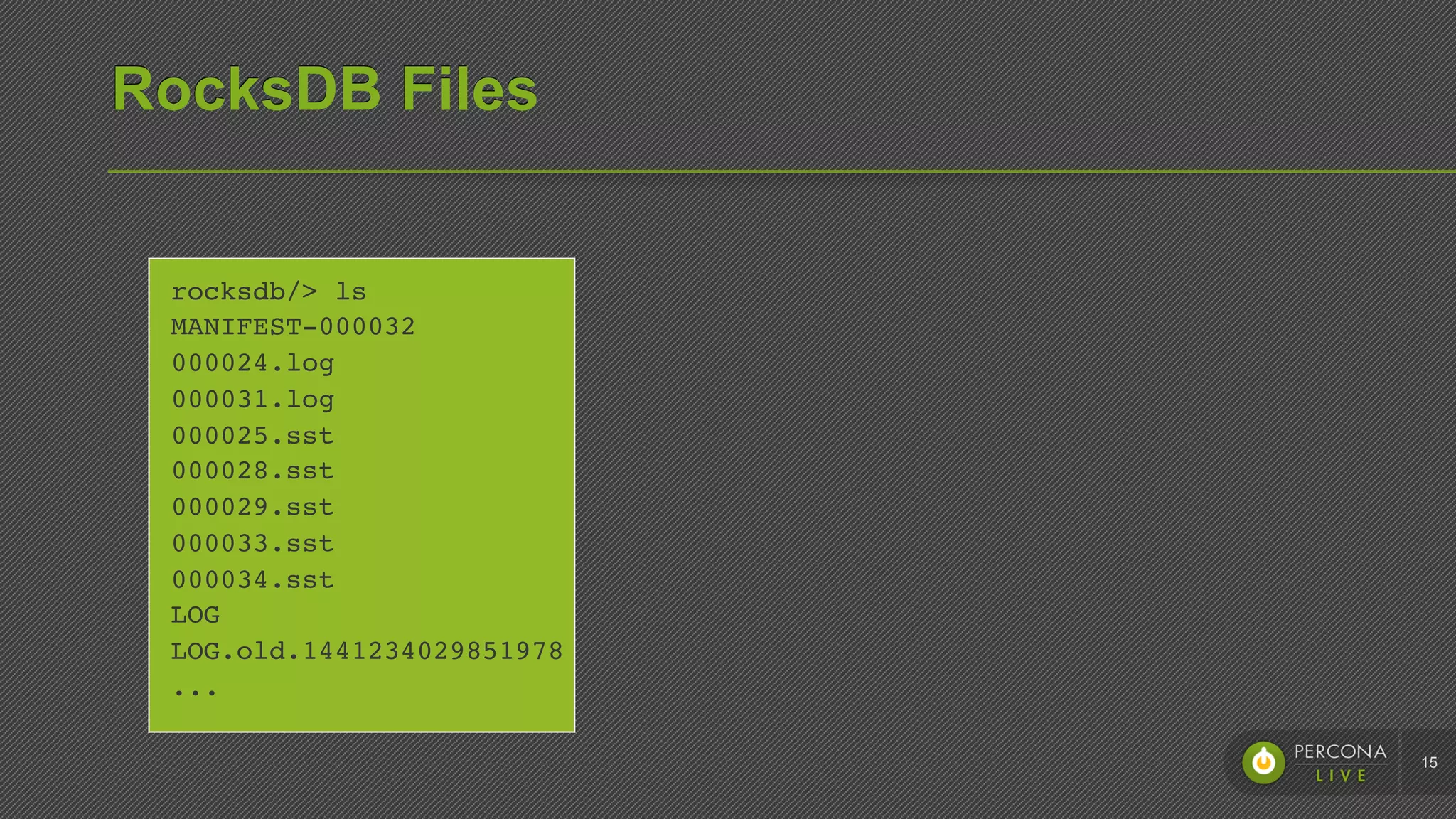
RocksDB Files
15
rocksdb/> ls

MANIFEST-000032

000024.log

000031.log

000025.sst

000028.sst

000029.sst

000033.sst

000034.sst

LOG

LOG.old.1441234029851978

...
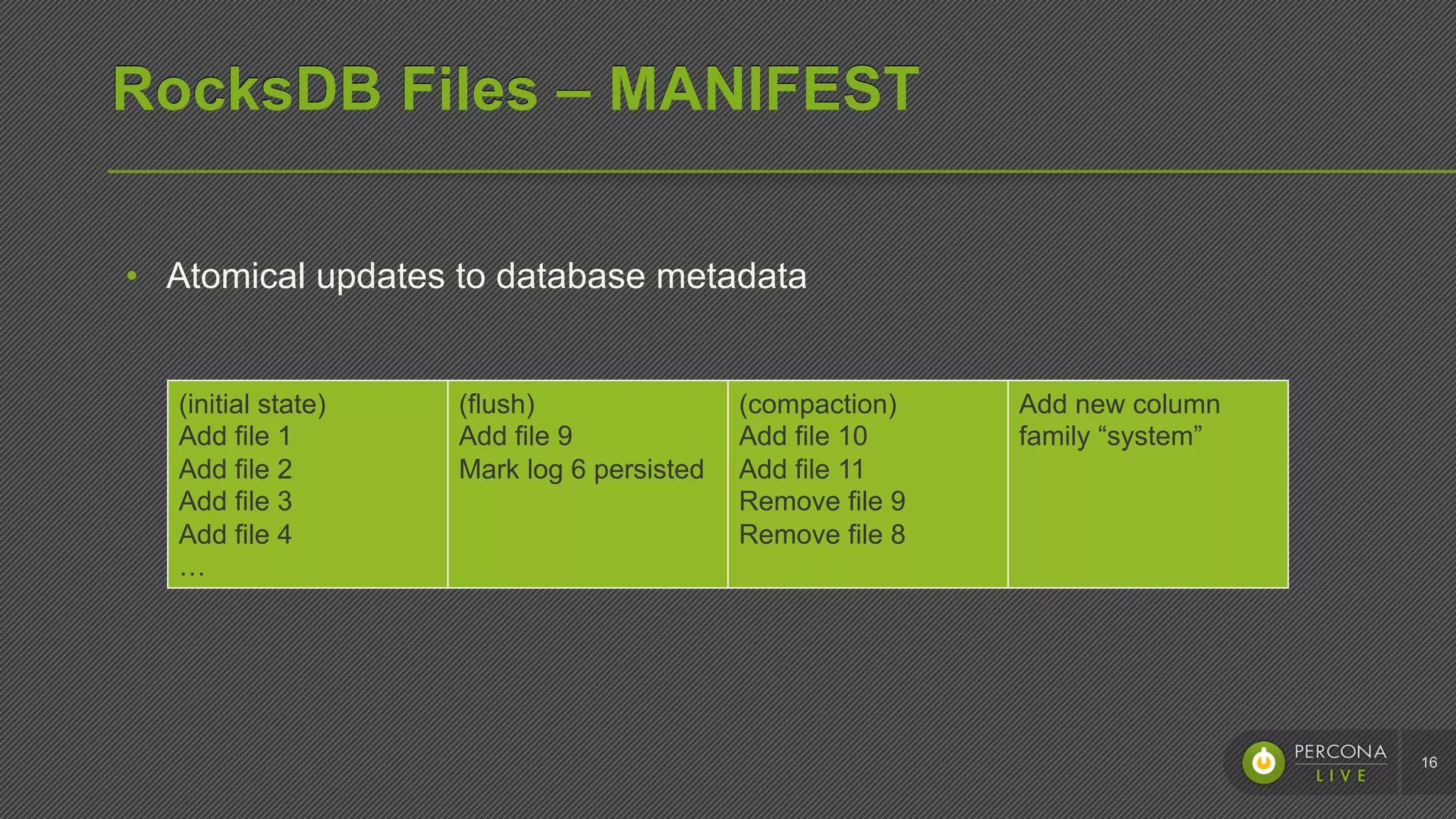
RocksDB Files – MANIFEST
16
(initial state)
Add file 1
Add file 2
Add file 3
Add file 4
…
(flush)
Add file 9
Mark log 6 persisted
(compaction)
Add file 10
Add file 11
Remove file 9
Remove file 8
Add new column
family “system”
•  Atomical updates to database metadata
RocksDB Files – Write-ahead log
17
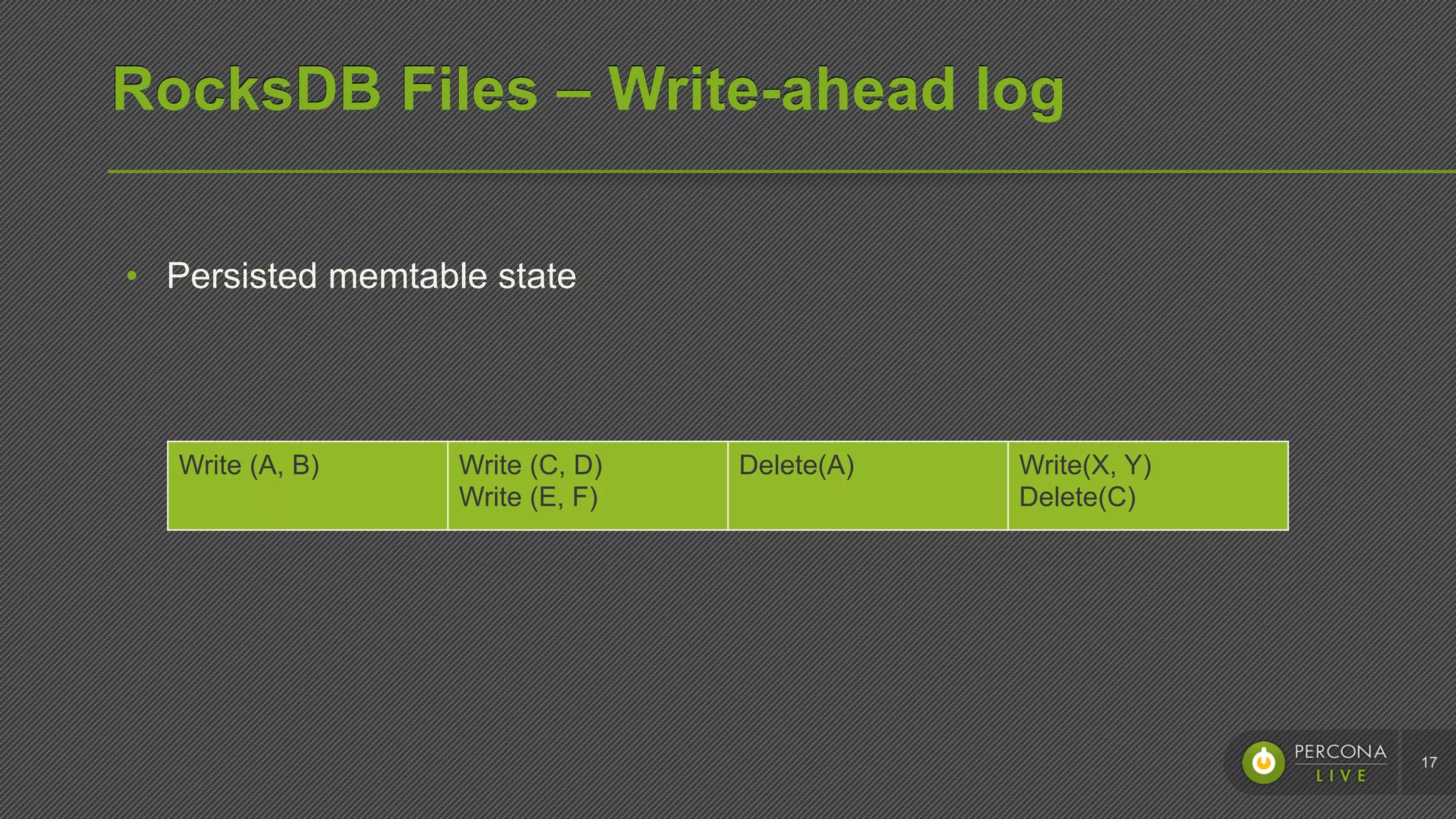
Write (A, B) Write (C, D)
Write (E, F)
Delete(A) Write(X, Y)
Delete(C)
•  Persisted memtable state
RocksDB Files – Table files
18
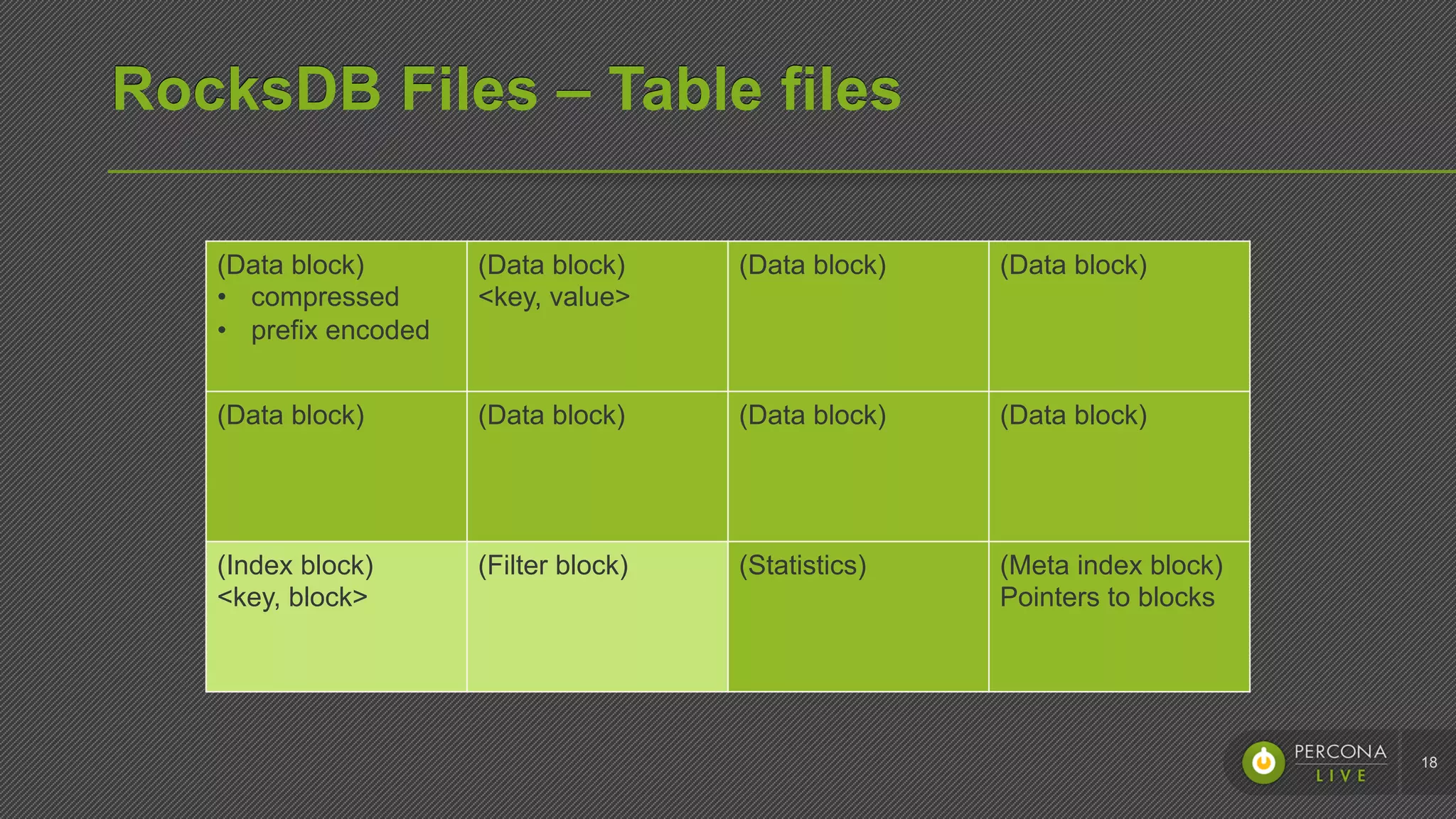
(Data block)
•  compressed
•  prefix encoded
(Data block)
<key, value>
(Data block) (Data block)
(Data block) (Data block) (Data block) (Data block)
(Index block)
<key, block>
(Filter block) (Statistics) (Meta index block)
Pointers to blocks
RocksDB Files – LOG files
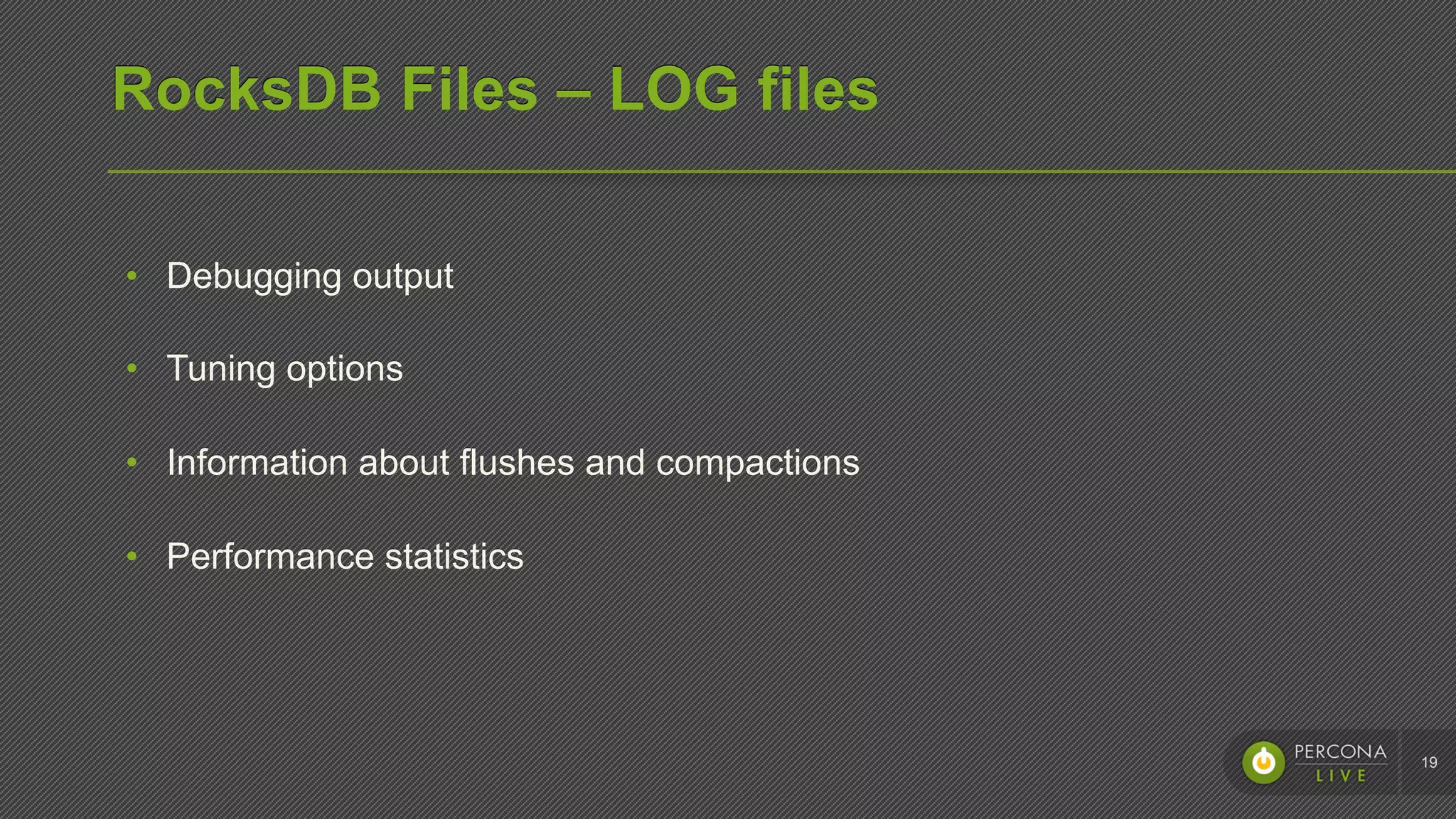
•  Debugging output
•  Tuning options
•  Information about flushes and compactions
•  Performance statistics
19
Backups
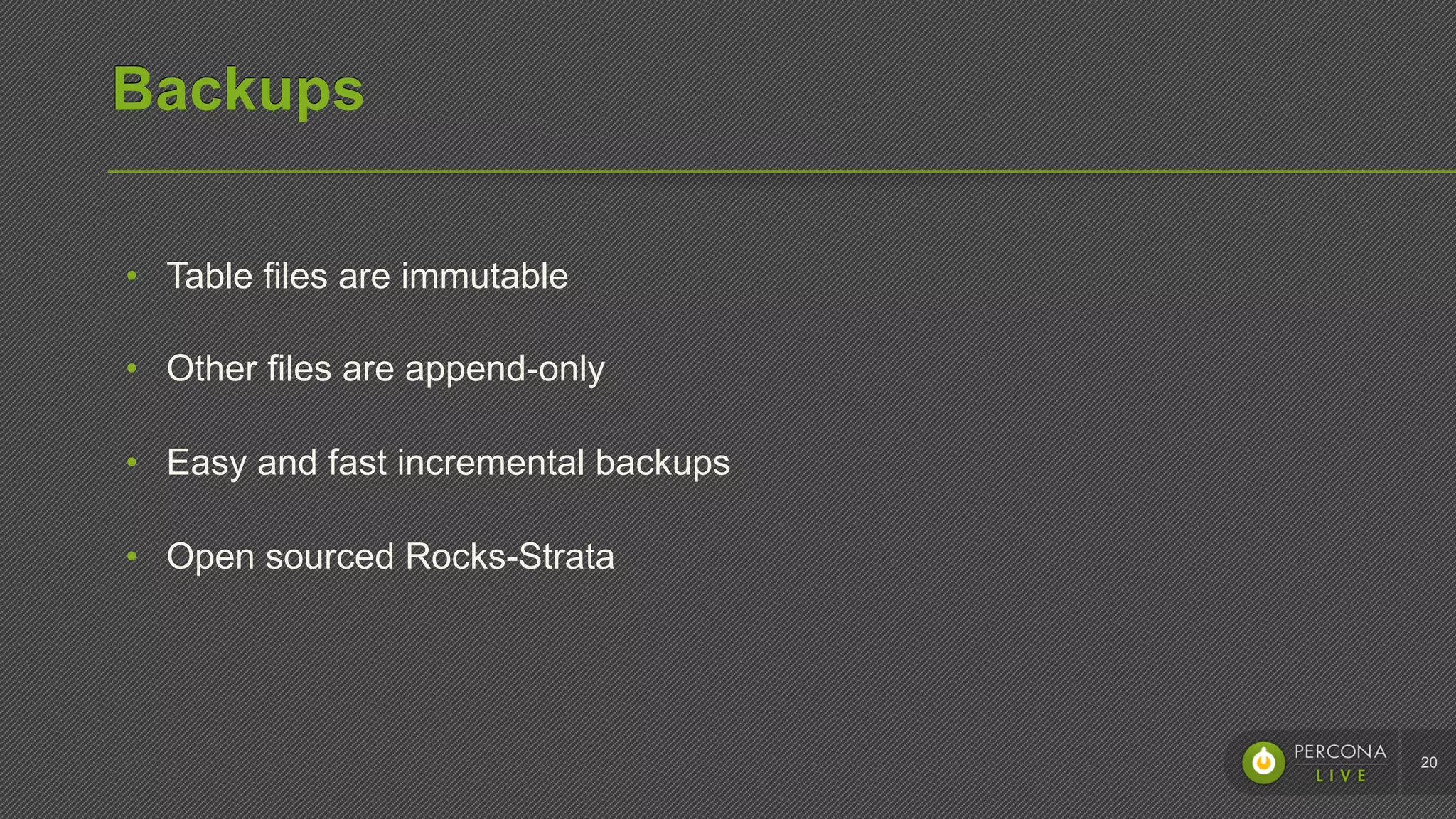
•  Table files are immutable
•  Other files are append-only
•  Easy and fast incremental backups
•  Open sourced Rocks-Strata
20
Performance tuning
Tombstones
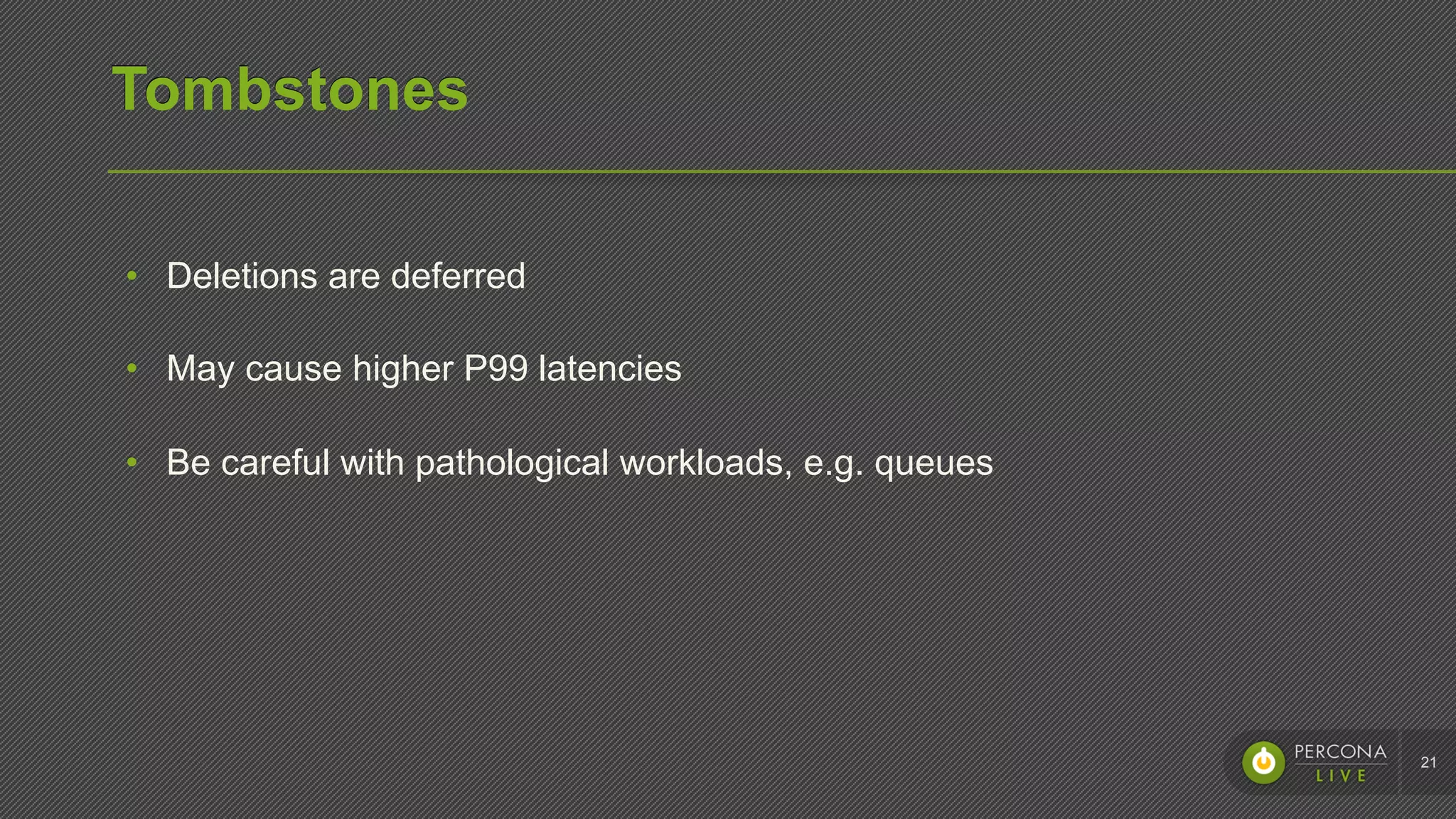
•  Deletions are deferred
•  May cause higher P99 latencies
•  Be careful with pathological workloads, e.g. queues
21
Caching
22
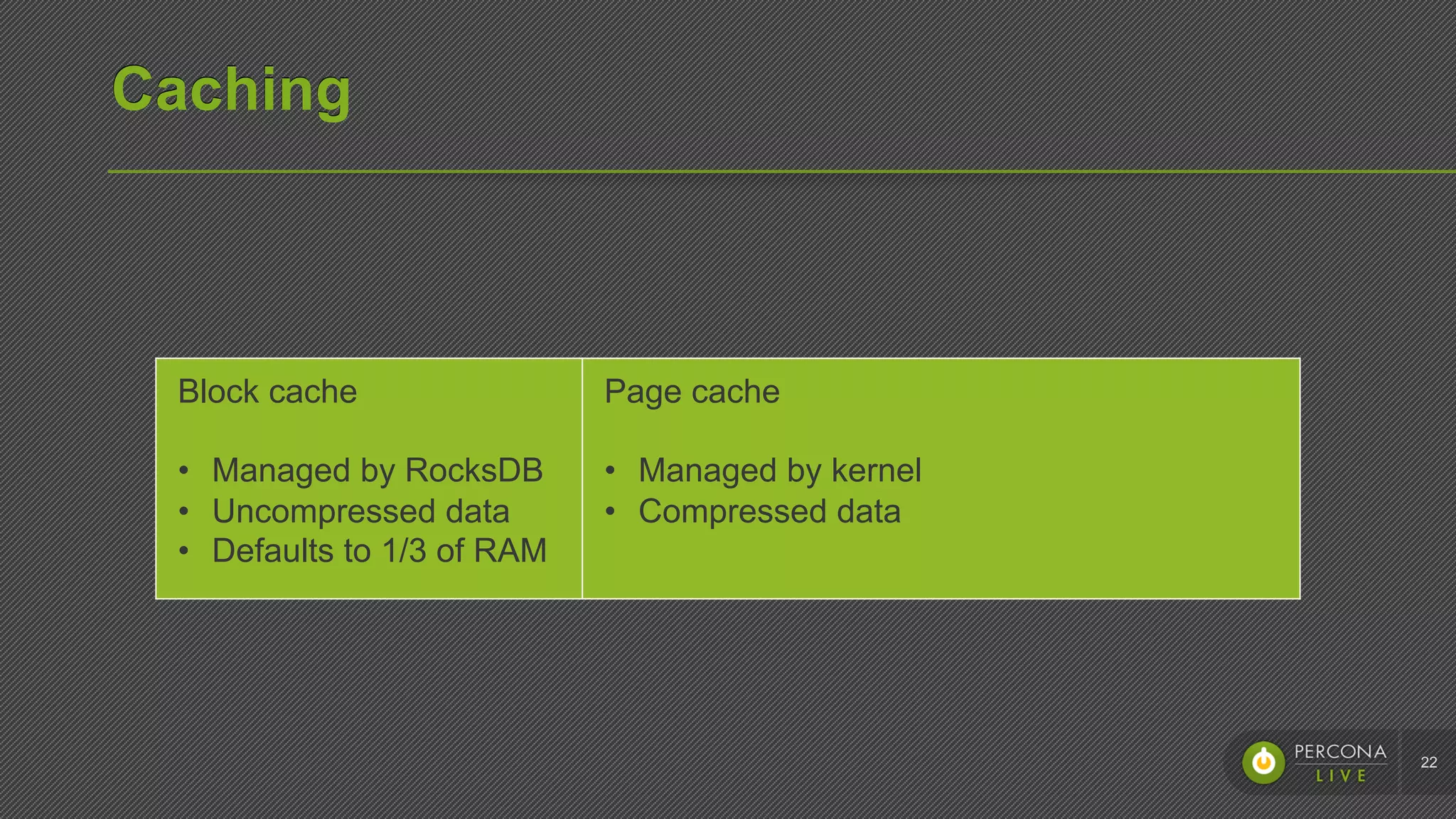
Block cache
•  Managed by RocksDB
•  Uncompressed data
•  Defaults to 1/3 of RAM
Page cache
•  Managed by kernel
•  Compressed data
Memory usage
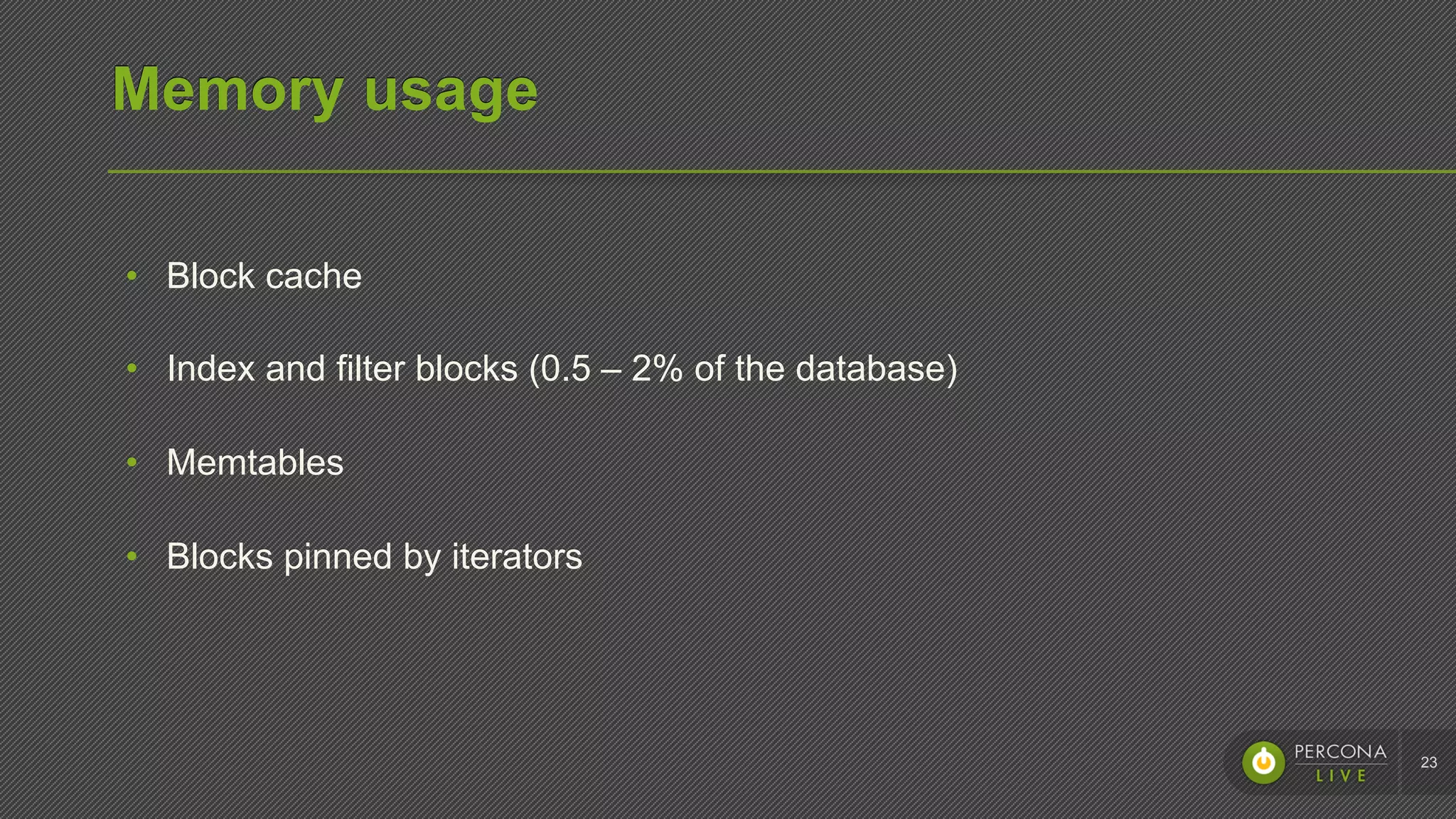
•  Block cache
•  Index and filter blocks (0.5 – 2% of the database)
•  Memtables
•  Blocks pinned by iterators
23
Reduce memory usage
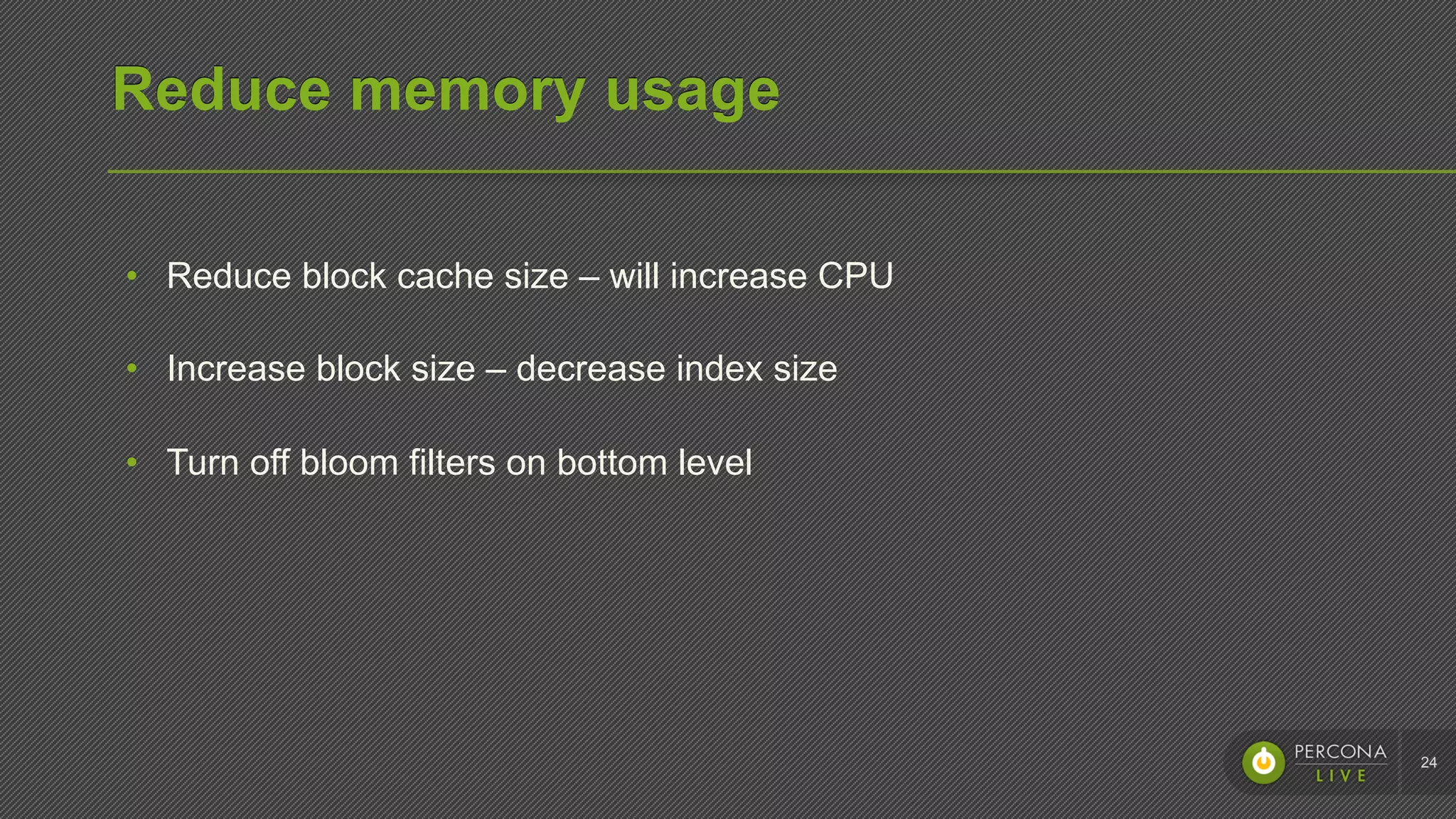
•  Reduce block cache size – will increase CPU
•  Increase block size – decrease index size
•  Turn off bloom filters on bottom level
24
Reduce CPU
•  Profile the CPU usage
•  Increase block cache size – will increase memory usage
•  Turn off compression
•  It might be tombstones
25
Reduce write amplification
•  Write amplification = 5 * num_levels
•  Increase memtable and level 1 size
•  Stronger (zlib, zstd) compression for bottom levels
•  Try universal compaction
26
Next steps
Next steps
•  Increase performance & stability
•  Deploy MyRocks at Facebook
•  External adoption of MyRocks and MongoRocks
•  Build an ecosystem
27
Thank you

RocksDB storage engine for MySQL and MongoDB