Responsive 
HTML Email 
https://flic.kr/p/idKefi
Benjy Stanton 
Freelance web designer
Responsive 
HTML Email
My Process 
https://flic.kr/p/idJmHY
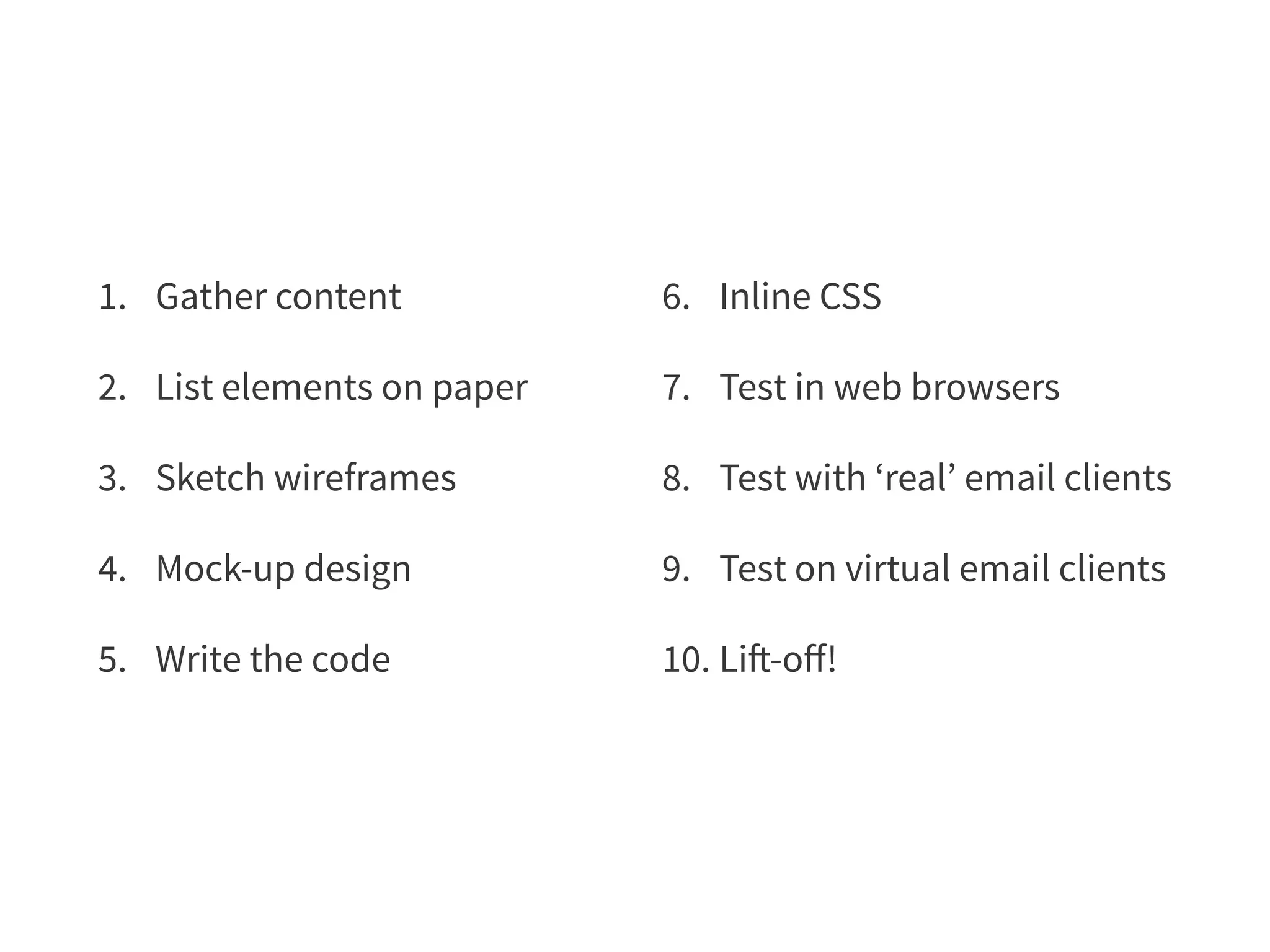
1. Gather content 
2. List elements on paper 
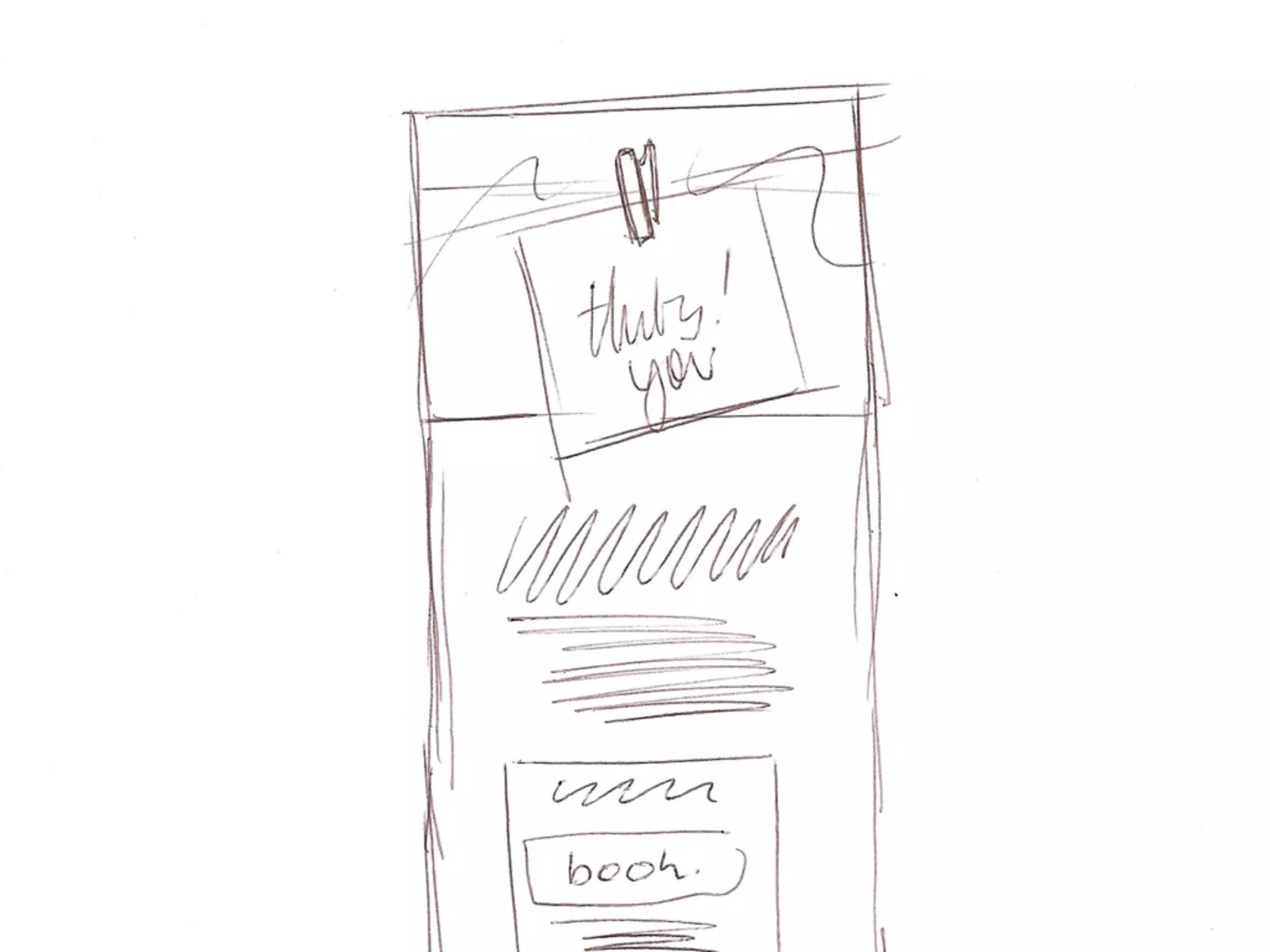
3. Sketch wireframes 
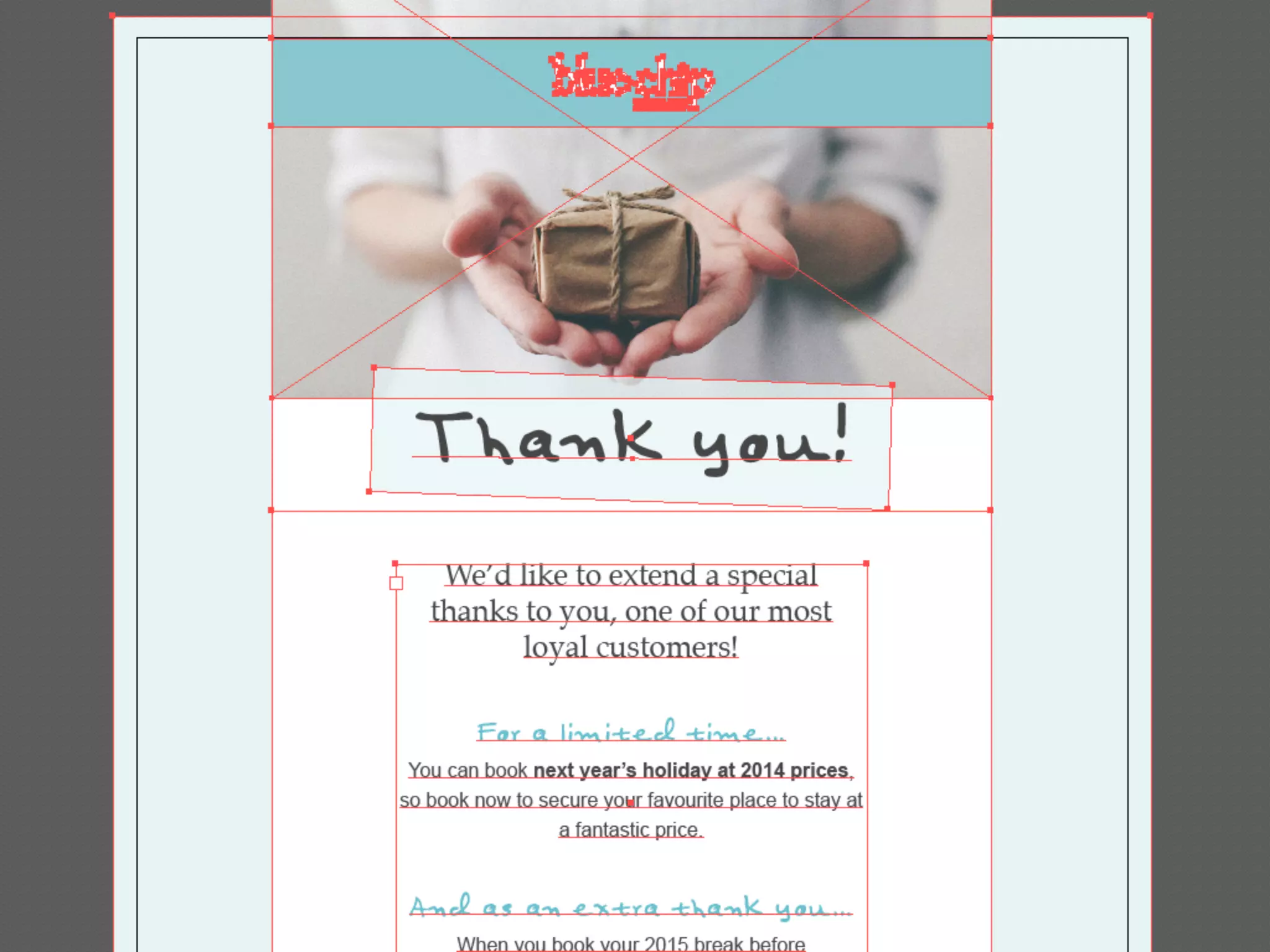
4. Mock-up design 
5. Write the code 
6. Inline CSS 
7. Test in web browsers 
8. Test with ‘real’ email clients 
9. Test on virtual email clients 
10. Lift-off!
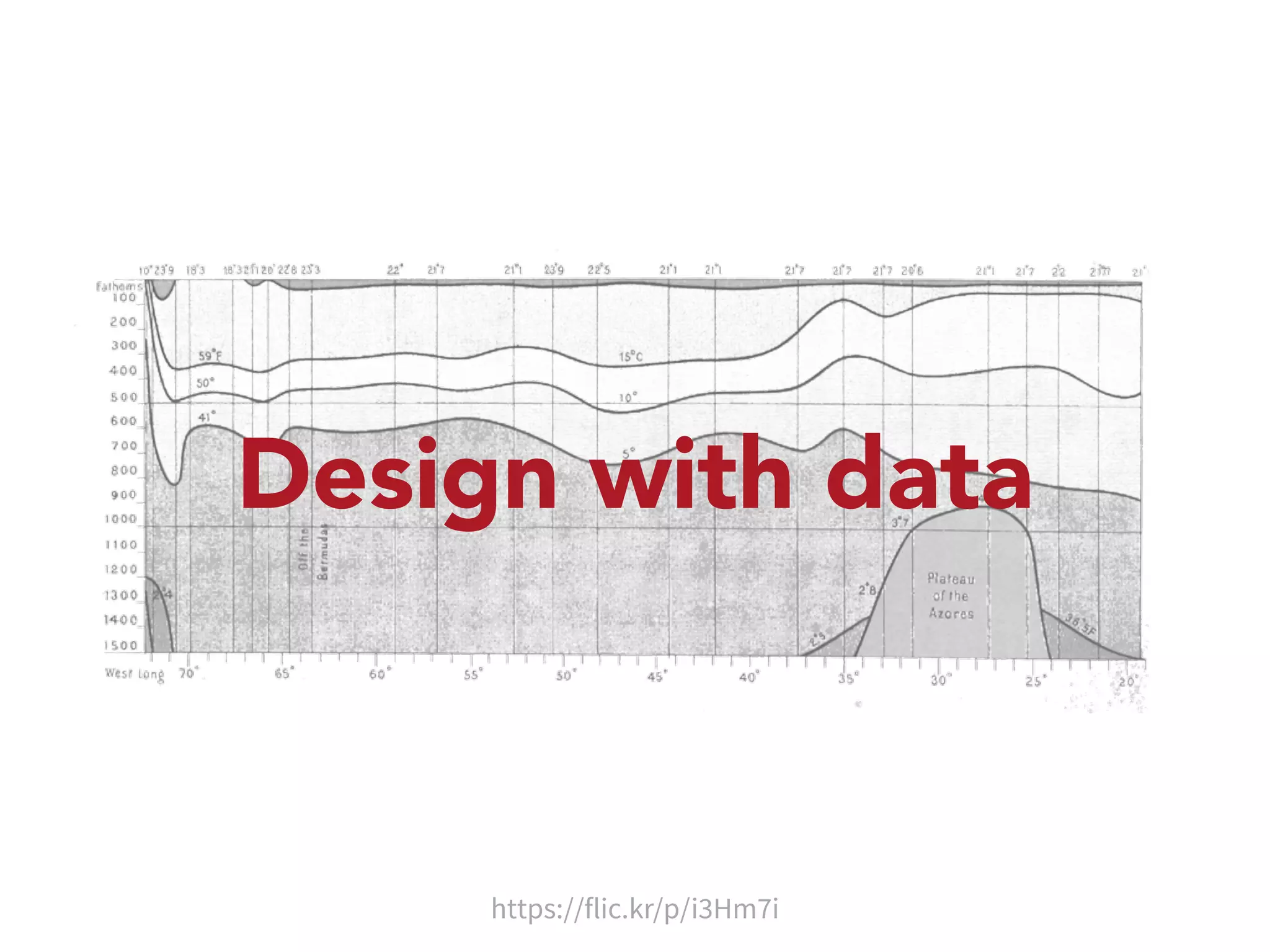
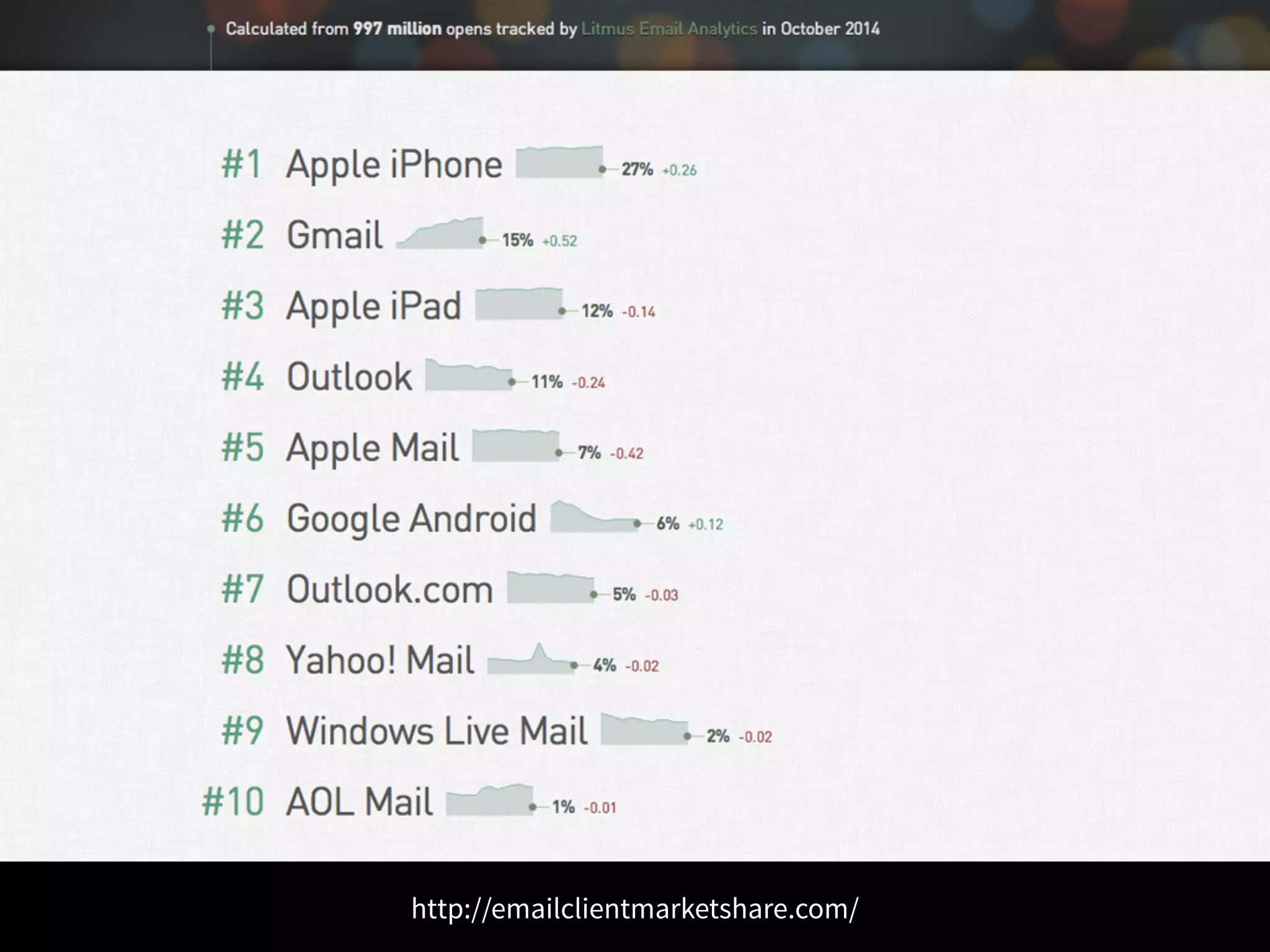
Design with data 
https://flic.kr/p/i3Hm7i
http://emailclientmarketshare.com/
Progressive 
enhancement
Start with plain text 
• Encourages a ‘Content First’ approach 
• Not having a plain text will anger the spam filters 
• Some older email clients can’t handle html 
• Some people prefer plain text and will set their 
email clients accordingly
Images off by default 
• Most email clients block images by default 
• Content should make sense with images off 
• Style ALT text so email looks good even 
without images
Link to web view 
• People may have images turned off 
• The html may not be rendering properly 
• It’s a handy way to share the email
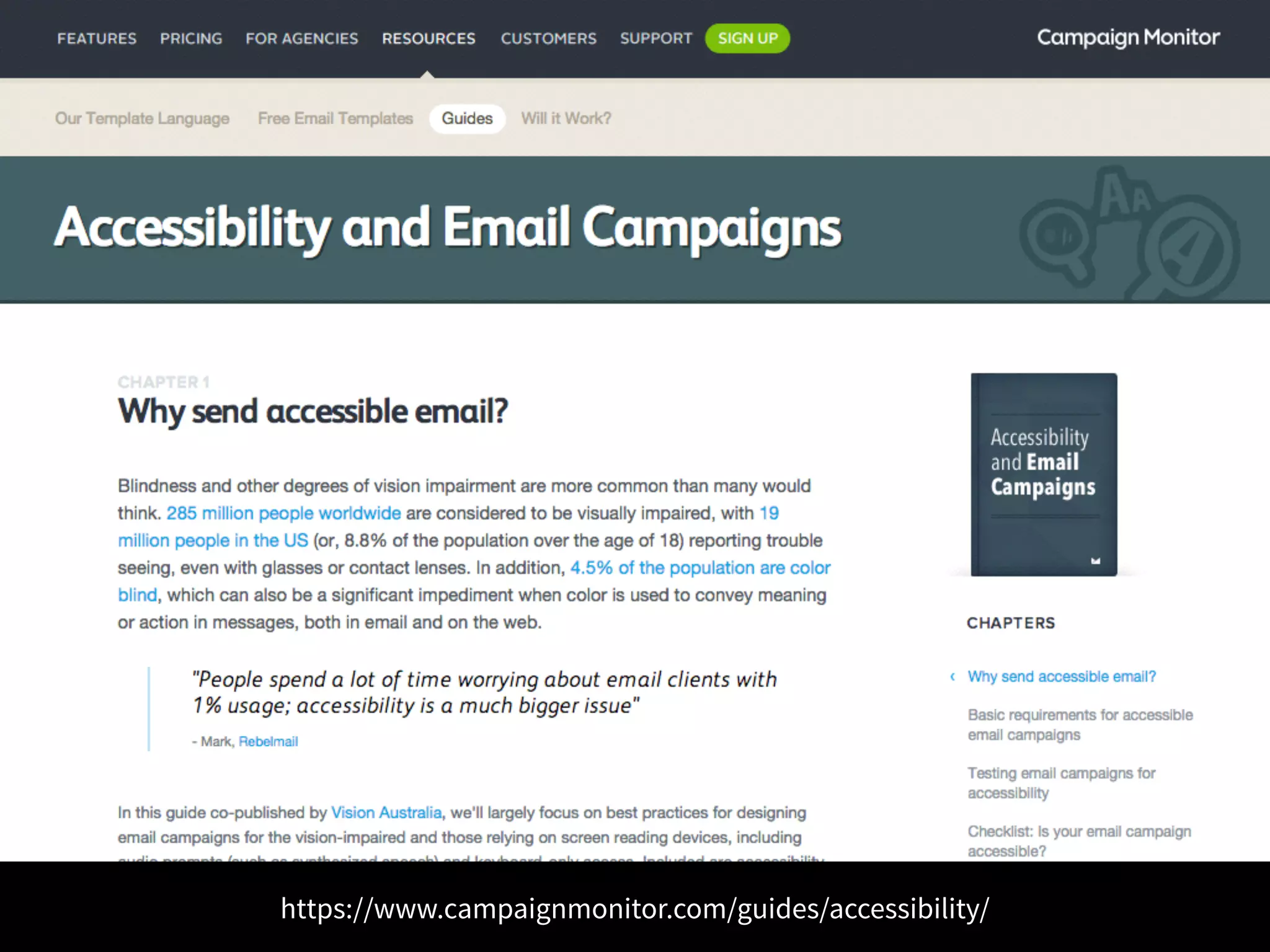
Accessibility
“People spend a lot of time worrying about 
email clients with 1% usage; accessibility 
is a much bigger issue” 
– Mark, Rebelmail
https://www.campaignmonitor.com/guides/accessibility/
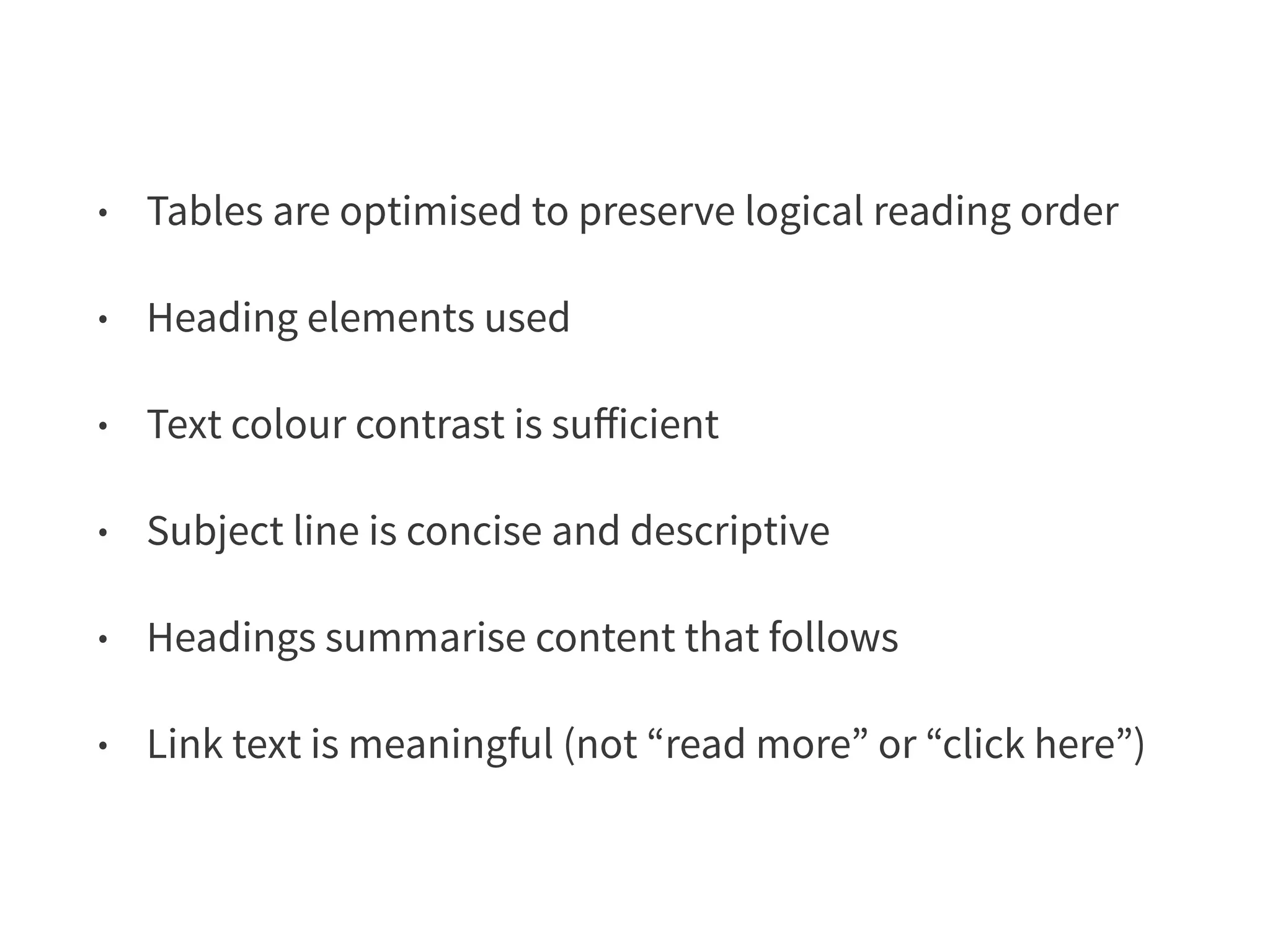
• Tables are optimised to preserve logical reading order 
• Heading elements used 
• Text colour contrast is sufficient 
• Subject line is concise and descriptive 
• Headings summarise content that follows 
• Link text is meaningful (not “read more” or “click here”)
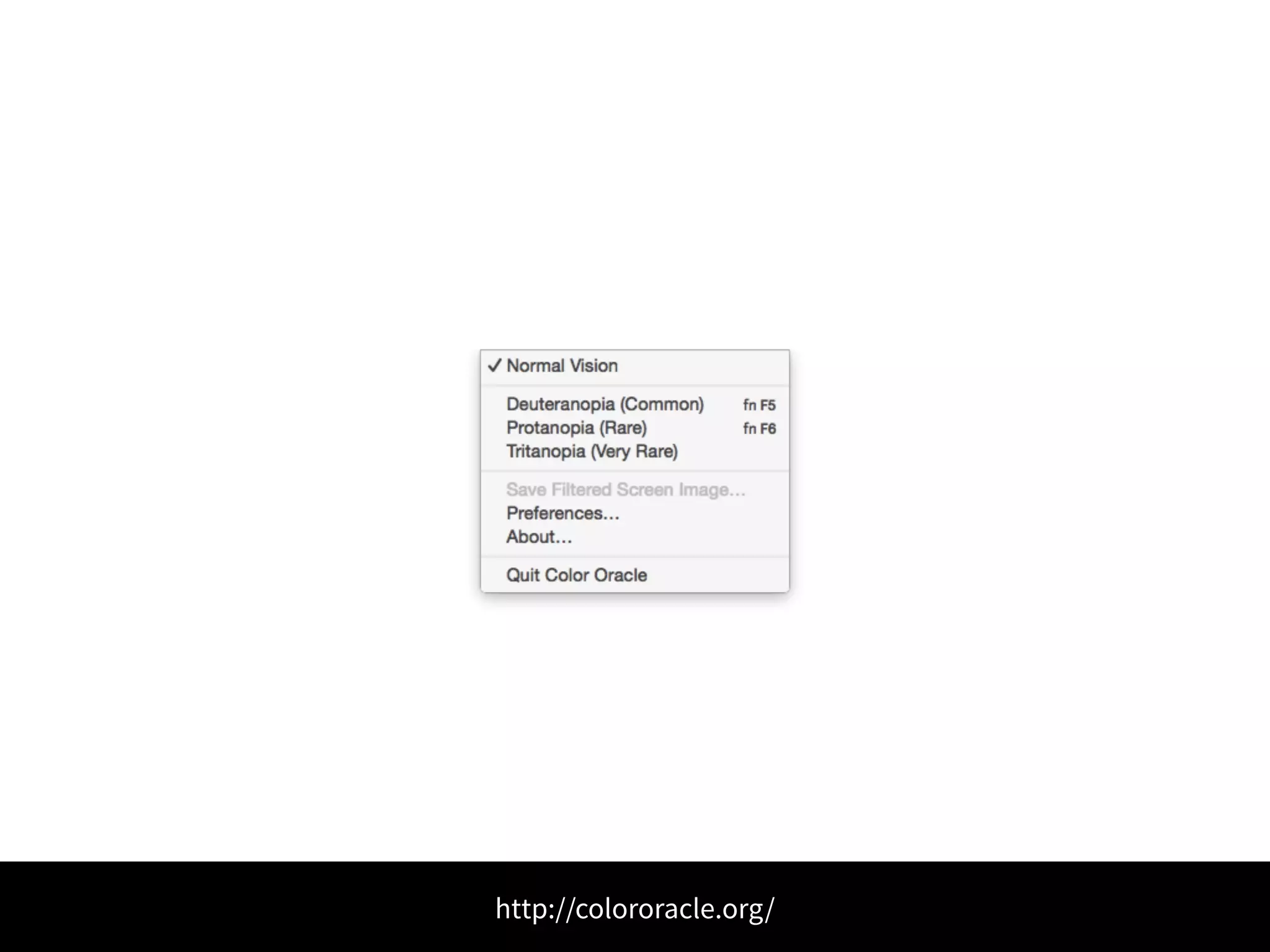
http://colororacle.org/
Back to the 
design process
Client brief 
• main objective of the email 
• target audience 
• an early draft of the content 
• guidance on potential design style 
(including imagery and brand guidelines)
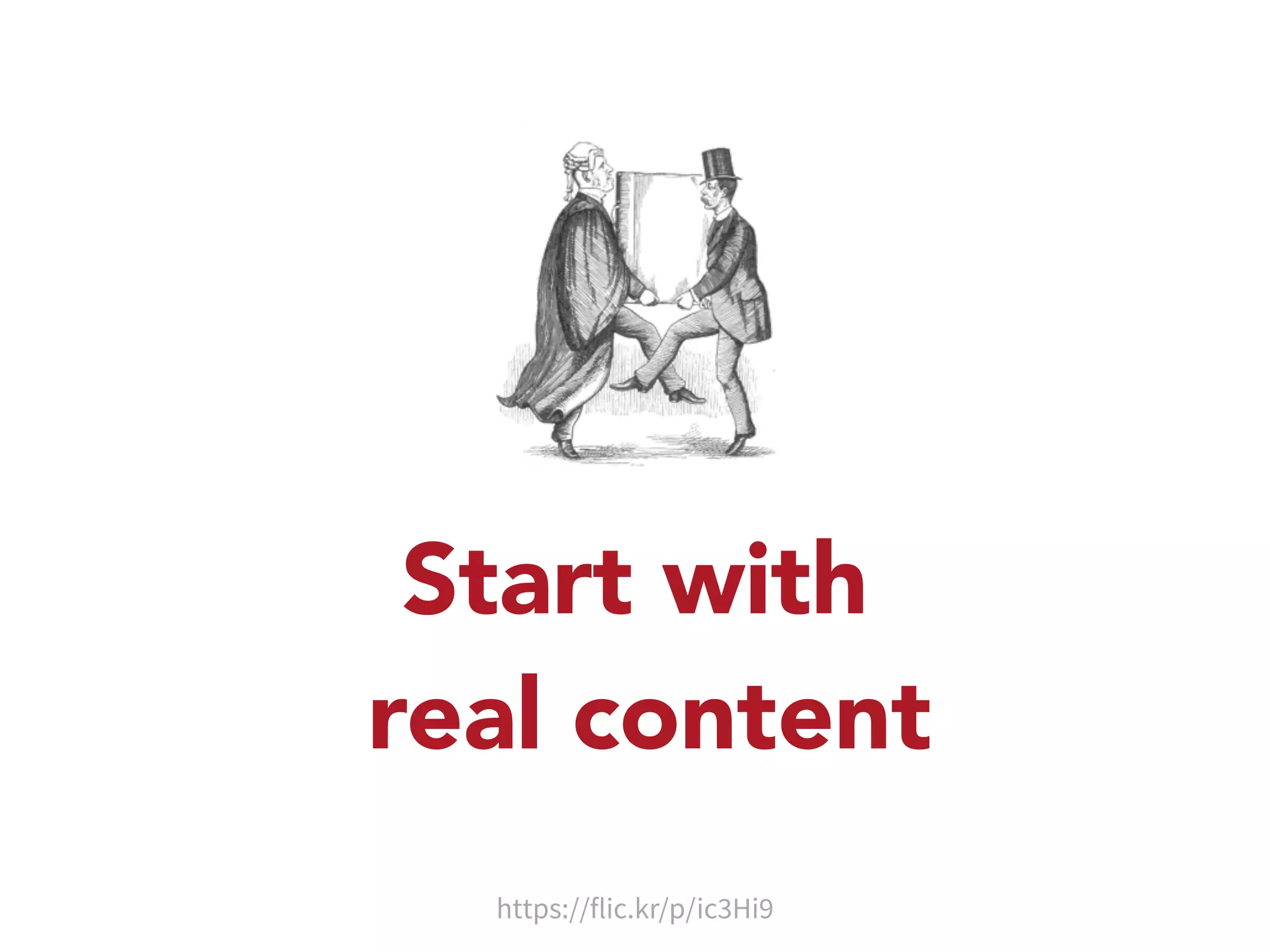
Start with 
real content 
https://flic.kr/p/ic3Hi9
• Logo 
• Main image 
• Heading 
• Paragraph (or two) 
• A main call to action 
• Contact details 
• Social media icons 
• Small print 
• Unsubscribe link 
• View in a browser link
Make a list 
• List the elements on some paper 
• Mark them up as h1, p, button etc. 
• develop a hierarchy and a source order 
(good for mobile first approach)
How big should an email be? 
• 600px wide for “desktop” email clients 
• I’ve already decided on the source order, so no 
real need to mock-up at narrower widths 
• Height and weight: smaller the better
Keep Things Simple 
• Use just 1 or 2 columns if you can 
• Be generous with spacing 
• Complicated designs take ages to test and debug
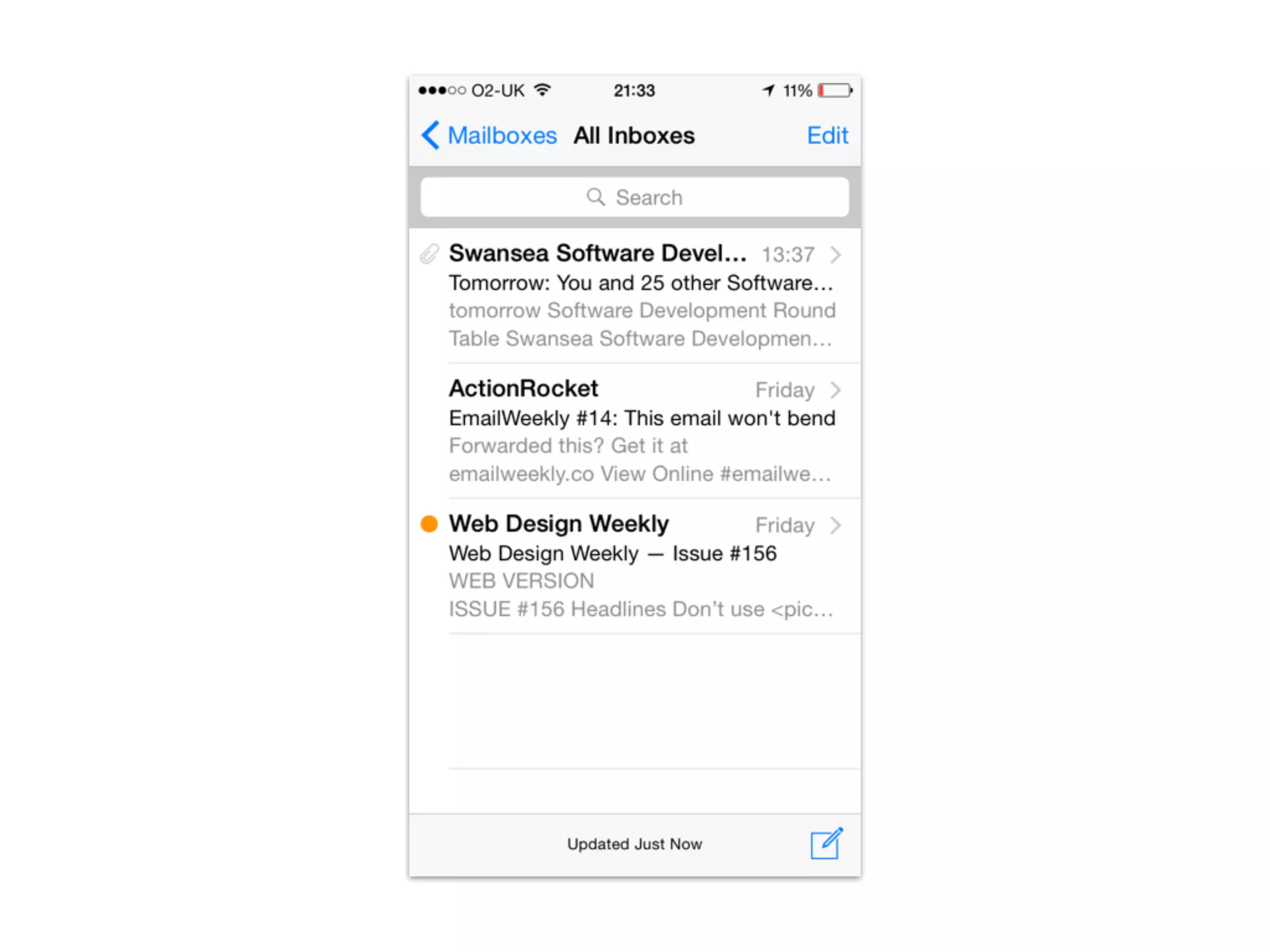
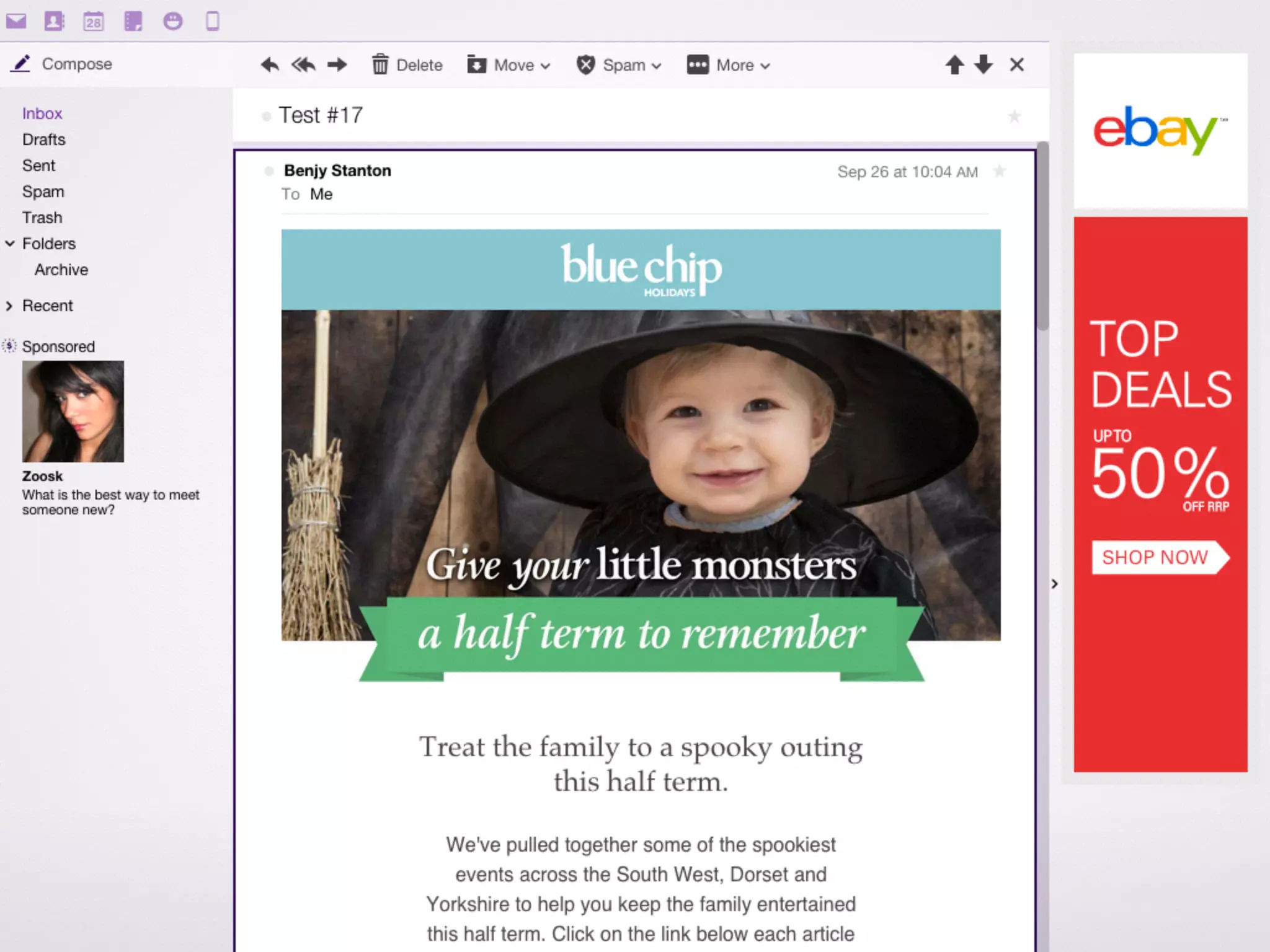
Consider how things 
will look in the inbox
Building
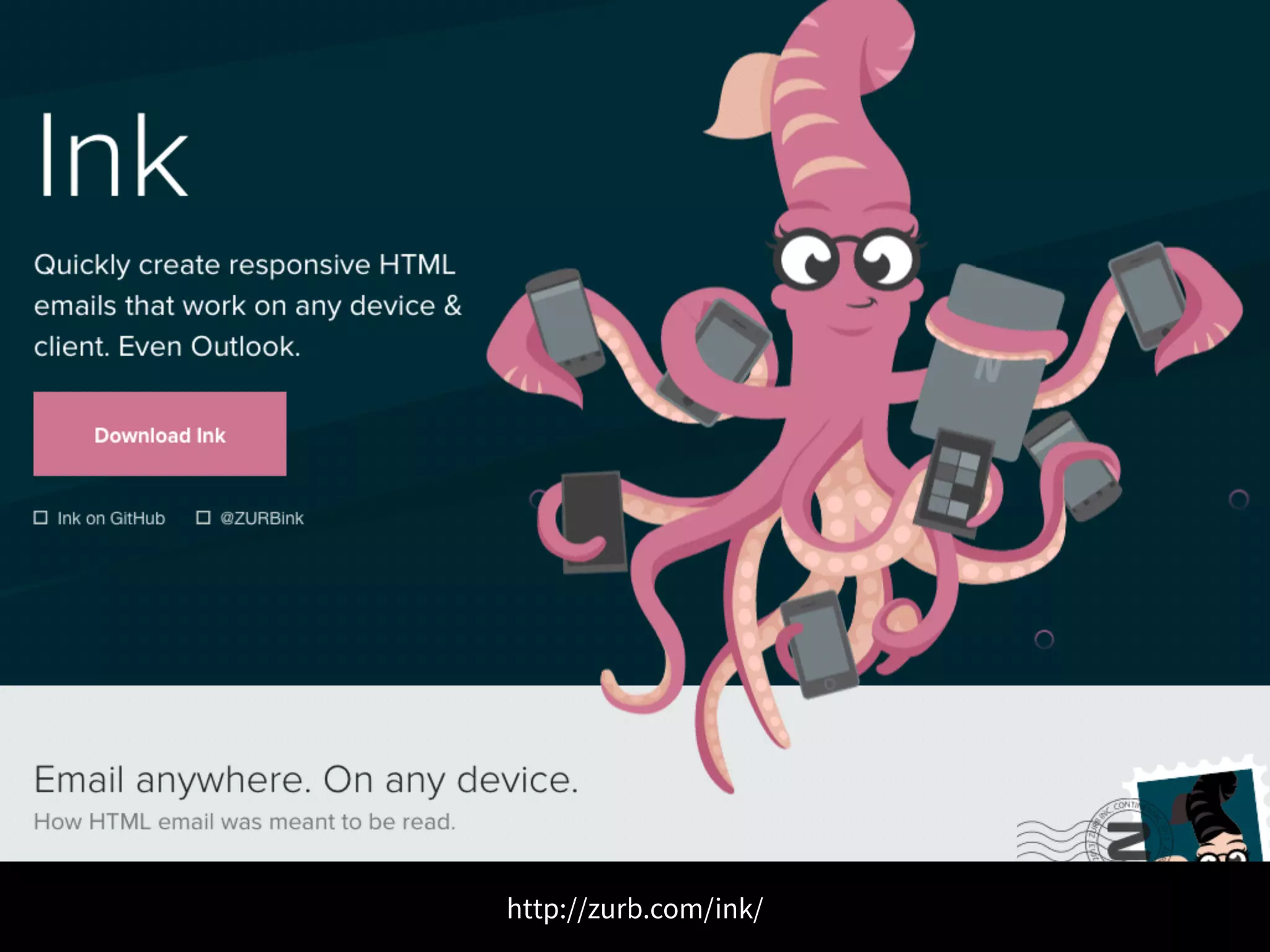
http://zurb.com/ink/
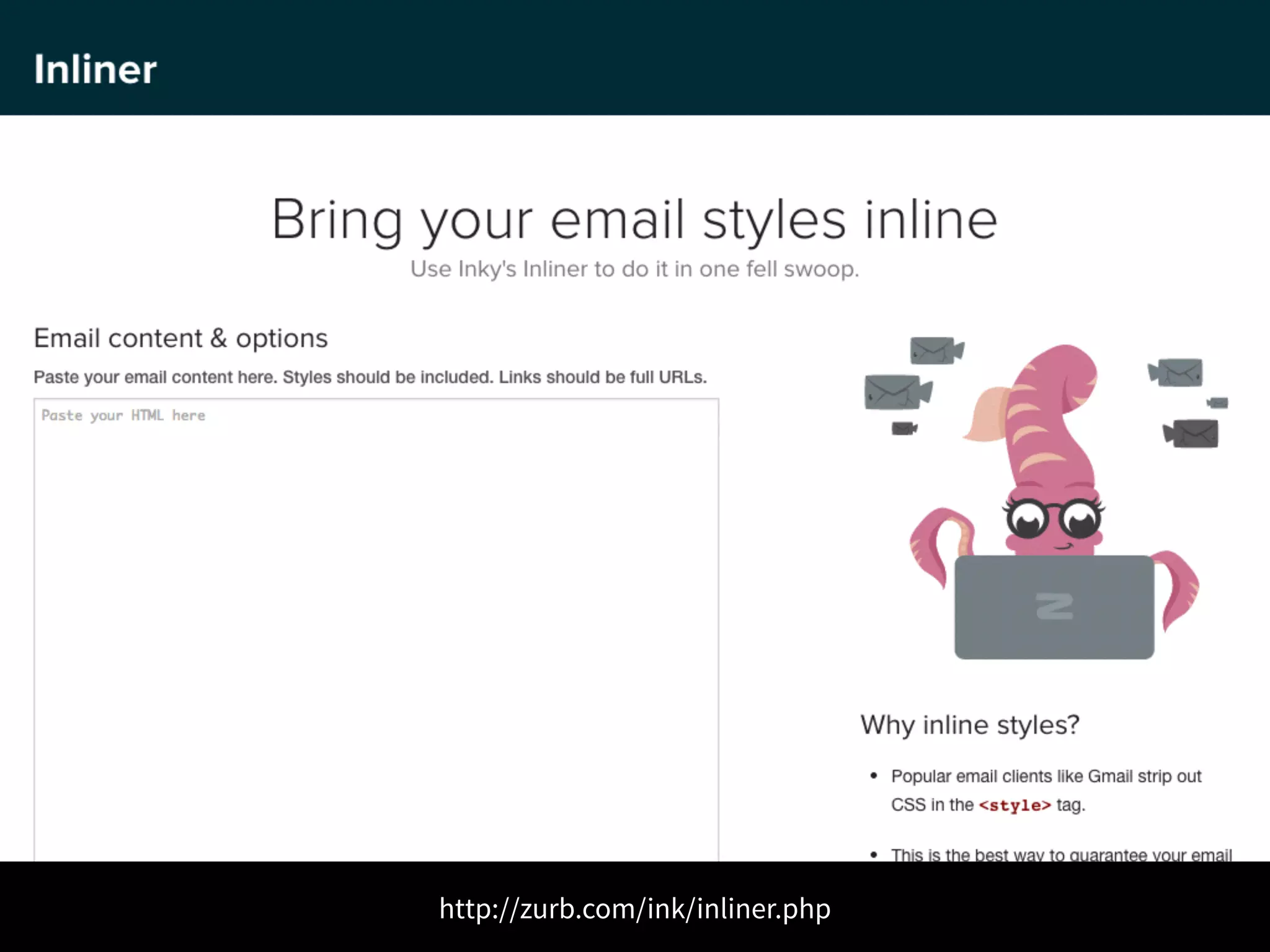
http://zurb.com/ink/inliner.php
Inline your CSS 
We need to do this because Gmail 
strips CSS from the <style> tag.
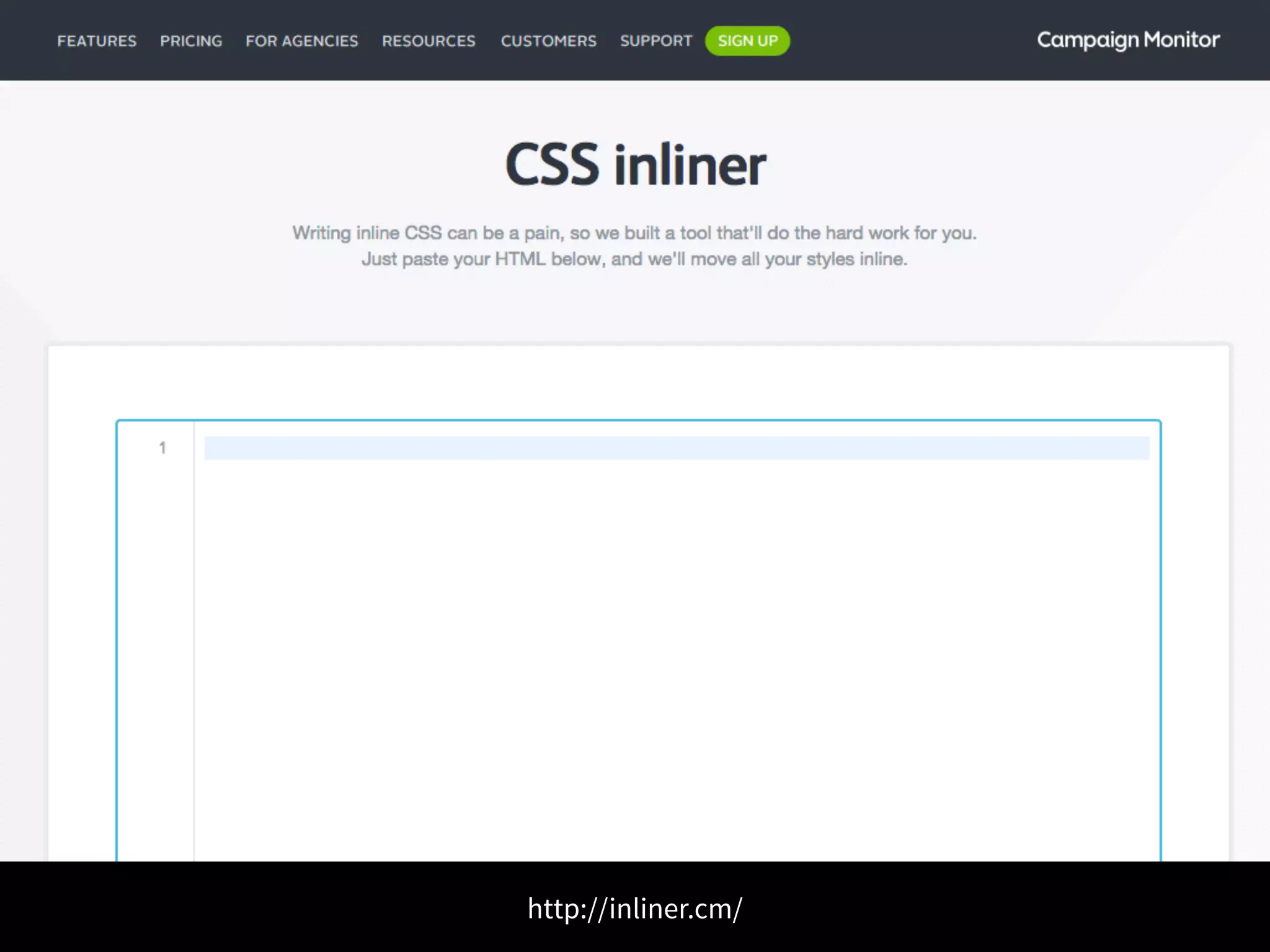
http://inliner.cm/
Use tables 
Use <table></table> because Outlook 
has poor support for CSS based layouts 
https://www.campaignmonitor.com/guides/coding/guidelines/
Attribute selectors 
Use attribute selectors for any styles 
contained in your media queries to make 
sure Yahoo! ignores them. 
https://www.campaignmonitor.com/guides/mobile/coding/
Use !important 
Use !important in your media queries to 
make sure the styles override any inline styles 
https://www.campaignmonitor.com/guides/mobile/coding/
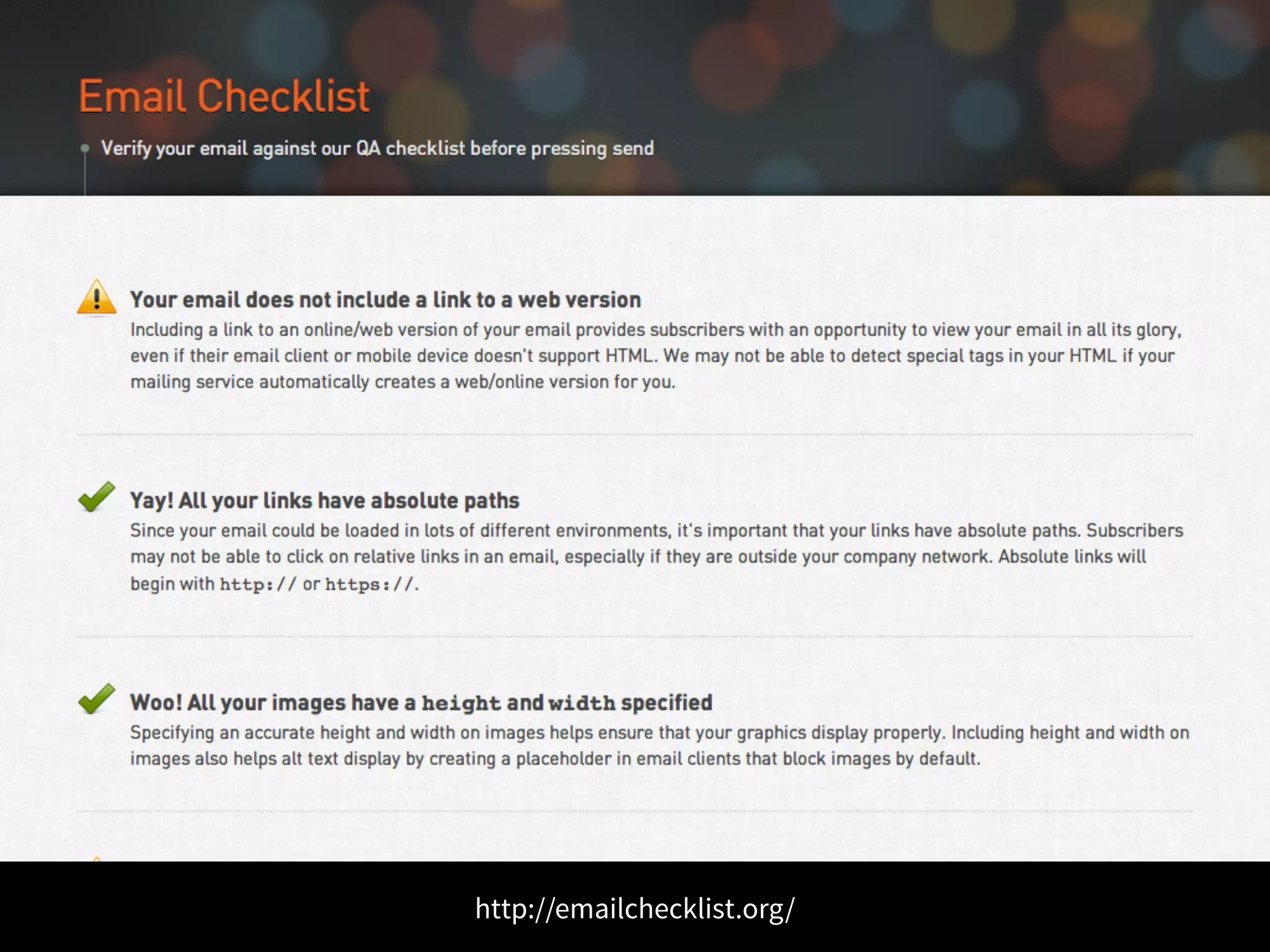
Checklist 
• Proof read the copy 
• Check phone numbers and email addresses 
• Check you’ve included alt text and titles attributes 
• Remove unused CSS 
• Optimize images 
• Check email with images turned-off 
• Check images and links have absolute paths
http://emailchecklist.org/
Testing! 
https://flic.kr/p/hLD7cN
http://mailchimp.com/
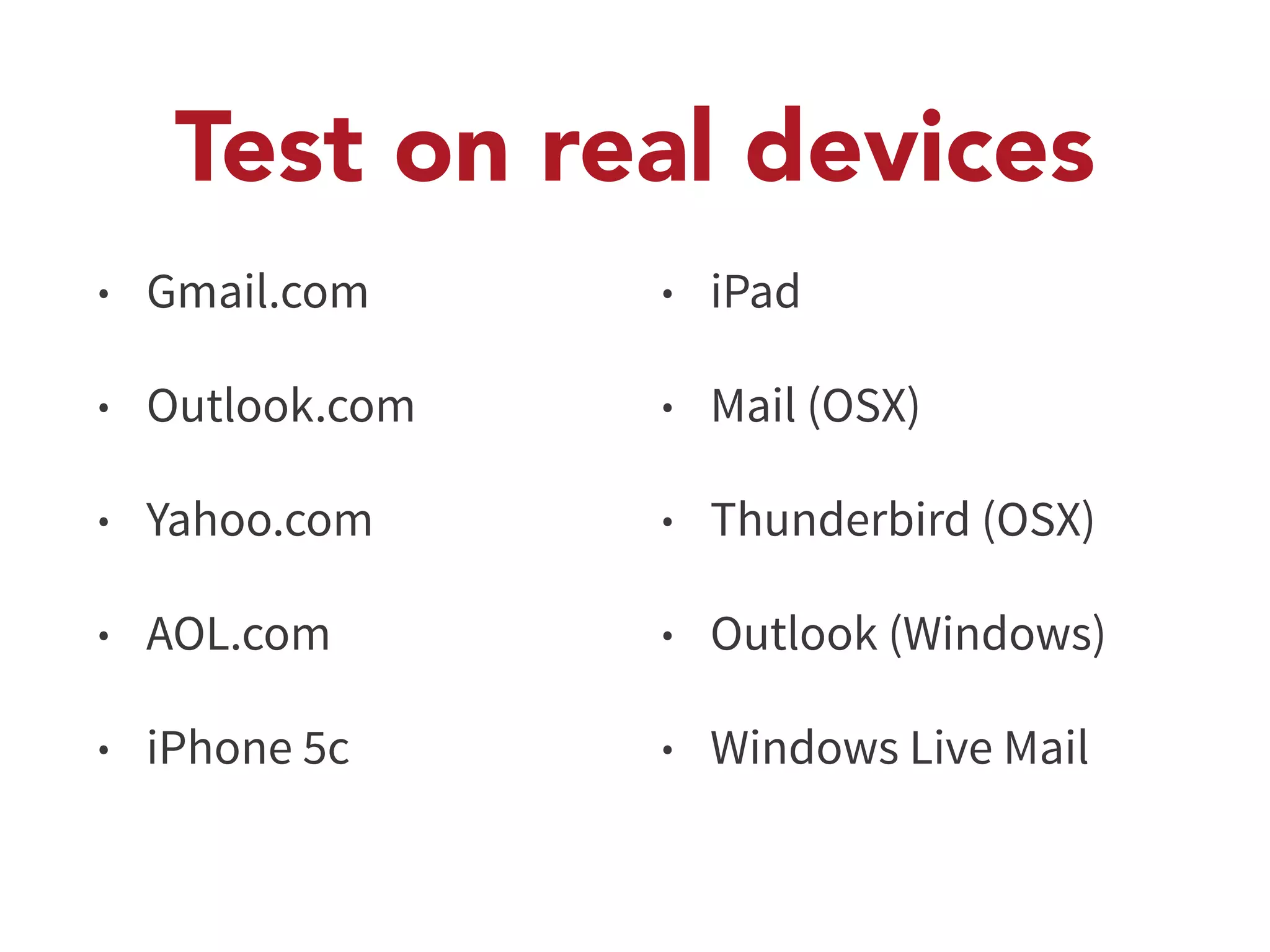
Test on real devices 
• Gmail.com 
• Outlook.com 
• Yahoo.com 
• AOL.com 
• iPhone 5c 
• iPad 
• Mail (OSX) 
• Thunderbird (OSX) 
• Outlook (Windows) 
• Windows Live Mail
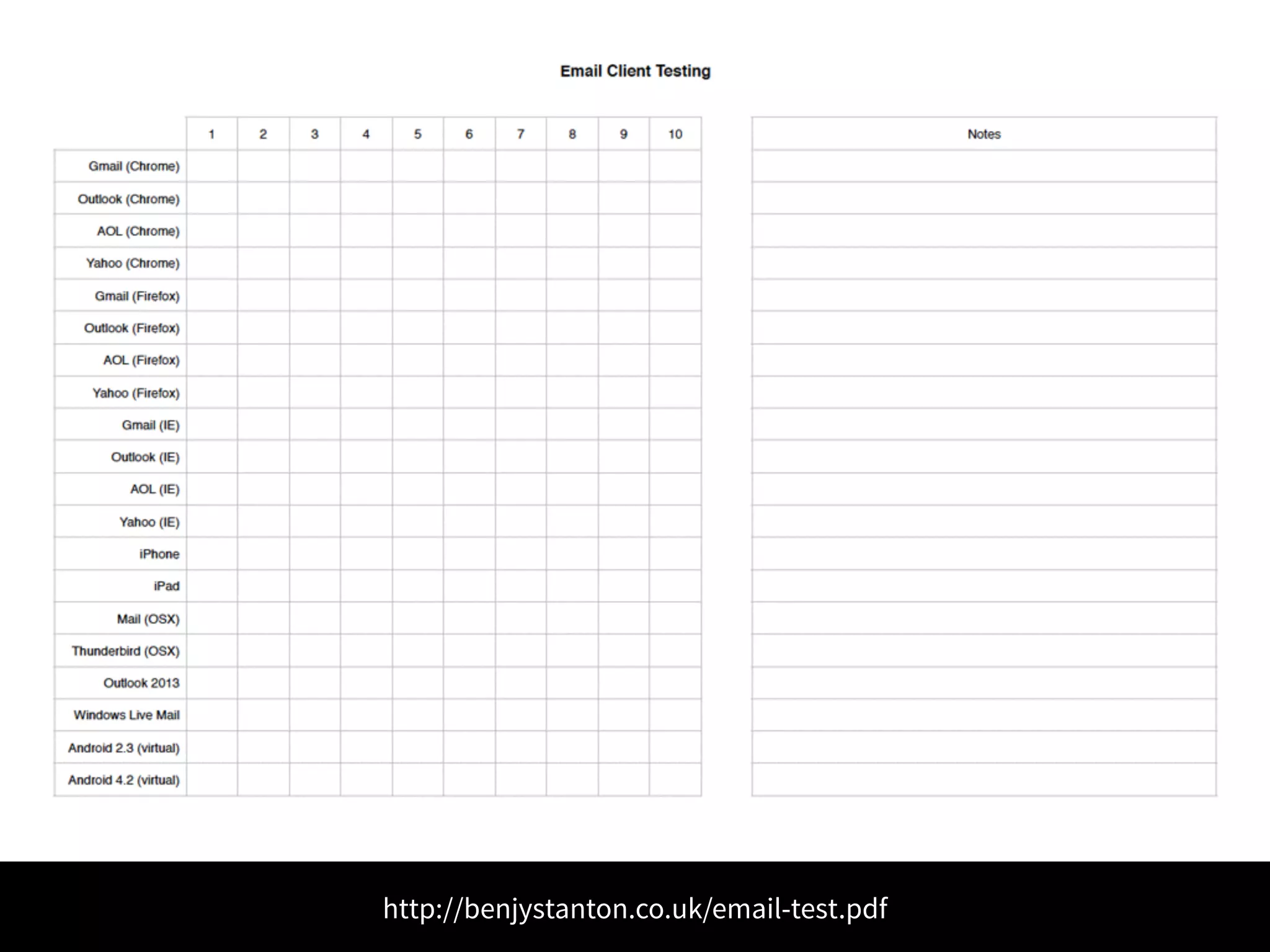
http://benjystanton.co.uk/email-test.pdf
Inspecting is tricky 
Test in old browsers like IE7 instead
Outlook for free 
Start a Office trial, then don’t renew 
it. You still get to use Outlook for 
testing. Shhhh, don’t tell anyone.
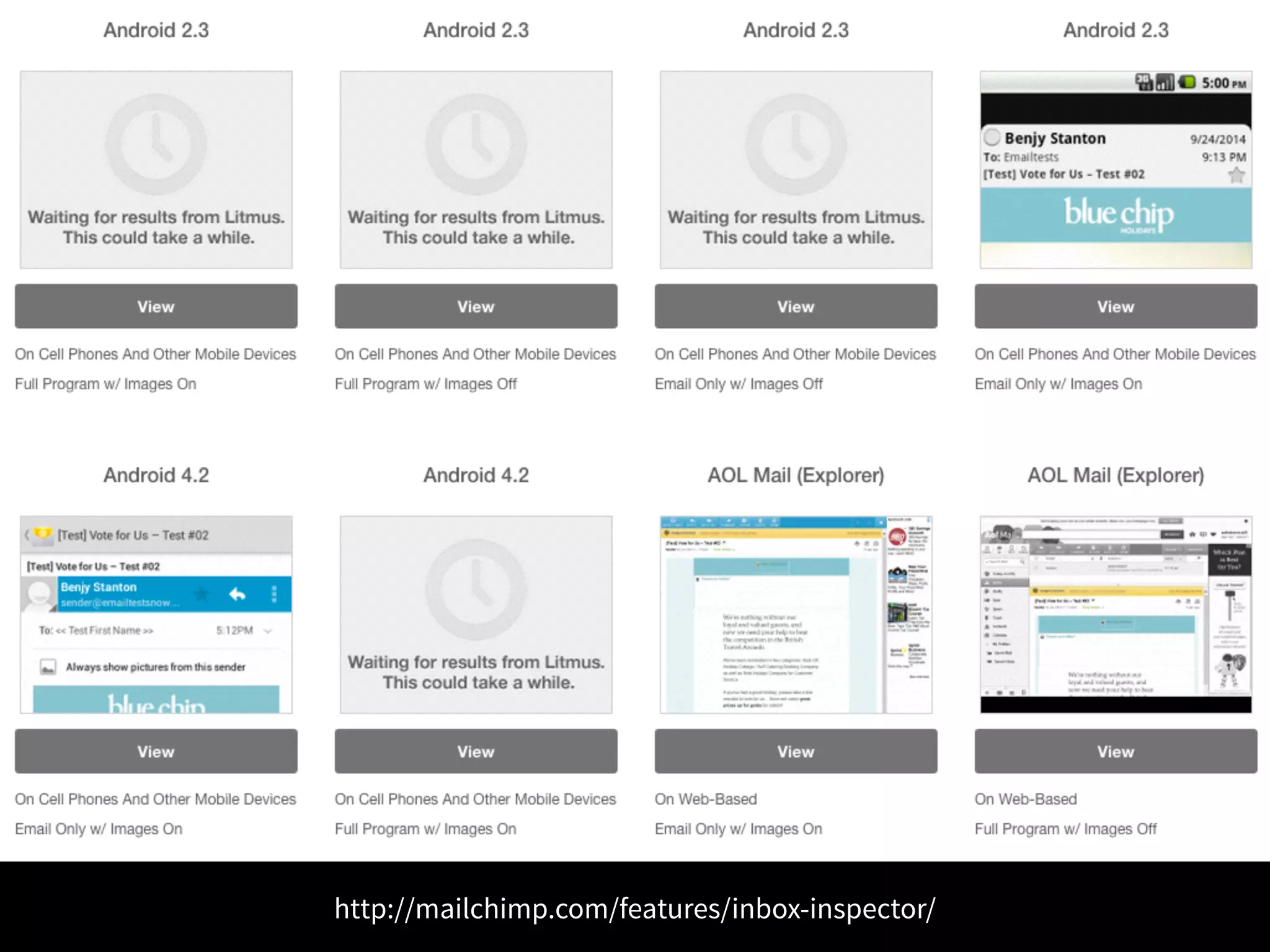
http://mailchimp.com/features/inbox-inspector/
Stuck? Check the interwebs 
• Campaign Monitor 
• Litmus 
• Email on Acid
Beating spam filters 
• Use test services provided by ESPs 
• Use www.mail-tester.com 
• Write good content
Nearly there… 
https://flic.kr/p/hVRbV8
Further Reading 
Making Responsive HTML Emails 
benjystanton.co.uk/blog/making-responsive-html-emails/ 
The Ultimate Guide to CSS 
campaignmonitor.com/css/ 
The Email Design Guide 
mailchimp.com/resources/email-design-guide 
Can Email Be Responsive? 
alistapart.com/article/can-email-be-responsive 
Five Ways to Test an Email 
litmus.com/blog/five-ways-to-test-an-email
Further Reading 
Email Design Review 
emaildesignreview.com 
Let’s fix email 
letsfixemail.com 
The design of government emails 
designnotes.blog.gov.uk/2014/09/04/the-design-of-government-emails 
Litmus Email Builder 
litmus.com/email-builder 
What you need to know about using fonts in email 
adestra.com/what-need-know-using-fonts-in-email
Further Reading 
6 Email Client Hacks You Need To Know 
freshinbox.com/blog/6-email-client-hacks-infographic 
Best Practices for Plain Text Emails 
litmus.com/blog/best-practices-for-plain-text-emails-a-look-at-why-theyre-important 
The Ultimate Guide to Styled ALT Text in Email 
litmus.com/blog/the-ultimate-guide-to-styled-alt-text-in-email 
Image Blocking in HTML Email 
campaignmonitor.com/resources/will-it-work/image-blocking/ 
Color blindness and email: Are you designing for accessibility? 
www.campaignmonitor.com/blog/post/4267/color-blindness-accessibility-and-the-vision- 
impaired-in-email-design
Thanks! 
benjystanton.co.uk 
@benjystanton 
https://flic.kr/p/hXzsG9

Responsive HTML Email

  • 1.
    Responsive HTML Email https://flic.kr/p/idKefi
  • 2.
  • 3.
  • 4.
  • 5.
    1. Gather content 2. List elements on paper 3. Sketch wireframes 4. Mock-up design 5. Write the code 6. Inline CSS 7. Test in web browsers 8. Test with ‘real’ email clients 9. Test on virtual email clients 10. Lift-off!
  • 6.
    Design with data https://flic.kr/p/i3Hm7i
  • 7.
  • 8.
  • 9.
    Start with plaintext • Encourages a ‘Content First’ approach • Not having a plain text will anger the spam filters • Some older email clients can’t handle html • Some people prefer plain text and will set their email clients accordingly
  • 10.
    Images off bydefault • Most email clients block images by default • Content should make sense with images off • Style ALT text so email looks good even without images
  • 11.
    Link to webview • People may have images turned off • The html may not be rendering properly • It’s a handy way to share the email
  • 12.
  • 13.
    “People spend alot of time worrying about email clients with 1% usage; accessibility is a much bigger issue” – Mark, Rebelmail
  • 14.
  • 15.
    • Tables areoptimised to preserve logical reading order • Heading elements used • Text colour contrast is sufficient • Subject line is concise and descriptive • Headings summarise content that follows • Link text is meaningful (not “read more” or “click here”)
  • 16.
  • 17.
    Back to the design process
  • 18.
    Client brief •main objective of the email • target audience • an early draft of the content • guidance on potential design style (including imagery and brand guidelines)
  • 19.
    Start with realcontent https://flic.kr/p/ic3Hi9
  • 20.
    • Logo •Main image • Heading • Paragraph (or two) • A main call to action • Contact details • Social media icons • Small print • Unsubscribe link • View in a browser link
  • 21.
    Make a list • List the elements on some paper • Mark them up as h1, p, button etc. • develop a hierarchy and a source order (good for mobile first approach)
  • 24.
    How big shouldan email be? • 600px wide for “desktop” email clients • I’ve already decided on the source order, so no real need to mock-up at narrower widths • Height and weight: smaller the better
  • 25.
    Keep Things Simple • Use just 1 or 2 columns if you can • Be generous with spacing • Complicated designs take ages to test and debug
  • 26.
    Consider how things will look in the inbox
  • 29.
  • 30.
  • 31.
  • 32.
    Inline your CSS We need to do this because Gmail strips CSS from the <style> tag.
  • 33.
  • 34.
    Use tables Use<table></table> because Outlook has poor support for CSS based layouts https://www.campaignmonitor.com/guides/coding/guidelines/
  • 35.
    Attribute selectors Useattribute selectors for any styles contained in your media queries to make sure Yahoo! ignores them. https://www.campaignmonitor.com/guides/mobile/coding/
  • 36.
    Use !important Use!important in your media queries to make sure the styles override any inline styles https://www.campaignmonitor.com/guides/mobile/coding/
  • 37.
    Checklist • Proofread the copy • Check phone numbers and email addresses • Check you’ve included alt text and titles attributes • Remove unused CSS • Optimize images • Check email with images turned-off • Check images and links have absolute paths
  • 38.
  • 39.
  • 40.
  • 41.
    Test on realdevices • Gmail.com • Outlook.com • Yahoo.com • AOL.com • iPhone 5c • iPad • Mail (OSX) • Thunderbird (OSX) • Outlook (Windows) • Windows Live Mail
  • 42.
  • 43.
    Inspecting is tricky Test in old browsers like IE7 instead
  • 44.
    Outlook for free Start a Office trial, then don’t renew it. You still get to use Outlook for testing. Shhhh, don’t tell anyone.
  • 45.
  • 46.
    Stuck? Check theinterwebs • Campaign Monitor • Litmus • Email on Acid
  • 47.
    Beating spam filters • Use test services provided by ESPs • Use www.mail-tester.com • Write good content
  • 48.
  • 49.
    Further Reading MakingResponsive HTML Emails benjystanton.co.uk/blog/making-responsive-html-emails/ The Ultimate Guide to CSS campaignmonitor.com/css/ The Email Design Guide mailchimp.com/resources/email-design-guide Can Email Be Responsive? alistapart.com/article/can-email-be-responsive Five Ways to Test an Email litmus.com/blog/five-ways-to-test-an-email
  • 50.
    Further Reading EmailDesign Review emaildesignreview.com Let’s fix email letsfixemail.com The design of government emails designnotes.blog.gov.uk/2014/09/04/the-design-of-government-emails Litmus Email Builder litmus.com/email-builder What you need to know about using fonts in email adestra.com/what-need-know-using-fonts-in-email
  • 51.
    Further Reading 6Email Client Hacks You Need To Know freshinbox.com/blog/6-email-client-hacks-infographic Best Practices for Plain Text Emails litmus.com/blog/best-practices-for-plain-text-emails-a-look-at-why-theyre-important The Ultimate Guide to Styled ALT Text in Email litmus.com/blog/the-ultimate-guide-to-styled-alt-text-in-email Image Blocking in HTML Email campaignmonitor.com/resources/will-it-work/image-blocking/ Color blindness and email: Are you designing for accessibility? www.campaignmonitor.com/blog/post/4267/color-blindness-accessibility-and-the-vision- impaired-in-email-design
  • 52.