© Copyright 2012 Hidaya Trust (Pakistan) ● A Non-Profit Organization ● www.hidayatrust.org / www,histpk.org
Hidaya Institute of
Science &
Technology
www.histpk.org
A Division of Hidaya Trust, Pakistan
© Copyright 2012 Hidaya Trust (Pakistan) ● A Non-Profit Organization ● www.hidayatrust.org / www,histpk.org
PDF REPORTING
Lecture# 1
© Copyright 2012 Hidaya Trust (Pakistan) ● A Non-Profit Organization ● www.hidayatrust.org / www,histpk.org
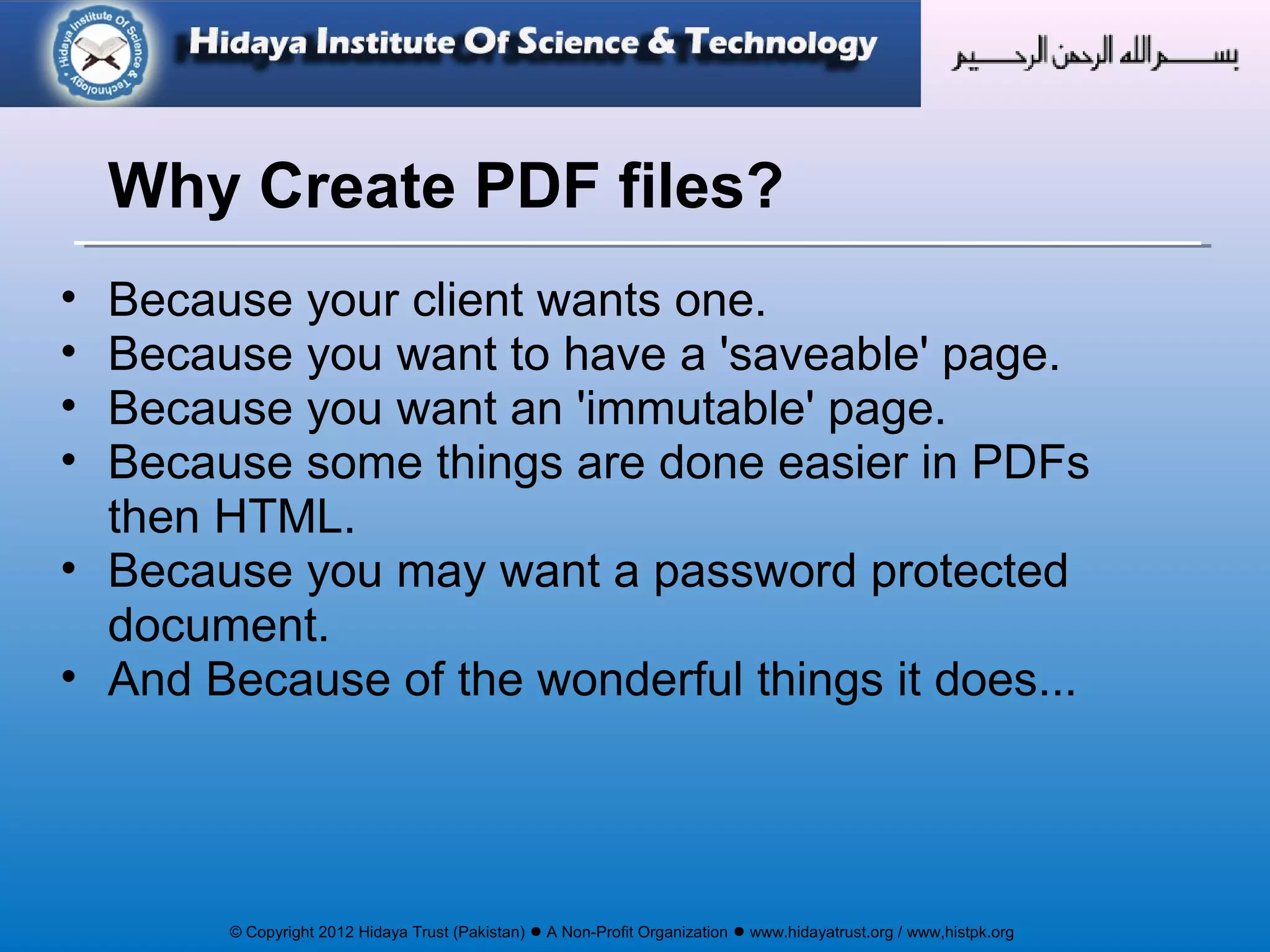
• Because your client wants one.
• Because you want to have a 'saveable' page.
• Because you want an 'immutable' page.
• Because some things are done easier in PDFs
then HTML.
• Because you may want a password protected
document.
• And Because of the wonderful things it does...
Why Create PDF files?
© Copyright 2012 Hidaya Trust (Pakistan) ● A Non-Profit Organization ● www.hidayatrust.org / www,histpk.org
PDF Reporting
Using FPDF
© Copyright 2012 Hidaya Trust (Pakistan) ● A Non-Profit Organization ● www.hidayatrust.org / www,histpk.org
PHP has several libraries for generating PDF
documents. We will use the popular fpdf library.
The FPDF library is a set of PHP code you include in
your scripts with the require function.
The basic concepts of the structure and features of a
PDF file should be common to all the pdf libraries.
This library (FPDF) is available at http://www.fpdf.org.
Documentation at: http://www.fpdf.org/en/doc/
Introduction
© Copyright 2012 Hidaya Trust (Pakistan) ● A Non-Profit Organization ● www.hidayatrust.org / www,histpk.org
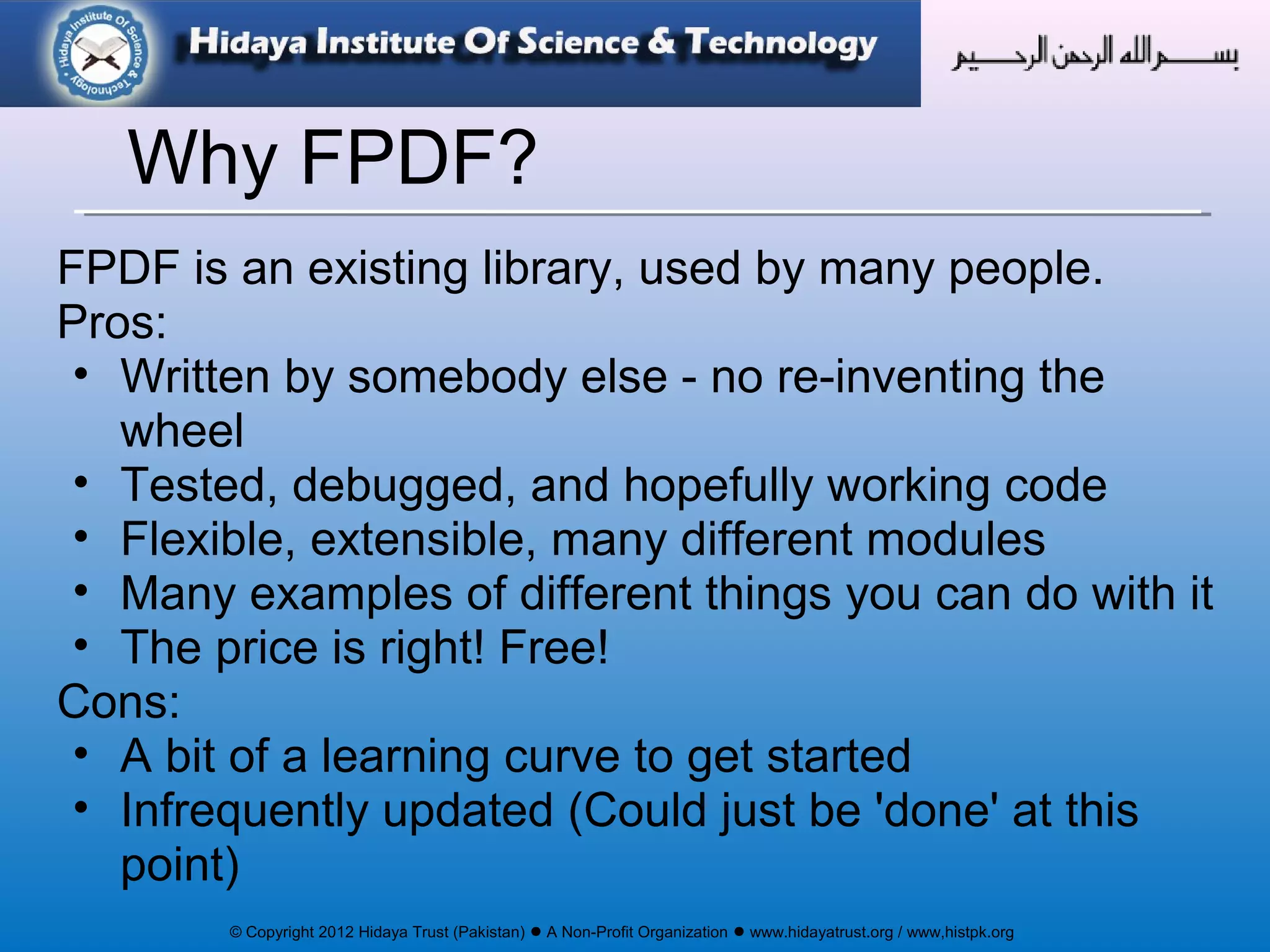
FPDF is an existing library, used by many people.
Pros:
• Written by somebody else - no re-inventing the
wheel
• Tested, debugged, and hopefully working code
• Flexible, extensible, many different modules
• Many examples of different things you can do with it
• The price is right! Free!
Cons:
• A bit of a learning curve to get started
• Infrequently updated (Could just be 'done' at this
point)
Why FPDF?
© Copyright 2012 Hidaya Trust (Pakistan) ● A Non-Profit Organization ● www.hidayatrust.org / www,histpk.org
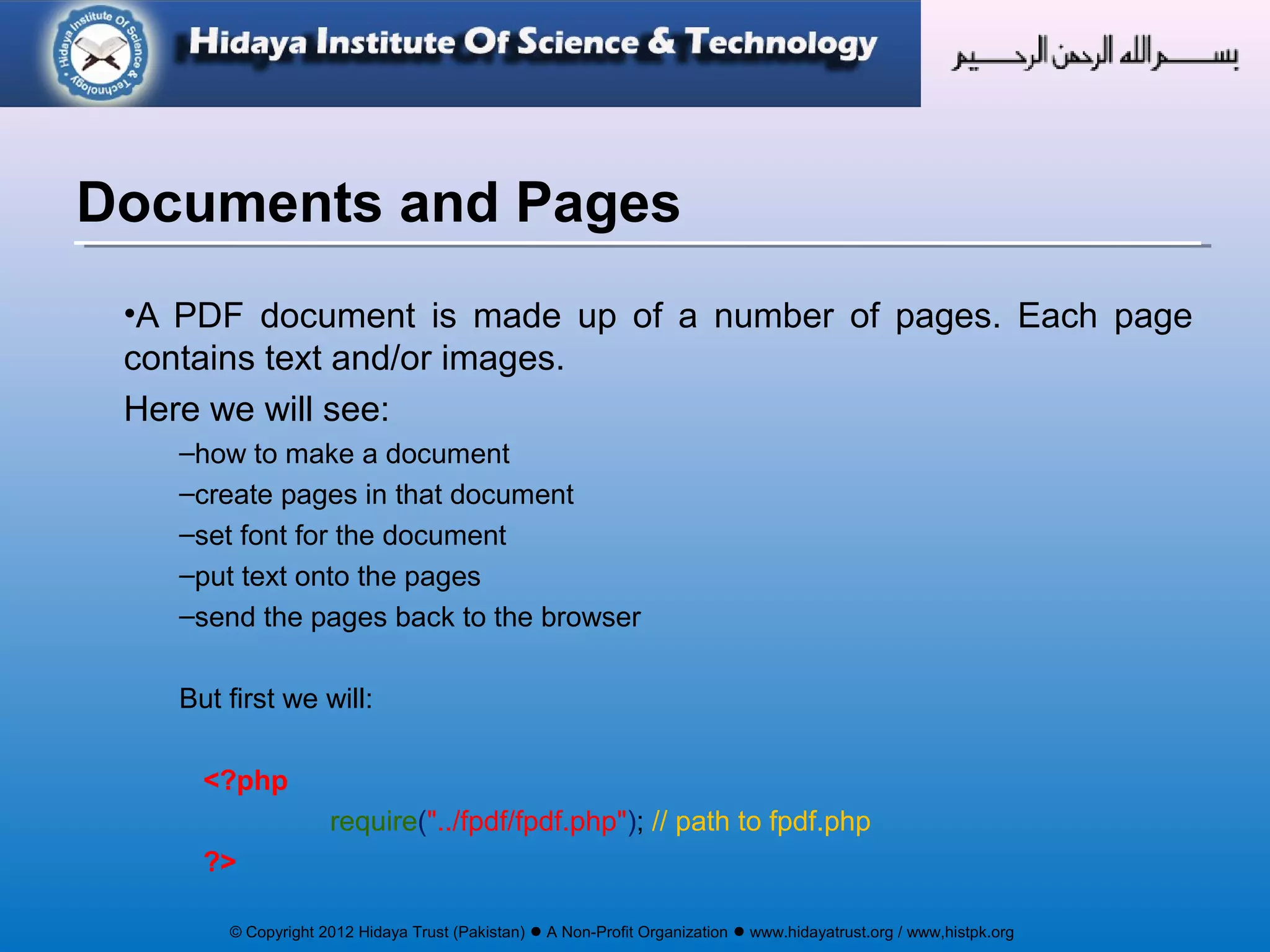
•A PDF document is made up of a number of pages. Each page
contains text and/or images.
Here we will see:
–how to make a document
–create pages in that document
–set font for the document
–put text onto the pages
–send the pages back to the browser
But first we will:
<?php
require("../fpdf/fpdf.php"); // path to fpdf.php
?>
Documents and Pages
© Copyright 2012 Hidaya Trust (Pakistan) ● A Non-Profit Organization ● www.hidayatrust.org / www,histpk.org
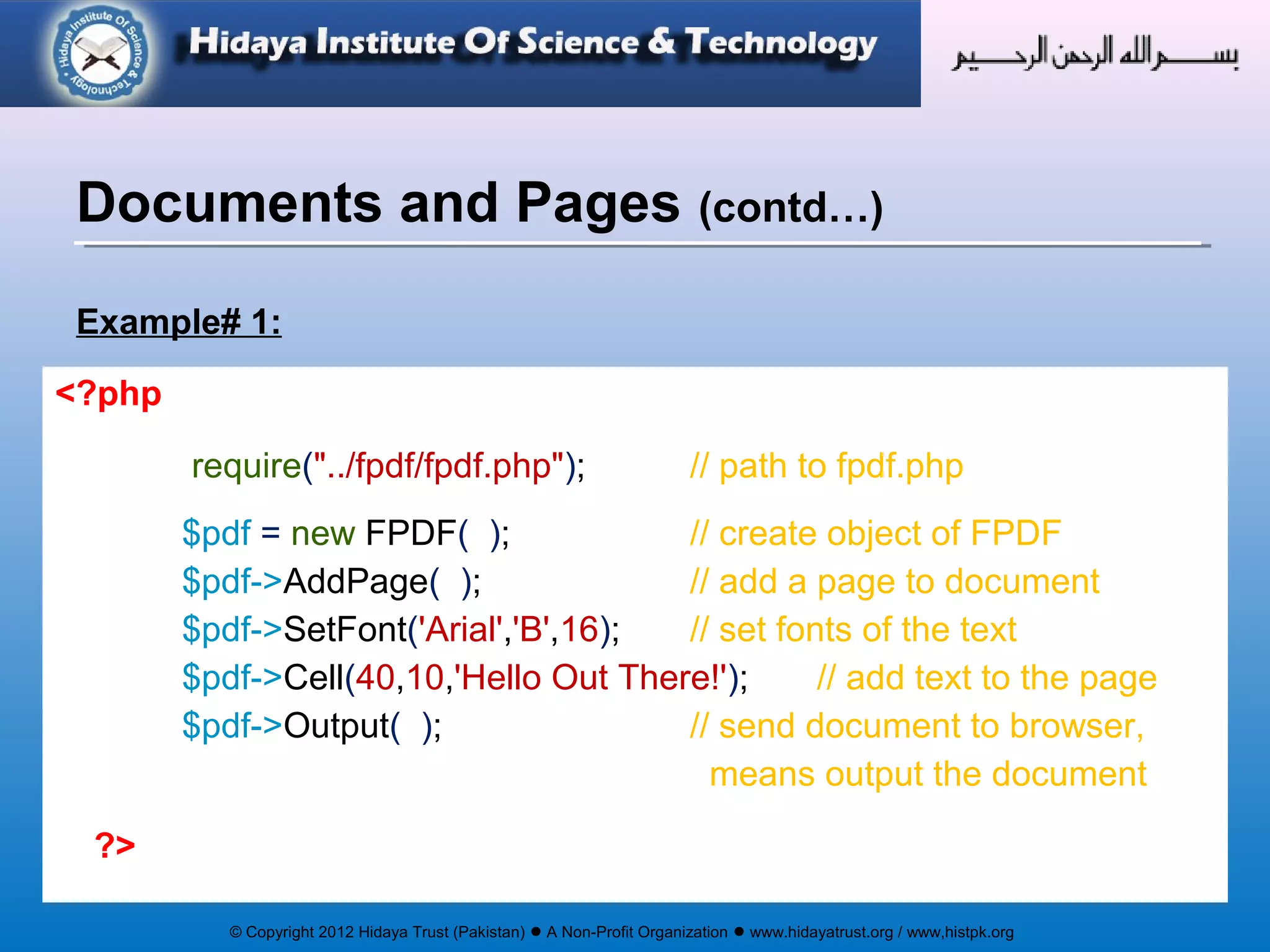
Example# 1:
Documents and Pages (contd…)
<?php
require("../fpdf/fpdf.php"); // path to fpdf.php
$pdf = new FPDF( ); // create object of FPDF
$pdf->AddPage( ); // add a page to document
$pdf->SetFont('Arial','B',16); // set fonts of the text
$pdf->Cell(40,10,'Hello Out There!'); // add text to the page
$pdf->Output( ); // send document to browser,
means output the document
?>
© Copyright 2012 Hidaya Trust (Pakistan) ● A Non-Profit Organization ● www.hidayatrust.org / www,histpk.org
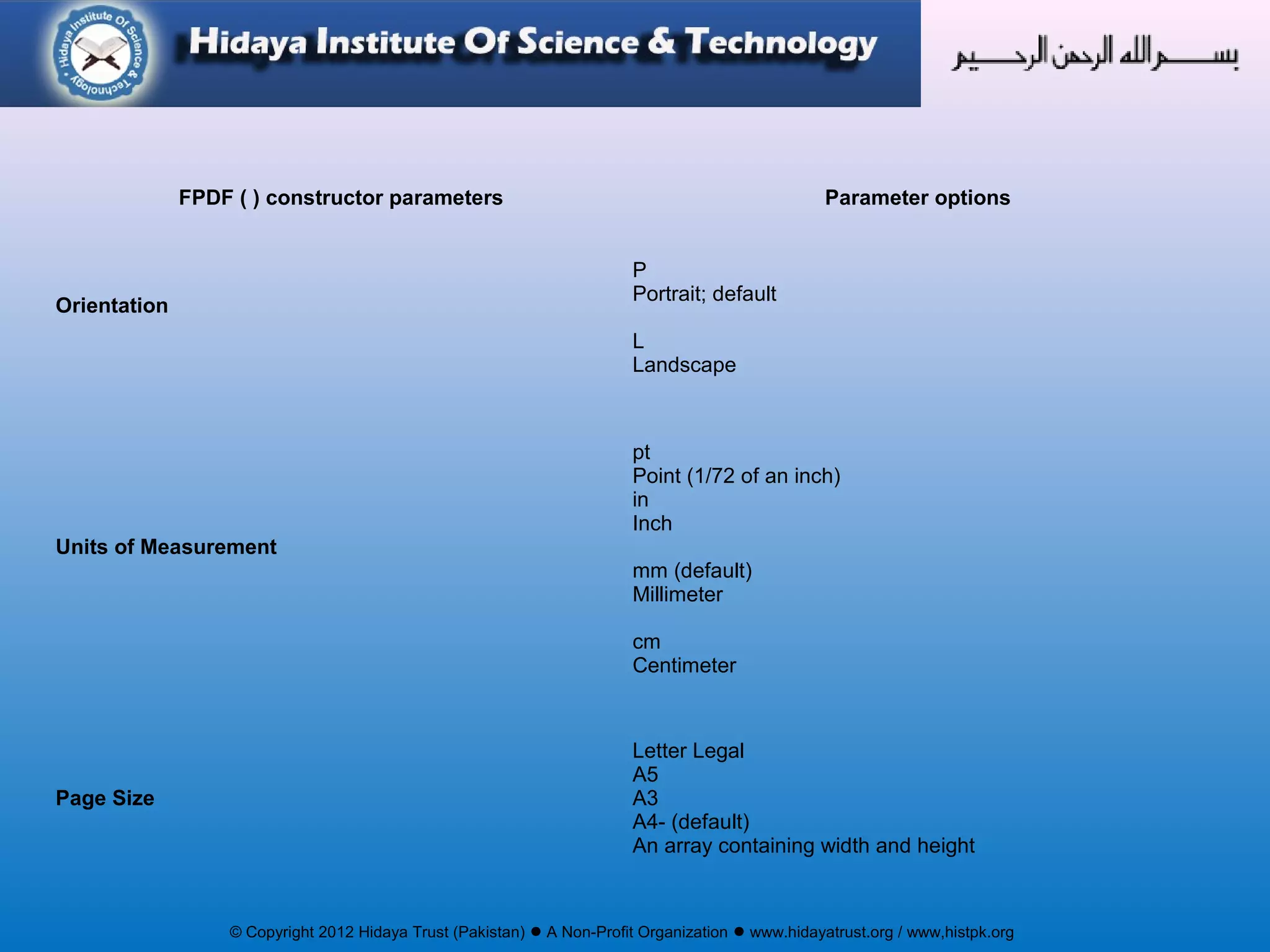
FPDF ( ) constructor parameters Parameter options
Orientation
P
Portrait; default
L
Landscape
Units of Measurement
pt
Point (1/72 of an inch)
in
Inch
mm (default)
Millimeter
cm
Centimeter
Page Size
Letter Legal
A5
A3
A4- (default)
An array containing width and height
© Copyright 2012 Hidaya Trust (Pakistan) ● A Non-Profit Organization ● www.hidayatrust.org / www,histpk.org
Syntax:
AddPage([string orientation [, mixed size]])
Description:
Adds a new page to the document.
Parameters:
orientation: Page orientation. Possible values are (case insensitive):
P or Portrait, L or Landscape
The default value is the one passed to the constructor.
size: Page size. It can be either one of the following values (case insensitive):
A3, A4, A5, Letter, Legal
or an array containing the width and the height (expressed in user unit).
Default values are that of a constructor..
AddPage()
© Copyright 2012 Hidaya Trust (Pakistan) ● A Non-Profit Organization ● www.hidayatrust.org / www,histpk.org
Syntax:
SetFont(string family [, string style [, float size]])
Description:
Sets the font used to print character strings. It is mandatory to call
this method at least once before printing text or the resulting
document would not be valid.
SetFont()
© Copyright 2012 Hidaya Trust (Pakistan) ● A Non-Profit Organization ● www.hidayatrust.org / www,histpk.org
Syntax:
Cell(float w [, float h [, string txt [, mixed border [, int ln [, string align [, int
fill [, mixed link]]]]]]])
Description:
Prints a cell (rectangular area) with optional borders, background
color and character string. The upper-left corner of the cell
corresponds to the current position. The text can be aligned or
centered. After the call, the current position moves to the right or to
the next line. It is possible to put a link on the text.
If automatic page breaking is enabled and the cell goes beyond the
limit, a page break is done before outputting.
Cell()
© Copyright 2012 Hidaya Trust (Pakistan) ● A Non-Profit Organization ● www.hidayatrust.org / www,histpk.org
Syntax:
MultiCell(float w, float h, string txt [, mixed border [, string align
[, boolean fill]]])
Description:
This method allows printing text with line breaks. They can be
automatic (as soon as the text reaches the right border of the cell)
or explicit (via the n character). As many cells as necessary are
output, one below the other. Text can be aligned, centered or
justified. The cell block can be framed and the background painted.
MultiCell()
© Copyright 2012 Hidaya Trust (Pakistan) ● A Non-Profit Organization ● www.hidayatrust.org / www,histpk.org
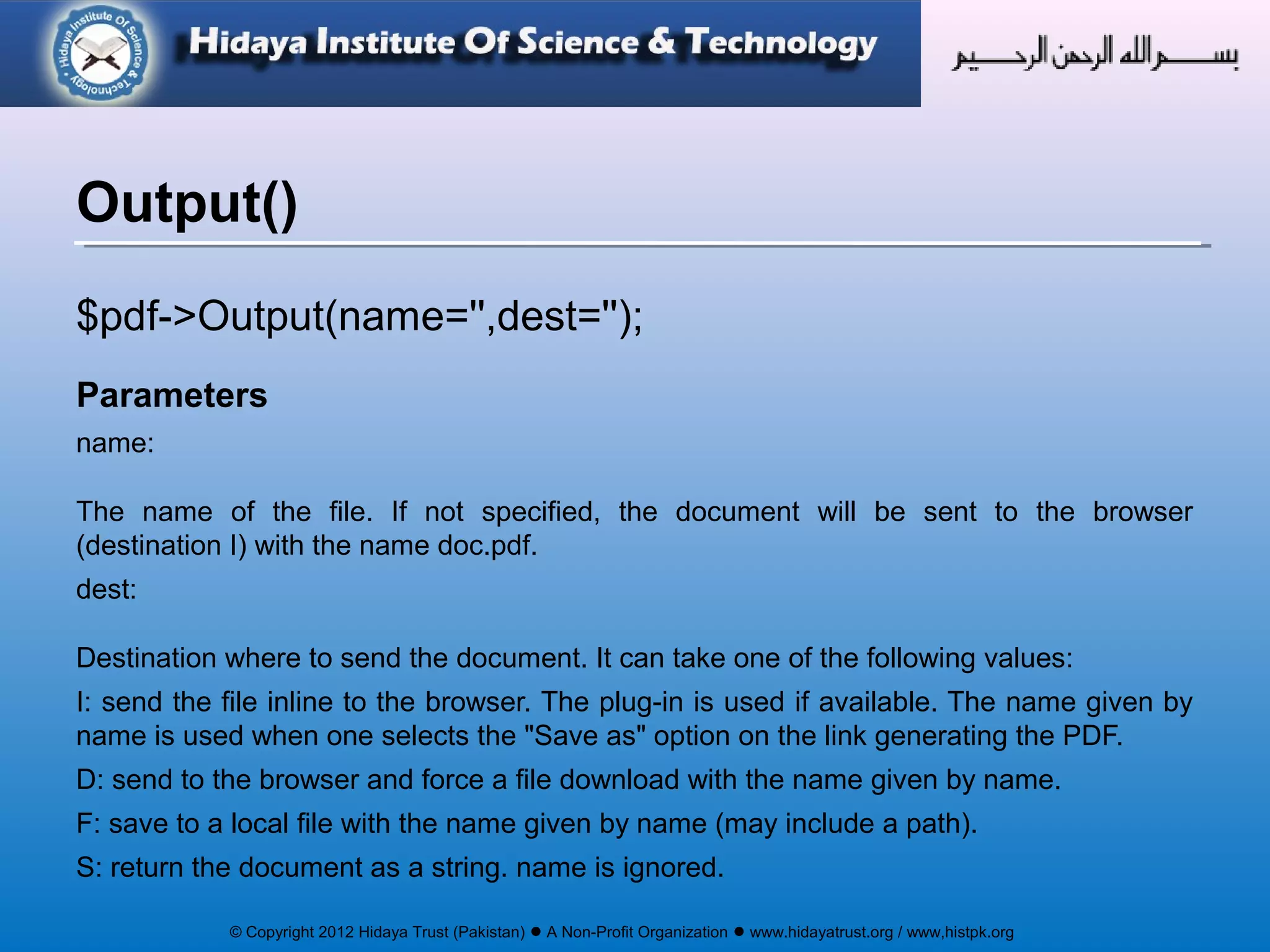
$pdf->Output(name='',dest='');
Parameters
name:
The name of the file. If not specified, the document will be sent to the browser
(destination I) with the name doc.pdf.
dest:
Destination where to send the document. It can take one of the following values:
I: send the file inline to the browser. The plug-in is used if available. The name given by
name is used when one selects the "Save as" option on the link generating the PDF.
D: send to the browser and force a file download with the name given by name.
F: save to a local file with the name given by name (may include a path).
S: return the document as a string. name is ignored.
Output()
© Copyright 2012 Hidaya Trust (Pakistan) ● A Non-Profit Organization ● www.hidayatrust.org / www,histpk.org
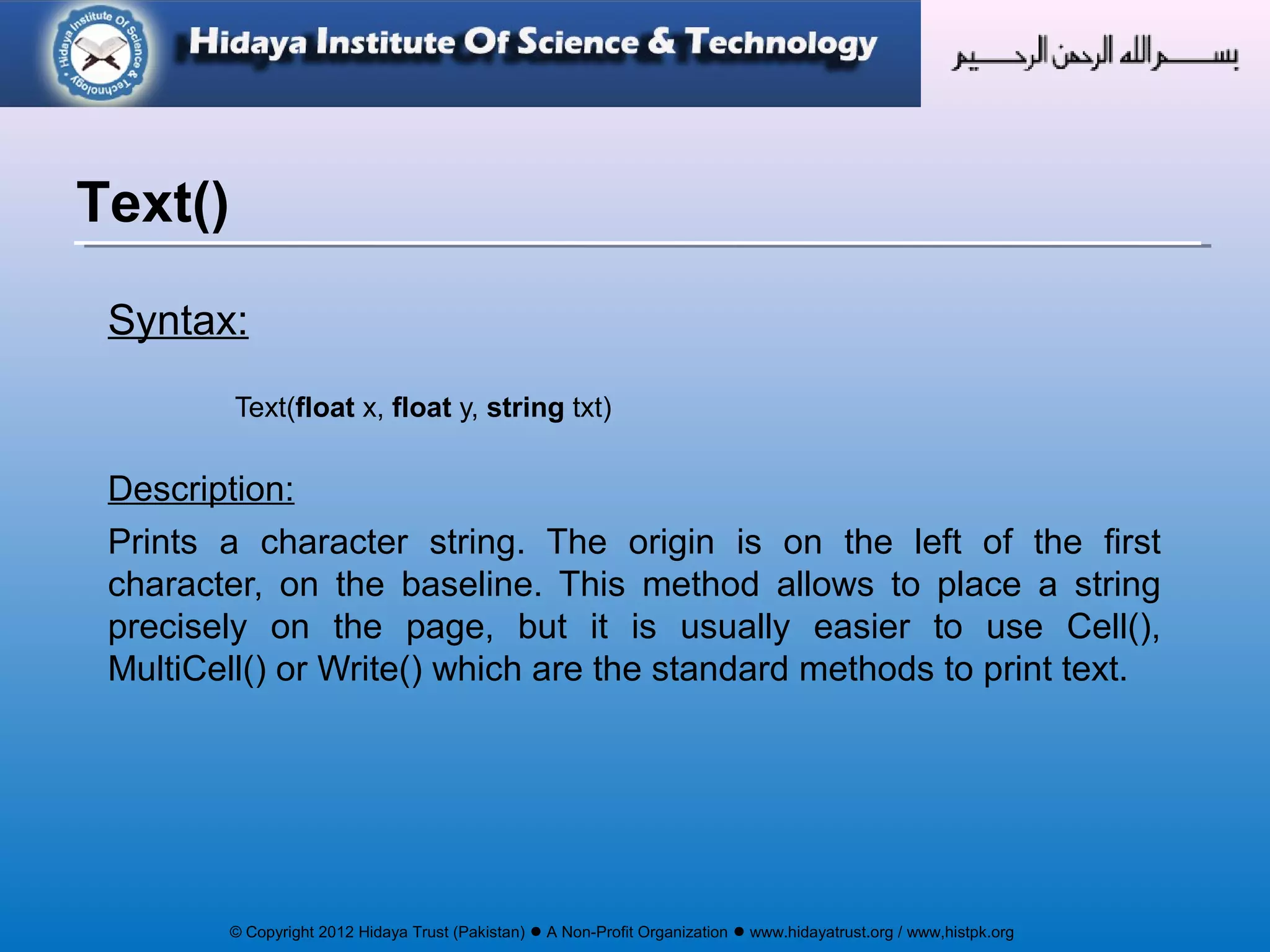
Syntax:
Text(float x, float y, string txt)
Description:
Prints a character string. The origin is on the left of the first
character, on the baseline. This method allows to place a string
precisely on the page, but it is usually easier to use Cell(),
MultiCell() or Write() which are the standard methods to print text.
Text()
© Copyright 2012 Hidaya Trust (Pakistan) ● A Non-Profit Organization ● www.hidayatrust.org / www,histpk.org
Syntax:
Write(float h, string txt [, mixed link])
Description:
This method prints text from the current position. When the right
margin is reached (or the n character is met) a line break occurs
and text continues from the left margin. Upon method exit, the
current position is left just at the end of the text.
It is possible to put a link on the text.
Write()
© Copyright 2012 Hidaya Trust (Pakistan) ● A Non-Profit Organization ● www.hidayatrust.org / www,histpk.org
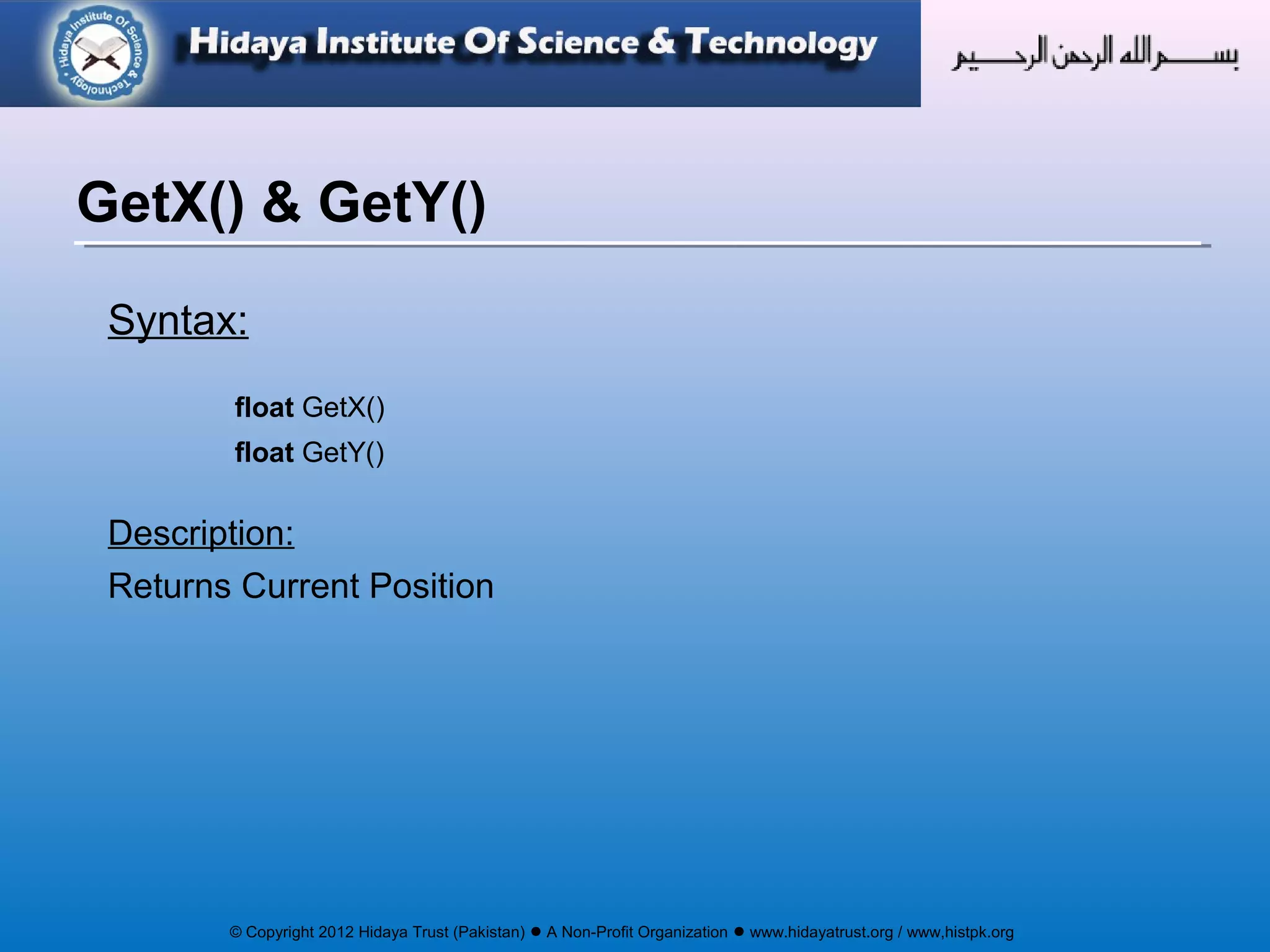
Syntax:
float GetX()
float GetY()
Description:
Returns Current Position
GetX() & GetY()
© Copyright 2012 Hidaya Trust (Pakistan) ● A Non-Profit Organization ● www.hidayatrust.org / www,histpk.org
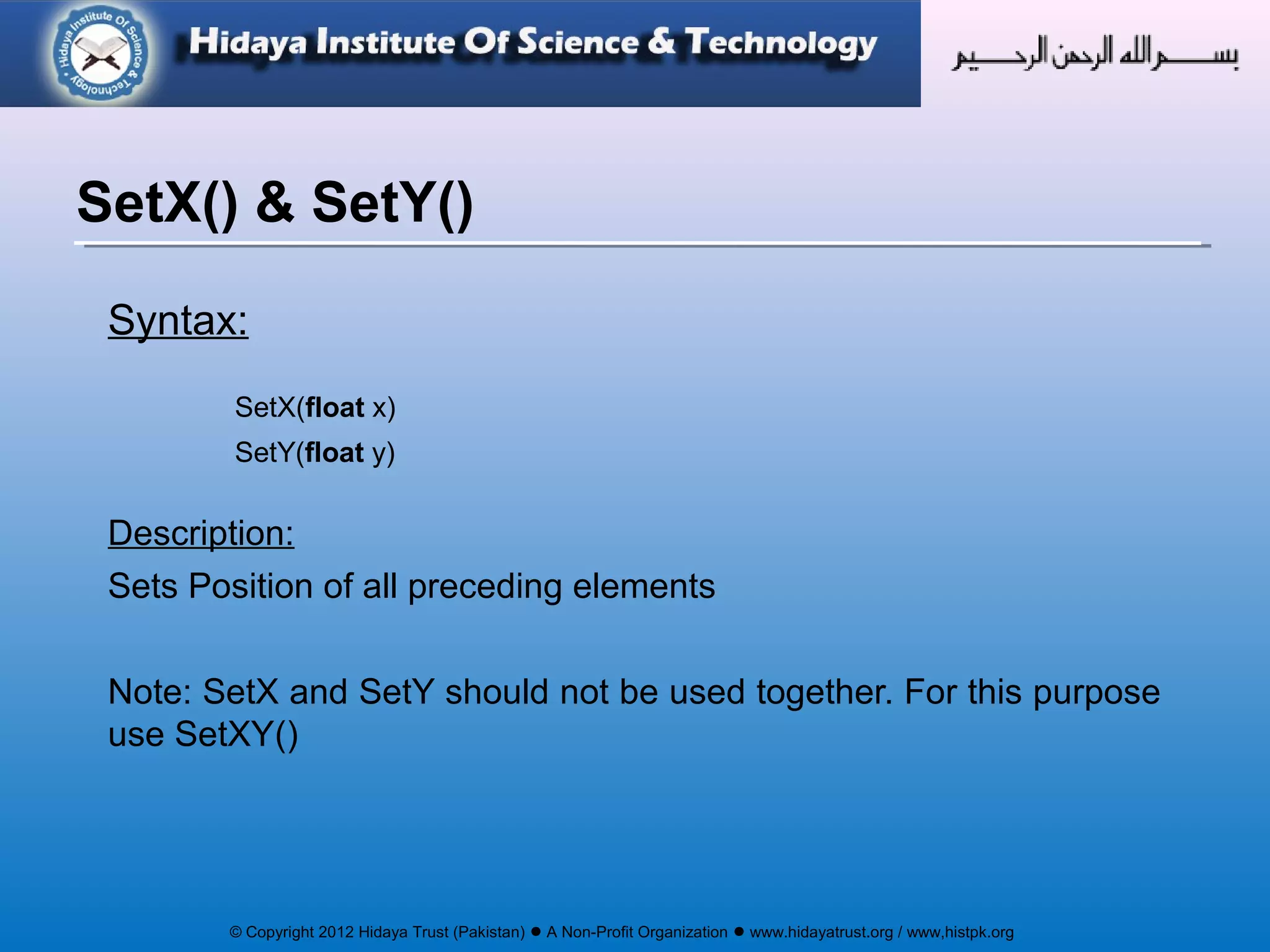
Syntax:
SetX(float x)
SetY(float y)
Description:
Sets Position of all preceding elements
Note: SetX and SetY should not be used together. For this purpose
use SetXY()
SetX() & SetY()
© Copyright 2012 Hidaya Trust (Pakistan) ● A Non-Profit Organization ● www.hidayatrust.org / www,histpk.org
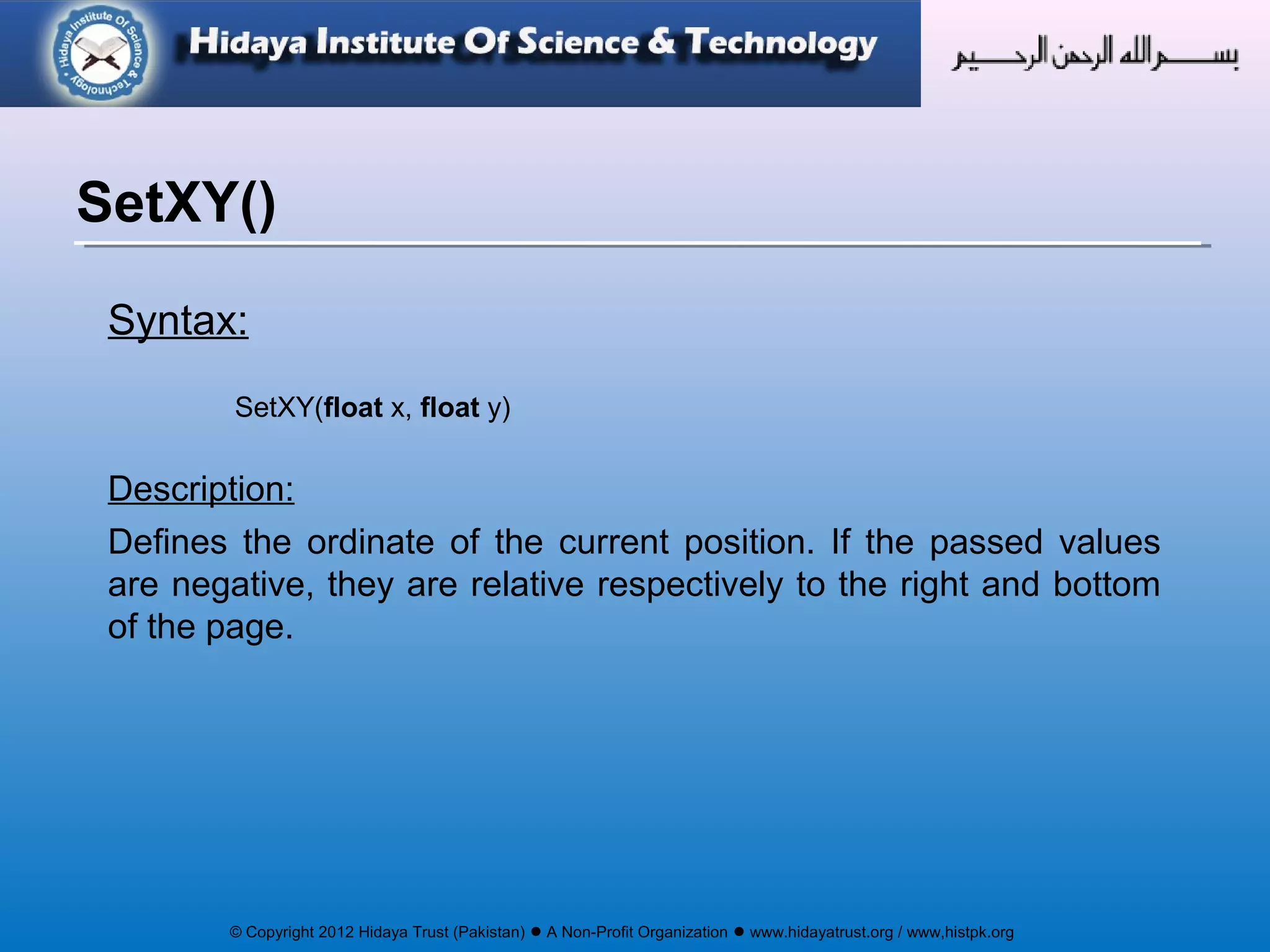
Syntax:
SetXY(float x, float y)
Description:
Defines the ordinate of the current position. If the passed values
are negative, they are relative respectively to the right and bottom
of the page.
SetXY()
© Copyright 2012 Hidaya Trust (Pakistan) ● A Non-Profit Organization ● www.hidayatrust.org / www,histpk.org
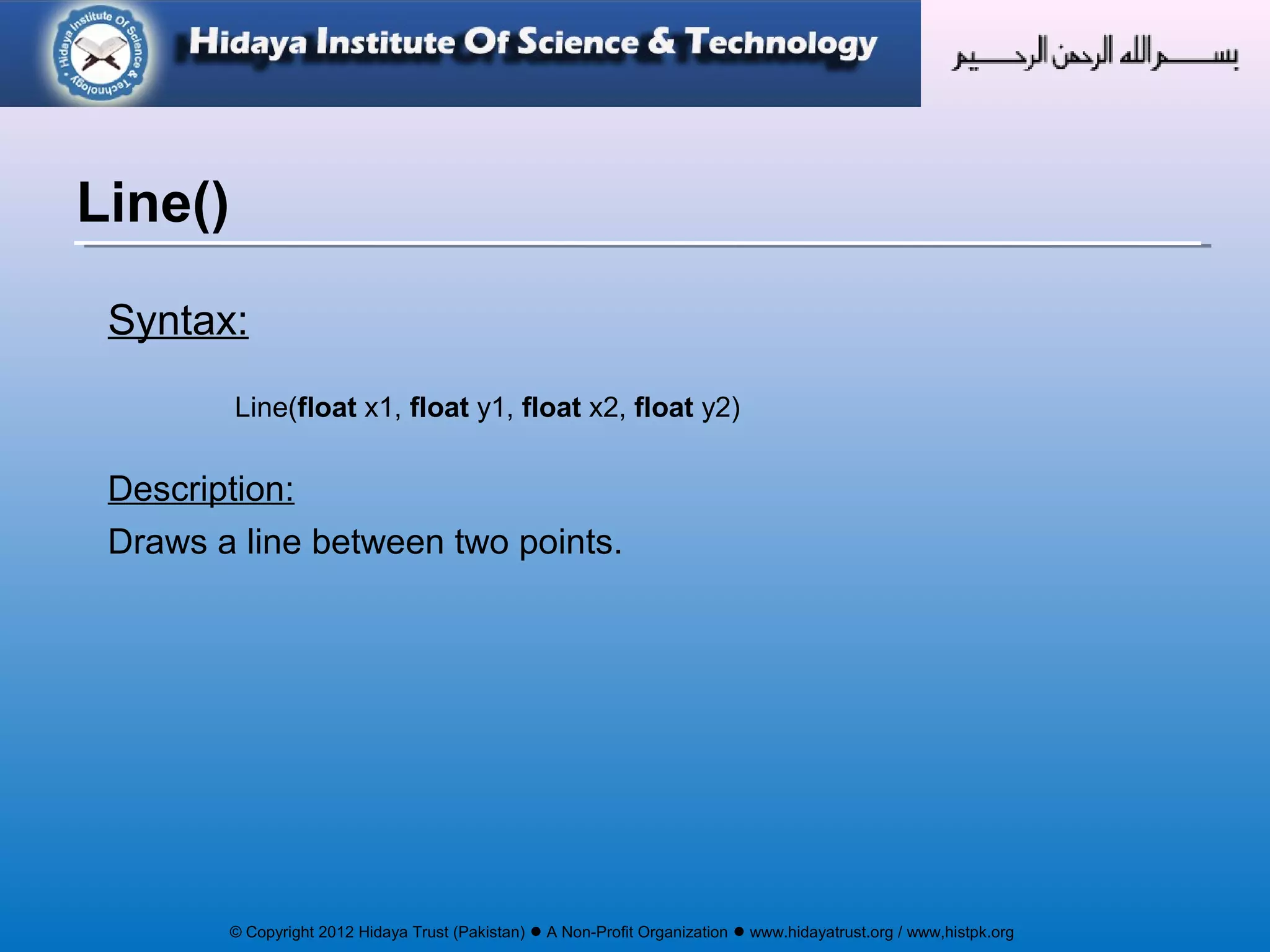
Syntax:
Line(float x1, float y1, float x2, float y2)
Description:
Draws a line between two points.
Line()
© Copyright 2012 Hidaya Trust (Pakistan) ● A Non-Profit Organization ● www.hidayatrust.org / www,histpk.org
Syntax:
Ln([float h])
Description:
Performs a line break.
Parameters:
h
The height of the break.
By default, the value equals the height of the last printed cell.
Ln()
© Copyright 2012 Hidaya Trust (Pakistan) ● A Non-Profit Organization ● www.hidayatrust.org / www,histpk.org
Syntax:
Image(string file [, float x [, float y [, float w [, float h [, string type
[, mixed link]]]]]])
Description:
Adds image to the document
Image()
© Copyright 2012 Hidaya Trust (Pakistan) ● A Non-Profit Organization ● www.hidayatrust.org / www,histpk.org
Syntax:
SetFillColor(int r [, int g, int b])
Description:
Defines the color used for all filling operations (filled rectangles and
cell backgrounds). It can be expressed in RGB components or gray
scale. The method can be called before the first page is created
and the value is retained from page to page.
Parameters:
r
If g and b are given, red component; if not, indicates the gray level. Value between 0 and 255.
SetFillColor()
© Copyright 2012 Hidaya Trust (Pakistan) ● A Non-Profit Organization ● www.hidayatrust.org / www,histpk.org
Syntax:
SetDrawColor(int r [, int g, int b])
Description:
Defines the color used for all drawing operations (lines, rectangles
and cell borders). It can be expressed in RGB components or gray
scale. The method can be called before the first page is created
and the value is retained from page to page.
Parameters:
r
If g and b are given, red component; if not, indicates the gray level. Value between 0 and 255.
SetDrawColor()
© Copyright 2012 Hidaya Trust (Pakistan) ● A Non-Profit Organization ● www.hidayatrust.org / www,histpk.org
Syntax:
SetTextColor(int r [, int g, int b])
Description:
Defines the color used for text. It can be expressed in RGB
components or gray scale. The method can be called before the
first page is created and the value is retained from page to page.
Parameters:
r
If g and b are given, red component; if not, indicates the gray level. Value between 0 and 255.
SetTextColor()
© Copyright 2012 Hidaya Trust (Pakistan) ● A Non-Profit Organization ● www.hidayatrust.org / www,histpk.org
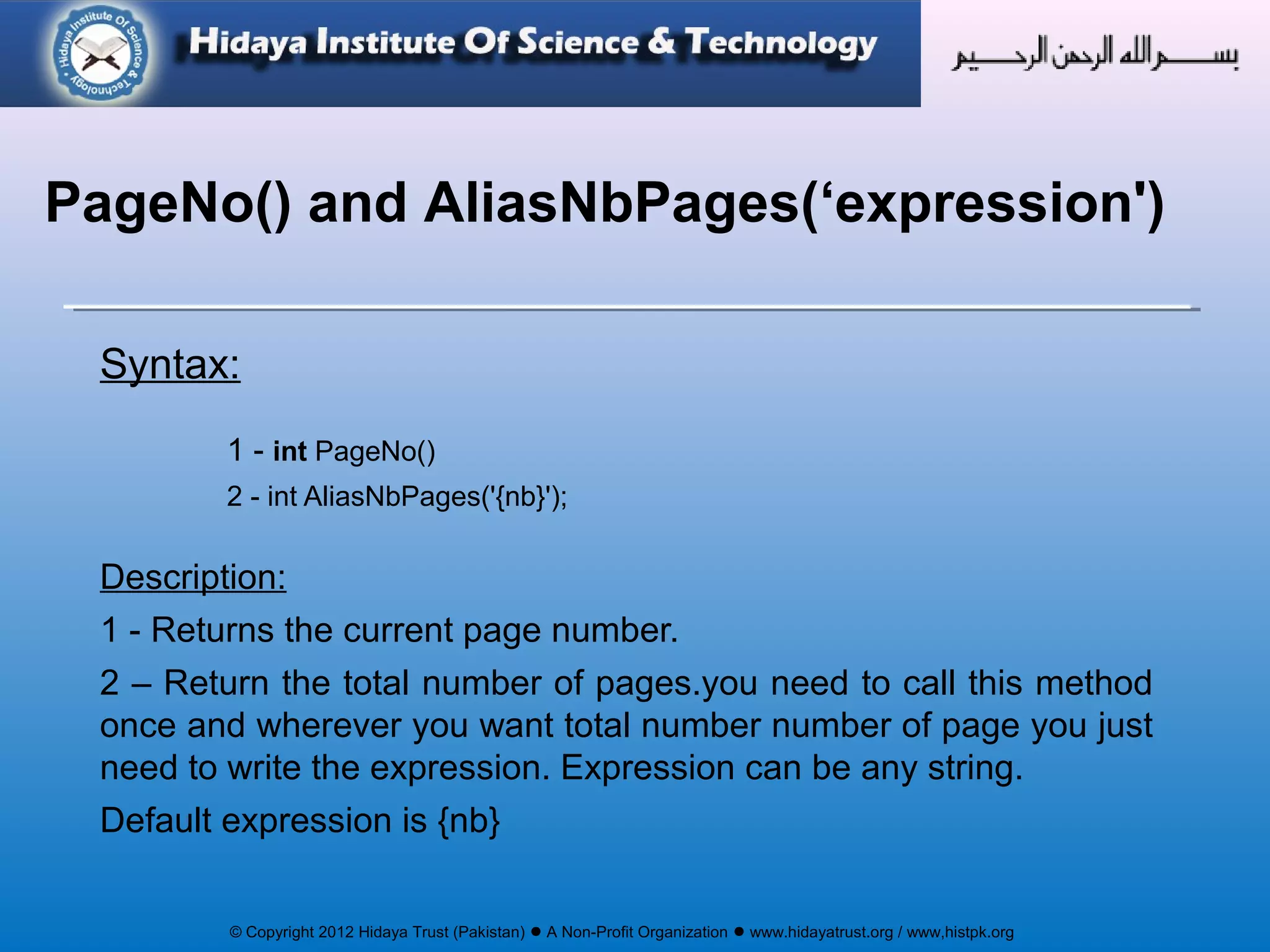
Syntax:
1 - int PageNo()
2 - int AliasNbPages('{nb}');
Description:
1 - Returns the current page number.
2 – Return the total number of pages.you need to call this method
once and wherever you want total number number of page you just
need to write the expression. Expression can be any string.
Default expression is {nb}
PageNo() and AliasNbPages(‘expression')
© Copyright 2012 Hidaya Trust (Pakistan) ● A Non-Profit Organization ● www.hidayatrust.org / www,histpk.org
Syntax:
Rect(float x, float y, float w, float h [, string style])
Description:
Draws a rectangle.
Rect();
Parameters
X = Abscissa of upper-left corner.
Y = Ordinate of upper-left corner.
W =Width
H = Height
Style : style of rendering. Possible values are:
D or empty string: draw. Default value
F : fill
DF or FD : draw and fill.
© Copyright 2012 Hidaya Trust (Pakistan) ● A Non-Profit Organization ● www.hidayatrust.org / www,histpk.org
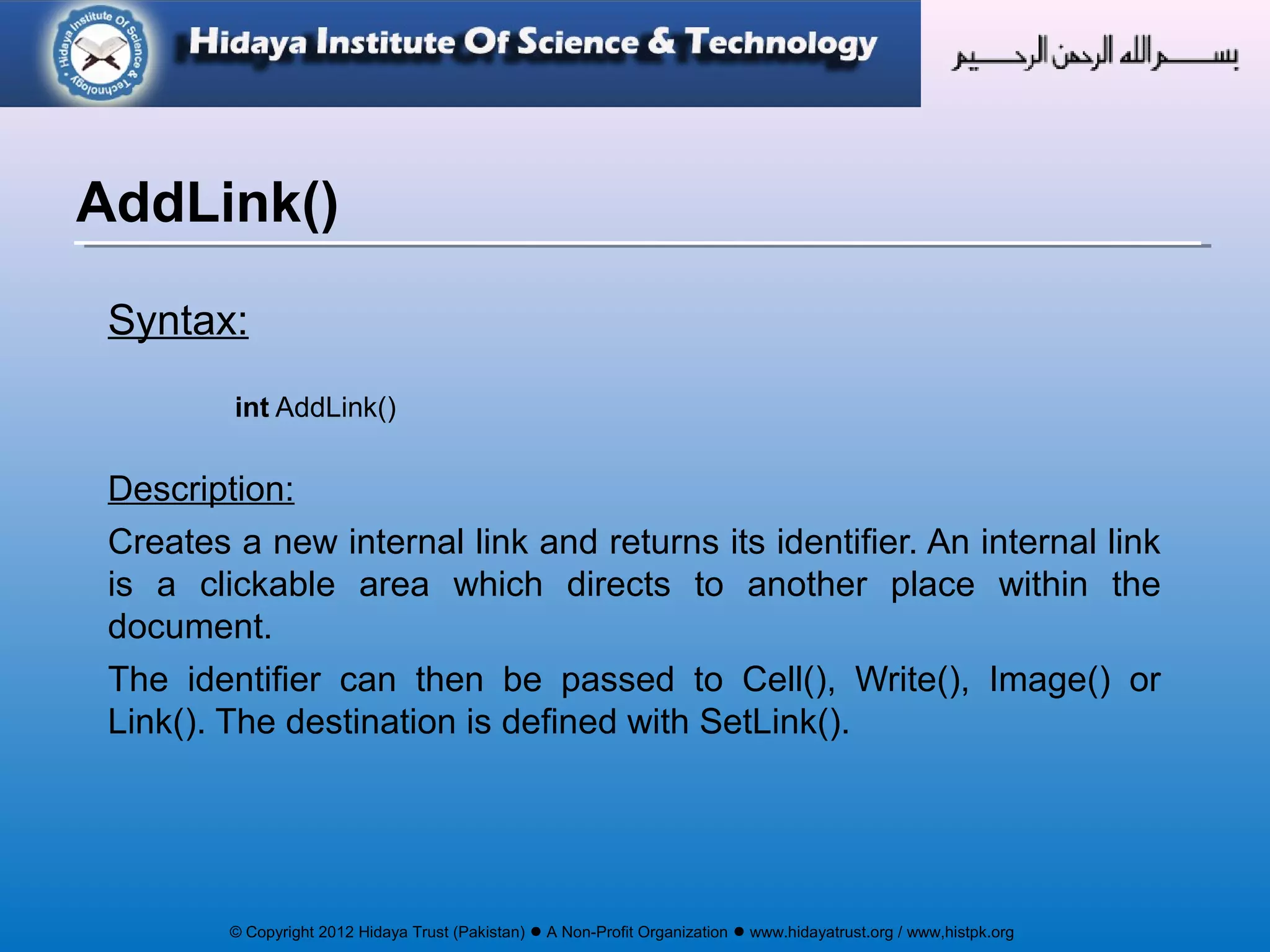
Syntax:
int AddLink()
Description:
Creates a new internal link and returns its identifier. An internal link
is a clickable area which directs to another place within the
document.
The identifier can then be passed to Cell(), Write(), Image() or
Link(). The destination is defined with SetLink().
AddLink()
© Copyright 2012 Hidaya Trust (Pakistan) ● A Non-Profit Organization ● www.hidayatrust.org / www,histpk.org
Syntax:
SetLink(int link [, float y [, int page]])
Description:
Defines the page and position a link points to.
Parameters:
link: The link identifier returned by AddLink().
y: Ordinate of target position; -1 indicates the current position. The default value is 0
(top of page).
page: Number of target page; -1 indicates the current page. This is the default
value.
SetLink()
© Copyright 2012 Hidaya Trust (Pakistan) ● A Non-Profit Organization ● www.hidayatrust.org / www,histpk.org
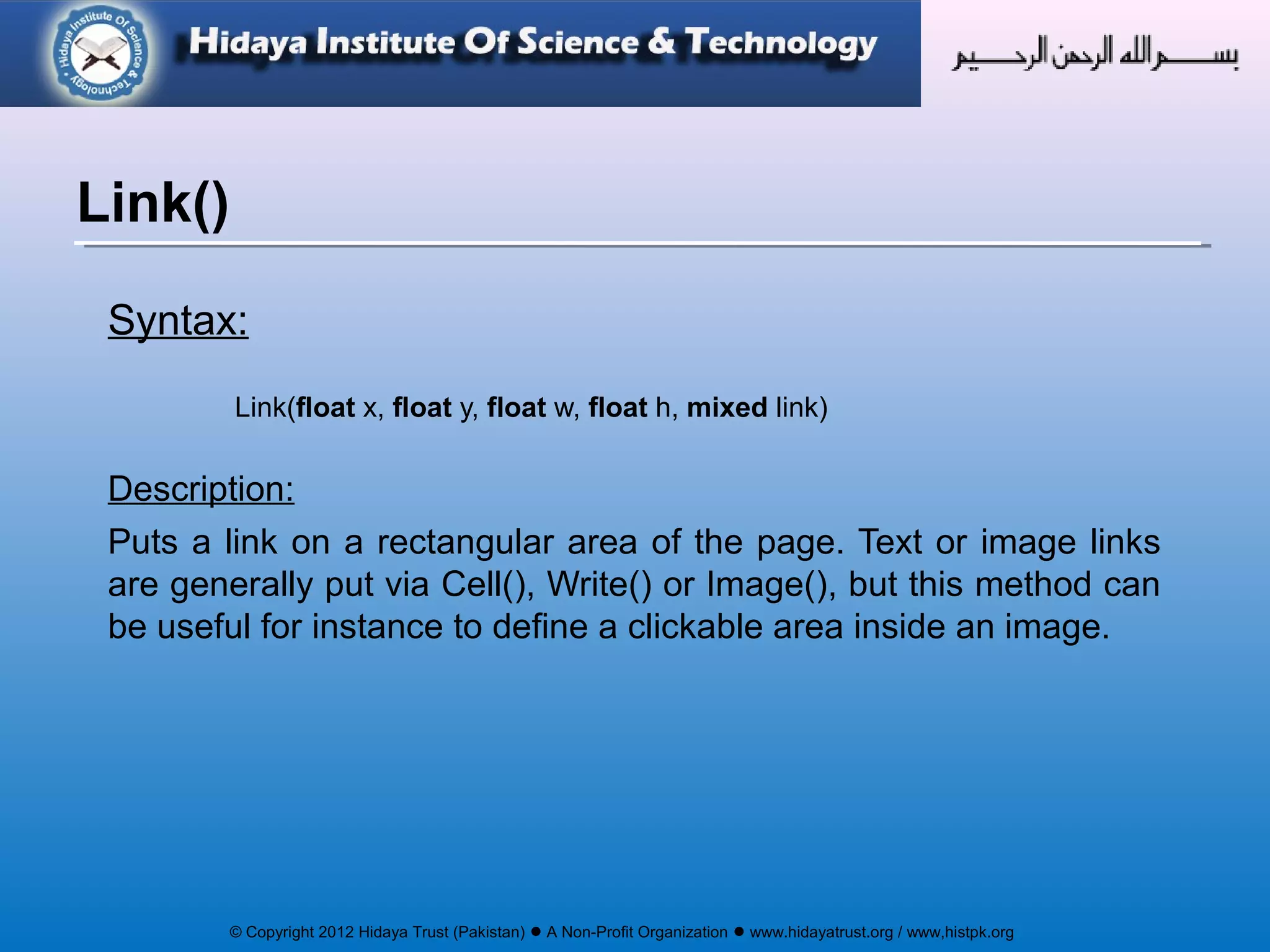
Syntax:
Link(float x, float y, float w, float h, mixed link)
Description:
Puts a link on a rectangular area of the page. Text or image links
are generally put via Cell(), Write() or Image(), but this method can
be useful for instance to define a clickable area inside an image.
Link()
© Copyright 2012 Hidaya Trust (Pakistan) ● A Non-Profit Organization ● www.hidayatrust.org / www,histpk.org
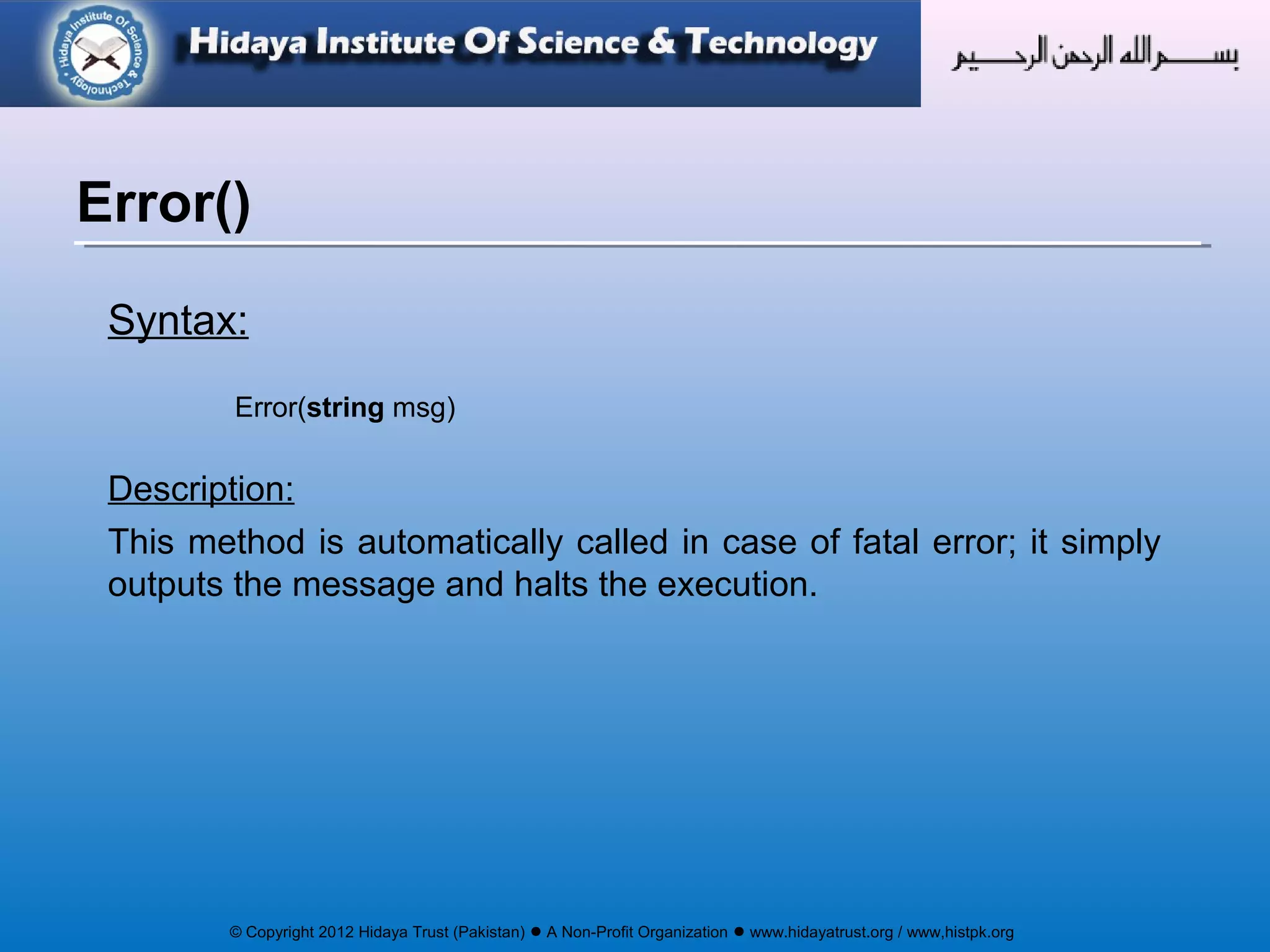
Syntax:
Error(string msg)
Description:
This method is automatically called in case of fatal error; it simply
outputs the message and halts the execution.
Error()
© Copyright 2012 Hidaya Trust (Pakistan) ● A Non-Profit Organization ● www.hidayatrust.org / www,histpk.org
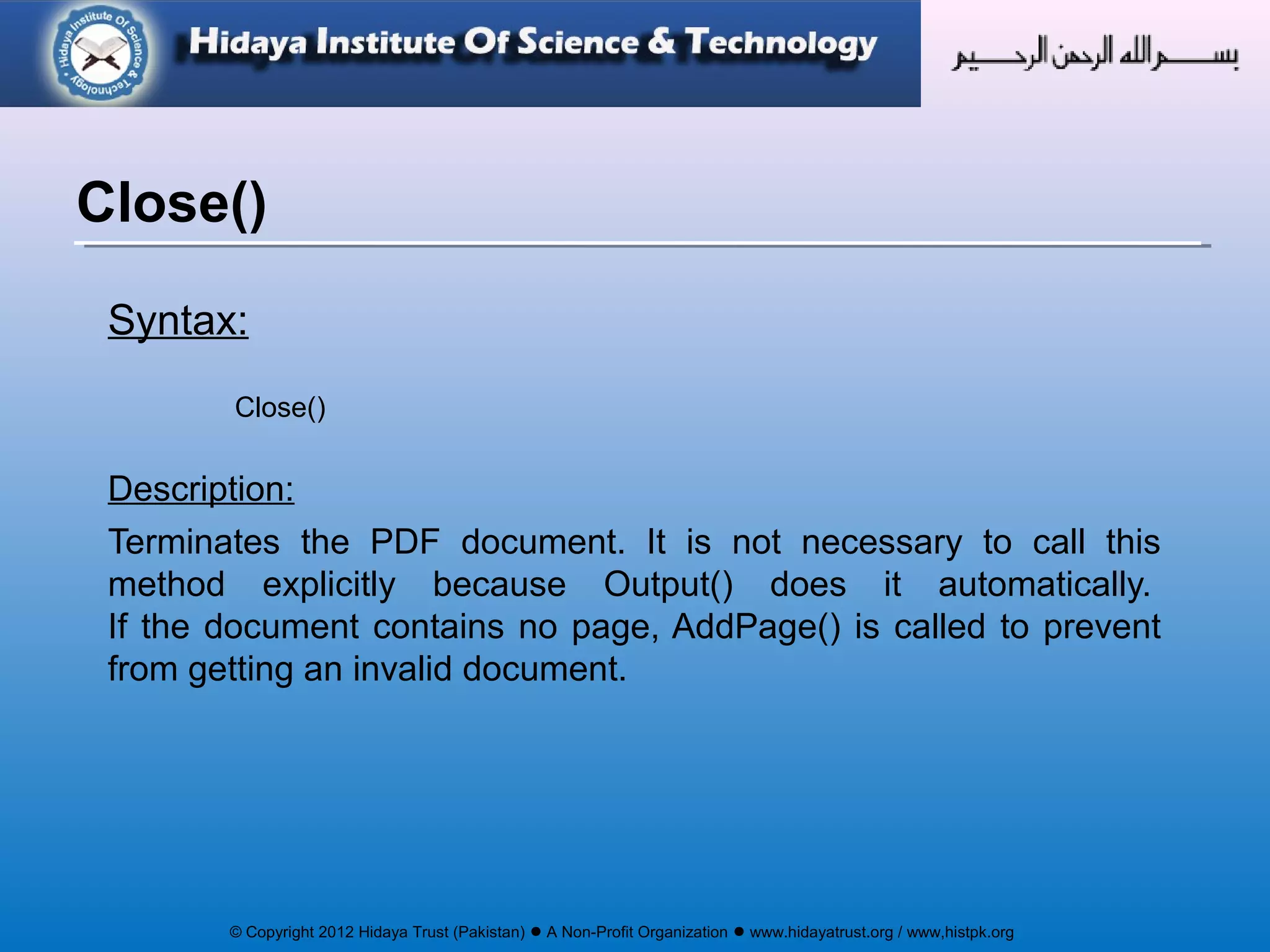
Syntax:
Close()
Description:
Terminates the PDF document. It is not necessary to call this
method explicitly because Output() does it automatically.
If the document contains no page, AddPage() is called to prevent
from getting an invalid document.
Close()
© Copyright 2012 Hidaya Trust (Pakistan) ● A Non-Profit Organization ● www.hidayatrust.org / www,histpk.org
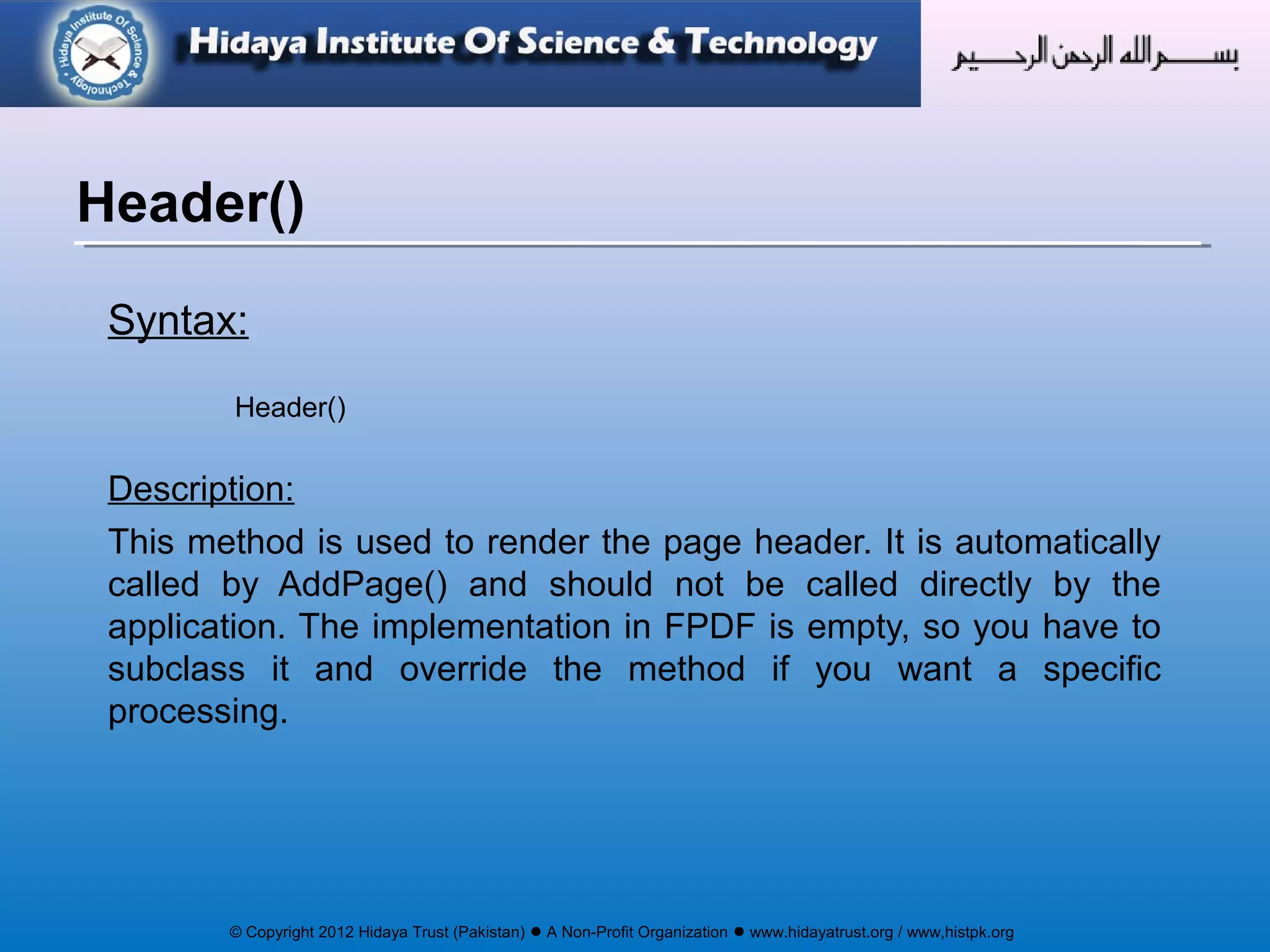
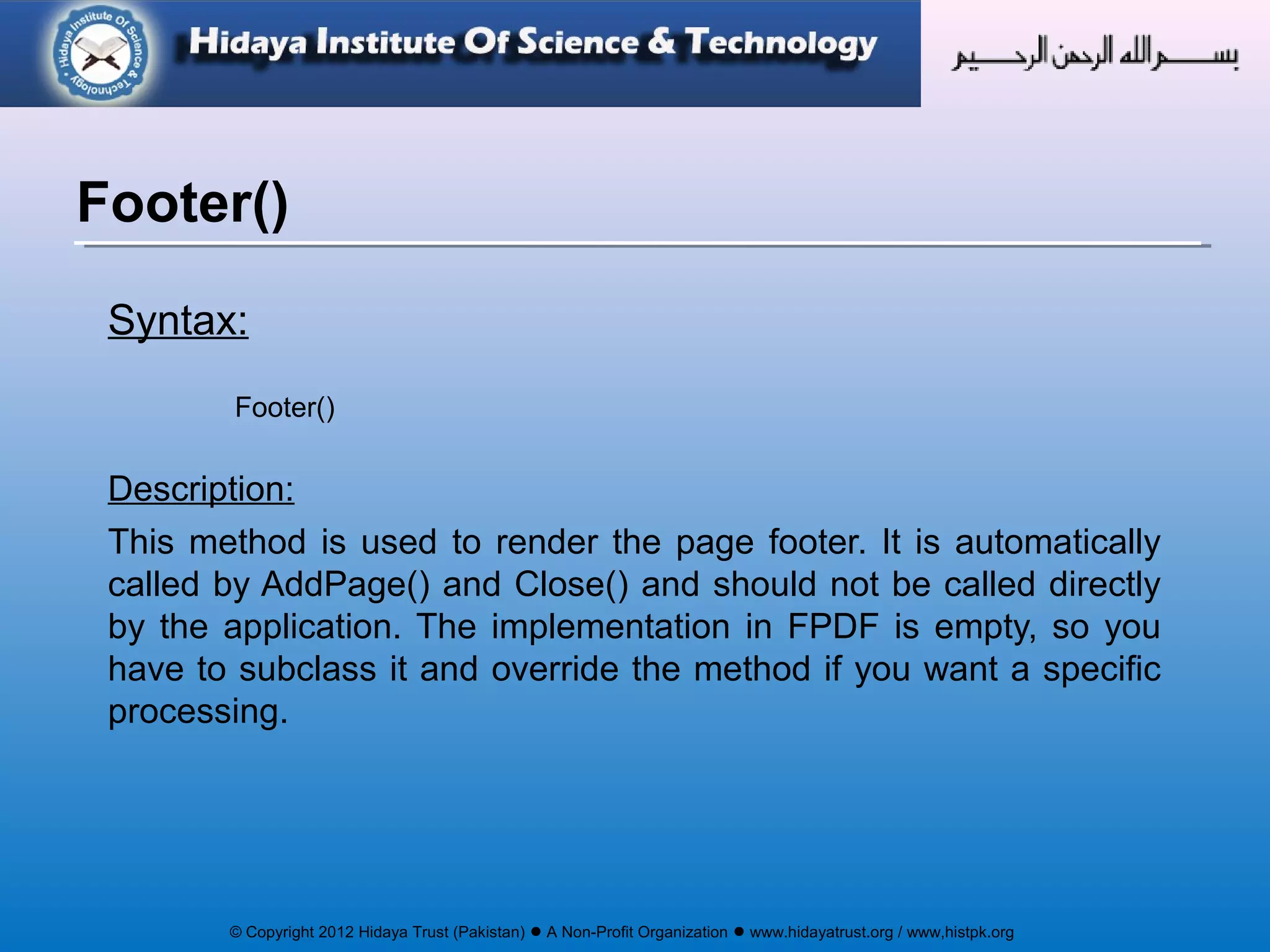
Syntax:
Header()
Description:
This method is used to render the page header. It is automatically
called by AddPage() and should not be called directly by the
application. The implementation in FPDF is empty, so you have to
subclass it and override the method if you want a specific
processing.
Header()
© Copyright 2012 Hidaya Trust (Pakistan) ● A Non-Profit Organization ● www.hidayatrust.org / www,histpk.org
Syntax:
Footer()
Description:
This method is used to render the page footer. It is automatically
called by AddPage() and Close() and should not be called directly
by the application. The implementation in FPDF is empty, so you
have to subclass it and override the method if you want a specific
processing.
Footer()
© Copyright 2012 Hidaya Trust (Pakistan) ● A Non-Profit Organization ● www.hidayatrust.org / www,histpk.org
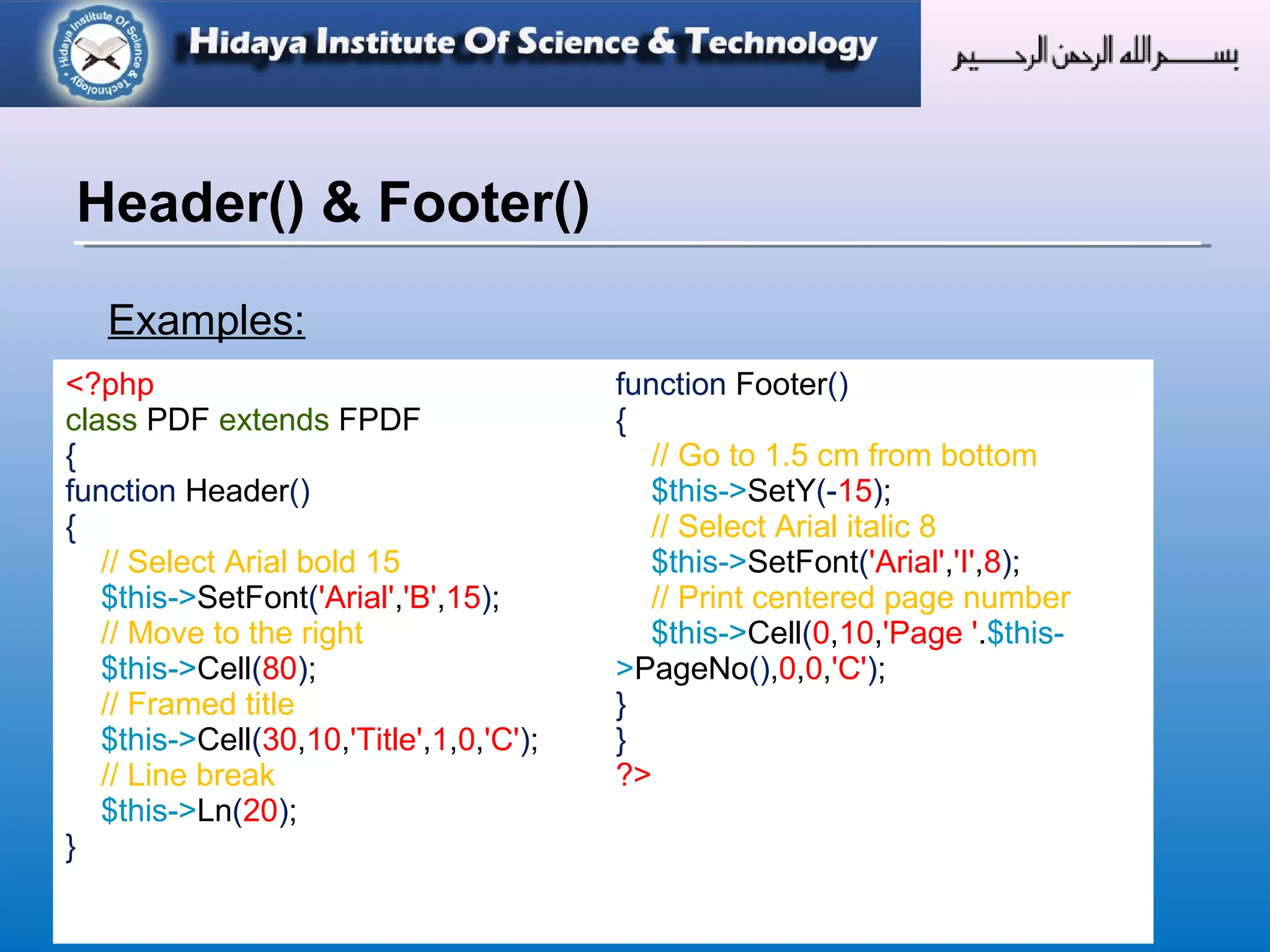
Examples:
Header() & Footer()
<?php
class PDF extends FPDF
{
function Header()
{
// Select Arial bold 15
$this->SetFont('Arial','B',15);
// Move to the right
$this->Cell(80);
// Framed title
$this->Cell(30,10,'Title',1,0,'C');
// Line break
$this->Ln(20);
}
function Footer()
{
// Go to 1.5 cm from bottom
$this->SetY(-15);
// Select Arial italic 8
$this->SetFont('Arial','I',8);
// Print centered page number
$this->Cell(0,10,'Page '.$this-
>PageNo(),0,0,'C');
}
}
?>
© Copyright 2012 Hidaya Trust (Pakistan) ● A Non-Profit Organization ● www.hidayatrust.org / www,histpk.org
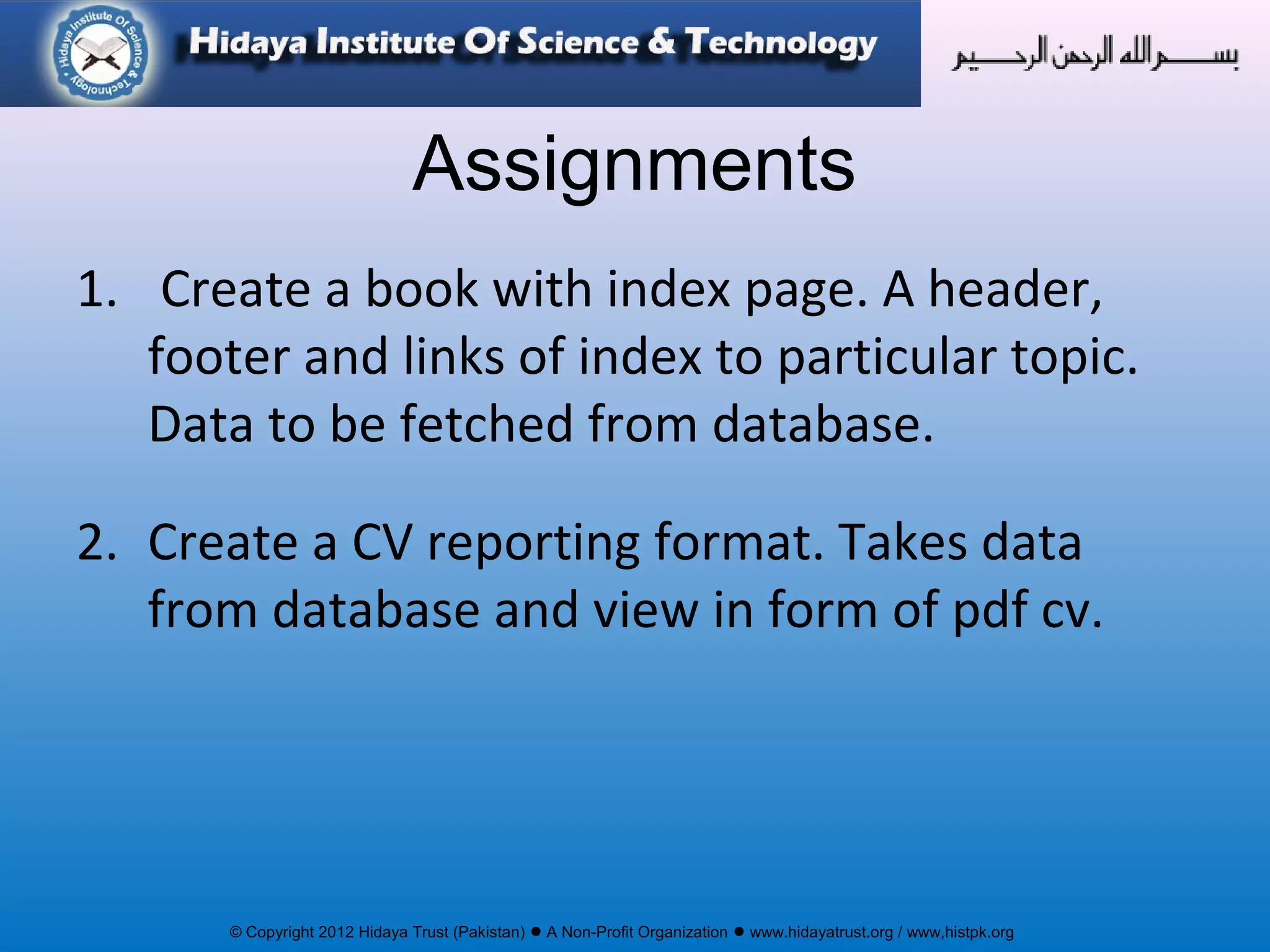
Assignments
1. Create a book with index page. A header,
footer and links of index to particular topic.
Data to be fetched from database.
2. Create a CV reporting format. Takes data
from database and view in form of pdf cv.

Reporting using FPDF

  • 1.
    © Copyright 2012Hidaya Trust (Pakistan) ● A Non-Profit Organization ● www.hidayatrust.org / www,histpk.org Hidaya Institute of Science & Technology www.histpk.org A Division of Hidaya Trust, Pakistan
  • 2.
    © Copyright 2012Hidaya Trust (Pakistan) ● A Non-Profit Organization ● www.hidayatrust.org / www,histpk.org PDF REPORTING Lecture# 1
  • 3.
    © Copyright 2012Hidaya Trust (Pakistan) ● A Non-Profit Organization ● www.hidayatrust.org / www,histpk.org • Because your client wants one. • Because you want to have a 'saveable' page. • Because you want an 'immutable' page. • Because some things are done easier in PDFs then HTML. • Because you may want a password protected document. • And Because of the wonderful things it does... Why Create PDF files?
  • 4.
    © Copyright 2012Hidaya Trust (Pakistan) ● A Non-Profit Organization ● www.hidayatrust.org / www,histpk.org PDF Reporting Using FPDF
  • 5.
    © Copyright 2012Hidaya Trust (Pakistan) ● A Non-Profit Organization ● www.hidayatrust.org / www,histpk.org PHP has several libraries for generating PDF documents. We will use the popular fpdf library. The FPDF library is a set of PHP code you include in your scripts with the require function. The basic concepts of the structure and features of a PDF file should be common to all the pdf libraries. This library (FPDF) is available at http://www.fpdf.org. Documentation at: http://www.fpdf.org/en/doc/ Introduction
  • 6.
    © Copyright 2012Hidaya Trust (Pakistan) ● A Non-Profit Organization ● www.hidayatrust.org / www,histpk.org FPDF is an existing library, used by many people. Pros: • Written by somebody else - no re-inventing the wheel • Tested, debugged, and hopefully working code • Flexible, extensible, many different modules • Many examples of different things you can do with it • The price is right! Free! Cons: • A bit of a learning curve to get started • Infrequently updated (Could just be 'done' at this point) Why FPDF?
  • 7.
    © Copyright 2012Hidaya Trust (Pakistan) ● A Non-Profit Organization ● www.hidayatrust.org / www,histpk.org •A PDF document is made up of a number of pages. Each page contains text and/or images. Here we will see: –how to make a document –create pages in that document –set font for the document –put text onto the pages –send the pages back to the browser But first we will: <?php require("../fpdf/fpdf.php"); // path to fpdf.php ?> Documents and Pages
  • 8.
    © Copyright 2012Hidaya Trust (Pakistan) ● A Non-Profit Organization ● www.hidayatrust.org / www,histpk.org Example# 1: Documents and Pages (contd…) <?php require("../fpdf/fpdf.php"); // path to fpdf.php $pdf = new FPDF( ); // create object of FPDF $pdf->AddPage( ); // add a page to document $pdf->SetFont('Arial','B',16); // set fonts of the text $pdf->Cell(40,10,'Hello Out There!'); // add text to the page $pdf->Output( ); // send document to browser, means output the document ?>
  • 9.
    © Copyright 2012Hidaya Trust (Pakistan) ● A Non-Profit Organization ● www.hidayatrust.org / www,histpk.org FPDF ( ) constructor parameters Parameter options Orientation P Portrait; default L Landscape Units of Measurement pt Point (1/72 of an inch) in Inch mm (default) Millimeter cm Centimeter Page Size Letter Legal A5 A3 A4- (default) An array containing width and height
  • 10.
    © Copyright 2012Hidaya Trust (Pakistan) ● A Non-Profit Organization ● www.hidayatrust.org / www,histpk.org Syntax: AddPage([string orientation [, mixed size]]) Description: Adds a new page to the document. Parameters: orientation: Page orientation. Possible values are (case insensitive): P or Portrait, L or Landscape The default value is the one passed to the constructor. size: Page size. It can be either one of the following values (case insensitive): A3, A4, A5, Letter, Legal or an array containing the width and the height (expressed in user unit). Default values are that of a constructor.. AddPage()
  • 11.
    © Copyright 2012Hidaya Trust (Pakistan) ● A Non-Profit Organization ● www.hidayatrust.org / www,histpk.org Syntax: SetFont(string family [, string style [, float size]]) Description: Sets the font used to print character strings. It is mandatory to call this method at least once before printing text or the resulting document would not be valid. SetFont()
  • 12.
    © Copyright 2012Hidaya Trust (Pakistan) ● A Non-Profit Organization ● www.hidayatrust.org / www,histpk.org Syntax: Cell(float w [, float h [, string txt [, mixed border [, int ln [, string align [, int fill [, mixed link]]]]]]]) Description: Prints a cell (rectangular area) with optional borders, background color and character string. The upper-left corner of the cell corresponds to the current position. The text can be aligned or centered. After the call, the current position moves to the right or to the next line. It is possible to put a link on the text. If automatic page breaking is enabled and the cell goes beyond the limit, a page break is done before outputting. Cell()
  • 13.
    © Copyright 2012Hidaya Trust (Pakistan) ● A Non-Profit Organization ● www.hidayatrust.org / www,histpk.org Syntax: MultiCell(float w, float h, string txt [, mixed border [, string align [, boolean fill]]]) Description: This method allows printing text with line breaks. They can be automatic (as soon as the text reaches the right border of the cell) or explicit (via the n character). As many cells as necessary are output, one below the other. Text can be aligned, centered or justified. The cell block can be framed and the background painted. MultiCell()
  • 14.
    © Copyright 2012Hidaya Trust (Pakistan) ● A Non-Profit Organization ● www.hidayatrust.org / www,histpk.org $pdf->Output(name='',dest=''); Parameters name: The name of the file. If not specified, the document will be sent to the browser (destination I) with the name doc.pdf. dest: Destination where to send the document. It can take one of the following values: I: send the file inline to the browser. The plug-in is used if available. The name given by name is used when one selects the "Save as" option on the link generating the PDF. D: send to the browser and force a file download with the name given by name. F: save to a local file with the name given by name (may include a path). S: return the document as a string. name is ignored. Output()
  • 15.
    © Copyright 2012Hidaya Trust (Pakistan) ● A Non-Profit Organization ● www.hidayatrust.org / www,histpk.org Syntax: Text(float x, float y, string txt) Description: Prints a character string. The origin is on the left of the first character, on the baseline. This method allows to place a string precisely on the page, but it is usually easier to use Cell(), MultiCell() or Write() which are the standard methods to print text. Text()
  • 16.
    © Copyright 2012Hidaya Trust (Pakistan) ● A Non-Profit Organization ● www.hidayatrust.org / www,histpk.org Syntax: Write(float h, string txt [, mixed link]) Description: This method prints text from the current position. When the right margin is reached (or the n character is met) a line break occurs and text continues from the left margin. Upon method exit, the current position is left just at the end of the text. It is possible to put a link on the text. Write()
  • 17.
    © Copyright 2012Hidaya Trust (Pakistan) ● A Non-Profit Organization ● www.hidayatrust.org / www,histpk.org Syntax: float GetX() float GetY() Description: Returns Current Position GetX() & GetY()
  • 18.
    © Copyright 2012Hidaya Trust (Pakistan) ● A Non-Profit Organization ● www.hidayatrust.org / www,histpk.org Syntax: SetX(float x) SetY(float y) Description: Sets Position of all preceding elements Note: SetX and SetY should not be used together. For this purpose use SetXY() SetX() & SetY()
  • 19.
    © Copyright 2012Hidaya Trust (Pakistan) ● A Non-Profit Organization ● www.hidayatrust.org / www,histpk.org Syntax: SetXY(float x, float y) Description: Defines the ordinate of the current position. If the passed values are negative, they are relative respectively to the right and bottom of the page. SetXY()
  • 20.
    © Copyright 2012Hidaya Trust (Pakistan) ● A Non-Profit Organization ● www.hidayatrust.org / www,histpk.org Syntax: Line(float x1, float y1, float x2, float y2) Description: Draws a line between two points. Line()
  • 21.
    © Copyright 2012Hidaya Trust (Pakistan) ● A Non-Profit Organization ● www.hidayatrust.org / www,histpk.org Syntax: Ln([float h]) Description: Performs a line break. Parameters: h The height of the break. By default, the value equals the height of the last printed cell. Ln()
  • 22.
    © Copyright 2012Hidaya Trust (Pakistan) ● A Non-Profit Organization ● www.hidayatrust.org / www,histpk.org Syntax: Image(string file [, float x [, float y [, float w [, float h [, string type [, mixed link]]]]]]) Description: Adds image to the document Image()
  • 23.
    © Copyright 2012Hidaya Trust (Pakistan) ● A Non-Profit Organization ● www.hidayatrust.org / www,histpk.org Syntax: SetFillColor(int r [, int g, int b]) Description: Defines the color used for all filling operations (filled rectangles and cell backgrounds). It can be expressed in RGB components or gray scale. The method can be called before the first page is created and the value is retained from page to page. Parameters: r If g and b are given, red component; if not, indicates the gray level. Value between 0 and 255. SetFillColor()
  • 24.
    © Copyright 2012Hidaya Trust (Pakistan) ● A Non-Profit Organization ● www.hidayatrust.org / www,histpk.org Syntax: SetDrawColor(int r [, int g, int b]) Description: Defines the color used for all drawing operations (lines, rectangles and cell borders). It can be expressed in RGB components or gray scale. The method can be called before the first page is created and the value is retained from page to page. Parameters: r If g and b are given, red component; if not, indicates the gray level. Value between 0 and 255. SetDrawColor()
  • 25.
    © Copyright 2012Hidaya Trust (Pakistan) ● A Non-Profit Organization ● www.hidayatrust.org / www,histpk.org Syntax: SetTextColor(int r [, int g, int b]) Description: Defines the color used for text. It can be expressed in RGB components or gray scale. The method can be called before the first page is created and the value is retained from page to page. Parameters: r If g and b are given, red component; if not, indicates the gray level. Value between 0 and 255. SetTextColor()
  • 26.
    © Copyright 2012Hidaya Trust (Pakistan) ● A Non-Profit Organization ● www.hidayatrust.org / www,histpk.org Syntax: 1 - int PageNo() 2 - int AliasNbPages('{nb}'); Description: 1 - Returns the current page number. 2 – Return the total number of pages.you need to call this method once and wherever you want total number number of page you just need to write the expression. Expression can be any string. Default expression is {nb} PageNo() and AliasNbPages(‘expression')
  • 27.
    © Copyright 2012Hidaya Trust (Pakistan) ● A Non-Profit Organization ● www.hidayatrust.org / www,histpk.org Syntax: Rect(float x, float y, float w, float h [, string style]) Description: Draws a rectangle. Rect(); Parameters X = Abscissa of upper-left corner. Y = Ordinate of upper-left corner. W =Width H = Height Style : style of rendering. Possible values are: D or empty string: draw. Default value F : fill DF or FD : draw and fill.
  • 28.
    © Copyright 2012Hidaya Trust (Pakistan) ● A Non-Profit Organization ● www.hidayatrust.org / www,histpk.org Syntax: int AddLink() Description: Creates a new internal link and returns its identifier. An internal link is a clickable area which directs to another place within the document. The identifier can then be passed to Cell(), Write(), Image() or Link(). The destination is defined with SetLink(). AddLink()
  • 29.
    © Copyright 2012Hidaya Trust (Pakistan) ● A Non-Profit Organization ● www.hidayatrust.org / www,histpk.org Syntax: SetLink(int link [, float y [, int page]]) Description: Defines the page and position a link points to. Parameters: link: The link identifier returned by AddLink(). y: Ordinate of target position; -1 indicates the current position. The default value is 0 (top of page). page: Number of target page; -1 indicates the current page. This is the default value. SetLink()
  • 30.
    © Copyright 2012Hidaya Trust (Pakistan) ● A Non-Profit Organization ● www.hidayatrust.org / www,histpk.org Syntax: Link(float x, float y, float w, float h, mixed link) Description: Puts a link on a rectangular area of the page. Text or image links are generally put via Cell(), Write() or Image(), but this method can be useful for instance to define a clickable area inside an image. Link()
  • 31.
    © Copyright 2012Hidaya Trust (Pakistan) ● A Non-Profit Organization ● www.hidayatrust.org / www,histpk.org Syntax: Error(string msg) Description: This method is automatically called in case of fatal error; it simply outputs the message and halts the execution. Error()
  • 32.
    © Copyright 2012Hidaya Trust (Pakistan) ● A Non-Profit Organization ● www.hidayatrust.org / www,histpk.org Syntax: Close() Description: Terminates the PDF document. It is not necessary to call this method explicitly because Output() does it automatically. If the document contains no page, AddPage() is called to prevent from getting an invalid document. Close()
  • 33.
    © Copyright 2012Hidaya Trust (Pakistan) ● A Non-Profit Organization ● www.hidayatrust.org / www,histpk.org Syntax: Header() Description: This method is used to render the page header. It is automatically called by AddPage() and should not be called directly by the application. The implementation in FPDF is empty, so you have to subclass it and override the method if you want a specific processing. Header()
  • 34.
    © Copyright 2012Hidaya Trust (Pakistan) ● A Non-Profit Organization ● www.hidayatrust.org / www,histpk.org Syntax: Footer() Description: This method is used to render the page footer. It is automatically called by AddPage() and Close() and should not be called directly by the application. The implementation in FPDF is empty, so you have to subclass it and override the method if you want a specific processing. Footer()
  • 35.
    © Copyright 2012Hidaya Trust (Pakistan) ● A Non-Profit Organization ● www.hidayatrust.org / www,histpk.org Examples: Header() & Footer() <?php class PDF extends FPDF { function Header() { // Select Arial bold 15 $this->SetFont('Arial','B',15); // Move to the right $this->Cell(80); // Framed title $this->Cell(30,10,'Title',1,0,'C'); // Line break $this->Ln(20); } function Footer() { // Go to 1.5 cm from bottom $this->SetY(-15); // Select Arial italic 8 $this->SetFont('Arial','I',8); // Print centered page number $this->Cell(0,10,'Page '.$this- >PageNo(),0,0,'C'); } } ?>
  • 36.
    © Copyright 2012Hidaya Trust (Pakistan) ● A Non-Profit Organization ● www.hidayatrust.org / www,histpk.org Assignments 1. Create a book with index page. A header, footer and links of index to particular topic. Data to be fetched from database. 2. Create a CV reporting format. Takes data from database and view in form of pdf cv.