Python modules & packages [email_address]
Today’s topic Python overview in very brief Python modules More on Modules: Distribution modules & extending python using C Setuptool & Python Eggs: using easy_install Well known 3rd Party modules Conclusion
Part I Python overview in very brief
  What is Python good for? Very high-level  language. Large standard library. Split your program in modules that can be reused in other Python programs, easily. The Language syntax itself keep “Easy” in mind, keep “Design” in mind. Language Design Is Not Just Solving Puzzles . (by Python Creater:Guido van Rossum)
Zen of Python   python –c “import this” Simple is better than complex. (C++) Complex is better than complicated. (Java) Readability counts. (Perl) If the implementation is hard to explain, it's a bad idea. (Java framework like EJB) Explicit is better than implicit. (ruby on rails?) There should be one-- and preferably only one --obvious way to do it.
Part II Python modules
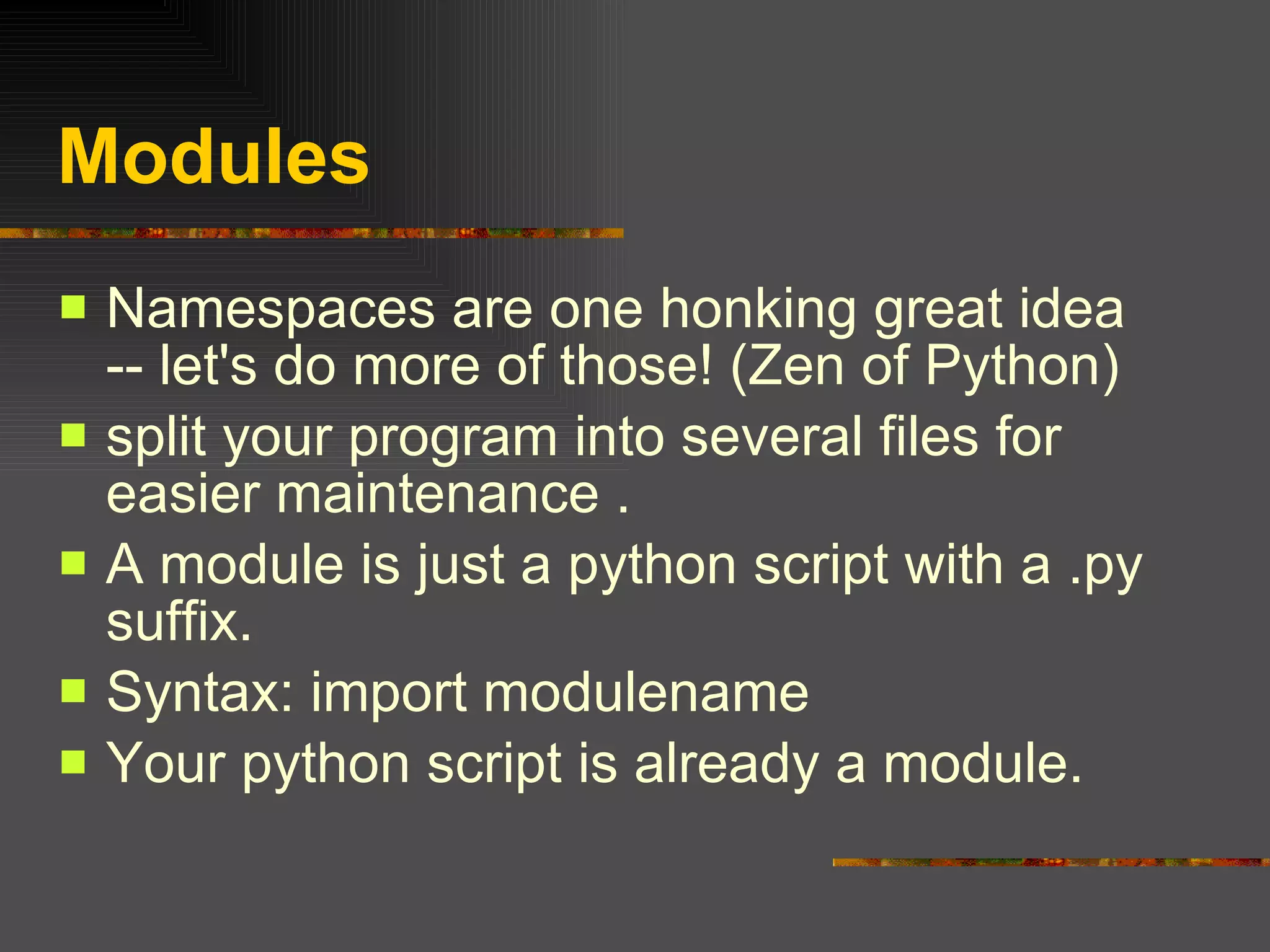
Modules Namespaces are one honking great idea -- let's do more of those! (Zen of Python) split your program into several files for easier maintenance . A module is just a python script with a .py suffix. Syntax: import modulename Your python script is already a module.
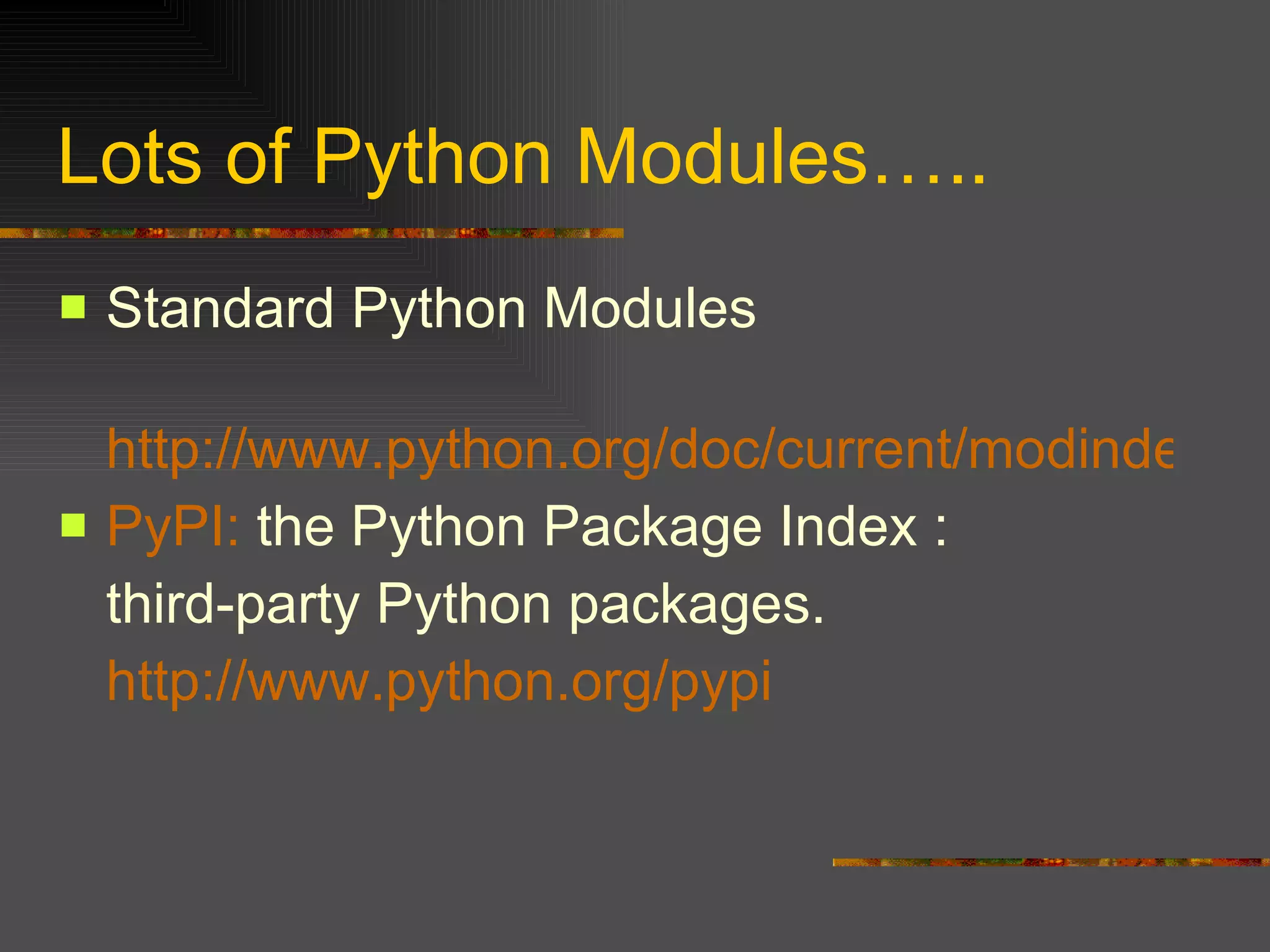
Lots of Python Modules….. Standard Python Modules http://www.python.org/doc/current/modindex.html PyPI :  the Python Package Index : third-party Python packages.  http://www.python.org/pypi
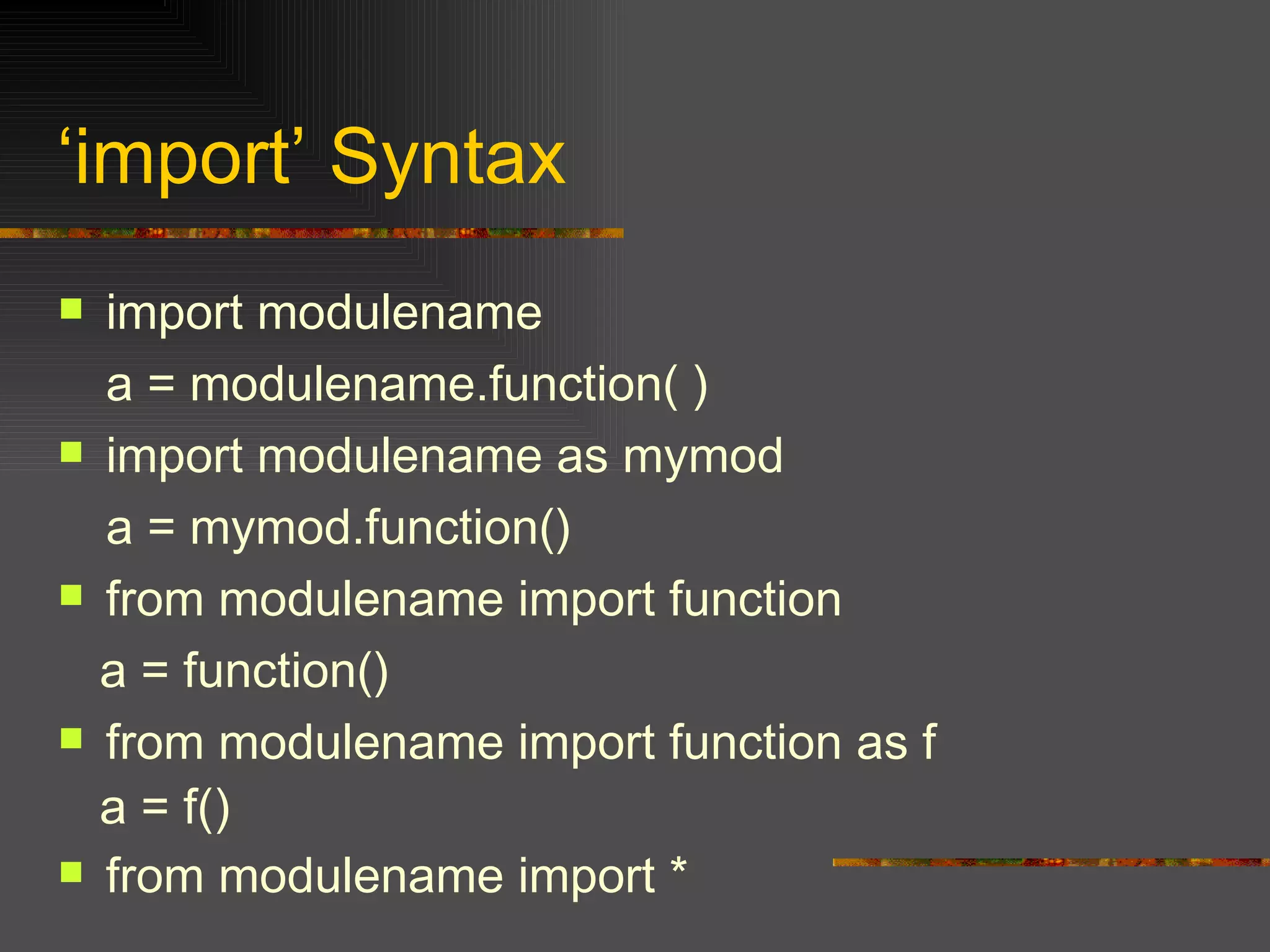
‘ import’ Syntax import  modulename a = modulename.function( )  import modulename as mymod a = mymod.function() from modulename import function a = function() from modulename import function as f a = f() from modulename import *
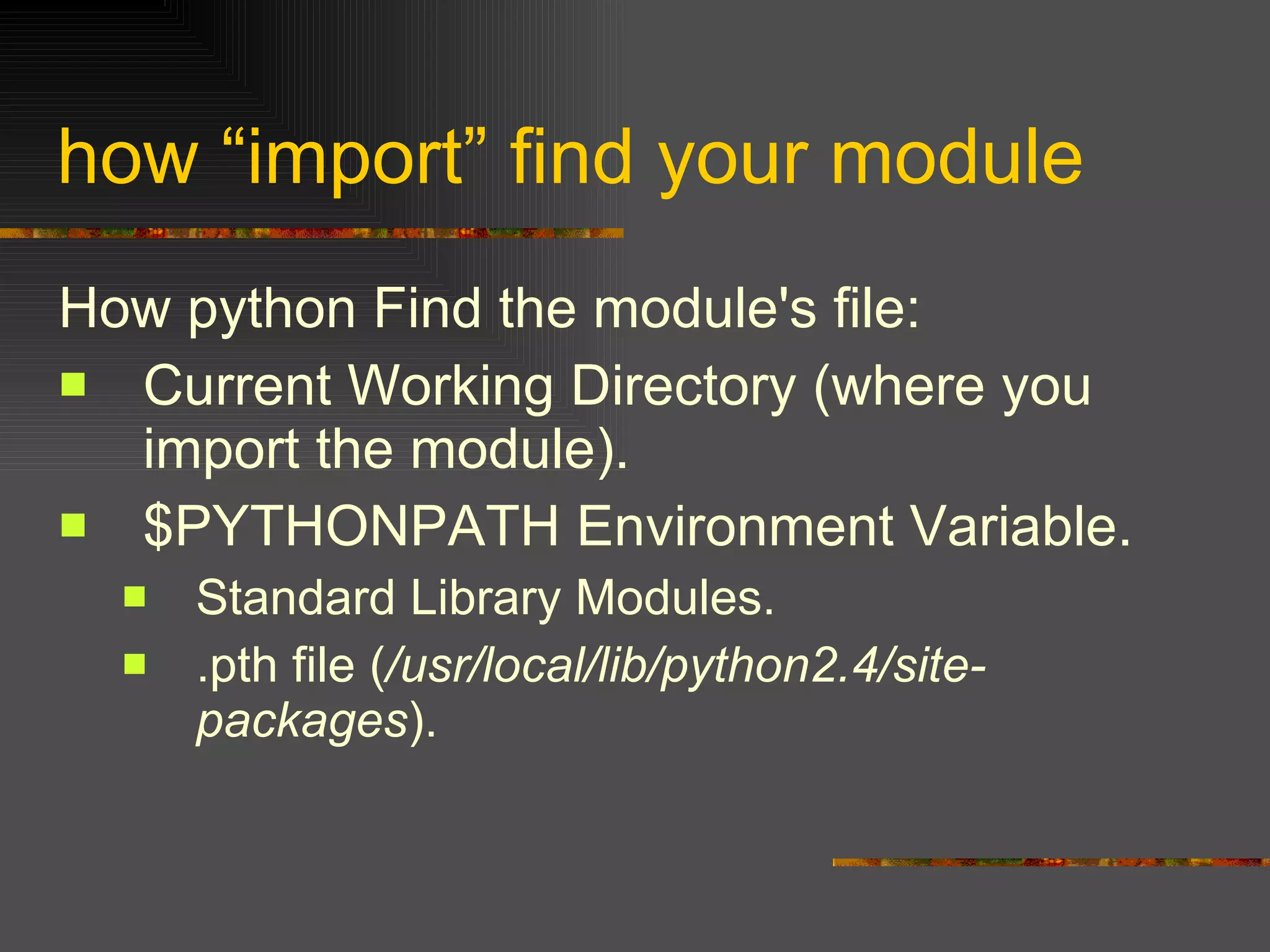
how “import” find your module How python Find the module's file: Current Working Directory (where you import the module). $PYTHONPATH Environment Variable. Standard Library Modules. .pth file ( /usr/local/lib/python2.4/site-packages ).
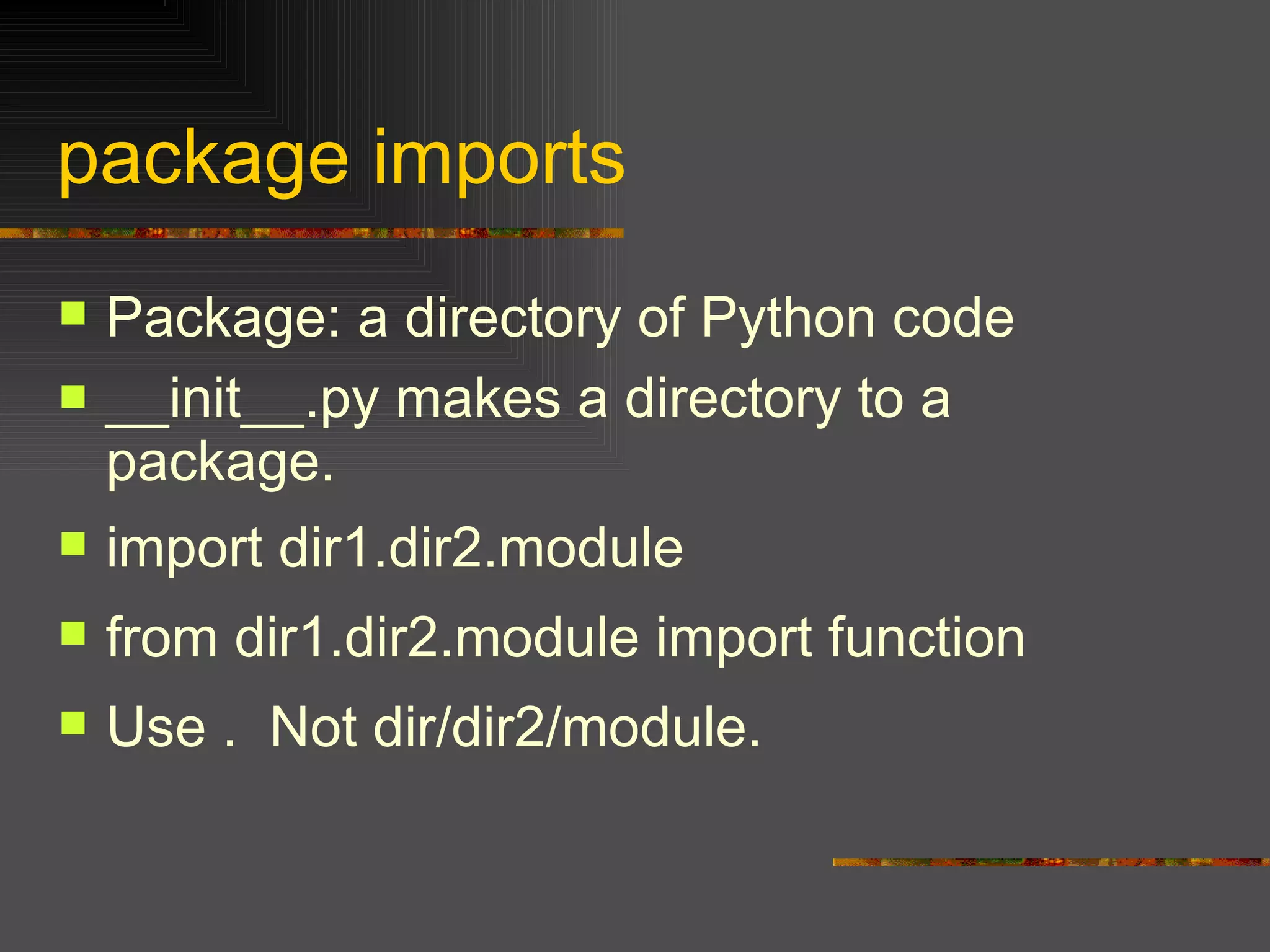
package imports Package: a directory of Python code  __init__.py makes a directory to a package. import dir1.dir2.mod ule from dir1.dir2.module import function Use .  Not dir/dir2/module.
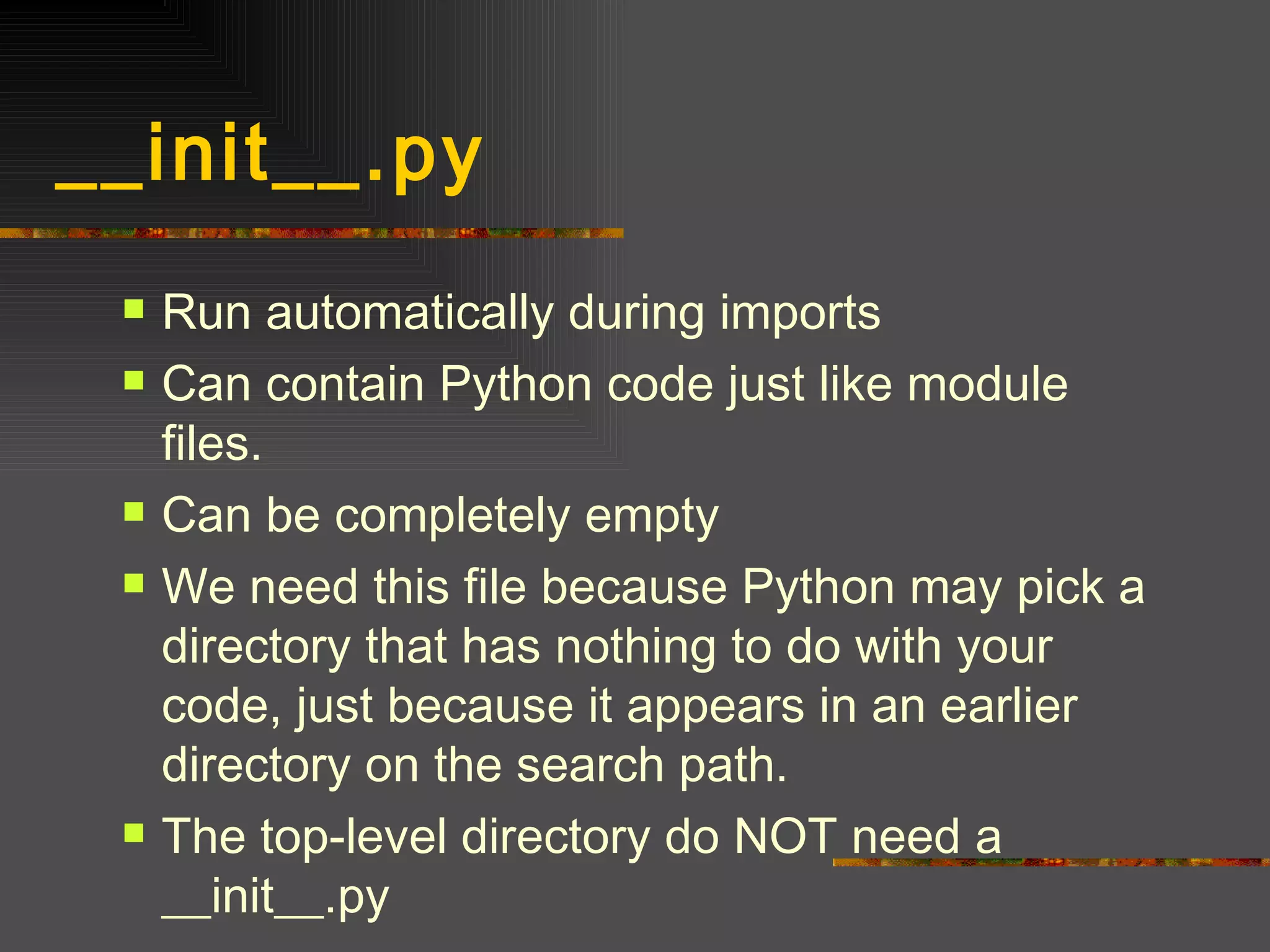
__init__.py  Run automatically during imports Can contain Python code just like module files. Can be completely empty We need this file because Python may pick a directory that has nothing to do with your code, just because it appears in an earlier directory on the search path. The top-level directory do NOT need a __init__.py
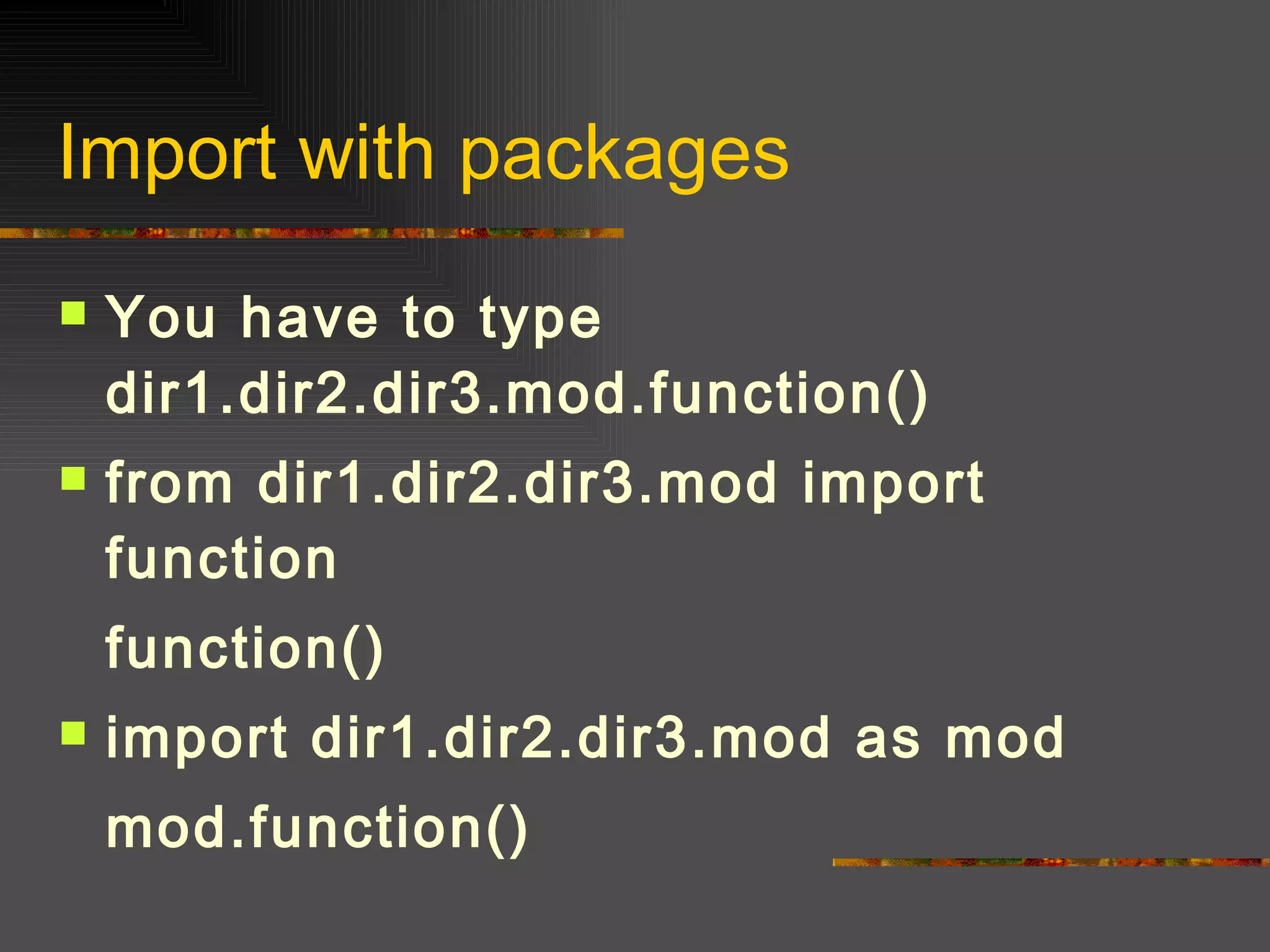
Import with packages You have to type dir1.dir2.dir3.mod.function() from dir1.dir2.dir3.mod import function function() import dir1.dir2.dir3.mod as mod mod.function()
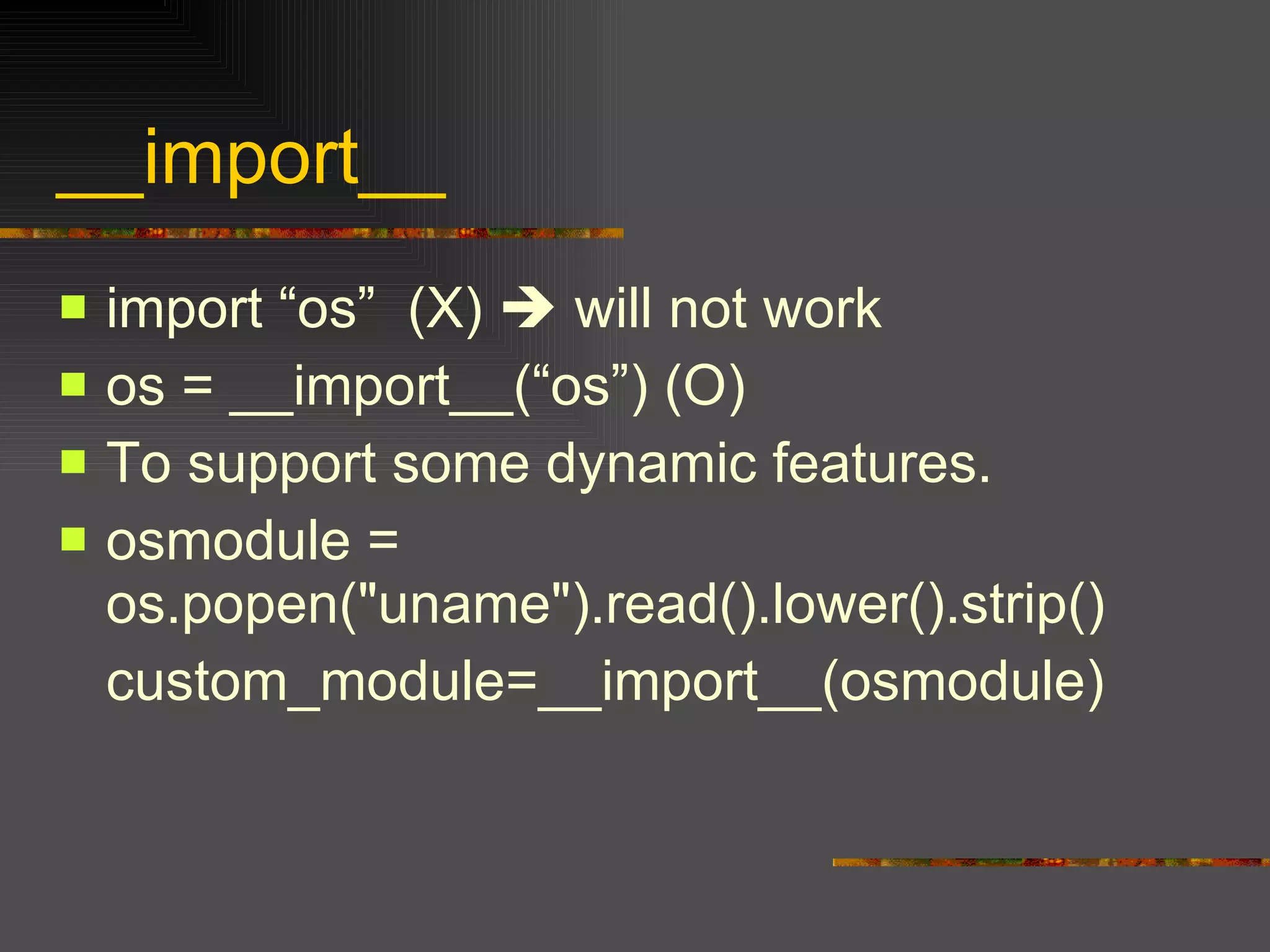
__import__ import “os”  (X)    will not work os = __import__(“os”) (O) To support some dynamic features. osmodule = os.popen("uname").read().lower().strip() custom_module=__import__(osmodule)
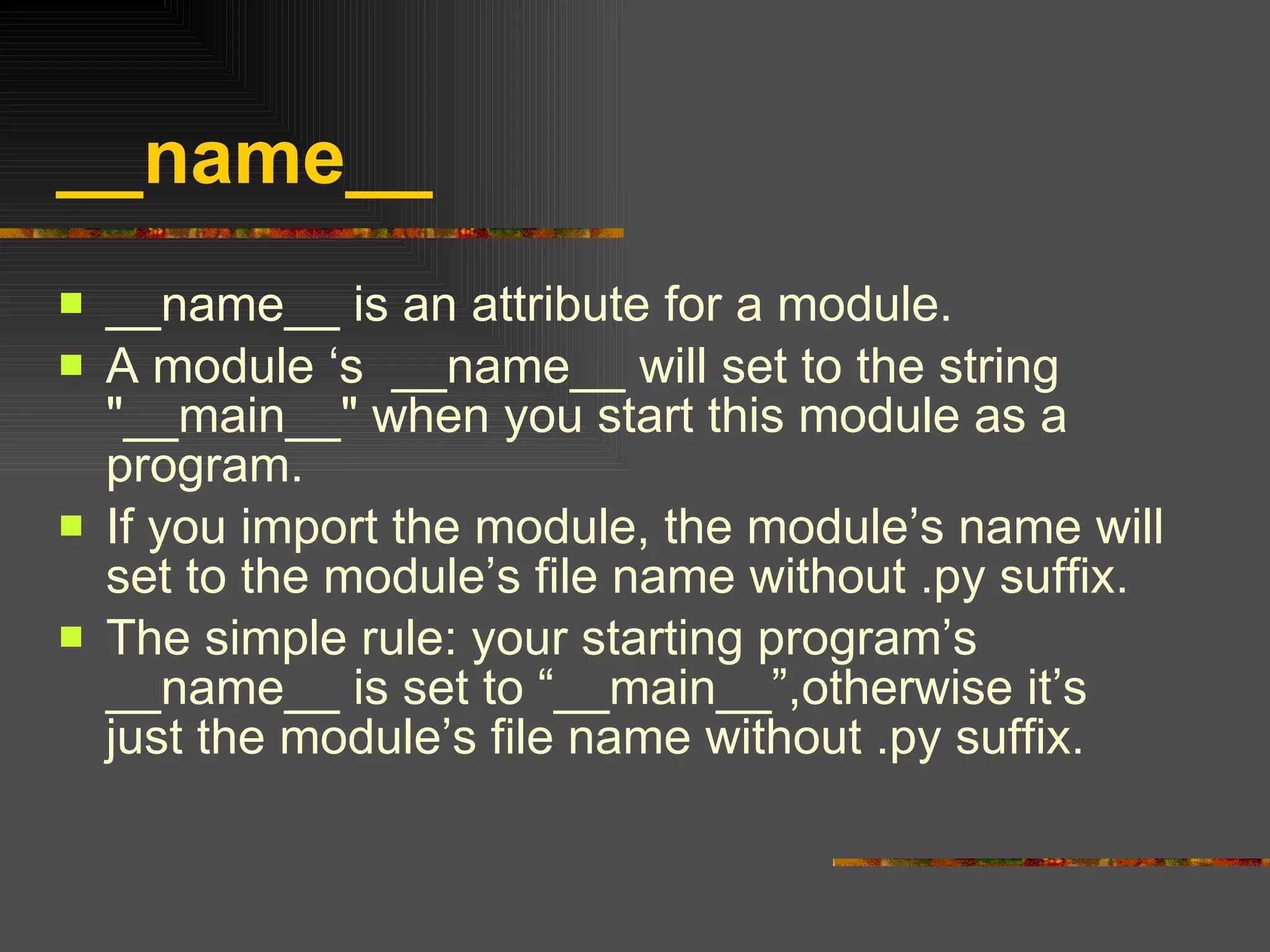
__name__  __name__ is an attribute for a module. A module ‘s  __name__ will set to the string "__main__" when you start this module as a program. If you import the module, the module’s name will set to the module’s file name without .py suffix. The simple rule: your starting program’s __name__ is set to “__main__”,otherwise it’s just the module’s file name without .py suffix.
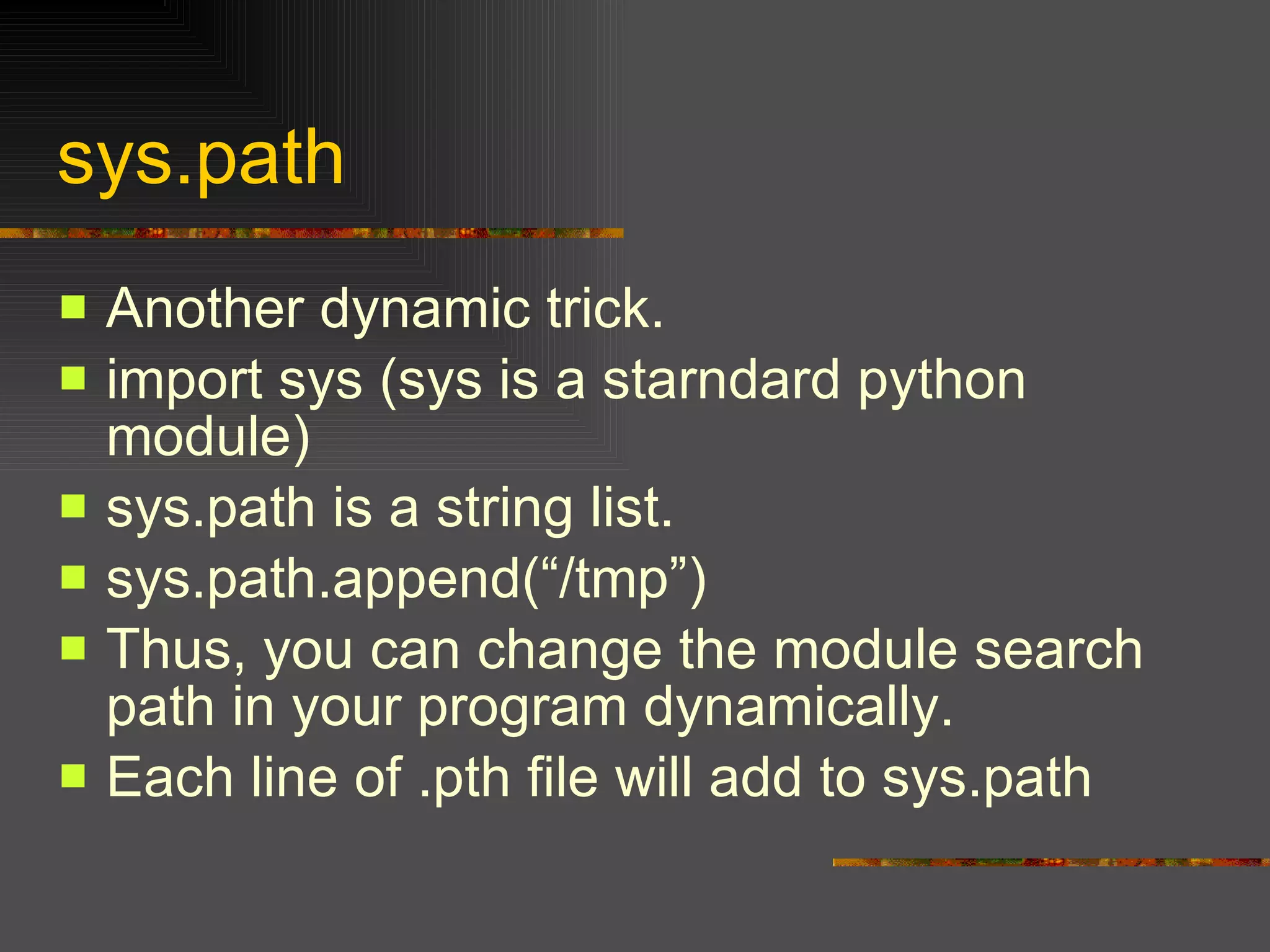
sys.path Another dynamic trick. import sys (sys is a starndard python module) sys.path is a string list. sys.path.append(“/tmp”) Thus, you can change the module search path in your program dynamically. Each line of .pth file will add to sys.path
Part III More on Modules: Distribution modules & extending python using C
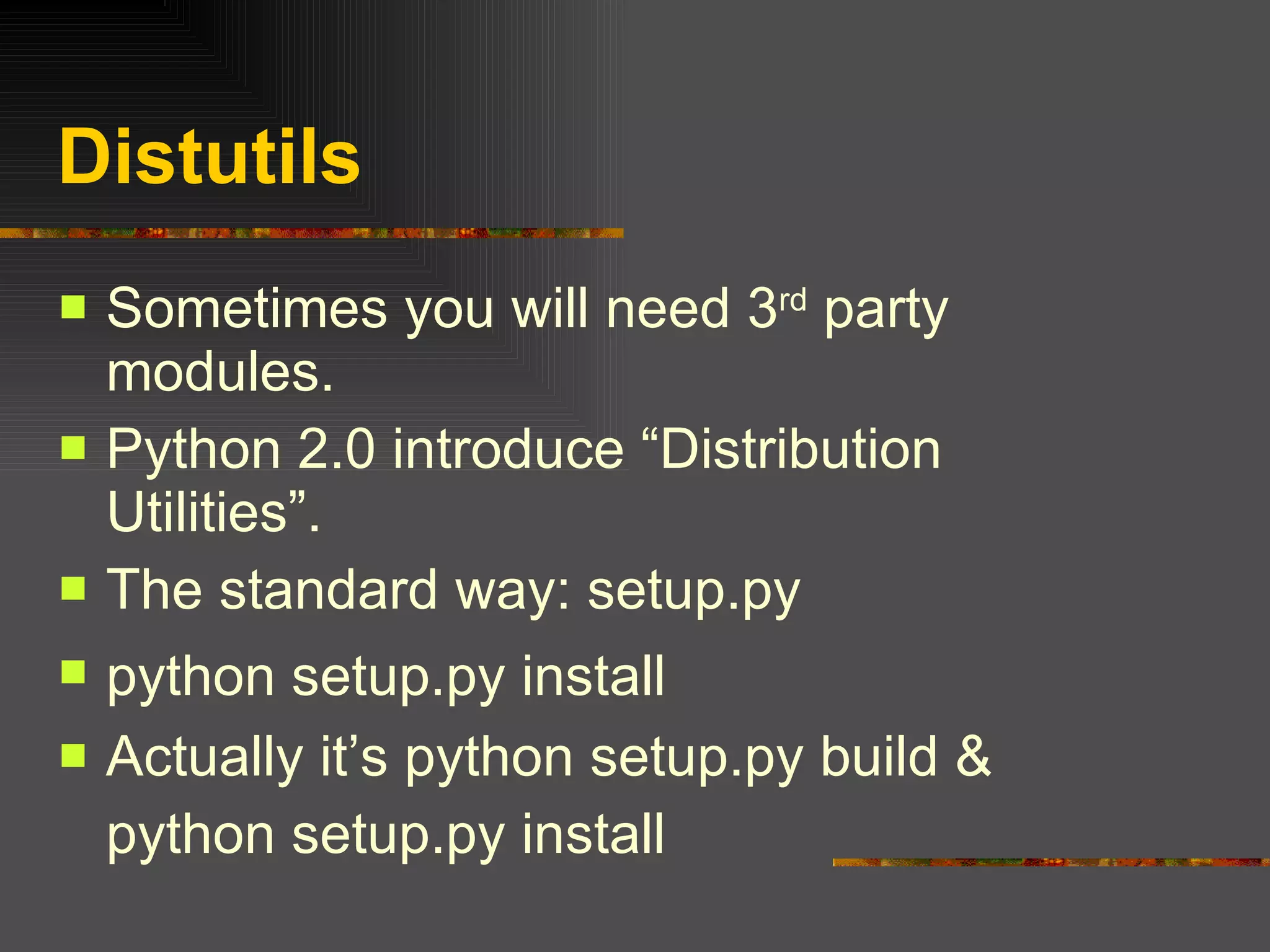
Distutils Sometimes you will need 3 rd  party modules. Python 2.0 introduce “Distribution Utilities”. The standard way: setup.py  python setup.py install   Actually it’s python setup.py build & python setup.py install
Distributing Python Modules  Your first setup.py from distutils.core import setup setup(name=‘mymodule', version='0.1', py_modules=[‘mymodule'], )   prepare your mymodule.py python setup.py sdist (python setup.py install) python setup.py bdist_wininst (.exe installer) Python setup.py bdist_rpm (for rpm user)
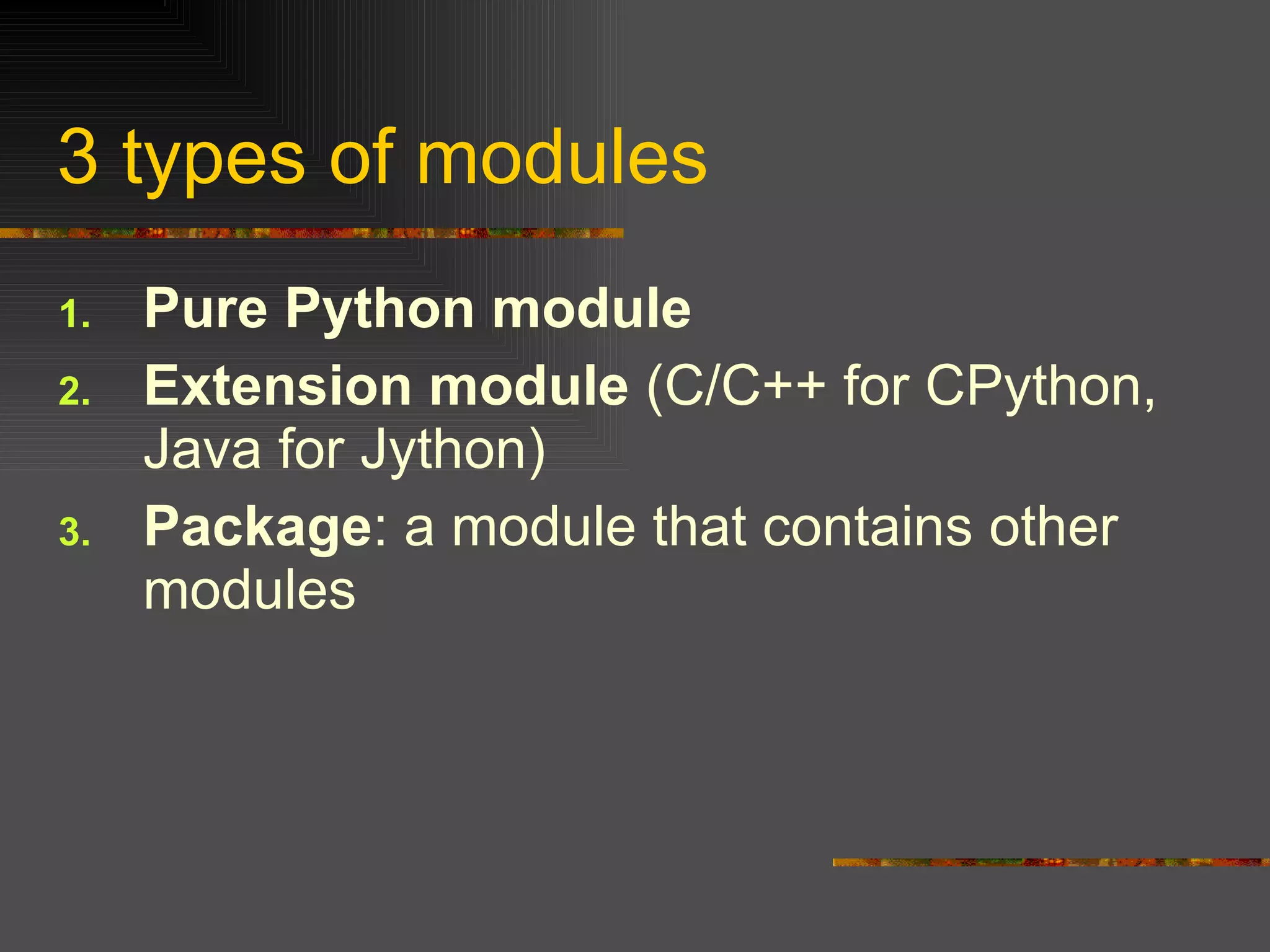
3 types of modules Pure Python module   Extension module  (C/C++ for CPython, Java for Jython) Package : a module that contains other modules
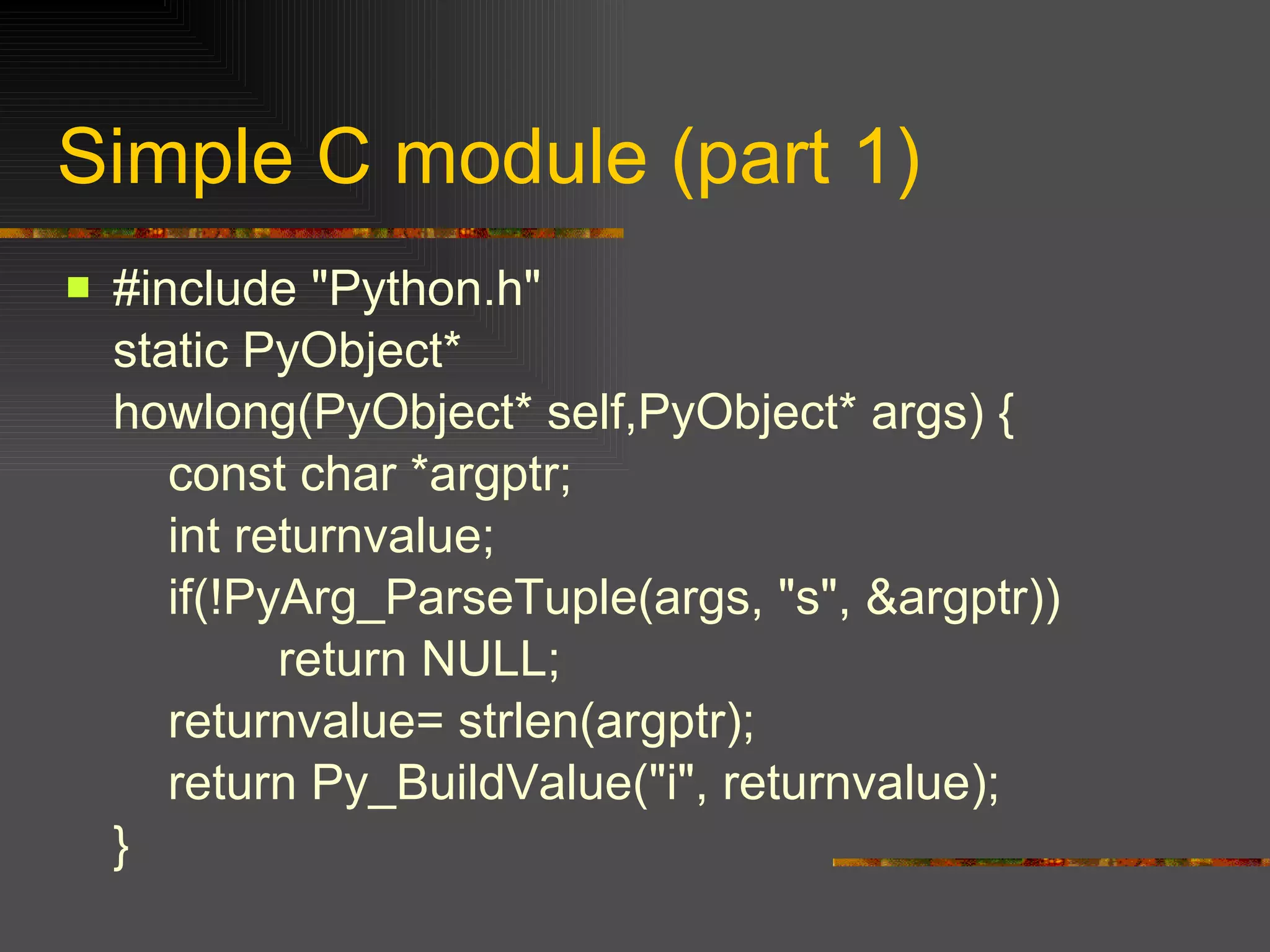
#include "Python.h" static PyObject* howlong(PyObject* self,PyObject* args) {   const char *argptr;   int returnvalue;   if(!PyArg_ParseTuple(args, "s", &argptr))   return NULL;   returnvalue= strlen(argptr);   return Py_BuildValue("i", returnvalue); } Simple C module (part 1)
Simple C module (part 2) static PyMethodDef howlong_funcs[] = { {"chowlong",howlong,METH_VARARGS, "howlong it is"} , {NULL} }; void initmylens(void) {   Py_InitModule3("mylens", howlong_funcs, "a simple C strlen module"); }
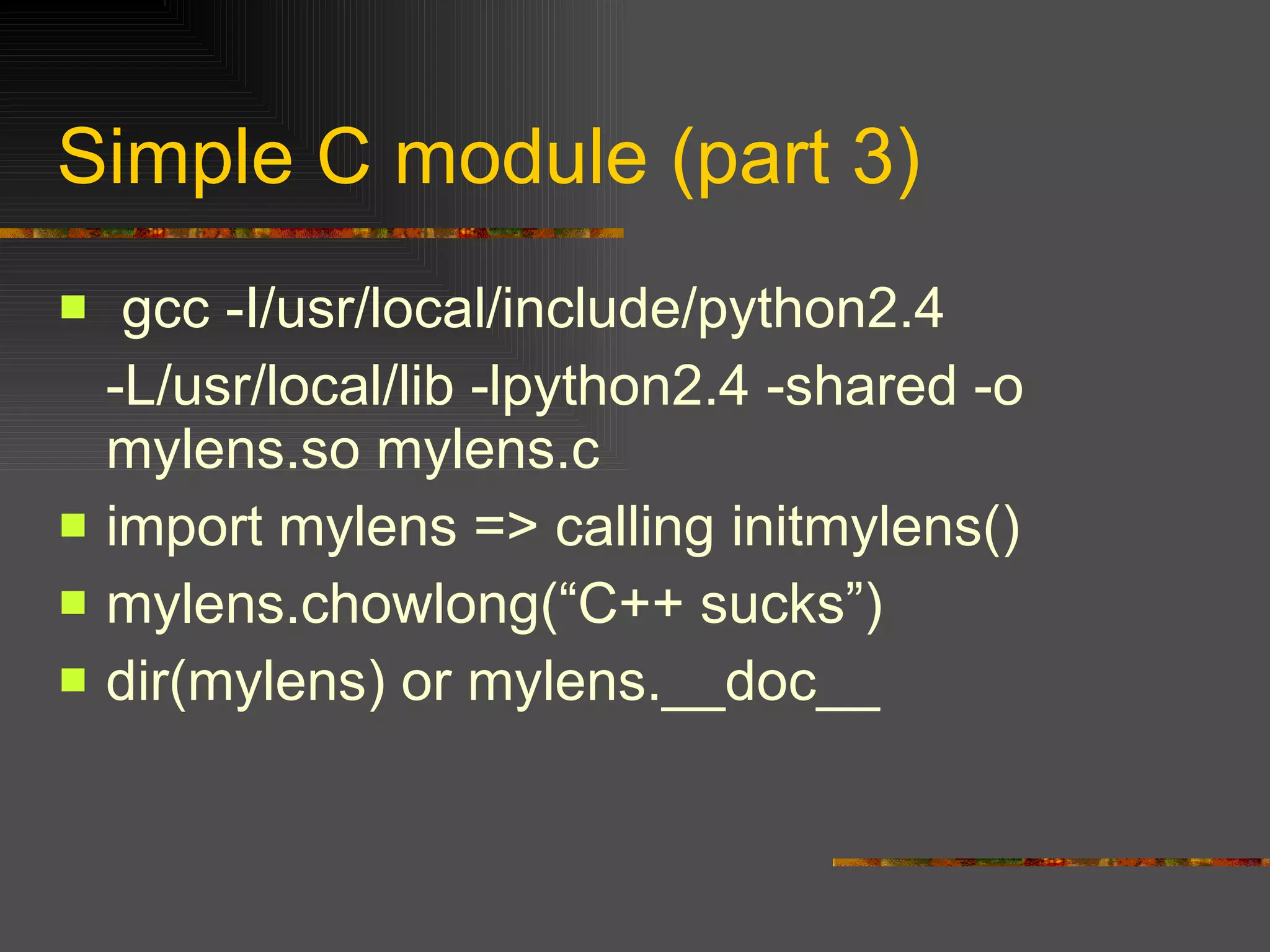
Simple C module (part 3) gcc -I/usr/local/include/python2.4  -L/usr/local/lib -lpython2.4 -shared -o mylens.so mylens.c import mylens => calling initmylens() mylens.chowlong(“C++ sucks”) dir(mylens) or mylens.__doc__
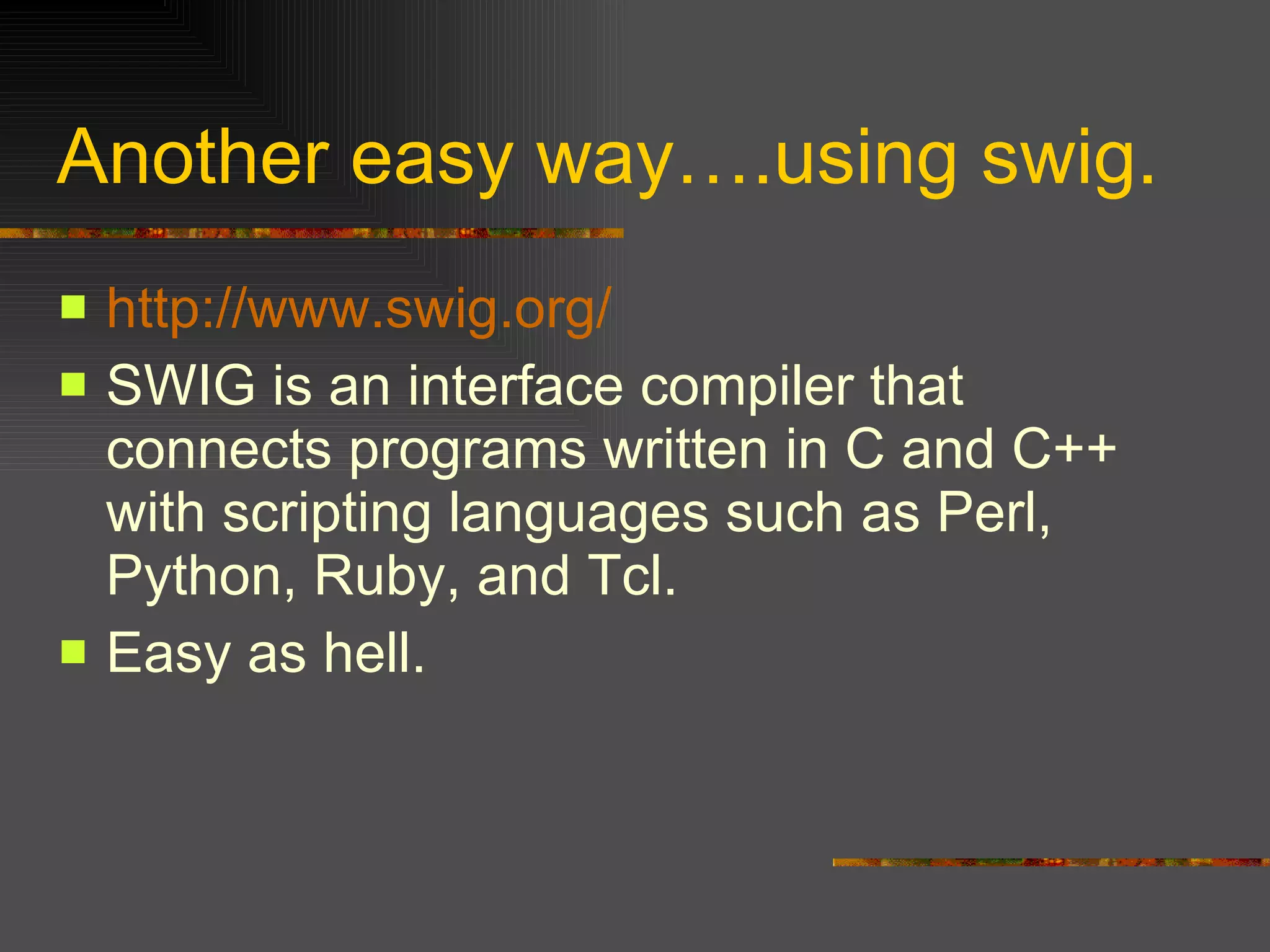
Another easy way….using swig. http://www.swig.org/ SWIG is an interface compiler that connects programs written in C and C++ with scripting languages such as Perl, Python, Ruby, and Tcl.  Easy as hell.
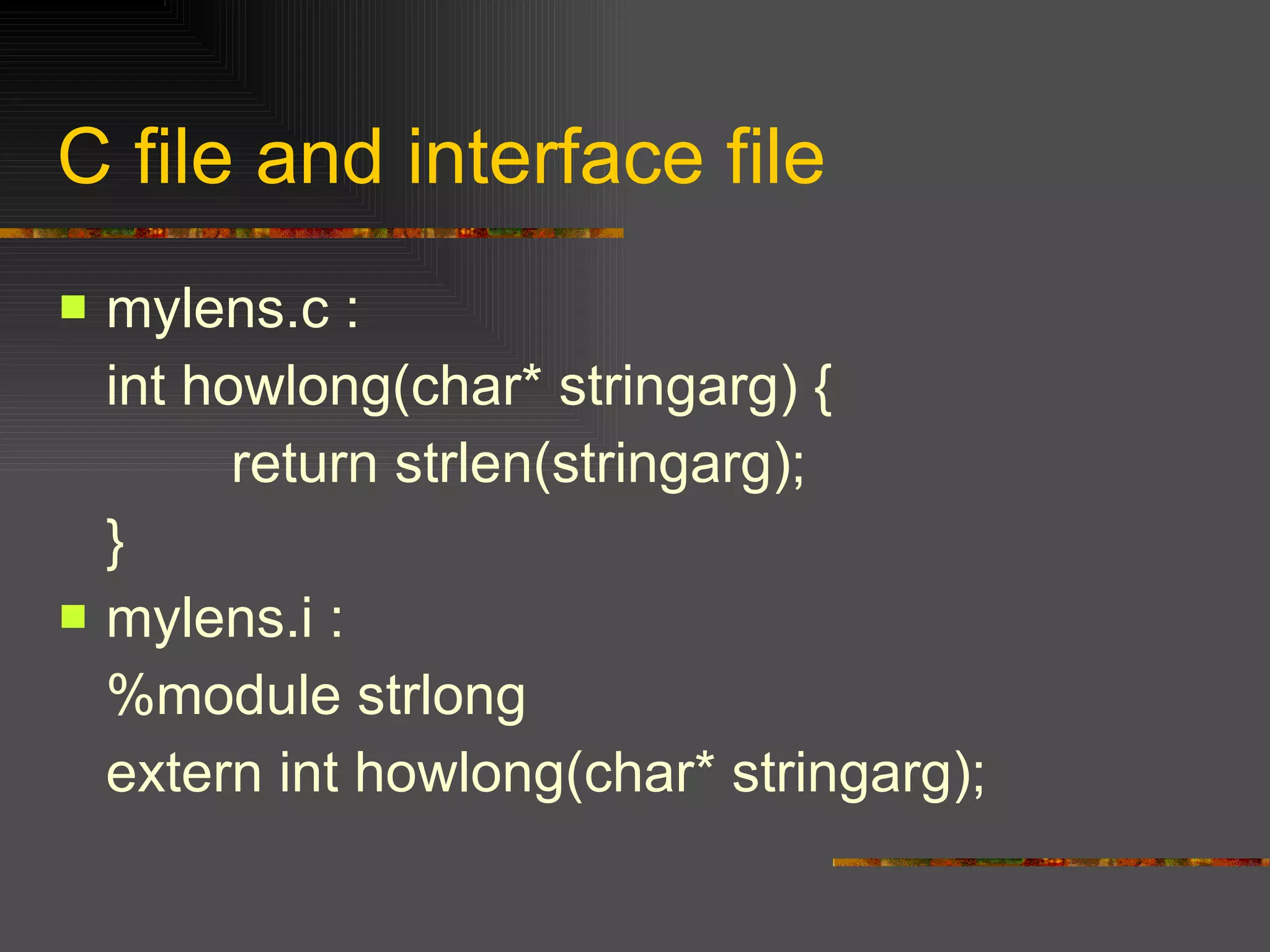
C file and interface file mylens.c : int howlong(char* stringarg) {   return strlen(stringarg); } mylens.i : %module strlong extern int howlong(char* stringarg);
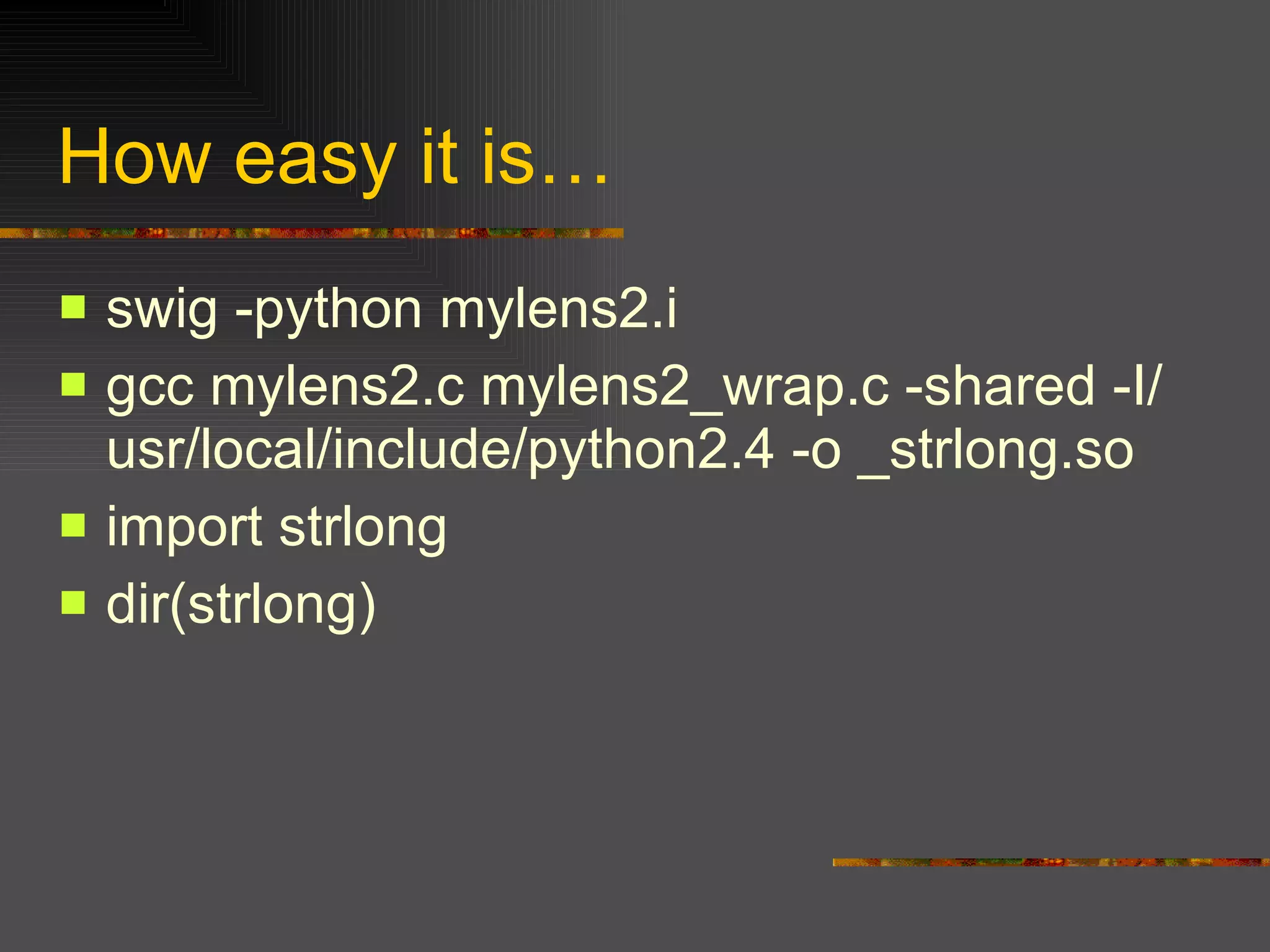
How easy it is… swig -python mylens2.i gcc mylens2.c mylens2_wrap.c -shared -I/usr/local/include/python2.4 -o _strlong.so import strlong dir(strlong)
Part IV Setuptool & Python Eggs:  using easy_install
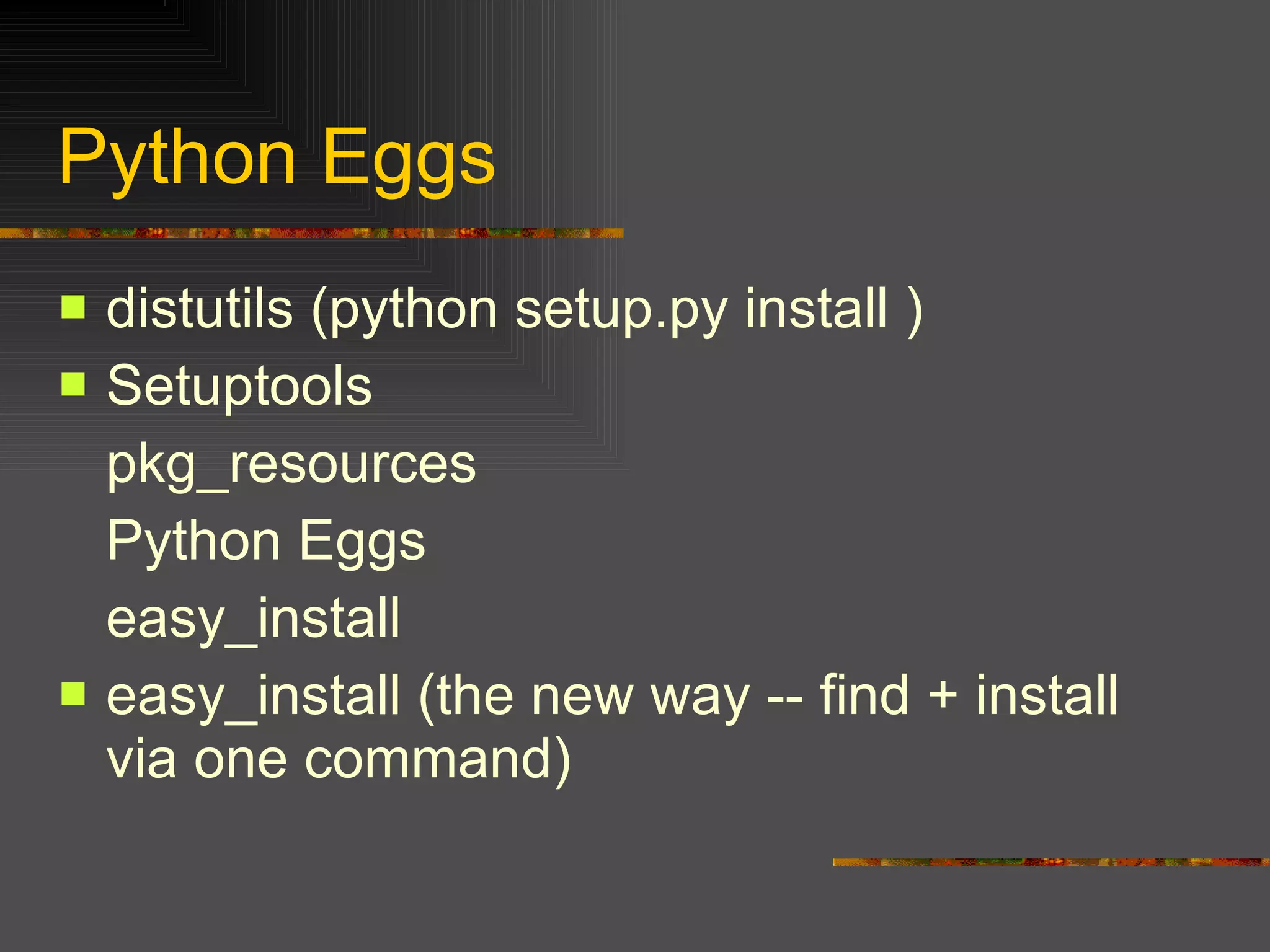
Python Eggs  distutils (python setup.py install ) Setuptools pkg_resources Python Eggs easy_install easy_install (the new way -- find + install via one command)
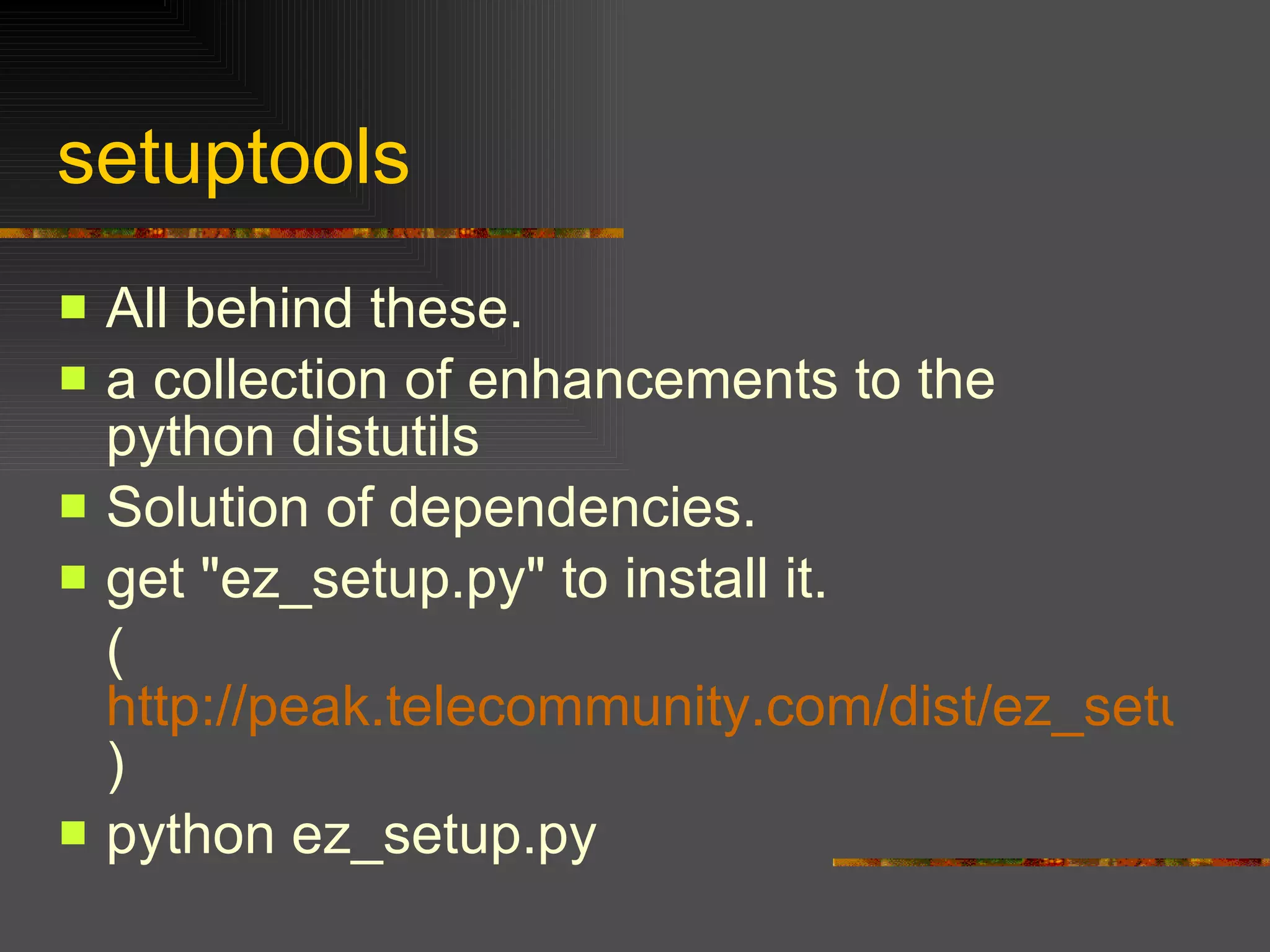
setuptools  All behind these.  a collection of enhancements to the python distutils  Solution of dependencies. get "ez_setup.py" to install it. ( http://peak.telecommunity.com/dist/ez_setup.py ) python ez_setup.py
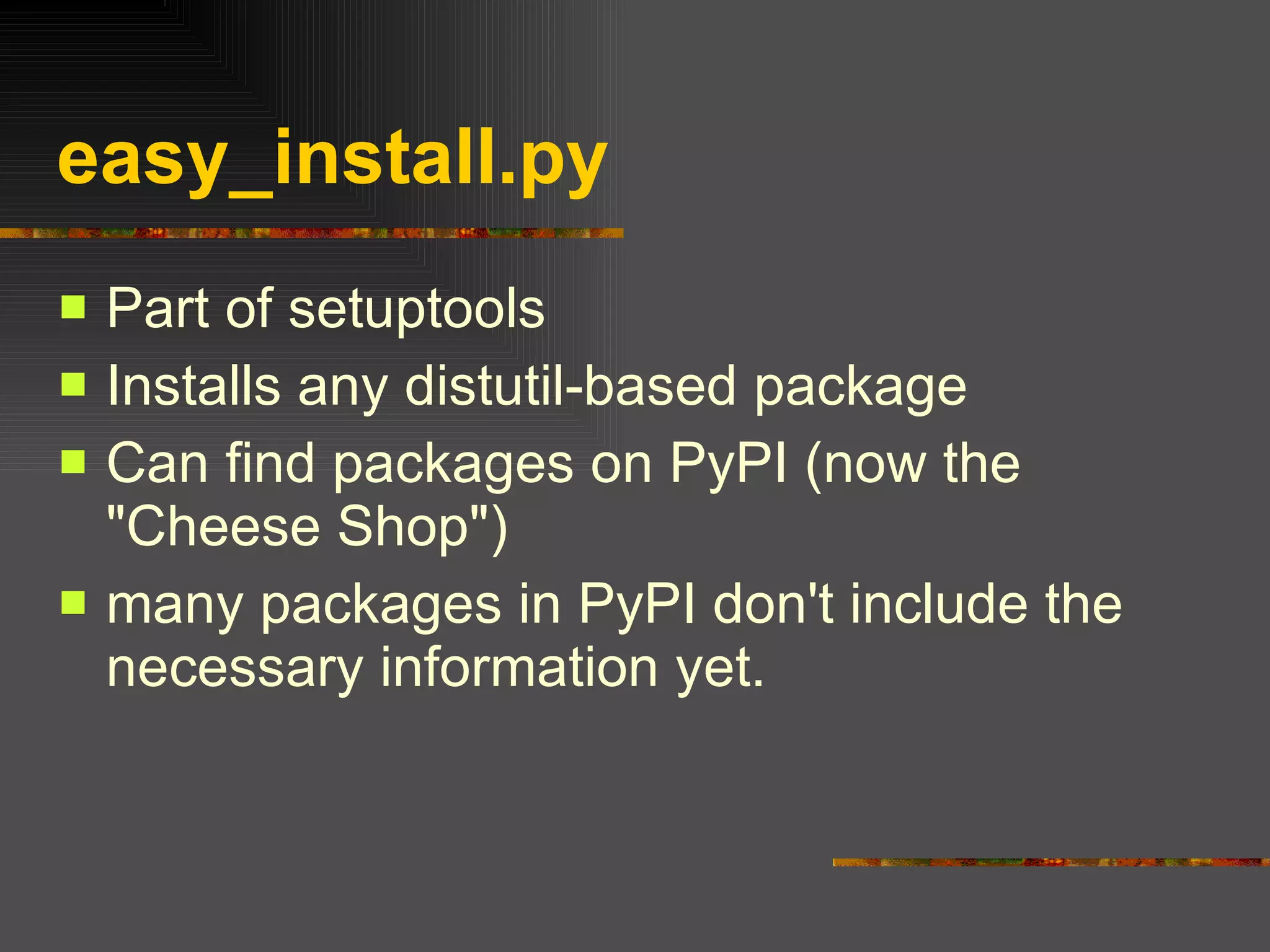
easy_install.py Part of setuptools  Installs any distutil-based package  Can find packages on PyPI (now the "Cheese Shop")  many packages in PyPI don't include the necessary information yet.
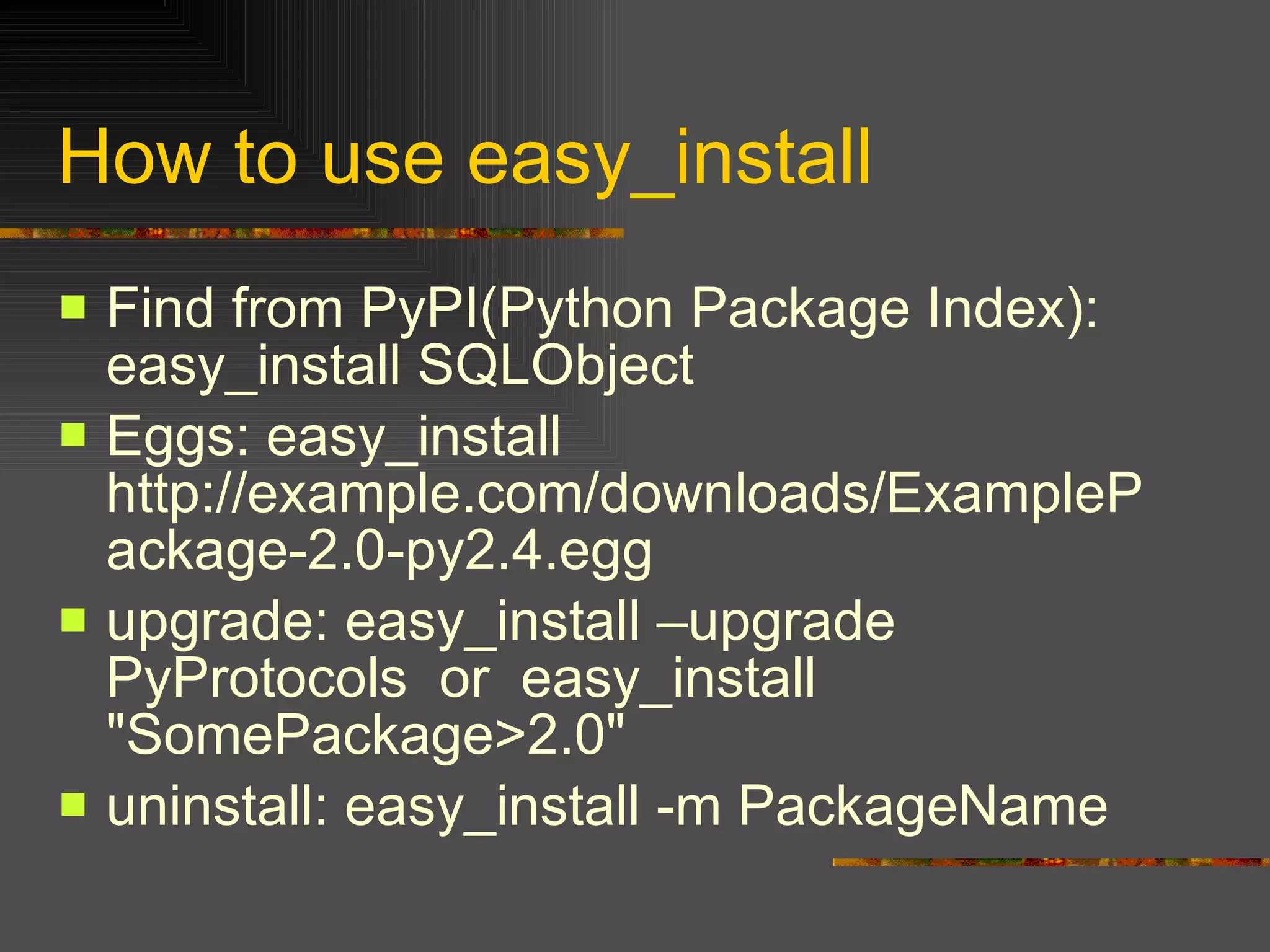
How to use easy_install Find from PyPI(Python Package Index): easy_install SQLObject  Eggs: easy_install http://example.com/downloads/ExamplePackage-2.0-py2.4.egg  upgrade: easy_install –upgrade PyProtocols  or  easy_install "SomePackage>2.0"  uninstall: easy_install -m PackageName
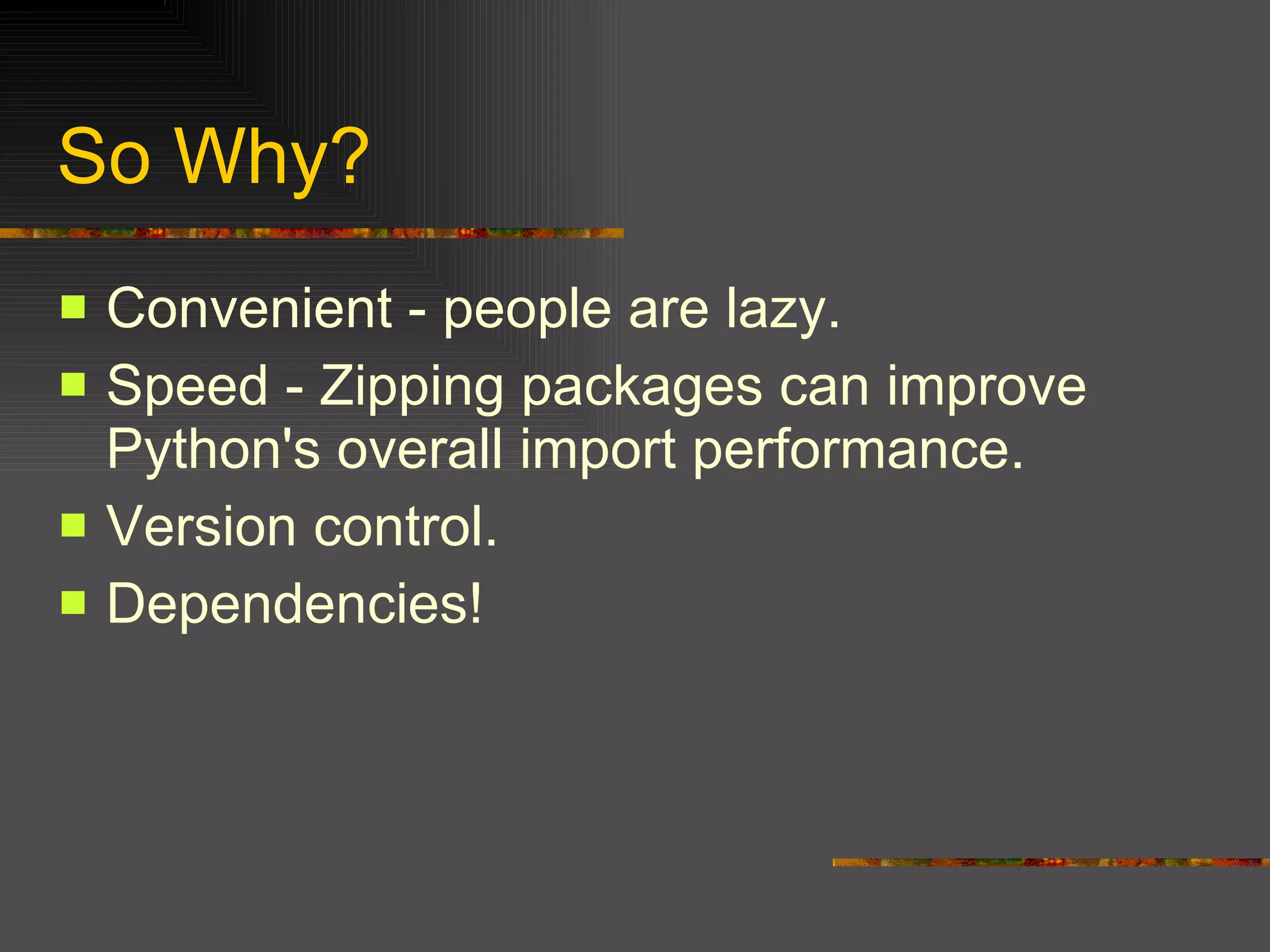
So Why?  Convenient - people are lazy.  Speed - Zipping packages can improve Python's overall import performance.  Version control.  Dependencies!
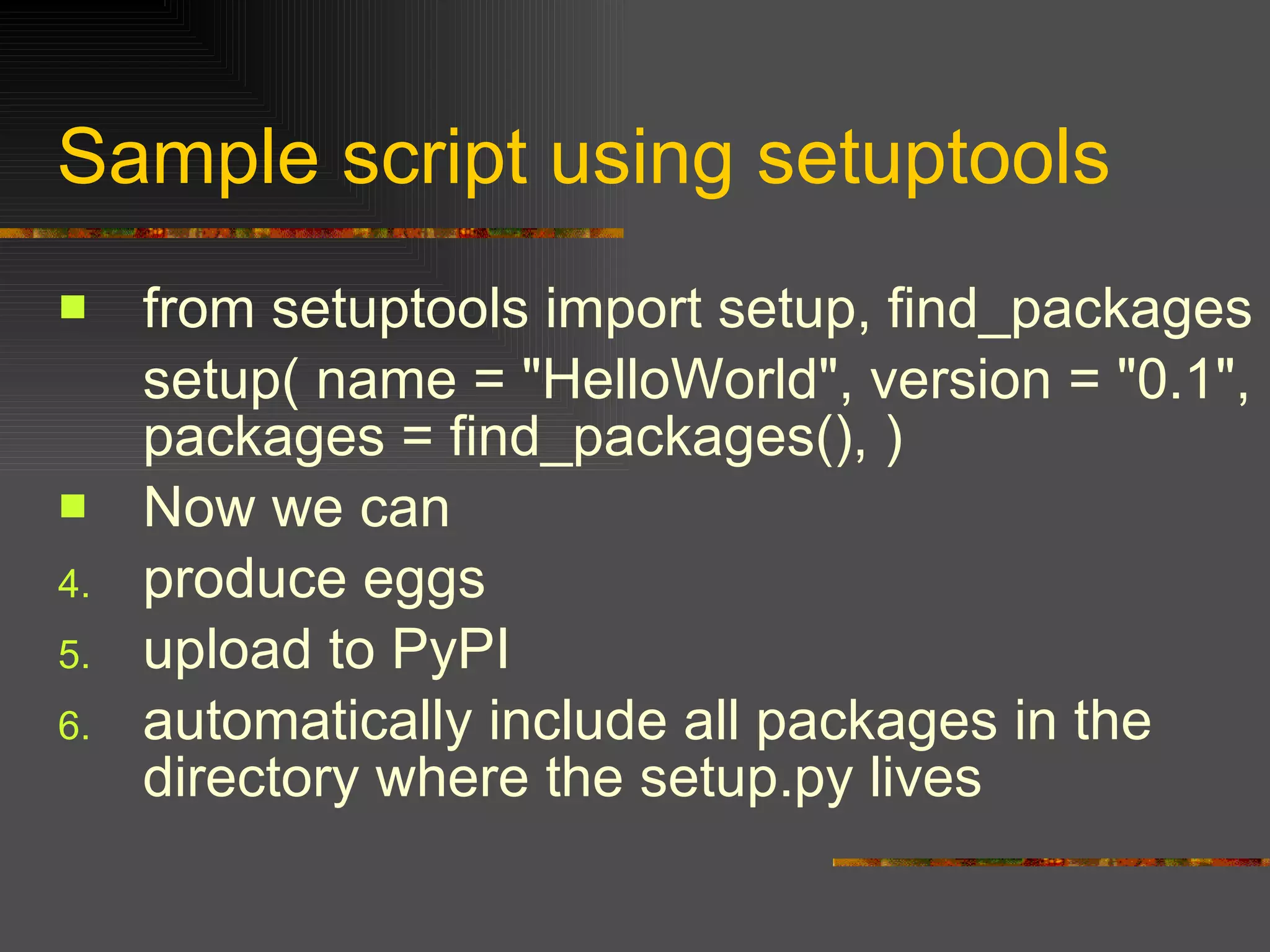
Sample script using setuptools  from setuptools import setup, find_packages  setup( name = "HelloWorld", version = "0.1", packages = find_packages(), )  Now we can produce eggs  upload to PyPI  automatically include all packages in the directory where the setup.py lives
Part V Well known 3rd Party modules
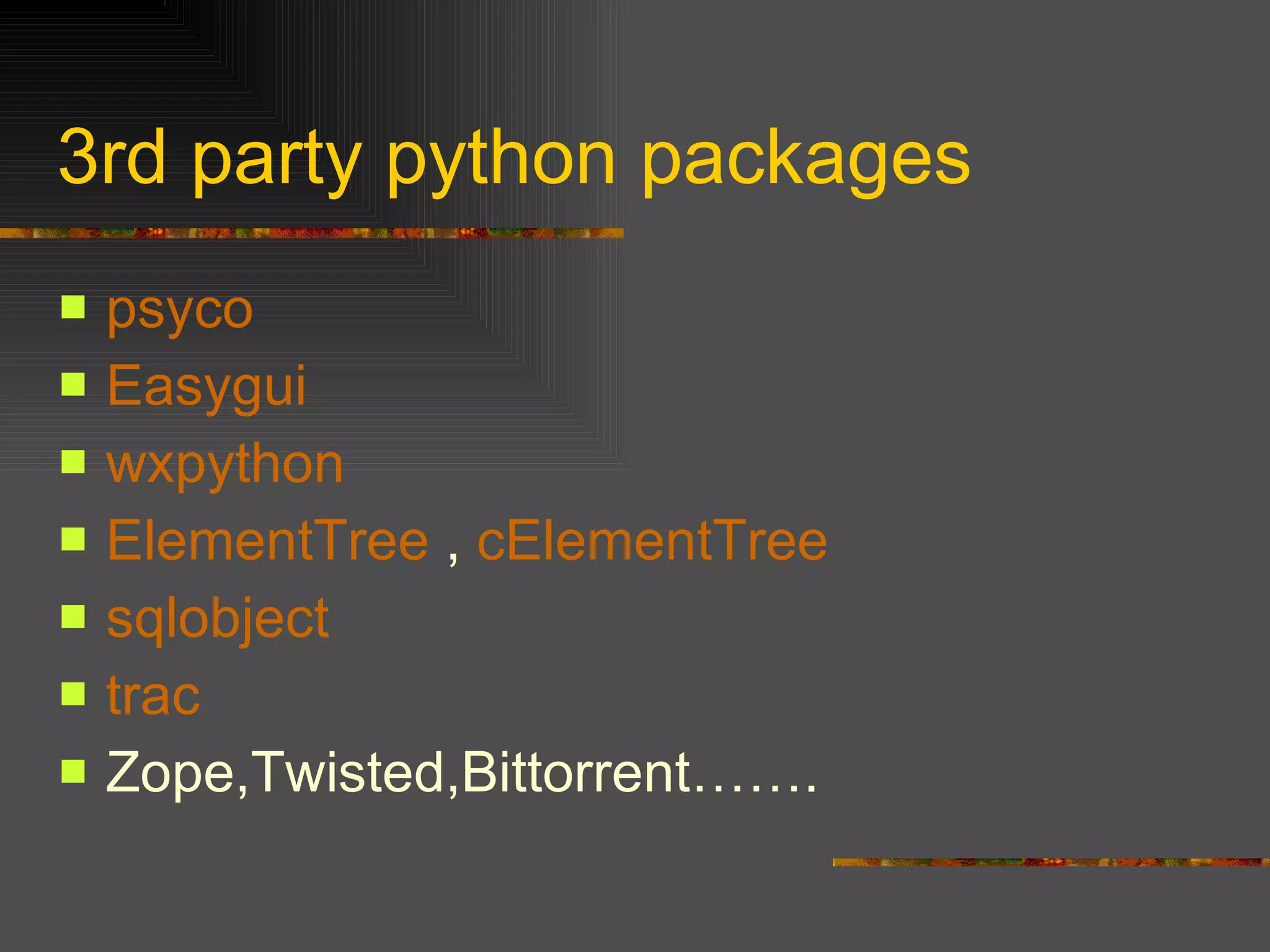
3rd party python packages psyco   Easygui wxpython   ElementTree  ,  cElementTree sqlobject   trac   Zope,Twisted,Bittorrent…….
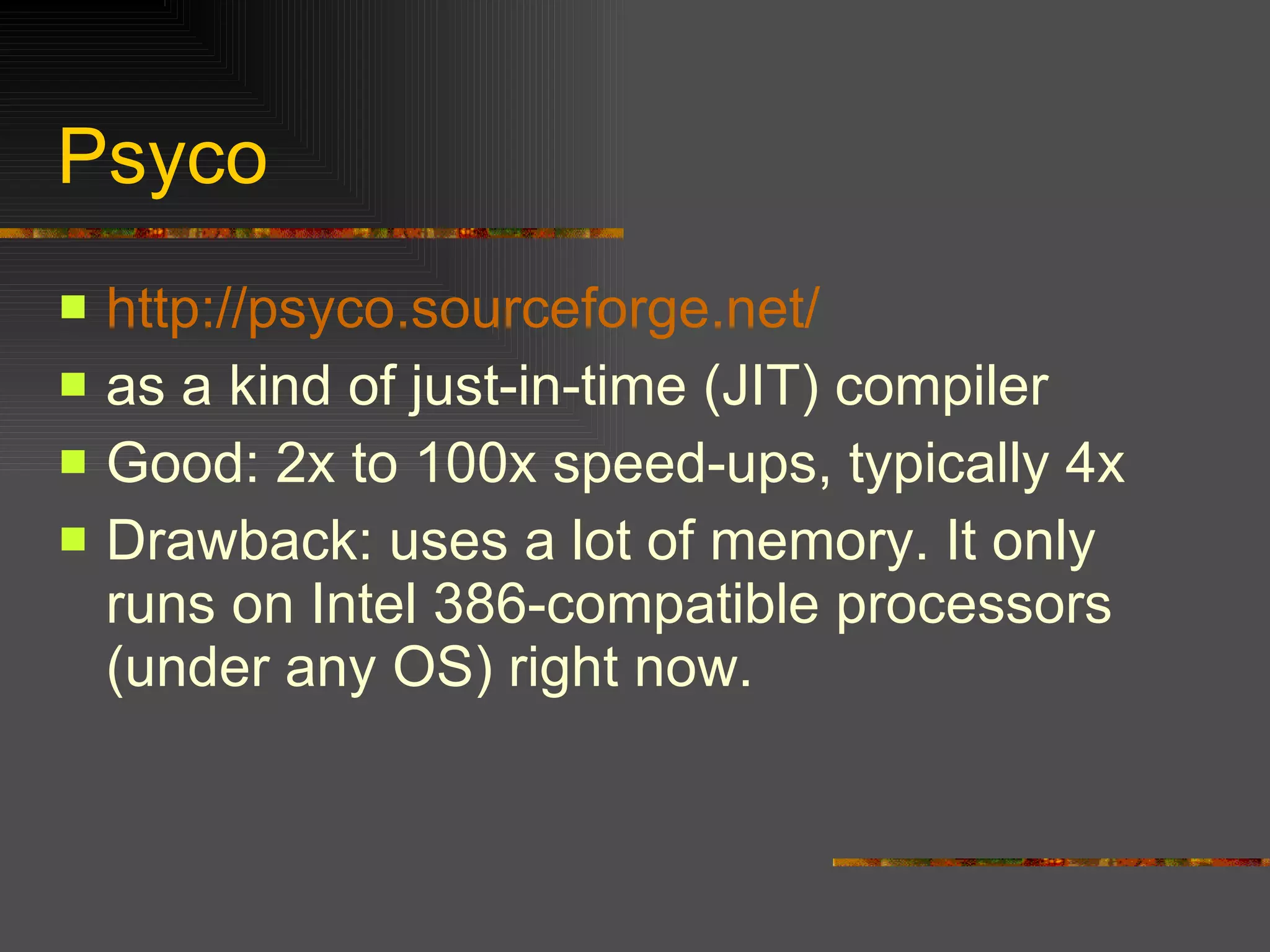
Psyco http://psyco.sourceforge.net/ as a kind of just-in-time (JIT) compiler  Good: 2x to 100x speed-ups, typically 4x Drawback: uses a lot of memory. It only runs on Intel 386-compatible processors (under any OS) right now.
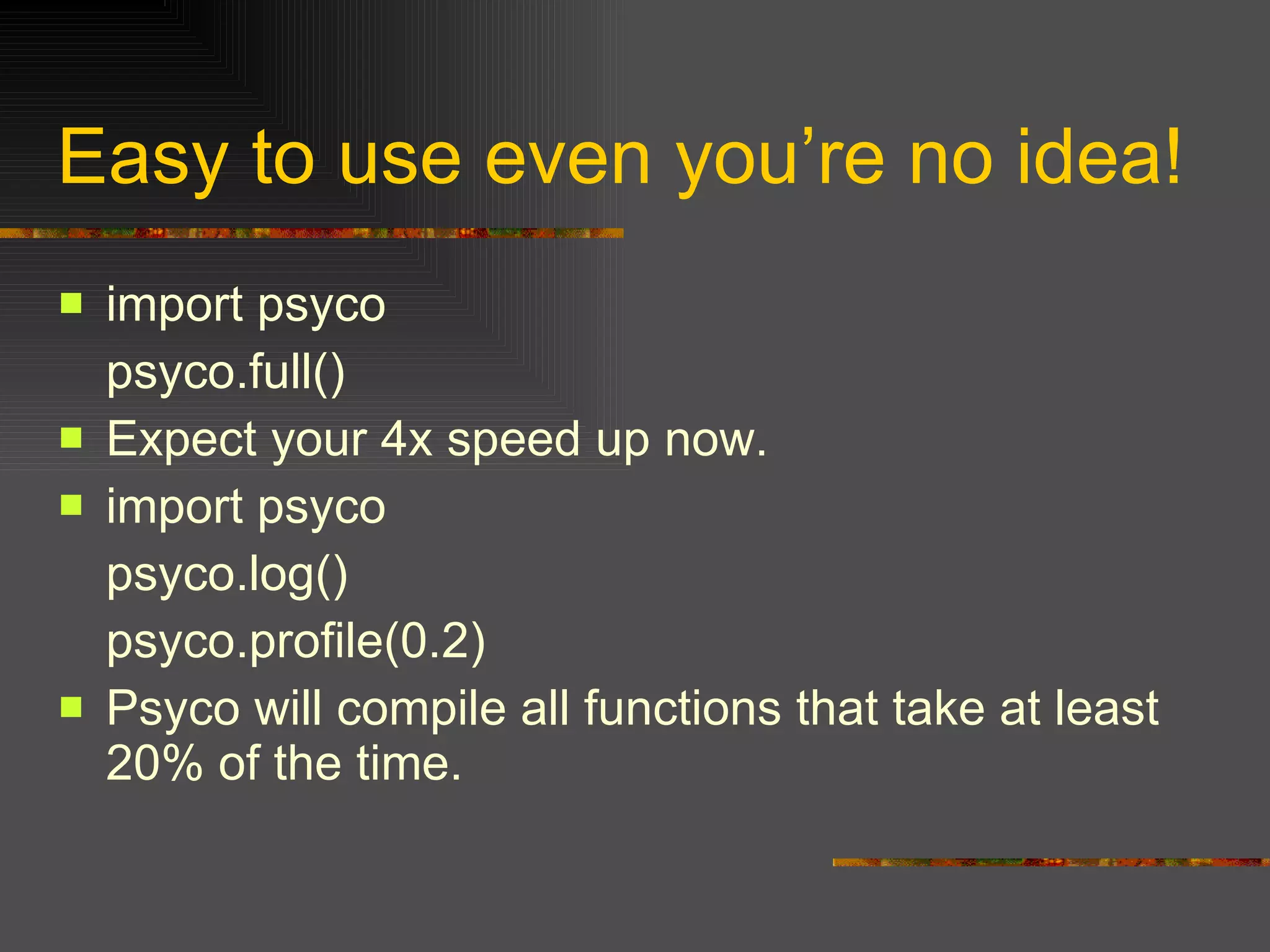
Easy to use even you’re no idea! import psyco  psyco.full()  Expect your 4x speed up now. import psyco  psyco.log()  psyco.profile(0.2)  Psyco will compile all functions that take at least 20% of the time.
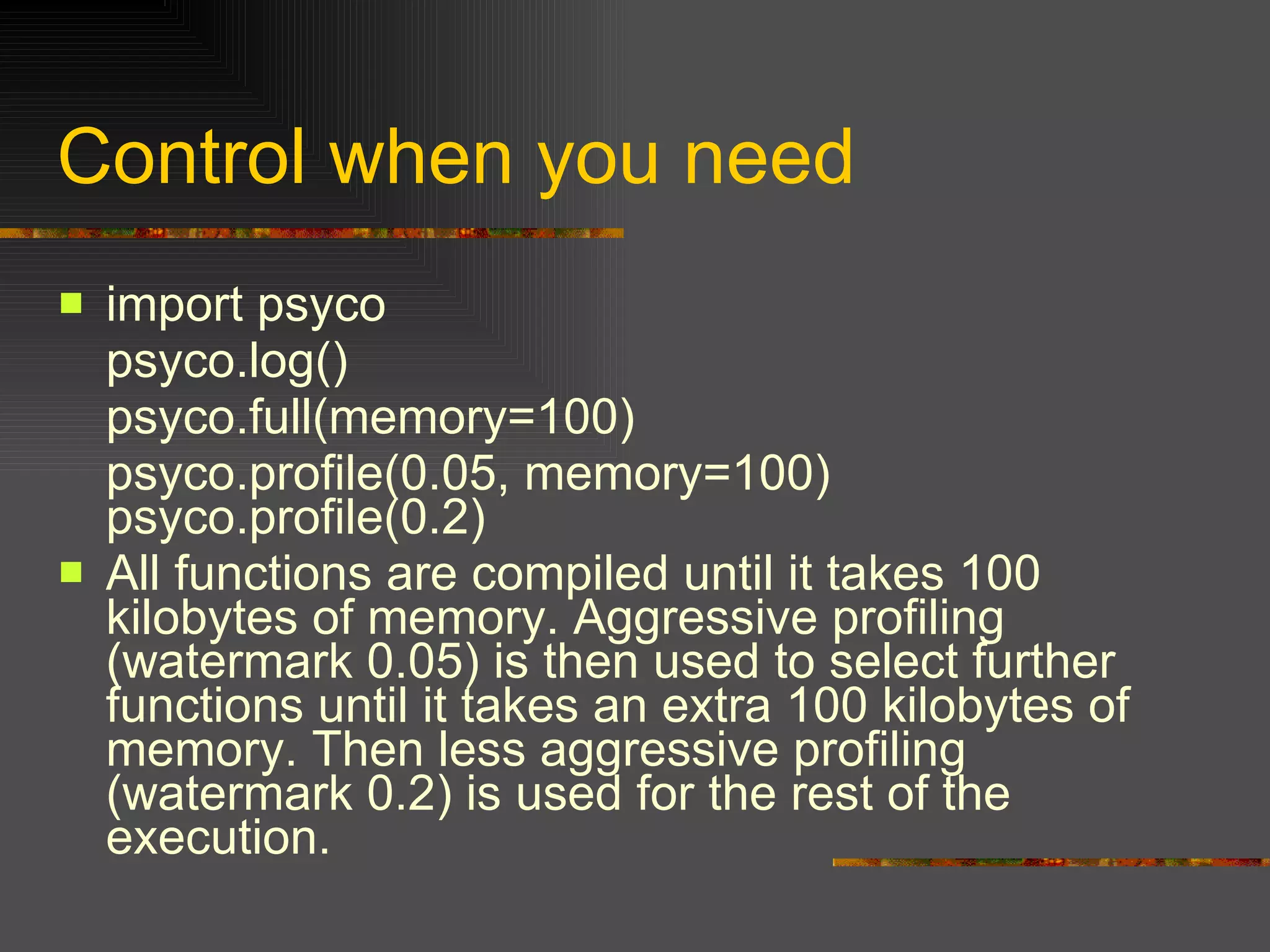
Control when you need import psyco  psyco.log()  psyco.full(memory=100)  psyco.profile(0.05, memory=100) psyco.profile(0.2)  All functions are compiled until it takes 100 kilobytes of memory. Aggressive profiling (watermark 0.05) is then used to select further functions until it takes an extra 100 kilobytes of memory. Then less aggressive profiling (watermark 0.2) is used for the rest of the execution.
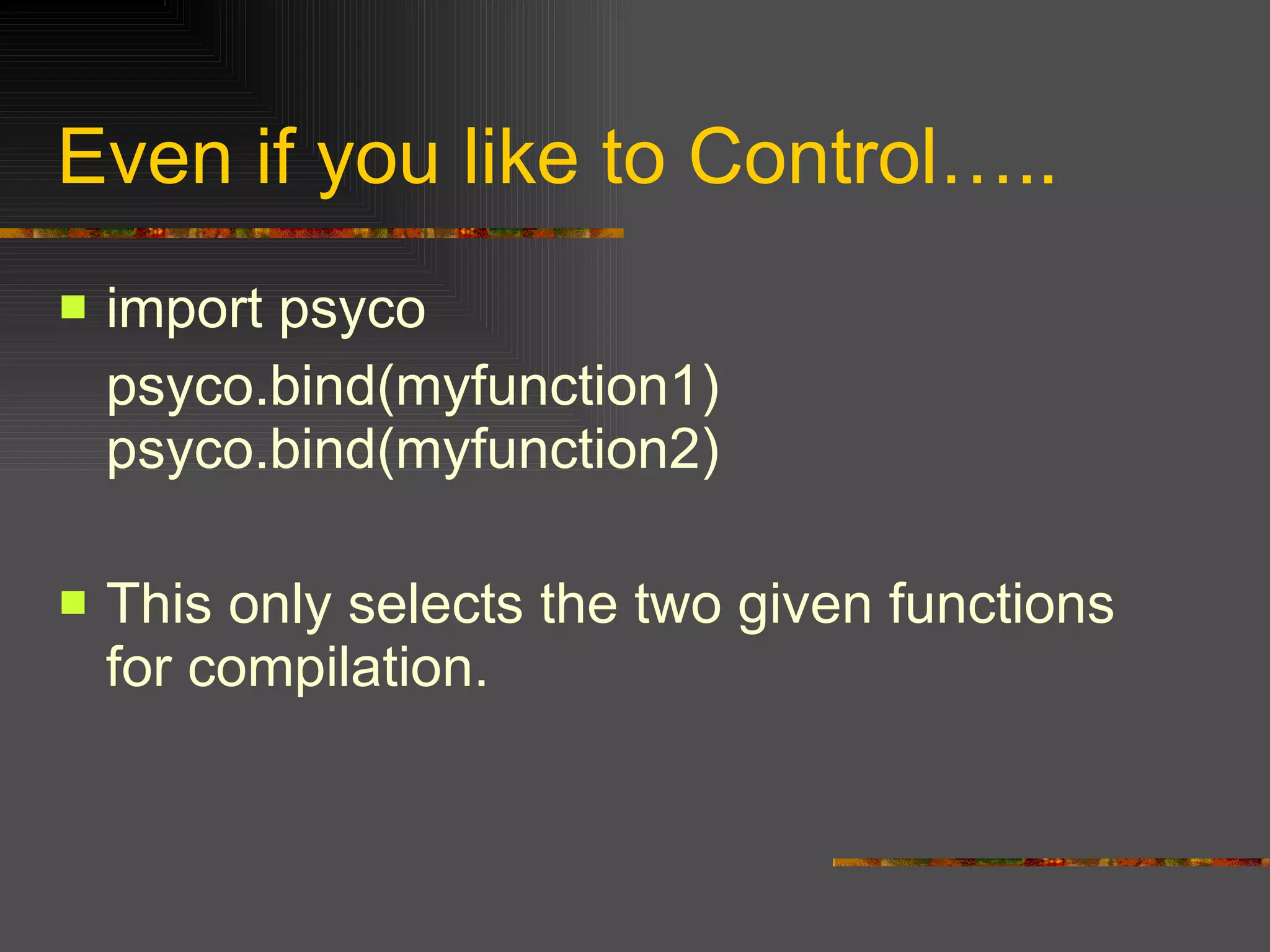
Even if you like to Control….. import psyco  psyco.bind(myfunction1) psyco.bind(myfunction2)  This only selects the two given functions for compilation.
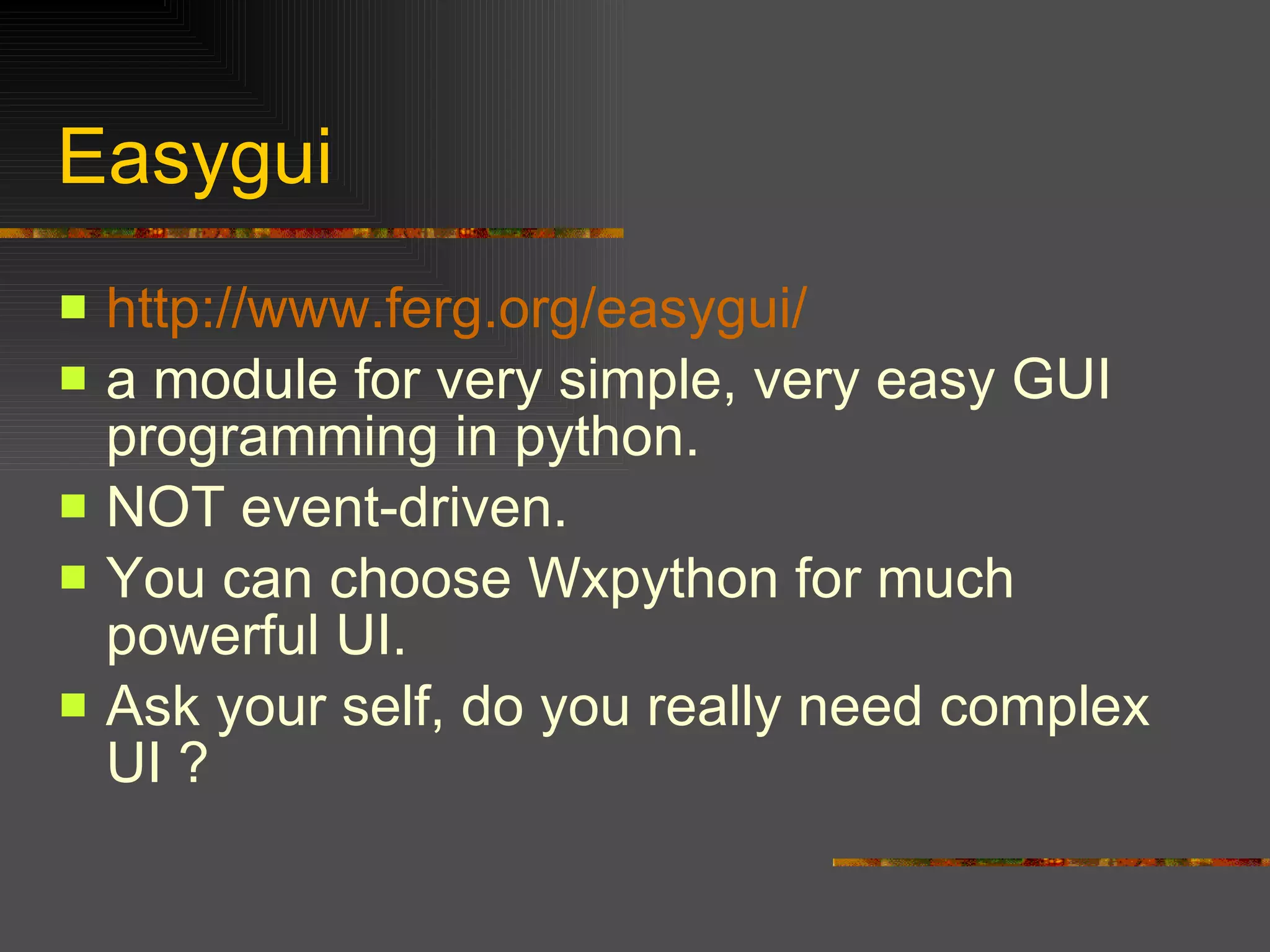
Easygui http:// www.ferg.org/easygui / a module for very simple, very easy GUI programming in python. NOT event-driven.  You can choose Wxpython for much powerful UI. Ask your self, do you really need complex UI ?
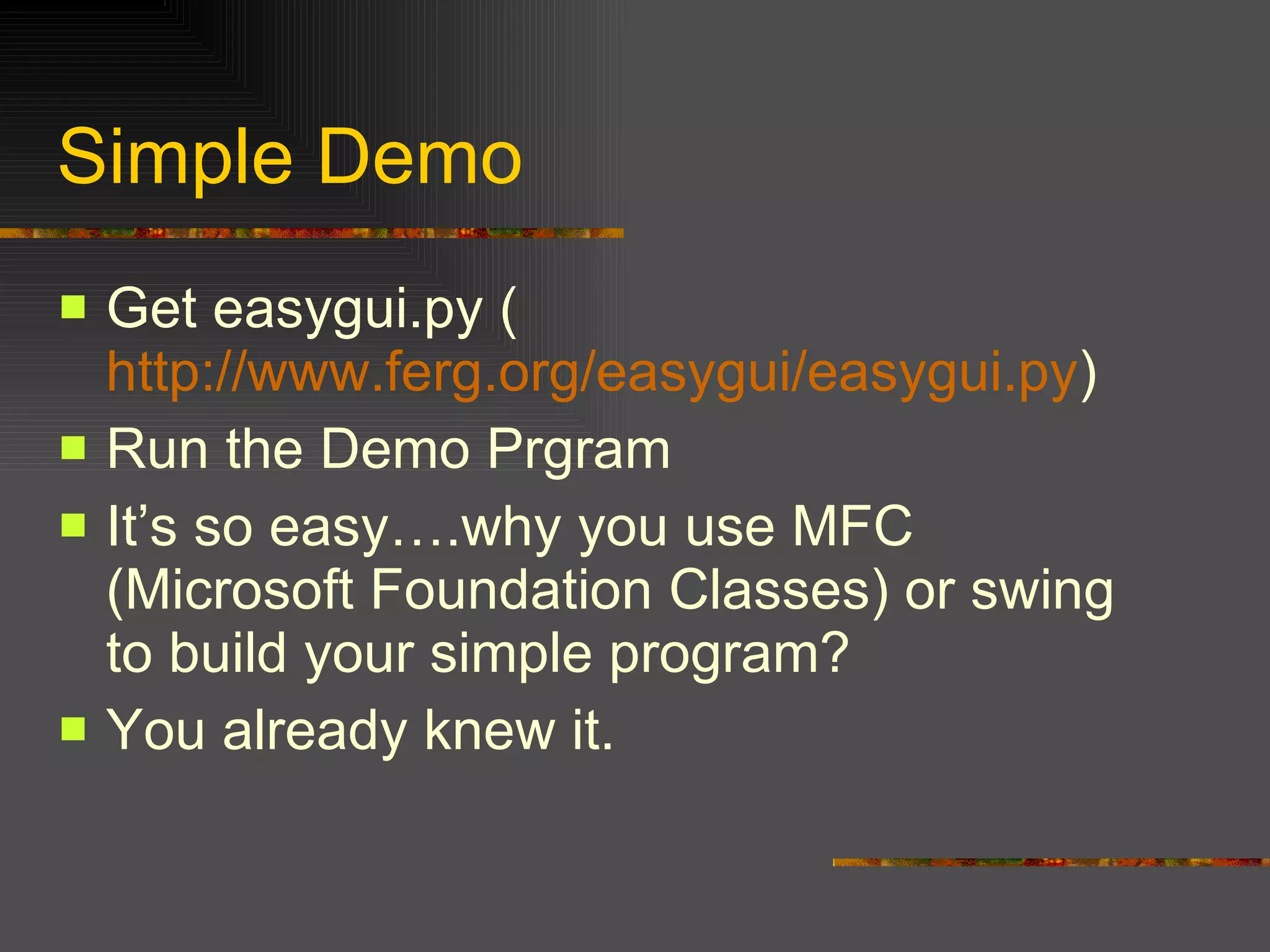
Simple Demo Get easygui.py ( http://www.ferg.org/easygui/easygui.py ) Run the Demo Prgram It’s so easy….why you use MFC (Microsoft Foundation Classes) or swing to build your simple program? You already knew it.
The Simple Sample Code from easygui import *  import sys  msg ="What’s your Choice?"  title = “Choice Survey"  choices = [“1”, “2”, “3”, “4”]  choice = choicebox(msg, title, choices)  msgbox("You chose: " + str(choice), "Survey Result")
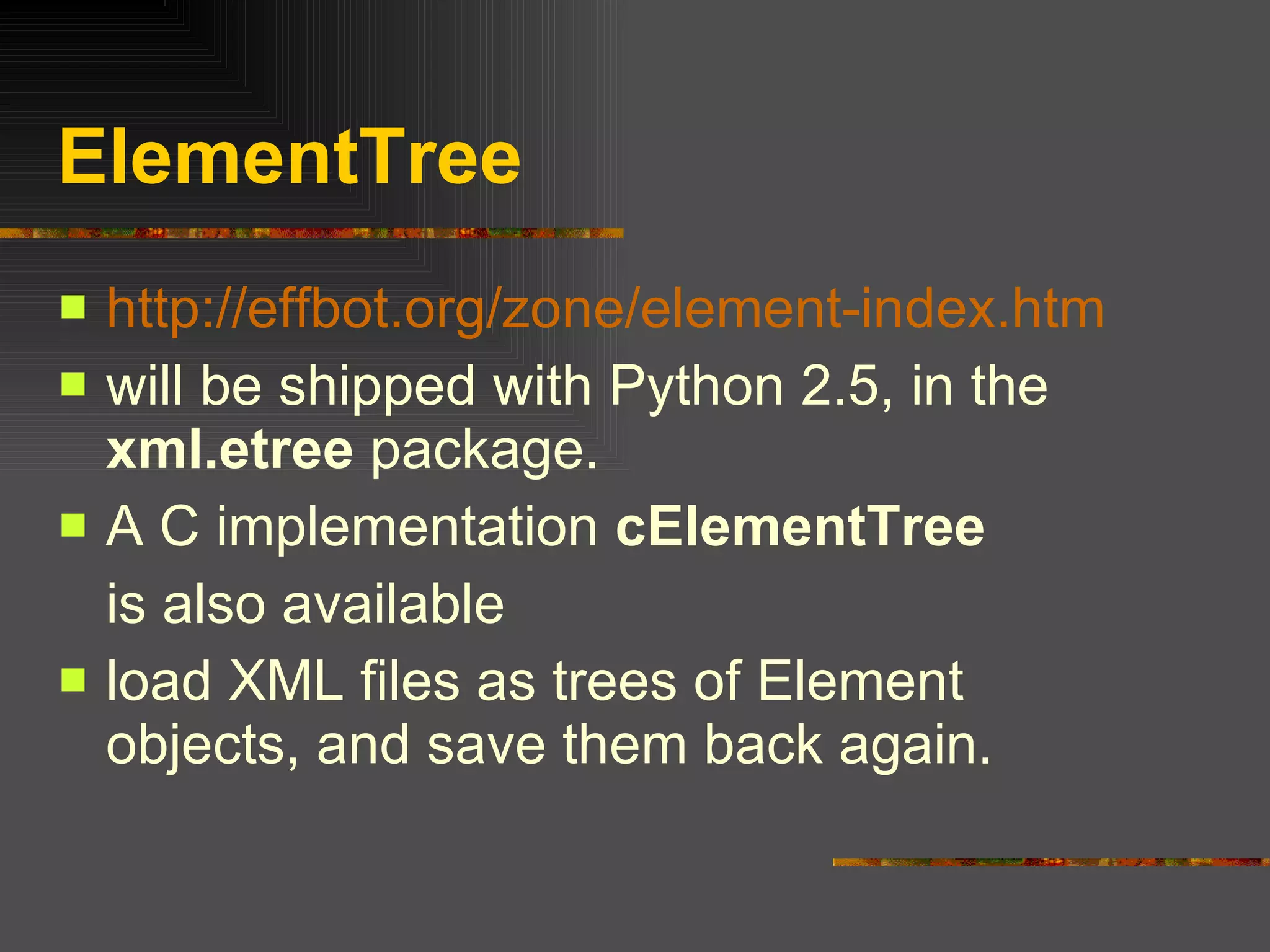
ElementTree http://effbot.org/zone/element-index.htm will be shipped with Python 2.5, in the  xml.etree  package.  A C implementation  cElementTree is also available load XML files as trees of Element objects, and save them back again.
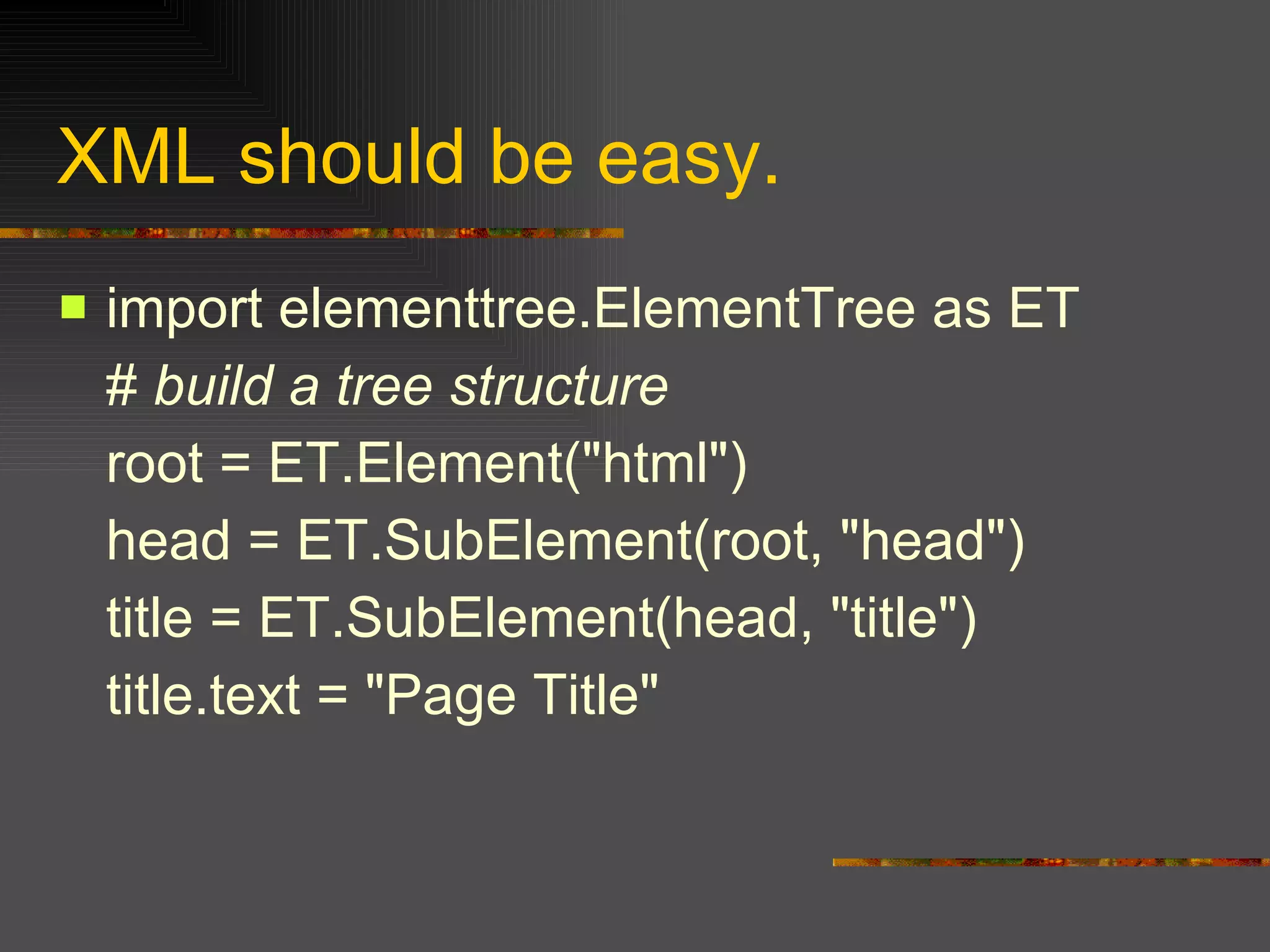
XML should be easy. import elementtree.ElementTree as ET #  build a tree structure   root = ET.Element("html")  head = ET.SubElement(root, "head")  title = ET.SubElement(head, "title")  title.text = "Page Title"
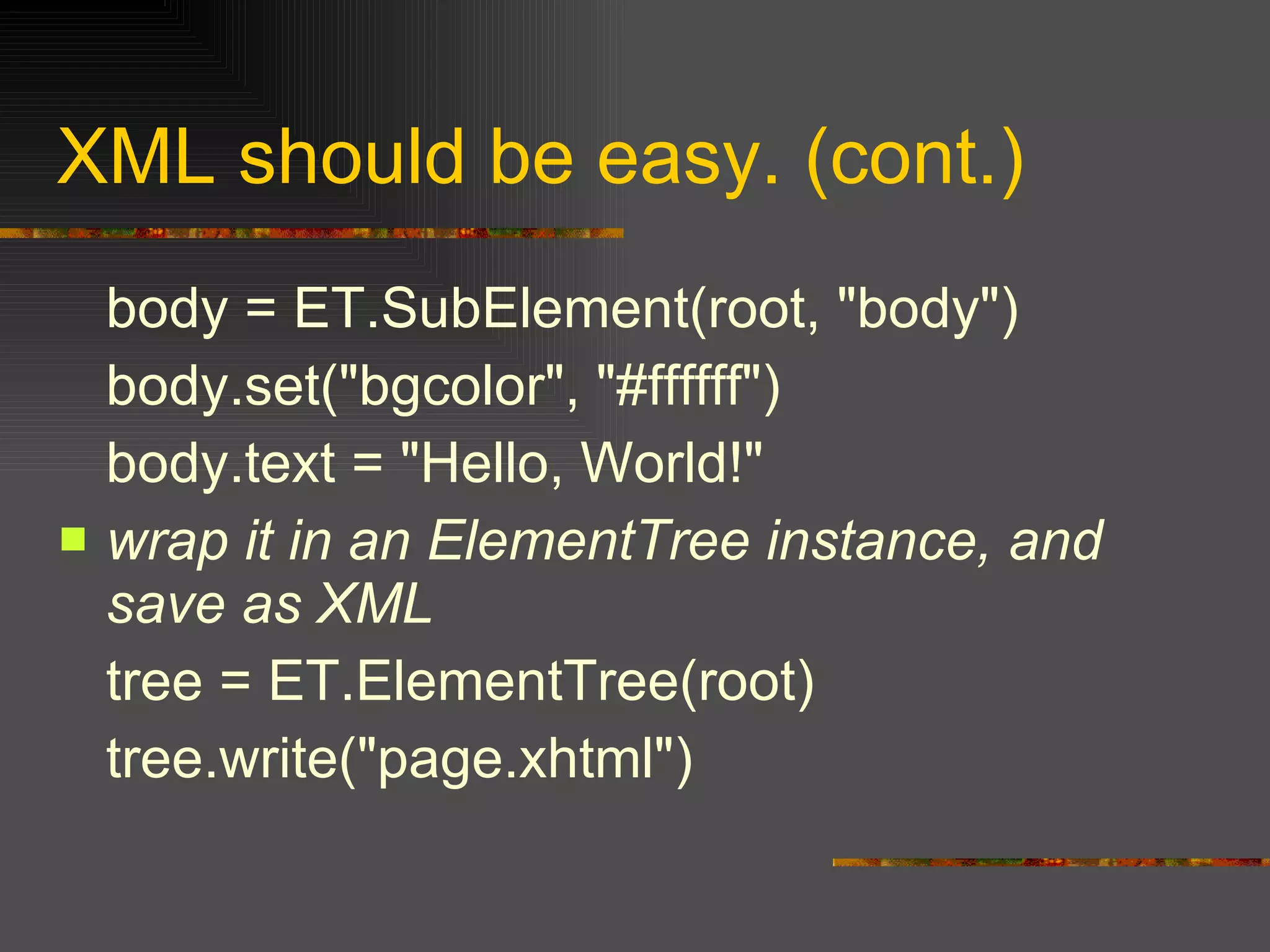
XML should be easy. (cont.) body = ET.SubElement(root, "body")  body.set("bgcolor", "#ffffff") body.text = "Hello, World!"  wrap it in an ElementTree instance, and save as XML   tree = ET.ElementTree(root)  tree.write("page.xhtml")
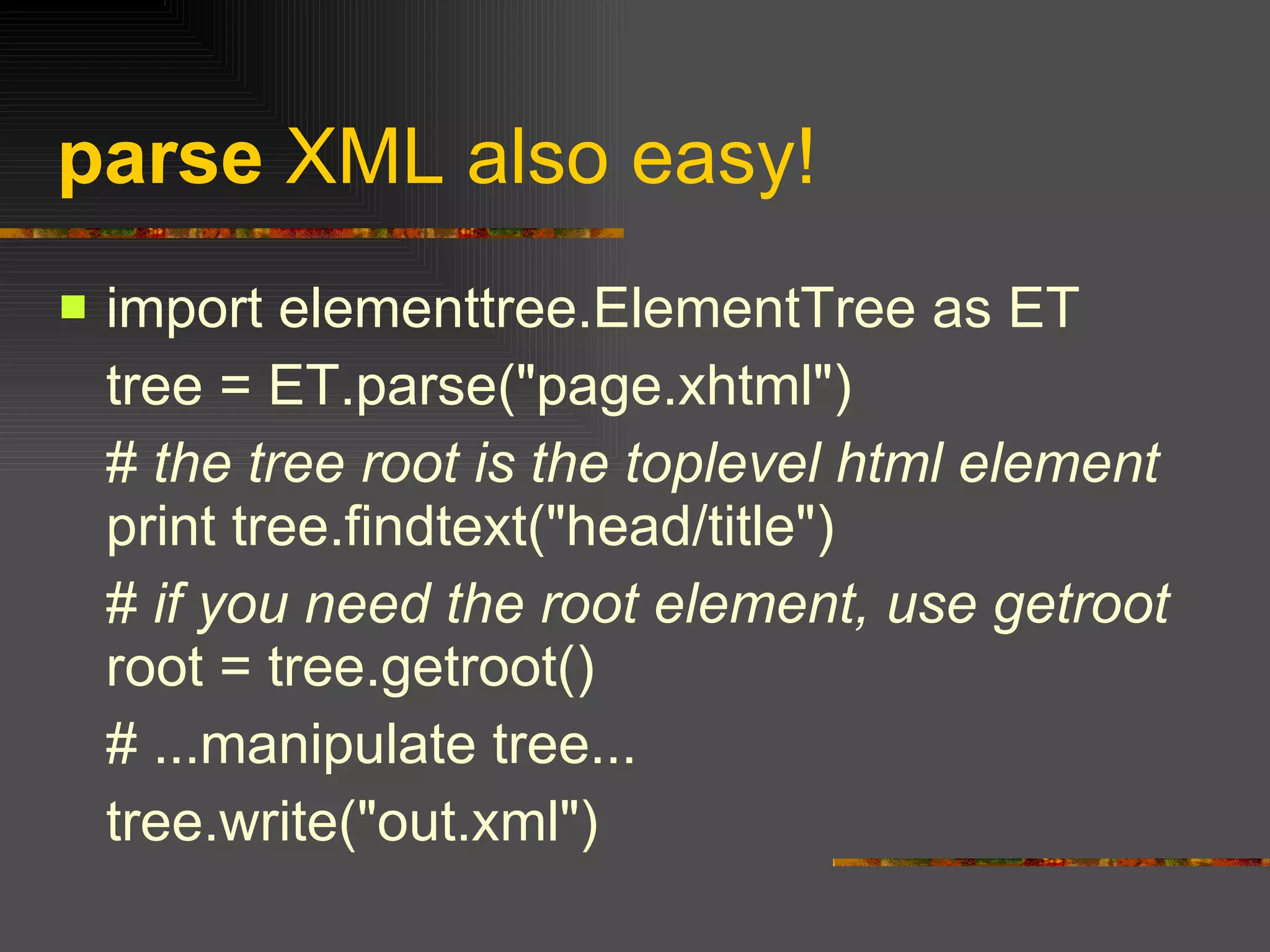
parse  XML also easy! import elementtree.ElementTree as ET  tree = ET.parse("page.xhtml")  #  the tree root is the toplevel html element  print tree.findtext("head/title")  #  if you need the root element, use getroot  root = tree.getroot()  # ...manipulate tree...  tree.write("out.xml")
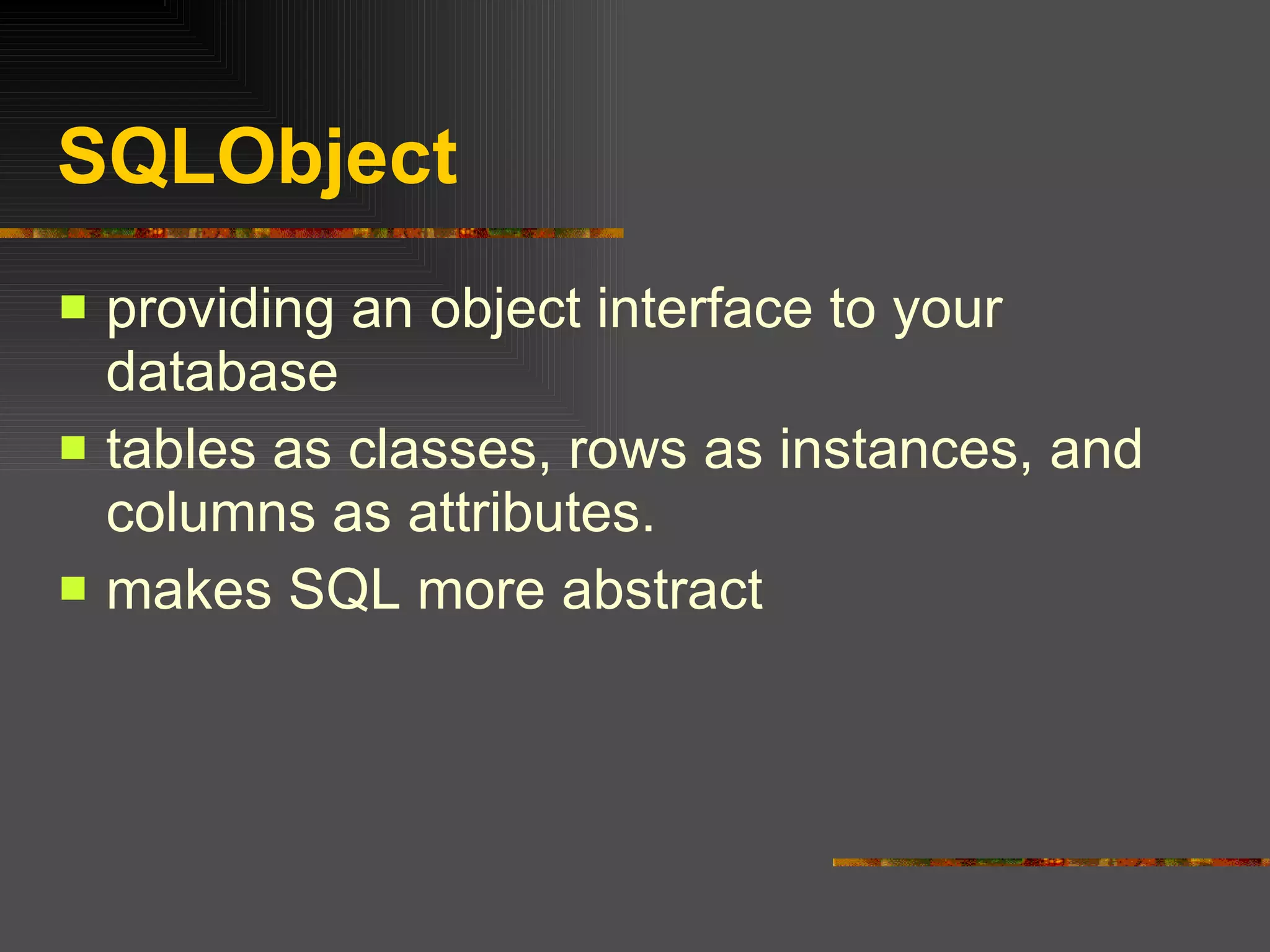
SQLObject providing an object interface to your database  tables as classes, rows as instances, and columns as attributes.  makes SQL more abstract
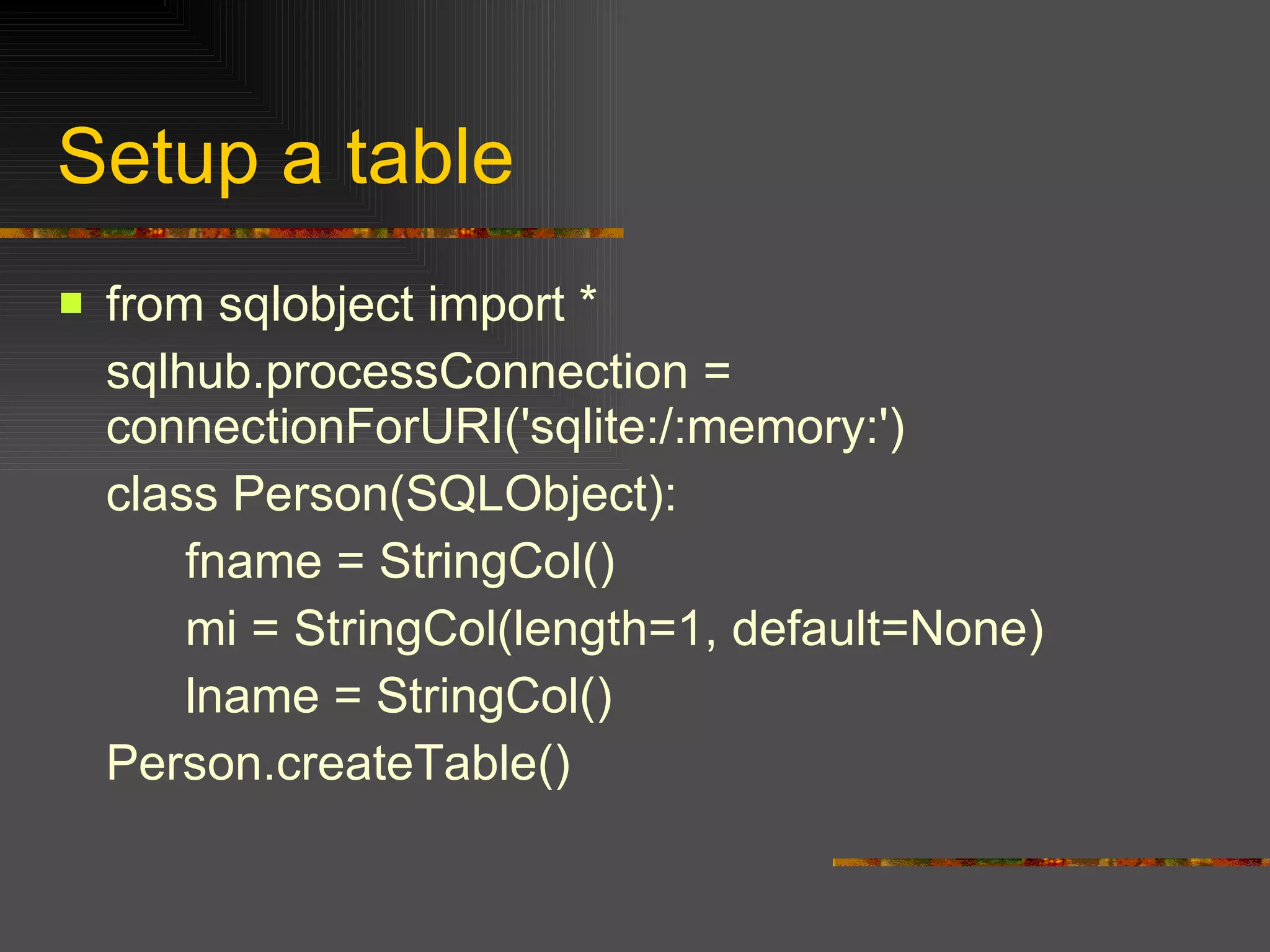
Setup a table from sqlobject import *  sqlhub.processConnection = connectionForURI('sqlite:/:memory:')  class Person(SQLObject):  fname = StringCol()  mi = StringCol(length=1, default=None)  lname = StringCol()  Person.createTable()
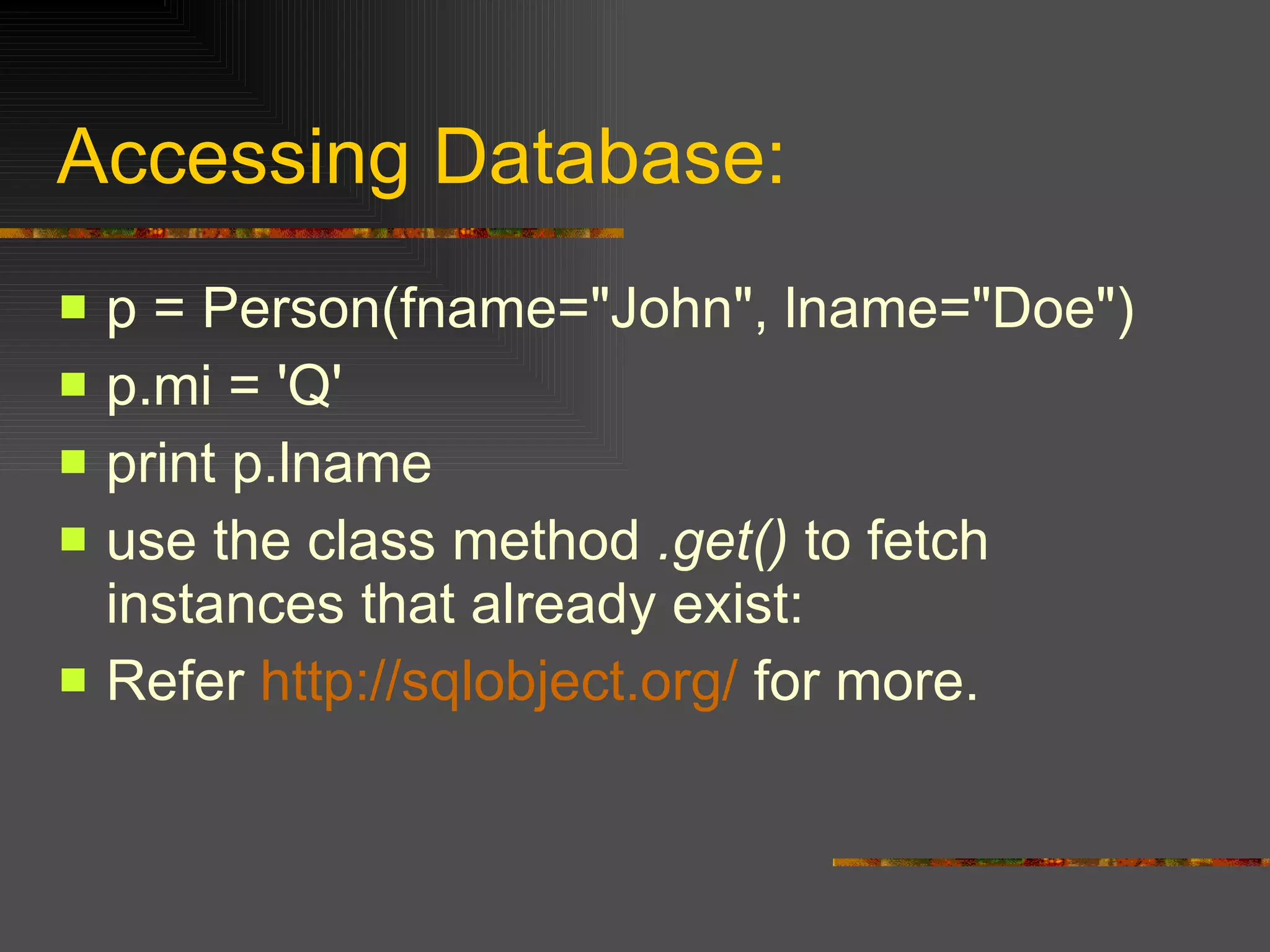
Accessing Database: p = Person(fname="John", lname="Doe")  p.mi = 'Q'  print p.lname use the class method  .get()  to fetch instances that already exist:  Refer  http://sqlobject.org/  for more.
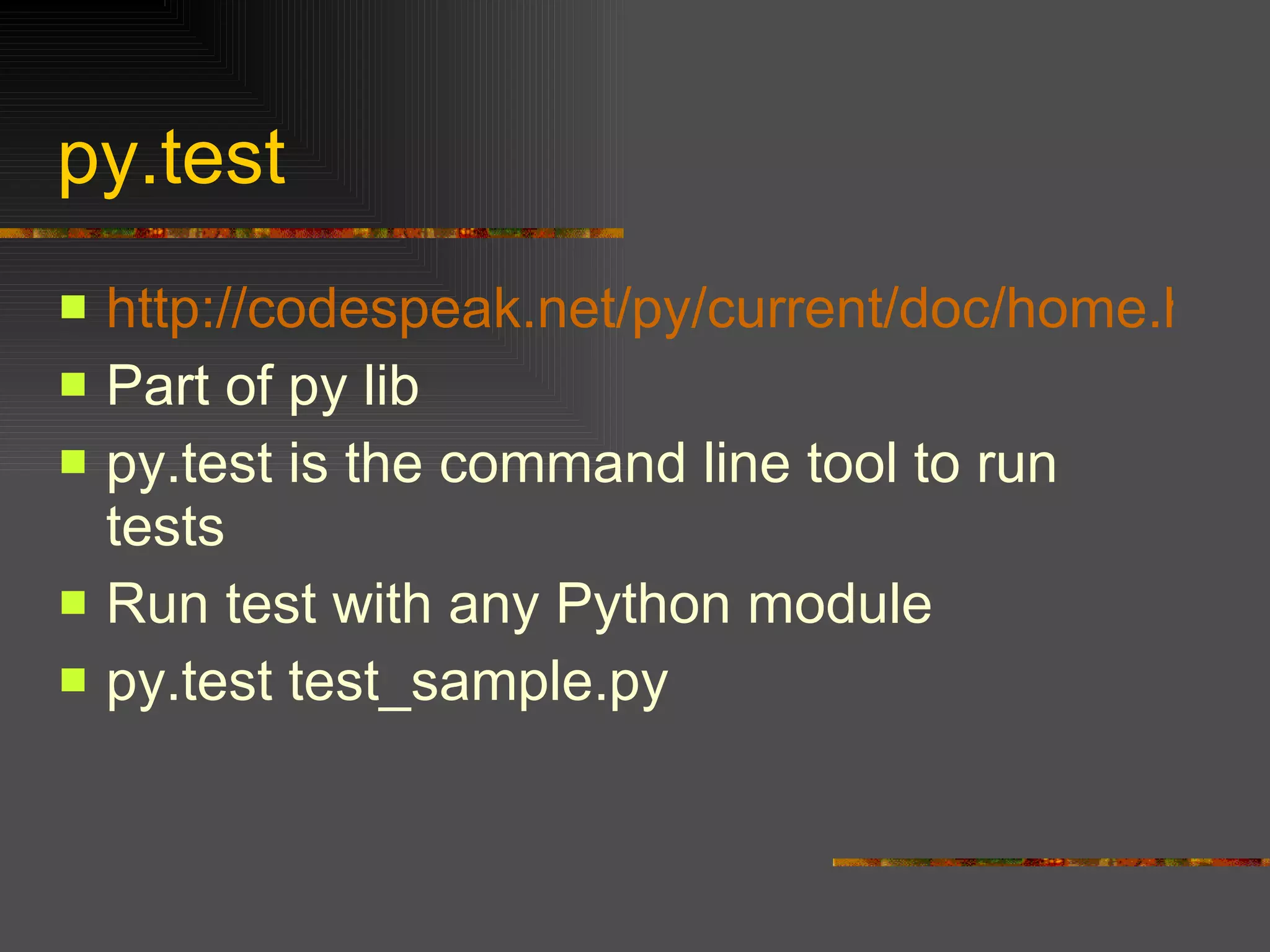
py.test http://codespeak.net/py/current/doc/home.html Part of py lib py.test is the command line tool to run tests  Run test with any Python module  py.test test_sample.py
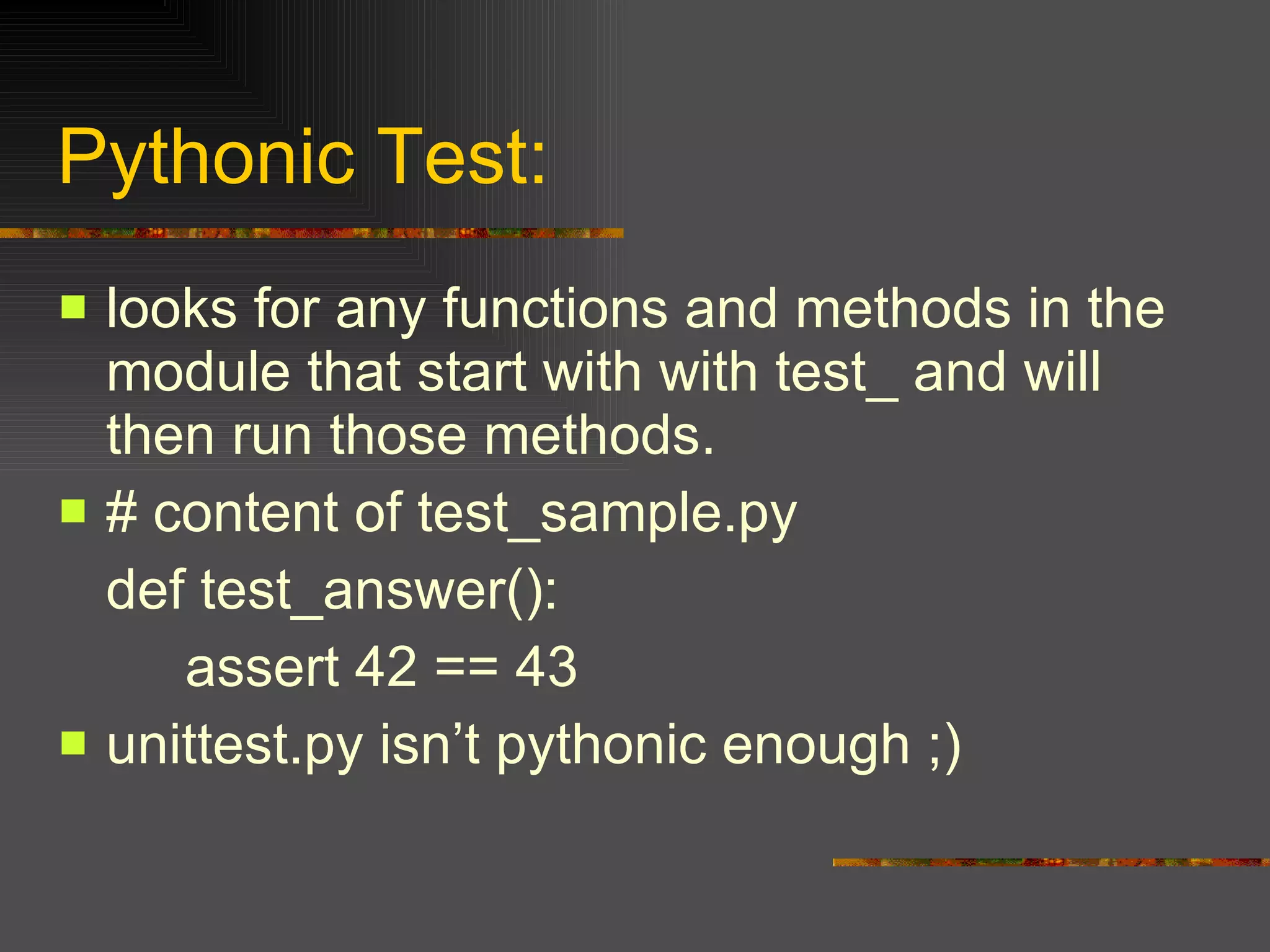
Pythonic Test: looks for any functions and methods in the module that start with with test_ and will then run those methods.  # content of test_sample.py  def test_answer():  assert 42 == 43  unittest.py isn’t pythonic enough ;)
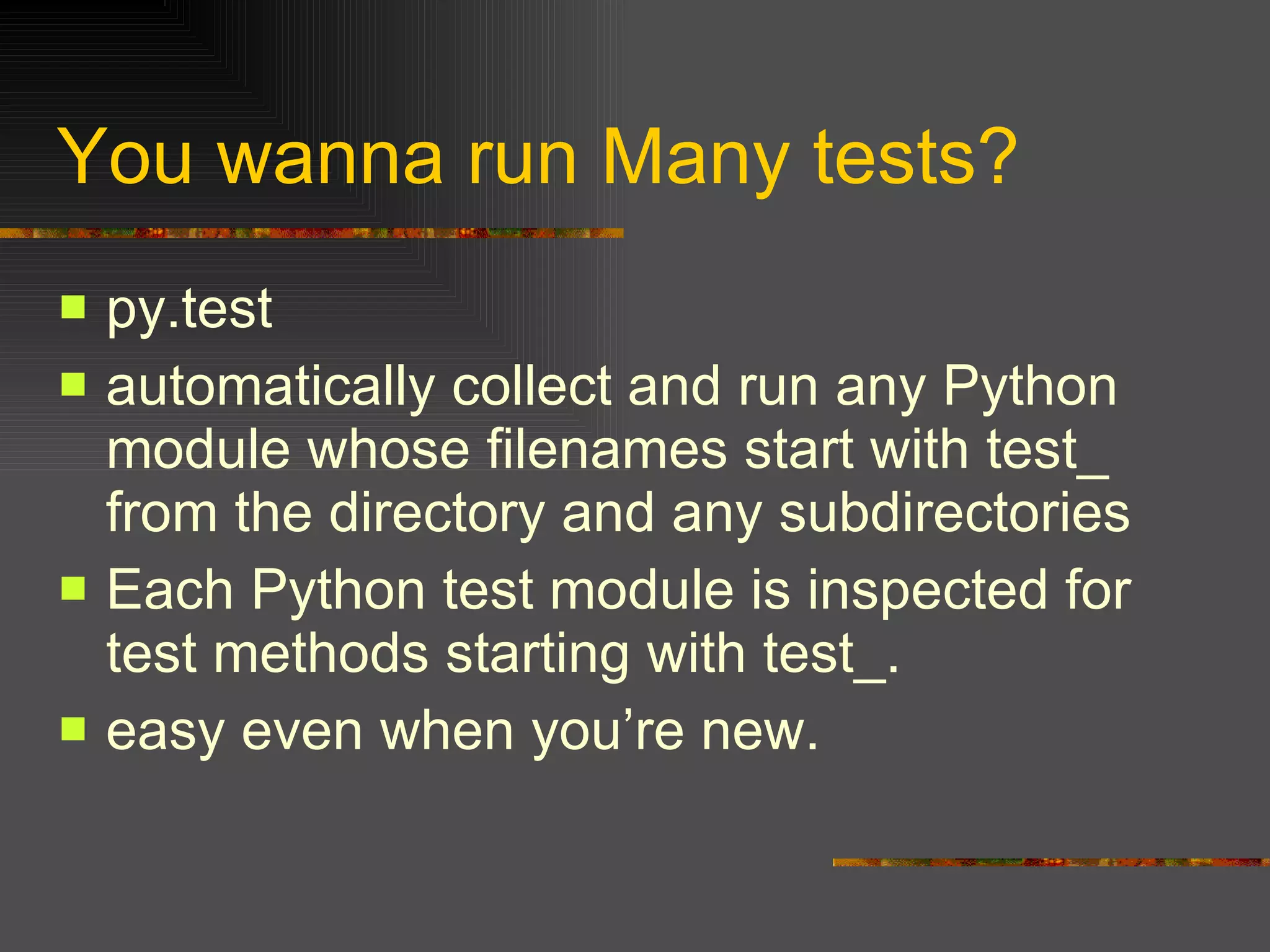
You wanna run Many tests? py.test  automatically collect and run any Python module whose filenames start with test_ from the directory and any subdirectories  Each Python test module is inspected for test methods starting with test_.  easy even when you’re new.
Part VI Conclusion
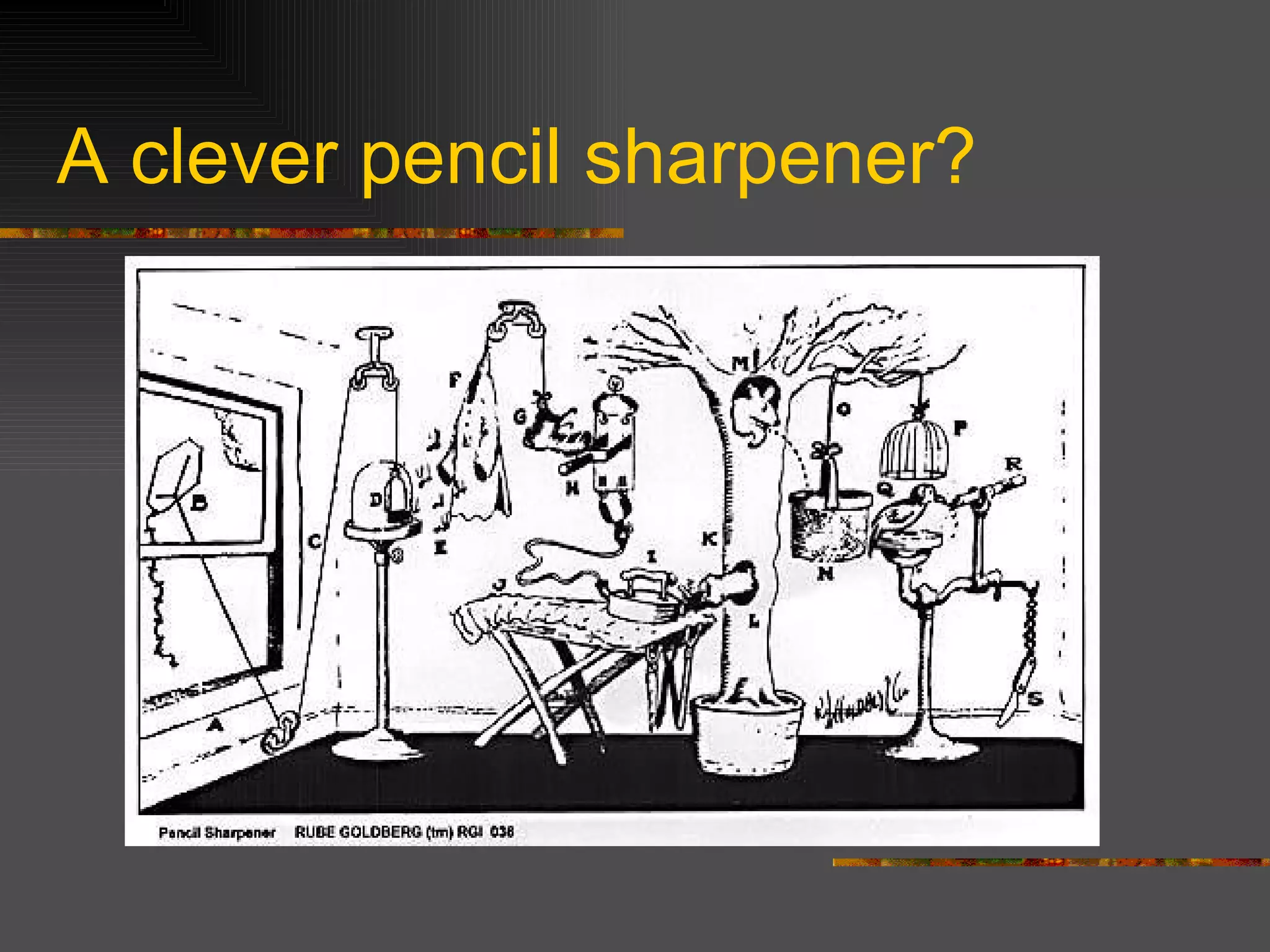
A clever pencil sharpener?
End Simple is better than complex.  Complex is better than complicated.  簡單比複雜好 複雜比詰屈聱牙好  -- The Zen of Python  May python with you. Thanks All for Listening!

Pythonpresent

  • 1.
    Python modules &packages [email_address]
  • 2.
    Today’s topic Pythonoverview in very brief Python modules More on Modules: Distribution modules & extending python using C Setuptool & Python Eggs: using easy_install Well known 3rd Party modules Conclusion
  • 3.
    Part I Pythonoverview in very brief
  • 4.
      What isPython good for? Very high-level language. Large standard library. Split your program in modules that can be reused in other Python programs, easily. The Language syntax itself keep “Easy” in mind, keep “Design” in mind. Language Design Is Not Just Solving Puzzles . (by Python Creater:Guido van Rossum)
  • 5.
    Zen of Python python –c “import this” Simple is better than complex. (C++) Complex is better than complicated. (Java) Readability counts. (Perl) If the implementation is hard to explain, it's a bad idea. (Java framework like EJB) Explicit is better than implicit. (ruby on rails?) There should be one-- and preferably only one --obvious way to do it.
  • 6.
  • 7.
    Modules Namespaces areone honking great idea -- let's do more of those! (Zen of Python) split your program into several files for easier maintenance . A module is just a python script with a .py suffix. Syntax: import modulename Your python script is already a module.
  • 8.
    Lots of PythonModules….. Standard Python Modules http://www.python.org/doc/current/modindex.html PyPI : the Python Package Index : third-party Python packages. http://www.python.org/pypi
  • 9.
    ‘ import’ Syntaximport modulename a = modulename.function( ) import modulename as mymod a = mymod.function() from modulename import function a = function() from modulename import function as f a = f() from modulename import *
  • 10.
    how “import” findyour module How python Find the module's file: Current Working Directory (where you import the module). $PYTHONPATH Environment Variable. Standard Library Modules. .pth file ( /usr/local/lib/python2.4/site-packages ).
  • 11.
    package imports Package:a directory of Python code __init__.py makes a directory to a package. import dir1.dir2.mod ule from dir1.dir2.module import function Use . Not dir/dir2/module.
  • 12.
    __init__.py Runautomatically during imports Can contain Python code just like module files. Can be completely empty We need this file because Python may pick a directory that has nothing to do with your code, just because it appears in an earlier directory on the search path. The top-level directory do NOT need a __init__.py
  • 13.
    Import with packagesYou have to type dir1.dir2.dir3.mod.function() from dir1.dir2.dir3.mod import function function() import dir1.dir2.dir3.mod as mod mod.function()
  • 14.
    __import__ import “os” (X)  will not work os = __import__(“os”) (O) To support some dynamic features. osmodule = os.popen("uname").read().lower().strip() custom_module=__import__(osmodule)
  • 15.
    __name__ __name__is an attribute for a module. A module ‘s __name__ will set to the string "__main__" when you start this module as a program. If you import the module, the module’s name will set to the module’s file name without .py suffix. The simple rule: your starting program’s __name__ is set to “__main__”,otherwise it’s just the module’s file name without .py suffix.
  • 16.
    sys.path Another dynamictrick. import sys (sys is a starndard python module) sys.path is a string list. sys.path.append(“/tmp”) Thus, you can change the module search path in your program dynamically. Each line of .pth file will add to sys.path
  • 17.
    Part III Moreon Modules: Distribution modules & extending python using C
  • 18.
    Distutils Sometimes youwill need 3 rd party modules. Python 2.0 introduce “Distribution Utilities”. The standard way: setup.py python setup.py install Actually it’s python setup.py build & python setup.py install
  • 19.
    Distributing Python Modules Your first setup.py from distutils.core import setup setup(name=‘mymodule', version='0.1', py_modules=[‘mymodule'], ) prepare your mymodule.py python setup.py sdist (python setup.py install) python setup.py bdist_wininst (.exe installer) Python setup.py bdist_rpm (for rpm user)
  • 20.
    3 types ofmodules Pure Python module Extension module (C/C++ for CPython, Java for Jython) Package : a module that contains other modules
  • 21.
    #include "Python.h" staticPyObject* howlong(PyObject* self,PyObject* args) { const char *argptr; int returnvalue; if(!PyArg_ParseTuple(args, "s", &argptr)) return NULL; returnvalue= strlen(argptr); return Py_BuildValue("i", returnvalue); } Simple C module (part 1)
  • 22.
    Simple C module(part 2) static PyMethodDef howlong_funcs[] = { {"chowlong",howlong,METH_VARARGS, "howlong it is"} , {NULL} }; void initmylens(void) { Py_InitModule3("mylens", howlong_funcs, "a simple C strlen module"); }
  • 23.
    Simple C module(part 3) gcc -I/usr/local/include/python2.4 -L/usr/local/lib -lpython2.4 -shared -o mylens.so mylens.c import mylens => calling initmylens() mylens.chowlong(“C++ sucks”) dir(mylens) or mylens.__doc__
  • 24.
    Another easy way….usingswig. http://www.swig.org/ SWIG is an interface compiler that connects programs written in C and C++ with scripting languages such as Perl, Python, Ruby, and Tcl. Easy as hell.
  • 25.
    C file andinterface file mylens.c : int howlong(char* stringarg) { return strlen(stringarg); } mylens.i : %module strlong extern int howlong(char* stringarg);
  • 26.
    How easy itis… swig -python mylens2.i gcc mylens2.c mylens2_wrap.c -shared -I/usr/local/include/python2.4 -o _strlong.so import strlong dir(strlong)
  • 27.
    Part IV Setuptool& Python Eggs: using easy_install
  • 28.
    Python Eggs distutils (python setup.py install ) Setuptools pkg_resources Python Eggs easy_install easy_install (the new way -- find + install via one command)
  • 29.
    setuptools Allbehind these. a collection of enhancements to the python distutils Solution of dependencies. get "ez_setup.py" to install it. ( http://peak.telecommunity.com/dist/ez_setup.py ) python ez_setup.py
  • 30.
    easy_install.py Part ofsetuptools Installs any distutil-based package Can find packages on PyPI (now the "Cheese Shop") many packages in PyPI don't include the necessary information yet.
  • 31.
    How to useeasy_install Find from PyPI(Python Package Index): easy_install SQLObject Eggs: easy_install http://example.com/downloads/ExamplePackage-2.0-py2.4.egg upgrade: easy_install –upgrade PyProtocols or easy_install "SomePackage>2.0" uninstall: easy_install -m PackageName
  • 32.
    So Why? Convenient - people are lazy. Speed - Zipping packages can improve Python's overall import performance. Version control. Dependencies!
  • 33.
    Sample script usingsetuptools from setuptools import setup, find_packages setup( name = "HelloWorld", version = "0.1", packages = find_packages(), ) Now we can produce eggs upload to PyPI automatically include all packages in the directory where the setup.py lives
  • 34.
    Part V Wellknown 3rd Party modules
  • 35.
    3rd party pythonpackages psyco Easygui wxpython ElementTree , cElementTree sqlobject trac Zope,Twisted,Bittorrent…….
  • 36.
    Psyco http://psyco.sourceforge.net/ asa kind of just-in-time (JIT) compiler Good: 2x to 100x speed-ups, typically 4x Drawback: uses a lot of memory. It only runs on Intel 386-compatible processors (under any OS) right now.
  • 37.
    Easy to useeven you’re no idea! import psyco psyco.full() Expect your 4x speed up now. import psyco psyco.log() psyco.profile(0.2) Psyco will compile all functions that take at least 20% of the time.
  • 38.
    Control when youneed import psyco psyco.log() psyco.full(memory=100) psyco.profile(0.05, memory=100) psyco.profile(0.2) All functions are compiled until it takes 100 kilobytes of memory. Aggressive profiling (watermark 0.05) is then used to select further functions until it takes an extra 100 kilobytes of memory. Then less aggressive profiling (watermark 0.2) is used for the rest of the execution.
  • 39.
    Even if youlike to Control….. import psyco psyco.bind(myfunction1) psyco.bind(myfunction2) This only selects the two given functions for compilation.
  • 40.
    Easygui http:// www.ferg.org/easygui/ a module for very simple, very easy GUI programming in python. NOT event-driven. You can choose Wxpython for much powerful UI. Ask your self, do you really need complex UI ?
  • 41.
    Simple Demo Geteasygui.py ( http://www.ferg.org/easygui/easygui.py ) Run the Demo Prgram It’s so easy….why you use MFC (Microsoft Foundation Classes) or swing to build your simple program? You already knew it.
  • 42.
    The Simple SampleCode from easygui import * import sys msg ="What’s your Choice?" title = “Choice Survey" choices = [“1”, “2”, “3”, “4”] choice = choicebox(msg, title, choices) msgbox("You chose: " + str(choice), "Survey Result")
  • 43.
    ElementTree http://effbot.org/zone/element-index.htm willbe shipped with Python 2.5, in the xml.etree package. A C implementation cElementTree is also available load XML files as trees of Element objects, and save them back again.
  • 44.
    XML should beeasy. import elementtree.ElementTree as ET # build a tree structure root = ET.Element("html") head = ET.SubElement(root, "head") title = ET.SubElement(head, "title") title.text = "Page Title"
  • 45.
    XML should beeasy. (cont.) body = ET.SubElement(root, "body") body.set("bgcolor", "#ffffff") body.text = "Hello, World!" wrap it in an ElementTree instance, and save as XML tree = ET.ElementTree(root) tree.write("page.xhtml")
  • 46.
    parse XMLalso easy! import elementtree.ElementTree as ET tree = ET.parse("page.xhtml") # the tree root is the toplevel html element print tree.findtext("head/title") # if you need the root element, use getroot root = tree.getroot() # ...manipulate tree... tree.write("out.xml")
  • 47.
    SQLObject providing anobject interface to your database tables as classes, rows as instances, and columns as attributes. makes SQL more abstract
  • 48.
    Setup a tablefrom sqlobject import * sqlhub.processConnection = connectionForURI('sqlite:/:memory:') class Person(SQLObject): fname = StringCol() mi = StringCol(length=1, default=None) lname = StringCol() Person.createTable()
  • 49.
    Accessing Database: p= Person(fname="John", lname="Doe") p.mi = 'Q' print p.lname use the class method .get() to fetch instances that already exist: Refer http://sqlobject.org/ for more.
  • 50.
    py.test http://codespeak.net/py/current/doc/home.html Partof py lib py.test is the command line tool to run tests Run test with any Python module py.test test_sample.py
  • 51.
    Pythonic Test: looksfor any functions and methods in the module that start with with test_ and will then run those methods. # content of test_sample.py def test_answer(): assert 42 == 43 unittest.py isn’t pythonic enough ;)
  • 52.
    You wanna runMany tests? py.test automatically collect and run any Python module whose filenames start with test_ from the directory and any subdirectories Each Python test module is inspected for test methods starting with test_. easy even when you’re new.
  • 53.
  • 54.
    A clever pencilsharpener?
  • 55.
    End Simple isbetter than complex. Complex is better than complicated. 簡單比複雜好 複雜比詰屈聱牙好 -- The Zen of Python May python with you. Thanks All for Listening!