Python Tutorial
http://www.pythontraininginbangalore.in Mob : 9513332301 / 02 / 03
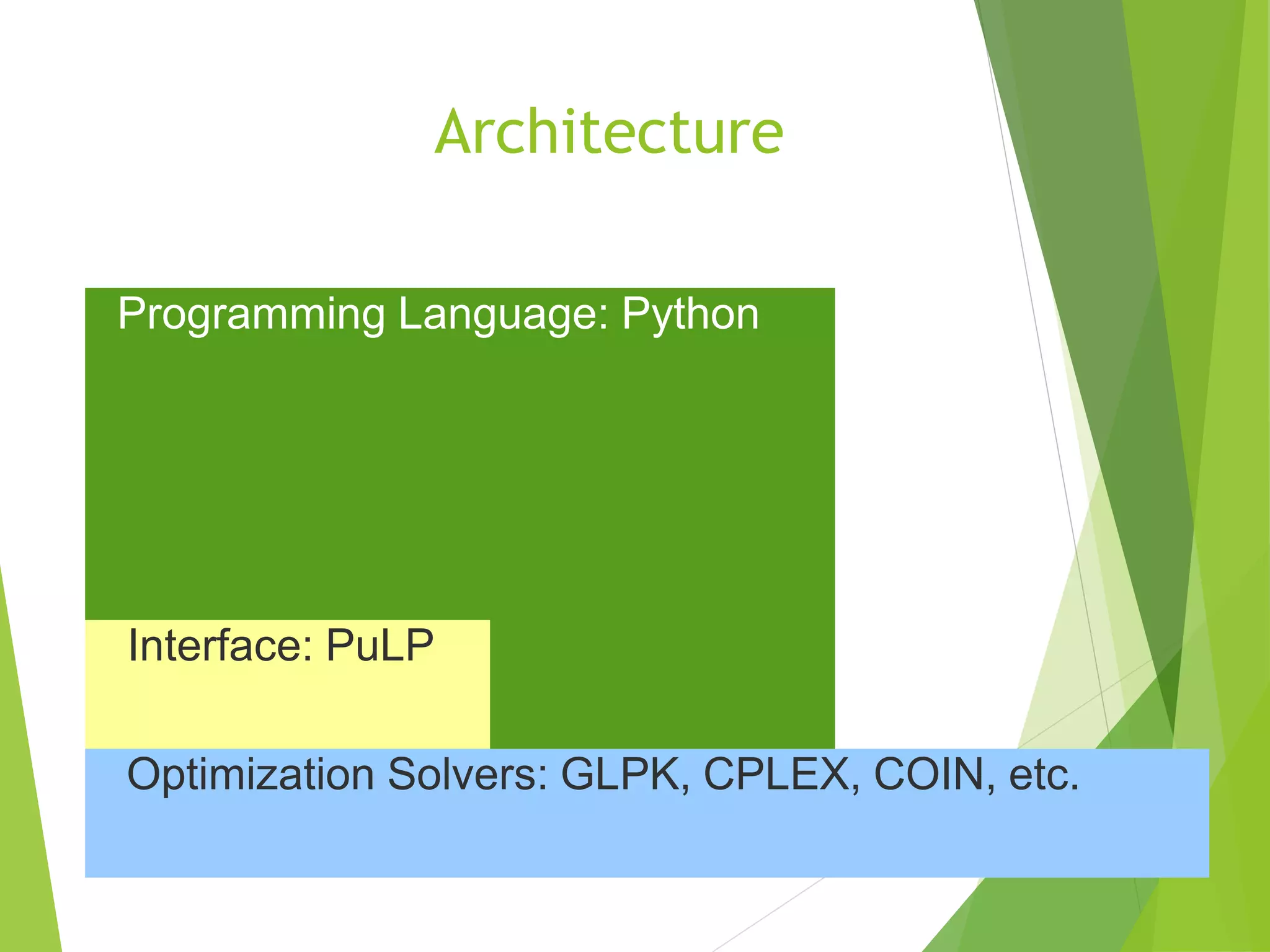
Architecture
Programming Language: Python
Interface: PuLP
Optimization Solvers: GLPK, CPLEX, COIN, etc.
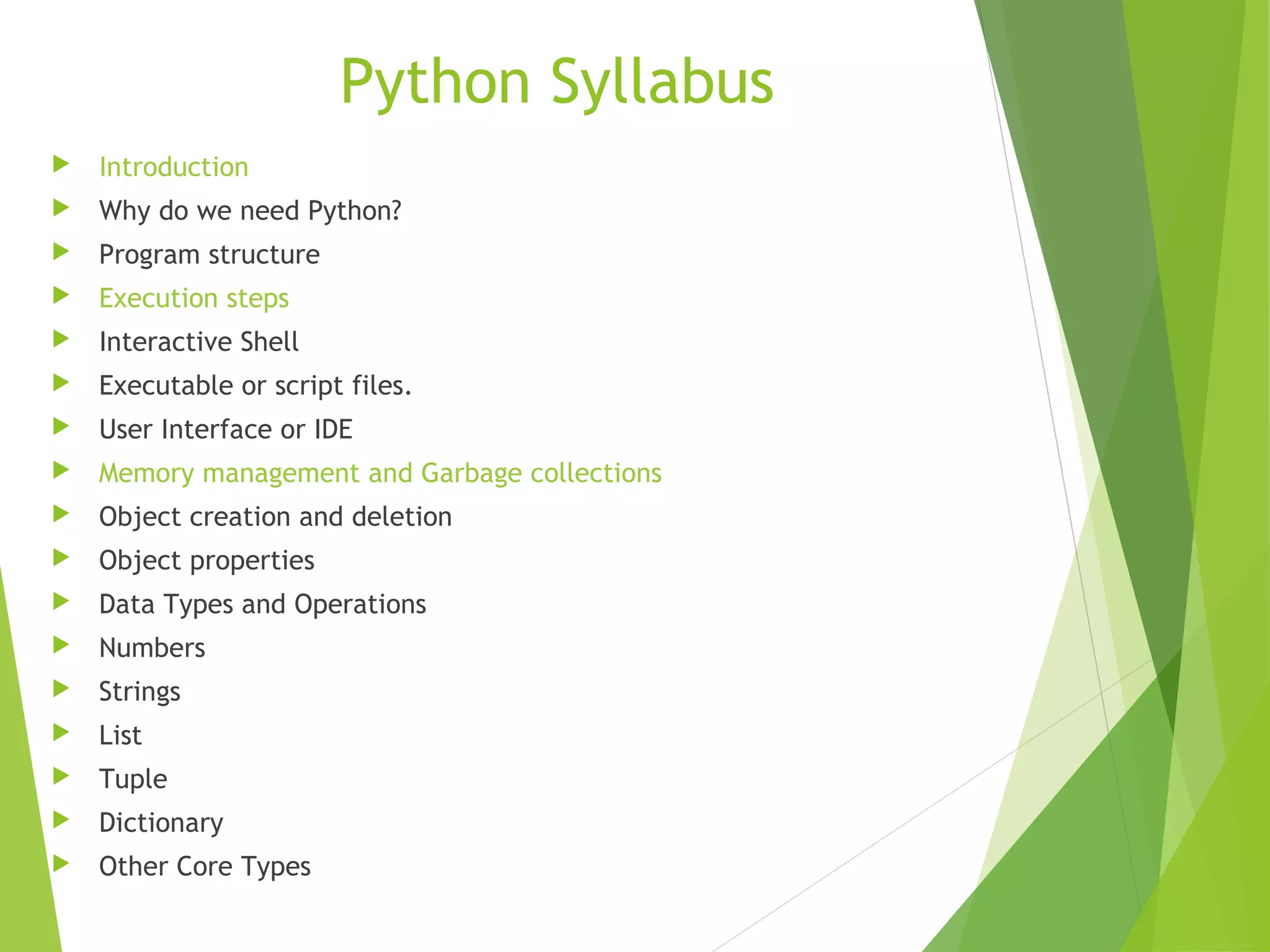
Python Syllabus
 Introduction
 Why do we need Python?
 Program structure
 Execution steps
 Interactive Shell
 Executable or script files.
 User Interface or IDE
 Memory management and Garbage collections
 Object creation and deletion
 Object properties
 Data Types and Operations
 Numbers
 Strings
 List
 Tuple
 Dictionary
 Other Core Types
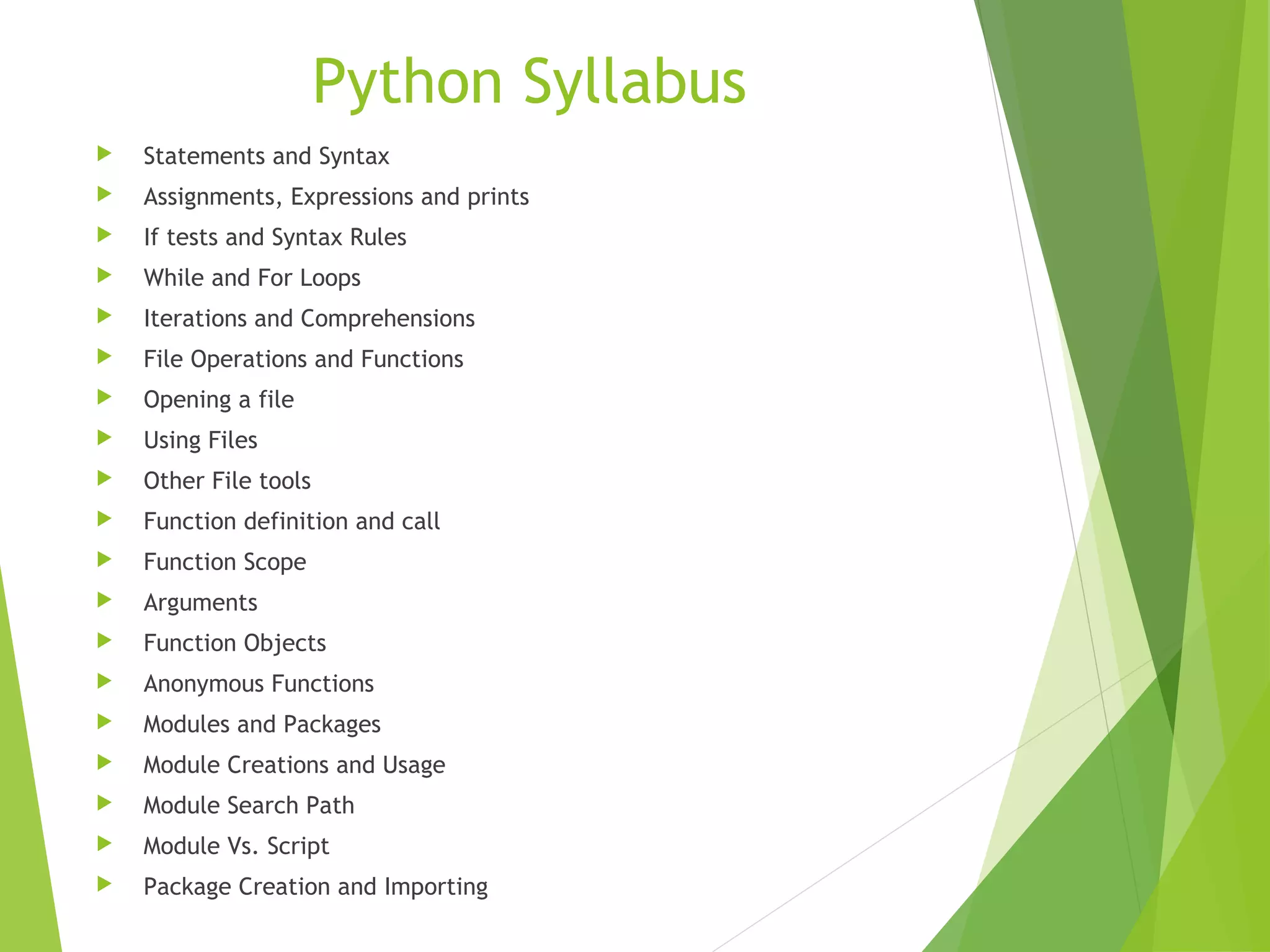
Python Syllabus
 Statements and Syntax
 Assignments, Expressions and prints
 If tests and Syntax Rules
 While and For Loops
 Iterations and Comprehensions
 File Operations and Functions
 Opening a file
 Using Files
 Other File tools
 Function definition and call
 Function Scope
 Arguments
 Function Objects
 Anonymous Functions
 Modules and Packages
 Module Creations and Usage
 Module Search Path
 Module Vs. Script
 Package Creation and Importing
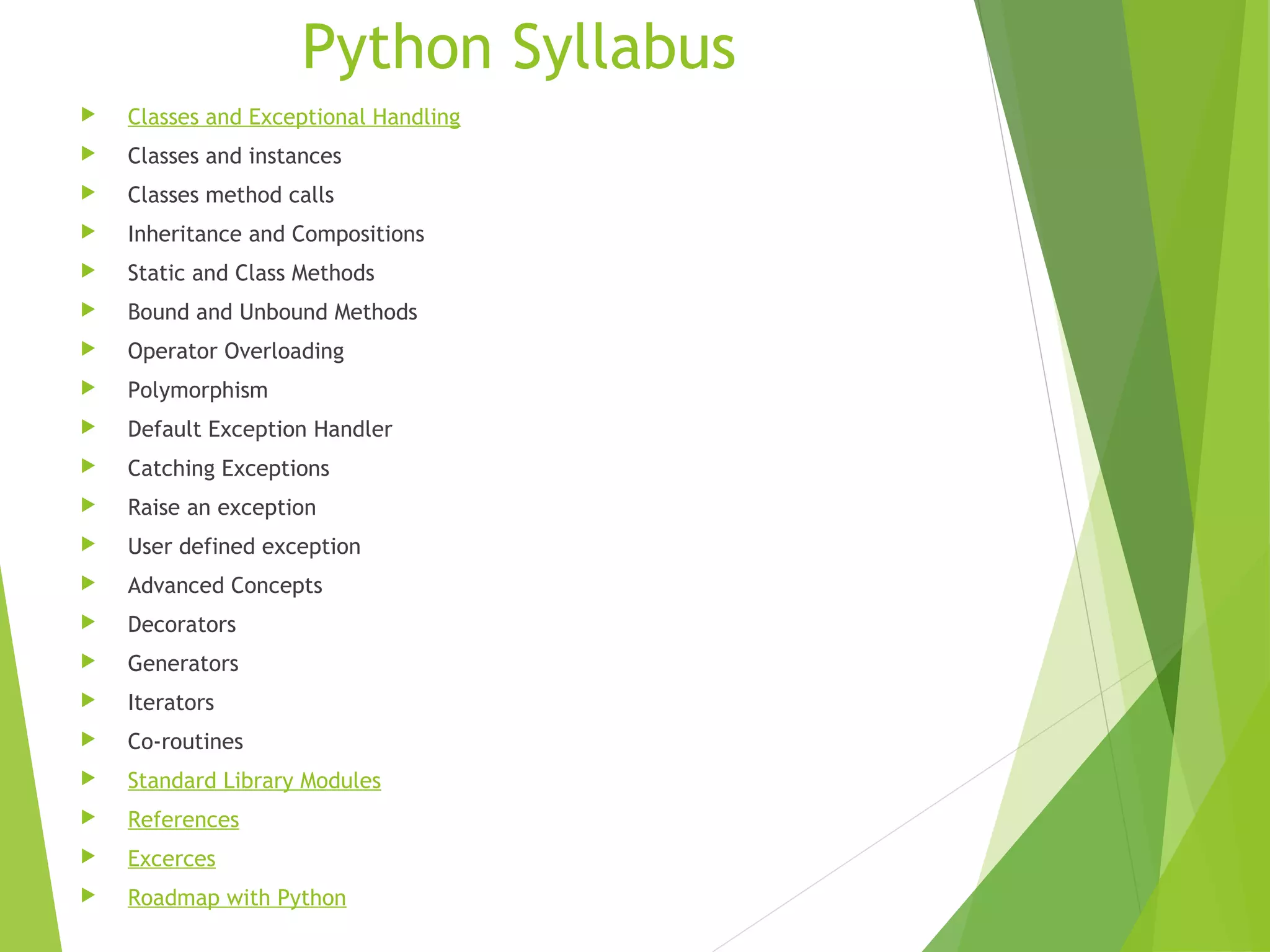
Python Syllabus
 Classes and Exceptional Handling
 Classes and instances
 Classes method calls
 Inheritance and Compositions
 Static and Class Methods
 Bound and Unbound Methods
 Operator Overloading
 Polymorphism
 Default Exception Handler
 Catching Exceptions
 Raise an exception
 User defined exception
 Advanced Concepts
 Decorators
 Generators
 Iterators
 Co-routines
 Standard Library Modules
 References
 Excerces
 Roadmap with Python
Python

Python is a programming language.
Python runs on Windows, Linux/Unix, Mac OS X.
Python is free to use.


Python: Features

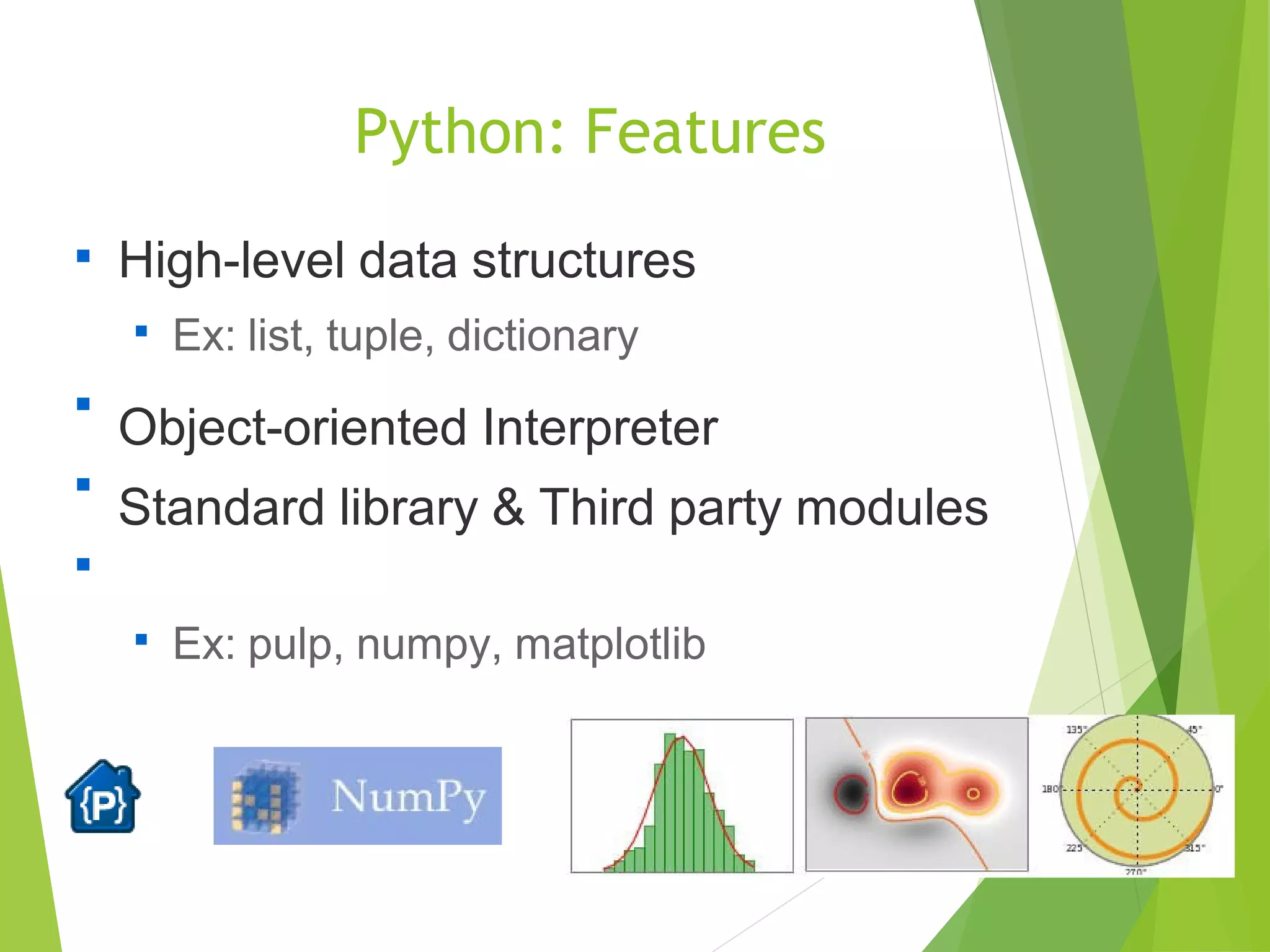
High-level data structures

Ex: list, tuple, dictionary

Object-oriented Interpreter
Standard library & Third party modules



Ex: pulp, numpy, matplotlib
Python: Basic Data Type

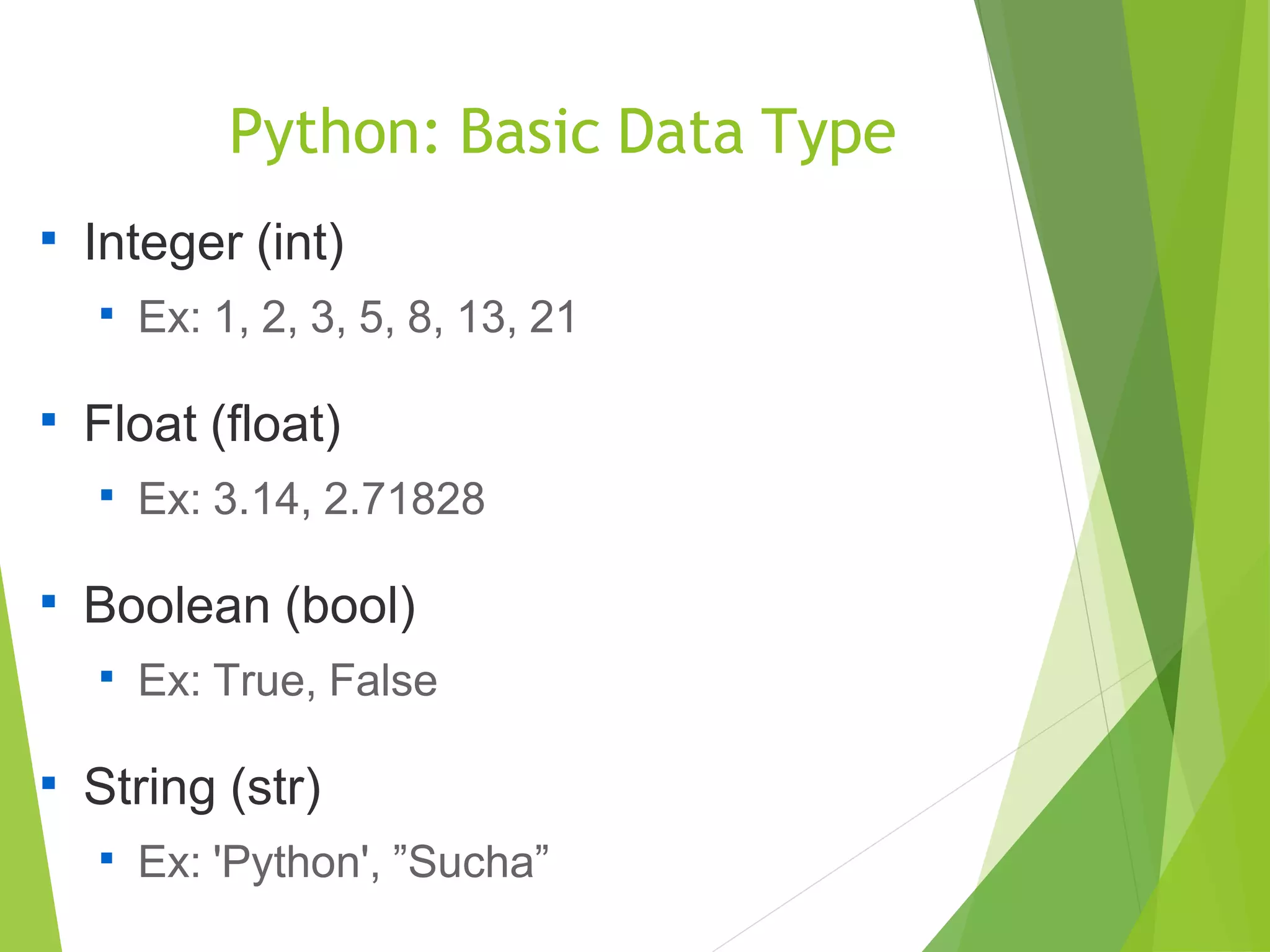
Integer (int)

Ex: 1, 2, 3, 5, 8, 13, 21

Float (float)

Ex: 3.14, 2.71828

Boolean (bool)

Ex: True, False

String (str)

Ex: 'Python', ”Sucha”
Python: High-Level Data Type

Lt(list): [ d1, d2, …, dn ]

Ex: [ 1, 3.14, True, 'a', [1], (2,3), {'B+':3.5} ]

Tuple (tuple): ( d1, d2, ..., dn, )

Ex: ( 1, 3.14, True, 'a', [1], (2,3), {'B+':3.5} )

Dictionary (dict): { k1:v1 , k2:v2 , ..., kn:vn }

Ex: { 'A':4 , 'B+':3.5 , 3:'B' }

Set (set): set([ d1, d2, ..., dn ])

Ex: set([ 4, 3.5, 'B'])
Python: Flow Control - If

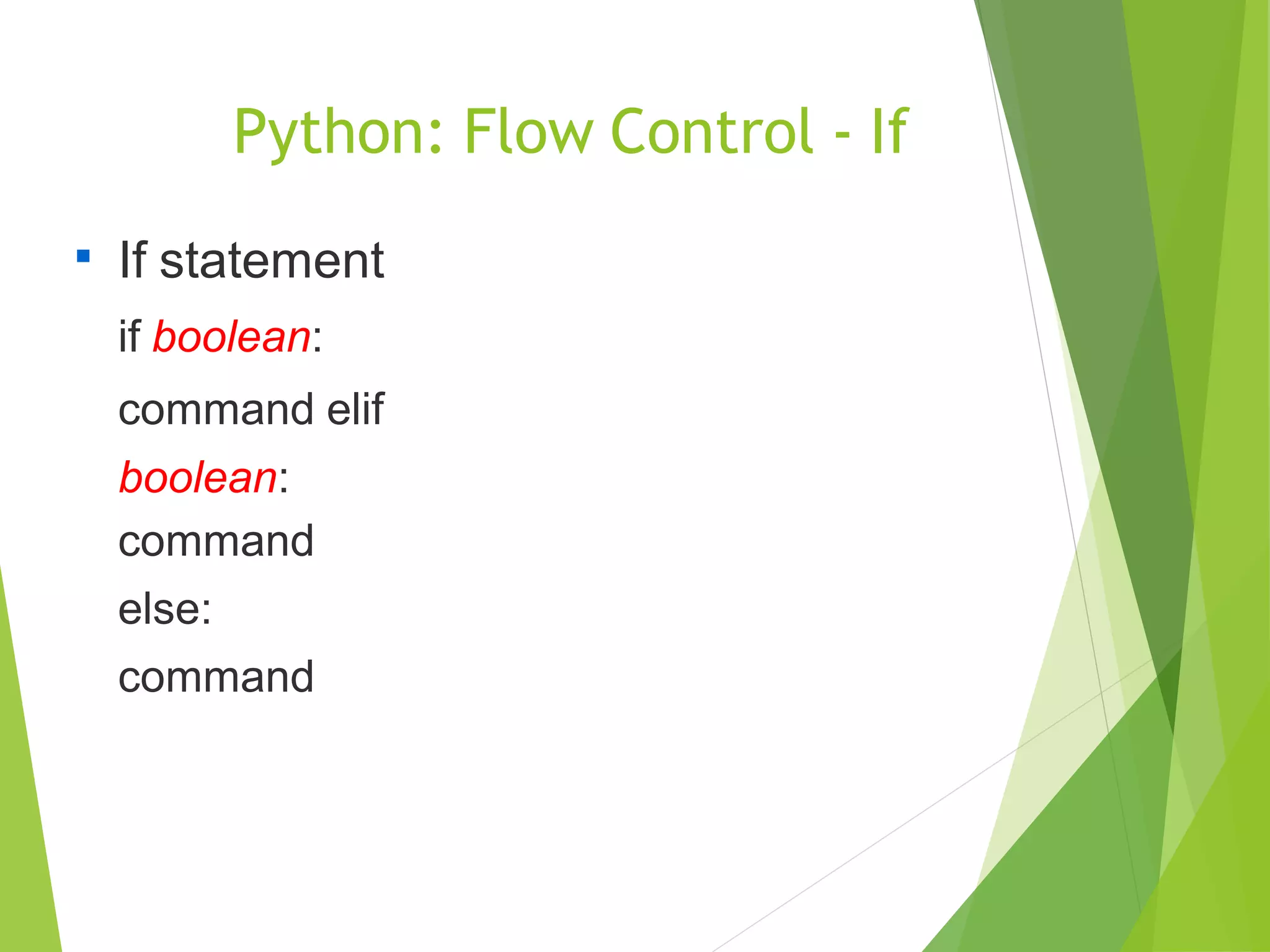
If statement
if boolean:
command elif
boolean:
command
else:
command
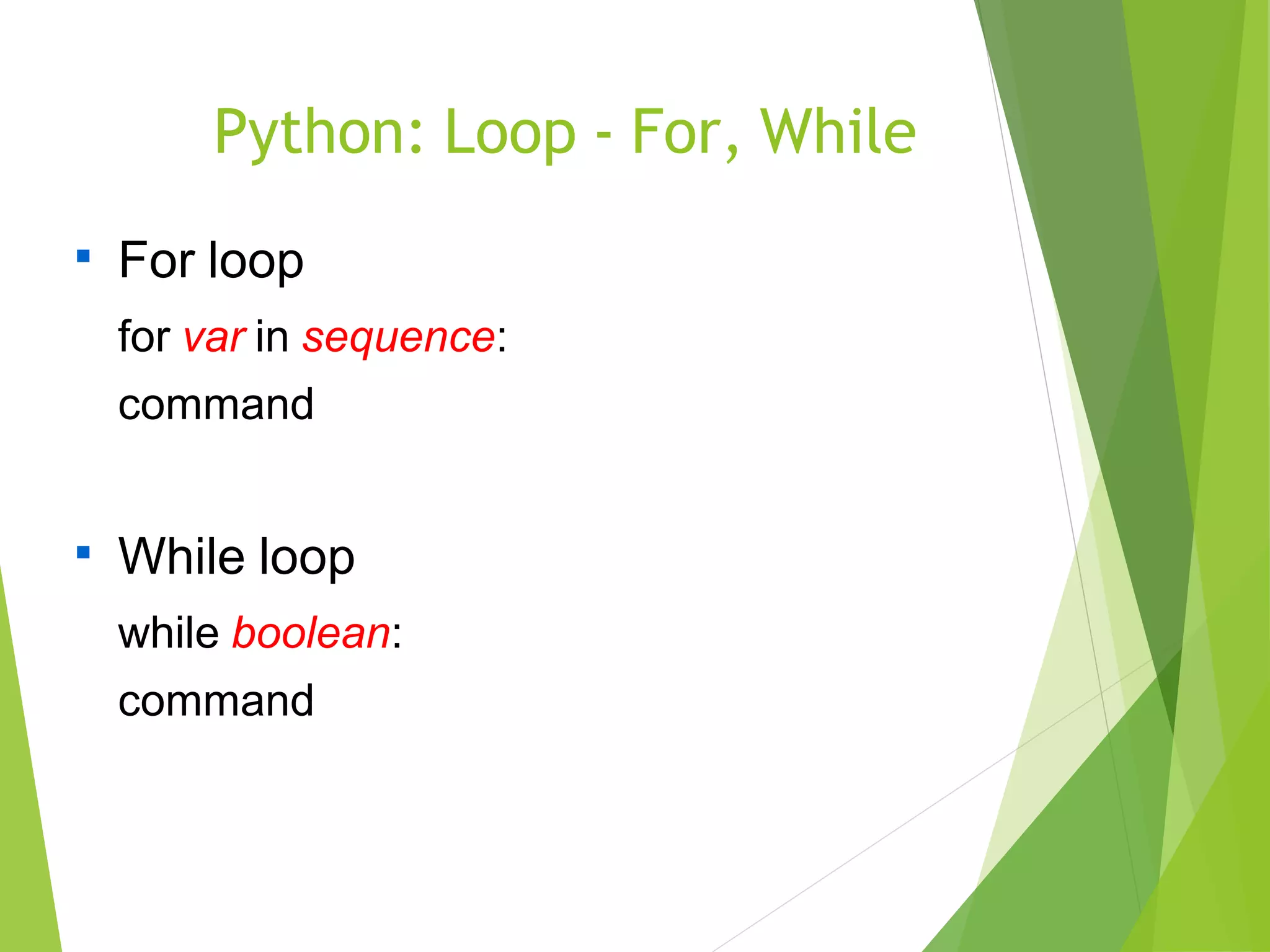
Python: Loop - For, While

For loop
for var in sequence:
command

While loop
while boolean:
command
Python: List Comprehensions

>>>[ i for i in range(5)]
→ [ 0, 1, 2, 3, 4 ]

>>>[ i for i in range(5) if i <> 3 ]
→ [ 0, 1, 2, 4 ]

>>>[ (i, j) for i in range(3) for j in range(i) ]
→ [ (1,0), (2,0), (2,1) ]
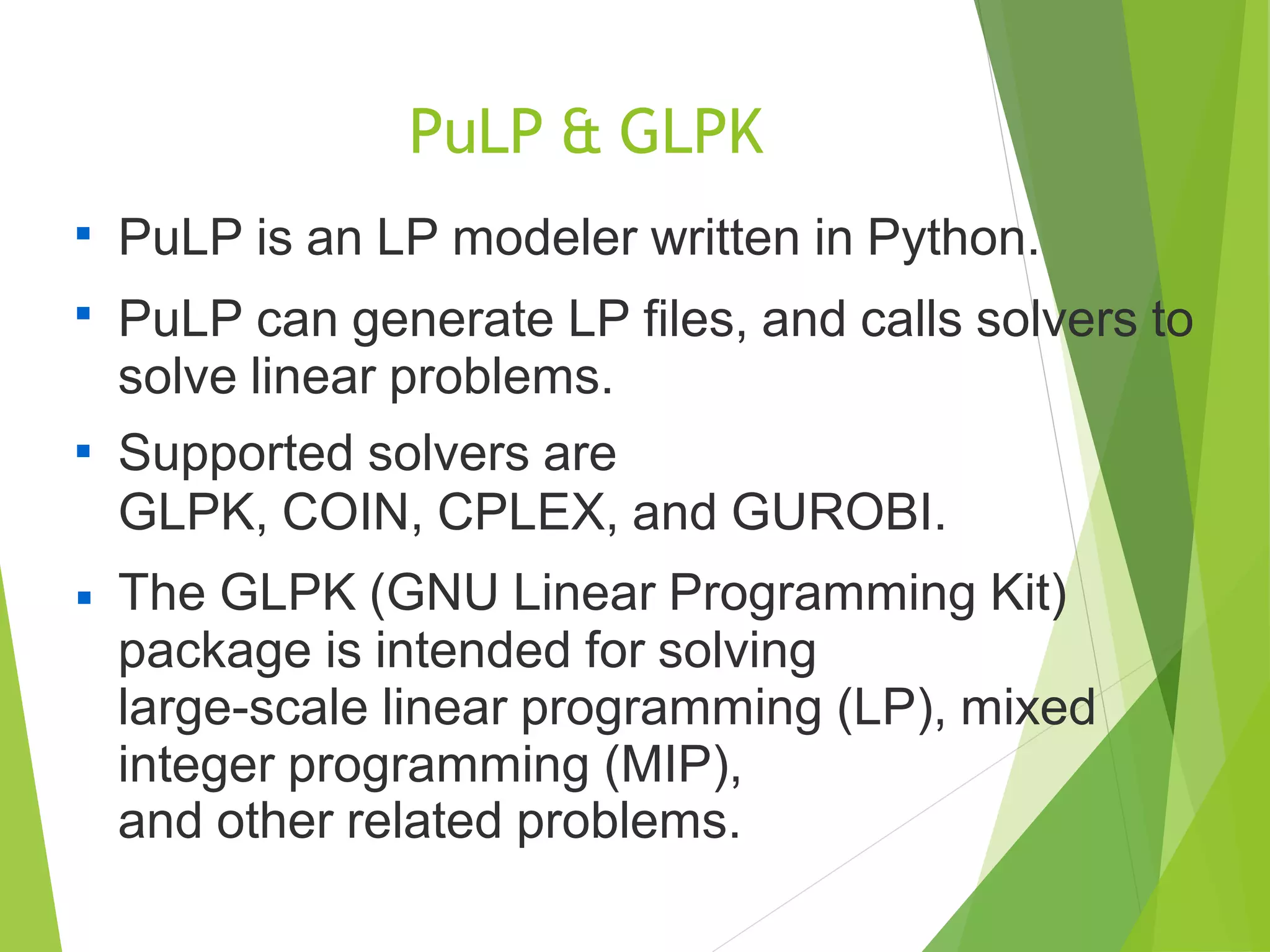
PuLP & GLPK

PuLP is an LP modeler written in Python.
PuLP can generate LP files, and calls solvers to
solve linear problems.
Supported solvers are
GLPK, COIN, CPLEX, and GUROBI.
The GLPK (GNU Linear Programming Kit)
package is intended for solving
large-scale linear programming (LP), mixed
integer programming (MIP),
and other related problems.



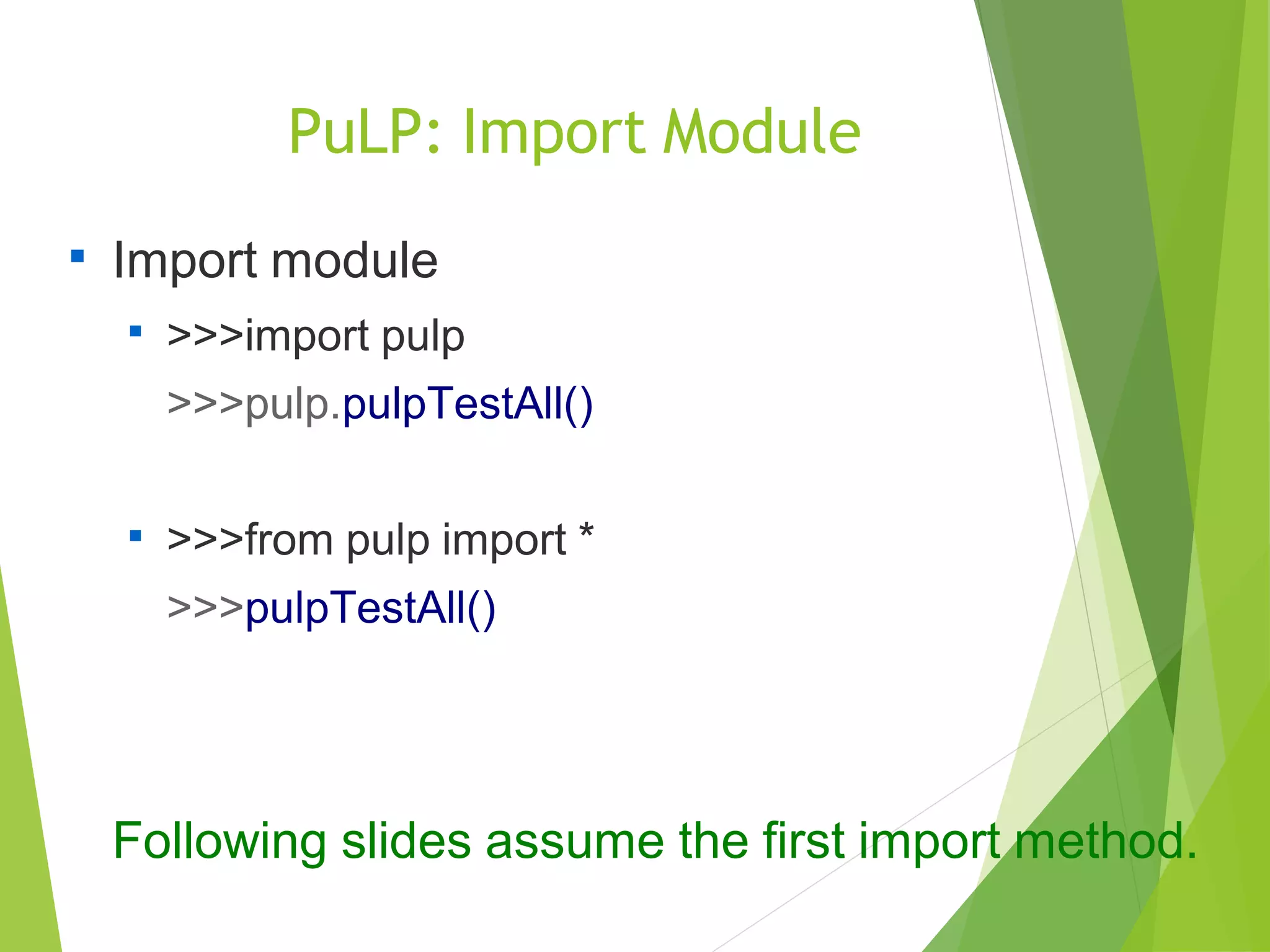
PuLP: Import Module

Import module

>>>import pulp
>>>pulp.pulpTestAll()

>>>from pulp import *
>>>pulpTestAll()
Following slides assume the first import method.
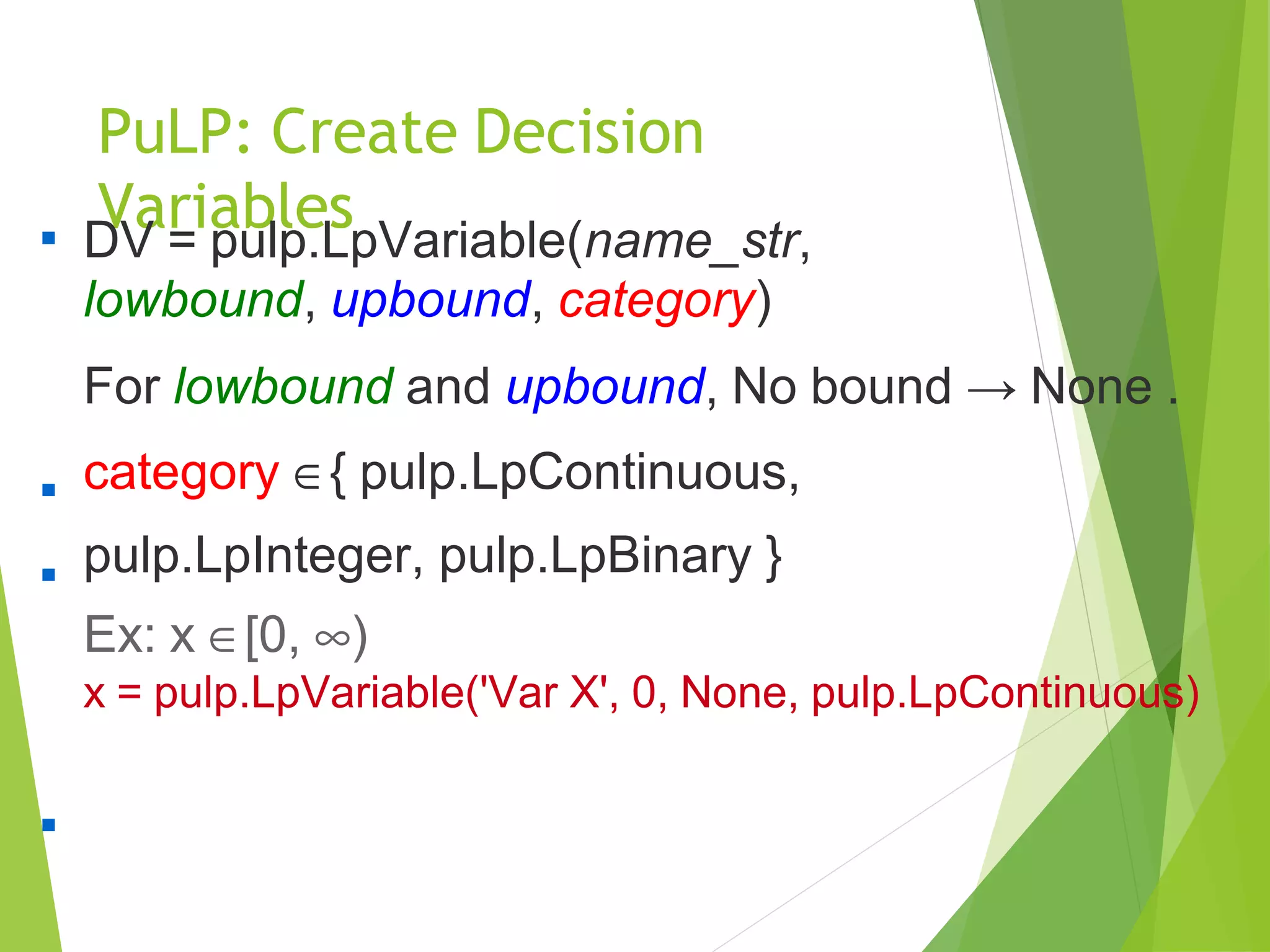
PuLP: Create Decision
Variables
DV = pulp.LpVariable(name_str,
lowbound, upbound, category)
For lowbound and upbound, No bound → None .
category ∈{ pulp.LpContinuous,
pulp.LpInteger, pulp.LpBinary }
Ex: x ∈[0, ∞)
x = pulp.LpVariable('Var X', 0, None, pulp.LpContinuous)



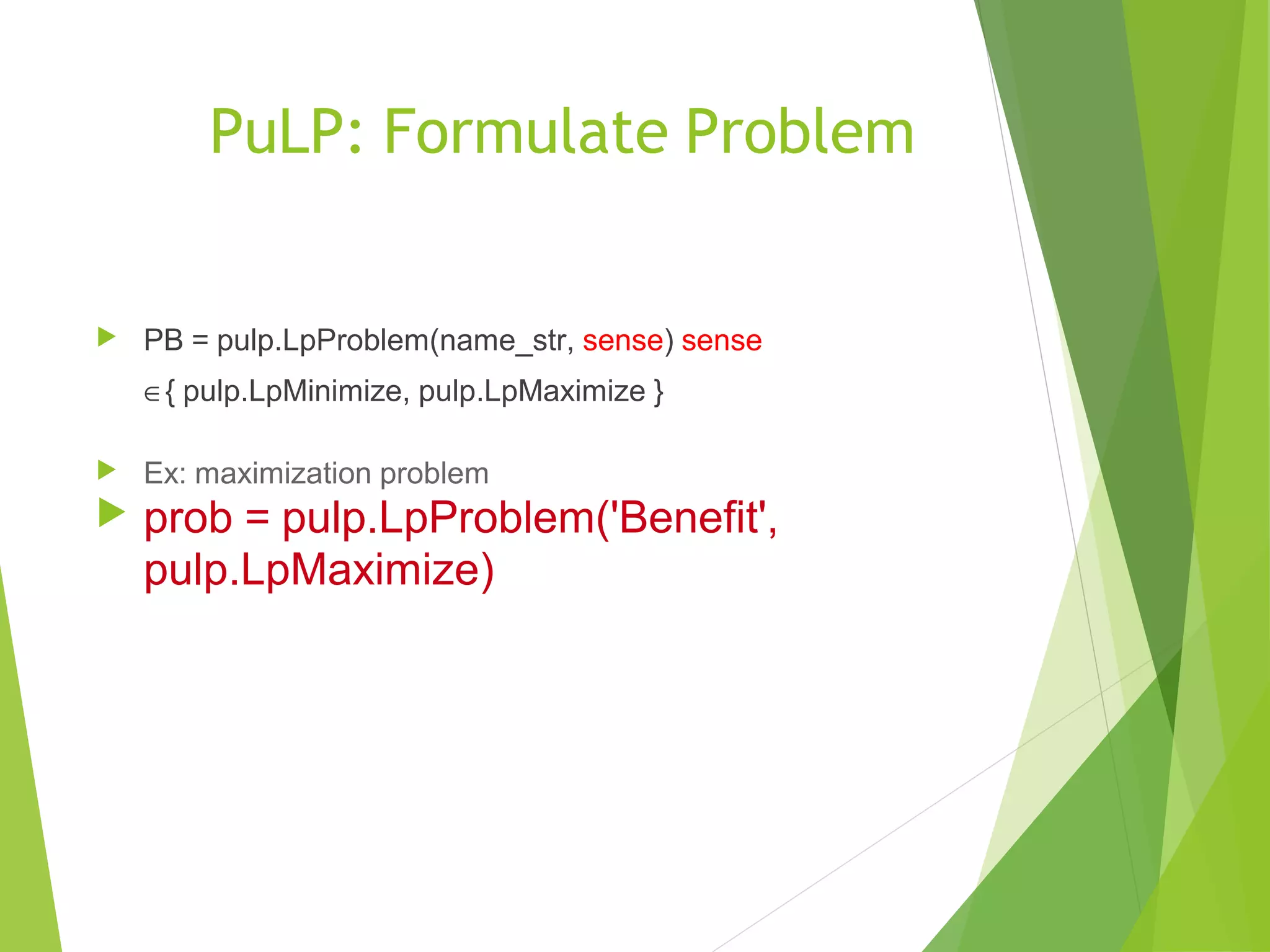
PuLP: Formulate Problem
 PB = pulp.LpProblem(name_str, sense) sense
∈{ pulp.LpMinimize, pulp.LpMaximize }
 Ex: maximization problem
 prob = pulp.LpProblem('Benefit',
pulp.LpMaximize)
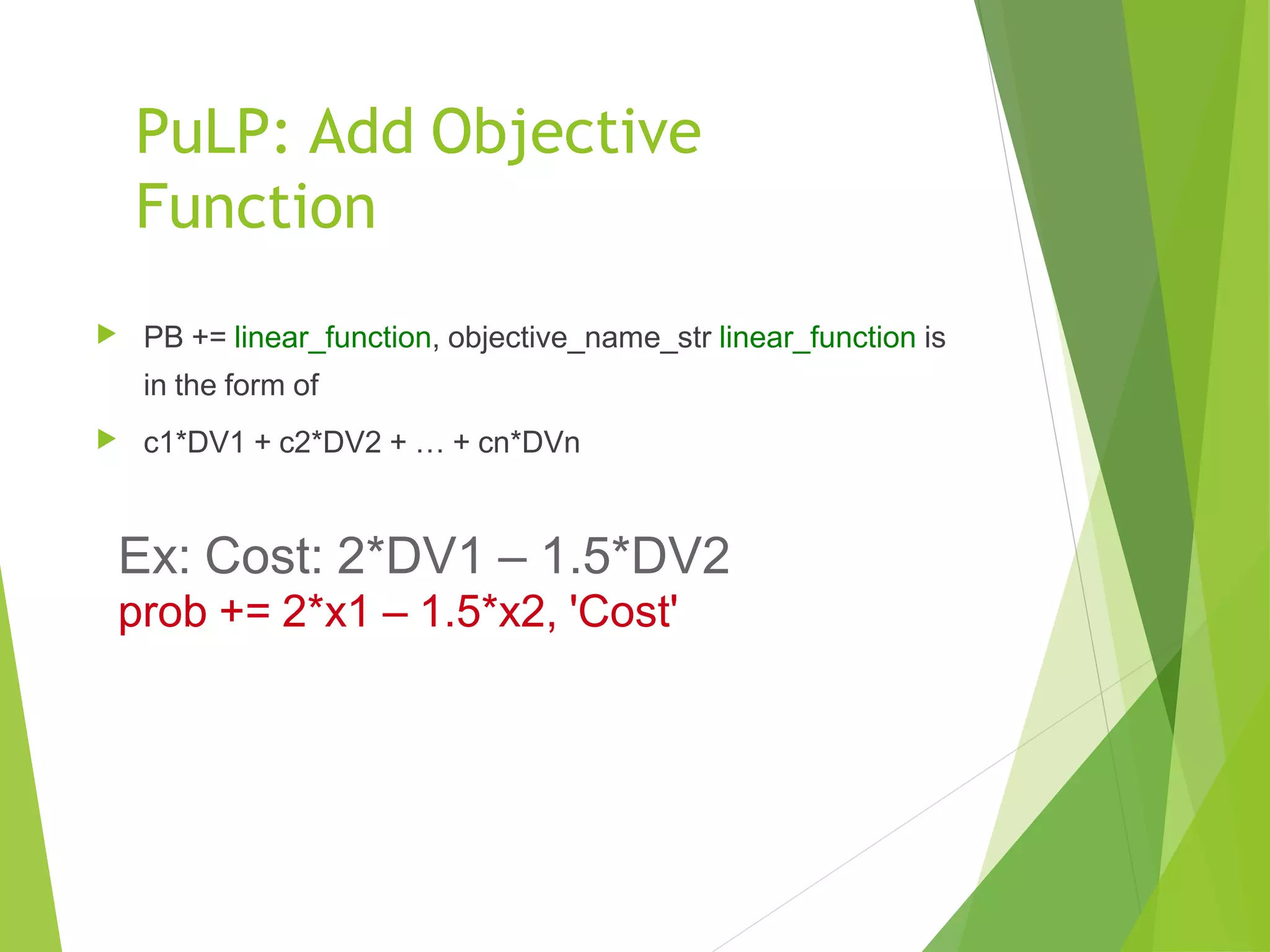
PuLP: Add Objective
Function
 PB += linear_function, objective_name_str linear_function is
in the form of
 c1*DV1 + c2*DV2 + … + cn*DVn
Ex: Cost: 2*DV1 – 1.5*DV2
prob += 2*x1 – 1.5*x2, 'Cost'
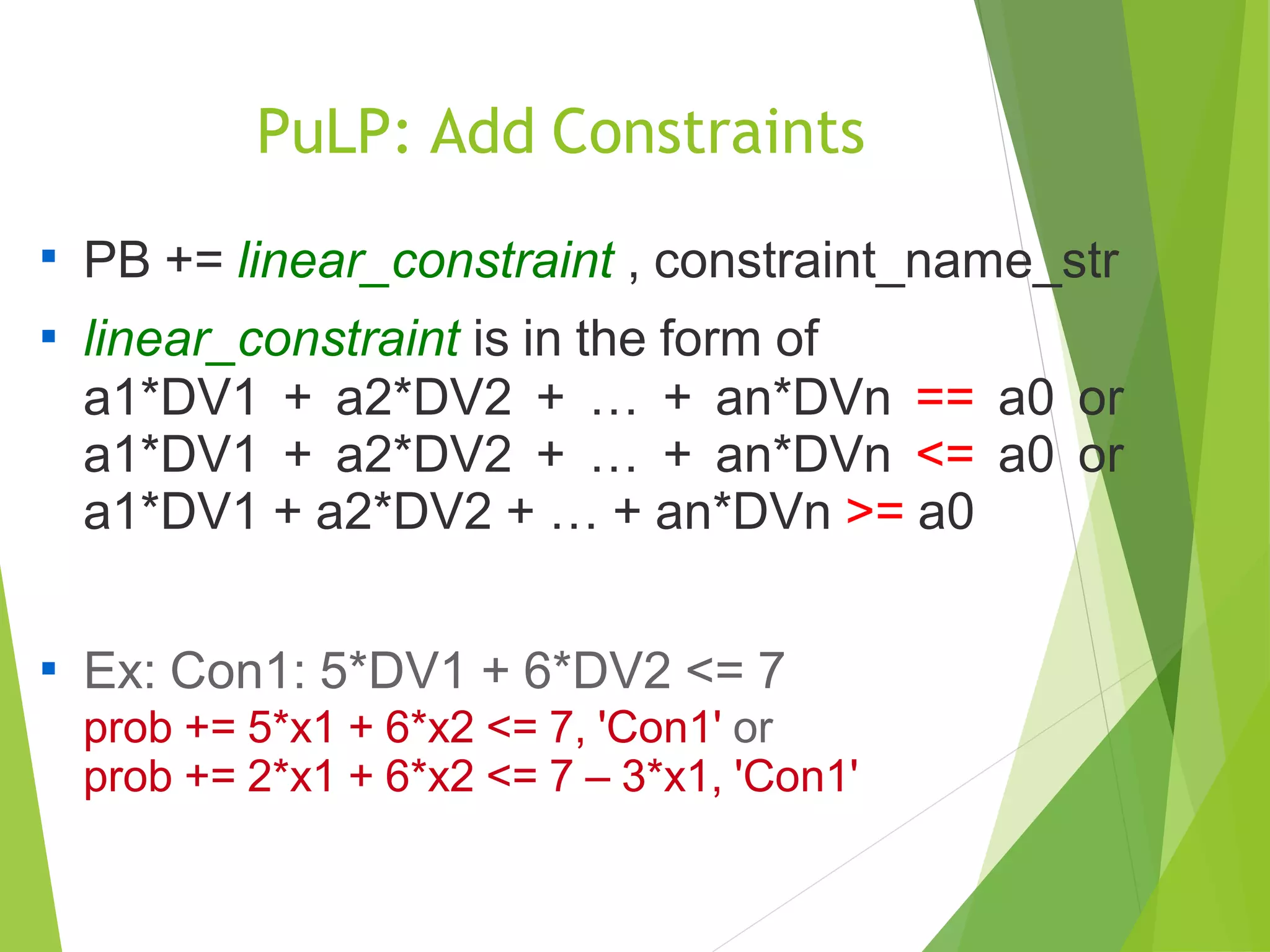
PuLP: Add Constraints

PB += linear_constraint , constraint_name_str
linear_constraint is in the form of
a1*DV1 + a2*DV2 + … + an*DVn == a0 or
a1*DV1 + a2*DV2 + … + an*DVn <= a0 or
a1*DV1 + a2*DV2 + … + an*DVn >= a0


Ex: Con1: 5*DV1 + 6*DV2 <= 7
prob += 5*x1 + 6*x2 <= 7, 'Con1' or
prob += 2*x1 + 6*x2 <= 7 – 3*x1, 'Con1'
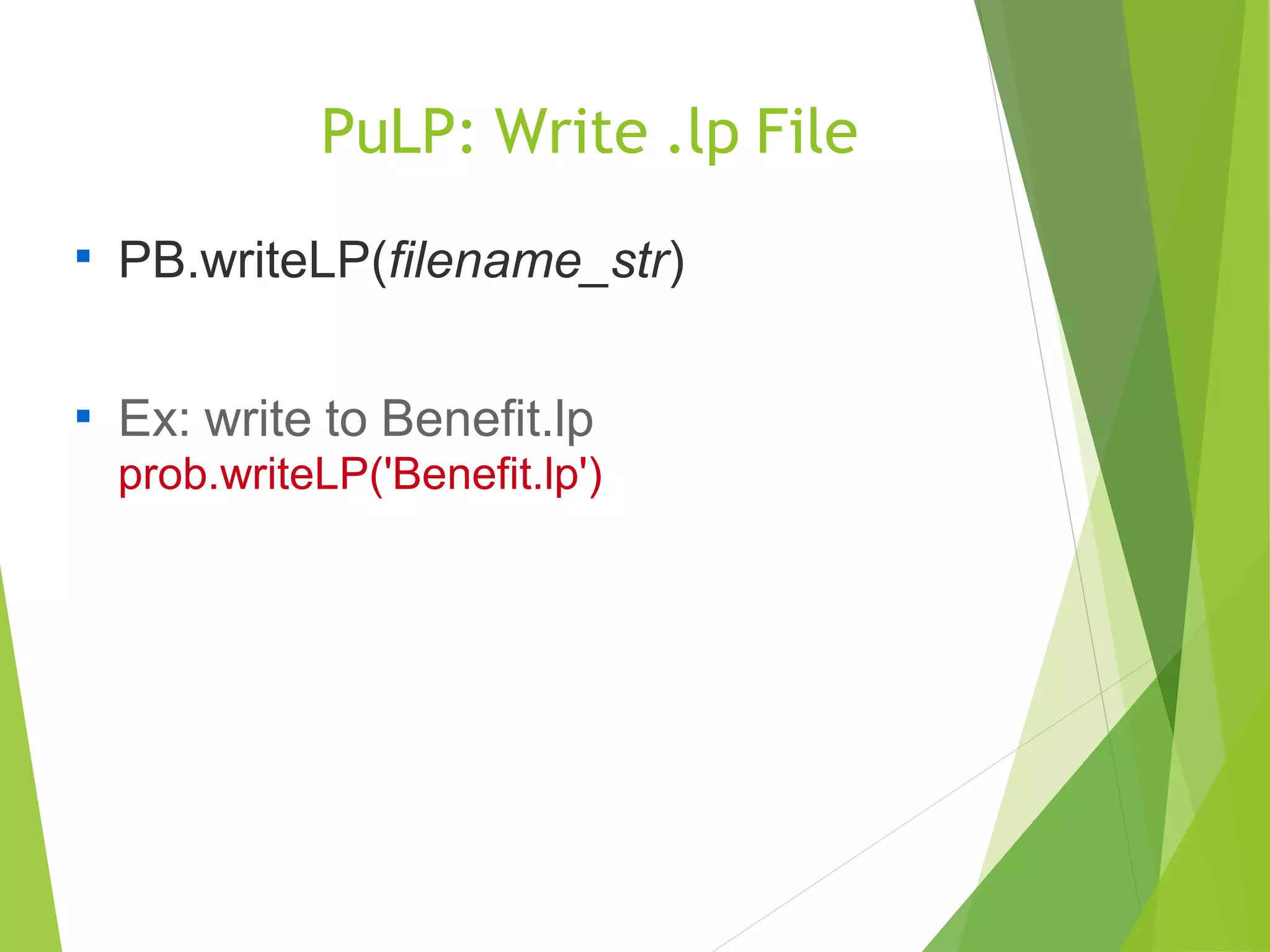
PuLP: Write .lp File

PB.writeLP(filename_str)

Ex: write to Benefit.lp
prob.writeLP('Benefit.lp')
PuLP: Solve

PB.solve()
Ex: prob.solve()
// Solved by COIN solver


PB.solve(pulp.GLPK()) //Solved by GLPK solver
Ex: prob.solve(pulp.GLPK())

PuLP: Results

Check status: pulp.LpStatus[PB.status]
Ex: pulp.LpStatus[prob.status]


Optimal cost: pulp.value(PB.objective)
Ex: pulp.value(prob.objective)


Optimal solution: DV.varValue
Ex: x1.varValue
or pulp.value(x1)

Python Training
Second Floor and Third Floor,
5/3 BEML Layout,
Varathur Road,Kundalahalli Gate,
Bangalore – 560066

Python Training Tutorial for Frreshers

  • 1.
  • 2.
    Architecture Programming Language: Python Interface:PuLP Optimization Solvers: GLPK, CPLEX, COIN, etc.
  • 3.
    Python Syllabus  Introduction Why do we need Python?  Program structure  Execution steps  Interactive Shell  Executable or script files.  User Interface or IDE  Memory management and Garbage collections  Object creation and deletion  Object properties  Data Types and Operations  Numbers  Strings  List  Tuple  Dictionary  Other Core Types
  • 4.
    Python Syllabus  Statementsand Syntax  Assignments, Expressions and prints  If tests and Syntax Rules  While and For Loops  Iterations and Comprehensions  File Operations and Functions  Opening a file  Using Files  Other File tools  Function definition and call  Function Scope  Arguments  Function Objects  Anonymous Functions  Modules and Packages  Module Creations and Usage  Module Search Path  Module Vs. Script  Package Creation and Importing
  • 5.
    Python Syllabus  Classesand Exceptional Handling  Classes and instances  Classes method calls  Inheritance and Compositions  Static and Class Methods  Bound and Unbound Methods  Operator Overloading  Polymorphism  Default Exception Handler  Catching Exceptions  Raise an exception  User defined exception  Advanced Concepts  Decorators  Generators  Iterators  Co-routines  Standard Library Modules  References  Excerces  Roadmap with Python
  • 6.
    Python  Python is aprogramming language. Python runs on Windows, Linux/Unix, Mac OS X. Python is free to use.  
  • 7.
    Python: Features  High-level datastructures  Ex: list, tuple, dictionary  Object-oriented Interpreter Standard library & Third party modules    Ex: pulp, numpy, matplotlib
  • 8.
    Python: Basic DataType  Integer (int)  Ex: 1, 2, 3, 5, 8, 13, 21  Float (float)  Ex: 3.14, 2.71828  Boolean (bool)  Ex: True, False  String (str)  Ex: 'Python', ”Sucha”
  • 9.
    Python: High-Level DataType  Lt(list): [ d1, d2, …, dn ]  Ex: [ 1, 3.14, True, 'a', [1], (2,3), {'B+':3.5} ]  Tuple (tuple): ( d1, d2, ..., dn, )  Ex: ( 1, 3.14, True, 'a', [1], (2,3), {'B+':3.5} )  Dictionary (dict): { k1:v1 , k2:v2 , ..., kn:vn }  Ex: { 'A':4 , 'B+':3.5 , 3:'B' }  Set (set): set([ d1, d2, ..., dn ])  Ex: set([ 4, 3.5, 'B'])
  • 10.
    Python: Flow Control- If  If statement if boolean: command elif boolean: command else: command
  • 11.
    Python: Loop -For, While  For loop for var in sequence: command  While loop while boolean: command
  • 12.
    Python: List Comprehensions  >>>[i for i in range(5)] → [ 0, 1, 2, 3, 4 ]  >>>[ i for i in range(5) if i <> 3 ] → [ 0, 1, 2, 4 ]  >>>[ (i, j) for i in range(3) for j in range(i) ] → [ (1,0), (2,0), (2,1) ]
  • 13.
    PuLP & GLPK  PuLPis an LP modeler written in Python. PuLP can generate LP files, and calls solvers to solve linear problems. Supported solvers are GLPK, COIN, CPLEX, and GUROBI. The GLPK (GNU Linear Programming Kit) package is intended for solving large-scale linear programming (LP), mixed integer programming (MIP), and other related problems.   
  • 14.
    PuLP: Import Module  Importmodule  >>>import pulp >>>pulp.pulpTestAll()  >>>from pulp import * >>>pulpTestAll() Following slides assume the first import method.
  • 15.
    PuLP: Create Decision Variables DV= pulp.LpVariable(name_str, lowbound, upbound, category) For lowbound and upbound, No bound → None . category ∈{ pulp.LpContinuous, pulp.LpInteger, pulp.LpBinary } Ex: x ∈[0, ∞) x = pulp.LpVariable('Var X', 0, None, pulp.LpContinuous)   
  • 16.
    PuLP: Formulate Problem PB = pulp.LpProblem(name_str, sense) sense ∈{ pulp.LpMinimize, pulp.LpMaximize }  Ex: maximization problem  prob = pulp.LpProblem('Benefit', pulp.LpMaximize)
  • 17.
    PuLP: Add Objective Function PB += linear_function, objective_name_str linear_function is in the form of  c1*DV1 + c2*DV2 + … + cn*DVn Ex: Cost: 2*DV1 – 1.5*DV2 prob += 2*x1 – 1.5*x2, 'Cost'
  • 18.
    PuLP: Add Constraints  PB+= linear_constraint , constraint_name_str linear_constraint is in the form of a1*DV1 + a2*DV2 + … + an*DVn == a0 or a1*DV1 + a2*DV2 + … + an*DVn <= a0 or a1*DV1 + a2*DV2 + … + an*DVn >= a0   Ex: Con1: 5*DV1 + 6*DV2 <= 7 prob += 5*x1 + 6*x2 <= 7, 'Con1' or prob += 2*x1 + 6*x2 <= 7 – 3*x1, 'Con1'
  • 19.
    PuLP: Write .lpFile  PB.writeLP(filename_str)  Ex: write to Benefit.lp prob.writeLP('Benefit.lp')
  • 20.
    PuLP: Solve  PB.solve() Ex: prob.solve() //Solved by COIN solver   PB.solve(pulp.GLPK()) //Solved by GLPK solver Ex: prob.solve(pulp.GLPK()) 
  • 21.
    PuLP: Results  Check status:pulp.LpStatus[PB.status] Ex: pulp.LpStatus[prob.status]   Optimal cost: pulp.value(PB.objective) Ex: pulp.value(prob.objective)   Optimal solution: DV.varValue Ex: x1.varValue or pulp.value(x1) 
  • 22.
    Python Training Second Floorand Third Floor, 5/3 BEML Layout, Varathur Road,Kundalahalli Gate, Bangalore – 560066