
Manager Objects
Damian Gordon
Manager Objects
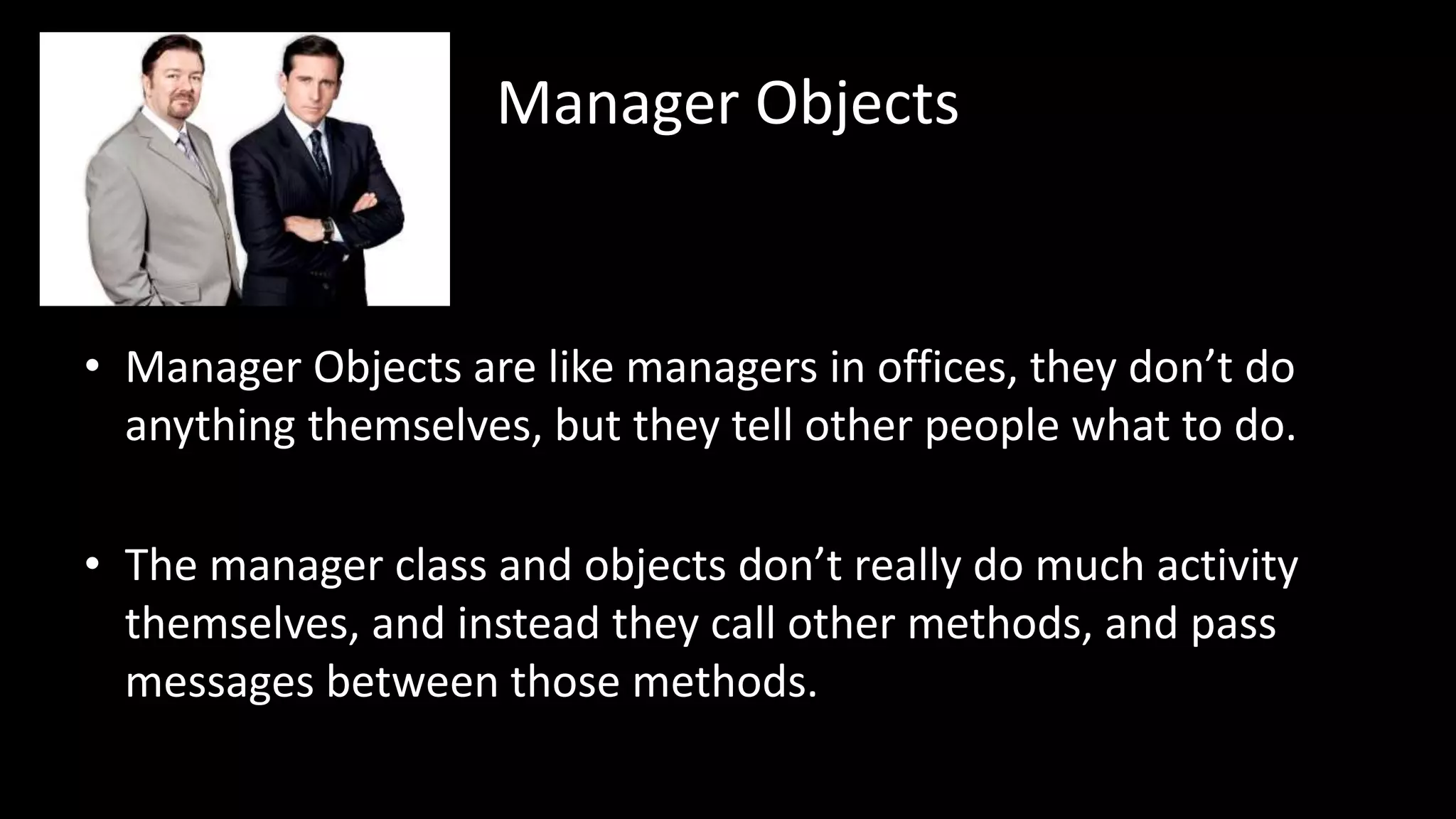
• Manager Objects are like managers in offices, they don’t do
anything themselves, but they tell other people what to do.
• The manager class and objects don’t really do much activity
themselves, and instead they call other methods, and pass
messages between those methods.
Manager Objects
• As an example, let’s imagine we wanted to search for text in a
few different text files, and replace that text with something
new in each of the files it found it in.
• To make it more challenging, let’s imagine all of the files are
compressed into a single ZIP file.
Manager Objects
• The manager object will have to do the following:
–Unzip the compressed file
–Preform the search and replace
–Zip up the new files
Manager Objects
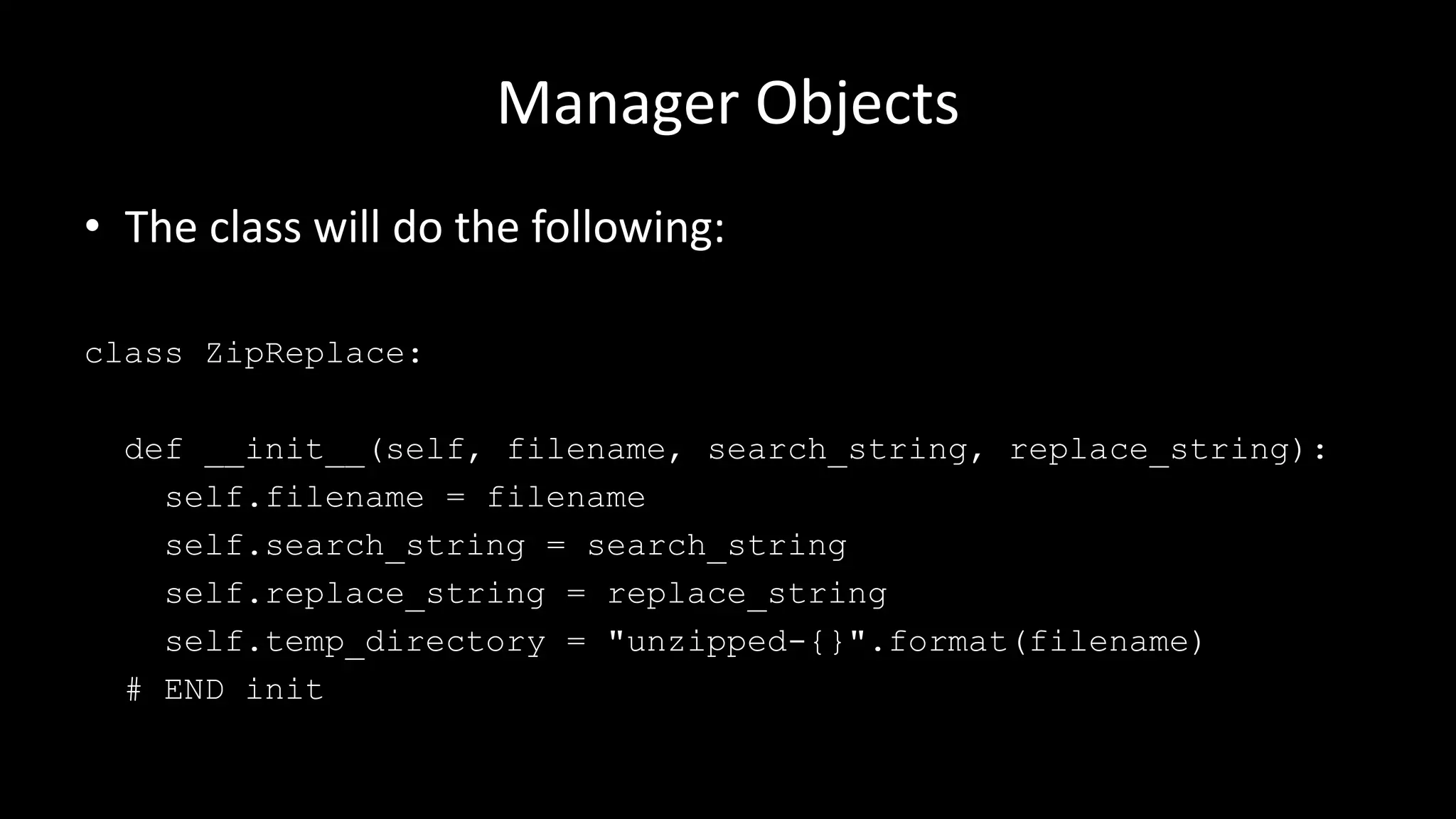
• The class will do the following:
class ZipReplace:
def __init__(self, filename, search_string, replace_string):
self.filename = filename
self.search_string = search_string
self.replace_string = replace_string
self.temp_directory = "unzipped-{}".format(filename)
# END init
Manager Objects
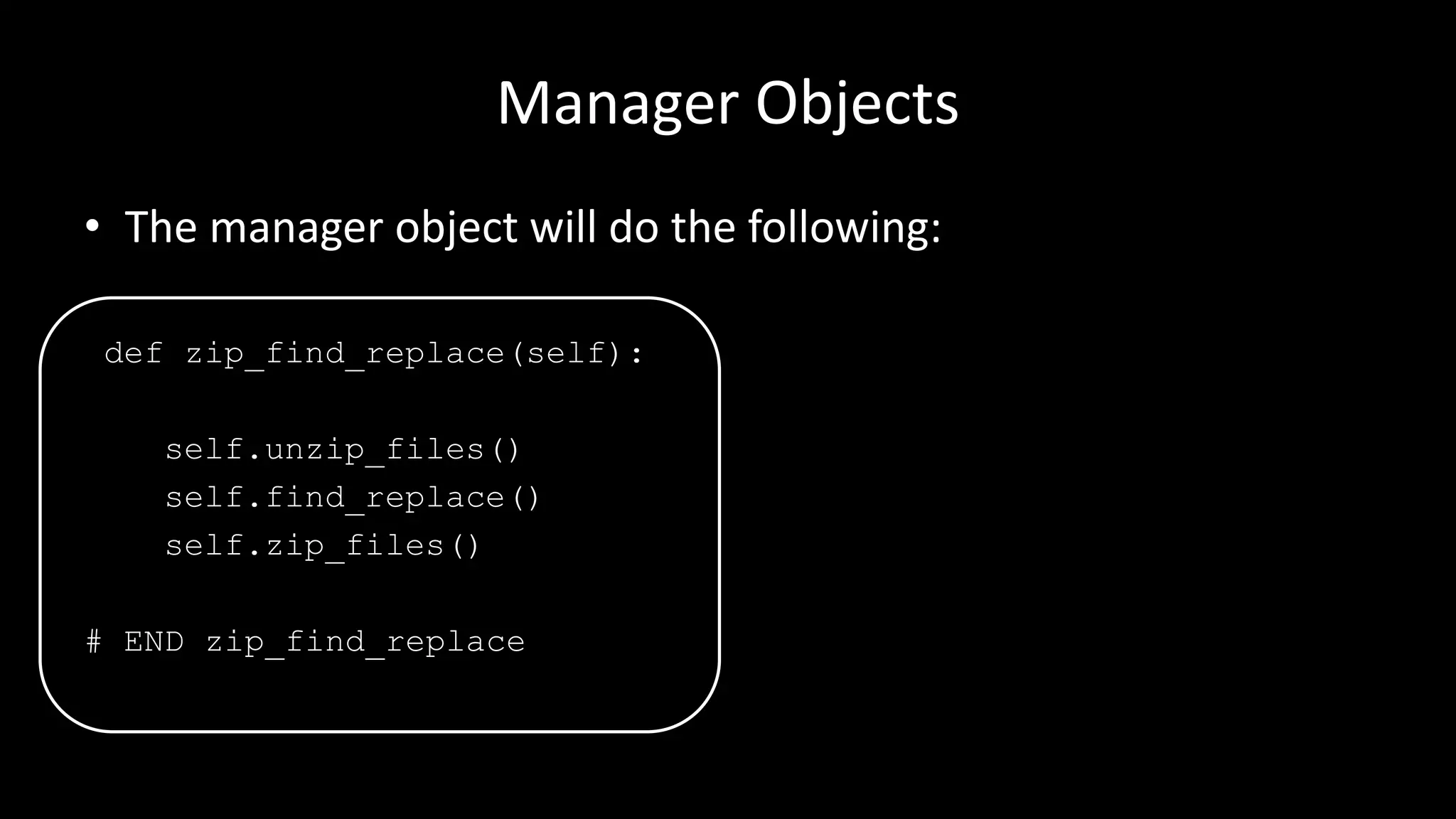
• The manager object will do the following:
def zip_find_replace(self):
self.unzip_files()
self.find_replace()
self.zip_files()
# END zip_find_replace
Manager Objects
• This method delegates responsibility to the other methods.
• Why do it this way?
• We could do all three steps in a single method, but there are a
few benefits to doing it like this:
Manager Objects
• Readability: It’s easy to understand the basic structure of the
program (with three steps) when it’s presented like this.
• Extensibility: If we wanted to change the program to use
compressed TAR files instead of ZIP files, the find_replace
method wouldn’t need to be changed (or duplicated).
• Partitioning: The find and replace method can be called
directly on some uncompressed files without any change.
Manager Objects
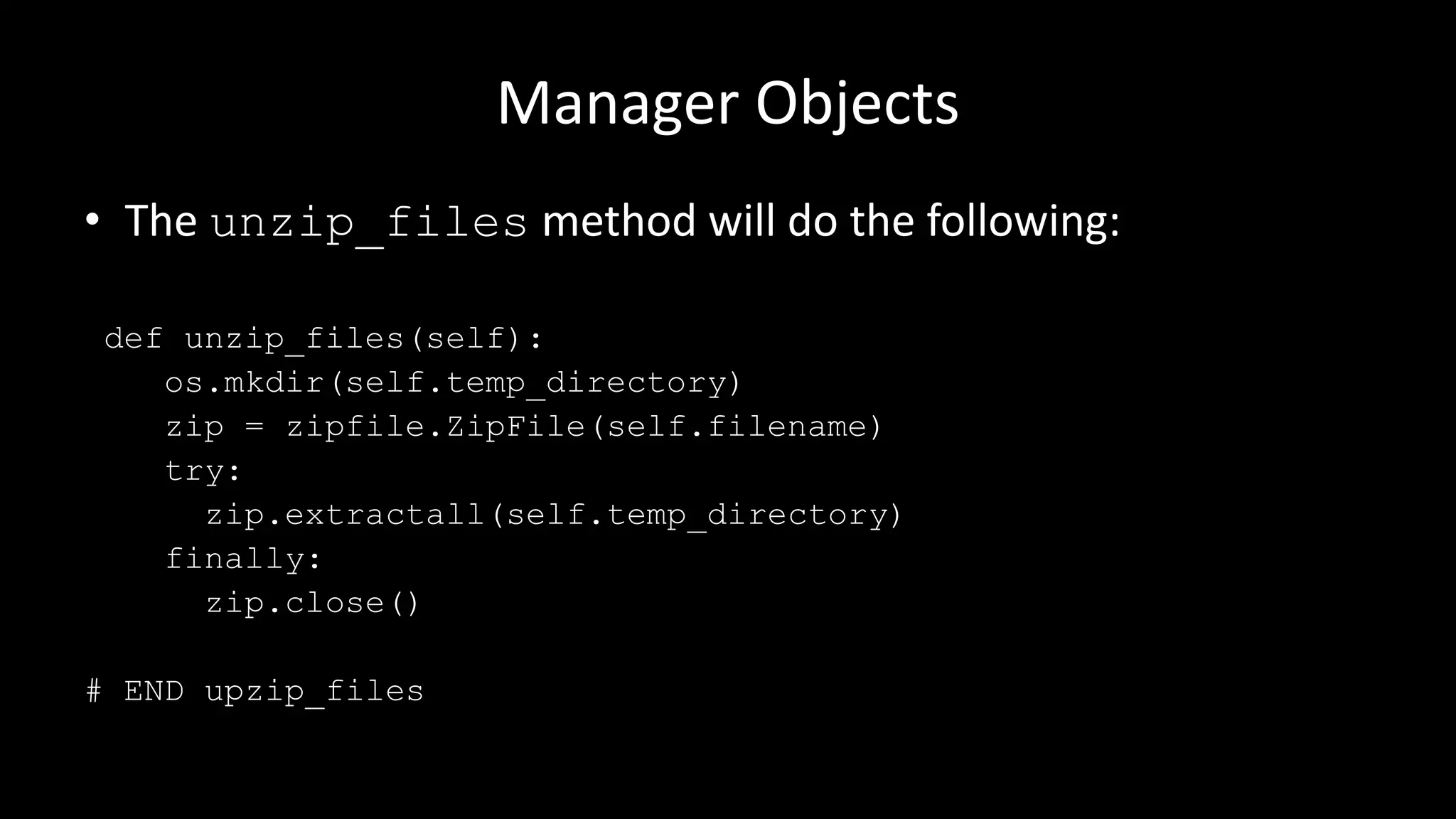
• The unzip_files method will do the following:
def unzip_files(self):
os.mkdir(self.temp_directory)
zip = zipfile.ZipFile(self.filename)
try:
zip.extractall(self.temp_directory)
finally:
zip.close()
# END upzip_files
Manager Objects
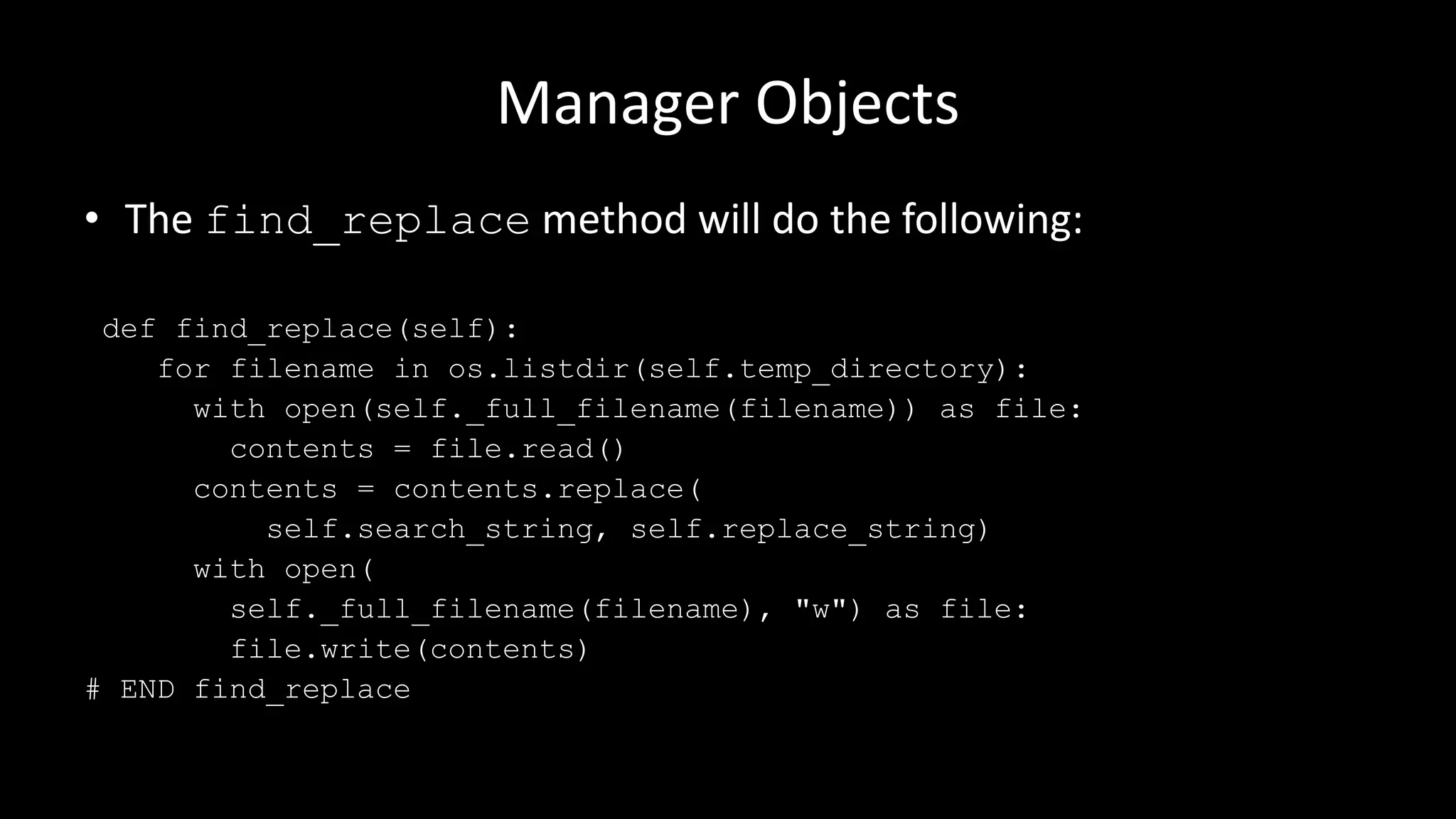
• The find_replace method will do the following:
def find_replace(self):
for filename in os.listdir(self.temp_directory):
with open(self._full_filename(filename)) as file:
contents = file.read()
contents = contents.replace(
self.search_string, self.replace_string)
with open(
self._full_filename(filename), "w") as file:
file.write(contents)
# END find_replace
Manager Objects
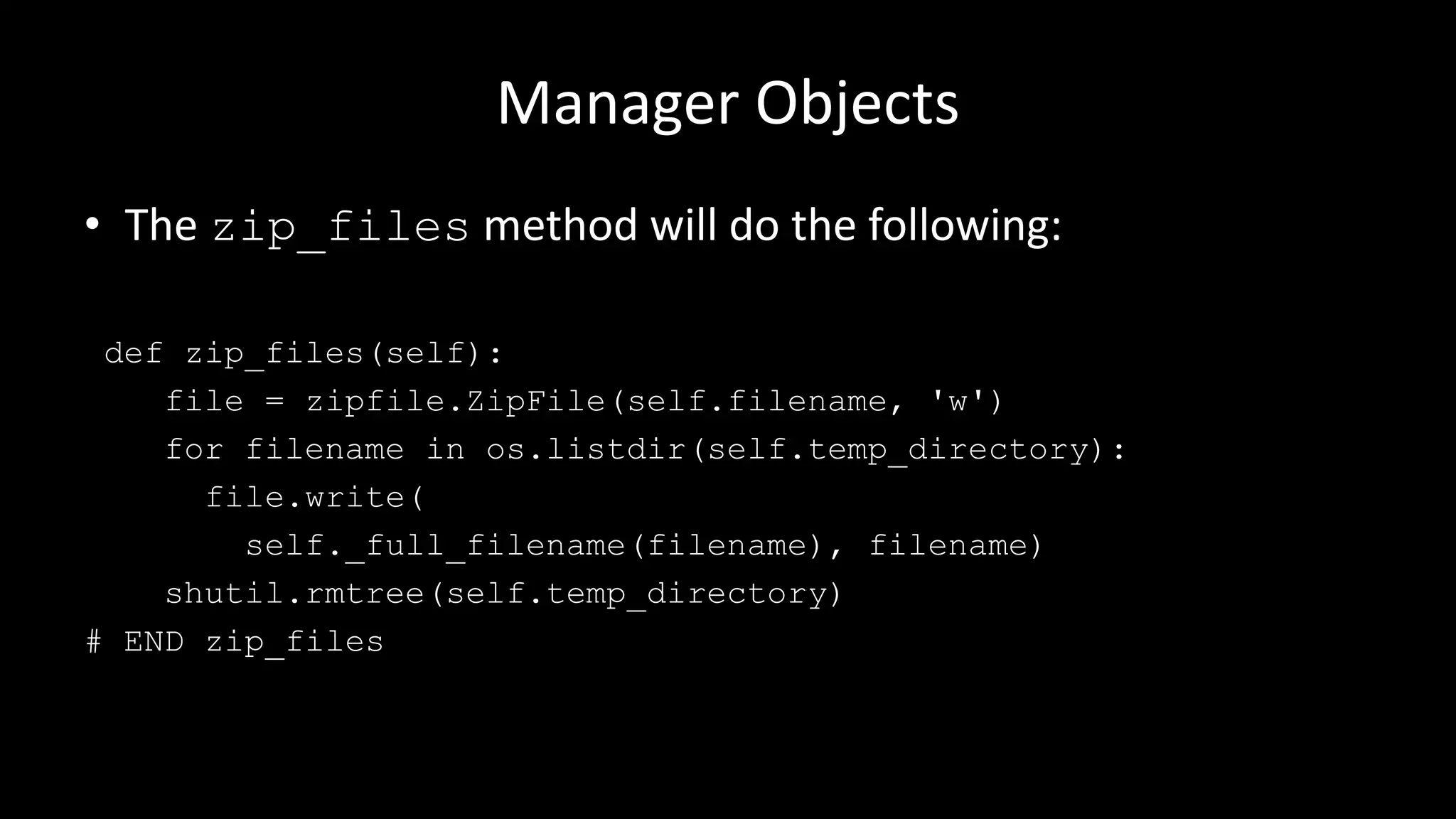
• The zip_files method will do the following:
def zip_files(self):
file = zipfile.ZipFile(self.filename, 'w')
for filename in os.listdir(self.temp_directory):
file.write(
self._full_filename(filename), filename)
shutil.rmtree(self.temp_directory)
# END zip_files
Manager Objects
• A key point here is that you create each method to “do one
thing well”. Don’t have methods that do five different things,
just one thing well.
• Also methods remove duplicate code, and therefore reduce
errors in the long term.
etc.

Python: Manager Objects

  • 1.
  • 2.
    Manager Objects • ManagerObjects are like managers in offices, they don’t do anything themselves, but they tell other people what to do. • The manager class and objects don’t really do much activity themselves, and instead they call other methods, and pass messages between those methods.
  • 3.
    Manager Objects • Asan example, let’s imagine we wanted to search for text in a few different text files, and replace that text with something new in each of the files it found it in. • To make it more challenging, let’s imagine all of the files are compressed into a single ZIP file.
  • 4.
    Manager Objects • Themanager object will have to do the following: –Unzip the compressed file –Preform the search and replace –Zip up the new files
  • 5.
    Manager Objects • Theclass will do the following: class ZipReplace: def __init__(self, filename, search_string, replace_string): self.filename = filename self.search_string = search_string self.replace_string = replace_string self.temp_directory = "unzipped-{}".format(filename) # END init
  • 6.
    Manager Objects • Themanager object will do the following: def zip_find_replace(self): self.unzip_files() self.find_replace() self.zip_files() # END zip_find_replace
  • 7.
    Manager Objects • Thismethod delegates responsibility to the other methods. • Why do it this way? • We could do all three steps in a single method, but there are a few benefits to doing it like this:
  • 8.
    Manager Objects • Readability:It’s easy to understand the basic structure of the program (with three steps) when it’s presented like this. • Extensibility: If we wanted to change the program to use compressed TAR files instead of ZIP files, the find_replace method wouldn’t need to be changed (or duplicated). • Partitioning: The find and replace method can be called directly on some uncompressed files without any change.
  • 9.
    Manager Objects • Theunzip_files method will do the following: def unzip_files(self): os.mkdir(self.temp_directory) zip = zipfile.ZipFile(self.filename) try: zip.extractall(self.temp_directory) finally: zip.close() # END upzip_files
  • 10.
    Manager Objects • Thefind_replace method will do the following: def find_replace(self): for filename in os.listdir(self.temp_directory): with open(self._full_filename(filename)) as file: contents = file.read() contents = contents.replace( self.search_string, self.replace_string) with open( self._full_filename(filename), "w") as file: file.write(contents) # END find_replace
  • 11.
    Manager Objects • Thezip_files method will do the following: def zip_files(self): file = zipfile.ZipFile(self.filename, 'w') for filename in os.listdir(self.temp_directory): file.write( self._full_filename(filename), filename) shutil.rmtree(self.temp_directory) # END zip_files
  • 12.
    Manager Objects • Akey point here is that you create each method to “do one thing well”. Don’t have methods that do five different things, just one thing well. • Also methods remove duplicate code, and therefore reduce errors in the long term.
  • 13.