

Puppet for Java
developers

Carlos Sanchez
@csanchez
http://carlossanchez.eu
http://maestrodev.com
Apache
  @csanchez                   Maven
                                       Apache
   ASF                                 Archiva
  Member
                                   Apache
Eclipse IAM                       Continuum


              blog.carlossanchez.eu
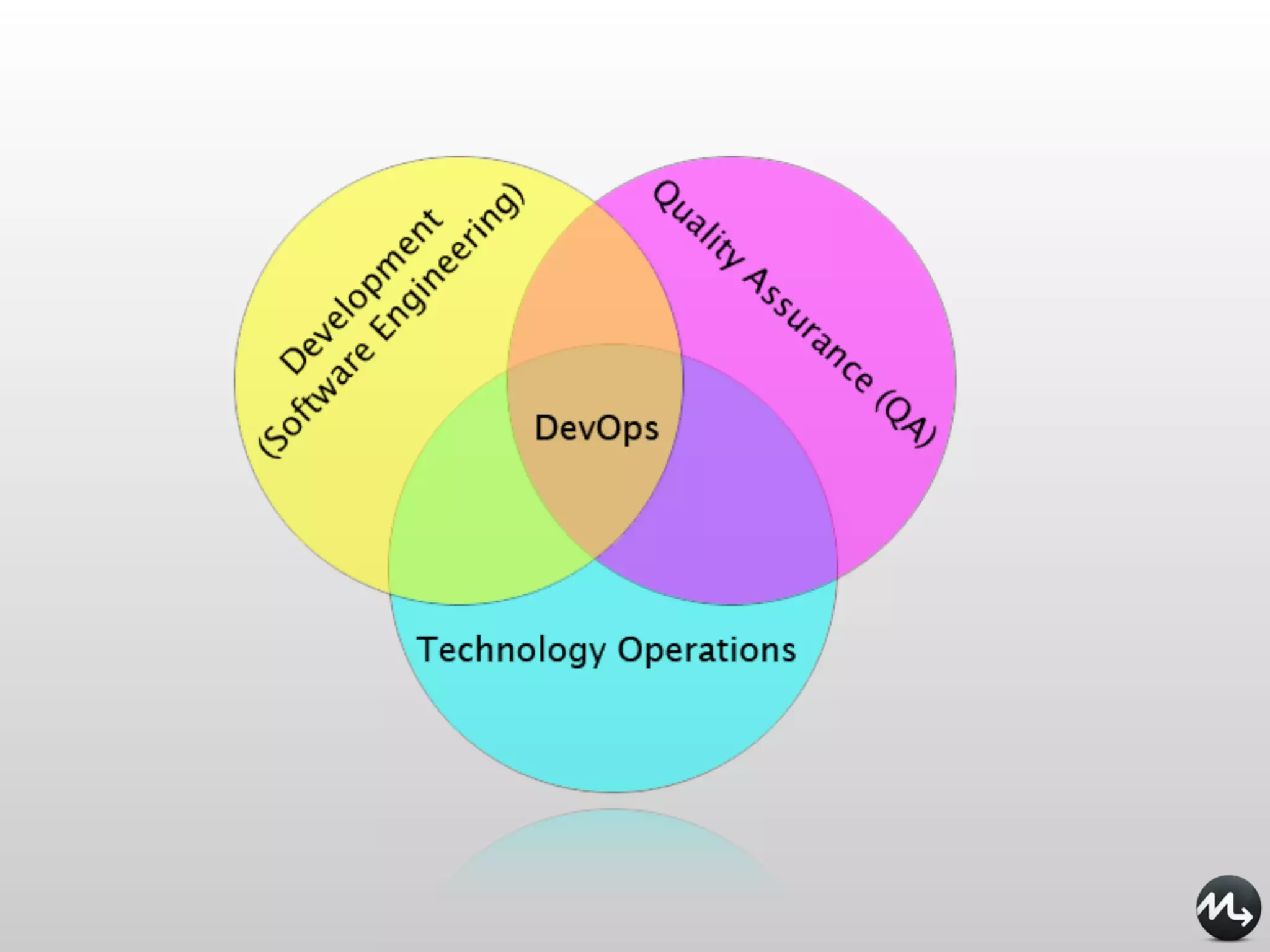
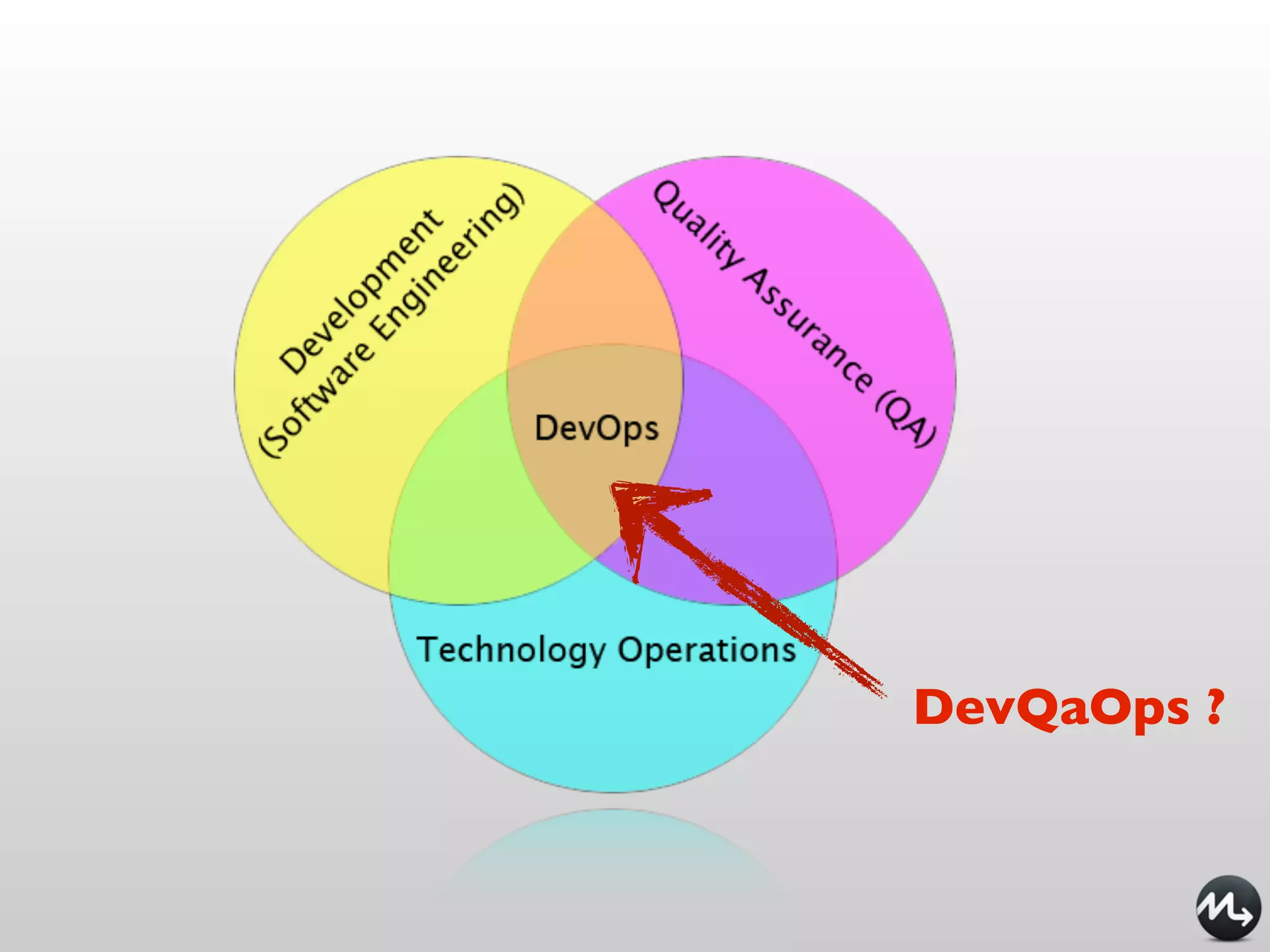
DevOps
DevQaOps ?
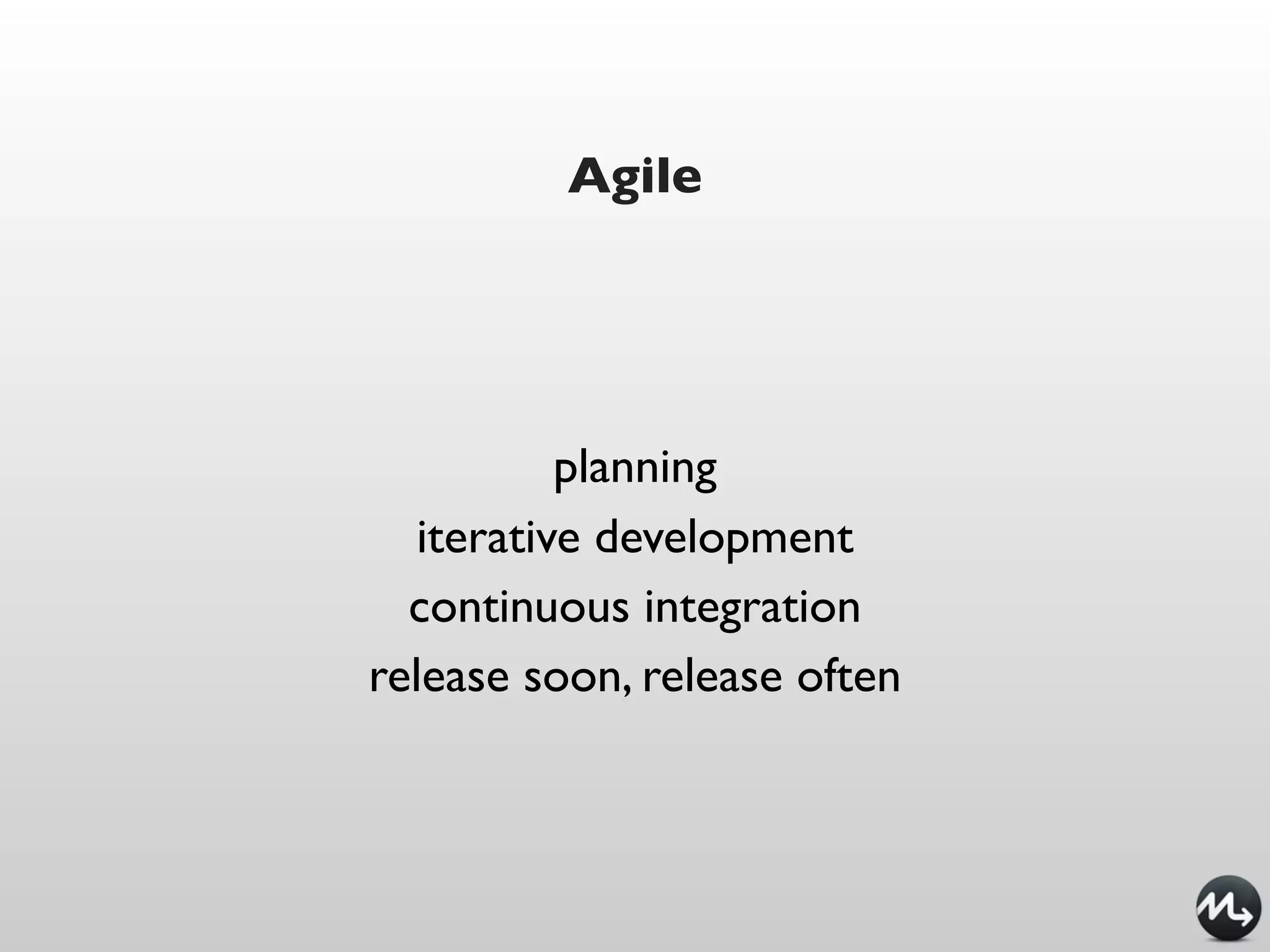
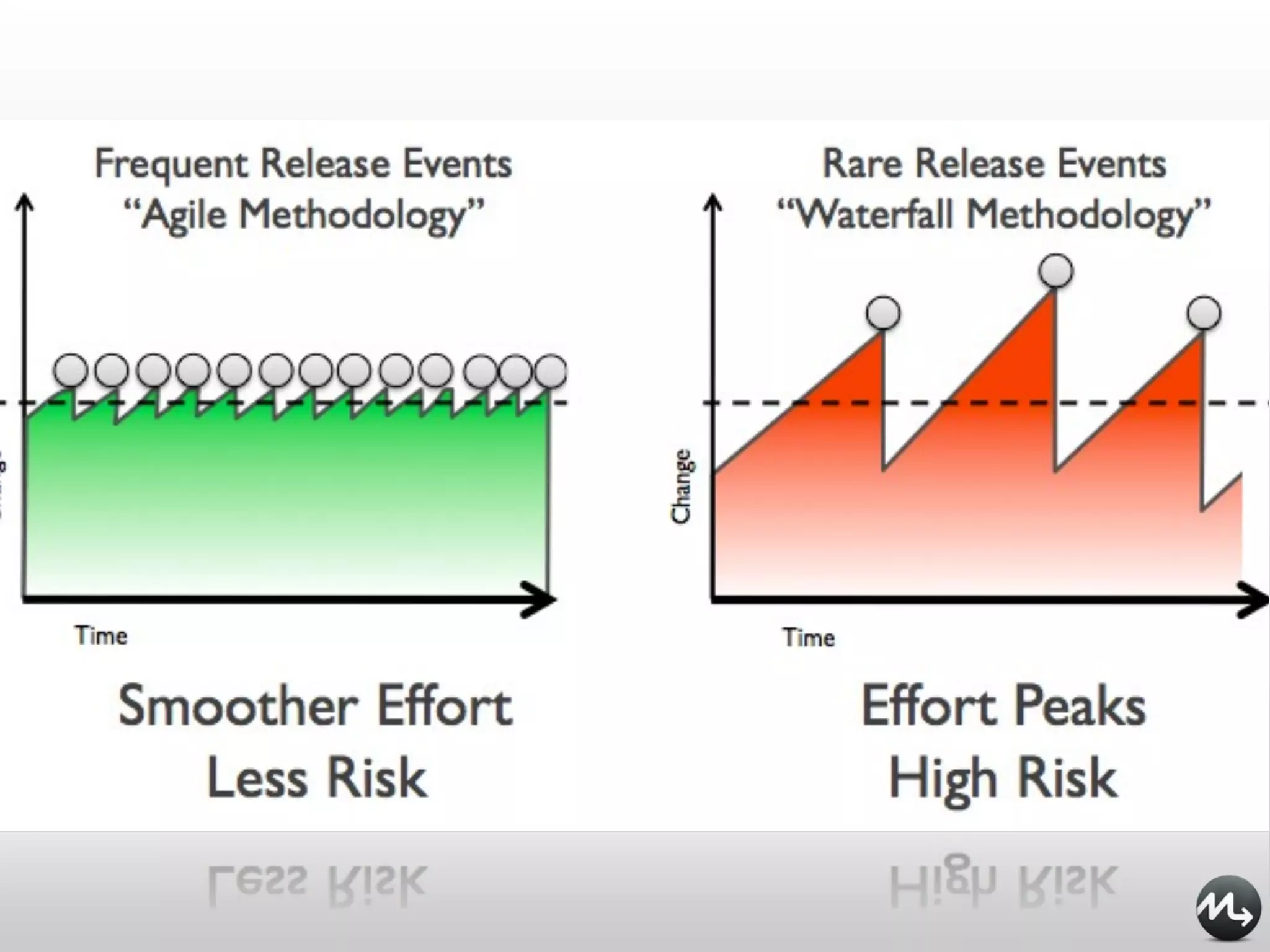
Agile


           planning
   iterative development
  continuous integration
release soon, release often
DevOps addresses


       Fear of change
     Risky deployments
 It works on my machine!
         Siloisation
Dev Change vs. Ops stability
Individuals and interactions over processes and tools
 Working software over comprehensive documentation
  Customer collaboration over contract negotiation
    Responding to change over following a plan
DevOps is NOT about the tools
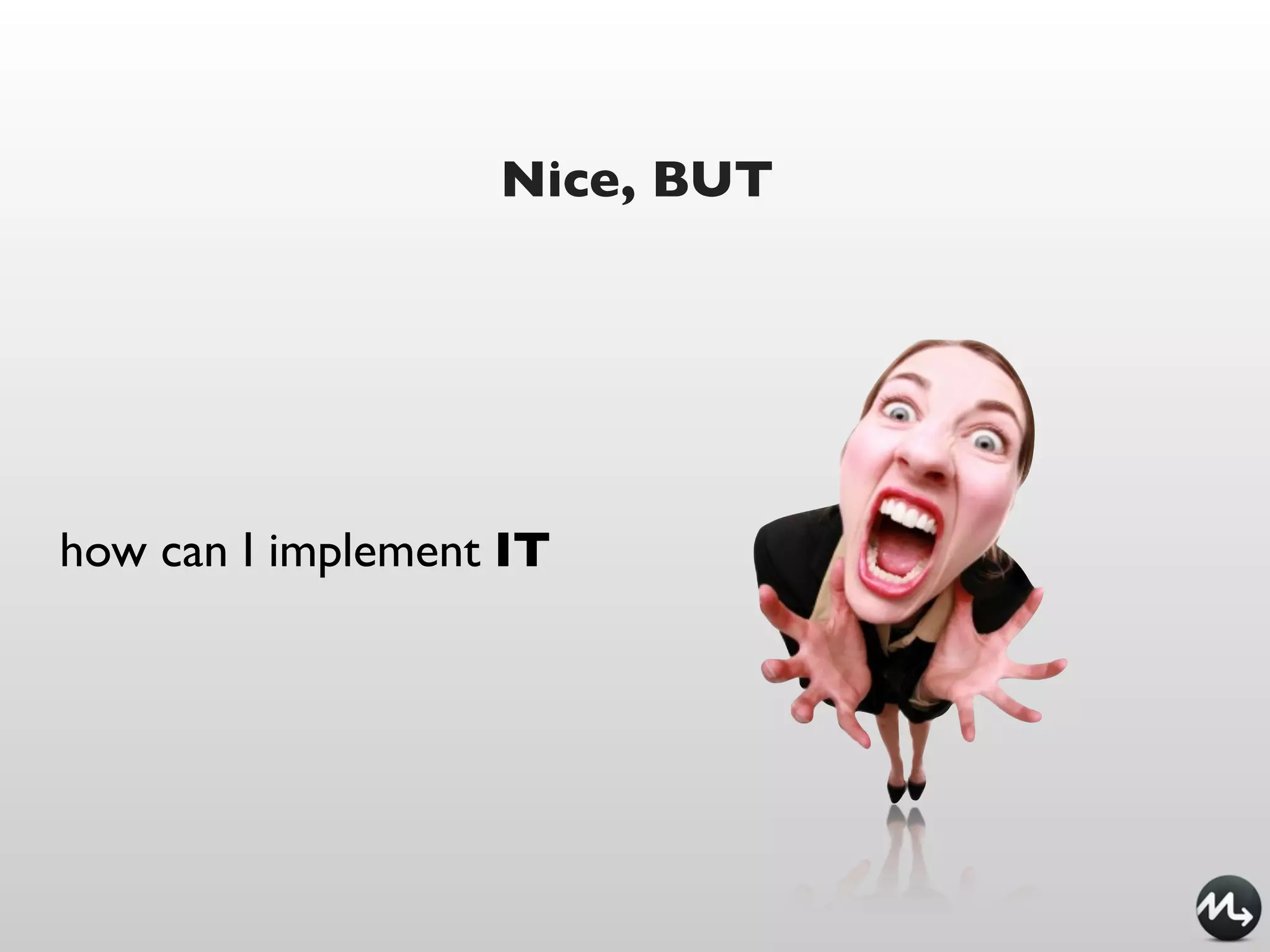
Nice, BUT


how can I implement IT
Nice, BUT


how can I implement IT
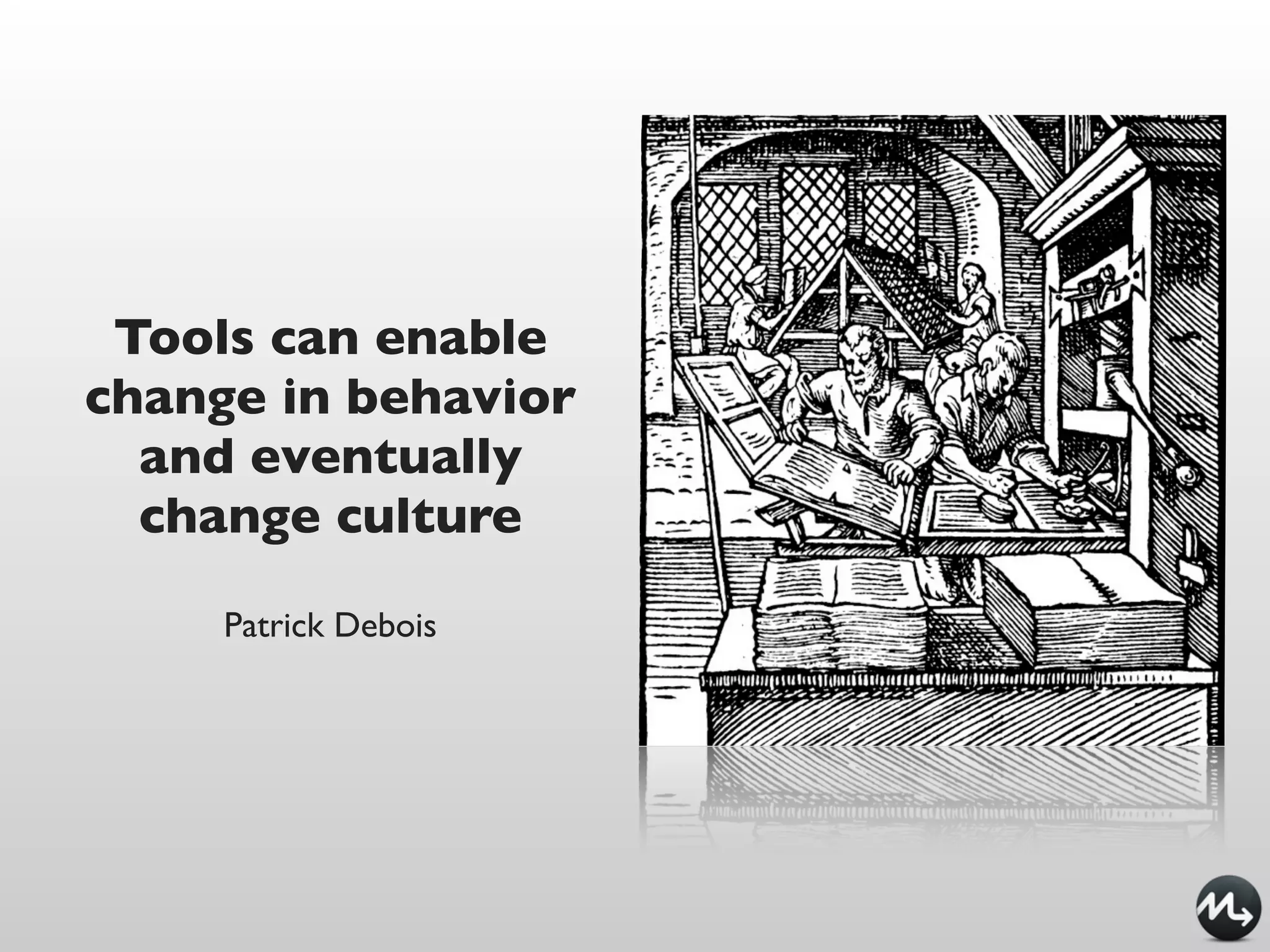
Tools can enable
change in behavior
  and eventually
  change culture

     Patrick Debois
DevOps tools


everyone is intelligent
enough
every tool is cloud
enabled
every tool is DevOps(tm)
DevOps tools


everyone is intelligent
enough
every tool is cloud
enabled
every tool is DevOps(tm)
DevOps tools: infrastructure automation


                 infrastructure as code
      it’s all invented, now it’s standardized
Infrastructure as Code


New solutions bring new challenges

Follow development best practices
              tagging
            branching
             releasing
       dev, QA, production
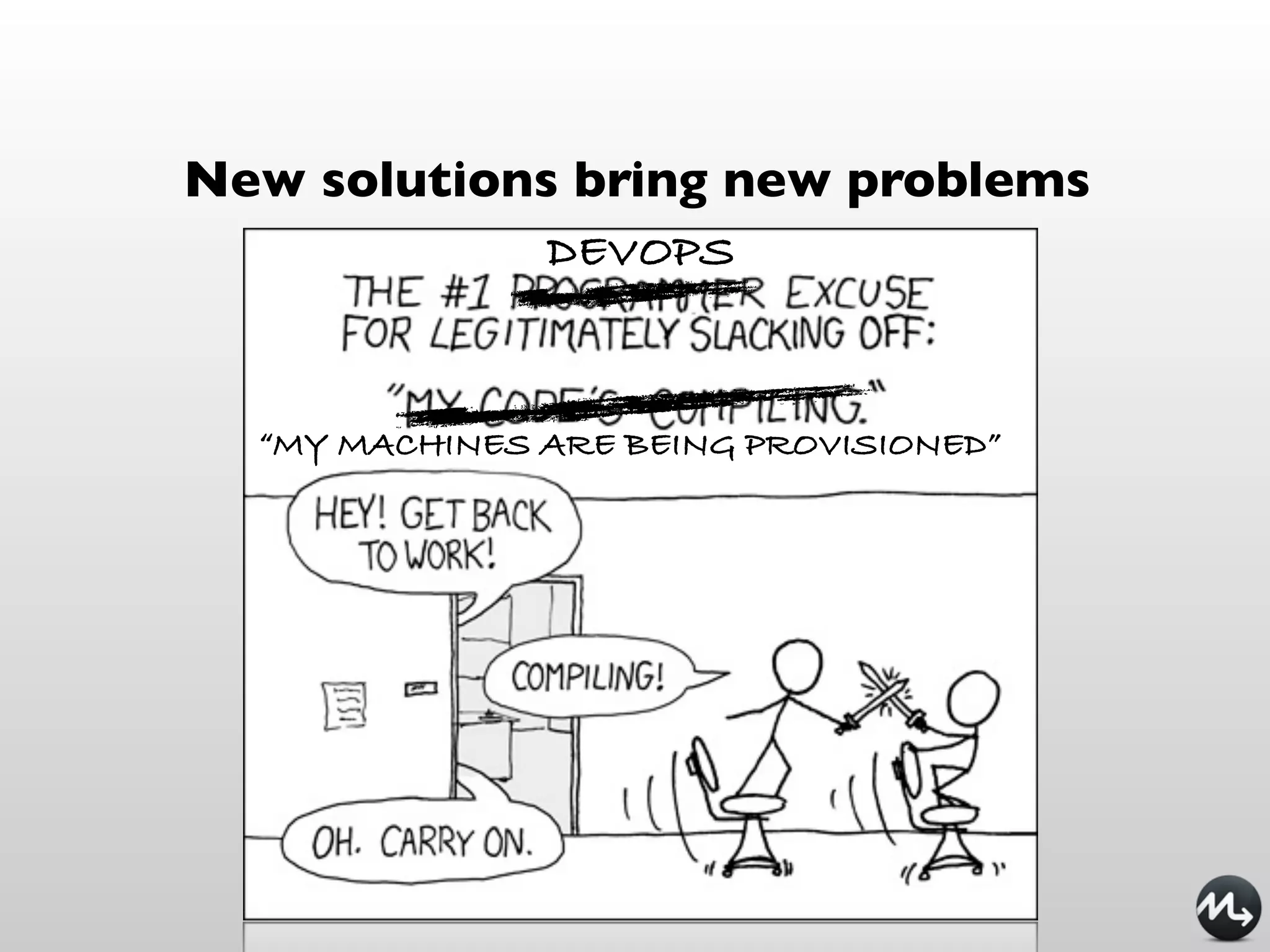
New solutions bring new problems
               DEVOPS


  “MY MACHINES ARE BEING PROVISIONED”
Puppet
                 exec { "maven-untar":

manifests          command => "tar xf /tmp/x.tgz",
                   cwd => "/opt",
                   creates => "/opt/apache-maven-${version}",
ruby-like          path => ["/bin"],
                 } ->
 ERB templates   file { "/usr/bin/mvn":
                   ensure => link,
                   target => "/opt/apache-maven-${version}/bin/mvn",
                 }
                 file { "/usr/local/bin/mvn":
                   ensure => absent,
                   require => Exec["maven-untar"],
                 }
                 file { "$home/.mavenrc":
                   mode => "0600",
                   owner => $user,
                   content => template("maven/mavenrc.erb"),
                   require => User[$user],
                 }
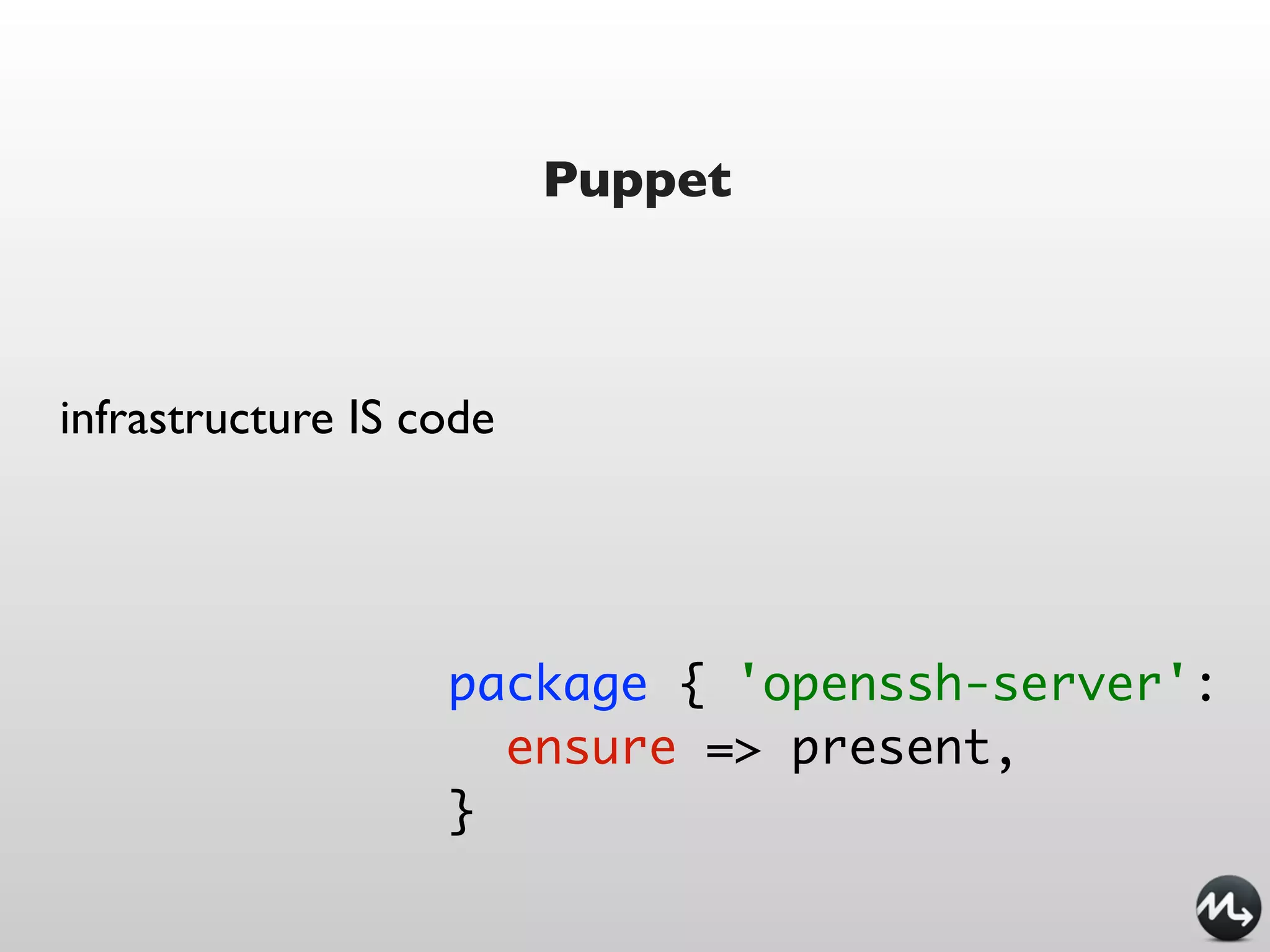
Puppet


infrastructure IS code


                   package { 'openssh-server':
                     ensure => present,
                   }
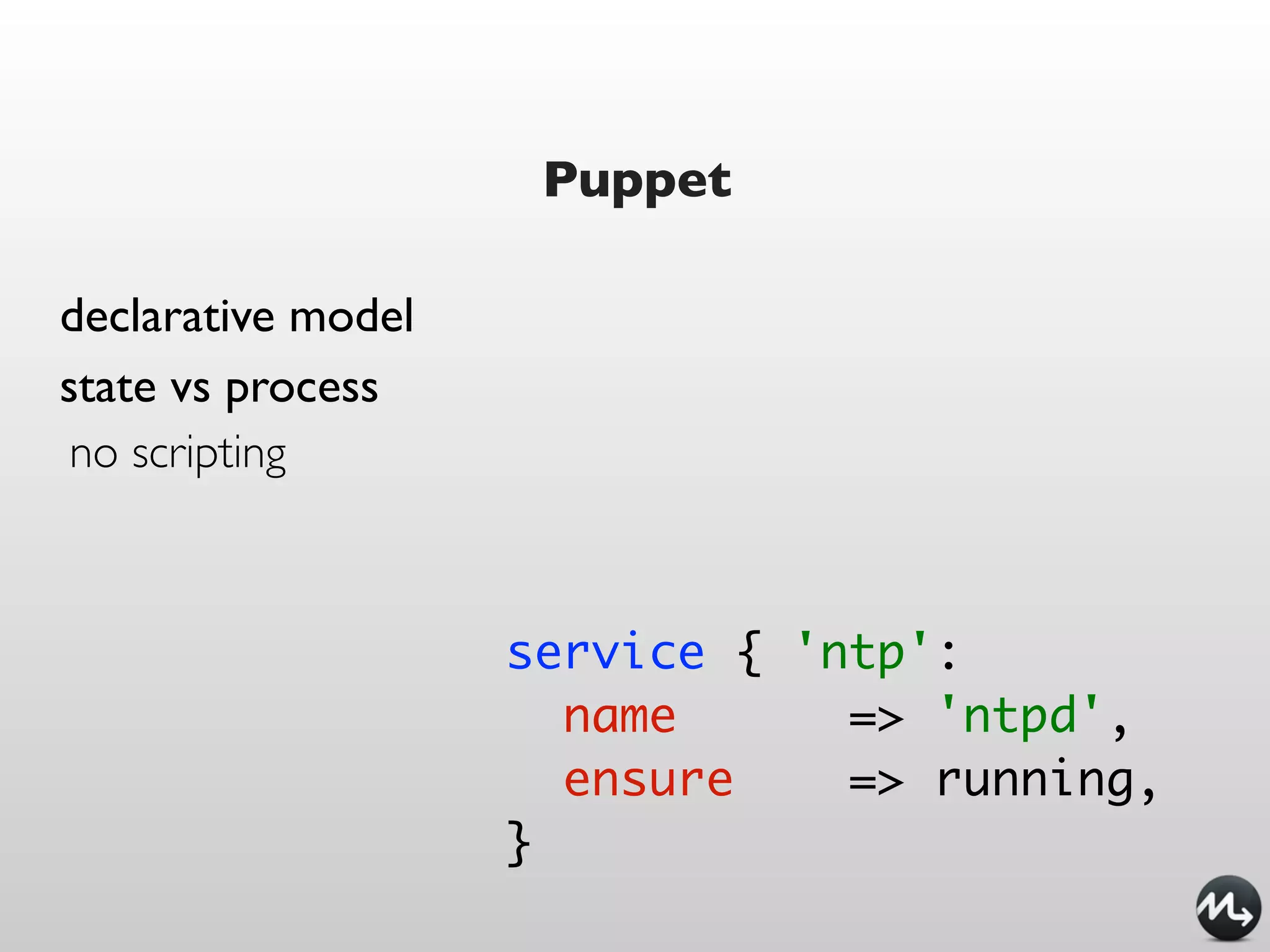
Puppet

declarative model
state vs process
 no scripting


                    service { 'ntp':
                      name      => 'ntpd',
                      ensure    => running,
                    }
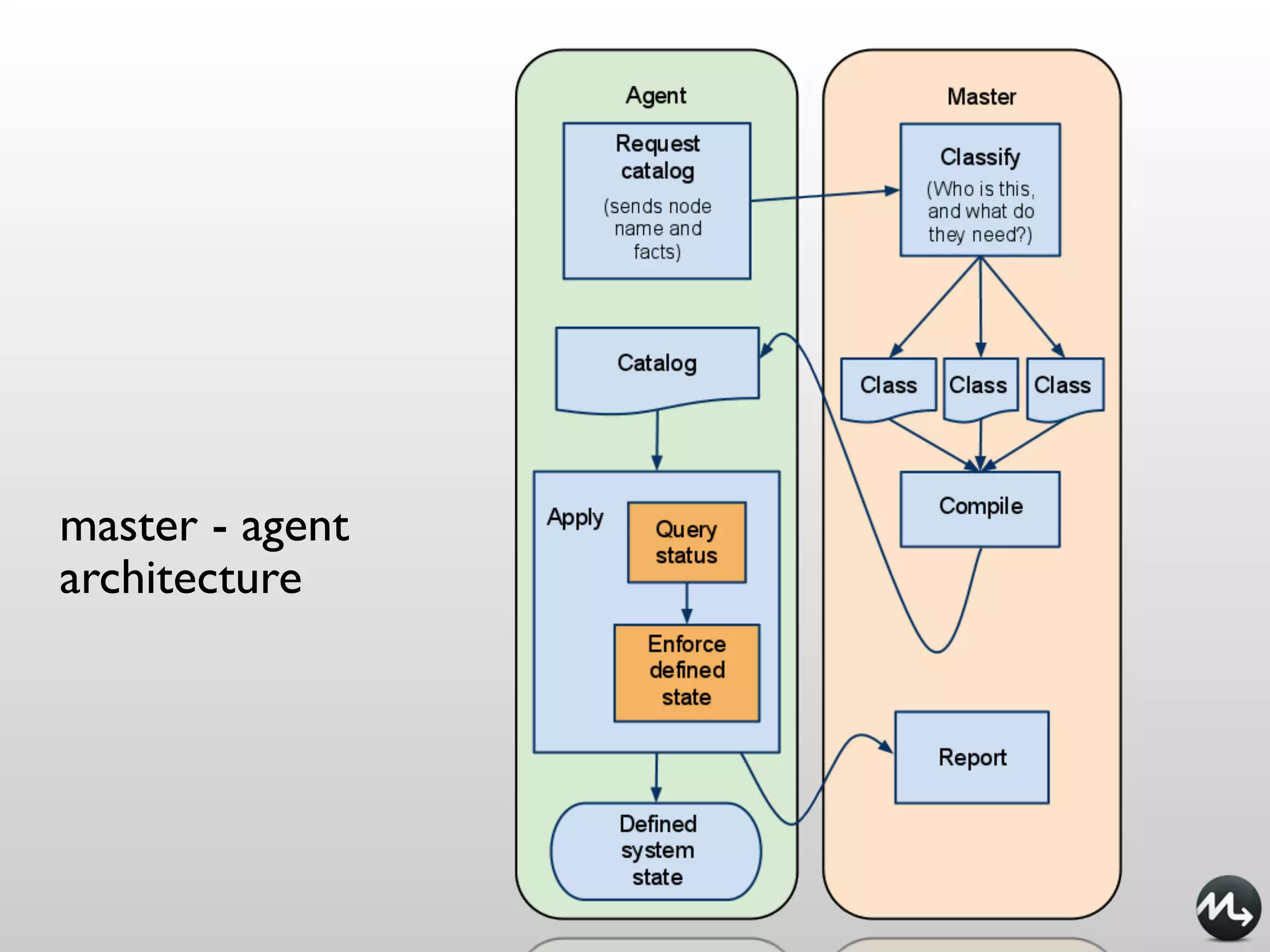
master - agent
architecture
Vagrant
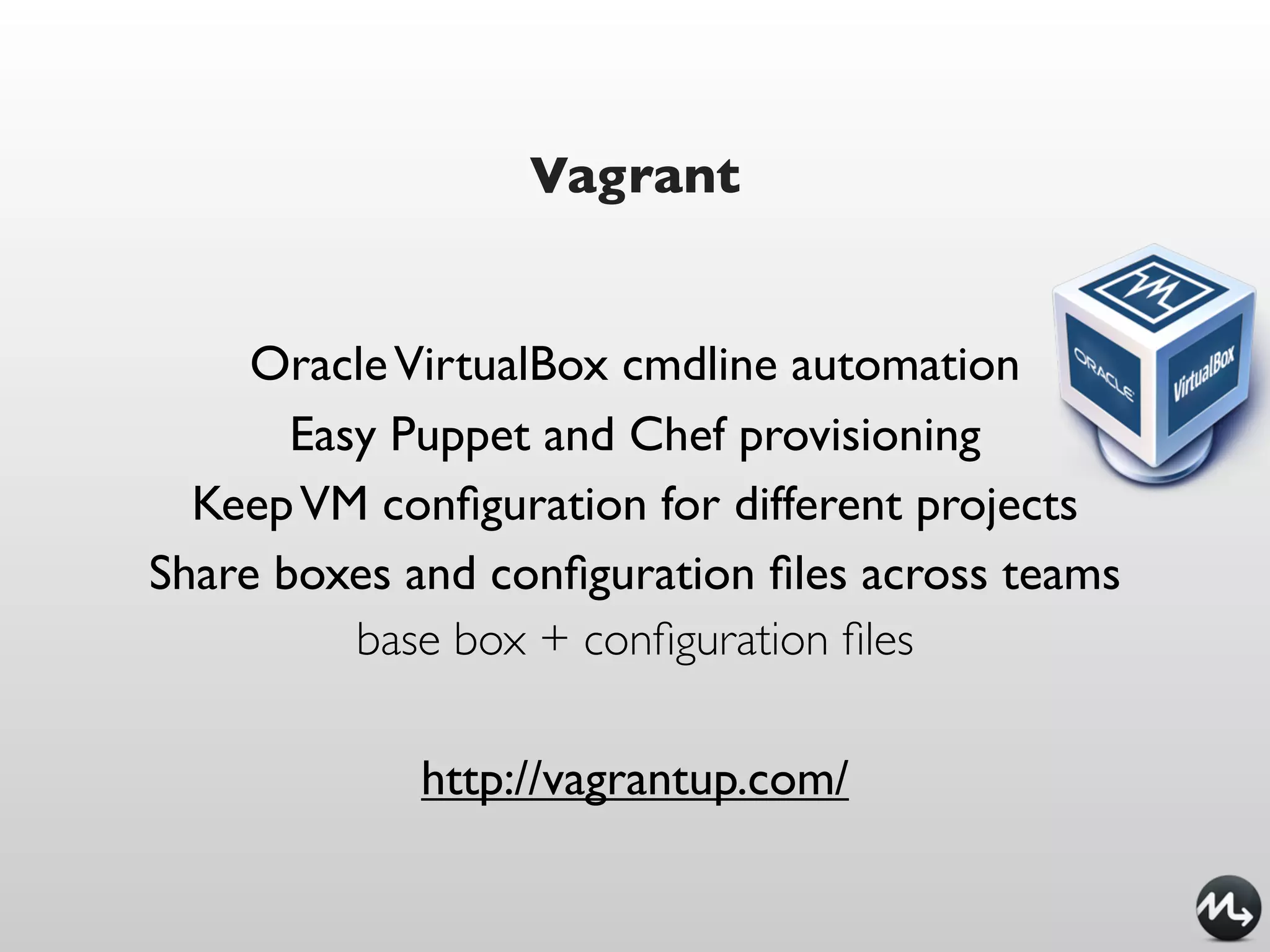
Vagrant


     Oracle VirtualBox cmdline automation
       Easy Puppet and Chef provisioning
  Keep VM configuration for different projects
Share boxes and configuration files across teams
          base box + configuration files

            http://vagrantup.com/
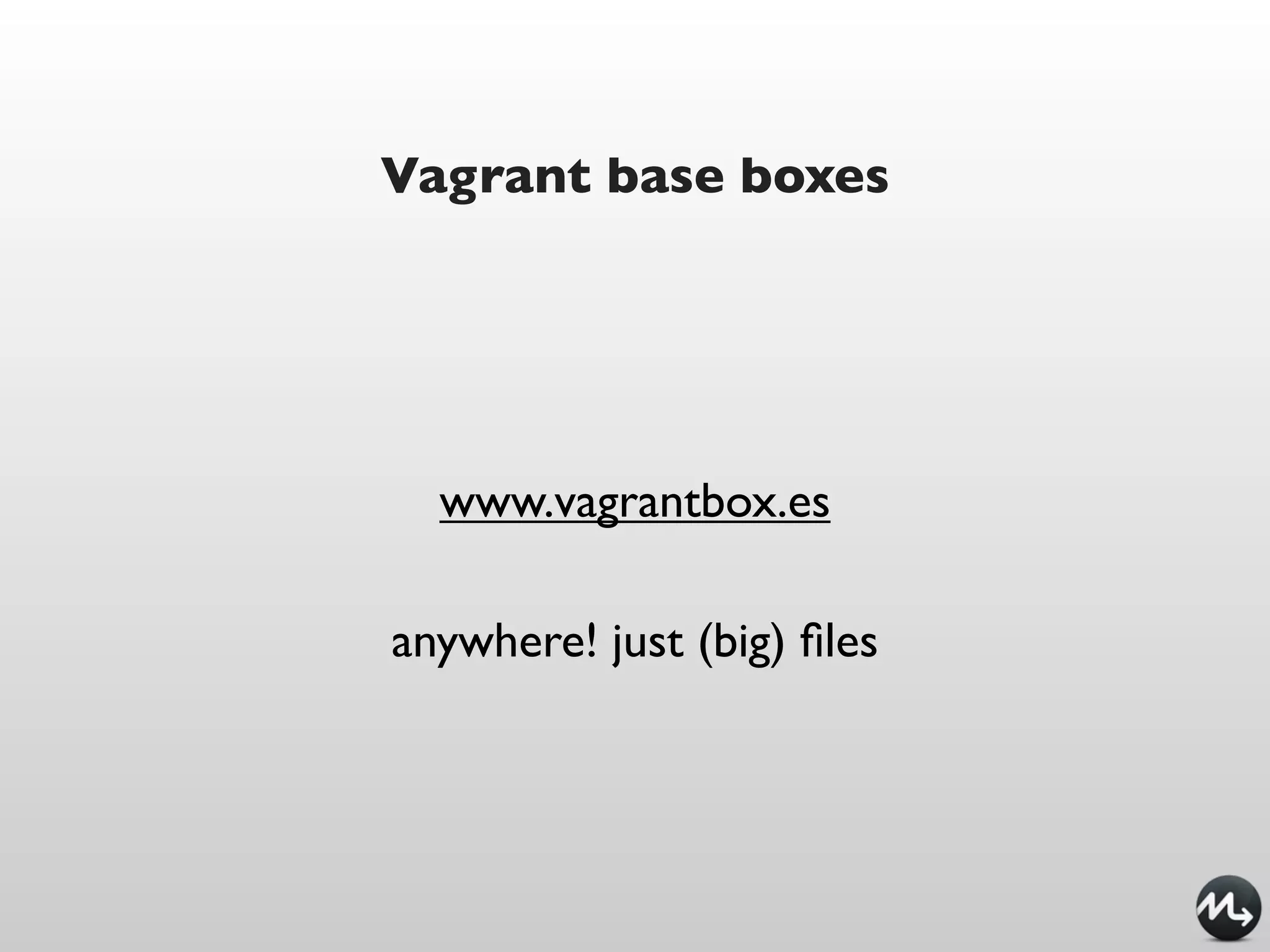
Vagrant base boxes


  www.vagrantbox.es

anywhere! just (big) files
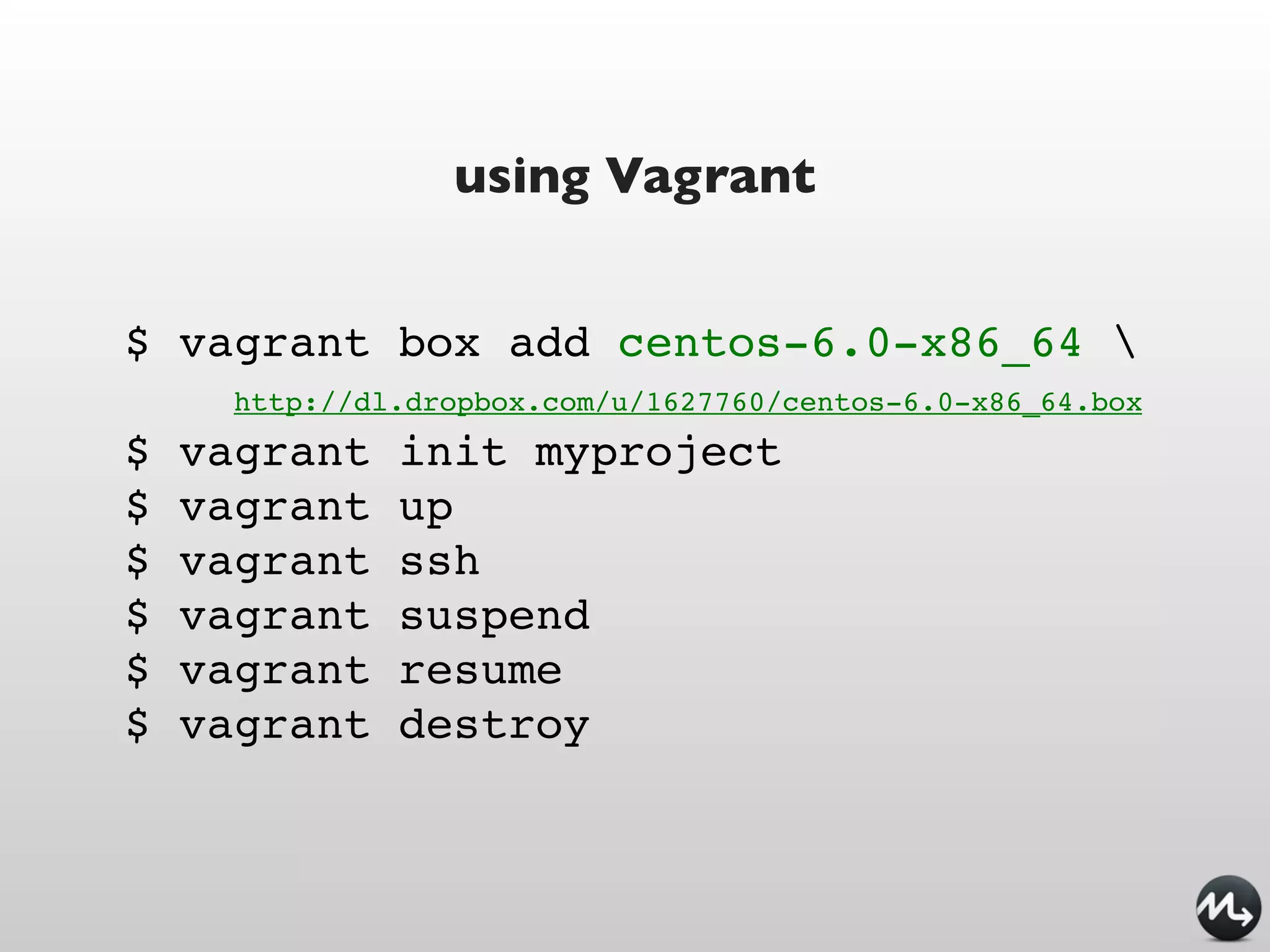
using Vagrant


$ vagrant box add centos-6.0-x86_64 
      http://dl.dropbox.com/u/1627760/centos-6.0-x86_64.box
$   vagrant    init myproject
$   vagrant    up
$   vagrant    ssh
$   vagrant    suspend
$   vagrant    resume
$   vagrant    destroy
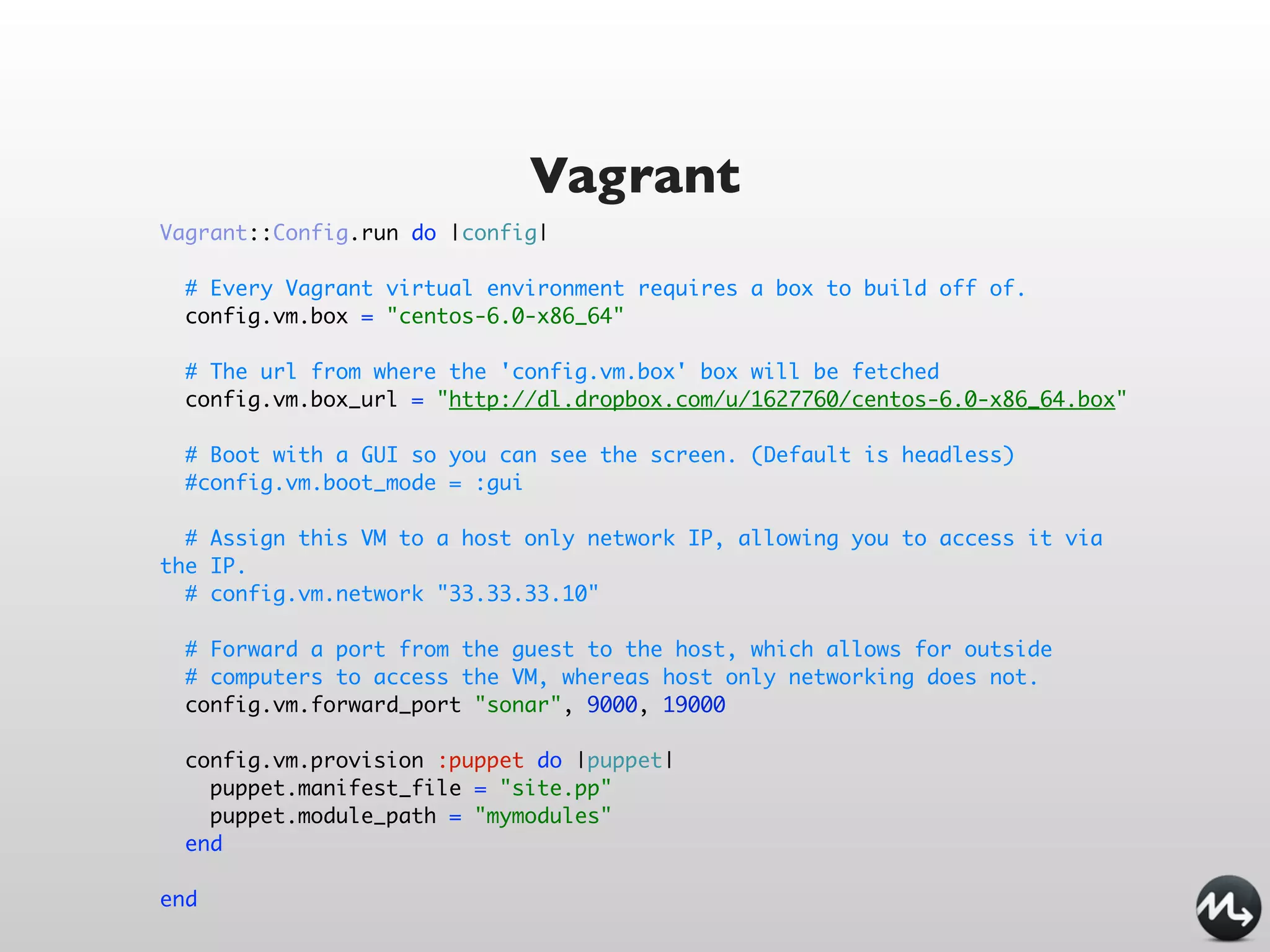
Vagrant
Vagrant::Config.run do |config|

  # Every Vagrant virtual environment requires a box to build off of.
  config.vm.box = "centos-6.0-x86_64"

  # The url from where the 'config.vm.box' box will be fetched
  config.vm.box_url = "http://dl.dropbox.com/u/1627760/centos-6.0-x86_64.box"

  # Boot with a GUI so you can see the screen. (Default is headless)
  #config.vm.boot_mode = :gui

  # Assign this VM to a host only network IP, allowing you to access it via
the IP.
  # config.vm.network "33.33.33.10"

  # Forward a port from the guest to the host, which allows for outside
  # computers to access the VM, whereas host only networking does not.
  config.vm.forward_port "sonar", 9000, 19000

  config.vm.provision :puppet do |puppet|
    puppet.manifest_file = "site.pp"
    puppet.module_path = "mymodules"
  end

end
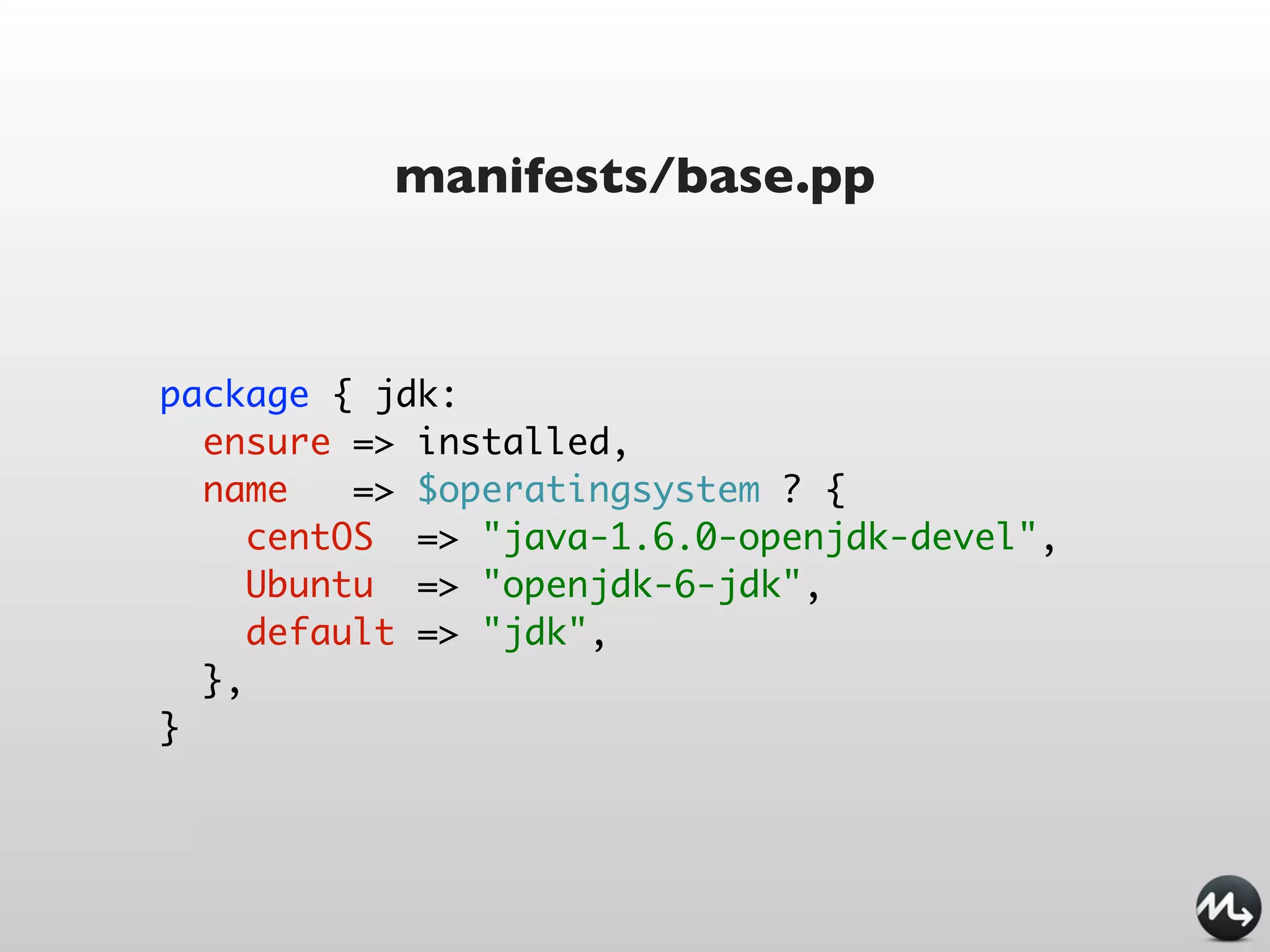
manifests/base.pp


package { jdk:
  ensure => installed,
  name    => $operatingsystem ? {
     centOS => "java-1.6.0-openjdk-devel",
     Ubuntu => "openjdk-6-jdk",
     default => "jdk",
  },
}
VeeWee
VeeWee


   easily build Vagrant base boxes
https://github.com/jedi4ever/veewee
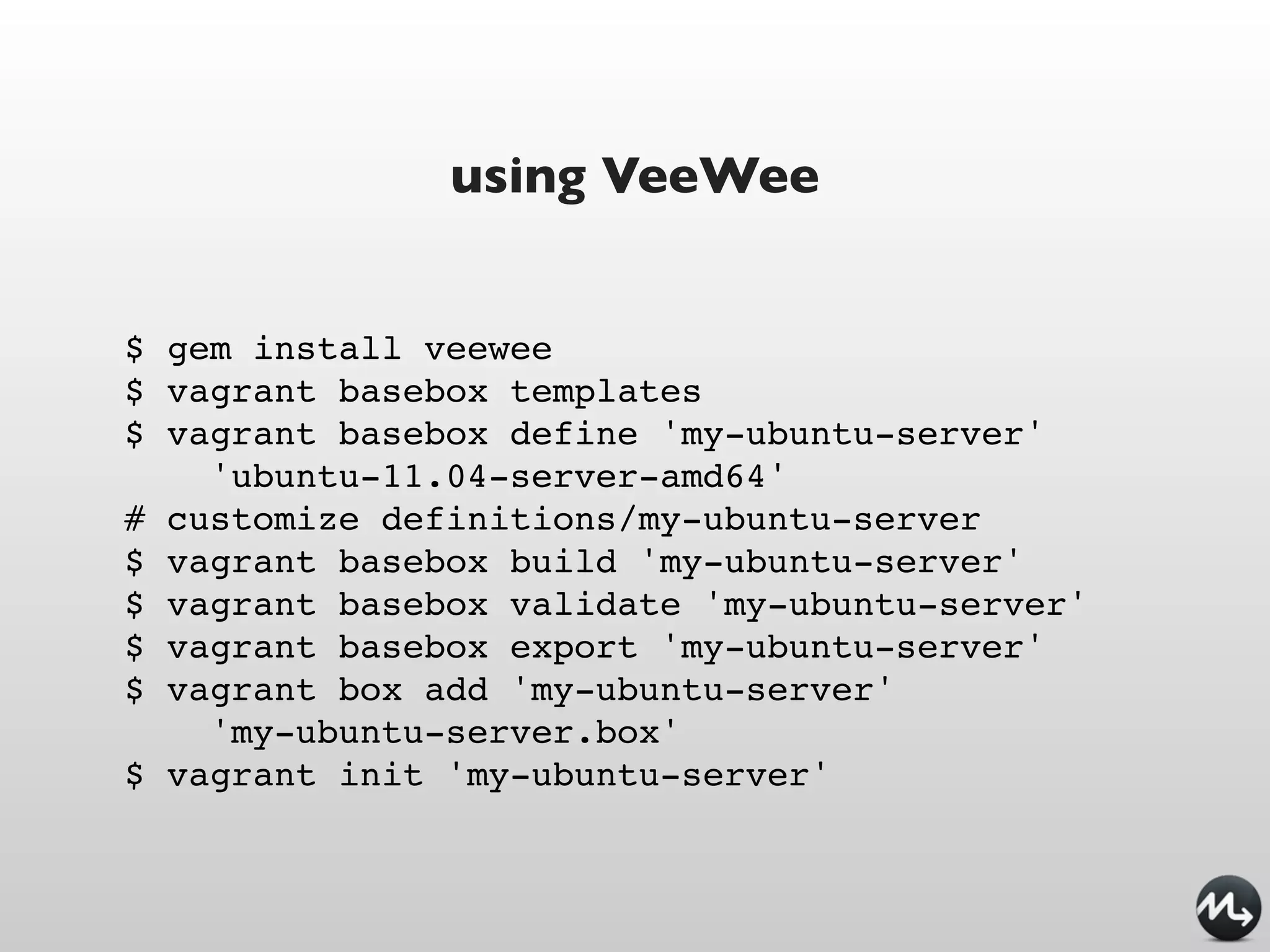
using VeeWee


$ gem install veewee
$ vagrant basebox templates
$ vagrant basebox define 'my-ubuntu-server'
    'ubuntu-11.04-server-amd64'
# customize definitions/my-ubuntu-server
$ vagrant basebox build 'my-ubuntu-server'
$ vagrant basebox validate 'my-ubuntu-server'
$ vagrant basebox export 'my-ubuntu-server'
$ vagrant box add 'my-ubuntu-server'
    'my-ubuntu-server.box'
$ vagrant init 'my-ubuntu-server'
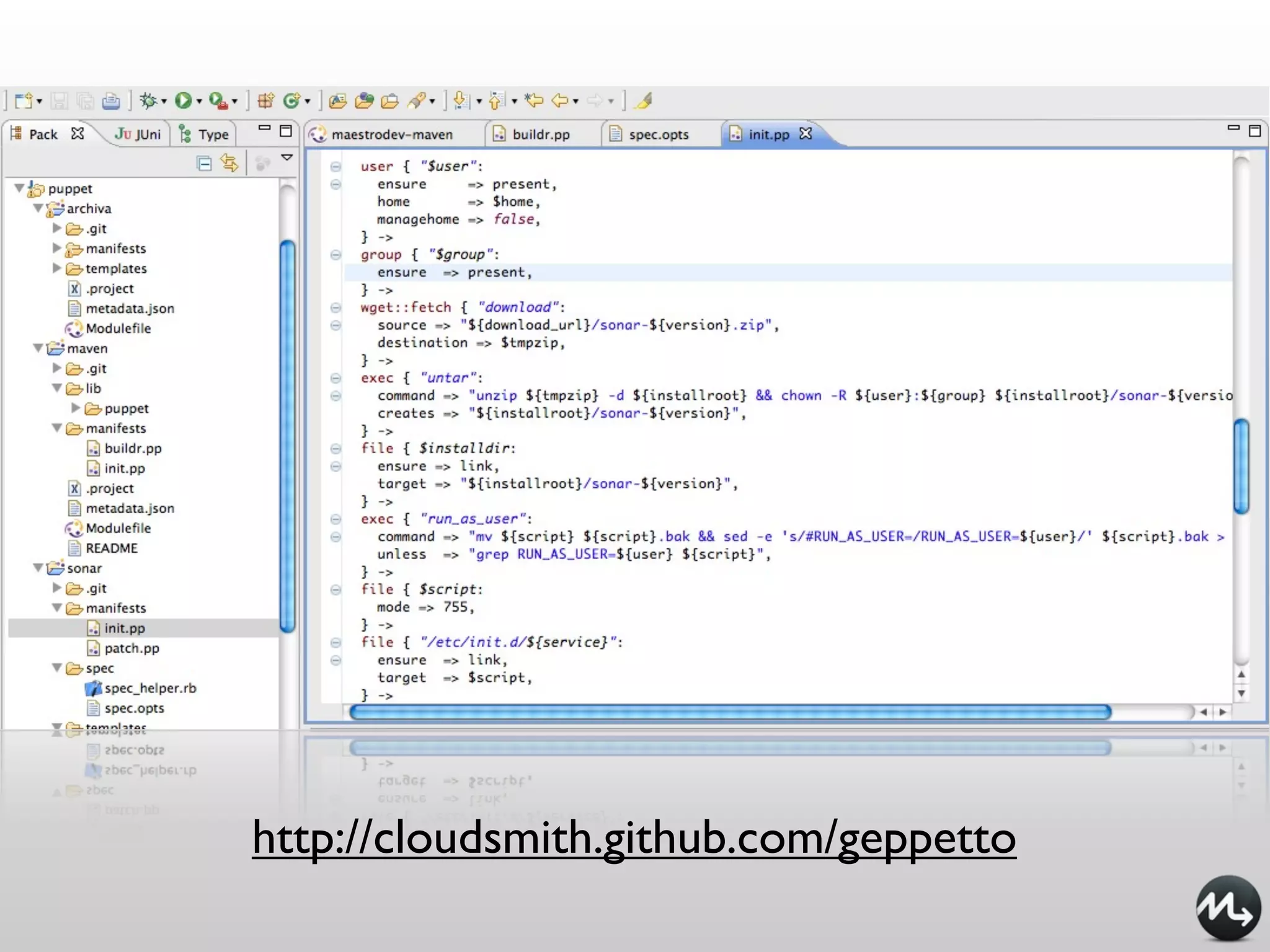
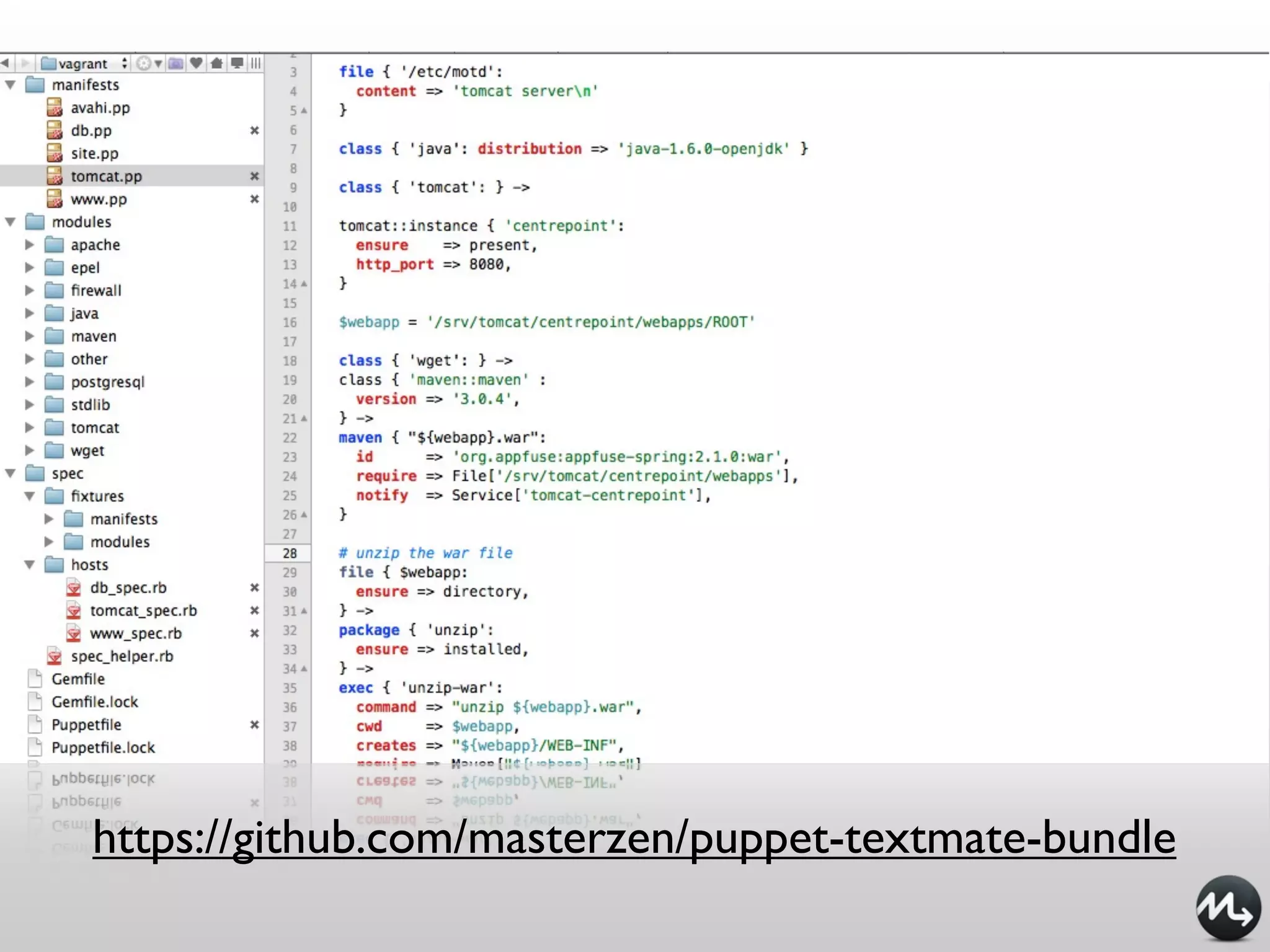
Editors
Geppetto
http://cloudsmith.github.com/geppetto
TextMate
https://github.com/masterzen/puppet-textmate-bundle
Puppet DSL
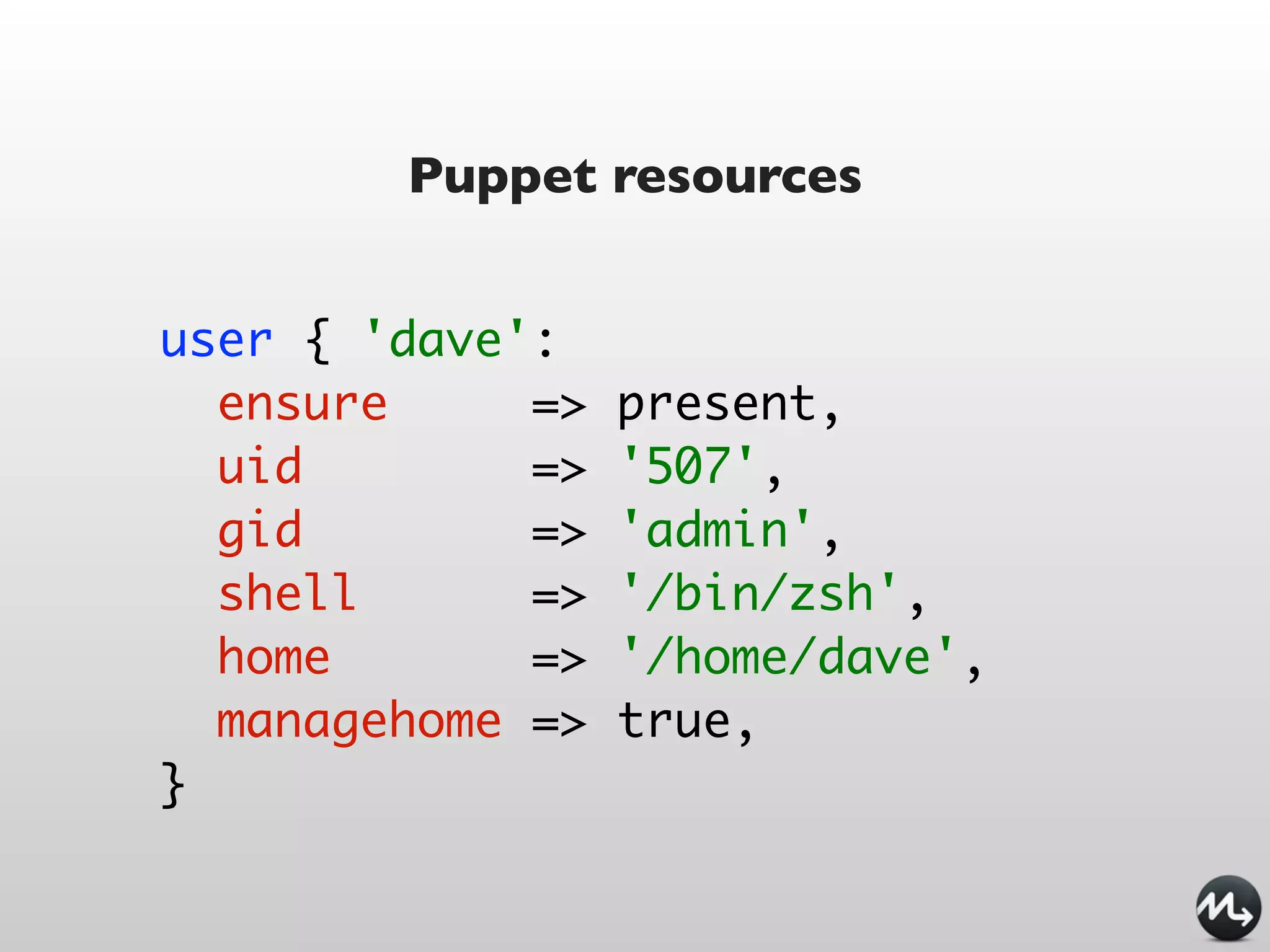
Puppet resources


user { 'dave':
  ensure     =>   present,
  uid        =>   '507',
  gid        =>   'admin',
  shell      =>   '/bin/zsh',
  home       =>   '/home/dave',
  managehome =>   true,
}
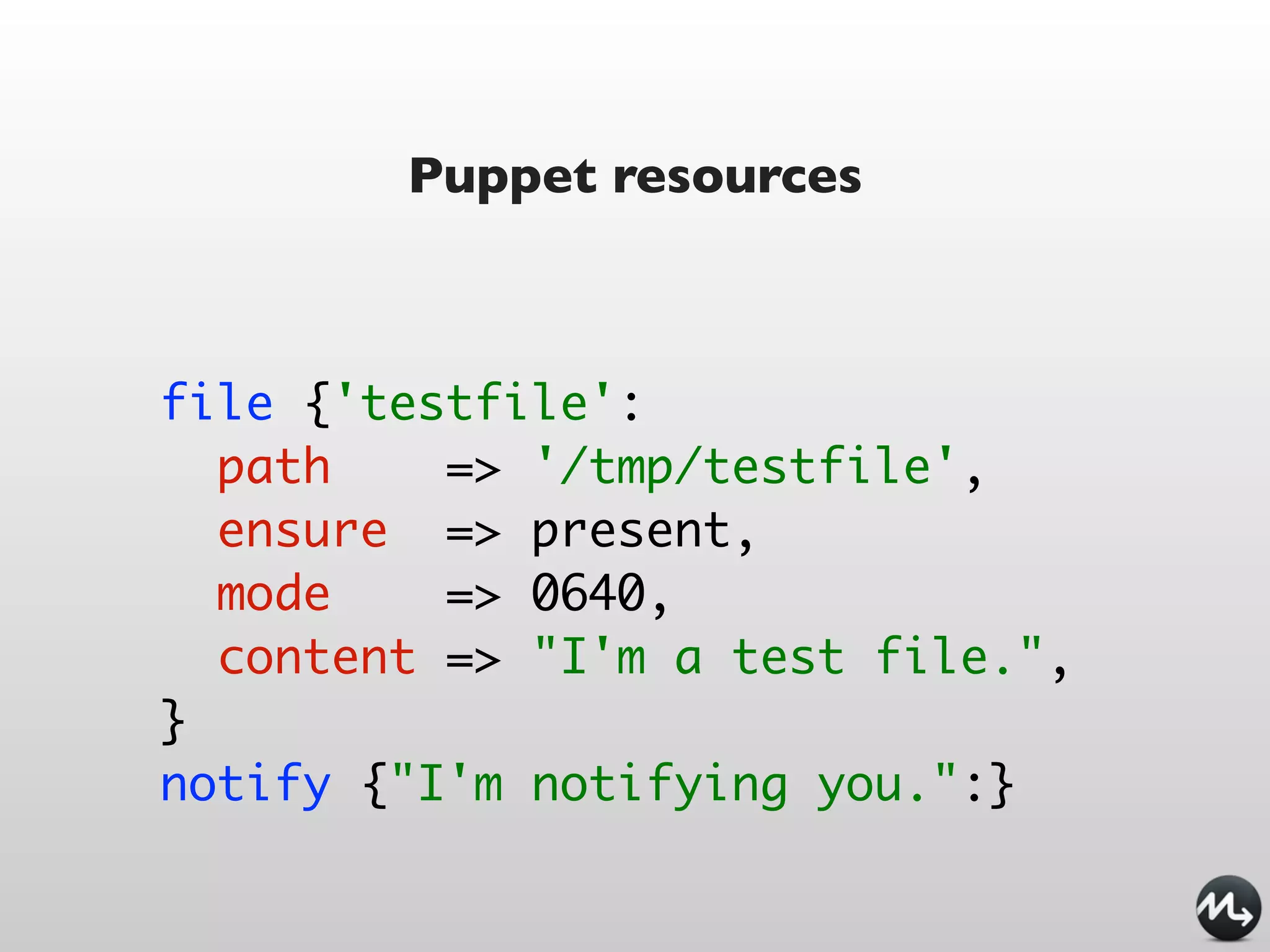
Puppet resources


file {'testfile':
  path    => '/tmp/testfile',
  ensure => present,
  mode    => 0640,
  content => "I'm a test file.",
}
notify {"I'm notifying you.":}
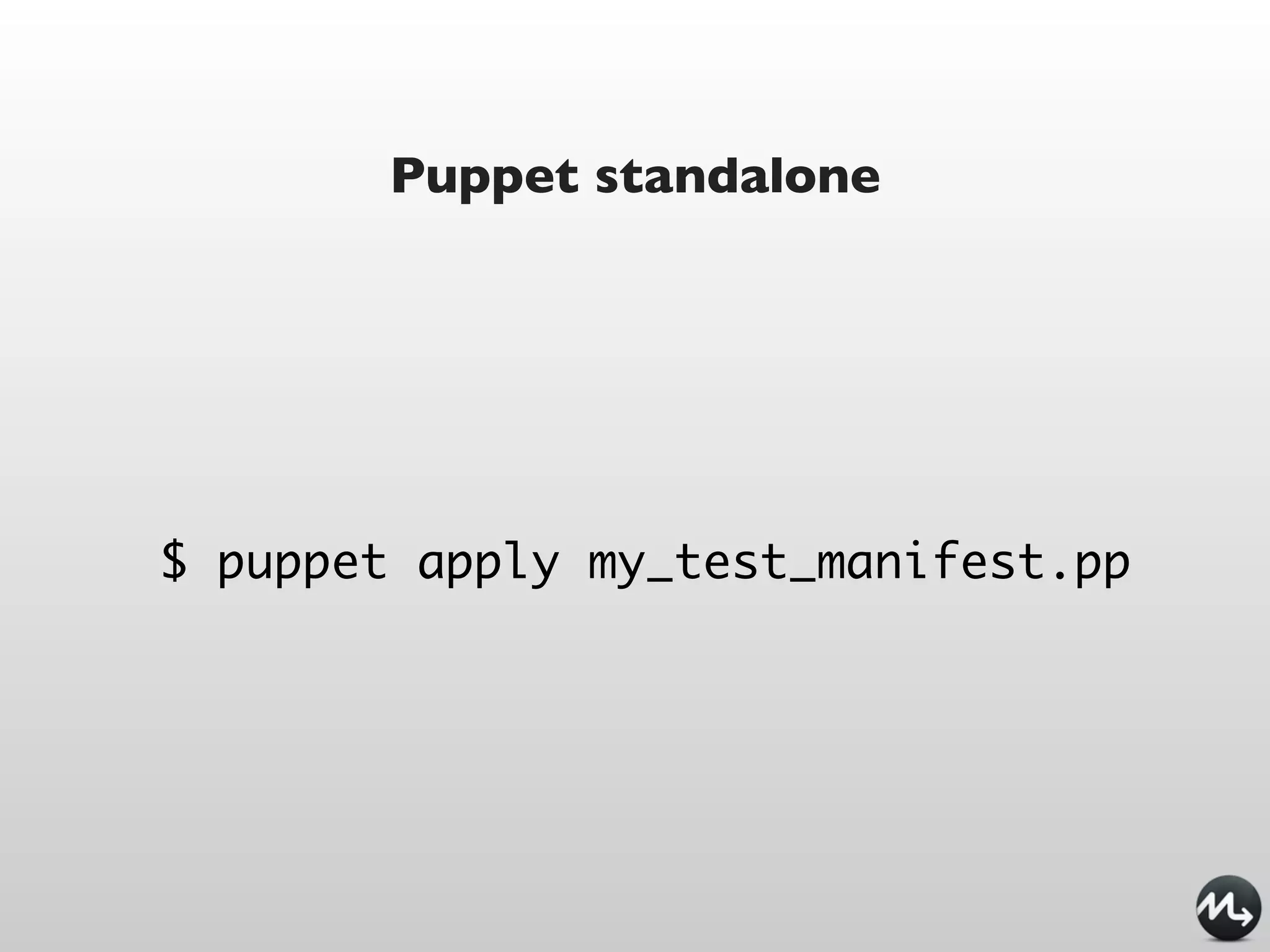
Puppet standalone


$ puppet apply my_test_manifest.pp
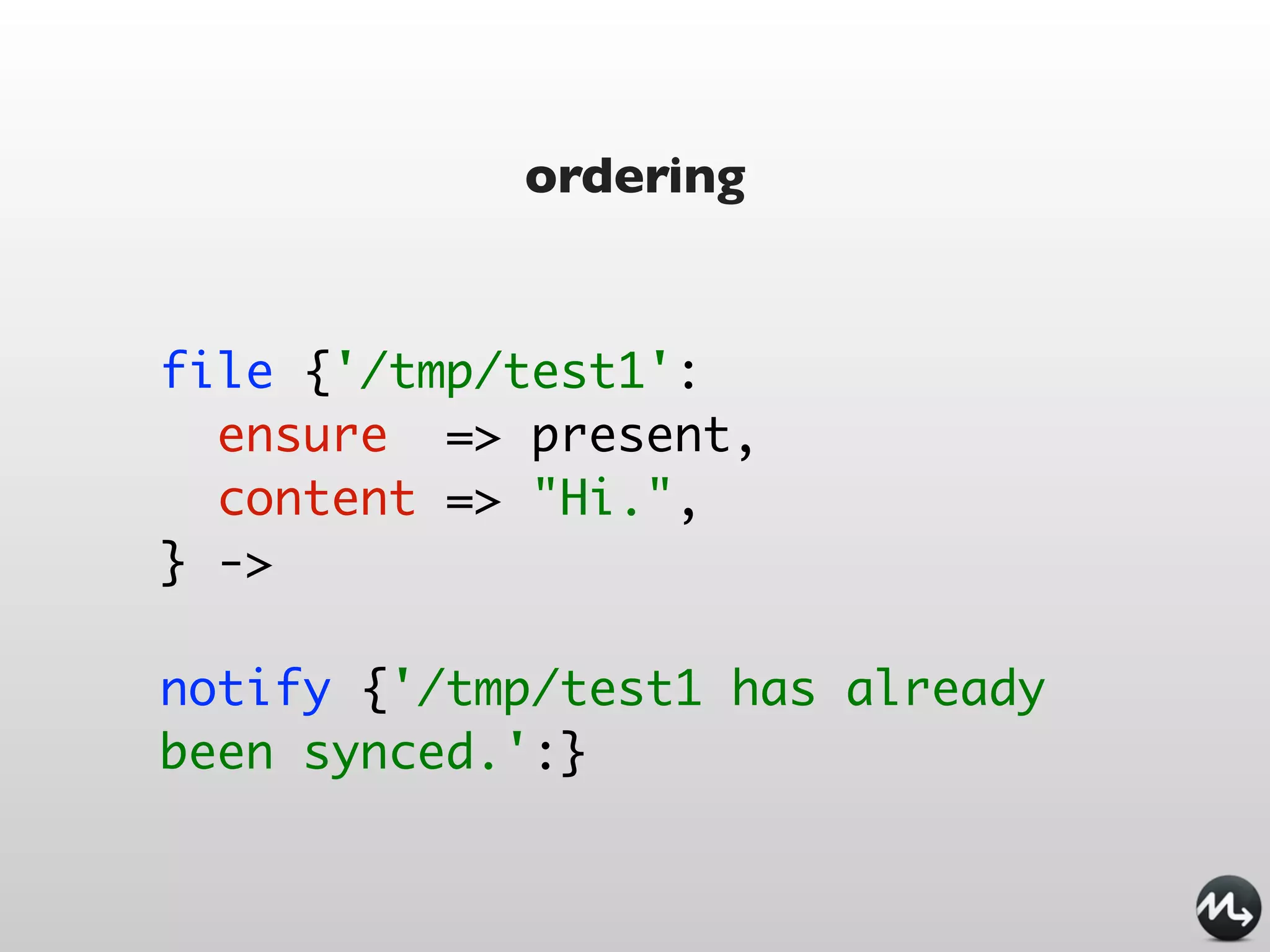
ordering

file {'/tmp/test1':
  ensure => present,
  content => "Hi.",
}

notify {'/tmp/test1 has already
been synced.':
  require => File['/tmp/test1'],
}
ordering


file {'/tmp/test1':
  ensure => present,
  content => "Hi.",
} ->

notify {'/tmp/test1 has already
been synced.':}
package / file /service / subscribe

package { 'openssh-server':
  ensure => present,
  before => File['/etc/ssh/sshd_config'],
}

file { '/etc/ssh/sshd_config':
  ensure => file,
  mode   => 600,
  source => '/root/learning-manifests/sshd_config',
}

service { 'sshd':
  ensure     => running,
  enable     => true,
  hasrestart => true,
  hasstatus => true,
  subscribe => File['/etc/ssh/sshd_config'],
}
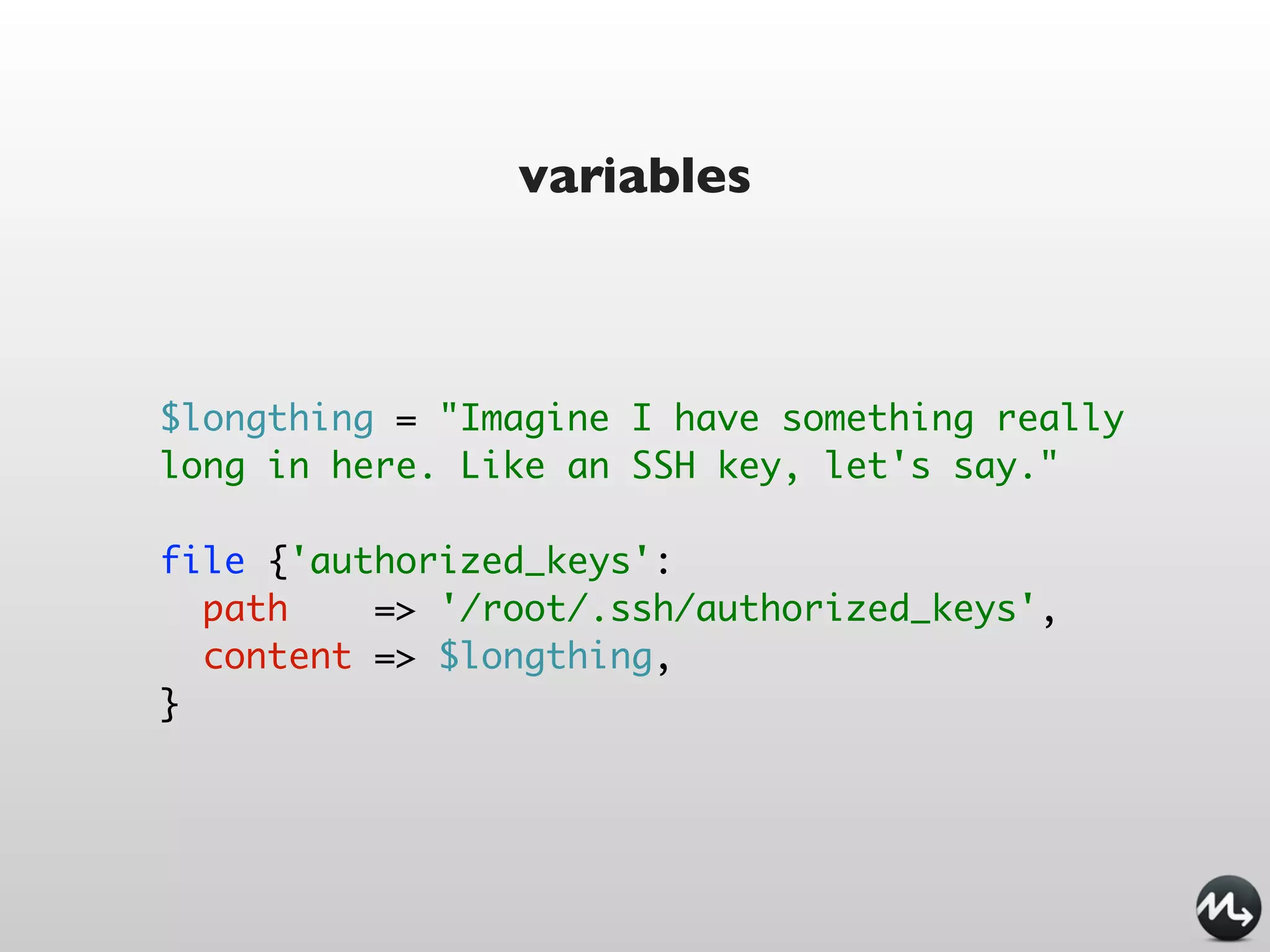
variables


$longthing = "Imagine I have something really
long in here. Like an SSH key, let's say."

file {'authorized_keys':
  path    => '/root/.ssh/authorized_keys',
  content => $longthing,
}
facts

host {'self':
  ensure         =>   present,
  name           =>   $::fqdn,
  host_aliases   =>   ['puppet', $::hostname],
  ip             =>   $::ipaddress,
}

file {'motd':
  ensure => file,
  path    => '/etc/motd',
  mode    => 0644,
  content => "Welcome to ${::hostname},na $
{::operatingsystem} island in the sea of ${::domain}.
n",
}
conditionals

if $is_virtual {
  service {'ntpd':
    ensure => stopped,
    enable => false,
  }
}
else {
  service { 'ntpd':
    name       => 'ntpd',
    ensure     => running,
    enable     => true,
    hasrestart => true,
    require => Package['ntp'],
  }
}
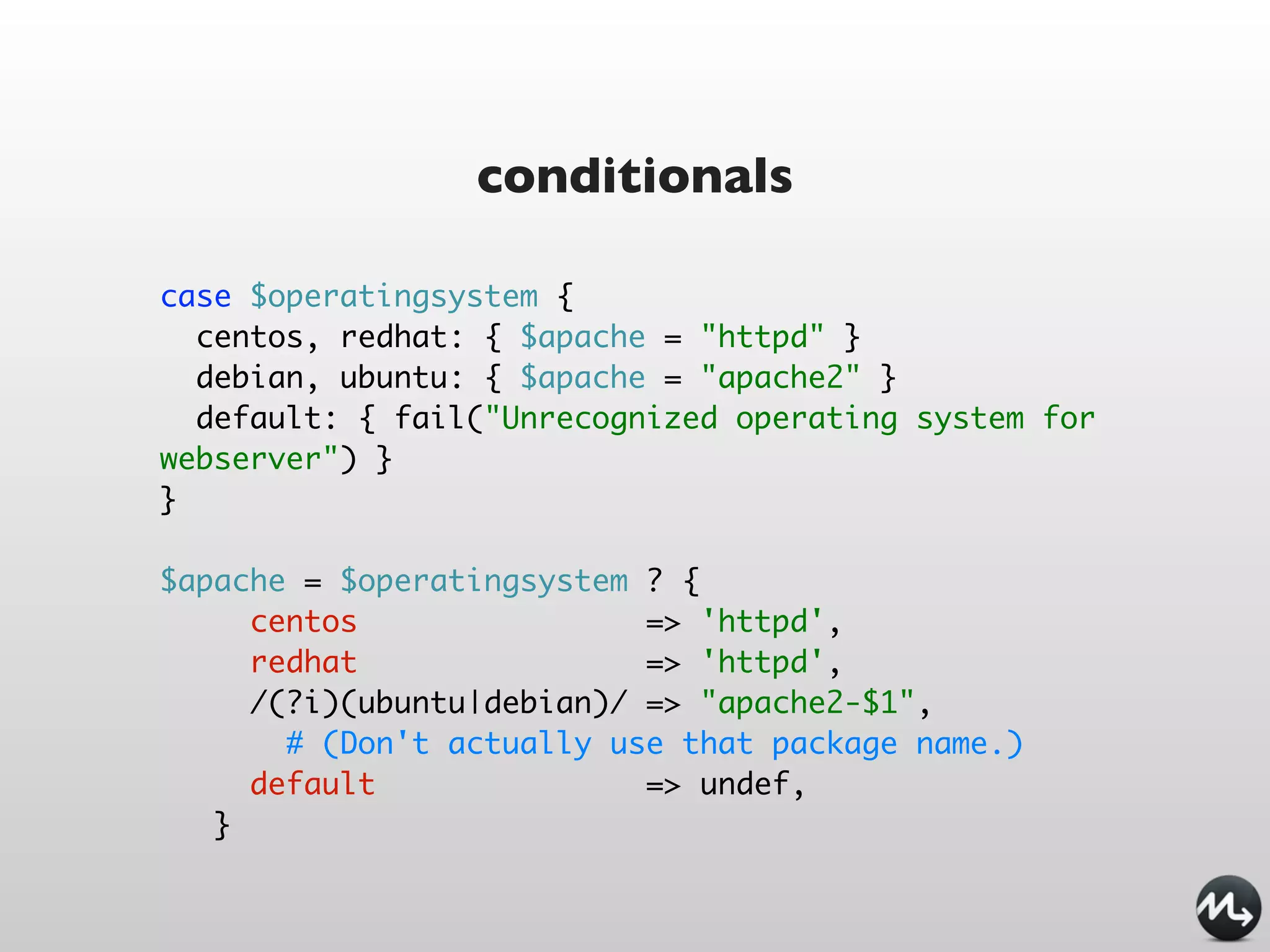
conditionals

case $operatingsystem {
  centos, redhat: { $apache = "httpd" }
  debian, ubuntu: { $apache = "apache2" }
  default: { fail("Unrecognized operating system for
webserver") }
}

$apache = $operatingsystem ? {
     centos                => 'httpd',
     redhat                => 'httpd',
     /(?i)(ubuntu|debian)/ => "apache2-$1",
       # (Don't actually use that package name.)
     default               => undef,
   }
class definition

class ntp {

    package { 'ntp':
      ensure => installed,
    }

    service { 'ntp':
      name      => 'ntpd',
      ensure    => running,
      enable    => true,
      subscribe => File['ntp.conf'],
    }
}
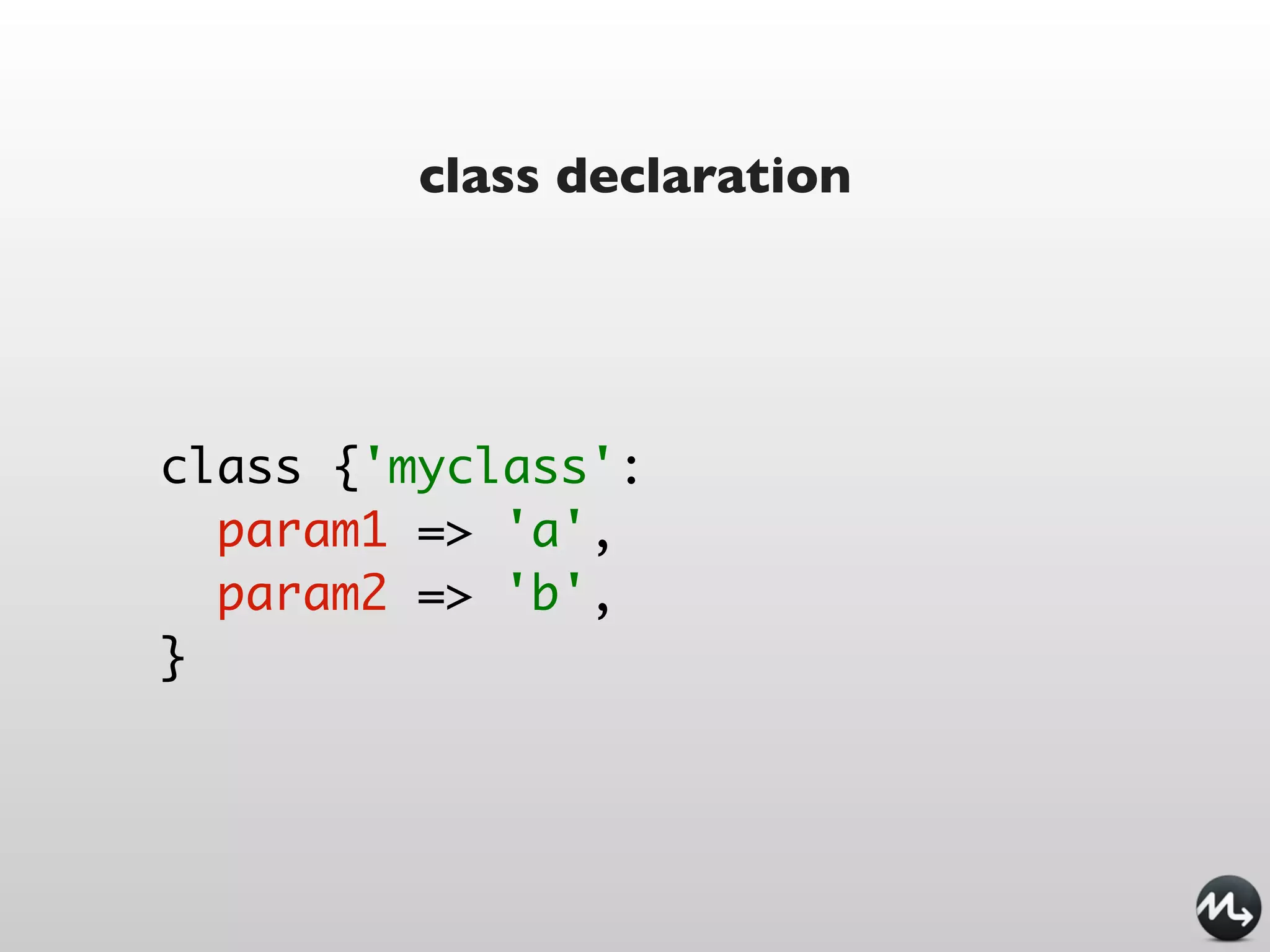
class declaration


class {'myclass':
  param1 => 'a',
  param2 => 'b',
}
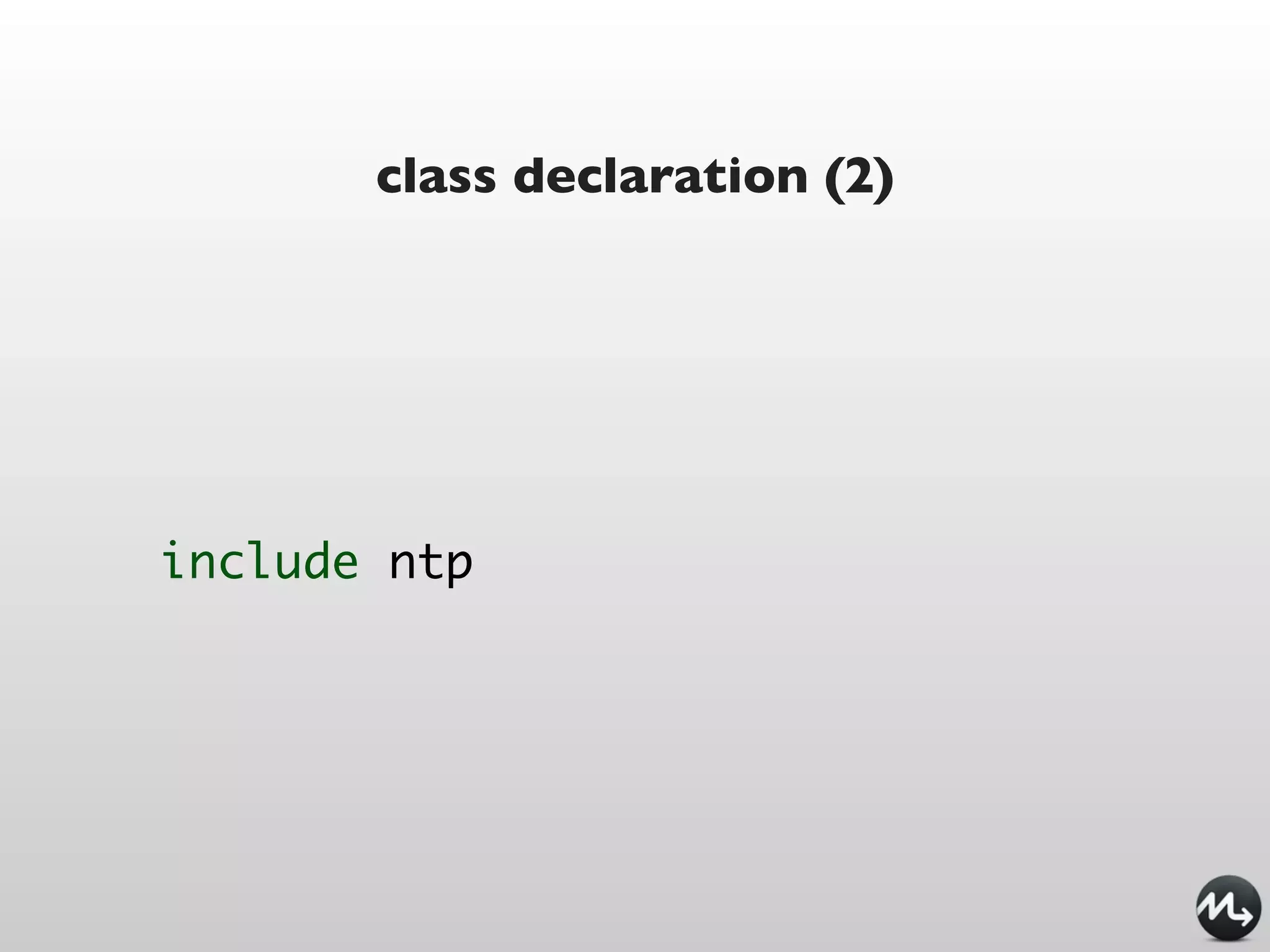
class declaration (2)


include ntp
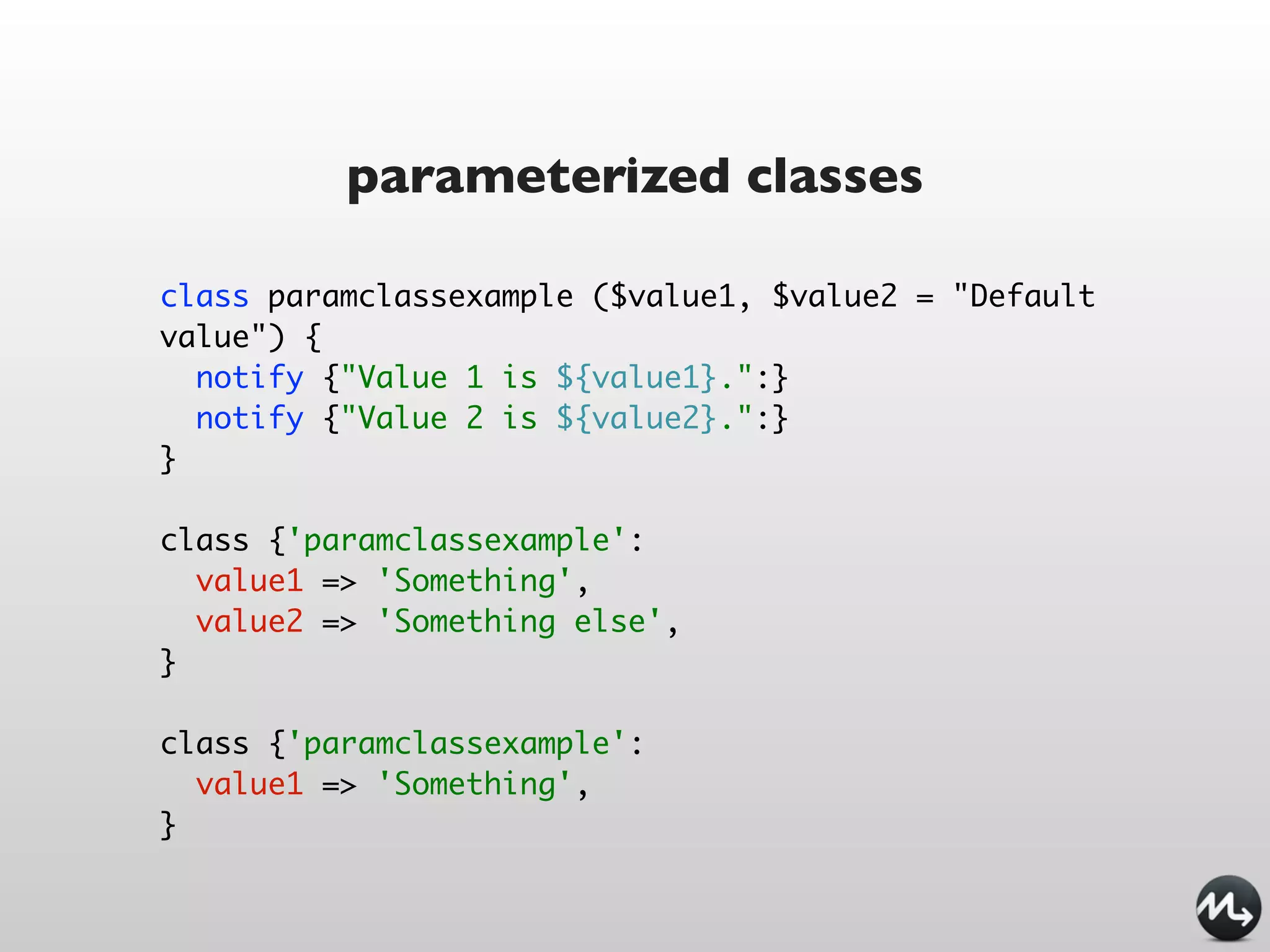
parameterized classes

class paramclassexample ($value1, $value2 = "Default
value") {
  notify {"Value 1 is ${value1}.":}
  notify {"Value 2 is ${value2}.":}
}

class {'paramclassexample':
  value1 => 'Something',
  value2 => 'Something else',
}

class {'paramclassexample':
  value1 => 'Something',
}
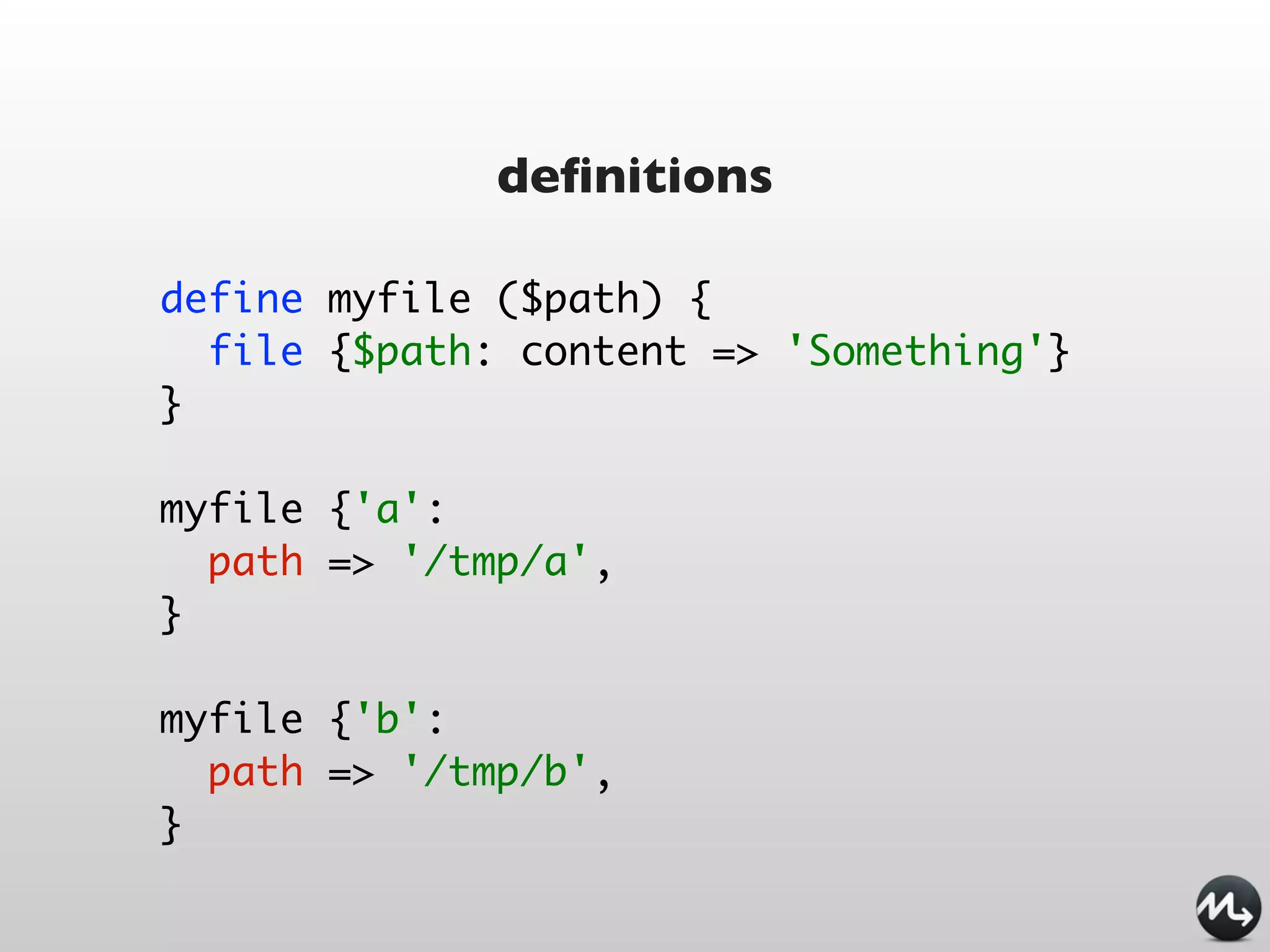
definitions

define myfile ($path) {
  file {$path: content => 'Something'}
}

myfile {'a':
  path => '/tmp/a',
}

myfile {'b':
  path => '/tmp/b',
}
templating


file {'/etc/foo.conf':
  ensure => file,
  require => Package['foo'],
  content => template('foo/foo.conf.erb'),
}
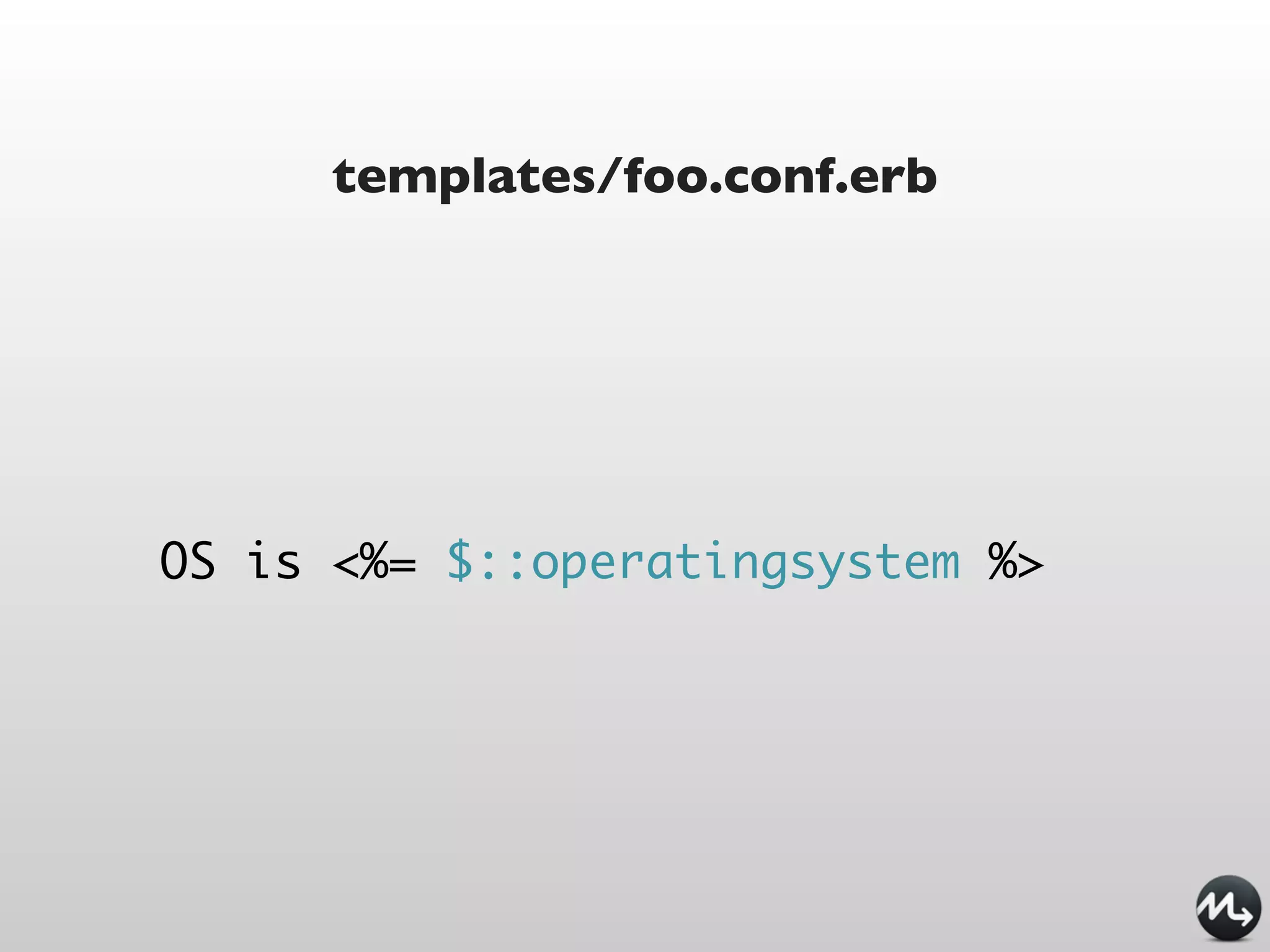
templates/foo.conf.erb


OS is <%= $::operatingsystem %>
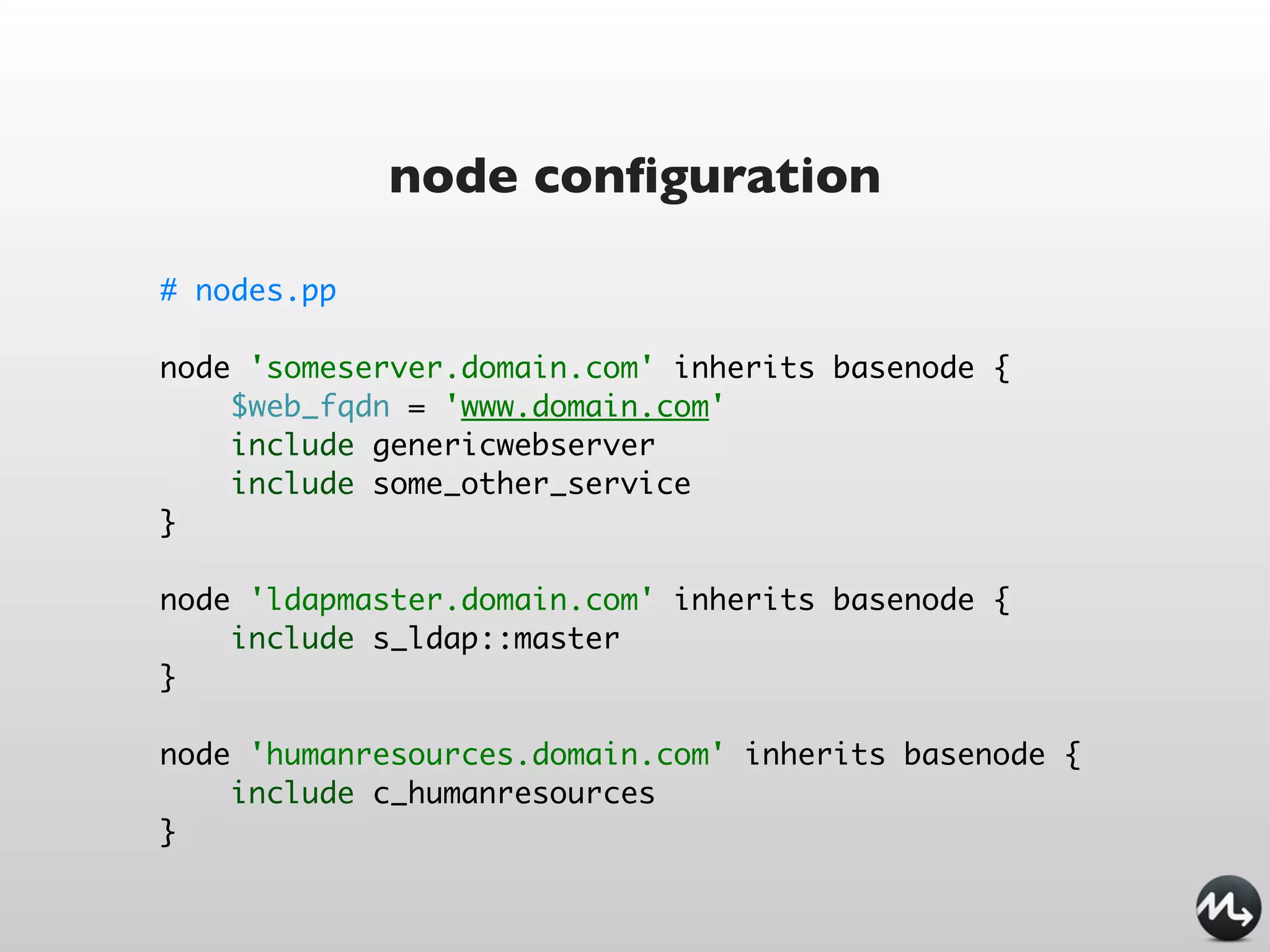
node configuration

# nodes.pp

node 'someserver.domain.com' inherits basenode {
    $web_fqdn = 'www.domain.com'
    include genericwebserver
    include some_other_service
}

node 'ldapmaster.domain.com' inherits basenode {
    include s_ldap::master
}

node 'humanresources.domain.com' inherits basenode {
    include c_humanresources
}
Puppet modules
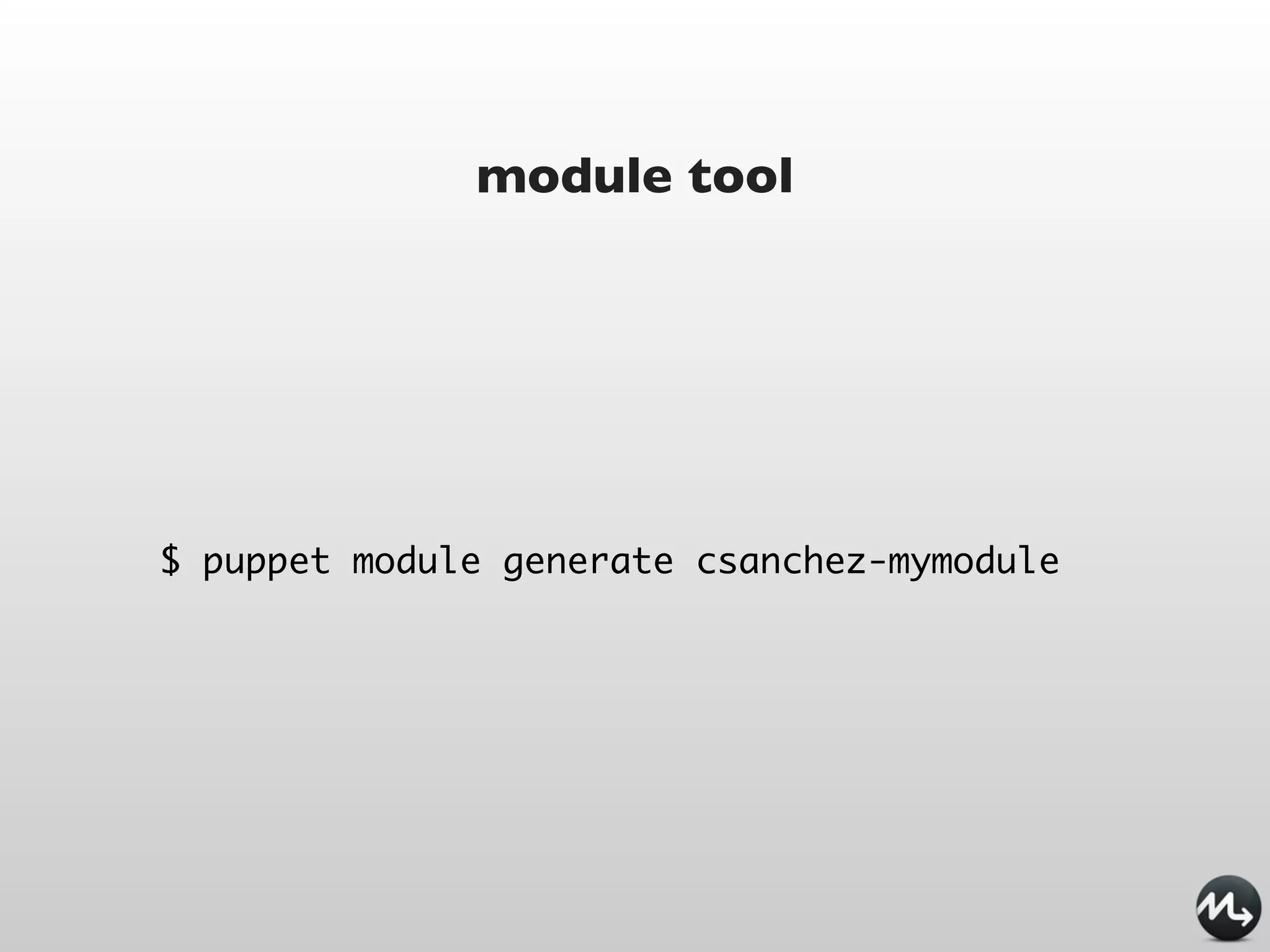
module tool


$ puppet module generate csanchez-mymodule
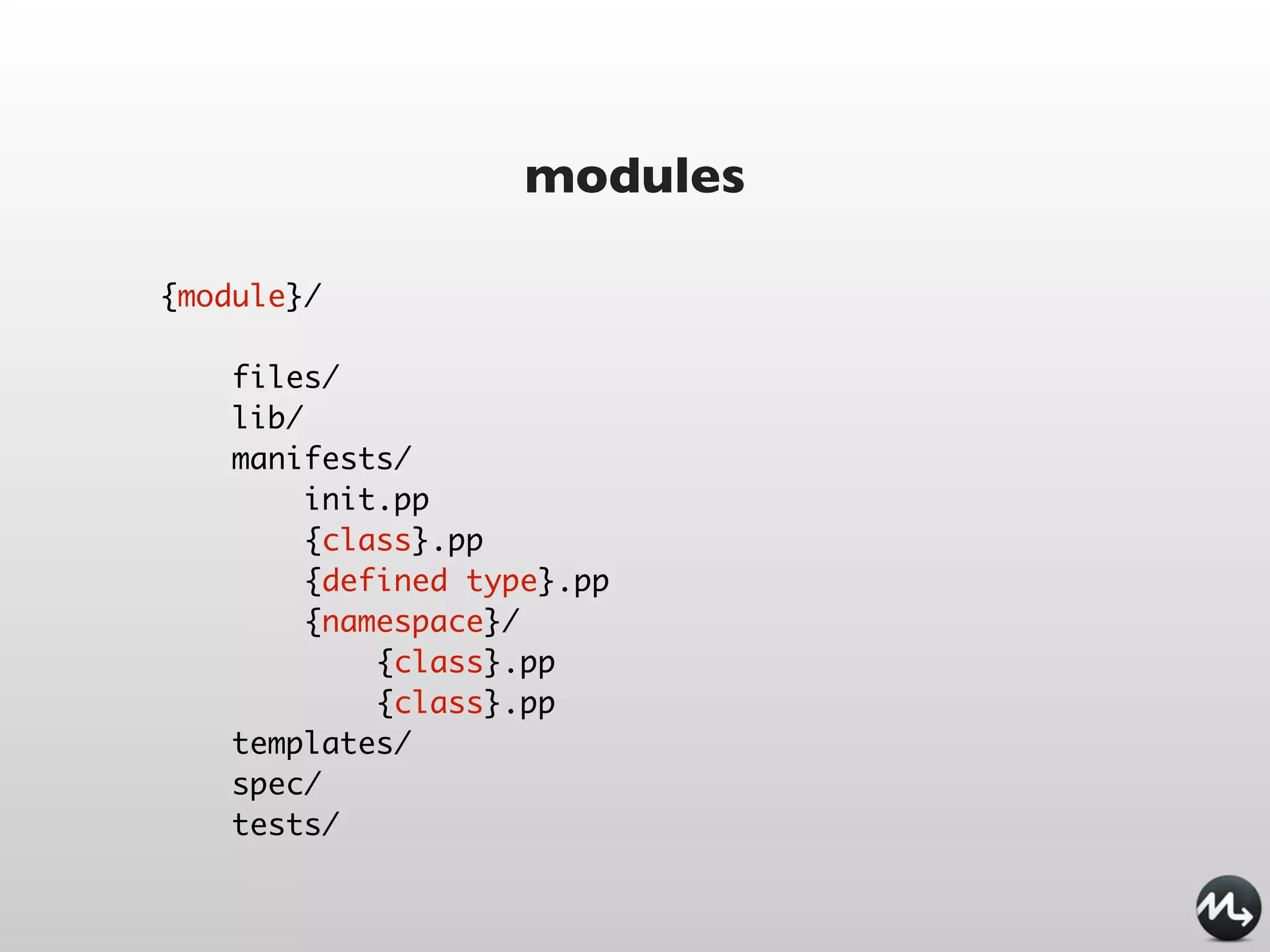
modules

{module}/

    files/
    lib/
    manifests/
         init.pp
         {class}.pp
         {defined type}.pp
         {namespace}/
             {class}.pp
             {class}.pp
    templates/
    spec/
    tests/
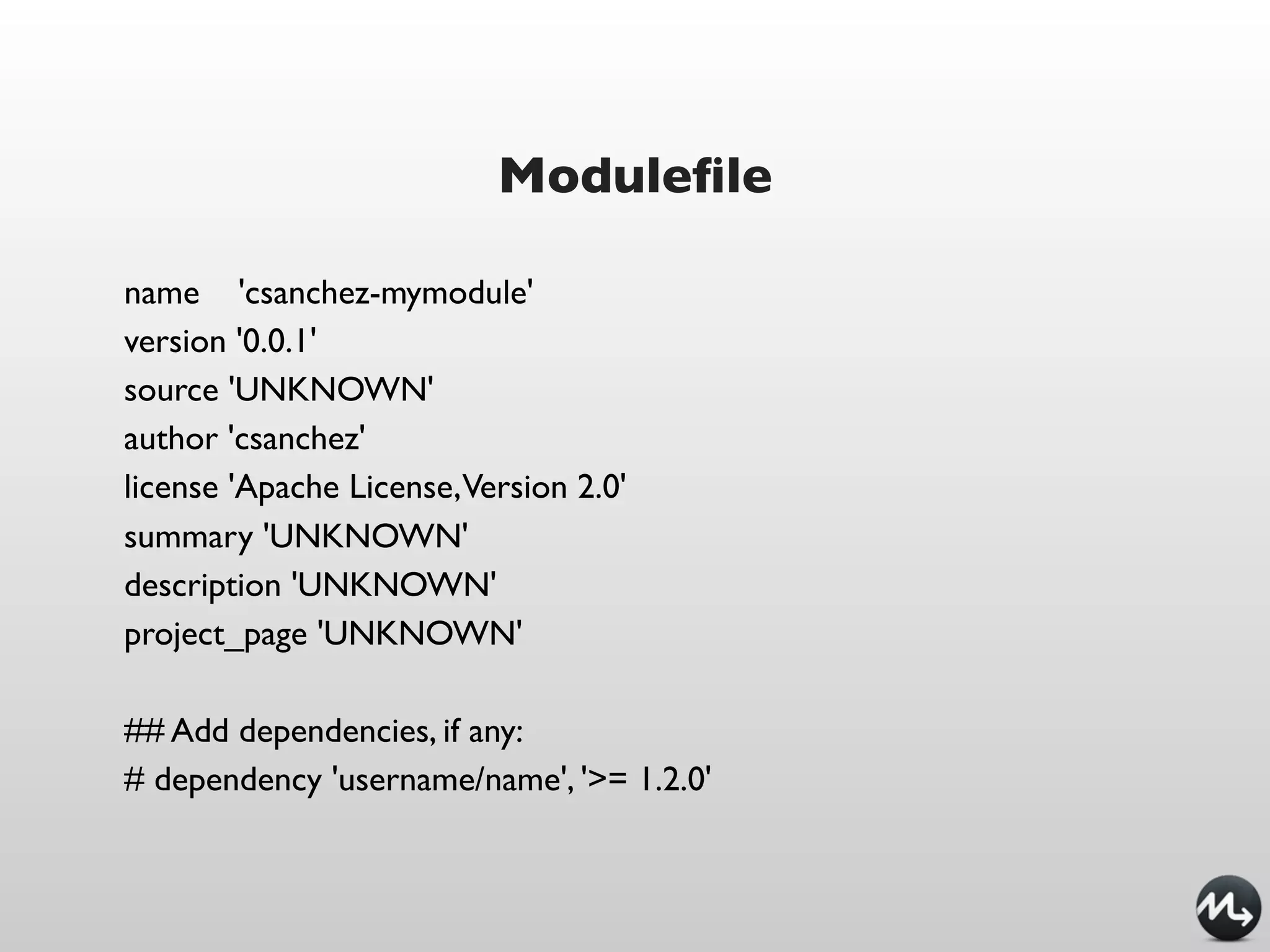
Modulefile

name 'csanchez-mymodule'
version '0.0.1'
source 'UNKNOWN'
author 'csanchez'
license 'Apache License,Version 2.0'
summary 'UNKNOWN'
description 'UNKNOWN'
project_page 'UNKNOWN'

## Add dependencies, if any:
# dependency 'username/name', '>= 1.2.0'
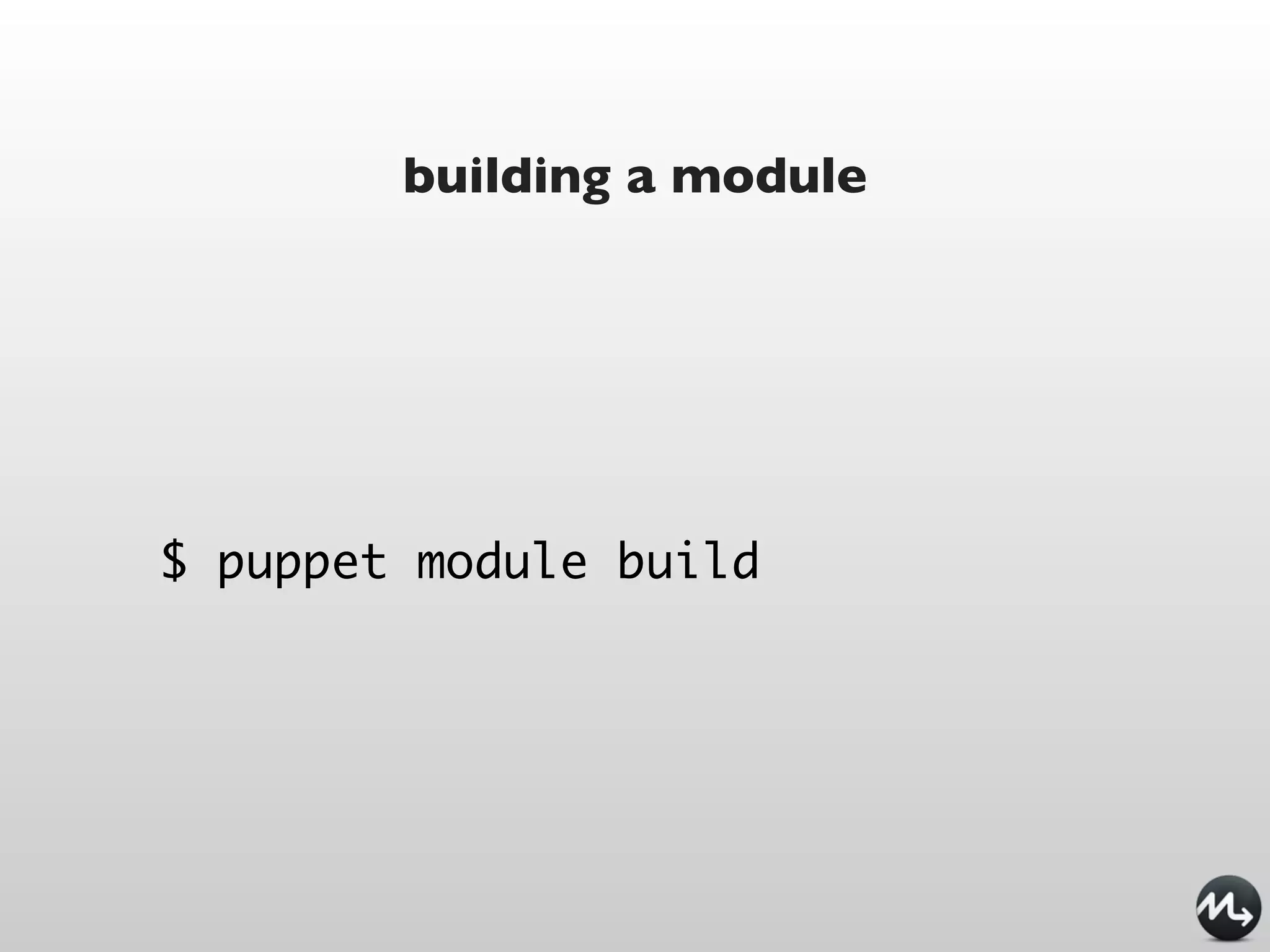
building a module


$ puppet module build
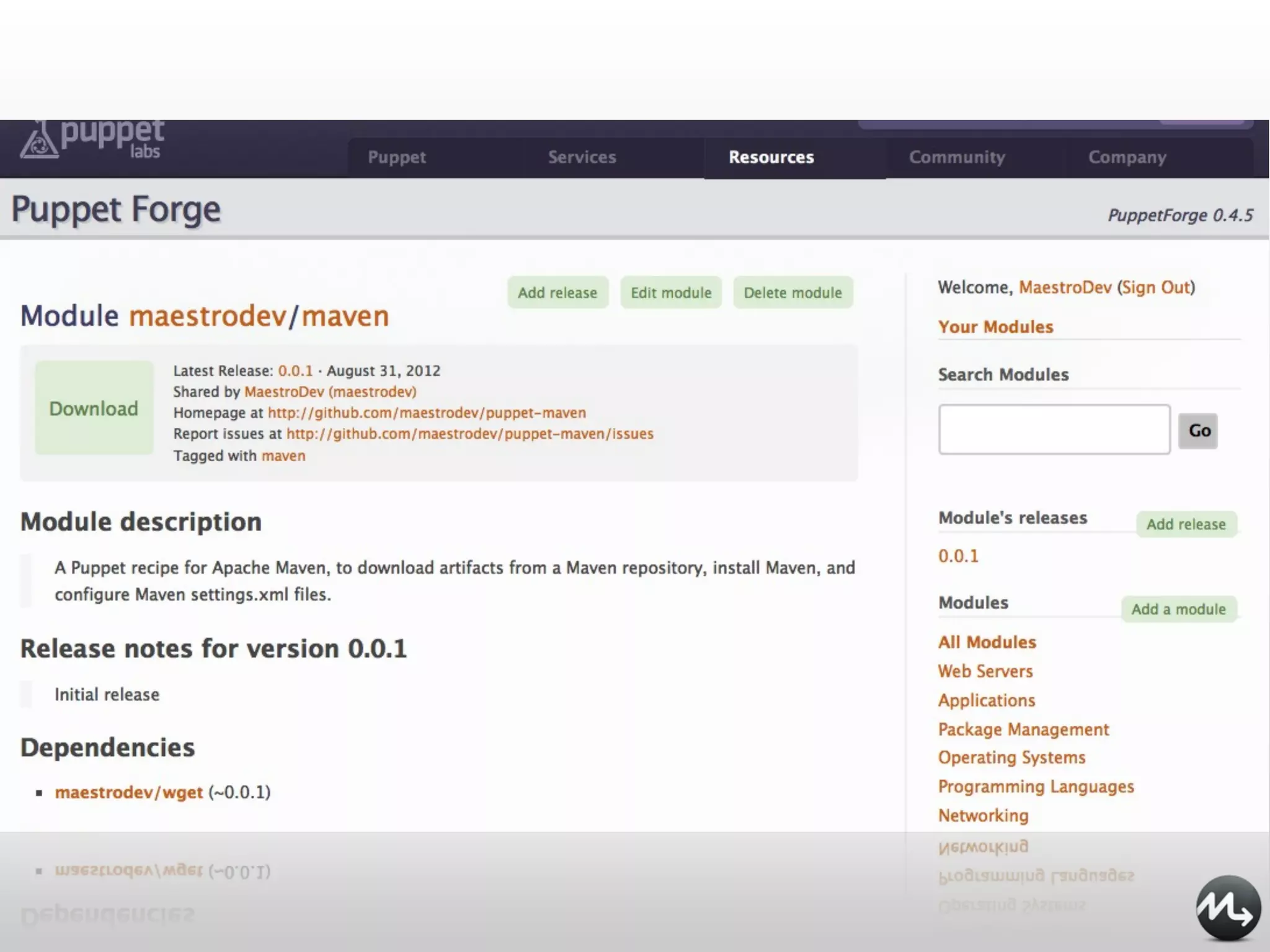
Puppetlabs Forge


http://forge.puppetlabs.com

   A library of modules
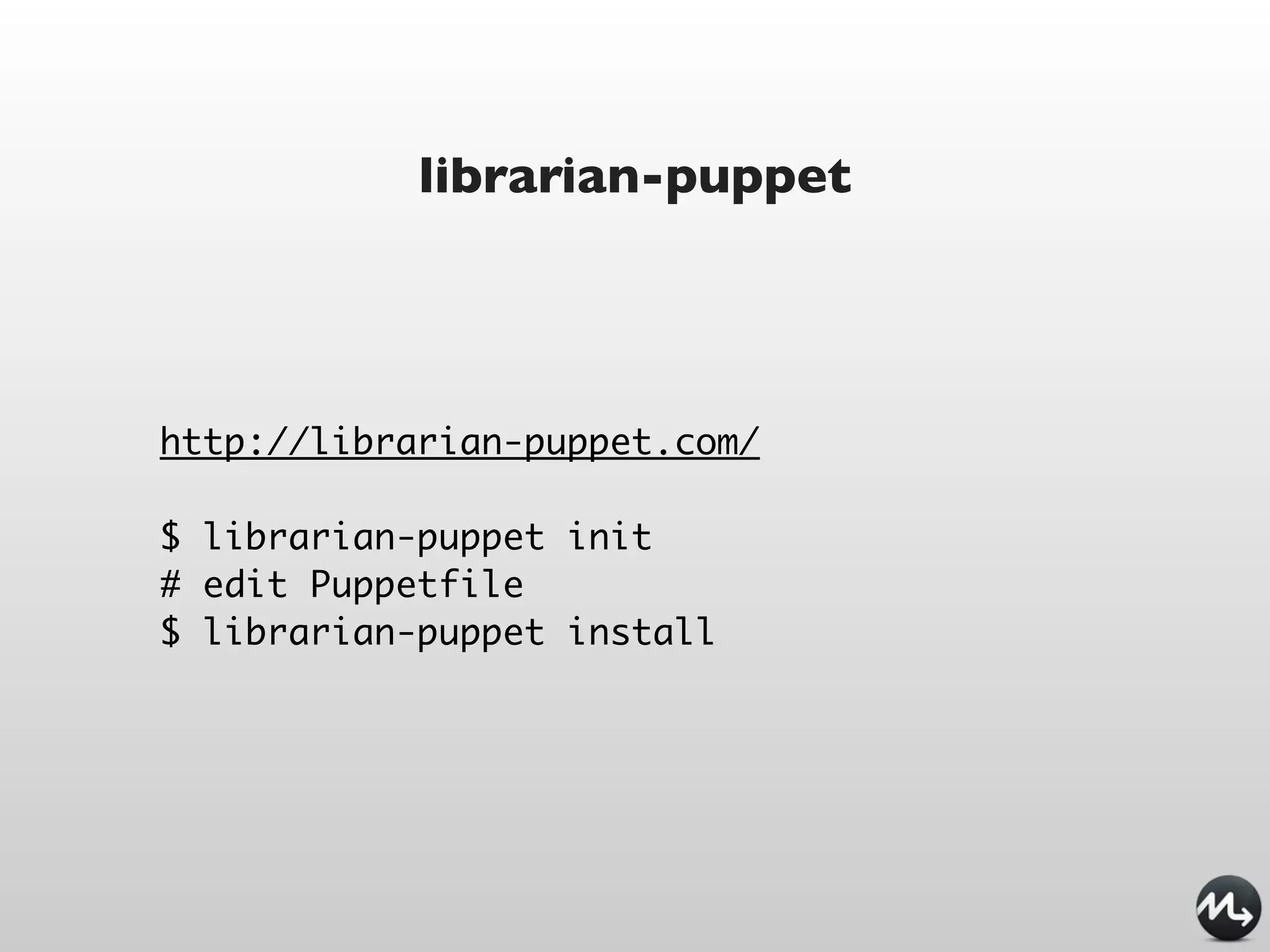
librarian-puppet


http://librarian-puppet.com/

$ librarian-puppet init
# edit Puppetfile
$ librarian-puppet install
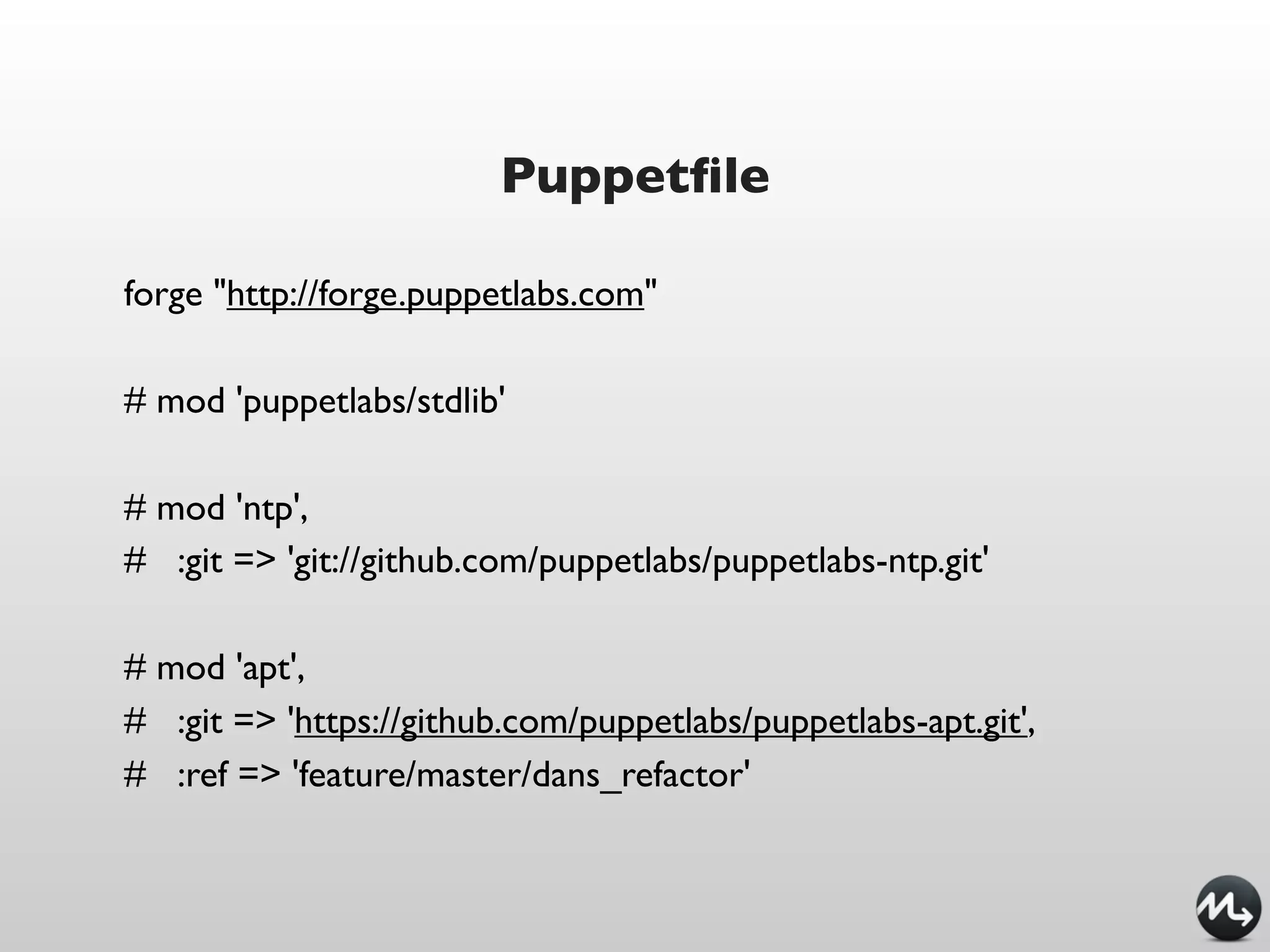
Puppetfile

forge "http://forge.puppetlabs.com"

# mod 'puppetlabs/stdlib'

# mod 'ntp',
# :git => 'git://github.com/puppetlabs/puppetlabs-ntp.git'

# mod 'apt',
# :git => 'https://github.com/puppetlabs/puppetlabs-apt.git',
# :ref => 'feature/master/dans_refactor'
Maven and Puppet
What am I doing to automate deployment


             Ant tasks plugin
             ssh commands
             Assembly plugin
                  Cargo
               Capistrano
What can I do to automate deployment


 Handle full deployment including infrastructure
             not just webapp deployment
    Help Ops with clear, automated manifests
 Ability to reproduce production environments
  in local box using Vagrant / VirtualBox / VMWare
        Use the right tool for the right job
Maven-Puppet module


         A Maven Puppet module

https://github.com/maestrodev/puppet-maven

   fetches Maven artifacts from the repo
        manages them with Puppet
         no more extra packaging
Installing Maven

$repo1 = {
  id => "myrepo",
  username => "myuser",
  password => "mypassword",
  url => "http://repo.acme.com",
}

# Install Maven
class { "maven::maven":
  version => "2.2.1",
} ->

# Create a settings.xml with the repo credentials
class { "maven::settings" :
  servers => [$repo1],
}
New Maven type


maven { "/tmp/maven-core-2.2.1.jar":
  id => "org.apache.maven:maven-core:jar:2.2.1",
  repos => ["http://repo1.maven.apache.org/maven2",
          "http://mirrors.ibiblio.org/pub/mirrors/maven2"],
}
New Maven type


maven { "/tmp/maven-core-2.2.1.jar":
  groupId => "org.apache.maven",
  artifactId => "maven-core",
  version => "2.2.1",
  packaging => "jar",
  repos => ["http://repo1.maven.apache.org/maven2",
          "http://mirrors.ibiblio.org/pub/mirrors/maven2"],
}
Examples
Tomcat cluster + postgres


     postgres database
         db.acme.com
      tomcat servers
       tomcat1.acme.com
       tomcat2.acme.com
              ...
        web server
        www.acme.com
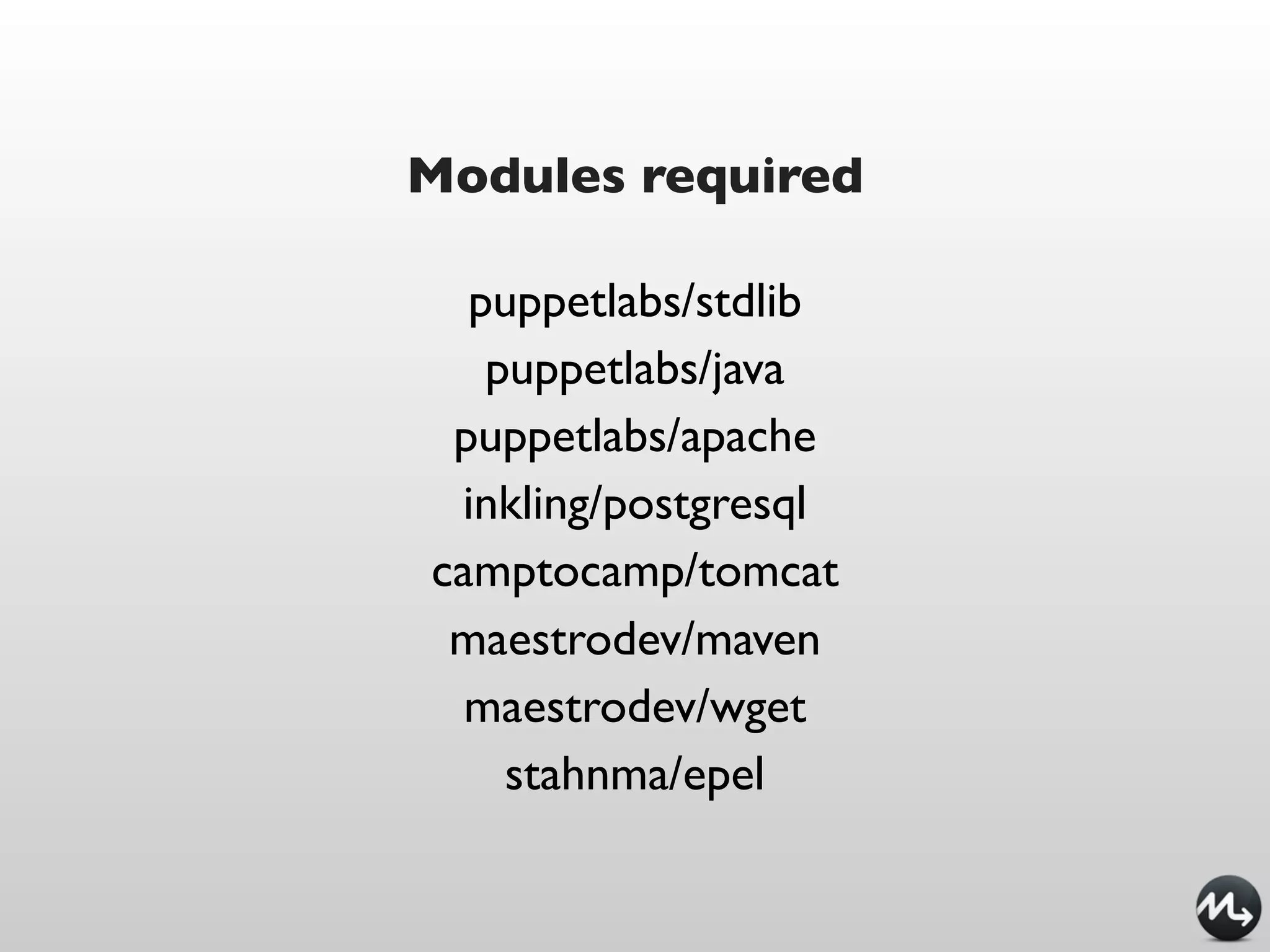
Modules required

  puppetlabs/stdlib
   puppetlabs/java
 puppetlabs/apache
 inkling/postgresql
camptocamp/tomcat
 maestrodev/maven
  maestrodev/wget
    stahnma/epel
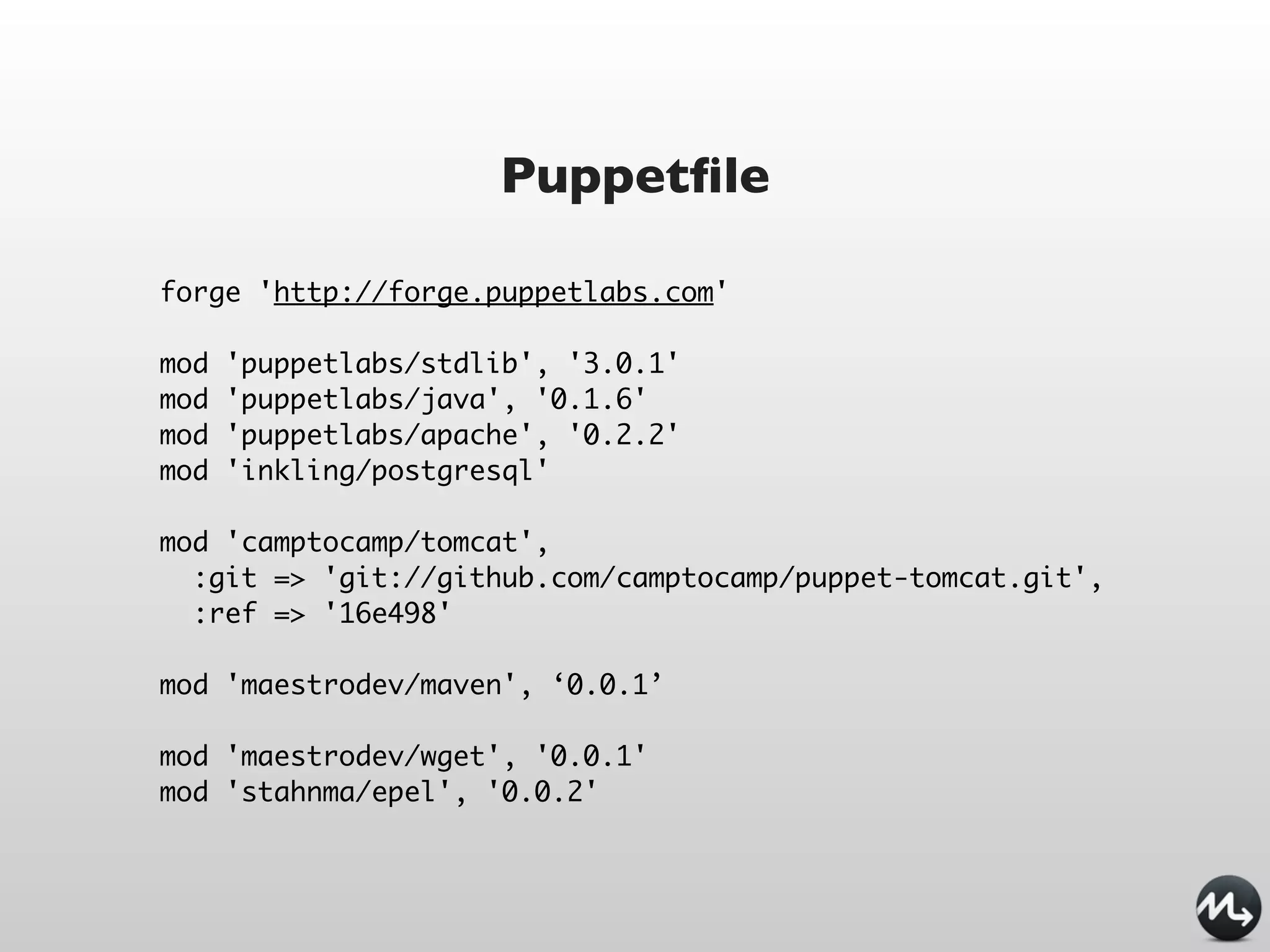
Puppetfile

forge 'http://forge.puppetlabs.com'

mod   'puppetlabs/stdlib', '3.0.1'
mod   'puppetlabs/java', '0.1.6'
mod   'puppetlabs/apache', '0.2.2'
mod   'inkling/postgresql'

mod 'camptocamp/tomcat',
  :git => 'git://github.com/camptocamp/puppet-tomcat.git',
  :ref => '16e498'

mod 'maestrodev/maven', ‘0.0.1’

mod 'maestrodev/wget', '0.0.1'
mod 'stahnma/epel', '0.0.2'
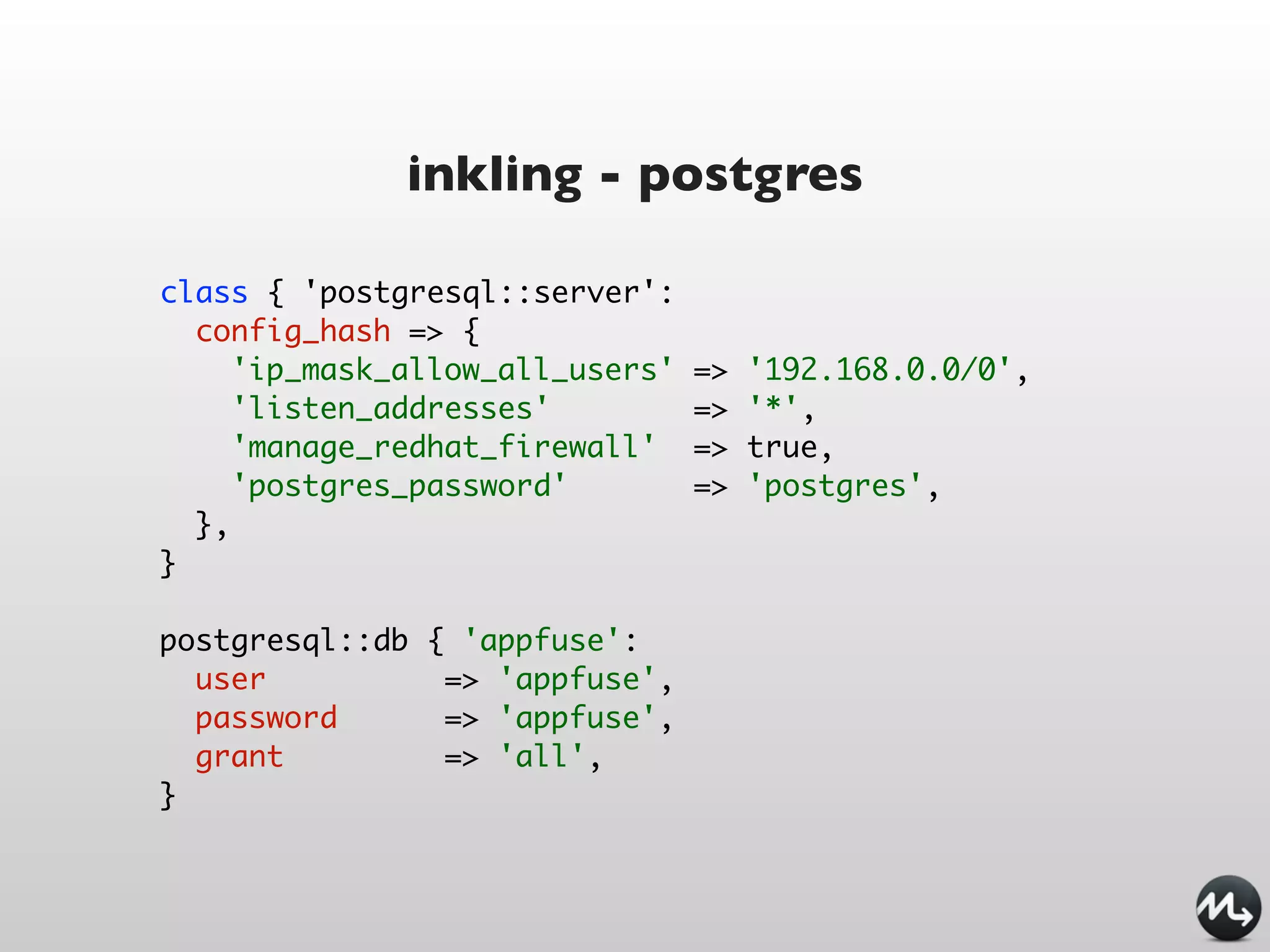
inkling - postgres

class { 'postgresql::server':
  config_hash => {
     'ip_mask_allow_all_users'   =>   '192.168.0.0/0',
     'listen_addresses'          =>   '*',
     'manage_redhat_firewall'    =>   true,
     'postgres_password'         =>   'postgres',
  },
}

postgresql::db { 'appfuse':
  user          => 'appfuse',
  password      => 'appfuse',
  grant         => 'all',
}
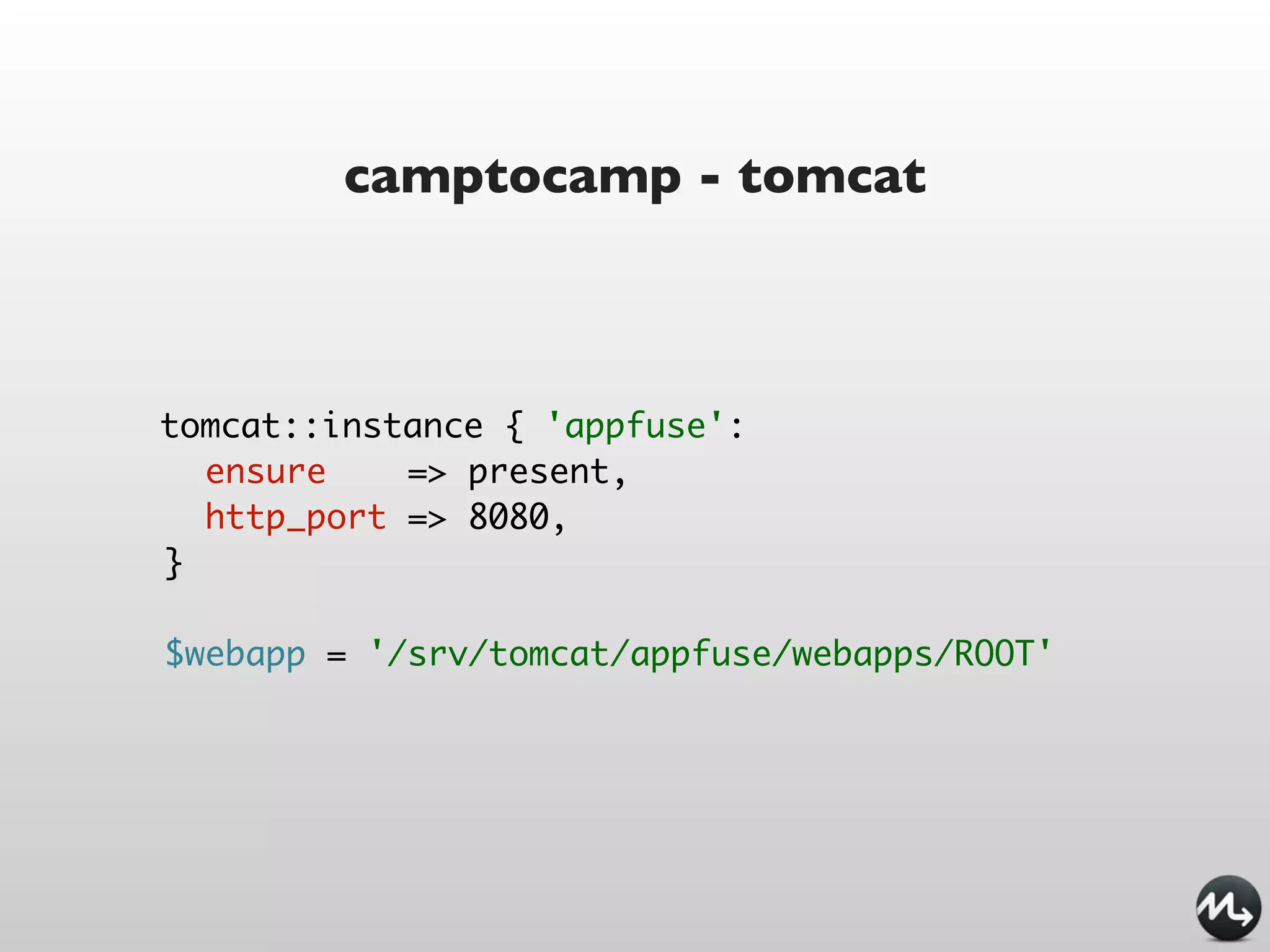
camptocamp - tomcat


tomcat::instance { 'appfuse':
  ensure    => present,
  http_port => 8080,
}

$webapp = '/srv/tomcat/appfuse/webapps/ROOT'
maestrodev - maven


maven { "${webapp}.war":
  id      => 'org.appfuse:appfuse-spring:2.1.0:war',
  require => File['/srv/tomcat/appfuse/webapps'],
  notify => Service['tomcat-centrepoint'],
}
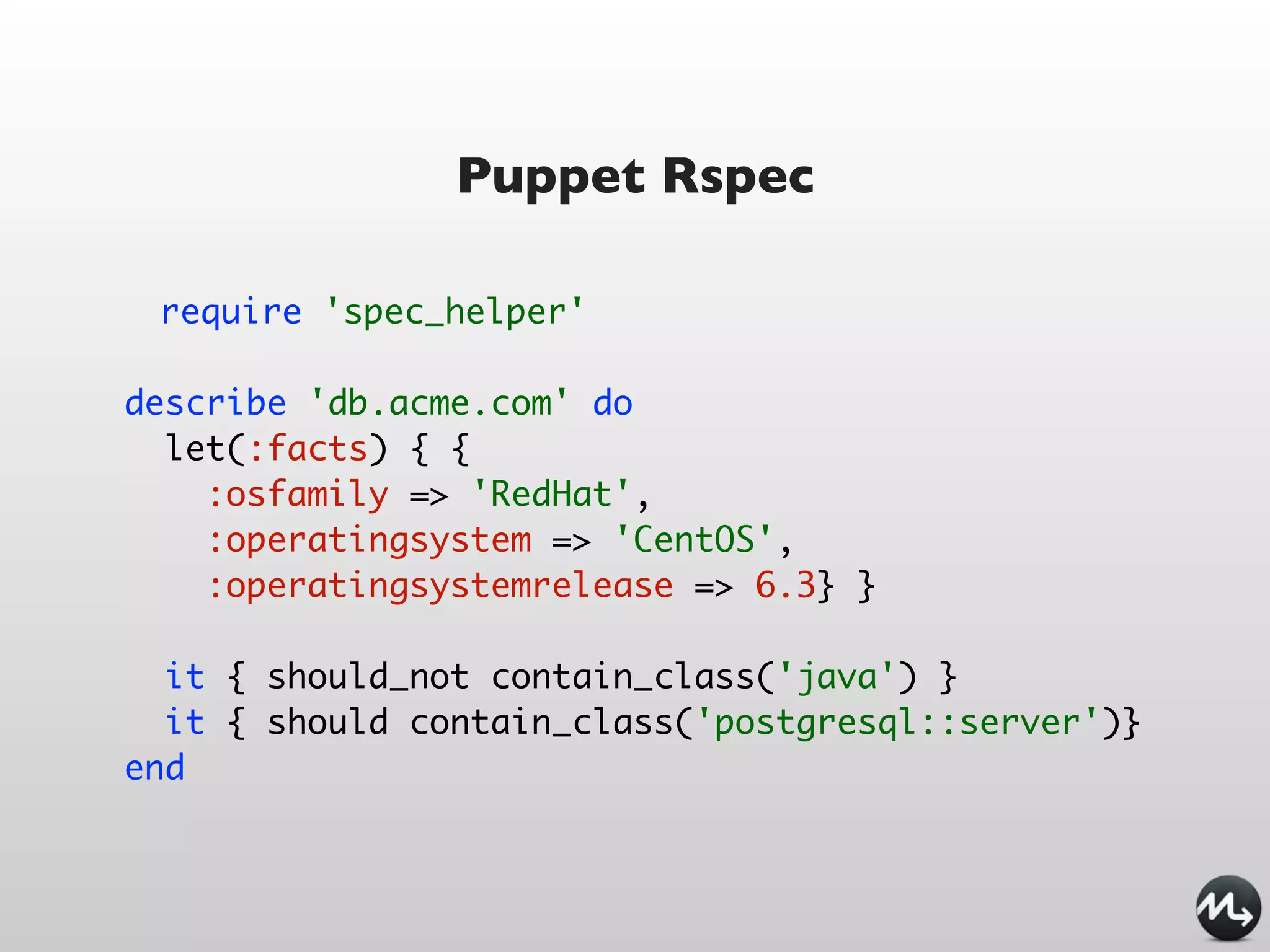
Puppet Rspec

 require 'spec_helper'

describe 'db.acme.com' do
  let(:facts) { {
    :osfamily => 'RedHat',
    :operatingsystem => 'CentOS',
    :operatingsystemrelease => 6.3} }

  it { should_not contain_class('java') }
  it { should contain_class('postgresql::server')}
end
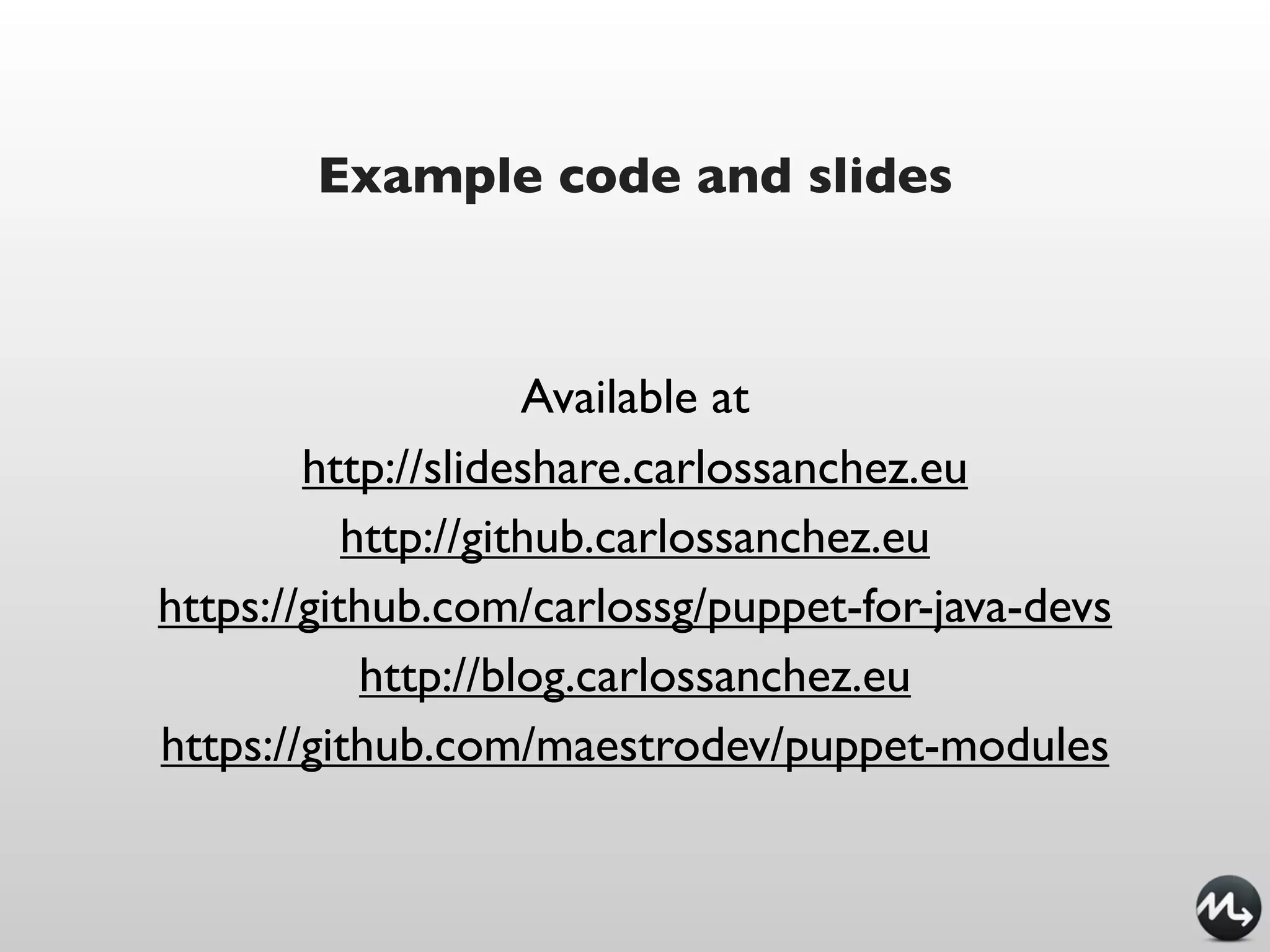
Example code and slides


                     Available at
        http://slideshare.carlossanchez.eu
           http://github.carlossanchez.eu
https://github.com/carlossg/puppet-for-java-devs
            http://blog.carlossanchez.eu
https://github.com/maestrodev/puppet-modules
Takk!

http://blog.carlossanchez.eu
http://maestrodev.com
csanchez@maestrodev.com
carlos@apache.org

@csanchez
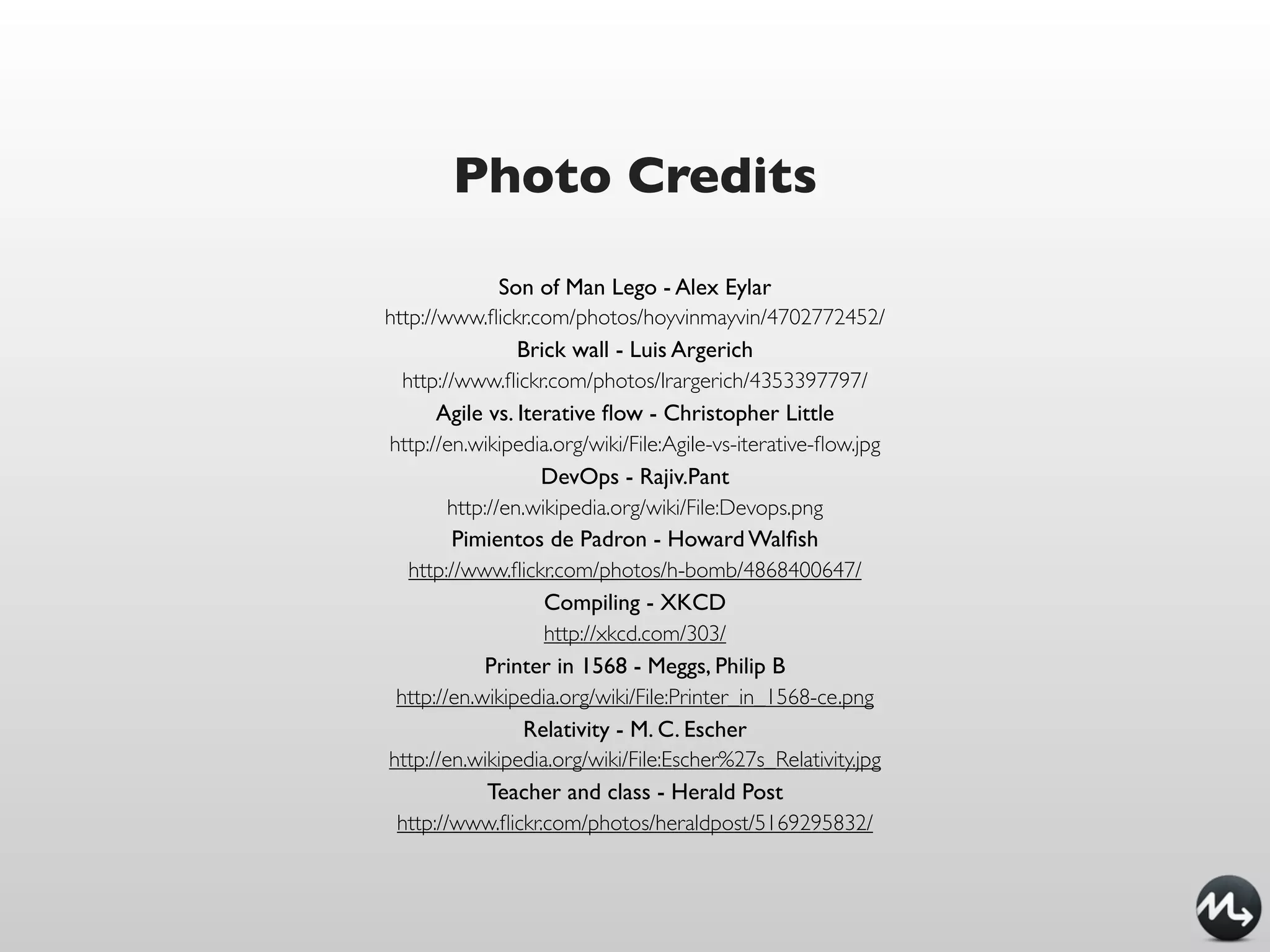
Photo Credits
               Son of Man Lego - Alex Eylar
http://www.flickr.com/photos/hoyvinmayvin/4702772452/
                 Brick wall - Luis Argerich
  http://www.flickr.com/photos/lrargerich/4353397797/
       Agile vs. Iterative flow - Christopher Little
http://en.wikipedia.org/wiki/File:Agile-vs-iterative-flow.jpg
                    DevOps - Rajiv.Pant
        http://en.wikipedia.org/wiki/File:Devops.png
         Pimientos de Padron - Howard Walfish
   http://www.flickr.com/photos/h-bomb/4868400647/
                    Compiling - XKCD
                    http://xkcd.com/303/
            Printer in 1568 - Meggs, Philip B
 http://en.wikipedia.org/wiki/File:Printer_in_1568-ce.png
                  Relativity - M. C. Escher
http://en.wikipedia.org/wiki/File:Escher%27s_Relativity.jpg
             Teacher and class - Herald Post
 http://www.flickr.com/photos/heraldpost/5169295832/

Puppet for Java developers - JavaZone NO 2012

  • 1.
    Puppet for Java developers CarlosSanchez @csanchez http://carlossanchez.eu http://maestrodev.com
  • 2.
    Apache @csanchez Maven Apache ASF Archiva Member Apache Eclipse IAM Continuum blog.carlossanchez.eu
  • 3.
  • 5.
  • 6.
    Agile planning iterative development continuous integration release soon, release often
  • 9.
    DevOps addresses Fear of change Risky deployments It works on my machine! Siloisation Dev Change vs. Ops stability
  • 10.
    Individuals and interactionsover processes and tools Working software over comprehensive documentation Customer collaboration over contract negotiation Responding to change over following a plan
  • 12.
    DevOps is NOTabout the tools
  • 13.
    Nice, BUT how canI implement IT
  • 14.
    Nice, BUT how canI implement IT
  • 15.
    Tools can enable changein behavior and eventually change culture Patrick Debois
  • 16.
    DevOps tools everyone isintelligent enough every tool is cloud enabled every tool is DevOps(tm)
  • 17.
    DevOps tools everyone isintelligent enough every tool is cloud enabled every tool is DevOps(tm)
  • 19.
    DevOps tools: infrastructureautomation infrastructure as code it’s all invented, now it’s standardized
  • 20.
    Infrastructure as Code Newsolutions bring new challenges Follow development best practices tagging branching releasing dev, QA, production
  • 21.
    New solutions bringnew problems DEVOPS “MY MACHINES ARE BEING PROVISIONED”
  • 23.
    Puppet exec { "maven-untar": manifests command => "tar xf /tmp/x.tgz", cwd => "/opt", creates => "/opt/apache-maven-${version}", ruby-like path => ["/bin"], } -> ERB templates file { "/usr/bin/mvn": ensure => link, target => "/opt/apache-maven-${version}/bin/mvn", } file { "/usr/local/bin/mvn": ensure => absent, require => Exec["maven-untar"], } file { "$home/.mavenrc": mode => "0600", owner => $user, content => template("maven/mavenrc.erb"), require => User[$user], }
  • 24.
    Puppet infrastructure IS code package { 'openssh-server': ensure => present, }
  • 25.
    Puppet declarative model state vsprocess no scripting service { 'ntp': name => 'ntpd', ensure => running, }
  • 26.
  • 27.
  • 28.
    Vagrant Oracle VirtualBox cmdline automation Easy Puppet and Chef provisioning Keep VM configuration for different projects Share boxes and configuration files across teams base box + configuration files http://vagrantup.com/
  • 29.
    Vagrant base boxes www.vagrantbox.es anywhere! just (big) files
  • 30.
    using Vagrant $ vagrantbox add centos-6.0-x86_64 http://dl.dropbox.com/u/1627760/centos-6.0-x86_64.box $ vagrant init myproject $ vagrant up $ vagrant ssh $ vagrant suspend $ vagrant resume $ vagrant destroy
  • 31.
    Vagrant Vagrant::Config.run do |config| # Every Vagrant virtual environment requires a box to build off of. config.vm.box = "centos-6.0-x86_64" # The url from where the 'config.vm.box' box will be fetched config.vm.box_url = "http://dl.dropbox.com/u/1627760/centos-6.0-x86_64.box" # Boot with a GUI so you can see the screen. (Default is headless) #config.vm.boot_mode = :gui # Assign this VM to a host only network IP, allowing you to access it via the IP. # config.vm.network "33.33.33.10" # Forward a port from the guest to the host, which allows for outside # computers to access the VM, whereas host only networking does not. config.vm.forward_port "sonar", 9000, 19000 config.vm.provision :puppet do |puppet| puppet.manifest_file = "site.pp" puppet.module_path = "mymodules" end end
  • 32.
    manifests/base.pp package { jdk: ensure => installed, name => $operatingsystem ? { centOS => "java-1.6.0-openjdk-devel", Ubuntu => "openjdk-6-jdk", default => "jdk", }, }
  • 33.
  • 34.
    VeeWee easily build Vagrant base boxes https://github.com/jedi4ever/veewee
  • 35.
    using VeeWee $ geminstall veewee $ vagrant basebox templates $ vagrant basebox define 'my-ubuntu-server' 'ubuntu-11.04-server-amd64' # customize definitions/my-ubuntu-server $ vagrant basebox build 'my-ubuntu-server' $ vagrant basebox validate 'my-ubuntu-server' $ vagrant basebox export 'my-ubuntu-server' $ vagrant box add 'my-ubuntu-server' 'my-ubuntu-server.box' $ vagrant init 'my-ubuntu-server'
  • 36.
  • 37.
  • 38.
  • 39.
  • 40.
  • 41.
  • 42.
    Puppet resources user {'dave': ensure => present, uid => '507', gid => 'admin', shell => '/bin/zsh', home => '/home/dave', managehome => true, }
  • 43.
    Puppet resources file {'testfile': path => '/tmp/testfile', ensure => present, mode => 0640, content => "I'm a test file.", } notify {"I'm notifying you.":}
  • 44.
    Puppet standalone $ puppetapply my_test_manifest.pp
  • 45.
    ordering file {'/tmp/test1': ensure => present, content => "Hi.", } notify {'/tmp/test1 has already been synced.': require => File['/tmp/test1'], }
  • 46.
    ordering file {'/tmp/test1': ensure => present, content => "Hi.", } -> notify {'/tmp/test1 has already been synced.':}
  • 47.
    package / file/service / subscribe package { 'openssh-server': ensure => present, before => File['/etc/ssh/sshd_config'], } file { '/etc/ssh/sshd_config': ensure => file, mode => 600, source => '/root/learning-manifests/sshd_config', } service { 'sshd': ensure => running, enable => true, hasrestart => true, hasstatus => true, subscribe => File['/etc/ssh/sshd_config'], }
  • 48.
    variables $longthing = "ImagineI have something really long in here. Like an SSH key, let's say." file {'authorized_keys': path => '/root/.ssh/authorized_keys', content => $longthing, }
  • 49.
    facts host {'self': ensure => present, name => $::fqdn, host_aliases => ['puppet', $::hostname], ip => $::ipaddress, } file {'motd': ensure => file, path => '/etc/motd', mode => 0644, content => "Welcome to ${::hostname},na $ {::operatingsystem} island in the sea of ${::domain}. n", }
  • 50.
    conditionals if $is_virtual { service {'ntpd': ensure => stopped, enable => false, } } else { service { 'ntpd': name => 'ntpd', ensure => running, enable => true, hasrestart => true, require => Package['ntp'], } }
  • 51.
    conditionals case $operatingsystem { centos, redhat: { $apache = "httpd" } debian, ubuntu: { $apache = "apache2" } default: { fail("Unrecognized operating system for webserver") } } $apache = $operatingsystem ? { centos => 'httpd', redhat => 'httpd', /(?i)(ubuntu|debian)/ => "apache2-$1", # (Don't actually use that package name.) default => undef, }
  • 52.
    class definition class ntp{ package { 'ntp': ensure => installed, } service { 'ntp': name => 'ntpd', ensure => running, enable => true, subscribe => File['ntp.conf'], } }
  • 53.
    class declaration class {'myclass': param1 => 'a', param2 => 'b', }
  • 54.
  • 55.
    parameterized classes class paramclassexample($value1, $value2 = "Default value") { notify {"Value 1 is ${value1}.":} notify {"Value 2 is ${value2}.":} } class {'paramclassexample': value1 => 'Something', value2 => 'Something else', } class {'paramclassexample': value1 => 'Something', }
  • 56.
    definitions define myfile ($path){ file {$path: content => 'Something'} } myfile {'a': path => '/tmp/a', } myfile {'b': path => '/tmp/b', }
  • 57.
    templating file {'/etc/foo.conf': ensure => file, require => Package['foo'], content => template('foo/foo.conf.erb'), }
  • 58.
    templates/foo.conf.erb OS is <%=$::operatingsystem %>
  • 59.
    node configuration # nodes.pp node'someserver.domain.com' inherits basenode { $web_fqdn = 'www.domain.com' include genericwebserver include some_other_service } node 'ldapmaster.domain.com' inherits basenode { include s_ldap::master } node 'humanresources.domain.com' inherits basenode { include c_humanresources }
  • 60.
  • 61.
    module tool $ puppetmodule generate csanchez-mymodule
  • 62.
    modules {module}/ files/ lib/ manifests/ init.pp {class}.pp {defined type}.pp {namespace}/ {class}.pp {class}.pp templates/ spec/ tests/
  • 63.
    Modulefile name 'csanchez-mymodule' version '0.0.1' source'UNKNOWN' author 'csanchez' license 'Apache License,Version 2.0' summary 'UNKNOWN' description 'UNKNOWN' project_page 'UNKNOWN' ## Add dependencies, if any: # dependency 'username/name', '>= 1.2.0'
  • 64.
    building a module $puppet module build
  • 65.
  • 67.
  • 68.
    Puppetfile forge "http://forge.puppetlabs.com" # mod'puppetlabs/stdlib' # mod 'ntp', # :git => 'git://github.com/puppetlabs/puppetlabs-ntp.git' # mod 'apt', # :git => 'https://github.com/puppetlabs/puppetlabs-apt.git', # :ref => 'feature/master/dans_refactor'
  • 69.
  • 70.
    What am Idoing to automate deployment Ant tasks plugin ssh commands Assembly plugin Cargo Capistrano
  • 71.
    What can Ido to automate deployment Handle full deployment including infrastructure not just webapp deployment Help Ops with clear, automated manifests Ability to reproduce production environments in local box using Vagrant / VirtualBox / VMWare Use the right tool for the right job
  • 72.
    Maven-Puppet module A Maven Puppet module https://github.com/maestrodev/puppet-maven fetches Maven artifacts from the repo manages them with Puppet no more extra packaging
  • 73.
    Installing Maven $repo1 ={ id => "myrepo", username => "myuser", password => "mypassword", url => "http://repo.acme.com", } # Install Maven class { "maven::maven": version => "2.2.1", } -> # Create a settings.xml with the repo credentials class { "maven::settings" : servers => [$repo1], }
  • 74.
    New Maven type maven{ "/tmp/maven-core-2.2.1.jar": id => "org.apache.maven:maven-core:jar:2.2.1", repos => ["http://repo1.maven.apache.org/maven2", "http://mirrors.ibiblio.org/pub/mirrors/maven2"], }
  • 75.
    New Maven type maven{ "/tmp/maven-core-2.2.1.jar": groupId => "org.apache.maven", artifactId => "maven-core", version => "2.2.1", packaging => "jar", repos => ["http://repo1.maven.apache.org/maven2", "http://mirrors.ibiblio.org/pub/mirrors/maven2"], }
  • 76.
  • 77.
    Tomcat cluster +postgres postgres database db.acme.com tomcat servers tomcat1.acme.com tomcat2.acme.com ... web server www.acme.com
  • 78.
    Modules required puppetlabs/stdlib puppetlabs/java puppetlabs/apache inkling/postgresql camptocamp/tomcat maestrodev/maven maestrodev/wget stahnma/epel
  • 79.
    Puppetfile forge 'http://forge.puppetlabs.com' mod 'puppetlabs/stdlib', '3.0.1' mod 'puppetlabs/java', '0.1.6' mod 'puppetlabs/apache', '0.2.2' mod 'inkling/postgresql' mod 'camptocamp/tomcat', :git => 'git://github.com/camptocamp/puppet-tomcat.git', :ref => '16e498' mod 'maestrodev/maven', ‘0.0.1’ mod 'maestrodev/wget', '0.0.1' mod 'stahnma/epel', '0.0.2'
  • 80.
    inkling - postgres class{ 'postgresql::server': config_hash => { 'ip_mask_allow_all_users' => '192.168.0.0/0', 'listen_addresses' => '*', 'manage_redhat_firewall' => true, 'postgres_password' => 'postgres', }, } postgresql::db { 'appfuse': user => 'appfuse', password => 'appfuse', grant => 'all', }
  • 81.
    camptocamp - tomcat tomcat::instance{ 'appfuse': ensure => present, http_port => 8080, } $webapp = '/srv/tomcat/appfuse/webapps/ROOT'
  • 82.
    maestrodev - maven maven{ "${webapp}.war": id => 'org.appfuse:appfuse-spring:2.1.0:war', require => File['/srv/tomcat/appfuse/webapps'], notify => Service['tomcat-centrepoint'], }
  • 83.
    Puppet Rspec require'spec_helper' describe 'db.acme.com' do let(:facts) { { :osfamily => 'RedHat', :operatingsystem => 'CentOS', :operatingsystemrelease => 6.3} } it { should_not contain_class('java') } it { should contain_class('postgresql::server')} end
  • 84.
    Example code andslides Available at http://slideshare.carlossanchez.eu http://github.carlossanchez.eu https://github.com/carlossg/puppet-for-java-devs http://blog.carlossanchez.eu https://github.com/maestrodev/puppet-modules
  • 85.
  • 86.
    Photo Credits Son of Man Lego - Alex Eylar http://www.flickr.com/photos/hoyvinmayvin/4702772452/ Brick wall - Luis Argerich http://www.flickr.com/photos/lrargerich/4353397797/ Agile vs. Iterative flow - Christopher Little http://en.wikipedia.org/wiki/File:Agile-vs-iterative-flow.jpg DevOps - Rajiv.Pant http://en.wikipedia.org/wiki/File:Devops.png Pimientos de Padron - Howard Walfish http://www.flickr.com/photos/h-bomb/4868400647/ Compiling - XKCD http://xkcd.com/303/ Printer in 1568 - Meggs, Philip B http://en.wikipedia.org/wiki/File:Printer_in_1568-ce.png Relativity - M. C. Escher http://en.wikipedia.org/wiki/File:Escher%27s_Relativity.jpg Teacher and class - Herald Post http://www.flickr.com/photos/heraldpost/5169295832/

Editor's Notes