Introductory Drupal Theme
      Development
         by Sheena Donnelly

       DrupalCamp Atlanta
       September 18, 2009
Introductions
I am…                          You are…
I. Graphic Designer & Front-   I. Front End Developer
   End Developer               II.Intermediate-level
II.10+ mos. Drupal                HTML/CSS skills
   Experience                  III.Basic Familiarity with
                                  PHP
III.Co-organizer of triDUG
                               IV.Bonus Points: Familiar
IV.Lead Web Designer              with Drupal Admin
  at Coalmarch
Part I

Introduction to the Drupal
       Theme Layer
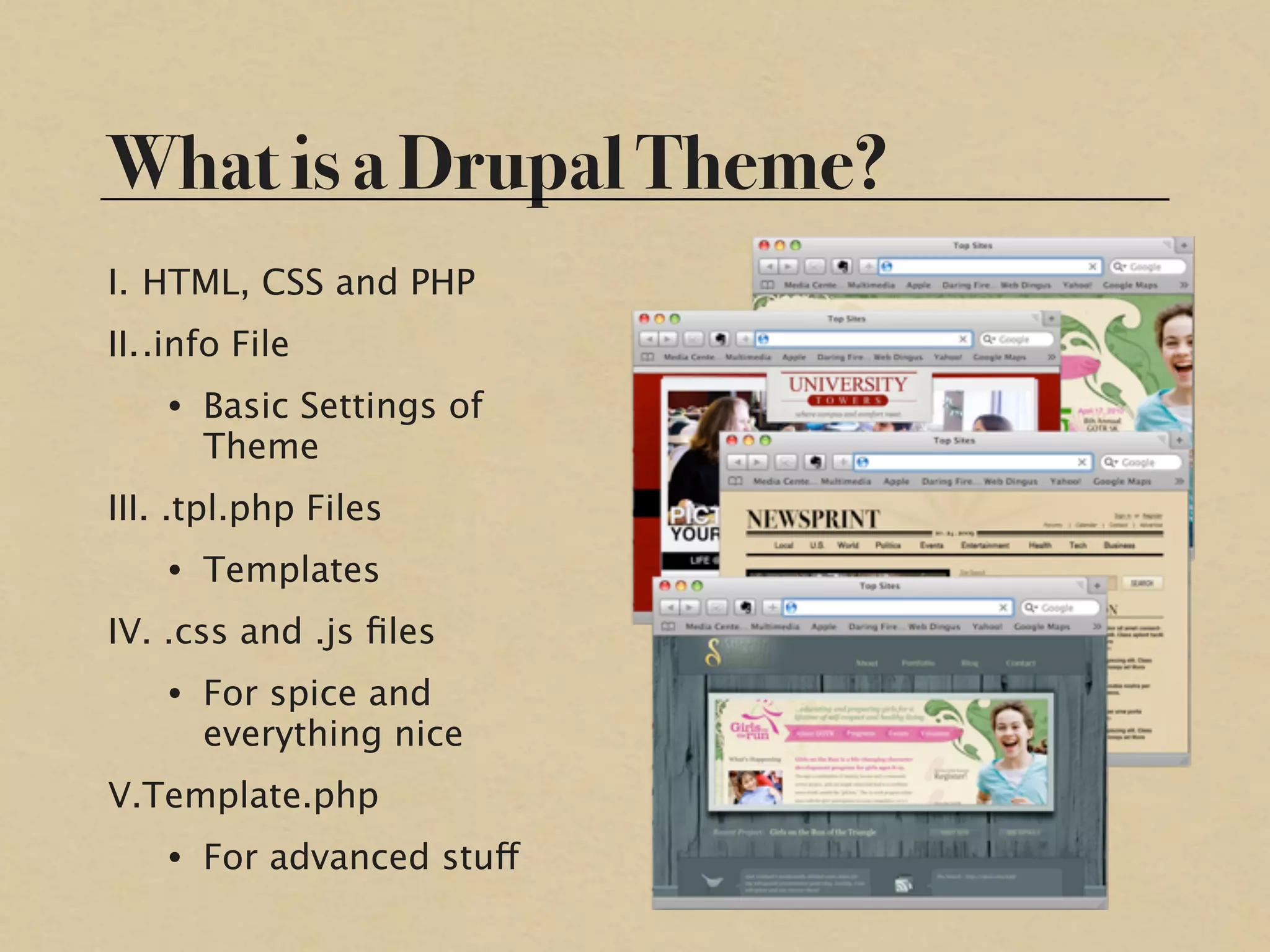
What is a Drupal Theme?
I. HTML, CSS and PHP
II..info File
    • Basic Settings of
      Theme
III. .tpl.php Files
    • Templates
IV. .css and .js files
    • For spice and
      everything nice
V.Template.php
    • For advanced stuff
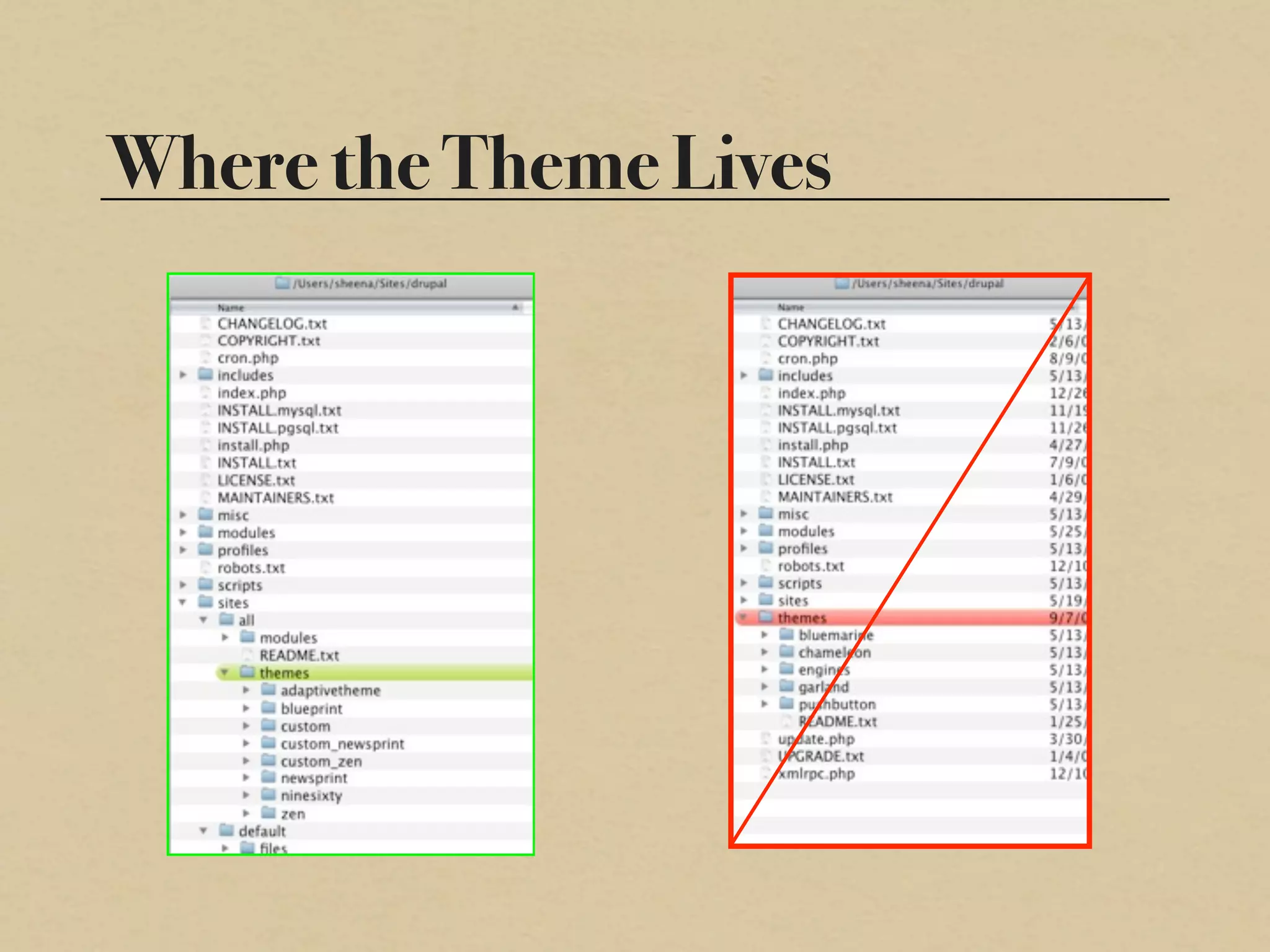
Where the Theme Lives
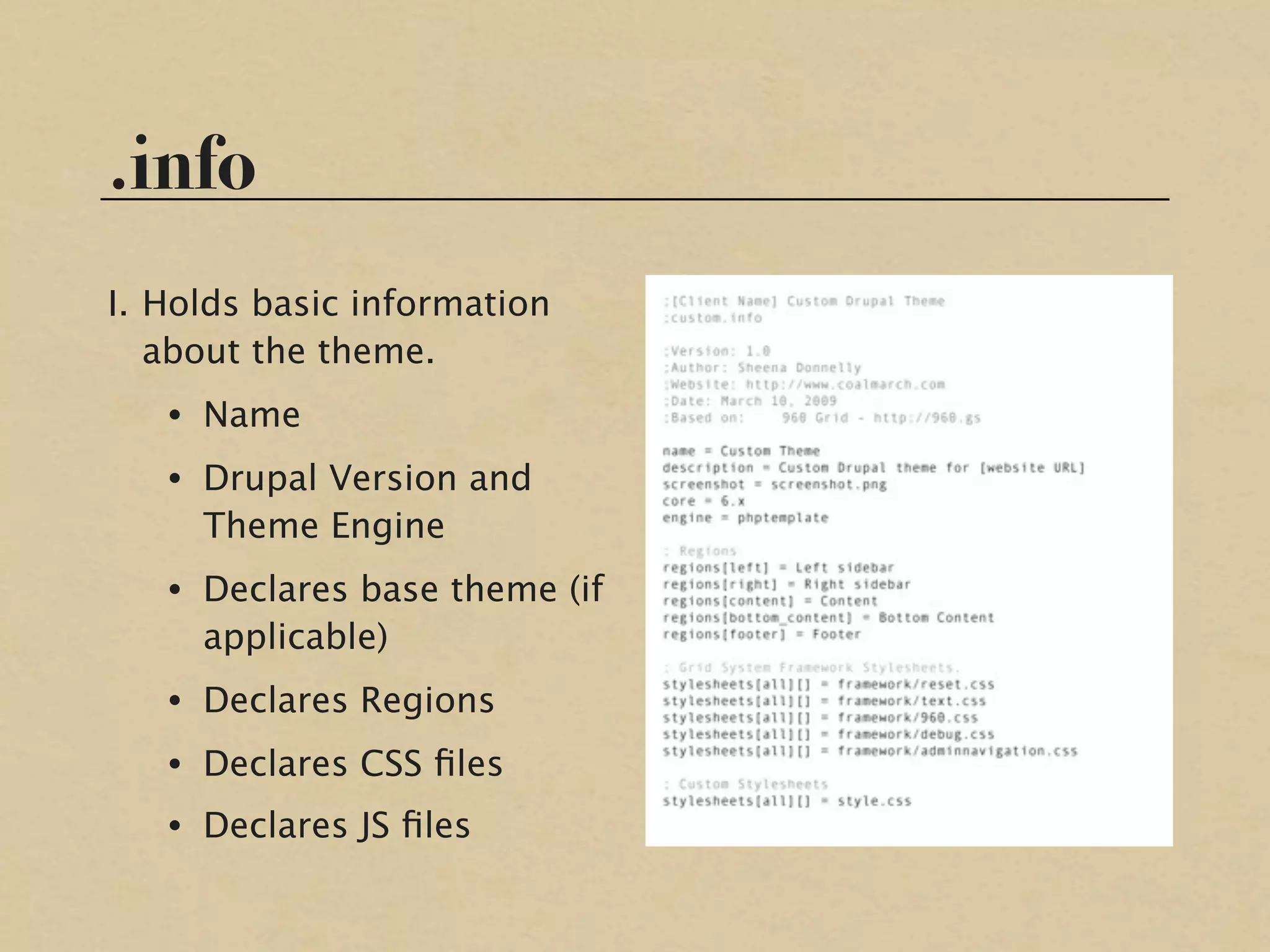
.info
I. Holds basic information
   about the theme.
   • Name
   • Drupal Version and
     Theme Engine
   • Declares base theme (if
     applicable)
   • Declares Regions
   • Declares CSS files
   • Declares JS files
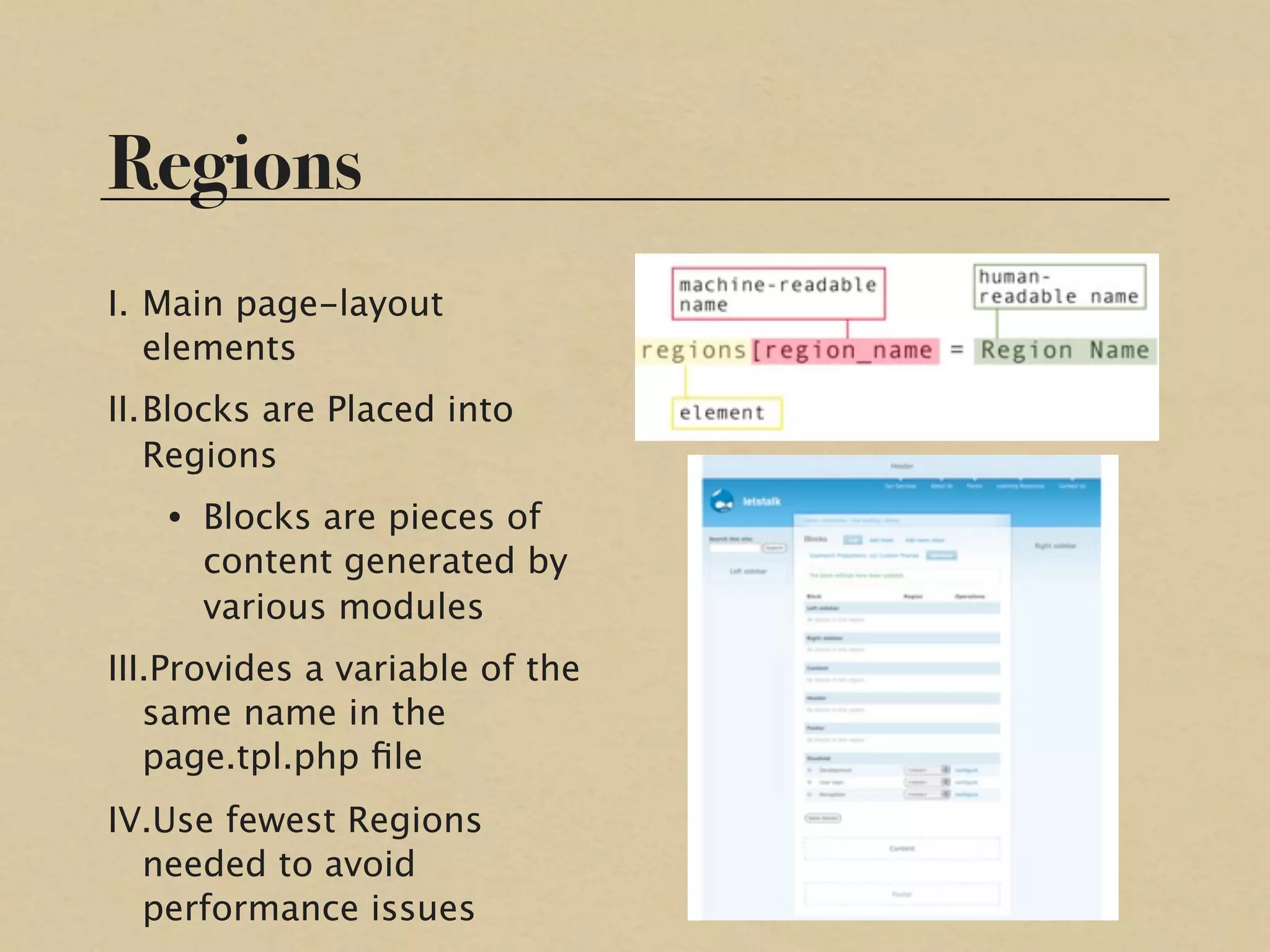
Regions
I. Main page-layout
   elements
II.Blocks are Placed into
   Regions
   • Blocks are pieces of
     content generated by
     various modules
III.Provides a variable of the
   same name in the
   page.tpl.php file
IV.Use fewest Regions
  needed to avoid
  performance issues
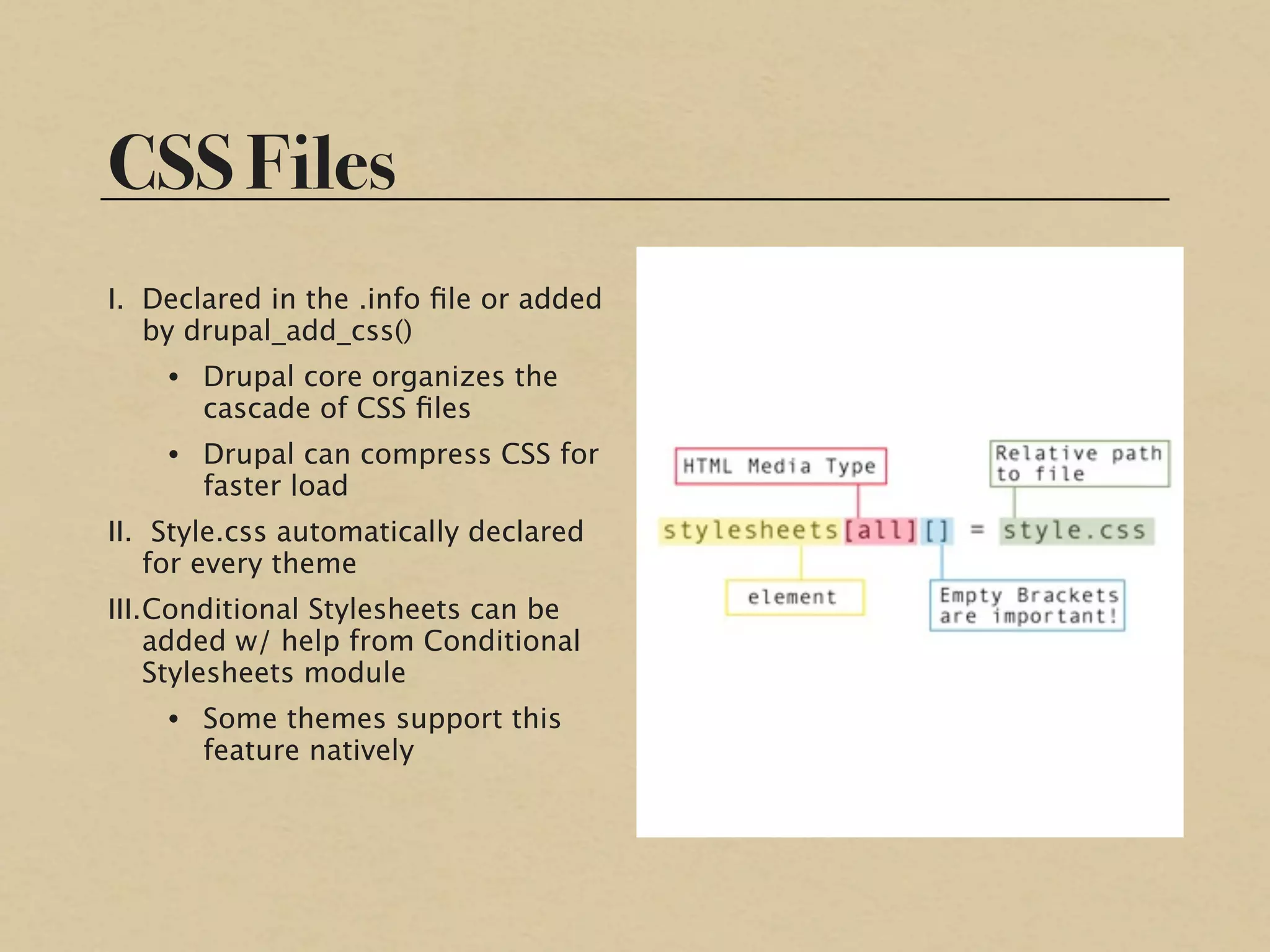
CSS Files
I. Declared in the .info file or added
   by drupal_add_css()
    • Drupal core organizes the
      cascade of CSS files
    • Drupal can compress CSS for
      faster load
II. Style.css automatically declared
    for every theme
III.Conditional Stylesheets can be
    added w/ help from Conditional
    Stylesheets module
    • Some themes support this
      feature natively
Javascript Files
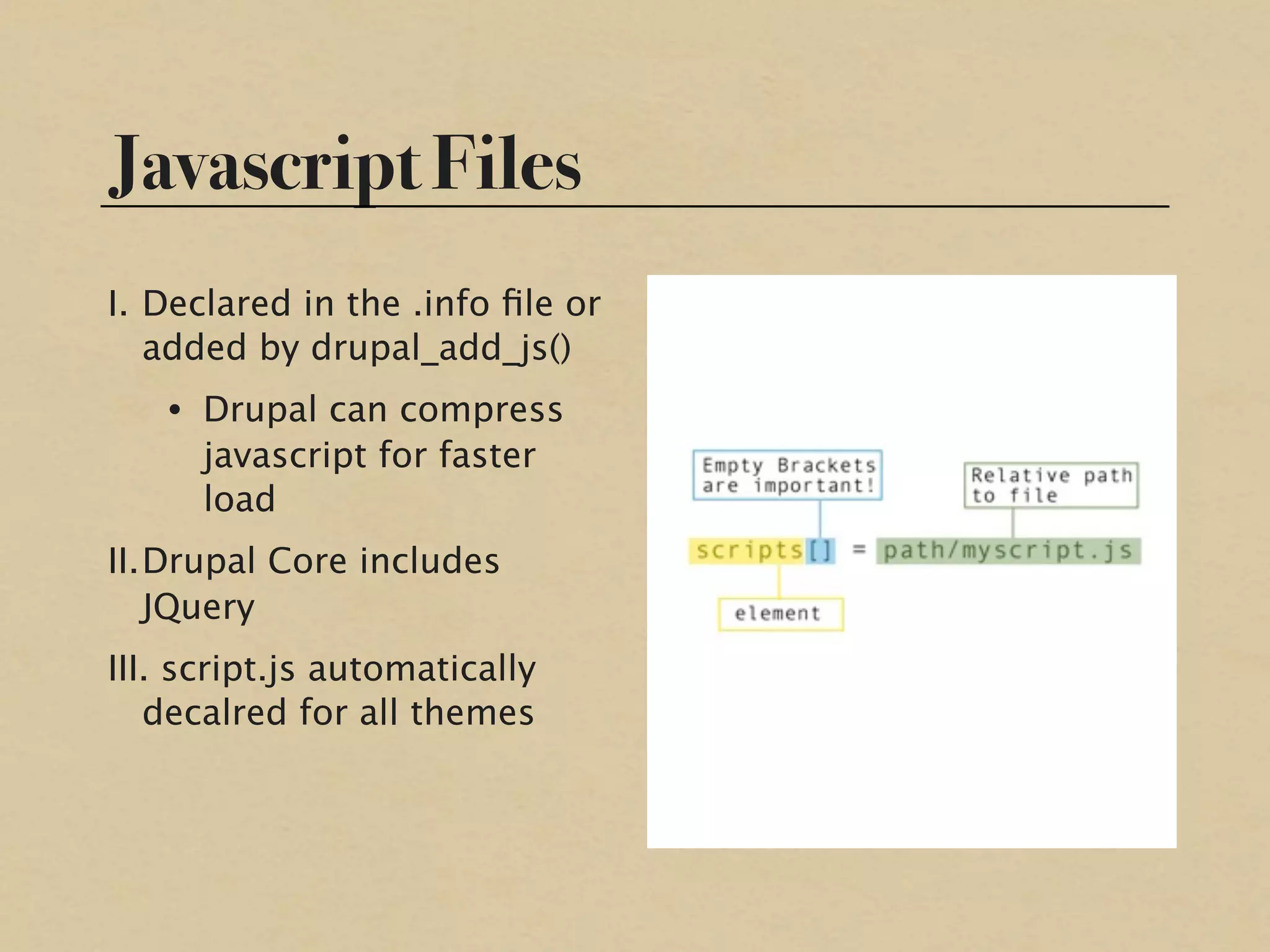
I. Declared in the .info file or
   added by drupal_add_js()
   • Drupal can compress
     javascript for faster
     load
II.Drupal Core includes
   JQuery
III. script.js automatically
   decalred for all themes
page.tpl.php
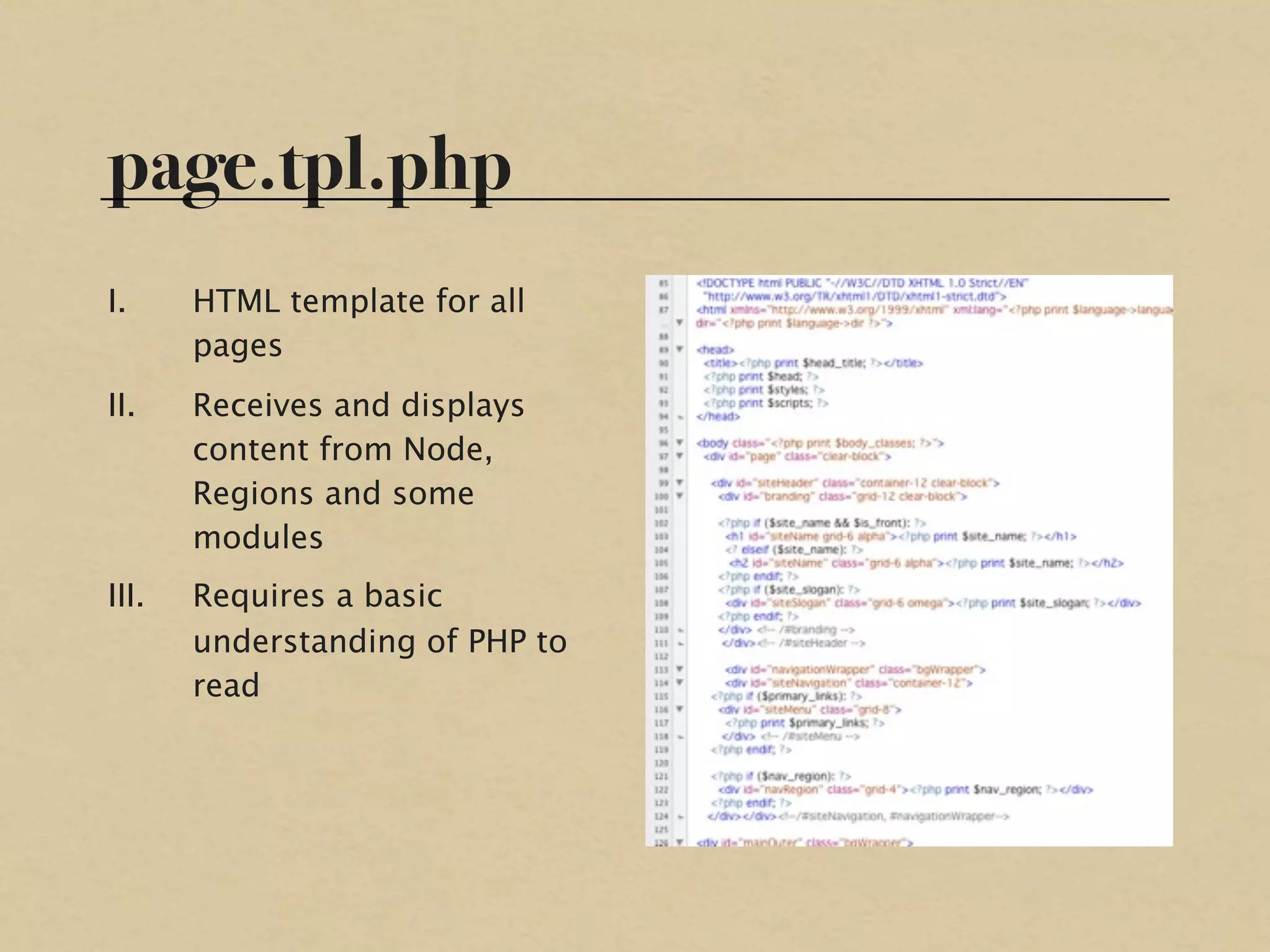
I.     HTML template for all
       pages
II.    Receives and displays
       content from Node,
       Regions and some
       modules
III.   Requires a basic
       understanding of PHP to
       read
Other Templates
I. node.tpl.php
   • Becomes the $content
     variable on node pages
   • Specificity:
     node-type.tpl.php
II.block.tpl.php,
  comment.tpl.php, etc.
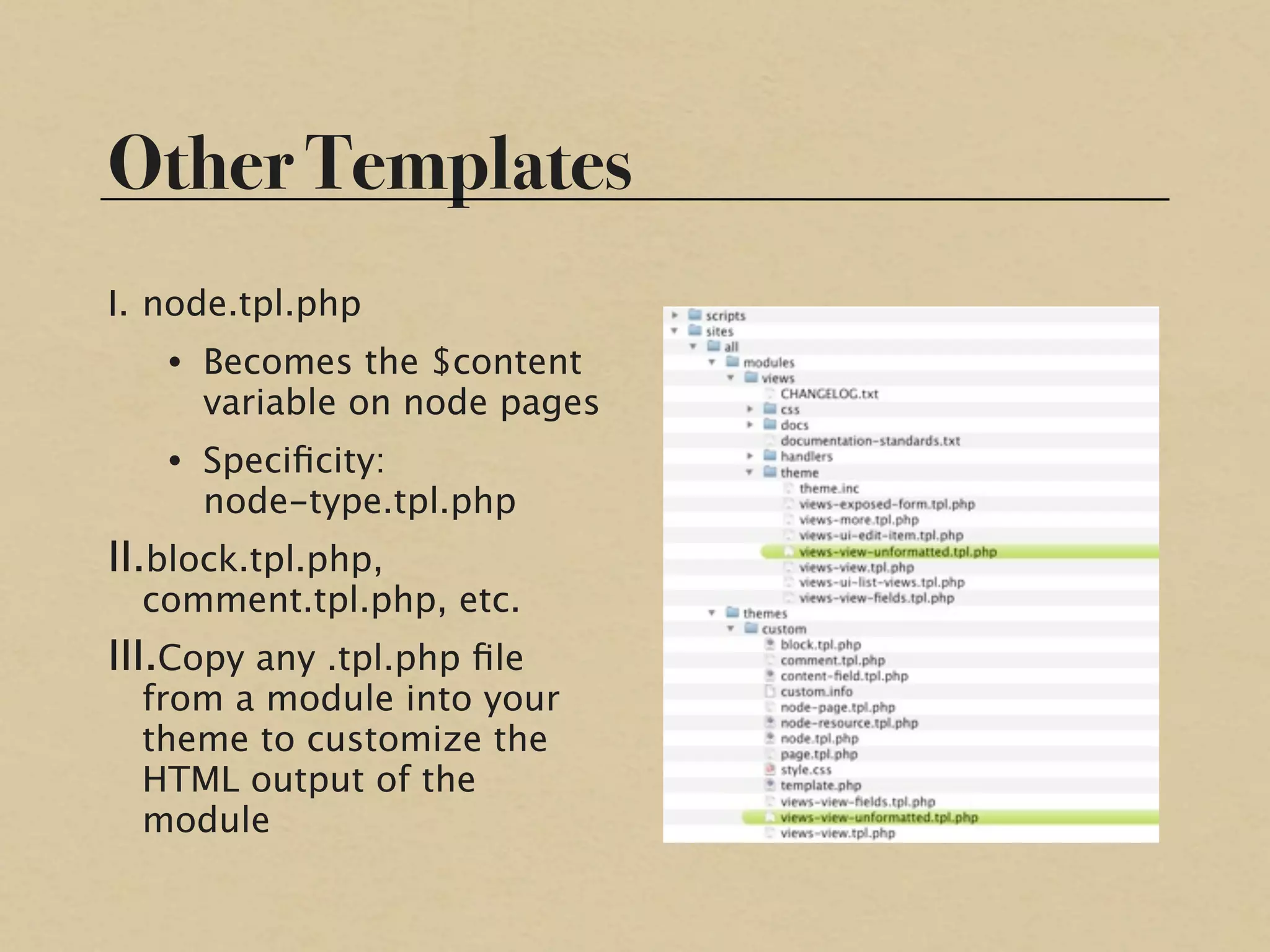
III.Copy any .tpl.php file
  from a module into your
  theme to customize the
  HTML output of the
  module
Theme Settings Page
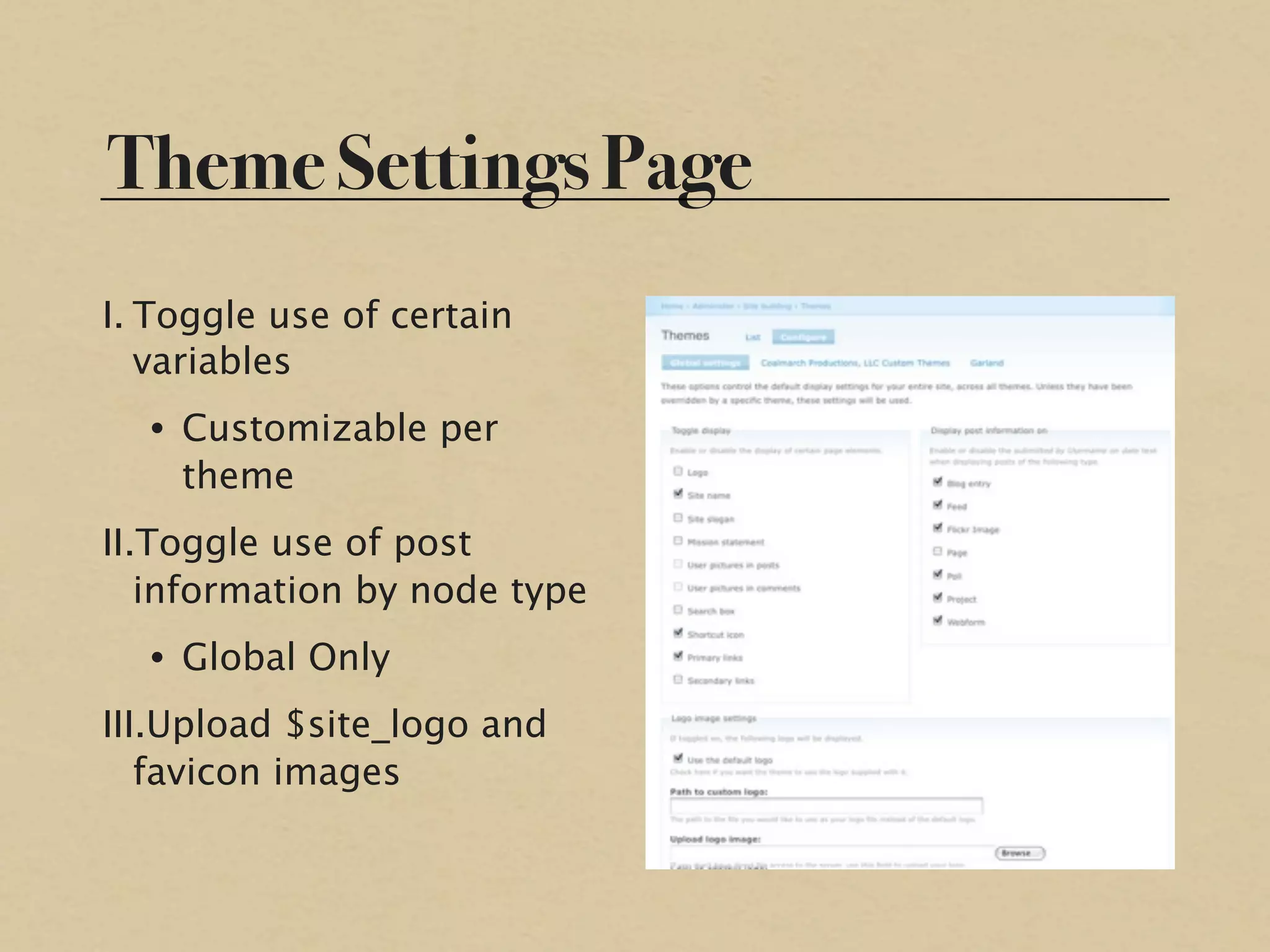
I. Toggle use of certain
   variables
  • Customizable per
    theme
II.Toggle use of post
   information by node type
  • Global Only
III.Upload $site_logo and
   favicon images
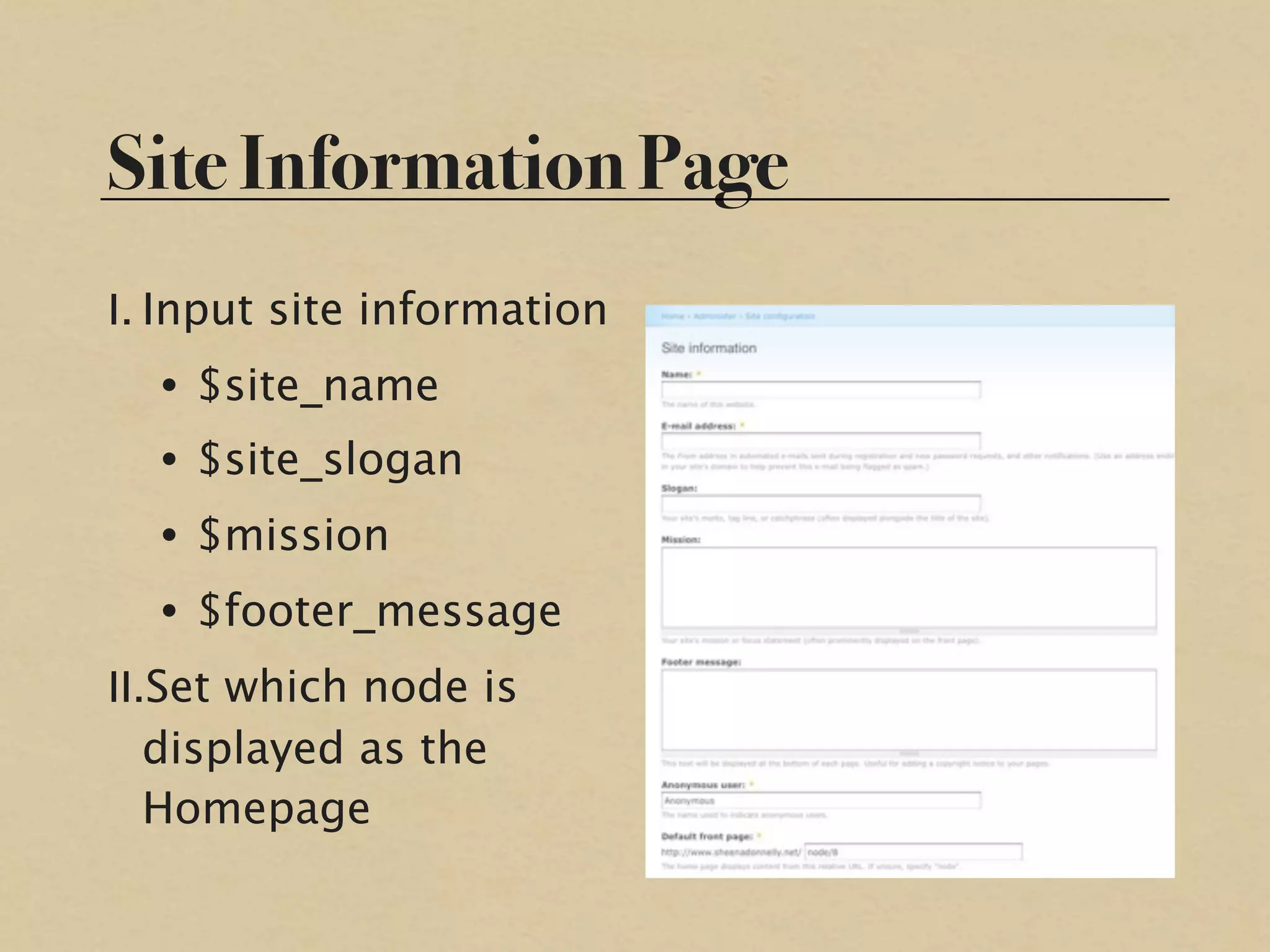
Site Information Page
I. Input site information
  • $site_name
  • $site_slogan
  • $mission
  • $footer_message
II.Set which node is
   displayed as the
   Homepage
Part II

PSD to Page.tpl.php
Basic Page Variables
I. Regions                     III. Important System
   • $header, $left, $right,        Variables
     $content, $footer             • $head, $head_title,
II. Theme Settings Variables         $styles, $scripts,
                                     $title, $tabs,
   • $site_name,
                                     $messages,
     $site_slogan, $logo,            $feed_icons,
     $primary_links,                 $closure
     $secondary_links,
     $mission,                 IV. Most of these variables
     $footer_message,              are HTML strings
     $search_box
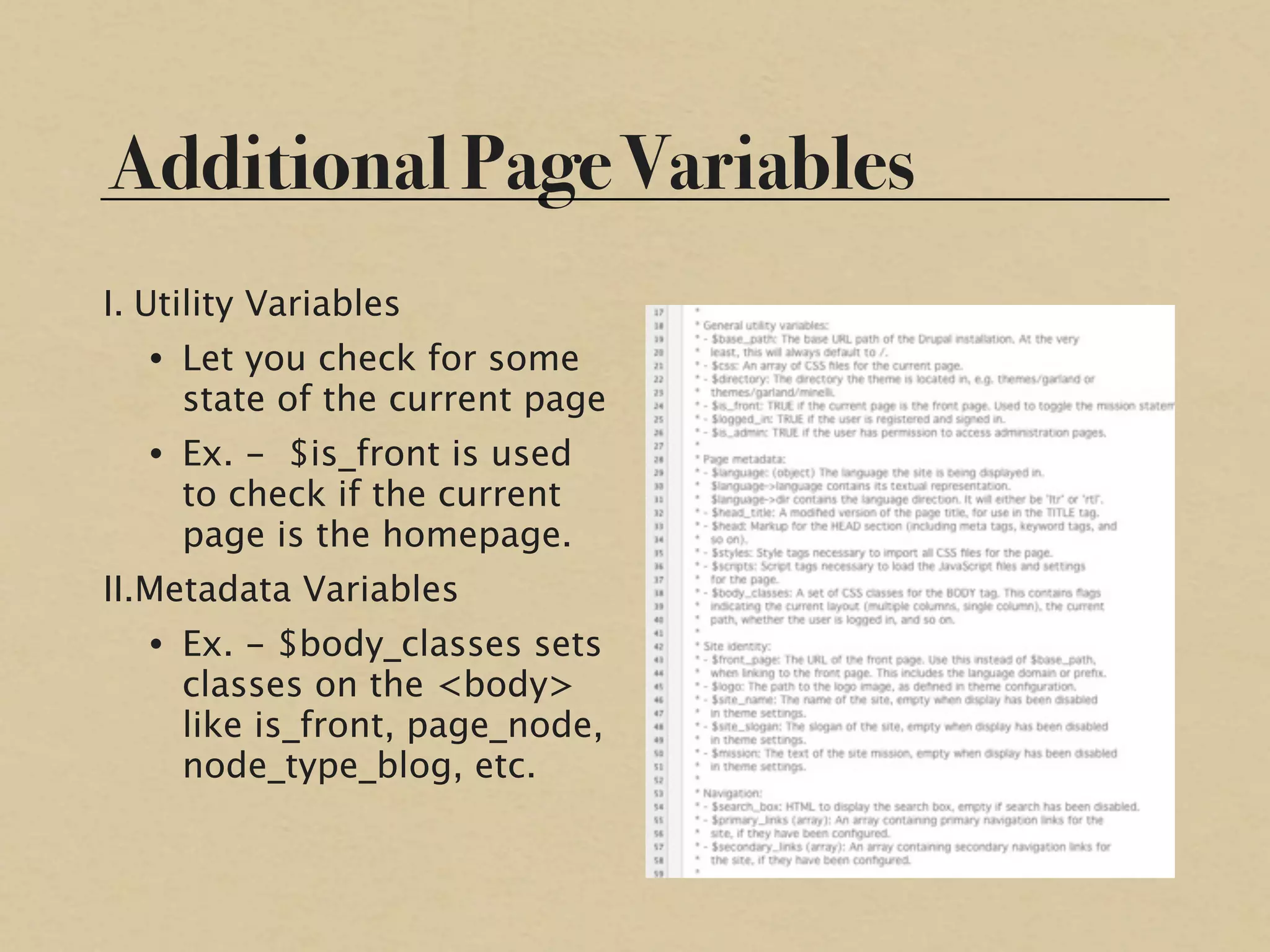
Additional Page Variables
I. Utility Variables
   • Let you check for some
     state of the current page
   • Ex. - $is_front is used
     to check if the current
     page is the homepage.
II.Metadata Variables
   • Ex. - $body_classes sets
     classes on the <body>
     like is_front, page_node,
     node_type_blog, etc.
Relating Elements of a Design to
Page Variables
I. Isolate elements that   III. Create new regions
   are unique to each           in .info file if
   page from elements           necessary
   that will be shared
   between pages           IV. Finally, format the
                               HTML layout of
II.Determine which             elements in
   shared elements will        page.tpl.php to
   be blocks and which         reflect your site
   blocks share a region       design
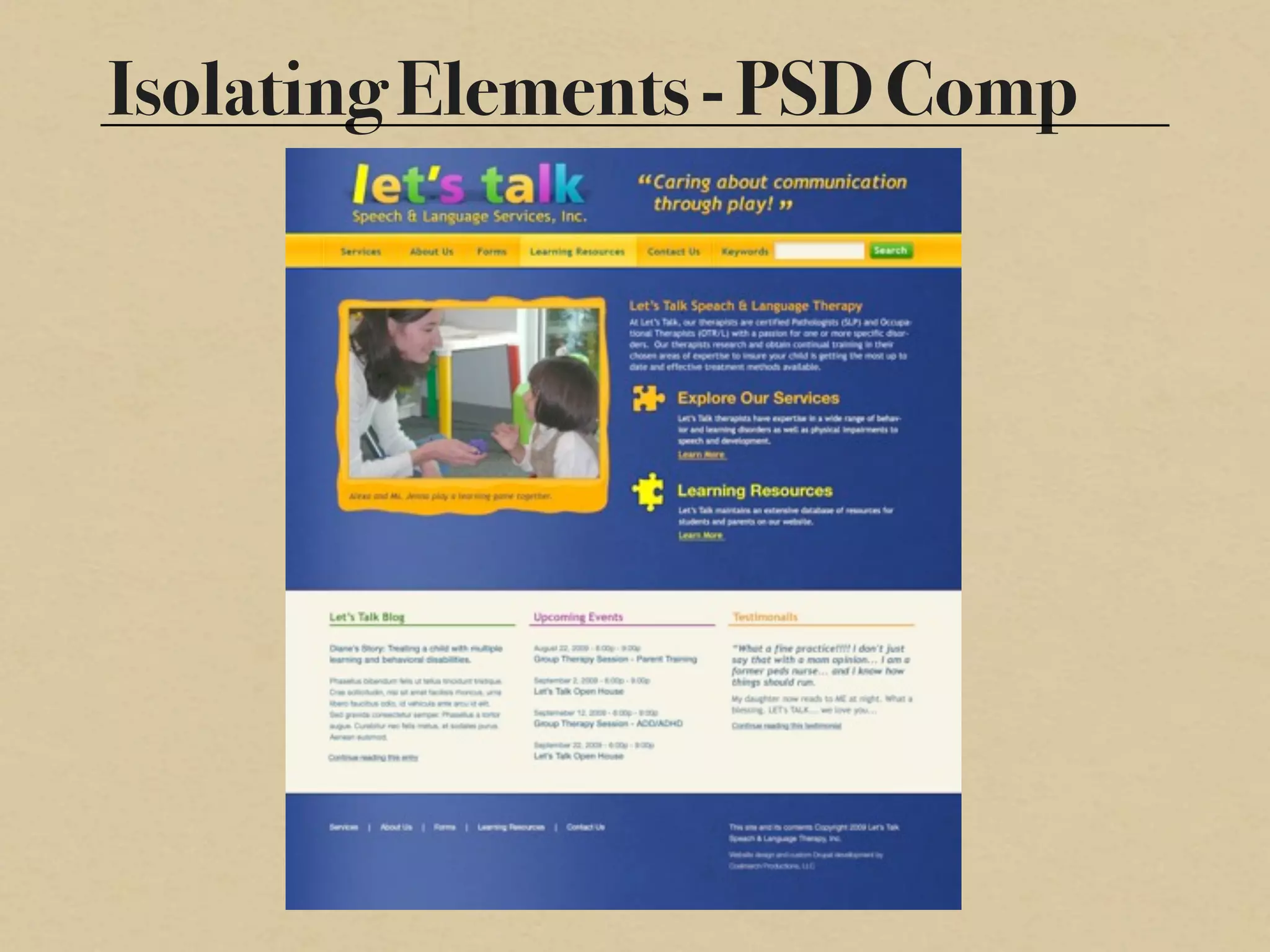
Isolating Elements - PSD Comp
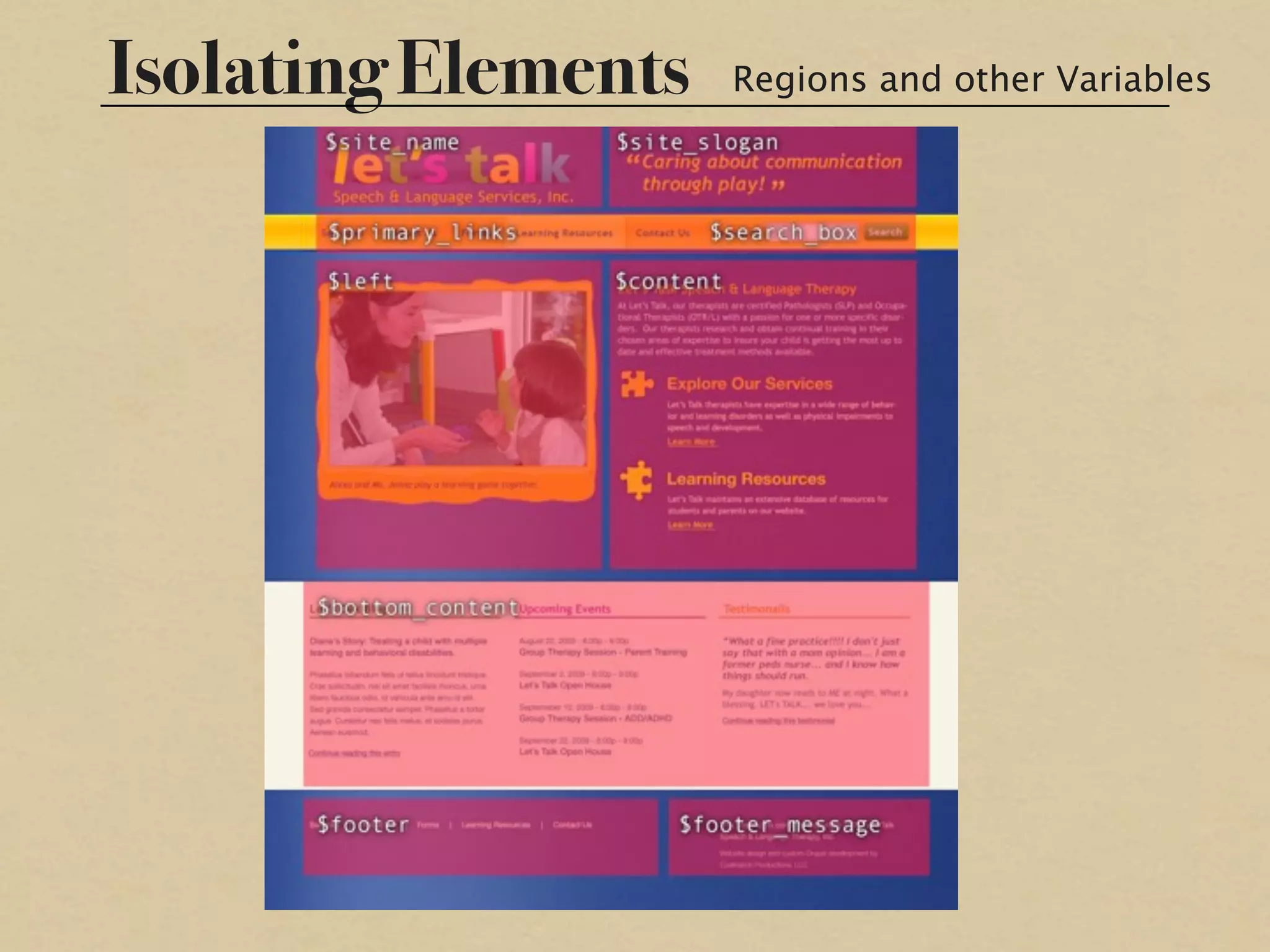
Isolating Elements   Regions and other Variables
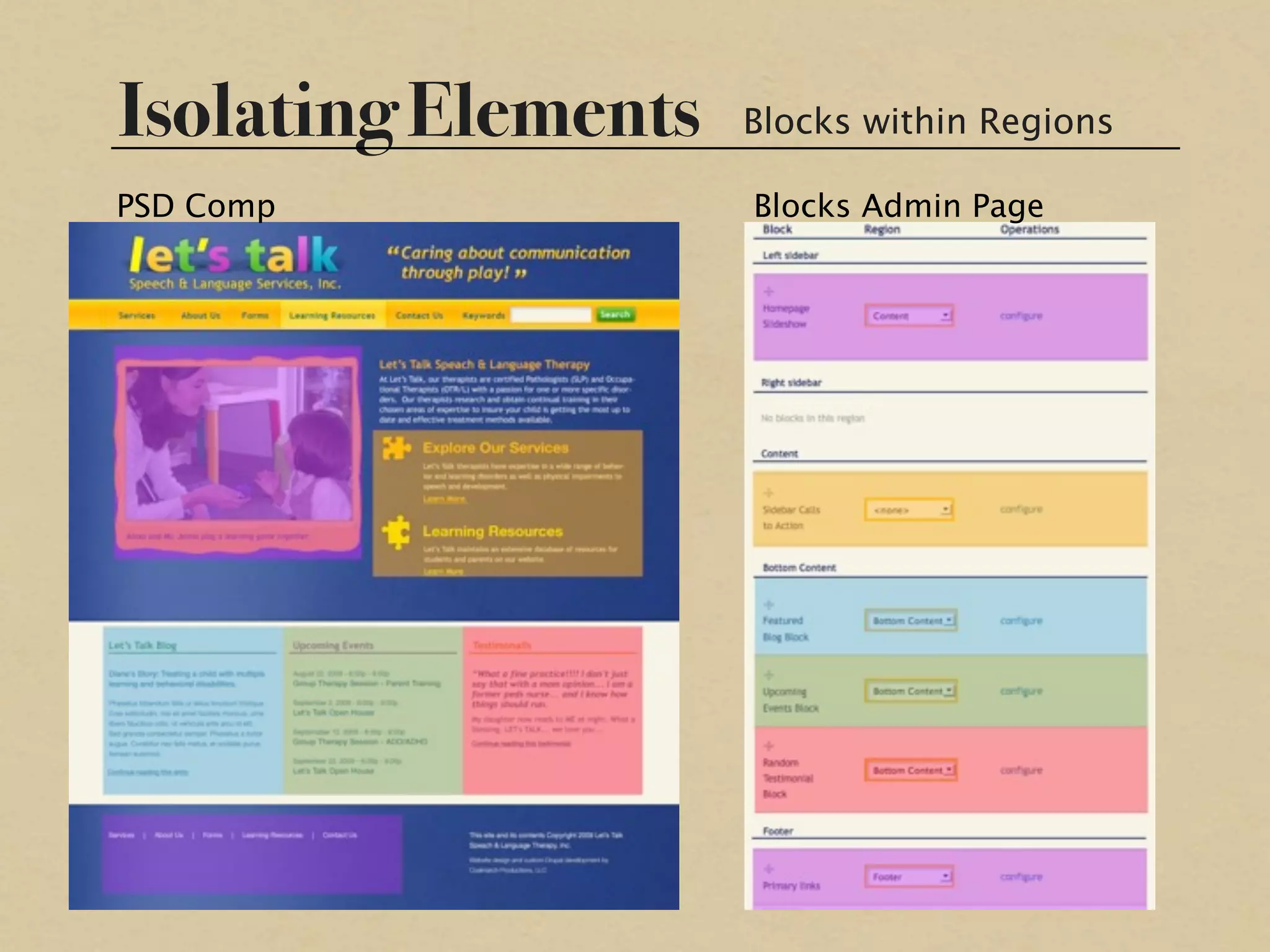
Isolating Elements   Blocks within Regions

PSD Comp             Blocks Admin Page
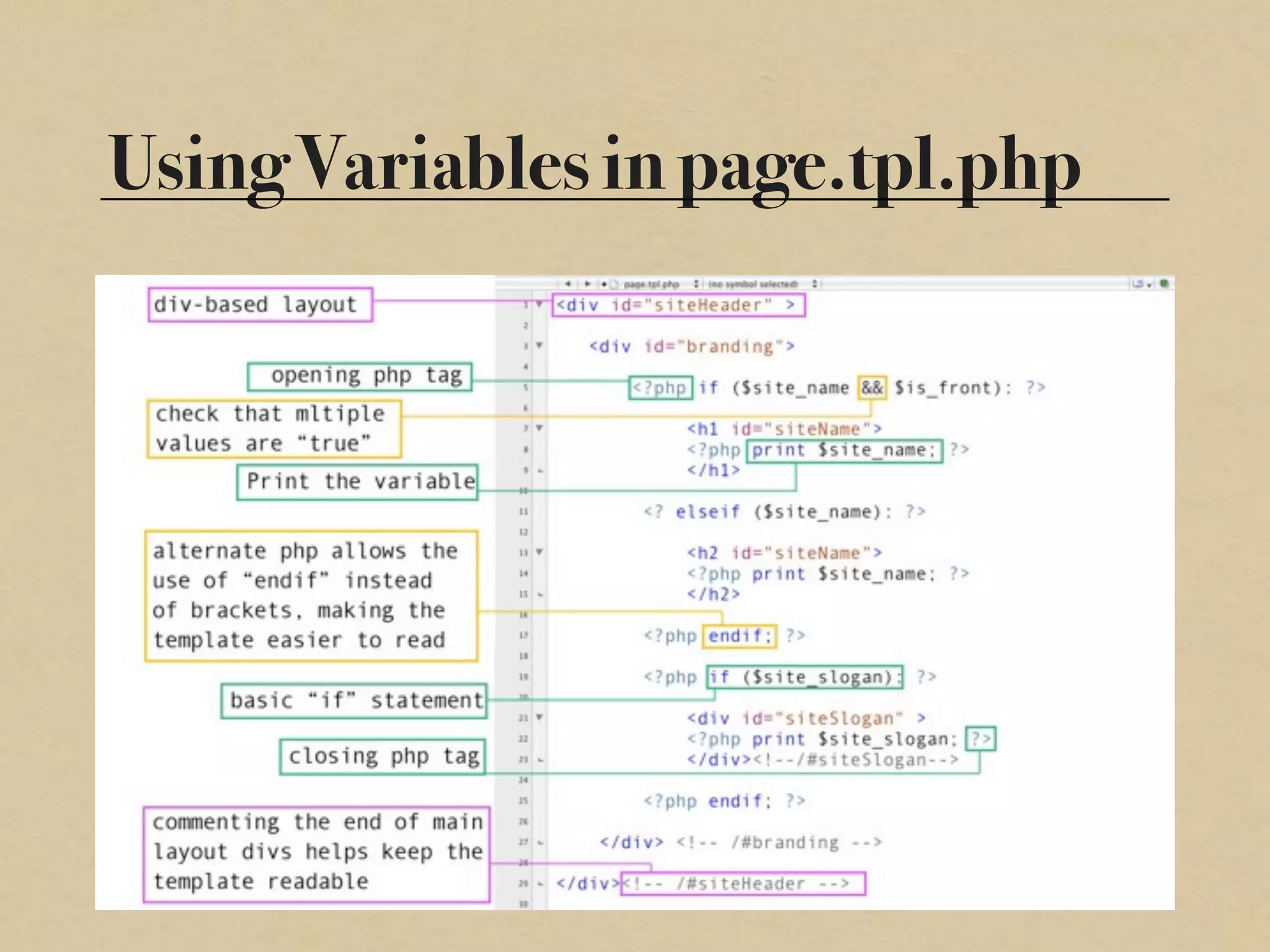
Using Variables in page.tpl.php
Part III

 Tools, Tips and
Recommendations
Popular Base Themes
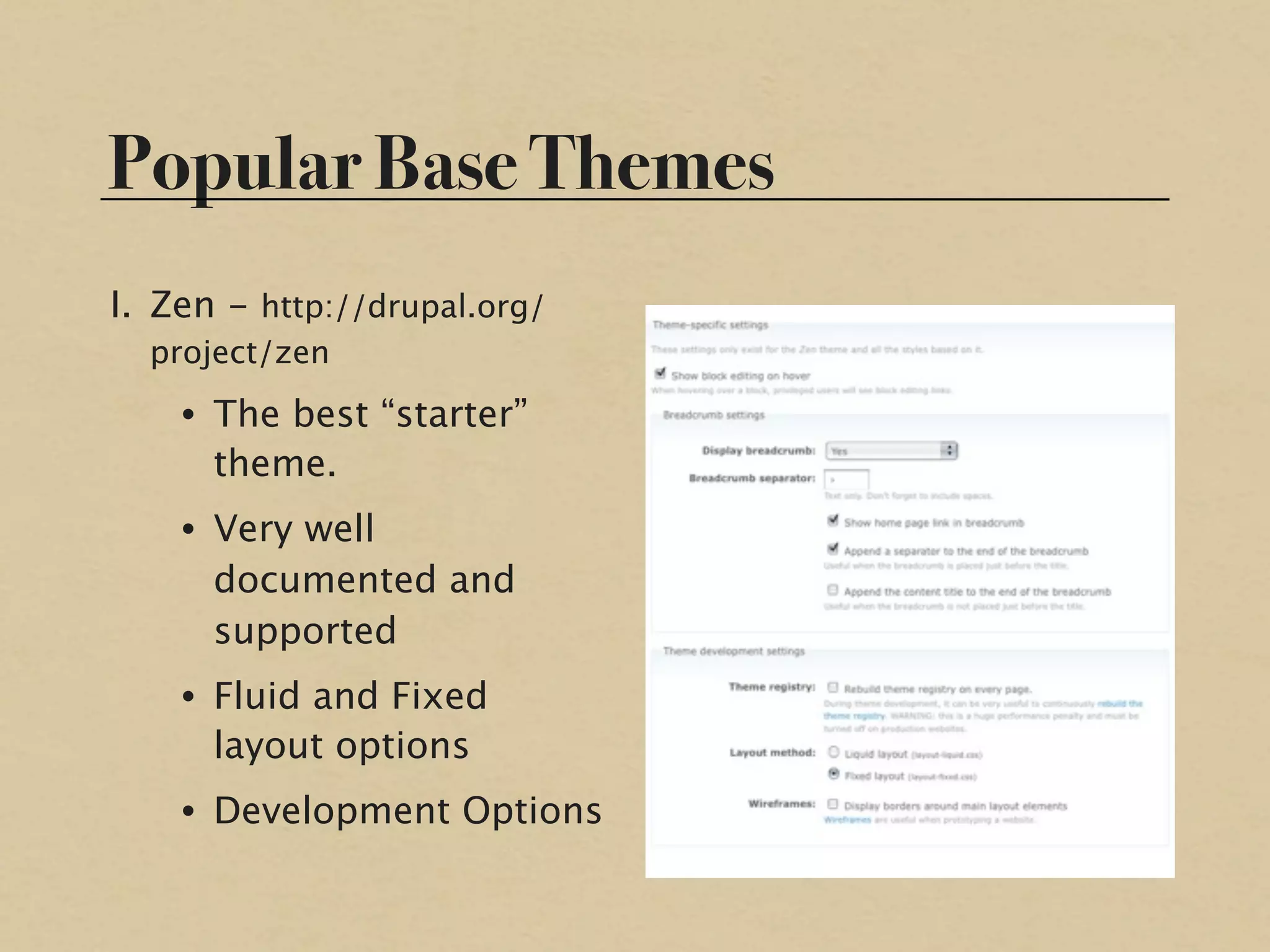
I. Zen - http://drupal.org/
  project/zen
    • The best “starter”
      theme.
    • Very well
      documented and
      supported
    • Fluid and Fixed
      layout options
    • Development Options
Popular Base Themes
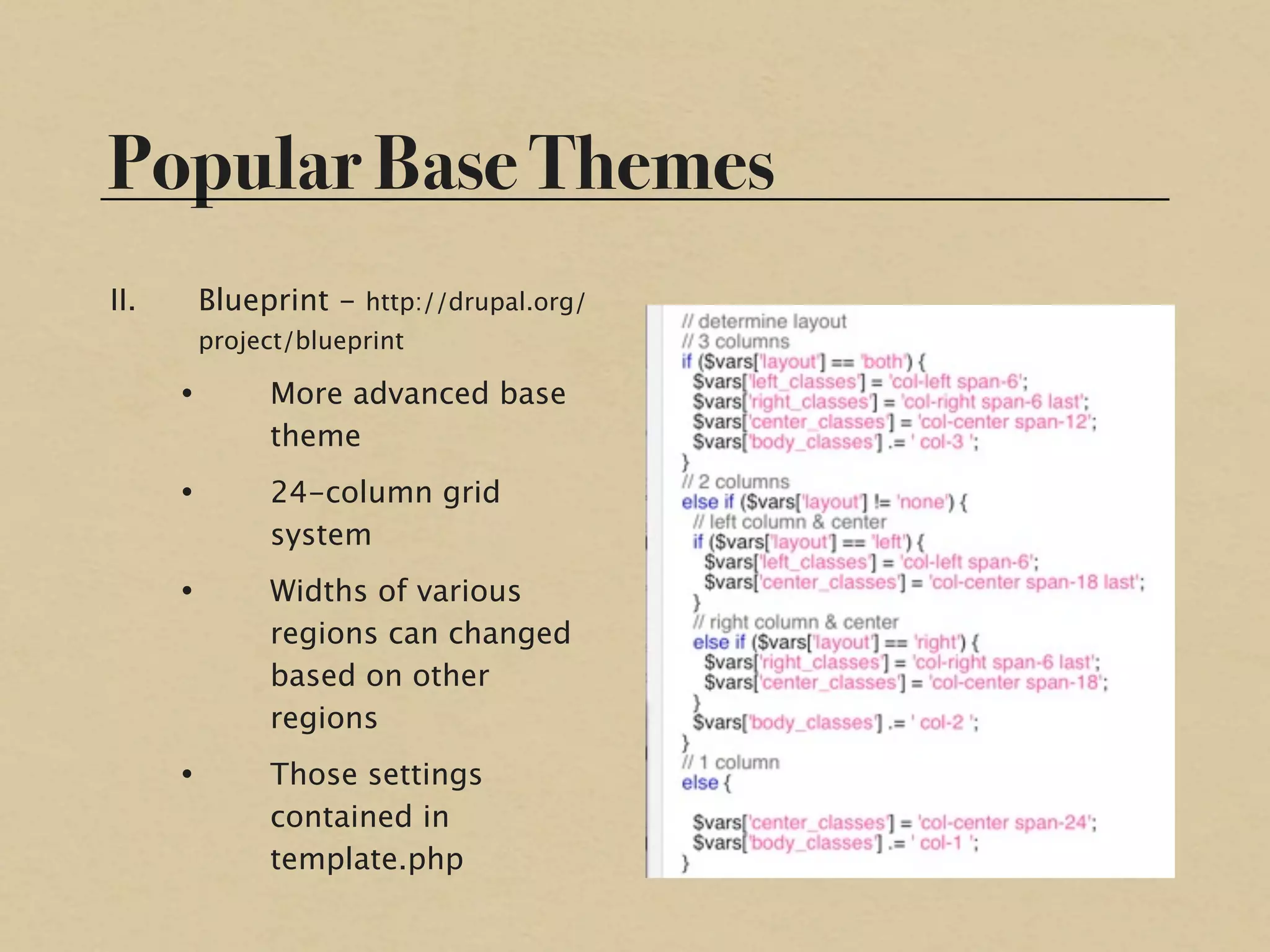
II.       Blueprint - http://drupal.org/
          project/blueprint

      •        More advanced base
               theme
      •        24-column grid
               system
      •        Widths of various
               regions can changed
               based on other
               regions
      •        Those settings
               contained in
               template.php
Popular Base Themes
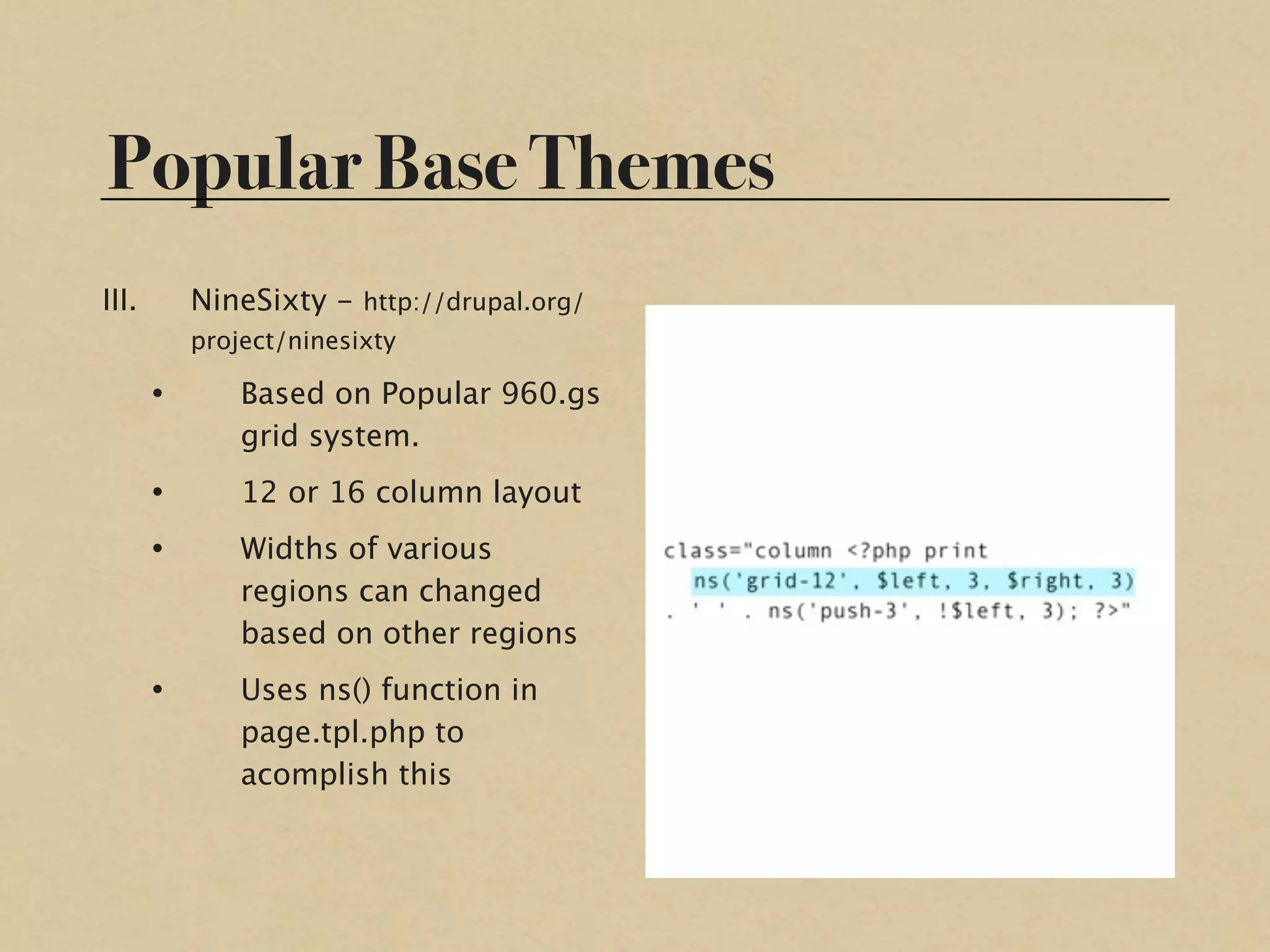
III.       NineSixty - http://drupal.org/
           project/ninesixty

       •       Based on Popular 960.gs
               grid system.
       •       12 or 16 column layout
       •       Widths of various
               regions can changed
               based on other regions
       •       Uses ns() function in
               page.tpl.php to
               acomplish this
Ready-to-Use Themes
I.   www.drupal.org/project/Themes
II. www.topnotchthemes.com
III. www.adaptivethemes.com

IV. www.themeforest.com
V.   www.templatemoster.com
Essential Modules
I. Admin/Development   III. Taxonomy
   • Admin Menu           • Taxonomy Image
   • Devel                • Taxonomy Menu
   • Conditional       IV. Images
     Stylesheets          • Imagecache
II. Menu Help             • Imagecache Crop
   • Menu Icons           • Galleria
   • Menu Block           • Thickbox
   • Menu Trails       V. Other
   • Pathauto             • Block Class
   • Nice Menus           • Dynamic Rendering
Getting More Help
I. drupal.org theming guide
    • http://drupal.org/theme-guide
II.irc.freenode.net
    • #drupal-themes
    • #drupal-design
    • #drupal-support
    • #drupal-nc
III.
   http://mustardseedmedia.com/podcast
IV.
    http://boston.design4drupal.org/sessions
Thank You!
I. Check these sites for slides, links and more
   information later today!
  • www.coalmarch.com
  • www.sheenadonnelly.net

PSD to Drupal - Introductory Drupal Theming

  • 1.
    Introductory Drupal Theme Development by Sheena Donnelly DrupalCamp Atlanta September 18, 2009
  • 2.
    Introductions I am… You are… I. Graphic Designer & Front- I. Front End Developer End Developer II.Intermediate-level II.10+ mos. Drupal HTML/CSS skills Experience III.Basic Familiarity with PHP III.Co-organizer of triDUG IV.Bonus Points: Familiar IV.Lead Web Designer with Drupal Admin at Coalmarch
  • 3.
    Part I Introduction tothe Drupal Theme Layer
  • 4.
    What is aDrupal Theme? I. HTML, CSS and PHP II..info File • Basic Settings of Theme III. .tpl.php Files • Templates IV. .css and .js files • For spice and everything nice V.Template.php • For advanced stuff
  • 5.
  • 6.
    .info I. Holds basicinformation about the theme. • Name • Drupal Version and Theme Engine • Declares base theme (if applicable) • Declares Regions • Declares CSS files • Declares JS files
  • 7.
    Regions I. Main page-layout elements II.Blocks are Placed into Regions • Blocks are pieces of content generated by various modules III.Provides a variable of the same name in the page.tpl.php file IV.Use fewest Regions needed to avoid performance issues
  • 8.
    CSS Files I. Declaredin the .info file or added by drupal_add_css() • Drupal core organizes the cascade of CSS files • Drupal can compress CSS for faster load II. Style.css automatically declared for every theme III.Conditional Stylesheets can be added w/ help from Conditional Stylesheets module • Some themes support this feature natively
  • 9.
    Javascript Files I. Declaredin the .info file or added by drupal_add_js() • Drupal can compress javascript for faster load II.Drupal Core includes JQuery III. script.js automatically decalred for all themes
  • 10.
    page.tpl.php I. HTML template for all pages II. Receives and displays content from Node, Regions and some modules III. Requires a basic understanding of PHP to read
  • 11.
    Other Templates I. node.tpl.php • Becomes the $content variable on node pages • Specificity: node-type.tpl.php II.block.tpl.php, comment.tpl.php, etc. III.Copy any .tpl.php file from a module into your theme to customize the HTML output of the module
  • 12.
    Theme Settings Page I.Toggle use of certain variables • Customizable per theme II.Toggle use of post information by node type • Global Only III.Upload $site_logo and favicon images
  • 13.
    Site Information Page I.Input site information • $site_name • $site_slogan • $mission • $footer_message II.Set which node is displayed as the Homepage
  • 14.
    Part II PSD toPage.tpl.php
  • 15.
    Basic Page Variables I.Regions III. Important System • $header, $left, $right, Variables $content, $footer • $head, $head_title, II. Theme Settings Variables $styles, $scripts, $title, $tabs, • $site_name, $messages, $site_slogan, $logo, $feed_icons, $primary_links, $closure $secondary_links, $mission, IV. Most of these variables $footer_message, are HTML strings $search_box
  • 16.
    Additional Page Variables I.Utility Variables • Let you check for some state of the current page • Ex. - $is_front is used to check if the current page is the homepage. II.Metadata Variables • Ex. - $body_classes sets classes on the <body> like is_front, page_node, node_type_blog, etc.
  • 17.
    Relating Elements ofa Design to Page Variables I. Isolate elements that III. Create new regions are unique to each in .info file if page from elements necessary that will be shared between pages IV. Finally, format the HTML layout of II.Determine which elements in shared elements will page.tpl.php to be blocks and which reflect your site blocks share a region design
  • 18.
  • 19.
    Isolating Elements Regions and other Variables
  • 20.
    Isolating Elements Blocks within Regions PSD Comp Blocks Admin Page
  • 21.
    Using Variables inpage.tpl.php
  • 22.
    Part III Tools,Tips and Recommendations
  • 23.
    Popular Base Themes I.Zen - http://drupal.org/ project/zen • The best “starter” theme. • Very well documented and supported • Fluid and Fixed layout options • Development Options
  • 24.
    Popular Base Themes II. Blueprint - http://drupal.org/ project/blueprint • More advanced base theme • 24-column grid system • Widths of various regions can changed based on other regions • Those settings contained in template.php
  • 25.
    Popular Base Themes III. NineSixty - http://drupal.org/ project/ninesixty • Based on Popular 960.gs grid system. • 12 or 16 column layout • Widths of various regions can changed based on other regions • Uses ns() function in page.tpl.php to acomplish this
  • 26.
    Ready-to-Use Themes I. www.drupal.org/project/Themes II. www.topnotchthemes.com III. www.adaptivethemes.com IV. www.themeforest.com V. www.templatemoster.com
  • 27.
    Essential Modules I. Admin/Development III. Taxonomy • Admin Menu • Taxonomy Image • Devel • Taxonomy Menu • Conditional IV. Images Stylesheets • Imagecache II. Menu Help • Imagecache Crop • Menu Icons • Galleria • Menu Block • Thickbox • Menu Trails V. Other • Pathauto • Block Class • Nice Menus • Dynamic Rendering
  • 28.
    Getting More Help I.drupal.org theming guide • http://drupal.org/theme-guide II.irc.freenode.net • #drupal-themes • #drupal-design • #drupal-support • #drupal-nc III. http://mustardseedmedia.com/podcast IV. http://boston.design4drupal.org/sessions
  • 29.
    Thank You! I. Checkthese sites for slides, links and more information later today! • www.coalmarch.com • www.sheenadonnelly.net

Editor's Notes

  • #3 smile, relax, slow down. you&amp;#x2019;ll be fine!!
  • #6 place contrib themes and modules in /sites/all to keep them separate from core. makes updating drupal core a much easier process!
  • #8 whether or not variables are called on the page template, they will be loaded, so even if you don&amp;#x2019;t use regions, they will cause a db query
  • #12 Mention how the general template (node.tpl.php) must be included in the theme if a specific template is used (node-type.tpl.php), even if the general template is unchanged.
  • #16 Some System Variables are special. Removing them may seem to make no difference, but they are important for Druapl functionality. $closure, $messages, $tabs and $head should always be included.