Progressive Web
App Testing
Kalhan Randula Liyanage
What is a PWA ?
2
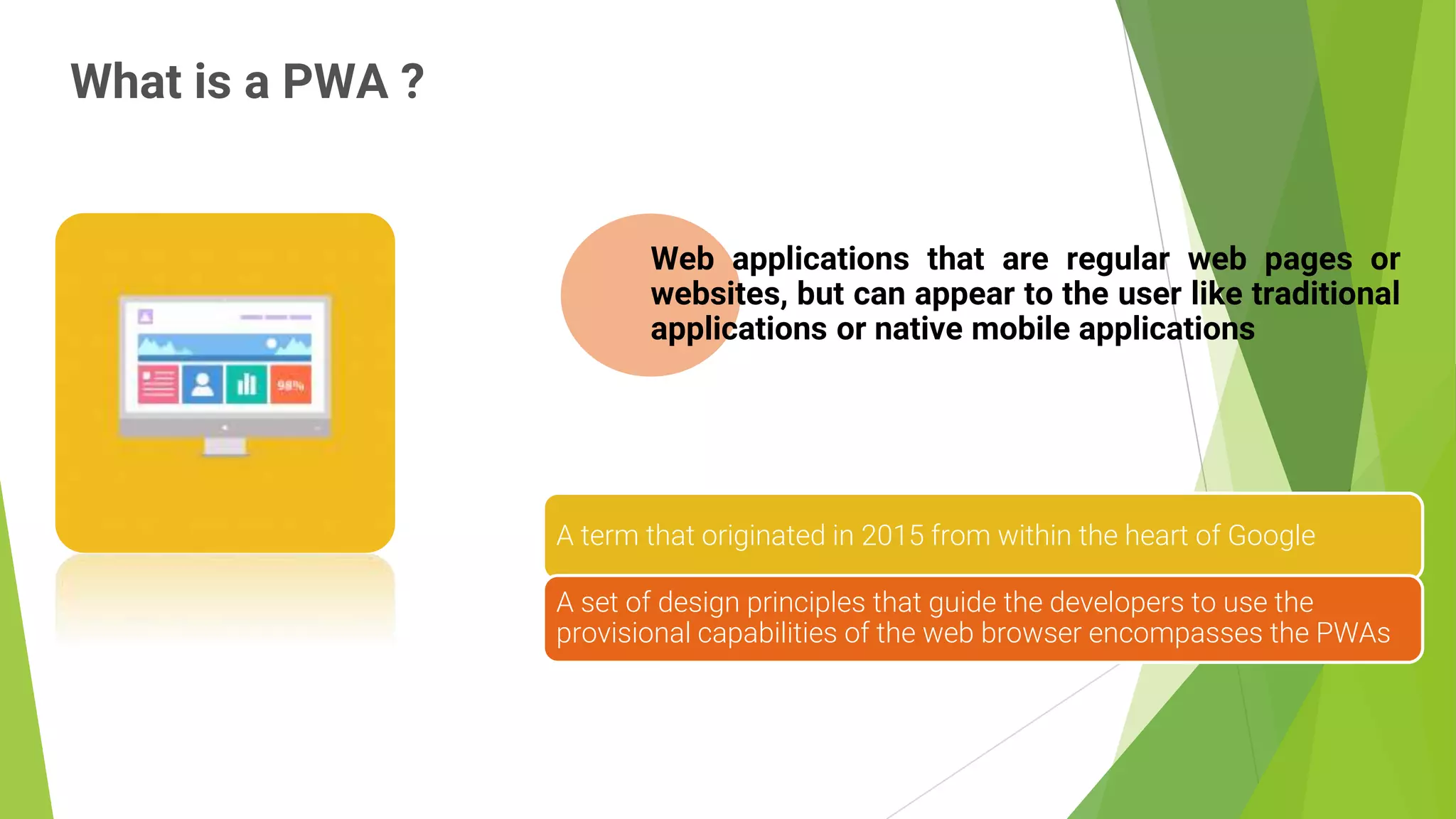
Web applications that are regular web pages or
websites, but can appear to the user like traditional
applications or native mobile applications
A term that originated in 2015 from within the heart of Google
A set of design principles that guide the developers to use the
provisional capabilities of the web browser encompasses the PWAs
Why
Progressive
Web Apps?
3
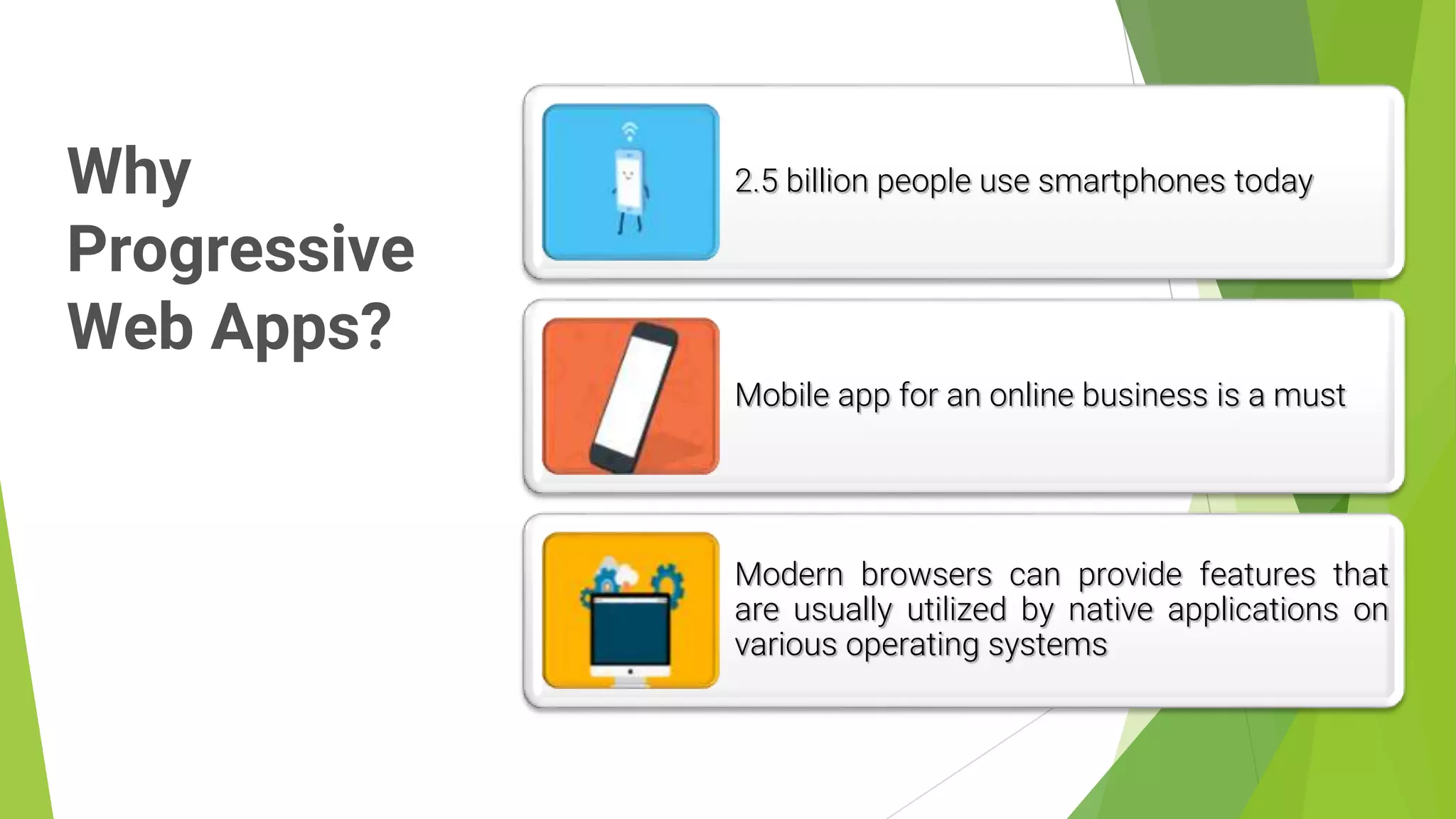
2.5 billion people use smartphones today
Mobile app for an online business is a must
Modern browsers can provide features that
are usually utilized by native applications on
various operating systems
Principles of
Progressive
Web Apps
4
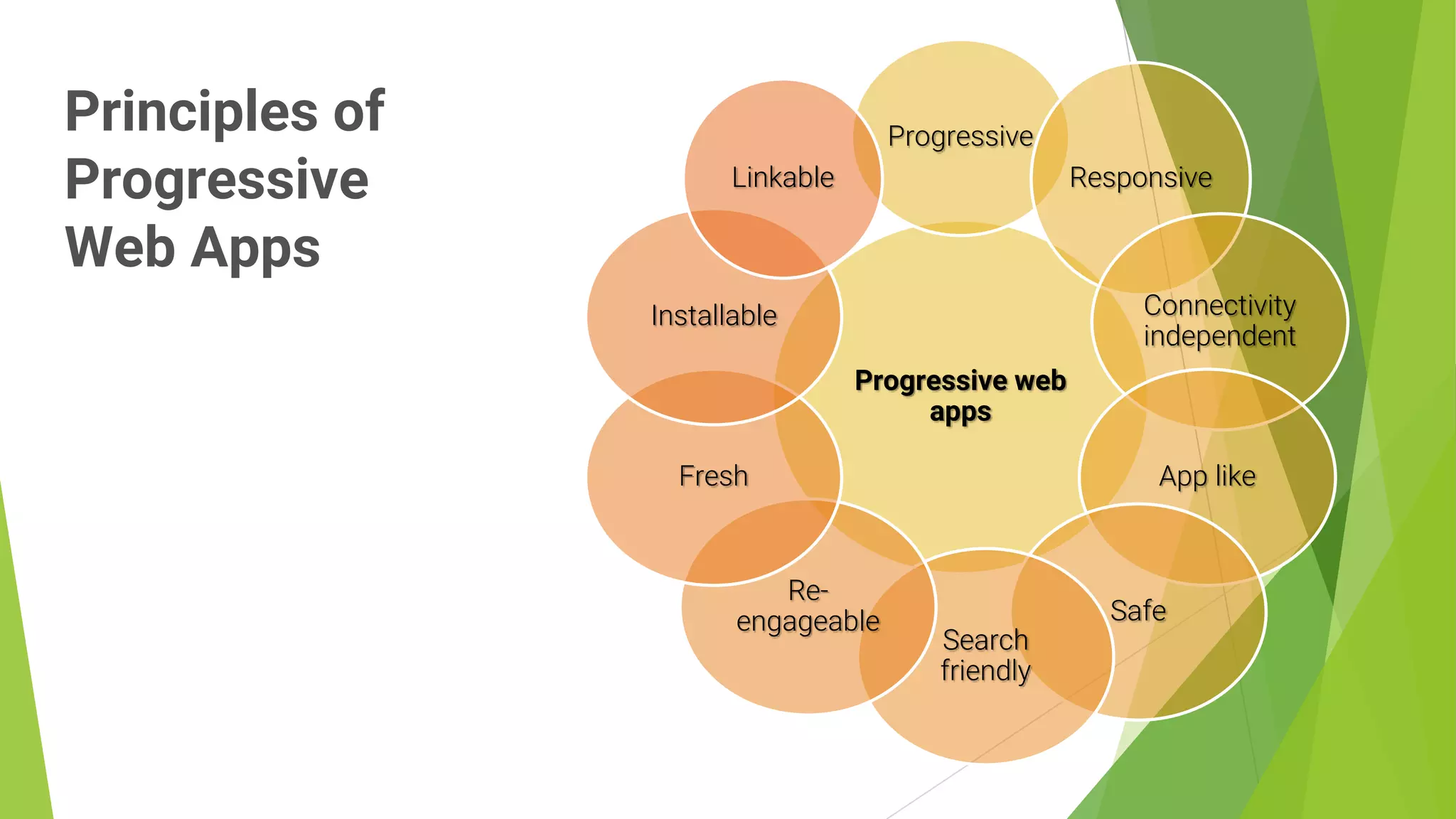
Progressive web
apps
Progressive
Responsive
Connectivity
independent
App like
Safe
Search
friendly
Re-
engageable
Fresh
Installable
Linkable
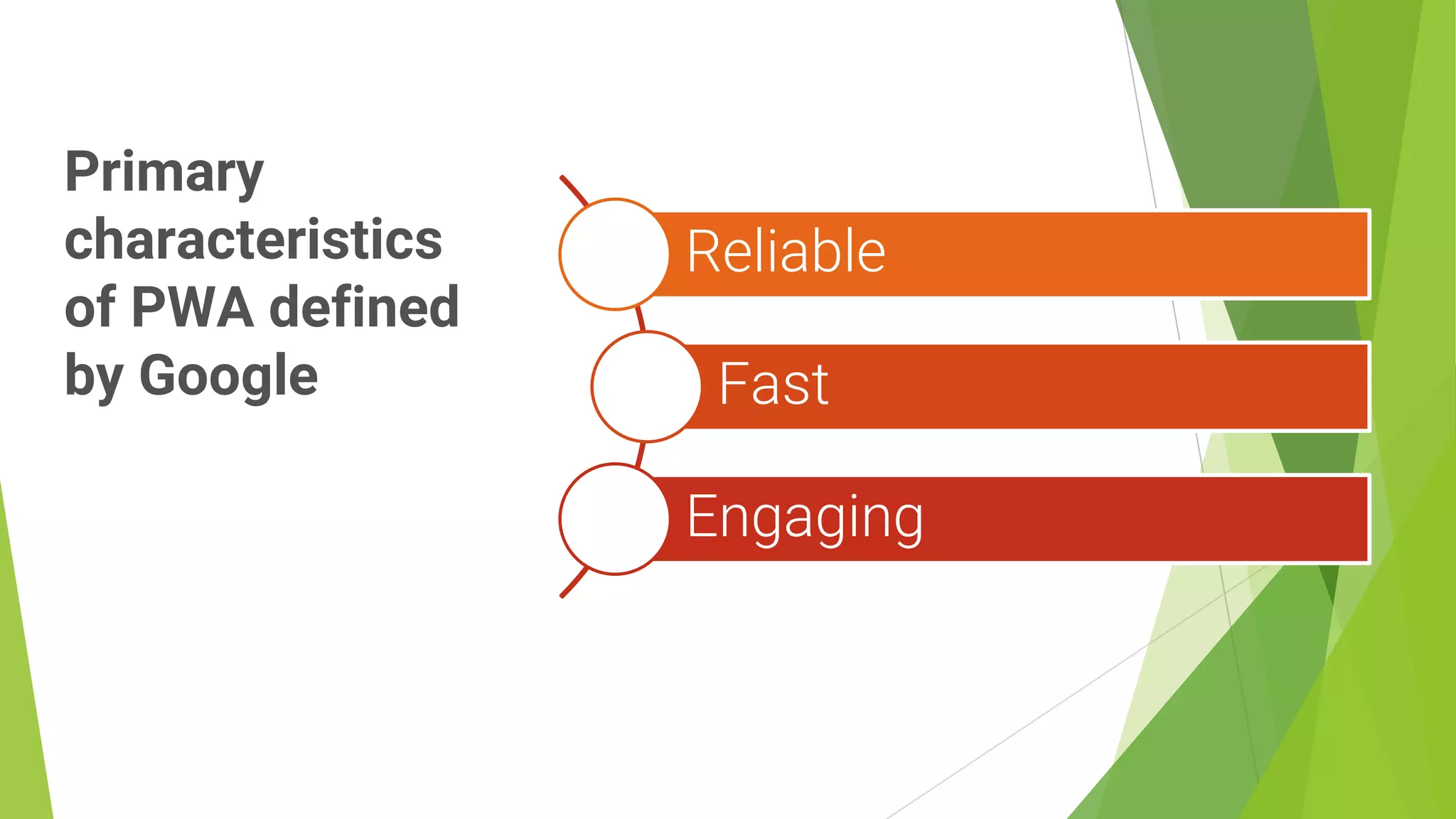
Primary
characteristics
of PWA defined
by Google
5
Reliable
Fast
Engaging
Reliability
6
The modern browsers have a feature called service worker.
Regular websites need the network connection to load the page and
provide service.
A service worker can load the webpage instantly with some stored
content irrespective of the network condition.
This improves reliability as all the users would be able to see some of
the page components loaded immediately with some data as well.
The pre-caching of information will allow the web application to provide
functionalities even with the absence of a network connection.
Speed
7
Speed is a significant performance metric for a Progressive Web
App.
A study by Google on website performance found out that a mobile
user will navigate away from the website if it takes more than 3
seconds to load.
To make sure users aren’t lost due to the long loading time, PWAs
follow the principles of building simple, light weight components
that are faster to load.
Engaging Experience
8
Progressive Web Apps are installable and live on the user's home
screen, without the need for an app store.
They offer an immersive full screen experience with help from a
web app manifest file and can even re-engage users with
web push notifications.
The Web App Manifest allows you to control how your app
appears and how it's launched.
You can specify home screen icons, the page to load when the
app is launched, screen orientation.
PWA
Architecture
9
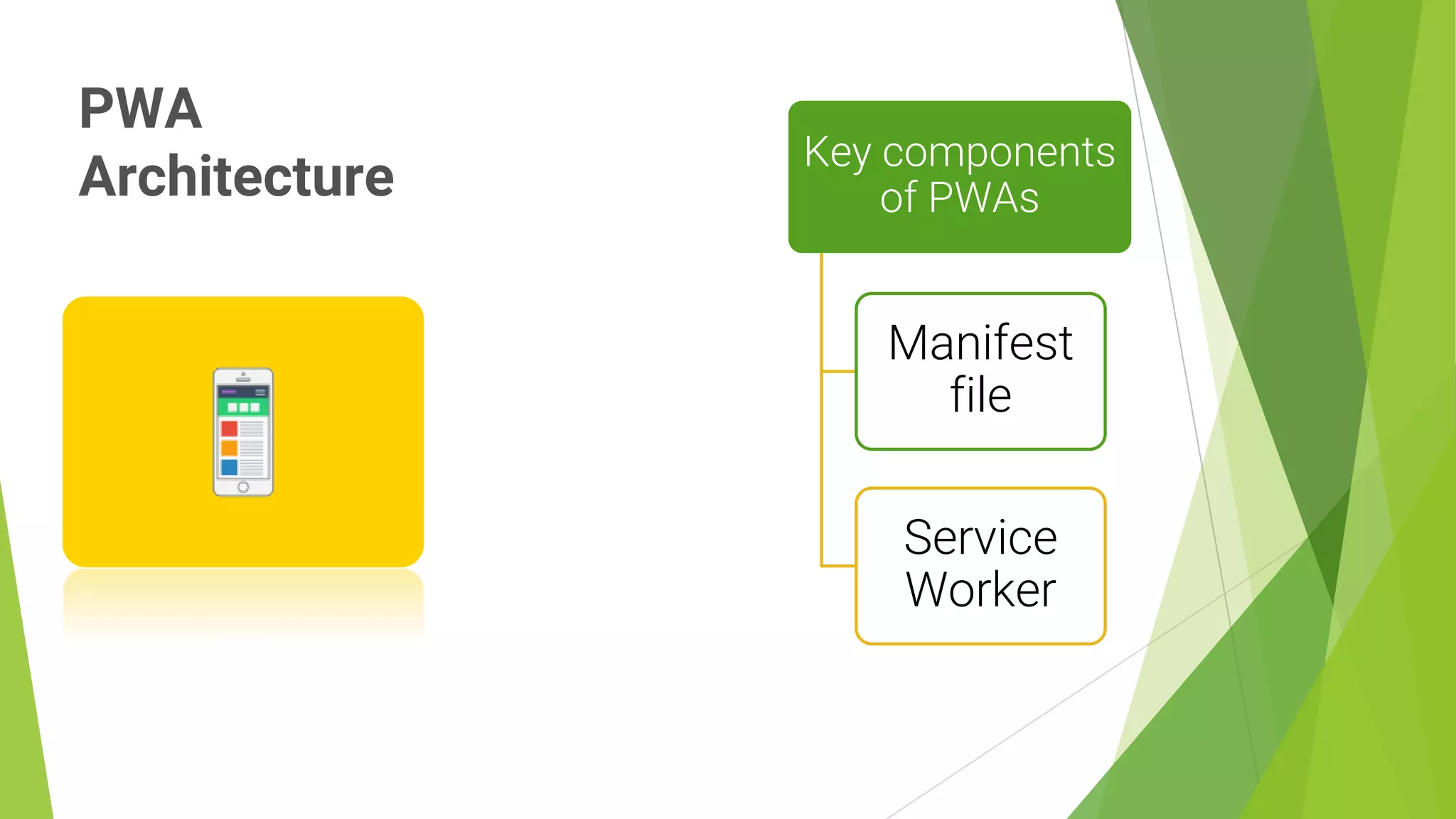
Key components
of PWAs
Manifest
file
Service
Worker
manifest.json
10
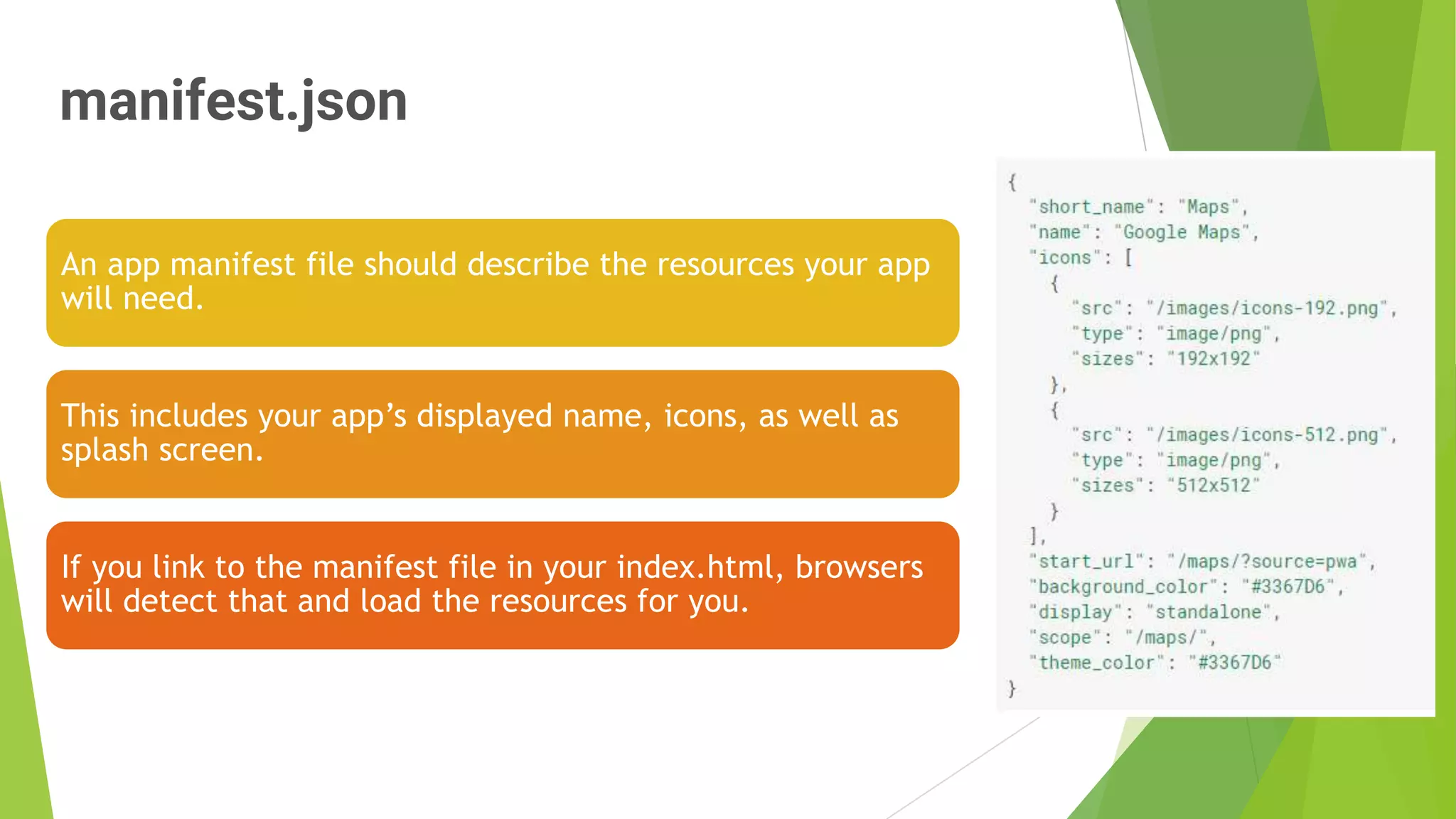
An app manifest file should describe the resources your app
will need.
This includes your app’s displayed name, icons, as well as
splash screen.
If you link to the manifest file in your index.html, browsers
will detect that and load the resources for you.
Service
Worker
11
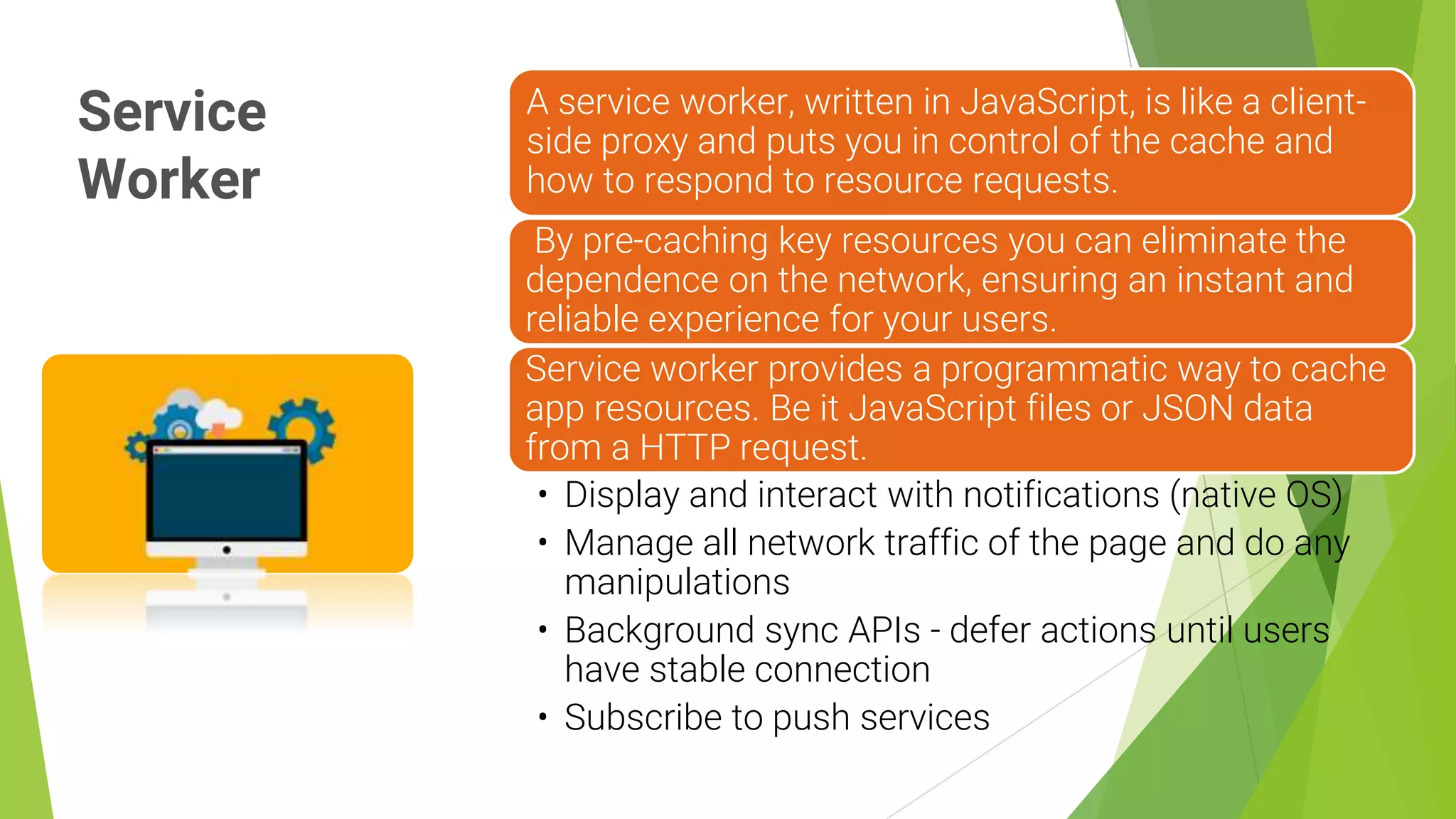
A service worker, written in JavaScript, is like a client-
side proxy and puts you in control of the cache and
how to respond to resource requests.
By pre-caching key resources you can eliminate the
dependence on the network, ensuring an instant and
reliable experience for your users.
Service worker provides a programmatic way to cache
app resources. Be it JavaScript files or JSON data
from a HTTP request.
• Display and interact with notifications (native OS)
• Manage all network traffic of the page and do any
manipulations
• Background sync APIs - defer actions until users
have stable connection
• Subscribe to push services
12
Examples of
PWA
implementations
13
Testing
PWAs
14
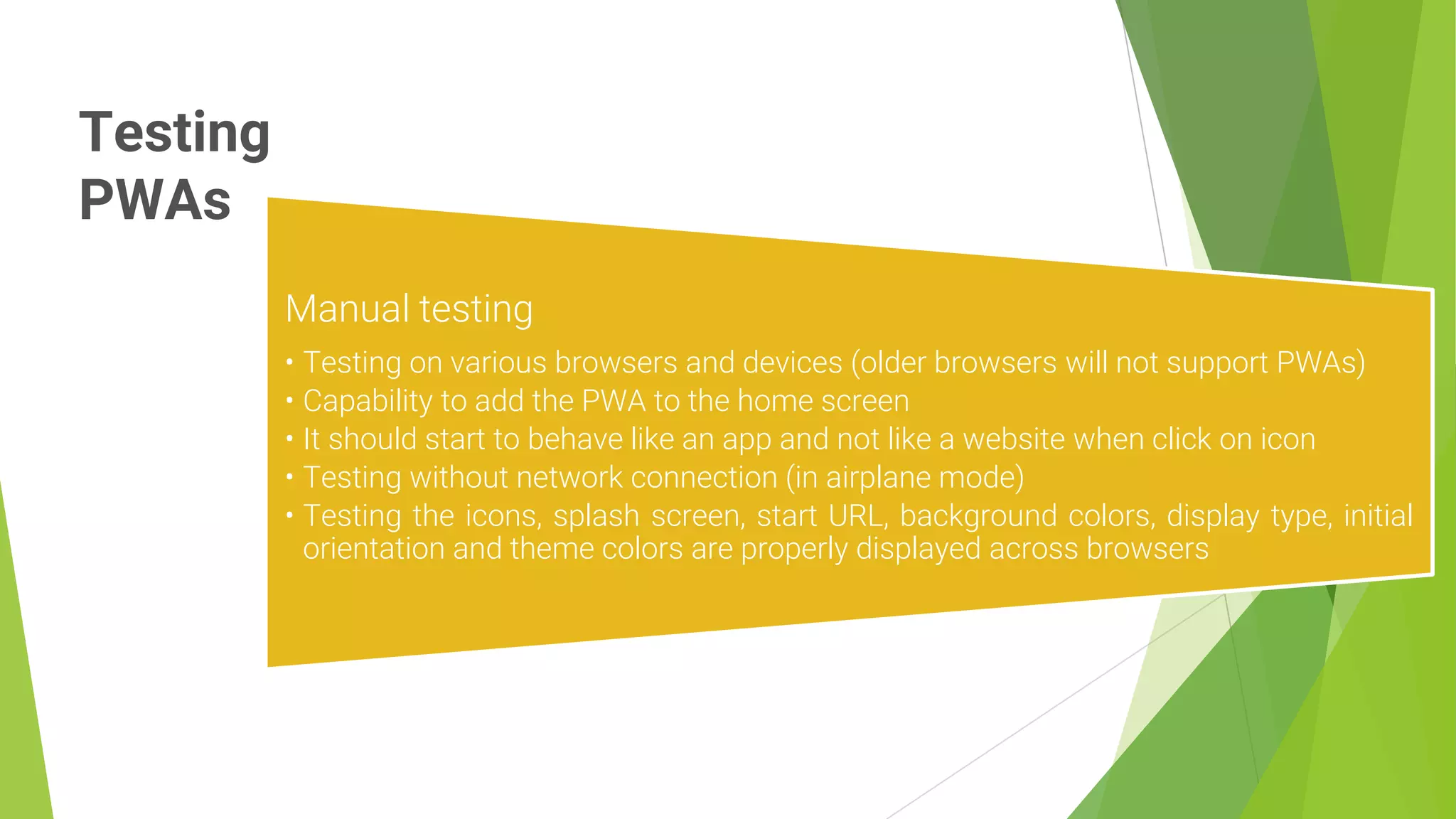
Manual testing
• Testing on various browsers and devices (older browsers will not support PWAs)
• Capability to add the PWA to the home screen
• It should start to behave like an app and not like a website when click on icon
• Testing without network connection (in airplane mode)
• Testing the icons, splash screen, start URL, background colors, display type, initial
orientation and theme colors are properly displayed across browsers
Google Lighthouse
15
Lighthouse is an open-
source, automated tool for
improving the quality of your
web apps.
Can be used by run from the
command line, as a Node
module, or by installing the
Chrome Extension.
Lighthouse also provides a
REST API which is consumed
by sites like web.dev and
PageSpeed Insights.
References:
16
To measure website performance
• https://web.dev/measure
Google lighthouse
• https://chrome.google.com/webstore/detail/lighthouse/blipmdconlkpinefehnmjam
mfjpmpbjk?hl=en
Progressive Web App Checklist
• https://developers.google.com/web/progressive-web-apps/checklist

Progressive web app testing

  • 1.
  • 2.
    What is aPWA ? 2 Web applications that are regular web pages or websites, but can appear to the user like traditional applications or native mobile applications A term that originated in 2015 from within the heart of Google A set of design principles that guide the developers to use the provisional capabilities of the web browser encompasses the PWAs
  • 3.
    Why Progressive Web Apps? 3 2.5 billionpeople use smartphones today Mobile app for an online business is a must Modern browsers can provide features that are usually utilized by native applications on various operating systems
  • 4.
    Principles of Progressive Web Apps 4 Progressiveweb apps Progressive Responsive Connectivity independent App like Safe Search friendly Re- engageable Fresh Installable Linkable
  • 5.
    Primary characteristics of PWA defined byGoogle 5 Reliable Fast Engaging
  • 6.
    Reliability 6 The modern browsershave a feature called service worker. Regular websites need the network connection to load the page and provide service. A service worker can load the webpage instantly with some stored content irrespective of the network condition. This improves reliability as all the users would be able to see some of the page components loaded immediately with some data as well. The pre-caching of information will allow the web application to provide functionalities even with the absence of a network connection.
  • 7.
    Speed 7 Speed is asignificant performance metric for a Progressive Web App. A study by Google on website performance found out that a mobile user will navigate away from the website if it takes more than 3 seconds to load. To make sure users aren’t lost due to the long loading time, PWAs follow the principles of building simple, light weight components that are faster to load.
  • 8.
    Engaging Experience 8 Progressive WebApps are installable and live on the user's home screen, without the need for an app store. They offer an immersive full screen experience with help from a web app manifest file and can even re-engage users with web push notifications. The Web App Manifest allows you to control how your app appears and how it's launched. You can specify home screen icons, the page to load when the app is launched, screen orientation.
  • 9.
  • 10.
    manifest.json 10 An app manifestfile should describe the resources your app will need. This includes your app’s displayed name, icons, as well as splash screen. If you link to the manifest file in your index.html, browsers will detect that and load the resources for you.
  • 11.
    Service Worker 11 A service worker,written in JavaScript, is like a client- side proxy and puts you in control of the cache and how to respond to resource requests. By pre-caching key resources you can eliminate the dependence on the network, ensuring an instant and reliable experience for your users. Service worker provides a programmatic way to cache app resources. Be it JavaScript files or JSON data from a HTTP request. • Display and interact with notifications (native OS) • Manage all network traffic of the page and do any manipulations • Background sync APIs - defer actions until users have stable connection • Subscribe to push services
  • 12.
  • 13.
  • 14.
    Testing PWAs 14 Manual testing • Testingon various browsers and devices (older browsers will not support PWAs) • Capability to add the PWA to the home screen • It should start to behave like an app and not like a website when click on icon • Testing without network connection (in airplane mode) • Testing the icons, splash screen, start URL, background colors, display type, initial orientation and theme colors are properly displayed across browsers
  • 15.
    Google Lighthouse 15 Lighthouse isan open- source, automated tool for improving the quality of your web apps. Can be used by run from the command line, as a Node module, or by installing the Chrome Extension. Lighthouse also provides a REST API which is consumed by sites like web.dev and PageSpeed Insights.
  • 16.
    References: 16 To measure websiteperformance • https://web.dev/measure Google lighthouse • https://chrome.google.com/webstore/detail/lighthouse/blipmdconlkpinefehnmjam mfjpmpbjk?hl=en Progressive Web App Checklist • https://developers.google.com/web/progressive-web-apps/checklist