Programming iOS in C#
Frank A. Krueger
Seattle .NET Mobile
March 4, 2014
AGENDA
•

Intro to iOS APIs

•

Intro to UIKit

•

Demo programming with Xamarin Studio
Frank
@praeclarum
http://praeclarum.org
http://github.com/praeclarum
•

.NET developer since .NET 1.1

•

First iOS app accepted to the App Store on
Dec 11, 2008

•

First apps written in Objective-C++
Frank
Frank
•

Started using MonoTouch (Xamarin.iOS)
summer 2009

•

First app released with iPad in May 2010
Frank
Frank
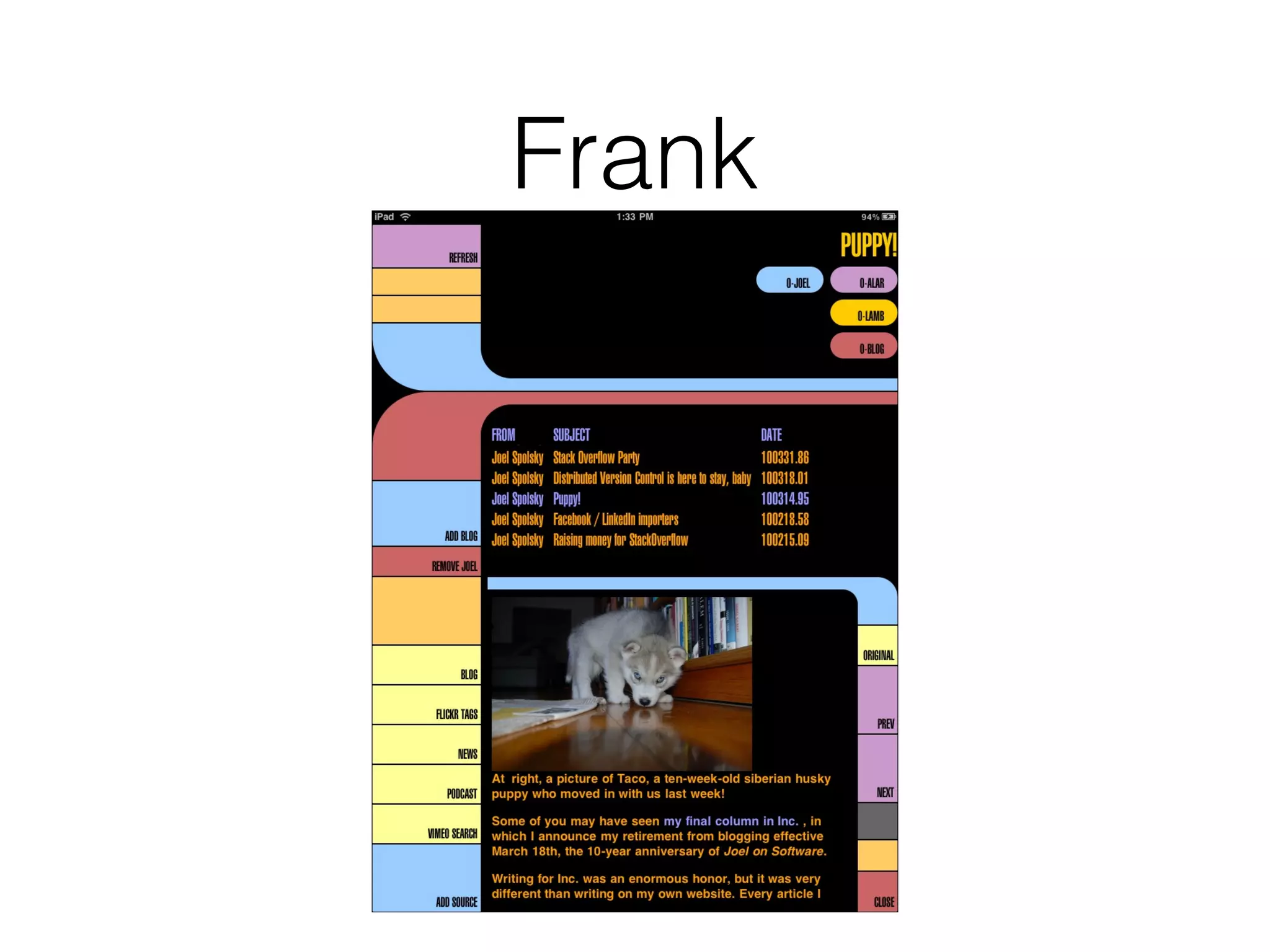
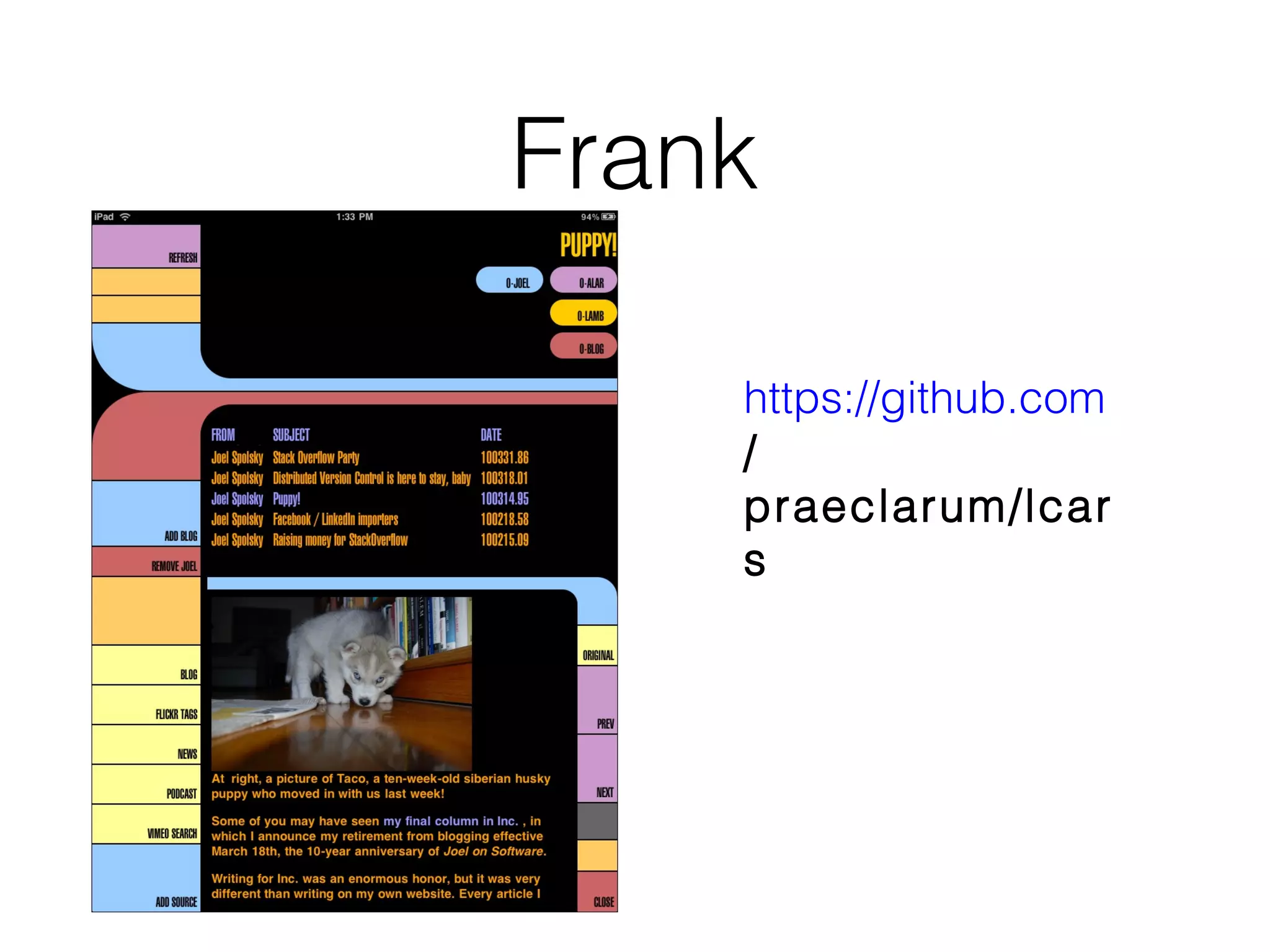
https://github.com
/
praeclarum/lcar
s
Frank

•

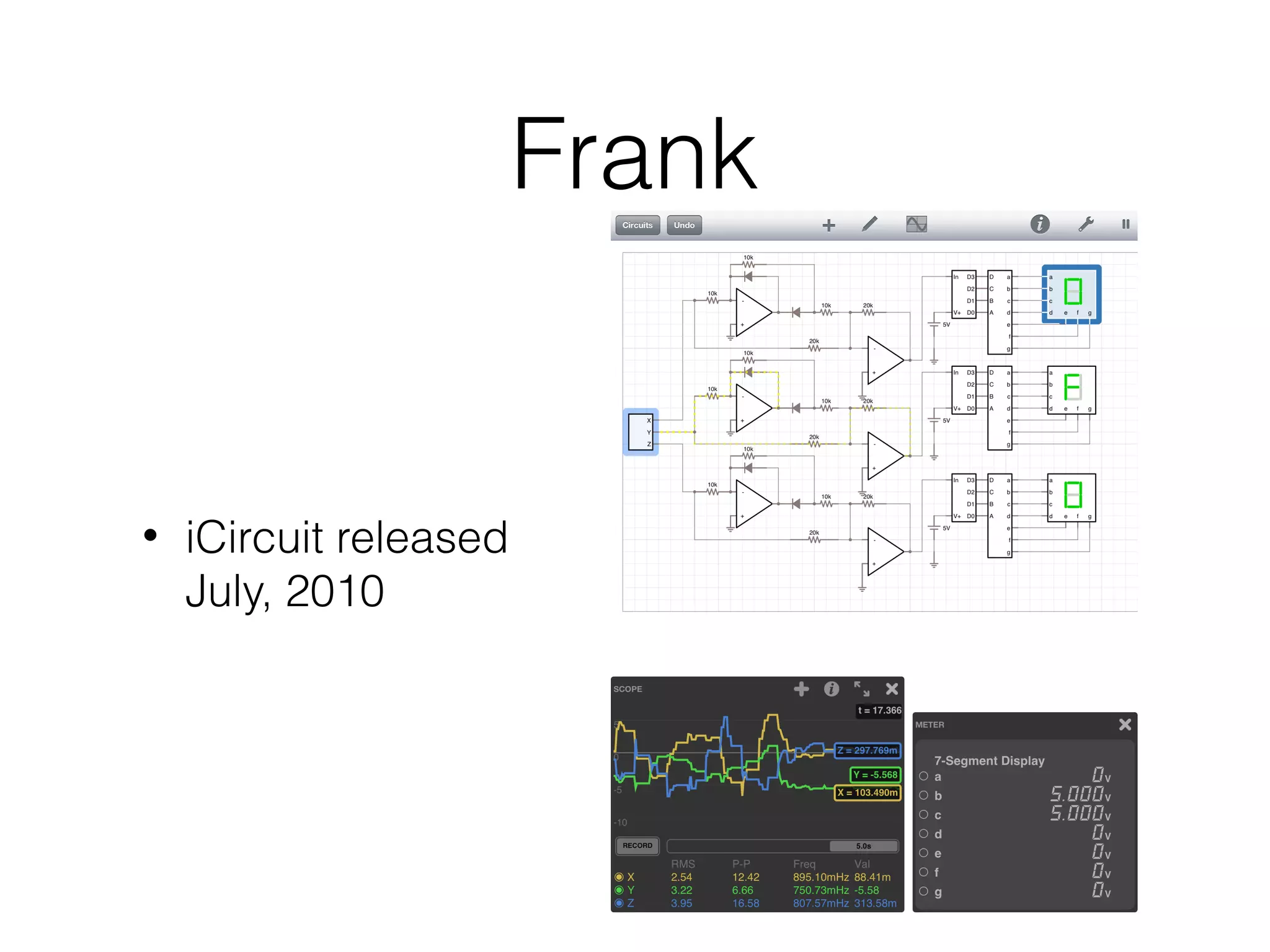
iCircuit released
July, 2010
iOS APIs
iOS APIs
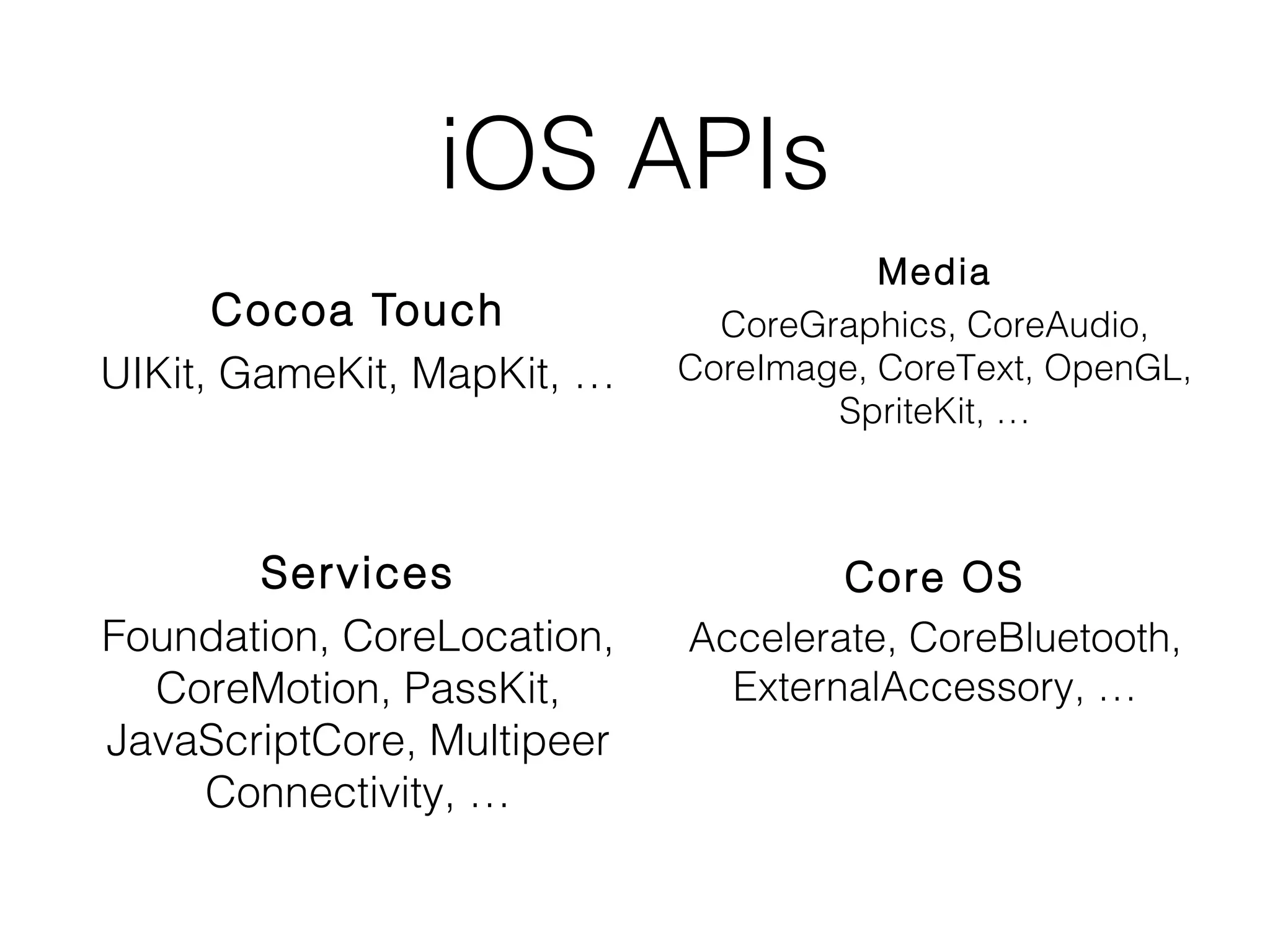
Cocoa Touch
UIKit, GameKit, MapKit, …

Services
Foundation, CoreLocation,
CoreMotion, PassKit,
JavaScriptCore, Multipeer
Connectivity, …

Media
CoreGraphics, CoreAudio,
CoreImage, CoreText, OpenGL,
SpriteKit, …

Core OS
Accelerate, CoreBluetooth,
ExternalAccessory, …
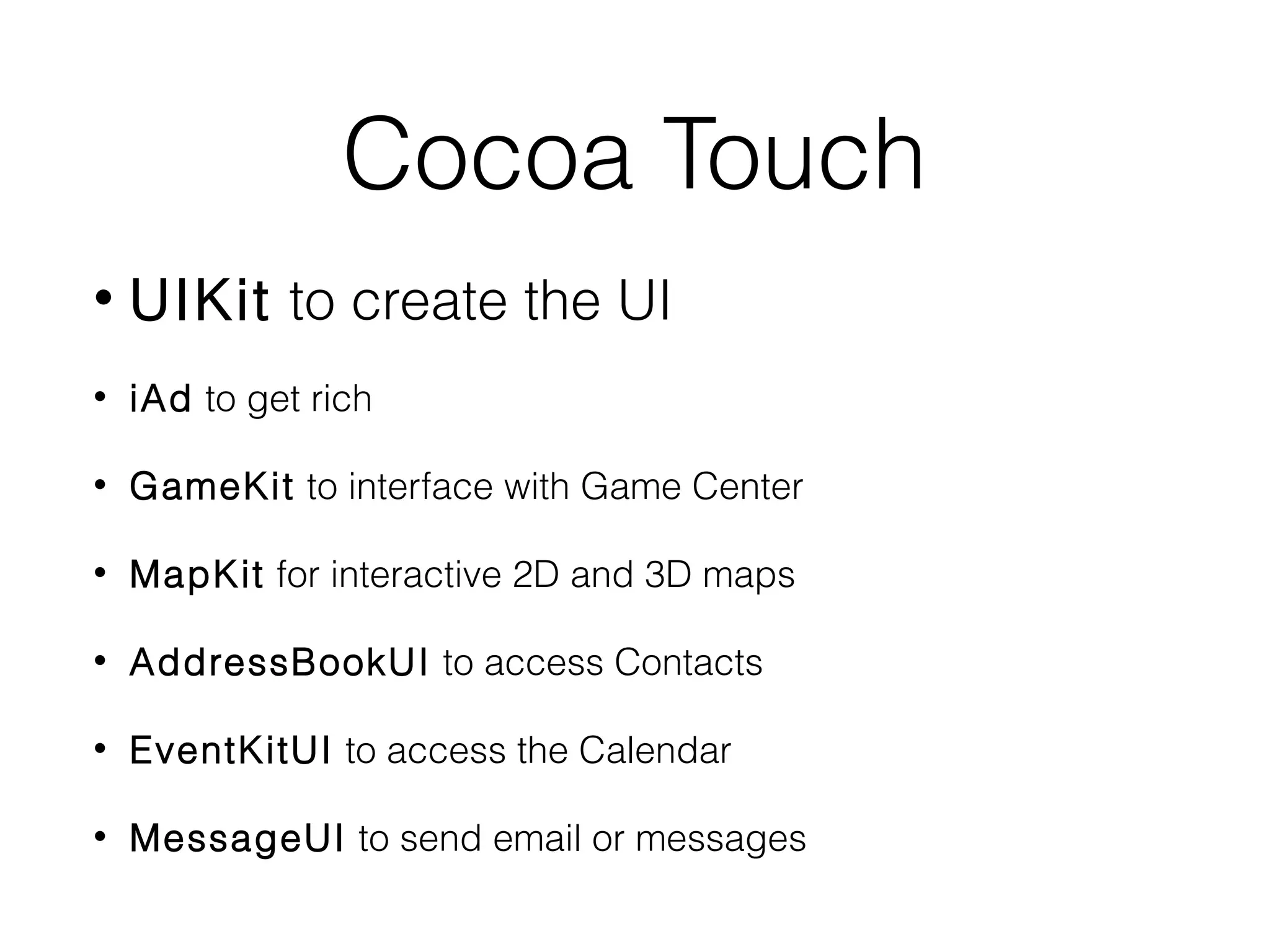
Cocoa Touch
•

UIKit to create the UI

•

iAd to get rich

•

GameKit to interface with Game Center

•

MapKit for interactive 2D and 3D maps

•

AddressBookUI to access Contacts

•

EventKitUI to access the Calendar

•

MessageUI to send email or messages
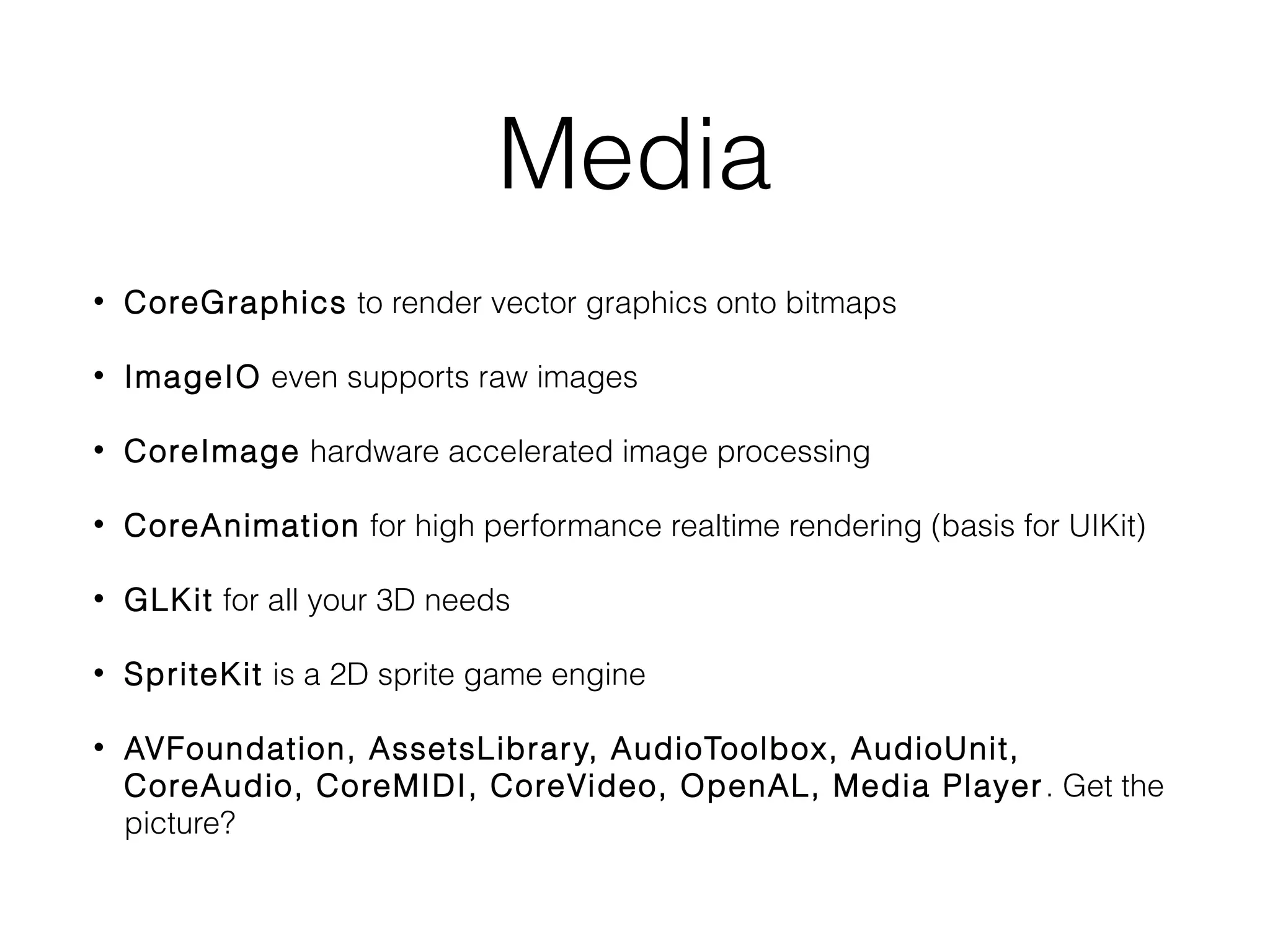
Media
•

CoreGraphics to render vector graphics onto bitmaps

•

ImageIO even supports raw images

•

CoreImage hardware accelerated image processing

•

CoreAnimation for high performance realtime rendering (basis for UIKit)

•

GLKit for all your 3D needs

•

SpriteKit is a 2D sprite game engine

•

AVFoundation, AssetsLibrary, AudioToolbox, AudioUnit,
CoreAudio, CoreMIDI, CoreVideo, OpenAL, Media Player . Get the
picture?
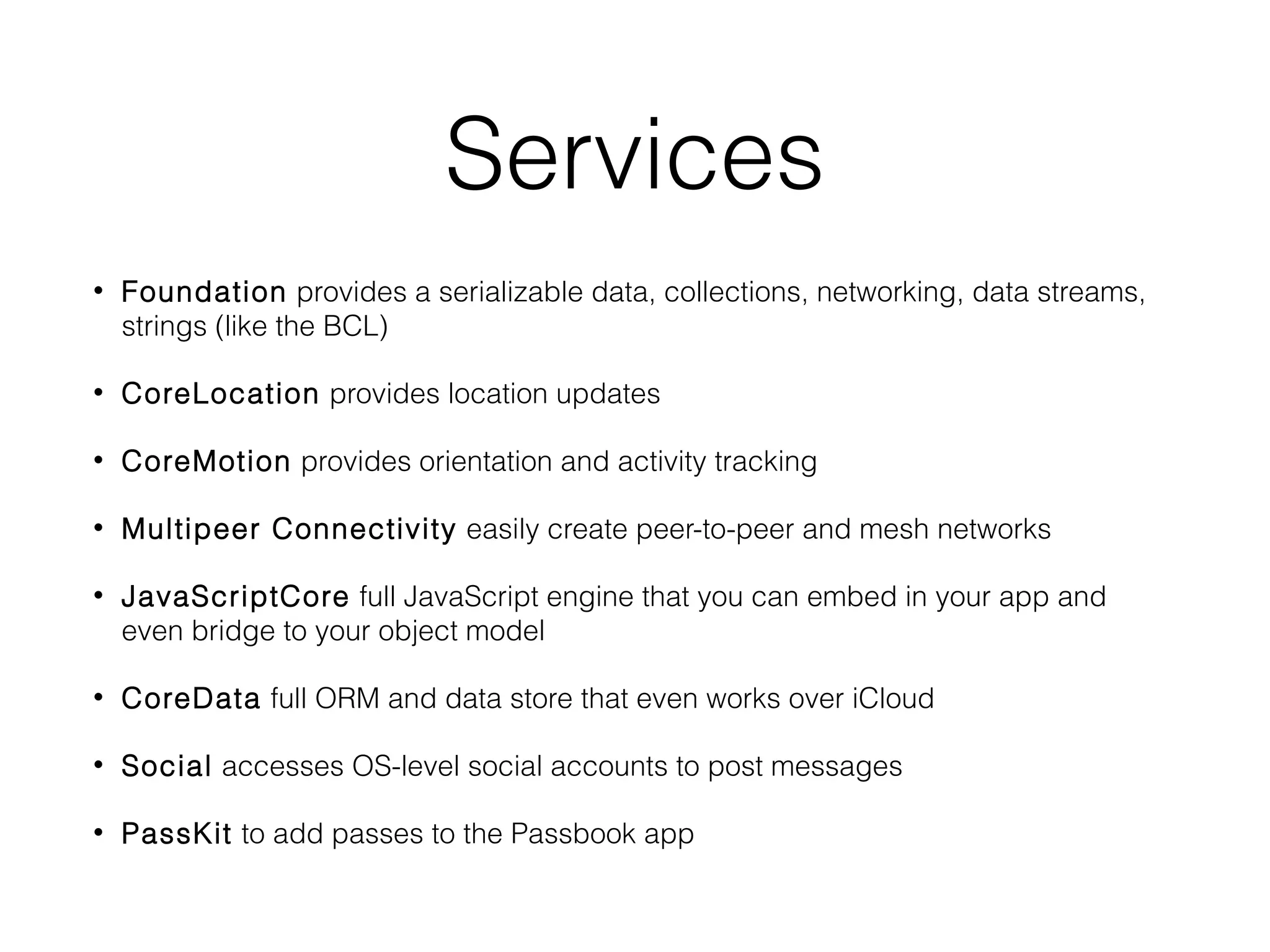
Services
•

Foundation provides a serializable data, collections, networking, data streams,
strings (like the BCL)

•

CoreLocation provides location updates

•

CoreMotion provides orientation and activity tracking

•

Multipeer Connectivity easily create peer-to-peer and mesh networks

•

JavaScriptCore full JavaScript engine that you can embed in your app and
even bridge to your object model

•

CoreData full ORM and data store that even works over iCloud

•

Social accesses OS-level social accounts to post messages

•

PassKit to add passes to the Passbook app
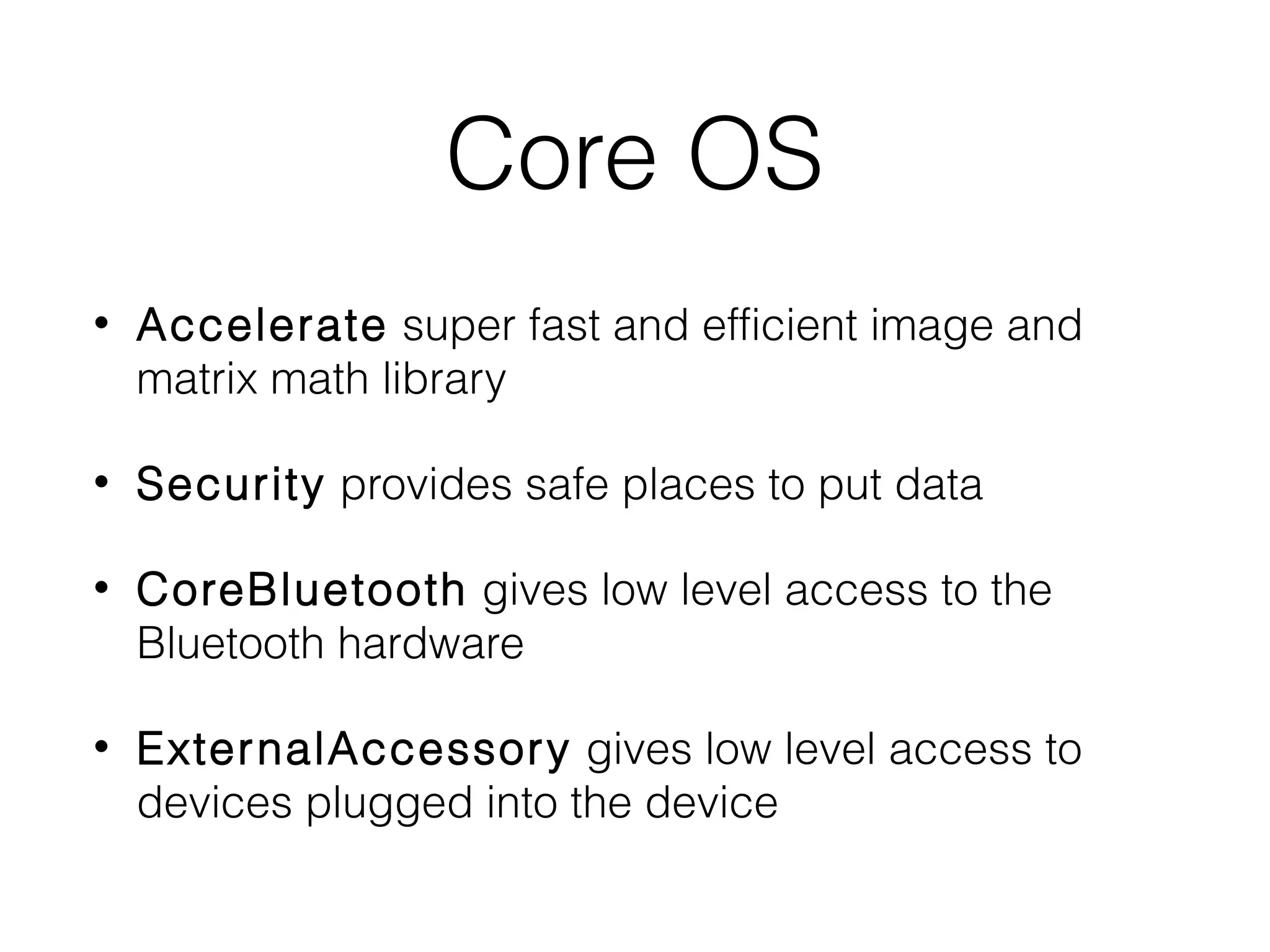
Core OS
•

Accelerate super fast and efficient image and
matrix math library

•

Security provides safe places to put data

•

CoreBluetooth gives low level access to the
Bluetooth hardware

•

Exter nalAccessory gives low level access to
devices plugged into the device
iOS API
Cocoa Touch
UIKit, GameKit, MapKit, …

Media
CoreGraphics, CoreAudio,
CoreImage, CoreText, OpenGL,
SpriteKit, …

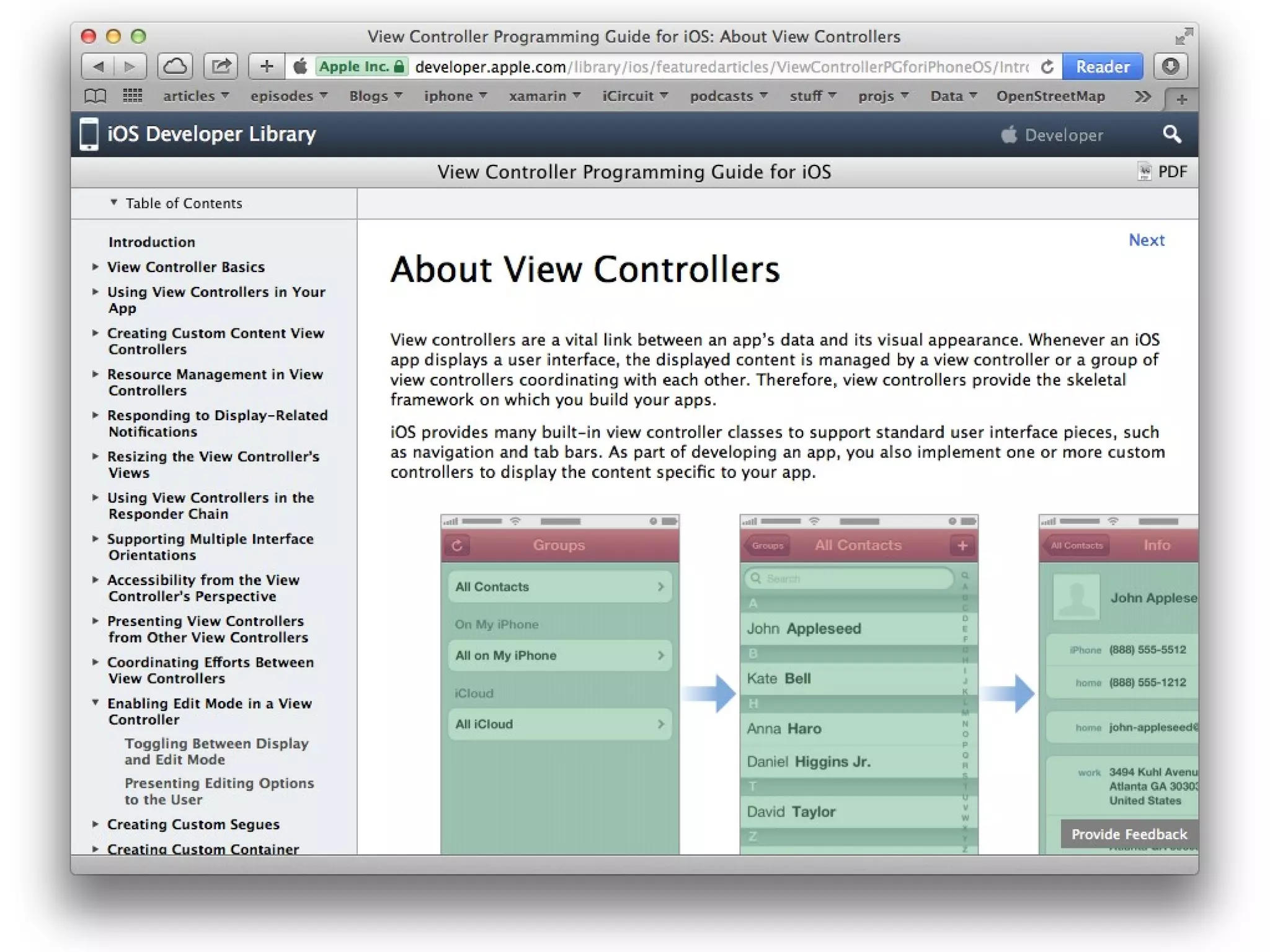
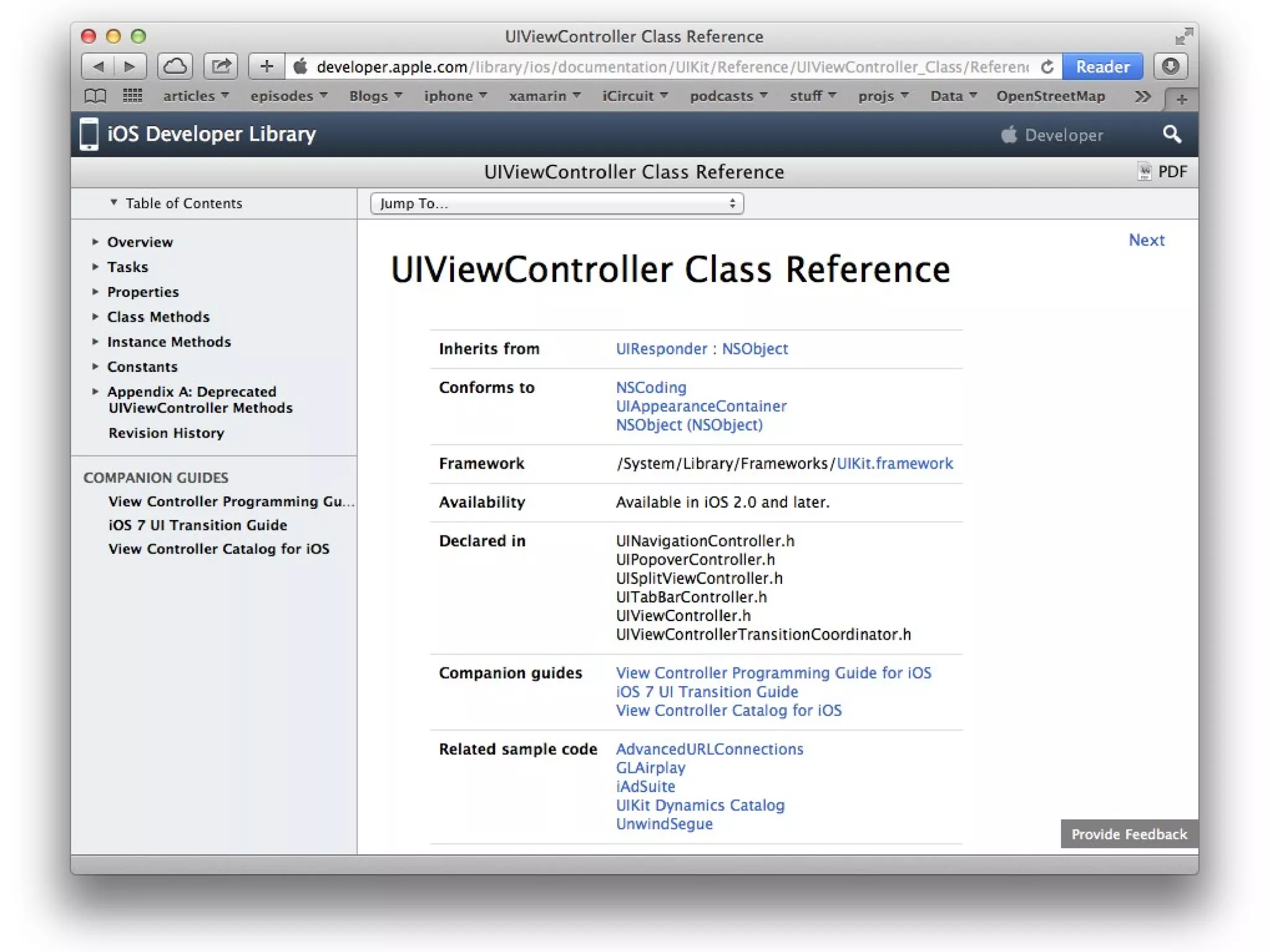
https://developer.apple.com/library/ios
Services
Foundation, CoreLocation,
CoreMotion, PassKit,
JavaScriptCore, Multipeer
Connectivity, …

Core OS
Accelerate, CoreBluetooth,
ExternalAccessory, …
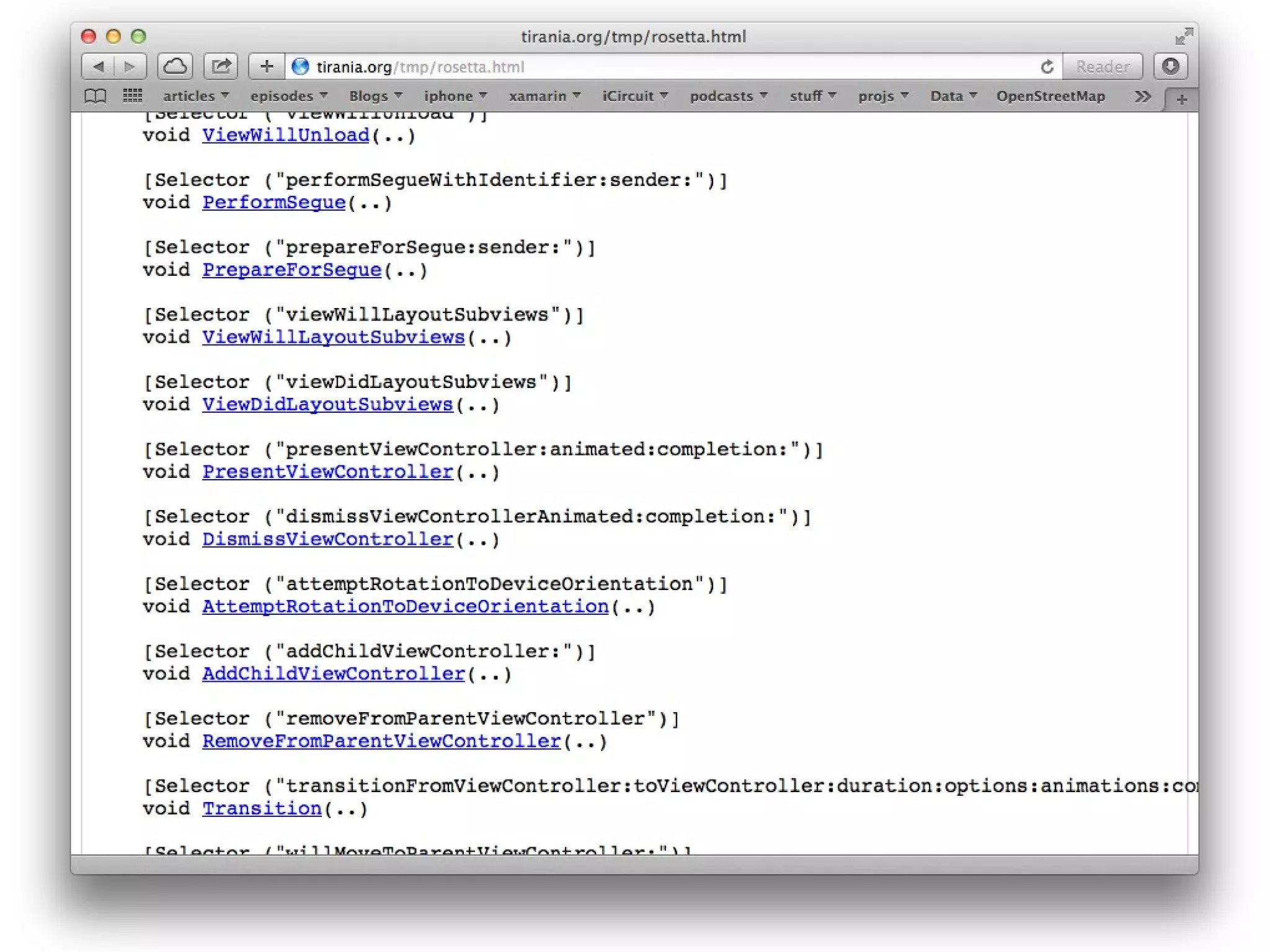
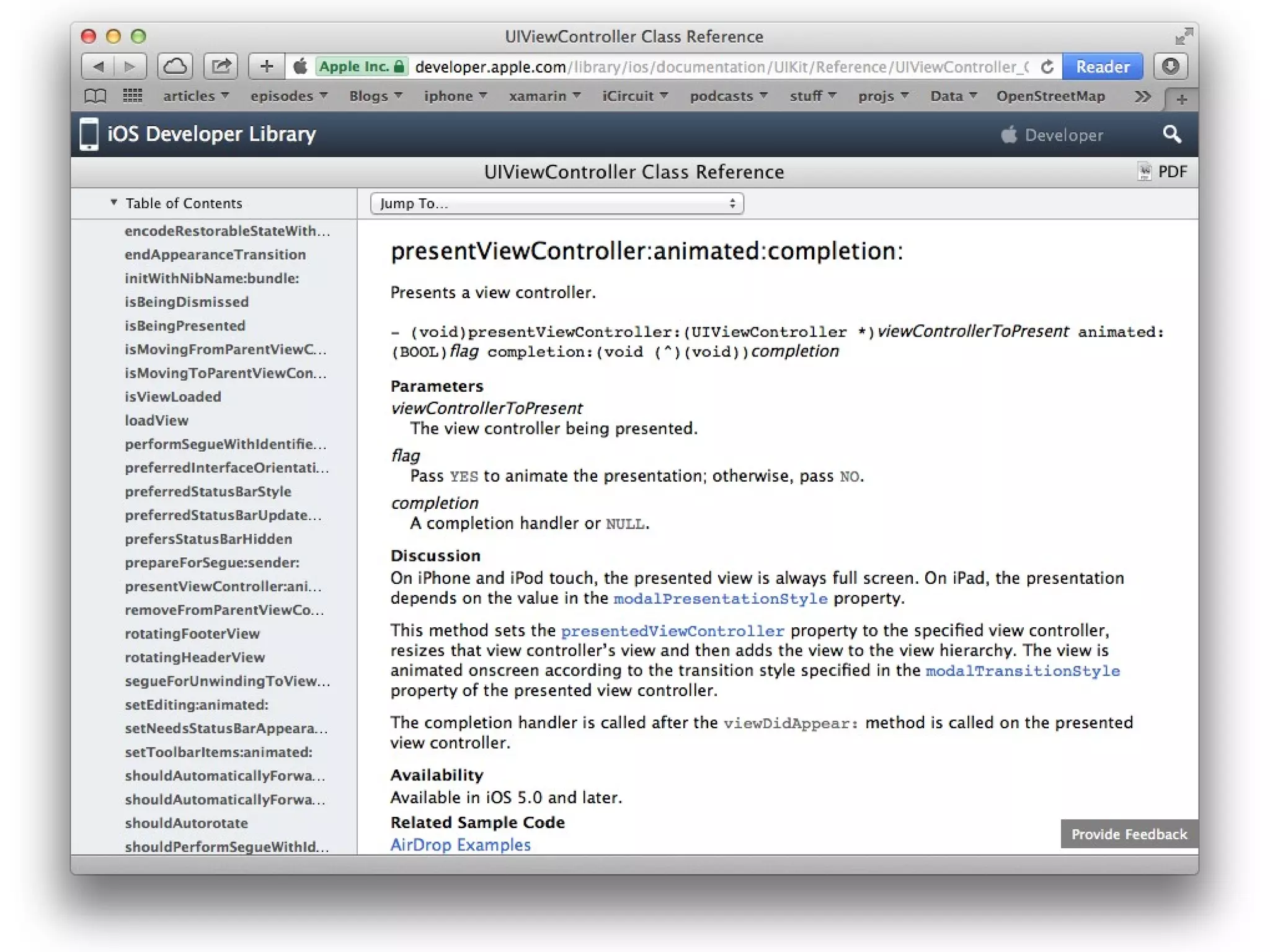
Objective-C Declaration
- (void)presentViewController:(UIViewController *)viewControllerToPresent
animated:(BOOL)flag
completion:(void (^)(void))completion

[self presentViewController:vc animated:YES completion:^{
// Do stuff after it’s been presented
}];
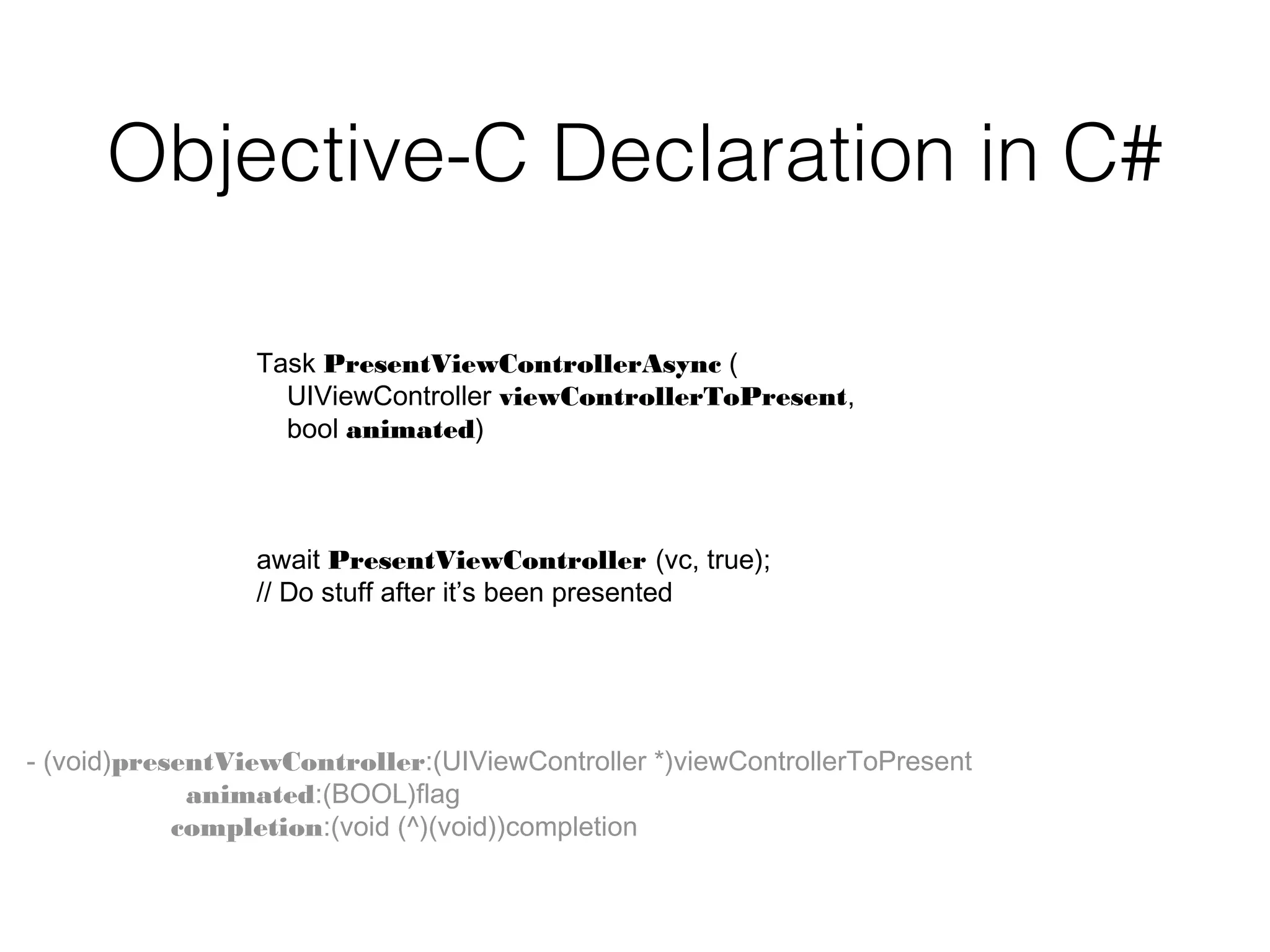
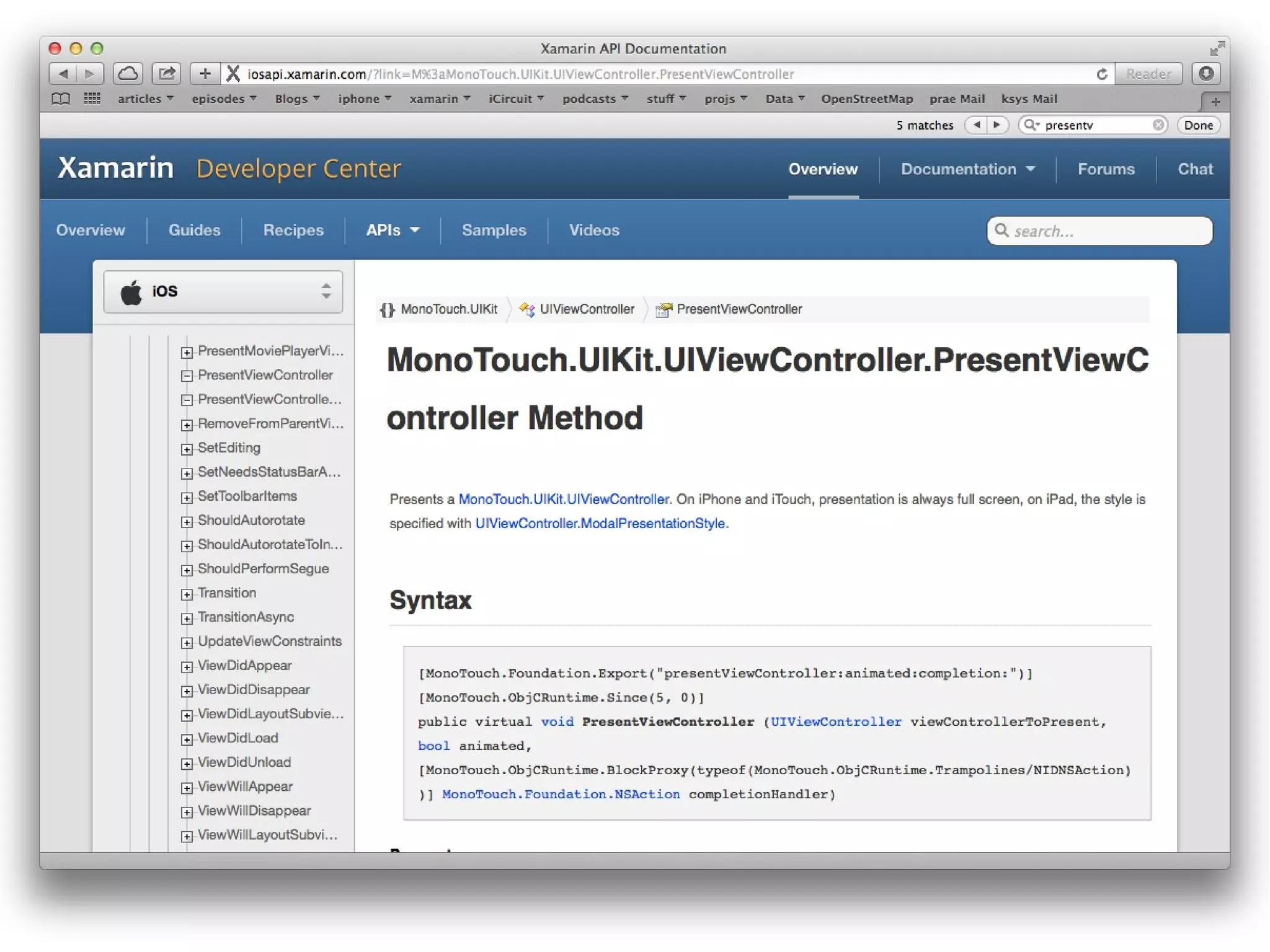
Objective-C Declaration in C#
Task PresentViewControllerAsync (
UIViewController viewControllerToPresent,
bool animated)

await PresentViewController (vc, true);
// Do stuff after it’s been presented

- (void)presentViewController:(UIViewController *)viewControllerToPresent
animated:(BOOL)flag
completion:(void (^)(void))completion
UIKit
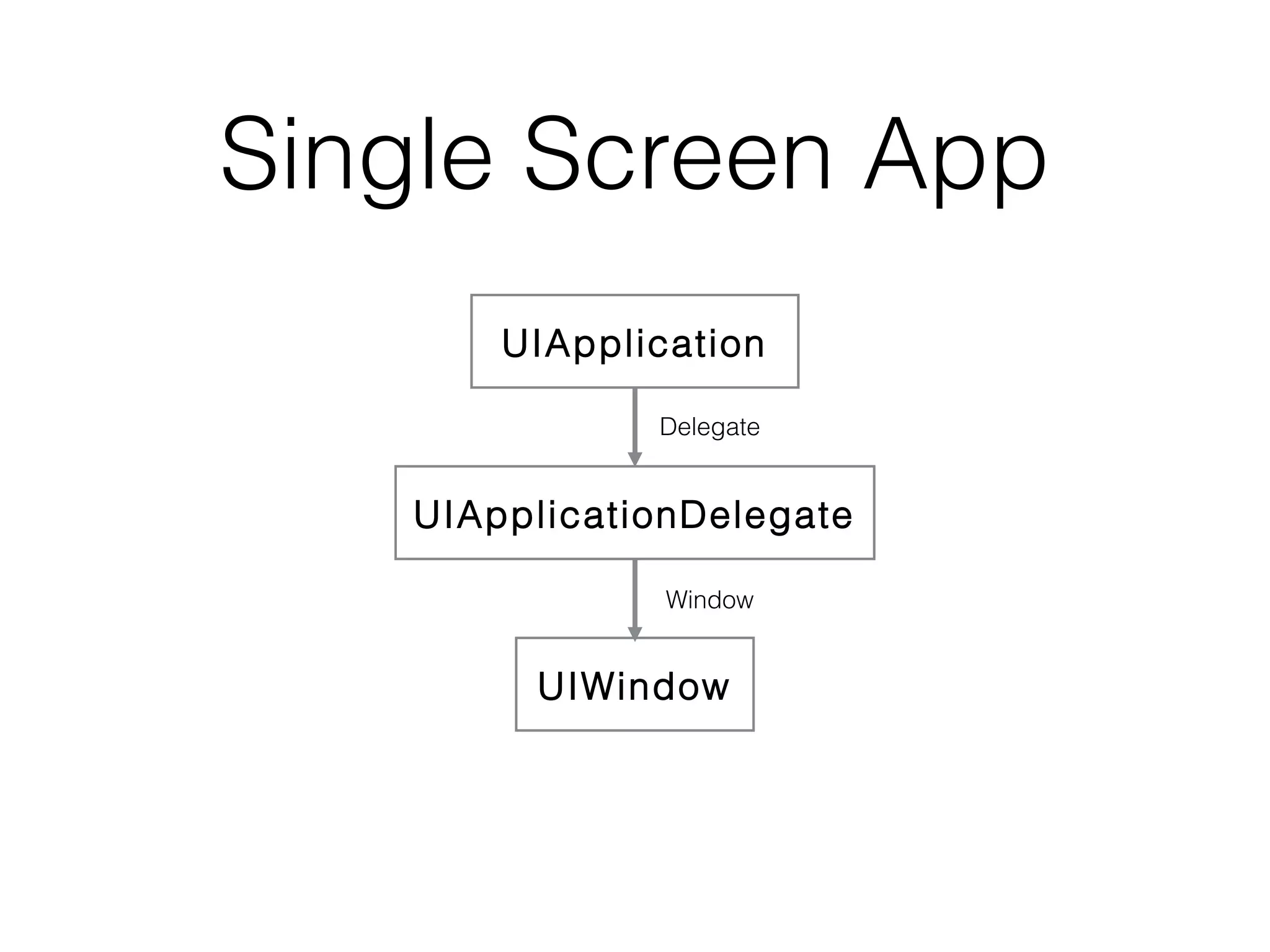
Single Screen App
UIApplication
Delegate

UIApplicationDelegate
Window

UIWindow
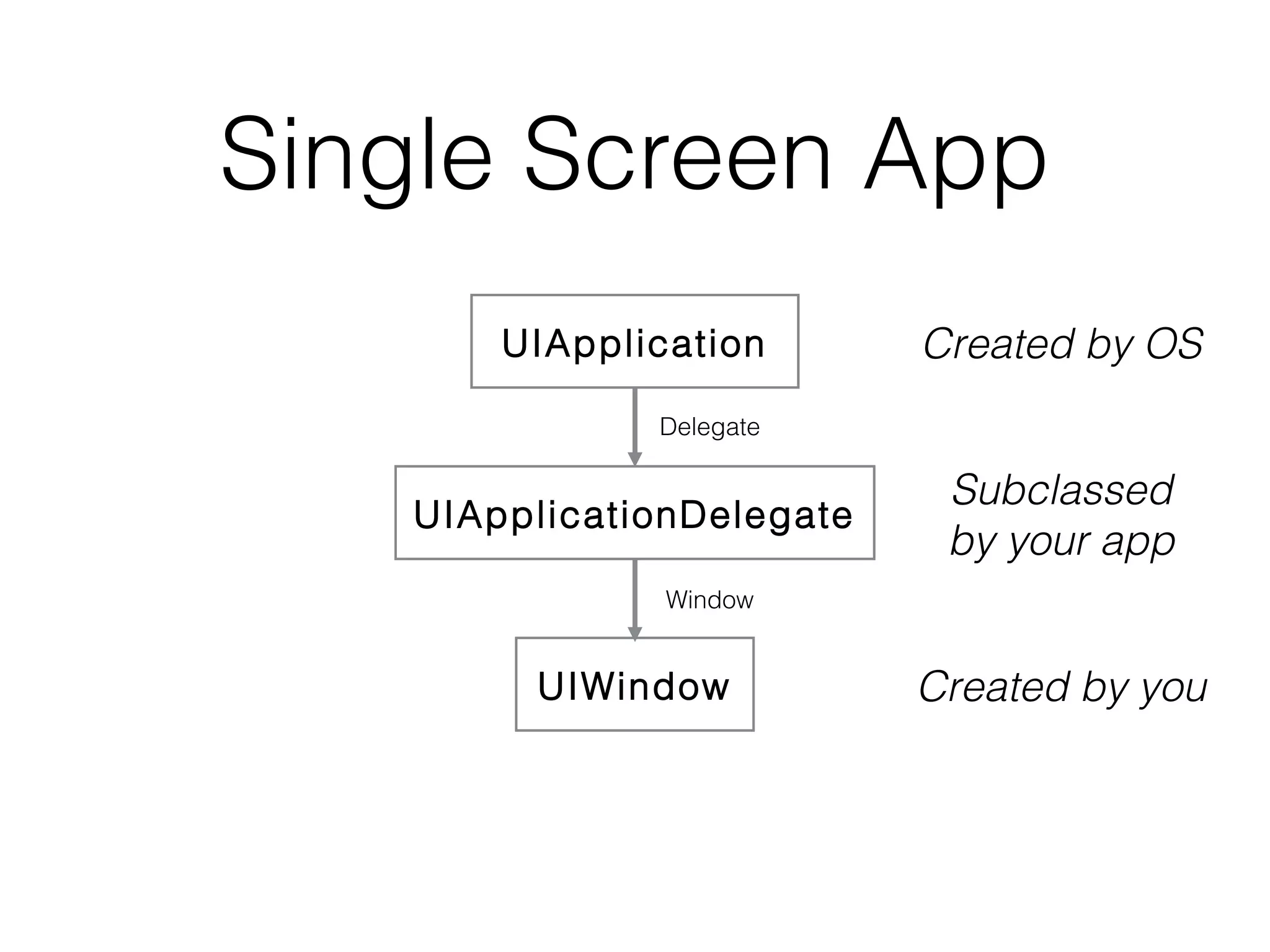
Single Screen App
UIApplication

Created by OS

Delegate

UIApplicationDelegate

Subclassed
by your app

Window

UIWindow

Created by you
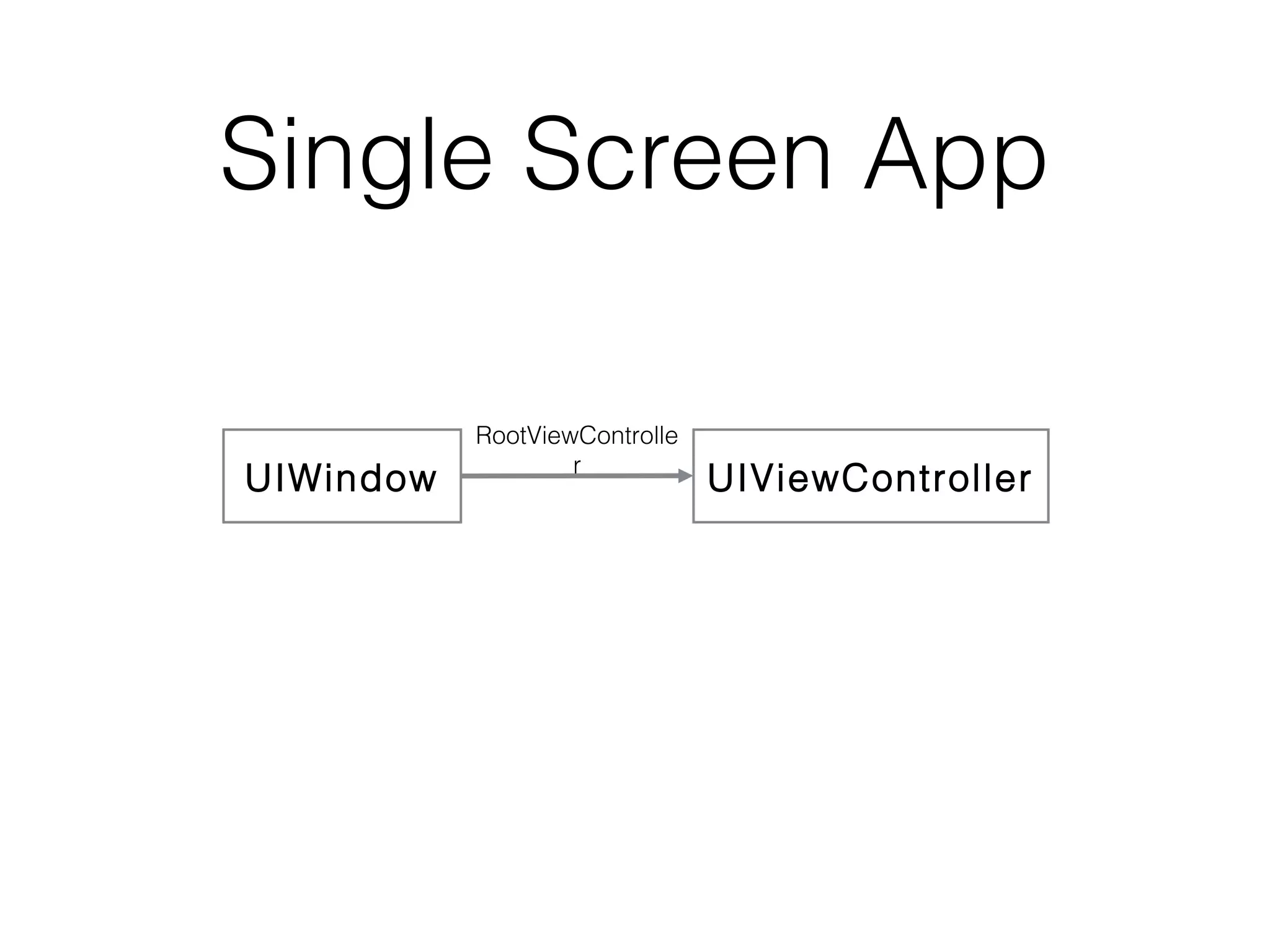
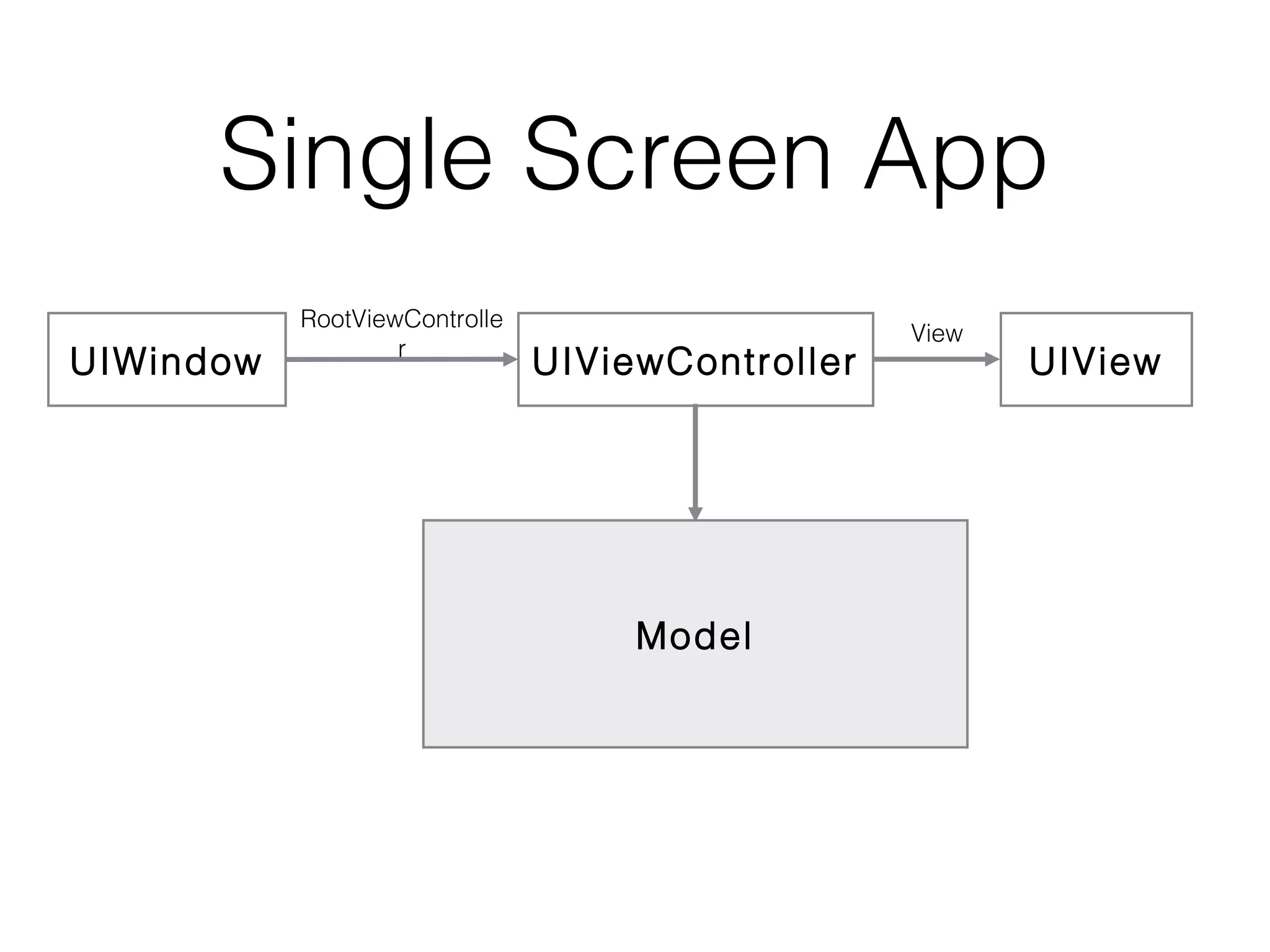
Single Screen App
UIWindow

RootViewControlle
r

UIViewController
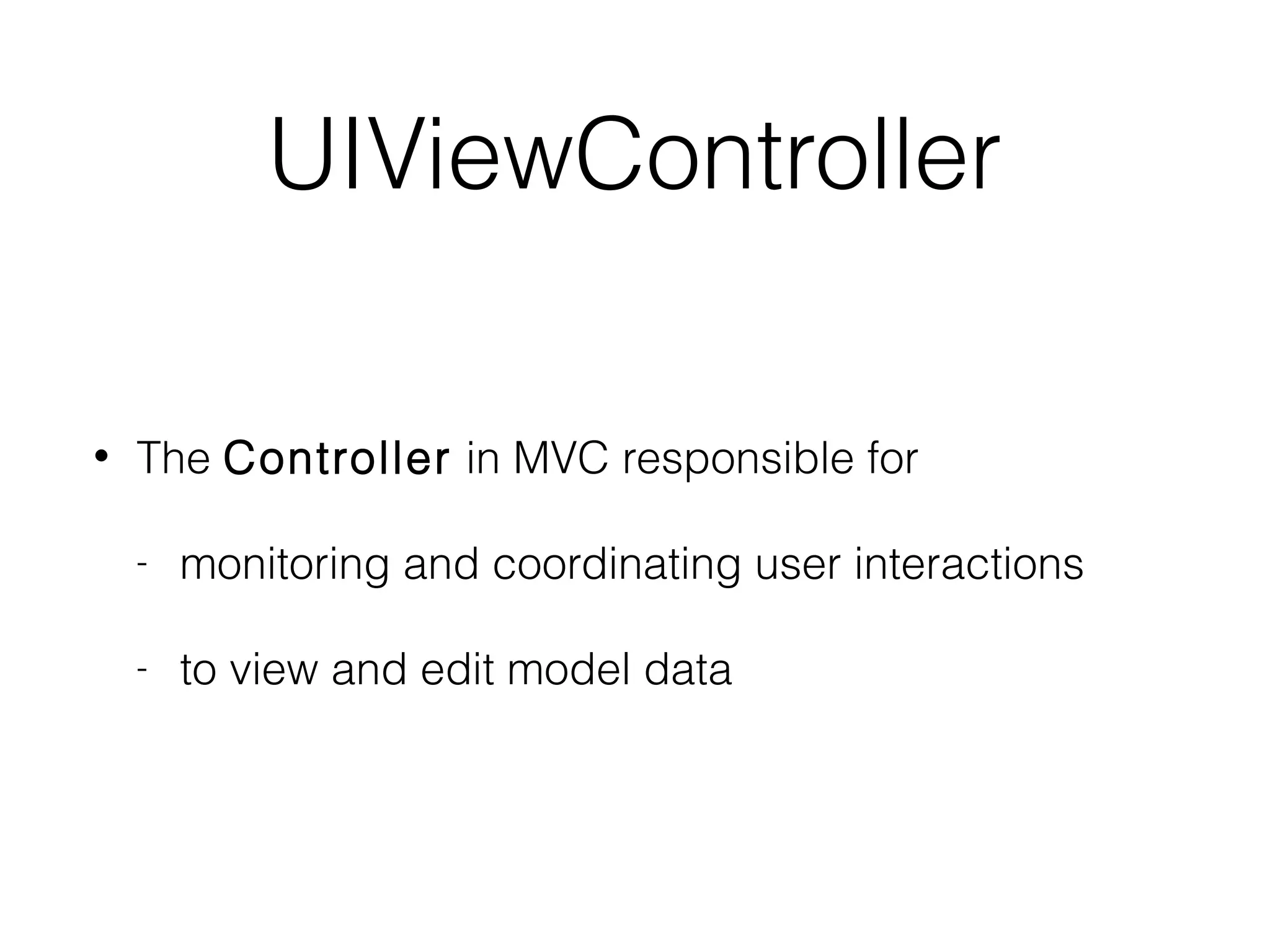
UIViewController
•

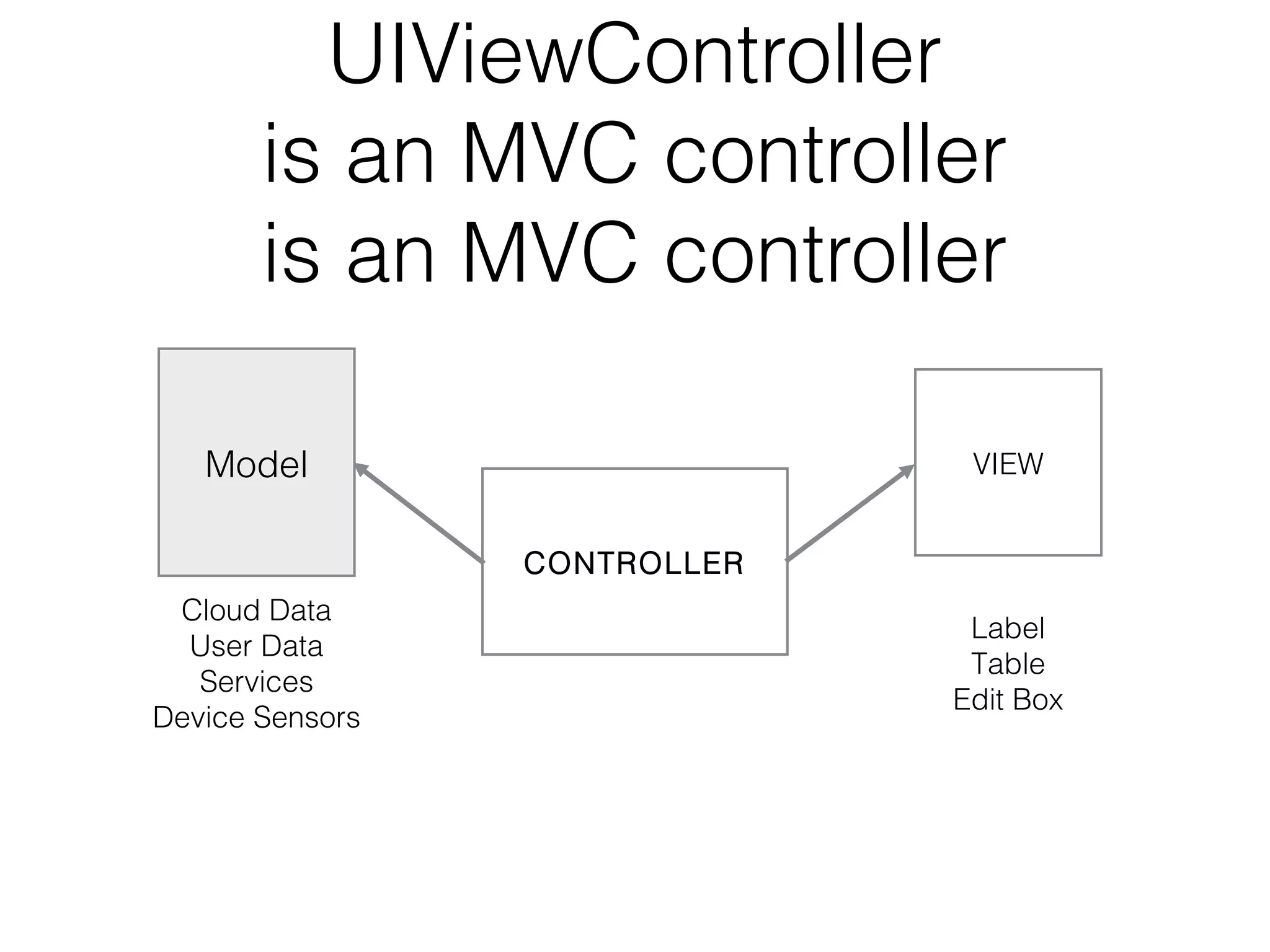
The Controller in MVC responsible for
-

monitoring and coordinating user interactions

-

to view and edit model data
UIViewController
is an MVC controller
Model

VIEW
CONTROLLER

Cloud Data
User Data
Services
Device Sensors

Label
Table
Edit Box
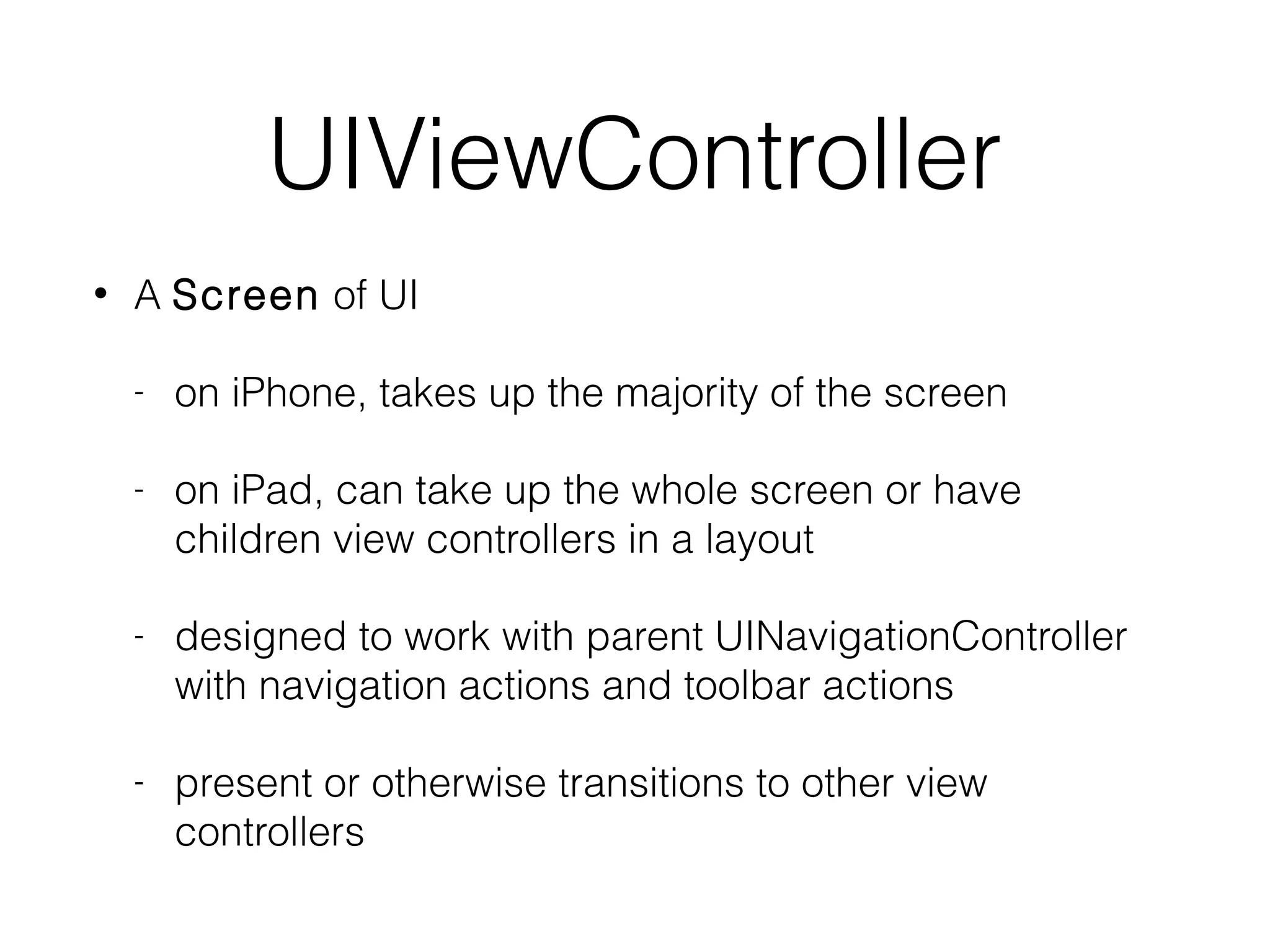
UIViewController
•

A Screen of UI
-

on iPhone, takes up the majority of the screen

-

on iPad, can take up the whole screen or have
children view controllers in a layout

-

designed to work with parent UINavigationController
with navigation actions and toolbar actions

-

present or otherwise transitions to other view
controllers
Single Screen App
UIWindow

RootViewControlle
r

UIViewController

Model

View

UIView
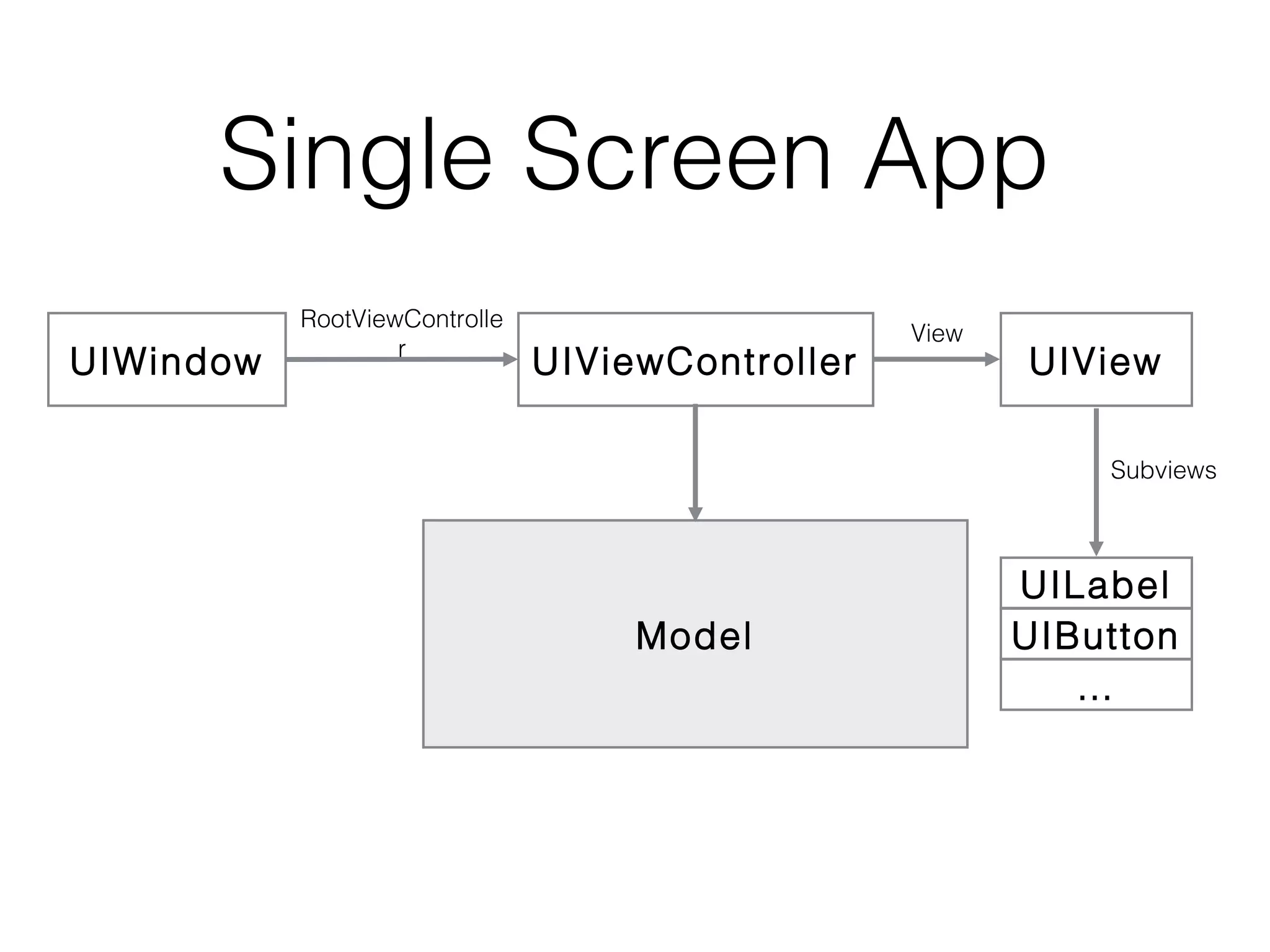
Single Screen App
UIWindow

RootViewControlle
r

UIViewController

View

UIView
Subviews

Model

UILabel
UIButton
…
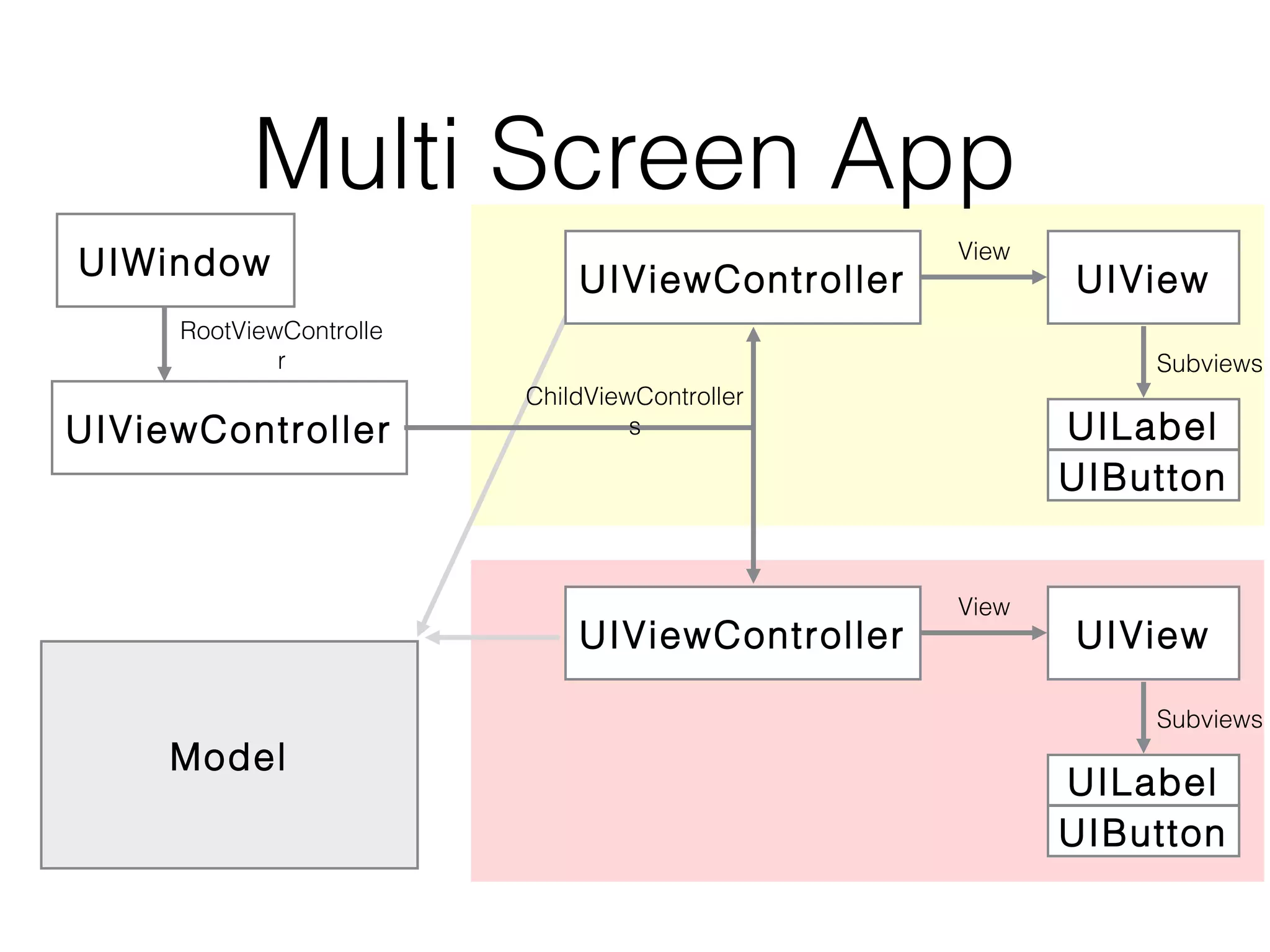
Multi Screen App
UIWindow

UIViewController

View

RootViewControlle
r

UIViewController

Subviews
ChildViewController
s

UIViewController
Model

UIView

UILabel
UIButton
View

UIView
Subviews

UILabel
UIButton
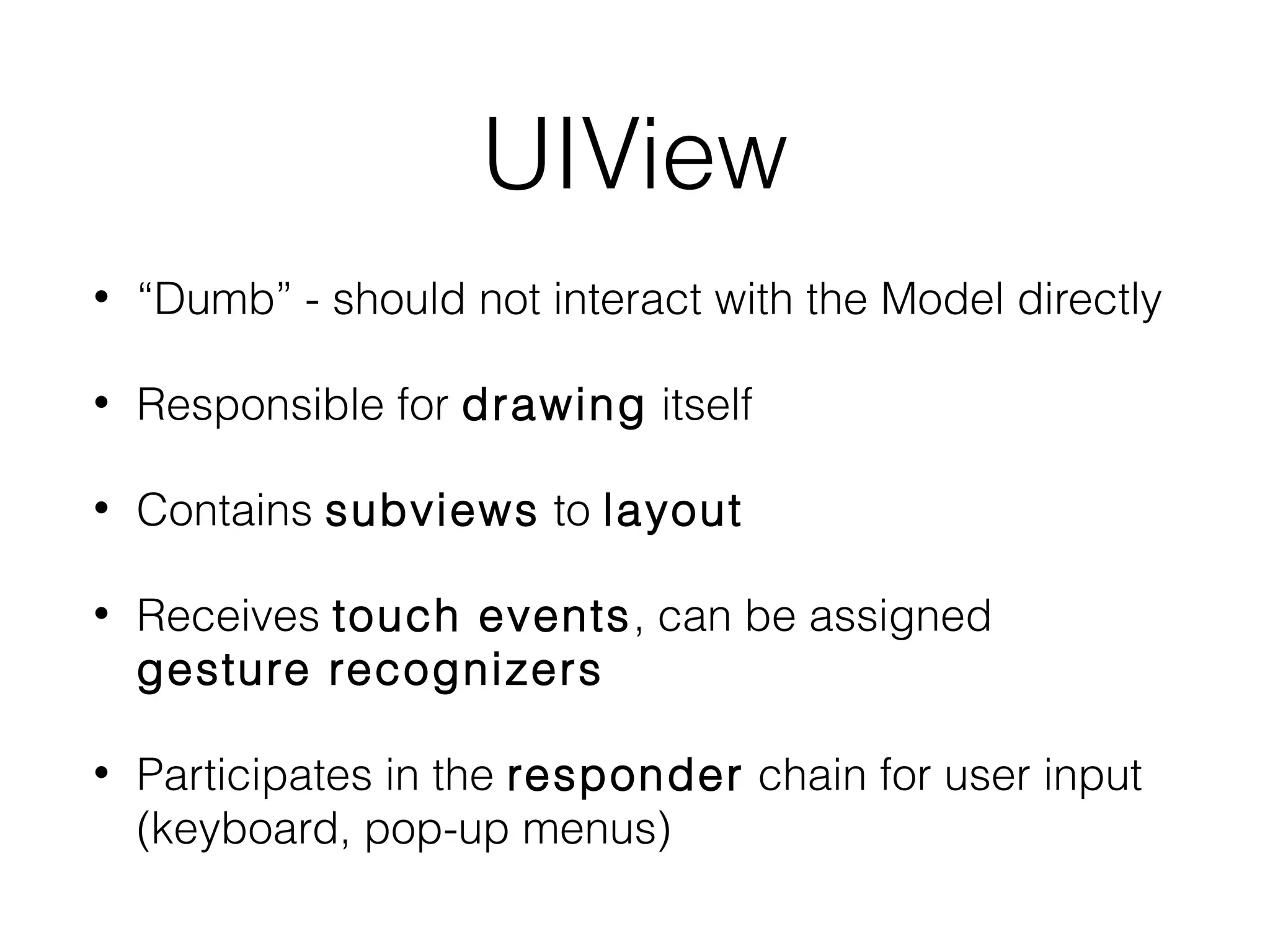
UIView
•

“Dumb” - should not interact with the Model directly

•

Responsible for drawing itself

•

Contains subviews to layout

•

Receives touch events, can be assigned
gesture recognizers

•

Participates in the responder chain for user input
(keyboard, pop-up menus)
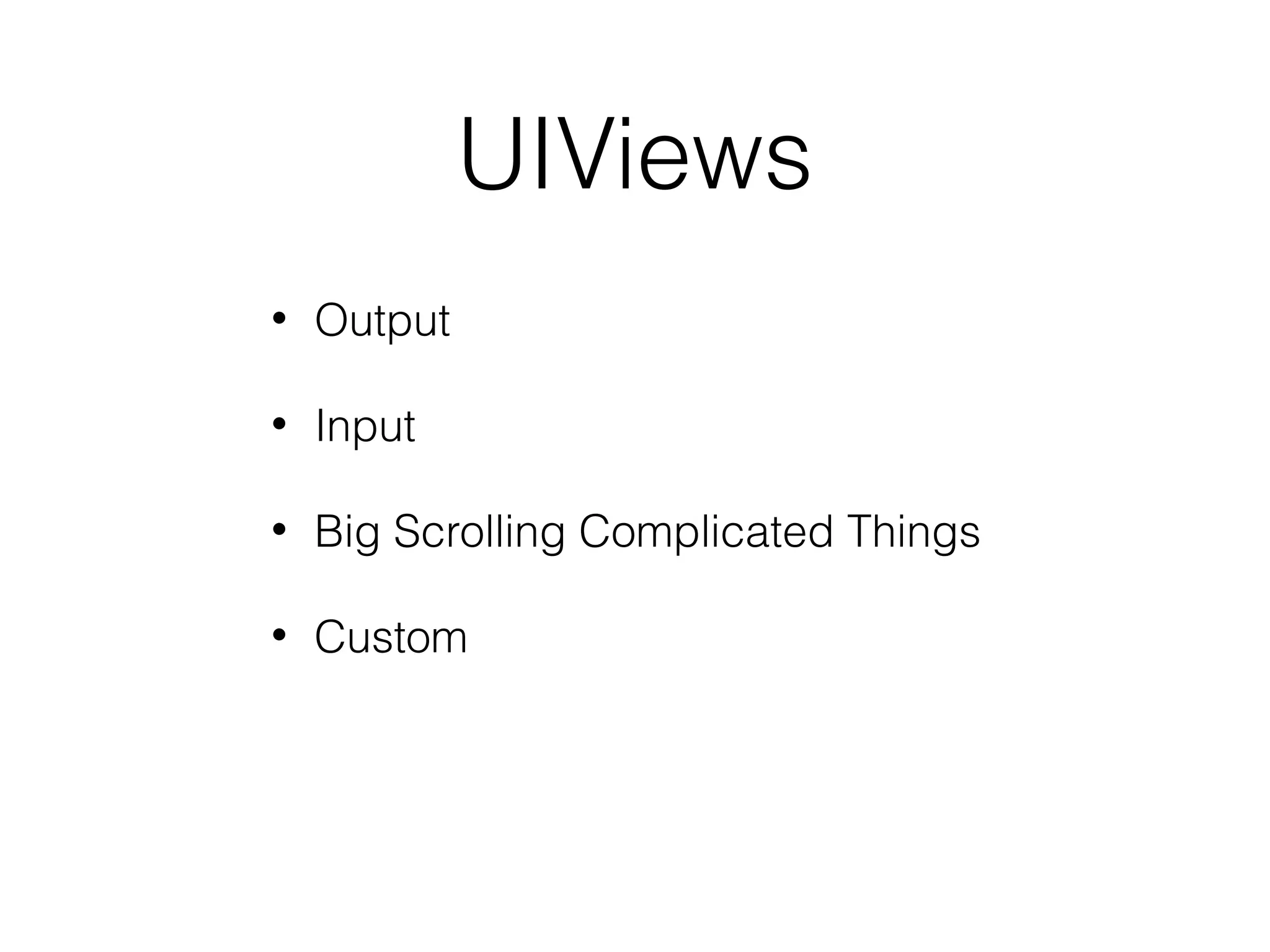
UIViews
•

Output

•

Input

•

Big Scrolling Complicated Things

•

Custom
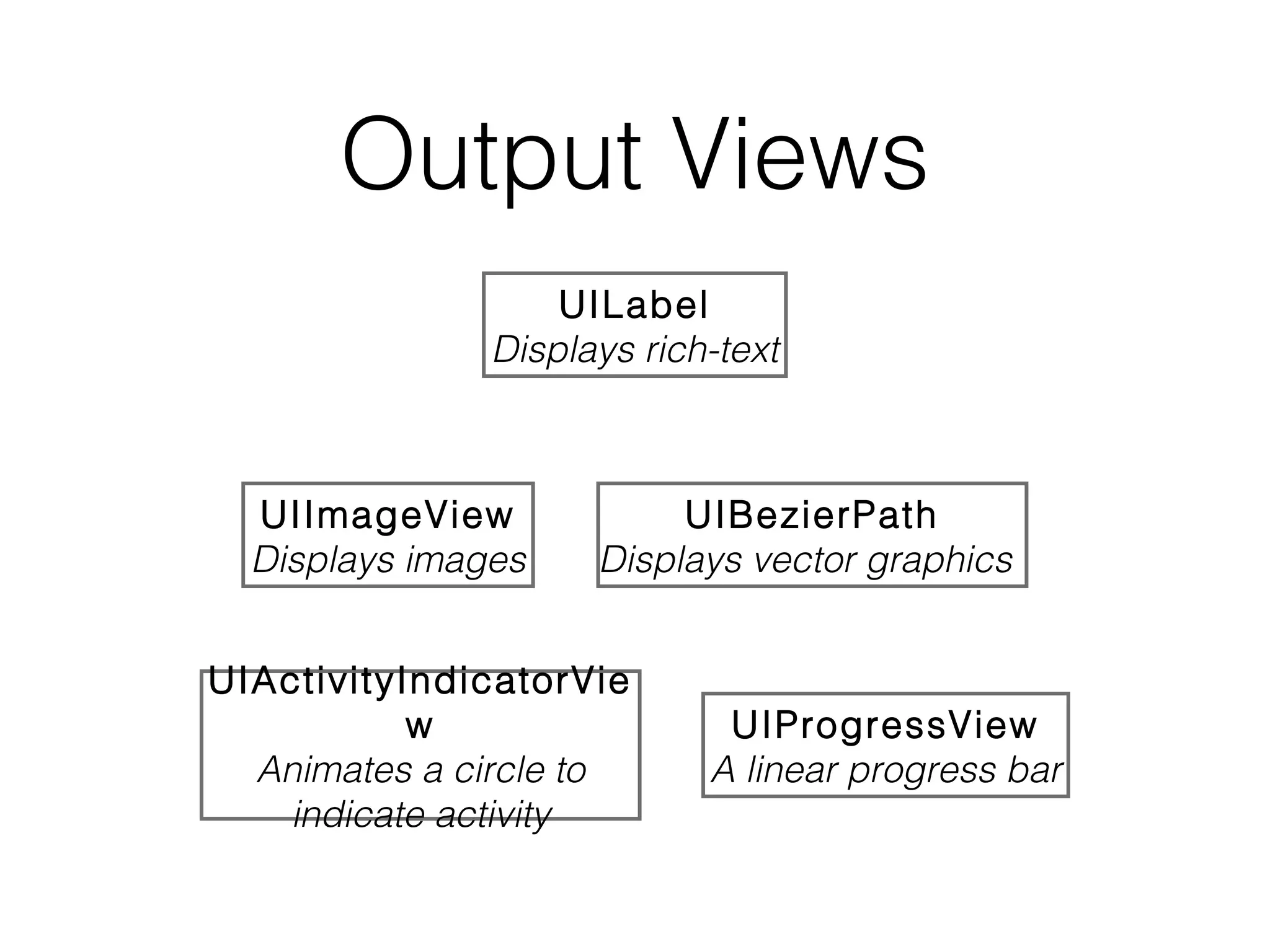
Output Views
UILabel
Displays rich-text

UIImageView
Displays images

UIBezierPath
Displays vector graphics

UIActivityIndicatorVie
w
Animates a circle to
indicate activity

UIProgressView
A linear progress bar
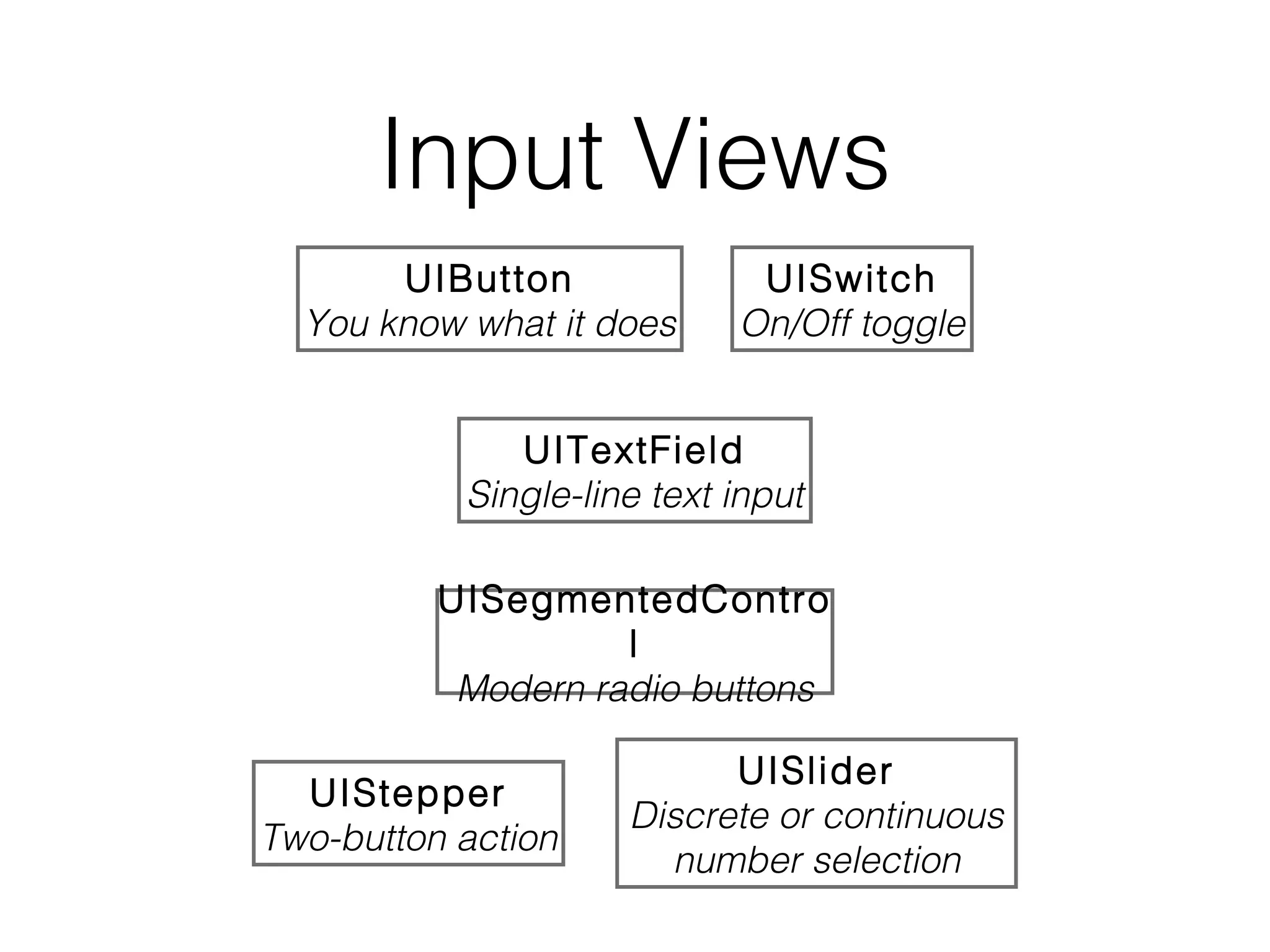
Input Views
UIButton
You know what it does

UISwitch
On/Off toggle

UITextField
Single-line text input
UISegmentedContro
l
Modern radio buttons
UIStepper
Two-button action

UISlider
Discrete or continuous
number selection
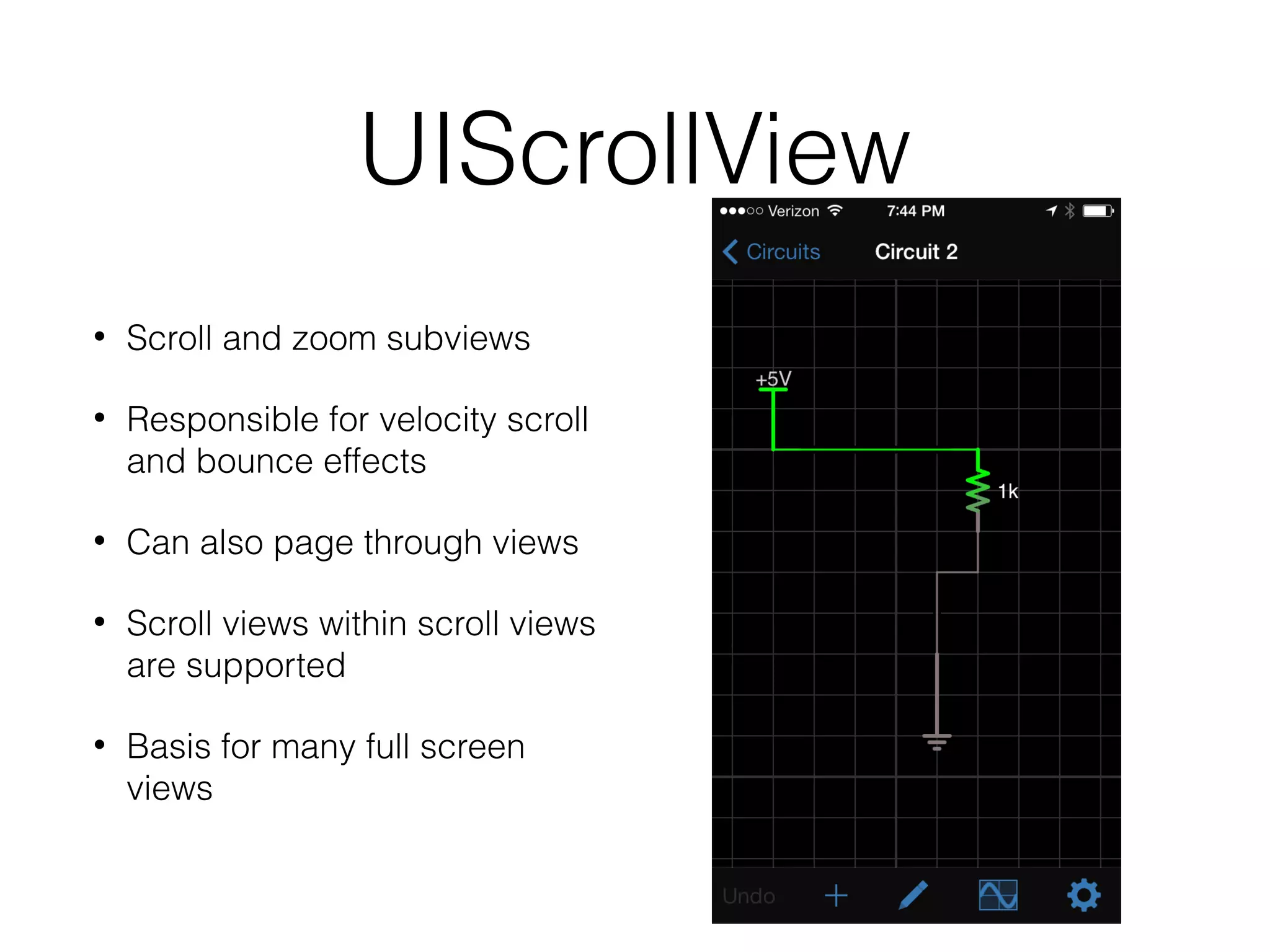
UIScrollView
•

Scroll and zoom subviews

•

Responsible for velocity scroll
and bounce effects

•

Can also page through views

•

Scroll views within scroll views
are supported

•

Basis for many full screen
views
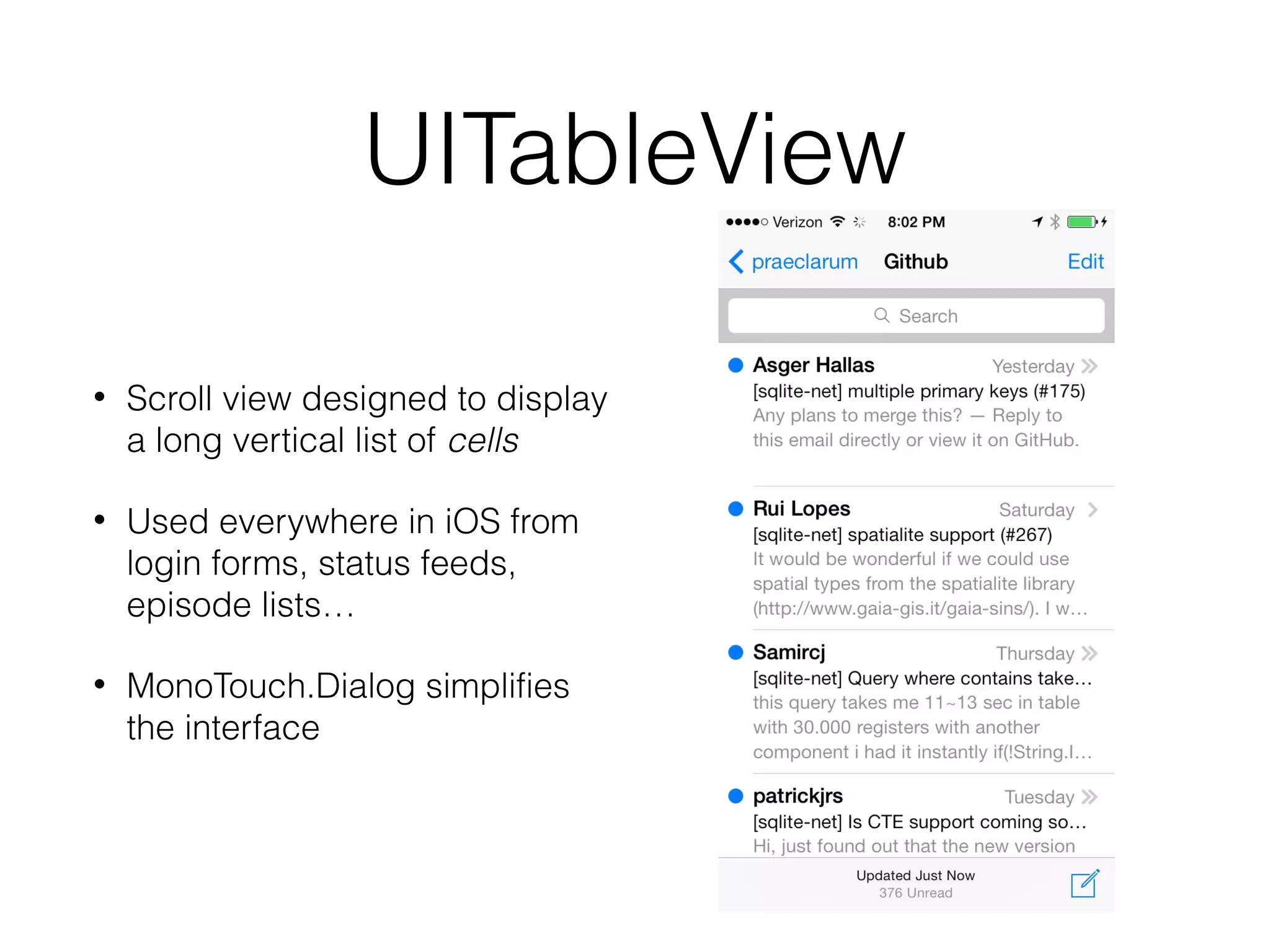
UITableView
•

Scroll view designed to display
a long vertical list of cells

•

Used everywhere in iOS from
login forms, status feeds,
episode lists…

•

MonoTouch.Dialog simplifies
the interface
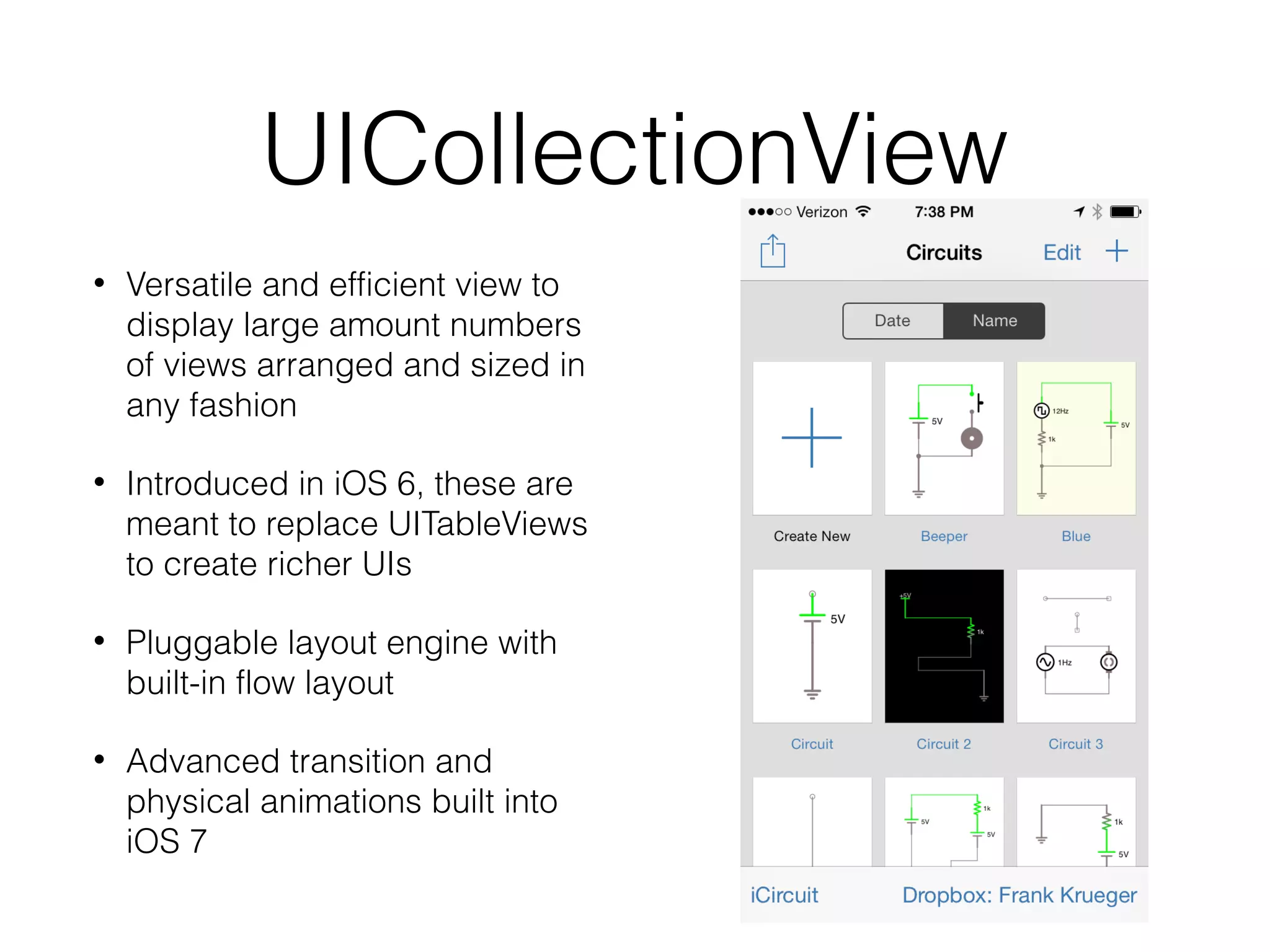
UICollectionView
•

Versatile and efficient view to
display large amount numbers
of views arranged and sized in
any fashion

•

Introduced in iOS 6, these are
meant to replace UITableViews
to create richer UIs

•

Pluggable layout engine with
built-in flow layout

•

Advanced transition and
physical animations built into
iOS 7
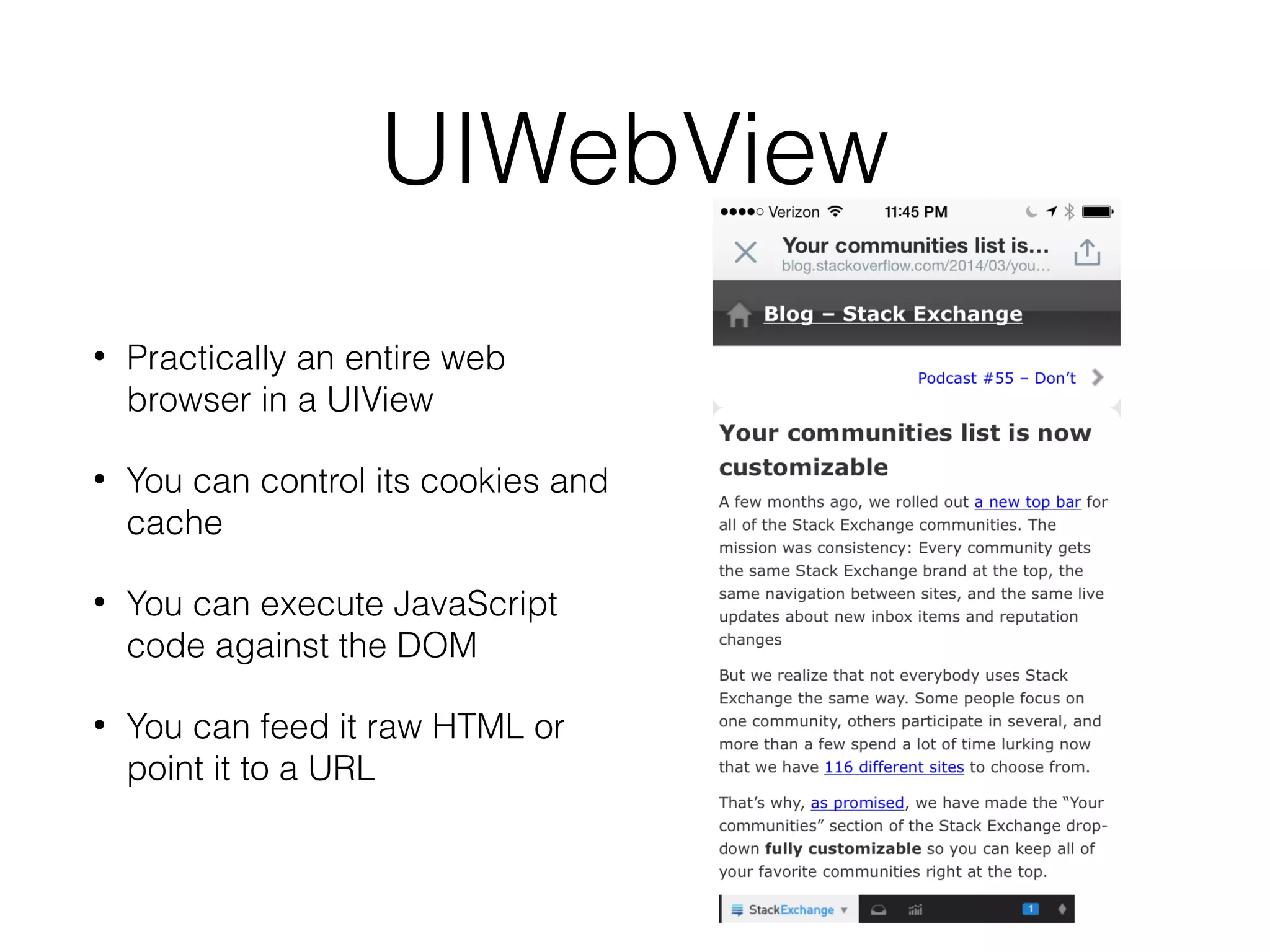
UIWebView
•

Practically an entire web
browser in a UIView

•

You can control its cookies and
cache

•

You can execute JavaScript
code against the DOM

•

You can feed it raw HTML or
point it to a URL
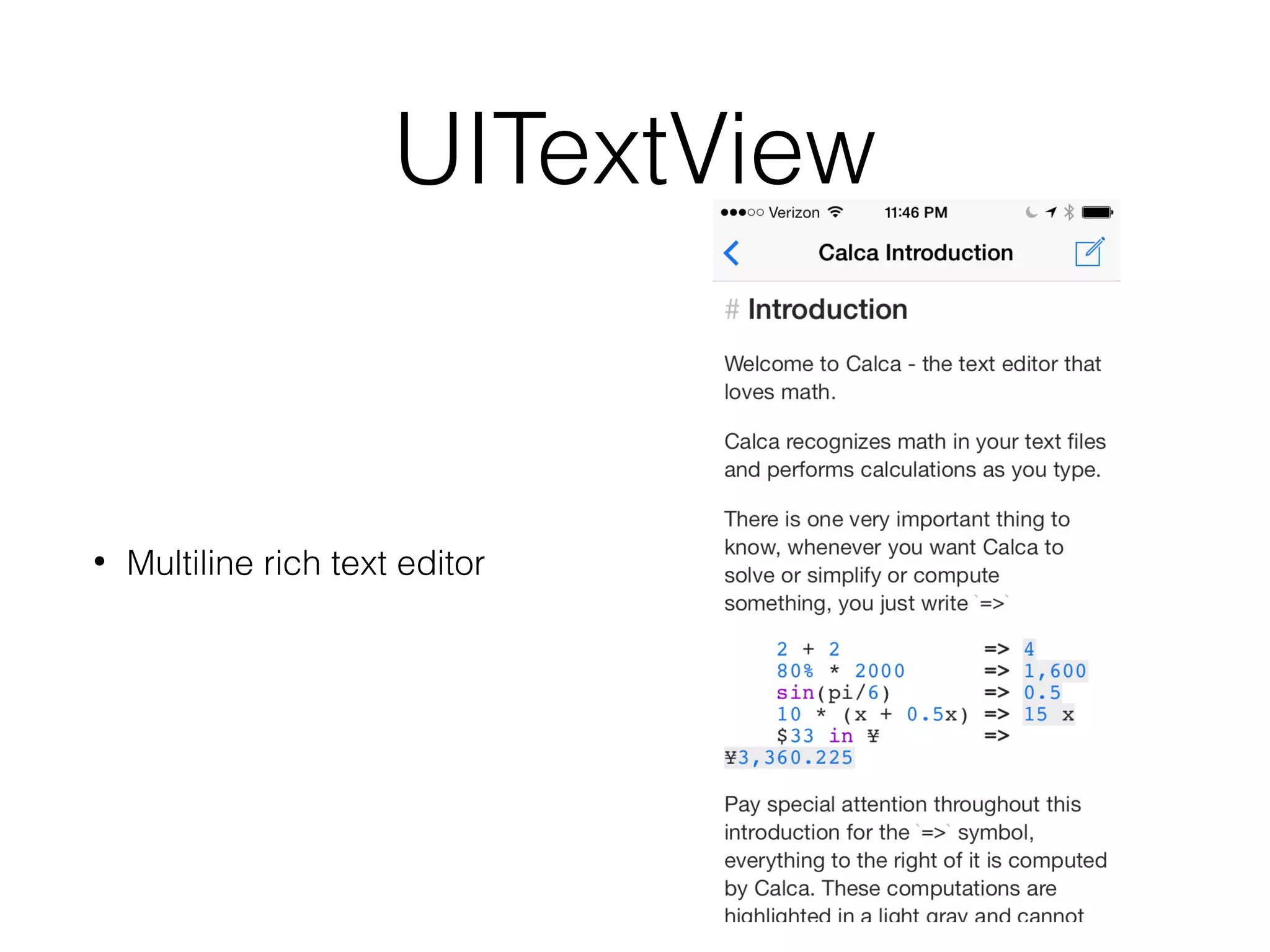
UITextView

•

Multiline rich text editor
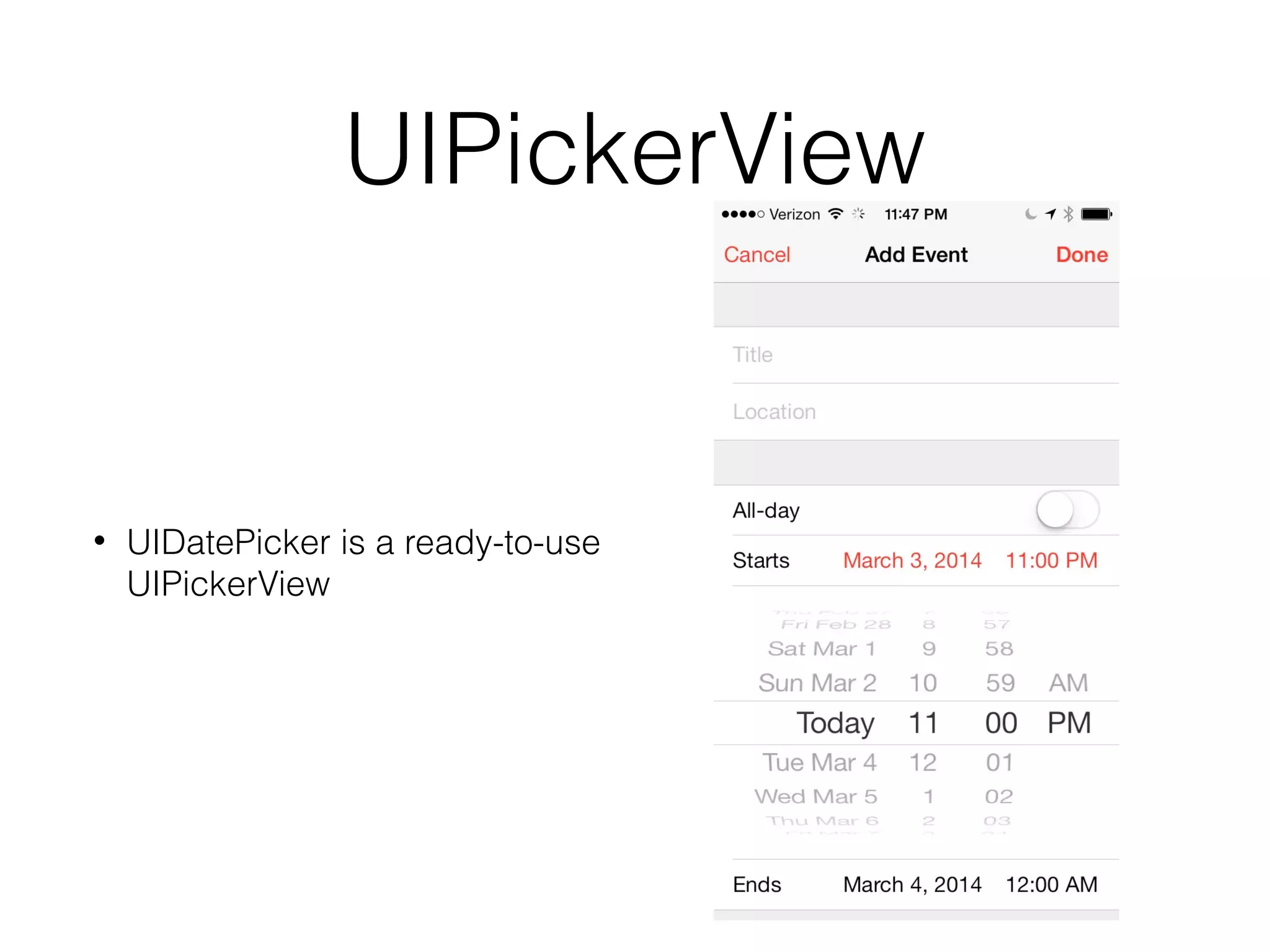
UIPickerView

•

UIDatePicker is a ready-to-use
UIPickerView
Custom UIViews
Composition through Subviews
•

Need to layout using auto layout
constraints or old-fashioned
rectangle setting
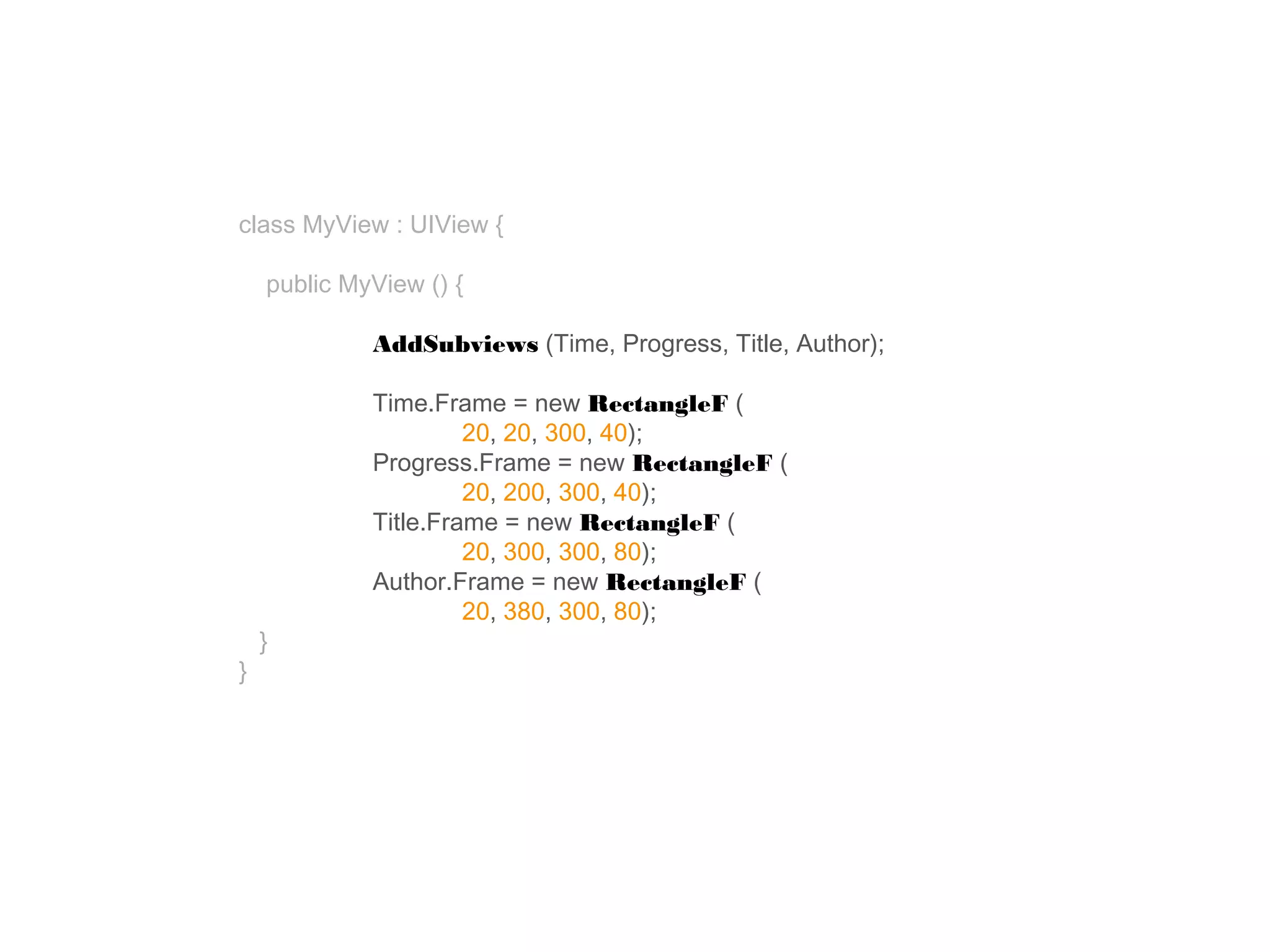
class MyView : UIView {
public MyView () {
AddSubviews (Time, Progress, Title, Author);

}

}

Time.Frame = new RectangleF (
20, 20, 300, 40);
Progress.Frame = new RectangleF (
20, 200, 300, 40);
Title.Frame = new RectangleF (
20, 300, 300, 80);
Author.Frame = new RectangleF (
20, 380, 300, 80);
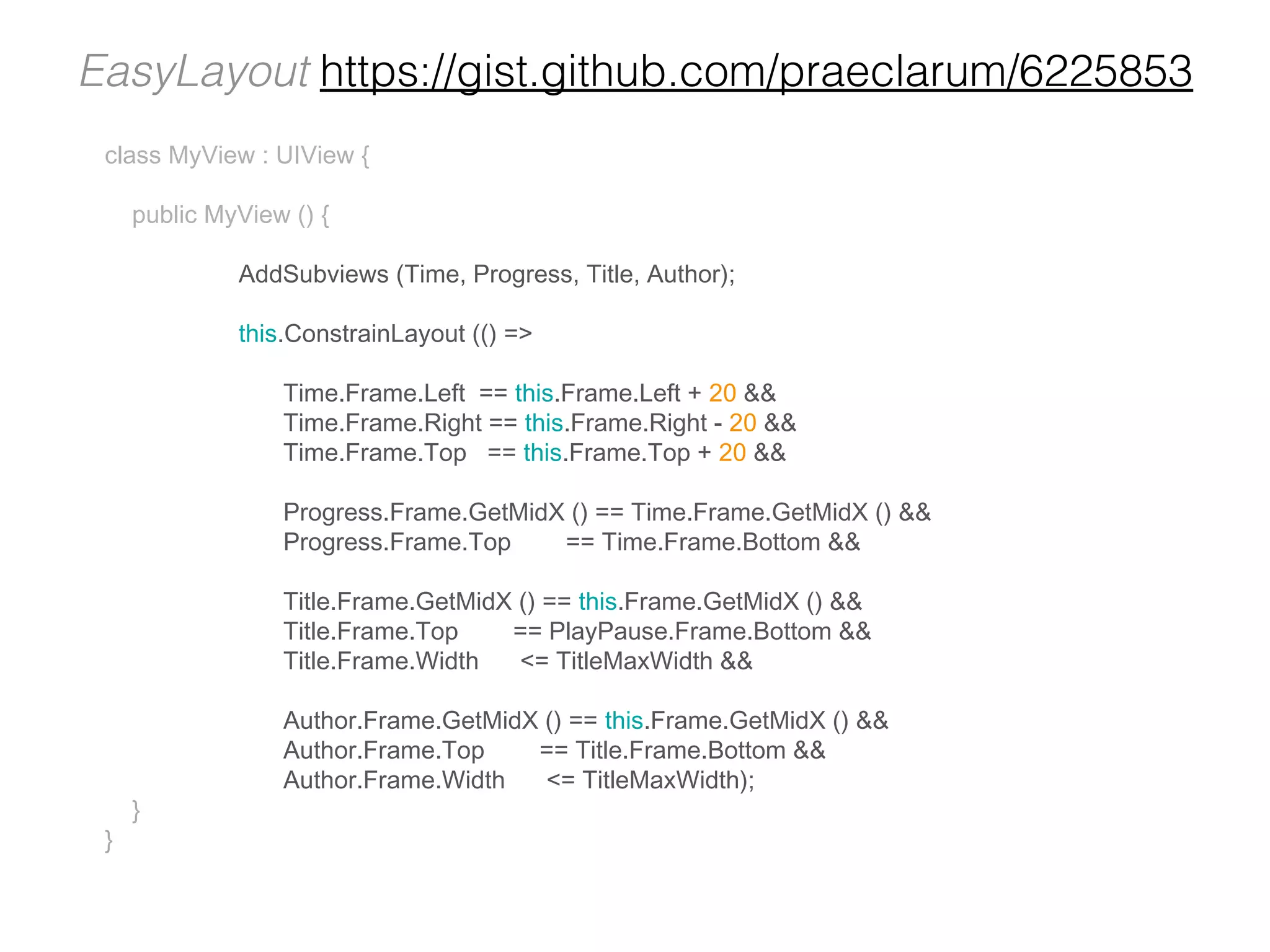
EasyLayout https://gist.github.com/praeclarum/6225853
class MyView : UIView {
public MyView () {
AddSubviews (Time, Progress, Title, Author);
this.ConstrainLayout (() =>
Time.Frame.Left == this.Frame.Left + 20 &&
Time.Frame.Right == this.Frame.Right - 20 &&
Time.Frame.Top == this.Frame.Top + 20 &&
Progress.Frame.GetMidX () == Time.Frame.GetMidX () &&
Progress.Frame.Top
== Time.Frame.Bottom &&
Title.Frame.GetMidX () == this.Frame.GetMidX () &&
Title.Frame.Top
== PlayPause.Frame.Bottom &&
Title.Frame.Width
<= TitleMaxWidth &&

}

}

Author.Frame.GetMidX () == this.Frame.GetMidX () &&
Author.Frame.Top
== Title.Frame.Bottom &&
Author.Frame.Width
<= TitleMaxWidth);
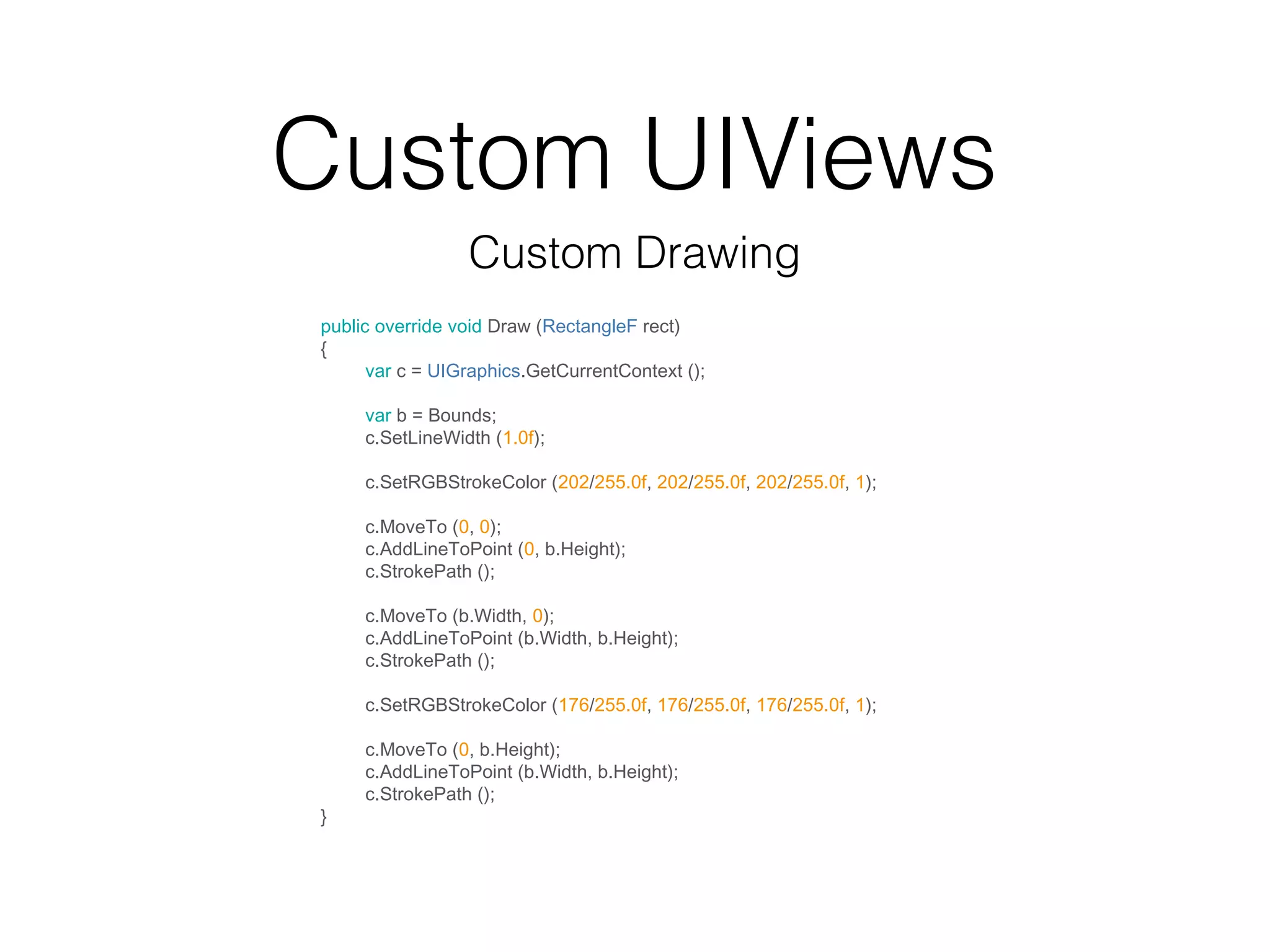
Custom UIViews
Custom Drawing
public override void Draw (RectangleF rect)
{
var c = UIGraphics.GetCurrentContext ();
var b = Bounds;
c.SetLineWidth (1.0f);
c.SetRGBStrokeColor (202/255.0f, 202/255.0f, 202/255.0f, 1);
c.MoveTo (0, 0);
c.AddLineToPoint (0, b.Height);
c.StrokePath ();
c.MoveTo (b.Width, 0);
c.AddLineToPoint (b.Width, b.Height);
c.StrokePath ();
c.SetRGBStrokeColor (176/255.0f, 176/255.0f, 176/255.0f, 1);

}

c.MoveTo (0, b.Height);
c.AddLineToPoint (b.Width, b.Height);
c.StrokePath ();
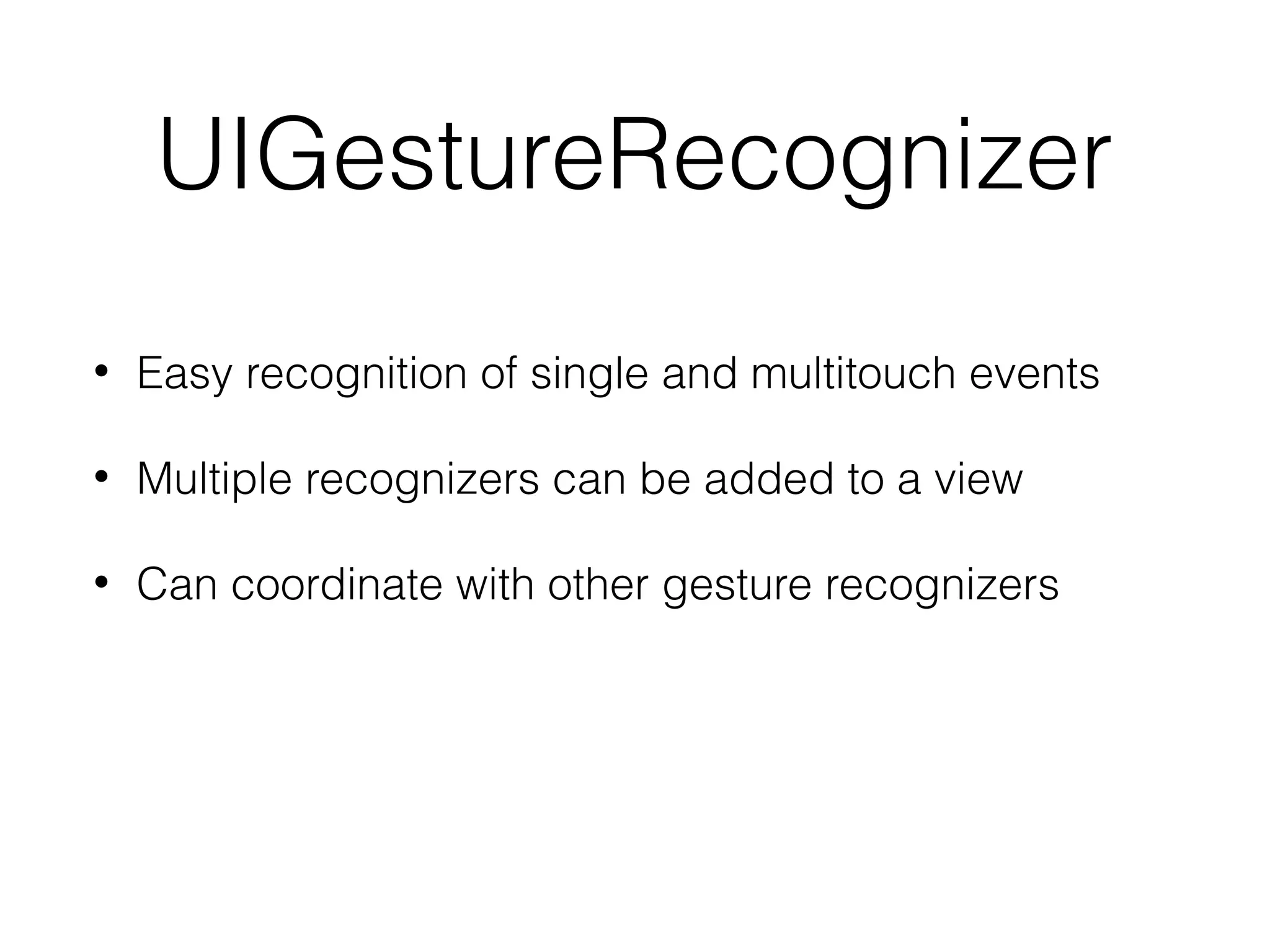
UIGestureRecognizer
•

Easy recognition of single and multitouch events

•

Multiple recognizers can be added to a view

•

Can coordinate with other gesture recognizers
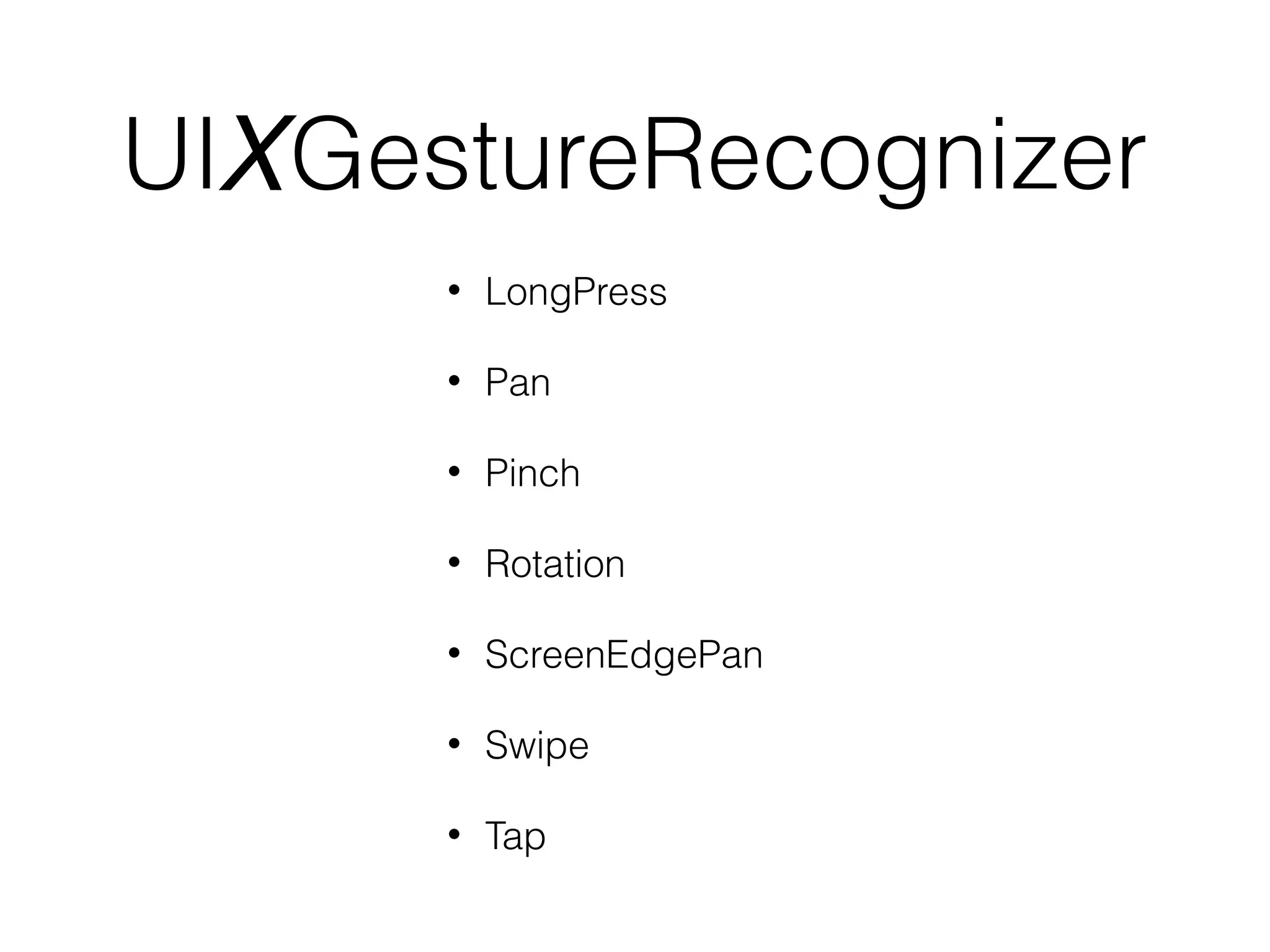
UIXGestureRecognizer
•

LongPress

•

Pan

•

Pinch

•

Rotation

•

ScreenEdgePan

•

Swipe

•

Tap
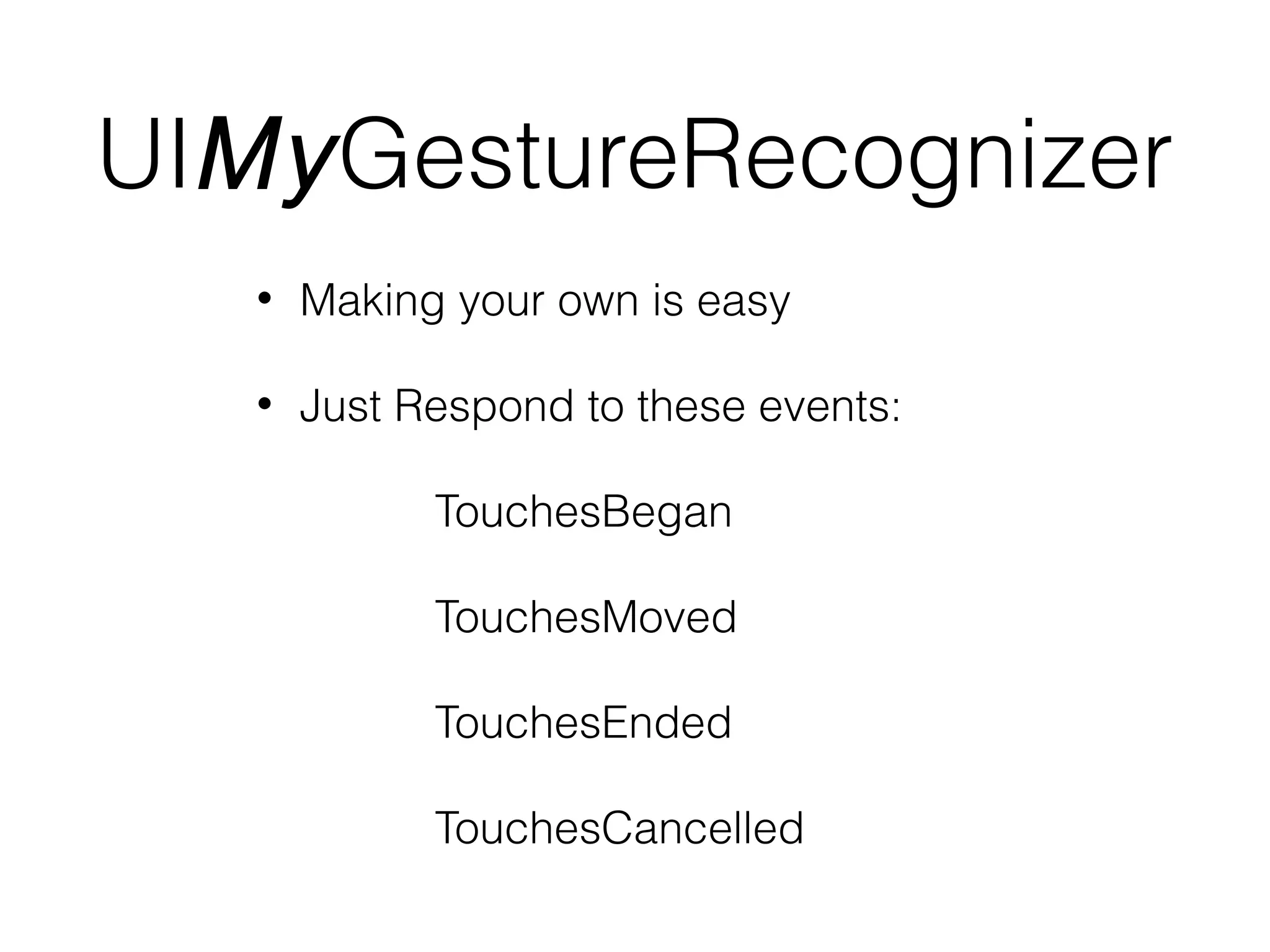
UIMyGestureRecognizer
•

Making your own is easy

•

Just Respond to these events:
TouchesBegan
TouchesMoved
TouchesEnded
TouchesCancelled
UIViewController
•

To implement a screen of your app, inherit from
UIViewController

•

But there are built-in view controllers
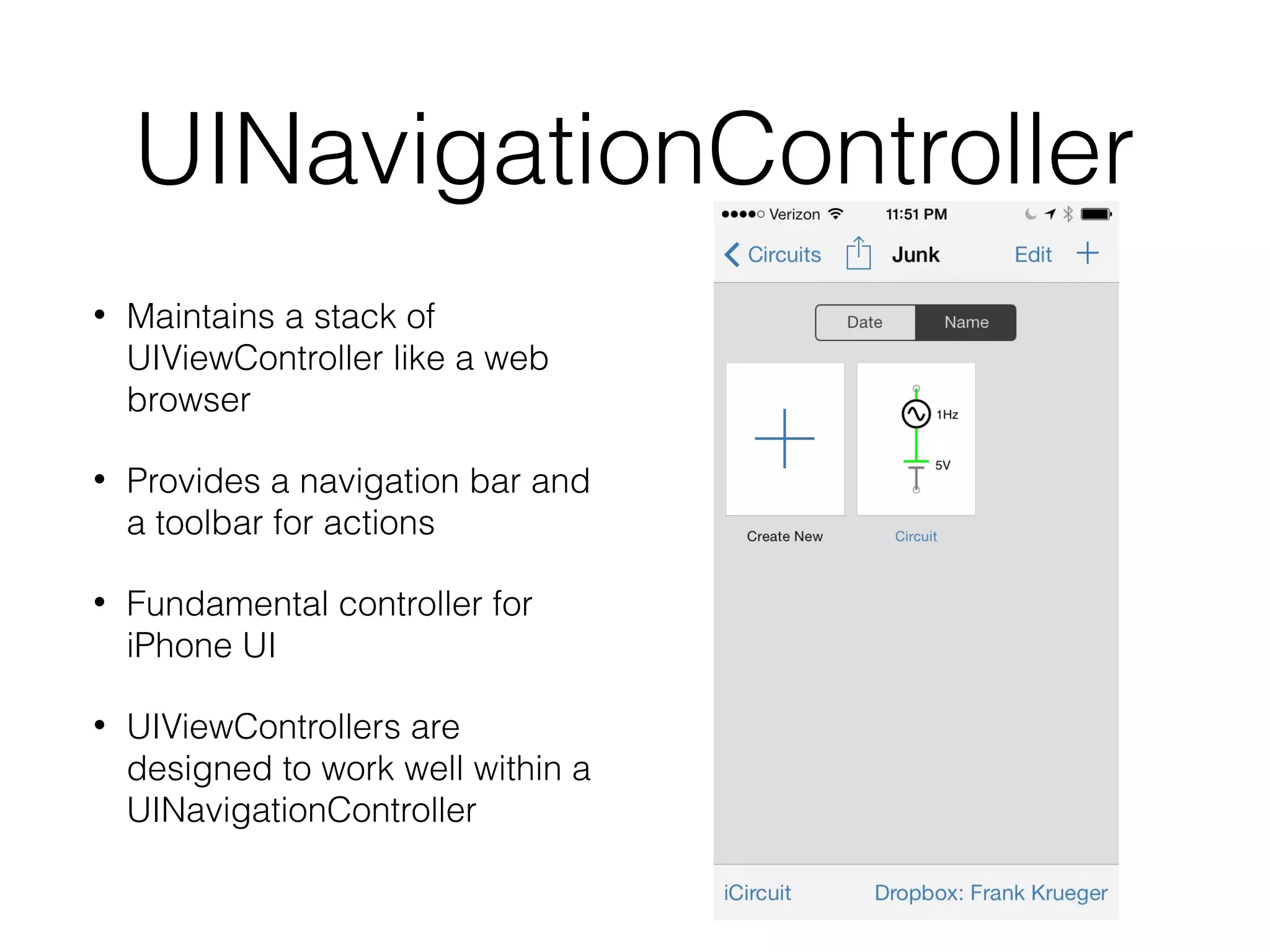
UINavigationController
•

Maintains a stack of
UIViewController like a web
browser

•

Provides a navigation bar and
a toolbar for actions

•

Fundamental controller for
iPhone UI

•

UIViewControllers are
designed to work well within a
UINavigationController
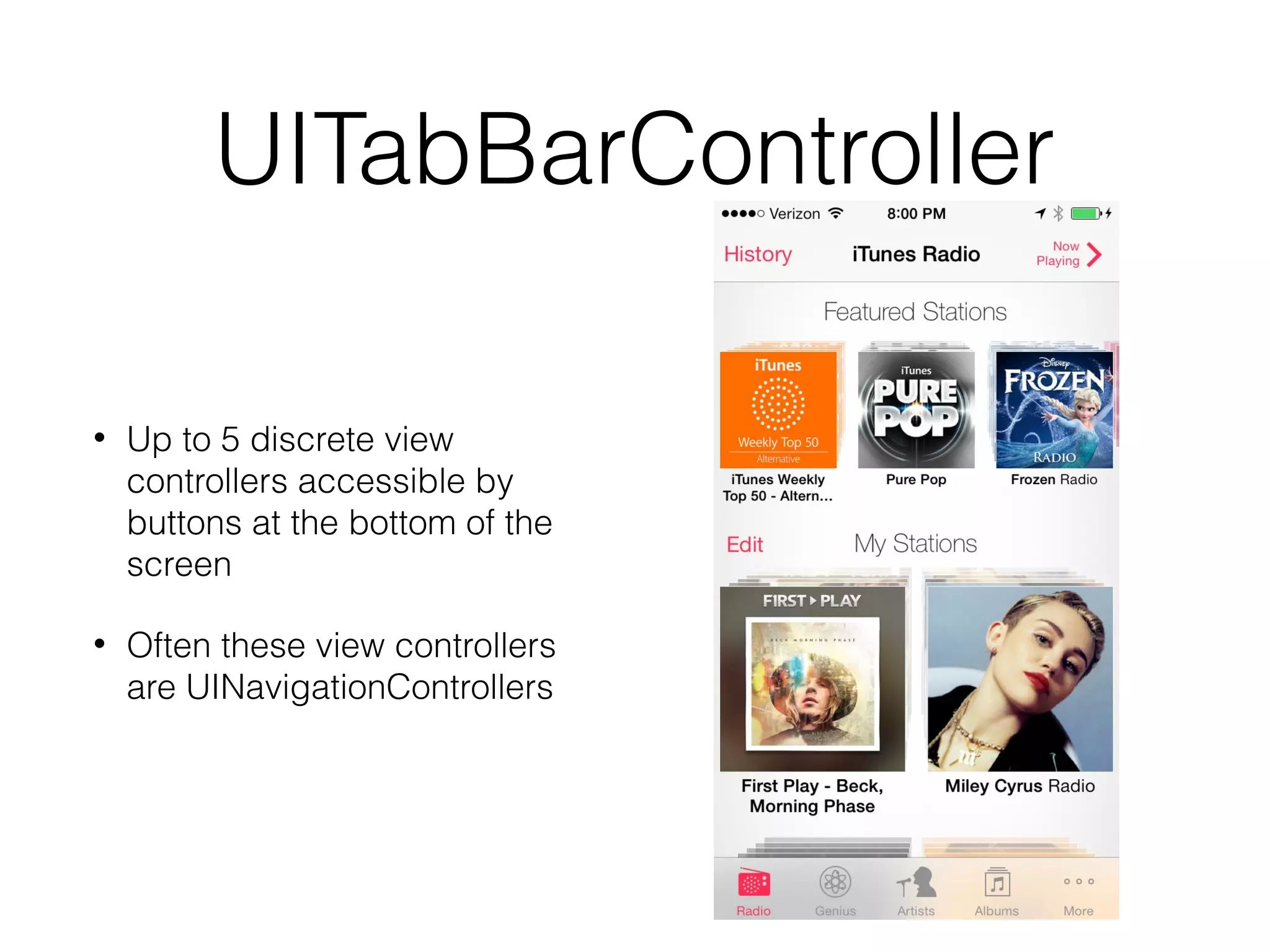
UITabBarController
•

Up to 5 discrete view
controllers accessible by
buttons at the bottom of the
screen

•

Often these view controllers
are UINavigationControllers
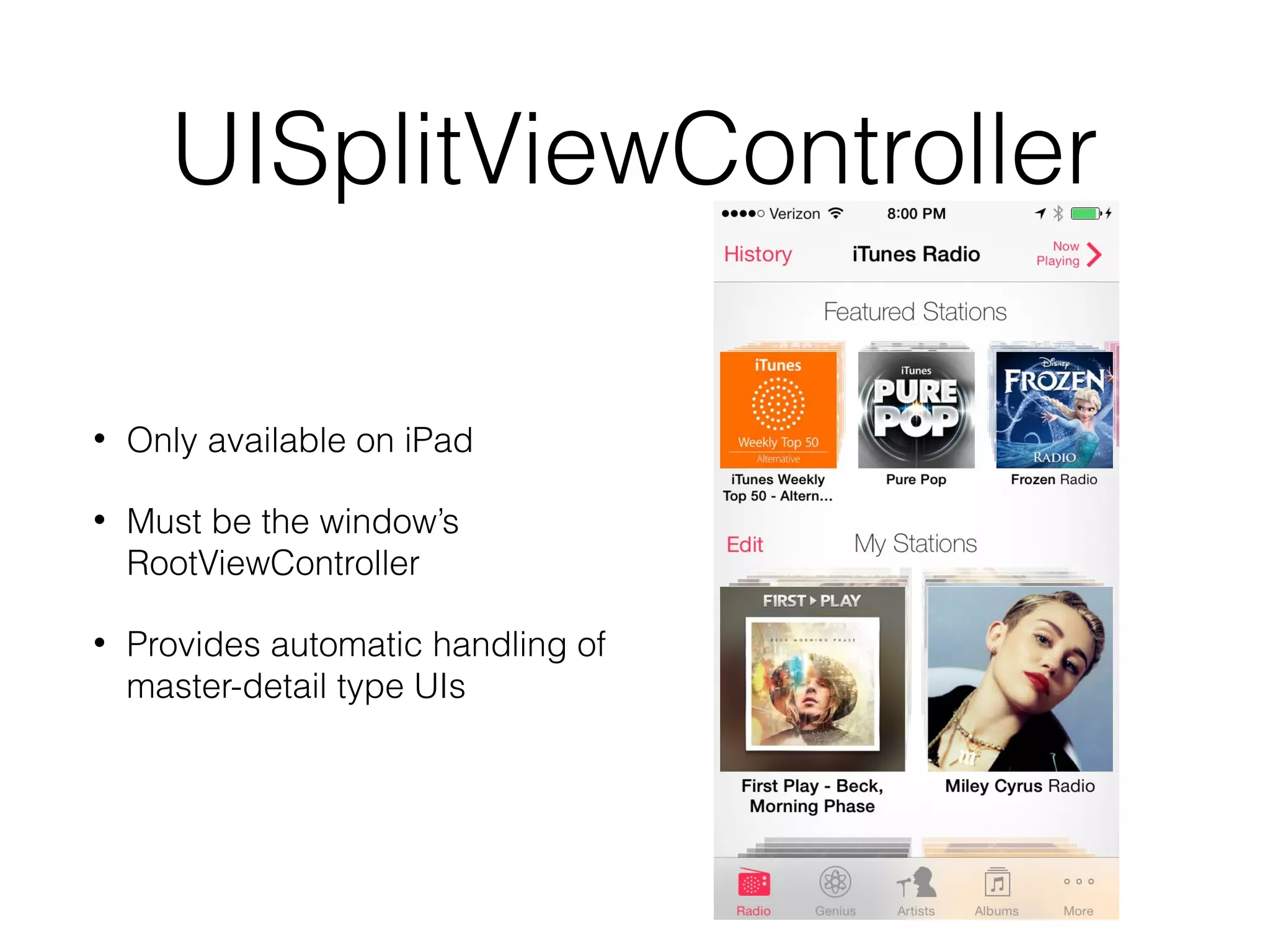
UISplitViewController
•

Only available on iPad

•

Must be the window’s
RootViewController

•

Provides automatic handling of
master-detail type UIs
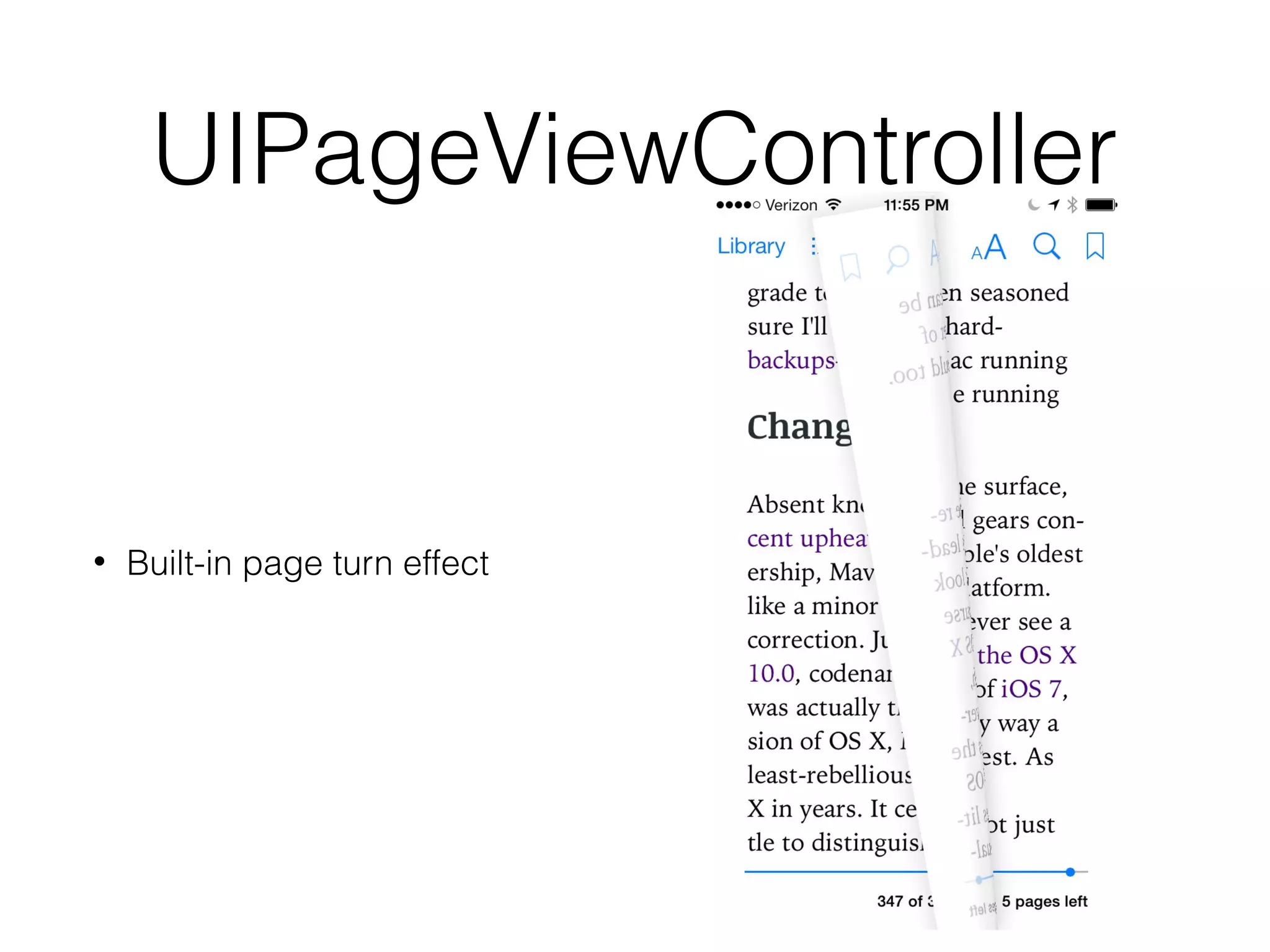
UIPageViewController

•

Built-in page turn effect
UITableViewController &
UICollectionViewController
Controller
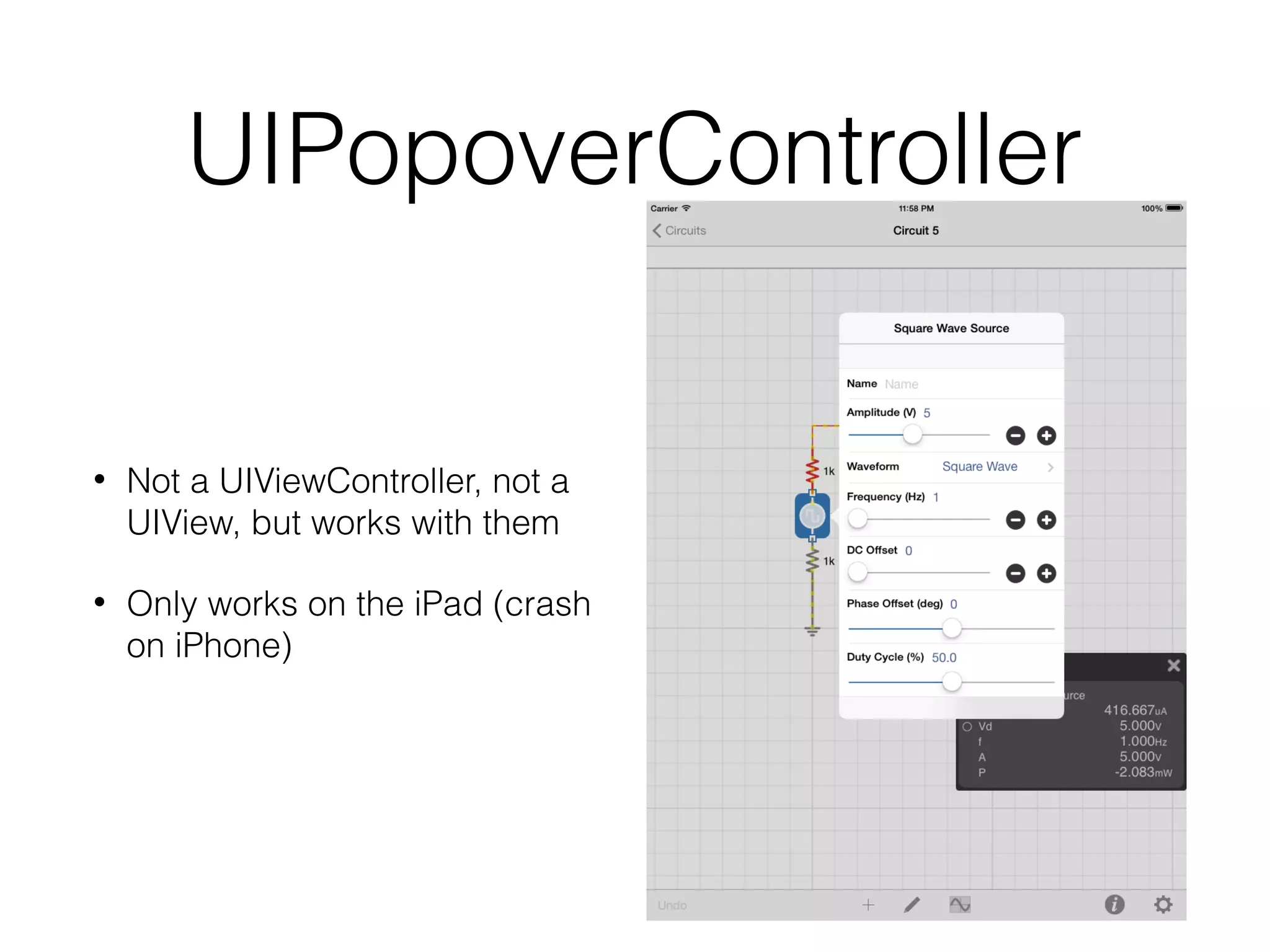
UIPopoverController

•

Not a UIViewController, not a
UIView, but works with them

•

Only works on the iPad (crash
on iPhone)
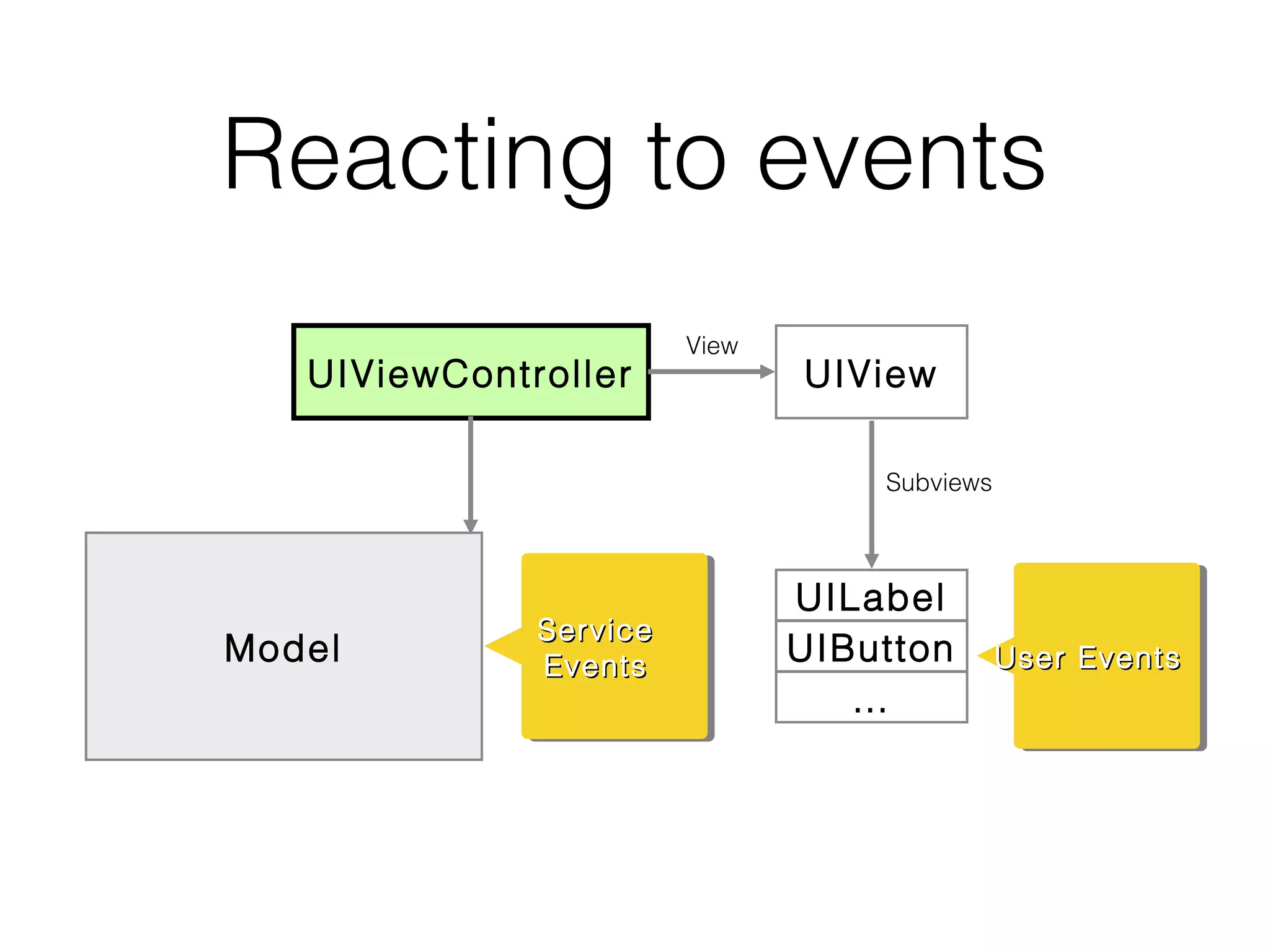
Reacting to events
UIViewController

View

UIView
Subviews

Model

Service
Service
Events
Events

UILabel
UIButton
…

User Events
User Events
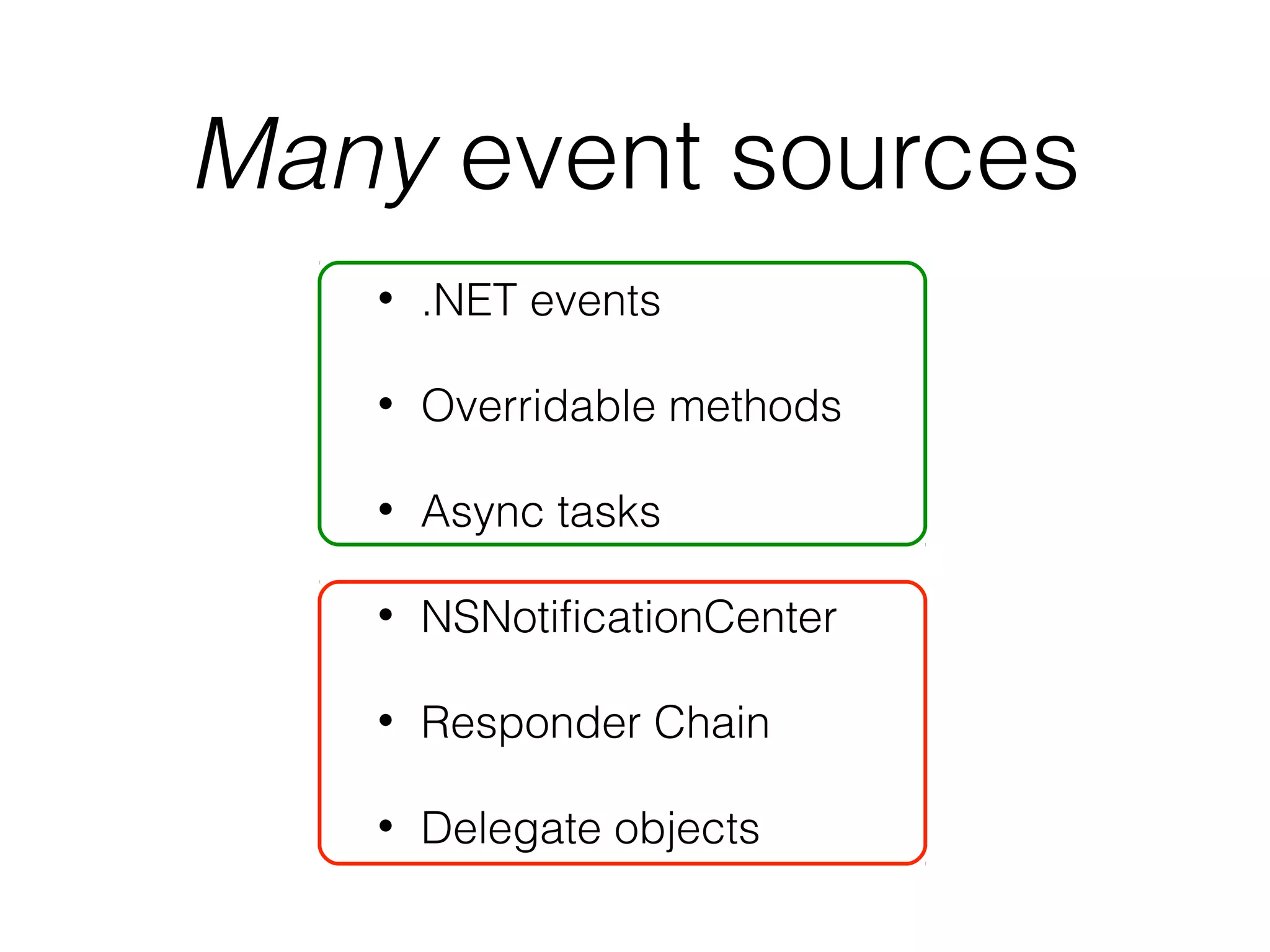
Many event sources
•

.NET events

•

Overridable methods

•

Async tasks

•

NSNotificationCenter

•

Responder Chain

•

Delegate objects
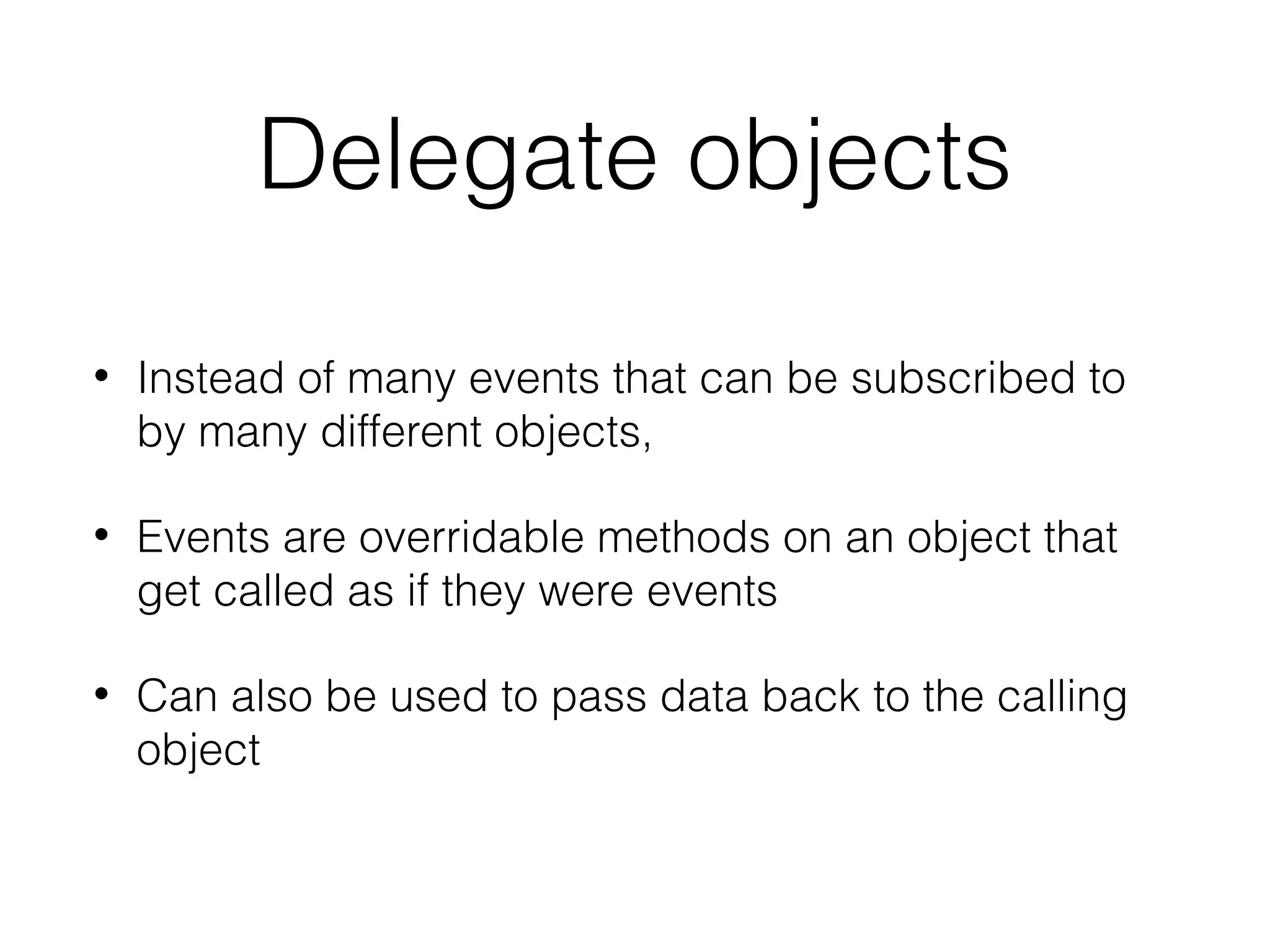
Delegate objects
•

Instead of many events that can be subscribed to
by many different objects,

•

Events are overridable methods on an object that
get called as if they were events

•

Can also be used to pass data back to the calling
object
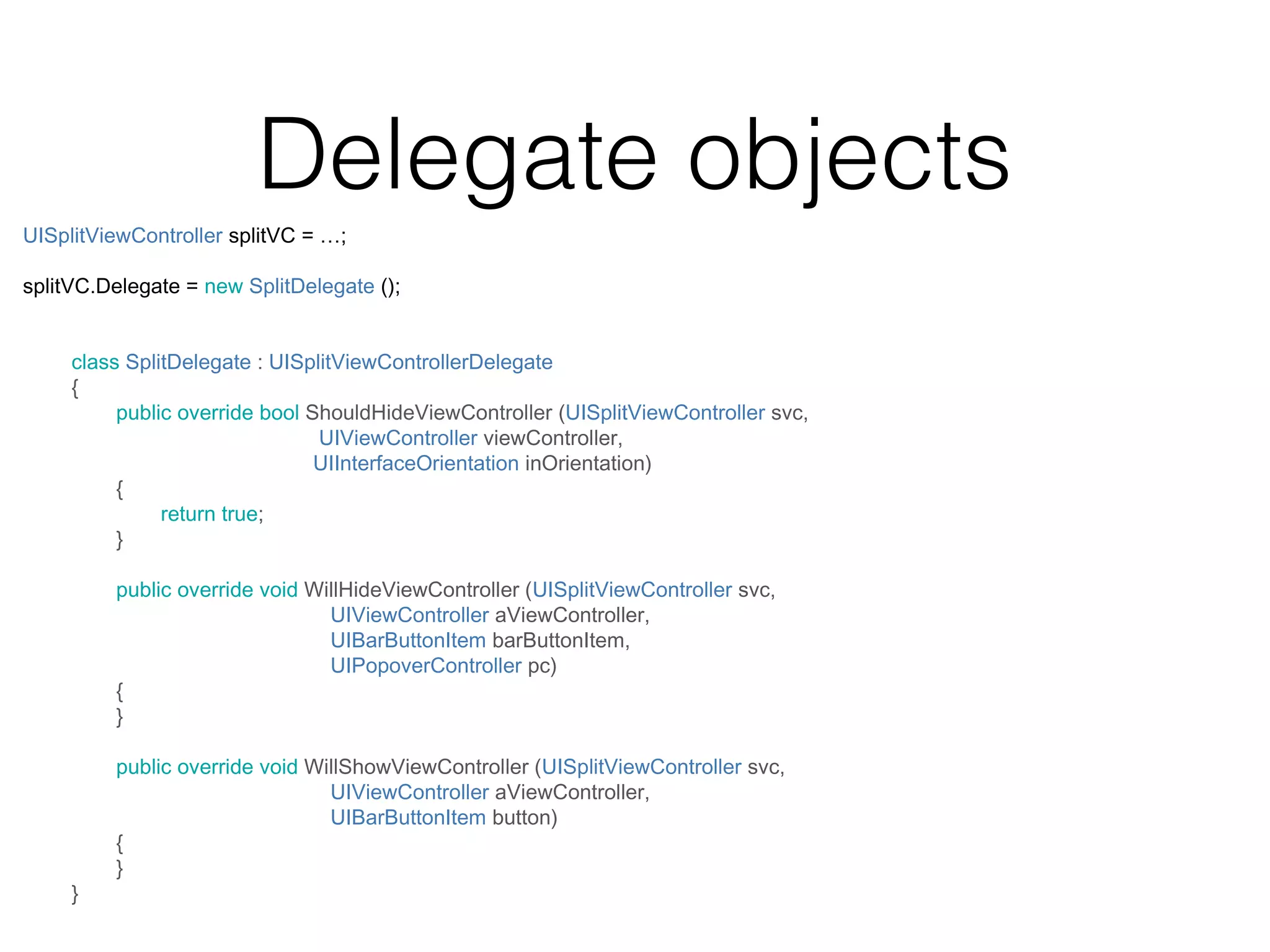
Delegate objects
UISplitViewController splitVC = …;
splitVC.Delegate = new SplitDelegate ();
class SplitDelegate : UISplitViewControllerDelegate
{
public override bool ShouldHideViewController (UISplitViewController svc,
UIViewController viewController,
UIInterfaceOrientation inOrientation)
{
return true;
}
public override void WillHideViewController (UISplitViewController svc,
UIViewController aViewController,
UIBarButtonItem barButtonItem,
UIPopoverController pc)
{
}

}

public override void WillShowViewController (UISplitViewController svc,
UIViewController aViewController,
UIBarButtonItem button)
{
}
Reusable Views
In order to be fast and lean,
views with potentially many subviews
recycle offscreen views
(Virtual list mode in WinForms)
Reusable Views
Usually these views have a

DataSource
property that is responsible for creating and data
binding reusable subviews
UITableView.DataSource
public override UITableViewCell GetCell (UITableView tableView, NSIndexPath indexPath)
{
var cell = tableView.DequeueReusableCell (EpisodeTableViewCell.ReuseId)
as EpisodeTableViewCell;
if (cell == null) {
cell = new EpisodeTableViewCell ();
}
cell.Episode = Controller.episodes [indexPath.Row];
}

return cell;

When a cell goes offscreen, it is removed from the view hierarchy and
stored in a cache
When the table view needs a new cell to display, your code should take
from this cache
UICollectionView.DataSource
collectionView.RegisterClassForCell (typeof(EpisodeCell), EpisodeCell.ReuseId);

public override UICollectionViewCell GetCell (UICollectionView collectionView,
NSIndexPath indexPath)
{
var cell = (EpisodeCell)collectionView.DequeueReusableCell (
EpisodeTableViewCell.ReuseId, indexPath)
cell.Episode = Controller.episodes [indexPath.Row];
}

return cell;
UIPageView
&
UIPickerView
UIPickerView
UIPickerView
Theming
•

Theming is supported at the OS level

•

Meant to be set once

•

Appearance attributes can be set per class or
per object
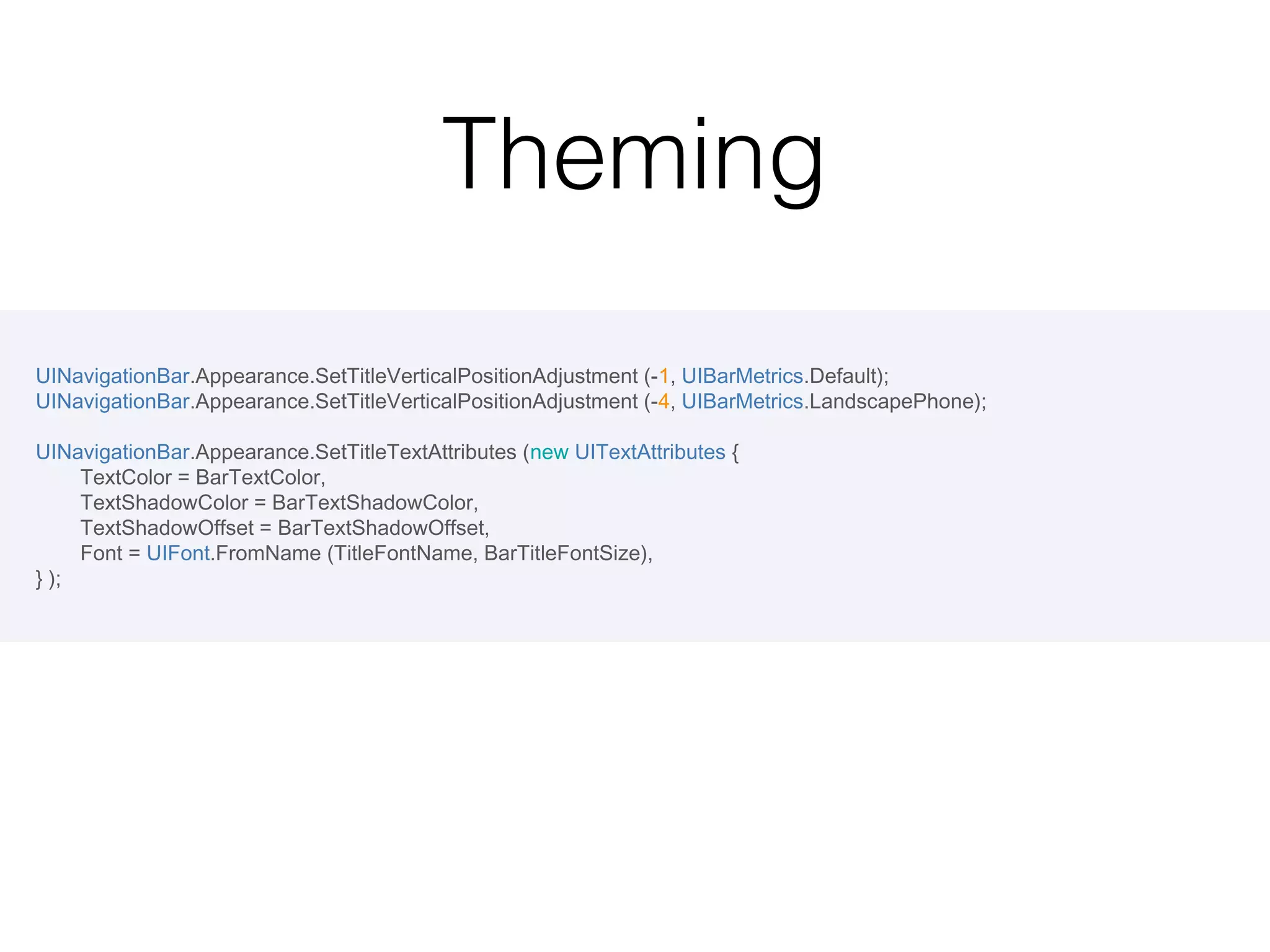
Theming
UINavigationBar.Appearance.SetTitleVerticalPositionAdjustment (-1, UIBarMetrics.Default);
UINavigationBar.Appearance.SetTitleVerticalPositionAdjustment (-4, UIBarMetrics.LandscapePhone);
UINavigationBar.Appearance.SetTitleTextAttributes (new UITextAttributes {
TextColor = BarTextColor,
TextShadowColor = BarTextShadowColor,
TextShadowOffset = BarTextShadowOffset,
Font = UIFont.FromName (TitleFontName, BarTitleFontSize),
} );
Maps
View Controller Hierarchy
UINavigationController
MapViewController

View Hierarchy
UIWindow
UINavigationBar
UIButton
UISearchBar
UIButton
MKMapView
MKMapOverlay[]
UIToolbar
UIButton[]
Maps
View Controller Hierarchy
UINavigationController
MapViewController

View Hierarchy
UIWindow
UINavigationBar
UIButton
UISearchBar
UIButton
MKMapView
MKMapOverlay[]
UIToolbar
UIButton[]
Maps
class MapViewController : UIViewController
{
override void ViewDidLoad ()
{
base.ViewDidLoad ();
// Set our View to the interactive map
View = new MKMapView ();
// Set (top) navigation bar buttons
NavigationItem.LeftBarButtonItem =
new UIBarButtonItem (
UIImage.FromBundle ("Directions.png"),
HandleDirections);

}

}

// Set (bottom) toolbar buttons
ToolbarItems = new[] {
new UIBarButtonItem (
UIImage.FromBundle ("Location.png"),
HandleLocation);
};

Window.RootViewController =
new UINavigationController (
new MapViewController ());
Demo
Programming iOS in C#

Programming iOS in C#