PRINCIPLES AND PATTERNS FOR
TEST DRIVEN DEVELOPMENT
Author: Stephen Fuqua
Last Revised: May 2014
All content by the author or from public domain sources unless otherwise noted
PART 1
Testing – Not Just for QA
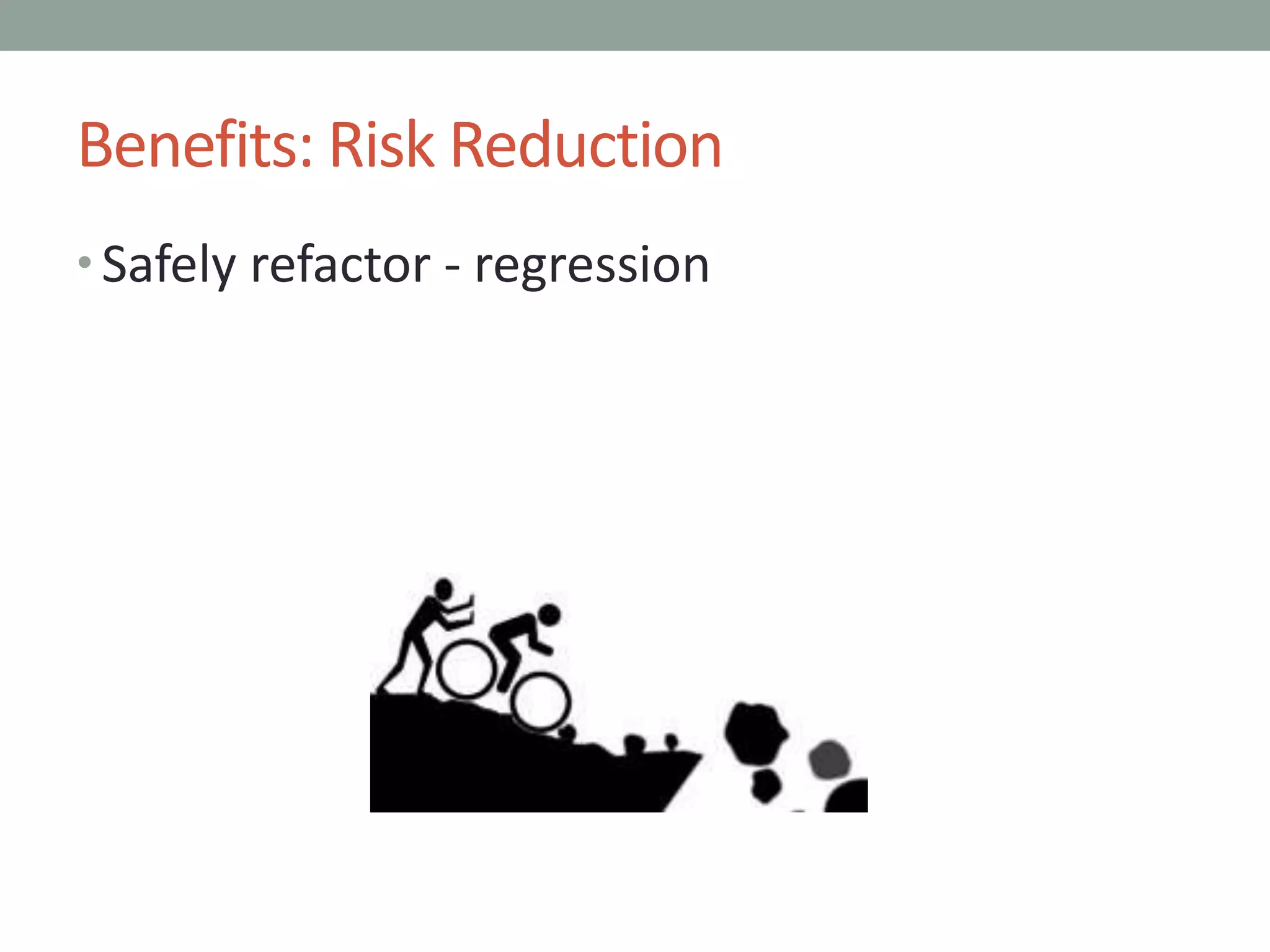
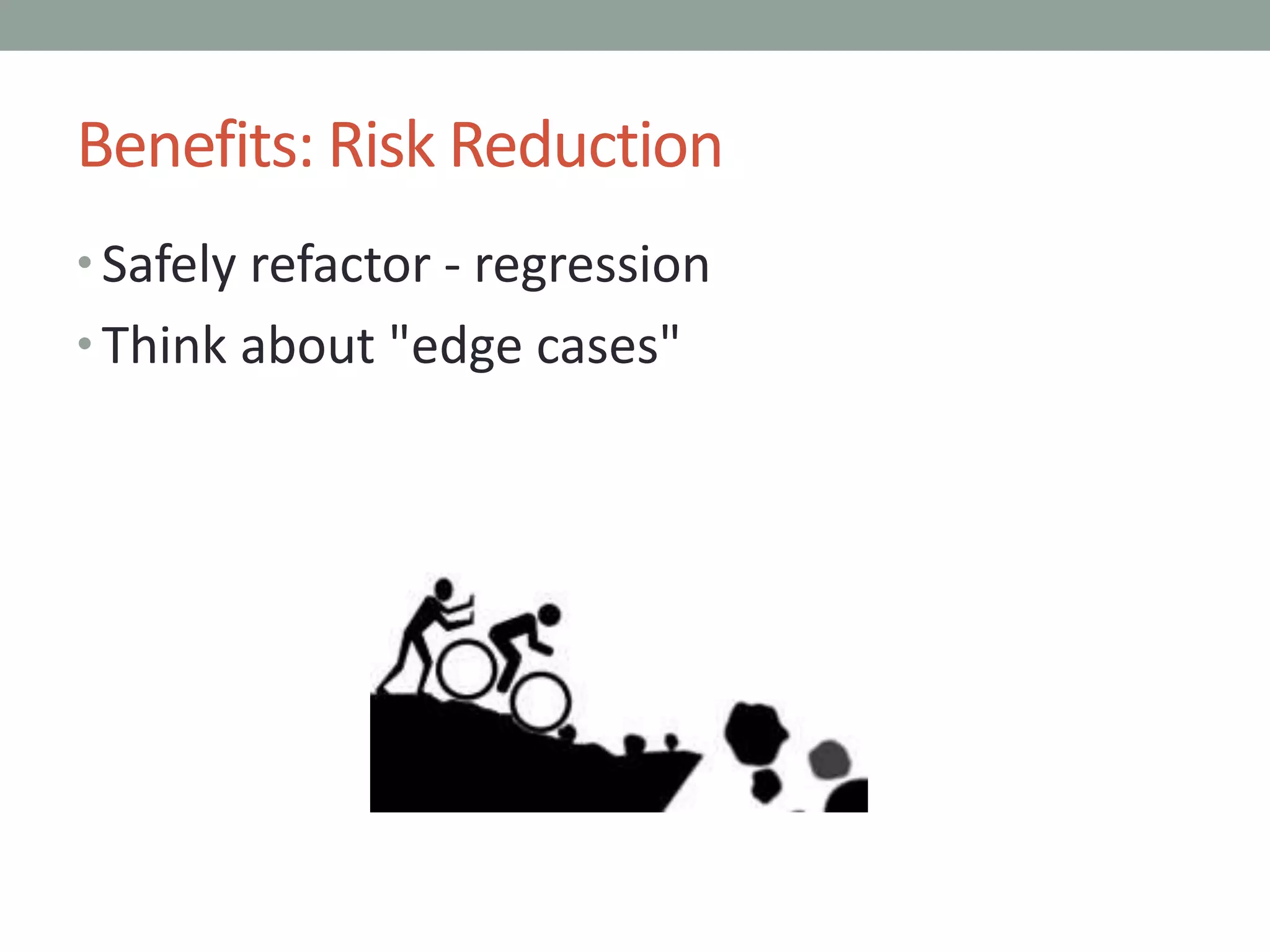
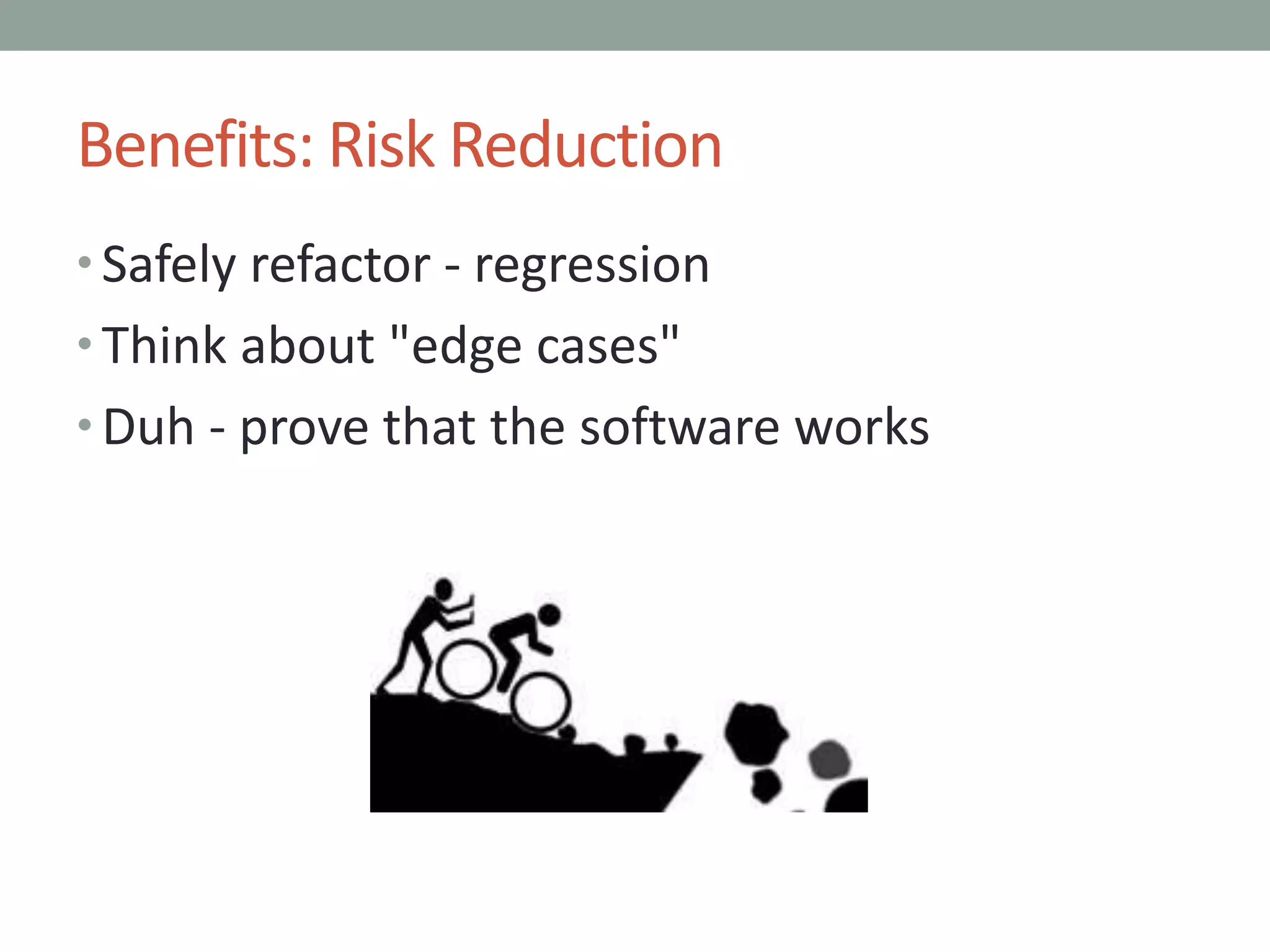
Benefits: Risk Reduction
• Safely refactor - regression
Benefits: Risk Reduction
• Safely refactor - regression
• Think about "edge cases"
Benefits: Risk Reduction
• Safely refactor - regression
• Think about "edge cases"
• Duh - prove that the software works
Benefits: Better Design
• Safely refactor - evolve
Benefits: Better Design
• Safely refactor - evolve
• Focus on clean, modular code. Key patterns for
easier testing:
• Single Responsibility Principle
• Dependency Injection
• Adapter
Benefits: Better Design
• Safely refactor - evolve
• Focus on clean, modular code. Key patterns for
easier testing:
• Single Responsibility Principle
• Dependency Injection
• Adapter
• Concentrate on simple inputs and outputs
Benefits: Better Design
• Safely refactor - evolve
• Focus on clean, modular code. Key patterns for
easier testing:
• Single Responsibility Principle
• Dependency Injection
• Adapter
• Concentrate on simple inputs and outputs
• Express requirements via tests
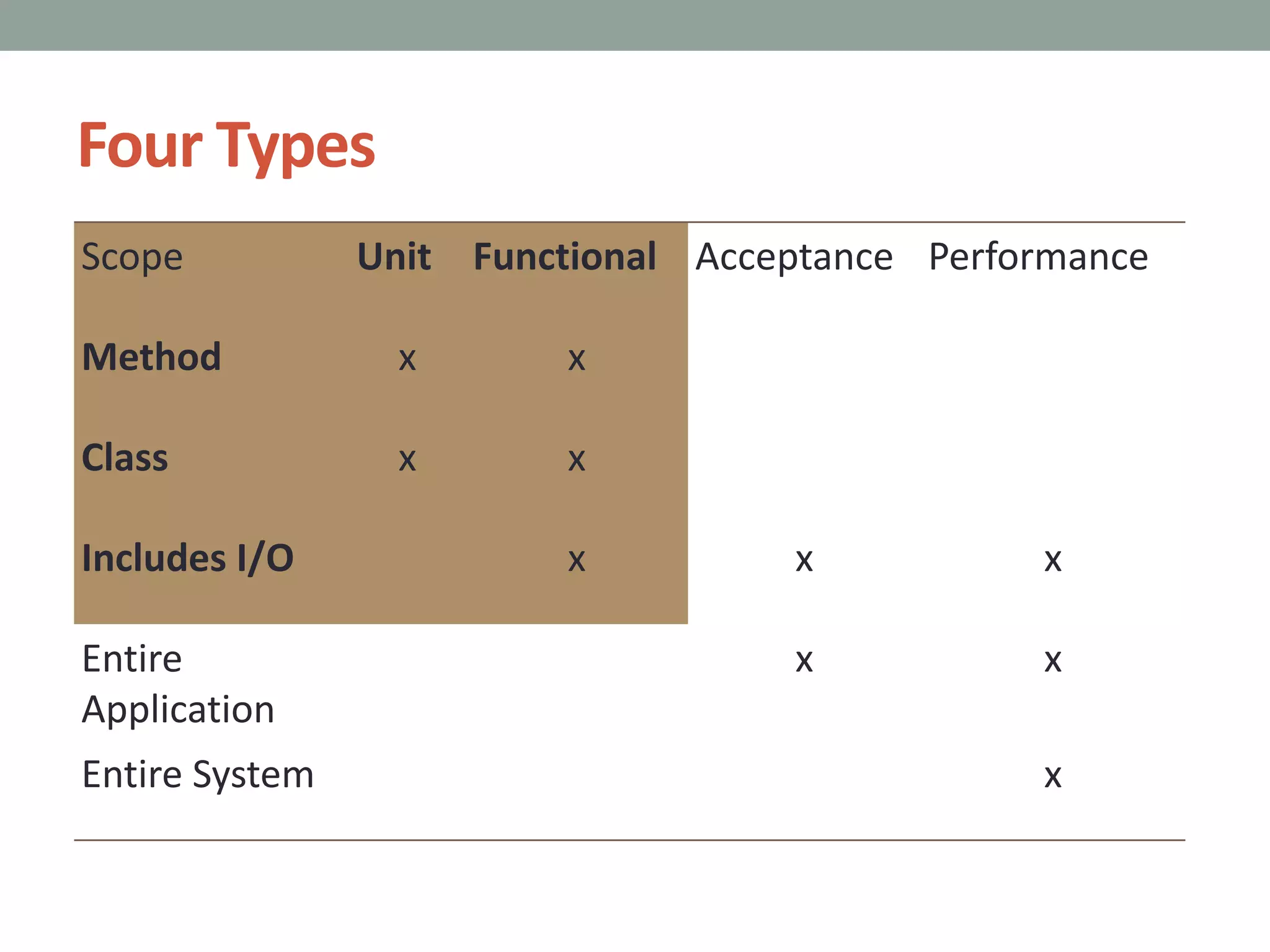
Four Types
Scope Unit Functional Acceptance Performance
Method x x
Class x x
Includes I/O x x x
Entire
Application
x x
Entire System x
Where We Are Going
• Thinking About Testing
• Test Driven Development (TDD)
• Legacy TDD
• Obstacles
https://www.flickr.com/photos/wsdot/
PART 2
Thinking About Testing
Approaching Testing
• Write expressively, with intent-revealing names
Approaching Testing
• Write expressively, with intent-revealing names
• Express a business need
Approaching Testing
• Write expressively, with intent-revealing names
• Express a business need
• Concentrate on inputs and outputs for a system
under test
Approaching Testing
• Write expressively, with intent-revealing names
• Express a business need
• Concentrate on inputs and outputs for a system
under test
• // Prepare Input
// Call the system under test
// Evaluate outputs
Given
When
Then
Approaching Testing
• Write expressively, with intent-revealing names
• Express a business need
• Concentrate on inputs and outputs for a system
under test
• // Prepare Input
// Call the system under test
// Evaluate outputs
• Given
When
Then
User Stories
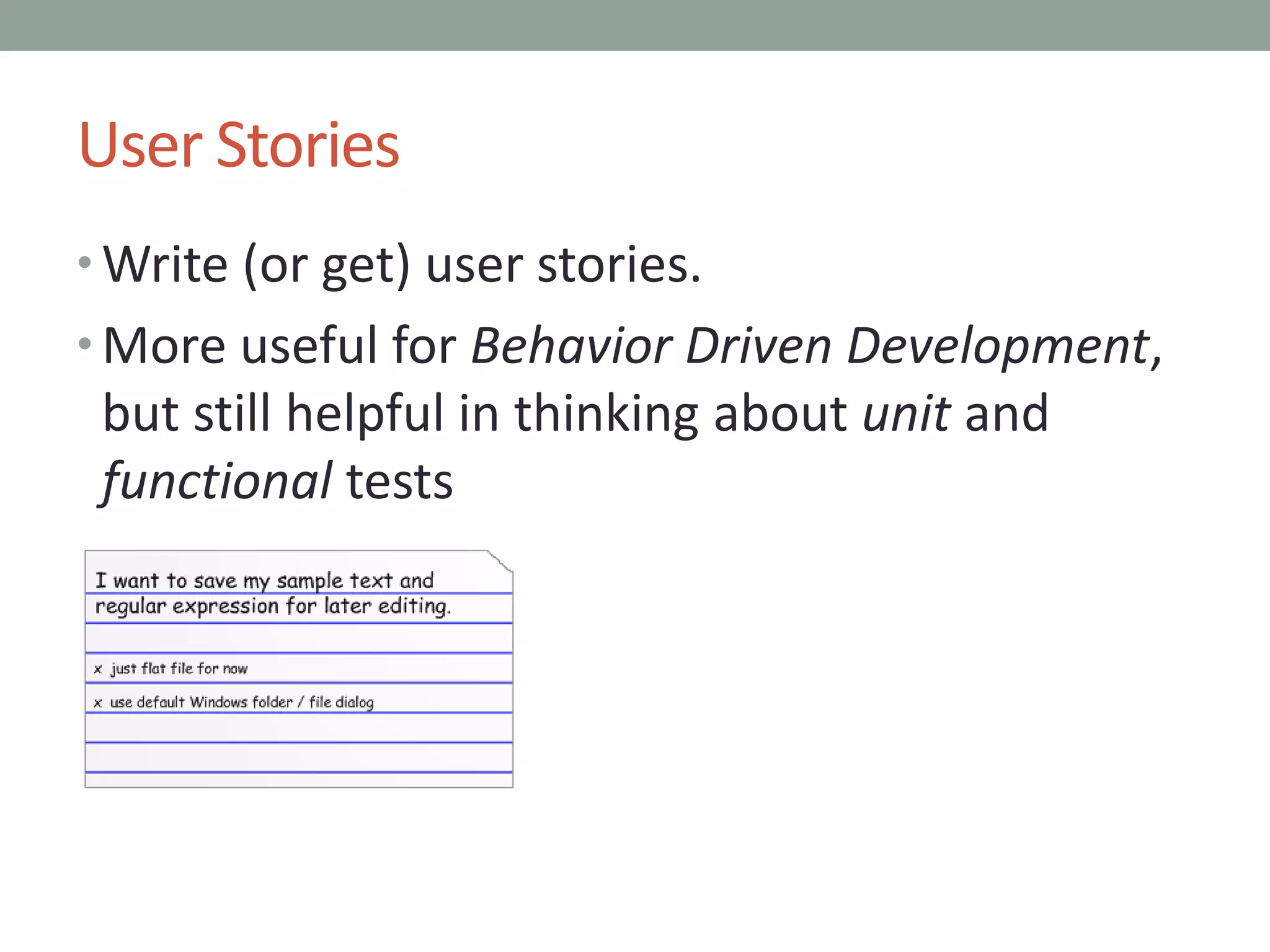
• Write (or get) user stories.
• More useful for Behavior Driven Development,
but still helpful in thinking about unit and
functional tests
User Stories
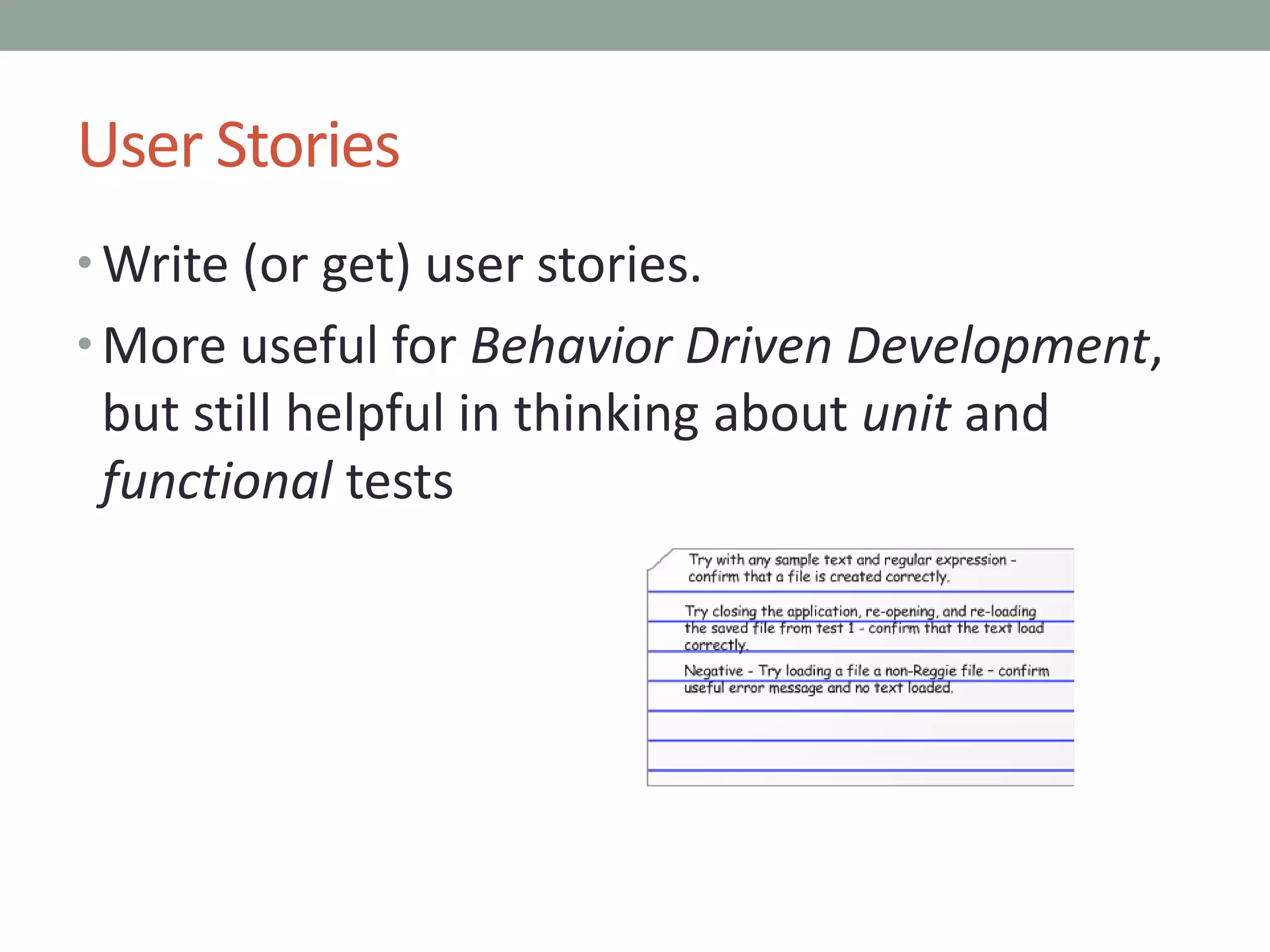
• Write (or get) user stories.
• More useful for Behavior Driven Development,
but still helpful in thinking about unit and
functional tests
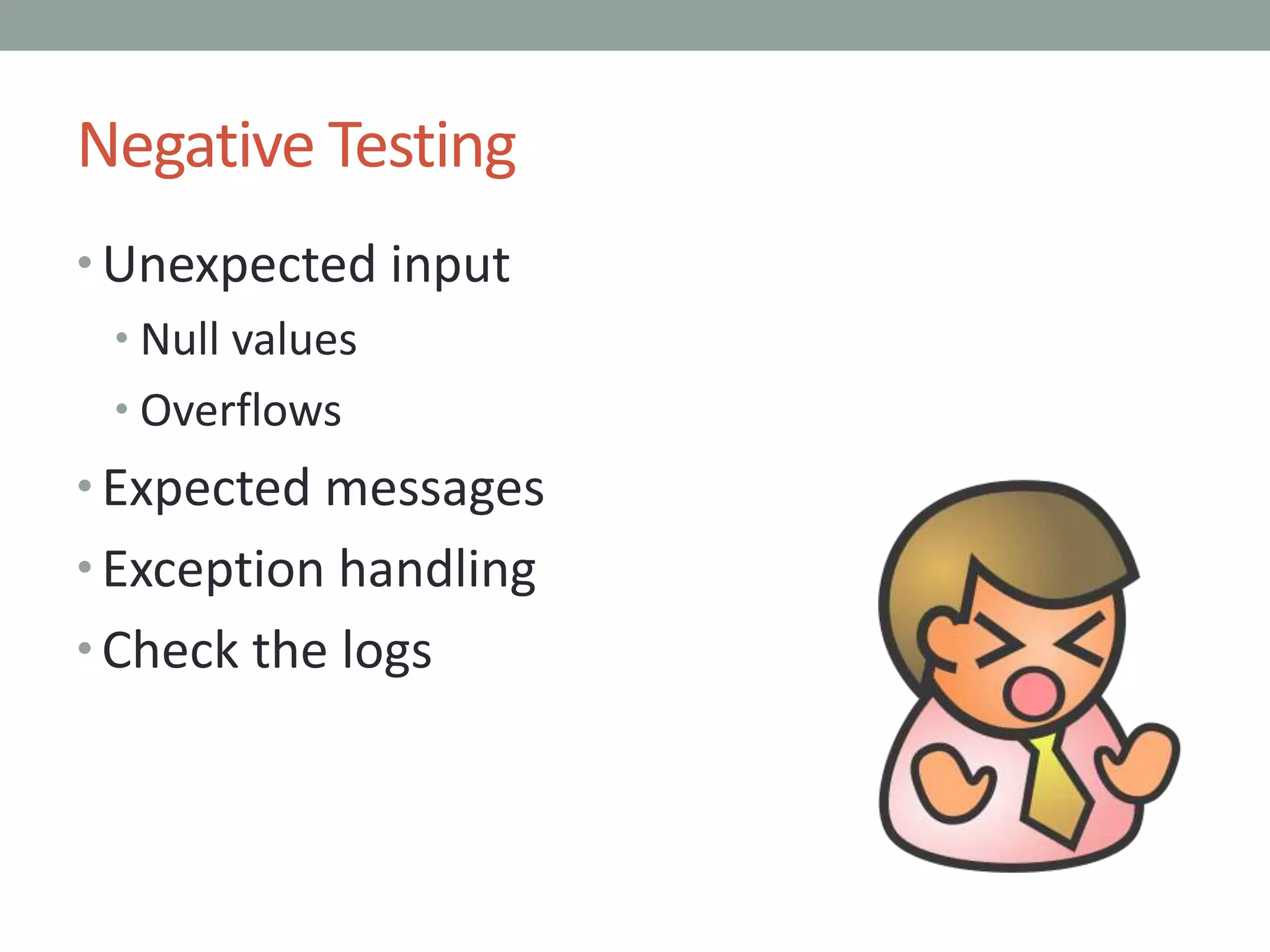
Negative Testing
• Unexpected input
• Null values
• Overflows
• Expected messages
• Exception handling
• Check the logs
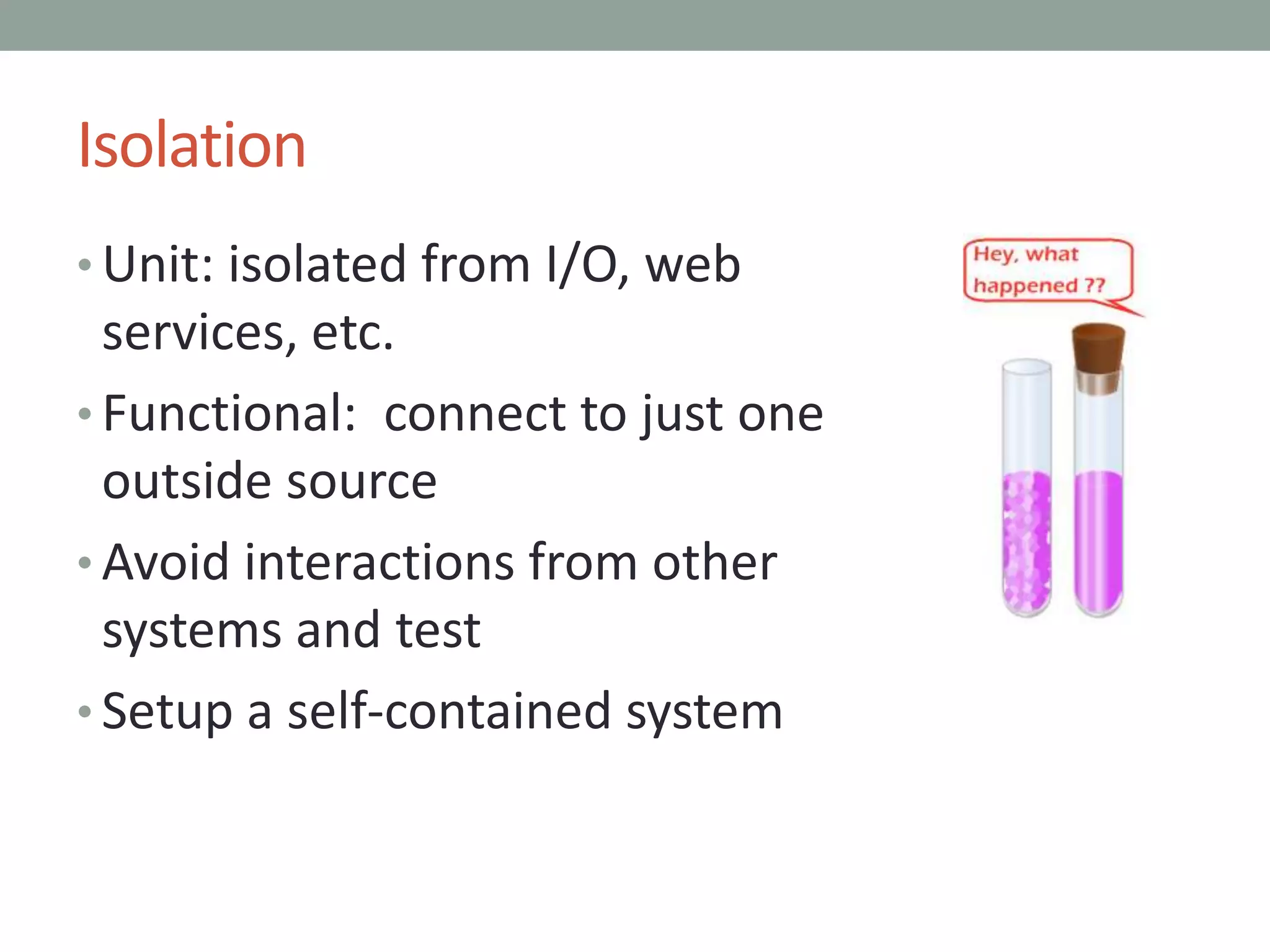
Isolation
• Unit: isolated from I/O, web
services, etc.
Isolation
• Unit: isolated from I/O, web
services, etc.
• Functional: connect to just one
outside source
Isolation
• Unit: isolated from I/O, web
services, etc.
• Functional: connect to just one
outside source
• Avoid interactions from other
systems and test
Isolation
• Unit: isolated from I/O, web
services, etc.
• Functional: connect to just one
outside source
• Avoid interactions from other
systems and test
• Setup a self-contained system
Three Essential OO Patterns
• Can’t effectively isolate a method or class
without…
Three Essential OO Patterns
• Can’t effectively isolate a method or class
without…
• Single Responsibility Principle (SRP)
Three Essential OO Patterns
• Can’t effectively isolate a method or class
without…
• Single Responsibility Principle (SRP)
• Dependency Injection (DI)
• Constructor, Property, Method, even
Static Delegate Injection
Three Essential OO Patterns
• Can’t effectively isolate a method or class
without…
• Single Responsibility Principle (SRP)
• Dependency Injection (DI)
• Constructor, Property, Method, even
Static Delegate Injection
• Adapter
PART 3
Test Driven Development
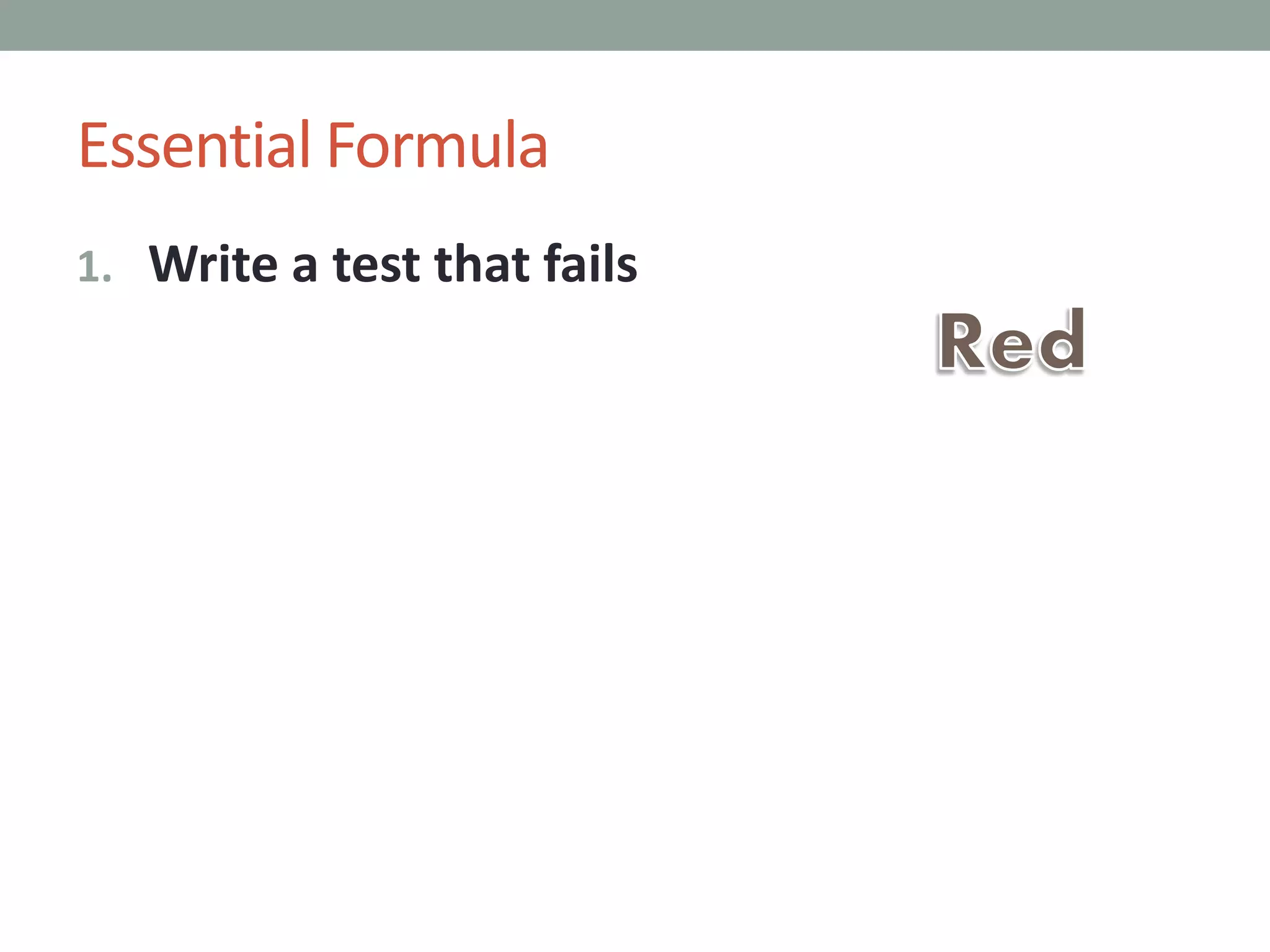
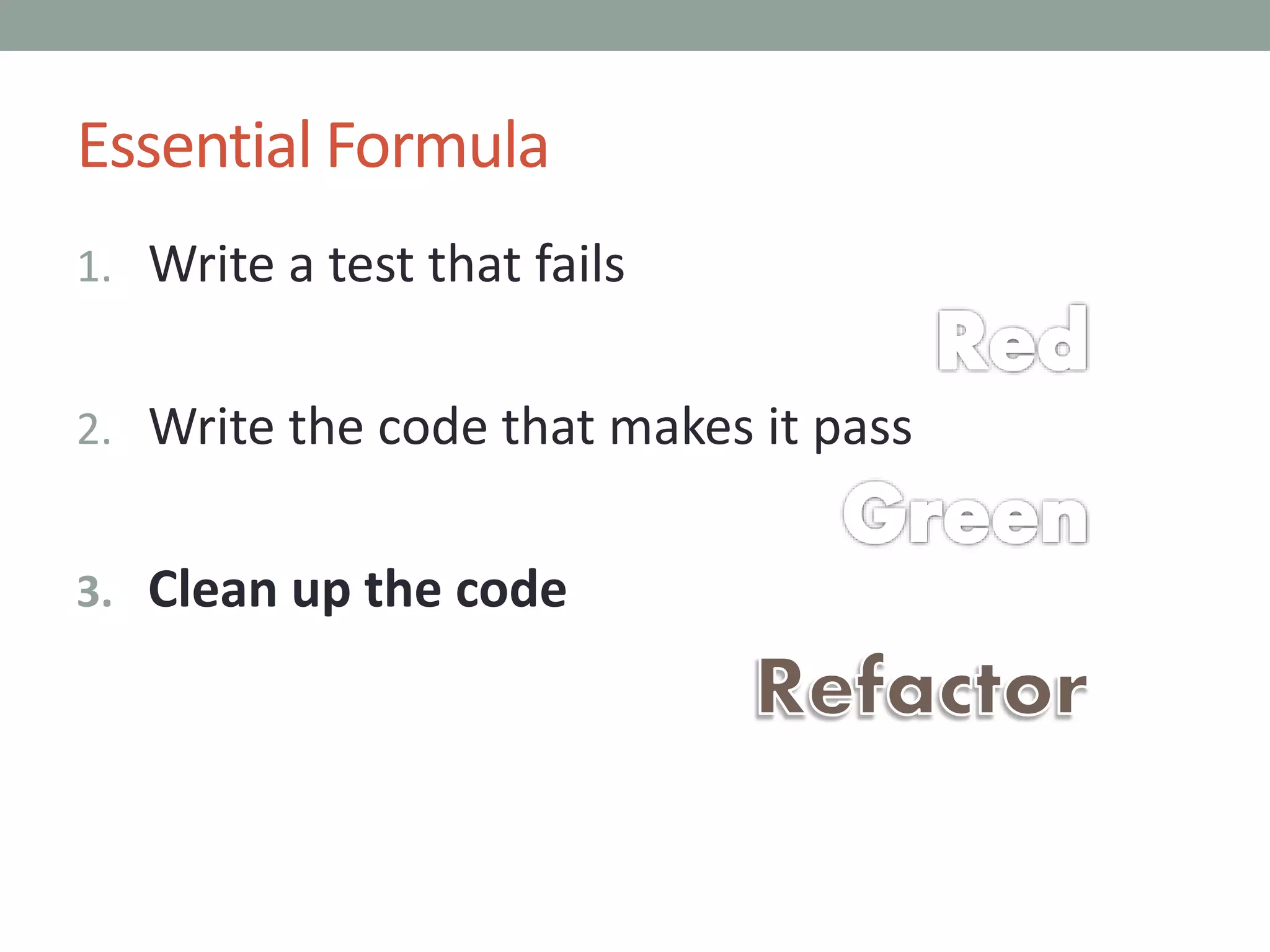
Essential Formula
1. Write a test that fails
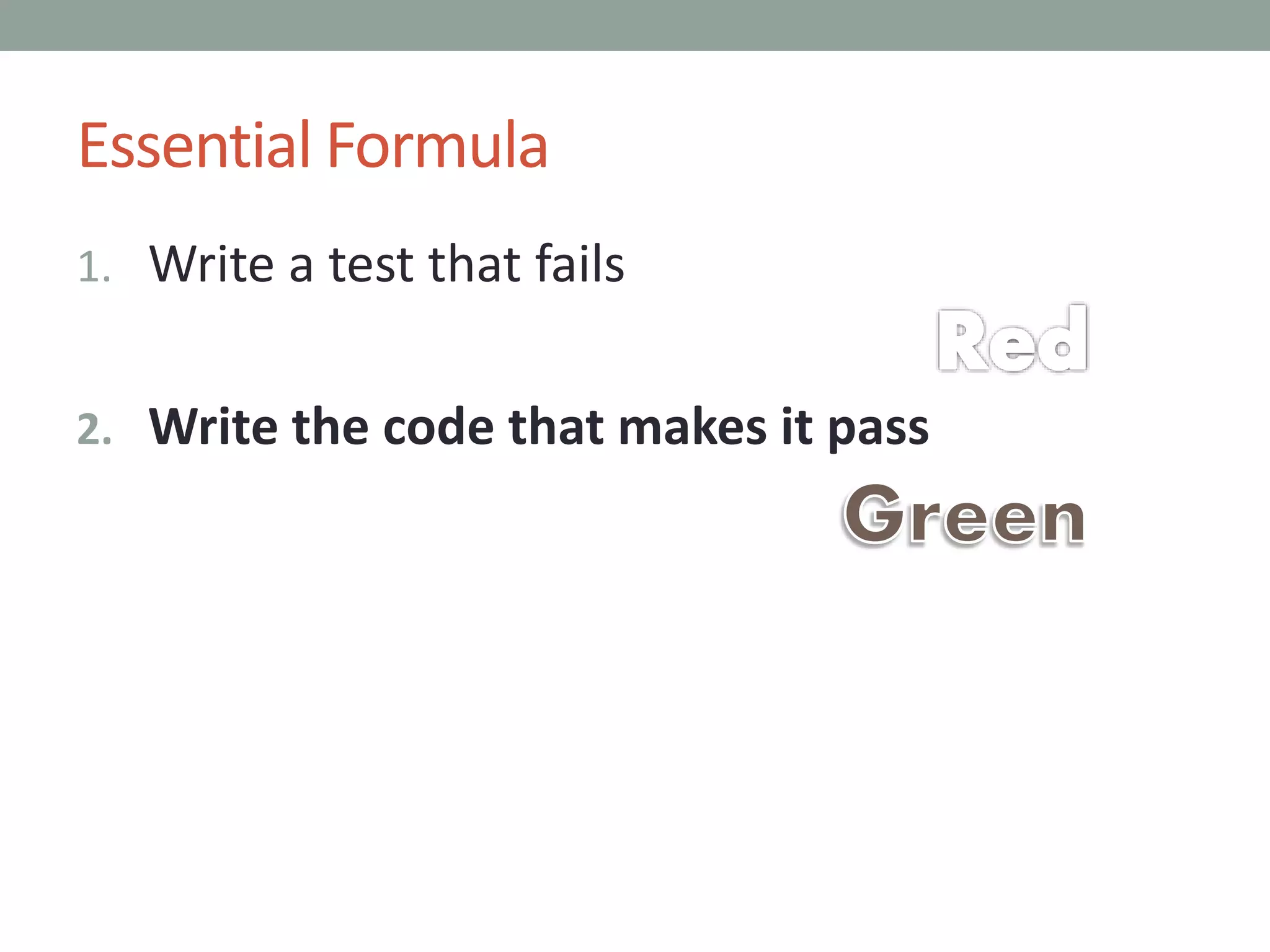
Essential Formula
1. Write a test that fails
2. Write the code that makes it pass
Essential Formula
1. Write a test that fails
2. Write the code that makes it pass
3. Clean up the code
MSTest
using System;
using
Microsoft.VisualStudio.TestTools.UnitTesting;
namespace Reggie.UI.Tests
{
[TestClass]
public class UnitTest1
{
[ClassInitialize]
public static void
ClassInitializer(TestContext context)
{
// Note that it is static.
// Runs once per class.
}
[TestInitialize]
public void TestInitializer()
{
// Runs once before each test.
// Runs after constructor.
}
[TestMethod]
public void TestMethod1()
{
}
[TestCleanup]
public void TestCleanuper()
{
// Runs once after each test.
}
[ClassCleanup]
public static void ClassCleanuper()
{
// Again static.
// Runs after all tests complete.
}
}
}
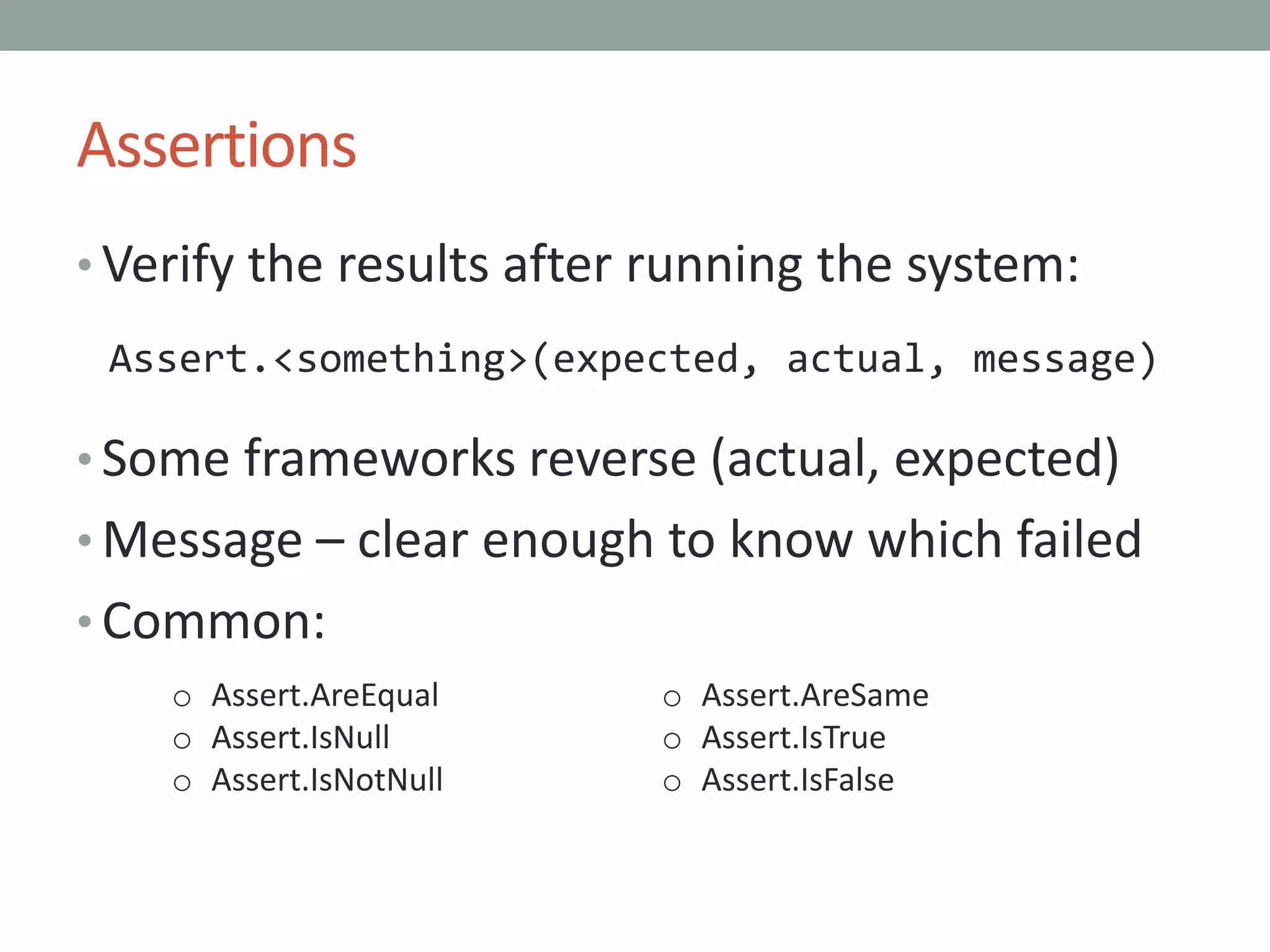
Assertions
• Verify the results after running the system:
Assert.<something>(expected, actual, message)
• Some frameworks reverse (actual, expected)
• Message – clear enough to know which failed
• Common:
o Assert.AreEqual
o Assert.IsNull
o Assert.IsNotNull
o Assert.AreSame
o Assert.IsTrue
o Assert.IsFalse
More Verification
• Many frameworks have an attribute like
[ExpectedException(typeof(SomeException))]
• Alternately, catch exceptions and inspect
details.
• Caught the wrong exception?
Assert.Fail(“oops looks like I caught an
” + typeof(actual).ToString());
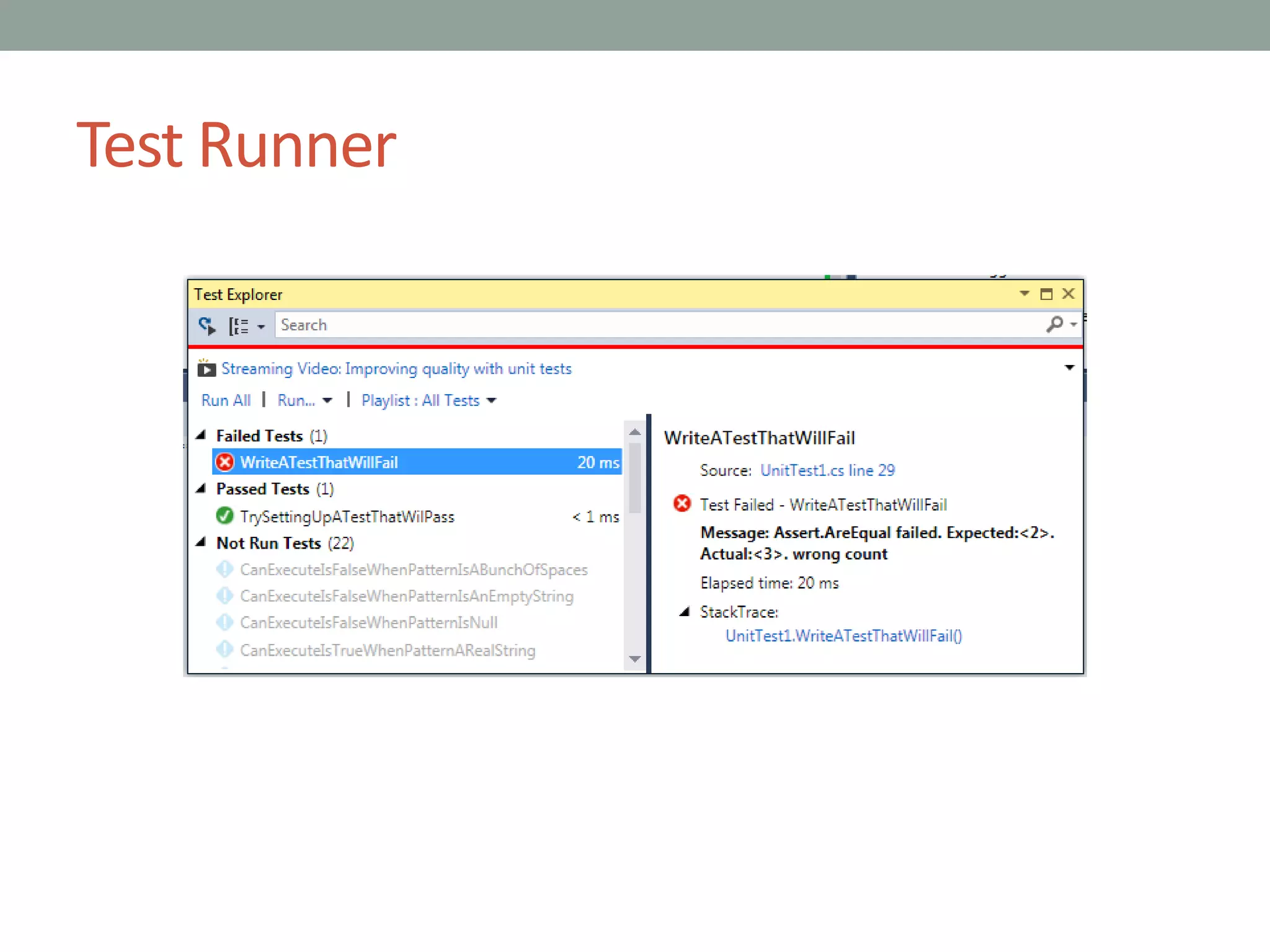
Test Runner
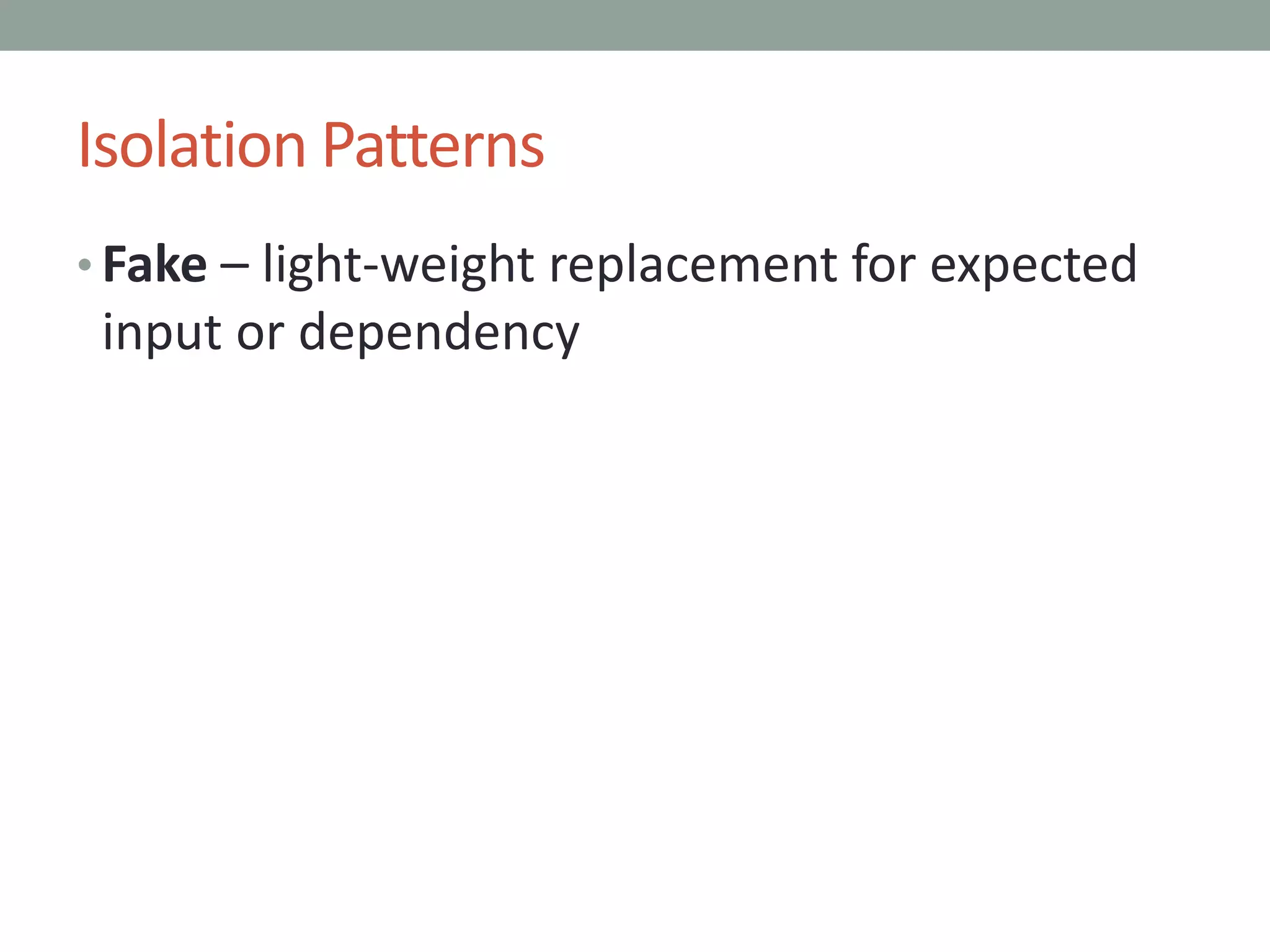
Isolation Patterns
• Fake – light-weight replacement for expected
input or dependency
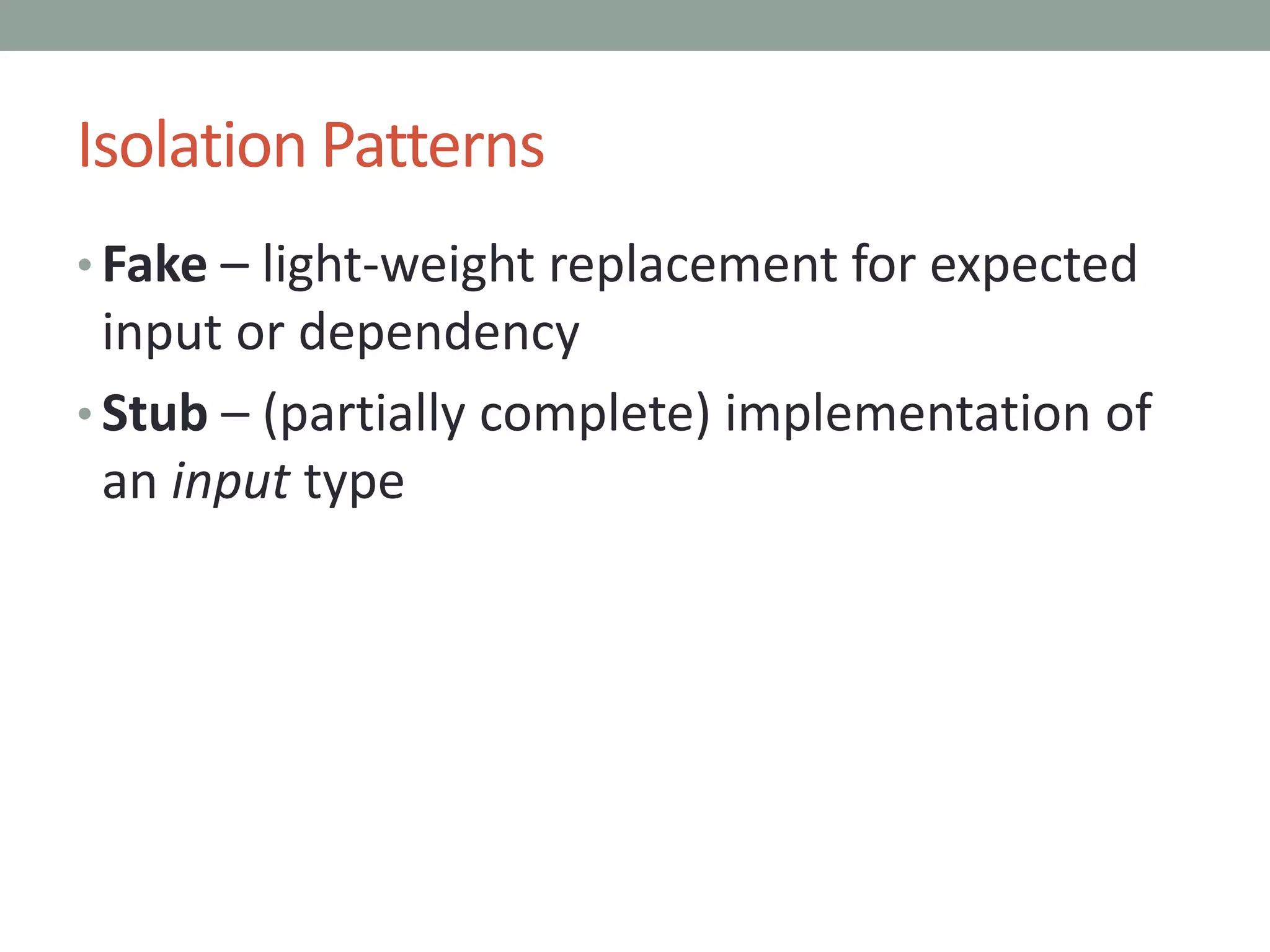
Isolation Patterns
• Fake – light-weight replacement for expected
input or dependency
• Stub – (partially complete) implementation of
an input type
Isolation Patterns
• Fake – light-weight replacement for expected
input or dependency
• Stub – (partially complete) implementation of
an input type
• Mock – replacement for input dependency,
coded to expect specific behavior (output)
Isolation Patterns
• Fake – light-weight replacement for expected
input or dependency
• Stub – (partially complete) implementation of
an input type
• Mock – replacement for input dependency,
coded to expect specific behavior (output)
• Test-specific subclass – used to break
encapsulation or provide a fake
Mocking
• Could be handwritten
• Typically use a framework: Moq, jMock, Sinon
• Specify only expected behavior: in Moq,
MockBehavior.Strict
• Criticism: over-specifying
Mock Example
var mocks = new MockRepository(MockBehavior.Strict);
var filesys = mocks.Create<IFileAdapter>();
var system = new ReggieXmlFile(filesys.Object);
// Prepare input
var input = new ReggieSession()
{
RegularExpressionPattern = "323",
SampleText = "46346kljlk"
};
string fileToOpen = "c:thisfile.reggie";
// Setup expectations
var extension = ReggieXmlFile.ReggieExtension;
var filter = ReggieXmlFile.ReggieFilter;
filesys.Setup(x => x.OpenFileSaveDialogBox(
It.Is<string>(y => y == extension),
It.Is<string>(y => y == filter)))
.Returns(fileToOpen);
filesys.Setup(x =>
x.SerializeXmlFile<ReggieSession>(
It.IsAny<ReggieSession[]>(),
It.IsAny<string>()))
.Callback(
(ReggieSession[] iSession, string iFile) =>
{
Assert.AreSame(input,
iSession.FirstOrDefault(), "session");
Assert.AreEqual(fileToOpen, iFile, "file
name");
});
// Call the system under test
var actual = system.Save(input);
// Evaluate output
Assert.IsTrue(actual, "wrong response");
mocks.VerifyAll();
Mock Example
var mocks = new MockRepository(MockBehavior.Strict);
var filesys = mocks.Create<IFileAdapter>();
var system = new ReggieXmlFile(filesys.Object);
// Prepare input
var input = new ReggieSession()
{
RegularExpressionPattern = "323",
SampleText = "46346kljlk"
};
string fileToOpen = "c:thisfile.reggie";
// Setup expectations
var extension = ReggieXmlFile.ReggieExtension;
var filter = ReggieXmlFile.ReggieFilter;
filesys.Setup(x => x.OpenFileSaveDialogBox(
It.Is<string>(y => y == extension),
It.Is<string>(y => y == filter)))
.Returns(fileToOpen);
filesys.Setup(x =>
x.SerializeXmlFile<ReggieSession>(
It.IsAny<ReggieSession[]>(),
It.IsAny<string>()))
.Callback(
(ReggieSession[] iSession, string iFile) =>
{
Assert.AreSame(input,
iSession.FirstOrDefault(), "session");
Assert.AreEqual(fileToOpen, iFile, "file
name");
});
// Call the system under test
var actual = system.Save(input);
// Evaluate output
Assert.IsTrue(actual, "wrong response");
mocks.VerifyAll();
Intent-Revealing Names
MockRepository mocks = new
MockRepository(MockBehavior.Strict);
Mock<IFileAdapter> filesys;
[TestInitialize]
public void TestInitializer()
{
filesys = mocks.Create<IFileAdapter>();
}
[TestMethod]
public void SaveSessionToXmlFile2()
{
var input = givenASessionObjectStoring(
pattern: "323",
text: "46346kljlk");
string outputFile =
"c:thisfile.reggie";
expectToOpenTheSaveFileDialogBox(outputFile);
expectToSerializeXmlRepresentingThisSession(inp
ut, outputFile);
var system = givenTheSystemUnderTest();
var actual = system.Save(input);
thenTheResponseShouldBe(actual, true);
}
[TestCleanup]
public void TestCleanup()
{
mocks.VerifyAll();
}
Functional Integration Isolation
• Essential: start with a clean slate
• Use a sandbox database on localhost
• Delete and re-create sample files / records
• Launch a service in a separate thread
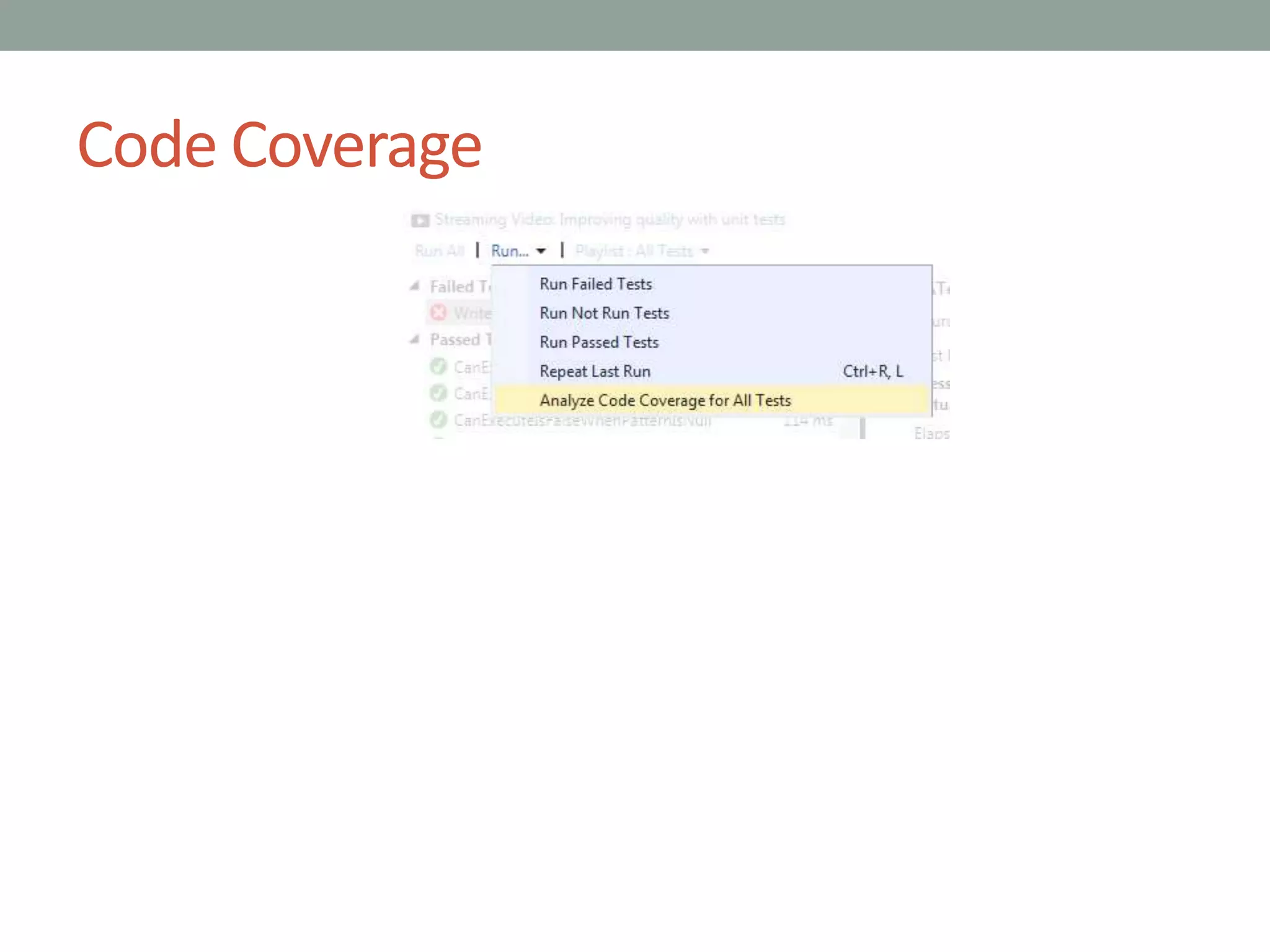
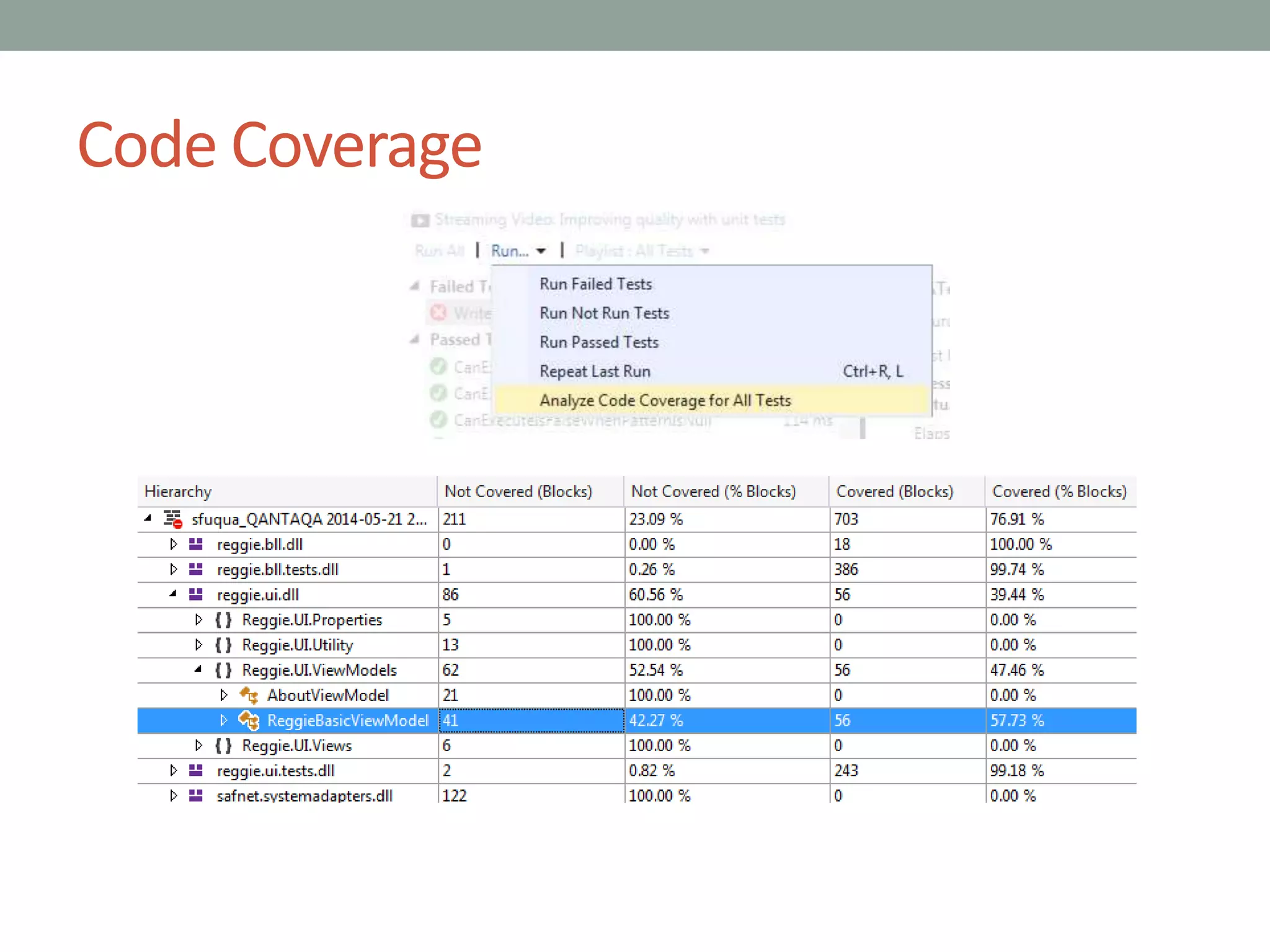
Code Coverage
Code Coverage
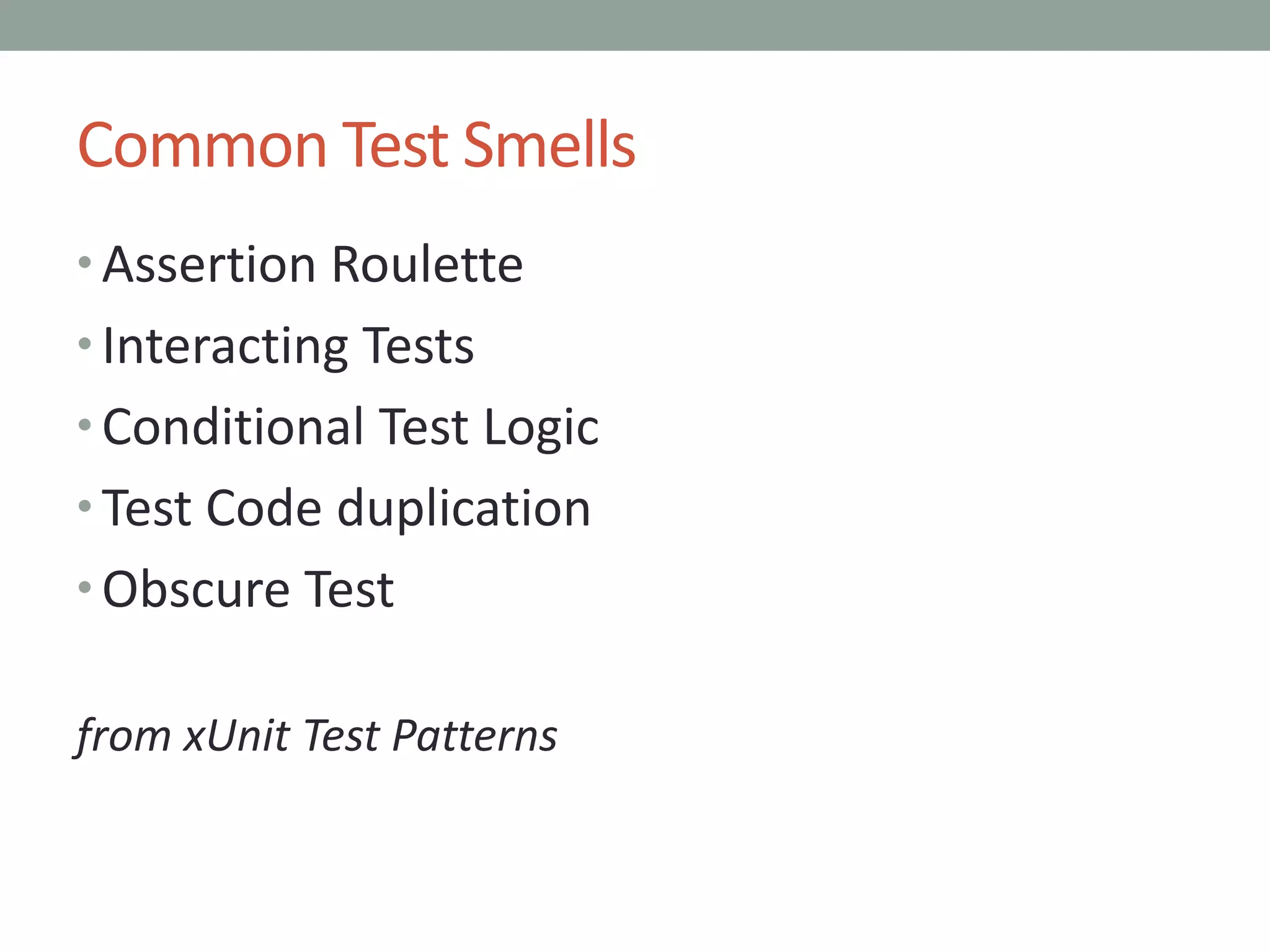
Common Test Smells
• Assertion Roulette
• Interacting Tests
• Conditional Test Logic
• Test Code duplication
• Obscure Test
from xUnit Test Patterns
PART 4
Legacy Testing
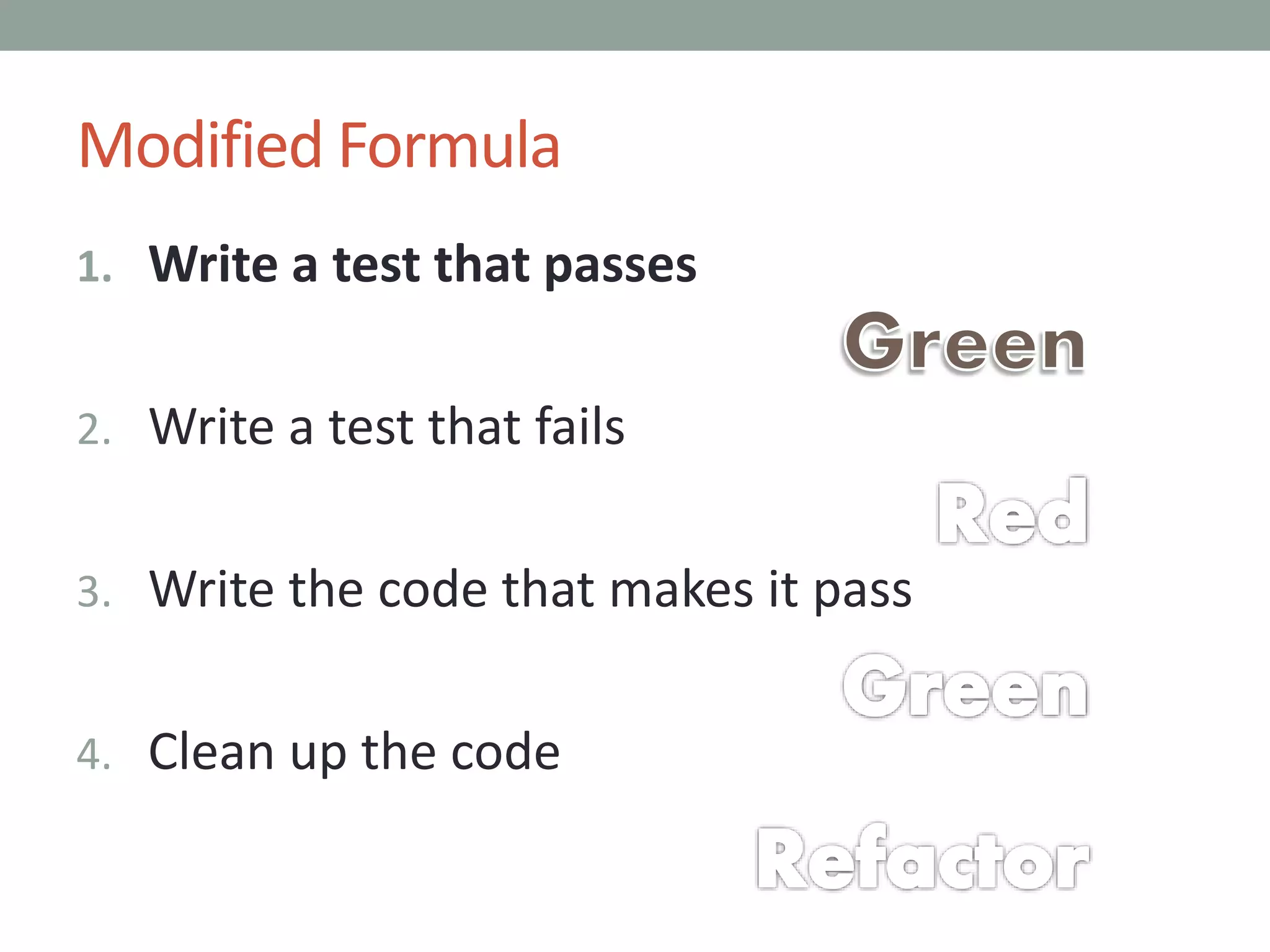
Modified Formula
1. Write a test that passes
2. Write a test that fails
3. Write the code that makes it pass
4. Clean up the code
Refactoring
• Often too hard to test - insufficiently isolated
• Slowly refactor, one step at a time
Refactoring
• Often too hard to test - insufficiently isolated
• Slowly refactor, one step at a time
• Introduce an interface for constructor injection
Refactoring
• Often too hard to test - insufficiently isolated
• Slowly refactor, one step at a time
• Introduce an interface for constructor injection
• Lazy-load for property injection
Refactoring
• Often too hard to test - insufficiently isolated
• Slowly refactor, one step at a time
• Introduce an interface for constructor injection
• Lazy-load for property injection
• Split a method or class into multiple
Refactoring
• Often too hard to test - insufficiently isolated
• Slowly refactor, one step at a time
• Introduce an interface for constructor injection
• Lazy-load for property injection
• Split a method or class into multiple
• Rethink class variables – pass as arguments instead?
Refactoring
• Often too hard to test - insufficiently isolated
• Slowly refactor, one step at a time
• Introduce an interface for constructor injection
• Lazy-load for property injection
• Split a method or class into multiple
• Rethink class variables – pass as arguments instead?
• Test-specific sub-class to set protected variables
Refactoring
• Often too hard to test - insufficiently isolated
• Slowly refactor, one step at a time
• Introduce an interface for constructor injection
• Lazy-load for property injection
• Split a method or class into multiple
• Rethink class variables – pass as arguments instead?
• Test-specific sub-class to set protected variables
• Or: brand new code, called from old methods
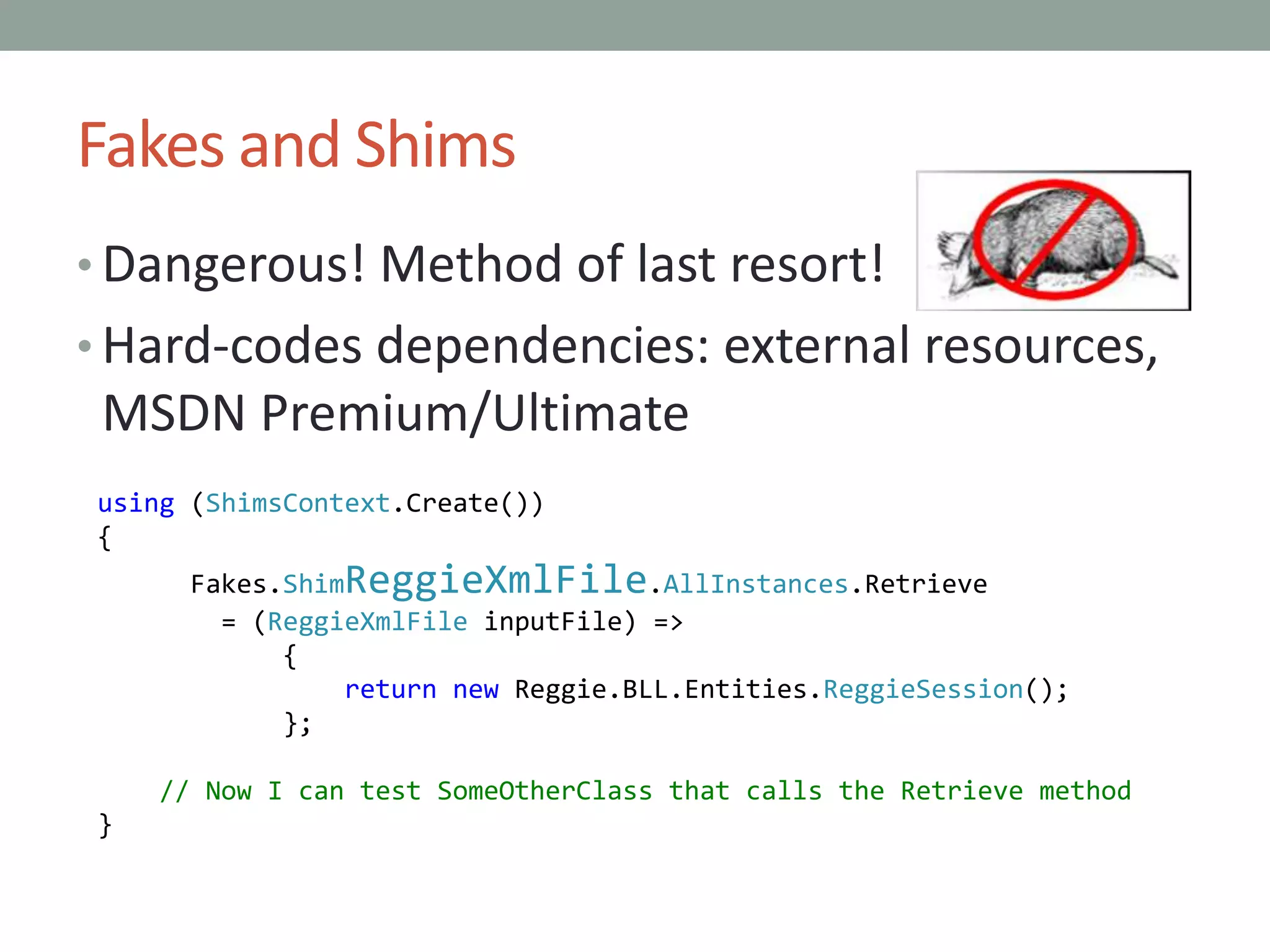
Fakes and Shims
• Dangerous! Method of last resort!
• Hard-codes dependencies: external resources,
MSDN Premium/Ultimate
using (ShimsContext.Create())
{
Fakes.ShimReggieXmlFile.AllInstances.Retrieve
= (ReggieXmlFile inputFile) =>
{
return new Reggie.BLL.Entities.ReggieSession();
};
// Now I can test SomeOtherClass that calls the Retrieve method
}
Suggestions
• Legacy code deserves tests
• Analyze code coverage for each release,
ensuring it goes up
• No emergency maintenance without Green-
Red-Green-(Refactor) approach
PART 5
Obstacles
Learning Curve
<discussion>
Learning Curve – Additional Tips
• Resources at end of the presentation
• Study tests in open source projects, e.g.
reggie.codeplex.com
• Pair programming
Sufficient Time
<discussion>
Sufficient Time – Additional Tips
• Management must commit
• Double your estimates – then retrospectively
check and see if that was “good enough”
Legacy Code
<discussion>
Legacy Code – Additional Tips
• What’s the risk tolerance? If high enough,
might not be worth it
• Might have better success with BDD than TDD,
since BDD typically tests the entire application
• Targeted use of TDD – special cases,
enhancements, bug fixes
PART 6
Resources
Books
• Clean Code, Robert C. Martin
• xUnit Test Patterns, Gerard Meszaros
• Growing Object-Oriented Software, Guided by
Tests, Steve Freeman and Nat Pryce
• Agile Testing, A Practical Guide for Testers and
Teams, Lisa Crispin and Janet Gregory
• Can’t vouch for personally, but looks promising:
Working with Legacy Code, by Michael C.
Feathers
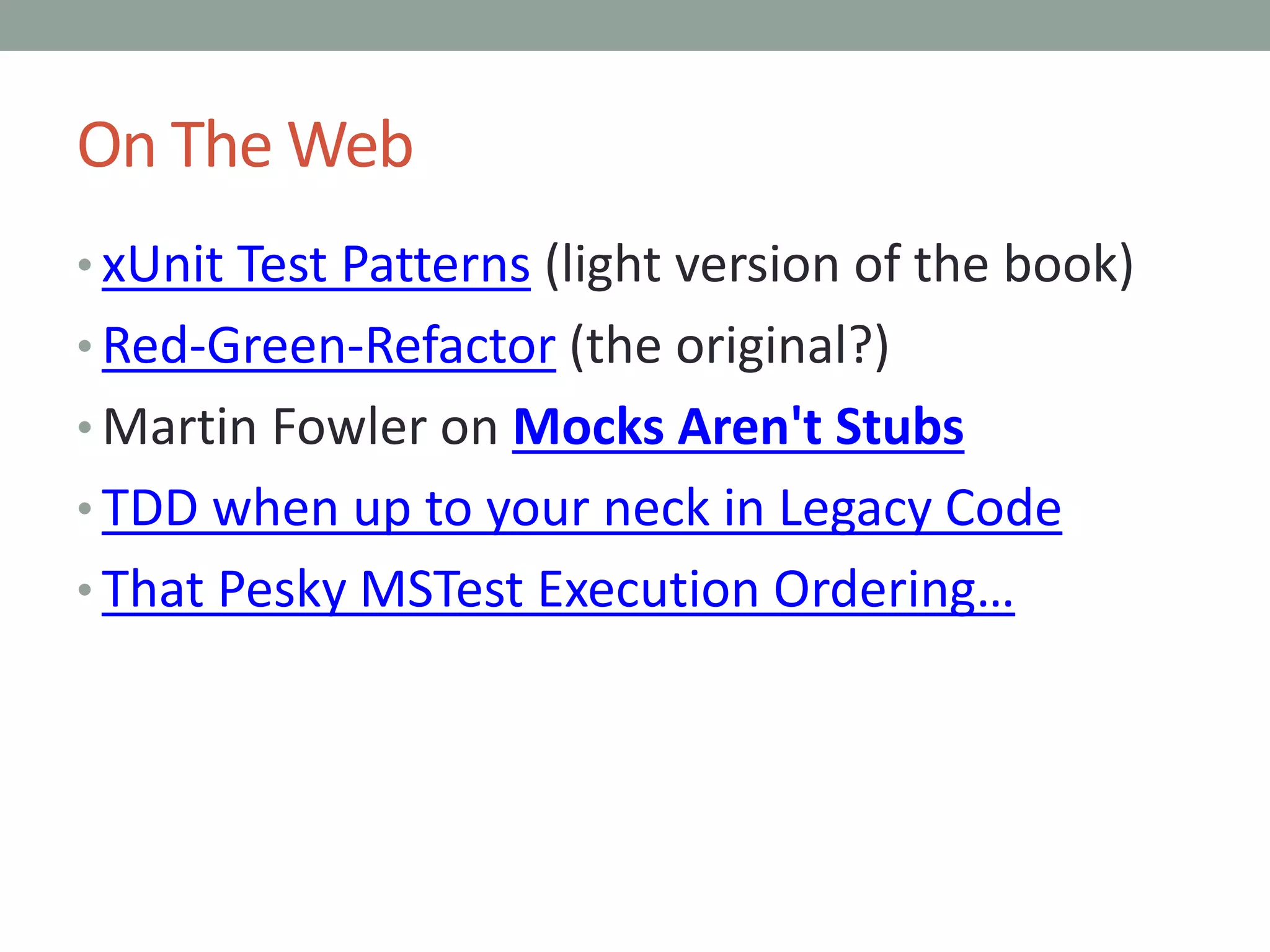
On The Web
• xUnit Test Patterns (light version of the book)
• Red-Green-Refactor (the original?)
• Martin Fowler on Mocks Aren't Stubs
• TDD when up to your neck in Legacy Code
• That Pesky MSTest Execution Ordering…
Author’s Blog Posts
• Making Mockery of Extension Methods
• TACKLE: Be Test-Driven
• Dependency Injection with Entity Framework
• Review: Growing Object-Oriented Software, Guided By Tests
• Breaking Down a Unit Test from "Reggie" That Uses MoQ
• Moles: No Longer Fit for Unit Tests
• Breaking My Moles Habit, With MoQ
• Unit vs. Integration Tests When Querying Nullable Columns
• TDD - Scenario for Red, Green, Refactor
• Sub classing for automated testing
• Unit Testing - Code Coverage and Separation of Layers

Principles and patterns for test driven development

  • 1.
    PRINCIPLES AND PATTERNSFOR TEST DRIVEN DEVELOPMENT Author: Stephen Fuqua Last Revised: May 2014 All content by the author or from public domain sources unless otherwise noted
  • 2.
    PART 1 Testing –Not Just for QA
  • 3.
    Benefits: Risk Reduction •Safely refactor - regression
  • 4.
    Benefits: Risk Reduction •Safely refactor - regression • Think about "edge cases"
  • 5.
    Benefits: Risk Reduction •Safely refactor - regression • Think about "edge cases" • Duh - prove that the software works
  • 6.
    Benefits: Better Design •Safely refactor - evolve
  • 7.
    Benefits: Better Design •Safely refactor - evolve • Focus on clean, modular code. Key patterns for easier testing: • Single Responsibility Principle • Dependency Injection • Adapter
  • 8.
    Benefits: Better Design •Safely refactor - evolve • Focus on clean, modular code. Key patterns for easier testing: • Single Responsibility Principle • Dependency Injection • Adapter • Concentrate on simple inputs and outputs
  • 9.
    Benefits: Better Design •Safely refactor - evolve • Focus on clean, modular code. Key patterns for easier testing: • Single Responsibility Principle • Dependency Injection • Adapter • Concentrate on simple inputs and outputs • Express requirements via tests
  • 10.
    Four Types Scope UnitFunctional Acceptance Performance Method x x Class x x Includes I/O x x x Entire Application x x Entire System x
  • 11.
    Where We AreGoing • Thinking About Testing • Test Driven Development (TDD) • Legacy TDD • Obstacles https://www.flickr.com/photos/wsdot/
  • 12.
  • 13.
    Approaching Testing • Writeexpressively, with intent-revealing names
  • 14.
    Approaching Testing • Writeexpressively, with intent-revealing names • Express a business need
  • 15.
    Approaching Testing • Writeexpressively, with intent-revealing names • Express a business need • Concentrate on inputs and outputs for a system under test
  • 16.
    Approaching Testing • Writeexpressively, with intent-revealing names • Express a business need • Concentrate on inputs and outputs for a system under test • // Prepare Input // Call the system under test // Evaluate outputs Given When Then
  • 17.
    Approaching Testing • Writeexpressively, with intent-revealing names • Express a business need • Concentrate on inputs and outputs for a system under test • // Prepare Input // Call the system under test // Evaluate outputs • Given When Then
  • 18.
    User Stories • Write(or get) user stories. • More useful for Behavior Driven Development, but still helpful in thinking about unit and functional tests
  • 19.
    User Stories • Write(or get) user stories. • More useful for Behavior Driven Development, but still helpful in thinking about unit and functional tests
  • 20.
    Negative Testing • Unexpectedinput • Null values • Overflows • Expected messages • Exception handling • Check the logs
  • 21.
    Isolation • Unit: isolatedfrom I/O, web services, etc.
  • 22.
    Isolation • Unit: isolatedfrom I/O, web services, etc. • Functional: connect to just one outside source
  • 23.
    Isolation • Unit: isolatedfrom I/O, web services, etc. • Functional: connect to just one outside source • Avoid interactions from other systems and test
  • 24.
    Isolation • Unit: isolatedfrom I/O, web services, etc. • Functional: connect to just one outside source • Avoid interactions from other systems and test • Setup a self-contained system
  • 25.
    Three Essential OOPatterns • Can’t effectively isolate a method or class without…
  • 26.
    Three Essential OOPatterns • Can’t effectively isolate a method or class without… • Single Responsibility Principle (SRP)
  • 27.
    Three Essential OOPatterns • Can’t effectively isolate a method or class without… • Single Responsibility Principle (SRP) • Dependency Injection (DI) • Constructor, Property, Method, even Static Delegate Injection
  • 28.
    Three Essential OOPatterns • Can’t effectively isolate a method or class without… • Single Responsibility Principle (SRP) • Dependency Injection (DI) • Constructor, Property, Method, even Static Delegate Injection • Adapter
  • 29.
    PART 3 Test DrivenDevelopment
  • 30.
    Essential Formula 1. Writea test that fails
  • 31.
    Essential Formula 1. Writea test that fails 2. Write the code that makes it pass
  • 32.
    Essential Formula 1. Writea test that fails 2. Write the code that makes it pass 3. Clean up the code
  • 33.
    MSTest using System; using Microsoft.VisualStudio.TestTools.UnitTesting; namespace Reggie.UI.Tests { [TestClass] publicclass UnitTest1 { [ClassInitialize] public static void ClassInitializer(TestContext context) { // Note that it is static. // Runs once per class. } [TestInitialize] public void TestInitializer() { // Runs once before each test. // Runs after constructor. } [TestMethod] public void TestMethod1() { } [TestCleanup] public void TestCleanuper() { // Runs once after each test. } [ClassCleanup] public static void ClassCleanuper() { // Again static. // Runs after all tests complete. } } }
  • 34.
    Assertions • Verify theresults after running the system: Assert.<something>(expected, actual, message) • Some frameworks reverse (actual, expected) • Message – clear enough to know which failed • Common: o Assert.AreEqual o Assert.IsNull o Assert.IsNotNull o Assert.AreSame o Assert.IsTrue o Assert.IsFalse
  • 35.
    More Verification • Manyframeworks have an attribute like [ExpectedException(typeof(SomeException))] • Alternately, catch exceptions and inspect details. • Caught the wrong exception? Assert.Fail(“oops looks like I caught an ” + typeof(actual).ToString());
  • 36.
  • 37.
    Isolation Patterns • Fake– light-weight replacement for expected input or dependency
  • 38.
    Isolation Patterns • Fake– light-weight replacement for expected input or dependency • Stub – (partially complete) implementation of an input type
  • 39.
    Isolation Patterns • Fake– light-weight replacement for expected input or dependency • Stub – (partially complete) implementation of an input type • Mock – replacement for input dependency, coded to expect specific behavior (output)
  • 40.
    Isolation Patterns • Fake– light-weight replacement for expected input or dependency • Stub – (partially complete) implementation of an input type • Mock – replacement for input dependency, coded to expect specific behavior (output) • Test-specific subclass – used to break encapsulation or provide a fake
  • 41.
    Mocking • Could behandwritten • Typically use a framework: Moq, jMock, Sinon • Specify only expected behavior: in Moq, MockBehavior.Strict • Criticism: over-specifying
  • 42.
    Mock Example var mocks= new MockRepository(MockBehavior.Strict); var filesys = mocks.Create<IFileAdapter>(); var system = new ReggieXmlFile(filesys.Object); // Prepare input var input = new ReggieSession() { RegularExpressionPattern = "323", SampleText = "46346kljlk" }; string fileToOpen = "c:thisfile.reggie"; // Setup expectations var extension = ReggieXmlFile.ReggieExtension; var filter = ReggieXmlFile.ReggieFilter; filesys.Setup(x => x.OpenFileSaveDialogBox( It.Is<string>(y => y == extension), It.Is<string>(y => y == filter))) .Returns(fileToOpen); filesys.Setup(x => x.SerializeXmlFile<ReggieSession>( It.IsAny<ReggieSession[]>(), It.IsAny<string>())) .Callback( (ReggieSession[] iSession, string iFile) => { Assert.AreSame(input, iSession.FirstOrDefault(), "session"); Assert.AreEqual(fileToOpen, iFile, "file name"); }); // Call the system under test var actual = system.Save(input); // Evaluate output Assert.IsTrue(actual, "wrong response"); mocks.VerifyAll();
  • 43.
    Mock Example var mocks= new MockRepository(MockBehavior.Strict); var filesys = mocks.Create<IFileAdapter>(); var system = new ReggieXmlFile(filesys.Object); // Prepare input var input = new ReggieSession() { RegularExpressionPattern = "323", SampleText = "46346kljlk" }; string fileToOpen = "c:thisfile.reggie"; // Setup expectations var extension = ReggieXmlFile.ReggieExtension; var filter = ReggieXmlFile.ReggieFilter; filesys.Setup(x => x.OpenFileSaveDialogBox( It.Is<string>(y => y == extension), It.Is<string>(y => y == filter))) .Returns(fileToOpen); filesys.Setup(x => x.SerializeXmlFile<ReggieSession>( It.IsAny<ReggieSession[]>(), It.IsAny<string>())) .Callback( (ReggieSession[] iSession, string iFile) => { Assert.AreSame(input, iSession.FirstOrDefault(), "session"); Assert.AreEqual(fileToOpen, iFile, "file name"); }); // Call the system under test var actual = system.Save(input); // Evaluate output Assert.IsTrue(actual, "wrong response"); mocks.VerifyAll();
  • 44.
    Intent-Revealing Names MockRepository mocks= new MockRepository(MockBehavior.Strict); Mock<IFileAdapter> filesys; [TestInitialize] public void TestInitializer() { filesys = mocks.Create<IFileAdapter>(); } [TestMethod] public void SaveSessionToXmlFile2() { var input = givenASessionObjectStoring( pattern: "323", text: "46346kljlk"); string outputFile = "c:thisfile.reggie"; expectToOpenTheSaveFileDialogBox(outputFile); expectToSerializeXmlRepresentingThisSession(inp ut, outputFile); var system = givenTheSystemUnderTest(); var actual = system.Save(input); thenTheResponseShouldBe(actual, true); } [TestCleanup] public void TestCleanup() { mocks.VerifyAll(); }
  • 45.
    Functional Integration Isolation •Essential: start with a clean slate • Use a sandbox database on localhost • Delete and re-create sample files / records • Launch a service in a separate thread
  • 46.
  • 47.
  • 48.
    Common Test Smells •Assertion Roulette • Interacting Tests • Conditional Test Logic • Test Code duplication • Obscure Test from xUnit Test Patterns
  • 49.
  • 50.
    Modified Formula 1. Writea test that passes 2. Write a test that fails 3. Write the code that makes it pass 4. Clean up the code
  • 51.
    Refactoring • Often toohard to test - insufficiently isolated • Slowly refactor, one step at a time
  • 52.
    Refactoring • Often toohard to test - insufficiently isolated • Slowly refactor, one step at a time • Introduce an interface for constructor injection
  • 53.
    Refactoring • Often toohard to test - insufficiently isolated • Slowly refactor, one step at a time • Introduce an interface for constructor injection • Lazy-load for property injection
  • 54.
    Refactoring • Often toohard to test - insufficiently isolated • Slowly refactor, one step at a time • Introduce an interface for constructor injection • Lazy-load for property injection • Split a method or class into multiple
  • 55.
    Refactoring • Often toohard to test - insufficiently isolated • Slowly refactor, one step at a time • Introduce an interface for constructor injection • Lazy-load for property injection • Split a method or class into multiple • Rethink class variables – pass as arguments instead?
  • 56.
    Refactoring • Often toohard to test - insufficiently isolated • Slowly refactor, one step at a time • Introduce an interface for constructor injection • Lazy-load for property injection • Split a method or class into multiple • Rethink class variables – pass as arguments instead? • Test-specific sub-class to set protected variables
  • 57.
    Refactoring • Often toohard to test - insufficiently isolated • Slowly refactor, one step at a time • Introduce an interface for constructor injection • Lazy-load for property injection • Split a method or class into multiple • Rethink class variables – pass as arguments instead? • Test-specific sub-class to set protected variables • Or: brand new code, called from old methods
  • 58.
    Fakes and Shims •Dangerous! Method of last resort! • Hard-codes dependencies: external resources, MSDN Premium/Ultimate using (ShimsContext.Create()) { Fakes.ShimReggieXmlFile.AllInstances.Retrieve = (ReggieXmlFile inputFile) => { return new Reggie.BLL.Entities.ReggieSession(); }; // Now I can test SomeOtherClass that calls the Retrieve method }
  • 59.
    Suggestions • Legacy codedeserves tests • Analyze code coverage for each release, ensuring it goes up • No emergency maintenance without Green- Red-Green-(Refactor) approach
  • 60.
  • 61.
  • 62.
    Learning Curve –Additional Tips • Resources at end of the presentation • Study tests in open source projects, e.g. reggie.codeplex.com • Pair programming
  • 63.
  • 64.
    Sufficient Time –Additional Tips • Management must commit • Double your estimates – then retrospectively check and see if that was “good enough”
  • 65.
  • 66.
    Legacy Code –Additional Tips • What’s the risk tolerance? If high enough, might not be worth it • Might have better success with BDD than TDD, since BDD typically tests the entire application • Targeted use of TDD – special cases, enhancements, bug fixes
  • 67.
  • 68.
    Books • Clean Code,Robert C. Martin • xUnit Test Patterns, Gerard Meszaros • Growing Object-Oriented Software, Guided by Tests, Steve Freeman and Nat Pryce • Agile Testing, A Practical Guide for Testers and Teams, Lisa Crispin and Janet Gregory • Can’t vouch for personally, but looks promising: Working with Legacy Code, by Michael C. Feathers
  • 69.
    On The Web •xUnit Test Patterns (light version of the book) • Red-Green-Refactor (the original?) • Martin Fowler on Mocks Aren't Stubs • TDD when up to your neck in Legacy Code • That Pesky MSTest Execution Ordering…
  • 70.
    Author’s Blog Posts •Making Mockery of Extension Methods • TACKLE: Be Test-Driven • Dependency Injection with Entity Framework • Review: Growing Object-Oriented Software, Guided By Tests • Breaking Down a Unit Test from "Reggie" That Uses MoQ • Moles: No Longer Fit for Unit Tests • Breaking My Moles Habit, With MoQ • Unit vs. Integration Tests When Querying Nullable Columns • TDD - Scenario for Red, Green, Refactor • Sub classing for automated testing • Unit Testing - Code Coverage and Separation of Layers

Editor's Notes

  • #29 Good opportunity for brief participation, defining these.