Practical JRuby By David Keener Technical Architect, Voxant Inc.
Overview What is JRuby? Why would you want to use it? How can JRuby be useful to the enterprise? Where do you get it? How is using JRuby different than using Ruby? How can you deploy JRuby applications? JRuby is an implementation of the Ruby programming language that runs on the Java Virtual Machine (JVM). By the end of this presentation, you will be able to answer questions like:
 
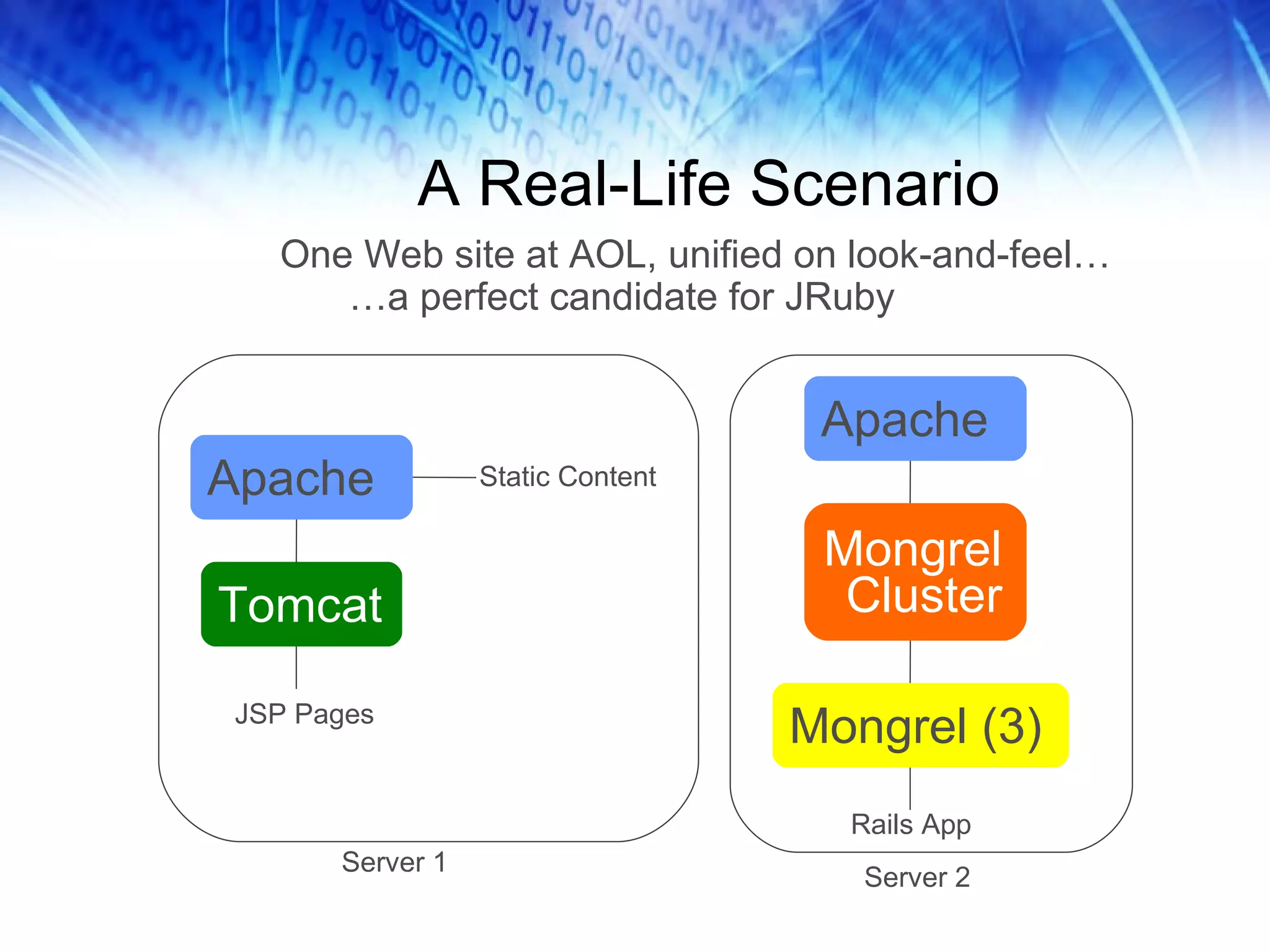
A Real-Life Scenario Apache Tomcat JSP Pages Static Content Apache Mongrel Cluster Mongrel (3) Rails App Server 1 Server 2 One Web site at AOL, unified on look-and-feel… … a perfect candidate for JRuby
Part 1: JRuby in Perspective
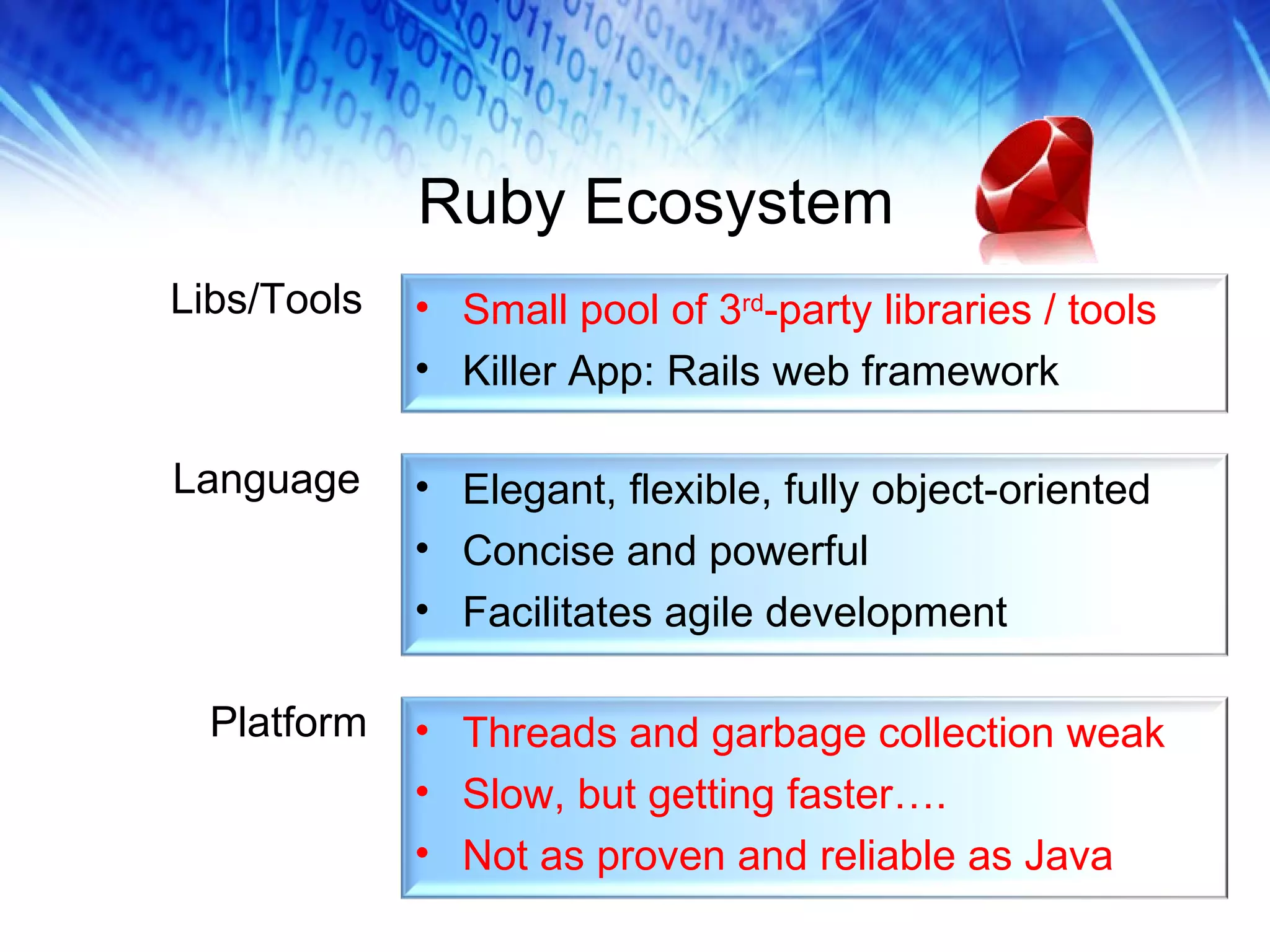
Ruby Ecosystem Libs/Tools Language Platform Elegant, flexible, fully object-oriented Concise and powerful Facilitates agile development Small pool of 3 rd -party libraries / tools Killer App: Rails web framework Threads and garbage collection weak Slow, but getting faster…. Not as proven and reliable as Java
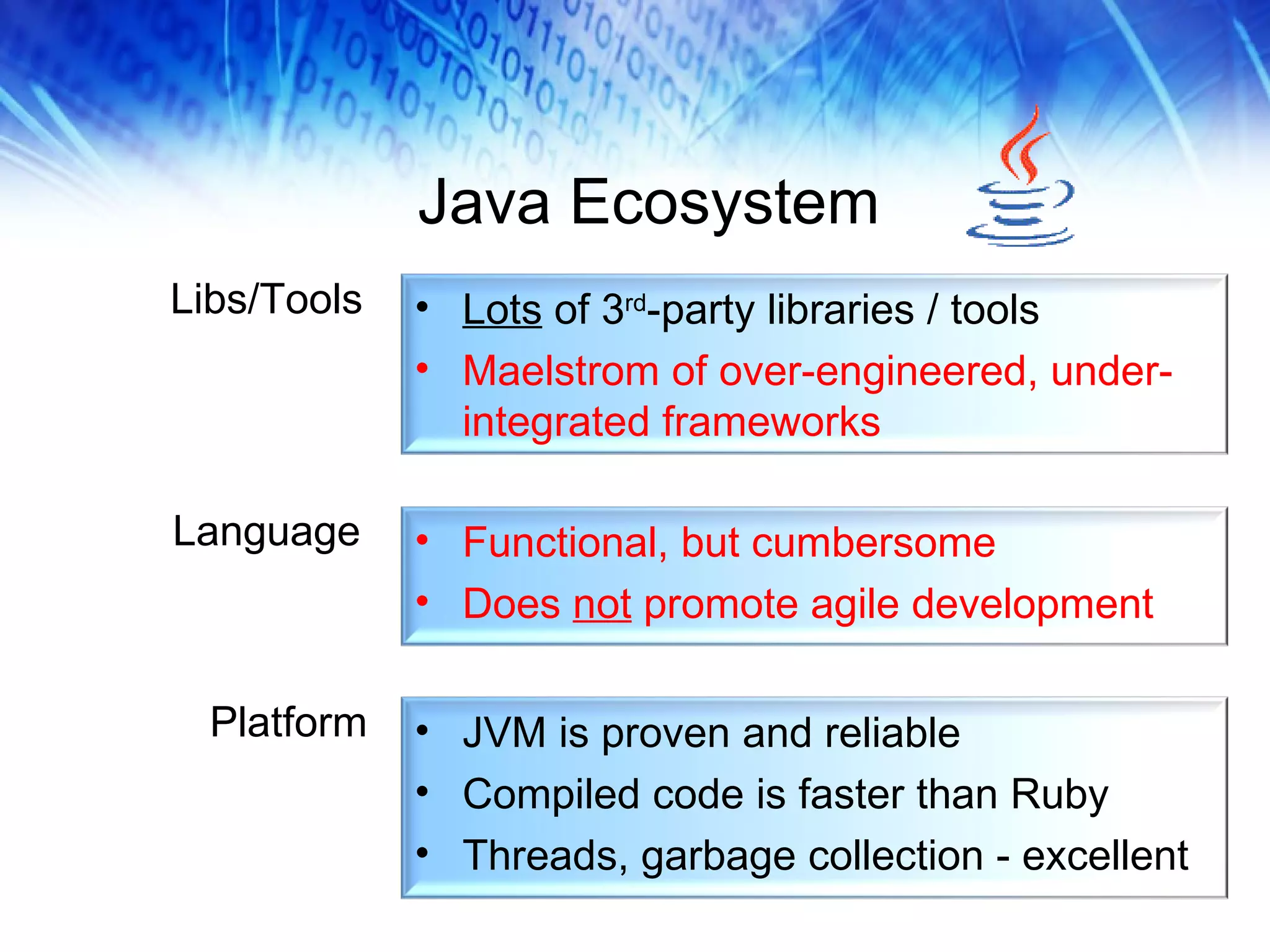
Java Ecosystem Libs/Tools Language Platform Functional, but cumbersome Does  not  promote agile development Lots  of 3 rd -party libraries / tools Maelstrom of over-engineered, under-integrated frameworks JVM is proven and reliable Compiled code is faster than Ruby Threads, garbage collection - excellent
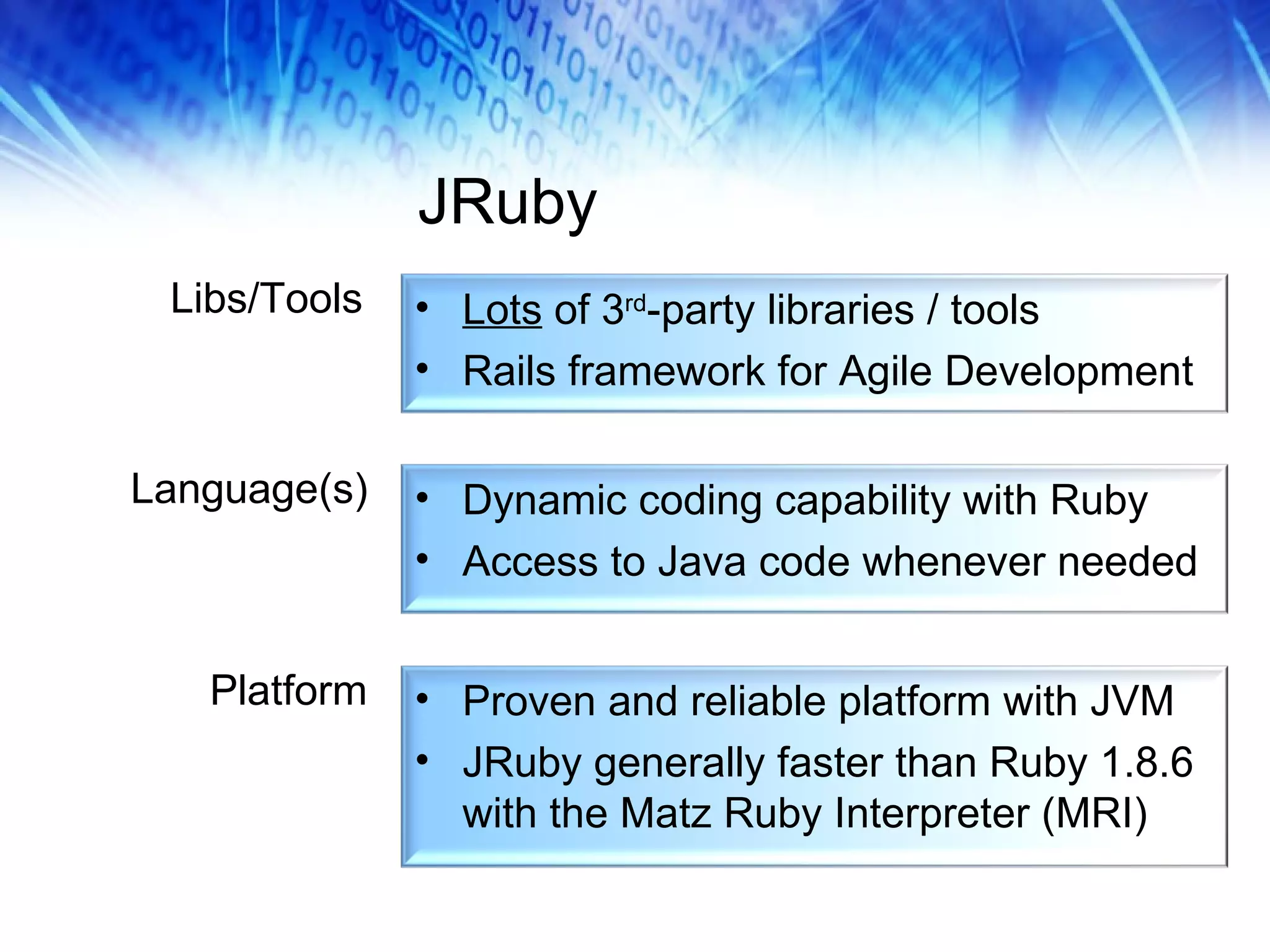
JRuby Libs/Tools Language(s) Platform Dynamic coding capability with Ruby Access to Java code whenever needed Lots  of 3 rd -party libraries / tools Rails framework for Agile Development Proven and reliable platform with JVM JRuby generally faster than Ruby 1.8.6 with the Matz Ruby Interpreter (MRI)
Why Use JRuby? Gain the agility of using a dynamic scripting language instead of a compiled language  Gain the ability to use 3 rd -party libs in  both  Ruby and Java Can leverage existing Java code in Ruby/Rails Easier integration of Rails apps into many enterprises Deploy Rails applications as War files
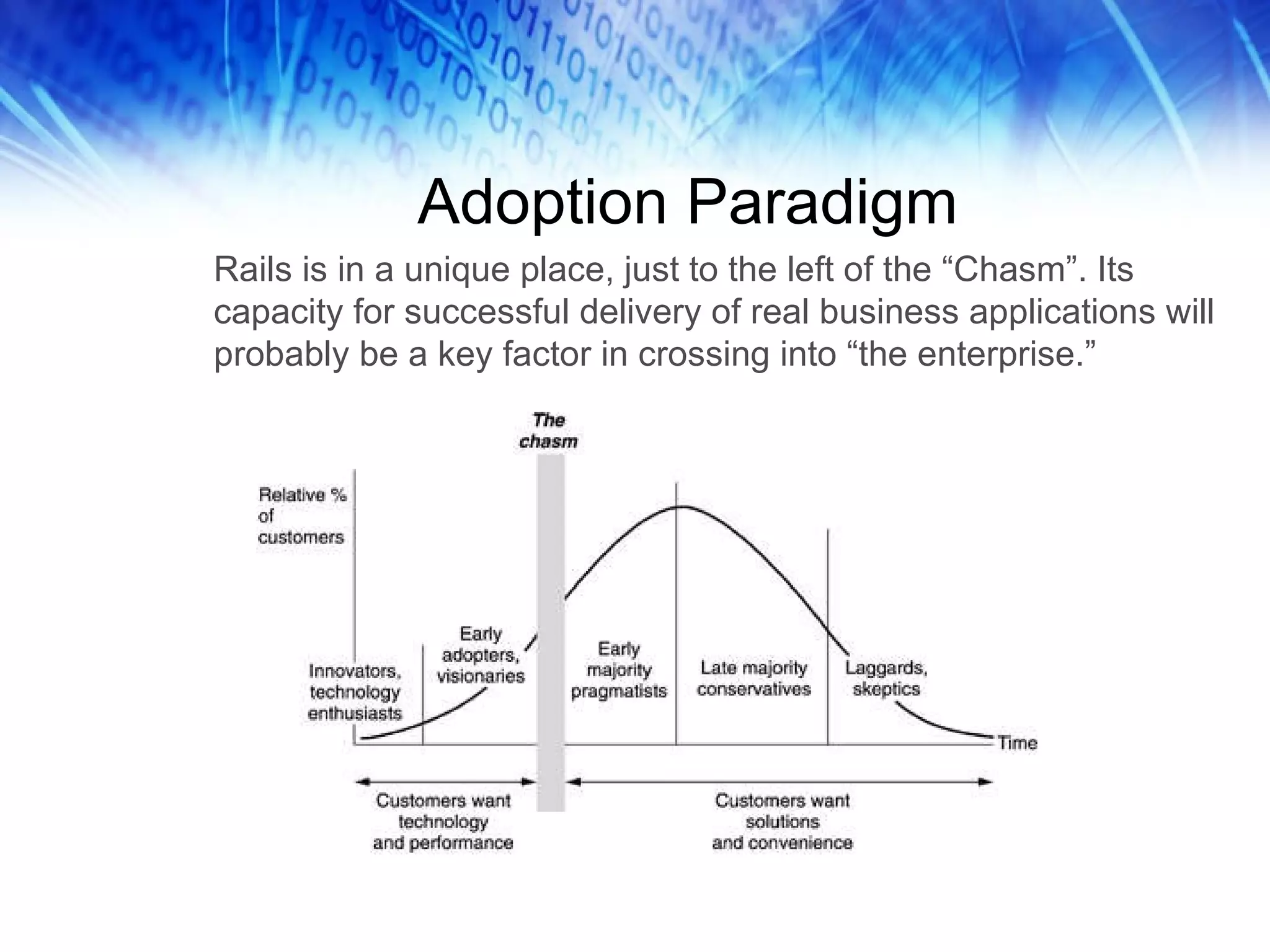
Adoption Paradigm Rails is in a unique place, just to the left of the “Chasm”. Its capacity for successful delivery of real business applications will probably be a key factor in crossing into “the enterprise.”
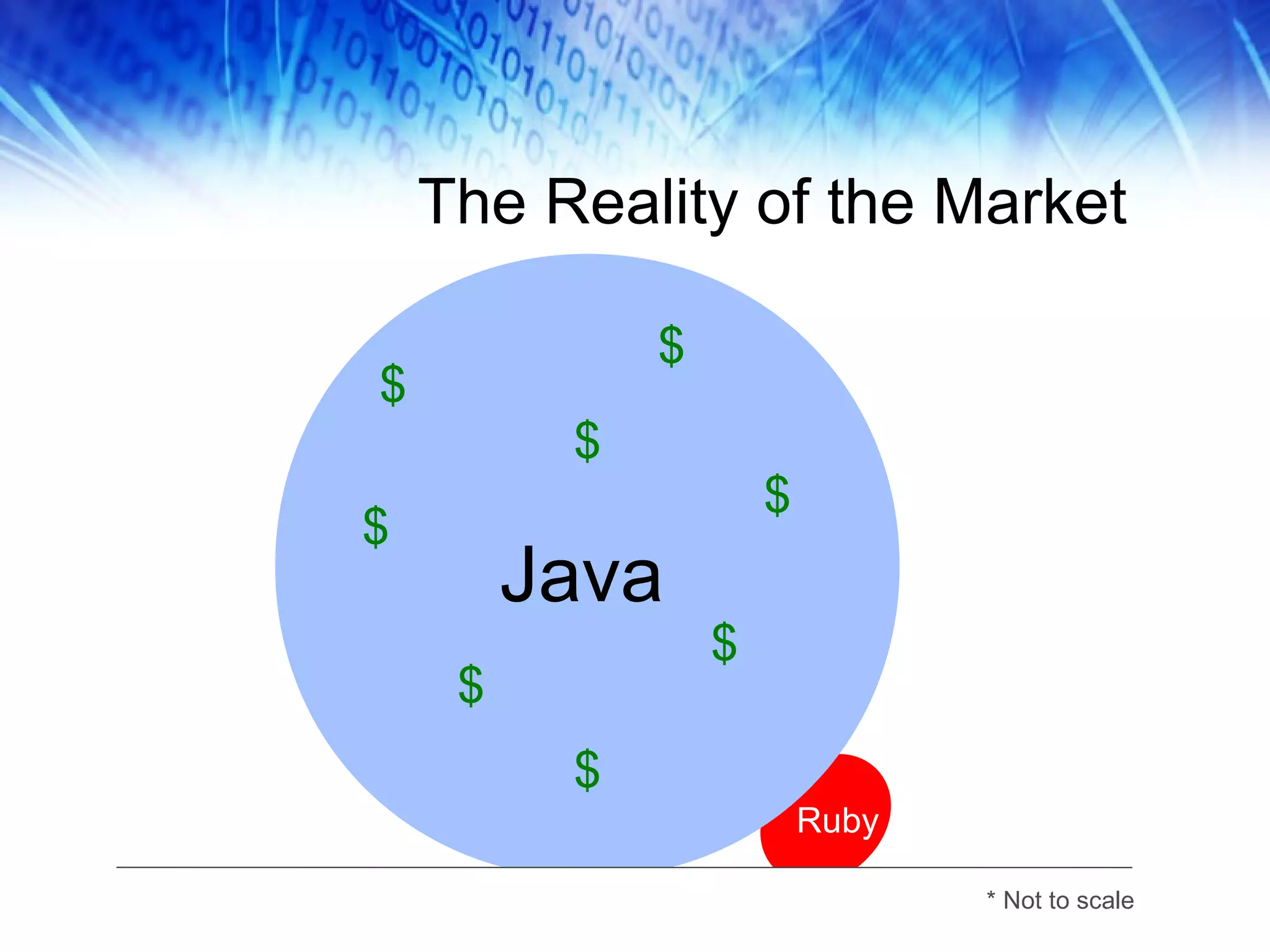
The Reality of the Market $ Java Ruby $ $ $ $ $ $ $ * Not to scale
Part 2: JRuby Setup
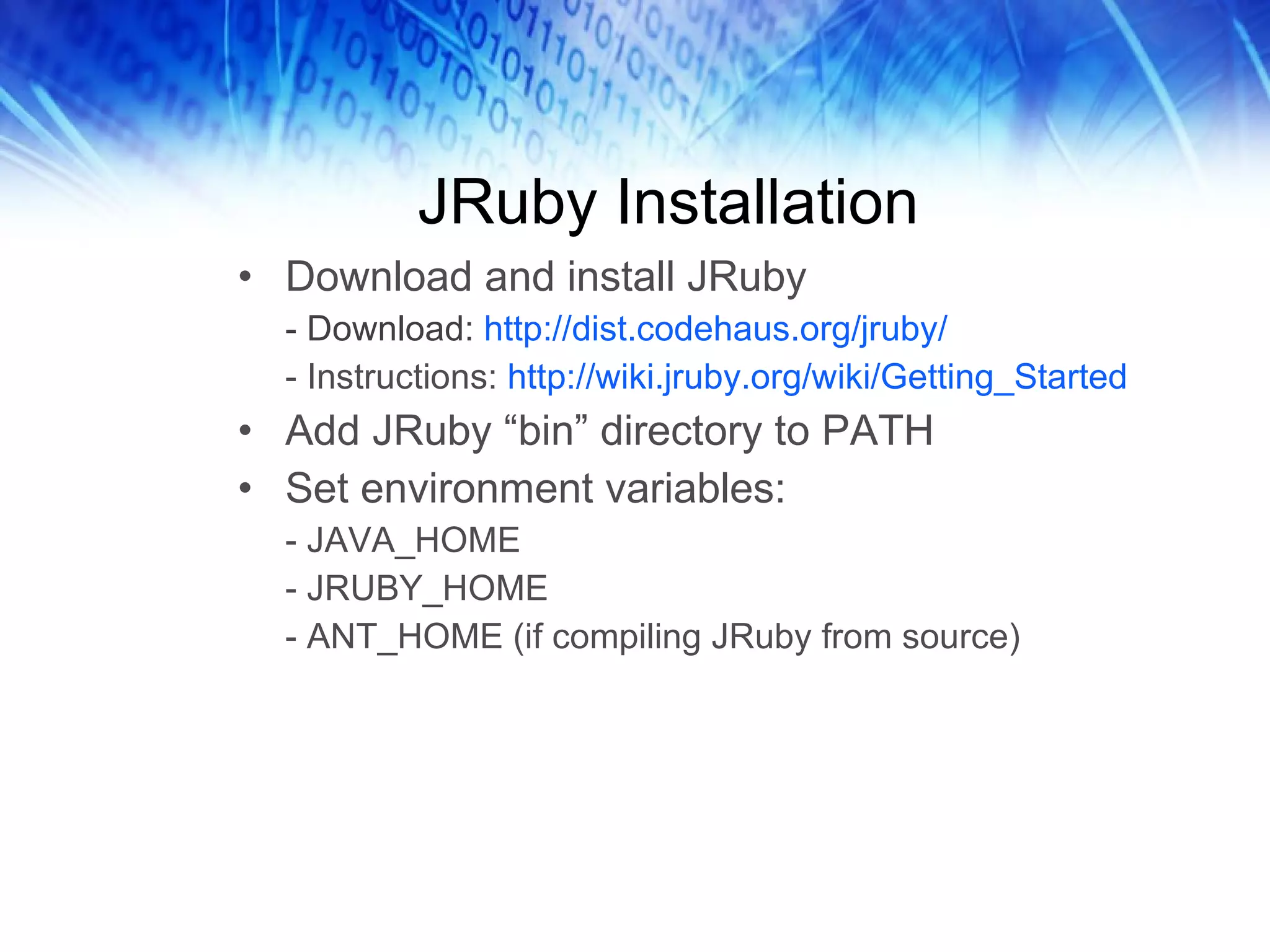
JRuby Installation Download and install JRuby - Download:  http://dist.codehaus.org/jruby/ - Instructions:  http://wiki.jruby.org/wiki/Getting_Started  Add JRuby “bin” directory to PATH Set environment variables: - JAVA_HOME - JRUBY_HOME - ANT_HOME (if compiling JRuby from source)
JRuby Commands jruby jirb gem (or jgem) rake rdoc Etc.
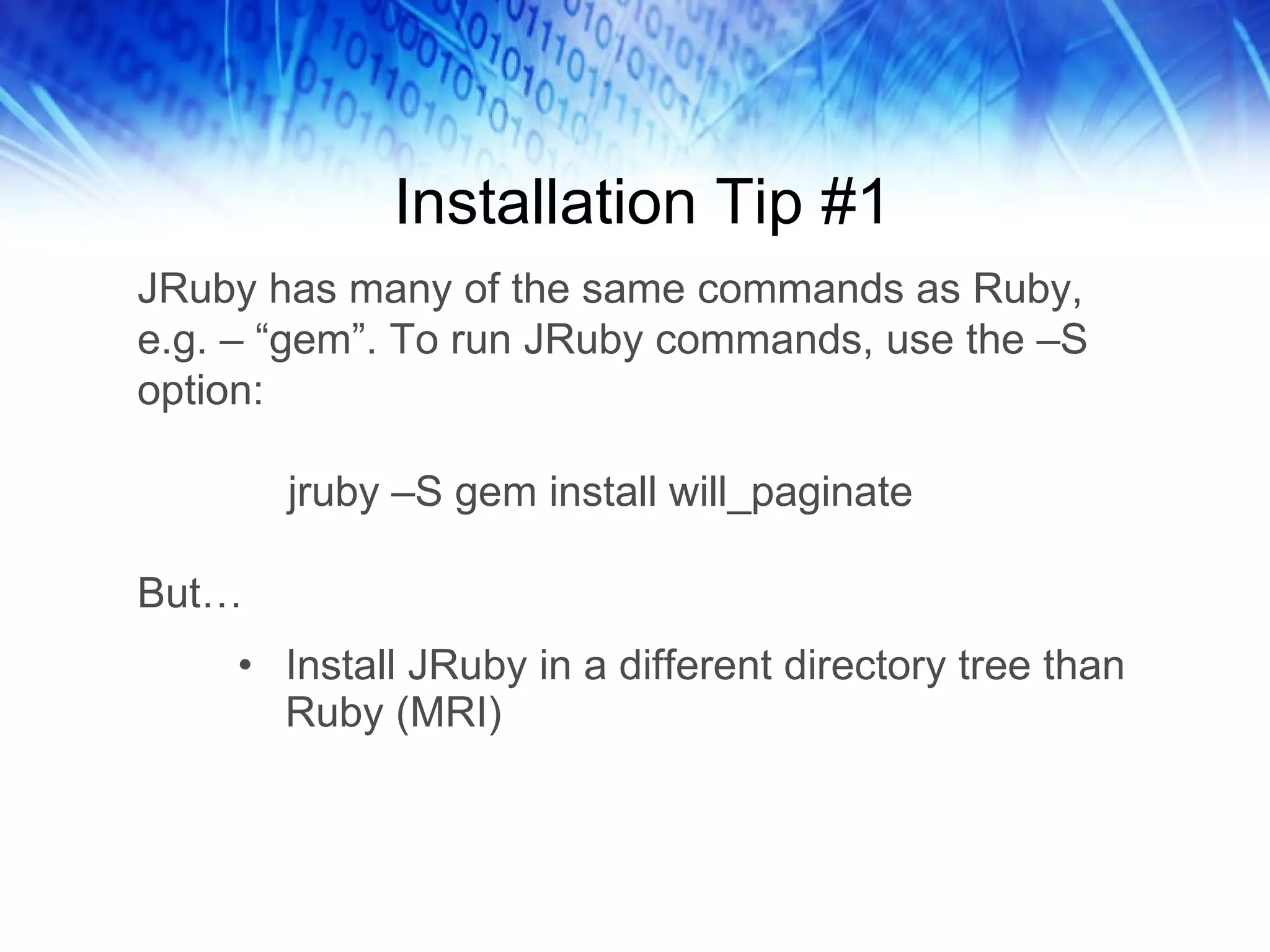
Installation Tip #1 Install JRuby in a different directory tree than Ruby (MRI) JRuby has many of the same commands as Ruby, e.g. – “gem”. To run JRuby commands, use the –S option:   jruby –S gem install will_paginate But…
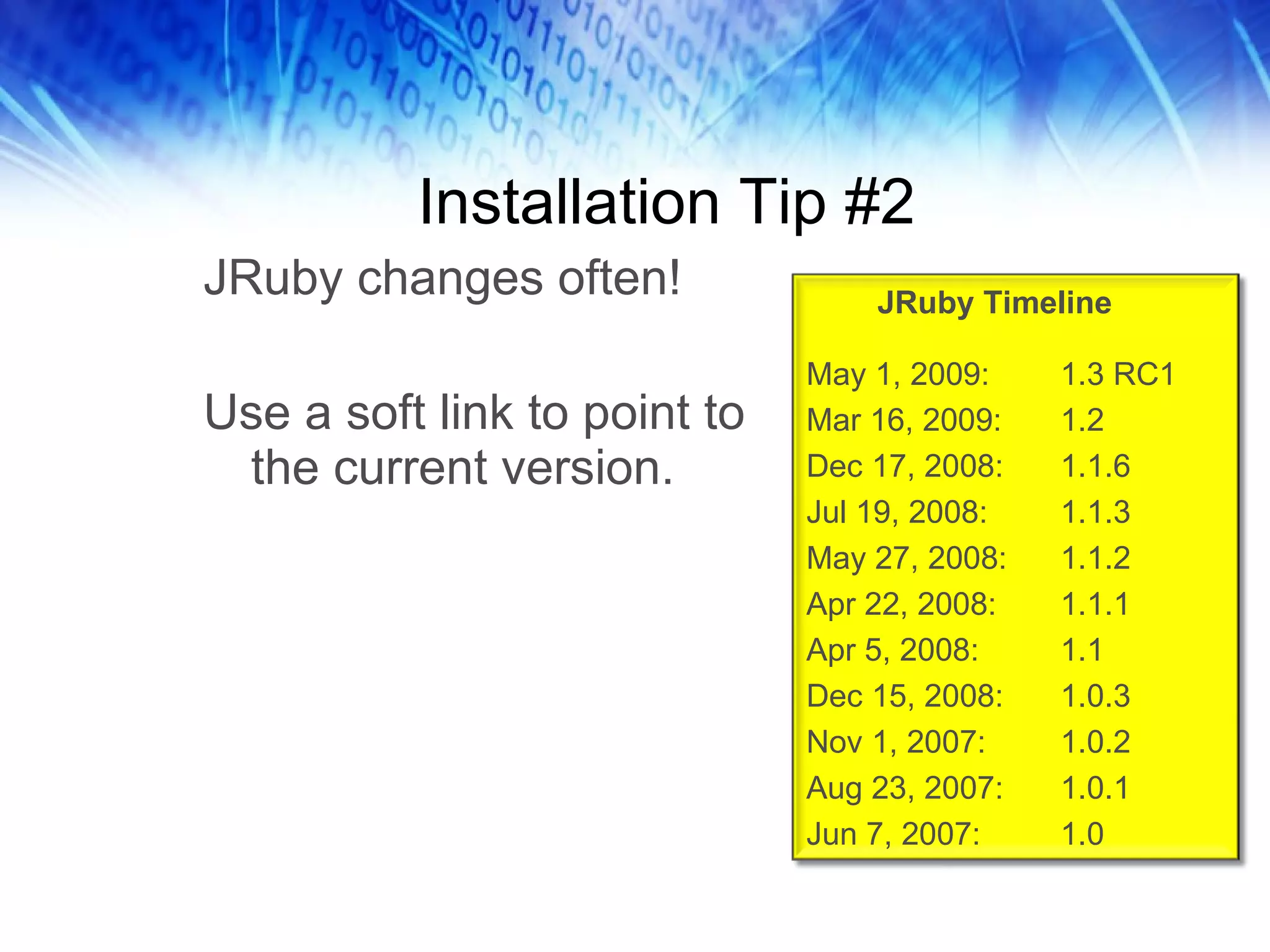
Installation Tip #2 JRuby changes often! Use a soft link to point to the current version. JRuby Timeline May 1, 2009: 1.3 RC1 Mar 16, 2009: 1.2 Dec 17, 2008: 1.1.6 Jul 19, 2008:  1.1.3 May 27, 2008: 1.1.2 Apr 22, 2008: 1.1.1 Apr 5, 2008: 1.1 Dec 15, 2008: 1.0.3 Nov 1, 2007: 1.0.2 Aug 23, 2007: 1.0.1 Jun 7, 2007:  1.0
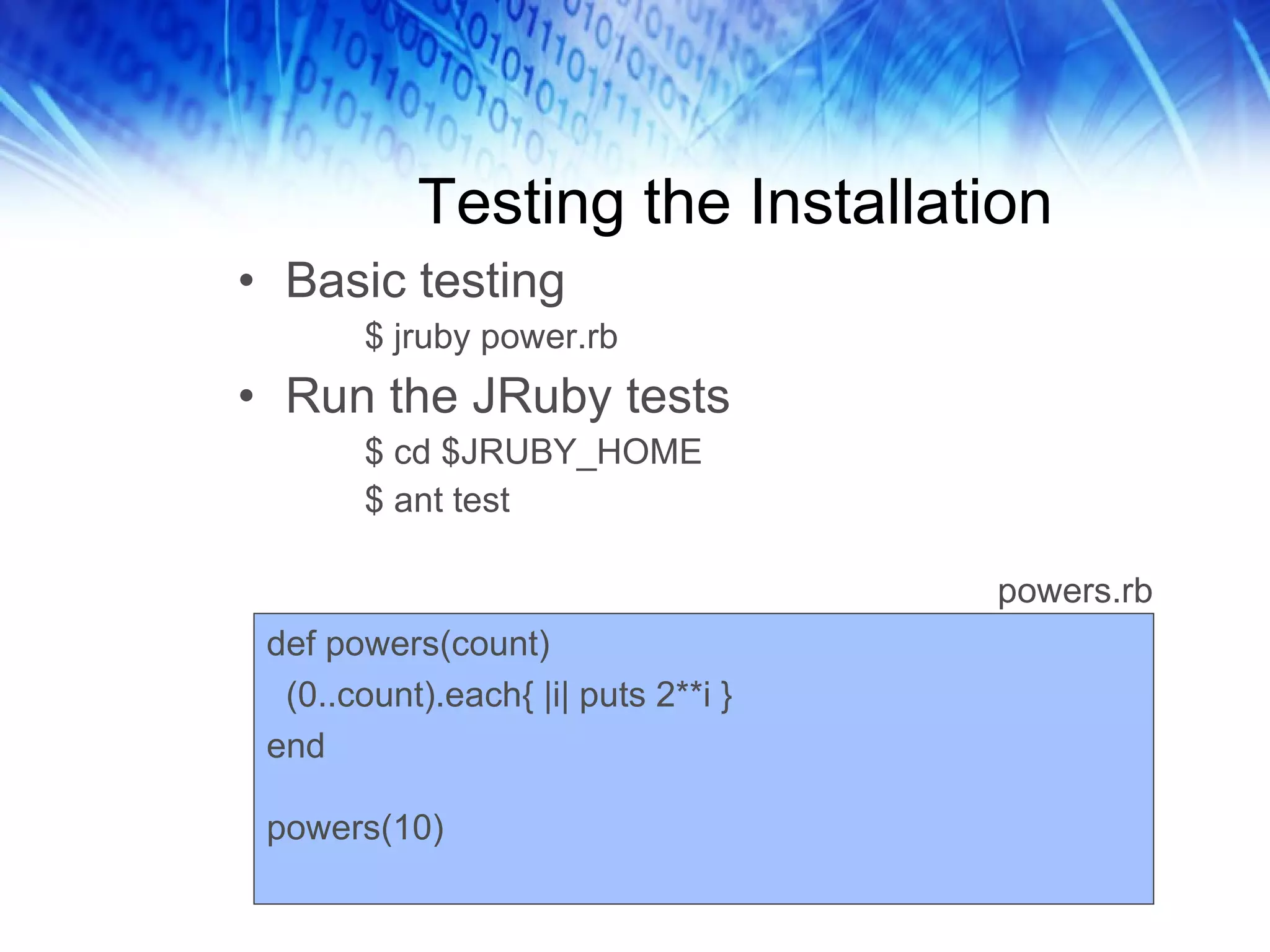
Testing the Installation Basic testing $ jruby power.rb Run the JRuby tests $ cd $JRUBY_HOME $ ant test def powers(count) (0..count).each{ |i| puts 2**i } end powers(10) powers.rb
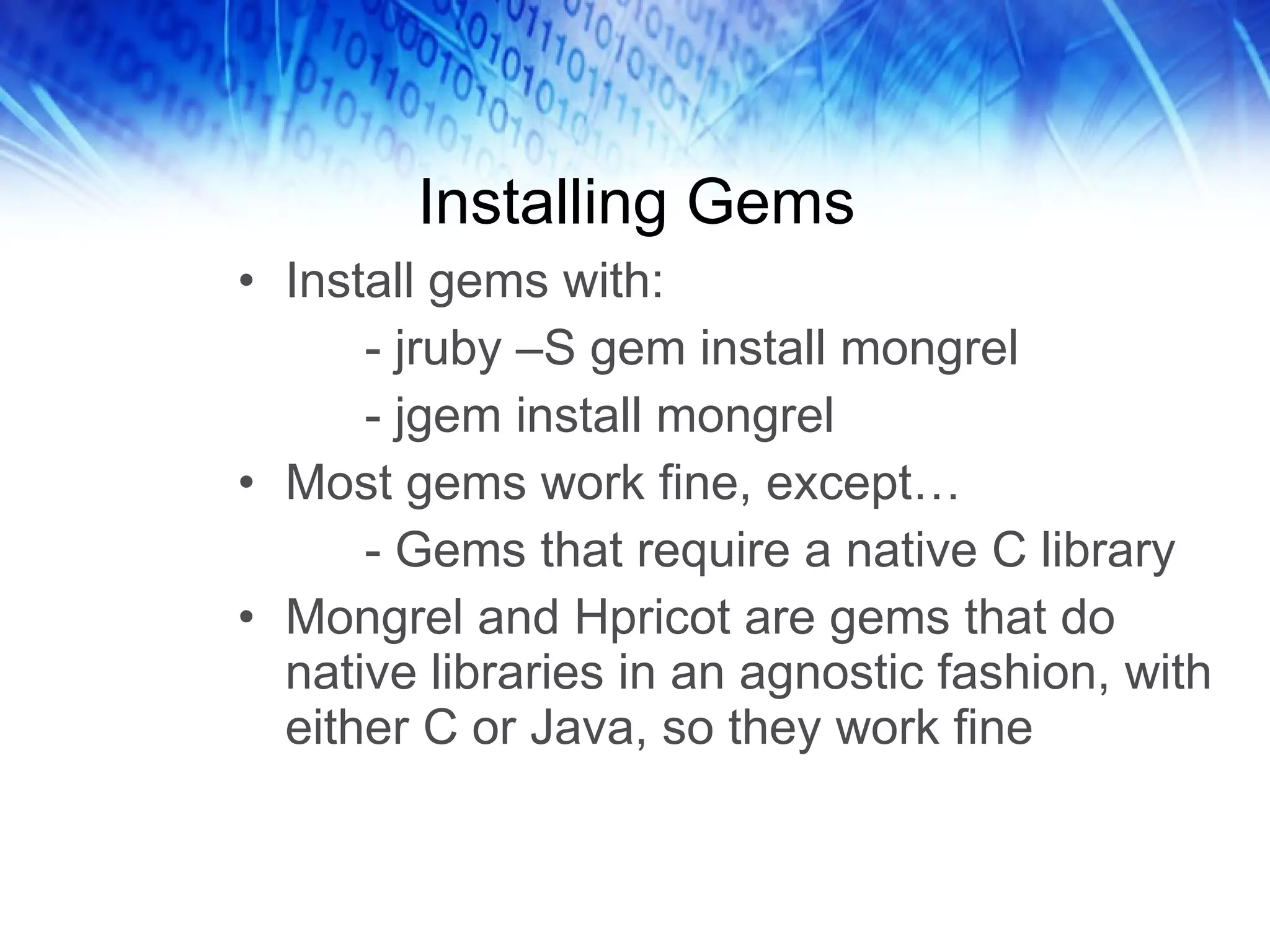
Installing Gems Install gems with: - jruby –S gem install mongrel - jgem install mongrel Most gems work fine, except… - Gems that require a native C library Mongrel and Hpricot are gems that do native libraries in an agnostic fashion, with either C or Java, so they work fine
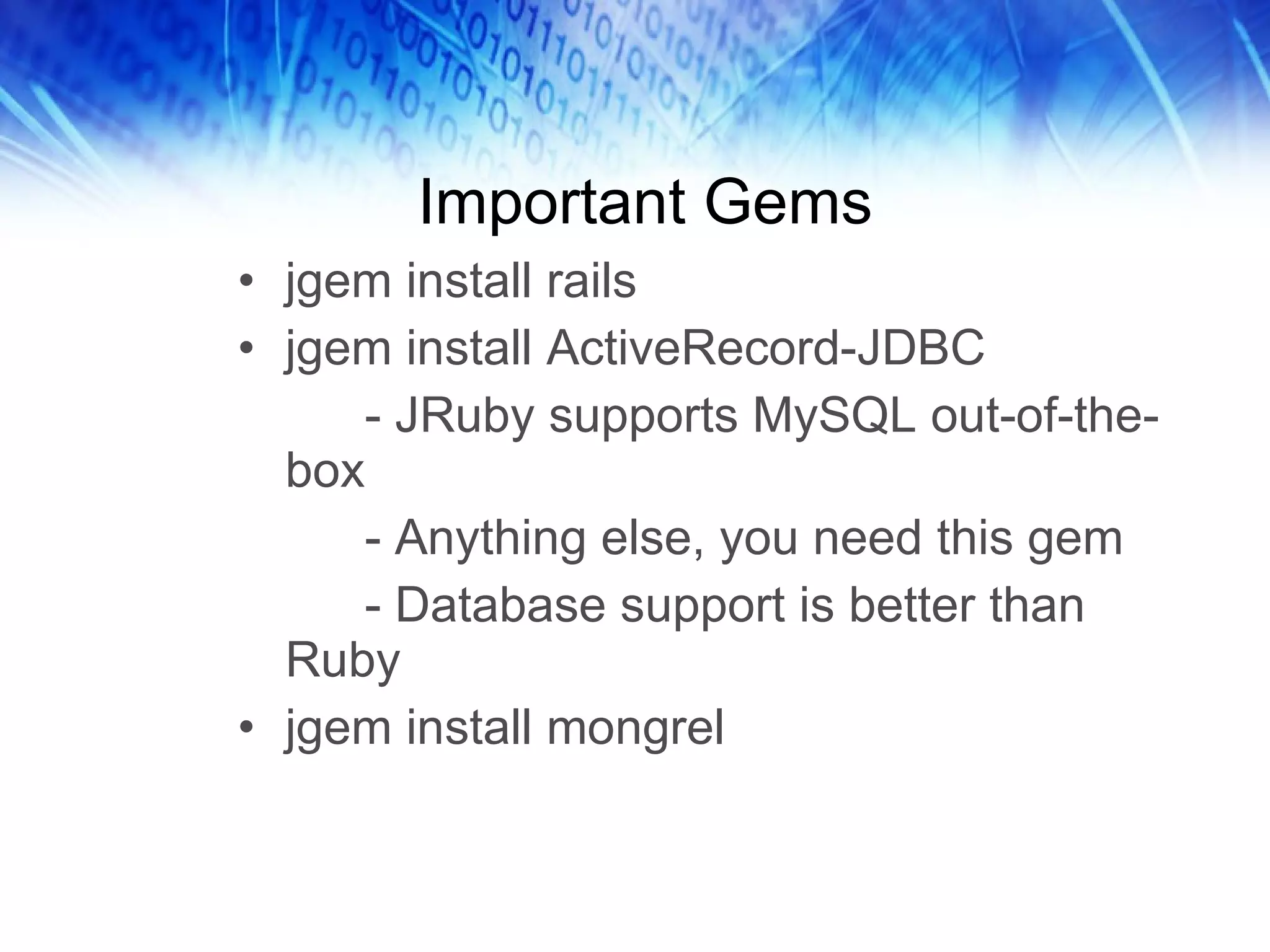
Important Gems jgem install rails jgem install ActiveRecord-JDBC - JRuby supports MySQL out-of-the-box - Anything else, you need this gem - Database support is better than Ruby jgem install mongrel
An IDE for Java and Ruby You might not need an IDE for Ruby… But you do for Java. Just accept it and move on.
Part 3: Working With Java
Java Integration Explicitly require the Java features require ‘java’ 2.  Direct reference to a Java class  obj = Java::com.keenertech.HelloWorld How do you tell JRuby that you want to use Java?
What about Dual-Purpose Code? Need to detect whether you’re using JRuby… jruby = defined?(JRUBY_VERSION) Take different actions based on whether you’re in JRuby - Technique compliments of Ola Bini What if you have code that needs to run in both Ruby and JRuby?
Yes, You Need CLASSPATH In general, the classes you’re going to use should  before  be available in the CLASSPATH before you run JRuby You can add Jar files to the CLASSPATH dynamically - require ‘keenertech.jar’ Does not work for certain types of classes, e.g. – drivers
Referencing a Java Class include class “com.keenertech.HelloWorld” Creates a local constant with the same name as the Java class Can create a name that clashes with Ruby classes Most useful for your home-grown classes JString = java.lang.String Only for “java”, “javax”, “org” and “com”.
Ruby-ized Java In most cases, parentheses aren’t needed Ruby-ized method aliases DoStuffNow -> do_stuff_now Ruby-ized variable aliases Getters/setters become attribute accessors getName -> name to_java method – a conversion workhorse
Interfaces Can create an instance of an interface Can import an interface like a Ruby module Any methods not implemented will result in method_missing being called
Packaging Rails as a War File goldspike - Seems to be the preferred way warbler Both still a little rocky sometimes
Part 4: Java Third Party Libs
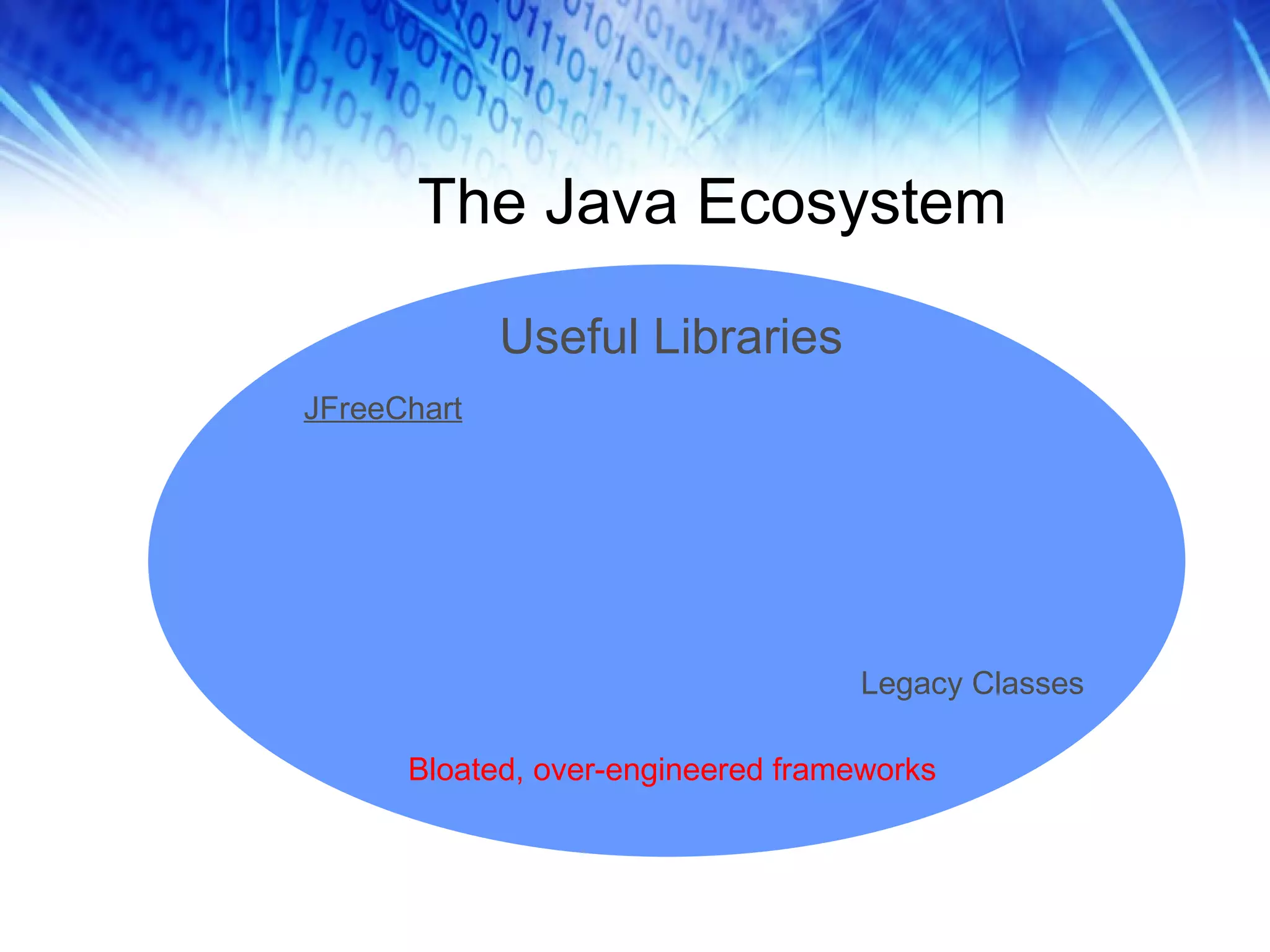
The Java Ecosystem Bloated, over-engineered frameworks Legacy Classes Useful Libraries JFreeChart
What Is JFreeChart? Open source Java charting class library Easy to use; with well-documented API Supports dozens of chart types Real-time chart generation Extensive customization of charts Can output charts in numerous formats Mature technology – supported and enhanced since 2000
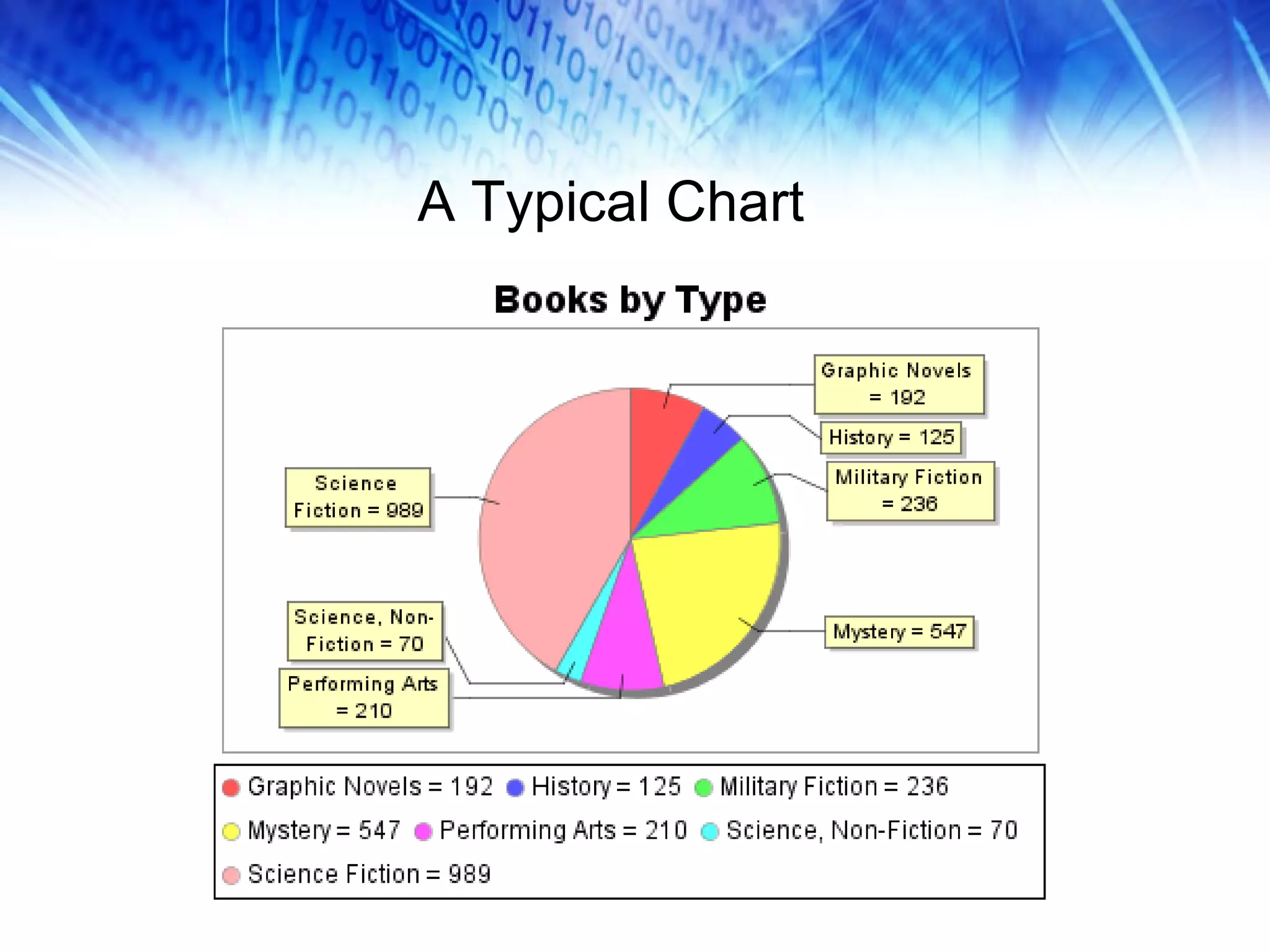
A Typical Chart
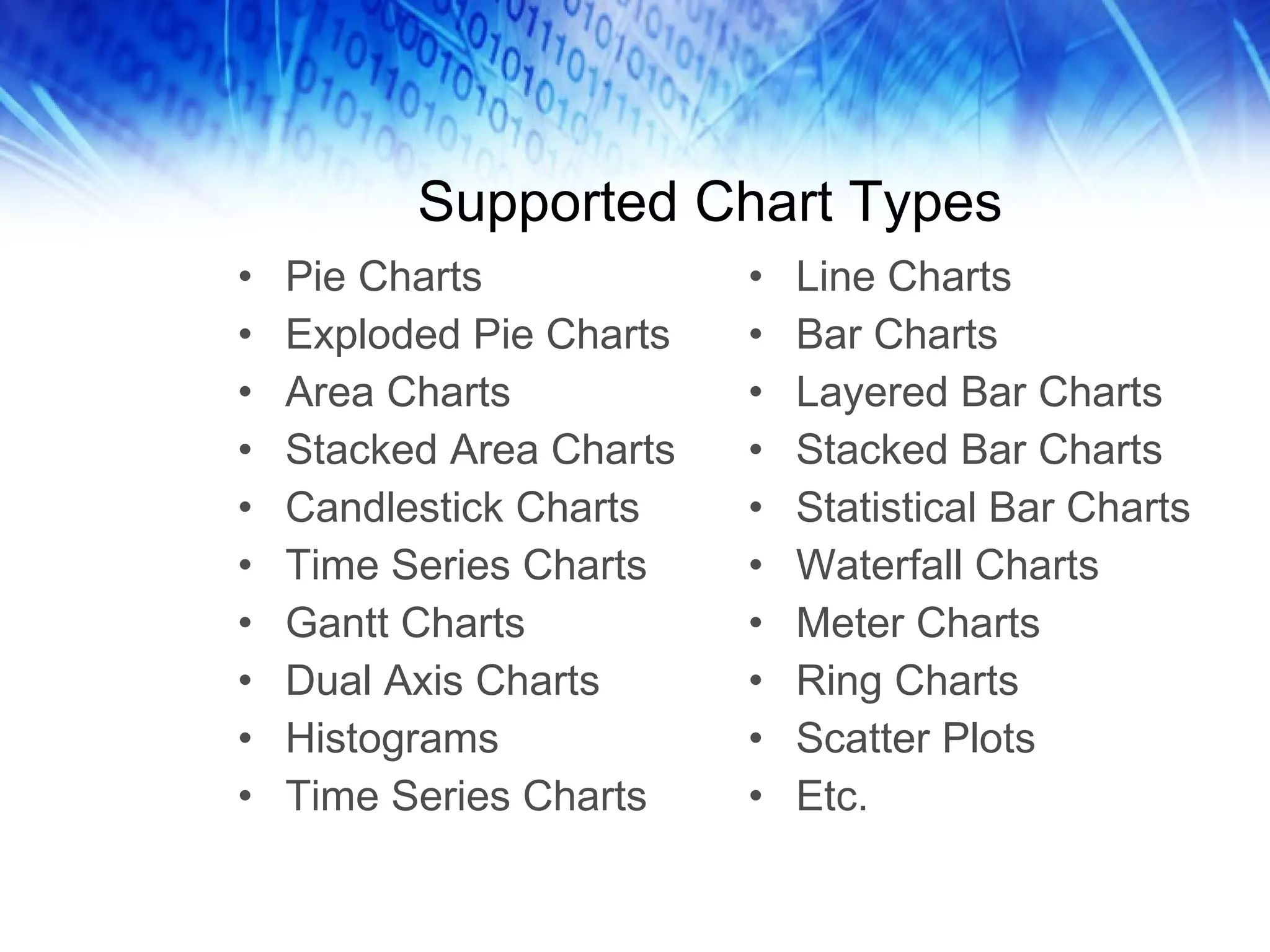
Supported Chart Types Pie Charts Exploded Pie Charts Area Charts Stacked Area Charts Candlestick Charts Time Series Charts Gantt Charts Dual Axis Charts Histograms Time Series Charts Line Charts Bar Charts Layered Bar Charts Stacked Bar Charts Statistical Bar Charts Waterfall Charts Meter Charts Ring Charts Scatter Plots Etc.
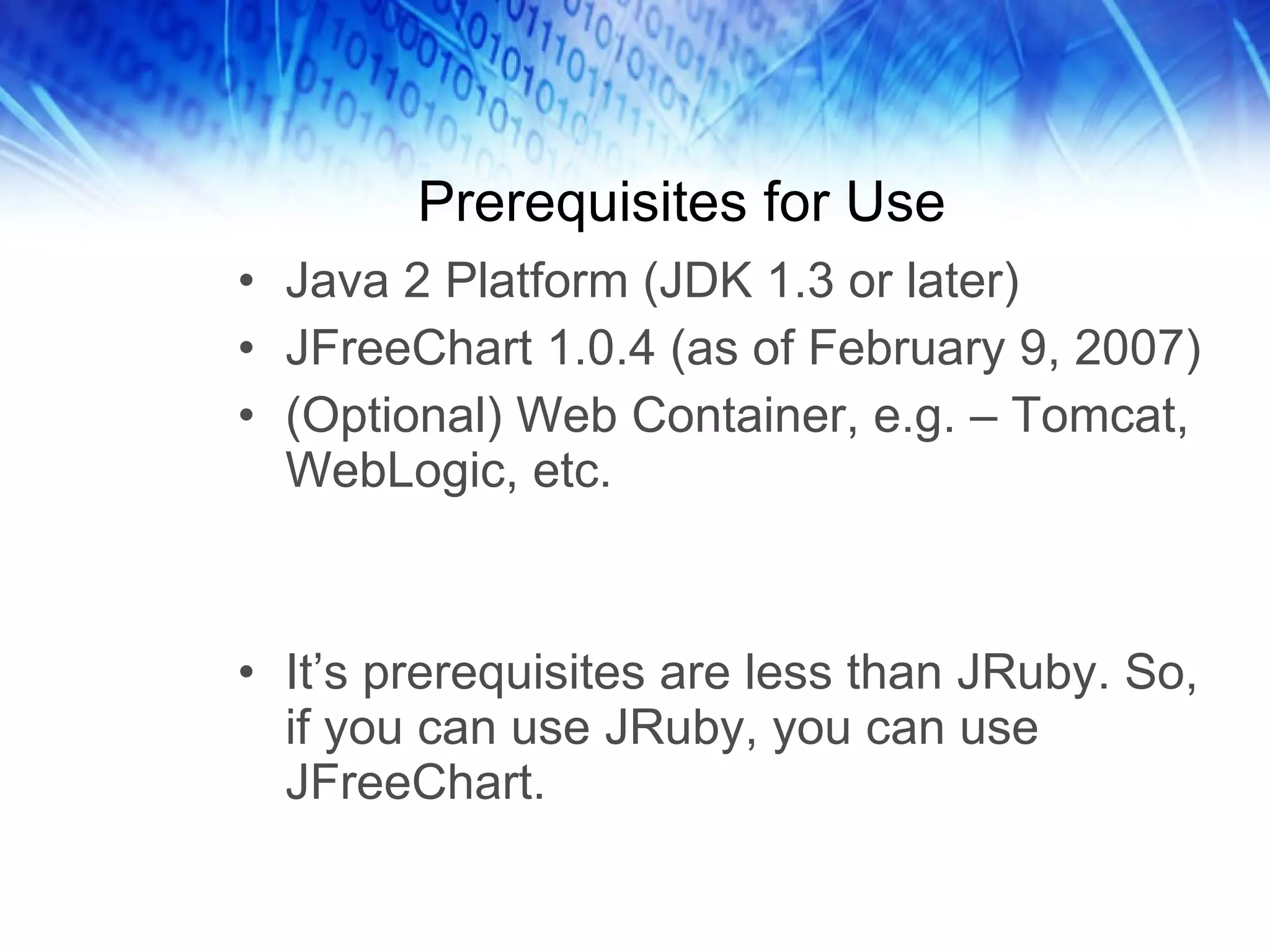
Prerequisites for Use Java 2 Platform (JDK 1.3 or later) JFreeChart 1.0.4 (as of February 9, 2007) (Optional) Web Container, e.g. – Tomcat, WebLogic, etc. It’s prerequisites are less than JRuby. So, if you can use JRuby, you can use JFreeChart.
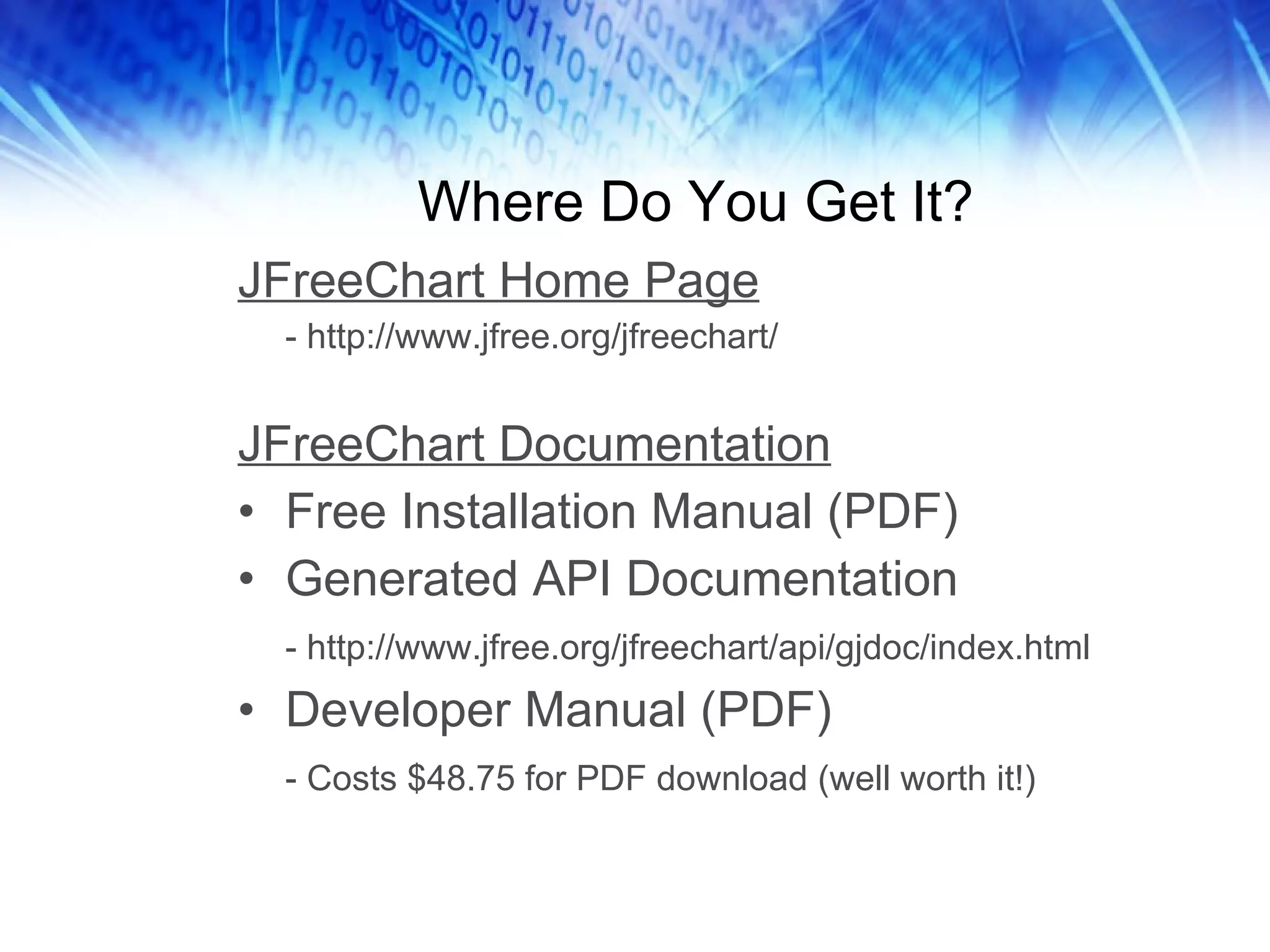
Where Do You Get It? JFreeChart Home Page - http://www.jfree.org/jfreechart/ JFreeChart Documentation Free Installation Manual (PDF) Generated API Documentation - http://www.jfree.org/jfreechart/api/gjdoc/index.html Developer Manual (PDF) - Costs $48.75 for PDF download (well worth it!)
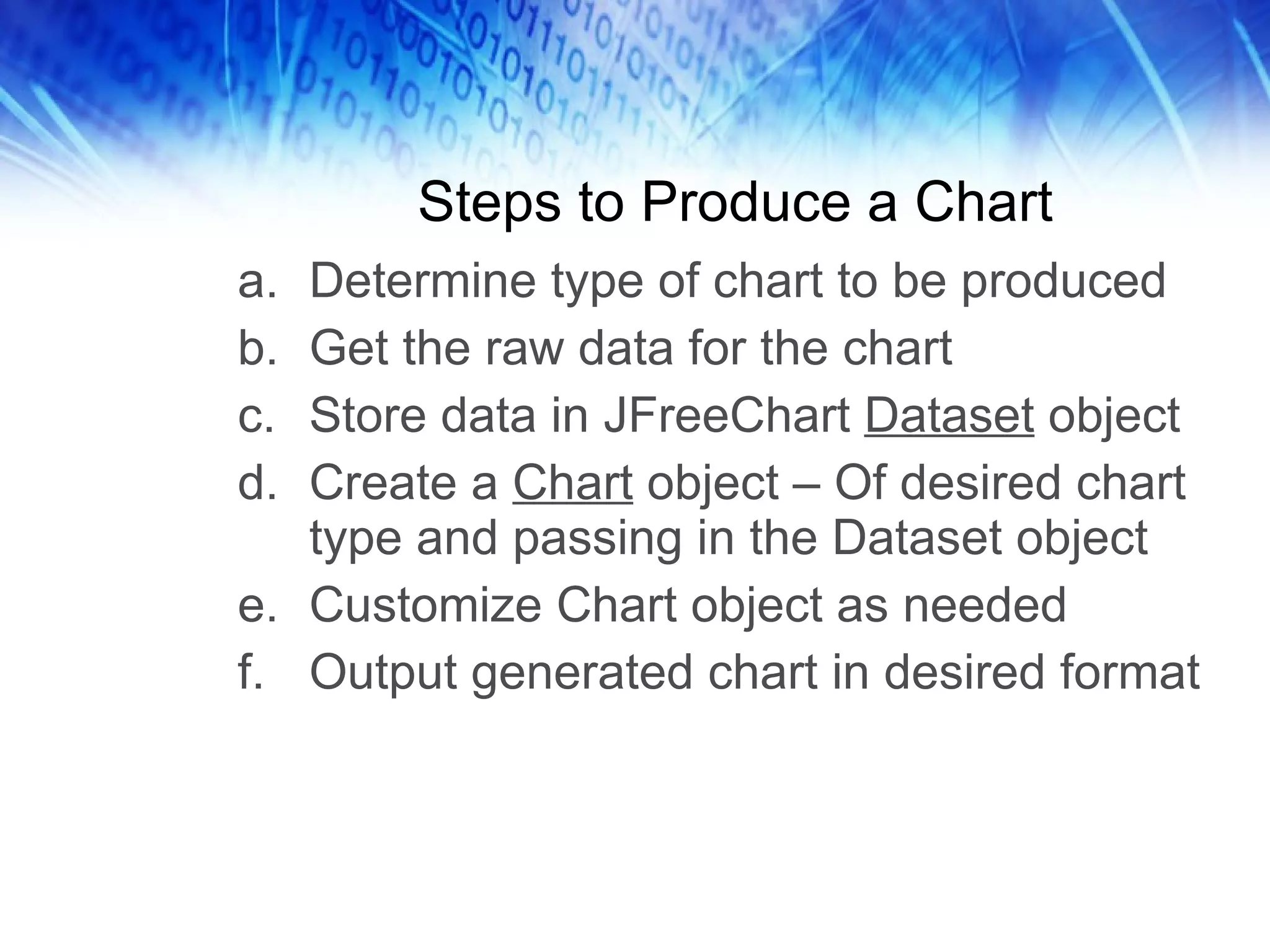
Steps to Produce a Chart Determine type of chart to be produced Get the raw data for the chart Store data in JFreeChart  Dataset  object Create a  Chart  object – Of desired chart type and passing in the Dataset object Customize Chart object as needed Output generated chart in desired format
Other Ways to Use JFreeChart ChartUtilities class allows charts to be output in many formats, written to files, written to streams, etc. Charts can easily be incorporated into servlets (as just shown), or applets or applications
Summary The benefits of JRuby are: Access to Ruby and Java 3 rd  party libs Ability to leverage legacy Java code JVM is a proven an reliable platform Corporate IT staffs already trained and set up to support JVM (Apache, Tomcat, etc.) Dynamic coding ability offers agility as a competitive advantage

Practical JRuby

  • 1.
    Practical JRuby ByDavid Keener Technical Architect, Voxant Inc.
  • 2.
    Overview What isJRuby? Why would you want to use it? How can JRuby be useful to the enterprise? Where do you get it? How is using JRuby different than using Ruby? How can you deploy JRuby applications? JRuby is an implementation of the Ruby programming language that runs on the Java Virtual Machine (JVM). By the end of this presentation, you will be able to answer questions like:
  • 3.
  • 4.
    A Real-Life ScenarioApache Tomcat JSP Pages Static Content Apache Mongrel Cluster Mongrel (3) Rails App Server 1 Server 2 One Web site at AOL, unified on look-and-feel… … a perfect candidate for JRuby
  • 5.
    Part 1: JRubyin Perspective
  • 6.
    Ruby Ecosystem Libs/ToolsLanguage Platform Elegant, flexible, fully object-oriented Concise and powerful Facilitates agile development Small pool of 3 rd -party libraries / tools Killer App: Rails web framework Threads and garbage collection weak Slow, but getting faster…. Not as proven and reliable as Java
  • 7.
    Java Ecosystem Libs/ToolsLanguage Platform Functional, but cumbersome Does not promote agile development Lots of 3 rd -party libraries / tools Maelstrom of over-engineered, under-integrated frameworks JVM is proven and reliable Compiled code is faster than Ruby Threads, garbage collection - excellent
  • 8.
    JRuby Libs/Tools Language(s)Platform Dynamic coding capability with Ruby Access to Java code whenever needed Lots of 3 rd -party libraries / tools Rails framework for Agile Development Proven and reliable platform with JVM JRuby generally faster than Ruby 1.8.6 with the Matz Ruby Interpreter (MRI)
  • 9.
    Why Use JRuby?Gain the agility of using a dynamic scripting language instead of a compiled language Gain the ability to use 3 rd -party libs in both Ruby and Java Can leverage existing Java code in Ruby/Rails Easier integration of Rails apps into many enterprises Deploy Rails applications as War files
  • 10.
    Adoption Paradigm Railsis in a unique place, just to the left of the “Chasm”. Its capacity for successful delivery of real business applications will probably be a key factor in crossing into “the enterprise.”
  • 11.
    The Reality ofthe Market $ Java Ruby $ $ $ $ $ $ $ * Not to scale
  • 12.
  • 13.
    JRuby Installation Downloadand install JRuby - Download: http://dist.codehaus.org/jruby/ - Instructions: http://wiki.jruby.org/wiki/Getting_Started Add JRuby “bin” directory to PATH Set environment variables: - JAVA_HOME - JRUBY_HOME - ANT_HOME (if compiling JRuby from source)
  • 14.
    JRuby Commands jrubyjirb gem (or jgem) rake rdoc Etc.
  • 15.
    Installation Tip #1Install JRuby in a different directory tree than Ruby (MRI) JRuby has many of the same commands as Ruby, e.g. – “gem”. To run JRuby commands, use the –S option: jruby –S gem install will_paginate But…
  • 16.
    Installation Tip #2JRuby changes often! Use a soft link to point to the current version. JRuby Timeline May 1, 2009: 1.3 RC1 Mar 16, 2009: 1.2 Dec 17, 2008: 1.1.6 Jul 19, 2008: 1.1.3 May 27, 2008: 1.1.2 Apr 22, 2008: 1.1.1 Apr 5, 2008: 1.1 Dec 15, 2008: 1.0.3 Nov 1, 2007: 1.0.2 Aug 23, 2007: 1.0.1 Jun 7, 2007: 1.0
  • 17.
    Testing the InstallationBasic testing $ jruby power.rb Run the JRuby tests $ cd $JRUBY_HOME $ ant test def powers(count) (0..count).each{ |i| puts 2**i } end powers(10) powers.rb
  • 18.
    Installing Gems Installgems with: - jruby –S gem install mongrel - jgem install mongrel Most gems work fine, except… - Gems that require a native C library Mongrel and Hpricot are gems that do native libraries in an agnostic fashion, with either C or Java, so they work fine
  • 19.
    Important Gems jgeminstall rails jgem install ActiveRecord-JDBC - JRuby supports MySQL out-of-the-box - Anything else, you need this gem - Database support is better than Ruby jgem install mongrel
  • 20.
    An IDE forJava and Ruby You might not need an IDE for Ruby… But you do for Java. Just accept it and move on.
  • 21.
    Part 3: WorkingWith Java
  • 22.
    Java Integration Explicitlyrequire the Java features require ‘java’ 2. Direct reference to a Java class obj = Java::com.keenertech.HelloWorld How do you tell JRuby that you want to use Java?
  • 23.
    What about Dual-PurposeCode? Need to detect whether you’re using JRuby… jruby = defined?(JRUBY_VERSION) Take different actions based on whether you’re in JRuby - Technique compliments of Ola Bini What if you have code that needs to run in both Ruby and JRuby?
  • 24.
    Yes, You NeedCLASSPATH In general, the classes you’re going to use should before be available in the CLASSPATH before you run JRuby You can add Jar files to the CLASSPATH dynamically - require ‘keenertech.jar’ Does not work for certain types of classes, e.g. – drivers
  • 25.
    Referencing a JavaClass include class “com.keenertech.HelloWorld” Creates a local constant with the same name as the Java class Can create a name that clashes with Ruby classes Most useful for your home-grown classes JString = java.lang.String Only for “java”, “javax”, “org” and “com”.
  • 26.
    Ruby-ized Java Inmost cases, parentheses aren’t needed Ruby-ized method aliases DoStuffNow -> do_stuff_now Ruby-ized variable aliases Getters/setters become attribute accessors getName -> name to_java method – a conversion workhorse
  • 27.
    Interfaces Can createan instance of an interface Can import an interface like a Ruby module Any methods not implemented will result in method_missing being called
  • 28.
    Packaging Rails asa War File goldspike - Seems to be the preferred way warbler Both still a little rocky sometimes
  • 29.
    Part 4: JavaThird Party Libs
  • 30.
    The Java EcosystemBloated, over-engineered frameworks Legacy Classes Useful Libraries JFreeChart
  • 31.
    What Is JFreeChart?Open source Java charting class library Easy to use; with well-documented API Supports dozens of chart types Real-time chart generation Extensive customization of charts Can output charts in numerous formats Mature technology – supported and enhanced since 2000
  • 32.
  • 33.
    Supported Chart TypesPie Charts Exploded Pie Charts Area Charts Stacked Area Charts Candlestick Charts Time Series Charts Gantt Charts Dual Axis Charts Histograms Time Series Charts Line Charts Bar Charts Layered Bar Charts Stacked Bar Charts Statistical Bar Charts Waterfall Charts Meter Charts Ring Charts Scatter Plots Etc.
  • 34.
    Prerequisites for UseJava 2 Platform (JDK 1.3 or later) JFreeChart 1.0.4 (as of February 9, 2007) (Optional) Web Container, e.g. – Tomcat, WebLogic, etc. It’s prerequisites are less than JRuby. So, if you can use JRuby, you can use JFreeChart.
  • 35.
    Where Do YouGet It? JFreeChart Home Page - http://www.jfree.org/jfreechart/ JFreeChart Documentation Free Installation Manual (PDF) Generated API Documentation - http://www.jfree.org/jfreechart/api/gjdoc/index.html Developer Manual (PDF) - Costs $48.75 for PDF download (well worth it!)
  • 36.
    Steps to Producea Chart Determine type of chart to be produced Get the raw data for the chart Store data in JFreeChart Dataset object Create a Chart object – Of desired chart type and passing in the Dataset object Customize Chart object as needed Output generated chart in desired format
  • 37.
    Other Ways toUse JFreeChart ChartUtilities class allows charts to be output in many formats, written to files, written to streams, etc. Charts can easily be incorporated into servlets (as just shown), or applets or applications
  • 38.
    Summary The benefitsof JRuby are: Access to Ruby and Java 3 rd party libs Ability to leverage legacy Java code JVM is a proven an reliable platform Corporate IT staffs already trained and set up to support JVM (Apache, Tomcat, etc.) Dynamic coding ability offers agility as a competitive advantage