Persistent Mobile JS 
Tips & Tricks 
Yorick Phoenix / ISSIO Solutions, Inc 
slides: slidesha.re/1zdXBk6 
about.me/yorickphoenix | @scribblings | github.com/yphoenix | yorick@issio.net
Achieving Persistence 
1. Downloading to a 
mobile device. 
2. Keeping it cached. 
3. Timely updating.
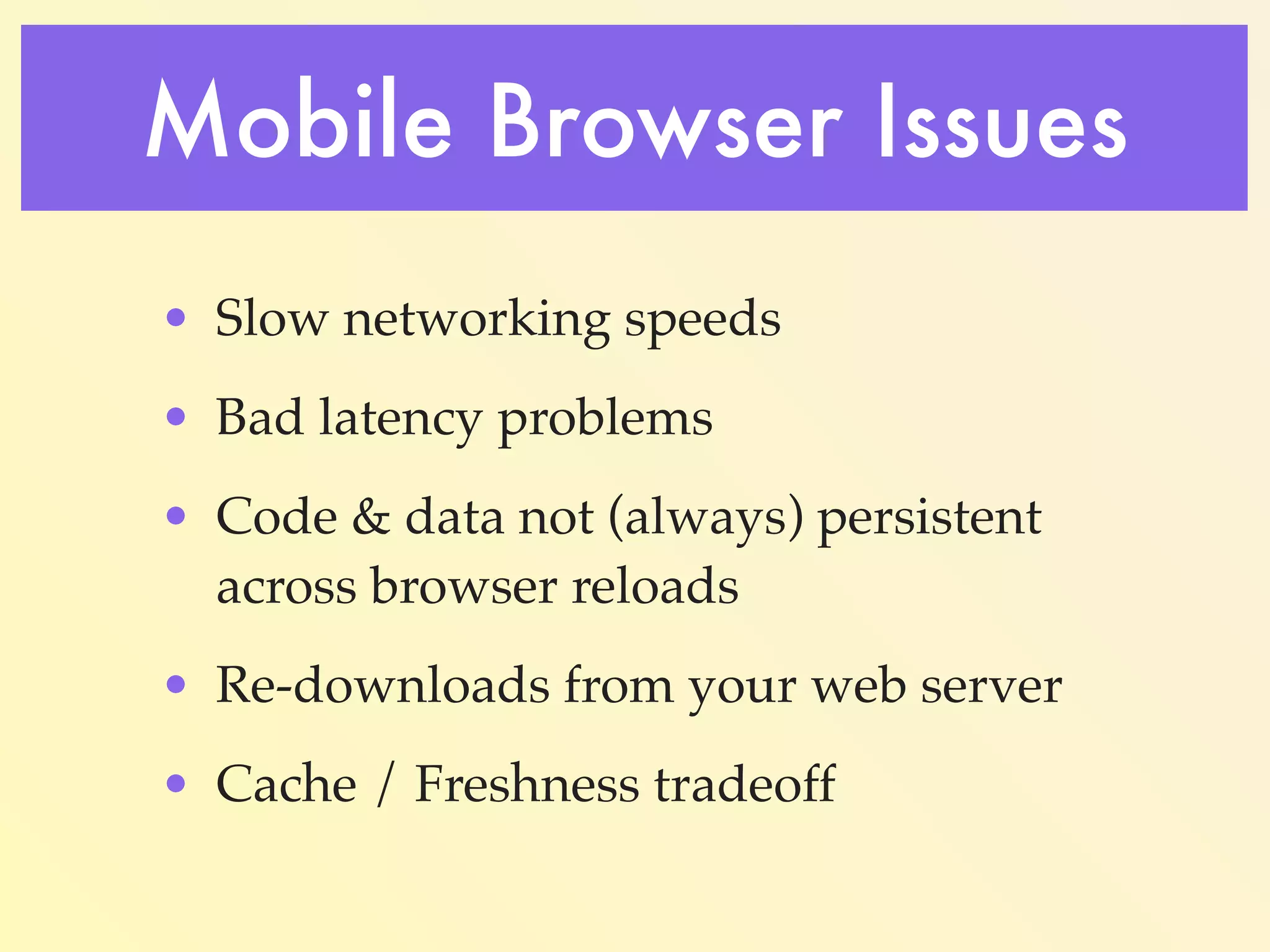
Mobile Browser Issues 
Slow networking speeds.
Mobile Browser Issues 
Bad latency problems.
Mobile Browser Issues 
Code & data not (always) persistent across 
browser reloads. 
Causes re-downloads from your web server.
Mobile Browser Issues 
HTTP/1.1 200 OK 
Date: Fri, 03 Oct 2014 07:08:21 GMT 
Last-Modified: Fri, 26 Sep 2014 02:13:19 GMT 
Cache-Control: max-age=43200 
Expires: Fri, 03 Oct 2014 19:08:21 GMT 
Content-Encoding: gzip 
Content-Length: 622 
Content-Type: application/x-javascript 
Cache / Freshness tradeoff.
Easy #1 Solution… 
•Use PhoneGap / Cordova. 
Wrap your code in an app. 
•Download once. 
•Code & data are always 
available.
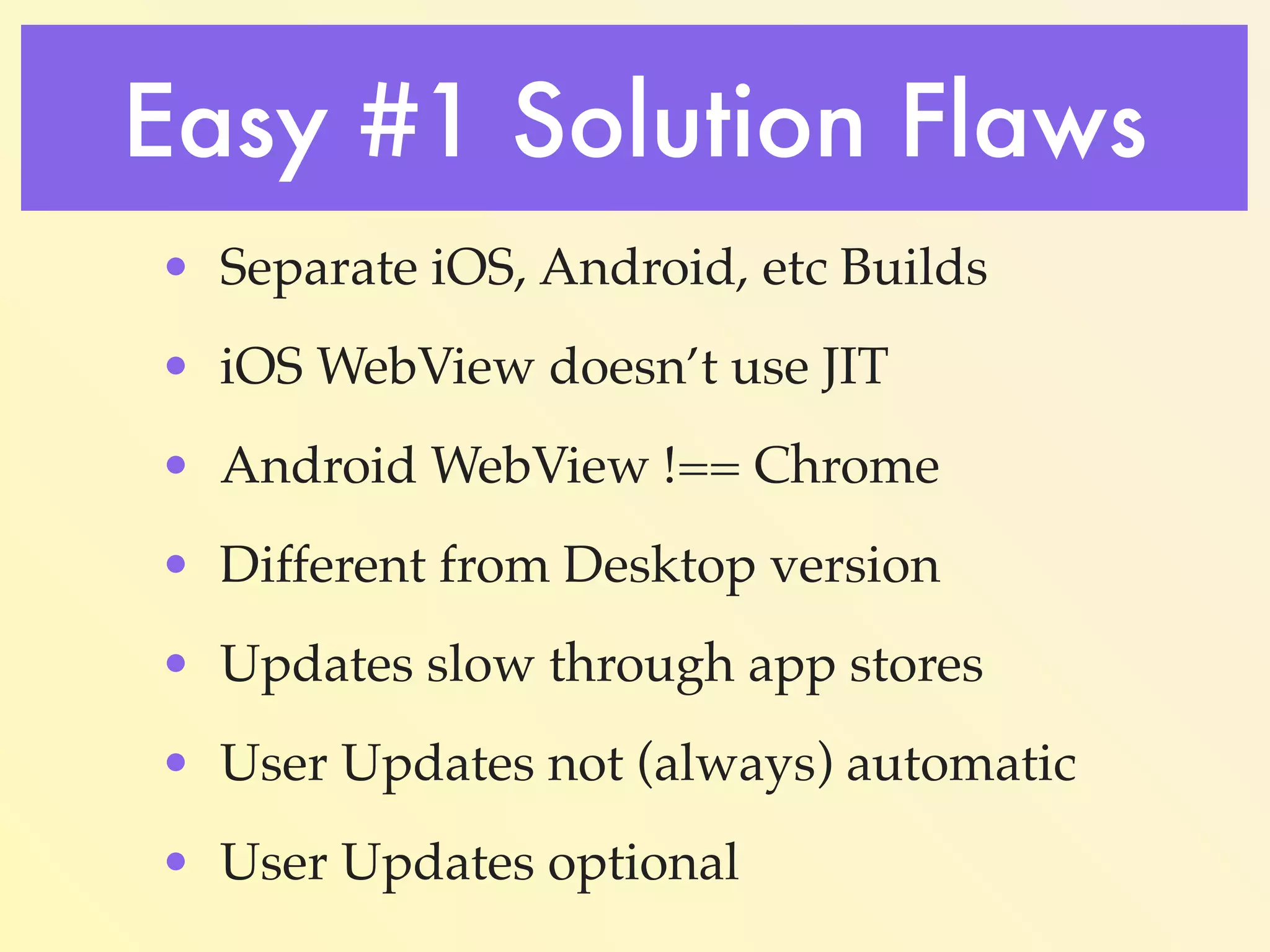
Easy #1 Solution Flaws 
•Multiple builds: iOS, Android, 
etc. 
•iOS WebView doesn’t use JIT. 
•Android WebView !== Chrome. 
•Different from Desktop version.
Easy #1 More Flaws 
•Slow app store updates. 
•Users don’t always update. 
•Sometimes never.
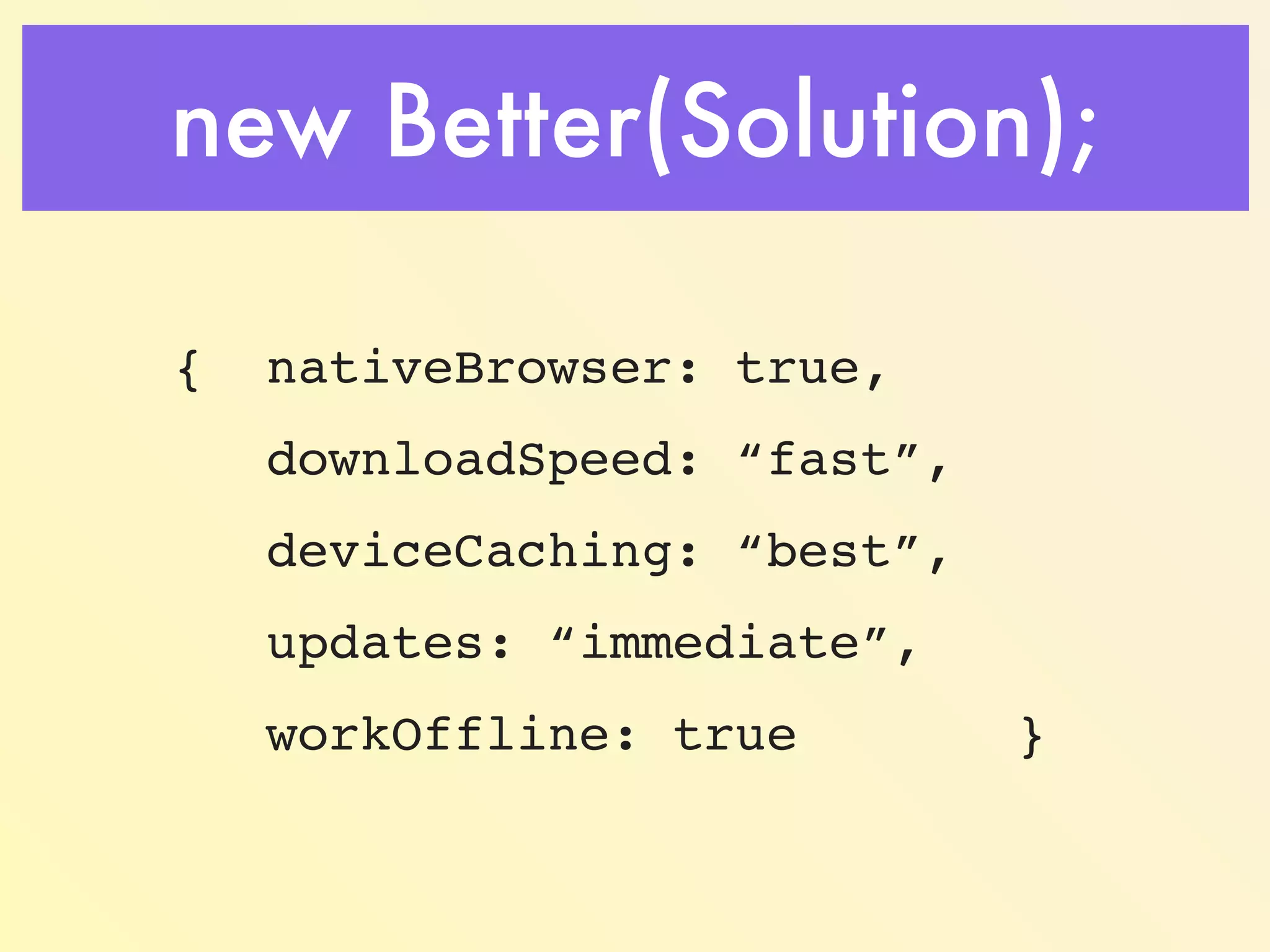
new Better(Solution); 
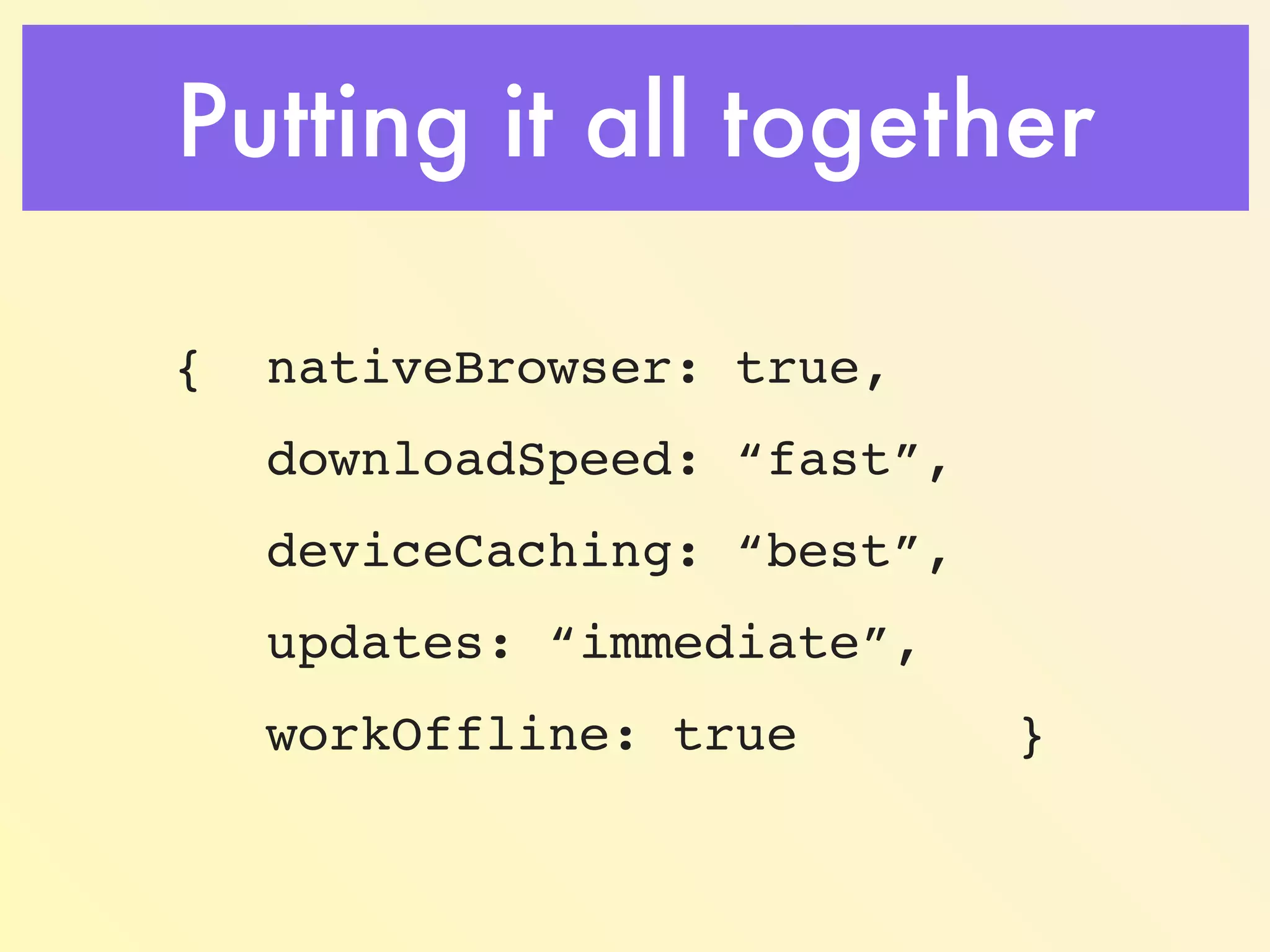
{ nativeBrowser: true, 
downloadSpeed: “fast”, 
deviceCaching: “best”, 
updates: “immediate”, 
workOffline: true }
Browser Debugging Tools 
• Learn how to use them. 
• Watch Network Traffic. 
• Track caching & compression. 
• Request and Response headers. 
• How to inspect resources & the DOM. 
• The console is your friend.
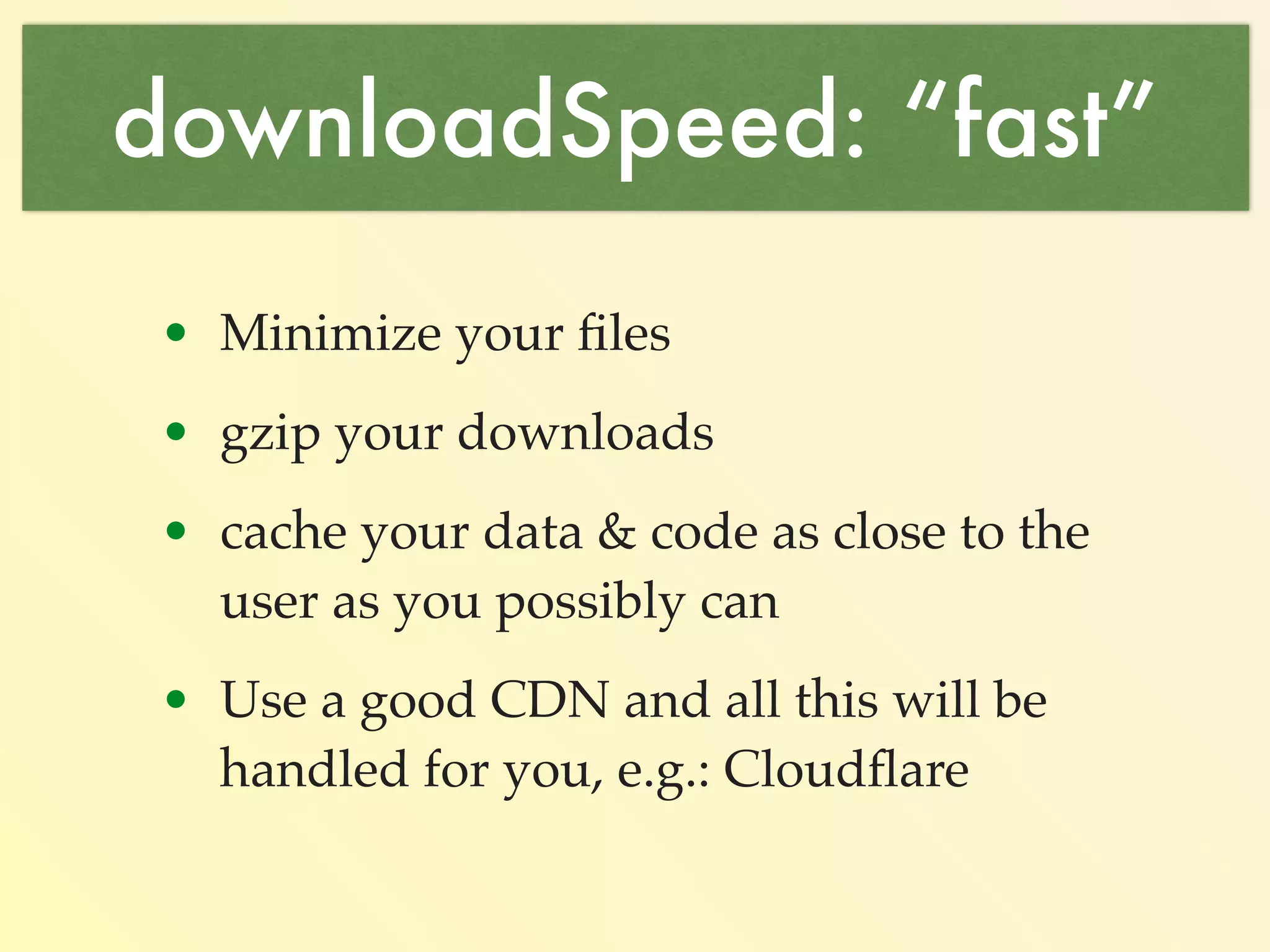
downloadSpeed: “fast” 
Minimize your files: 
!function(a,b){“object”==typeof module&&”object" 
==typeof module.exports?module.exports=a.document?b(a,! 
0):function(a){if(!a.document)throw new Error( "jQuery 
requires a window with a document");return b(a)}:b(a)} 
("undefined"!=typeof window?window:this, function(a,b) 
{var c=[],d=c.slice,e=c.concat,f=c.push,g=c.indexOf, 
h={},i=h.toString,j=h.hasOwnProperty,k={},l=a.document,m 
="2.1.1",n=function(a,b){return new n.fn.init(a,b)},o=/ 
^[suFEFFxA0]+|[suFEFFxA0]+$/g,p=/^-ms-/,q=/-([da-z])/ 
gi,r= function(a,b){return throw new a.indexOf(“use 
http://gpbmike.github.io/refresh-sf/ 
https://github.com/mishoo/UglifyJS
downloadSpeed: “fast” 
gzip your downloads: 
<ifModule mod_gzip.c> 
mod_gzip_on Yes 
mod_gzip_dechunk Yes 
mod_gzip_item_include file .(html|js|css)$ 
</ifModule> 
http://www.feedthebot.com/pagespeed/enable-compression. 
html
downloadSpeed: “fast” 
Cache your data & code as close 
to the user as you possibly can….
downloadSpeed: “fast” 
Use a good CDN and all this 
will be handled for you…
Use a CDN 
• Automatic minimization (js, css, html) 
• Automatic compression. 
• Automatic caching at a data center 
nearest your user. 
• Automatic redundancy of servers. 
• Basic level of service is FREE!
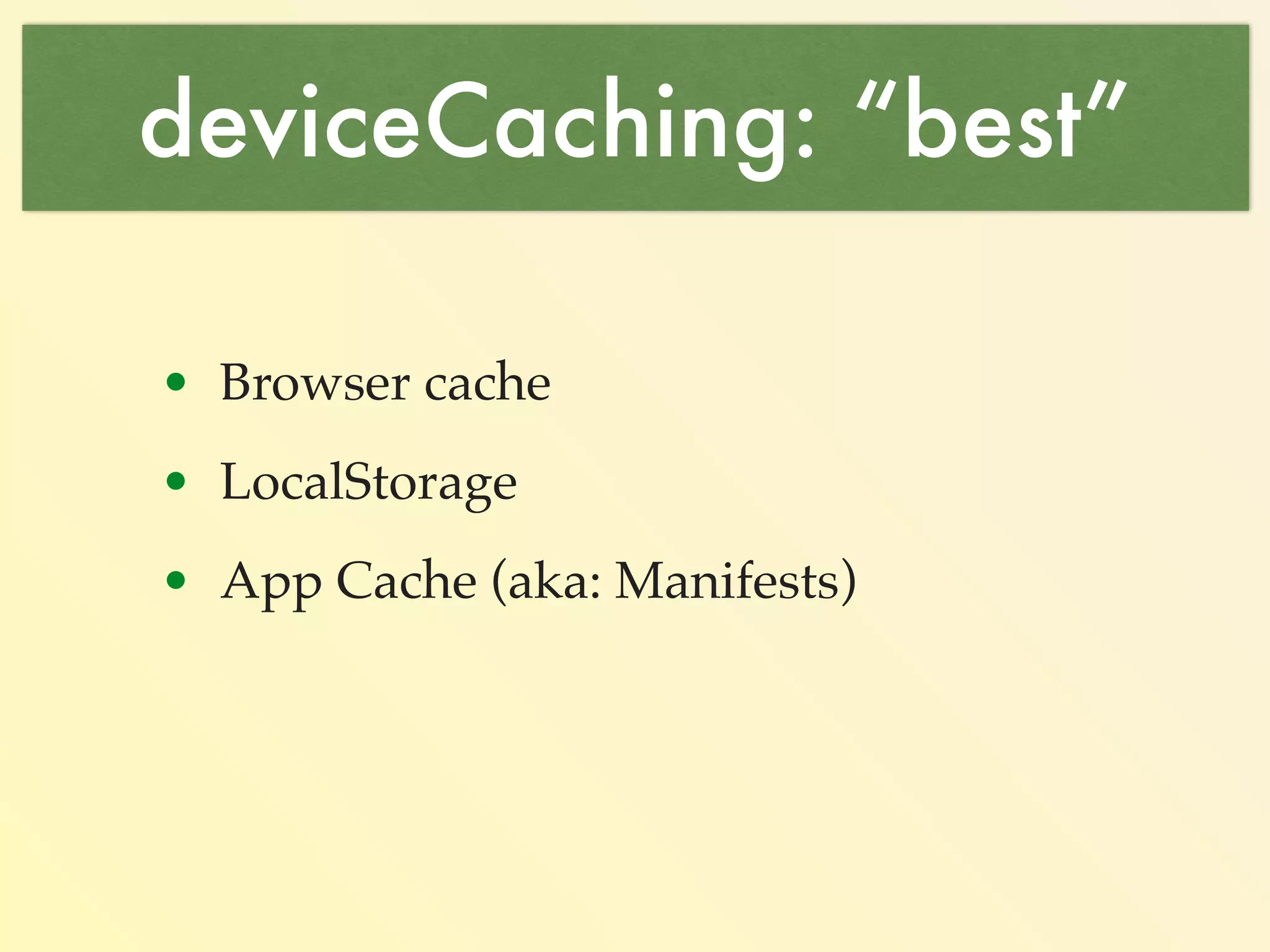
deviceCaching: “best” 
1. Browser cache. 
2. LocalStorage. 
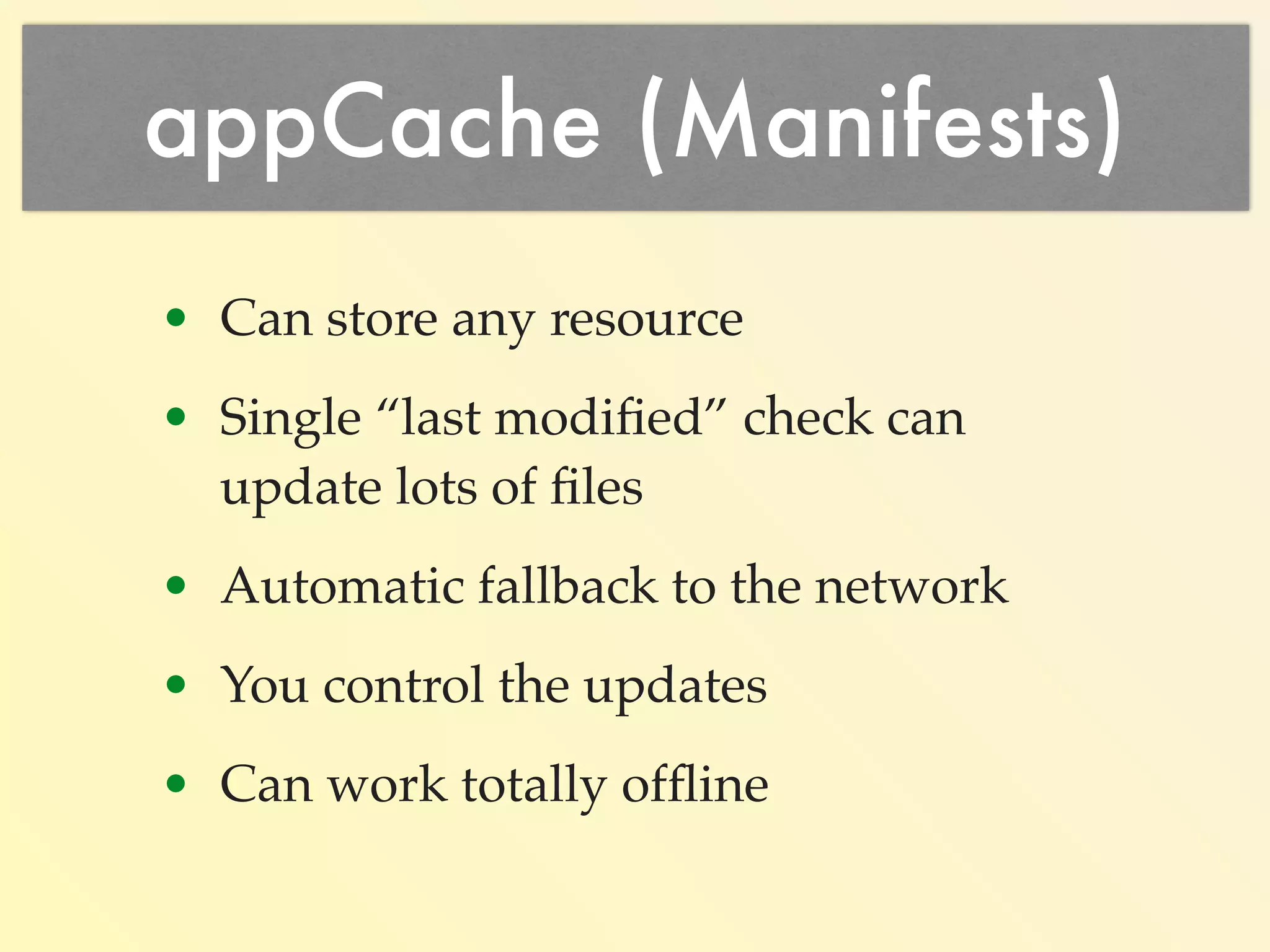
3. App Cache 
(aka: Manifests)
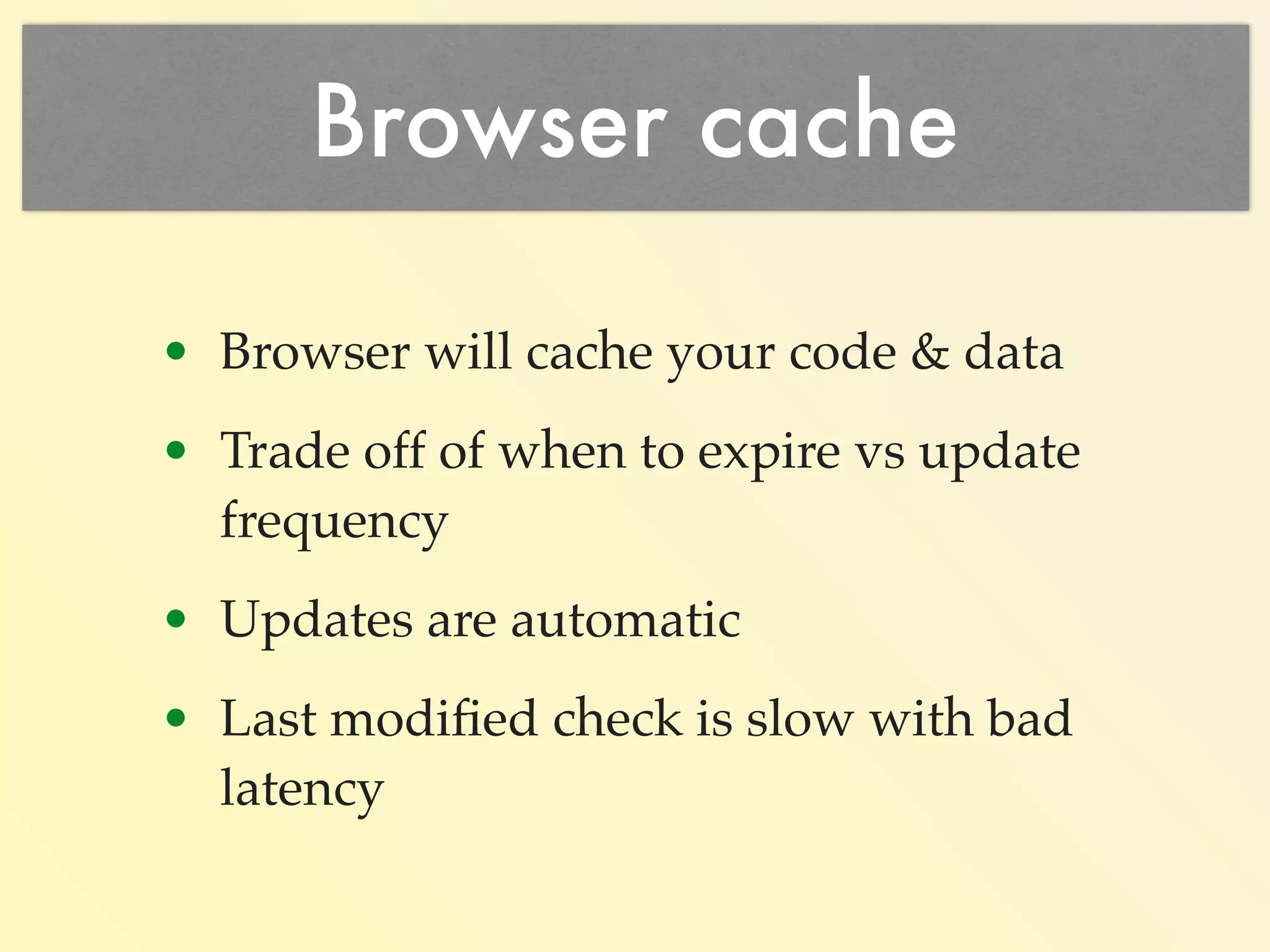
1. Browser Cache 
• Cache your code, css, images. 
• Updates are automatic’ish. 
• Slow last modified checks with 
mobile latency + once per file.
Browser Cache Tradeoff 
• Calculate: Code Update Frequency 
• Because: Once in the users 
browser isn’t going to be updated 
without the user forcing it or 
expiration.
Browser Cache Issues 
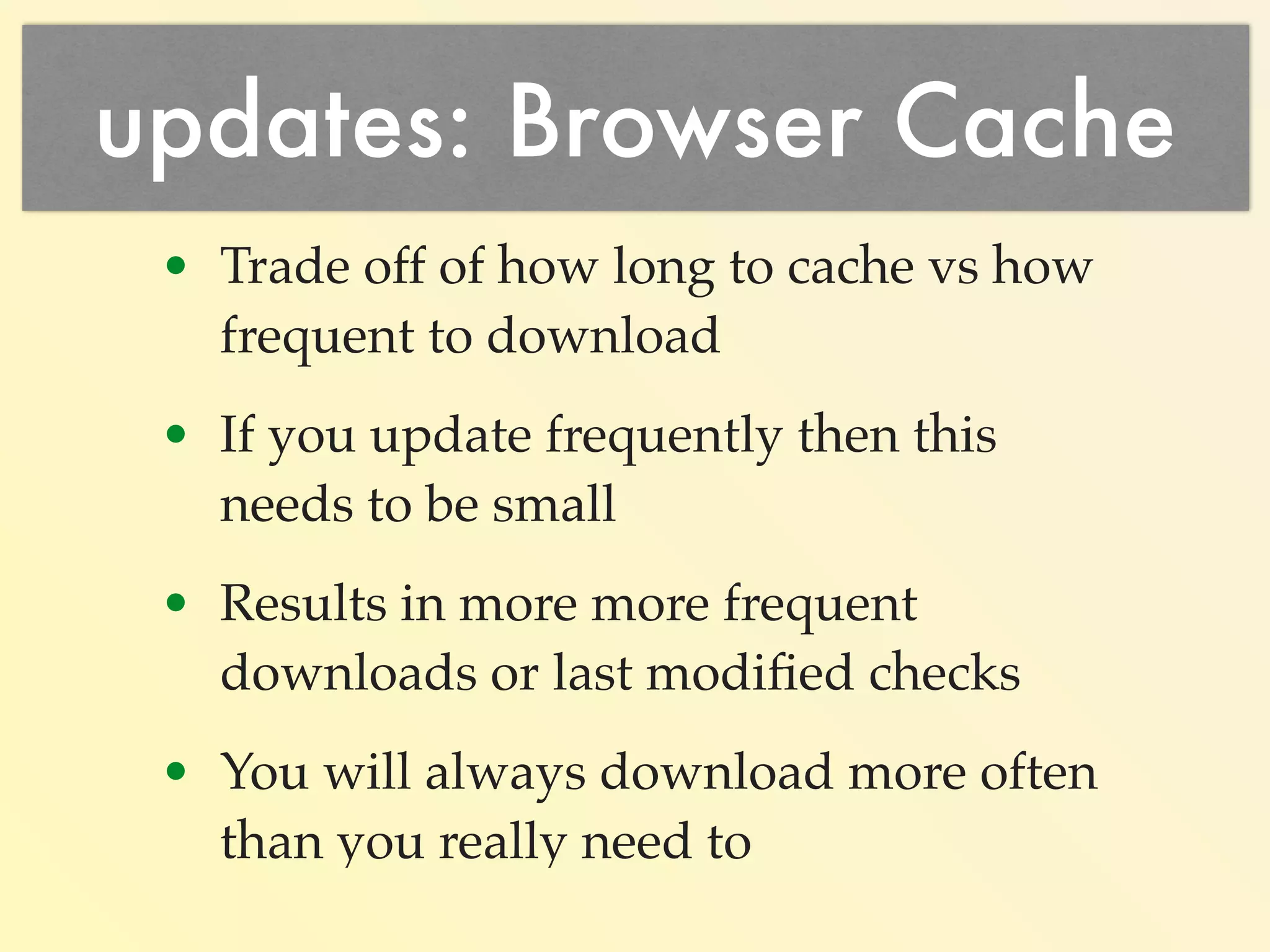
• Trade off: cache expiration vs 
download frequency. 
• Need frequent updates: make it 
small. 
• Result: more frequent downloads or 
last modified checks. 
• Rule: You will always download 
more often than you really need to.
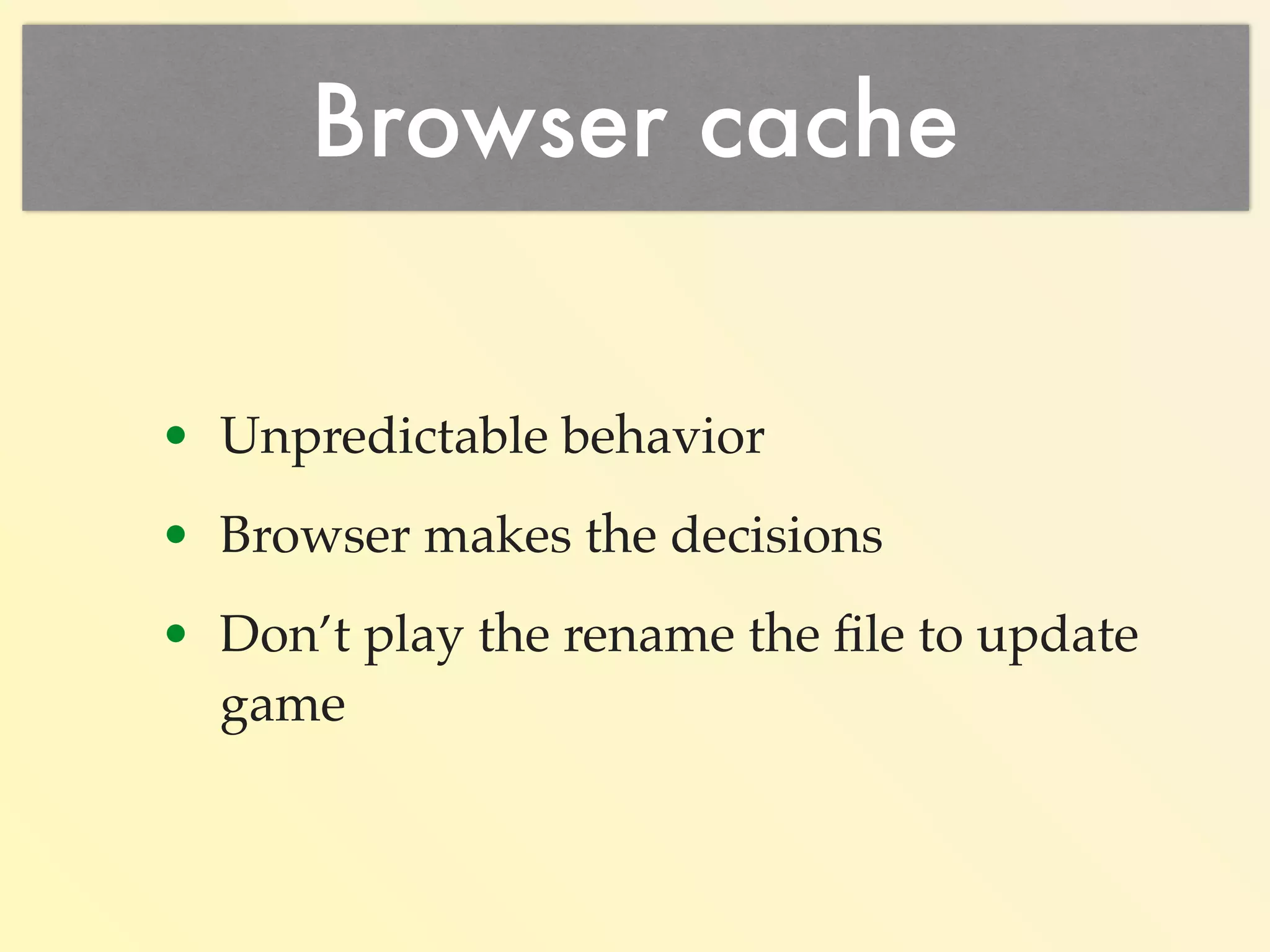
Browser Cache Updates 
• Unpredictable behavior. 
• Browser makes the decisions. 
• Don’t play the rename the file to 
update game.
window.location.reload() 
Don’t use reload to refresh 
window.location.reload(); 
last modified check for every reference 
Instead set the href to yourself 
window.location.href = 
window.location.pathname+ 
window.location.search; 
Unless you want to force a reload :-)
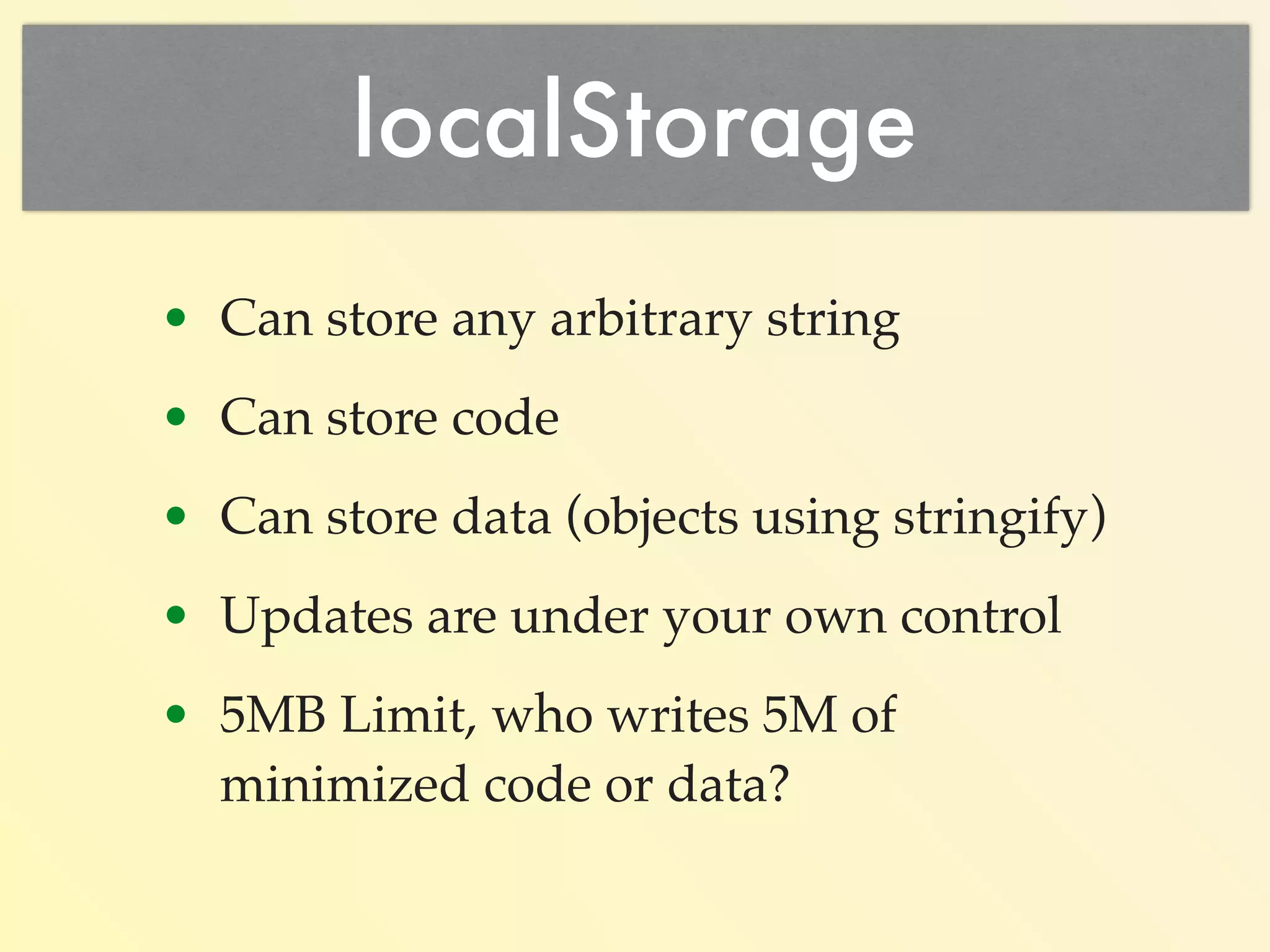
2. localStorage 
Can store code 
localStorage.myCode =  
‘function HelloWorld()  
{  
alert(“Hello, World”);  
}’; 
Can store data 
localStorage.myData =  
‘{Days: [“Sun”, “Mon”, “Tue”, “Wed”,  
“Thu”, “Fri”, “Sat”],  
Months: [31, 28, 31, 30, 31, 30,  
31, 31, 30, 31, 30, 31]}’;
localStorage 
• Store any arbitrary string. 
• On a domain by domain basis. 
• Updates under your own control.
localStorage 
• Persistent between browser launches: 
• JSON 
• CSS 
• JavaScript 
• 5MB Limit: who writes 5M of 
minimized code or data?
updates: localStorage 
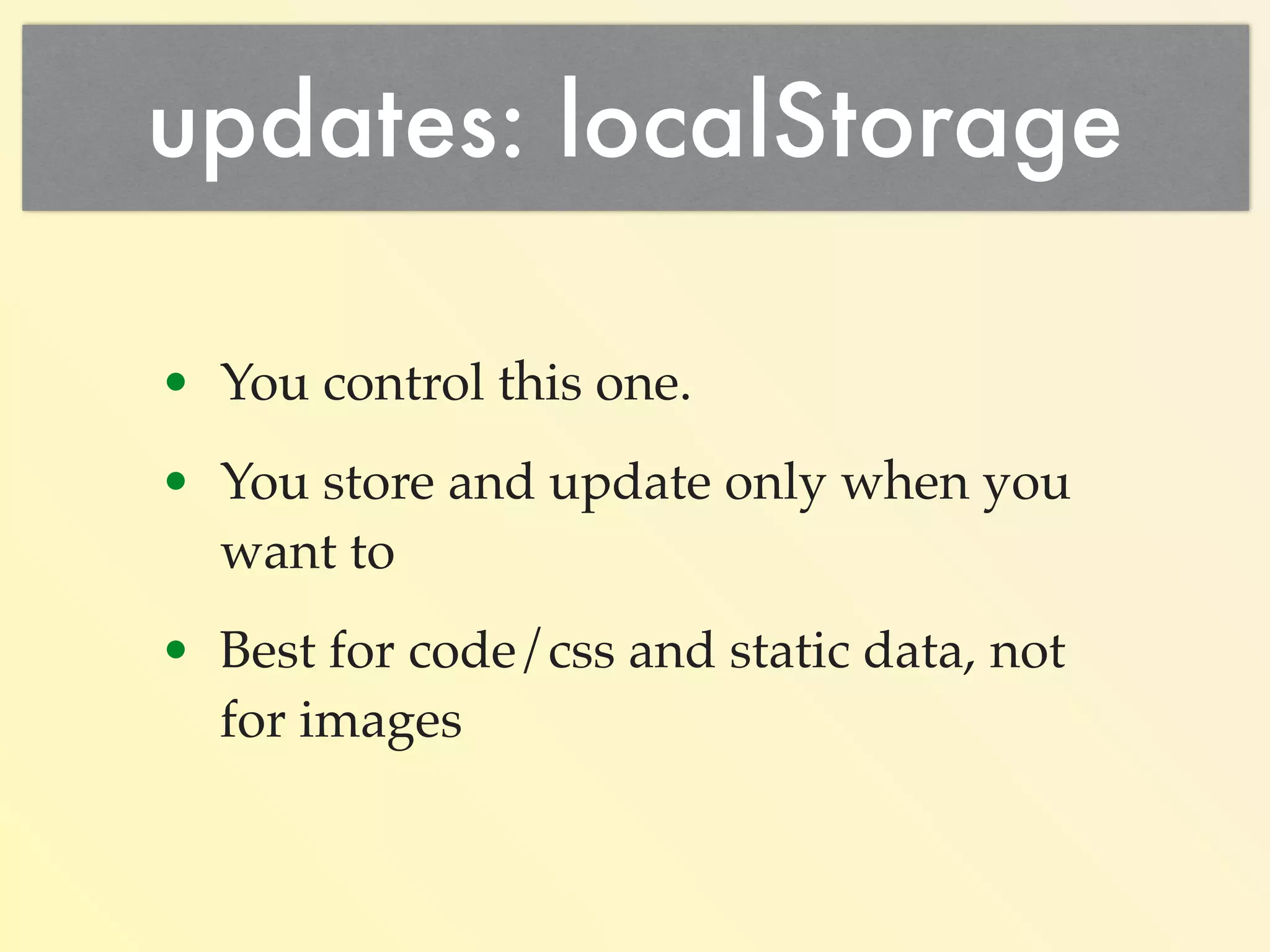
• You store and update only when 
you want to. 
• Best for code/css and static data, 
not for images.
Store JS in localStorage 
$('script[src]').map( 
function(idx, val) { 
var url, name; 
url = $(val).attr('src'); 
name = url.replace(/[^a-zA-Z]/g,'-'); 
while (name[0] === ‘-') { 
name = name.slice(1); 
} 
$.get(url, 
function (code) { 
localStorage[name] = code; 
}); 
});
3. AppCache (Manifest) 
• Store any resource: 
• JavaScript 
• CSS 
• Images 
• HTML 
• Any file you like…
AppCache 
• Single “last modified” check 
updates lots of files. 
• Automatic fallback to the network. 
• Can work totally offline.
AppCache 
<html manifest="cache.manifest"> 
CACHE MANIFEST 
NETWORK: 
* 
CACHE: 
/favicon.ico 
/index.html 
/js/lib/jquery.min.js 
/js/lib/mylibs.js 
/css/mainStyles.css 
//ajax.googleapis.com/ajax/libs/jquery/2.1.1/ 
jquery.min.js 
... 
You store any file you want…
AppCache Update Control 
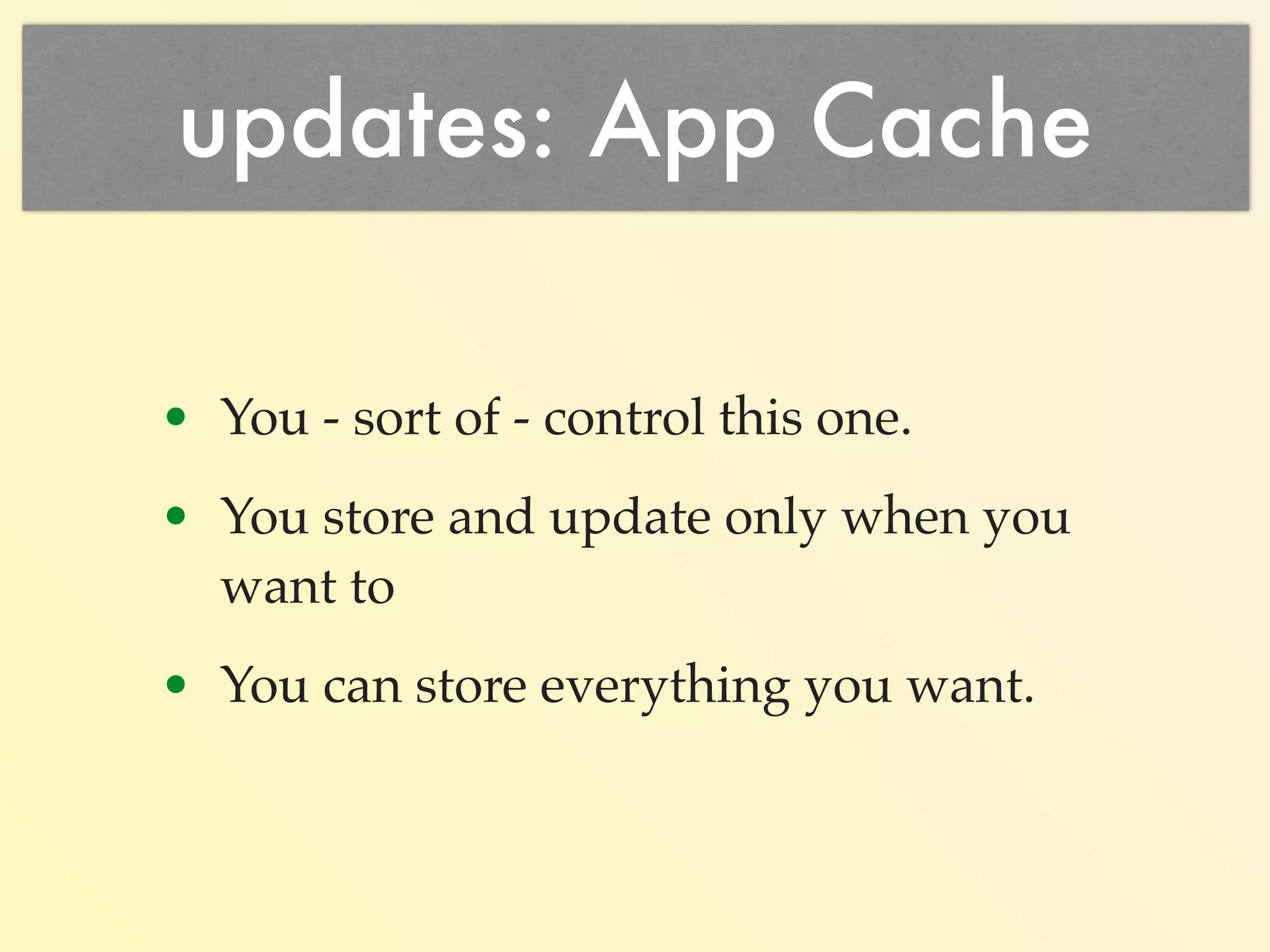
• You - sort of - control this one. 
• Can have different behaviors on 
different pages. 
• You store and update only when you 
want to. 
% touch cache.manifest 
• Also programatic control & events.
AppCache References 
• www.html5rocks.com/en/tutorials/ 
appcache/beginner/ 
• alistapart.com/article/application-cache- 
is-a-douchebag 
• www.whatwg.org/specs/web-apps/ 
current-work/multipage/ 
browsers.html#appcache
AppCache HTML5 Session 
References 
See Jeff Burtofts HTML 5 Session: 
Behold the power of the 
“Web App Manifest” 
Room E-133 @ 2:30pm on 10/20/14
Putting it all together 
• CDN for quick access. 
• localStorage for static data / code /css. 
• sessionStorage for run-time data 
(instead of server sessions). 
• app cache for every type of file.
workOffline: “true” 
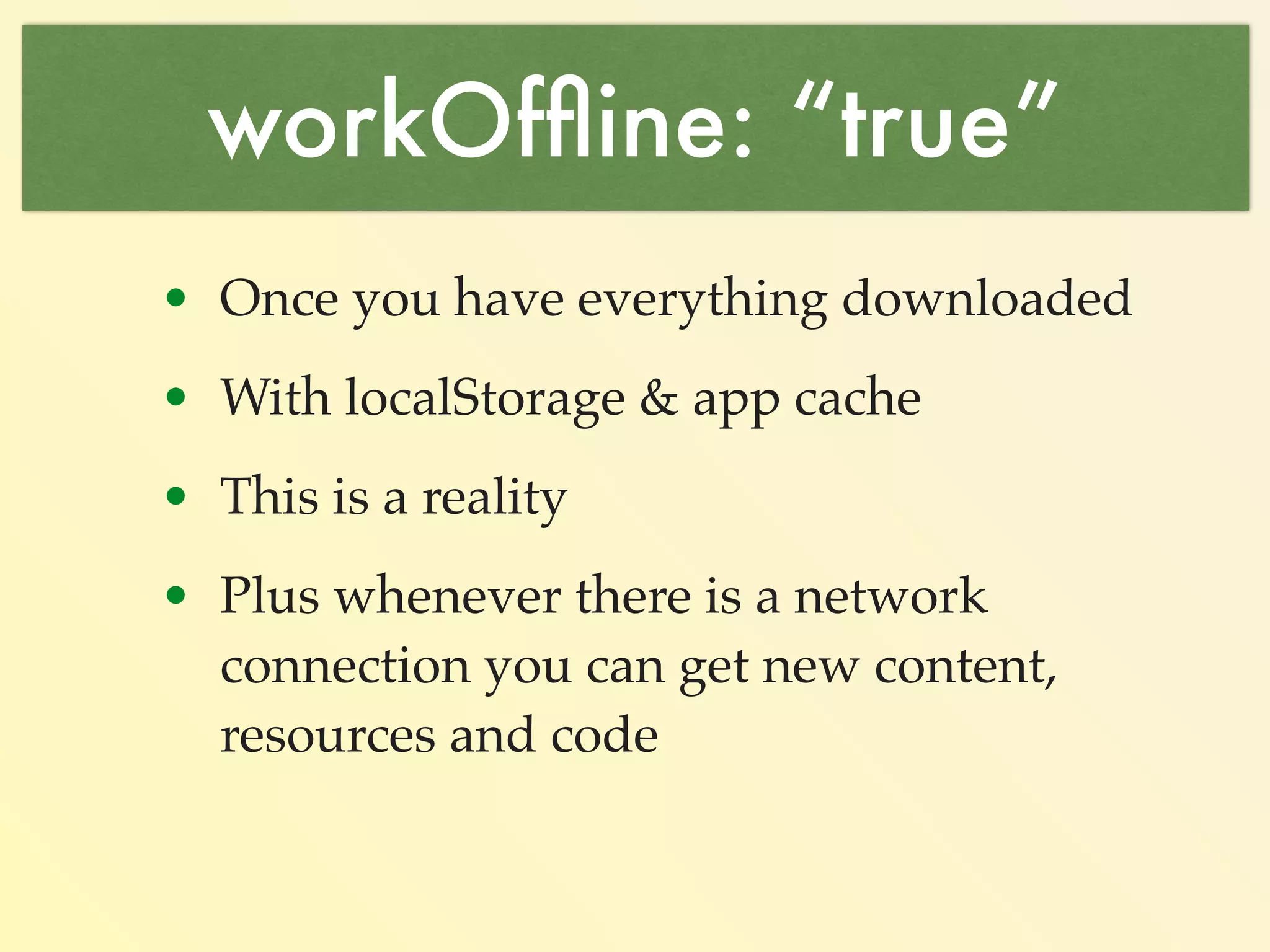
• With localStorage, sessionStorage & app 
cache (manifests). 
• This is a reality. 
• Plus: whenever there is a network 
connection you can get new content, 
resources and code. 
• eg: Google Homepage 
(~250KB of App cache)
updates: “immediate” 
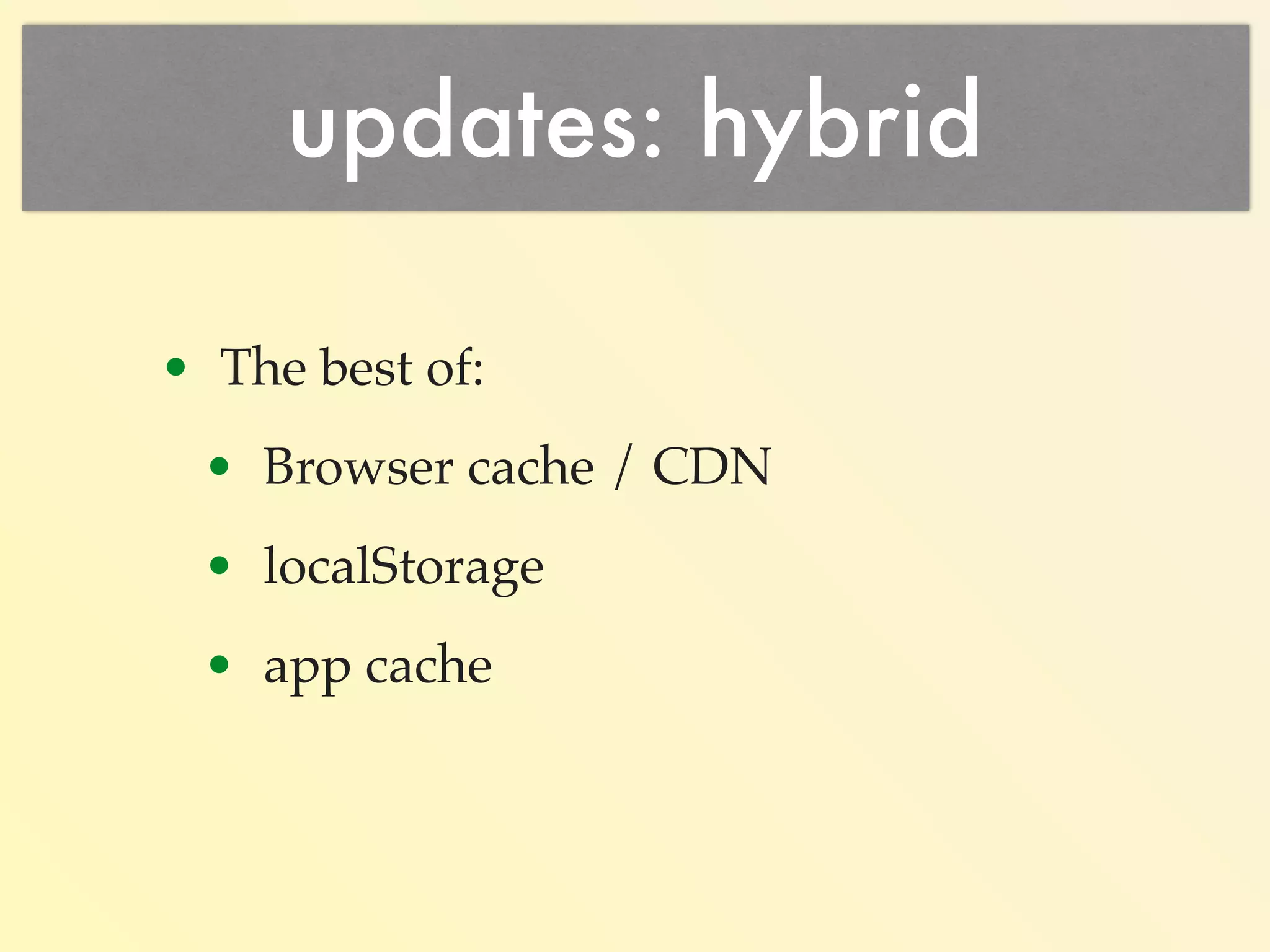
• You should be in control your updates. 
• Browser cache - hit and miss. 
• LocalStorage - under your control. 
• App Cache - mixed bag.
Thank You 
Q &A 
Yorick Phoenix / ISSIO Solutions, Inc 
slides: slidesha.re/1zdXBk6 
about.me/yorickphoenix | @scribblings | github.com/yphoenix | yorick@issio.net

Persistent mobile JavaScript

  • 1.
    Persistent Mobile JS Tips & Tricks Yorick Phoenix / ISSIO Solutions, Inc slides: slidesha.re/1zdXBk6 about.me/yorickphoenix | @scribblings | github.com/yphoenix | yorick@issio.net
  • 2.
    Achieving Persistence 1.Downloading to a mobile device. 2. Keeping it cached. 3. Timely updating.
  • 3.
    Mobile Browser Issues Slow networking speeds.
  • 4.
    Mobile Browser Issues Bad latency problems.
  • 5.
    Mobile Browser Issues Code & data not (always) persistent across browser reloads. Causes re-downloads from your web server.
  • 6.
    Mobile Browser Issues HTTP/1.1 200 OK Date: Fri, 03 Oct 2014 07:08:21 GMT Last-Modified: Fri, 26 Sep 2014 02:13:19 GMT Cache-Control: max-age=43200 Expires: Fri, 03 Oct 2014 19:08:21 GMT Content-Encoding: gzip Content-Length: 622 Content-Type: application/x-javascript Cache / Freshness tradeoff.
  • 7.
    Easy #1 Solution… •Use PhoneGap / Cordova. Wrap your code in an app. •Download once. •Code & data are always available.
  • 8.
    Easy #1 SolutionFlaws •Multiple builds: iOS, Android, etc. •iOS WebView doesn’t use JIT. •Android WebView !== Chrome. •Different from Desktop version.
  • 9.
    Easy #1 MoreFlaws •Slow app store updates. •Users don’t always update. •Sometimes never.
  • 10.
    new Better(Solution); {nativeBrowser: true, downloadSpeed: “fast”, deviceCaching: “best”, updates: “immediate”, workOffline: true }
  • 11.
    Browser Debugging Tools • Learn how to use them. • Watch Network Traffic. • Track caching & compression. • Request and Response headers. • How to inspect resources & the DOM. • The console is your friend.
  • 12.
    downloadSpeed: “fast” Minimizeyour files: !function(a,b){“object”==typeof module&&”object" ==typeof module.exports?module.exports=a.document?b(a,! 0):function(a){if(!a.document)throw new Error( "jQuery requires a window with a document");return b(a)}:b(a)} ("undefined"!=typeof window?window:this, function(a,b) {var c=[],d=c.slice,e=c.concat,f=c.push,g=c.indexOf, h={},i=h.toString,j=h.hasOwnProperty,k={},l=a.document,m ="2.1.1",n=function(a,b){return new n.fn.init(a,b)},o=/ ^[suFEFFxA0]+|[suFEFFxA0]+$/g,p=/^-ms-/,q=/-([da-z])/ gi,r= function(a,b){return throw new a.indexOf(“use http://gpbmike.github.io/refresh-sf/ https://github.com/mishoo/UglifyJS
  • 13.
    downloadSpeed: “fast” gzipyour downloads: <ifModule mod_gzip.c> mod_gzip_on Yes mod_gzip_dechunk Yes mod_gzip_item_include file .(html|js|css)$ </ifModule> http://www.feedthebot.com/pagespeed/enable-compression. html
  • 14.
    downloadSpeed: “fast” Cacheyour data & code as close to the user as you possibly can….
  • 15.
    downloadSpeed: “fast” Usea good CDN and all this will be handled for you…
  • 16.
    Use a CDN • Automatic minimization (js, css, html) • Automatic compression. • Automatic caching at a data center nearest your user. • Automatic redundancy of servers. • Basic level of service is FREE!
  • 17.
    deviceCaching: “best” 1.Browser cache. 2. LocalStorage. 3. App Cache (aka: Manifests)
  • 18.
    1. Browser Cache • Cache your code, css, images. • Updates are automatic’ish. • Slow last modified checks with mobile latency + once per file.
  • 19.
    Browser Cache Tradeoff • Calculate: Code Update Frequency • Because: Once in the users browser isn’t going to be updated without the user forcing it or expiration.
  • 20.
    Browser Cache Issues • Trade off: cache expiration vs download frequency. • Need frequent updates: make it small. • Result: more frequent downloads or last modified checks. • Rule: You will always download more often than you really need to.
  • 21.
    Browser Cache Updates • Unpredictable behavior. • Browser makes the decisions. • Don’t play the rename the file to update game.
  • 22.
    window.location.reload() Don’t usereload to refresh window.location.reload(); last modified check for every reference Instead set the href to yourself window.location.href = window.location.pathname+ window.location.search; Unless you want to force a reload :-)
  • 23.
    2. localStorage Canstore code localStorage.myCode = ‘function HelloWorld() { alert(“Hello, World”); }’; Can store data localStorage.myData = ‘{Days: [“Sun”, “Mon”, “Tue”, “Wed”, “Thu”, “Fri”, “Sat”], Months: [31, 28, 31, 30, 31, 30, 31, 31, 30, 31, 30, 31]}’;
  • 24.
    localStorage • Storeany arbitrary string. • On a domain by domain basis. • Updates under your own control.
  • 25.
    localStorage • Persistentbetween browser launches: • JSON • CSS • JavaScript • 5MB Limit: who writes 5M of minimized code or data?
  • 26.
    updates: localStorage •You store and update only when you want to. • Best for code/css and static data, not for images.
  • 27.
    Store JS inlocalStorage $('script[src]').map( function(idx, val) { var url, name; url = $(val).attr('src'); name = url.replace(/[^a-zA-Z]/g,'-'); while (name[0] === ‘-') { name = name.slice(1); } $.get(url, function (code) { localStorage[name] = code; }); });
  • 28.
    3. AppCache (Manifest) • Store any resource: • JavaScript • CSS • Images • HTML • Any file you like…
  • 29.
    AppCache • Single“last modified” check updates lots of files. • Automatic fallback to the network. • Can work totally offline.
  • 30.
    AppCache <html manifest="cache.manifest"> CACHE MANIFEST NETWORK: * CACHE: /favicon.ico /index.html /js/lib/jquery.min.js /js/lib/mylibs.js /css/mainStyles.css //ajax.googleapis.com/ajax/libs/jquery/2.1.1/ jquery.min.js ... You store any file you want…
  • 31.
    AppCache Update Control • You - sort of - control this one. • Can have different behaviors on different pages. • You store and update only when you want to. % touch cache.manifest • Also programatic control & events.
  • 32.
    AppCache References •www.html5rocks.com/en/tutorials/ appcache/beginner/ • alistapart.com/article/application-cache- is-a-douchebag • www.whatwg.org/specs/web-apps/ current-work/multipage/ browsers.html#appcache
  • 33.
    AppCache HTML5 Session References See Jeff Burtofts HTML 5 Session: Behold the power of the “Web App Manifest” Room E-133 @ 2:30pm on 10/20/14
  • 34.
    Putting it alltogether • CDN for quick access. • localStorage for static data / code /css. • sessionStorage for run-time data (instead of server sessions). • app cache for every type of file.
  • 35.
    workOffline: “true” •With localStorage, sessionStorage & app cache (manifests). • This is a reality. • Plus: whenever there is a network connection you can get new content, resources and code. • eg: Google Homepage (~250KB of App cache)
  • 36.
    updates: “immediate” •You should be in control your updates. • Browser cache - hit and miss. • LocalStorage - under your control. • App Cache - mixed bag.
  • 37.
    Thank You Q&A Yorick Phoenix / ISSIO Solutions, Inc slides: slidesha.re/1zdXBk6 about.me/yorickphoenix | @scribblings | github.com/yphoenix | yorick@issio.net