20IT301 JAVA PROGRAMMING
By
M.Mohanraj
Assistant Professor
Department of Artificial Intelligence and Data Science
Kongunadu College of Engineering
UNIT-3
Exceptions
executing a program.
⚫Exception is an abnormal condition that arises when
⚫In the languages that do not support exception
handling, errors must be checked and handled
manually, usually through the use of error codes.
⚫In contrast, Java:
1) provides syntactic mechanisms to signal,
detect and handle errors
2) ensures a clean separation between the code
executed in the
absence of errors and the code to handle various kinds
of errors
3) brings run-time error management into object-
oriented programming
Exception Handling
⚫An exception is an object that describes an exceptional
condition (error) that has occurred when executing a
program.
⚫Exception handling involves the following:
1)when an error occurs, an object (exception) representing
this error is created and thrown in the method that
caused it
2) that method may choose to handle the exception itself or
pass it on
3) either way, at some point, the exception is caught
and processed
Exception Sources
⚫ Exceptions can be:
1)generated by the Java run-time system Fundamental errors that
violate the rules of the Java language or the constraints of the Java
execution environment.
2)manually generated by programmer’s code Such exceptions are
typically used to report some error conditions to the
caller of a method.
Exception Constructs
⚫ Five constructs are used in exception handling:
1) try – a block surrounding program statements to monitor for
exceptions
2) catch – together with try, catches specific kinds of exceptions
and
handles them in some way
3) finally – specifies any code that absolutely must be executed
whether or not an exception occurs
4) throw – used to throw a specific exception from the program
5) throws – specifies which exceptions a given method can throw
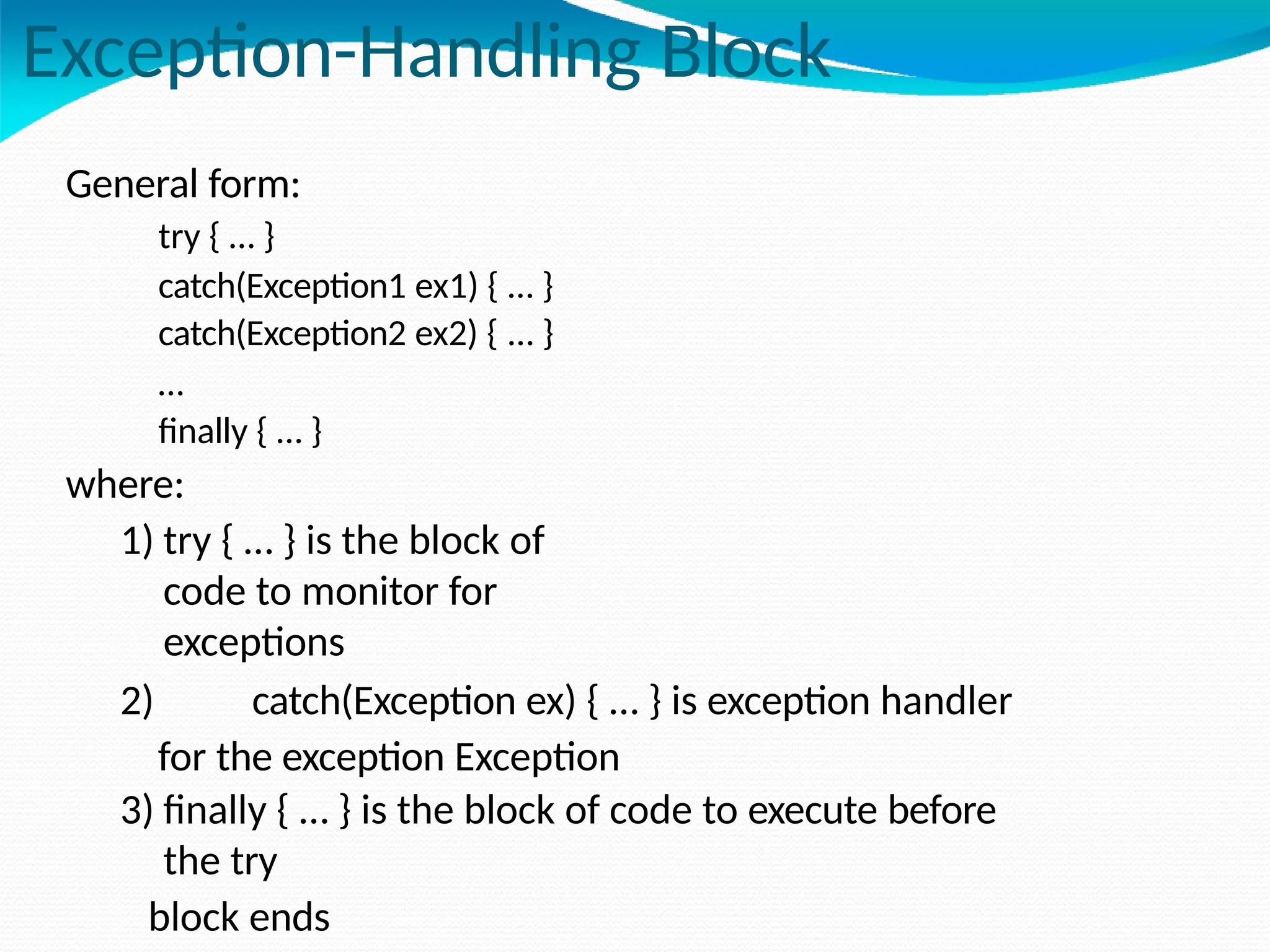
Exception-Handling Block
General form:
try { … }
catch(Exception1 ex1) { … }
catch(Exception2 ex2) { … }
…
finally { … }
where:
1) try { … } is the block of
code to monitor for
exceptions
2) catch(Exception ex) { … } is exception handler
for the exception Exception
3) finally { … } is the block of code to execute before
the try
block ends
Benefits of exception handling
⚫Separating Error-Handling code from “regular” business logic
code
⚫Propagating errors up the call stack
⚫Grouping and differentiating error types
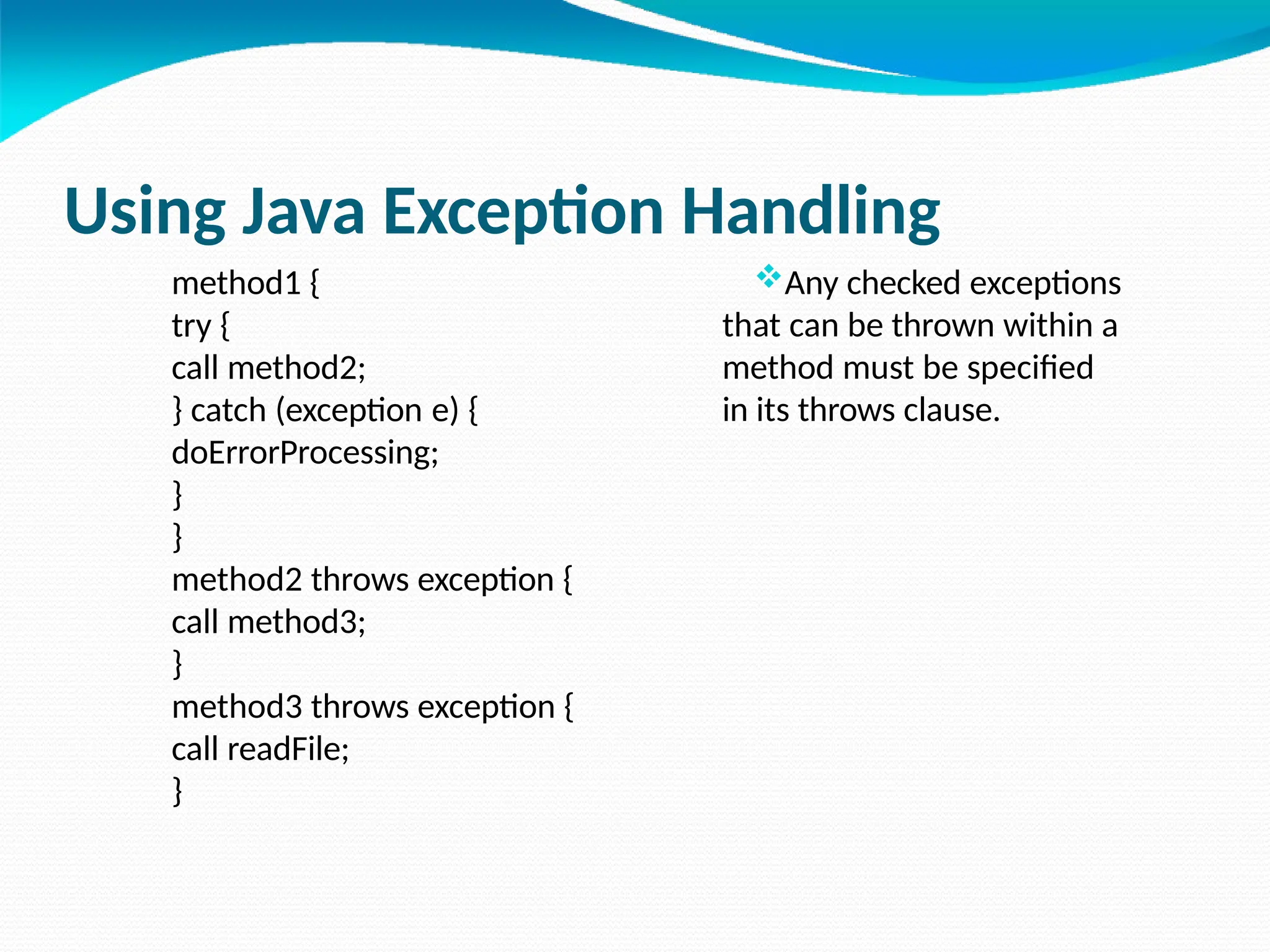
Using Java Exception Handling
method1 {
try {
call method2;
} catch (exception e) {
doErrorProcessing;
}
}
method2 throws exception {
call method3;
}
method3 throws exception {
call readFile;
}
Any checked exceptions
that can be thrown within a
method must be specified
in its throws clause.
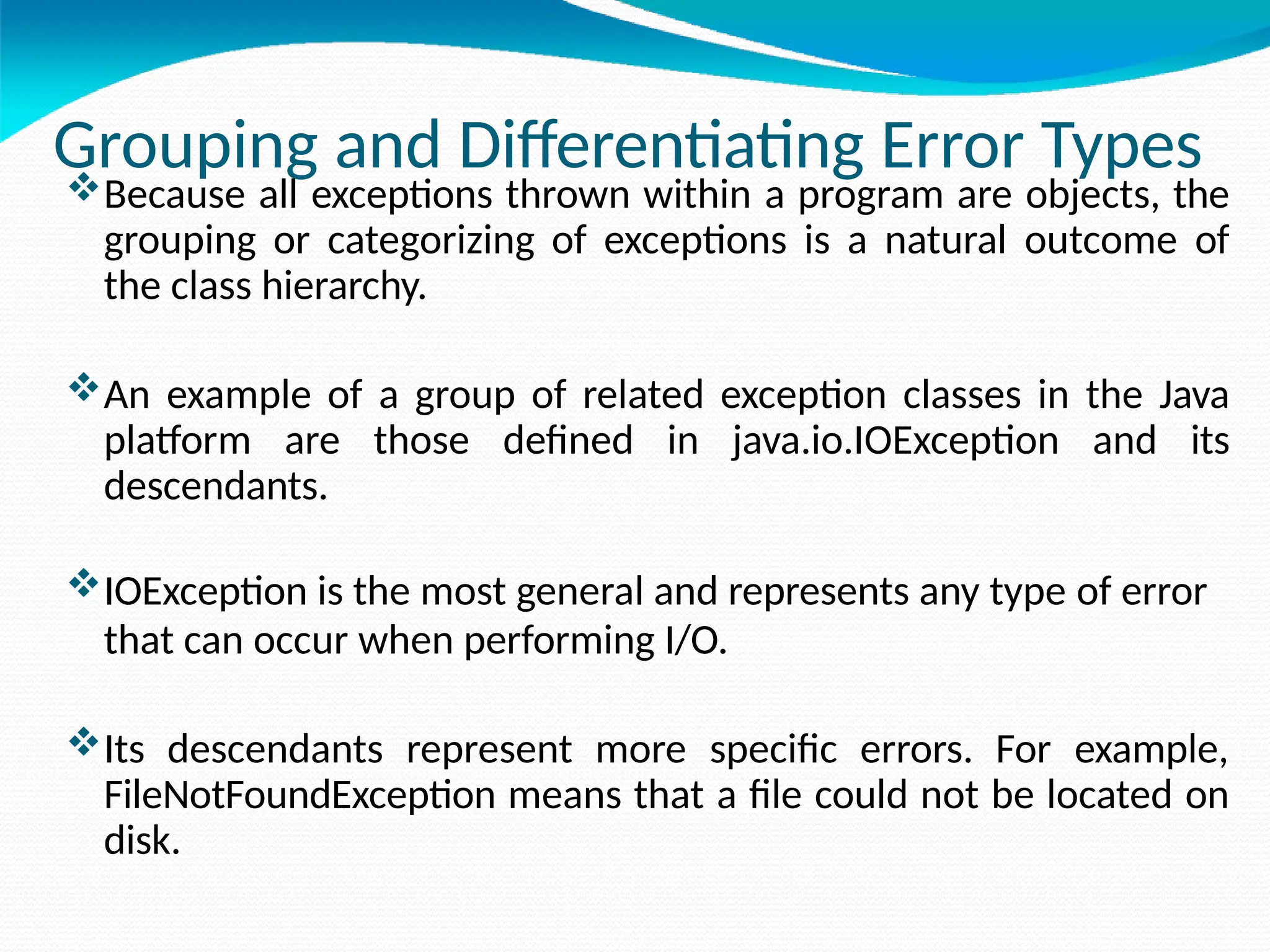
Grouping and Differentiating Error Types
Because all exceptions thrown within a program are objects, the
grouping or categorizing of exceptions is a natural outcome of
the class hierarchy.
An example of a group of related exception classes in the Java
platform are those defined in java.io.IOException and its
descendants.
IOException is the most general and represents any type of error
that can occur when performing I/O.
Its descendants represent more specific errors. For example,
FileNotFoundException means that a file could not be located on
disk.
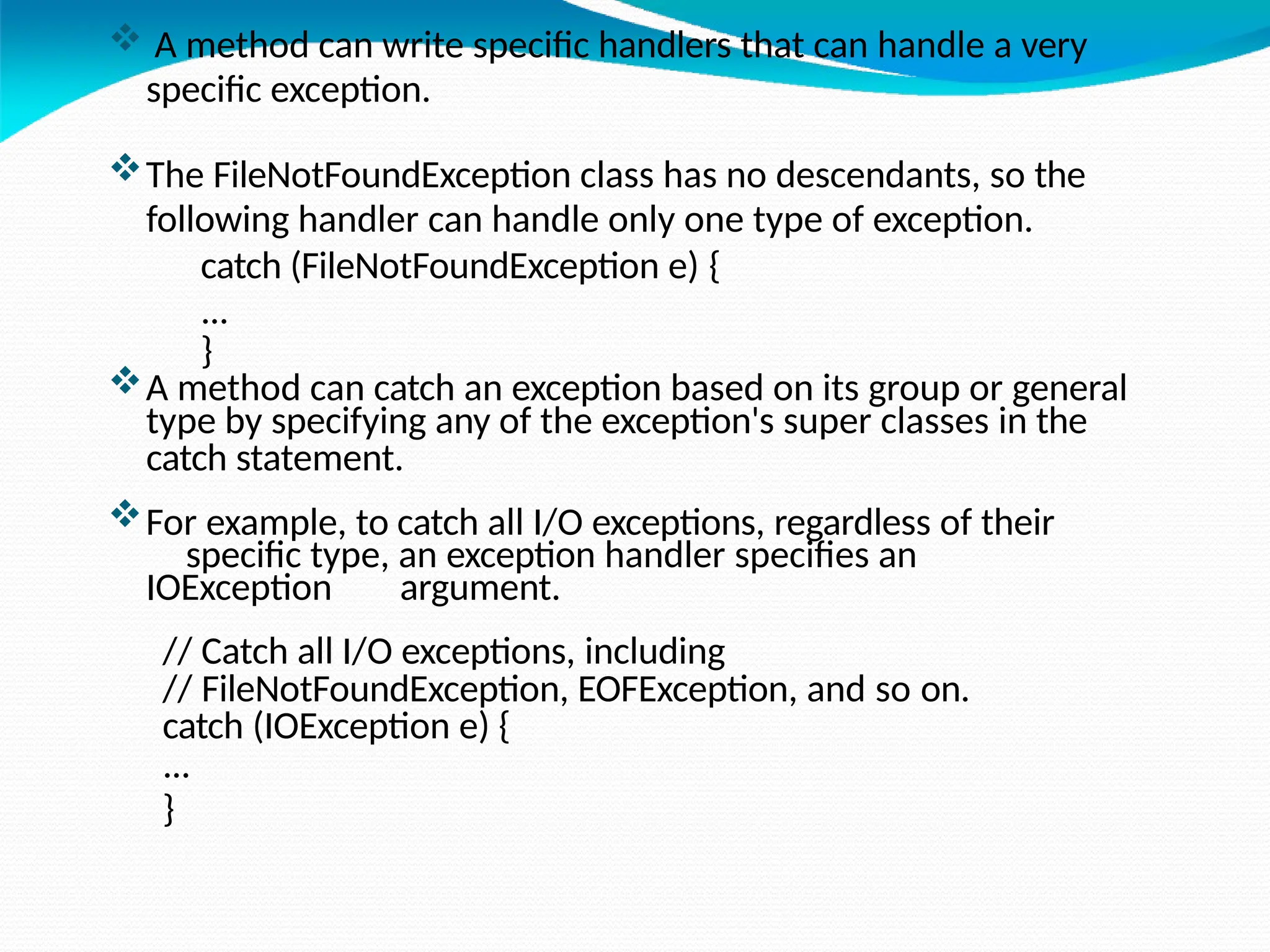
 A method can write specific handlers that can handle a very
specific exception.
The FileNotFoundException class has no descendants, so the
following handler can handle only one type of exception.
catch (FileNotFoundException e) {
...
}
A method can catch an exception based on its group or general
type by specifying any of the exception's super classes in the
catch statement.
For example, to catch all I/O exceptions, regardless of their
specific type, an exception handler specifies an
IOException argument.
// Catch all I/O exceptions, including
// FileNotFoundException, EOFException, and so on.
catch (IOException e) {
...
}
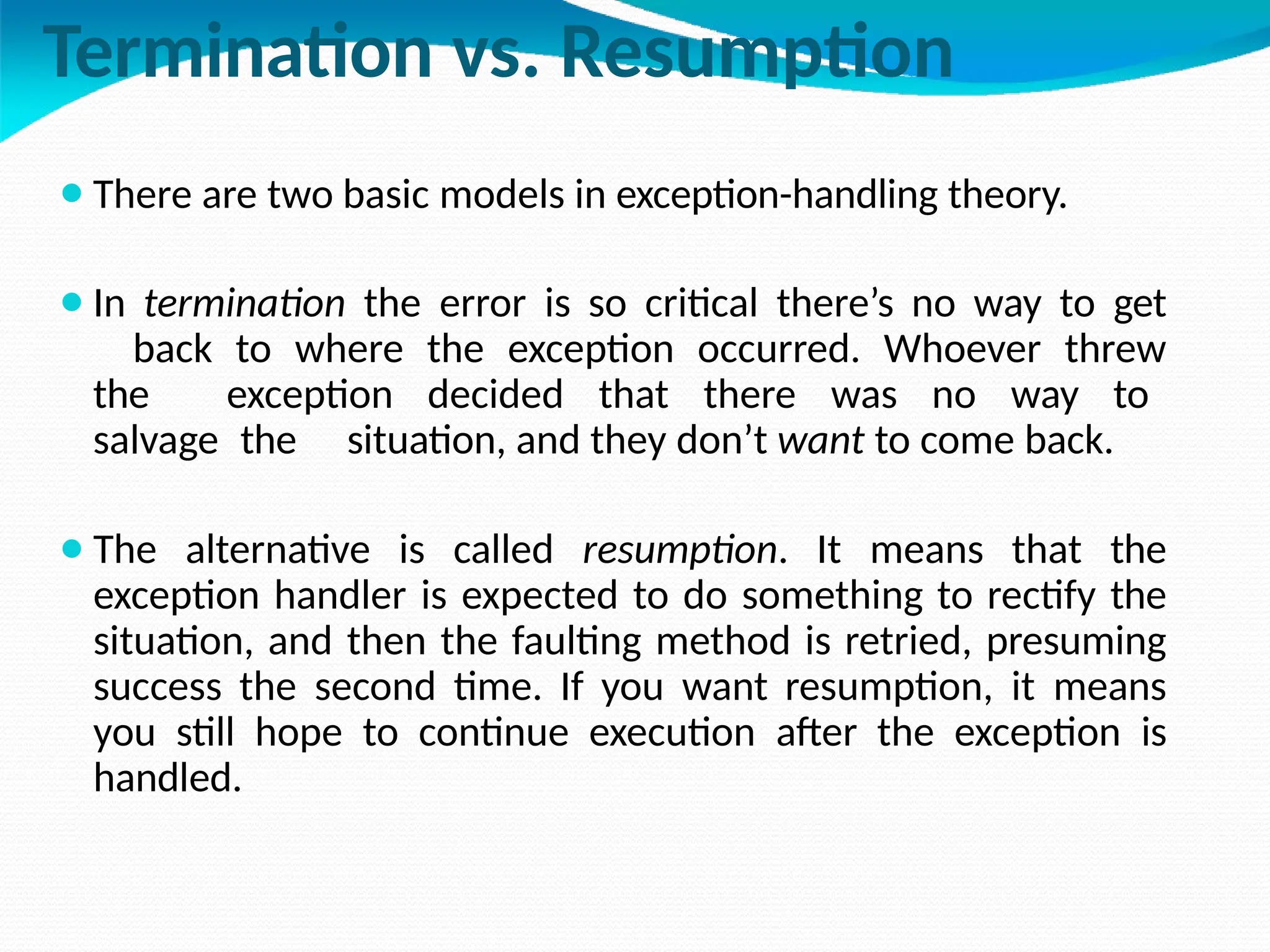
Termination vs. Resumption
⚫There are two basic models in exception-handling theory.
⚫In termination the error is so critical there’s no way to get
back to where the exception occurred. Whoever threw
the exception decided that there was no way to
salvage the situation, and they don’t want to come back.
⚫The alternative is called resumption. It means that the
exception handler is expected to do something to rectify the
situation, and then the faulting method is retried, presuming
success the second time. If you want resumption, it means
you still hope to continue execution after the exception is
handled.
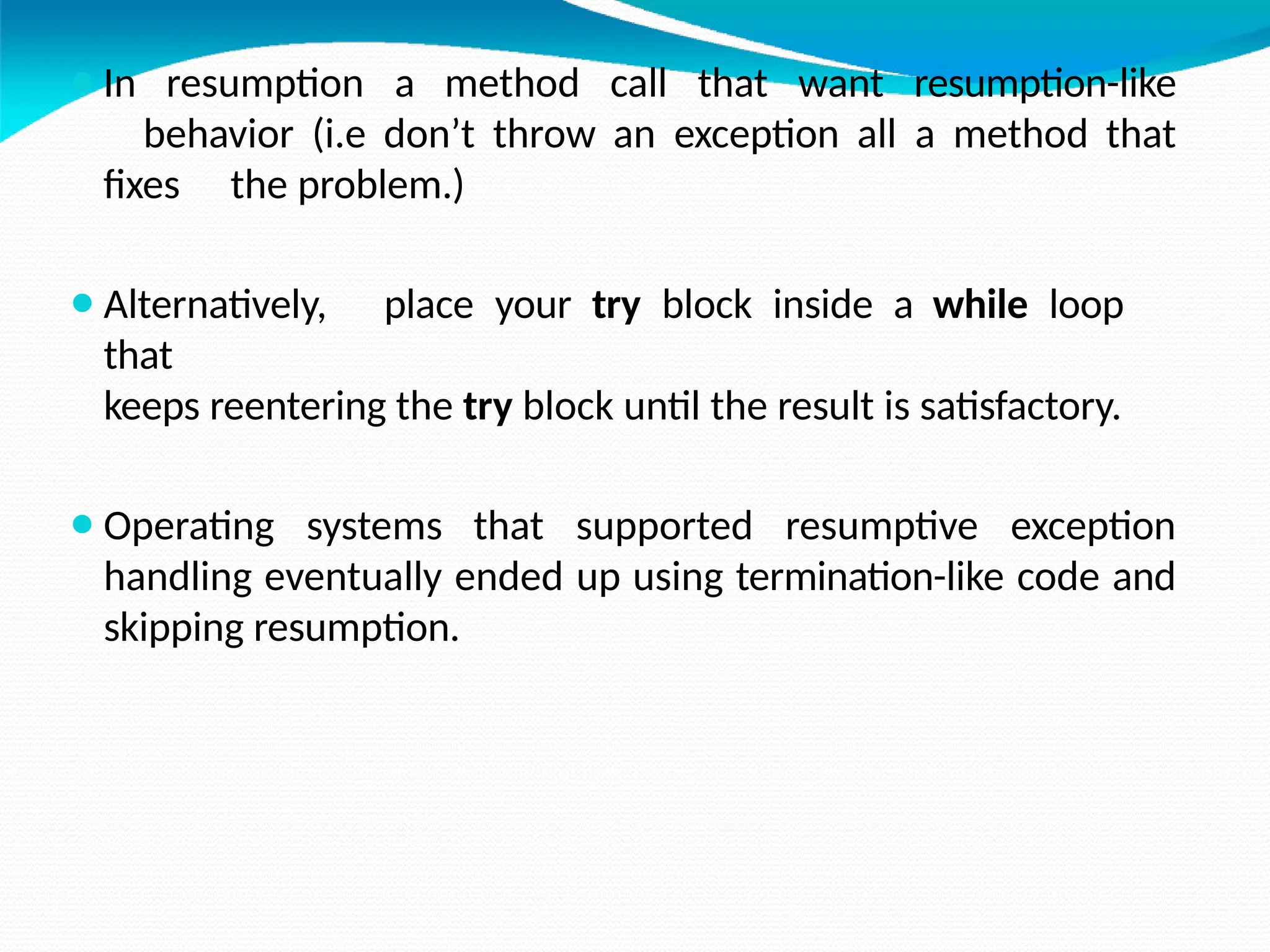
⚫In resumption a method call that want resumption-like
behavior (i.e don’t throw an exception all a method that
fixes the problem.)
⚫Alternatively, place your try block inside a while loop
that
keeps reentering the try block until the result is satisfactory.
⚫Operating systems that supported resumptive exception
handling eventually ended up using termination-like code and
skipping resumption.
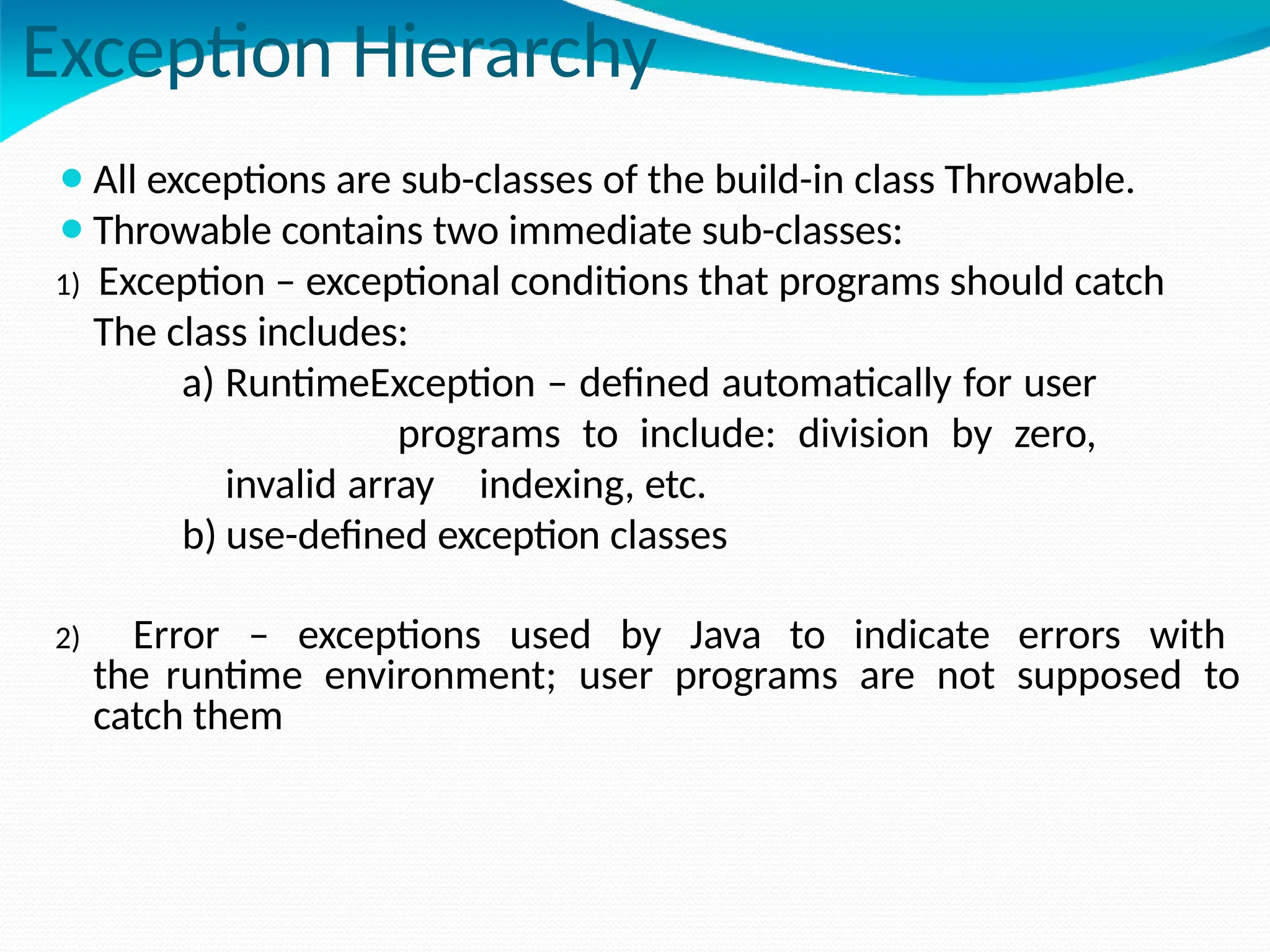
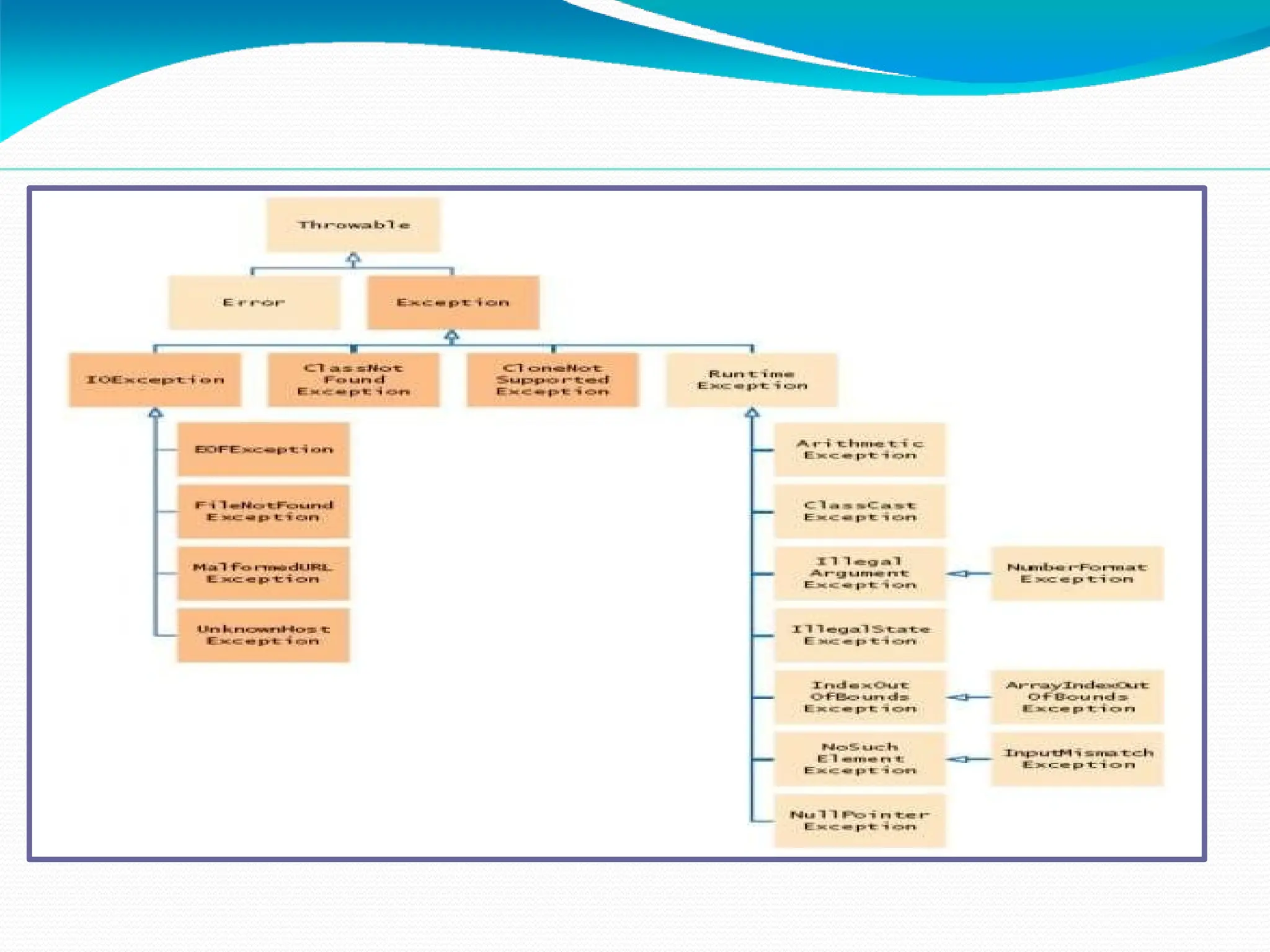
Exception Hierarchy
⚫All exceptions are sub-classes of the build-in class Throwable.
⚫Throwable contains two immediate sub-classes:
1) Exception – exceptional conditions that programs should catch
The class includes:
a) RuntimeException – defined automatically for user
programs to include: division by zero,
invalid array indexing, etc.
b) use-defined exception classes
2) Error – exceptions used by Java to indicate errors with
the runtime environment; user programs are not supposed to
catch them
Hierarchy of Exception Classes
Usage of try-catch Statements
⚫Syntax:
try {
<code to be monitored for exceptions>
} catch (<ExceptionType1> <ObjName>) {
<handler if ExceptionType1 occurs>
} ...
} catch (<ExceptionTypeN> <ObjName>) {
<handler if ExceptionTypeN occurs>
}
Catching Exceptions:
The try-catch Statements
class DivByZero {
public static void main(String args[])
{ try {
System.out.println(3/0);
System.out.println(“Please print
me.”);
} catch (ArithmeticException exc) {
//Division by zero is an
ArithmeticException
System.out.println(exc);
}
System.out.println(“After
exception.”);
}
}
Catching Exceptions:
Multiple catch
class MultipleCatch {
public static void main(String args[])
{ try {
int den = Integer.parseInt(args[0]);
System.out.println(3/den);
} catch (ArithmeticException exc)
{ System.out.println(“Divisor was
0.”);
} catch
(ArrayIndexOutOfBoundsException
exc2) {
System.out.println(“Missing
argument.”);
}
System.out.println(“After
Catching Exceptions:
Nested try's
class NestedTryDemo {
public static void main(String args[]){
try {
int a = Integer.parseInt(args[0]);
try {
int b = Integer.parseInt(args[1]);
System.out.println(a/b);
} catch (ArithmeticException e) {
System.out.println(“Div by zero error!");
} } catch (ArrayIndexOutOfBoundsException) {
System.out.println(“Need 2 parameters!");
} } }
Catching Exceptions:
Nested try's with methods
class NestedTryDemo2 {
static void nestedTry(String args[]) {
try {
int a = Integer.parseInt(args[0]);
int b = Integer.parseInt(args[1]);
System.out.println(a/b);
} catch (ArithmeticException e)
{ System.out.println("Div by zero
error!");
} }
public static void main(String args[]){
try {
nestedTry(args);
} catch
(ArrayIndexOutOfBoundsException e) {
Throwing Exceptions(throw)
⚫So far, we were only catching the exceptions thrown by the Java
system.
⚫In fact, a user program may throw an exception explicitly:
throw ThrowableInstance;
⚫ThrowableInstance must be an object of type Throwable
or its
subclass.
Once an exception is thrown by:
throw ThrowableInstance;
1) the flow of control stops
immediately.
2)the nearest enclosing try
statement is inspected if it has
a catch
statement that matches the type
of exception:
3) if one exists, control is
Creating Exceptions
Two ways to obtain a Throwable instance:
1) creating one with the new operator
All Java built-in exceptions have at least two Constructors:
One without parameters and another with one String
parameter:
throw new NullPointerException("demo");
2) using a parameter of the catch clause
try { … } catch(Throwable e) { … e … }
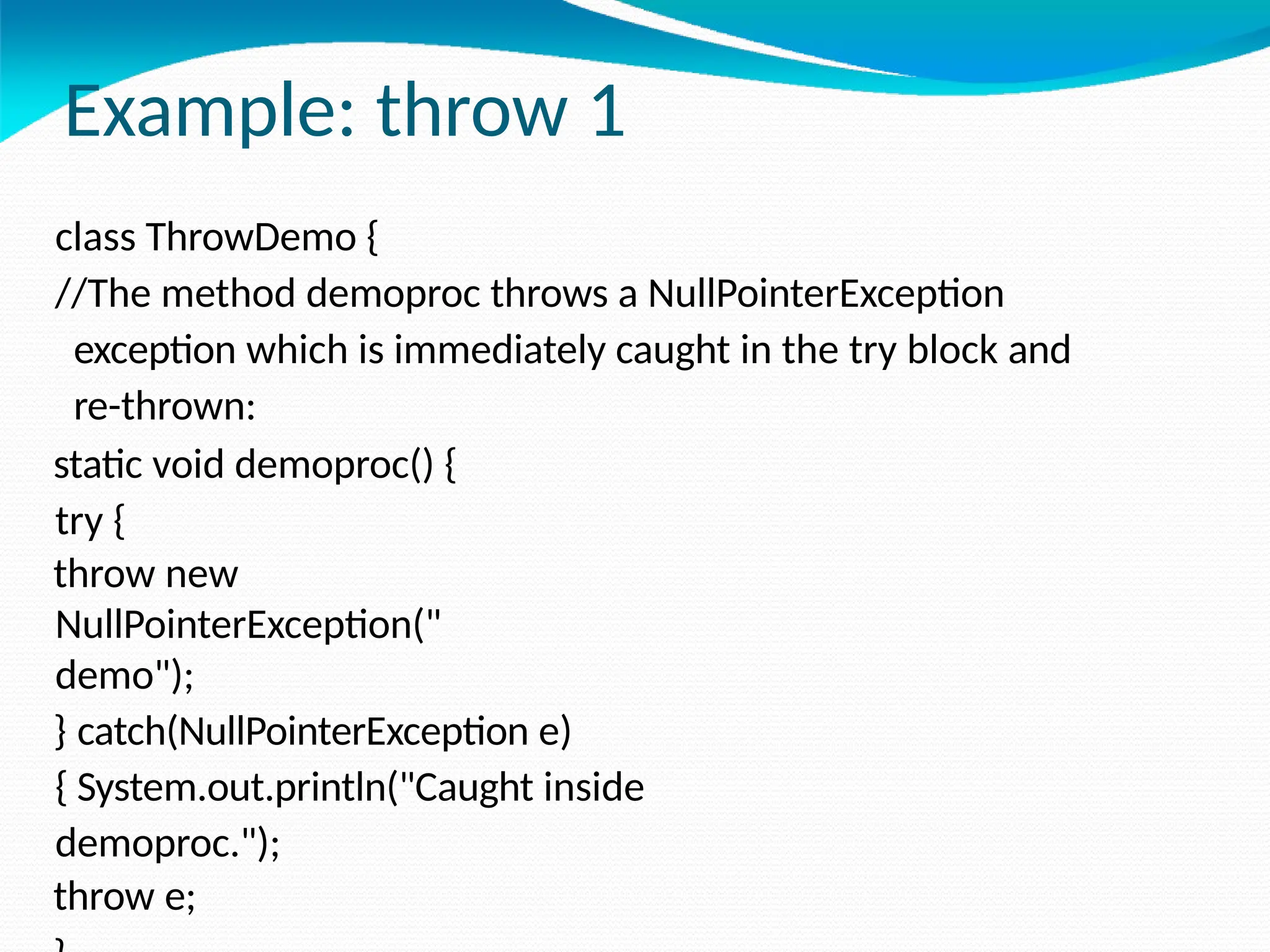
Example: throw 1
class ThrowDemo {
//The method demoproc throws a NullPointerException
exception which is immediately caught in the try block and
re-thrown:
static void demoproc() {
try {
throw new
NullPointerException("
demo");
} catch(NullPointerException e)
{ System.out.println("Caught inside
demoproc.");
throw e;
Example: throw 2
The main method calls demoproc within the try
block which catches and handles the
NullPointerException exception:
public static void main(String args[]) {
try
{ demoproc(
);
} catch(NullPointerException e)
{ System.out.println("Recaught: " +
e);
}
}
}
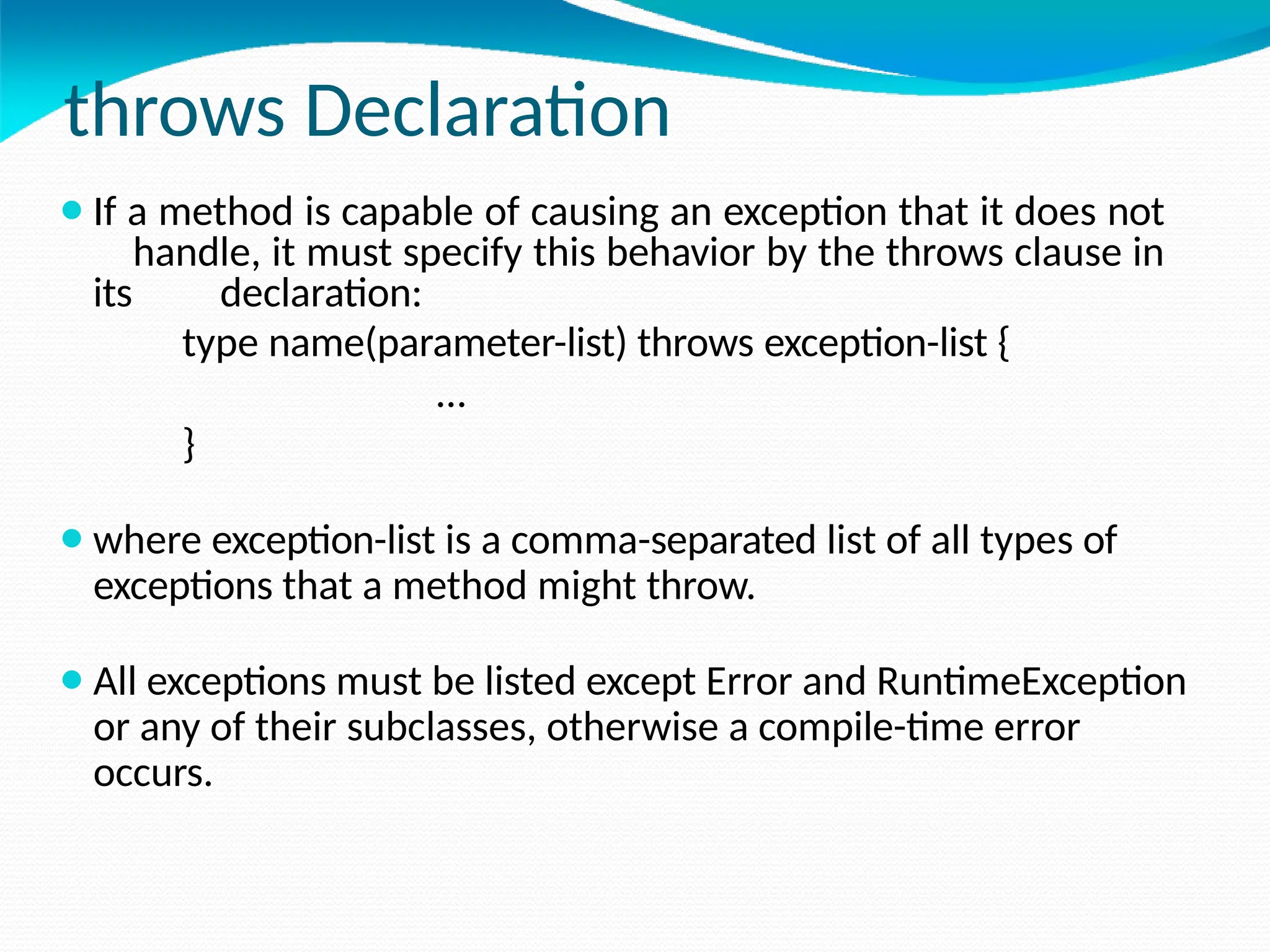
throws Declaration
⚫If a method is capable of causing an exception that it does not
handle, it must specify this behavior by the throws clause in
its declaration:
type name(parameter-list) throws exception-list {
…
}
⚫where exception-list is a comma-separated list of all types of
exceptions that a method might throw.
⚫All exceptions must be listed except Error and RuntimeException
or any of their subclasses, otherwise a compile-time error
occurs.
Example: throws 1
⚫The throwOne method throws an exception that it does not
catch, nor declares it within the throws clause.
class ThrowsDemo {
static void throwOne()
{ System.out.println("Inside throwOne.");
throw new IllegalAccessException("demo");
}
public static void main(String args[]) {
throwOne();
}
}
⚫Therefore this program does not compile.
Example: throws 2
⚫Corrected program: throwOne lists exception, main catches it:
class ThrowsDemo {
static void throwOne() throws IllegalAccessException {
System.out.println("Inside throwOne.");
throw new IllegalAccessException("demo");
}
public static void main(String args[]) {
try {
throwOne();
} catch (IllegalAccessException e) {
System.out.println("Caught " + e);
} } }
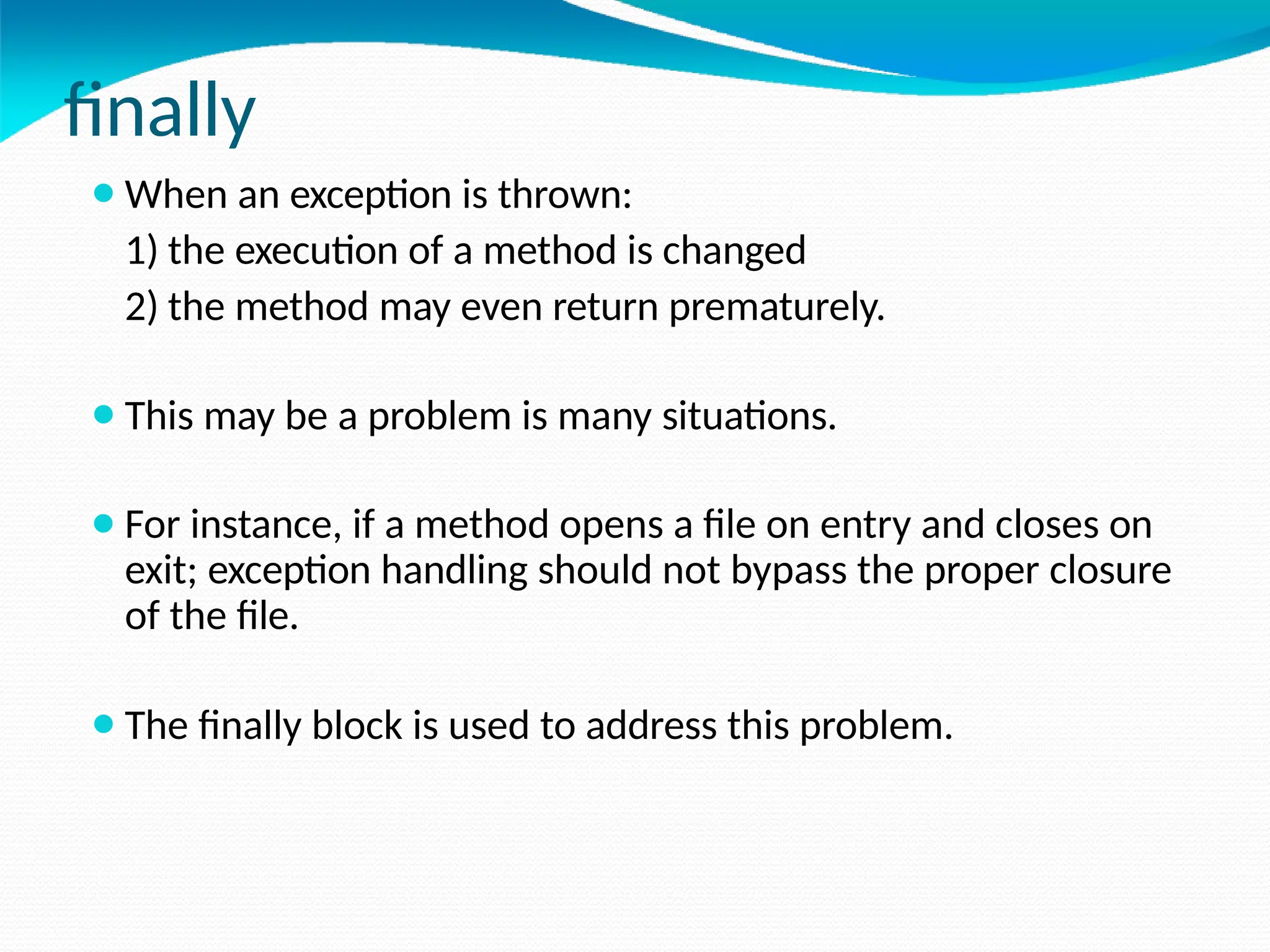
finally
⚫When an exception is thrown:
1) the execution of a method is changed
2) the method may even return prematurely.
⚫This may be a problem is many situations.
⚫For instance, if a method opens a file on entry and closes on
exit; exception handling should not bypass the proper closure
of the file.
⚫The finally block is used to address this problem.
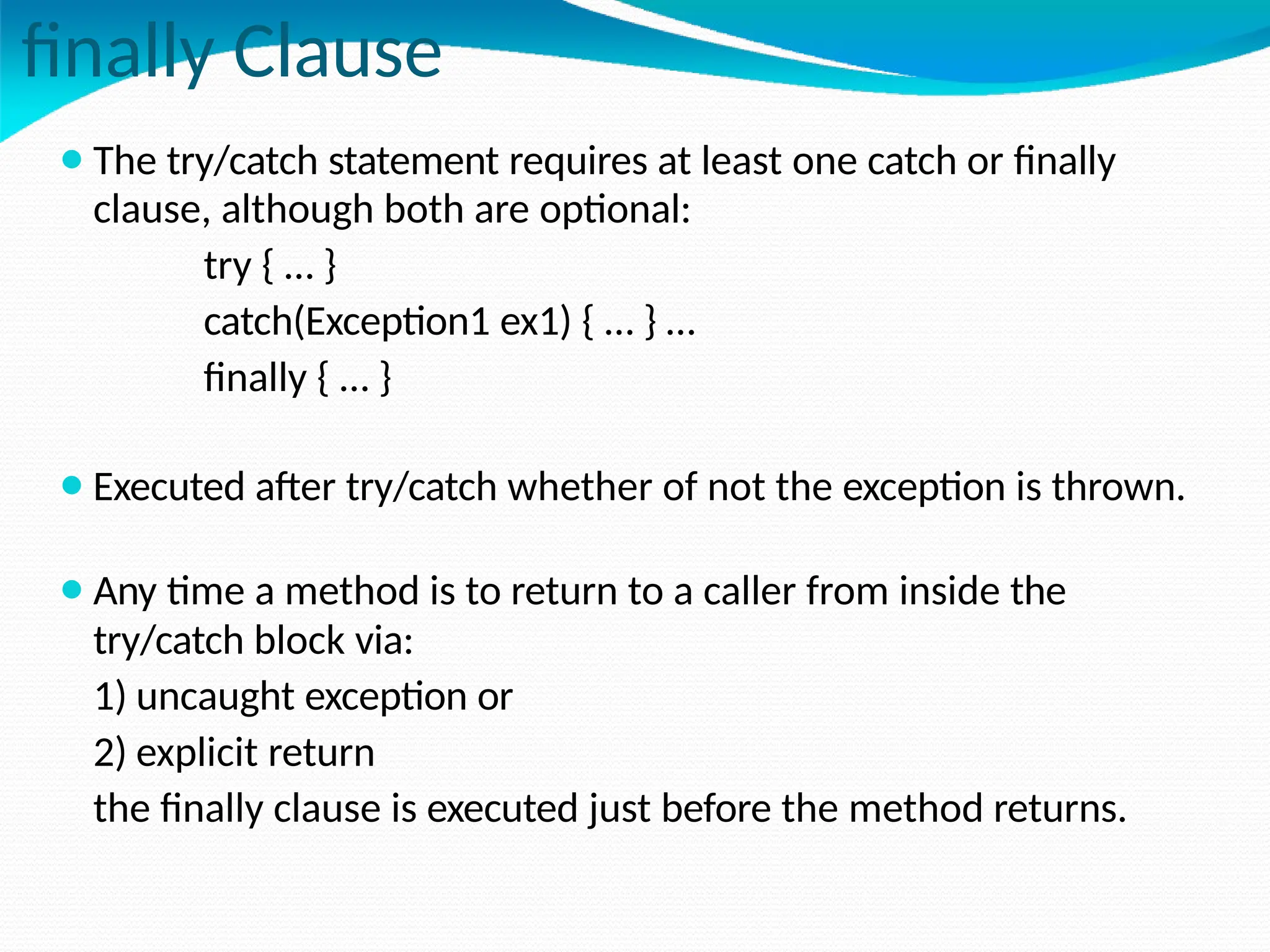
finally Clause
⚫The try/catch statement requires at least one catch or finally
clause, although both are optional:
try { … }
catch(Exception1 ex1) { … } …
finally { … }
⚫Executed after try/catch whether of not the exception is thrown.
⚫Any time a method is to return to a caller from inside the
try/catch block via:
1) uncaught exception or
2) explicit return
the finally clause is executed just before the method returns.
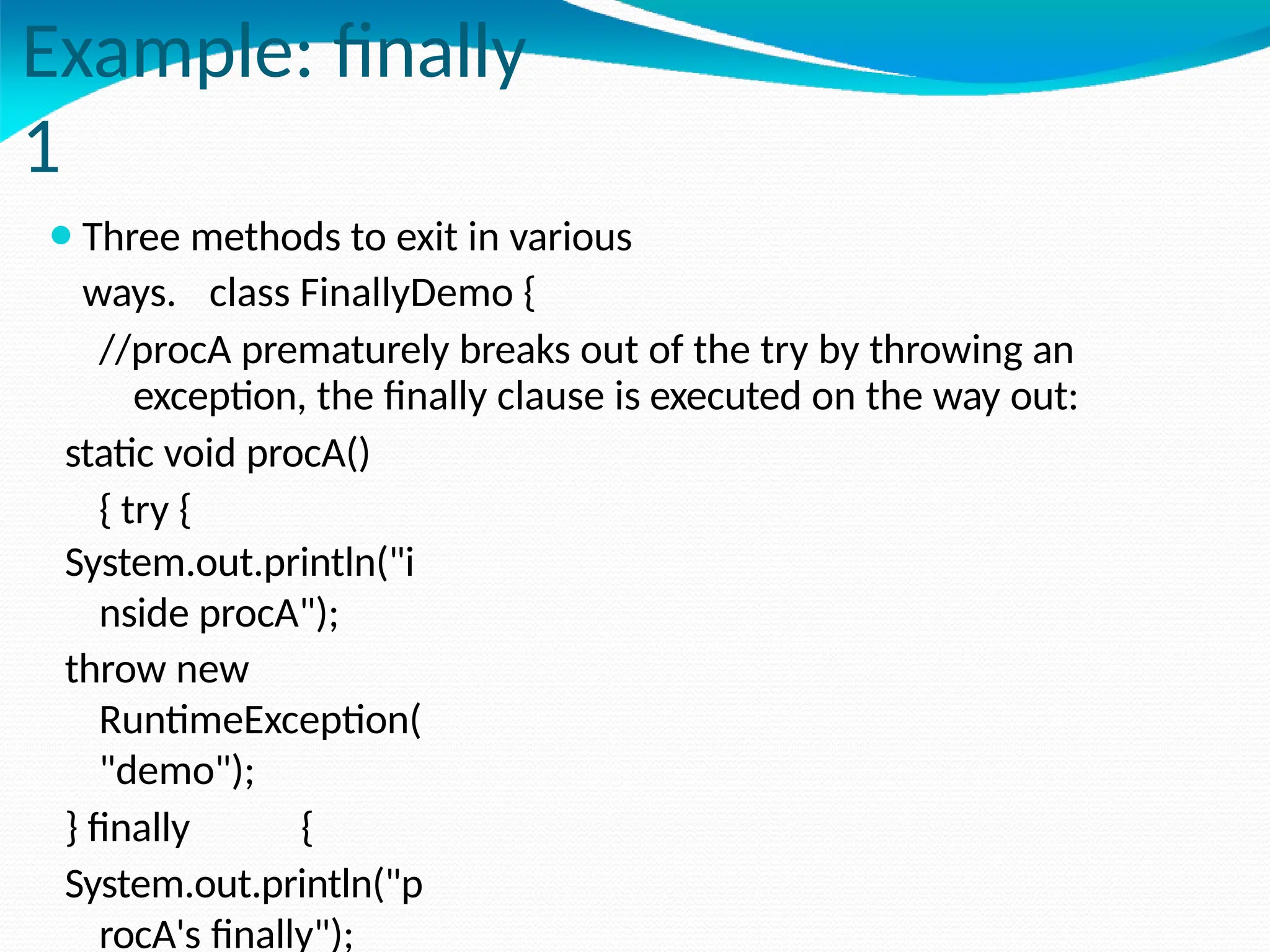
Example: finally
1
⚫Three methods to exit in various
ways. class FinallyDemo {
//procA prematurely breaks out of the try by throwing an
exception, the finally clause is executed on the way out:
static void procA()
{ try {
System.out.println("i
nside procA");
throw new
RuntimeException(
"demo");
} finally {
System.out.println("p
rocA's finally");
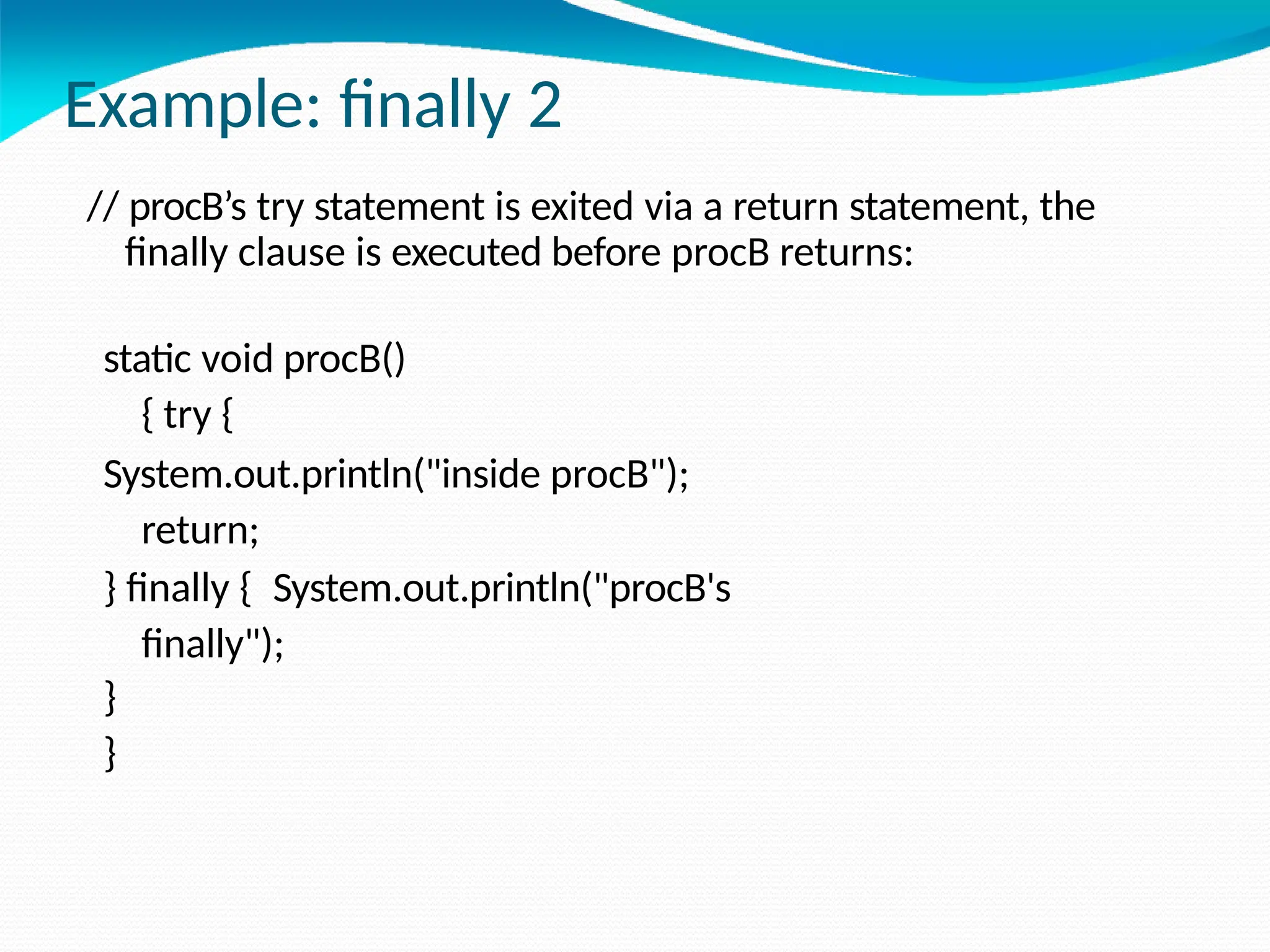
Example: finally 2
// procB’s try statement is exited via a return statement, the
finally clause is executed before procB returns:
static void procB()
{ try {
System.out.println("inside procB");
return;
} finally { System.out.println("procB's
finally");
}
}
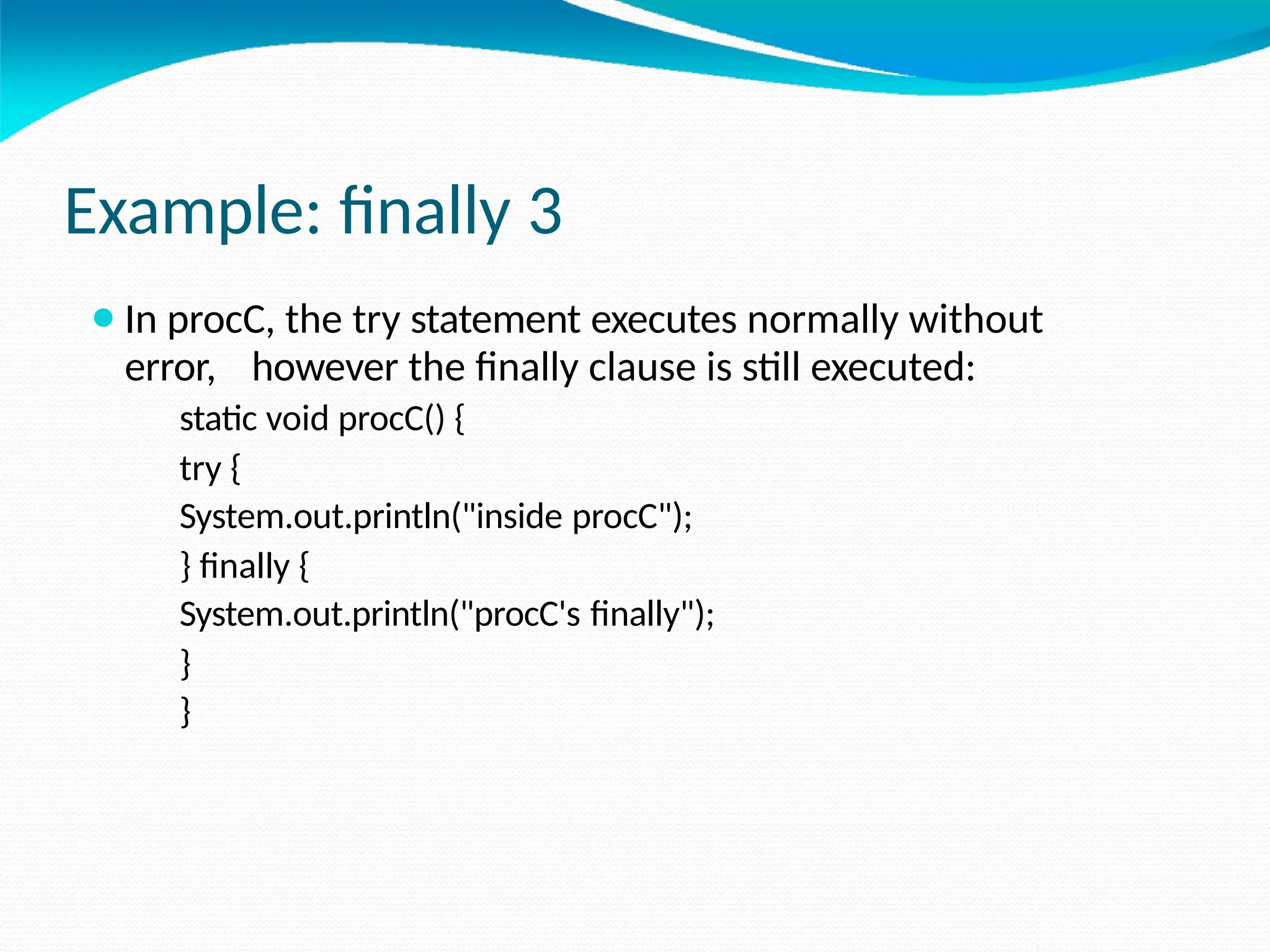
Example: finally 3
⚫In procC, the try statement executes normally without
error, however the finally clause is still executed:
static void procC() {
try {
System.out.println("inside procC");
} finally {
System.out.println("procC's finally");
}
}
Example: finally
4
⚫ Demonstration of the three methods:
public static void main(String args[]) { try
{ procA();
} catch (Exception e)
{ System.out.println("Exception
caught");
}
procB();
procC();
}
}
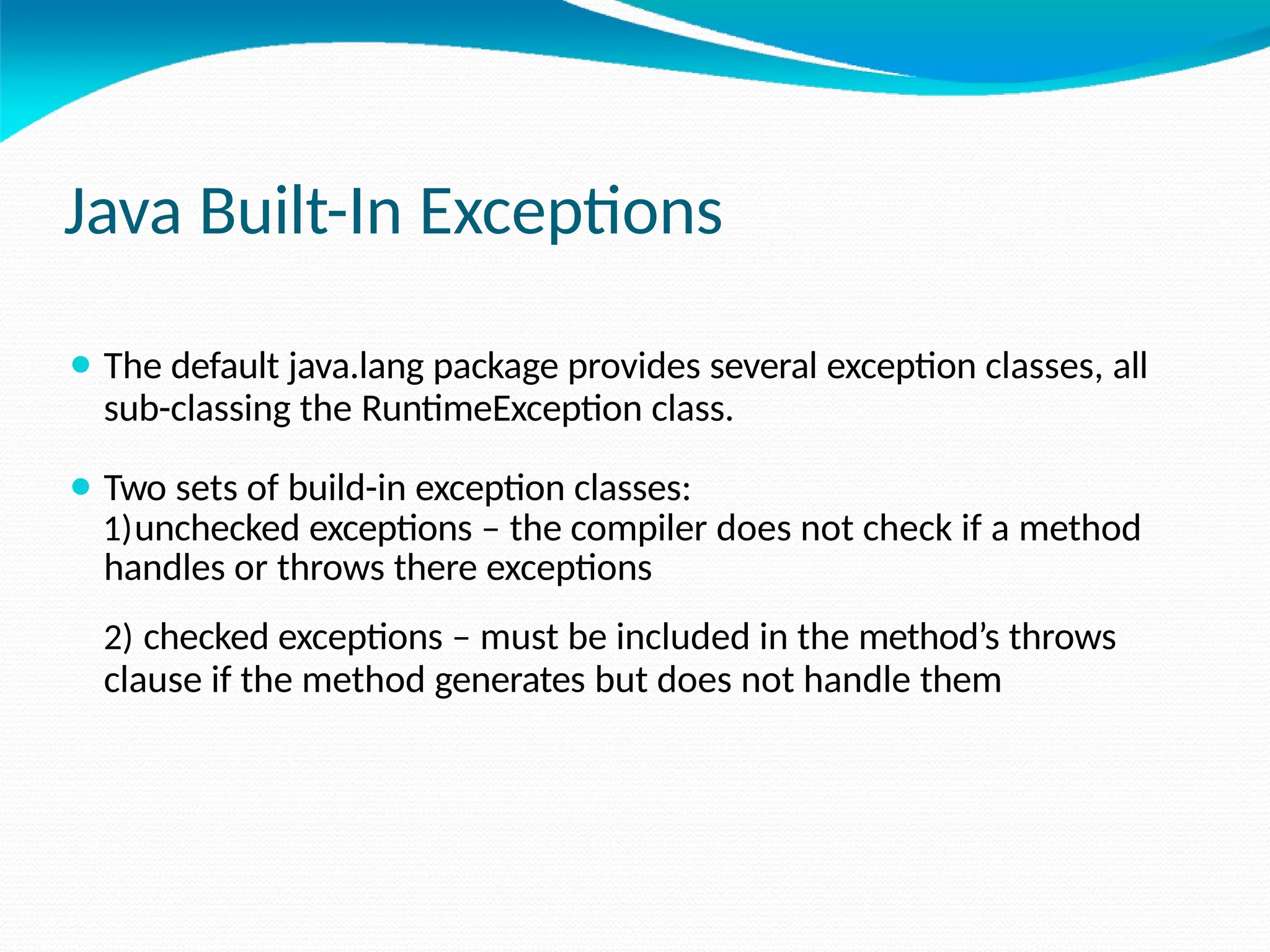
Java Built-In Exceptions
⚫ The default java.lang package provides several exception classes, all
sub-classing the RuntimeException class.
⚫ Two sets of build-in exception classes:
1)unchecked exceptions – the compiler does not check if a method
handles or throws there exceptions
2) checked exceptions – must be included in the method’s throws
clause if the method generates but does not handle them
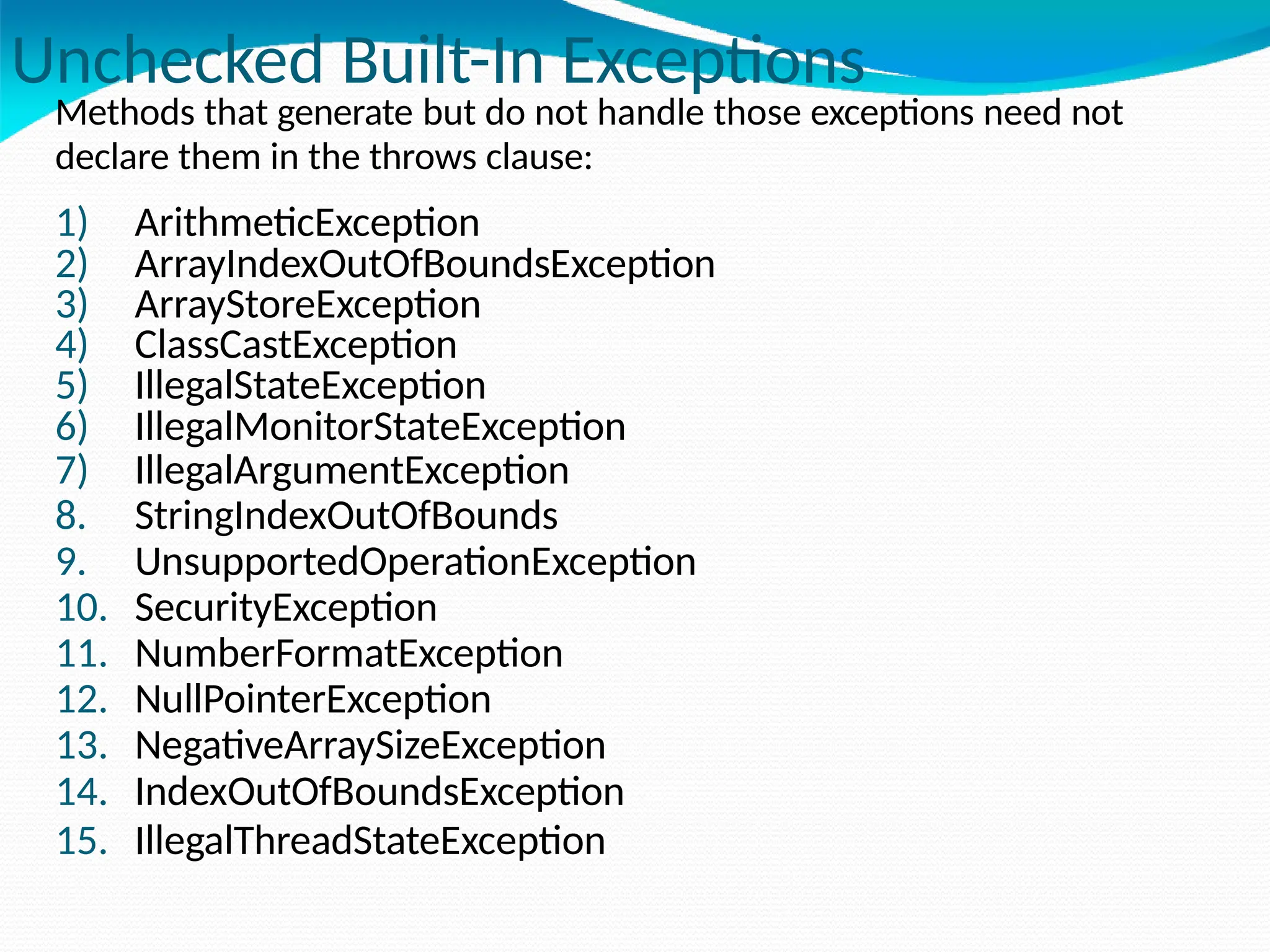
Unchecked Built-In Exceptions
Methods that generate but do not handle those exceptions need not
declare them in the throws clause:
1) ArithmeticException
2) ArrayIndexOutOfBoundsException
3) ArrayStoreException
4) ClassCastException
5) IllegalStateException
6) IllegalMonitorStateException
7) IllegalArgumentException
8. StringIndexOutOfBounds
9. UnsupportedOperationException
10. SecurityException
11. NumberFormatException
12. NullPointerException
13. NegativeArraySizeException
14. IndexOutOfBoundsException
15. IllegalThreadStateException
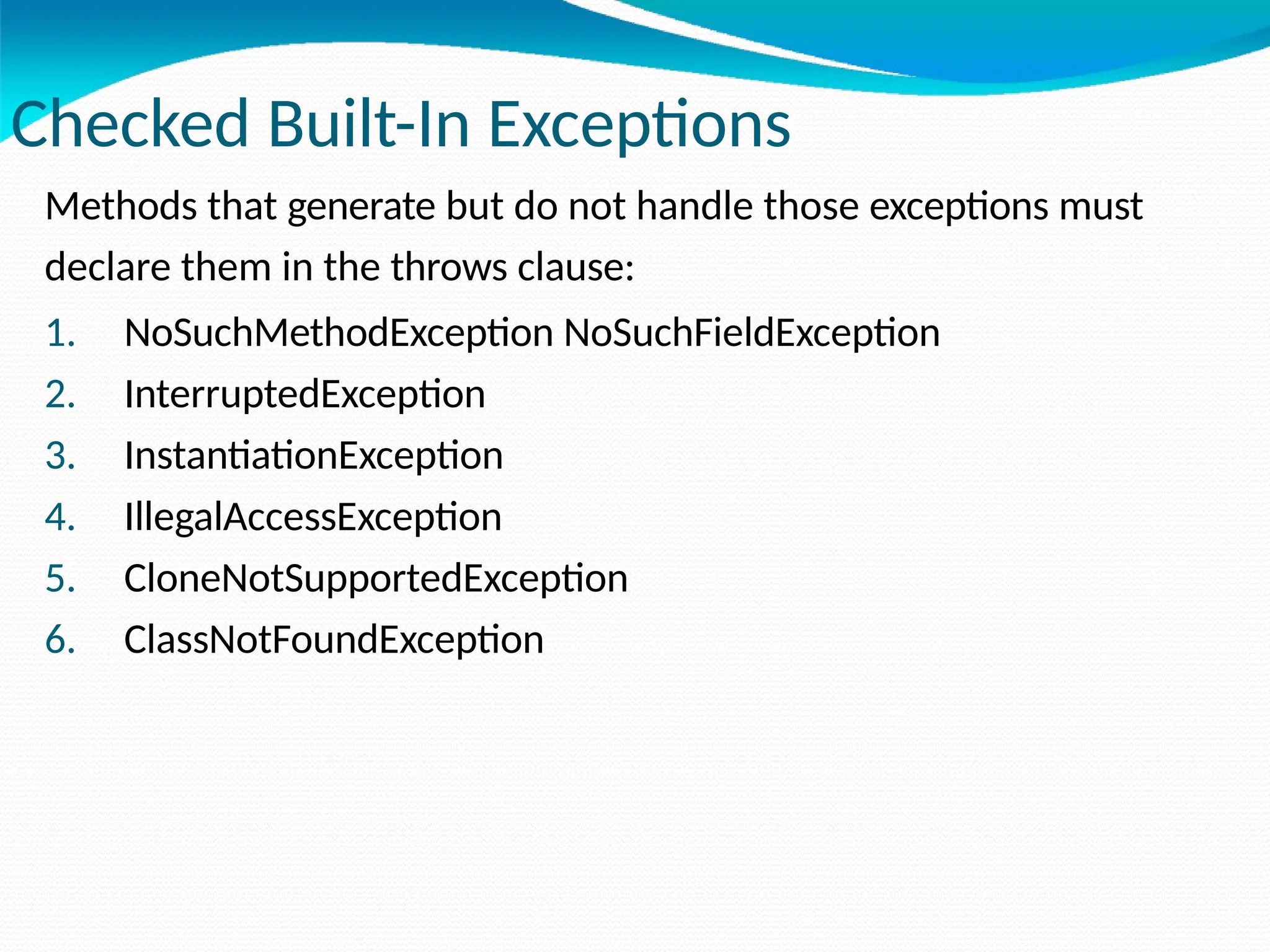
Checked Built-In Exceptions
Methods that generate but do not handle those exceptions must
declare them in the throws clause:
1. NoSuchMethodException NoSuchFieldException
2. InterruptedException
3. InstantiationException
4. IllegalAccessException
5. CloneNotSupportedException
6. ClassNotFoundException
Creating Own Exception Classes
⚫Build-in exception classes handle some generic errors.
⚫For application-specific errors define your own exception classes.
How? Define a subclass of Exception:
class MyException extends Exception { … }
⚫MyException need not implement anything – its mere existence
in
the type system allows to use its objects as exceptions.
Example: Own Exceptions 1
⚫A new exception class is defined, with a private detail
variable, a one parameter constructor and an overridden
toString method:
class MyException extends Exception {
private int detail;
MyException(int a) {
detail = a;
}
public String toString() {
return "MyException[" + detail + "]";
}
}
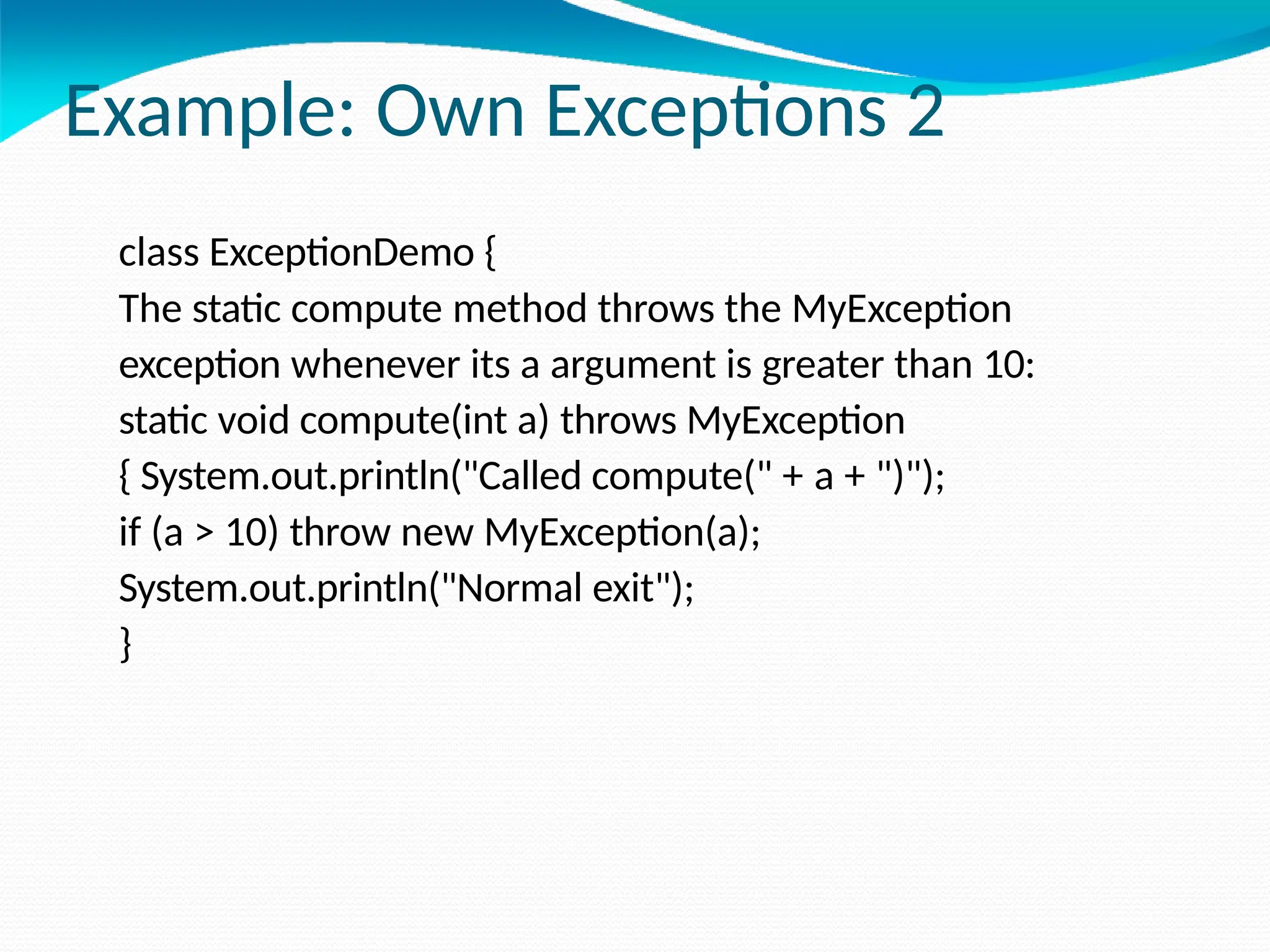
Example: Own Exceptions 2
class ExceptionDemo {
The static compute method throws the MyException
exception whenever its a argument is greater than 10:
static void compute(int a) throws MyException
{ System.out.println("Called compute(" + a + ")");
if (a > 10) throw new MyException(a);
System.out.println("Normal exit");
}
Example: Own Exceptions 3
The main method calls compute with two arguments within a
try block that catches the MyException exception:
public static void main(String args[])
{ try {
compute(1);
compute(20);
} catch (MyException e) {
System.out.println("Caught " + e);
}
}
}
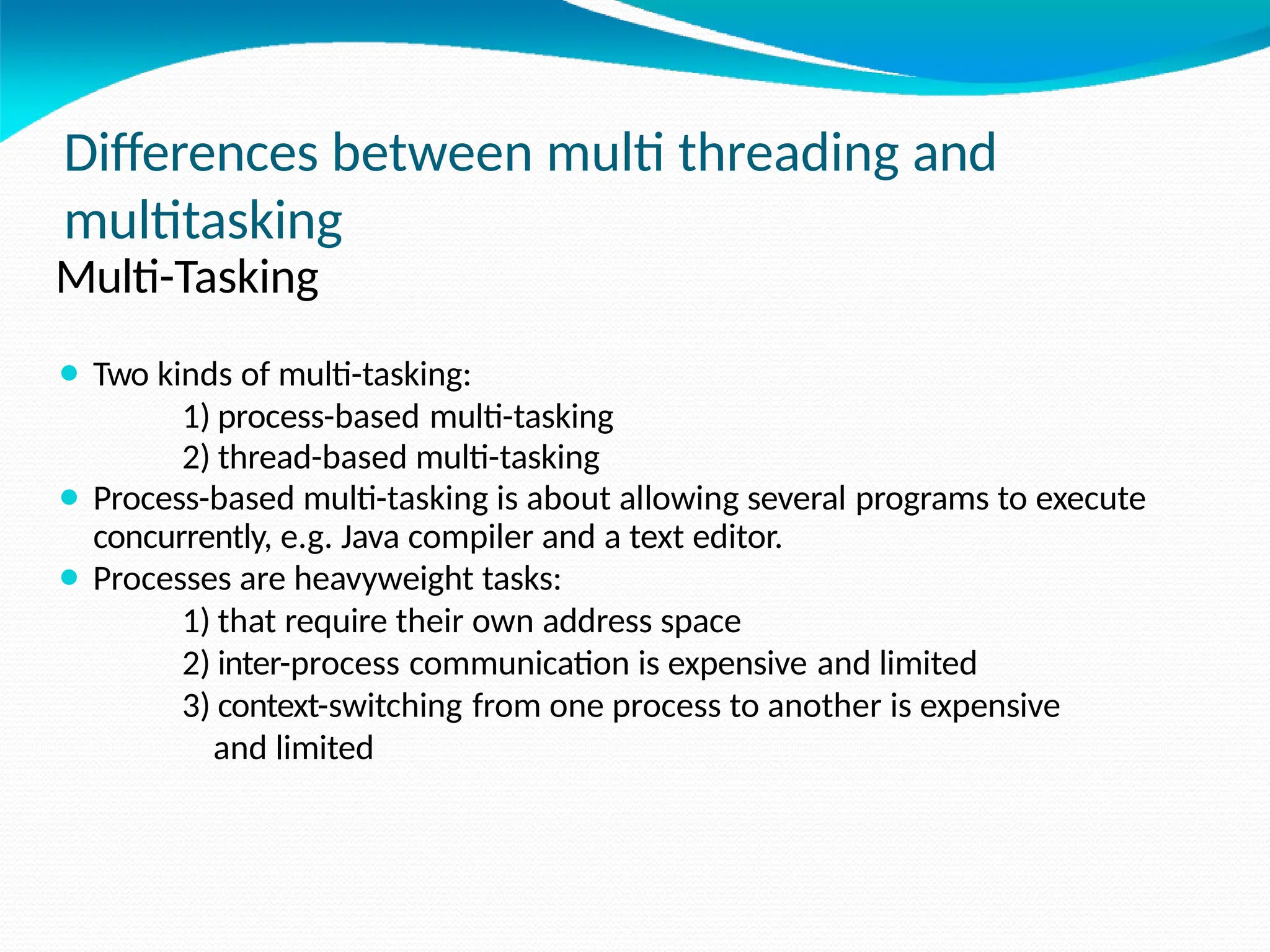
Differences between multi threading and
multitasking
Multi-Tasking
⚫ Two kinds of multi-tasking:
1) process-based multi-tasking
2) thread-based multi-tasking
⚫ Process-based multi-tasking is about allowing several programs to execute
concurrently, e.g. Java compiler and a text editor.
⚫ Processes are heavyweight tasks:
1) that require their own address space
2) inter-process communication is expensive and limited
3) context-switching from one process to another is expensive
and limited
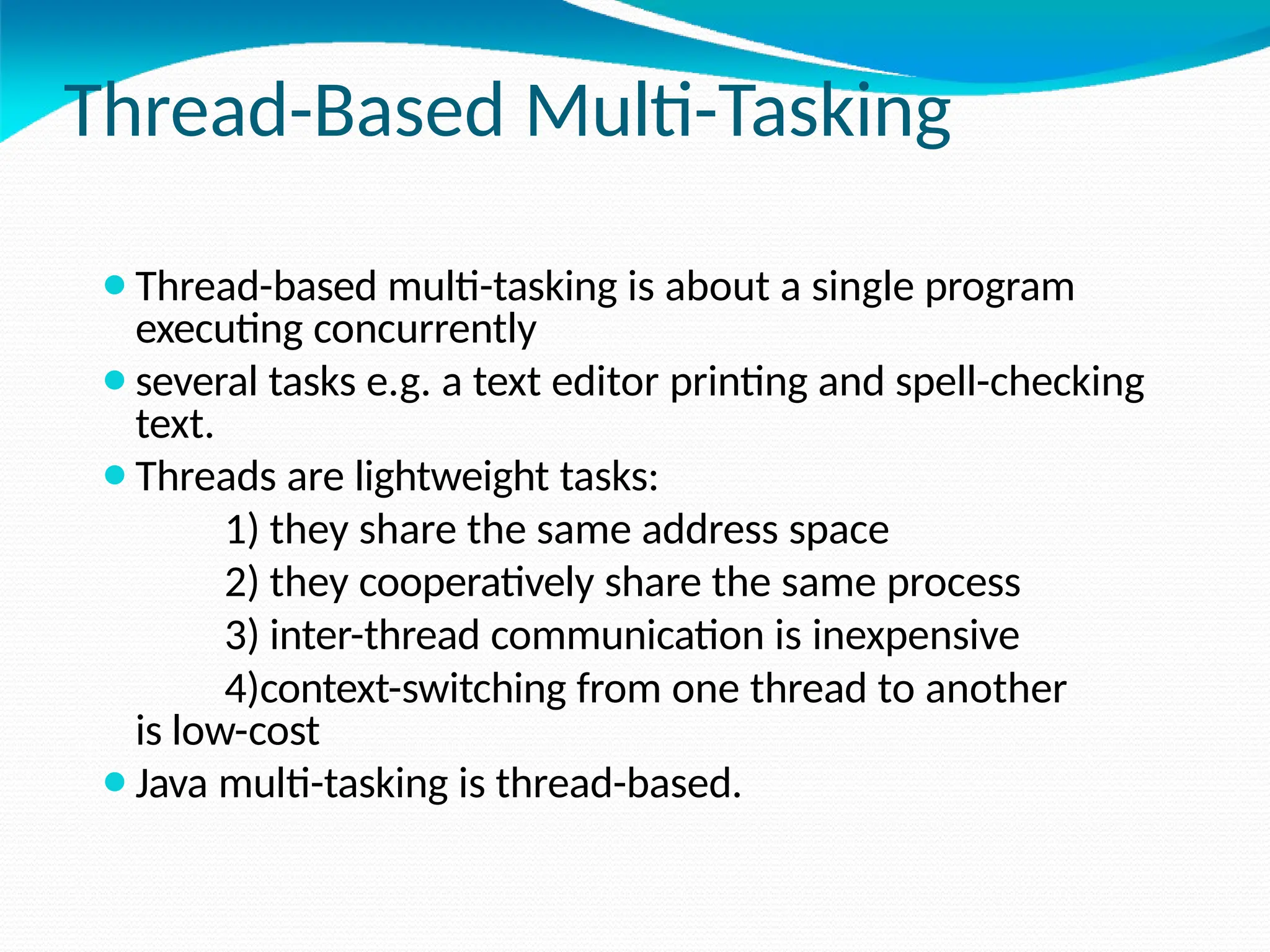
Thread-Based Multi-Tasking
⚫Thread-based multi-tasking is about a single program
executing concurrently
⚫several tasks e.g. a text editor printing and spell-checking
text.
⚫Threads are lightweight tasks:
1) they share the same address space
2) they cooperatively share the same process
3) inter-thread communication is inexpensive
4)context-switching from one thread to another
is low-cost
⚫Java multi-tasking is thread-based.
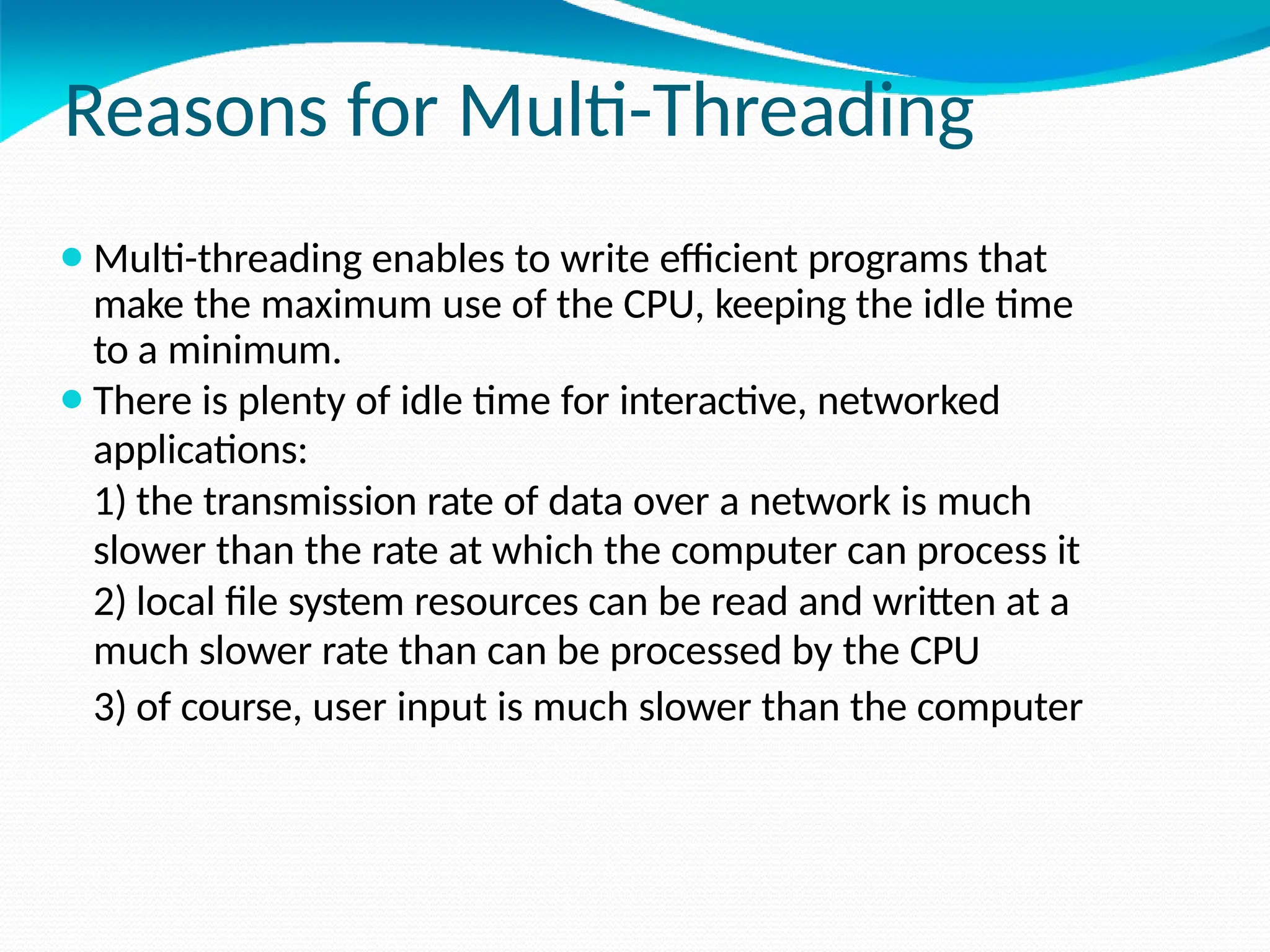
Reasons for Multi-Threading
⚫Multi-threading enables to write efficient programs that
make the maximum use of the CPU, keeping the idle time
to a minimum.
⚫There is plenty of idle time for interactive, networked
applications:
1) the transmission rate of data over a network is much
slower than the rate at which the computer can process it
2) local file system resources can be read and written at a
much slower rate than can be processed by the CPU
3) of course, user input is much slower than the computer
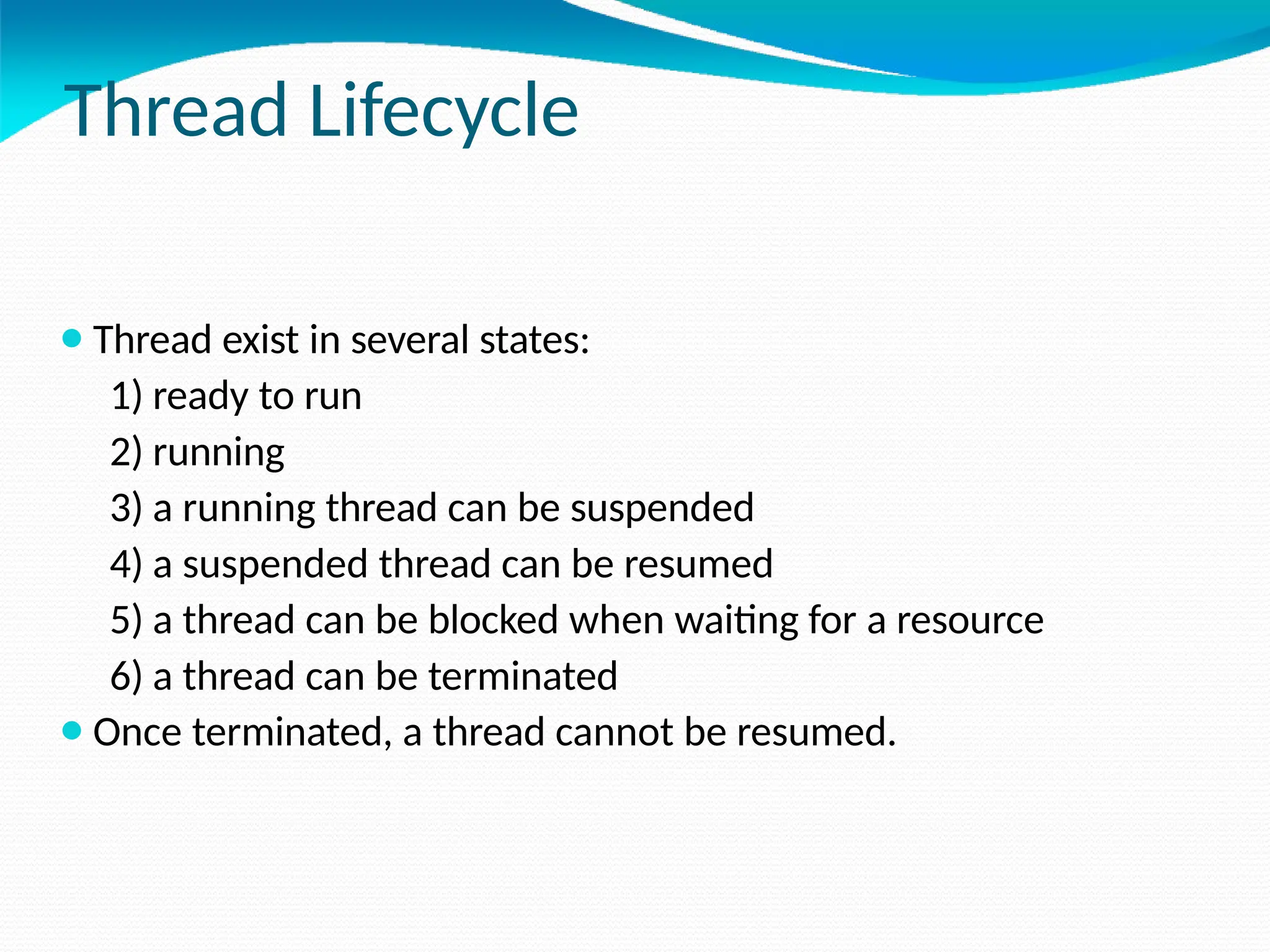
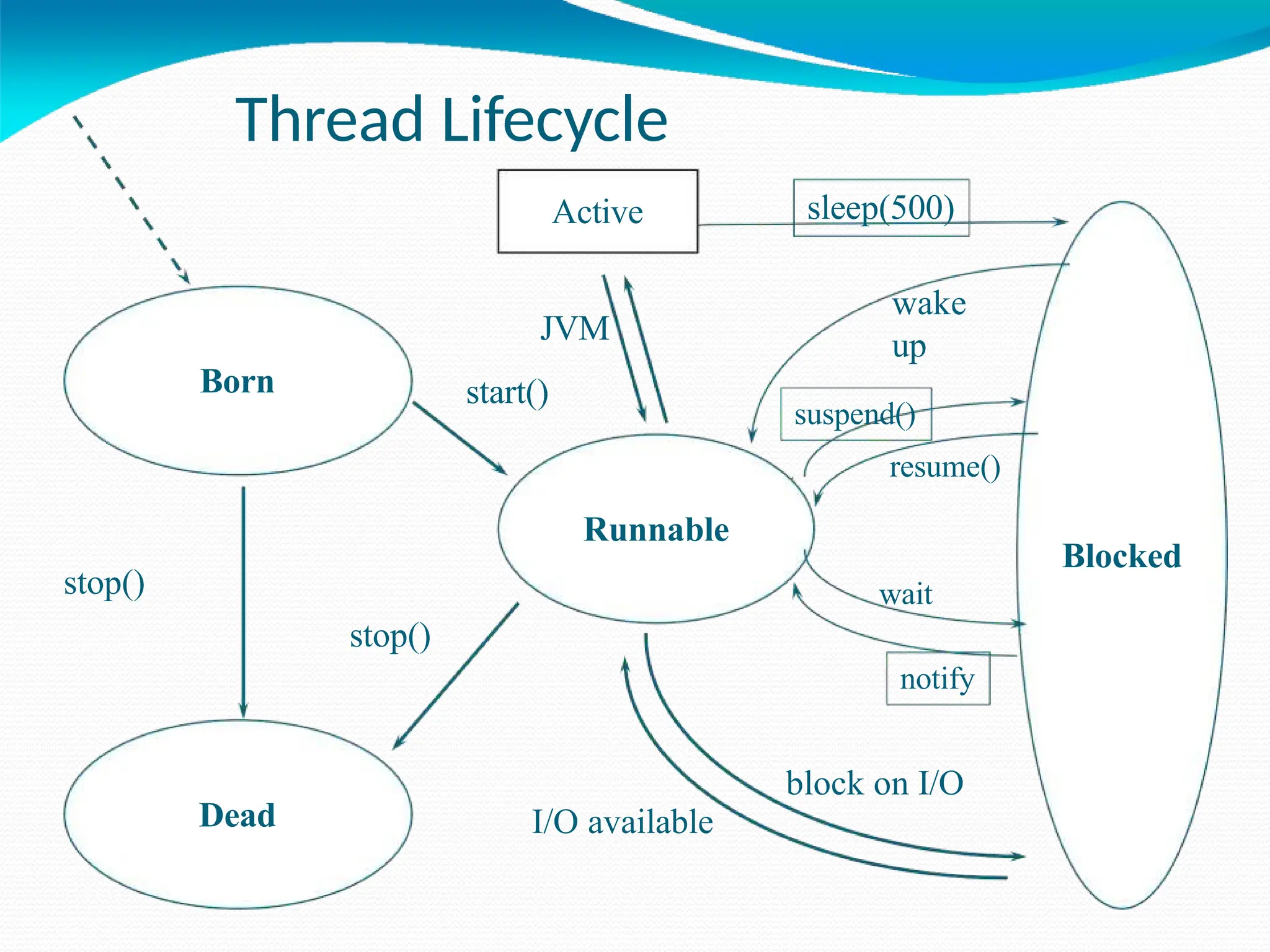
Thread Lifecycle
⚫Thread exist in several states:
1) ready to run
2) running
3) a running thread can be suspended
4) a suspended thread can be resumed
5) a thread can be blocked when waiting for a resource
6) a thread can be terminated
⚫Once terminated, a thread cannot be resumed.
Thread Lifecycle
Born
Blocked
Runnable
Dead
stop()
stop()
Active
I/O available
JVM
start()
sleep(500)
wake
up
suspend()
resume()
wait
notify
block on I/O
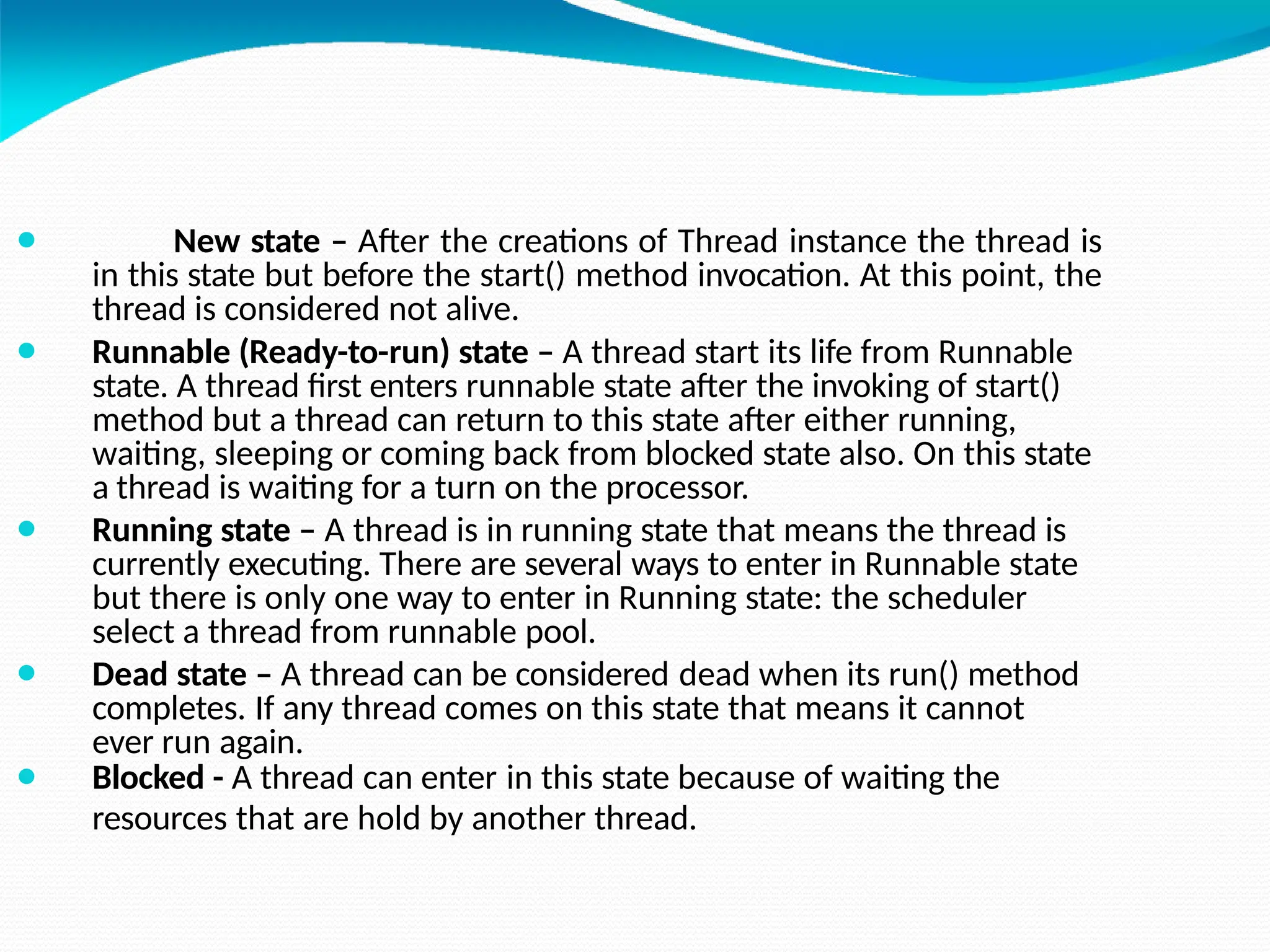
⚫ New state – After the creations of Thread instance the thread is
in this state but before the start() method invocation. At this point, the
thread is considered not alive.
⚫ Runnable (Ready-to-run) state – A thread start its life from Runnable
state. A thread first enters runnable state after the invoking of start()
method but a thread can return to this state after either running,
waiting, sleeping or coming back from blocked state also. On this state
a thread is waiting for a turn on the processor.
⚫ Running state – A thread is in running state that means the thread is
currently executing. There are several ways to enter in Runnable state
but there is only one way to enter in Running state: the scheduler
select a thread from runnable pool.
⚫ Dead state – A thread can be considered dead when its run() method
completes. If any thread comes on this state that means it cannot
ever run again.
⚫ Blocked - A thread can enter in this state because of waiting the
resources that are hold by another thread.
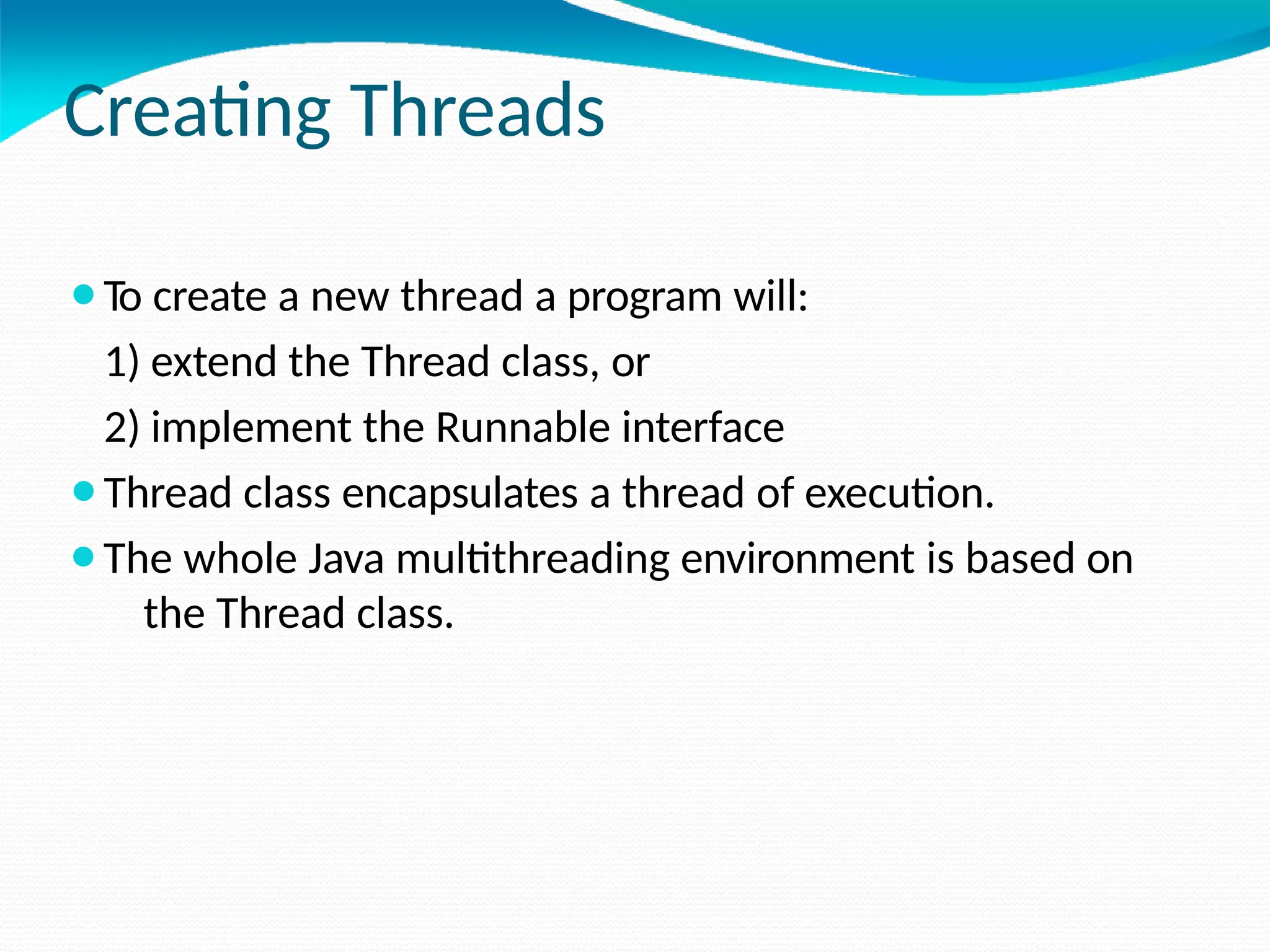
Creating Threads
⚫To create a new thread a program will:
1) extend the Thread class, or
2) implement the Runnable interface
⚫Thread class encapsulates a thread of execution.
⚫The whole Java multithreading environment is based on
the Thread class.
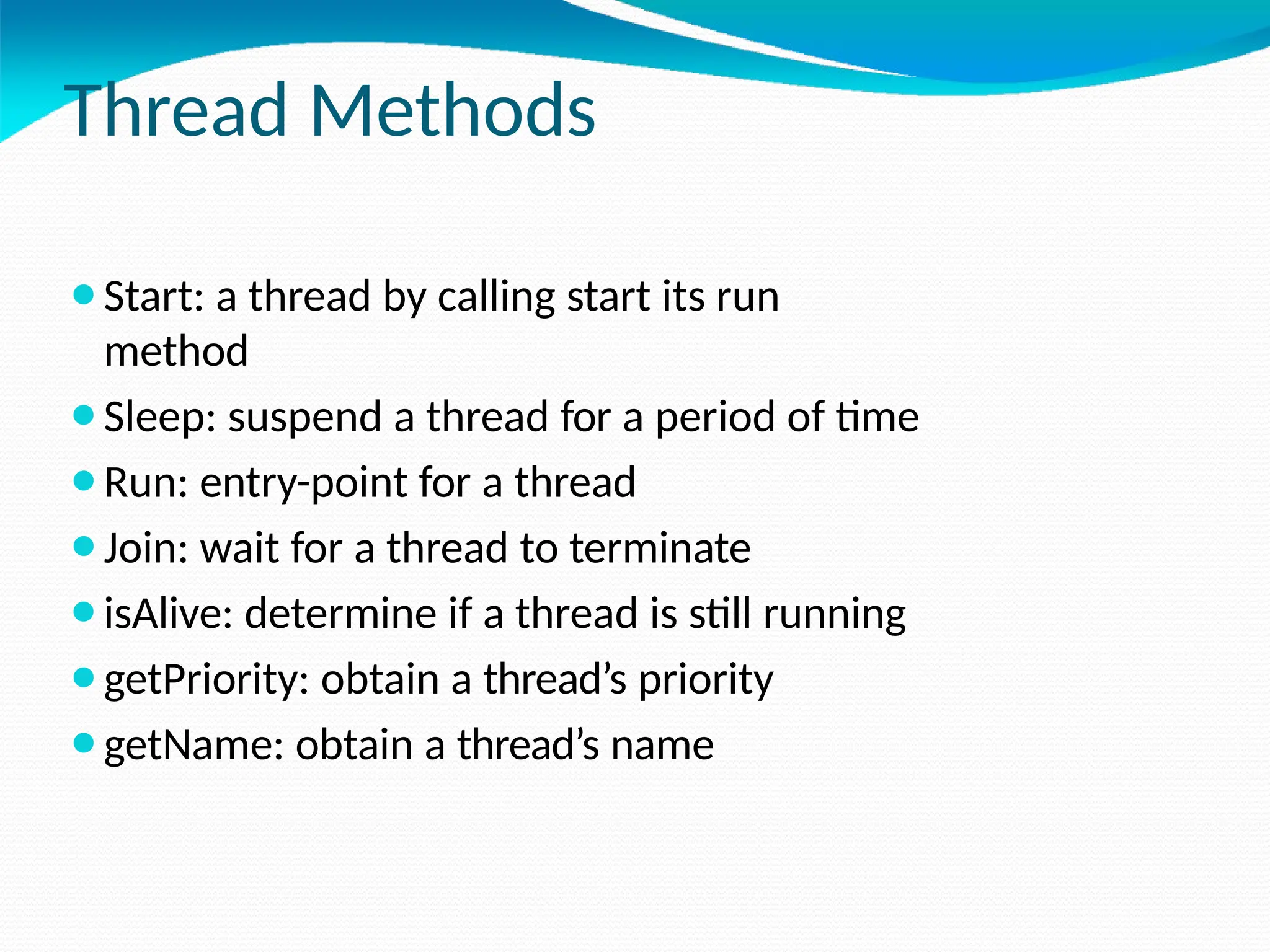
Thread Methods
⚫Start: a thread by calling start its run
method
⚫Sleep: suspend a thread for a period of time
⚫Run: entry-point for a thread
⚫Join: wait for a thread to terminate
⚫isAlive: determine if a thread is still running
⚫getPriority: obtain a thread’s priority
⚫getName: obtain a thread’s name
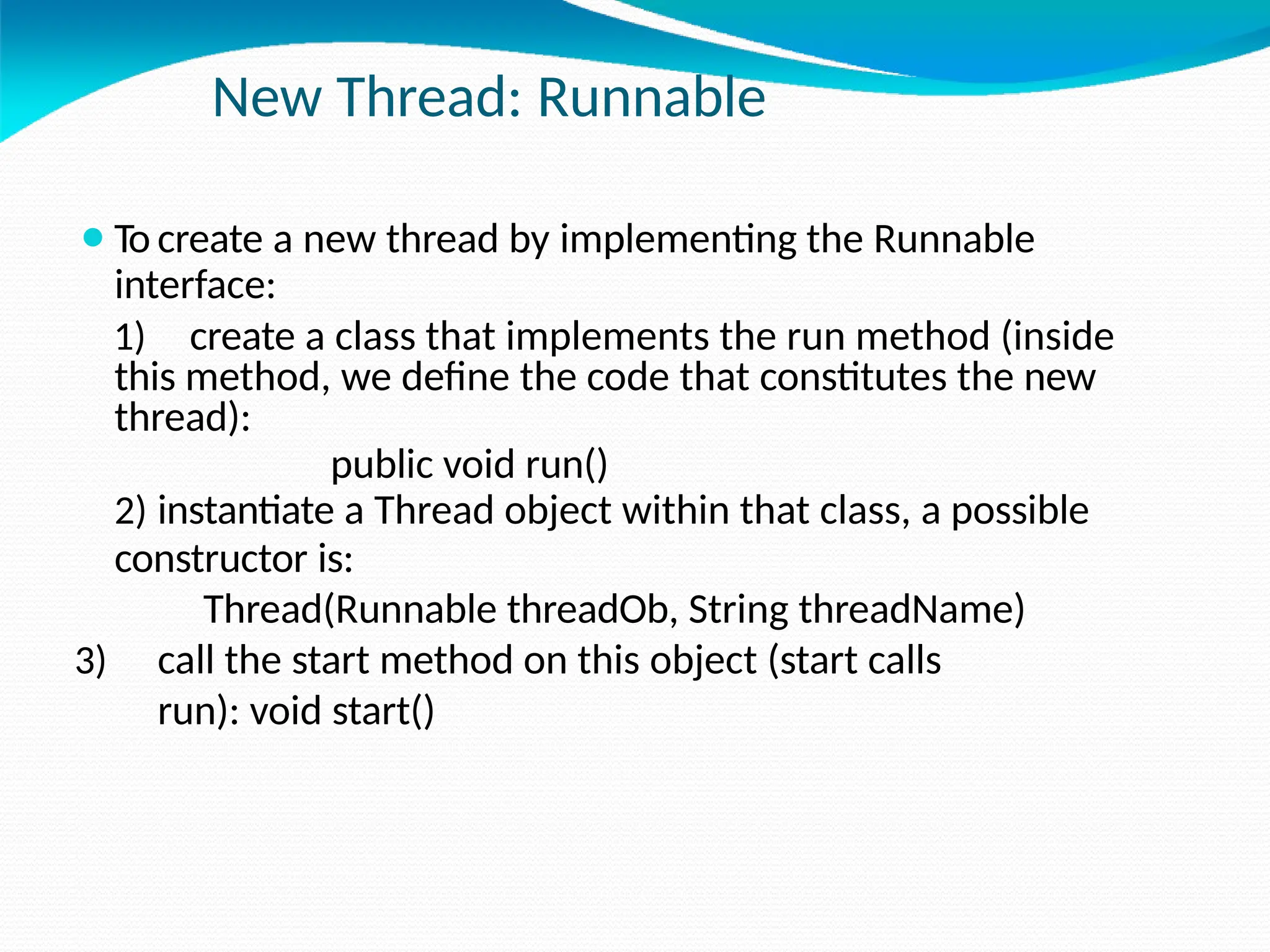
New Thread: Runnable
⚫To create a new thread by implementing the Runnable
interface:
1) create a class that implements the run method (inside
this method, we define the code that constitutes the new
thread):
public void run()
2) instantiate a Thread object within that class, a possible
constructor is:
Thread(Runnable threadOb, String threadName)
3) call the start method on this object (start calls
run): void start()
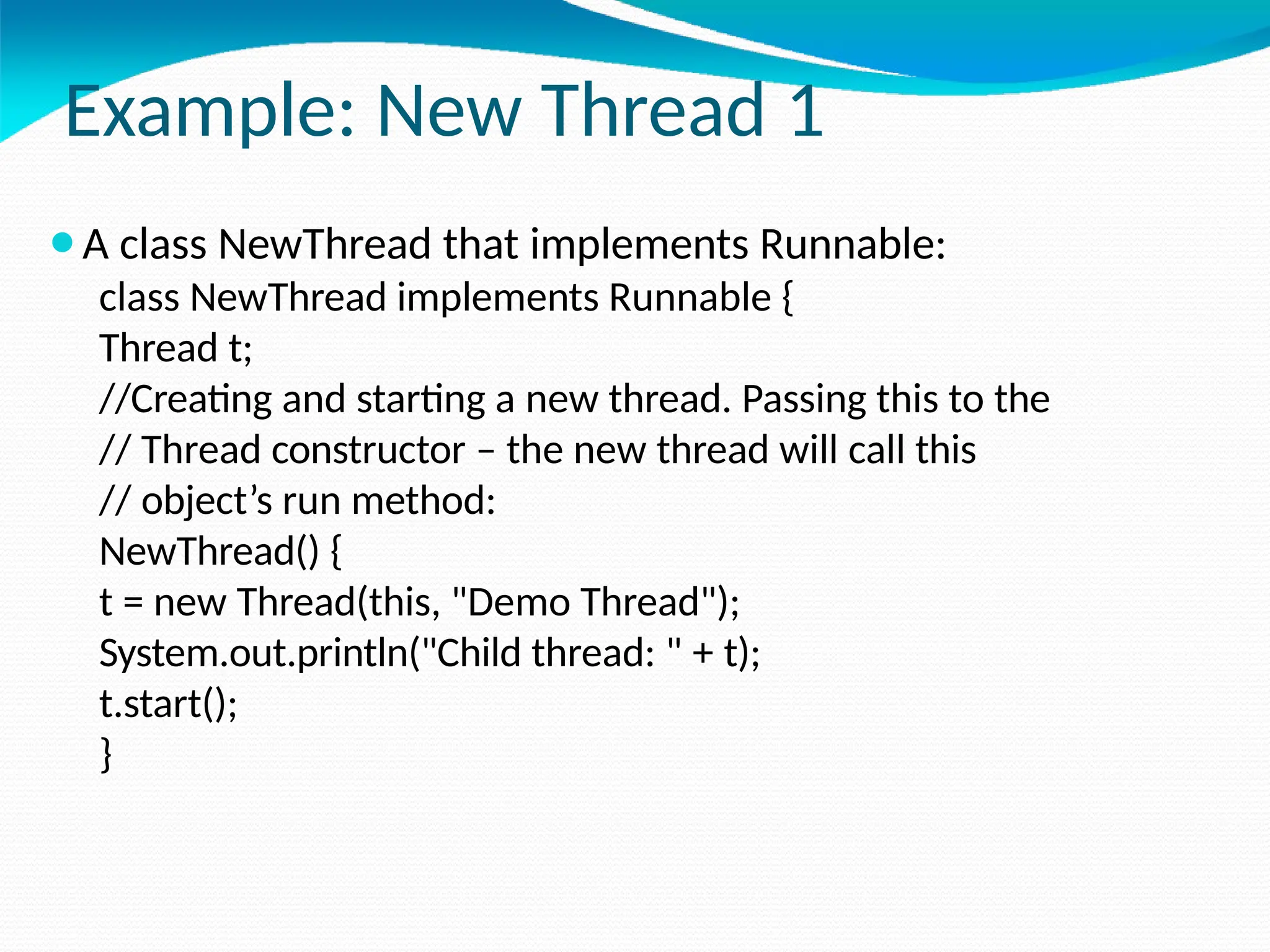
Example: New Thread 1
⚫A class NewThread that implements Runnable:
class NewThread implements Runnable {
Thread t;
//Creating and starting a new thread. Passing this to the
// Thread constructor – the new thread will call this
// object’s run method:
NewThread() {
t = new Thread(this, "Demo Thread");
System.out.println("Child thread: " + t);
t.start();
}
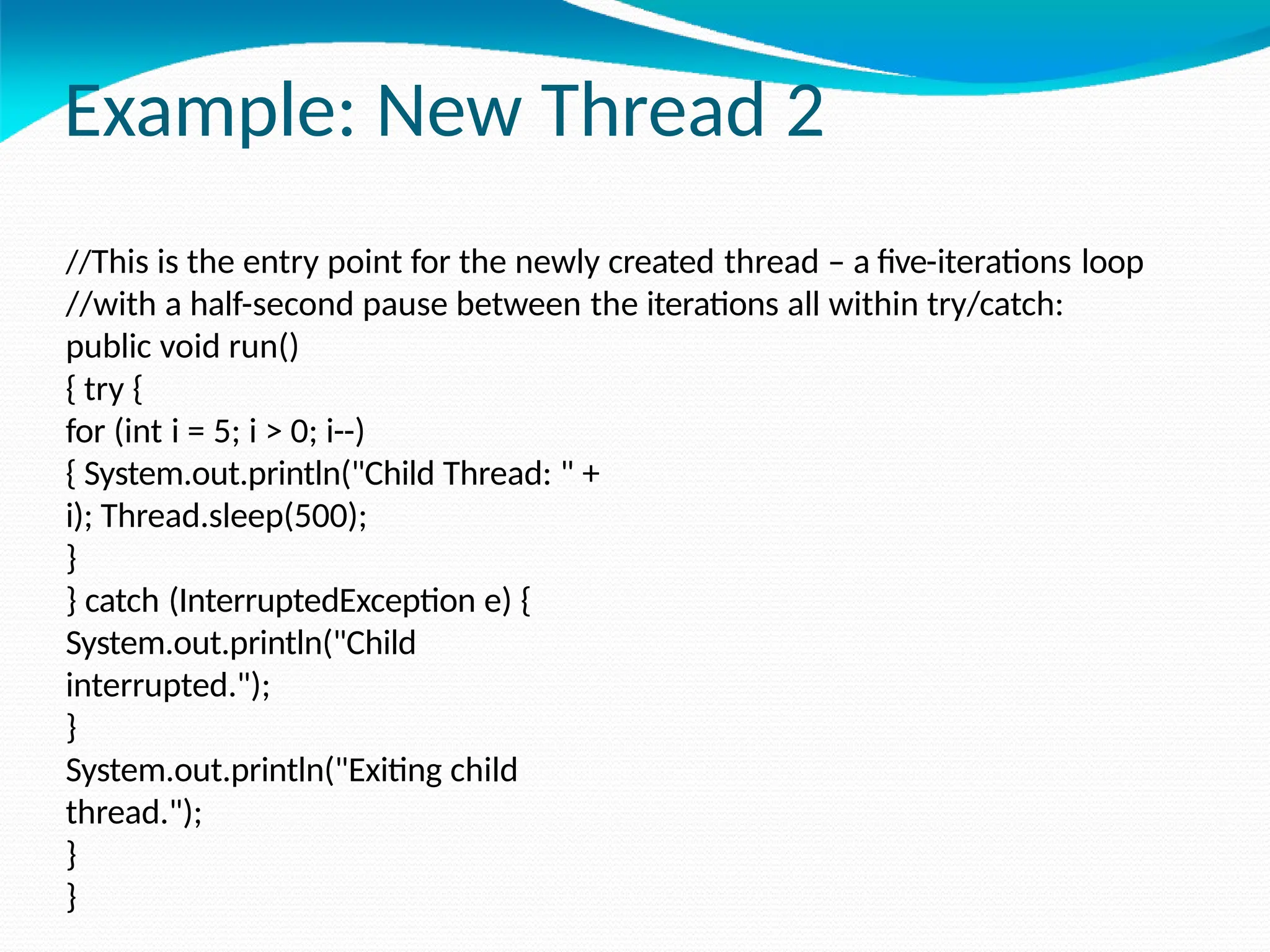
Example: New Thread 2
//This is the entry point for the newly created thread – a five-iterations loop
//with a half-second pause between the iterations all within try/catch:
public void run()
{ try {
for (int i = 5; i > 0; i--)
{ System.out.println("Child Thread: " +
i); Thread.sleep(500);
}
} catch (InterruptedException e) {
System.out.println("Child
interrupted.");
}
System.out.println("Exiting child
thread.");
}
}
Example: New Thread 3
class ThreadDemo {
public static void main(String args[]) {
//A new thread is created as an object of
// NewThread:
new NewThread();
//After calling the NewThread start method,
// control returns here.
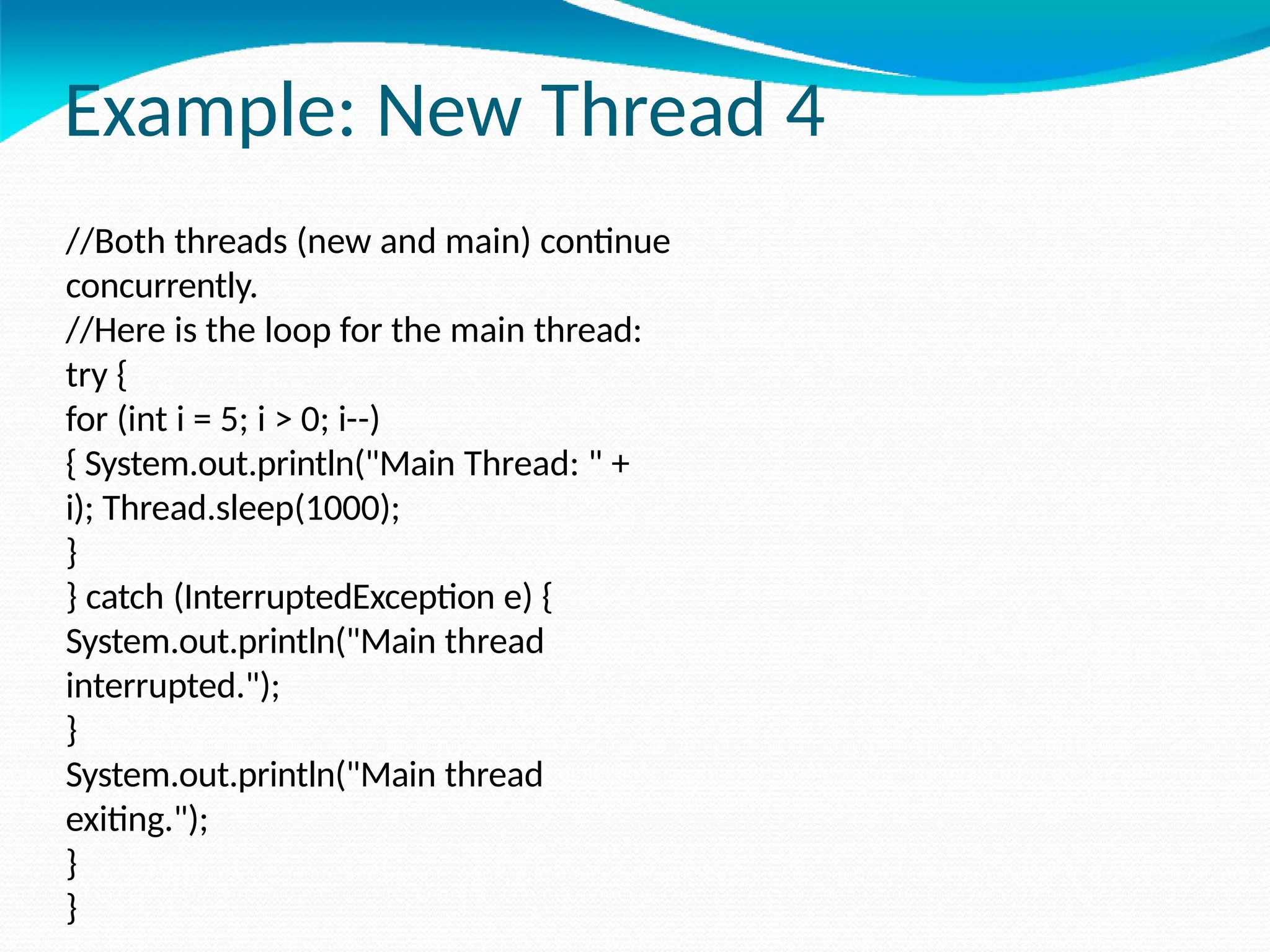
Example: New Thread 4
//Both threads (new and main) continue
concurrently.
//Here is the loop for the main thread:
try {
for (int i = 5; i > 0; i--)
{ System.out.println("Main Thread: " +
i); Thread.sleep(1000);
}
} catch (InterruptedException e) {
System.out.println("Main thread
interrupted.");
}
System.out.println("Main thread
exiting.");
}
}
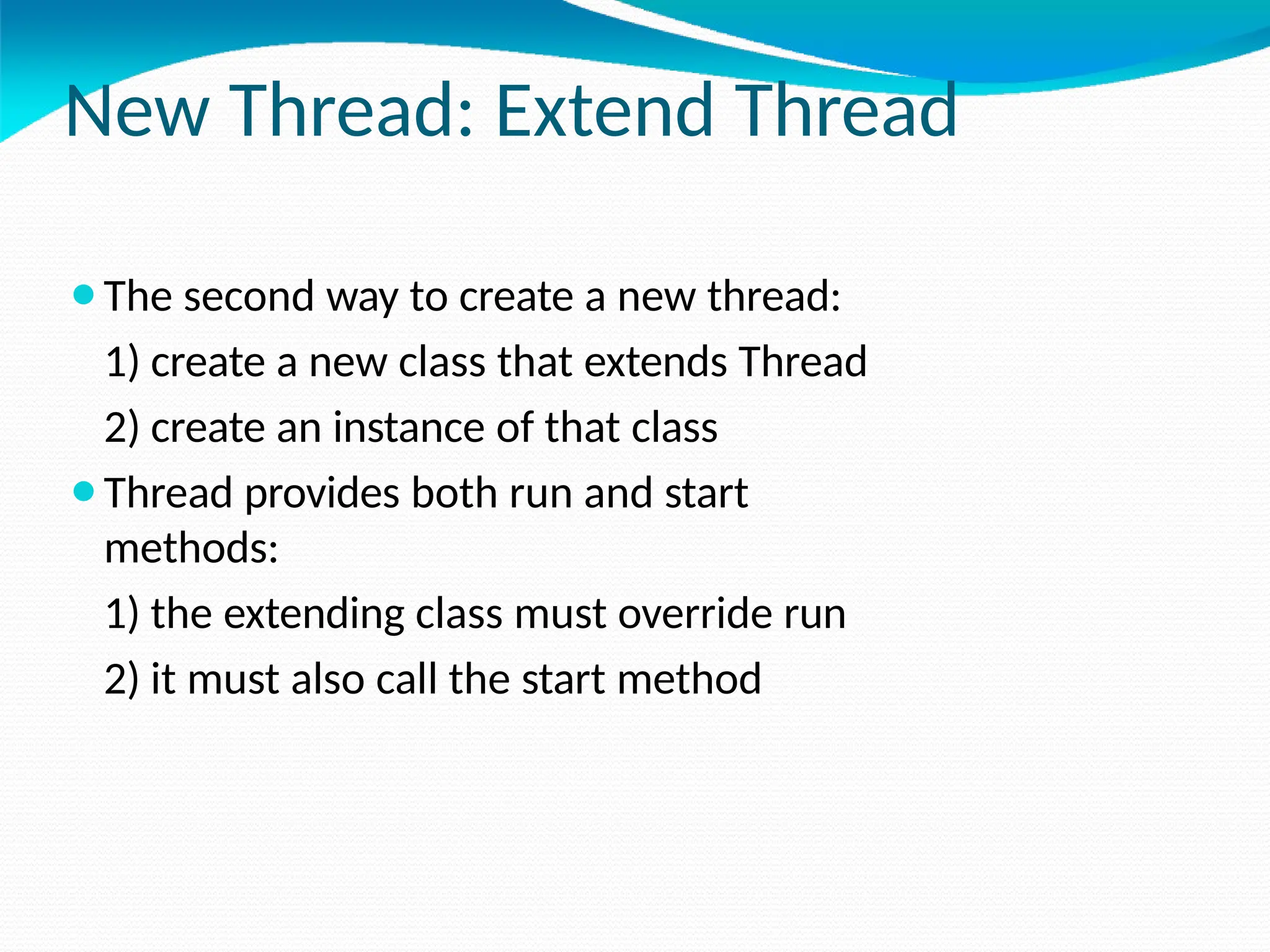
New Thread: Extend Thread
⚫The second way to create a new thread:
1) create a new class that extends Thread
2) create an instance of that class
⚫Thread provides both run and start
methods:
1) the extending class must override run
2) it must also call the start method
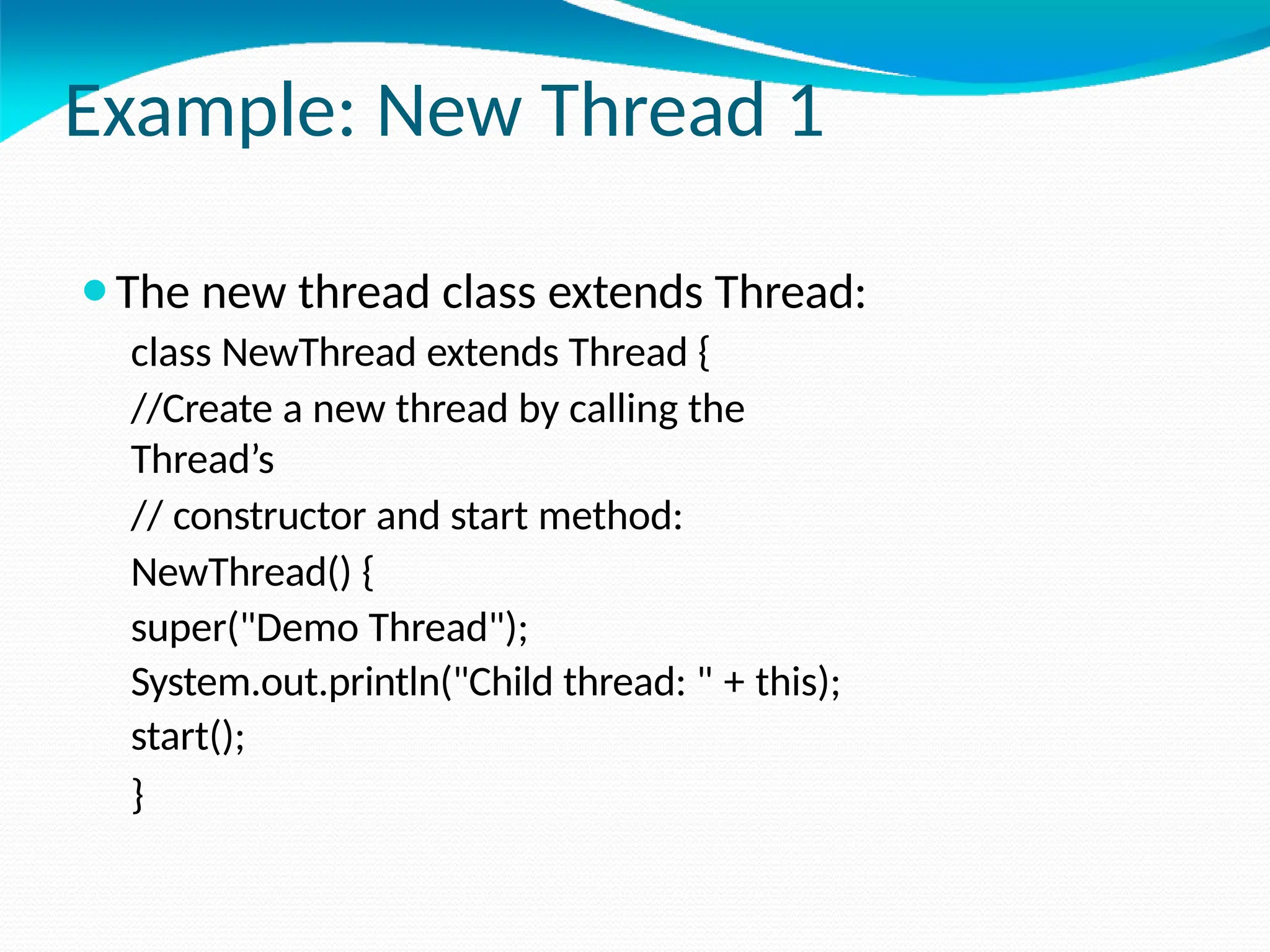
Example: New Thread 1
⚫The new thread class extends Thread:
class NewThread extends Thread {
//Create a new thread by calling the
Thread’s
// constructor and start method:
NewThread() {
super("Demo Thread");
System.out.println("Child thread: " + this);
start();
}
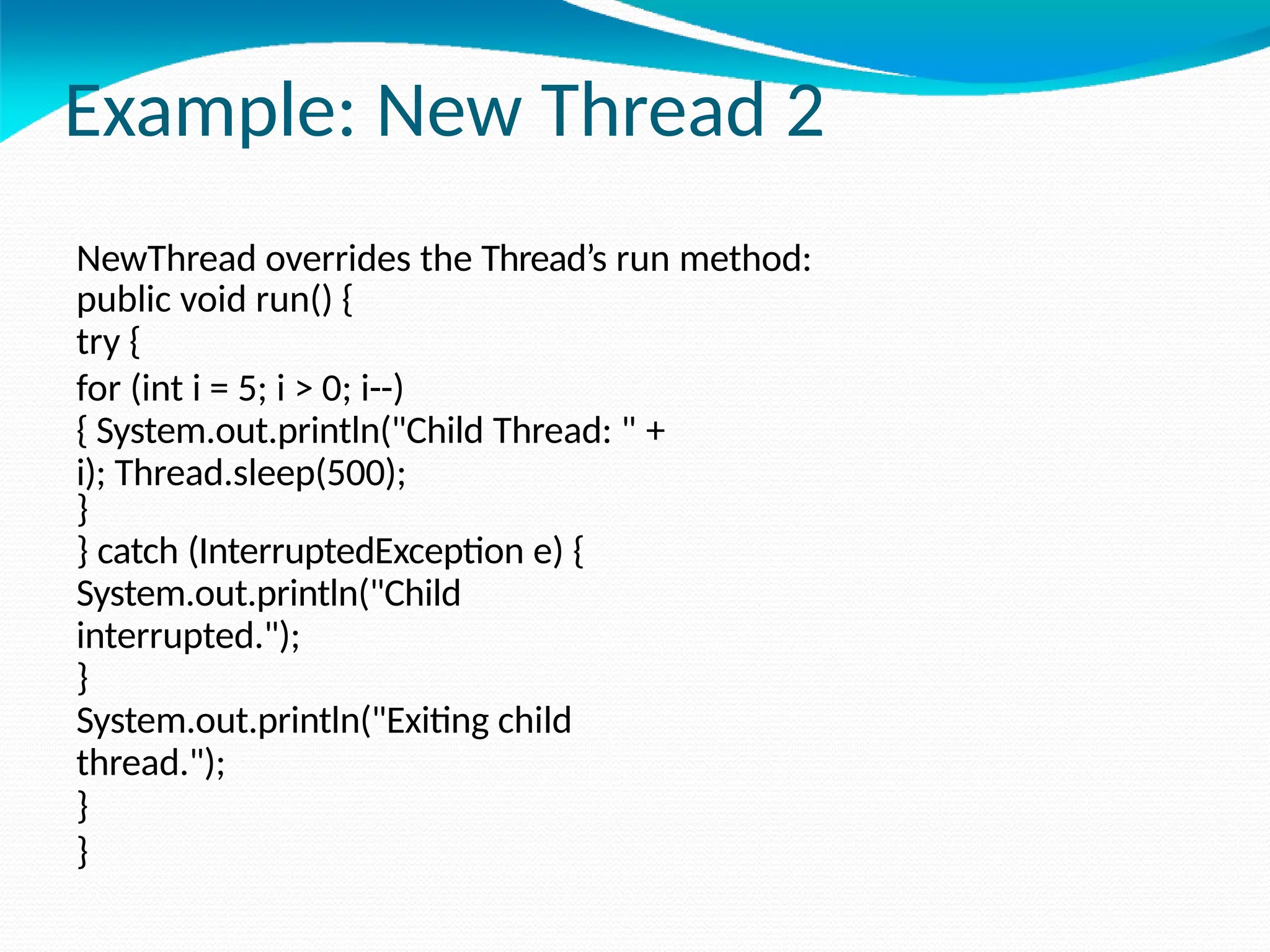
Example: New Thread 2
NewThread overrides the Thread’s run method:
public void run() {
try {
for (int i = 5; i > 0; i--)
{ System.out.println("Child Thread: " +
i); Thread.sleep(500);
}
} catch (InterruptedException e) {
System.out.println("Child
interrupted.");
}
System.out.println("Exiting child
thread.");
}
}
Example: New Thread 3
class ExtendThread {
public static void main(String args[]) {
//After a new thread is created:
new NewThread();
//the new and main threads
continue
//concurrently…
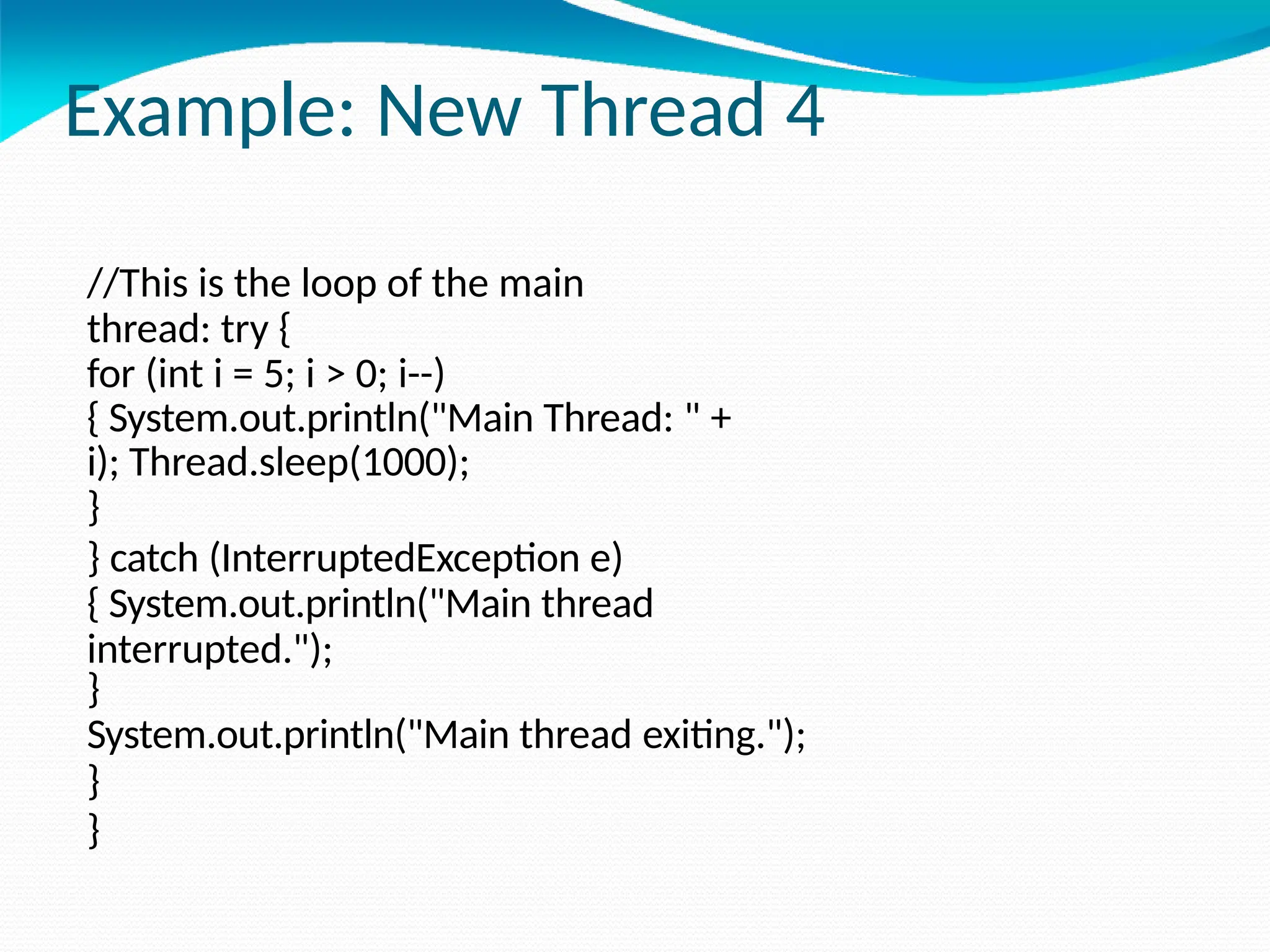
Example: New Thread 4
//This is the loop of the main
thread: try {
for (int i = 5; i > 0; i--)
{ System.out.println("Main Thread: " +
i); Thread.sleep(1000);
}
} catch (InterruptedException e)
{ System.out.println("Main thread
interrupted.");
}
System.out.println("Main thread exiting.");
}
}
Threads: Synchronization
⚫ Multi-threading introduces asynchronous behavior to a program.
⚫ How to ensure synchronous behavior when we need it?
⚫ For instance, how to prevent two threads from simultaneously
writing and reading the same object?
⚫ Java implementation of monitors:
1) classes can define so-called synchronized methods
2)each object has its own implicit monitor that is
automatically entered when one of the object’s synchronized
methods is called
3)once a thread is inside a synchronized method, no other
thread
can call any other synchronized method on the same object
Thread Synchronization
⚫Language keyword: synchronized
⚫Takes out a monitor lock on an object
⚫Exclusive lock for that thread
⚫If lock is currently unavailable, thread will block
Thread Synchronization
⚫Protects access to code, not to data
⚫Make data members private
⚫Synchronize accessor methods
⚫Puts a “force field” around the locked object so no
other threads can enter
⚫ Actually, it only blocks access to other synchronizing threads
Daemon Threads
⚫ Any Java thread can be a daemon thread.
⚫ Daemon threads are service providers for other threads running in the
same process as the daemon thread.
⚫ The run() method for a daemon thread is typically an infinite loop
that waits for a service request. When the only remaining threads in a
process are daemon threads, the interpreter exits. This makes sense
because when only daemon threads remain, there is no other thread
for which a daemon thread can provide a service.
⚫ To specify that a thread is a daemon thread, call the setDaemon
method with the argument true. To determine if a thread is a daemon
thread, use the accessor method isDaemon.
Thread
Groups
o Every Java thread is a member of a thread group.
o Thread groups provide a mechanism for collecting multiple threads into a single
object and manipulating those threads all at once, rather than individually.
o For example, you can start or suspend all the threads within a group with a single
method call.
o Java thread groups are implemented by the “ThreadGroup” class in the java.lang
package.
⚫ The runtime system puts a thread into a thread group during thread
construction.
⚫ When you create a thread, you can either allow the runtime system to put the new
thread in some reasonable default group or you can explicitly set the new
thread's group.
⚫ The thread is a permanent member of whatever thread group it joins upon its
creation--you cannot move a thread to a new group after the thread has
been created
The ThreadGroup Class
⚫The “ThreadGroup” class manages groups of threads for
Java applications.
⚫A ThreadGroup can contain any number of threads.
⚫The threads in a group are generally related in some way, such
as who created them, what function they perform, or when
they should be started and stopped.
⚫ThreadGroups can contain not only threads but also other
ThreadGroups.
⚫The top-most thread group in a Java application is the thread
group named main.
⚫You can create threads and thread groups in the main group.
⚫You can also create threads and thread groups in subgroups
of
main.
Creating a Thread Explicitly in a
Group
⚫ A thread is a permanent member of whatever thread group it joins when its
created--you cannot move a thread to a new group after the thread has been
created. Thus, if you wish to put your new thread in a thread group other than
the default, you must specify the thread group explicitly when you create the
thread.
⚫ The Thread class has three constructors that let you set a new thread's group:
public Thread(ThreadGroup group, Runnable target) public
Thread(ThreadGroup group, String name)
public Thread(ThreadGroup group, Runnable target, String name)
⚫ Each of these constructors creates a new thread, initializes it based on the Runnable
and String parameters, and makes the new thread a member of the specified group.
For example:
ThreadGroup myThreadGroup = new ThreadGroup("My Group of Threads");
Thread myThread = new Thread(myThreadGroup, "a thread for my group");

PACKAGES, INTERFACES AND EXCEPTION HANDLING

  • 1.
    20IT301 JAVA PROGRAMMING By M.Mohanraj AssistantProfessor Department of Artificial Intelligence and Data Science Kongunadu College of Engineering
  • 2.
  • 3.
    Exceptions executing a program. ⚫Exceptionis an abnormal condition that arises when ⚫In the languages that do not support exception handling, errors must be checked and handled manually, usually through the use of error codes. ⚫In contrast, Java: 1) provides syntactic mechanisms to signal, detect and handle errors 2) ensures a clean separation between the code executed in the absence of errors and the code to handle various kinds of errors 3) brings run-time error management into object- oriented programming
  • 4.
    Exception Handling ⚫An exceptionis an object that describes an exceptional condition (error) that has occurred when executing a program. ⚫Exception handling involves the following: 1)when an error occurs, an object (exception) representing this error is created and thrown in the method that caused it 2) that method may choose to handle the exception itself or pass it on 3) either way, at some point, the exception is caught and processed
  • 5.
    Exception Sources ⚫ Exceptionscan be: 1)generated by the Java run-time system Fundamental errors that violate the rules of the Java language or the constraints of the Java execution environment. 2)manually generated by programmer’s code Such exceptions are typically used to report some error conditions to the caller of a method. Exception Constructs ⚫ Five constructs are used in exception handling: 1) try – a block surrounding program statements to monitor for exceptions 2) catch – together with try, catches specific kinds of exceptions and handles them in some way 3) finally – specifies any code that absolutely must be executed whether or not an exception occurs 4) throw – used to throw a specific exception from the program 5) throws – specifies which exceptions a given method can throw
  • 6.
    Exception-Handling Block General form: try{ … } catch(Exception1 ex1) { … } catch(Exception2 ex2) { … } … finally { … } where: 1) try { … } is the block of code to monitor for exceptions 2) catch(Exception ex) { … } is exception handler for the exception Exception 3) finally { … } is the block of code to execute before the try block ends
  • 7.
    Benefits of exceptionhandling ⚫Separating Error-Handling code from “regular” business logic code ⚫Propagating errors up the call stack ⚫Grouping and differentiating error types
  • 8.
    Using Java ExceptionHandling method1 { try { call method2; } catch (exception e) { doErrorProcessing; } } method2 throws exception { call method3; } method3 throws exception { call readFile; } Any checked exceptions that can be thrown within a method must be specified in its throws clause.
  • 9.
    Grouping and DifferentiatingError Types Because all exceptions thrown within a program are objects, the grouping or categorizing of exceptions is a natural outcome of the class hierarchy. An example of a group of related exception classes in the Java platform are those defined in java.io.IOException and its descendants. IOException is the most general and represents any type of error that can occur when performing I/O. Its descendants represent more specific errors. For example, FileNotFoundException means that a file could not be located on disk.
  • 10.
     A methodcan write specific handlers that can handle a very specific exception. The FileNotFoundException class has no descendants, so the following handler can handle only one type of exception. catch (FileNotFoundException e) { ... } A method can catch an exception based on its group or general type by specifying any of the exception's super classes in the catch statement. For example, to catch all I/O exceptions, regardless of their specific type, an exception handler specifies an IOException argument. // Catch all I/O exceptions, including // FileNotFoundException, EOFException, and so on. catch (IOException e) { ... }
  • 11.
    Termination vs. Resumption ⚫Thereare two basic models in exception-handling theory. ⚫In termination the error is so critical there’s no way to get back to where the exception occurred. Whoever threw the exception decided that there was no way to salvage the situation, and they don’t want to come back. ⚫The alternative is called resumption. It means that the exception handler is expected to do something to rectify the situation, and then the faulting method is retried, presuming success the second time. If you want resumption, it means you still hope to continue execution after the exception is handled.
  • 12.
    ⚫In resumption amethod call that want resumption-like behavior (i.e don’t throw an exception all a method that fixes the problem.) ⚫Alternatively, place your try block inside a while loop that keeps reentering the try block until the result is satisfactory. ⚫Operating systems that supported resumptive exception handling eventually ended up using termination-like code and skipping resumption.
  • 13.
    Exception Hierarchy ⚫All exceptionsare sub-classes of the build-in class Throwable. ⚫Throwable contains two immediate sub-classes: 1) Exception – exceptional conditions that programs should catch The class includes: a) RuntimeException – defined automatically for user programs to include: division by zero, invalid array indexing, etc. b) use-defined exception classes 2) Error – exceptions used by Java to indicate errors with the runtime environment; user programs are not supposed to catch them
  • 14.
  • 15.
    Usage of try-catchStatements ⚫Syntax: try { <code to be monitored for exceptions> } catch (<ExceptionType1> <ObjName>) { <handler if ExceptionType1 occurs> } ... } catch (<ExceptionTypeN> <ObjName>) { <handler if ExceptionTypeN occurs> }
  • 16.
    Catching Exceptions: The try-catchStatements class DivByZero { public static void main(String args[]) { try { System.out.println(3/0); System.out.println(“Please print me.”); } catch (ArithmeticException exc) { //Division by zero is an ArithmeticException System.out.println(exc); } System.out.println(“After exception.”); } }
  • 17.
    Catching Exceptions: Multiple catch classMultipleCatch { public static void main(String args[]) { try { int den = Integer.parseInt(args[0]); System.out.println(3/den); } catch (ArithmeticException exc) { System.out.println(“Divisor was 0.”); } catch (ArrayIndexOutOfBoundsException exc2) { System.out.println(“Missing argument.”); } System.out.println(“After
  • 18.
    Catching Exceptions: Nested try's classNestedTryDemo { public static void main(String args[]){ try { int a = Integer.parseInt(args[0]); try { int b = Integer.parseInt(args[1]); System.out.println(a/b); } catch (ArithmeticException e) { System.out.println(“Div by zero error!"); } } catch (ArrayIndexOutOfBoundsException) { System.out.println(“Need 2 parameters!"); } } }
  • 19.
    Catching Exceptions: Nested try'swith methods class NestedTryDemo2 { static void nestedTry(String args[]) { try { int a = Integer.parseInt(args[0]); int b = Integer.parseInt(args[1]); System.out.println(a/b); } catch (ArithmeticException e) { System.out.println("Div by zero error!"); } } public static void main(String args[]){ try { nestedTry(args); } catch (ArrayIndexOutOfBoundsException e) {
  • 20.
    Throwing Exceptions(throw) ⚫So far,we were only catching the exceptions thrown by the Java system. ⚫In fact, a user program may throw an exception explicitly: throw ThrowableInstance; ⚫ThrowableInstance must be an object of type Throwable or its subclass. Once an exception is thrown by: throw ThrowableInstance; 1) the flow of control stops immediately. 2)the nearest enclosing try statement is inspected if it has a catch statement that matches the type of exception: 3) if one exists, control is
  • 21.
    Creating Exceptions Two waysto obtain a Throwable instance: 1) creating one with the new operator All Java built-in exceptions have at least two Constructors: One without parameters and another with one String parameter: throw new NullPointerException("demo"); 2) using a parameter of the catch clause try { … } catch(Throwable e) { … e … }
  • 22.
    Example: throw 1 classThrowDemo { //The method demoproc throws a NullPointerException exception which is immediately caught in the try block and re-thrown: static void demoproc() { try { throw new NullPointerException(" demo"); } catch(NullPointerException e) { System.out.println("Caught inside demoproc."); throw e;
  • 23.
    Example: throw 2 Themain method calls demoproc within the try block which catches and handles the NullPointerException exception: public static void main(String args[]) { try { demoproc( ); } catch(NullPointerException e) { System.out.println("Recaught: " + e); } } }
  • 24.
    throws Declaration ⚫If amethod is capable of causing an exception that it does not handle, it must specify this behavior by the throws clause in its declaration: type name(parameter-list) throws exception-list { … } ⚫where exception-list is a comma-separated list of all types of exceptions that a method might throw. ⚫All exceptions must be listed except Error and RuntimeException or any of their subclasses, otherwise a compile-time error occurs.
  • 25.
    Example: throws 1 ⚫ThethrowOne method throws an exception that it does not catch, nor declares it within the throws clause. class ThrowsDemo { static void throwOne() { System.out.println("Inside throwOne."); throw new IllegalAccessException("demo"); } public static void main(String args[]) { throwOne(); } } ⚫Therefore this program does not compile.
  • 26.
    Example: throws 2 ⚫Correctedprogram: throwOne lists exception, main catches it: class ThrowsDemo { static void throwOne() throws IllegalAccessException { System.out.println("Inside throwOne."); throw new IllegalAccessException("demo"); } public static void main(String args[]) { try { throwOne(); } catch (IllegalAccessException e) { System.out.println("Caught " + e); } } }
  • 27.
    finally ⚫When an exceptionis thrown: 1) the execution of a method is changed 2) the method may even return prematurely. ⚫This may be a problem is many situations. ⚫For instance, if a method opens a file on entry and closes on exit; exception handling should not bypass the proper closure of the file. ⚫The finally block is used to address this problem.
  • 28.
    finally Clause ⚫The try/catchstatement requires at least one catch or finally clause, although both are optional: try { … } catch(Exception1 ex1) { … } … finally { … } ⚫Executed after try/catch whether of not the exception is thrown. ⚫Any time a method is to return to a caller from inside the try/catch block via: 1) uncaught exception or 2) explicit return the finally clause is executed just before the method returns.
  • 29.
    Example: finally 1 ⚫Three methodsto exit in various ways. class FinallyDemo { //procA prematurely breaks out of the try by throwing an exception, the finally clause is executed on the way out: static void procA() { try { System.out.println("i nside procA"); throw new RuntimeException( "demo"); } finally { System.out.println("p rocA's finally");
  • 30.
    Example: finally 2 //procB’s try statement is exited via a return statement, the finally clause is executed before procB returns: static void procB() { try { System.out.println("inside procB"); return; } finally { System.out.println("procB's finally"); } }
  • 31.
    Example: finally 3 ⚫InprocC, the try statement executes normally without error, however the finally clause is still executed: static void procC() { try { System.out.println("inside procC"); } finally { System.out.println("procC's finally"); } }
  • 32.
    Example: finally 4 ⚫ Demonstrationof the three methods: public static void main(String args[]) { try { procA(); } catch (Exception e) { System.out.println("Exception caught"); } procB(); procC(); } }
  • 33.
    Java Built-In Exceptions ⚫The default java.lang package provides several exception classes, all sub-classing the RuntimeException class. ⚫ Two sets of build-in exception classes: 1)unchecked exceptions – the compiler does not check if a method handles or throws there exceptions 2) checked exceptions – must be included in the method’s throws clause if the method generates but does not handle them
  • 34.
    Unchecked Built-In Exceptions Methodsthat generate but do not handle those exceptions need not declare them in the throws clause: 1) ArithmeticException 2) ArrayIndexOutOfBoundsException 3) ArrayStoreException 4) ClassCastException 5) IllegalStateException 6) IllegalMonitorStateException 7) IllegalArgumentException 8. StringIndexOutOfBounds 9. UnsupportedOperationException 10. SecurityException 11. NumberFormatException 12. NullPointerException 13. NegativeArraySizeException 14. IndexOutOfBoundsException 15. IllegalThreadStateException
  • 35.
    Checked Built-In Exceptions Methodsthat generate but do not handle those exceptions must declare them in the throws clause: 1. NoSuchMethodException NoSuchFieldException 2. InterruptedException 3. InstantiationException 4. IllegalAccessException 5. CloneNotSupportedException 6. ClassNotFoundException
  • 36.
    Creating Own ExceptionClasses ⚫Build-in exception classes handle some generic errors. ⚫For application-specific errors define your own exception classes. How? Define a subclass of Exception: class MyException extends Exception { … } ⚫MyException need not implement anything – its mere existence in the type system allows to use its objects as exceptions.
  • 37.
    Example: Own Exceptions1 ⚫A new exception class is defined, with a private detail variable, a one parameter constructor and an overridden toString method: class MyException extends Exception { private int detail; MyException(int a) { detail = a; } public String toString() { return "MyException[" + detail + "]"; } }
  • 38.
    Example: Own Exceptions2 class ExceptionDemo { The static compute method throws the MyException exception whenever its a argument is greater than 10: static void compute(int a) throws MyException { System.out.println("Called compute(" + a + ")"); if (a > 10) throw new MyException(a); System.out.println("Normal exit"); }
  • 39.
    Example: Own Exceptions3 The main method calls compute with two arguments within a try block that catches the MyException exception: public static void main(String args[]) { try { compute(1); compute(20); } catch (MyException e) { System.out.println("Caught " + e); } } }
  • 40.
    Differences between multithreading and multitasking Multi-Tasking ⚫ Two kinds of multi-tasking: 1) process-based multi-tasking 2) thread-based multi-tasking ⚫ Process-based multi-tasking is about allowing several programs to execute concurrently, e.g. Java compiler and a text editor. ⚫ Processes are heavyweight tasks: 1) that require their own address space 2) inter-process communication is expensive and limited 3) context-switching from one process to another is expensive and limited
  • 41.
    Thread-Based Multi-Tasking ⚫Thread-based multi-taskingis about a single program executing concurrently ⚫several tasks e.g. a text editor printing and spell-checking text. ⚫Threads are lightweight tasks: 1) they share the same address space 2) they cooperatively share the same process 3) inter-thread communication is inexpensive 4)context-switching from one thread to another is low-cost ⚫Java multi-tasking is thread-based.
  • 42.
    Reasons for Multi-Threading ⚫Multi-threadingenables to write efficient programs that make the maximum use of the CPU, keeping the idle time to a minimum. ⚫There is plenty of idle time for interactive, networked applications: 1) the transmission rate of data over a network is much slower than the rate at which the computer can process it 2) local file system resources can be read and written at a much slower rate than can be processed by the CPU 3) of course, user input is much slower than the computer
  • 43.
    Thread Lifecycle ⚫Thread existin several states: 1) ready to run 2) running 3) a running thread can be suspended 4) a suspended thread can be resumed 5) a thread can be blocked when waiting for a resource 6) a thread can be terminated ⚫Once terminated, a thread cannot be resumed.
  • 44.
  • 45.
    ⚫ New state– After the creations of Thread instance the thread is in this state but before the start() method invocation. At this point, the thread is considered not alive. ⚫ Runnable (Ready-to-run) state – A thread start its life from Runnable state. A thread first enters runnable state after the invoking of start() method but a thread can return to this state after either running, waiting, sleeping or coming back from blocked state also. On this state a thread is waiting for a turn on the processor. ⚫ Running state – A thread is in running state that means the thread is currently executing. There are several ways to enter in Runnable state but there is only one way to enter in Running state: the scheduler select a thread from runnable pool. ⚫ Dead state – A thread can be considered dead when its run() method completes. If any thread comes on this state that means it cannot ever run again. ⚫ Blocked - A thread can enter in this state because of waiting the resources that are hold by another thread.
  • 46.
    Creating Threads ⚫To createa new thread a program will: 1) extend the Thread class, or 2) implement the Runnable interface ⚫Thread class encapsulates a thread of execution. ⚫The whole Java multithreading environment is based on the Thread class.
  • 47.
    Thread Methods ⚫Start: athread by calling start its run method ⚫Sleep: suspend a thread for a period of time ⚫Run: entry-point for a thread ⚫Join: wait for a thread to terminate ⚫isAlive: determine if a thread is still running ⚫getPriority: obtain a thread’s priority ⚫getName: obtain a thread’s name
  • 48.
    New Thread: Runnable ⚫Tocreate a new thread by implementing the Runnable interface: 1) create a class that implements the run method (inside this method, we define the code that constitutes the new thread): public void run() 2) instantiate a Thread object within that class, a possible constructor is: Thread(Runnable threadOb, String threadName) 3) call the start method on this object (start calls run): void start()
  • 49.
    Example: New Thread1 ⚫A class NewThread that implements Runnable: class NewThread implements Runnable { Thread t; //Creating and starting a new thread. Passing this to the // Thread constructor – the new thread will call this // object’s run method: NewThread() { t = new Thread(this, "Demo Thread"); System.out.println("Child thread: " + t); t.start(); }
  • 50.
    Example: New Thread2 //This is the entry point for the newly created thread – a five-iterations loop //with a half-second pause between the iterations all within try/catch: public void run() { try { for (int i = 5; i > 0; i--) { System.out.println("Child Thread: " + i); Thread.sleep(500); } } catch (InterruptedException e) { System.out.println("Child interrupted."); } System.out.println("Exiting child thread."); } }
  • 51.
    Example: New Thread3 class ThreadDemo { public static void main(String args[]) { //A new thread is created as an object of // NewThread: new NewThread(); //After calling the NewThread start method, // control returns here.
  • 52.
    Example: New Thread4 //Both threads (new and main) continue concurrently. //Here is the loop for the main thread: try { for (int i = 5; i > 0; i--) { System.out.println("Main Thread: " + i); Thread.sleep(1000); } } catch (InterruptedException e) { System.out.println("Main thread interrupted."); } System.out.println("Main thread exiting."); } }
  • 53.
    New Thread: ExtendThread ⚫The second way to create a new thread: 1) create a new class that extends Thread 2) create an instance of that class ⚫Thread provides both run and start methods: 1) the extending class must override run 2) it must also call the start method
  • 54.
    Example: New Thread1 ⚫The new thread class extends Thread: class NewThread extends Thread { //Create a new thread by calling the Thread’s // constructor and start method: NewThread() { super("Demo Thread"); System.out.println("Child thread: " + this); start(); }
  • 55.
    Example: New Thread2 NewThread overrides the Thread’s run method: public void run() { try { for (int i = 5; i > 0; i--) { System.out.println("Child Thread: " + i); Thread.sleep(500); } } catch (InterruptedException e) { System.out.println("Child interrupted."); } System.out.println("Exiting child thread."); } }
  • 56.
    Example: New Thread3 class ExtendThread { public static void main(String args[]) { //After a new thread is created: new NewThread(); //the new and main threads continue //concurrently…
  • 57.
    Example: New Thread4 //This is the loop of the main thread: try { for (int i = 5; i > 0; i--) { System.out.println("Main Thread: " + i); Thread.sleep(1000); } } catch (InterruptedException e) { System.out.println("Main thread interrupted."); } System.out.println("Main thread exiting."); } }
  • 58.
    Threads: Synchronization ⚫ Multi-threadingintroduces asynchronous behavior to a program. ⚫ How to ensure synchronous behavior when we need it? ⚫ For instance, how to prevent two threads from simultaneously writing and reading the same object? ⚫ Java implementation of monitors: 1) classes can define so-called synchronized methods 2)each object has its own implicit monitor that is automatically entered when one of the object’s synchronized methods is called 3)once a thread is inside a synchronized method, no other thread can call any other synchronized method on the same object
  • 59.
    Thread Synchronization ⚫Language keyword:synchronized ⚫Takes out a monitor lock on an object ⚫Exclusive lock for that thread ⚫If lock is currently unavailable, thread will block
  • 60.
    Thread Synchronization ⚫Protects accessto code, not to data ⚫Make data members private ⚫Synchronize accessor methods ⚫Puts a “force field” around the locked object so no other threads can enter ⚫ Actually, it only blocks access to other synchronizing threads
  • 61.
    Daemon Threads ⚫ AnyJava thread can be a daemon thread. ⚫ Daemon threads are service providers for other threads running in the same process as the daemon thread. ⚫ The run() method for a daemon thread is typically an infinite loop that waits for a service request. When the only remaining threads in a process are daemon threads, the interpreter exits. This makes sense because when only daemon threads remain, there is no other thread for which a daemon thread can provide a service. ⚫ To specify that a thread is a daemon thread, call the setDaemon method with the argument true. To determine if a thread is a daemon thread, use the accessor method isDaemon.
  • 62.
    Thread Groups o Every Javathread is a member of a thread group. o Thread groups provide a mechanism for collecting multiple threads into a single object and manipulating those threads all at once, rather than individually. o For example, you can start or suspend all the threads within a group with a single method call. o Java thread groups are implemented by the “ThreadGroup” class in the java.lang package. ⚫ The runtime system puts a thread into a thread group during thread construction. ⚫ When you create a thread, you can either allow the runtime system to put the new thread in some reasonable default group or you can explicitly set the new thread's group. ⚫ The thread is a permanent member of whatever thread group it joins upon its creation--you cannot move a thread to a new group after the thread has been created
  • 63.
    The ThreadGroup Class ⚫The“ThreadGroup” class manages groups of threads for Java applications. ⚫A ThreadGroup can contain any number of threads. ⚫The threads in a group are generally related in some way, such as who created them, what function they perform, or when they should be started and stopped. ⚫ThreadGroups can contain not only threads but also other ThreadGroups. ⚫The top-most thread group in a Java application is the thread group named main. ⚫You can create threads and thread groups in the main group. ⚫You can also create threads and thread groups in subgroups of main.
  • 64.
    Creating a ThreadExplicitly in a Group ⚫ A thread is a permanent member of whatever thread group it joins when its created--you cannot move a thread to a new group after the thread has been created. Thus, if you wish to put your new thread in a thread group other than the default, you must specify the thread group explicitly when you create the thread. ⚫ The Thread class has three constructors that let you set a new thread's group: public Thread(ThreadGroup group, Runnable target) public Thread(ThreadGroup group, String name) public Thread(ThreadGroup group, Runnable target, String name) ⚫ Each of these constructors creates a new thread, initializes it based on the Runnable and String parameters, and makes the new thread a member of the specified group. For example: ThreadGroup myThreadGroup = new ThreadGroup("My Group of Threads"); Thread myThread = new Thread(myThreadGroup, "a thread for my group");