Package
Packages aregroups of related classes and interfaces.
First, it provides a mechanism by which related pieces of a
program can be organized as a unit. Classes defined within a
package must be accessed through their package name.
Thus, a package provides a way to name a collection of
classes.
Second, a package participates in Java’s access control
mechanism. Classes defined within a package can be made
private to that package and not accessible by code outside
the package.
3.
Defining a Package
To create a package, put a package command at the top
of a Java source file. The classes declared within that
file will then belong to the specified package.
This is the general form of the package statement:
package pkg;
Here, pkg is the name of the package.
For example, the following statement creates a package
called mypack:
package mypack;
4.
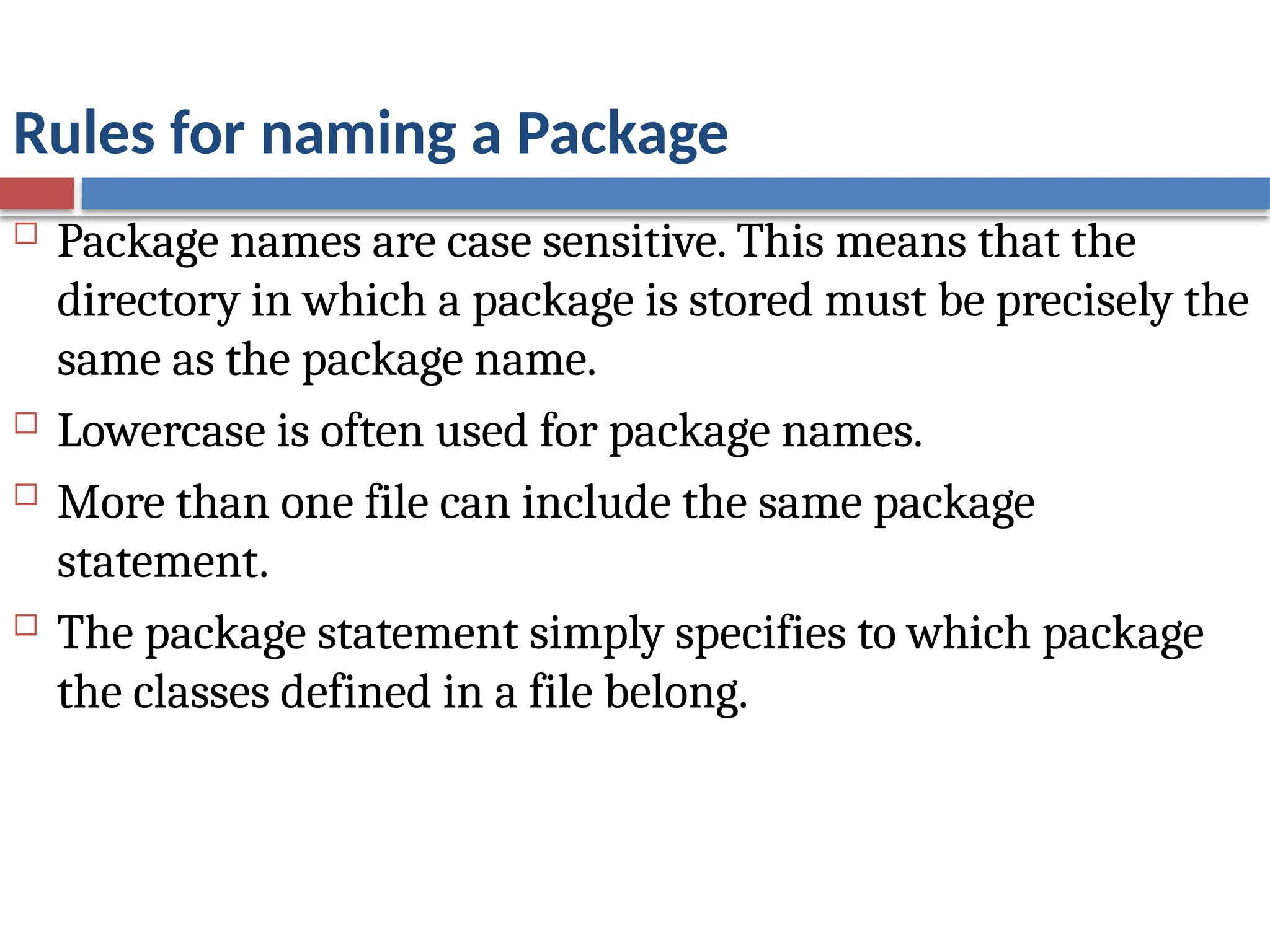
Rules for naminga Package
Package names are case sensitive. This means that the
directory in which a package is stored must be precisely the
same as the package name.
Lowercase is often used for package names.
More than one file can include the same package
statement.
The package statement simply specifies to which package
the classes defined in a file belong.
5.
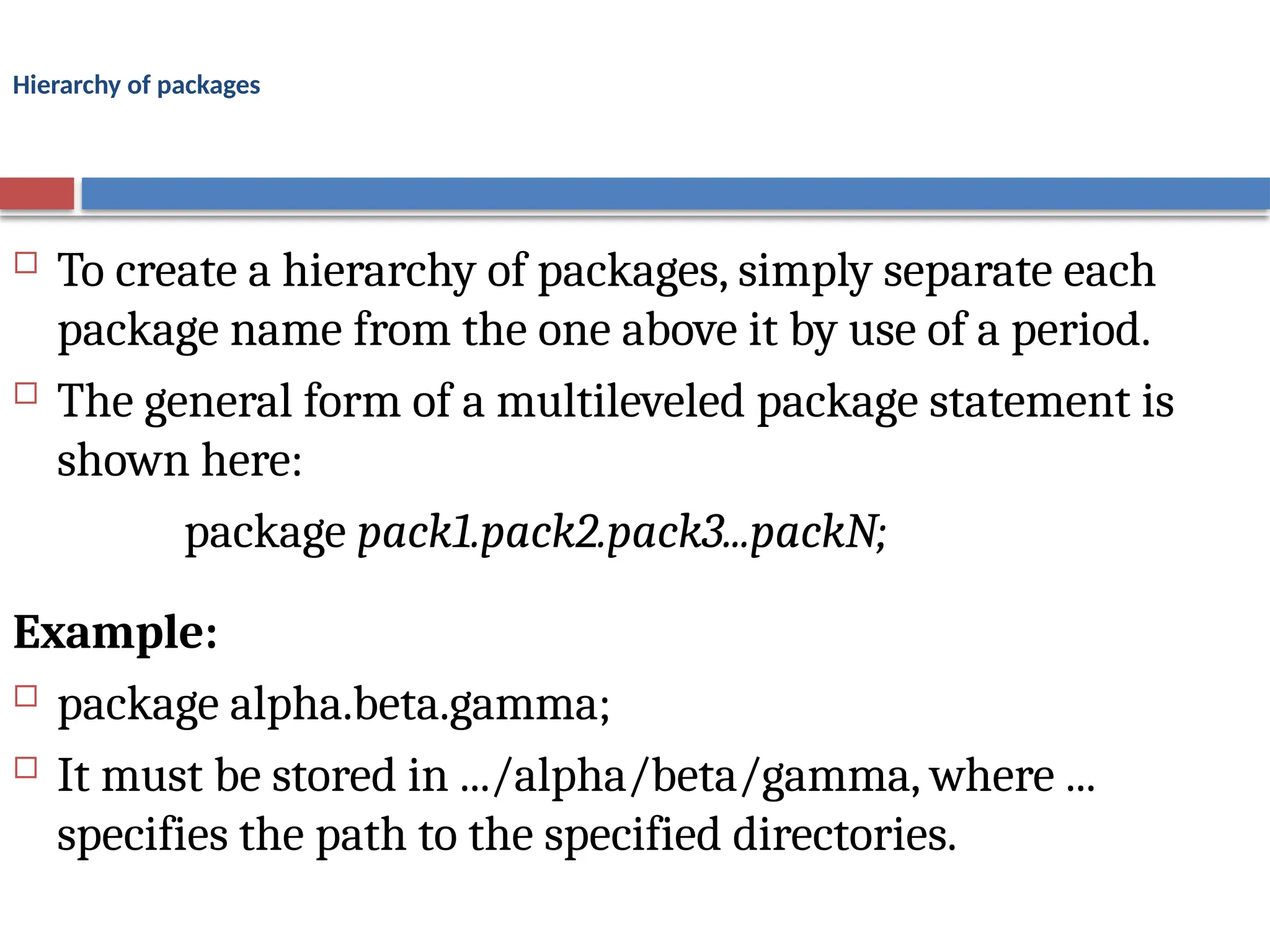
Hierarchy of packages
To create a hierarchy of packages, simply separate each
package name from the one above it by use of a period.
The general form of a multileveled package statement is
shown here:
package pack1.pack2.pack3...packN;
Example:
package alpha.beta.gamma;
It must be stored in .../alpha/beta/gamma, where ...
specifies the path to the specified directories.
6.
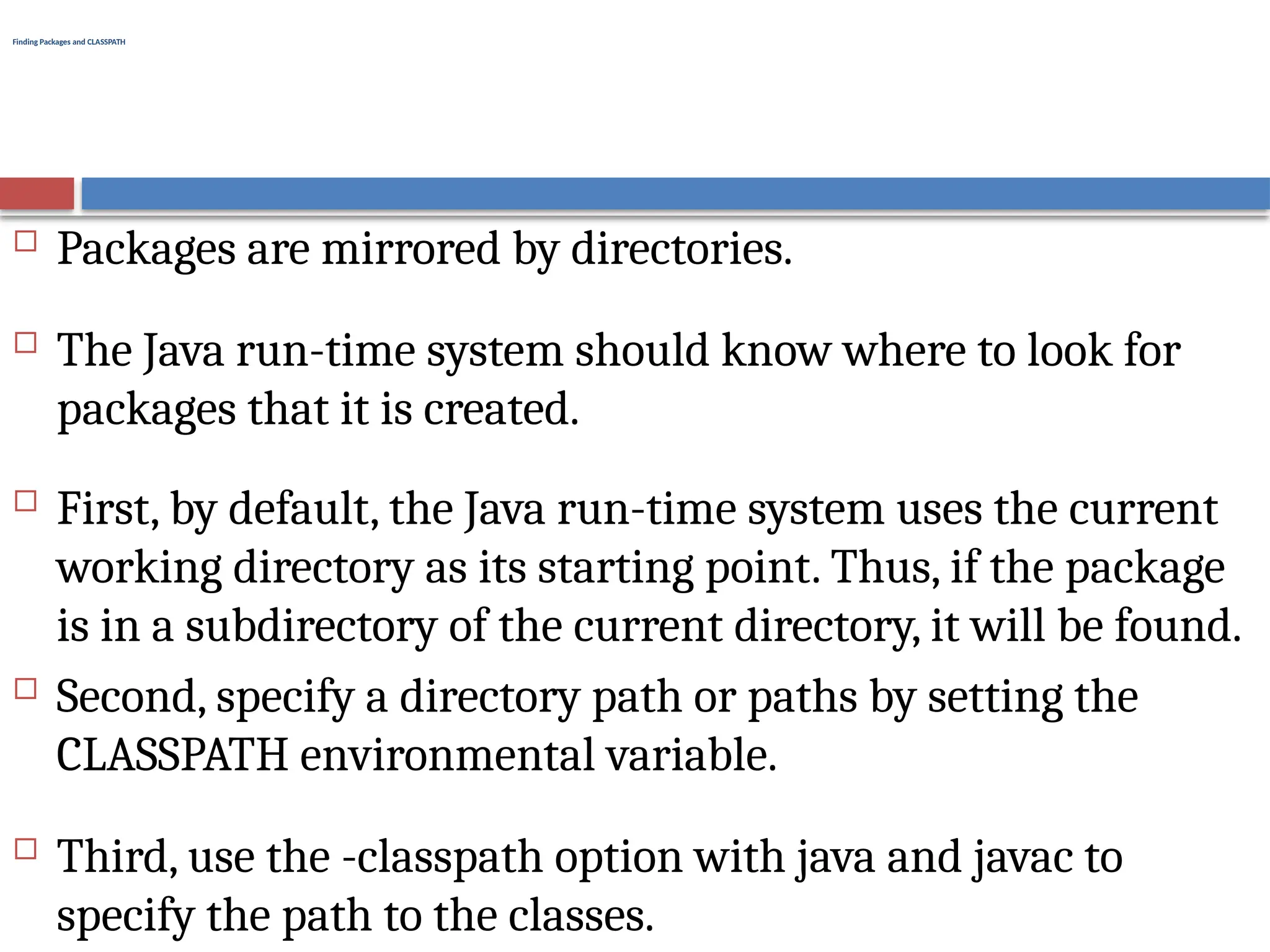
Finding Packages andCLASSPATH
Packages are mirrored by directories.
The Java run-time system should know where to look for
packages that it is created.
First, by default, the Java run-time system uses the current
working directory as its starting point. Thus, if the package
is in a subdirectory of the current directory, it will be found.
Second, specify a directory path or paths by setting the
CLASSPATH environmental variable.
Third, use the -classpath option with java and javac to
specify the path to the classes.
7.
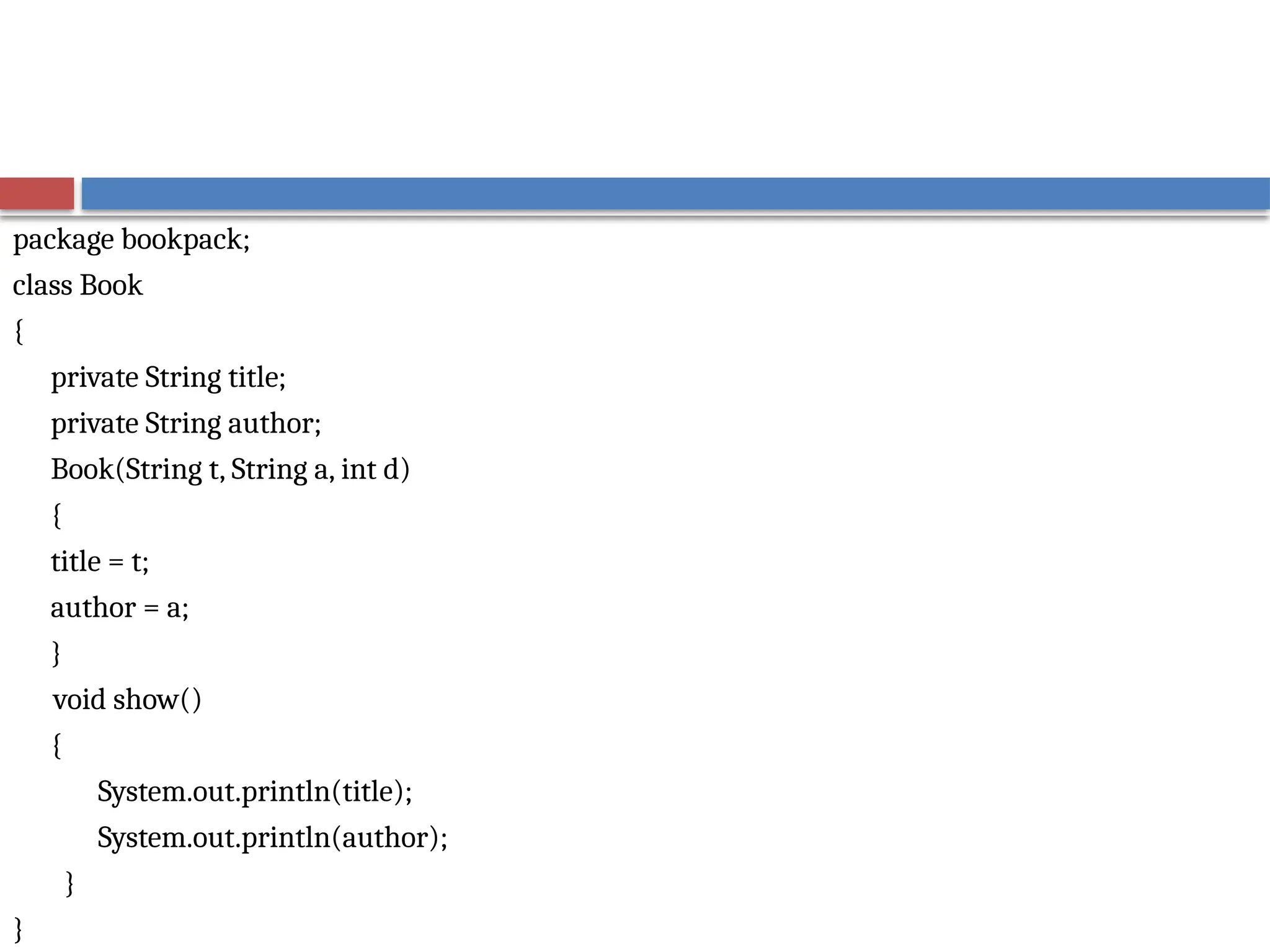
package bookpack;
class Book
{
privateString title;
private String author;
Book(String t, String a, int d)
{
title = t;
author = a;
}
void show()
{
System.out.println(title);
System.out.println(author);
}
}
8.
class BookDemo
{
public staticvoid main(String args[])
{
Book books[] = new Book[3];
books[0] = new Book("Java: A Beginner's Guide","Schildt";
books[1] = new Book("Java: The Complete Reference","Schildt");
books[2] = new Book("The Art of Java","Schildt and Holmes");
for(int i=0; i < books.length; i++)
books[i].show();
}
}
9.
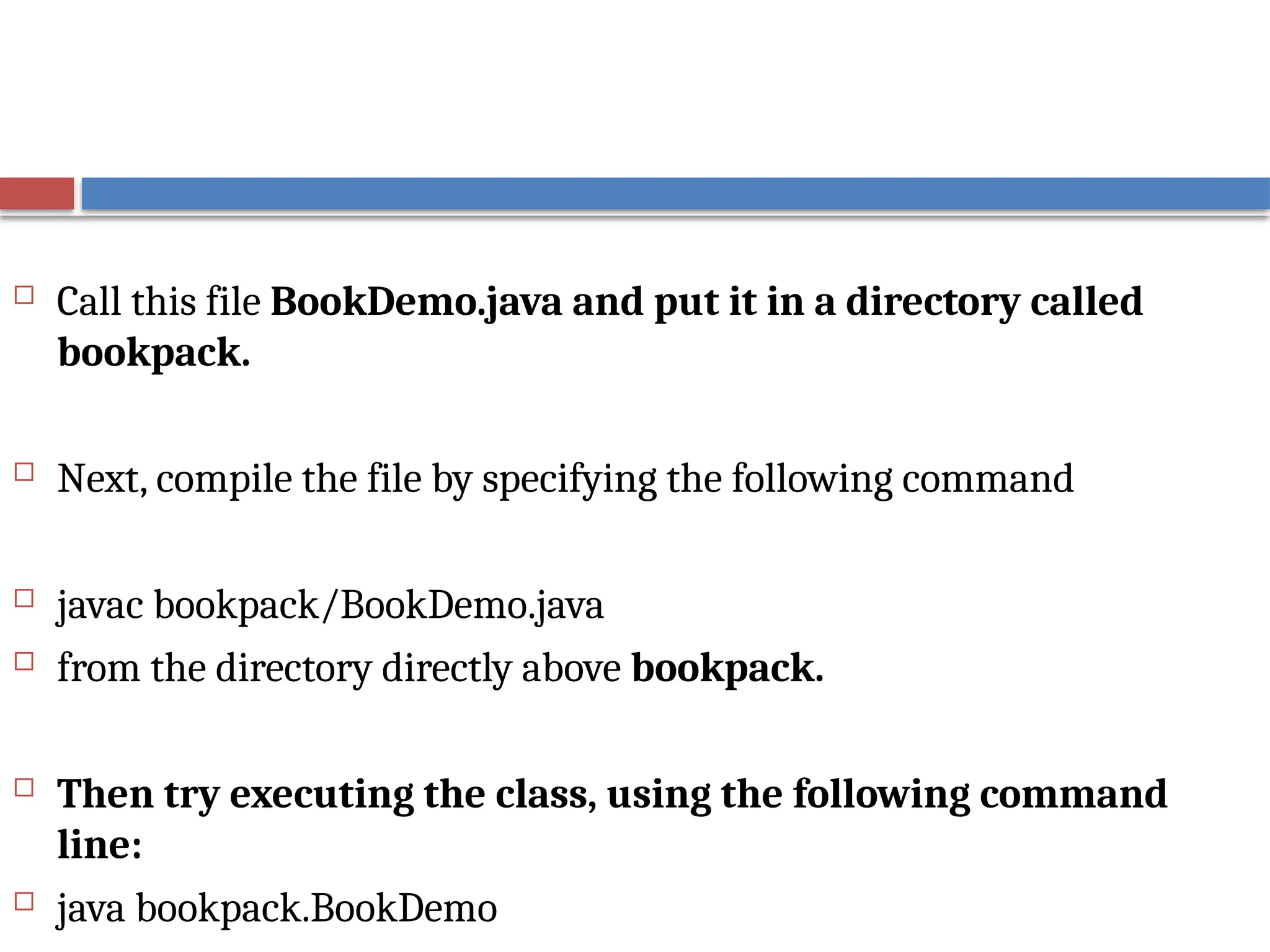
Call thisfile BookDemo.java and put it in a directory called
bookpack.
Next, compile the file by specifying the following command
javac bookpack/BookDemo.java
from the directory directly above bookpack.
Then try executing the class, using the following command
line:
java bookpack.BookDemo
10.
Packages and MemberAccess
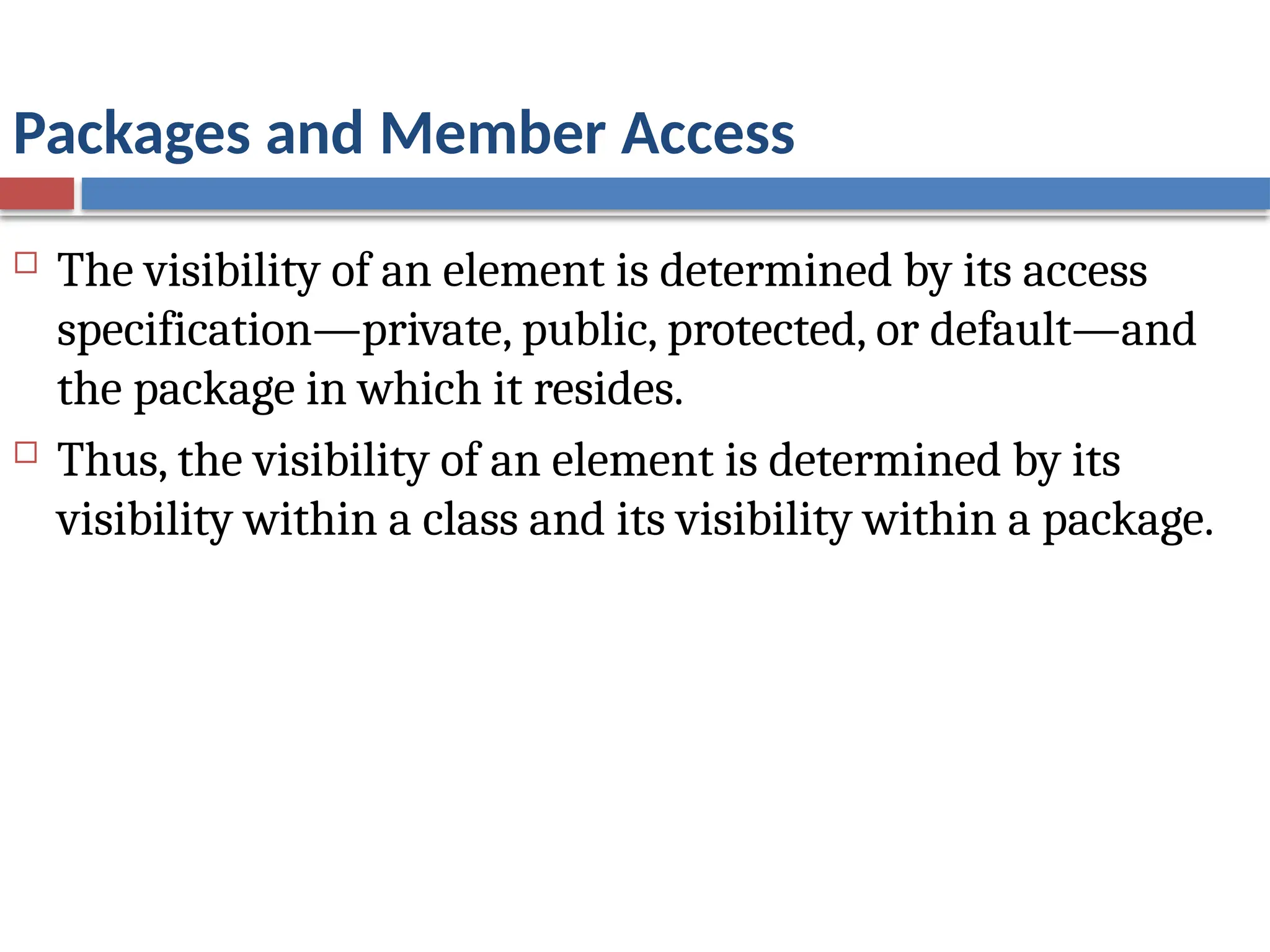
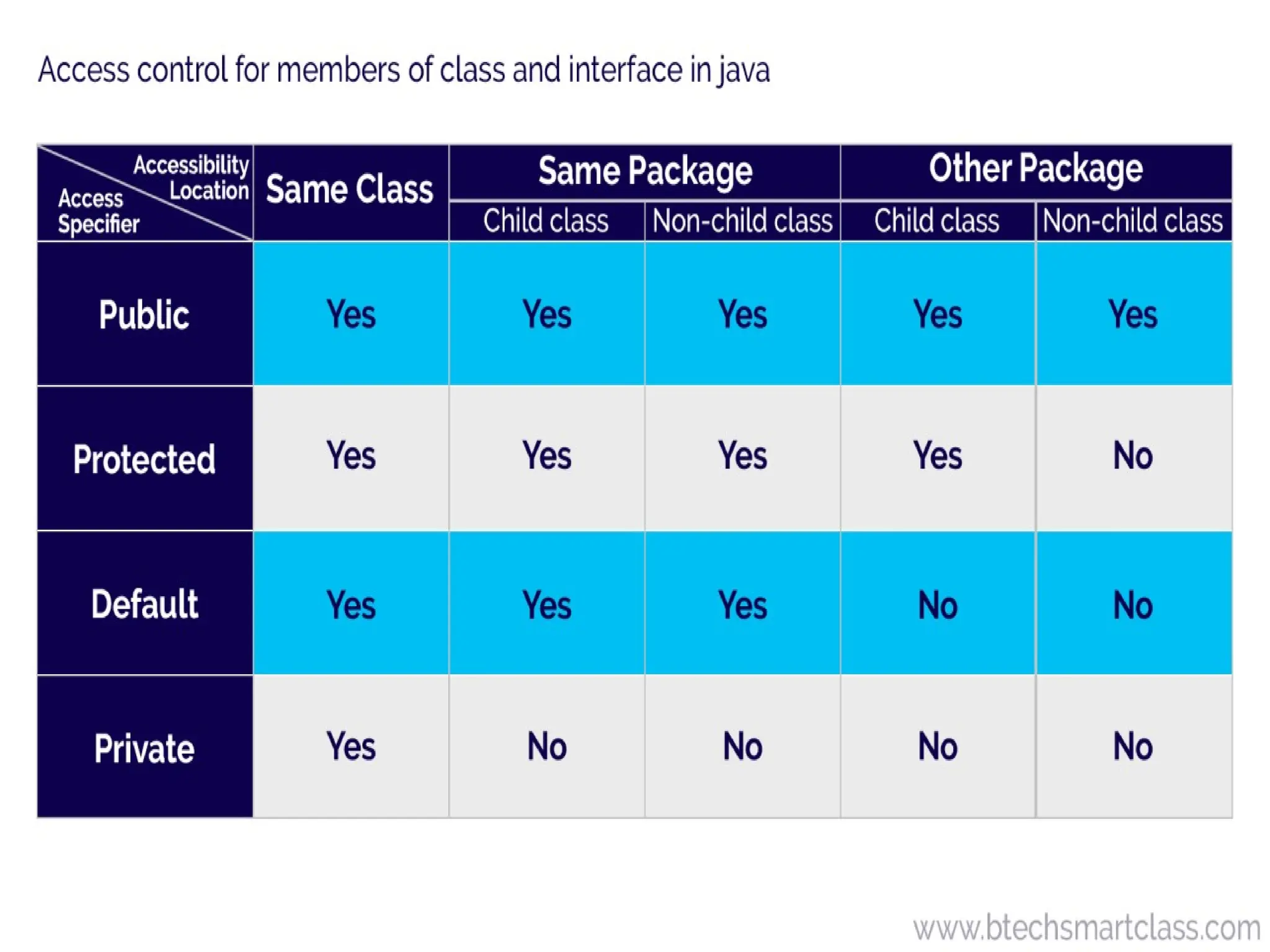
The visibility of an element is determined by its access
specification—private, public, protected, or default—and
the package in which it resides.
Thus, the visibility of an element is determined by its
visibility within a class and its visibility within a package.
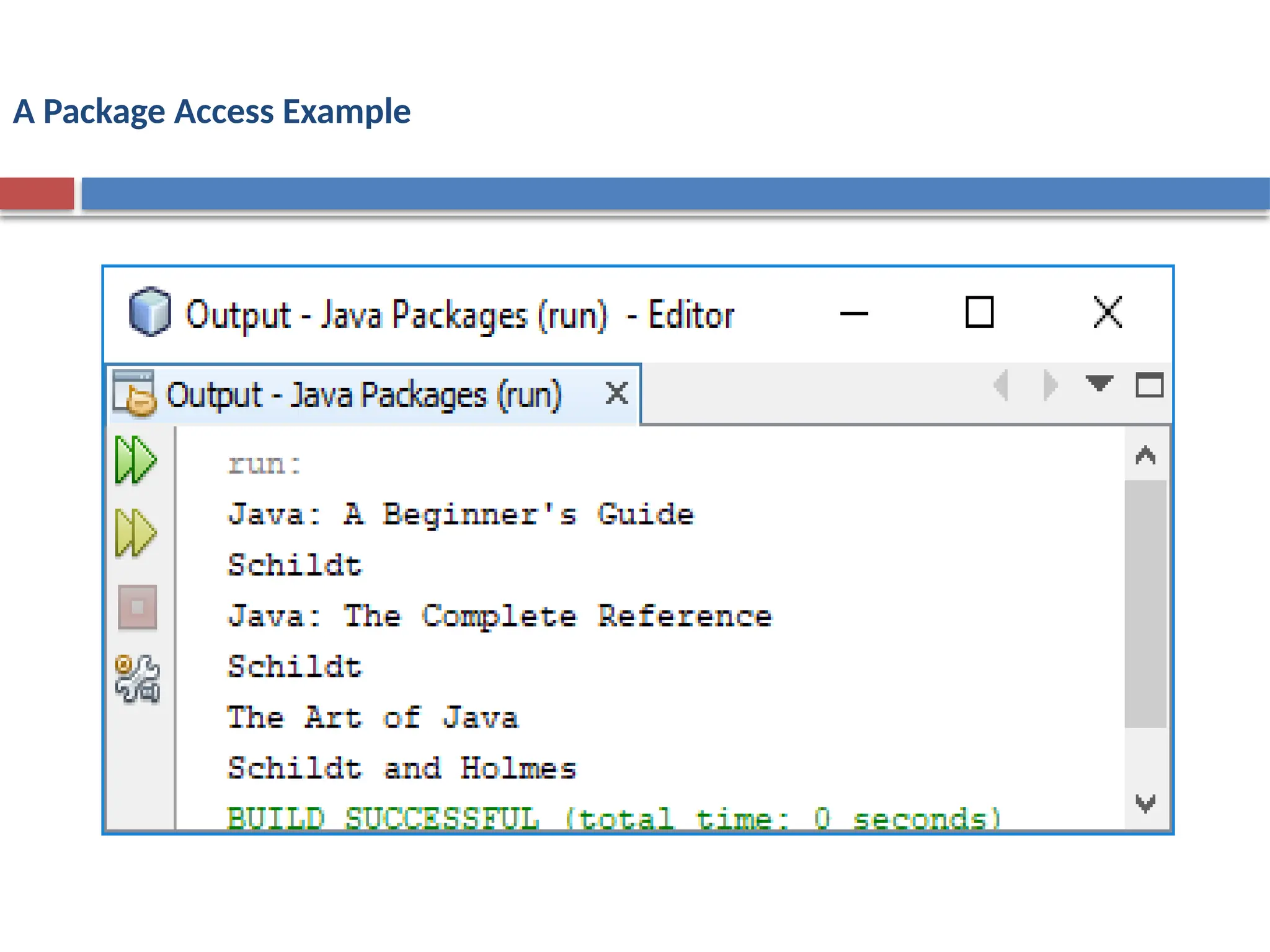
A Package AccessExample
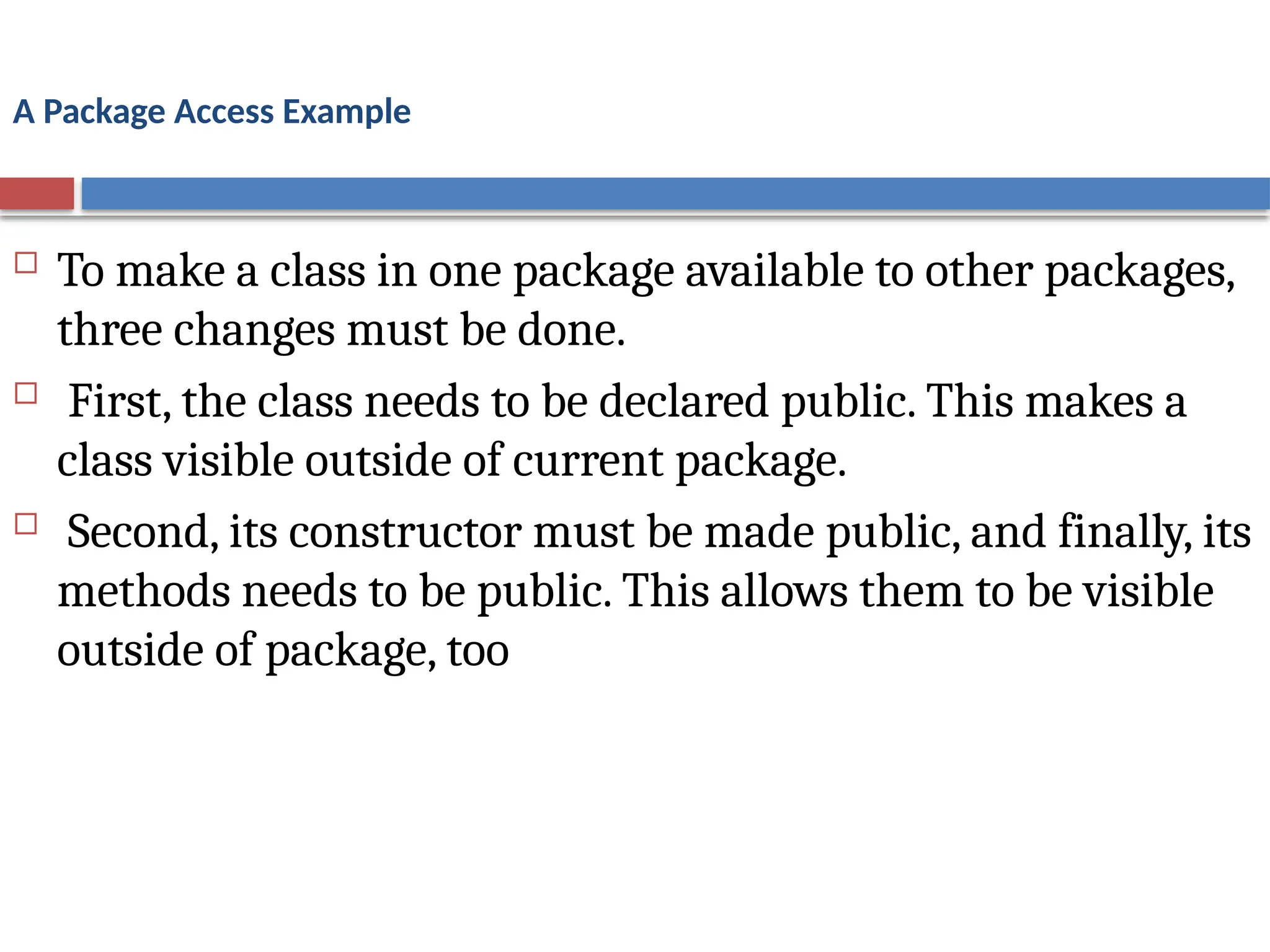
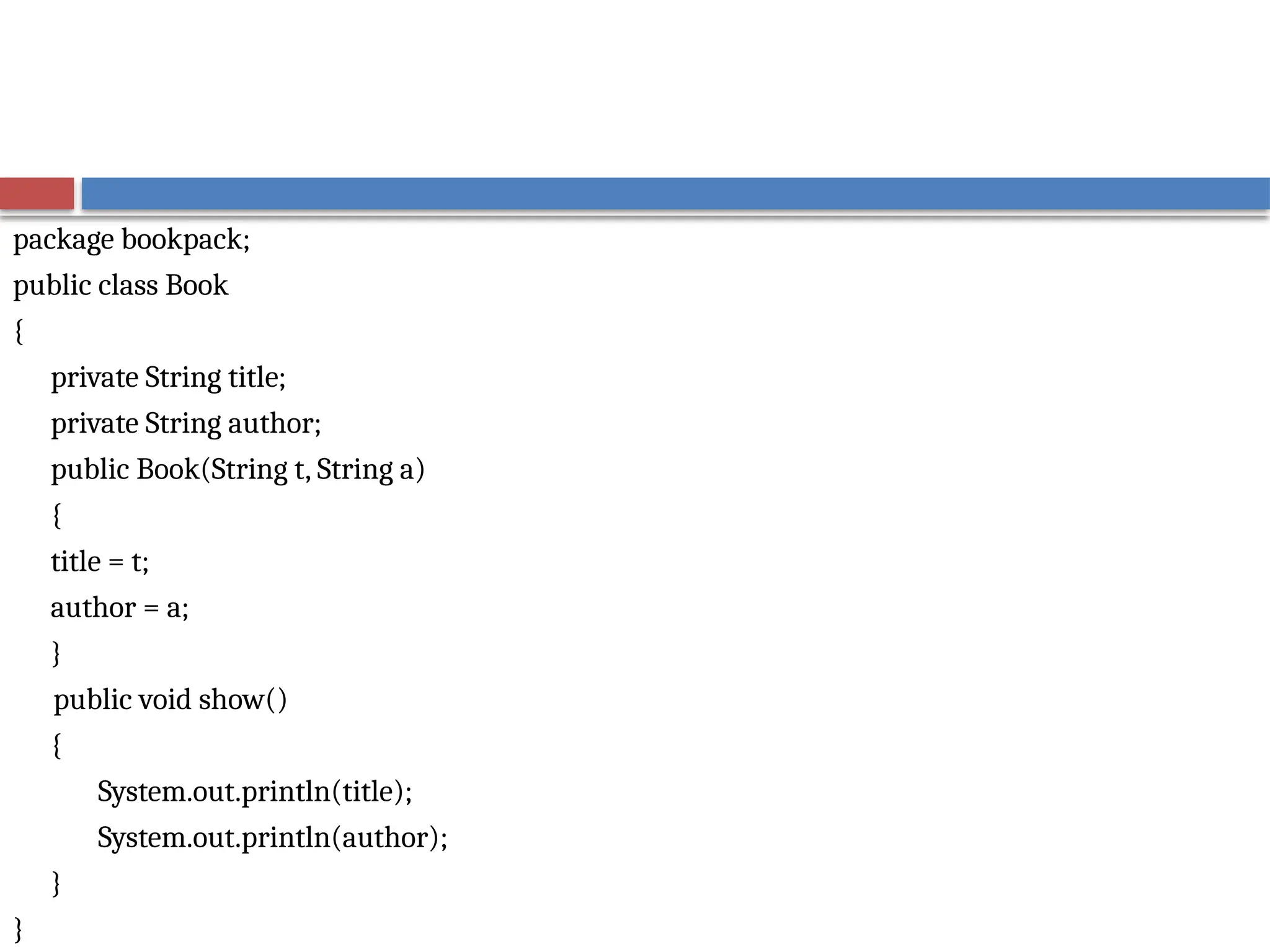
To make a class in one package available to other packages,
three changes must be done.
First, the class needs to be declared public. This makes a
class visible outside of current package.
Second, its constructor must be made public, and finally, its
methods needs to be public. This allows them to be visible
outside of package, too
13.
package bookpack;
public classBook
{
private String title;
private String author;
public Book(String t, String a)
{
title = t;
author = a;
}
public void show()
{
System.out.println(title);
System.out.println(author);
}
}
14.
A Package AccessExample
package bookpackage;
class BookDemo
{
public static void main(String args[])
{
bookpack.Book books[] = new bookpack.Book[3];
books[0] = new bookpack.Book("Java: A Beginner's Guide","Schildt");
books[1] = new bookpack.Book("Java: The Complete Reference","Schildt");
books[2] = new bookpack.Book("The Art of Java","Schildt and Holmes");
for(int i=0; i < books.length; i++)
books[i].show();
}
}
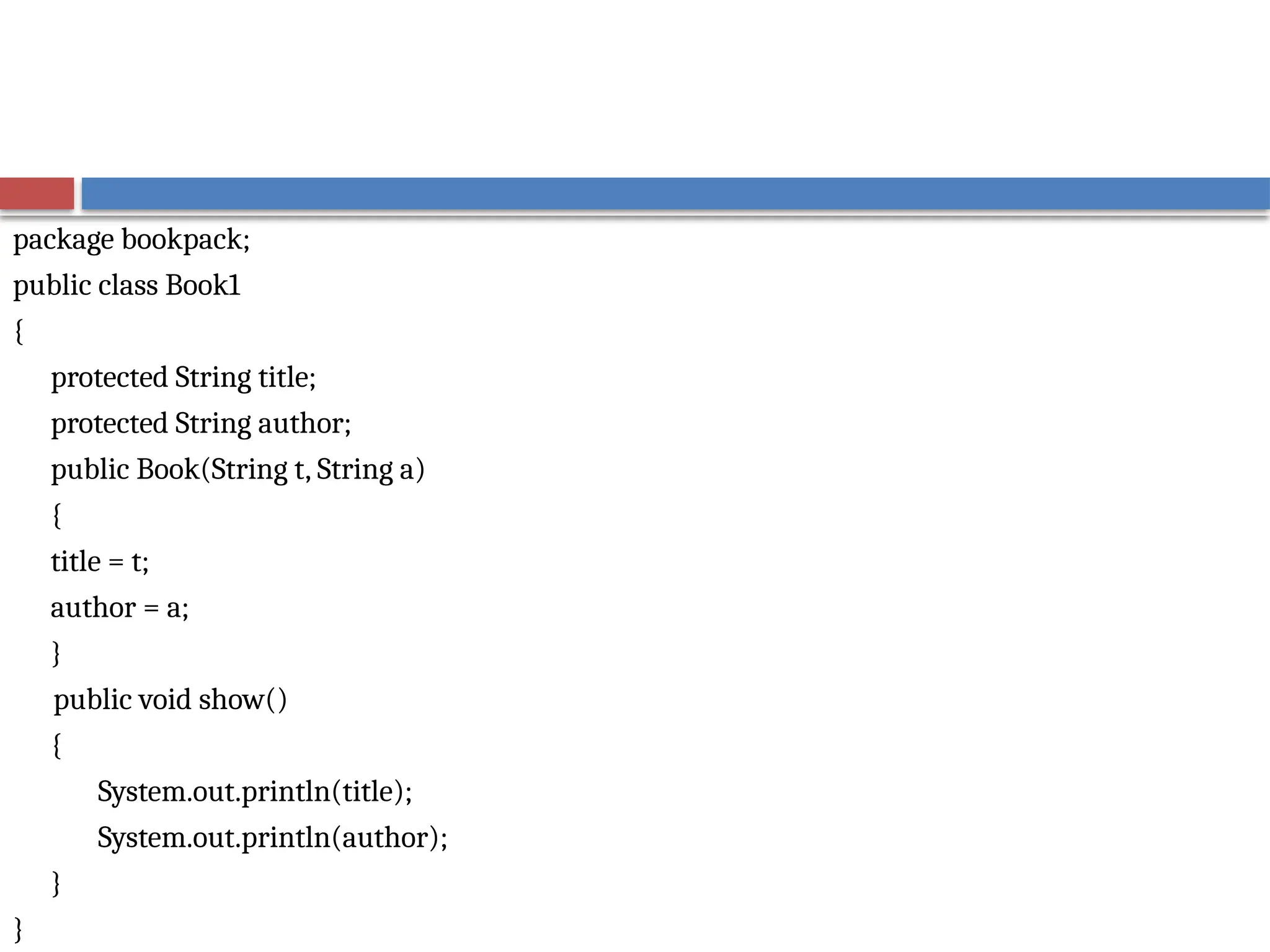
Understanding Protected Members
The protected modifier creates a member that is
accessible within its package and to subclasses in other
packages.
Thus, a protected member is available for all subclasses
to use but is still protected from arbitrary access by code
outside its package.
17.
package bookpack;
public classBook1
{
protected String title;
protected String author;
public Book(String t, String a)
{
title = t;
author = a;
}
public void show()
{
System.out.println(title);
System.out.println(author);
}
}
18.
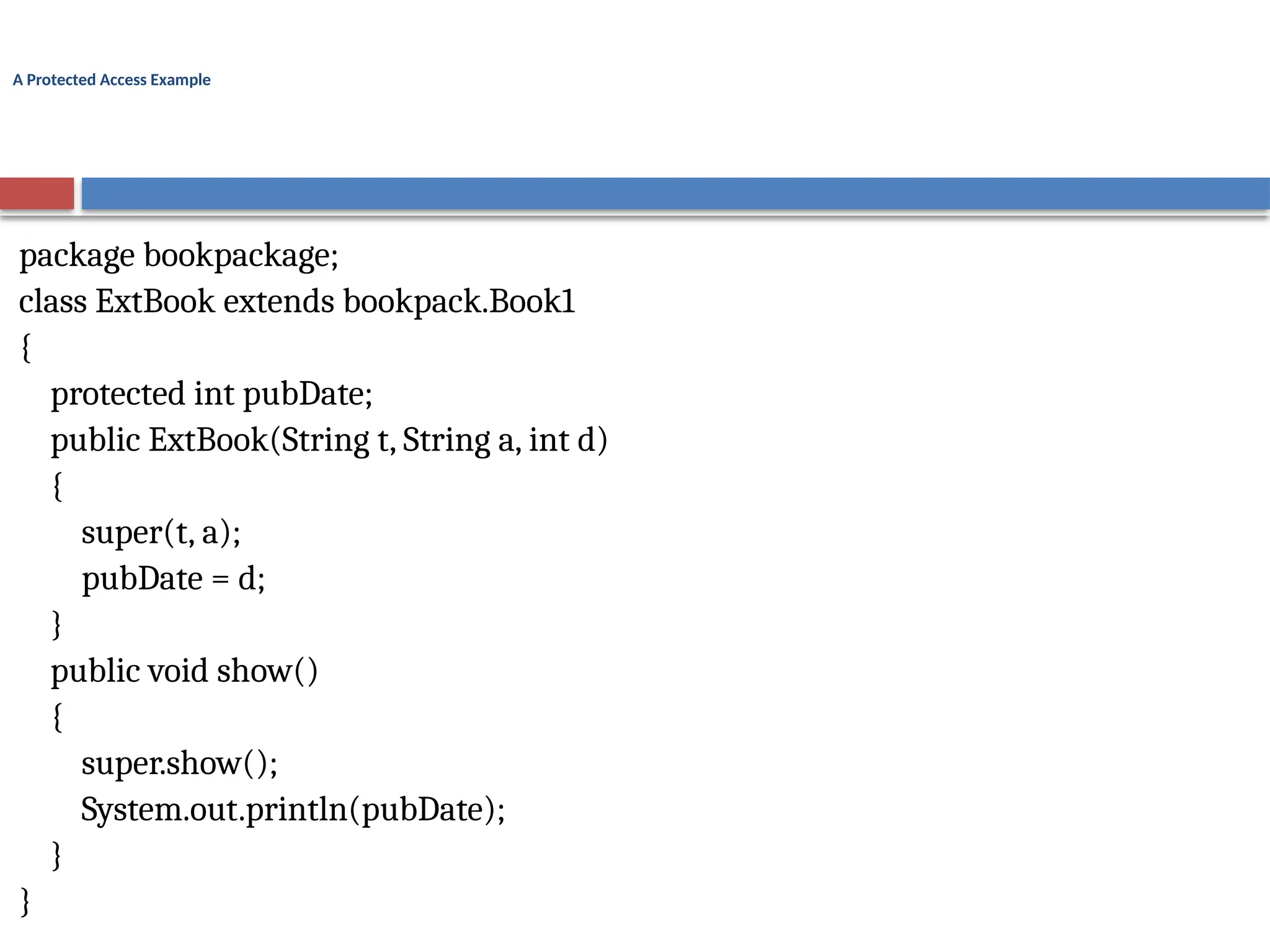
A Protected AccessExample
package bookpackage;
class ExtBook extends bookpack.Book1
{
protected int pubDate;
public ExtBook(String t, String a, int d)
{
super(t, a);
pubDate = d;
}
public void show()
{
super.show();
System.out.println(pubDate);
}
}
19.
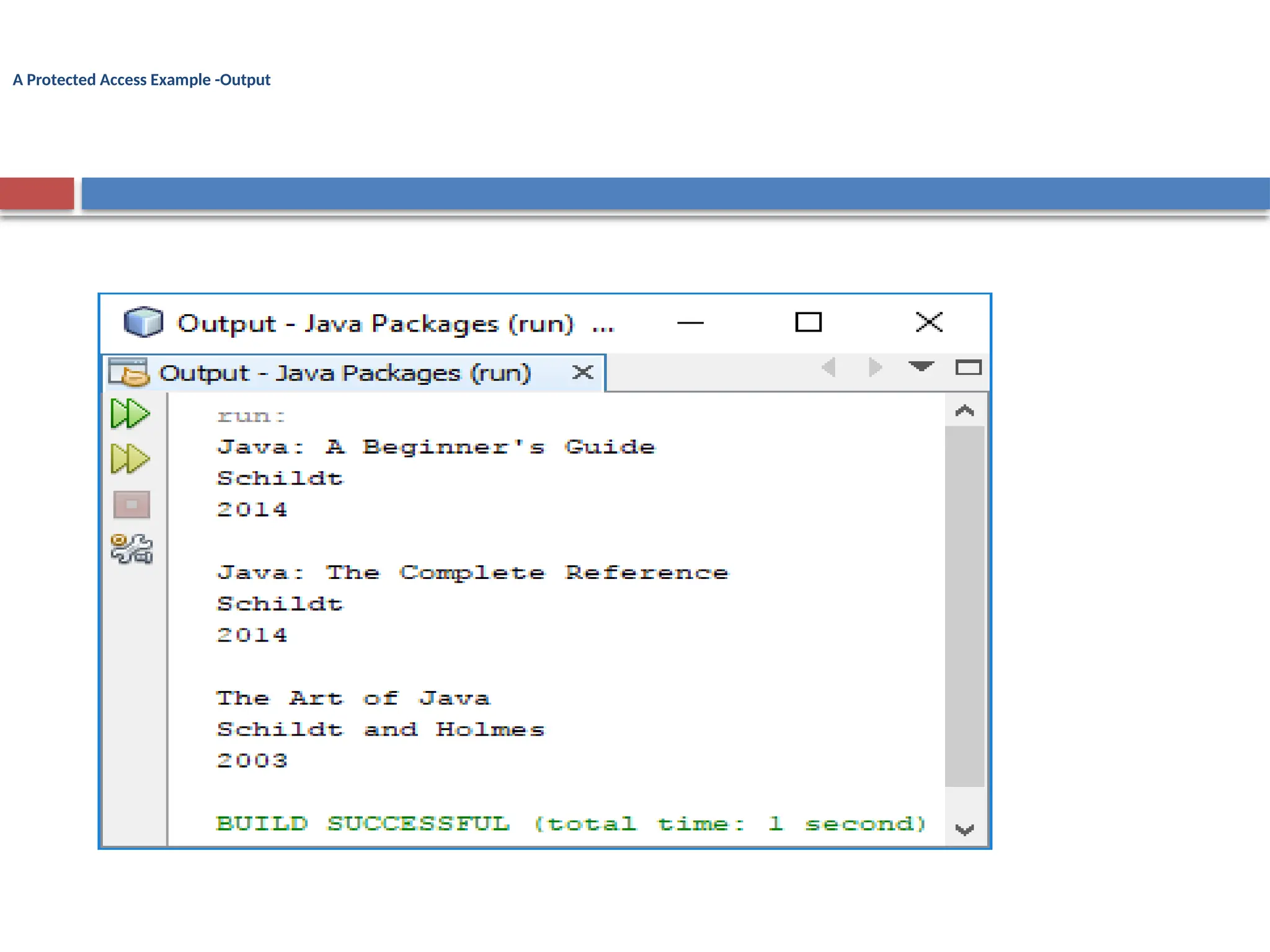
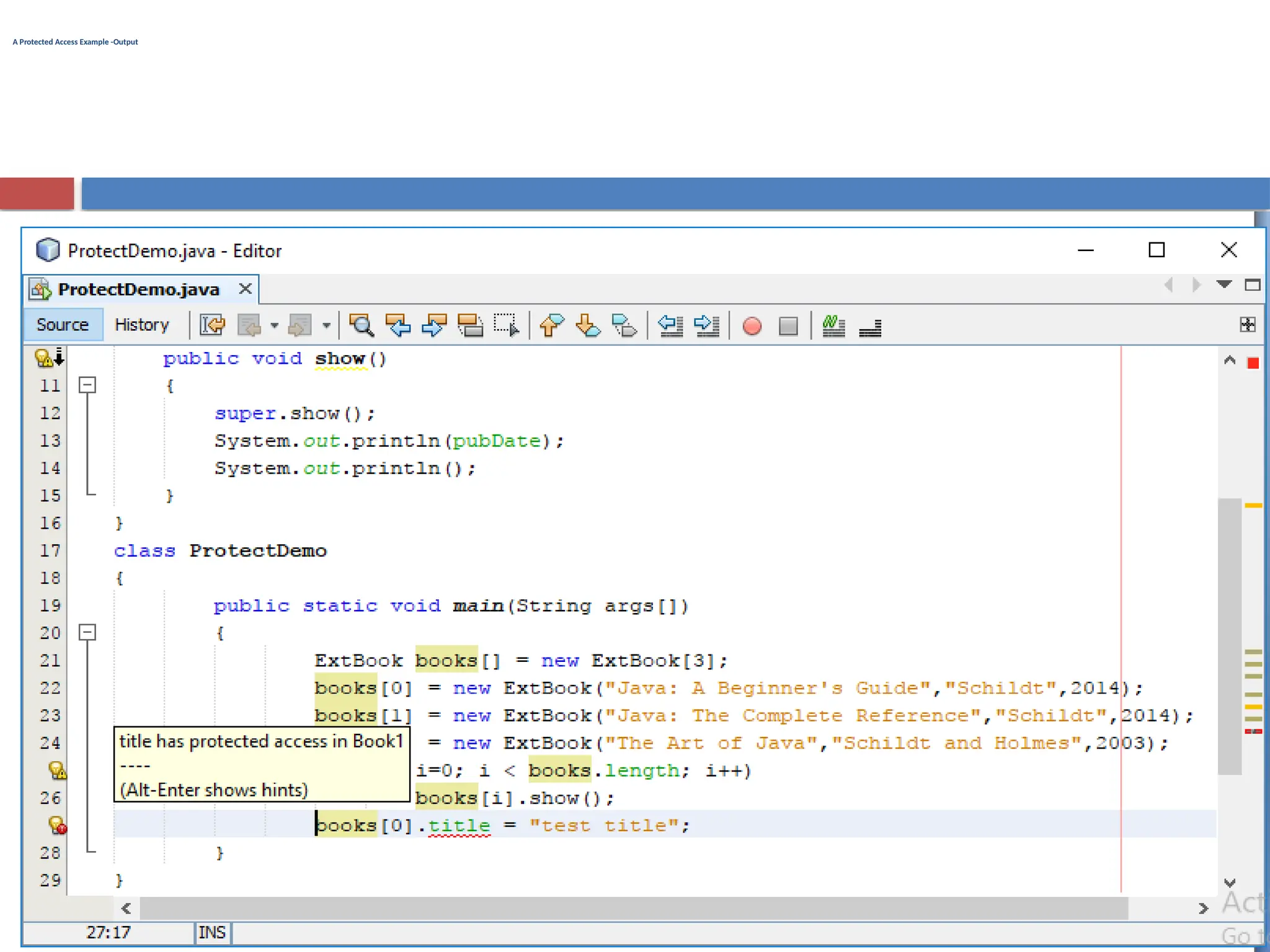
A Protected AccessExample
class ProtectDemo
{
public static void main(String args[])
{
ExtBook books[] = new ExtBook[3];
books[0] = new ExtBook("Java: A Beginner's Guide","Schildt",2014);
books[1] = new ExtBook("Java: The Complete Reference","Schildt",2014);
books[2] = new ExtBook("The Art of Java","Schildt and Holmes",2003);
for(int i=0; i < books.length; i++)
books[i].show();
//books[0].title = "test title";
}
}
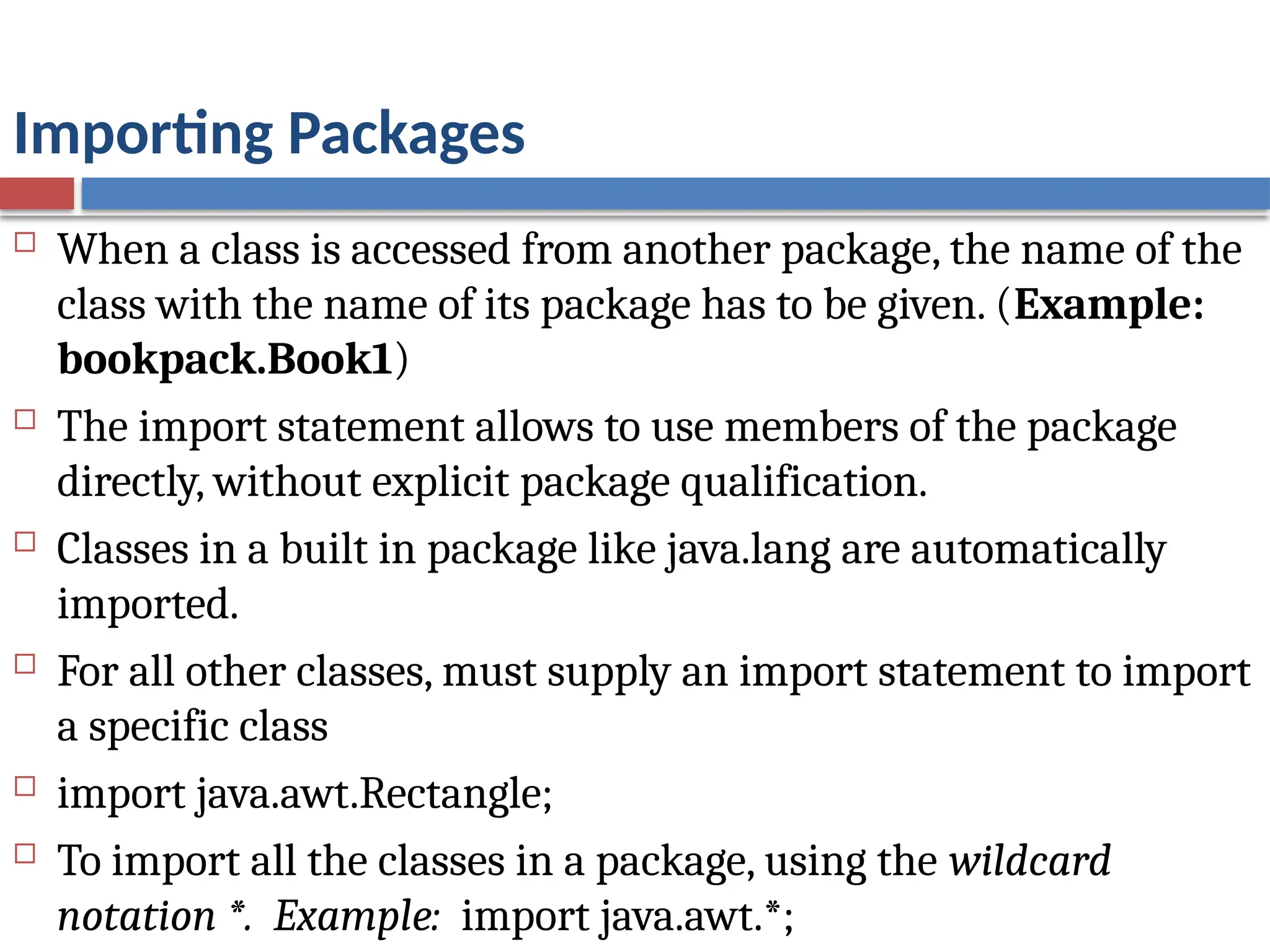
Importing Packages
Whena class is accessed from another package, the name of the
class with the name of its package has to be given. (Example:
bookpack.Book1)
The import statement allows to use members of the package
directly, without explicit package qualification.
Classes in a built in package like java.lang are automatically
imported.
For all other classes, must supply an import statement to import
a specific class
import java.awt.Rectangle;
To import all the classes in a package, using the wildcard
notation *. Example: import java.awt.*;
23.
Importing a Package- Example
package bookpackage;
import bookpack.*;
class BookDemo
{
public static void main(String args[])
{
Book books[] = new Book[3];
books[0] = new Book("Java: A Beginner's Guide","Schildt");
books[1] = new Book("Java: The Complete Reference","Schildt");
books[2] = new Book("The Art of Java","Schildt and Holmes");
for(int i=0; i < books.length; i++)
books[i].show();
}
}
24.
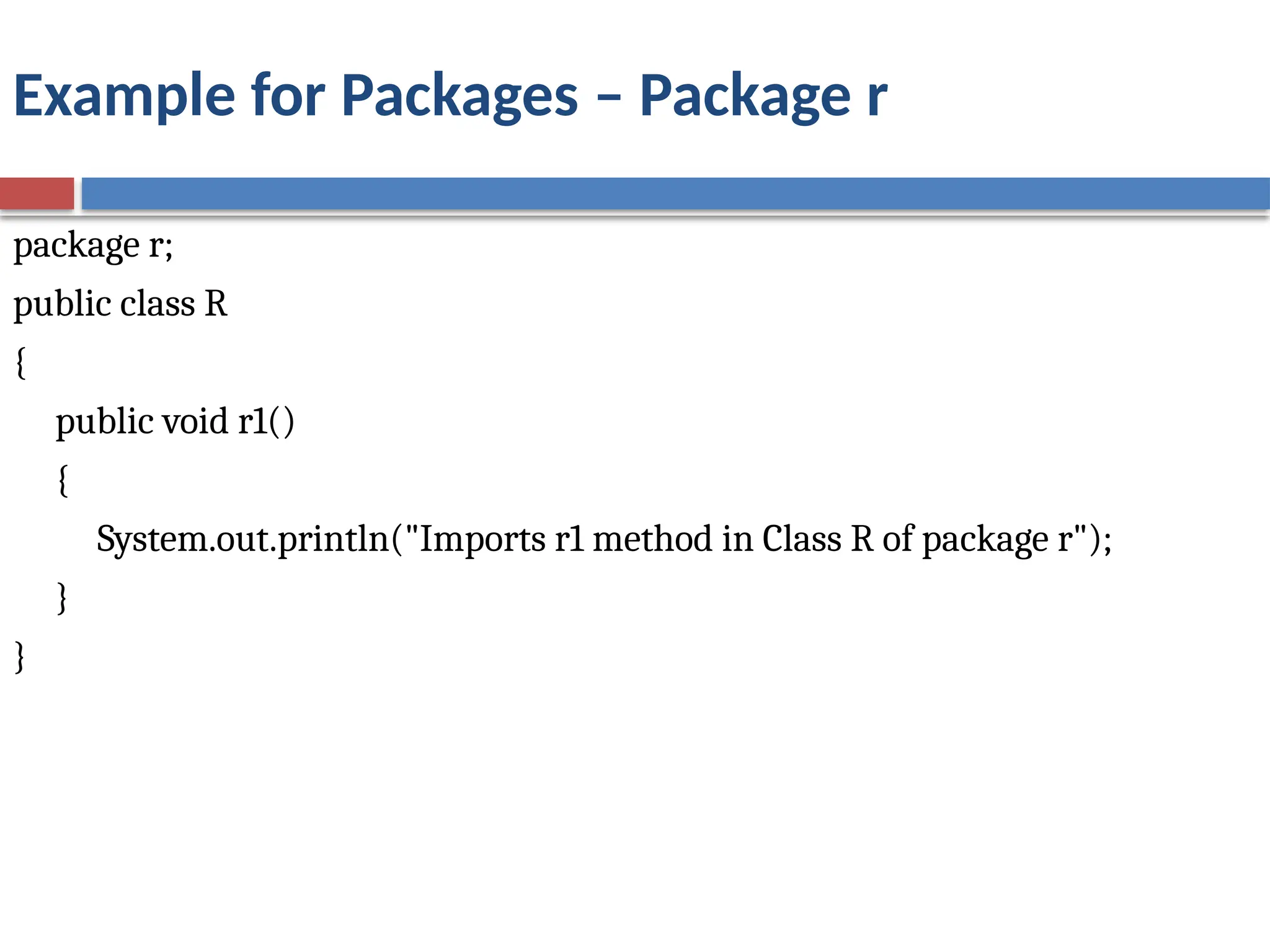
Example for Packages– Package r
package r;
public class R
{
public void r1()
{
System.out.println("Imports r1 method in Class R of package r");
}
}
25.
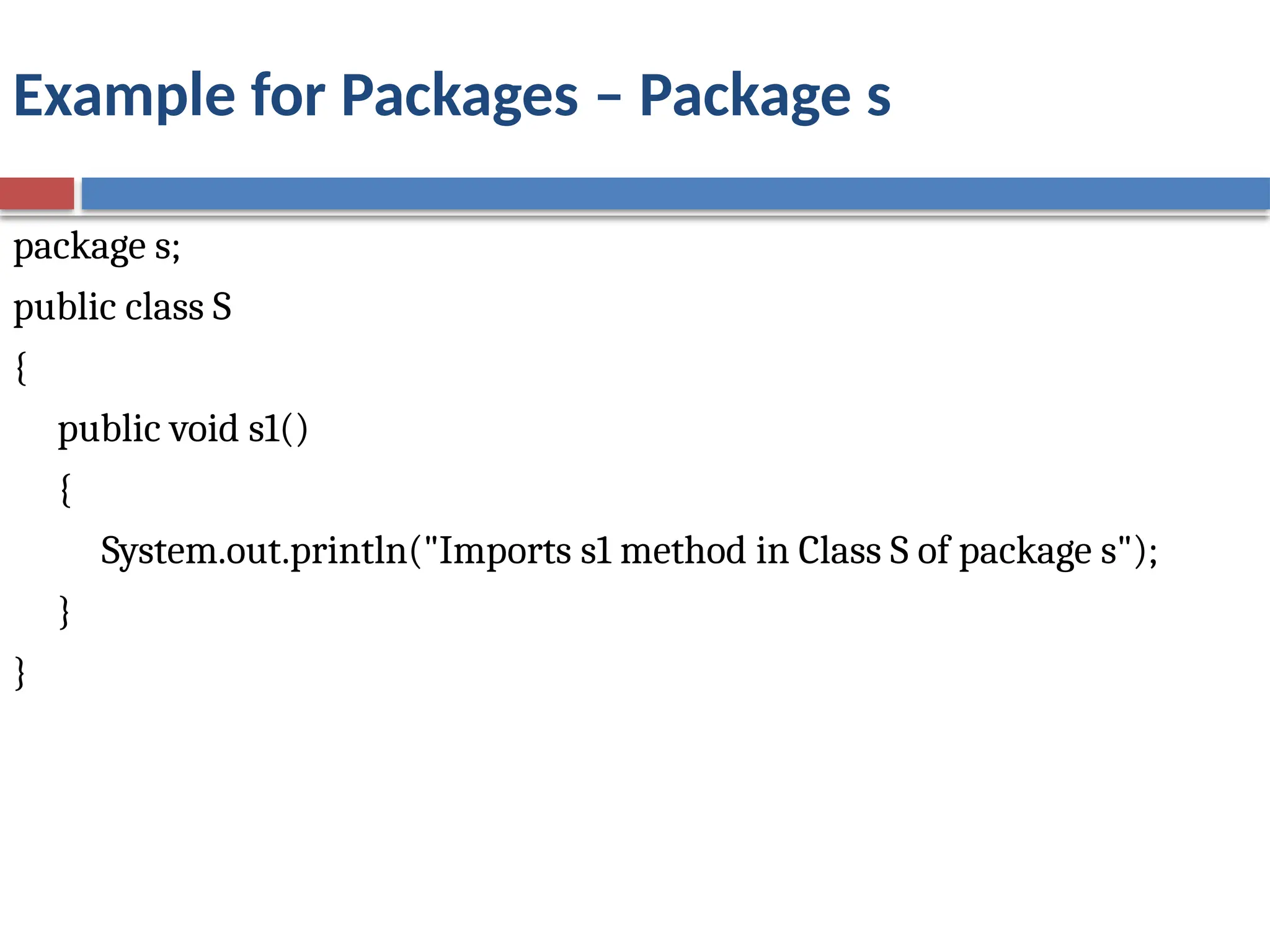
Example for Packages– Package s
package s;
public class S
{
public void s1()
{
System.out.println("Imports s1 method in Class S of package s");
}
}
26.
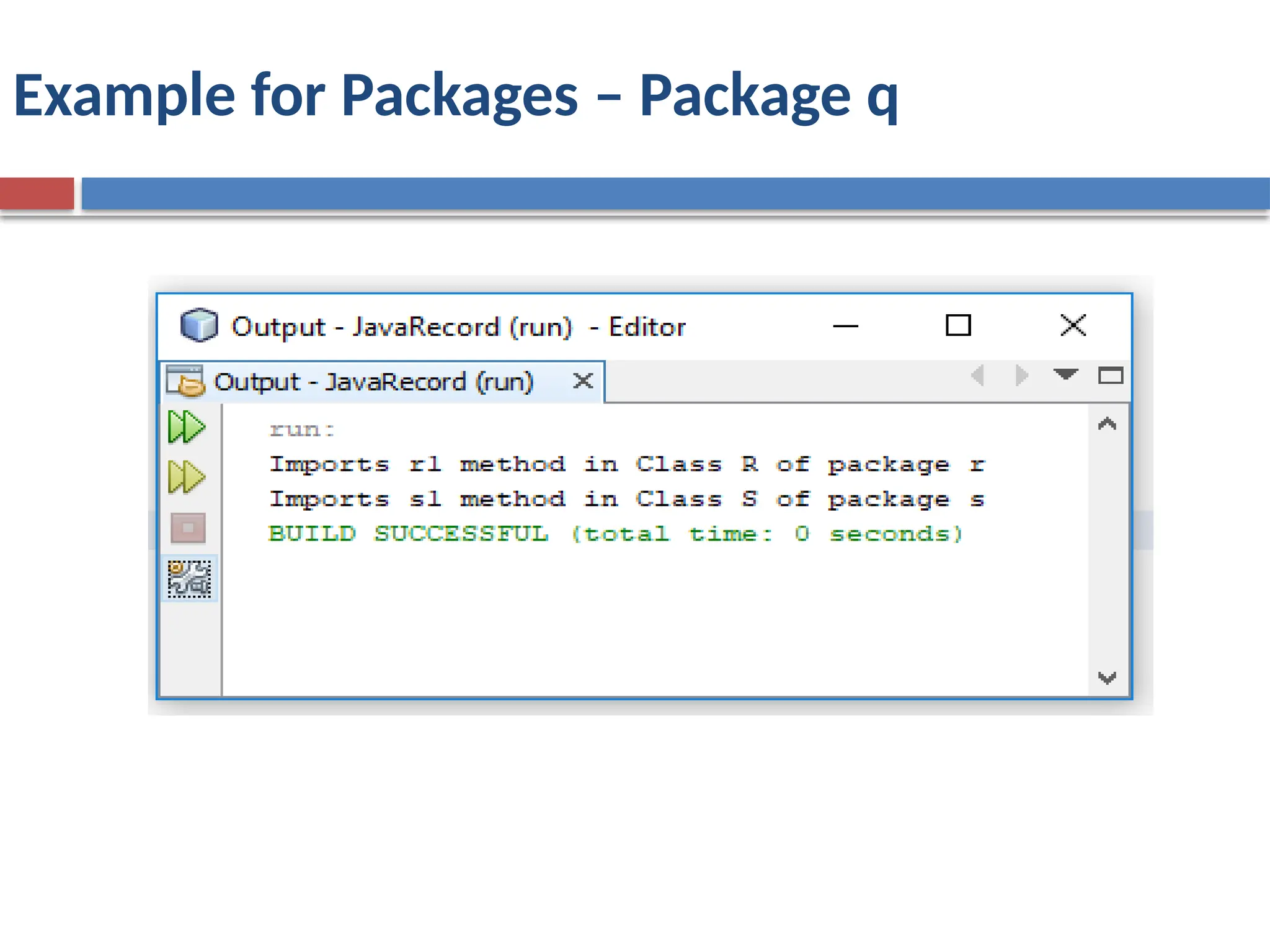
Example for Packages– Package q
package q;
import r.R;
import s.S;
public class ImportDemo
{
public static void main( String args[])
{
R r= new R();
r.r1();
S s = new S();
s.s1( );
}
}
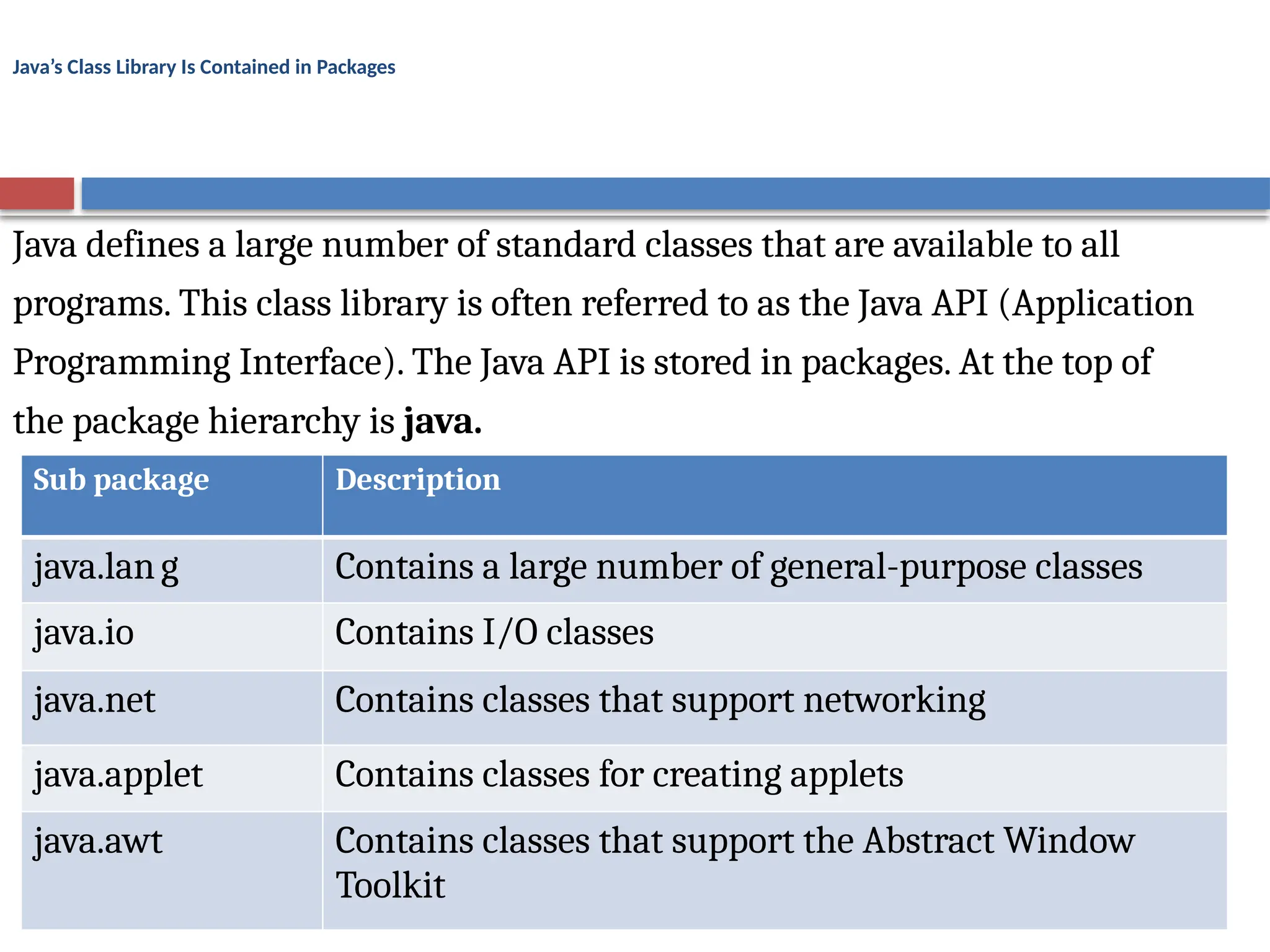
Java’s Class LibraryIs Contained in Packages
Java defines a large number of standard classes that are available to all
programs. This class library is often referred to as the Java API (Application
Programming Interface). The Java API is stored in packages. At the top of
the package hierarchy is java.
Sub package Description
java.lang Contains a large number of general-purpose classes
java.io Contains I/O classes
java.net Contains classes that support networking
java.applet Contains classes for creating applets
java.awt Contains classes that support the Abstract Window
Toolkit
30.
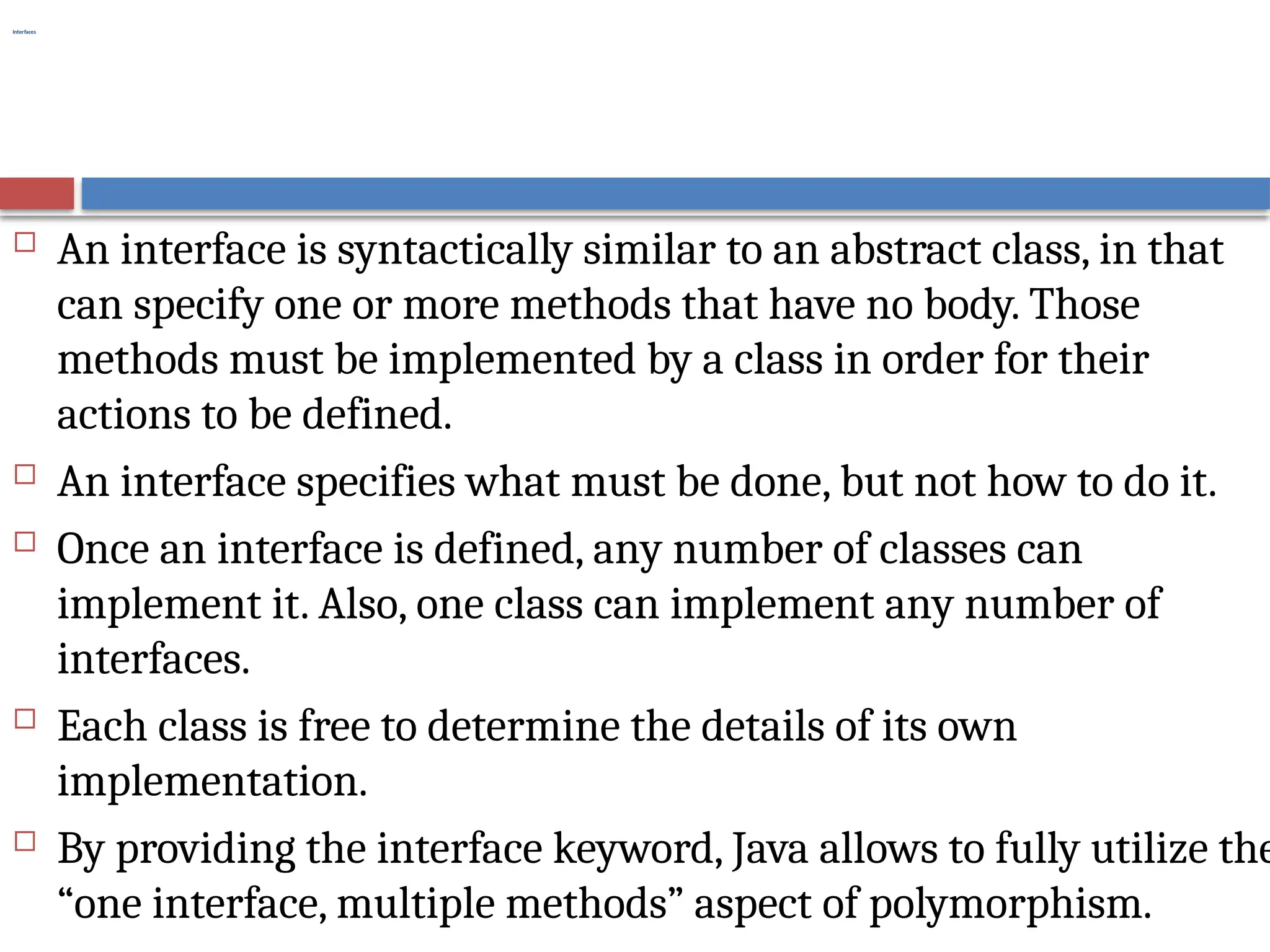
Interfaces
An interfaceis syntactically similar to an abstract class, in that
can specify one or more methods that have no body. Those
methods must be implemented by a class in order for their
actions to be defined.
An interface specifies what must be done, but not how to do it.
Once an interface is defined, any number of classes can
implement it. Also, one class can implement any number of
interfaces.
Each class is free to determine the details of its own
implementation.
By providing the interface keyword, Java allows to fully utilize the
“one interface, multiple methods” aspect of polymorphism.
31.
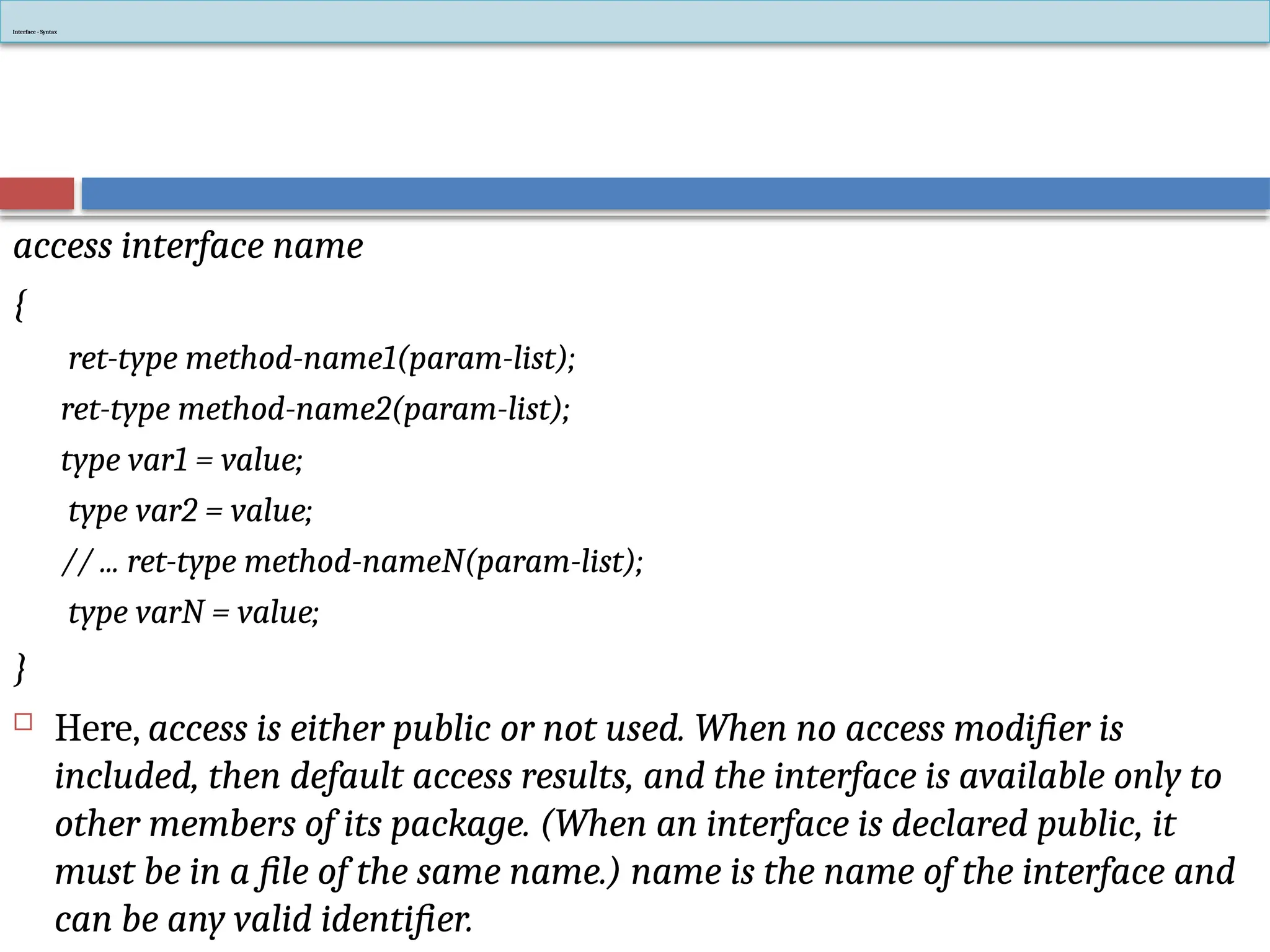
access interface name
{
ret-typemethod-name1(param-list);
ret-type method-name2(param-list);
type var1 = value;
type var2 = value;
// ... ret-type method-nameN(param-list);
type varN = value;
}
Here, access is either public or not used. When no access modifier is
included, then default access results, and the interface is available only to
other members of its package. (When an interface is declared public, it
must be in a file of the same name.) name is the name of the interface and
can be any valid identifier.
Interface - Syntax
32.
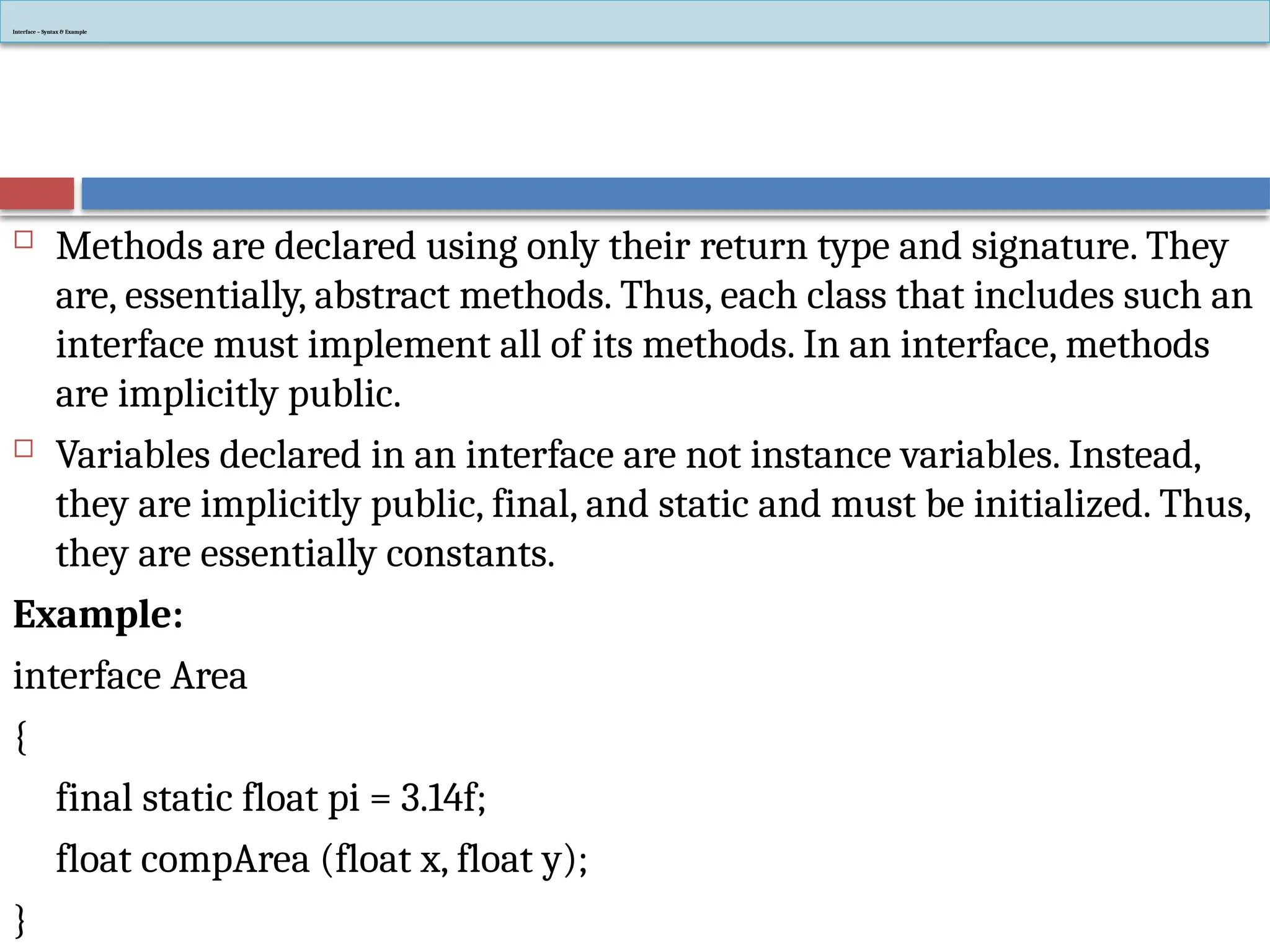
Interface – Syntax& Example
Methods are declared using only their return type and signature. They
are, essentially, abstract methods. Thus, each class that includes such an
interface must implement all of its methods. In an interface, methods
are implicitly public.
Variables declared in an interface are not instance variables. Instead,
they are implicitly public, final, and static and must be initialized. Thus,
they are essentially constants.
Example:
interface Area
{
final static float pi = 3.14f;
float compArea (float x, float y);
}
33.
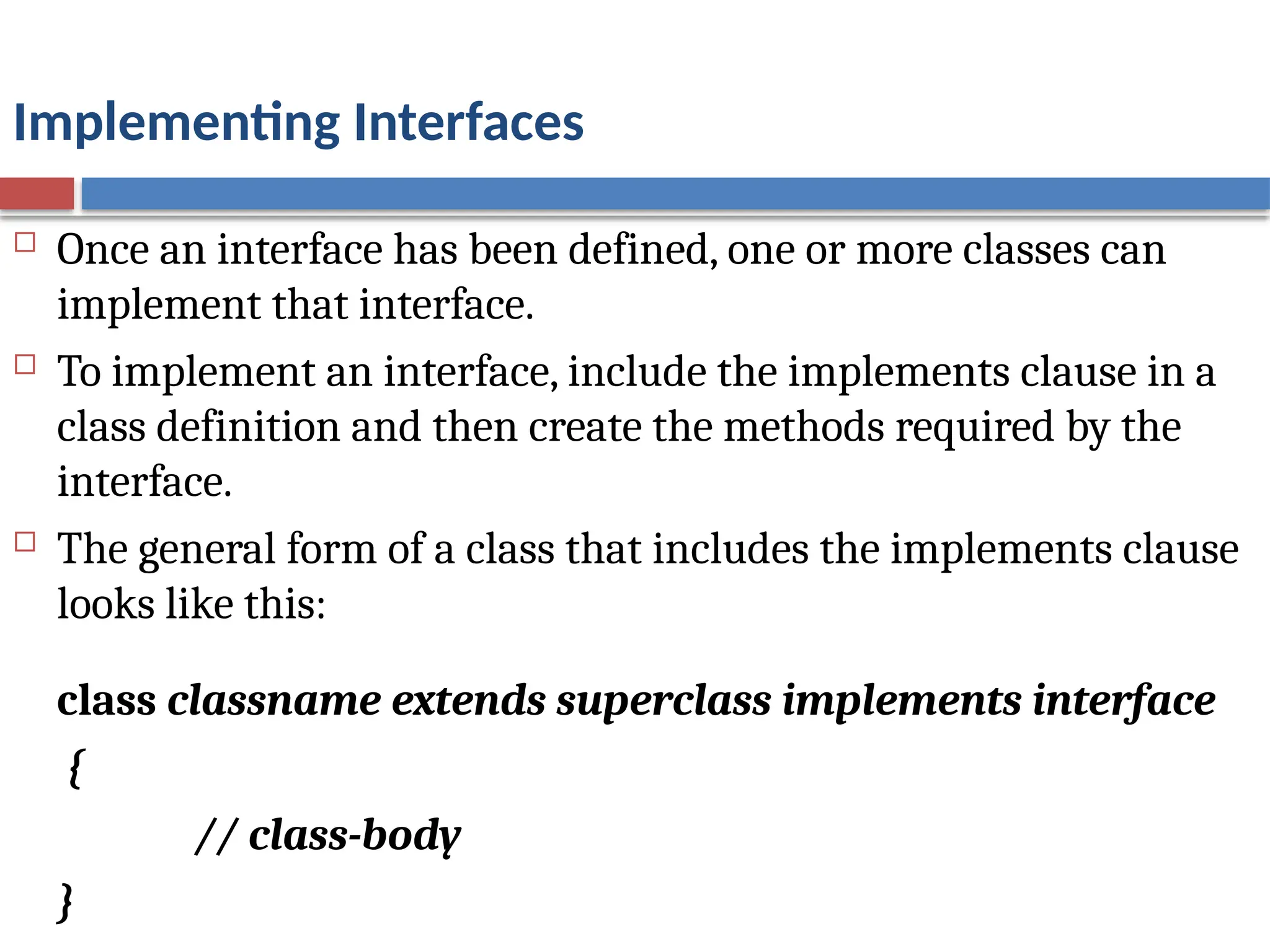
Implementing Interfaces
Oncean interface has been defined, one or more classes can
implement that interface.
To implement an interface, include the implements clause in a
class definition and then create the methods required by the
interface.
The general form of a class that includes the implements clause
looks like this:
class classname extends superclass implements interface
{
// class-body
}
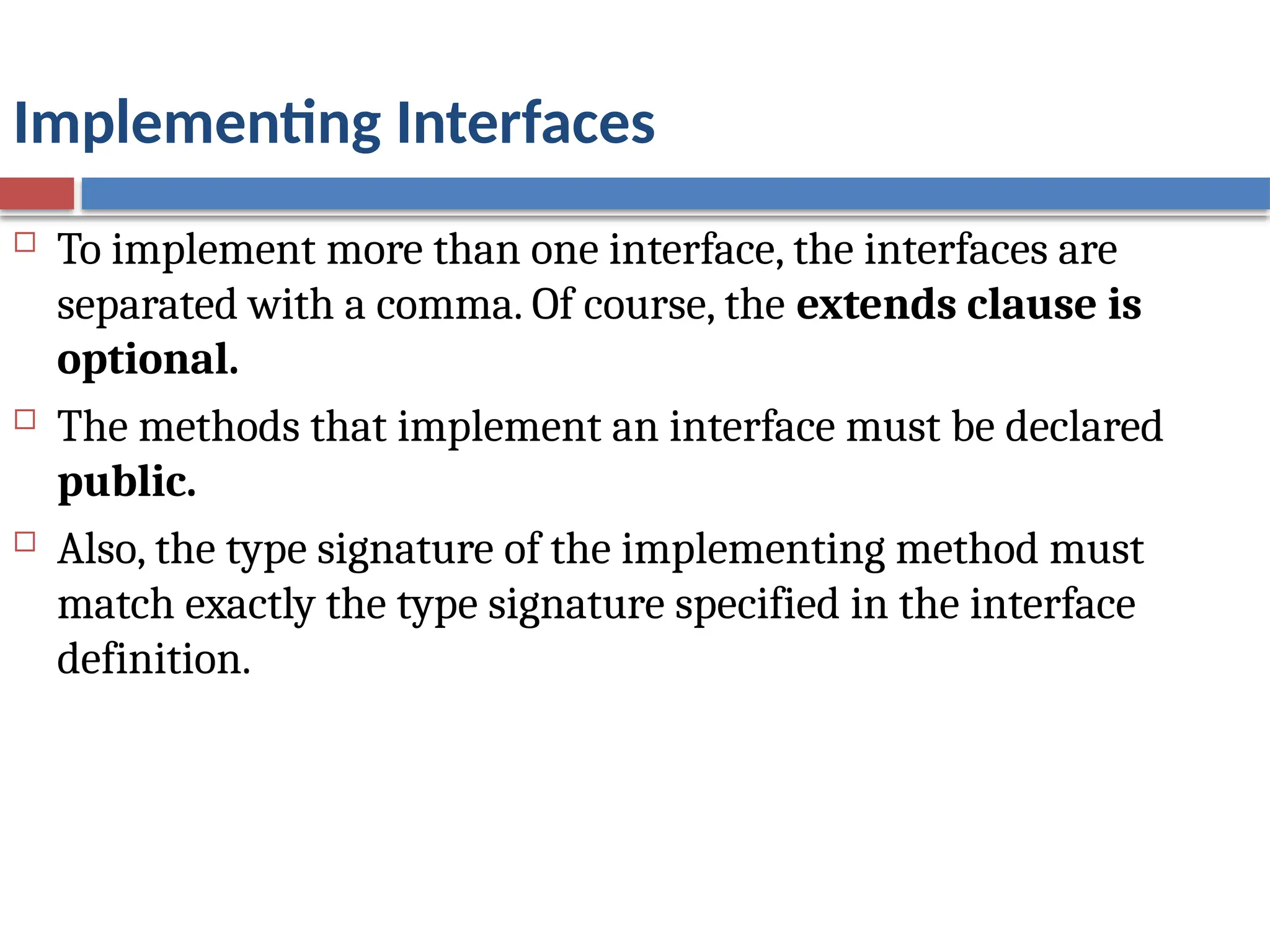
34.
Implementing Interfaces
Toimplement more than one interface, the interfaces are
separated with a comma. Of course, the extends clause is
optional.
The methods that implement an interface must be declared
public.
Also, the type signature of the implementing method must
match exactly the type signature specified in the interface
definition.
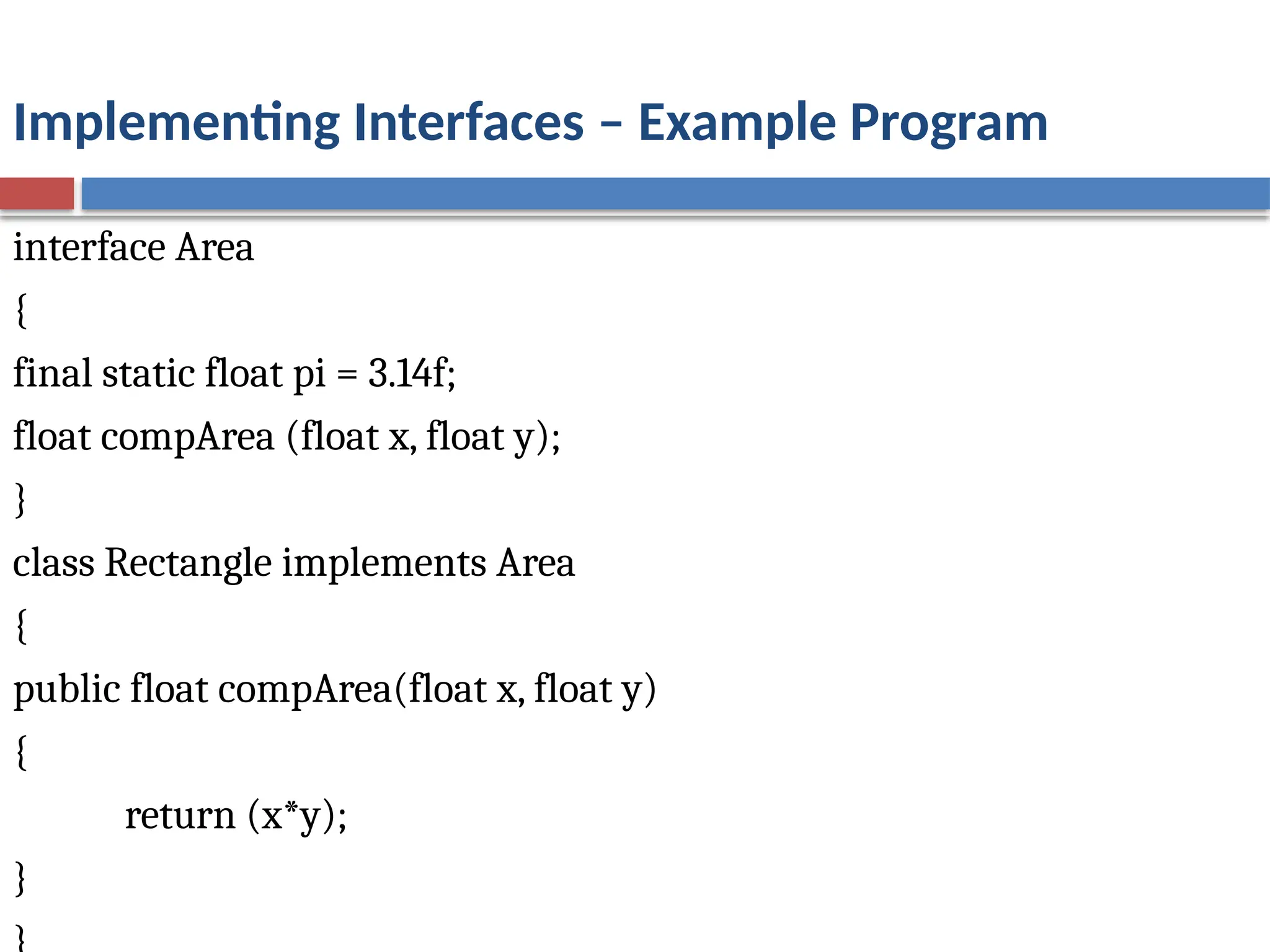
35.
Implementing Interfaces –Example Program
interface Area
{
final static float pi = 3.14f;
float compArea (float x, float y);
}
class Rectangle implements Area
{
public float compArea(float x, float y)
{
return (x*y);
}
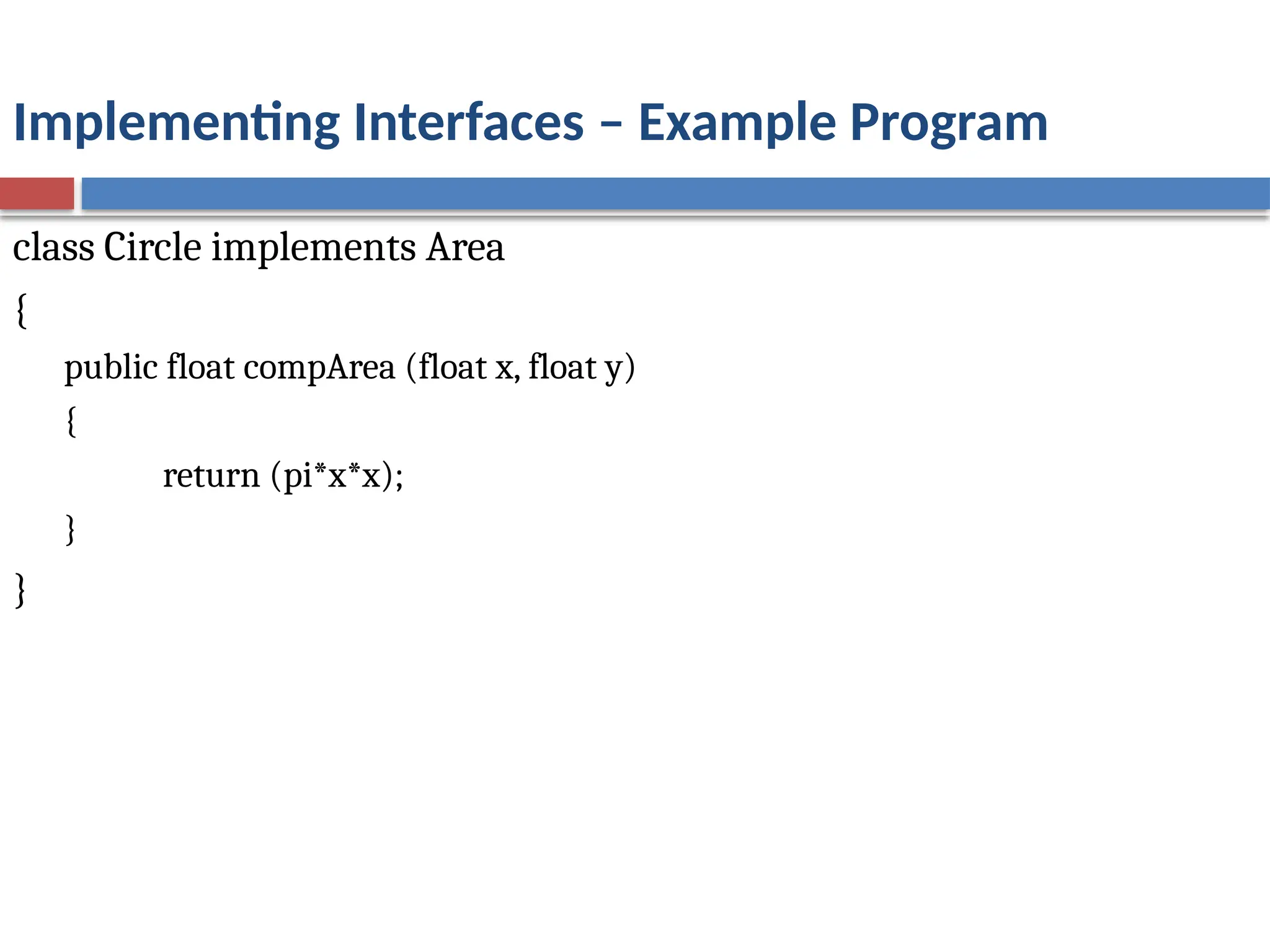
36.
Implementing Interfaces –Example Program
class Circle implements Area
{
public float compArea (float x, float y)
{
return (pi*x*x);
}
}
37.
Implementing Interfaces –Example Program
class Calcarea
{
public static void main (String args [ ])
{
Rectangle r = new Rectangle ( );
Circle c = new Circle ( );
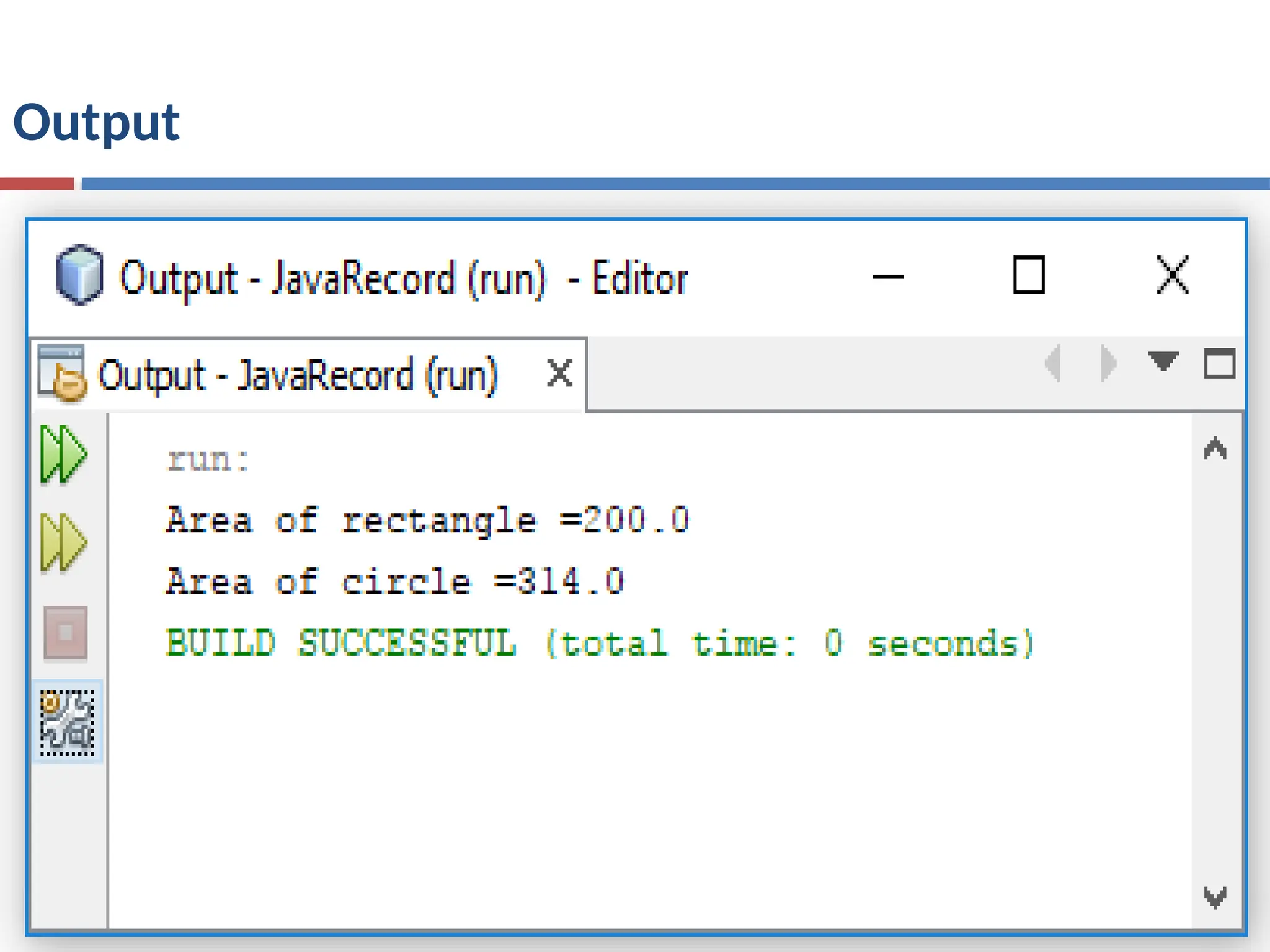
System.out.println ("Area of rectangle =" + r.compArea(10,20));
System.out.println ("Area of circle =" + c.compArea(10,0));
}
}
Using Interface References
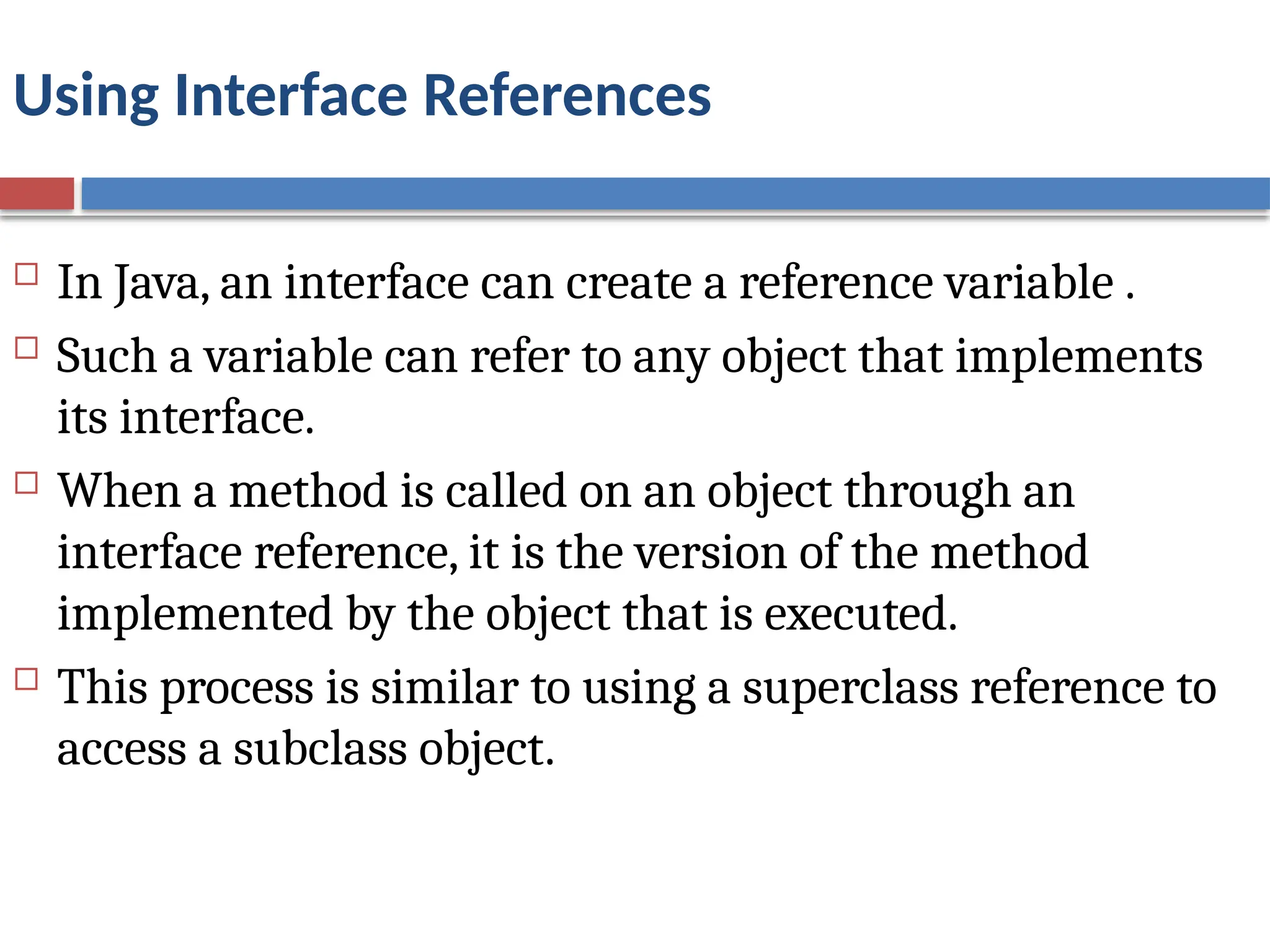
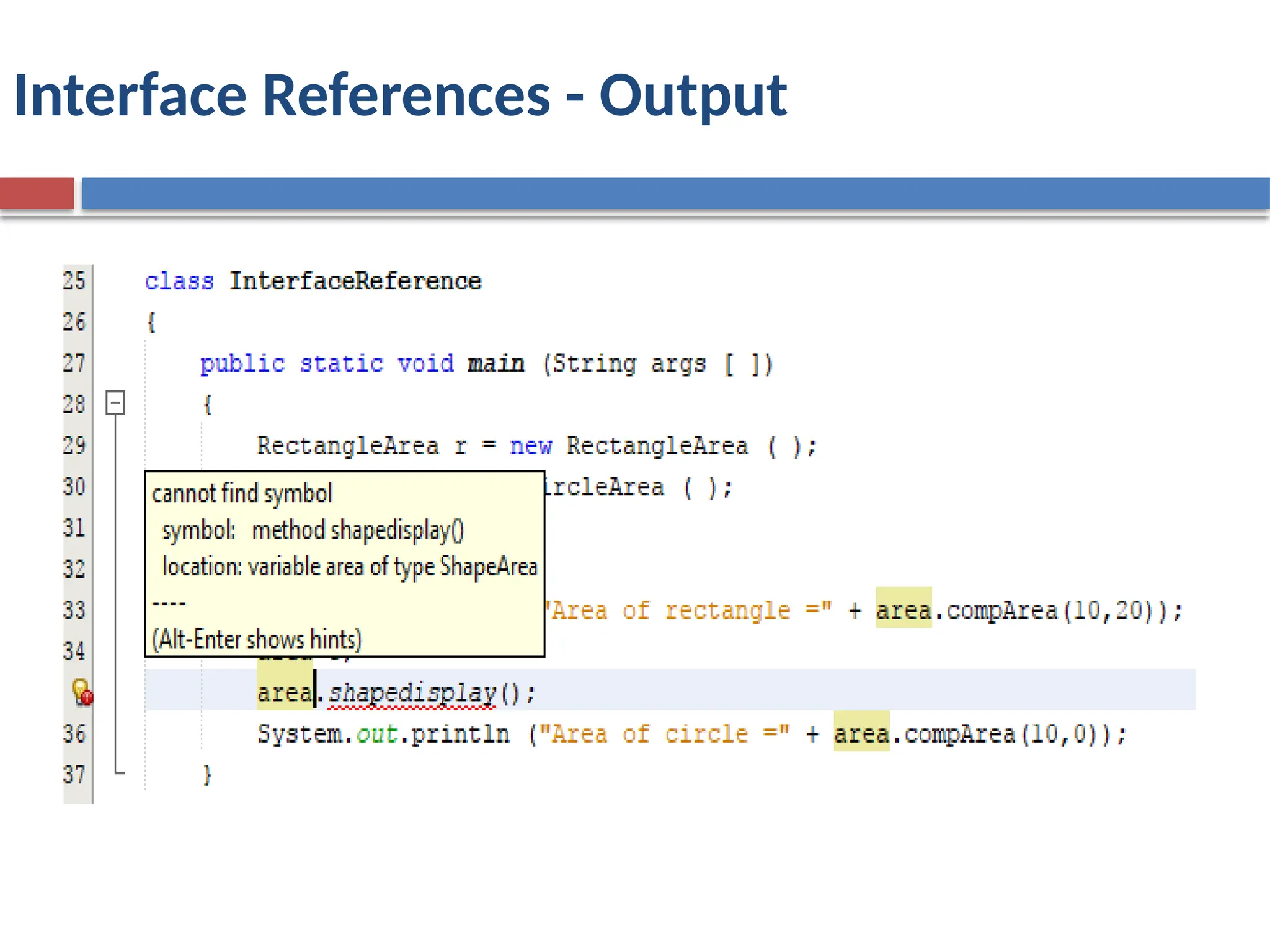
In Java, an interface can create a reference variable .
Such a variable can refer to any object that implements
its interface.
When a method is called on an object through an
interface reference, it is the version of the method
implemented by the object that is executed.
This process is similar to using a superclass reference to
access a subclass object.
40.
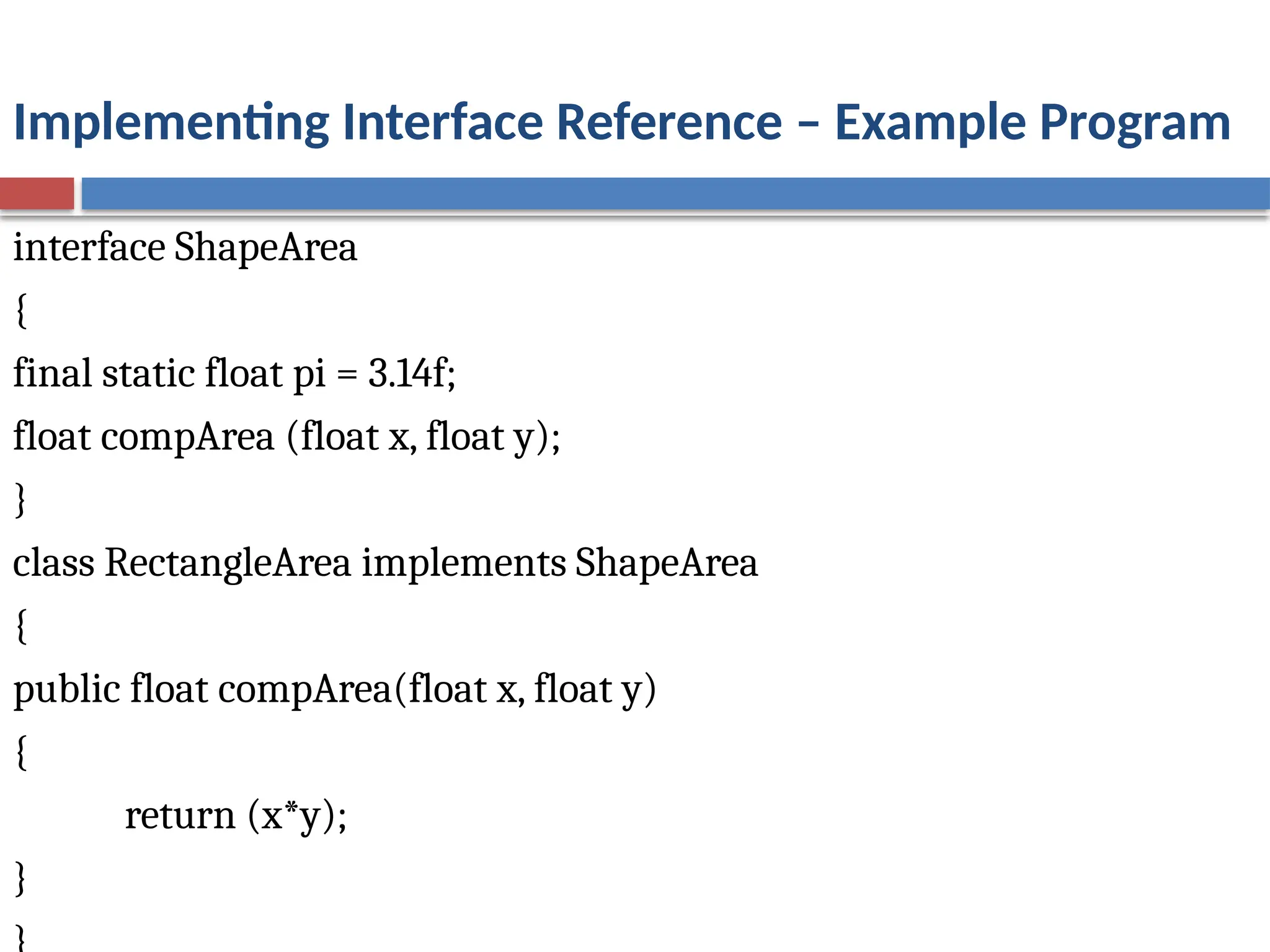
Implementing Interface Reference– Example Program
interface ShapeArea
{
final static float pi = 3.14f;
float compArea (float x, float y);
}
class RectangleArea implements ShapeArea
{
public float compArea(float x, float y)
{
return (x*y);
}
41.
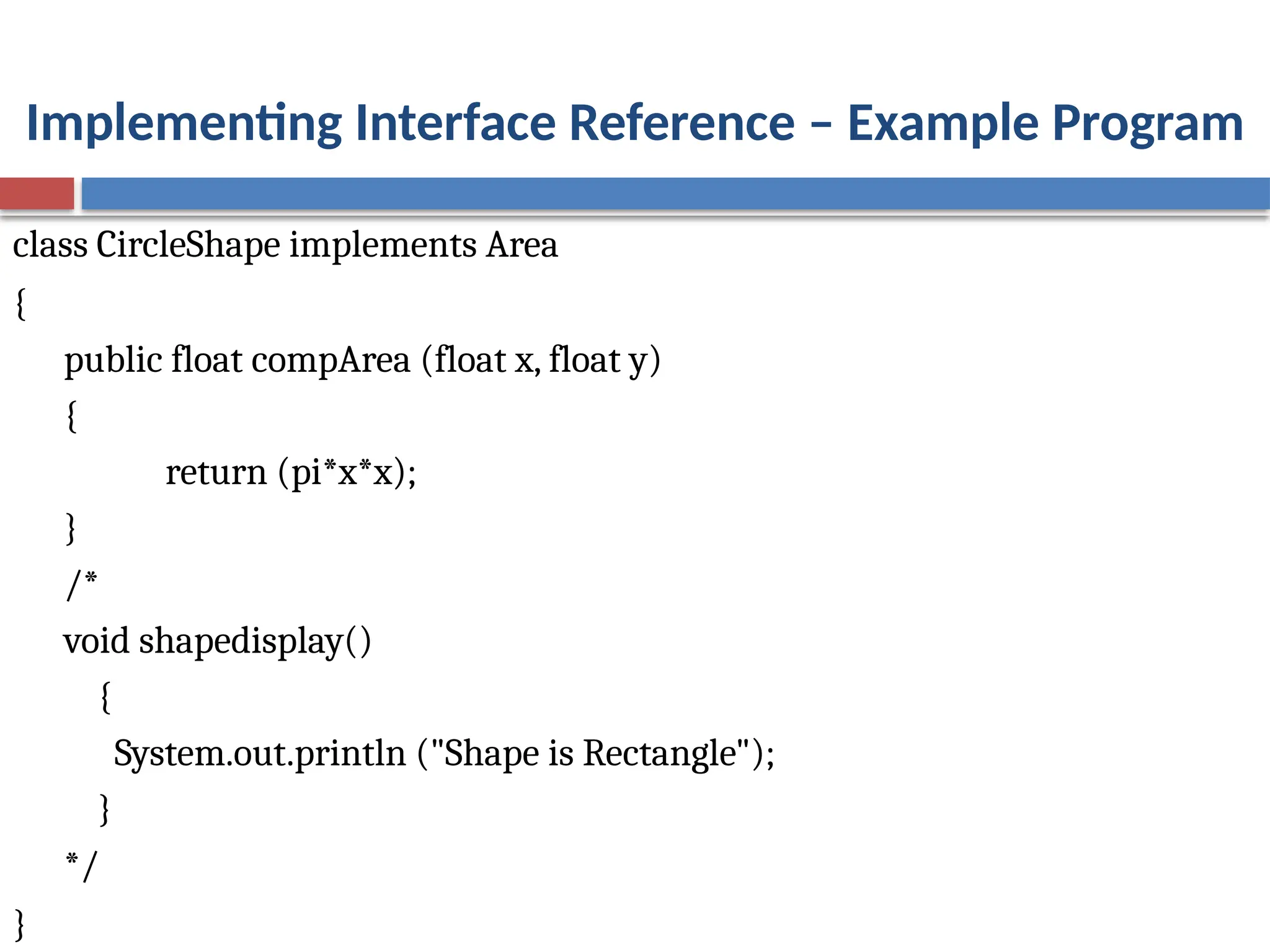
Implementing Interface Reference– Example Program
class CircleShape implements Area
{
public float compArea (float x, float y)
{
return (pi*x*x);
}
/*
void shapedisplay()
{
System.out.println ("Shape is Rectangle");
}
*/
}
42.
Implementing Interfaces –Example Program
class InterfaceReference
{
public static void main (String args [ ])
{
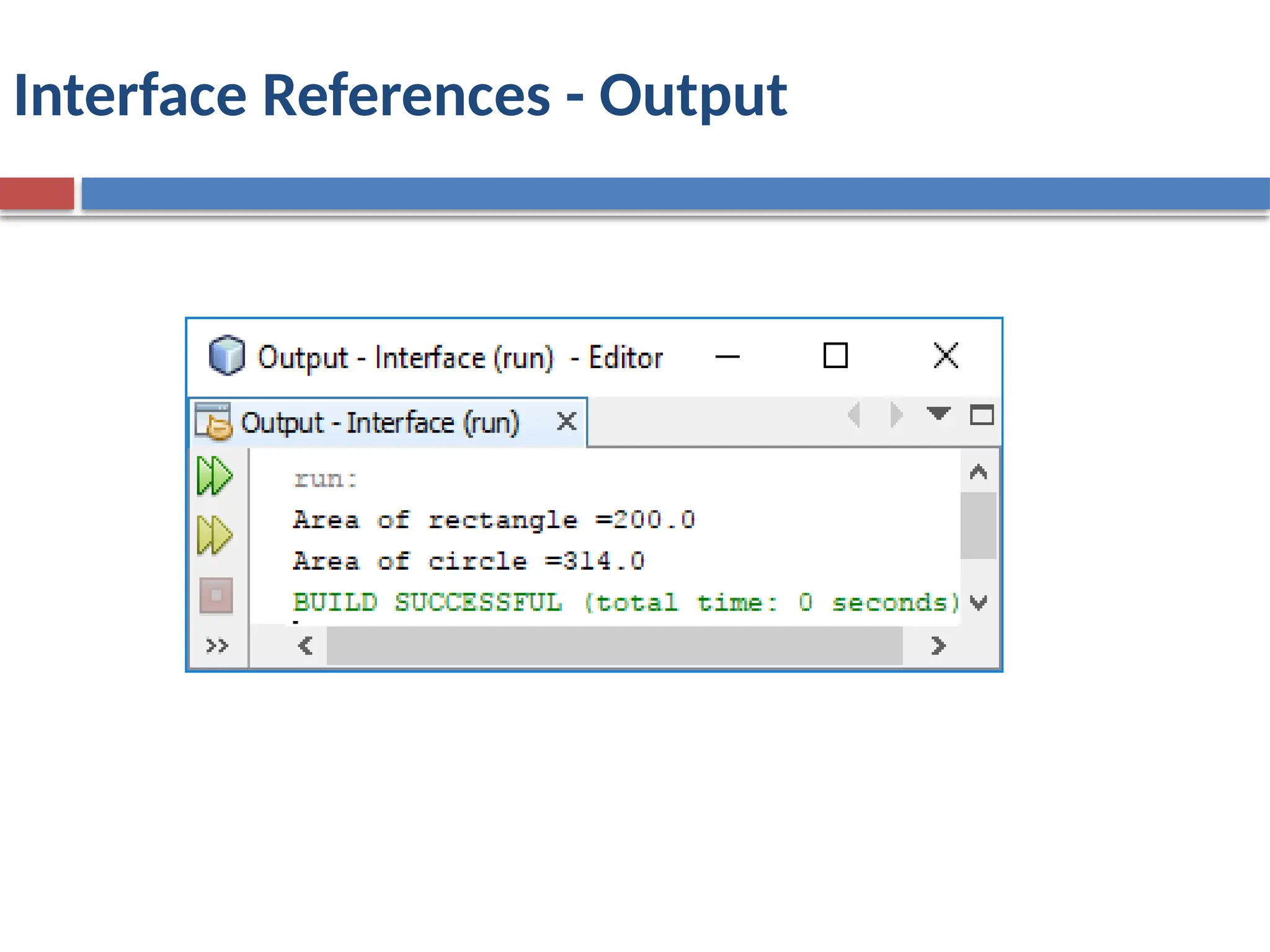
RectangleArea r = new RectangleArea ( );
CircleArea c = new CircleArea ( );
ShapeArea area;
area=r;
System.out.println ("Area of rectangle =" +area.compArea(10,20));
area=c;
System.out.println ("Area of circle =" + area.compArea(10,0));
}
Variables in Interfaces
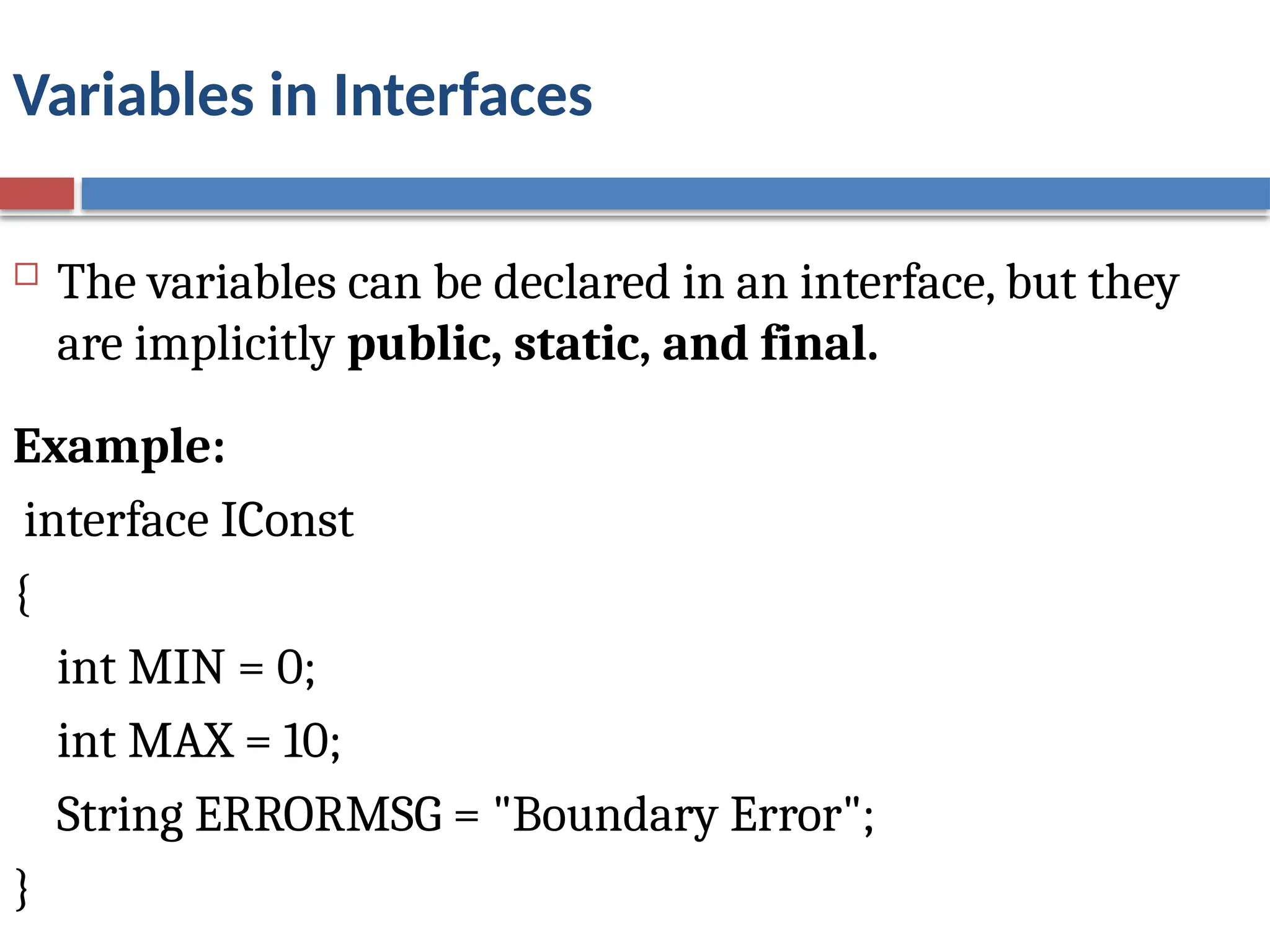
The variables can be declared in an interface, but they
are implicitly public, static, and final.
Example:
interface IConst
{
int MIN = 0;
int MAX = 10;
String ERRORMSG = "Boundary Error";
}
46.
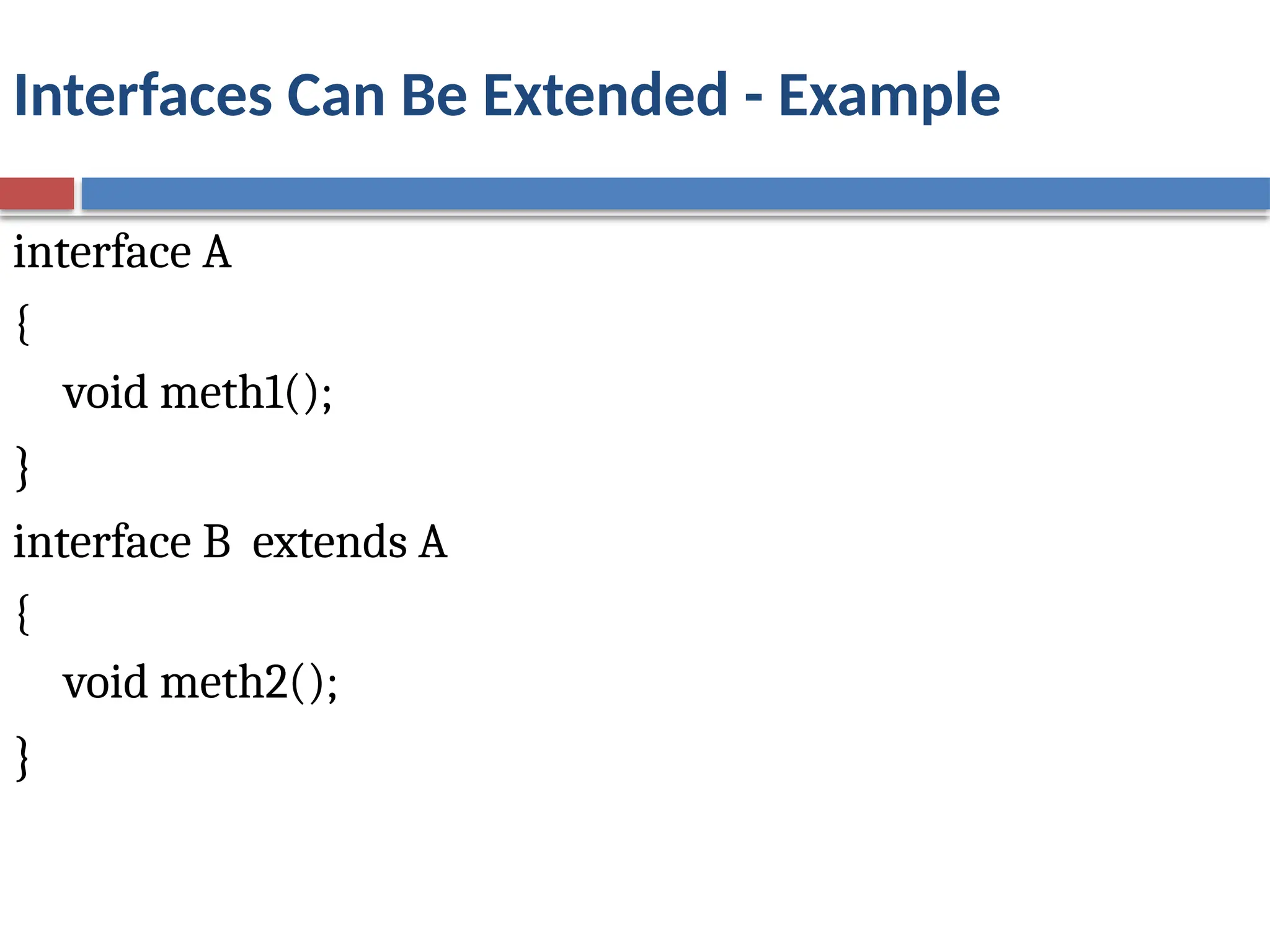
Interfaces Can BeExtended
One interface can inherit another by use of the keyword
extends. The syntax is the same as for inheriting classes.
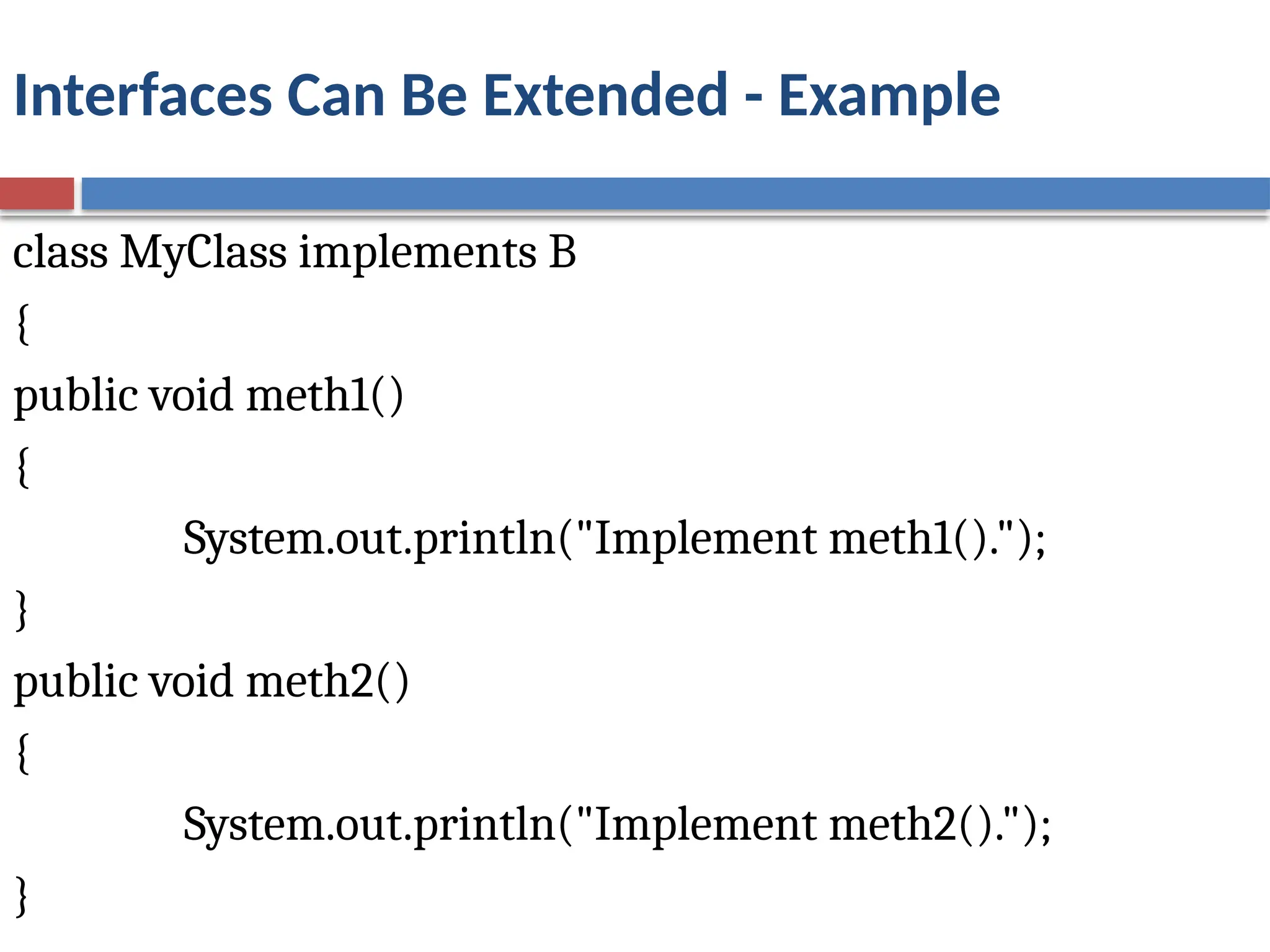
When a class implements an interface that inherits
another interface, it must provide implementations for
all methods required by the interface inheritance chain.
47.
Interfaces Can BeExtended - Example
interface A
{
void meth1();
}
interface B extends A
{
void meth2();
}
48.
Interfaces Can BeExtended - Example
class MyClass implements B
{
public void meth1()
{
System.out.println("Implement meth1().");
}
public void meth2()
{
System.out.println("Implement meth2().");
}
49.
Interfaces Can BeExtended - Example
class InterfaceInheritance
{
public static void main(String args[])
{
MyClass ob = new MyClass();
ob.meth1();
ob.meth2();
}
}
Output:
Implement meth1().
Implement meth2().
50.
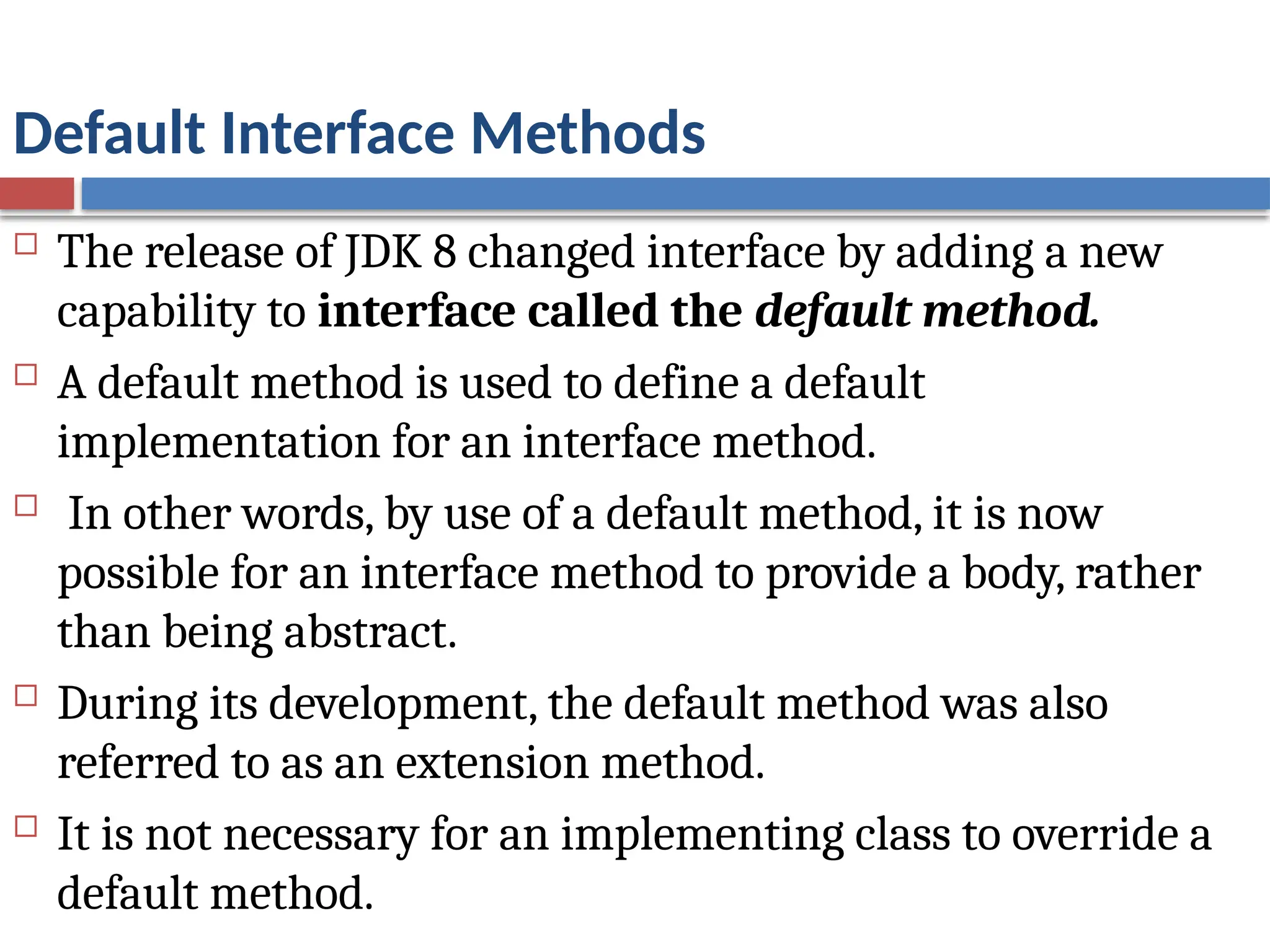
Default Interface Methods
The release of JDK 8 changed interface by adding a new
capability to interface called the default method.
A default method is used to define a default
implementation for an interface method.
In other words, by use of a default method, it is now
possible for an interface method to provide a body, rather
than being abstract.
During its development, the default method was also
referred to as an extension method.
It is not necessary for an implementing class to override a
default method.
51.
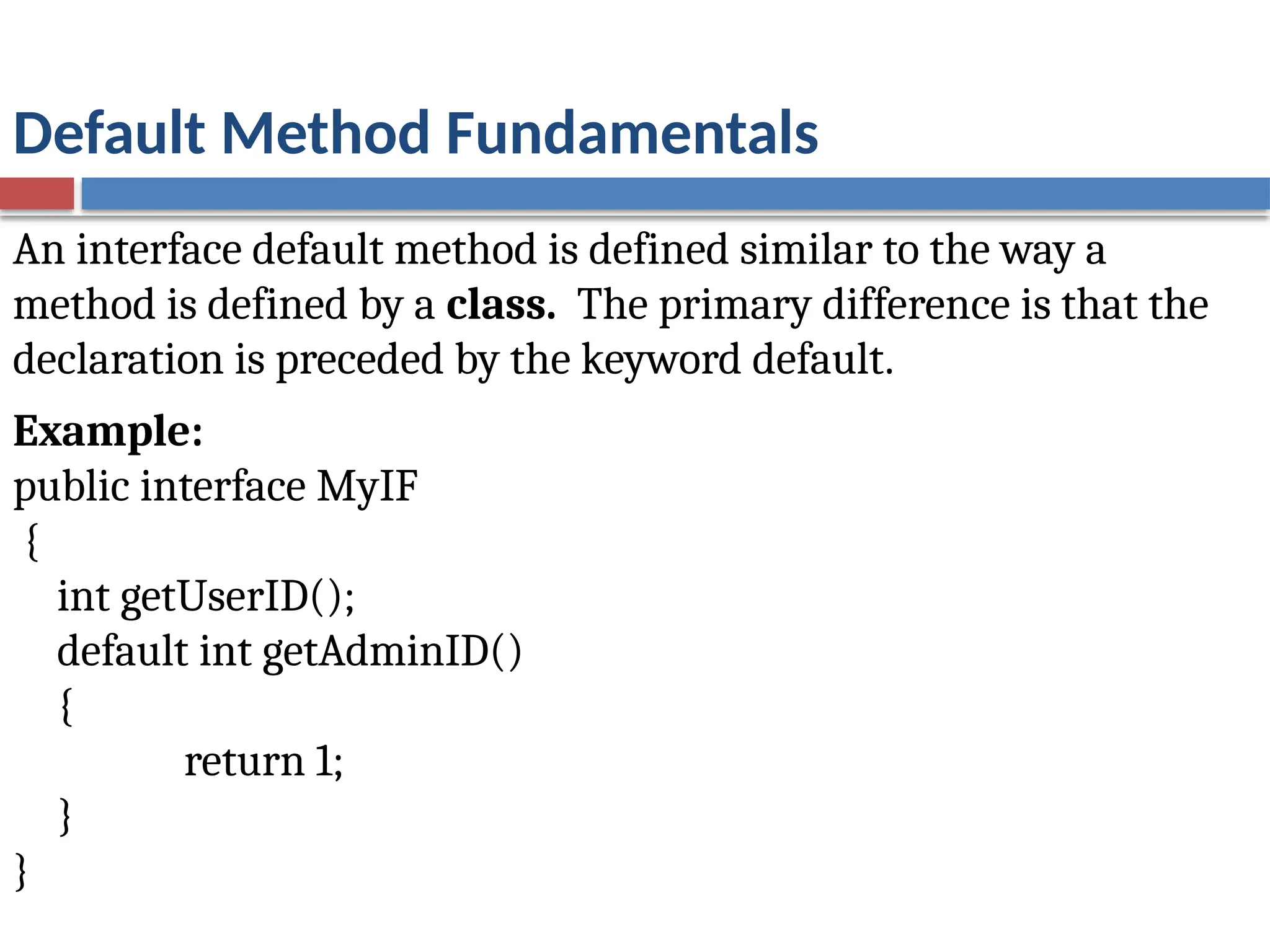
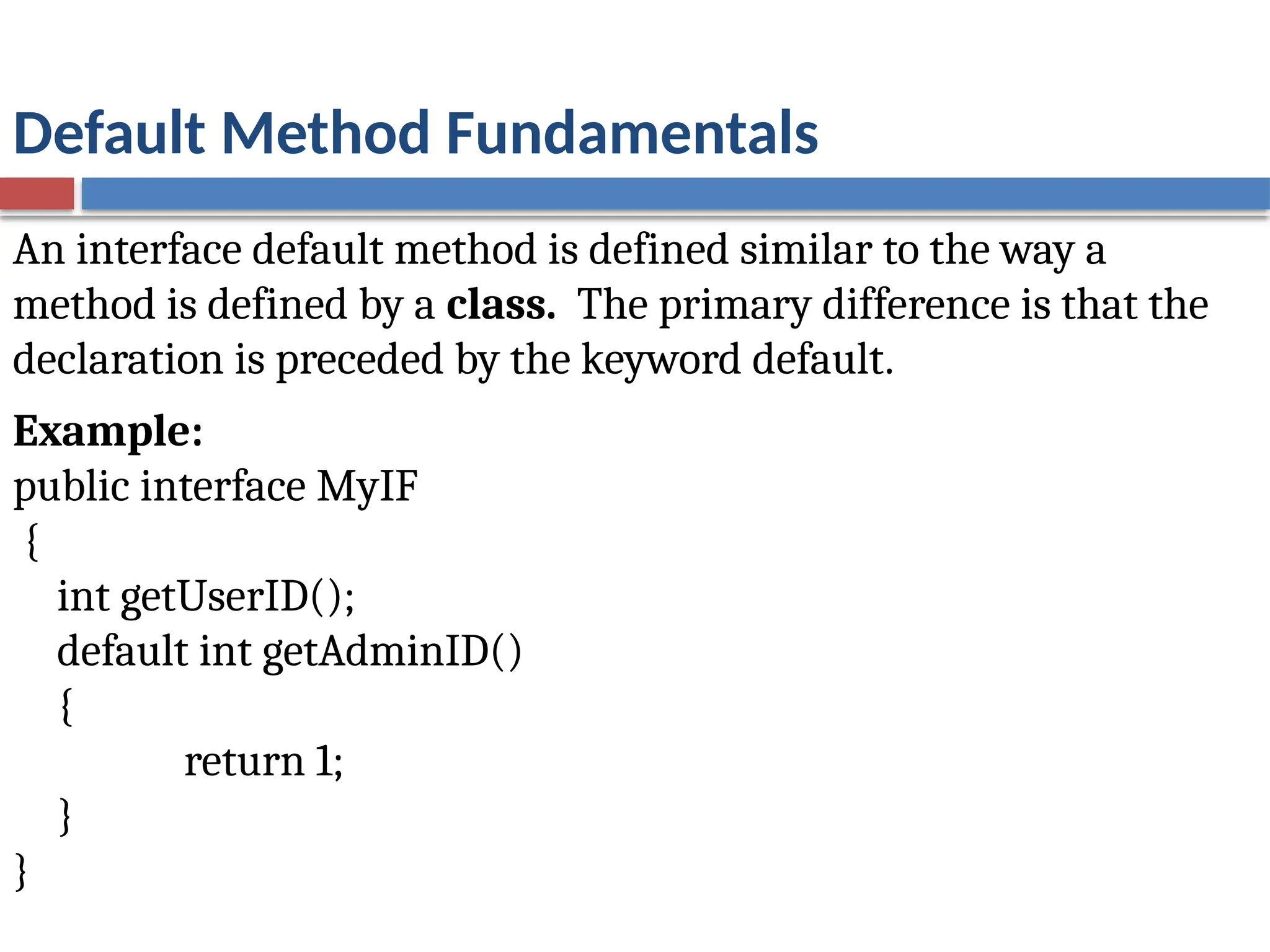
Default Method Fundamentals
Aninterface default method is defined similar to the way a
method is defined by a class. The primary difference is that the
declaration is preceded by the keyword default.
Example:
public interface MyIF
{
int getUserID();
default int getAdminID()
{
return 1;
}
}
52.
Default Method Fundamentals
Aninterface default method is defined similar to the way a
method is defined by a class. The primary difference is that the
declaration is preceded by the keyword default.
Example:
public interface MyIF
{
int getUserID();
default int getAdminID()
{
return 1;
}
}
53.
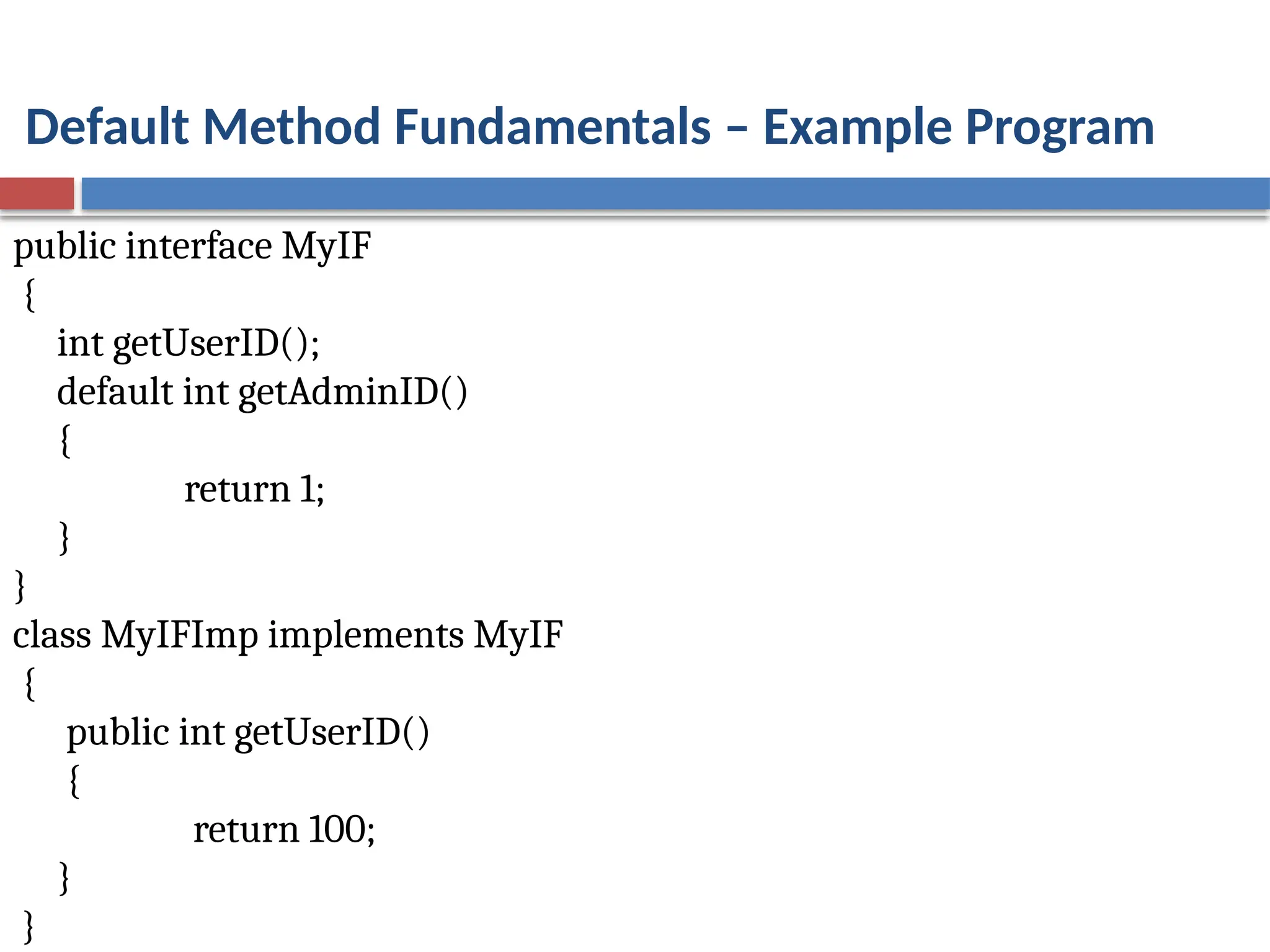
Default Method Fundamentals– Example Program
public interface MyIF
{
int getUserID();
default int getAdminID()
{
return 1;
}
}
class MyIFImp implements MyIF
{
public int getUserID()
{
return 100;
}
}
54.
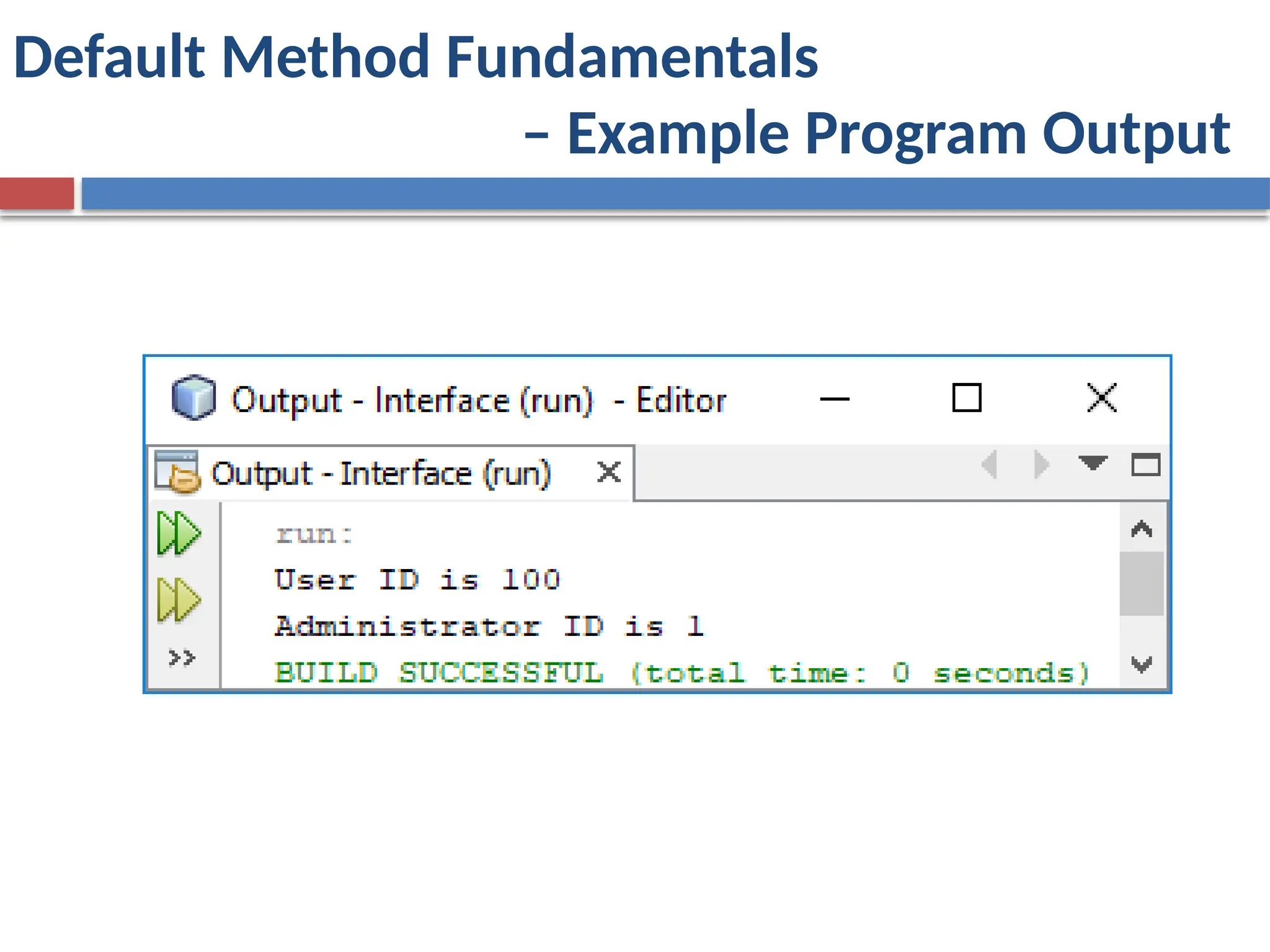
Default Method Fundamentals– Example Program
class DefaultMethodDemo
{
public static void main(String args[])
{
MyIFImp obj = new MyIFImp();
System.out.println("User ID is " + obj.getUserID());
System.out.println("Administrator ID is " +
obj.getAdminID());
}
}
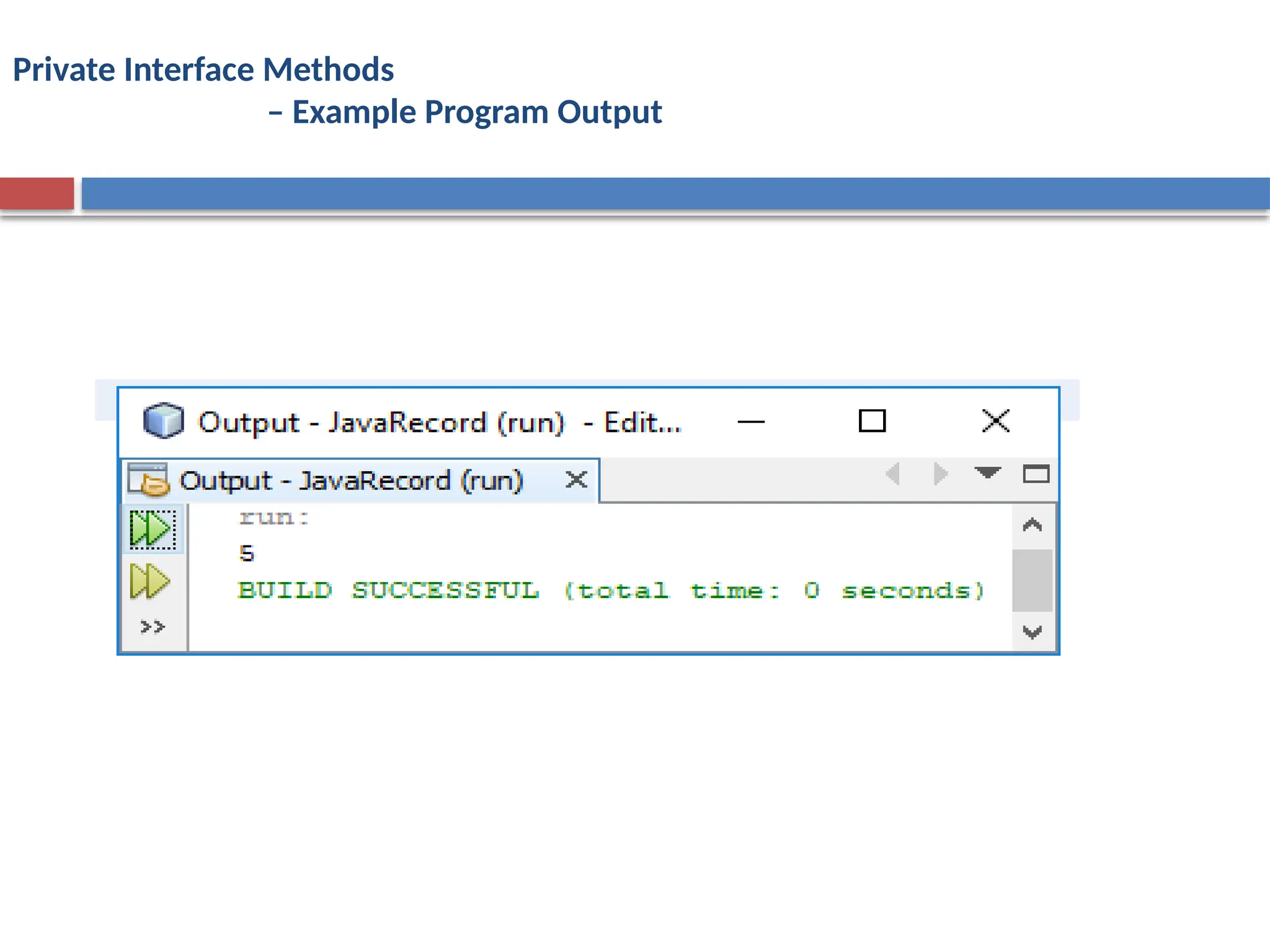
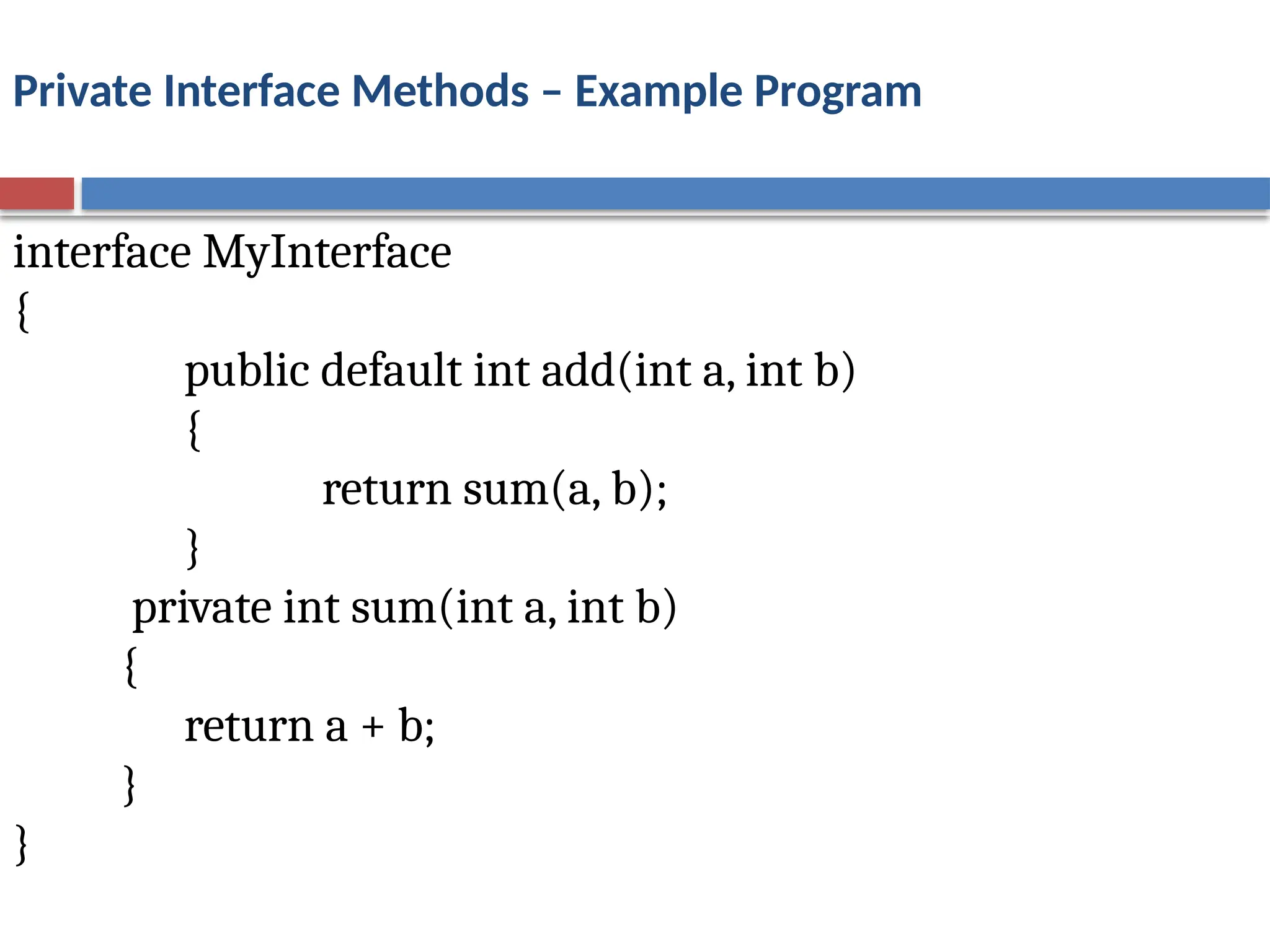
Private Interface Methods
A private interface method can be called only by a default
method or another private method defined by the same
interface.
Because a private interface method is specified private, it
cannot be used by code outside the interface in which it is
defined. This restriction includes sub interfaces because a
private interface method is not inherited by a sub interface.
The key benefit of a private interface method lets two or
more default methods use a common piece of code, thus
avoiding code duplication.
57.
Private Interface Methods– Example Program
interface MyInterface
{
public default int add(int a, int b)
{
return sum(a, b);
}
private int sum(int a, int b)
{
return a + b;
}
}
58.
Private Interface Methods– Example Program
public class PrivateInterface implements MyInterface
{
public static void main(String[] args)
{
PrivateInterface obj = new PrivateInterface();
System.out.println(obj.add(2, 3));
}
}
![class BookDemo
{
public static void main(String args[])
{
Book books[] = new Book[3];
books[0] = new Book("Java: A Beginner's Guide","Schildt";
books[1] = new Book("Java: The Complete Reference","Schildt");
books[2] = new Book("The Art of Java","Schildt and Holmes");
for(int i=0; i < books.length; i++)
books[i].show();
}
}](https://image.slidesharecdn.com/unit3packages-251125140531-7205959b/75/Packages-and-Access-Specifiers-in-Java-programming-8-2048.jpg)
![A Package Access Example
package bookpackage;
class BookDemo
{
public static void main(String args[])
{
bookpack.Book books[] = new bookpack.Book[3];
books[0] = new bookpack.Book("Java: A Beginner's Guide","Schildt");
books[1] = new bookpack.Book("Java: The Complete Reference","Schildt");
books[2] = new bookpack.Book("The Art of Java","Schildt and Holmes");
for(int i=0; i < books.length; i++)
books[i].show();
}
}](https://image.slidesharecdn.com/unit3packages-251125140531-7205959b/75/Packages-and-Access-Specifiers-in-Java-programming-14-2048.jpg)
![A Protected Access Example
class ProtectDemo
{
public static void main(String args[])
{
ExtBook books[] = new ExtBook[3];
books[0] = new ExtBook("Java: A Beginner's Guide","Schildt",2014);
books[1] = new ExtBook("Java: The Complete Reference","Schildt",2014);
books[2] = new ExtBook("The Art of Java","Schildt and Holmes",2003);
for(int i=0; i < books.length; i++)
books[i].show();
//books[0].title = "test title";
}
}](https://image.slidesharecdn.com/unit3packages-251125140531-7205959b/75/Packages-and-Access-Specifiers-in-Java-programming-19-2048.jpg)
![Importing a Package - Example
package bookpackage;
import bookpack.*;
class BookDemo
{
public static void main(String args[])
{
Book books[] = new Book[3];
books[0] = new Book("Java: A Beginner's Guide","Schildt");
books[1] = new Book("Java: The Complete Reference","Schildt");
books[2] = new Book("The Art of Java","Schildt and Holmes");
for(int i=0; i < books.length; i++)
books[i].show();
}
}](https://image.slidesharecdn.com/unit3packages-251125140531-7205959b/75/Packages-and-Access-Specifiers-in-Java-programming-23-2048.jpg)
![Example for Packages – Package q
package q;
import r.R;
import s.S;
public class ImportDemo
{
public static void main( String args[])
{
R r= new R();
r.r1();
S s = new S();
s.s1( );
}
}](https://image.slidesharecdn.com/unit3packages-251125140531-7205959b/75/Packages-and-Access-Specifiers-in-Java-programming-26-2048.jpg)
![Implementing Interfaces – Example Program
class Calcarea
{
public static void main (String args [ ])
{
Rectangle r = new Rectangle ( );
Circle c = new Circle ( );
System.out.println ("Area of rectangle =" + r.compArea(10,20));
System.out.println ("Area of circle =" + c.compArea(10,0));
}
}](https://image.slidesharecdn.com/unit3packages-251125140531-7205959b/75/Packages-and-Access-Specifiers-in-Java-programming-37-2048.jpg)
![Implementing Interfaces – Example Program
class InterfaceReference
{
public static void main (String args [ ])
{
RectangleArea r = new RectangleArea ( );
CircleArea c = new CircleArea ( );
ShapeArea area;
area=r;
System.out.println ("Area of rectangle =" +area.compArea(10,20));
area=c;
System.out.println ("Area of circle =" + area.compArea(10,0));
}](https://image.slidesharecdn.com/unit3packages-251125140531-7205959b/75/Packages-and-Access-Specifiers-in-Java-programming-42-2048.jpg)
![Interfaces Can Be Extended - Example
class InterfaceInheritance
{
public static void main(String args[])
{
MyClass ob = new MyClass();
ob.meth1();
ob.meth2();
}
}
Output:
Implement meth1().
Implement meth2().](https://image.slidesharecdn.com/unit3packages-251125140531-7205959b/75/Packages-and-Access-Specifiers-in-Java-programming-49-2048.jpg)
![Default Method Fundamentals – Example Program
class DefaultMethodDemo
{
public static void main(String args[])
{
MyIFImp obj = new MyIFImp();
System.out.println("User ID is " + obj.getUserID());
System.out.println("Administrator ID is " +
obj.getAdminID());
}
}](https://image.slidesharecdn.com/unit3packages-251125140531-7205959b/75/Packages-and-Access-Specifiers-in-Java-programming-54-2048.jpg)
![Private Interface Methods – Example Program
public class PrivateInterface implements MyInterface
{
public static void main(String[] args)
{
PrivateInterface obj = new PrivateInterface();
System.out.println(obj.add(2, 3));
}
}](https://image.slidesharecdn.com/unit3packages-251125140531-7205959b/75/Packages-and-Access-Specifiers-in-Java-programming-58-2048.jpg)