Downloaded 19 times

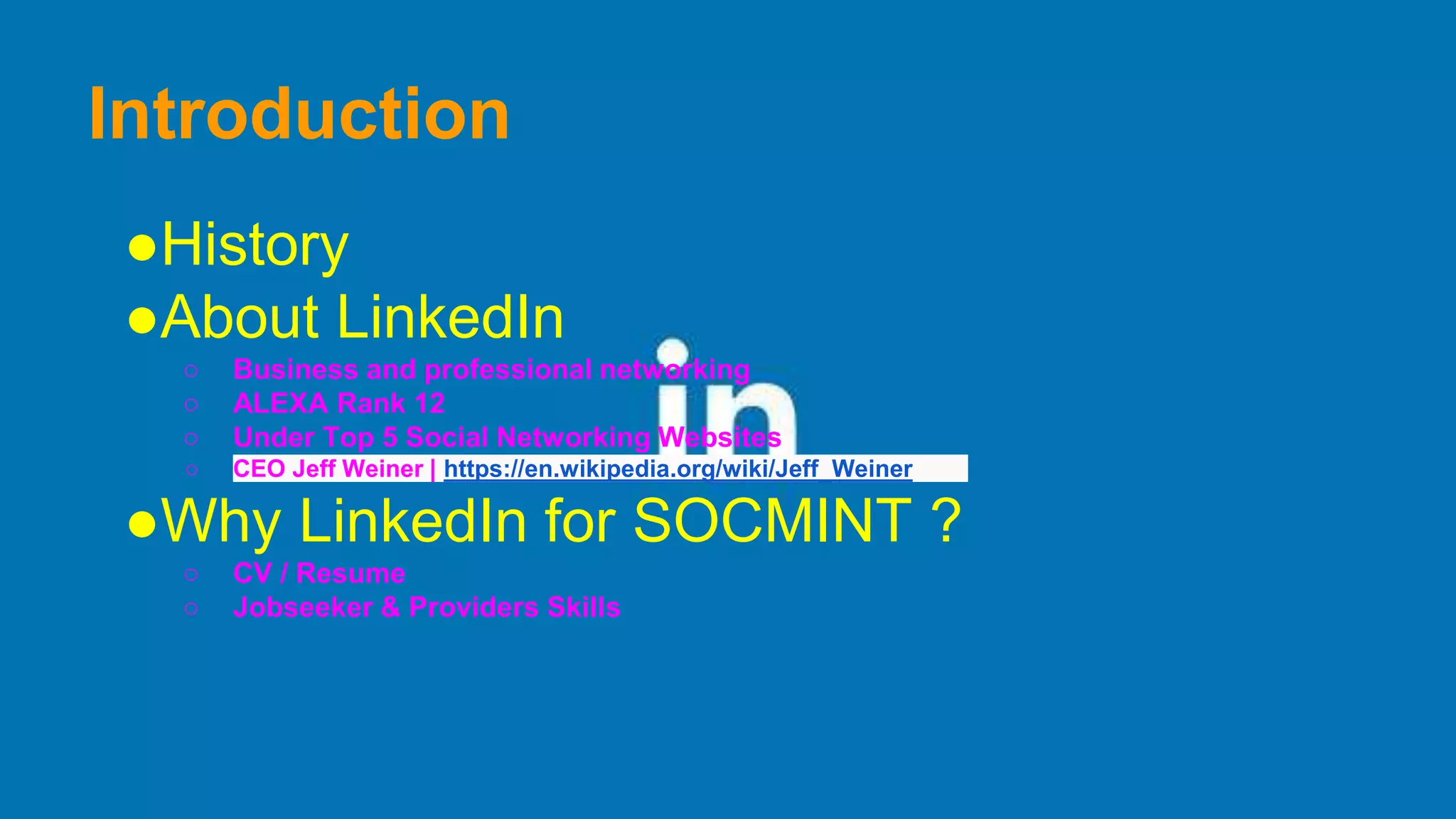
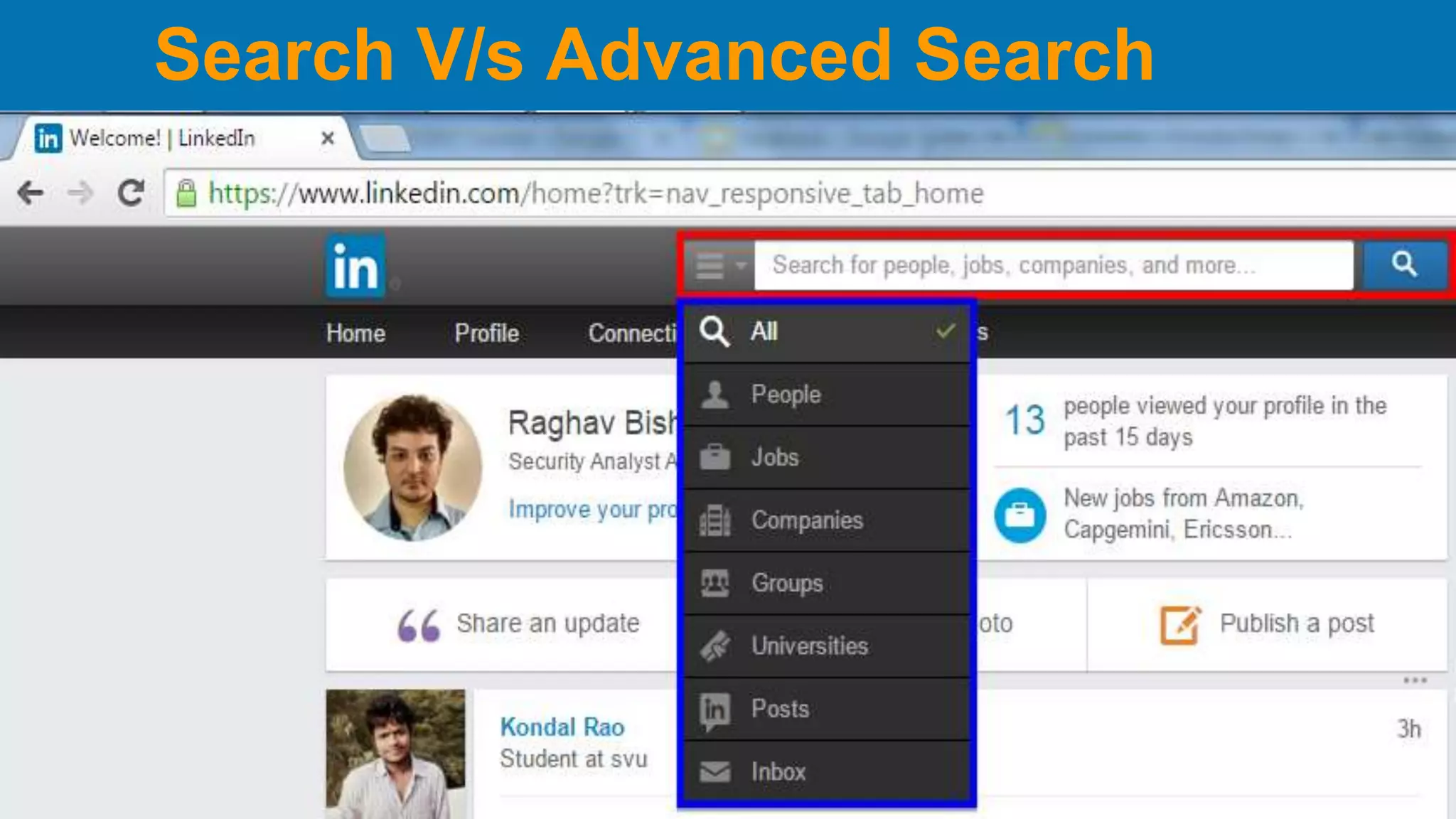
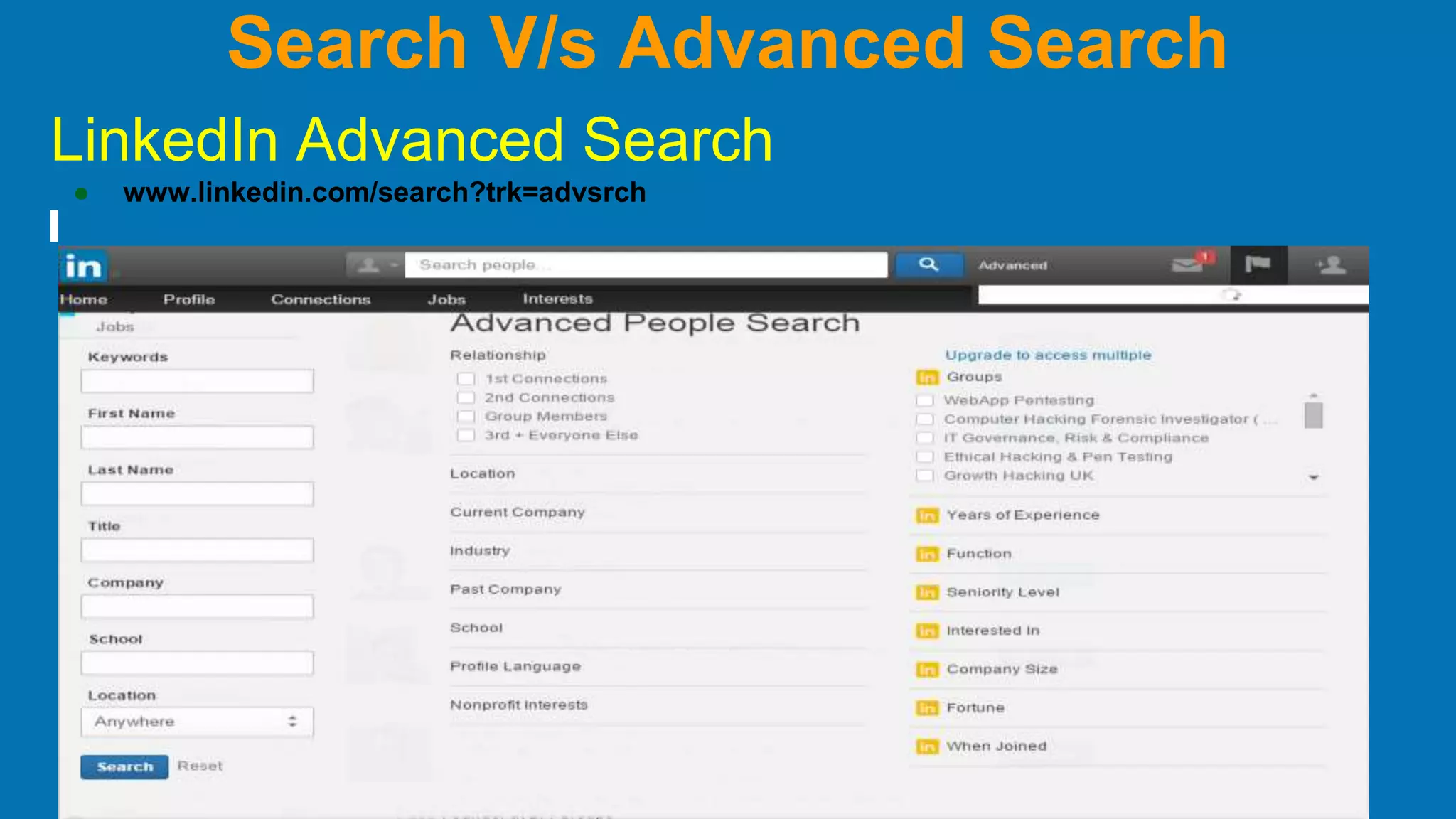
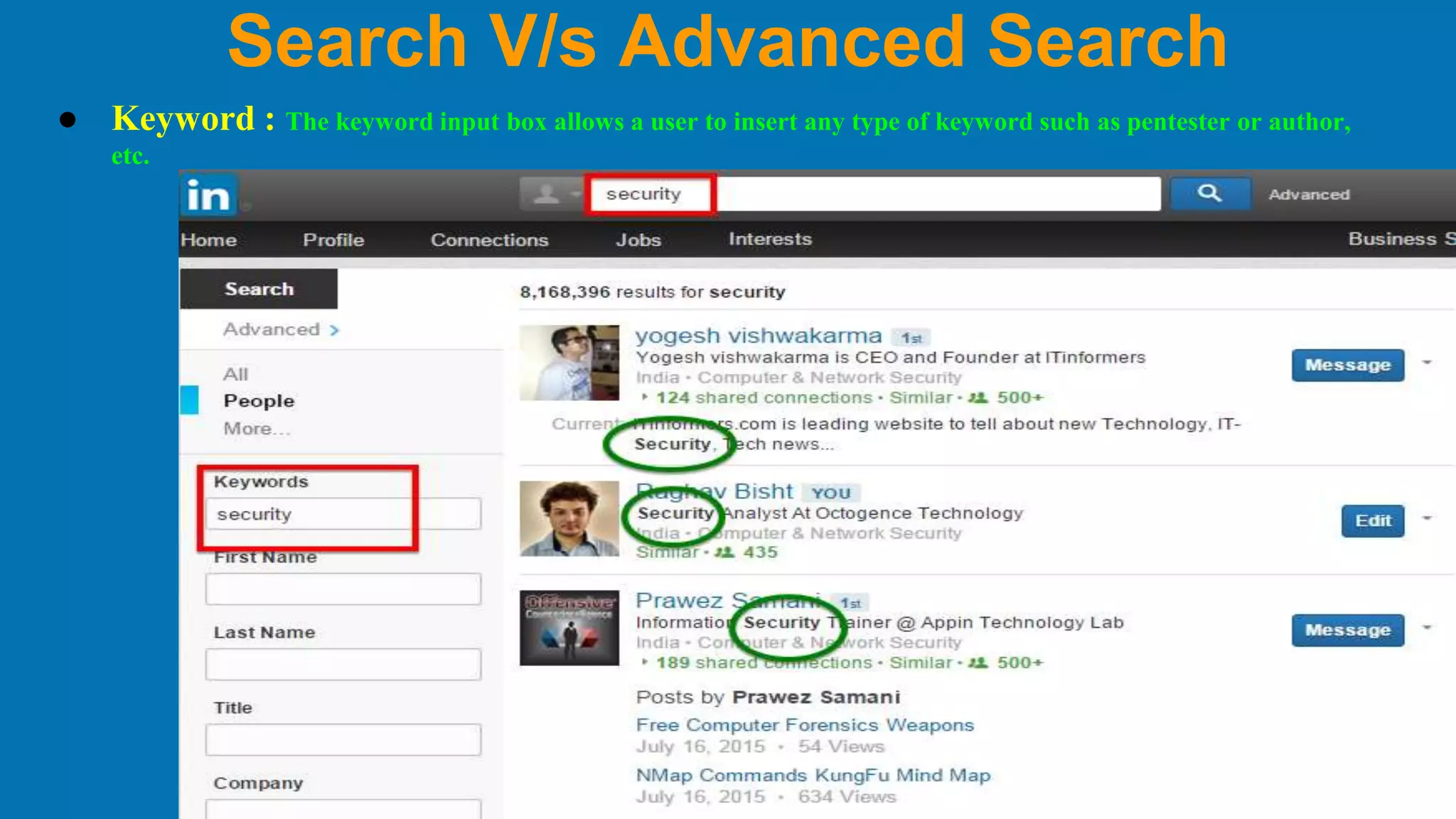
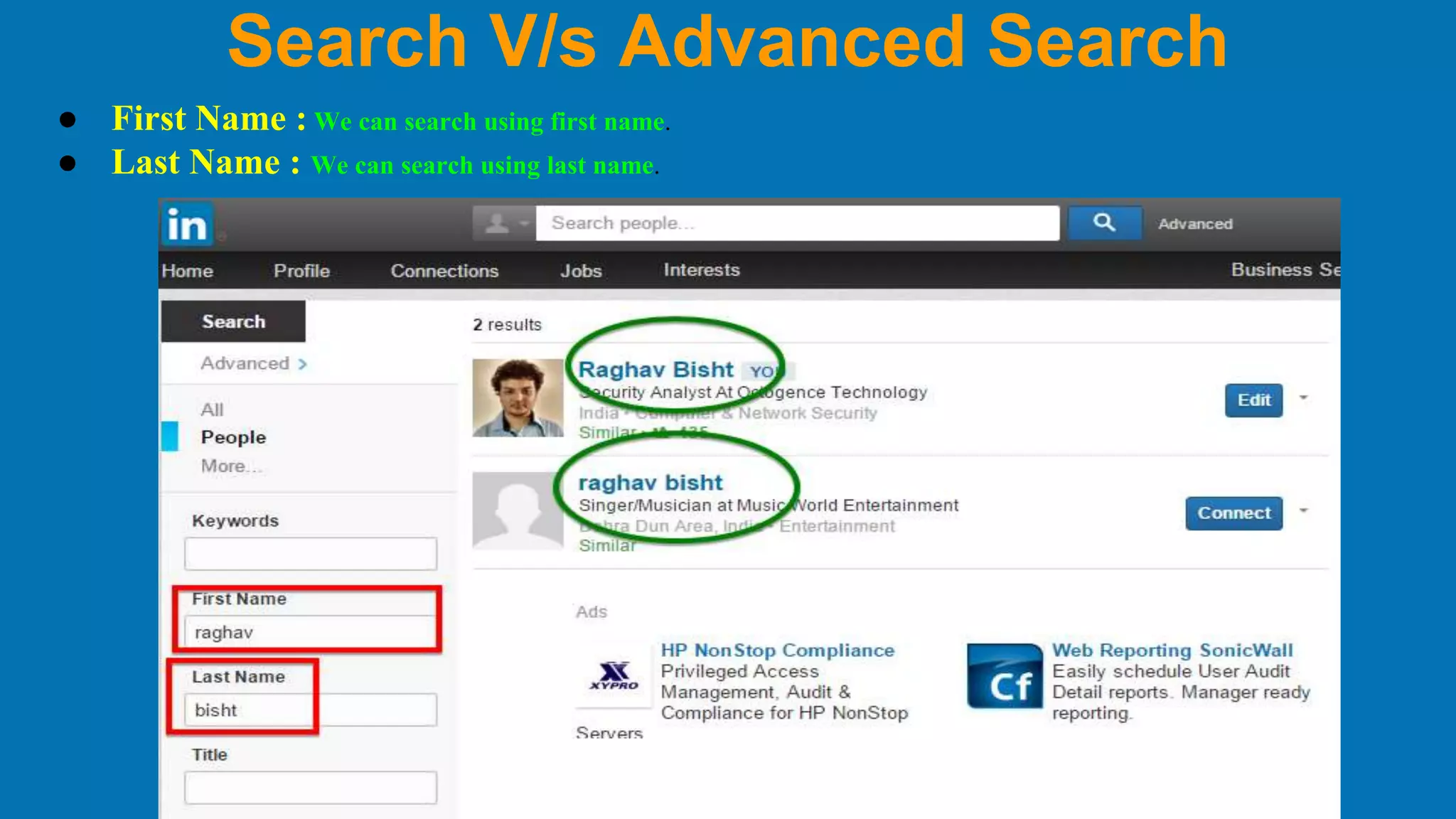
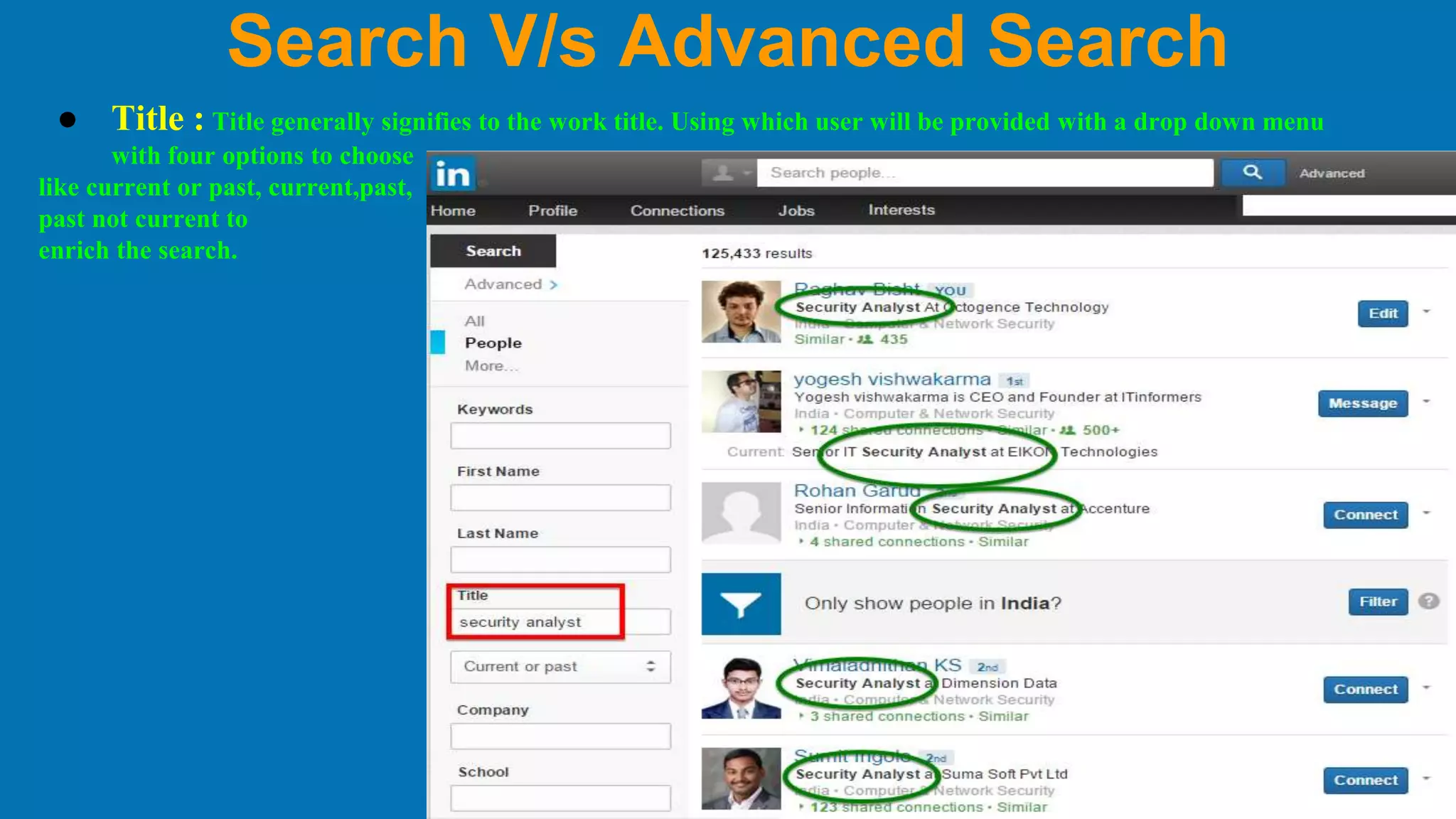
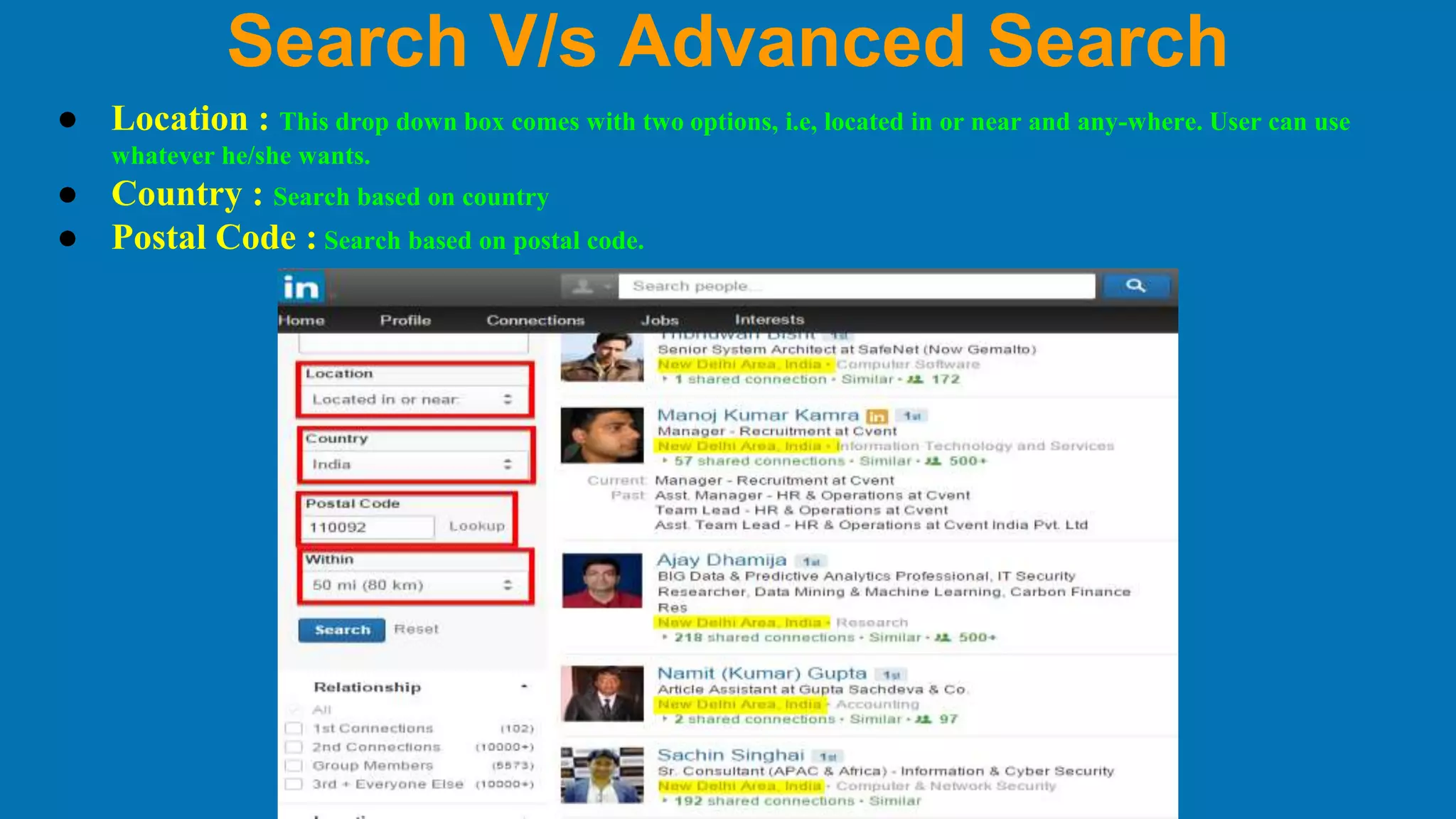
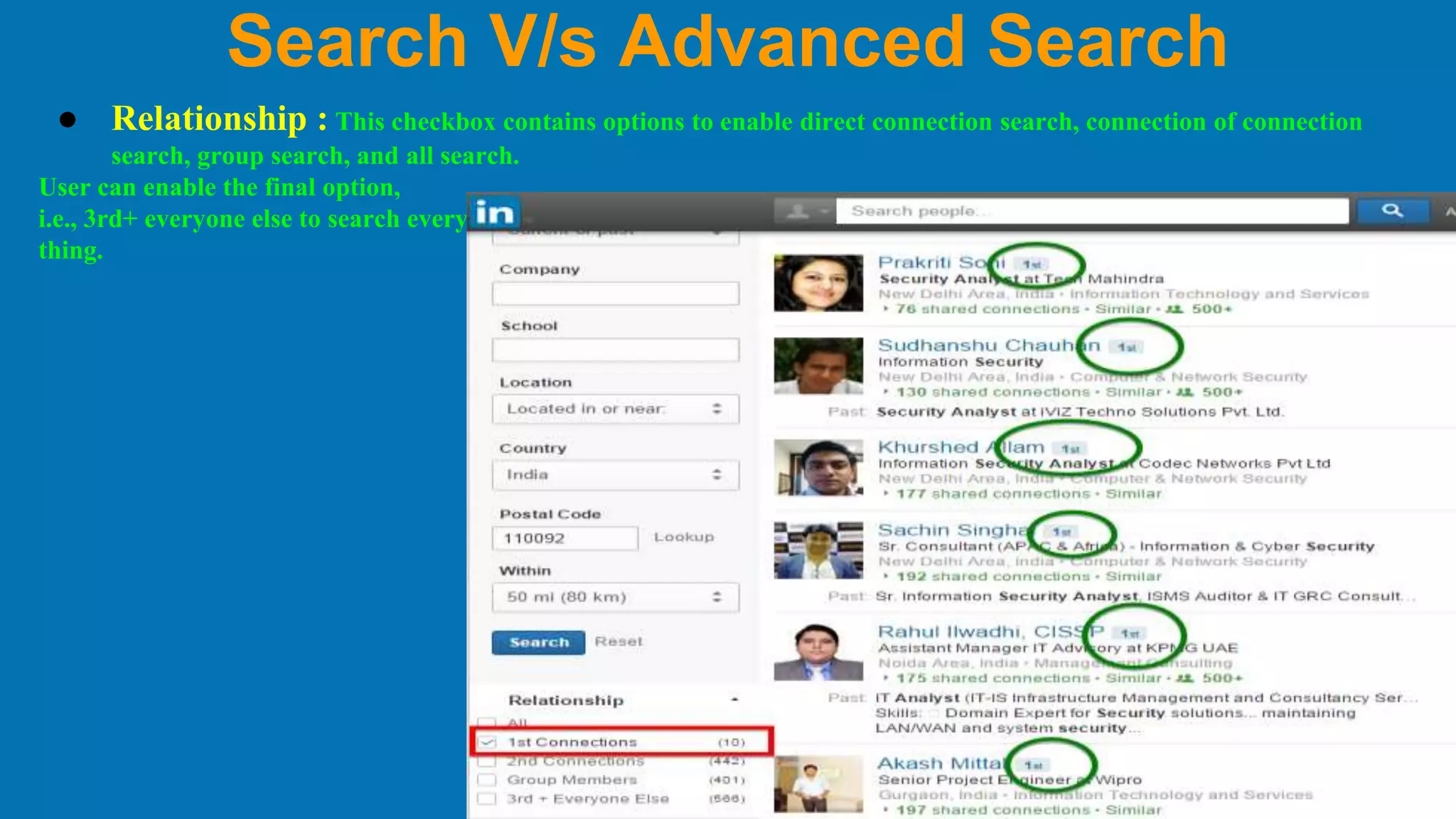
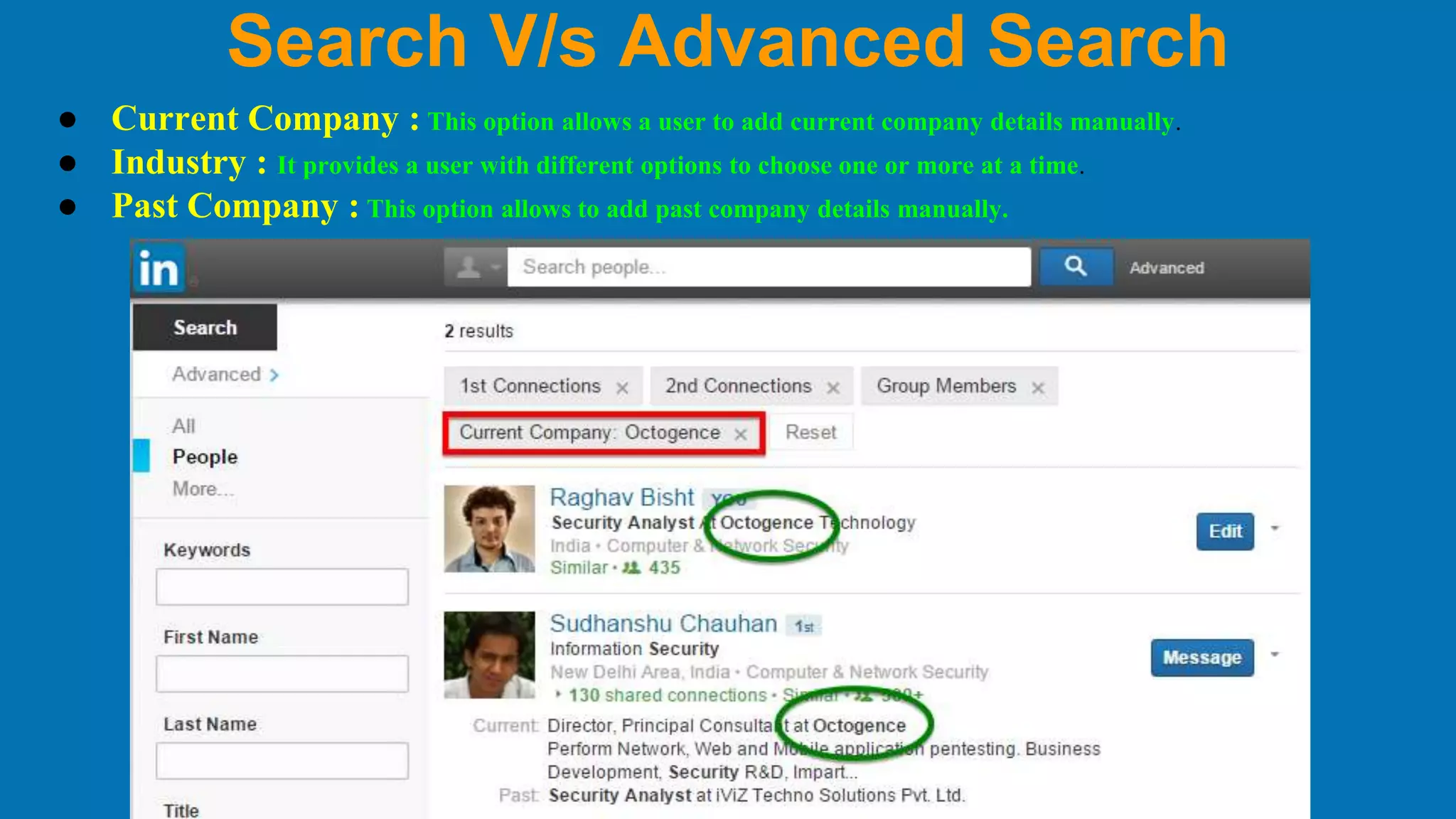
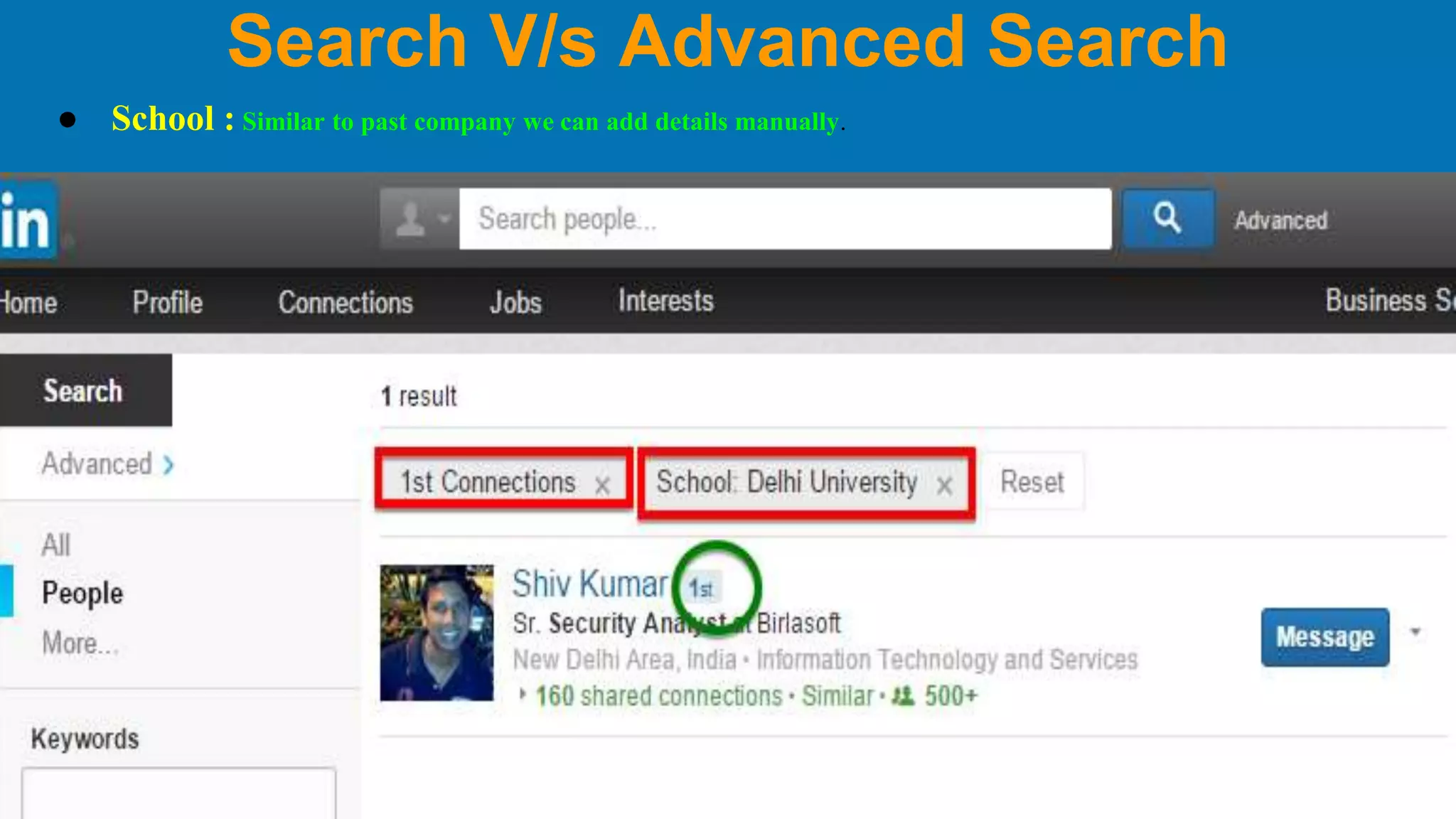
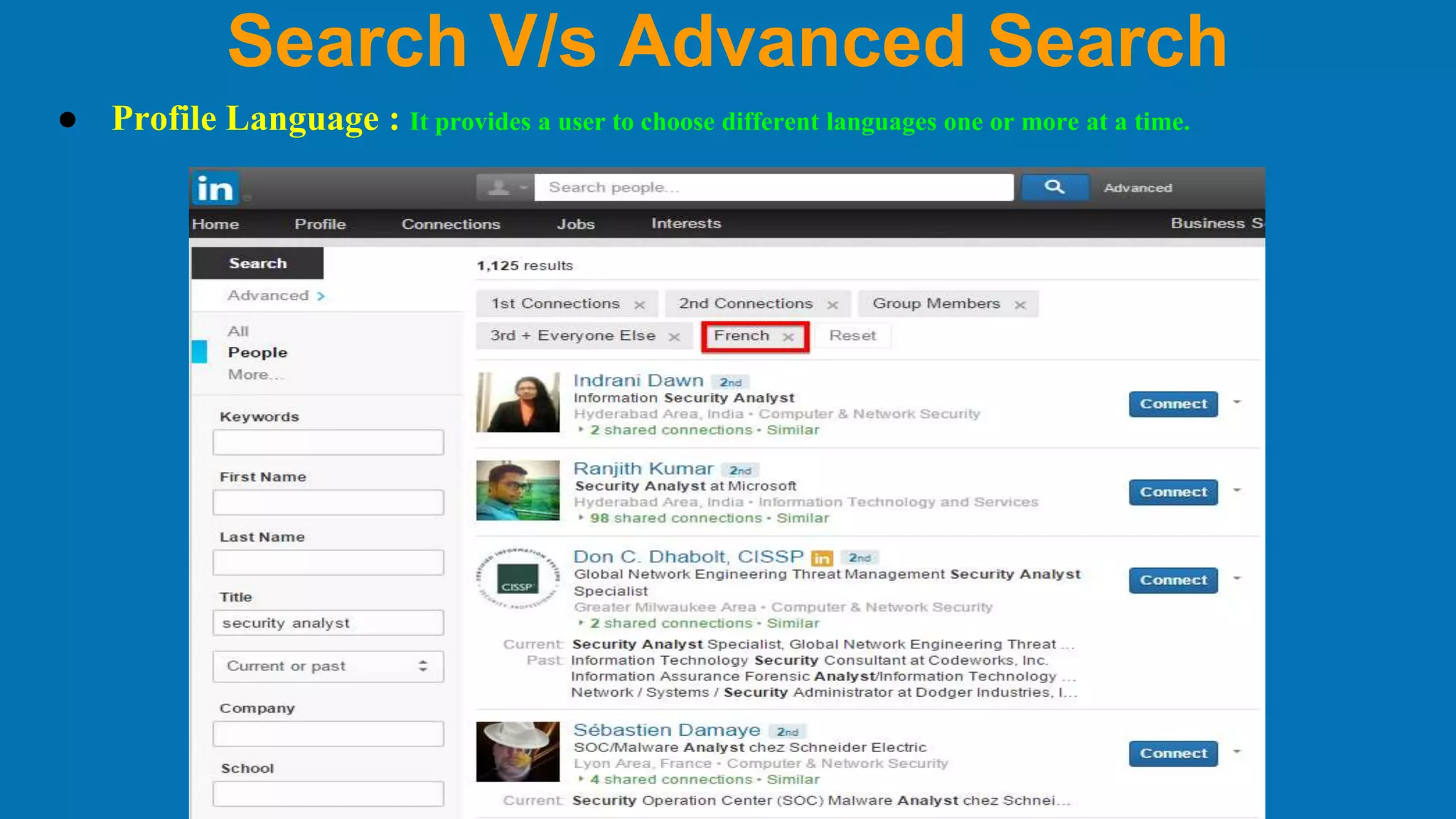
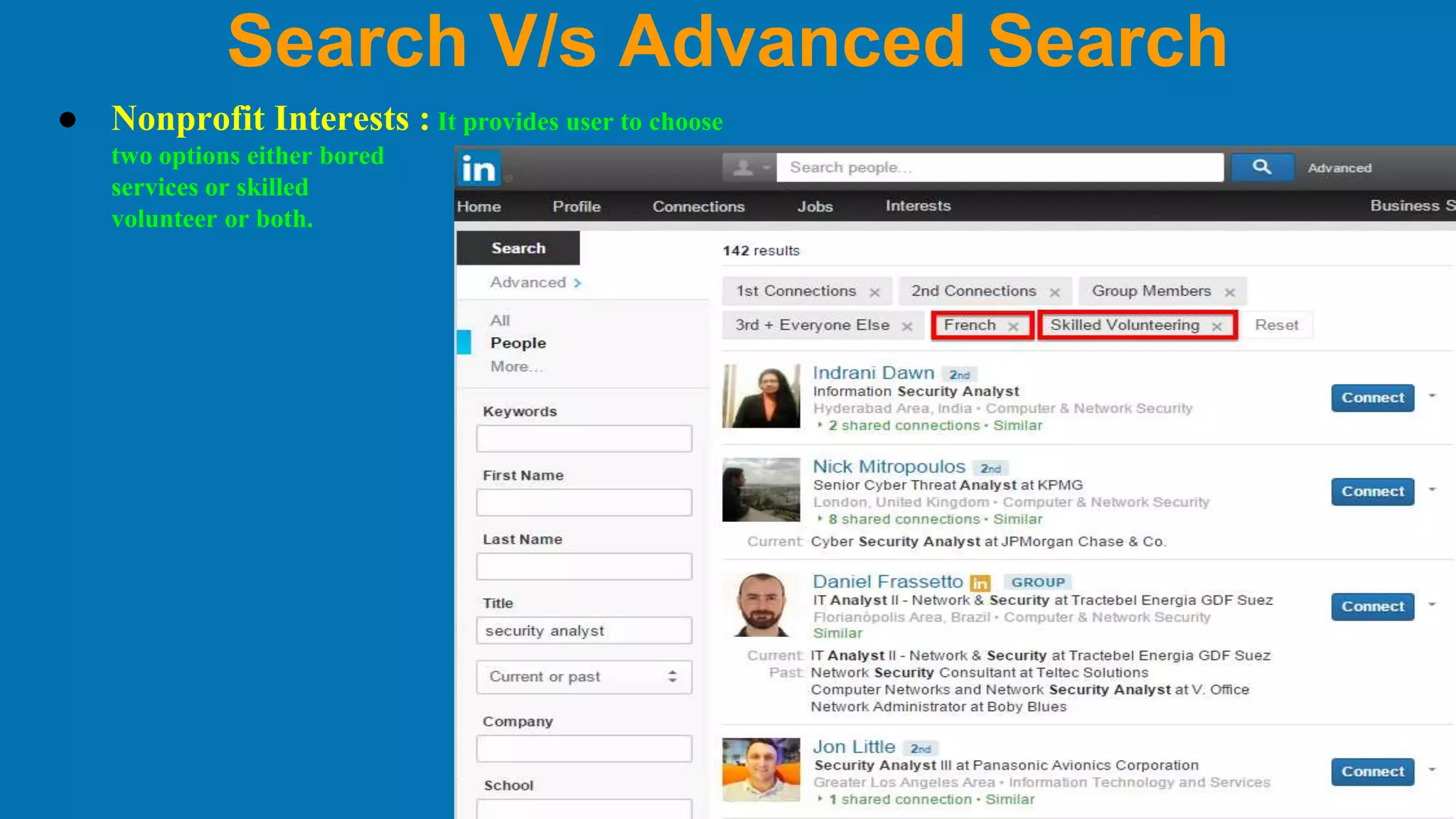
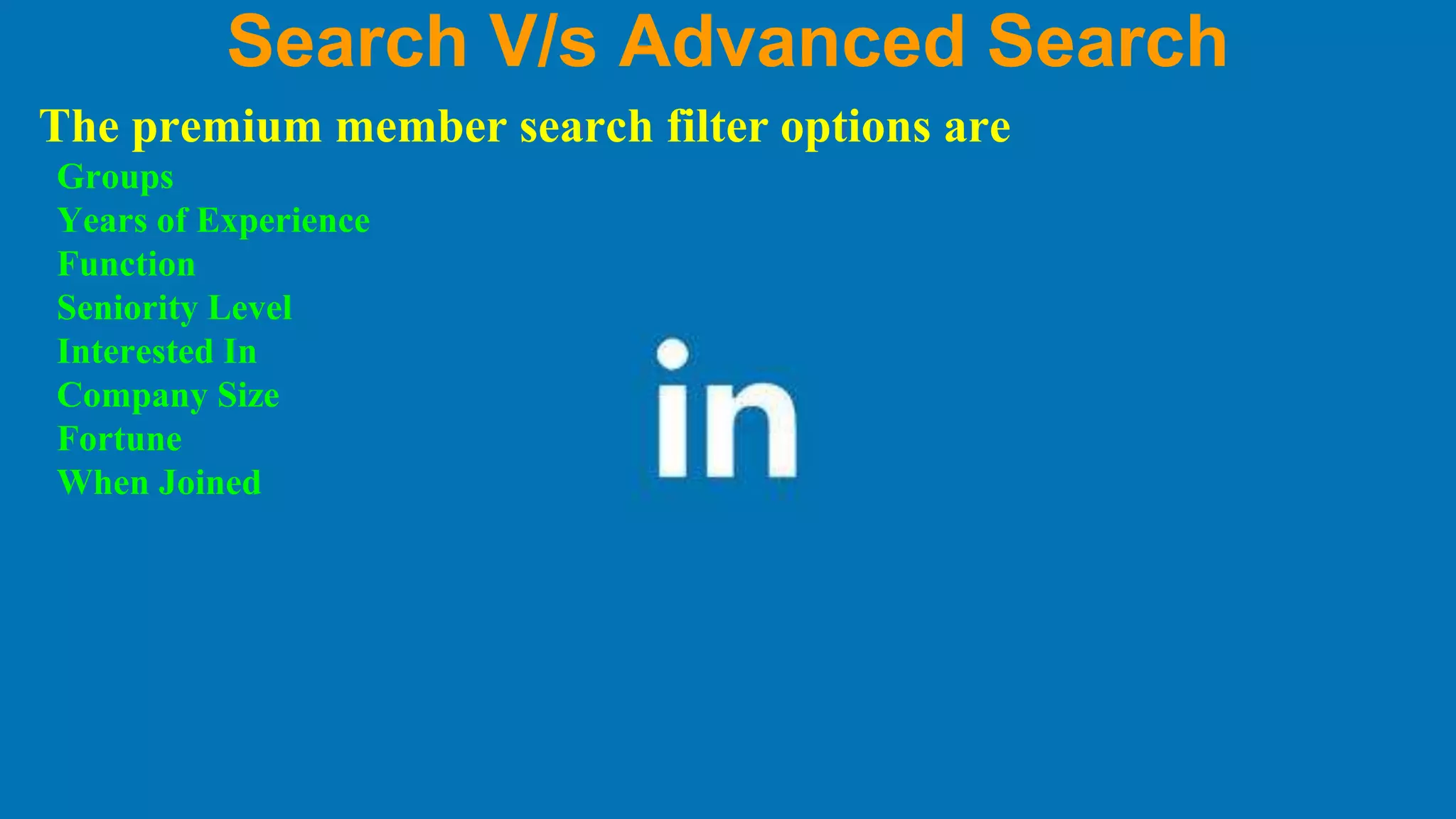
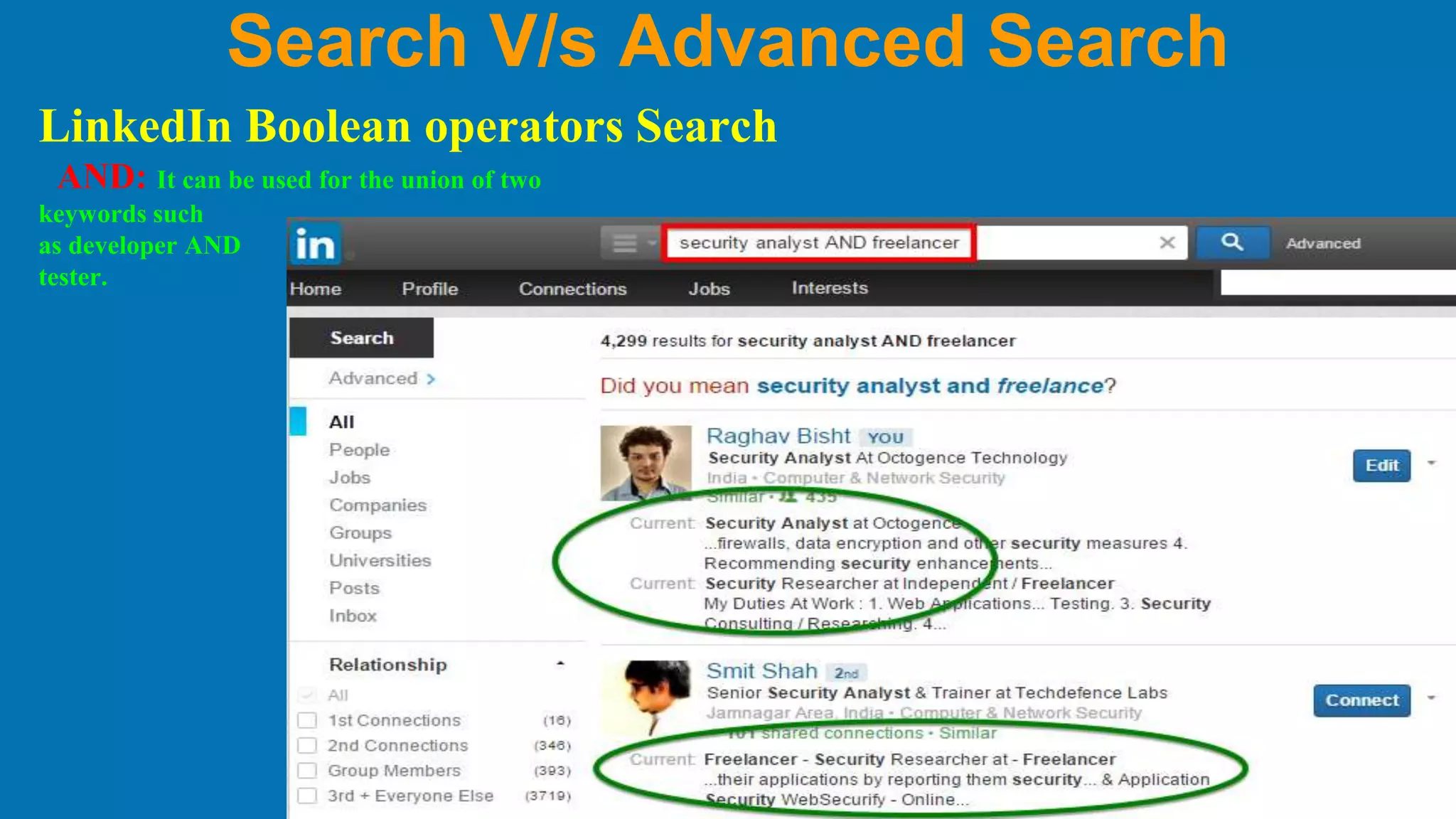
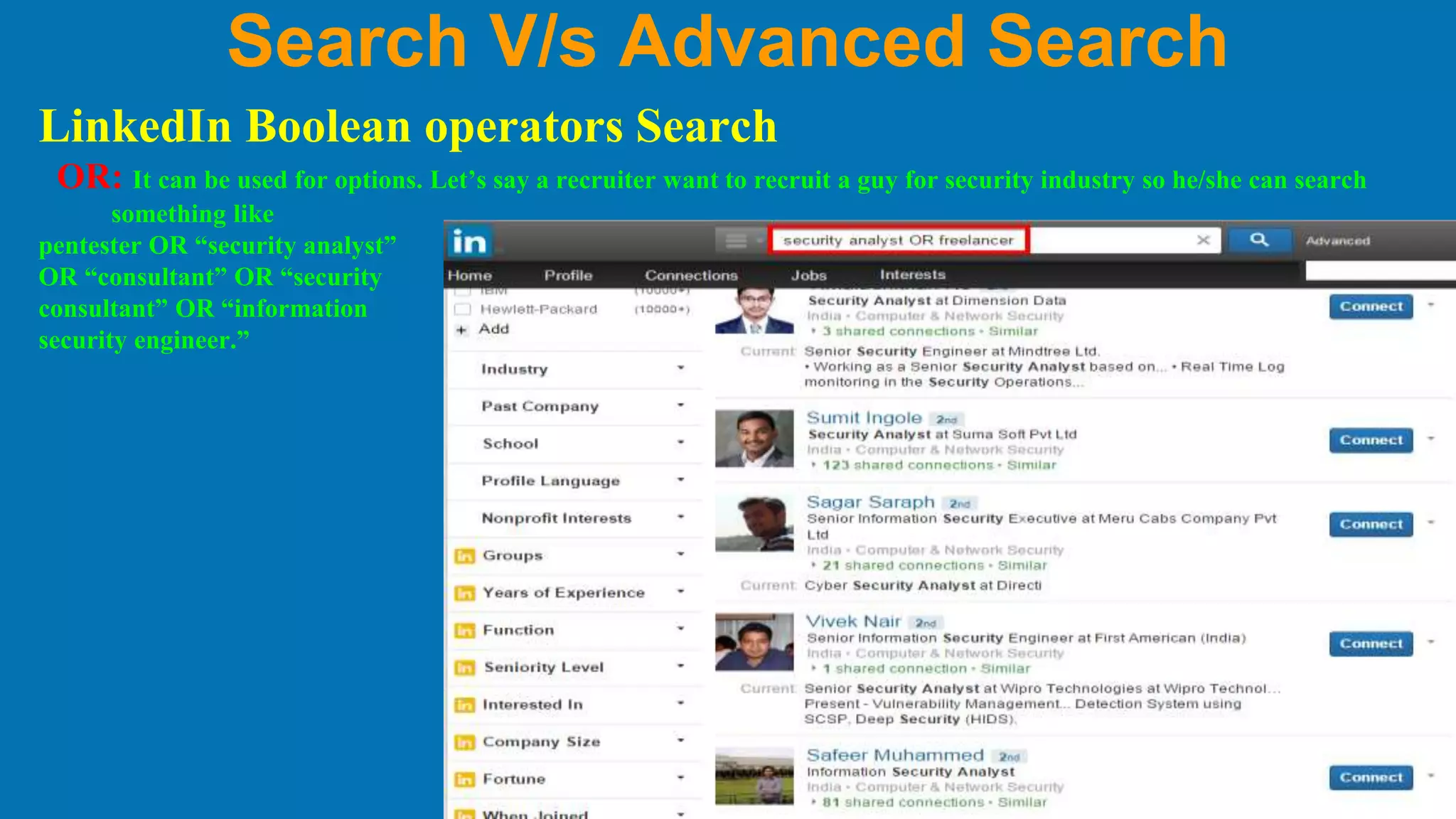
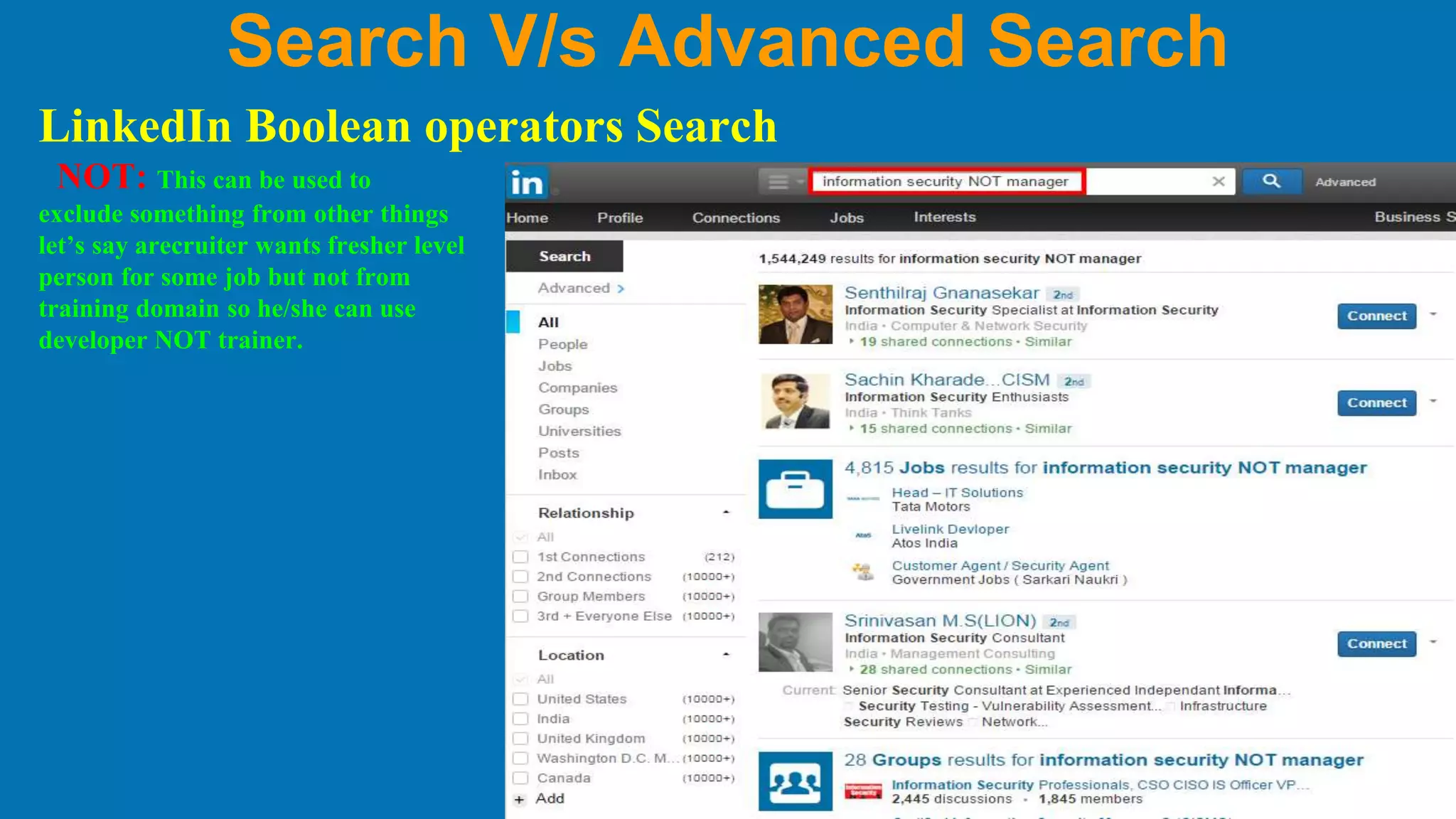
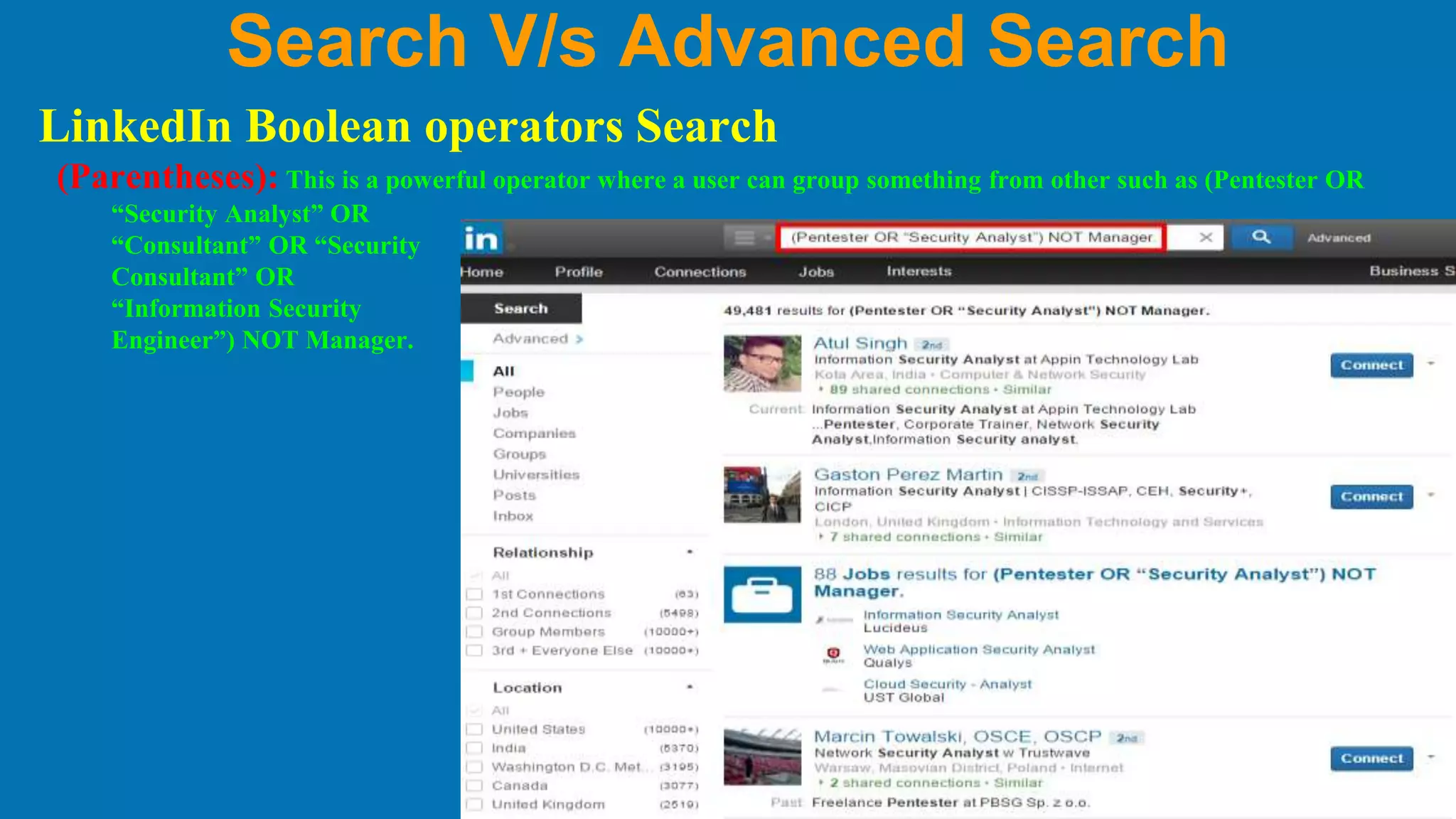
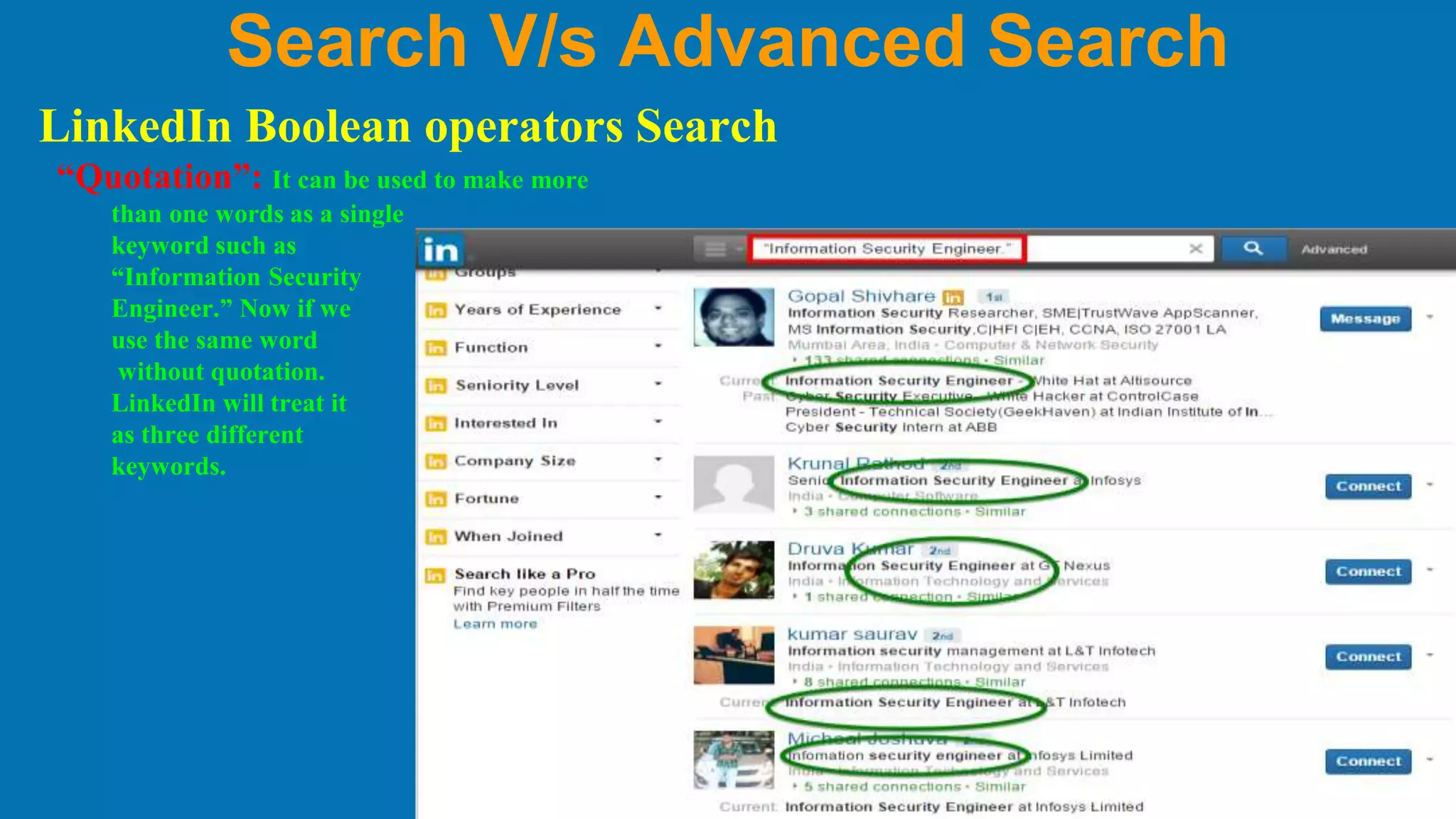



This document discusses search and advanced search features on LinkedIn. It introduces LinkedIn as a professional networking site and explains why it is useful for social media intelligence. It then describes LinkedIn's advanced search page and the various filters that can be used to refine searches, such as keywords, name, title, location, relationship filters, current/past companies, school, languages, interests, and premium member filters. Finally, it explains how Boolean operators like AND, OR, NOT, parentheses, and quotation marks can be used to perform more complex searches on LinkedIn.


![How to Run LinkedIn Searches Like a Pro [Webcast]](https://cdn.slidesharecdn.com/ss_thumbnails/marketingwebcastjuly2220153slideshare-151120032629-lva1-app6891-thumbnail.jpg?width=640&height=640&fit=bounds)
![How to Run LinkedIn Searches Like a Pro [Webcast]](https://cdn.slidesharecdn.com/ss_thumbnails/marketingwebcastcnlboct2015finalv2social-151007194605-lva1-app6892-thumbnail.jpg?width=640&height=640&fit=bounds)


