PL/SQL
PL/SQL stands for Procedural Language
extension of SQL.
By
MOHD MIRZA
OCP(Oracle Certified Professional)
1
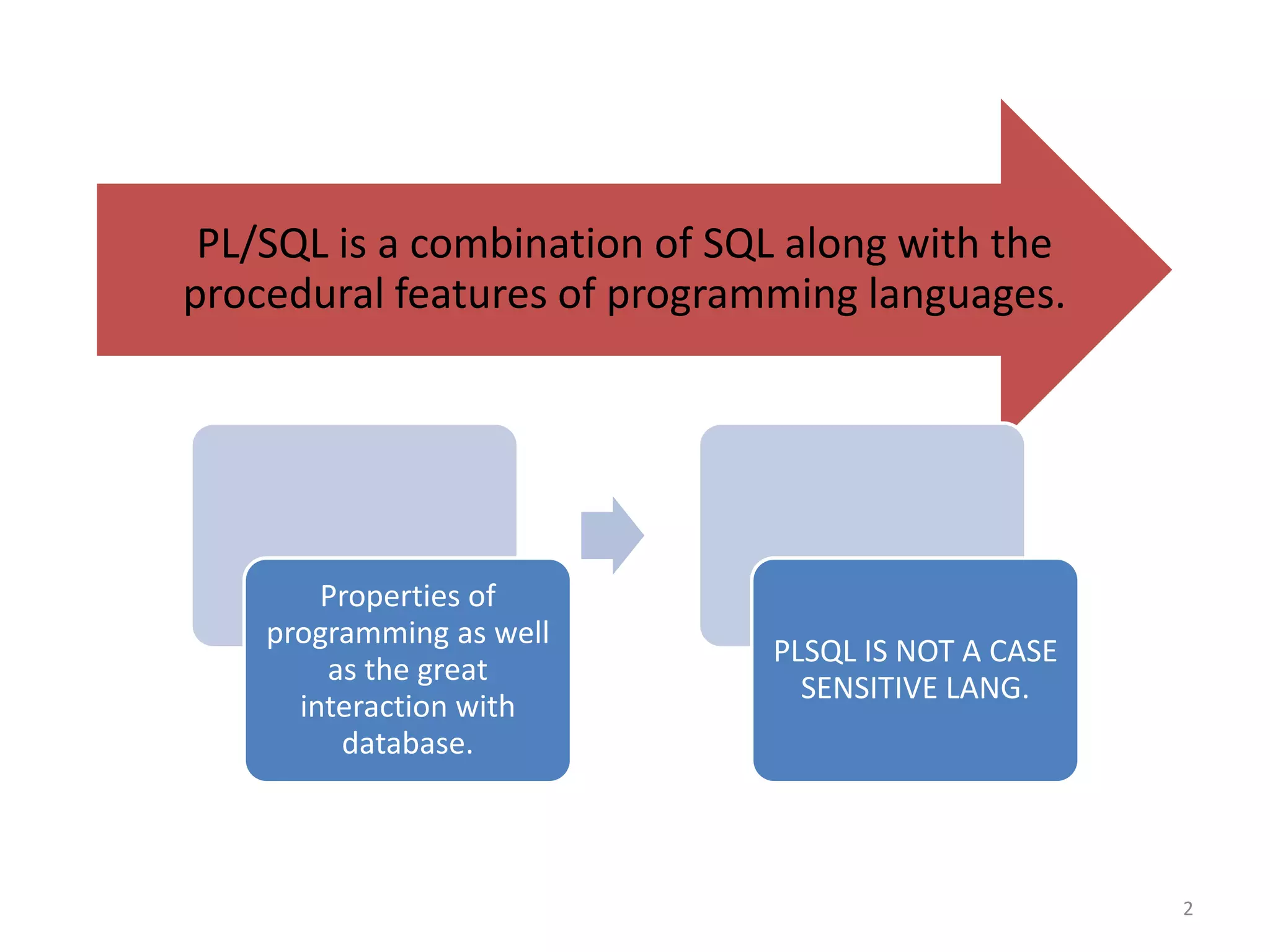
PL/SQL is a combination of SQL along with the
procedural features of programming languages.
Properties of
programming as well
as the great
interaction with
database.
PLSQL IS NOT A CASE
SENSITIVE LANG.
2
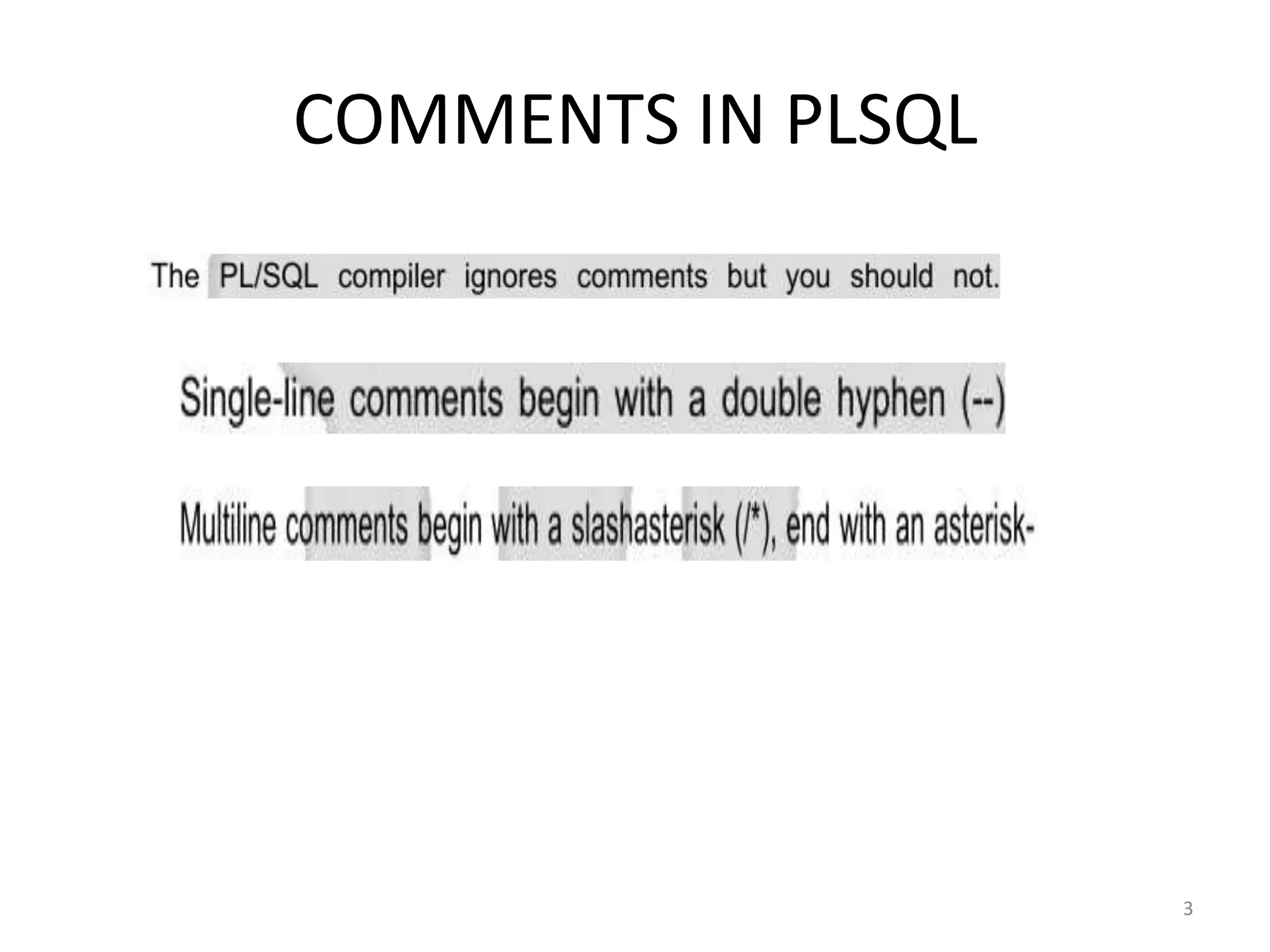
COMMENTS IN PLSQL
3
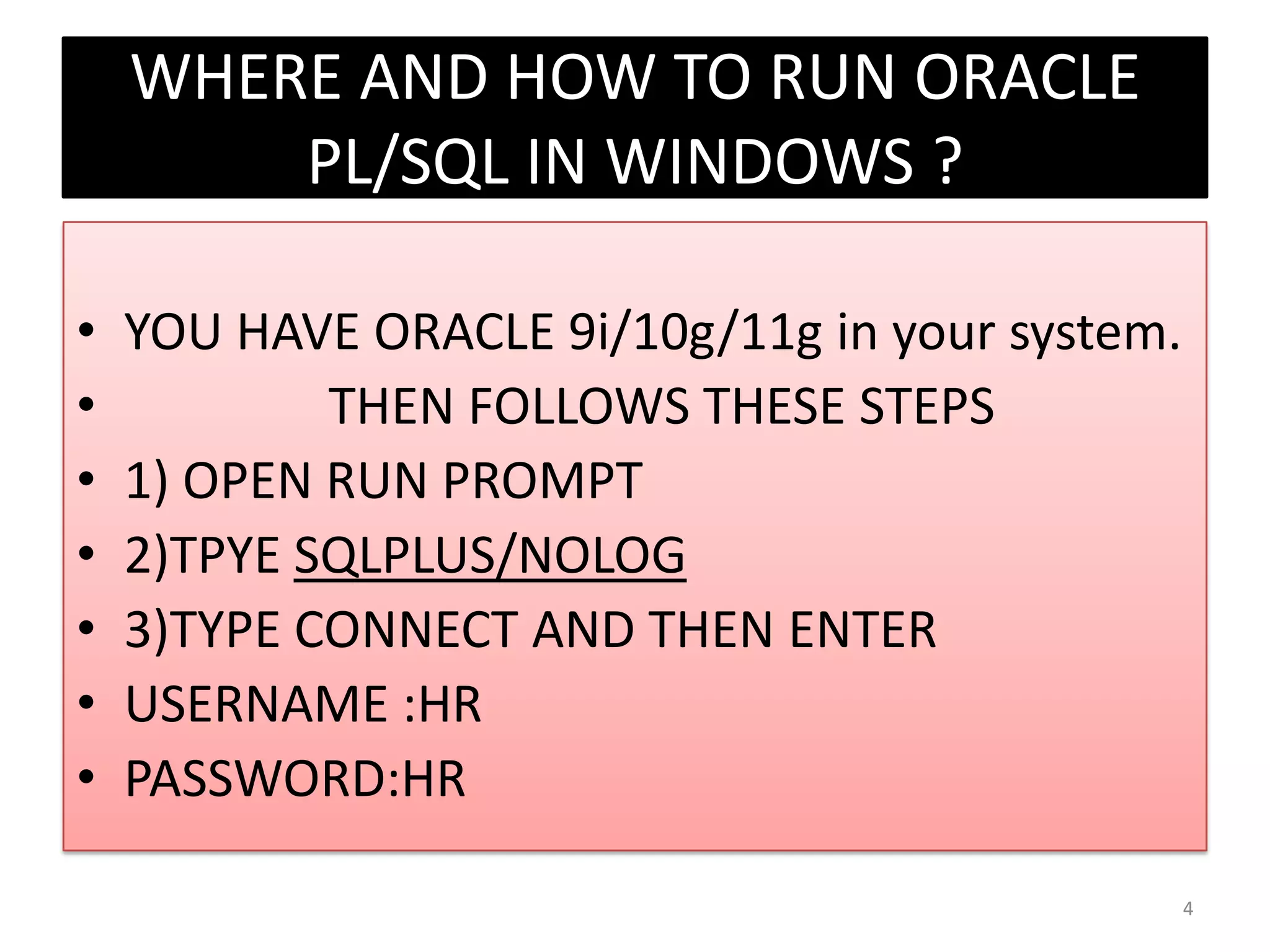
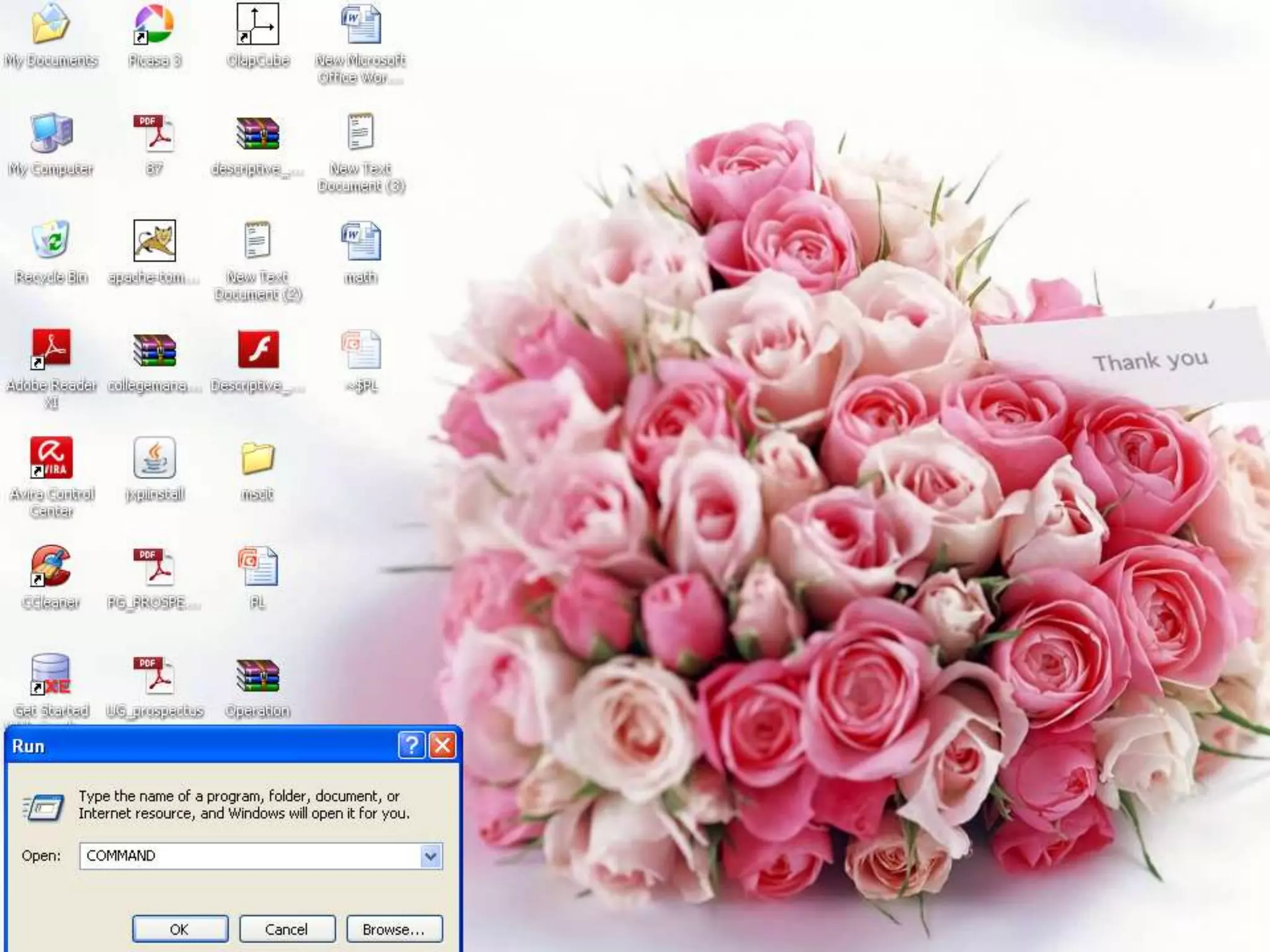
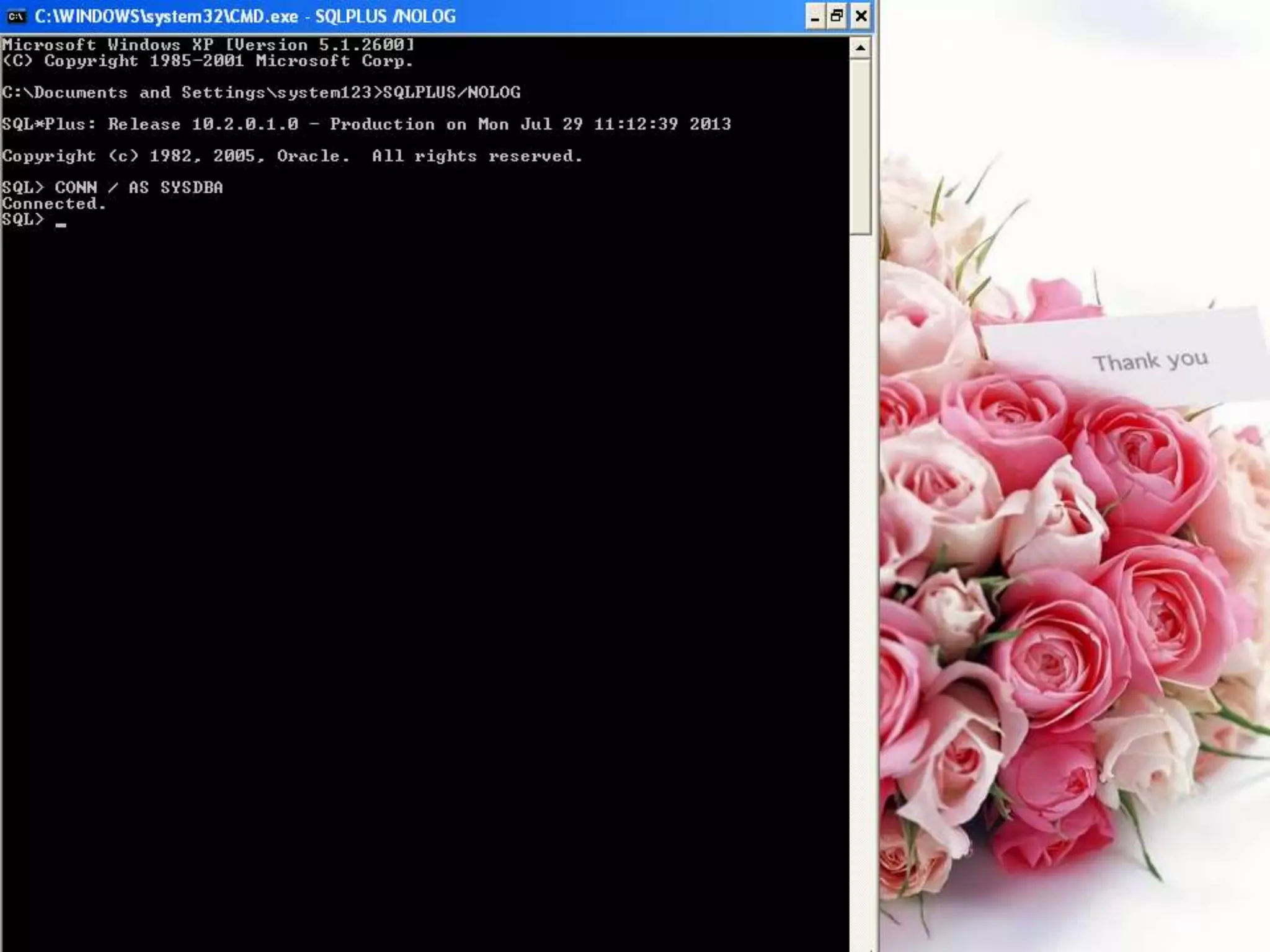
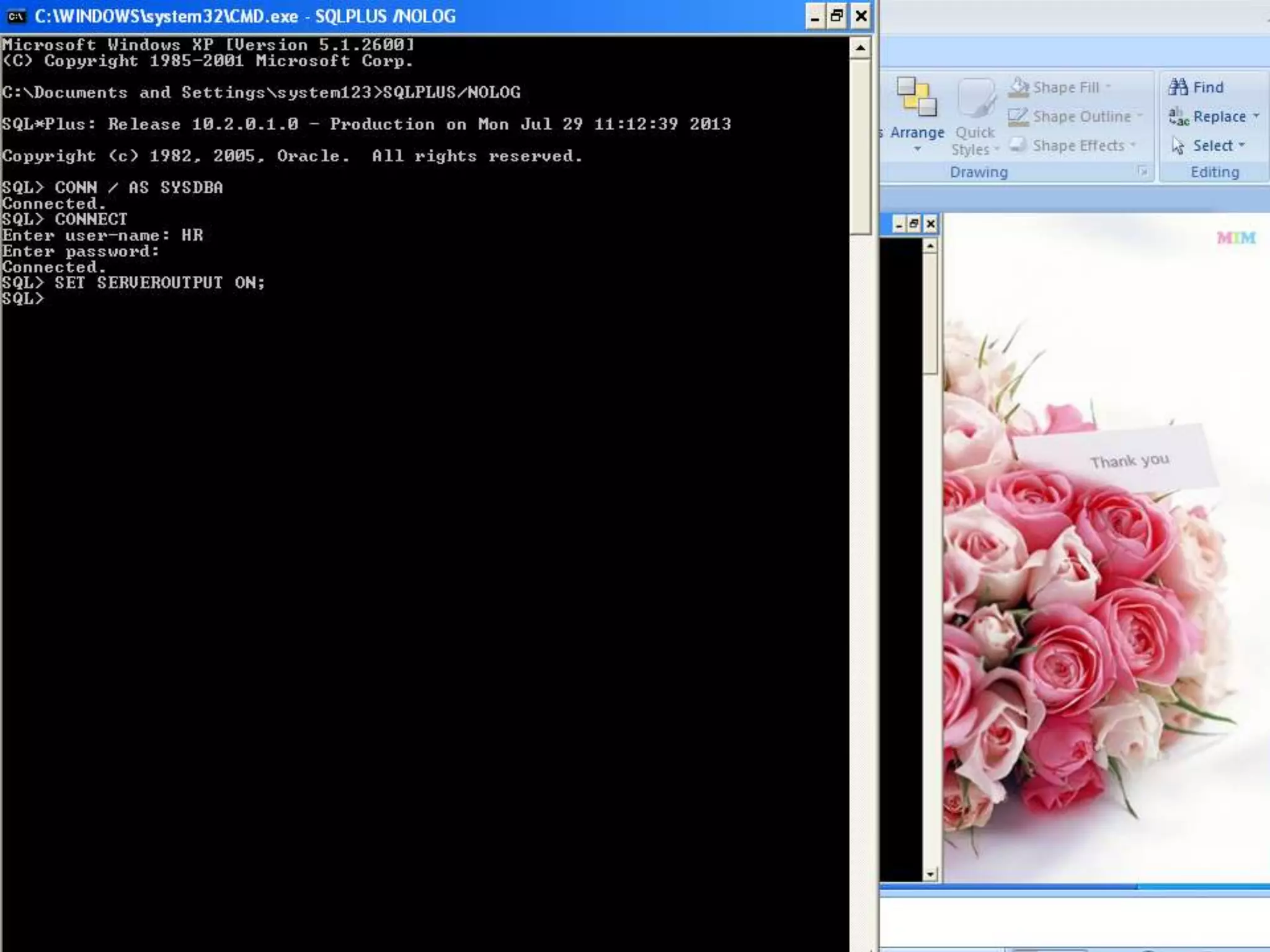
WHERE AND HOW TO RUN ORACLE
PL/SQL IN WINDOWS ?
• YOU HAVE ORACLE 9i/10g/11g in your system.
• THEN FOLLOWS THESE STEPS
• 1) OPEN RUN PROMPT
• 2)TPYE SQLPLUS/NOLOG
• 3)TYPE CONNECT AND THEN ENTER
• USERNAME :HR
• PASSWORD:HR
4
5
6
7
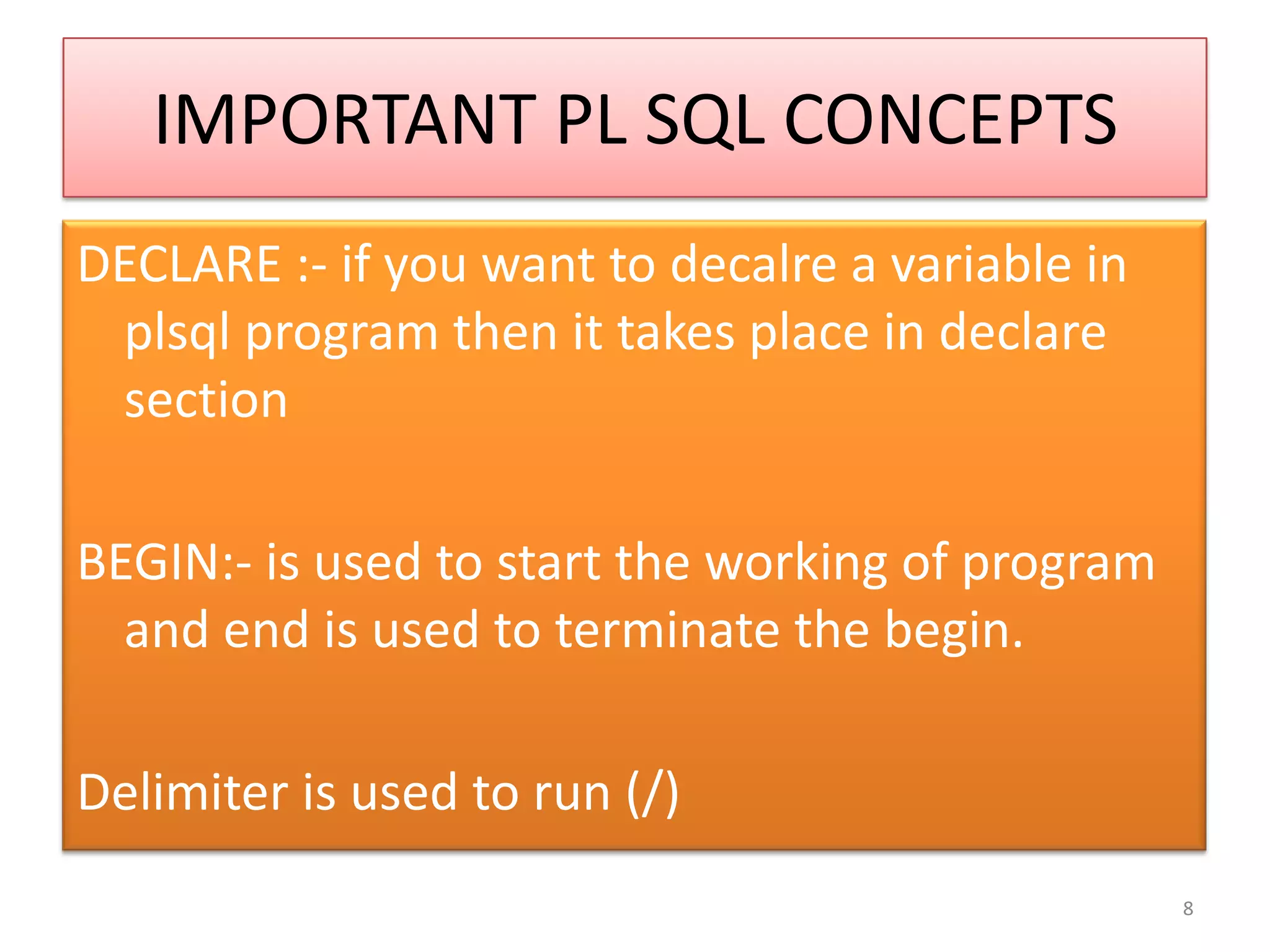
IMPORTANT PL SQL CONCEPTS
DECLARE :- if you want to decalre a variable in
plsql program then it takes place in declare
section
BEGIN:- is used to start the working of program
and end is used to terminate the begin.
Delimiter is used to run (/)
8
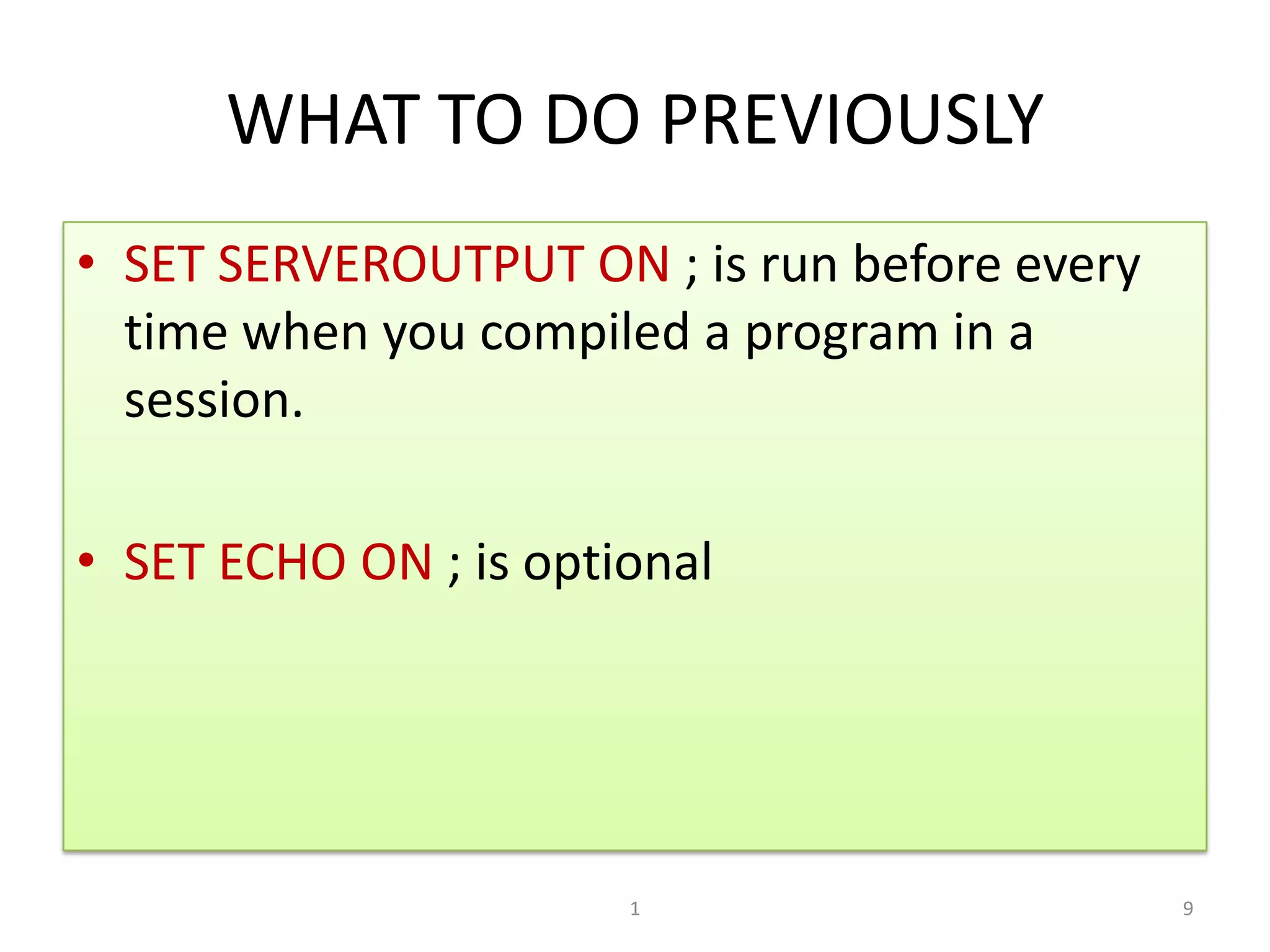
WHAT TO DO PREVIOUSLY
• SET SERVEROUTPUT ON ; is run before every
time when you compiled a program in a
session.
• SET ECHO ON ; is optional
91
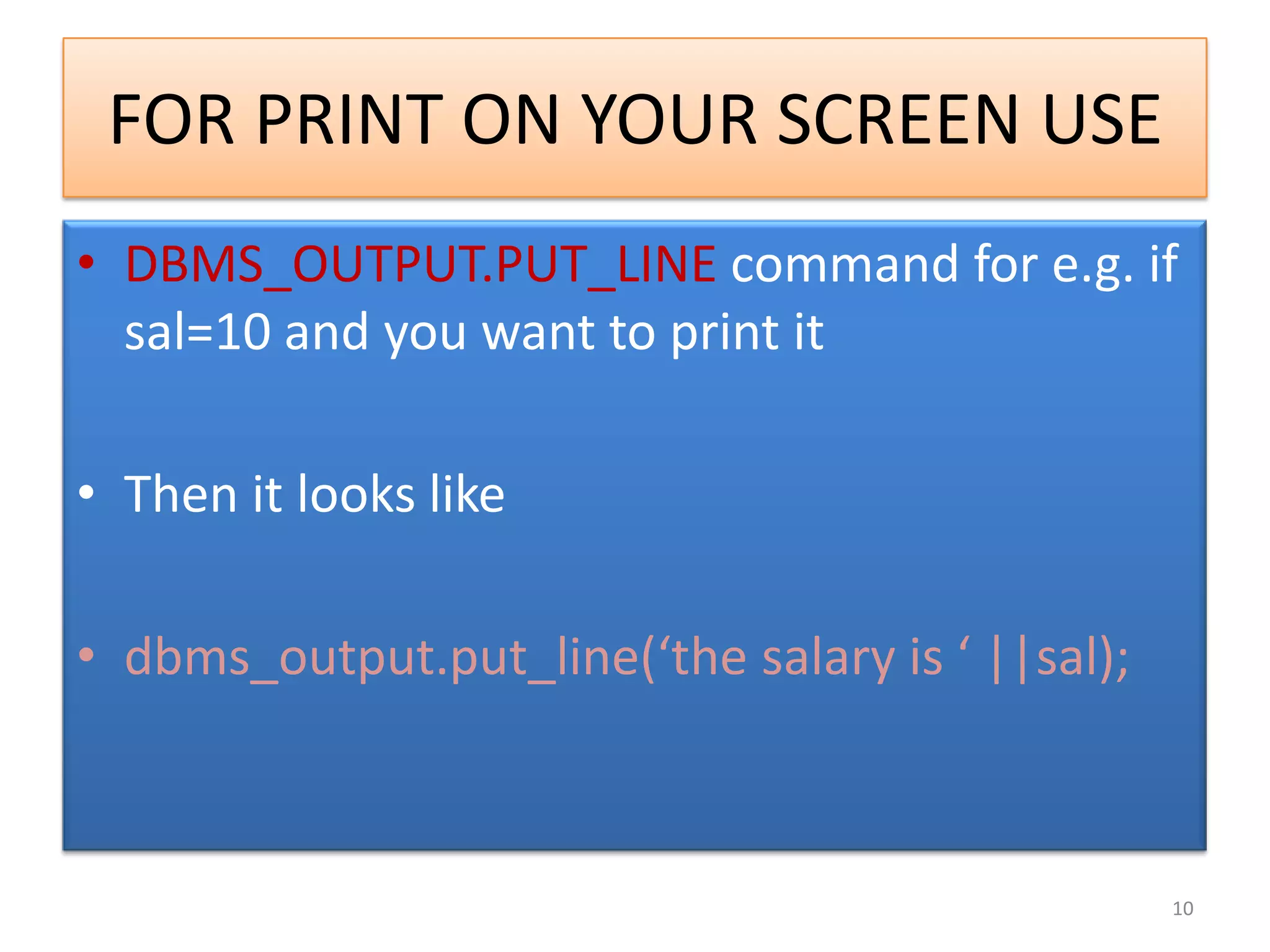
FOR PRINT ON YOUR SCREEN USE
• DBMS_OUTPUT.PUT_LINE command for e.g. if
sal=10 and you want to print it
• Then it looks like
• dbms_output.put_line(‘the salary is ‘ ||sal);
10
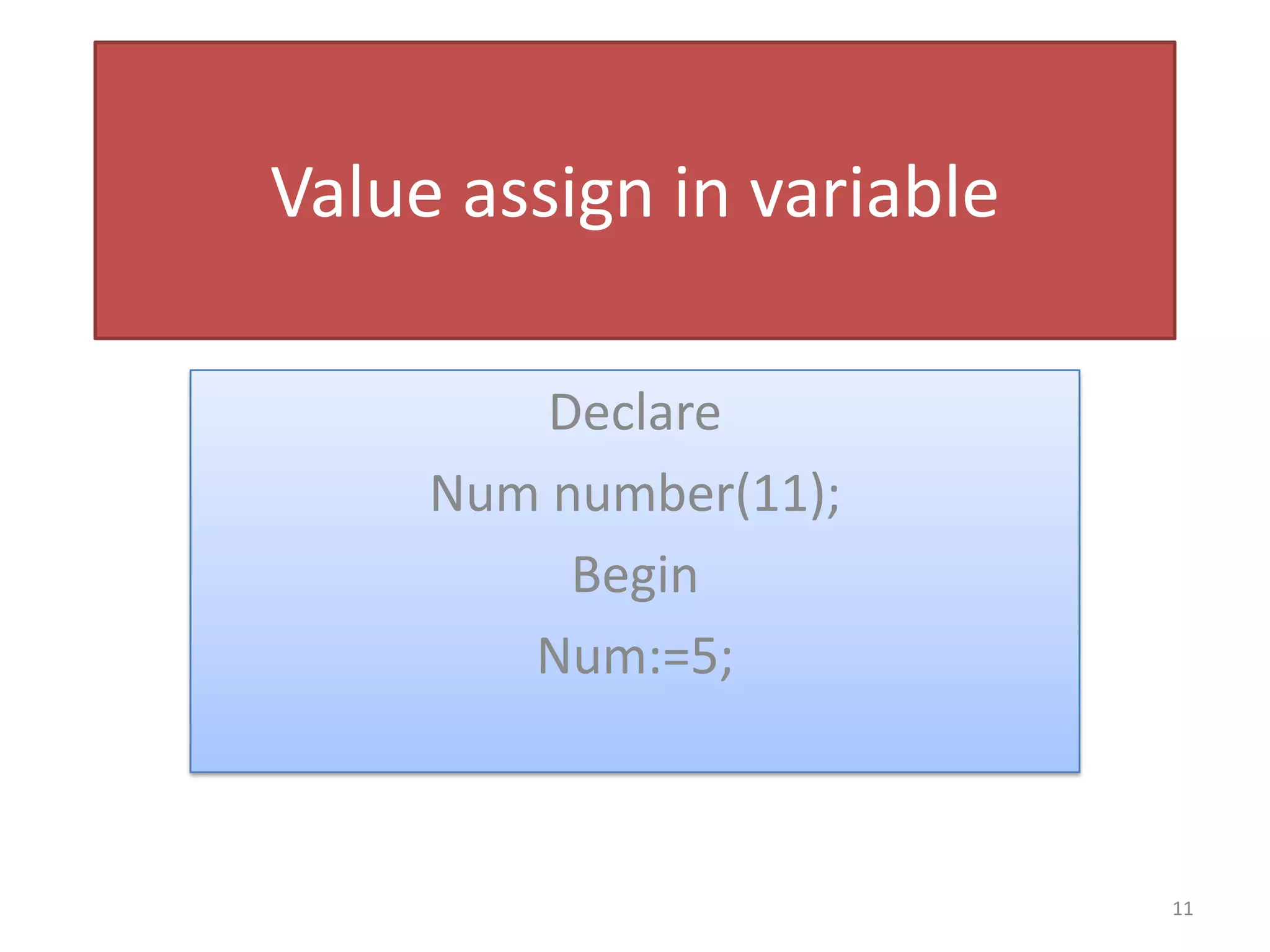
Value assign in variable
Declare
Num number(11);
Begin
Num:=5;
11
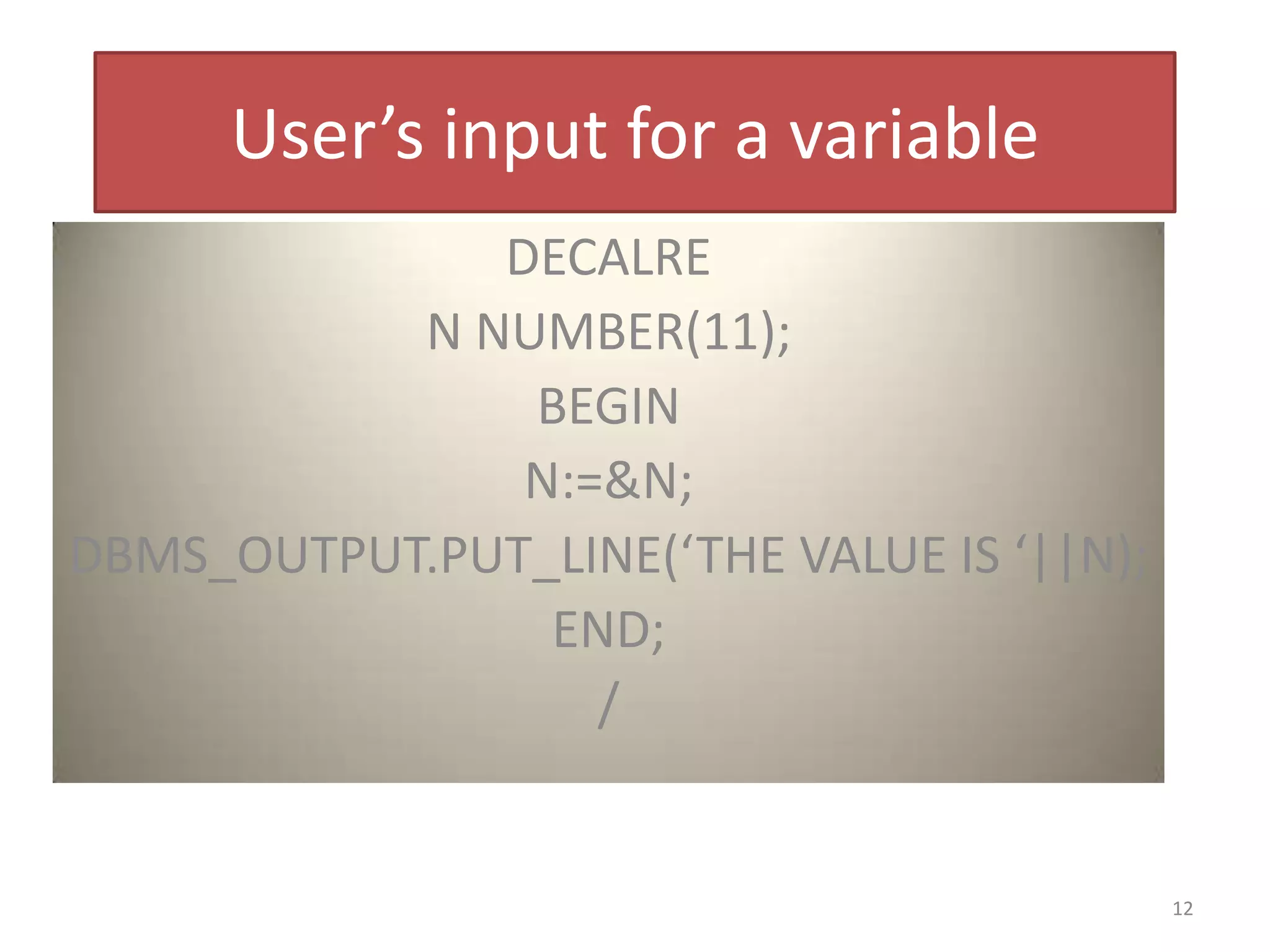
User’s input for a variable
DECALRE
N NUMBER(11);
BEGIN
N:=&N;
DBMS_OUTPUT.PUT_LINE(‘THE VALUE IS ‘||N);
END;
/
12
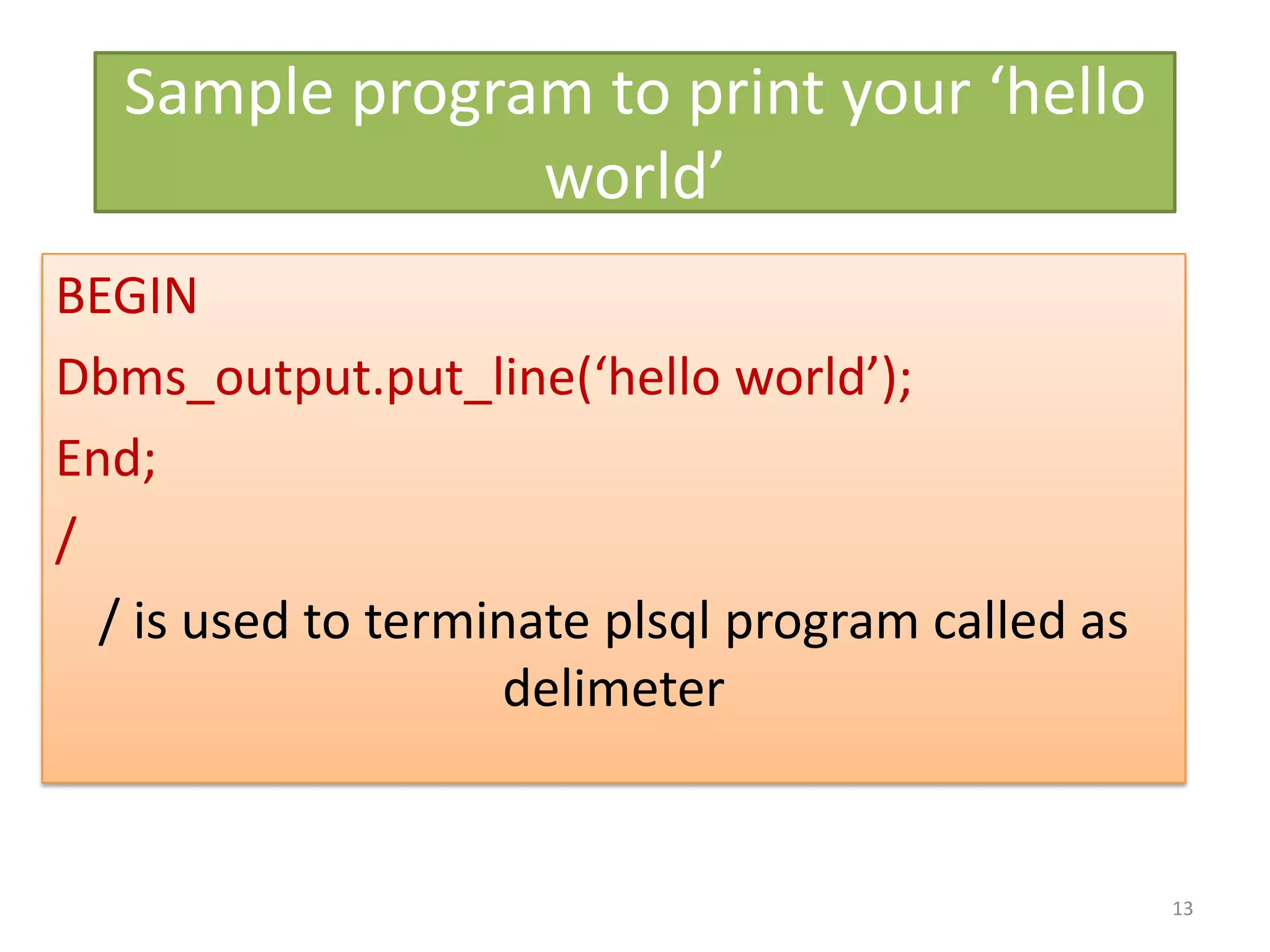
Sample program to print your ‘hello
world’
BEGIN
Dbms_output.put_line(‘hello world’);
End;
/
/ is used to terminate plsql program called as
delimeter
13
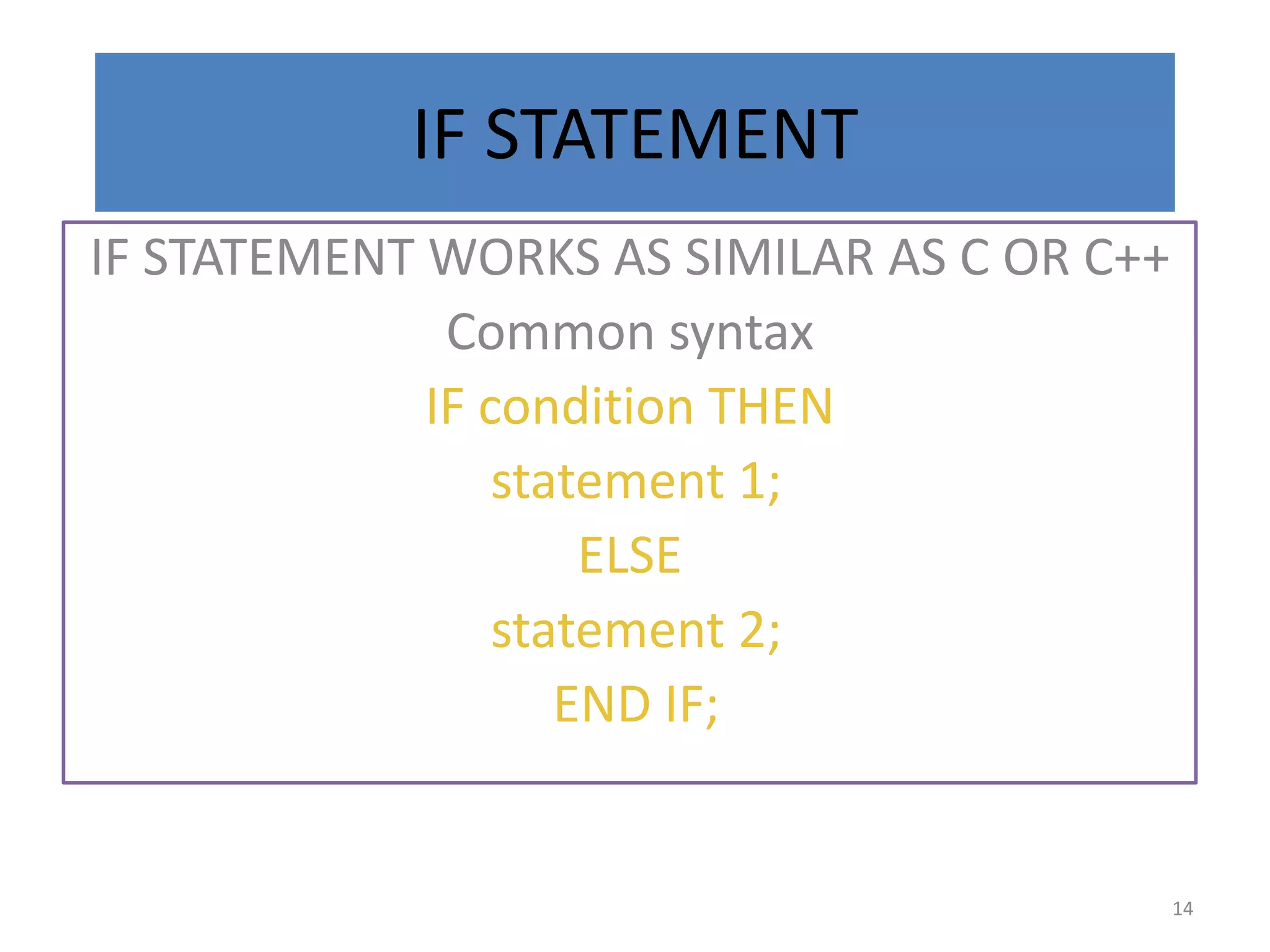
IF STATEMENT
IF STATEMENT WORKS AS SIMILAR AS C OR C++
Common syntax
IF condition THEN
statement 1;
ELSE
statement 2;
END IF;
14
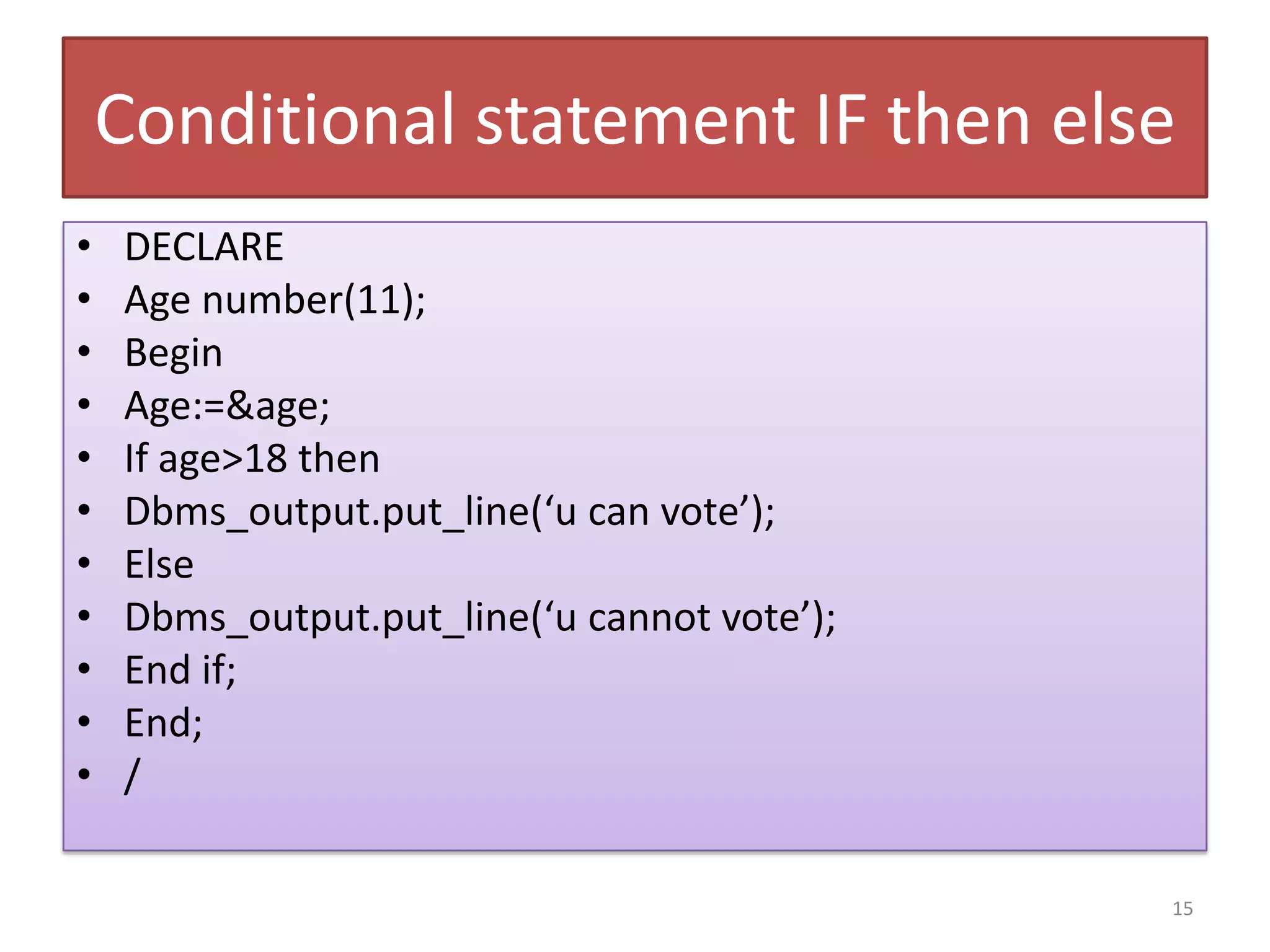
Conditional statement IF then else
• DECLARE
• Age number(11);
• Begin
• Age:=&age;
• If age>18 then
• Dbms_output.put_line(‘u can vote’);
• Else
• Dbms_output.put_line(‘u cannot vote’);
• End if;
• End;
• /
15
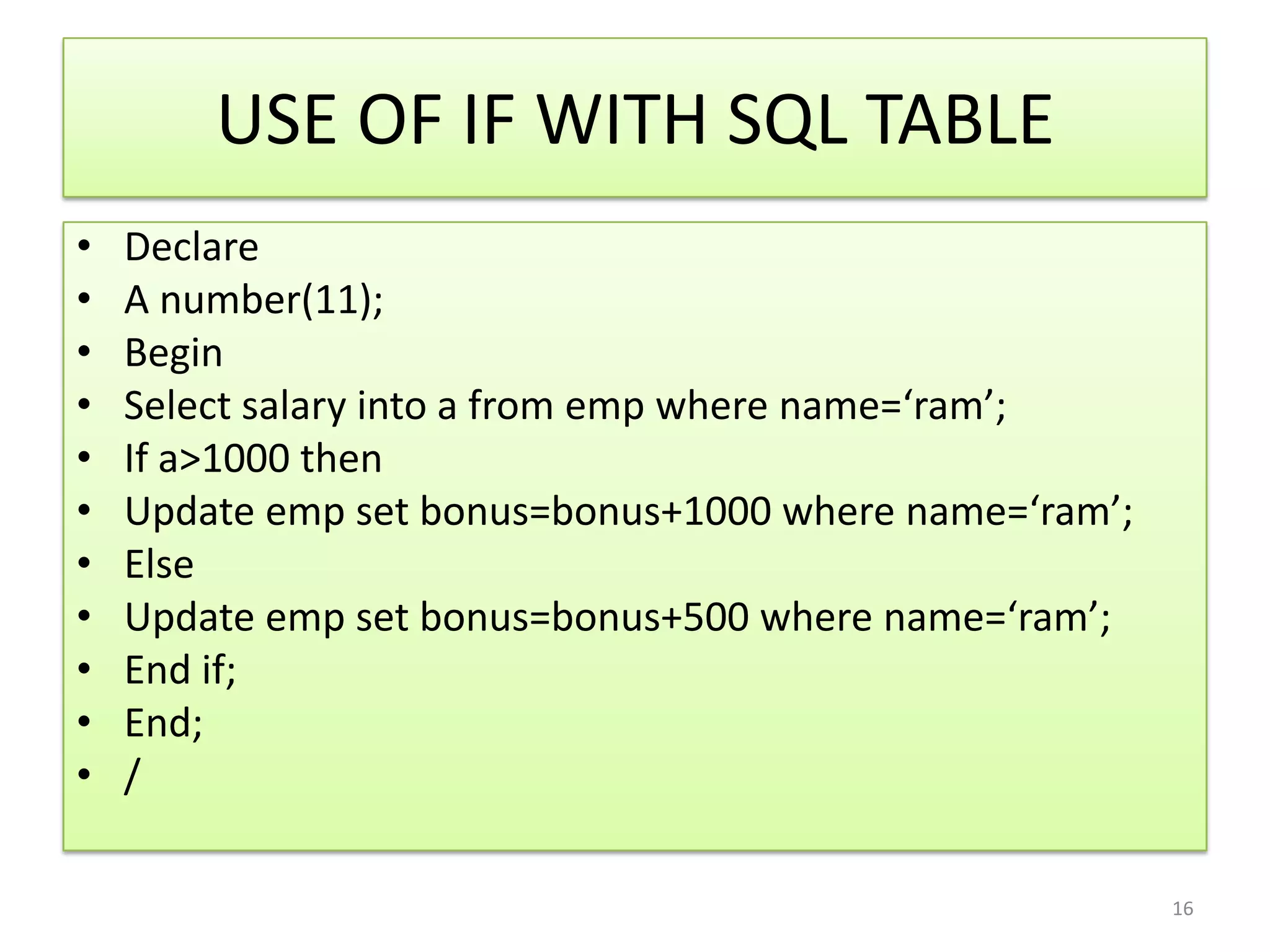
USE OF IF WITH SQL TABLE
• Declare
• A number(11);
• Begin
• Select salary into a from emp where name=‘ram’;
• If a>1000 then
• Update emp set bonus=bonus+1000 where name=‘ram’;
• Else
• Update emp set bonus=bonus+500 where name=‘ram’;
• End if;
• End;
• /
16
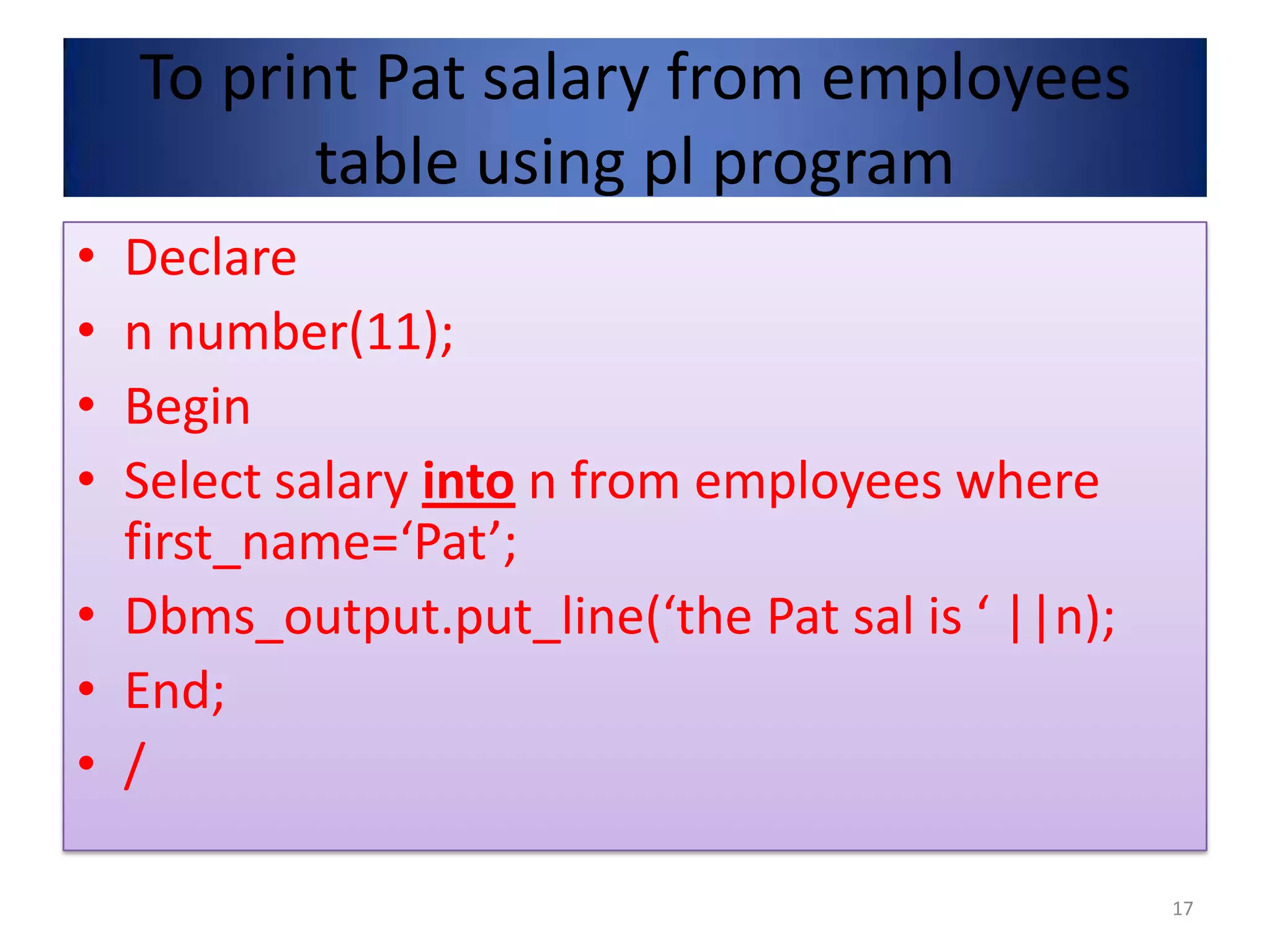
To print Pat salary from employees
table using pl program
• Declare
• n number(11);
• Begin
• Select salary into n from employees where
first_name=‘Pat’;
• Dbms_output.put_line(‘the Pat sal is ‘ ||n);
• End;
• /
17
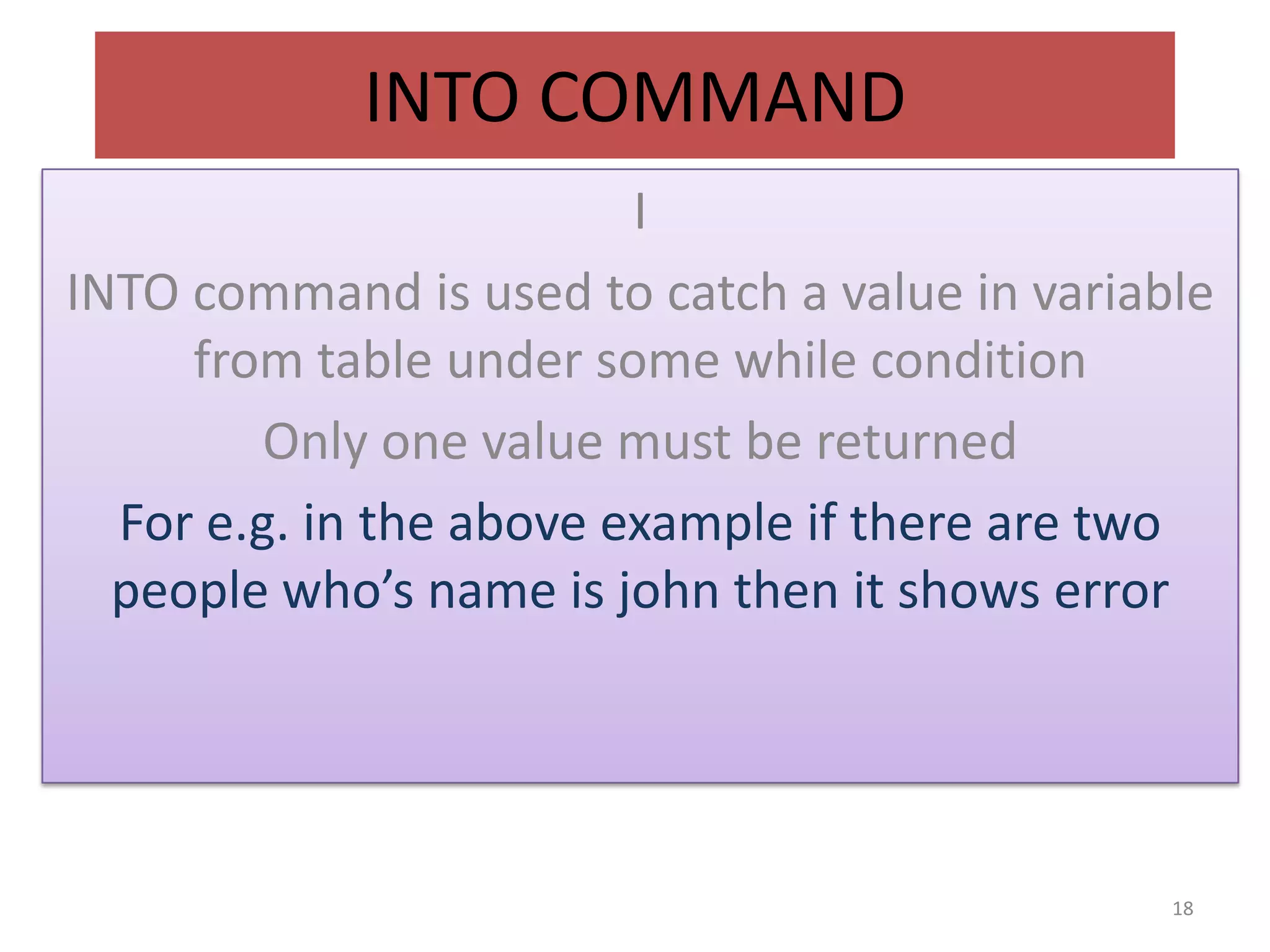
INTO COMMAND
I
INTO command is used to catch a value in variable
from table under some while condition
Only one value must be returned
For e.g. in the above example if there are two
people who’s name is john then it shows error
18
LOOPS IN PLSQL
1) SIMPLE LOOP
2) WHILE LOOP
3) FOR LOOP
;
19
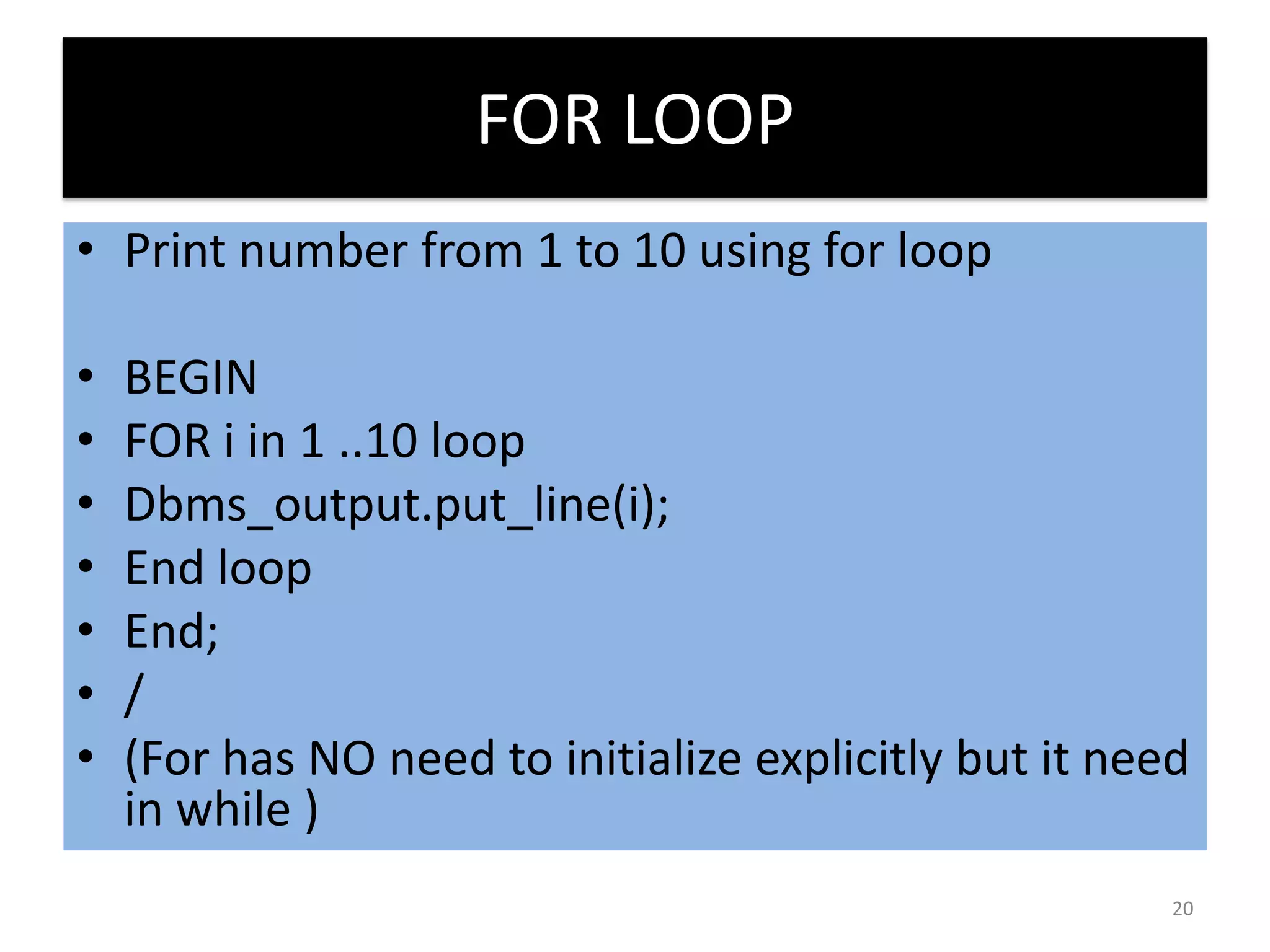
FOR LOOP
• Print number from 1 to 10 using for loop
• BEGIN
• FOR i in 1 ..10 loop
• Dbms_output.put_line(i);
• End loop
• End;
• /
• (For has NO need to initialize explicitly but it need
in while )
20
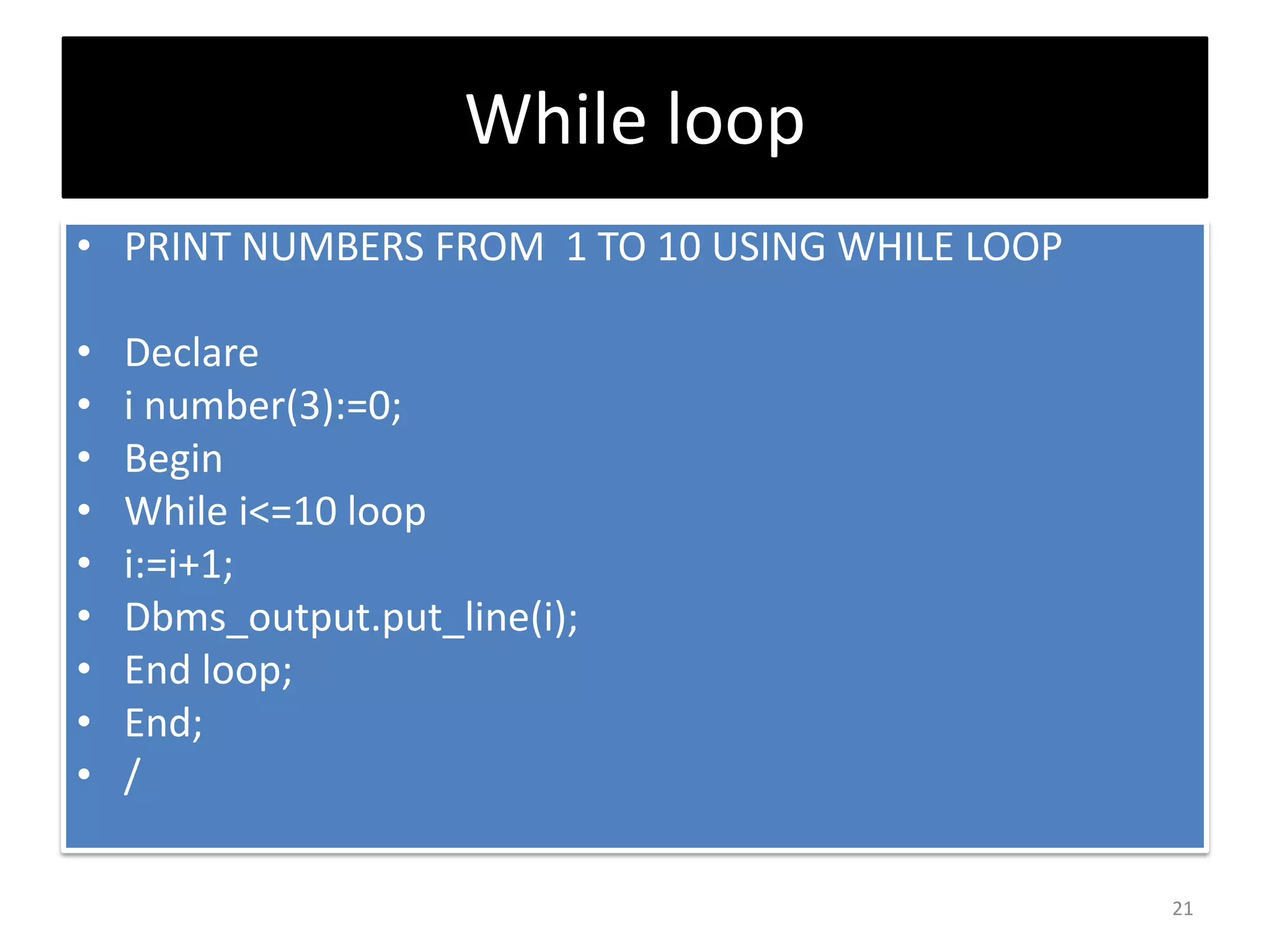
While loop
• PRINT NUMBERS FROM 1 TO 10 USING WHILE LOOP
• Declare
• i number(3):=0;
• Begin
• While i<=10 loop
• i:=i+1;
• Dbms_output.put_line(i);
• End loop;
• End;
• /
21
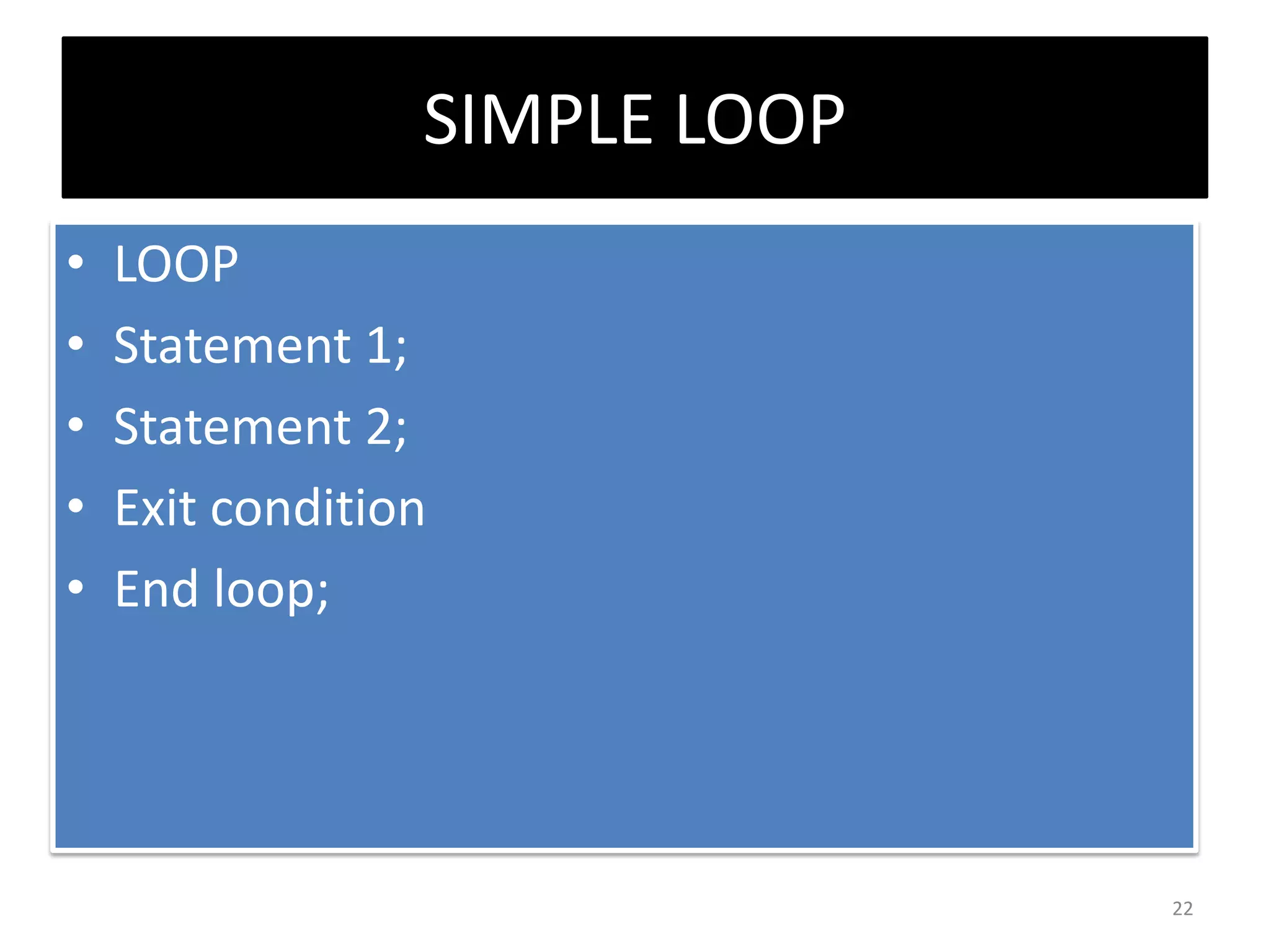
SIMPLE LOOP
• LOOP
• Statement 1;
• Statement 2;
• Exit condition
• End loop;
22
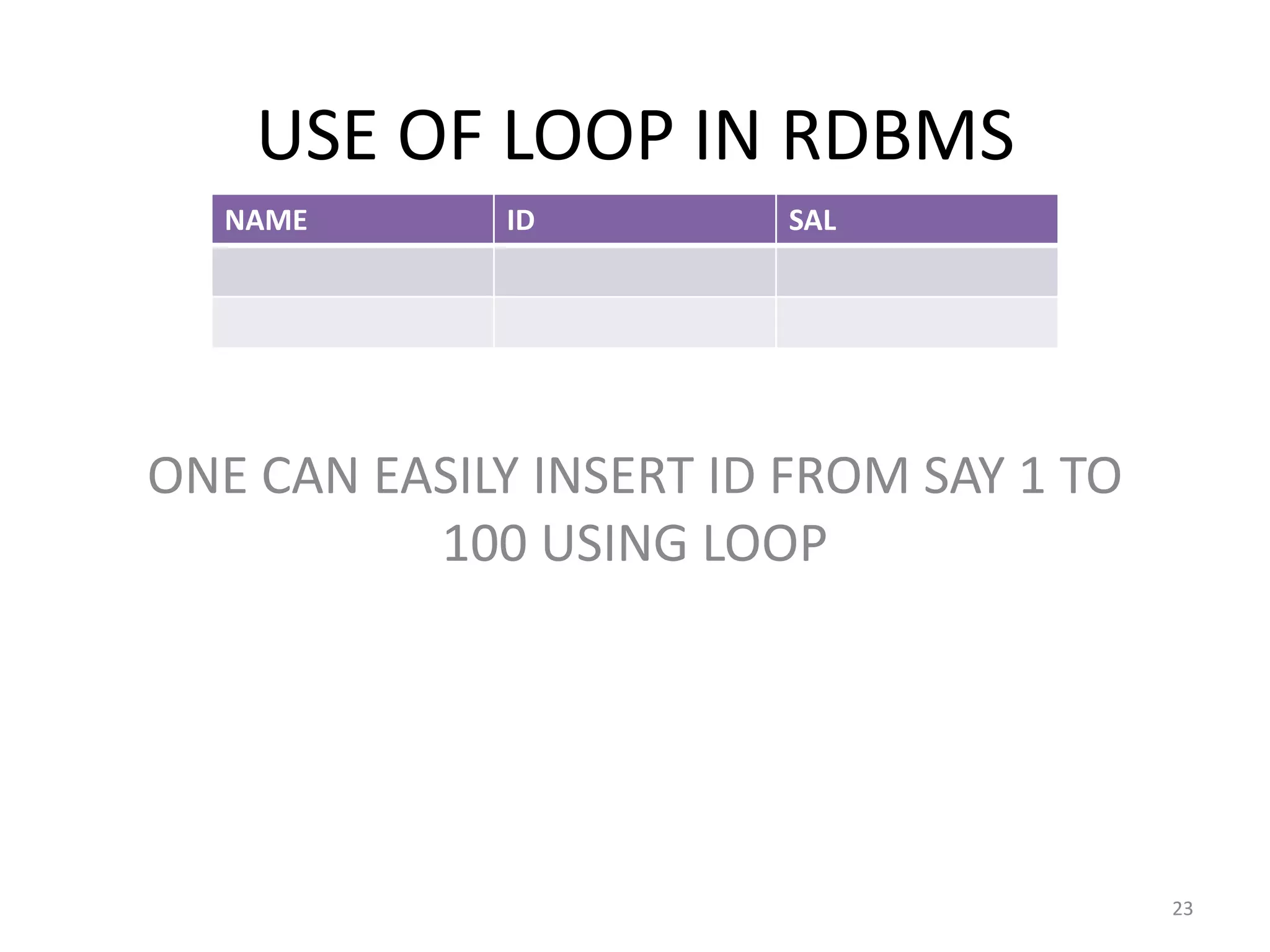
USE OF LOOP IN RDBMS
ONE CAN EASILY INSERT ID FROM SAY 1 TO
100 USING LOOP
NAME ID SAL
23
CREATE TRIGGERS
• A trigger is a pl/sql block structure which is
fired when a DML statements like
Insert, Delete, Update is executed on a
database table. A trigger is triggered
automatically when an associated DML
statement is executed.
24
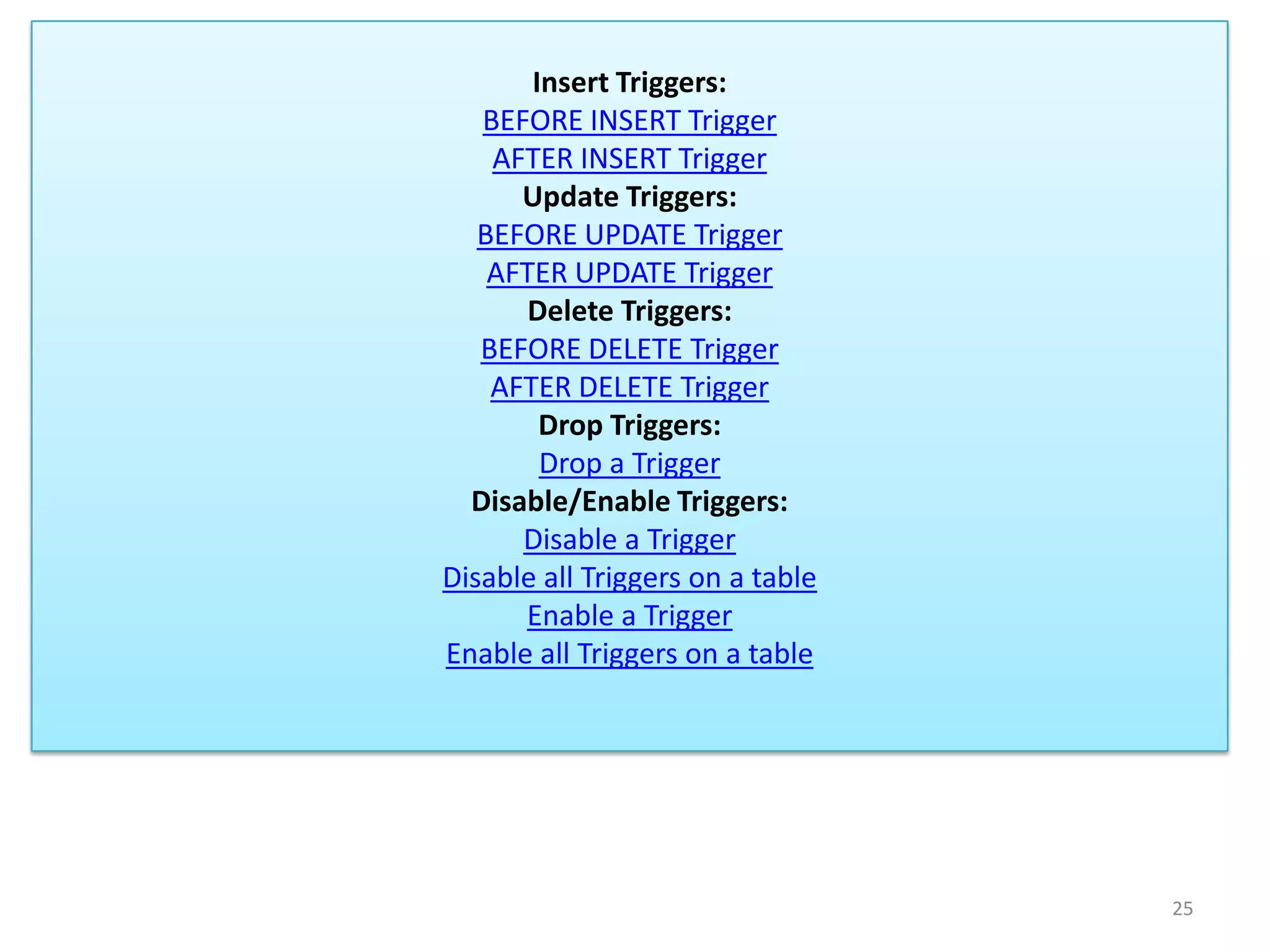
Insert Triggers:
BEFORE INSERT Trigger
AFTER INSERT Trigger
Update Triggers:
BEFORE UPDATE Trigger
AFTER UPDATE Trigger
Delete Triggers:
BEFORE DELETE Trigger
AFTER DELETE Trigger
Drop Triggers:
Drop a Trigger
Disable/Enable Triggers:
Disable a Trigger
Disable all Triggers on a table
Enable a Trigger
Enable all Triggers on a table
25
TRIGGER RESTRICTION IS
OPTIONAL (WHEN CLAUSE)
ONE TRIGGER MAY FIRE ANOTHER
DATABASE TRIGGERS
26
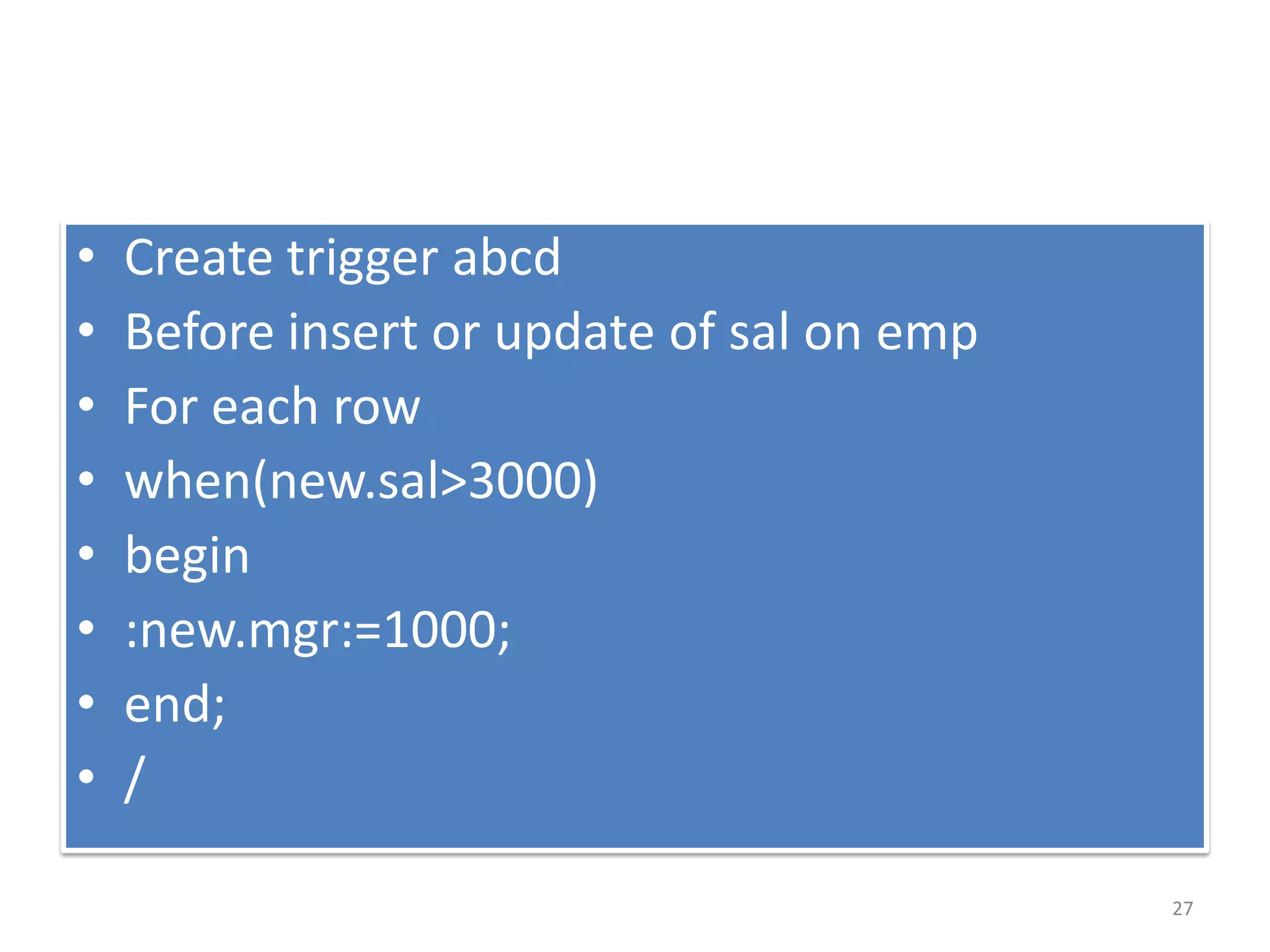
• Create trigger abcd
• Before insert or update of sal on emp
• For each row
• when(new.sal>3000)
• begin
• :new.mgr:=1000;
• end;
• /
27
Explanation of last example
• If sal of any employee is updated and greator
than 3000 then whose mgr values set to 1000.
28
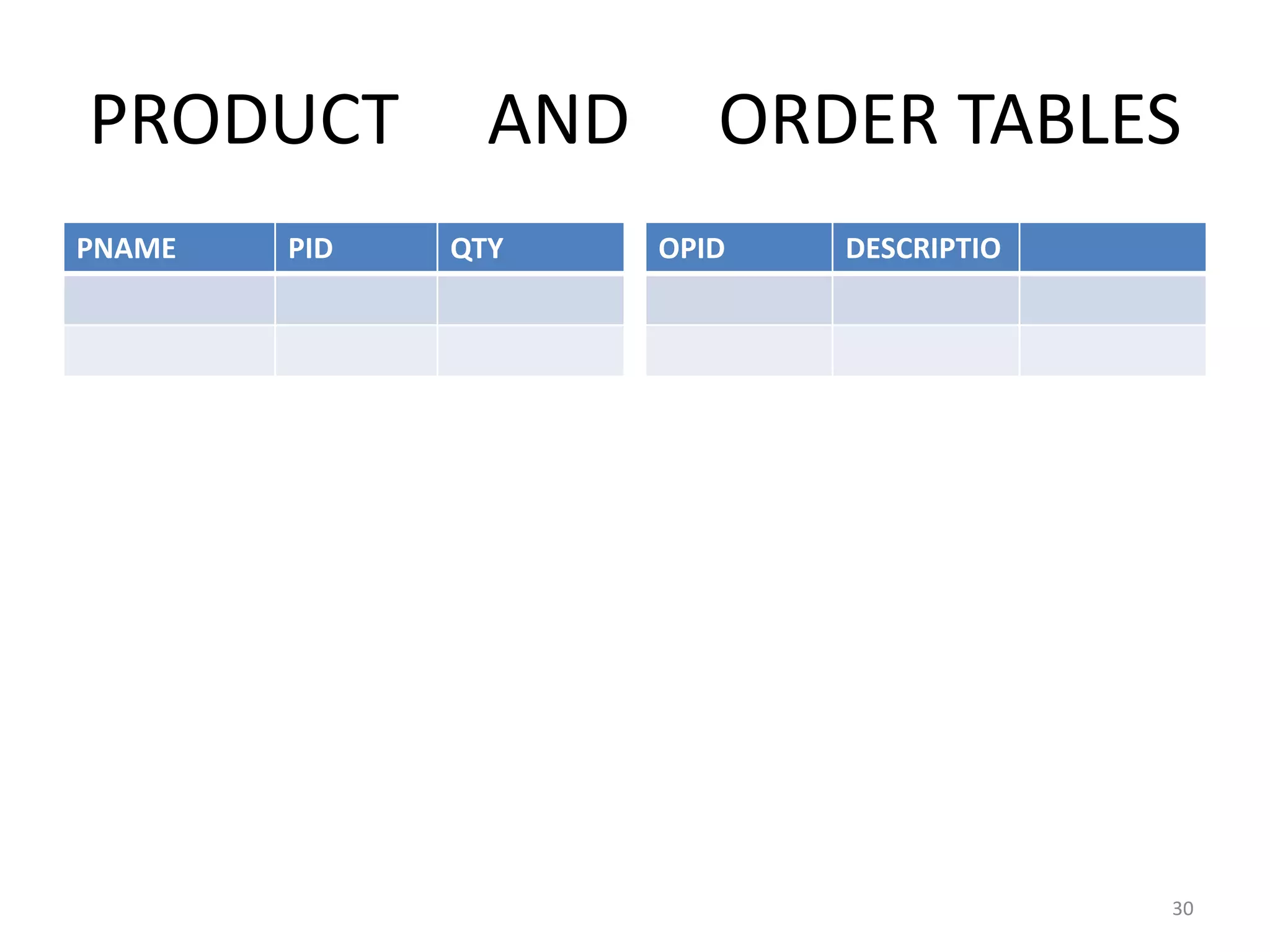
SUPPOSE WE HAVE TWO TABLES
ONE IS PRODUCT AND OTHER IS
ORDER LIKE BIG BAZAR
29
PRODUCT AND ORDER TABLES
PNAME PID QTY OPID DESCRIPTIO
30
• If qty from product table fall within 100 then
automatically an order of that product is
placed in order table.
31

• Create trigger abcd
• After update of qty on product
• For each row
• When(new.qty<100)
• Begin
• Insert into order values(:new.pid);
• End;
• /
32
EXCEPTION HANDLING
WHAT IS EXCEPTION …?
• AN EXCEPTION IS AN ERROR PL/SQL THAT IS
RAISED DURING PROGRAM EXECUTION
• AN EXCEPTION CAN BE RAISED BY
• 1) IMPLICITLY BY THE ORACLE SERVER
• 2) Explicitly by the program
33
Type of Exception
• There are 3 types of Exceptions.
a) Named System Exceptions
b) Unnamed System Exceptions
c) User-defined Exceptions
34
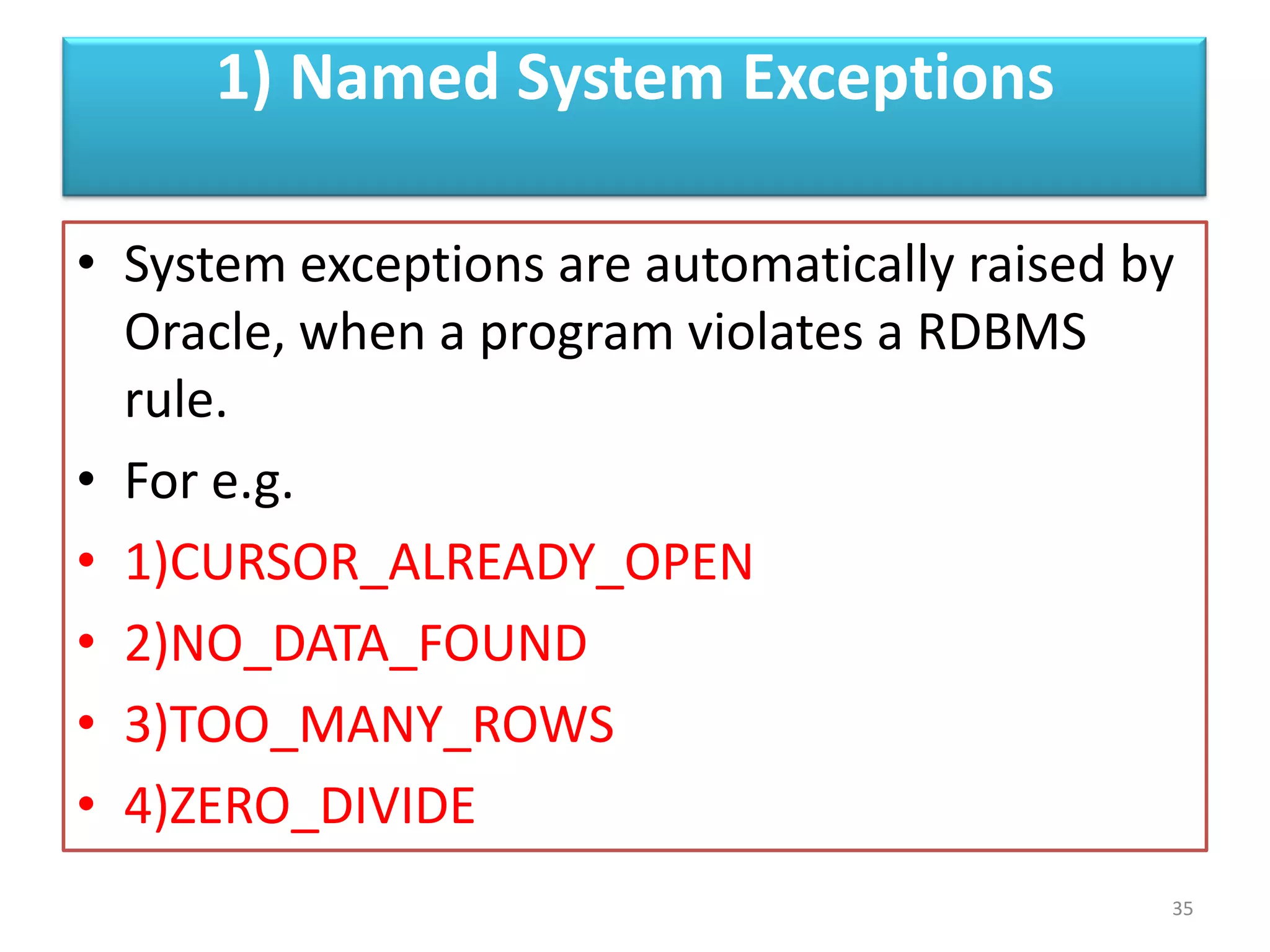
1) Named System Exceptions
• System exceptions are automatically raised by
Oracle, when a program violates a RDBMS
rule.
• For e.g.
• 1)CURSOR_ALREADY_OPEN
• 2)NO_DATA_FOUND
• 3)TOO_MANY_ROWS
• 4)ZERO_DIVIDE
35
TOO_MANY_ROWS
EXAMPLE
• SUPPOSE YOU WANT TO RETRIEVE ALL
EMPLOYEES WHOSE NAME=‘JOHN’
• DECLARE
• a varchar(12)
• SELECT LAST_NAME into a from employees
where first_name=‘john’
• Dbms_output.put_line(‘john last name is ‘ ||a);
• End;
• /
36
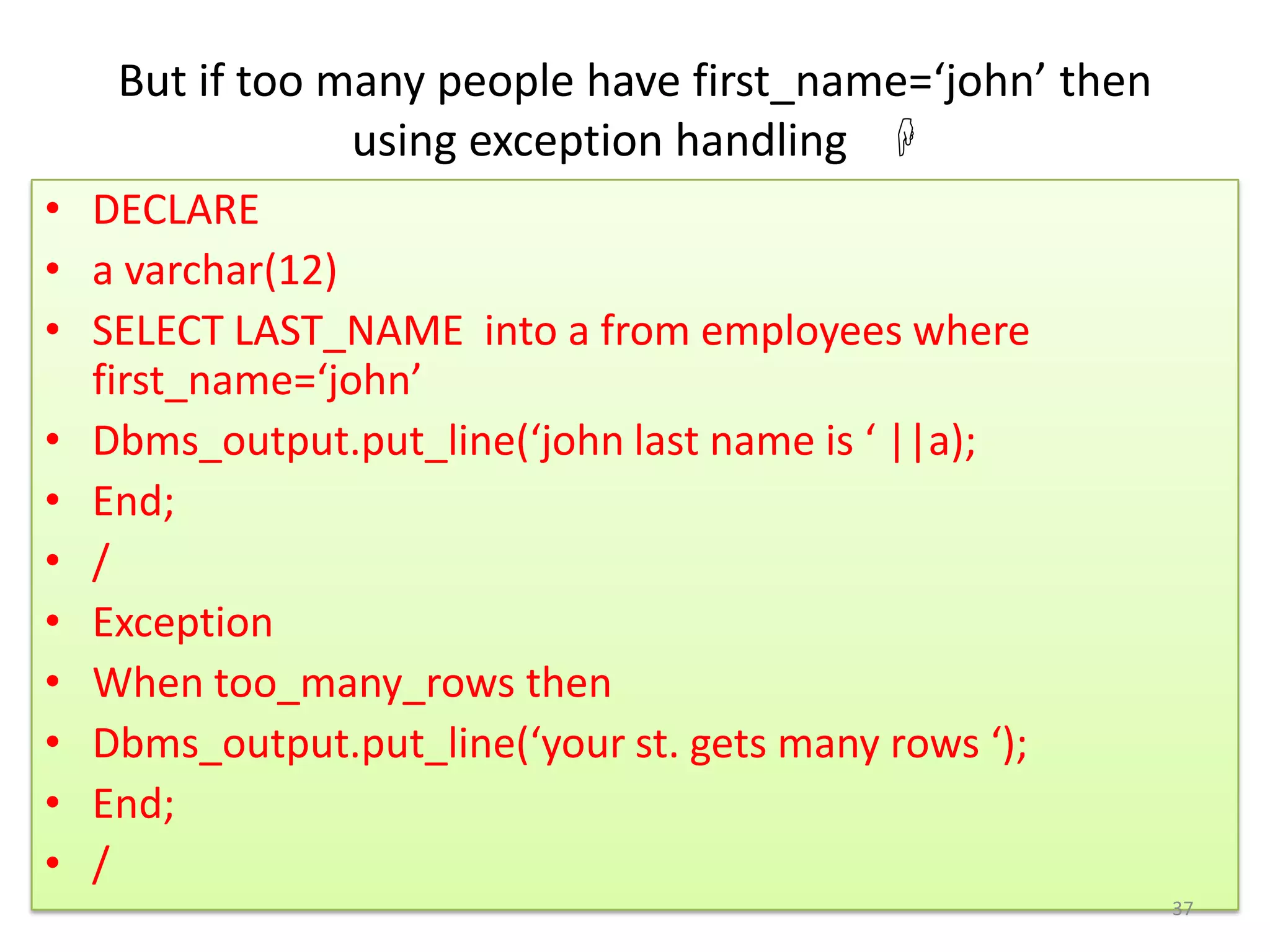
But if too many people have first_name=‘john’ then
using exception handling 
• DECLARE
• a varchar(12)
• SELECT LAST_NAME into a from employees where
first_name=‘john’
• Dbms_output.put_line(‘john last name is ‘ ||a);
• End;
• /
• Exception
• When too_many_rows then
• Dbms_output.put_line(‘your st. gets many rows ‘);
• End;
• /
37
2)Unnamed System Exceptions
• Those system exception for which oracle does
not provide a name is known as unamed
system exception
• There are two ways to handle unnamed
sysyem exceptions:
1. By using the WHEN OTHERS exception
handler, or
2. By associating the exception code to a
name and using it as a named exception
38
Unnamed System Exceptions CONT..
• We can assign a name to unnamed system
exceptions using a Pragma called
EXCEPTION_INIT.
EXCEPTION_INIT will associate a predefined
Oracle error number to a
programmer_defined exception name.
39
FOR E.G.
• DECLARE
• AAA EXCEPTION; -------AAA IS EXCEPTION NAME
• PRAGMA --------------------USE TO DEFINE UNMANED EXCEPTION
• EXCEPTION_INIT (AAA, -2292); -------------------------MUST BE VALID EXCEPTION NUMBER
• BEGIN
• Delete FROM SUPPLIER where SUPPLIER_ID= 1;
• EXCEPTION
• WHEN AAA
• THEN Dbms_output.put_line(' $$Child records are present for this product_id.');
• END;
• /
40
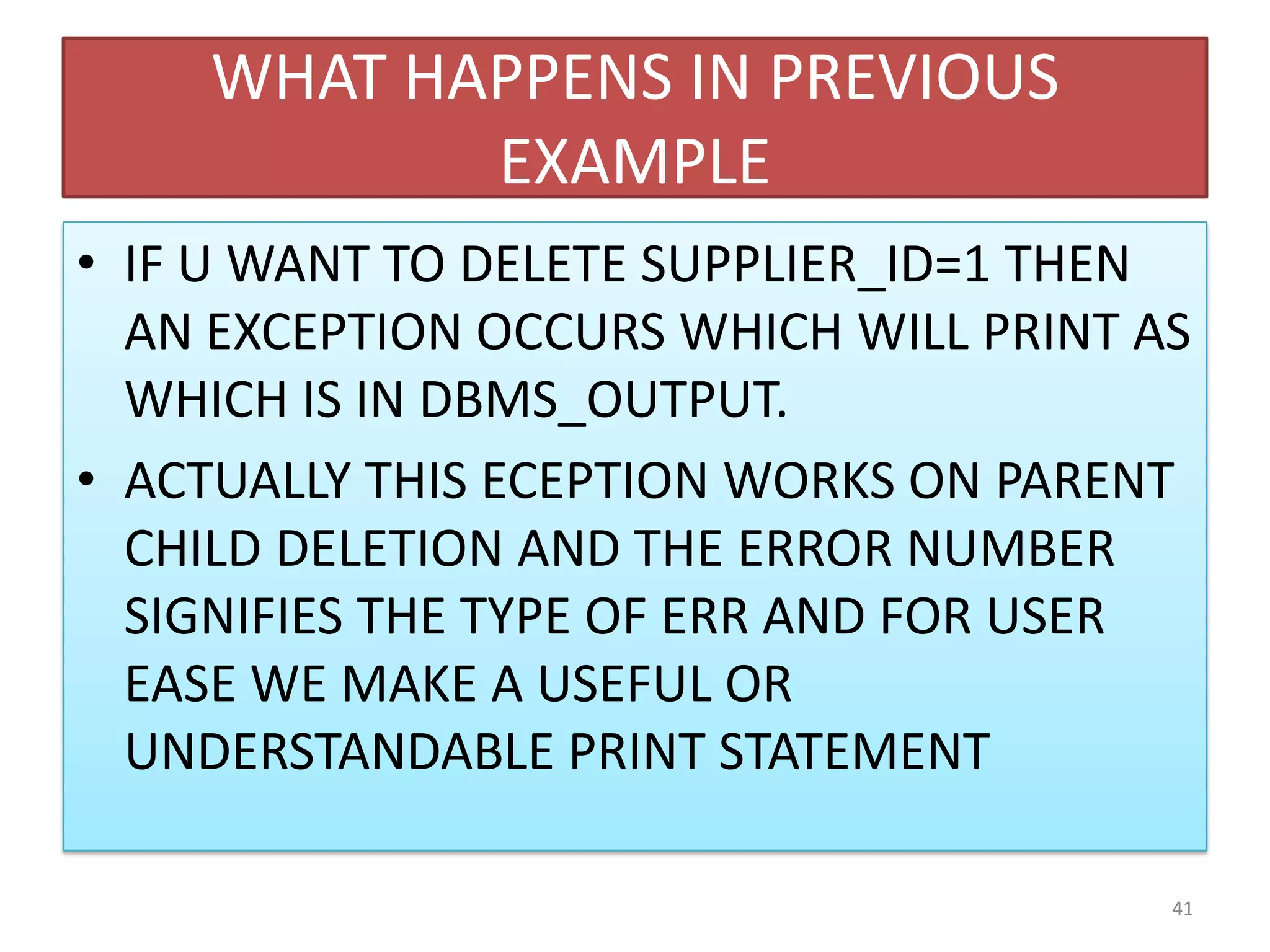
WHAT HAPPENS IN PREVIOUS
EXAMPLE
• IF U WANT TO DELETE SUPPLIER_ID=1 THEN
AN EXCEPTION OCCURS WHICH WILL PRINT AS
WHICH IS IN DBMS_OUTPUT.
• ACTUALLY THIS ECEPTION WORKS ON PARENT
CHILD DELETION AND THE ERROR NUMBER
SIGNIFIES THE TYPE OF ERR AND FOR USER
EASE WE MAKE A USEFUL OR
UNDERSTANDABLE PRINT STATEMENT
41
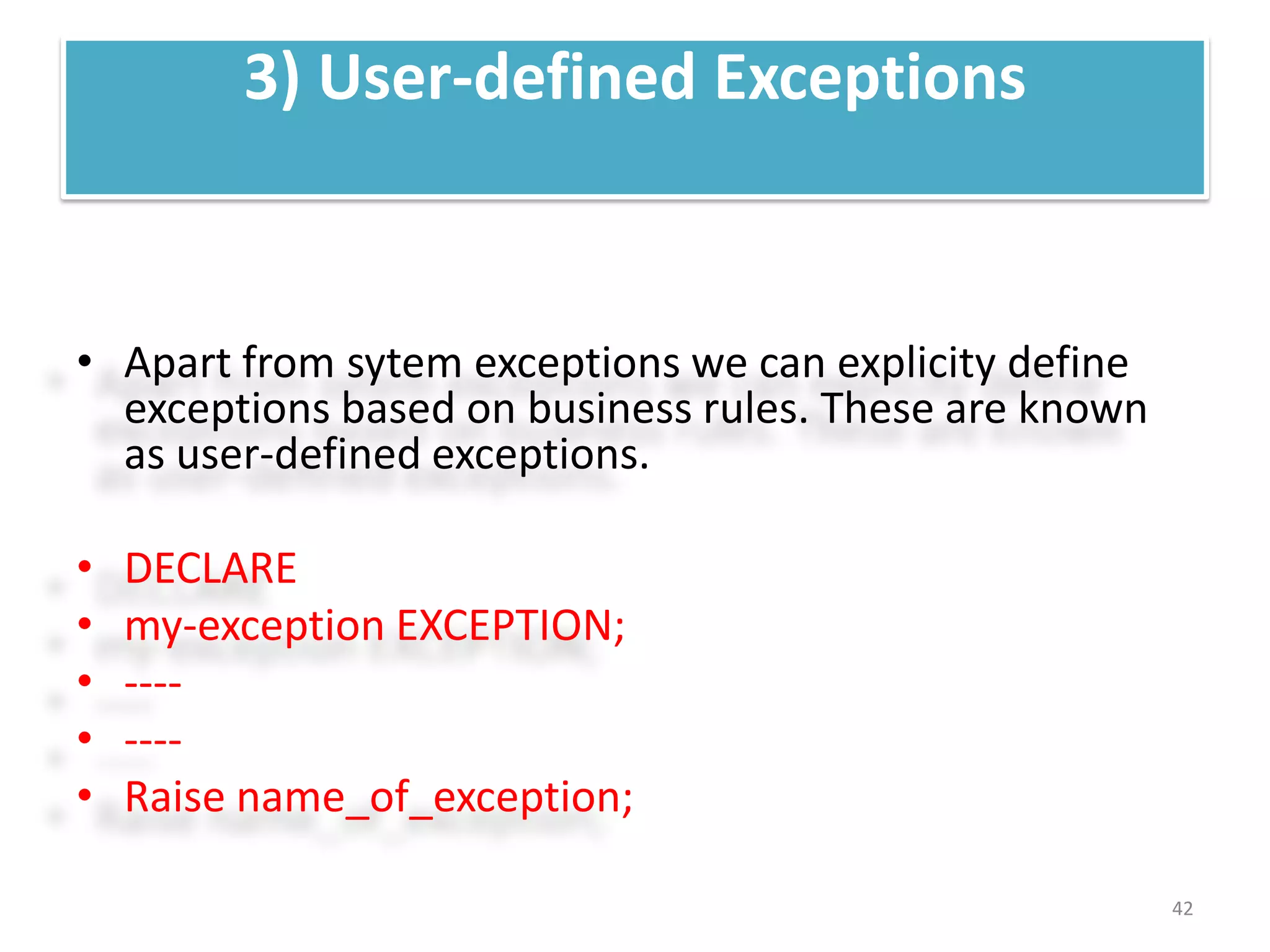
3) User-defined Exceptions
• Apart from sytem exceptions we can explicity define
exceptions based on business rules. These are known
as user-defined exceptions.
• DECLARE
• my-exception EXCEPTION;
• ----
• ----
• Raise name_of_exception;
42
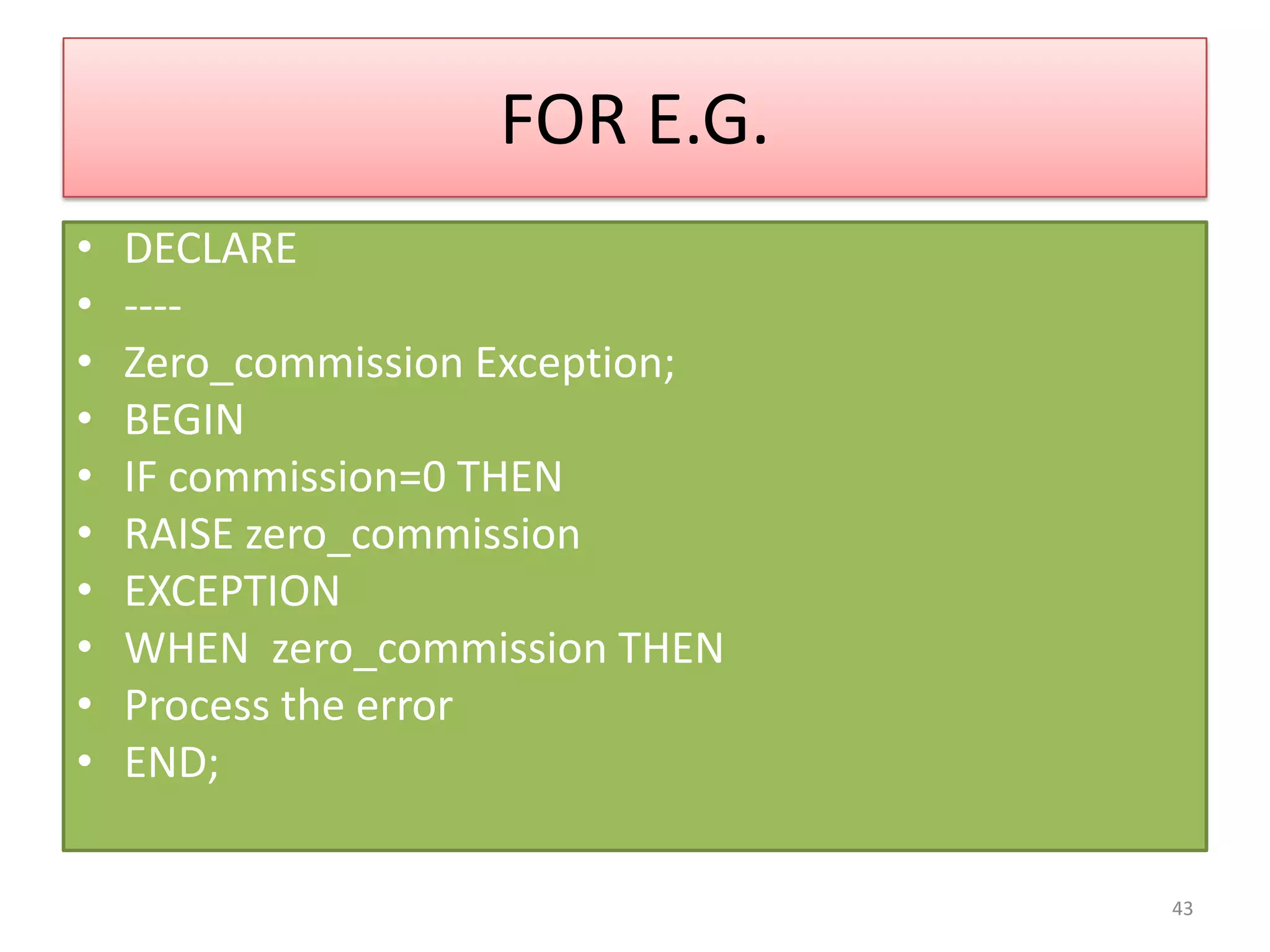
FOR E.G.
• DECLARE
• ----
• Zero_commission Exception;
• BEGIN
• IF commission=0 THEN
• RAISE zero_commission
• EXCEPTION
• WHEN zero_commission THEN
• Process the error
• END;
43
For example
When the user enters an invalid ID, the exception
invalid_id is raised
• DECLARE
• c_id customers.id%type := &cc_id;-------------input id at run time
• c_name customers.name%type; --------------c_name variable as same datatype
• c_addr customers.address%type; as customer name datatype
• -- user defined exception
• ex_invalid_id EXCEPTION;------------exception name
• BEGIN
• IF c_id <= 0 THEN
• RAISE ex_invalid_id;----------------raise user condition
• ELSE
• SELECT name, address INTO c_name, c_addr
• FROM customers
• WHERE id = c_id;
44
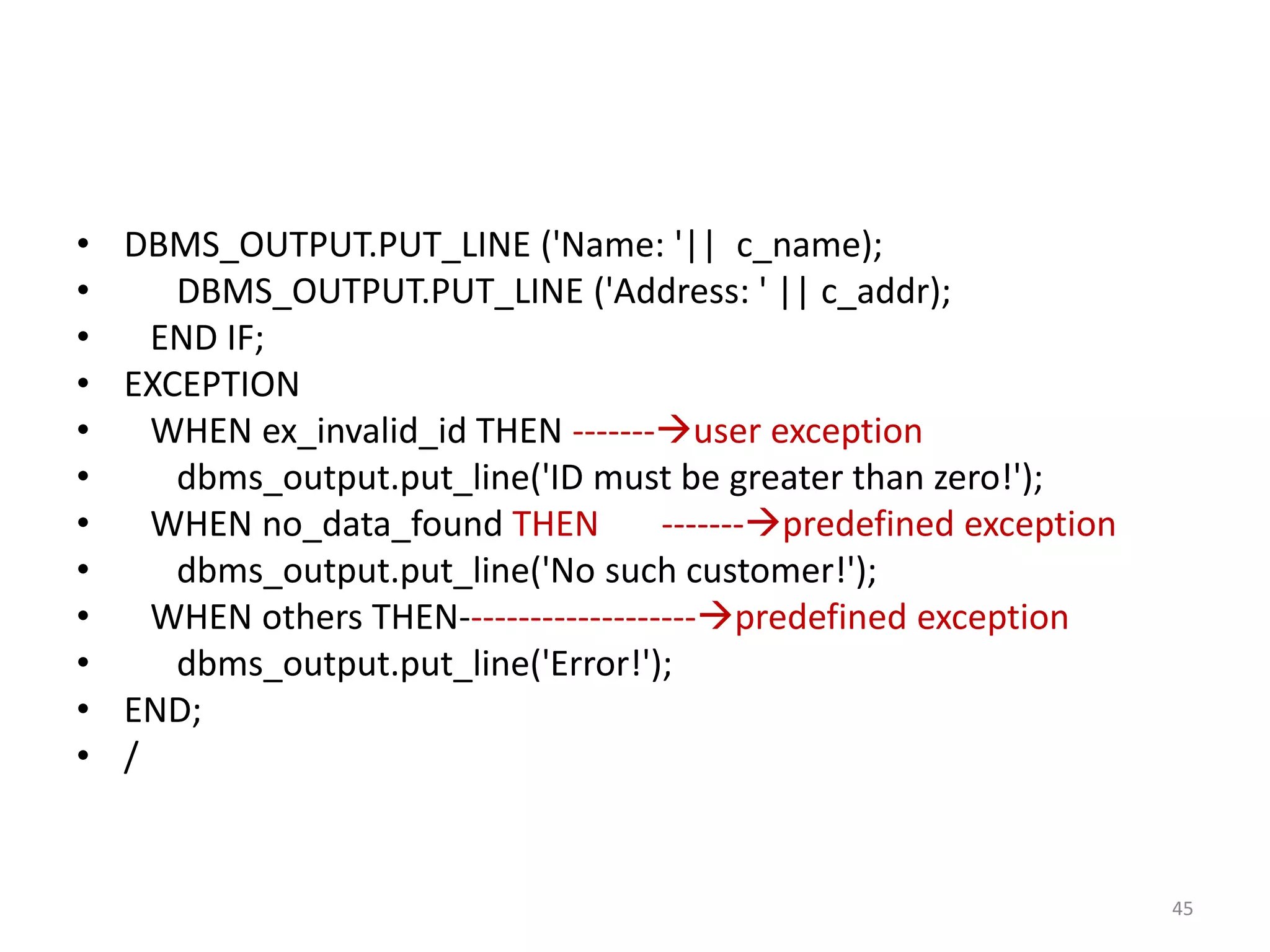
• DBMS_OUTPUT.PUT_LINE ('Name: '|| c_name);
• DBMS_OUTPUT.PUT_LINE ('Address: ' || c_addr);
• END IF;
• EXCEPTION
• WHEN ex_invalid_id THEN -------user exception
• dbms_output.put_line('ID must be greater than zero!');
• WHEN no_data_found THEN -------predefined exception
• dbms_output.put_line('No such customer!');
• WHEN others THEN--------------------predefined exception
• dbms_output.put_line('Error!');
• END;
• /
45
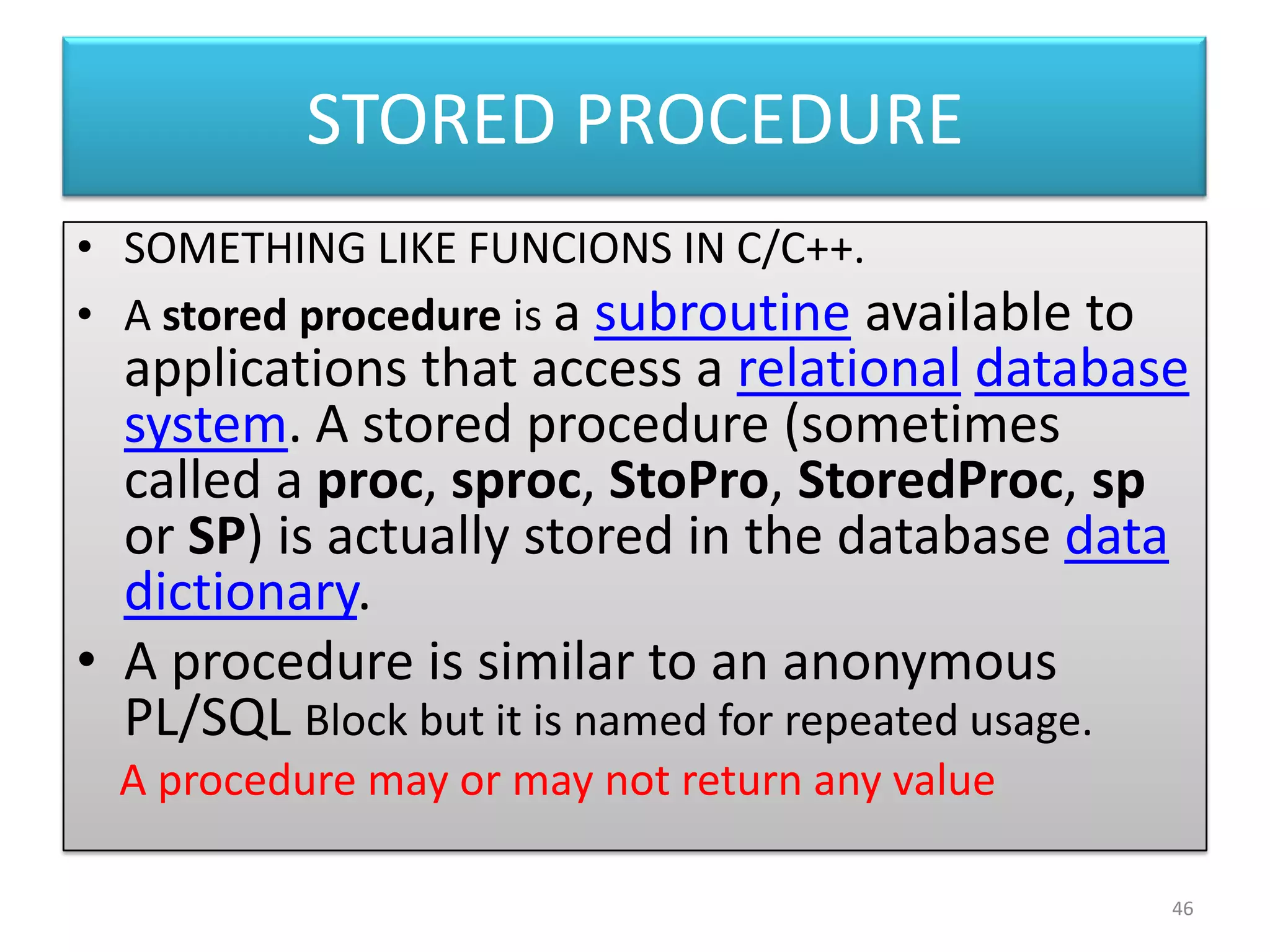
STORED PROCEDURE
• SOMETHING LIKE FUNCIONS IN C/C++.
• A stored procedure is a subroutine available to
applications that access a relational database
system. A stored procedure (sometimes
called a proc, sproc, StoPro, StoredProc, sp
or SP) is actually stored in the database data
dictionary.
• A procedure is similar to an anonymous
PL/SQL Block but it is named for repeated usage.
A procedure may or may not return any value
46
Common syntax
• CREATE [OR REPLACE] PROCEDURE
procedure_name
• [ (parameter [,parameter]) ]
• IS
• [declaration_section]
• BEGIN
• executable_section
• [EXCEPTION exception_section]
• END [procedure_name];
47
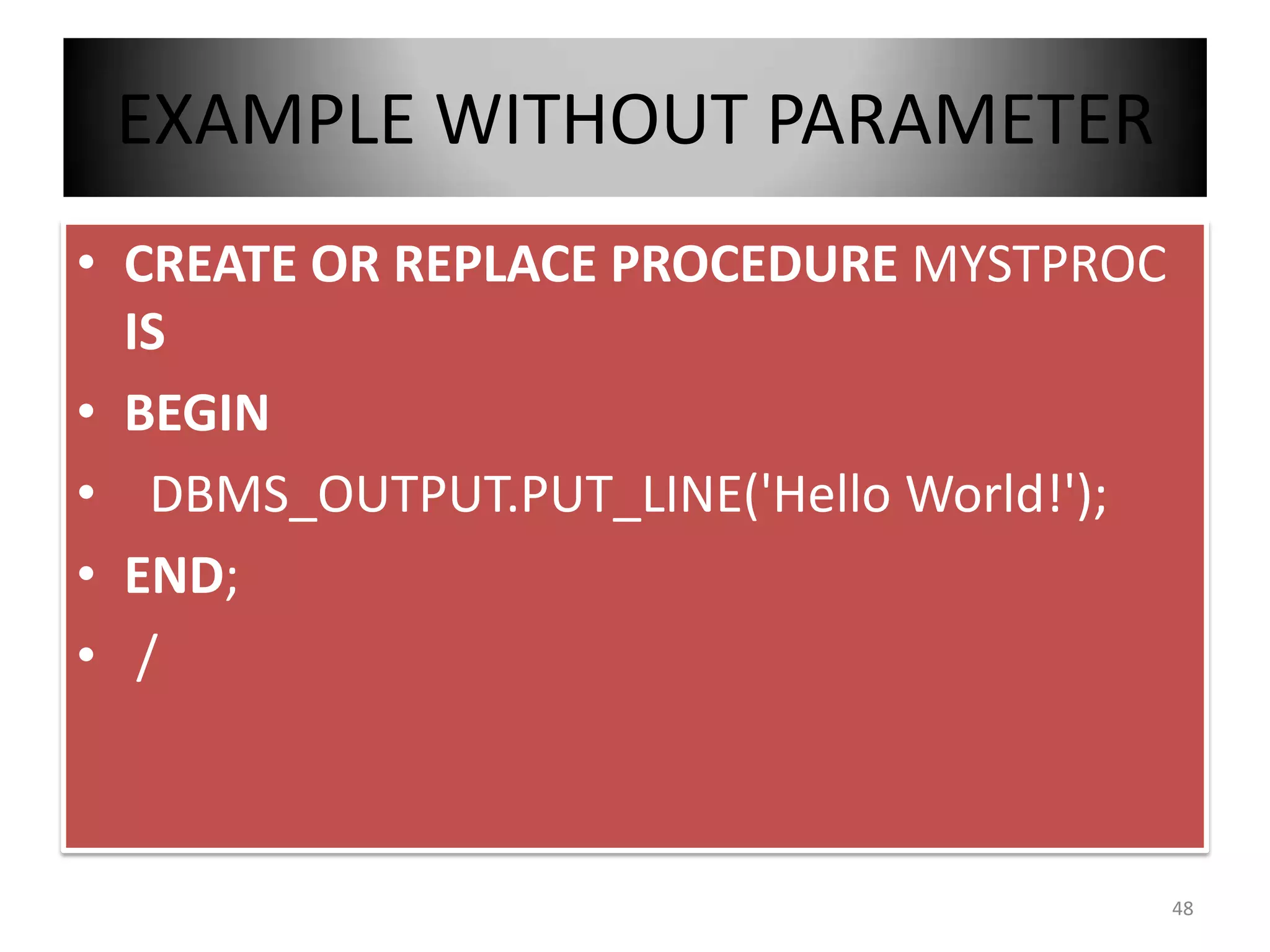
EXAMPLE WITHOUT PARAMETER
• CREATE OR REPLACE PROCEDURE MYSTPROC
IS
• BEGIN
• DBMS_OUTPUT.PUT_LINE('Hello World!');
• END;
• /
48
When you create a procedure or
function, you may define
parameters. There are three types
of parameters that can be declared
49
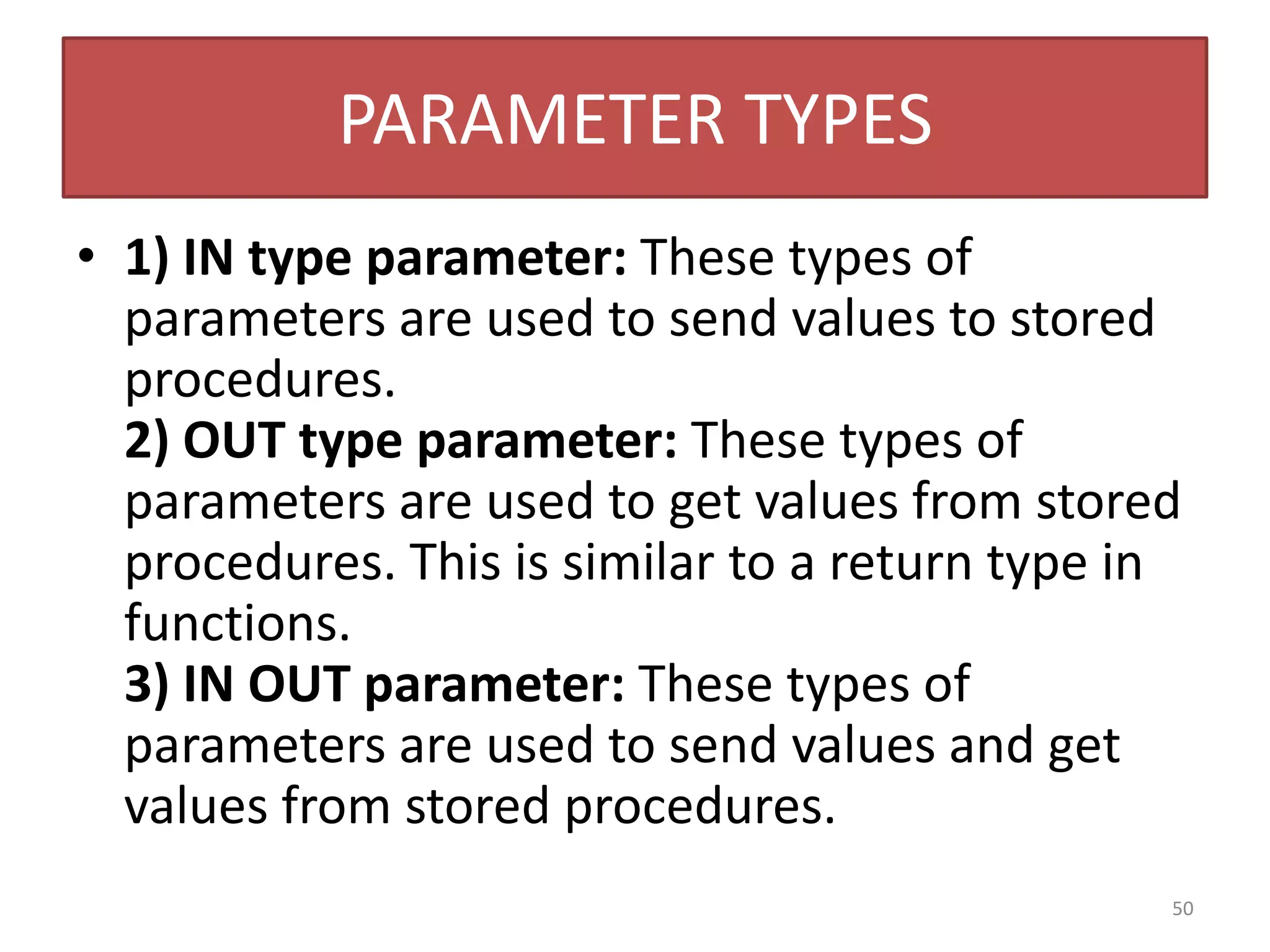
PARAMETER TYPES
• 1) IN type parameter: These types of
parameters are used to send values to stored
procedures.
2) OUT type parameter: These types of
parameters are used to get values from stored
procedures. This is similar to a return type in
functions.
3) IN OUT parameter: These types of
parameters are used to send values and get
values from stored procedures.
50
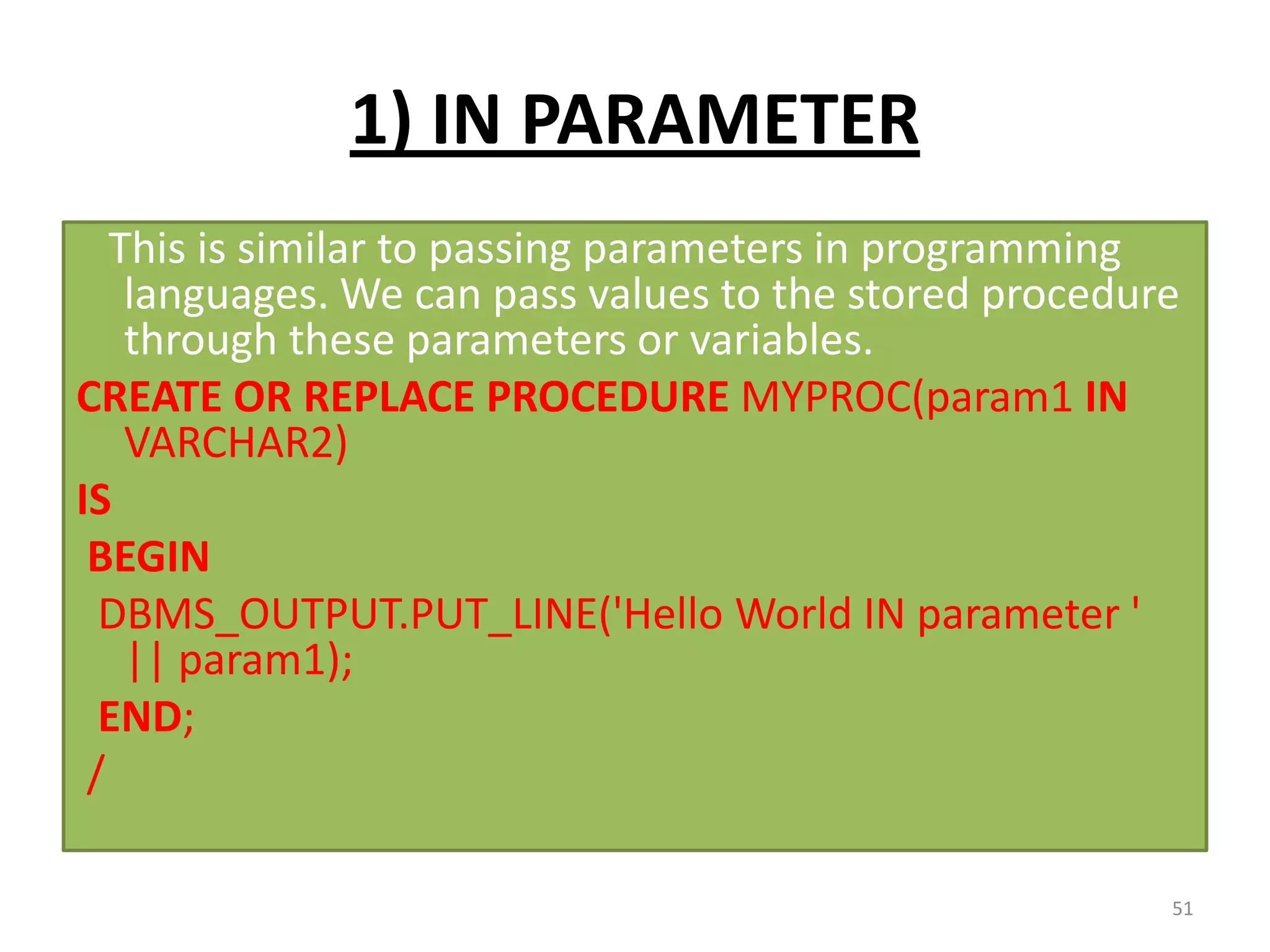
1) IN PARAMETER
This is similar to passing parameters in programming
languages. We can pass values to the stored procedure
through these parameters or variables.
CREATE OR REPLACE PROCEDURE MYPROC(param1 IN
VARCHAR2)
IS
BEGIN
DBMS_OUTPUT.PUT_LINE('Hello World IN parameter '
|| param1);
END;
/
51
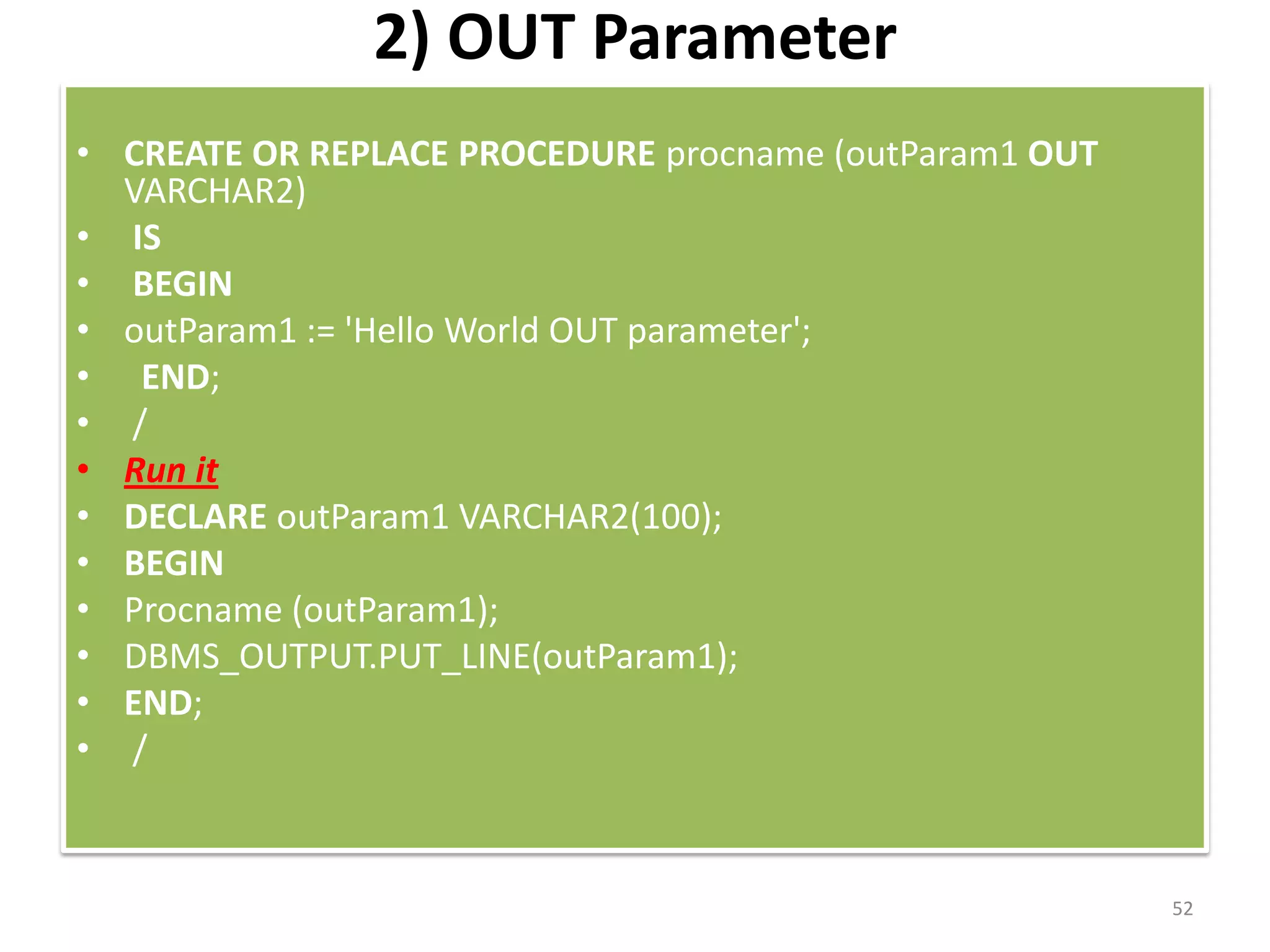
2) OUT Parameter
• CREATE OR REPLACE PROCEDURE procname (outParam1 OUT
VARCHAR2)
• IS
• BEGIN
• outParam1 := 'Hello World OUT parameter';
• END;
• /
• Run it
• DECLARE outParam1 VARCHAR2(100);
• BEGIN
• Procname (outParam1);
• DBMS_OUTPUT.PUT_LINE(outParam1);
• END;
• /
52
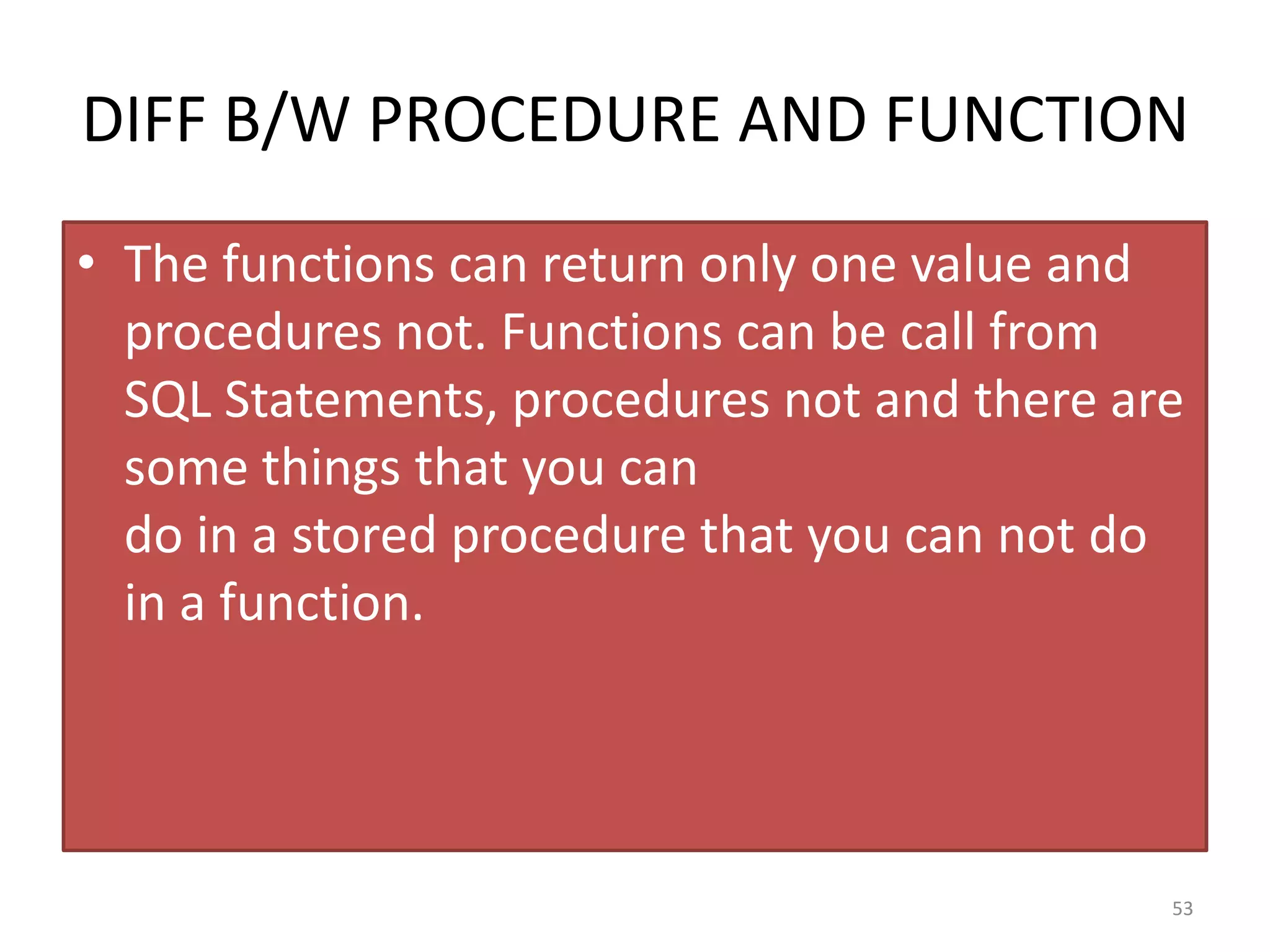
DIFF B/W PROCEDURE AND FUNCTION
• The functions can return only one value and
procedures not. Functions can be call from
SQL Statements, procedures not and there are
some things that you can
do in a stored procedure that you can not do
in a function.
53
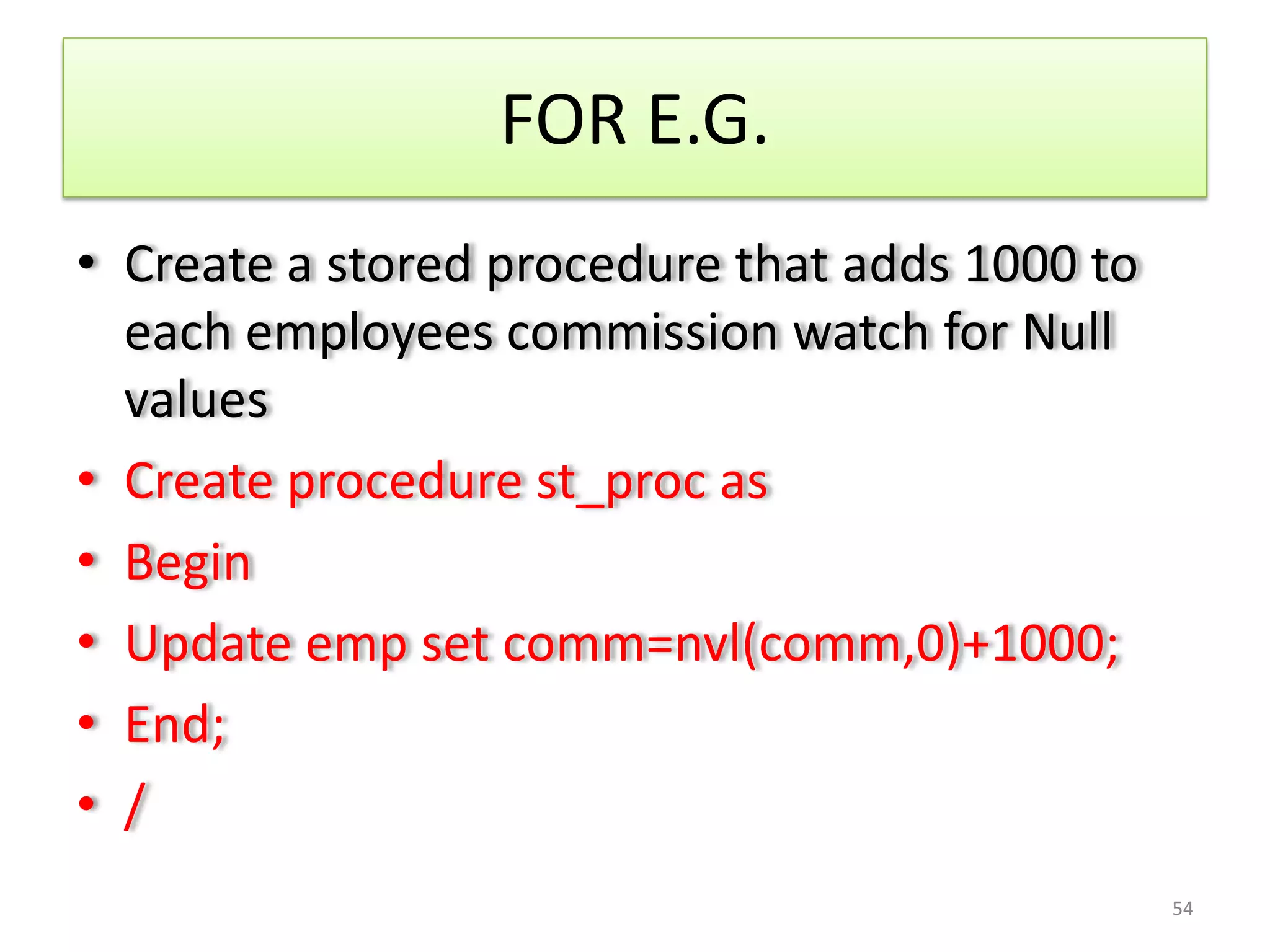
FOR E.G.
• Create a stored procedure that adds 1000 to
each employees commission watch for Null
values
• Create procedure st_proc as
• Begin
• Update emp set comm=nvl(comm,0)+1000;
• End;
• /
54
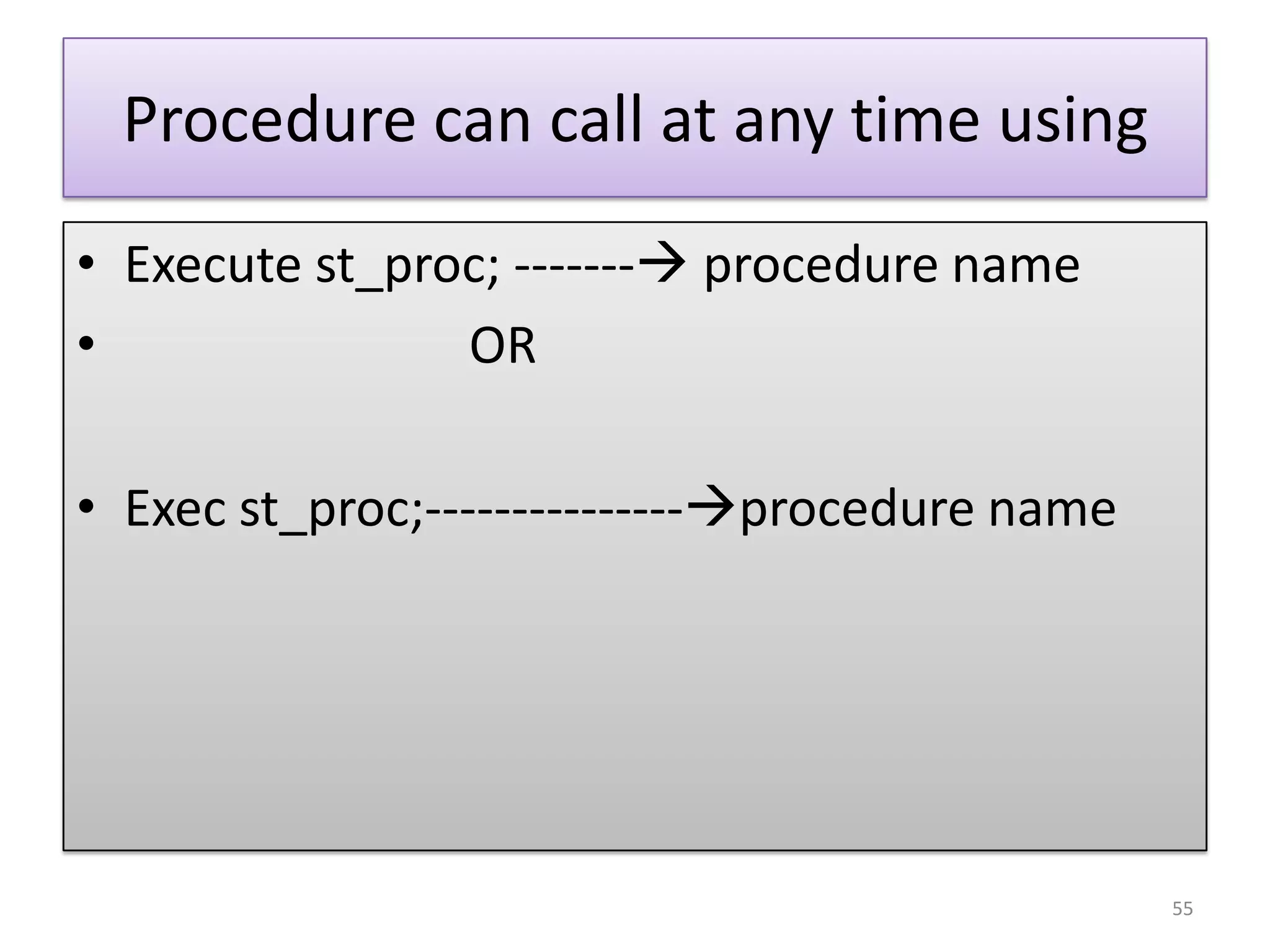
Procedure can call at any time using
• Execute st_proc; ------- procedure name
• OR
• Exec st_proc;---------------procedure name
55
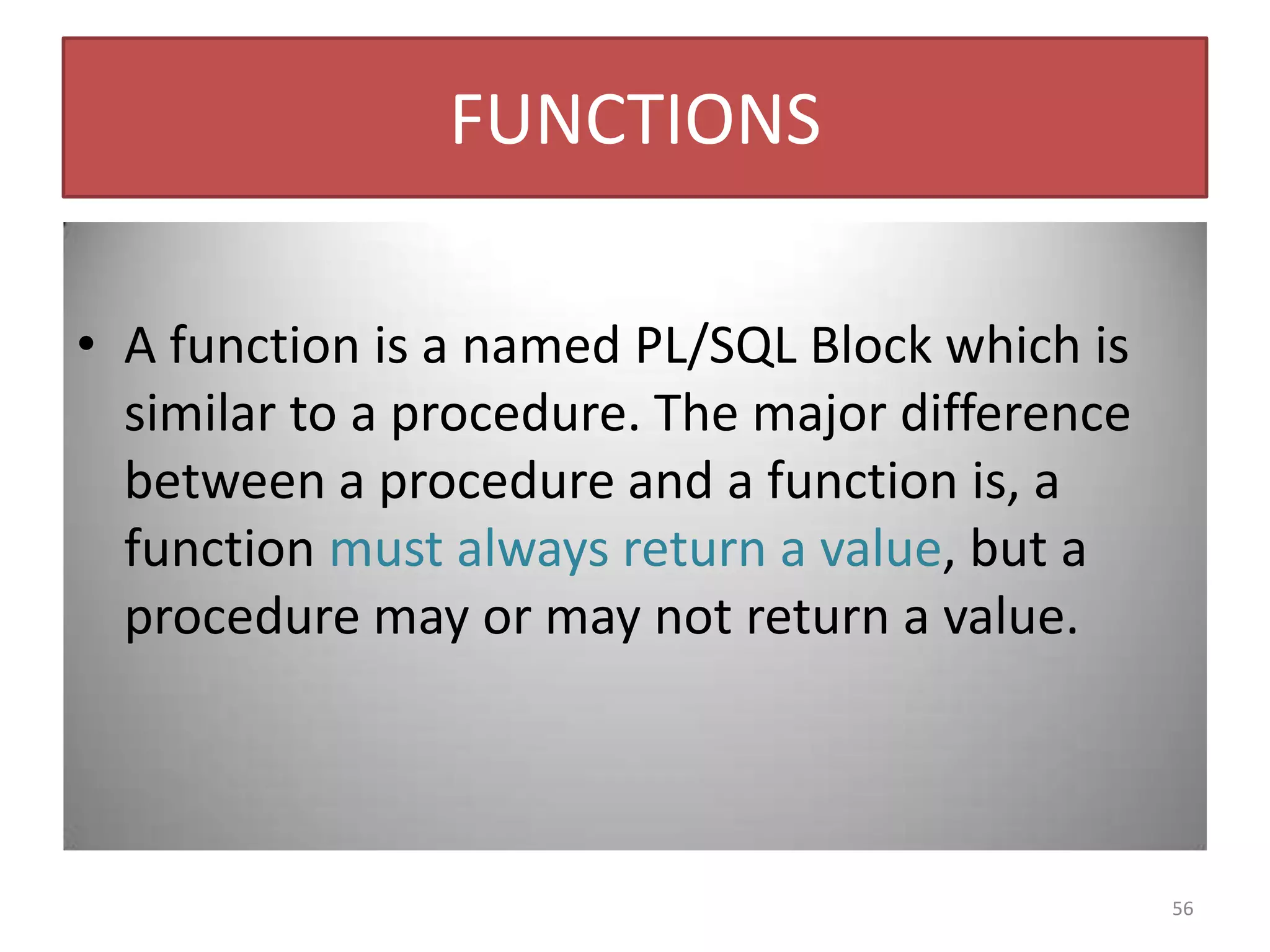
FUNCTIONS
• A function is a named PL/SQL Block which is
similar to a procedure. The major difference
between a procedure and a function is, a
function must always return a value, but a
procedure may or may not return a value.
56
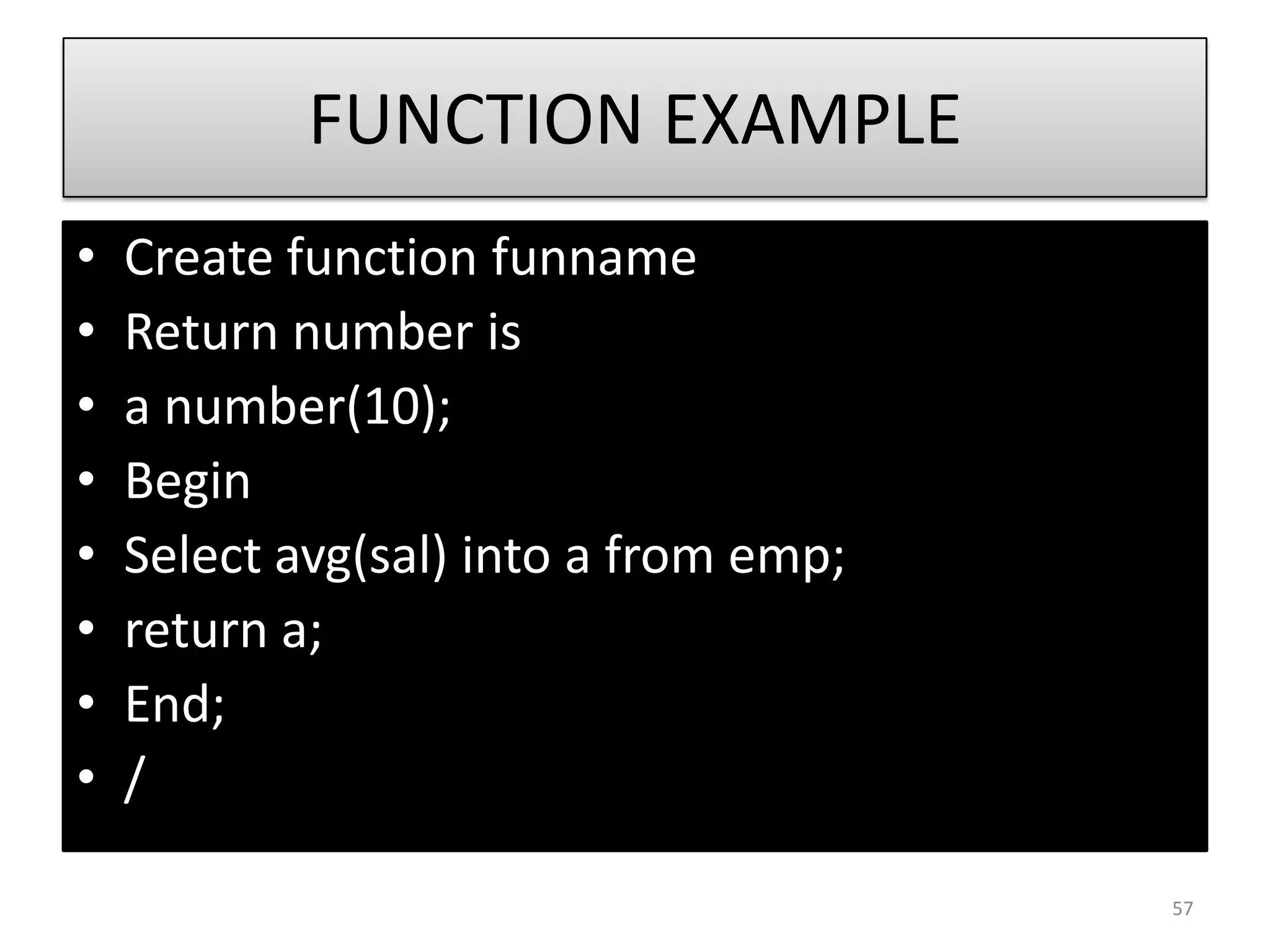
FUNCTION EXAMPLE
• Create function funname
• Return number is
• a number(10);
• Begin
• Select avg(sal) into a from emp;
• return a;
• End;
• /
57
HOW TO EXECUTE FUNCTION ?
1) SELECT FUNCTIONNAME FROM DUAL;
2)DBMS_OUTPUT.PUT_LINE(FUNCTIONNAME);
58
CURSORS
• A cursor is a temporary work area created in the
system memory when a SQL statement is
executed. A cursor contains information on a
select statement and the rows of data accessed
by it.
• Cursors provide a way for your program to select
multiple rows of data from the database and then
to process each row individually.
• There are two types of cursors in PL/SQL:
• 1)IMPLICIT CURSORS
• 2) Explicit cursors
59
A CURSOR CAN HOLD MORE
THAN ONE ROW, BUT CAN
PROCESS ONLY ONE ROW AT A
TIME.
60
Implicit Cursors
• These are created by default when DML statements
like, INSERT, UPDATE, and DELETE statements are
executed.
• The set of rows returned by query is called active set.
• Oracle provides few attributes called as implicit cursor
attributes to check the status of DML operations. The
are as follows
• 1) %FOUND
• 2) %NOTFOUND
• 3) %ROWCOUNT
• 4) %ISOPEN.
61
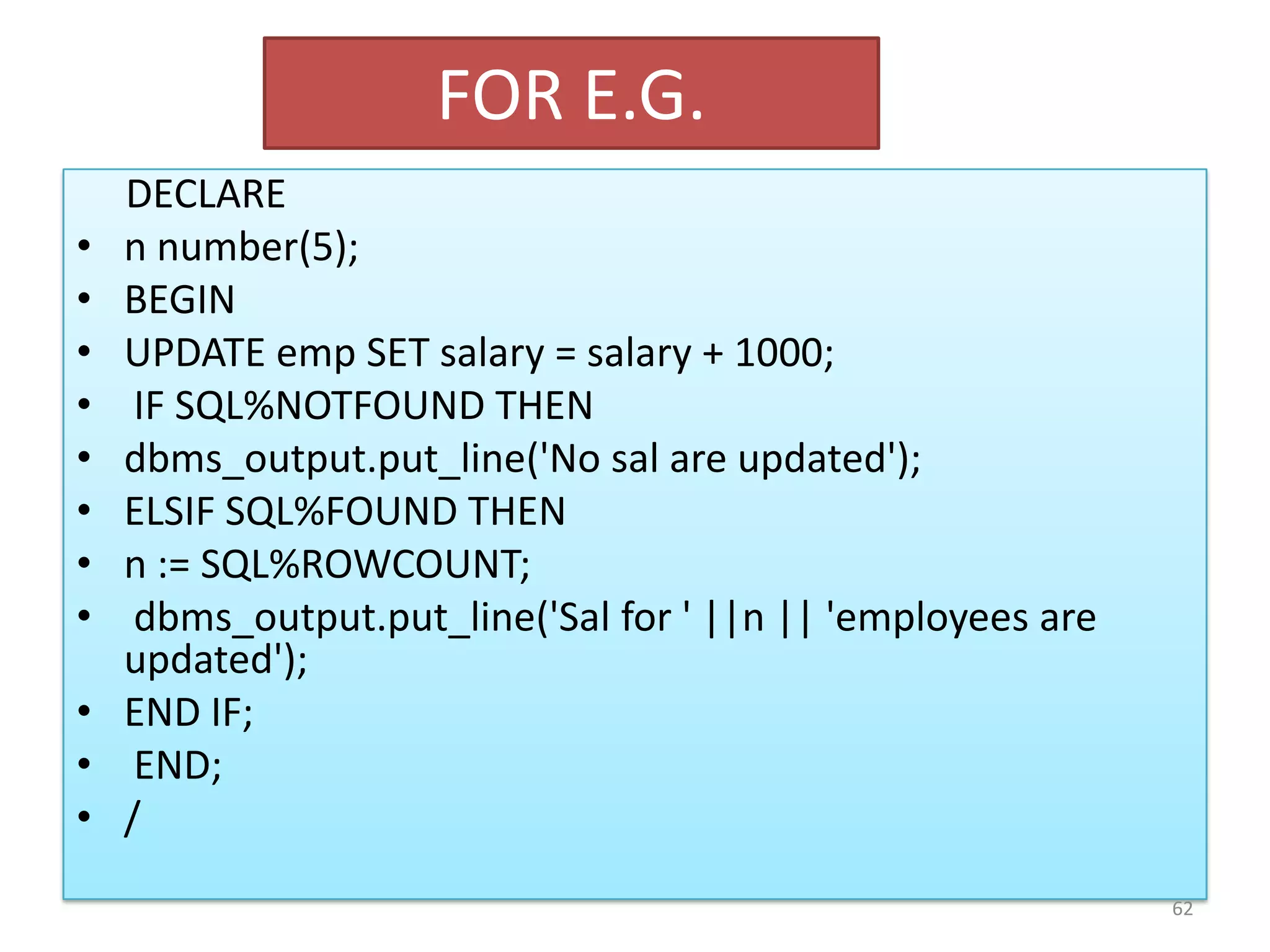
FOR E.G.
DECLARE
• n number(5);
• BEGIN
• UPDATE emp SET salary = salary + 1000;
• IF SQL%NOTFOUND THEN
• dbms_output.put_line('No sal are updated');
• ELSIF SQL%FOUND THEN
• n := SQL%ROWCOUNT;
• dbms_output.put_line('Sal for ' ||n || 'employees are
updated');
• END IF;
• END;
• /
62
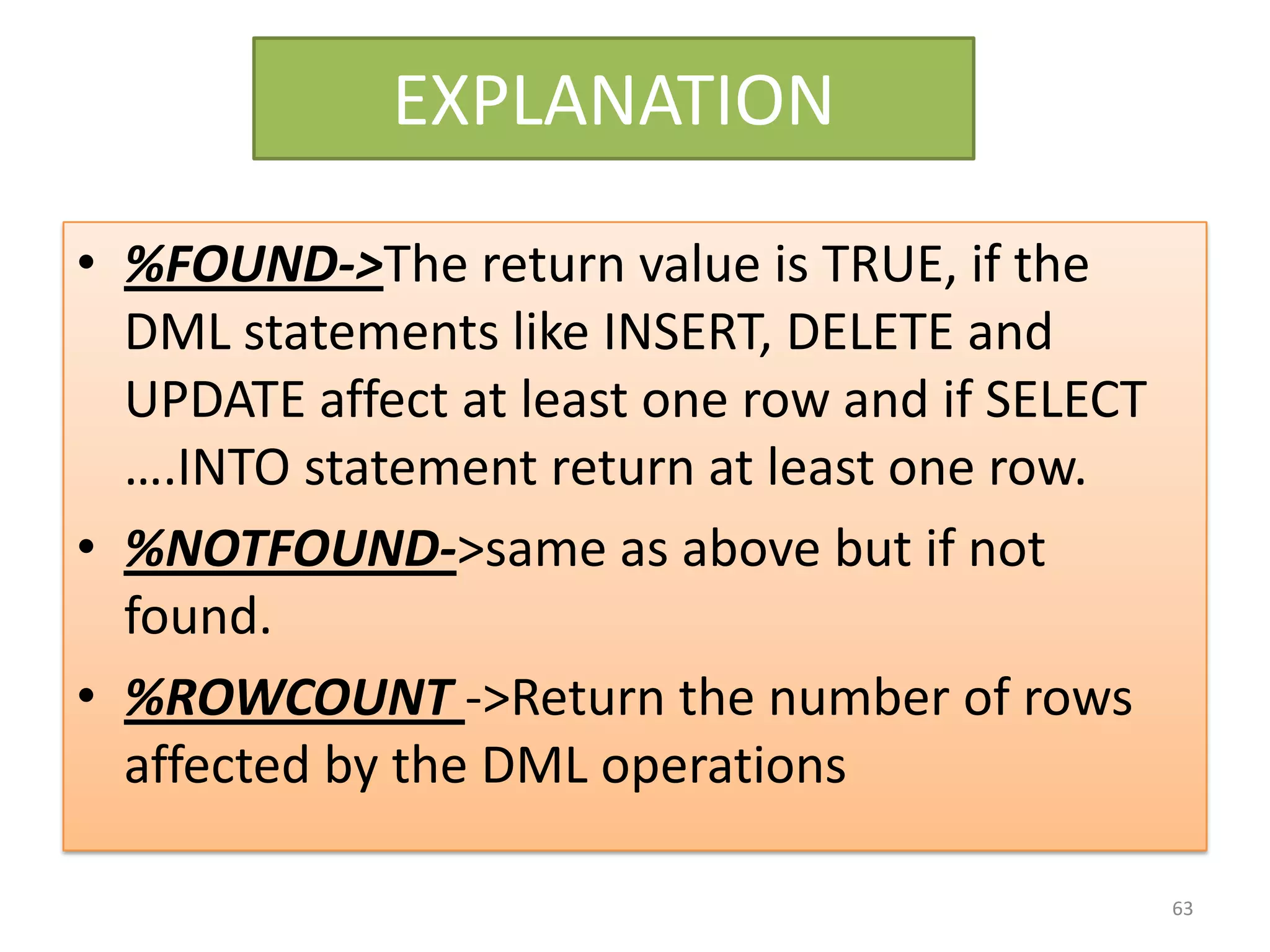
EXPLANATION
• %FOUND->The return value is TRUE, if the
DML statements like INSERT, DELETE and
UPDATE affect at least one row and if SELECT
….INTO statement return at least one row.
• %NOTFOUND->same as above but if not
found.
• %ROWCOUNT ->Return the number of rows
affected by the DML operations
63
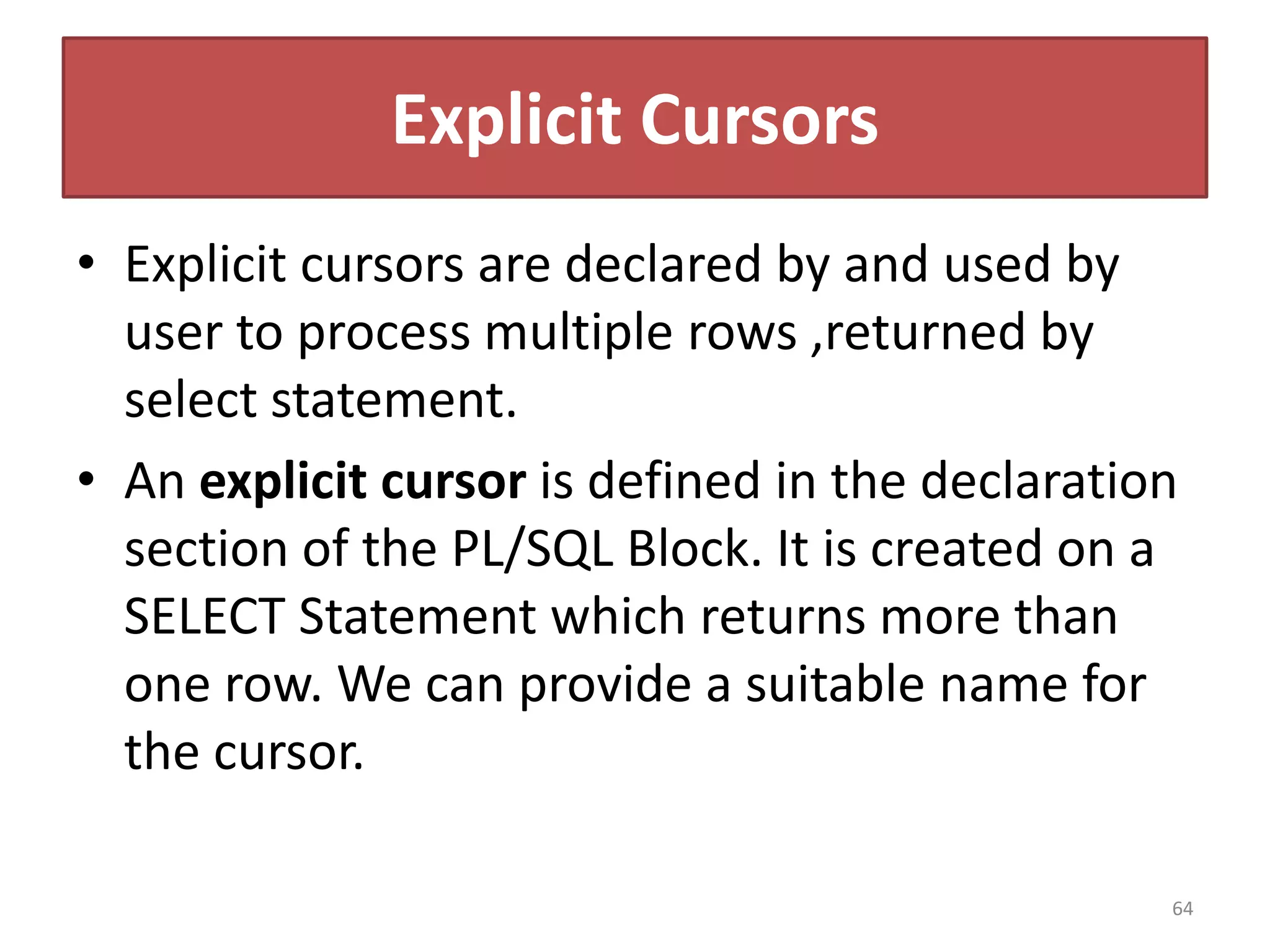
Explicit Cursors
• Explicit cursors are declared by and used by
user to process multiple rows ,returned by
select statement.
• An explicit cursor is defined in the declaration
section of the PL/SQL Block. It is created on a
SELECT Statement which returns more than
one row. We can provide a suitable name for
the cursor.
64
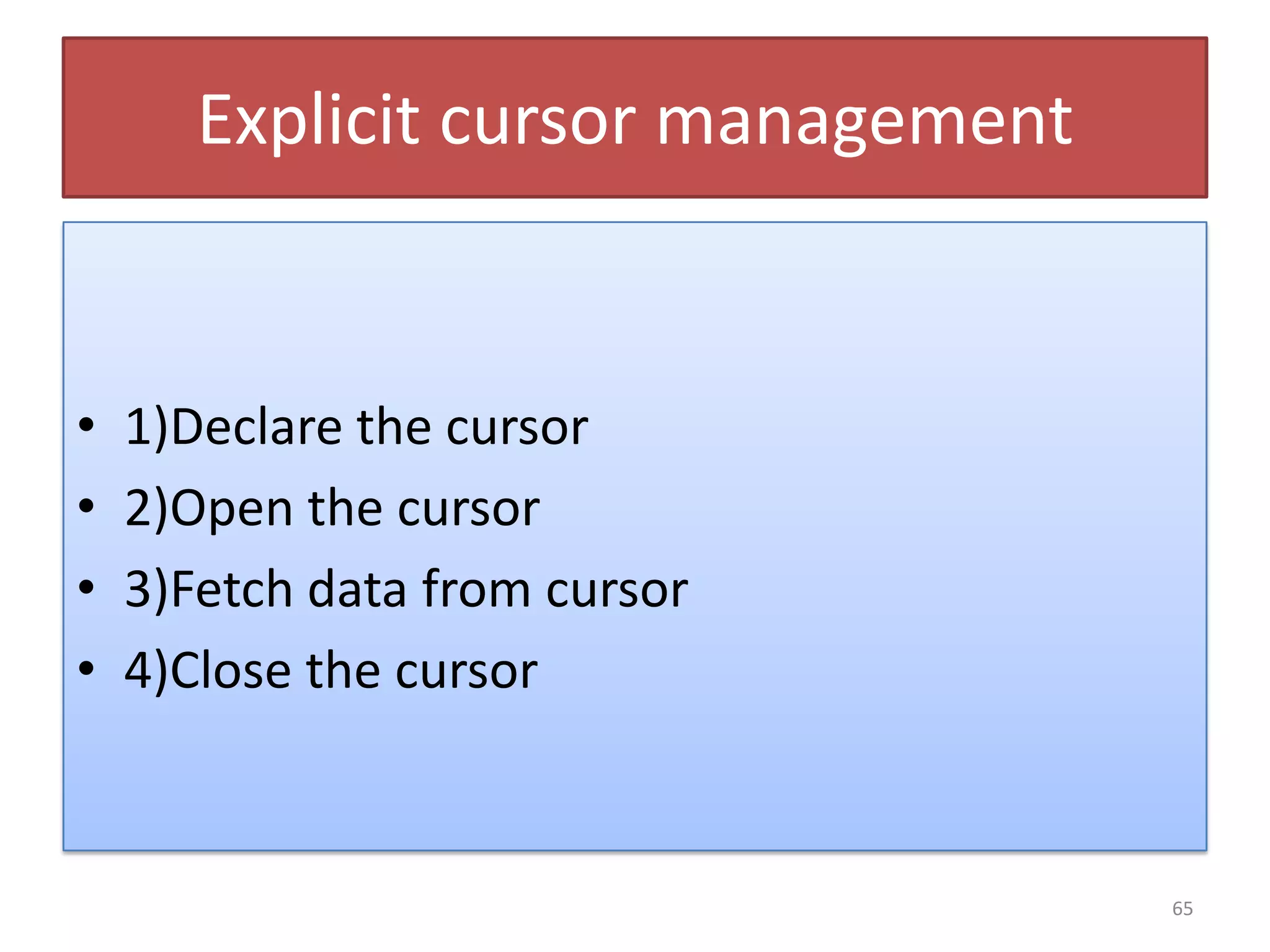
Explicit cursor management
• 1)Declare the cursor
• 2)Open the cursor
• 3)Fetch data from cursor
• 4)Close the cursor
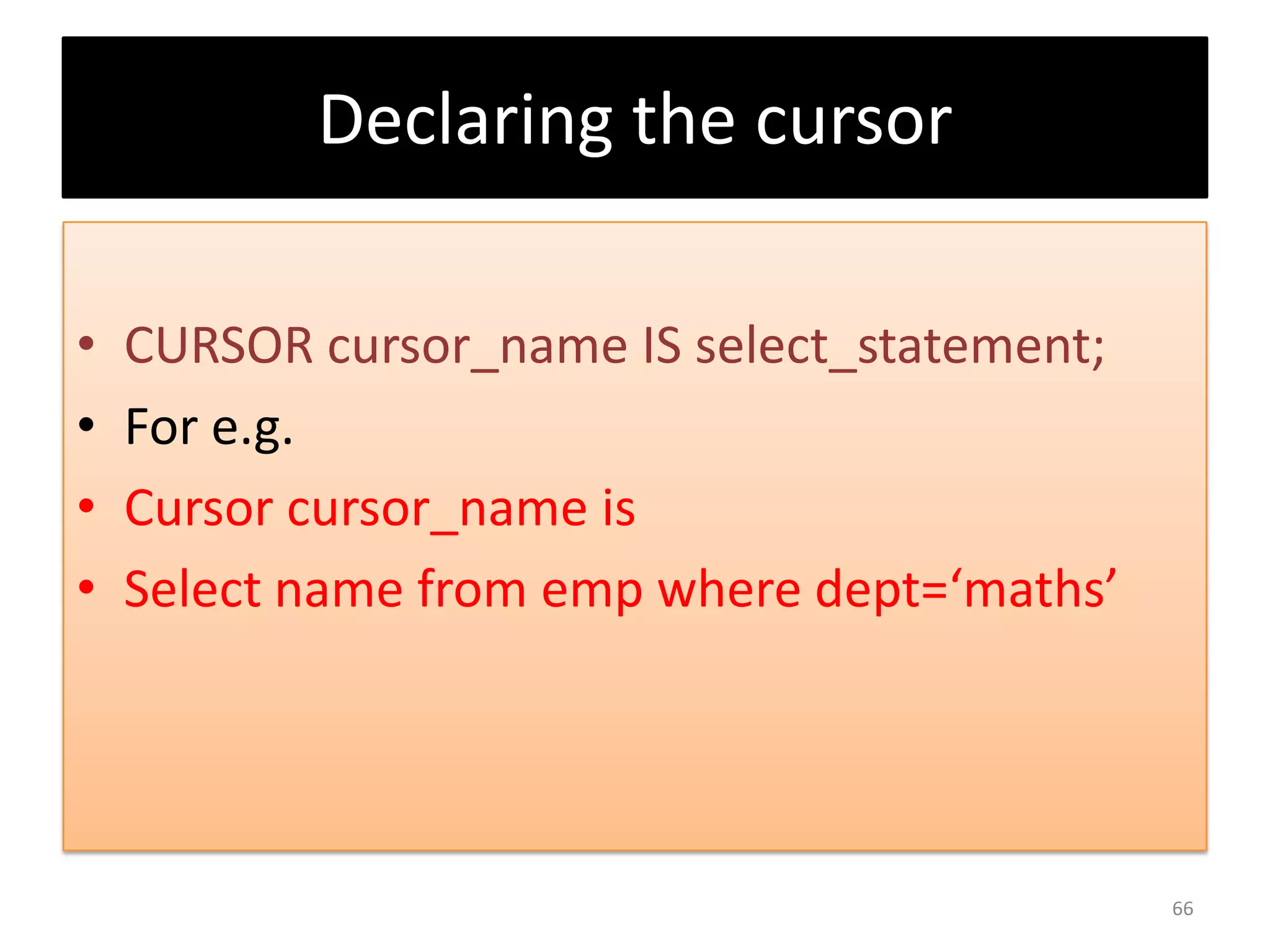
65
Declaring the cursor
• CURSOR cursor_name IS select_statement;
• For e.g.
• Cursor cursor_name is
• Select name from emp where dept=‘maths’
66
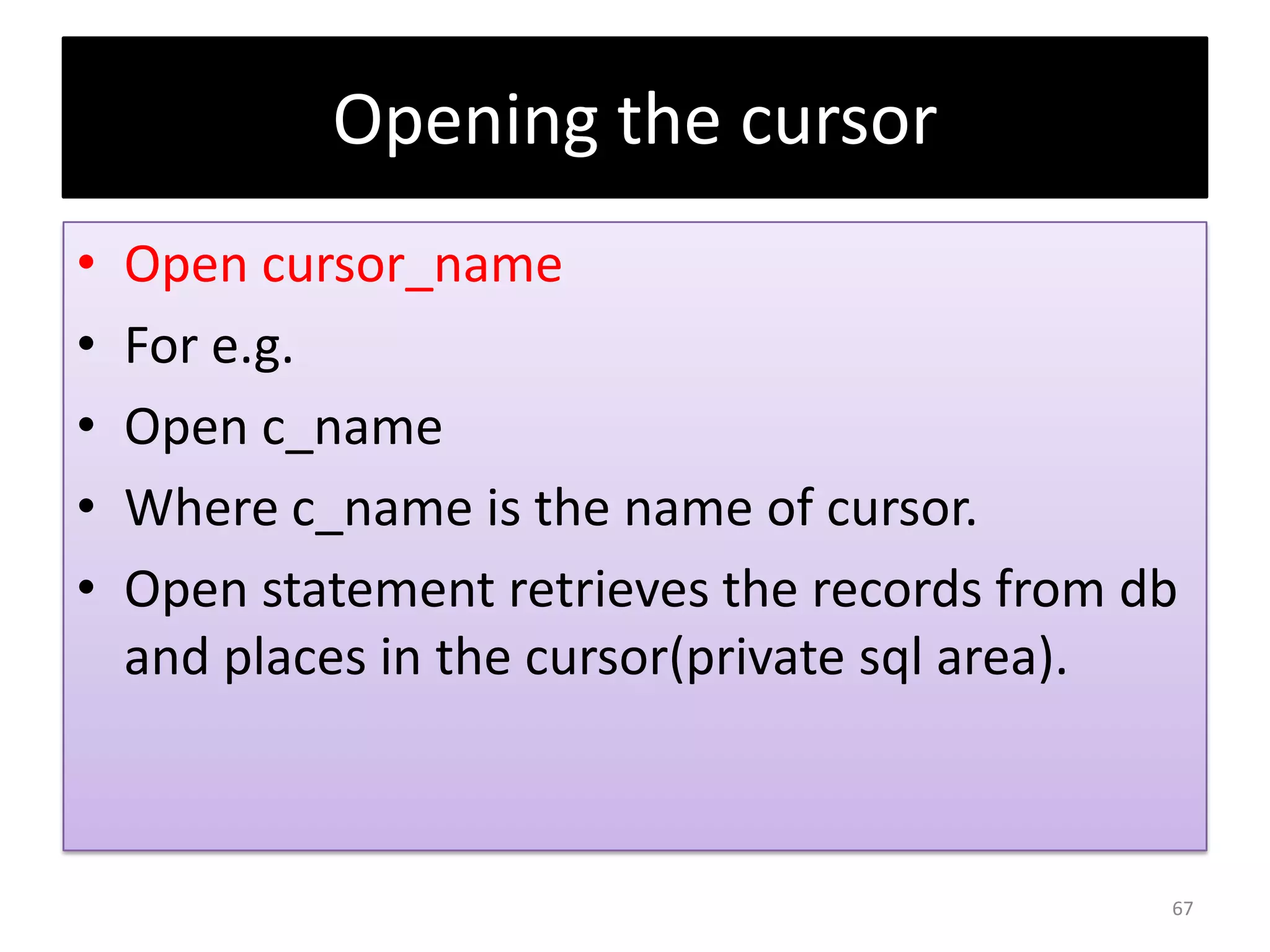
Opening the cursor
• Open cursor_name
• For e.g.
• Open c_name
• Where c_name is the name of cursor.
• Open statement retrieves the records from db
and places in the cursor(private sql area).
67
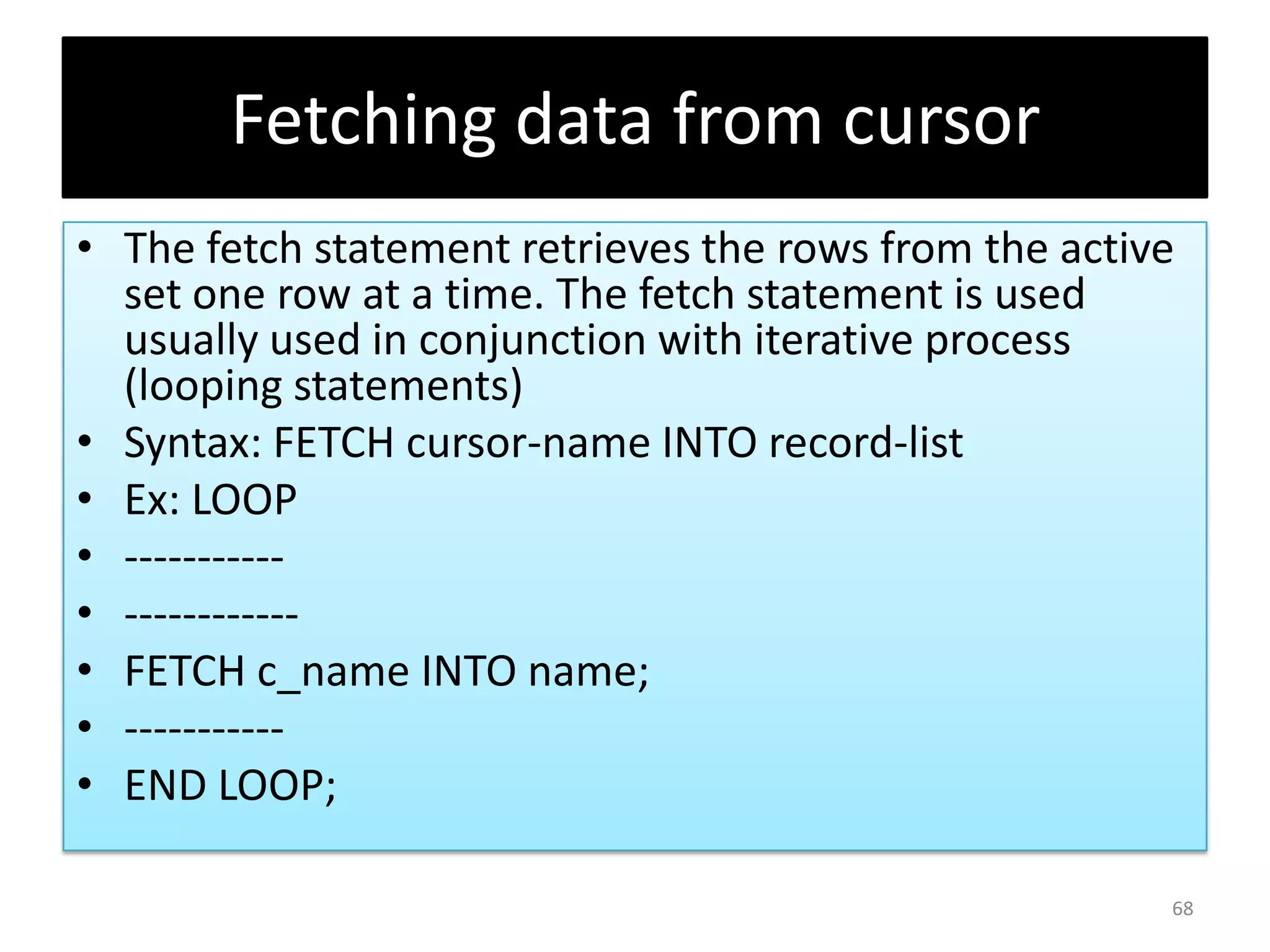
Fetching data from cursor
• The fetch statement retrieves the rows from the active
set one row at a time. The fetch statement is used
usually used in conjunction with iterative process
(looping statements)
• Syntax: FETCH cursor-name INTO record-list
• Ex: LOOP
• -----------
• ------------
• FETCH c_name INTO name;
• -----------
• END LOOP;
68
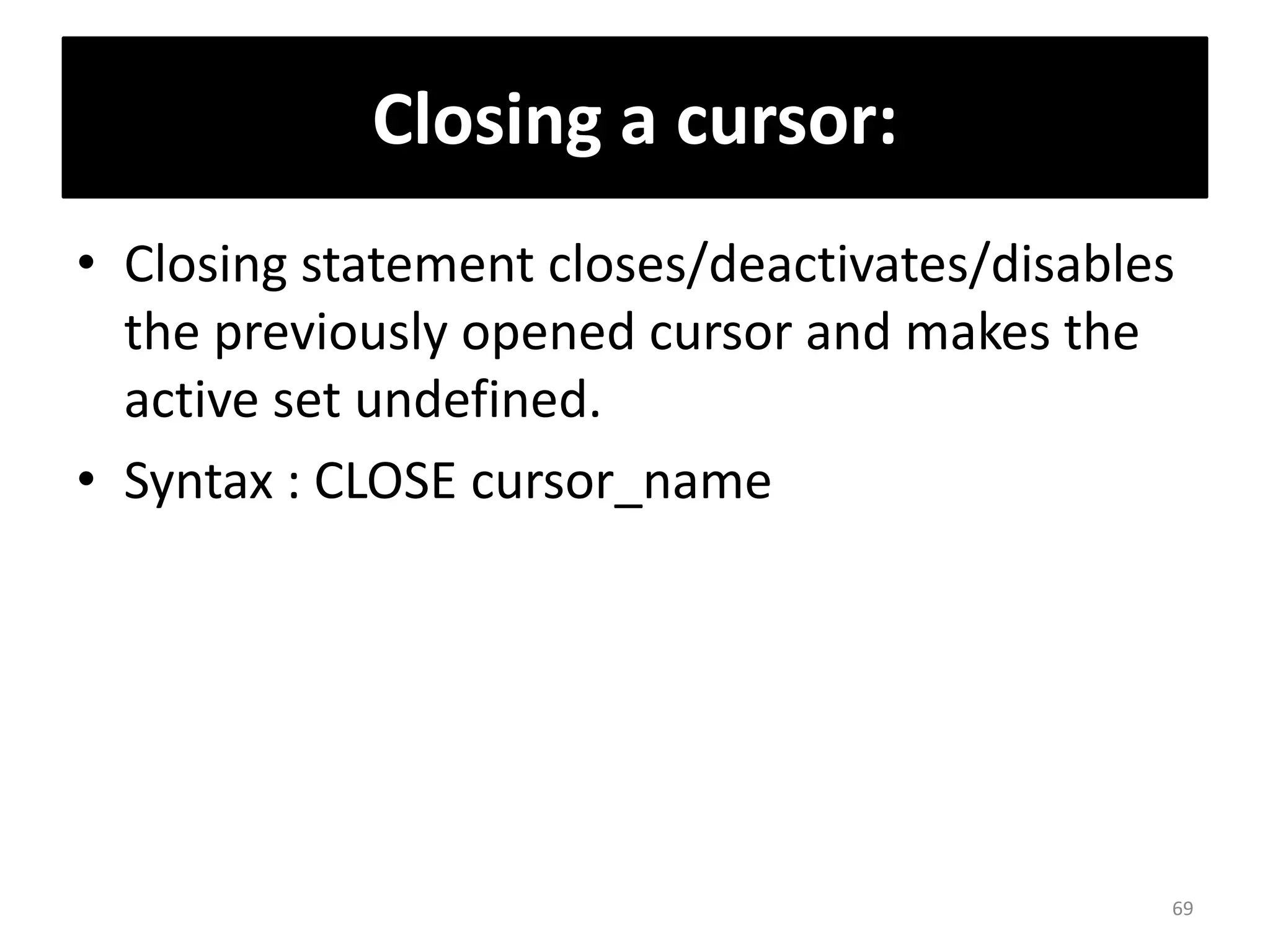
Closing a cursor:
• Closing statement closes/deactivates/disables
the previously opened cursor and makes the
active set undefined.
• Syntax : CLOSE cursor_name
69
Cursor can store multiple rows at a
time but without loop cursor
cannot fetch multiple rows but
only print very first row from your
result e.g. on next slide
70
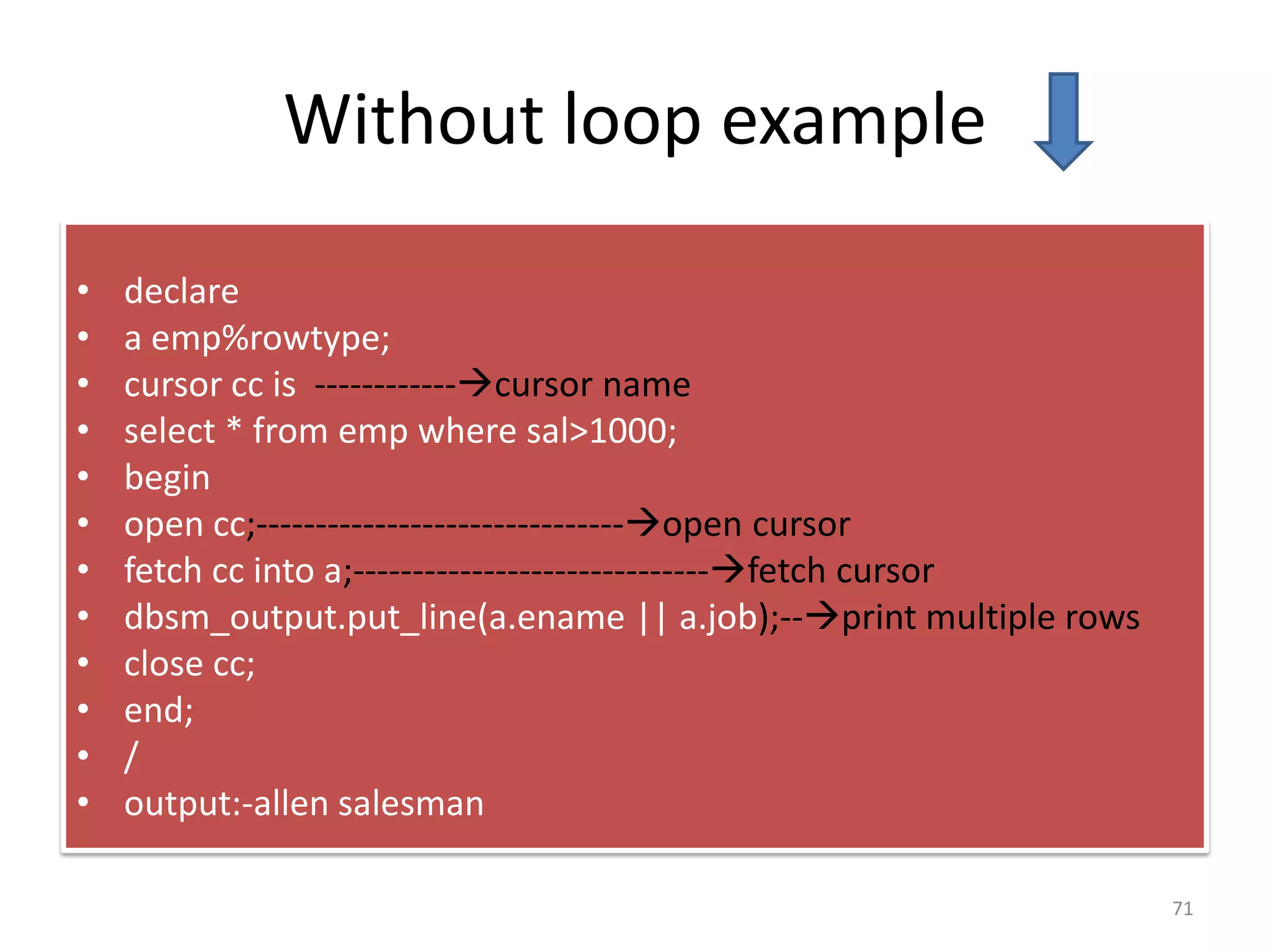
Without loop example
• declare
• a emp%rowtype;
• cursor cc is ------------cursor name
• select * from emp where sal>1000;
• begin
• open cc;-------------------------------open cursor
• fetch cc into a;------------------------------fetch cursor
• dbsm_output.put_line(a.ename || a.job);--print multiple rows
• close cc;
• end;
• /
• output:-allen salesman
71
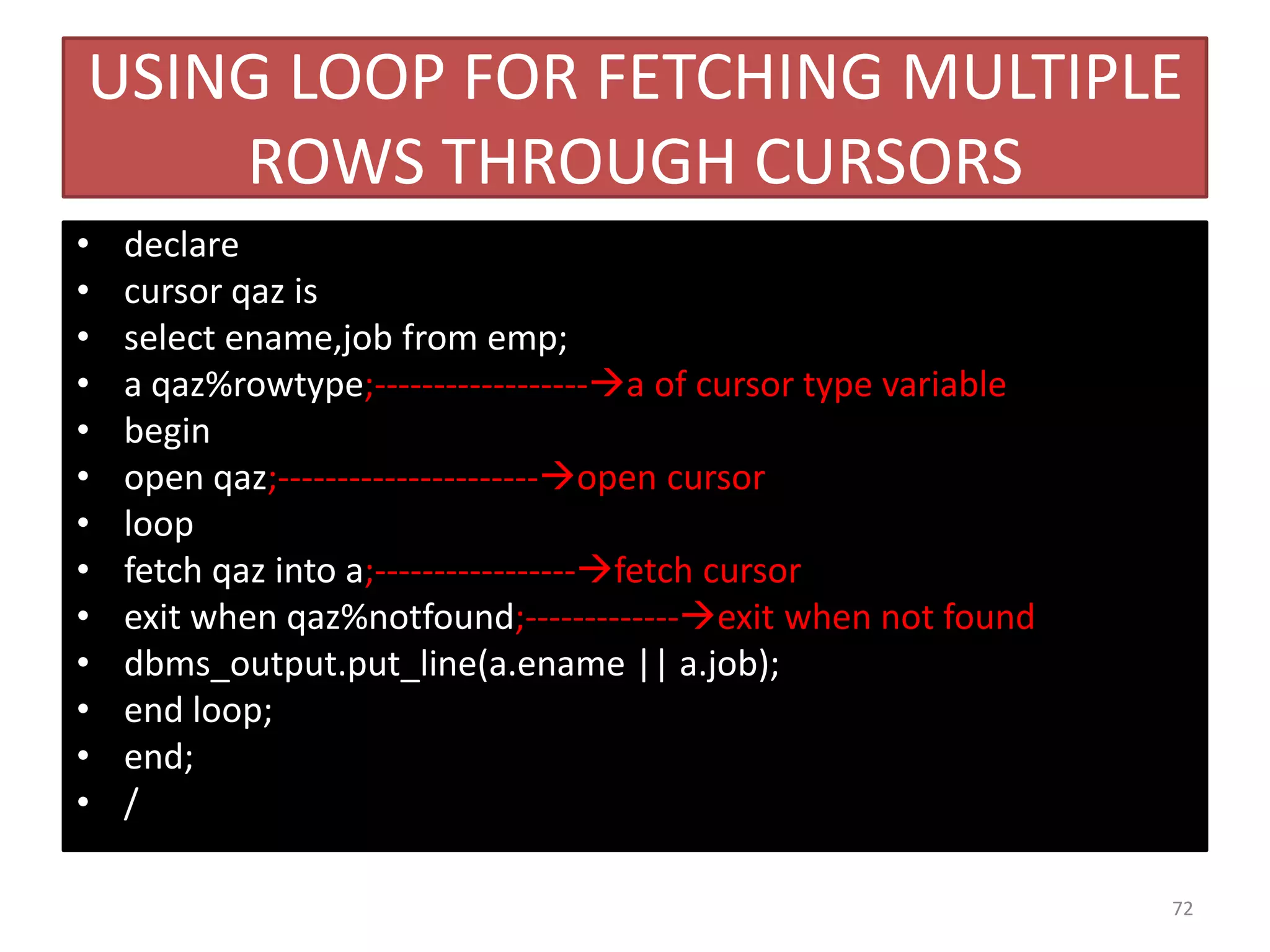
USING LOOP FOR FETCHING MULTIPLE
ROWS THROUGH CURSORS
• declare
• cursor qaz is
• select ename,job from emp;
• a qaz%rowtype;------------------a of cursor type variable
• begin
• open qaz;----------------------open cursor
• loop
• fetch qaz into a;-----------------fetch cursor
• exit when qaz%notfound;-------------exit when not found
• dbms_output.put_line(a.ename || a.job);
• end loop;
• end;
• /
72
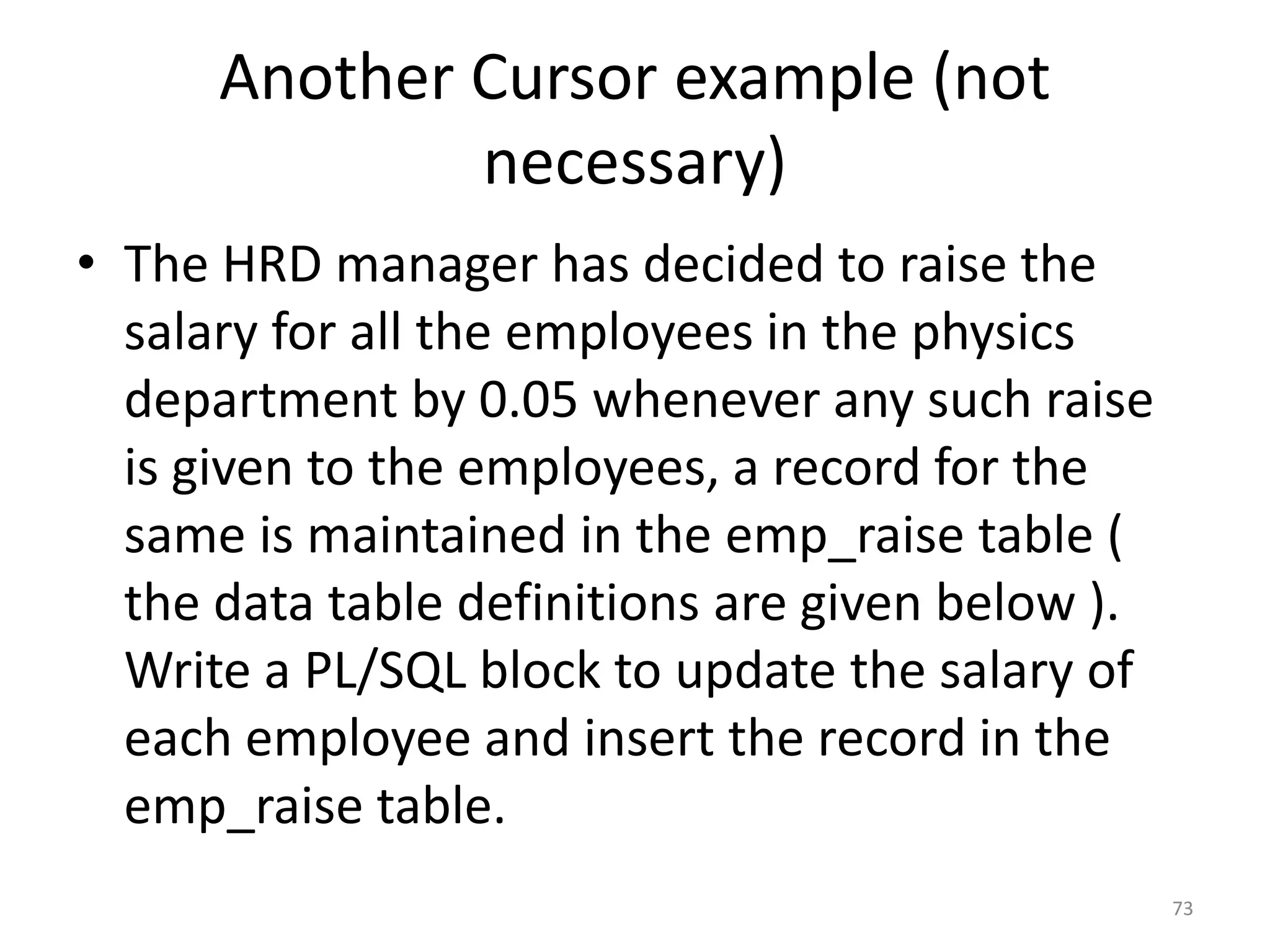
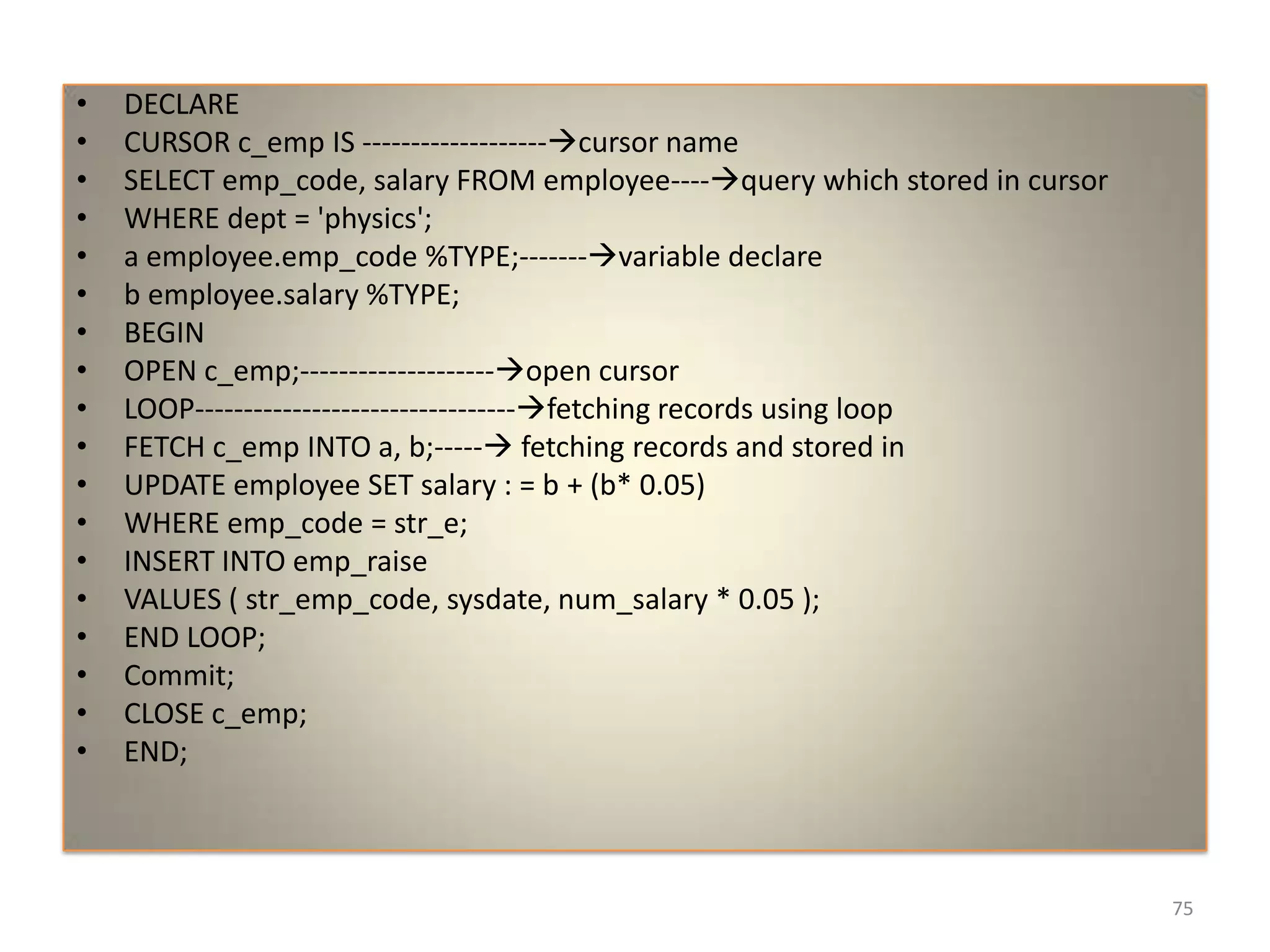
Another Cursor example (not
necessary)
• The HRD manager has decided to raise the
salary for all the employees in the physics
department by 0.05 whenever any such raise
is given to the employees, a record for the
same is maintained in the emp_raise table (
the data table definitions are given below ).
Write a PL/SQL block to update the salary of
each employee and insert the record in the
emp_raise table.
73
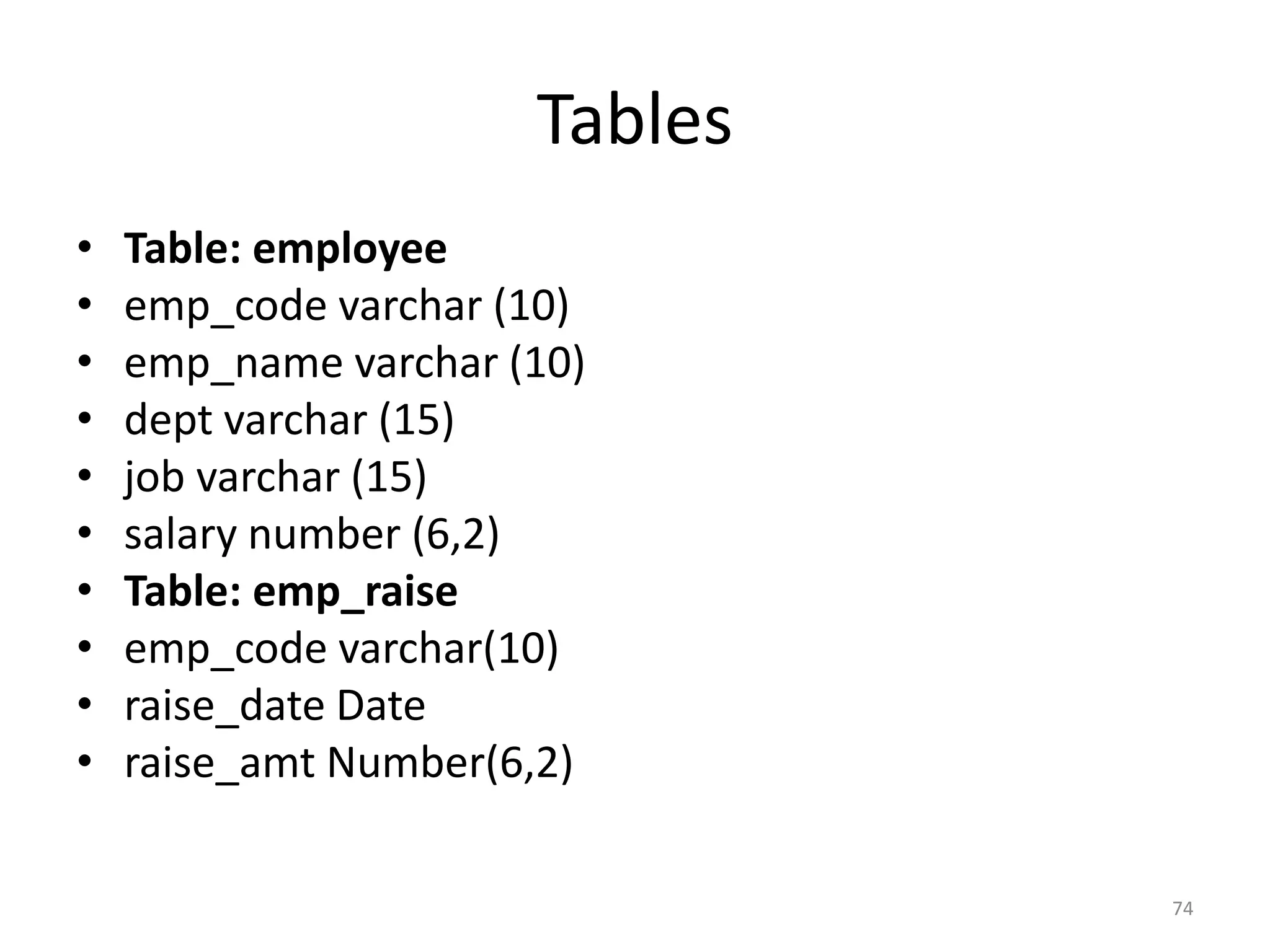
Tables
• Table: employee
• emp_code varchar (10)
• emp_name varchar (10)
• dept varchar (15)
• job varchar (15)
• salary number (6,2)
• Table: emp_raise
• emp_code varchar(10)
• raise_date Date
• raise_amt Number(6,2)
74
• DECLARE
• CURSOR c_emp IS -------------------cursor name
• SELECT emp_code, salary FROM employee----query which stored in cursor
• WHERE dept = 'physics';
• a employee.emp_code %TYPE;-------variable declare
• b employee.salary %TYPE;
• BEGIN
• OPEN c_emp;--------------------open cursor
• LOOP---------------------------------fetching records using loop
• FETCH c_emp INTO a, b;----- fetching records and stored in
• UPDATE employee SET salary : = b + (b* 0.05)
• WHERE emp_code = str_e;
• INSERT INTO emp_raise
• VALUES ( str_emp_code, sysdate, num_salary * 0.05 );
• END LOOP;
• Commit;
• CLOSE c_emp;
• END;
75
PACKAGES
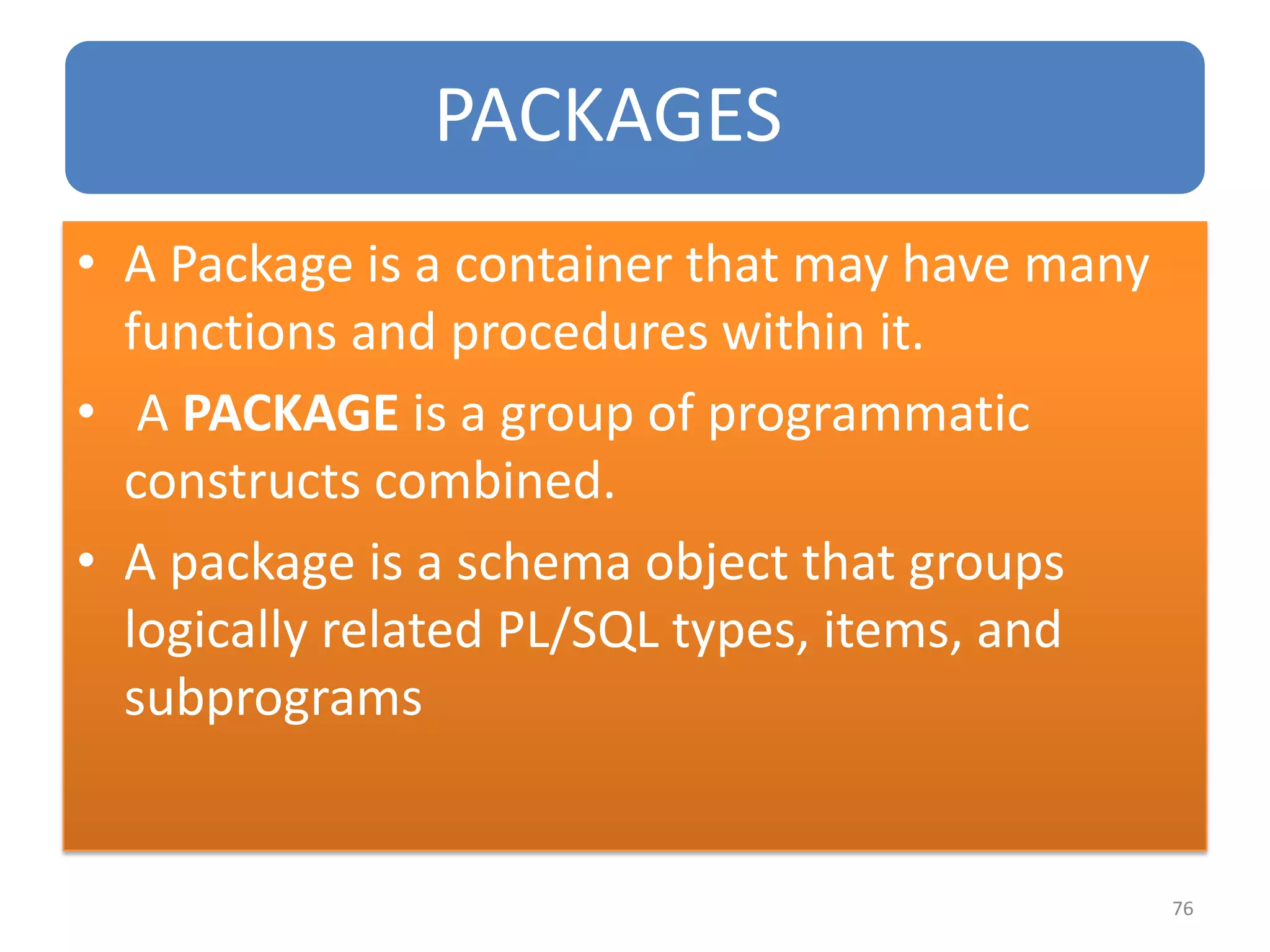
• A Package is a container that may have many
functions and procedures within it.
• A PACKAGE is a group of programmatic
constructs combined.
• A package is a schema object that groups
logically related PL/SQL types, items, and
subprograms
76
A PACKAGE EXISTS IN TWO PARTS:
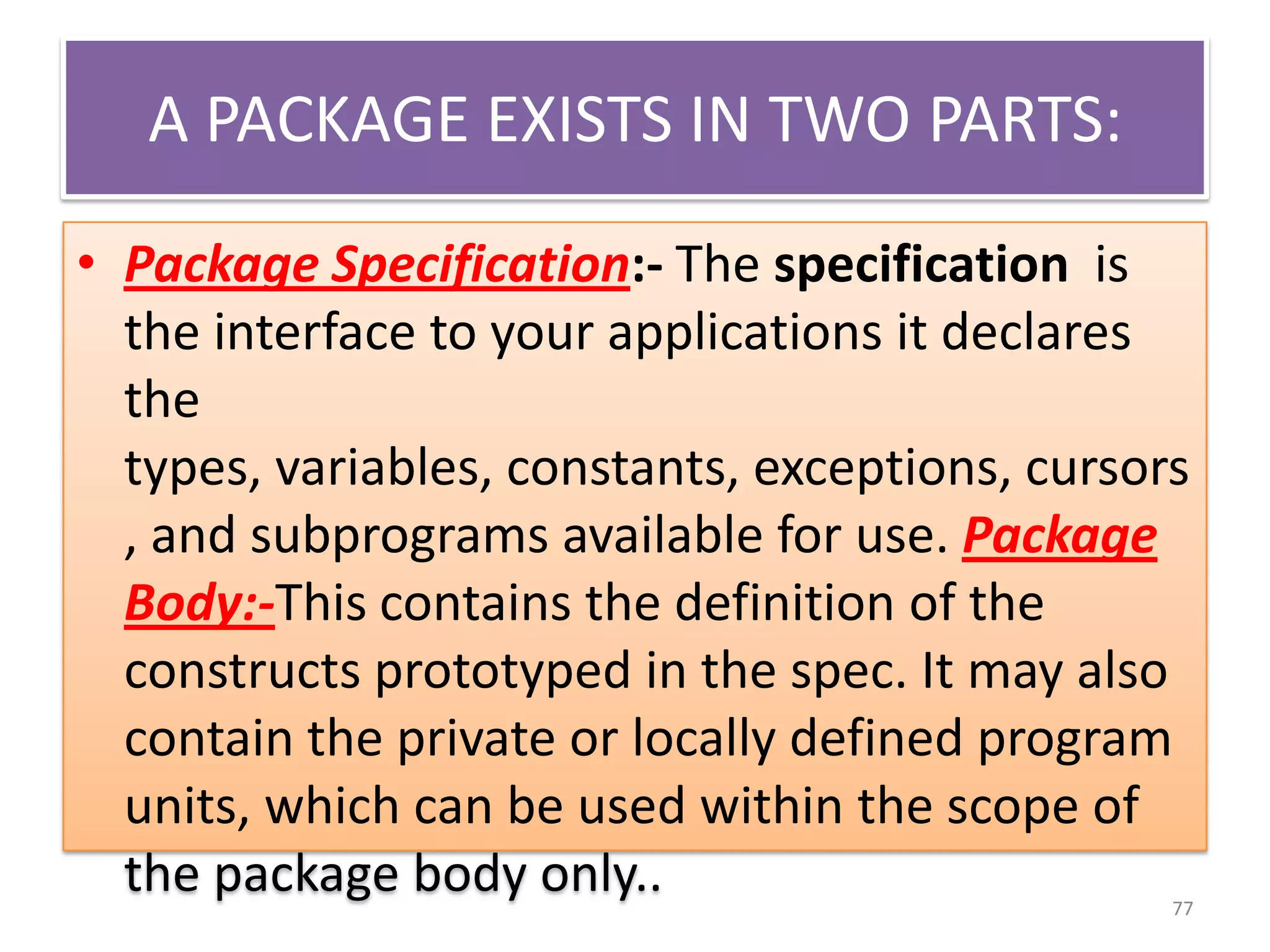
• Package Specification:- The specification is
the interface to your applications it declares
the
types, variables, constants, exceptions, cursors
, and subprograms available for use. Package
Body:-This contains the definition of the
constructs prototyped in the spec. It may also
contain the private or locally defined program
units, which can be used within the scope of
the package body only.. 77
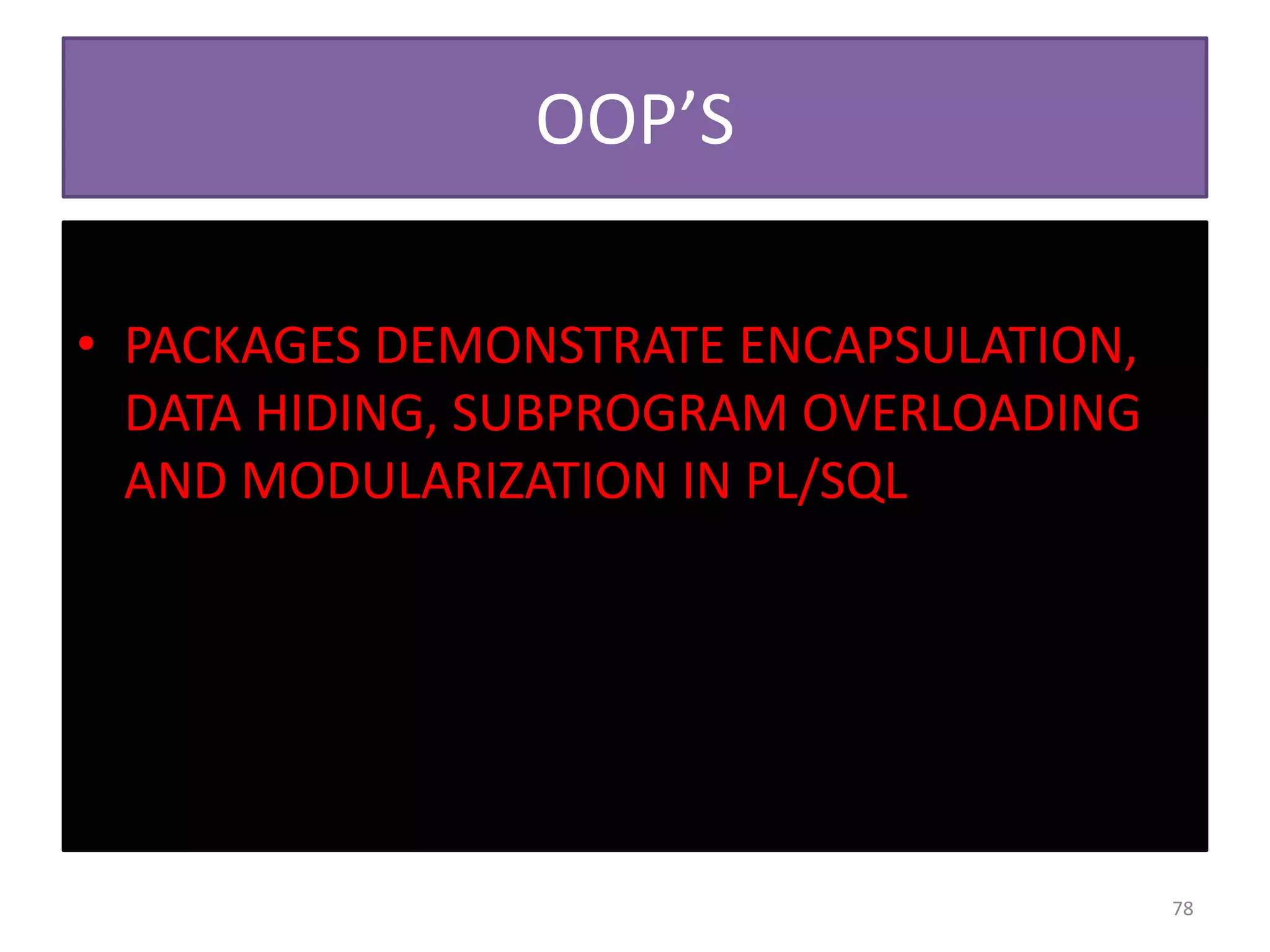
OOP’S
• PACKAGES DEMONSTRATE ENCAPSULATION,
DATA HIDING, SUBPROGRAM OVERLOADING
AND MODULARIZATION IN PL/SQL
78
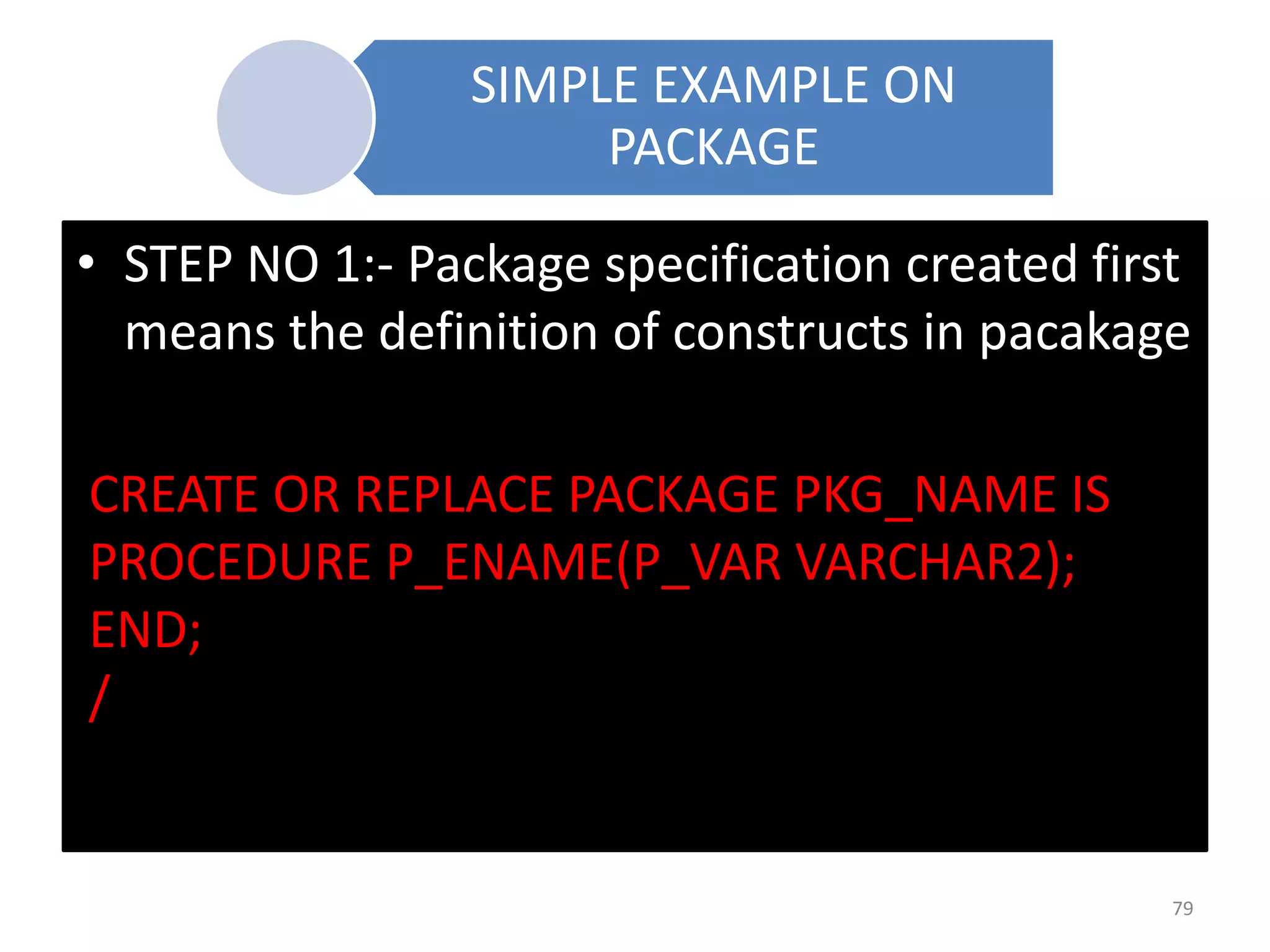
SIMPLE EXAMPLE ON
PACKAGE
• STEP NO 1:- Package specification created first
means the definition of constructs in pacakage
CREATE OR REPLACE PACKAGE PKG_NAME IS
PROCEDURE P_ENAME(P_VAR VARCHAR2);
END;
/
79
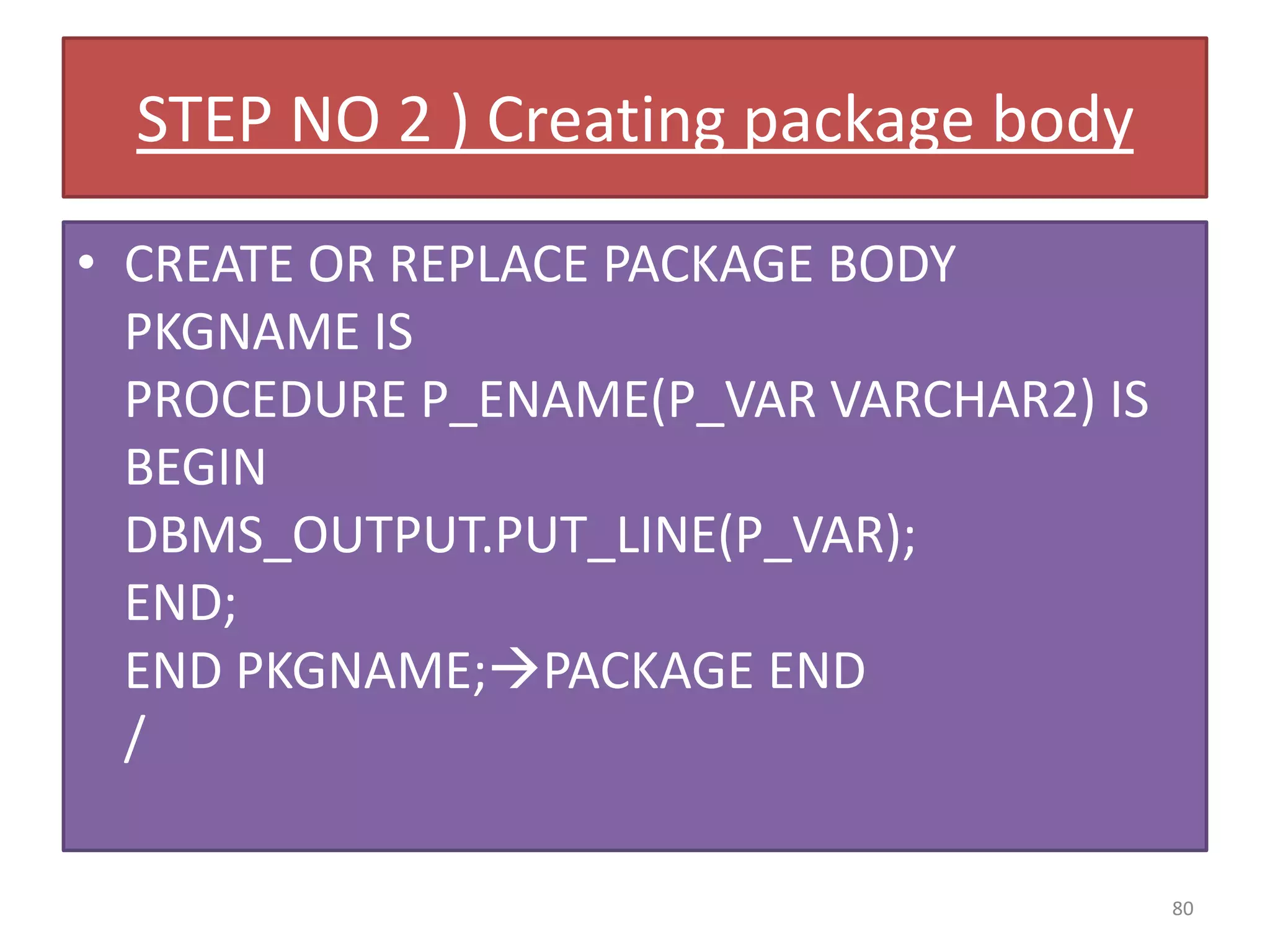
STEP NO 2 ) Creating package body
• CREATE OR REPLACE PACKAGE BODY
PKGNAME IS
PROCEDURE P_ENAME(P_VAR VARCHAR2) IS
BEGIN
DBMS_OUTPUT.PUT_LINE(P_VAR);
END;
END PKGNAME;PACKAGE END
/
80
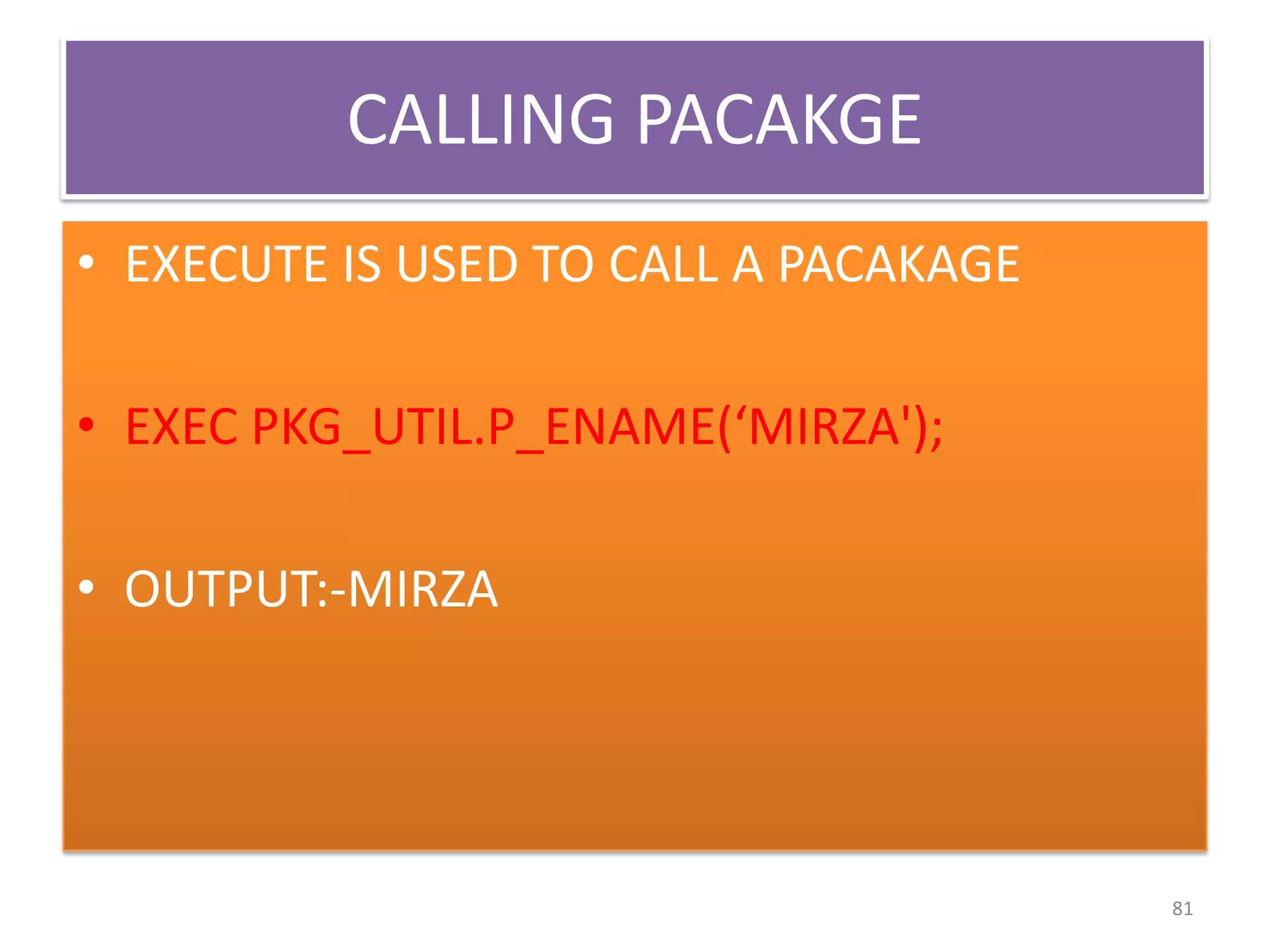
CALLING PACAKGE
• EXECUTE IS USED TO CALL A PACAKAGE
• EXEC PKG_UTIL.P_ENAME(‘MIRZA');
• OUTPUT:-MIRZA
81

ORACLE PL SQL FOR BEGINNERS

  • 1.
    PL/SQL PL/SQL stands forProcedural Language extension of SQL. By MOHD MIRZA OCP(Oracle Certified Professional) 1
  • 2.
    PL/SQL is acombination of SQL along with the procedural features of programming languages. Properties of programming as well as the great interaction with database. PLSQL IS NOT A CASE SENSITIVE LANG. 2
  • 3.
  • 4.
    WHERE AND HOWTO RUN ORACLE PL/SQL IN WINDOWS ? • YOU HAVE ORACLE 9i/10g/11g in your system. • THEN FOLLOWS THESE STEPS • 1) OPEN RUN PROMPT • 2)TPYE SQLPLUS/NOLOG • 3)TYPE CONNECT AND THEN ENTER • USERNAME :HR • PASSWORD:HR 4
  • 5.
  • 6.
  • 7.
  • 8.
    IMPORTANT PL SQLCONCEPTS DECLARE :- if you want to decalre a variable in plsql program then it takes place in declare section BEGIN:- is used to start the working of program and end is used to terminate the begin. Delimiter is used to run (/) 8
  • 9.
    WHAT TO DOPREVIOUSLY • SET SERVEROUTPUT ON ; is run before every time when you compiled a program in a session. • SET ECHO ON ; is optional 91
  • 10.
    FOR PRINT ONYOUR SCREEN USE • DBMS_OUTPUT.PUT_LINE command for e.g. if sal=10 and you want to print it • Then it looks like • dbms_output.put_line(‘the salary is ‘ ||sal); 10
  • 11.
    Value assign invariable Declare Num number(11); Begin Num:=5; 11
  • 12.
    User’s input fora variable DECALRE N NUMBER(11); BEGIN N:=&N; DBMS_OUTPUT.PUT_LINE(‘THE VALUE IS ‘||N); END; / 12
  • 13.
    Sample program toprint your ‘hello world’ BEGIN Dbms_output.put_line(‘hello world’); End; / / is used to terminate plsql program called as delimeter 13
  • 14.
    IF STATEMENT IF STATEMENTWORKS AS SIMILAR AS C OR C++ Common syntax IF condition THEN statement 1; ELSE statement 2; END IF; 14
  • 15.
    Conditional statement IFthen else • DECLARE • Age number(11); • Begin • Age:=&age; • If age>18 then • Dbms_output.put_line(‘u can vote’); • Else • Dbms_output.put_line(‘u cannot vote’); • End if; • End; • / 15
  • 16.
    USE OF IFWITH SQL TABLE • Declare • A number(11); • Begin • Select salary into a from emp where name=‘ram’; • If a>1000 then • Update emp set bonus=bonus+1000 where name=‘ram’; • Else • Update emp set bonus=bonus+500 where name=‘ram’; • End if; • End; • / 16
  • 17.
    To print Patsalary from employees table using pl program • Declare • n number(11); • Begin • Select salary into n from employees where first_name=‘Pat’; • Dbms_output.put_line(‘the Pat sal is ‘ ||n); • End; • / 17
  • 18.
    INTO COMMAND I INTO commandis used to catch a value in variable from table under some while condition Only one value must be returned For e.g. in the above example if there are two people who’s name is john then it shows error 18
  • 19.
    LOOPS IN PLSQL 1)SIMPLE LOOP 2) WHILE LOOP 3) FOR LOOP ; 19
  • 20.
    FOR LOOP • Printnumber from 1 to 10 using for loop • BEGIN • FOR i in 1 ..10 loop • Dbms_output.put_line(i); • End loop • End; • / • (For has NO need to initialize explicitly but it need in while ) 20
  • 21.
    While loop • PRINTNUMBERS FROM 1 TO 10 USING WHILE LOOP • Declare • i number(3):=0; • Begin • While i<=10 loop • i:=i+1; • Dbms_output.put_line(i); • End loop; • End; • / 21
  • 22.
    SIMPLE LOOP • LOOP •Statement 1; • Statement 2; • Exit condition • End loop; 22
  • 23.
    USE OF LOOPIN RDBMS ONE CAN EASILY INSERT ID FROM SAY 1 TO 100 USING LOOP NAME ID SAL 23
  • 24.
    CREATE TRIGGERS • Atrigger is a pl/sql block structure which is fired when a DML statements like Insert, Delete, Update is executed on a database table. A trigger is triggered automatically when an associated DML statement is executed. 24
  • 25.
    Insert Triggers: BEFORE INSERTTrigger AFTER INSERT Trigger Update Triggers: BEFORE UPDATE Trigger AFTER UPDATE Trigger Delete Triggers: BEFORE DELETE Trigger AFTER DELETE Trigger Drop Triggers: Drop a Trigger Disable/Enable Triggers: Disable a Trigger Disable all Triggers on a table Enable a Trigger Enable all Triggers on a table 25
  • 26.
    TRIGGER RESTRICTION IS OPTIONAL(WHEN CLAUSE) ONE TRIGGER MAY FIRE ANOTHER DATABASE TRIGGERS 26
  • 27.
    • Create triggerabcd • Before insert or update of sal on emp • For each row • when(new.sal>3000) • begin • :new.mgr:=1000; • end; • / 27
  • 28.
    Explanation of lastexample • If sal of any employee is updated and greator than 3000 then whose mgr values set to 1000. 28
  • 29.
    SUPPOSE WE HAVETWO TABLES ONE IS PRODUCT AND OTHER IS ORDER LIKE BIG BAZAR 29
  • 30.
    PRODUCT AND ORDERTABLES PNAME PID QTY OPID DESCRIPTIO 30
  • 31.
    • If qtyfrom product table fall within 100 then automatically an order of that product is placed in order table. 31
  • 32.
     • Create triggerabcd • After update of qty on product • For each row • When(new.qty<100) • Begin • Insert into order values(:new.pid); • End; • / 32
  • 33.
    EXCEPTION HANDLING WHAT ISEXCEPTION …? • AN EXCEPTION IS AN ERROR PL/SQL THAT IS RAISED DURING PROGRAM EXECUTION • AN EXCEPTION CAN BE RAISED BY • 1) IMPLICITLY BY THE ORACLE SERVER • 2) Explicitly by the program 33
  • 34.
    Type of Exception •There are 3 types of Exceptions. a) Named System Exceptions b) Unnamed System Exceptions c) User-defined Exceptions 34
  • 35.
    1) Named SystemExceptions • System exceptions are automatically raised by Oracle, when a program violates a RDBMS rule. • For e.g. • 1)CURSOR_ALREADY_OPEN • 2)NO_DATA_FOUND • 3)TOO_MANY_ROWS • 4)ZERO_DIVIDE 35
  • 36.
    TOO_MANY_ROWS EXAMPLE • SUPPOSE YOUWANT TO RETRIEVE ALL EMPLOYEES WHOSE NAME=‘JOHN’ • DECLARE • a varchar(12) • SELECT LAST_NAME into a from employees where first_name=‘john’ • Dbms_output.put_line(‘john last name is ‘ ||a); • End; • / 36
  • 37.
    But if toomany people have first_name=‘john’ then using exception handling  • DECLARE • a varchar(12) • SELECT LAST_NAME into a from employees where first_name=‘john’ • Dbms_output.put_line(‘john last name is ‘ ||a); • End; • / • Exception • When too_many_rows then • Dbms_output.put_line(‘your st. gets many rows ‘); • End; • / 37
  • 38.
    2)Unnamed System Exceptions •Those system exception for which oracle does not provide a name is known as unamed system exception • There are two ways to handle unnamed sysyem exceptions: 1. By using the WHEN OTHERS exception handler, or 2. By associating the exception code to a name and using it as a named exception 38
  • 39.
    Unnamed System ExceptionsCONT.. • We can assign a name to unnamed system exceptions using a Pragma called EXCEPTION_INIT. EXCEPTION_INIT will associate a predefined Oracle error number to a programmer_defined exception name. 39
  • 40.
    FOR E.G. • DECLARE •AAA EXCEPTION; -------AAA IS EXCEPTION NAME • PRAGMA --------------------USE TO DEFINE UNMANED EXCEPTION • EXCEPTION_INIT (AAA, -2292); -------------------------MUST BE VALID EXCEPTION NUMBER • BEGIN • Delete FROM SUPPLIER where SUPPLIER_ID= 1; • EXCEPTION • WHEN AAA • THEN Dbms_output.put_line(' $$Child records are present for this product_id.'); • END; • / 40
  • 41.
    WHAT HAPPENS INPREVIOUS EXAMPLE • IF U WANT TO DELETE SUPPLIER_ID=1 THEN AN EXCEPTION OCCURS WHICH WILL PRINT AS WHICH IS IN DBMS_OUTPUT. • ACTUALLY THIS ECEPTION WORKS ON PARENT CHILD DELETION AND THE ERROR NUMBER SIGNIFIES THE TYPE OF ERR AND FOR USER EASE WE MAKE A USEFUL OR UNDERSTANDABLE PRINT STATEMENT 41
  • 42.
    3) User-defined Exceptions •Apart from sytem exceptions we can explicity define exceptions based on business rules. These are known as user-defined exceptions. • DECLARE • my-exception EXCEPTION; • ---- • ---- • Raise name_of_exception; 42
  • 43.
    FOR E.G. • DECLARE •---- • Zero_commission Exception; • BEGIN • IF commission=0 THEN • RAISE zero_commission • EXCEPTION • WHEN zero_commission THEN • Process the error • END; 43
  • 44.
    For example When theuser enters an invalid ID, the exception invalid_id is raised • DECLARE • c_id customers.id%type := &cc_id;-------------input id at run time • c_name customers.name%type; --------------c_name variable as same datatype • c_addr customers.address%type; as customer name datatype • -- user defined exception • ex_invalid_id EXCEPTION;------------exception name • BEGIN • IF c_id <= 0 THEN • RAISE ex_invalid_id;----------------raise user condition • ELSE • SELECT name, address INTO c_name, c_addr • FROM customers • WHERE id = c_id; 44
  • 45.
    • DBMS_OUTPUT.PUT_LINE ('Name:'|| c_name); • DBMS_OUTPUT.PUT_LINE ('Address: ' || c_addr); • END IF; • EXCEPTION • WHEN ex_invalid_id THEN -------user exception • dbms_output.put_line('ID must be greater than zero!'); • WHEN no_data_found THEN -------predefined exception • dbms_output.put_line('No such customer!'); • WHEN others THEN--------------------predefined exception • dbms_output.put_line('Error!'); • END; • / 45
  • 46.
    STORED PROCEDURE • SOMETHINGLIKE FUNCIONS IN C/C++. • A stored procedure is a subroutine available to applications that access a relational database system. A stored procedure (sometimes called a proc, sproc, StoPro, StoredProc, sp or SP) is actually stored in the database data dictionary. • A procedure is similar to an anonymous PL/SQL Block but it is named for repeated usage. A procedure may or may not return any value 46
  • 47.
    Common syntax • CREATE[OR REPLACE] PROCEDURE procedure_name • [ (parameter [,parameter]) ] • IS • [declaration_section] • BEGIN • executable_section • [EXCEPTION exception_section] • END [procedure_name]; 47
  • 48.
    EXAMPLE WITHOUT PARAMETER •CREATE OR REPLACE PROCEDURE MYSTPROC IS • BEGIN • DBMS_OUTPUT.PUT_LINE('Hello World!'); • END; • / 48
  • 49.
    When you createa procedure or function, you may define parameters. There are three types of parameters that can be declared 49
  • 50.
    PARAMETER TYPES • 1)IN type parameter: These types of parameters are used to send values to stored procedures. 2) OUT type parameter: These types of parameters are used to get values from stored procedures. This is similar to a return type in functions. 3) IN OUT parameter: These types of parameters are used to send values and get values from stored procedures. 50
  • 51.
    1) IN PARAMETER Thisis similar to passing parameters in programming languages. We can pass values to the stored procedure through these parameters or variables. CREATE OR REPLACE PROCEDURE MYPROC(param1 IN VARCHAR2) IS BEGIN DBMS_OUTPUT.PUT_LINE('Hello World IN parameter ' || param1); END; / 51
  • 52.
    2) OUT Parameter •CREATE OR REPLACE PROCEDURE procname (outParam1 OUT VARCHAR2) • IS • BEGIN • outParam1 := 'Hello World OUT parameter'; • END; • / • Run it • DECLARE outParam1 VARCHAR2(100); • BEGIN • Procname (outParam1); • DBMS_OUTPUT.PUT_LINE(outParam1); • END; • / 52
  • 53.
    DIFF B/W PROCEDUREAND FUNCTION • The functions can return only one value and procedures not. Functions can be call from SQL Statements, procedures not and there are some things that you can do in a stored procedure that you can not do in a function. 53
  • 54.
    FOR E.G. • Createa stored procedure that adds 1000 to each employees commission watch for Null values • Create procedure st_proc as • Begin • Update emp set comm=nvl(comm,0)+1000; • End; • / 54
  • 55.
    Procedure can callat any time using • Execute st_proc; ------- procedure name • OR • Exec st_proc;---------------procedure name 55
  • 56.
    FUNCTIONS • A functionis a named PL/SQL Block which is similar to a procedure. The major difference between a procedure and a function is, a function must always return a value, but a procedure may or may not return a value. 56
  • 57.
    FUNCTION EXAMPLE • Createfunction funname • Return number is • a number(10); • Begin • Select avg(sal) into a from emp; • return a; • End; • / 57
  • 58.
    HOW TO EXECUTEFUNCTION ? 1) SELECT FUNCTIONNAME FROM DUAL; 2)DBMS_OUTPUT.PUT_LINE(FUNCTIONNAME); 58
  • 59.
    CURSORS • A cursoris a temporary work area created in the system memory when a SQL statement is executed. A cursor contains information on a select statement and the rows of data accessed by it. • Cursors provide a way for your program to select multiple rows of data from the database and then to process each row individually. • There are two types of cursors in PL/SQL: • 1)IMPLICIT CURSORS • 2) Explicit cursors 59
  • 60.
    A CURSOR CANHOLD MORE THAN ONE ROW, BUT CAN PROCESS ONLY ONE ROW AT A TIME. 60
  • 61.
    Implicit Cursors • Theseare created by default when DML statements like, INSERT, UPDATE, and DELETE statements are executed. • The set of rows returned by query is called active set. • Oracle provides few attributes called as implicit cursor attributes to check the status of DML operations. The are as follows • 1) %FOUND • 2) %NOTFOUND • 3) %ROWCOUNT • 4) %ISOPEN. 61
  • 62.
    FOR E.G. DECLARE • nnumber(5); • BEGIN • UPDATE emp SET salary = salary + 1000; • IF SQL%NOTFOUND THEN • dbms_output.put_line('No sal are updated'); • ELSIF SQL%FOUND THEN • n := SQL%ROWCOUNT; • dbms_output.put_line('Sal for ' ||n || 'employees are updated'); • END IF; • END; • / 62
  • 63.
    EXPLANATION • %FOUND->The returnvalue is TRUE, if the DML statements like INSERT, DELETE and UPDATE affect at least one row and if SELECT ….INTO statement return at least one row. • %NOTFOUND->same as above but if not found. • %ROWCOUNT ->Return the number of rows affected by the DML operations 63
  • 64.
    Explicit Cursors • Explicitcursors are declared by and used by user to process multiple rows ,returned by select statement. • An explicit cursor is defined in the declaration section of the PL/SQL Block. It is created on a SELECT Statement which returns more than one row. We can provide a suitable name for the cursor. 64
  • 65.
    Explicit cursor management •1)Declare the cursor • 2)Open the cursor • 3)Fetch data from cursor • 4)Close the cursor 65
  • 66.
    Declaring the cursor •CURSOR cursor_name IS select_statement; • For e.g. • Cursor cursor_name is • Select name from emp where dept=‘maths’ 66
  • 67.
    Opening the cursor •Open cursor_name • For e.g. • Open c_name • Where c_name is the name of cursor. • Open statement retrieves the records from db and places in the cursor(private sql area). 67
  • 68.
    Fetching data fromcursor • The fetch statement retrieves the rows from the active set one row at a time. The fetch statement is used usually used in conjunction with iterative process (looping statements) • Syntax: FETCH cursor-name INTO record-list • Ex: LOOP • ----------- • ------------ • FETCH c_name INTO name; • ----------- • END LOOP; 68
  • 69.
    Closing a cursor: •Closing statement closes/deactivates/disables the previously opened cursor and makes the active set undefined. • Syntax : CLOSE cursor_name 69
  • 70.
    Cursor can storemultiple rows at a time but without loop cursor cannot fetch multiple rows but only print very first row from your result e.g. on next slide 70
  • 71.
    Without loop example •declare • a emp%rowtype; • cursor cc is ------------cursor name • select * from emp where sal>1000; • begin • open cc;-------------------------------open cursor • fetch cc into a;------------------------------fetch cursor • dbsm_output.put_line(a.ename || a.job);--print multiple rows • close cc; • end; • / • output:-allen salesman 71
  • 72.
    USING LOOP FORFETCHING MULTIPLE ROWS THROUGH CURSORS • declare • cursor qaz is • select ename,job from emp; • a qaz%rowtype;------------------a of cursor type variable • begin • open qaz;----------------------open cursor • loop • fetch qaz into a;-----------------fetch cursor • exit when qaz%notfound;-------------exit when not found • dbms_output.put_line(a.ename || a.job); • end loop; • end; • / 72
  • 73.
    Another Cursor example(not necessary) • The HRD manager has decided to raise the salary for all the employees in the physics department by 0.05 whenever any such raise is given to the employees, a record for the same is maintained in the emp_raise table ( the data table definitions are given below ). Write a PL/SQL block to update the salary of each employee and insert the record in the emp_raise table. 73
  • 74.
    Tables • Table: employee •emp_code varchar (10) • emp_name varchar (10) • dept varchar (15) • job varchar (15) • salary number (6,2) • Table: emp_raise • emp_code varchar(10) • raise_date Date • raise_amt Number(6,2) 74
  • 75.
    • DECLARE • CURSORc_emp IS -------------------cursor name • SELECT emp_code, salary FROM employee----query which stored in cursor • WHERE dept = 'physics'; • a employee.emp_code %TYPE;-------variable declare • b employee.salary %TYPE; • BEGIN • OPEN c_emp;--------------------open cursor • LOOP---------------------------------fetching records using loop • FETCH c_emp INTO a, b;----- fetching records and stored in • UPDATE employee SET salary : = b + (b* 0.05) • WHERE emp_code = str_e; • INSERT INTO emp_raise • VALUES ( str_emp_code, sysdate, num_salary * 0.05 ); • END LOOP; • Commit; • CLOSE c_emp; • END; 75
  • 76.
    PACKAGES • A Packageis a container that may have many functions and procedures within it. • A PACKAGE is a group of programmatic constructs combined. • A package is a schema object that groups logically related PL/SQL types, items, and subprograms 76
  • 77.
    A PACKAGE EXISTSIN TWO PARTS: • Package Specification:- The specification is the interface to your applications it declares the types, variables, constants, exceptions, cursors , and subprograms available for use. Package Body:-This contains the definition of the constructs prototyped in the spec. It may also contain the private or locally defined program units, which can be used within the scope of the package body only.. 77
  • 78.
    OOP’S • PACKAGES DEMONSTRATEENCAPSULATION, DATA HIDING, SUBPROGRAM OVERLOADING AND MODULARIZATION IN PL/SQL 78
  • 79.
    SIMPLE EXAMPLE ON PACKAGE •STEP NO 1:- Package specification created first means the definition of constructs in pacakage CREATE OR REPLACE PACKAGE PKG_NAME IS PROCEDURE P_ENAME(P_VAR VARCHAR2); END; / 79
  • 80.
    STEP NO 2) Creating package body • CREATE OR REPLACE PACKAGE BODY PKGNAME IS PROCEDURE P_ENAME(P_VAR VARCHAR2) IS BEGIN DBMS_OUTPUT.PUT_LINE(P_VAR); END; END PKGNAME;PACKAGE END / 80
  • 81.
    CALLING PACAKGE • EXECUTEIS USED TO CALL A PACAKAGE • EXEC PKG_UTIL.P_ENAME(‘MIRZA'); • OUTPUT:-MIRZA 81