Optimizing Flex Applications David Coletta Virtual Ubiquity, Inc. [email_address] Blog: http://www.colettas.org
Introduction Developer and co-founder at Virtual Ubiquity Career focus on collaboration software Background in C++ and web applications Don’t know much about optimization
Structure of this talk Taxonomy of optimization Best practices Flex 3 Profiler Case studies Questions
Taxonomy of optimization Improving  actual  performance Improving  perceived  performance
Improving actual performance Expensive algorithm: find a cheaper one Precompute things that can be precomputed Identify and refactor superfluous code Reduce load on GC by plugging memory leaks, allocating fewer objects, etc.
Improving actual performance Verify build configuration (optimization should be on) Reduce functionality (e.g., turn down suggestions on spell checker) Take advantage of what the platform does well, avoid what it doesn't
Improving perceived performance Doing too much work up front; do some of it later Move lengthy operations into the background Show progress during extended operations
Too Much For One Talk! Expensive algorithm: find a cheaper one Precompute things that can be precomputed Identify and refactor superfluous code Reduce load on GC by plugging memory leaks, allocating fewer objects, etc. Verify build configuration (optimization should be on) Reduce functionality (e.g., turn down suggestions on spell checker) Take advantage of what the platform does well, avoid what it doesn't Doing too much work up front; do some of it later Move lengthy operations into the background Show progress during extended operations
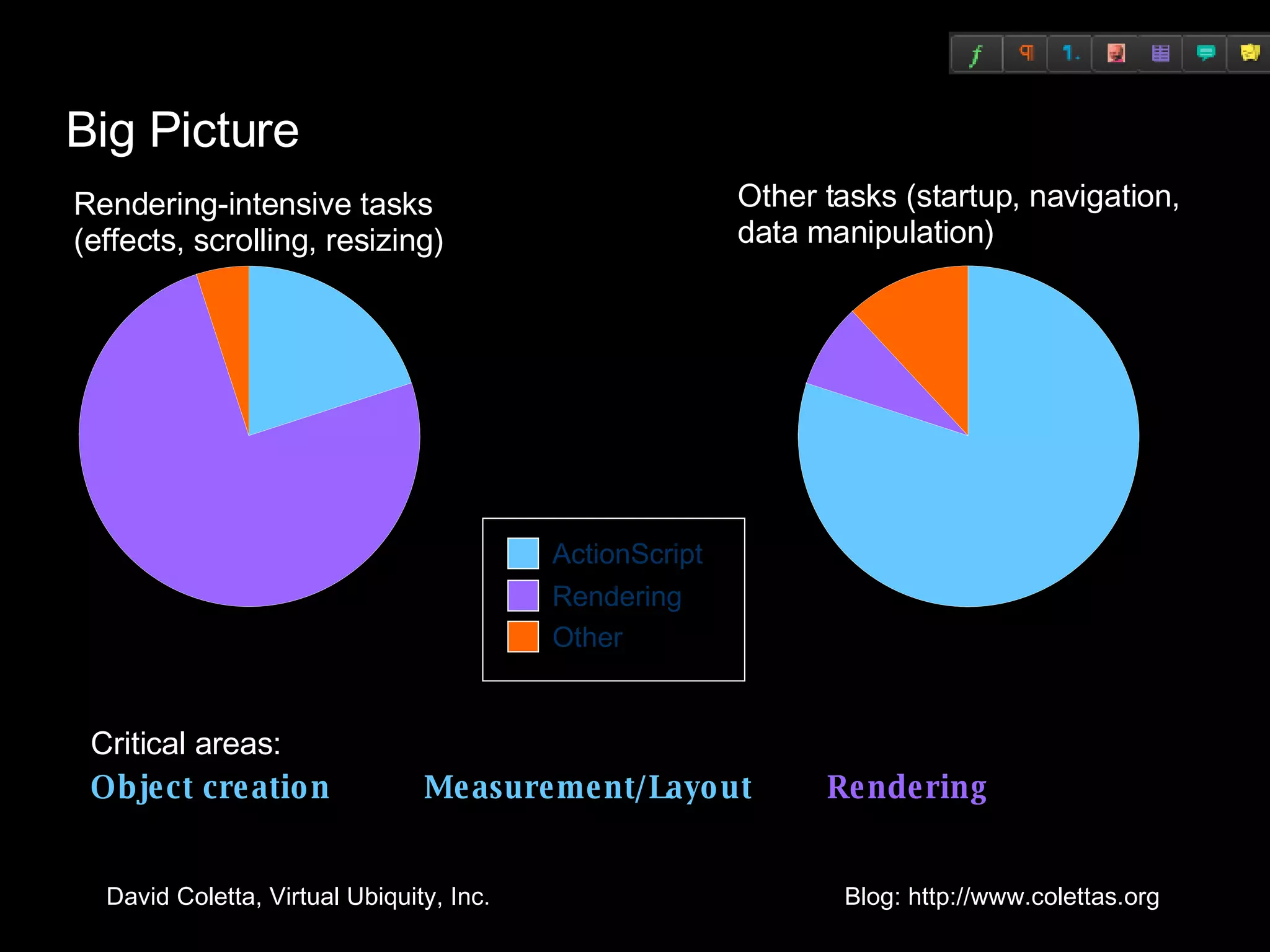
Big Picture Rendering-intensive tasks (effects, scrolling, resizing) ActionScript Rendering Other Other tasks (startup, navigation,  data manipulation) Critical areas: Object creation Measurement/Layout   Rendering
Optimizing Actionscript: Object Creation
The Birth of an Object Create instance of ActionScript class Assign initial property values <mx:TextArea text=“Hi” width=“100”/> Wire objects together Add new object to display list Event handlers:  <mx:Button click=“goNext()”/> Data binding: <mx:Label text=“{city}”/> Effect listeners:  <mx:Label showEffect=“{fade}”/>
Solution #1: Deferred Creation Delay object creation until the object becomes visible Is baked into Accordion, TabNavigator, and ViewStack Can be added to custom containers, but subclassing ViewStack is easier
Solution #2: Ordered Creation During startup, stagger creation of objects Improves  perceived  startup time <mx:Application> <mx:Panel width=&quot;250&quot; height=&quot;100&quot;  creationPolicy=“queued”  /> <mx:Label text=&quot;One&quot; /> </mx:Panel> <mx:Panel width=&quot;250&quot; height=&quot;100&quot;  creationPolicy=“queued”  /> <mx:Label text=&quot;Two&quot; /> </mx:Panel> </mx:Application>
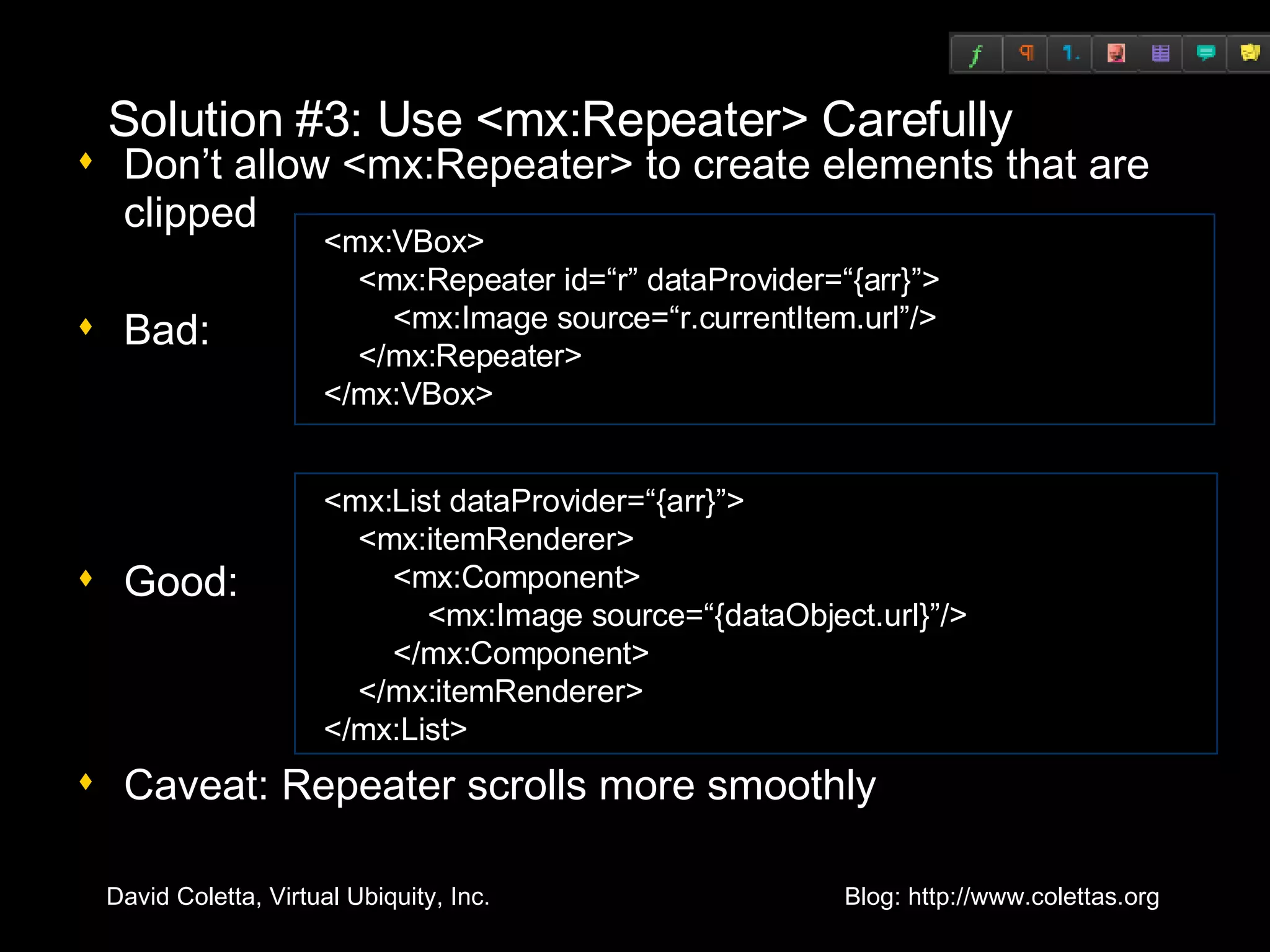
Solution #3: Use <mx:Repeater> Carefully Don’t allow <mx:Repeater> to create elements that are clipped Bad: Good: Caveat: Repeater scrolls more smoothly <mx:VBox> <mx:Repeater id=“r” dataProvider=“{arr}”> <mx:Image source=“r.currentItem.url”/> </mx:Repeater> </mx:VBox> <mx:List dataProvider=“{arr}”> <mx:itemRenderer> <mx:Component> <mx:Image source=“{dataObject.url}”/> </mx:Component> </mx:itemRenderer> </mx:List>
Optimizing Actionscript: Measurement/Layout
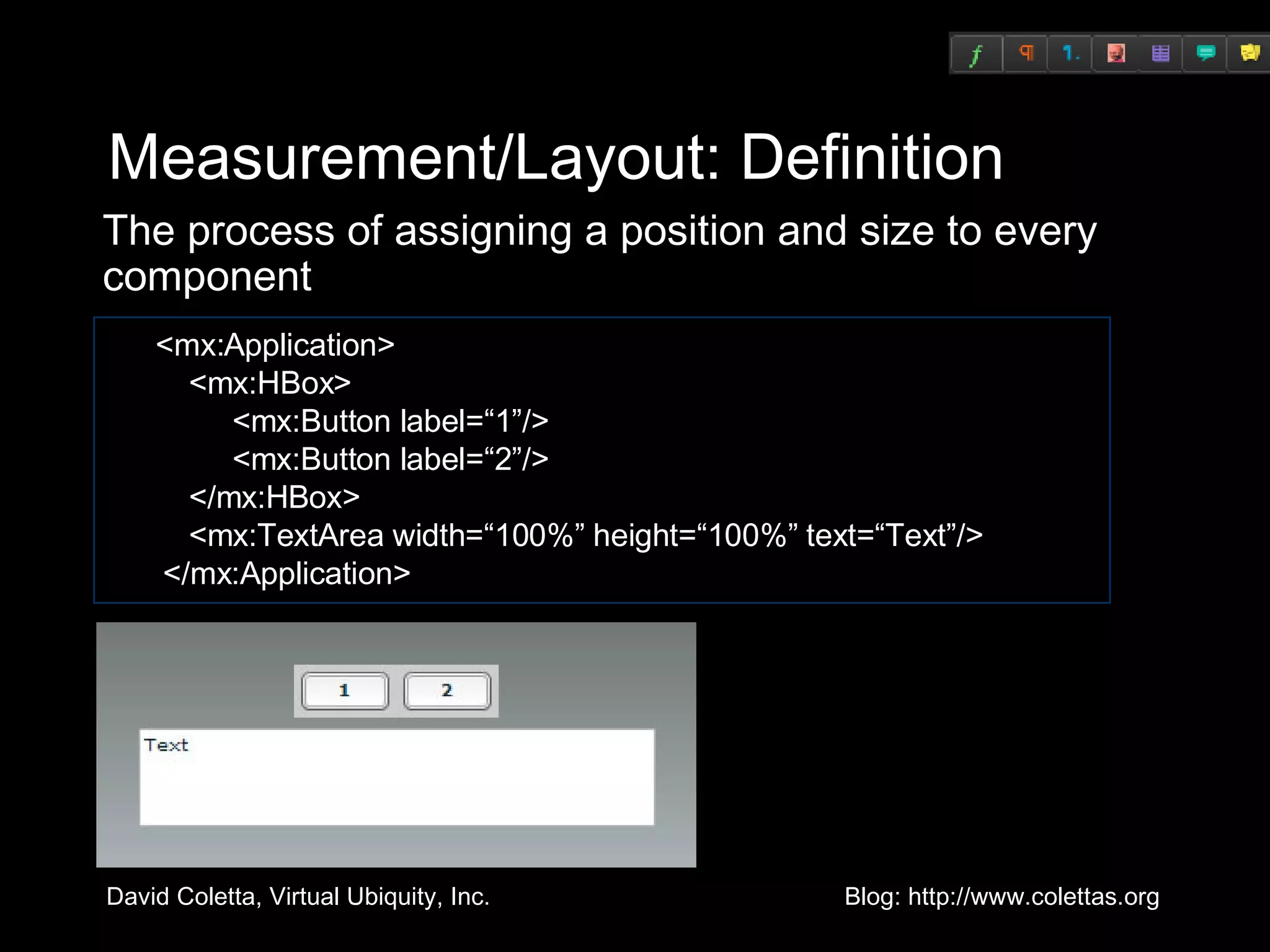
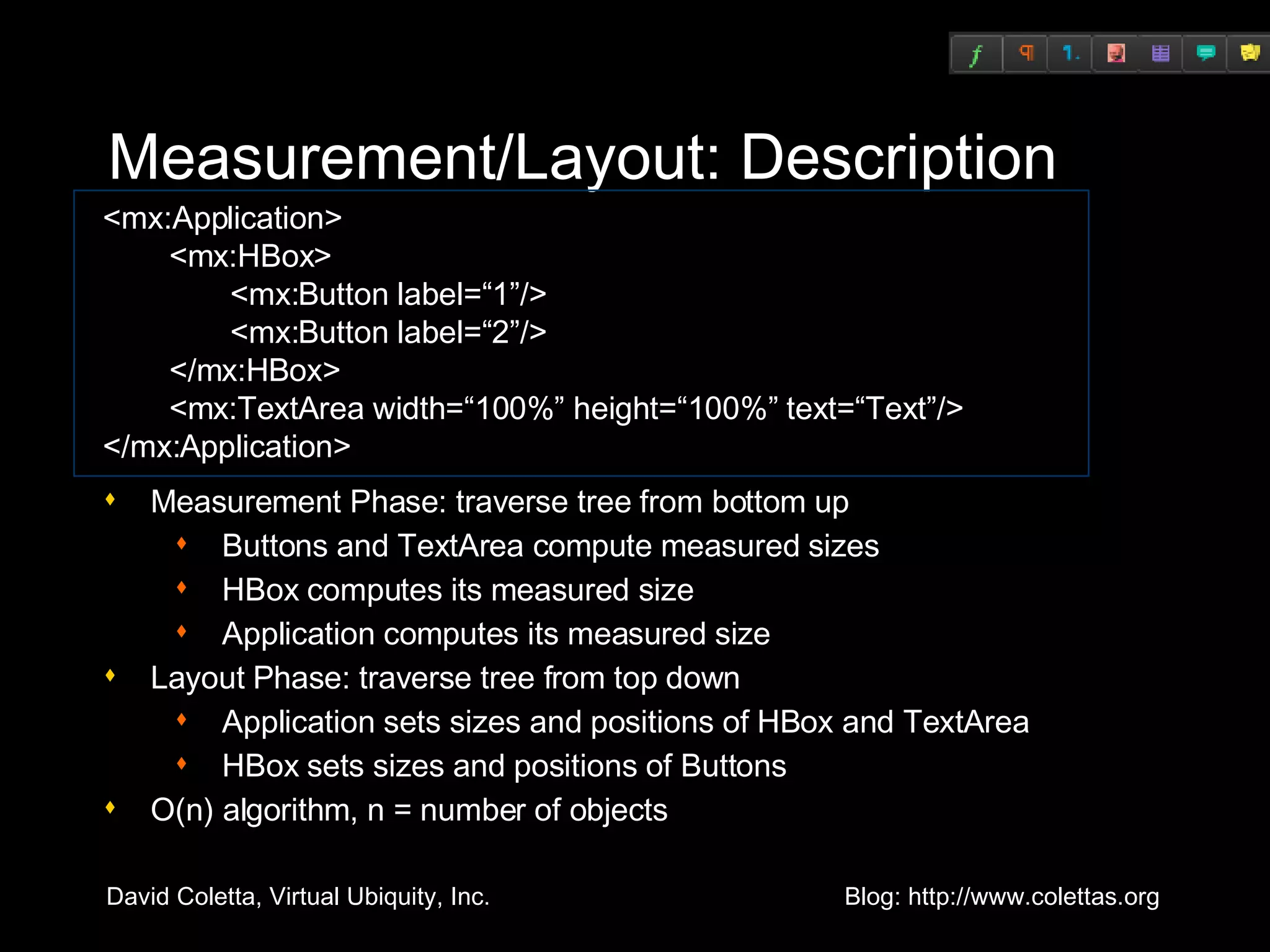
Measurement/Layout: Definition The process of assigning a position and size to every component <mx:Application>   <mx:HBox>   <mx:Button label=“1”/>   <mx:Button label=“2”/>   </mx:HBox>   <mx:TextArea width=“100%” height=“100%” text=“Text”/>  </mx:Application>
Measurement/Layout: Description Measurement Phase: traverse tree from bottom up Buttons and TextArea compute measured sizes HBox computes its measured size Application computes its measured size Layout Phase: traverse tree from top down Application sets sizes and positions of HBox and TextArea HBox sets sizes and positions of Buttons O(n) algorithm, n = number of objects <mx:Application>   <mx:HBox>   <mx:Button label=“1”/>   <mx:Button label=“2”/>   </mx:HBox>   <mx:TextArea width=“100%” height=“100%” text=“Text”/> </mx:Application>
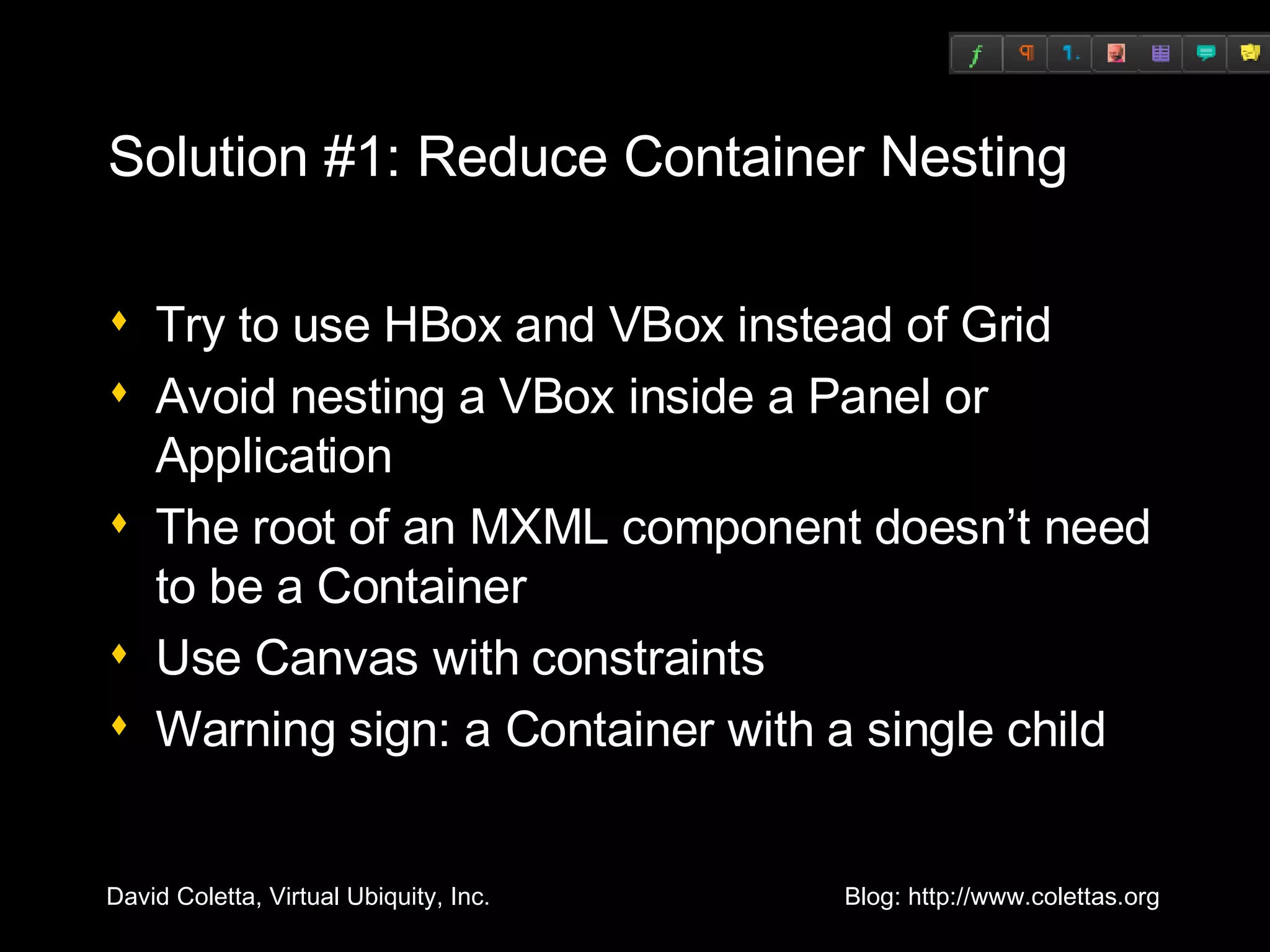
Solution #1: Reduce Container Nesting Try to use HBox and VBox instead of Grid Avoid nesting a VBox inside a Panel or Application The root of an MXML component doesn’t need to be a Container Use Canvas with constraints Warning sign: a Container with a single child
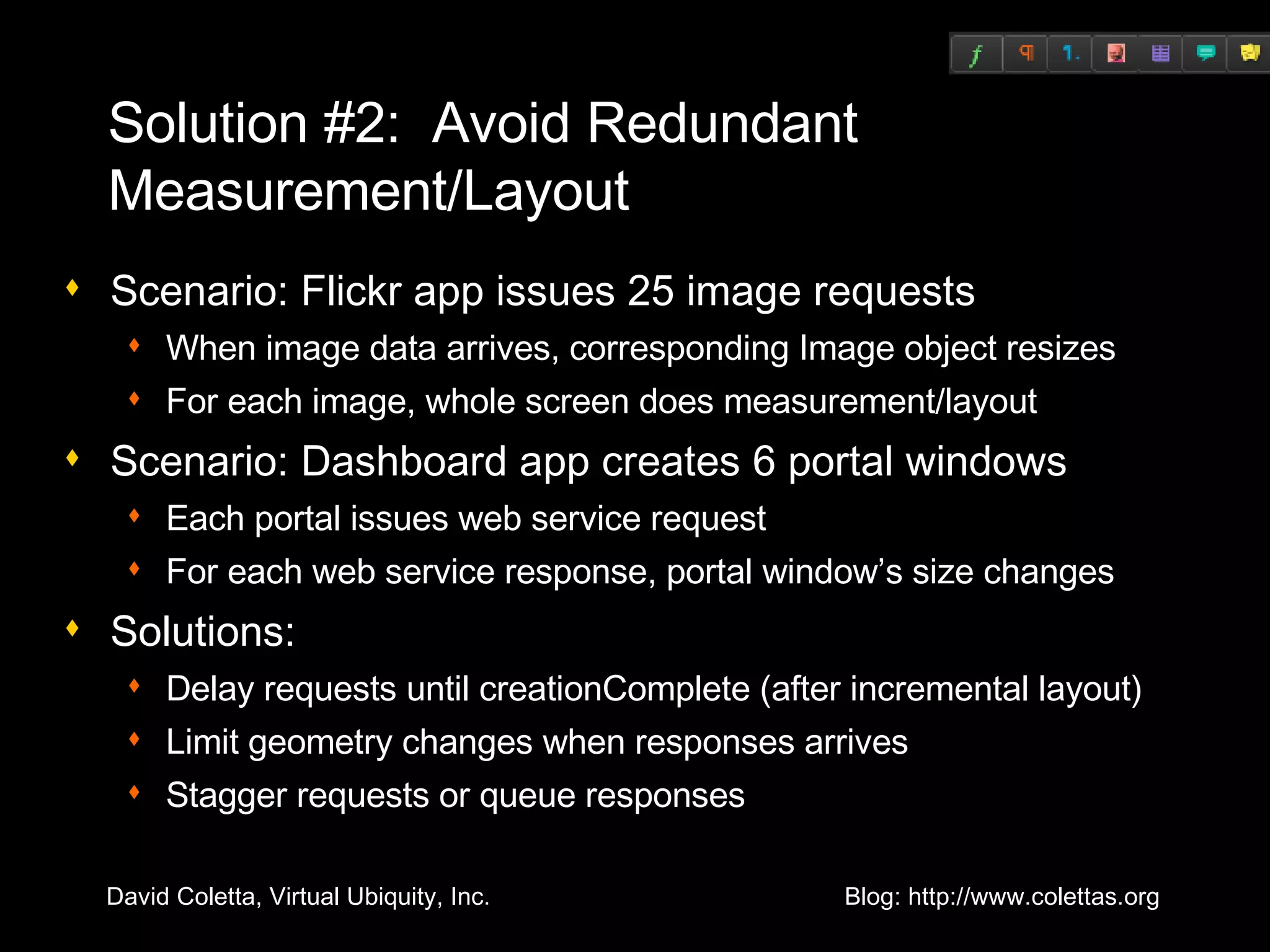
Solution #2:  Avoid Redundant Measurement/Layout Scenario: Flickr app issues 25 image requests When image data arrives, corresponding Image object resizes For each image, whole screen does measurement/layout Scenario: Dashboard app creates 6 portal windows Each portal issues web service request For each web service response, portal window’s size changes Solutions: Delay requests until creationComplete (after incremental layout) Limit geometry changes when responses arrives Stagger requests or queue responses
Optimizing Rendering
Redraw Regions If an object's properties are changed, its bounding box is a “redraw region” Visualize using “show redraw region” Debug player only Objects that overlap the redraw region are redrawn
cacheAsBitmap Protects Innocent Bystanders If cacheAsBitmap is true  then the object and its children are rendered into an offscreen bitmap If an object overlaps a redraw region  and  the object is unchanged  then   the cached bitmap is used Example: a Move effect
cacheAsBitmap is a Double-Edged Sword Objects with cached bitmaps are more expensive to change Examples when cacheAsBitmap hurts performance Resize effect Resizing the browser window Suggestion: cache bitmaps only for short periods of time
Factors that Affect Rendering Speed Size of redraw region Suggestion: refactor UI Cached bitmaps (can help or hurt) Total number of vectors in the redraw region Suggestion: simplify geometry Suggestion: use Resize.hideChildren and hide children during state transition Mixture of device text and vector graphics Clip masks Filters (e.g.: DropShadow) Other background processing Suggestion: Effect.suspendBackgroundProcessing
Miscellaneous Optimizations
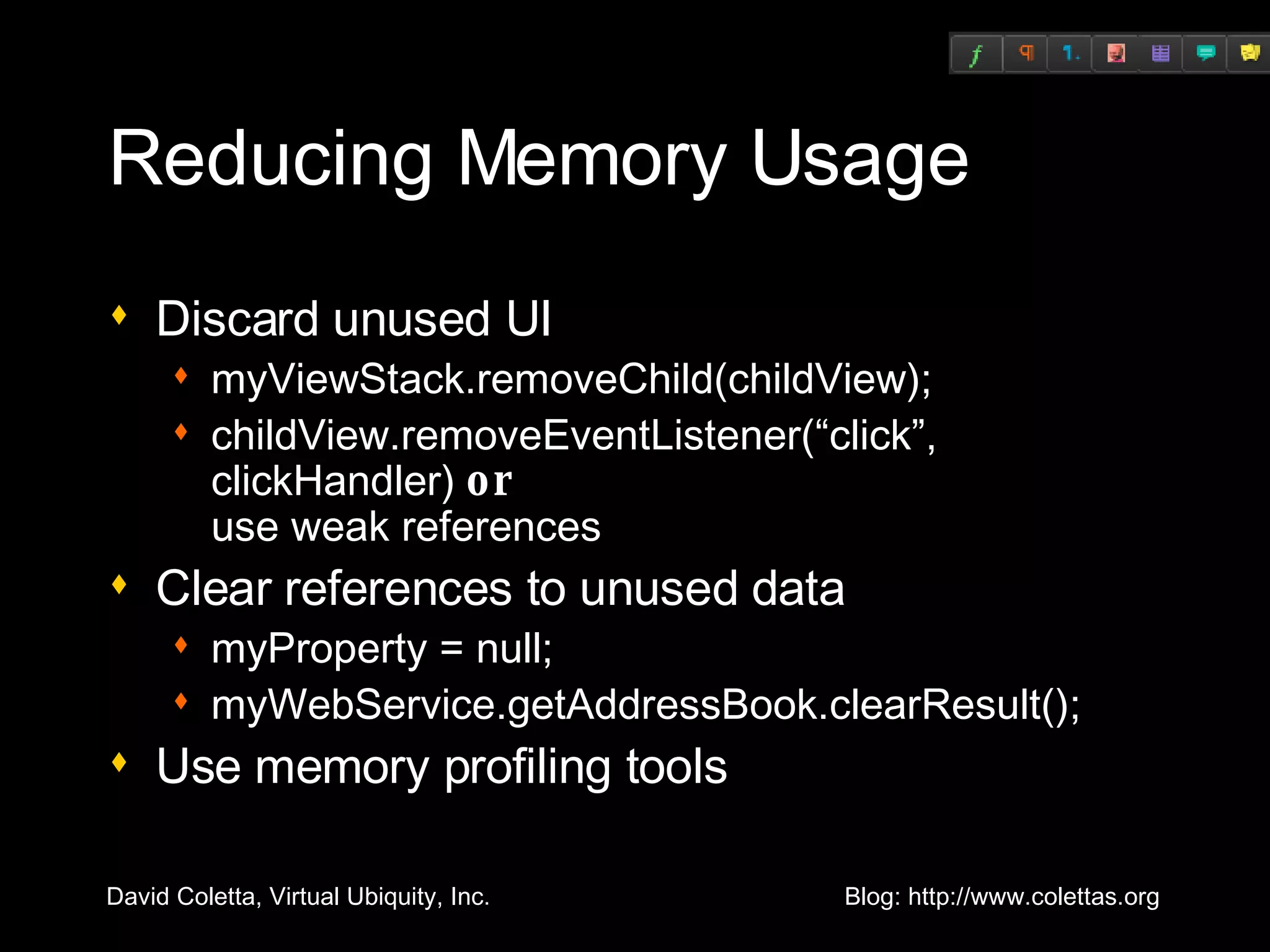
Reducing Memory Usage Discard unused UI myViewStack.removeChild(childView); childView.removeEventListener(“click”, clickHandler)  or   use weak references Clear references to unused data myProperty = null; myWebService.getAddressBook.clearResult(); Use memory profiling tools
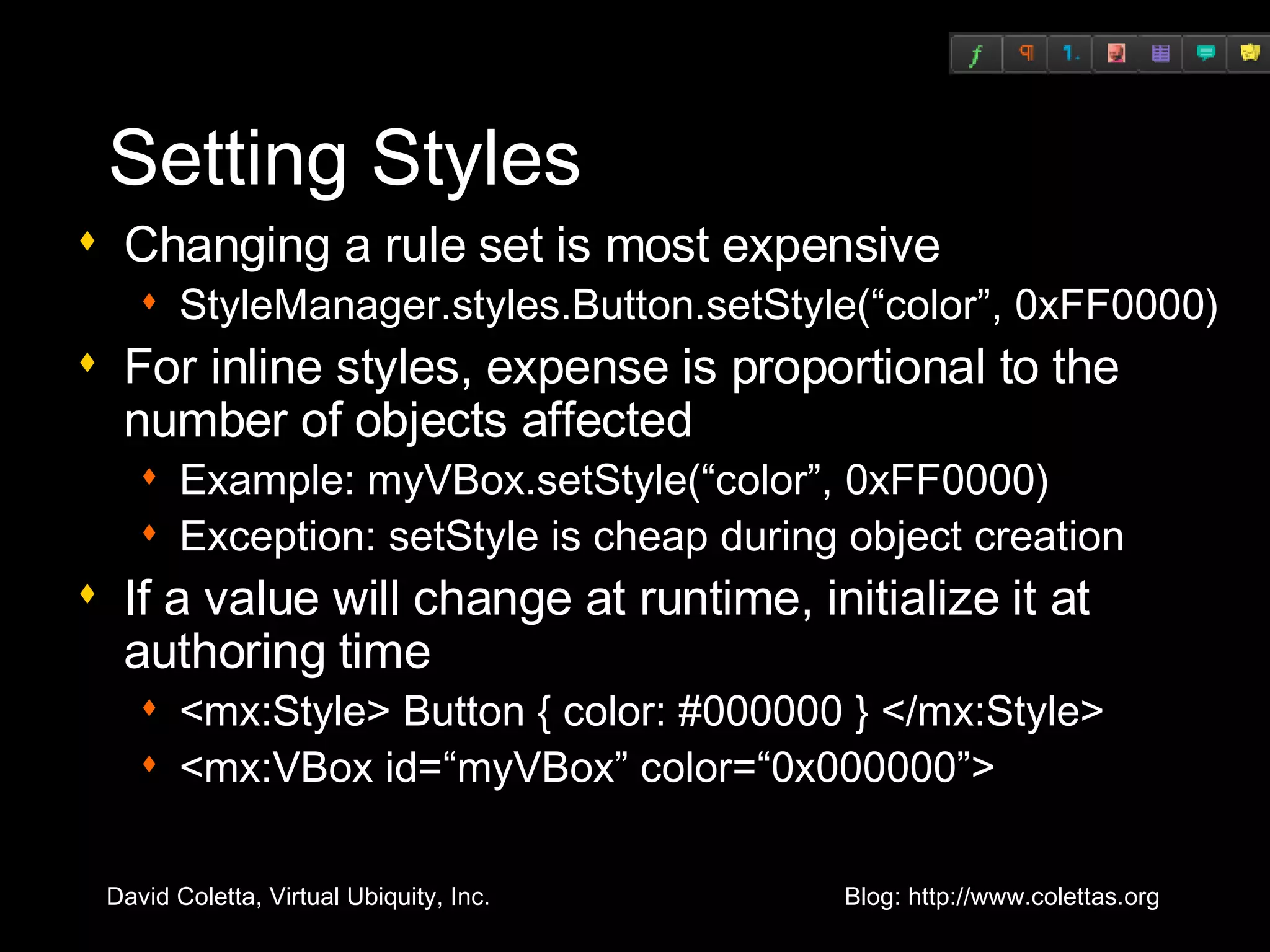
Setting Styles Changing a rule set is most expensive StyleManager.styles.Button.setStyle(“color”, 0xFF0000) For inline styles, expense is proportional to the number of objects affected Example: myVBox.setStyle(“color”, 0xFF0000) Exception: setStyle is cheap during object creation If a value will change at runtime, initialize it at authoring time <mx:Style> Button { color: #000000 } </mx:Style> <mx:VBox id=“myVBox” color=“0x000000”>
Flex 3 Profiler Lets you measure: Call frequency Method duration Call stacks Number of instances of objects Object size Garbage collection
How the Profiler Works Uses new Player APIs 10 ms sampling interval Computes cumulative values Records internal Player actions (e.g., [keyboardEvent], [mark], [sweep])
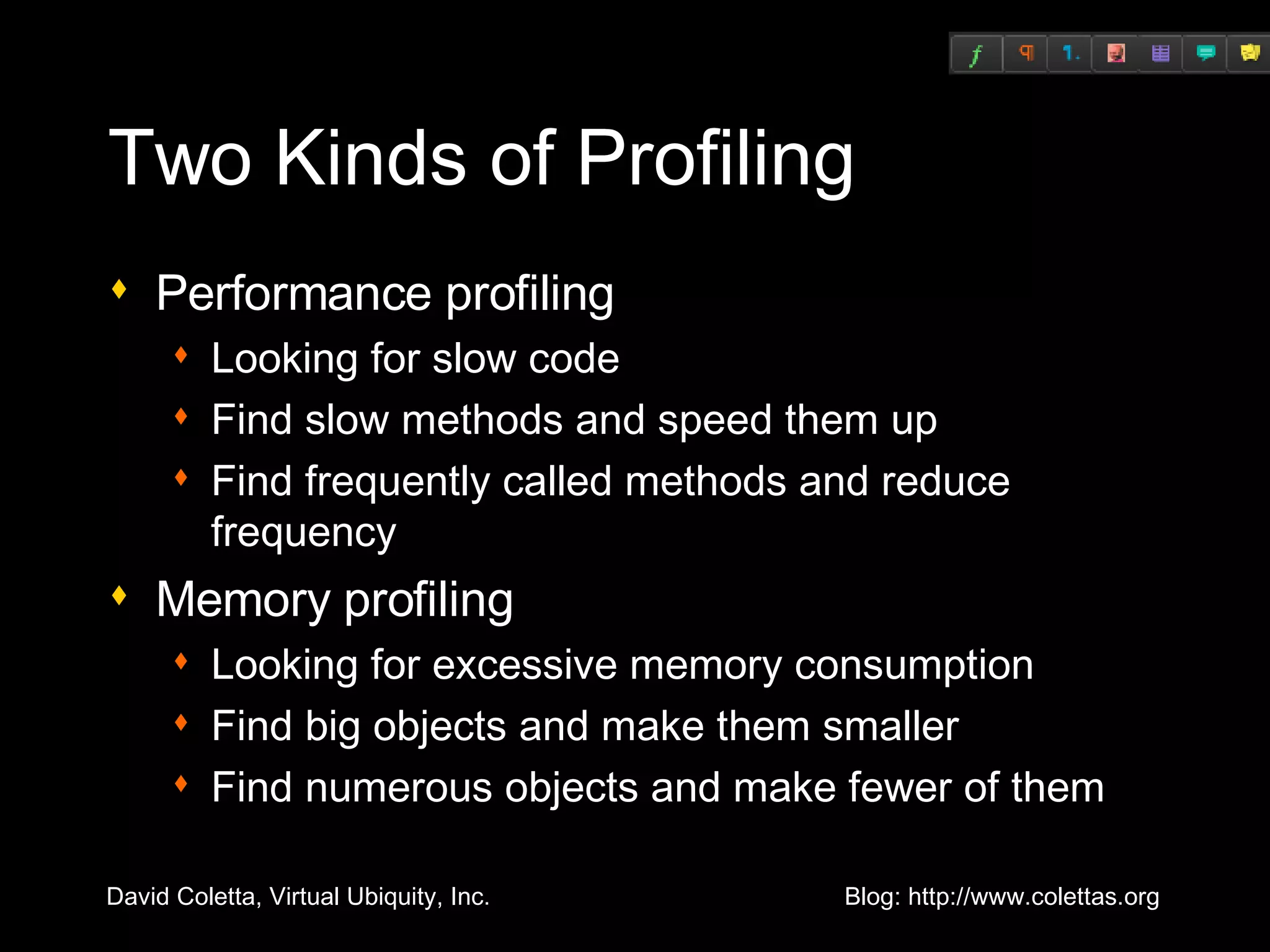
Two Kinds of Profiling Performance profiling Looking for slow code Find slow methods and speed them up Find frequently called methods and reduce frequency Memory profiling Looking for excessive memory consumption Find big objects and make them smaller Find numerous objects and make fewer of them
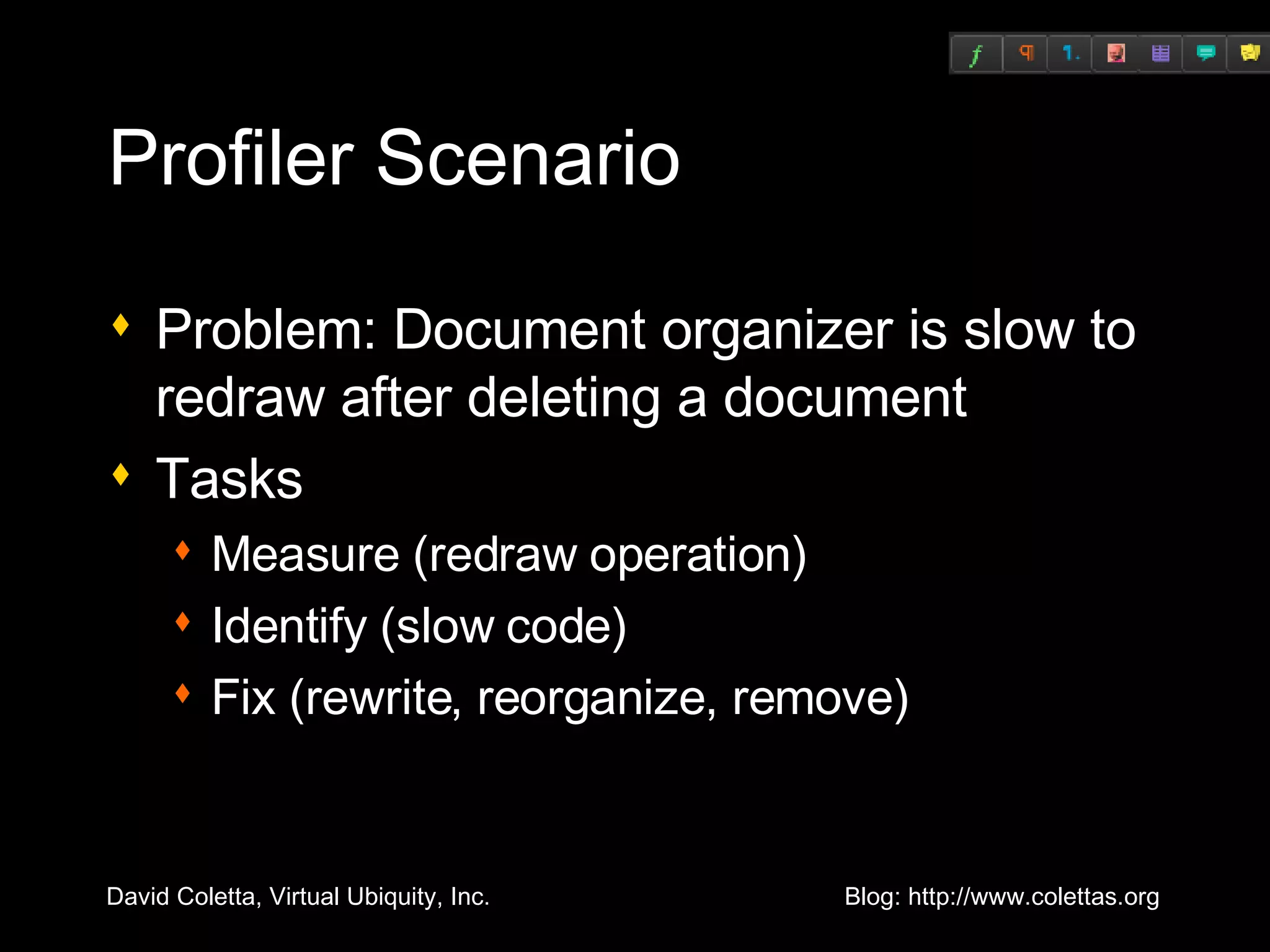
Profiler Scenario Problem: Document organizer is slow to redraw after deleting a document Tasks Measure (redraw operation) Identify (slow code) Fix (rewrite, reorganize, remove)
Profiler Demo
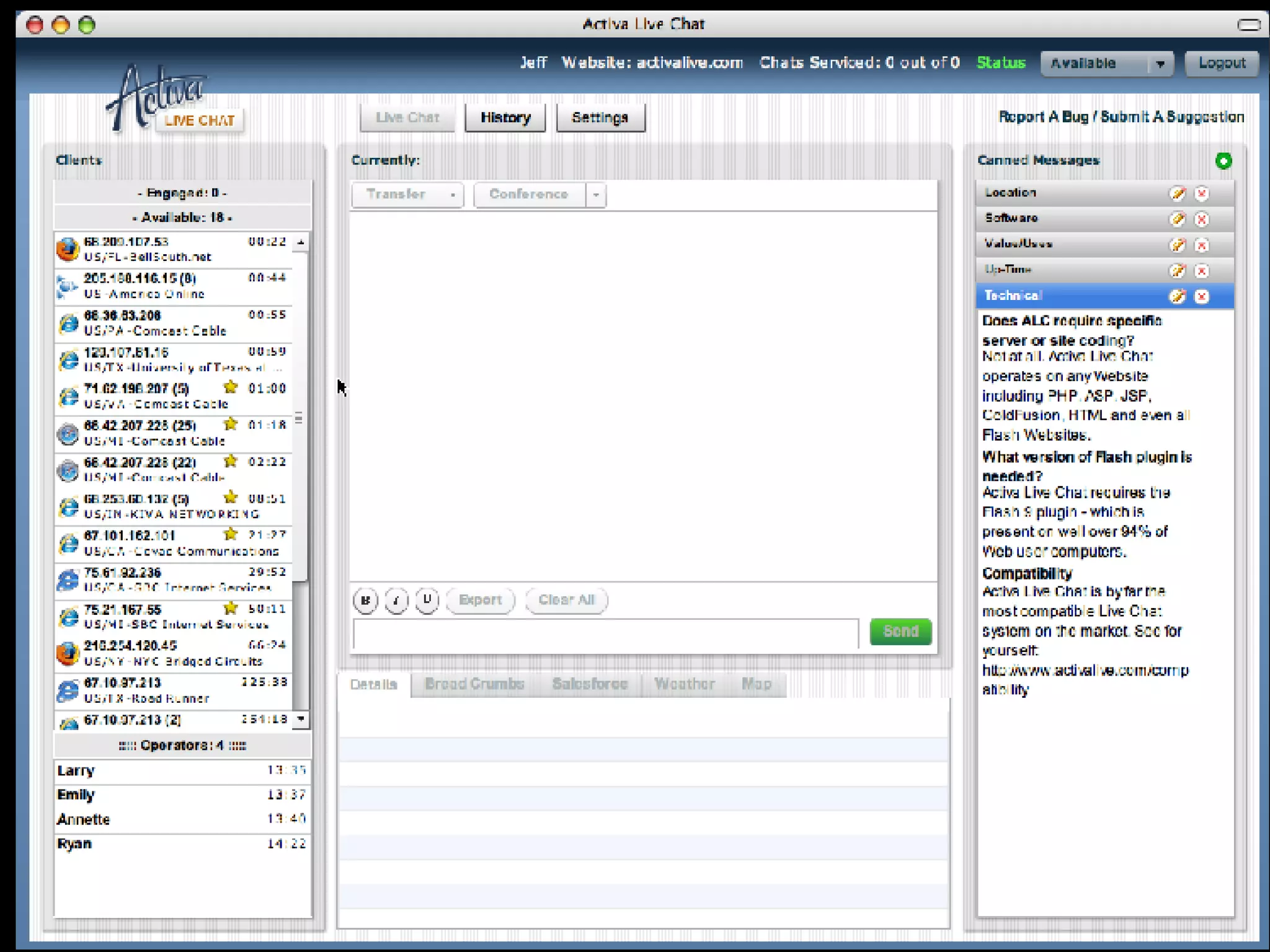
Case Study: Activa Live Chat Provided by the team at Activa Live Chat http://activalive.com   List item renderers Reference counting
Aptiva Live Chat Screencast
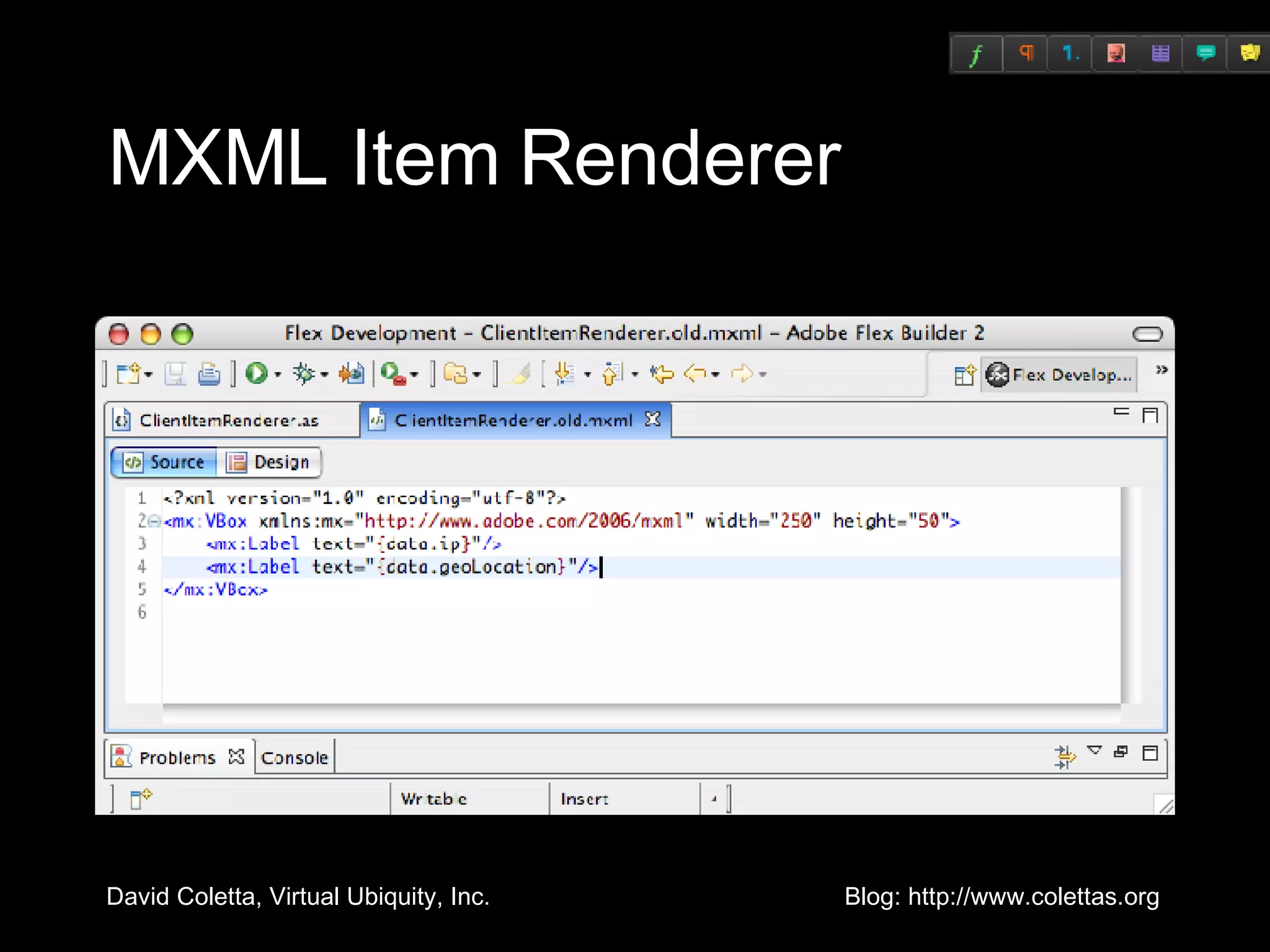
MXML Containers Complex layout engine Clipping Dynamic Instantiation Scrolling Borders Styling Engine
MXML Item Renderer
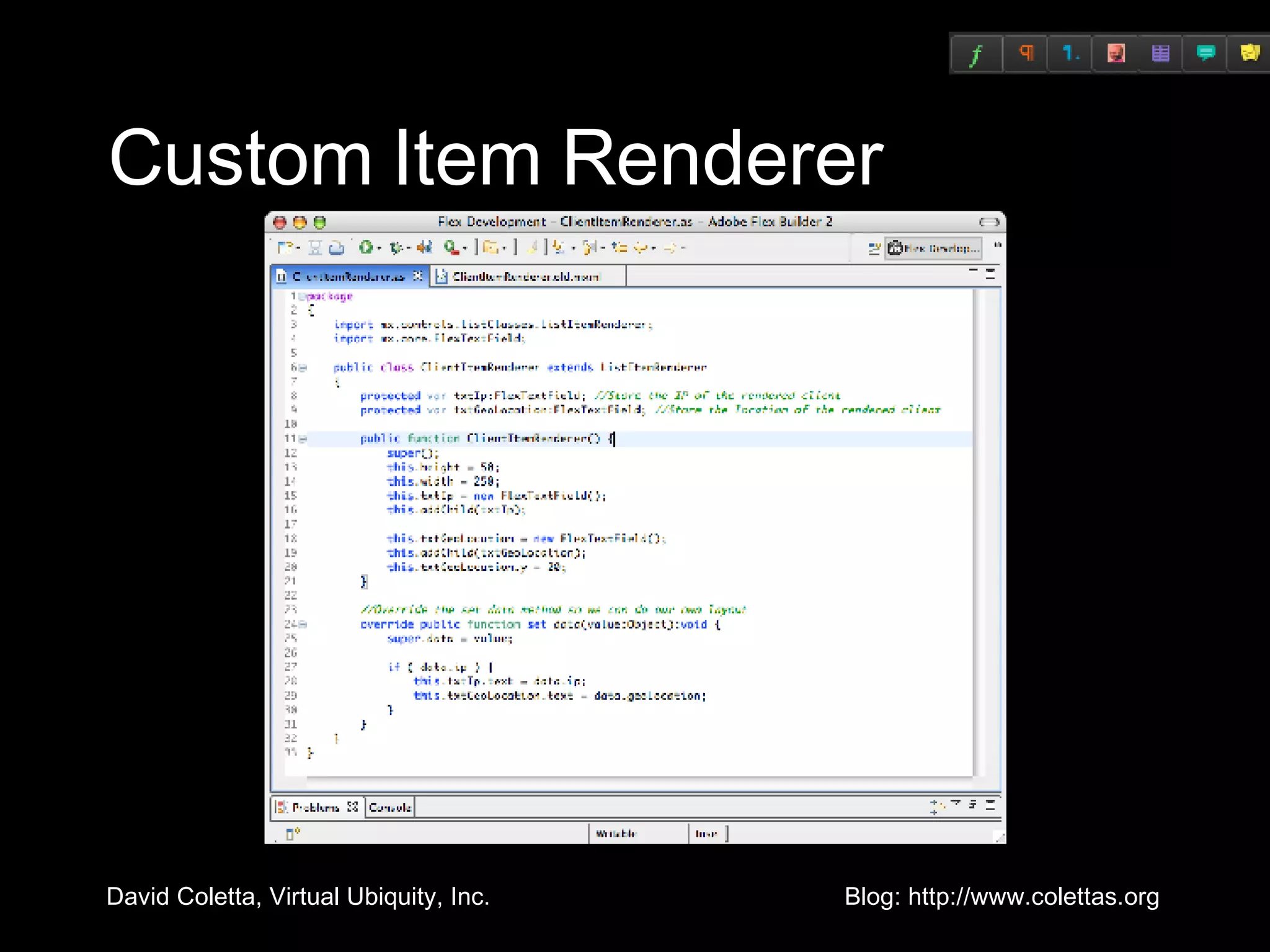
Manual Layout More Complex Difficult to style for non-coding designers Better Performance
Custom Item Renderer
Garbage Collector Every reference to an object increases the reference count Deleting references to an object decrements the reference count Objects with a positive reference count will not be collected Inattention leads to memory leaks
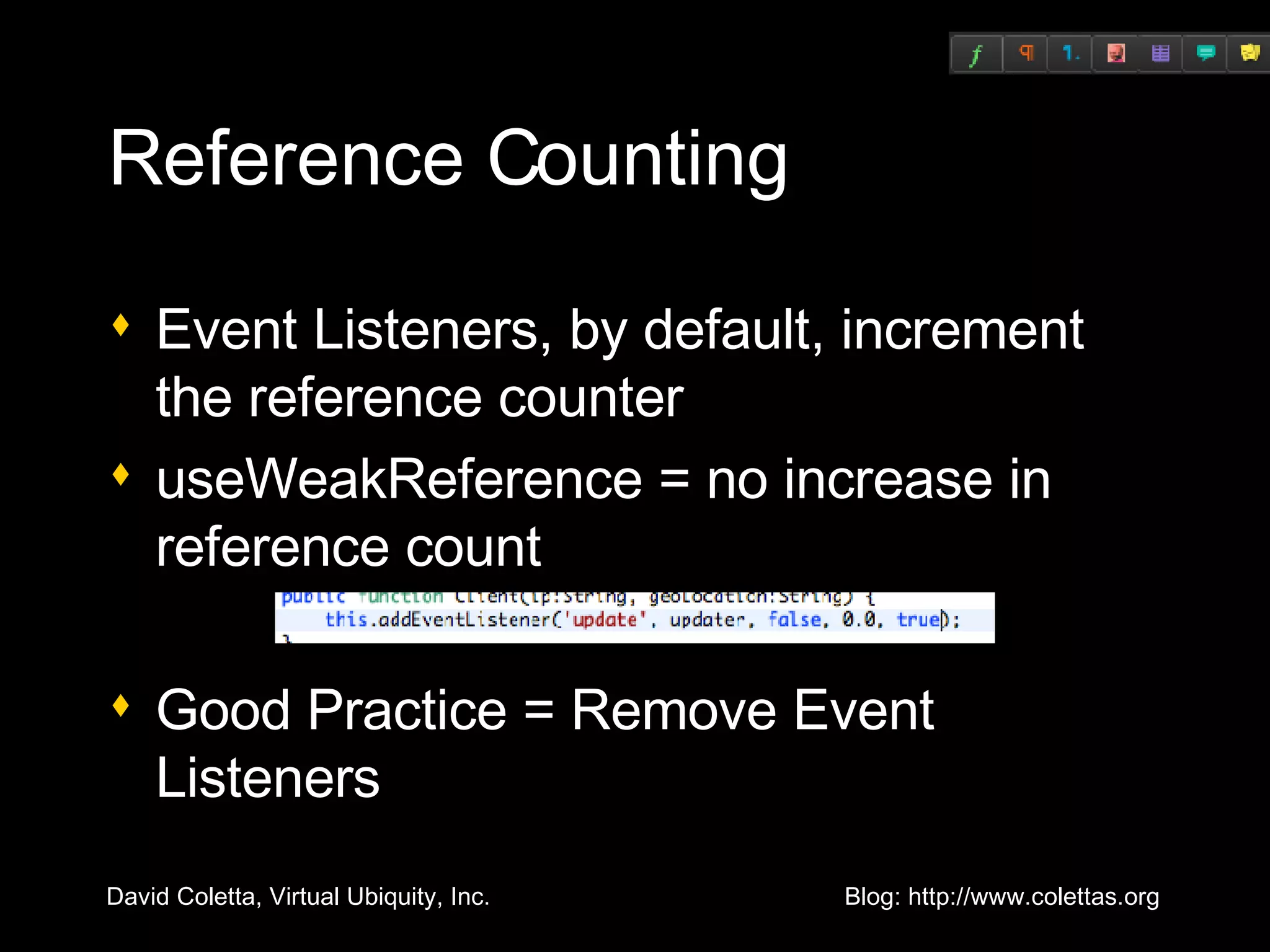
Reference Counting Event Listeners, by default, increment the reference counter useWeakReference = no increase in reference count Good Practice = Remove Event Listeners
Case Study: eBay SDK Provided by Adam Flater, Software Architect, EffectiveUI
WebWatcher Screencast
Goal:  represent hierarchical data from web service as objects in Flex Point the Axis wsdl2java at the eBay wsdl to generate a bunch of data classes Use a custom java class to translate the java data classes to action script classes (using java introspection) Write serializers / deserializers in AS to translate the data objects between San Dimas and the web service
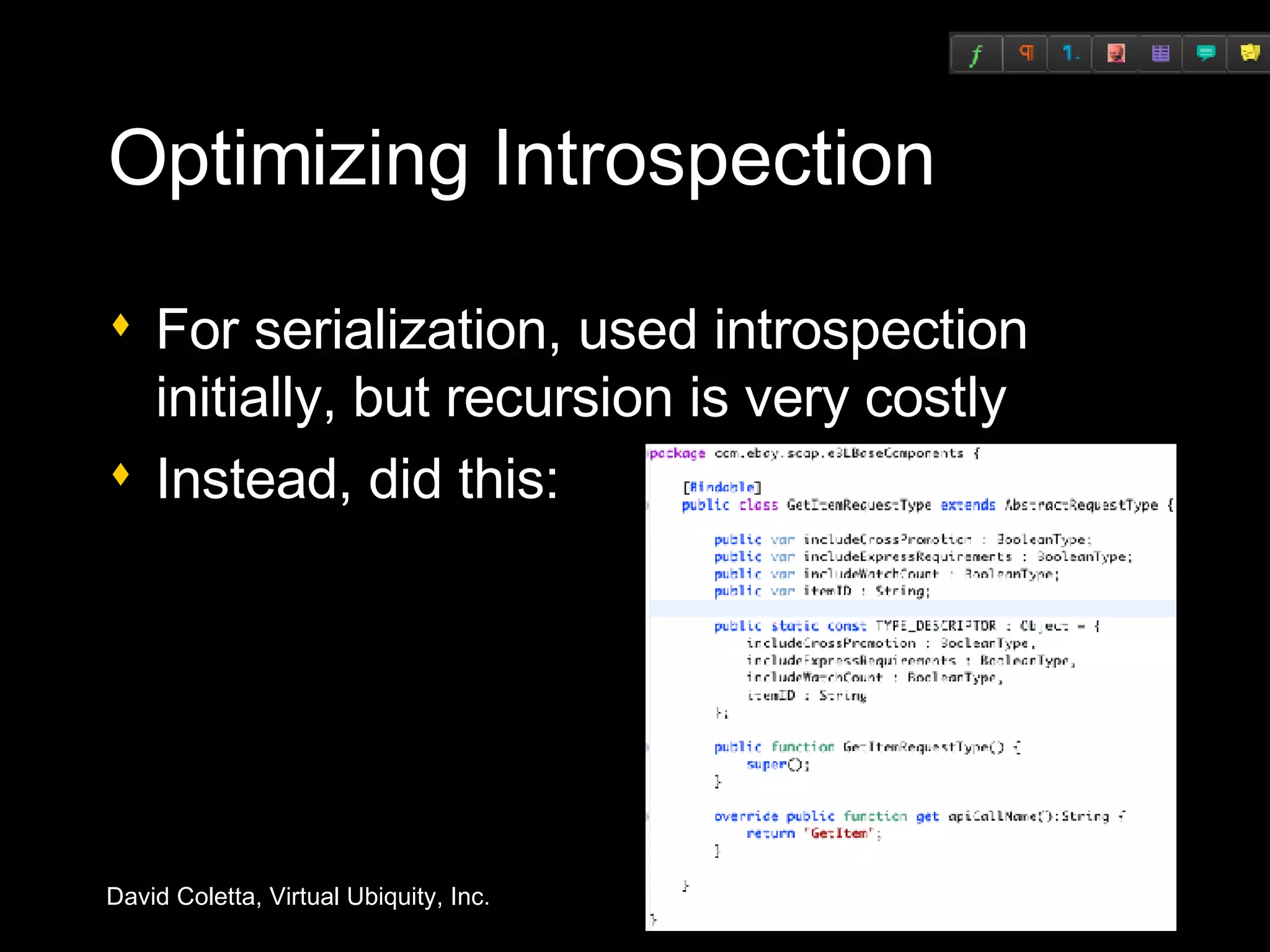
Optimizing Introspection For serialization, used introspection initially, but recursion is very costly Instead, did this:
Questions?

Optimizing Flex Applications

  • 1.
    Optimizing Flex ApplicationsDavid Coletta Virtual Ubiquity, Inc. [email_address] Blog: http://www.colettas.org
  • 2.
    Introduction Developer andco-founder at Virtual Ubiquity Career focus on collaboration software Background in C++ and web applications Don’t know much about optimization
  • 3.
    Structure of thistalk Taxonomy of optimization Best practices Flex 3 Profiler Case studies Questions
  • 4.
    Taxonomy of optimizationImproving actual performance Improving perceived performance
  • 5.
    Improving actual performanceExpensive algorithm: find a cheaper one Precompute things that can be precomputed Identify and refactor superfluous code Reduce load on GC by plugging memory leaks, allocating fewer objects, etc.
  • 6.
    Improving actual performanceVerify build configuration (optimization should be on) Reduce functionality (e.g., turn down suggestions on spell checker) Take advantage of what the platform does well, avoid what it doesn't
  • 7.
    Improving perceived performanceDoing too much work up front; do some of it later Move lengthy operations into the background Show progress during extended operations
  • 8.
    Too Much ForOne Talk! Expensive algorithm: find a cheaper one Precompute things that can be precomputed Identify and refactor superfluous code Reduce load on GC by plugging memory leaks, allocating fewer objects, etc. Verify build configuration (optimization should be on) Reduce functionality (e.g., turn down suggestions on spell checker) Take advantage of what the platform does well, avoid what it doesn't Doing too much work up front; do some of it later Move lengthy operations into the background Show progress during extended operations
  • 9.
    Big Picture Rendering-intensivetasks (effects, scrolling, resizing) ActionScript Rendering Other Other tasks (startup, navigation, data manipulation) Critical areas: Object creation Measurement/Layout Rendering
  • 10.
  • 11.
    The Birth ofan Object Create instance of ActionScript class Assign initial property values <mx:TextArea text=“Hi” width=“100”/> Wire objects together Add new object to display list Event handlers: <mx:Button click=“goNext()”/> Data binding: <mx:Label text=“{city}”/> Effect listeners: <mx:Label showEffect=“{fade}”/>
  • 12.
    Solution #1: DeferredCreation Delay object creation until the object becomes visible Is baked into Accordion, TabNavigator, and ViewStack Can be added to custom containers, but subclassing ViewStack is easier
  • 13.
    Solution #2: OrderedCreation During startup, stagger creation of objects Improves perceived startup time <mx:Application> <mx:Panel width=&quot;250&quot; height=&quot;100&quot; creationPolicy=“queued” /> <mx:Label text=&quot;One&quot; /> </mx:Panel> <mx:Panel width=&quot;250&quot; height=&quot;100&quot; creationPolicy=“queued” /> <mx:Label text=&quot;Two&quot; /> </mx:Panel> </mx:Application>
  • 14.
    Solution #3: Use<mx:Repeater> Carefully Don’t allow <mx:Repeater> to create elements that are clipped Bad: Good: Caveat: Repeater scrolls more smoothly <mx:VBox> <mx:Repeater id=“r” dataProvider=“{arr}”> <mx:Image source=“r.currentItem.url”/> </mx:Repeater> </mx:VBox> <mx:List dataProvider=“{arr}”> <mx:itemRenderer> <mx:Component> <mx:Image source=“{dataObject.url}”/> </mx:Component> </mx:itemRenderer> </mx:List>
  • 15.
  • 16.
    Measurement/Layout: Definition Theprocess of assigning a position and size to every component <mx:Application> <mx:HBox> <mx:Button label=“1”/> <mx:Button label=“2”/> </mx:HBox> <mx:TextArea width=“100%” height=“100%” text=“Text”/> </mx:Application>
  • 17.
    Measurement/Layout: Description MeasurementPhase: traverse tree from bottom up Buttons and TextArea compute measured sizes HBox computes its measured size Application computes its measured size Layout Phase: traverse tree from top down Application sets sizes and positions of HBox and TextArea HBox sets sizes and positions of Buttons O(n) algorithm, n = number of objects <mx:Application> <mx:HBox> <mx:Button label=“1”/> <mx:Button label=“2”/> </mx:HBox> <mx:TextArea width=“100%” height=“100%” text=“Text”/> </mx:Application>
  • 18.
    Solution #1: ReduceContainer Nesting Try to use HBox and VBox instead of Grid Avoid nesting a VBox inside a Panel or Application The root of an MXML component doesn’t need to be a Container Use Canvas with constraints Warning sign: a Container with a single child
  • 19.
    Solution #2: Avoid Redundant Measurement/Layout Scenario: Flickr app issues 25 image requests When image data arrives, corresponding Image object resizes For each image, whole screen does measurement/layout Scenario: Dashboard app creates 6 portal windows Each portal issues web service request For each web service response, portal window’s size changes Solutions: Delay requests until creationComplete (after incremental layout) Limit geometry changes when responses arrives Stagger requests or queue responses
  • 20.
  • 21.
    Redraw Regions Ifan object's properties are changed, its bounding box is a “redraw region” Visualize using “show redraw region” Debug player only Objects that overlap the redraw region are redrawn
  • 22.
    cacheAsBitmap Protects InnocentBystanders If cacheAsBitmap is true then the object and its children are rendered into an offscreen bitmap If an object overlaps a redraw region and the object is unchanged then the cached bitmap is used Example: a Move effect
  • 23.
    cacheAsBitmap is aDouble-Edged Sword Objects with cached bitmaps are more expensive to change Examples when cacheAsBitmap hurts performance Resize effect Resizing the browser window Suggestion: cache bitmaps only for short periods of time
  • 24.
    Factors that AffectRendering Speed Size of redraw region Suggestion: refactor UI Cached bitmaps (can help or hurt) Total number of vectors in the redraw region Suggestion: simplify geometry Suggestion: use Resize.hideChildren and hide children during state transition Mixture of device text and vector graphics Clip masks Filters (e.g.: DropShadow) Other background processing Suggestion: Effect.suspendBackgroundProcessing
  • 25.
  • 26.
    Reducing Memory UsageDiscard unused UI myViewStack.removeChild(childView); childView.removeEventListener(“click”, clickHandler) or use weak references Clear references to unused data myProperty = null; myWebService.getAddressBook.clearResult(); Use memory profiling tools
  • 27.
    Setting Styles Changinga rule set is most expensive StyleManager.styles.Button.setStyle(“color”, 0xFF0000) For inline styles, expense is proportional to the number of objects affected Example: myVBox.setStyle(“color”, 0xFF0000) Exception: setStyle is cheap during object creation If a value will change at runtime, initialize it at authoring time <mx:Style> Button { color: #000000 } </mx:Style> <mx:VBox id=“myVBox” color=“0x000000”>
  • 28.
    Flex 3 ProfilerLets you measure: Call frequency Method duration Call stacks Number of instances of objects Object size Garbage collection
  • 29.
    How the ProfilerWorks Uses new Player APIs 10 ms sampling interval Computes cumulative values Records internal Player actions (e.g., [keyboardEvent], [mark], [sweep])
  • 30.
    Two Kinds ofProfiling Performance profiling Looking for slow code Find slow methods and speed them up Find frequently called methods and reduce frequency Memory profiling Looking for excessive memory consumption Find big objects and make them smaller Find numerous objects and make fewer of them
  • 31.
    Profiler Scenario Problem:Document organizer is slow to redraw after deleting a document Tasks Measure (redraw operation) Identify (slow code) Fix (rewrite, reorganize, remove)
  • 32.
  • 33.
    Case Study: ActivaLive Chat Provided by the team at Activa Live Chat http://activalive.com List item renderers Reference counting
  • 34.
    Aptiva Live ChatScreencast
  • 35.
    MXML Containers Complexlayout engine Clipping Dynamic Instantiation Scrolling Borders Styling Engine
  • 36.
  • 37.
    Manual Layout MoreComplex Difficult to style for non-coding designers Better Performance
  • 38.
  • 39.
    Garbage Collector Everyreference to an object increases the reference count Deleting references to an object decrements the reference count Objects with a positive reference count will not be collected Inattention leads to memory leaks
  • 40.
    Reference Counting EventListeners, by default, increment the reference counter useWeakReference = no increase in reference count Good Practice = Remove Event Listeners
  • 41.
    Case Study: eBaySDK Provided by Adam Flater, Software Architect, EffectiveUI
  • 42.
  • 43.
    Goal: representhierarchical data from web service as objects in Flex Point the Axis wsdl2java at the eBay wsdl to generate a bunch of data classes Use a custom java class to translate the java data classes to action script classes (using java introspection) Write serializers / deserializers in AS to translate the data objects between San Dimas and the web service
  • 44.
    Optimizing Introspection Forserialization, used introspection initially, but recursion is very costly Instead, did this:
  • 45.