Andrea Prearo
Master Software Engineer - iOS @ Capital One SF
https://github.com/andrea-prearo
https://medium.com/@andrea.prearo
https://twitter.com/andrea_prearo
Optimize Collection View
Scrolling
Scrolling and User Experience
UICollectionView is designed to support displaying sets of data
that can be scrolled. However, when displaying a very large
amount of data, it could be very tricky to achieve a perfectly
smooth scrolling. This is not ideal because it negatively affects the
user experience.
Strategies to achieve Smooth
Scrolling
Example: Display a set of users
Cells Rendering is a Critical Task
Cell Lifecycle (iOS9+)
1. Request the cell: collectionView(_:cellForItemAt:)
2. Display the cell: collectionView(_:willDisplay:forItemAt:)
3. Remove the cell: collectionView(_:didEndDisplaying:forItemAt:)
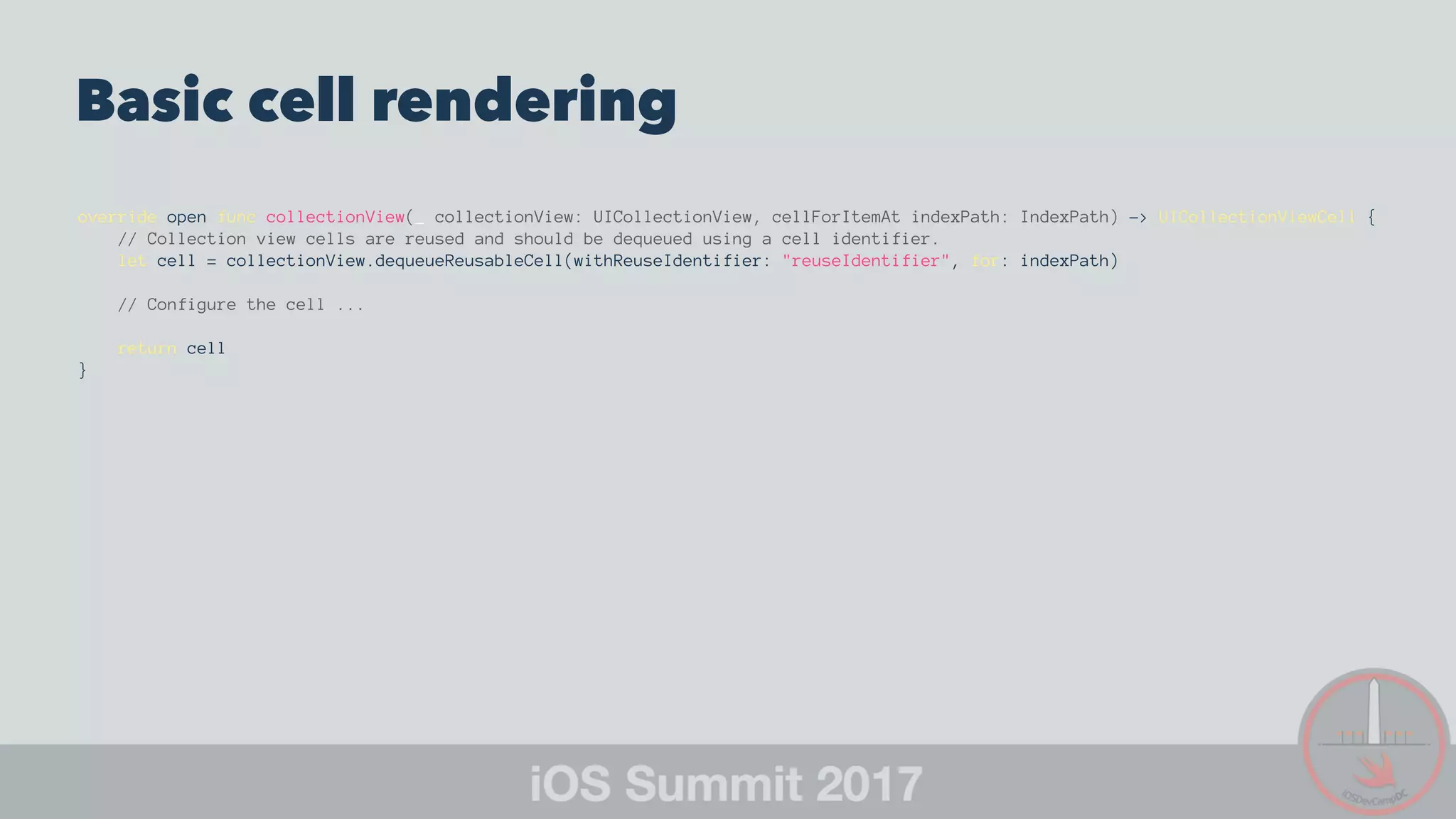
Basic cell rendering
override open func collectionView(_ collectionView: UICollectionView, cellForItemAt indexPath: IndexPath) -> UICollectionViewCell {
// Collection view cells are reused and should be dequeued using a cell identifier.
let cell = collectionView.dequeueReusableCell(withReuseIdentifier: "reuseIdentifier", for: indexPath)
// Configure the cell ...
return cell
}
User Model
enum Role: String, Codable {
case unknown = "Unknown"
case user = "User"
case owner = "Owner"
case admin = "Admin"
static func get(from: String) -> Role {
if from == user.rawValue {
return .user
} else if from == owner.rawValue {
return .owner
} else if from == admin.rawValue {
return .admin
}
return .unknown
}
}
struct User: Codable {
enum CodingKeys: String, CodingKey {
case avatarUrl = "avatar"
case username
case role
}
let avatarUrl: String
let username: String
let role: Role
init(avatarUrl: String, username: String, role: Role) {
self.avatarUrl = avatarUrl
self.username = username
self.role = role
}
}
User View Model (MVVM)
struct UserViewModel {
let avatarUrl: String
let username: String
let role: Role
let roleText: String
init(user: User) {
// Avatar
avatarUrl = user.avatarUrl
// Username
username = user.username
// Role
role = user.role
roleText = user.role.rawValue
}
}
Fetch Data Asynchronously and Cache
View Models
• Avoid blocking the main thread while fetching data
• Update the collection view right after we retrieve the data
User View Model Controller
Wrap and Cache View Model
class UserViewModelController {
private var viewModels: [UserViewModel?] = []
[...]
var viewModelsCount: Int {
return viewModels.count
}
func viewModel(at index: Int) -> UserViewModel? {
guard index >= 0 && index < viewModelsCount else { return nil }
return viewModels[index]
}
}
User View Model Controller
Asynchronous Data Fetch
func retrieveUsers(_ completionBlock: @escaping (_ success: Bool, _ error: NSError?) -> ()) {
let urlString = ... // Users Web Service URL
let session = URLSession.shared
guard let url = URL(string: urlString) else {
completionBlock(false, nil)
return
}
let task = session.dataTask(with: url) { [weak self] (data, response, error) in
guard let strongSelf = self else { return }
guard let jsonData = data, error == nil else {
completionBlock(false, error as NSError?)
return
}
if let users = UserViewModelController.parse(jsonData) {
strongSelf.viewModels = UserViewModelController.initViewModels(users)
completionBlock(true, nil)
} else {
completionBlock(false, NSError.createError(0, description: "JSON parsing error"))
}
}
task.resume()
}
User View Model Controller Extension
Parse JSON
private extension UserViewModelController {
static func parse(_ jsonData: Data) -> [User?]? {
do {
return try JSONDecoder().decode([User].self, from: jsonData)
} catch {
return nil
}
}
static func initViewModels(_ users: [User?]) -> [UserViewModel?] {
return users.map { user in
if let user = user {
return UserViewModel(user: user)
} else {
return nil
}
}
}
}
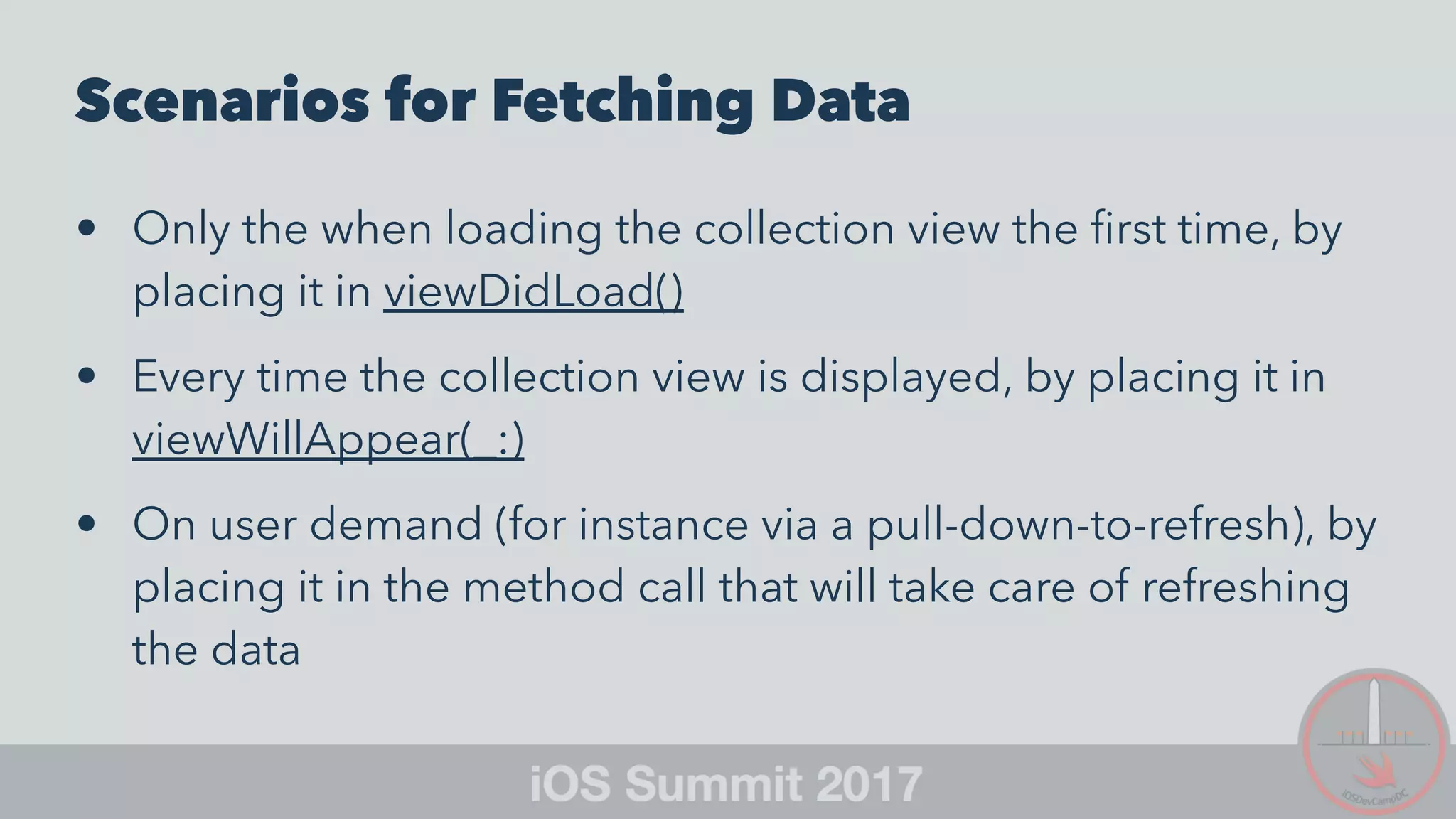
Scenarios for Fetching Data
• Only the when loading the collection view the first time, by
placing it in viewDidLoad()
• Every time the collection view is displayed, by placing it in
viewWillAppear(_:)
• On user demand (for instance via a pull-down-to-refresh), by
placing it in the method call that will take care of refreshing
the data
Load Images Asynchronously and Cache
Them
Extend UIImage and Leverage URLSession
extension UIImage {
static func downloadImageFromUrl(_ url: String, completionHandler: @escaping (UIImage?) -> Void) {
guard let url = URL(string: url) else {
completionHandler(nil)
return
}
let task: URLSessionDataTask = URLSession.shared.dataTask(with: url, completionHandler: { (data, response, error) -> Void in
guard let httpURLResponse = response as? HTTPURLResponse, httpURLResponse.statusCode == 200,
let mimeType = response?.mimeType, mimeType.hasPrefix("image"),
let data = data, error == nil,
let image = UIImage(data: data) else {
completionHandler(nil)
return
}
completionHandler(image)
})
task.resume()
}
}
Open Source Libraries for Asynchronous
Image Downloading and Caching
• SDWebImage
• AlamofireImage
Customize the Cell
Subclass the Default Cell
class UserCell: UICollectionViewCell {
@IBOutlet weak var avatar: UIImageView!
@IBOutlet weak var username: UILabel!
@IBOutlet weak var role: UILabel!
func configure(_ viewModel: UserViewModel) {
UIImage.downloadImageFromUrl(viewModel.avatarUrl) { [weak self] (image) in
guard let strongSelf = self,
let image = image else {
return
}
strongSelf.avatar.image = image
}
username.text = viewModel.username
role.text = viewModel.roleText
}
}
Use Opaque Layers and Avoid Gradients
class UserCell: UICollectionViewCell {
@IBOutlet weak var avatar: UIImageView!
@IBOutlet weak var username: UILabel!
@IBOutlet weak var role: UILabel!
override func awakeFromNib() {
super.awakeFromNib()
setOpaqueBackground()
[...]
}
}
private extension UserCell {
static let DefaultBackgroundColor = UIColor.groupTableViewBackgroundColor
func setOpaqueBackground() {
alpha = 1.0
backgroundColor = UserCell.DefaultBackgroundColor
avatar.alpha = 1.0
avatar.backgroundColor = UserCell.DefaultBackgroundColor
}
}
Putting Everything Together
Optimized Cell Rendering
override open func collectionView(_ collectionView: UICollectionView, cellForItemAt indexPath: IndexPath) -> UICollectionViewCell {
let cell = collectionView.dequeueReusableCell(withReuseIdentifier: "UserCell", for: indexPath) as! UserCell
if let viewModel = userViewModelController.viewModel(at: indexPath.row) {
cell.configure(viewModel)
}
return cell
}
Cell Rendering should now be really fast
• We are using the cached View Model data
• We are fetching the images asynchronously
Calculate your Cell Size
Implement collectionView(_:layout:sizeForItemAt:)
func collectionView(_ collectionView: UICollectionView,
layout collectionViewLayout: UICollectionViewLayout,
sizeForItemAt indexPath: IndexPath) -> CGSize
// Calculate the appropriate cell size
return CGSize(width: ..., height: ...)
}
Handle Size Classes and Orientation
Changes
Implement viewWillTransition(to:with:)
override func viewWillTransition(to size: CGSize, with coordinator: UIViewControllerTransitionCoordinator) {
super.viewWillTransition(to: size, with: coordinator)
collectionView?.collectionViewLayout.invalidateLayout()
}
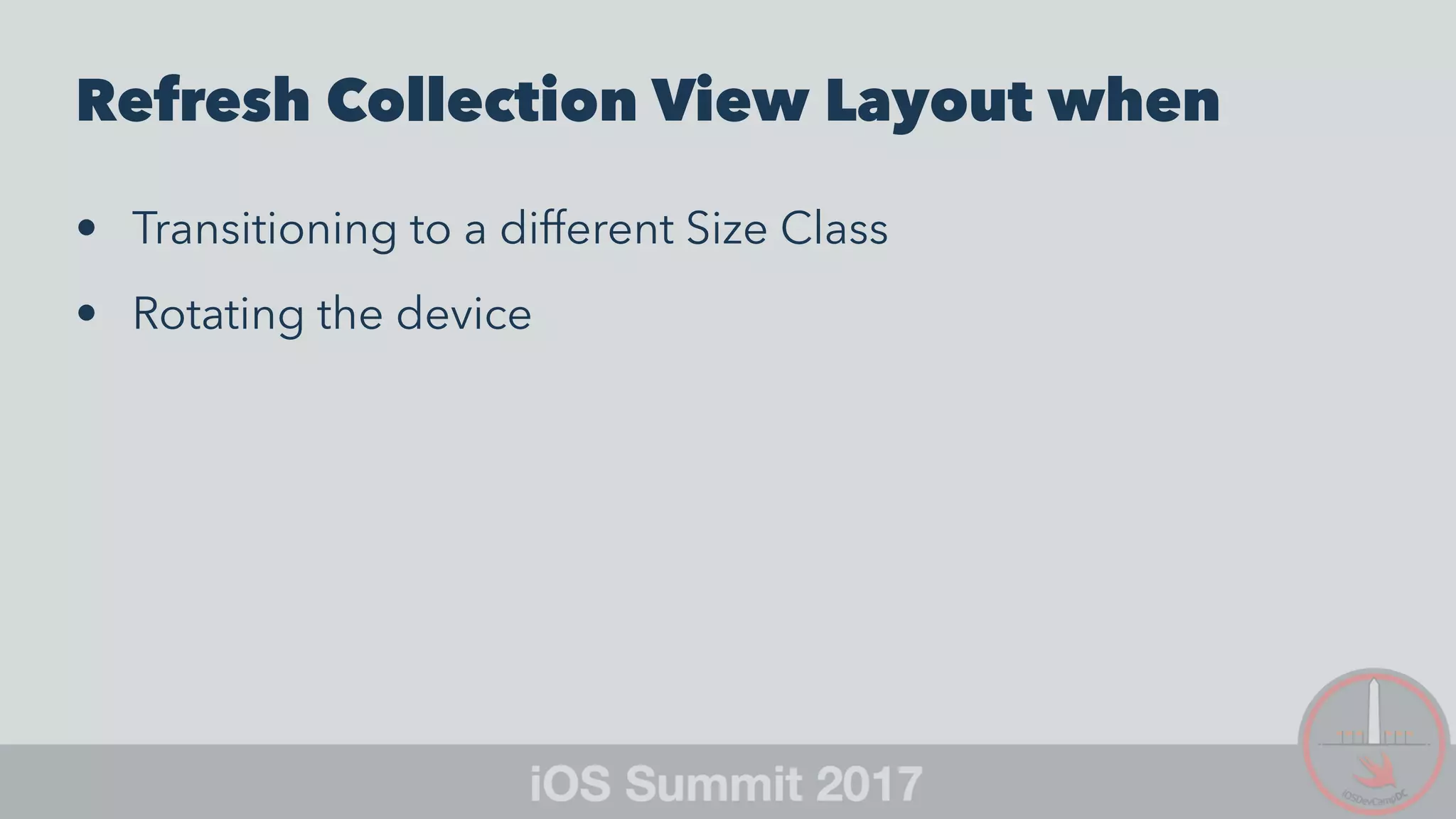
Refresh Collection View Layout when
• Transitioning to a different Size Class
• Rotating the device
Dynamically Adjust Cell Layout
Override apply(_:)
override func apply(_ layoutAttributes: UICollectionViewLayoutAttributes) {
super.apply(layoutAttributes)
// Customize the cell layout
[...]
}
Example: Adjust multi-line UILabel
Maximum Width using
preferredMaxLayoutWidth
override func apply(_ layoutAttributes: UICollectionViewLayoutAttributes) {
super.apply(layoutAttributes)
// Customize the cell layout
let width = CGRectGetWidth(layoutAttributes.frame)
username.preferredMaxLayoutWidth = width - 16
}
Boost Smooth Scrolling with iOS
10 Pre-Fetching APIs
Choppy Scrolling
Dropped Frame I
Choppy Scrolling
Dropped Frame II
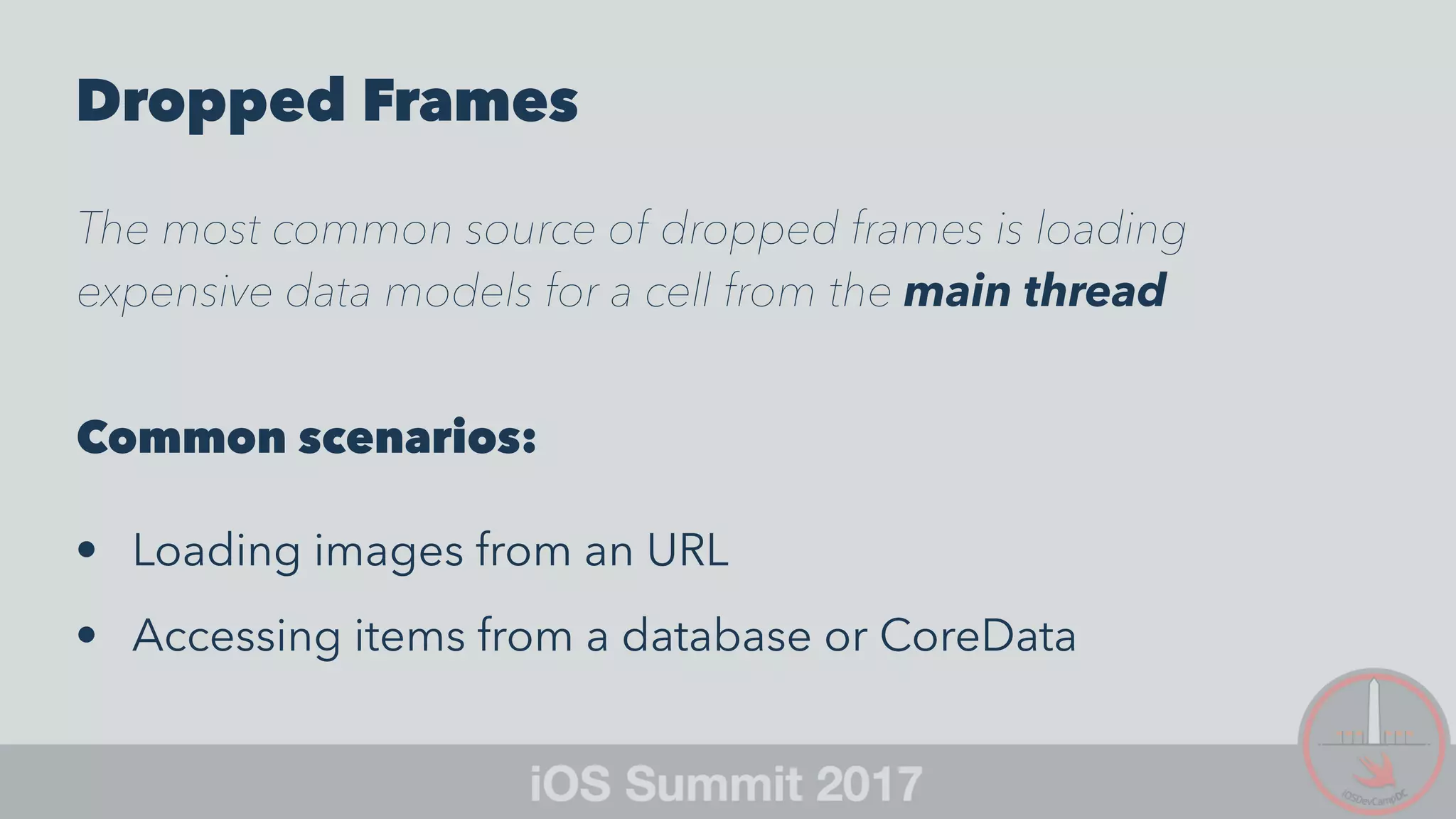
Dropped Frames
The most common source of dropped frames is loading
expensive data models for a cell from the main thread
Common scenarios:
• Loading images from an URL
• Accessing items from a database or CoreData
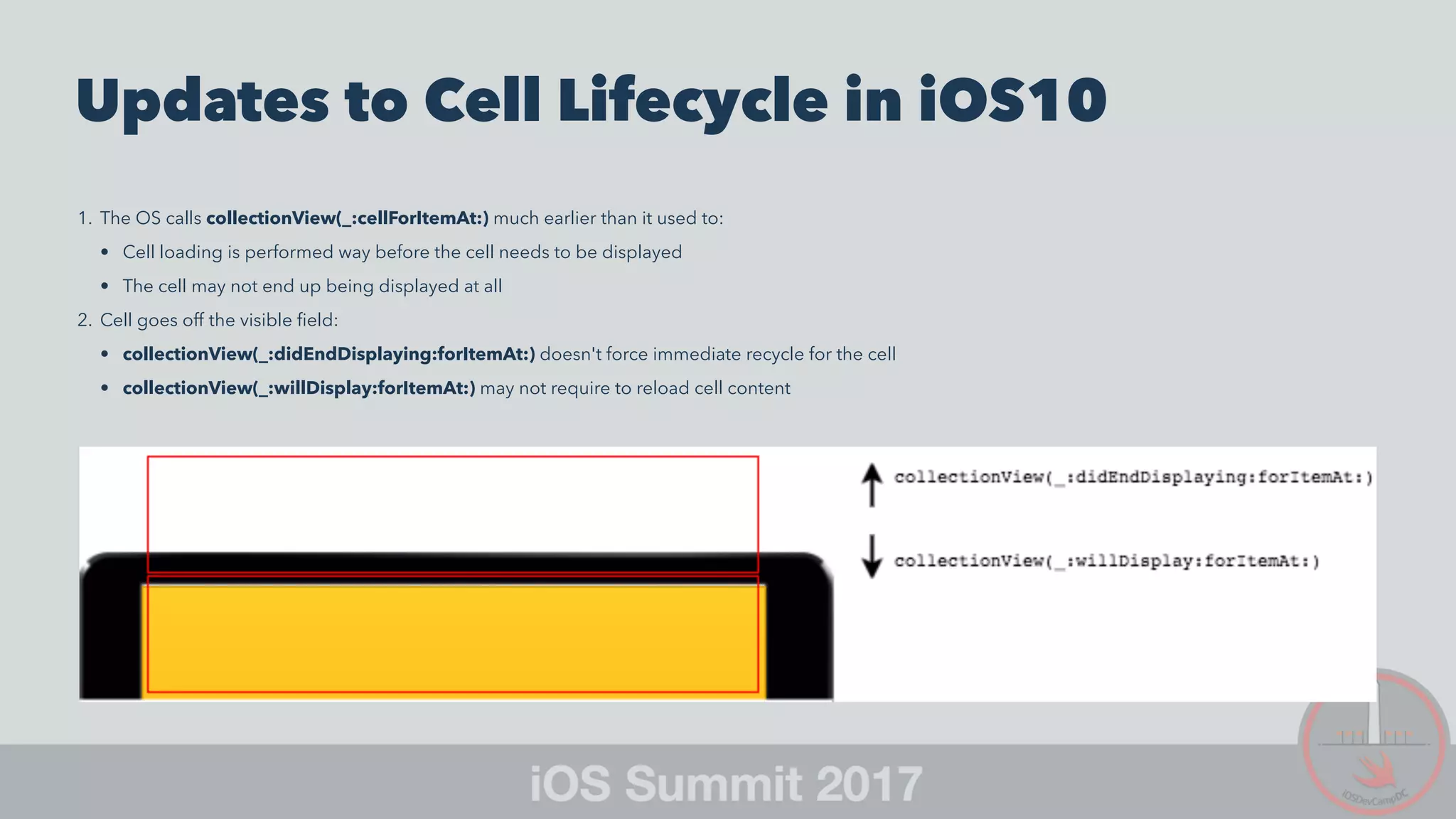
Updates to Cell Lifecycle in iOS10
1. The OS calls collectionView(_:cellForItemAt:) much earlier than it used to:
• Cell loading is performed way before the cell needs to be displayed
• The cell may not end up being displayed at all
2. Cell goes off the visible field:
• collectionView(_:didEndDisplaying:forItemAt:) doesn't force immediate recycle for the cell
• collectionView(_:willDisplay:forItemAt:) may not require to reload cell content
Multi-column Layouts Cell Lifecycle
iOS9
Multi-column Layouts Cell Lifecycle
iOS10
Pre-Fetching API
• Introduced with iOS10
• Adaptive Technology
• Enabled by default
Best Practices
• Set up cell content in collectionView(_:cellForItemAt:)
• Don't use collectionView(_:willDisplay:forItemAt:) and
collectionView(_:didEndDisplaying:forItemAt:)
• Cell may not be displayed even if collectionView(_:cellForItemAt:) gets called (Plan for this!)
Pre-Fetching
• collectionView(_:prefetchItemsAt:) (required) — Initiate the
asynchronous loading of cell content (GCD or
OperationQueue)
• collectionView(_:cancelPrefetchingForItemsAt:)
(optional) — Cancel pending cell content loading
Code samples
All code is available on GitHub:
SmoothScrolling - Collection View
... Swift 4 Code Update In Progress ...

Optimize CollectionView Scrolling

  • 1.
    Andrea Prearo Master SoftwareEngineer - iOS @ Capital One SF https://github.com/andrea-prearo https://medium.com/@andrea.prearo https://twitter.com/andrea_prearo
  • 2.
  • 3.
    Scrolling and UserExperience UICollectionView is designed to support displaying sets of data that can be scrolled. However, when displaying a very large amount of data, it could be very tricky to achieve a perfectly smooth scrolling. This is not ideal because it negatively affects the user experience.
  • 4.
    Strategies to achieveSmooth Scrolling Example: Display a set of users
  • 5.
    Cells Rendering isa Critical Task Cell Lifecycle (iOS9+) 1. Request the cell: collectionView(_:cellForItemAt:) 2. Display the cell: collectionView(_:willDisplay:forItemAt:) 3. Remove the cell: collectionView(_:didEndDisplaying:forItemAt:)
  • 6.
    Basic cell rendering overrideopen func collectionView(_ collectionView: UICollectionView, cellForItemAt indexPath: IndexPath) -> UICollectionViewCell { // Collection view cells are reused and should be dequeued using a cell identifier. let cell = collectionView.dequeueReusableCell(withReuseIdentifier: "reuseIdentifier", for: indexPath) // Configure the cell ... return cell }
  • 7.
    User Model enum Role:String, Codable { case unknown = "Unknown" case user = "User" case owner = "Owner" case admin = "Admin" static func get(from: String) -> Role { if from == user.rawValue { return .user } else if from == owner.rawValue { return .owner } else if from == admin.rawValue { return .admin } return .unknown } } struct User: Codable { enum CodingKeys: String, CodingKey { case avatarUrl = "avatar" case username case role } let avatarUrl: String let username: String let role: Role init(avatarUrl: String, username: String, role: Role) { self.avatarUrl = avatarUrl self.username = username self.role = role } }
  • 8.
    User View Model(MVVM) struct UserViewModel { let avatarUrl: String let username: String let role: Role let roleText: String init(user: User) { // Avatar avatarUrl = user.avatarUrl // Username username = user.username // Role role = user.role roleText = user.role.rawValue } }
  • 9.
    Fetch Data Asynchronouslyand Cache View Models • Avoid blocking the main thread while fetching data • Update the collection view right after we retrieve the data
  • 10.
    User View ModelController Wrap and Cache View Model class UserViewModelController { private var viewModels: [UserViewModel?] = [] [...] var viewModelsCount: Int { return viewModels.count } func viewModel(at index: Int) -> UserViewModel? { guard index >= 0 && index < viewModelsCount else { return nil } return viewModels[index] } }
  • 11.
    User View ModelController Asynchronous Data Fetch func retrieveUsers(_ completionBlock: @escaping (_ success: Bool, _ error: NSError?) -> ()) { let urlString = ... // Users Web Service URL let session = URLSession.shared guard let url = URL(string: urlString) else { completionBlock(false, nil) return } let task = session.dataTask(with: url) { [weak self] (data, response, error) in guard let strongSelf = self else { return } guard let jsonData = data, error == nil else { completionBlock(false, error as NSError?) return } if let users = UserViewModelController.parse(jsonData) { strongSelf.viewModels = UserViewModelController.initViewModels(users) completionBlock(true, nil) } else { completionBlock(false, NSError.createError(0, description: "JSON parsing error")) } } task.resume() }
  • 12.
    User View ModelController Extension Parse JSON private extension UserViewModelController { static func parse(_ jsonData: Data) -> [User?]? { do { return try JSONDecoder().decode([User].self, from: jsonData) } catch { return nil } } static func initViewModels(_ users: [User?]) -> [UserViewModel?] { return users.map { user in if let user = user { return UserViewModel(user: user) } else { return nil } } } }
  • 13.
    Scenarios for FetchingData • Only the when loading the collection view the first time, by placing it in viewDidLoad() • Every time the collection view is displayed, by placing it in viewWillAppear(_:) • On user demand (for instance via a pull-down-to-refresh), by placing it in the method call that will take care of refreshing the data
  • 14.
    Load Images Asynchronouslyand Cache Them Extend UIImage and Leverage URLSession extension UIImage { static func downloadImageFromUrl(_ url: String, completionHandler: @escaping (UIImage?) -> Void) { guard let url = URL(string: url) else { completionHandler(nil) return } let task: URLSessionDataTask = URLSession.shared.dataTask(with: url, completionHandler: { (data, response, error) -> Void in guard let httpURLResponse = response as? HTTPURLResponse, httpURLResponse.statusCode == 200, let mimeType = response?.mimeType, mimeType.hasPrefix("image"), let data = data, error == nil, let image = UIImage(data: data) else { completionHandler(nil) return } completionHandler(image) }) task.resume() } }
  • 15.
    Open Source Librariesfor Asynchronous Image Downloading and Caching • SDWebImage • AlamofireImage
  • 16.
    Customize the Cell Subclassthe Default Cell class UserCell: UICollectionViewCell { @IBOutlet weak var avatar: UIImageView! @IBOutlet weak var username: UILabel! @IBOutlet weak var role: UILabel! func configure(_ viewModel: UserViewModel) { UIImage.downloadImageFromUrl(viewModel.avatarUrl) { [weak self] (image) in guard let strongSelf = self, let image = image else { return } strongSelf.avatar.image = image } username.text = viewModel.username role.text = viewModel.roleText } }
  • 17.
    Use Opaque Layersand Avoid Gradients class UserCell: UICollectionViewCell { @IBOutlet weak var avatar: UIImageView! @IBOutlet weak var username: UILabel! @IBOutlet weak var role: UILabel! override func awakeFromNib() { super.awakeFromNib() setOpaqueBackground() [...] } } private extension UserCell { static let DefaultBackgroundColor = UIColor.groupTableViewBackgroundColor func setOpaqueBackground() { alpha = 1.0 backgroundColor = UserCell.DefaultBackgroundColor avatar.alpha = 1.0 avatar.backgroundColor = UserCell.DefaultBackgroundColor } }
  • 18.
    Putting Everything Together OptimizedCell Rendering override open func collectionView(_ collectionView: UICollectionView, cellForItemAt indexPath: IndexPath) -> UICollectionViewCell { let cell = collectionView.dequeueReusableCell(withReuseIdentifier: "UserCell", for: indexPath) as! UserCell if let viewModel = userViewModelController.viewModel(at: indexPath.row) { cell.configure(viewModel) } return cell }
  • 19.
    Cell Rendering shouldnow be really fast • We are using the cached View Model data • We are fetching the images asynchronously
  • 20.
    Calculate your CellSize Implement collectionView(_:layout:sizeForItemAt:) func collectionView(_ collectionView: UICollectionView, layout collectionViewLayout: UICollectionViewLayout, sizeForItemAt indexPath: IndexPath) -> CGSize // Calculate the appropriate cell size return CGSize(width: ..., height: ...) }
  • 21.
    Handle Size Classesand Orientation Changes Implement viewWillTransition(to:with:) override func viewWillTransition(to size: CGSize, with coordinator: UIViewControllerTransitionCoordinator) { super.viewWillTransition(to: size, with: coordinator) collectionView?.collectionViewLayout.invalidateLayout() }
  • 22.
    Refresh Collection ViewLayout when • Transitioning to a different Size Class • Rotating the device
  • 23.
    Dynamically Adjust CellLayout Override apply(_:) override func apply(_ layoutAttributes: UICollectionViewLayoutAttributes) { super.apply(layoutAttributes) // Customize the cell layout [...] }
  • 24.
    Example: Adjust multi-lineUILabel Maximum Width using preferredMaxLayoutWidth override func apply(_ layoutAttributes: UICollectionViewLayoutAttributes) { super.apply(layoutAttributes) // Customize the cell layout let width = CGRectGetWidth(layoutAttributes.frame) username.preferredMaxLayoutWidth = width - 16 }
  • 25.
    Boost Smooth Scrollingwith iOS 10 Pre-Fetching APIs
  • 26.
  • 27.
  • 28.
    Dropped Frames The mostcommon source of dropped frames is loading expensive data models for a cell from the main thread Common scenarios: • Loading images from an URL • Accessing items from a database or CoreData
  • 29.
    Updates to CellLifecycle in iOS10 1. The OS calls collectionView(_:cellForItemAt:) much earlier than it used to: • Cell loading is performed way before the cell needs to be displayed • The cell may not end up being displayed at all 2. Cell goes off the visible field: • collectionView(_:didEndDisplaying:forItemAt:) doesn't force immediate recycle for the cell • collectionView(_:willDisplay:forItemAt:) may not require to reload cell content
  • 30.
  • 31.
  • 32.
    Pre-Fetching API • Introducedwith iOS10 • Adaptive Technology • Enabled by default Best Practices • Set up cell content in collectionView(_:cellForItemAt:) • Don't use collectionView(_:willDisplay:forItemAt:) and collectionView(_:didEndDisplaying:forItemAt:) • Cell may not be displayed even if collectionView(_:cellForItemAt:) gets called (Plan for this!)
  • 33.
    Pre-Fetching • collectionView(_:prefetchItemsAt:) (required) — Initiatethe asynchronous loading of cell content (GCD or OperationQueue) • collectionView(_:cancelPrefetchingForItemsAt:) (optional) — Cancel pending cell content loading
  • 34.
    Code samples All codeis available on GitHub: SmoothScrolling - Collection View ... Swift 4 Code Update In Progress ...