zekeLabs
Learning made Simpler !
www.zekeLabs.com
Variables and Datatypes
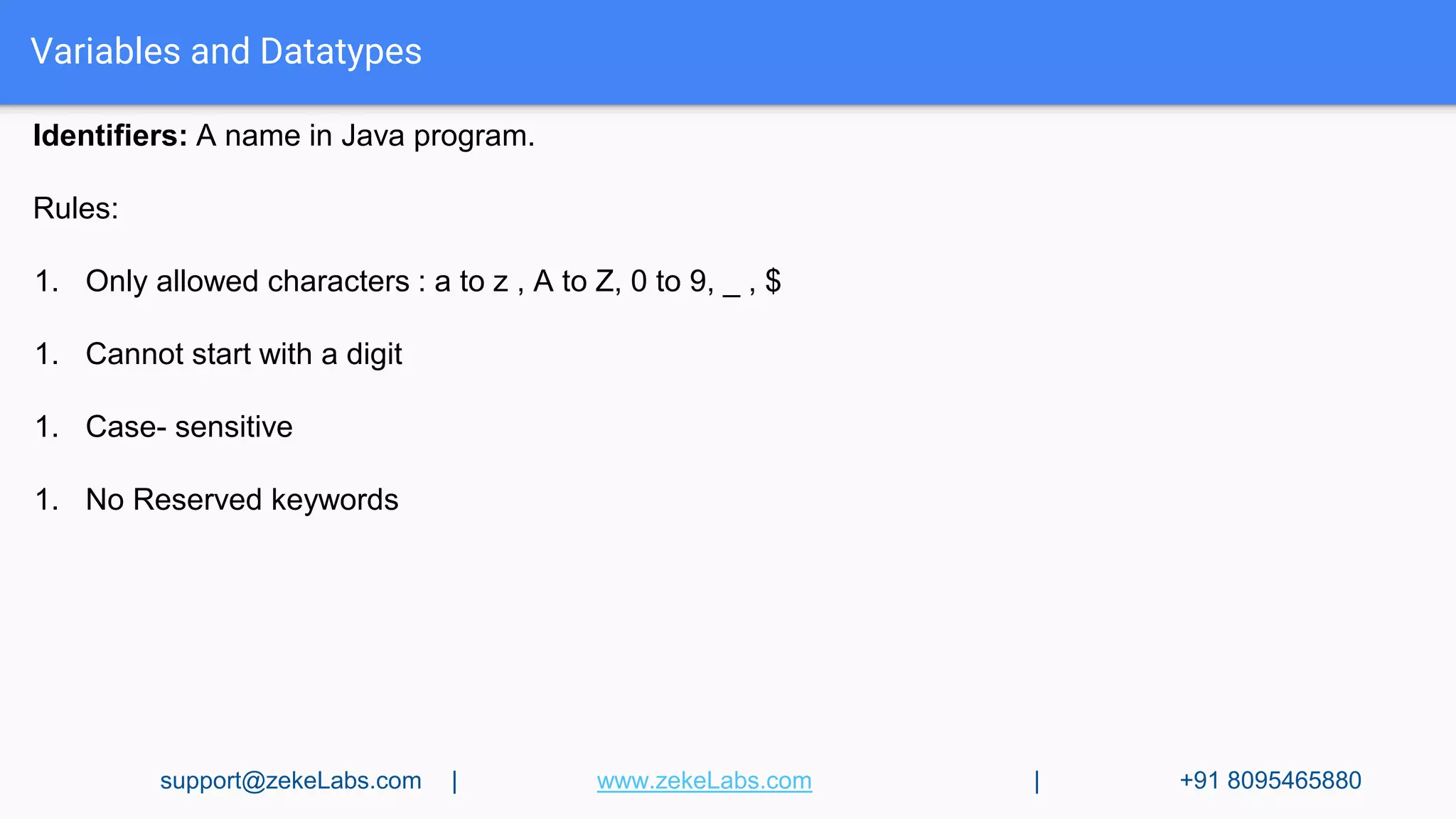
Identifiers: A name in Java program.
Rules:
1. Only allowed characters : a to z , A to Z, 0 to 9, _ , $
1. Cannot start with a digit
1. Case- sensitive
1. No Reserved keywords
support@zekeLabs.com | www.zekeLabs.com | +91 8095465880
Variables & Datatypes
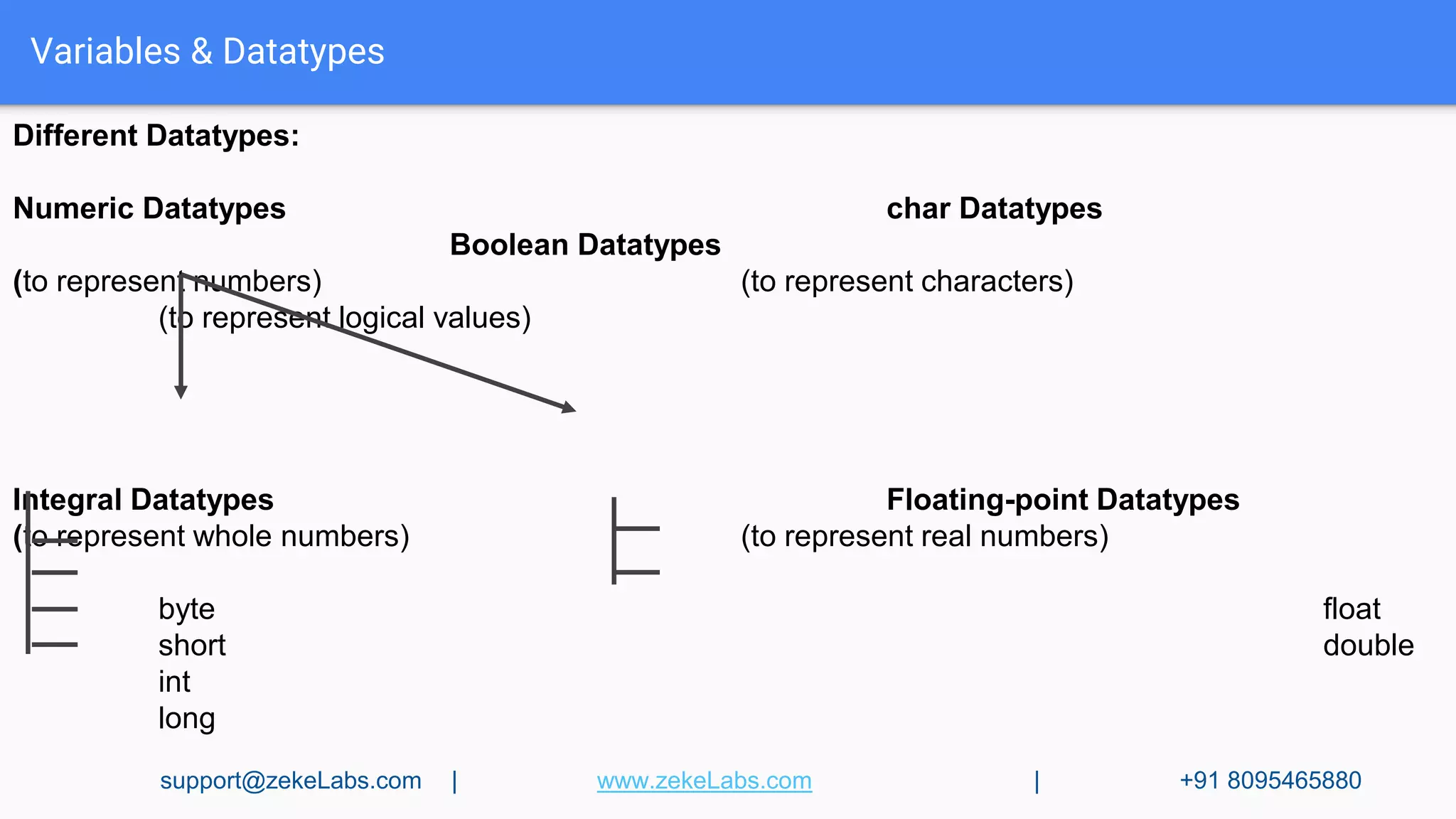
Different Datatypes:
Numeric Datatypes char Datatypes
Boolean Datatypes
(to represent numbers) (to represent characters)
(to represent logical values)
Integral Datatypes Floating-point Datatypes
(to represent whole numbers) (to represent real numbers)
byte float
short double
int
long
support@zekeLabs.com | www.zekeLabs.com | +91 8095465880
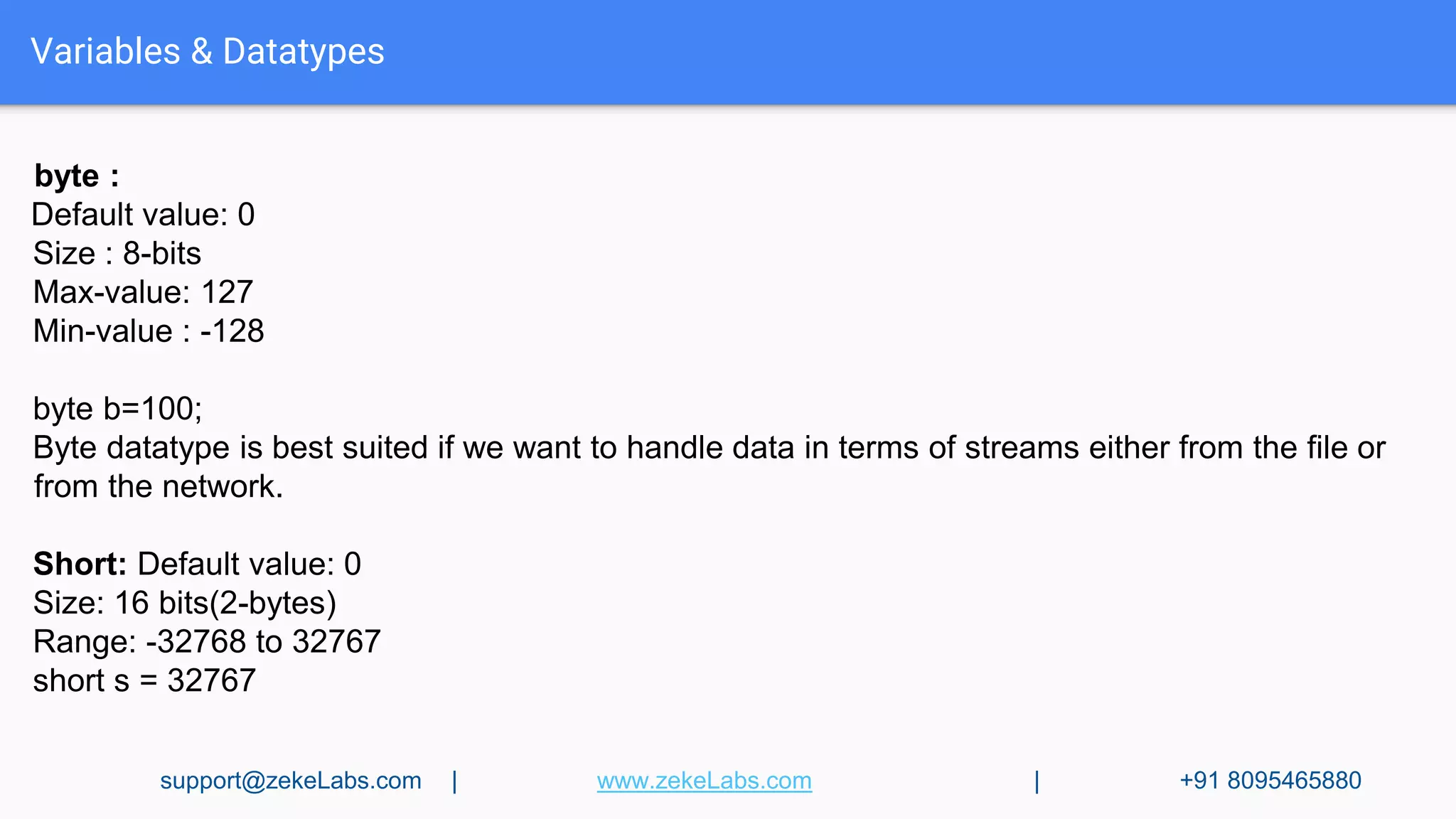
byte :
Default value: 0
Size : 8-bits
Max-value: 127
Min-value : -128
byte b=100;
Byte datatype is best suited if we want to handle data in terms of streams either from the file or
from the network.
Short: Default value: 0
Size: 16 bits(2-bytes)
Range: -32768 to 32767
short s = 32767
Variables & Datatypes
support@zekeLabs.com | www.zekeLabs.com | +91 8095465880
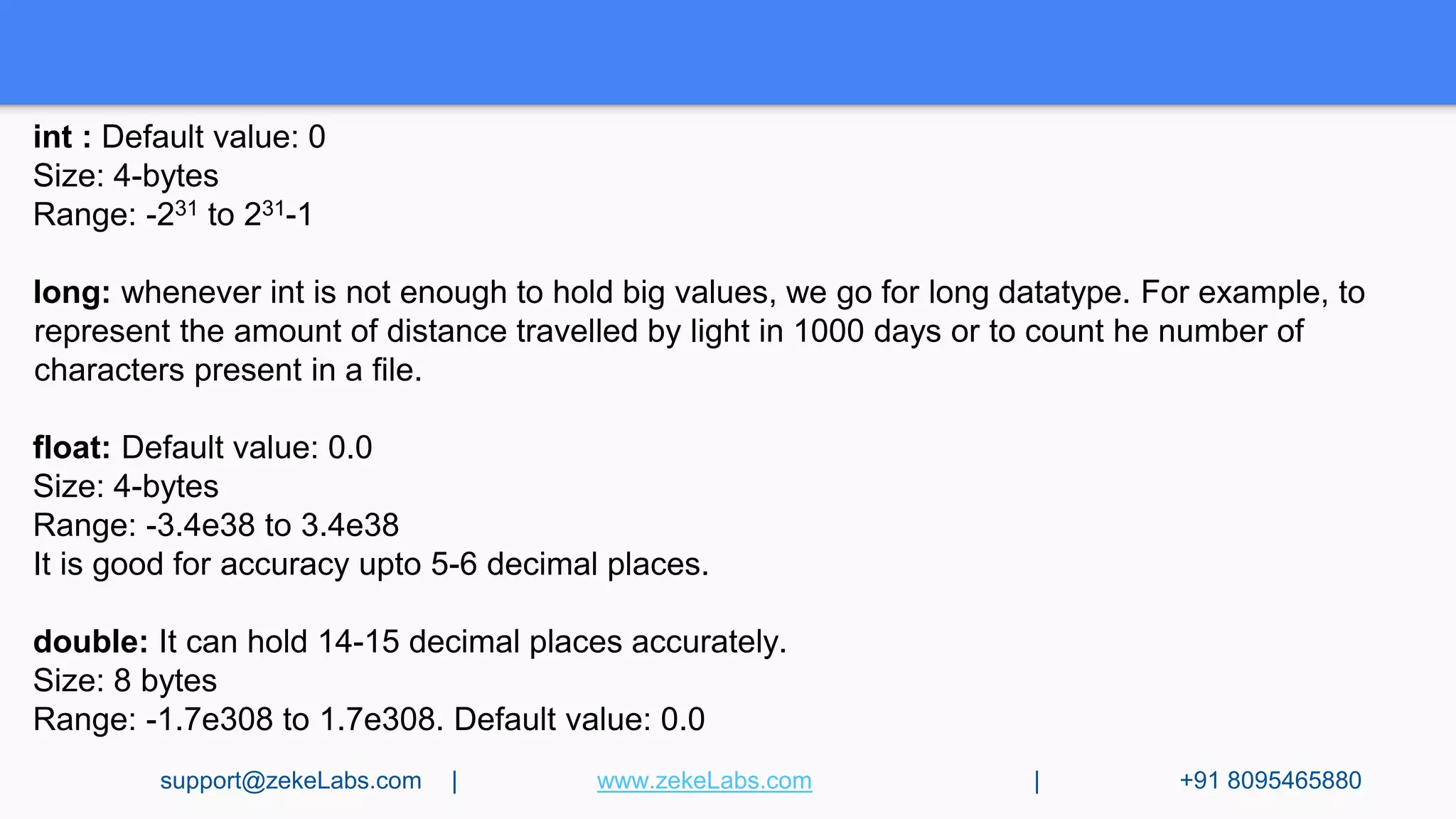
int : Default value: 0
Size: 4-bytes
Range: -231 to 231-1
long: whenever int is not enough to hold big values, we go for long datatype. For example, to
represent the amount of distance travelled by light in 1000 days or to count he number of
characters present in a file.
float: Default value: 0.0
Size: 4-bytes
Range: -3.4e38 to 3.4e38
It is good for accuracy upto 5-6 decimal places.
double: It can hold 14-15 decimal places accurately.
Size: 8 bytes
Range: -1.7e308 to 1.7e308. Default value: 0.0
support@zekeLabs.com | www.zekeLabs.com | +91 8095465880
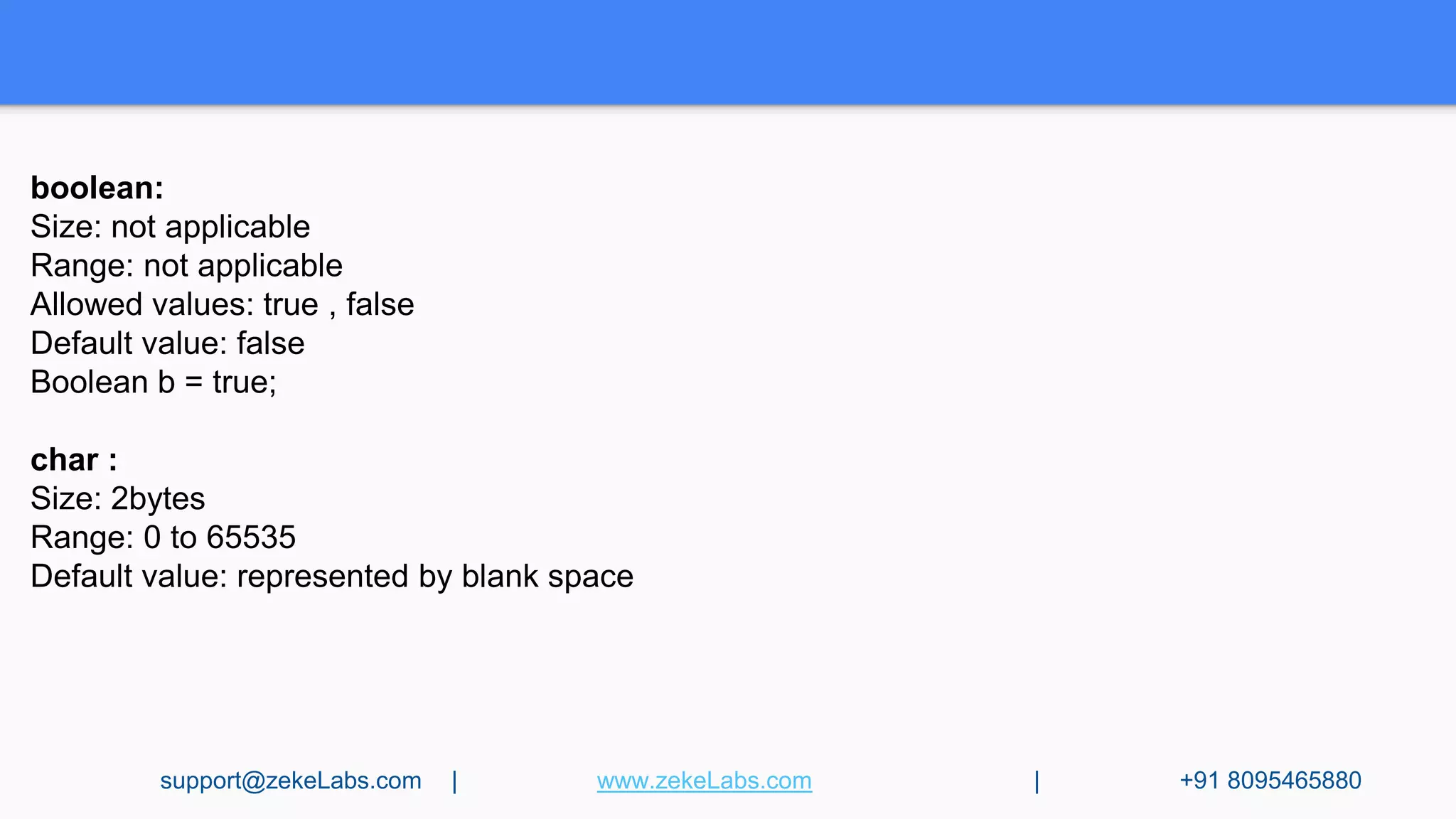
boolean:
Size: not applicable
Range: not applicable
Allowed values: true , false
Default value: false
Boolean b = true;
char :
Size: 2bytes
Range: 0 to 65535
Default value: represented by blank space
support@zekeLabs.com | www.zekeLabs.com | +91 8095465880
Variables & Datatypes
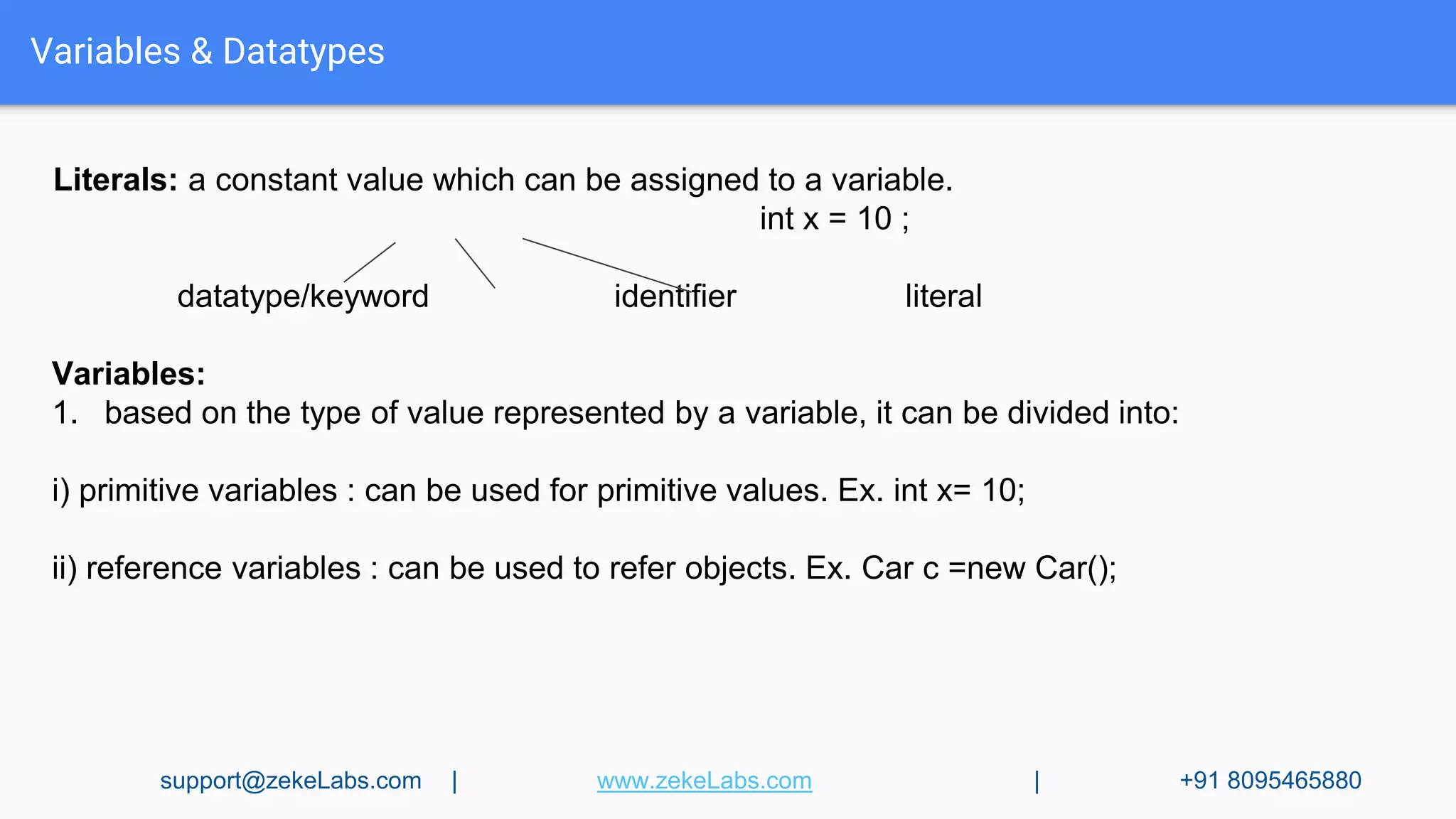
Literals: a constant value which can be assigned to a variable.
int x = 10 ;
datatype/keyword identifier literal
Variables:
1. based on the type of value represented by a variable, it can be divided into:
i) primitive variables : can be used for primitive values. Ex. int x= 10;
ii) reference variables : can be used to refer objects. Ex. Car c =new Car();
support@zekeLabs.com | www.zekeLabs.com | +91 8095465880
Variables & Datatypes
2. Based on the purpose & position of declaration:
i) instance variable: also knowns as object-level variables or attributes
● If the value of variable is varied from object to object, such type are called instance
variables.
● A separate copy of instance variable is created for each object.
● It should be declared within the class directly but outside any method or block or
constructors.
● It is not required to perform initialization explicitly, JVM will provide default values.
Ex.
class Test{
int x = 10;
public static void main(String[] args){
Test t = new Test();
System.out.println(t.x);
}
}
support@zekeLabs.com | www.zekeLabs.com | +91 8095465880
Variables & Datatypes
ii) static variable: also knowns as class-level variables or fields.
● If the value of variable is never varied from object to object
● A single copy of static variable is created at class level and shared with all objects of that
class.
● It should be declared within the class directly but outside any method or block or
constructors with static modifier.
● It is not required to perform initialization explicitly, JVM will provide default values.
Ex.
class Test{
static int x = 10;
public static void main(String[] args){
System.out.println(Test.x);
System.out.println(x);
Test t=new Test()
System.out.println(t.x);
}
} support@zekeLabs.com | www.zekeLabs.com | +91 8095465880
Variables & Datatypes
ii) local variable: also knowns as stack variables or automatic variables or temporary variable.
● To meet temporary requirements, we create variables inside a method or block or
constructor.
● A local variable is stored inside a stack.
● The scope of the local variable is same as the block in which it is declared.
● It is required to perform initialization explicitly, JVM will not provide default values.
Ex.
class Test{
public static void main(String[] args){
int i=0;
for(int j=0; j<3; j++)
{
i=i+j;
}
System.out.println(j); ---------> ERROR!!
}
} support@zekeLabs.com | www.zekeLabs.com | +91 8095465880
Operators
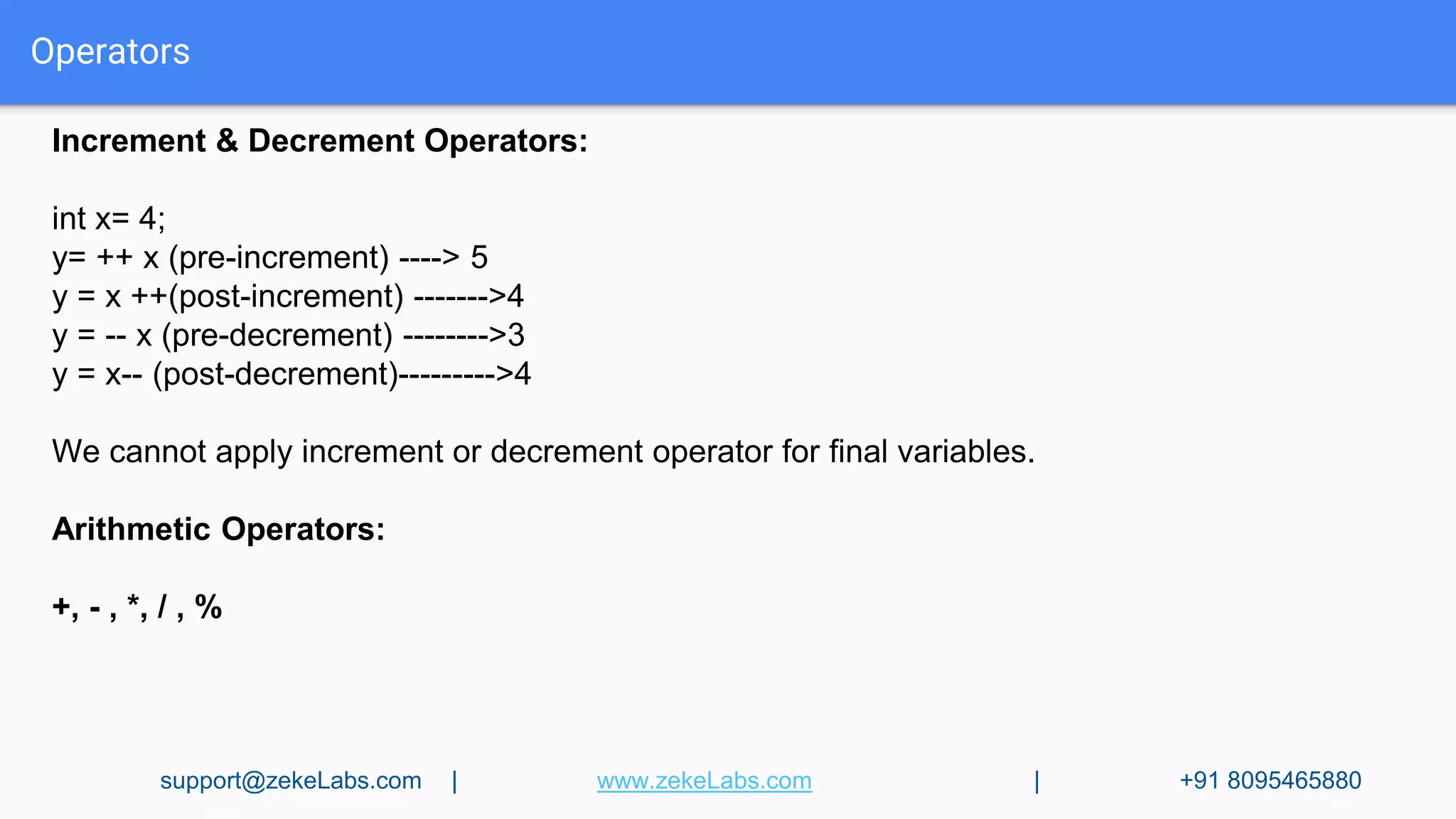
Increment & Decrement Operators:
int x= 4;
y= ++ x (pre-increment) ----> 5
y = x ++(post-increment) ------->4
y = -- x (pre-decrement) -------->3
y = x-- (post-decrement)--------->4
We cannot apply increment or decrement operator for final variables.
Arithmetic Operators:
+, - , *, / , %
support@zekeLabs.com | www.zekeLabs.com | +91 8095465880
Operators
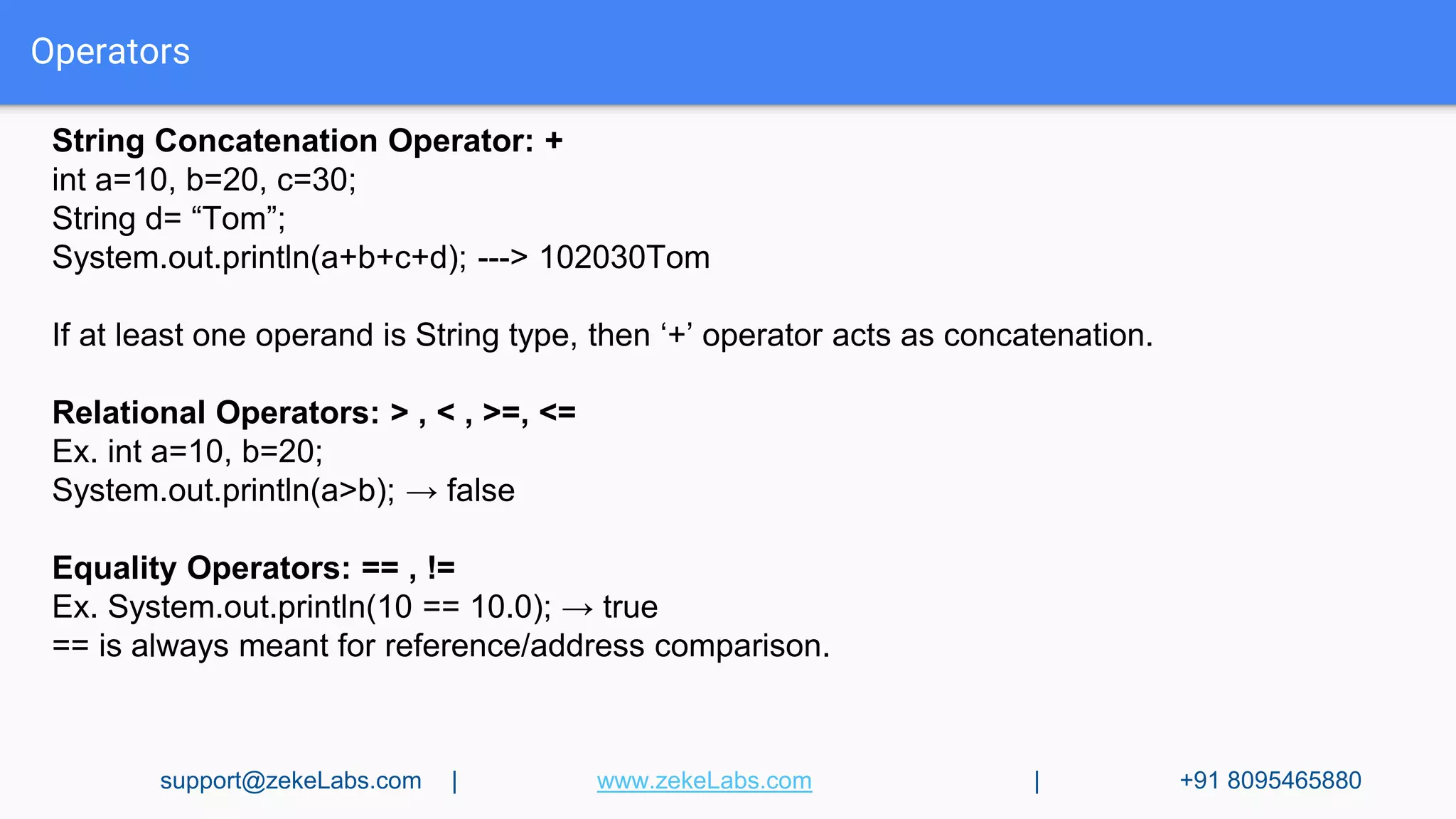
String Concatenation Operator: +
int a=10, b=20, c=30;
String d= “Tom”;
System.out.println(a+b+c+d); ---> 102030Tom
If at least one operand is String type, then ‘+’ operator acts as concatenation.
Relational Operators: > , < , >=, <=
Ex. int a=10, b=20;
System.out.println(a>b); → false
Equality Operators: == , !=
Ex. System.out.println(10 == 10.0); → true
== is always meant for reference/address comparison.
support@zekeLabs.com | www.zekeLabs.com | +91 8095465880
Operators
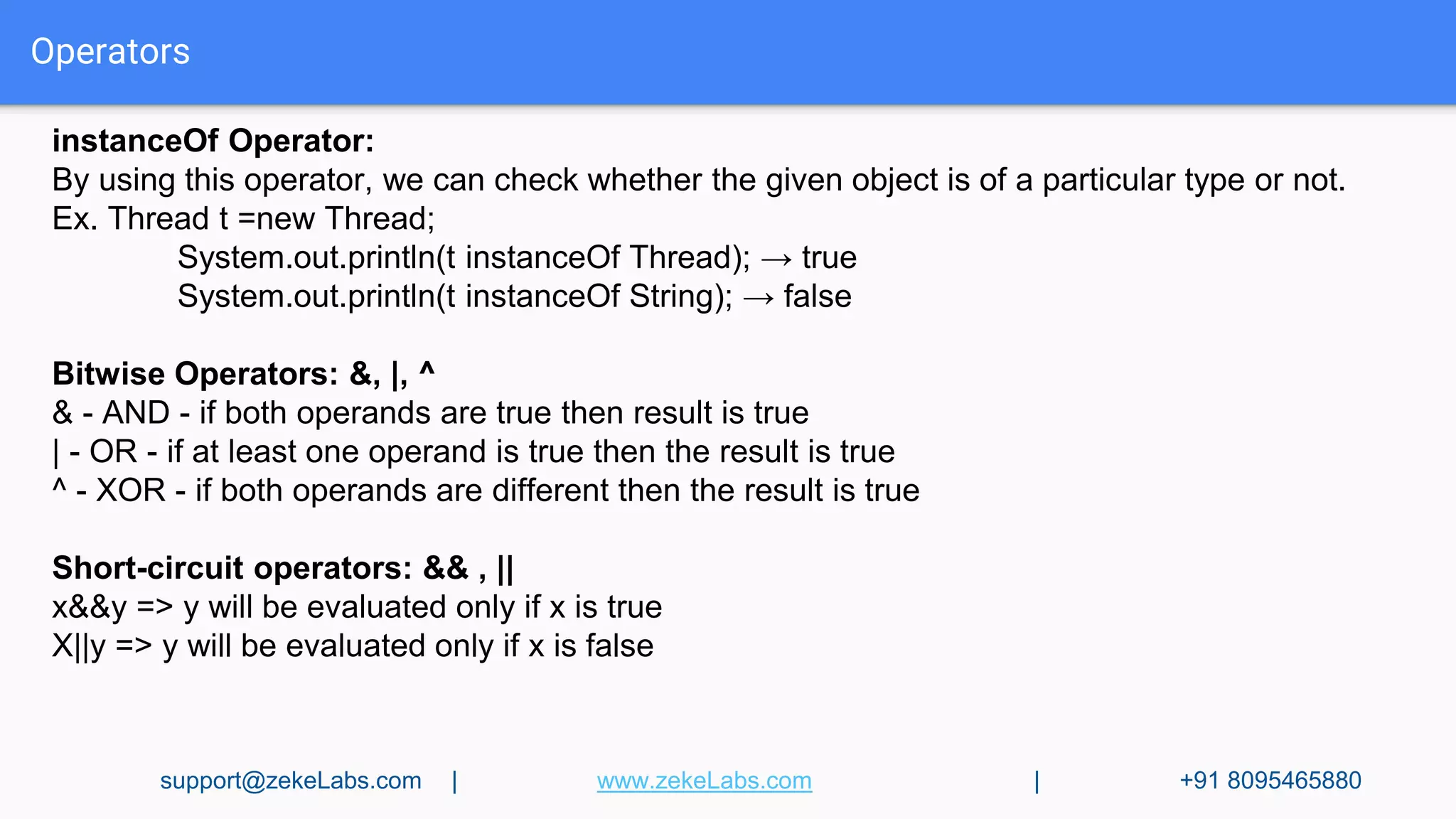
instanceOf Operator:
By using this operator, we can check whether the given object is of a particular type or not.
Ex. Thread t =new Thread;
System.out.println(t instanceOf Thread); → true
System.out.println(t instanceOf String); → false
Bitwise Operators: &, |, ^
& - AND - if both operands are true then result is true
| - OR - if at least one operand is true then the result is true
^ - XOR - if both operands are different then the result is true
Short-circuit operators: && , ||
x&&y => y will be evaluated only if x is true
X||y => y will be evaluated only if x is false
support@zekeLabs.com | www.zekeLabs.com | +91 8095465880
Operators
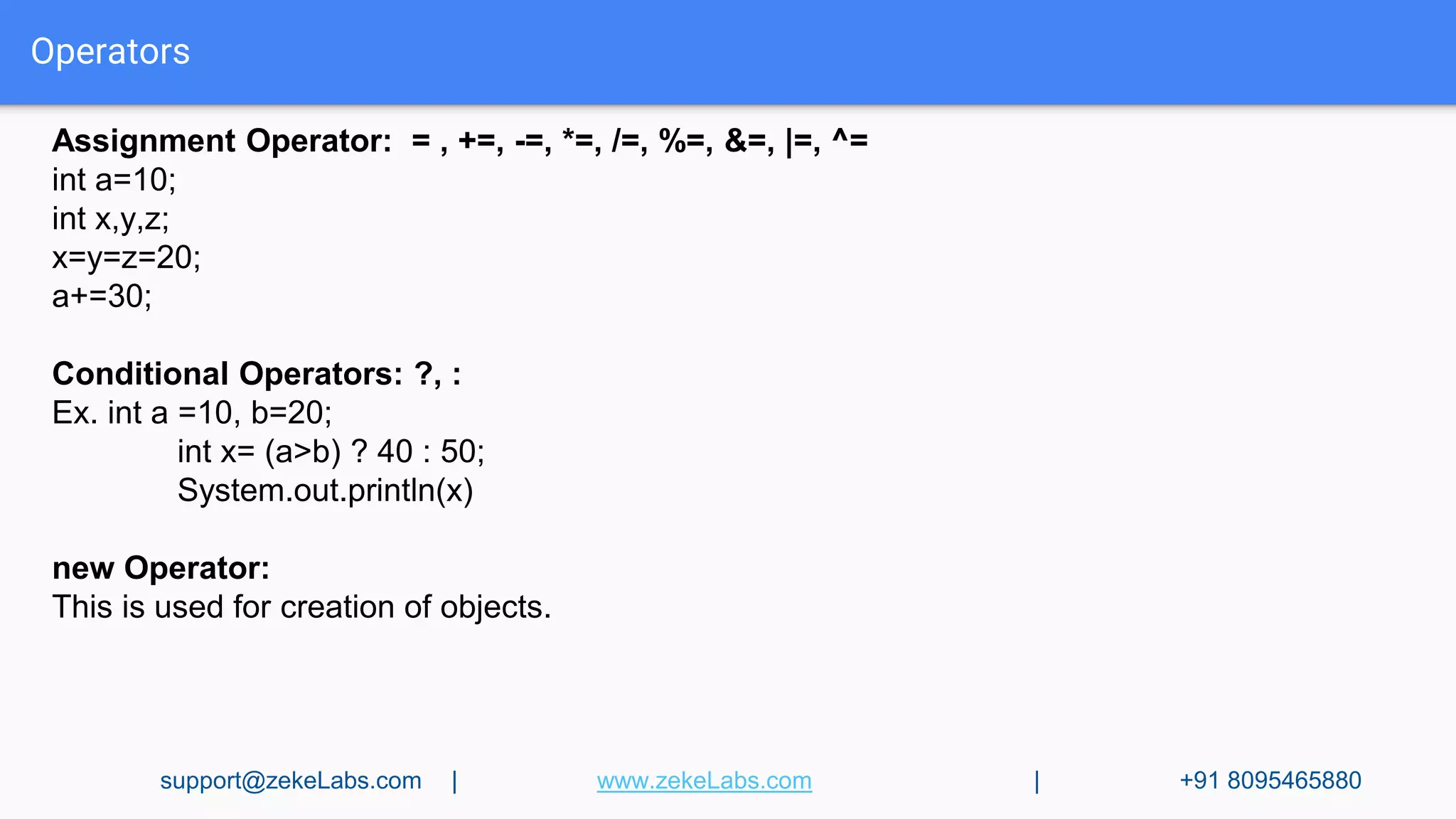
Assignment Operator: = , +=, -=, *=, /=, %=, &=, |=, ^=
int a=10;
int x,y,z;
x=y=z=20;
a+=30;
Conditional Operators: ?, :
Ex. int a =10, b=20;
int x= (a>b) ? 40 : 50;
System.out.println(x)
new Operator:
This is used for creation of objects.
support@zekeLabs.com | www.zekeLabs.com | +91 8095465880
Operators
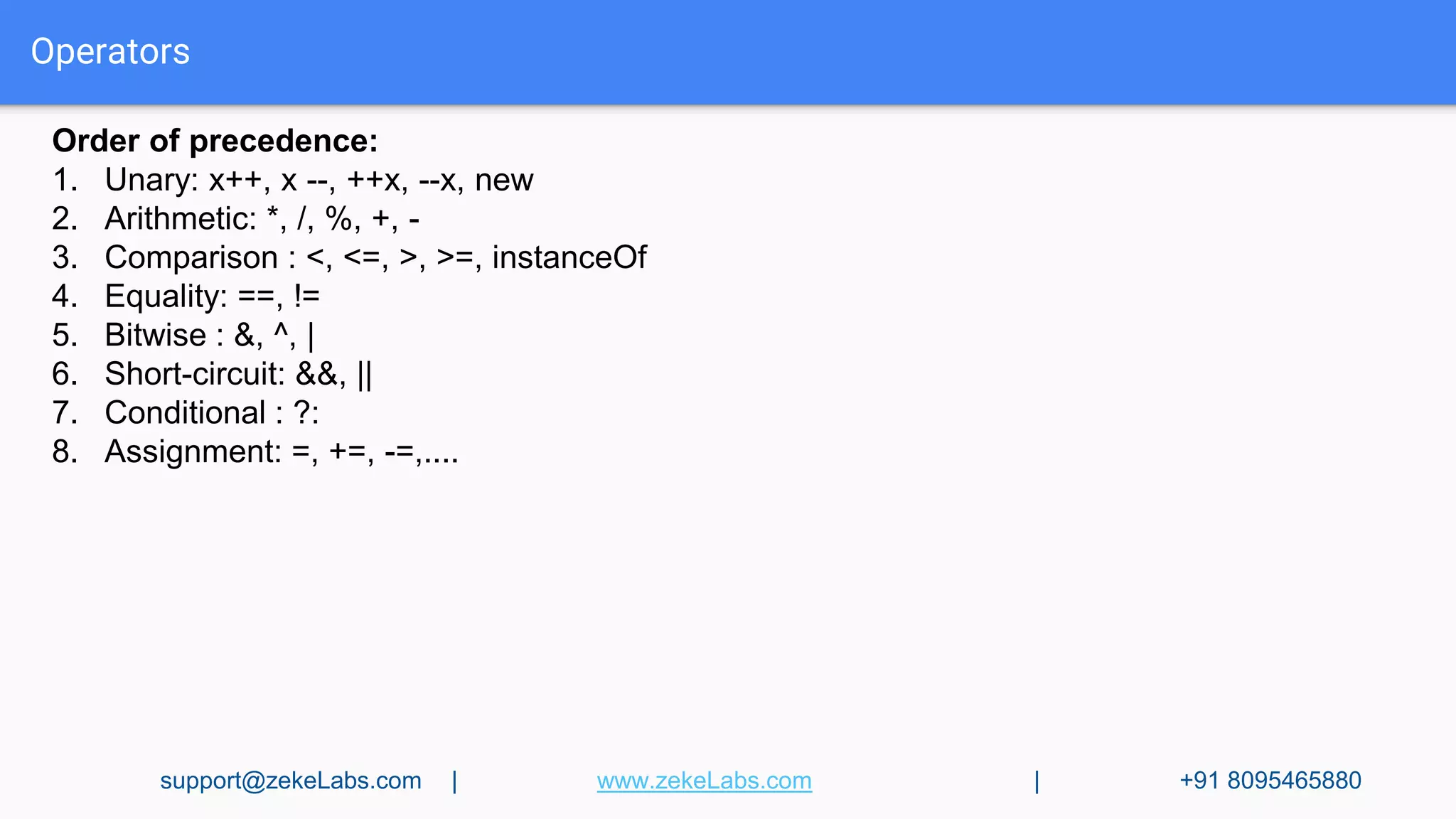
Order of precedence:
1. Unary: x++, x --, ++x, --x, new
2. Arithmetic: *, /, %, +, -
3. Comparison : <, <=, >, >=, instanceOf
4. Equality: ==, !=
5. Bitwise : &, ^, |
6. Short-circuit: &&, ||
7. Conditional : ?:
8. Assignment: =, +=, -=,....
support@zekeLabs.com | www.zekeLabs.com | +91 8095465880
Operators
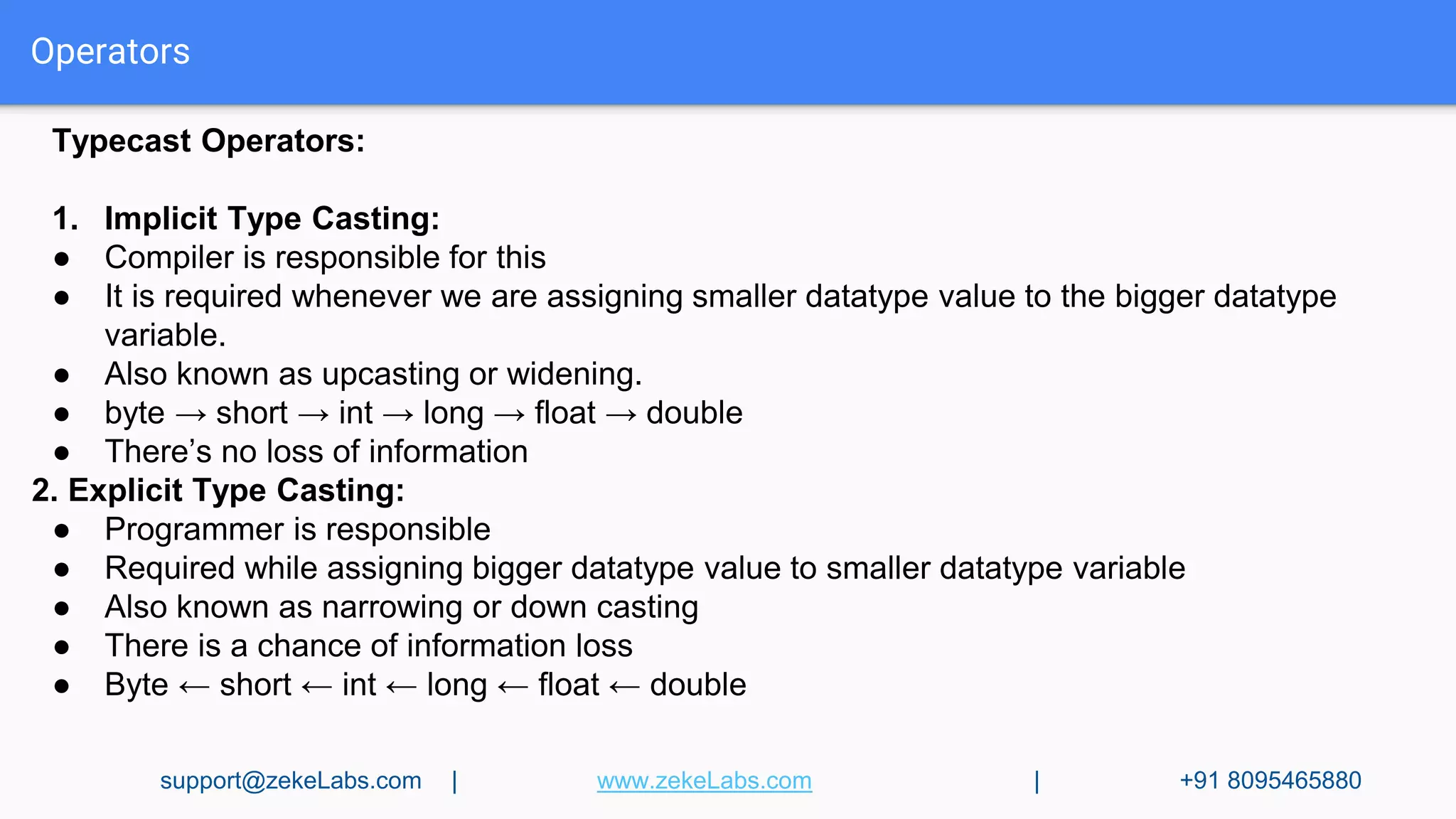
Typecast Operators:
1. Implicit Type Casting:
● Compiler is responsible for this
● It is required whenever we are assigning smaller datatype value to the bigger datatype
variable.
● Also known as upcasting or widening.
● byte → short → int → long → float → double
● There’s no loss of information
2. Explicit Type Casting:
● Programmer is responsible
● Required while assigning bigger datatype value to smaller datatype variable
● Also known as narrowing or down casting
● There is a chance of information loss
● Byte ← short ← int ← long ← float ← double
support@zekeLabs.com | www.zekeLabs.com | +91 8095465880
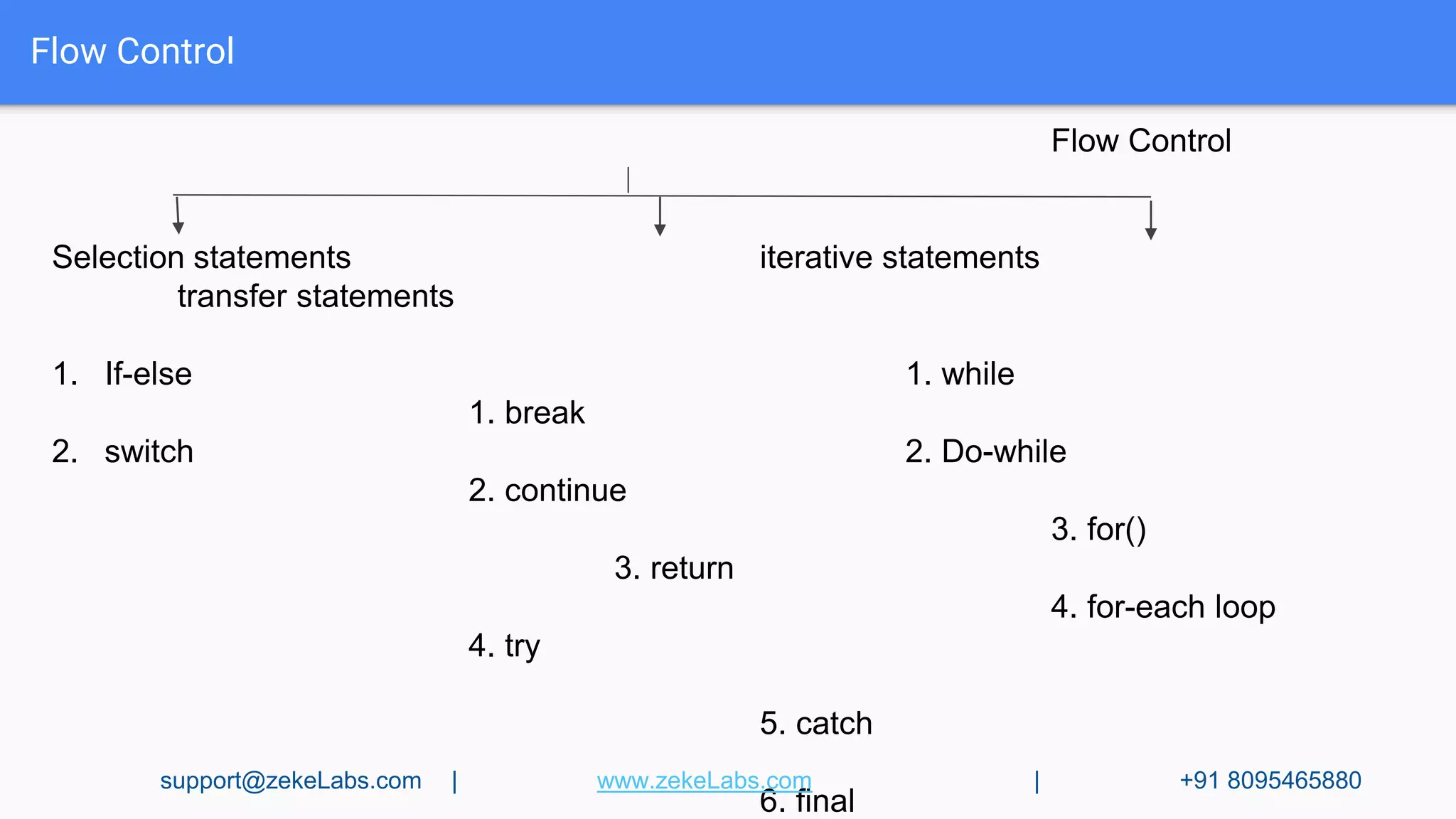
Flow Control
Flow Control
Selection statements iterative statements
transfer statements
1. If-else 1. while
1. break
2. switch 2. Do-while
2. continue
3. for()
3. return
4. for-each loop
4. try
5. catch
6. final
support@zekeLabs.com | www.zekeLabs.com | +91 8095465880
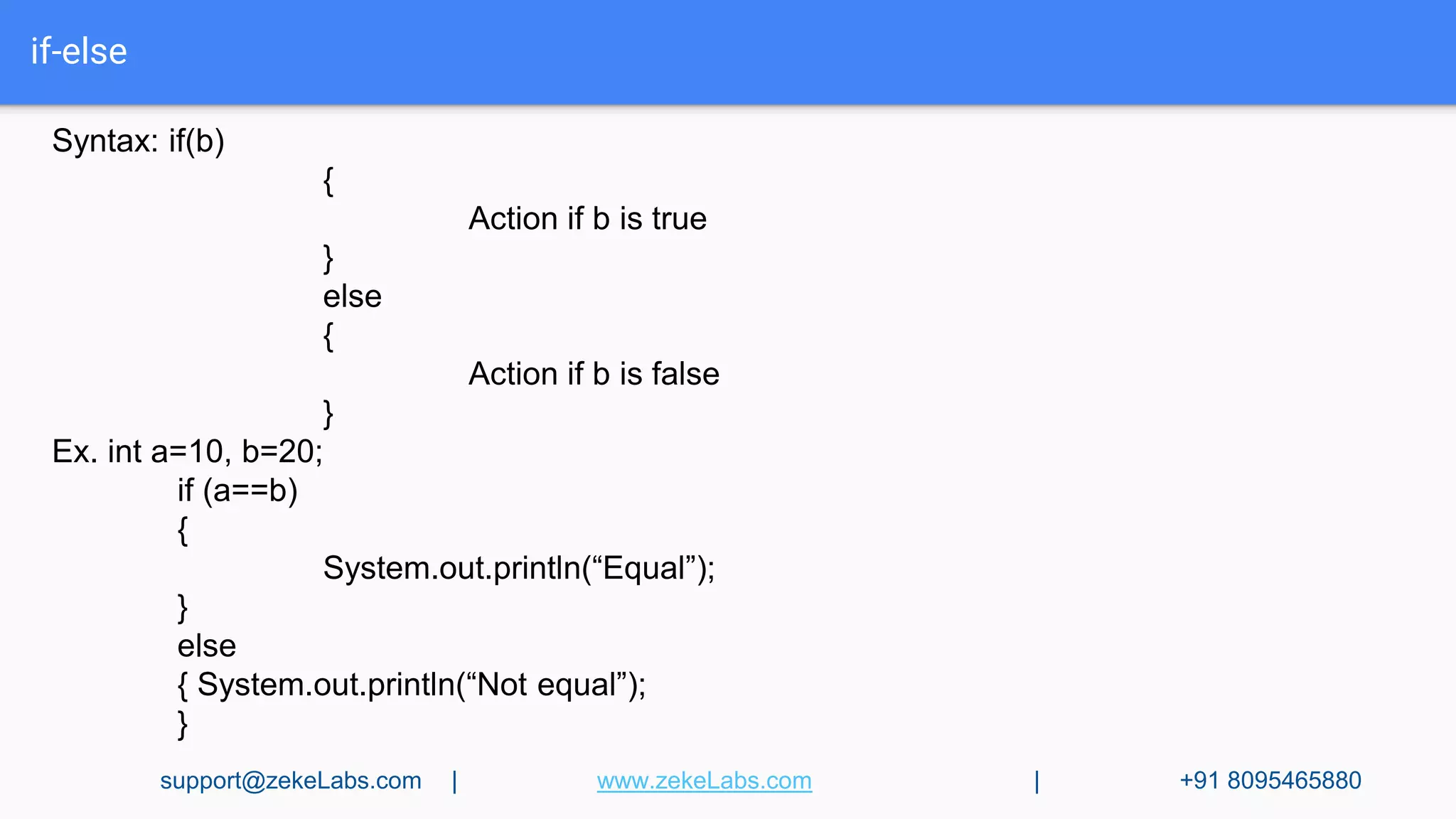
if-else
Syntax: if(b)
{
Action if b is true
}
else
{
Action if b is false
}
Ex. int a=10, b=20;
if (a==b)
{
System.out.println(“Equal”);
}
else
{ System.out.println(“Not equal”);
}
support@zekeLabs.com | www.zekeLabs.com | +91 8095465880
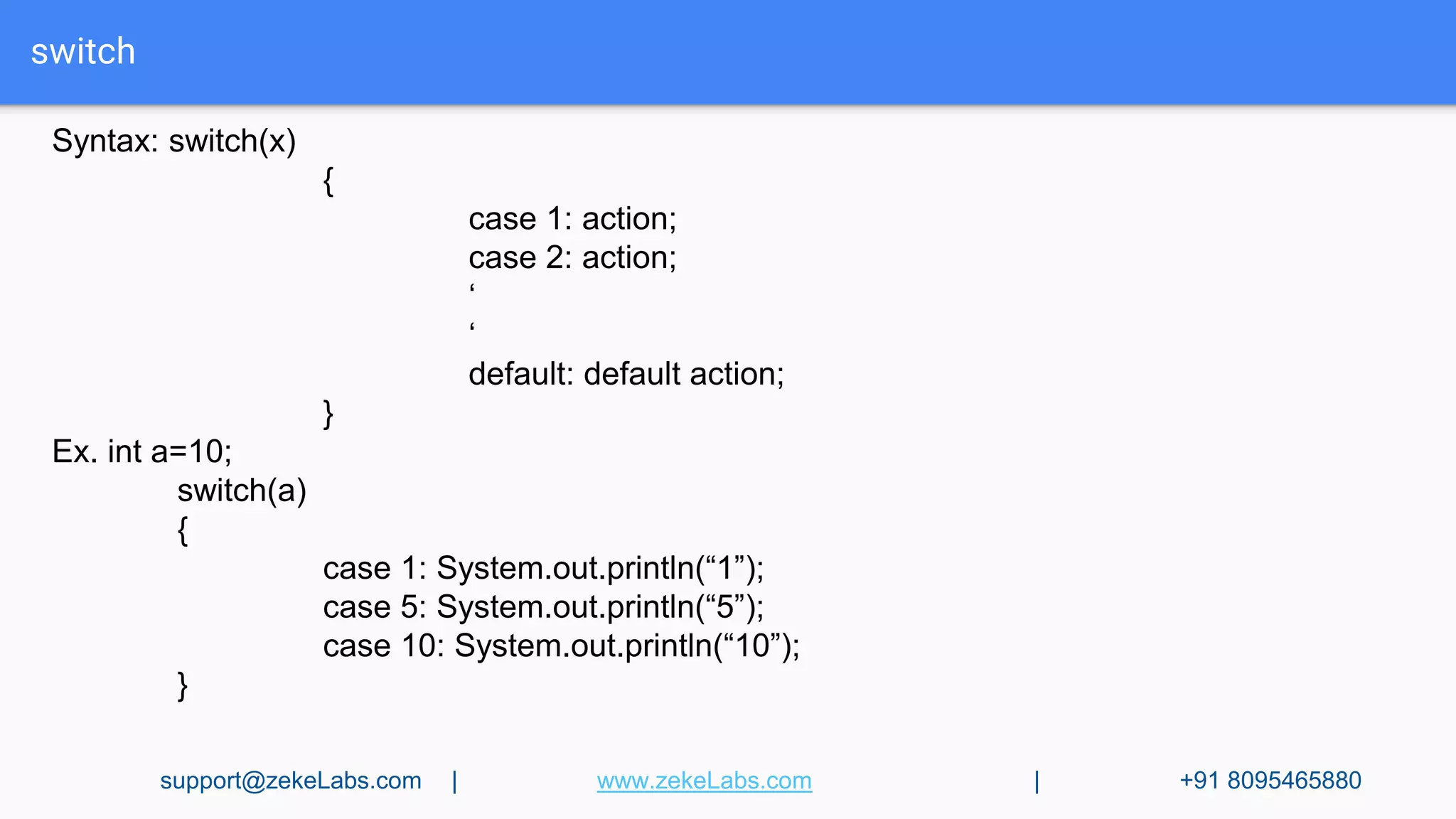
switch
Syntax: switch(x)
{
case 1: action;
case 2: action;
‘
‘
default: default action;
}
Ex. int a=10;
switch(a)
{
case 1: System.out.println(“1”);
case 5: System.out.println(“5”);
case 10: System.out.println(“10”);
}
support@zekeLabs.com | www.zekeLabs.com | +91 8095465880
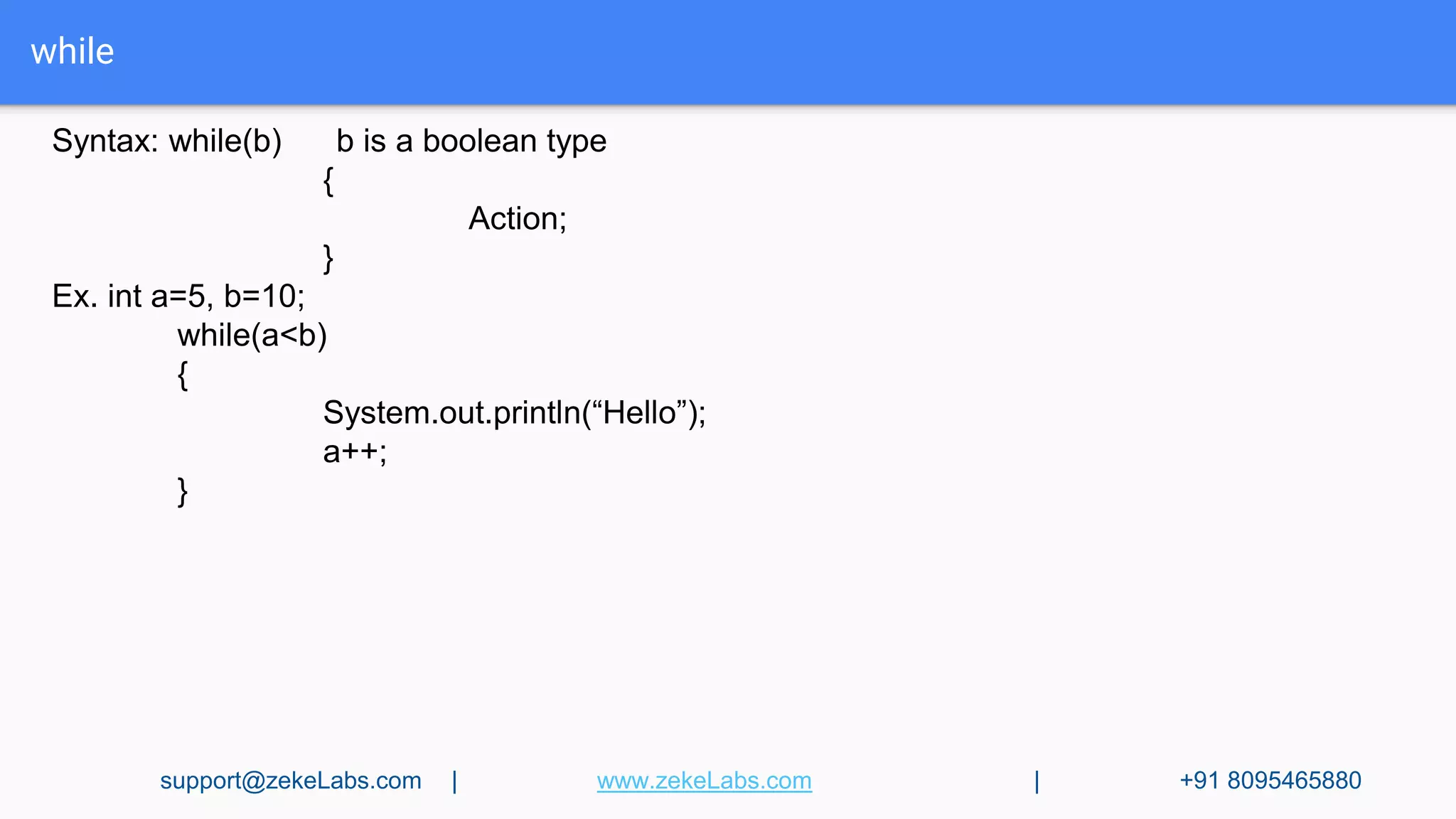
while
Syntax: while(b) b is a boolean type
{
Action;
}
Ex. int a=5, b=10;
while(a<b)
{
System.out.println(“Hello”);
a++;
}
support@zekeLabs.com | www.zekeLabs.com | +91 8095465880
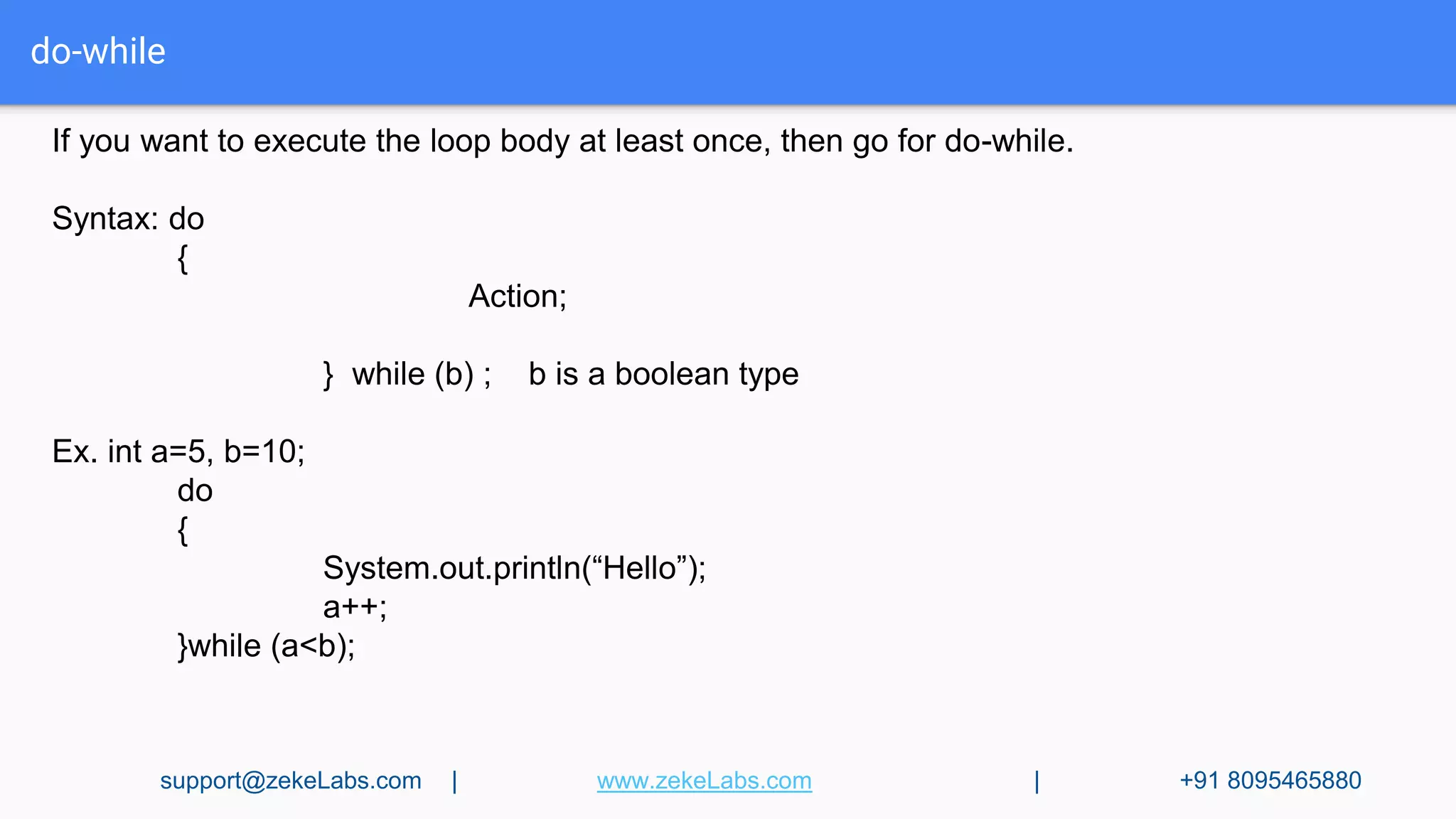
do-while
If you want to execute the loop body at least once, then go for do-while.
Syntax: do
{
Action;
} while (b) ; b is a boolean type
Ex. int a=5, b=10;
do
{
System.out.println(“Hello”);
a++;
}while (a<b);
support@zekeLabs.com | www.zekeLabs.com | +91 8095465880
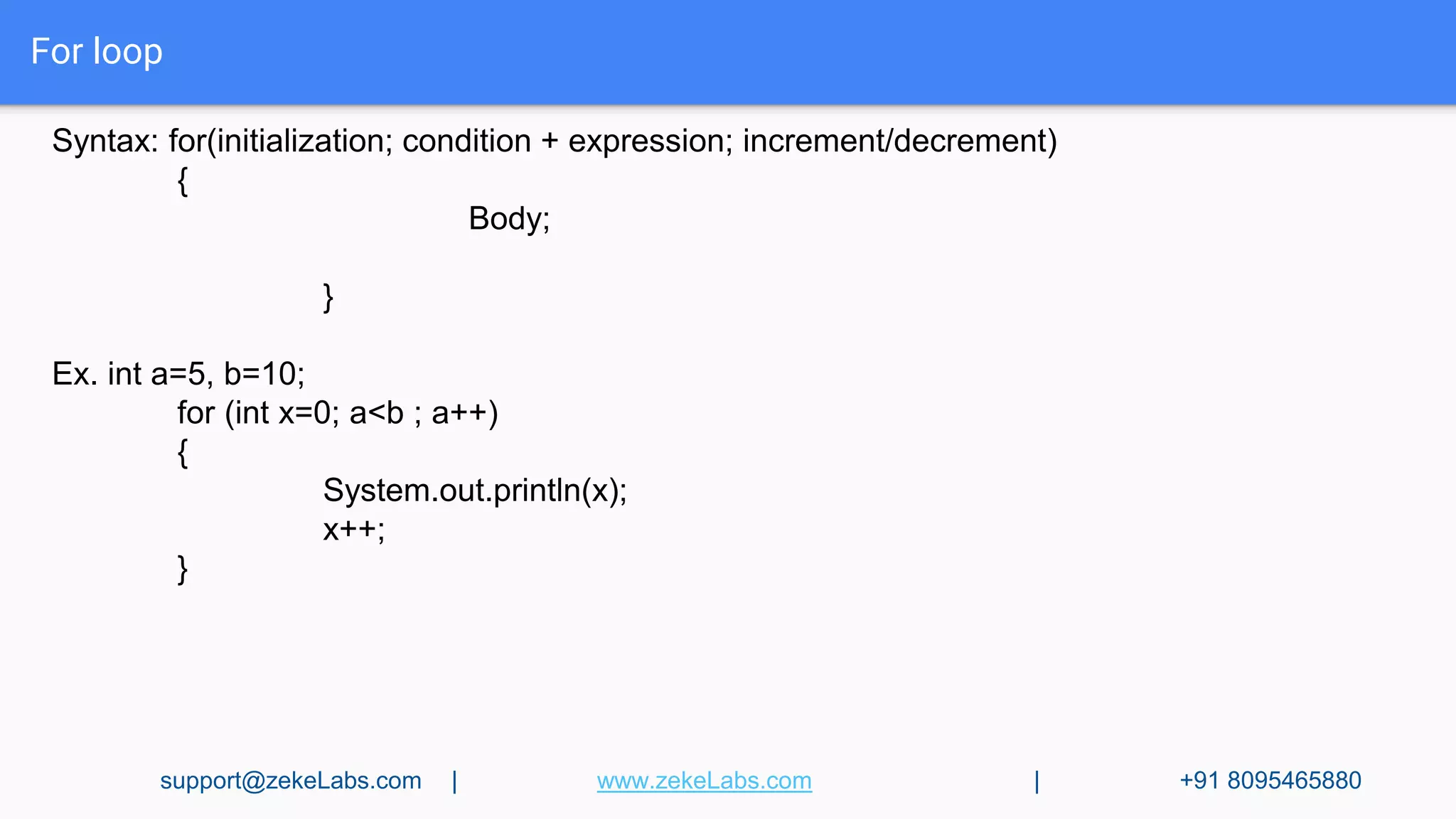
For loop
Syntax: for(initialization; condition + expression; increment/decrement)
{
Body;
}
Ex. int a=5, b=10;
for (int x=0; a<b ; a++)
{
System.out.println(x);
x++;
}
support@zekeLabs.com | www.zekeLabs.com | +91 8095465880
For-each loop
Syntax: for(initialization of a variable : Array/Collections)
{
Body;
}
Ex. int[] a={10,20,30,40,50};
for (int x : a)
{
System.out.println(x);
}
This is the most convenient loop to retrieve the elements of Arrays & Collections.
support@zekeLabs.com | www.zekeLabs.com | +91 8095465880
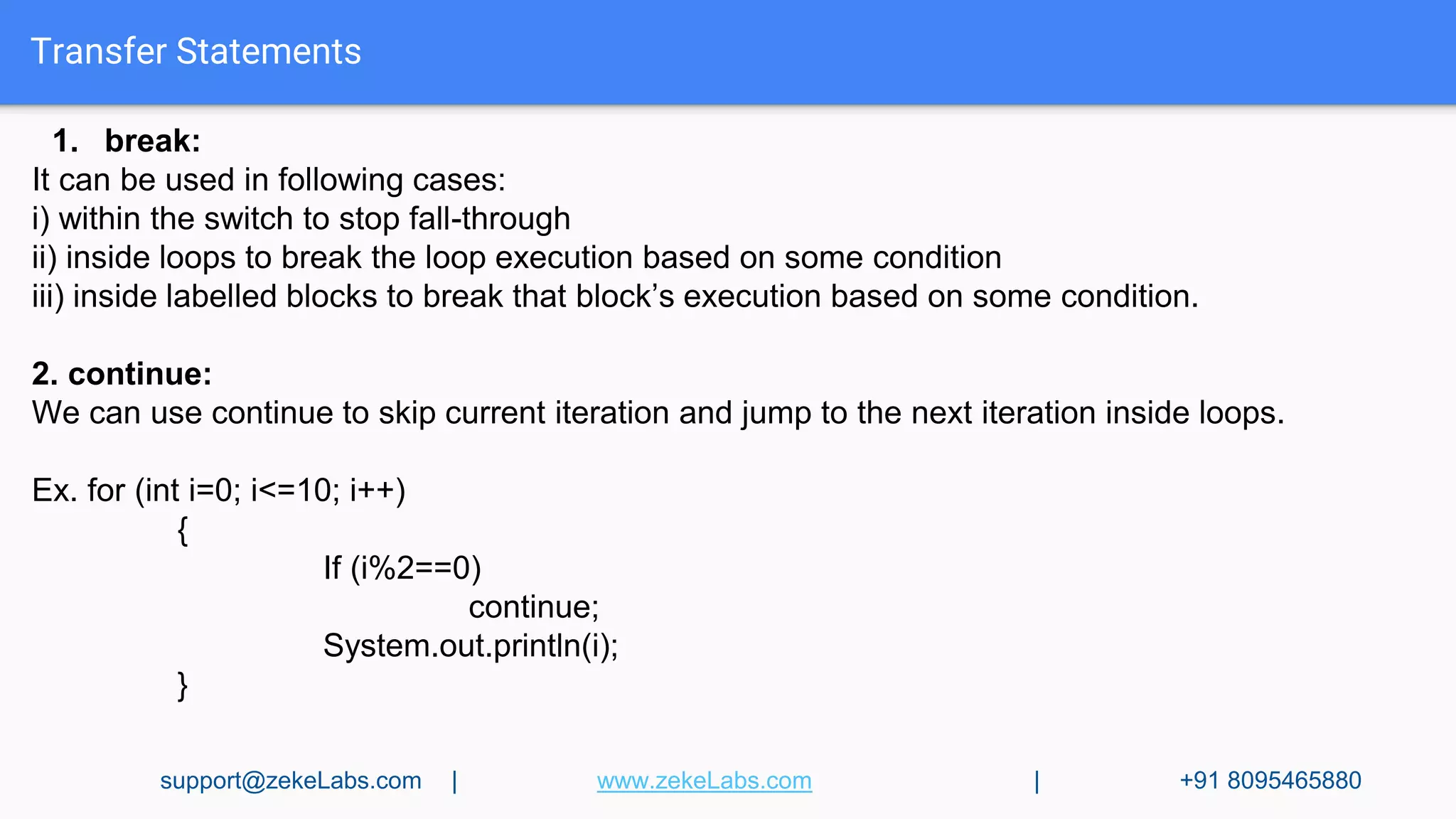
Transfer Statements
1. break:
It can be used in following cases:
i) within the switch to stop fall-through
ii) inside loops to break the loop execution based on some condition
iii) inside labelled blocks to break that block’s execution based on some condition.
2. continue:
We can use continue to skip current iteration and jump to the next iteration inside loops.
Ex. for (int i=0; i<=10; i++)
{
If (i%2==0)
continue;
System.out.println(i);
}
support@zekeLabs.com | www.zekeLabs.com | +91 8095465880
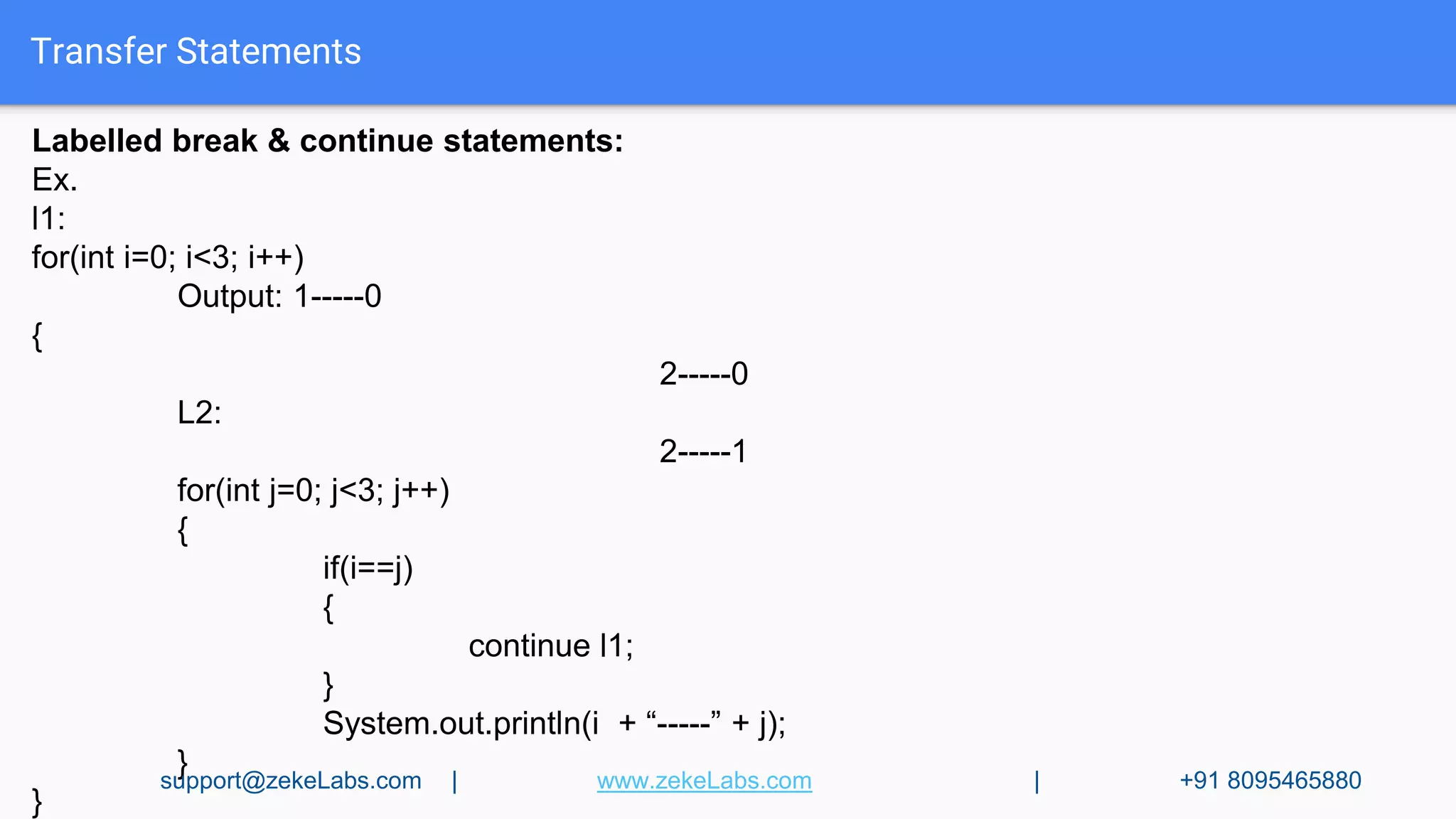
Transfer Statements
Labelled break & continue statements:
Ex.
l1:
for(int i=0; i<3; i++)
Output: 1-----0
{
2-----0
L2:
2-----1
for(int j=0; j<3; j++)
{
if(i==j)
{
continue l1;
}
System.out.println(i + “-----” + j);
}
}
support@zekeLabs.com | www.zekeLabs.com | +91 8095465880
Arrays
An array is an indexed collection of fixed number of homogeneous data elements.To create an
array, you need to perform two steps :Declare Array and Allocate space for its elements
1. Single dimensional array declaration:
int [] a; or int a[]; or int []a;
We cannot specify the size during declaration
2. 2D Array declaration:
Int[][] a; or int [][]a; or int a[][]; or int [] a[]; or int[] []a; or int []a[];
Array Construction:
int[ ] a= new int[ 3 ];
We have to specify the size during construction.
int[ ][ ] a = new int[3][ ];
a[0]= new int[5];
a[1]= new int[3];
a[2]= new int[1];
support@zekeLabs.com | www.zekeLabs.com | +91 8095465880
Arrays
Array Initialization :
Once we create an array object, every element is initialized by default value. We can override
these values if we like.
int[ ] a = { 10,20,30,40};
int[ ][ ] a={ {1,2,3}, {34,56} };
length:
It is a final variable applicable only for arrays. It represents the size of the array.
int[ ] a = new int [10];
System.out.println(a.length); → 10
int[ ][ ] a= new int[6][3];
System.out.println(a.length); → 6
System.out.println(a[0].length); → 3
support@zekeLabs.com | www.zekeLabs.com | +91 8095465880
Arrays
Anonymous Arrays:
Arrays without a name. The main objective is for instant-use.
new int[ ] { 10,20,30,40};
We cannot specify the size of the array.
Ex. Sum(new int[ ]{10,20,30,40});
public static void Sum(int[ ] x)
{
int total=0;
for (int i : x )
{
total += i;
}
System.out.println(“The sum is : ” + total); → 100
}
support@zekeLabs.com | www.zekeLabs.com | +91 8095465880
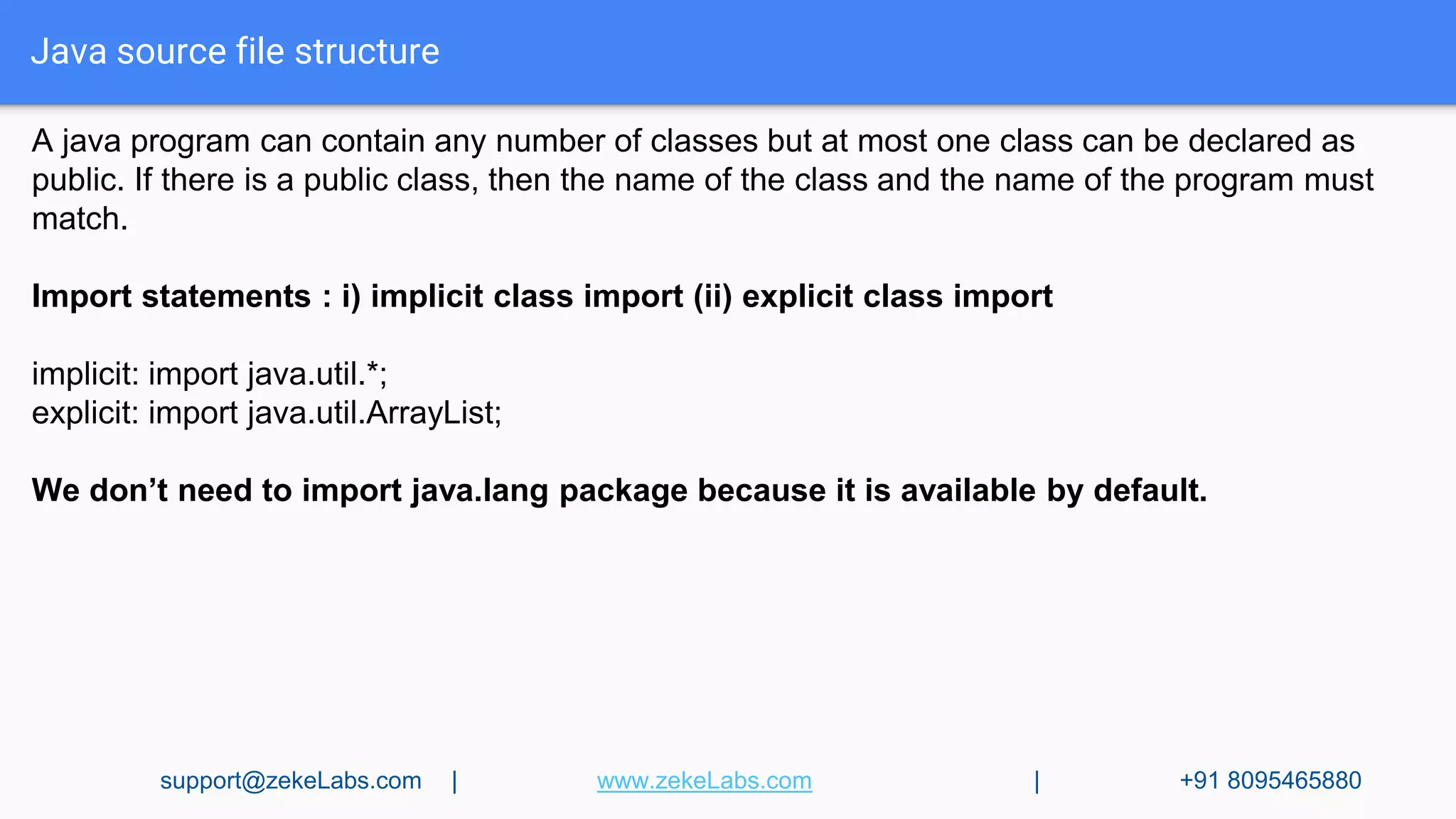
Java source file structure
A java program can contain any number of classes but at most one class can be declared as
public. If there is a public class, then the name of the class and the name of the program must
match.
Import statements : i) implicit class import (ii) explicit class import
implicit: import java.util.*;
explicit: import java.util.ArrayList;
We don’t need to import java.lang package because it is available by default.
support@zekeLabs.com | www.zekeLabs.com | +91 8095465880
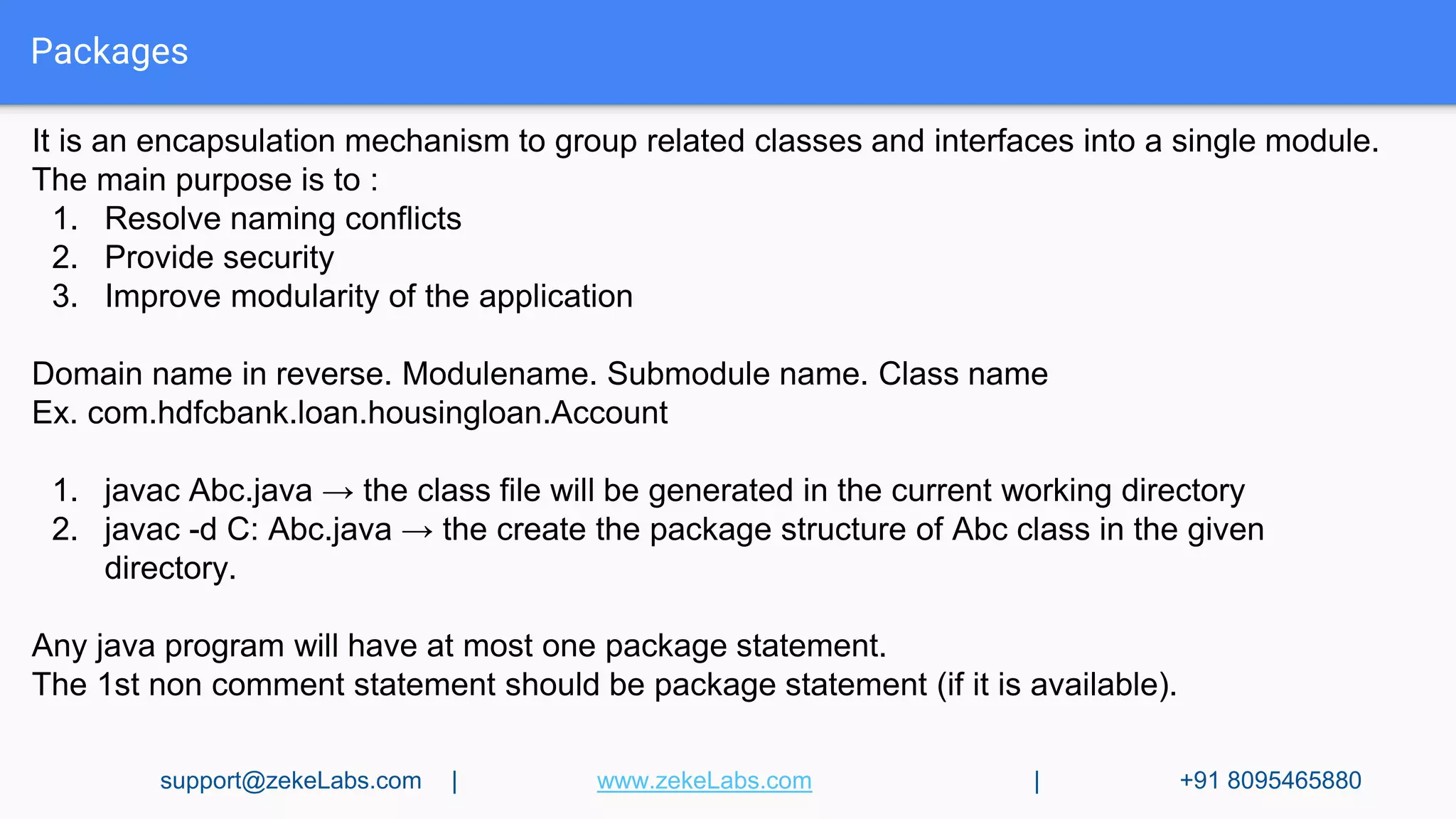
Packages
It is an encapsulation mechanism to group related classes and interfaces into a single module.
The main purpose is to :
1. Resolve naming conflicts
2. Provide security
3. Improve modularity of the application
Domain name in reverse. Modulename. Submodule name. Class name
Ex. com.hdfcbank.loan.housingloan.Account
1. javac Abc.java → the class file will be generated in the current working directory
2. javac -d C: Abc.java → the create the package structure of Abc class in the given
directory.
Any java program will have at most one package statement.
The 1st non comment statement should be package statement (if it is available).
support@zekeLabs.com | www.zekeLabs.com | +91 8095465880
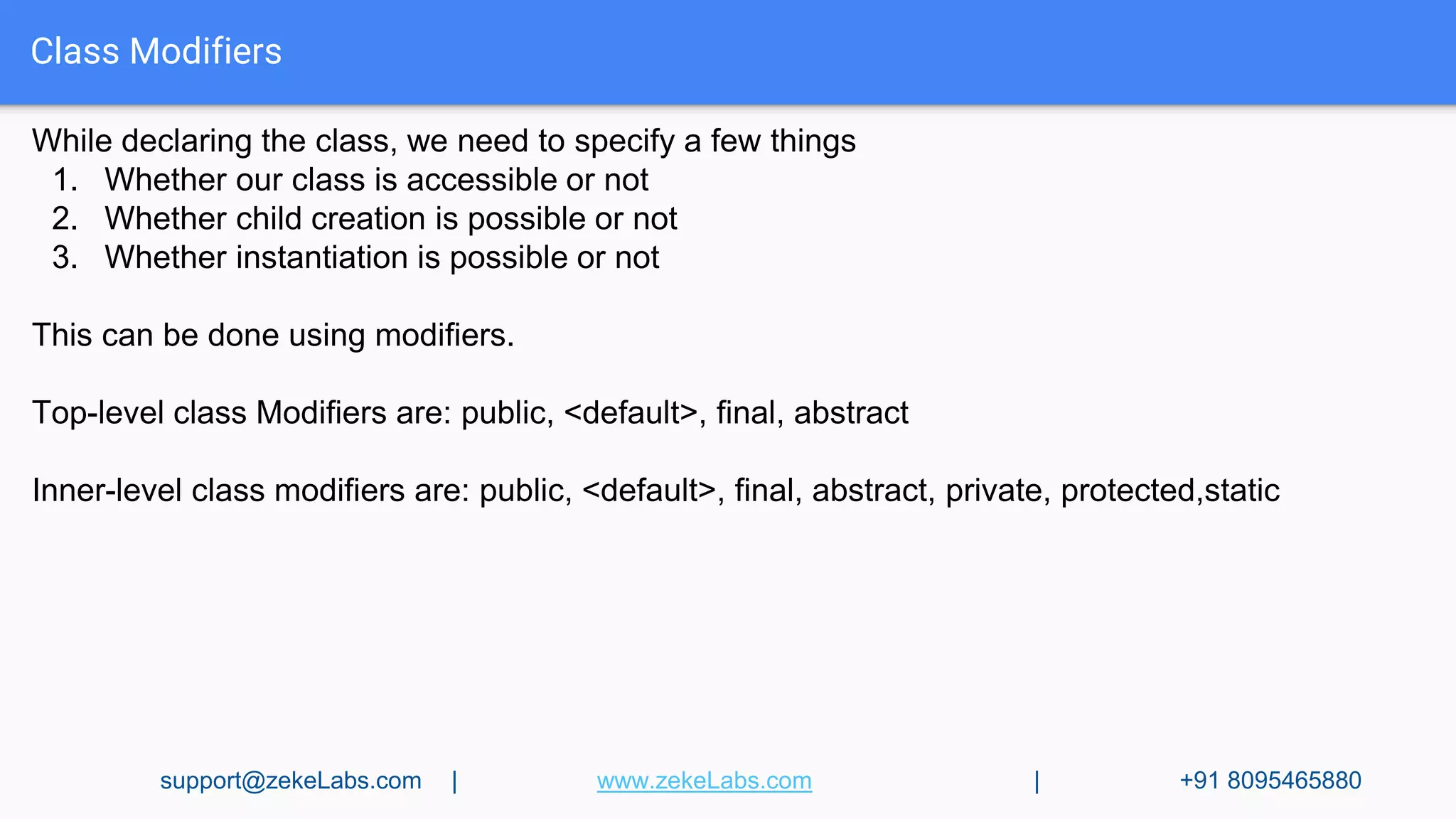
Class Modifiers
While declaring the class, we need to specify a few things
1. Whether our class is accessible or not
2. Whether child creation is possible or not
3. Whether instantiation is possible or not
This can be done using modifiers.
Top-level class Modifiers are: public, <default>, final, abstract
Inner-level class modifiers are: public, <default>, final, abstract, private, protected,static
support@zekeLabs.com | www.zekeLabs.com | +91 8095465880
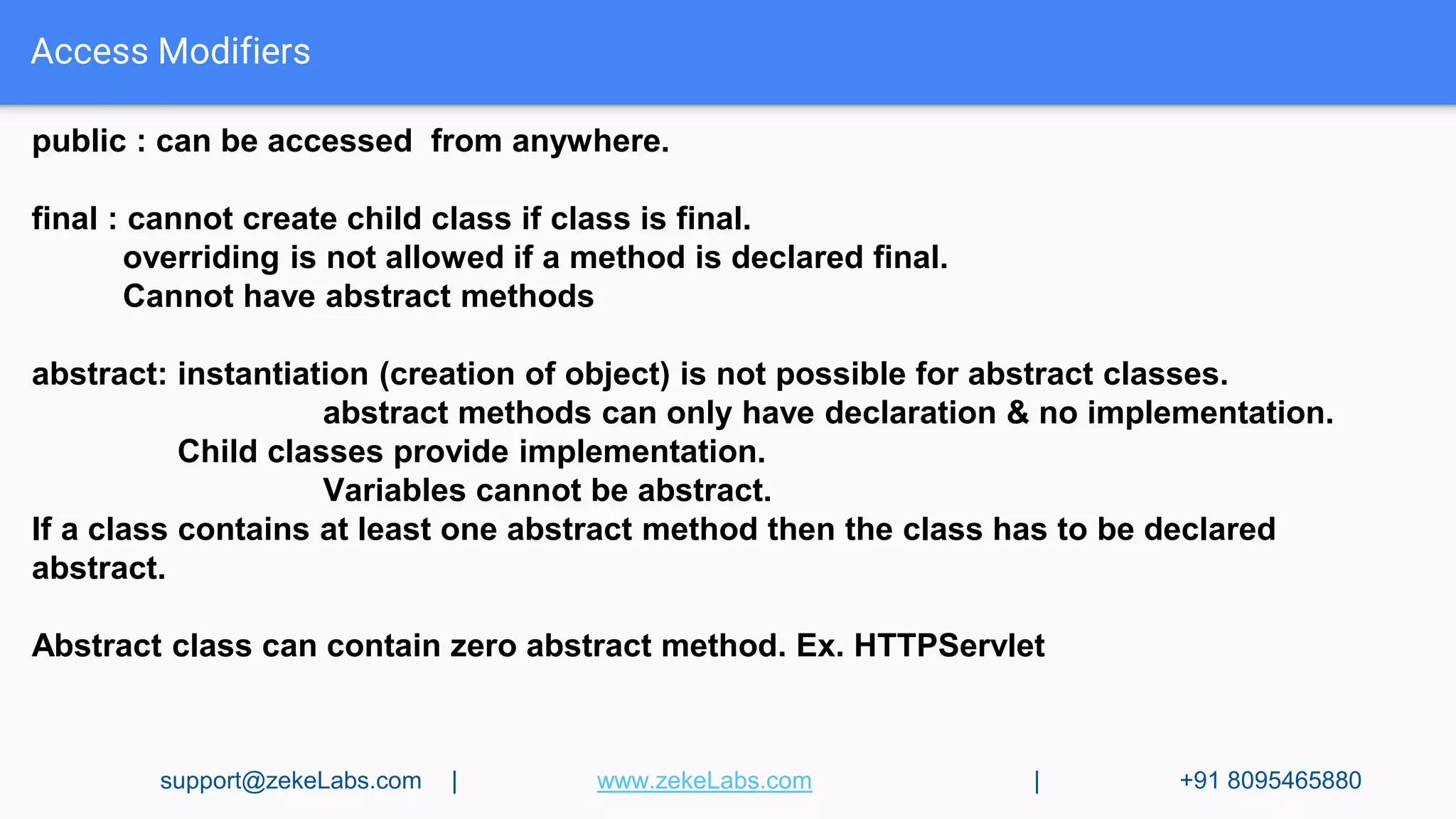
Access Modifiers
public : can be accessed from anywhere.
final : cannot create child class if class is final.
overriding is not allowed if a method is declared final.
Cannot have abstract methods
abstract: instantiation (creation of object) is not possible for abstract classes.
abstract methods can only have declaration & no implementation.
Child classes provide implementation.
Variables cannot be abstract.
If a class contains at least one abstract method then the class has to be declared
abstract.
Abstract class can contain zero abstract method. Ex. HTTPServlet
support@zekeLabs.com | www.zekeLabs.com | +91 8095465880
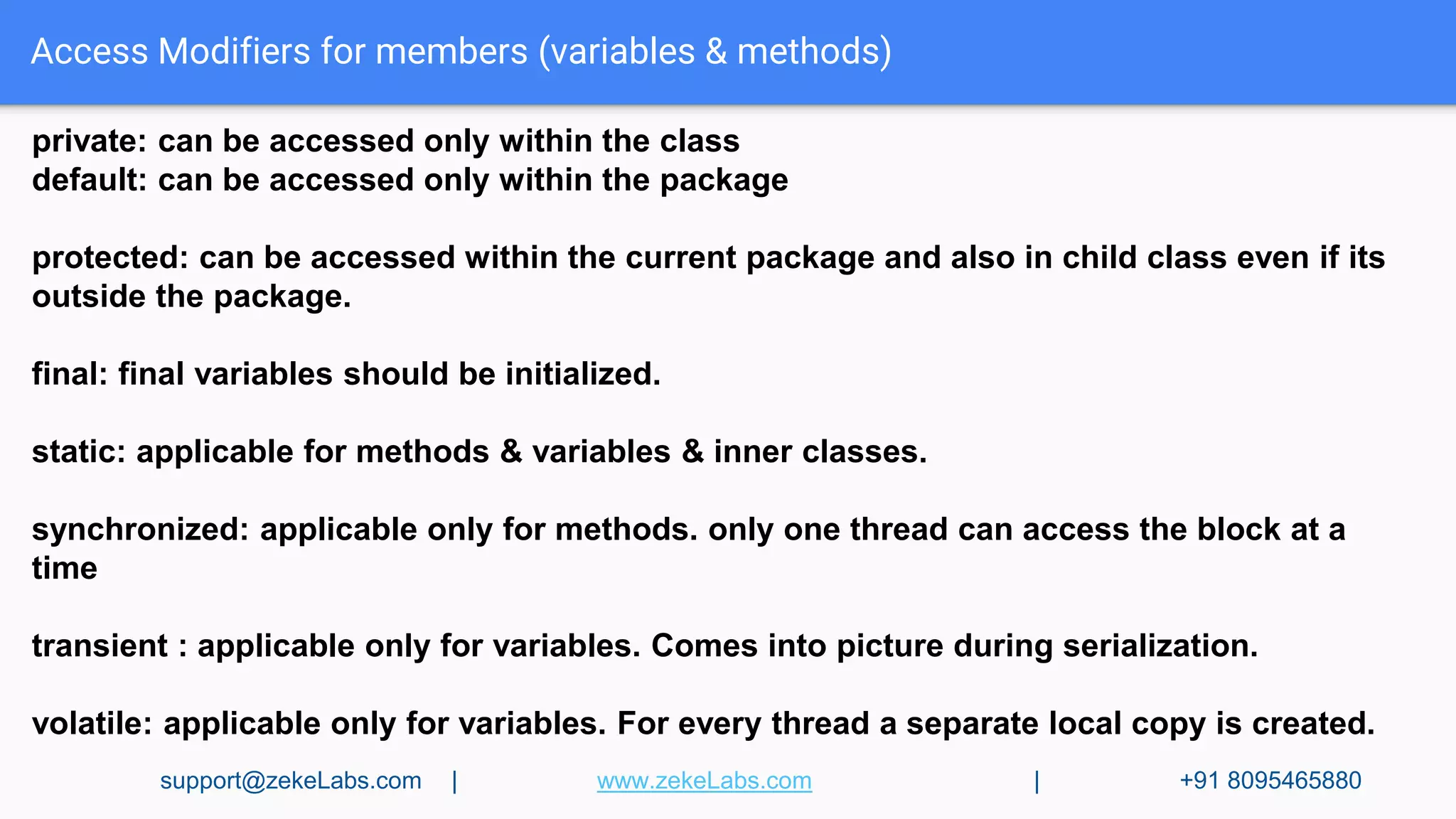
Access Modifiers for members (variables & methods)
private: can be accessed only within the class
default: can be accessed only within the package
protected: can be accessed within the current package and also in child class even if its
outside the package.
final: final variables should be initialized.
static: applicable for methods & variables & inner classes.
synchronized: applicable only for methods. only one thread can access the block at a
time
transient : applicable only for variables. Comes into picture during serialization.
volatile: applicable only for variables. For every thread a separate local copy is created.
support@zekeLabs.com | www.zekeLabs.com | +91 8095465880
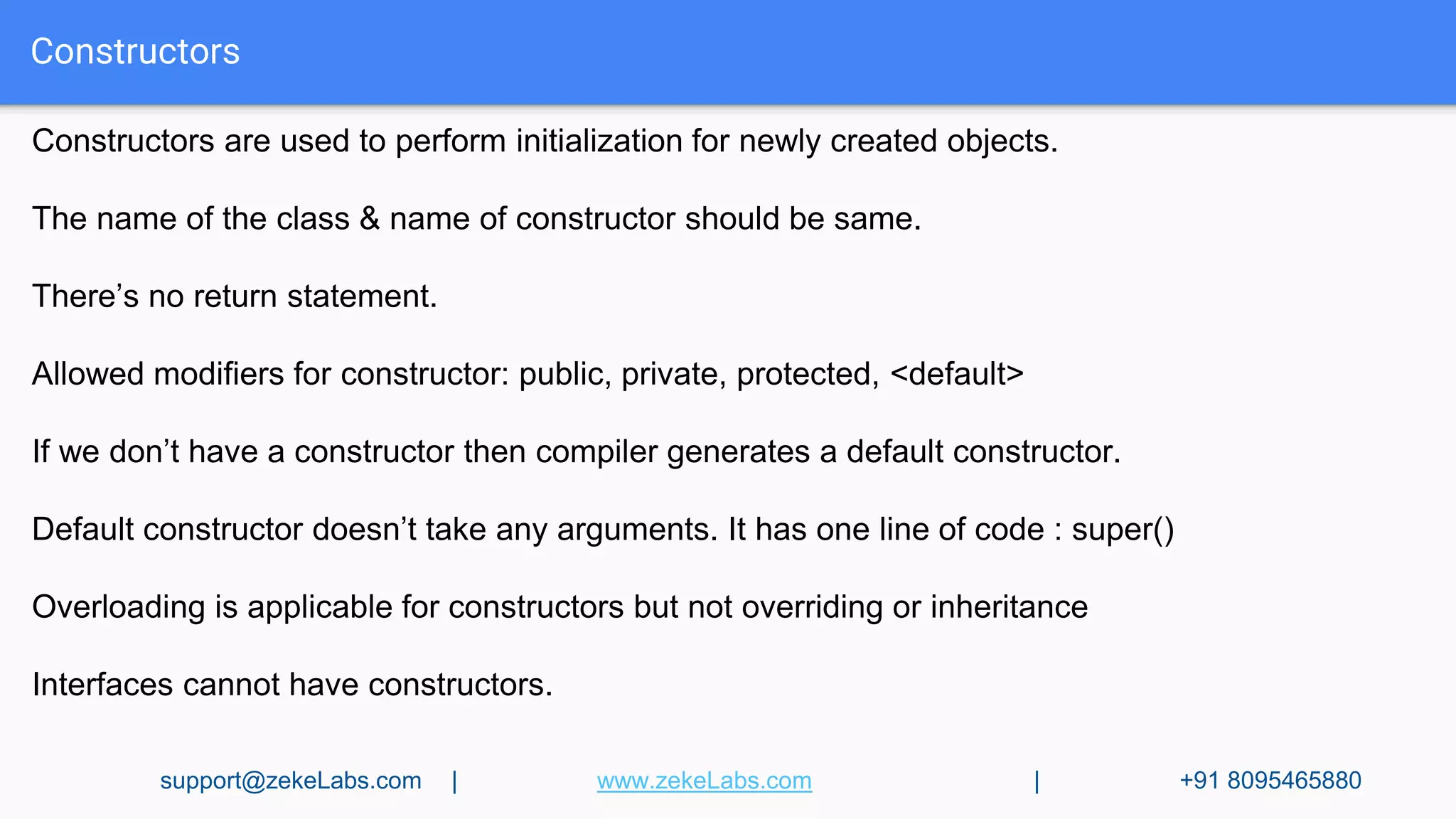
Constructors
Constructors are used to perform initialization for newly created objects.
The name of the class & name of constructor should be same.
There’s no return statement.
Allowed modifiers for constructor: public, private, protected, <default>
If we don’t have a constructor then compiler generates a default constructor.
Default constructor doesn’t take any arguments. It has one line of code : super()
Overloading is applicable for constructors but not overriding or inheritance
Interfaces cannot have constructors.
support@zekeLabs.com | www.zekeLabs.com | +91 8095465880
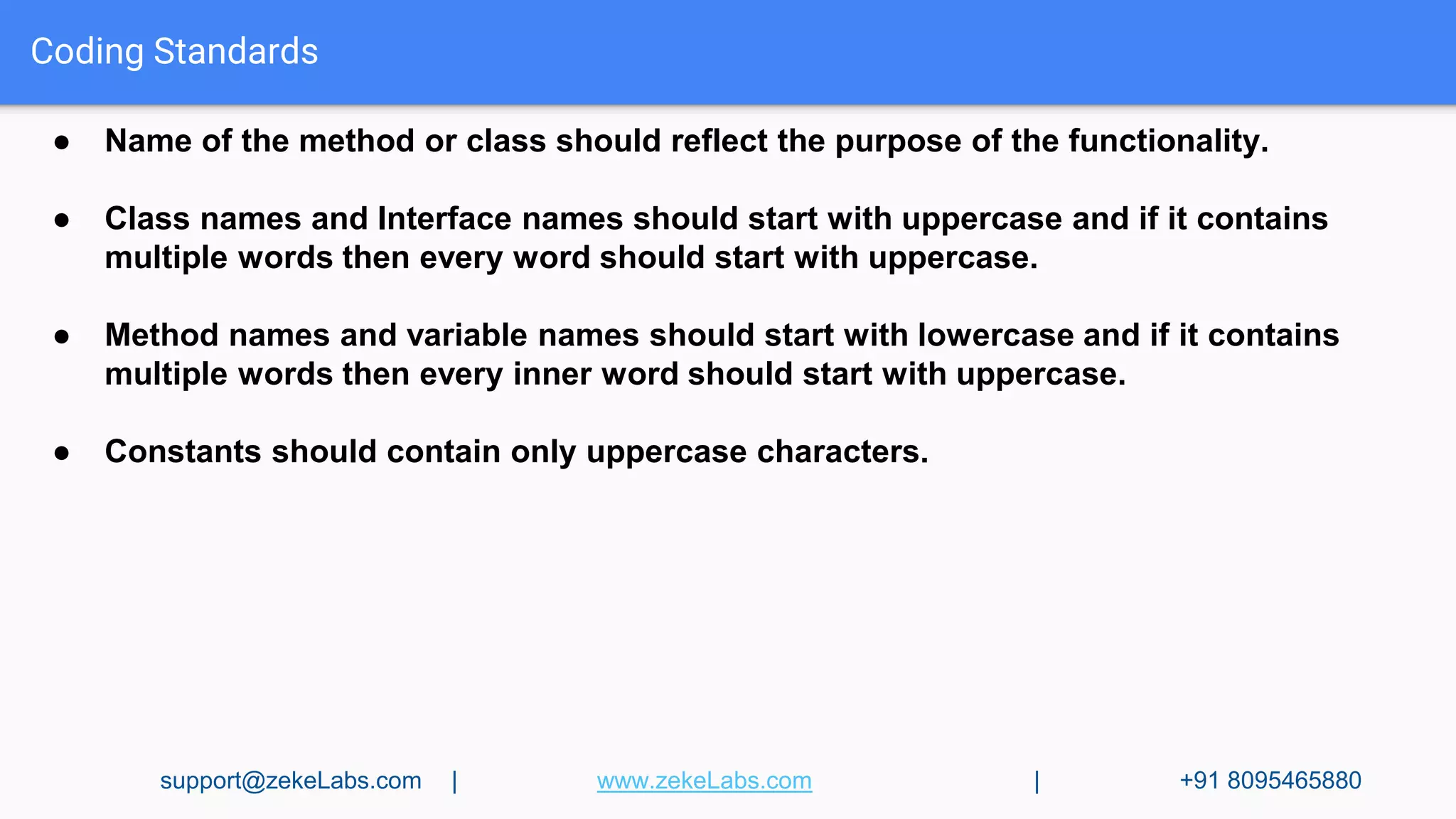
Coding Standards
● Name of the method or class should reflect the purpose of the functionality.
● Class names and Interface names should start with uppercase and if it contains
multiple words then every word should start with uppercase.
● Method names and variable names should start with lowercase and if it contains
multiple words then every inner word should start with uppercase.
● Constants should contain only uppercase characters.
support@zekeLabs.com | www.zekeLabs.com | +91 8095465880
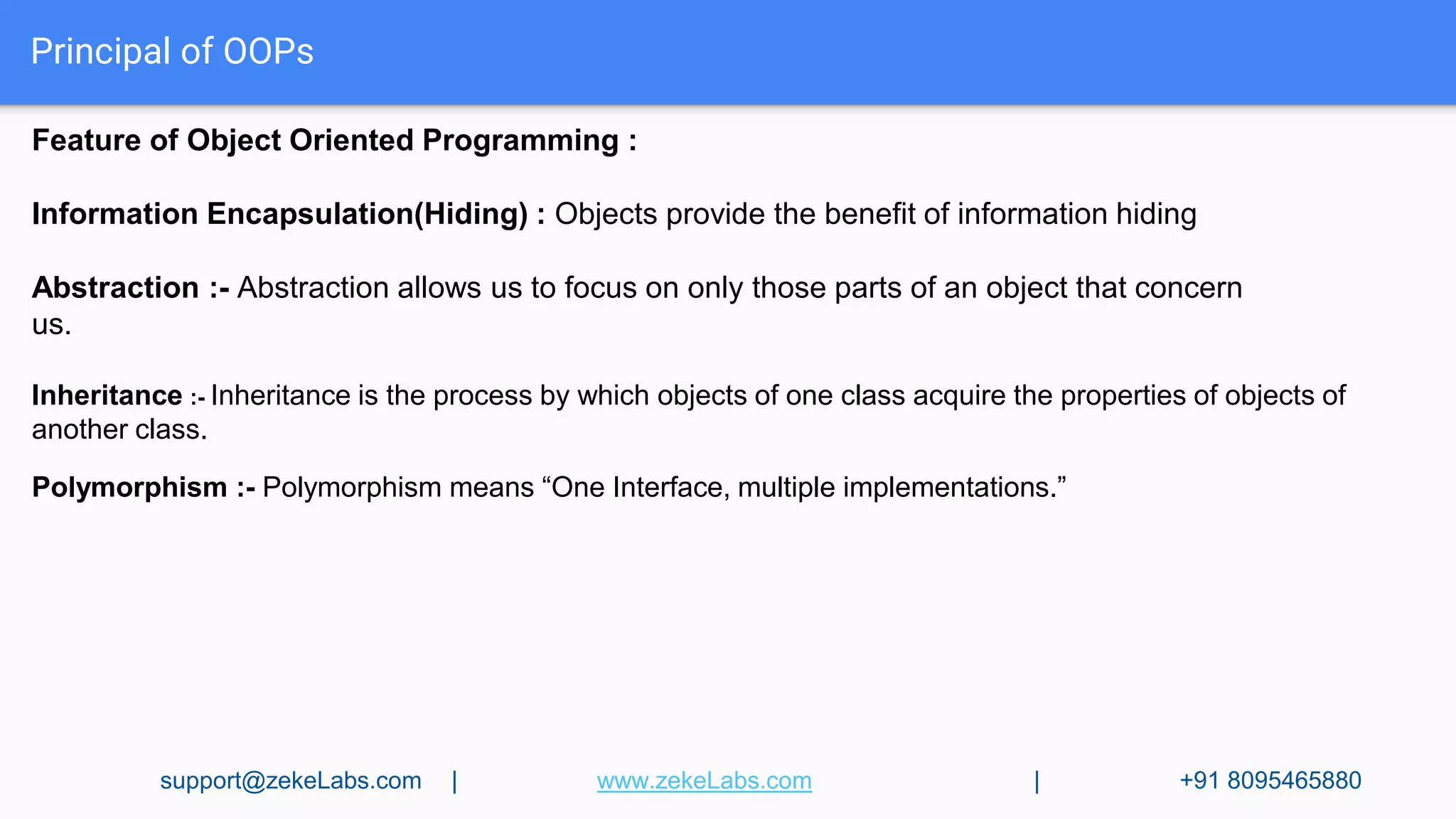
Principal of OOPs
Feature of Object Oriented Programming :
Information Encapsulation(Hiding) : Objects provide the benefit of information hiding
Abstraction :- Abstraction allows us to focus on only those parts of an object that concern
us.
Inheritance :- Inheritance is the process by which objects of one class acquire the properties of objects of
another class.
Polymorphism :- Polymorphism means “One Interface, multiple implementations.”
support@zekeLabs.com | www.zekeLabs.com | +91 8095465880
Principal of OOPs
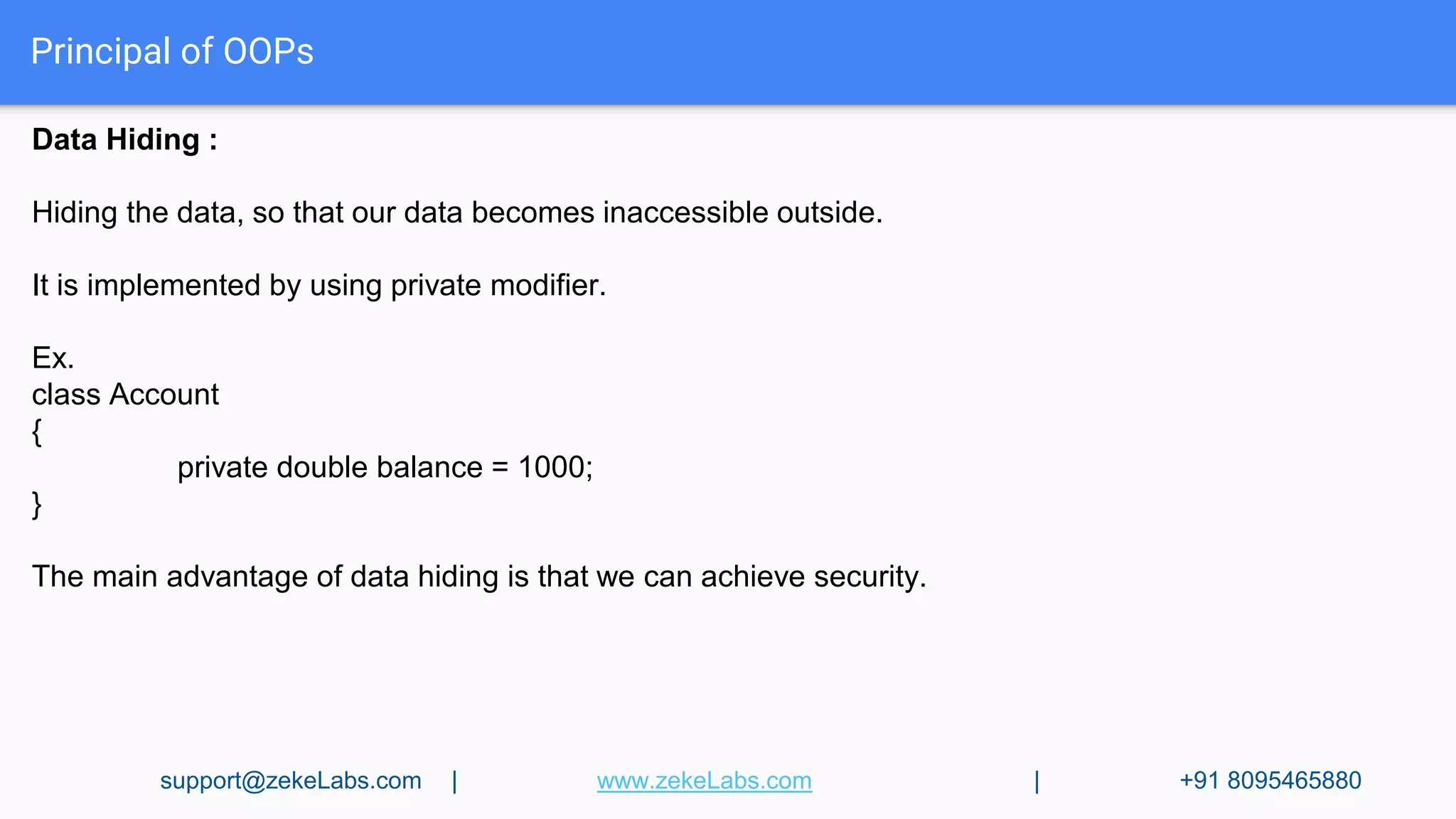
Data Hiding :
Hiding the data, so that our data becomes inaccessible outside.
It is implemented by using private modifier.
Ex.
class Account
{
private double balance = 1000;
}
The main advantage of data hiding is that we can achieve security.
support@zekeLabs.com | www.zekeLabs.com | +91 8095465880
Principal of OOPs
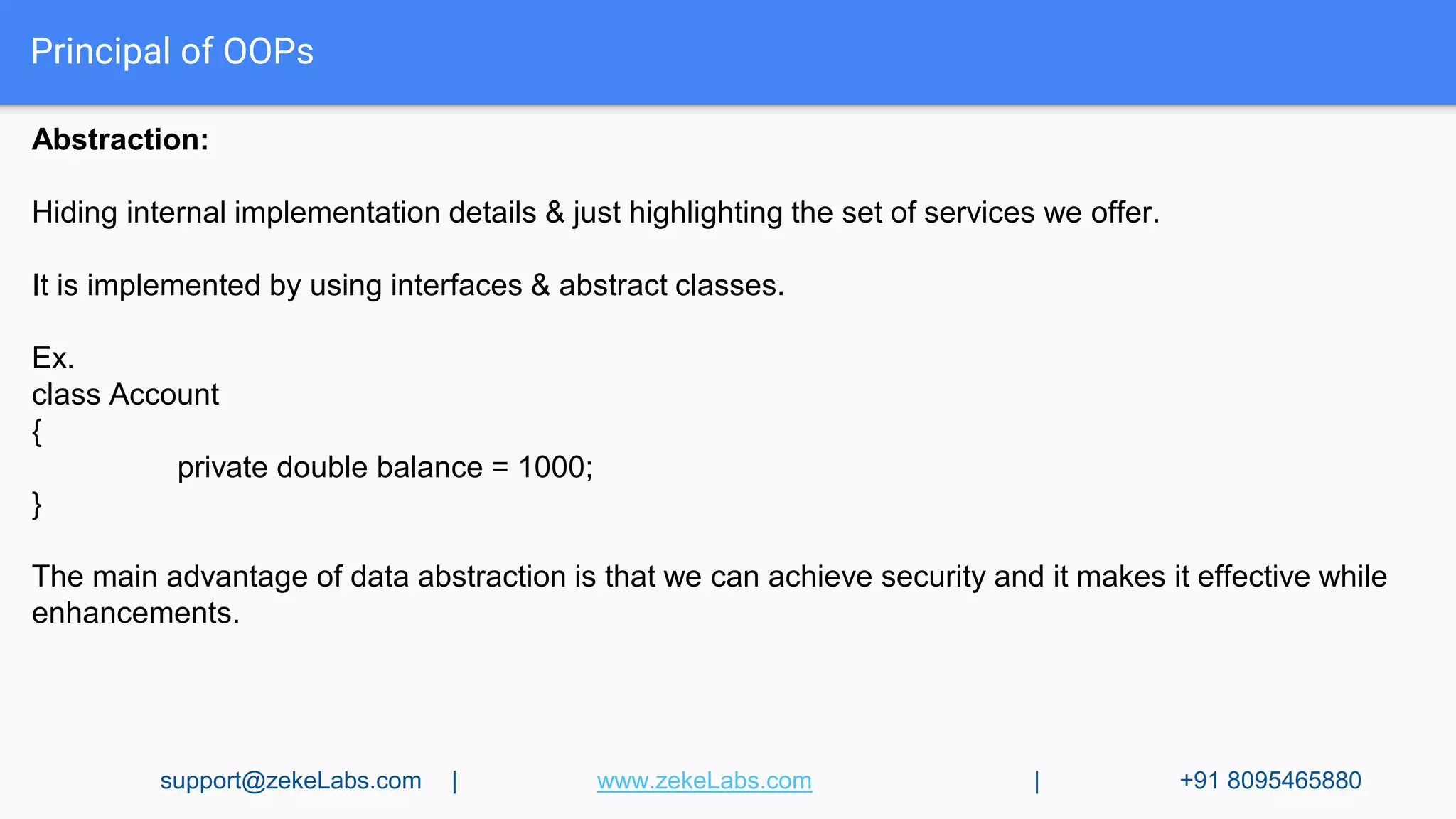
Abstraction:
Hiding internal implementation details & just highlighting the set of services we offer.
It is implemented by using interfaces & abstract classes.
Ex.
class Account
{
private double balance = 1000;
}
The main advantage of data abstraction is that we can achieve security and it makes it effective while
enhancements.
support@zekeLabs.com | www.zekeLabs.com | +91 8095465880
Principal of OOPs
Inheritance:
We can inherit any class by using ‘extend’ keyword.
The main advantage is reusability of code.
class P
{
public void m1(){ code; }
}
class C extends P
{
public void m2() { code; }
}
class Test{
public static void main(String[] args){
C c = new C();
c.m1();
}
}
support@zekeLabs.com | www.zekeLabs.com | +91 8095465880
Principal of OOPs
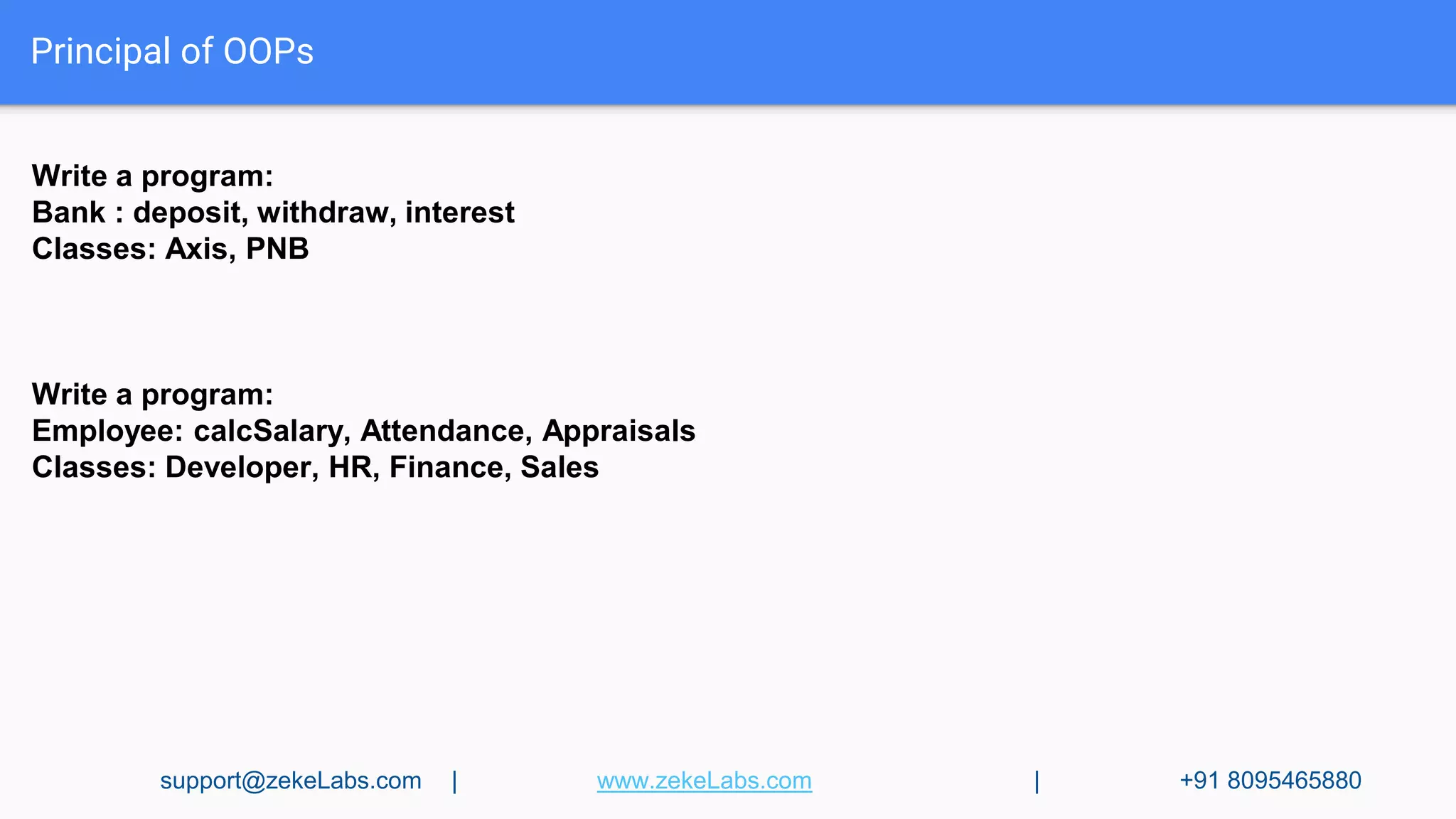
Write a program:
Bank : deposit, withdraw, interest
Classes: Axis, PNB
Write a program:
Employee: calcSalary, Attendance, Appraisals
Classes: Developer, HR, Finance, Sales
support@zekeLabs.com | www.zekeLabs.com | +91 8095465880
Principal of OOPs
Overloading:
Two methods are said to overload if method names are same but arguments are different.
class Test{
public void m1(Object o){
System.out.println(‘Object Version”);
}
public void m1(String s){
System.out.println(“String Version”);
}
public static void main(String[] args){
Test t1= new Test();
t1.m1(new Object());
t1.m1(“Abc”);
t1.m1(null); → String Version
support@zekeLabs.com | www.zekeLabs.com | +91 8095465880
Principal of OOPs
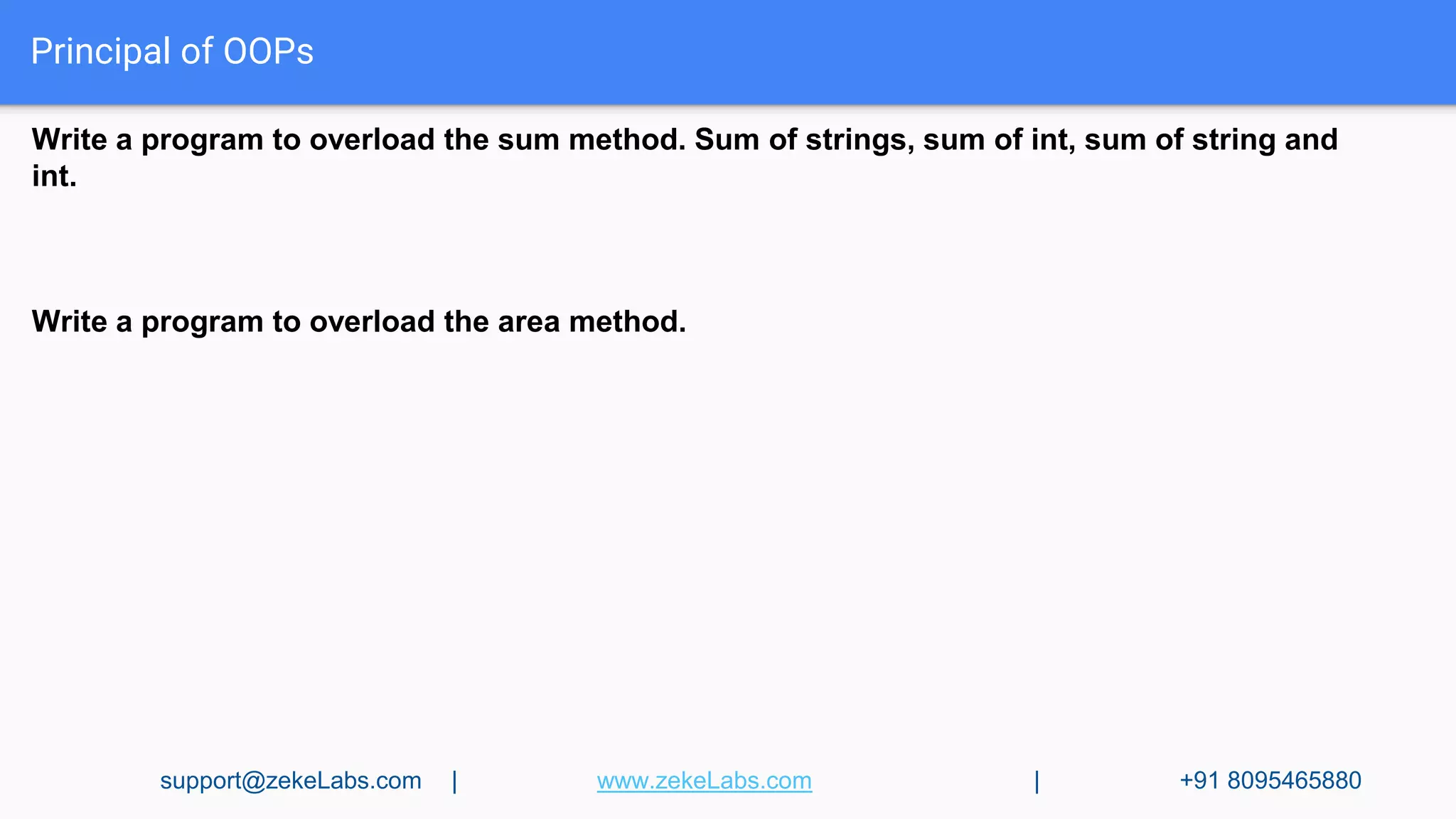
Write a program to overload the sum method. Sum of strings, sum of int, sum of string and
int.
Write a program to overload the area method.
support@zekeLabs.com | www.zekeLabs.com | +91 8095465880
Principal of OOPs
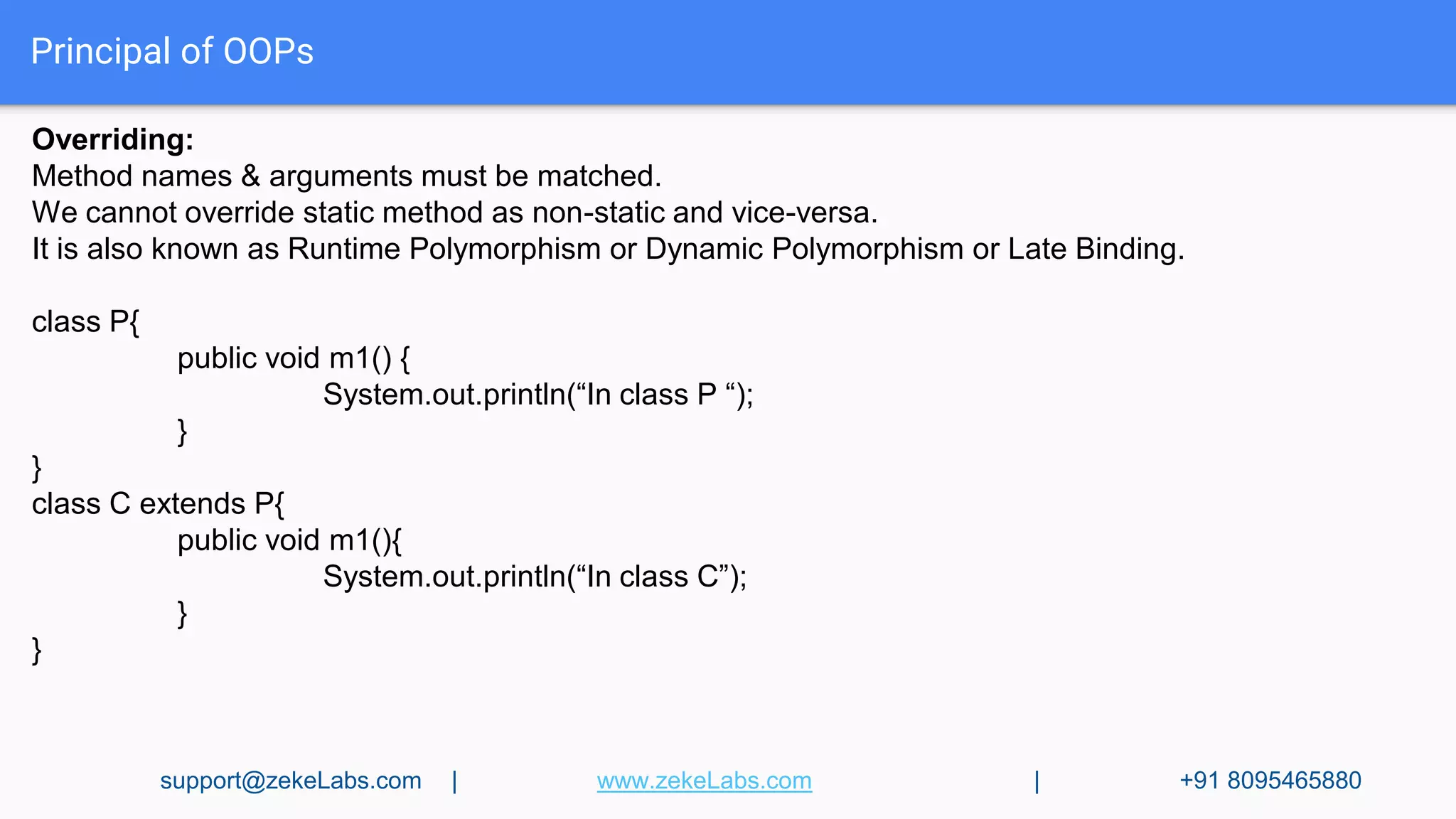
Overriding:
Method names & arguments must be matched.
We cannot override static method as non-static and vice-versa.
It is also known as Runtime Polymorphism or Dynamic Polymorphism or Late Binding.
class P{
public void m1() {
System.out.println(“In class P “);
}
}
class C extends P{
public void m1(){
System.out.println(“In class C”);
}
}
support@zekeLabs.com | www.zekeLabs.com | +91 8095465880
Principal of OOPs
Write a program to override the interest method.
support@zekeLabs.com | www.zekeLabs.com | +91 8095465880
Principal of OOPs
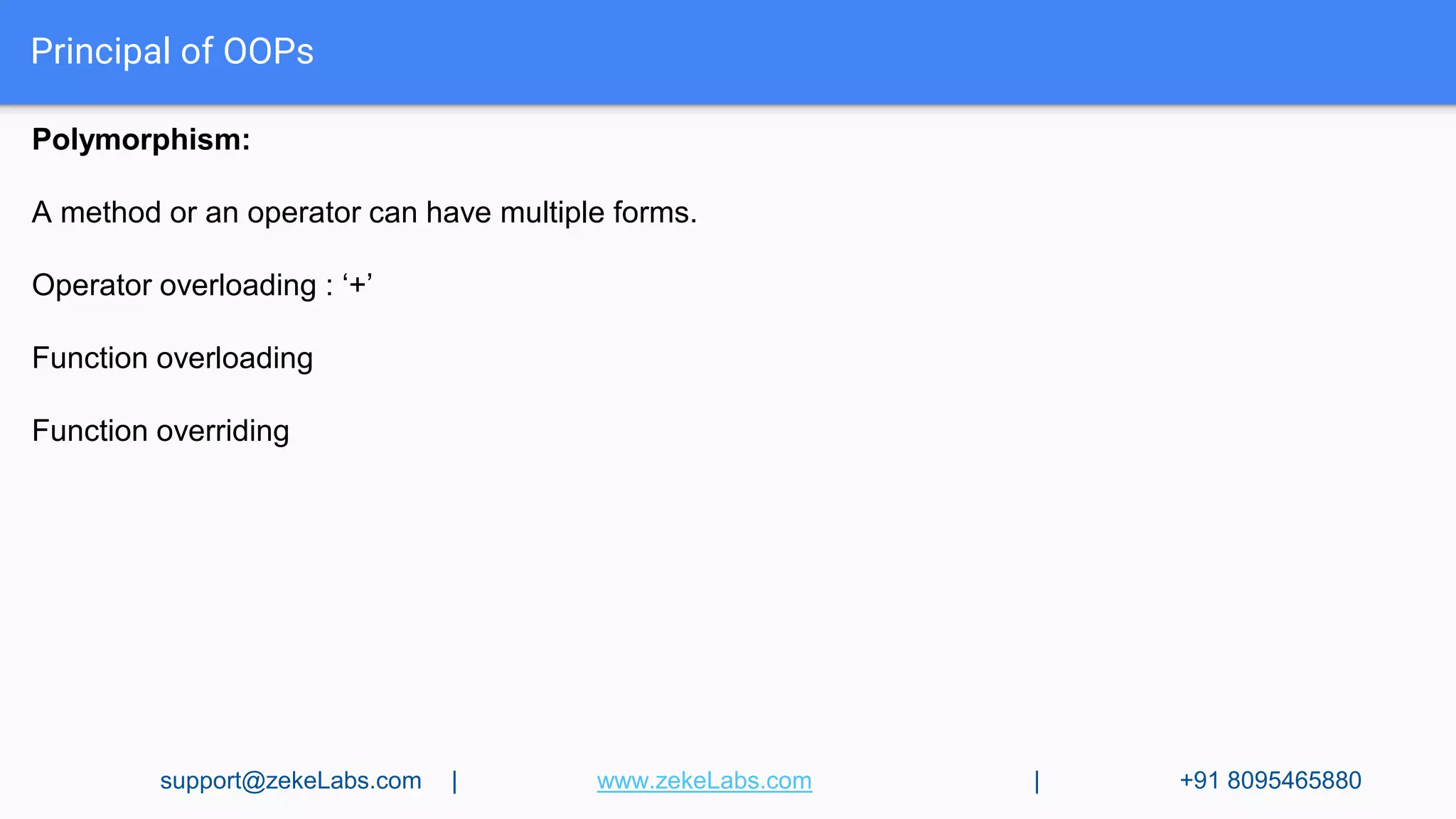
Polymorphism:
A method or an operator can have multiple forms.
Operator overloading : ‘+’
Function overloading
Function overriding
support@zekeLabs.com | www.zekeLabs.com | +91 8095465880
Principal of OOPs
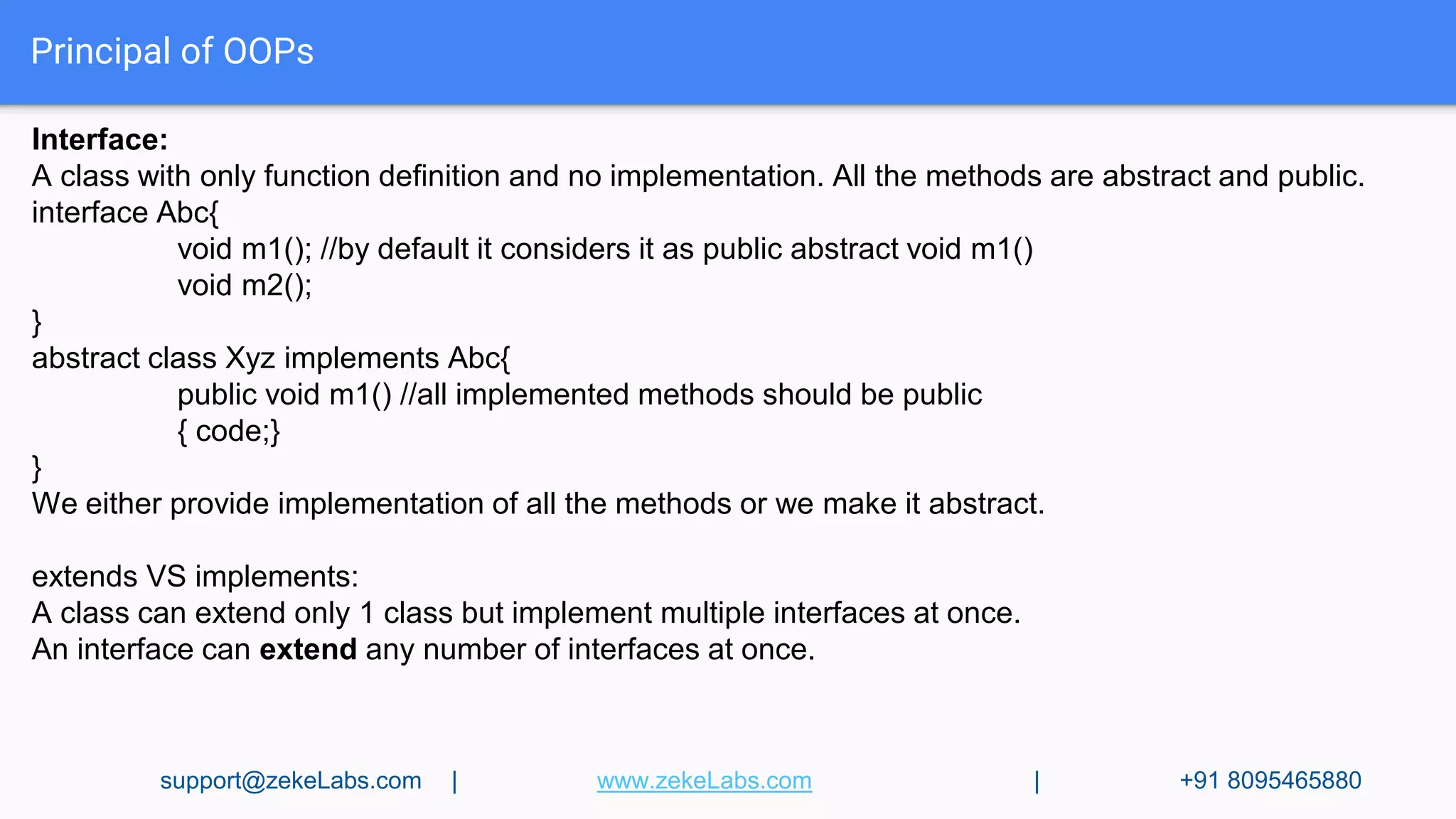
Interface:
A class with only function definition and no implementation. All the methods are abstract and public.
interface Abc{
void m1(); //by default it considers it as public abstract void m1()
void m2();
}
abstract class Xyz implements Abc{
public void m1() //all implemented methods should be public
{ code;}
}
We either provide implementation of all the methods or we make it abstract.
extends VS implements:
A class can extend only 1 class but implement multiple interfaces at once.
An interface can extend any number of interfaces at once.
support@zekeLabs.com | www.zekeLabs.com | +91 8095465880
Principal of OOPs
Write a program :
Inferface : changeGear, speedUp, ApplyBrakes
Classes: Car, Bike, etc
support@zekeLabs.com | www.zekeLabs.com | +91 8095465880
Principal of OOPs
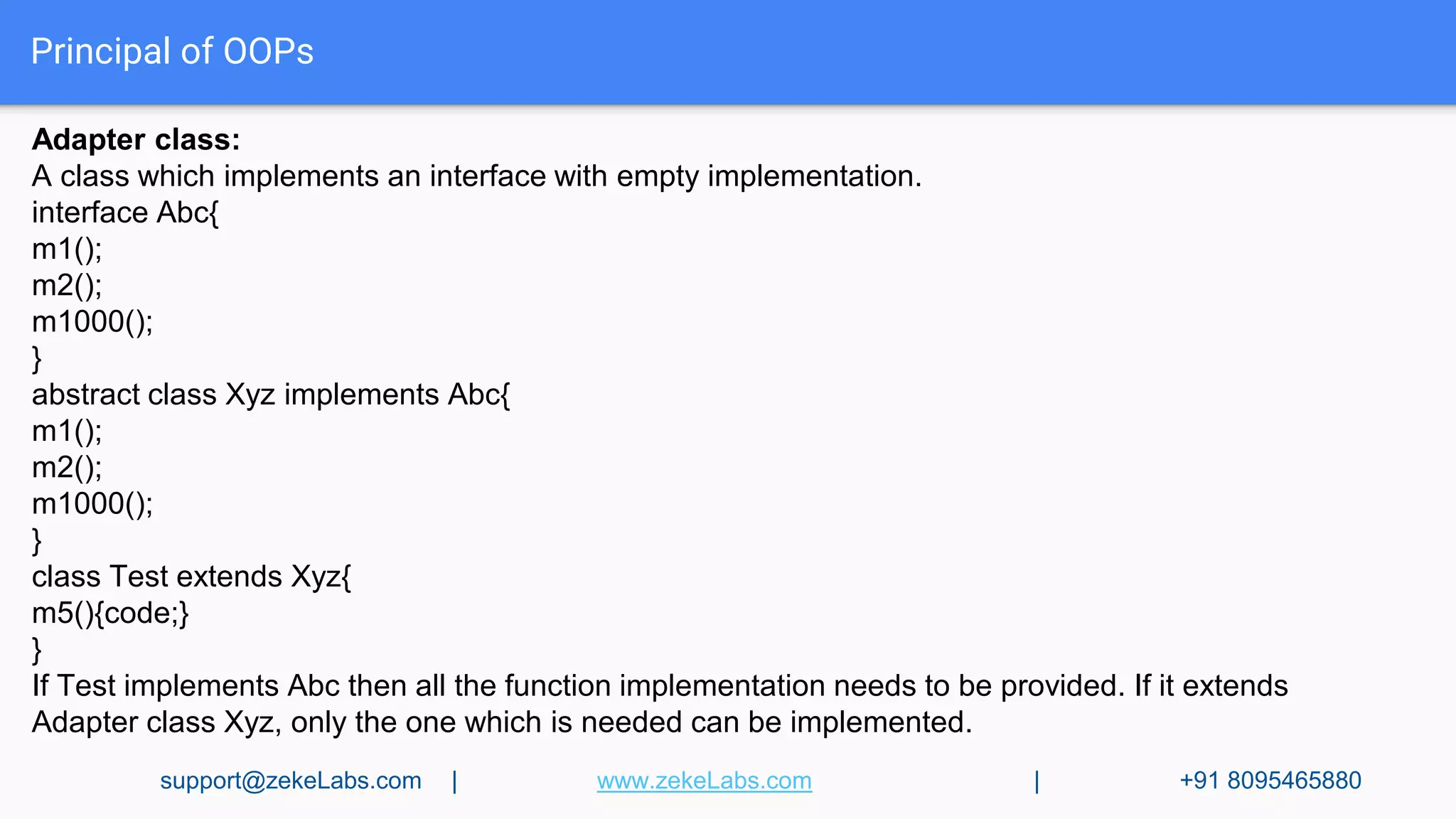
Adapter class:
A class which implements an interface with empty implementation.
interface Abc{
m1();
m2();
m1000();
}
abstract class Xyz implements Abc{
m1();
m2();
m1000();
}
class Test extends Xyz{
m5(){code;}
}
If Test implements Abc then all the function implementation needs to be provided. If it extends
Adapter class Xyz, only the one which is needed can be implemented.
support@zekeLabs.com | www.zekeLabs.com | +91 8095465880
Principal of OOPs
Final: cannot be extended.
static: The keyword static which declares this method as one that belongs to the entire Class and
not a part of any Objects of the class.
this: All Java classes contain a hidden member variable named this. The this member can be used
at runtime to reference the object itself. One excellent use of this is in constructors. It is very common
to have a set of instance variables in a class that must be set to values that are passed to a
constructor. When you are doing this, it would be nice to have code that was similar to the following:
year = year;
Ideally the variable on the left could be the instance variable, and the variable on the right could be
the parameter passed to the constructor.
super: Just as each object has a this variable that references itself, each object (other than those of
type Object itself) has a super variable that represents the parent class.
support@zekeLabs.com | www.zekeLabs.com | +91 8095465880
Visit : www.zekeLabs.com for more details
THANK YOU
Get in touch:
www.zekeLabs.com | +91-8095465880 | info@zekeLabs.com

Nalinee java

  • 1.
  • 2.
    Variables and Datatypes Identifiers:A name in Java program. Rules: 1. Only allowed characters : a to z , A to Z, 0 to 9, _ , $ 1. Cannot start with a digit 1. Case- sensitive 1. No Reserved keywords support@zekeLabs.com | www.zekeLabs.com | +91 8095465880
  • 3.
    Variables & Datatypes DifferentDatatypes: Numeric Datatypes char Datatypes Boolean Datatypes (to represent numbers) (to represent characters) (to represent logical values) Integral Datatypes Floating-point Datatypes (to represent whole numbers) (to represent real numbers) byte float short double int long support@zekeLabs.com | www.zekeLabs.com | +91 8095465880
  • 4.
    byte : Default value:0 Size : 8-bits Max-value: 127 Min-value : -128 byte b=100; Byte datatype is best suited if we want to handle data in terms of streams either from the file or from the network. Short: Default value: 0 Size: 16 bits(2-bytes) Range: -32768 to 32767 short s = 32767 Variables & Datatypes support@zekeLabs.com | www.zekeLabs.com | +91 8095465880
  • 5.
    int : Defaultvalue: 0 Size: 4-bytes Range: -231 to 231-1 long: whenever int is not enough to hold big values, we go for long datatype. For example, to represent the amount of distance travelled by light in 1000 days or to count he number of characters present in a file. float: Default value: 0.0 Size: 4-bytes Range: -3.4e38 to 3.4e38 It is good for accuracy upto 5-6 decimal places. double: It can hold 14-15 decimal places accurately. Size: 8 bytes Range: -1.7e308 to 1.7e308. Default value: 0.0 support@zekeLabs.com | www.zekeLabs.com | +91 8095465880
  • 6.
    boolean: Size: not applicable Range:not applicable Allowed values: true , false Default value: false Boolean b = true; char : Size: 2bytes Range: 0 to 65535 Default value: represented by blank space support@zekeLabs.com | www.zekeLabs.com | +91 8095465880
  • 7.
    Variables & Datatypes Literals:a constant value which can be assigned to a variable. int x = 10 ; datatype/keyword identifier literal Variables: 1. based on the type of value represented by a variable, it can be divided into: i) primitive variables : can be used for primitive values. Ex. int x= 10; ii) reference variables : can be used to refer objects. Ex. Car c =new Car(); support@zekeLabs.com | www.zekeLabs.com | +91 8095465880
  • 8.
    Variables & Datatypes 2.Based on the purpose & position of declaration: i) instance variable: also knowns as object-level variables or attributes ● If the value of variable is varied from object to object, such type are called instance variables. ● A separate copy of instance variable is created for each object. ● It should be declared within the class directly but outside any method or block or constructors. ● It is not required to perform initialization explicitly, JVM will provide default values. Ex. class Test{ int x = 10; public static void main(String[] args){ Test t = new Test(); System.out.println(t.x); } } support@zekeLabs.com | www.zekeLabs.com | +91 8095465880
  • 9.
    Variables & Datatypes ii)static variable: also knowns as class-level variables or fields. ● If the value of variable is never varied from object to object ● A single copy of static variable is created at class level and shared with all objects of that class. ● It should be declared within the class directly but outside any method or block or constructors with static modifier. ● It is not required to perform initialization explicitly, JVM will provide default values. Ex. class Test{ static int x = 10; public static void main(String[] args){ System.out.println(Test.x); System.out.println(x); Test t=new Test() System.out.println(t.x); } } support@zekeLabs.com | www.zekeLabs.com | +91 8095465880
  • 10.
    Variables & Datatypes ii)local variable: also knowns as stack variables or automatic variables or temporary variable. ● To meet temporary requirements, we create variables inside a method or block or constructor. ● A local variable is stored inside a stack. ● The scope of the local variable is same as the block in which it is declared. ● It is required to perform initialization explicitly, JVM will not provide default values. Ex. class Test{ public static void main(String[] args){ int i=0; for(int j=0; j<3; j++) { i=i+j; } System.out.println(j); ---------> ERROR!! } } support@zekeLabs.com | www.zekeLabs.com | +91 8095465880
  • 11.
    Operators Increment & DecrementOperators: int x= 4; y= ++ x (pre-increment) ----> 5 y = x ++(post-increment) ------->4 y = -- x (pre-decrement) -------->3 y = x-- (post-decrement)--------->4 We cannot apply increment or decrement operator for final variables. Arithmetic Operators: +, - , *, / , % support@zekeLabs.com | www.zekeLabs.com | +91 8095465880
  • 12.
    Operators String Concatenation Operator:+ int a=10, b=20, c=30; String d= “Tom”; System.out.println(a+b+c+d); ---> 102030Tom If at least one operand is String type, then ‘+’ operator acts as concatenation. Relational Operators: > , < , >=, <= Ex. int a=10, b=20; System.out.println(a>b); → false Equality Operators: == , != Ex. System.out.println(10 == 10.0); → true == is always meant for reference/address comparison. support@zekeLabs.com | www.zekeLabs.com | +91 8095465880
  • 13.
    Operators instanceOf Operator: By usingthis operator, we can check whether the given object is of a particular type or not. Ex. Thread t =new Thread; System.out.println(t instanceOf Thread); → true System.out.println(t instanceOf String); → false Bitwise Operators: &, |, ^ & - AND - if both operands are true then result is true | - OR - if at least one operand is true then the result is true ^ - XOR - if both operands are different then the result is true Short-circuit operators: && , || x&&y => y will be evaluated only if x is true X||y => y will be evaluated only if x is false support@zekeLabs.com | www.zekeLabs.com | +91 8095465880
  • 14.
    Operators Assignment Operator: =, +=, -=, *=, /=, %=, &=, |=, ^= int a=10; int x,y,z; x=y=z=20; a+=30; Conditional Operators: ?, : Ex. int a =10, b=20; int x= (a>b) ? 40 : 50; System.out.println(x) new Operator: This is used for creation of objects. support@zekeLabs.com | www.zekeLabs.com | +91 8095465880
  • 15.
    Operators Order of precedence: 1.Unary: x++, x --, ++x, --x, new 2. Arithmetic: *, /, %, +, - 3. Comparison : <, <=, >, >=, instanceOf 4. Equality: ==, != 5. Bitwise : &, ^, | 6. Short-circuit: &&, || 7. Conditional : ?: 8. Assignment: =, +=, -=,.... support@zekeLabs.com | www.zekeLabs.com | +91 8095465880
  • 16.
    Operators Typecast Operators: 1. ImplicitType Casting: ● Compiler is responsible for this ● It is required whenever we are assigning smaller datatype value to the bigger datatype variable. ● Also known as upcasting or widening. ● byte → short → int → long → float → double ● There’s no loss of information 2. Explicit Type Casting: ● Programmer is responsible ● Required while assigning bigger datatype value to smaller datatype variable ● Also known as narrowing or down casting ● There is a chance of information loss ● Byte ← short ← int ← long ← float ← double support@zekeLabs.com | www.zekeLabs.com | +91 8095465880
  • 17.
    Flow Control Flow Control Selectionstatements iterative statements transfer statements 1. If-else 1. while 1. break 2. switch 2. Do-while 2. continue 3. for() 3. return 4. for-each loop 4. try 5. catch 6. final support@zekeLabs.com | www.zekeLabs.com | +91 8095465880
  • 18.
    if-else Syntax: if(b) { Action ifb is true } else { Action if b is false } Ex. int a=10, b=20; if (a==b) { System.out.println(“Equal”); } else { System.out.println(“Not equal”); } support@zekeLabs.com | www.zekeLabs.com | +91 8095465880
  • 19.
    switch Syntax: switch(x) { case 1:action; case 2: action; ‘ ‘ default: default action; } Ex. int a=10; switch(a) { case 1: System.out.println(“1”); case 5: System.out.println(“5”); case 10: System.out.println(“10”); } support@zekeLabs.com | www.zekeLabs.com | +91 8095465880
  • 20.
    while Syntax: while(b) bis a boolean type { Action; } Ex. int a=5, b=10; while(a<b) { System.out.println(“Hello”); a++; } support@zekeLabs.com | www.zekeLabs.com | +91 8095465880
  • 21.
    do-while If you wantto execute the loop body at least once, then go for do-while. Syntax: do { Action; } while (b) ; b is a boolean type Ex. int a=5, b=10; do { System.out.println(“Hello”); a++; }while (a<b); support@zekeLabs.com | www.zekeLabs.com | +91 8095465880
  • 22.
    For loop Syntax: for(initialization;condition + expression; increment/decrement) { Body; } Ex. int a=5, b=10; for (int x=0; a<b ; a++) { System.out.println(x); x++; } support@zekeLabs.com | www.zekeLabs.com | +91 8095465880
  • 23.
    For-each loop Syntax: for(initializationof a variable : Array/Collections) { Body; } Ex. int[] a={10,20,30,40,50}; for (int x : a) { System.out.println(x); } This is the most convenient loop to retrieve the elements of Arrays & Collections. support@zekeLabs.com | www.zekeLabs.com | +91 8095465880
  • 24.
    Transfer Statements 1. break: Itcan be used in following cases: i) within the switch to stop fall-through ii) inside loops to break the loop execution based on some condition iii) inside labelled blocks to break that block’s execution based on some condition. 2. continue: We can use continue to skip current iteration and jump to the next iteration inside loops. Ex. for (int i=0; i<=10; i++) { If (i%2==0) continue; System.out.println(i); } support@zekeLabs.com | www.zekeLabs.com | +91 8095465880
  • 25.
    Transfer Statements Labelled break& continue statements: Ex. l1: for(int i=0; i<3; i++) Output: 1-----0 { 2-----0 L2: 2-----1 for(int j=0; j<3; j++) { if(i==j) { continue l1; } System.out.println(i + “-----” + j); } } support@zekeLabs.com | www.zekeLabs.com | +91 8095465880
  • 26.
    Arrays An array isan indexed collection of fixed number of homogeneous data elements.To create an array, you need to perform two steps :Declare Array and Allocate space for its elements 1. Single dimensional array declaration: int [] a; or int a[]; or int []a; We cannot specify the size during declaration 2. 2D Array declaration: Int[][] a; or int [][]a; or int a[][]; or int [] a[]; or int[] []a; or int []a[]; Array Construction: int[ ] a= new int[ 3 ]; We have to specify the size during construction. int[ ][ ] a = new int[3][ ]; a[0]= new int[5]; a[1]= new int[3]; a[2]= new int[1]; support@zekeLabs.com | www.zekeLabs.com | +91 8095465880
  • 27.
    Arrays Array Initialization : Oncewe create an array object, every element is initialized by default value. We can override these values if we like. int[ ] a = { 10,20,30,40}; int[ ][ ] a={ {1,2,3}, {34,56} }; length: It is a final variable applicable only for arrays. It represents the size of the array. int[ ] a = new int [10]; System.out.println(a.length); → 10 int[ ][ ] a= new int[6][3]; System.out.println(a.length); → 6 System.out.println(a[0].length); → 3 support@zekeLabs.com | www.zekeLabs.com | +91 8095465880
  • 28.
    Arrays Anonymous Arrays: Arrays withouta name. The main objective is for instant-use. new int[ ] { 10,20,30,40}; We cannot specify the size of the array. Ex. Sum(new int[ ]{10,20,30,40}); public static void Sum(int[ ] x) { int total=0; for (int i : x ) { total += i; } System.out.println(“The sum is : ” + total); → 100 } support@zekeLabs.com | www.zekeLabs.com | +91 8095465880
  • 29.
    Java source filestructure A java program can contain any number of classes but at most one class can be declared as public. If there is a public class, then the name of the class and the name of the program must match. Import statements : i) implicit class import (ii) explicit class import implicit: import java.util.*; explicit: import java.util.ArrayList; We don’t need to import java.lang package because it is available by default. support@zekeLabs.com | www.zekeLabs.com | +91 8095465880
  • 30.
    Packages It is anencapsulation mechanism to group related classes and interfaces into a single module. The main purpose is to : 1. Resolve naming conflicts 2. Provide security 3. Improve modularity of the application Domain name in reverse. Modulename. Submodule name. Class name Ex. com.hdfcbank.loan.housingloan.Account 1. javac Abc.java → the class file will be generated in the current working directory 2. javac -d C: Abc.java → the create the package structure of Abc class in the given directory. Any java program will have at most one package statement. The 1st non comment statement should be package statement (if it is available). support@zekeLabs.com | www.zekeLabs.com | +91 8095465880
  • 31.
    Class Modifiers While declaringthe class, we need to specify a few things 1. Whether our class is accessible or not 2. Whether child creation is possible or not 3. Whether instantiation is possible or not This can be done using modifiers. Top-level class Modifiers are: public, <default>, final, abstract Inner-level class modifiers are: public, <default>, final, abstract, private, protected,static support@zekeLabs.com | www.zekeLabs.com | +91 8095465880
  • 32.
    Access Modifiers public :can be accessed from anywhere. final : cannot create child class if class is final. overriding is not allowed if a method is declared final. Cannot have abstract methods abstract: instantiation (creation of object) is not possible for abstract classes. abstract methods can only have declaration & no implementation. Child classes provide implementation. Variables cannot be abstract. If a class contains at least one abstract method then the class has to be declared abstract. Abstract class can contain zero abstract method. Ex. HTTPServlet support@zekeLabs.com | www.zekeLabs.com | +91 8095465880
  • 33.
    Access Modifiers formembers (variables & methods) private: can be accessed only within the class default: can be accessed only within the package protected: can be accessed within the current package and also in child class even if its outside the package. final: final variables should be initialized. static: applicable for methods & variables & inner classes. synchronized: applicable only for methods. only one thread can access the block at a time transient : applicable only for variables. Comes into picture during serialization. volatile: applicable only for variables. For every thread a separate local copy is created. support@zekeLabs.com | www.zekeLabs.com | +91 8095465880
  • 34.
    Constructors Constructors are usedto perform initialization for newly created objects. The name of the class & name of constructor should be same. There’s no return statement. Allowed modifiers for constructor: public, private, protected, <default> If we don’t have a constructor then compiler generates a default constructor. Default constructor doesn’t take any arguments. It has one line of code : super() Overloading is applicable for constructors but not overriding or inheritance Interfaces cannot have constructors. support@zekeLabs.com | www.zekeLabs.com | +91 8095465880
  • 35.
    Coding Standards ● Nameof the method or class should reflect the purpose of the functionality. ● Class names and Interface names should start with uppercase and if it contains multiple words then every word should start with uppercase. ● Method names and variable names should start with lowercase and if it contains multiple words then every inner word should start with uppercase. ● Constants should contain only uppercase characters. support@zekeLabs.com | www.zekeLabs.com | +91 8095465880
  • 36.
    Principal of OOPs Featureof Object Oriented Programming : Information Encapsulation(Hiding) : Objects provide the benefit of information hiding Abstraction :- Abstraction allows us to focus on only those parts of an object that concern us. Inheritance :- Inheritance is the process by which objects of one class acquire the properties of objects of another class. Polymorphism :- Polymorphism means “One Interface, multiple implementations.” support@zekeLabs.com | www.zekeLabs.com | +91 8095465880
  • 37.
    Principal of OOPs DataHiding : Hiding the data, so that our data becomes inaccessible outside. It is implemented by using private modifier. Ex. class Account { private double balance = 1000; } The main advantage of data hiding is that we can achieve security. support@zekeLabs.com | www.zekeLabs.com | +91 8095465880
  • 38.
    Principal of OOPs Abstraction: Hidinginternal implementation details & just highlighting the set of services we offer. It is implemented by using interfaces & abstract classes. Ex. class Account { private double balance = 1000; } The main advantage of data abstraction is that we can achieve security and it makes it effective while enhancements. support@zekeLabs.com | www.zekeLabs.com | +91 8095465880
  • 39.
    Principal of OOPs Inheritance: Wecan inherit any class by using ‘extend’ keyword. The main advantage is reusability of code. class P { public void m1(){ code; } } class C extends P { public void m2() { code; } } class Test{ public static void main(String[] args){ C c = new C(); c.m1(); } } support@zekeLabs.com | www.zekeLabs.com | +91 8095465880
  • 40.
    Principal of OOPs Writea program: Bank : deposit, withdraw, interest Classes: Axis, PNB Write a program: Employee: calcSalary, Attendance, Appraisals Classes: Developer, HR, Finance, Sales support@zekeLabs.com | www.zekeLabs.com | +91 8095465880
  • 41.
    Principal of OOPs Overloading: Twomethods are said to overload if method names are same but arguments are different. class Test{ public void m1(Object o){ System.out.println(‘Object Version”); } public void m1(String s){ System.out.println(“String Version”); } public static void main(String[] args){ Test t1= new Test(); t1.m1(new Object()); t1.m1(“Abc”); t1.m1(null); → String Version support@zekeLabs.com | www.zekeLabs.com | +91 8095465880
  • 42.
    Principal of OOPs Writea program to overload the sum method. Sum of strings, sum of int, sum of string and int. Write a program to overload the area method. support@zekeLabs.com | www.zekeLabs.com | +91 8095465880
  • 43.
    Principal of OOPs Overriding: Methodnames & arguments must be matched. We cannot override static method as non-static and vice-versa. It is also known as Runtime Polymorphism or Dynamic Polymorphism or Late Binding. class P{ public void m1() { System.out.println(“In class P “); } } class C extends P{ public void m1(){ System.out.println(“In class C”); } } support@zekeLabs.com | www.zekeLabs.com | +91 8095465880
  • 44.
    Principal of OOPs Writea program to override the interest method. support@zekeLabs.com | www.zekeLabs.com | +91 8095465880
  • 45.
    Principal of OOPs Polymorphism: Amethod or an operator can have multiple forms. Operator overloading : ‘+’ Function overloading Function overriding support@zekeLabs.com | www.zekeLabs.com | +91 8095465880
  • 46.
    Principal of OOPs Interface: Aclass with only function definition and no implementation. All the methods are abstract and public. interface Abc{ void m1(); //by default it considers it as public abstract void m1() void m2(); } abstract class Xyz implements Abc{ public void m1() //all implemented methods should be public { code;} } We either provide implementation of all the methods or we make it abstract. extends VS implements: A class can extend only 1 class but implement multiple interfaces at once. An interface can extend any number of interfaces at once. support@zekeLabs.com | www.zekeLabs.com | +91 8095465880
  • 47.
    Principal of OOPs Writea program : Inferface : changeGear, speedUp, ApplyBrakes Classes: Car, Bike, etc support@zekeLabs.com | www.zekeLabs.com | +91 8095465880
  • 48.
    Principal of OOPs Adapterclass: A class which implements an interface with empty implementation. interface Abc{ m1(); m2(); m1000(); } abstract class Xyz implements Abc{ m1(); m2(); m1000(); } class Test extends Xyz{ m5(){code;} } If Test implements Abc then all the function implementation needs to be provided. If it extends Adapter class Xyz, only the one which is needed can be implemented. support@zekeLabs.com | www.zekeLabs.com | +91 8095465880
  • 49.
    Principal of OOPs Final:cannot be extended. static: The keyword static which declares this method as one that belongs to the entire Class and not a part of any Objects of the class. this: All Java classes contain a hidden member variable named this. The this member can be used at runtime to reference the object itself. One excellent use of this is in constructors. It is very common to have a set of instance variables in a class that must be set to values that are passed to a constructor. When you are doing this, it would be nice to have code that was similar to the following: year = year; Ideally the variable on the left could be the instance variable, and the variable on the right could be the parameter passed to the constructor. super: Just as each object has a this variable that references itself, each object (other than those of type Object itself) has a super variable that represents the parent class. support@zekeLabs.com | www.zekeLabs.com | +91 8095465880
  • 50.
    Visit : www.zekeLabs.comfor more details THANK YOU Get in touch: www.zekeLabs.com | +91-8095465880 | info@zekeLabs.com