Syllabus
Exception Handling: Fundamentalof exception; Exception types; Using try & catch;
Multiple catch; Nested try; Throw; Finally; Built-in exception; User-defined exception.
Multithreading-Thread fundamentals; Priorities; Creating thread using thread class and
runnable interface.
3.
Exception
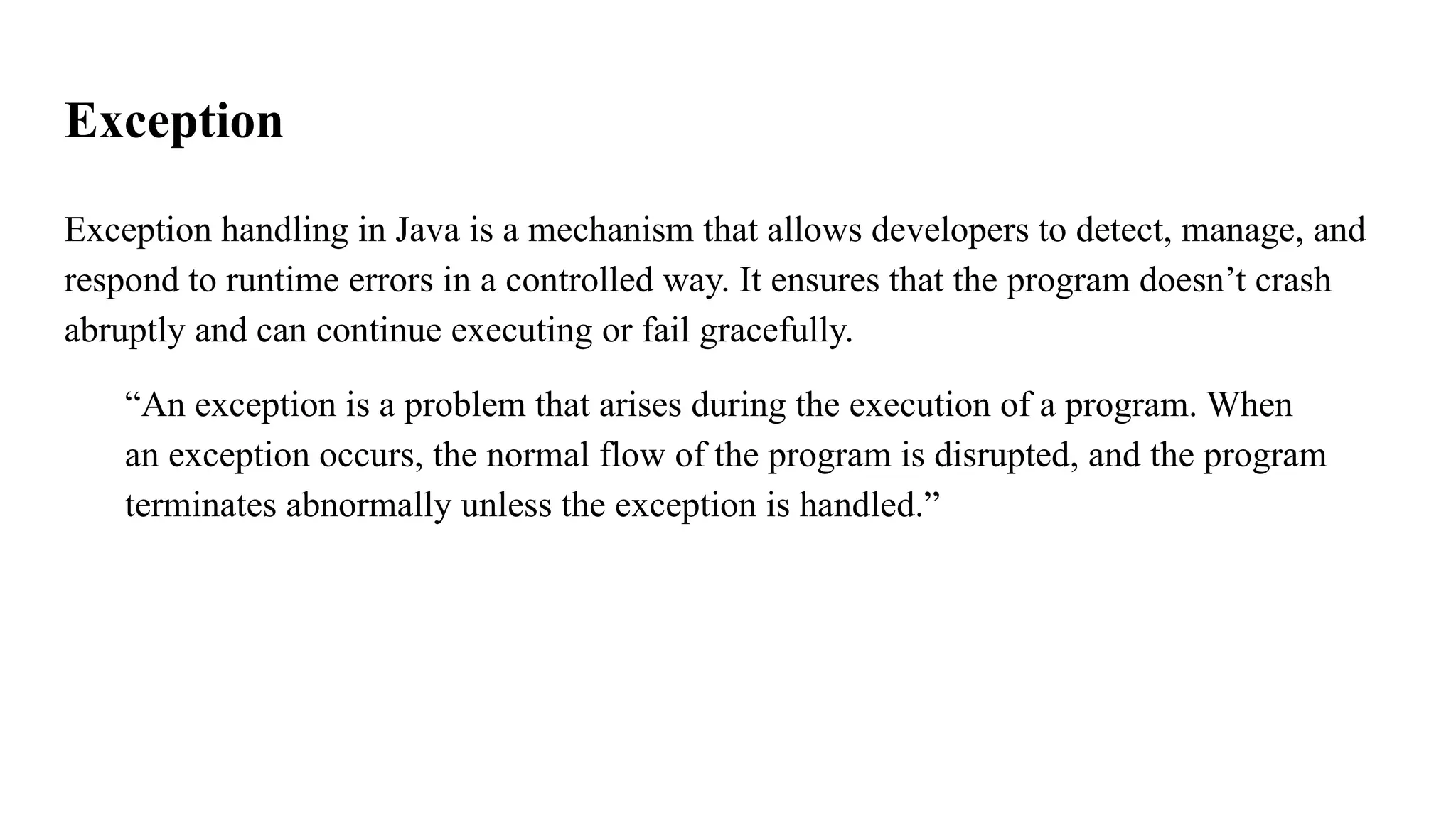
Exception handling inJava is a mechanism that allows developers to detect, manage, and
respond to runtime errors in a controlled way. It ensures that the program doesn’t crash
abruptly and can continue executing or fail gracefully.
“An exception is a problem that arises during the execution of a program. When
an exception occurs, the normal flow of the program is disrupted, and the program
terminates abnormally unless the exception is handled.”
5.
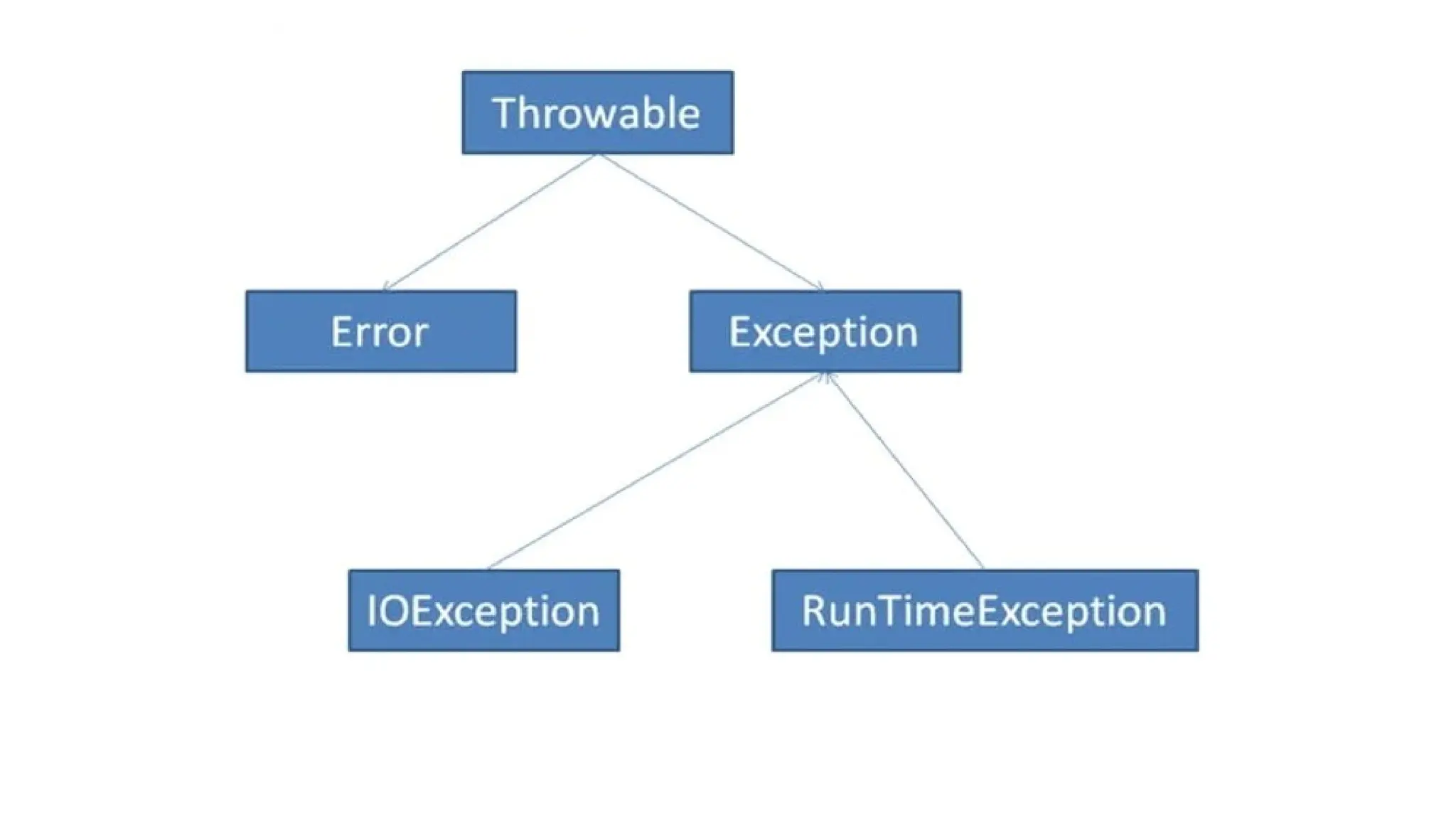
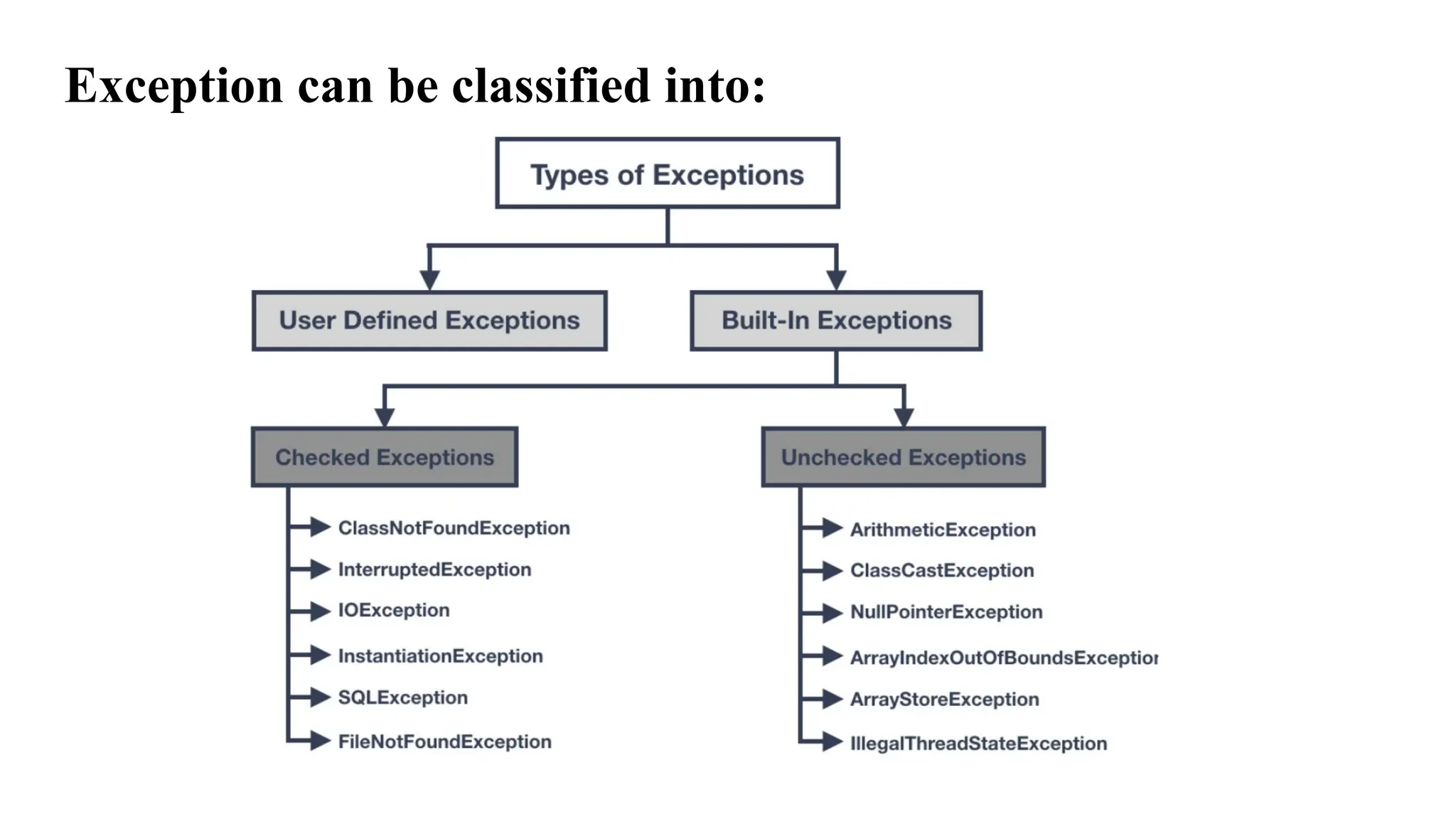
Throwable: is thetopmost class in Java’s error-handling hierarchy. It’s
like the ancestor of all things that can go wrong during program
execution.
Throwable, we get two major categories:
● Error: Serious problems that usually can't be handled (e.g., memory
overflow)
● Exception: Recoverable problems that you can handle using try-catch
6.
Comparison example:
public classMain {
public static void main(String[] args) {
System.out.println("Program Started..");
int result = 10 / 2;
System.out.println(result);
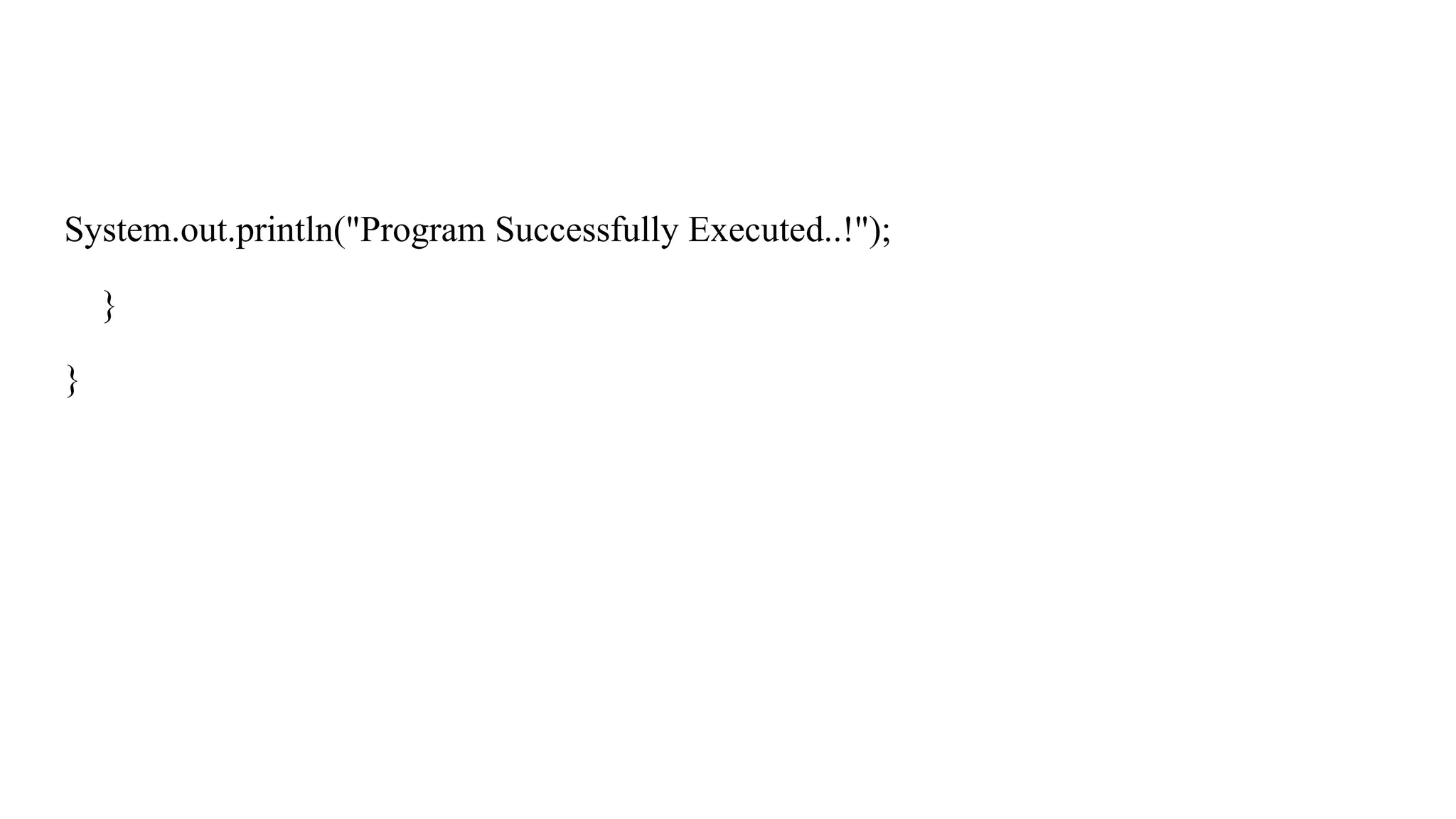
System.out.println("Program Successfully Executed..!");
}
}
7.
Explanation
In the aboveexample, the program will run successfully as there is no such error,
but what happenes if we try to divide a number with ‘zero’. So if we try to divide
a number with zero it will affect the compilation process which will affect the
other block of code..
For example…..
8.
Suppose…..
public class Main{
public static void main(String[] args) {
System.out.println("Program Started..");
int result = 10 / 0;
System.out.println(result);
System.out.println("Program Successfully Executed..!");
}
}
9.
Explanation
In the aboveexample, we tried to divide a number by zero. Since dividing by zero is not
possible, the whole program stopped working. To solve this problem, we use exception
handling. It helps us handle errors so that even if something goes wrong, the rest of the
program will still run properly.
10.
How to solvethis….
We will be solving it by using try block and catch block
try{}
The try block contains code that you want to monitor for runtime errors. If an exception
occurs inside the try block, Java immediately jumps to the corresponding catch block to
handle it.
catch()
The catch block is used to handle exceptions that occur in the try block. It defines a block
of code that runs only if an exception is thrown.
11.
Example
public class Main{
public static void main(String[] args) {
System.out.println("Program Started..!");
try {
int result = 10 / 0;
System.out.println(result);
} catch(ArithmeticException ex){
System.out.println("Exception: Division by ZERO not ALLOWED..!");
}
Built-in Exceptions injava
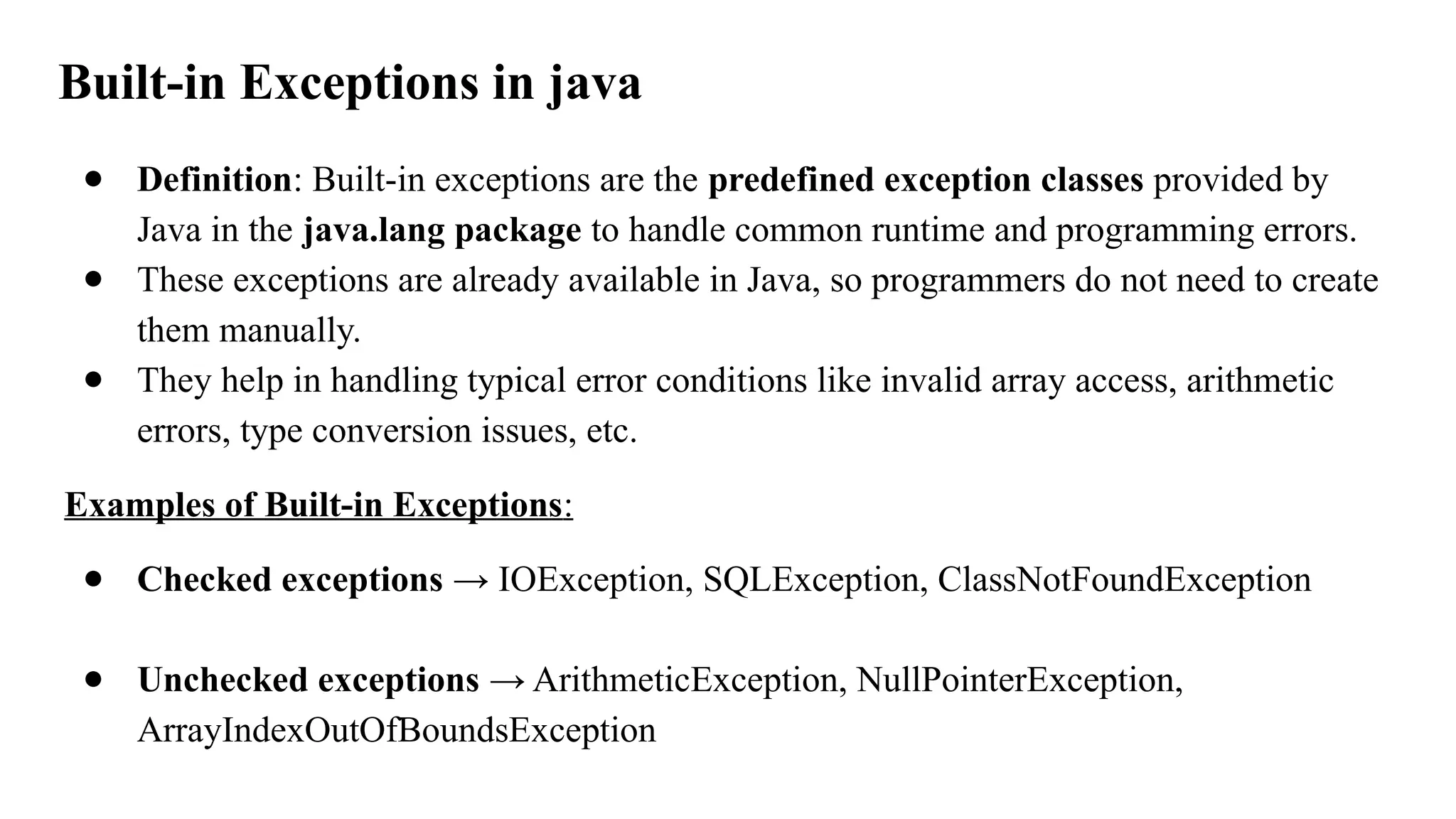
● Definition: Built-in exceptions are the predefined exception classes provided by
Java in the java.lang package to handle common runtime and programming errors.
● These exceptions are already available in Java, so programmers do not need to create
them manually.
● They help in handling typical error conditions like invalid array access, arithmetic
errors, type conversion issues, etc.
Examples of Built-in Exceptions:
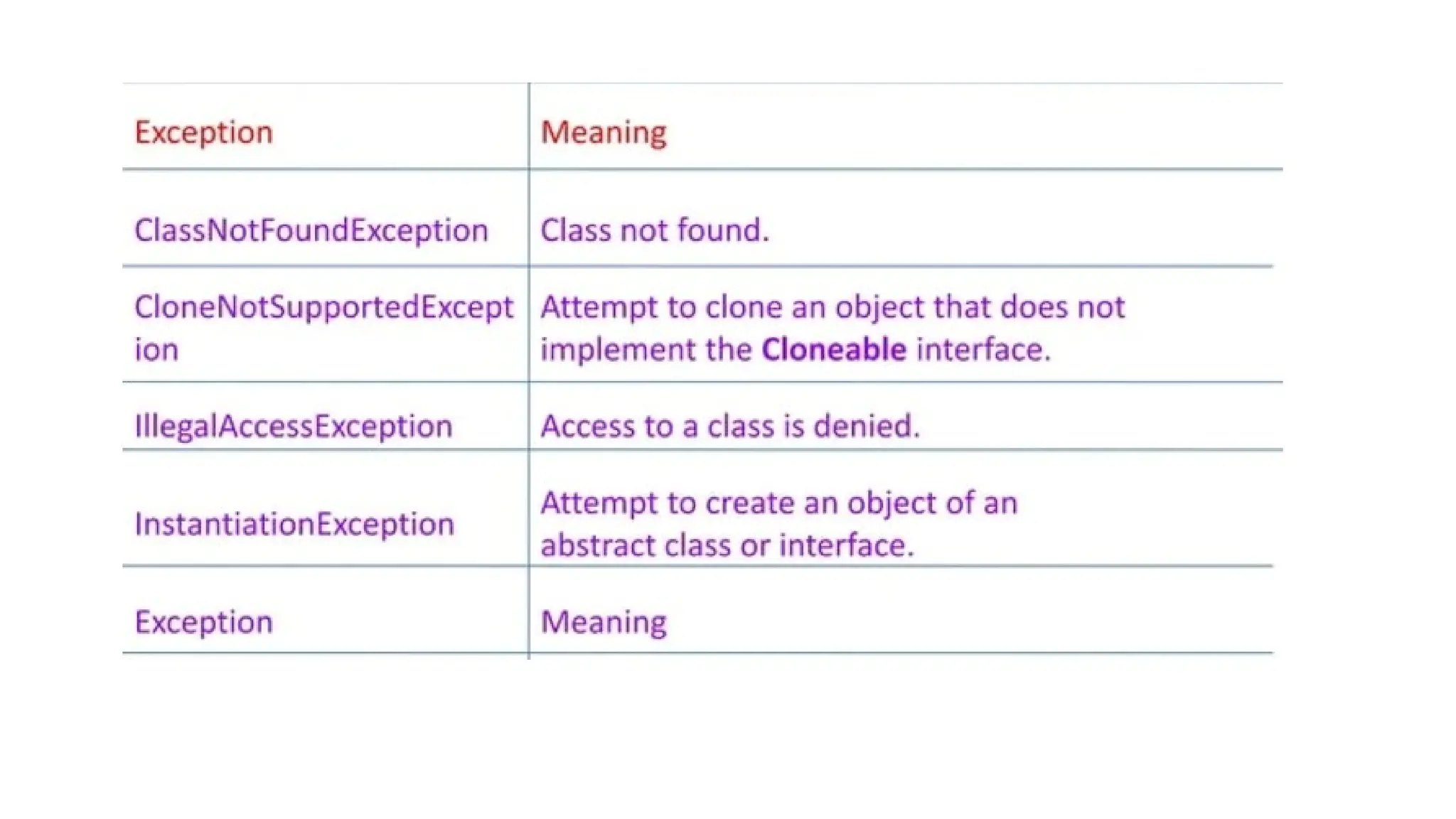
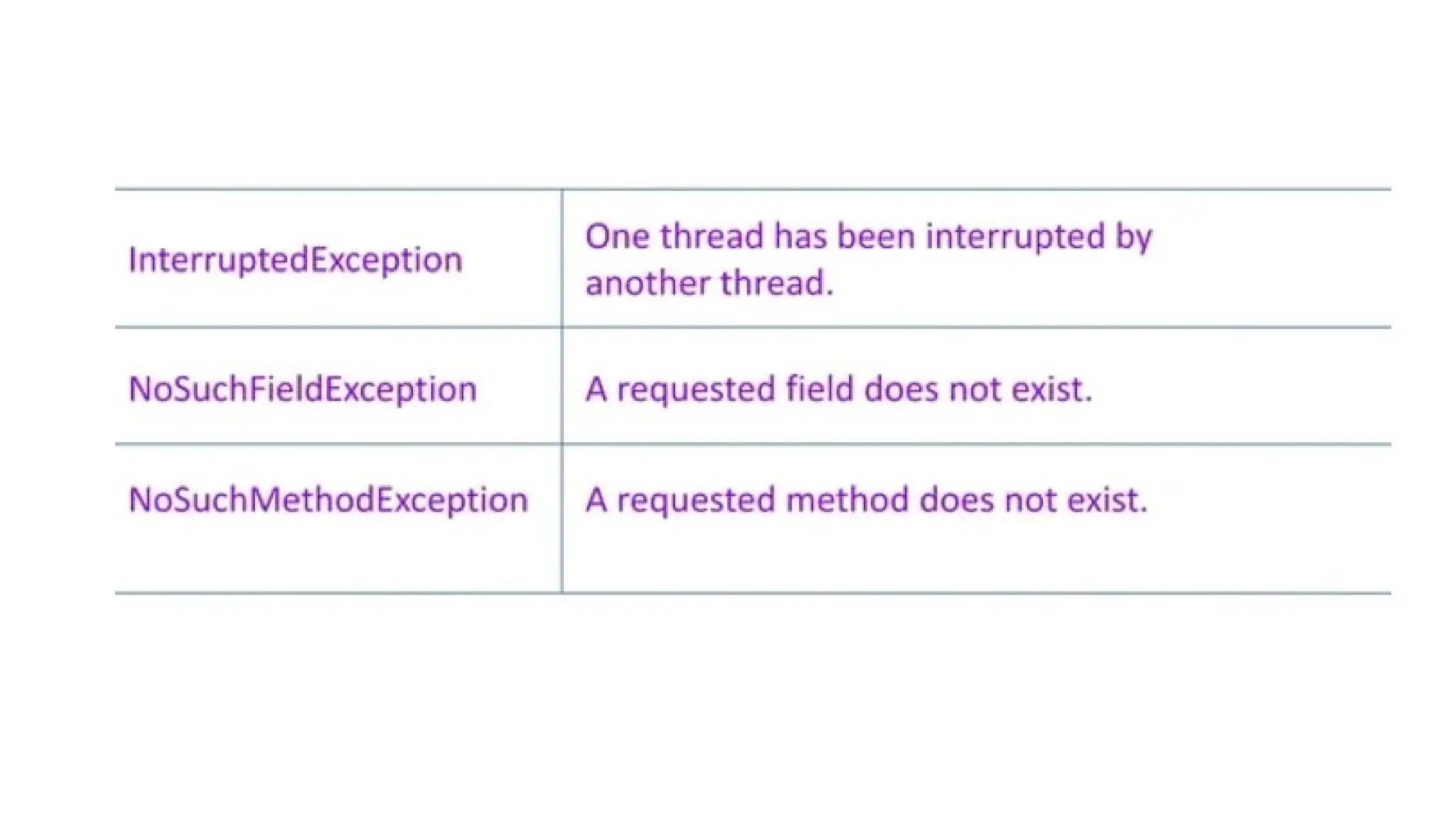
● Checked exceptions → IOException, SQLException, ClassNotFoundException
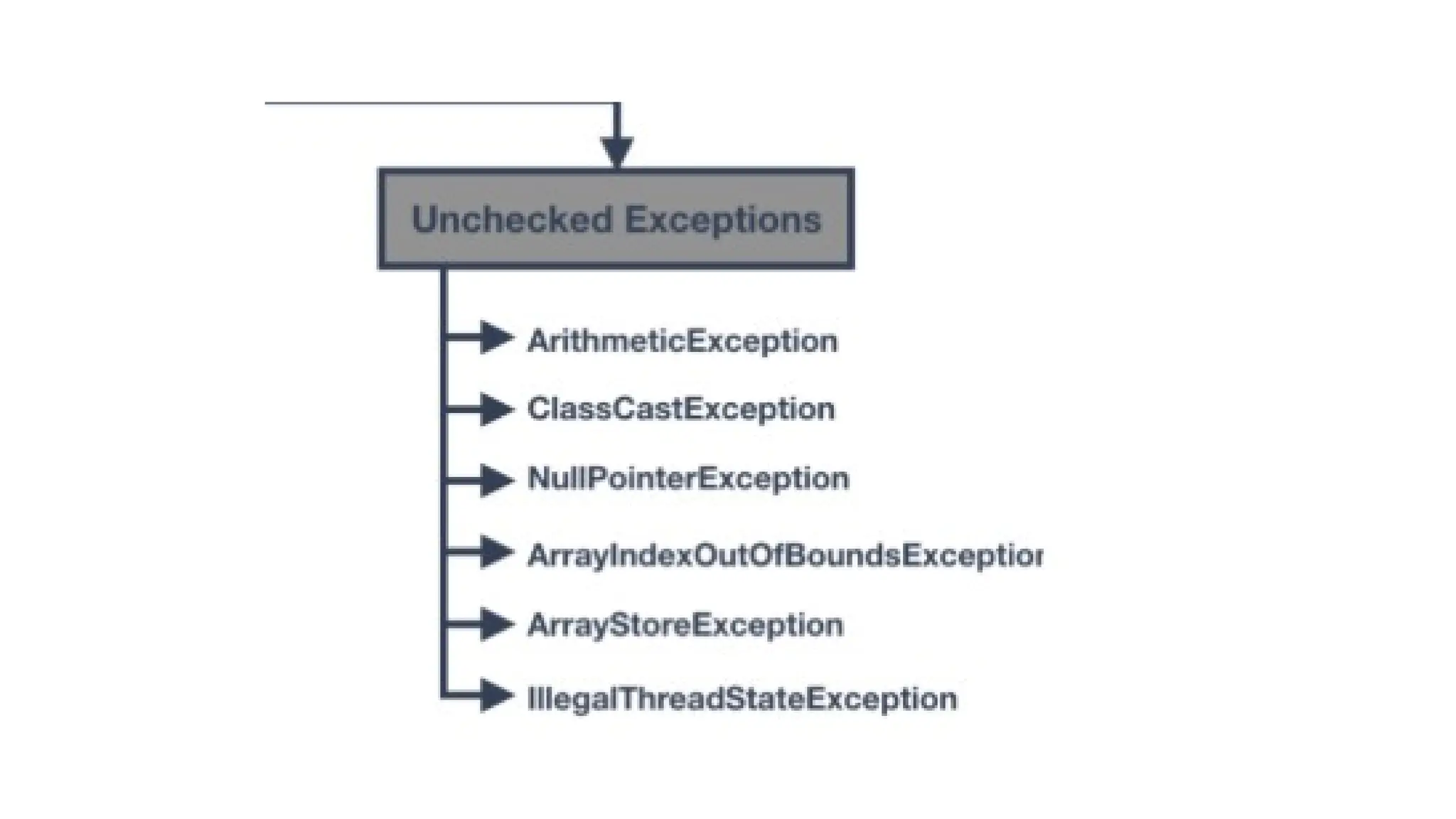
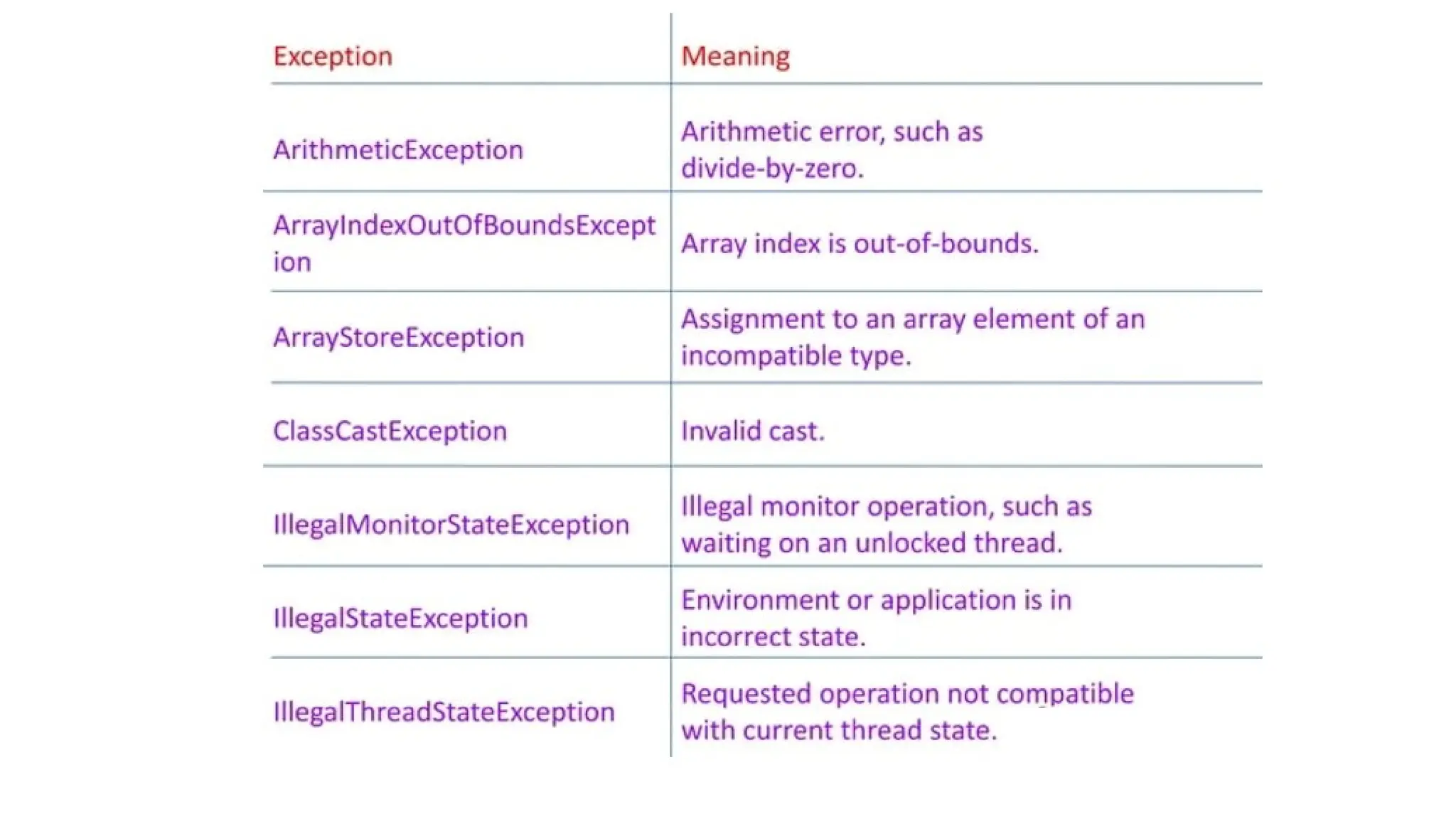
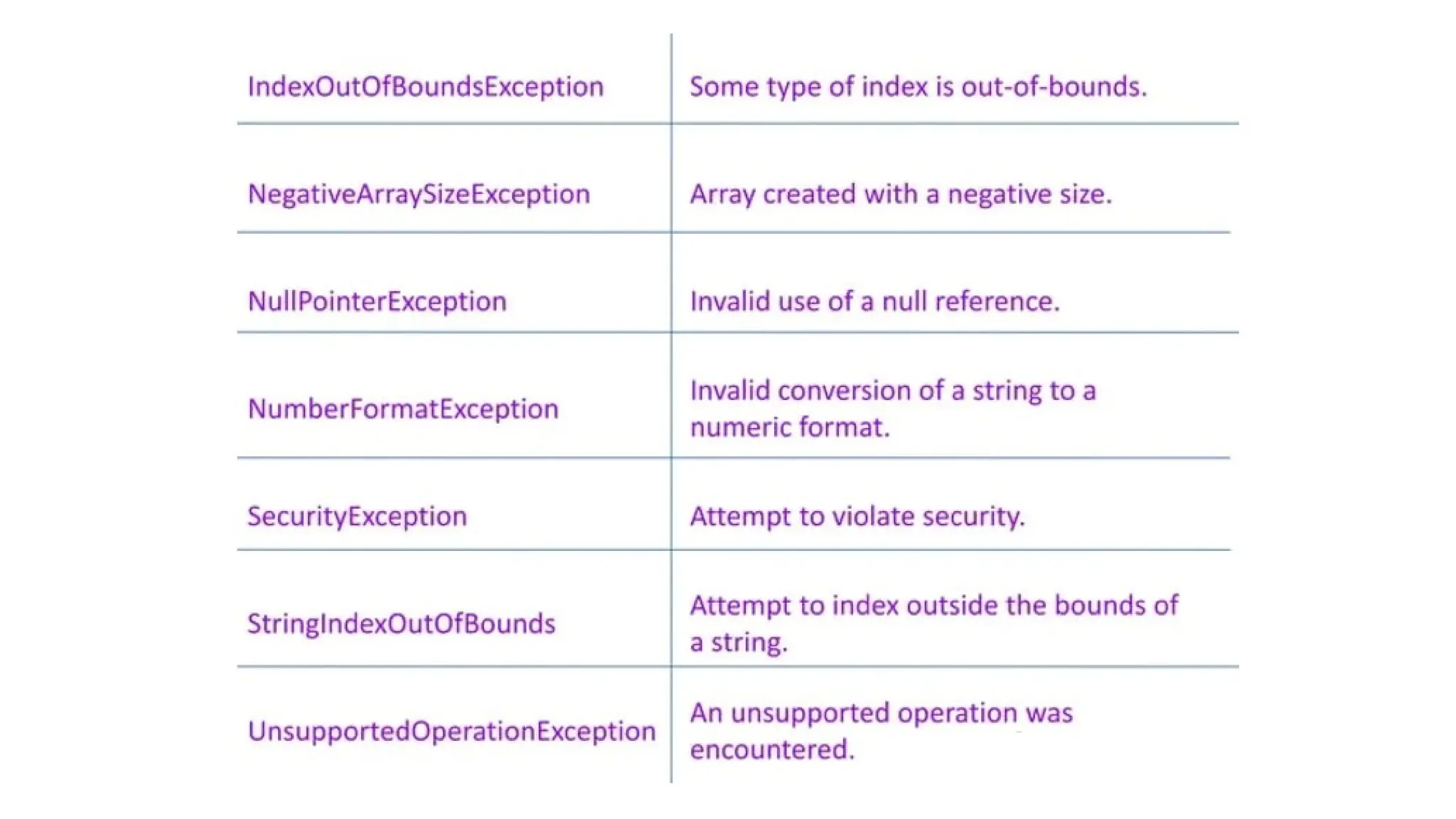
● Unchecked exceptions → ArithmeticException, NullPointerException,
ArrayIndexOutOfBoundsException
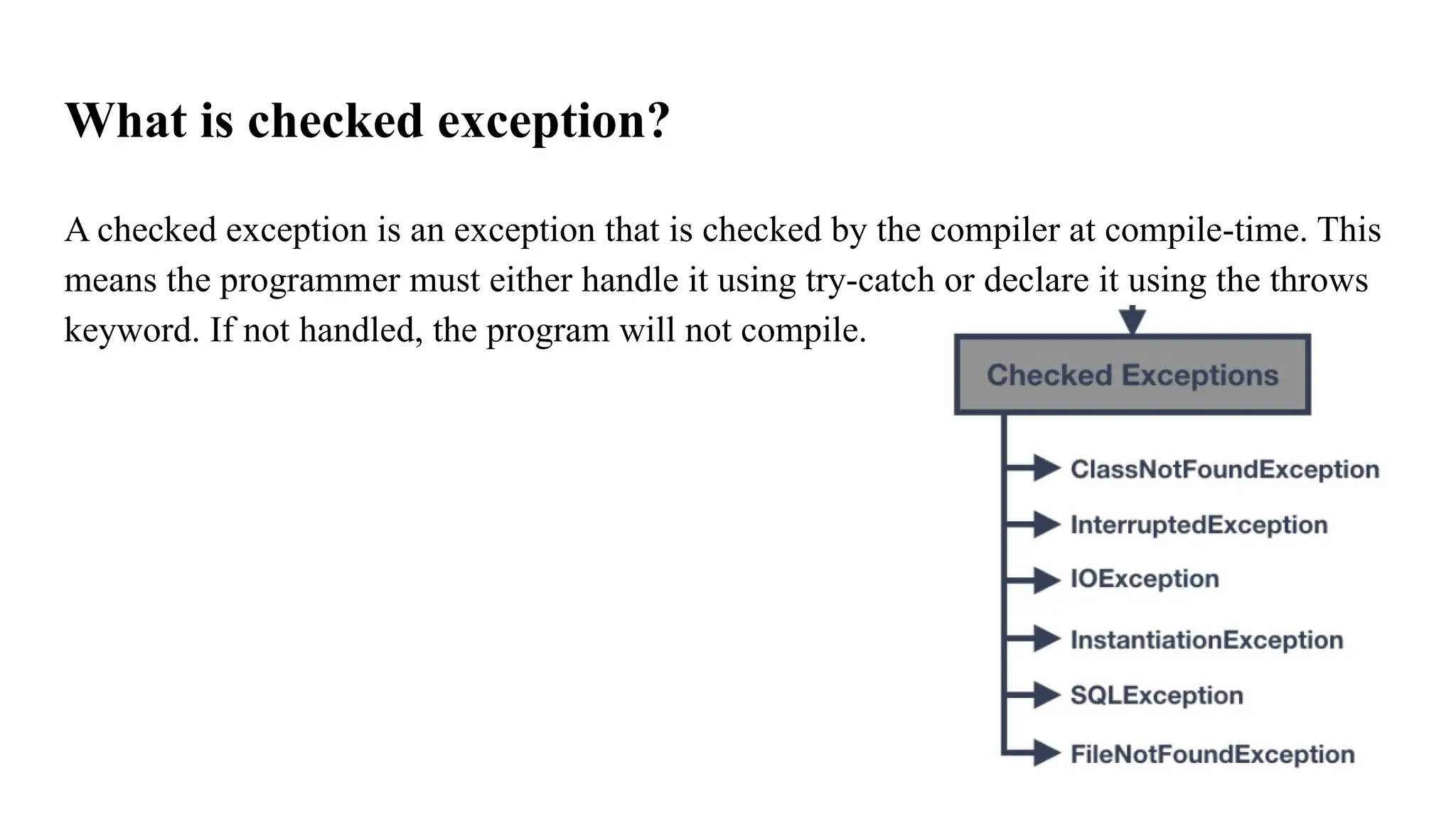
What is checkedexception?
A checked exception is an exception that is checked by the compiler at compile-time. This
means the programmer must either handle it using try-catch or declare it using the throws
keyword. If not handled, the program will not compile.
18.
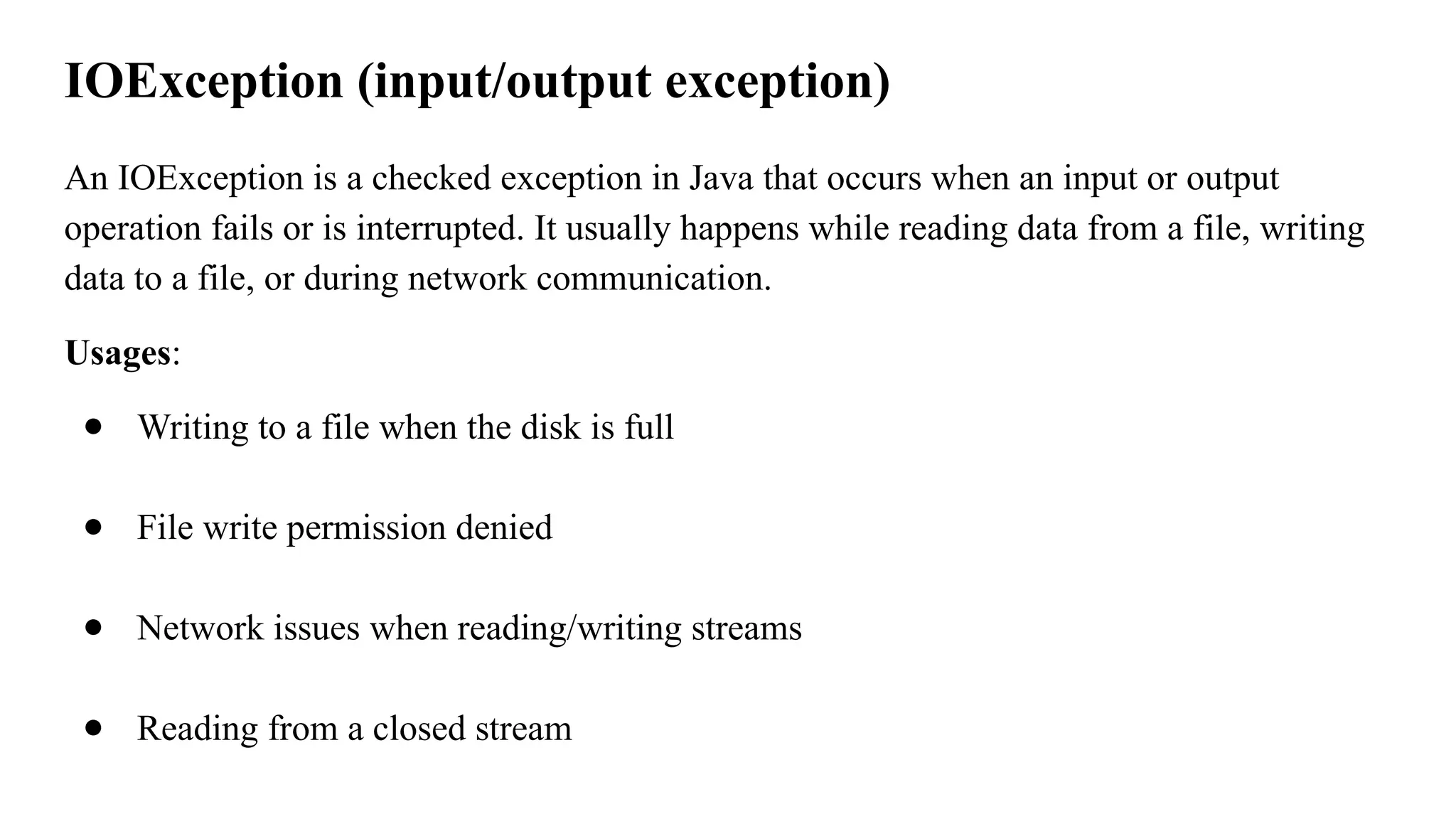
IOException (input/output exception)
AnIOException is a checked exception in Java that occurs when an input or output
operation fails or is interrupted. It usually happens while reading data from a file, writing
data to a file, or during network communication.
Usages:
● Writing to a file when the disk is full
● File write permission denied
● Network issues when reading/writing streams
● Reading from a closed stream
19.
import java.io.FileReader;
import java.io.IOException;
publicclass SimpleIOExceptionDemo {
public static void main(String[] args) {
try {
FileReader reader = new FileReader("sample.txt"); // Try to open the file
System.out.println("File opened successfully.");
reader.close(); // Close the file
} catch (IOException e) {
System.out.println("Oops! Something went wrong: " + e.getMessage()); }}}
20.
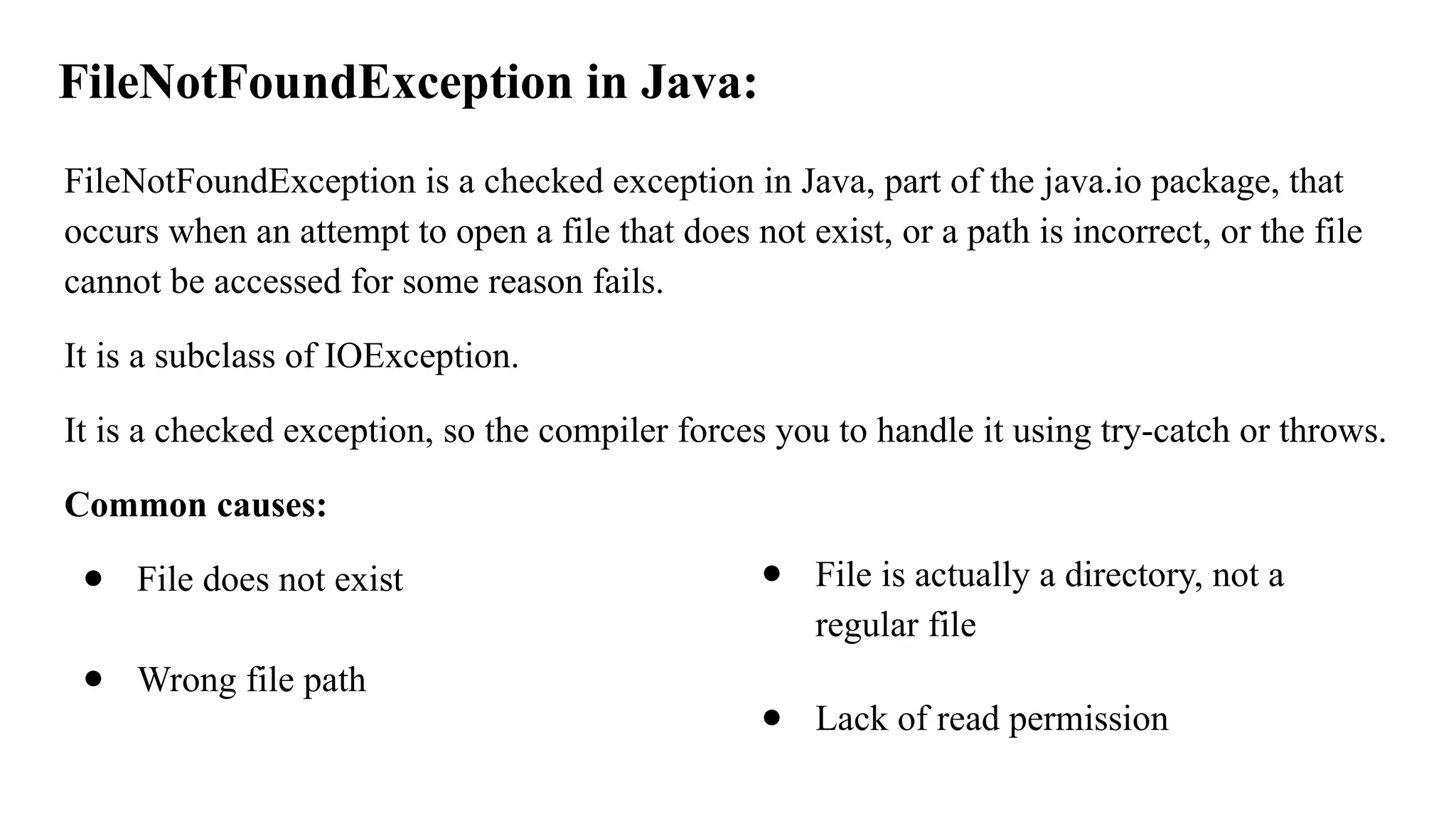
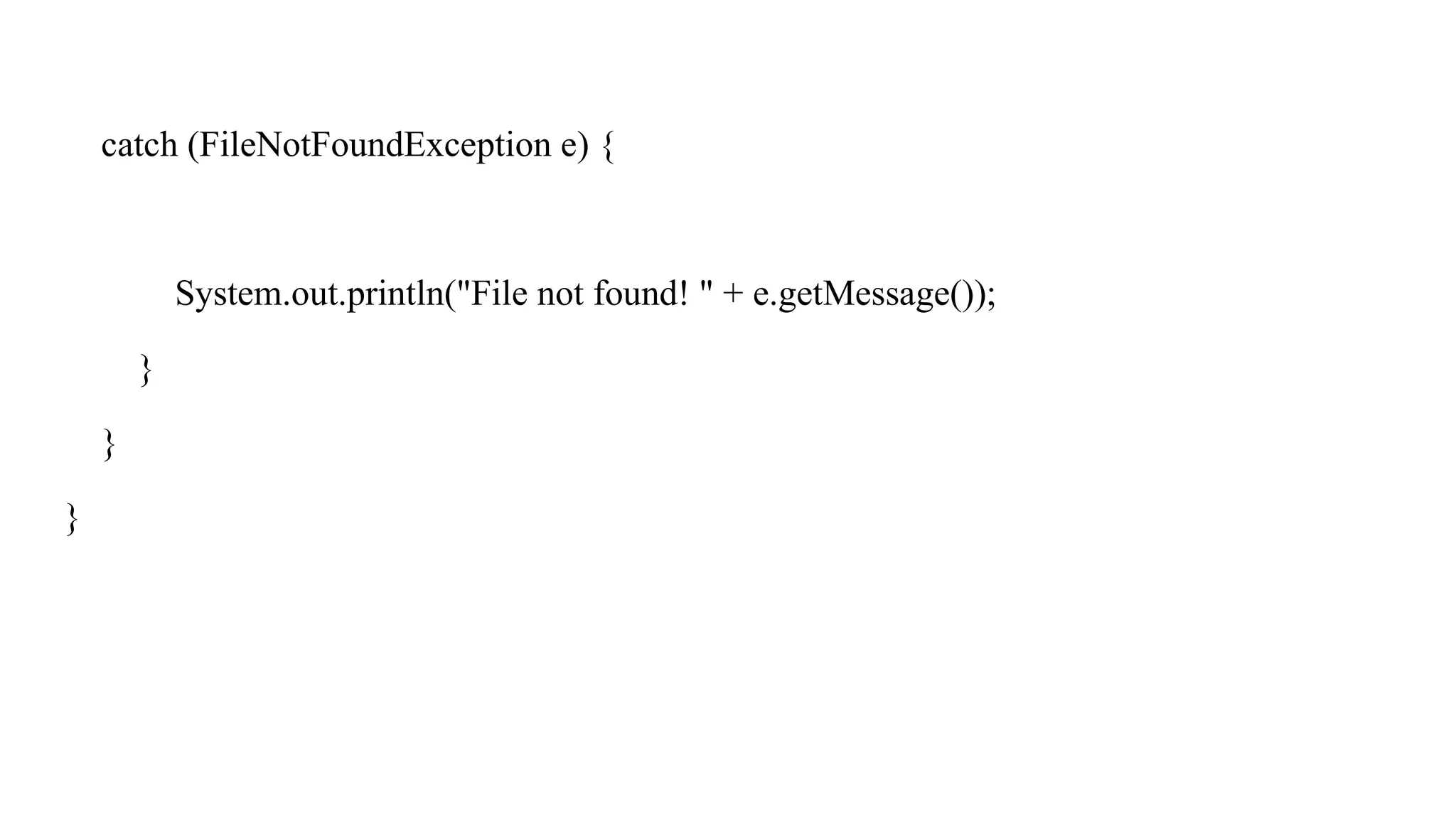
FileNotFoundException in Java:
FileNotFoundExceptionis a checked exception in Java, part of the java.io package, that
occurs when an attempt to open a file that does not exist, or a path is incorrect, or the file
cannot be accessed for some reason fails.
It is a subclass of IOException.
It is a checked exception, so the compiler forces you to handle it using try-catch or throws.
Common causes:
● File does not exist
● Wrong file path
● File is actually a directory, not a
regular file
● Lack of read permission
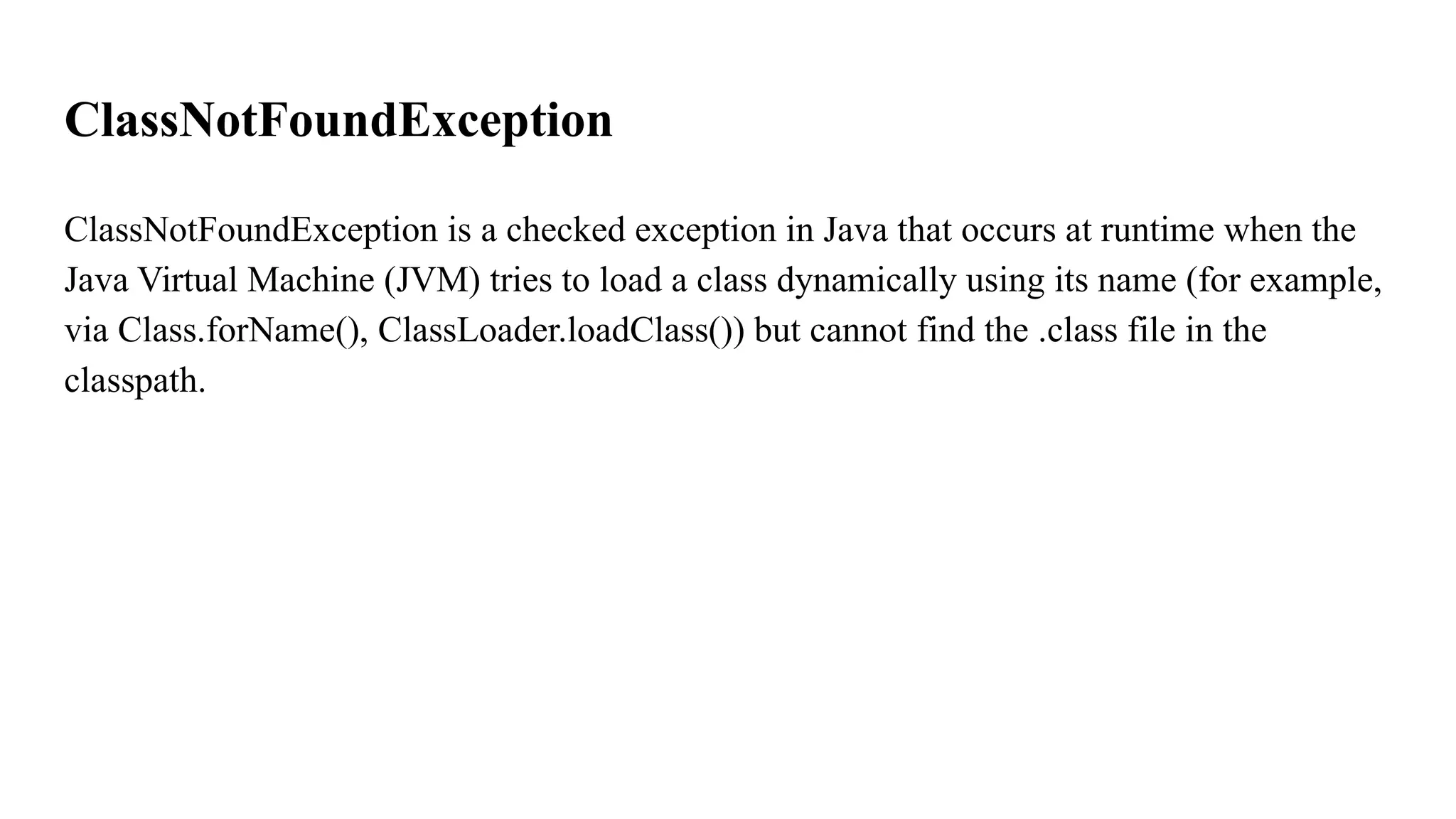
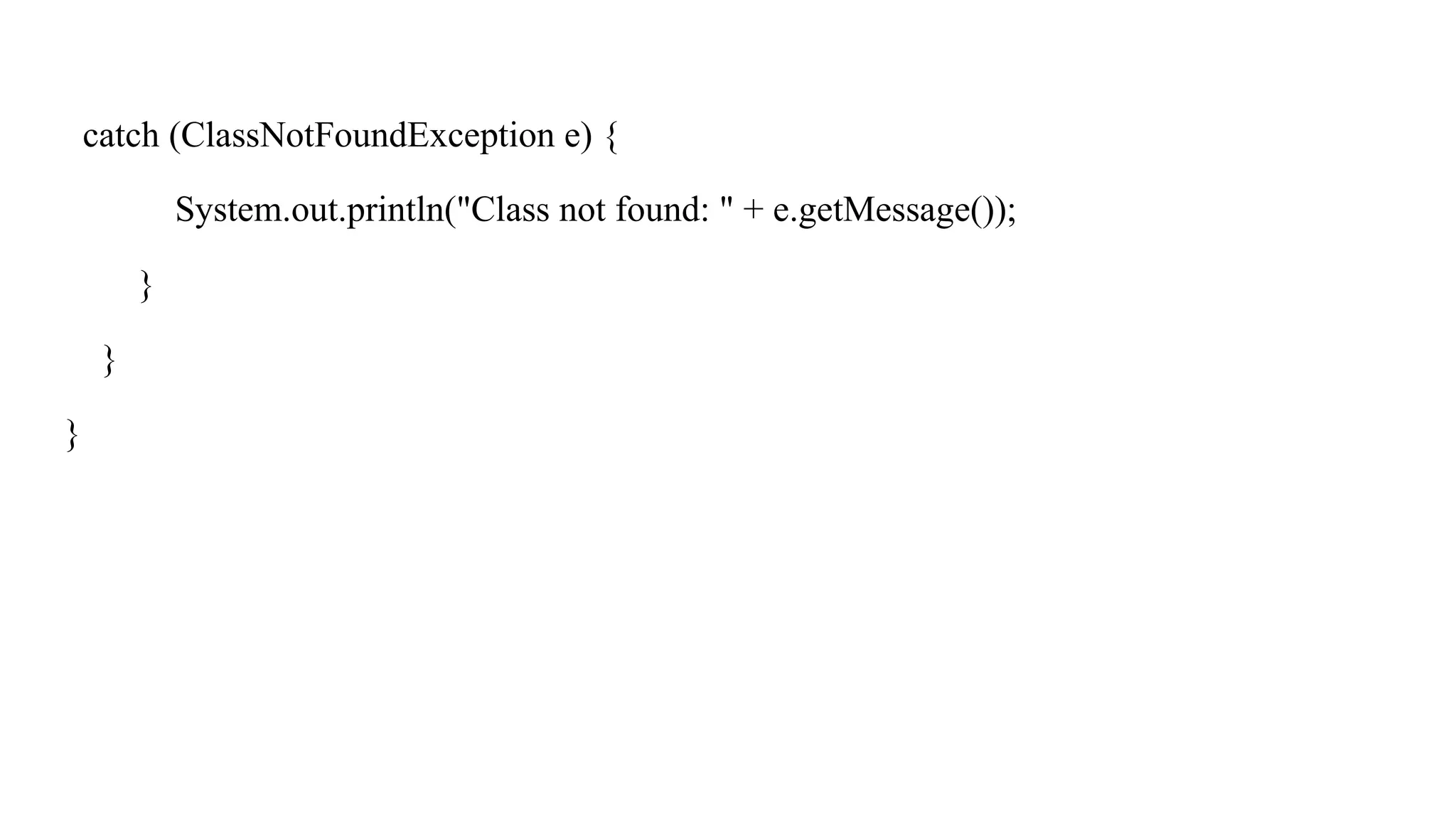
ClassNotFoundException
ClassNotFoundException is achecked exception in Java that occurs at runtime when the
Java Virtual Machine (JVM) tries to load a class dynamically using its name (for example,
via Class.forName(), ClassLoader.loadClass()) but cannot find the .class file in the
classpath.
24.
Example
public class Student{
String name = "Alice";
}
public class ForNameDemo {
public static void main(String[] args) {
try {
// Load the Student class dynamically by name
cls = Class.forName("Student"); // store the returned Class object
System.out.println("Class loaded: " + cls.getName()); }
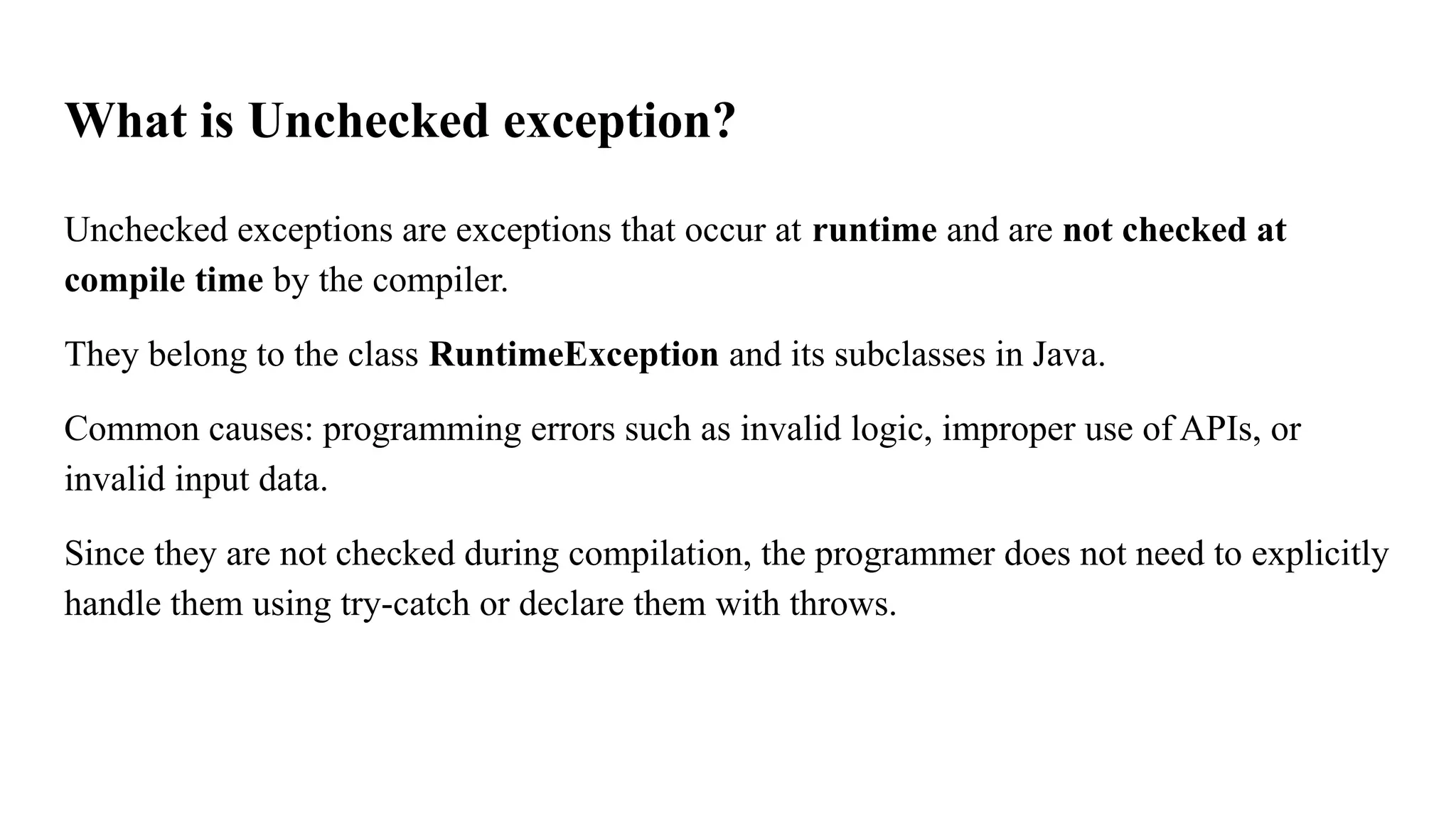
What is Uncheckedexception?
Unchecked exceptions are exceptions that occur at runtime and are not checked at
compile time by the compiler.
They belong to the class RuntimeException and its subclasses in Java.
Common causes: programming errors such as invalid logic, improper use of APIs, or
invalid input data.
Since they are not checked during compilation, the programmer does not need to explicitly
handle them using try-catch or declare them with throws.
30.
Lab program: 6
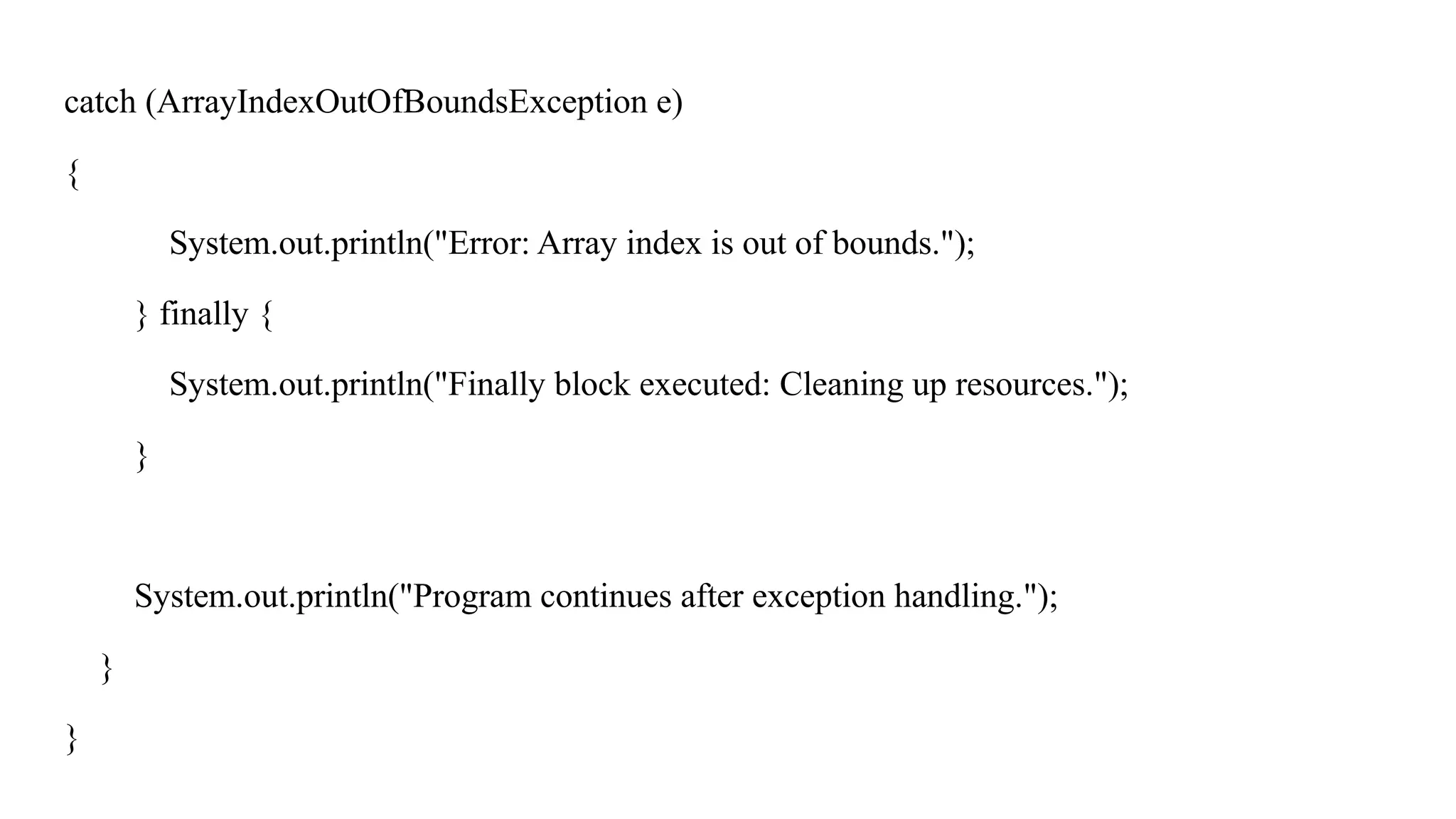
WAPto handle ArithmeticException and ArrayIndexOutOfBoubds Exception using try,
catch and finally blocks.
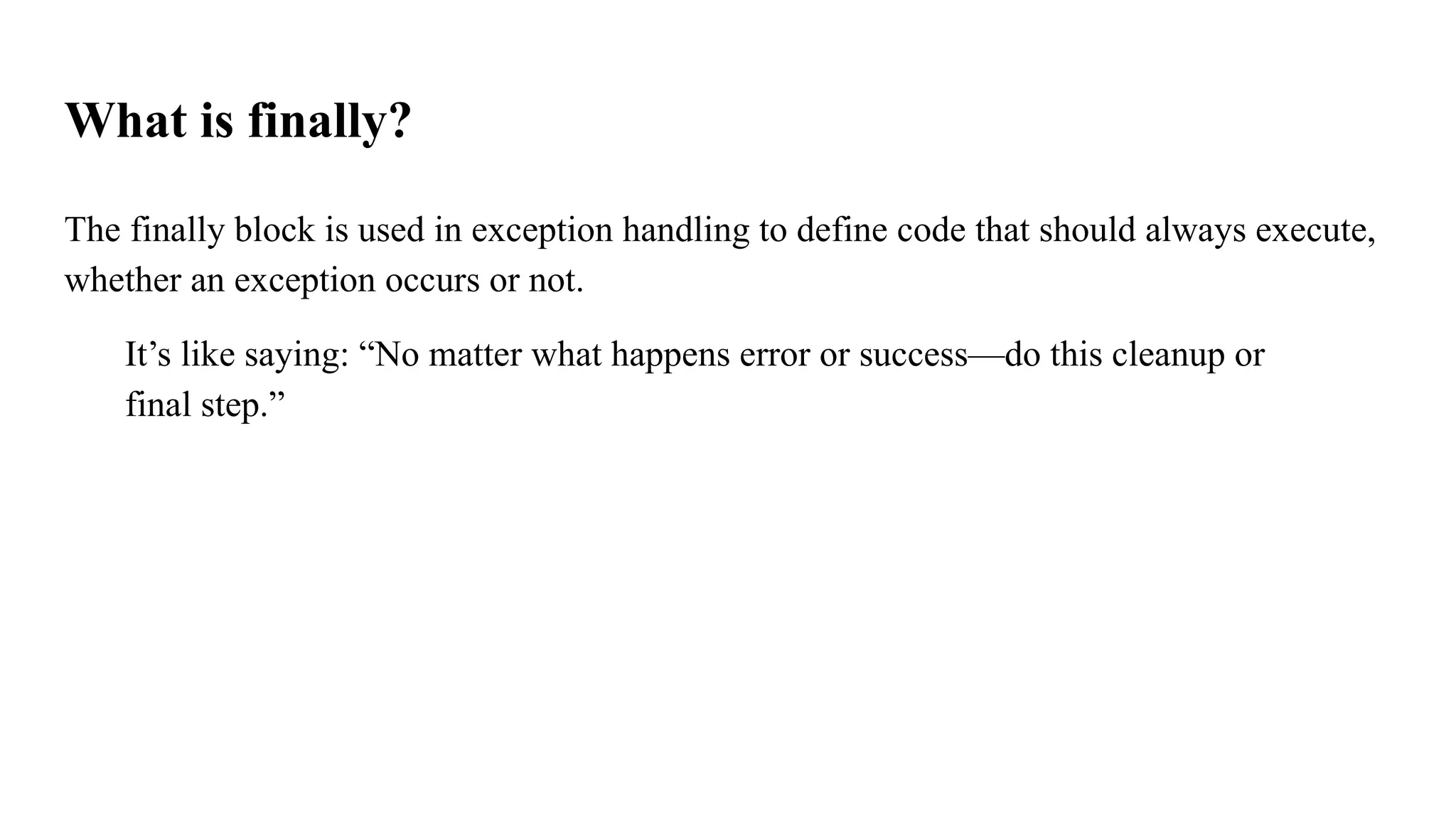
What is finally?
Thefinally block is used in exception handling to define code that should always execute,
whether an exception occurs or not.
It’s like saying: “No matter what happens error or success—do this cleanup or
final step.”
35.
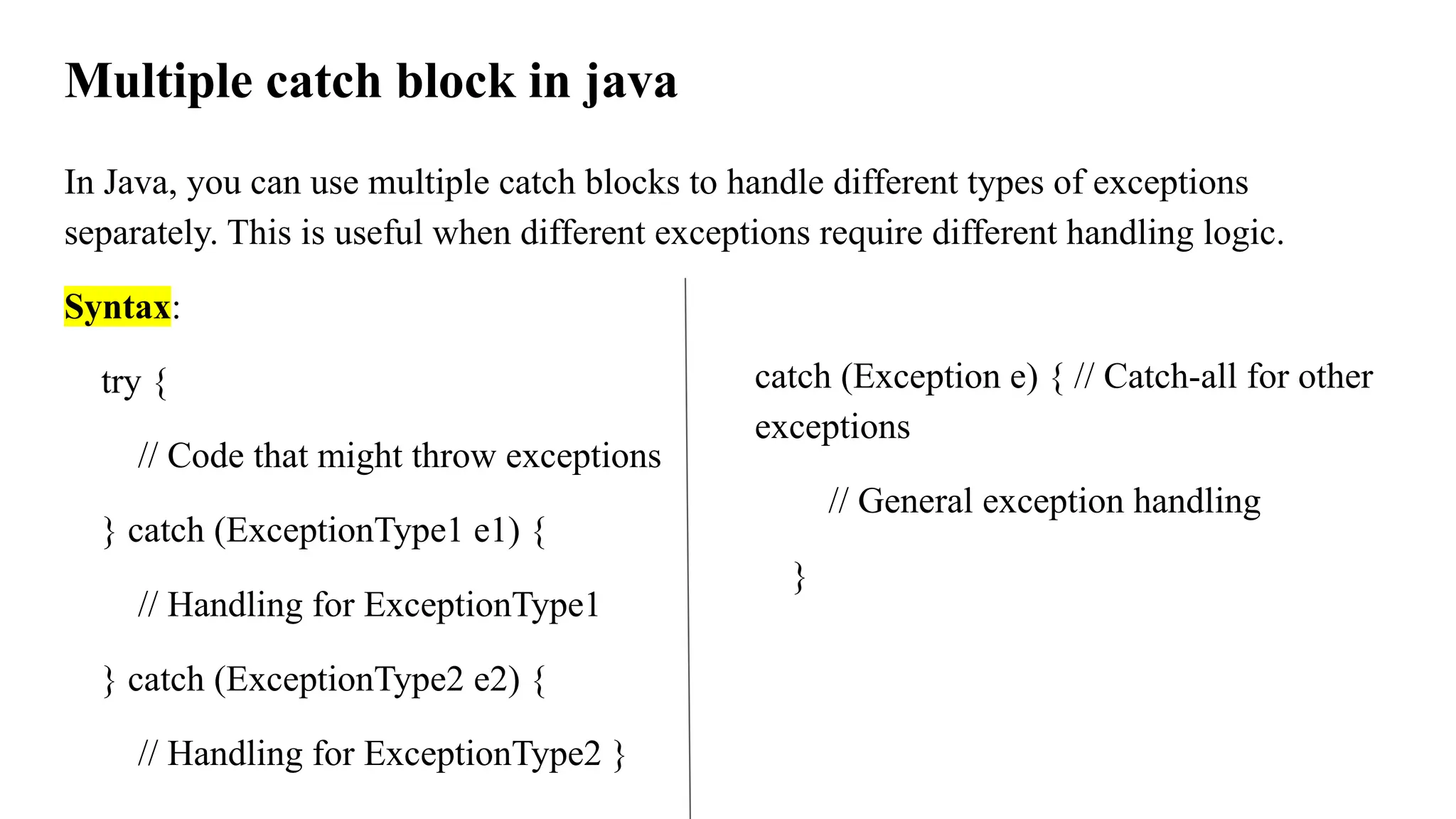
Multiple catch blockin java
In Java, you can use multiple catch blocks to handle different types of exceptions
separately. This is useful when different exceptions require different handling logic.
Syntax:
try {
// Code that might throw exceptions
} catch (ExceptionType1 e1) {
// Handling for ExceptionType1
} catch (ExceptionType2 e2) {
// Handling for ExceptionType2 }
catch (Exception e) { // Catch-all for other
exceptions
// General exception handling
}
36.
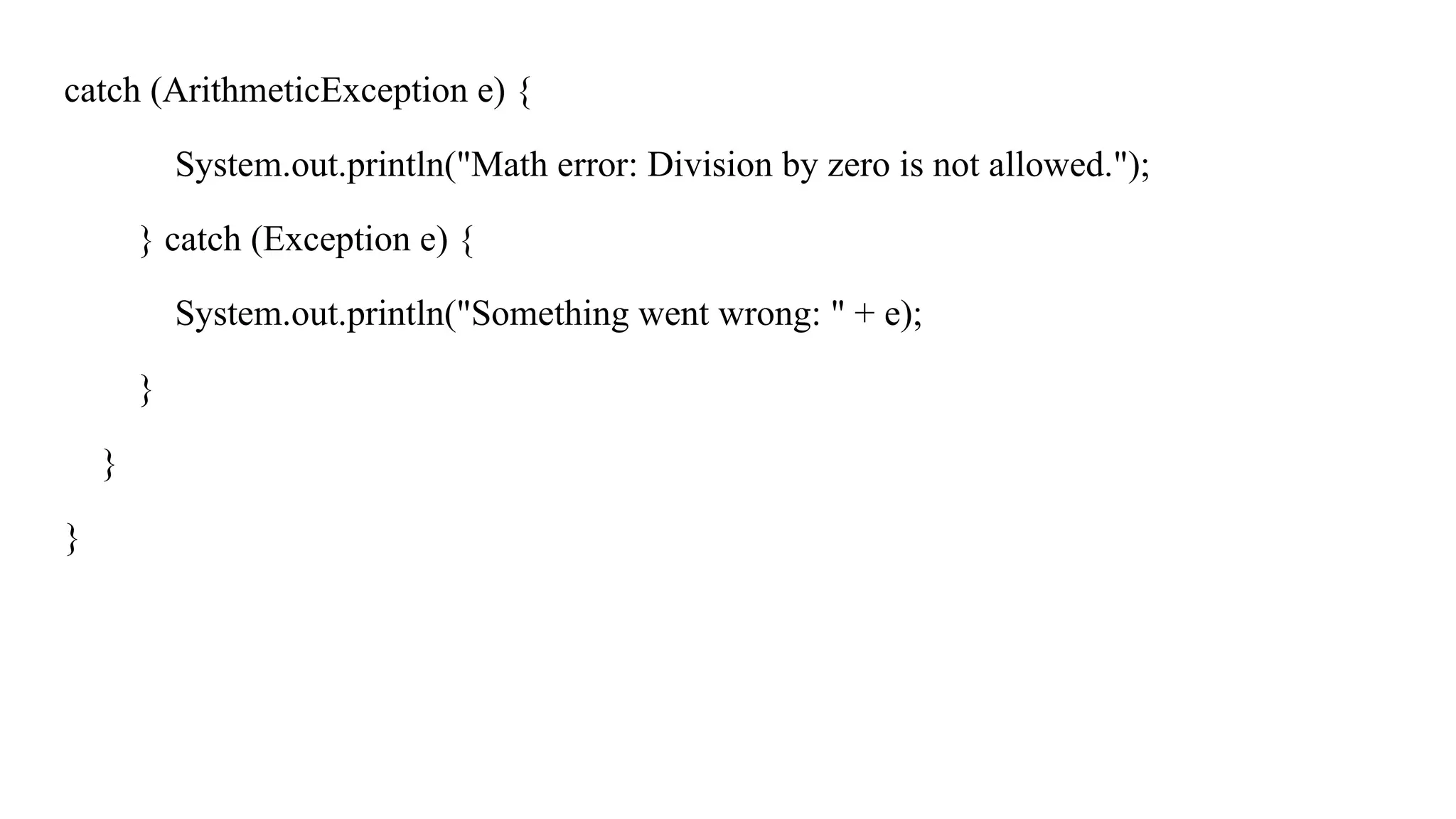
Example:
public class MultipleExceptionDemo{
public static void main(String[] args) {
try {
int[] numbers = {10, 20, 30};
System.out.println(numbers[5]);
int result = numbers [0]/ 0;
} catch (ArrayIndexOutOfBoundsException e) {
System.out.println("Oops! You're trying to access an invalid array index.");
}
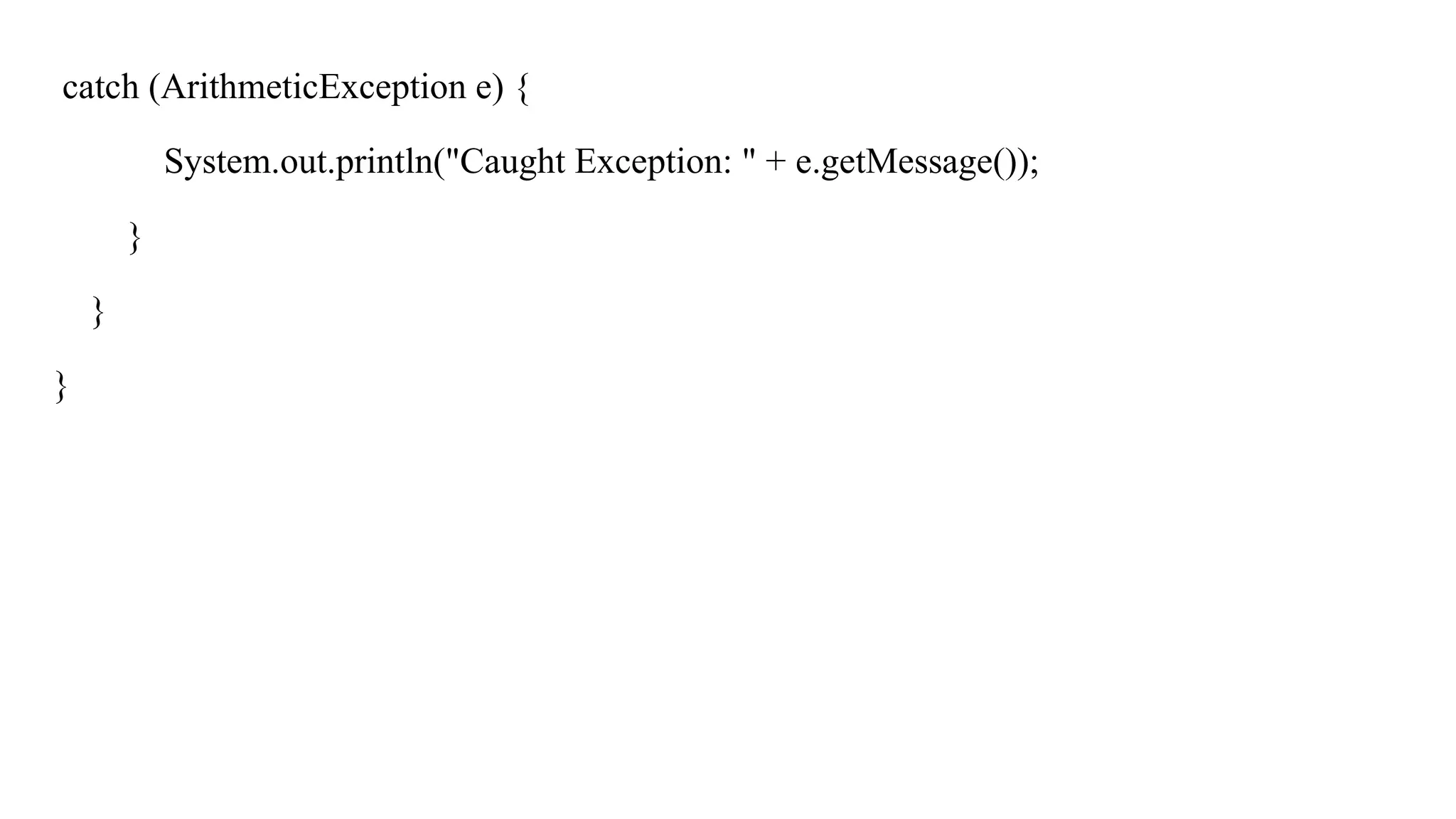
37.
catch (ArithmeticException e){
System.out.println("Math error: Division by zero is not allowed.");
} catch (Exception e) {
System.out.println("Something went wrong: " + e);
}
}
}
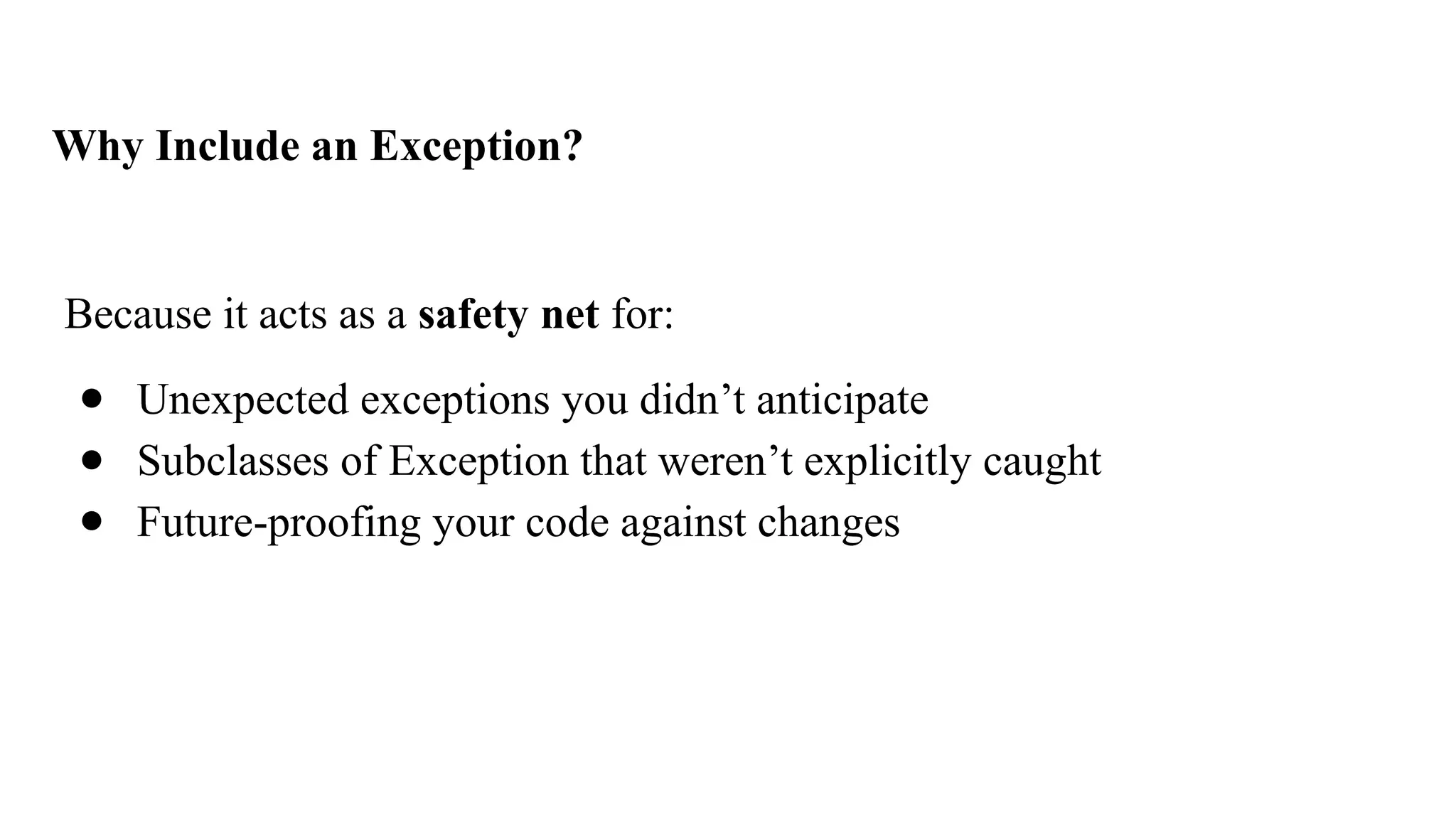
38.
Why Include anException?
Because it acts as a safety net for:
● Unexpected exceptions you didn’t anticipate
● Subclasses of Exception that weren’t explicitly caught
● Future-proofing your code against changes
39.
Nested try inException Handling in Java
try {
int[] data = {10, 20, 30};
System.out.println(data[2]);
try {
int result = data[1] / 0;
} catch (ArithmeticException e) {
System.out.println("Inner catch: Division by zero");
}
}
catch
(ArrayIndexOutOfBoundsExcep
tion e) {
System.out.println("Outer
catch: Invalid array index");
}
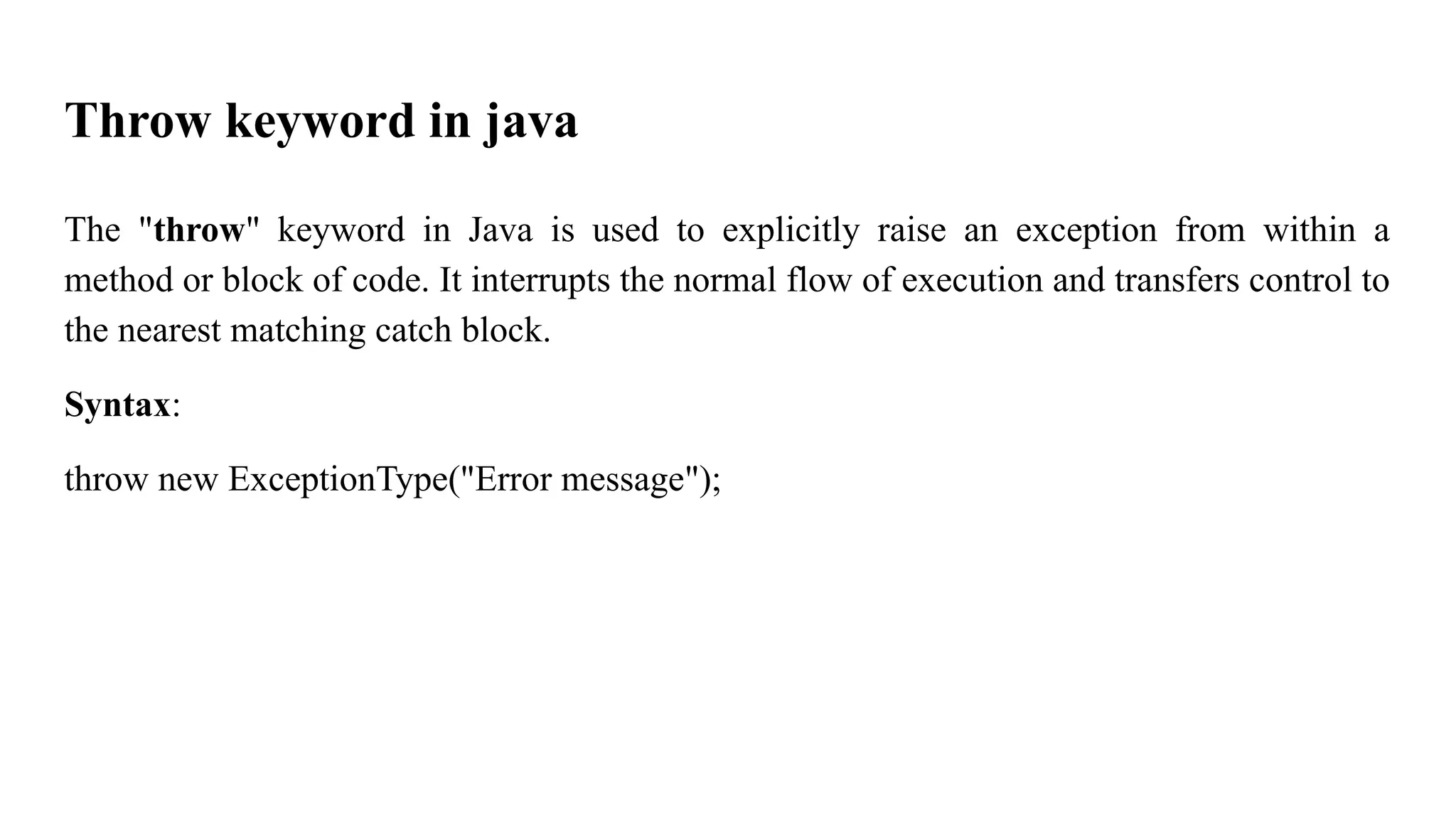
40.
Throw keyword injava
The "throw" keyword in Java is used to explicitly raise an exception from within a
method or block of code. It interrupts the normal flow of execution and transfers control to
the nearest matching catch block.
Syntax:
throw new ExceptionType("Error message");
41.
Example I: (withoutusing try and catch)
public class ThrowExample {
public static void main(String[] args) {
int age = 15;
if (age < 18) {
throw new ArithmeticException("Age must be 18 or above to vote");
}
System.out.println("You are eligible to vote!");
}
}
42.
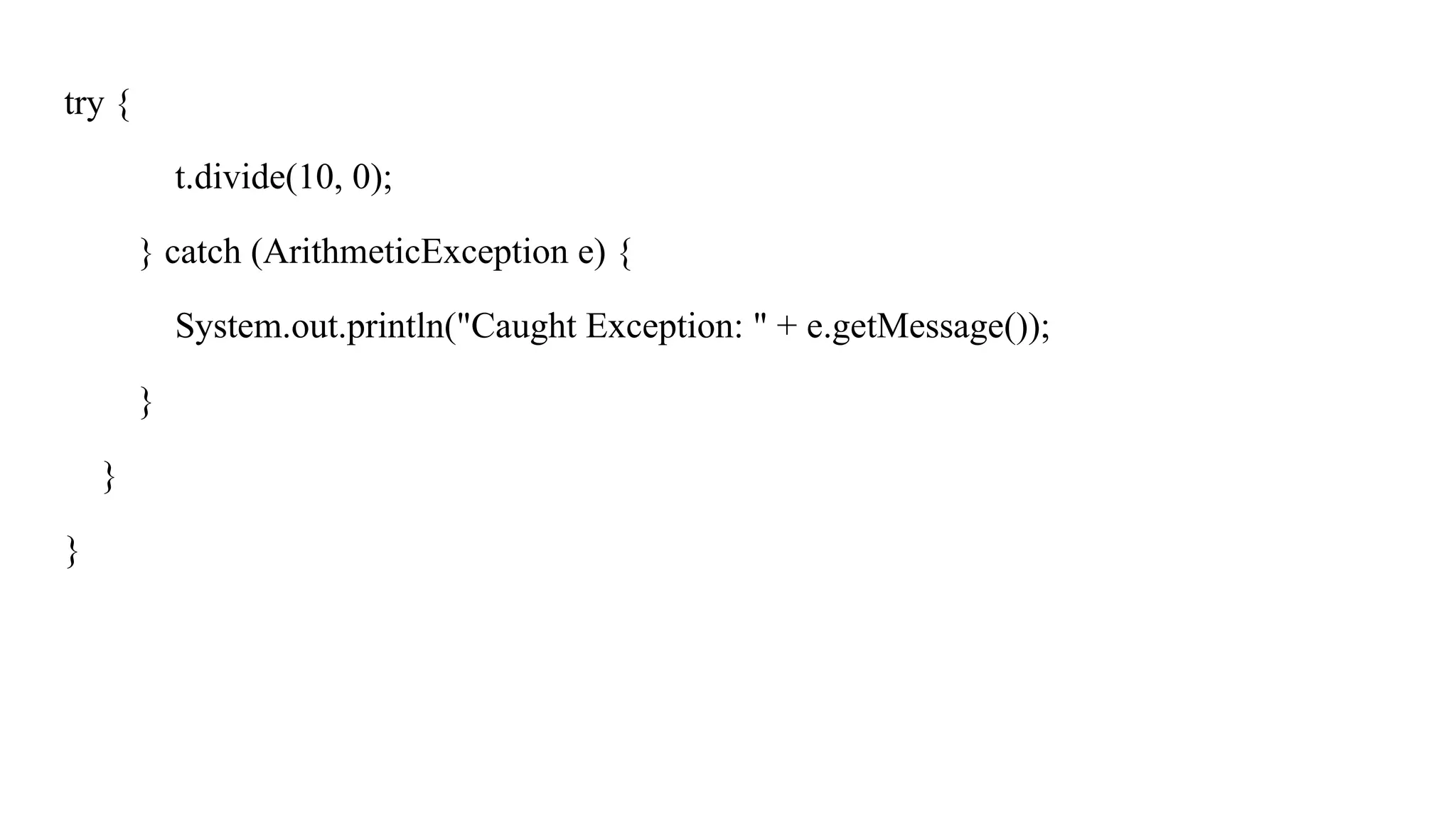
Example II (usingtry and catch)
public class ThrowExample {
public static void main(String[] args) {
try {
int age = 15;
if (age < 18) {
throw new ArithmeticException("Age must be 18 or above to vote");
}
System.out.println("You are eligible to vote!");
}
Example III
public classTest {
public static void main(String[] args) {
try {
int balance = 500;
if (balance < 1000) {
throw new IllegalArgumentException("Balance must not drop below
1000");
}
} catch (IllegalArgumentException e) {
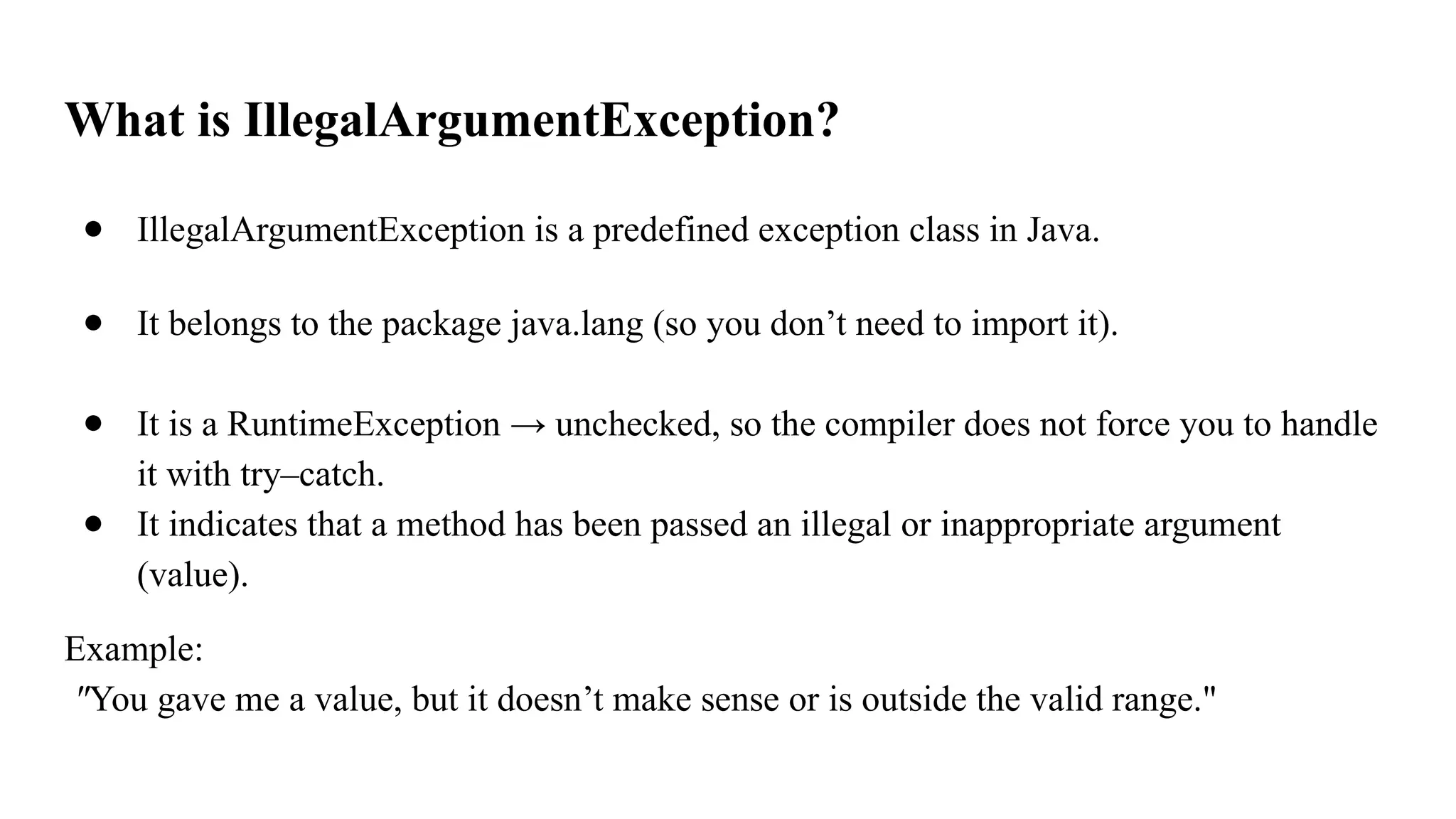
45.
What is IllegalArgumentException?
●IllegalArgumentException is a predefined exception class in Java.
● It belongs to the package java.lang (so you don’t need to import it).
● It is a RuntimeException → unchecked, so the compiler does not force you to handle
it with try–catch.
● It indicates that a method has been passed an illegal or inappropriate argument
(value).
Example:
"You gave me a value, but it doesn’t make sense or is outside the valid range."
46.
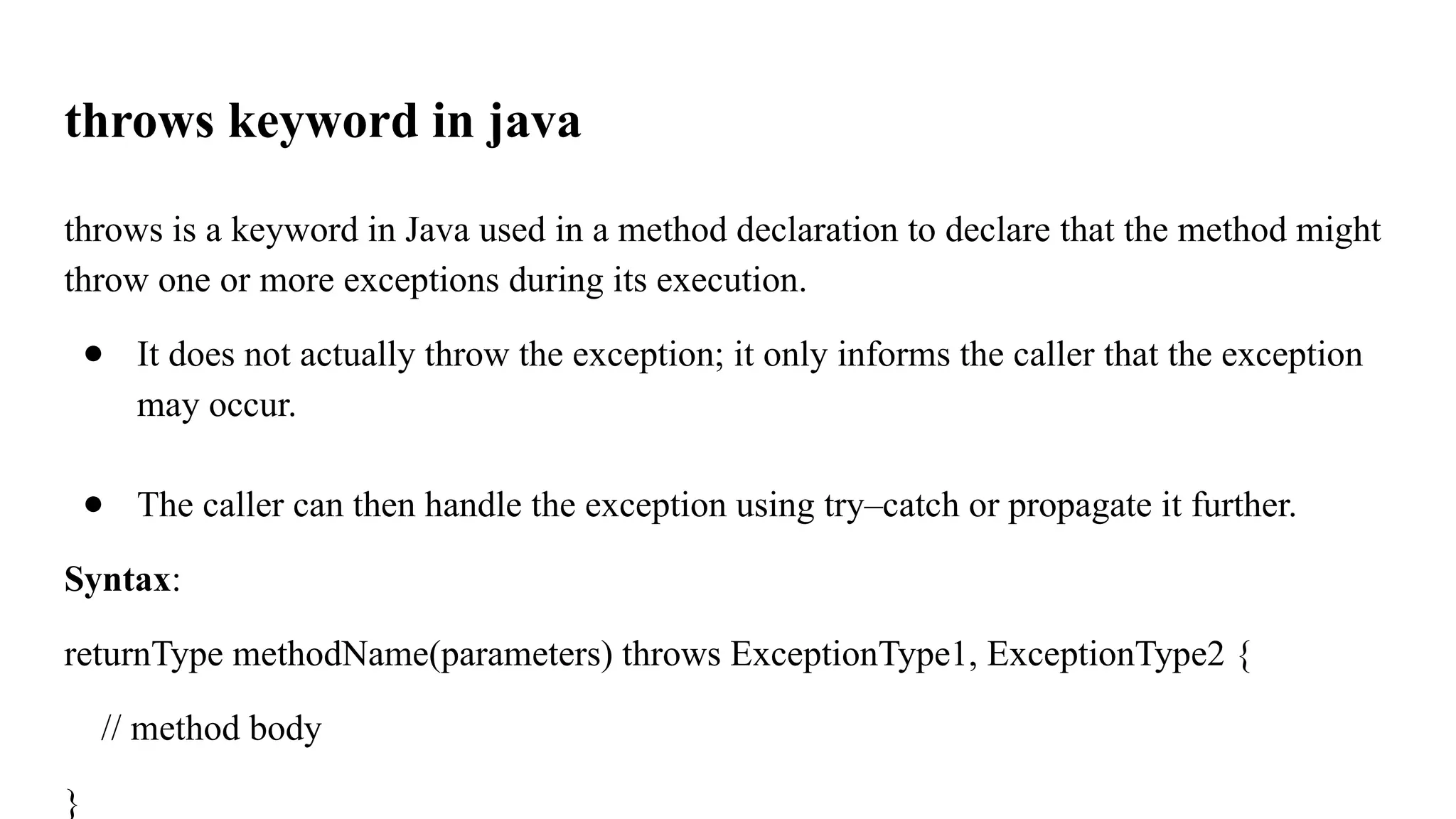
throws keyword injava
throws is a keyword in Java used in a method declaration to declare that the method might
throw one or more exceptions during its execution.
● It does not actually throw the exception; it only informs the caller that the exception
may occur.
● The caller can then handle the exception using try–catch or propagate it further.
Syntax:
returnType methodName(parameters) throws ExceptionType1, ExceptionType2 {
// method body
}
47.
Example:
public class Test{
public void divide(int a, int b) throws ArithmeticException {
int result = a / b;
System.out.println(result);
}
public static void main(String[] args) {
Test t = new Test();
Example II
public classTest {
public void divideAndAccessArray(int a, int b, int index, int[] arr)
throws ArithmeticException, ArrayIndexOutOfBoundsException {
int result = a / b;
System.out.println("Result of division: " + result);
System.out.println("Array element at index " + index + ": " + arr[index]);
}
Suppose if youwant to execute both …..
public class Test {
public static void main(String[] args) {
int[] arr = {10, 20, 30};
try {
int a = 10, b = 0;
int result = a / b;
System.out.println("Result of division: " + result);
}
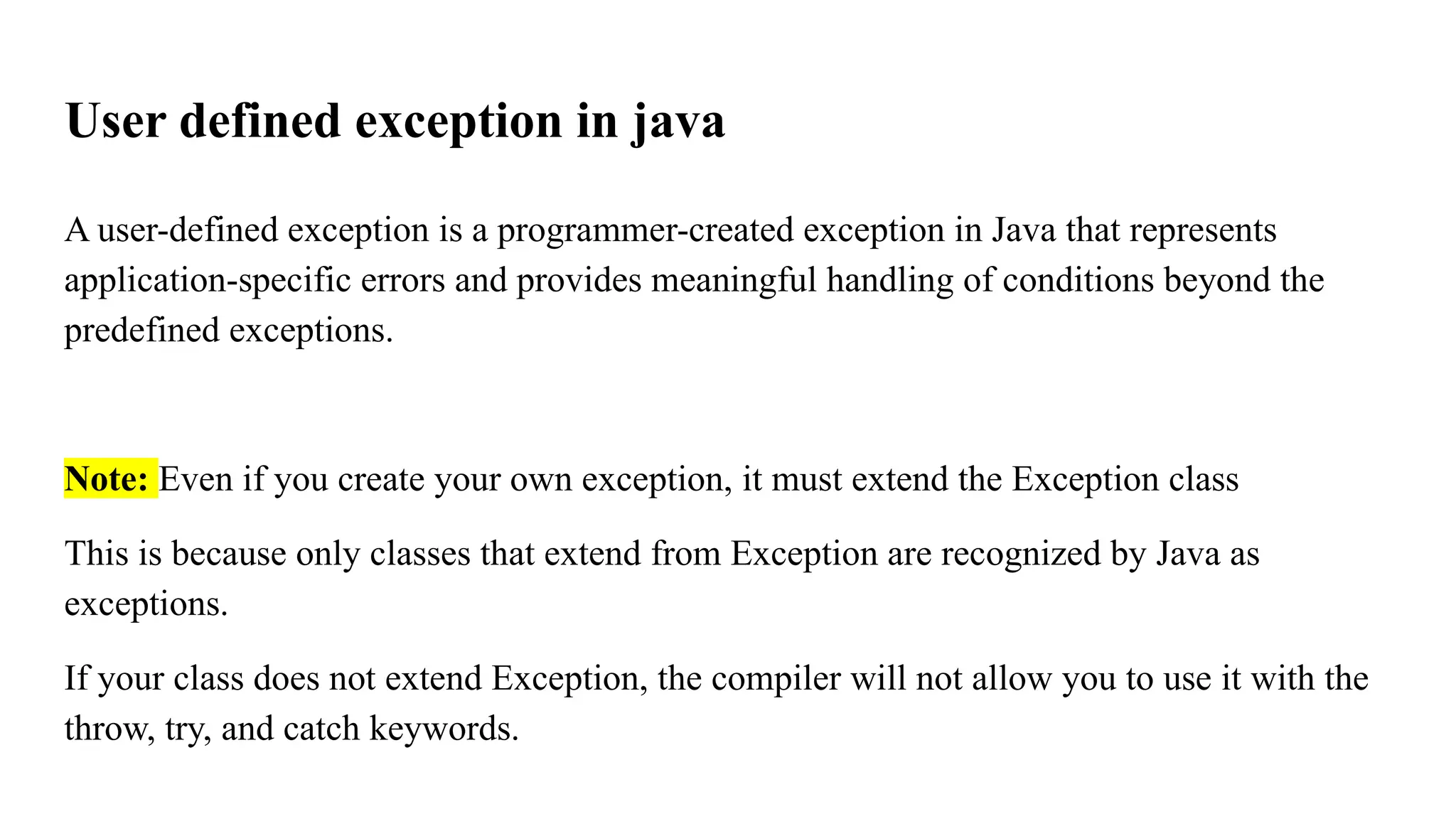
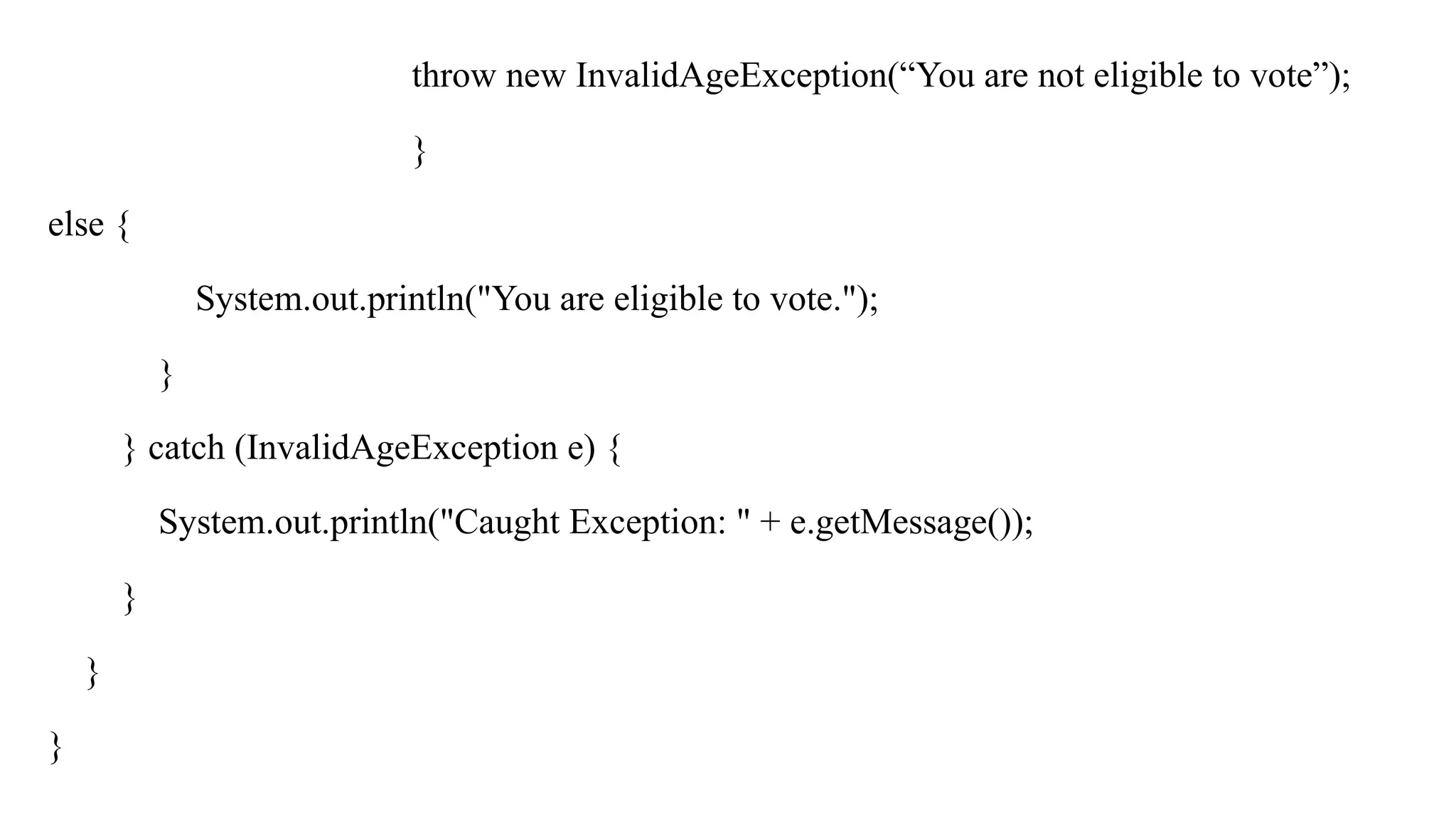
User defined exceptionin java
A user-defined exception is a programmer-created exception in Java that represents
application-specific errors and provides meaningful handling of conditions beyond the
predefined exceptions.
Note: Even if you create your own exception, it must extend the Exception class
This is because only classes that extend from Exception are recognized by Java as
exceptions.
If your class does not extend Exception, the compiler will not allow you to use it with the
throw, try, and catch keywords.
54.
Example: I
class InvalidAgeExceptionextends Exception {
public InvalidAgeException(String message) {
super(message); // store message in Exception class
} }
public class Test {
public static void main(String[] args) {
try {
int age = 15;
if (age < 18) {
55.
throw new InvalidAgeException(“Youare not eligible to vote”);
}
else {
System.out.println("You are eligible to vote.");
}
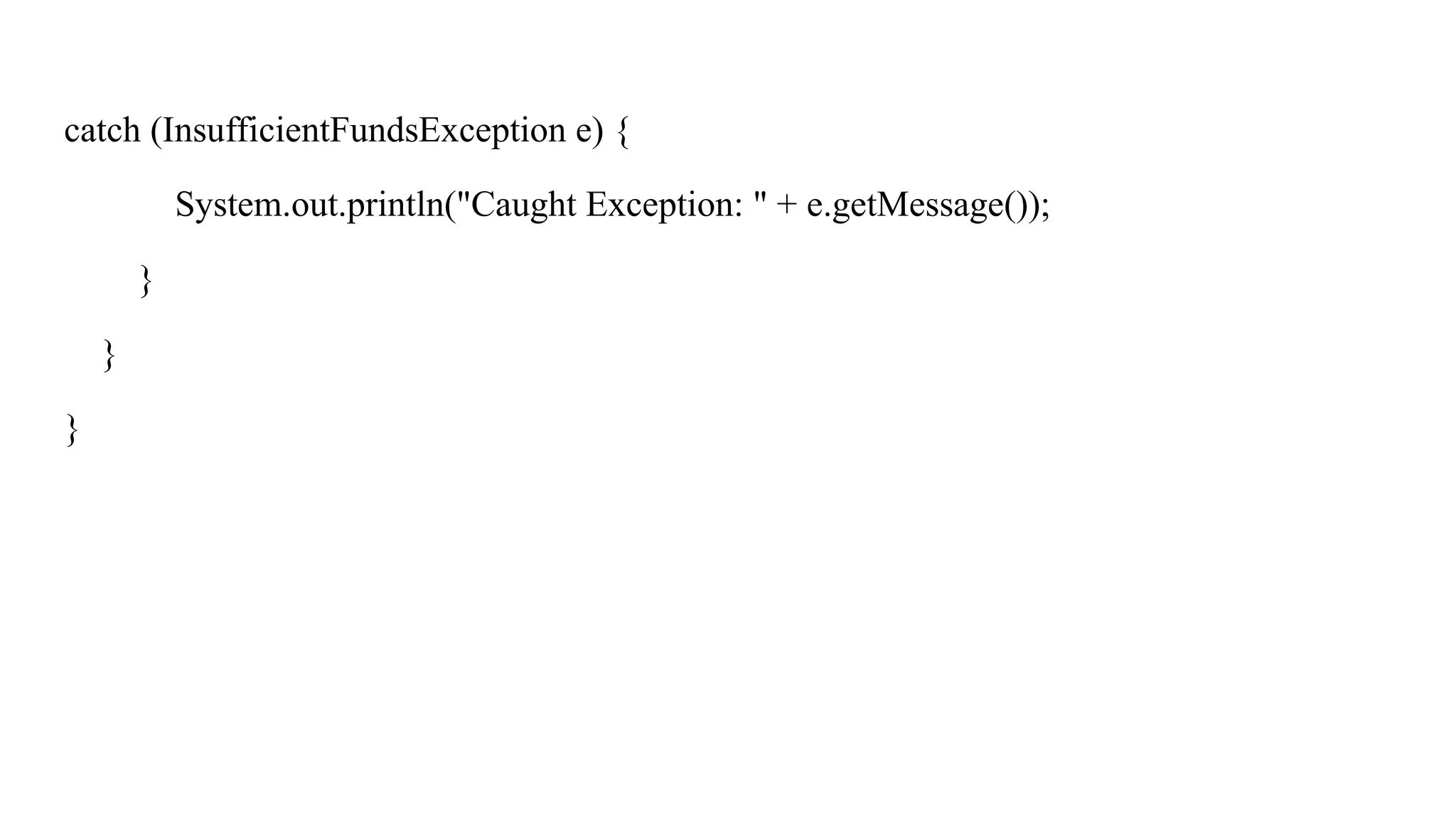
} catch (InvalidAgeException e) {
System.out.println("Caught Exception: " + e.getMessage());
}
}
}
56.
Example II
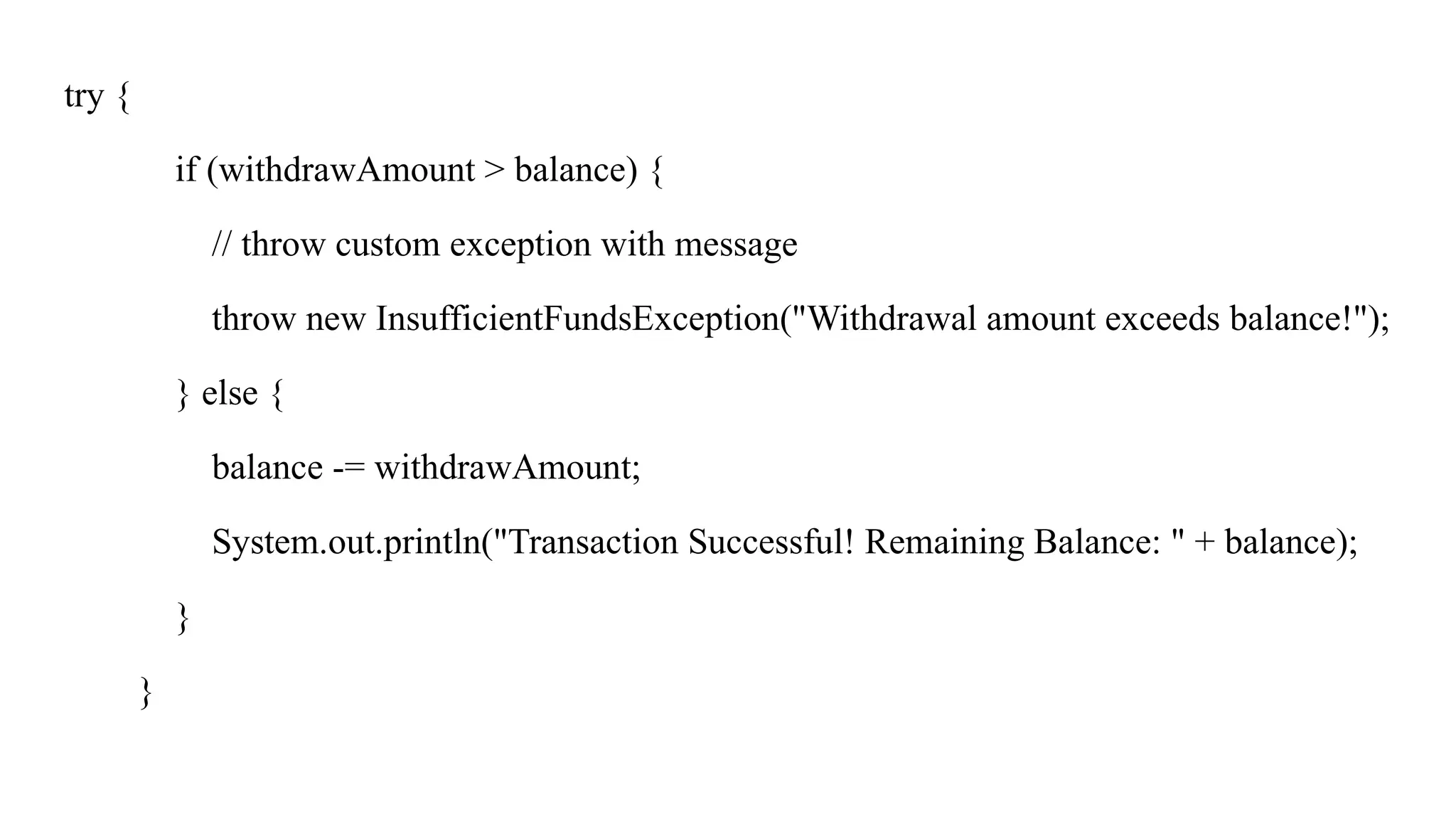
class InsufficientFundsExceptionextends Exception {
public InsufficientFundsException(String message) {
super(message); // store the message in parent Exception
} }
public class BankExample {
public static void main(String[] args) {
int balance = 5000; // available balance
int withdrawAmount = 7000; // trying to withdraw
Threads in java
Whatis multitasking:
Performing more than one task.
It is divided into:
● Process based multitasking
● Thread based multitasking (light weight process)
60.
Process based multitasking
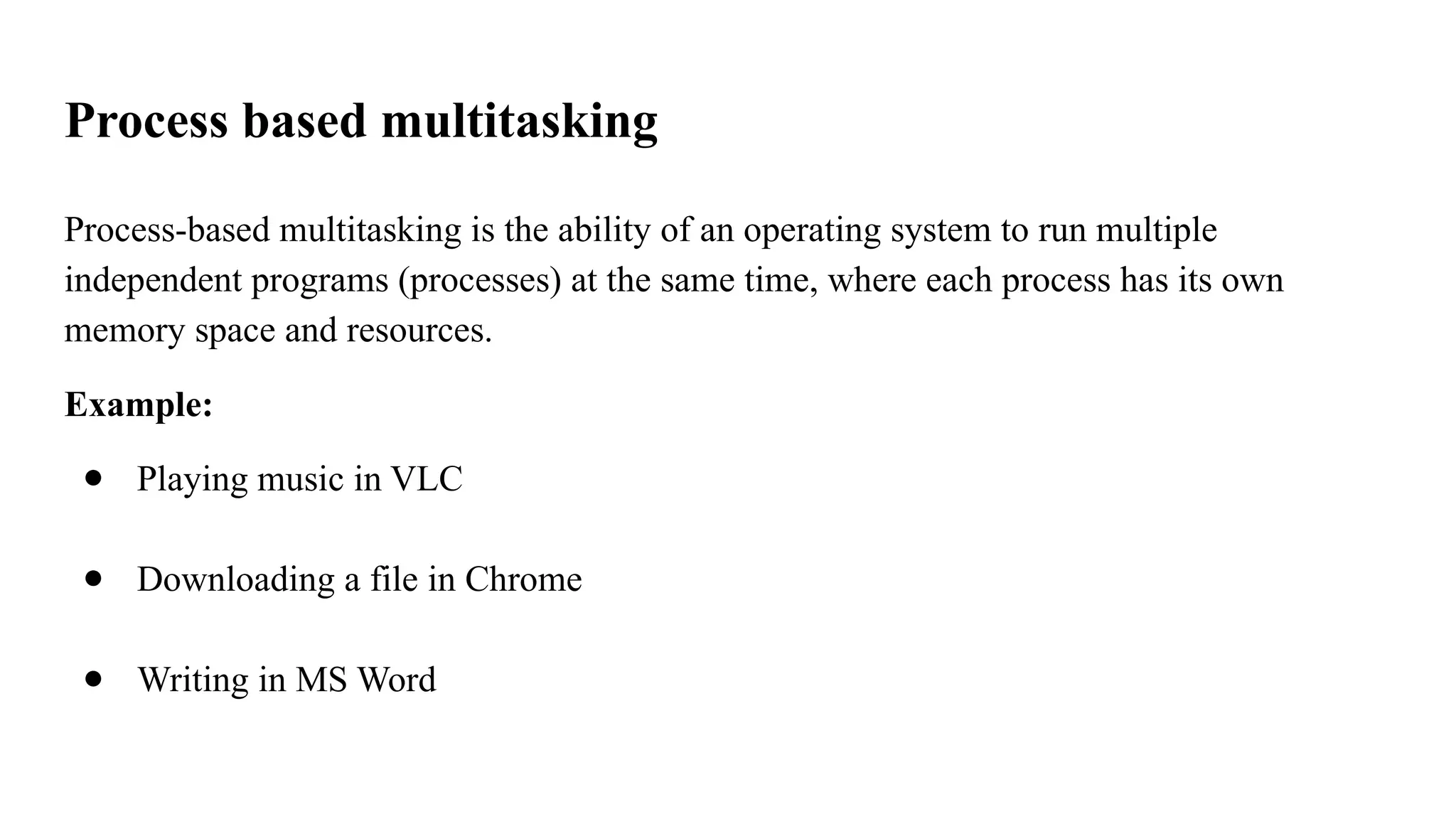
Process-basedmultitasking is the ability of an operating system to run multiple
independent programs (processes) at the same time, where each process has its own
memory space and resources.
Example:
● Playing music in VLC
● Downloading a file in Chrome
● Writing in MS Word
61.
Thread based multitasking(light weight process)
Thread-based multitasking is the ability of a program to perform multiple tasks
concurrently within the same process using threads, where threads share the same memory
space but execute independently.
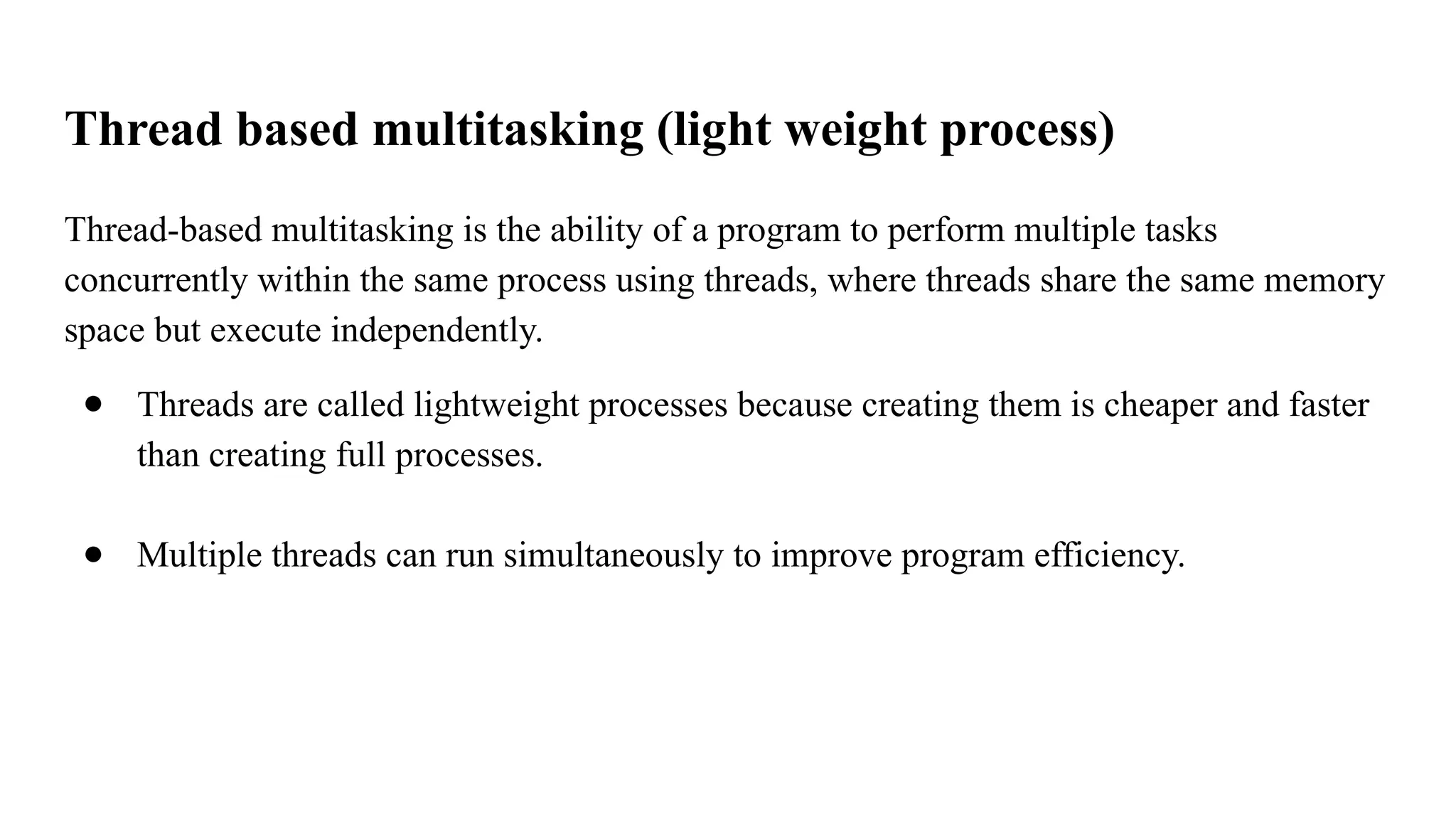
● Threads are called lightweight processes because creating them is cheaper and faster
than creating full processes.
● Multiple threads can run simultaneously to improve program efficiency.
62.
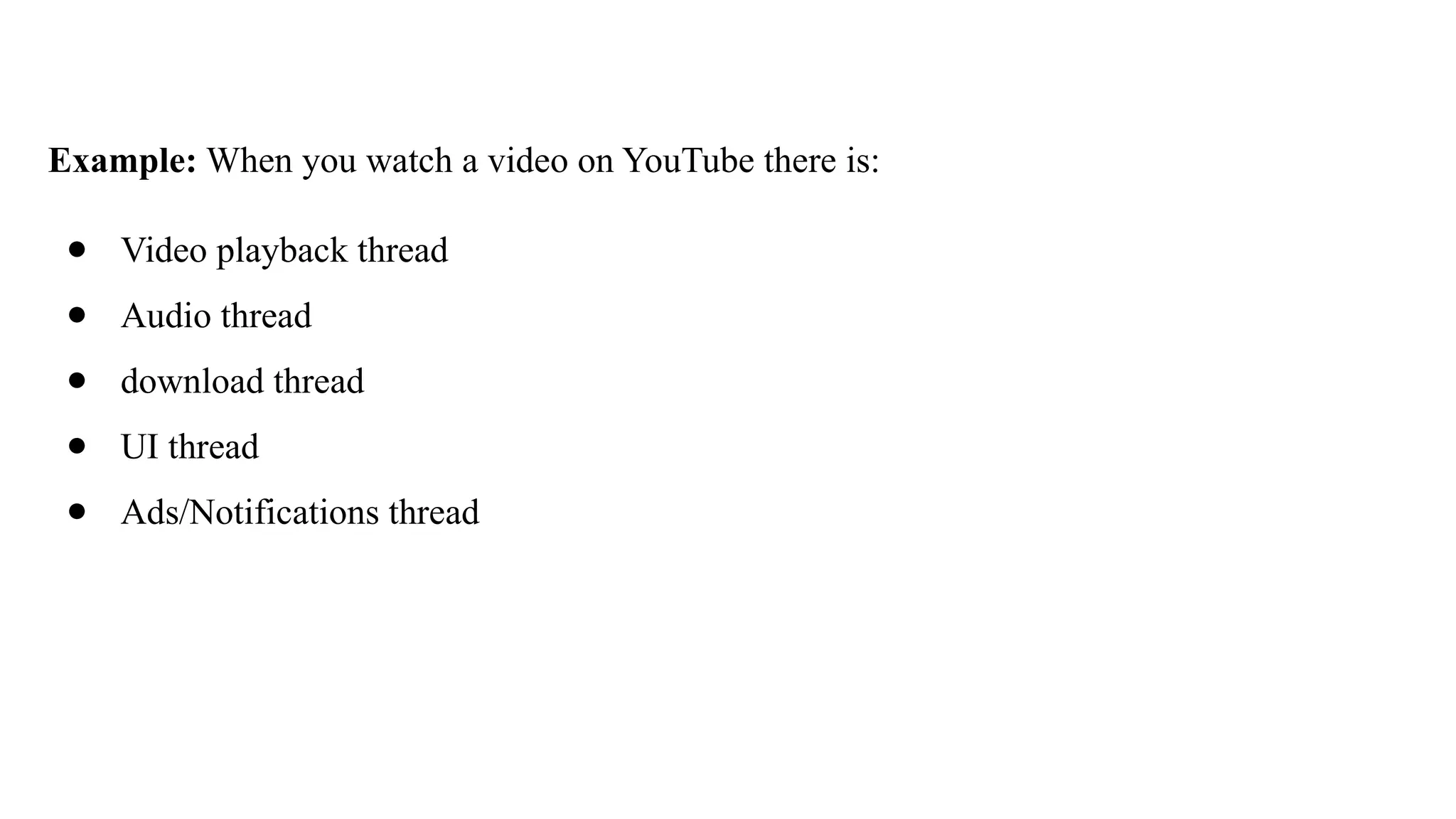
Example: When youwatch a video on YouTube there is:
● Video playback thread
● Audio thread
● download thread
● UI thread
● Ads/Notifications thread
63.
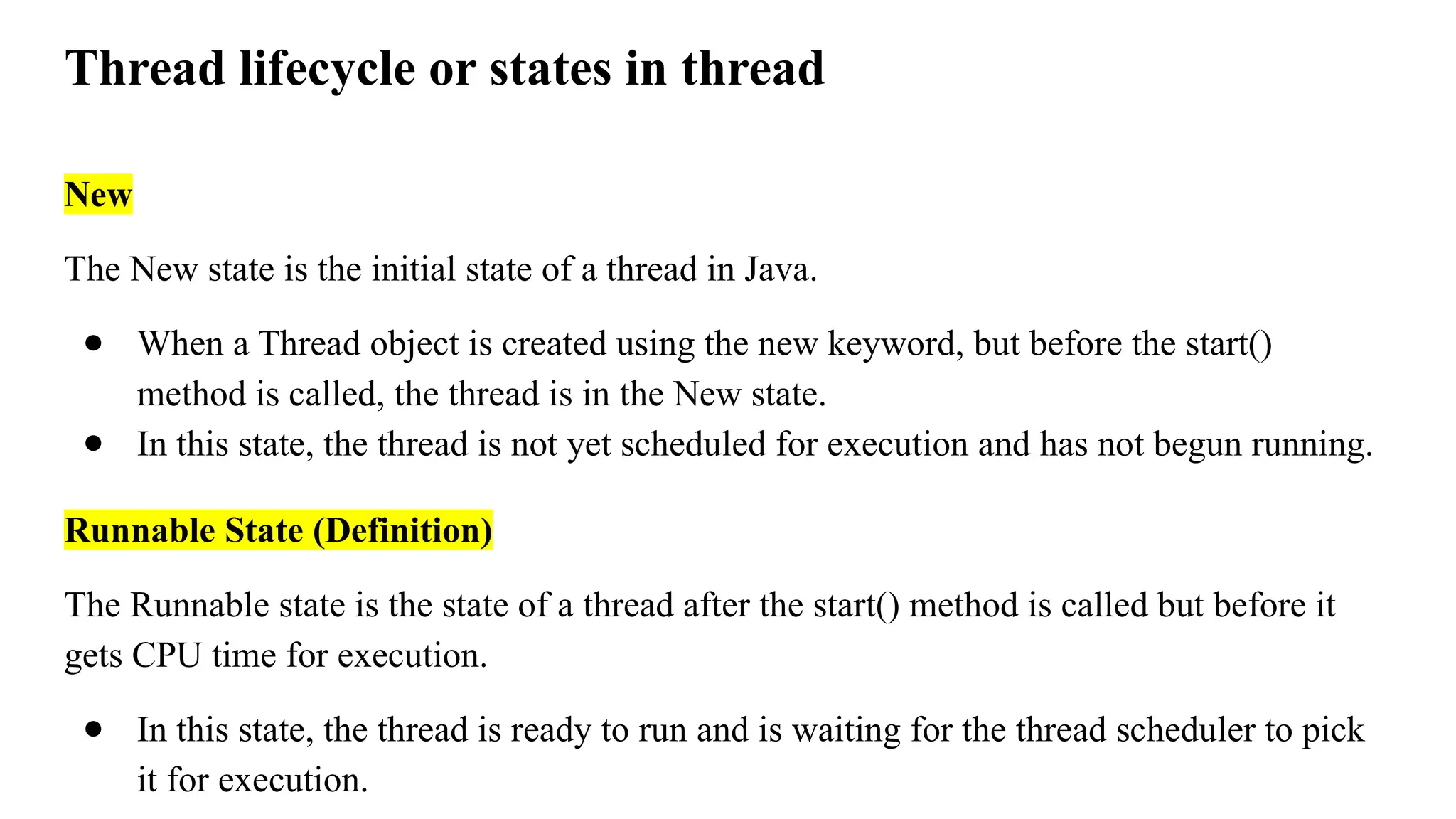
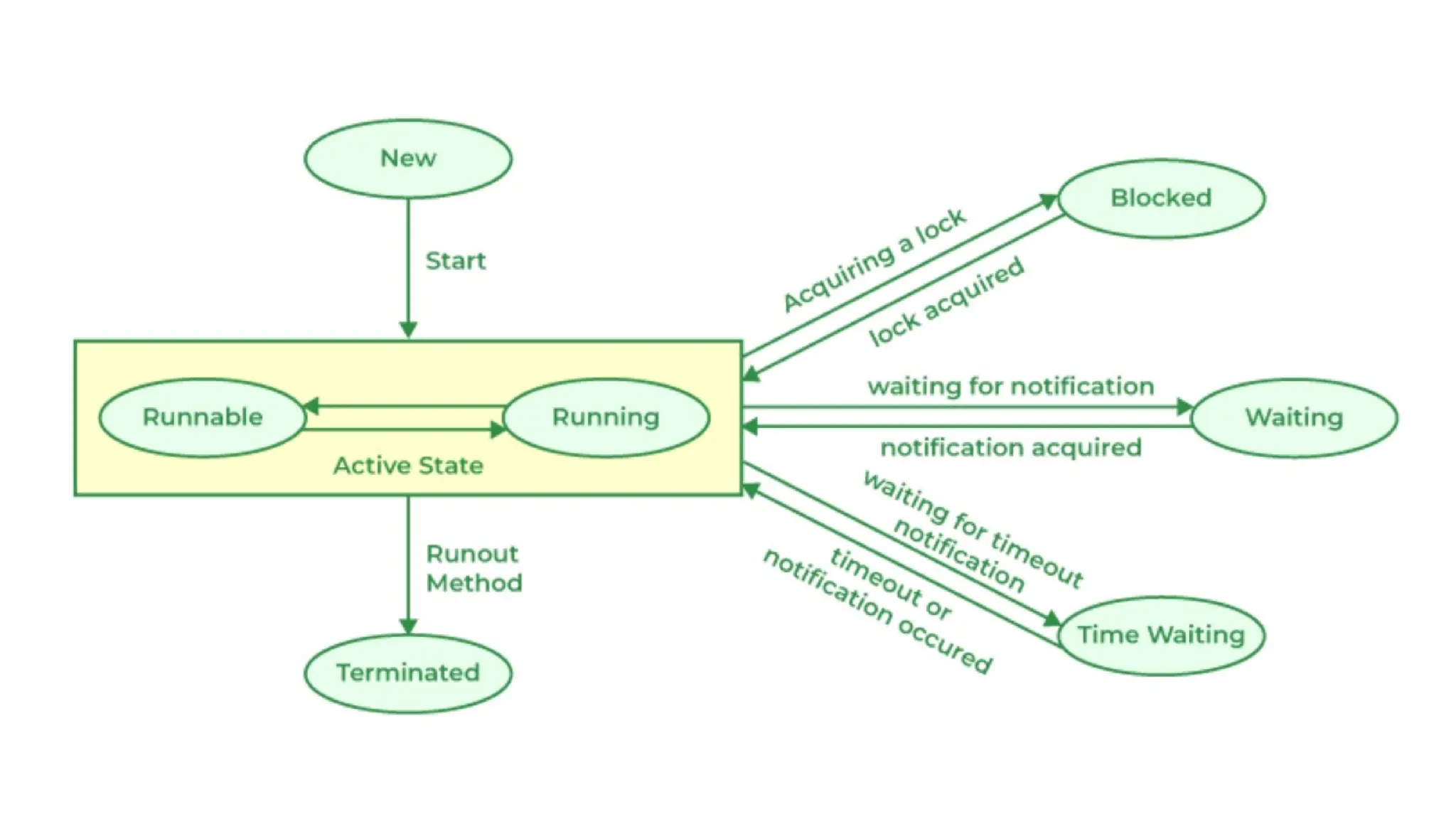
Thread lifecycle orstates in thread
New
The New state is the initial state of a thread in Java.
● When a Thread object is created using the new keyword, but before the start()
method is called, the thread is in the New state.
● In this state, the thread is not yet scheduled for execution and has not begun running.
Runnable State (Definition)
The Runnable state is the state of a thread after the start() method is called but before it
gets CPU time for execution.
● In this state, the thread is ready to run and is waiting for the thread scheduler to pick
it for execution.
64.
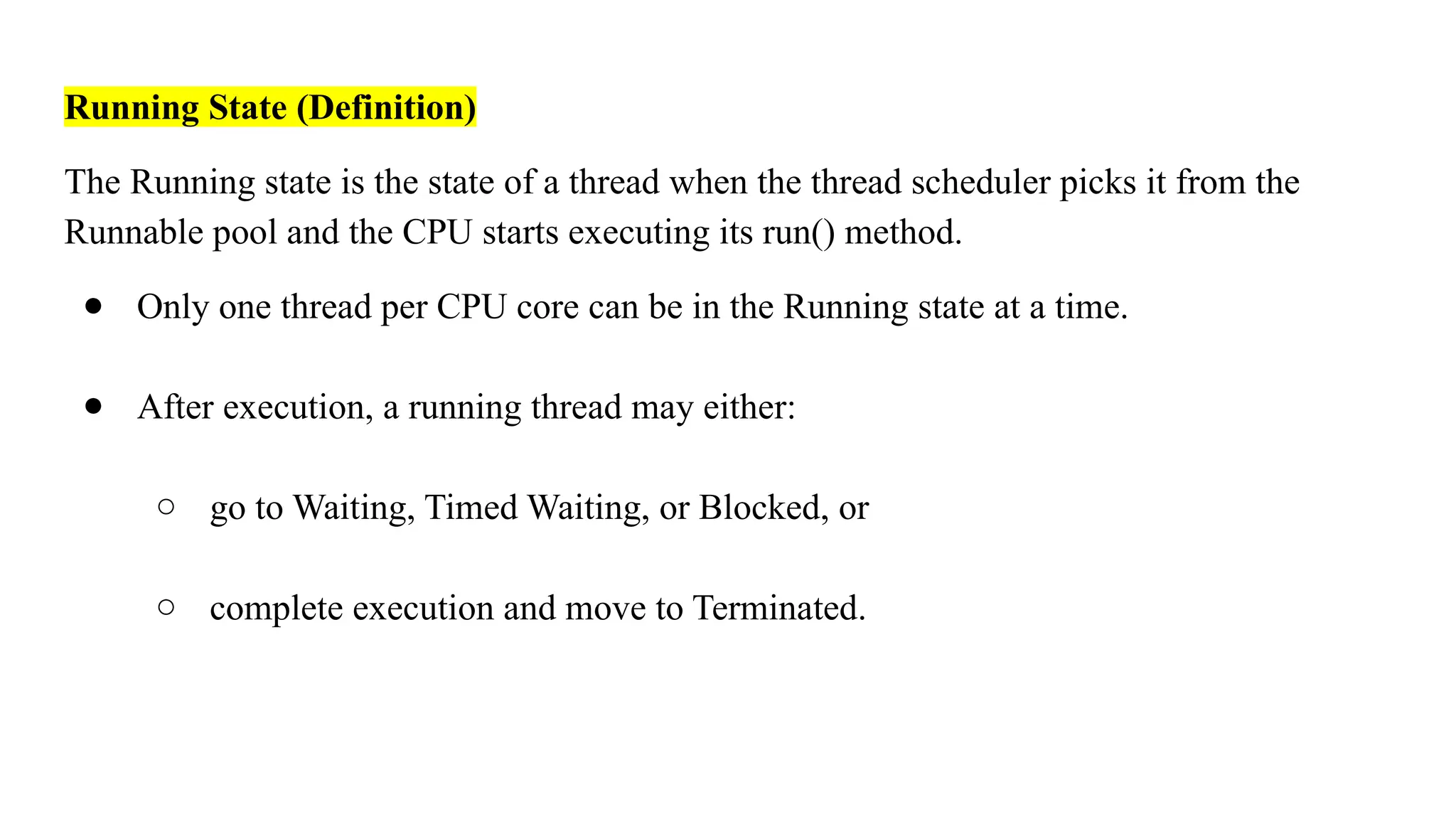
Running State (Definition)
TheRunning state is the state of a thread when the thread scheduler picks it from the
Runnable pool and the CPU starts executing its run() method.
● Only one thread per CPU core can be in the Running state at a time.
● After execution, a running thread may either:
○ go to Waiting, Timed Waiting, or Blocked, or
○ complete execution and move to Terminated.
65.
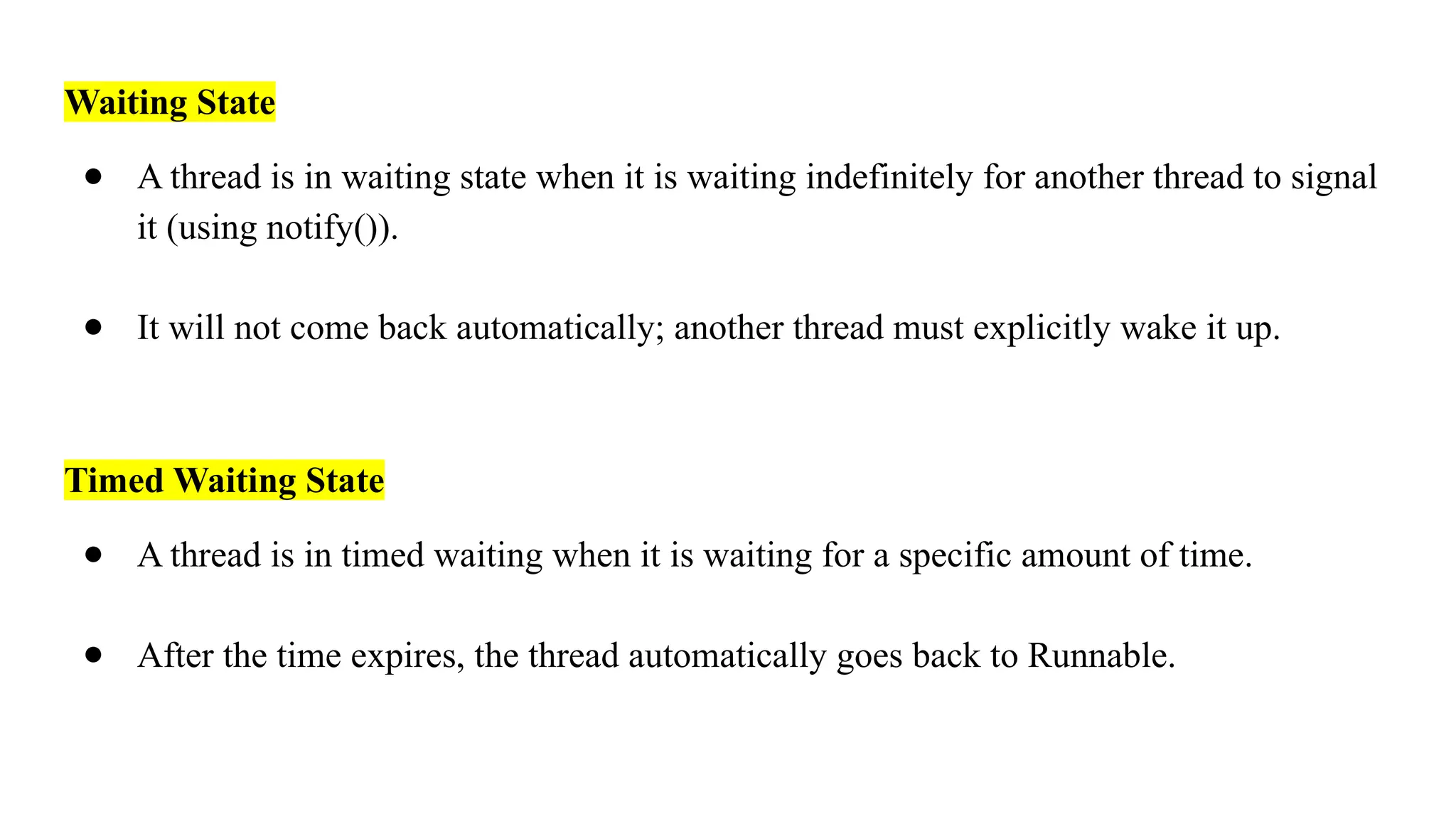
Waiting State
● Athread is in waiting state when it is waiting indefinitely for another thread to signal
it (using notify()).
● It will not come back automatically; another thread must explicitly wake it up.
Timed Waiting State
● A thread is in timed waiting when it is waiting for a specific amount of time.
● After the time expires, the thread automatically goes back to Runnable.
66.
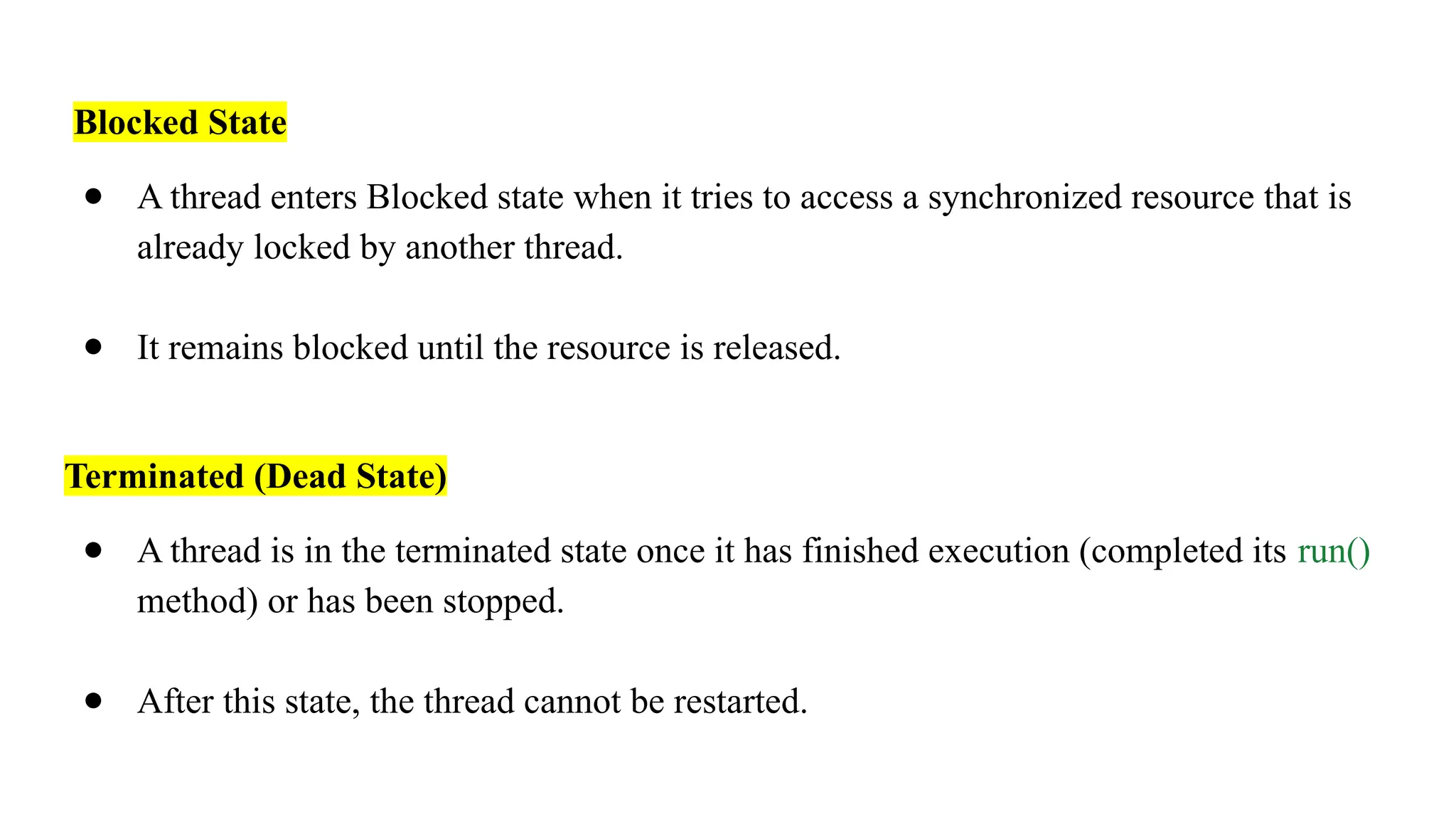
Blocked State
● Athread enters Blocked state when it tries to access a synchronized resource that is
already locked by another thread.
● It remains blocked until the resource is released.
Terminated (Dead State)
● A thread is in the terminated state once it has finished execution (completed its run()
method) or has been stopped.
● After this state, the thread cannot be restarted.
68.
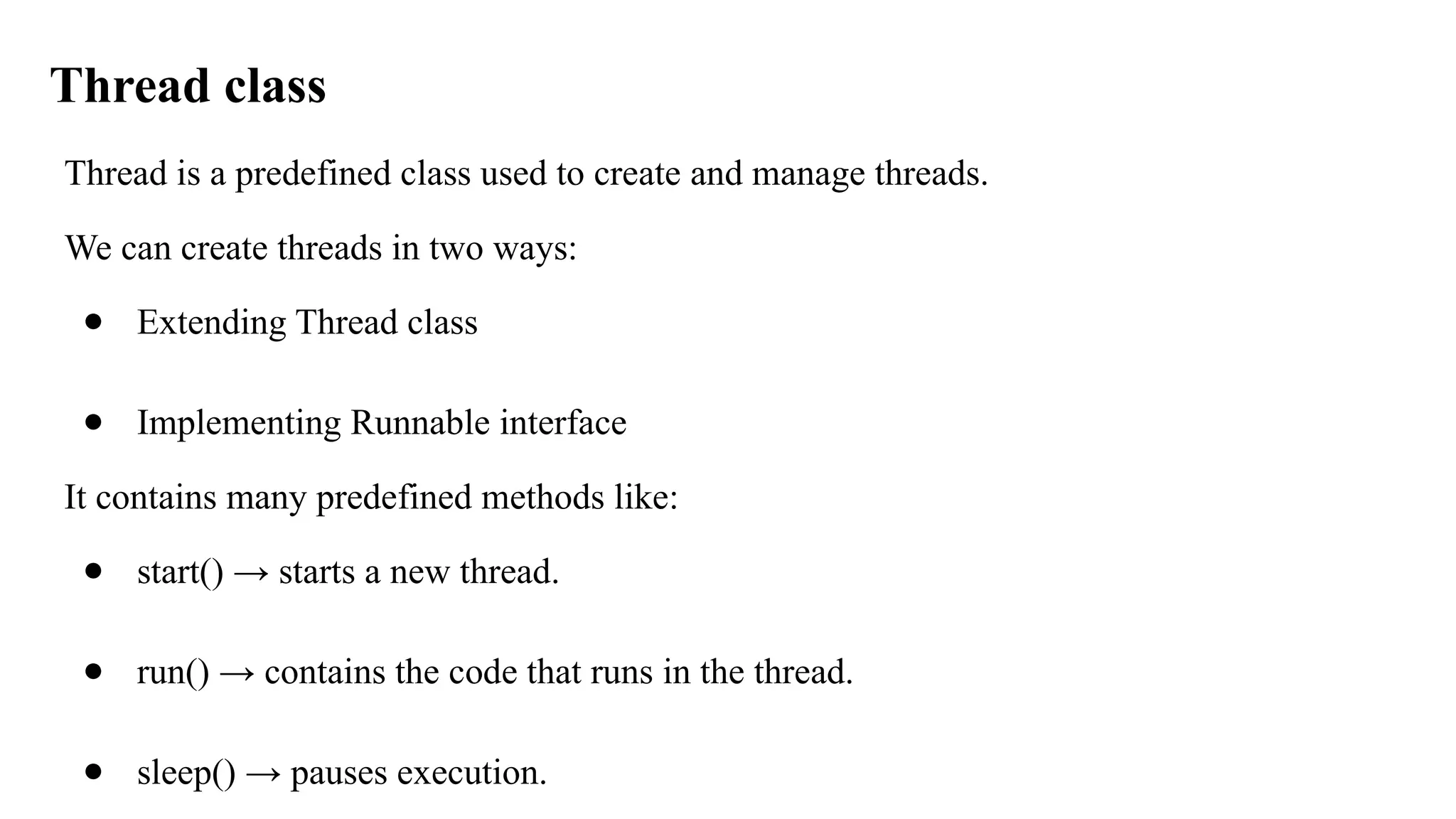
Thread class
Thread isa predefined class used to create and manage threads.
We can create threads in two ways:
● Extending Thread class
● Implementing Runnable interface
It contains many predefined methods like:
● start() → starts a new thread.
● run() → contains the code that runs in the thread.
● sleep() → pauses execution.
69.
● join() →waits for a thread to finish.
● getState() → gives the lifecycle state.
● setPriority() / getPriority().
70.
Example I: usingrun() & start()
class MyThread extends Thread {
public void run() {
System.out.println("Thread is running using Thread class...");
} }
public class Main {
public static void main(String[] args) {
MyThread t1 = new MyThread();
t1.start();
} }
71.
Explanation
● The MyThreadclass extends Thread, so it inherits the thread behavior.
● The task that the thread performs is defined inside the run() method of MyThread.
● When you call t1.start(), the JVM calls the run() method internally on that thread
object.
● So, the thread object (t1) "knows" its own task because it defines the task inside its
own run() method.
72.
Example II: usingrun() & start()
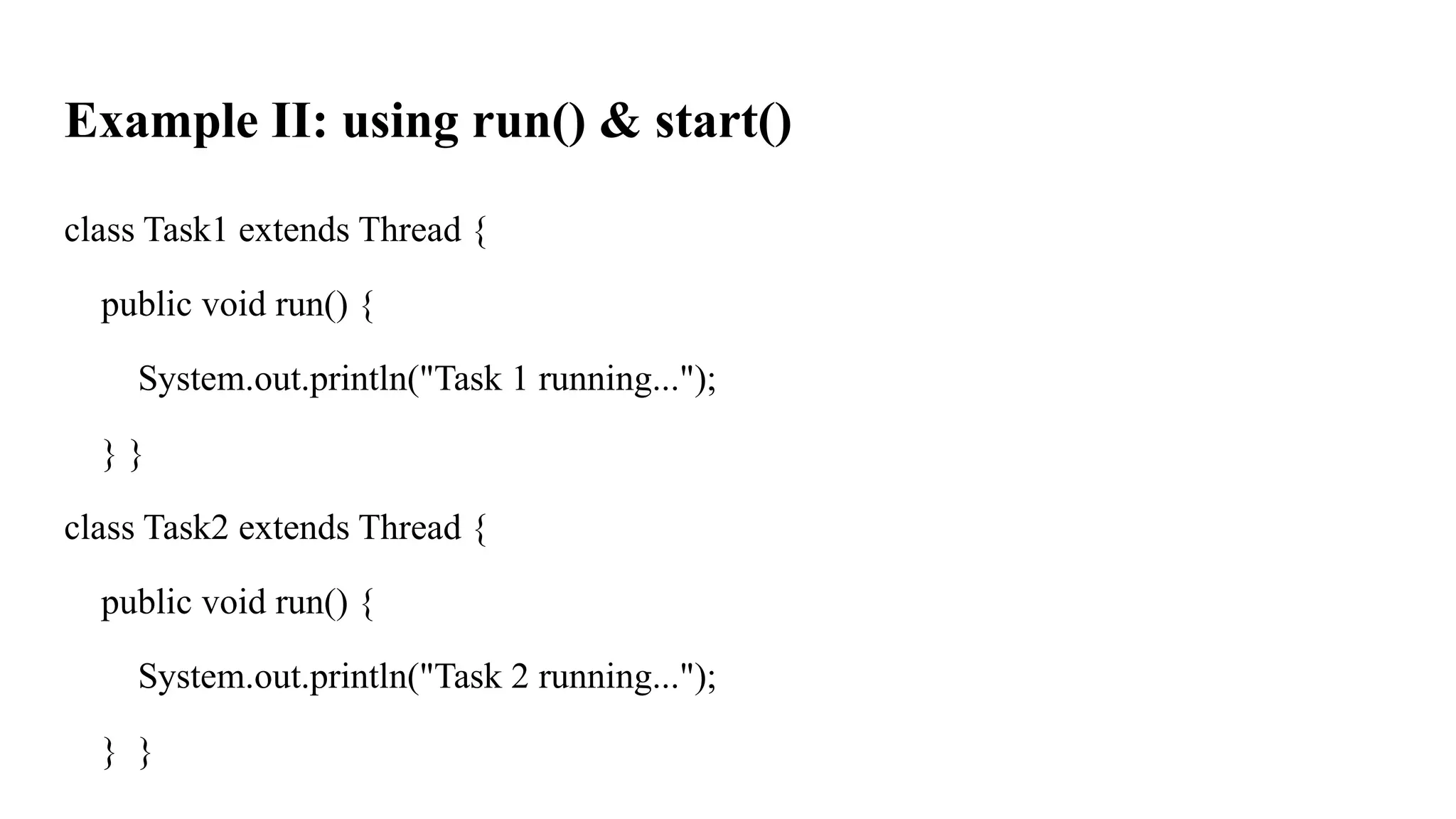
class Task1 extends Thread {
public void run() {
System.out.println("Task 1 running...");
} }
class Task2 extends Thread {
public void run() {
System.out.println("Task 2 running...");
} }
73.
public class Main{
public static void main(String[] args) {
Task1 t1 = new Task1();
Task2 t2 = new Task2();
t1.start();
t2.start();
}
}
74.
What is runnableinterface
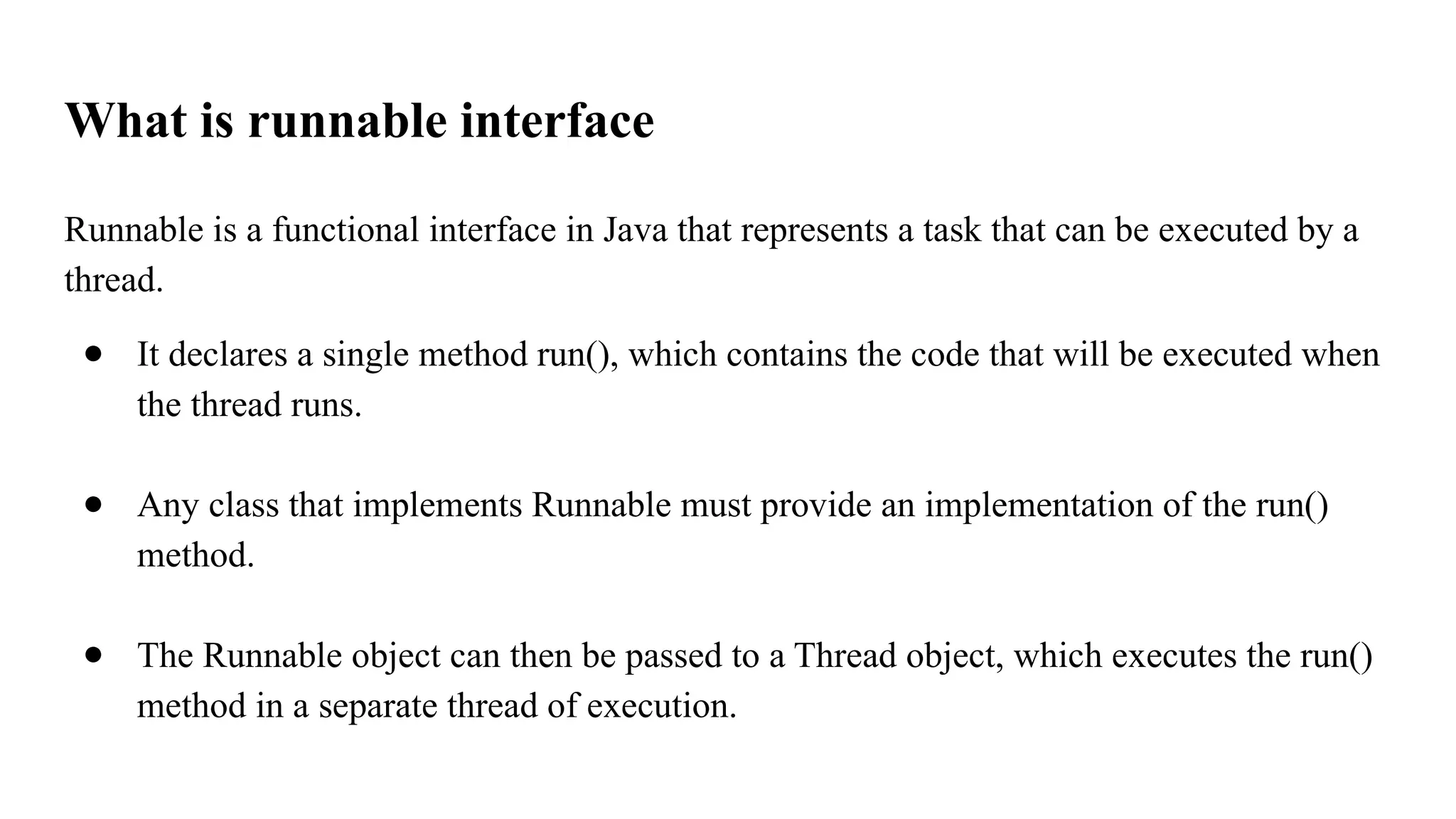
Runnable is a functional interface in Java that represents a task that can be executed by a
thread.
● It declares a single method run(), which contains the code that will be executed when
the thread runs.
● Any class that implements Runnable must provide an implementation of the run()
method.
● The Runnable object can then be passed to a Thread object, which executes the run()
method in a separate thread of execution.
75.
Example:
class MyTask implementsRunnable {
public void run() {
System.out.println("Task is running by: ");
} }
public class Main {
public static void main(String[] args) {
MyTask task = new MyTask(); // single task object
Thread t1 = new Thread(task);
Thread t2 = new Thread(task);
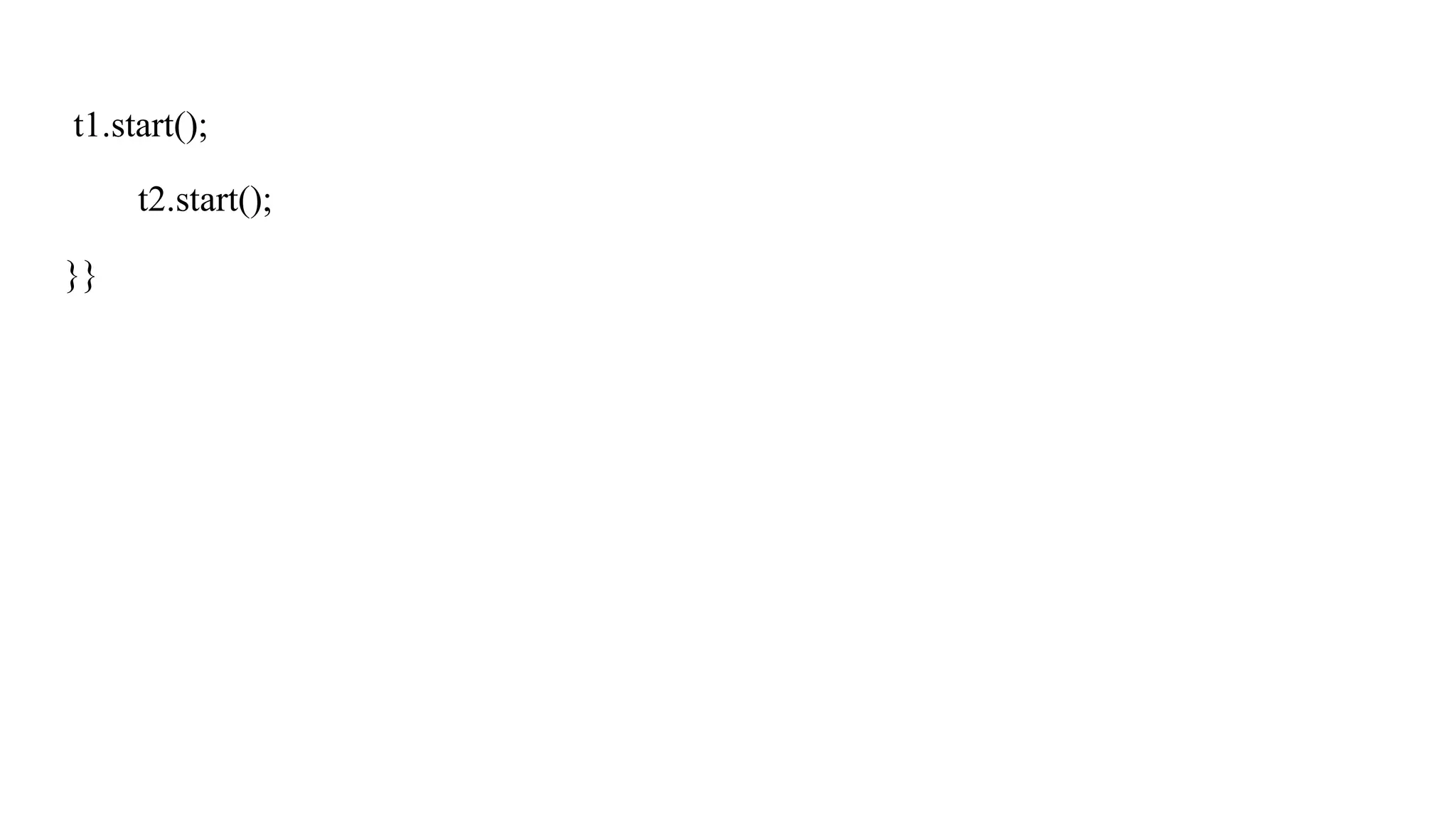
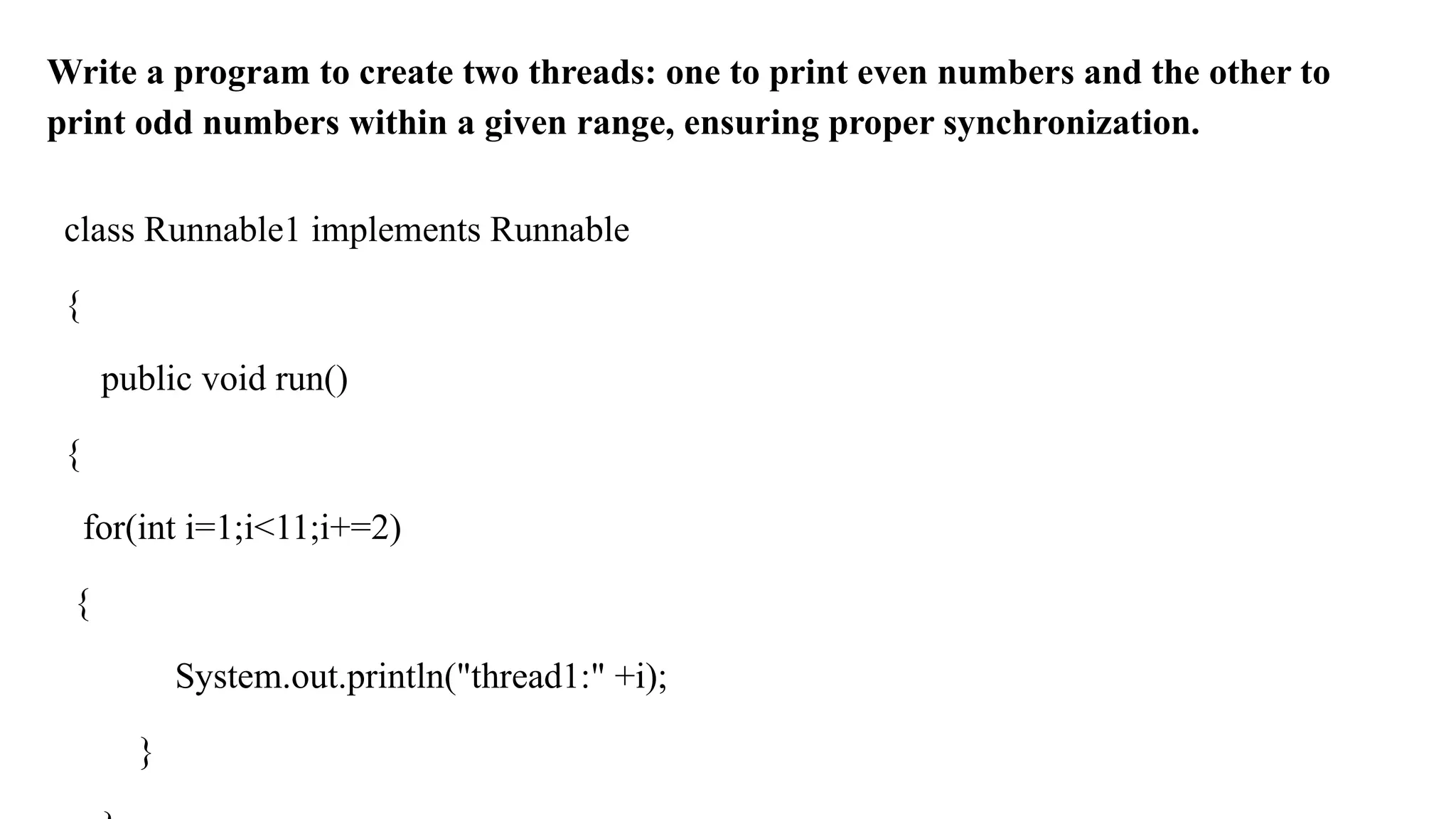
Write a programto create two threads: one to print even numbers and the other to
print odd numbers within a given range, ensuring proper synchronization.
class Runnable1 implements Runnable
{
public void run()
{
for(int i=1;i<11;i+=2)
{
System.out.println("thread1:" +i);
}
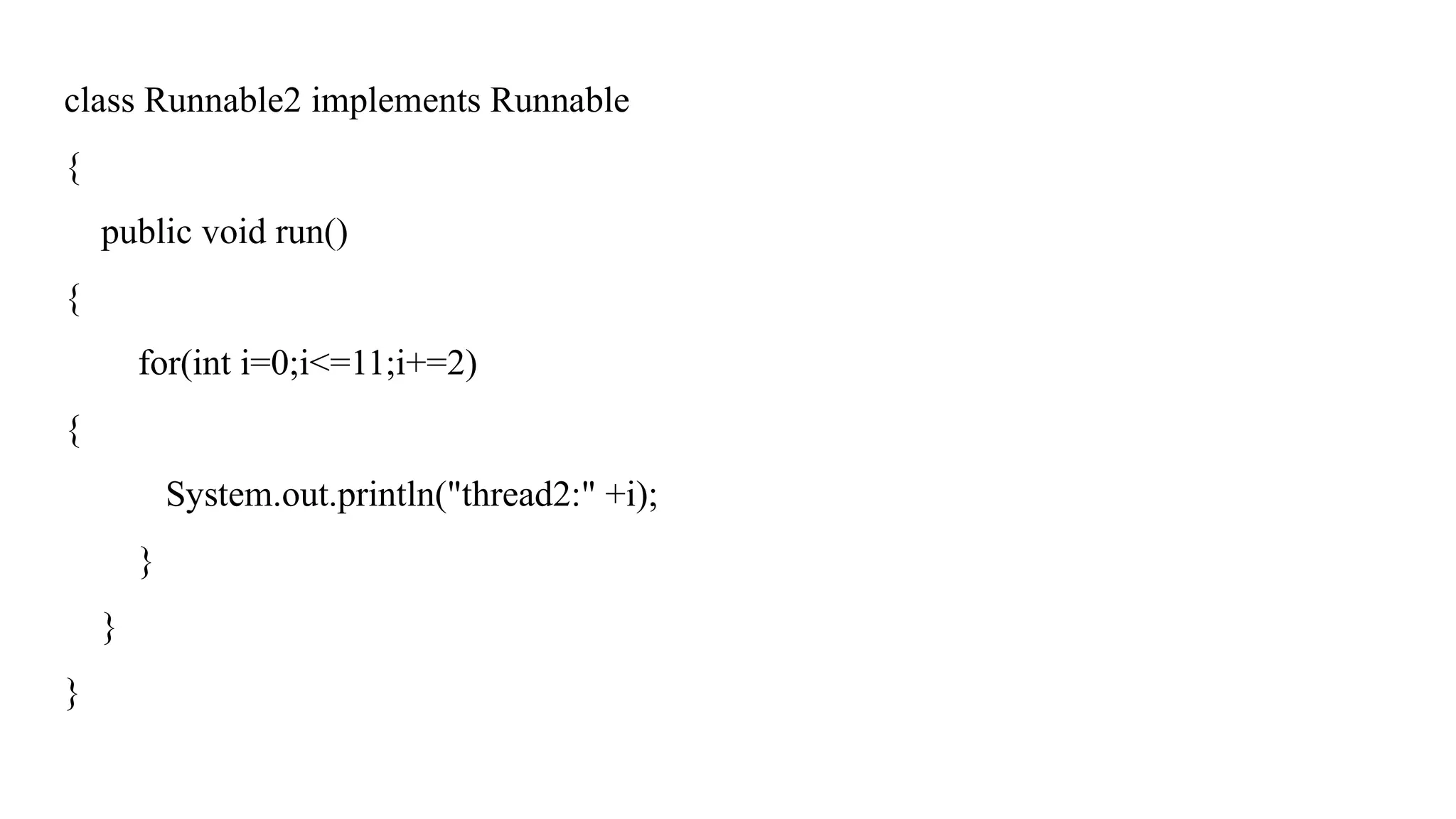
78.
class Runnable2 implementsRunnable
{
public void run()
{
for(int i=0;i<=11;i+=2)
{
System.out.println("thread2:" +i);
}
}
}
79.
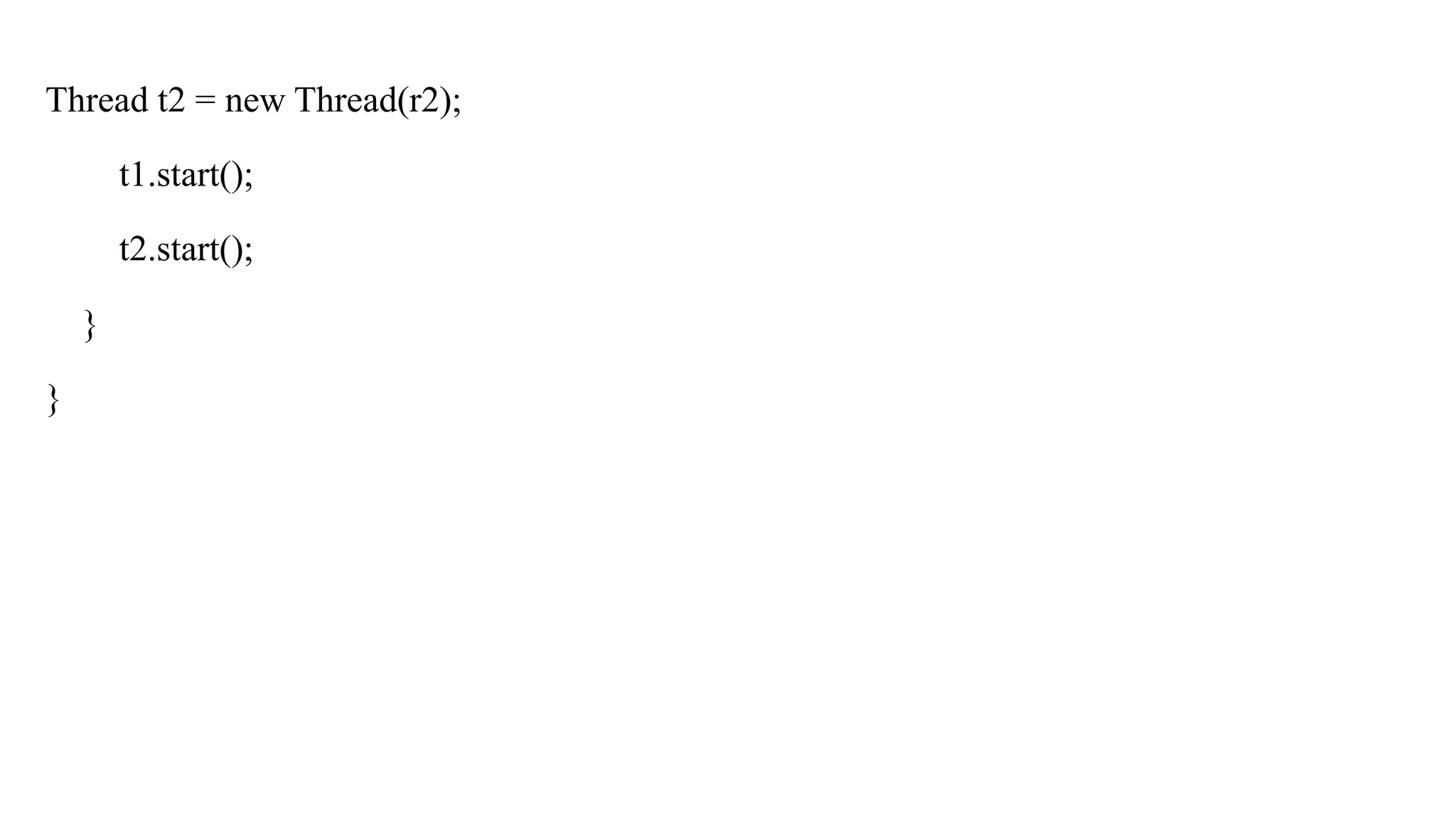
public class Mythread
{
publicstatic void main(String[] args)
{
Runnable r = new Runnable1();
Thread t1 = new Thread(r);
Runnable r2 = new Runnable2();
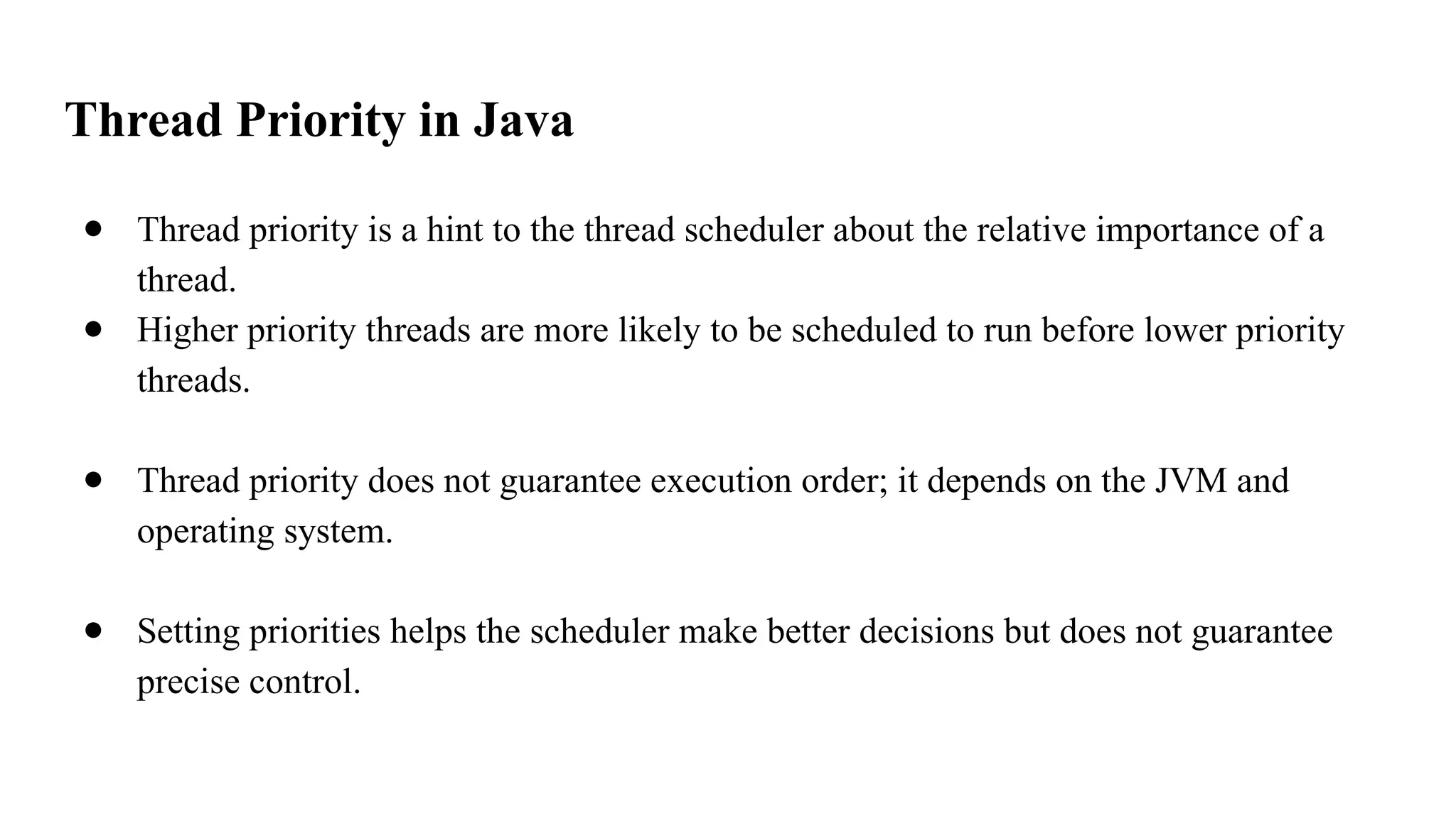
Thread Priority inJava
● Thread priority is a hint to the thread scheduler about the relative importance of a
thread.
● Higher priority threads are more likely to be scheduled to run before lower priority
threads.
● Thread priority does not guarantee execution order; it depends on the JVM and
operating system.
● Setting priorities helps the scheduler make better decisions but does not guarantee
precise control.
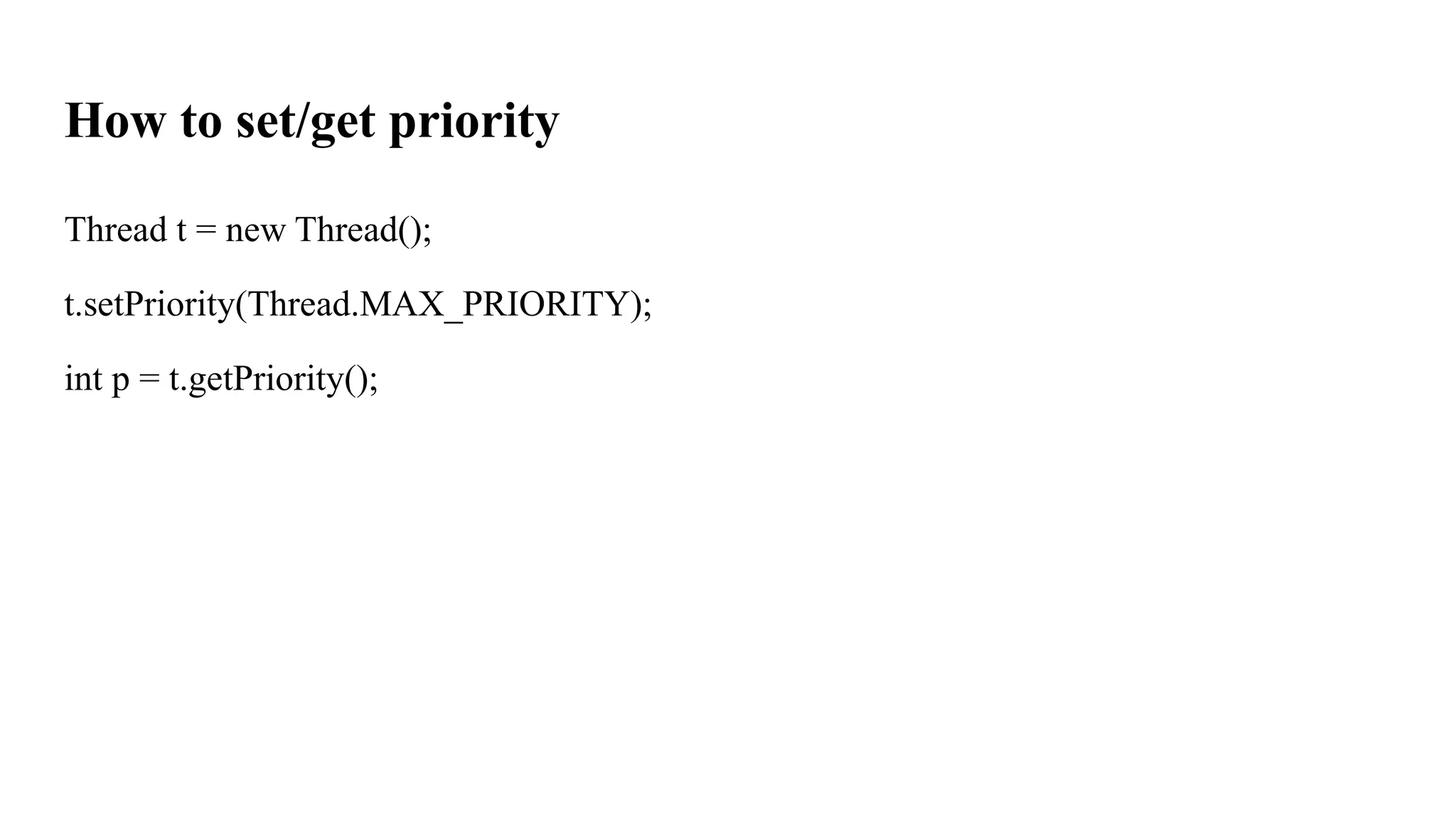
How to set/getpriority
Thread t = new Thread();
t.setPriority(Thread.MAX_PRIORITY);
int p = t.getPriority();
84.
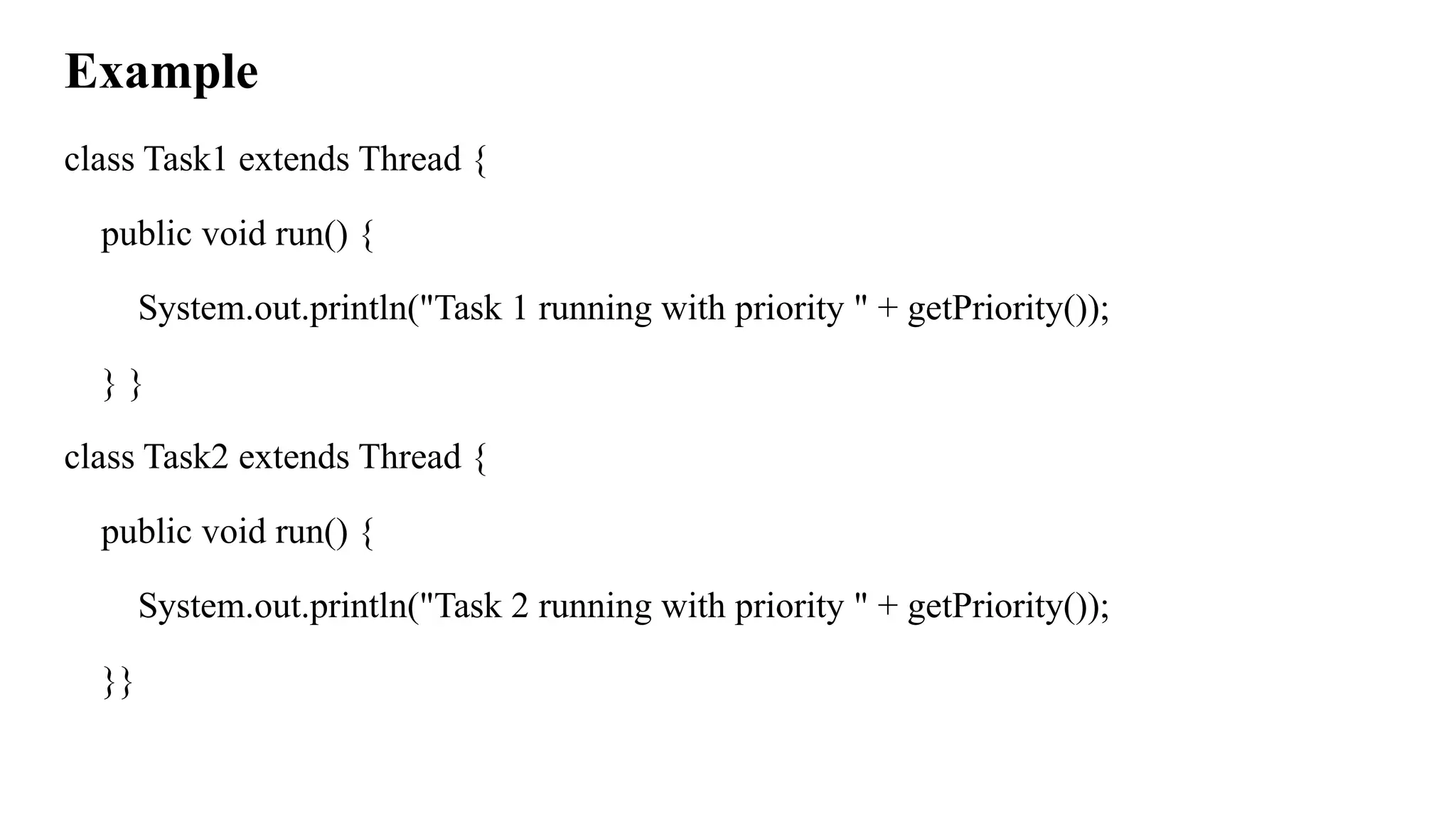
Example
class Task1 extendsThread {
public void run() {
System.out.println("Task 1 running with priority " + getPriority());
} }
class Task2 extends Thread {
public void run() {
System.out.println("Task 2 running with priority " + getPriority());
}}
85.
public class Main{
public static void main(String[] args) {
Task1 t1 = new Task1();
Task2 t2 = new Task2();
t1.setPriority(Thread.MIN_PRIORITY);
t2.setPriority(Thread.MAX_PRIORITY);
t1.start();
t2.start();
}
}
![Comparison example:
public class Main {
public static void main(String[] args) {
System.out.println("Program Started..");
int result = 10 / 2;
System.out.println(result);
System.out.println("Program Successfully Executed..!");
}
}](https://image.slidesharecdn.com/module3exceptionhandlingmultithreding-251113150848-9a3ad71e/75/Module-3_-Exception-Handling-Multithreding-pptx-6-2048.jpg)
![Suppose…..
public class Main {
public static void main(String[] args) {
System.out.println("Program Started..");
int result = 10 / 0;
System.out.println(result);
System.out.println("Program Successfully Executed..!");
}
}](https://image.slidesharecdn.com/module3exceptionhandlingmultithreding-251113150848-9a3ad71e/75/Module-3_-Exception-Handling-Multithreding-pptx-8-2048.jpg)
![Example
public class Main {
public static void main(String[] args) {
System.out.println("Program Started..!");
try {
int result = 10 / 0;
System.out.println(result);
} catch(ArithmeticException ex){
System.out.println("Exception: Division by ZERO not ALLOWED..!");
}](https://image.slidesharecdn.com/module3exceptionhandlingmultithreding-251113150848-9a3ad71e/75/Module-3_-Exception-Handling-Multithreding-pptx-11-2048.jpg)
![import java.io.FileReader;
import java.io.IOException;
public class SimpleIOExceptionDemo {
public static void main(String[] args) {
try {
FileReader reader = new FileReader("sample.txt"); // Try to open the file
System.out.println("File opened successfully.");
reader.close(); // Close the file
} catch (IOException e) {
System.out.println("Oops! Something went wrong: " + e.getMessage()); }}}](https://image.slidesharecdn.com/module3exceptionhandlingmultithreding-251113150848-9a3ad71e/75/Module-3_-Exception-Handling-Multithreding-pptx-19-2048.jpg)
![Example:
import java.io.FileReader;
import java.io.FileNotFoundException;
public class FileNotFoundDemo {
public static void main(String[] args) {
try {
FileReader reader = new FileReader("missingfile.txt");
System.out.println("File opened successfully.");
reader.close();
}](https://image.slidesharecdn.com/module3exceptionhandlingmultithreding-251113150848-9a3ad71e/75/Module-3_-Exception-Handling-Multithreding-pptx-21-2048.jpg)
![Example
public class Student {
String name = "Alice";
}
public class ForNameDemo {
public static void main(String[] args) {
try {
// Load the Student class dynamically by name
cls = Class.forName("Student"); // store the returned Class object
System.out.println("Class loaded: " + cls.getName()); }](https://image.slidesharecdn.com/module3exceptionhandlingmultithreding-251113150848-9a3ad71e/75/Module-3_-Exception-Handling-Multithreding-pptx-24-2048.jpg)
![public class ExceptionHandlingDemo
{
public static void main(String[] args)
{
int[] numbers = {10, 20, 30};
int result = 0;
try
{
result = numbers[1] / 0; }](https://image.slidesharecdn.com/module3exceptionhandlingmultithreding-251113150848-9a3ad71e/75/Module-3_-Exception-Handling-Multithreding-pptx-31-2048.jpg)
![catch (ArithmeticException e)
{
System.out.println("Error: Cannot divide by zero.");
}
try
{
System.out.println(numbers[5]);
}](https://image.slidesharecdn.com/module3exceptionhandlingmultithreding-251113150848-9a3ad71e/75/Module-3_-Exception-Handling-Multithreding-pptx-32-2048.jpg)
![Example:
public class MultipleExceptionDemo {
public static void main(String[] args) {
try {
int[] numbers = {10, 20, 30};
System.out.println(numbers[5]);
int result = numbers [0]/ 0;
} catch (ArrayIndexOutOfBoundsException e) {
System.out.println("Oops! You're trying to access an invalid array index.");
}](https://image.slidesharecdn.com/module3exceptionhandlingmultithreding-251113150848-9a3ad71e/75/Module-3_-Exception-Handling-Multithreding-pptx-36-2048.jpg)
![Nested try in Exception Handling in Java
try {
int[] data = {10, 20, 30};
System.out.println(data[2]);
try {
int result = data[1] / 0;
} catch (ArithmeticException e) {
System.out.println("Inner catch: Division by zero");
}
}
catch
(ArrayIndexOutOfBoundsExcep
tion e) {
System.out.println("Outer
catch: Invalid array index");
}](https://image.slidesharecdn.com/module3exceptionhandlingmultithreding-251113150848-9a3ad71e/75/Module-3_-Exception-Handling-Multithreding-pptx-39-2048.jpg)
![Example I: (without using try and catch)
public class ThrowExample {
public static void main(String[] args) {
int age = 15;
if (age < 18) {
throw new ArithmeticException("Age must be 18 or above to vote");
}
System.out.println("You are eligible to vote!");
}
}](https://image.slidesharecdn.com/module3exceptionhandlingmultithreding-251113150848-9a3ad71e/75/Module-3_-Exception-Handling-Multithreding-pptx-41-2048.jpg)
![Example II (using try and catch)
public class ThrowExample {
public static void main(String[] args) {
try {
int age = 15;
if (age < 18) {
throw new ArithmeticException("Age must be 18 or above to vote");
}
System.out.println("You are eligible to vote!");
}](https://image.slidesharecdn.com/module3exceptionhandlingmultithreding-251113150848-9a3ad71e/75/Module-3_-Exception-Handling-Multithreding-pptx-42-2048.jpg)
![Example III
public class Test {
public static void main(String[] args) {
try {
int balance = 500;
if (balance < 1000) {
throw new IllegalArgumentException("Balance must not drop below
1000");
}
} catch (IllegalArgumentException e) {](https://image.slidesharecdn.com/module3exceptionhandlingmultithreding-251113150848-9a3ad71e/75/Module-3_-Exception-Handling-Multithreding-pptx-44-2048.jpg)
![Example:
public class Test {
public void divide(int a, int b) throws ArithmeticException {
int result = a / b;
System.out.println(result);
}
public static void main(String[] args) {
Test t = new Test();](https://image.slidesharecdn.com/module3exceptionhandlingmultithreding-251113150848-9a3ad71e/75/Module-3_-Exception-Handling-Multithreding-pptx-47-2048.jpg)
![Example II
public class Test {
public void divideAndAccessArray(int a, int b, int index, int[] arr)
throws ArithmeticException, ArrayIndexOutOfBoundsException {
int result = a / b;
System.out.println("Result of division: " + result);
System.out.println("Array element at index " + index + ": " + arr[index]);
}](https://image.slidesharecdn.com/module3exceptionhandlingmultithreding-251113150848-9a3ad71e/75/Module-3_-Exception-Handling-Multithreding-pptx-49-2048.jpg)
![public static void main(String[] args) {
Test t = new Test();
int[] arr = {10, 20, 30};
try {
t.divideAndAccessArray(10, 0, 5, arr);
} catch (ArithmeticException e) {
System.out.println("Caught ArithmeticException: " + e.getMessage());
} catch (ArrayIndexOutOfBoundsException e) {
System.out.println("Caught ArrayIndexOutOfBoundsException: " +
e.getMessage()); }}}](https://image.slidesharecdn.com/module3exceptionhandlingmultithreding-251113150848-9a3ad71e/75/Module-3_-Exception-Handling-Multithreding-pptx-50-2048.jpg)
![Suppose if you want to execute both …..
public class Test {
public static void main(String[] args) {
int[] arr = {10, 20, 30};
try {
int a = 10, b = 0;
int result = a / b;
System.out.println("Result of division: " + result);
}](https://image.slidesharecdn.com/module3exceptionhandlingmultithreding-251113150848-9a3ad71e/75/Module-3_-Exception-Handling-Multithreding-pptx-51-2048.jpg)
![catch (ArithmeticException e) {
System.out.println("Caught ArithmeticException: " + e.getMessage());
}
try {
int index = 5;
System.out.println("Array element: " + arr[index]);
} catch (ArrayIndexOutOfBoundsException e) {
System.out.println("Caught ArrayIndexOutOfBoundsException: " +
e.getMessage());
} }](https://image.slidesharecdn.com/module3exceptionhandlingmultithreding-251113150848-9a3ad71e/75/Module-3_-Exception-Handling-Multithreding-pptx-52-2048.jpg)
![Example: I
class InvalidAgeException extends Exception {
public InvalidAgeException(String message) {
super(message); // store message in Exception class
} }
public class Test {
public static void main(String[] args) {
try {
int age = 15;
if (age < 18) {](https://image.slidesharecdn.com/module3exceptionhandlingmultithreding-251113150848-9a3ad71e/75/Module-3_-Exception-Handling-Multithreding-pptx-54-2048.jpg)
![Example II
class InsufficientFundsException extends Exception {
public InsufficientFundsException(String message) {
super(message); // store the message in parent Exception
} }
public class BankExample {
public static void main(String[] args) {
int balance = 5000; // available balance
int withdrawAmount = 7000; // trying to withdraw](https://image.slidesharecdn.com/module3exceptionhandlingmultithreding-251113150848-9a3ad71e/75/Module-3_-Exception-Handling-Multithreding-pptx-56-2048.jpg)
![Example I: using run() & start()
class MyThread extends Thread {
public void run() {
System.out.println("Thread is running using Thread class...");
} }
public class Main {
public static void main(String[] args) {
MyThread t1 = new MyThread();
t1.start();
} }](https://image.slidesharecdn.com/module3exceptionhandlingmultithreding-251113150848-9a3ad71e/75/Module-3_-Exception-Handling-Multithreding-pptx-70-2048.jpg)
![public class Main {
public static void main(String[] args) {
Task1 t1 = new Task1();
Task2 t2 = new Task2();
t1.start();
t2.start();
}
}](https://image.slidesharecdn.com/module3exceptionhandlingmultithreding-251113150848-9a3ad71e/75/Module-3_-Exception-Handling-Multithreding-pptx-73-2048.jpg)
![Example:
class MyTask implements Runnable {
public void run() {
System.out.println("Task is running by: ");
} }
public class Main {
public static void main(String[] args) {
MyTask task = new MyTask(); // single task object
Thread t1 = new Thread(task);
Thread t2 = new Thread(task);](https://image.slidesharecdn.com/module3exceptionhandlingmultithreding-251113150848-9a3ad71e/75/Module-3_-Exception-Handling-Multithreding-pptx-75-2048.jpg)
![public class Mythread
{
public static void main(String[] args)
{
Runnable r = new Runnable1();
Thread t1 = new Thread(r);
Runnable r2 = new Runnable2();](https://image.slidesharecdn.com/module3exceptionhandlingmultithreding-251113150848-9a3ad71e/75/Module-3_-Exception-Handling-Multithreding-pptx-79-2048.jpg)
![public class Main {
public static void main(String[] args) {
Task1 t1 = new Task1();
Task2 t2 = new Task2();
t1.setPriority(Thread.MIN_PRIORITY);
t2.setPriority(Thread.MAX_PRIORITY);
t1.start();
t2.start();
}
}](https://image.slidesharecdn.com/module3exceptionhandlingmultithreding-251113150848-9a3ad71e/75/Module-3_-Exception-Handling-Multithreding-pptx-85-2048.jpg)