+


    Making Oral
    Presentations
    Module 20 and Additional Notes
+
    ―Take-Aways‖

       What do you want your audience to do?

       Always actions.

       Change a behavior?

       Change an attitude?

       Buy something?
+
    ―Take-Aways‖

       Make them clear and explicit.

       Gives your audience a chance to make sure they understand
        the points you want them to understand.
+
    ―Take-Aways‖

       Limit your main ideas to the smallest number you can.

       Spend your time—supporting , clarifying, offering evidence,
        examples, interaction, etc.—in the service of that point.
+
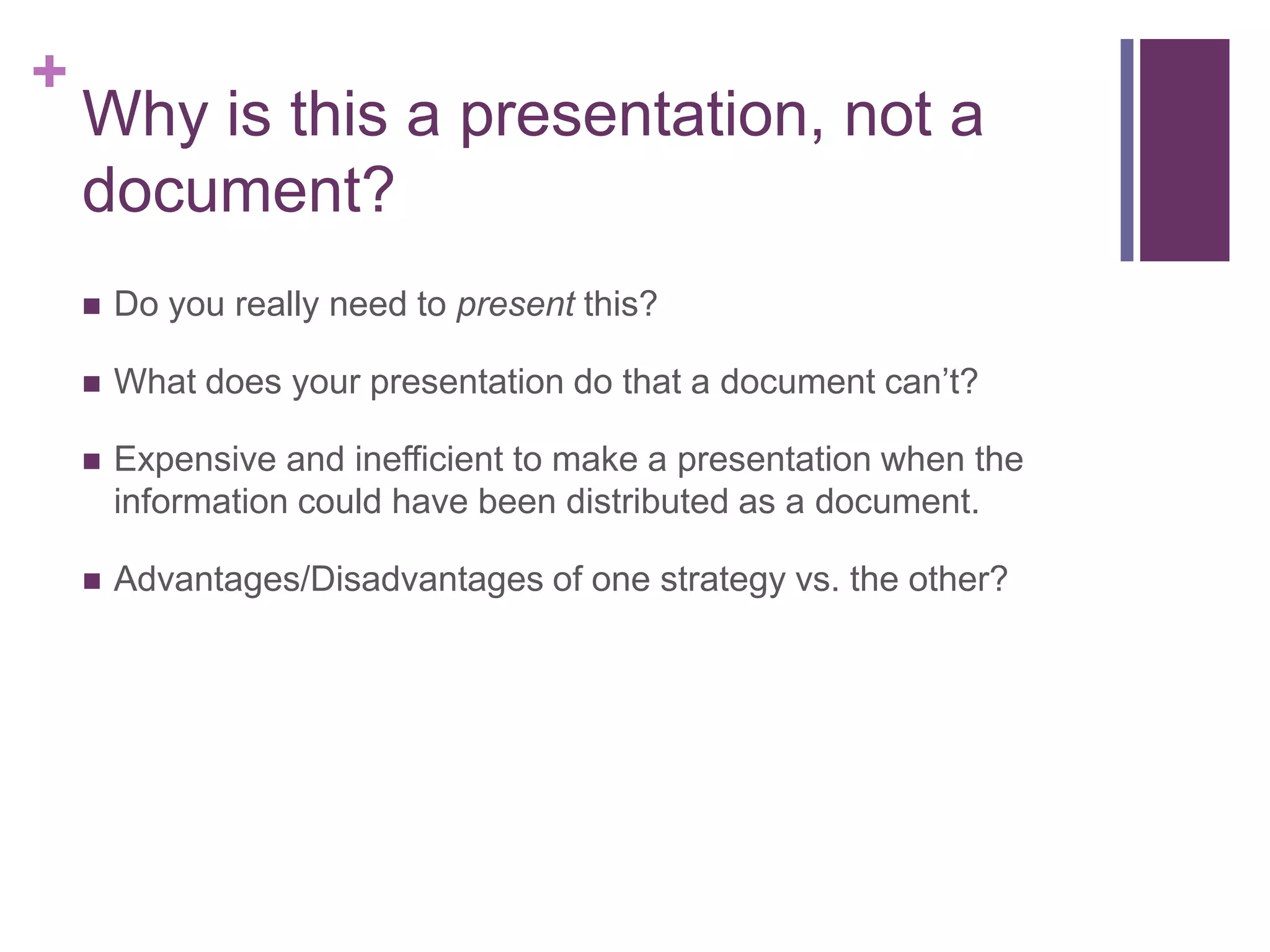
    Why is this a presentation, not a
    document?
       Do you really need to present this?

       What does your presentation do that a document can’t?

       Expensive and inefficient to make a presentation when the
        information could have been distributed as a document.

       Advantages/Disadvantages of one strategy vs. the other?
+
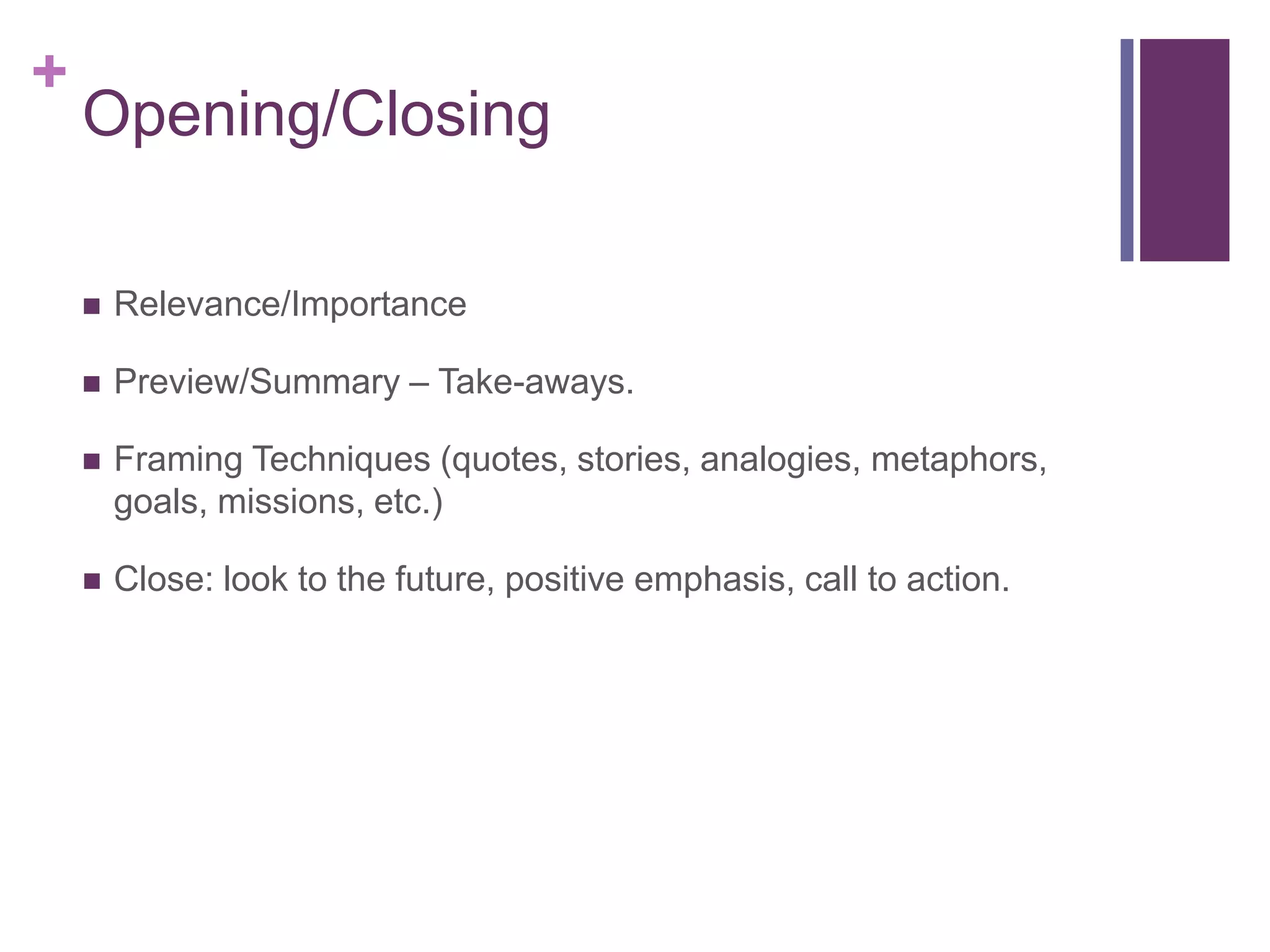
    Opening/Closing

       Relevance/Importance

       Preview/Summary – Take-aways.

       Framing Techniques (quotes, stories, analogies, metaphors,
        goals, missions, etc.)

       Close: look to the future, positive emphasis, call to action.
+
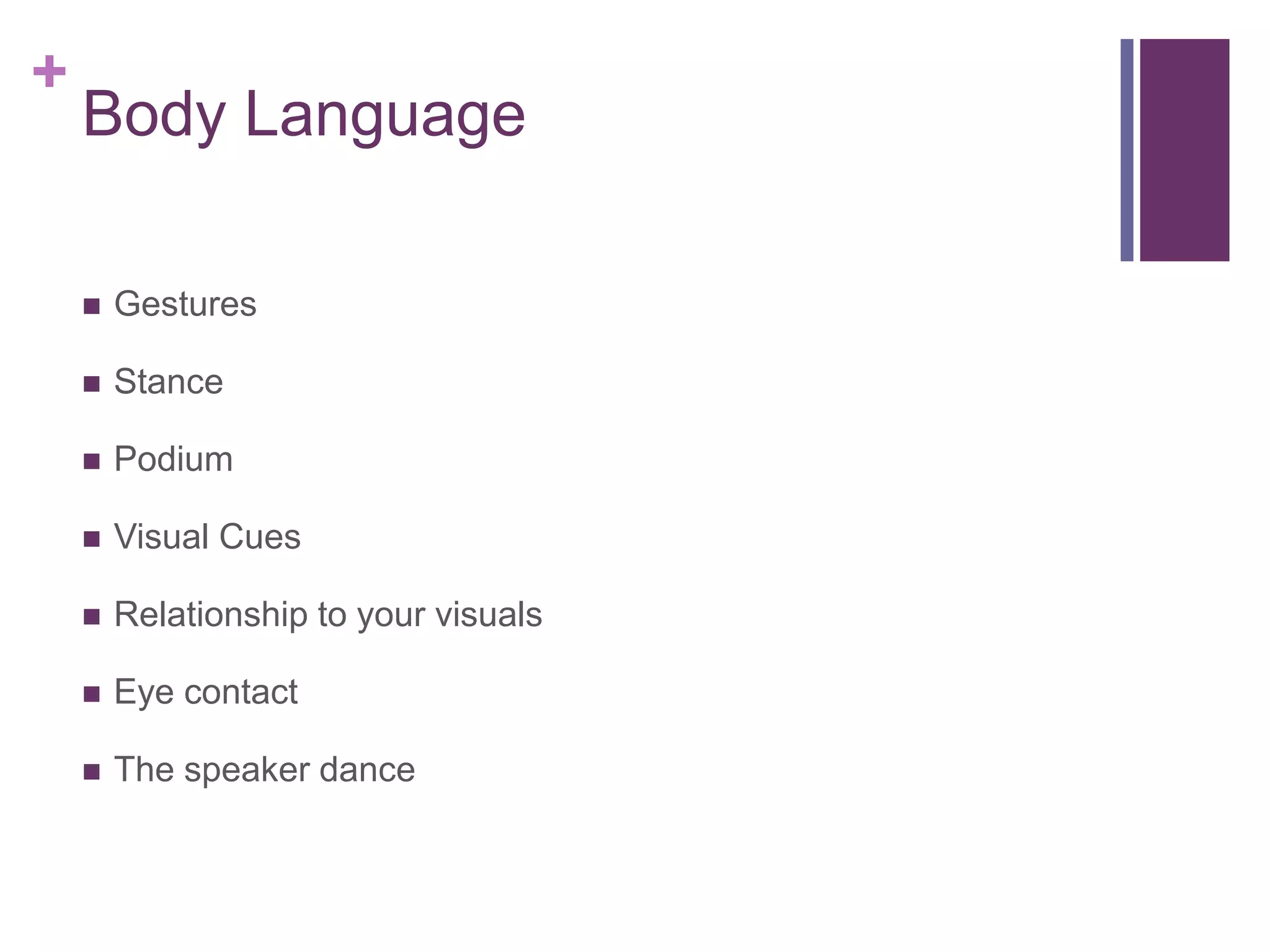
    Body Language

       Gestures

       Stance

       Podium

       Visual Cues

       Relationship to your visuals

       Eye contact

       The speaker dance
+
    Voice

       Project to the back of the room

       Tone: Confident and/or conversational
+
    General Principles

       Enjoy yourself

       Positive emphasis

       You-attitude
+
    Questions from the audience

       Restate the question.

       Shows you’re listening.

       Allows you to reshape the question.

       Allows the ―asker‖ to clarify.
+
    Questions from the audience

       Ask for clarification if you don’t understand something about the
        question.

       You don’t want to answer a question the asker didn’t ask.
        Makes you look like a bad listener. Wastes the asker’s and the
        audience’s time.
+
    Questions from the audience

       Internally identify the asker’s best possible intentions.

       Frame your response within those possibilities.

       People generally don’t ask questions just to be jerks.

       But be careful.
+
    Questions from the audience

       Plant a backup question. Just in case.
+
    Questions from the audience

       Keep your answers direct and succinct.

       Check in with the asker to make sure you’ve answered their
        question.
+
    Practice, Practice, Practice

       With your team

       In front of a generous audience (trusted, helpful)

       On-camera (here your voice; see your body language)

       Get your timing down

       Avoid a sense of ―winging it‖ – project preparation
+
    Focus on Structure

       Opening

       Transitions – more than just a hand-off

       Content

       Closing

       Unity/Consistency

       Avoid redundancies
+
    Have a backup plan

       If the technology doesn’t work

       If a team member doesn’t show up

       If the audience asks a question for which you are unprepared
+
    Prepare to adjust

       Have a system of communication in place to help keep each
        other on track

       Small window of time; must be able to adjust and compensate
+
+
    Thanks.

Module 20

  • 1.
    + Making Oral Presentations Module 20 and Additional Notes
  • 2.
    + ―Take-Aways‖  What do you want your audience to do?  Always actions.  Change a behavior?  Change an attitude?  Buy something?
  • 3.
    + ―Take-Aways‖  Make them clear and explicit.  Gives your audience a chance to make sure they understand the points you want them to understand.
  • 4.
    + ―Take-Aways‖  Limit your main ideas to the smallest number you can.  Spend your time—supporting , clarifying, offering evidence, examples, interaction, etc.—in the service of that point.
  • 5.
    + Why is this a presentation, not a document?  Do you really need to present this?  What does your presentation do that a document can’t?  Expensive and inefficient to make a presentation when the information could have been distributed as a document.  Advantages/Disadvantages of one strategy vs. the other?
  • 6.
    + Opening/Closing  Relevance/Importance  Preview/Summary – Take-aways.  Framing Techniques (quotes, stories, analogies, metaphors, goals, missions, etc.)  Close: look to the future, positive emphasis, call to action.
  • 7.
    + Body Language  Gestures  Stance  Podium  Visual Cues  Relationship to your visuals  Eye contact  The speaker dance
  • 8.
    + Voice  Project to the back of the room  Tone: Confident and/or conversational
  • 9.
    + General Principles  Enjoy yourself  Positive emphasis  You-attitude
  • 10.
    + Questions from the audience  Restate the question.  Shows you’re listening.  Allows you to reshape the question.  Allows the ―asker‖ to clarify.
  • 11.
    + Questions from the audience  Ask for clarification if you don’t understand something about the question.  You don’t want to answer a question the asker didn’t ask. Makes you look like a bad listener. Wastes the asker’s and the audience’s time.
  • 12.
    + Questions from the audience  Internally identify the asker’s best possible intentions.  Frame your response within those possibilities.  People generally don’t ask questions just to be jerks.  But be careful.
  • 13.
    + Questions from the audience  Plant a backup question. Just in case.
  • 14.
    + Questions from the audience  Keep your answers direct and succinct.  Check in with the asker to make sure you’ve answered their question.
  • 15.
    + Practice, Practice, Practice  With your team  In front of a generous audience (trusted, helpful)  On-camera (here your voice; see your body language)  Get your timing down  Avoid a sense of ―winging it‖ – project preparation
  • 16.
    + Focus on Structure  Opening  Transitions – more than just a hand-off  Content  Closing  Unity/Consistency  Avoid redundancies
  • 17.
    + Have a backup plan  If the technology doesn’t work  If a team member doesn’t show up  If the audience asks a question for which you are unprepared
  • 18.
    + Prepare to adjust  Have a system of communication in place to help keep each other on track  Small window of time; must be able to adjust and compensate
  • 19.
  • 20.
    + Thanks.