S/W Design and Modularity
     using Maven 2


Tibor Digaňa
Goals
• Modularity
• Maven
• Demos
Agenda
• Necessary understanding of modularity helps you
  better understand the Maven features;
• Mandatory Maven theory with demos;
• Solving Real Project Problem;
• Extra Demos: Maven plugins, FTP
  Deployment, SCM, Site, Javadoc, JIRA in
  Maven, Query Builder project and other, building
  WAR in JEE, Maven vs. corporative build
  process, TeamCity, Ant in Maven, classpath via
  dependency plugin, …
Modularity and the Maven?
• Without feeling for Modularity you are doing
  in Maven something that you do not know
  what it is;
• If you consider the Maven as a build tool, then
  you are completely wrong;
• Maven like other tool, e.g. Apache Ivy, helps
  you building a modular application.
What is Maven?
Maven is a software project management and
comprehension tool. Based on the concept of
a Project Object Model (POM), Maven can
manage a project's build, reporting and
documentation from a central piece of
information.
Maven is just a tool!
• Just like JDK and Java programming language, does not
  guarantee right design in your hands, using the same
  twice you can produce useful or bad design;
• Using Maven right way, whatever corporative rule;
• The Maven solves information hiding in modular
  application, and provides dependencies inheritance;
• Maven solves compile-time dependencies in modular
  application;
• Maven has runtime scope in dependencies as well;
• Maven controls build life cycle in specific packaging;
• If you only want to compile pure sources, use the Ant.
Maven is just a tool!
• OOP has attributes for information hiding and the
  Maven has attributes of information hiding in
  modularity as well;
• Builds an artifact based on module POM;
• Encapsulates POM with dependencies in e.g. JAR
  package;
• Inheritance of dependencies;
• Overrides dependencies;
• Includes/Excludes dependencies;
• Polymorphic behavior of artifact does not exist;
• Only configuration using profiles;
Granularity and Modules
• Classes are “somehow” logically grouped in to
  packages (unit);
• Granularity is the measure of a convenient
  unit for organizing small and large applications
Design Patterns and Principles
• For a concrete problem definition, the design
  principle specifies the relationship between
  object reference types;
• Design Principles help you design units like
  modules, packages and classes in the package
  in favor of reusability, maintainability and
  robustness.
Granularity as a General Problem of Design
     Two bad concepts in packaging
• One package in entire application
• Over-packaging
Both lead to a disorder (hell of the classes)
  where packages have no context and domain
  is missing.
Hard to find rules in visibility of the classes.
So, information hiding must apply to packages in
  compile-time and run-time!
Design Principles go with UML
•   The Open Closed Principle (OCP)
•   The Liskov Substitution Principle (LSP)
•   The Dependency Inversion Principle (DIP)
•   The Interface Segregation Principle (ISP)
•   The Reuse/Release Equivalence Principle (REP)
•   The Common Reuse Principle (CRP)
•   The Common Closure Principle (CCP)
•   The Acyclic Dependency Principle (ADP)

Reference: http://www.objectmentor.com/resources/articles/granularity.pdf
http://www.objectmentor.com/resources/publishedArticles.html
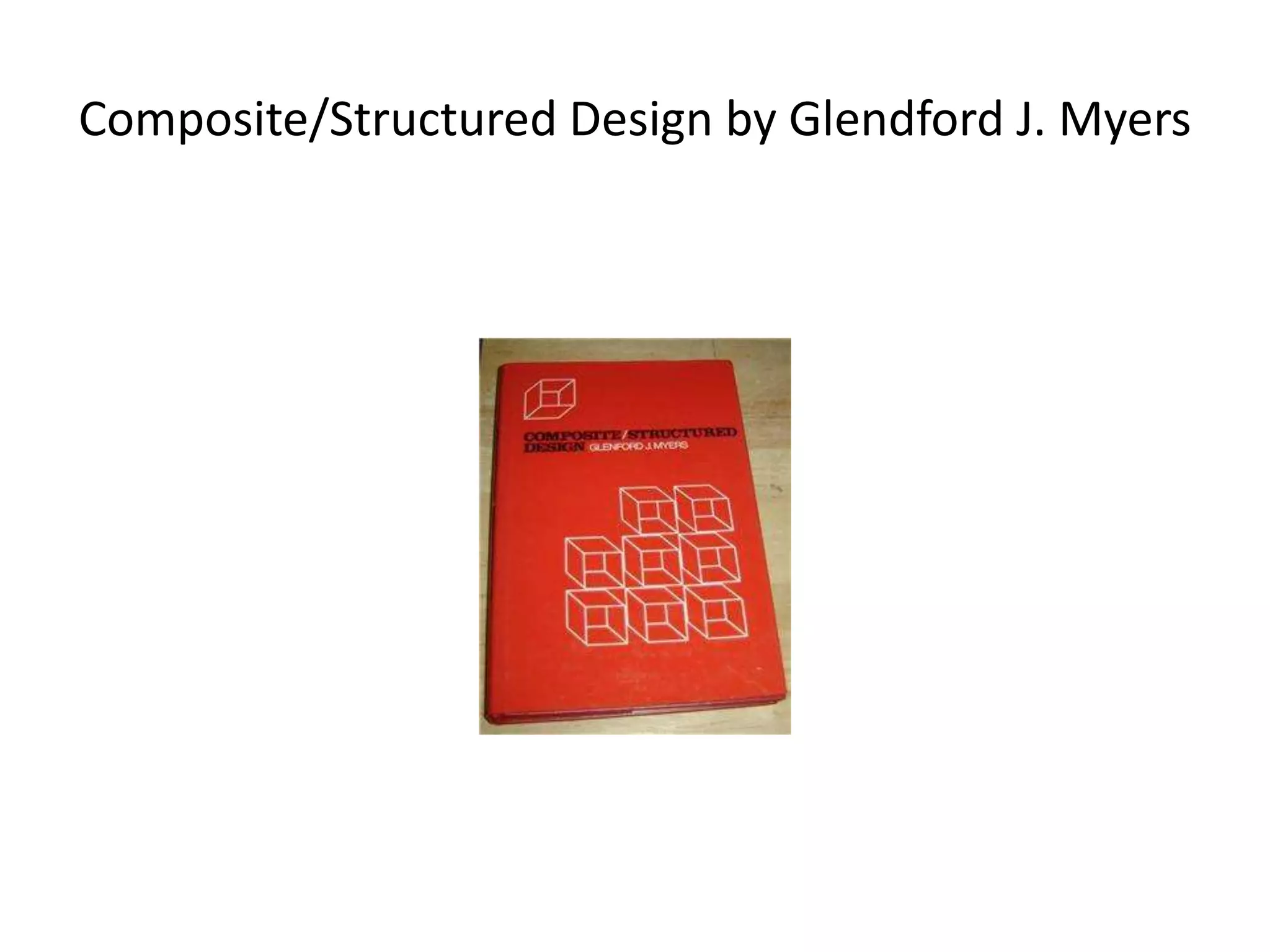
Composite/Structured Design by Glendford J. Myers
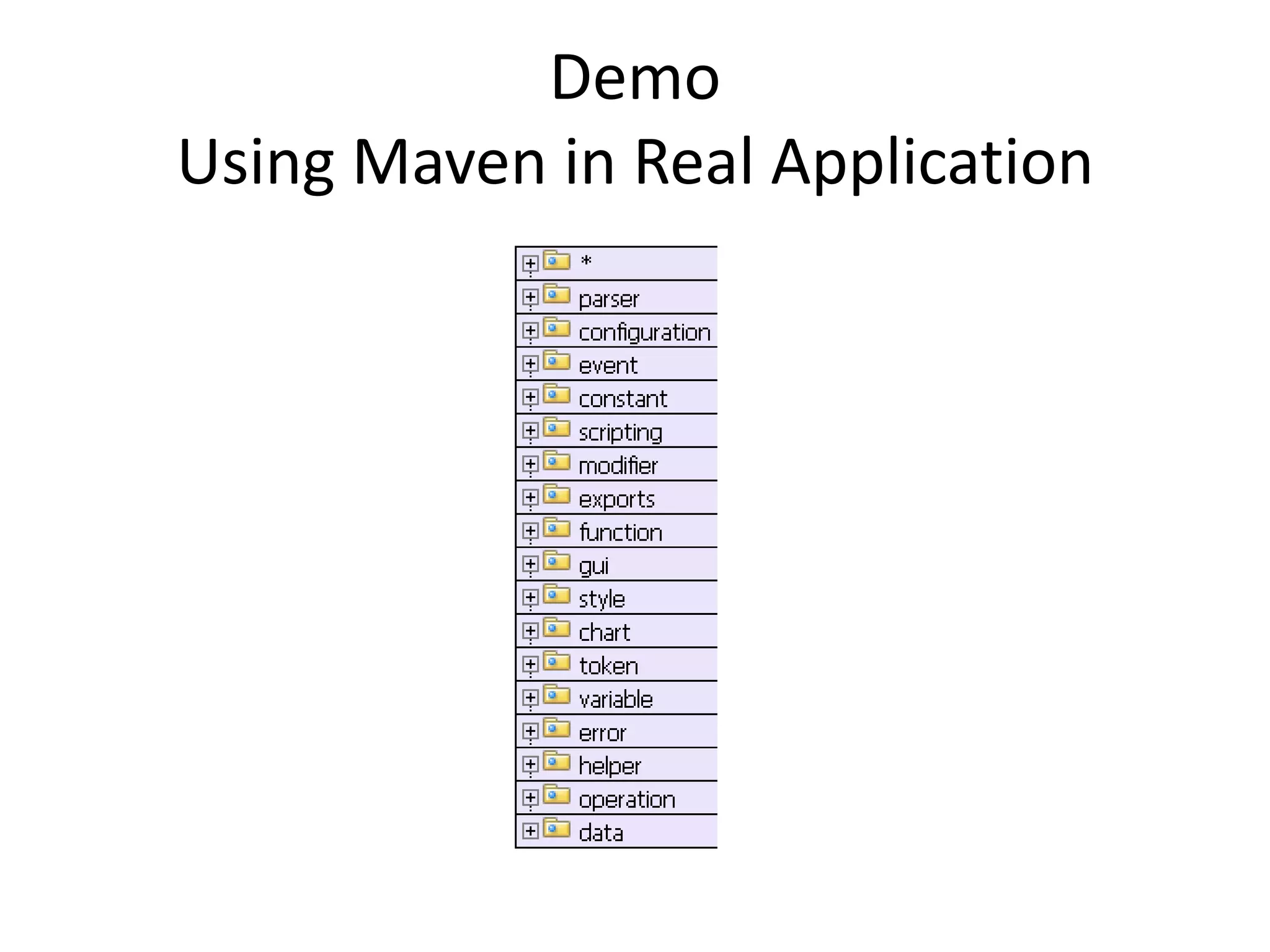
Demo
Using Maven in Real Application
Fine grained Modularity
•   Each domain package is a module
•   Domain package is atomic –indivisible context
•   Pros/cons
•   Continuous development on modules which
    are not able to compile
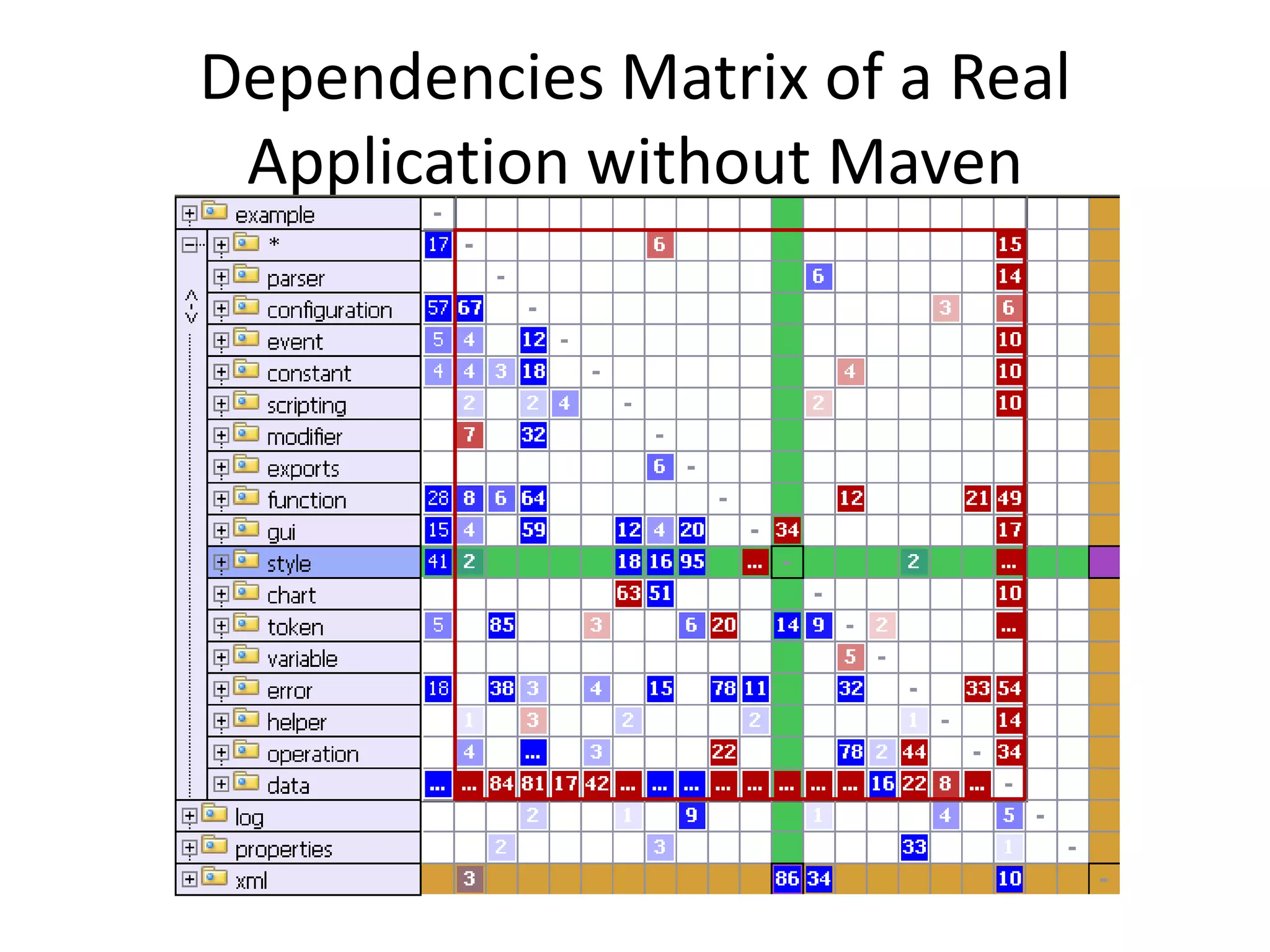
Dependencies Matrix of a Real
 Application without Maven
Can we apply fine grained modularity
         in this s/w design ?
• No, we cannot apply it without redesigning
  dependencies
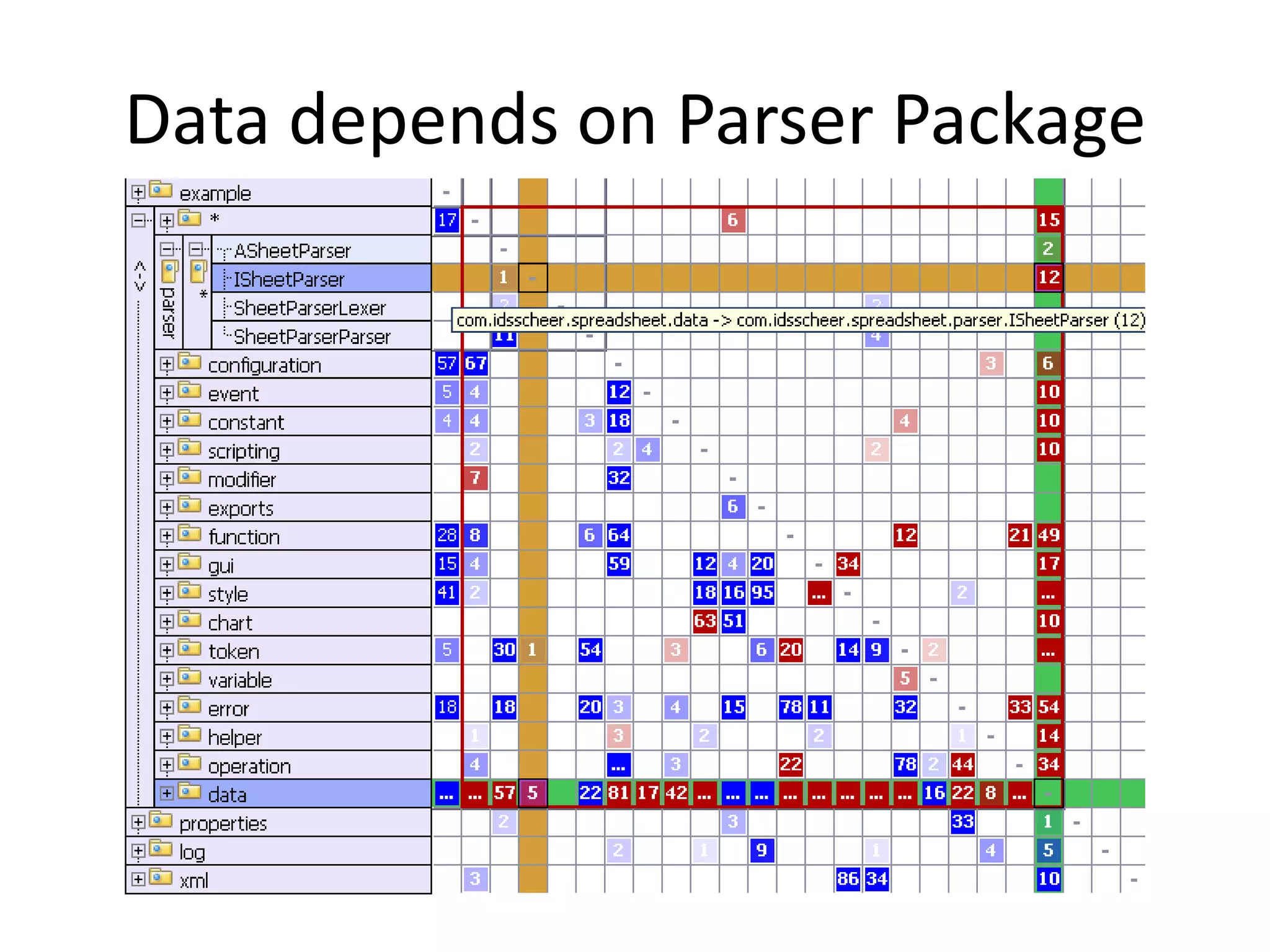
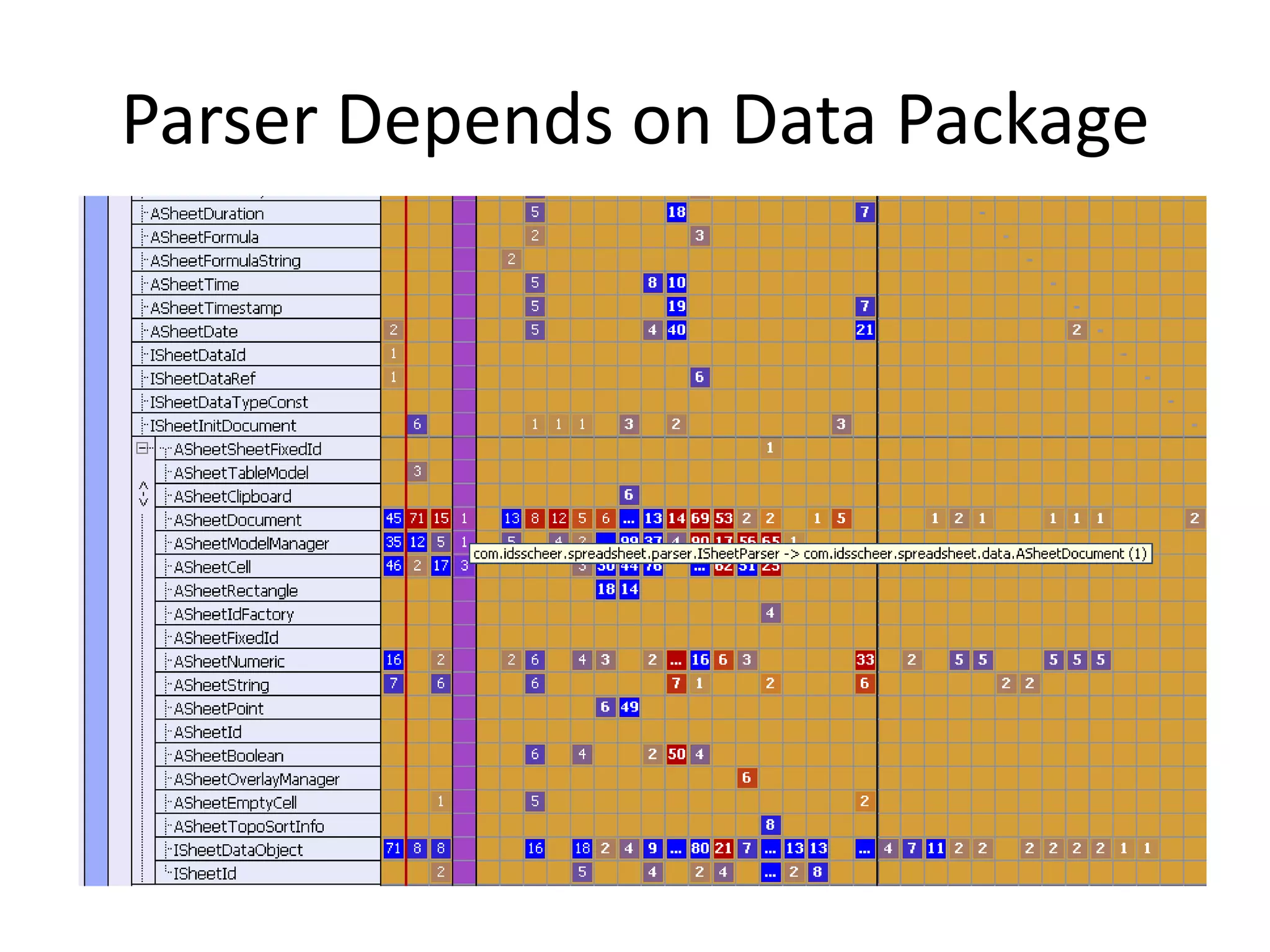
• Reason: For instance
  the interface parser.ISheetParser depends
  on data.SheetDocument and vice-versa.
• Current s/w design has cyclic dependencies in
  packages.
Data depends on Parser Package
Parser Depends on Data Package
How to prevent from Cyclic
            Dependencies?
• Acyclic Dependency Principle (ADP)
• Add an extra module/package with
  an abstract Class or an Interface
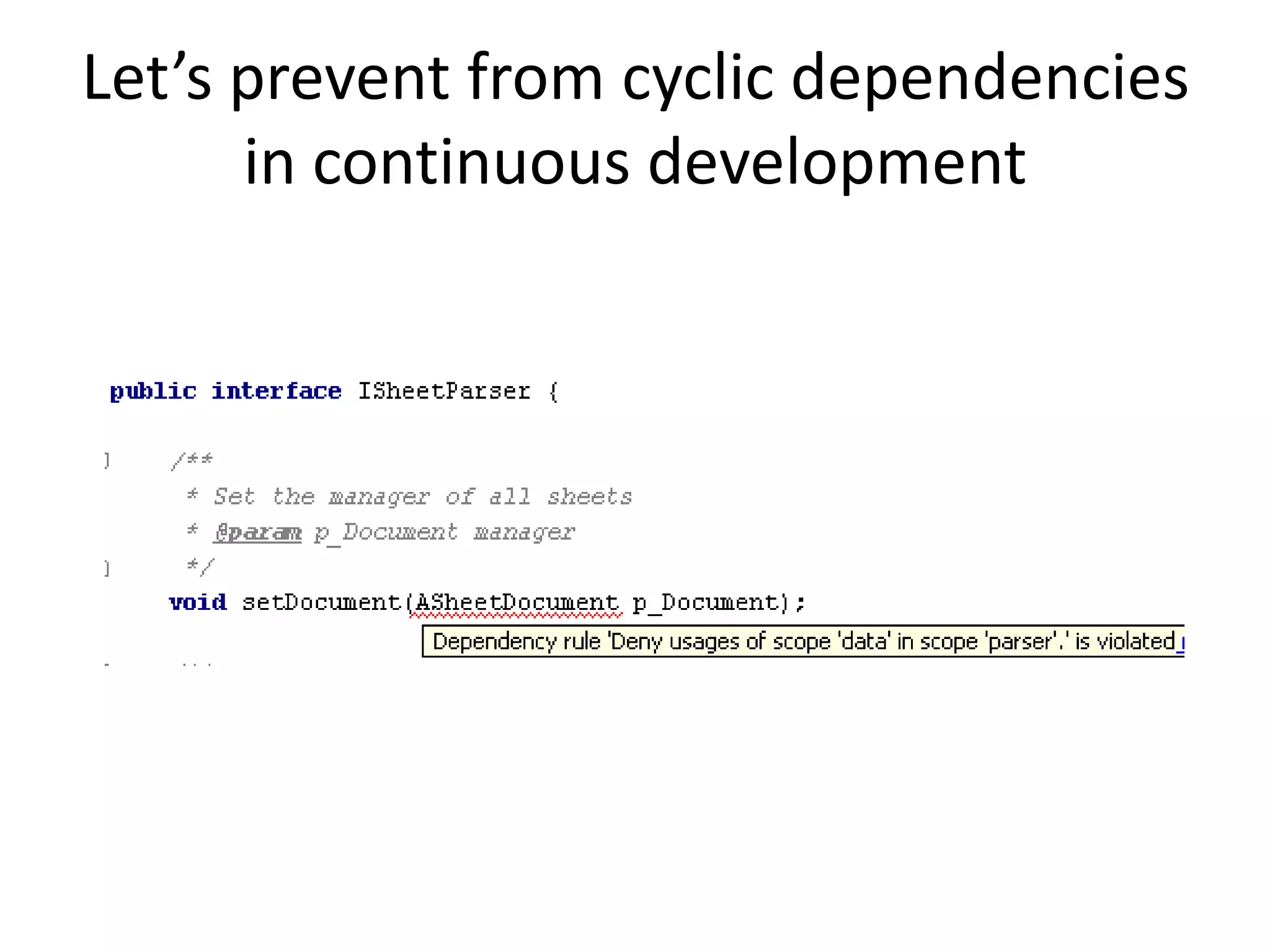
Let’s prevent from cyclic dependencies
      in continuous development
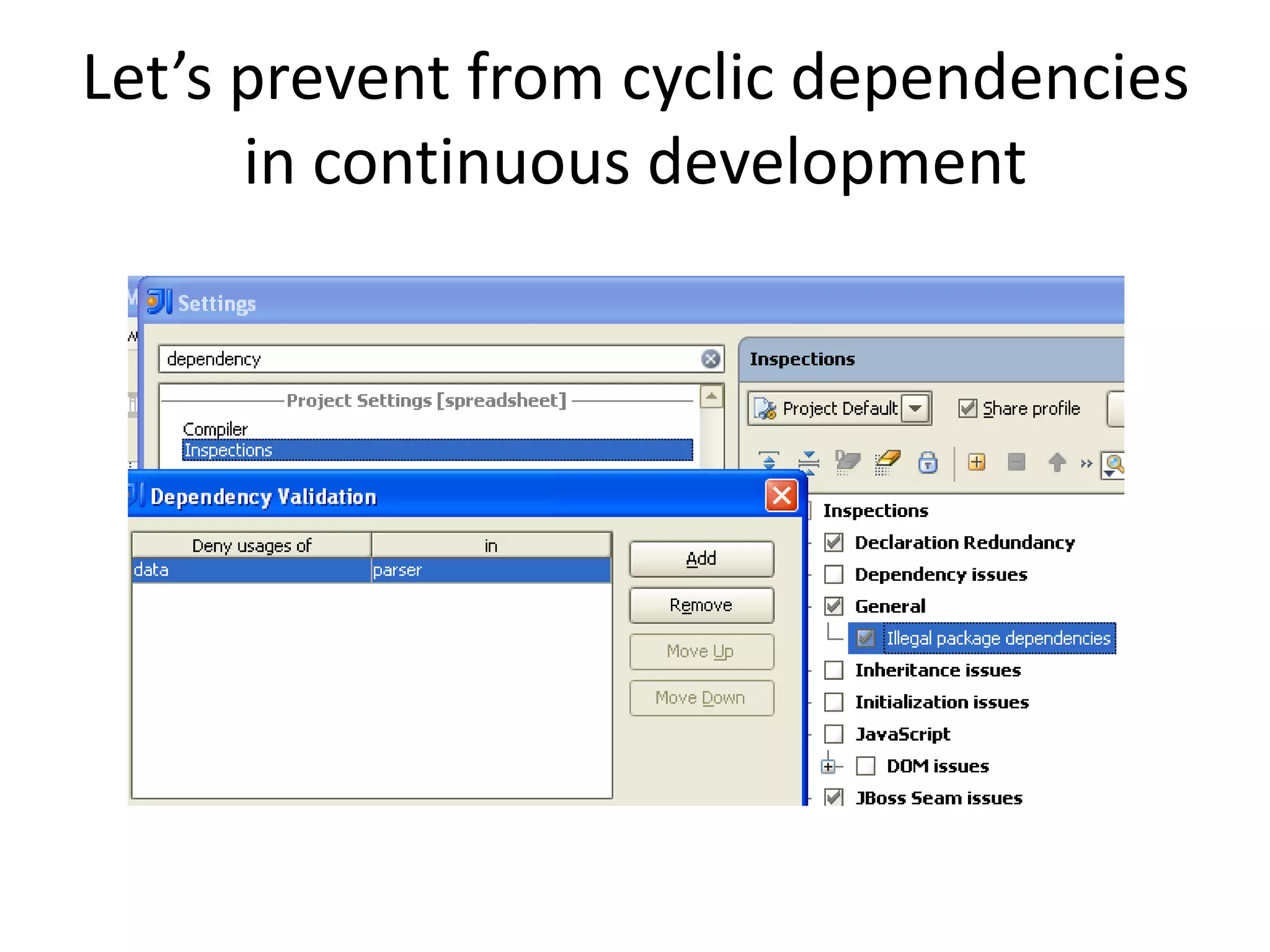
• Make custom dependency rules unbreakable
  in package hierarchy
Let’s prevent from cyclic dependencies
      in continuous development
Let’s prevent from cyclic dependencies
      in continuous development
Unfortunately you cannot successfully export
 Dependency Violation settings to
 “Project_Default.xml” either to settings.jar via
 File|Export Settings.

Thus you still need IDEA project files in your CVS.
Let’s prevent from cyclic dependencies
      in continuous development
In the Maven this is more
                sophisticated
•   The key is relationship between modules
•   Maven is a build tool
•   Maven controls the build life cycle
•   Maven can be used in IDE without IDE’s
    project files (including some global
    settings.jar)
Applying Maven as a Tool
• A bad design of POM.XML when modularity is
  not properly considered;
• POM.XML reflecting a good modularity
  concept
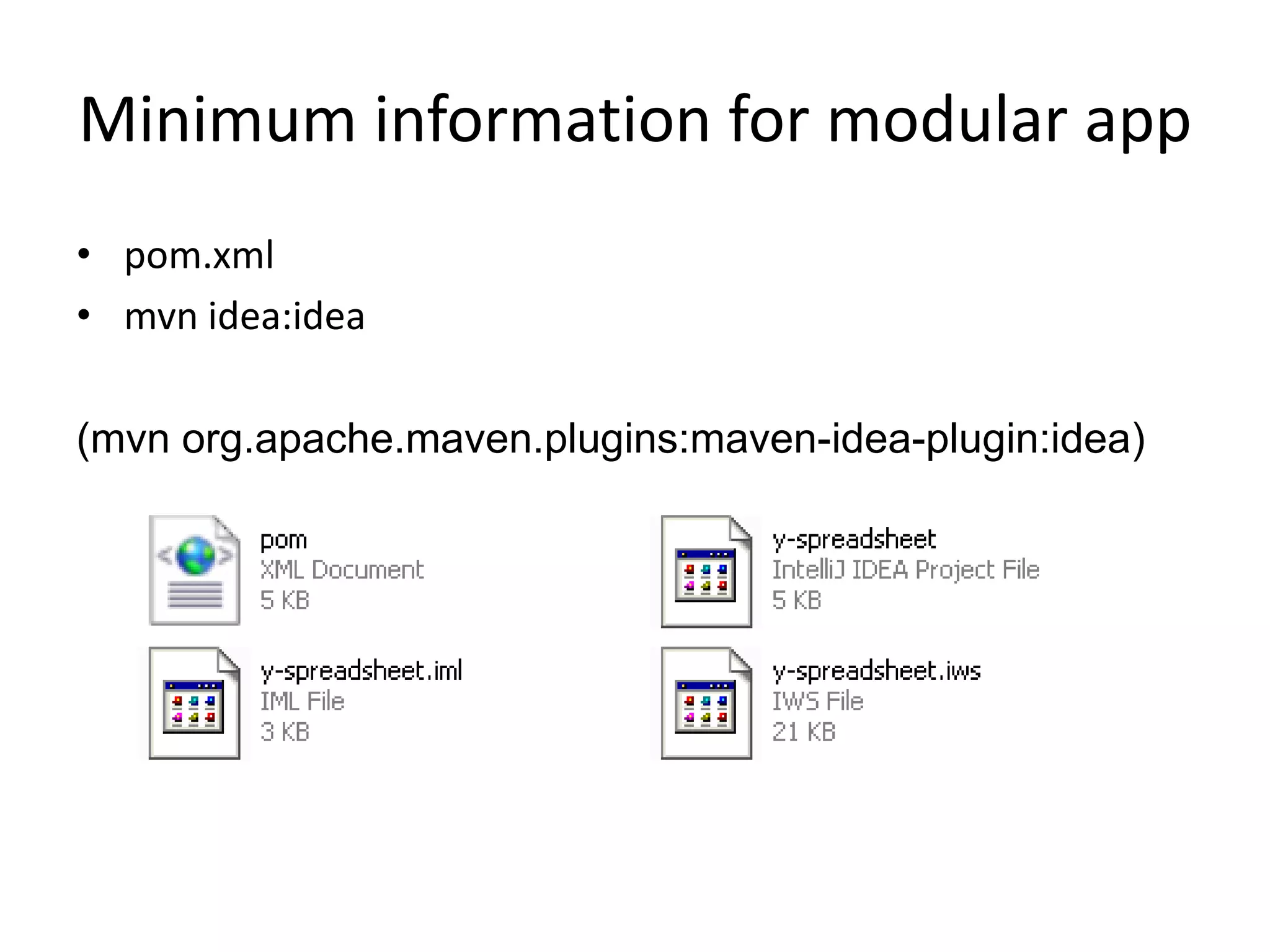
Minimum information for modular app
• pom.xml
• mvn idea:idea

(mvn org.apache.maven.plugins:maven-idea-plugin:idea)
Demo
Let’s create the IDEA project files from pom.xml
Minimum information for modular app
 Using Maven in IDEA we Do NOT need IDEA
            project files in CVS.

   Mainly you need Maven command line,
           pom.xml and settings.jar
Development using IDEA and Maven
Two approaches to get IDEA/Maven project
1. Having pom.xml create IDEA project files
   mvn idea:idea
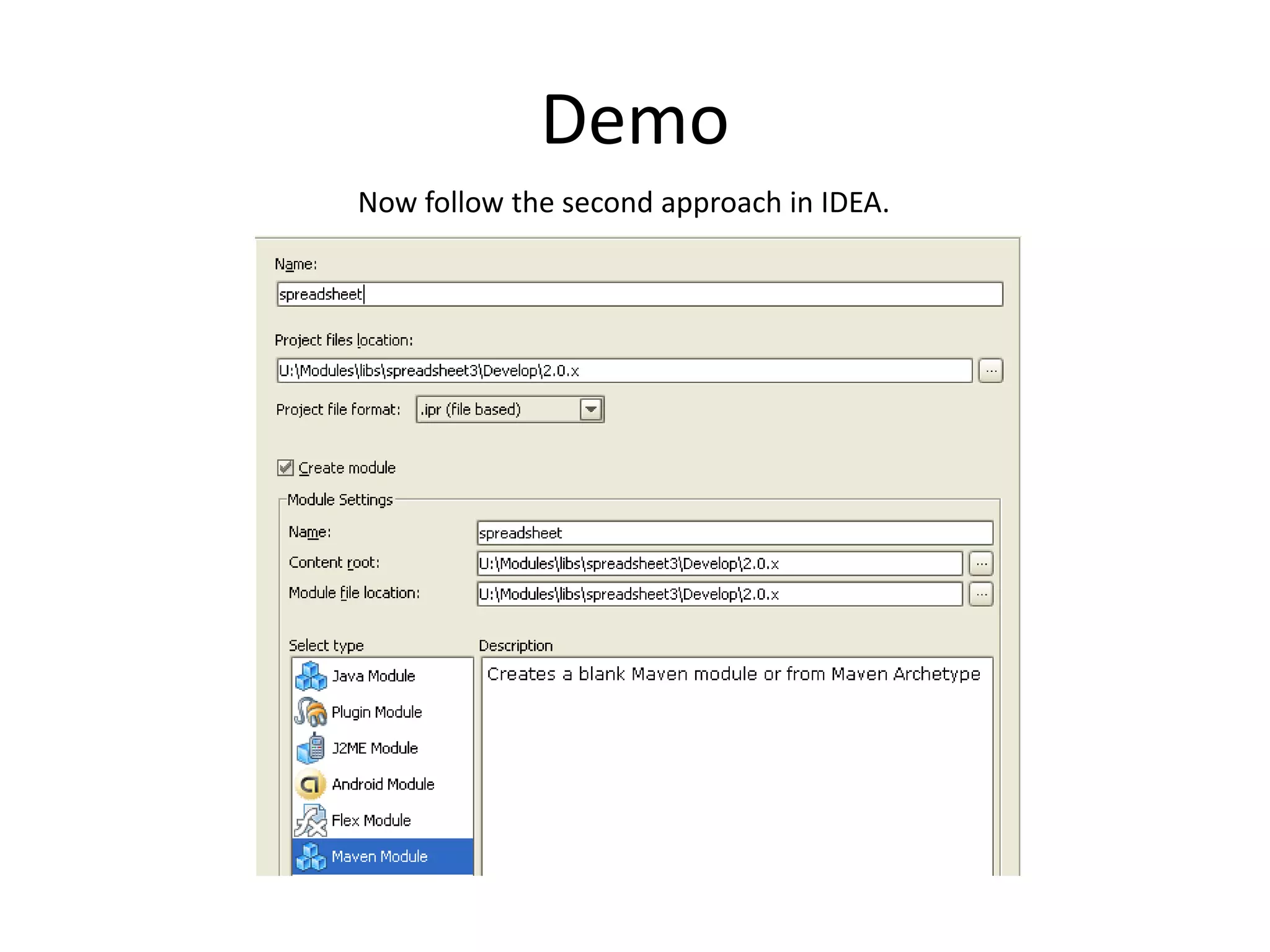
2. Create pom.xml altogether with project files
   directly in IDEA
   Create New Project|Create project from scratch|Maven Module|…
Demo
Now follow the second approach in IDEA.
Demo with complete project
• Setting Maven Home directory in IDEA
• Maven settings.xml in IDEA
• Specifying local repository in IDEA
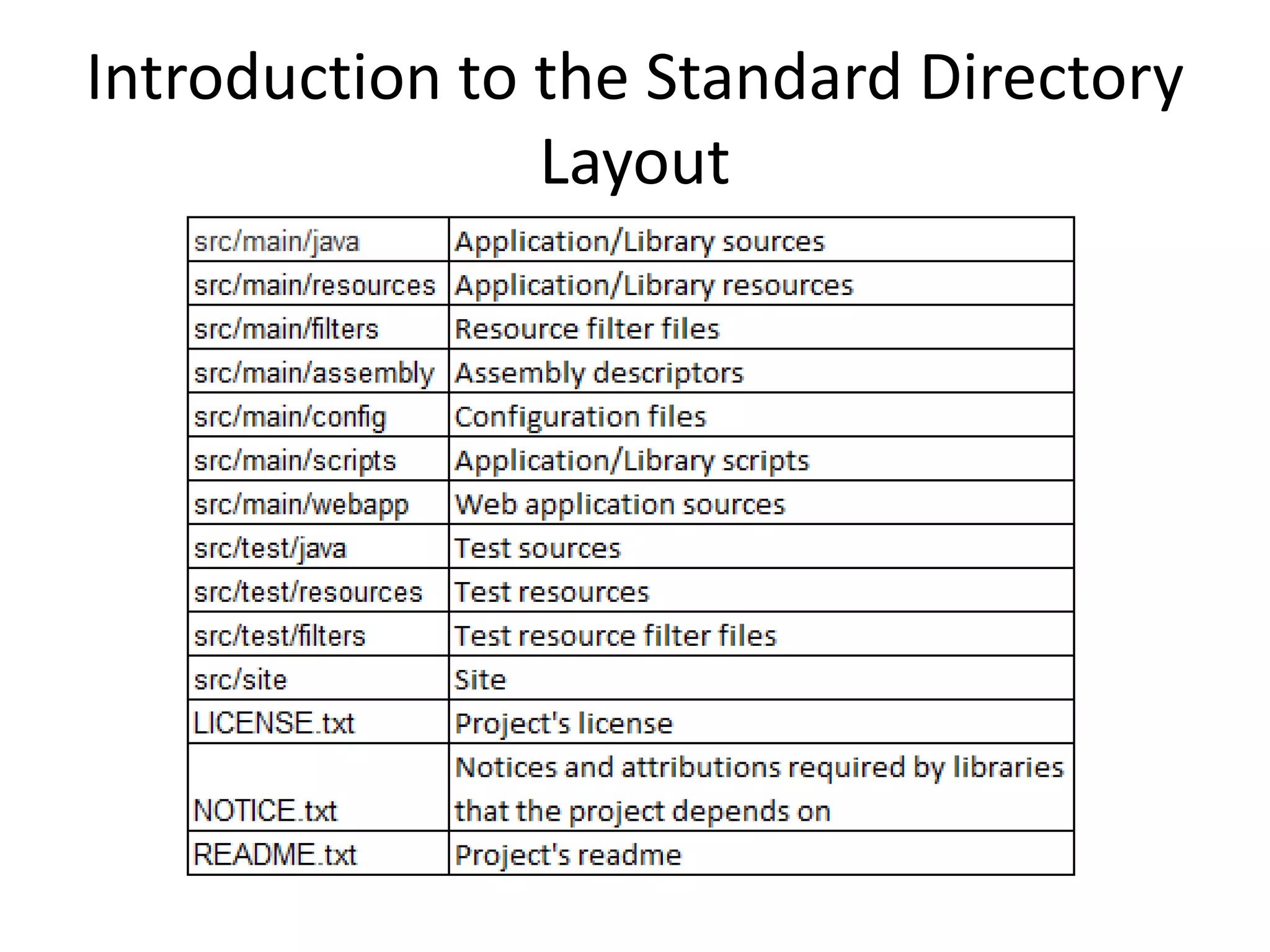
Introduction to the Standard Directory
                Layout
As a convention we use these files
            in ${basedir}
• LICENSE.TXT
• NOTICE.TXT
• README.TXT
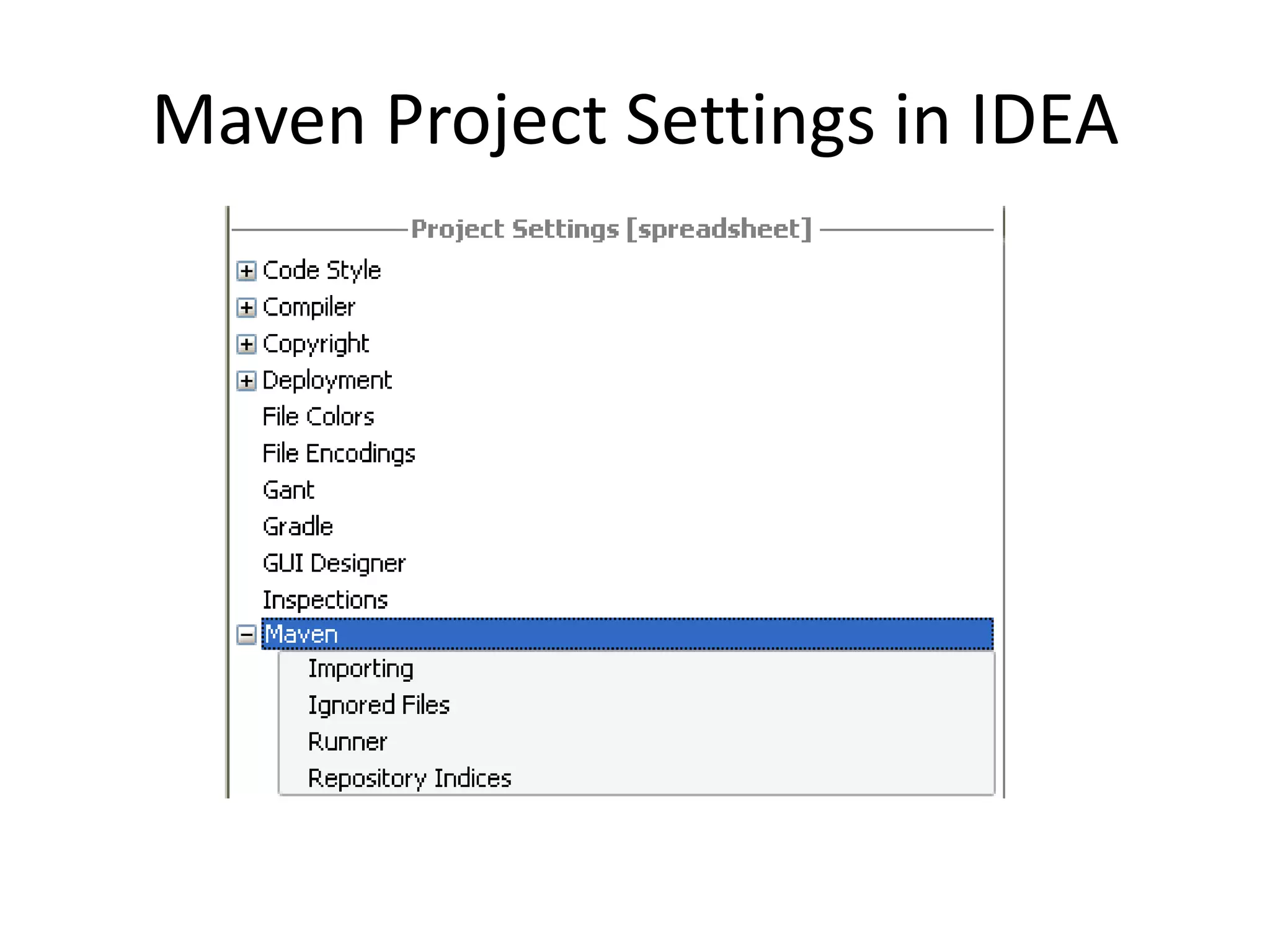
Maven Project Settings in IDEA
Demo Started Build
• Start the build in profile “development”
• Start the build in profile “release”
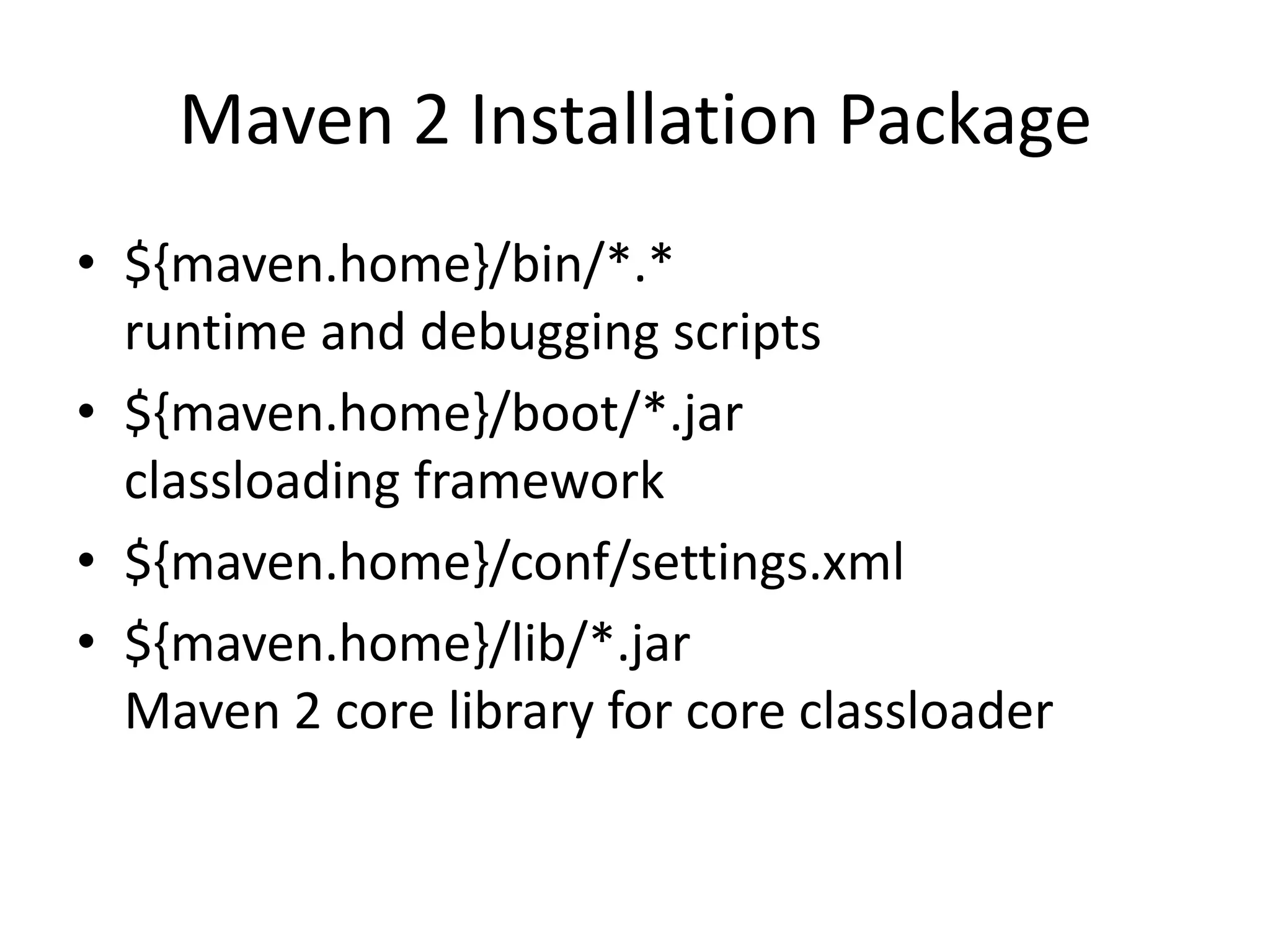
Maven 2 Installation Package
• ${maven.home}/bin/*.*
  runtime and debugging scripts
• ${maven.home}/boot/*.jar
  classloading framework
• ${maven.home}/conf/settings.xml
• ${maven.home}/lib/*.jar
  Maven 2 core library for core classloader
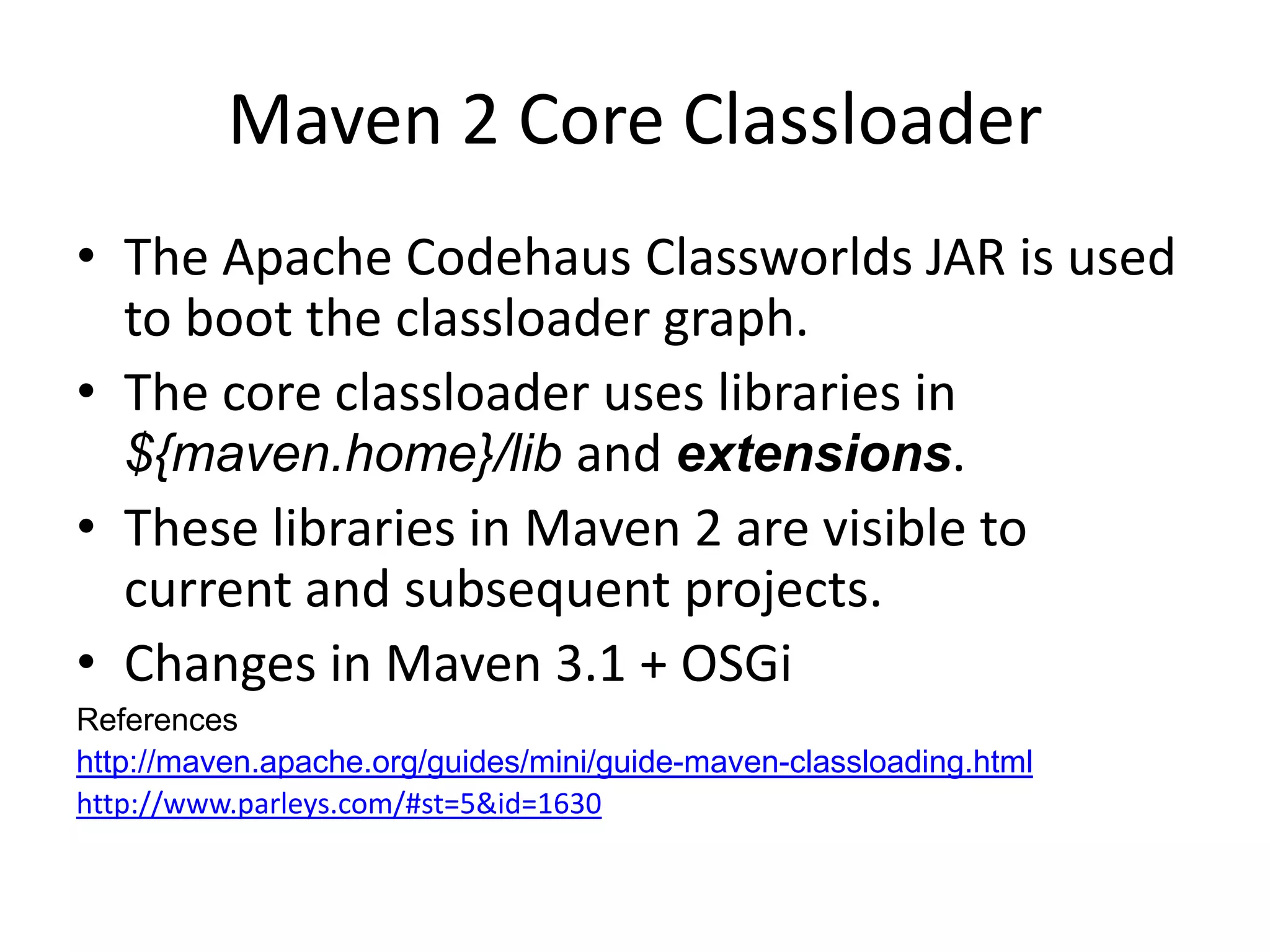
Maven 2 Core Classloader
• The Apache Codehaus Classworlds JAR is used
  to boot the classloader graph.
• The core classloader uses libraries in
  ${maven.home}/lib and extensions.
• These libraries in Maven 2 are visible to
  current and subsequent projects.
• Changes in Maven 3.1 + OSGi
References
http://maven.apache.org/guides/mini/guide-maven-classloading.html
http://www.parleys.com/#st=5&id=1630
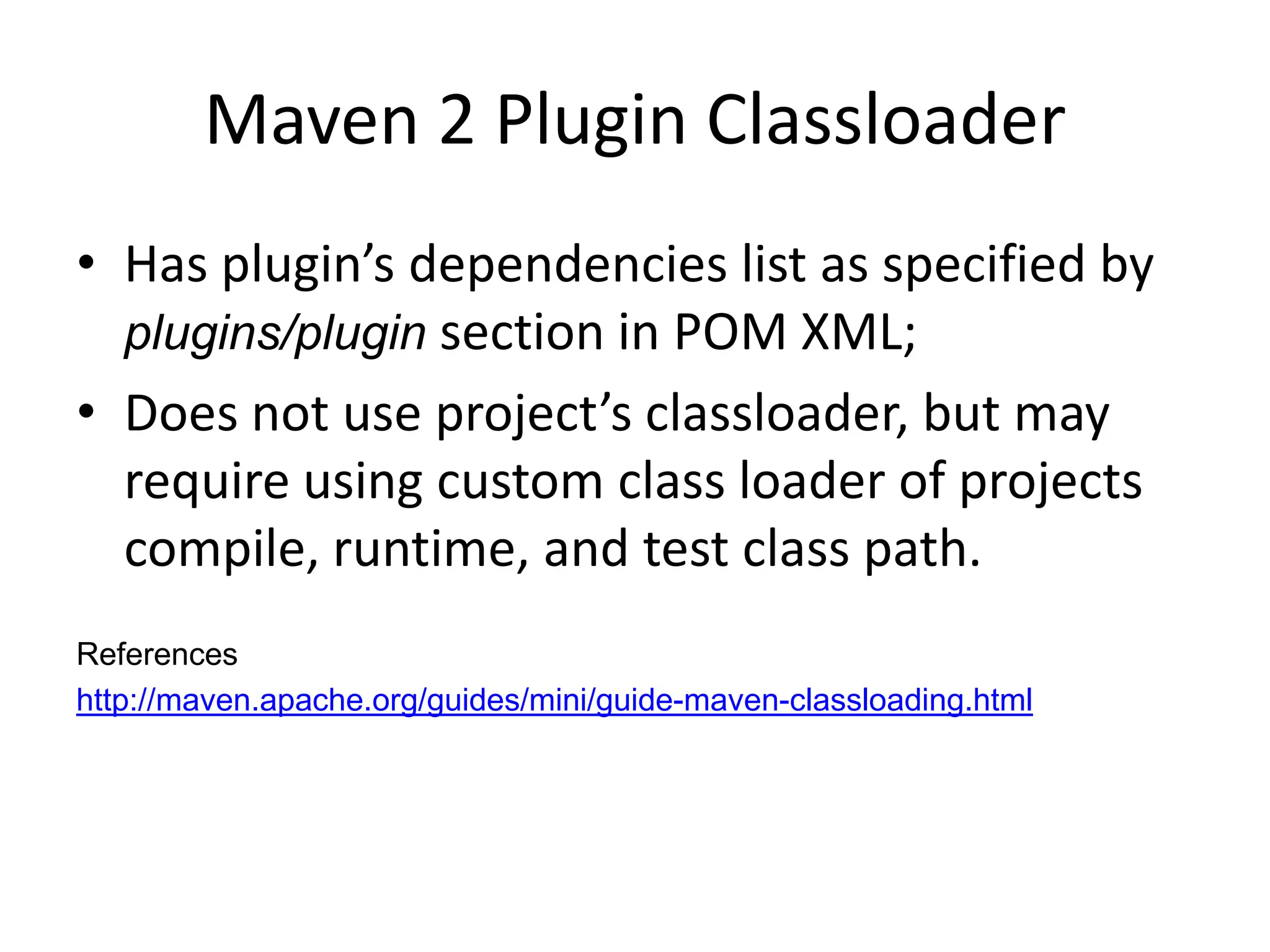
Maven 2 Plugin Classloader
• Has plugin’s dependencies list as specified by
  plugins/plugin section in POM XML;
• Does not use project’s classloader, but may
  require using custom class loader of projects
  compile, runtime, and test class path.
References
http://maven.apache.org/guides/mini/guide-maven-classloading.html
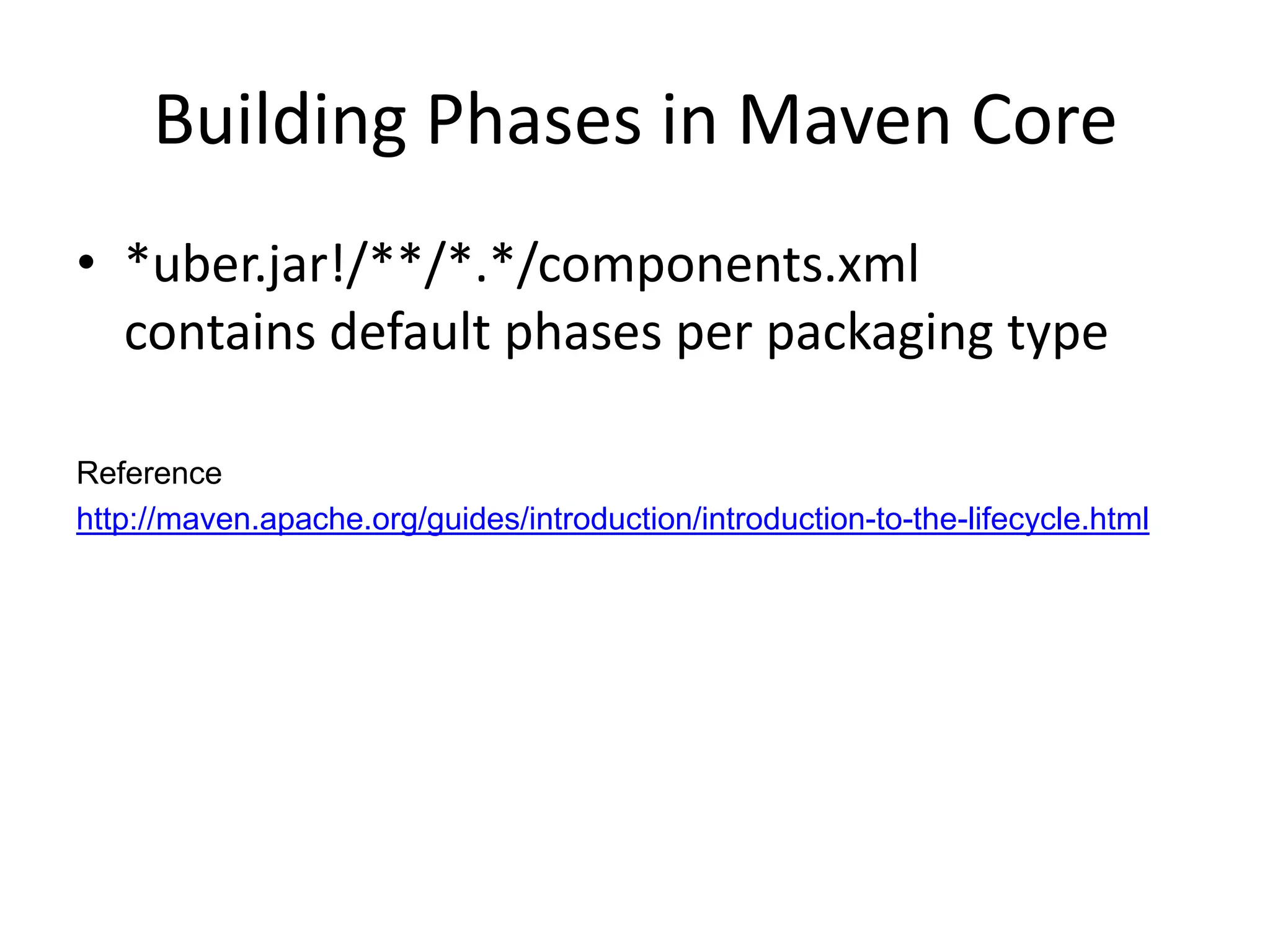
Building Phases in Maven Core
• *uber.jar!/**/*.*/components.xml
  contains default phases per packaging type

Reference
http://maven.apache.org/guides/introduction/introduction-to-the-lifecycle.html
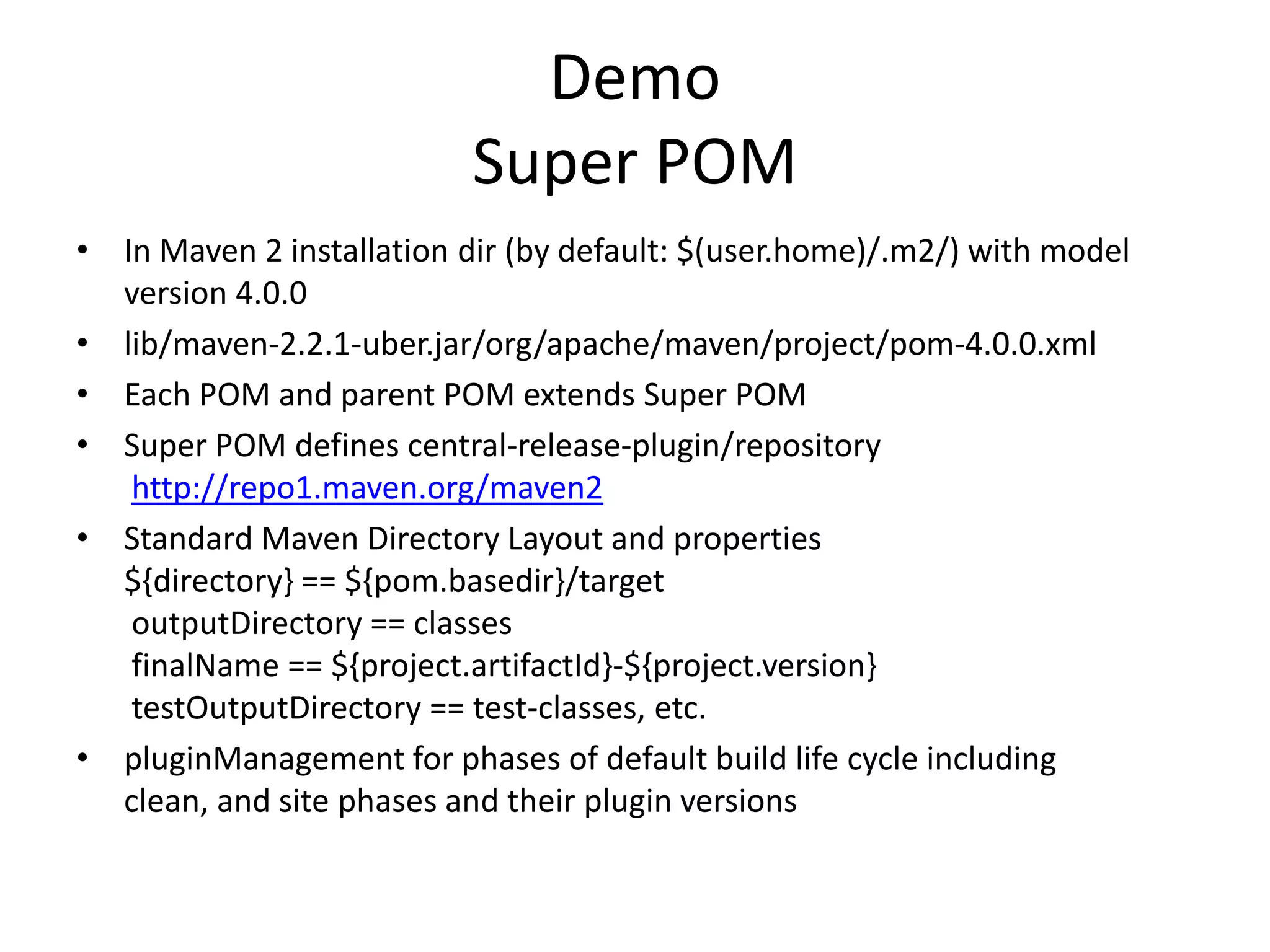
Demo
                           Super POM
• In Maven 2 installation dir (by default: $(user.home)/.m2/) with model
  version 4.0.0
• lib/maven-2.2.1-uber.jar/org/apache/maven/project/pom-4.0.0.xml
• Each POM and parent POM extends Super POM
• Super POM defines central-release-plugin/repository
   http://repo1.maven.org/maven2
• Standard Maven Directory Layout and properties
  ${directory} == ${pom.basedir}/target
   outputDirectory == classes
   finalName == ${project.artifactId}-${project.version}
   testOutputDirectory == test-classes, etc.
• pluginManagement for phases of default build life cycle including
  clean, and site phases and their plugin versions
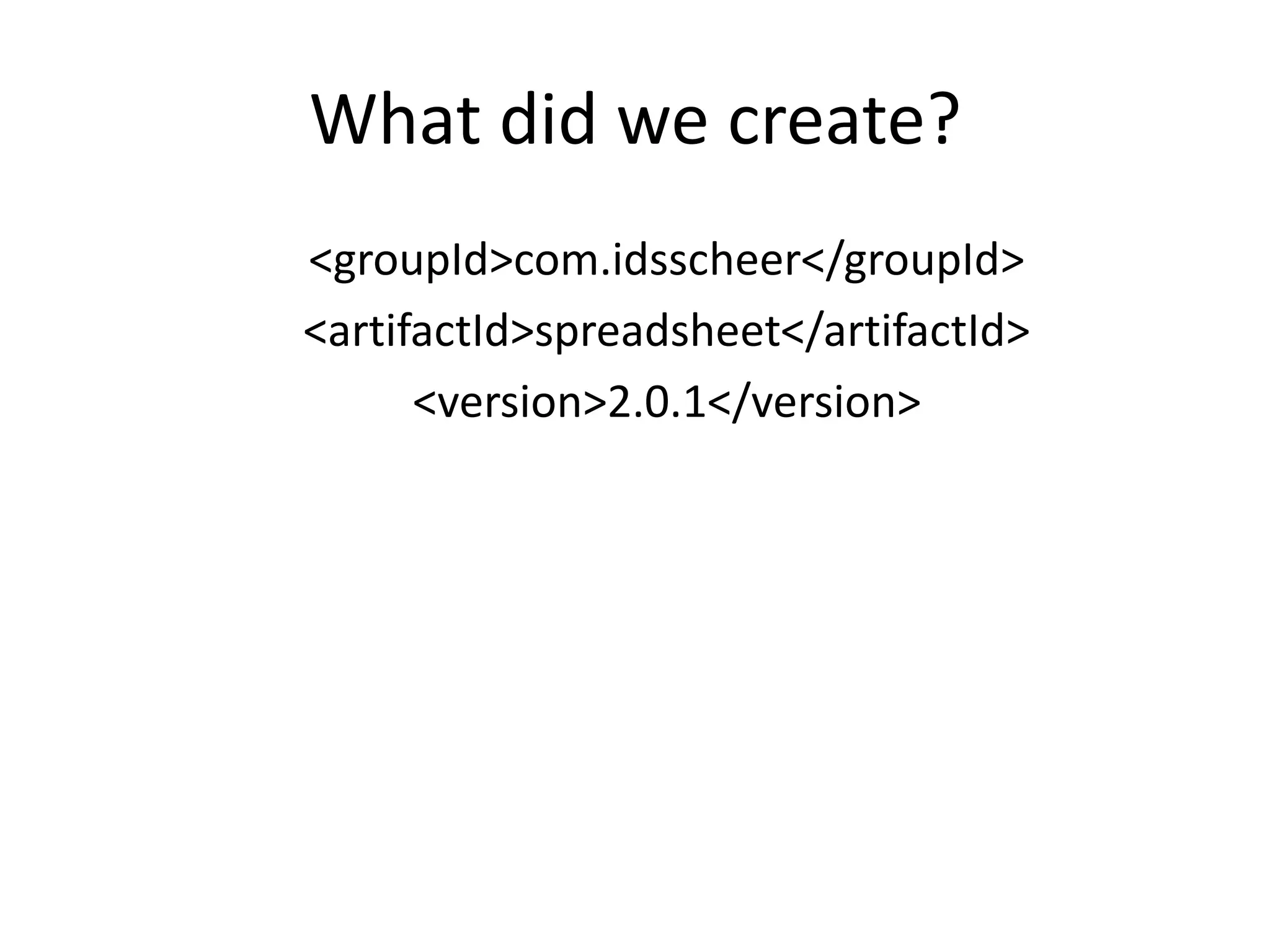
What did we create?
<groupId>com.idsscheer</groupId>
<artifactId>spreadsheet</artifactId>
      <version>2.0.1</version>
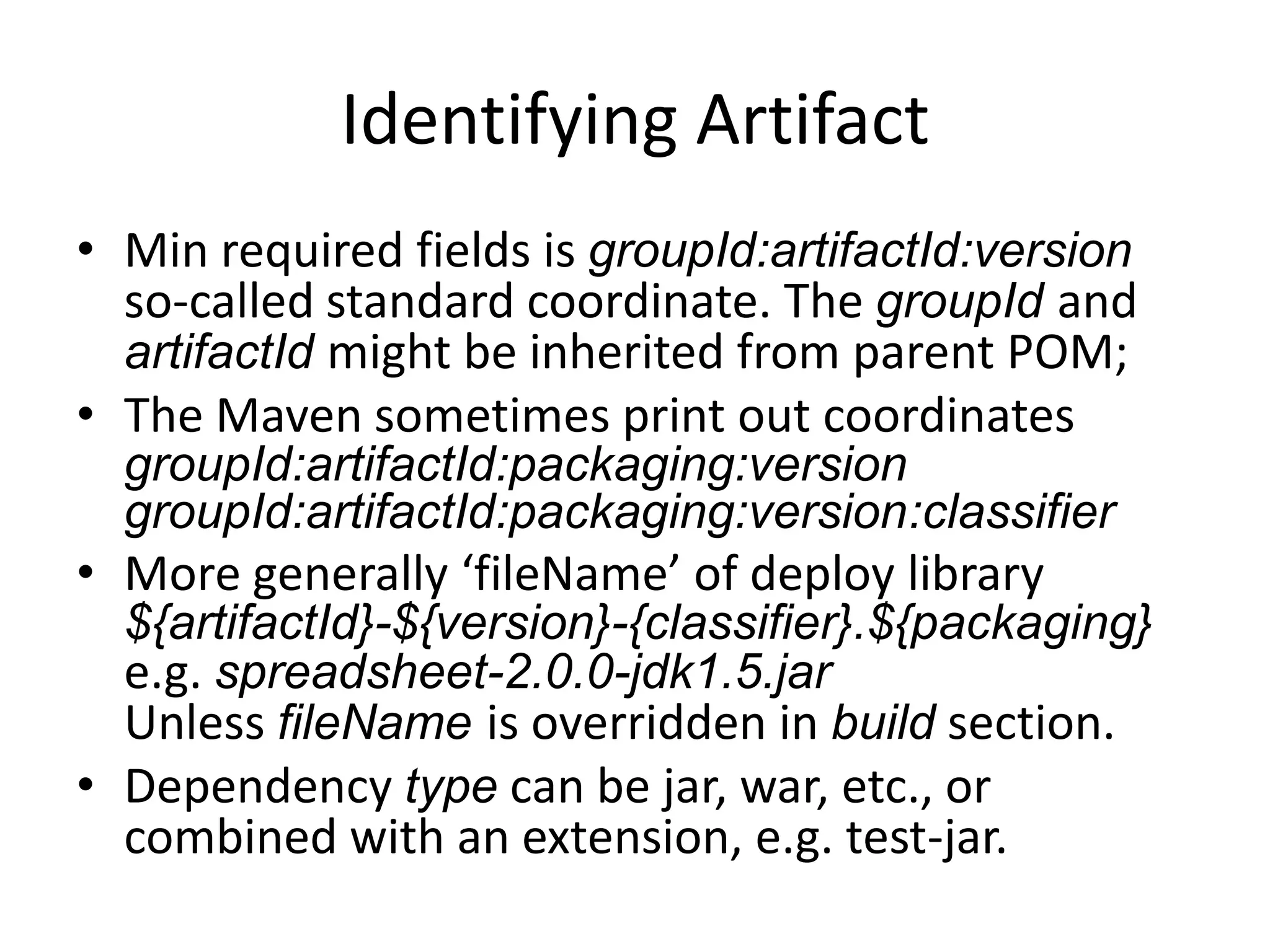
Identifying Artifact
• Min required fields is groupId:artifactId:version
  so-called standard coordinate. The groupId and
  artifactId might be inherited from parent POM;
• The Maven sometimes print out coordinates
  groupId:artifactId:packaging:version
  groupId:artifactId:packaging:classifier:version
• More generally ‘fileName’ of deploy library
  ${artifactId}-${version}-${classifier}.${packaging}
  e.g. spreadsheet-2.0.0-jdk1.5.jar
  Unless fileName is overridden in build section.
• Dependency type can be jar, war, etc., or
  combined with an extension, e.g. test-jar.
Demo
• Newly created structured using Maven
• Compare with old project structure of
  directory layout
• Clarity and minimum info in new structure
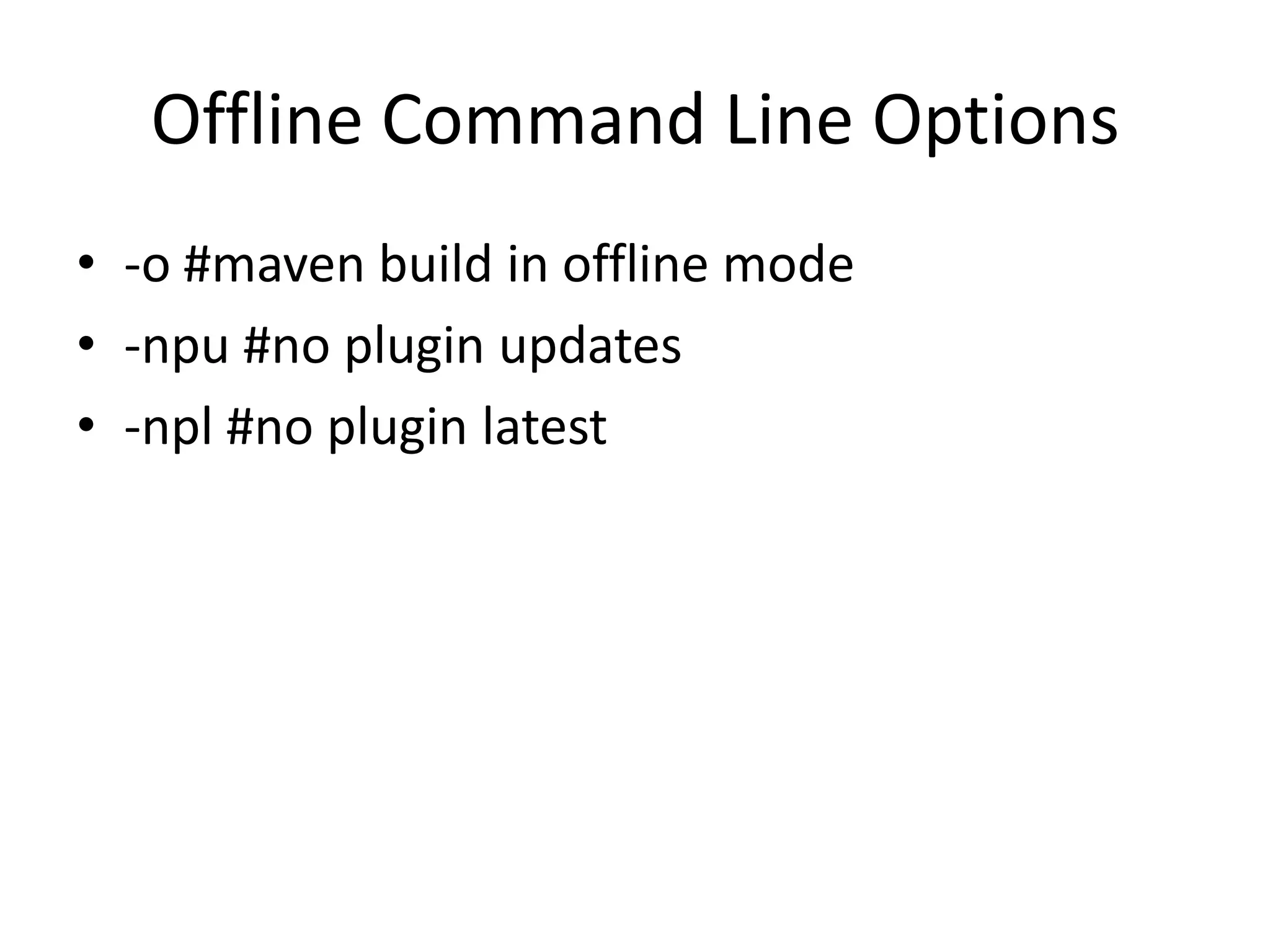
Offline Command Line Options
• -o #maven build in offline mode
• -npu #no plugin updates
• -npl #no plugin latest
Maven Project Model
Explaining XML tags in POM


Reference:
http://maven.apache.org/ref/2.2.1/maven-model/maven.html
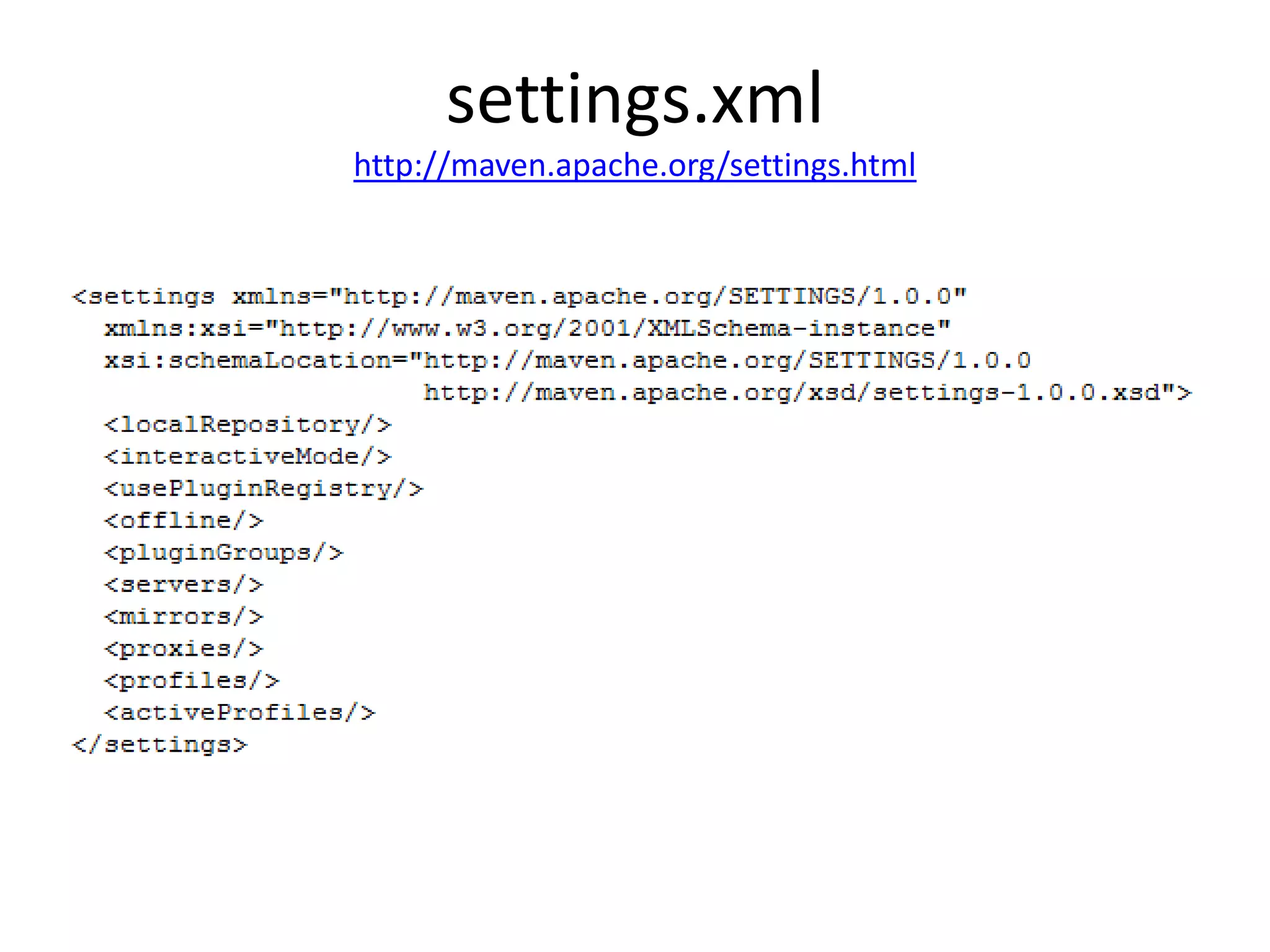
settings.xml
http://maven.apache.org/settings.html
Modularity Pros
•   Asynchronous project flow
•   A project module in IDE without the rest
•   Easier maintenance
•   Minimizes coupling
•   Using interfaces/mock object testable design
•   Reusability
•   Error prone
•   Conceptual diagram
References:
http://www.objectmentor.com/resources/articles/granularity.pdf
http://www.infoq.com/articles/modular-java-what-is-it
http://java.dzone.com/articles/java-modularity-2-why
Modularity only If no pure Reusability?
• Still makes sense to have modular app if pure
  reusability (one usage of a module).
Modularity sustains a continuous
     Progress of Development
• From Spaghetti code to modular app
What is NOT Artifact Reusability
• Textually inserted bunch of program to
  another program; (junit, junit-dep);
• Re-assembly library into another library;

   (Reusability is the most often claimed goal of OOD.)
Reference:
http://www.objectmentor.com/resources/articles/granularity.pdf
What is Artifact Reusability
• My project links with another dependency.
• Whenever a new dependency artifact is fixed
  or enhanced, I receive new version.


Reference:
http://www.objectmentor.com/resources/articles/granularity.pdf
Modularity Cons
• Hell of classes if wrong separation concept.
  Means mismatched domain package/module.
• Hell of transitive dependencies.
• Runtime scope different from compile scope.
• People assigned to a module development
  may not necessarily have a global picture of
  view, which on the other hand improved work
  concentrations in current project of module.
Artifact Versioning
•     <major>.<minor>.<incremental>-<qualifier>
•     1.3-beta-01
•     1.3.5
•     1.3.5-SNAPSHOT
•     1.3.5-1234567890

References:
http://www.sonatype.com/books/mvnref-book/reference/pom-relationships-sect-pom-syntax.html
http://www.sonatype.com/books/mvnref-book/reference/pom-relationships-sect-project-dependencies.html#pom-relationships-sect-version-ranges
Notice
Separating build number/qualifier is broken.
Versions are naturally ordered as strings.
Thus alpha-2 is greater than alpha-10.
Therefore prefix with preceding zeros: alpha-02
Notice
If specifying dependency or plugin version like:
<version>1.2.3</version>
This is Maven’s freedom to prefer version 1.2.3
or take other in conflicts.

Explicit version must be encapsulated:
<version>[1.2.3]</version>

Reference (conflicts resolution):
http://maven.apache.org/guides/introduction/introduction-to-dependency-
    mechanism.html
Artifact Versions in Range
•   [4.0,)
•   (,2.0)
•   [2.0]
•   [3.8,4.0)
Two contradictory goals
• Need for an overall of “big picture” in multi
  module projects.
• The goal of high module independence is to
  know as little as possible of system reminders
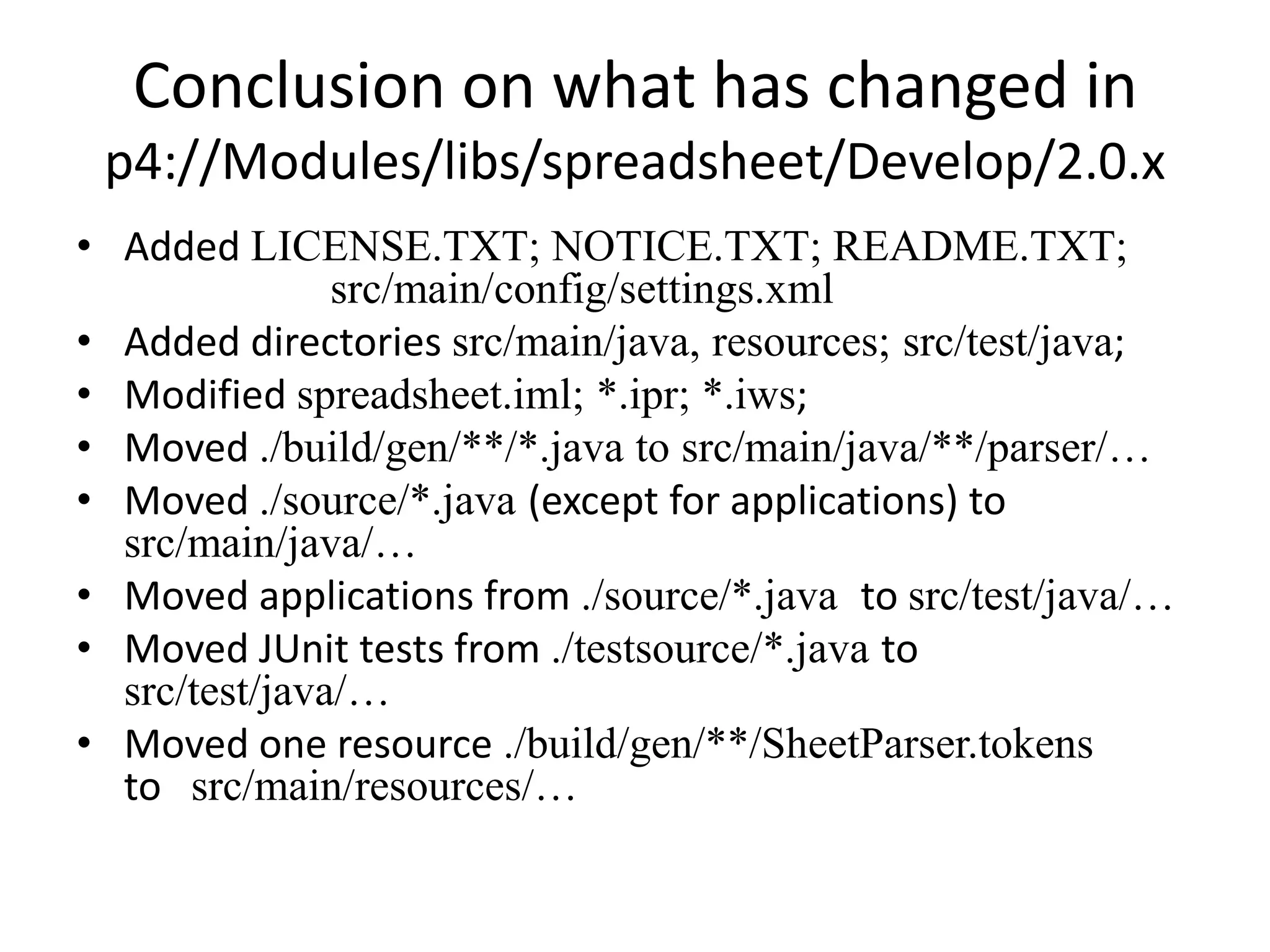
Conclusion on what has changed in
 p4://Modules/libs/spreadsheet/Develop/2.0.x
• Added LICENSE.TXT; NOTICE.TXT; README.TXT;
               src/main/config/settings.xml
• Added directories src/main/java, resources; src/test/java;
• Modified spreadsheet.iml; *.ipr; *.iws;
• Moved ./build/gen/**/*.java to src/main/java/**/parser/…
• Moved ./source/*.java (except for applications) to
  src/main/java/…
• Moved applications from ./source/*.java to src/test/java/…
• Moved JUnit tests from ./testsource/*.java to
  src/test/java/…
• Moved one resource ./build/gen/**/SheetParser.tokens
  to src/main/resources/…
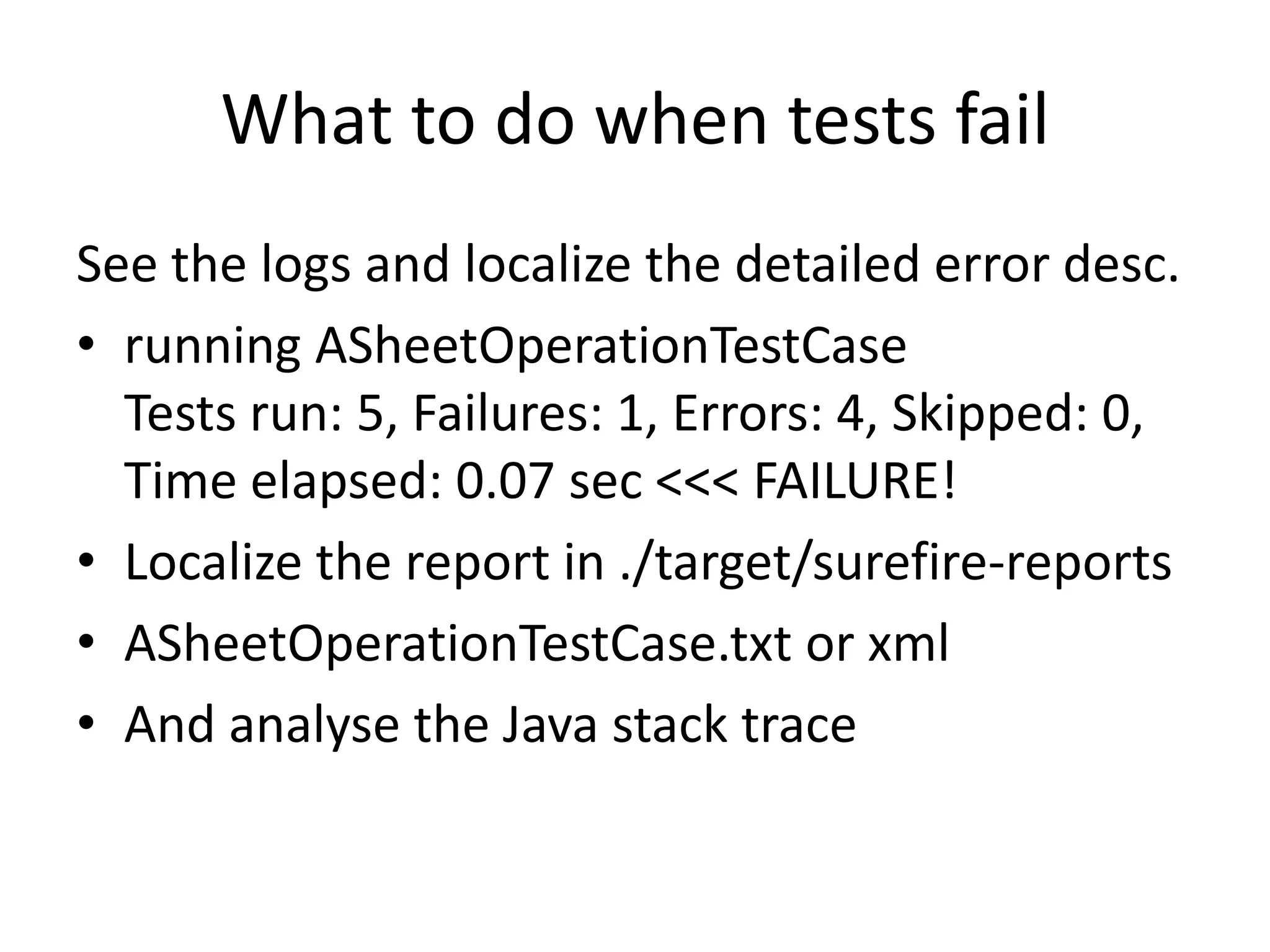
What to do when tests fail
See the logs and localize the detailed error desc.
• running ASheetOperationTestCase
  Tests run: 5, Failures: 1, Errors: 4, Skipped:
  0, Time elapsed: 0.07 sec <<< FAILURE!
• Localize the report in ./target/surefire-reports
• ASheetOperationTestCase.txt or xml
• And analyse the Java stack trace
Demo
       What to do when tests fail
• ASheetOperationTestCase.txt
• ASheetOperationTestCase.xml
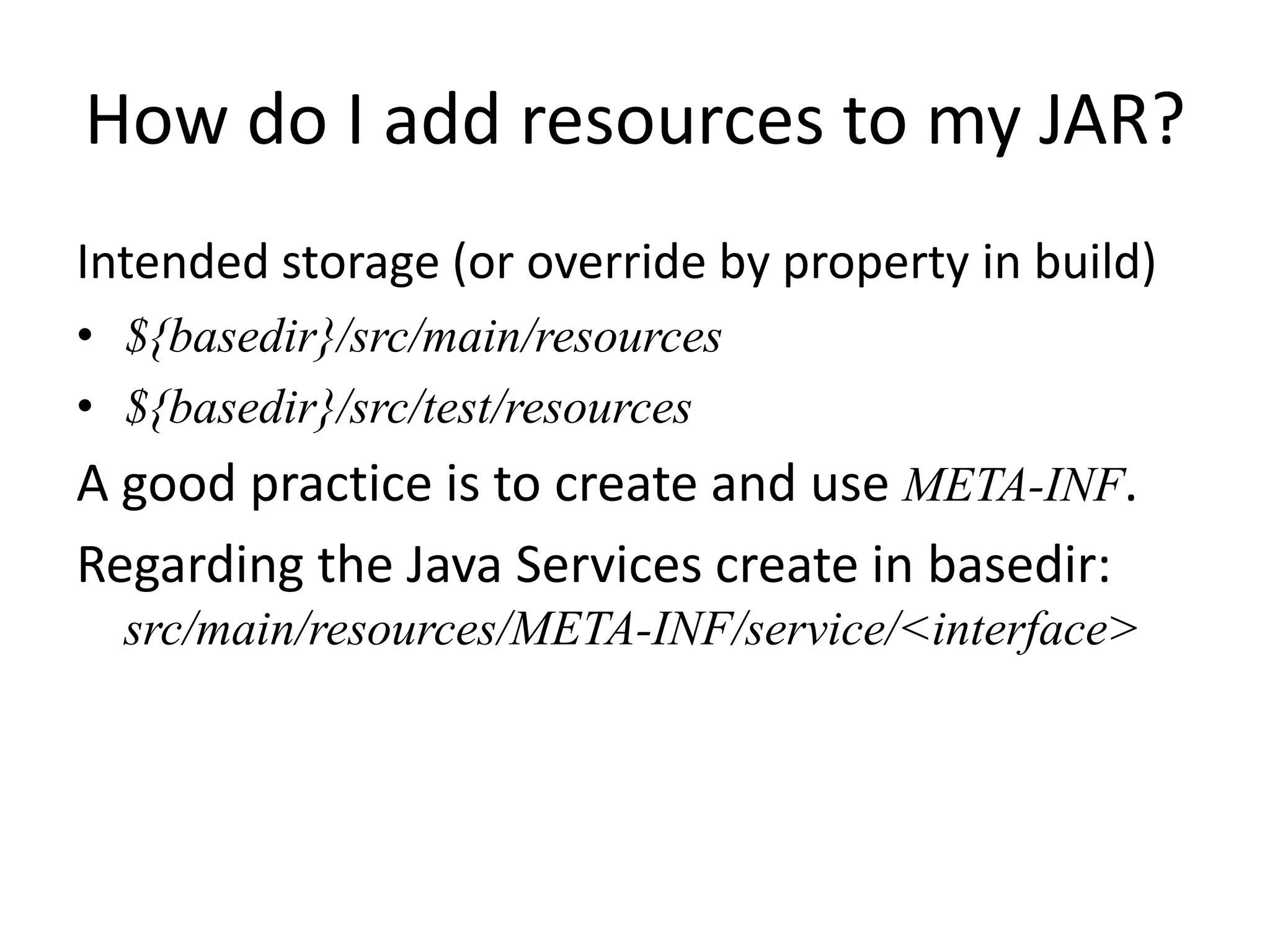
How do I add resources to my JAR?
Intended storage (or override by property in build)
• ${basedir}/src/main/resources
• ${basedir}/src/test/resources
A good practice is to create and use META-INF.
Regarding the Java Services create in basedir:
  src/main/resources/META-INF/service/<interface>
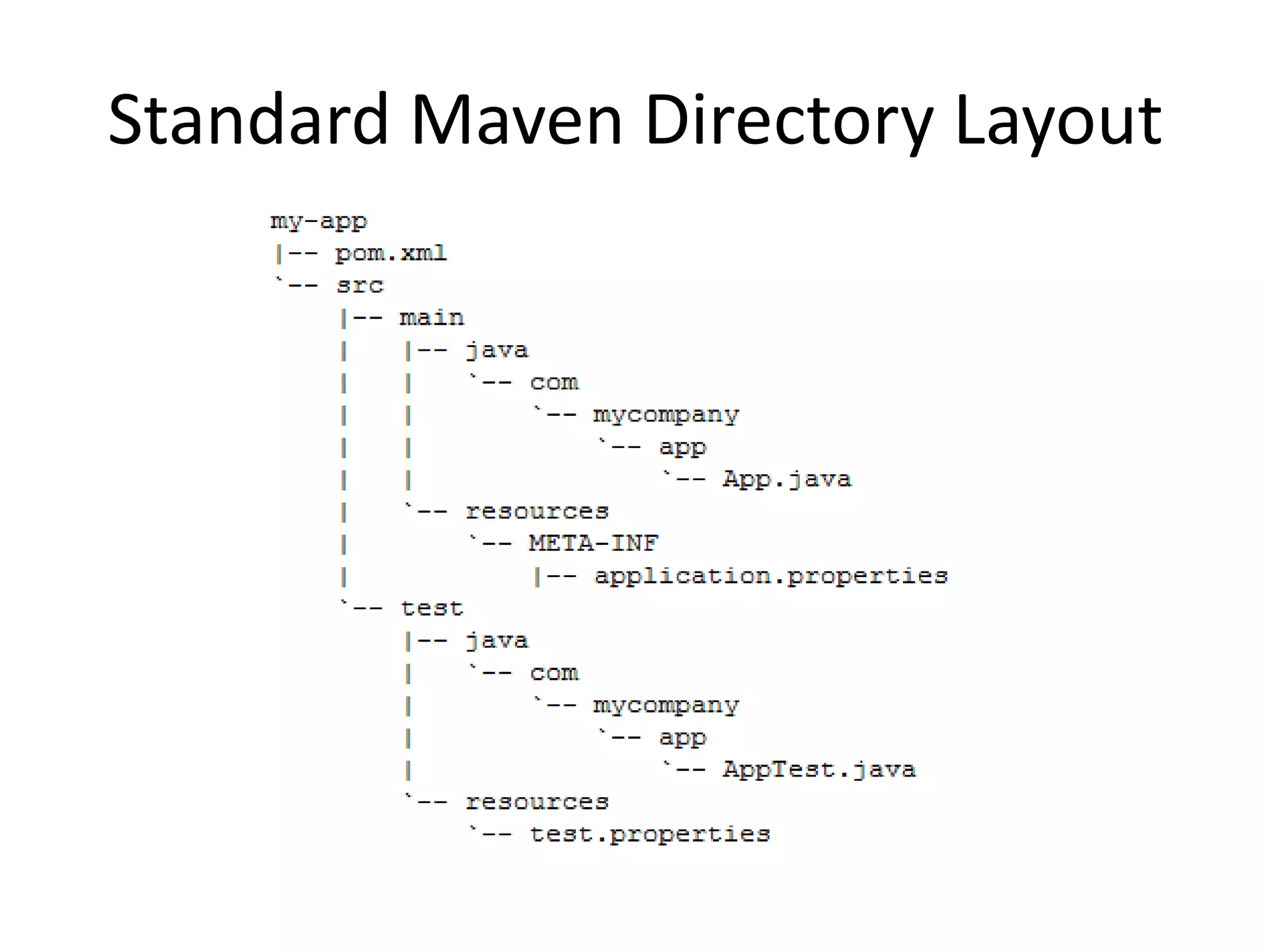
Standard Maven Directory Layout
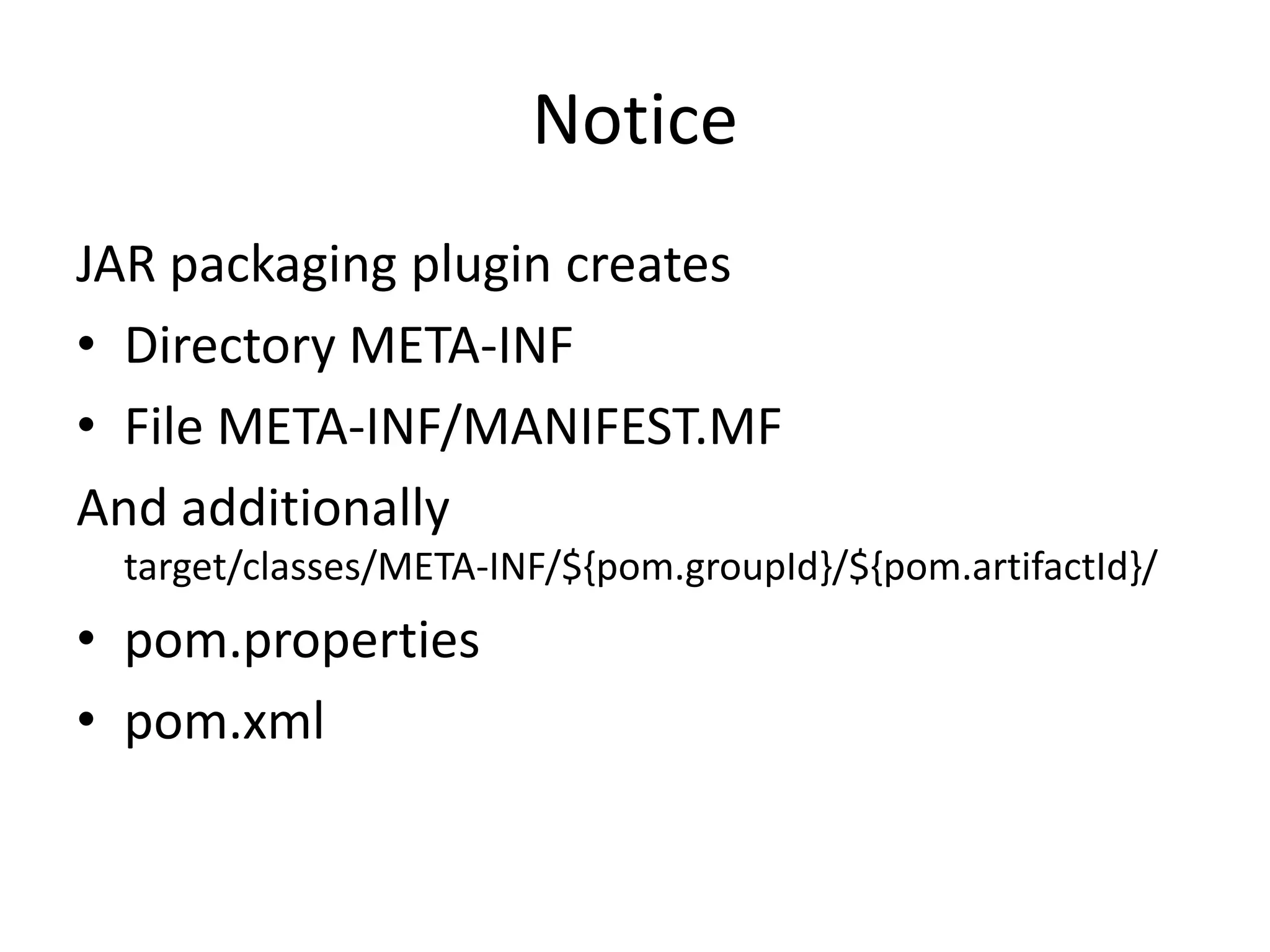
Notice
JAR packaging plugin creates
• Directory META-INF
• File META-INF/MANIFEST.MF
And additionally
 target/classes/META-INF/${pom.groupId}/${pom.artifactId}/
• pom.properties
• pom.xml
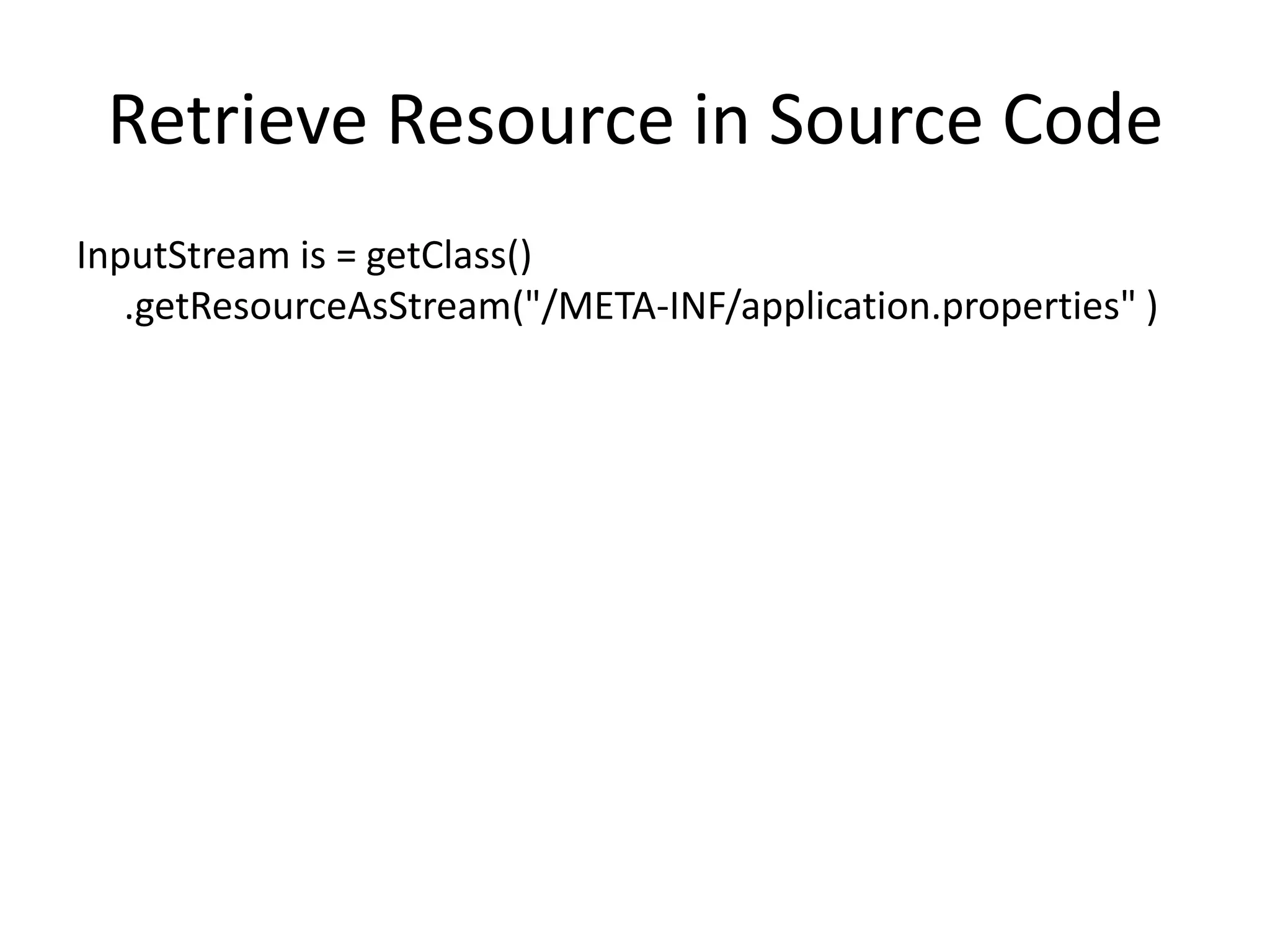
Retrieve Resource in Source Code
InputStream is = getClass()
   .getResourceAsStream("/META-INF/application.properties" )
How do I filter resource files?
  As in the previous slides the resource file is
             “application.properties”.

Put a reference to the property that will contain
          a filtered value using the syntax
               ${< property name >}

 Property names must be unique in a profile.
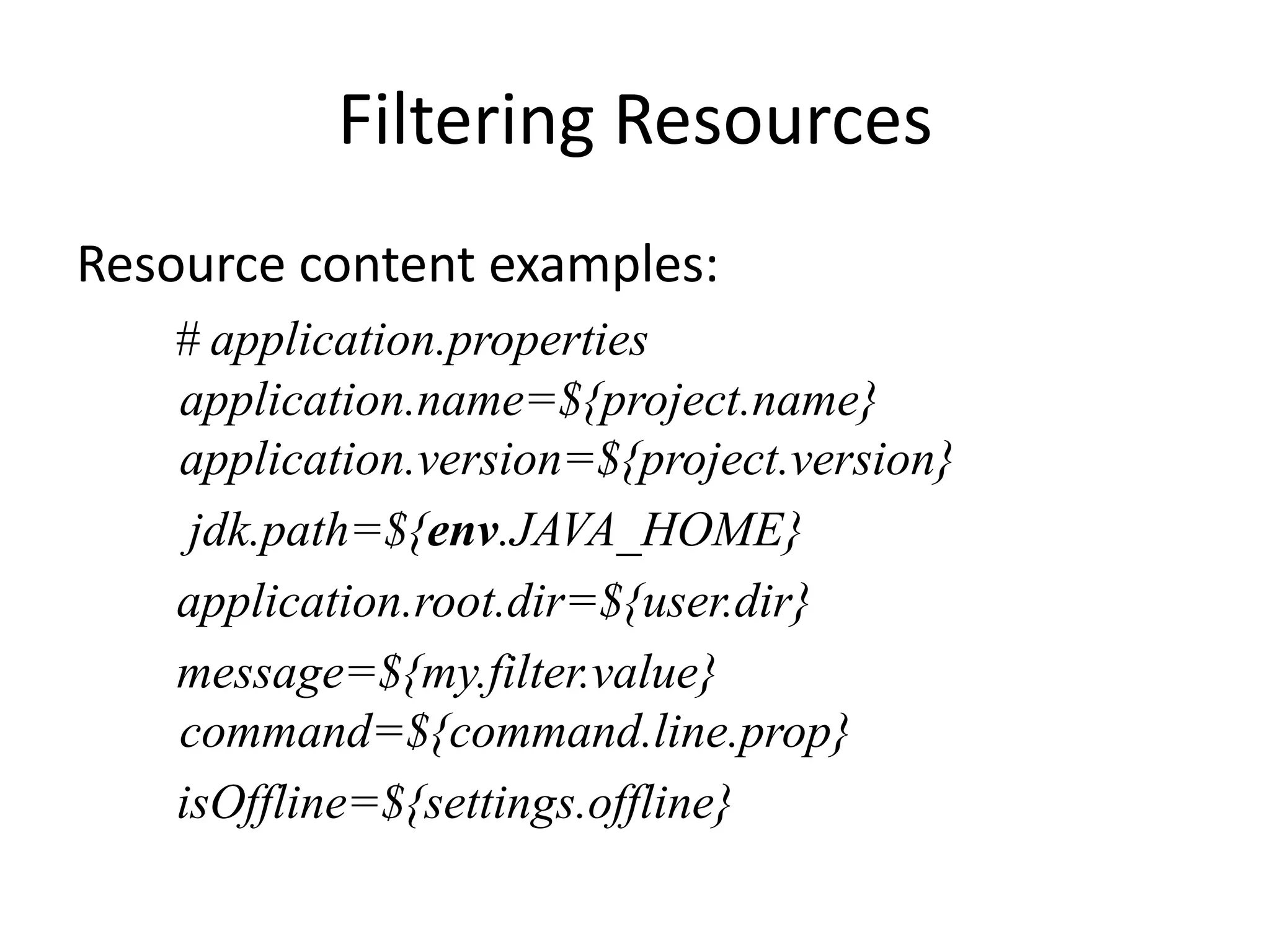
Filtering Resources
Resource content examples:
   # application.properties
   application.name=${project.name}
   application.version=${project.version}
    jdk.path=${env.JAVA_HOME}
   application.root.dir=${user.dir}
   message=${my.filter.value}
   command=${command.line.prop}
   isOffline=${settings.offline}
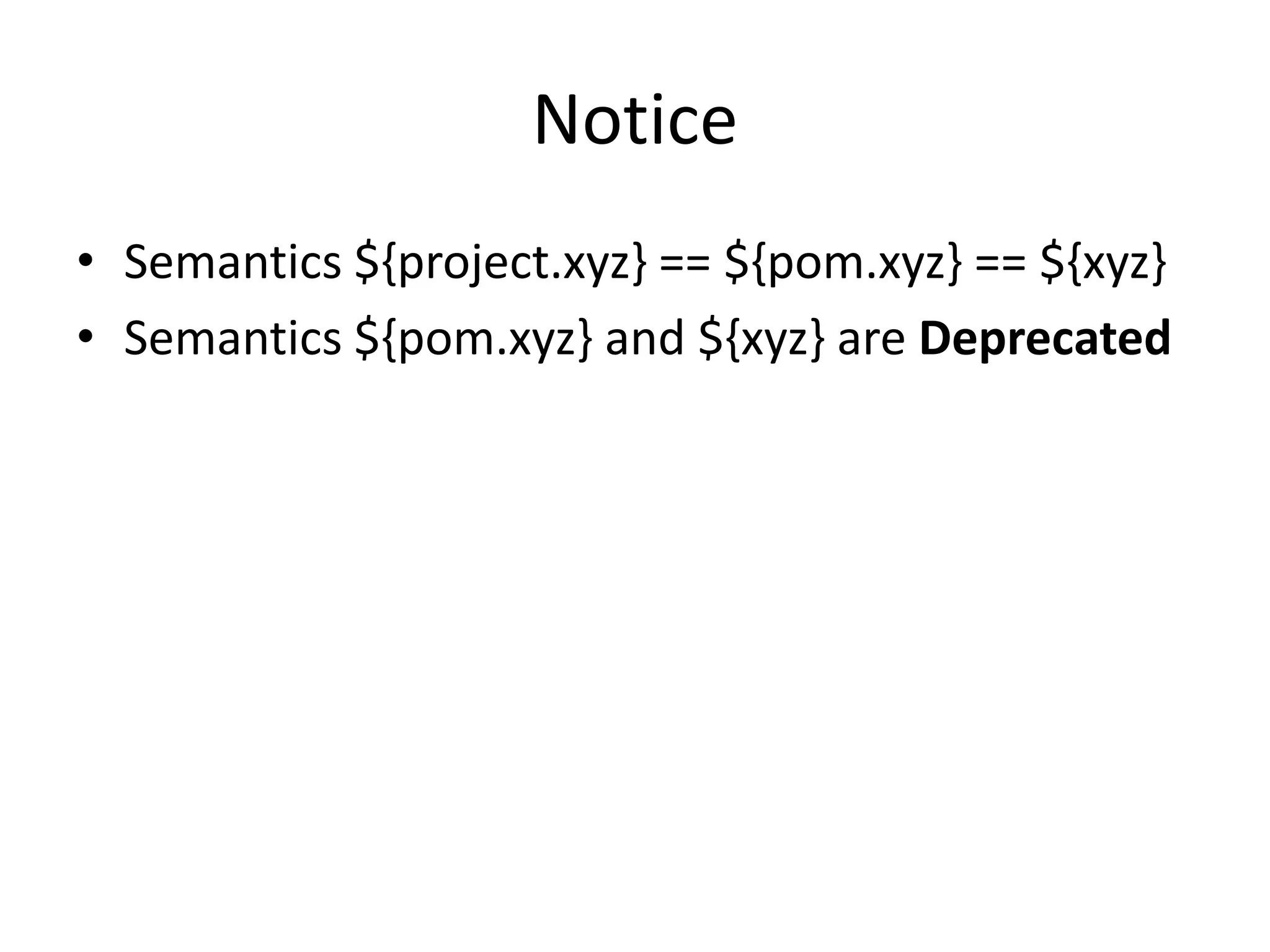
Notice
• Semantics ${project.xyz} == ${pom.xyz} == ${xyz}
• Semantics ${pom.xyz} and ${xyz} are Deprecated
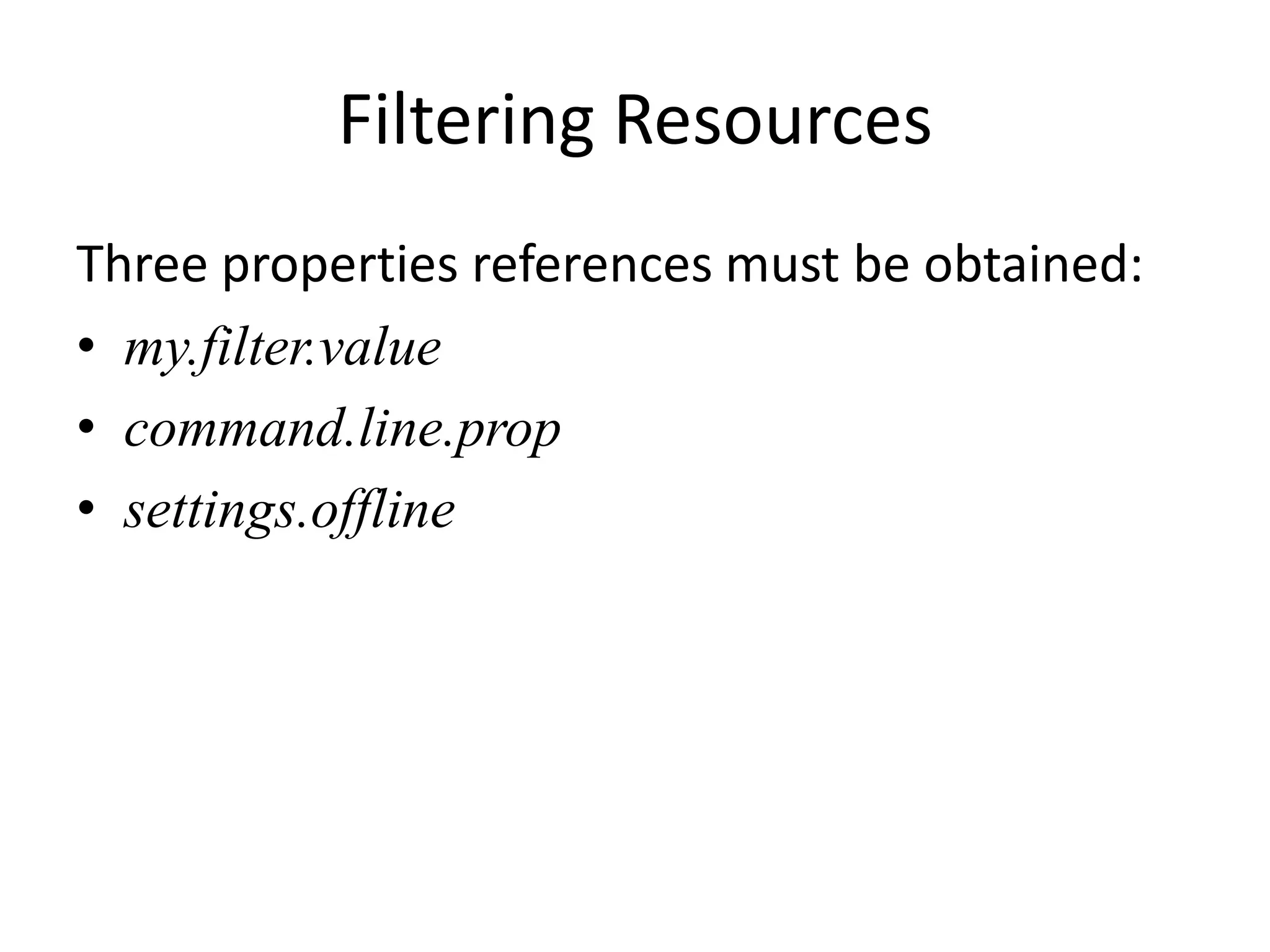
Filtering Resources
Three properties references must be obtained:
• my.filter.value
• command.line.prop
• settings.offline
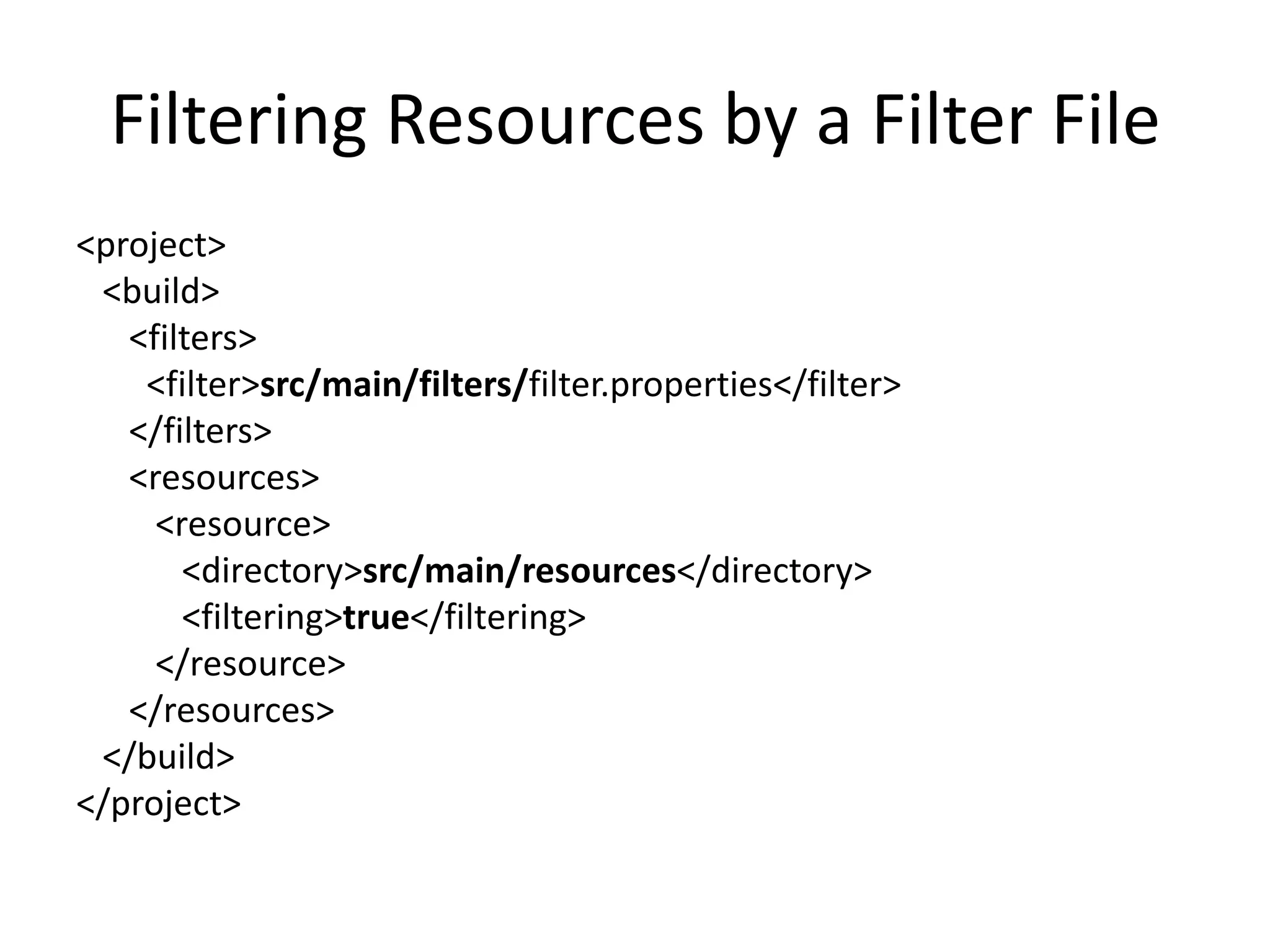
Filtering Resources by a Filter File
<project>
 <build>
   <filters>
    <filter>src/main/filters/filter.properties</filter>
   </filters>
   <resources>
     <resource>
       <directory>src/main/resources</directory>
       <filtering>true</filtering>
     </resource>
   </resources>
 </build>
</project>
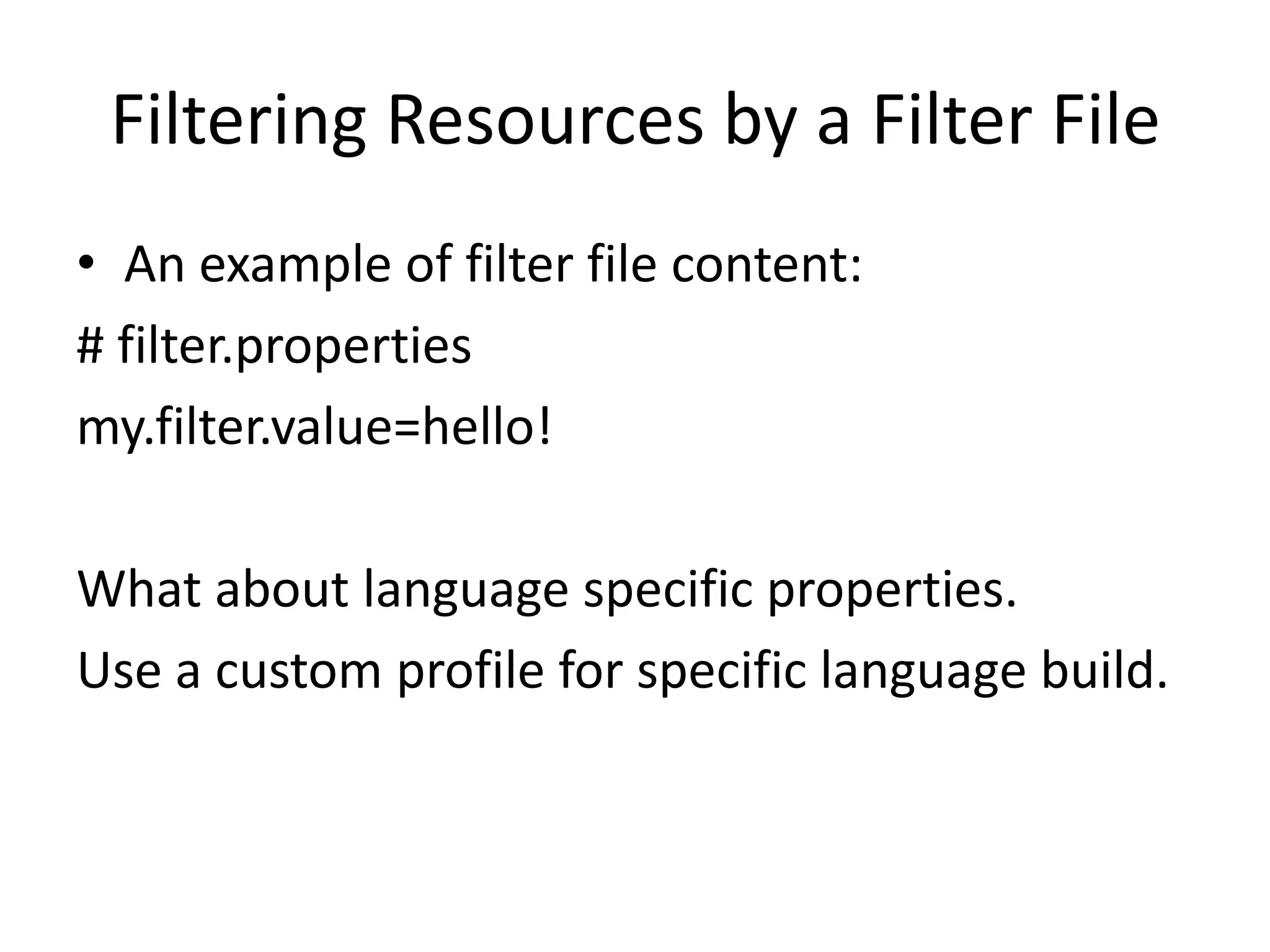
Filtering Resources by a Filter File
• An example of filter file content:
# filter.properties
my.filter.value=hello!

What about language specific properties.
Use a custom profile for specific language build.
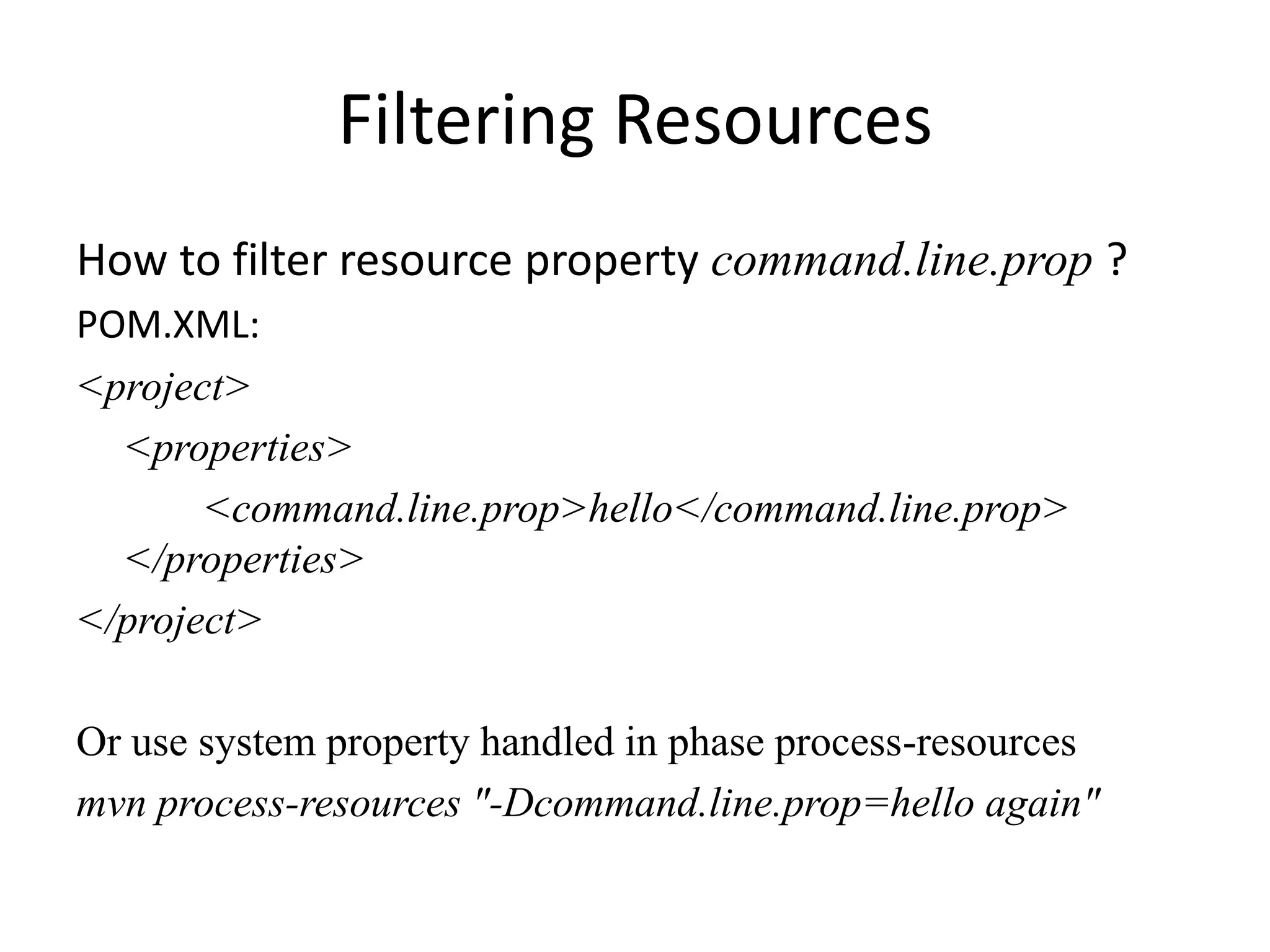
Filtering Resources
How to filter resource property command.line.prop ?
POM.XML:
<project>
  <properties>
       <command.line.prop>hello</command.line.prop>
  </properties>
</project>

Or use system property handled in phase process-resources
mvn process-resources "-Dcommand.line.prop=hello again"
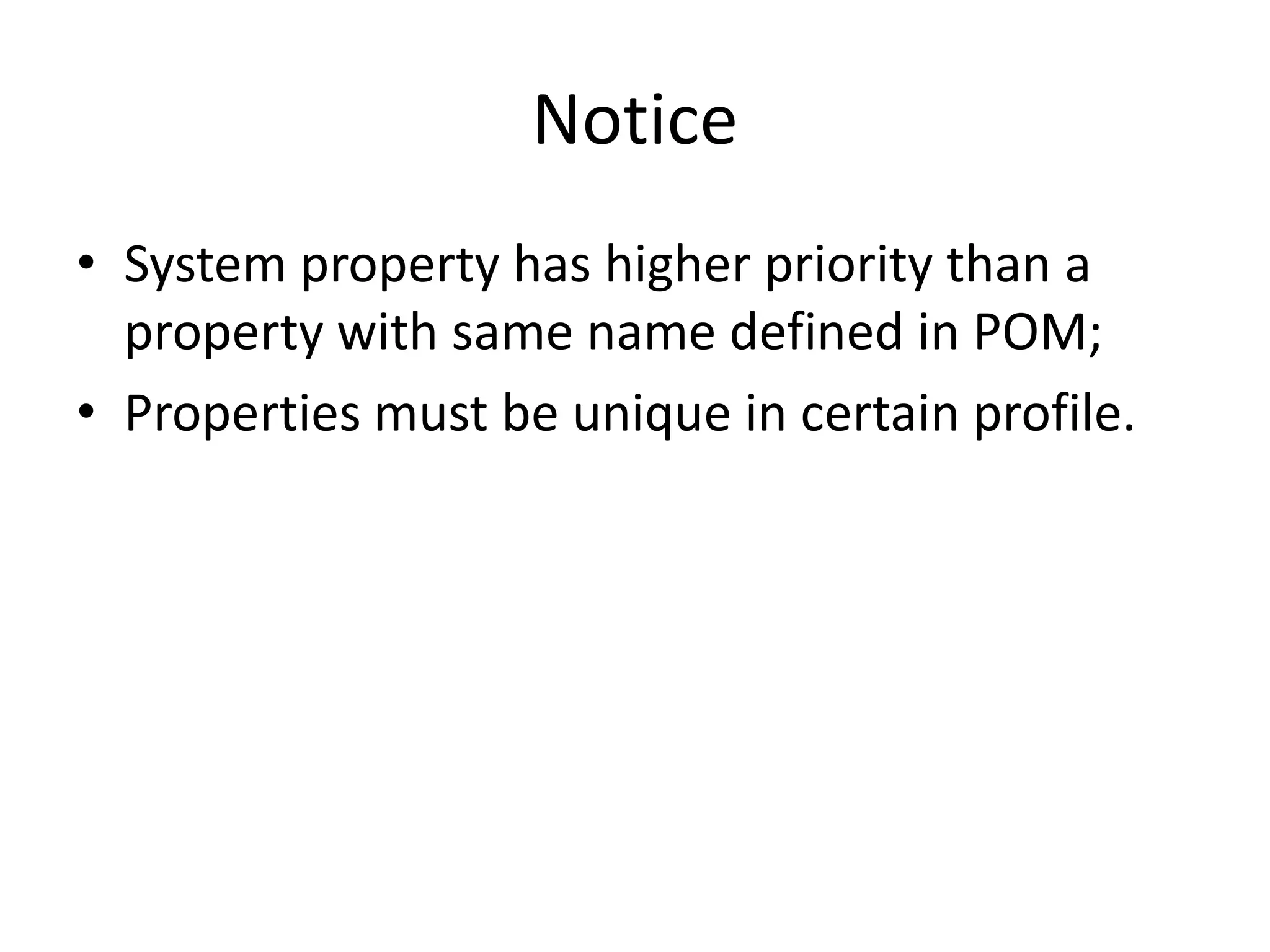
Notice
• System property has higher priority than a
  property with same name defined in POM;
• Properties must be unique in certain profile.
Filtering Resources
How to filter resource property settings.offline ?
SETTINGS.XML:
<settings>
  <offline>true</offline>
</settings>
Filtering Resources
       Resources are processed in phase
                  process-resources


Example: mvn process-resouces
After Installing the Release Versions
custom the command (-Prelease is profile name)
mvn -s src/main/config/settings.xml clean install –P release
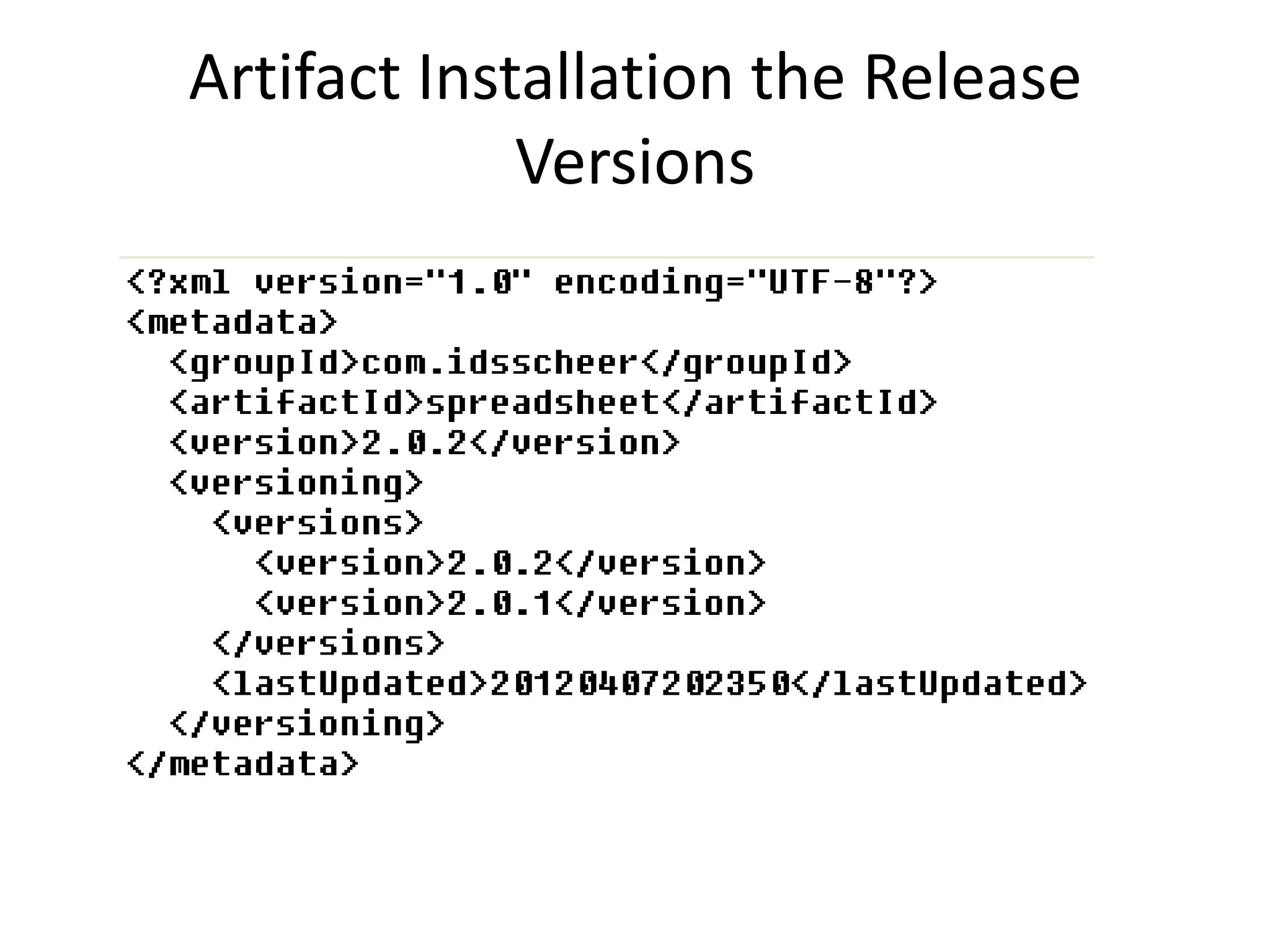
1. First we installed version 2.0.2
2. And then 2.0.1

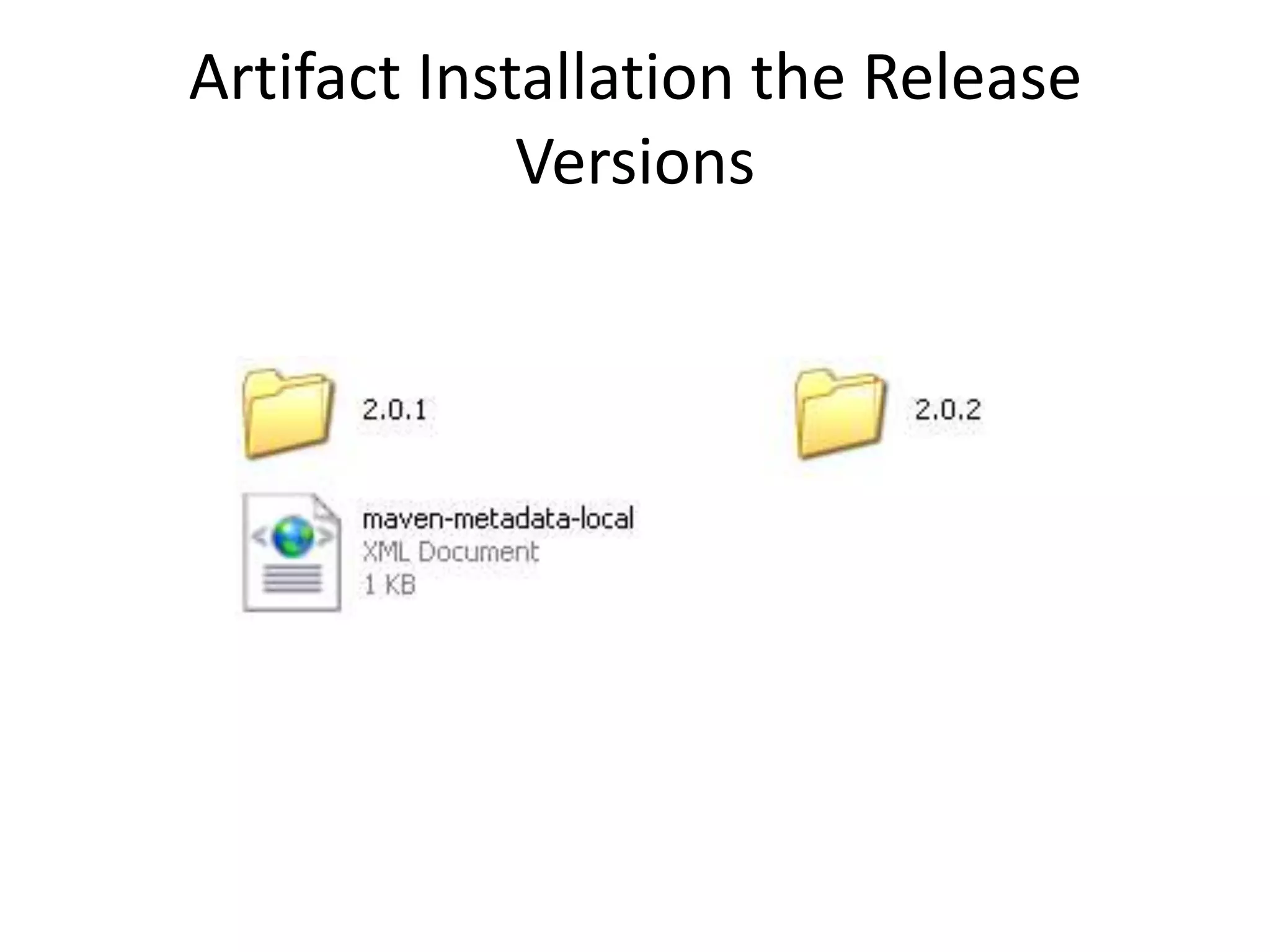
LibRepository/com/idsscheer/spreadsheet/
Artifact Installation the Release
             Versions
Artifact Installation the Release
             Versions
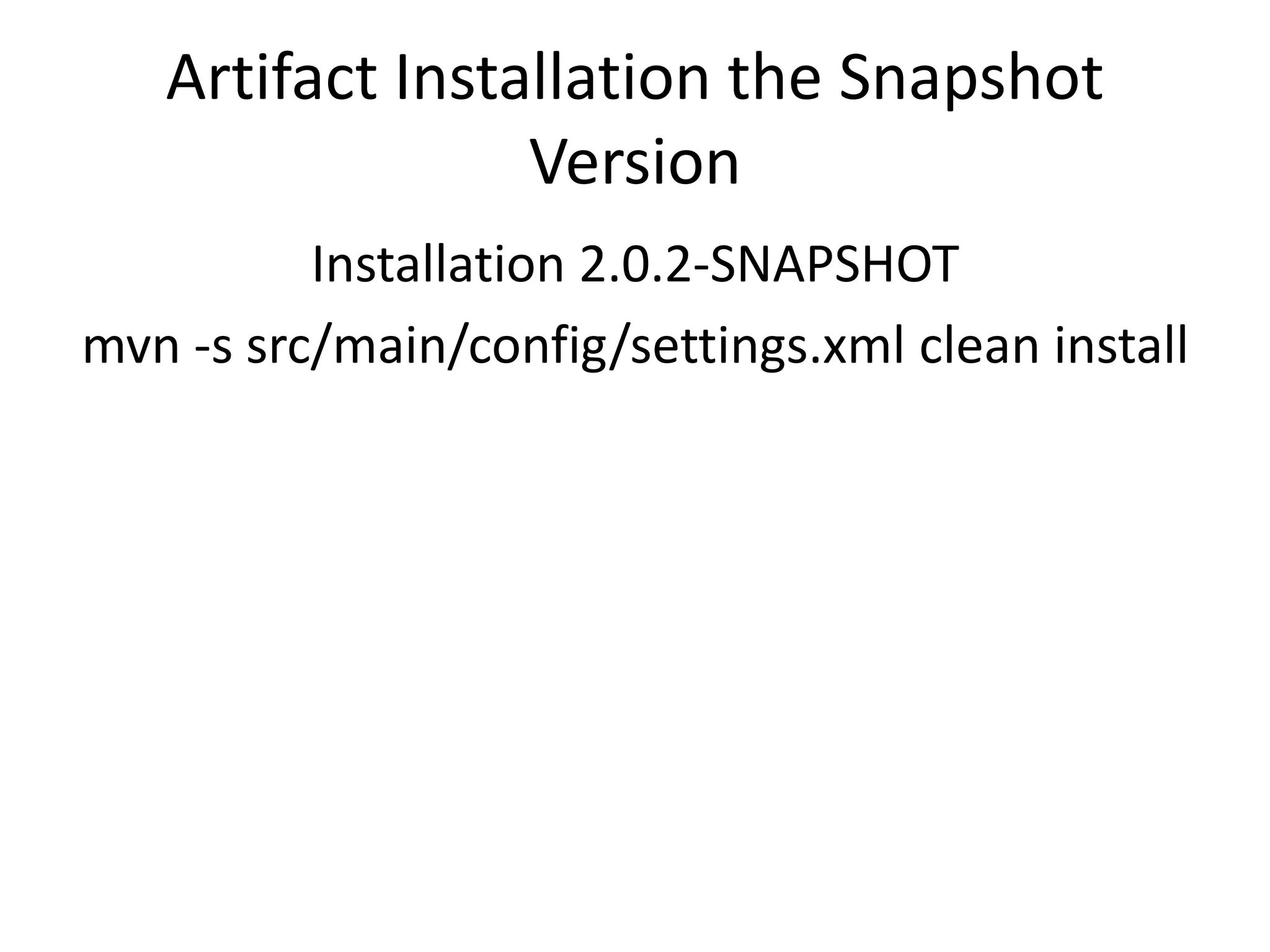
Artifact Installation the Snapshot
                 Version
          Installation 2.0.2-SNAPSHOT
mvn -s src/main/config/settings.xml clean install

S/W Design and Modularity using Maven

  • 1.
    S/W Design andModularity using Maven 2 Tibor Digaňa
  • 2.
  • 3.
    Agenda • Necessary understandingof modularity helps you better understand the Maven features; • Mandatory Maven theory with demos; • Solving Real Project Problem; • Extra Demos: Maven plugins, FTP Deployment, SCM, Site, Javadoc, JIRA in Maven, Query Builder project and other, building WAR in JEE, Maven vs. corporative build process, TeamCity, Ant in Maven, classpath via dependency plugin, …
  • 4.
    Modularity and theMaven? • Without feeling for Modularity you are doing in Maven something that you do not know what it is; • If you consider the Maven as a build tool, then you are completely wrong; • Maven like other tool, e.g. Apache Ivy, helps you building a modular application.
  • 5.
    What is Maven? Mavenis a software project management and comprehension tool. Based on the concept of a Project Object Model (POM), Maven can manage a project's build, reporting and documentation from a central piece of information.
  • 6.
    Maven is justa tool! • Just like JDK and Java programming language, does not guarantee right design in your hands, using the same twice you can produce useful or bad design; • Using Maven right way, whatever corporative rule; • The Maven solves information hiding in modular application, and provides dependencies inheritance; • Maven solves compile-time dependencies in modular application; • Maven has runtime scope in dependencies as well; • Maven controls build life cycle in specific packaging; • If you only want to compile pure sources, use the Ant.
  • 7.
    Maven is justa tool! • OOP has attributes for information hiding and the Maven has attributes of information hiding in modularity as well; • Builds an artifact based on module POM; • Encapsulates POM with dependencies in e.g. JAR package; • Inheritance of dependencies; • Overrides dependencies; • Includes/Excludes dependencies; • Polymorphic behavior of artifact does not exist; • Only configuration using profiles;
  • 8.
    Granularity and Modules •Classes are “somehow” logically grouped in to packages (unit); • Granularity is the measure of a convenient unit for organizing small and large applications
  • 9.
    Design Patterns andPrinciples • For a concrete problem definition, the design principle specifies the relationship between object reference types; • Design Principles help you design units like modules, packages and classes in the package in favor of reusability, maintainability and robustness.
  • 10.
    Granularity as aGeneral Problem of Design Two bad concepts in packaging • One package in entire application • Over-packaging Both lead to a disorder (hell of the classes) where packages have no context and domain is missing. Hard to find rules in visibility of the classes. So, information hiding must apply to packages in compile-time and run-time!
  • 11.
    Design Principles gowith UML • The Open Closed Principle (OCP) • The Liskov Substitution Principle (LSP) • The Dependency Inversion Principle (DIP) • The Interface Segregation Principle (ISP) • The Reuse/Release Equivalence Principle (REP) • The Common Reuse Principle (CRP) • The Common Closure Principle (CCP) • The Acyclic Dependency Principle (ADP) Reference: http://www.objectmentor.com/resources/articles/granularity.pdf http://www.objectmentor.com/resources/publishedArticles.html
  • 12.
  • 13.
    Demo Using Maven inReal Application
  • 14.
    Fine grained Modularity • Each domain package is a module • Domain package is atomic –indivisible context • Pros/cons • Continuous development on modules which are not able to compile
  • 15.
    Dependencies Matrix ofa Real Application without Maven
  • 16.
    Can we applyfine grained modularity in this s/w design ? • No, we cannot apply it without redesigning dependencies • Reason: For instance the interface parser.ISheetParser depends on data.SheetDocument and vice-versa. • Current s/w design has cyclic dependencies in packages.
  • 17.
    Data depends onParser Package
  • 18.
    Parser Depends onData Package
  • 19.
    How to preventfrom Cyclic Dependencies? • Acyclic Dependency Principle (ADP) • Add an extra module/package with an abstract Class or an Interface
  • 20.
    Let’s prevent fromcyclic dependencies in continuous development • Make custom dependency rules unbreakable in package hierarchy
  • 21.
    Let’s prevent fromcyclic dependencies in continuous development
  • 22.
    Let’s prevent fromcyclic dependencies in continuous development Unfortunately you cannot successfully export Dependency Violation settings to “Project_Default.xml” either to settings.jar via File|Export Settings. Thus you still need IDEA project files in your CVS.
  • 23.
    Let’s prevent fromcyclic dependencies in continuous development
  • 24.
    In the Maventhis is more sophisticated • The key is relationship between modules • Maven is a build tool • Maven controls the build life cycle • Maven can be used in IDE without IDE’s project files (including some global settings.jar)
  • 25.
    Applying Maven asa Tool • A bad design of POM.XML when modularity is not properly considered; • POM.XML reflecting a good modularity concept
  • 26.
    Minimum information formodular app • pom.xml • mvn idea:idea (mvn org.apache.maven.plugins:maven-idea-plugin:idea)
  • 27.
    Demo Let’s create theIDEA project files from pom.xml
  • 28.
    Minimum information formodular app Using Maven in IDEA we Do NOT need IDEA project files in CVS. Mainly you need Maven command line, pom.xml and settings.jar
  • 29.
    Development using IDEAand Maven Two approaches to get IDEA/Maven project 1. Having pom.xml create IDEA project files mvn idea:idea 2. Create pom.xml altogether with project files directly in IDEA Create New Project|Create project from scratch|Maven Module|…
  • 30.
    Demo Now follow thesecond approach in IDEA.
  • 31.
    Demo with completeproject • Setting Maven Home directory in IDEA • Maven settings.xml in IDEA • Specifying local repository in IDEA
  • 32.
    Introduction to theStandard Directory Layout
  • 33.
    As a conventionwe use these files in ${basedir} • LICENSE.TXT • NOTICE.TXT • README.TXT
  • 34.
  • 35.
    Demo Started Build •Start the build in profile “development” • Start the build in profile “release”
  • 36.
    Maven 2 InstallationPackage • ${maven.home}/bin/*.* runtime and debugging scripts • ${maven.home}/boot/*.jar classloading framework • ${maven.home}/conf/settings.xml • ${maven.home}/lib/*.jar Maven 2 core library for core classloader
  • 37.
    Maven 2 CoreClassloader • The Apache Codehaus Classworlds JAR is used to boot the classloader graph. • The core classloader uses libraries in ${maven.home}/lib and extensions. • These libraries in Maven 2 are visible to current and subsequent projects. • Changes in Maven 3.1 + OSGi References http://maven.apache.org/guides/mini/guide-maven-classloading.html http://www.parleys.com/#st=5&id=1630
  • 38.
    Maven 2 PluginClassloader • Has plugin’s dependencies list as specified by plugins/plugin section in POM XML; • Does not use project’s classloader, but may require using custom class loader of projects compile, runtime, and test class path. References http://maven.apache.org/guides/mini/guide-maven-classloading.html
  • 39.
    Building Phases inMaven Core • *uber.jar!/**/*.*/components.xml contains default phases per packaging type Reference http://maven.apache.org/guides/introduction/introduction-to-the-lifecycle.html
  • 40.
    Demo Super POM • In Maven 2 installation dir (by default: $(user.home)/.m2/) with model version 4.0.0 • lib/maven-2.2.1-uber.jar/org/apache/maven/project/pom-4.0.0.xml • Each POM and parent POM extends Super POM • Super POM defines central-release-plugin/repository http://repo1.maven.org/maven2 • Standard Maven Directory Layout and properties ${directory} == ${pom.basedir}/target outputDirectory == classes finalName == ${project.artifactId}-${project.version} testOutputDirectory == test-classes, etc. • pluginManagement for phases of default build life cycle including clean, and site phases and their plugin versions
  • 41.
    What did wecreate? <groupId>com.idsscheer</groupId> <artifactId>spreadsheet</artifactId> <version>2.0.1</version>
  • 42.
    Identifying Artifact • Minrequired fields is groupId:artifactId:version so-called standard coordinate. The groupId and artifactId might be inherited from parent POM; • The Maven sometimes print out coordinates groupId:artifactId:packaging:version groupId:artifactId:packaging:classifier:version • More generally ‘fileName’ of deploy library ${artifactId}-${version}-${classifier}.${packaging} e.g. spreadsheet-2.0.0-jdk1.5.jar Unless fileName is overridden in build section. • Dependency type can be jar, war, etc., or combined with an extension, e.g. test-jar.
  • 43.
    Demo • Newly createdstructured using Maven • Compare with old project structure of directory layout • Clarity and minimum info in new structure
  • 44.
    Offline Command LineOptions • -o #maven build in offline mode • -npu #no plugin updates • -npl #no plugin latest
  • 45.
    Maven Project Model ExplainingXML tags in POM Reference: http://maven.apache.org/ref/2.2.1/maven-model/maven.html
  • 46.
  • 47.
    Modularity Pros • Asynchronous project flow • A project module in IDE without the rest • Easier maintenance • Minimizes coupling • Using interfaces/mock object testable design • Reusability • Error prone • Conceptual diagram References: http://www.objectmentor.com/resources/articles/granularity.pdf http://www.infoq.com/articles/modular-java-what-is-it http://java.dzone.com/articles/java-modularity-2-why
  • 48.
    Modularity only Ifno pure Reusability? • Still makes sense to have modular app if pure reusability (one usage of a module).
  • 49.
    Modularity sustains acontinuous Progress of Development • From Spaghetti code to modular app
  • 50.
    What is NOTArtifact Reusability • Textually inserted bunch of program to another program; (junit, junit-dep); • Re-assembly library into another library; (Reusability is the most often claimed goal of OOD.) Reference: http://www.objectmentor.com/resources/articles/granularity.pdf
  • 51.
    What is ArtifactReusability • My project links with another dependency. • Whenever a new dependency artifact is fixed or enhanced, I receive new version. Reference: http://www.objectmentor.com/resources/articles/granularity.pdf
  • 52.
    Modularity Cons • Hellof classes if wrong separation concept. Means mismatched domain package/module. • Hell of transitive dependencies. • Runtime scope different from compile scope. • People assigned to a module development may not necessarily have a global picture of view, which on the other hand improved work concentrations in current project of module.
  • 53.
    Artifact Versioning • <major>.<minor>.<incremental>-<qualifier> • 1.3-beta-01 • 1.3.5 • 1.3.5-SNAPSHOT • 1.3.5-1234567890 References: http://www.sonatype.com/books/mvnref-book/reference/pom-relationships-sect-pom-syntax.html http://www.sonatype.com/books/mvnref-book/reference/pom-relationships-sect-project-dependencies.html#pom-relationships-sect-version-ranges
  • 54.
    Notice Separating build number/qualifieris broken. Versions are naturally ordered as strings. Thus alpha-2 is greater than alpha-10. Therefore prefix with preceding zeros: alpha-02
  • 55.
    Notice If specifying dependencyor plugin version like: <version>1.2.3</version> This is Maven’s freedom to prefer version 1.2.3 or take other in conflicts. Explicit version must be encapsulated: <version>[1.2.3]</version> Reference (conflicts resolution): http://maven.apache.org/guides/introduction/introduction-to-dependency- mechanism.html
  • 56.
    Artifact Versions inRange • [4.0,) • (,2.0) • [2.0] • [3.8,4.0)
  • 57.
    Two contradictory goals •Need for an overall of “big picture” in multi module projects. • The goal of high module independence is to know as little as possible of system reminders
  • 58.
    Conclusion on whathas changed in p4://Modules/libs/spreadsheet/Develop/2.0.x • Added LICENSE.TXT; NOTICE.TXT; README.TXT; src/main/config/settings.xml • Added directories src/main/java, resources; src/test/java; • Modified spreadsheet.iml; *.ipr; *.iws; • Moved ./build/gen/**/*.java to src/main/java/**/parser/… • Moved ./source/*.java (except for applications) to src/main/java/… • Moved applications from ./source/*.java to src/test/java/… • Moved JUnit tests from ./testsource/*.java to src/test/java/… • Moved one resource ./build/gen/**/SheetParser.tokens to src/main/resources/…
  • 59.
    What to dowhen tests fail See the logs and localize the detailed error desc. • running ASheetOperationTestCase Tests run: 5, Failures: 1, Errors: 4, Skipped: 0, Time elapsed: 0.07 sec <<< FAILURE! • Localize the report in ./target/surefire-reports • ASheetOperationTestCase.txt or xml • And analyse the Java stack trace
  • 60.
    Demo What to do when tests fail • ASheetOperationTestCase.txt • ASheetOperationTestCase.xml
  • 61.
    How do Iadd resources to my JAR? Intended storage (or override by property in build) • ${basedir}/src/main/resources • ${basedir}/src/test/resources A good practice is to create and use META-INF. Regarding the Java Services create in basedir: src/main/resources/META-INF/service/<interface>
  • 62.
  • 63.
    Notice JAR packaging plugincreates • Directory META-INF • File META-INF/MANIFEST.MF And additionally target/classes/META-INF/${pom.groupId}/${pom.artifactId}/ • pom.properties • pom.xml
  • 64.
    Retrieve Resource inSource Code InputStream is = getClass() .getResourceAsStream("/META-INF/application.properties" )
  • 65.
    How do Ifilter resource files? As in the previous slides the resource file is “application.properties”. Put a reference to the property that will contain a filtered value using the syntax ${< property name >} Property names must be unique in a profile.
  • 66.
    Filtering Resources Resource contentexamples: # application.properties application.name=${project.name} application.version=${project.version} jdk.path=${env.JAVA_HOME} application.root.dir=${user.dir} message=${my.filter.value} command=${command.line.prop} isOffline=${settings.offline}
  • 67.
    Notice • Semantics ${project.xyz}== ${pom.xyz} == ${xyz} • Semantics ${pom.xyz} and ${xyz} are Deprecated
  • 68.
    Filtering Resources Three propertiesreferences must be obtained: • my.filter.value • command.line.prop • settings.offline
  • 69.
    Filtering Resources bya Filter File <project> <build> <filters> <filter>src/main/filters/filter.properties</filter> </filters> <resources> <resource> <directory>src/main/resources</directory> <filtering>true</filtering> </resource> </resources> </build> </project>
  • 70.
    Filtering Resources bya Filter File • An example of filter file content: # filter.properties my.filter.value=hello! What about language specific properties. Use a custom profile for specific language build.
  • 71.
    Filtering Resources How tofilter resource property command.line.prop ? POM.XML: <project> <properties> <command.line.prop>hello</command.line.prop> </properties> </project> Or use system property handled in phase process-resources mvn process-resources "-Dcommand.line.prop=hello again"
  • 72.
    Notice • System propertyhas higher priority than a property with same name defined in POM; • Properties must be unique in certain profile.
  • 73.
    Filtering Resources How tofilter resource property settings.offline ? SETTINGS.XML: <settings> <offline>true</offline> </settings>
  • 74.
    Filtering Resources Resources are processed in phase process-resources Example: mvn process-resouces
  • 75.
    After Installing theRelease Versions custom the command (-Prelease is profile name) mvn -s src/main/config/settings.xml clean install –P release 1. First we installed version 2.0.2 2. And then 2.0.1 LibRepository/com/idsscheer/spreadsheet/
  • 76.
    Artifact Installation theRelease Versions
  • 77.
    Artifact Installation theRelease Versions
  • 78.
    Artifact Installation theSnapshot Version Installation 2.0.2-SNAPSHOT mvn -s src/main/config/settings.xml clean install